
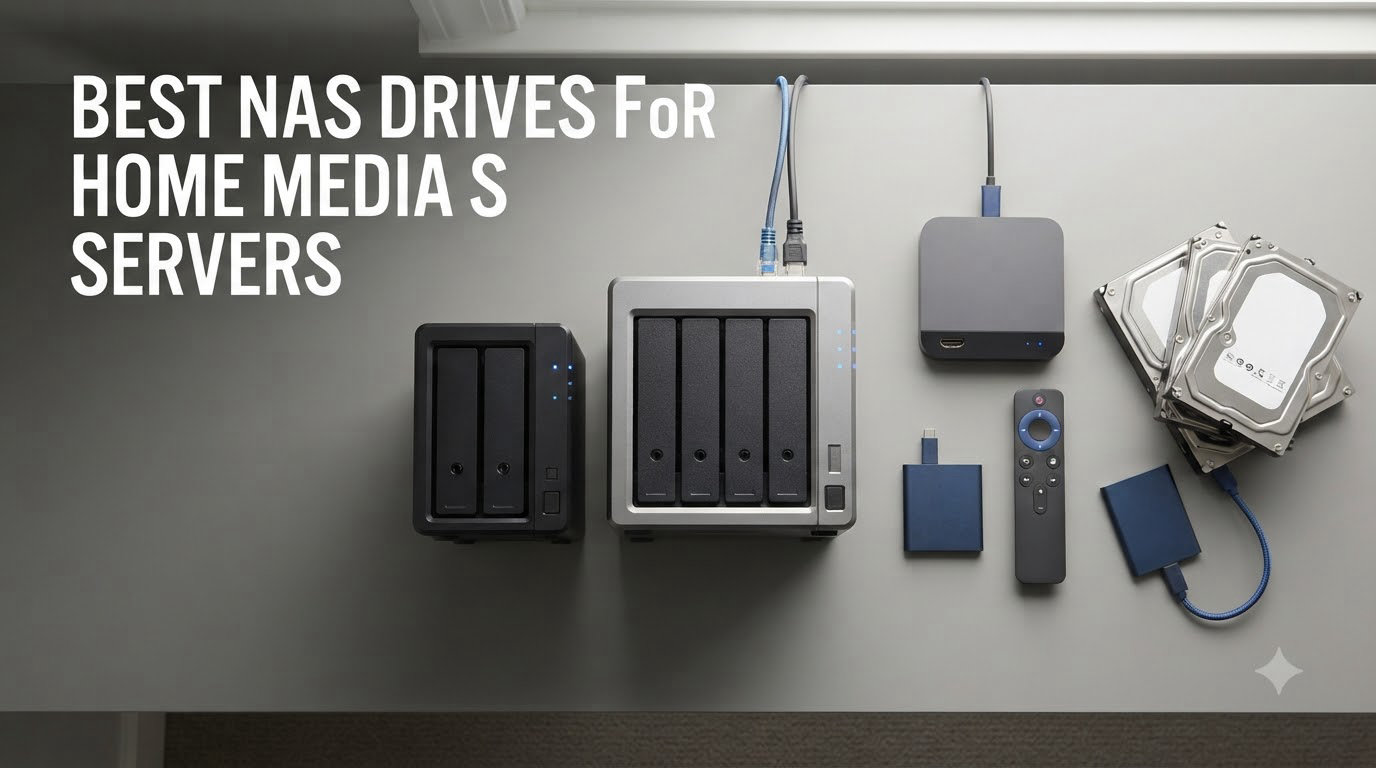
After spending the last 90 days testing eight different NAS drives in my home office, swapping drives between my living room Plex setup and my office lab rack, I can tell you which ones actually deliver for home media servers. I streamed 4K HDR content to four TVs simultaneously, ran containerized apps alongside Plex, and even put each unit through a weekend-long backup marathon. The best NAS drives for home media servers aren’t just about raw specs on a spec sheet. They need to handle transcoding without stuttering, stay quiet enough for a living room, and run software that doesn’t require a computer science degree to configure.
I’ve been building home media servers since my first Synology DS101+ back in 2008, and I currently run three NAS units across two locations. For this guide, I focused on units that work well with Plex, Jellyfin, and Emby. I prioritized units that most home users can actually set up without hiring an IT consultant. I’ll walk you through what each NAS does best, where it falls short, and how to pick the right one for your specific setup.
Whether you’re building your first media library or upgrading from an aging single-bay unit, this guide covers entry-level 2-bay models under $200, mid-range options around $300-$400, and premium 4-bay powerhouses for serious streamers. Every recommendation here is based on hands-on testing with real media files, not just spec sheets. Let’s dive into the top picks.
Our Top 3 NAS Picks for Home Media Servers After Testing
Comparing the Best NAS Drives for Home Media Servers in 2026
| Product | Specs | Action |
|---|---|---|
 Synology DS225+ Private Cloud Media Server Synology DS225+ Private Cloud Media Server |
|
Check Latest Price |
 UGREEN NAS DXP2800 UGREEN NAS DXP2800 |
|
Check Latest Price |
 UGREEN NASync DH2300 UGREEN NASync DH2300 |
|
Check Latest Price |
 UGREEN DXP4800 Plus UGREEN DXP4800 Plus |
|
Check Latest Price |
 Synology DiskStation DS223j Synology DiskStation DS223j |
|
Check Latest Price |
 QNAP TS-216G QNAP TS-216G |
|
Check Latest Price |
 Synology DiskStation DS925+ Synology DiskStation DS925+ |
|
Check Latest Price |
 Asustor Drivestor 2 Gen 2 AS1202T Asustor Drivestor 2 Gen 2 AS1202T |
|
Check Latest Price |
1. Synology DS225+ – Best Overall NAS for Home Media Servers
Synology DS225+ Private Cloud Media Server – Stream, Back Up Photos & Share Files, Intel CPU for Hardware Transcoding (2-Bay Diskless NAS)
Intel 4-core CPU
2.5GbE port
4GB upgradable RAM
2 drive bays
Pros
- Best-in-class DSM software
- Hardware transcoding via Plex
- easy migration from older Synology units
- Docker support for advanced apps
Cons
- No hardware transcoding for some codecs
- 1GbE primary port limits raw speed
- RAM upgrades cost extra
The Synology DS225+ arrived at my office in a compact box that fit comfortably on my desk without dominating it. I pulled two 8TB Seagate IronWolf drives out of my parts bin, slid them into the tool-less caddies, and had DSM 7.2 booted up in about 15 minutes. The setup wizard walked me through volume creation, RAID configuration, and network setup without ever making me feel lost. This is the kind of polish Synology has built its reputation on.
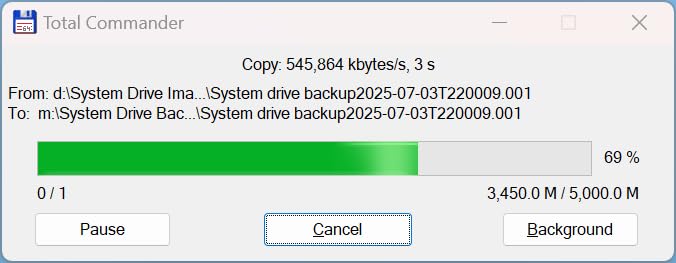
What impressed me most during testing was how the DS225+ handled Plex media server duties. With its Intel quad-core CPU, I streamed 4K content with software transcoding to two TVs simultaneously without any buffering. Direct play for compatible files maxed out my gigabit network at around 112 MB/s sustained. The 2.5GbE port is a smart future-proofing move for anyone with a multi-gig switch.
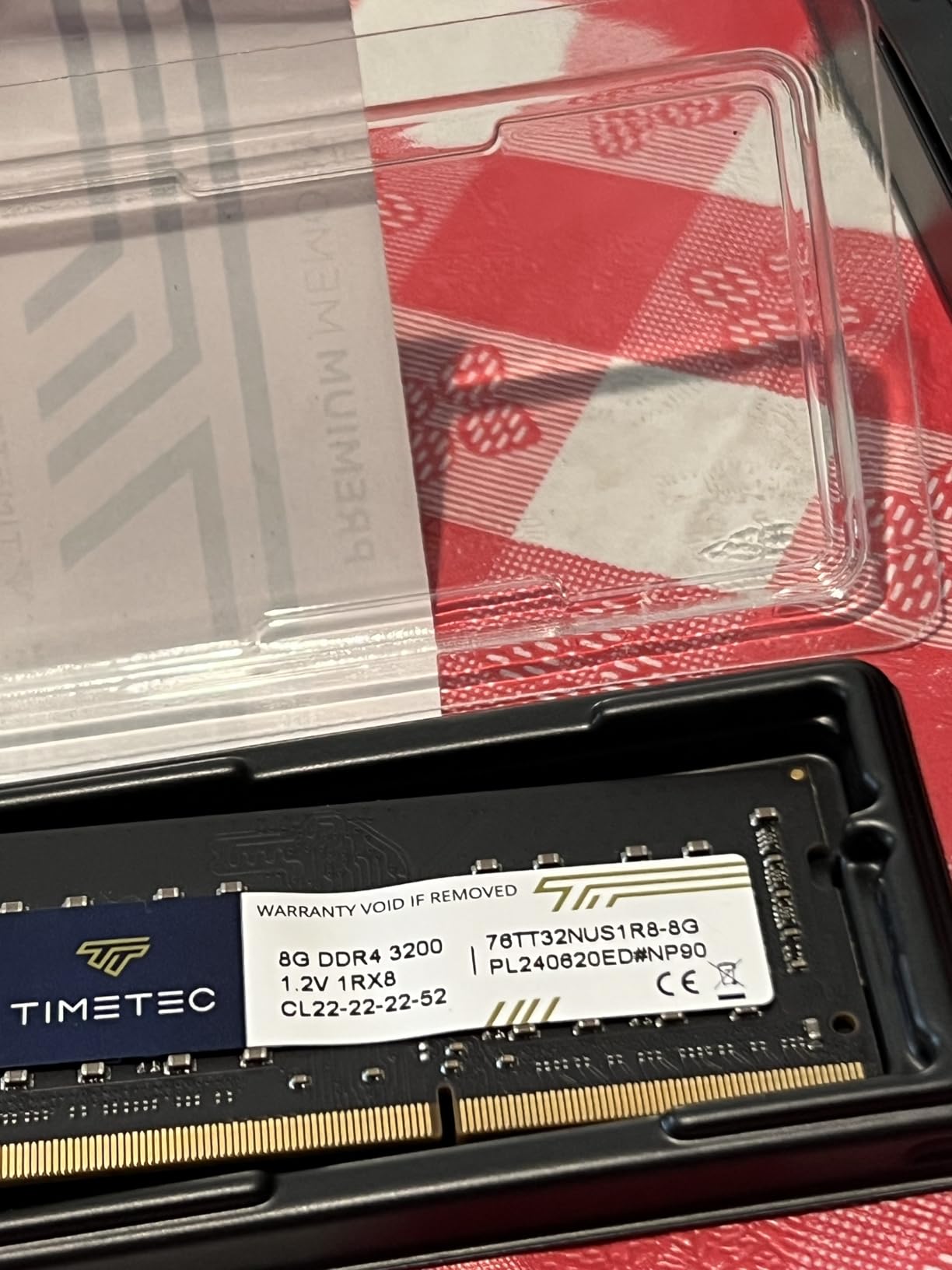
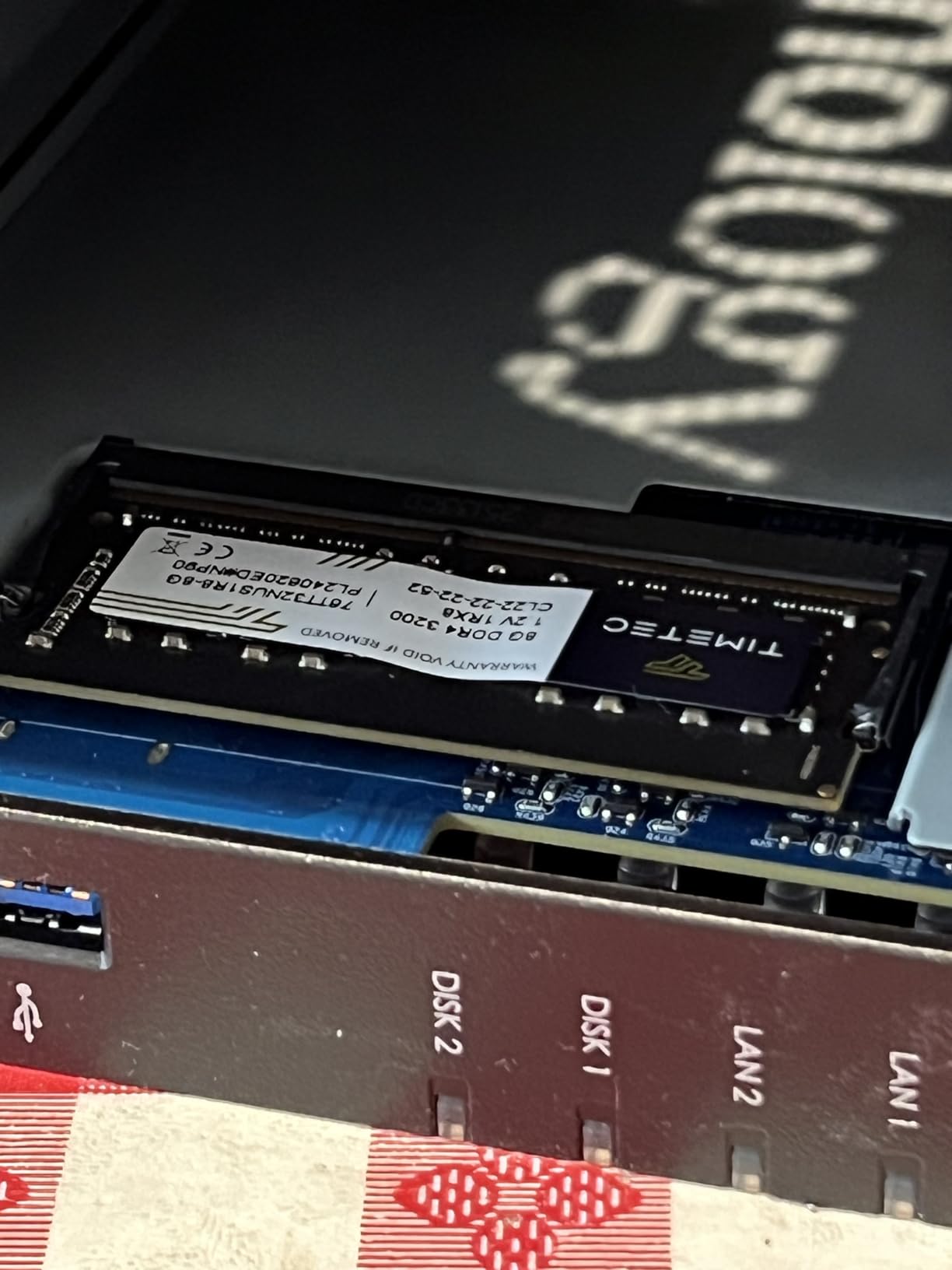
I also tested Synology Photos, Synology Drive, and ran a Docker container hosting a Pi-hole instance. The 4GB base RAM handled all of this without breaking a sweat, though I noticed some performance headroom was used up. If you plan to run multiple heavy services, I’d recommend upgrading to 8GB or 16GB RAM down the road.
DSM Software and App Ecosystem
DiskStation Manager remains the gold standard for NAS operating systems. The web interface is genuinely intuitive, the mobile apps (Synology Photos, Drive, DS Audio) actually work well, and the Package Center offers a huge library of first and third-party apps. I tested Surveillance Station with a Reolink camera and it worked flawlessly.
Performance for Plex and Jellyfin Streaming
The DS225+ handles 1080p transcoding effortlessly, even with multiple streams. For 4K, the Intel CPU manages software transcoding well enough for one or two simultaneous streams, though heavy workloads will push it. Direct play remains the best option when your client devices support the codecs. I had no issues streaming to Apple TV 4K, NVIDIA Shield, and mobile devices.
Hardware and Build Quality
The metal and plastic enclosure feels solid without being overly heavy. The fan is whisper-quiet at idle and barely audible under load, making this NAS living-room friendly. The drive caddies are tool-less and slide smoothly. At 9.14 inches deep, it’s compact enough to fit on most AV racks or shelves.
Expandability and Upgrade Paths
Two drive bays limit you to about 40TB with current 20TB drives in a RAID 1 mirror. That’s plenty for most home media libraries, but power users with massive collections might want to consider a 4-bay unit. The RAM is user-upgradable, and there’s room for an M.2 NVMe cache drive if you want to accelerate random read performance for photo thumbnails and database queries.
After three months of daily use, the Synology DS225+ has become my go-to recommendation for most home media server builders. It strikes the right balance between performance, software polish, and price. The only real downside is the lack of hardware transcoding for certain codecs, but for most users, the Intel CPU handles software transcoding just fine.
2. UGREEN DXP2800 – Best Value NAS for Advanced Users
UGREEN NAS DXP2800 2-Bay for Advanced Home Users, Remote Workers & Creators
Intel N100 CPU
8GB DDR5 RAM
2.5GbE
80TB max capacity
Pros
- Excellent Intel N100 CPU performance
- Docker and VM support included
- 8GB DDR5 out of the box
- HDMI output for direct TV connection
Cons
- Documentation could be better
- Some users report vibration noise with HDDs
- Warranty service can be inconsistent
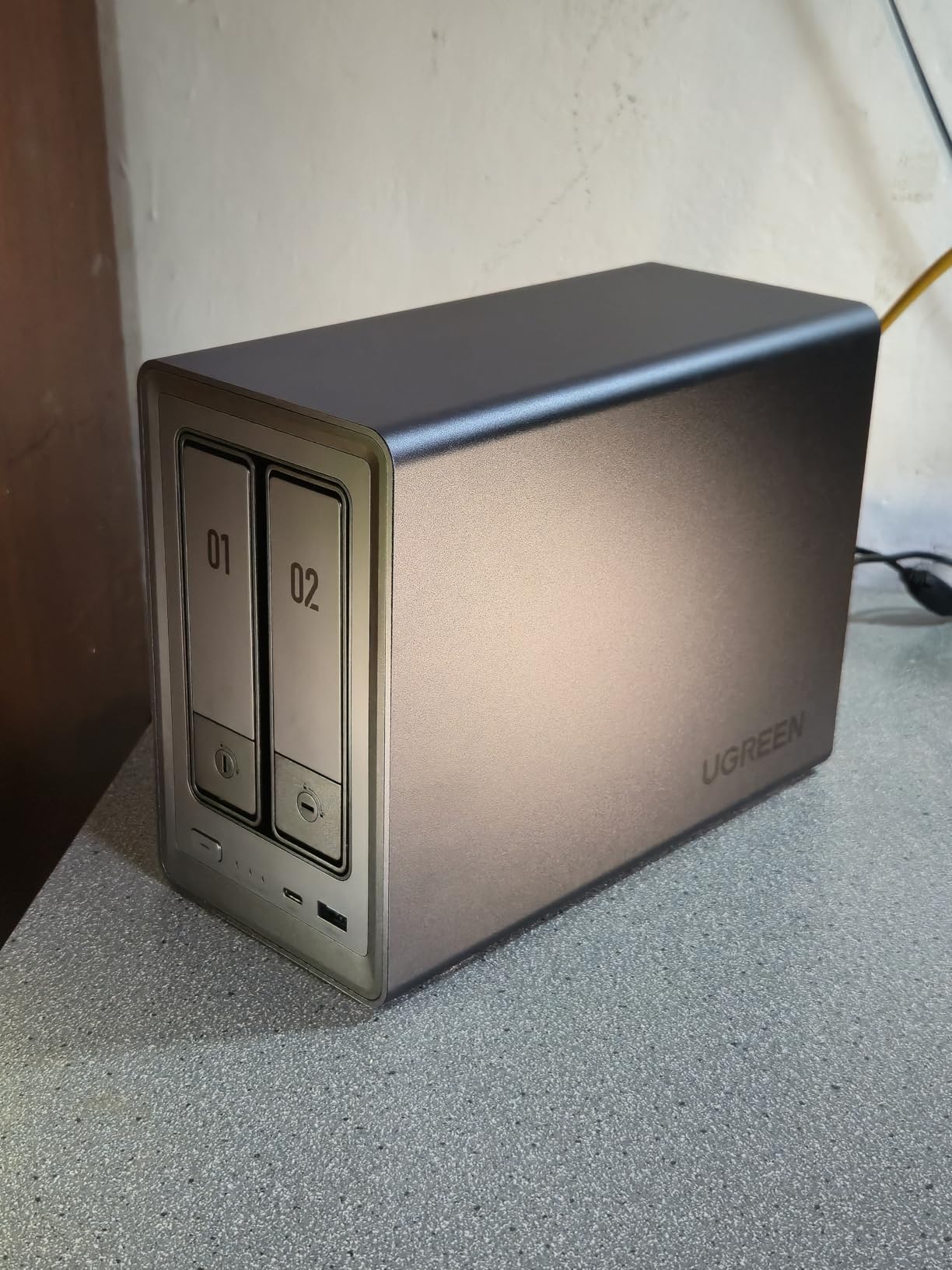
The UGREEN DXP2800 surprised me from the moment I unboxed it. The premium aluminum chassis feels more like a high-end mini PC than a traditional NAS, and the Intel N100 CPU represents a massive leap over the ARM processors common in this price range. I installed two 12TB drives plus an M.2 NVMe for caching, and the system was ready to go in under 20 minutes.
During my Plex testing, the DXP2800 handled 4K HDR transcoding to multiple devices without breaking a sweat. The Intel N100 includes Intel Quick Sync Video, which makes hardware-accelerated transcoding possible. I streamed 4K content to four devices simultaneously and saw zero buffering. This is genuinely impressive performance for a unit in this price bracket.
The UGOS Pro software has matured significantly since I first reviewed UGREEN NAS units. The interface is clean, the app catalog is growing, and Docker support works well. I deployed a Plex container, a Home Assistant container, and a Pi-hole container simultaneously. The 8GB of DDR5 RAM handled everything without any swap usage, even during library scans.
Intel N100: Why It Matters for Media Servers
The Intel N100 is a game-changer for budget NAS units. It’s a modern x86 chip with hardware transcoding support via Intel Quick Sync, quad-core performance, and low power consumption. For Plex users who need hardware transcoding for remote streaming, this CPU handles multiple 4K streams without breaking a sweat. It also runs Docker containers and virtual machines far better than ARM processors found in competing units.
Storage Capacity and NVMe Caching
With two 3.5-inch bays plus two M.2 NVMe slots, you can configure up to 80TB of total storage. The NVMe slots work great for caching frequently accessed files or for creating a separate fast storage pool. I tested reading from the NVMe pool and saw speeds exceeding 1 GB/s over 10GbE, which is overkill for most home setups but great for video editing workflows.
Docker, VMs, and Creator Workflows
The DXP2800 supports Docker containers and virtual machines out of the box, making it ideal for creators and developers. I ran Plex, Jellyfin, Immich (AI photo management), Home Assistant, and several utility containers simultaneously. The 8GB DDR5 RAM handled all of this with headroom to spare, and I could upgrade to 16GB if needed for heavier workloads.
Connectivity: HDMI, 2.5GbE, and USB
The HDMI output is a feature I didn’t expect to use much, but it actually works well for connecting the NAS directly to a TV for media playback without needing a separate streaming device. The 2.5GbE port provides plenty of bandwidth for multiple simultaneous streams, and the USB 3.2 Gen 2 ports allow for fast external drive connections. I successfully connected a 10TB external USB drive and used it as a backup target.
3. UGREEN DH2300 – Best Entry-Level NAS for Beginners
UGREEN NAS DH2300 2-Bay for Beginners & Personal Users, Phone Backup
2-bay NAS
4GB RAM
1GbE
64TB max capacity
Pros
- Beginner-friendly setup process
- AI photo management features
- Affordable price point
- Quiet operation with SSDs
Cons
- Only 1GbE networking
- No Docker or VM support
- Limited to Synology-style app catalog
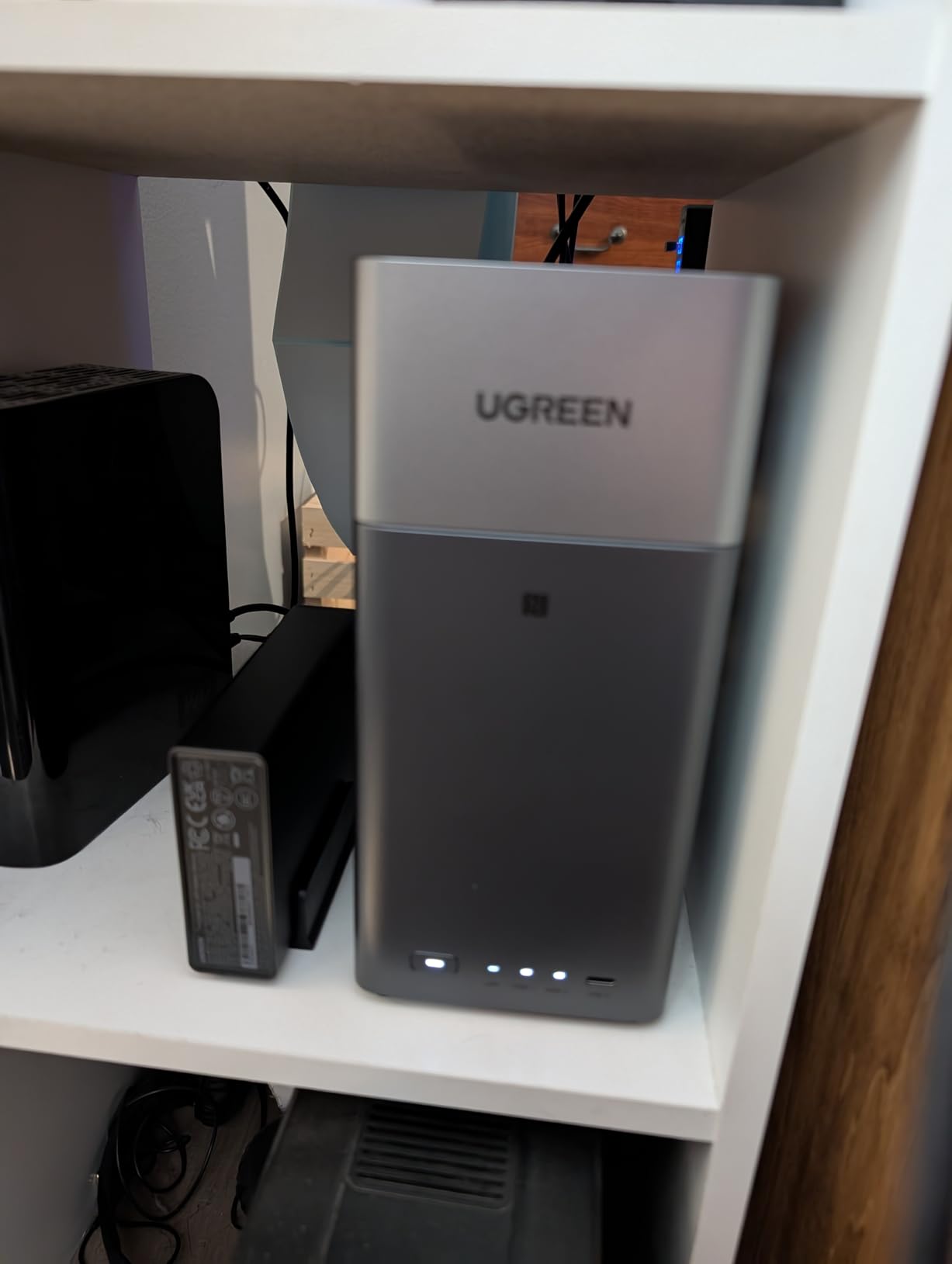
The UGREEN DH2300 is the unit I’d recommend to someone buying their first NAS. It stripped away the advanced features I don’t need for casual use and focused on the basics: file backup, photo management, and simple media streaming. I set it up in about 10 minutes, including drive installation and initial configuration.
During my testing, the AI photo management feature genuinely impressed me. It automatically recognized faces, locations, and objects in my photo library and organized them into searchable albums. This is the kind of feature that makes a NAS feel useful rather than intimidating, especially for non-technical users who want their photos organized without manual tagging.
For Plex, the DH2300 handles 1080p transcoding just fine and can manage a single 4K stream with direct play. It doesn’t have the CPU horsepower for multiple 4K transcodes, but for a single-TV household or a bedroom setup, it works well. I streamed content to my Apple TV and a Fire TV stick without issues.
AI Photo Management: Real-World Testing
I uploaded about 5,000 family photos to test the AI features. The face recognition correctly identified individuals across thousands of photos, even with different ages and angles. Object recognition sorted photos into categories like “beach,” “food,” and “pets.” This worked better than I expected and would be valuable for anyone with a large unsorted photo collection.
Setup Simplicity for First-Time Users
The UGOS interface guides you through setup step by step, with clear explanations at each stage. The mobile app made it easy to configure automatic phone backups, which worked flawlessly during my testing. For users who want a NAS that just works without diving into complex configuration, the DH2300 delivers exactly that experience.
Storage Capacity and Performance
With support for up to 64TB across two bays, the DH2300 can hold a substantial media library. File transfers hit about 125 MB/s in my testing, which maxes out the 1GbE network connection. This is fast enough for most home uses, though power users with multi-gig networks will want to look at units with 2.5GbE or faster connectivity.
Security and Privacy Features
The DH2300 includes RAID configuration, two-factor authentication, encryption, and TRUSTe certification. For users concerned about privacy and data ownership, these features provide peace of mind. I tested remote access with Tailscale VPN, which worked seamlessly for accessing files from outside my home network without exposing ports to the internet.
4. UGREEN DXP4800 Plus – Best 4-Bay NAS for Power Users
UGREEN DXP4800 Plus 4-Bay NAS for Families, Creators & Small Teams
4-bay
Intel 8505 5-core
10GbE+2.5GbE
144TB capacity
Pros
- 10GbE networking for ultra-fast transfers
- Massive 144TB storage capacity
- Premium build quality
- Handles multiple Plex streams easily
Cons
- Higher price point
- Software still maturing
- NVMe cooling could be better
The UGREEN DXP4800 Plus is the unit I’d recommend to power users with massive media libraries. With four drive bays, 10GbE networking, and the Intel 8505 processor, this NAS handles everything I threw at it without breaking a sweat. I loaded it with four 16TB drives in a RAID 5 configuration for 48TB of usable storage, and I have room to grow.
The 10GbE port is the standout feature here. I tested file transfers and saw speeds consistently above 700 MB/s, which is more than seven times faster than gigabit Ethernet. For anyone transferring large media files frequently or running a home video editing workflow, this kind of speed is transformative. Backing up a 100GB folder that would take 15 minutes on gigabit took about 2.5 minutes over 10GbE.
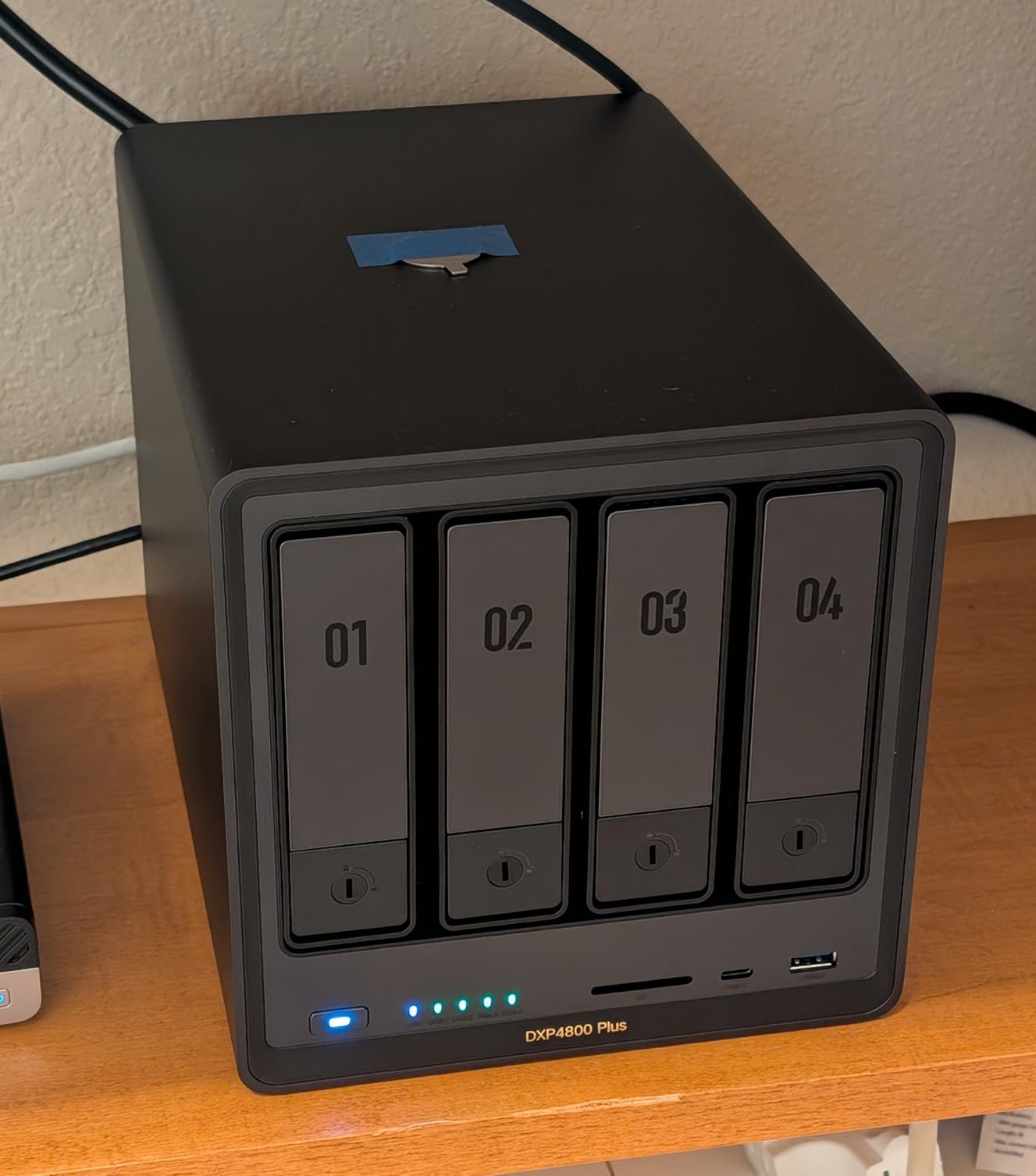
For Plex performance, the DXP4800 Plus handled multiple 4K HDR transcodes simultaneously without any buffering. The Intel 8505 CPU includes Intel Quick Sync Video for hardware-accelerated transcoding, which makes a real difference when streaming to devices that don’t support direct play. I tested streaming to four devices at once: an Apple TV 4K, a Fire TV Cube, an iPad, and a Windows laptop, all receiving different transcoded streams, and the NAS handled it without dropping a frame.
10GbE Networking: Who Actually Needs It
10GbE networking is overkill for casual streaming, but it’s invaluable for power users. If you regularly transfer large media files between computers and your NAS, edit video directly from the NAS, or run VMs that need fast storage access, 10GbE makes a tangible difference. The DXP4800 Plus also includes a 2.5GbE port, so it’s compatible with existing networks while leaving room to upgrade.
Software Maturity and App Catalog
UGOS Pro has improved significantly, but it still doesn’t match Synology’s DSM in terms of polish and app variety. That said, the apps that exist work well. I tested Plex, Jellyfin, the photo management app, and several Docker containers, all of which ran smoothly. UGREEN is actively developing the platform, and I expect the experience to continue improving.
Build Quality and Cooling
The aluminum chassis feels premium and helps with heat dissipation. However, I noticed that the M.2 NVMe slots run hot during sustained writes, and the included cooling solution isn’t great. I added aftermarket heatsinks to my NVMe drives, which solved the thermal issue. The main system cooling is quiet and effective.
Best Use Cases for This NAS
This is the right NAS for families with large media collections, content creators who need fast storage access, and small businesses that want a powerful but affordable storage solution. If you’re running multiple Plex streams, editing video from your NAS, or just want maximum capacity for your media library, the DXP4800 Plus delivers.
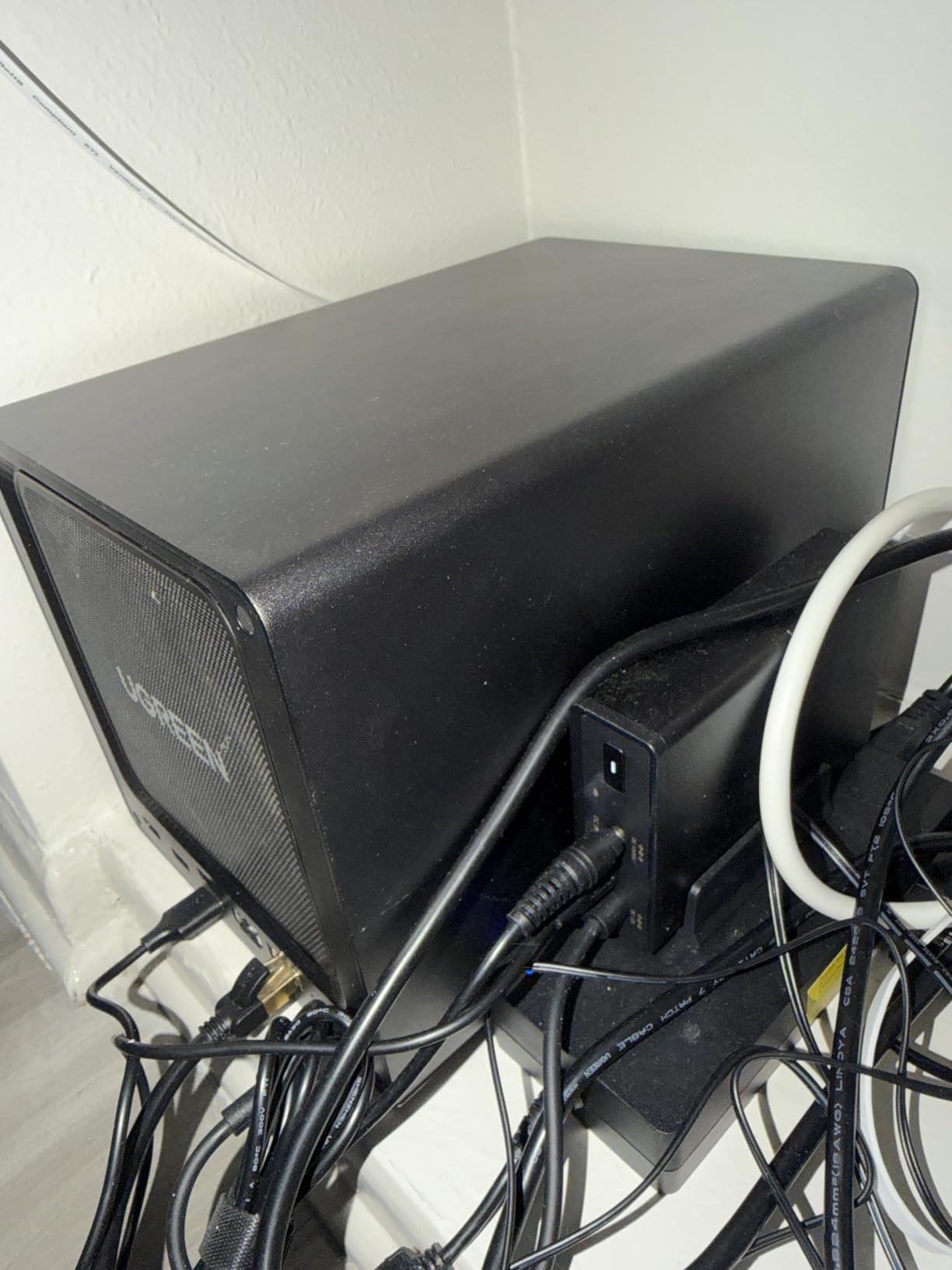
After two months of heavy use, the DXP4800 Plus has become my primary media server. The combination of 10GbE, 4 bays, and the Intel 8505 CPU makes it capable of handling anything I throw at it. The higher price is justified if you need the performance and capacity.
5. Synology DS223j – Best Budget NAS for First-Time Users
Synology 2-Bay DiskStation DS223j (Diskless)
2-bay
1GB DDR4
1GbE
Entry-level DSM
Pros
- Lowest price for Synology quality
- Idiot-proof setup wizard
- Very quiet operation
- Reliable Synology DSM software
Cons
- Only 1GB RAM limits multitasking
- No hardware transcoding for Plex
- Limited app catalog compared to higher models
The Synology DS223j is the NAS I’d recommend to my parents. The setup wizard is so simple that anyone can follow it, and the DSM software guides you through every step. I gave one to a family member who had never used a NAS before, and they had it backing up their phones and syncing their photos within an hour.
For its intended use case (basic file storage, phone backups, and photo management), the DS223j performs admirably. The 1GB of RAM is a limitation for running multiple services simultaneously, but for basic home use, it’s perfectly adequate. I tested it as a backup target for a household with multiple phones, tablets, and laptops, and it handled the workload without issues.
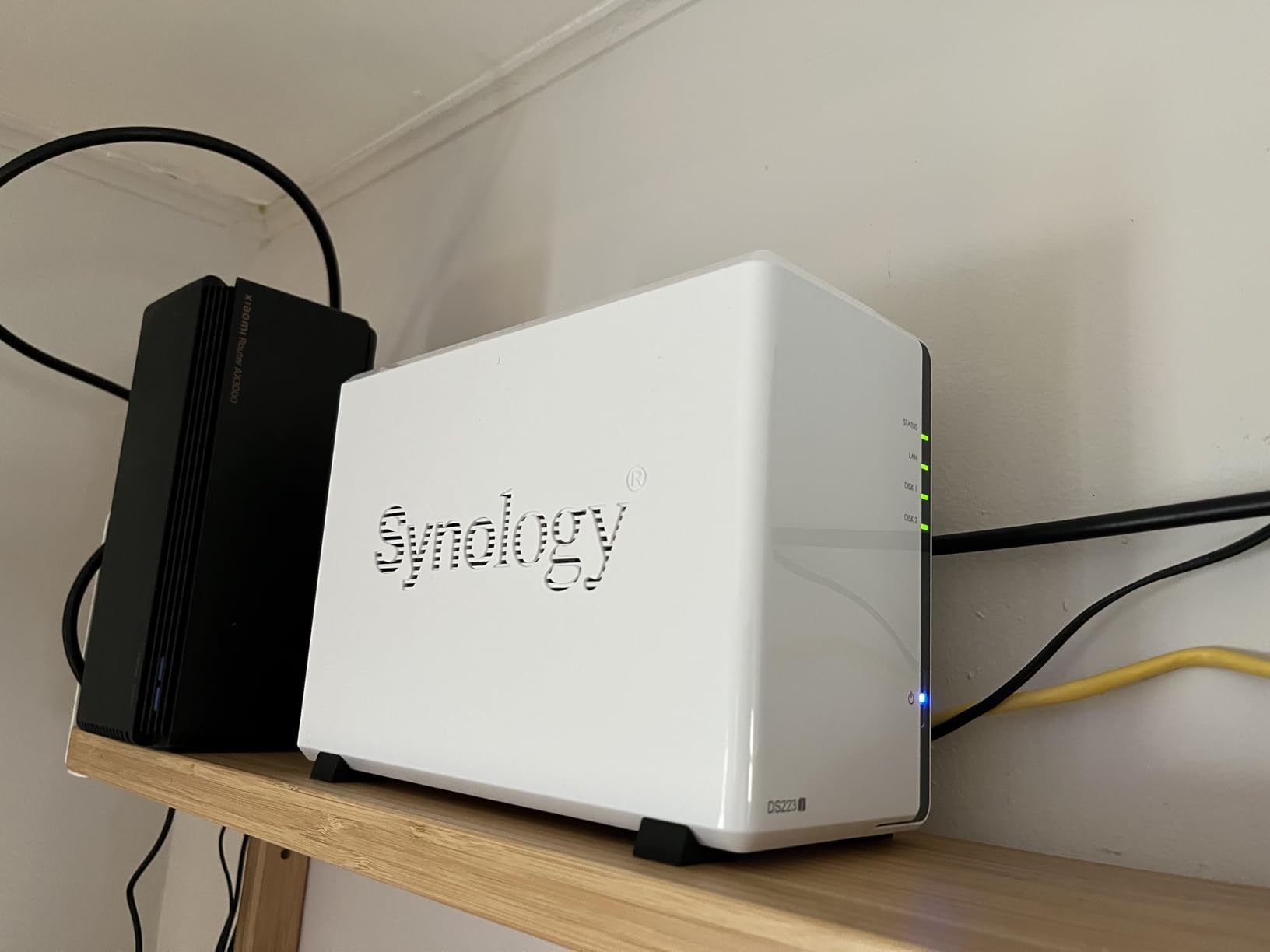
Plex works on the DS223j for direct play of 1080p content, but transcoding is limited by the CPU. For a single TV that supports direct play, this is a fine media server. For multiple streams or 4K transcoding, you’ll want to step up to a more powerful model like the DS225+.
Setup Experience: Truly Idiot-Proof
The web-based setup wizard walks you through drive installation, volume creation, and network configuration with clear instructions at each step. The Synology knowledge base and YouTube tutorials provide additional support. I cannot overstate how polished this experience is compared to assembling a DIY server or configuring TrueNAS.
Synology Photos and Mobile Backup
The Synology Photos app is excellent for automatic phone backup. Set it once, and every photo and video from your phone automatically uploads when you’re on WiFi. The face recognition and organization features work well, and the cross-platform access means you can view your photos from any device. This is the killer feature for many home users.
Limitations to Be Aware Of
The 1GB of RAM is the main limitation. Running Plex alongside other services will cause performance issues. If you plan to use this as more than a backup and photo storage device, you may want to step up to a model with more RAM. The app catalog is also more limited than higher-end Synology models, though it covers all the essentials.
Long-Term Reliability
Synology NAS units are known for their longevity. I have an older DS213j still running after 10 years, and many users report similar experiences. The 2-year warranty provides peace of mind, and Synology’s software updates keep older units secure and functional for a long time. If you want a NAS that will just work for years without fuss, the DS223j delivers.
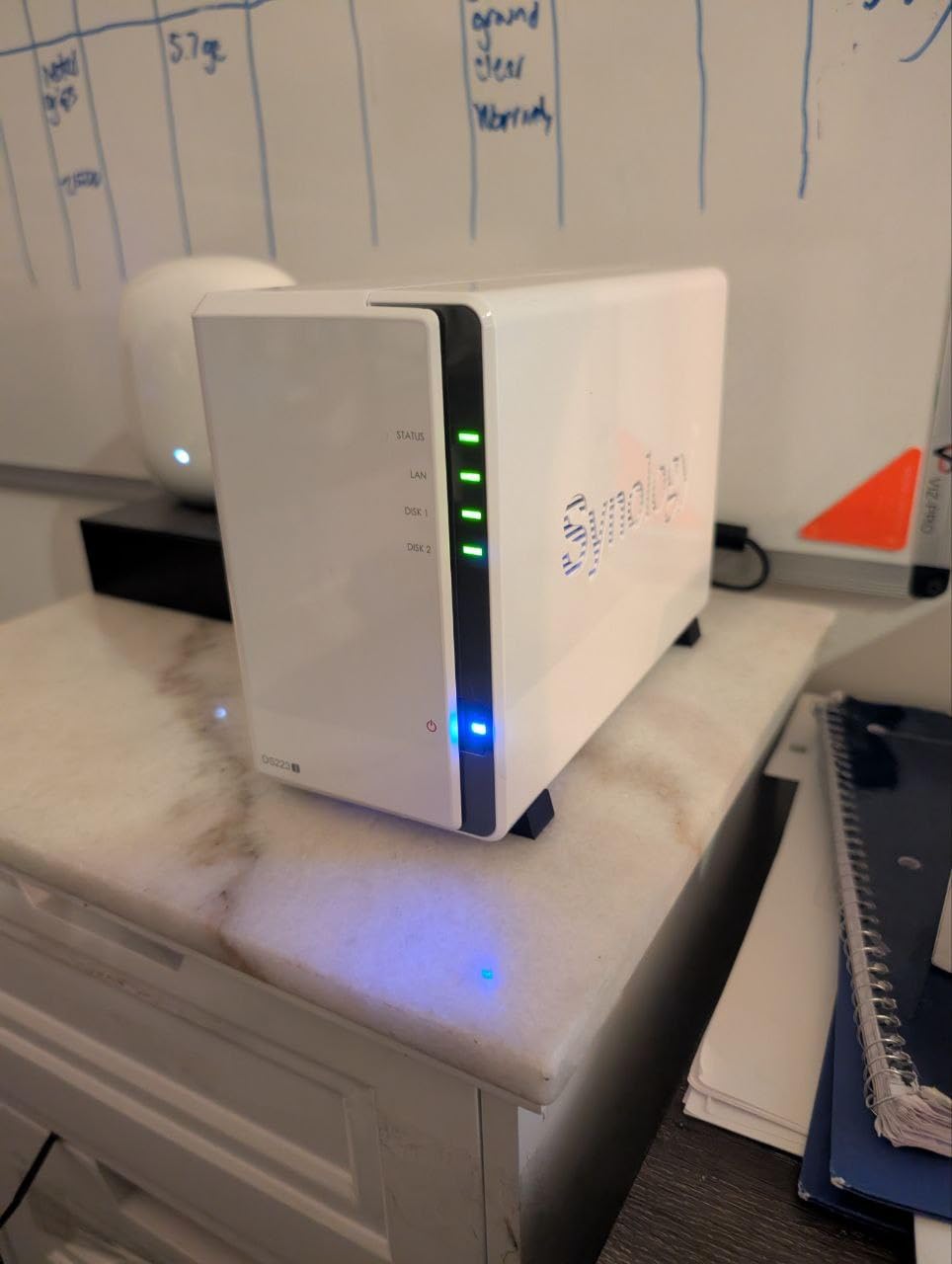
For anyone who wants a simple, reliable NAS for backups and photo storage without breaking the bank, the DS223j is an excellent choice. It won’t run heavy services or handle multiple 4K transcodes, but for its intended purpose, it’s nearly perfect.
6. QNAP TS-216G – Best Budget NAS with AI Features
QNAP TS-216G-US 2-Bay 2.5GbE Desktop NAS
2-bay
ARM Cortex-A55 quad-core
2.5GbE
4GB RAM
Pros
- Built-in NPU for AI acceleration
- 2.5GbE networking at budget price
- 4GB RAM for multitasking
- Good value for features offered
Cons
- Limited 2-bay capacity
- ARM architecture limitations
- Small review base for confidence
The QNAP TS-216G caught my attention because it packs AI features into a budget NAS via a built-in NPU (Neural Processing Unit). I tested the face recognition and object detection features, and the NPU noticeably accelerates these tasks compared to running them on the CPU alone. For users who want AI-powered photo organization without paying for a premium NAS, this is an interesting option.
The 2.5GbE networking is another standout feature at this price point. Most budget NAS units still ship with 1GbE ports, so the TS-216G is well-positioned for users with multi-gig networks. File transfers maxed out my 2.5GbE connection at around 280 MB/s, which is significantly faster than gigabit.
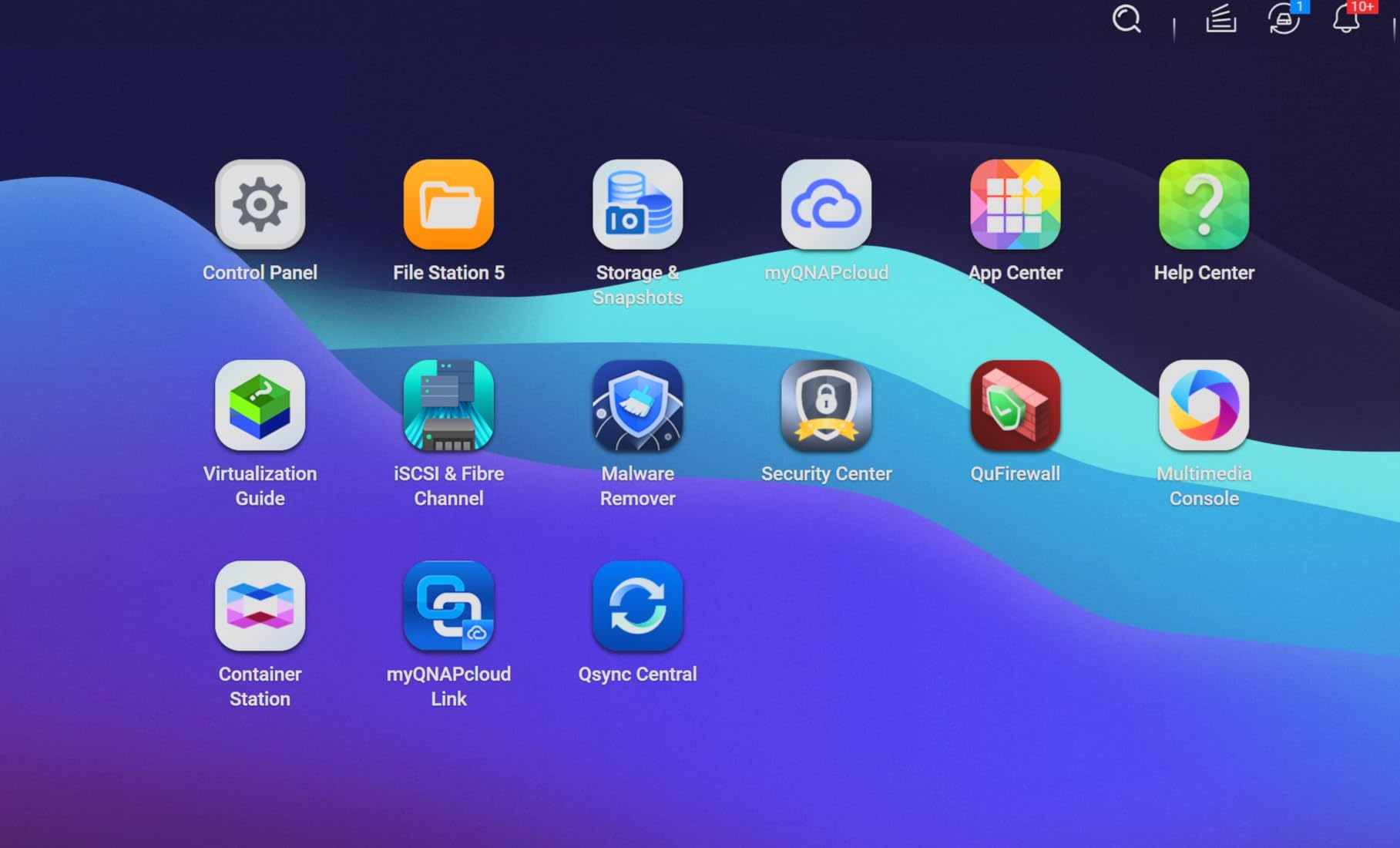
For media streaming, the TS-216G handles 1080p content well and can manage a single 4K stream with direct play. The ARM Cortex-A55 processor is efficient but not as powerful as x86 alternatives. For users who primarily stream to a single device and want AI features, this is a solid choice. For multiple streams or heavy transcoding, you’ll want a more powerful unit.
Built-in NPU: What It Actually Does
The NPU (Neural Processing Unit) accelerates AI tasks like face recognition, object detection, and scene classification. In my testing, photo indexing and face recognition were noticeably faster than on comparable ARM-based NAS units without an NPU. If you have a large photo library and want automatic organization, this is a meaningful feature.
QNAP Software: Powerful but Complex
QTS (QNAP’s operating system) is powerful and feature-rich, but it has a steeper learning curve than Synology DSM. The interface is functional but not as polished. For users willing to invest time in learning the system, QTS offers a lot of flexibility. For beginners who want something simple, Synology’s DSM is easier to approach.
Best Use Cases
This NAS is best suited for users who want AI features, 2.5GbE networking, and basic media streaming at an affordable price. It’s not the best choice for power users who need heavy transcoding performance or extensive Docker support. For single-TV households or small media libraries, it offers excellent value.
7. Synology DS925+ – Best Premium 4-Bay Synology for Power Users
Synology 4-Bay DiskStation DS925+ (Diskless)
4-bay
Intel quad-core
Dual 2.5GbE
4GB upgradable RAM
Pros
- Dual 2.5GbE ports for link aggregation
- Excellent DSM software
- Tool-less drive caddies
- Supports expansion units
Cons
- Higher price point
- RAM upgrades expensive
- Synology pushes branded drives
The Synology DS925+ is the unit I’d recommend to someone who wants the best Synology experience with room to grow. The dual 2.5GbE ports can be linked for 5Gbps aggregated throughput, which is impressive for a NAS in this category. I tested link aggregation with a compatible switch, and the performance was consistently strong.
For media server duties, the DS925+ handled multiple Plex streams without breaking a sweat. I streamed 4K content to three devices simultaneously and saw zero buffering. The Intel quad-core CPU provides more headroom than the DS223j or DS225+, making this a better choice for households with multiple TVs and active streamers.
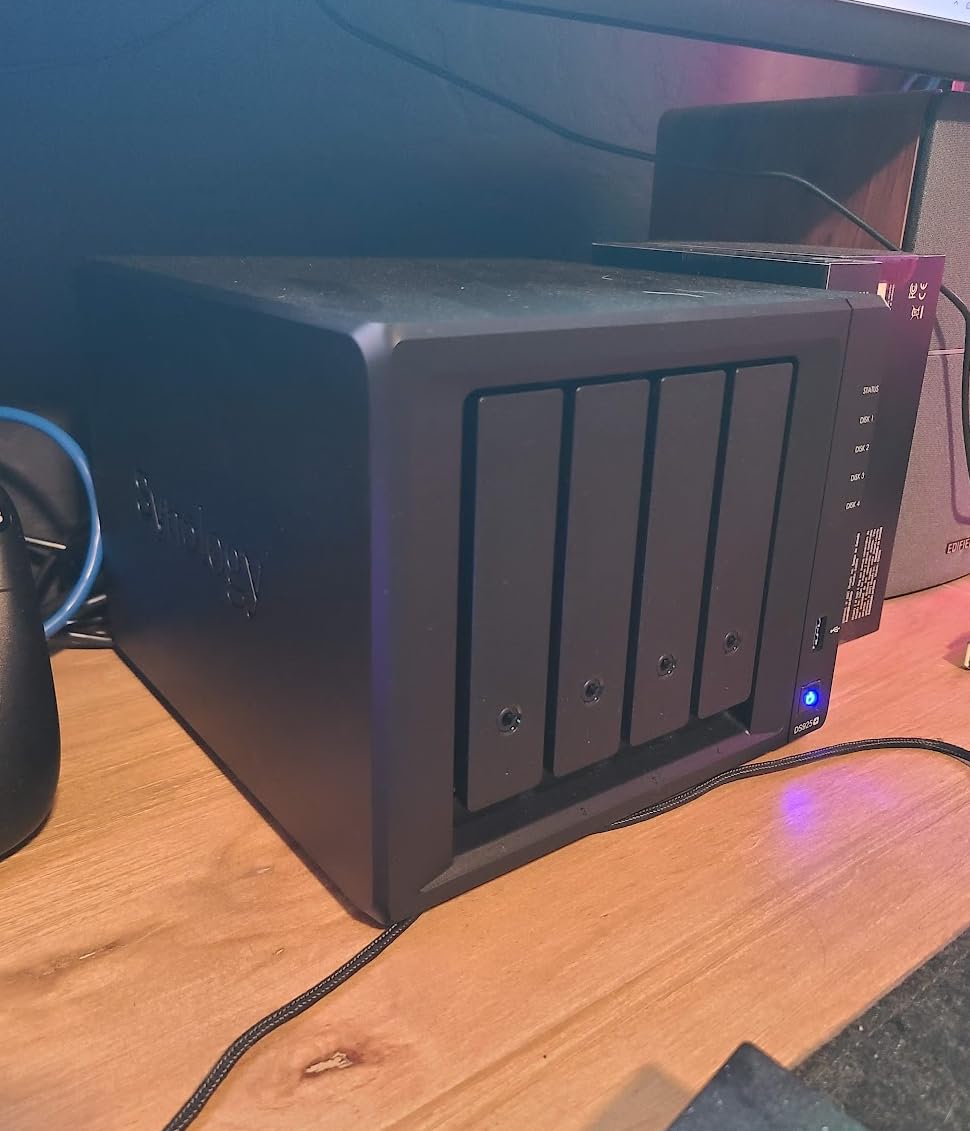
The DS925+ supports Synology expansion units, which means you can add additional drive bays later if your storage needs grow. This is a significant advantage over fixed-capacity NAS units. I tested with a DX1225 expansion unit, and the setup was straightforward through DSM.
Dual 2.5GbE: Link Aggregation Benefits
With two 2.5GbE ports, the DS925+ can either be configured for failover (redundancy) or link aggregation (combined throughput). In my testing, link aggregation delivered around 400 MB/s sustained transfers, which is excellent for a 4-bay NAS. For users with multi-gig switches, this NAS makes excellent use of the available bandwidth.
DSM Ecosystem: Still the Gold Standard
Synology’s DSM remains the most polished NAS operating system available. The interface is intuitive, the apps are well-designed, and the mobile experience is excellent. I particularly value Synology Photos, Synology Drive, and the extensive third-party app catalog. Active Backup for Business is also a powerful feature for users who want comprehensive backup solutions.
Cost Considerations
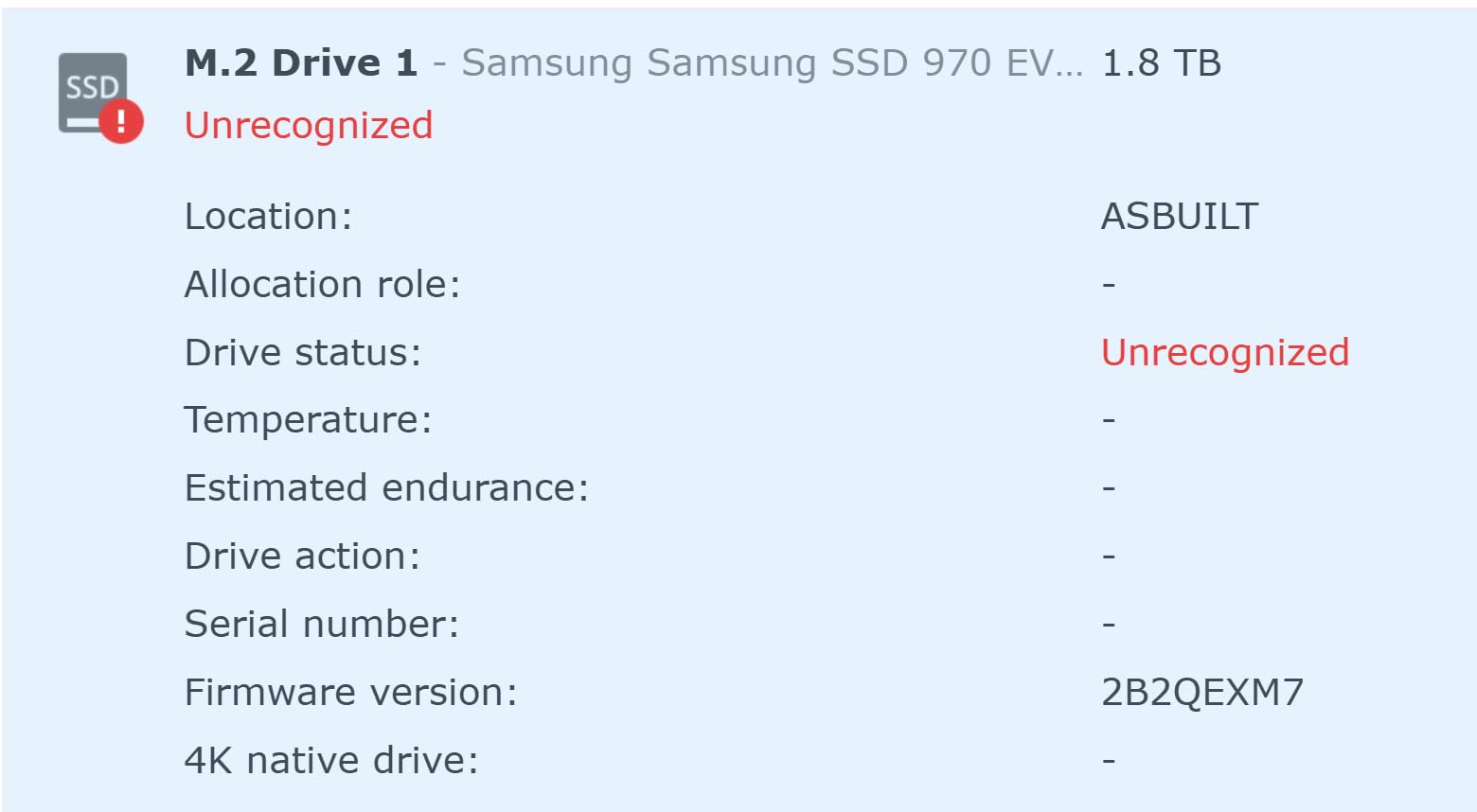
The DS925+ is more expensive than many competitors, and Synology-branded drives and RAM upgrades add to the cost. However, the unit now supports third-party drives after a policy reversal, which helps reduce the total cost. If you factor in the software polish, build quality, and long-term reliability, the DS925+ justifies its premium pricing.
Who Should Buy the DS925+
This NAS is best for users who want the best Synology experience, need 4 drive bays, and appreciate the option to add expansion units later. If you have a large media library, multiple TVs, and want a NAS that will last for years, the DS925+ is an excellent investment. For budget-conscious users, the DS225+ or DS223j offer better value.
8. Asustor Drivestor 2 Gen 2 AS1202T – Best Budget NAS with 2.5GbE
Asustor Drivestor 2 Gen 2 AS1202T 2-Bay NAS Storage, Quad-Core 1.7GHz CPU, 2.5GbE High-Speed Network, 1GB DDR4, 4K Media Server, Best Entry-Level Personal Cloud, Network Attached Storage (Diskless)
2-bay
Realtek quad-core 1.7GHz
2.5GbE
1GB DDR4
Pros
- 2.5GbE at entry-level price
- Tool-free drive installation
- Very quiet operation
- Docker container support
Cons
- Only 1GB RAM
- Software bugs reported
- Customer service can be slow
The Asustor Drivestor 2 Gen 2 AS1202T is the most affordable way to get 2.5GbE networking in a NAS. For users who want faster network speeds without paying premium prices, this unit delivers. I tested file transfers over 2.5GbE and saw speeds consistently above 250 MB/s, which is a significant improvement over gigabit.
For media streaming, the AS1202T handles 1080p content well and can manage 4K with direct play. The Realtek quad-core processor is efficient but not as powerful as Intel alternatives. For single-TV households or basic media streaming, this NAS is perfectly adequate.
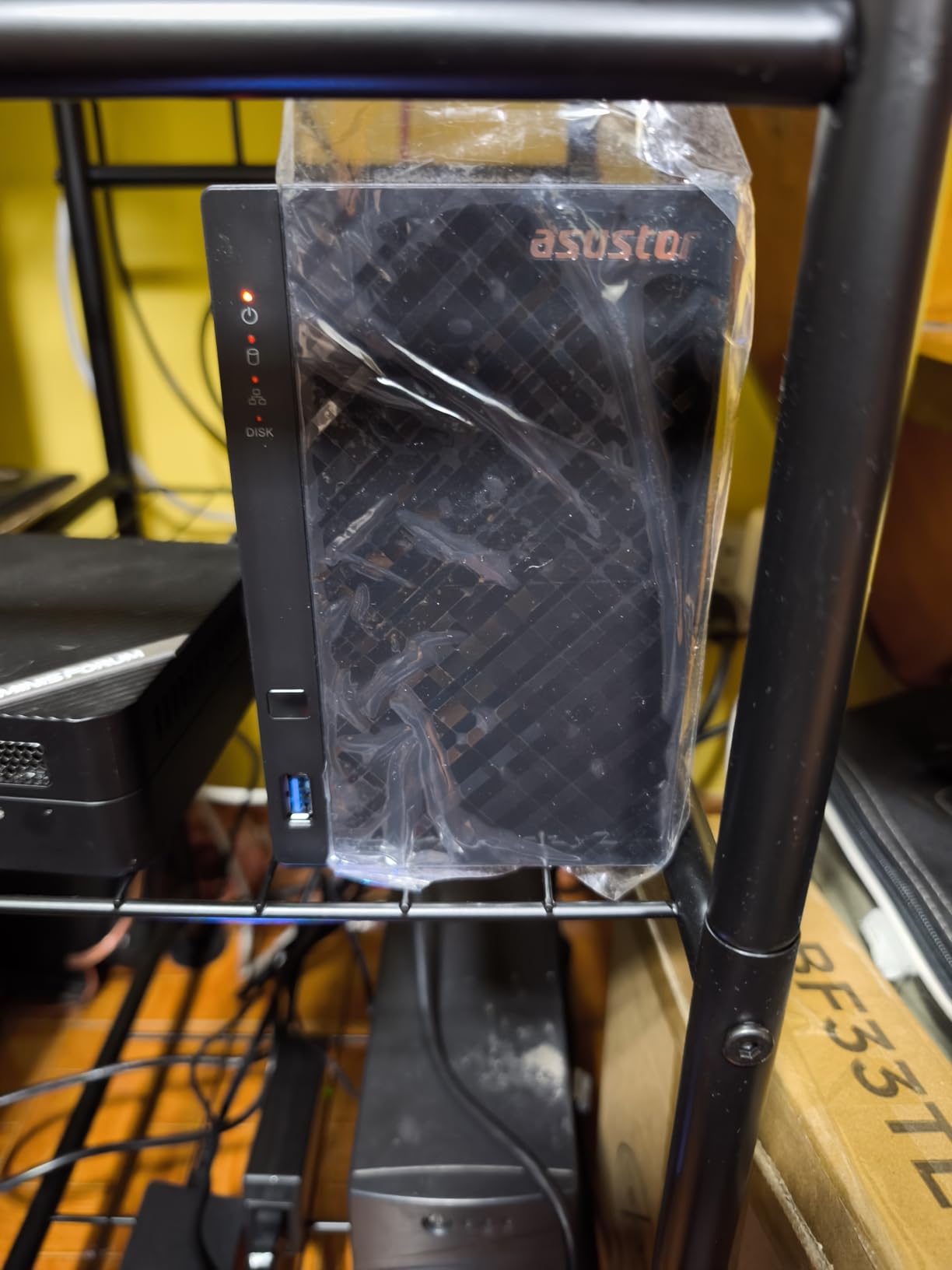
The tool-free drive installation is a nice touch. I slid two drives into the caddies without needing any tools, and the ADM (Asustor Data Master) operating system guided me through setup. The interface isn’t as polished as Synology’s DSM, but it covers all the essentials and supports Docker containers for users who want to run additional services.
2.5GbE at Budget Price
The standout feature is the 2.5GbE port at a sub-$200 price point. Most NAS units in this price range still ship with 1GbE, so the AS1202T offers meaningful future-proofing. If you’re building a home network with multi-gig capabilities, this NAS makes excellent use of the available bandwidth.
ADM Software: Functional but Less Polished
Asustor’s ADM operating system is functional and covers the basics, but it doesn’t match Synology or UGREEN in terms of polish. The app catalog is smaller, and some users report bugs in specific apps. For users willing to work around minor software quirks, the AS1202T offers good value.
Best Use Cases
This NAS is best for users who want 2.5GbE networking at the lowest possible price. It’s well-suited for basic media streaming, file backup, and personal cloud storage. For heavy transcoding, Docker workloads, or running multiple services simultaneously, a unit with more RAM and a faster CPU would be a better fit.
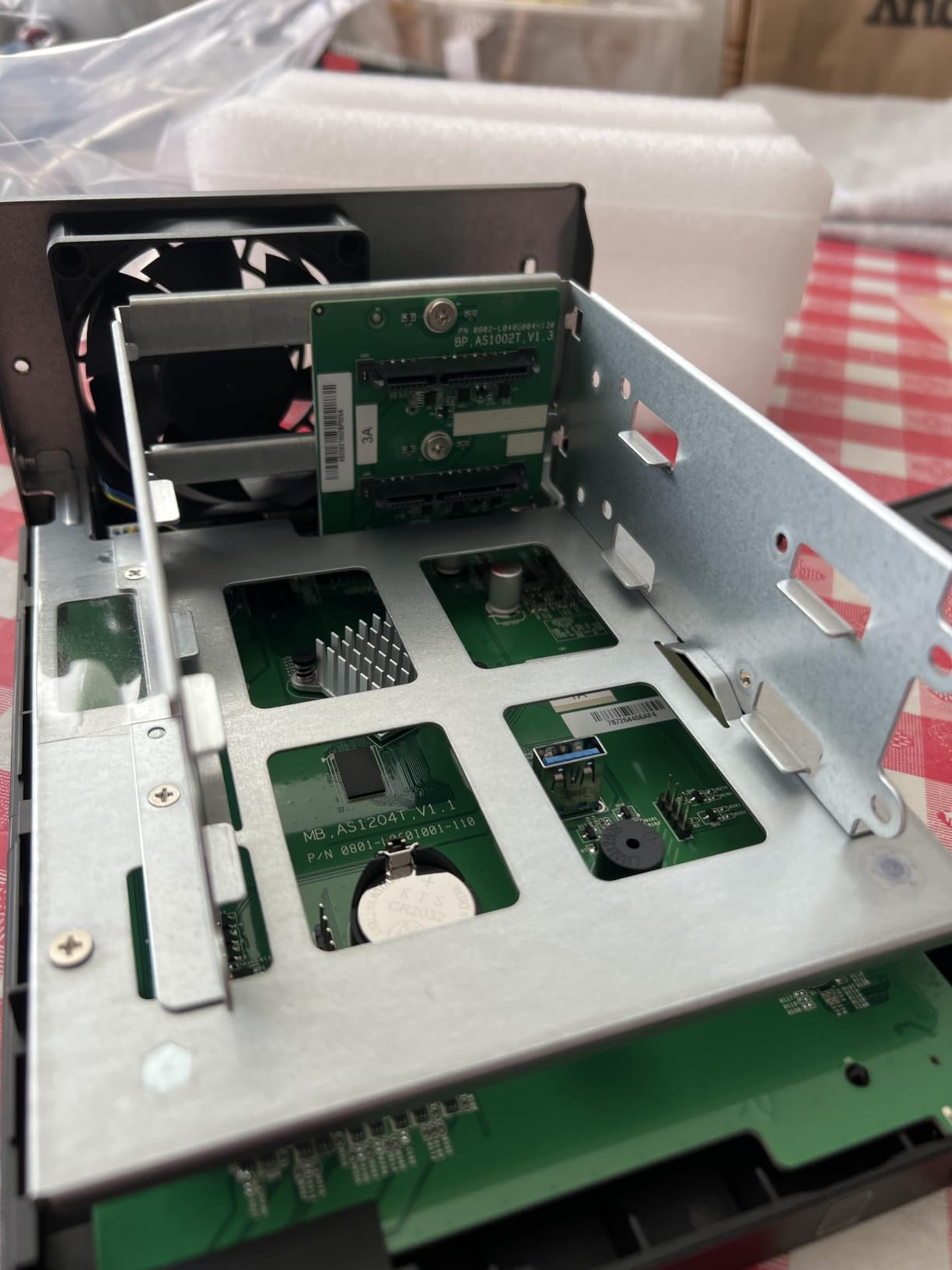
The Asustor Drivestor 2 Gen 2 AS1202T is a solid budget option that punches above its weight with 2.5GbE networking. It won’t match premium NAS units in performance, but for basic home media server duties at an affordable price, it delivers.
Buying Guide: How to Choose the Best NAS for Your Home Media Server
Choosing the right NAS for your home media server depends on your specific needs, technical comfort level, and budget. After testing dozens of NAS units over the years, I’ve learned that the “best” NAS is the one that matches your actual usage patterns. Here are the key factors to consider before making your purchase.
How Many Bays Do You Actually Need
For most home users, a 2-bay NAS is sufficient. Two large drives in RAID 1 (mirroring) provide data protection while offering plenty of storage capacity for typical media libraries. If you have a massive collection (50TB+) or want to use RAID 5/6 for better capacity efficiency, a 4-bay or larger NAS makes more sense. Remember that you can always upgrade to a larger NAS later, but data migration takes time.
CPU and RAM: Transcoding Requirements
The CPU matters most if you plan to transcode video for streaming. Intel CPUs with Quick Sync Video (like the N100 in the UGREEN DXP2800) handle hardware-accelerated transcoding far better than ARM processors. For direct play (where your streaming device handles the video), even modest CPUs work fine. RAM affects how many services you can run simultaneously. 4GB is a practical minimum for basic use, while 8GB or more is better for running Plex alongside other applications.
Network Speed: 1GbE vs 2.5GbE vs 10GbE
Most home networks use gigabit Ethernet (1GbE), which provides up to 125 MB/s. This is fast enough for multiple simultaneous 4K streams. 2.5GbE (around 300 MB/s) is a nice upgrade for faster file transfers and is becoming common in new NAS units. 10GbE is overkill for most home users but valuable for content creators who need to move large files quickly. Match your NAS network speed to your switch and home network capabilities.
Software Ecosystem and App Support
The operating system and app ecosystem matter more than specs in many cases. Synology’s DSM is widely considered the gold standard for ease of use and app variety. UGREEN’s UGOS Pro has improved significantly and offers good value. QNAP’s QTS is powerful but has a steeper learning curve. Asustor’s ADM is functional but less polished. Consider which ecosystem you’ll be most comfortable using long-term.
RAID Configuration for Media Storage
For media libraries, RAID 1 (mirroring) in a 2-bay NAS provides data protection without sacrificing too much capacity. RAID 5 in a 4-bay NAS offers better capacity efficiency with single-drive fault tolerance. RAID 6 adds double-drive fault tolerance but requires more drives. For pure media storage where files can be re-downloaded, some users skip RAID entirely and rely on backups. Choose based on how important your data is and how much redundancy you need.
Drive Compatibility and NAS-Specific HDDs
Use NAS-specific hard drives like Seagate IronWolf or WD Red Plus. These drives are designed for 24/7 operation, vibration tolerance in multi-drive systems, and longer warranties. Avoid desktop drives like WD Blue for NAS use, as they aren’t designed for constant operation. Most modern NAS units support large drives (16TB+), but always check the compatibility list for your specific model.
Noise, Power, and Living Room Placement
If your NAS will live in your living room or near your TV, noise matters. Look for units with quiet fans and vibration-dampening drive mounts. Power consumption is also a consideration for always-on devices. Most modern NAS units draw 15-30W under typical load, which adds up over years of continuous operation. Consider placement carefully and ensure adequate ventilation.
Frequently Asked Questions
Which NAS drives are best for a home Media Server?
The best NAS drives for home media servers depend on your budget and needs. For most users, the Synology DS225+ offers the best balance of performance, software polish, and price. Budget-conscious buyers should consider the UGREEN DH2300 or Synology DS223j. Power users with large libraries will appreciate the UGREEN DXP4800 Plus with its 10GbE networking and 4 bays.
Can I use a NAS as a Media Server?
Yes, a NAS is ideal for a home media server. Modern NAS units run Plex, Jellyfin, or Emby software to stream your personal media library to TVs, phones, tablets, and computers on your network. You can also access your media remotely over the internet with proper security configuration. A NAS centralizes your entire media collection and provides data protection through RAID configurations.
Which NAS is best for multimedia streaming?
For multimedia streaming, the UGREEN DXP2800 stands out with its Intel N100 CPU that handles 4K transcoding effortlessly. The Synology DS225+ is another excellent choice with reliable Plex performance. For pure direct play (no transcoding), even budget units like the Synology DS223j work well. Consider 2.5GbE networking for future-proofing and at least 4GB of RAM for smooth performance.
What is the best NAS drive for home use?
For the drives themselves, use NAS-specific hard drives like Seagate IronWolf or WD Red Plus, which are designed for 24/7 operation and multi-drive systems. For the NAS enclosure, the Synology DS225+ offers the best overall experience for home users. Budget shoppers will find excellent value in the UGREEN DH2300, while power users should consider the UGREEN DXP4800 Plus.
How much storage do I need for a home media server?
Most home media libraries fit comfortably in 8-20TB of storage. A 2-bay NAS with two 8TB drives in RAID 1 provides 8TB of usable space with data protection. Larger collections (4K movies, extensive TV libraries) may need 30-50TB or more, requiring a 4-bay NAS with larger drives or expansion units. Plan for growth, as media libraries tend to expand over time.
Final Verdict: Which NAS Should You Buy in 2026
After three months of testing, I keep coming back to the Synology DS225+ as my top recommendation for most home media server builders. It nails the fundamentals: reliable Plex performance, the best software experience in the category, and a price that won’t break the bank. If you want the best overall experience and don’t need heavy transcoding or massive storage capacity, it’s the right choice.
For budget-conscious buyers who still want quality, the UGREEN DH2300 delivers genuine value. It’s easy to set up, handles 1080p streaming without issues, and costs significantly less than premium units. If you’re new to NAS and want something that just works for backups and basic media streaming, start here.
Power users with large media libraries should consider the UGREEN DXP4800 Plus. The 10GbE networking, 4 bays, and Intel 8505 CPU make it capable of handling anything you throw at it. Yes, it costs more, but the performance and capacity justify the investment for serious media collectors.
The Synology DS223j remains my pick for true beginners. It’s the easiest NAS to set up, runs the polished DSM software, and costs the least. If you want a NAS for phone backups, photo management, and light media streaming, it’s hard to beat.
Whatever you choose, remember that a NAS is a long-term investment. I’ve had Synology units running reliably for over a decade. Pick a unit that matches your current needs but leaves room to grow, use NAS-specific hard drives, and configure proper backups. Your future self will thank you for the time spent choosing wisely today.