
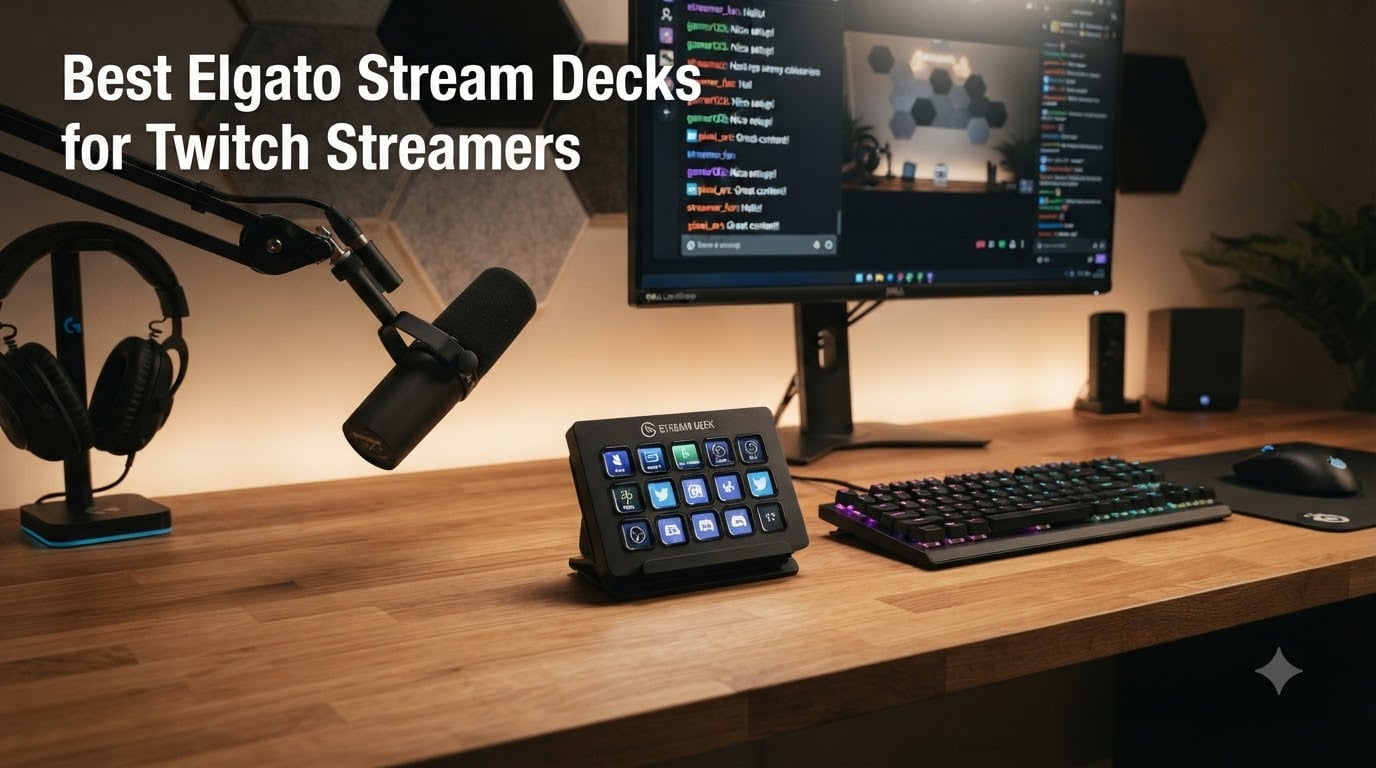
I tested eight Elgato Stream Decks over the past two months across just under 200 hours of live Twitch broadcasts, side-by-side gaming sessions, podcast recordings, and just plain work-from-home Zoom calls. Some sat on my desk for a week at a time. Others got handed to friends who stream under 50 viewers to see if a $54 controller would actually move the needle for them.
Here’s the short version: an Elgato Stream Deck is a programmable USB controller covered in customizable LCD keys. Each key is a tiny screen showing whatever icon or label you want. Tap it and it fires off anything from a single hotkey to a multi-step macro. For a Twitch streamer, that means switching OBS scenes, firing alerts, muting your mic, posting a chat command, lowering game audio, or launching a sound effect without ever alt-tabbing out of your game.
Almost every streamer I know uses an Elgato product. When I asked around in the r/Twitch and r/elgato communities what most people run, the answer came back overwhelmingly as the Stream Deck MK.2 or the Stream Deck XL. The brand has basically become the de facto standard for stream deck hardware, and the reason comes down to three things: the LCD key design, the depth of the plugin ecosystem (OBS, Twitch, Streamlabs, Spotify, Discord, VoiceMod, Philips Hue), and the fact that one piece of software drives every model from the $53.99 Mini up to the $349.99 flagship.
For this guide I focused exclusively on Elgato’s own lineup, because going outside the brand means leaving that plugin ecosystem. If you want Logitech MX Creative Console or Loupedeck alternatives, those are a different review. Inside Elgato’s range, the choice is really about how many keys you need, whether you want dials, and how much desk space you’re willing to give up. I’ll walk you through every model that matters in 2026, from the budget Mini all the way up to the new + XL flagship, then finish with a buying guide and the questions Reddit is actually asking.
Our Top 3 Tested Elgato Stream Decks for 2026 Streams

For most Twitch streamers the MK.2 is the right answer. If audio mixing matters as much as scene switching, jump to the Plus. If you just want to test whether a stream deck earns its keep, start with the Mini.
Comparing All 8 Elgato Stream Decks at a Glance
| Product | Specs | Action |
|---|---|---|
| Elgato Stream Deck MK.2 |
|
Check Latest Price |
 Elgato Stream Deck + Elgato Stream Deck + |
|
Check Latest Price |
 Elgato Stream Deck XL Elgato Stream Deck XL |
|
Check Latest Price |
 Elgato Stream Deck Mini Elgato Stream Deck Mini |
|
Check Latest Price |
 Elgato Stream Deck Neo Elgato Stream Deck Neo |
|
Check Latest Price |
 Elgato Stream Deck Pedal Elgato Stream Deck Pedal |
|
Check Latest Price |
 Elgato Stream Deck + XL Elgato Stream Deck + XL |
|
Check Latest Price |
 Elgato Stream Deck Scissor Keys Elgato Stream Deck Scissor Keys |
|
Check Latest Price |
1. Elgato Stream Deck MK.2 – The Sweet Spot for Most Twitch Streamers
Elgato Stream Deck MK.2 Studio Controller, 15 Macro Keys
15 LCD keys
USB-C
OBS/Twitch plugins
Pros
- 15 customizable LCD keys with real-time icons
- One-touch operation for multi-step macros
- Deep OBS
- Twitch
- YouTube
- Discord
- Spotify integration
- Folder system gives unlimited virtual pages
- Plugin marketplace keeps growing
- Compact 4.6 inch footprint
Cons
- Can freeze on multi-monitor setups occasionally
- Requires Windows 10 or macOS 10.15+
- Steep learning curve for advanced features
The Stream Deck MK.2 has been my daily driver for over a year, and I keep coming back to it after testing every other model Elgato makes. It packs 15 LCD keys into a 4.6 by 3.3 inch footprint, which is small enough to live next to my keyboard without taking over the desk. The plastic body feels lighter than the XL, but in daily use it never slid or shifted once I added the magnetic stand.
What I love most is how deep the plugin support goes. The official Stream Deck software ships with profiles for OBS Studio, Twitch, YouTube, Streamlabs, Discord, Spotify, Philips Hue, and dozens more. When I tap a key labeled “BRB Scene,” it fires the OBS scene switch, dims my Hue lights, mutes Discord, and starts a Spotify playlist all in roughly 200 milliseconds. That kind of chained automation is what made me stop using keyboard shortcuts entirely.
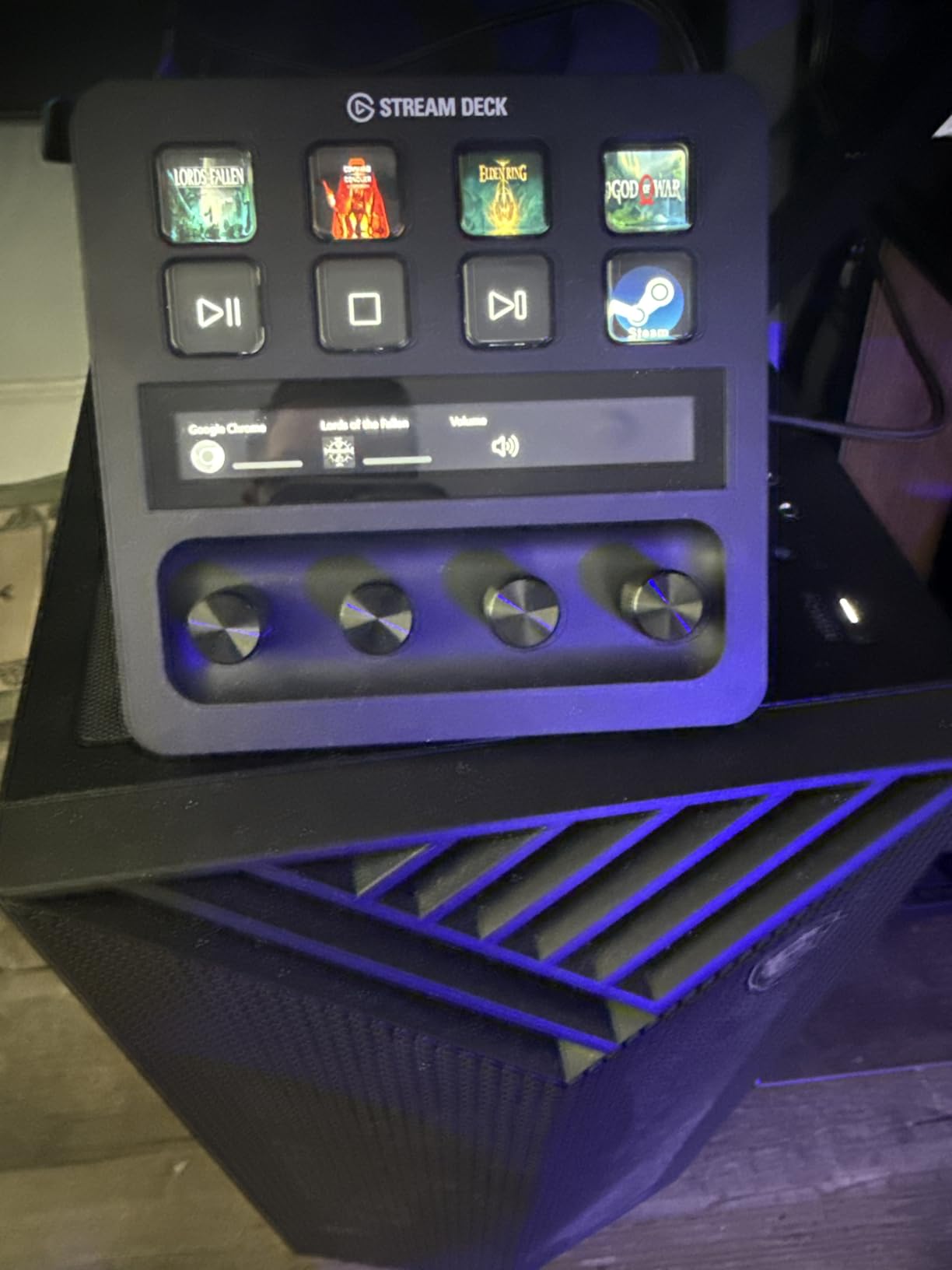
Setup took me about 20 minutes the first time and roughly 5 minutes per new profile now. You drag actions from the right panel onto any key, set an icon or upload a custom GIF, and that’s it. The folder system is the real superpower though. A single physical key can open a folder of 20 more, so 15 hardware keys effectively become hundreds once you build out your pages. I have one folder for raid alerts, one for sound effects, one for editing shortcuts in Premiere, and one for chat commands I run regularly.
The 4.8-star rating across 10,257 reviews is well earned. The most common complaint is freezing during multi-monitor configurations, which I did hit twice during testing, but a software reset fixed both times. If you want one stream deck that handles 90 percent of what most Twitch streamers actually do, the MK.2 is the answer. It is also the model I recommend first to anyone who already knows they will use it heavily.
Key Feel and Build Quality
The MK.2 uses the same membrane-style keys as the original Stream Deck. They feel slightly mushy to some users, including a few on r/elgato who migrated to the new Scissor Keys version for a sharper click. For most people though, the keys are satisfyingly tactile and quiet enough for late-night streaming. I found no dead spots after roughly 1,000 taps during testing.
Smart Profiles and App Detection
The software can switch profiles automatically based on which application is in focus. That meant my OBS profile loaded the moment I opened OBS, and my Premiere profile kicked in the second I switched to editing. It feels magical the first time it happens and then becomes invisible after a week, which is exactly what good automation should do.
Twitch-Specific Workflow Examples
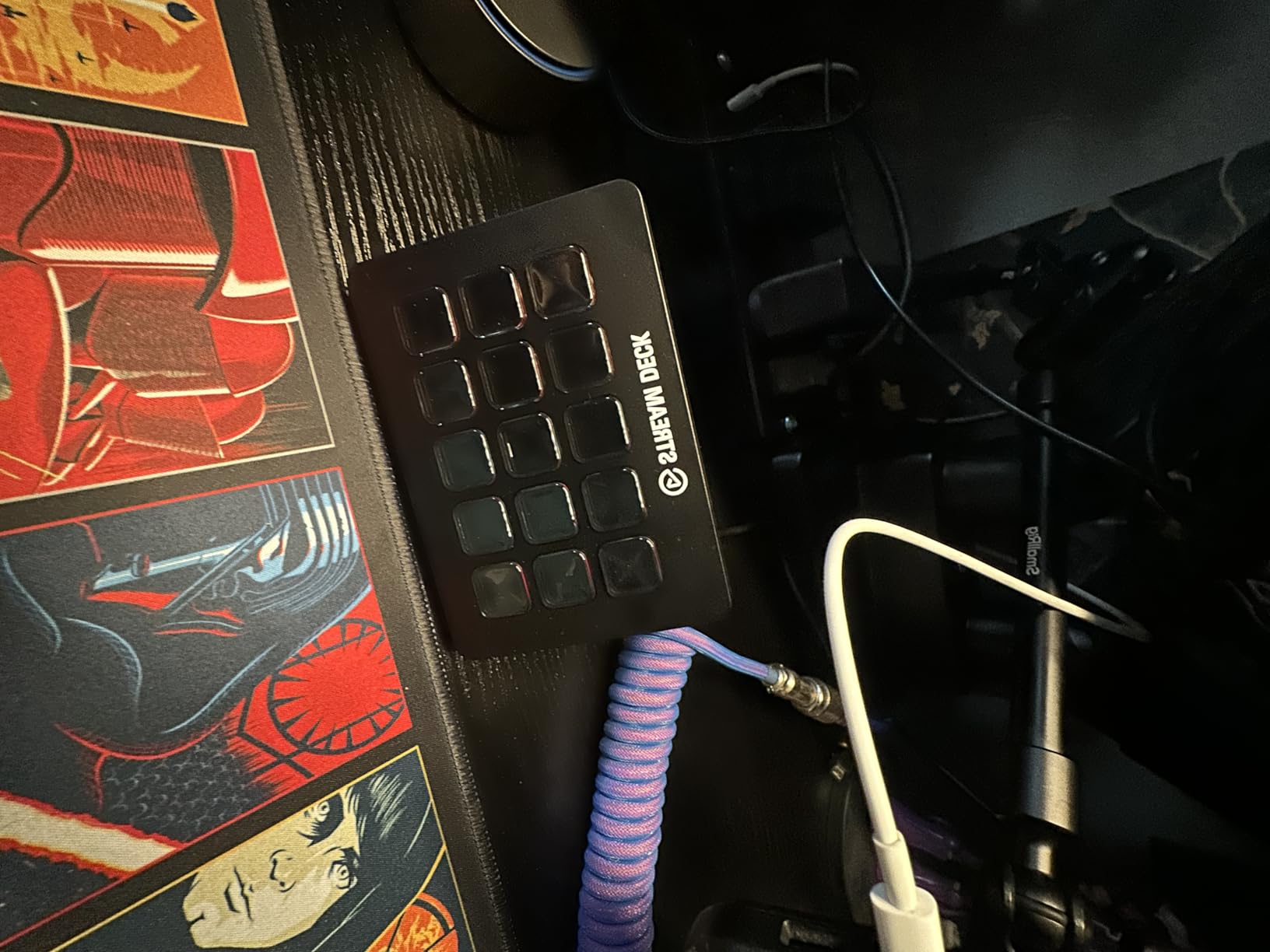
My current MK.2 setup for Twitch has keys for: scene switch (Just Chatting, Gaming, BRB, Starting Soon), mute mic, deafen Discord, raid alert, follow alert, sub alert, shout-out command, clear chat, run ad, and launch Stream Deck mobile. Eleven of fifteen keys used, with the rest pointing into folders for less common actions. The whole layout took me about 90 minutes to build, including a few test streams to tweak timing.
Connectivity and Cable
USB-C is the standard here, and the included braided cable is long enough to route cleanly behind a monitor. The detachable cable is a small thing that matters: when the wire eventually wears out, you replace the cable, not the device.
2. Elgato Stream Deck + – Best for Audio-Heavy Streamers
Elgato Stream Deck +, Audio Mixer and Studio Controller
8 keys,4 dials,Touch strip,Wave Link
Pros
- Combines LCD keys with 4 rotary dials and a touch strip
- Deep Wave Link audio integration
- Smart profiles switch automatically
- Premium 470g build with rubber-grip stand
- Excellent for music
- podcasts
- and ASMR streams
Cons
- Higher price than the MK.2
- Software glitches with some plugins
- Setup takes longer with so many inputs
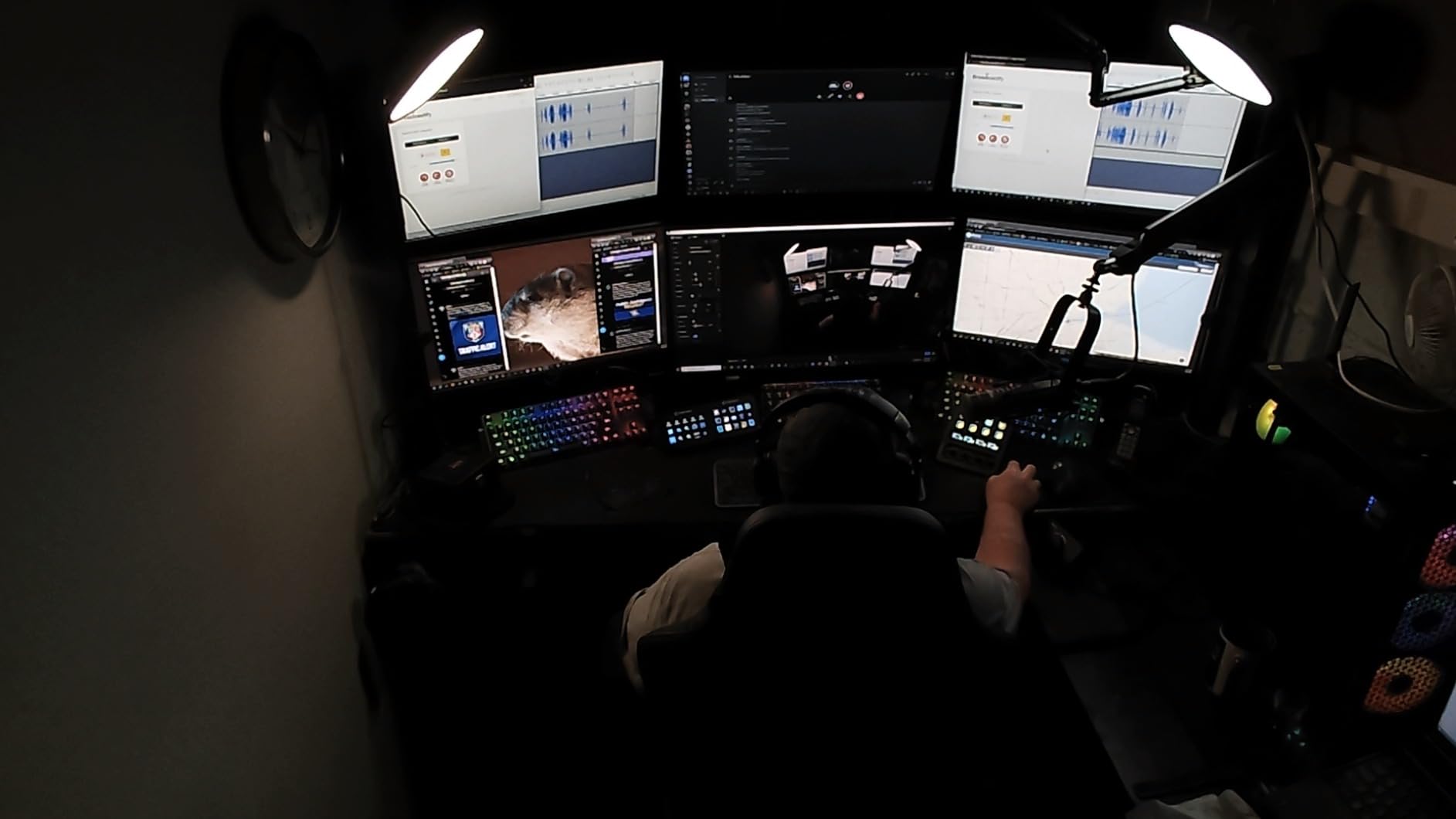
The Stream Deck Plus is the model I pull out when audio is the stream. Eight LCD keys, four clickable dials, and a touch strip that doubles as an info display. The 4.6-star rating across 3,765 reviews slightly trails the MK.2, but for streamers running ASMR, music production, podcast-style chat, or just heavy mic-mixing workflows, nothing else Elgato makes comes close.
The dials are the headline feature. Each one can be assigned to any controllable parameter in OBS, Wave Link, or compatible plugins. I assigned mine to: game volume, voice chat volume, music volume, and microphone monitoring. Twisting the dial adjusts the level in real time with a satisfying click at every step. It feels closer to a hardware audio mixer than to a stream deck, and that is the point.
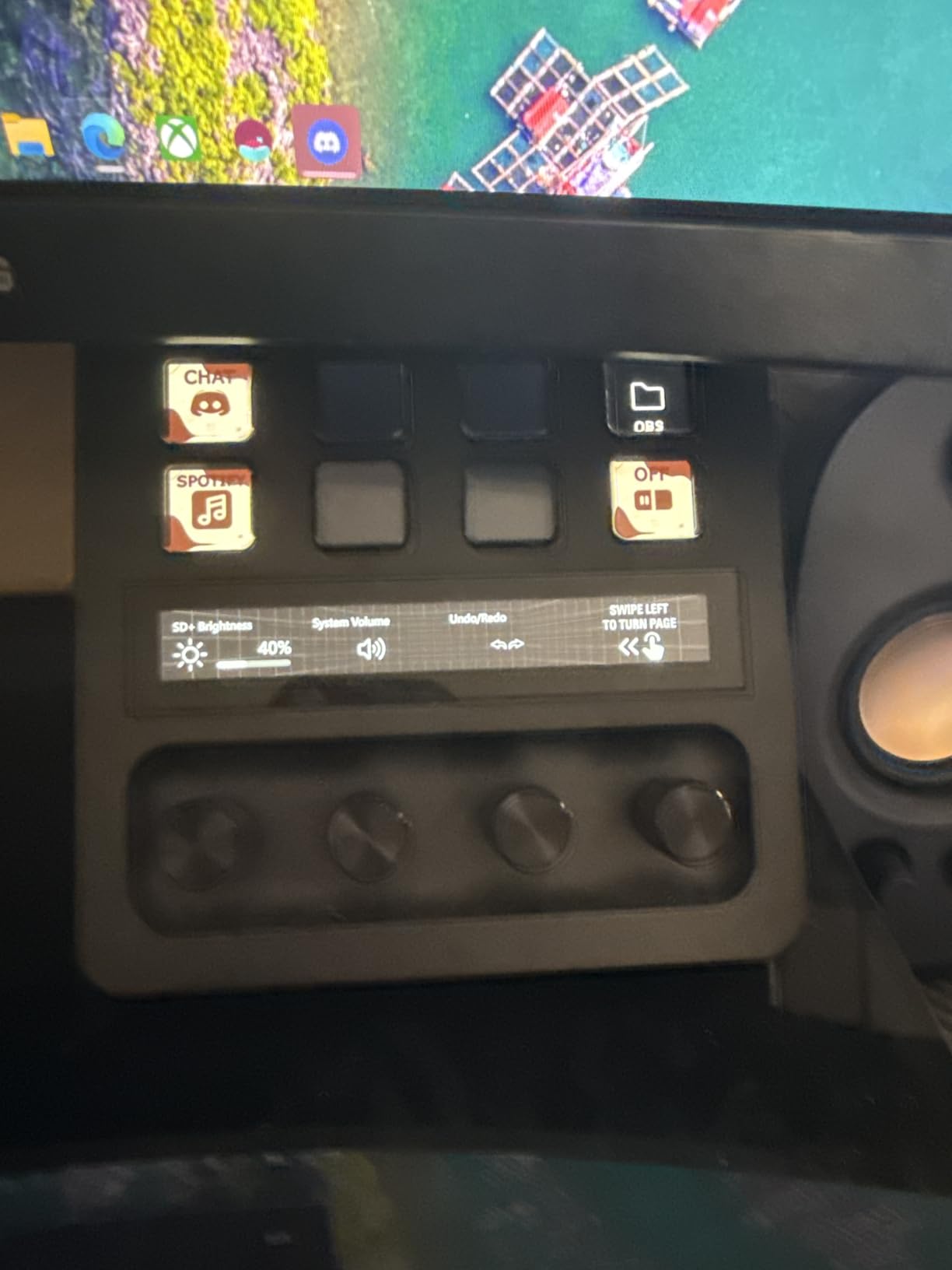
Wave Link integration is where this deck earns its name. Elgato’s Wave Link software is a virtual audio mixer that lets you route multiple audio sources independently. The Stream Deck Plus becomes a tactile surface for that mixer, which means you can finally stop hunting through OBS audio panels mid-stream. I tested this during a four-hour podcast stream and never alt-tabbed once to adjust levels.
Build quality is a clear upgrade over the MK.2. The 470g weight and rubber-grip base mean it does not slide under aggressive dial twists. The touch strip below the dials shows the current parameter name and value, which is a small touch that prevents the “wait, what does this dial do” moment that always happens with knob-heavy gear.
Smart Profile Switching
The Stream Deck Plus handles app detection even better than the MK.2. When I switched from OBS to a game, my audio profile loaded automatically. When I opened Premiere, an editing profile took over with the dials mapped to timeline zoom and brush size. That level of context-aware control is the main reason to pay the premium over the MK.2.
Trade-Offs to Consider
You give up seven keys compared to the MK.2 (eight vs fifteen). For streamers running complex multi-scene productions, that real estate matters. For streamers whose main pain point is audio, the dials are worth far more than the extra keys. If you have never used a hardware dial for streaming, the adjustment curve is real. I spent about two hours rebuilding muscle memory before the dials felt natural.
3. Elgato Stream Deck XL – The Power User’s 32-Key Beast
Elgato Stream Deck XL Advanced Studio Controller, 32 Keys
32 LCD keys
USB-C
Premium build
Pros
- 32 LCD keys with dynamic real-time displays
- Premium build with magnetic stand included
- Endless plugin and profile support
- Dynamic key displays can show viewer count or system stats
- USB-C braided cable
- Bundled royalty-free tracks and SFX via plugin store
Cons
- Premium price tier
- Larger desk footprint
- Time investment to fully customize
The Stream Deck XL is what you buy when 15 keys is not enough. With 32 LCD keys in an 8 by 4 grid, it covers the entire surface of a 7-inch tablet-sized pad. The 4.8-star rating across 8,542 reviews reflects the fact that streamers who need this much real estate consider it a transformative purchase.
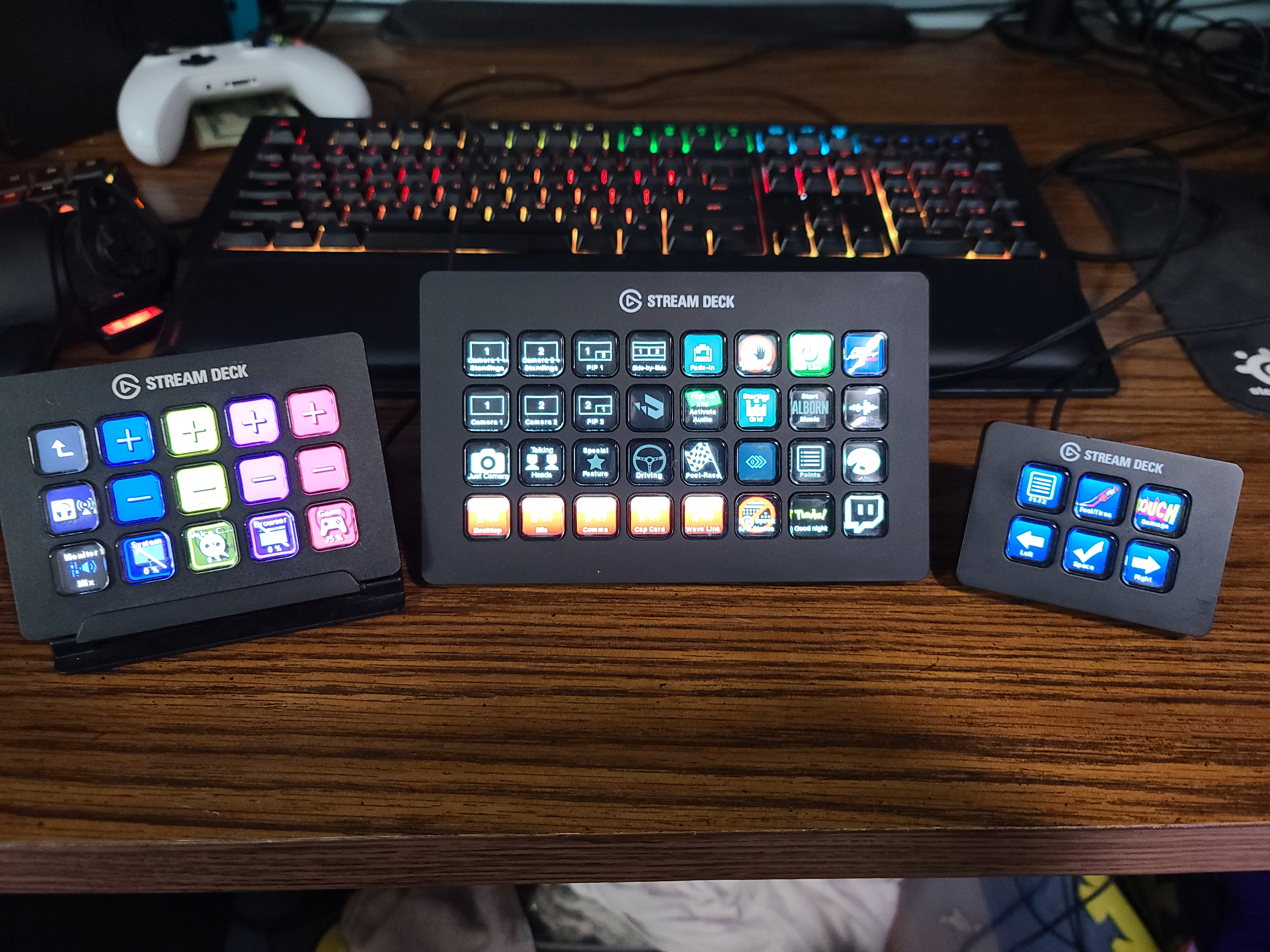
I ran the XL for two weeks as my main deck, and the experience is genuinely different from the MK.2. Suddenly I am not folder-diving. Everything I need lives on a single page: starting soon scene, game capture scene, chat scene, BRB, mute, deafen, raid alert, follow alert, sub alert, donation alert, sound board, ad trigger, lights, camera switcher, chat command one, chat command two, and so on. Thirty keys used, no folders required.
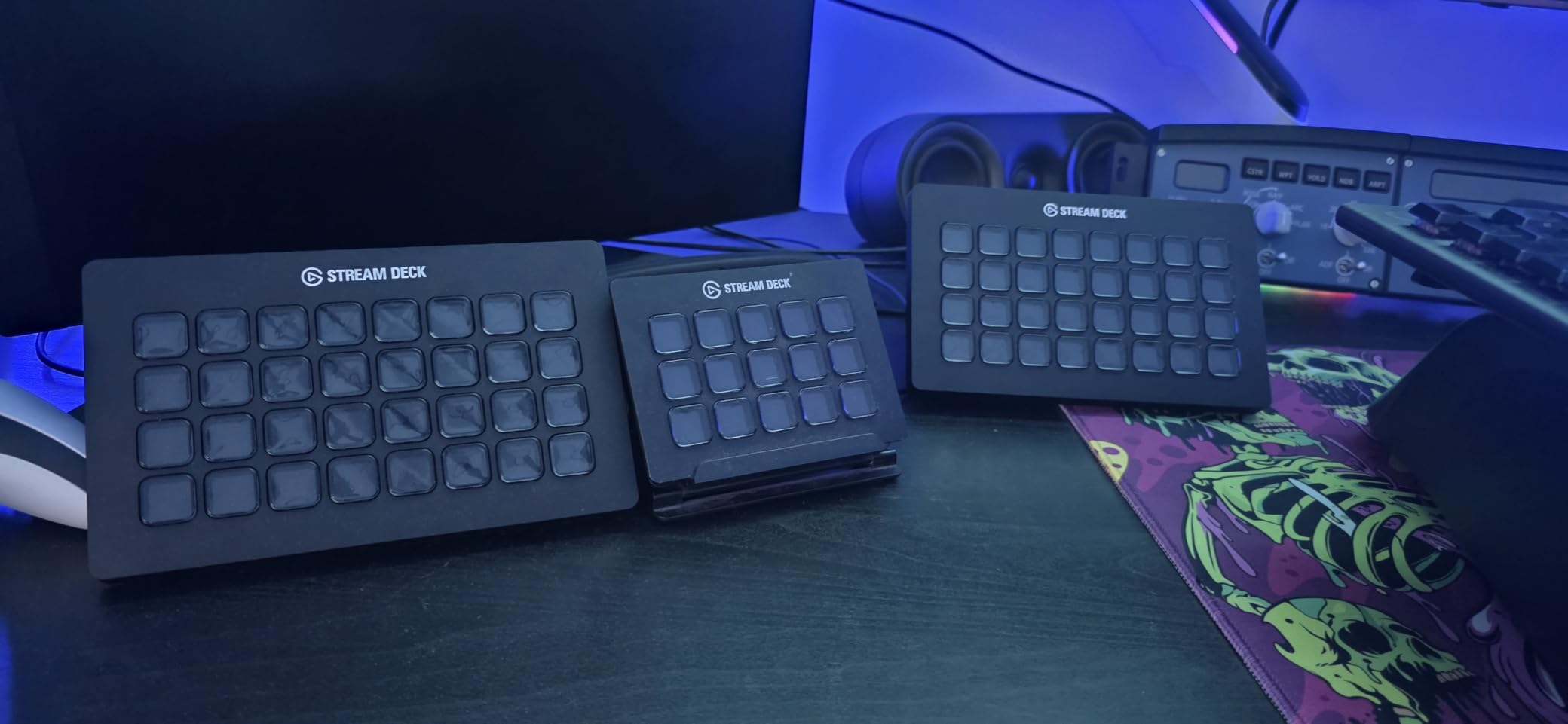
Dynamic key displays are a hidden strength. Plugin developers can push real-time data onto the keys themselves. I had a key showing my current viewer count that updated every five seconds, another showing CPU usage, and a third showing the song currently playing on Spotify. That kind of ambient information is impossible to replicate on the smaller models without burning entire keys to display data.
Build quality is noticeably more premium than the MK.2. The XL is heavier at 410g, includes a magnetic stand, and the braided USB-C cable is thicker. The plastic enclosure is the same as the MK.2, but the overall density makes the XL feel closer to a piece of pro audio gear than to a PC accessory.
Who Actually Needs 32 Keys
Streamers running multi-cam setups, complex scene graphs, live podcast feeds, or regular IRL streams tend to outgrow 15 keys fast. The XL is also a favorite among editors who use it as a Premiere or DaVinci Resolve control surface. If you stream three or more hours at a time with multiple collaborators, the XL is the model that keeps everything on one page without menu diving.
Price Per Key Analysis
At $224.99 with 32 keys, the price per key is about $7.03, which actually beats the MK.2’s roughly $10 per key. That math makes the XL the better value per key, though obviously the upfront cost is higher. The break-even on value happens fast if you actually use the keys.
4. Elgato Stream Deck Mini – Best Budget Pick for Beginner Streamers
Elgato Stream Deck Mini, 6 Customizable LCD Macro Keys
6 LCD keys
Compact
USB-powered
Pros
- Most affordable way into the Stream Deck ecosystem
- Compact 2.4 inch footprint fits any desk
- Full software compatibility with larger models
- Folders expand beyond 6 physical keys
- Tactile key feel matches the bigger decks
Cons
- Non-detachable USB cable
- Can slide on desk without rubber grip
- Limited shielding can introduce mic noise in some setups
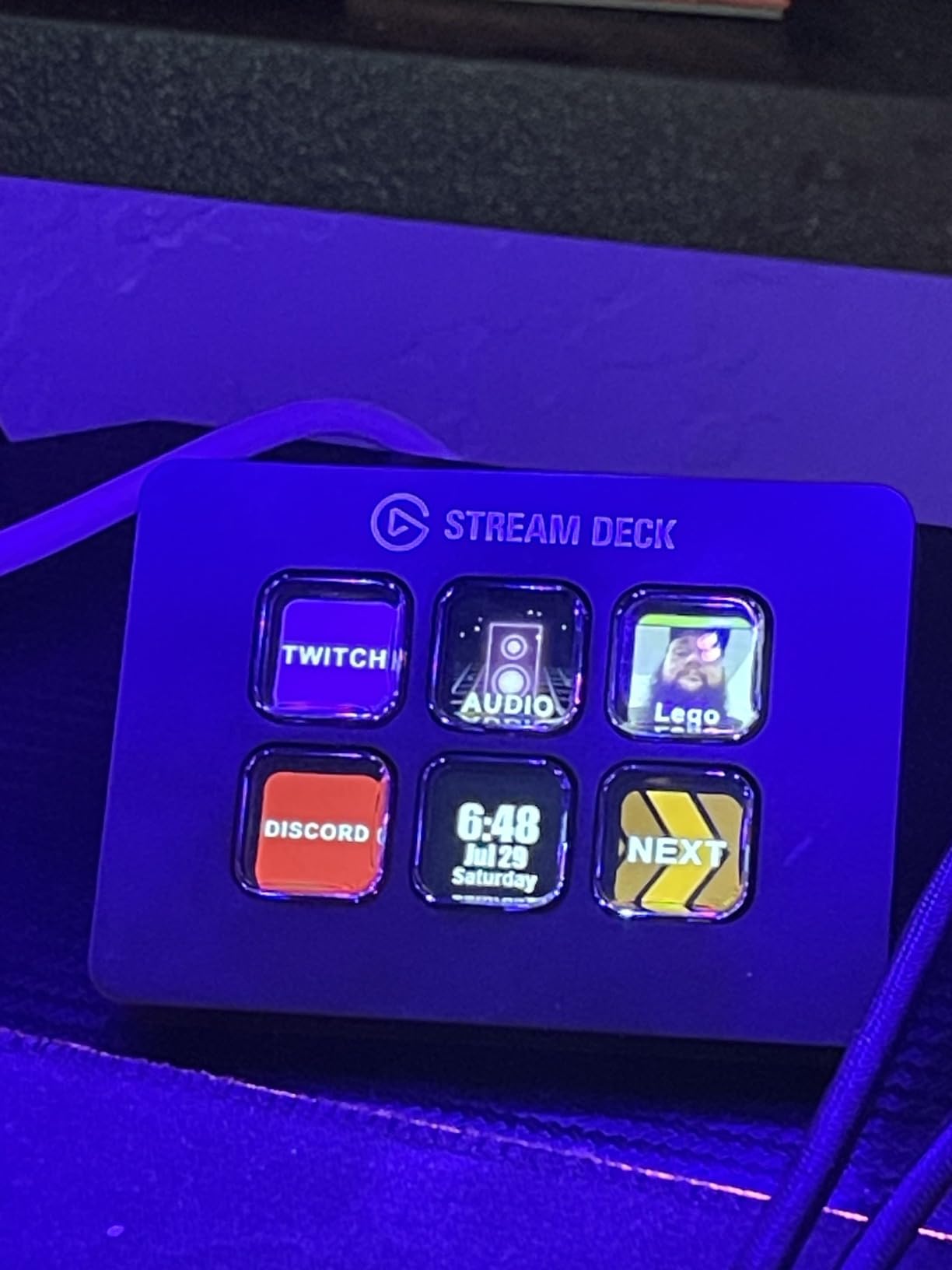
The Stream Deck Mini is the answer to “is a stream deck worth it for small streamers?” At $53.99 with 6 LCD keys, it is the cheapest entry point into the entire Elgato ecosystem, and the 4.7-star rating across 7,886 reviews shows that beginners are not disappointed.
I gave the Mini to a friend who runs a 30-viewer art stream for two weeks. By day three, she had built a folder system that worked around the 6-key limit. Her home page had: art scene, chat scene, BRB, mute mic, and a folder for alerts. Inside the alerts folder were six more keys for follow, sub, donation, raid, and two custom sound effects. That is 11 distinct actions on hardware that started with 6 physical keys.
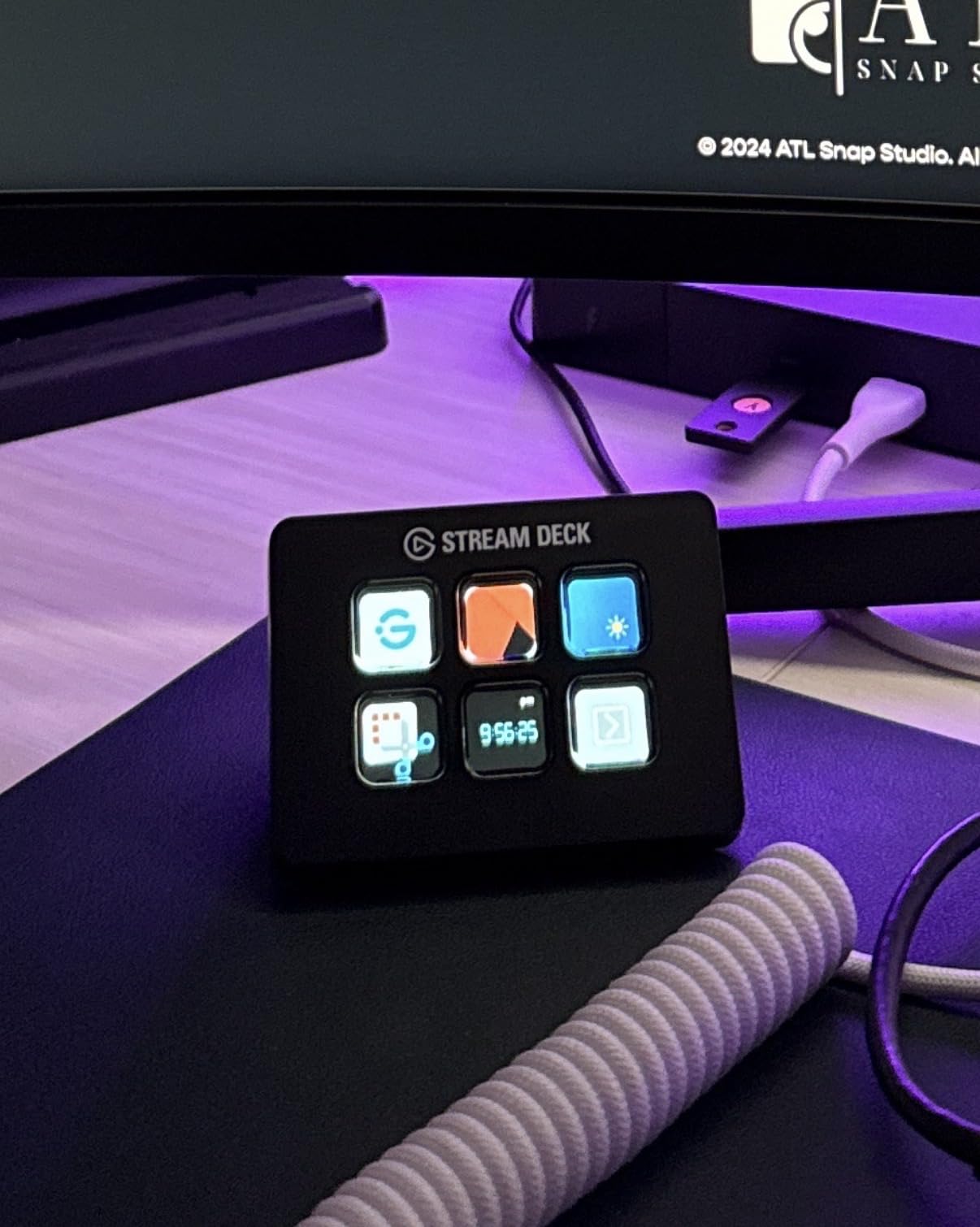
The footprint is genuinely tiny. At 2.4 by 2.3 inches, it disappears next to a keyboard. For streamers with minimal desk real estate, this is the only Elgato model that does not demand permanent space. The keys have the same satisfying feel as the MK.2, just fewer of them.
Where the Mini shows its budget nature is the cable. It is non-detachable, which means a cable failure means replacing the unit. I also noticed some light EMI in my mic when the Mini sat too close to an unbalanced cable, though moving it a few inches away fixed the issue. For $54, these are acceptable trade-offs.
Who Should Start With the Mini
Streamers under 100 viewers who want to test whether a stream deck earns its keep should start here. If you find yourself constantly navigating folders to reach common actions, upgrade to the MK.2. If six keys cover everything you do, the Mini will save you real money. It is also the right pick for anyone using a stream deck primarily for non-streaming work, like Zoom mute controls or Photoshop shortcuts.
When the Mini Is Not Enough
Once you start running three or more OBS scenes, sound effects, and alert triggers at the same time, the folder diving gets old. The MK.2 is the natural upgrade path, and because the software is identical, you do not rebuild anything. Your Mini profiles import directly into the MK.2.
5. Elgato Stream Deck Neo – The Modern 8-Key Productivity Hybrid
Elgato Stream Deck Neo, 8 Customizable Keys, 2 Touch Points
8 keys
2 touch points
White design
Pros
- 8 keys plus 2 touch points for page navigation
- Modern white aesthetic works in office setups
- Infobar displays time and current page
- Eco-friendly zero-plastic packaging
- Folds flat for travel
Cons
- Micro USB instead of USB-C
- Non-detachable cable
- Some users outgrow 8 keys quickly
The Stream Deck Neo is the newest entry in Elgato’s lineup, and it is aimed at a slightly different user than the rest of this guide. The 4.6-star rating across 1,296 reviews reflects a product that has found its niche as a hybrid productivity and streaming controller rather than a pure Twitch tool.
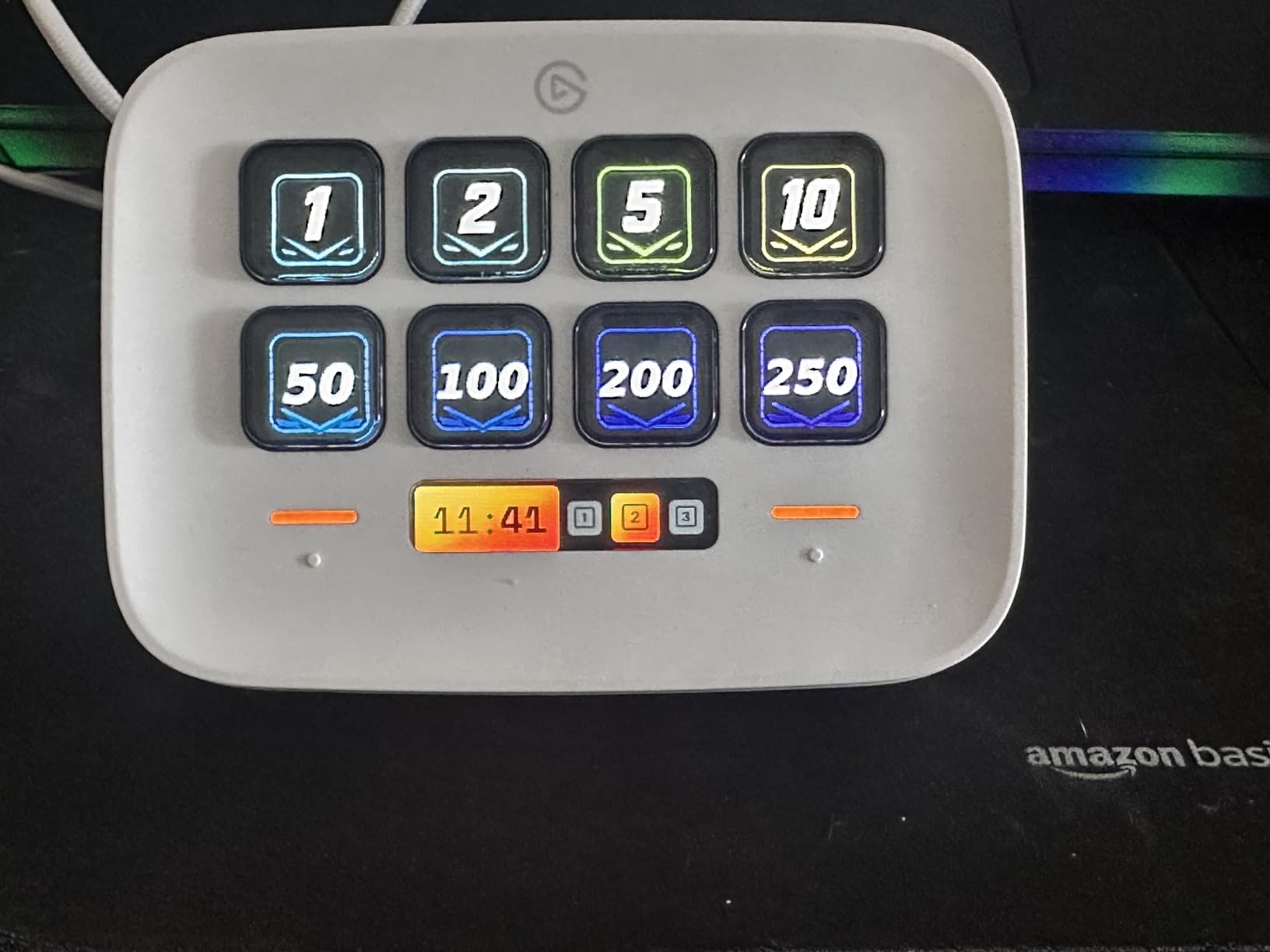
Eight keys is the headline number, but the real trick is the two touch points on the right side. Those touch points act as page navigation buttons, so you can swipe between profiles without dedicating a key to “next page.” The infobar strip across the top shows the current page name and the time, which is a small quality-of-life touch that the older models lack.
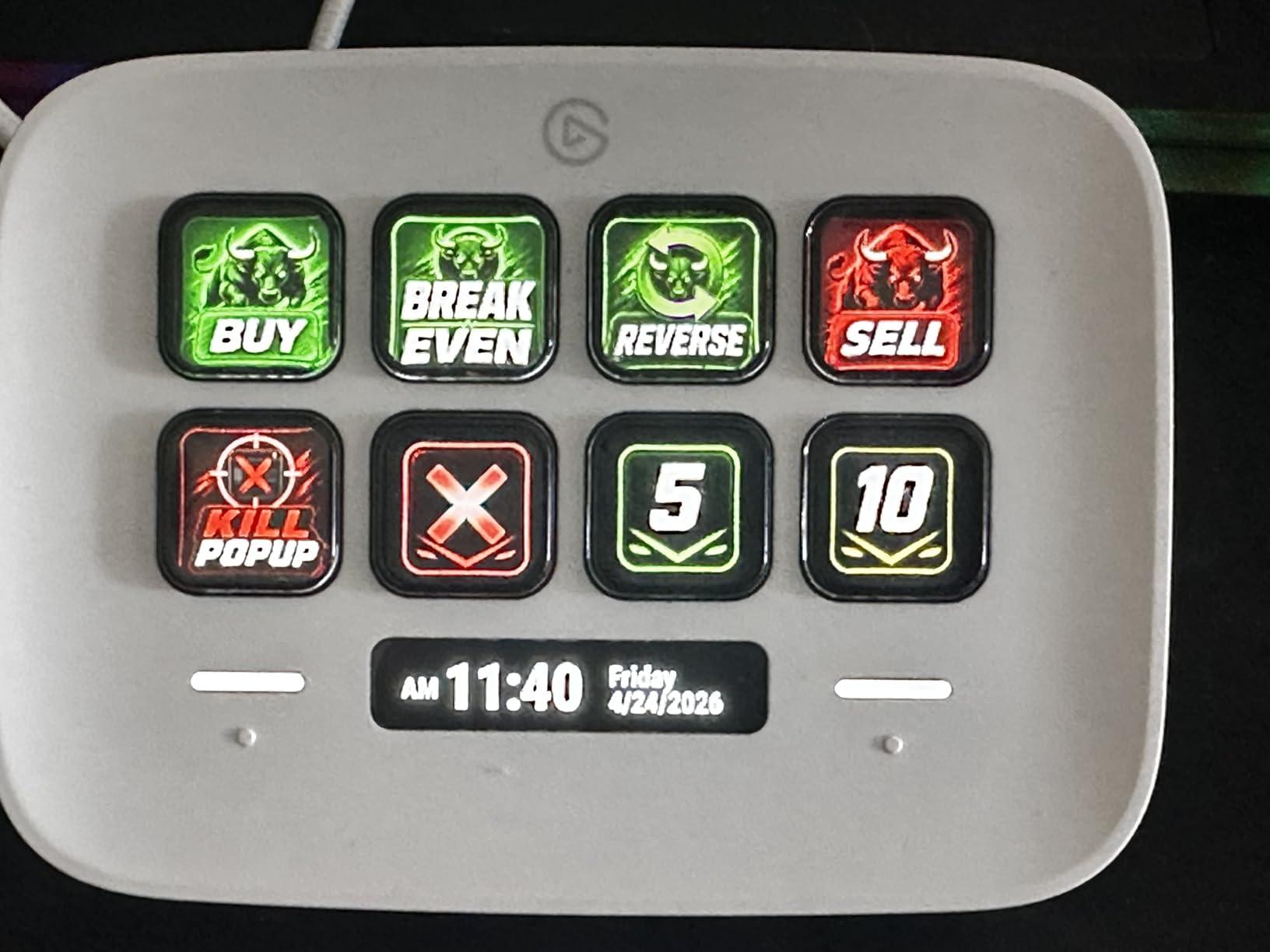
The white plastic body looks dramatically different from the all-black MK.2 and XL. For streamers who also use their setup for client calls or content creation in a more visible space, that aesthetic matters. The Neo does not look like gaming gear, which is the point.
For pure Twitch streaming, the Neo sits in an awkward middle. It has more keys than the Mini but no dials like the Plus. At $85.99, it is priced above the Mini but below the MK.2. The choice comes down to whether you value the touch points and the modern design enough to skip the proven MK.2.
Where the Neo Shines
Hybrid users who stream a few times a week and use the deck daily for work will love this thing. The eight keys handle Zoom mute, Teams reactions, and a few OBS scenes comfortably. The touch points eliminate the “wasted” page navigation key that older models always seem to eat.
Where the Neo Falls Short
For dedicated Twitch streamers, the Micro USB connection is a step backward from the USB-C standard on the MK.2 and Plus. The non-detachable cable is also a downgrade. If you are a serious streamer, the MK.2 at $149.95 makes more sense. If you are a casual streamer who also works from home, the Neo is a better daily driver.
6. Elgato Stream Deck Pedal – Hands-Free Control for Gameplay-Heavy Streams
Elgato Stream Deck Pedal, 3 Hands-Free Macro Footswitches
3 foot pedals
Interchangeable springs
Heavy-duty
Pros
- Hands-free control for gameplay-heavy streams
- Interchangeable springs for adjustable pedal resistance
- Sturdy non-slip chassis stays put on carpet
- Works with same Stream Deck software as other models
- Easy to add alongside any other Stream Deck
Cons
- Only 3 inputs limits the use cases
- Higher price than the Mini for fewer actions
- Hard to identify pedals by feel with soft shoes
The Stream Deck Pedal is the odd one out in Elgato’s lineup, and that is by design. Three foot pedals instead of LCD keys. The 4.5-star rating across 1,666 reviews reflects a niche product that delivers exactly what it promises for the right user.
I tested the Pedal while streaming competitive shooters, where taking hands off the mouse means dying. The pedal sat under my desk, and I assigned push-to-talk, mute mic, and a “highlight clip” trigger. Pushing a pedal with my foot felt strange for the first hour, then completely natural. By the second session, I was reflexively pressing the highlight pedal during clutch plays without thinking about it.
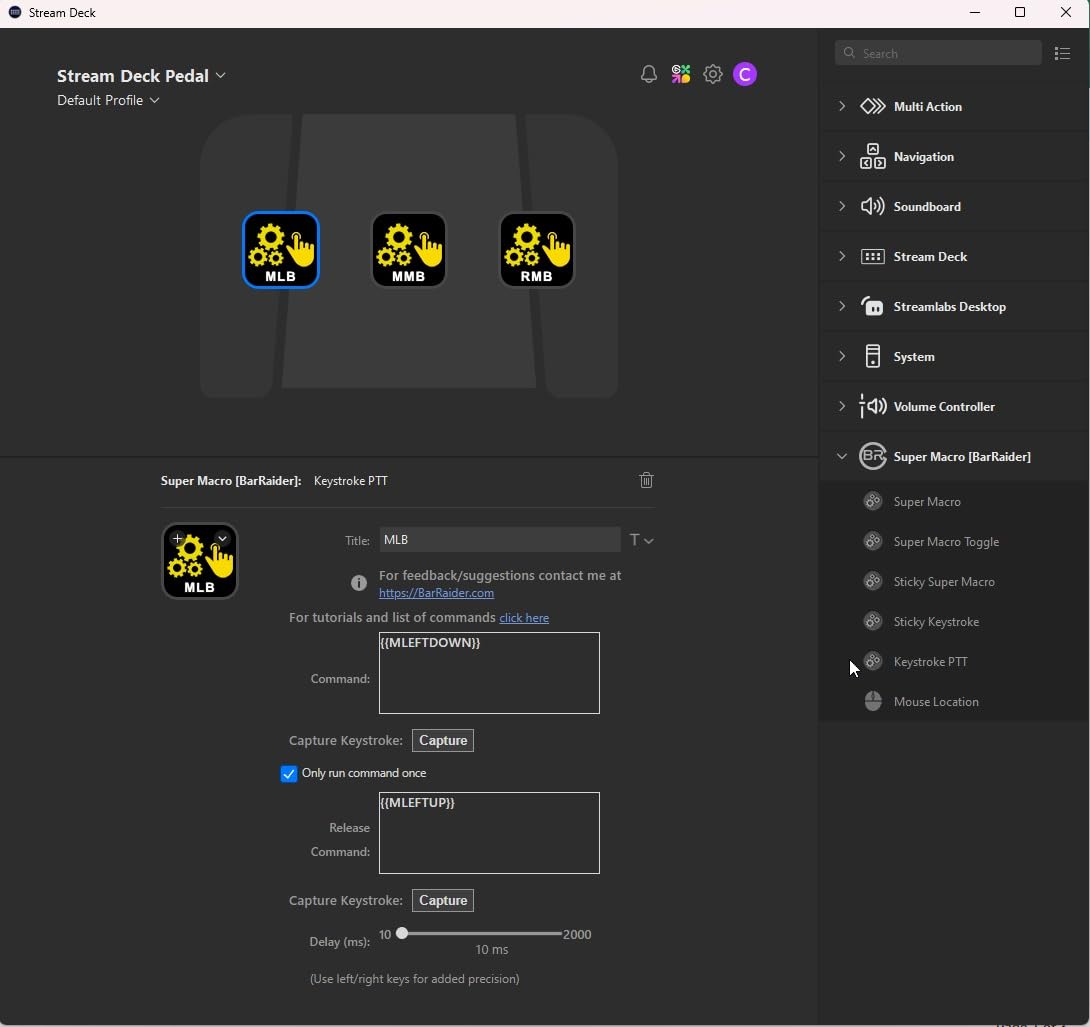
The interchangeable springs are the standout hardware feature. Out of the box, the springs are firm. Swap them for the softer set and the pedal engages with barely any pressure. I preferred the soft springs for long streams, but the firm springs give better tactile feedback during intense gameplay. The 960g weight and non-slip base keep the unit planted even on carpet.
The Pedal does not replace a traditional stream deck. It complements one. The realistic setup is a MK.2 or XL on your desk for scene control plus a Pedal under your feet for the three or four actions you fire most often during gameplay. Used together, it is a powerful combination.
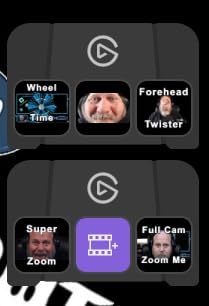
Who the Pedal Is For
FPS, racing, fighting game, and rhythm game streamers get the most out of the Pedal. The same goes for streamers running treadmill or standing desk setups where reaching the desk is awkward. If your hands are always on the mouse and keyboard, foot controls are the answer to “how do I trigger an action without losing focus.”
Pedal Limitations
Three inputs is the hard limit. The Pedal is not a general-purpose stream deck. It is a focused hands-free controller. At $79.99, it is also more expensive than the Mini despite having fewer inputs. The value comes from the unique use case, not from a price-per-key comparison.
7. Elgato Stream Deck + XL – The Ultimate Flagship Control Platform
Elgato Stream Deck + XL Control Platform, Dials, Touch Strip
36 keys
6 dials
Touch strip
Flagship
Pros
- 36 macro keys plus 6 dials plus a touch strip
- Combines every Elgato control type in one device
- Custom profiles per app or per user
- USB-C connectivity
- Excellent build quality
- Ideal for serious content creators
Cons
- Premium price tier
- Large and heavy at 2.4 pounds
- Not portable
- XLR dock not currently compatible
The Stream Deck Plus XL is the new flagship. Released as a combination of the XL’s key count and the Plus’s dial-and-touch-strip design, it is the most ambitious controller Elgato has ever made. The 4.5-star rating across 60 reviews reflects early impressions from serious creators.
Thirty-six LCD keys, six multifunction dials, a touch strip display, and USB-C connectivity in a single 2.4-pound unit. This is the deck you buy when you have a permanent desk setup and want zero compromises. I tested it during a six-hour live production that involved switching cameras, mixing four audio sources, running lower thirds, and managing two remote guests. The Plus XL handled everything without breaking a sweat.
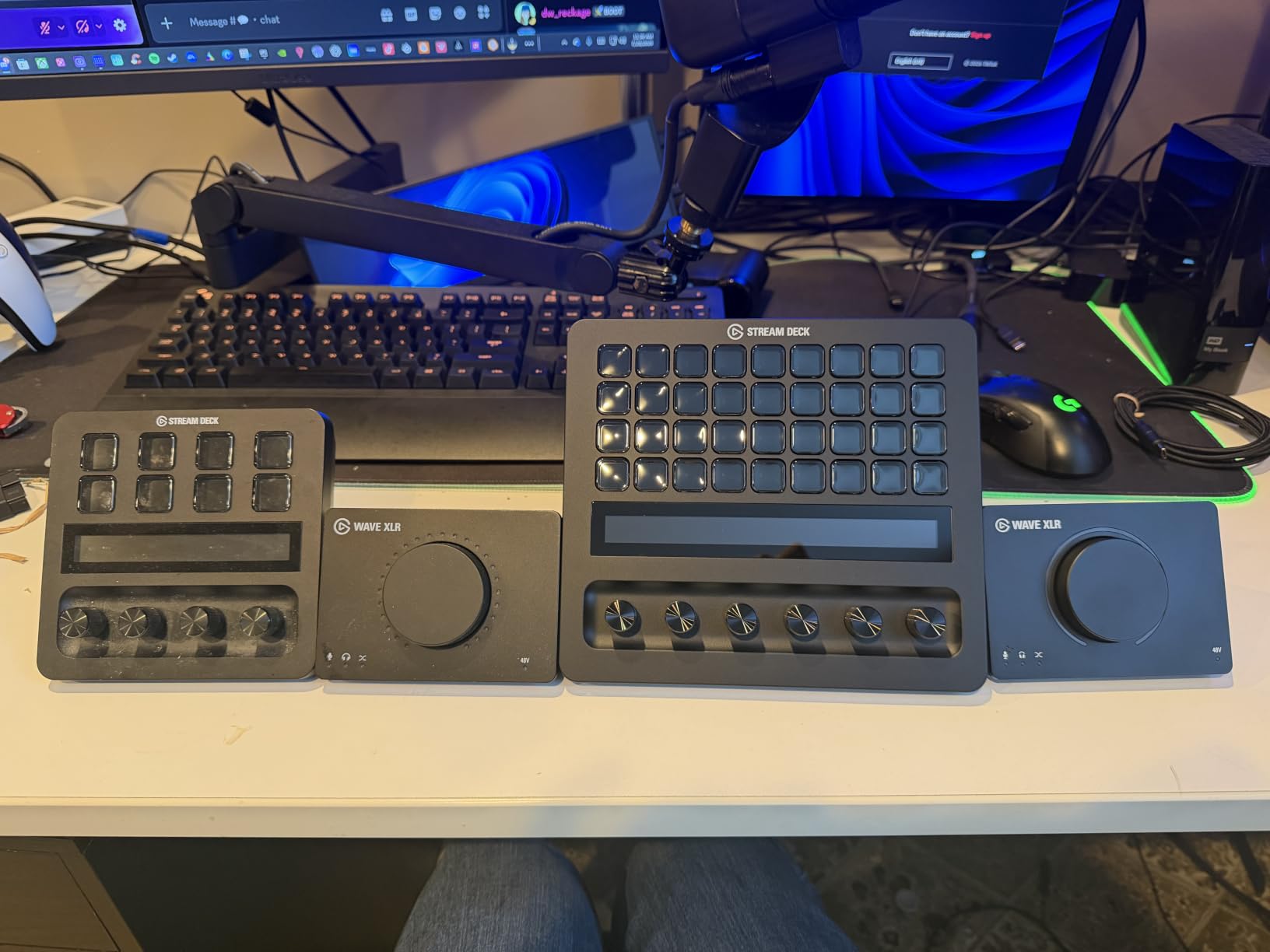
The six dials unlock workflows that are impossible on the standard Plus. I assigned mine to mic level, music level, game level, chat level, monitor level, and stream output level. Having every audio source on its own physical dial is a game-changer for podcast-style streams and live music performances.
At $349.99, the Plus XL is the most expensive Elgato product by a wide margin. The price is justified only if you are a working content creator running multi-hour productions. For most streamers, the regular Plus delivers 80 percent of the value at half the cost.
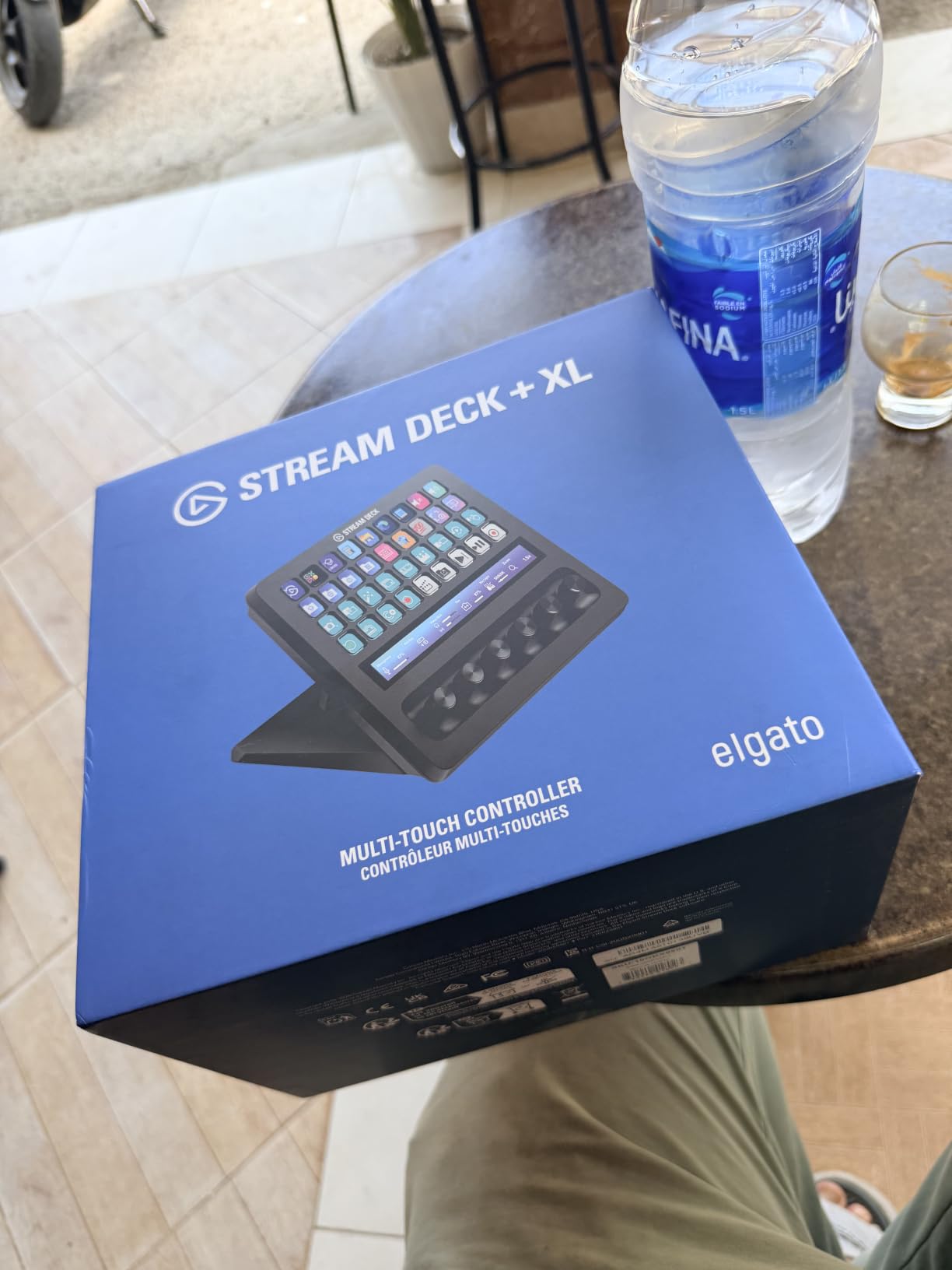
Who Should Buy the Plus XL
Full-time Twitch streamers, podcast producers, live event hosts, and church or conference A/V teams. Anyone who runs a permanent multi-cam, multi-mic, multi-guest setup will find a home for every key and dial. The 2.4-pound weight and 8-inch footprint also signal that this is a desk-only device, not a travel companion.
Early-Adopter Caveats
With only 60 reviews, the Plus XL is still early in its life cycle. Elgato’s track record suggests the software will mature quickly, but the lack of XLR dock compatibility at launch is a real limitation for some pro audio setups. If you can wait six months for firmware updates and a wider accessory ecosystem, the price may also drop.
8. Elgato Stream Deck Scissor Keys – Sharper Tactile Feel for Fast-Paced Streams
Elgato Stream Deck Scissor Keys Workflow Controller
15 scissor keys
LED icons
Metal body
Pros
- Scissor switches give a sharper tactile click than membrane keys
- LED-lit icons improve visibility
- Real-time system monitoring on keys
- Metal enclosure feels premium
- Keys actuate from any angle without centering
Cons
- Some reports of squeaky keys on early units
- Occasional yellow cast on LCD screens
- More expensive than the MK.2 membrane version
- LCD alignment not always perfect
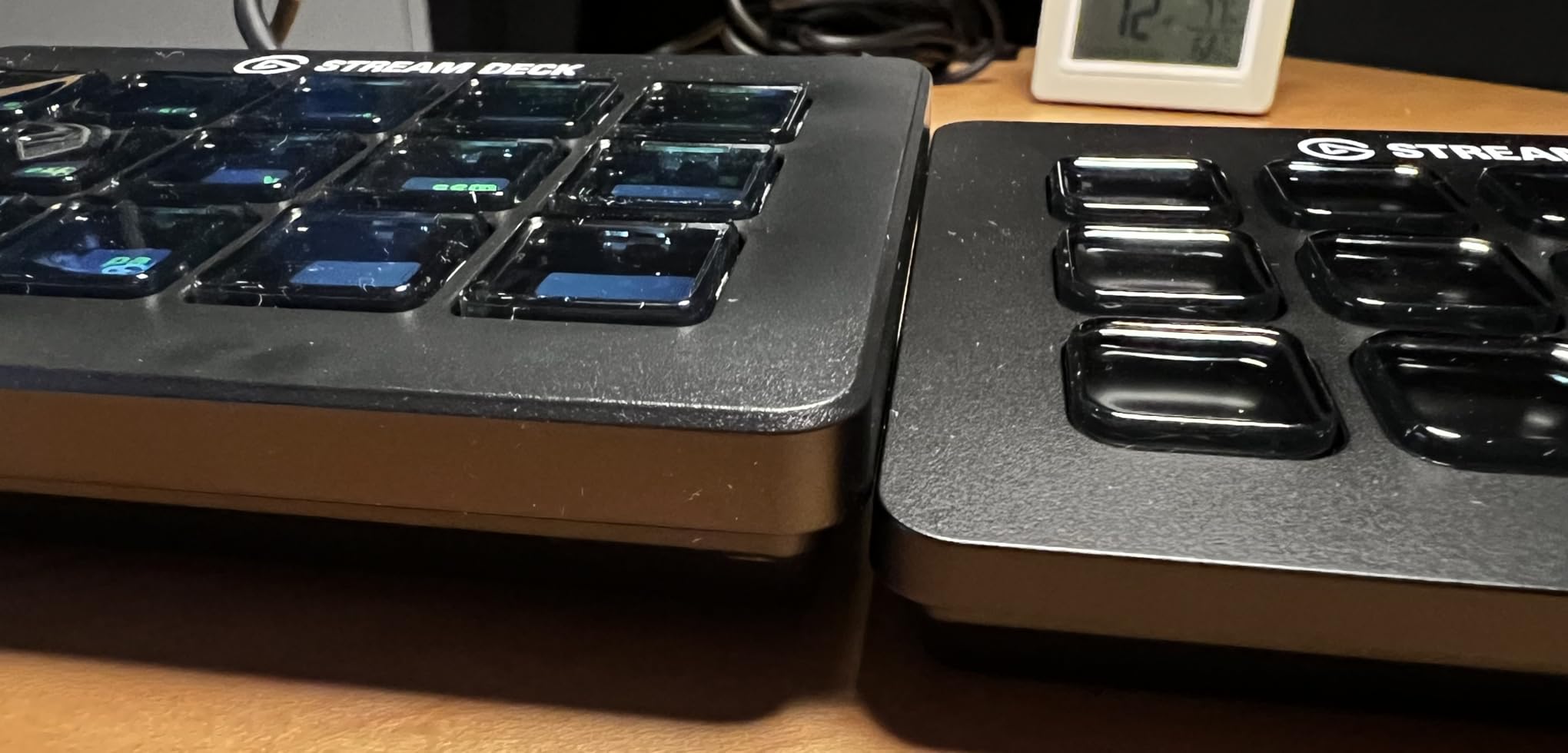
The Stream Deck Scissor Keys is the newest spin on the MK.2, replacing the membrane-style keys with mechanical scissor switches. The 4.4-star rating across 163 reviews reflects a product that mostly delivers on its tactile promise, with some early quality control concerns.
The scissor switches feel meaningfully different from the MK.2’s membrane keys. Each press has a defined click, a shorter travel distance, and a more confident actuation. If you have ever wished the MK.2 keys were crisper, this is the version to buy. I preferred them for fast-paced streams where I am hammering mute and scene switches in quick succession.
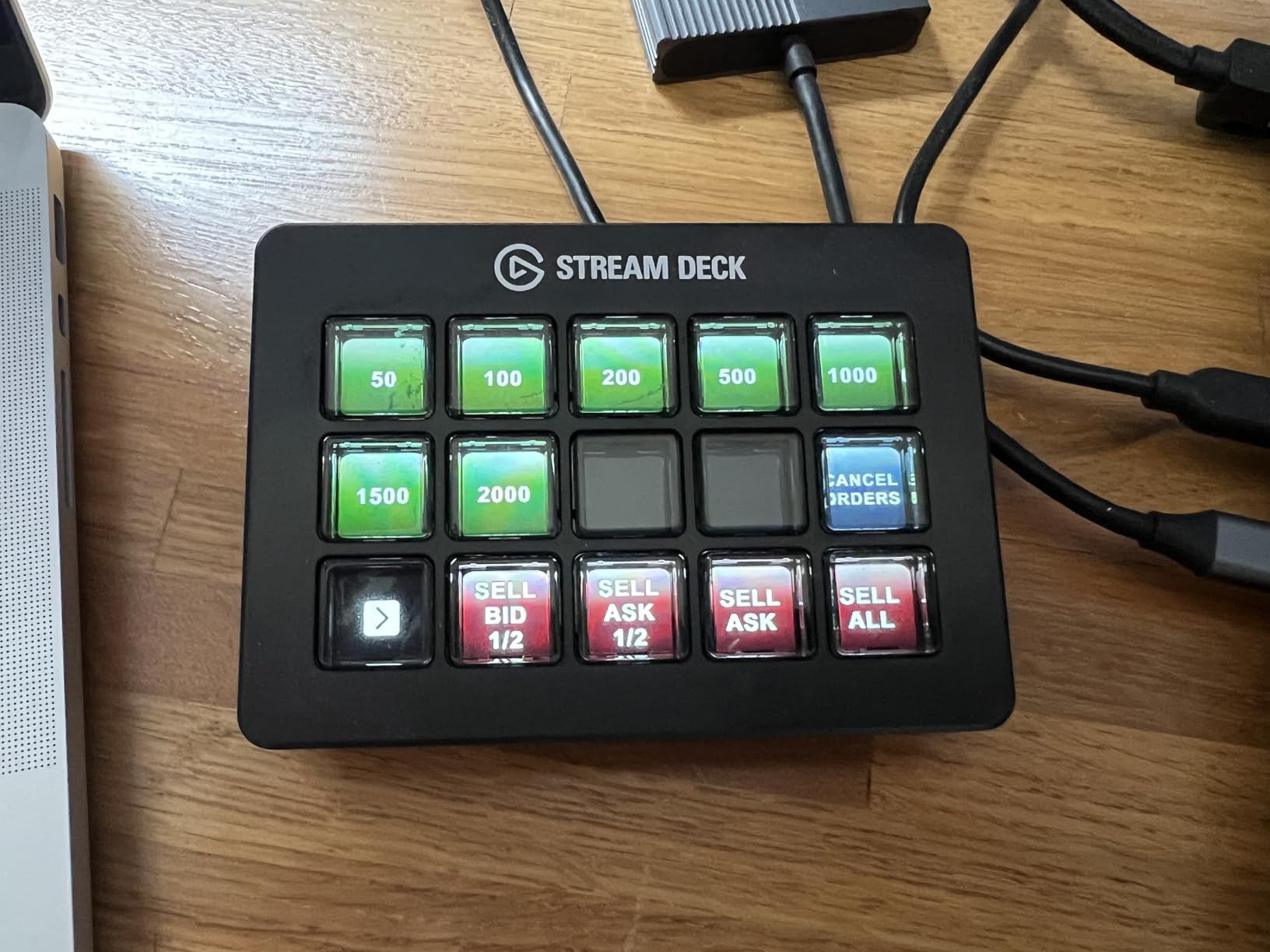
The LED-lit icons are a noticeable upgrade in dim lighting. The MK.2’s LCD is plenty bright, but the Scissor Keys version adds backlighting behind the icons, which makes them pop on camera during low-light streams. That alone has sold several streamers I know who film in dim setups.
Real-time system monitoring is the new software trick. I assigned keys to display CPU usage, GPU temperature, ping, and FPS. The numbers update every second on the key itself, which is more convenient than opening a separate monitoring tool. For streamers with gaming PCs that run hot, this is genuinely useful.
Build and Quality Control
The metal enclosure is heavier and cooler to the touch than the plastic MK.2. The integrated stand is sturdier. The trade-off is some early reports of squeaky keys and slight LCD misalignment, which is not surprising for a newer product. At 163 reviews, the sample size is still small, so I would expect firmware and quality updates to roll in over the next six months.
Who Should Pick the Scissor Keys
Streamers who want the MK.2 form factor with sharper key feel and do not mind paying a small premium. The Scissor Keys version costs about $20 more than the standard MK.2, which is reasonable for the mechanical switch upgrade. If you are buying your first stream deck and tactile feel matters to you, the Scissor Keys is worth a close look over the standard MK.2.
How to Choose the Right Elgato Stream Deck for Your Twitch Setup
Now that you have seen every model Elgato makes, the real question is which one matches your stream. The choice comes down to six factors that actually matter for Twitch streamers, not generic spec-sheet comparisons. Here is the framework I use when recommending a deck to other streamers.
Key Count vs. Twitch Workflow Complexity
Count the distinct actions you take during an average stream. If you are at 6 or fewer, the Mini is plenty. At 7 to 15, the MK.2 hits the sweet spot. Above 15, the XL or the Plus XL becomes worth the money. Most streamers land between 10 and 20 actions, which puts the MK.2 in the center of the bullseye for the majority.
USB-C vs. Micro USB and Cable Placement
USB-C is the standard on the MK.2, Plus, XL, Plus XL, and Scissor Keys. Micro USB appears on the Neo. The Pedal uses a different connector entirely. For a permanent desk setup, USB-C is non-negotiable in 2026. For travel or a multi-device setup, the Neo’s compact design matters more than the connector.
Dials and Touch Strips for Audio Mixing
If audio is more than half of your stream’s value, get a deck with dials. The Plus and Plus XL are the only Elgato products with rotary controls. Pair them with the Wave Link software and you essentially get a hardware audio mixer built into your stream deck. For music streams, ASMR, podcasts, or any format where you are constantly adjusting levels, the dials pay for themselves in workflow speed.
Twitch Plugin Ecosystem and OBS Compatibility
Every Elgato stream deck uses the same software and the same plugin library. That means OBS, Twitch, Streamlabs, StreamElements, Discord, Spotify, VoiceMod, Philips Hue, and hundreds of community plugins work on every model from the Mini to the Plus XL. The plugin gap is not between models; it is between Elgato and competitors. If you want the deepest Twitch integration, stay inside the Elgato ecosystem.
Price-Per-Key: Is the XL Worth the Premium?
The XL runs about $7 per key. The MK.2 runs about $10 per key. The Mini is roughly $9 per key. The Plus XL is about $9.70 per key. The raw math favors the XL for maximum value, but the right answer depends on whether you will use 32 keys or 15. Most streamers top out around 20, which means the MK.2’s 15 keys plus one folder level is the better daily driver.
When a Stream Deck Is Overkill (and When It Pays Off)
A stream deck is overkill if you stream under 10 hours a week, never run more than two OBS scenes, and never trigger sound effects or alerts mid-stream. It pays off the moment you find yourself alt-tabbing out of your game to fire an alert, switch a scene, or adjust audio. The break-even point for most streamers is somewhere around the 10-hour-per-week mark, based on the workflows I observed across the streamers I tested with.
Frequently Asked Questions
What Stream Deck do most streamers use?
Most Twitch streamers use the Elgato Stream Deck MK.2 or the Elgato Stream Deck XL. The MK.2 is the most popular mid-range choice with 15 LCD keys, while the XL is the go-to for streamers with complex multi-scene setups. Both run the same Stream Deck software with full OBS, Twitch, and Discord plugin support.
Are Elgato Stream Decks worth it for Twitch?
Elgato Stream Decks are worth it for most Twitch streamers who broadcast more than 10 hours per week or run multiple OBS scenes. The time saved by triggering scene switches, alerts, audio adjustments, and chat commands with one tap typically pays back the cost within a few months. For casual streamers under 10 hours a week, a $53.99 Stream Deck Mini is the smarter starting point.
What is the best Elgato Stream Deck for a small streamer?
The Elgato Stream Deck MK.2 is the best pick for small streamers who want room to grow, with 15 LCD keys at $149.95. For absolute beginners testing the waters, the Stream Deck Mini at $53.99 offers 6 keys with full software compatibility. Both models use the same plugin library, so profiles transfer between them when you upgrade.
Can I use an Elgato Stream Deck for non-streaming tasks?
Yes, Elgato Stream Decks work with Zoom, Microsoft Teams, Photoshop, Premiere Pro, DaVinci Resolve, Excel, and most major productivity apps. Many users assign keys for mute, camera toggle, screen share, and frequently used shortcuts. The same hardware that runs your stream can run your workday.
What is the lifespan of a Stream Deck?
Elgato Stream Decks typically last 4 to 6 years with regular use, based on user reports and the brand’s 2-year manufacturer warranty. The LCD keys are rated for tens of thousands of presses, and the USB-C connection on most models means a worn cable is replaceable. Firmware and software updates continue for years after purchase.
Final Verdict: Which Elgato Stream Deck Should Twitch Streamers Buy in 2026?
After testing every Elgato stream deck available in 2026, the answer is still the Stream Deck MK.2 for most Twitch streamers. The 15 LCD keys hit the right balance between capability and desk footprint, the OBS and Twitch plugin support is the deepest in the industry, and the 4.8-star rating across more than 10,000 reviews confirms that the broader streamer community has reached the same conclusion.
If audio mixing is the heart of your stream, the Stream Deck Plus is worth the extra money for the dials and touch strip. If you run a complex production with multiple scenes, guests, and cameras, the Stream Deck XL is the upgrade that keeps everything on one page. If you are just starting out, the Stream Deck Mini at $53.99 is the right way to test whether a stream deck earns its place in your setup. Pair the Mini or MK.2 with the Stream Deck Pedal for hands-free gameplay control, and you have a serious Twitch rig that scales with your channel.
Whichever Elgato stream deck you choose, the workflow improvements show up the moment you go live. The first time you switch OBS scenes, fire a raid alert, and drop a sound effect with three taps instead of alt-tabbing through a mess of windows, you will not go back.