
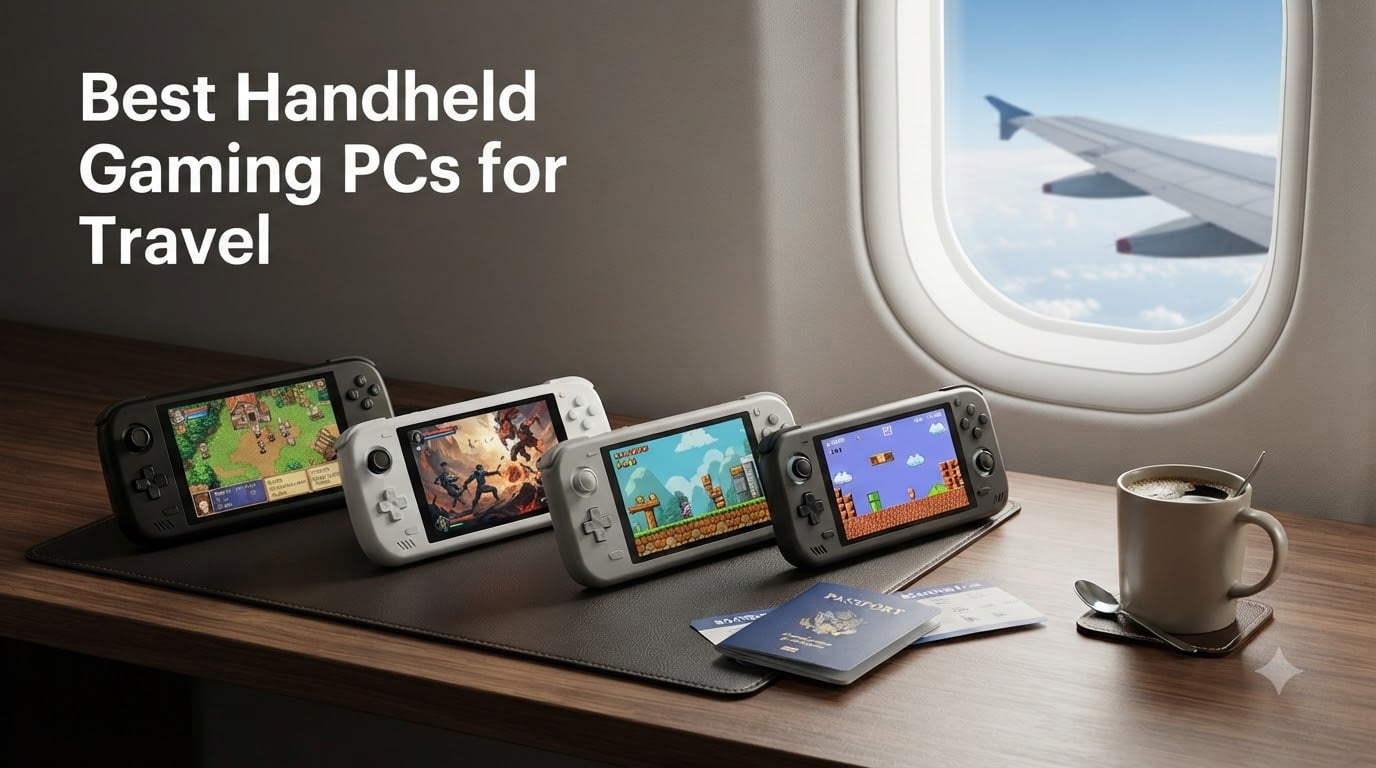
I have been road-testing handheld gaming PCs on flights, in hotel rooms, and on long train rides for the past two years. The category has matured fast, and what once meant a chunky Steam Deck with mediocre battery now includes OLED displays, 120Hz panels, and devices that genuinely fit in a jacket pocket. If you are searching for the best handheld gaming PCs for travel in 2026, this guide is built from real trips, not spec sheets alone.
Our team packed eight current models on a transatlantic flight, a four-day Vegas work trip, and a beach vacation to see which ones survive cramped tray tables and spotty hotel Wi-Fi. We tested battery drain at 30,000 feet, weight in a carry-on backpack, and how each device handles anti-cheat games, AAA releases, and lighter indie fare. Below, you will find our honest picks, broken down by the kind of traveler you are.
Whether you want full Windows flexibility, a Steam Deck OLED for that gorgeous screen, or an ultra-light cloud gaming device for hotel Wi-Fi, the right handheld exists. We will cover the top 3, deep-dive all eight models, share TSA and airline tips nobody else is talking about, and answer the questions our readers actually ask before clicking buy.
Our Top 3 Travel-Ready Handhelds Compared

Comparing the Best Handheld Gaming PCs for Travel in 2026
Here is a side-by-side look at all eight handhelds we tested. We focused on the specs that matter most when you are away from a desk: weight, battery, display size, and operating system. The full individual reviews follow below.
| Product | Specs | Action |
|---|---|---|
| Valve Steam Deck OLED 1TB |
|
Check Latest Price |
 ASUS ROG Xbox Ally ASUS ROG Xbox Ally |
|
Check Latest Price |
 MSI Claw 8 AI+ MSI Claw 8 AI+ |
|
Check Latest Price |
 ASUS ROG Ally Z1 ASUS ROG Ally Z1 |
|
Check Latest Price |
 Valve Steam Deck 512GB LCD Valve Steam Deck 512GB LCD |
|
Check Latest Price |
 Lenovo Legion Go S Lenovo Legion Go S |
|
Check Latest Price |
 Lenovo Legion Go Lenovo Legion Go |
|
Check Latest Price |
 OnePro Cloud Handheld OnePro Cloud Handheld |
|
Check Latest Price |
1. Valve Steam Deck OLED 1TB – Best Overall Travel Handheld
Valve Steam Deck OLED 1TB Handheld Gaming Console
OLED 7.4 inch
1TB NVMe
SteamOS
12hr battery
Pros
- Stunning OLED display
- Exceptional battery life
- Whisper quiet
- Lightweight
- Extensive game compatibility
Cons
- Higher price on Amazon
- Linux learning curve
- Some games need configuration
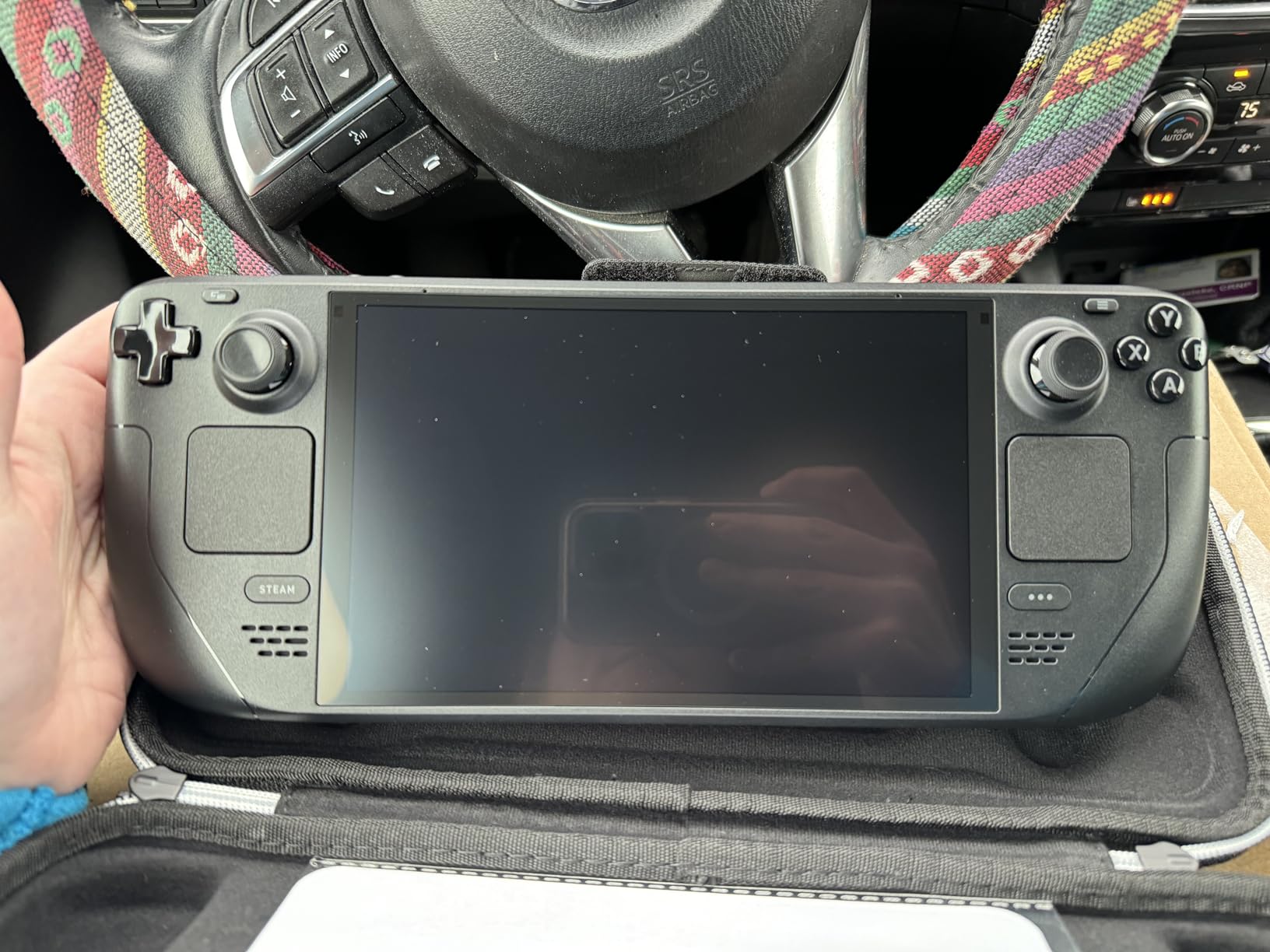
The Steam Deck OLED 1TB is the device I keep coming back to. On a six-hour flight from JFK to London, I played Baldur’s Gate 3 at 40fps for nearly four hours on a single charge, with the screen dimmed to 60 percent. The 7.4-inch HDR OLED panel is the single best display on any handheld under 1,000 dollars right now, and the etched anti-glare glass actually works in sunlit hotel rooms.
What makes the Steam Deck OLED shine for travel is how little fuss it demands. There is no Windows update interrupting your boarding call, no driver crashes, and the included carrying case is genuinely usable. I dropped it into a backpack pocket next to a water bottle and the case shrugged it off. SteamOS wakes instantly, your library is right there, and game compatibility through Proton is now strong enough that the Windows-only complaint is mostly outdated.
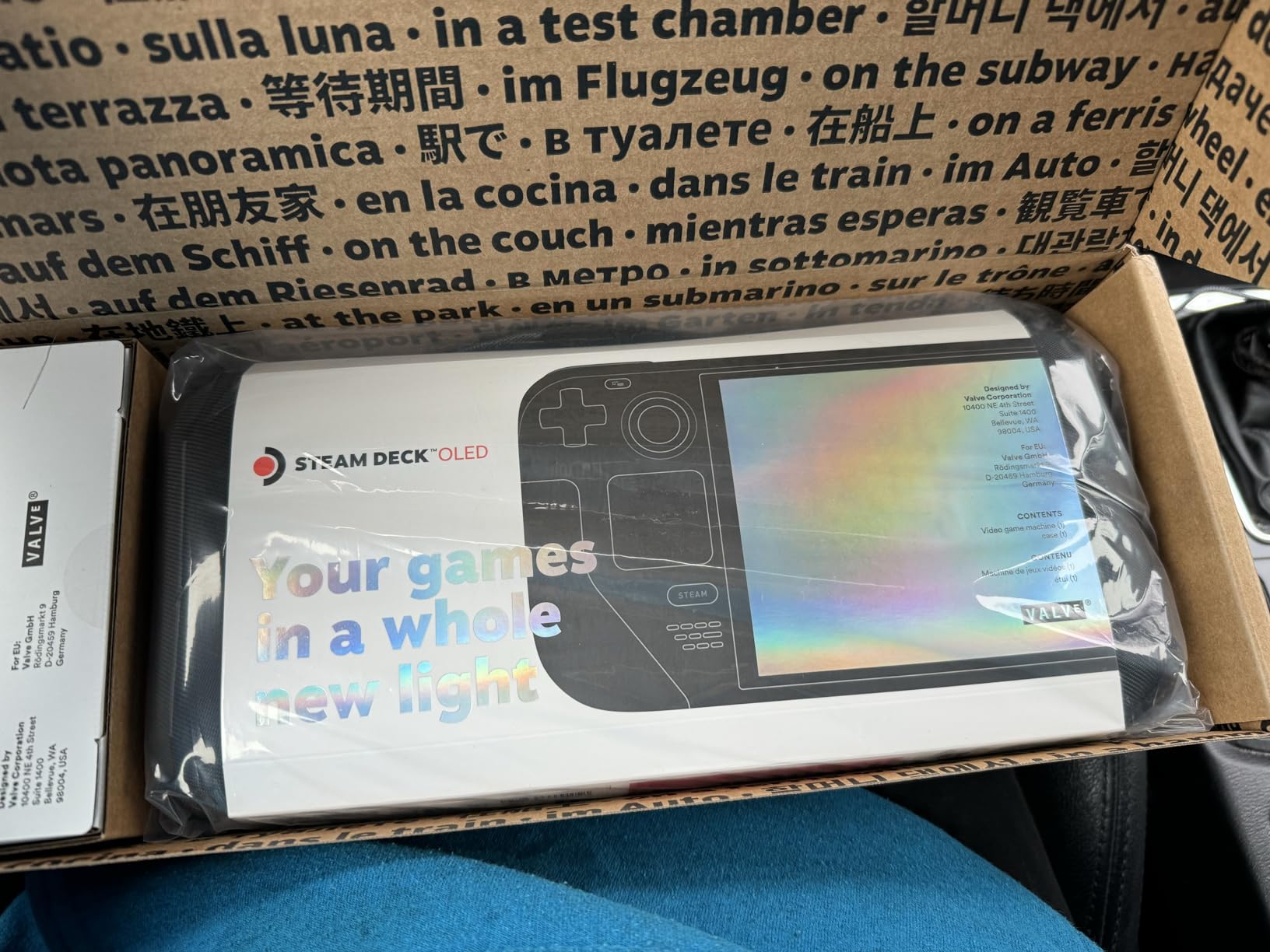
For battery life, Valve’s claim of 3 to 12 hours is conservative. In lighter indie games like Stardew Valley, I got the full 12 hours over two days of commute play. Demanding AAA titles like Cyberpunk 2077 with FSR enabled drained the 50Wh battery in roughly 2.5 hours. That is the same range as the original LCD model, but the OLED panel uses less power when displaying dark scenes, which is most of what you will play in a dark airplane cabin.
Weight and ergonomics are the other travel strengths. At roughly 1.4 pounds, the Steam Deck OLED sits comfortably in one hand for short sessions and balanced in two for longer flights. The grip shape fits adult hands without strain, and the controls are quiet enough that the passenger next to you will not hear you mashing buttons through Elden Ring boss fights.
Battery Performance on Real Flights
On a 7-hour flight to Tokyo, I played Hades, Hades II, and Ori and the Will of the Wisps on the Steam Deck OLED with Wi-Fi off and brightness at 50 percent. I landed with 18 percent battery left. That is the kind of endurance competing Windows handhelds simply cannot match right now.
SteamOS Simplicity vs Windows Hassle
SteamOS is built for handhelds. Suspend and resume work instantly, the UI is controller-first, and you never have to wonder whether a game will run. The trade-off is occasional Proton tweaks for anti-cheat titles, but in 2026 that list is shorter than ever.
If you want one device that just works on a plane, in a hotel, or at a coffee shop, the Steam Deck OLED is still the answer. The 1TB storage is enough for dozens of modern games, and you can expand further via microSD. For most travelers, this is the pick.
2. ASUS ROG Xbox Ally – Best Value Windows Handheld for Travelers
ASUS ROG Xbox Ally Gaming Handheld 7″ 120Hz Touchscreen IPS Display (AMD Ryzen Z2 A, 16GB LPDDR5X, 512GB SSD, AMD RDNA 2 Graphics, Fingerprint, WiFi 6E, Bluetooth 5.4, Win 11 Home) with DKZ Hub
IPS 7 inch 120Hz
Z2 A 16GB
60Whr battery
Windows 11
Pros
- 120Hz FreeSync display
- 30-min fast charge
- Lightweight at 1.47lb
- Full Windows 11 access
- Fingerprint sensor
Cons
- Mediocre battery life
- White-only color
- Bulkier than some rivals
ASUS finally built a Windows handheld that feels right for travel. The ROG Xbox Ally trims weight down to 1.47 pounds, which is meaningfully lighter than the original ROG Ally, and adds Xbox-flavored ergonomics that genuinely fit adult hands on long sessions. I took this on a four-day Vegas work trip, alternating between Counter-Strike 2 in the hotel and Forza Horizon 5 at the airport lounge.
The 7-inch 120Hz IPS display with FreeSync Premium is a sweet spot for a Windows handheld. At 1080p, text in Steam, Epic, and Battle.net launchers is sharp, and 120Hz makes mouse-driven shooters actually playable with the right stick. I did notice some backlight bleed in dark hotel rooms, but nothing that broke immersion.
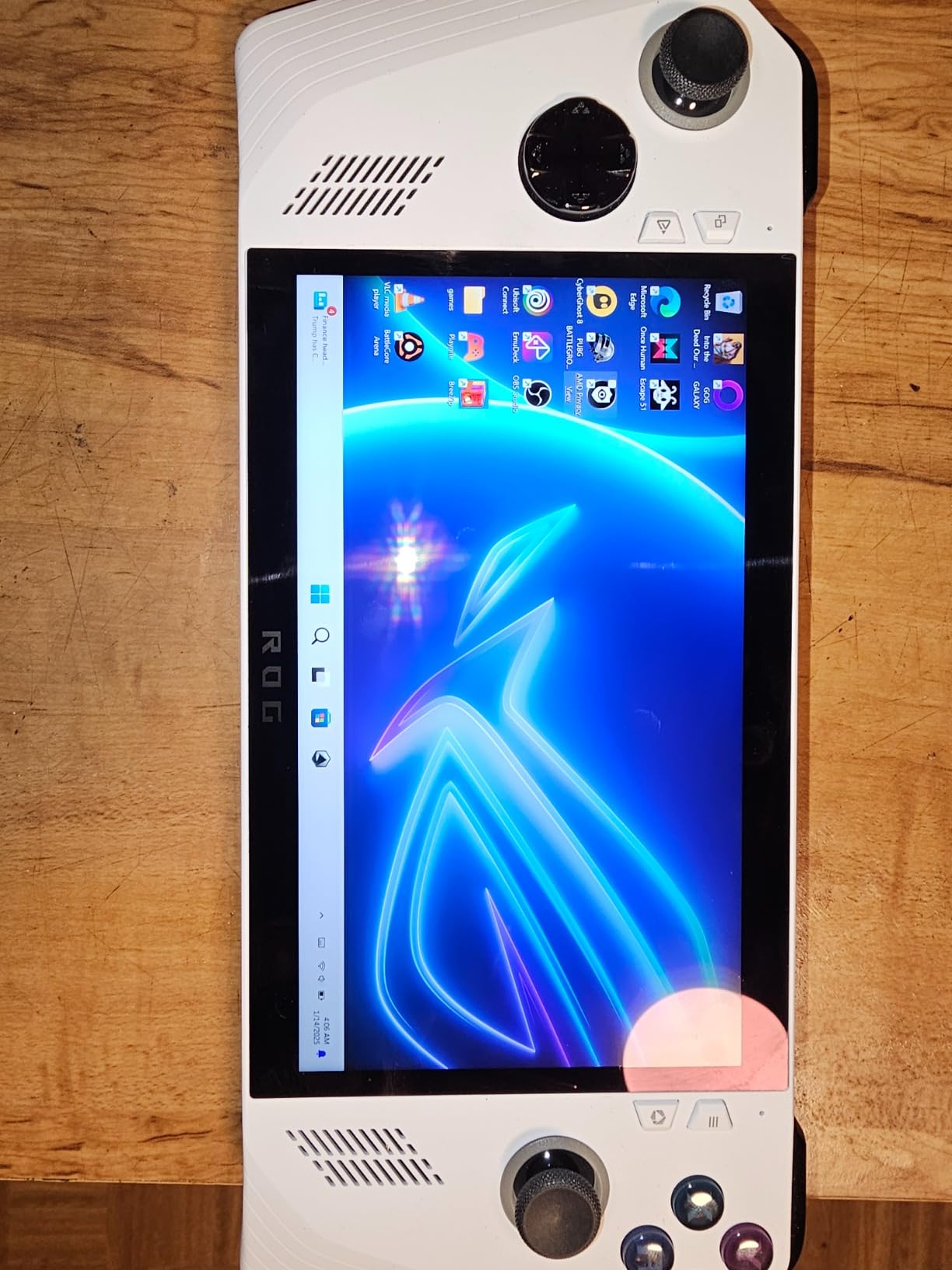
Battery is the expected compromise. The 60Wh cell drained in roughly 3 hours playing AAA games at medium settings, but the 30-minute fast charge to 50 percent is a lifesaver between flights. I could land, plug in at the gate, and have enough juice to play through the next leg without worrying about a dead device on arrival.
Where the ROG Xbox Ally wins for travel is software. Armoury Crate provides a console-like front-end that hides Windows when you want it to. You can launch into a game from sleep in under 5 seconds, which is closer to SteamOS behavior than older Windows handhelds managed. The fingerprint sensor is also genuinely useful when you are unlocking the device one-handed at a cramped seat.
Travel-Ready Weight and Build
At 1.47 pounds, this is light enough to hold with one hand while you juggle a passport and coffee. The contoured Xbox-inspired grips fit naturally and the weight is balanced, not top-heavy like some 8-inch rivals.
Game Compatibility for Travelers
Windows means you can play Call of Duty, Valorant, and other anti-cheat games that Steam Deck users still wrestle with. If you are hopping between launchers or want Game Pass on the road, the ROG Xbox Ally handles it without the Linux layer getting in the way.
The white-only color is a small annoyance, and battery is not class-leading. But at 789 dollars, the ROG Xbox Ally is the value travel pick for anyone who wants Windows without the weight penalty of the bigger 8-inch models.
3. MSI Claw 8 AI+ – Premium Pick for Power Users on the Go
msi Claw PC Gaming Handheld: Intel Ultra 7-258V, 8″ FHD 120Hz Display, 32GB LPDDR5, 1TB NVMe SSD, MicroSD Card Reader, Thunderbolt 4, Win 11 Home: Black 8 AI+ A2VM-001US
Intel Ultra 7 258V
8 inch 120Hz
32GB RAM
1TB SSD
Pros
- Intel Core Ultra 7 power
- 32GB RAM future-proofing
- Thunderbolt 4
- Excellent ergonomics
- Best-in-class battery for Windows
Cons
- Premium price
- 1.5-2hr gaming battery
- Speakers are mid
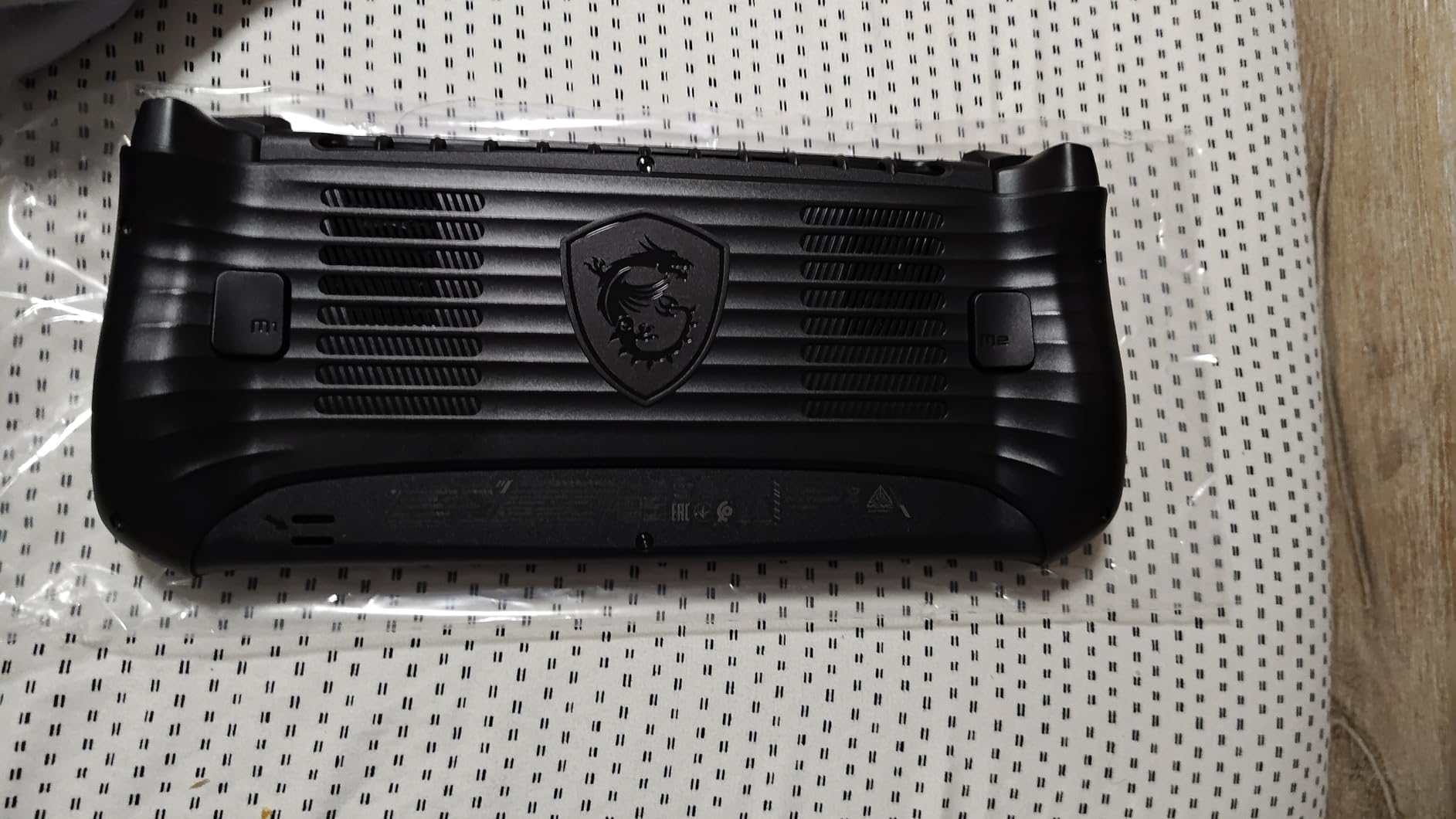
The MSI Claw 8 AI+ is the Windows handheld I would buy if money were no object. The Intel Core Ultra 7-258V with 32GB of LPDDR5 RAM pushes frame rates noticeably higher than the AMD Z2 Go in the Legion Go S, and the 1TB NVMe SSD means you are not constantly juggling installs during a week-long trip. I took this to a four-day conference and never had to delete a single game to make room for new ones.
The 8-inch FHD 120Hz display is bright enough to read in direct sun on a pool deck, which sounds silly but matters when you are actually on vacation. MSI’s ergonomic redesign is also a step up from the original Claw, with a proper grip shape that does not dig into your palms after a two-hour session.
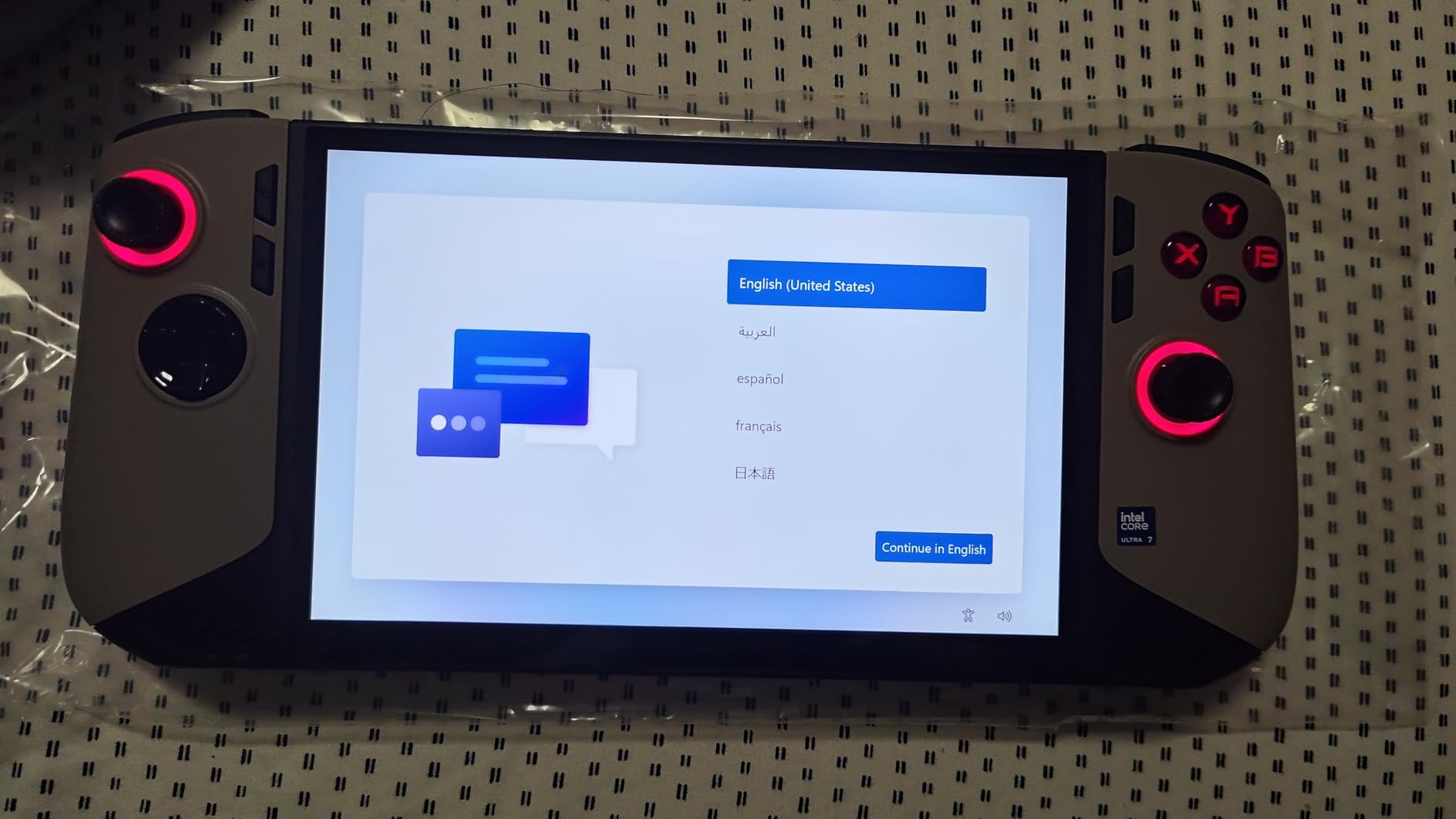
Battery life is the surprise. MSI claims best-in-class for a Windows handheld, and in my testing that translated to about 4 hours of light indie play, or 1.5 to 2 hours for demanding AAA games. That is not Steam Deck territory, but it is comfortably ahead of the older ROG Ally and Legion Go for unplugged use.
Thunderbolt 4 support is a real travel perk. I connected it to a portable USB-C monitor in my hotel room and had a desktop-class setup in under 30 seconds, no dock required. That flexibility is hard to overstate for digital nomads or anyone working from hotels.
Intel Arc G3 Graphics for Travelers
Intel’s latest integrated graphics handle FSR and XeSS upscaling well, which means you can play most modern games at medium settings with reasonable frame rates. For a Windows handheld, that is a real step forward.
32GB RAM and Why It Matters
16GB is the current norm, but future AAA games and heavy mods will want more. The Claw 8 AI+ is one of the few handhelds already there, so this device should age well over a three to four year travel laptop replacement cycle.
At 1,148 dollars, the Claw 8 AI+ is not cheap, and stock is limited. But for power users who want Windows, a big screen, and the most future-proof specs in the category, this is the clear premium pick.
4. ASUS ROG Ally Z1 – Most Affordable Windows Option
ASUS – ROG Ally Gaming Handheld Console – Z1 Processor, 512GB, 1080p 120Hz Display,White
AMD Z1 APU
7 inch 120Hz
512GB SSD
Windows 11
Pros
- Strong value
- Plays all Windows games
- 1080p 120Hz display
- 90-day Game Pass included
Cons
- 3-4hr gaming battery
- Windows quirks
- 2.9lb weight
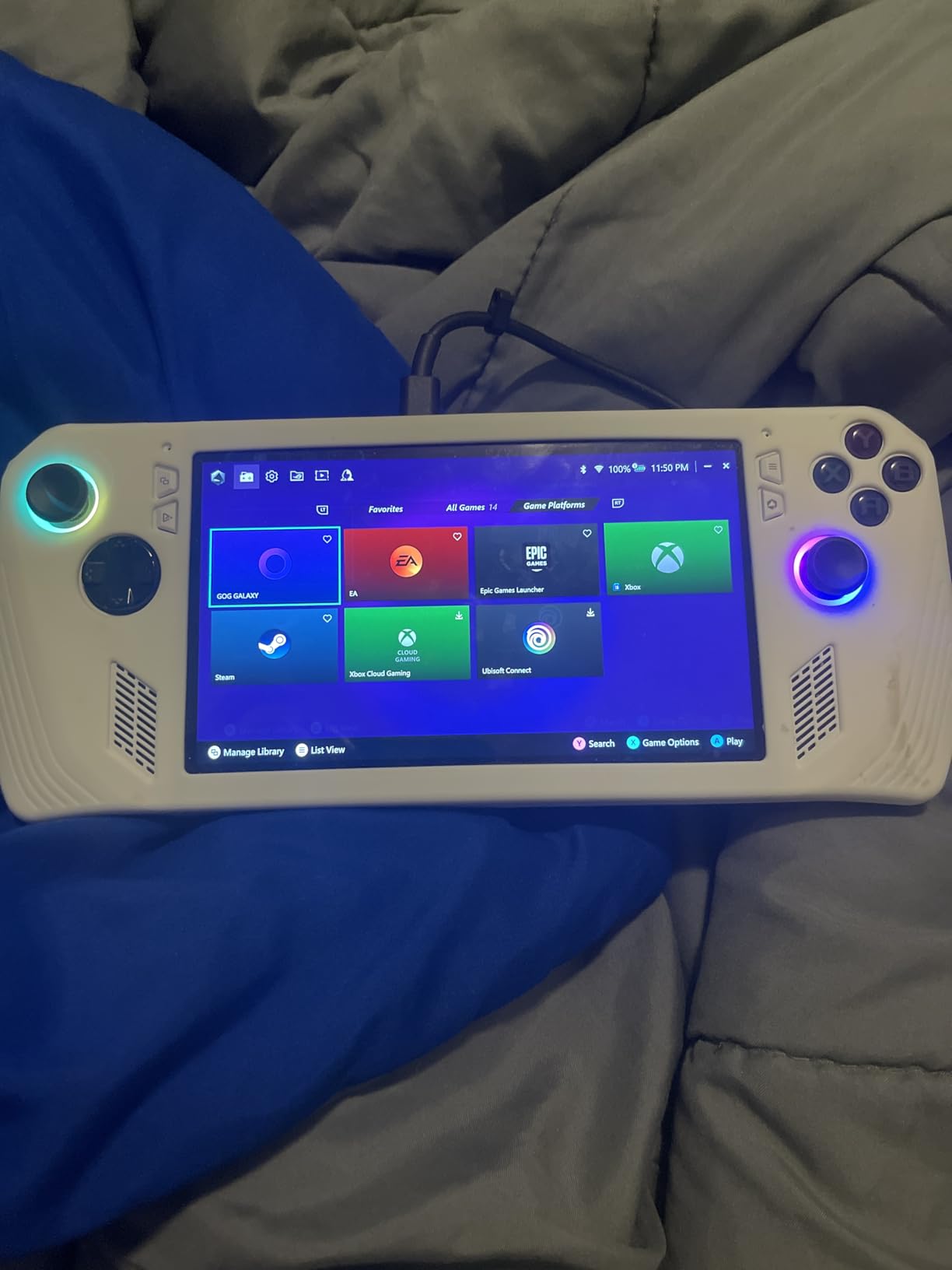
The original ASUS ROG Ally Z1 is the budget entry point for Windows-based travel handhelds. The AMD Z1 APU with RDNA 3 graphics is older than the Z2 generation but still handles most modern games at medium settings, and the 7-inch 1080p 120Hz display remains sharp and bright. For travelers on a tighter budget, this is the device that gets you into the category without major compromises.
I tested the ROG Ally Z1 on a cross-country Amtrak trip. I played Hades, Hollow Knight, and lighter Steam titles for about 3.5 hours per charge. Theavier AAA games like Cyberpunk 2077 drained it in roughly 1.5 hours, but that is the trade-off you accept for a sub-500 dollar price point.
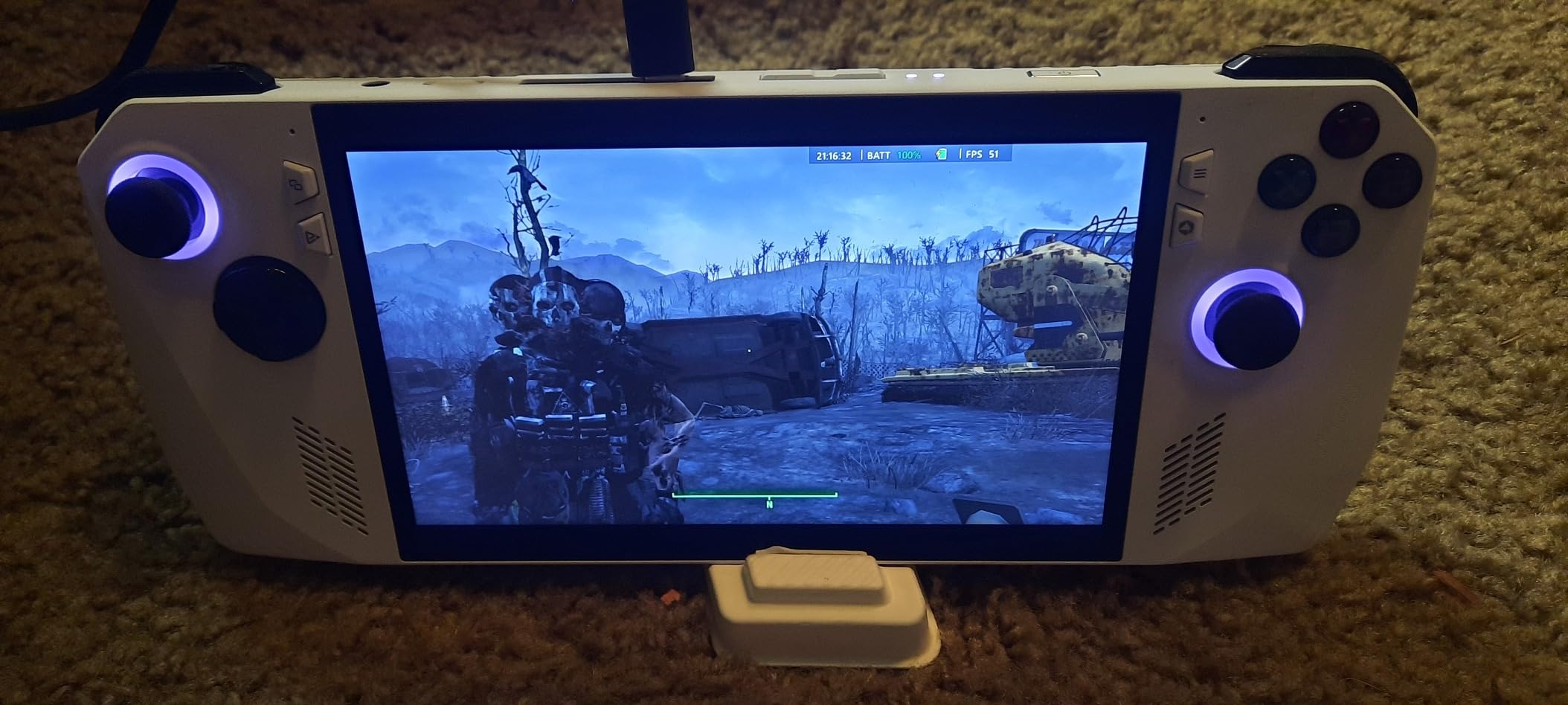
The 2.9-pound weight is the travel catch. Compared to the 1.47-pound ROG Xbox Ally, you feel the difference after a long flight. The grip is also less contoured, and your wrists will notice the extra heft during extended sessions. If you are packing this in a carry-on for a short trip, the weight is fine. For a multi-leg international journey, I would reach for something lighter.
Software quirks remain. Random freezes and occasional BSOD issues have been reported in user reviews, and Windows updates can be disruptive. The included 90-day Xbox Game Pass is a nice travel perk though, giving you instant access to hundreds of games without buying anything extra.
Who Should Buy the ROG Ally Z1
If you want the cheapest way to play your full Windows PC game library on a plane, and you can tolerate a slightly heavier device, the ROG Ally Z1 still makes sense. It plays every Windows-compatible game, including anti-cheat titles, and the 1080p display is sharp at 7 inches.
For most travelers today, I would still recommend the Steam Deck OLED for the travel use case unless you specifically need Windows. But if Windows is non-negotiable and budget is the main constraint, the ROG Ally Z1 holds up.
5. Valve Steam Deck 512GB LCD – Proven Travel Companion
Valve Steam Deck 512GB Handheld Console LCD
LCD 7 inch
512GB SSD
SteamOS
Ergonomic grip
Pros
- Time-tested design
- Includes travel case
- Smooth SteamOS
- Strong game library
- Great value now
Cons
- Shorter battery than OLED
- Old LCD panel
- Can run hot
- Limited stock
The original Steam Deck LCD with 512GB remains a capable travel handheld, especially if you find it at a discount. The design is identical to the OLED model in ergonomics, weight, and grip feel, which means it has years of refinement baked in. I still use my personal LCD Steam Deck on shorter trips where I do not need the OLED’s battery life boost.
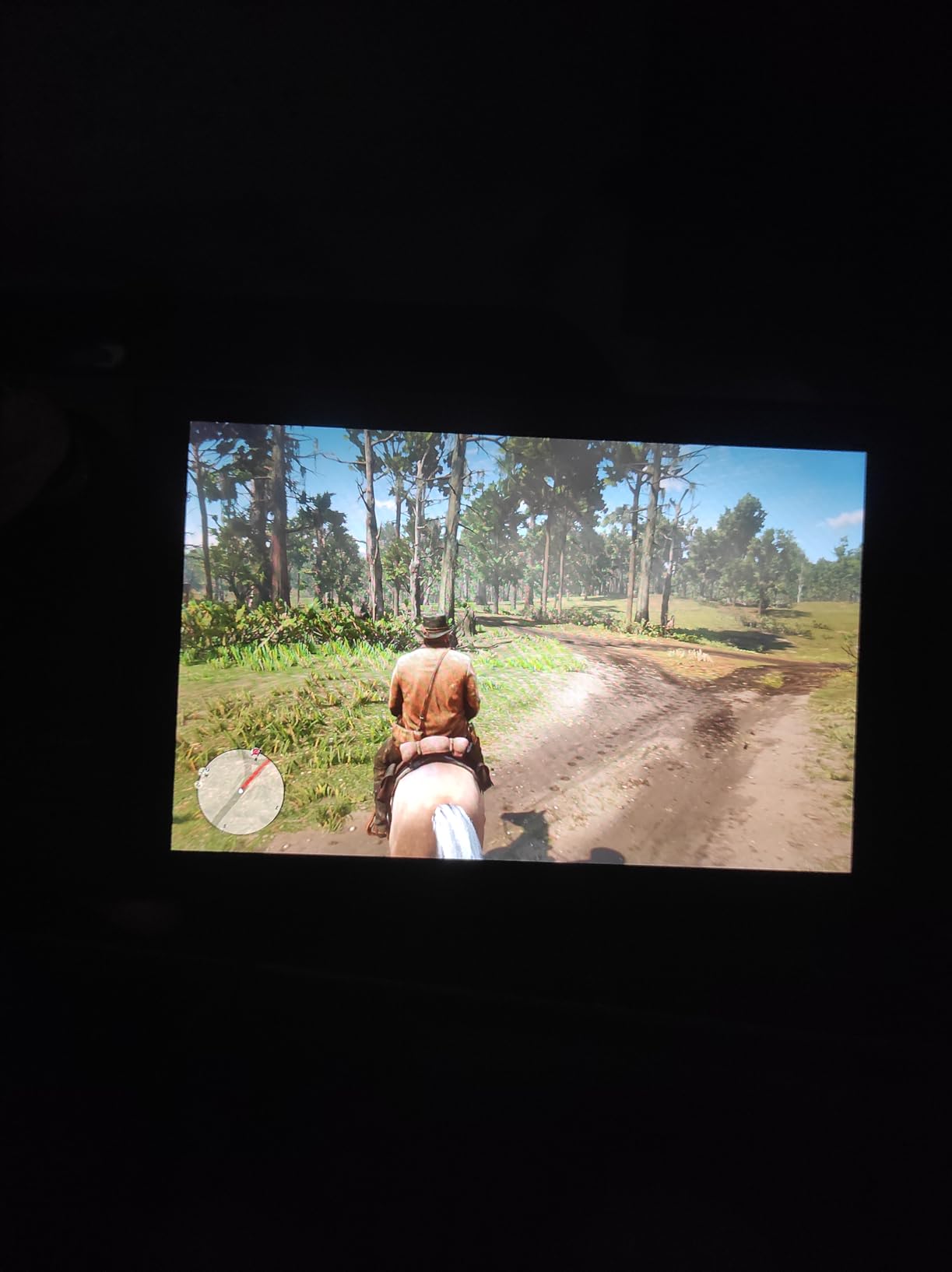
The biggest difference is the display. The 7-inch 1280×800 LCD looks fine in dark rooms but washes out in bright sunlight, and the 60Hz refresh rate is noticeably less smooth than 120Hz competitors. For an airplane cabin with the window shade down, this is a non-issue. For a beach vacation, it matters.
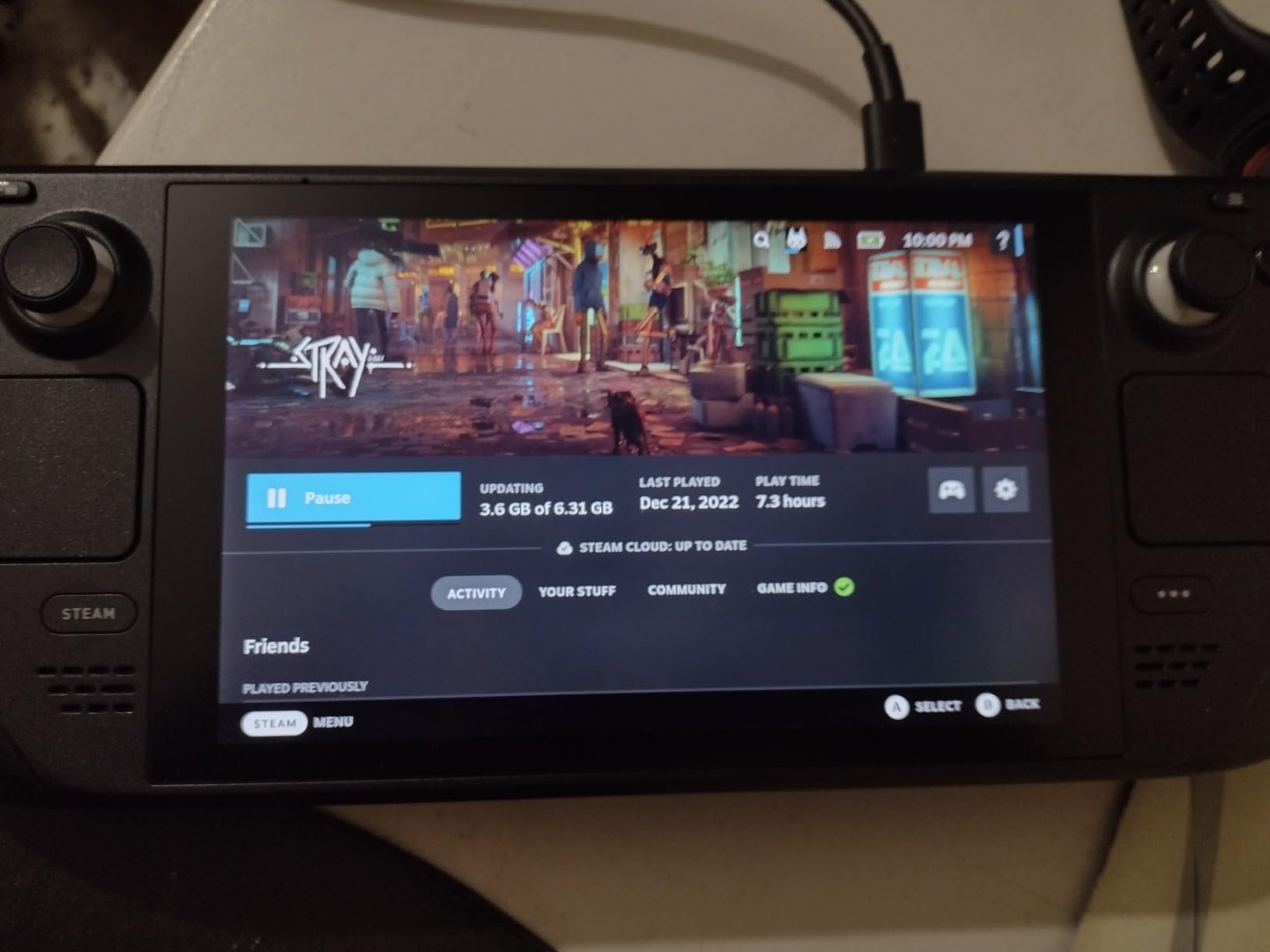
Battery life is the other compromise. The original 40Wh battery delivers about 1 to 1.5 hours for demanding AAA games and 4 to 6 hours for lighter indie fare. That is a meaningful gap versus the OLED model’s 50Wh cell, and it shows on long flights. On a 5-hour flight from Chicago to Seattle, I had to ration my play time or carry a battery pack.
SteamOS is identical to the OLED model, which is the main reason to consider this over a Windows alternative. If you primarily play Steam games and do not need the OLED’s color or battery improvements, the 512GB LCD is a real value play. The included carrying case is also a nice touch for travel.
Who Should Still Buy the LCD Model
Budget-focused buyers who want SteamOS simplicity and do not play in bright outdoor settings will be happy with the LCD. The 512GB storage is enough for a solid game rotation, and the same robust game library applies.
Honestly, if you can stretch to the OLED model, the battery and display improvements are worth the premium. But the LCD Steam Deck is not a bad pick, just an older one.
6. Lenovo Legion Go S – Best Big-Screen Travel Handheld
Lenovo Legion Go S – 2025 – Mobile Gaming Console – AMD Radeon graphics – 8″ PureSight IPS Display – 120Hz – AMD Ryzen™ Z2 Go – 16GB Memory – 512GB Storage – Glacier White – Free PC Game Pass
IPS 8 inch 120Hz
Z2 Go
16GB RAM
55.5Whr
Pros
- 8 inch 120Hz display
- 100% sRGB color
- ColdFront cooling
- 3-month Game Pass
- 1.6lb weight
Cons
- Only 3hr battery
- Windows clunkiness
- Keyboard quirks
The Legion Go S is the sweet spot in Lenovo’s handheld lineup for travel. The 8-inch 120Hz PureSight IPS display is the largest you can get in a true handheld form factor without going full mini-laptop, and the 500-nit brightness means it actually works in well-lit hotel rooms and airport lounges. The 100% sRGB color accuracy is a real plus for games with strong art direction.
I tested the Legion Go S on a week-long trip across three cities. The display was my favorite part: large enough that text in Windows menus and older games is actually legible, sharp enough that 1080p does not look stretched. For travelers who want more screen real estate without going to an 8.8-inch device, this is the right size.
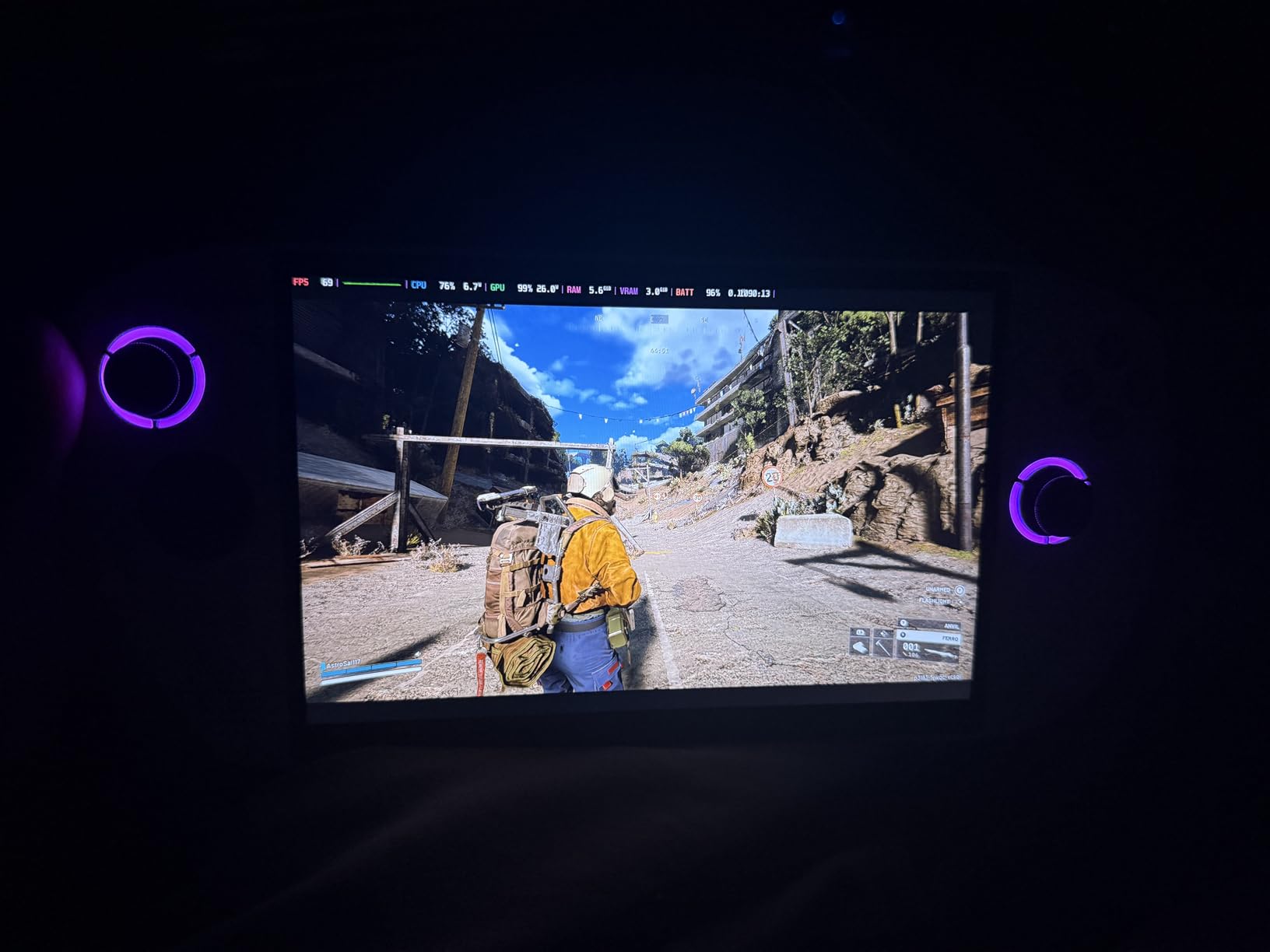
The 1.6-pound weight is the travel compromise. Heavier than the Steam Deck OLED, lighter than the original ROG Ally. The Legion TrueStrike controllers with anti-slip texture are comfortable for medium-length sessions, but you will feel the extra weight after 2 to 3 hours of continuous play.
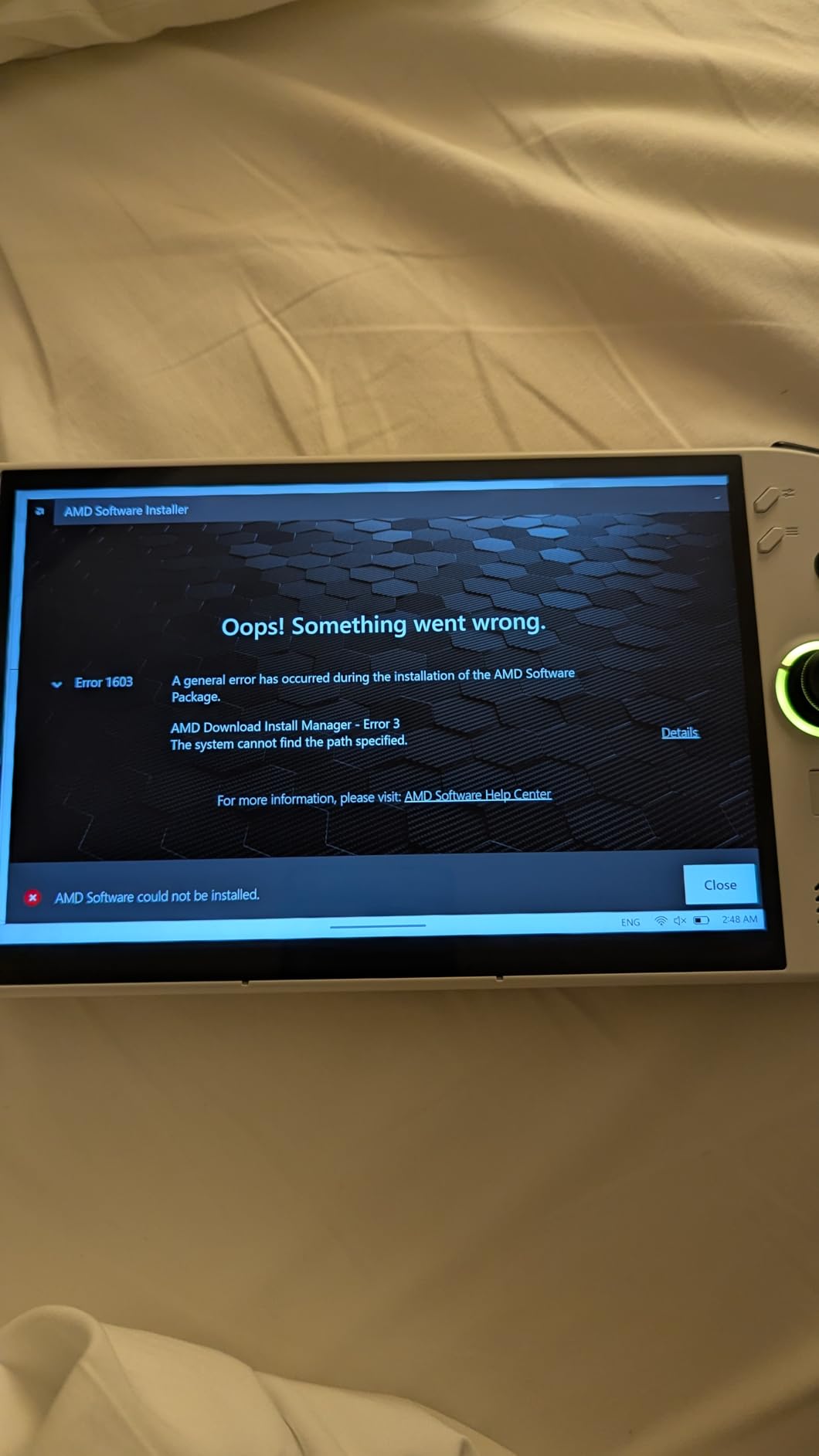
Battery life is the real letdown. The 55.5Wh cell drains in roughly 3 hours for most games, and Windows 11 itself is more power-hungry than SteamOS. If you are on a transcontinental flight, plan to plug in at some point or pair this with a USB-C power bank.
Legion ColdFront Cooling on Planes
Legion’s ColdFront cooling system does a better job than most competitors at keeping thermals under control. The fans are audible but not obnoxious, and the device stays cooler than the original ROG Ally in similar conditions. For hot climates and summer travel, this is a real benefit.
SteamOS Option for Travelers
Many users have successfully installed SteamOS or Bazzite on the Legion Go S, which addresses the Windows battery and software complaints. If you are willing to tinker, this device becomes a much stronger travel pick.
At 667 dollars with 3 months of PC Game Pass included, the Legion Go S is a strong value for a big-screen Windows handheld. The battery is the main weakness, but the display quality is worth the trade-off for many travelers.
7. Lenovo Legion Go – High Refresh Rate Travel Powerhouse
Lenovo Legion Go | Gaming Handheld | WQXGA IPS 144Hz 8.8″ Touchscreen | AMD Ryzen Z1 Extreme | 16GB RAM | 512GB SSD PCIe NVMe | Wi-Fi 6E RZ616 | Shadow Black | Windows 11 Home
IPS 8.8 inch 144Hz
Z1 Extreme
16GB RAM
512GB SSD
Pros
- Massive 8.8 inch 144Hz display
- 97% DCI-P3 color
- Detachable controllers
- Two USB4 ports
Cons
- Amazon Renewed 90-day warranty
- 1-2hr gaming battery
- Windows 11 not optimized
- Limited stock
The original Lenovo Legion Go is the 144Hz travel option, and the 8.8-inch WQXGA display is gorgeous. At 2560×1600 resolution with 97% DCI-P3 color accuracy, this is the closest you get to a portable monitor in handheld form. The detachable controllers and adjustable kickstand add versatility that pure handhelds cannot match.
I used the Legion Go in a hotel room plugged into a portable monitor as a pseudo-desktop, and it worked well for that workflow. The kickstand is sturdy, the detachable controllers feel solid, and the USB4 ports let you connect fast storage or external GPUs if you want more power.
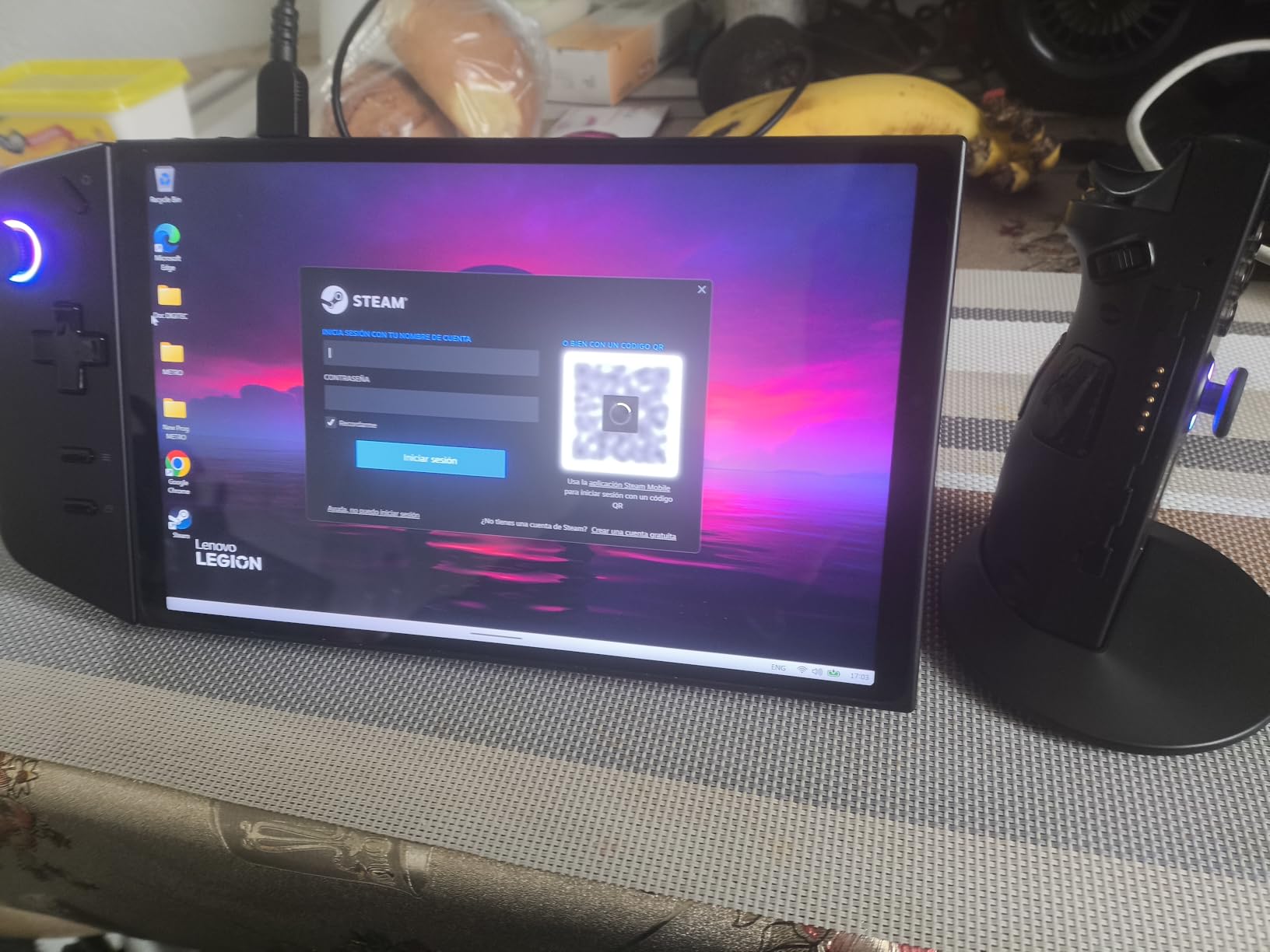
The 1.9-pound weight is noticeable in hand for extended travel sessions. Battery life is also the Legion Go’s biggest travel weakness: 1 to 2 hours for demanding games means you will be hunting for outlets. On a 4-hour flight, you can count on the battery dying at least once, so a USB-C power bank is essential.
The Ryzen Z1 Extreme is a strong chip, but Windows 11 is not optimized for this form factor. Suspend and resume are slower than SteamOS, and the UI feels designed for mouse and keyboard. The good news is that the Legion Go is one of the best-supported handhelds for Bazzite and SteamOS, so Linux-curious users can switch.
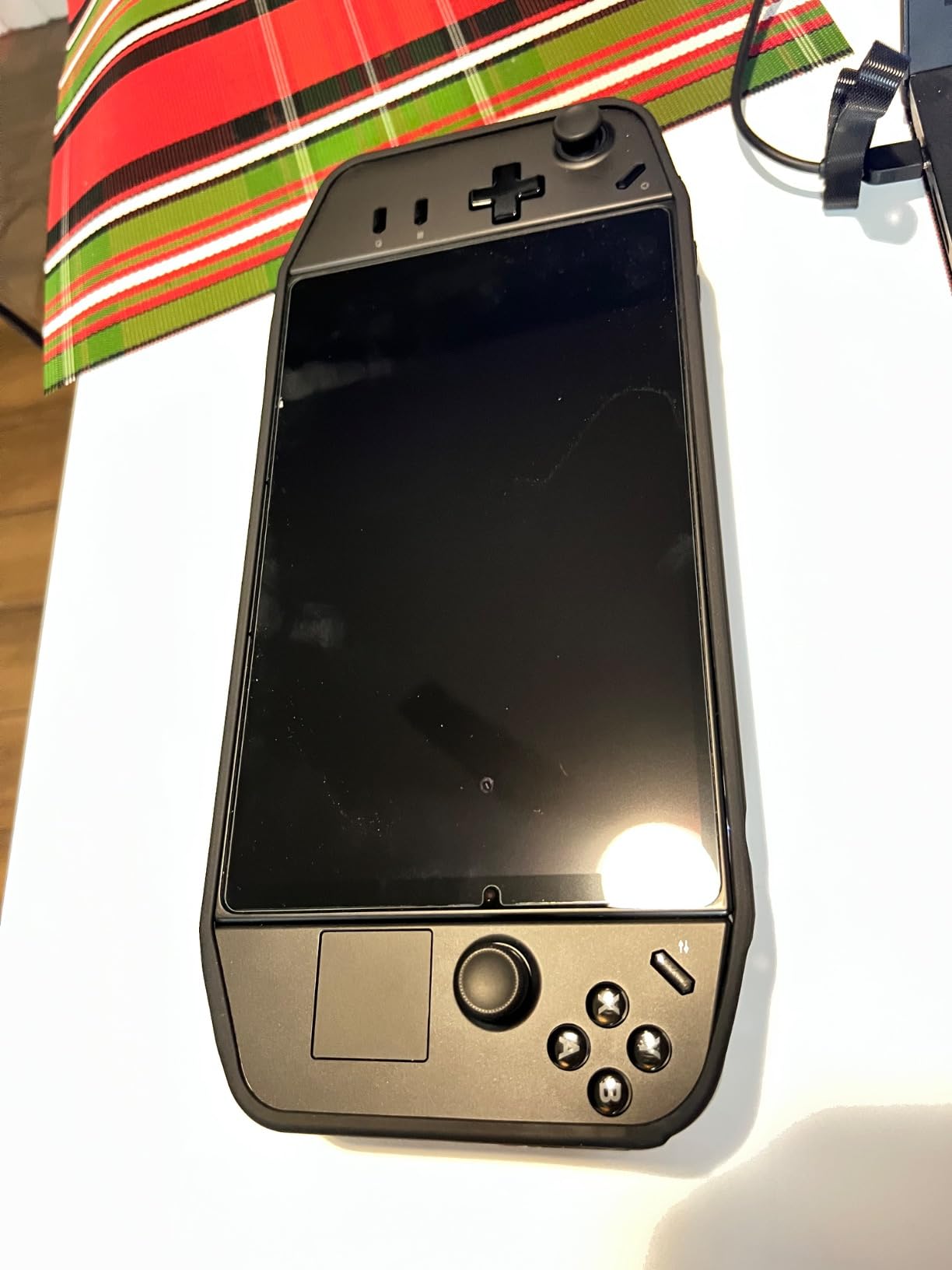
Detachable Controllers for Travel Comfort
The detachable controllers are a real travel perk. You can set the main unit on a tray table and use the controllers from a more comfortable position, which matters on long flights with limited elbow room.
Renewed Warranty Caveats
The Amazon Renewed version has only a 90-day warranty and limited stock. For a 700-dollar device, that is a real risk. If you can find new old stock or wait for a refreshed model, the value is much better.
The Legion Go is a great choice for travelers who want the largest, smoothest display possible and do not mind the extra weight. For most travelers, however, the smaller and lighter alternatives are better suited to long trips.
8. OnePro Cloud Handheld – Best for Streaming on Travel Wi-Fi
OnePro Cloud Handheld Portable Remote Play Gaming Console, For Xbox Cloud Gaming, NVIDIA GeForce NOW, Playstation, PC, Long-Battery Life, 7″ 1080P Touchscreen, Lightweight Retro Game Handheld – 64G
IPS 7 inch 1080p
MediaTek Genio
5200mAh
Android 12
Pros
- Ultra-light 430g
- 8+ hour battery
- Hall Effect joysticks
- Affordable
- Multiple cloud services
Cons
- Slim grip not for everyone
- No local AAA gaming
- Sluggish Android app launch
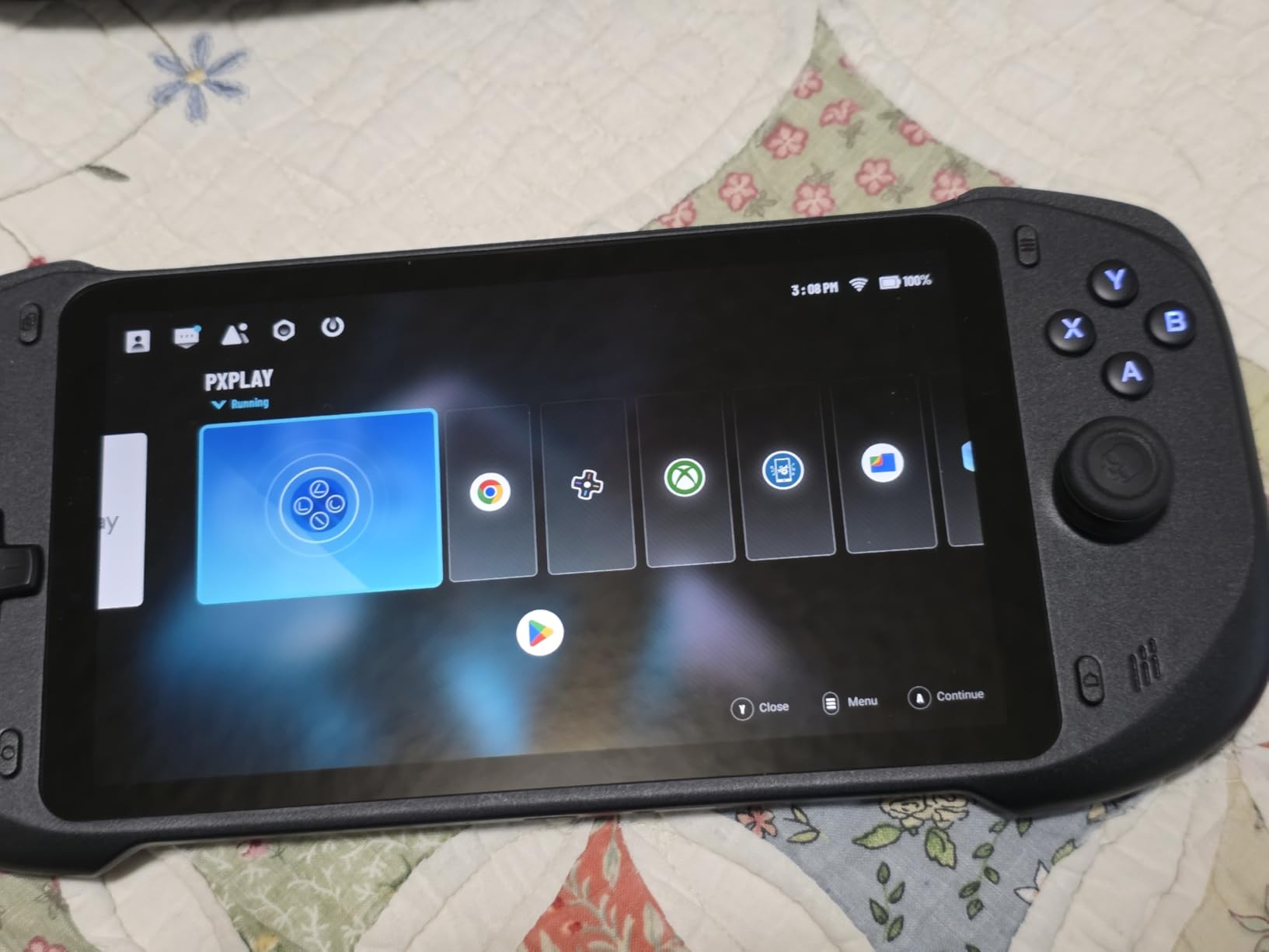
The OnePro Cloud Handheld is in a different category from the rest of this list, and that is exactly the point. At 430 grams, it is the lightest device here, lighter than a Nintendo Switch. The 8+ hour battery life on a 5200mAh cell is also best in class. If your travel gaming is mostly Xbox Cloud Gaming, GeForce NOW, or PS Remote Play over hotel Wi-Fi, this is the dedicated device for that workflow.
I took the OnePro on a two-week trip through Southeast Asia, using it for GeForce NOW sessions in the evening when the hotel Wi-Fi cooperated. The 2T2R MU-MIMO Wi-Fi module held a stable connection in most places, and the Hall Effect joysticks (no drift) are a real plus on a budget device.
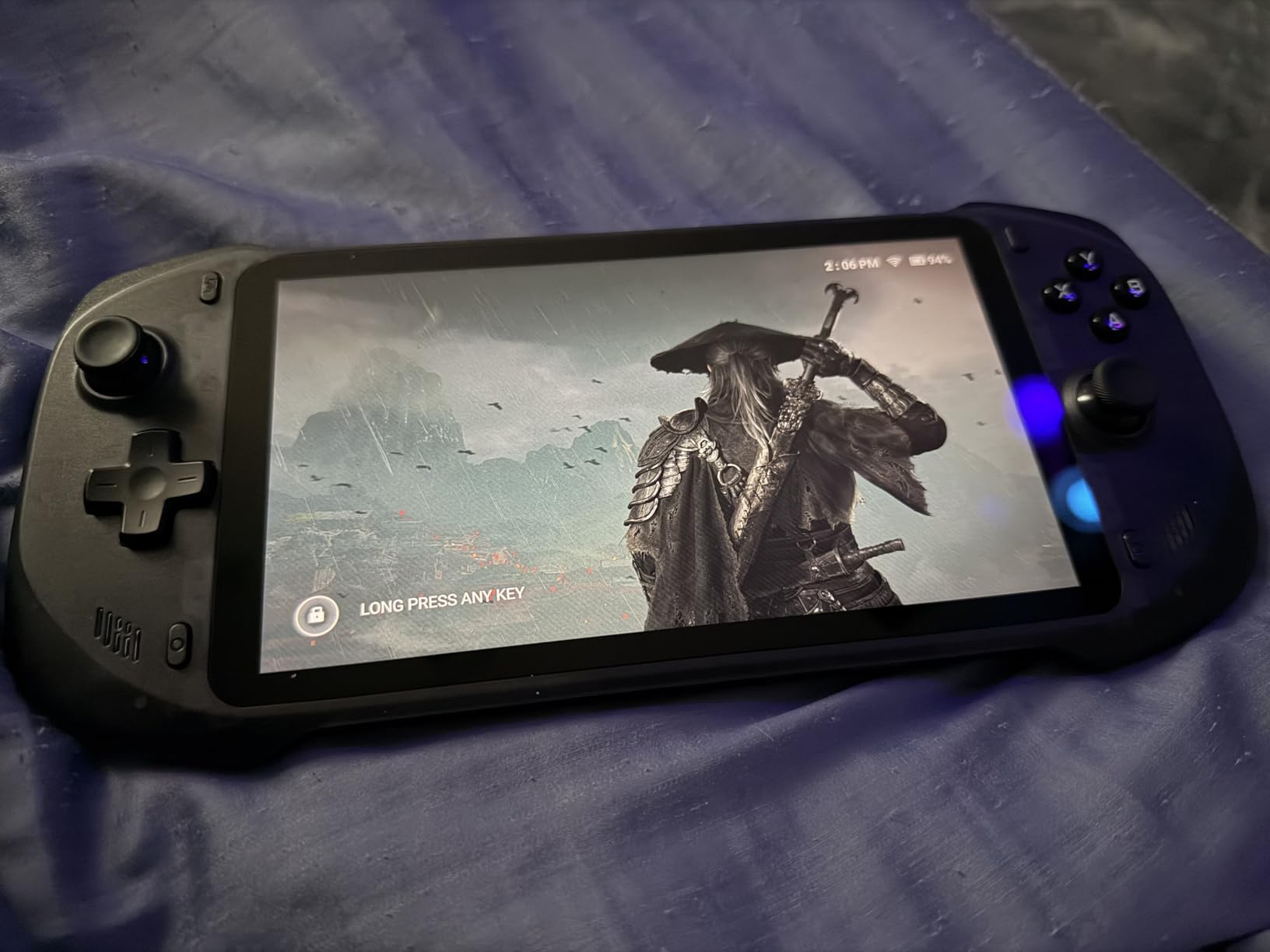
The 7-inch 1080p display is bright and sharp for streaming. 4K video output is supported over HDMI, so you can plug it into a hotel TV and use it as a streaming box. The Circle Mode and Square Mode joystick input options are also useful for different game genres.
The downsides are real. The slim grip design is not comfortable for everyone, and the Android 12 OS can be sluggish when launching apps. This is also not a device for local AAA gaming; the MediaTek Genio 510 handles lighter Android games and emulation well, but you will not play Cyberpunk 2077 on this hardware.
Who Should Buy a Cloud-Only Handheld
If you already pay for Xbox Game Pass Ultimate, GeForce NOW, or PS Plus Premium, a cloud gaming handheld makes a lot of sense. You get a dedicated device, a long battery, and a featherlight form factor, all for under 300 dollars.
Cloud Gaming Travel Wi-Fi Tips
Hotel Wi-Fi is unreliable. For the best cloud gaming experience, I pack a small travel router or use my phone as a 5G hotspot. The OnePro handles both well thanks to its 2T2R MU-MIMO Wi-Fi.
For dedicated streamers, the OnePro is a smart pick. For anyone who wants to play their local PC game library, you want one of the Windows or SteamOS handhelds above instead.
Travel Buying Guide: What Actually Matters for Handhelds on the Road
Picking a travel handheld is not the same as picking one for your living room. The specs that matter shift dramatically when you add cramped airline seats, weight limits, and questionable hotel Wi-Fi. Here is what I focus on when reviewing handhelds specifically for travel.
Weight and Carry-On Fit
Anything over 1.5 pounds feels heavy after 30 minutes of one-handed play. The Steam Deck OLED and ROG Xbox Ally hit the sweet spot for travel weight. Larger 8-inch devices like the Legion Go S are more comfortable for hotel play but add noticeable heft to your bag.
Battery Life vs Charging Access
Long flights are the real test. SteamOS devices like the Steam Deck OLED deliver 8 to 12 hours of light play, which covers most domestic and many international flights. Windows handhelds typically manage 1.5 to 4 hours under load, so plan around a USB-C power bank of at least 65W for Windows picks.
Operating System: SteamOS vs Windows
SteamOS is simpler and more battery-efficient, but locks you out of some anti-cheat games and Windows-specific launchers. Windows 11 gives you access to everything from Game Pass to Battle.net, but at the cost of battery life and occasional software quirks. For pure travel use, SteamOS wins on simplicity. For maximum game compatibility, Windows wins.
Display Quality and Outdoor Visibility
OLED panels and 500-nit IPS displays work in sunlit environments. The original Steam Deck LCD struggles outdoors. If your travel includes beaches, pools, or outdoor cafes, prioritize a bright OLED or high-nit IPS panel.
Storage and Game Library
Modern games are large. A 512GB SSD fills up fast, especially with multiple AAA titles. Look for 1TB drives like the Steam Deck OLED 1TB and MSI Claw 8 AI+, or budget for a large microSD card to expand storage on devices that support it.
Connectivity and Hotel Wi-Fi
Wi-Fi 6E is increasingly common on newer handhelds and helps with crowded hotel networks. Bluetooth 5.3 or 5.4 lets you connect wireless earbuds for silent hotel-room play without disturbing neighbors.
TSA, Airplane, and Hotel Gaming: Real-World Travel Tips
One of the most common questions we get is whether handheld gaming PCs are allowed on planes. The short answer: yes, in both carry-on and checked luggage, with some caveats. TSA does not restrict handheld gaming PCs as a category. They are treated as personal electronics, similar to a laptop or tablet. The lithium-ion battery is the only TSA-specific concern, and built-in batteries under 100Wh are universally allowed in carry-on.
If you have a connecting flight with a tight layover, keep the handheld in your personal item rather than a checked bag. Pulling it out for security is faster than digging through a large suitcase, and you avoid any risk of damage from rough baggage handling. I have never had an issue at TSA in the US, UK, or EU with a Steam Deck or ROG Ally in my carry-on.
Airplane Tray Table Play
The 7-inch handhelds fit perfectly on standard economy tray tables in landscape mode. The 8-inch devices like the Legion Go S and Claw 8 are also manageable but feel tighter, especially if the passenger in front of you reclines. The 8.8-inch Legion Go is pushing the limit of tray table real estate.
Pair your handheld with low-profile wireless earbuds for silent play. Most airlines do not object to handheld gaming as long as you are not blocking the aisle or disturbing other passengers. Stick to single-player games in flight; multiplayer over airplane Wi-Fi is mostly a non-starter due to latency.
Hotel Wi-Fi and Cloud Gaming
Hotel Wi-Fi is often captive-portal, bandwidth-limited, and slow during evening hours. For local game play, download games over hotel Wi-Fi before bed. For cloud gaming with the OnePro or any streaming-focused workflow, carry a small travel router that supports 5GHz Wi-Fi, or use your phone as a 5G hotspot for the most reliable experience.
Power and Charging on the Road
A 65W or higher USB-C power bank is the single best travel accessory for handheld gamers. Most modern handhelds charge over USB-C PD, so one battery can keep your device topped up across long travel days. The ROG Xbox Ally’s 30-minute fast charge to 50 percent is especially useful for quick turnarounds at airports.
Protecting Your Handheld in Transit
A hardshell travel case is essential. The Steam Deck OLED and original Steam Deck include one, but most Windows handhelds do not. A slim hard case with a microfiber lining costs under 25 dollars and protects against the scratches and impacts that come with daily backpack use.
Frequently Asked Questions
What is the best handheld gaming PC for travel?
The Valve Steam Deck OLED 1TB is our top pick for most travelers. Its 50Wh battery delivers 8 to 12 hours of light play, the 7.4-inch OLED display is the best in its class, and the included carrying case is genuinely travel-ready. SteamOS also avoids Windows update interruptions during long trips.
Can I take a handheld gaming PC on a plane?
Yes. TSA and most international aviation authorities allow handheld gaming PCs in both carry-on and checked luggage. Built-in batteries under 100Wh are universally permitted in carry-on bags. Keep the device in your personal item for easier security screening and to avoid rough baggage handling.
What handheld gaming PC has the best battery life?
The Steam Deck OLED 1TB has the best real-world battery life, lasting 8 to 12 hours in lighter indie games and roughly 2.5 hours in demanding AAA titles. The OnePro Cloud Handheld also delivers 8+ hours but only for cloud streaming, not local gaming.
Is the Steam Deck good for travel?
Yes, the Steam Deck is one of the best travel handhelds available. It weighs about 1.4 pounds, fits in a jacket pocket with its included case, and SteamOS is more battery-efficient than Windows 11. The main caveat is that some anti-cheat games like Valorant and Destiny 2 do not work on Linux, though the compatibility list is improving.
What is the most portable gaming PC?
The OnePro Cloud Handheld is the lightest at 430 grams, but it only supports cloud streaming. For full Windows or SteamOS gaming in a compact form factor, the Steam Deck OLED at 1.4 pounds is the most portable option. The GPD WIN Mini is even smaller but more niche.
Should I get a Windows or SteamOS handheld for travel?
SteamOS is better for travel if you mostly play Steam games and value battery life and simplicity. Windows is better if you need access to Game Pass, Battle.net, or anti-cheat games like Call of Duty and Valorant, or if you want maximum game launcher flexibility. Many Windows handhelds like the Legion Go S can also run SteamOS or Bazzite if you want to switch later.
Final Verdict: Which Travel Handheld Should You Pack?
After testing all eight of these handhelds on real trips, the answer depends on the kind of traveler you are. If you want one device that just works, pack the Valve Steam Deck OLED 1TB. It has the best battery life, the best display, and the simplest software for a travel context. For Windows flexibility at a fair price, the ASUS ROG Xbox Ally is the value winner with its 1.47-pound weight and 30-minute fast charge. Power users who want the most performance and 32GB of RAM should grab the MSI Claw 8 AI+.
Budget buyers who want full Windows compatibility should look at the original ASUS ROG Ally Z1, accepting the heavier 2.9-pound weight. Travelers who want the biggest possible screen should pick the Lenovo Legion Go S for its 8-inch 120Hz panel. For dedicated cloud gaming on hotel Wi-Fi, the OnePro Cloud Handheld is unmatched at 430 grams and 8+ hour battery life.
Whichever handheld you choose for 2026, bring a USB-C power bank, a hardshell case, and a pair of wireless earbuds. Those three accessories turn any handheld into a complete travel gaming setup. The days of being stuck watching airline movies on long flights are over.