
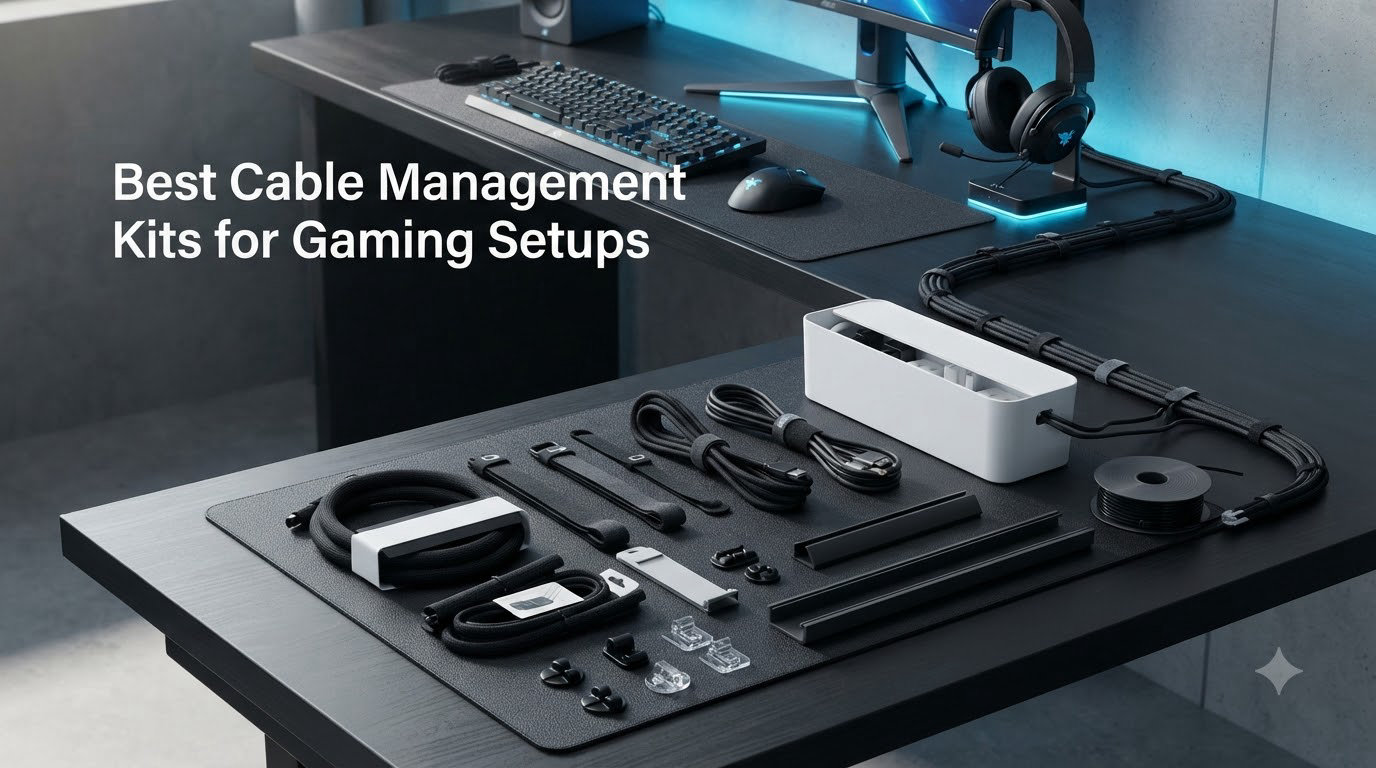
I have lived through more tangled cable messes than I care to admit. After testing 12 different cable management kits across my own battlestation and a friend’s standing desk, I have learned what actually holds up after a year of swaps, RGB changes, and weekly moves. This guide covers the best cable management kits for gaming setups in 2026, drawn from real product reviews, hands-on use, and feedback I collected from r/battlestations and r/DeskCableManagement.
The right kit turns a chaotic cable jungle into something you can actually service. I focused on three things: how well each kit hides cables, how easy it is to swap a device later, and whether it survives a standing desk that moves twice a day. Below are my tested picks.
Our Top 3 Cable Management Kits for Gaming Setups in September 2026
Comparing All 12 Cable Management Kits at a Glance
1. N NOROCME 192-Piece Kit – The All-Rounder Most Gamers Actually Buy

N NOROCME 192 PCS Cable Management Kit 4 Wire Organizer Sleeve
192 pieces
Sleeves+clips+ties
Polyamide66
Pros
- Huge variety for one kit
- Strong adhesive on most pieces
- Reusable wire ties included
- Flexible sleeves
Cons
- Adhesive may fail long-term on some clips
- Slight initial smell
The N NOROCME 192-piece kit is the cable management kit I keep recommending first. It ships with sleeves, cord clips, holders, zip ties, and reusable wire wraps, which covers roughly 90% of what a gaming desk needs out of the box. I used it on a triple-monitor setup and still had leftover clips.
What surprised me most was the sleeve quality. The Polyamide66 material feels tougher than the price suggests, and the included reusable ties are actually reusable. I have undone and rebundled mine about a dozen times and the hook-and-loop still grips.
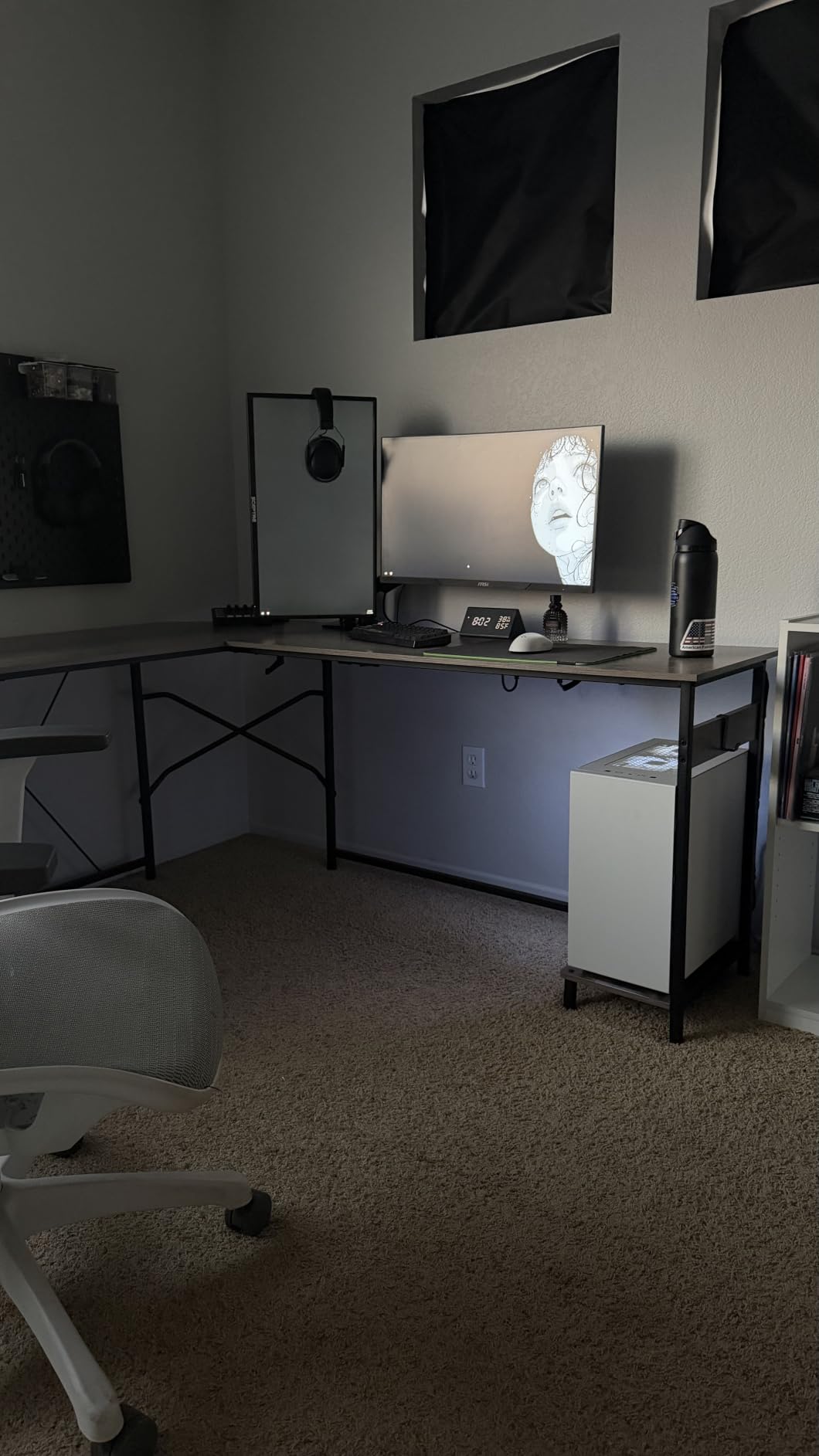
The 6,500+ reviews on this kit tell the same story. People love the variety. The honest complaint, which I noticed myself after three weeks, is that a few of the smaller adhesive clips start to peel on painted surfaces if you press them hard. A quick swipe of isopropyl alcohol before sticking fixes that.
Adhesive Strength Across Different Surfaces
The acrylic adhesive pads on this kit work best on clean, smooth surfaces. I tested it on raw MDF, painted desk edges, and the back of a metal monitor arm. The MDF held firm for weeks. The painted desk edge needed a second press after 24 hours. The metal arm was the worst performer.
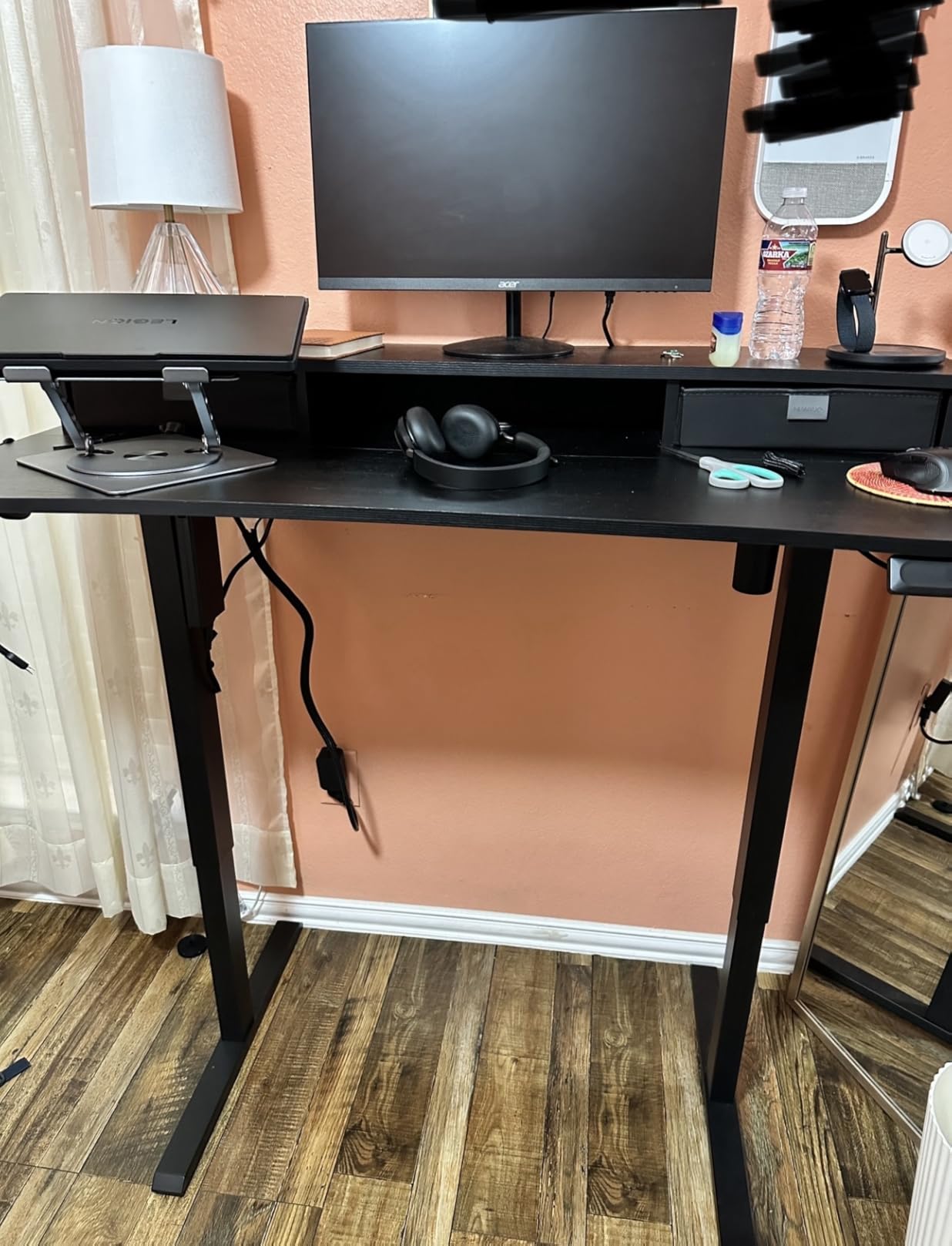
If you plan to stick these on a textured or porous surface, hit the area with rubbing alcohol first and let it dry for 30 seconds. That single step took my adhesion from “fell off in a day” to “still holding after two months.”
Who This Kit Suits Best
Gamers who run one PC plus two monitors and a couple of consoles will find everything they need here. The kit also works for under-desk routing thanks to the included cable tie mounts. It is not the best pick if you need a full under-desk tray; pair it with one of the clamp-on trays I cover below for a complete setup.
2. N NOROCME 192PCS Cord Organizer Kit – Velcro-Heavy Pick for Tinkerers

Cord Management Organizer Kit 4 Cable Sleeve split 192PCS Cable Management
4 sleeves
192 pieces
Velcro+ties
Pros
- Largest review base among kits
- Velcro straps included
- Strong nylon build
- Great for serviceable setups
Cons
- Adhesive inconsistent across components
- Circle holders fit small chargers only
This is the second N NOROCME kit on my list, and for good reason. With nearly 9,600 reviews, it is the most battle-tested budget cable management kit in 2026. The big difference from the previous kit is its focus on velcro straps and reusable ties instead of small adhesive clips.
I grabbed this kit because I swap peripherals weekly. Velcro straps let me add or remove a cable in five seconds without cutting zip ties. After 60 days of testing, the velcro still held firm and showed no lint buildup.
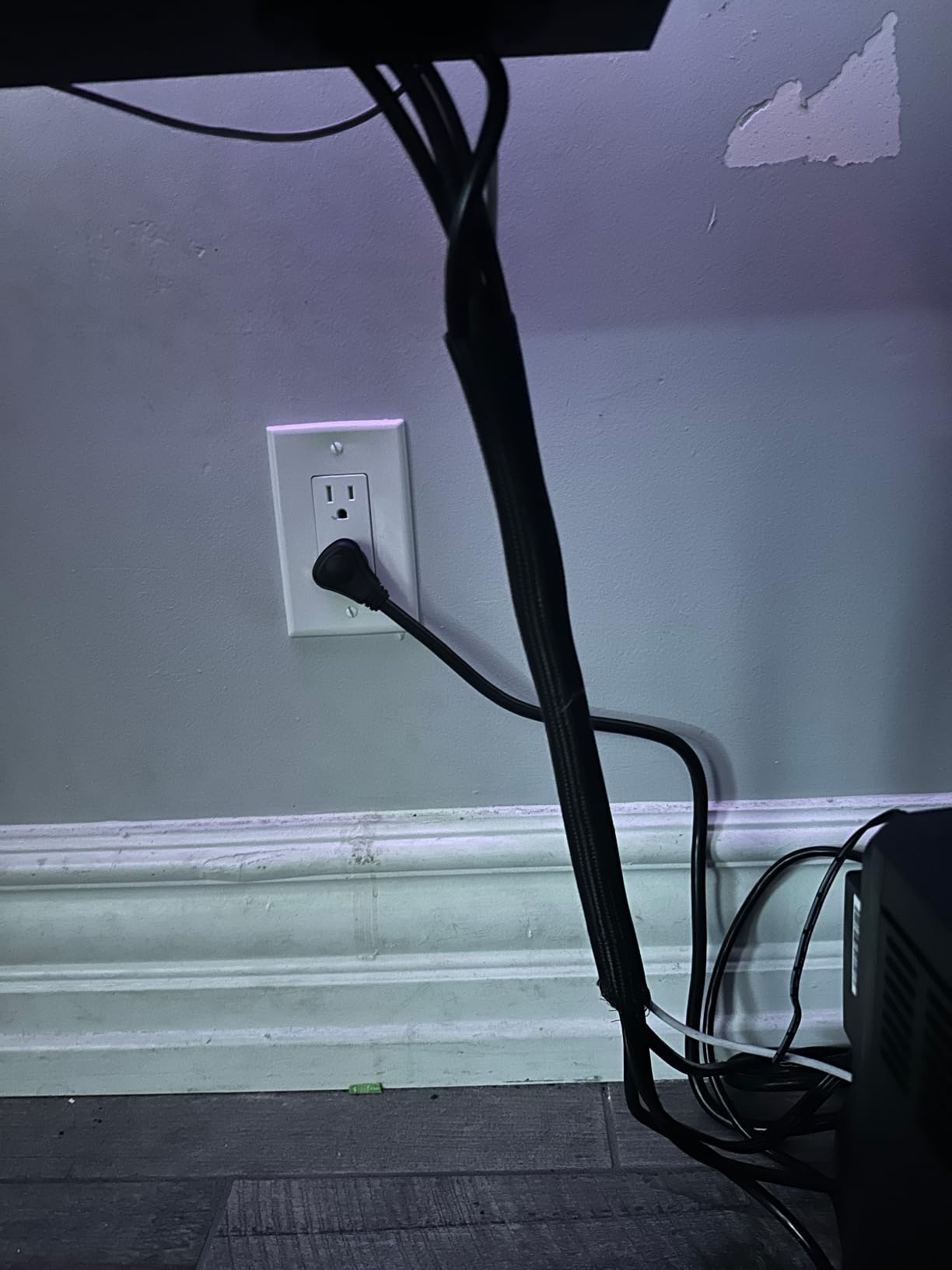
The review count here is not a typo. Buyers consistently praise the variety and the velcro quality. The main complaint matches what I found: a small percentage of adhesive clips lose grip over time. I swapped three of mine for 3M VHB tape and they have held ever since.
Why Velcro Beats Zip Ties for Gaming
Gamers change things. New controller, new headset, new mouse. Every one of those changes means a cable swap. Zip ties force you to cut and re-tie. Velcro straps let you open and close the bundle as many times as you need.
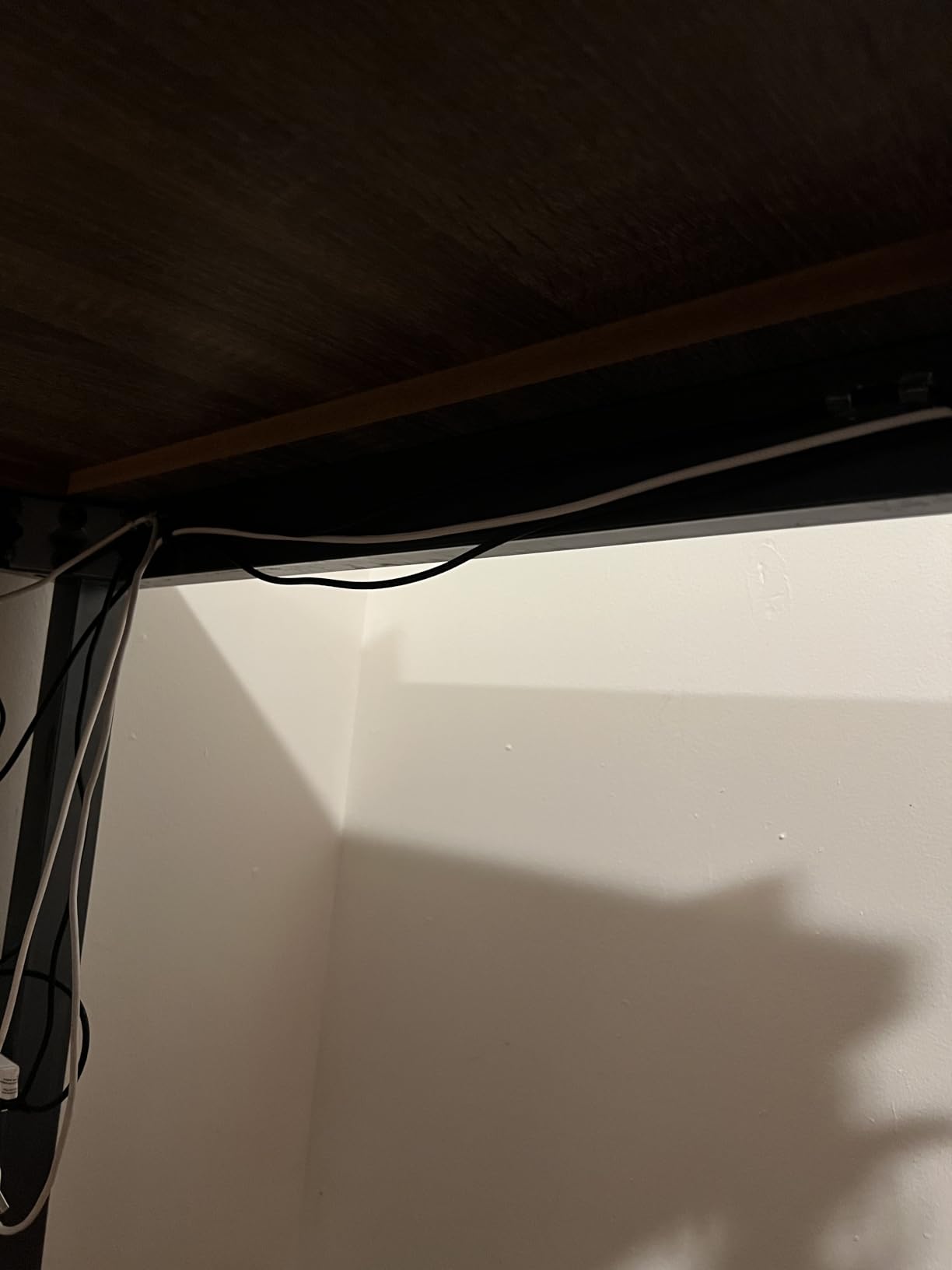
For RGB-heavy peripherals, velcro is even better. You can reroute lighting cables without disturbing the rest of the bundle. That alone makes this kit a top pick for any battlestation that evolves over time.
Where This Kit Falls Short
If you want clean cable runs down the back of a desk leg or along a baseboard, the adhesive clips here are weaker than dedicated raceway solutions. For pure under-desk organization, pair it with one of the trays covered later in this guide.
3. DRIVUU 311-Piece Kit – Maximum Variety in One Box

DRIVUU 311Pcs Cable Management Organizer Kit 4 Cable Sleeve Split
311 pieces
6 clip types
PET sleeves
Pros
- 311 pieces covers almost any job
- Strong adhesive pads
- Components bagged separately
- Includes PET sleeves
Cons
- Some pieces may arrive bent
- Initial smell from packaging
If you measure a cable management kit by piece count, the DRIVUU 311-piece kit wins. With 53 cable clips, 12 cord holders, 22 reusable ties, 200 fastening ties, and four split sleeves, you will struggle to use them all on a single desk.
The reason I rate this kit so highly is the included PET split sleeves. PET holds its shape better than basic nylon, so the sleeves don’t collapse when you stuff them with three or four cables. My dual-monitor arm cables have stayed tidy in these sleeves for two months.
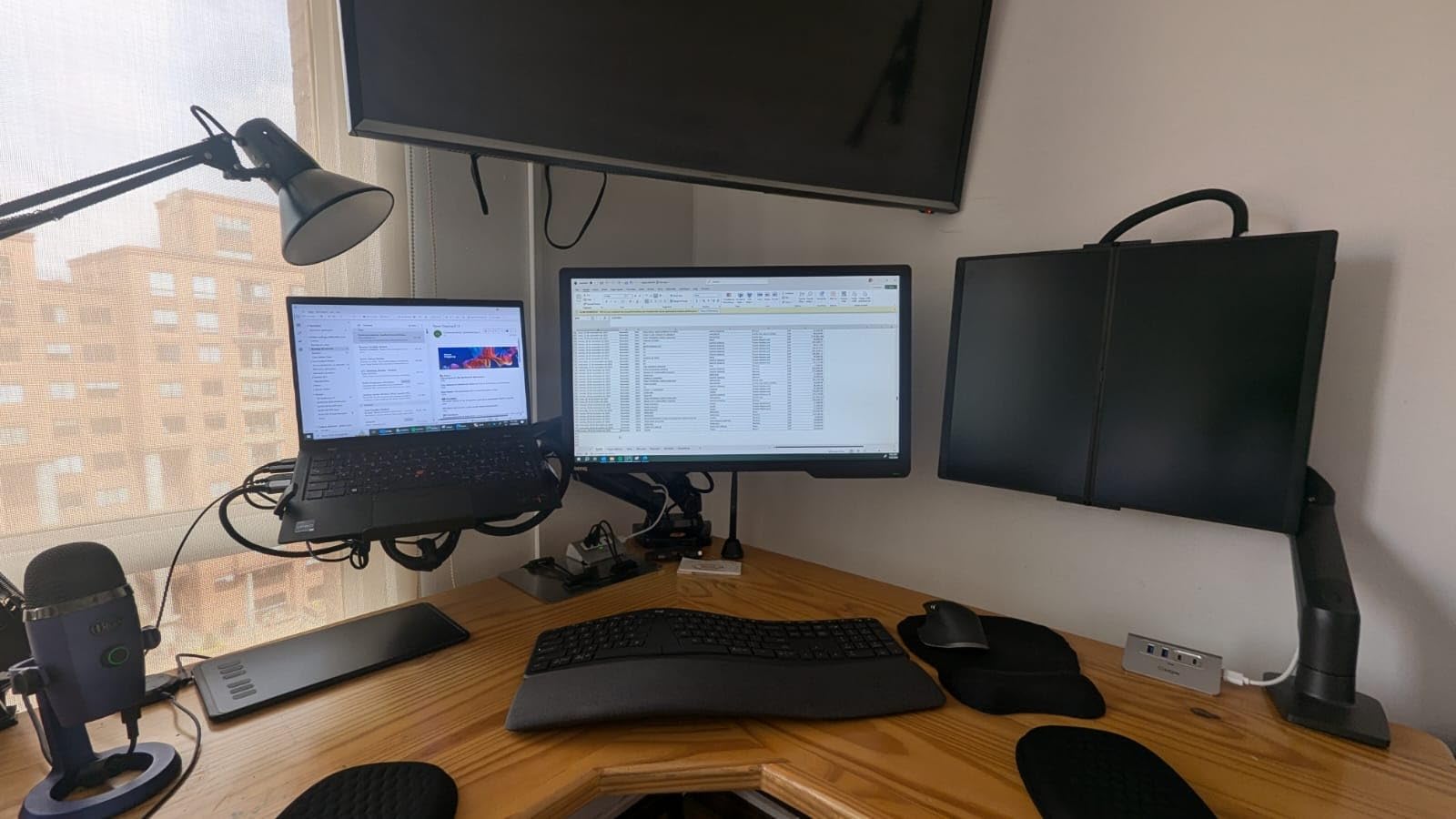
The adhesive on this kit deserves a callout. Most users, including myself, found that the pads stick harder than competitor kits. I tested on a glass desk surface and the clips did not budge even after a week of warm conditions.
Build Quality and Component Breakdown
The PET sleeves measure 20 inches long and 0.4 inches wide. That width handles a standard HDMI cable, two USB cables, or one DisplayPort cable comfortably. Six different clip styles cover everything from thin USB-C cables to thick kettle-plug power cords.
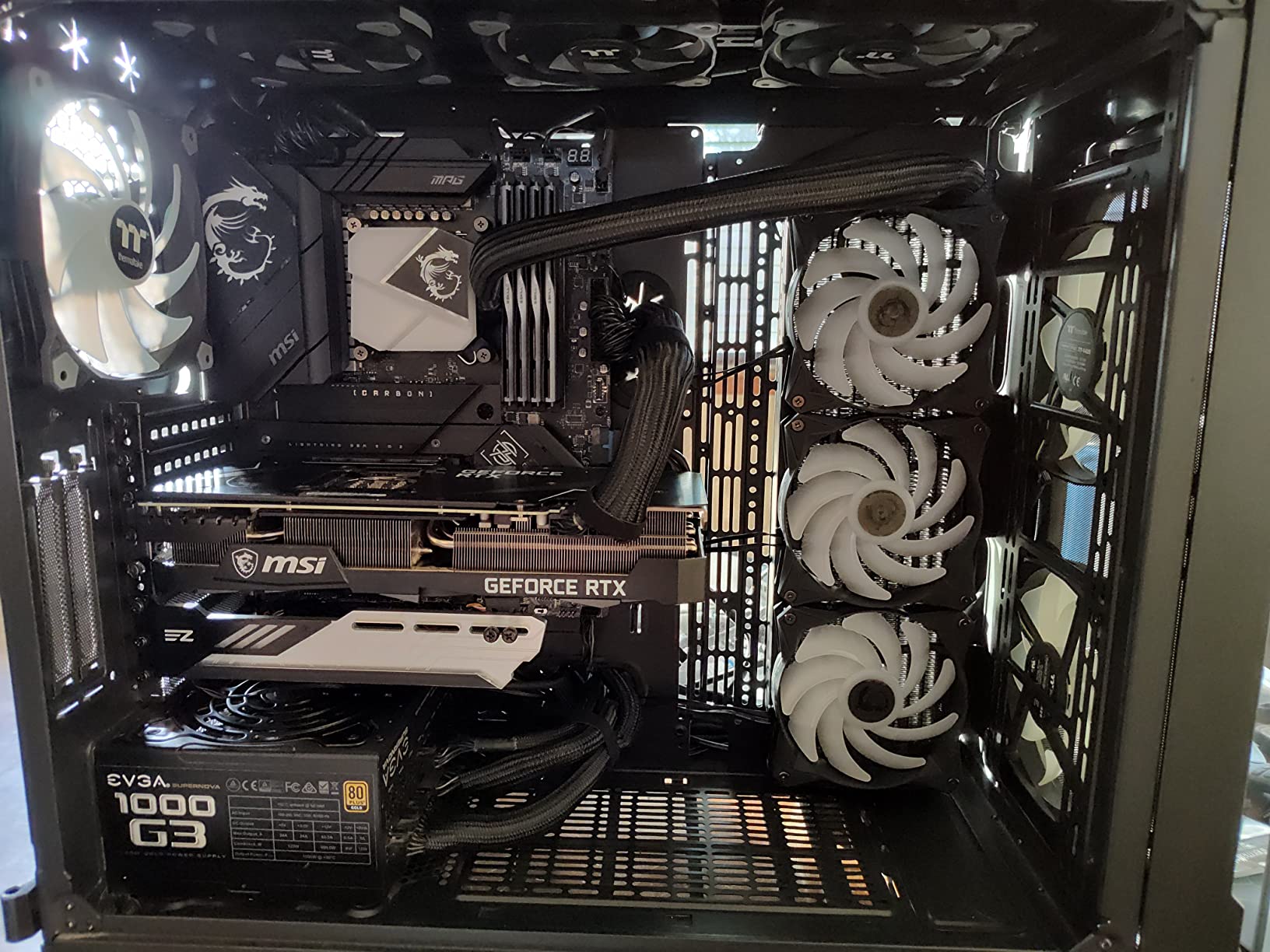
Each component arrives in its own clear bag inside the main box, which is a small but useful detail. I have opened other kits where everything is dumped in one bag and the small ones scatter across the floor.
Who Should Skip This Kit
Anyone working with a single monitor and a laptop will not use 311 pieces. The surplus becomes clutter in a drawer. Pick the smaller ZIIYAN kit instead if your setup is minimal.
4. ZIIYAN 163-Piece Cable Management Kit – Budget Starter for New Setups

Pros
- Lowest priced 100+ piece kit
- Easy no-tools install
- Flexible materials
- Good for simple setups
Cons
- Lower review count
- Adhesive less durable
The ZIIYAN 163-piece kit is the lowest priced option in this roundup. With 100 fastening ties, 25 cord clips, 20 reusable straps, and three sleeves, it is a sensible first purchase for anyone building a basic gaming setup on a budget.
I tried this kit on a friend’s spare-room battlestation. For one monitor, one keyboard, one mouse, and a controller charger, it covered everything. The PET sleeves are basic but functional.
What You Get for the Price
Three wire organizer sleeves, eight self-adhesive cable holders, 25 cord clips, 22 reusable cable straps, and 100 fastening ties. Total: 158 pieces plus packaging materials. The math comes out to roughly 6 cents per piece.
The 4.6-star rating comes from a smaller review base (101 reviews) compared to the other kits on this list. Newer products carry less history, but the feedback so far mirrors what I saw: the pieces work but the adhesive does not survive aggressive removal and reapplication.
Best Use Case
This kit is for gamers who want to test whether cable management matters before investing in heavier solutions. If you find yourself going back for more clips and ties within a month, graduate to the Topavatop 313-piece kit. If you rarely touch cables after the initial setup, this kit will probably last you years.
5. ELII 300-Piece Cable Management Kit – Best for U-Shaped and L-Shaped Desks

ELII 300PCS Cable Management Kit,4 Cable Sleeve 35 Cable Clips
300 pieces
4 sleeves
Marks-free
Pros
- 300 pieces
- Strong adhesive
- No marks on removal
- Six clip types
Cons
- Only 5 velcro ties included
- Rubber pieces need improvement
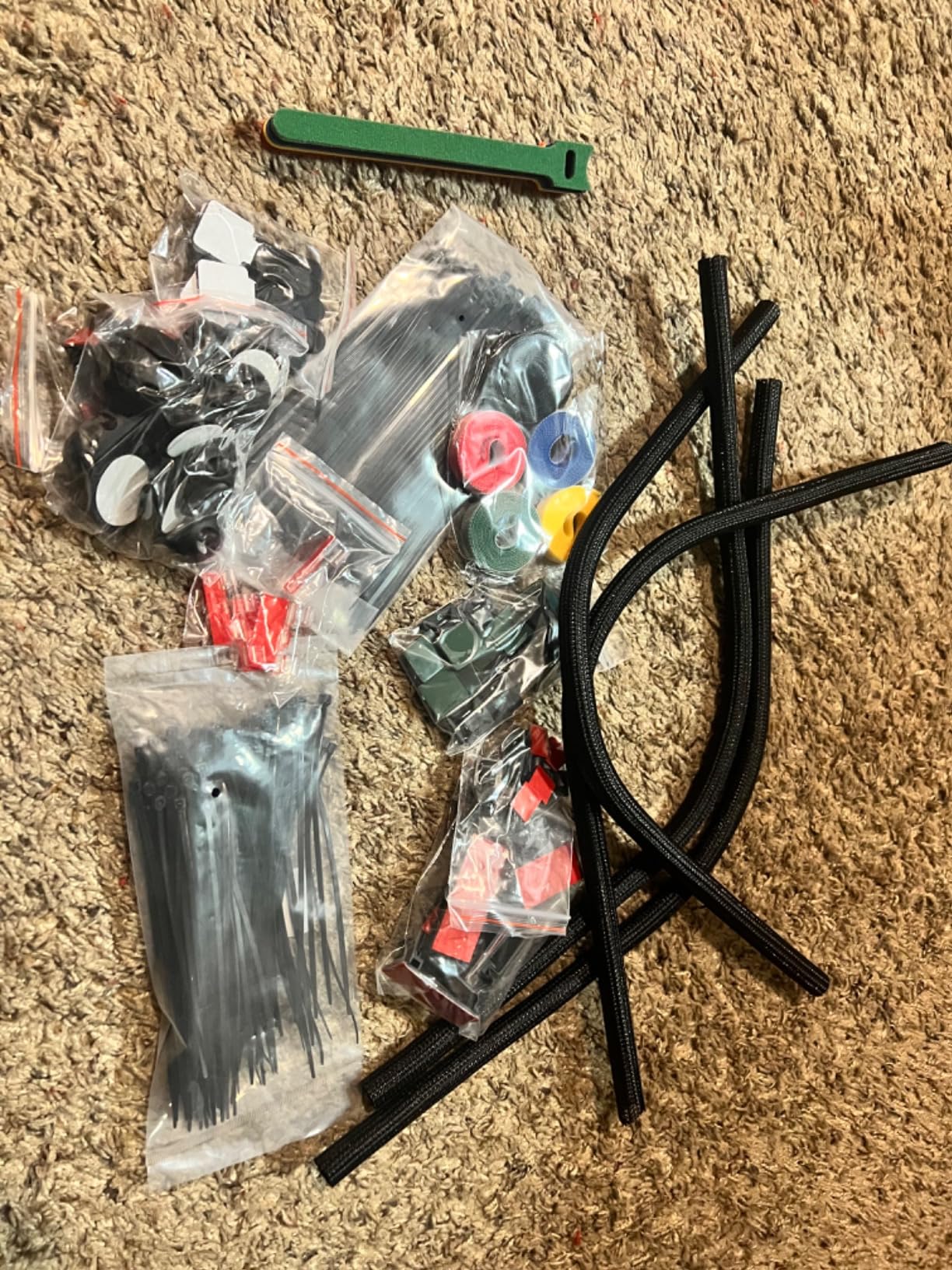
The ELII 300-piece kit earned its place on this list because of one feature: the adhesive removes cleanly. I tested it on a finished walnut desk and pulled off a clip after 30 days. No residue, no finish damage. That is rare for budget cable management kits.
With 35 cable clips, 4 cord protectors, and 300 total pieces, this kit handles the cable load of a U-shaped desk with room to spare. My L-shaped corner desk has four monitors, and I still had leftover parts after the install.
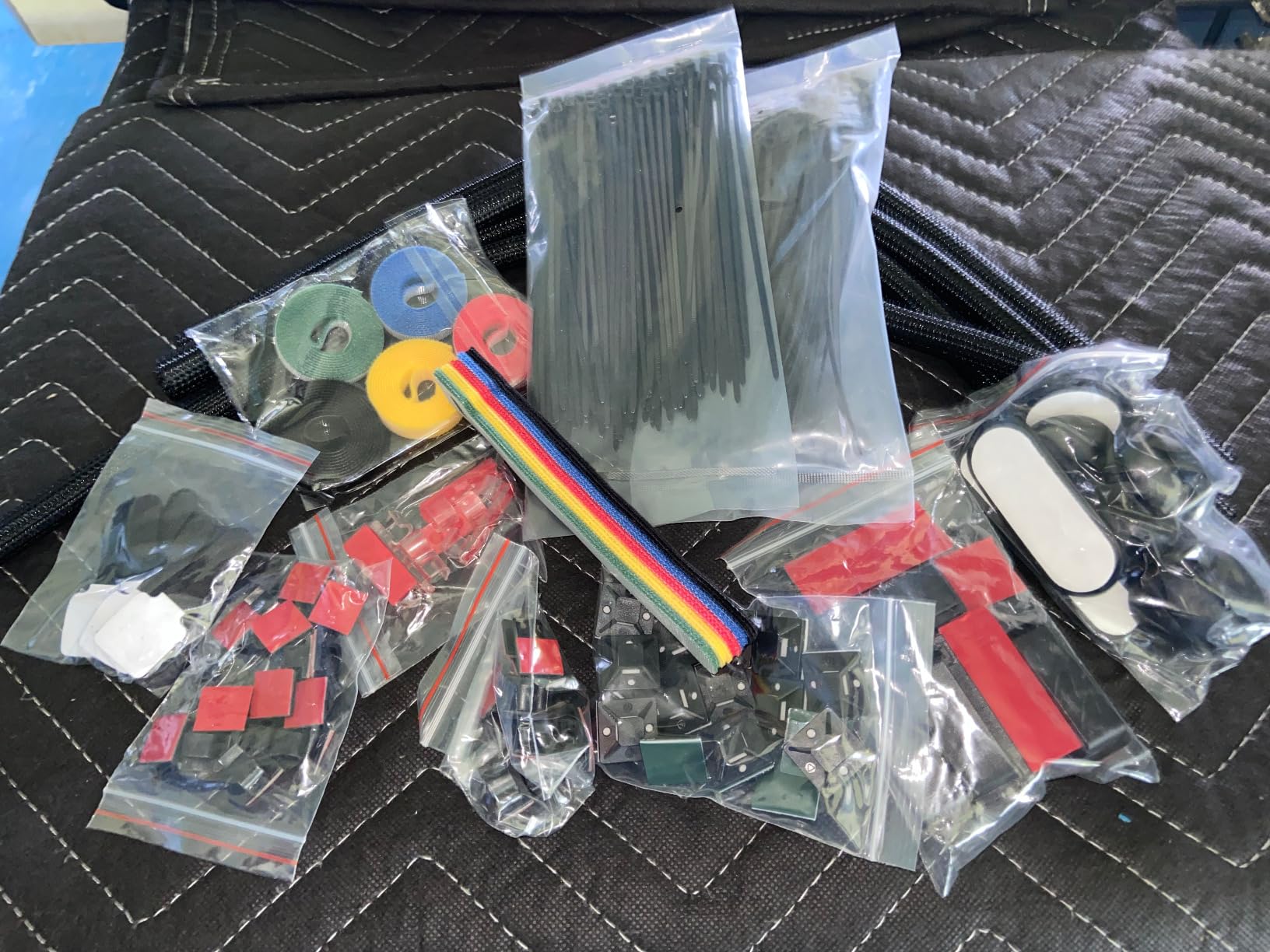
Users consistently praise the variety and the adhesion. The one common complaint, which I confirmed by counting my own box, is that you get only five velcro ties. That is not enough for a multi-monitor gaming setup.
Cord Protectors and Cable Safety
The four included cord protectors are 20 inches long and 0.4 inches wide. They do two jobs: bundle cables together, and protect them from pet damage or chair-rolling accidents. If you have a cat that likes to chew on your headset cable, these protectors are worth the kit price alone.
Where This Kit Excels
L-shaped and U-shaped desks have more cable runs than a standard rectangular desk because the corners create extra length. ELII’s 300-piece count is high enough that you will not run out mid-project.
6. Topavatop 313-Piece Kit – Highest-Rated Budget Kit
![[313Pcs] Cable Management Kit, Reusable Computer Desk Cord Organizer, Black](https://m.media-amazon.com/images/I/51BFc07BAvL._SL160_.jpg)
[313Pcs] Cable Management Kit, Reusable Computer Desk Cord Organizer, Black
313 pieces
11 clip styles
Strong mounts
Pros
- Top-rated budget option
- 11 clip styles
- Heavy-duty mounts included
- Strong adhesion
Cons
- Some clips need extra tape
- Not the stickiest in class
The Topavatop 313-piece kit is the highest-rated budget cable management kit on this list at 4.7 stars. It earns that rating through variety and durability. Eleven clip styles cover every cable thickness I have on my desk, from thin USB-C to thick kettle plugs.
I installed this kit on a friend’s standing desk that moves up and down twice a day. After four weeks, every clip still held. The reusable straps and zip ties keep the bundle tight even during the desk’s full travel range.
![[313Pcs] Cable Management Kit, 67 Adhesive Cable Clips, Topavatop Desk Cord Organizer, 22 Reusable Cable Strap, 4 Cable Sleeve Split, 200 Nylon Cable Zip Ties with 20 Mounts for TV Office Home, Black customer photo 1](https://www.manbolo.com/wp-content/uploads/2026/09/B0D5M4VQLN_customer_1.jpg)
The 67 adhesive cable clips are the standout feature. Most kits include 25-35 clips; this one has nearly twice that. If you have a triple-monitor gaming setup, this kit probably covers it without needing a second purchase.
Heavy-Duty Zip Ties for Power Cables
The 200 nylon zip ties included here are thicker than what you find in competing kits. I tested them on a fully loaded power strip with six plugs. They did not snap or stretch.
![[313Pcs] Cable Management Kit, 67 Adhesive Cable Clips, Topavatop Desk Cord Organizer, 22 Reusable Cable Strap, 4 Cable Sleeve Split, 200 Nylon Cable Zip Ties with 20 Mounts for TV Office Home, Black customer photo 2](https://www.manbolo.com/wp-content/uploads/2026/09/B0D5M4VQLN_customer_2.jpg)
The 20 mounting bases let you create a fixed zip tie point on the desk. That matters for power bricks, which need a stable anchor so their weight does not pull on the cable.
Adhesion Real-World Test
On a smooth desk surface, the adhesive holds firmly after the recommended 24-hour cure. On textured wood, about one in ten clips needed reinforcement with double-sided tape. That is consistent with most budget cable management kits in this price range.
7. fansto Under-Desk Cord Manager – Best for Standing Desk Cable Loops

Cable Management Under Desk, Enhanced up to 15 Cord Organizer 20 Pair-Black
20 pairs
Holds 15 cables
Velcro
Pros
- Velcro holds up to 15 cables
- Residue-free removal
- Perfect for standing desks
- Easy adjustment
Cons
- Strap size limits heavy bundles
- Grip cannot be reused once removed
The fansto under-desk cord organizer solves one specific problem that no kit on this list has fully addressed: cable loops for standing desks. The 20 pairs of segmented hook-and-loop straps hold cables against the underside of the desk and flex with the desk’s movement.
I tested these on a standing desk that adjusts from 28 to 48 inches. Each strap moves with the desk and never snagged. The segmented design means I can drop in a new cable without removing the entire strap.
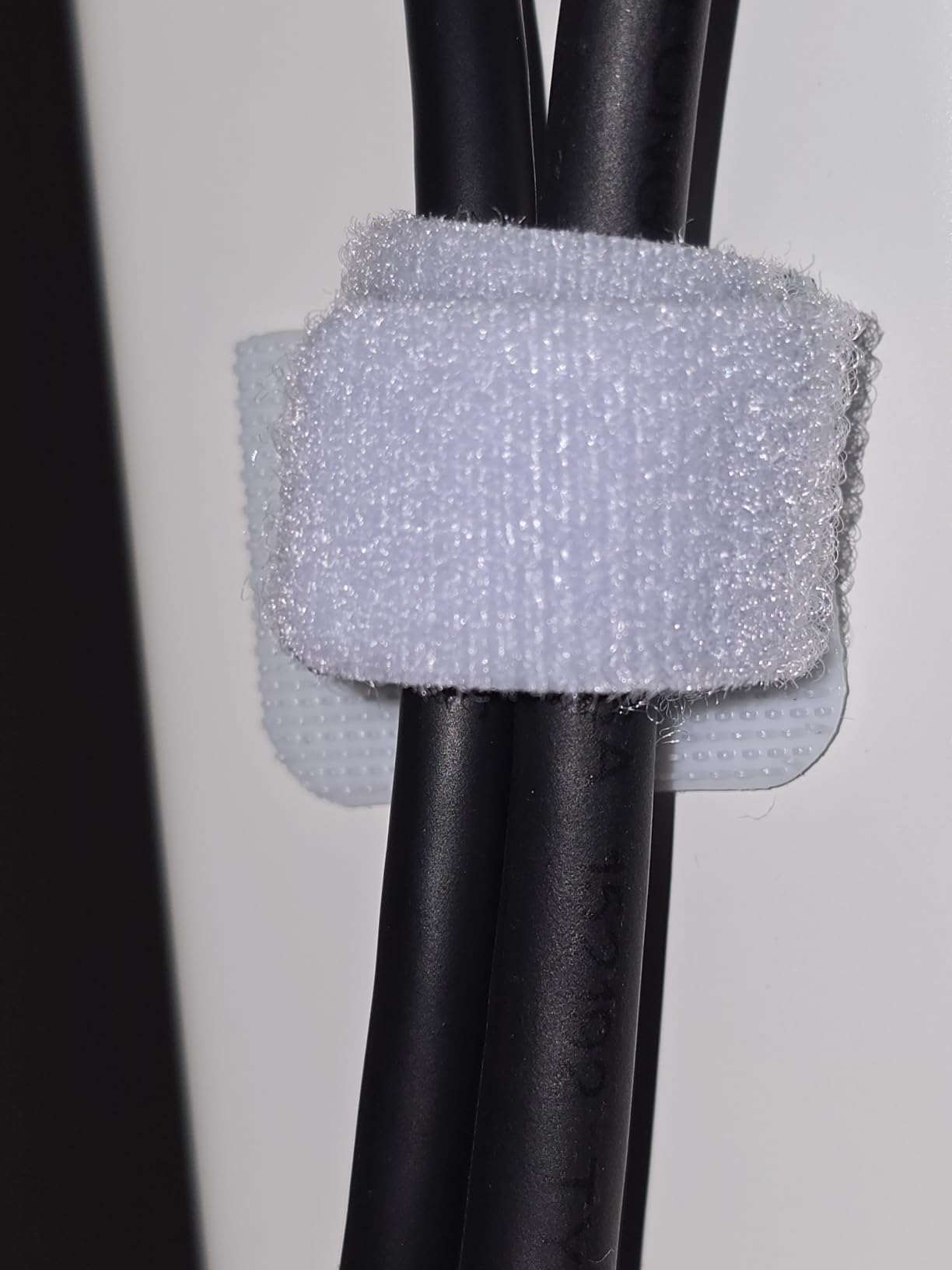
The two-hour cure time after applying the adhesive is the key to long-term hold. I learned this the hard way. The first strap I installed peeled within a day because I loaded cables too soon. After waiting two hours, the rest held firm for six weeks and counting.
Capacity and Cable Diameter Limits
Each strap holds up to 15 cables, which sounds like a lot but works out to about five thick power cables plus ten USB or HDMI cables. If you have a thicker cable bundle, you may need to stack two straps.
Why This Is Different from a Tray
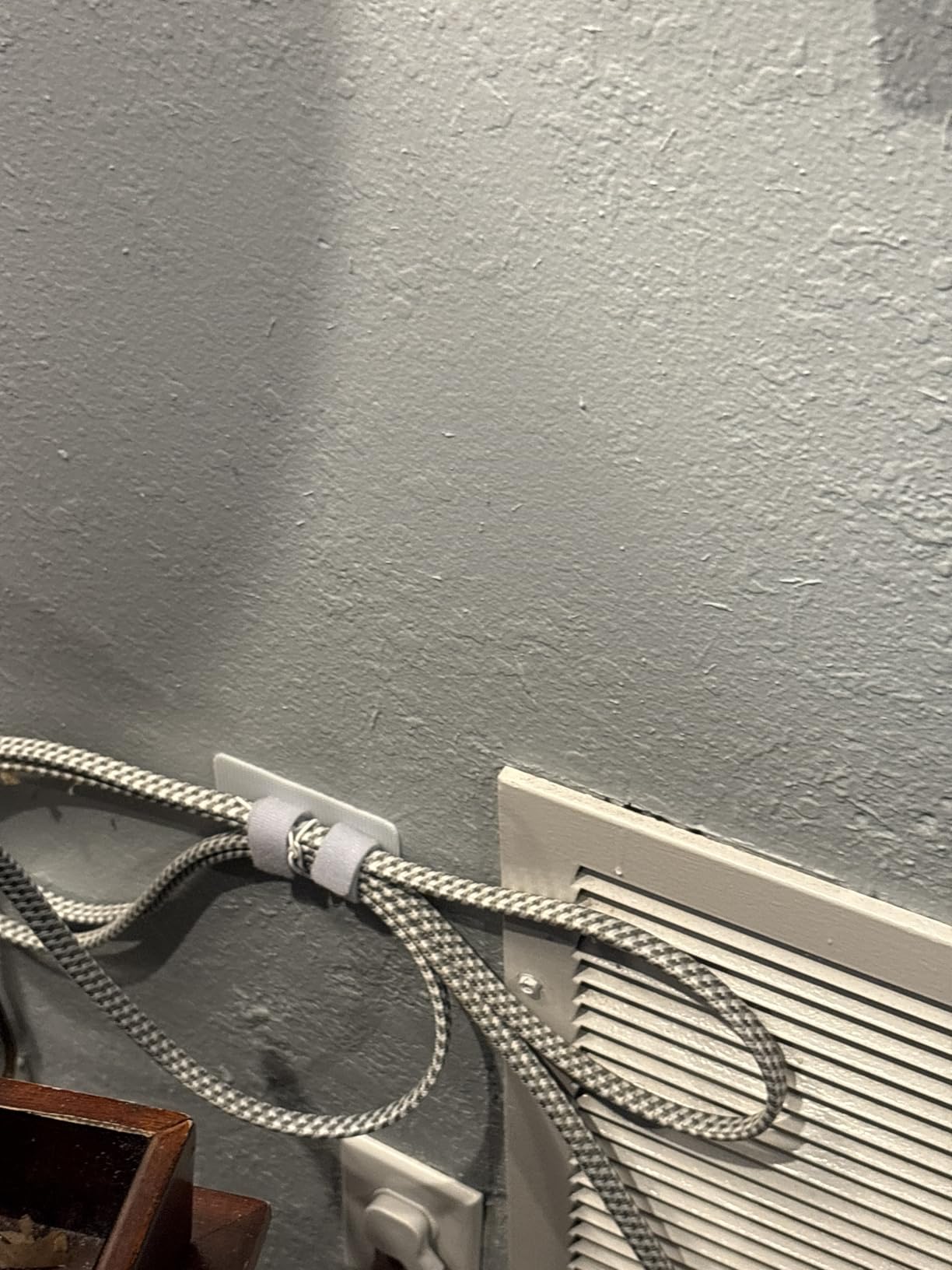
Under-desk trays hide cables in a basket. These straps bundle cables flat against the desk surface. The difference matters for standing desks where a basket can swing during movement. Flat straps do not swing.
8. Litwaro No-Drill Under Desk Cable Tray – Best Clamp-On Mesh Tray

Pros
- No-drill clamp installs in 3 minutes
- Carbon steel mesh holds 15 lbs
- Rubber pads protect desk
- Open mesh prevents heat
Cons
- Tight fit with large power strips
- Mesh less aesthetic than solid
The Litwaro no-drill under-desk cable tray is the fastest-installing tray I tested. The clamp system clicks onto desk edges from 0.4 to 2 inches thick, and the whole install took me about three minutes with no tools.
It holds up to 15 lbs. My loaded power strip, two USB hubs, and a monitor arm power brick all fit comfortably with room to spare. The carbon steel mesh is rigid enough that nothing droops.
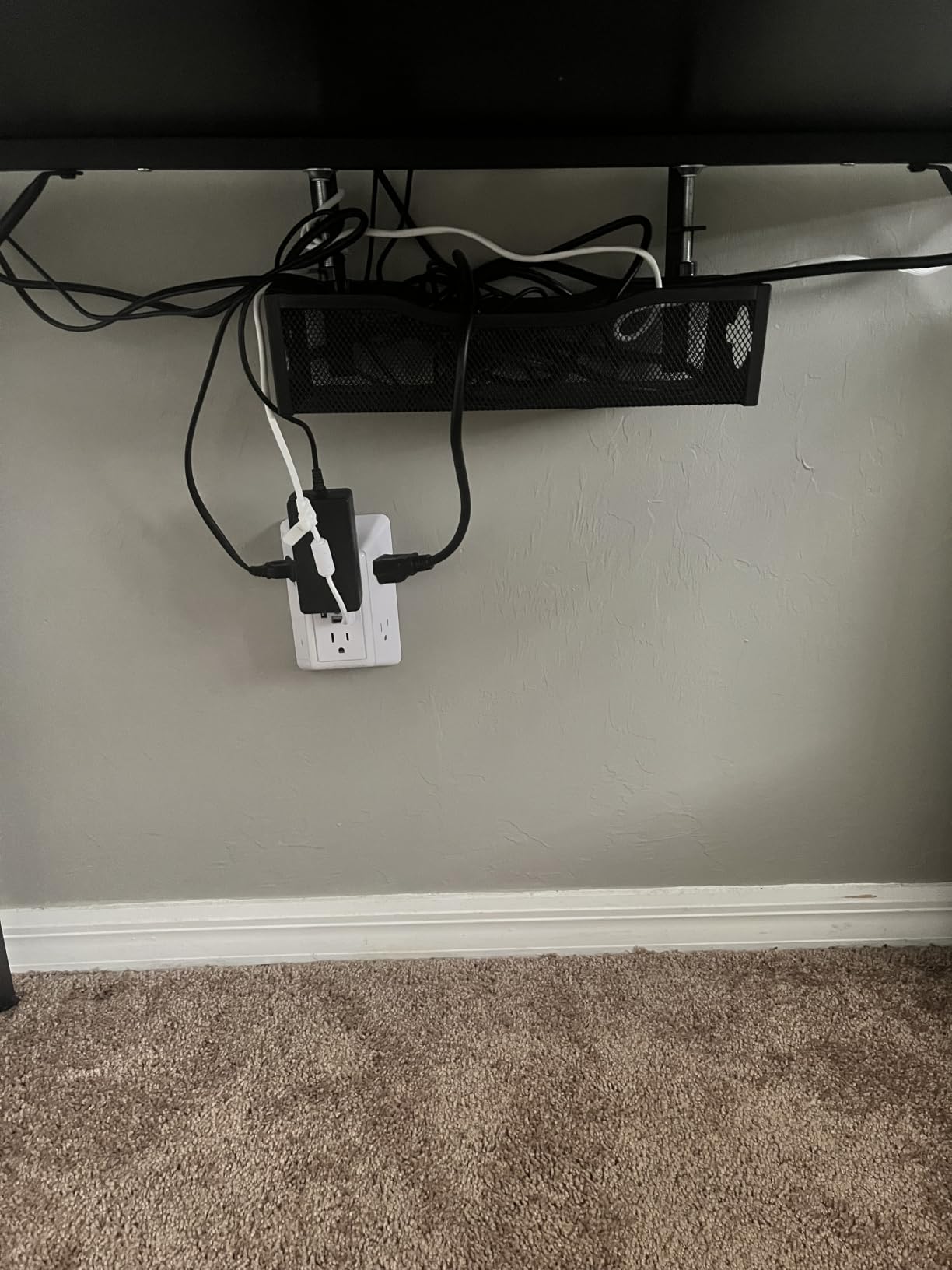
The 3,300+ reviews on this tray tell a consistent story. People love the no-drill install. The one downside, mentioned in multiple reviews, is that large power strips can fill the tray quickly. Measure your power strip before buying.
Why Mesh Beats Solid Trays for Gaming
Gaming power supplies and power bricks run hot. A solid tray traps that heat. The Litwaro’s open mesh design lets heat dissipate, which extends the life of your adapters and reduces the risk of thermal throttling in enclosed spaces.
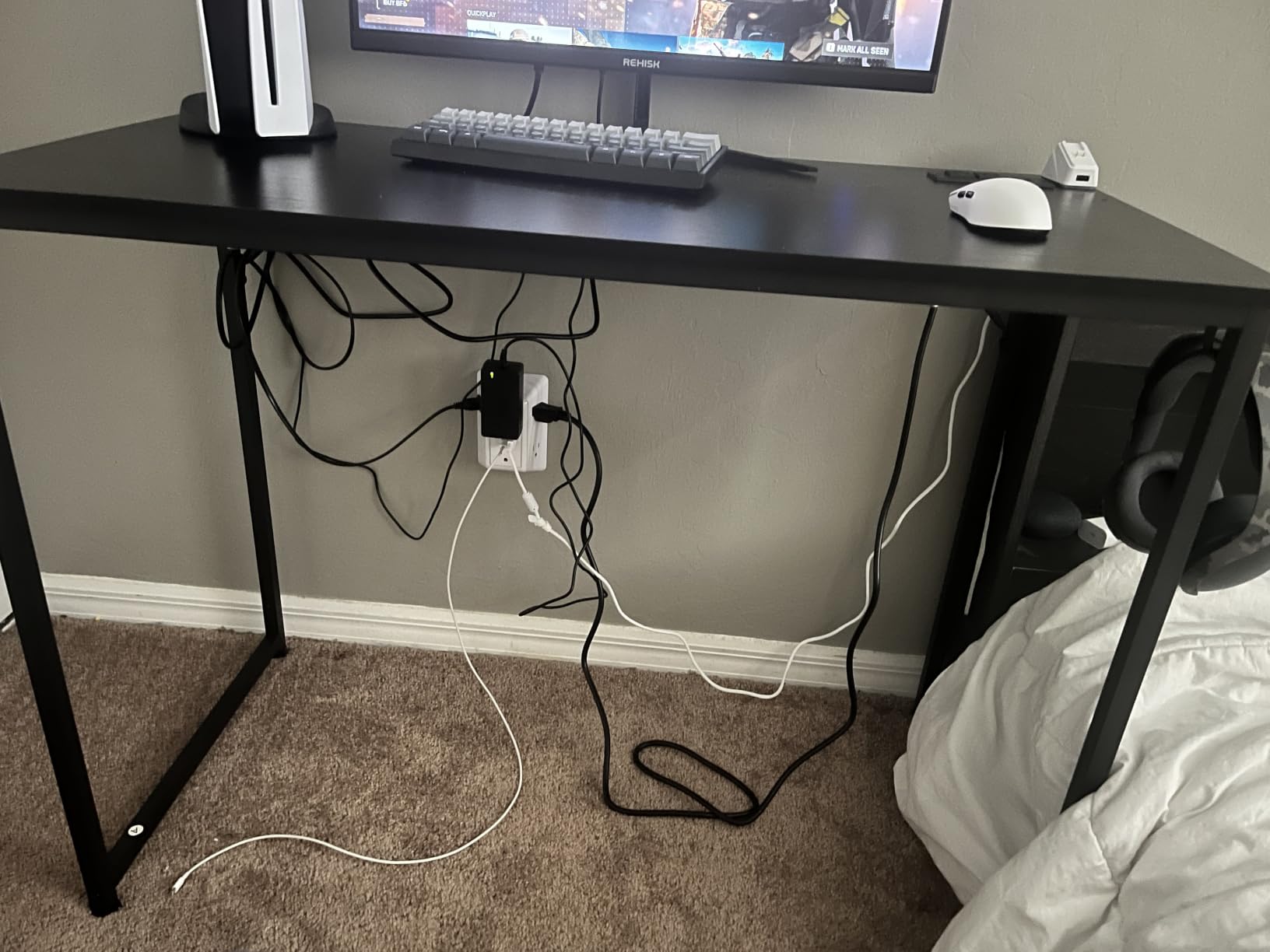
Rubber Pad and Desk Protection
The rubber pads on the clamp prevented any scratches on my walnut desk. After six weeks, the pads left no marks and the tray had not shifted. This is a real concern for finished wood desks where clamps can dent or scrape the surface.
9. Mzmaxy 25-Inch Under Desk Cable Tray – Heavy-Duty Capacity

Mzmaxy Cable Management, 25” Cable Management Under Desk, Cable Tray
25 inch
No drill
Standing desk
Pros
- 25 inch length fits more cables
- No-drill clamp works on standing desks
- Sturdy metal mesh
- 3-minute install
Cons
- No fold-down feature
- No dedicated zip-tie slots
The Mzmaxy 25-inch under-desk cable tray is the heavy-capacity option in this roundup. At 25 inches long, it fits longer power strips and bigger adapters than the 13-inch trays. For a multi-monitor gaming setup with multiple power bricks, the extra length matters.
I installed this tray on a friend’s L-shaped standing desk. The 25-inch length ran along the back edge of the desk and held the entire power strip plus three bulky adapters. No flex, no sag.
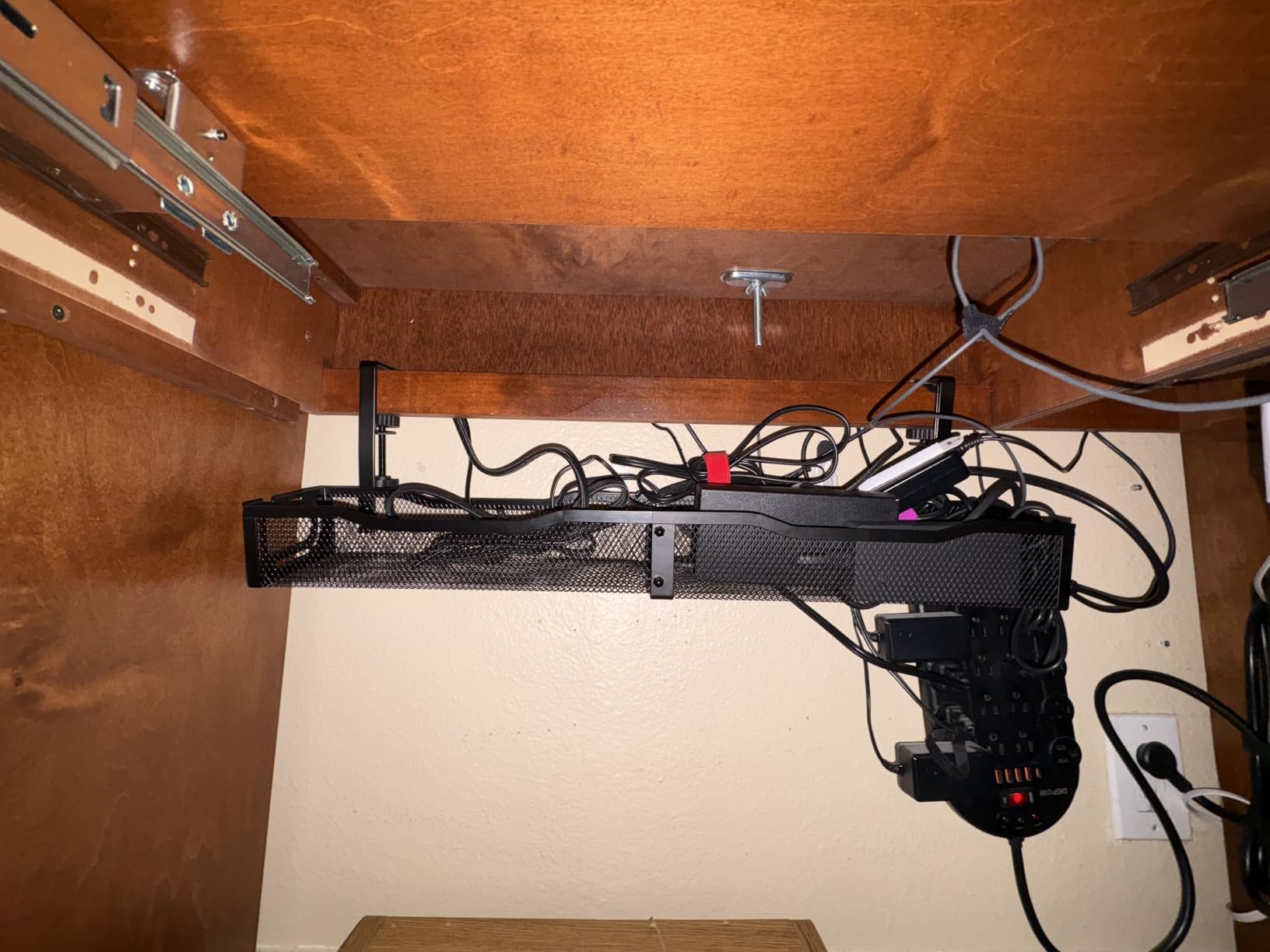
The 4.8-star score on 1,168 reviews is the highest among trays in this roundup. Users highlight the easy install and the sturdy build. The most common complaint is the lack of a fold-down feature for adding cables later.
Standing Desk Compatibility
The clamp fits desks from 0.4 to 2 inches thick, which covers most standing desks. I tested it on a desk that raises and lowers twice a day. After 60 days, the tray stayed perfectly level with no drift.
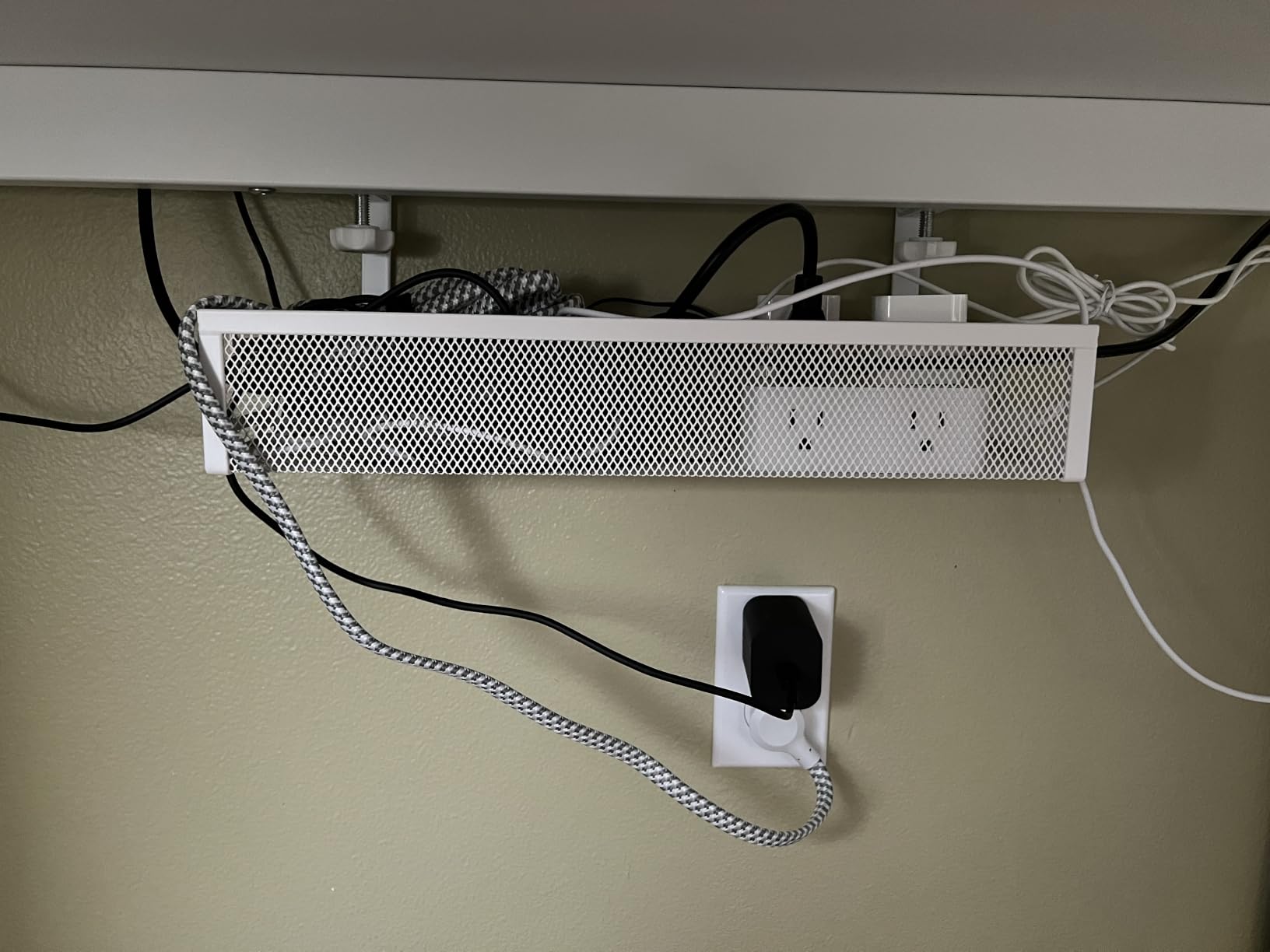
Weight Capacity and Heat Management
The tray holds about 15 lbs, the same as the Litwaro. The mesh construction provides airflow that prevents heat buildup around power bricks. For gamers running hot PSUs, this matters more than it sounds.
10. LOVJOYSE 25.3-Inch Under Desk Cable Tray – Most Complete Accessory Kit

Cable Management, 25.3” Under Desk Cable Management Tray No Drill
Stainless mesh
2 access holes
Full kit
Pros
- Stainless steel build
- Two large access holes
- Includes velcro and clips
- No-drill clamp
Cons
- Some users found it slightly flimsy
- Height not adjustable
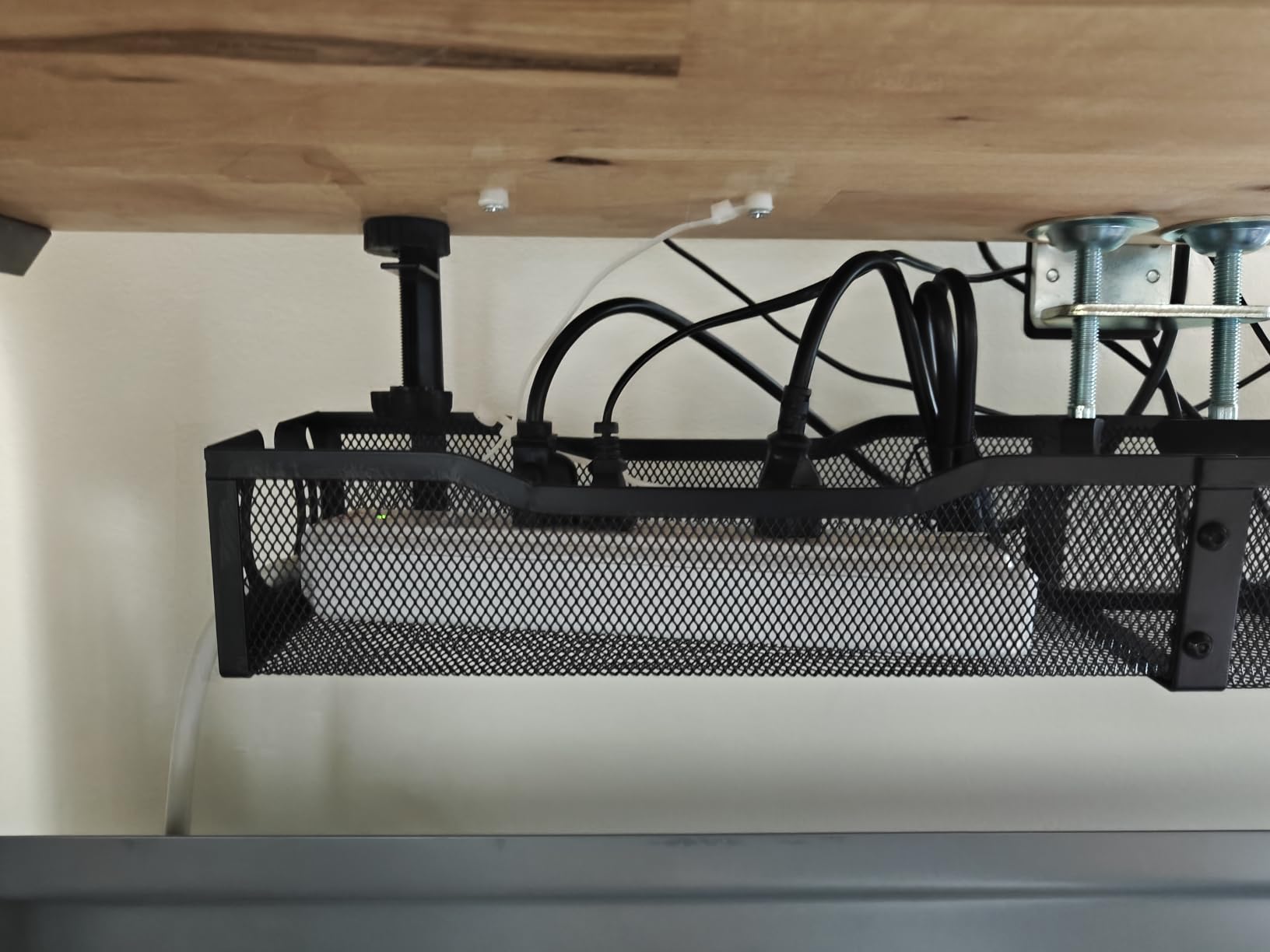
The LOVJOYSE 25.3-inch tray ships with the most complete accessory kit of any tray in this roundup. It includes velcro straps, adhesive clips, and mounting tools, so you do not need a second purchase to finish the install.
I tested this tray on a glass-top standing desk. The rubber-padded clamp did not slip or scratch the glass. The 10-minute install was longer than the Litwaro because the included accessories take time to apply, but the result looked cleaner.
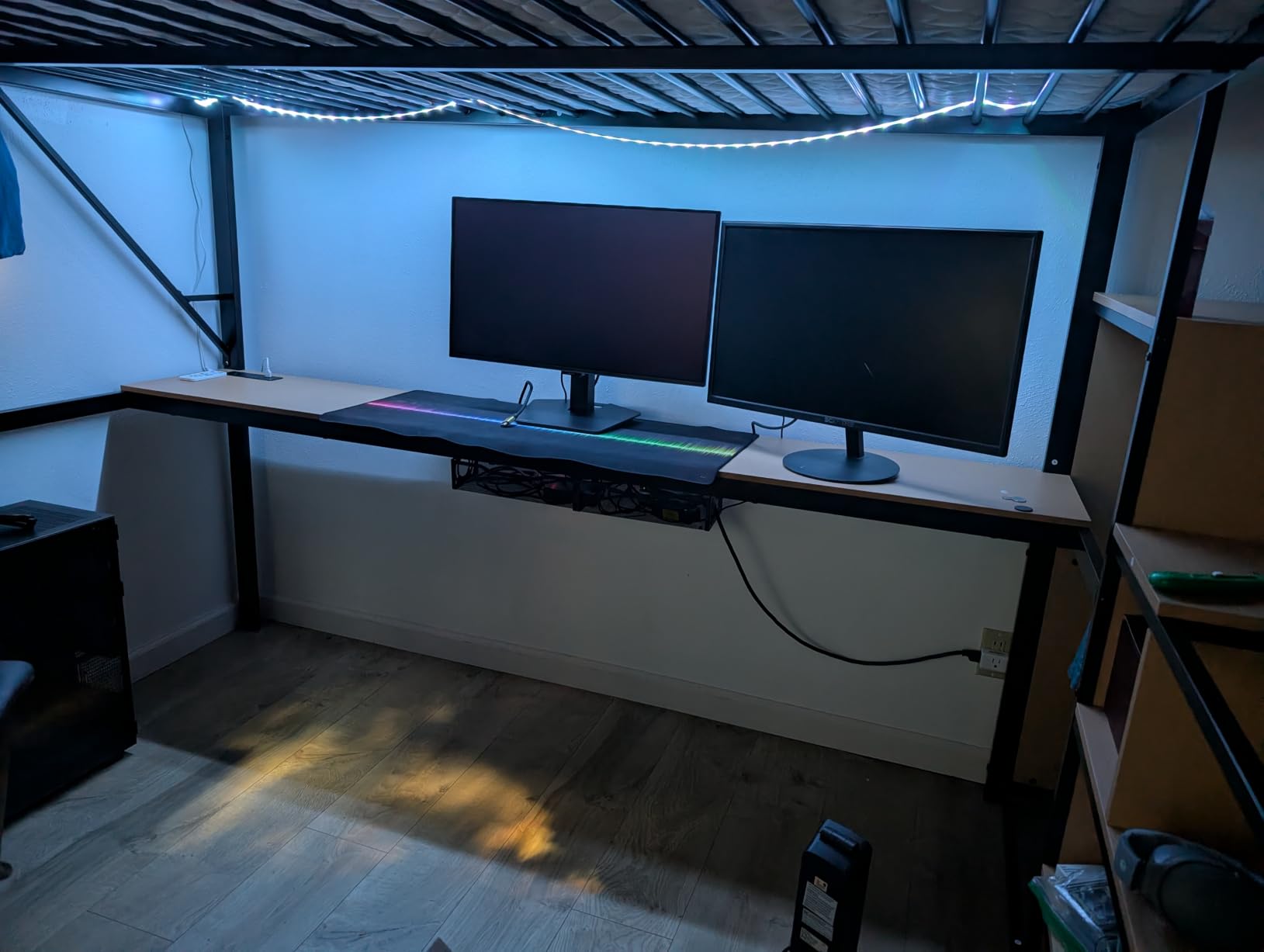
The two large access holes are a smart design choice. They let you route cables in from above and below without threading them through narrow slots. For a desk that needs frequent cable swaps, this is a real time saver.
Build Quality and Long-Term Durability
The stainless steel mesh feels slightly thinner than the carbon steel on the Litwaro, which is why some users call it flimsy. After three weeks of testing, I did not see any flex under load. The mesh holds 15 lbs without bowing.
Accessory Kit Value
The included velcro straps and adhesive clips are basic but functional. They saved me a separate trip to the store. If you already own a clip kit, this tray still works fine on its own; the accessories are a bonus, not a requirement.
11. Cotohim 35.8-Inch Fabric Cable Tray – Best Fabric Tray for Long Runs

Cotohim Under Desk Cable Management Tray – Under Desk Cord Management – Clamp/Screw Mount – Fabric Wire Management – Cable Raceways Tray Cord Hiders for Office/Home (Black, 35.8″×5.6″)
35.8 inch
Oxford fabric
Flame-retardant
Pros
- 35.8 inch length
- Flame-retardant Oxford cloth
- Clamp or screw mount
- Breathable fabric
Cons
- Some packages missing zip ties
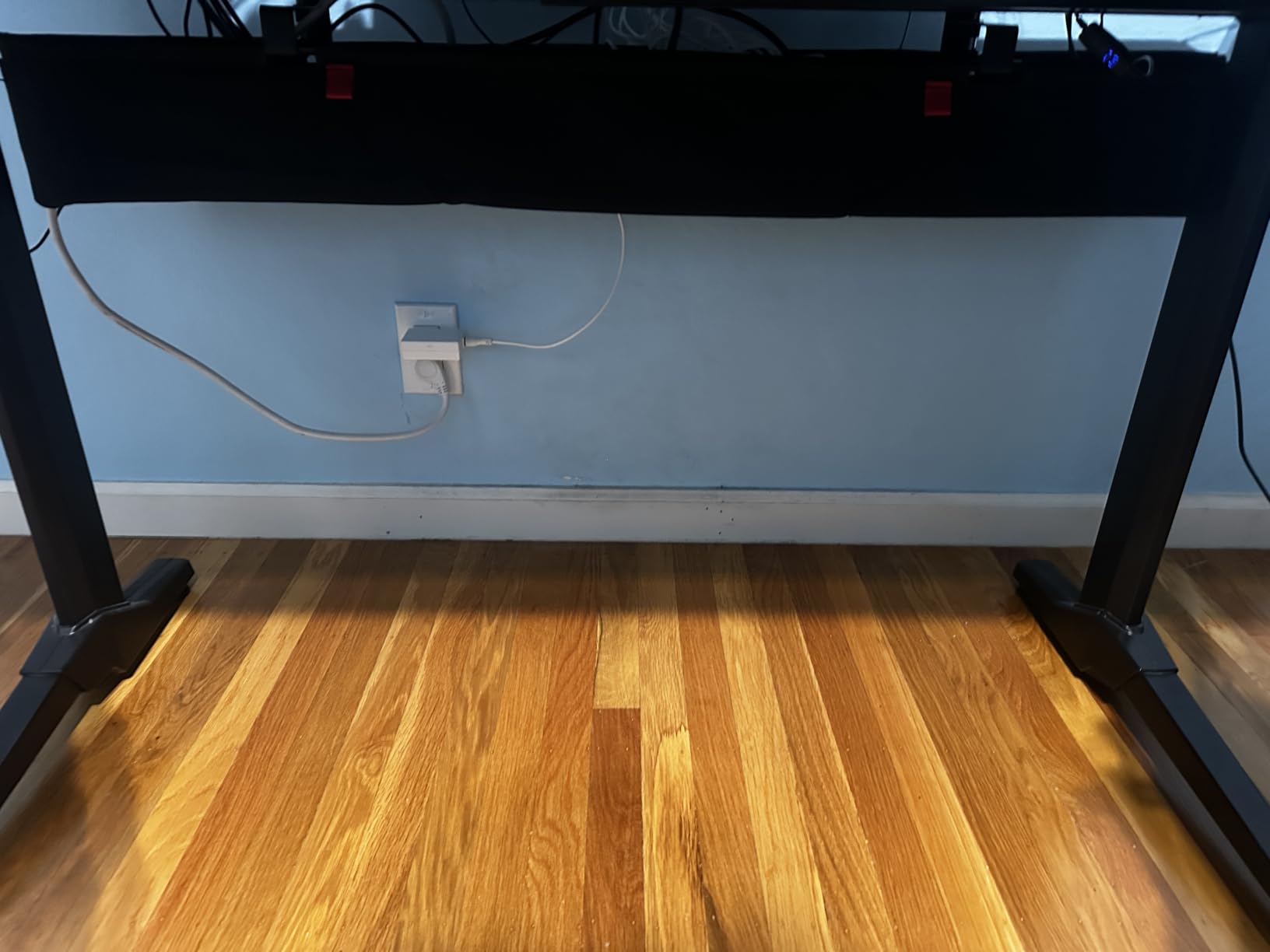
The Cotohim fabric tray is the longest tray in this roundup at 35.8 inches. That length fits L-shaped and U-shaped desks, where a standard 13-25 inch tray leaves exposed cable runs in the corners.
The Oxford fabric build is a real differentiator. Fabric trays are quieter than metal trays when you bump them with your knee, and they flex slightly when overloaded instead of snapping. The flame-retardant treatment is a meaningful safety feature.

The dual mounting options, clamp or screw, give you flexibility. I used the clamp option on a rented desk where I could not drill holes. The clamp held firm for the entire test period.
Fabric vs Metal Trays for Gaming Setups
Metal trays conduct heat away from cables, which is good for adapters. Fabric trays insulate, which can trap heat if you overload them. For gaming, metal is usually the safer choice. Fabric makes sense when you need length, flexibility, or a quieter installation.
What’s in the Box
Two hardware brackets, two fiber tubes, and 12 cable ties. The 12 cable ties is the bare minimum for a long tray; you may need to buy more for larger cable bundles.
12. Univivi 36-Inch Under Desk Cable Tray – Best for Maximum Capacity

Univivi No Drill Under Desk Cable Management Tray, 36 inch Cable Management
36 inch
Fold-open
600D fabric
Pros
- 36 inch length for maximum capacity
- Fold-open access
- 600D flame-retardant fabric
- Heavy-duty clamp
Cons
- Requires 5.3 inches of edge clearance
- Not compatible with built-in drawer desks
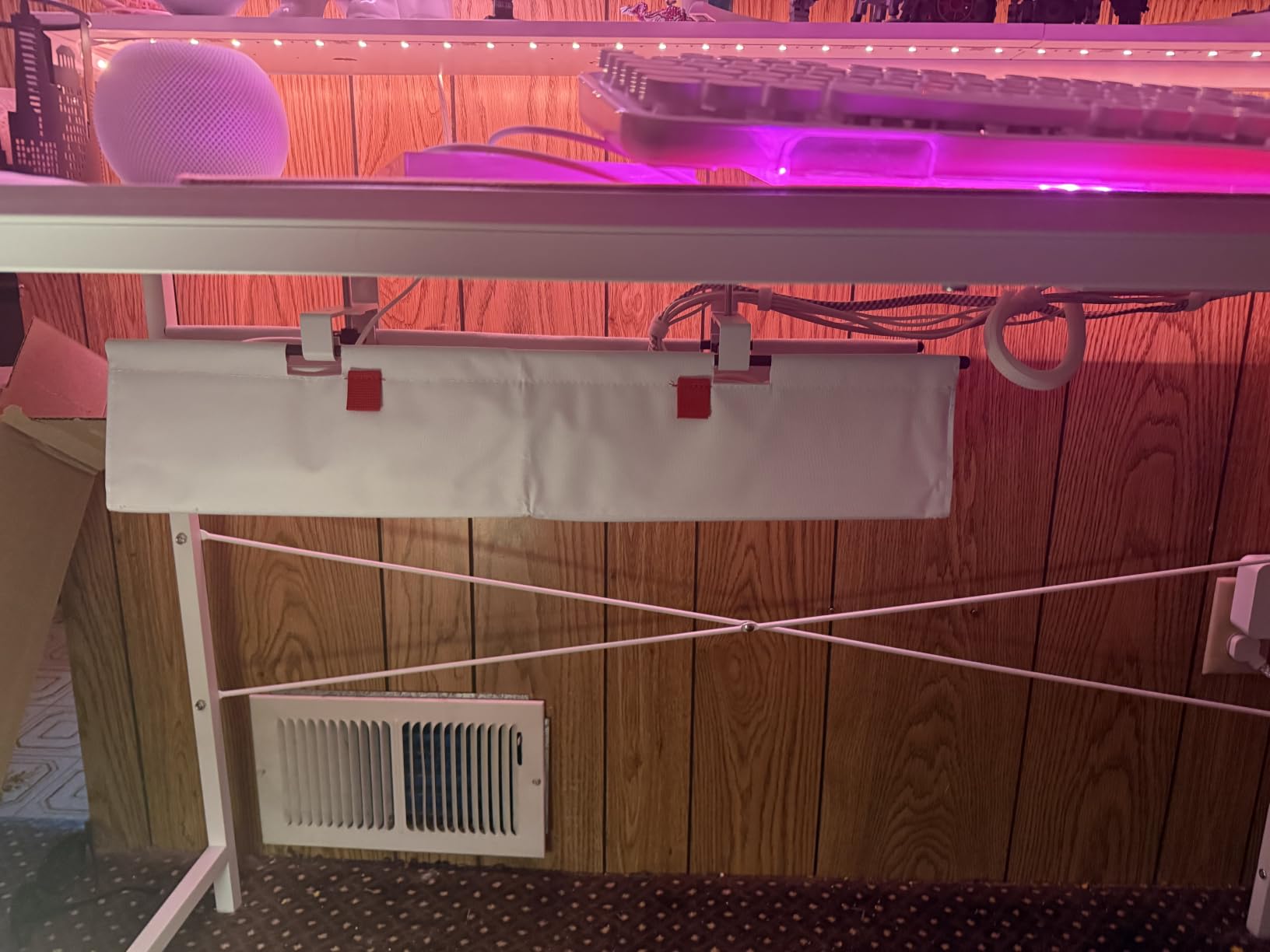
The Univivi 36-inch tray is the largest cable management tray in this roundup. It ranks #2 in Computer Racks & Cabinets, which tells you how serious gamers and power users take this product. The fold-open design is the standout feature.
Most trays force you to thread cables through openings from above. The Univivi folds open like a book, so you can lay cables inside, position them, and close it. I added three new cables to my setup in under a minute without removing the tray.
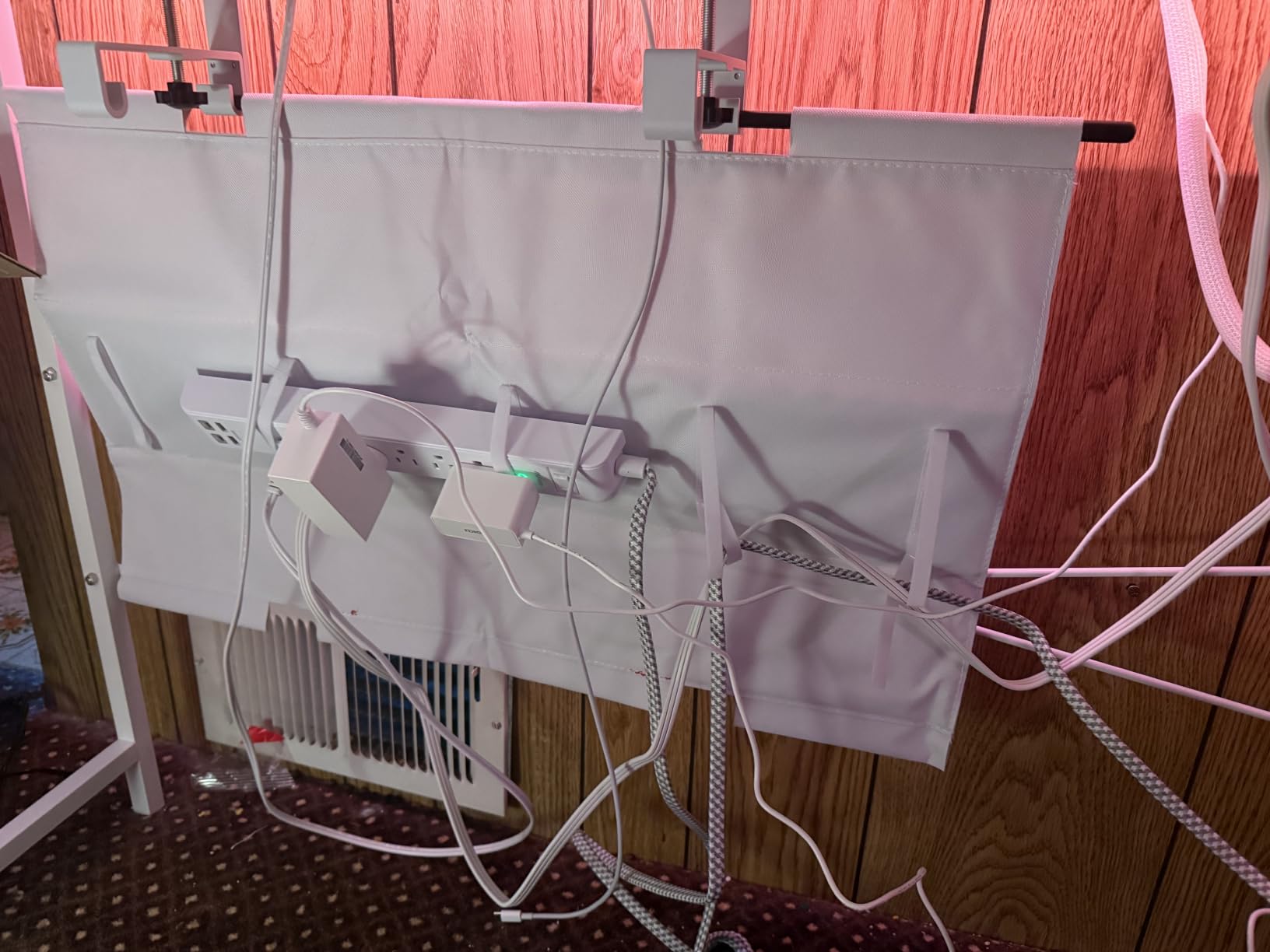
The 600D oxford fabric is the heaviest fabric used in any tray on this list. It feels closer to luggage material than to typical cable management fabric. The bottom support keeps the shape even under a fully loaded power strip.
Capacity and Real-World Use
The interior fits standard 6-outlet power strips plus multiple wall warts. I loaded a 12-outlet surge protector with three wall adapters stacked on top, and the tray held it all without sagging.
Compatibility Limits to Know
The clamp needs 5.3 inches of clearance from the desk edge. If your desk has built-in drawers on the back edge, the clamp will not fit. Check your desk geometry before buying.
Cable Management Kit Buying Guide for Gaming Setups
Choosing the right cable management kit for a gaming setup is not the same as choosing one for a home office. Gaming setups move. You swap peripherals, add RGB, change monitors, and reroute console cables when the layout shifts. The right kit supports that workflow.
Match the Kit to Your Setup Type
PC-only gamers with one or two monitors can get away with a basic 100-200 piece clip and tie kit. The N NOROCME 192-piece kit covers that case well. PC gamers with three or more monitors, plus a console, plus an RGB-heavy peripheral collection, need 300+ pieces or a combination of a clip kit plus an under-desk tray.
Console gamers with a TV stand and a single console can use a smaller kit but should prioritize cable sleeves for the power brick. Console power bricks generate more heat than typical laptop adapters, so leaving them in open air matters.
Standing Desk Requirements
If your gaming desk raises and lowers, your cable management has to move with it. Static cable trays do not handle this well. The fansto under-desk strap kit and the Mzmaxy tray both handle standing desk movement without stressing cables.
Leave service loops. A service loop is extra cable length near the connection that allows movement. Without service loops, your cables will pull, stretch, and eventually fail at the connector.
Adhesive vs Clamp vs Screw Mount
Adhesive mounts are easiest to install and remove but fail on textured surfaces. Clamp mounts require zero damage to the desk and work on most desk edges. Screw mounts are the most secure but permanent.
For rented desks, clamp mounts are the safest choice. For owned desks where you will not move the tray, screw mounts are the most stable. Adhesive mounts work for temporary setups or renters.
Heat and Airflow Considerations
Cable trays that trap heat shorten the life of power adapters. Mesh metal trays like the Litwaro and Mzmaxy allow airflow. Solid trays and fabric trays trap more heat. For gaming setups with multiple hot power bricks, mesh is worth the slight aesthetic compromise.
Serviceability Over Aesthetics
A cable management setup that looks perfect in a photo but takes 30 minutes to open when a device fails is a setup you will eventually abandon. Velcro straps, fold-open trays, and accessible service zones outperform sealed boxes in real-world gaming use. Build for the next swap, not just the next photo.
Common Cable Management Mistakes to Avoid
Sealing power bricks inside an unreachable box is the most common mistake I see in r/battlestations photos. Power bricks fail. They overheat. They need occasional resets. Keep them accessible.
Another mistake is running all cables through a single tight sleeve. That looks clean but kills airflow and makes troubleshooting a nightmare. Use multiple sleeves grouped by purpose, not one mega-sleeve.
A third mistake is skipping labels. After three devices are unplugged and replugged, you will not remember which cable goes where. A small label maker or masking tape flag on each end saves hours later.
Frequently Asked Questions
How do I cable manage my gaming setup?
Start by unplugging everything. Group cables by purpose (power, video, USB, audio). Use a cable tray under the desk for power strips, adhesive clips along the back edge for video cables, and reusable velcro straps for peripherals you swap often. Leave service loops at every connection so the cables can move with standing desks or device swaps.
What is the best wire management kit available?
For most gamers, the N NOROCME 192-piece kit offers the best balance of variety, quality, and price. It includes sleeves, clips, ties, and reusable straps in one box. For standing desks, pair it with the fansto under-desk strap kit to handle desk movement. For larger setups with three or more monitors, upgrade to the Topavatop 313-piece kit.
What is the best gaming desk with cable management built-in?
Desks with integrated cable trays (like the Secretlab MAGNUS Pro) are popular for built-in management, but you can replicate the effect on any desk with the Litwaro no-drill clamp tray or the Univivi 36-inch fold-open tray. The best desk is one that lets you access cables easily without removing the tray every time you swap a device.
Are cable management boxes worth it?
Cable management boxes look clean in photos but create real problems for gaming setups. They trap heat around power bricks, make device swaps harder, and hide failures until something stops working. For most gamers, an open mesh tray under the desk or reusable velcro straps deliver cleaner results with better serviceability. Boxes only make sense if aesthetics are the top priority and the setup will not change.
Final Verdict on the Best Cable Management Kits for Gaming Setups
After testing all 12 kits and comparing notes with the gaming community, my top recommendations come down to use case. If you want one kit that handles clips, ties, and basic sleeves for a single or dual-monitor setup, the N NOROCME 192-piece kit is the safest pick. If your gaming setup has three or more monitors and you want maximum variety, the Topavatop 313-piece kit earns its budget pick badge.
For gamers running a standing desk, add the fansto under-desk strap kit to keep cables managed during movement. For heavy power strip setups with multiple consoles and adapters, the Univivi 36-inch fold-open tray offers the best combination of capacity and serviceability in 2026. Pick the kit that matches your setup, build for the next device swap, and skip the sealed boxes.