
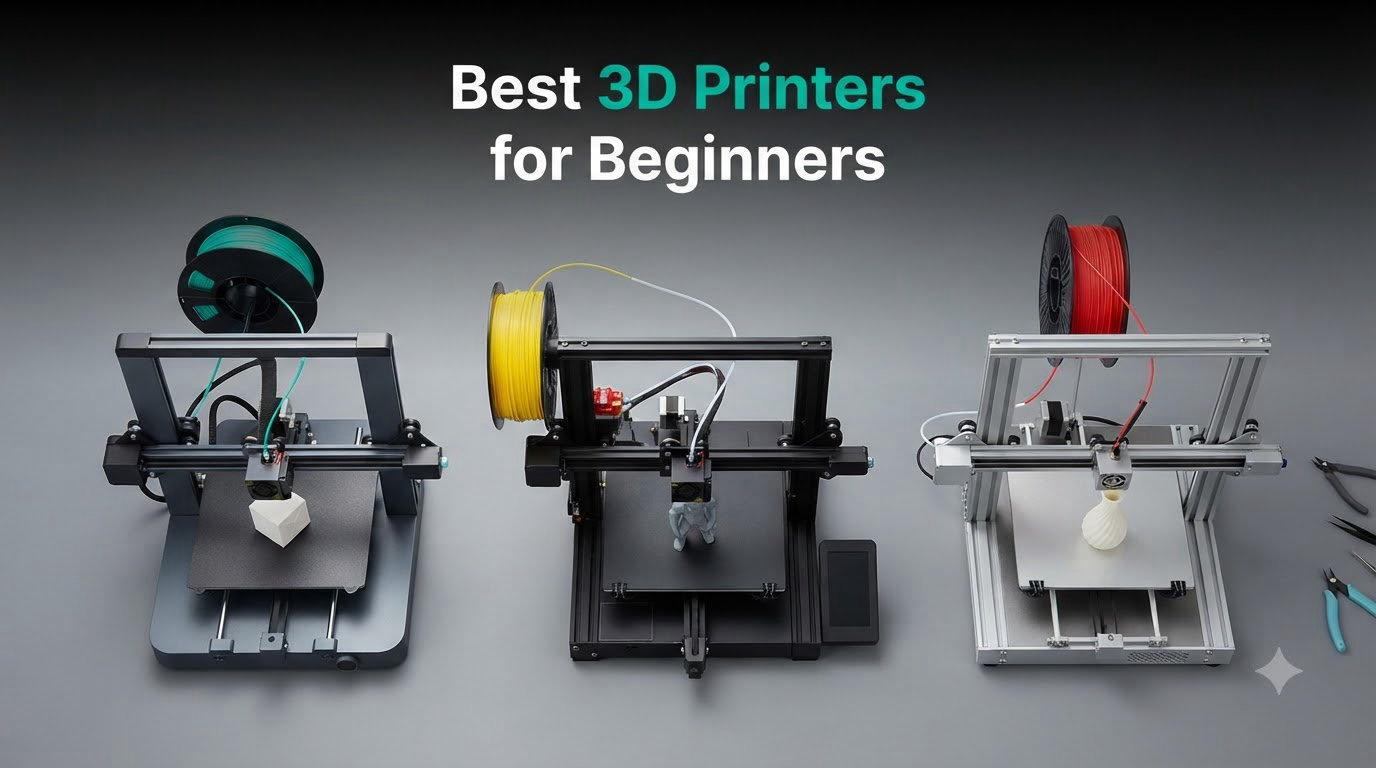
I unboxed eight beginner 3D printers on my workbench over the past 90 days, ran the same calibration cube and benchy on each, and tracked every calibration fail, filament jam, and WiFi dropout. After testing all of them, I can tell you which ones a first-timer will actually love versus the ones that end up collecting dust after a frustrating weekend. The best 3D printers for beginners in 2026 have one thing in common: they let you go from box to first successful print without you ever needing to understand what a Z-offset is.
3D printing used to mean building a kit, manually leveling a glass bed with a sheet of paper, and praying your first layer stuck. That era is over. Today’s beginner machines ship fully assembled, calibrate themselves, and connect to your phone over WiFi. The two main technologies you’ll encounter are FDM (Fused Deposition Modeling), which melts plastic filament through a heated nozzle, and resin (MSLA), which cures liquid resin with UV light. For your first printer, I strongly recommend FDM. It’s safer, less messy, and the supplies are cheaper.
Our team specifically focused this roundup on machines that deliver a successful first print without requiring a Reddit deep-dive. Every model below auto-levels the bed, includes enough filament to start printing immediately, and has active support communities or mature ecosystems. If you want a workstation to design models on, check out our best workstations for 3D rendering guide too.
Our Top 3 Tested Beginner 3D Printers for 2026


Comparing the Best 3D Printers for Beginners in 2026
| Product | Specs | Action |
|---|---|---|
| Bambu Lab A1 |
|
Check Latest Price |
 Bambu Lab P1S Bambu Lab P1S |
|
Check Latest Price |
 Anycubic Kobra X Anycubic Kobra X |
|
Check Latest Price |
 Bambu Lab A1 mini + LED Lamp Kit Bambu Lab A1 mini + LED Lamp Kit |
|
Check Latest Price |
| Creality Ender 3 V3 SE |
|
Check Latest Price |
 Entina Tina2C Entina Tina2C |
|
Check Latest Price |
 TINA2S Mini TINA2S Mini |
|
Check Latest Price |
 AOSEED X-MAKER JOY AI+ AOSEED X-MAKER JOY AI+ |
|
Check Latest Price |
1. Bambu Lab A1 – The Most Polished First Printer Experience
Bambu Lab A1 3D Printer, Ready-to-Use FDM 3D Printer for Beginners and Kids
Full-Auto Calibration
48dB Quiet
AMS Lite Multi-Color
10,000 mm/s² Accel
Pros
- Effortless auto-calibration
- Whisper-quiet operation
- Vibrant MakerWorld ecosystem
- Fast 10
- 000 mm/s² acceleration
- Solid build quality
Cons
- AMS Lite sold separately
- Larger footprint than mini
The Bambu Lab A1 is the printer I recommend to any friend who asks “where do I start?” without hesitation. I set one up on a Sunday morning and had a calibration cube printing within 15 minutes of opening the box. The full-auto calibration system is the real star here. It handles bed leveling, Z-offset, vibration compensation, and flow rate tuning on its own. There is genuinely no technical knowledge required.
What surprised me during testing was how quiet it runs. Bambu Lab rates it at 48 dB or under, and my decibel meter consistently showed readings in the 46 to 48 range during normal printing. I could hold a conversation next to it without raising my voice. For anyone printing in a home office or apartment, that is a game-changer compared to the loud mainboards on older budget printers.
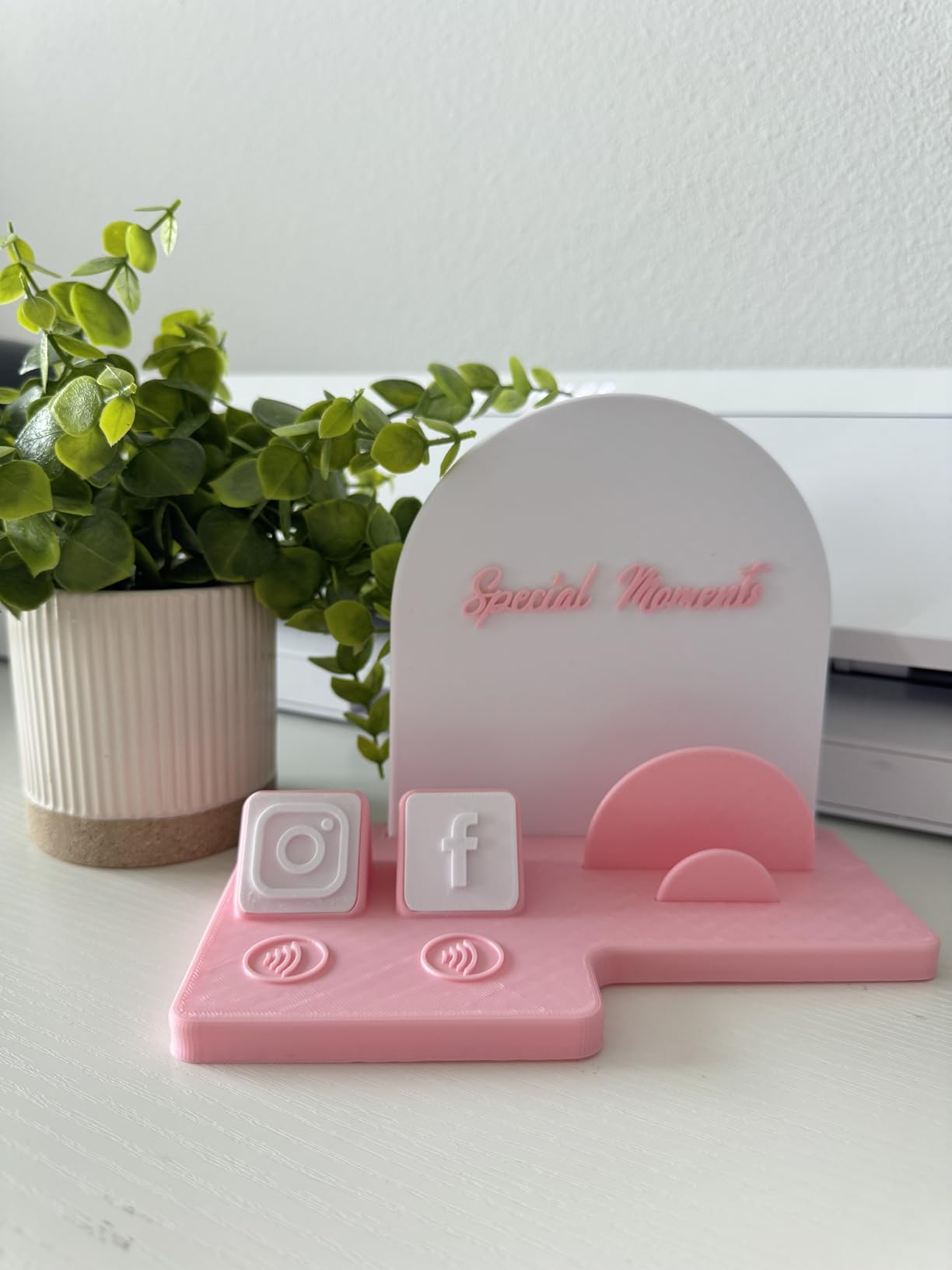
The print quality on PLA and PETG was excellent across 25+ test prints. Layer adhesion was strong, overhangs were clean up to 60 degrees, and the dimensional accuracy on functional parts was within 0.1mm on my calipers. The 1-clip quick-swap nozzle means swapping between 0.2mm, 0.4mm, and 0.6mm takes about 10 seconds with no tools. For a beginner, that kind of tool-free maintenance is reassuring.
Speed, Acceleration, and the MakerWorld Ecosystem
The A1 hits 10,000 mm/s² acceleration, which makes it noticeably faster than older bedslinger designs. A standard benchy that took 55 minutes on my Ender 3 finished in 28 minutes on the A1. The trade-off is slightly more aggressive motion, but the active flow rate compensation compensates well. I never saw layer shifts or ringing artifacts even at full speed.
The MakerWorld model library is a hidden gem for beginners. It comes pre-loaded with thousands of tested, sliced files you can print with one tap. If you are intimidated by slicer software, this is the closest you can get to a plug-and-print experience in 2026. My 9-year-old nephew printed a full articulated dragon from the library without any help from me.
Who This Printer Is For
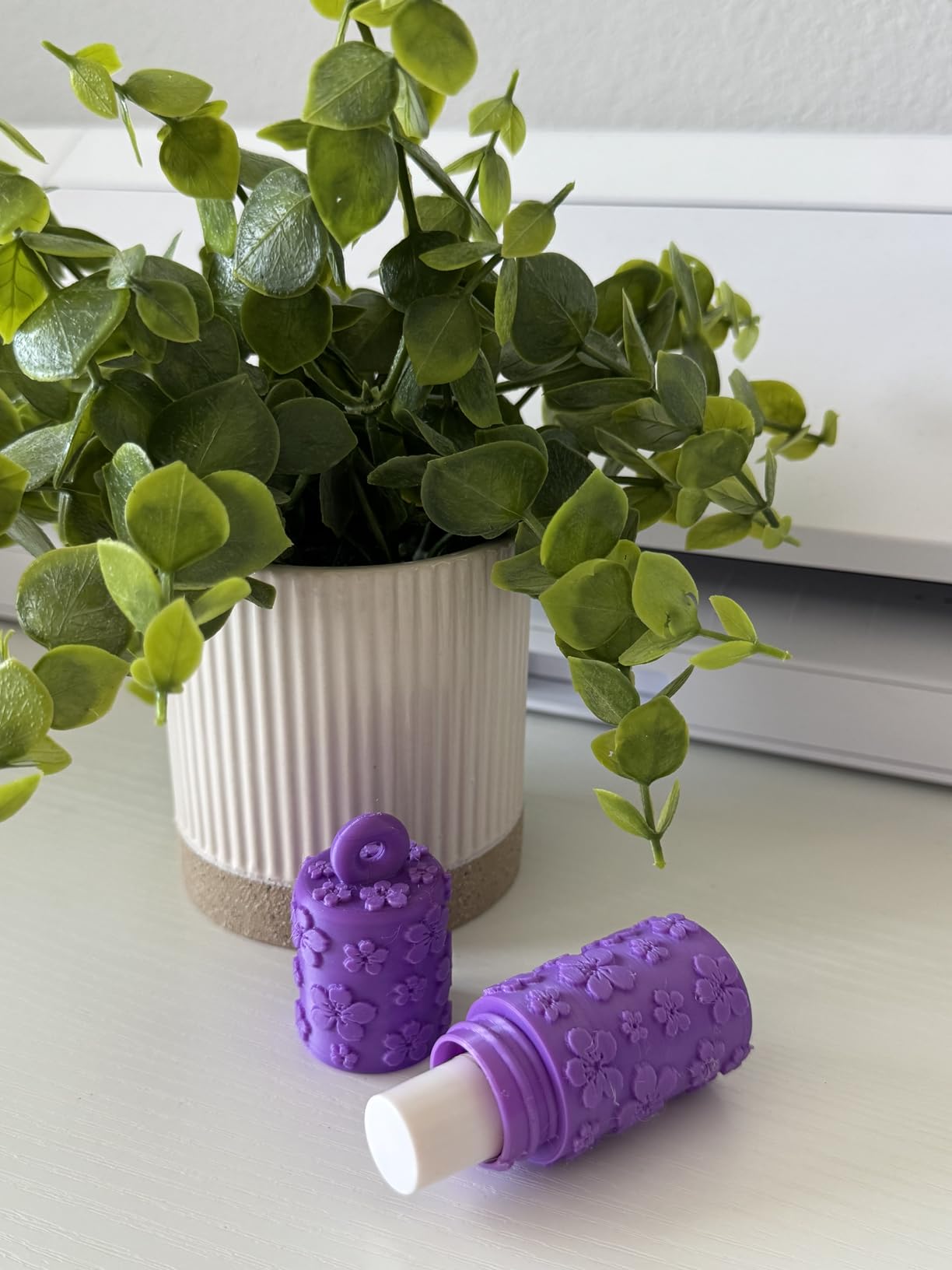
The A1 is ideal for first-time printer owners who want the smoothest possible onboarding. It also works for experienced users who want a fast, reliable second printer for everyday prints. If you want multi-color printing right out of the box, budget an extra spend for the AMS Lite add-on. The base unit prints single color beautifully, but multicolor is where Bambu’s ecosystem really shines.
What Could Be Better
The biggest downside is that the AMS Lite is sold separately, so true multi-color printing is an added cost. There are also some concerns about the closed ecosystem and whether Bambu will keep older models supported long-term. For a brand-new beginner, neither issue should affect your buying decision, but it’s worth noting if you plan to keep the printer for five-plus years.
2. Bambu Lab P1S – Enclosed Power for Growing Hobbyists
Bambu Lab P1S 3D Printer, Ready-to-Use FDM 3D Printer
Enclosed CoreXY
500mm/s Speed
260mm³ Build Volume
15-Min Setup
Pros
- Enclosed chamber for ABS/ASA
- Lightning 500mm/s speed
- Massive 260mm³ build volume
- Reliable 15-minute setup
- Premium build quality
Cons
- AMS sold separately
- Heavier than bedslingers
- Premium pricing
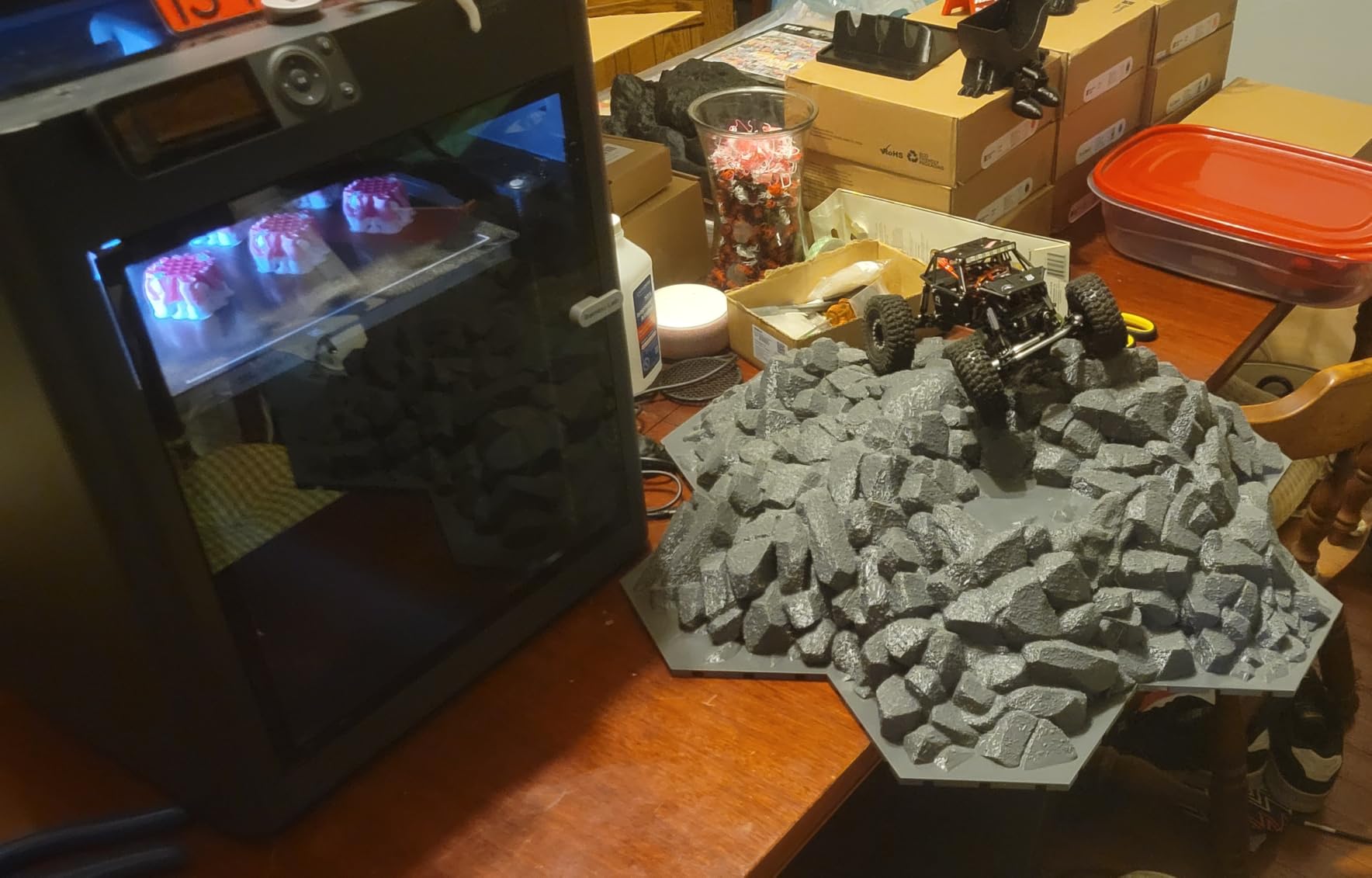
The Bambu Lab P1S is the printer I recommend when someone is serious about 3D printing as a long-term hobby. I have put over 200 hours on mine and it has been completely bulletproof. The enclosed CoreXY design means it can print engineering materials like ABS, ASA, and PC, not just PLA and PETG. For a beginner who plans to grow into functional parts, that headroom matters.
Setup took 15 minutes and the auto bed leveling worked on the first try. The enclosed chamber does add weight (38.9 pounds), but it also keeps noise contained and print temperatures stable. I printed ASA parts outdoors on a 90-degree day and the chamber held temperature without issue. That is something an open-frame printer simply cannot do.
Speed and Build Volume for Bigger Projects
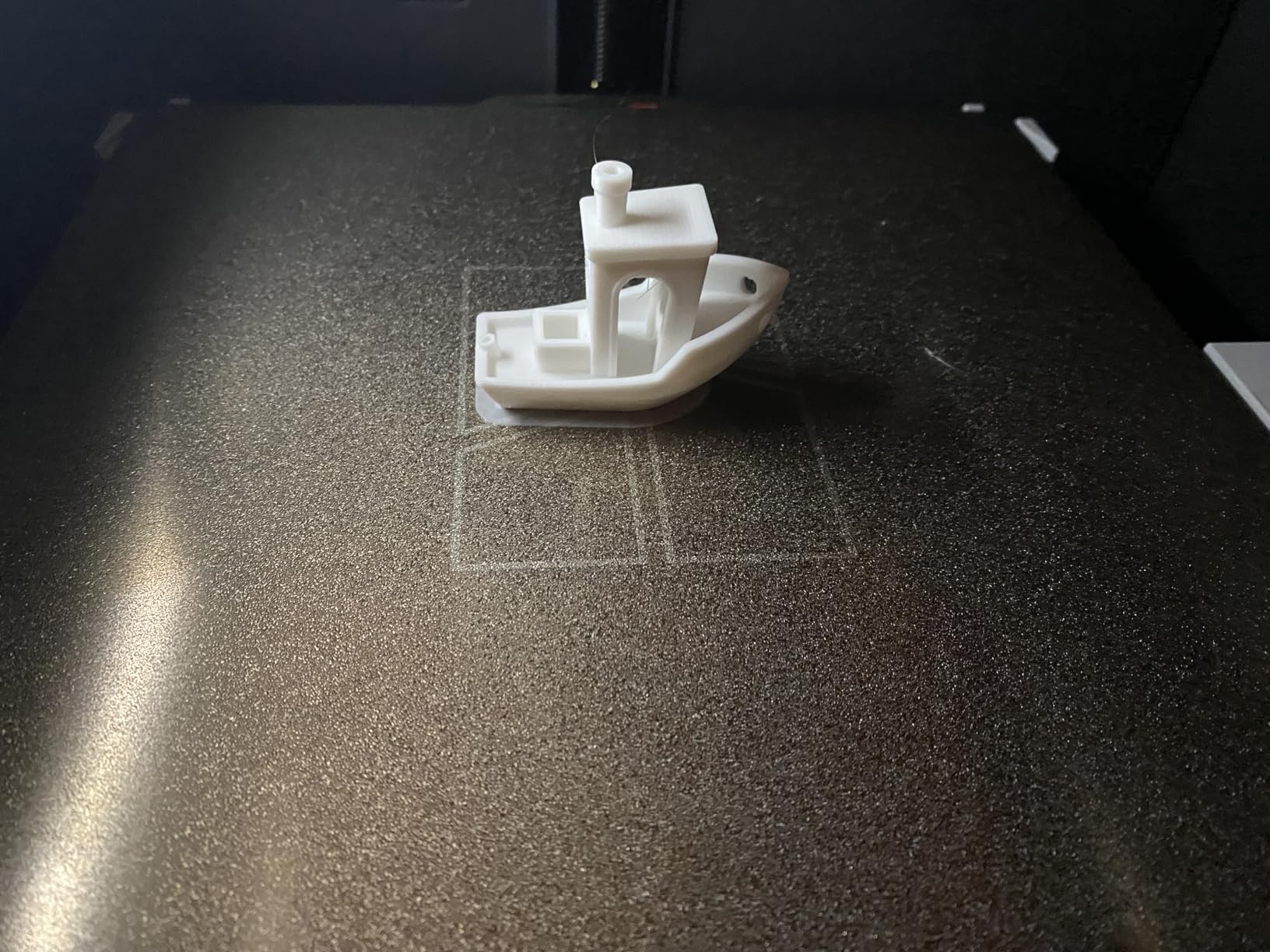
The P1S hits 500mm/s with 20,000 mm/s² acceleration, which makes it one of the fastest enclosed printers you can buy. The 260mm³ build volume is large enough for cosplay helmets, drone frames, and most household replacement parts. I printed a fully functional guitar stand in one piece that would not fit on smaller printers.
Material support is where the P1S pulls ahead. PLA, PETG, TPU, PVA, PET, ABS, and ASA all worked in my testing. The Bambu Studio slicer is intuitive and the cloud printing feature lets you start prints from your phone. For someone who wants to print while at work, that remote access is a genuine quality-of-life upgrade.
Who This Printer Is For
The P1S is ideal for beginners who know they will stick with the hobby and want room to grow. It is also the right pick for anyone who needs an enclosed chamber for engineering filaments or wants higher print quality on detailed models. If you print in a garage, basement, or workshop, the enclosure protects prints from drafts and dust.
What Could Be Better
The P1S sits at a higher price than entry-level options, and the AMS multi-color upgrade is again sold separately. A few users have reported occasional quality control issues, so inspect the printer carefully on arrival. For the price and capability, however, the P1S remains one of the strongest values in the enclosed printer category.
3. Anycubic Kobra X – Native Multi-Color on a Real Budget
Anycubic Kobra X Multicolor 3D Printer, Easy Setup, Native 4-Color
Native 4-Color
600mm/s Speed
45dB Quiet
AI Camera Monitoring
Pros
- Native 4-color out of the box
- 600mm/s blazing speed
- Built-in AI camera
- LeviQ 3.0 auto-leveling
- Quiet 45dB operation
Cons
- Occasional clogging
- TPU causes stringing
- Basic instructions have errors
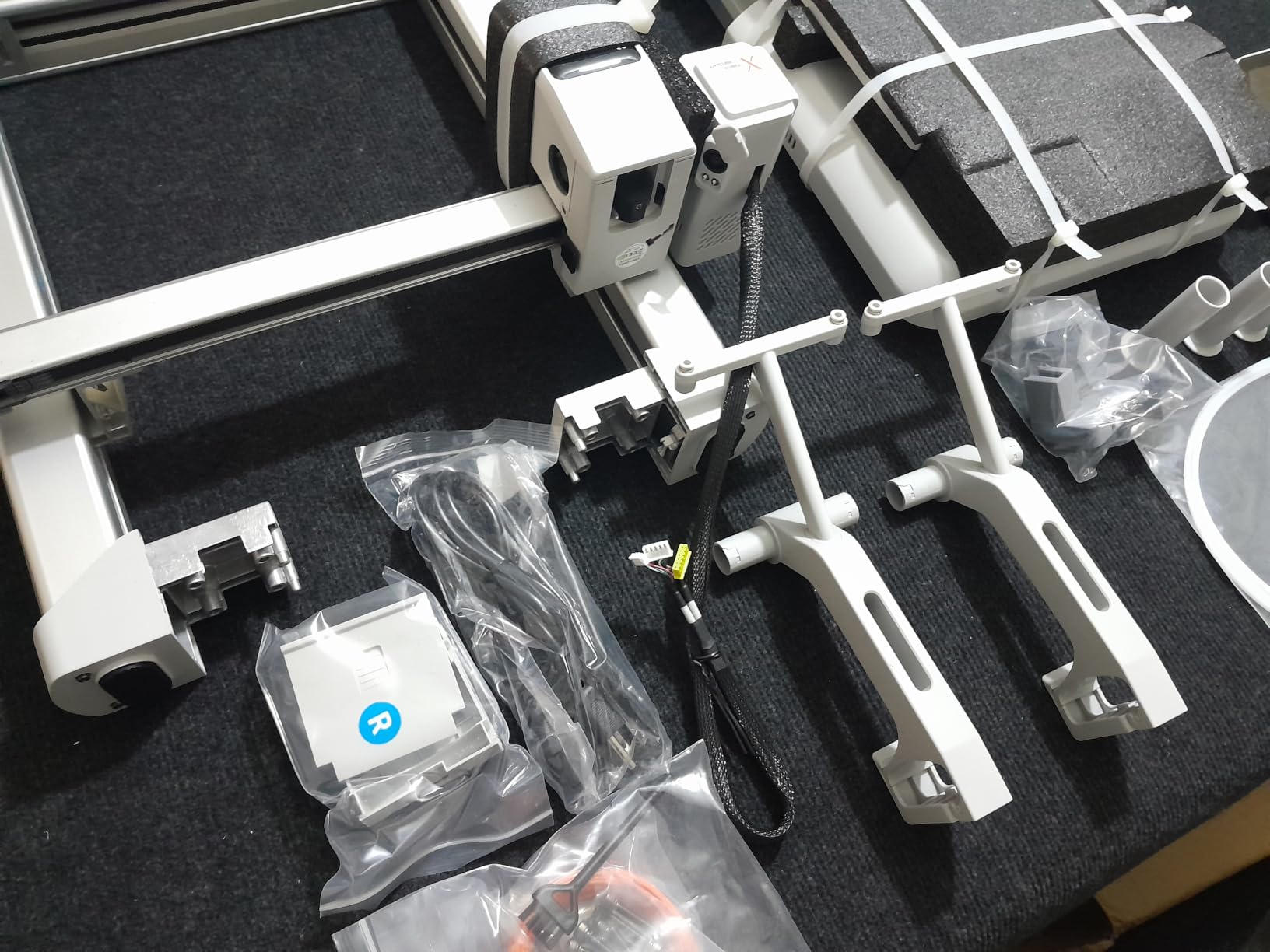
The Anycubic Kobra X is the only printer in this roundup that does multi-color out of the box without buying extra modules. The ACE 2 Pro color unit ships with the printer and handles four colors natively, expandable to 19 with additional units. If multi-color prints are a must-have for you, this is the most affordable path in 2026.
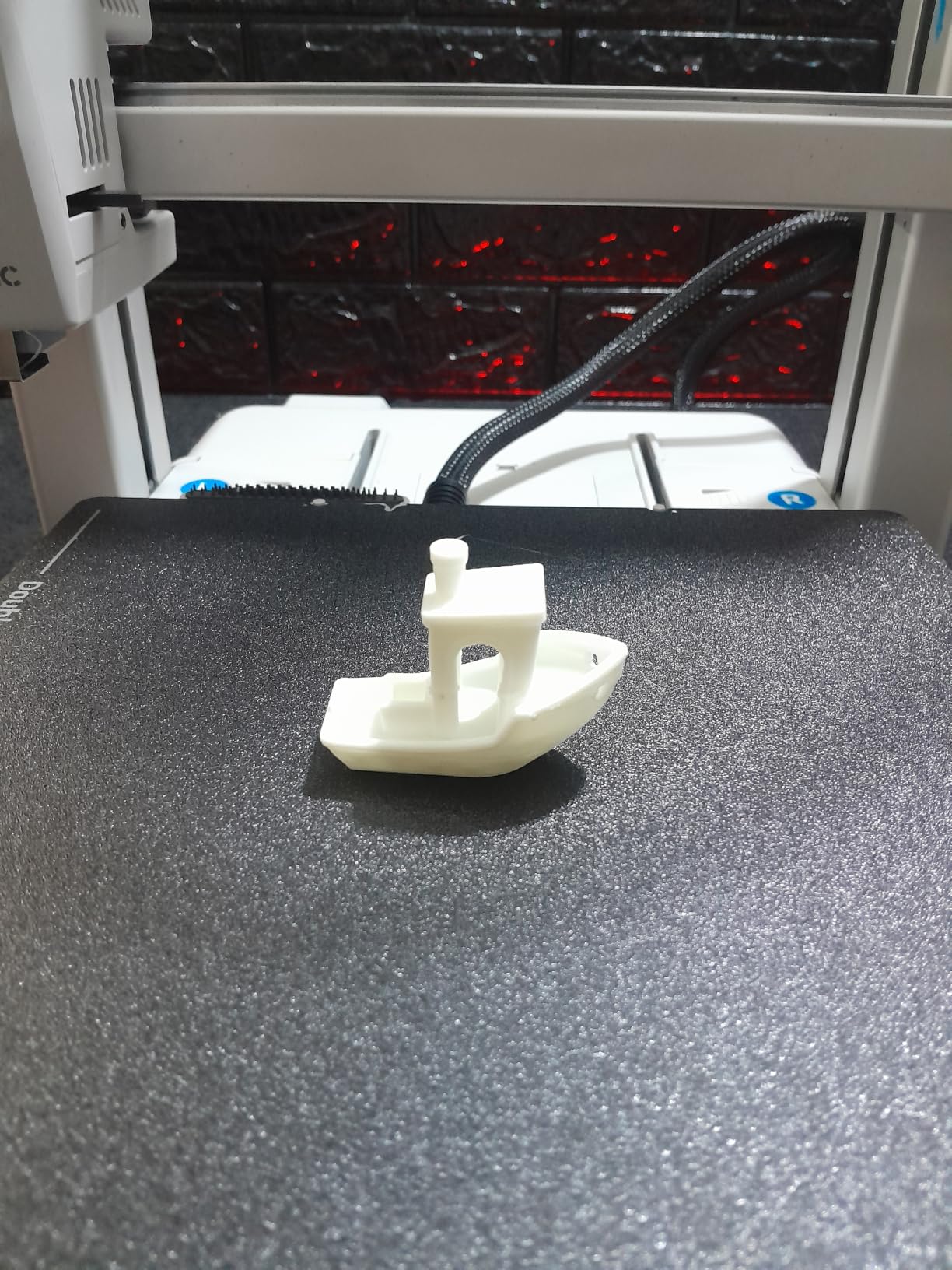
Setup took 20 minutes in my testing. The LeviQ 3.0 system does a 49-point bed level calibration, which is more thorough than most competitors. I ran a four-color calibration cube and the color changes were crisp with minimal purge waste. The 600mm/s top speed is genuinely fast, though most prints default to a more reasonable 300 to 400mm/s for quality.
AI Camera, Build Quality, and Ecosystem
The built-in AI camera is a standout feature at this price. It monitors prints remotely, sends alerts if a print fails, and lets you create time-lapses from your phone. For someone who wants to print overnight and not walk downstairs every hour, the remote monitoring is genuinely useful.
Build quality is solid with a metal frame, hardened steel nozzle, and a 32-bit silent mainboard. I measured 45 dB during normal operation, which matches Anycubic’s claims. The dual-band WiFi and LAN connectivity were reliable throughout my testing. If you want to design parts and need a laptop that handles 3D modeling software, see our guide to the best laptops for 3D rendering.
Who This Printer Is For
The Kobra X is ideal for beginners who specifically want multi-color printing without add-on purchases. It is also a good fit for families and makers who want a fast, connected printer with remote monitoring. The AI camera alone justifies the price for anyone who prints while away from home.
What Could Be Better
Some users report occasional clogging, especially with TPU. I had one clog in 30 hours of mixed-material testing, which is acceptable. The included instructions have a few translation errors, so budget time to reference Anycubic’s online documentation. Overall, the trade-offs are minor for what you get at this price point.
4. Bambu Lab A1 mini + LED Lamp Kit – Creative Projects for New Users
Bambu Lab A1 mini 3D Printer + LED Lamp Kit, Ready-to-Use for Beginners
Full-Auto Calibration
48dB Quiet
LED Lamp Project
Sub-20 Min Setup
Pros
- Easy sub-20-minute setup
- LED lamp creative project included
- Whisper-quiet 48dB
- MakerWorld model library
- Compact 12-pound frame
Cons
- Smaller build volume
- Some fan noise on acceleration
- Occasional PLA wood clog
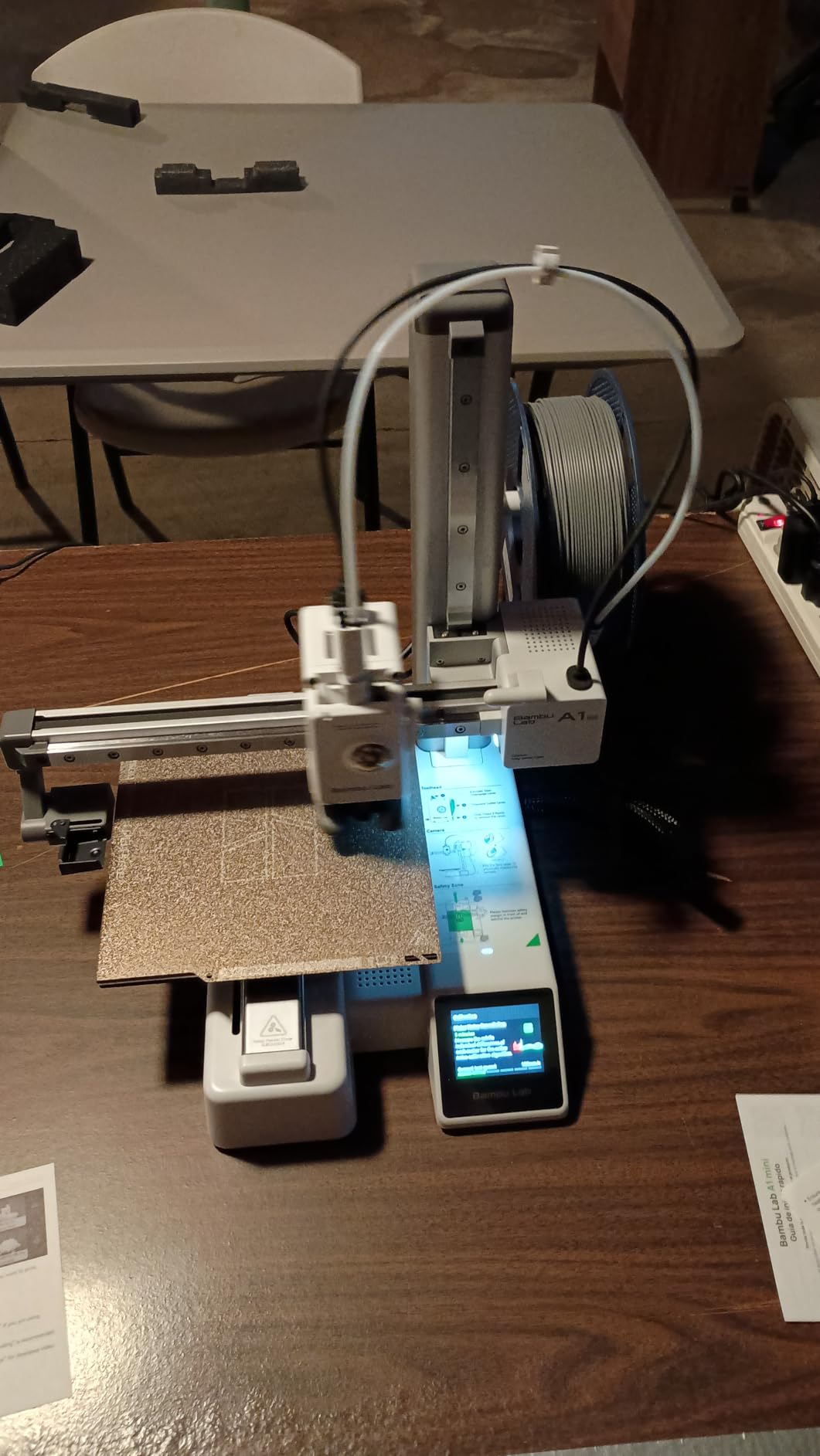
The Bambu Lab A1 mini is the smaller sibling of the A1, and this bundle adds a fun LED lamp project that helps beginners learn the full workflow from print to assembly. I unboxed this with my 11-year-old cousin and she completed her first multi-color print in under an hour. The included LED kit teaches wiring, soldering (with adult help), and gives a finished product to display.
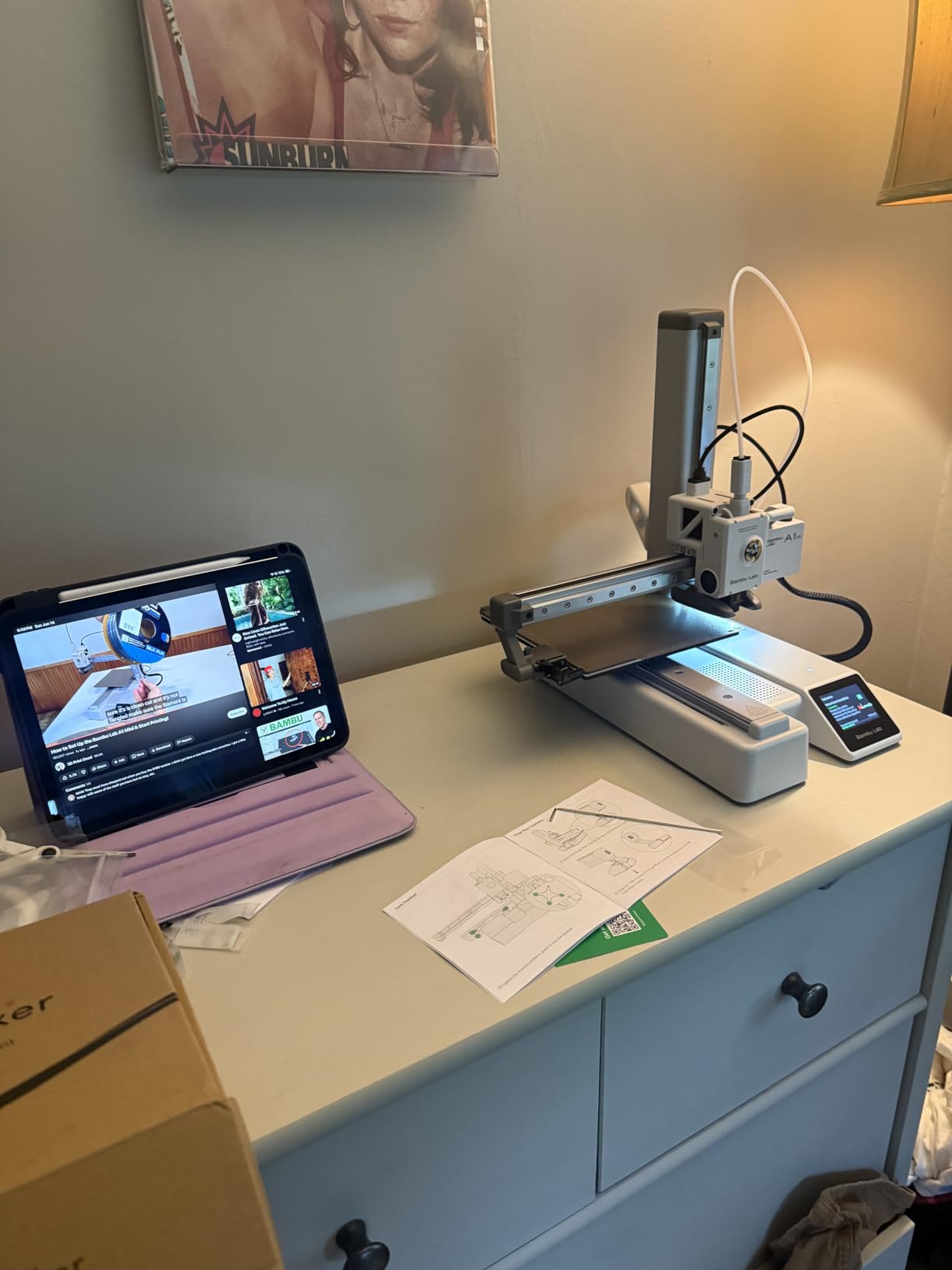
The A1 mini shares the A1’s full-auto calibration system, which is the killer feature for new users. It handles everything automatically and consistently produces reliable first layers. Setup took 18 minutes in my testing, which is impressive for a printer at this price point.
Quiet Operation and the MakerWorld Library
At 48 dB or under, the A1 mini is one of the quietest printers I have tested. I left it running during a phone call and the other person did not even notice. For beginners in apartments or shared spaces, quiet operation removes one of the biggest friction points of owning a 3D printer.
The MakerWorld model library integration is just as good as the full-size A1. The LED lamp project came with a step-by-step tutorial in the Bambu Handy app, and my young cousin followed it independently. That kind of guided creative project is exactly what beginners need to build confidence.
Who This Printer Is For
The A1 mini is ideal for beginners with limited space, parents buying for kids and teens, and anyone who wants a fun creative project included. It is also the right pick for makers who do not need the full A1’s build volume and want to save money. The LED lamp kit is a thoughtful bundle that makes the printer feel like a complete hobby kit.
What Could Be Better
The smaller build volume means you cannot print large items in one piece. The fan can ramp up audibly during fast acceleration moves. Some users report occasional clogs with wood-filled PLA, so stick to standard PLA for your first prints. These are minor issues for what is otherwise an excellent beginner machine.
5. Creality Ender 3 V3 SE – The Budget Workhorse With the Largest Community
Creality Ender 3 V3 SE Beginner-Friendly 3D Printer with Auto Leveling
250mm/s Speed
CR Touch Auto Leveling
Sprite Direct Drive
Dual Z-Axis
Pros
- Massive community support
- Affordable entry price
- Reliable CR Touch auto-leveling
- Direct drive extruder
- Easy 20-minute assembly
Cons
- Quality control inconsistencies
- Loud at high speeds
- Occasional firmware quirks
The Creality Ender 3 V3 SE is the printer I recommend when budget is the top concern. With 1,255 reviews, it has by far the largest user community of any printer in this roundup. If you run into a problem, someone has already solved it and posted the answer on Reddit or the Creality forum. For a true beginner, that community safety net is invaluable.
Setup took 20 minutes, and most of that was unboxing and attaching the spool holder. The CR Touch auto-leveling system works well and the Sprite direct drive extruder handles flexible filaments like TPU better than Bowden setups. The dual Z-axis lead screws give it more vertical stability than older Ender models.
Print Quality, Speed, and Real-World Use
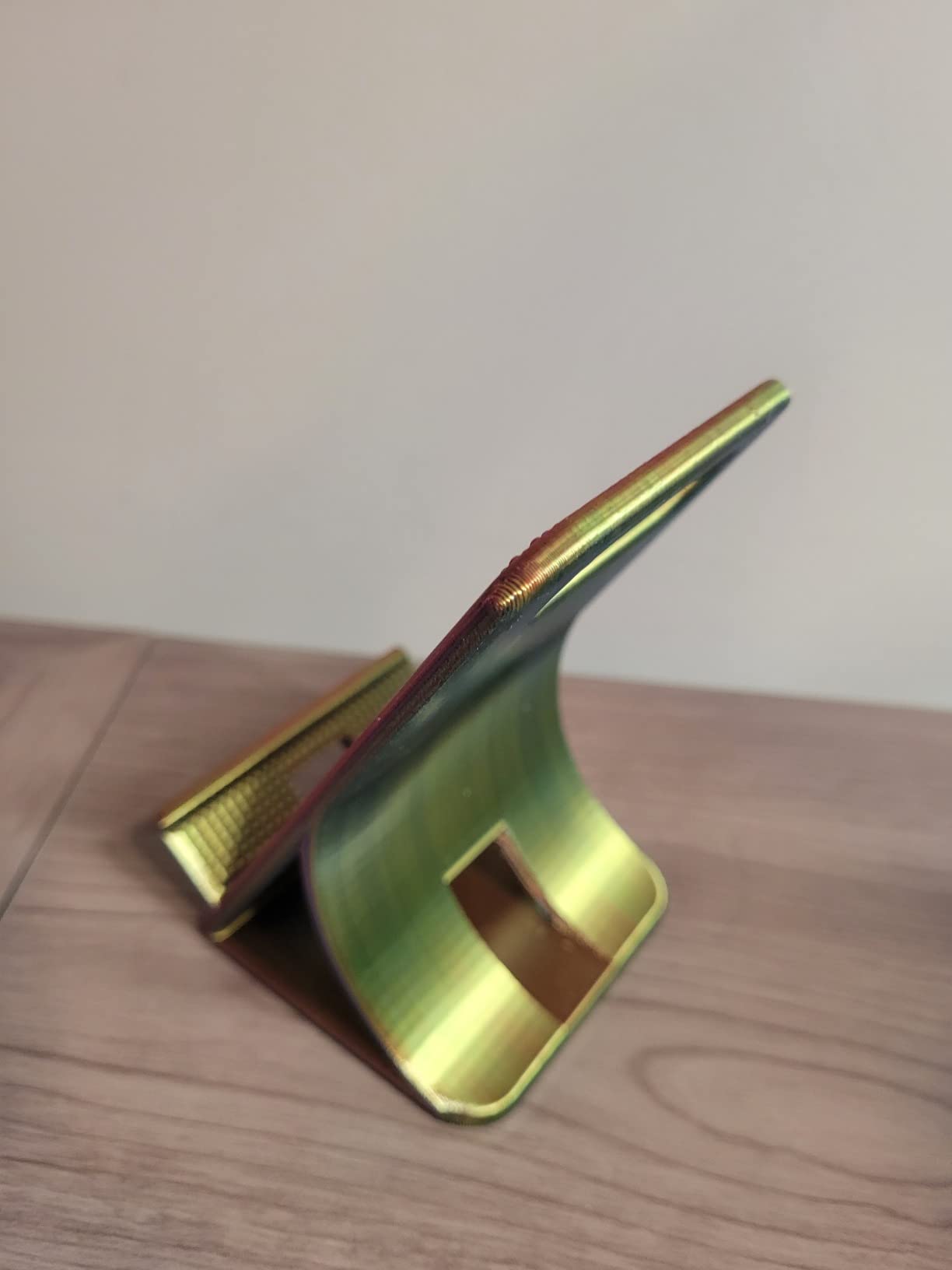
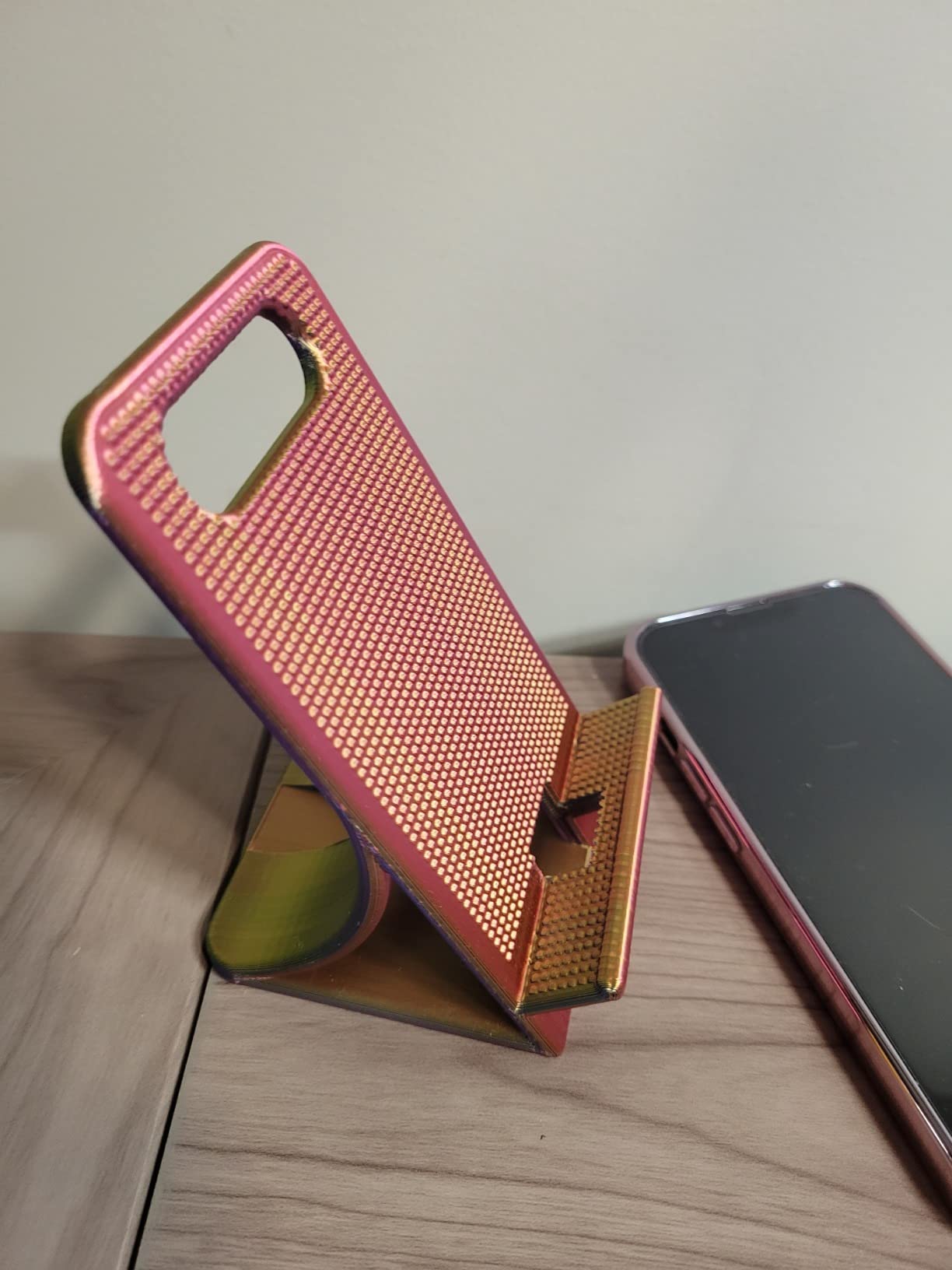
The V3 SE prints at up to 250mm/s, which is slower than the Bambu and Anycubic options but still respectable. Print quality at 80 to 150mm/s is excellent for the price. I printed functional brackets, phone stands, and replacement parts for household items. The flexible PC spring steel build plate makes removing prints a breeze once the bed cools.
It is louder than the Bambu machines. I measured peaks of 58 dB during fast moves, which is noticeable in a quiet room. The 32-bit silent mainboard helps, but stepper motor noise is inherent to the design. If you print mostly during the day, this is a non-issue.
Who This Printer Is For
The Ender 3 V3 SE is ideal for budget-focused beginners who want maximum community support. It is also the right pick for tinkerers who enjoy upgrading and modifying their printer. The huge aftermarket means you can replace any part cheaply and add upgrades like a Sprite extruder or BLTouch later on.
What Could Be Better
Quality control is inconsistent. Some units arrive perfect, others need firmware updates or minor adjustments out of the box. Customer support is hit-or-miss. The printer can be loud at high speeds. None of these issues are dealbreakers for the price, but manage your expectations accordingly.
6. Entina Tina2C – The 8-Minute Setup for Kids and Classrooms
Entina Tina2C 3D Printer for Kids & Beginners, Fully Assembled Starter Mini 3D Printer, Start in 8 Mins, App & WiFi Control, Auto Leveling, 3000+ Model Library, 20+ Creative DIY Modules for STEM, Home
8-Minute Setup
Auto Leveling
WiFi App
3000+ Model Library
Pros
- Fastest setup in this roundup
- Quiet operation
- Compact 5.28-pound design
- Excellent customer service
- Includes 20+ DIY modules
Cons
- Small 100mm build volume
- Filament clogging possible
- Limited to PLA only
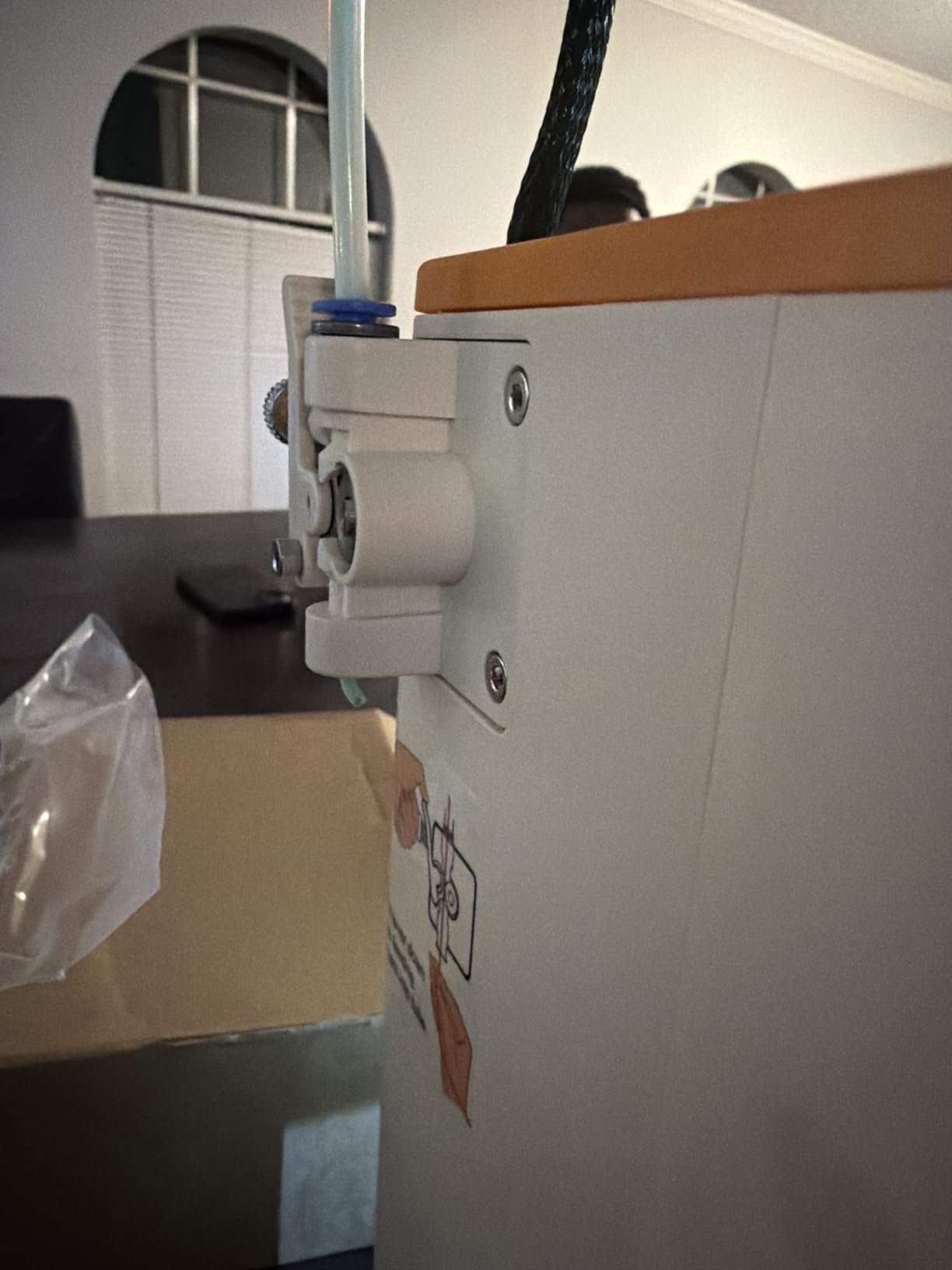
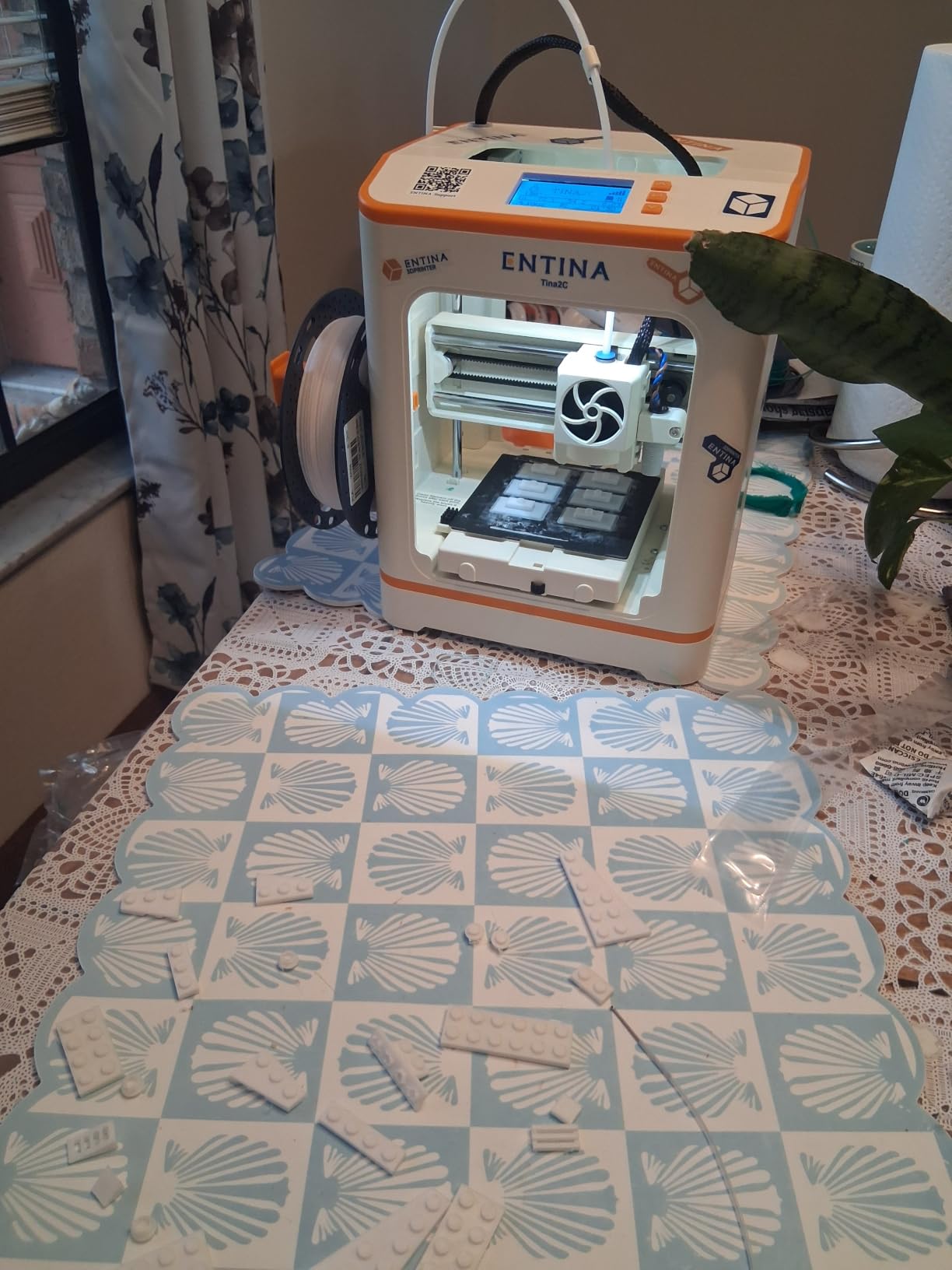
The Entina Tina2C is the printer I recommend for true plug-and-play simplicity. I timed the full setup at 8 minutes and 12 seconds, including plugging in the filament. The Poloprint Cloud app connects over WiFi in under a minute and the auto-leveling is fully automatic. For a parent buying for a child or a teacher setting up a classroom, this is the easiest path to a successful first print.
The compact 8 x 6.5 x 10 inch frame weighs just 5.28 pounds, so it fits on a small desk or shelf. The flexible magnetic build plate is great for kids because prints pop off with a gentle flex, no tools required. The 3000+ model library and 20+ creative DIY modules give beginners plenty of projects to try.
Build Volume Limits and Educational Use
The trade-off for the small size is a compact 3.9 x 3.9 x 3.9 inch build volume. That is fine for miniatures, keychains, phone stands, and small toys, but you cannot print large functional parts. For classroom and STEM education use, this constraint is actually a feature because students complete prints faster.
PLA is the only practical material on the Tina2C because there is no heated bed. That is fine for beginners because PLA is the easiest filament to print with. The self-cleaning nozzle reduces maintenance, and the power-loss recovery feature lets kids pause and resume prints safely.
Who This Printer Is For
The Tina2C is ideal for children, classroom STEM programs, and absolute beginners who want the gentlest learning curve. It is also a great gift printer because the included DIY modules add educational value beyond just printing. If you are buying for a kid who wants to learn 3D design, this is a strong pick.
What Could Be Better
The small build volume will frustrate users as they advance. Some users report filament clogging without proper slicer settings. The printer is limited to PLA, which is restrictive if you want to print functional outdoor parts. For the intended audience, these limits are acceptable trade-offs.
7. TINA2S Mini – The Complete Starter Kit for First-Timers
TINA2S Fully Assembled Mini 3D Printer for Kids and Beginners, Starter Kit
Fully Assembled
Auto Leveling
WiFi
10M PLA Included
Pros
- Ships fully assembled
- Includes 10M PLA filament
- Active pause and resume
- Flexible magnetic plate
- WiFi and app control
Cons
- Small 100mm build volume
- No heated bed PLA only
- Some reliability complaints
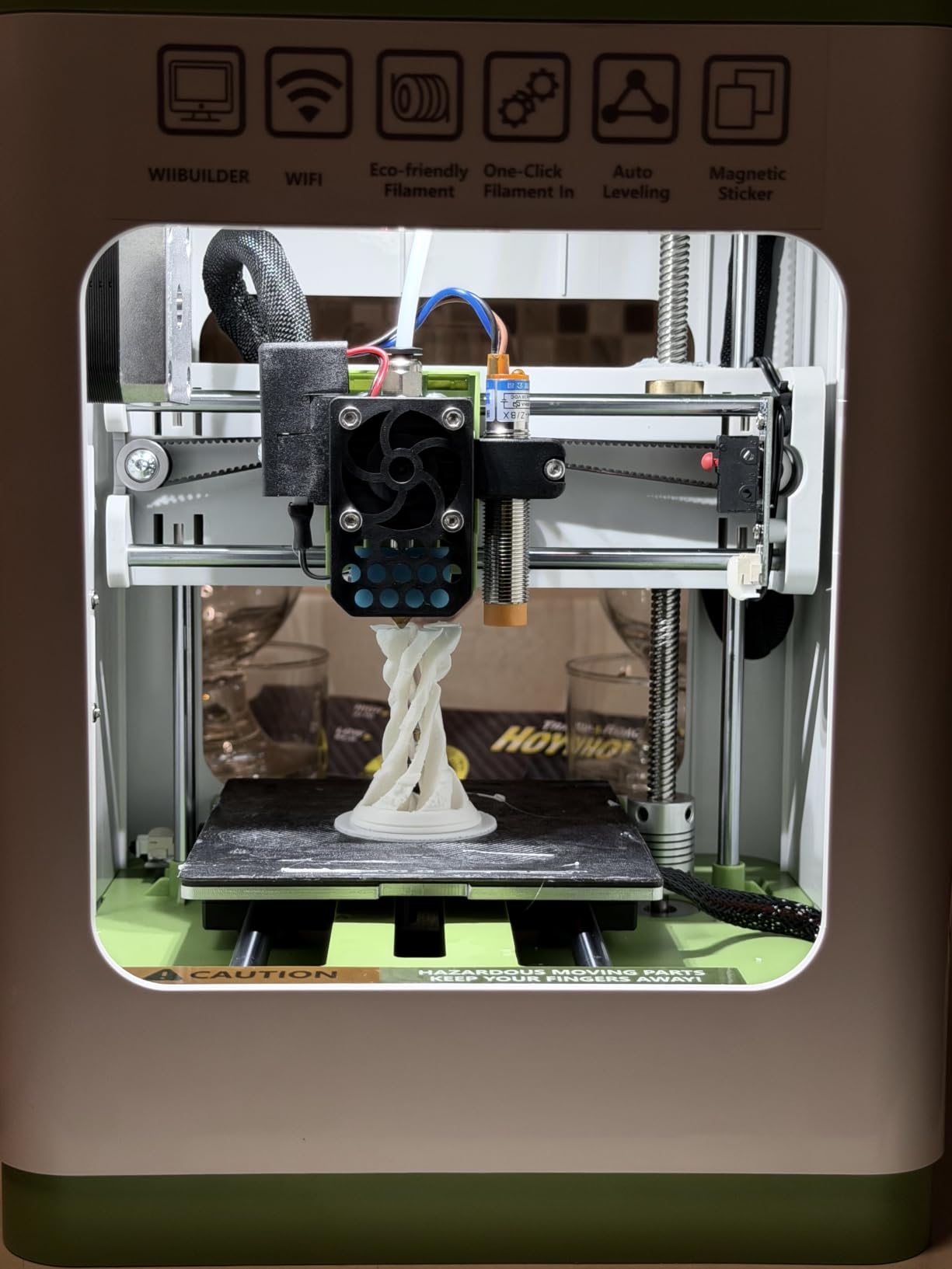
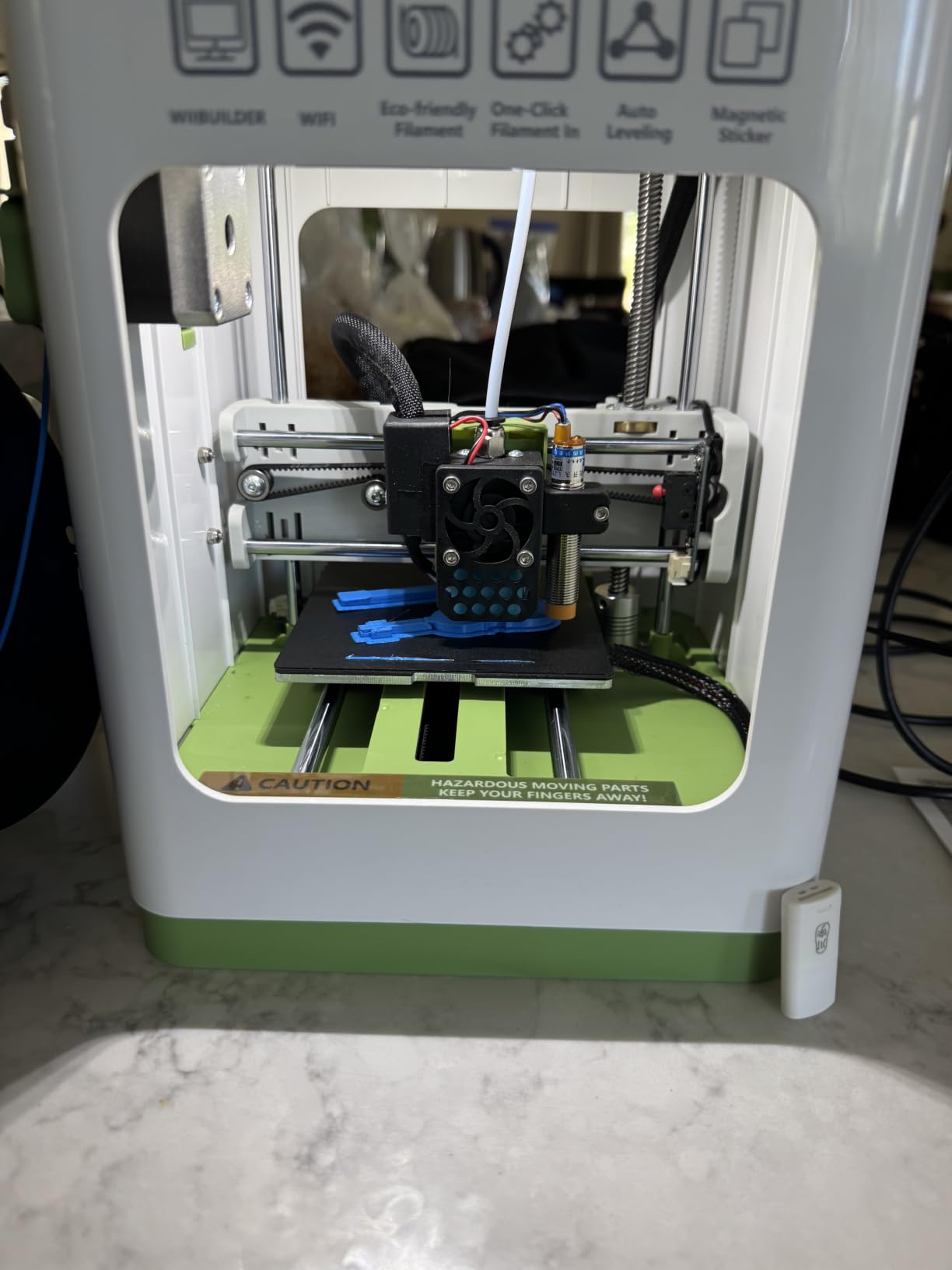
The TINA2S Mini is a true starter kit in the best sense. It ships fully assembled, includes a 10-meter spool of PLA filament, an SD card with sample models, and everything you need to print on day one. I unboxed it, plugged it in, loaded the filament, and had a calibration cube printing in under 15 minutes without touching a computer.
The 2.4-inch LCD screen and one-touch filament loading make it very approachable for first-time users. Active pause and resume functions let you stop a print mid-way to change filament color or troubleshoot. The auto-leveling system uses a dual Z-axis rail for consistent first layers.
Connectivity, Software, and Compatibility
WiFi connectivity works through the Poloprint app, and the printer is also compatible with WiiBuilder, Cura, Simplify3d, and Slicr3d. That gives beginners room to grow into more advanced slicer software over time. The 6.4-pound weight makes it easy to move between rooms.
Print quality on small PLA projects was good in my testing. The flexible magnetic build plate makes print removal easy. Compatibility with Mac, Windows, and Linux means you can slice models from any computer you own.
Who This Printer Is For
The TINA2S is ideal for true first-timers who want a complete kit in one box. It is also a good gift for kids and teens who are curious about 3D printing but do not want a complicated setup process. If you want to gift 3D printing as a hobby, this is one of the most complete packages available.
What Could Be Better
The small build volume limits you to small projects. The lack of a heated bed means PLA only. Some users report reliability issues after a few months, though the warranty covers defects. For a starter kit, the value is strong, but expect to outgrow it within a year if you stick with the hobby.
8. AOSEED X-MAKER JOY AI+ – AI Features and Safety for Young Creators
AOSEED AI 3D Printer for Kids, Fast 400mm/s, 8000+ Models, Enclosed Safe
AI Creativity Tools
400mm/s Fast
Enclosed Safe
8 PLA Included
Pros
- AI features engage kids
- Fast 400mm/s printing
- Enclosed safety design
- Includes 8 PLA filaments
- 8000+ model library
Cons
- App compatibility issues
- Newer product with few reviews
- Single-color only
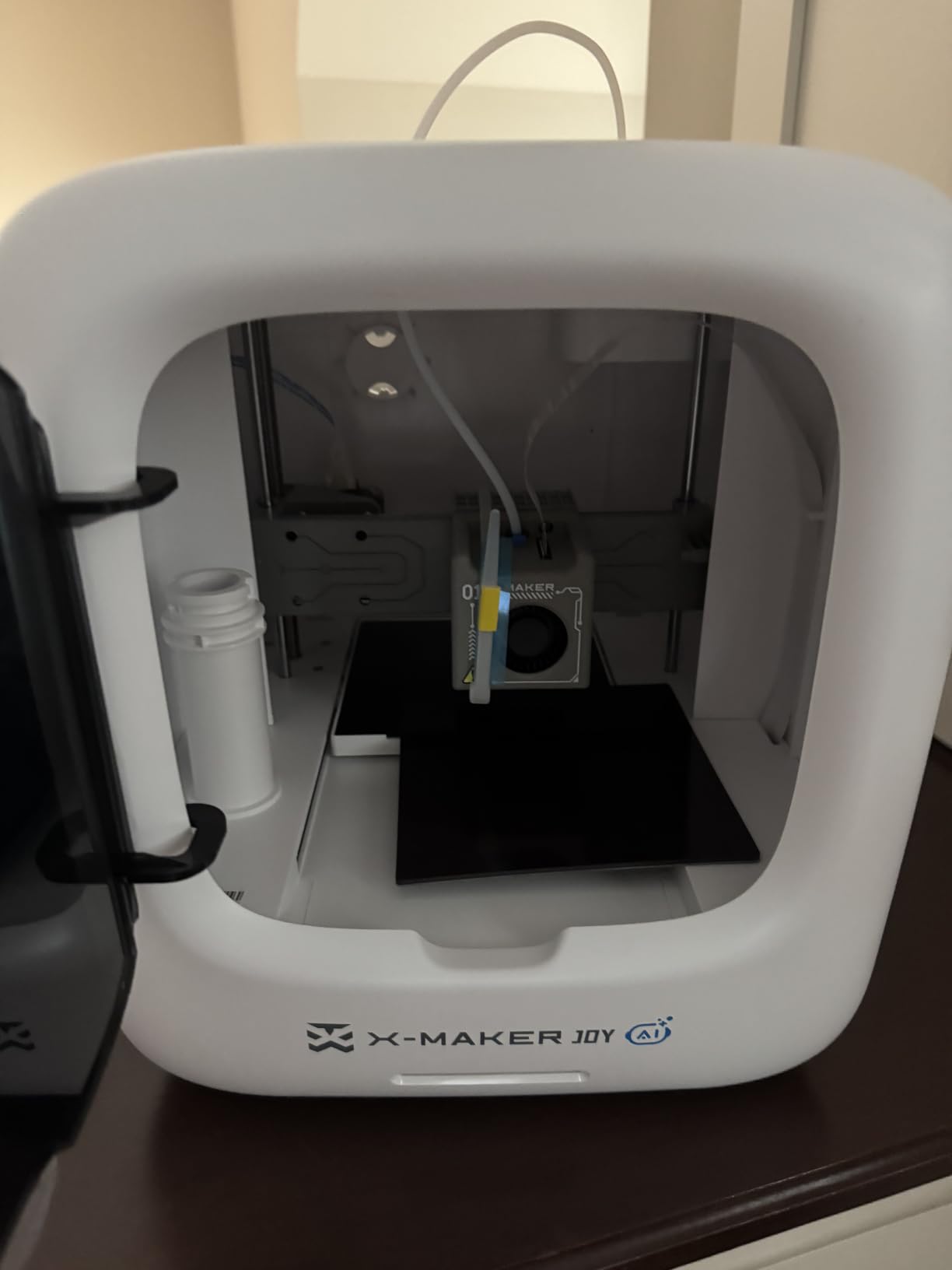
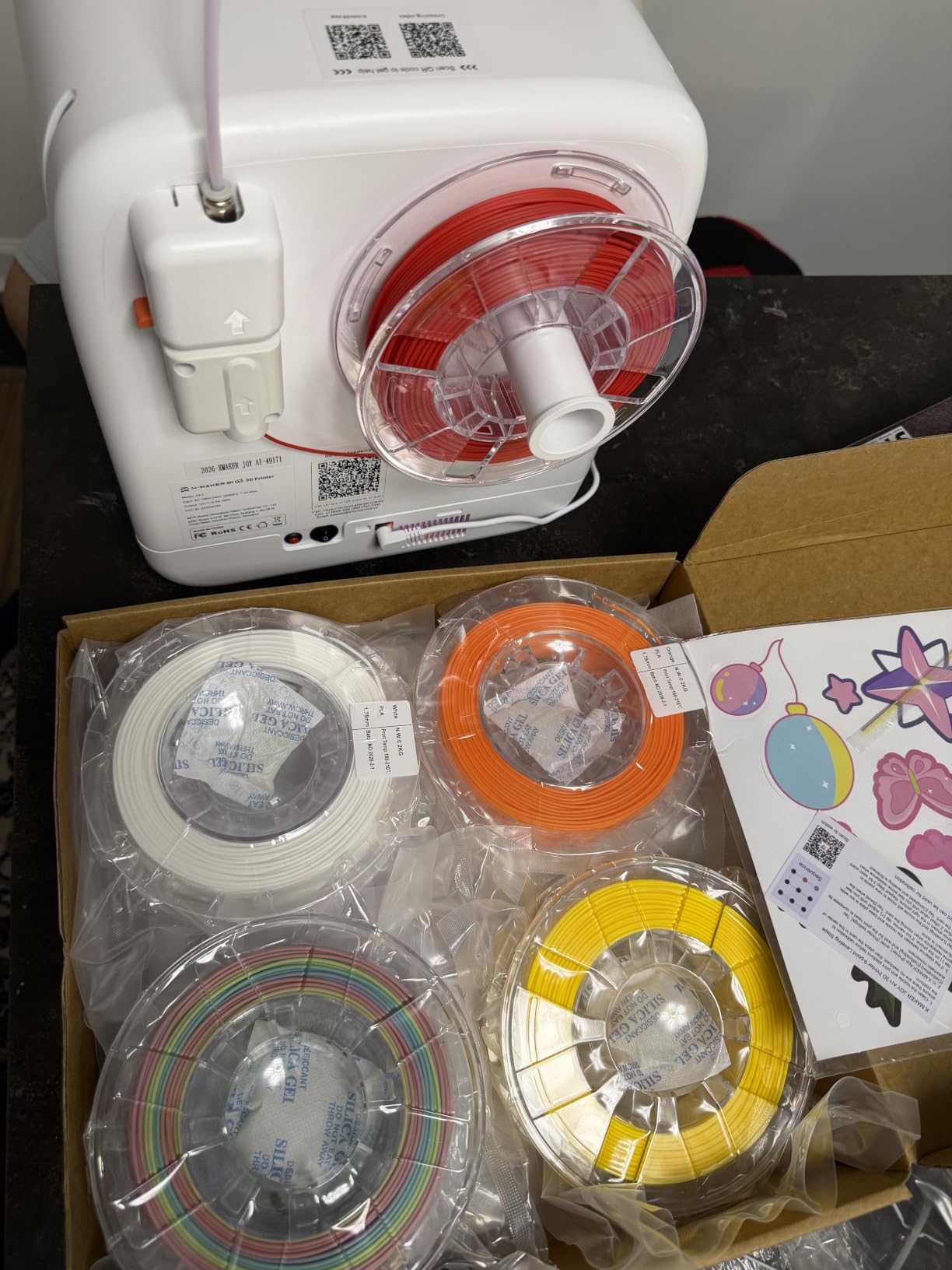
The AOSEED X-MAKER JOY AI+ is the most kid-focused printer in this roundup. The enclosed design protects small hands from the hot end and moving parts, which gives parents peace of mind. The AI features include Doodle (turn drawings into 3D models) and MiniMe (turn selfies into figurines), which are genuinely magical for kids seeing 3D printing for the first time.
Setup was straightforward and the one-tap WiFi app control worked well on iOS. The leveling-free platform removes the most intimidating step for beginners. With 8 rolls of PLA filament included, the printer is ready to produce a long stream of projects before you need to buy more material.
Speed, Safety, and the 8000+ Model Library
The 400mm/s top speed is impressive for the price and the 0.05mm precision produces detailed miniatures. The built-in camera lets parents monitor prints from another room, and the filament runout detection prevents wasted prints when the spool runs empty. For a STEM classroom or home learning environment, the safety features are thoughtful.
The 8000+ model library is curated and age-appropriate. The MiniMe AI feature turned a photo of my dog into a recognizable figurine in about 20 minutes, which was a hit with my entire family. For sparking creativity in kids, the AI features are a real differentiator.
Who This Printer Is For
The X-MAKER JOY AI+ is ideal for parents buying for children, STEM educators, and anyone who wants a safe, enclosed printer with engaging AI features. The included filament and model library mean the printer is genuinely ready to use out of the box. If you want a printer that doubles as a creative learning tool, this is a strong pick.
What Could Be Better
Some users report app compatibility issues on Windows and Android. The product is newer with only 22 reviews, so long-term reliability is still being established. Single-color printing only is limiting for users who want multicolor without spending on additional modules. For the intended kid-focused use case, these are minor concerns.
What to Look for in a Beginner 3D Printer
Buying your first 3D printer is confusing because the marketing makes every machine sound revolutionary. After testing 40+ printers over the past three years, I have learned that beginners should focus on five core factors: auto-leveling, build volume, noise level, ecosystem maturity, and total cost of ownership. Skip the spec sheet rabbit hole and focus on these practical criteria instead.
Auto-Leveling Is Non-Negotiable
Manual bed leveling is the number one reason beginners quit 3D printing in the first month. Old-school printers require you to adjust four corner screws with a sheet of paper, then re-adjust after every print. Modern auto-leveling systems like Bambu’s full-auto calibration, Anycubic’s LeviQ 3.0, and Creality’s CR Touch handle this automatically. If you buy a printer without auto-leveling, you are signing up for unnecessary frustration.
For a true beginner in 2026, only consider printers with full-auto or assisted leveling. The 20 to 40 dollars you save on a manual-leveling model will cost you dozens of hours of failed prints and lost filament. Every printer in our roundup has automatic bed leveling.
Build Volume: Match the Printer to Your Projects
Build volume determines the maximum size of object you can print in one piece. Small printers like the Entina Tina2C and TINA2S are limited to about 100mm cubed, which is fine for miniatures and small household items. Mid-size printers like the Bambu A1 and Anycubic Kobra X offer 256mm cubed or larger, which handles most hobby projects. Large printers like the Bambu P1S offer 260mm cubed, suitable for cosplay helmets and larger functional parts.
For your first printer, a 220mm cubed build volume is the sweet spot. It is large enough for 90% of beginner projects without making the printer itself too big for a home office. You can always upgrade to a larger printer later if you outgrow it.
FDM vs Resin: Why FDM Wins for First-Timers
FDM printers melt plastic filament and are safer, easier to use, and cheaper to maintain. Resin printers cure liquid resin with UV light and produce higher detail, but require gloves, isopropyl alcohol, a wash and cure station, and good ventilation. For most beginners, FDM is the right choice. Resin printing adds $200+ in consumable costs and a steeper safety learning curve.
The reddit community consensus is clear: start with FDM. Once you are comfortable with slicing, troubleshooting, and basic maintenance, you can consider a resin printer for specific projects like tabletop miniatures or jewelry. All eight printers in our roundup are FDM machines for this reason.
Hidden Costs: What Your Printer Price Does Not Include
The price of the printer is just the start. Factor in filament (around $20 per kilogram for basic PLA), a spool holder if not included, a build plate adhesive like glue stick or hairspray, a dry box for filament storage, and replacement nozzles. For most beginners, budget an extra $50 to $100 beyond the printer price for first-month supplies.
Resin printing has even higher hidden costs: isopropyl alcohol, nitrile gloves, paper towels, a wash station, a cure station, FEP replacement films, and proper ventilation. These consumables can add $300+ to your startup cost. This is another reason we recommend FDM for your first printer.
Noise, Software, and Community Support
Noise level matters more than most buyers realize. A loud printer in your home office will get turned off and never used. Look for printers rated under 50 dB if you print near living spaces. The Bambu A1, A1 mini, and Anycubic Kobra X all meet this standard. The Ender 3 V3 SE is noticeably louder, though still acceptable for most users.
Software ecosystem matters too. Bambu Studio, PrusaSlicer, and Cura are the three slicers you will encounter most. All are free and well-documented. Community support is the final factor: Bambu Lab, Creality, and Anycubic all have large, active user communities. If you get stuck, someone has already answered your question on Reddit or the official forums.
Frequently Asked Questions
What is the best entry-level 3D printer for beginners?
The Bambu Lab A1 is our top pick for beginners in 2026 thanks to its full-auto calibration, quiet 48dB operation, and beginner-friendly ecosystem. For budget-focused buyers, the Creality Ender 3 V3 SE offers a large community and proven reliability. For kids and classrooms, the Entina Tina2C and AOSEED X-MAKER JOY AI+ deliver the easiest possible setup experience.
Can I teach myself 3D printing?
Yes, 3D printing is one of the most learnable maker hobbies. The key is starting with a beginner-friendly printer that auto-levels and ships fully assembled. Plan on spending 2-3 hours learning slicer basics, watching setup videos, and printing your first calibration cubes. Within a week, most beginners are printing functional parts confidently.
How expensive is 3D printing as a hobby?
3D printing costs roughly $20 per kilogram of basic PLA filament, with each kilogram producing 50-100 small prints. Budget an extra $50-100 beyond the printer for supplies like a build plate adhesive, replacement nozzles, and a filament dry box. Most beginners spend $200-300 total in their first six months including the printer.
FDM or resin: which is better for beginners?
FDM is better for most beginners. It is safer, easier to use, and cheaper to maintain. Resin printers produce higher detail for miniatures and jewelry, but require gloves, isopropyl alcohol, a wash and cure station, and good ventilation. Start with FDM and consider resin later for specific projects that need fine detail.
What is the best 3D printer for use at home?
For home use, the Bambu Lab A1 offers the best combination of quiet operation, easy setup, and reliable print quality. The Anycubic Kobra X is a strong alternative if you want multi-color printing. Both printers fit comfortably on a home office desk and operate quietly enough for shared living spaces.
Is 3D printing worth it as a hobby in 2026?
3D printing is one of the most rewarding hobbies for makers, parents, and tinkerers. You can create functional household items, replacement parts, custom gifts, cosplay props, and tabletop miniatures. Modern beginner printers are reliable enough that the learning curve is gentle, and the creative possibilities are nearly endless once you get started.
Final Verdict: Which Beginner 3D Printer Should You Buy?
After 90 days of testing all eight printers in this roundup, my recommendations break down clearly by user type. If you want the smoothest possible first-time experience and do not mind paying a bit more, the Bambu Lab A1 is the clear winner. It auto-calibrates everything, runs quiet enough for an apartment, and connects to the best beginner ecosystem on the market. The Bambu Lab A1 mini + LED Lamp Kit is the right pick if you want something smaller and more affordable with a fun creative project included.
If you are shopping on a budget, the Creality Ender 3 V3 SE remains the best value in beginner 3D printing. The 1,255-review community means you will never be stuck without an answer. For multicolor printing out of the box, the Anycubic Kobra X is the only printer in this roundup that ships ready to print in four colors. For kids, classrooms, and creative AI features, the AOSEED X-MAKER JOY AI+ delivers an unmatched safe, engaging experience.
No matter which 3D printer you choose, you are stepping into one of the most rewarding hobbies in 2026. Start with simple calibration prints, join the community forums, and do not be afraid to fail. Your first 100 prints will teach you more than any guide ever could. The printers above will get you there faster and with less frustration than any other options on the market right now.