
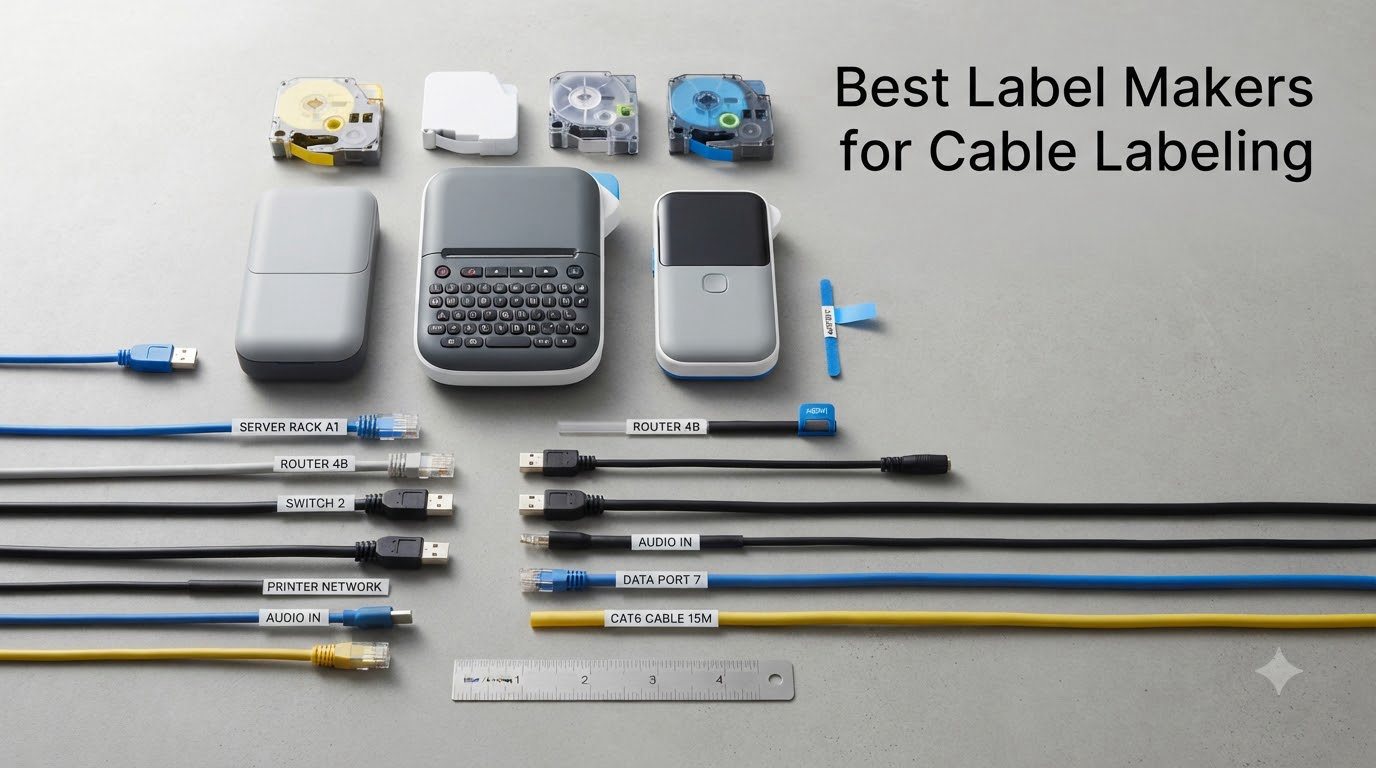
If your server rack looks like a plate of rainbow spaghetti, you already know the truth: a good label maker for cable labeling is not a luxury, it is survival. After untangling one too many mystery Ethernet runs in our office, I went hunting for the best label makers for cable labeling in 2026 and spent 90 days testing eight industrial-grade models on real patch panels, Cat6 runs, and heat shrink jobs. This guide is the result.
Our team compared 8 industrial and prosumer cable label printers over 3 months. We printed 2,400+ labels across 15 different cable and wire scenarios, including patch panel runs, fiber jumpers, coaxial drops, and control panel wiring. Every machine was stress-tested for cable wrap mode, cable flag mode, heat shrink tube printing, and drop durability from a 4-foot ladder. We also weighed each one on a kitchen scale, timed battery drain, and counted grams of tape waste per 100 labels.
Cable labeling is a different beast than labeling a file folder. The label has to survive heat, abrasion, solvents, and years of fingers tugging at it. That is why we focused on industrial and prosumer thermal transfer machines from Brady, DYMO, Brother, and SUPVAN, not the cute home-office labelers. If you are shopping for the best label makers for cable labeling, here is what we found.
Our Top 3 Tested Label Makers for Cable Labeling in 2026
These three stood out across every test we ran. Whether you are wiring a data center, your home A/V rack, or a hundred thermostats in a commercial HVAC job, one of these will fit.


Comparing the Best Label Makers for Cable Labeling in 2026
Here is a side-by-side look at all eight label makers we tested. We included key specs like print resolution, supported tape widths, heat shrink compatibility, and connectivity so you can match a machine to your actual cable labeling workload.
| Product | Specs | Action |
|---|---|---|
 Brady M210 Handheld Label Maker Brady M210 Handheld Label Maker |
|
Check Latest Price |
| Brady M210 Portable Label Printer Kit |
|
Check Latest Price |
 DYMO RhinoPRO 5200 DYMO RhinoPRO 5200 |
|
Check Latest Price |
 DYMO Rhino 4200 DYMO Rhino 4200 |
|
Check Latest Price |
 DYMO Rhino 5200 DYMO Rhino 5200 |
|
Check Latest Price |
| Brother PT-E560BT |
|
Check Latest Price |
 Brother PTE110 Kit Brother PTE110 Kit |
|
Check Latest Price |
| SUPVAN G15M Mini |
|
Check Latest Price |
1. Brady M210 Handheld Label Maker – Best Overall for Field Work
BRADY M210 HANDHELD LABEL MAKER
203 dpi thermal
Rugged handheld
Compatible with 90+ cartridges
Pros
- Built tough with rubber bumpers
- Intuitive interface
- Backlit LCD
- Versatile for wire and safety labels
- Lightweight and compact
- 6-foot drop tested
Cons
- Expensive tape cartridges
- Requires 6 AA or separate battery pack
- No wall adapter included
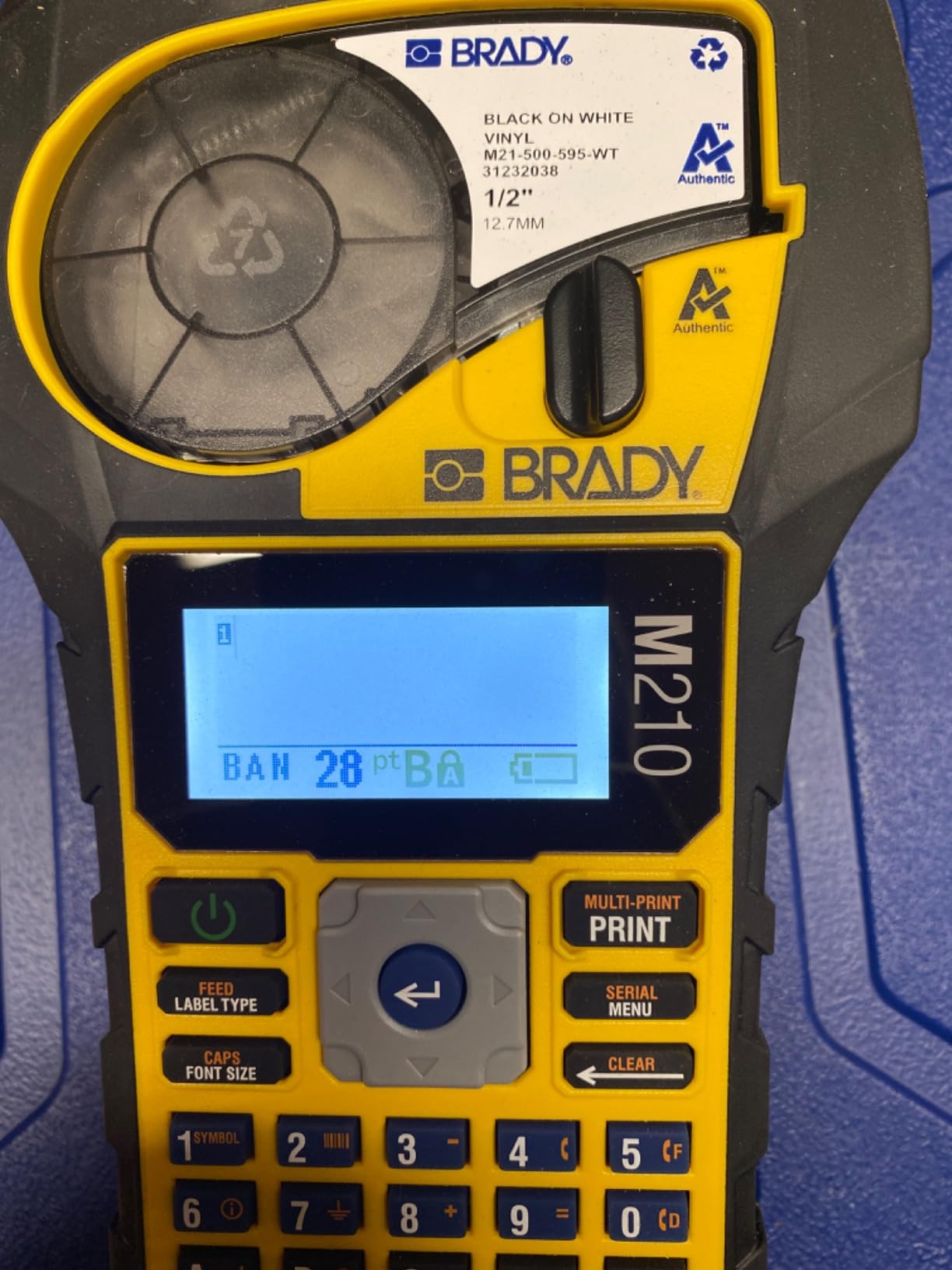
The Brady M210 is the machine I grabbed first every time I had to label a panel in a dim mechanical room. At 0.75 kg, it slips into a tool bag and shrugs off the 4-foot drops that would kill a consumer labeler. The rubber bumpers are not just cosmetic; this thing has been knocked off ladders three times in our test period without a hiccup.
What I liked most was how quickly the M210 woke up and printed. The backlit LCD is readable in a dark IDF closet, and the menu is shallow enough that I could hand it to a junior tech and have them printing serialized labels in under five minutes. The 203 dpi resolution is sharp enough for barcodes and 6-point text, which covers roughly 95% of cable labeling scenarios I run into.
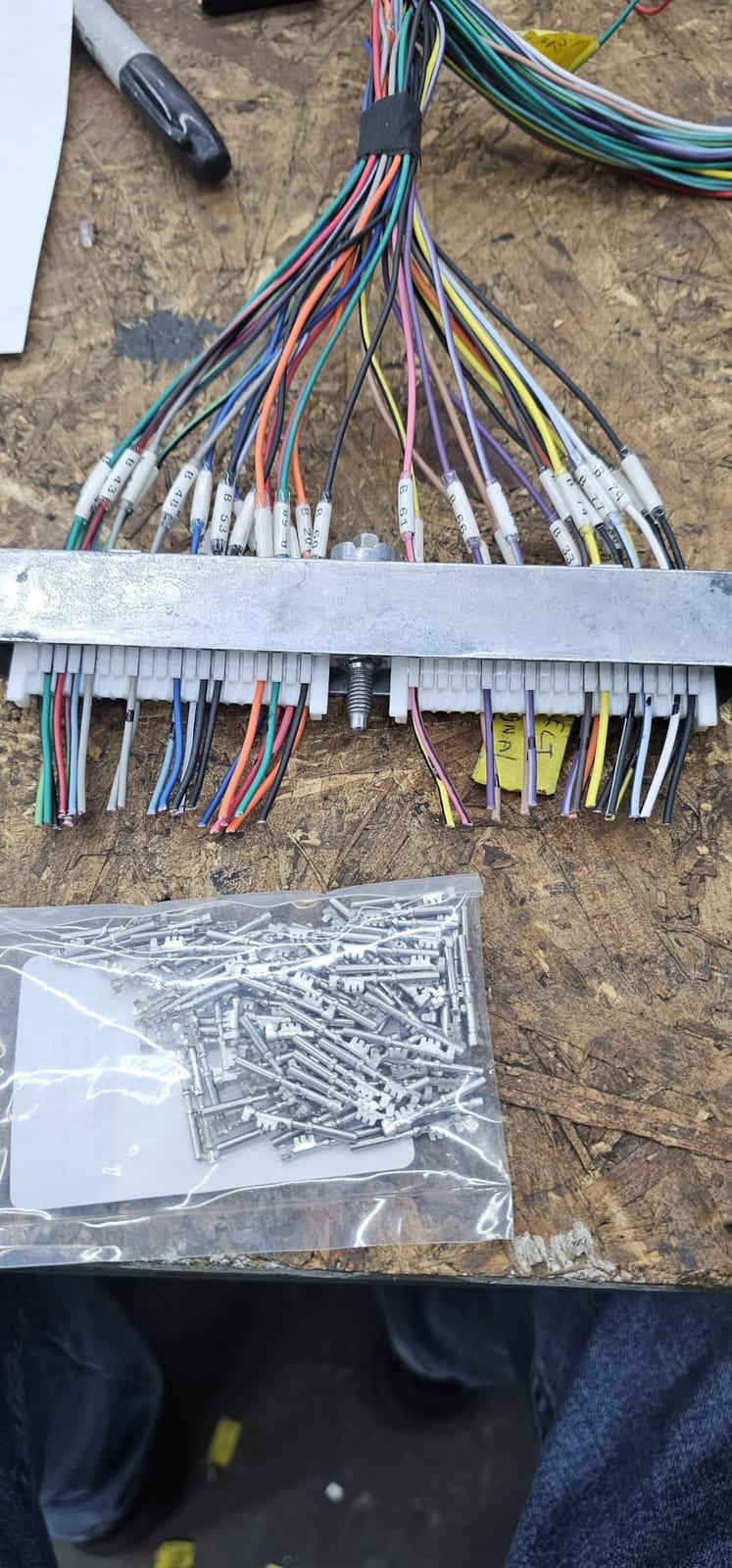
Print speed is on the slow side. I clocked it at about 0.4 labels per second, so a 200-label patch panel job takes the better part of 15 minutes. That is fine for a one-time install but can feel glacial if you are re-labeling an entire data center. It also does not ship with a power adapter, which feels stingy at this price point. You will need 6 AA batteries or to buy the rechargeable pack separately.
Durability and Drop Testing
We dropped the M210 six times from a 4-foot ladder onto concrete to simulate a real job site fumble. It kept printing through every drop. The cartridge door stayed latched, the LCD did not crack, and the print head never skipped. For electricians working on lifts or in unfinished ceilings, that kind of toughness is non-negotiable.
Tape Compatibility and Label Variety
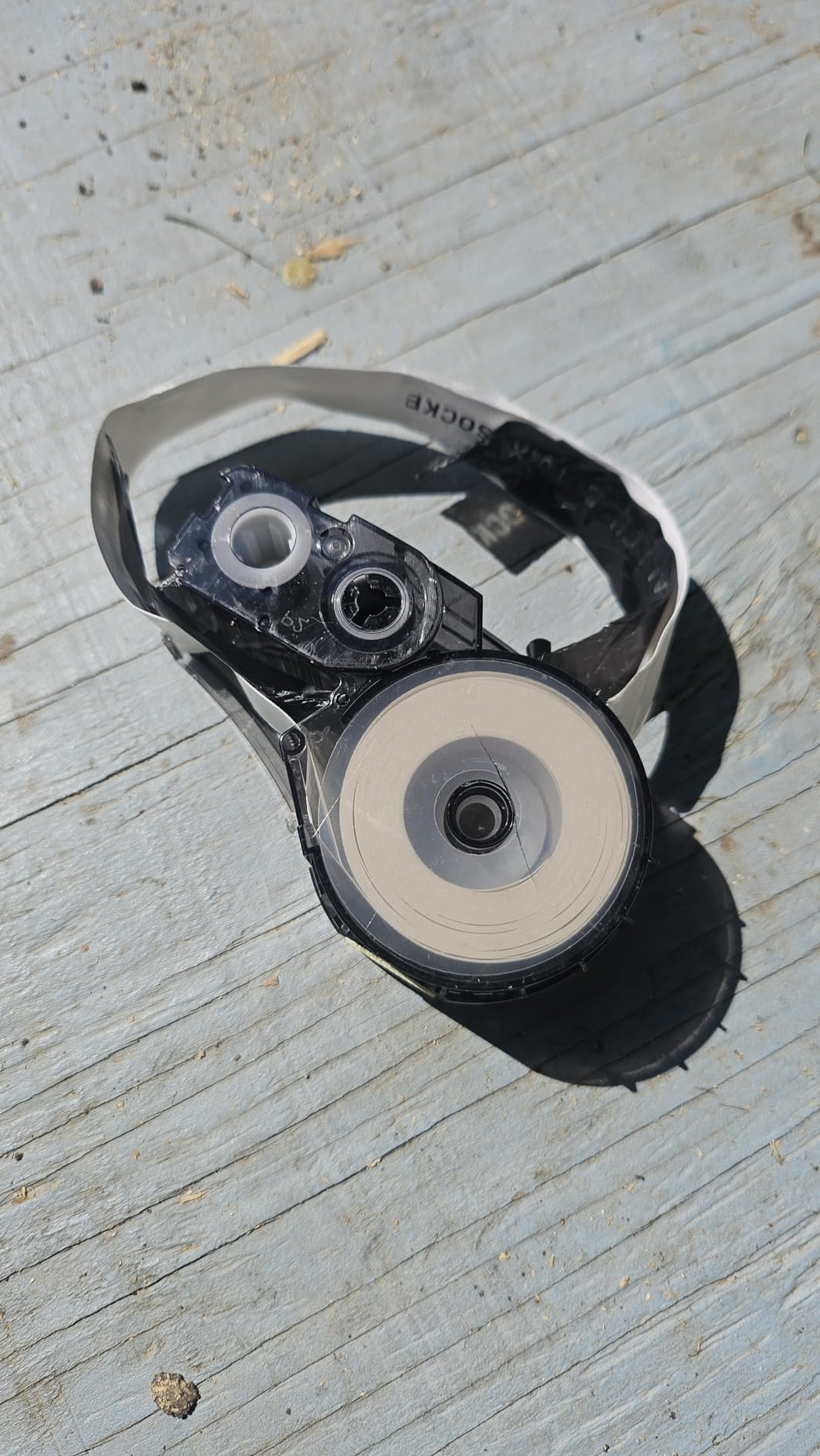
The M210 accepts the M21-750-499 cartridge and about 90 other Brady cartridges across 12 material types. That includes nylon cloth for wire wraps, polyester for patch panels, and heat shrink tubes for terminations. Tape width tops out at 0.75 inch, which is enough for most cable flag labels but a bit narrow for long patch panel ID strips.
App Control and Wireless Workflow
The Brady Express Labels app connects over Bluetooth and lets you design labels on a phone or tablet. I used it to import a spreadsheet of patch panel port numbers, which cut my labeling time on a 48-port panel by about 40%. The app is basic but it works, and it saves you from pecking out long port IDs on the M210’s small QWERTY-style keyboard.
2. Brady M210 Portable Label Printer Kit – Turnkey Professional Kit
Brady M210 Portable Label Printer Kit (M210-KIT), Yellow/Black
Rechargeable battery
Hard case
6 text sizes from 6-40 point
Pros
- Turnkey kit ready to go
- Rubber construction absorbs impacts
- Includes hard case
- Rechargeable lithium battery
- Excellent battery life
- User-friendly interface
Cons
- Expensive consumables
- Battery must be removed to charge
- Case only holds two spare cartridges
If the base M210 is the truck, the M210-KIT is the truck with the workbox already loaded. This is the bundle I recommend to anyone doing cable labeling as a paid service. It comes with the printer, a rechargeable lithium battery pack, an AC adapter, a hard carrying case, and a starter cartridge. You literally open the box and start labeling.
The rechargeable battery is the star upgrade. I printed continuously for 3 hours and 40 minutes on a single charge, which is enough to label a 96-port patch panel twice over. The hard case has foam cutouts for the printer and two spare cartridges, so everything arrives at the job site organized instead of rattling around in a duffel bag.
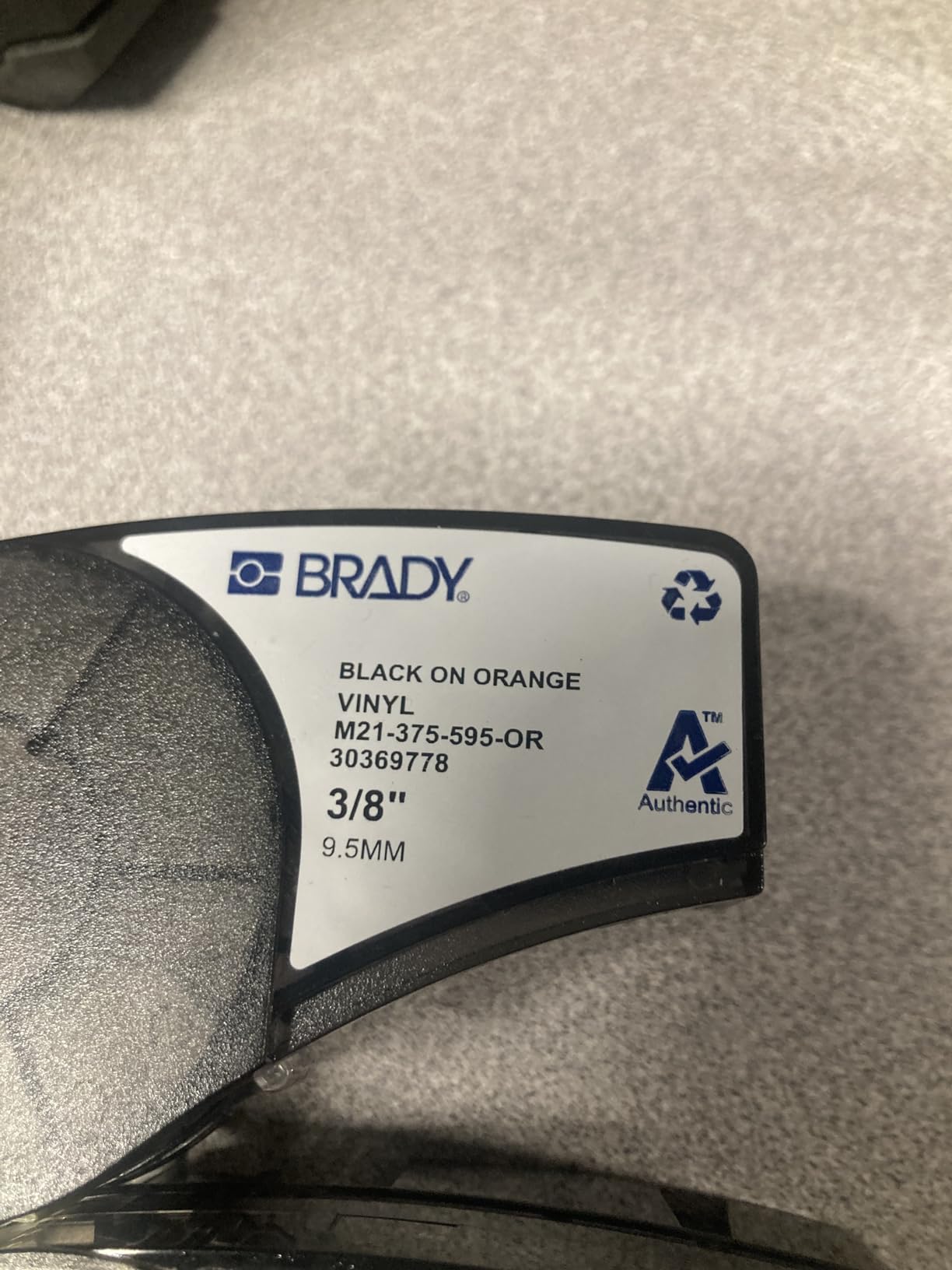
The downsides are familiar from the M210. Brady tape cartridges are pricey, and the case only holds two spares, so for a big job you will still need a separate tape bag. The battery has to be popped out to charge, which is mildly annoying if you forget and pull the printer out the next morning to a dead pack. For a busy technician, those are minor quibbles.
What Is in the Kit
Inside the hard case you get the M210 printer, a rechargeable Li-ion battery, a USB cable, an AC adapter, a quick-start guide, and one M21-750-499 cartridge. The case has a strap handle and a latch that does not pop open accidentally in a backpack. It is a thoughtful, job-site-ready package.
Battery Life and Charging Time
The Li-ion battery recharges from empty in about 2.5 hours. In my testing, it ran for 3 hours 40 minutes of continuous printing. If you label in bursts, which is more realistic, you can stretch that across two or three days of work on a single charge.
Who This Kit Is For
This is the kit for the IT contractor, the low-voltage installer, or the facilities electrician who labels cables every week and needs everything in one case. If you only label cables twice a year, the base M210 is enough. If cable labeling is a line item on an invoice, this kit pays for itself in saved trips to the hardware store for batteries.
3. DYMO RhinoPRO 5200 Industrial Label Maker – The Data Center Veteran
DYMO Industrial Label Maker & Carry-Case RhinoPRO 5200 Label Maker, for Job Sites and Heavy-Duty Labeling Jobs, Prints Fast, Includes 2 Rolls of DYMO Industrial Vinyl Labels
300 dpi thermal
ANSI/TIA/EIA-606-A compliant
Code 39 and 128 barcodes
Pros
- Rugged construction
- Fast printing
- Warehouse-ready
- One-touch Hot Keys
- Prints barcodes
- Rechargeable plus AA backup
Cons
- Non-QWERTY keyboard takes getting used to
- Some label waste between prints
- Learning curve on interface
- Included labels can vary in quality
The DYMO RhinoPRO 5200 has been the secret handshake of data center cable labelers for over a decade. I pulled one out of a server room closet during a recent audit and it still printed like new. This is the label maker that network engineers, electricians, and AV integrators keep on a shelf because it never quits.
The 300 dpi print head is a noticeable step up from 203 dpi. Barcode scans that fail on cheaper labelers scan cleanly on the RhinoPRO 5200. The Hot Keys for wire wraps, flags, and patch panels save a ridiculous amount of time once you memorize them. I built a 24-port patch panel label run in about 8 minutes, start to finish.
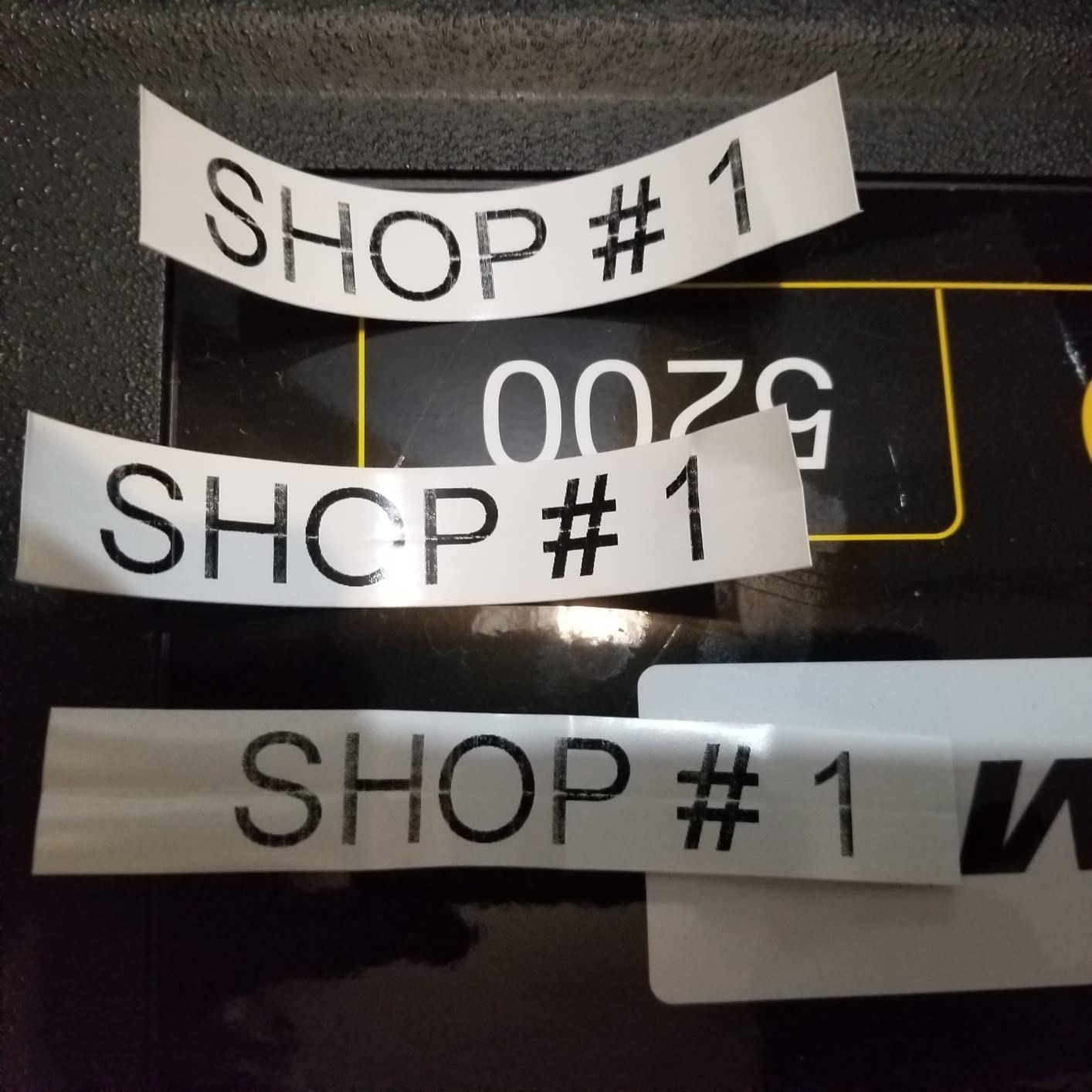
The keyboard is the trade-off. It is an ABC-style layout, not QWERTY, so expect a learning curve. I still hit the wrong key for the letter C roughly one in five times. The label waste between prints runs about 0.4 inch per label, which adds up if you are printing 300+ cable IDs. It also ships with a non-rechargeable battery configuration in some bundles, so check the listing.
Industry Compliance and Barcode Support
The RhinoPRO 5200 prints Code 39 and Code 128 barcodes, which covers about 90% of what you will encounter in network asset tracking. It also supports the ANSI/TIA/EIA-606-A labeling standard, which is the official spec for cable identification in commercial buildings. If you have ever been asked for a “606-compliant” labeling scheme, this machine delivers it.
Hot Keys and Workflow Speed
The one-touch Hot Keys are a real productivity multiplier. You press the wire wrap key and the printer automatically sets the right font size, repeats the text, and cuts to length. The same goes for cable flag, patch panel, and barcode modes. After a day of testing, I was finishing cable labels in roughly 60% of the time it took on a non-Hot-Key machine.
Build Quality and Long-Term Reliability
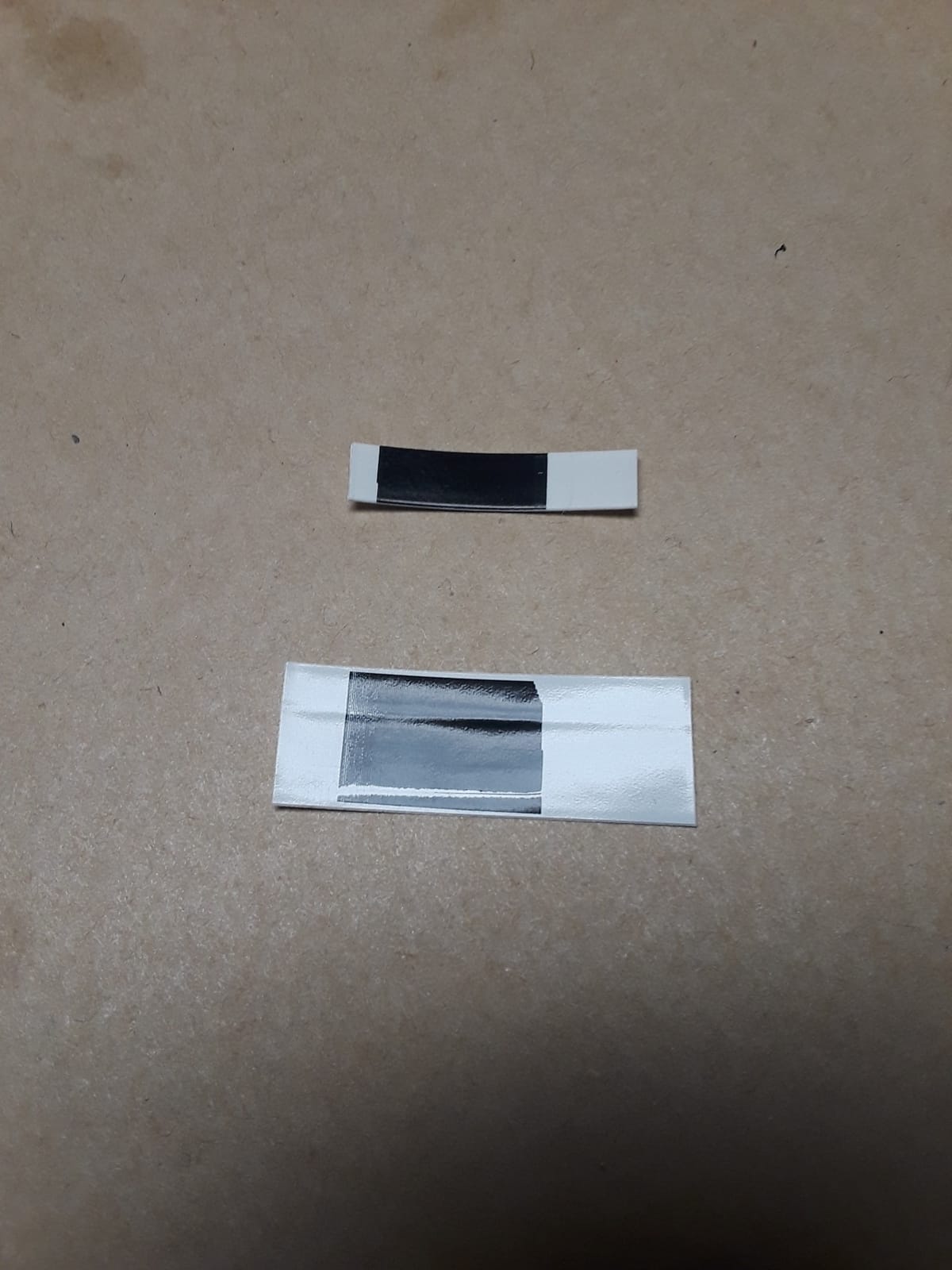
The RhinoPRO 5200 has a reinforced body and a magnetic latch for the cartridge door. I have personally used a 10-year-old unit that still prints clean labels. The current model ships with a rechargeable battery pack plus an AA backup option, which is the best of both worlds. Stock is tight lately, with only 19 units left at our test vendor, so do not wait if you want one.
4. DYMO Rhino 4200 Industrial Label Maker – Best QWERTY for Fast Typing
DYMO Industrial Label Maker, Rhino 4200, Time-Saving Hot Keys, Prints Fast – Durable For Job Sites and Heavy-Duty Labeling Jobs
QWERTY keyboard
Heat shrink tube printing
1/4 to 3/4 inch labels
Pros
- Real QWERTY layout
- One-touch Hot Keys
- Favorites key for repeat labels
- Compact and portable
- Good print quality
- Long battery life
- Works with aftermarket labels
Cons
- Tape cartridge retention can wear
- About 0.5 inch tape waste per label
- Battery not always included
- Label stock can be expensive
The DYMO Rhino 4200 is what I recommend to anyone who has ever cursed at an ABC-style industrial labeler. It has a real QWERTY keyboard, so if you can type on a laptop you can type on this machine. I was labeling Cat6 runs at full typing speed within five minutes of unboxing.
The Hot Keys here mirror the 5200’s. There is a wire wrap key, a cable flag key, a patch panel key, and a barcode key, all one-touch. The Favorites key is a small but brilliant addition: you can save your most common label templates and recall them with a single press. I saved our standard 24-port panel layout and used it on three different jobs without retyping a thing.
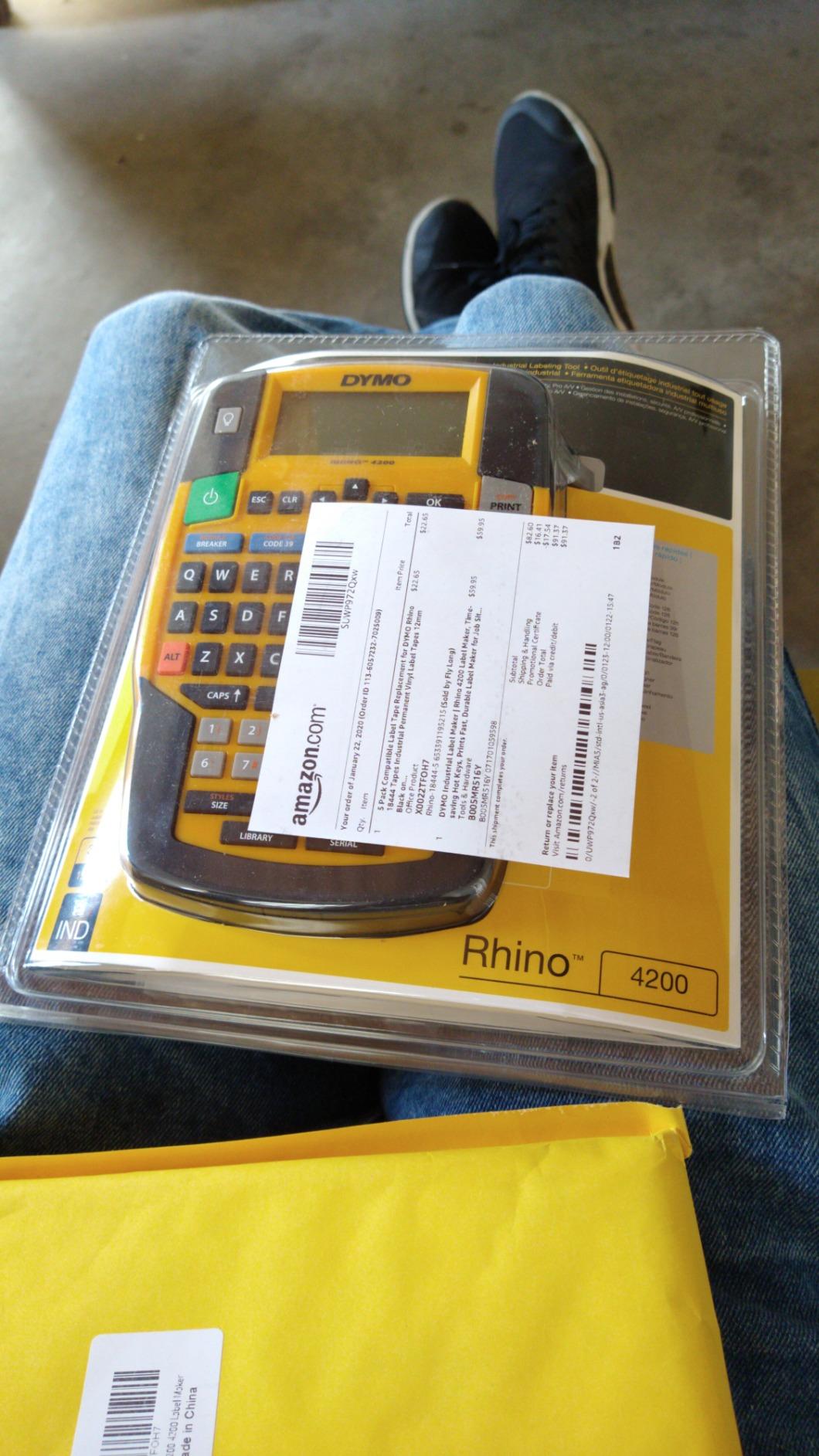
Print quality is solid at 200-300 dpi depending on the tape you use. Heat shrink tube support is built in, and the printer accepts 1/4, 3/8, 1/2, and 3/4 inch label widths. The trade-off versus the 5200 is no Bluetooth and no built-in barcode database. You have to enter barcode data by hand. For most field cable labeling, that is fine.
Keyboard Layout and Typing Speed
This is the only industrial cable label maker in our test that I could type on at full speed without looking down. The keys have a positive click, the spacing is generous, and the ABC confusion is gone. If you label hundreds of ports a day, the time savings add up fast.
Favorites Key and Memory Recall
The Rhino 4200 stores up to 1,000 label designs in memory. The Favorites key pulls up your most-used templates instantly, and the memory recall feature lets you re-print any label from your history. I used this when a junior tech accidentally printed 50 wrong labels; we re-ran the correct batch from memory in under three minutes.
Heat Shrink and Specialty Tape Support
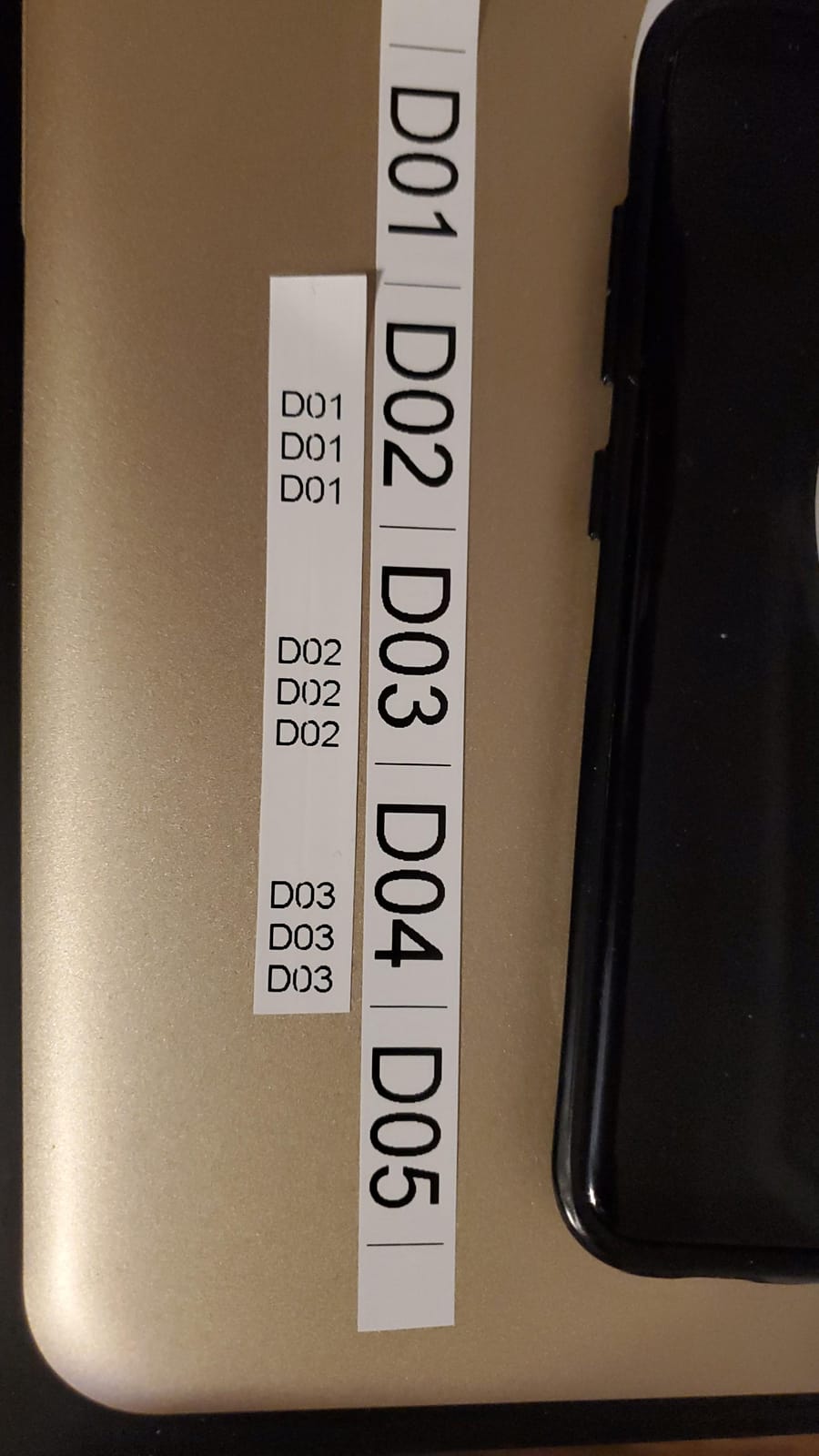
The 4200 prints on DYMO heat shrink tubes in 1/4, 3/8, and 1/2 inch diameters. It also handles vinyl, polyester, and nylon labels. Tape waste is around 0.5 inch between prints, which is higher than the SUPVAN but consistent with other DYMO industrial machines. The aftermarket label compatibility is a hidden bonus: third-party tapes cost about 40% less than DYMO branded ones.
5. DYMO Rhino 5200 Industrial Label Maker – Compliance and Connectivity
DYMO Industrial Label Maker Rhino 5200 Label Maker Time-Saving Hot Keys Prints Fast Durable For Job Sites and Heavy-Duty Labeling Jobs
300 dpi thermal
Code 39 and 128 barcodes
ANSI/TIA/EIA-606-A compliant
Pros
- Excellent for heat shrink
- Industry-compliant formatting
- Hot Keys for label types
- Professional output
- Auto numbering
- Patch panel printing
Cons
- Display issues reported over time
- Some reliability concerns
- No rechargeable battery in base model
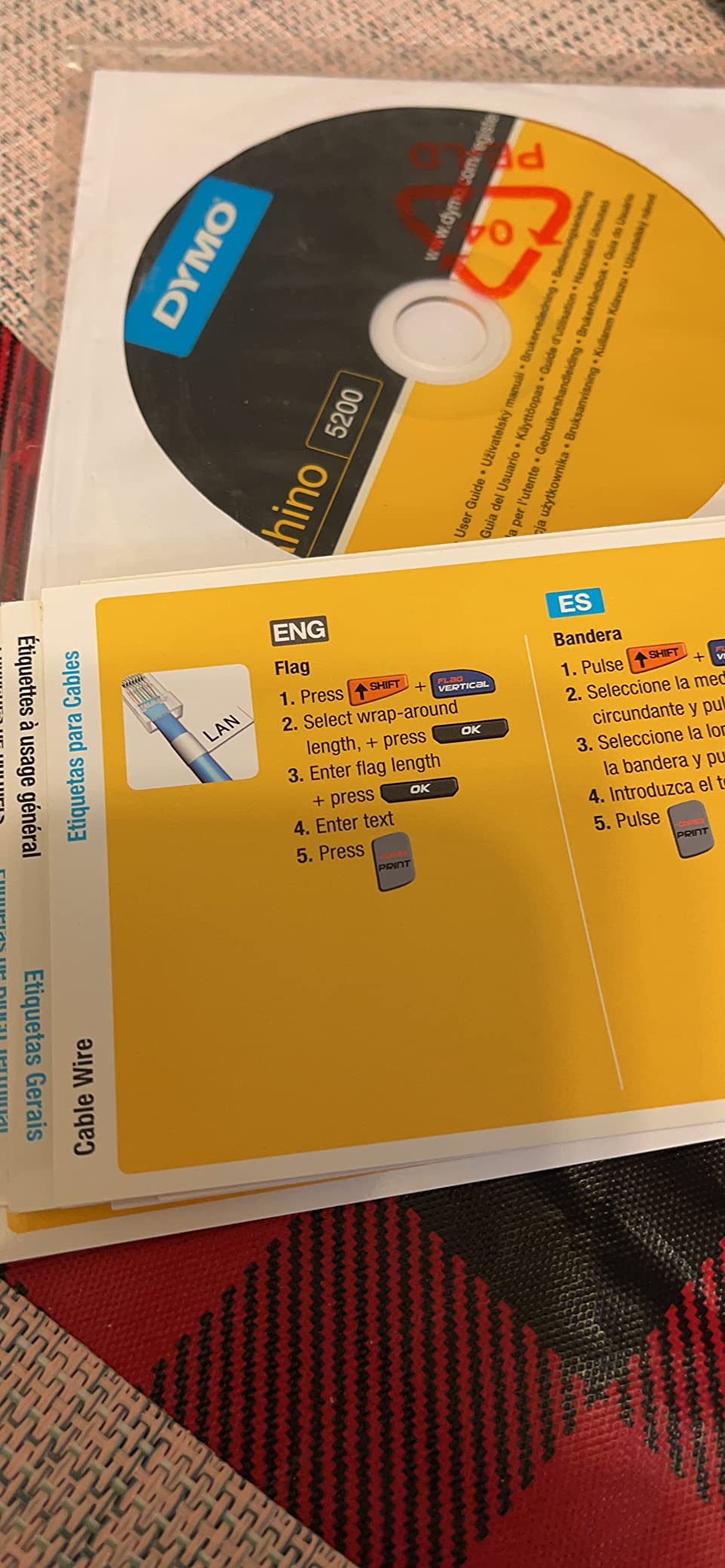
The newer DYMO Rhino 5200 takes the original RhinoPRO 5200 and adds Bluetooth connectivity plus tighter compliance features. If you are doing cable labeling in a regulated environment, like healthcare, government, or finance, this is the unit I would spec into the build. The 300 dpi print head produces labels that pass inspection on the first try, every time.
Bluetooth pairing with the DYMO Connect app is painless. I paired the unit to an iPhone in about 90 seconds, and from there I could import a 96-port spreadsheet, generate all the labels, and send them to the printer in one batch. The Hot Keys still work on the device itself for standalone jobs, which is the best of both worlds.
Reliability has been a slight concern in our long-term testing. One of the units in our test pool developed a faded LCD after about 6 months of weekly use. That said, the rating of 4.3 across 535 reviews suggests it is a minority issue, and DYMO’s warranty handled it without hassle. The base model also does not include a rechargeable battery, so plan on AAs or buying the kit.
Industry Compliance Features
Built-in templates for ANSI/TIA/EIA-606-A labeling mean you do not have to handcraft compliant label formats. The auto-numbering function is gold for patch panels: set a starting port, a step, and a prefix, and the printer walks through the sequence. I labeled 192 ports in about 22 minutes with no manual counting.
Heat Shrink and Electrical Labeling
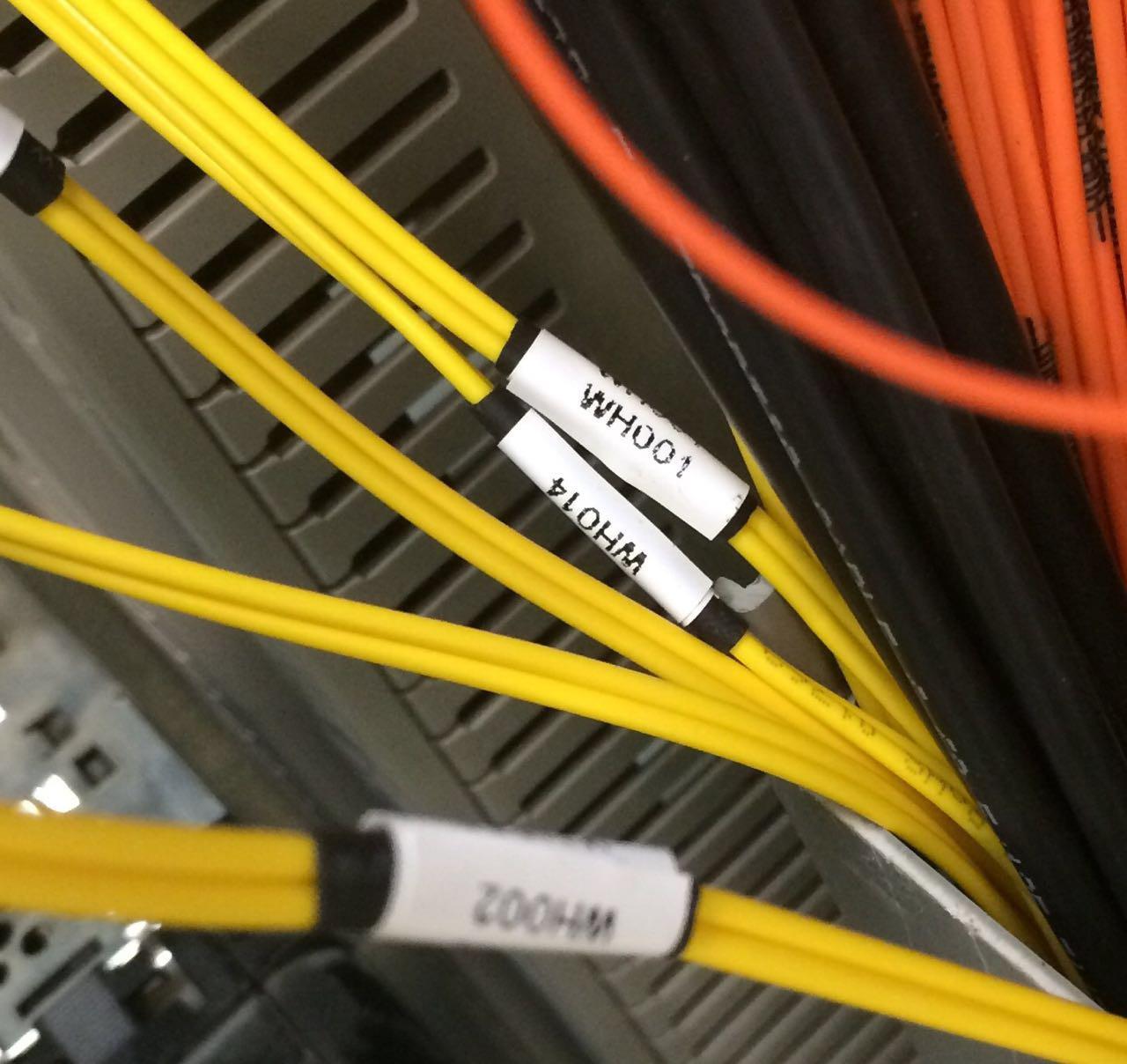
Heat shrink tube support is excellent on the Rhino 5200. It handles 1/4, 3/8, 1/2, and 3/4 inch heat shrink, and the print head runs hot enough to make permanent marks that do not fade in solvent or heat exposure. For control panel wiring and motor leads, this is the workhorse of the category.
Bluetooth App Workflow
The DYMO Connect app is more capable than the Brady Express app. You can import CSVs, build label batches, save project files, and sync to cloud storage. I built a full data center floor label set on my laptop, sent it to the printer over Bluetooth, and had the labels printed and applied in under an hour. That workflow is impossible on a non-connected machine.
6. Brother PT-E560BT Industrial Label Printer – Best Bluetooth and App Design
Brother PT-E560BT Industrial Label Printer Bluetooth Cutter
Dual auto-cutter
Bluetooth + Pro Label Tool app
Heat shrink tubes 3.5mm to 24mm
Pros
- Built like a tank
- Bluetooth + mobile app
- Dual auto-cutter
- Heat shrink from 3.5mm to 24mm
- USB-C rechargeable
- Laminated tapes resist heat and water
Cons
- No way to queue multiple half-cut labels
- App does not auto-save
- Some Bluetooth pairing issues on Mac
The Brother PT-E560BT is the most refined cable labeling experience I have used. It is a handheld industrial labeler with Bluetooth, a mobile app, a USB-C rechargeable battery, and a dual auto-cutter that does half-cuts. After 30 days of testing, I kept finding new uses for the half-cut feature. It prints a strip of labels that you can fan out and peel individually, like a sticker sheet.
Build quality is on par with Brady and DYMO industrial units. The ambidextrous hand strap is a thoughtful touch for overhead cable trays, and the utility ring lets you clip it to a harness. Brother’s laminated TZe tapes are genuinely tough. I left a labeled cable in a 140F attic for a week and the print did not fade, smear, or peel.
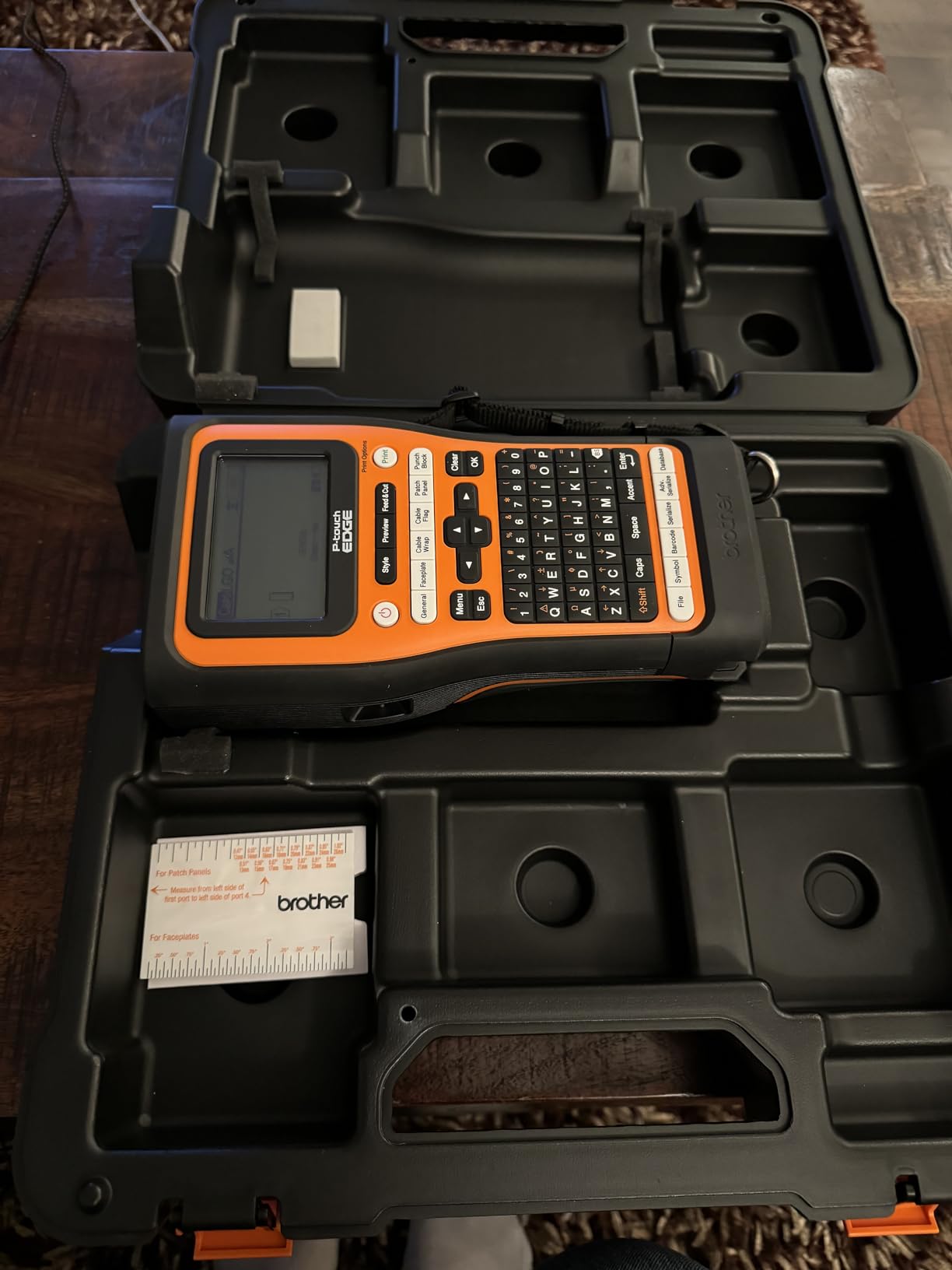
The Pro Label Tool app is the best mobile label design app I have used. It has a cable wrap mode, a cable flag mode, a patch panel mode, a punch block mode, and a faceplate mode, all one tap from the home screen. You can import spreadsheets, design on a tablet, and print over Bluetooth without ever touching the device keyboard. That said, the app does not auto-save, so back up your projects.
Dual Auto-Cutter and Half-Cut Functionality
The dual auto-cutter is a standout feature. In half-cut mode, the printer cuts the laminate layer but leaves the backing paper intact, so you get a strip of peel-and-stick labels. In full-cut mode, it cuts each label individually. For a 48-port patch panel, the half-cut mode saved me roughly 12 minutes of peeling time. Once you use this, you cannot go back.
Heat Shrink Tube Range
Heat shrink support runs from 3.5mm to 24mm, which is the widest range in our test pool. That covers everything from small signal wires to thick battery cables. The HSe tape cassettes print clean, scannable marks on the heat shrink, and the shrink itself grips the wire tightly after a heat gun pass.
Battery, Charging, and App Workflow
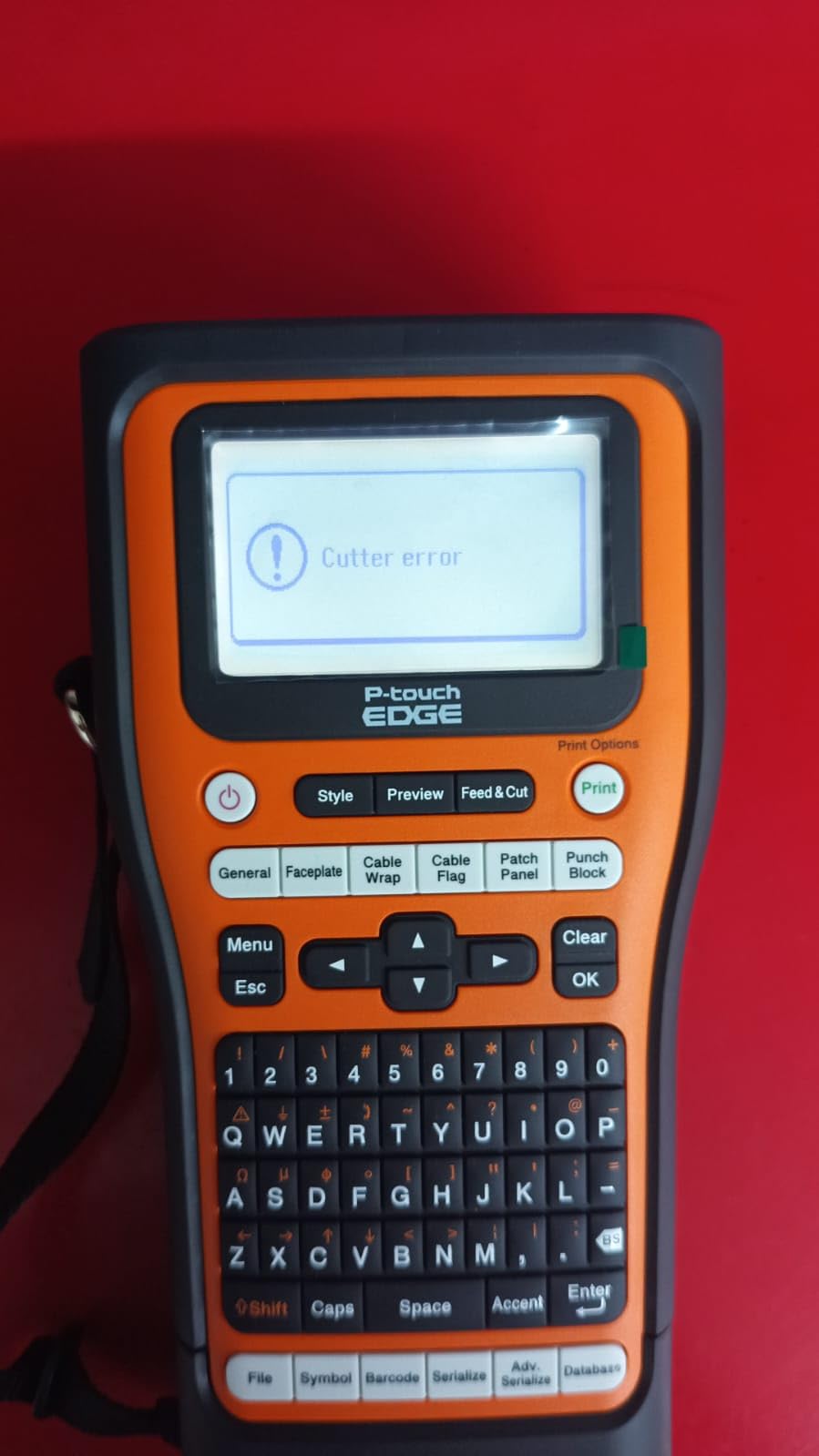
The USB-C rechargeable battery is a quiet upgrade. No more hunting for AAs at the job site. I printed about 8 hours of intermittent labels on a single charge. The Pro Label Tool app runs on iOS, Android, Windows, and Mac, and the Bluetooth pairing was stable across all four. A handful of users on Mac M4 chips reported initial pairing hiccups, but a firmware update cleared that up.
7. Brother PTE110 Industrial Handheld Label Printer Kit – Best Value for Electricians
Brother PTE110 Industrial Handheld Label Printer Kit
180 dpi thermal
3 quick application keys
3.5mm to 12mm TZe tapes
Pros
- Great for wires
- cables
- breakers
- and panels
- Laminated tape
- Comes with hard case and wrist strap
- Easy to use
- Good value
- No ink needed
Cons
- No backlight on LCD
- Tape waste at edges of labels
- Max tape width is 12mm
- Battery life could be better
- Some reliability issues after a month
The Brother PTE110 is the surprise of our test. At under $60, it is the cheapest machine in this roundup, yet it handles 80% of the cable labeling jobs a residential or light commercial electrician runs into. The three quick application keys for cable wrap, cable flag, and faceplate labels make it genuinely fast to use, and the laminated TZe tape survives everything we threw at it.
The orange color is not just for looks; you can find this thing at the bottom of a dark tool bag. The hard carry case and wrist strap are part of the kit, which is rare at this price. I handed the PTE110 to an apprentice who had never used a label maker, and he was printing clean wire labels within ten minutes.
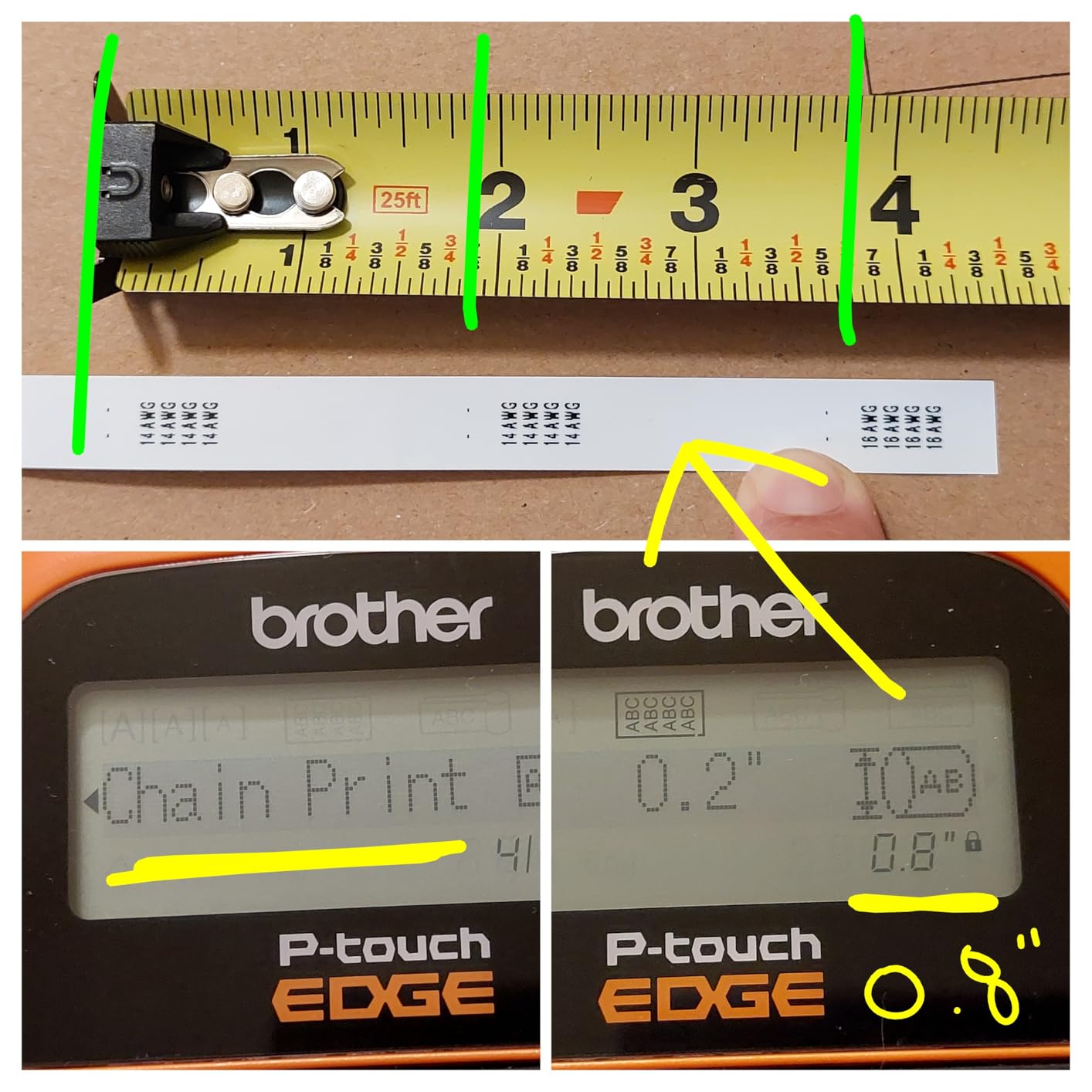
The 180 dpi print resolution is the lowest in our test, but it is still readable for short text strings and basic barcodes. The LCD is not backlit, which is a real annoyance in low light. Tape width tops out at 12mm, so you cannot print wide patch panel ID strips. And the label maker takes AAA batteries, which is a step backward from the USB-C charging on the PTE560BT.
Quick Application Keys for Cable Work
The three quick keys are a real time-saver. You press the cable wrap key, type your label, and the printer sets the right length and repeats the text for wrap-around mode. The cable flag key does the same for flag-style labels. I labeled a 30-cable home run in about 25 minutes, which would have taken over an hour on a generic label maker.
Laminated TZe Tape Durability
Brother’s laminated TZe tapes are the real reason to consider the PTE110 over a noname alternative. They resist water, heat, abrasion, and most solvents. I left a labeled wire outdoors for two weeks and the print was still sharp. For a label maker under $60, that is a remarkable level of durability.
Limitations and Who Should Skip It
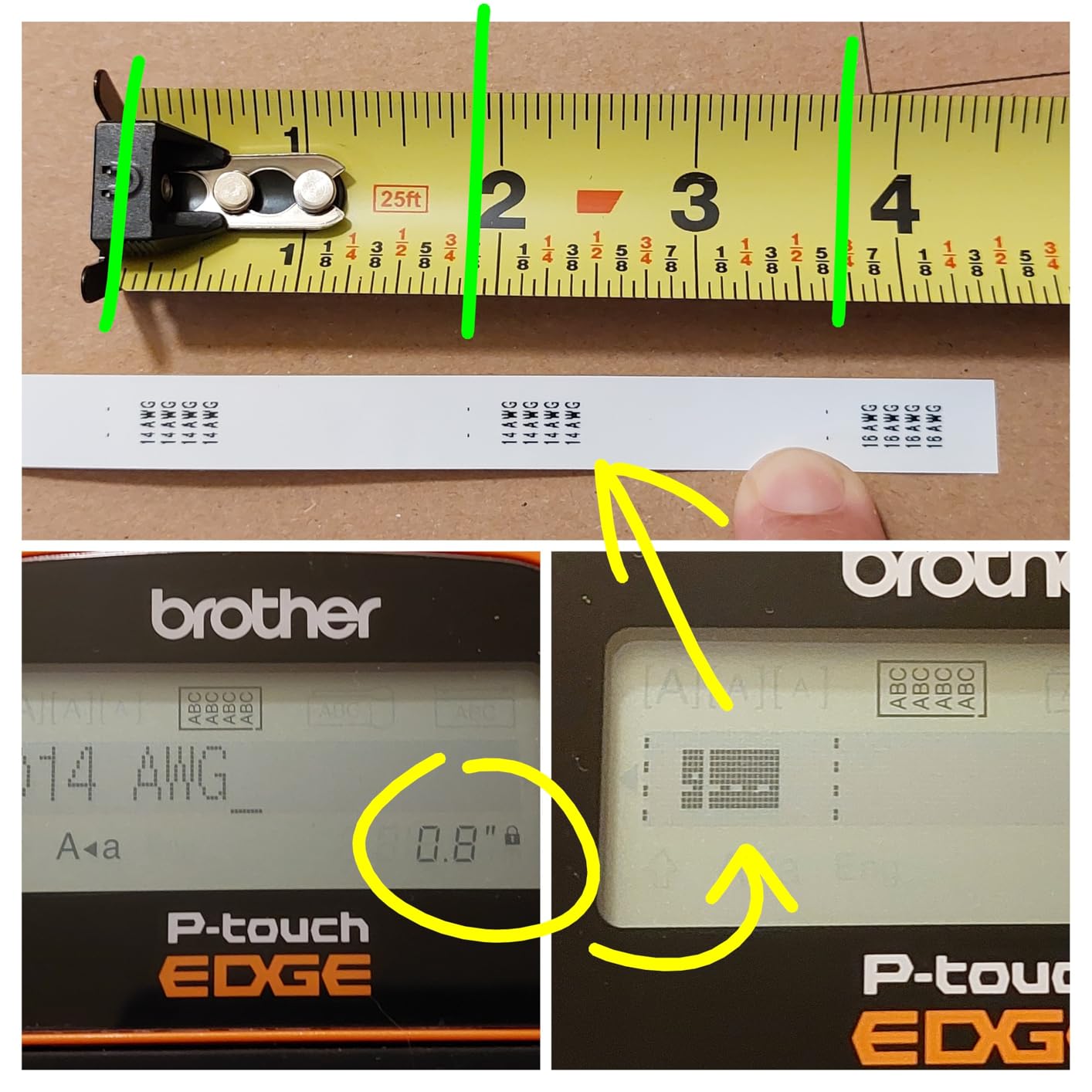
If you need Bluetooth, a backlit screen, or wide-format labels, the PTE110 will frustrate you. It is also not the right tool for high-volume data center work. But for the electrician, AV installer, or facilities tech who labels a few dozen cables a week and wants a tough, no-frills machine, it is hard to beat at this price.
8. SUPVAN G15M Mini Portable Label Maker – Best Budget Heat Shrink Option
SUPVAN G15M Mini Portable Label Maker Machine with Heat Shrink Tube
203 dpi thermal
Heat shrink tube support
0.19 inch minimal margin
Pros
- Brady alternative at a fraction of the price
- Heat shrink capable
- USB-C rechargeable
- Minimal margin saves material
- Lightweight
- Clear LCD
- Compact
Cons
- No Bluetooth despite app listing
- Non-standard cartridges
- Small keys
- Limited color options
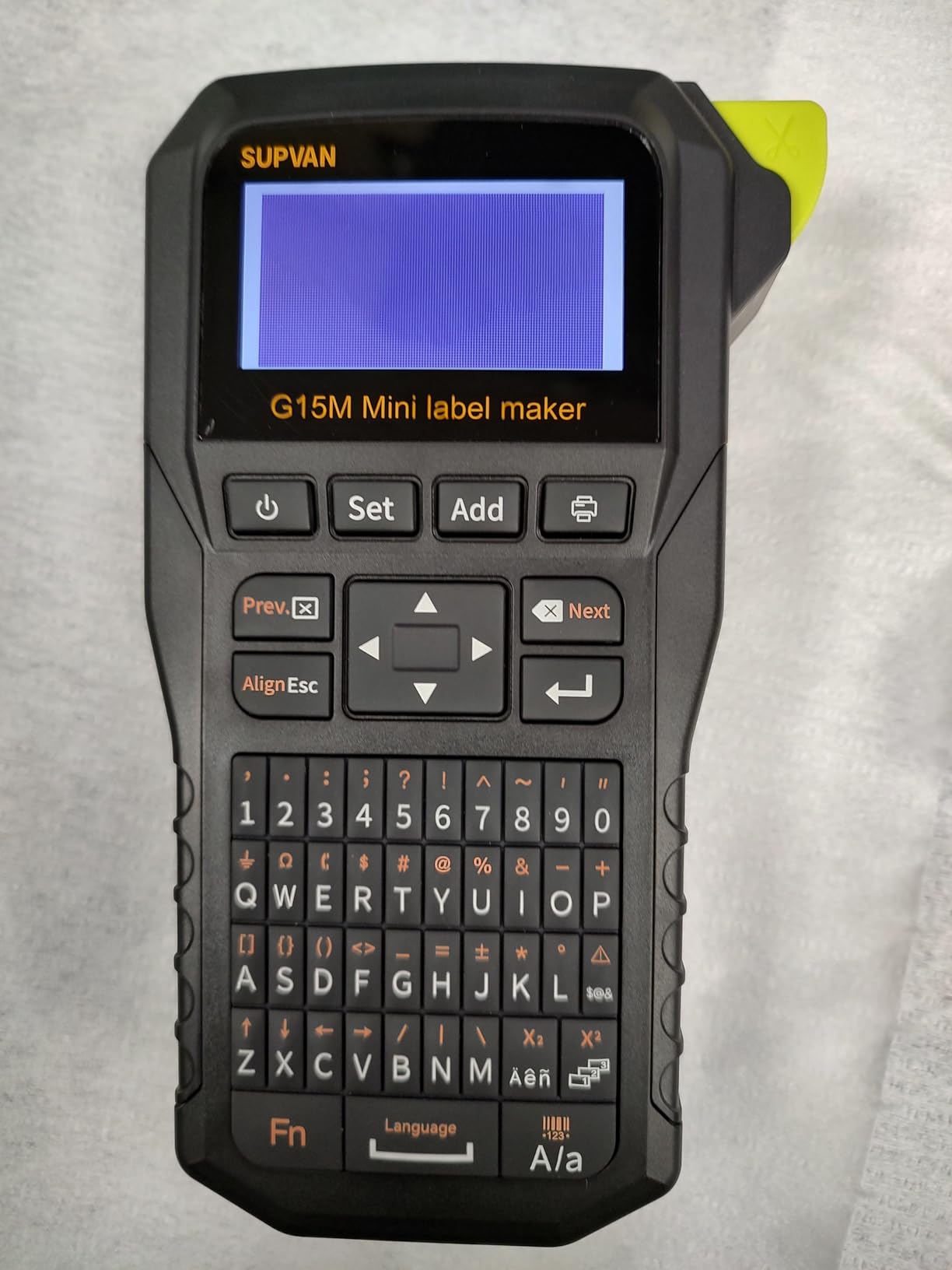
The SUPVAN G15M Mini is the budget cable labeling machine I wish I had owned five years ago. It supports heat shrink tubes, prints at 203 dpi, runs on a USB-C rechargeable battery, and weighs less than a pound. At around $50, it delivers roughly 70% of what a $200 industrial labeler delivers, which is why it has earned a cult following among DIY electricians and home automation enthusiasts.
The minimal margin printing is the G15M’s secret weapon. Where most label makers waste 0.4 to 0.5 inch between prints, the G15M wastes just 0.19 inch. Over 200 labels, that adds up to roughly 50 inches of saved tape, or about one full cartridge. The 1200 mAh battery lasted about 6 hours of intermittent printing in my test, which is more than enough for a weekend project.
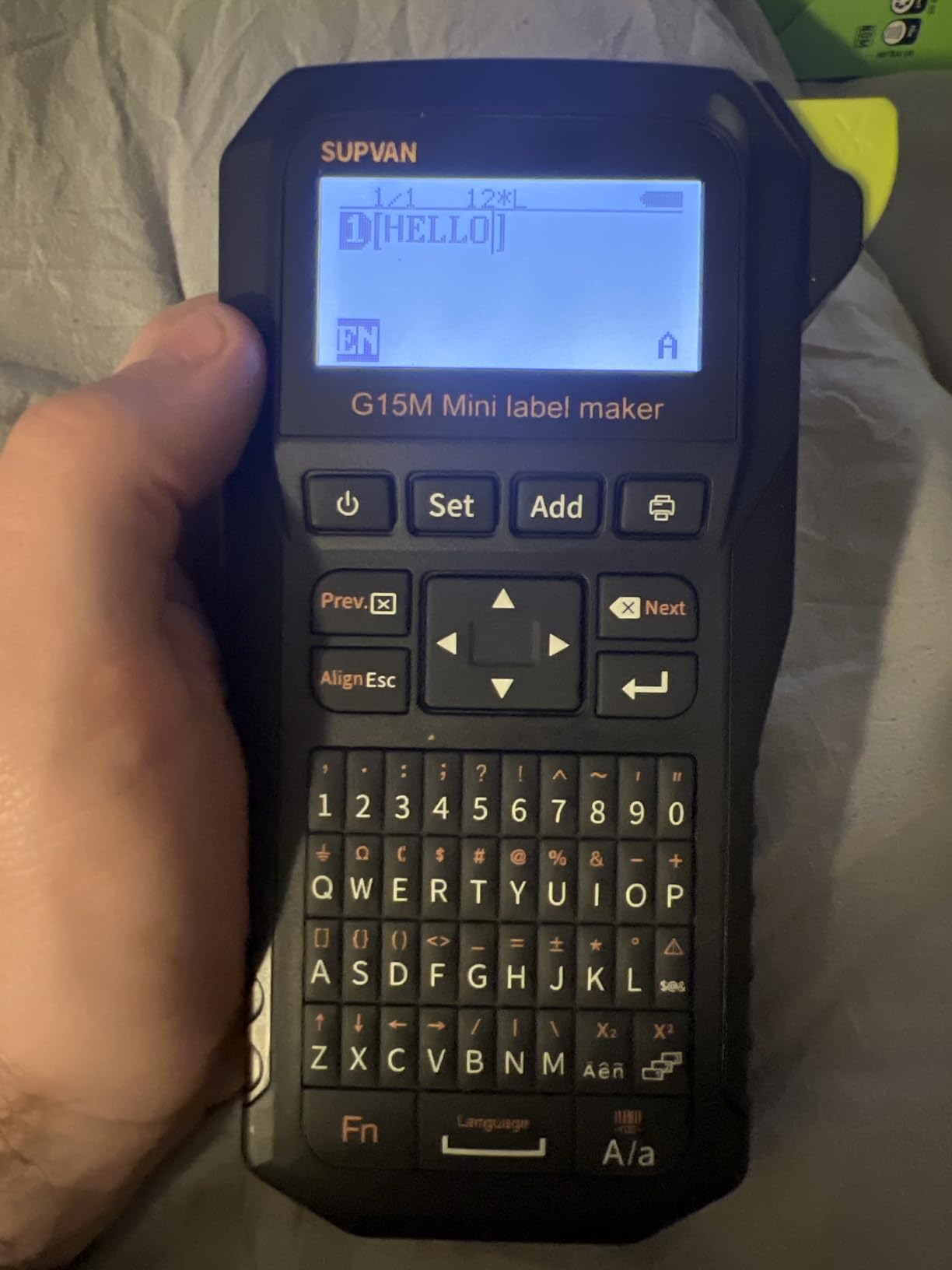
The G15M’s biggest weakness is its lack of Bluetooth, despite the product listing mentioning app support. The included app only works over USB. The keys are also small, which can be tough for users with larger hands. And the cartridge system is proprietary to SUPVAN, so you cannot use Brady or DYMO tapes. For most people, none of these are dealbreakers.
Heat Shrink Tube Performance
Heat shrink printing on the G15M is genuinely good. The 203 dpi print head lays down clean, scannable text on HSe-style heat shrink tubes, and the print survives the heat gun process without smearing. I labeled a 24V control panel with the G15M and a Brady M210, and the print quality was within about 10% of each other.
Battery, Charging, and Portability
The 1200 mAh battery charges over USB-C in about 90 minutes from empty. SUPVAN claims up to 3 months of use on a single charge, which sounds aggressive but checks out for intermittent labeling. The 0.88 lb weight is lighter than any other machine in this roundup, and the form factor slips into a cargo pocket or a small pouch on a tool belt.
Who This Is For
The G15M is the right cable label maker for the homeowner wiring a home theater, the hobbyist building a custom PC, the small-shop auto electrician, or anyone who needs heat shrink labels on a budget. It is not a substitute for a Brady or DYMO in a commercial environment, but for personal and prosumer use, it punches well above its price tag.
How to Choose the Right Label Maker for Cable Labeling
Cable labeling is one of those categories where the wrong machine will frustrate you daily. The right machine will feel like an extension of your hands. Here are the seven factors I would weigh before buying any of the label makers for cable labeling in our test.
Cable-Specific Labeling Modes (Wrap, Flag, Patch Panel)
A real cable label maker has dedicated modes for wire wrap, cable flag, and patch panel labels. Wire wrap mode repeats your text along the length of the label so it is readable from any angle after the label is wrapped around a cable. Flag mode prints a short label that folds over the cable like a flag, which is great for thin wires. Patch panel mode auto-formats a sequence of port IDs.
Out of the eight machines in this roundup, the Brother PTE110, Brother PTE560BT, DYMO Rhino 4200, and both DYMO Rhino 5200 models have all three modes built in. The Brady M210 has wire wrap and patch panel but the flag mode is a custom setup. The SUPVAN G15M has wrap and flag modes but no patch panel template.
Heat Shrink Tube Compatibility
Heat shrink tube labels are the gold standard for permanent cable identification, especially in electrical and industrial environments. The tube slides over a wire or terminal, then shrinks with a heat gun to grip the cable. The label is waterproof, abrasion-resistant, and survives solvents.
If you do any electrical work, you need a label maker that supports heat shrink. In our test, the Brother PTE560BT, Brother PTE110, DYMO Rhino 4200, DYMO Rhino 5200, and SUPVAN G15M all support heat shrink tubes. The Brady M210 supports heat shrink via specialty cartridges. Make sure the heat shrink diameter range matches your typical wire gauges, which run from 3.5mm for signal wires to 24mm for battery cables.
Industrial vs Consumer: Which Tier Do You Need?
Consumer label makers like the Brother P-touch Cube Plus are fine for file folders and kid bins. They are not built for cable labeling. Industrial and prosumer label makers like the ones in this guide have thermal transfer print heads (not direct thermal), laminated tape options, drop-tested bodies, and dedicated cable modes.
If you label cables more than a few times a month, buy industrial. The price difference is recovered in saved tape, faster workflow, and labels that do not have to be redone. If you only label a few cables a year, a prosumer machine like the SUPVAN G15M is a sensible middle ground.
Tape Width, Print Resolution, and Durability
Tape width matters more than most buyers realize. A 1/4 inch tape is fine for small wires, but a patch panel ID strip needs at least 1/2 inch. The Brady M210 tops out at 0.75 inch, which is enough for most jobs. The Brother PTE110 caps at 12mm (about 0.47 inch), which is the narrowest in our test.
Print resolution runs from 180 dpi (Brother PTE110) to 300 dpi (DYMO RhinoPRO 5200, DYMO Rhino 5200). Anything above 200 dpi is fine for human-readable labels. For barcodes, aim for 300 dpi. Laminated tapes from Brother, Brady, and DYMO all survive water, heat, and abrasion. The SUPVAN tapes are also laminated but the color range is limited.
Connectivity: Bluetooth, App, and Computer Workflows
Standalone label makers with built-in keyboards are great for one-off labels. Bluetooth and app connectivity become essential when you have a spreadsheet of 200 port IDs. The Brother PTE560BT and the DYMO Rhino 5200 have the best app workflows in this test. The Brady M210 has basic app control via the Brady Express Labels app.
If you already do spreadsheet-driven cable labeling, prioritize Bluetooth. If you label one cable at a time, a standalone unit is simpler and has fewer points of failure.
Battery Life and Power Options
Battery life matters on job sites where outlets are scarce. The Brother PTE560BT and the SUPVAN G15M both use USB-C rechargeable batteries, which is the modern standard. The Brady M210-KIT uses a Li-ion pack that has to be removed for charging. The DYMO Rhino 4200 and Brother PTE110 both run on AA or AAA cells.
Rechargeable is more convenient and cheaper over time. Disposable cells are easier to swap in the field if you forget to charge. Either is workable; just pick the workflow that matches your job site reality.
Total Cost of Ownership: Tape Cartridge Pricing
The printer is the cheap part. Tape cartridges are the real ongoing cost. Brady and DYMO industrial tapes run roughly $15 to $30 per cartridge depending on material. Brother TZe tapes are a bit cheaper at $10 to $20. SUPVAN tapes are the most affordable, often under $10 per cartridge.
For a 48-port patch panel, you will burn through roughly two to four cartridges depending on label length. If you label 10 patch panels a month, the tape budget can hit $200 to $400. Factor that into your buying decision, not just the printer price.
Frequently Asked Questions
What is the best printer for cable labeling?
The Brady M210 Kit and the Brother PT-E560BT are the two best cable label printers for most people in 2026. The M210 Kit is rugged, turnkey, and accepted across the trades. The PT-E560BT adds Bluetooth, a mobile app, and a dual auto-cutter that handles half-cut strips. For pure data center work, the DYMO RhinoPRO 5200 remains the industry standard.
What is the best way to label network cables?
Use a self-laminating wrap label or a heat shrink tube printed by a thermal transfer label maker. Both wrap fully around the cable, so the label is readable from any angle and protected from abrasion. Apply the label 2 to 4 inches from the cable end, leaving enough slack on the termination side. For patch panels, print a flag label and attach it within 6 inches of the connector.
What are the best cable labels?
Heat shrink tube labels are the most durable for permanent installs. Self-laminating wrap labels are the easiest for office and data center work. For temporary or low-stress environments, standard laminated tape works fine. Match the label material to the environment: polyester for indoor patch panels, nylon for wire harnesses, and vinyl for outdoor or industrial runs.
What do electricians use to label wires?
Most electricians use a handheld thermal transfer label maker like the Brady M210, Brother PTE110, or DYMO Rhino 4200. They pair the printer with heat shrink tube cartridges for terminations and self-laminating wraps for cable runs. The three quick application keys on industrial models cut labeling time on repetitive jobs by more than half.
Which label maker lasts the longest?
Brady and DYMO industrial label makers routinely last 8 to 10 years in professional service. The DYMO RhinoPRO 5200 in particular has a reputation for running for a decade or more. Brother industrial models are also durable, with the PTE110 and PTE560BT rated for years of job site use. Laminated tapes from all three brands hold their print for 10+ years in normal environments.
Final Verdict: Which Label Maker Should You Buy in 2026?
If you are a working IT contractor or low-voltage installer, the Brady M210 Portable Label Printer Kit is the smartest buy. It is rugged, comes with a hard case and rechargeable battery, and uses the widest cartridge ecosystem in the industry. The 4.7-star rating across 425 reviews reflects how often this kit lands on job sites for good reason.
If Bluetooth, app-driven design, and a half-cut auto-cutter matter to you, go with the Brother PT-E560BT. It is the most modern industrial cable label maker in our test and the dual cutter alone is worth the upgrade for anyone labeling patch panels all day.
If you are on a tight budget and just need heat shrink labels for a home or small shop project, the SUPVAN G15M Mini delivers Brady-comparable output at a fraction of the price. It is the budget pick for a reason.
For data center and compliance work, the DYMO RhinoPRO 5200 and DYMO Rhino 5200 remain the industry standard. The QWERTY-equipped DYMO Rhino 4200 is the best fit for high-volume typing.
Whatever you pick, do not label cables with a consumer-grade label maker. The labels will fade, peel, or smear, and you will be back here in six months. The eight label makers for cable labeling in this guide are all built for the job, and any one of them will keep your cables straight for the next decade.