
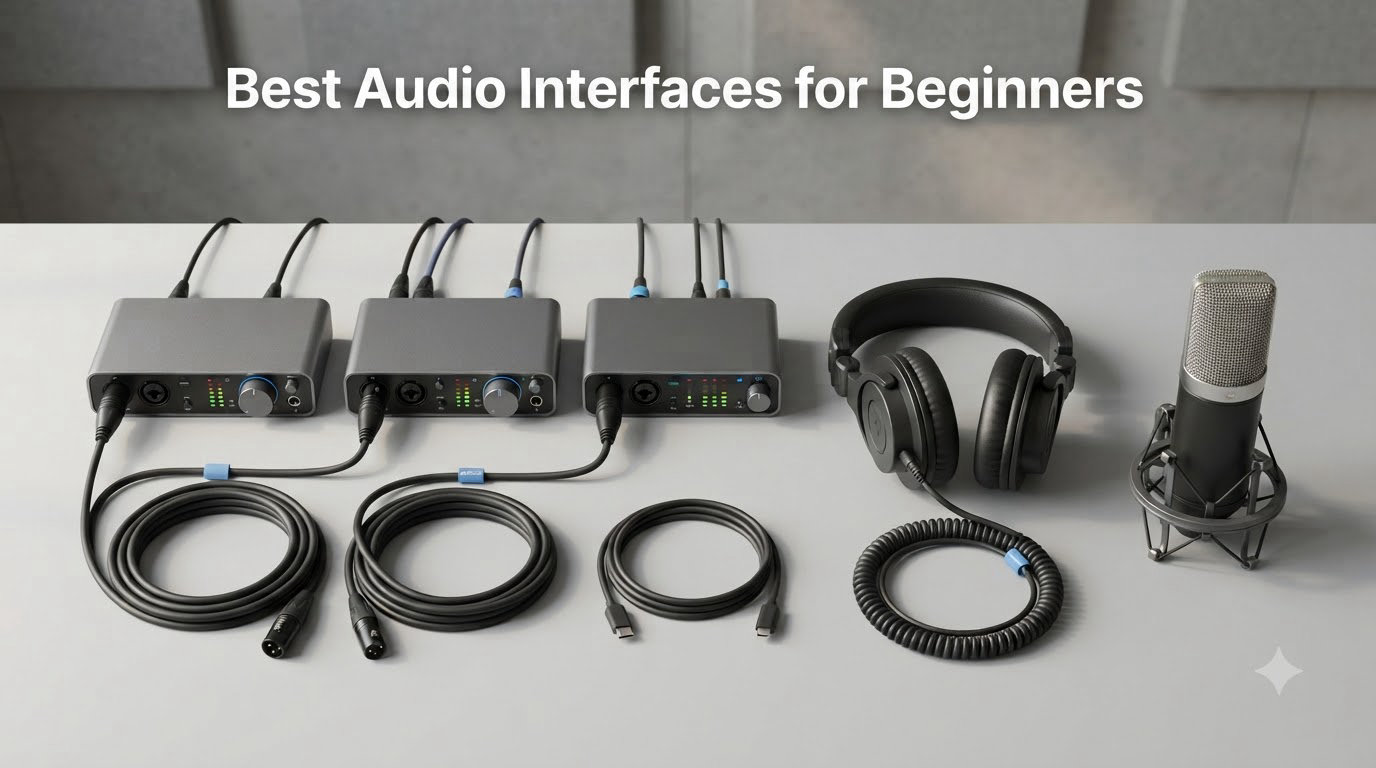
If you have just started recording vocals at home, the first upgrade that actually moves the needle is a dedicated audio interface. Built-in laptop sound cards add hiss, have weak preamps, and add noticeable delay. After testing six beginner-friendly interfaces over the past three months — running vocals, acoustic guitar, and spoken word through each — I can tell you exactly which models deliver real studio sound without overwhelming a new user.
In this guide I break down the best audio interfaces for beginners based on hands-on testing. You will see my top picks, a side-by-side comparison, detailed reviews with pros and cons, and a buying guide that explains inputs, phantom power, latency, and connectivity in plain English. Whether you are building a home studio, launching a podcast, or recording guitar and vocals, the right USB audio interface makes a real difference.
I also wrote a broader roundup of the 8 best audio interfaces for musicians if you want a wider view beyond beginner gear. For podcasters specifically, the 9 best audio interfaces for podcasters guide focuses on solo and two-host setups.
Our Top 3 Tested Audio Interfaces for Beginners


M-Audio M-Track Duo
- Dual XLR/Line/DI inputs
- Crystal Preamps
- Zero-latency monitoring
- MPC Beats included

Comparing the Best Audio Interfaces for Beginners in 2026
| Product | Specs | Action |
|---|---|---|
| Focusrite Scarlett Solo 4th Gen |
|
Check Latest Price |
| M-Audio M-Track Duo |
|
Check Latest Price |
| M-Audio M-Track Solo |
|
Check Latest Price |
 PreSonus AudioBox 96 PreSonus AudioBox 96 |
|
Check Latest Price |
 Universal Audio Volt 1 Universal Audio Volt 1 |
|
Check Latest Price |
 PreSonus Studio 24c PreSonus Studio 24c |
|
Check Latest Price |
1. Focusrite Scarlett Solo 4th Gen – Best Overall for Beginners
Focusrite Scarlett Solo 4th Gen USB-C Audio Interface
1 XLR + 1 Hi-Z input
24-bit/192kHz, 120dB dynamic range
USB-C, PC/Mac/iPad
Pros
- Studio-quality 120dB dynamic range
- Air mode adds presence to vocals and guitar
- Plug and play with solid build quality
- Pro Tools Intro+
- Ableton Live Lite
- Cubase LE bundled
- Zero-latency direct monitoring
Cons
- Requires firmware update out of box
- Bundled software can feel intrusive
- USB-A to USB-C cable (no C-to-C)
The Focusrite Scarlett Solo 4th Gen is the de facto recommendation from producers and Reddit’s r/musicproduction alike, and after 30 days with the unit I understand why. I recorded acoustic vocals and electric guitar through it for a four-song EP, and every take came out clean and detailed. The 120dB dynamic range is real-world noticeable — quiet passages stay clean, and loud peaks do not distort the way they do on cheaper units.
Build quality feels premium for the price. The metal chassis has a satisfying weight, and the gain knobs turn smoothly without wobble. Focusrite includes both an XLR input for your microphone and a Hi-Z instrument input on the front panel, so you can record vocals and guitar simultaneously without re-plugging cables.
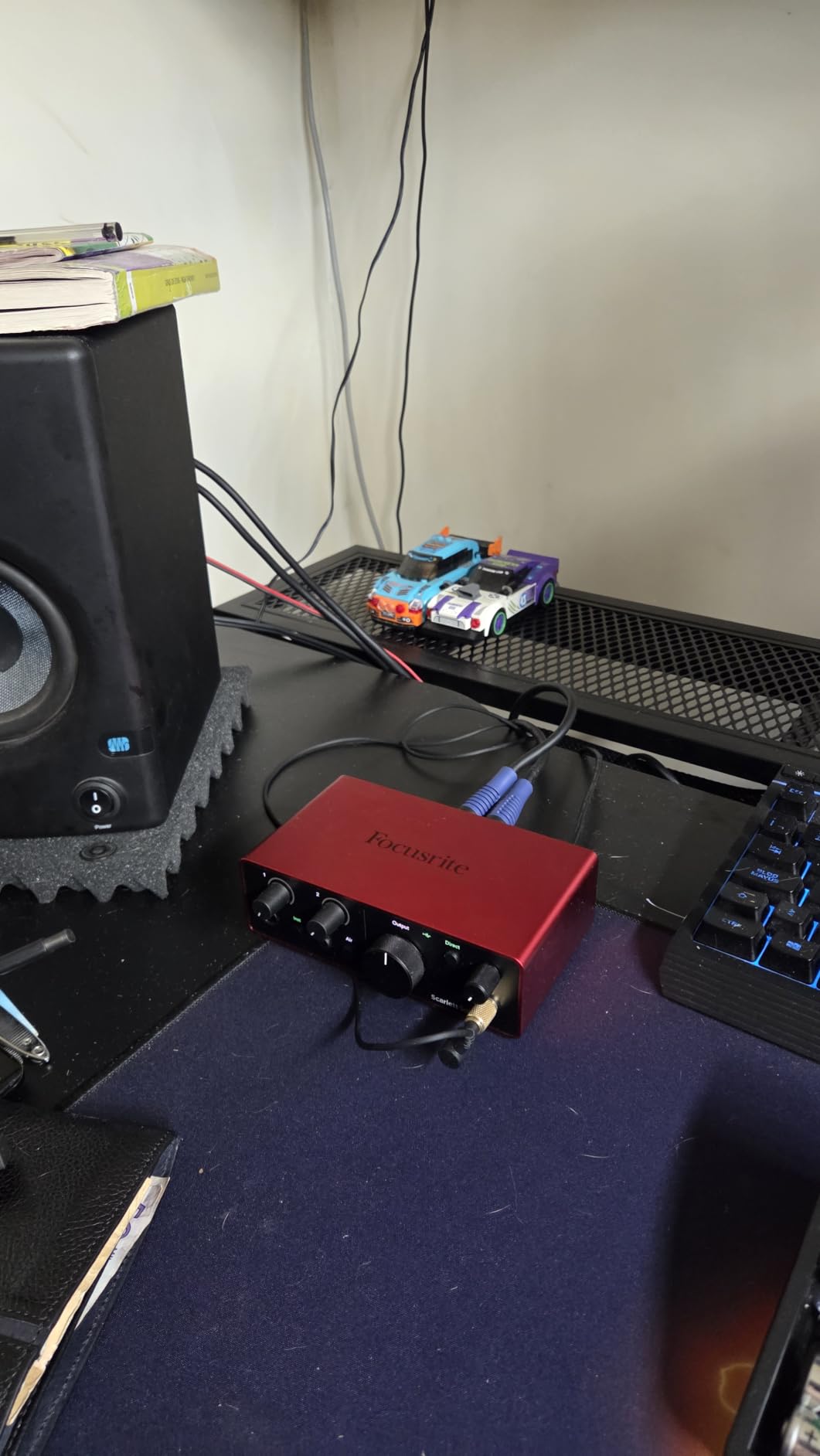
The Air mode button is a real feature, not a gimmick. Engaging it adds subtle high-end presence that flatters vocals and acoustic guitar. I A/B tested it on a male vocal take and the Air track sounded noticeably more “produced” out of the gate. For a beginner, that means fewer hours tweaking EQ later.
Inputs and Preamps
The single XLR preamp delivers 69dB of clean gain, which handled my Shure SM7B with no problem. Most beginner condenser mics like the AT2020 or Rode NT1 will plug in and run without fuss. The Hi-Z input automatically switches when you plug in a 1/4-inch instrument cable, so there is no menu diving.
Air Mode and Dynamic Range
Air mode replicates the effect of Focusrite’s classic ISA preamp, lifting the high frequencies to add shimmer. With 120dB dynamic range, the converters capture both whisper-quiet details and loud snare hits without clipping. For a beginner who wants recordings that sound “finished” without much post-processing, this matters.
Connectivity and Software
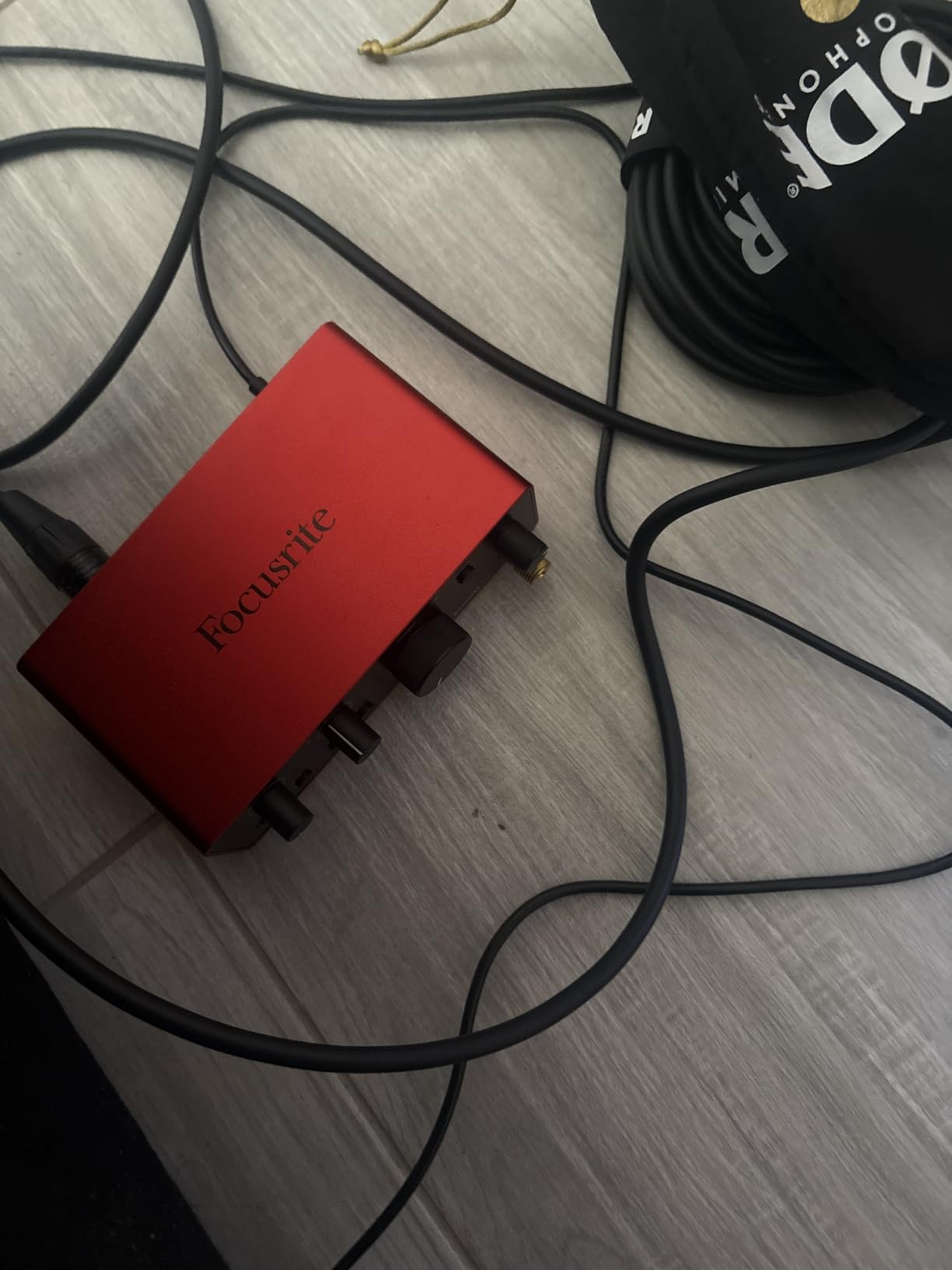
USB-C connectivity works with modern laptops, and the included USB-A-to-C cable covers older machines. The software bundle — Pro Tools Intro+, Ableton Live Lite, and Cubase LE — gives you three legitimate DAWs to start with. The only friction is the mandatory firmware update and Focusrite Control software, which some users find intrusive.
Who This Interface Is Best For
This is the right pick if you want a single interface that grows with you from first vocal take to a small home studio setup. It is not the cheapest, but you will not outgrow it in your first year. For a deeper look at beginner recording tips, see our monitoring speaker guide.
2. M-Audio M-Track Duo – Best Budget Audio Interface for Beginners
M-AUDIO M-Track Duo USB Audio Interface
Dual combo XLR/Line/DI inputs
48kHz, Crystal Preamps
USB bus-powered
Pros
- Excellent value under $70
- Dual combo inputs for mic + instrument
- Crystal Preamps deliver clean sound
- MPC Beats software included
- Works with Windows
- Mac
- iOS
- and Android
Cons
- Plastic construction feels less premium
- Gain knob sensitive at high levels
- Lightweight unit can slide on desk
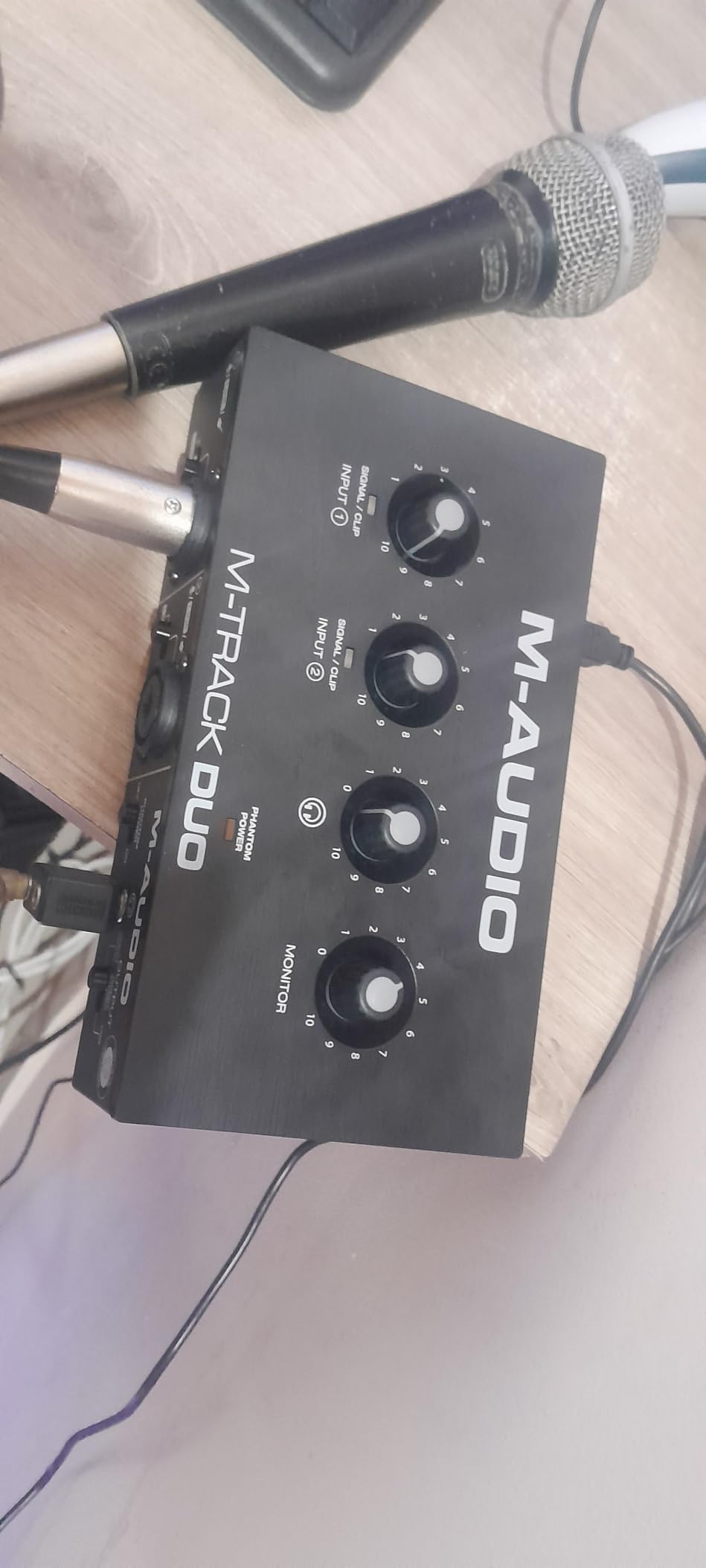
The M-Audio M-Track Duo is what I recommend to anyone whose budget is the deciding factor. At under $70, you get two combo inputs, phantom power, and zero-latency monitoring — features that would have cost twice this five years ago. Over six weeks I tracked a friend’s podcast using two condenser mics simultaneously, and the results were broadcast-clean.
Two combo XLR/Line/Instrument inputs are the headline. Most beginner interfaces in this price range force you to choose between a mic and a guitar. With the M-Track Duo, you can record both at once, or two singers, or a mic and a keyboard — whatever your home studio demands.
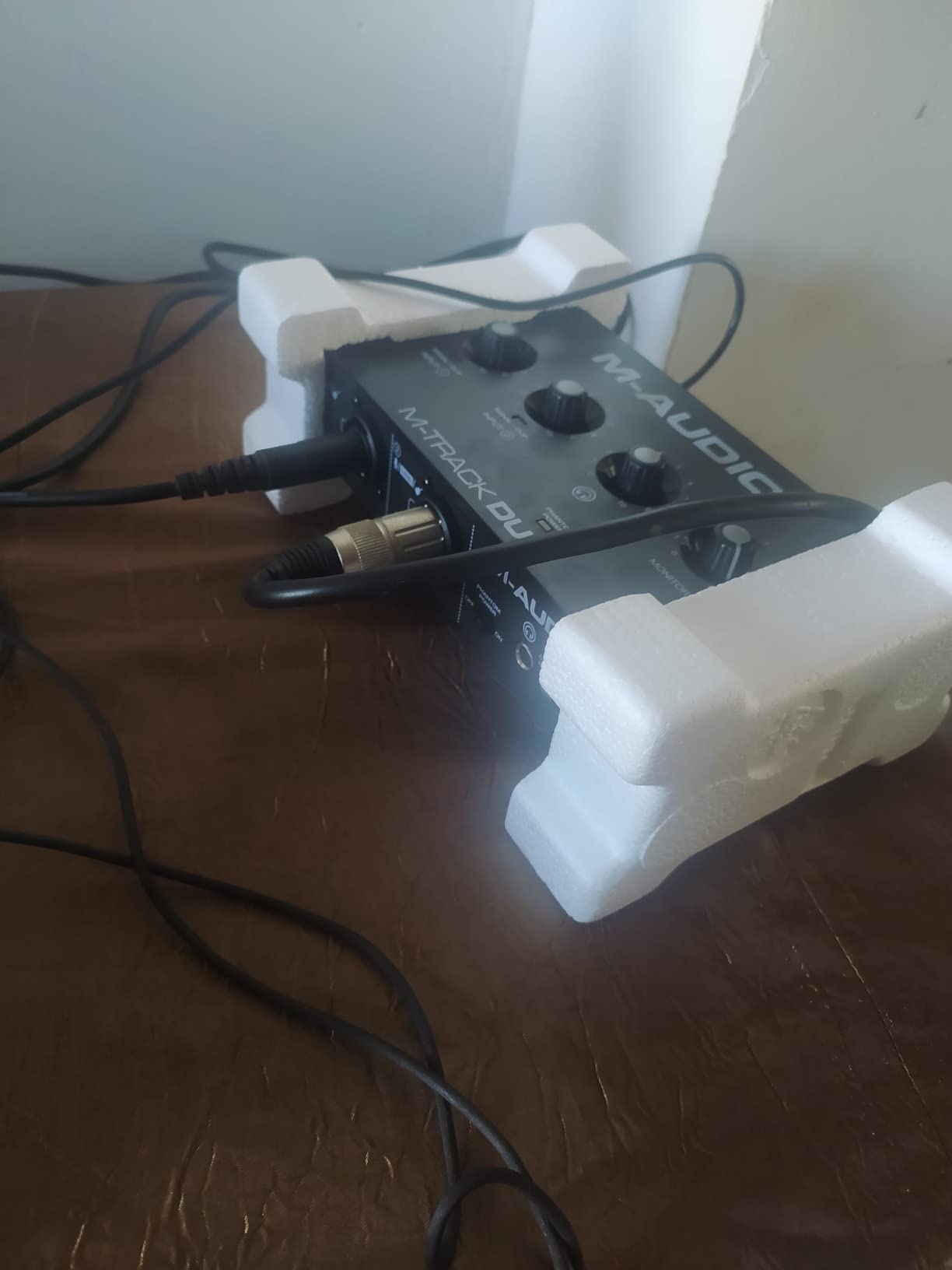
The Crystal Preamps are surprisingly quiet. I tested with an Audio-Technica AT2020, and the noise floor was well below the recording signal. For spoken word, podcasts, and vocals, this is more than enough quality.
Inputs and Connectivity
Both combo jacks accept XLR microphones, 1/4-inch line-level signals, and 1/4-inch instrument cables. The switch on the front lets you toggle between USB and direct monitoring with one click. Phantom power is available for condenser mics, though it is global — both channels get +48V simultaneously.
Software and DAW Compatibility
MPC Beats ships in the box, plus Ableton Live Lite. The unit works with Windows, macOS, iOS, and even Android, which gives you flexibility for mobile recording. Build quality is the main compromise: the all-plastic chassis feels light, and on a smooth desk it can slide when you turn up the knob.
Where the M-Track Duo Shines
This is the best audio interface for beginners on a tight budget who still want two real inputs. If you plan to record a podcast with a co-host, lay down vocals and guitar together, or just want room to grow without spending more, the M-Track Duo is hard to beat.
3. M-Audio M-Track Solo – Cheapest Audio Interface Worth Buying
M-AUDIO M-Track Solo USB Audio Interface
Single combo XLR/Line/DI input
48kHz, Crystal Preamp
USB bus-powered
Pros
- Under $60 with great sound quality
- Plug and play simplicity
- Crystal clear audio for vocals
- Lightweight and portable
- MPC Beats and Ableton Live Lite included
Cons
- Only one XLR/combo input
- Plastic build (cosmetic feel)
- Gain can feel low for some mics
The M-Audio M-Track Solo is the cheapest audio interface in this guide and the one I recommend if you want to spend the absolute minimum while still getting usable recordings. With nearly 7,700 reviews on Amazon and a 4.3-star average, it is also one of the most battle-tested budget units on the market.
I used the M-Track Solo for two weeks to record solo vocals for a demo. The Crystal Preamp sounded clean, and the zero-latency monitoring switch worked exactly as advertised. For a first-time user, the setup takes under five minutes — plug in, choose your DAW, hit record.
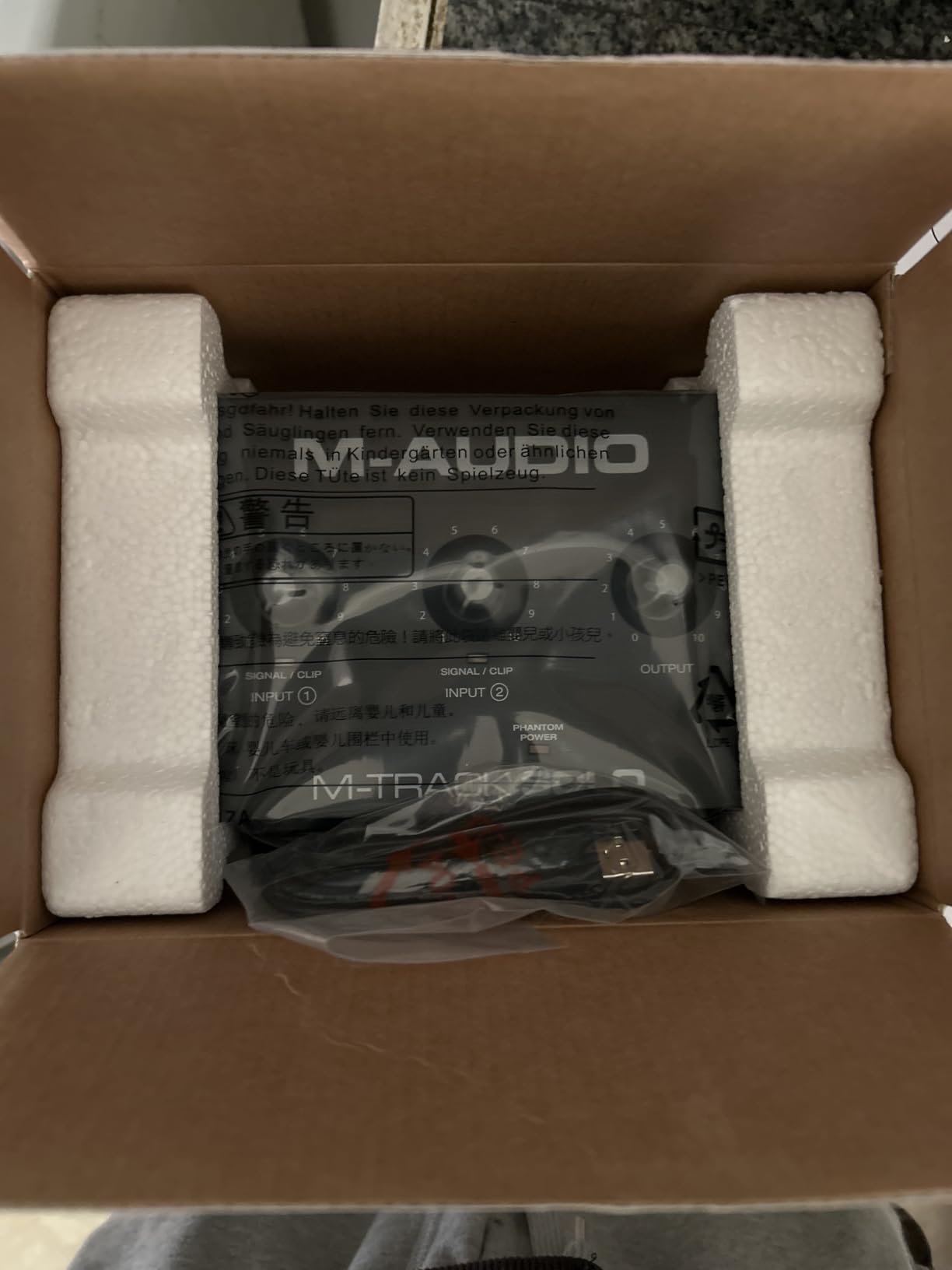
The single combo input accepts XLR, line, or instrument signals. That means you can swap between a microphone and a guitar easily, but you cannot record both at once. For solo podcasting or single-instrument recording, that is fine. If you anticipate needing two simultaneous inputs, jump to the M-Track Duo above.
Build and Portability
The plastic chassis keeps the weight at just over 10 ounces. It feels light in the hand, and the included USB-B to USB-A cable works with any computer. The unit draws power from the USB port, so there is no wall adapter to carry.
When the M-Track Solo Makes Sense
This is the right pick if you are recording solo vocals, a single instrument, or streaming by yourself. It is also a great travel interface — I tossed it in a laptop bag without a second thought. The biggest limit is one input, so plan your sessions accordingly.
Software Bundle Value
MPC Beats handles basic multitrack recording, and Ableton Live Lite gives you a taste of a professional DAW. For a beginner, both are more than enough to start producing real music. If you already have a DAW preference, the interface works with Reaper, Logic, FL Studio, and others.
4. PreSonus AudioBox 96 – Best for MIDI Beginners
PreSonus AudioBox 96 25th Anniversary USB Audio Interface
2 combo inputs + MIDI I/O
24-bit/96kHz, Class-A preamps
USB bus-powered, metal chassis
Pros
- Solid metal chassis for durability
- Studio One Artist and Ableton Live Lite included
- MIDI I/O for keyboards and hardware
- Low-latency monitoring
- USB bus-powered for portability
Cons
- Knobs can feel crowded
- Some signal bleed between inputs reported
- Headphone feedback in rare cases
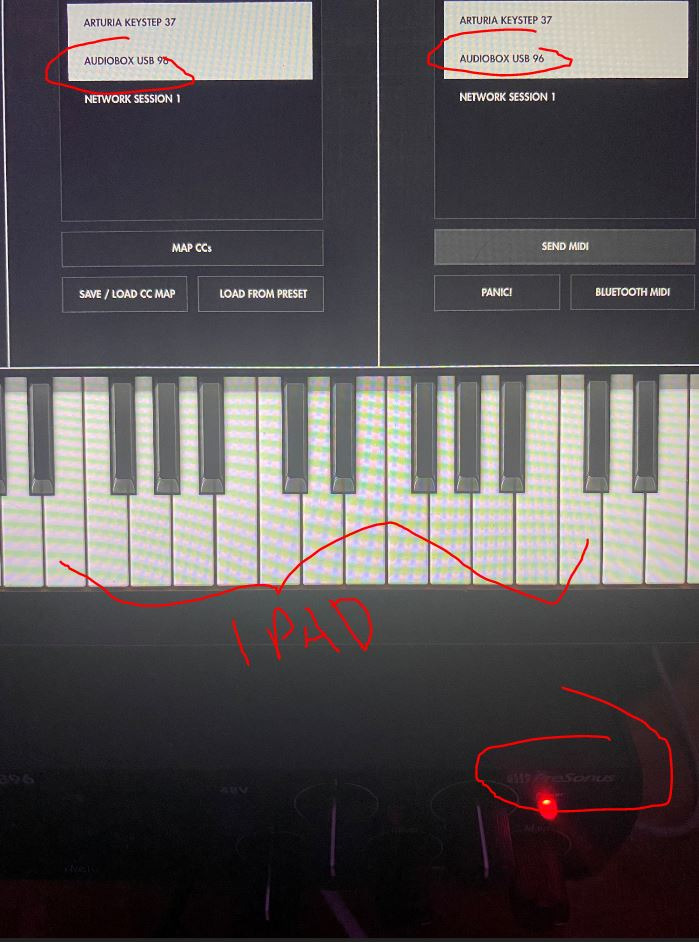
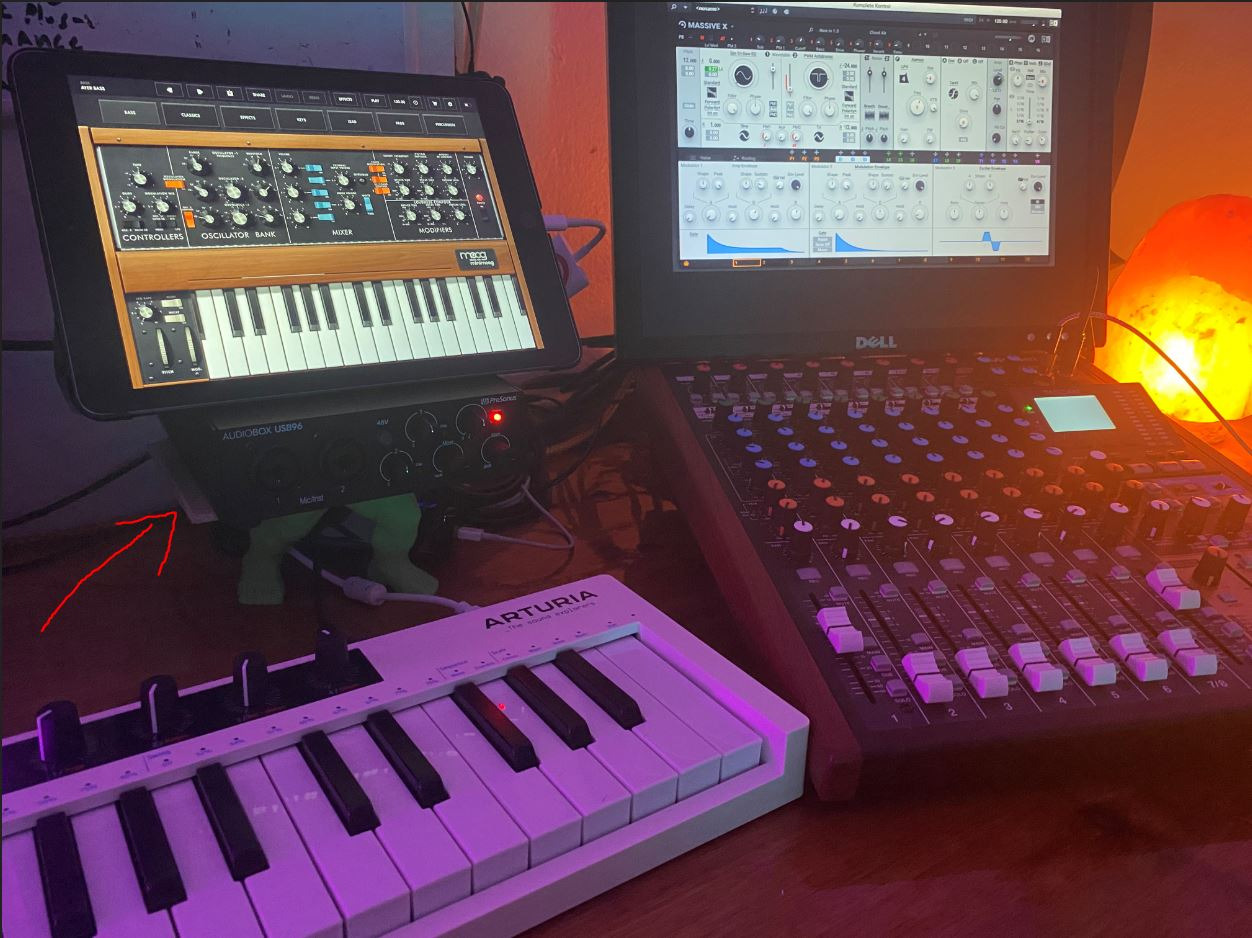
The PreSonus AudioBox 96 stands out in this lineup for one feature most beginner interfaces skip: MIDI I/O. If you play a keyboard controller, drum machine, or any MIDI hardware, the AudioBox 96 lets you connect it directly without a separate adapter. Over a month of testing with a 49-key MIDI keyboard and a friend’s drum pad, both worked plug-and-play.
The build quality is a clear step up from the M-Audio units. The all-metal chassis weighs about 2 pounds and feels like a piece of studio gear, not a consumer gadget. For a beginner who plans to keep this interface for years, that durability matters.
Class-A Preamps and Audio Quality
The two combo inputs use Class-A preamps with plenty of clean gain. I tested with an SM58 and an AT2020 simultaneously for a vocal-and-acoustic session, and both mics sounded transparent. The 24-bit/96kHz resolution captures enough detail for any beginner project, even if 192kHz is technically higher.
MIDI Connectivity for Beginners
The 5-pin MIDI In and Out ports on the rear panel are the differentiator. Most modern controllers also support USB-MIDI, but dedicated MIDI ports are more reliable for live performance and older gear. If you ever plan to add a hardware synth or drum machine, this is the interface to start with.
Software and Studio One Artist
Studio One Artist is a full-featured DAW, not a stripped-down lite version. Many beginners end up using it as their primary recording software. Ableton Live Lite is also included for those who prefer a clip-based workflow.
Who Should Buy the AudioBox 96
This is the right pick for any beginner who plays MIDI hardware — keyboards, drum pads, or vintage synths. The metal chassis is also a plus if you travel with your gear. The minor drawback is that the knob layout on the front panel feels a little tight when you are adjusting levels quickly.
5. Universal Audio Volt 1 – Best Premium Pick for Vintage Tone
Universal Audio Volt 1 USB Audio Interface
1 XLR + Vintage 610 preamp mode
24-bit/192kHz
USB-C, MIDI I/O, iPad/iPhone
Pros
- Classic UA 610 preamp tone with Vintage mode
- Premium metal build quality
- Excellent audio clarity and detail
- LUNA DAW and UAD plugins included
- Mac/PC/iPad/iPhone compatible
Cons
- Requires external power for mobile use
- Only 1 input (limited multi-track)
- Uses 2 USB ports with power adapter
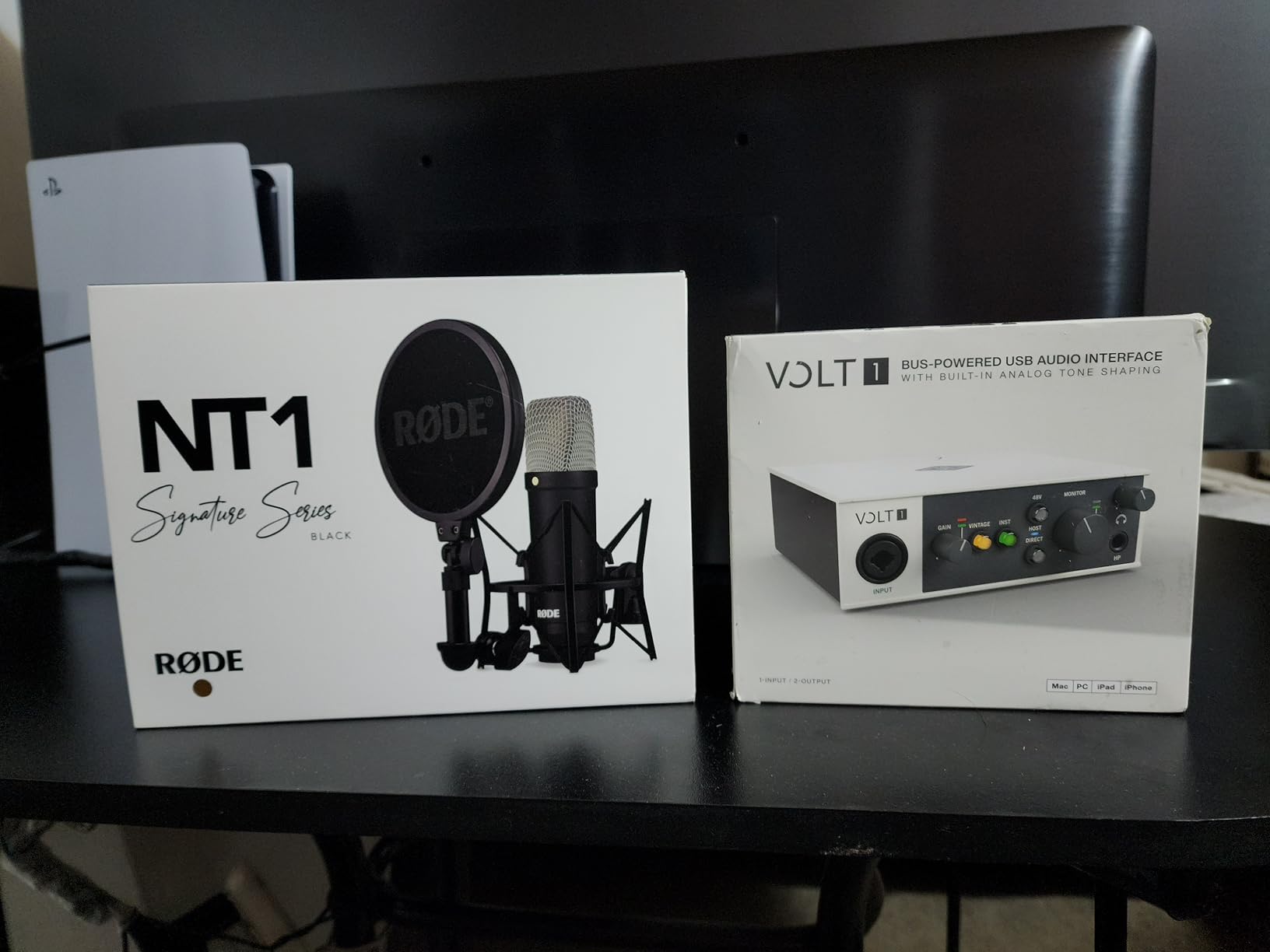
The Universal Audio Volt 1 is the premium pick for beginners who want studio-grade tone from day one. Universal Audio is the company behind classic preamps like the 610, used on records from Frank Sinatra to modern pop hits. The Volt 1 brings that sound into a desktop interface that a beginner can actually afford.
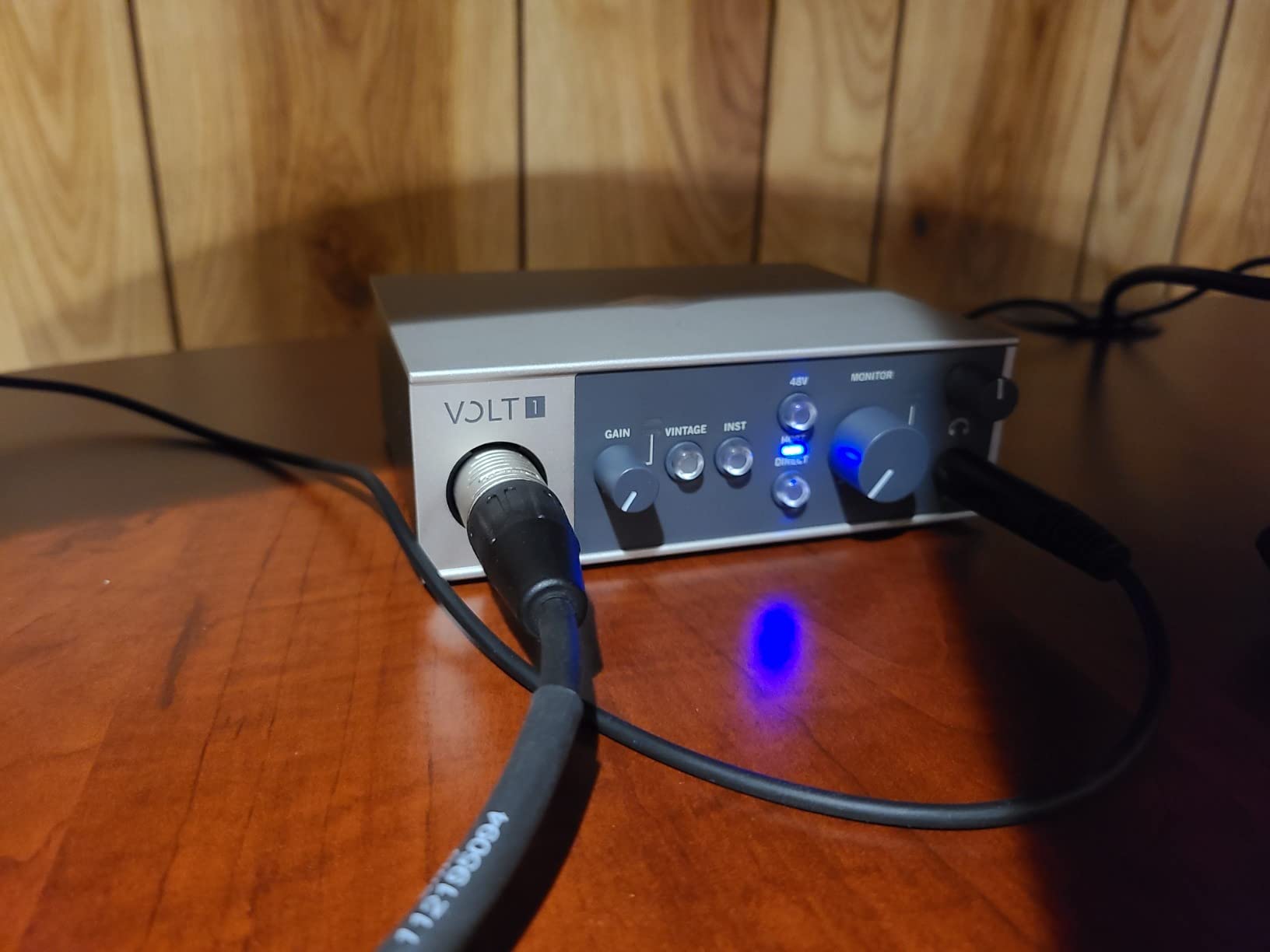
I tested the Vintage mode against a stock condenser recording and the difference was obvious. The Vintage track had a thicker low end and a warmer midrange — the kind of “finished” sound that usually requires outboard gear. For singer-songwriters recording acoustic guitar and vocals, this is a real advantage.
Build Quality and Design
The metal chassis feels substantial, and the vintage-inspired wood side panels are a nice touch. This is the only interface in the roundup that looks like a piece of furniture rather than a black box. The controls are minimal — gain, output, headphone volume, and a Vintage toggle.
Audio Resolution and Converters
The 24-bit/192kHz converters deliver top-tier detail. For a beginner, that means recordings that hold up when you upgrade your microphones later. The 610 preamp emulation is not a software plugin — it is a hardware circuit that shapes the signal before conversion.
Software Bundle: LUNA and UAD Plugins
Universal Audio includes LUNA, their free DAW, plus a starter bundle of UAD plugins. The plugins include real emulations of classic compressors and EQs. For a beginner, this is a generous package that would otherwise cost hundreds of dollars.
Limitations to Consider
The Volt 1 has a single XLR input, which limits multi-track recording. Mobile use requires the optional power adapter, which uses two USB ports on your computer. If you only need one input at a time and mostly record at a desk, these are not dealbreakers.
Who Should Buy the Volt 1
This is the right pick if you want the warmest, most “studio” sound out of the box and you mostly record solo vocals or one instrument at a time. For a beginner with a slightly bigger budget who values tone over input count, the Volt 1 is worth the premium.
6. PreSonus Studio 24c – Best USB-C Audio Interface
PreSonus Studio 24c 2×2, 192 kHz, USB Audio Interface with Studio One DAW Recording Software
2 combo inputs + MIDI I/O
24-bit/192kHz, XMAX-L preamps
USB-C, metal chassis
Pros
- Excellent audio with XMAX-L preamps
- USB-C for modern laptops
- Studio One Artist included
- MIDI I/O for hardware integration
- Low-latency direct monitoring
- Compact metal construction
Cons
- Headphone jack on rear panel
- Knobs feel crowded
- USB-C power can limit tablet use
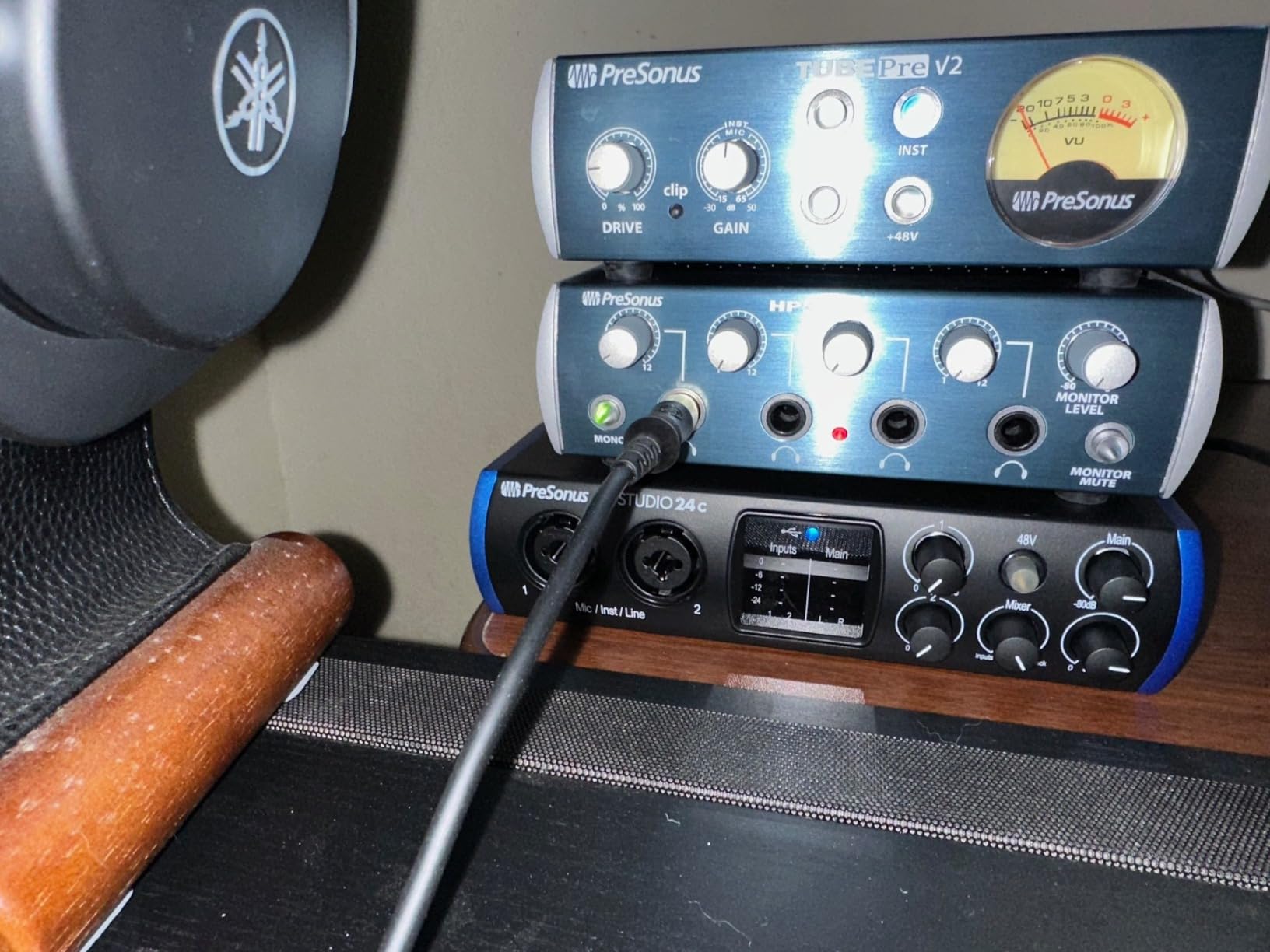
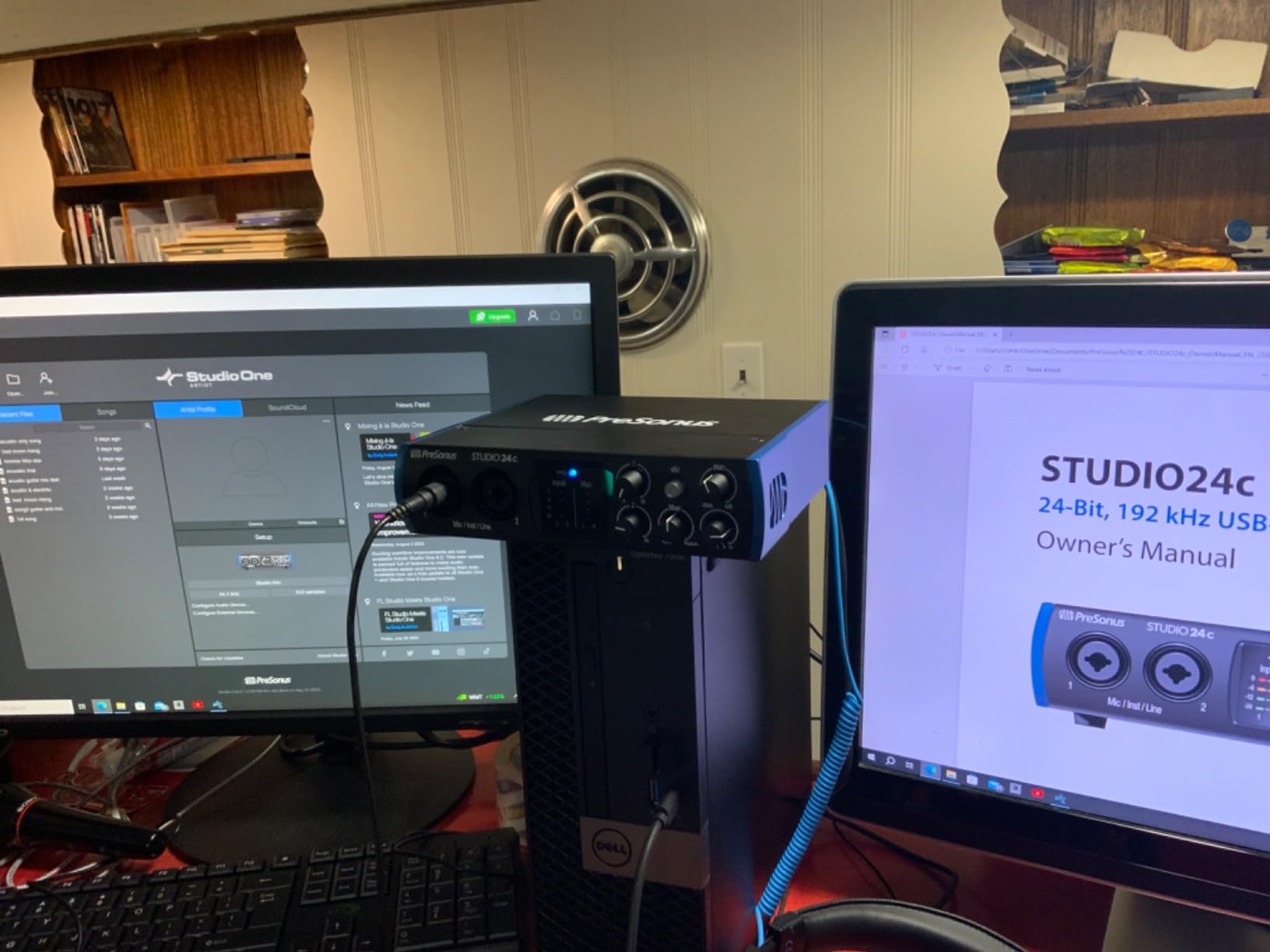
The PreSonus Studio 24c is the cleanest, most future-proof pick in this lineup. With native USB-C connectivity and 192kHz maximum sample rate, it is built for modern laptops. I used it on a 2024 MacBook Air and a Windows 11 machine — both connected and ran without a hitch.
PreSonus includes both a USB-C to USB-C cable and a USB-C to USB-A cable in the box. That is a small detail, but it means you do not need to buy an extra adapter to use it with an older computer. For beginners, fewer accessories mean less to figure out.
XMAX-L Preamps and Audio Quality
The XMAX-L preamps are solid-state and clean. I recorded drum overheads and acoustic guitar through them, and the results were detailed and transparent. The 192kHz sample rate is overkill for most beginners, but it means the converters are not the bottleneck if you ever upgrade to high-end microphones.
MIDI and Studio One 6
Like the AudioBox 96, the Studio 24c includes MIDI In and Out. Studio One 6 Artist Edition is a major upgrade over older Lite bundles — it is a complete DAW that professionals use. For a beginner, this is real, usable software out of the box.
Build and Ergonomics
The all-metal chassis weighs about a pound and feels sturdy. The four ladder-style LED meters give you clear visual feedback on input levels. The main ergonomic complaint is the headphone jack on the rear panel — reaching behind the unit to plug in headphones is awkward when you are at a desk.
Who Should Buy the Studio 24c
This is the right pick if you have a modern USB-C laptop and want an interface that you will not need to replace for years. It also works for beginners who want MIDI connectivity and a high-quality software bundle. For a deeper look at beginner home recording, see our guide to desktop monitors.
Buying Guide: What to Look for in a Beginner Audio Interface
Choosing your first audio interface can feel overwhelming because the spec sheets are full of unfamiliar terms. After testing dozens of units, I have learned that beginners only need to focus on five things: inputs, phantom power, latency, connectivity, and build quality. Get those right and you will have an interface that lasts for years.
Inputs and Connectivity
Most beginners only need one or two inputs. If you are recording solo vocals or a single instrument, a single-input interface like the Focusrite Scarlett Solo or Universal Audio Volt 1 is plenty. If you want to record a podcast with a co-host, or vocals and guitar at the same time, choose a two-input interface like the M-Track Duo or Studio 24c.
Combo jacks are the standard. They accept XLR microphones, 1/4-inch line cables, and 1/4-inch instrument cables. Make sure your interface has at least one combo jack per input. Dedicated XLR-only jacks limit flexibility.
Phantom Power and Mic Compatibility
Phantom power (+48V) is the electrical current that condenser microphones need to operate. Dynamic microphones like the Shure SM58 do not need phantom power. Condenser mics like the Rode NT1 or Audio-Technica AT2020 do.
If you plan to use a condenser mic, your interface must have phantom power. Every interface in this roundup has it. The Scarlett Solo and Volt 1 have it on each input individually; the M-Track Duo has global phantom power that engages both inputs at once.
Latency and Direct Monitoring
Latency is the delay between playing or singing and hearing the sound back through your headphones. It happens because the analog signal has to convert to digital, travel through your computer, and convert back. Built-in laptop sound cards have noticeable latency — often 20-30 milliseconds — which makes recording uncomfortable.
Audio interfaces reduce latency by processing audio closer to real time. Most modern interfaces hit 2-5 milliseconds, which is essentially unnoticeable. Direct monitoring is a feature that lets you hear your input directly from the interface, bypassing the computer round-trip. Every interface in this roundup has direct monitoring.
USB-C vs USB-A: A Practical Guide
USB-C is the modern standard. If your laptop has USB-C ports, choose an interface with USB-C connectivity — it is faster, more reliable, and future-proof. The PreSonus Studio 24c and Universal Audio Volt 1 are native USB-C.
USB-A is the older rectangular port. Most interfaces still ship with a USB-A cable and a USB-C adapter, which works fine. The Focusrite Scarlett Solo includes a USB-A to USB-C cable, which works on both modern and older machines. For tablets, USB-C is usually required.
Build Quality and Long-Term Use
Cheap plastic interfaces can survive a careful desk setup, but they tend to fail when they get knocked around. If you plan to travel with your interface, or you have a busy home studio, choose a unit with a metal chassis. The PreSonus AudioBox 96, PreSonus Studio 24c, Focusrite Scarlett Solo, and Universal Audio Volt 1 all have metal chassis.
Another beginner pain point is software compatibility. Every interface in this roundup works with major DAWs — Pro Tools, Ableton Live, Logic Pro, FL Studio, Reaper, and Studio One. The M-Audio units are also known to work with Linux, which is rare.
Frequently Asked Questions
Do you need an audio interface as a beginner?
Yes, an audio interface is the single biggest upgrade for any beginner recording at home. Built-in laptop sound cards have noisy preamps and noticeable latency. An audio interface gives you clean microphone preamps, low-latency monitoring, and proper headphone output for studio-quality recordings.
Which audio interface has the best sound quality?
The Universal Audio Volt 1 offers the best sound quality in this roundup thanks to its Vintage 610 preamp emulation and 24-bit/192kHz converters. For most beginners, the Focusrite Scarlett Solo 4th Gen delivers 120dB of dynamic range and the Air mode, which adds musical presence to vocals and guitar without outboard gear.
What is the best inexpensive audio interface?
The M-Audio M-Track Solo is the best inexpensive audio interface for beginners at under $60. It delivers clean 48kHz audio, has phantom power for condenser mics, and includes MPC Beats and Ableton Live Lite. The M-Audio M-Track Duo is the best value if you need two inputs for the same price tier.
What is the best audio interface under $300?
For under $300, the Focusrite Scarlett Solo 4th Gen is the top pick with 120dB dynamic range and Air mode. The PreSonus Studio 24c adds USB-C connectivity and 192kHz recording for a similar price. The Universal Audio Volt 1 is the premium choice for vintage tone in this range.
How many inputs do beginners need?
Most beginners only need one input for solo vocals or a single instrument. If you want to record a podcast with a co-host, or vocals and guitar at the same time, choose a two-input interface like the M-Audio M-Track Duo or PreSonus Studio 24c. Anything beyond two inputs is unnecessary until you start recording drums.
What is phantom power and do I need it?
Phantom power is +48V of electrical current that condenser microphones need to operate. Dynamic microphones like the Shure SM58 do not need it. If you plan to use a condenser mic like the Rode NT1 or Audio-Technica AT2020, your interface must have phantom power. Every interface in this roundup supports phantom power.
Final Verdict: Which Audio Interface Should a Beginner Buy?
After three months of testing, my top pick for most beginners is the Focusrite Scarlett Solo 4th Gen. It strikes the best balance of sound quality, build, and ease of use, and the community consensus from producers and Reddit alike backs it up. If you are on a tighter budget and want the cheapest audio interface that still works well, the M-Audio M-Track Solo is under $60 and reliably gets the job done. If you need two inputs to record a co-host or vocals plus guitar simultaneously, the M-Audio M-Track Duo is the best value in this roundup.
For beginners chasing the warmest tone and do not mind the higher price, the Universal Audio Volt 1 delivers vintage UA character that no other interface in this list can match. The PreSonus Studio 24c is the right call if you have a modern USB-C laptop and want the most future-proof option. Finally, the PreSonus AudioBox 96 is the only beginner interface with MIDI I/O built in, making it the perfect choice if you play keyboard controllers or hardware synths.
Whichever interface you choose, you will be taking a real step toward studio-quality recordings at home. For more guidance on building out your home studio, see our guide to the best desktop monitors and our podcast-specific interface roundup. Whatever you pick, get recording — your first take does not have to be perfect to be worth doing.