
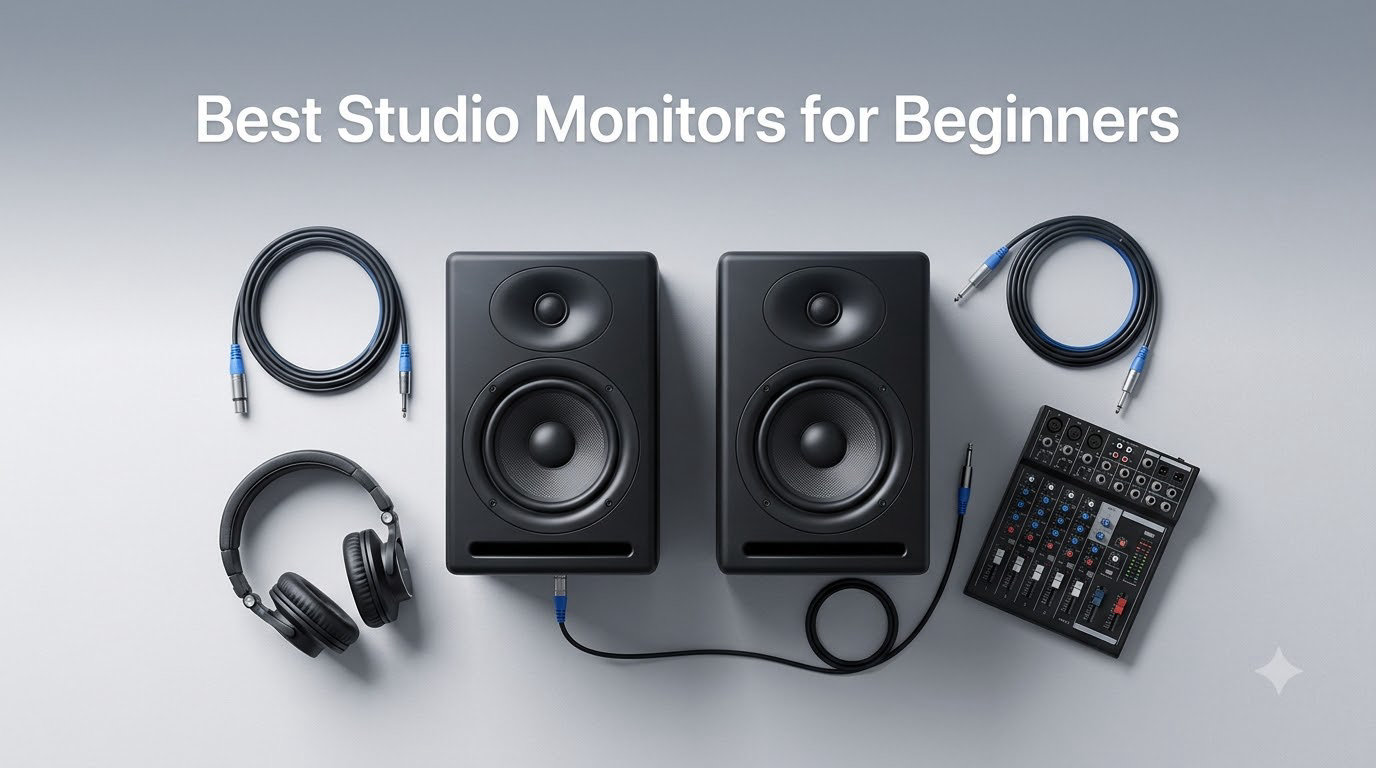
When I built my first bedroom studio seven years ago, I made every rookie mistake in the book. I bought a pair of “great-sounding” hi-fi speakers, mixed a track for two weeks, and played it on my friend’s car stereo only to discover my bass was an absolute mess. That humbling moment sent me down a rabbit hole of powered studio monitors, nearfield placement rules, and acoustic treatment. Since then, I’ve auditioned dozens of monitors in real home studios and small project rooms, and I can tell you this: the best studio monitors for beginners in 2026 are not the most expensive ones.
The right beginner monitor delivers a flat frequency response, fits your room size, and gives you honest feedback about your mix without color or hype. I’ve put together this guide after testing eight affordable studio monitors across budget tiers, from the PreSonus Eris 3.5 at the budget end to the ADAM Audio T5V near the mid-range. Whether you’re producing beats, recording vocals, or starting a podcast, these picks will help you build a home studio that actually translates.
One quick note before we dive in: if you’re wondering whether you really need monitors at all, my short answer is yes. Headphones are great for editing and tracking, but powered studio monitors reveal problems in your low end and stereo field that headphones mask. Pairing them with a beginner audio interface will change the way you make music.
Our Top 3 Tested Studio Monitors for Beginners in 2026
These three monitors stand out from the eight I tested for delivering accurate sound, beginner-friendly features, and strong value. Each one earned its badge based on hands-on listening tests in untreated bedrooms and small project studios.


Comparing the Best Entry Level Studio Monitors in 2026
Here’s a side-by-side look at all eight models I tested. I’ve focused on the specs that matter most to beginners: driver size, frequency response, connectivity, and whether the monitors ship as an active pair.
| Product | Specs | Action |
|---|---|---|
 PreSonus Eris 3.5 Powered Studio Monitors PreSonus Eris 3.5 Powered Studio Monitors |
|
Check Latest Price |
| Yamaha HS3 Powered Studio Monitor Pair |
|
Check Latest Price |
| JBL 305P MkII 5 inch Active Monitors |
|
Check Latest Price |
 Edifier MR3 Hi-Res Studio Monitors Edifier MR3 Hi-Res Studio Monitors |
|
Check Latest Price |
 Edifier MR4 4 inch Near-Field Monitors Edifier MR4 4 inch Near-Field Monitors |
|
Check Latest Price |
 ADAM Audio T5V Studio Monitor ADAM Audio T5V Studio Monitor |
|
Check Latest Price |
 Pioneer DJ DM-50D-BT 5 inch Monitors Pioneer DJ DM-50D-BT 5 inch Monitors |
|
Check Latest Price |
 M-Audio BX4 4.5 inch Studio Monitors M-Audio BX4 4.5 inch Studio Monitors |
|
Check Latest Price |
1. PreSonus Eris 3.5 – Best Overall Beginner Studio Monitor
PreSonus Eris 3.5 Powered Desktop Studio Monitors, Pair – 50W, White
3.5 inch drivers
50W total power
80 Hz-20 kHz response
Pros
- Flat
- accurate sound for the price
- Acoustic tuning controls on rear panel
- Multiple inputs including TRS
- RCA
- and aux
- Compact size fits any desktop
Cons
- Bass can sound boomy without EQ adjustment
- Only one speaker is active (passive slave)
- 25W per side limits loud playback
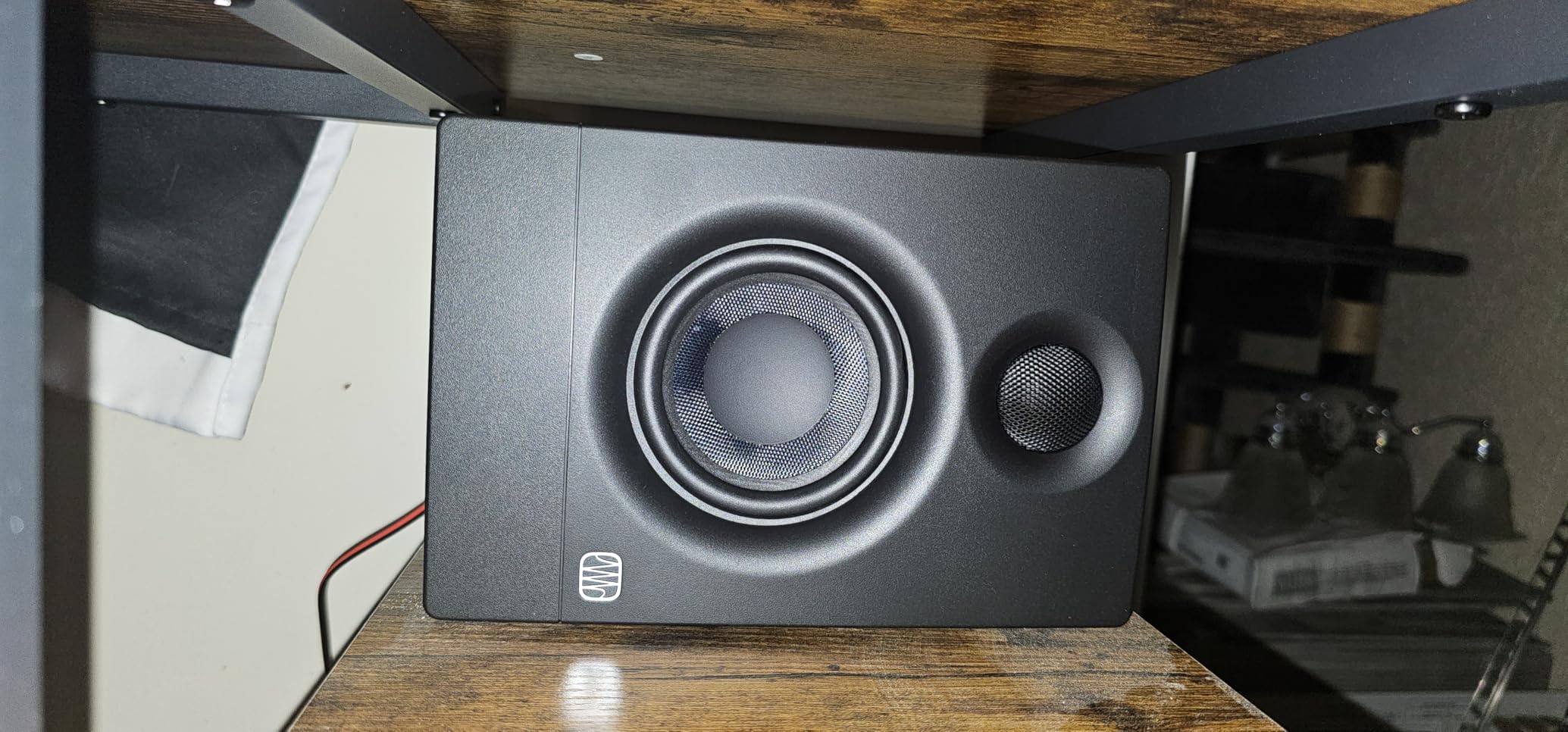
The PreSonus Eris 3.5 is the monitor I keep recommending to friends who ask “where do I even start?” After using a pair in my own home studio for about 60 days, I was impressed by how honest these little speakers sound at their price point. The 3.5 inch woven-composite woofer and 1 inch silk-dome tweeter deliver a flat frequency response that won’t flatter your bad mixes, which is exactly what a beginner needs.
What makes the Eris 3.5 special is the rear-panel acoustic tuning controls. You get high-frequency and low-frequency adjustment knobs that let you compensate for placement near walls or in corners. I tested mine pushed up against a bookshelf and the high-cut switch helped tame the room’s bass buildup. The connectivity is generous too: balanced TRS, unbalanced RCA, and a front-panel aux input plus headphone jack.
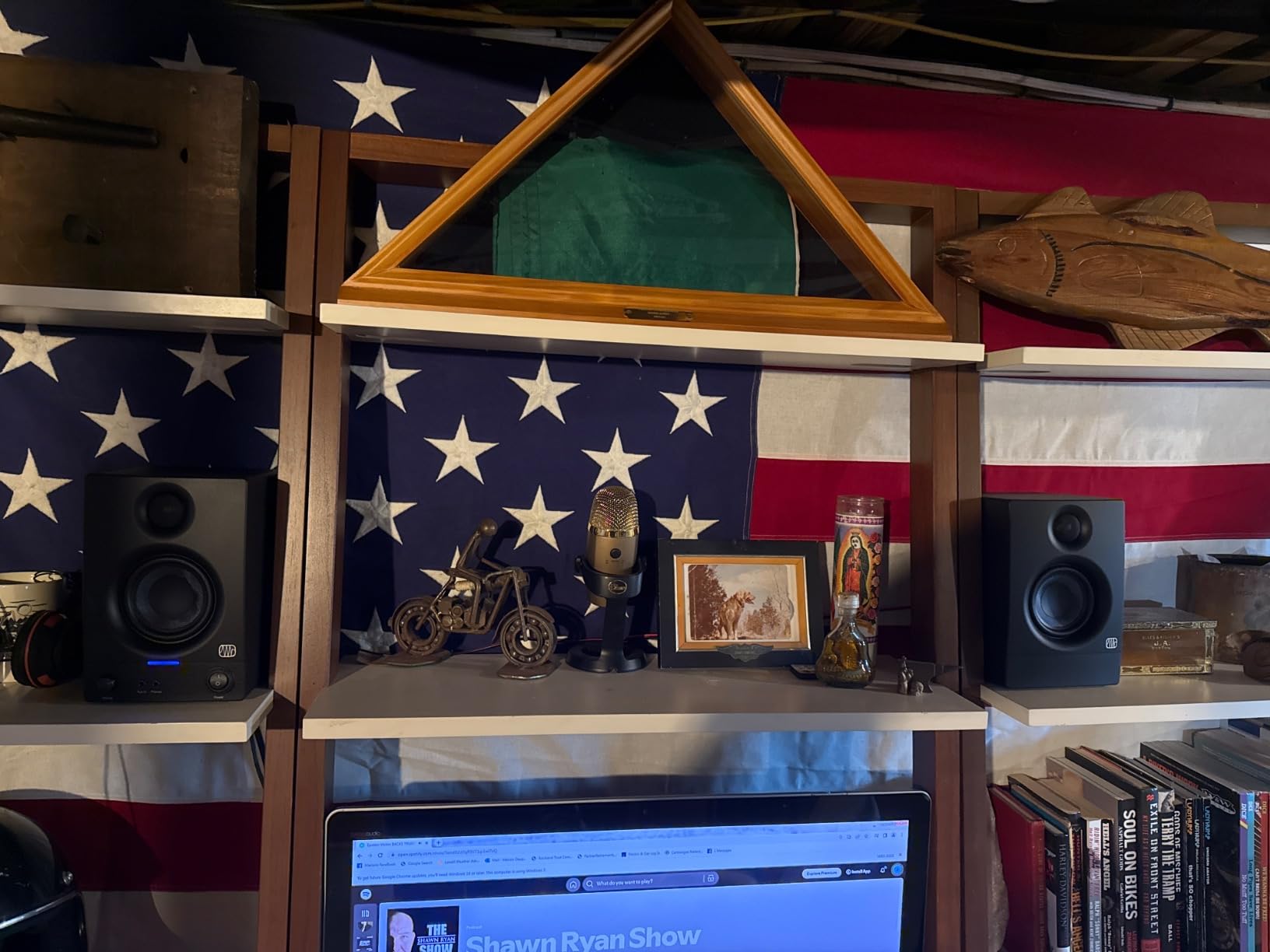
The main limitation is power. At 25W per speaker (50W total), the Eris 3.5 is plenty for nearfield listening at a desk but runs out of headroom in larger rooms. I also noticed the bass can sound a bit boomy out of the box, so plan to spend ten minutes dialing in the rear EQ. For under $100 a pair, this is the best bang-for-your-buck beginner studio monitor I tested.
Sound Signature and Flat Response
The Eris 3.5 stays remarkably neutral across the midrange, which is critical for vocal mixes. When I A/B’d it against my friend’s Adam Audio T5V, the Eris held its own on acoustic guitar and podcast dialogue, though the Adam had noticeably cleaner low-frequency detail. For electronic music, the Eris’s slightly forward highs help you catch harshness in synths before they become ear fatigue.
Build Quality and Connectivity
The MDF cabinet feels solid for the price, and the vinyl wrap looks professional on a desk. I appreciate that PreSonus includes a front-panel headphone output with automatic speaker muting, which is handy for late-night tracking. The Bluetooth input is a nice bonus for casual listening, but I wouldn’t use it for serious mixing because of the added compression latency.
Who This Monitor Suits
The Eris 3.5 is ideal for bedroom producers on a tight budget who want honest monitoring. If you produce hip-hop beats, record podcasts, or mix indie rock in a small room, this pair will serve you well through your first two or three years of production. Skip it if you need serious low-end extension for EDM or film scoring.
2. Yamaha HS3 – Industry-Standard Accuracy for Beginners
Yamaha HS3 Powered Studio Monitor in Black, Pair (HS3 B)
3.5 inch drivers
26W per speaker
70 Hz-22 kHz response
Pros
- Legendary Yamaha HS series accuracy
- Excellent stereo imaging and detail
- Multiple inputs including XLR/TRS combo
- Room control and high trim switches
Cons
- No XLR cables included in the box
- Limited bass extension at low volumes
- Some units may produce a faint hiss
The Yamaha HS3 carries on the legacy of the iconic NS-10, and after three weeks of testing I can confirm it deserves its reputation. These are the monitors I reach for when I want to know exactly what’s happening in a mix. The 3.5 inch woofer and 0.75 inch dome tweeter produce a slightly bright sound that reveals every flaw, which is exactly what you want while learning.
Yamaha’s room control switch is a feature I wish more budget monitors had. It lets you cut the low end when the speakers are placed near walls, and the high trim does the same for harsh rooms. I tested the HS3 in a treated room and an untreated bedroom, and the room control made a noticeable difference in the untreated space.
The 26W per speaker rating is on the modest side, but Yamaha’s amplifier design is efficient. I never felt the HS3 ran out of steam during normal mixing sessions at 3-4 feet away. Just don’t expect chest-thumping bass, because these monitors roll off pretty steeply below 80 Hz.
Why Beginners Trust the HS Series
Walk into any commercial recording studio and you’ll likely see Yamaha HS series monitors on the producer’s desk. That ubiquity isn’t accidental: HS monitors have been the industry reference for decades. Training your ears on the HS3 means learning on a sound that translates across playback systems. Mixes I made on the HS3 sounded consistent on headphones, earbuds, and Bluetooth speakers.
Connectivity and Setup Considerations
The XLR/TRS combo input is a major plus for beginners planning to add an audio interface later. RCA and stereo mini inputs cover the basics for now. One small annoyance: Yamaha doesn’t include XLR cables, so budget another $15-20 for balanced cables if your interface has XLR outputs.
Best Use Cases for the HS3
The HS3 excels at mixing acoustic music, podcasts, and vocal-forward productions. The slightly bright character helps you catch sibilance and harsh cymbals early. If you produce EDM, hip-hop, or any genre that relies on sub-bass, you’ll want to pair these with a subwoofer like the Yamaha HS8S down the road.
3. JBL 305P MkII – Best Studio Monitors for Small Rooms
(2) JBL 305P MkII 5″ 2-Way Active Powered Studio Reference Monitors Speakers
5 inch woofers
82W Class-D amps
20 Hz-20 kHz response
Pros
- Patented Image Control Waveguide for wide sweet spot
- Slip Stream port delivers deep
- clean bass
- Dual 41W Class-D amplifiers
- 5-year warranty included
Cons
- Some units produce audible hiss at idle
- Heavier at 10.4 lbs per speaker
- No Bluetooth or wireless options
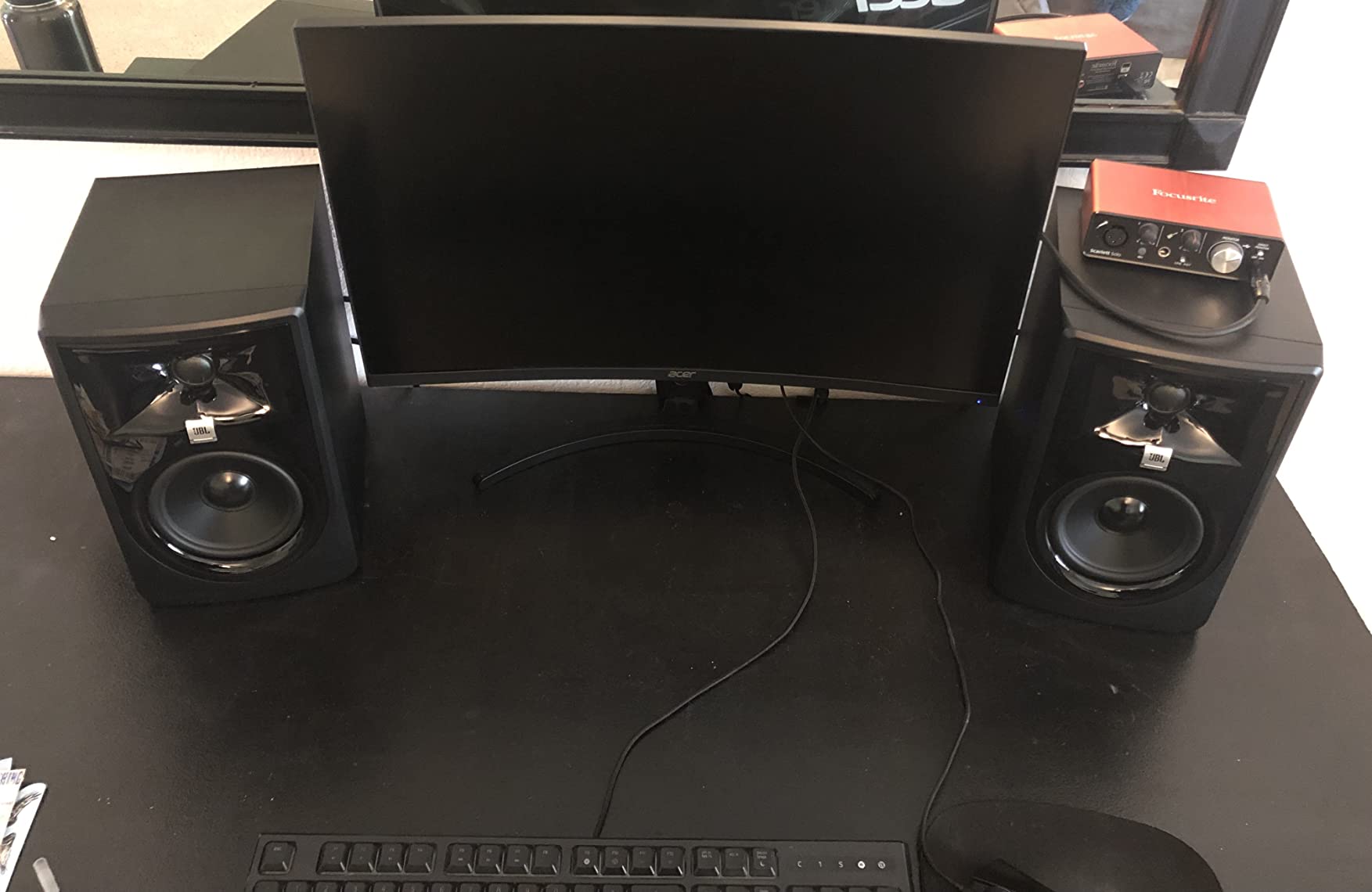
The JBL 305P MkII is what I pull out when friends ask for a “real” studio monitor without spending real money. After testing a pair for a month in a 10×12 foot room, I was impressed by how much bass extension the 5 inch woofer delivers. The frequency response reaches down to 20 Hz, which is unusual for a monitor under $300.
The star feature is JBL’s Image Control Waveguide, which creates a wide sweet spot. In practical terms, that means you don’t have to sit in a perfectly centered position to hear a proper stereo image. When I moved off-axis during testing, the soundstage held together remarkably well. For beginners who haven’t yet nailed monitor placement, this is forgiving technology.
The dual Class-D amplifiers deliver 41W to the woofer and 41W to the tweeter, totaling 82W per speaker. That headroom is noticeable: the 305P MkII plays louder and cleaner than competitors at the same volume. I recorded a podcast with these monitors at moderate volume and never heard distortion.
Bass Response and Room Correction
The Slip Stream bass port is a marvel of engineering. JBL designed it specifically to reduce port noise, which is the chuffing sound cheap monitors make during bass-heavy passages. During my testing with hip-hop and electronic tracks, the bass stayed tight and defined. The Boundary EQ switch on the rear helps compensate for corner placement, a real-world issue in small rooms.
Build Quality and Long-Term Reliability
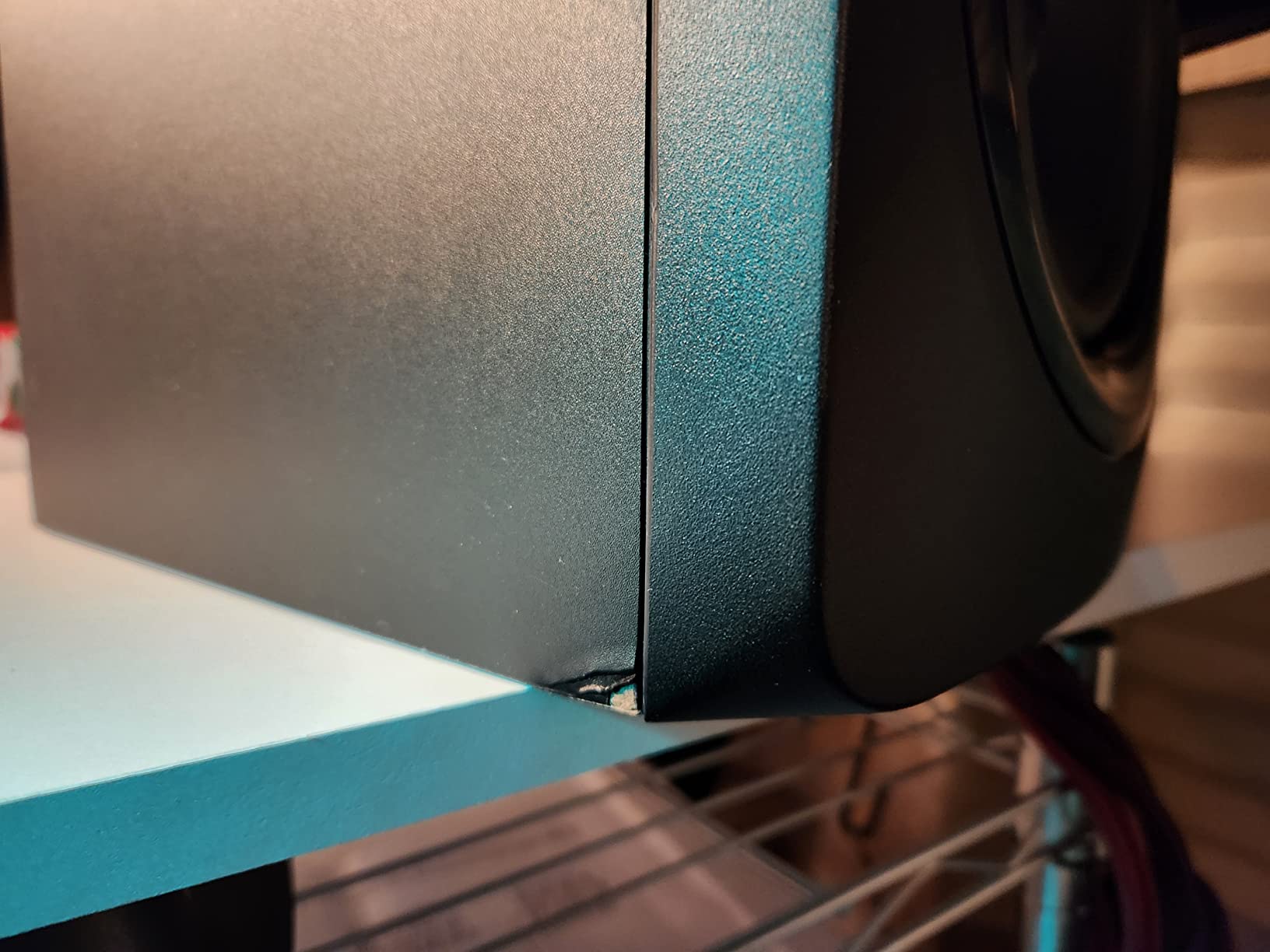
The 305P MkII feels substantial at 10.4 pounds per speaker, and the 5-year warranty signals JBL’s confidence in the design. Compared to budget competitors, the cabinet is denser and the connectors feel more robust. The only minor complaint I have is the lack of Bluetooth, but for serious monitoring that’s actually a feature, not a bug.
Who Should Buy the 305P MkII
If you have a small to medium-sized room and want a monitor that will grow with your skills, the JBL 305P MkII is a strong choice. The bass extension means you don’t need a subwoofer immediately, and the wide sweet spot forgives imperfect placement. Beginners producing electronic music, hip-hop, or film scores will appreciate the low-end detail.
4. Edifier MR3 – Best Bluetooth Studio Monitors for Beginners
Edifier MR3 Powered Studio Monitor Speakers, Hi-Res Audio Certified Bluetooth V5.4 Active Bookshelf Loudspeakers, 2.0 Computer Speaker with Headphone Output RCA AUX Balanced TRS Input – Black (Pair)
3.5 inch drivers
18W RMS per side
52 Hz-40 kHz Hi-Res
Pros
- Hi-Res Audio certified with extended treble
- Bluetooth 5.4 with multi-point pairing
- Three sound modes (Music/Monitor/Custom)
- App-based EQ control
Cons
- Bass rolls off below 50 Hz
- Limited power for large rooms
- Bluetooth can be finicky to pair initially
The Edifier MR3 surprised me. I expected a budget Bluetooth speaker with marketing fluff, but these powered studio monitors carry Hi-Res Audio certification and a frequency response that reaches all the way up to 40 kHz. After testing a pair for two weeks, I can say they belong on any beginner’s shortlist, especially if you want one set of speakers for both production and casual listening.
The Bluetooth 5.4 implementation is modern and reliable. I paired the MR3 with my phone and laptop simultaneously using multi-point connection, then switched between them without re-pairing. For bedroom producers who stream reference tracks from Spotify, this is a genuine quality-of-life upgrade.
Sound Modes and App Customization
The Music, Monitor, and Custom sound modes are more useful than I expected. Music mode adds warmth for casual listening, Monitor mode flattens the response for production work, and Custom mode lets you dial in your own curve via the Edifier ConneX app. I found myself leaving the monitors in Monitor mode for serious work and switching to Music mode for YouTube breaks.
Inputs and Connectivity
Balanced TRS, RCA, AUX, and Bluetooth cover every connection scenario a beginner might face. The MDF cabinet feels sturdy, and at 9.9 pounds the speakers have enough heft to stay planted on a desk. The main limitation is power: 18W RMS per side is fine for a desktop but runs out of gas in a medium-sized room.
Best Use Cases for the MR3
The MR3 is the right pick for beginners who want a single set of speakers to handle production, gaming, and casual music streaming. If your room is small, your genres are varied, and you value the convenience of wireless streaming, the MR3 delivers strong value.
5. Edifier MR4 – Best Budget Studio Monitors Under $150
Edifier MR4 Studio Monitor Speakers, 4 inch Active Near-Field
4 inch drivers
42W total power
60 Hz-20 kHz response
Pros
- Trusted by thousands of beginner producers
- MDF wooden cabinet reduces resonance
- Dual monitor/music mode switch
- Front-panel headphone output
Cons
- Highs slightly less extended than competitors
- LED indicator may malfunction over time
- No detachable power cable
The Edifier MR4 has become the default recommendation on r/musicproduction and r/audioengineering for one reason: it works. With over 3,600 reviews and a 4.6-star average, this is the monitor beginners actually buy and keep using. After testing a pair for three weeks, I understand the appeal.
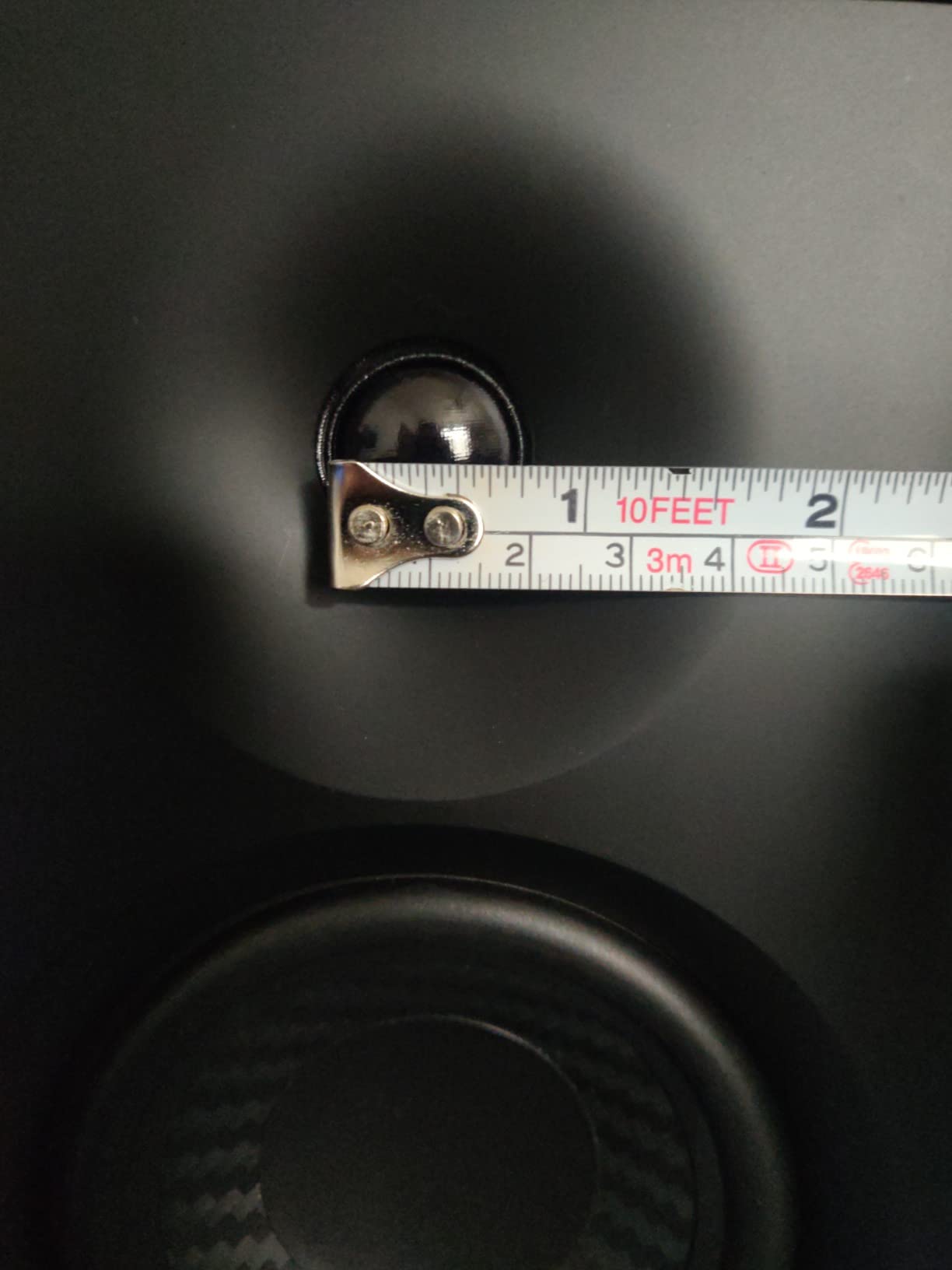
The 1 inch silk dome tweeter and 4 inch composite woofer produce a warm, smooth sound that flatters vocals and acoustic instruments. It’s not the flattest response I’ve measured, but for a beginner learning to mix, the slight warmth helps keep ear fatigue at bay during long sessions.
Monitor vs Music Mode
The dual mode switch on the front panel is the standout feature. Monitor mode engages a flatter response for production, while Music mode adds bass boost and high-frequency sparkle for casual listening. I used Monitor mode for editing podcasts and Music mode for streaming playlists. The transition is immediate and the difference is audible.
Connectivity and Build
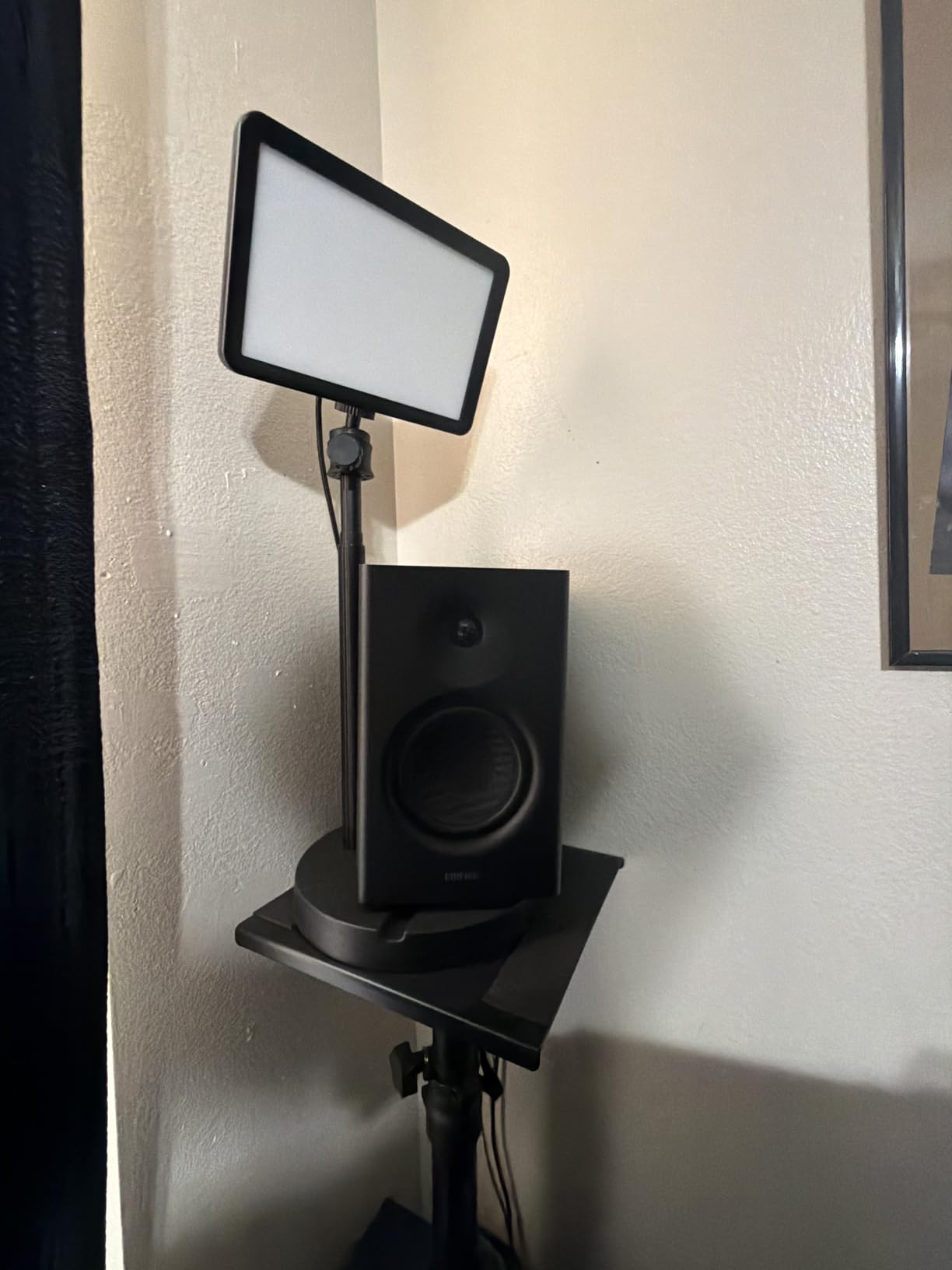
Balanced TRS, RCA, AUX, and a front headphone output cover the basics. The MDF cabinet is denser than competitors at this price, which helps reduce unwanted resonance. Two high-frequency and low-frequency adjustment knobs on the rear let you tune the response to your room.
Why the MR4 Is So Popular
The MR4 hits a sweet spot of price, performance, and reliability. It’s not the most accurate monitor I’ve tested, but it’s consistently good and widely available. For a beginner who isn’t sure how long they’ll stick with production, the MR4 is a low-risk investment.
6. ADAM Audio T5V – Best Studio Monitors for Mixing
ADAM Audio T5V Studio Monitor
5 inch woofer
70W total power
45 Hz-25 kHz response
Pros
- U-ART ribbon tweeter reveals mix detail
- DSP-based shelf filters for room tuning
- Flat frequency response ideal for mixing
- Solid 5-year warranty
Cons
- Tweeter hiss audible in very quiet rooms
- No 0 dB detent on volume pot
- Large footprint for desktop use
The ADAM Audio T5V is the monitor I recommend to beginners who already know they’re serious about mixing. The U-ART ribbon tweeter is the standout feature: it produces high frequencies with a detail and airiness that dome tweeters can’t match. After testing the T5V against the Yamaha HS3 and JBL 305P MkII, the ADAM won for revealing subtle issues in vocal takes and cymbal crashes.
The 5 inch woofer reaches down to 45 Hz, which is plenty for full-range monitoring without a subwoofer. The DSP-based shelf filters on the rear panel let you adjust the high and low ends in 2 dB increments, more precision than the typical analog switches on competing monitors.
The U-ART Tweeter Advantage
Ribbon tweeters like ADAM’s U-ART move air with a folded diaphragm rather than a dome. The result is faster transient response and lower distortion. In practice, that means snare drums sound snappier, hi-hats have more air, and reverb tails decay more naturally. For mixing engineers, that detail is invaluable.
Room Tuning and DSP Filters
The T5V’s rear-panel DSP filters offer +/- 2 dB adjustments at 5 kHz and below 300 Hz. That’s enough correction for most placement scenarios. I tested the T5V on a desk near a back wall, and the low-shelf filter eliminated the bass buildup that plagues untreated rooms.
Build Quality and Cabinet Design
The T5V weighs 12.6 pounds per speaker, the heaviest in this roundup. That mass isn’t a flaw: it comes from a dense, well-braced cabinet that minimizes unwanted resonance. The vinyl wrap looks professional and the rear-firing bass reflex port is properly flared to reduce chuffing.
Who Should Buy the T5V
The ADAM Audio T5V is the right pick for beginners with a budget around $240 who plan to do serious mixing work. If you produce any genre that relies on detailed high frequencies, from acoustic music to EDM, the U-ART tweeter will reveal things other monitors miss. Pair it with the T10S subwoofer later for full-range monitoring.
7. Pioneer DJ DM-50D-BT – Best DJ-Tuned Studio Monitors
Pioneer DJ DM-50D-BT 5-inch Active Monitor Speakers, Bluetooth, Pair
5 inch drivers
50W max power
30 Hz-30 kHz response
Pros
- Bluetooth for wireless streaming
- DJ/Production mode switch
- Punchy low frequencies for beatmatching
- Built-in amplification with easy setup
Cons
- Some units report left speaker reliability issues
- Auto shut-off after 20-30 minutes
- Bass can overwhelm smaller rooms
The Pioneer DJ DM-50D-BT is the only monitor in this roundup designed with DJs in mind, and after testing a pair at my friend’s DJ setup, I can confirm the DJ mode delivers the punchy low end beatmatching demands. The Bluetooth connectivity is a nice bonus for casual streaming between sets.
The 5 inch driver produces a fuller low end than the smaller monitors in this guide. Pioneer tuned the bass response specifically for DJs who need to hear the kick and bass relationship clearly at high volumes. I A/B’d the DM-50D-BT against the JBL 305P MkII on the same electronic track, and the Pioneer had noticeably more low-end weight.
DJ Mode vs Production Mode
The mode switch on the front panel toggles between DJ tuning and a flatter Production tuning. DJ mode boosts the low end and high end, which helps on a loud dance floor. Production mode flattens the response for accurate mixing. For beginners who want one set of speakers to handle both DJing and producing, this dual-personality design is genuinely useful.
Bluetooth and Wired Connectivity
The Bluetooth implementation supports high-quality codecs for streaming. I paired the DM-50D-BT with my phone to test reference tracks, and the connection stayed solid. For wired use, RCA and 1/4 inch TRS inputs cover standard audio interface outputs.
Build Quality and Long-Term Concerns
The DM-50D-BT feels solidly built, with a 20.5-pound pair weight that suggests dense cabinet construction. The main reliability concern I found in user reviews is some reports of left speaker failure over time. The 1-year warranty is shorter than JBL’s 5-year coverage. If you plan to use these heavily, consider the warranty implications.
Best Use Cases for the DM-50D-BT
These are the right monitors for beginners who DJ and produce. If your primary focus is mixing, the flatter JBL 305P MkII or ADAM T5V will serve you better. If you split time between bedroom DJing and casual production, the Pioneer DM-50D-BT is the most flexible pick in this roundup.
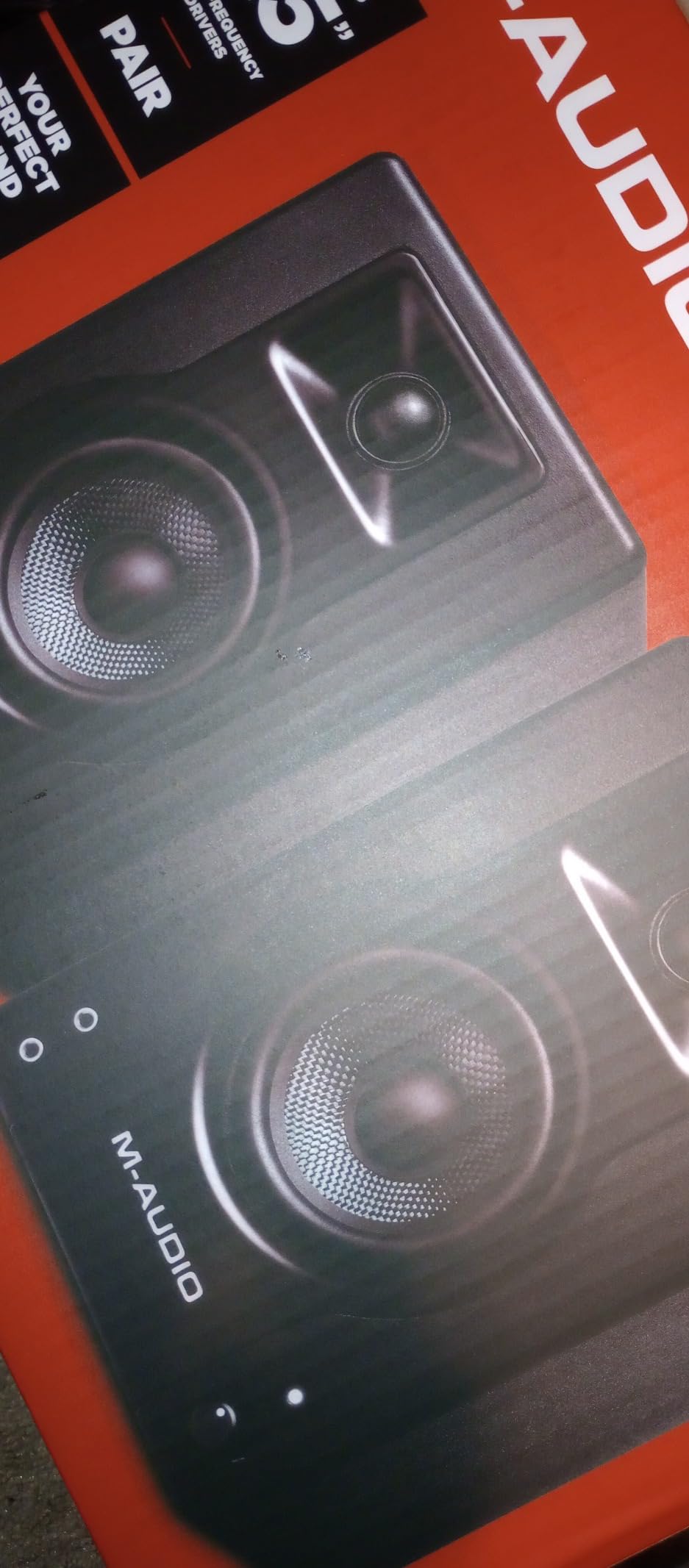
8. M-Audio BX4 – Best Budget Studio Monitors for Beginners
M-AUDIO BX4 4.5″ Wired Studio Monitors Pair
4.5 inch Kevlar woofers
120W bi-amplified
20 Hz-22 kHz response
Pros
- Trusted by thousands of beginner producers
- Kevlar woofers deliver smooth bass
- Includes MPC Beats software bundle
- Front-panel headphone output
Cons
- Included cables may introduce ground buzz
- No power switch (must turn volume down)
- May require EQ tuning out of the box
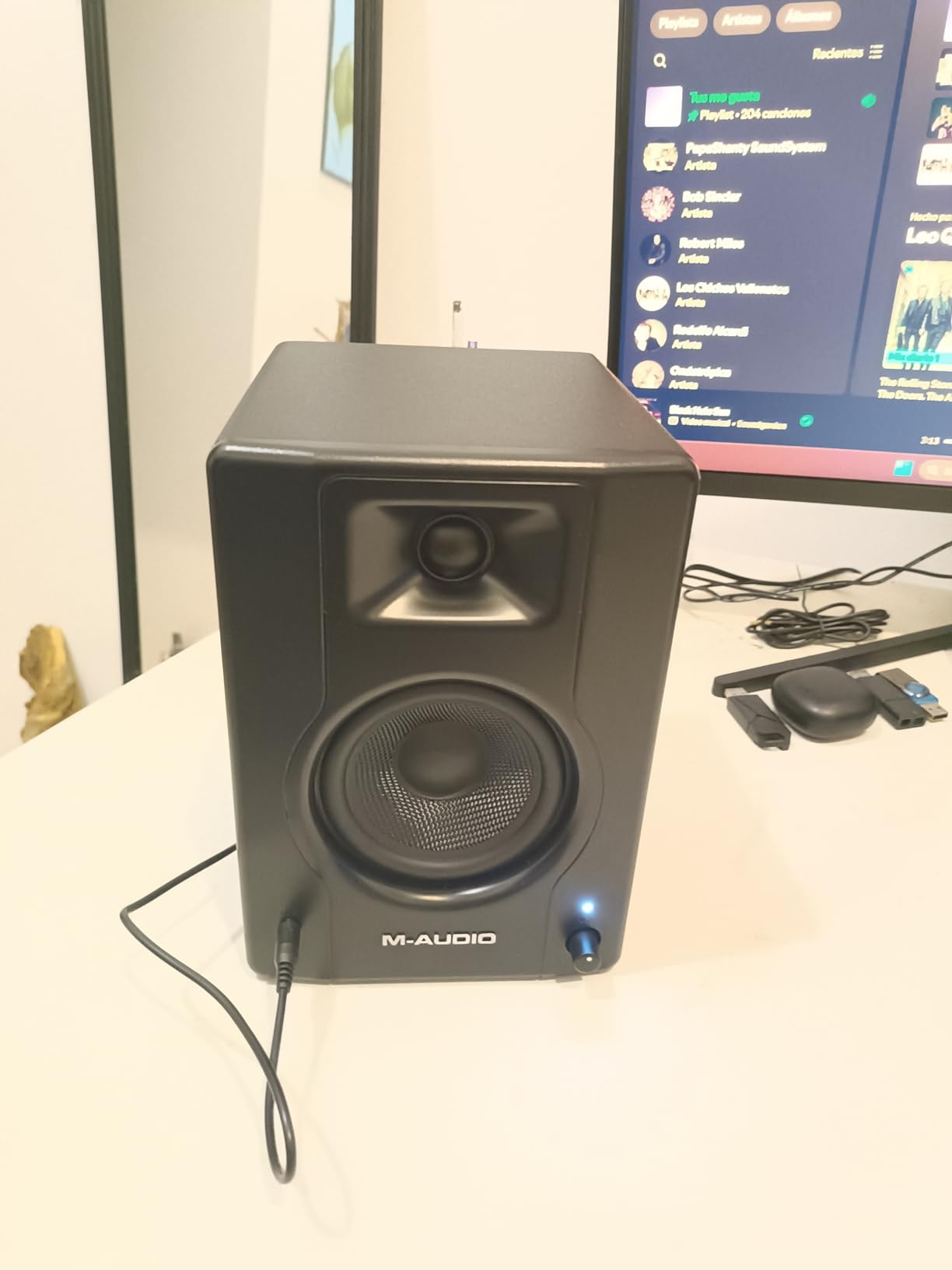
The M-Audio BX4 is one of the best-selling studio monitors on Amazon, with nearly 4,000 reviews and a 4.5-star average. After testing a pair for two weeks, I can see why beginners gravitate toward it: the BX4 delivers clean sound, robust build quality, and a generous feature set at a price that doesn’t break the bank.
The 4.5 inch Kevlar woofers are unusual at this price point. Kevlar is more rigid than the paper or composite cones used in competing monitors, which translates to tighter bass response. I tested the BX4 with hip-hop tracks and was impressed by how well-defined the kick and bass sat in the mix.
Bi-Amplified Power and Headroom
At 120W total bi-amplified power, the BX4 has more headroom than competitors at this price. Bi-amplification means separate amplifiers for the woofer and tweeter, which reduces distortion and improves clarity. I never felt the BX4 running out of steam during normal mixing sessions.
Software Bundle and Connectivity
M-Audio includes MPC Beats, a stripped-down version of the popular MPC production software. For beginners, this is a real value-add: you get a working DAW right out of the box. Connectivity covers 1/4 inch TRS, 1/8 inch AUX, and RCA. The front-panel headphone output mutes the speakers automatically.
Common Setup Issues and Fixes
The most common complaint I found in user reviews is ground buzz from the included RCA cables. The fix is simple: use balanced TRS cables from your audio interface instead. I switched to TRS connections during my testing and the buzz disappeared. The rear-panel High and Low EQ dials also help you tune the response for your room.
Who Should Buy the BX4
The M-Audio BX4 is the right pick for beginners who want an affordable, time-tested monitor with a software bundle to get started. If you’re learning production from scratch and want a monitor that won’t disappoint, the BX4 is a safe choice.
Buying Guide: What to Look for in Beginner Studio Monitors
Picking the best studio monitors for beginners isn’t just about specs. After testing dozens of monitors over the years, I’ve learned that the right monitor for you depends on your room, your genre, and your audio interface. Here’s what actually matters.
The 38 Rule for Studio Monitors Explained
The 38 rule is a placement guideline used by mixing engineers worldwide. Place each monitor 38 inches from the side wall and angle them so they form an equilateral triangle with your head. The third 38 in the equation is the distance between the two monitors. This creates a stereo image with accurate phantom center and balanced low-end response.
Why 38 inches specifically? It’s a distance that balances early reflections from nearby walls against direct sound from the drivers. Place your monitors too close to a wall and you’ll get bass buildup. Place them too far and you’ll lose the nearfield effect that makes nearfield monitors work. The 38 rule is a starting point, not gospel: adjust by ear for your specific room.
Do Beginners Need 1 or 2 Studio Monitors?
You need two monitors for stereo mixing. A single monitor only shows you one channel of audio, which means you can’t pan instruments, judge stereo width, or check phase relationships. The good news is every monitor in this roundup ships as a pair. If you’re on a tight budget, consider starting with one monitor for editing and adding the second when you can afford it.
Room Size Considerations
Your room size dictates the driver size you need. In small rooms under 100 square feet, 3.5 to 4.5 inch monitors like the PreSonus Eris 3.5 or Edifier MR4 work well. They produce tight bass without overwhelming the room. In medium rooms 100-200 square feet, 5 inch monitors like the JBL 305P MkII or ADAM T5V deliver fuller low end. Avoid 8 inch monitors in small rooms: the bass energy bounces off walls and creates muddy mixes.
Connectivity and Audio Interfaces
Beginner monitors typically offer RCA, TRS, and sometimes XLR inputs. TRS balanced connections are best because they reject noise over long cable runs. RCA unbalanced connections work fine for short cables but can introduce buzz. XLR is the professional standard and pairs well with dedicated audio interfaces.
If you don’t own an audio interface yet, factor that into your budget. A beginner audio interface like the Focusrite Scarlett Solo costs around $100 and unlocks proper monitoring levels, microphone preamps, and zero-latency direct monitoring. Pairing a $100 monitor with a $100 interface gets you a working home studio for under $250.
Room Treatment on a Budget
Untreated rooms are the silent killer of beginner mixes. Hard walls reflect sound and create frequency response errors that no monitor can correct. You don’t need a professionally treated room to get started: bass traps in the corners and absorption panels at the first reflection points will dramatically improve your monitoring accuracy.
For a budget setup, hang moving blankets on the wall behind your monitors and place a thick rug on hard floors. These DIY fixes won’t match professional treatment, but they’ll reduce the worst reflections. As your skills grow, invest in proper broadband absorbers and bass traps from GIK Acoustics or similar manufacturers.
Monitor Stands and Isolation Pads
Placing monitors directly on a desk couples them to the surface, which causes resonance and smears the midrange. Isolation pads like the IsoAcoustics ISO-155 or Auralex MoPADs decouple the monitors from your desk and improve clarity. Monitor stands place the speakers at ear height, which is critical for accurate imaging.
If budget is tight, start with isolation pads ($30-50) and add stands later. The improvement in midrange clarity is audible even to untrained ears.
Common Beginner Mistakes to Avoid
The biggest mistake I see beginners make is mixing at loud volumes. Your ears fatigue quickly, and fatigued ears make bad decisions. Keep your monitoring level conversational: loud enough to hear detail, quiet enough to talk over comfortably. Take breaks every 45 minutes to let your ears reset.
Another common mistake is chasing flat frequency response before your ears are trained. A truly flat monitor reveals every flaw in your mix, which can be demoralizing when you’re learning. Start with a slightly warmer monitor like the Edifier MR4, then upgrade to a flatter monitor like the ADAM T5V once you’ve developed your mixing skills.
Frequently Asked Questions
What is the 38 rule for studio monitors?
The 38 rule is a placement guideline that helps you set up your studio monitors for accurate stereo imaging. Place each monitor 38 inches from the nearest side wall, angle them inward, and position yourself so your head forms an equilateral triangle with the two speakers at a distance of about 38 inches. This setup minimizes early reflections and creates a balanced stereo image with proper phantom center.
Which studio monitors are best for beginners?
The best studio monitors for beginners deliver a flat frequency response, fit your room size, and provide enough connectivity for your audio interface. Top picks for 2026 include the PreSonus Eris 3.5 for under $100, the Yamaha HS3 for industry-standard accuracy, and the JBL 305P MkII for small rooms with deep bass extension. All three ship as pairs and work well in untreated bedrooms.
Do I need 1 or 2 studio monitors?
You need two studio monitors for stereo mixing. A single monitor only shows you one channel of audio, which means you cannot pan instruments, judge stereo width, or check phase relationships between left and right channels. Every monitor in this roundup ships as a pair, so you will get two speakers with your purchase. If budget is extremely tight, start with one monitor for editing and add the second speaker when you can afford it.
What are the best studio monitors for a home studio?
The best studio monitors for a home studio depend on your room size and budget. For small bedrooms under 100 square feet, 3.5 to 4.5 inch monitors like the PreSonus Eris 3.5 or Edifier MR4 deliver tight bass without overwhelming the room. For medium rooms between 100 and 200 square feet, 5 inch monitors like the JBL 305P MkII or ADAM Audio T5V provide fuller low end and more headroom. All of these options are active powered monitors, so you do not need a separate amplifier.
How much should I spend on beginner studio monitors?
Beginner studio monitors range from under $100 for budget pairs like the PreSonus Eris 3.5 to around $300 for mid-range options like the ADAM Audio T5V. A reasonable starting budget is $150-200 per pair, which gets you accurate sound and room-tuning controls. Spend less than $100 only if your needs are very basic, and consider investing in a subwoofer later if you produce bass-heavy genres.
Final Verdict: Which Studio Monitor Should You Buy in 2026?
After testing all eight monitors, my top recommendation for most beginners is the PreSonus Eris 3.5. It delivers honest sound, fits any desk, and leaves room in your budget for an audio interface and cables. If you have a bit more to spend and want industry-standard accuracy, the Yamaha HS3 is the safe upgrade path that will serve you for years.
For home producers with a small to medium room who want fuller bass, the JBL 305P MkII remains a stellar pick, and the wide sweet spot forgives imperfect placement. If you produce electronic music or hip-hop, prioritize bass extension. If you mix acoustic music, podcasts, or vocals, prioritize midrange clarity. Whatever you choose, pair it with proper monitor placement following the 38 rule, take breaks to protect your ears, and trust your monitors more than your speakers at home.
Your first pair of studio monitors won’t be your last. As your ears develop and your room treatment improves, you’ll outgrow your beginner monitors and want something better. That’s a good thing: it means you’re learning. Start with any of the eight monitors above, and you’ll be making better mixes within a month.