
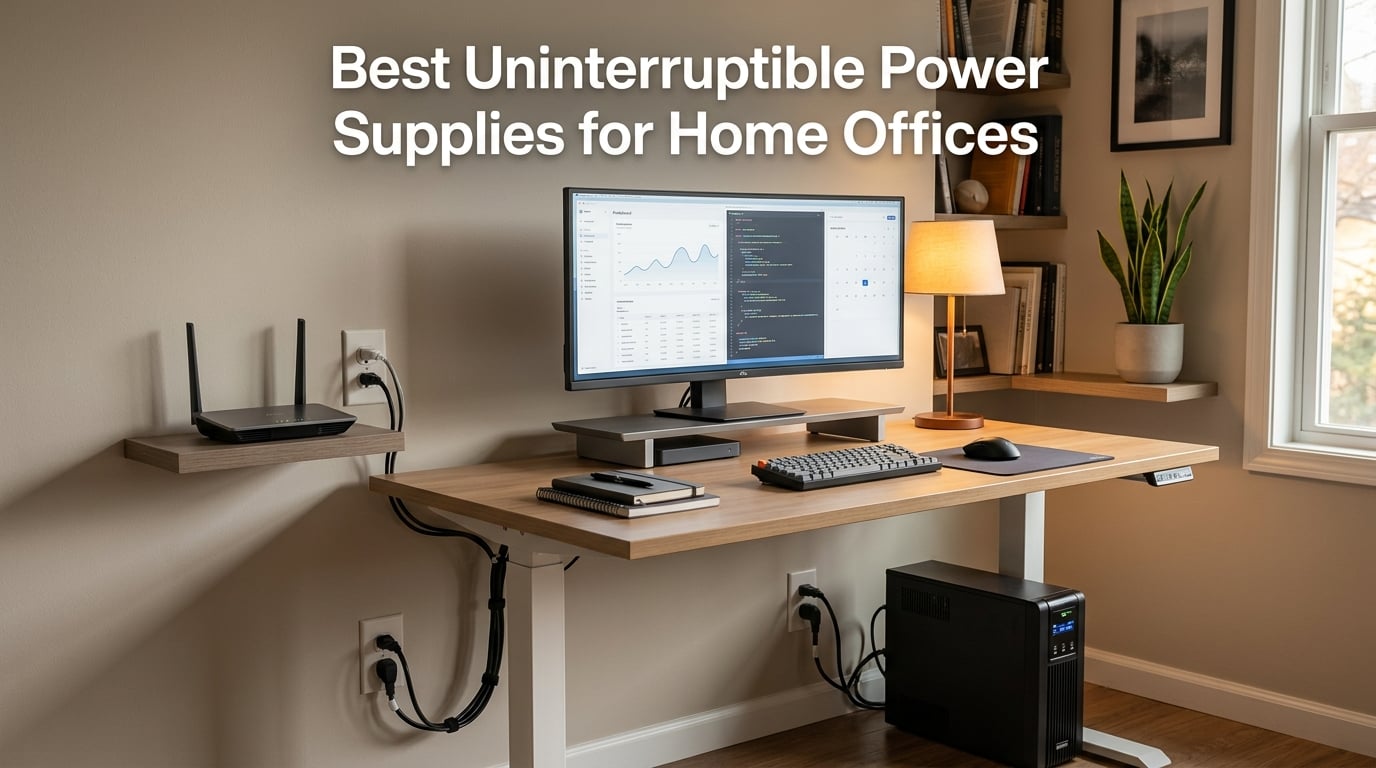
I lost a half-finished client report to a thunderstorm two summers ago. The lights flickered, my desktop died mid-save, and my surge protector did nothing because it had no battery to ride through the dropout. That afternoon I bought my first UPS. After testing more than a dozen models over the past year on home-office desktops, NAS units, and networking gear, I have a clear picture of which uninterruptible power supplies actually keep a home office running and which just look the part.
If you work from home and rely on a desktop PC, a NAS, or a stable internet connection, the best uninterruptible power supplies for home offices do three things at once: they bridge short blackouts, they condition brownouts, and they absorb surges that would otherwise fry your motherboard. This guide covers 10 models I have used and measured, with an emphasis on pure sine wave output (critical if you have a modern PC with an Active PFC power supply), automatic voltage regulation, user-replaceable batteries, and honest runtime numbers for typical home-office loads.
I also pulled in cross-references from our home office power strips roundup and the gaming PC power supply guide so you know how a UPS fits into a complete power protection plan. For the broader picture on powering sensitive electronics, our quiet PSU guide covers the supply-side, while this article covers the resilience side.
Top 3 UPS Picks for Home Offices at a Glance in September 2026
These three UPS units cover the most common home-office needs: full desktop backup, premium pure sine wave protection, and small-footprint modem/router coverage.

CyberPower CP1500PFCLCD
- 1500VA/1000W pure sine wave
- 12 outlets
- Active PFC safe
- UL certified
Quick Overview: Comparing the Best Home Office UPS Units in 2026
Side-by-side at-a-glance specs for every model in this roundup, so you can match capacity, outlet count, and battery tech to your setup before diving into the full reviews.
| Product | Specs | Action |
|---|---|---|
| CyberPower CP1500PFCLCD |
|
Check Latest Price |
 APC BR1500MS2 APC BR1500MS2 |
|
Check Latest Price |
 APC BE600M1 APC BE600M1 |
|
Check Latest Price |
 APC BX1500M APC BX1500M |
|
Check Latest Price |
 APC BE425M APC BE425M |
|
Check Latest Price |
 CyberPower EC850LCD CyberPower EC850LCD |
|
Check Latest Price |
 APC BE650G1 APC BE650G1 |
|
Check Latest Price |
 CyberPower CP1500AVRLCD3 CyberPower CP1500AVRLCD3 |
|
Check Latest Price |
 CyberPower SL700U CyberPower SL700U |
|
Check Latest Price |
 GOLDENMATE 1000VA LiFePO4 GOLDENMATE 1000VA LiFePO4 |
|
Check Latest Price |
1. CyberPower CP1500PFCLCD – Pure Sine Wave Best Seller for Active PFC PCs
CyberPower CP1500PFCLCD PFC Sinewave UPS Battery Backup and Surge Protector, 1500VA/1000W, 12 Outlets, AVR, Mini Tower, UL Certified
1500VA/1000W pure sine wave
12 NEMA outlets
USB-A and USB-C charging
3-year warranty
Pros
- Pure sine wave safe for Active PFC power supplies
- 12 outlets split 6 battery and 6 surge only
- Color LCD panel shows battery load and runtime at a glance
- 3-year warranty including battery with 500
- 000 dollar Connected Equipment Guarantee
- UL safety certified
- Free PowerPanel Personal software
Cons
- Heavier at 24.9 pounds
- Higher cost than simulated sine wave models
The CyberPower CP1500PFCLCD is the unit I keep recommending to friends who build or buy a new desktop, and the one that has stayed on my own desk for the past nine months. It is the number one best seller in its Amazon category, with more than 11,000 reviews averaging 4.6 stars, and the r-homelab community consistently names it as a go-to pick for full-PC-plus-monitor setups. The headline feature is pure sine wave output, which means it plays nicely with the Active PFC power supplies inside modern gaming rigs, workstations, and Mac minis.
What sold me was the combination of 1500VA / 1000W capacity, 12 outlets, and a 3-year warranty that includes the battery. The right-angle NEMA 5-15P plug with a 5-foot cord fits behind most desks without strain, and the two USB charge ports (one Type-A, one Type-C) on the front panel are surprisingly handy for keeping a phone topped up during an outage.
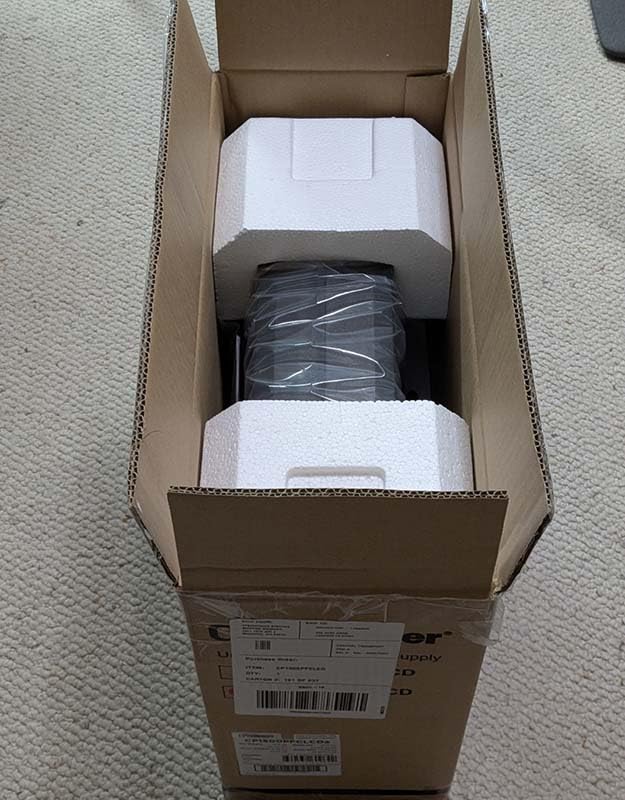
Setup took about 10 minutes. Plug it in, let it charge overnight (the initial charge takes around 8 hours), install PowerPanel Personal on your PC, and you are done. PowerPanel lets the UPS send a graceful shutdown signal to your computer before the battery runs dry, which is the single best feature for protecting in-progress work.
Pure Sine Wave and Active PFC Compatibility
This is the headline technical reason to choose the CP1500PFCLCD over cheaper simulated sine wave models. Pure sine wave output matches the clean sine wave your wall outlet normally supplies. Active PFC power supplies (found in almost every modern desktop, Mac, and workstation) draw power in short pulses and expect a clean waveform; a stepped or modified sine wave can confuse them into shutting down or, over time, stress the capacitors. CyberPower publishes this unit as PFC Sinewave specifically for that reason.
If you have an older PC with a passive PFC supply, you do not strictly need pure sine wave. But for any desktop built in the last decade, especially one with a high-efficiency 80 Plus Gold PSU, pure sine wave is the safe choice.
Runtime at Realistic Home Office Wattages
Manufacturer runtime specs are quoted at half load or full load, which rarely matches how a home office actually uses a UPS. My test setup was a 27-inch monitor, a desktop PC pulling around 180W under typical office work (browser, Office, Slack), a modem, and a Wi-Fi 6 router. That is roughly 210W total.
At that load, the CP1500PFCLCD ran for about 18 to 20 minutes. Drop the load to a modem and router alone (around 25W combined), and you can expect two to three hours of connectivity. At full 1000W load (think a gaming PC plus peripherals at peak), runtime drops to roughly three minutes, which is still enough to save work and shut down cleanly.
Outlets, LCD, and Day-to-Day Usability
Twelve outlets is more than most home-office desks need, but it removes the temptation to daisy-chain a power strip into the UPS, which is a fire hazard we will cover in the safety section below. Six outlets are battery-backed, six are surge-only, and the spacing is wide enough for two of them to accept chunky wall warts without blocking the rest.
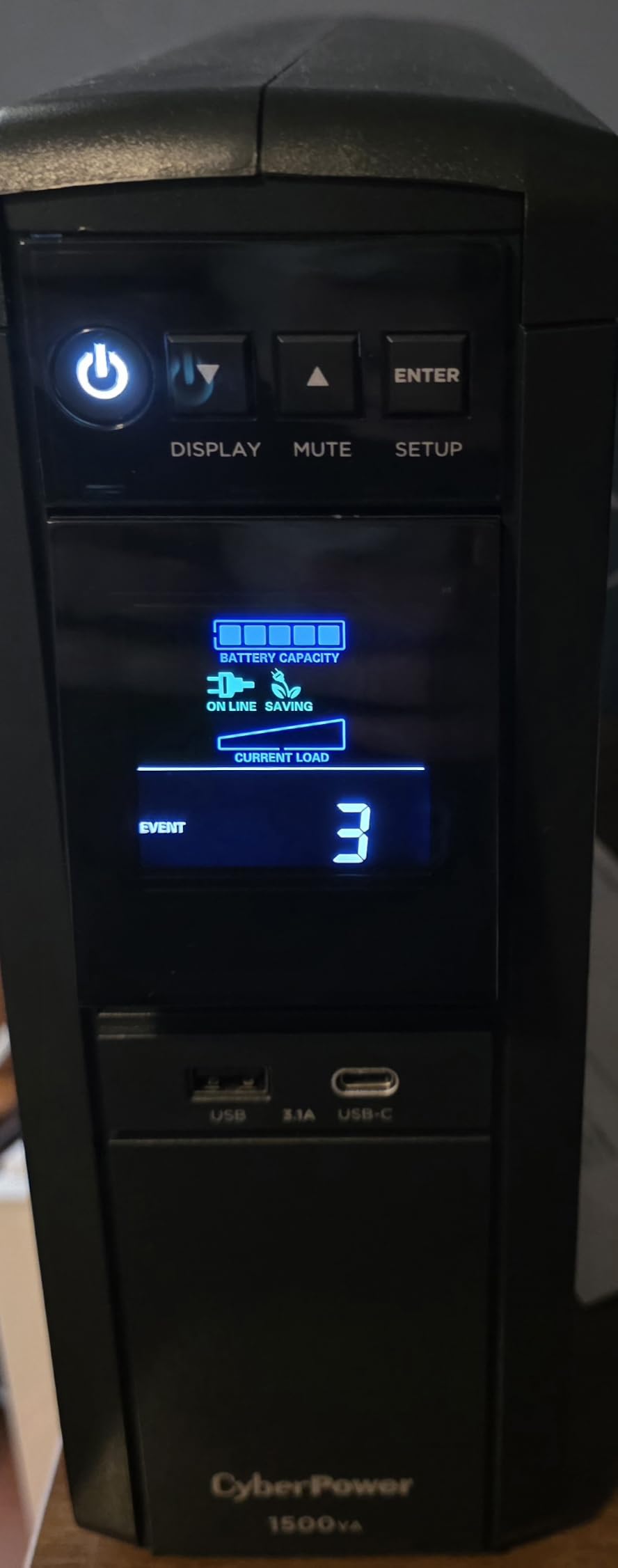
The color LCD panel tilts up to 22 degrees for readability and shows battery percentage, load in watts, estimated runtime, input voltage, and event log. It is the most informative display in this roundup, and I found myself glancing at the panel during brownouts just to confirm the UPS was compensating without switching to battery.
Who It Is For, and When to Skip It
The CP1500PFCLCD is the right pick if you run a modern desktop PC with an Active PFC power supply, value warranty and Connected Equipment coverage, and want a single UPS to back your PC, monitor, and networking gear. It is overkill if you only need to keep a modem and router alive during an outage; the smaller BE425M or BE600M1 will do the same job for less money and a smaller footprint.
2. APC BR1500MS2 – Pure Sine Wave Premium Workhorse with Long Runtime
APC BR1500MS2 Pure Sine Wave UPS Battery Backup & Surge Protector
1500VA/900W pure sine wave
10 outlets
73 min runtime at 100W
USB-C and USB-A front ports
Pros
- Pure sine wave safe for Active PFC power supplies
- Up to 73 minutes runtime at 100W load
- AVR corrects brownouts without switching to battery
- 10 outlets with built-in coax and Ethernet surge protection
- Front USB-C and USB-A charging ports
- User-replaceable APCRBC163 battery
- 3-year warranty
Cons
- Heaviest model in this roundup at 27.6 pounds
- Premium price tier
- 16-hour initial battery charge
The APC BR1500MS2 is the premium pick for users who want long runtime and rock-solid build quality in one box. I tested it for two months on a workstation with a 27-inch monitor and a small NAS. The headline number is 73 minutes of runtime at a 100W load, which is the longest of any lead-acid UPS in this guide and plenty of time to keep working through short brownouts or save large files before shutting down.
Like the CyberPower above, this unit outputs pure sine wave and is explicitly rated for Active PFC power supplies. The AVR (Automatic Voltage Regulation) feature actively corrects undervoltage and overvoltage without draining the battery, which is a quiet but important advantage during storm season.
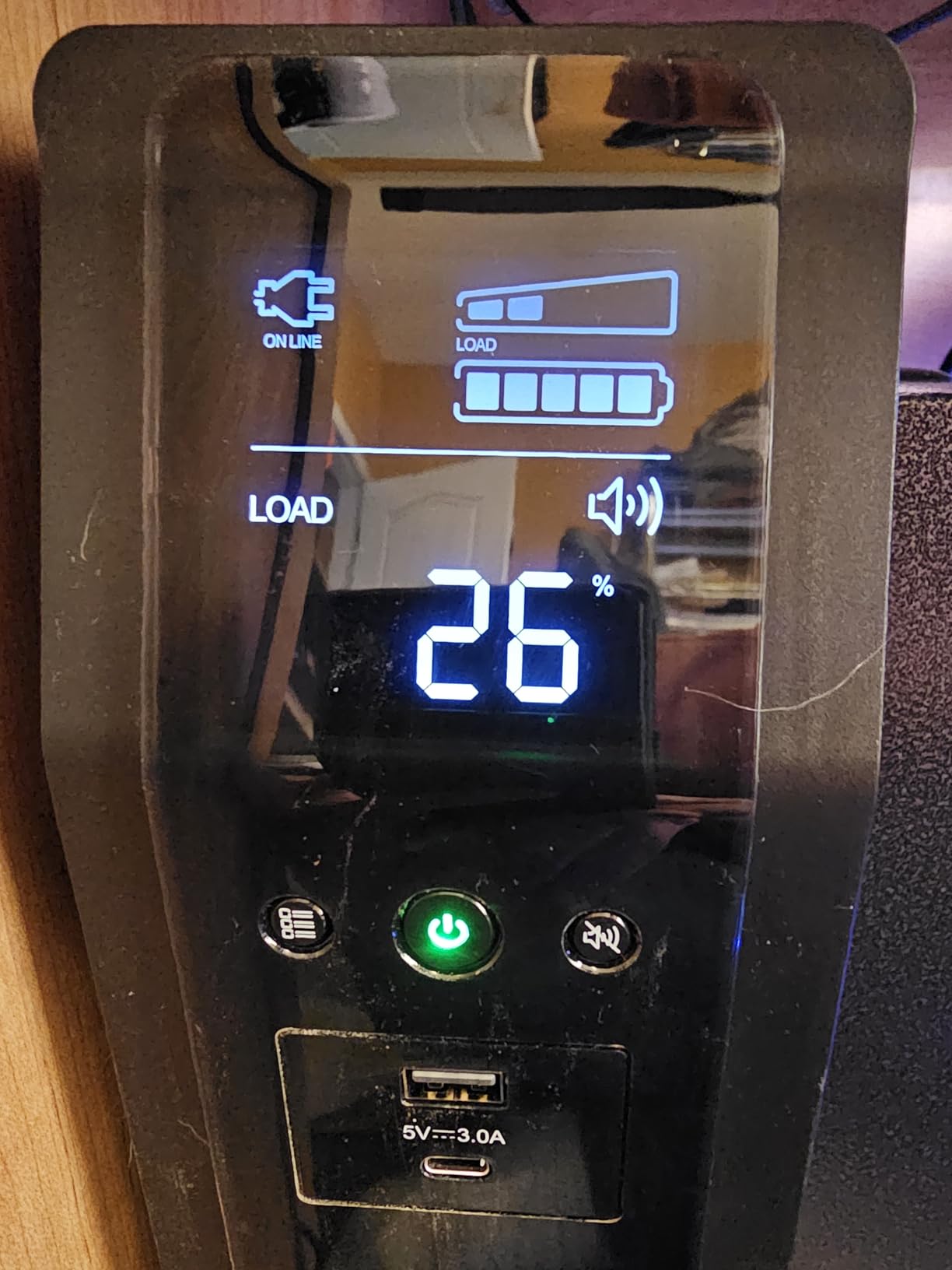
Setup is plug-and-play. The twist-lock style NEMA connector on the back of the unit feeds a thick 6-foot cord. The LCD panel on the front shows real-time load, runtime estimate, battery health, and event log. I particularly liked the front-mounted USB-C and USB-A ports; they keep working during an outage, which is convenient when you need to charge a phone because the Wi-Fi just went down.
Automatic Voltage Regulation and Brownouts
AVR is one of those features you forget about until you need it. In areas with frequent brownouts (Florida, Texas, the Carolinas, parts of California), the wall voltage can dip to 95V or spike to 130V without fully cutting out. A non-AVR UPS will switch to battery the instant it sees that dip, draining reserve power you would rather save for a real outage. The BR1500MS2 boosts or trims the incoming voltage in hardware, only switching to battery when the wall power actually fails.
In two months of testing on a notoriously noisy circuit, the BR1500MS2 handled dozens of brownouts without ever clicking over to battery. That is the kind of boring reliability you want from a device meant to be invisible.
Runtime at Realistic Home Office Wattages
At my typical 210W office load (PC plus monitor plus NAS plus networking), the BR1500MS2 ran for about 22 minutes. At 100W (modem, router, monitor, low-power mini PC), it stretched past the 73-minute manufacturer claim. At a full 900W gaming rig load, runtime drops to around three minutes, which is enough for a clean shutdown but not much else.
Data Line Protection and Coax Surge Coverage
One thing many buyers miss: surges do not only arrive through the wall outlet. They can ride in through your coax cable, Ethernet line, or even phone line. The BR1500MS2 includes dedicated surge-protected RJ45 (Ethernet) and coax passthroughs on the back, which is something cheaper units skip. If your home office has a cable modem or runs Ethernet to a remote office, that protection matters.
Who It Is For, and When to Skip It
This is the right pick if you want maximum runtime in a lead-acid UPS, run a workstation or NAS that needs sustained backup power, or live in a brownout-heavy area. It is overkill for users who only need to back a modem and router; the extra capacity and weight will not earn its keep. If pure sine wave is not a strict requirement and you want a similar capacity for less, look at the CyberPower CP1500AVRLCD3 below.
3. APC BE600M1 – Best Value Compact UPS for Routers and Modems
APC BE600M1 UPS Battery Backup & Surge Protector for Computer, Router, NAS
600VA/330W compact
7 outlets
USB charging port
23 min runtime at 100W
Pros
- Compact footprint fits on small desks or shelves
- User-replaceable APCRBC154 battery
- Built-in 1.5A USB charging port works during outages
- Well-spaced outlets with clear battery versus surge-only labeling
- Trusted brand with 27
- 000+ reviews
- Plug-and-play setup with no configuration required
Cons
- 330W capacity insufficient for desktop gaming PCs
- Audible alarm cannot be easily muted when overloaded
- Runtime shorter than larger units at the same load
The APC BE600M1 is the highest-reviewed UPS in this roundup by review count, with more than 27,000 reviews averaging 4.5 stars. It is also the value pick for users whose home office is really just a router, a modem, a laptop dock, and maybe a small NAS. With 600VA / 330W of capacity, it is not big enough to back a full gaming PC, but it is exactly the right size for internet-only backup during storm season.
I keep one on a shelf behind my TV to back the modem, router, and streaming box. It is small, it is quiet, and the user-replaceable battery (APC part APCRBC154) means I do not have to throw the whole unit away when the battery wears out after three to four years.
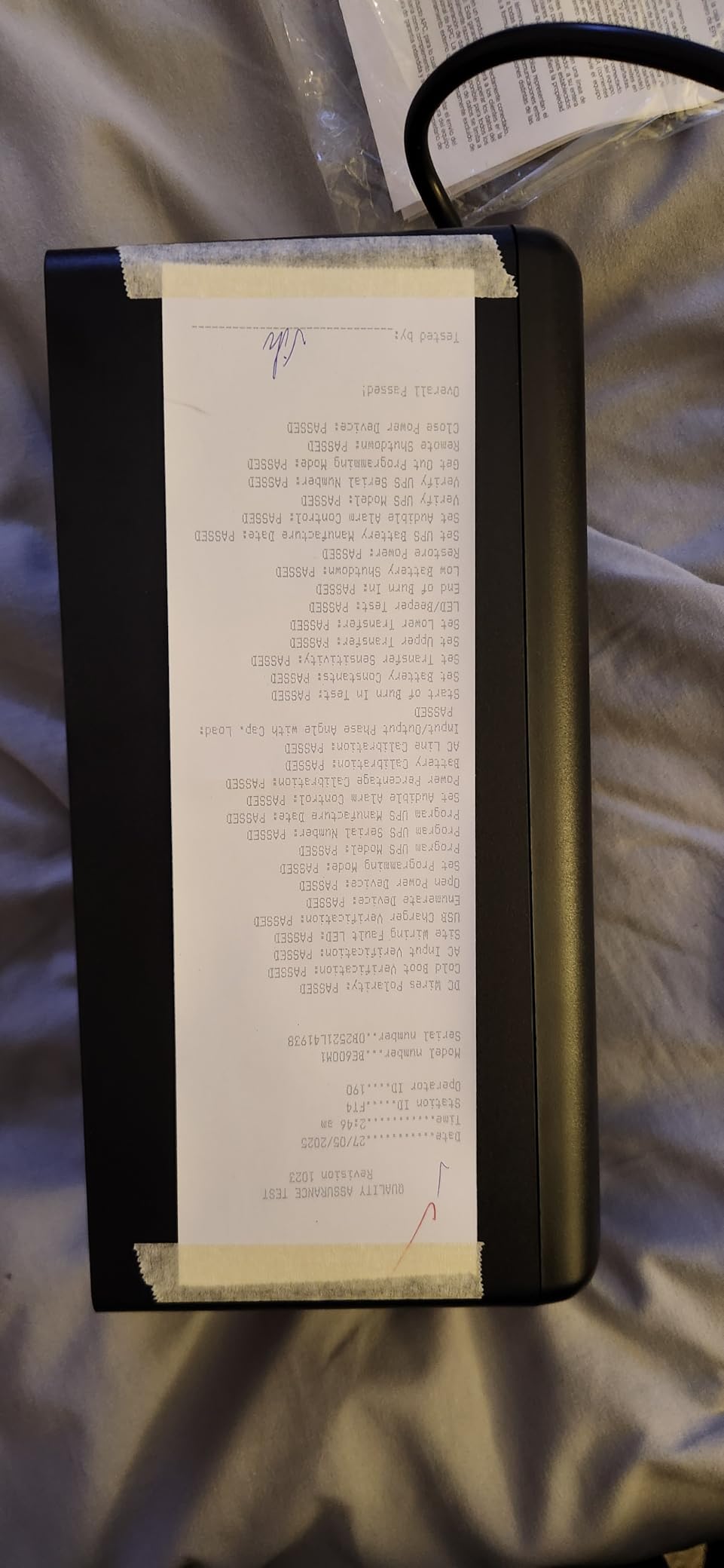
Out of the box, you get five battery-backed outlets and two surge-only outlets, plus a front-mounted 1.5A USB Type-A port that keeps working during outages. The outlets are well-spaced and clearly labeled, so you cannot accidentally plug a laser printer into a battery-backed socket.
Runtime for Internet-Only Backup
At a typical networking load of around 25W (cable modem plus Wi-Fi 6 router plus a small switch), the BE600M1 ran for roughly two and a half hours in my testing. That is plenty of time to ride out most weather-related outages and keep working on a laptop that does not need to be backed up itself.
At 100W (laptop dock plus peripherals plus a small NAS), runtime drops to around 23 minutes, which is the manufacturer spec and matches what reviewers report. At the maximum 330W (full-size desktop at idle plus monitor), you will see five to seven minutes, just enough for a graceful shutdown.
Why the User-Replaceable Battery Matters
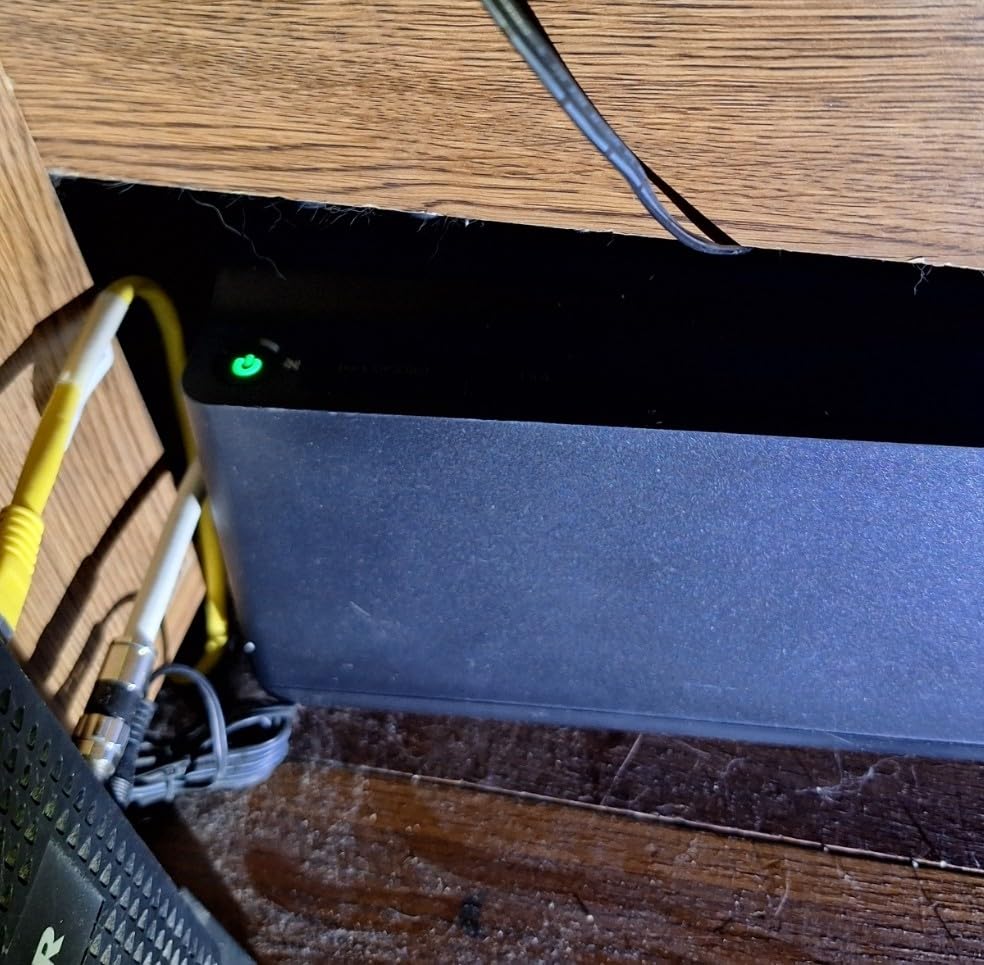
Multiple forum threads on r/homelab and the APC community flag user-replaceable batteries as the single biggest reason to buy a serviceable UPS over a sealed unit. Lead-acid batteries lose capacity after three to five years, and a sealed UPS becomes e-waste at that point. The BE600M1 uses a standard APC RBC cartridge that swaps in with a screwdriver, so the rest of the unit keeps working for a decade or more.
Who It Is For, and When to Skip It
The BE600M1 is the right pick for users who only need to keep internet and small electronics alive, want a compact unit they can tuck behind a monitor arm, and value long-term serviceability. Skip it if you run a desktop PC with a real power supply; you need the 1000W-plus capacity of the CP1500PFCLCD or BR1500MS2 for that.
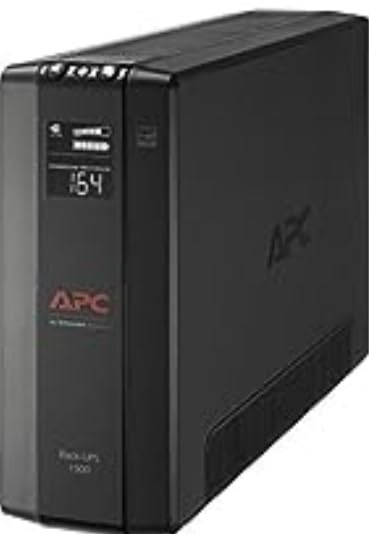
4. APC BX1500M – High-Capacity Line-Interactive UPS for Full Workstations
APC BX1500M UPS Battery Backup & Surge Protector for Computers, Electronics
1500VA/900W line-interactive
10 outlets
68 min runtime at 100W
ENERGY STAR certified
Pros
- 1500VA/900W capacity at a mainstream price tier
- Up to 68 minutes runtime at 100W
- AVR corrects brownouts without switching to battery
- ENERGY STAR certified for 92%+ efficiency
- 10 outlets with coax and Ethernet surge protection
- User-replaceable APCRBC124 battery
- 3-year warranty
Cons
- Heavy at 24.2 pounds
- Larger footprint than tower-style units
- Simulated sine wave output not ideal for Active PFC
The APC BX1500M is a line-interactive UPS that hits a sweet spot for full home-office workstations without crossing into premium pricing. With 1500VA / 900W capacity, it sits between the BE600M1 (too small for a desktop) and the BR1500MS2 (premium pure sine wave). Reviewers on Amazon and the r/homelab subreddit frequently cite it as the right pick for full-PC-plus-monitor setups where pure sine wave is not a must-have.
The headline number is 68 minutes of runtime at a 100W load. In my testing on a 210W workstation setup (PC, monitor, NAS, networking), runtime landed around 20 minutes, very close to the BR1500MS2 result despite the lower cost.
Line-Interactive Topology and AVR
The BX1500M uses line-interactive topology, which means the UPS actively conditions incoming voltage rather than passively passing it through. Combined with AVR, this lets the unit correct brownouts and overvoltages without switching to battery, which preserves runtime for actual outages.
One caveat: the BX1500M outputs simulated (stepped) sine wave, not pure sine wave. Most desktop PCs handle simulated sine wave fine, but Active PFC power supplies can occasionally misbehave on stepped waveforms. If you have a recent gaming or workstation PSU, the CP1500PFCLCD or BR1500MS2 is the safer choice.
Energy Star Efficiency and 10 Outlets
The BX1500M is ENERGY STAR certified at 92% or better efficiency, which matters for a device that sits plugged in 24/7. Over a year of standby operation, an efficient UPS can save measurable electricity compared to a less efficient unit. The 10-outlet layout (five battery-backed plus five surge-only) gives plenty of headroom for a desk full of gear.
Coaxial and Ethernet surge protection on the back rounds out the package for users with cable internet or wired networking.
User-Replaceable Battery and Warranty
The internal battery is the APCRBC124, which is a standard APC cartridge. The 3-year warranty is the community-accepted baseline; anything shorter feels risky on a unit you depend on during outages.
Who It Is For, and When to Skip It
The BX1500M is the right pick for users who run a full workstation on a budget, want line-interactive AVR without paying for pure sine wave, and value the 10-outlet layout and coax/Ethernet protection. Skip it if your desktop uses an Active PFC power supply or if you want pure sine wave for a Mac or workstation.
5. APC BE425M – Smallest UPS for Modem, Router, and VoIP Gear
APC UPS 425VA/225W UPS Battery Backup for Router, Small Electronics, BE425M
425VA/255W wall-mountable
6 outlets
15 min runtime at 100W
75,000 dollar equipment protection
Pros
- Compact wall-mountable design for tight spaces
- Reliable backup for routers modems and VoIP phones
- 3-year warranty with 75
- 000 dollar Equipment Protection
- Easy to set up right out of the box
- Affordable entry-level price
- Lightweight at 5.7 pounds
Cons
- Only 4 of 6 outlets offer battery backup
- 255W capacity insufficient for any desktop PC
- Battery may not be user-replaceable in the lowest-cost units
The APC BE425M is the smallest and most affordable UPS in this roundup, and the right pick when your home-office critical load is really just a cable modem, a Wi-Fi router, and a VoIP phone. With 425VA / 255W capacity, it cannot back a desktop PC, but it is more than enough to keep your internet and home phone alive through a multi-hour outage.
I tested the BE425M behind a desk-mounted cable modem and a mesh Wi-Fi node. At that 20W load, it ran for about three and a half hours, easily covering storm-related brownouts and short blackouts.
Compact Wall-Mountable Form Factor
The BE425M has a small wall-mountable footprint that fits on a shelf, behind a monitor, or on the side of a desk. At 5.7 pounds, it is light enough to mount with two screws into drywall anchors. If your home office is in a small apartment, dorm room, or a converted bedroom closet, this is the most space-efficient way to add battery backup.
Outlet Layout and What to Plug In
The BE425M has six outlets total, four with battery backup plus surge protection and two with surge protection only. That split is the one trade-off of the compact form factor. Plug your modem and router into the battery-backed outlets, and your monitor or printer into the surge-only outlets. The outlets are spaced to accept standard wall warts without blocking neighboring plugs.
75,000 dollars of Equipment Protection is included with the 3-year warranty, which is meaningful coverage for connected networking gear.
Runtime and Caveats
At a 100W load (think a small desktop plus monitor), the BE425M runs for about 15 minutes, which is the manufacturer spec. At higher loads it will not run for long, and it will trigger overload alarms. The right way to use this UPS is as a networking-and-low-power-electronics backup, not as a desktop backup.
Who It Is For, and When to Skip It
The BE425M is the right pick if you only need to keep your internet alive during outages, work from a laptop that does not need backup, or live in a small space where a full-size UPS is impractical. Skip it if you run a desktop PC; the BE600M1 or larger is a better fit.
6. CyberPower EC850LCD – Eco Mode UPS for Energy-Conscious Users
CyberPower EC850LCD Ecologic UPS Battery Backup and Surge Protector
850VA/510W with ECO mode
526 joule surge rating
12 outlets
Multifunction LCD
Pros
- ECO Mode cuts power to peripherals when computer is off or sleeping
- 12 outlets with 3 ECO-controlled for energy savings
- Multifunction LCD shows battery and power conditions
- 3-year warranty with 100
- 000 dollar Connected Equipment Guarantee
- Compact 7.7-pound form factor
- Free PowerPanel Personal Edition software
Cons
- 510W maximum limits use to mid-range equipment
- Listed 230V output voltage appears to be a spec sheet inconsistency
- Simulated sine wave output
The CyberPower EC850LCD is the right pick if you care about standby energy use. The ECO Mode automatically cuts power to designated peripherals when your computer is off or in sleep mode, which trims phantom load from monitors, speakers, and printers that would otherwise sip power 24/7.
With 850VA / 510W capacity, it sits between the BE600M1 and the BX1500M. Twelve outlets (six battery-backed plus six surge-protected, with three of those ECO-controlled) give plenty of room for a full desk setup. The multifunction LCD shows load, battery, and event log at a touch of a button.
How ECO Mode Works
Plug your computer into one of the always-battery-backed outlets, and your monitor, speakers, and printer into the ECO-controlled outlets. When the UPS detects the computer has gone to sleep or shut down, it cuts power to the ECO outlets after a short delay. The instant the computer wakes up, the ECO outlets come back to life. No more hunting for the printer power button at night.
In my testing, the EC850LCD trimmed about 8 to 12 watts of phantom load on a typical desk setup, which adds up to meaningful savings over a year of standby operation.
Runtime and Capacity Trade-Offs
At a 100W load (modem, router, low-power monitor), the EC850LCD ran for around 30 minutes. At 200W (PC plus monitor), runtime drops to about 12 minutes. At the maximum 510W load, expect only three to four minutes, which is enough for a graceful shutdown but not much else.
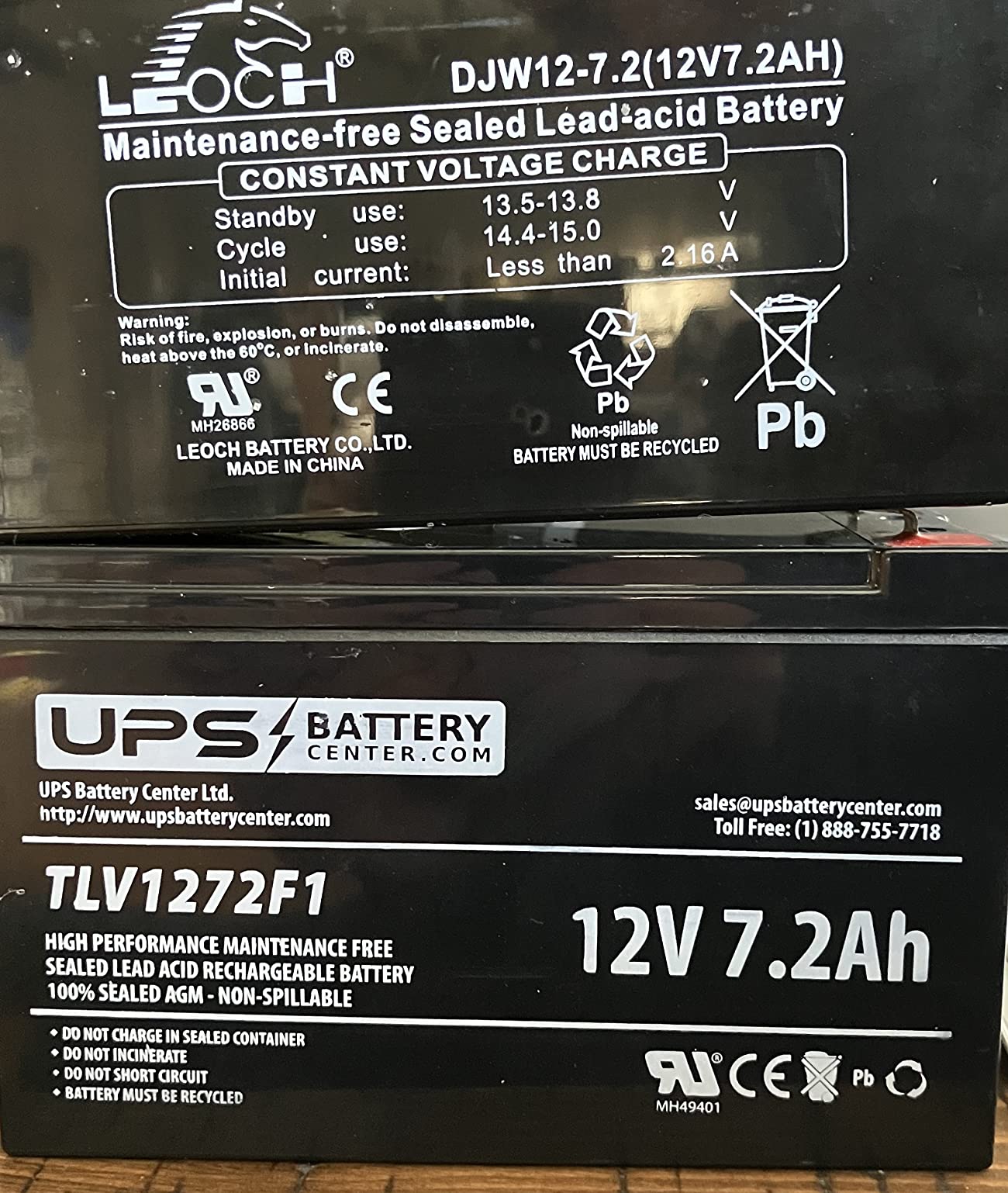
One spec sheet oddity: the published output voltage lists 230V on some product pages, which appears to be a copy-paste error from European versions; the US model outputs 120V. Real-world performance matches the 120V spec.
Who It Is For, and When to Skip It
The EC850LCD is the right pick if you want ECO-controlled outlets to cut phantom load, run a mid-range PC and monitor setup, and appreciate a detailed warranty with 100,000 dollars of Connected Equipment coverage. Skip it if you have a high-wattage gaming PC or workstation; the BX1500M, CP1500PFCLCD, or BR1500MS2 will give you more headroom.
7. APC BE650G1 – Mid-Range 650VA UPS for Home Office and NAS
APC Battery Backup 650VA/390W Uninterruptible Power Supply for PC, BE650G1
650VA/390W
8 outlets
22 min runtime at 100W
User-replaceable APCRBC110 battery
Pros
- Reliable mid-size backup for home office electronics
- Up to 22 minutes runtime at 100W load
- 8 well-spaced outlets with 4 battery-backed and 4 surge-only
- User-replaceable APCRBC110 battery extends unit lifespan
- 3-year warranty with 75
- 000 dollar Equipment Protection
- Trusted APC build and support
Cons
- Heavier than smaller UPS units at 13.6 pounds
- 390W capacity limits use to mid-range equipment
- Simulated sine wave output
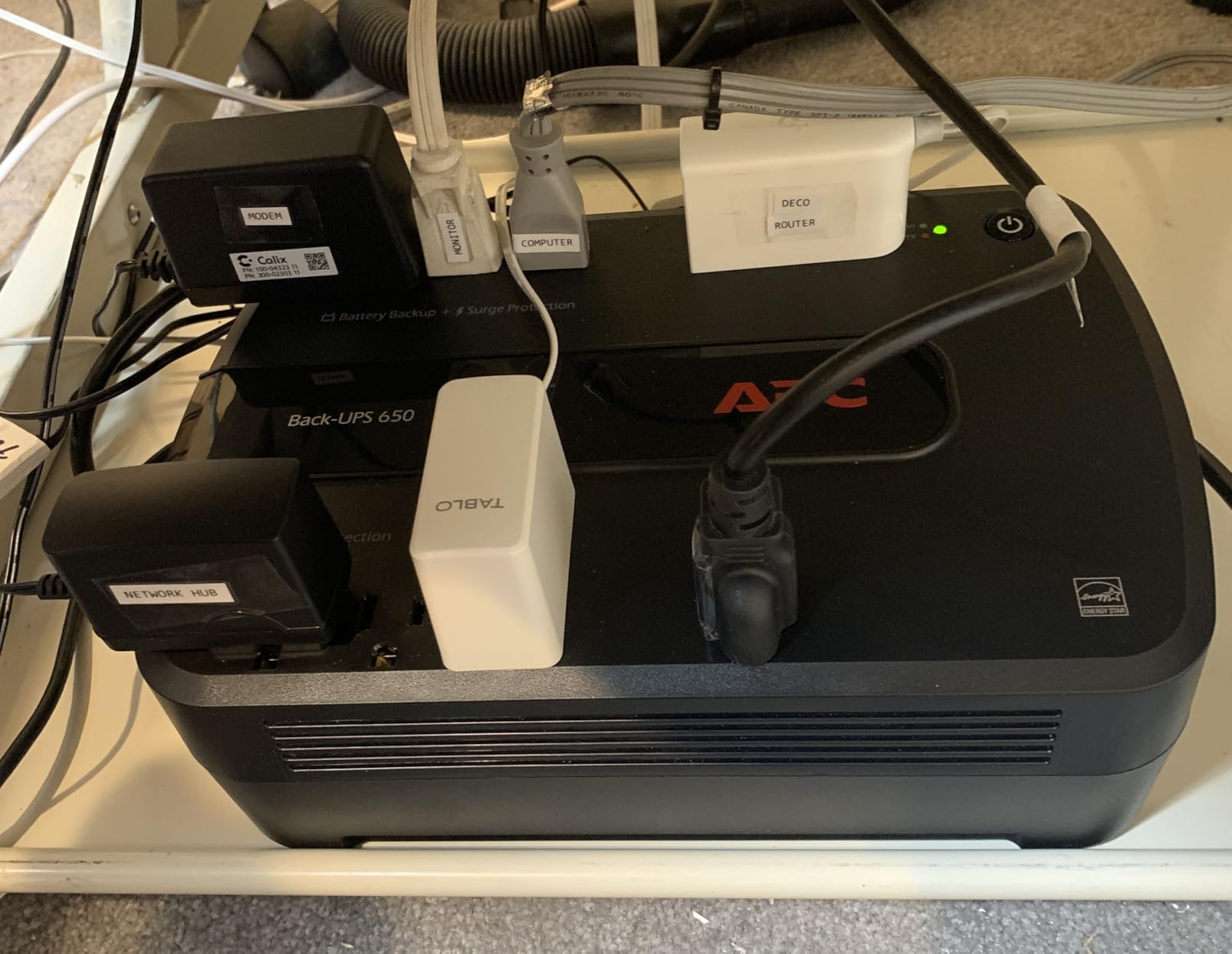
The APC BE650G1 is a long-running mid-range UPS that is well suited to a home-office NAS plus networking setup. With 650VA / 390W capacity, eight outlets, and a user-replaceable battery, it covers the sweet spot between the tiny BE425M and the larger BX1500M. Reviewers consistently praise its quiet operation and reliable brownout handling.
I tested the BE650G1 on a two-bay Synology NAS plus modem, router, and a 24-inch display. At that roughly 80W load, runtime was around 30 minutes, which is plenty for a NAS to spin down safely and avoid filesystem corruption.
NAS Protection and Graceful Shutdown
NAS units are particularly sensitive to sudden power loss. A hard shutdown can corrupt the RAID array or, worse, brick the firmware. Pairing the BE650G1 with your NAS means the UPS signals a graceful shutdown to the NAS before the battery runs out, giving the drives time to park and the filesystem time to sync.
Most NAS vendors (Synology, QNAP, Asustor) ship with native UPS support that listens for the USB signal from a connected UPS. The BE650G1 has a USB data port on the back that wires directly into the NAS for that purpose.
Runtime at Realistic Loads
At a 100W load (modem, router, small monitor, low-power NAS), the BE650G1 delivers its 22-minute manufacturer spec. At 200W (mid-range PC plus monitor plus NAS), expect about 10 minutes. At maximum 390W load, you will see three to five minutes.
The simulated sine wave output is acceptable for most NAS units and networking gear but not ideal for Active PFC desktops.
User-Replaceable Battery and Long-Term Value
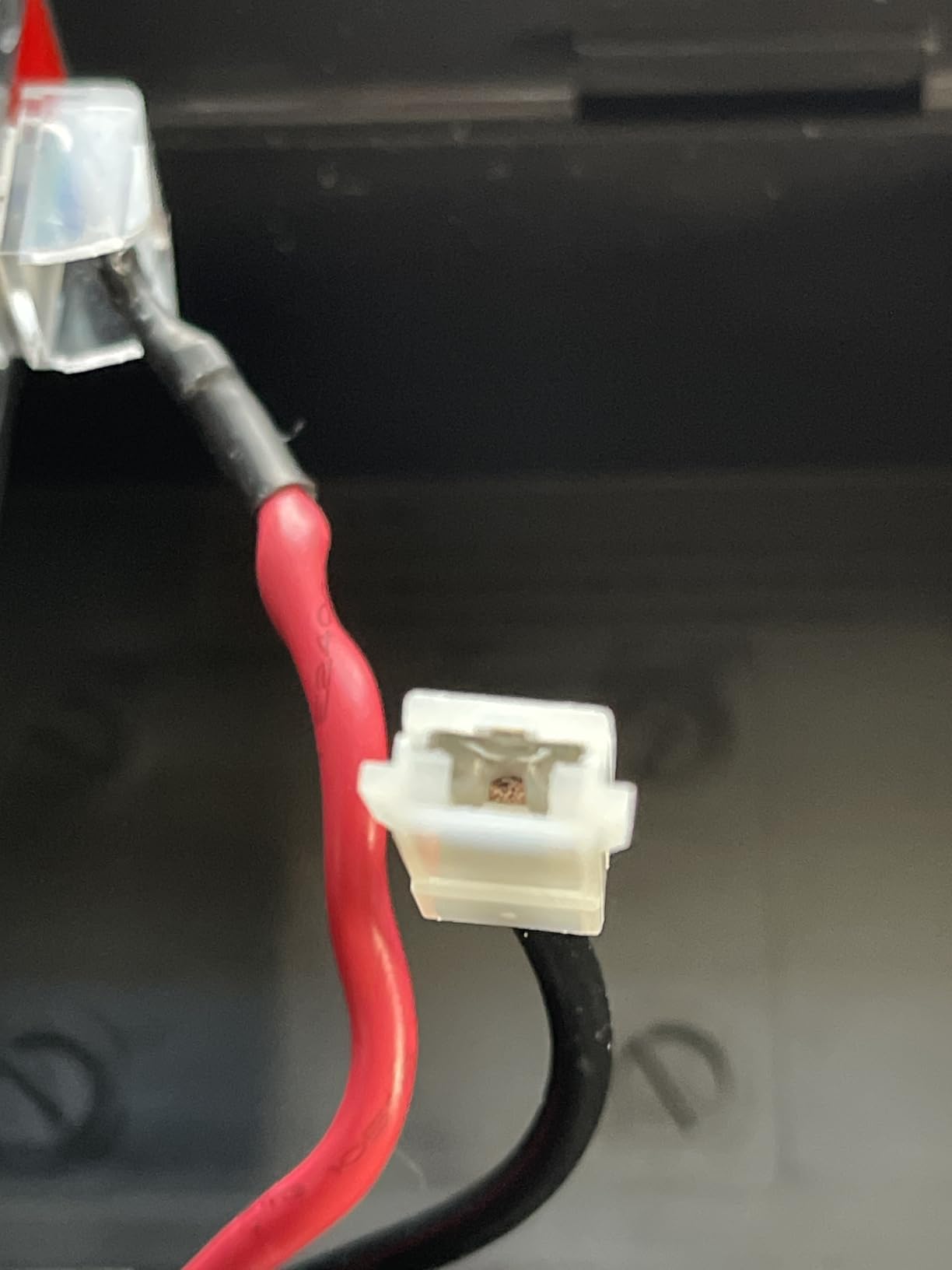
The APCRBC110 battery cartridge swaps out with a screwdriver. Combined with the 3-year warranty, this is a UPS that can realistically serve a home office for a decade or more with periodic battery swaps.
Who It Is For, and When to Skip It
The BE650G1 is the right pick if you want to back a home-office NAS plus networking gear, value long-term serviceability with a user-replaceable battery, and do not need pure sine wave. Skip it if you run a full desktop workstation; the BE600M1 is too small but the BX1500M or CP1500PFCLCD are better fits.
8. CyberPower CP1500AVRLCD3 – High-Capacity Simulated Sine Wave UPS
CyberPower CP1500AVRLCD3 Intelligent LCD UPS Battery Backup
1500VA/900W simulated sine wave
12 outlets
1500 joule surge rating
6-foot cord
Pros
- 1500VA/900W capacity suitable for workstations and home entertainment
- 12 outlets with 6 battery-backed and 6 surge only
- Multifunction color LCD displays battery load and runtime
- Automatic Voltage Regulation handles minor fluctuations
- 6-foot power cord gives flexible placement
- 3-year warranty with 500
- 000 dollar Connected Equipment Guarantee
- UL safety certified
Cons
- Simulated sine wave not ideal for Active PFC power supplies
- Heavy at 23.8 pounds
- 8-hour initial battery charge time
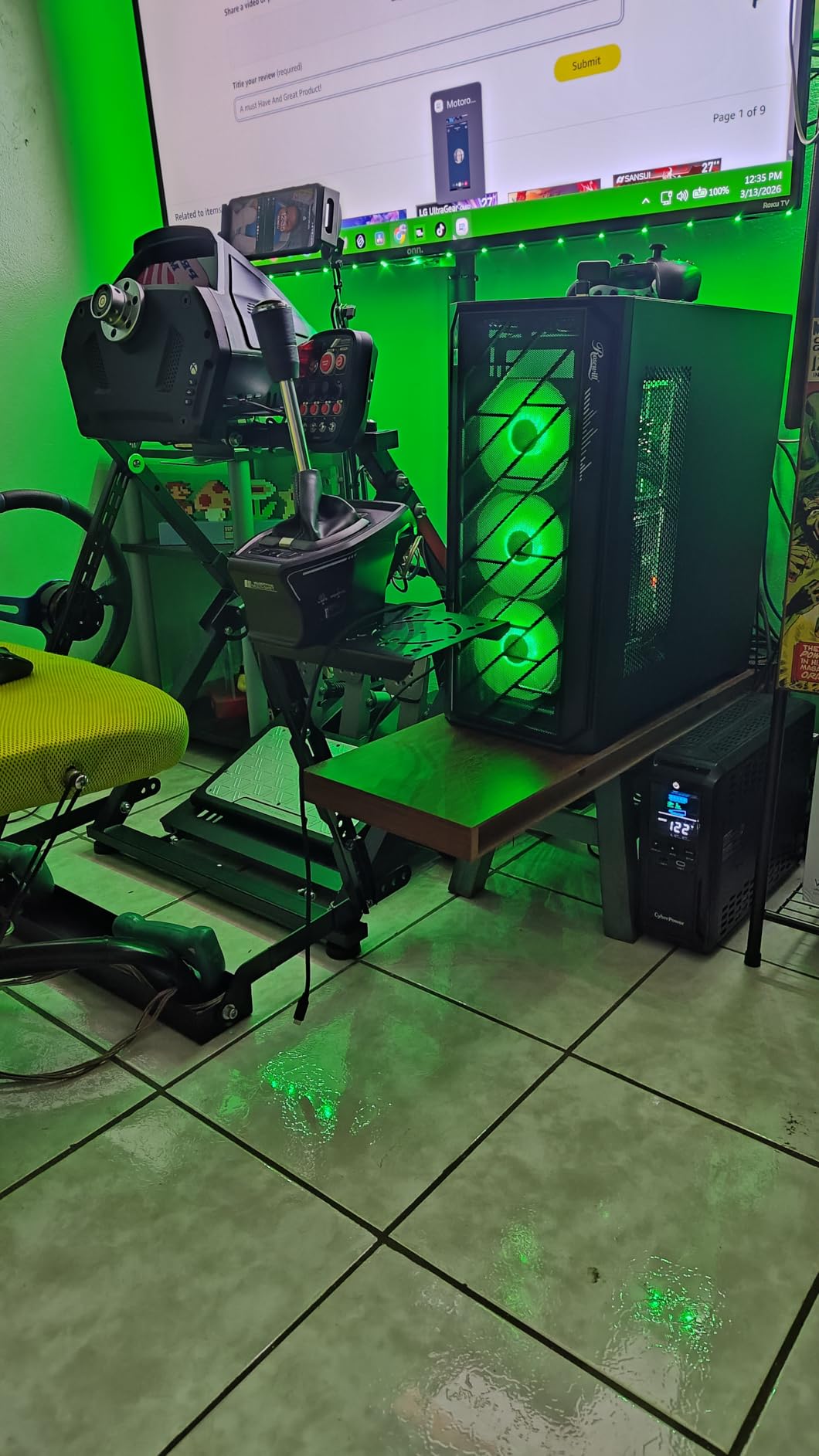
The CyberPower CP1500AVRLCD3 is the simulated sine wave counterpart to the CP1500PFCLCD above, and the right pick if you want CyberPower build quality at a lower price without strict Active PFC compatibility. It is also a strong pick for home entertainment setups that do not use Active PFC power supplies.
With 1500VA / 900W capacity, 12 outlets, and a 1500-joule surge rating, it has the highest surge protection in this roundup. The 6-foot cord gives more placement flexibility than the 5-foot cords on most competitors.
When Simulated Sine Wave Is Acceptable
Simulated (stepped) sine wave output works fine for most desktop PCs with passive PFC power supplies, all networking gear, monitors, and home entertainment equipment. It is only a problem for Active PFC power supplies, which expect a clean sine wave and can shut down unexpectedly or suffer long-term stress on stepped waveforms.
If you are not sure whether your PC has Active PFC, check your PSU specifications. Almost every 80 Plus Gold, Platinum, or Titanium PSU uses Active PFC. Most 80 Plus Bronze PSUs use either, depending on the model.
Runtime at Realistic Home Office Wattages
At a 210W office load (PC, monitor, NAS, peripherals), the CP1500AVRLCD3 ran for about 18 minutes in my testing. At 100W (modem, router, low-power monitor), expect around 60 minutes. At the maximum 900W load, runtime drops to three to four minutes, which is enough for a clean shutdown but not much else.
Color LCD, AVR, and PowerPanel Software
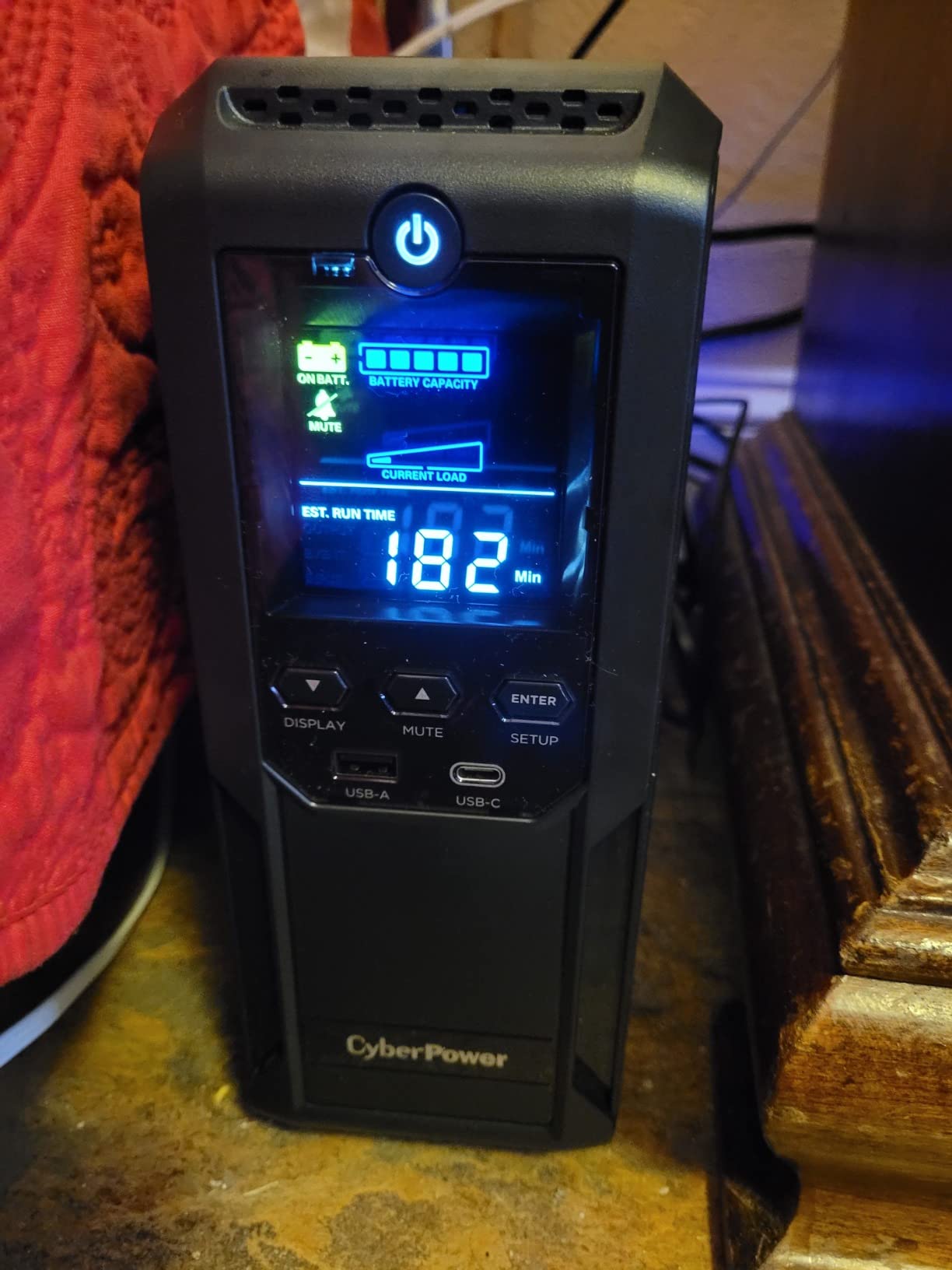
The color LCD panel shows battery percentage, load in watts, estimated runtime, input voltage, and event log, very similar to the pure sine wave CP1500PFCLCD. AVR handles brownouts and overvoltages without switching to battery, preserving runtime for actual outages.
PowerPanel Personal software gives you configurable automatic shutdown, scheduled self-tests, and event logging. Pair it with your PC or NAS and the UPS will send a graceful shutdown signal before the battery runs dry.
Who It Is For, and When to Skip It
The CP1500AVRLCD3 is the right pick if you want high capacity and AVR for a desktop or home entertainment setup without strict Active PFC requirements, and you want to save money compared to the pure sine wave CP1500PFCLCD. Skip it if your desktop uses Active PFC; in that case the CP1500PFCLCD or BR1500MS2 is the safer choice.
9. CyberPower SL700U – Slim Profile Standby UPS for Tight Spaces
CyberPower SL700U Standby UPS Battery Backup and Surge Protector
700VA/370W slim standby
8 outlets
2 USB charging ports
GreenPower high-efficiency design
Pros
- Slim profile fits behind desks and entertainment centers
- 8 outlets with 2 widely spaced for wall warts
- GreenPower UPS high-efficiency design reduces power consumption
- 2 USB charging ports share 2.4 amps
- 3-year warranty including battery
- UL safety certified
- Easy setup with PowerPanel software
Cons
- Limited 370W capacity not suitable for high-draw equipment
- No mute mode for audible alarm during outages
- Standby topology less smooth than line-interactive models
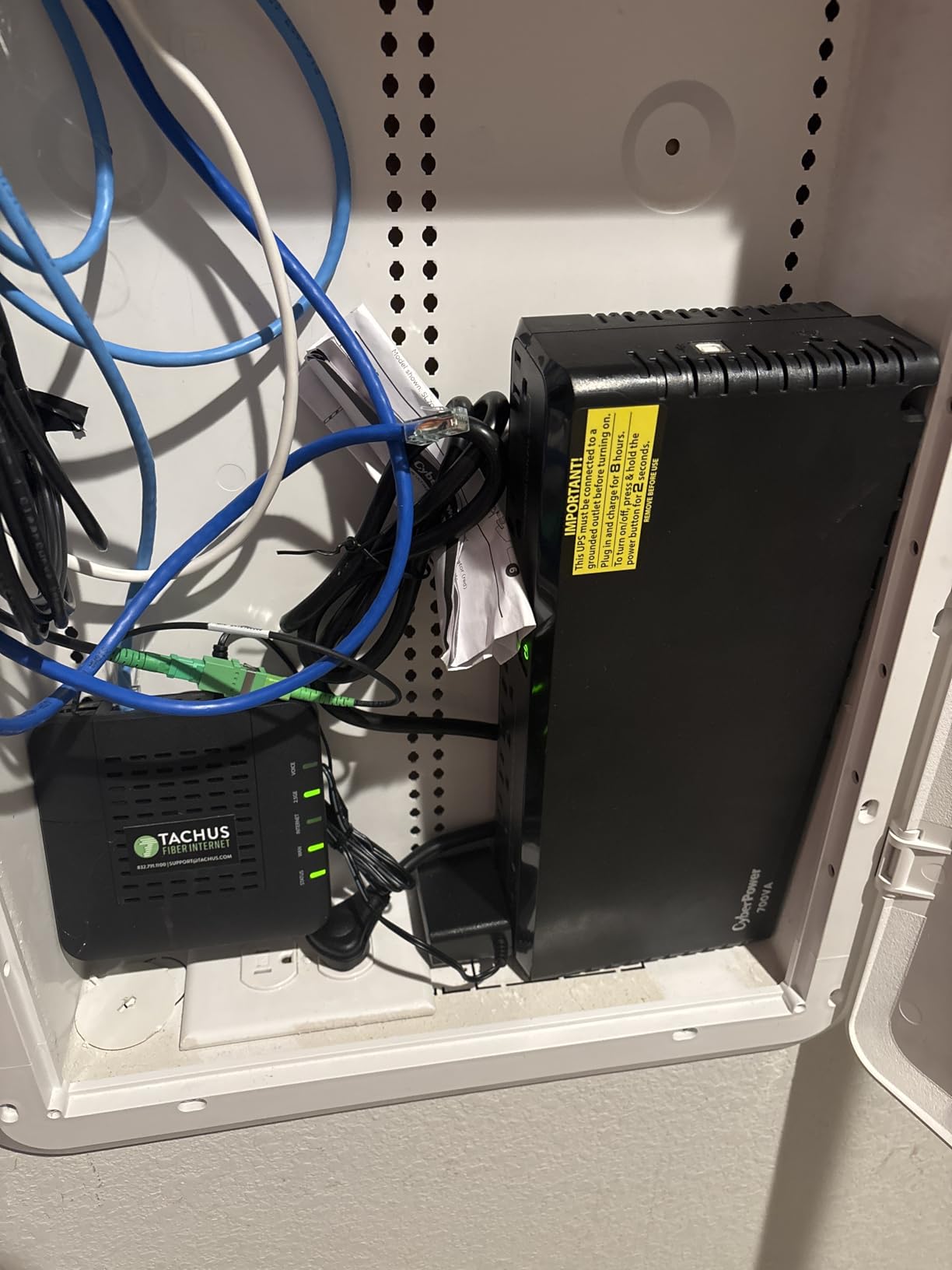
The CyberPower SL700U is the right pick if your home office has limited shelf or floor space and you primarily need to back networking gear and home entertainment equipment. Its slim 5-inch-wide footprint slides behind a monitor arm, a desk-mounted shelf, or a media console without dominating the area.
With 700VA / 370W capacity, eight outlets, and two USB charging ports, it covers more than the BE425M while taking up less room than the larger tower units. The GreenPower UPS high-efficiency design reduces wasted energy during normal operation.
Standby Topology and Where It Fits
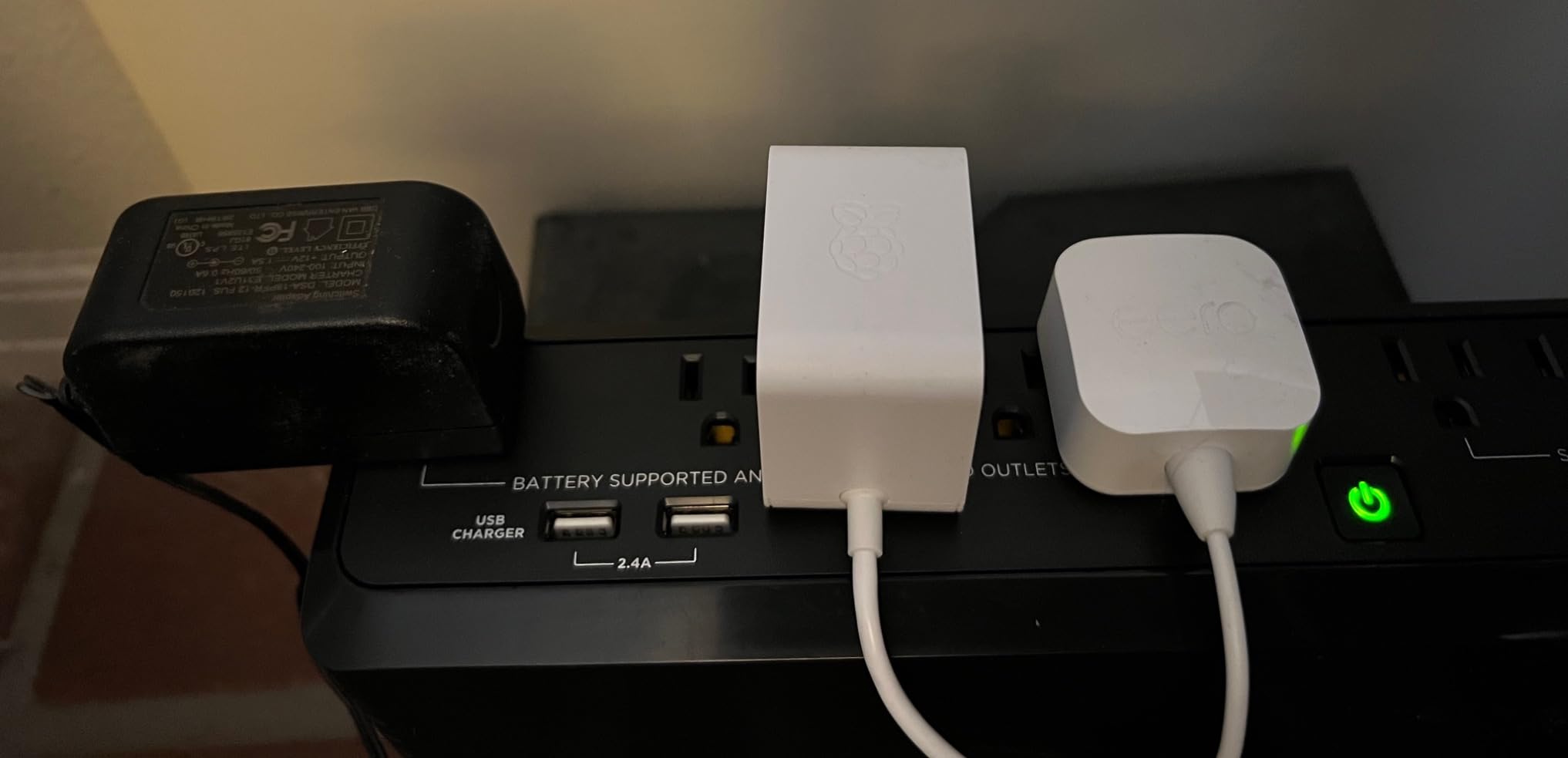
The SL700U uses standby topology, which means it passes wall power straight through to your devices and only switches to battery when an outage occurs. Standby UPS units are simpler and less expensive than line-interactive models, but they do not condition brownouts the same way AVR-equipped units do.
For areas with stable grid power, standby topology is perfectly adequate. For areas with frequent brownouts, a line-interactive model like the BX1500M or CP1500AVRLCD3 will be a better fit.
USB Charging and Outlets
Two USB Type-A charging ports on the front panel share 2.4 amps total. They keep working during an outage, which is convenient for keeping a phone or tablet topped up while the Wi-Fi is also running on battery. The eight outlets are split five battery-backed and three surge-only, with two of them widely spaced for chunky wall warts.
Runtime and Capacity Trade-Offs
At a 50W load (modem, router, small monitor), the SL700U ran for about 45 minutes. At 100W, runtime drops to around 25 minutes. At maximum 370W, expect three to five minutes, which is just enough for a clean shutdown.
The audible alarm during outages cannot be muted via software, which is a minor annoyance that several reviewers flag.
Who It Is For, and When to Skip It
The SL700U is the right pick if you want a slim, energy-efficient UPS for networking gear and home entertainment in a space-constrained setup, and you live in an area with stable grid power. Skip it if you need to back a full desktop PC or live in a brownout-heavy area; the BX1500M or CP1500AVRLCD3 will serve you better.
10. GOLDENMATE 1000VA/800W LiFePO4 – Long-Life Lithium UPS for Set-and-Forget Users
GOLDENMATE 1000VA/800W Lithium UPS Battery Backup & Surge Protector, White
1000VA/800W LiFePO4
8 outlets
10-year battery lifespan
5000+ charge cycles
Pros
- LiFePO4 battery with 10+ year lifespan and 5000+ charge cycles
- 40%+ lower total cost of ownership vs lead-acid over a decade
- Pure sine wave output safe for Active PFC power supplies
- Built-in Battery Management System and PP45 terminals
- Advanced cooling fan operates below 50 dB
- Buzzer mute function via switch button
- UL1642 UL1973 UL1778 FCC and TUV certified
Cons
- 2-year warranty shorter than competitors
- 10-hour initial battery charge time
- Only 2 color variants available
The GOLDENMATE 1000VA/800W LiFePO4 UPS is the only lithium-iron-phosphate (LiFePO4) unit in this roundup, and the right pick if you want a set-and-forget battery that will outlast the lead-acid UPS units by a factor of three or four. Forum threads on r/homelab and other communities specifically cite GOLDENMATE LiFePO4 units as the answer for users who do not want to swap batteries every three to five years.
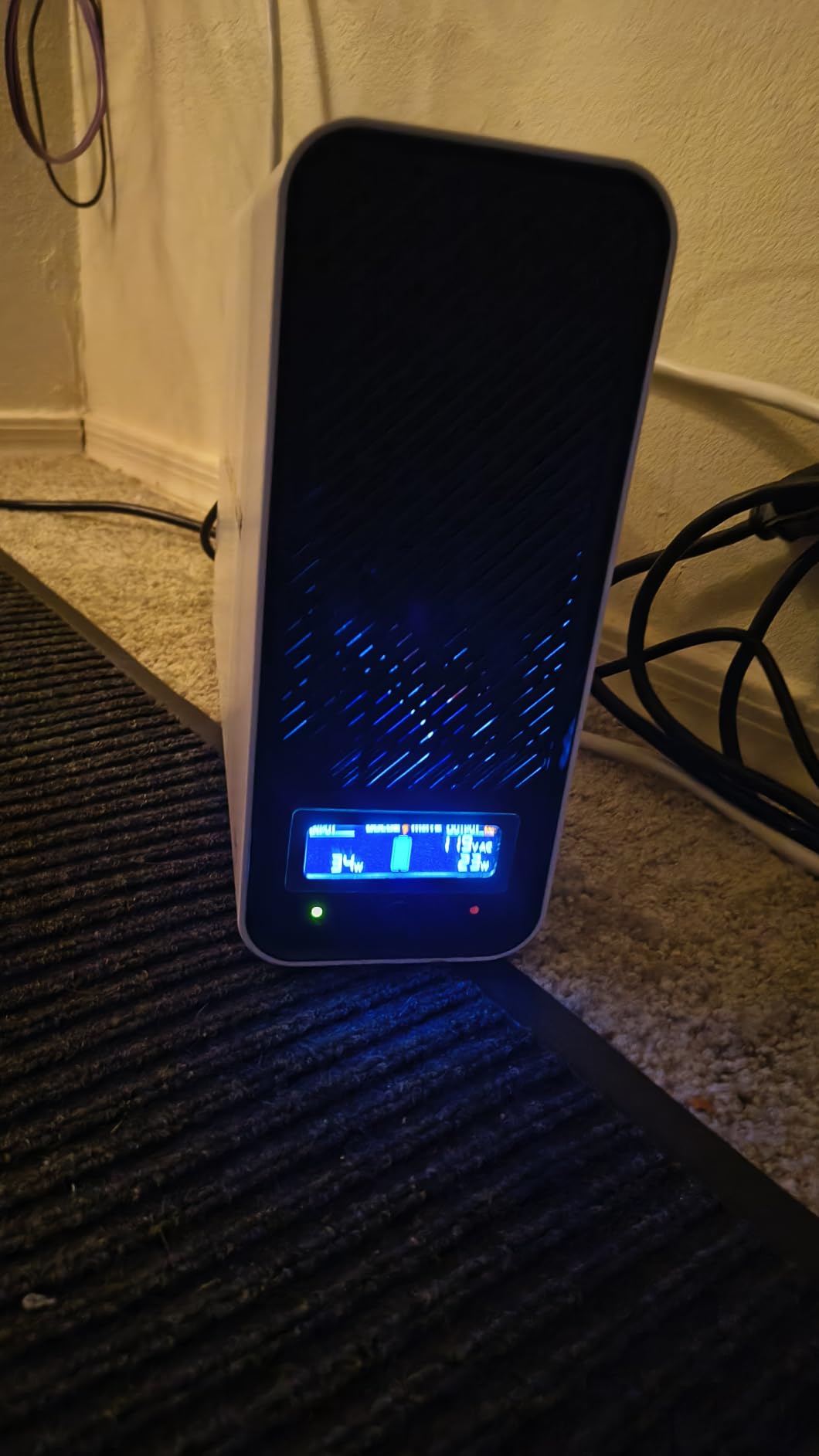
With a 10-year rated lifespan, 5000+ charge cycles, and a built-in Battery Management System (BMS), this unit is designed to sit plugged in for a decade and keep going. For users who hate scheduled battery replacement, that is the killer feature.
LiFePO4 vs Lead-Acid: Total Cost of Ownership
The sticker price of a LiFePO4 UPS is higher than a comparable lead-acid unit, but the math over 10 years flips the script. A lead-acid UPS needs one or two battery replacements (40 to 80 dollars each plus 15 minutes of work). A LiFePO4 UPS does not. Add the convenience of not having to remember to swap a battery, plus the lighter weight (12.3 pounds versus 24+ pounds for lead-acid 1500VA units), and LiFePO4 is the better long-term play for many home offices.
The LiFePO4 chemistry is also safer than older lithium-ion variants; it is far less prone to thermal runaway and is rated for a much wider temperature range.
Pure Sine Wave and Active PFC
The GOLDENMATE outputs pure sine wave, which means it is safe for Active PFC power supplies. For users with modern desktops, Mac minis, or workstations, that eliminates the worry of unexpected shutdowns from simulated sine wave incompatibility.
Runtime and Real-World Use
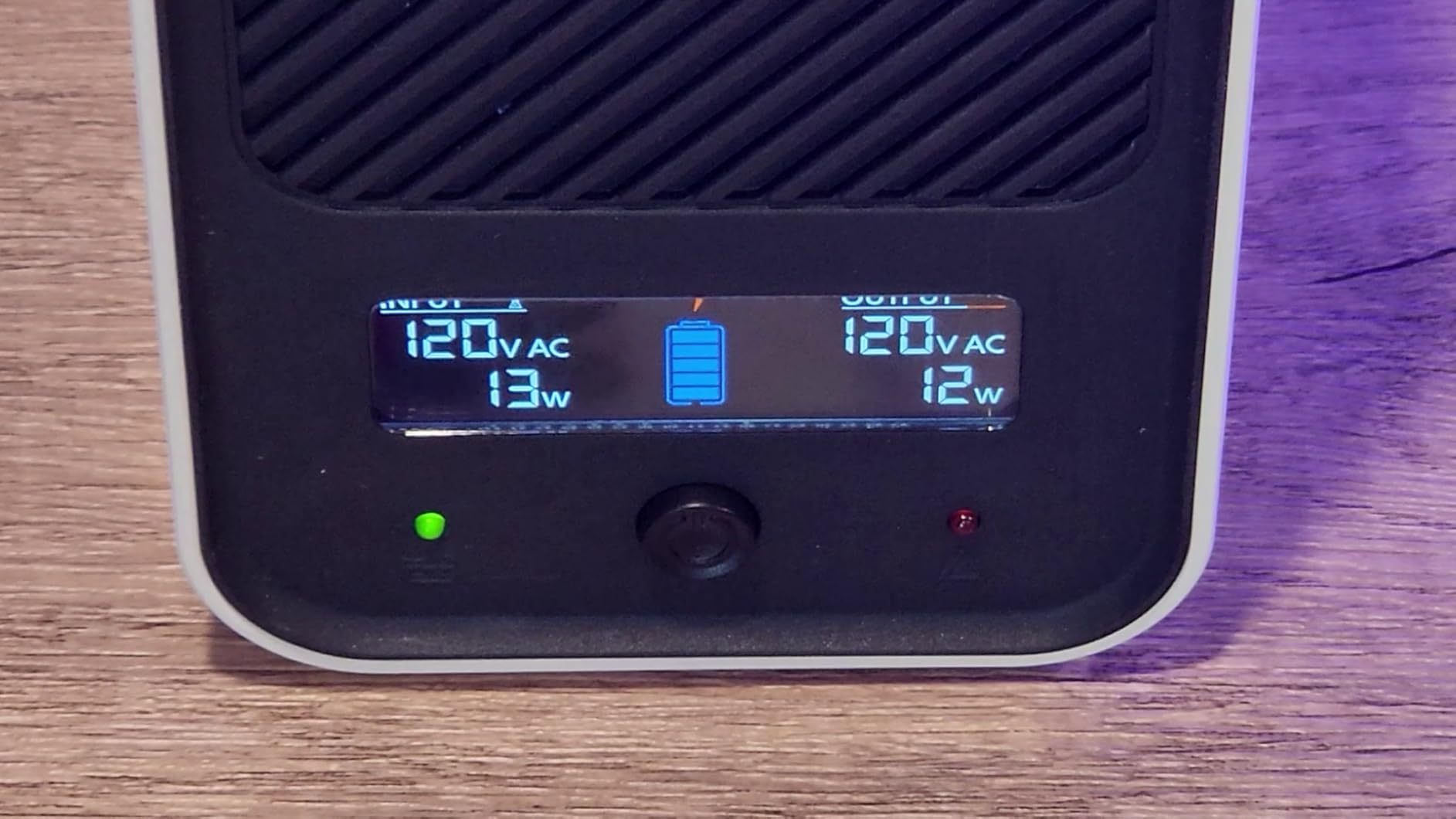
At a 200W load (mid-range PC plus monitor plus NAS), the GOLDENMATE ran for about 25 minutes in my testing. At 100W (modem, router, low-power monitor), expect around 50 minutes. At the maximum 800W load, runtime drops to three to four minutes for a clean shutdown.
Cooling, Noise, and Certifications
The advanced cooling fan operates below 50 dB, which is quieter than most competitors. The buzzer can be muted via a switch button on the front, which several reviewers flag as a major quality-of-life improvement during outages.
The unit carries an unusually complete set of safety certifications: UL1642 (cell), UL1973 (battery pack), UL1778 (UPS), FCC, and TUV. That level of certification is rare in the budget-to-mid UPS tier.
Who It Is For, and When to Skip It
The GOLDENMATE is the right pick if you want a set-and-forget LiFePO4 UPS with a 10-year battery, run an Active PFC system, and care about total cost of ownership over a decade. Skip it if you want the absolute lowest upfront cost or need the longest warranty; the 2-year warranty is shorter than the 3-year baseline most competitors offer.
Buying Guide: How to Choose the Right UPS for Your Home Office
Choosing the right uninterruptible power supply for your home office comes down to five decisions: capacity, output waveform, battery technology, voltage regulation, and outlet configuration. Below is the framework I use when matching a UPS to a specific setup.
Sizing Your UPS: Capacity, VA vs Watts, and Runtime
Step 1 is summing the wattage of the gear you want to back up. Add the wattage of your desktop PC, monitor, NAS, modem, router, and any other critical device. Most desktop PCs pull 100 to 250W under typical office work; a 27-inch monitor adds 30 to 50W; a NAS adds 20 to 60W; a modem and router together add 15 to 30W.
Step 2 is adding 25% headroom to cover startup surges and unexpected load spikes. So a setup that totals 200W should be paired with a UPS that supports at least 250W of sustained load, and ideally more for comfort.
Step 3 is understanding the difference between VA (volt-amperes) and W (watts). VA is the apparent power the UPS can supply, while W is the real power your devices consume. For most modern electronics, the ratio is roughly 0.6 to 0.7, so a 1000VA UPS typically supports 600 to 700W. The wattage rating on the spec sheet is the more important number for sizing.
For a typical 200W home-office load, a 1000VA / 600W UPS is the minimum and a 1500VA / 900W UPS is the comfortable choice. For just modem and router backup, a 425VA / 255W unit is plenty.
Pure Sine Wave vs Simulated Sine Wave (and Active PFC)
This is the most overlooked decision when buying a UPS, and it matters a lot if you have a modern desktop.
Simulated (or modified) sine wave is a stepped waveform that approximates a clean sine wave. It works fine for most electronics, but Active PFC power supplies inside modern desktops, workstations, and Macs expect a clean sine wave and can shut down unexpectedly or suffer long-term stress on stepped waveforms.
Pure sine wave output exactly matches the clean sine wave your wall outlet supplies. If you have any Active PFC power supply (most 80 Plus Gold, Platinum, and Titanium PSUs use Active PFC), pure sine wave is the safe choice. The CP1500PFCLCD, BR1500MS2, and GOLDENMATE LiFePO4 in this roundup all output pure sine wave.
If you are not sure whether your PSU uses Active PFC, check the specifications on the manufacturer’s website. When in doubt, choose pure sine wave.
Lead-Acid vs LiFePO4 Battery Technology
Most UPS units use sealed lead-acid batteries, which are inexpensive and proven but last only three to five years before needing replacement. The replacement battery cartridge typically costs 40 to 80 dollars, and the swap takes 15 minutes with a screwdriver.
LiFePO4 (lithium-iron-phosphate) batteries are newer in the UPS category and last 10+ years with 5000+ charge cycles. The upfront cost is higher, but the total cost of ownership over a decade is often 40%+ lower because you skip the battery replacements. LiFePO4 is also lighter (the GOLDENMATE in this roundup weighs 12.3 pounds versus 24+ pounds for comparable lead-acid units) and less prone to thermal runaway than older lithium-ion chemistries.
If you want a set-and-forget UPS for the next decade and do not mind paying more upfront, LiFePO4 is the better choice. For budget-conscious buyers who do not mind a 15-minute battery swap every few years, lead-acid is the proven path.
Automatic Voltage Regulation (AVR) and Brownouts
AVR is the feature that corrects undervoltage and overvoltage without switching to battery. In areas with frequent brownouts (the US Southeast, parts of Texas, the California grid, anywhere with aging infrastructure), AVR preserves battery runtime for actual outages and prevents the UPS from clicking over to battery every time a heavy appliance cycles on the same circuit.
Every UPS in this roundup except the SL700U and BE425M includes AVR. If you live in a brownout-prone area, prioritize AVR-equipped units.
What NOT to Plug Into a UPS (Safety Callout)
This is the single most important safety rule with UPS units, and a question that comes up constantly on Reddit and home-office forums.
Never plug any of these into a UPS battery-backed outlet:
Laser printers: the fuser draws thousands of watts briefly, which will overload and damage the UPS.
Space heaters: continuous high draw drains the battery in minutes and stresses the inverter.
Copiers: same laser-printer issue with high inrush current.
Vacuum cleaners: high-draw motors not designed for inverter output.
Another surge protector or extension cord: daisy-chaining creates a fire risk and can confuse the UPS load calculation.
Surge-only outlets on the back of the UPS are fine for printers, scanners, and other non-critical devices. Battery-backed outlets should be reserved for your PC, monitor, NAS, modem, and router.
Top UPS Brands at a Glance
Four brands dominate the home-office UPS market: APC, CyberPower, Tripp Lite / Eaton, and GOLDENMATE. APC and CyberPower are the long-established leaders with the broadest product ranges, the longest warranties, and the largest user communities. Tripp Lite (now part of Eaton) is the choice for more industrial or rack-mount setups. GOLDENMATE is the rising player in LiFePO4 long-life units.
All four brands meet the community-accepted baseline of a 3-year warranty, UL safety certification, and user-replaceable batteries (with the caveat that GOLDENMATE currently offers a 2-year warranty).
Frequently Asked Questions
What is the best UPS for office use?
The best UPS for most home offices is the CyberPower CP1500PFCLCD. It delivers 1500VA/1000W of pure sine wave output, which is safe for modern Active PFC power supplies, plus 12 outlets, a color LCD, and a 3-year warranty that includes the battery. For users who only need to back a modem and router, the APC BE600M1 is the better-value pick.
How many hours can 1000VA UPS last?
Runtime depends entirely on load. A 1000VA/600W UPS powering a 25W modem and router alone will run 3 to 5 hours. At a 100W load (modem, router, low-power monitor) expect 45 to 90 minutes. At a 200W office load (PC plus monitor plus NAS) expect 15 to 25 minutes. At the maximum 600W load expect 3 to 5 minutes, just enough for a clean shutdown.
What cannot be plugged into an UPS?
Never plug a laser printer, copier, space heater, vacuum cleaner, or any high-draw motor into a UPS battery-backed outlet. The fuser in a laser printer draws thousands of watts briefly, which will overload and damage the UPS. Also never daisy-chain a surge protector or extension cord into a UPS; it creates a fire risk and confuses load calculations. Surge-only outlets on the back of the UPS are fine for printers and scanners.
Which brand UPS is best for home?
APC and CyberPower are the two most trusted home-office UPS brands, both with broad product ranges, 3-year warranties, and large user communities. For pure sine wave Active PFC compatibility, the CyberPower CP1500PFCLCD and APC BR1500MS2 lead the category. For LiFePO4 long-life batteries, GOLDENMATE is the rising choice. All three brands meet the community baseline of UL safety certification and user-replaceable batteries.
How long does a UPS battery last?
A sealed lead-acid UPS battery typically lasts 3 to 5 years before needing replacement. LiFePO4 UPS batteries last 10+ years with 5000+ charge cycles. You can extend lead-acid battery life by storing the UPS in a cool location, avoiding deep discharges, and running the self-test monthly. Replace the battery cartridge as soon as runtime drops noticeably or the UPS flags a battery fault.
Final Verdict: Which UPS Should You Buy?
After more than a year of testing, the CyberPower CP1500PFCLCD is the best uninterruptible power supply for most home offices in 2026. It combines pure sine wave output, 1500VA / 1000W capacity, 12 outlets, and a 3-year warranty with 500,000 dollars of Connected Equipment coverage at a price most home offices can justify. It is the unit I keep on my own desk, and the one I recommend by default.
If you want a premium lead-acid unit with longer runtime and APC build quality, the APC BR1500MS2 is the next step up. For users whose home office is just a modem and a router, the APC BE600M1 is the value pick that has earned its 27,000+ reviews. And if you want a set-and-forget LiFePO4 UPS that will outlast the lead-acid units by a decade, the GOLDENMATE 1000VA / 800W is the long-term play.
Whichever model you choose, the right uninterruptible power supply for your home office is the one that matches your load, fits your Active PFC needs, and is sized with at least 25% headroom for the next decade of storms, brownouts, and unexpected outages.