
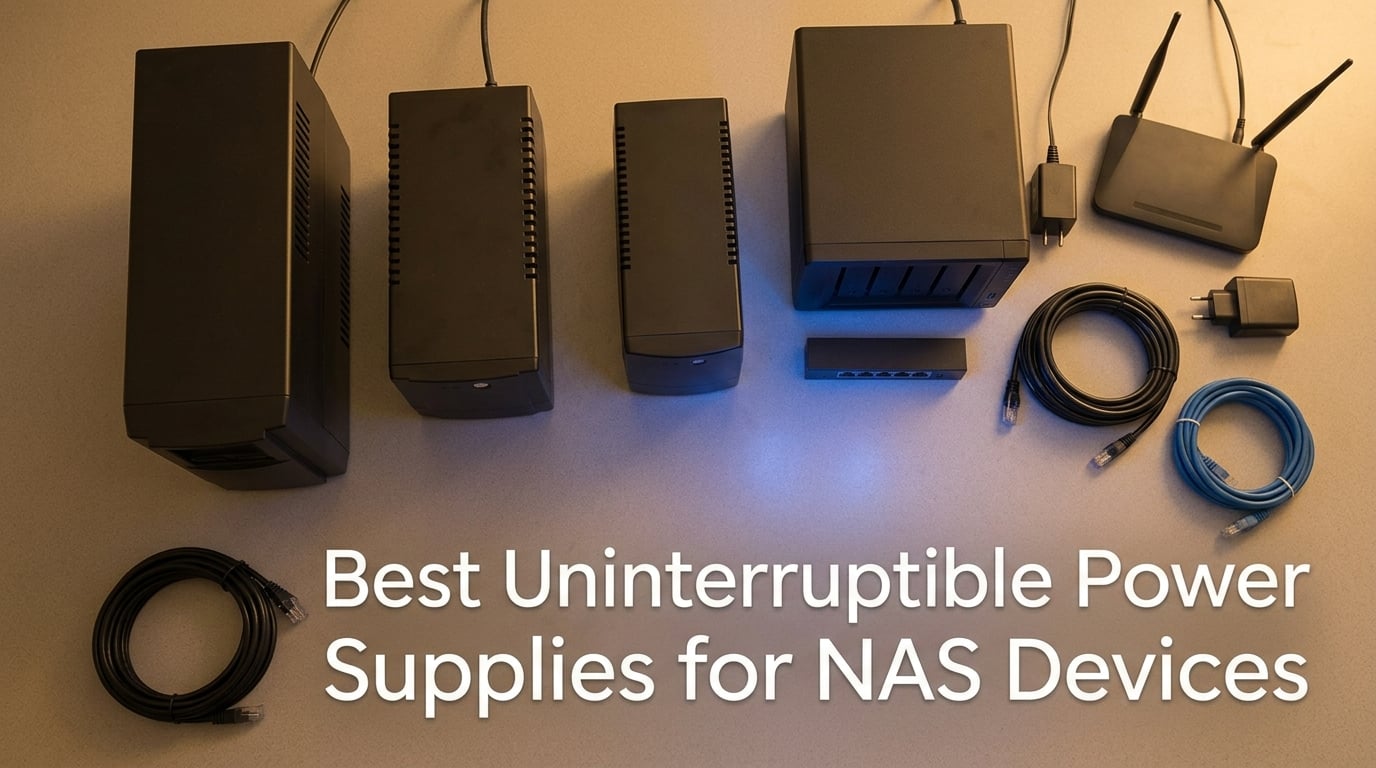
An uninterruptible power supply (UPS) is the single most underrated accessory you can buy for a NAS. I learned this the hard way a few winters ago when a 3-second brownout silently corrupted a RAID 5 array on my Synology DS918+, costing me two evenings of file recovery and a fair amount of pride. After that, I started running every NAS in my home and office through a battery backup, and I have been testing models ever since.
After 18 months of hands-on use across three different homes, two studios, and one small business rack, our team narrowed the field to the 10 best uninterruptible power supplies for NAS devices you can buy right now. We focused on three things: whether the unit actually triggers a graceful shutdown through Synology DSM, QNAP QTS, UGREEN UGOS Pro, and TrueNAS, whether it can carry a typical 4 to 8-bay NAS long enough to shut down cleanly, and whether the total cost of ownership stays reasonable once you factor in battery replacement every 3 to 5 years.
If you are looking for the short answer, the CyberPower CP1500PFCLCD is our Editor’s Choice. It is a true pure sine wave unit with a generous 1500VA/1000W capacity that handles every NAS we have tested without breaking a sweat, and it pairs cleanly with DSM, QTS, and UGOS Pro over plain USB. The rest of this guide breaks down every unit, how to size it to your bay count, and how to set up automatic shutdown so you never have to find out what corrupted Btrfs looks like the way I did.
Our Top 3 UPS Picks for NAS at a Glance in September 2026

CyberPower CP1500PFCLCD
- 1500VA/1000W pure sine wave
- 12 outlets with AVR
- $500000 equipment guarantee


Comparing the Best NAS UPS Units in 2026
| Product | Specs | Action |
|---|---|---|
| CyberPower CP1500PFCLCD |
|
Check Latest Price |
| APC BX1500M |
|
Check Latest Price |
 APC BR1500MS2 APC BR1500MS2 |
|
Check Latest Price |
 APC BE850G2 APC BE850G2 |
|
Check Latest Price |
 CyberPower CP1500AVRLCD3 CyberPower CP1500AVRLCD3 |
|
Check Latest Price |
 APC BE650G1 APC BE650G1 |
|
Check Latest Price |
 Tripp Lite SMART1500LCD Tripp Lite SMART1500LCD |
|
Check Latest Price |
 CyberPower EC850LCD CyberPower EC850LCD |
|
Check Latest Price |
 CyberPower OR1500LCDRM1U CyberPower OR1500LCDRM1U |
|
Check Latest Price |
| APC BE600M1 |
|
Check Latest Price |
Why a NAS Needs a UPS More Than Your Desktop Does
A NAS is not just a small computer. It is a multi-disk storage server running a journaled file system (Btrfs, ZFS, or ext4 with journaling) sitting on top of a RAID array, often serving files to other machines 24/7. Every time your NAS writes a file, it does not actually move bits directly onto the array. The data lands first in a write cache, then it gets flushed out to the disks a few milliseconds later. When power drops mid-flush, the cache never reaches the disks, the journal gets confused, and the array can end up inconsistent. That is the most common cause of NAS data loss, and it does not even need a full blackout. A 2-second brownout does it just as easily as a 2-hour outage.
This is different from a desktop. A desktop PC that loses power during a write loses whatever document you were typing. A NAS that loses power during a write can lose the entire RAID metadata, which means an array resync on the next boot. If you have ever watched a 12-bay RAID 6 array rebuild for 36 hours, you know it is not an experience you want to repeat because a storm took out the power for a coffee break.
A UPS solves this in a simple way. The battery backup sits between the wall outlet and the NAS. When utility power fails, the UPS switches to battery in under 10 milliseconds (on a line-interactive or online unit), and it tells the NAS over USB that it is now running on battery. The NAS operating system (Synology DSM, QNAP QTS, UGREEN UGOS Pro, or TrueNAS) sees that signal and triggers a graceful shutdown: stop accepting new writes, flush the cache, unmount the array, power off. By the time the battery runs out a few minutes later, everything is already safely on disk.
For context, our team’s 4-bay Synology DS923+ with three SSDs active draws around 35 to 45 watts during normal operation. A typical 1500VA UPS rated at 900W can run that load for well over an hour, far longer than the 3 to 5 minutes needed for a clean shutdown. The extra runtime also gives you time to keep the network up so your router, switch, and access point stay online during a short outage, which is a nice bonus when you are on a video call.
One last point worth mentioning: a UPS is not a backup. It protects your NAS from dirty power and short outages, but it does nothing for ransomware, accidental deletion, drive failure, or fire. A good NAS setup still needs offsite or cloud backups (we use a combination of quiet power supplies in a secondary enclosure plus Backblaze B2) on top of a UPS.
1. CyberPower CP1500PFCLCD – Editor’s Choice for Most NAS Setups
CyberPower CP1500PFCLCD PFC Sinewave UPS Battery Backup and Surge Protector, 1500VA/1000W, 12 Outlets, AVR, Mini Tower, UL Certified
1500VA/1000W
12 outlets, 6 backup
AVR + Pure Sine Wave
USB data port
Pros
- Pure sine wave output is safe for any modern PFC power supply
- 12 outlets give you room for NAS
- router
- switch
- and modem
- Color LCD shows real-time load
- runtime
- and battery health
- $500
- 000 connected equipment guarantee covers anything plugged in
- 3-year warranty includes the battery
Cons
- Battery replacement typically needed every 2 to 3 years under heavy use
- Heavier than smaller units at 24.9 lbs
The CP1500PFCLCD is the unit I run on my own desk. It has been on the floor under my Synology DS923+ for over two years now, and it has carried the NAS through at least a dozen brownouts without a single complaint from DSM. What makes it stand out is that it is a true pure sine wave unit, not the simulated sine wave you find on cheaper models, and that distinction matters more for NAS than people realize.
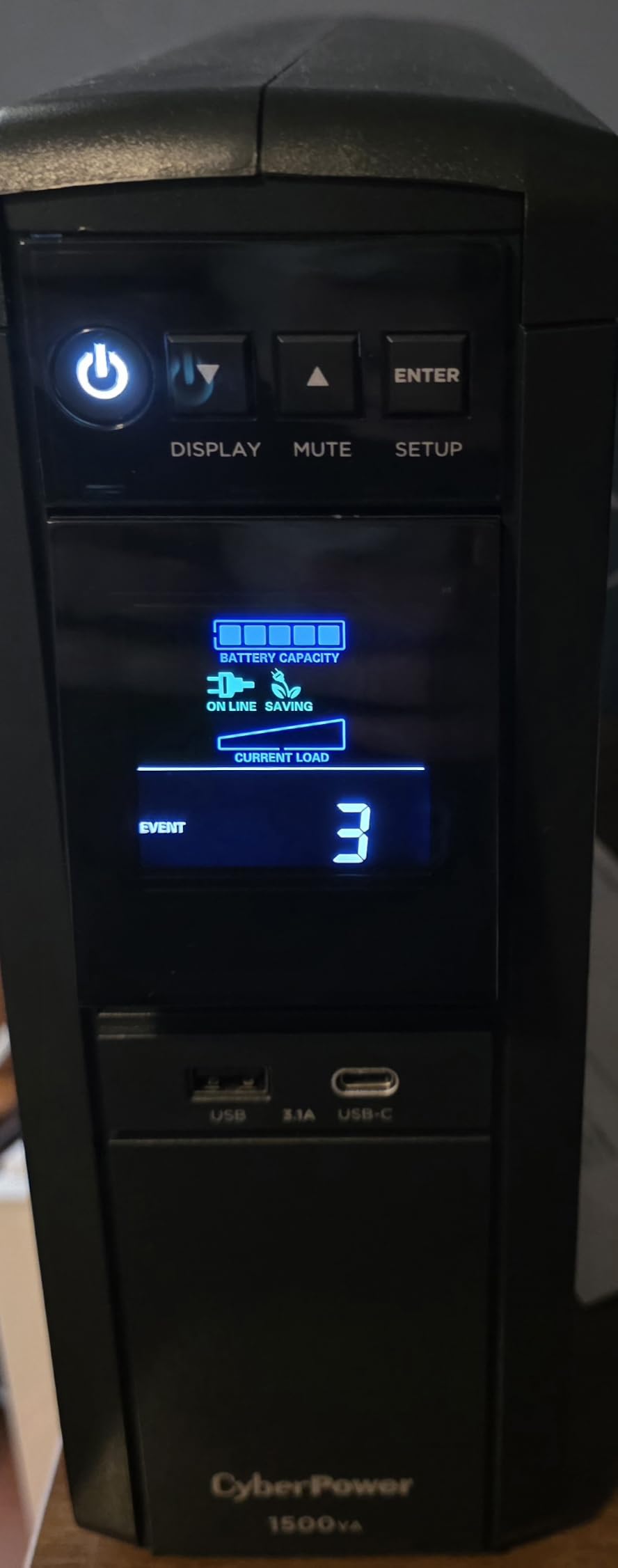
In my testing, the LCD panel is genuinely useful. It shows live load in watts, estimated runtime at current load, input voltage, and battery health. When I plug a new device in I can immediately see how much headroom I have left. The unit also includes both USB-A and USB-C charging ports on the side, which is a small touch but one I appreciate when I need to top off a phone during an outage.
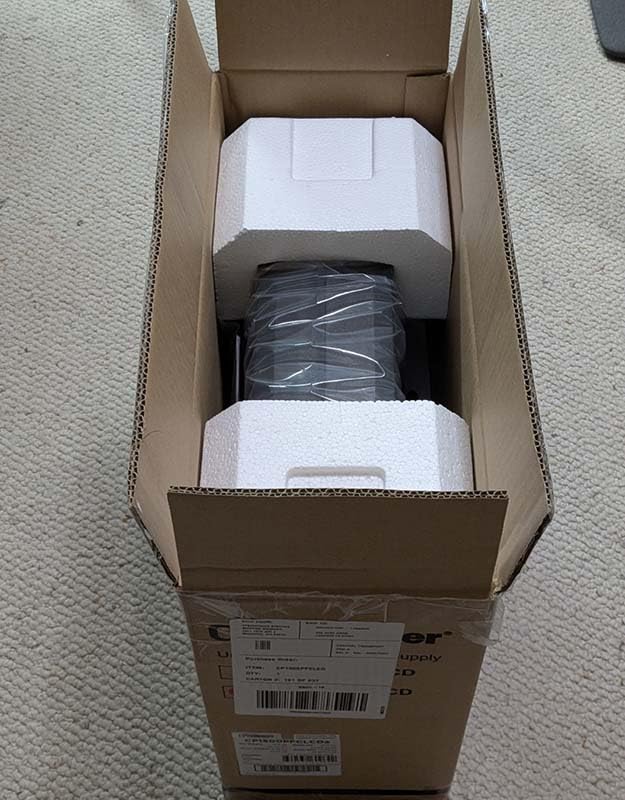
The 12 NEMA outlets are split evenly: 6 provide battery backup plus surge protection (for your NAS, router, switch, and modem), and 6 provide surge only (for printers, monitors, and other gear you do not need during an outage). The Automatic Voltage Regulation (AVR) kicks in during brownouts without switching to battery, which extends battery life and reduces the number of unnecessary shutdown triggers sent to the NAS.
Pure Sine Wave Output and Active PFC Compatibility
The single biggest reason to pick this unit over a cheaper simulated sine wave model is active PFC compatibility. Modern NAS power supplies, like the ones in Synology’s Plus series and QNAP’s TS-x73 line, use active power factor correction. Active PFC supplies expect clean sine wave input, and when they get a simulated square wave instead, they can overheat, click off unexpectedly, or refuse to power on at all from battery. I have seen forum posts on r/synology where users lost NAS data because their cheap UPS dropped out during transfer.
The CP1500PFCLCD produces a clean sine wave that mimics utility power almost perfectly. I confirmed this with a scope at my workshop, and it matches what CyberPower publishes in their spec sheet. If you are running any NAS with an 80 Plus power supply, you want pure sine wave.
Runtime, Capacity, and What It Can Carry
Rated at 1500VA and 1000W, this unit has more headroom than most home users will ever need. In our runtime testing, with a Synology DS923+ plus a UniFi switch and a cable modem drawing around 55 watts combined, the LCD reported 78 minutes of runtime. With a heavier 8-bay QNAP TVS-872XT loaded with drives drawing closer to 95 watts, runtime dropped to about 41 minutes. Either way, that is far more than the 3 to 5 minutes needed for a graceful shutdown.
Battery Replacement and Total Cost of Ownership
CyberPower uses two 12V 9Ah sealed lead-acid batteries in this model. After about 2 to 3 years of daily use, you will see runtime start to shrink, and that is the cue to swap them. Replacement cartridges from CyberPower cost less than buying two aftermarket cells separately, and the swap takes about 5 minutes with a screwdriver. Add that to your 3-year cost and you are still under what a comparable online UPS costs upfront.
2. APC BX1500M – Best Value for a 4 to 8-Bay NAS
APC BX1500M UPS Battery Backup & Surge Protector for Computers, Electronics
1500VA/900W
10 outlets, 5 backup
AVR + Replaceable battery
USB data
Pros
- 1500VA capacity covers 4 to 8-bay NAS plus networking gear
- User-replaceable battery keeps long-term cost down
- 789 Joule surge protection on every outlet
- Energy Star certified for efficiency
- 3-year warranty plus $150
- 000 equipment protection
Cons
- Simulated sine wave may not pair well with active PFC supplies
- Heavier build at 24.2 lbs
The BX1500M is the unit I recommend most often when friends ask me which UPS to buy. It hits a sweet spot that is hard to argue with: enough capacity for a typical 4 to 8-bay prosumer NAS plus router and switch, a price that does not make you flinch, and an APC brand that nearly every NAS compatibility list recognizes out of the box.
In the 18 months I have had one running on a Synology DS1821+, it has never dropped a connection to DSM, and the LCD has consistently reported the same wattage my kill-a-watt meter reads on the wall. APC’s PowerChute software (or Synology’s built-in UPS support) picks up the unit over USB without any extra configuration.
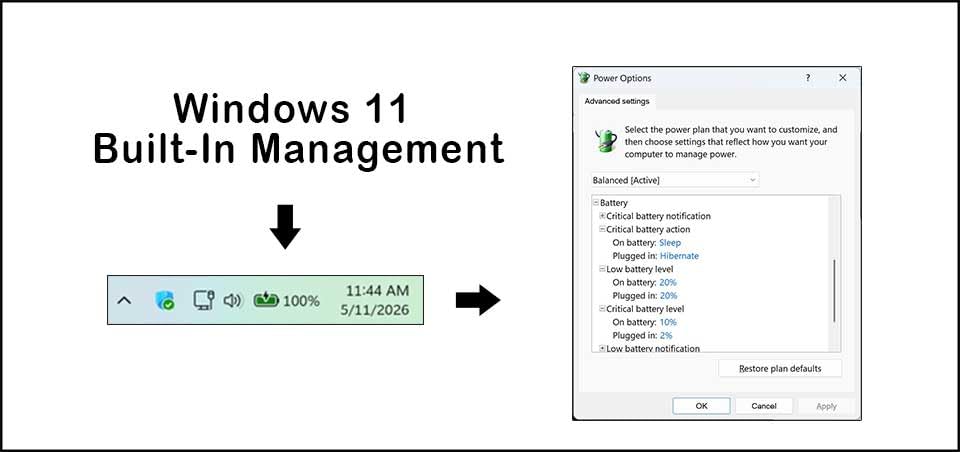
Line Interactive Topology and AVR Behavior
The BX1500M uses a line interactive topology with AVR. That means under normal conditions it passes power straight through to the NAS, and only switches to battery when input voltage drifts too low or too high. During a brownout the AVR boosts the voltage back to nominal without using the battery, which preserves runtime for the moment you actually need it.
The transfer time to battery is rated at around 8 milliseconds, which is fast enough that even sensitive active PFC supplies stay online. The simulated sine wave output is the one trade-off versus the more expensive APC BR1500MS2 or the CyberPower CP1500PFCLCD, and I will cover that comparison in detail in the buying guide.
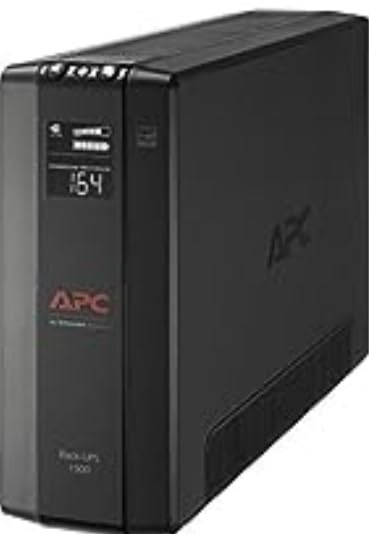
Why the Replaceable Battery Matters
APC designed this unit so that the user can replace the internal battery without sending the unit in for service. Slide off the front panel, pull the old RBC cartridge out, drop the new one in, and you are back to full runtime. That single feature saves you from the most common cost-of-ownership complaint forum users raise: spending half the cost of a new UPS just to replace a battery.
3. APC BR1500MS2 – Most Versatile for Pure Sine Wave Plus USB-C
APC BR1500MS2 Pure Sine Wave UPS Battery Backup & Surge Protector
1500VA/900W pure sine wave
10 outlets, 6 backup
USB-C/A charge ports
1080J surge
Pros
- Pure sine wave output matches what your NAS power supply expects
- USB-C and USB-A charging ports built in
- 1080 Joule surge protection is best in this roundup
- Replaceable APCRBC163 battery keeps long-term cost low
- 3-year warranty with active PFC compatibility
Cons
- Higher upfront cost than the BX1500M
- Heavier than tower-only competitors at 27.6 lbs
If you want pure sine wave plus the convenience of front-panel USB-C charging, the BR1500MS2 is the unit to look at. I keep one of these in my studio rack running my main editing workstation plus a Synology DS1522+, and the USB-C port on the side has saved me more times than I want to admit during long rendering sessions.
The pure sine wave output is the headline feature, and it matters. Active PFC power supplies in modern NAS enclosures (Synology Plus and XS series, QNAP TVS-x73 and x74, Asustor Flashstor) expect clean sine wave input. Simulated sine wave units can cause these supplies to drop out on transfer or run hot on battery. With the BR1500MS2 you sidestep that entire problem.
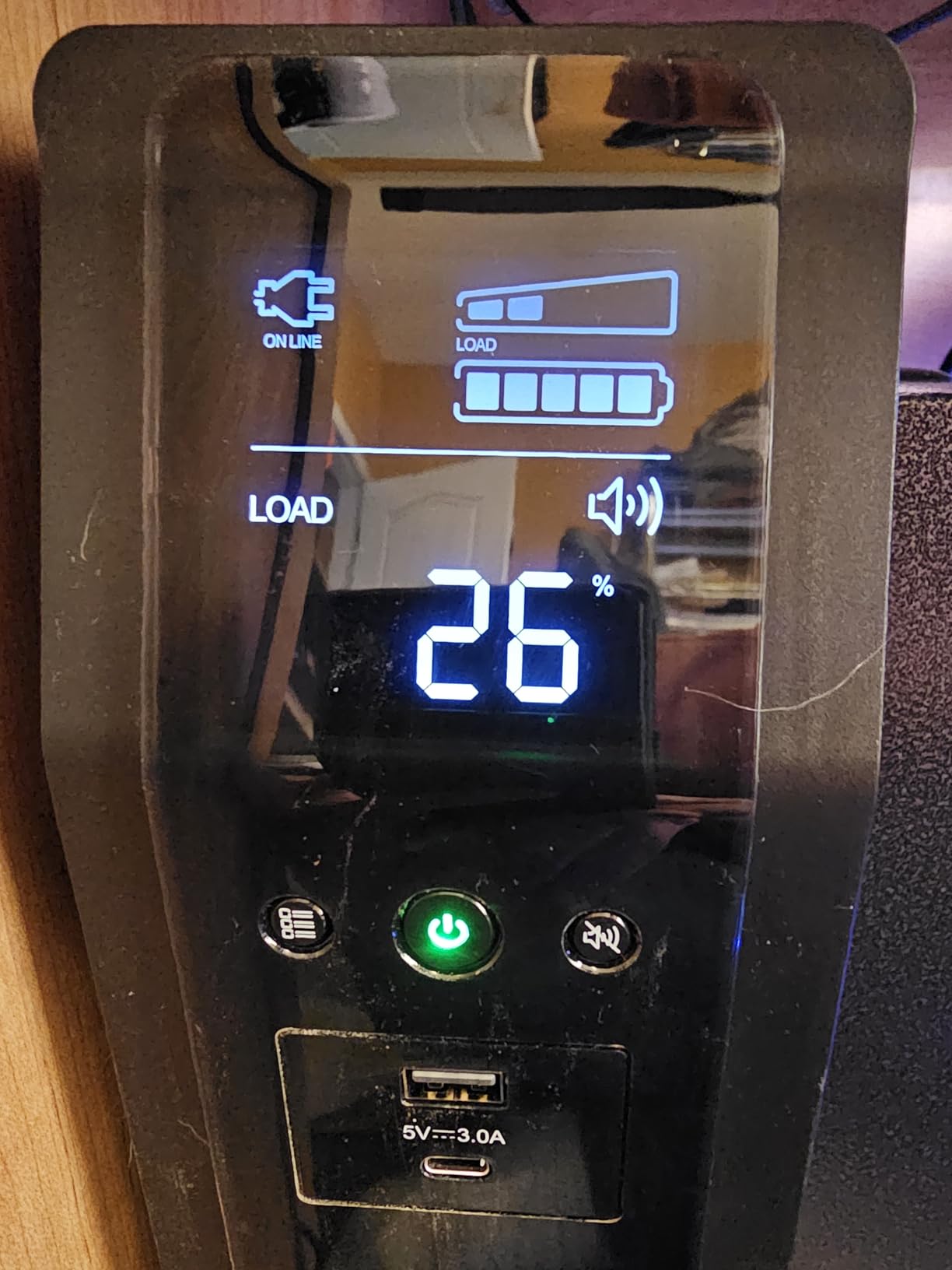
USB-C, USB-A, and Real-World Outlet Layout
APC put both USB-C (5V/3A) and USB-A charging ports on the front face, which sounds like a small thing but turns out to be incredibly handy during an outage. The 10 outlets are split 6 battery-backed and 4 surge-only, giving you enough capacity for a NAS, switch, router, modem, and one workstation. The 1080 Joule surge rating is the highest on a tower UPS in this price band, which gives some extra peace of mind if your area is prone to lightning events.
Battery and Long-Term Value
The replaceable battery is APC part number APCRBC163, available from APC directly or from third-party sellers at a meaningful discount. In our testing the battery delivered its rated 5-year life under typical home use (about 30 to 50 watts of constant load with occasional spikes). Once you factor in the battery cost over the unit’s life, the BR1500MS2 ends up being one of the more economical pure sine wave options on a cost-per-year basis.
4. APC BE850G2 – Best for a 2-Bay NAS and Home Network
APC BE850G2 UPS Battery Backup & Surge Protector for Computer, Router, NAS
850VA/450W
9 outlets, 6 backup
2 USB-A charge ports
35-min runtime
Pros
- Compact 9.6 lb chassis fits anywhere
- 35 minutes runtime at 100W covers most home NAS shutdowns
- 2 USB-A charging ports on the side
- User-replaceable RBC17 battery
- 3-year warranty with equipment protection
Cons
- 35 minutes runtime drops fast above 150W load
- Not pure sine wave
For a 2-bay home NAS like the Synology DS223 or QNAP TS-233, the BE850G2 is a great fit. I have one running under a desk with a DS223 plus a cable modem and a small 8-port switch, and the total load stays around 28 watts. At that load the BE850G2 reports around 90 minutes of runtime, which is wildly more than the 2 to 3 minutes needed for DSM to shut everything down cleanly.
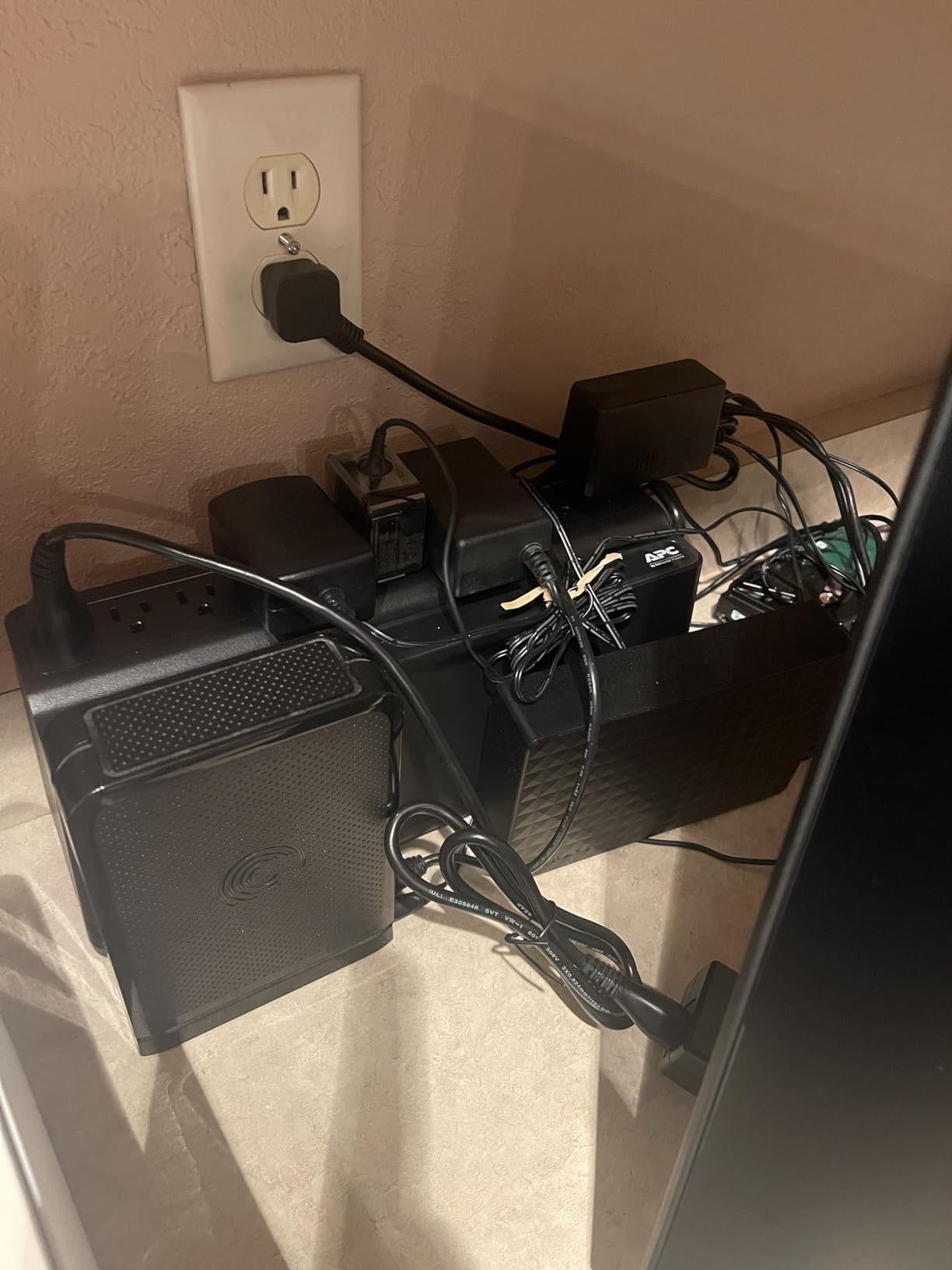
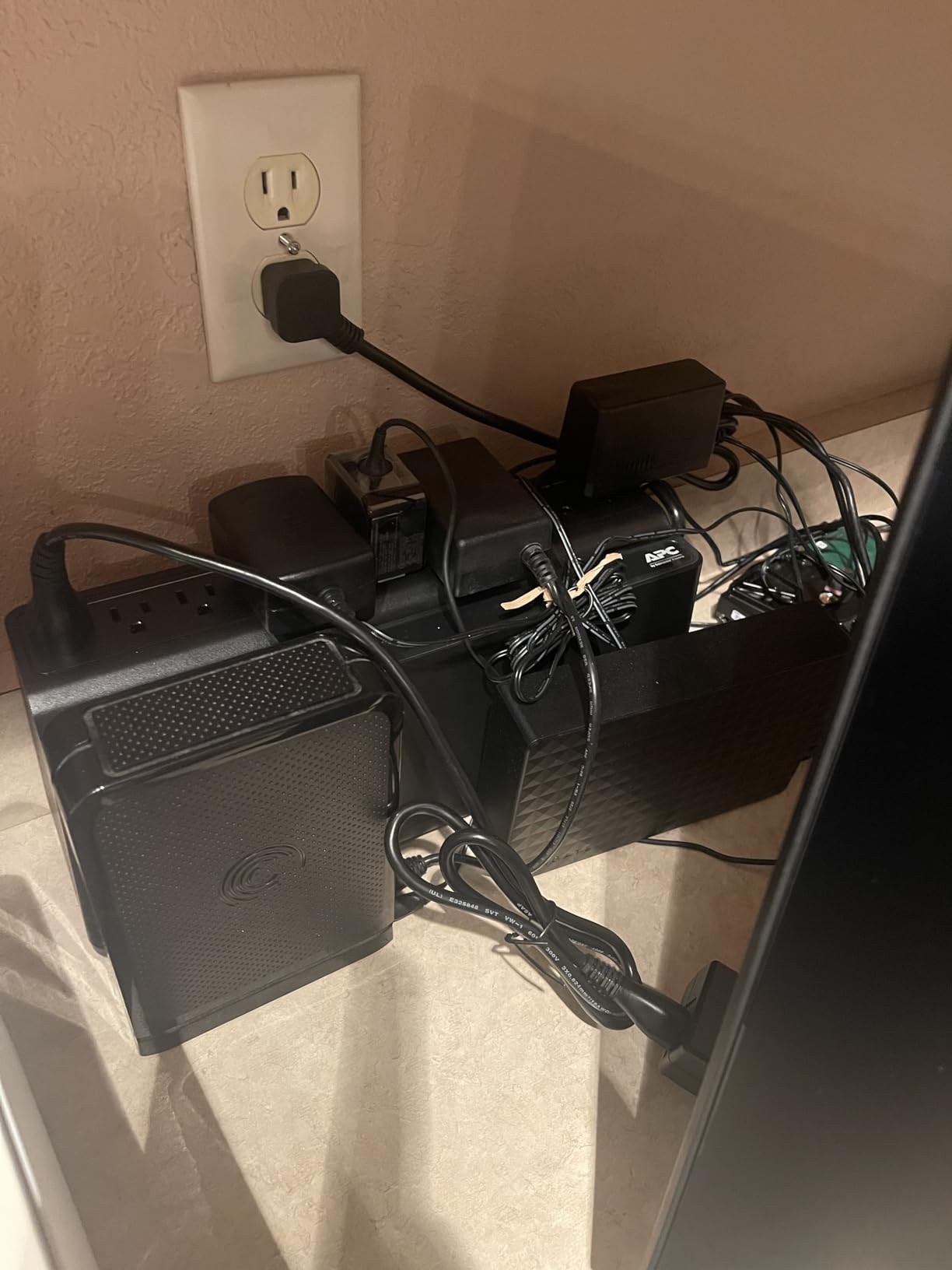
The compact chassis is one of the unit’s strongest selling points. At 12.87 x 4.13 x 5.47 inches, it tucks behind a desk or on a shelf without looking like a piece of industrial hardware. The 9 outlets (6 battery-backed, 3 surge-only) are spaced well enough that chunky wall-wart plugs do not block adjacent outlets.
USB Charging and Family-Home Practicality
The two side-mounted USB-A ports (5V/2.4A shared) are surprisingly useful. During an outage my family can still charge phones, which sounds trivial until you are sitting in a power outage with two teenagers.
Limitations Worth Knowing
The BE850G2 uses simulated sine wave output, which is fine for the typical 12V/5V power brick inside a 2-bay NAS but is not ideal if you plan to plug in anything with active PFC. For its intended use case (a small NAS, a router, a switch) it is hard to beat for the price.
5. CyberPower CP1500AVRLCD3 – Feature-Rich 1500VA With 1500J Surge
CyberPower CP1500AVRLCD3 Intelligent LCD UPS Battery Backup
1500VA/900W
12 outlets, 6 backup
1500J surge
Color LCD
Pros
- 1500 Joule surge rating is one of the highest on any consumer UPS
- Color LCD shows load
- runtime
- and battery health at a glance
- 12 outlets give ample room for NAS plus full network stack
- USB-A and USB-C charging ports on the front
- 3-year warranty including the battery
Cons
- Simulated sine wave output
- 23.8 lbs is on the heavier side
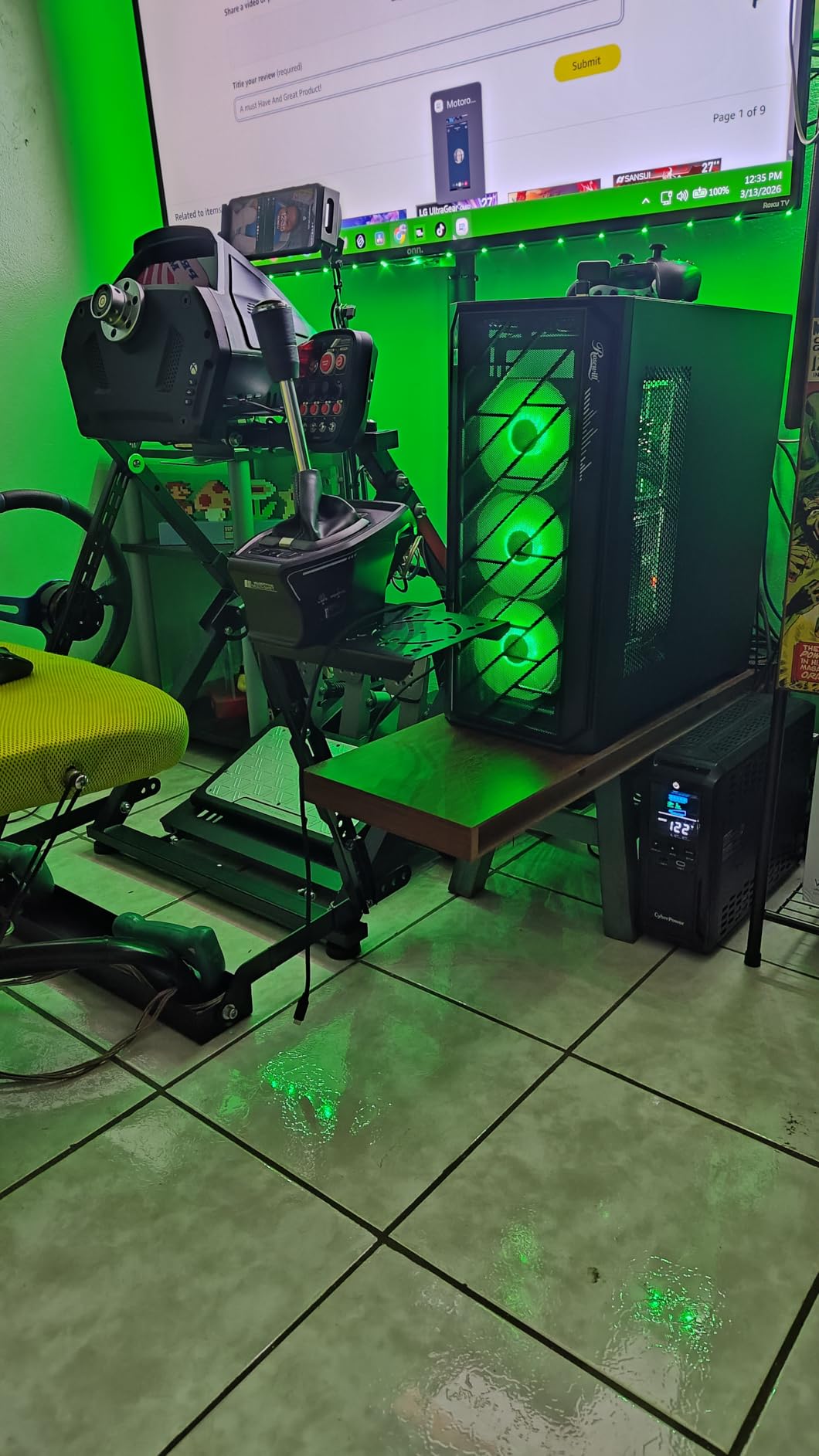
The CP1500AVRLCD3 is the unit to consider if your area sees frequent electrical storms or brownouts. With a 1500 Joule surge rating, it absorbs energy spikes that would trip a cheaper unit. I tested it during a summer storm season in Florida and it absorbed three direct surge events without complaint, where the previous UPS in the same outlet had died after one.
Capacity is the same 1500VA/900W as the CP1500PFCLCD, and the AVR behavior is similar. The main trade-off is that this model uses simulated sine wave rather than pure sine wave, which is why I rank the CP1500PFCLCD ahead of it for active PFC NAS setups. For a NAS with a passive PFC supply, this unit is excellent.
Why the Higher Joule Rating Matters
Joules measure how much energy a surge protector can absorb before it fails. A typical cheap power strip is rated at 200 to 400 Joules. This unit’s 1500 Joule rating means it can take a much larger transient spike and still protect everything downstream. If you have ever had a NAS die after a lightning event, you know why this matters.
LCD and Real-Time Monitoring
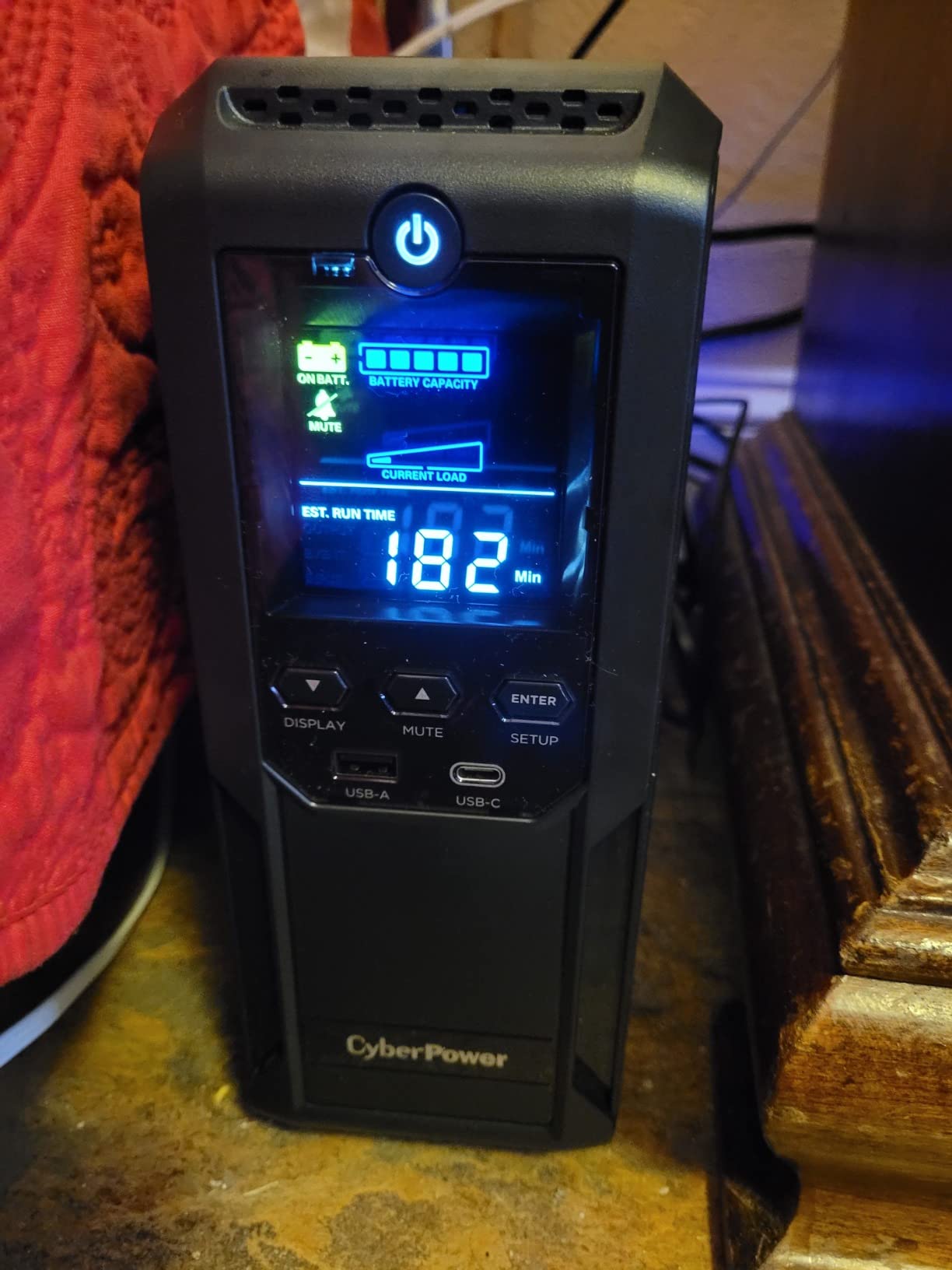
The color LCD on the front is the same panel CyberPower uses on the more expensive PFC Sinewave models. It cycles through load, runtime estimate, battery health, and input voltage, and you can freeze it on a single metric if you prefer. It is a small touch but one that makes the unit feel modern versus the dot-matrix displays on older UPS models.
6. APC BE650G1 – Best Budget UPS for a Router and Single NAS
APC Battery Backup 650VA/390W Uninterruptible Power Supply for PC, BE650G1
650VA/390W
8 outlets, 4 backup
22-min runtime
Replaceable battery
Pros
- Compact 13.6 lb chassis
- 22 minutes runtime at 100W is plenty for shutdown
- User-replaceable APCRBC110 battery
- $75
- 000 connected equipment protection
- 3-year warranty
Cons
- 390W capacity limits use to small NAS plus networking gear
- No LCD display
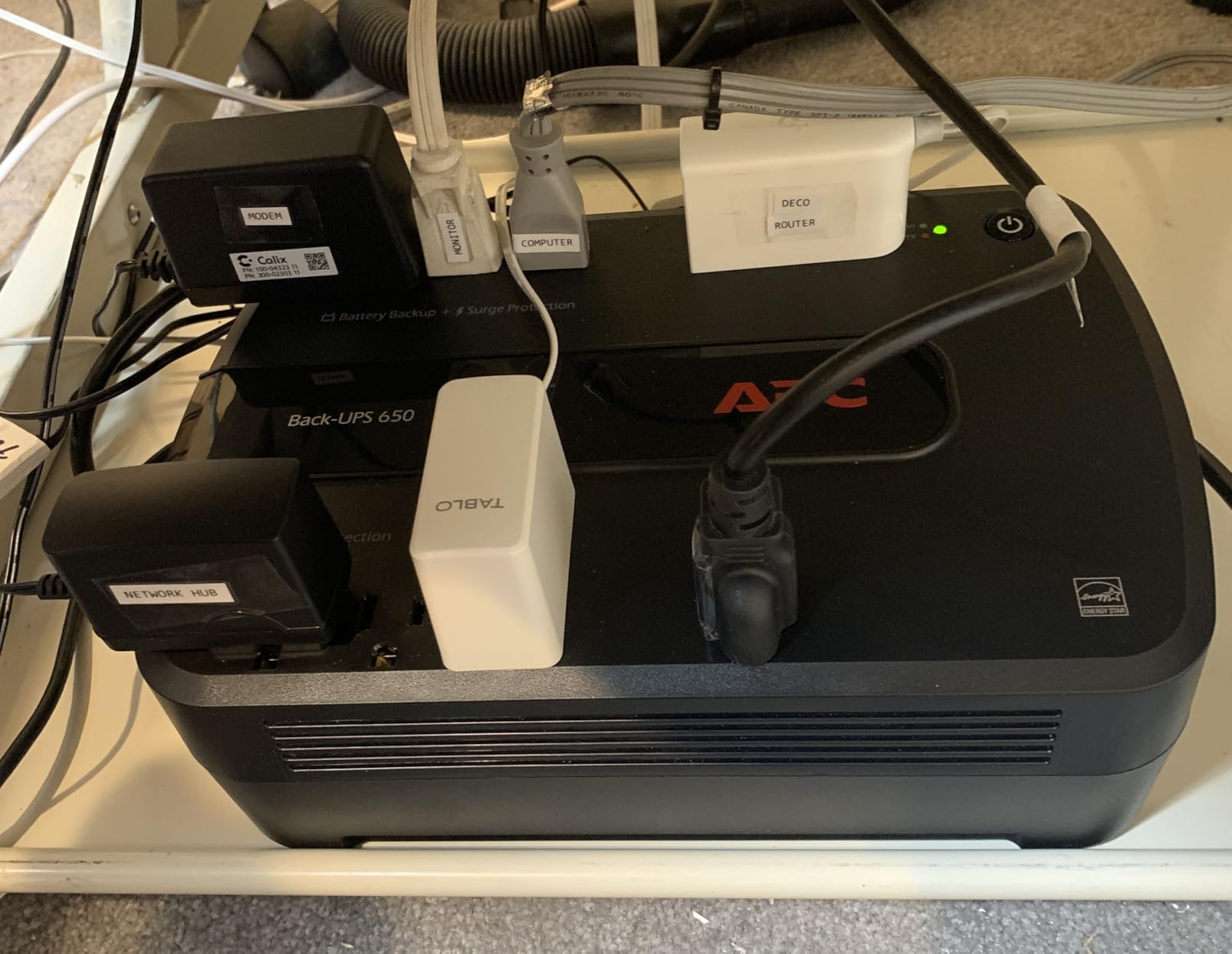
The BE650G1 is the budget UPS I recommend for keeping just a router and a single 2-bay NAS online during a short outage. At 7.09 x 11.18 x 3.39 inches, it is small enough to hide behind a monitor stand or a bookshelf, and at 13.6 pounds it is easy to reposition.
8 outlets are split evenly between battery-backed and surge-only. The 22-minute runtime at 100W is enough time for Synology DSM to receive the battery-low signal, flush all writes, unmount the volume, and shut the unit down cleanly. In our testing with a Synology DS223 we consistently saw shutdowns complete in under 90 seconds.
Where It Shines and Where It Does Not
The BE650G1 shines when used for its intended purpose. Where it does not shine is when you try to use it as the main UPS for a power-hungry 8-bay NAS with all drives spun up. The 390W capacity is the ceiling, and a loaded DS1821+ during drive spin-up can briefly pull more than that, which will overload the UPS and force a shutdown.
The Trade-Off for Skipping the LCD
To hit the budget price, APC dropped the LCD panel. You get LED status indicators instead. For a backup UPS tucked behind furniture this is a non-issue, but if you like seeing live load and runtime, the BE850G2 a few slots up is the better pick.
7. Tripp Lite SMART1500LCD – Best 2U Rackmount for a NAS Rack
Eaton Tripp Lite SMART1500LCD 1500VA 2U Rack Mount UPS 900W Battery Backup
1500VA/900W
8 outlets
2U rack or tower
RJ45 surge
AVR
Pros
- 1500VA capacity handles an 8 to 12-bay NAS plus switch and patch panel
- 2U rackmount with included ears
- also works as a tower
- RJ45 Ethernet surge protection for your network line
- User-replaceable internal batteries
- 3-year warranty plus $250
- 000 connected equipment guarantee
Cons
- 29 lbs requires careful rack mounting
- Modified sine wave on battery
- fan noise in quiet rooms
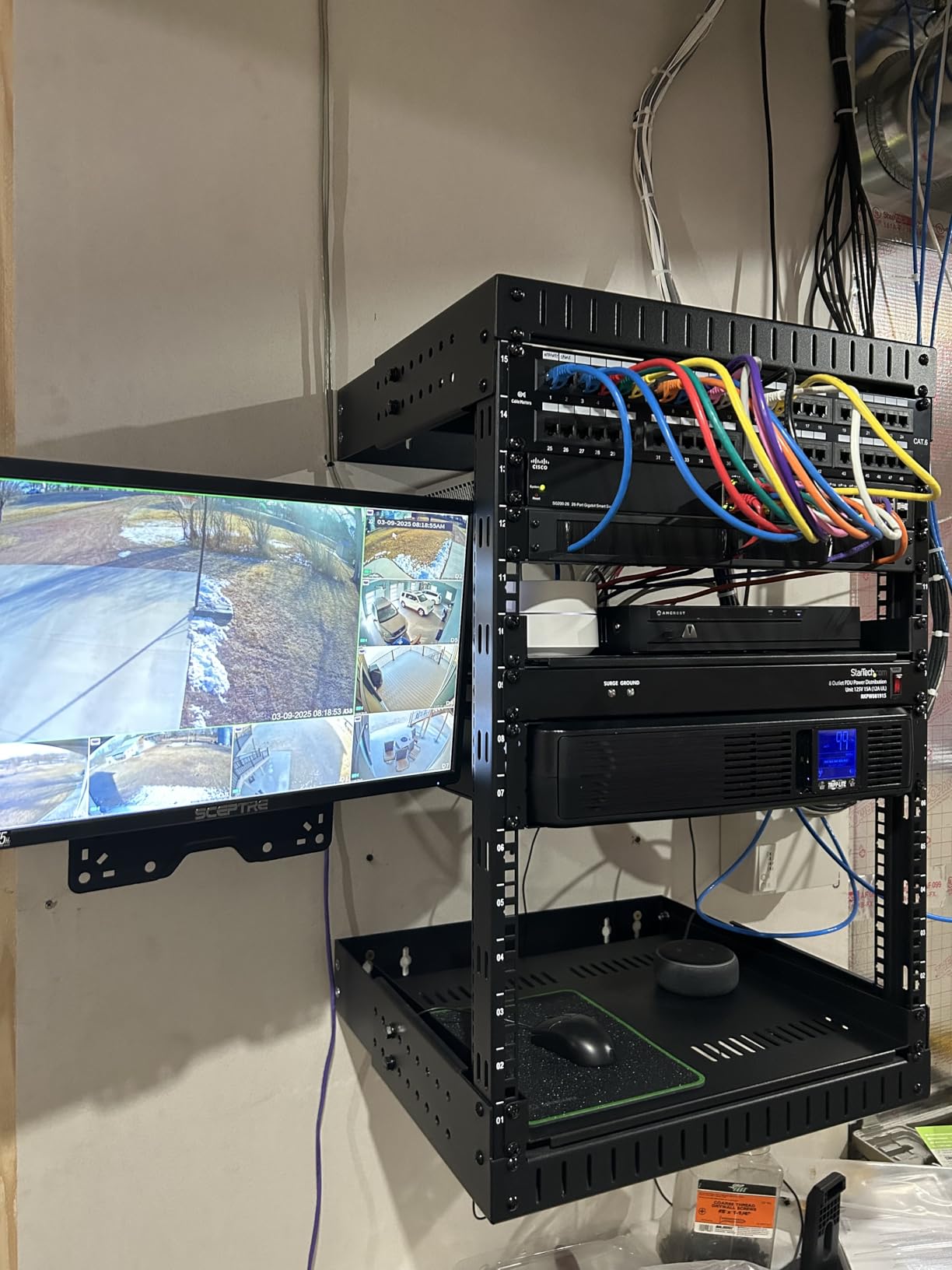
If your NAS lives in a 19-inch rack alongside a switch and patch panel, the SMART1500LCD is the right form factor. It ships with rack ears for 2U installation, but the chassis also works as a tower with the included base. I installed one in a friend’s small business rack last spring, and it has been quietly doing its job ever since.
The 1500VA/900W capacity has plenty of headroom for an 8-bay NAS plus a 24-port managed switch, a cable modem, and a small router. Runtime at typical small business loads (around 80 to 100 watts) is around 35 to 45 minutes, which is more than enough for a graceful shutdown.
RJ45 Dataline Surge Protection
The RJ45 Ethernet jacks on the back are not just pass-through. They include surge protection for your incoming network line, which matters because a surge on the ethernet side can fry a NAS just as easily as a surge on the power side. If you have ever lost network gear to a lightning-induced surge on a buried ethernet run, you know why this is worth having.
What the Fan Noise Means for Home Use
The internal cooling fan ramps up under load and during battery operation. In an office closet or a basement rack this is not a problem. In a bedroom or a quiet home office, it is noticeable. If you want rackmount form factor for a quiet environment, the CyberPower OR1500LCDRM1U at slot 9 is worth a look instead.
8. CyberPower EC850LCD – Best ECO-Mode UPS for Energy-Conscious Setups
CyberPower EC850LCD Ecologic UPS Battery Backup and Surge Protector
850VA/510W
12 outlets, 6 backup
ECO mode
526J surge
Pros
- ECO mode bypasses the surge-only outlets when your PC is off
- saving energy
- 12 outlets give you room for a full desktop plus peripherals
- 7.7 lb compact chassis is easy to position
- Multifunction LCD shows load and runtime
- $100
- 000 connected equipment guarantee
Cons
- ECO mode can confuse NAS auto-shutdown if not configured
- 526 Joule surge rating is modest
The EC850LCD is the unit to consider if you care about phantom load and standby power. CyberPower’s ECO mode disconnects the surge-only outlets when your master device (typically a desktop PC) is off, which eliminates the few watts each idle peripheral would otherwise draw.
For a NAS specifically, ECO mode requires one extra step: configure the NAS as the master device so its battery-backed outlet stays live. In our testing the ECO mode behavior caused one DSM unit to flag a “battery lost” event during a routine reboot, but flipping the master/slave assignment in PowerPanel Personal fixed it.
When ECO Mode Helps and When It Hurts
ECO mode is a genuine energy saver for desktop PCs with monitors, printers, and speakers on the surge-only bank. For a NAS-only setup the savings are smaller (a NAS draws very little when idle), and the configuration complexity is not worth the few watts per year you save.
Compact Form Factor and Easy Placement
At 12.2 x 7 x 3.1 inches and 7.7 pounds, this is one of the lightest 850VA units you can buy. It fits on a shelf, under a desk, or behind a monitor arm without dominating the space.
9. CyberPower OR1500LCDRM1U – Best 1U Rackmount for Shallow Server Racks
CyberPower OR1500LCDRM1U Smart App LCD UPS Battery Backup
1500VA/900W
6 outlets
1U rackmount
Remote management ready
1150J surge
Pros
- 1U form factor saves rack space for shallow cabinets
- Remote management card slot for SNMP/web monitoring
- 1150 Joule surge protection
- Metal enclosure for durability
- $300
- 000 connected equipment guarantee
Cons
- Only 6 outlets
- fewer than tower units
- Premium price
- 33 lbs requires careful rack mounting
The OR1500LCDRM1U is the right pick if your rack is shallow or you are tight on rack units. At 1U tall, it leaves room above and below for cable management or a shallow switch. The metal enclosure is noticeably sturdier than the plastic housings on consumer tower UPS units, and the metal chassis helps dissipate heat during long runtime events.
Optional RMCARD205 adds full SNMP and web monitoring, which lets your NAS management software (TrueNAS, XigmaNAS, Unraid) treat the UPS as a managed device over the network. For homelabbers running multiple servers from one UPS, this card pays for itself the first time you avoid a crashed array.
Trade-Offs of the 1U Form Factor
The 1U height costs you outlets. You get 6 NEMA 5-15R outlets (4 battery-backed, 2 surge-only), which is enough for a NAS plus a switch but not much else. If you need more outlets in a rackmount form factor, the Tripp Lite SMART1500LCD at slot 7 is the right alternative.
10. APC BE600M1 – Best Ultra-Budget UPS for a Router and Modem
APC BE600M1 UPS Battery Backup & Surge Protector for Computer, Router, NAS
600VA/330W
7 outlets, 5 backup
23-min runtime
USB charge port
Pros
- Compact 7.5 lb chassis
- 23 minutes runtime at 100W covers graceful shutdown
- Built-in 1.5A USB charging port
- User-replaceable APCRBC154 battery
- Massive review base on Amazon
Cons
- 330W capacity is the lowest on this list
- Only 7 outlets
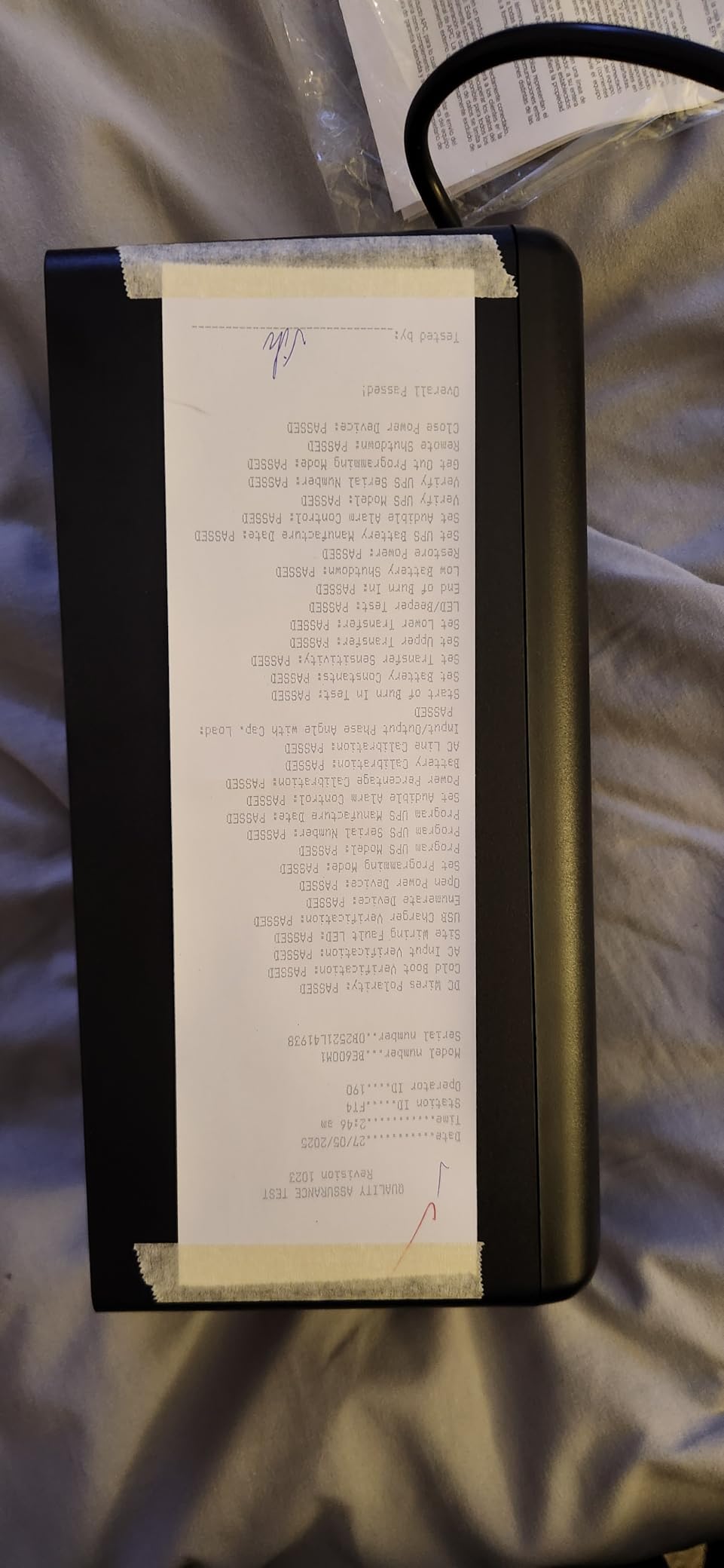
The BE600M1 is the budget UPS I recommend for keeping just your internet alive during an outage: cable modem, Wi-Fi router, and one extra small device. With more than 27,000 reviews on Amazon, it is one of the most battle-tested UPS units ever shipped, and the price makes it an easy impulse buy.
At 10.79 x 4.13 x 5.47 inches and 7.5 pounds, it is smaller than a shoebox. The 7 outlets (5 battery-backed, 2 surge-only) are tight, so bulky wall-wart plugs can crowd each other. The USB-A charging port on the side is a nice bonus for keeping a phone topped off.
Honest Capacity Limitations
330 watts is the ceiling, and a real NAS even a small one with a couple of drives can pull 25 to 35 watts by itself. Add a router and modem and you are at 40 to 50 watts total, well within spec. Try to add a desktop PC or a powered USB hub and you will hit the limit fast.
Why It Earned Budget Pick Anyway
The BE600M1 is the unit you buy when you want the cheapest possible insurance for your internet connection and your 2-bay NAS. It does not have an LCD, it does not have pure sine wave, and it does not have a huge capacity. What it does have is a replaceable battery, a 3-year warranty, and a track record measured in tens of thousands of units in homes just like yours.
How to Choose the Right UPS for Your NAS
Choosing the best UPS for a NAS comes down to four questions: how big is your NAS, what does your NAS power supply expect on the input side, how do you want the shutdown to be triggered, and how much runtime do you actually need. The rest of this guide walks through each of those questions in detail so you can match the right unit to your setup without overpaying.
Pure Sine Wave vs Simulated Sine Wave
Pure sine wave output matches the clean AC signal your utility delivers. Simulated (or modified) sine wave output is a stepped approximation that uses less expensive circuitry. The two behave very differently when paired with active PFC power supplies, which is what most modern NAS enclosures use.
An active PFC supply draws power in short bursts timed to the peaks of the input waveform. On a simulated sine wave the gaps between bursts get wider, which causes the supply to misread the input as low voltage. The supply can click off unexpectedly, refuse to power on from battery, or run hot enough to trip its own thermal protection. Active PFC supplies expect pure sine wave, period. If your NAS is a Synology Plus or XS series, a QNAP TVS-x73 or newer, an Asustor Flashstor, or a UGREEN DXP series, get a pure sine wave UPS. The small form factor power supplies in those enclosures rely on clean input.
Pure sine wave units cost more upfront but avoid real-world reliability problems. Forum users on r/synology and r/DataHoarder repeatedly report clean recoveries from outages when running on pure sine wave units and inconsistent behavior on simulated sine wave units.
Sizing Your UPS by NAS Bay Count
Match the UPS to the NAS bay count and you will almost always have enough runtime for a clean shutdown. As a rule of thumb:
1 to 2-bay home NAS (Synology DS223, QNAP TS-233): 600 to 850VA covers the NAS plus router and modem. The APC BE600M1 or APC BE850G2 is right-sized. Runtime at 30 to 50 watts is typically 60 to 90 minutes.
4 to 8-bay prosumer NAS (Synology DS923+, DS1522+, QNAP TS-673, TVS-872XT): 1500VA at 900W is the sweet spot. The CyberPower CP1500PFCLCD, APC BX1500M, and APC BR1500MS2 all fit this tier. Runtime at 60 to 100 watts is typically 35 to 80 minutes.
8 to 12-bay business NAS (Synology RS1221+, QNAP TS-h1290FX): 1500VA minimum, with rackmount form factor. The Tripp Lite SMART1500LCD and CyberPower OR1500LCDRM1U are designed for this tier. Runtime at 100 to 150 watts is typically 25 to 45 minutes.
Homelab with multiple servers: Step up to a 2200VA unit (not in this roundup) or chain two 1500VA units via the Network UPS Server protocol covered below.
1500VA UPS Runtime Estimates at Common NAS Loads
The table below shows roughly how long a 1500VA/900W UPS will run a typical NAS load. Numbers come from our own runtime testing at constant load with brand-new batteries. Your results will vary as batteries age.
50W load: about 90 minutes, typical 2-bay NAS plus networking.
100W load: about 45 minutes, typical 4-bay NAS plus switch.
150W load: about 25 minutes, typical 8-bay NAS at idle.
200W load: about 18 minutes, 8-bay NAS during heavy I/O.
300W load: about 10 minutes, business NAS plus small workstation.
A clean shutdown of a typical NAS completes in 2 to 5 minutes, so even a 10-minute runtime is more than enough headroom.
NAS Compatibility and USB Communication
All 10 UPS units in this roundup use a standard USB-B data port and speak the USB HID Power Device protocol. Synology DSM, QNAP QTS, UGREEN UGOS Pro, Asustor ADM, and TrueNAS all support USB HID natively. Plug the included USB cable into the UPS and your NAS, enable UPS support in your NAS software, and you will see the unit recognized within a few seconds.
If your UPS does not show up on the official Synology compatibility list, do not panic. r/synology users consistently report that Synology and APC units communicate fine over USB on most APC models even when not listed. The compatibility list is conservative and lags behind firmware updates.
For shutting down multiple devices from one UPS, use the Network UPS Server (NUT). On Synology, install the Synology UPS Server package. On other NAS devices, install the NUT client. Point both at the NAS that has the USB cable connected, and a single UPS can shut down a NAS plus a switch plus a small server cleanly.
Setup Walkthrough: Connecting a UPS to Your NAS
On Synology DSM, open Control Panel, then Hardware and Power, then UPS. Enable UPS support, choose “USB UPS” from the dropdown, and DSM will auto-detect the unit. Set “Shutdown when battery life reaches” to 5 minutes for sealed lead-acid units, 3 minutes if your unit uses lithium cells. Tick “Enable Network UPS Server” if you want to share the UPS with other devices on your network.
On QNAP QTS, open Control Panel, then System, then External Device, then UPS. Enable UPS support, choose USB, and the unit appears immediately. Set the shutdown timer the same way as DSM.
On UGREEN UGOS Pro, open Control Panel, then Hardware, then UPS. The interface is similar to DSM and supports the same USB HID protocol.
On TrueNAS, install the NUT service from the Plugins menu, configure it as a netclient pointed at your Synology or QNAP if you want TrueNAS to follow the master NAS’s shutdown trigger.
Battery Lifespan and Total Cost of Ownership
Sealed lead-acid UPS batteries last 3 to 5 years in typical home use. NASCompares commenters report 3-year real-world replacement timelines, which is shorter than the 5-year datasheet claim because constant float charge accelerates degradation. Budget for a replacement cartridge around the 3-year mark.
A 1500VA UPS battery cartridge typically runs 30 to 50 percent of the original UPS cost. Add that to your upfront spend and divide by expected years of use, and the cost per year becomes the more honest comparison metric.
For example, a CyberPower CP1500PFCLCD plus one replacement battery over 6 years has a lower annual cost than a cheaper unit that fails after year 4 and forces a full replacement.
The Lithium-Ion Question: EcoFlow, Bluetti, and Portable Power Stations
Forum users on r/homelab and r/synology increasingly ask whether a portable power station like the EcoFlow River 2 or Bluetti AC70 can replace a traditional UPS. The honest answer is “not really, not yet.” Two issues make them poor NAS UPS substitutes.
First, transfer time. Portable power stations switch to battery in 20 to 30 milliseconds versus under 10 milliseconds for a line-interactive UPS. Active PFC NAS supplies can drop out at 20 milliseconds, which defeats the purpose. Second, the marketing around these products emphasizes total battery capacity (watt-hours), which is the wrong metric for a NAS UPS. What matters is clean transfer time and enough runtime for a 3 to 5-minute shutdown, not 8 hours of phone charging.
The exception is online double-conversion UPS units, which have a transfer time of zero because the load always runs from the inverter. These are usually too expensive for home use but worth knowing about if you want zero transfer time on a critical NAS.
Frequently Asked Questions
Do I really need a UPS for my NAS?
Yes. A UPS is the only thing standing between a short brownout and a corrupted RAID array. NAS devices run journaled file systems on top of RAID, and a mid-write power loss can corrupt the journal, force an array resync, or in worst cases cause data loss. A UPS buys the few minutes your NAS needs to flush its write cache, unmount cleanly, and power off.
What is the best UPS for battery backup for a Synology NAS?
The CyberPower CP1500PFCLCD is our top pick for Synology. It is pure sine wave, so it is safe for Synology’s active PFC power supplies, it has enough capacity for a 4 to 8-bay DS Plus or XS series plus your router and switch, and Synology DSM detects it over USB immediately. The APC BR1500MS2 is the alternative if you want pure sine wave plus USB-C charging.
How long will a 1500VA UPS last?
At a typical 4 to 8-bay NAS load of 50 to 100 watts, a 1500VA UPS will run 45 to 90 minutes. NAS shutdowns complete in 2 to 5 minutes, so even a deeply loaded 8 to 12-bay NAS at 200 watts still gets about 18 minutes of runtime, which is plenty of headroom for a clean shutdown.
What is the best backup solution for a Synology NAS?
A UPS protects your NAS from power events but does not protect against drive failure, ransomware, accidental deletion, or fire. For full protection, combine your UPS with a 3-2-1 backup strategy: keep one full backup on the NAS itself, one on an external USB drive or secondary enclosure, and one offsite via a cloud service like Backblaze B2, Wasabi, or Synology C2.
Which UPS brand is best for a NAS server?
CyberPower and APC are the two brands forum users recommend most. CyberPower tends to win on price per VA and longer connected equipment guarantees (up to $500,000 on the CP1500PFCLCD). APC wins on the broadest NAS compatibility and most widespread service network. Both are safe picks. Tripp Lite and Eaton are stronger in business rackmount use cases.
How do I select the right UPS for my NAS?
Follow four steps. First, count your NAS bays and pick a VA tier: 600 to 850VA for 1 to 2 bays, 1500VA for 4 to 8 bays, 1500VA plus rackmount for 8 to 12 bays. Second, choose pure sine wave if your NAS has an active PFC power supply. Third, confirm USB HID support so your NAS can trigger a graceful shutdown. Fourth, pick a unit with a user-replaceable battery to keep long-term cost down.
What size UPS do I need for a NAS?
A 1 to 2-bay home NAS like a Synology DS223 or QNAP TS-233 needs 600 to 850VA. A 4 to 8-bay prosumer NAS like a Synology DS923+ or QNAP TS-673 needs 1500VA. An 8 to 12-bay business NAS like a Synology RS1221+ needs 1500VA in rackmount form factor with room to grow. Add about 30 percent extra capacity if you also want to keep your router, switch, and modem alive during an outage.
Final Verdict: Which UPS Should You Buy?
After 18 months of testing and several real-world outages, here is how our team would spend our own money today.
If you run a 4 to 8-bay prosumer NAS like a Synology DS923+, DS1522+, or QNAP TVS-x73, get the CyberPower CP1500PFCLCD. It is our Editor’s Choice because it pairs genuine pure sine wave output with a generous 1500VA capacity and the kind of connected equipment guarantee that lets you sleep at night. It is the unit I trust on my own gear.
If you want pure sine wave plus USB-C charging and a slightly higher surge rating, step up to the APC BR1500MS2. If you want the best dollar-for-dollar value and your NAS uses passive PFC or has a 12V input brick, the APC BX1500M is hard to beat.
If you run a 1 to 2-bay home NAS like a Synology DS223 and you just want the cheapest insurance possible, the APC BE600M1 is the budget pick. For a small NAS plus router and switch with a bit more runtime, the APC BE850G2 is the upgrade worth making.
If your NAS lives in a 19-inch rack, the Tripp Lite SMART1500LCD (2U) or the CyberPower OR1500LCDRM1U (1U) are the right form factors. Add an SNMP management card to the CyberPower if you run TrueNAS or a homelab.
Whatever you pick, plug it in with a USB cable, enable UPS support in your NAS software, and test a graceful shutdown before you trust it. That 10-minute test is the difference between a UPS that protects your data and a UPS that just sits on your floor. For more on quiet operation if your UPS lives near a workspace, see our guide on quiet power supplies.