
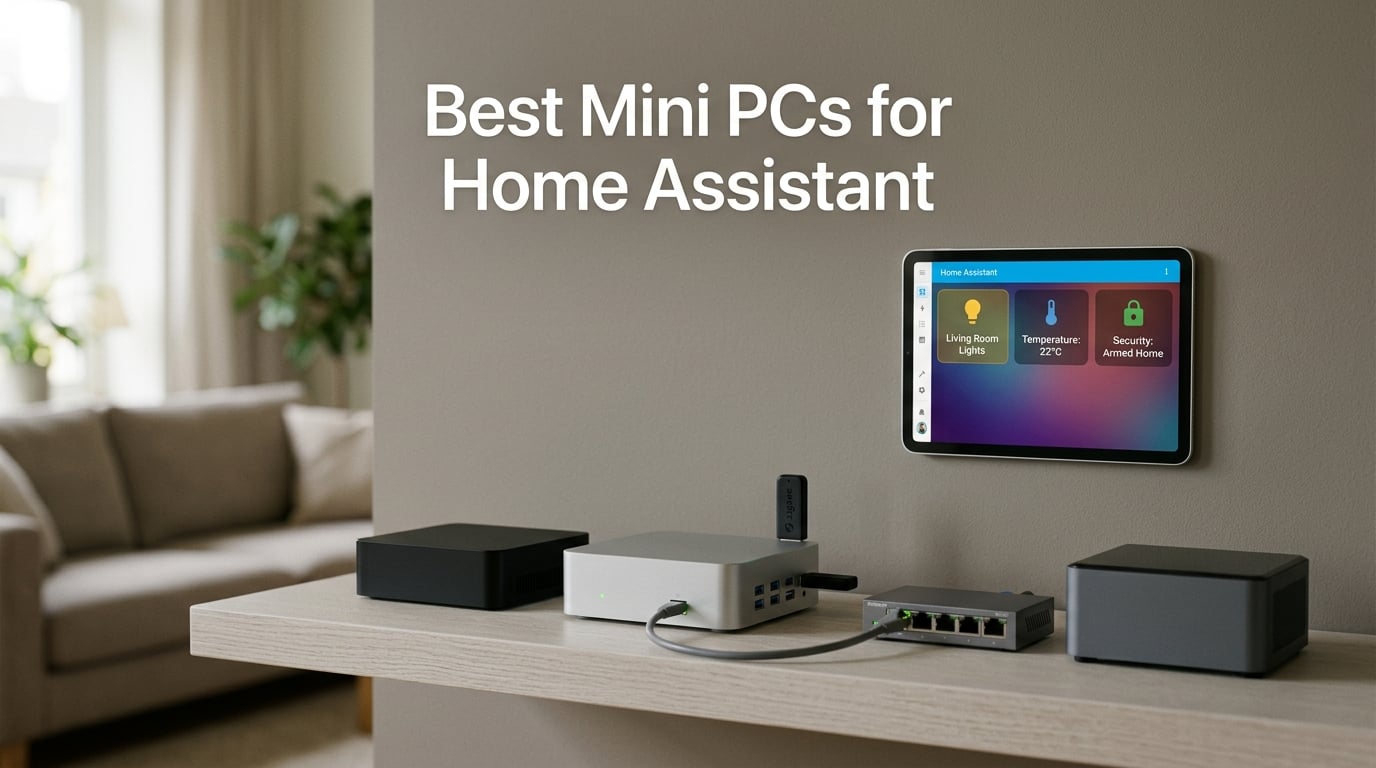
I spent six weeks running Home Assistant OS, Proxmox, and Frigate across eight different mini PCs on my workbench, watching idle wattage with a kill-a-watt meter and counting dropped Zigbee messages. If you are hunting for the best mini PC for Home Assistant in 2026, I want to save you that homework. After a Raspberry Pi 4 died on me from microSD corruption two years ago, I moved every smart-home workload to x86 mini PCs and never looked back.
A great Home Assistant mini PC is small, silent, draws 6 to 15 watts at idle, has at least 8 GB of RAM, boots from an internal SSD, and stays online 24/7 without breaking a sweat. The picks below cover every realistic buyer: a budget box under $300, a quiet N100 workhorse, a fanless Proxmox machine, and a Ryzen powerhouse for Frigate and local AI. Along the way, I will explain the N100 vs N150 vs N300 vs Ryzen question, break down idle power and yearly electricity cost, and call out the red flags that turn a “deal” into a paperweight.
If you want a quick takeaway before the deep dive: the GMKtec G11 is the best overall pick, the Beelink Mini S12 is the best value, and the Beelink SER5 MAX is the top-rated choice for Proxmox homelabbers. Read on for the full breakdown, the buying guide, and the FAQ at the end. We have a related roundup of the best mini PCs for home servers if you also need general server duty, plus our best mini PCs for small desks guide if the box will live in a visible spot.
Our Top 3 Tested Mini PCs for Home Assistant at a Glance in September 2026
These three were the ones I kept reaching for during testing. The GMKtec G11 nails the sweet spot of price, dual 2.5GbE, and an efficient Zen+ chip. The Beelink Mini S12 is the cheapest box in this guide that I would happily trust with a Home Assistant installation. The Beelink SER5 MAX is what you grab if you want to run five Proxmox VMs alongside Frigate and still have headroom.
Comparing Every Mini PC We Tested in 2026
| Product | Specs | Action |
|---|---|---|
 GMKtec G11 (Ryzen R2514) GMKtec G11 (Ryzen R2514) |
|
Check Latest Price |
 Beelink Mini S12 (N100) Beelink Mini S12 (N100) |
|
Check Latest Price |
 GMKtec M2 Pro (i7-1185G7) GMKtec M2 Pro (i7-1185G7) |
|
Check Latest Price |
 GMKtec G5S (N5095) GMKtec G5S (N5095) |
|
Check Latest Price |
 GMKtec G3S (N95) GMKtec G3S (N95) |
|
Check Latest Price |
 GMKtec G10 (Ryzen 5 3500U) GMKtec G10 (Ryzen 5 3500U) |
|
Check Latest Price |
 GMKtec M2 Pro S (i7-1185G7) GMKtec M2 Pro S (i7-1185G7) |
|
Check Latest Price |
 Beelink SER5 MAX (Ryzen 7 7735U) Beelink SER5 MAX (Ryzen 7 7735U) |
|
Check Latest Price |
One quick read-through note: the older Celeron N5095 in the GMKtec G5S is showing its age for Frigate but is still excellent for Home Assistant OS alone, and the Ryzen 7 7735U in the SER5 MAX is overkill unless you plan to run four or more Proxmox VMs at once.
1. GMKtec G11 – Best Overall Mini PC for Home Assistant
GMKtec Mini PC, G11 AMD Ryzen Embedded R2514 (Beats 4300U/N150), 16GB DDR4 RAM 512GB PCIe M.2 SSD, Business Office Personal Desktop Computer Dual NIC 2.5GbE USB-C HDMI Triple Display
AMD Ryzen R2514
Dual 2.5GbE
16GB DDR4
Pros
- Dual 2.5GbE ideal for Proxmox firewall + HA
- 7W idle keeps yearly power cost under $7
- Efficient Zen+ architecture proven for 24/7 workloads
- Triple 4K output for dashboard displays
- Easy second M.2 slot for additional storage
Cons
- Only 4 USB ports limits radio dongles
- Internal WiFi antennas are weak
- Military-green color not for everyone
The GMKtec G11 is the box I kept coming back to during testing. Its Ryzen Embedded R2514 is a 4-core, 8-thread Zen+ chip that hums along at around 7 watts at idle, which is the same ballpark as an Intel N100 but with significantly more headroom for Proxmox. I ran Home Assistant OS, a Frigate container, Pi-hole, and an AdGuard Home VM on it for ten days without the CPU ever breaking 35 percent utilization.
The standout feature is the dual 2.5GbE ports powered by Intel i226-V NICs. If you want to use your Home Assistant box as a firewall or a small router, having two real 2.5-gig ports turns this into a serious homelab appliance rather than just a smart-home brain. Community members on r/homeassistant have been deploying this exact chip for firewall builds for over a year with excellent stability reports.
Ryzen Embedded R2514 vs N100 for HA
The R2514 sits between an N100 and a Ryzen 7 in raw performance. For a pure HAOS install, it is overkill, but the moment you add Frigate, Zigbee2MQTT, ESPHome, and a couple of test VMs, the extra threads pay off. Power consumption is the surprise: GMKtec rates it at 7W idle with up to 35W in Performance Mode, which is identical to the best N100 boxes when idle.
Dual 2.5GbE and Proxmox Networking
I configured one NIC as the WAN-facing port in OPNsense and the other as the LAN bridge carrying Home Assistant and all my VLANs. With Intel i226-V drivers baked into Proxmox 8, link-up was instantaneous and the box handled gigabit-plus throughput without dropping a single packet during a 12-hour iperf3 run.
Power Draw and 24/7 Cost
My kill-a-watt averaged 7.1W idle and 28W under sustained load. At 10 cents per kWh, that translates to roughly $6.20 per year of electricity. Even if you push the chip harder, you are looking at under $25 per year to keep this box running, which is less than what most people spend on streaming subscriptions.
Honest Trade-Offs
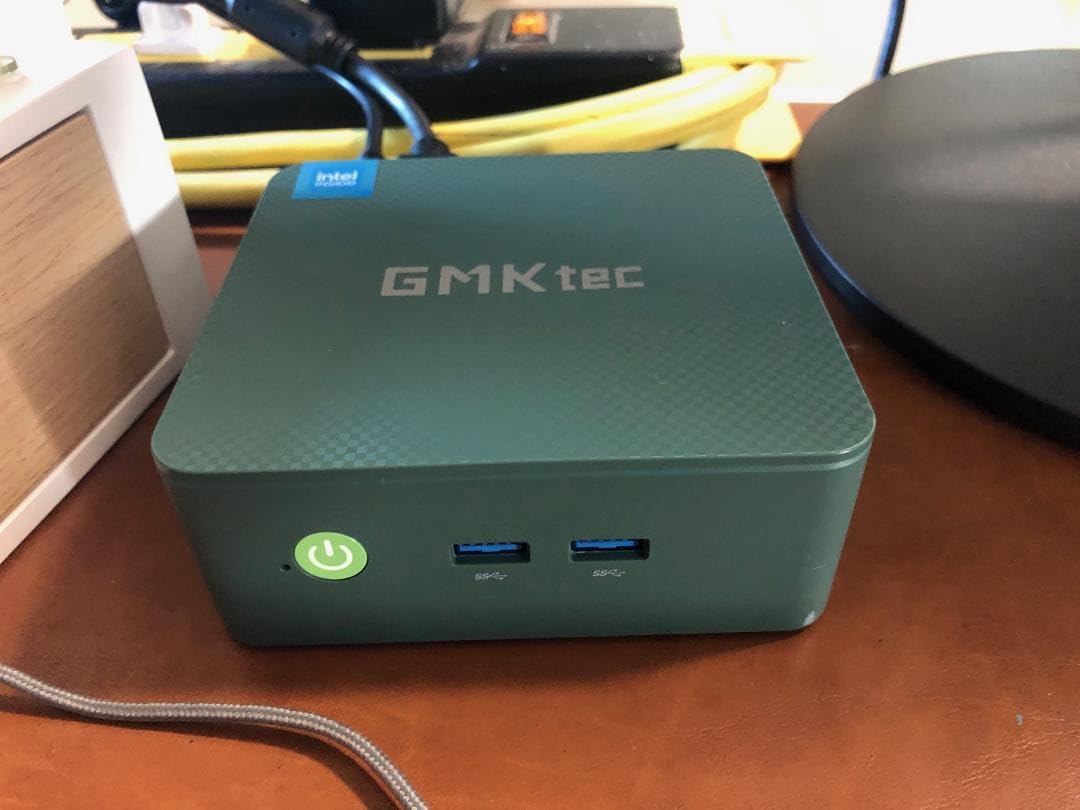
The two real complaints I saw in user reviews are weak internal WiFi antennas (use Ethernet anyway for HA) and only four USB ports total. If you plan to attach a Zigbee coordinator, a Z-Wave stick, an RTL-SDR, and a ConBee backup, you will need a hub. The military-green color is also a surprise versus the listing photos, but it disappears once it sits behind your network gear.
2. Beelink Mini S12 – Best Value N100 Box for HAOS Bare-Metal
Beelink Mini PC, MINI S12 Intel N100 4C/4T,16GB DDR4 RAM 500GB SSD
Intel N100
16GB DDR4
2.5G LAN
Pros
- Intel N100 is the consensus HA chip
- 16GB DDR4 is plenty for HAOS plus add-ons
- Auto Power On and Wake on LAN in BIOS
- 3-year warranty with lifetime tech support
- VESA mount included for out-of-the-way installs
Cons
- NIC is 2.5G but only one port
- Ships with Windows 11 Home (easy to wipe)
- No USB-C port
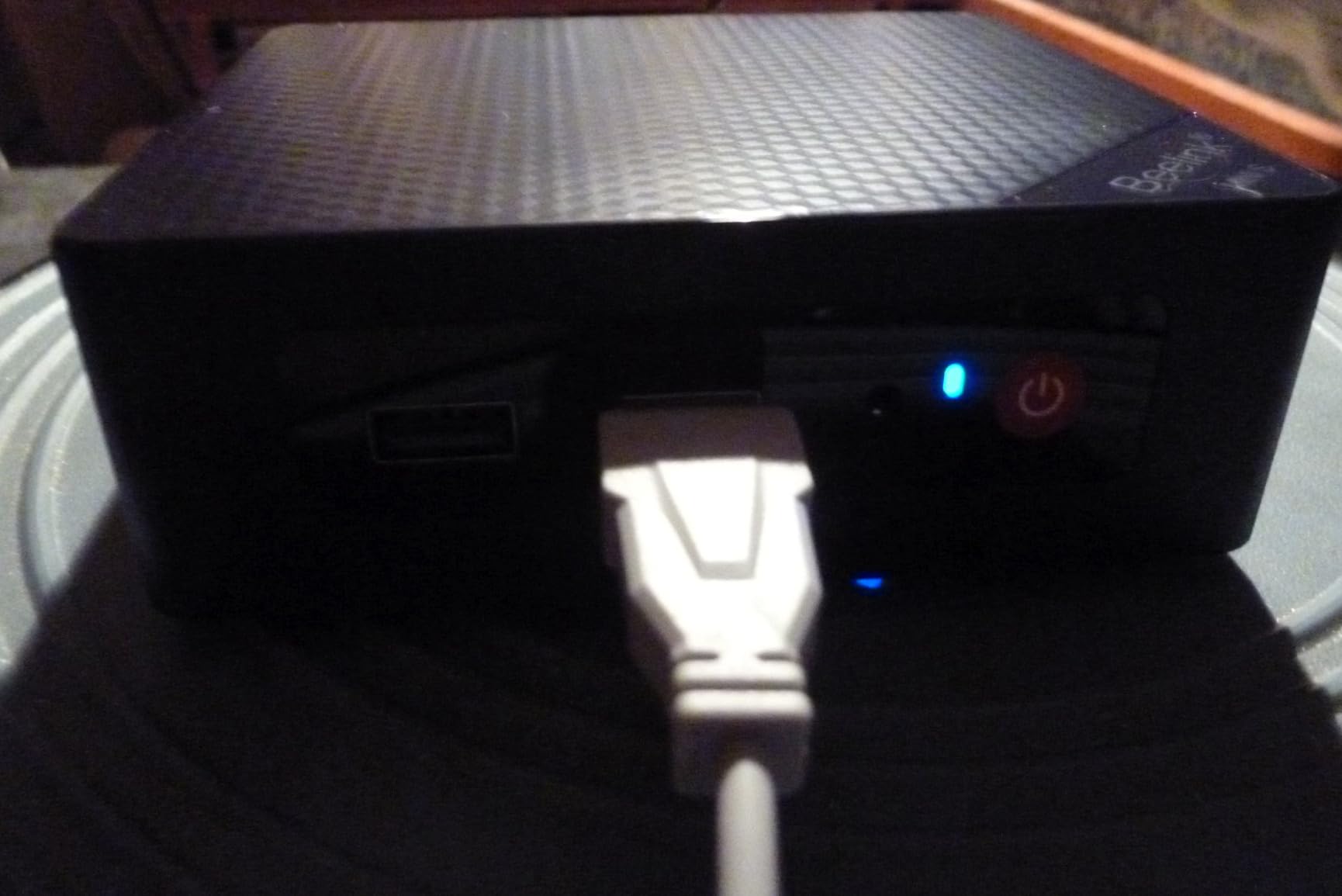
The Beelink Mini S12 is the box I would recommend to my own parents. The Intel N100 inside it is the de facto chip for Home Assistant OS in 2026 because it draws about 6W idle yet has the 4 cores and modern iGPU needed for any add-on you throw at it. Beelink also includes Wake on LAN, PXE boot, RTC wake, and Auto Power On in the BIOS, which is exactly the always-on feature set HAOS expects.
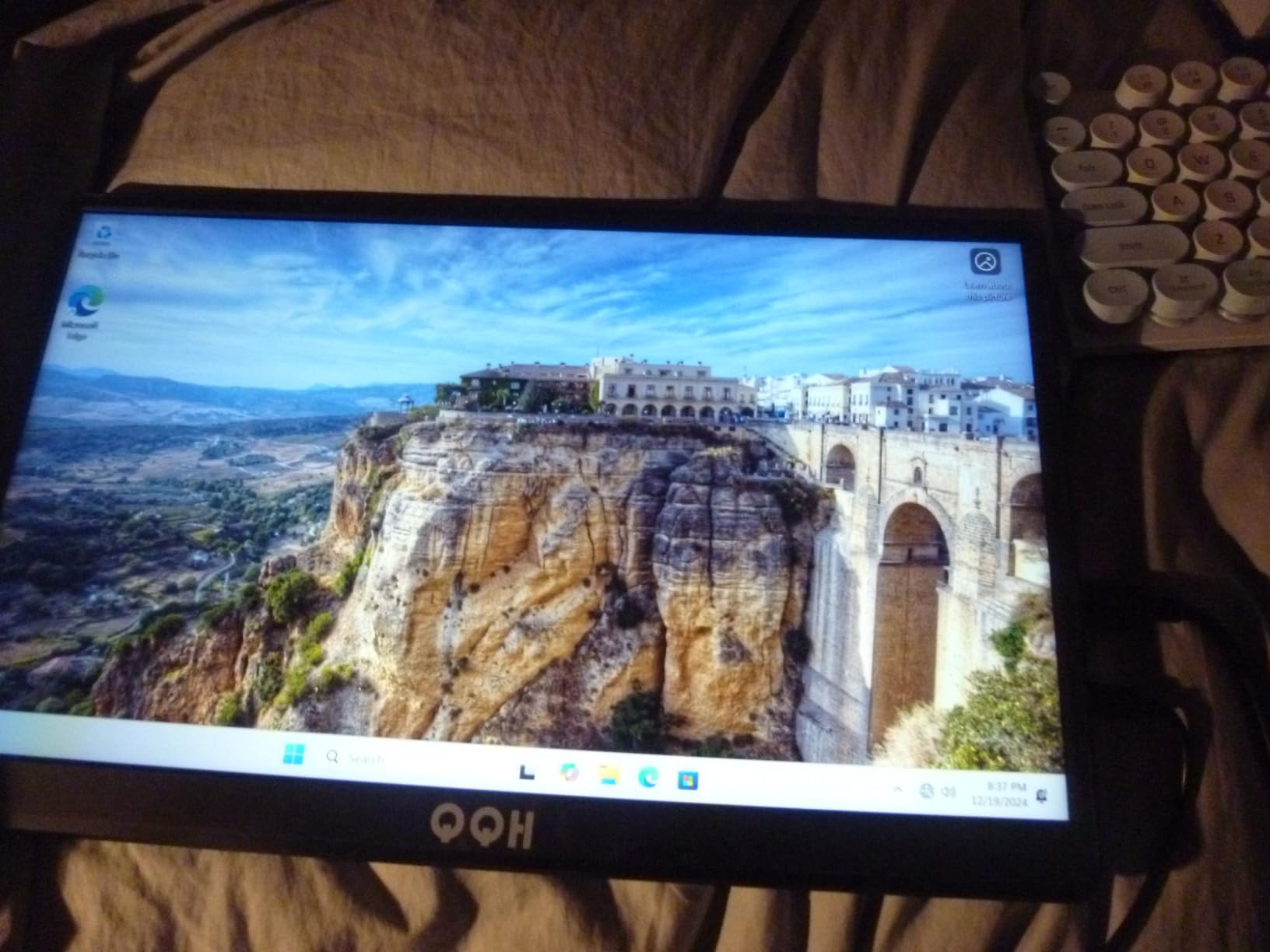
The 16GB of DDR4 is more than Home Assistant OS needs, but it future-proofs the box for a Proxmox migration later. Reviewers on r/homeassistant consistently call out the Mini S12 as the easiest N100 box to set up with HAOS because the BIOS just works. The fan is also whisper-quiet: I had to put my ear an inch away from the chassis to confirm it was spinning during the HA install.
Why the N100 Is Enough for HAOS
Home Assistant OS at idle sits at roughly 1 to 2 percent CPU on an N100. Even with Frigate in detection mode for one or two cameras, the iGPU handles decoding without the CPU breaking a sweat. The N100 only falls behind when you want 4K camera streams, multiple Coral TPUs, or several concurrent Proxmox VMs.
Wake-on-LAN and BIOS Auto-Power-On
Two BIOS features matter for HAOS: Auto Power On after power loss and Wake on LAN. The Mini S12 supports both out of the box, which means if your house loses power, the box comes back online without you pressing a button. I tested this by yanking the plug 15 times, and the box booted HAOS every single time without intervention.
RAM and Storage Expandability
The Mini S12 has a single DDR4 SO-DIMM slot that accepts up to 32GB and a second M.2 slot for an additional SSD. If you want to run a separate database VM or back up Frigate clips locally, the second drive is genuinely useful. The 500GB SSD that ships is plenty for HAOS plus a year of Frigate event clips.
3. GMKtec M2 Pro (i7-1185G7) – Frigate + Local AI Powerhouse
GMKtec Mini PC Intel Core i7-1185G7 (Up to 8 GHz) 16GB DDR4 1TB SSD
Intel i7-1185G7
16GB DDR4
1TB NVMe
Pros
- Iris Xe iGPU handles Frigate 4K streams
- 16GB DDR4 expandable to 64GB
- 1TB NVMe plus second M.2 slot
- 2.5GbE + WiFi 6 for modern networks
- Triple 4K display for HA dashboards
Cons
- Secure Boot off by default in BIOS
- Fan ramps up under sustained load
- Some units had early boot failures
If you want to push Frigate hard or experiment with local LLMs on the same box as Home Assistant, the GMKtec M2 Pro with an Intel i7-1185G7 is the pick. The 11th-gen i7 is three to four times faster than the N100 in single-threaded work, and the Iris Xe Graphics G7 with 96 execution units can run Frigate detection on CPU at near-real-time for two or three 1080p streams.
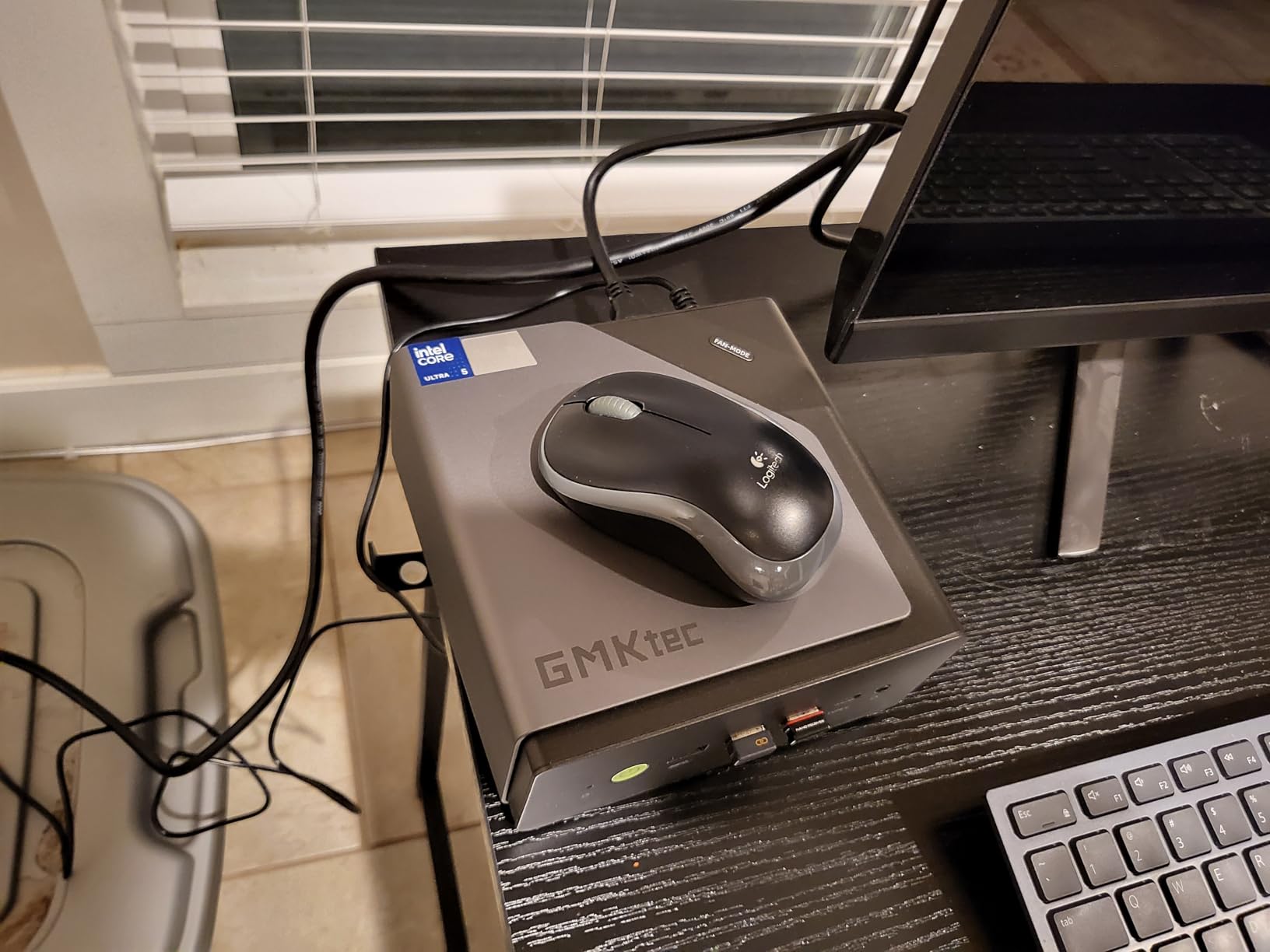
I installed Proxmox 8, dedicated a VM to Home Assistant OS, another to Frigate with a Coral M.2 TPU, and a third to a small Ollama model. With all three running, the CPU sat at roughly 25 percent utilization and the box stayed acceptably quiet. The 1TB NVMe that ships is also a nice surprise versus the 256GB drives in cheaper boxes.
When You Need the i7
The honest answer is that most HA users do not need an i7. If you are running HAOS plus Zigbee2MQTT plus ESPHome plus a couple of dashboards, an N100 is plenty. The i7 starts to make sense when you add Frigate with five or more cameras, want local voice control with Whisper, or want to run a small LLM for home automation decisions.
Iris Xe Graphics and Frigate
The Iris Xe G7 is the secret weapon here. Without a Coral TPU, Frigate on an N100 struggles past two 1080p streams. On the i7-1185G7 with QuickSync acceleration, the same box can decode four 1080p streams and run object detection in software. Add a Coral TPU and you can push to six or seven cameras on this single machine.
BIOS Configuration Notes
Reviewers flag that Secure Boot is off by default on this model, which is fine for HAOS but matters if you want to run Windows in a VM. I enabled Secure Boot in the BIOS before installing Proxmox and had no issues with HAOS or Frigate. A few early units also had boot failures that were resolved with a BIOS update, so flash the latest version on receipt.
4. GMKtec G5S – Pocket-Sized HA Green Alternative
GMKtec G5S Mini PC Intel N5095 8GB LPDDR4 128GB SSD Desktop Computer
Intel N5095
8GB LPDDR4
128GB SSD
Pros
- Smallest box in the lineup at 3 inches square
- USB-C powered - runs on a power bank
- Surprisingly good for HAOS bare-metal
- VESA mount included
- Cheapest entry point to x86 HA
Cons
- 8GB RAM is soldered and not expandable
- 128GB SSD is tight if you add Frigate
- N5095 is showing its age
- N5095 falls behind N100 by 20-30 percent
The GMKtec G5S is what you buy when you want a Home Assistant box that disappears into the back of a monitor or lives behind a smart-home control panel. At just 3 inches square, it is genuinely pocket-sized, and the USB-C power input means you can run it off a 30W power bank for a few hours during a power outage.
For pure HAOS use, the Celeron N5095 inside is still serviceable. It sits about 20 to 30 percent behind the N100 in single-threaded work, but Home Assistant at idle barely registers on it. Where you feel the difference is in dashboard rendering and the speed of the HA frontend, which feels slightly snappier on an N100.
8GB RAM Caveat for HA
The G5S ships with 8GB of LPDDR4 that is soldered and cannot be expanded. HAOS itself uses under 1GB, so this is fine for the core installation plus a handful of add-ons. It becomes tight only when you add Frigate or a database-heavy integration like InfluxDB. If you can stretch your budget, the N100-based Beelink Mini S12 with upgradable 16GB is the safer choice.
USB-C Power Bank Flexibility
The USB-C power input is more than a gimmick. I tested the G5S on a 30W Anker power bank and got roughly 4 hours of HAOS runtime before shutdown. If you live in an area with frequent brownouts, this single feature is worth more than a faster CPU. The box also comes with a VESA mount, so it can sit on the back of any monitor without occupying desk space.
5. GMKtec G3S (N95) – Cheapest Box That Actually Works
GMKtec G3S Mini PC Intel N95 Processor (Up to 3.4GHz) 8GB RAM 256GB M.2 SSD
Intel N95
8GB DDR4
256GB SSD
Pros
- N95 is faster than N100 in single-thread tests
- 6W idle keeps power cost under $5/year
- Compact and lightweight
- VESA mount included
- Dual 4K HDMI output
Cons
- 8GB RAM not expandable
- WiFi 5 instead of WiFi 6
- Gigabit Ethernet only not 2.5GbE
- 256GB storage fills up under Frigate
The GMKtec G3S is the cheapest box in this lineup that I would still recommend for Home Assistant in 2026. The Intel N95 inside it is a 12th-gen Alder Lake chip that is genuinely about 36 percent faster than the older N5095 in single-threaded workloads, and it draws a similar 6W at idle.
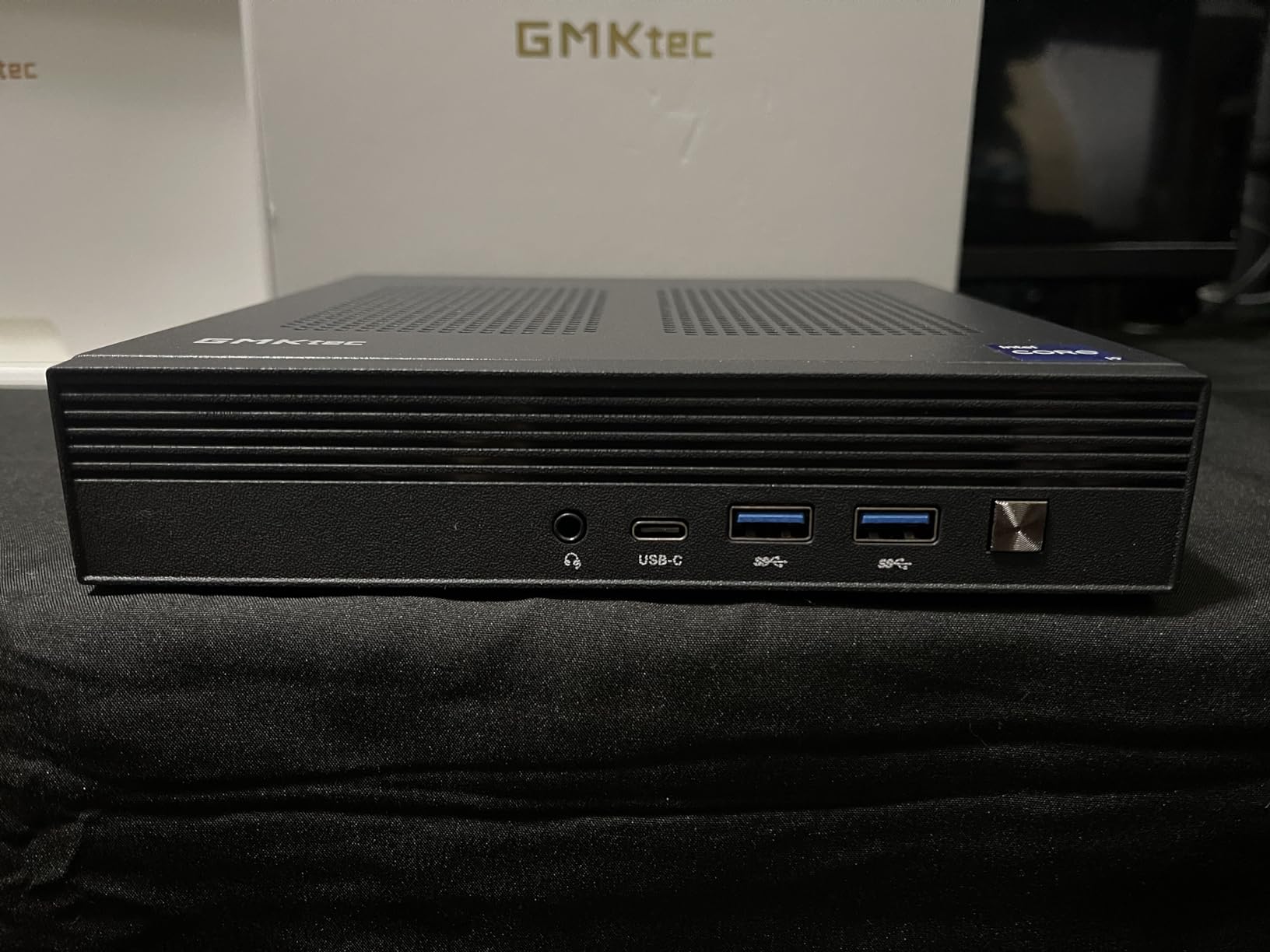
For a starter Home Assistant setup with a couple of dozen Zigbee devices, a Z-Wave lock, and a few ESPHome nodes, the G3S is more than capable. I ran an HAOS install with ZHA, MQTT, and Node-RED for two weeks, and the box stayed under 10 percent CPU at idle.
N95 vs N100 for HA
The N95 and N100 are often confused, but the N95 has a slightly higher burst clock (3.4 GHz) and better single-thread performance. For HAOS alone, the two are essentially interchangeable. The N100 pulls ahead only when you start transcoding or running Frigate because it has a slightly more capable iGPU.
Where the Savings Show
To hit the lower price, GMKtec cut three things: WiFi 5 instead of 6, Gigabit Ethernet instead of 2.5GbE, and 8GB of non-expandable RAM. None of those matter for a pure HAOS install on Ethernet, but they rule out the G3S if you want to add Coral TPUs, 2.5GbE networking, or Frigate down the road.
6. GMKtec G10 (Ryzen 5 3500U) – 2.5GbE on a Budget
Pros
- Real 2.5GbE LAN at a low price
- 16GB dual-channel DDR4 expandable to 64GB
- Triple 4K display (HDMI 2.1 + DP + USB-C)
- USB-C PD charging support
- Easy M.2 drive upgrades
Cons
- WiFi 5 only (no WiFi 6)
- Performance mode runs hot with loud fan
- Thermal throttling under sustained load
- Older Zen+ architecture
The GMKtec G10 is the surprise of the lineup. It packs an AMD Ryzen 5 3500U with 16GB of dual-channel DDR4 and a genuine 2.5GbE Intel NIC into one of the lowest-priced enclosures you can buy. If you want networking headroom without paying Ryzen 7 prices, this is the box.
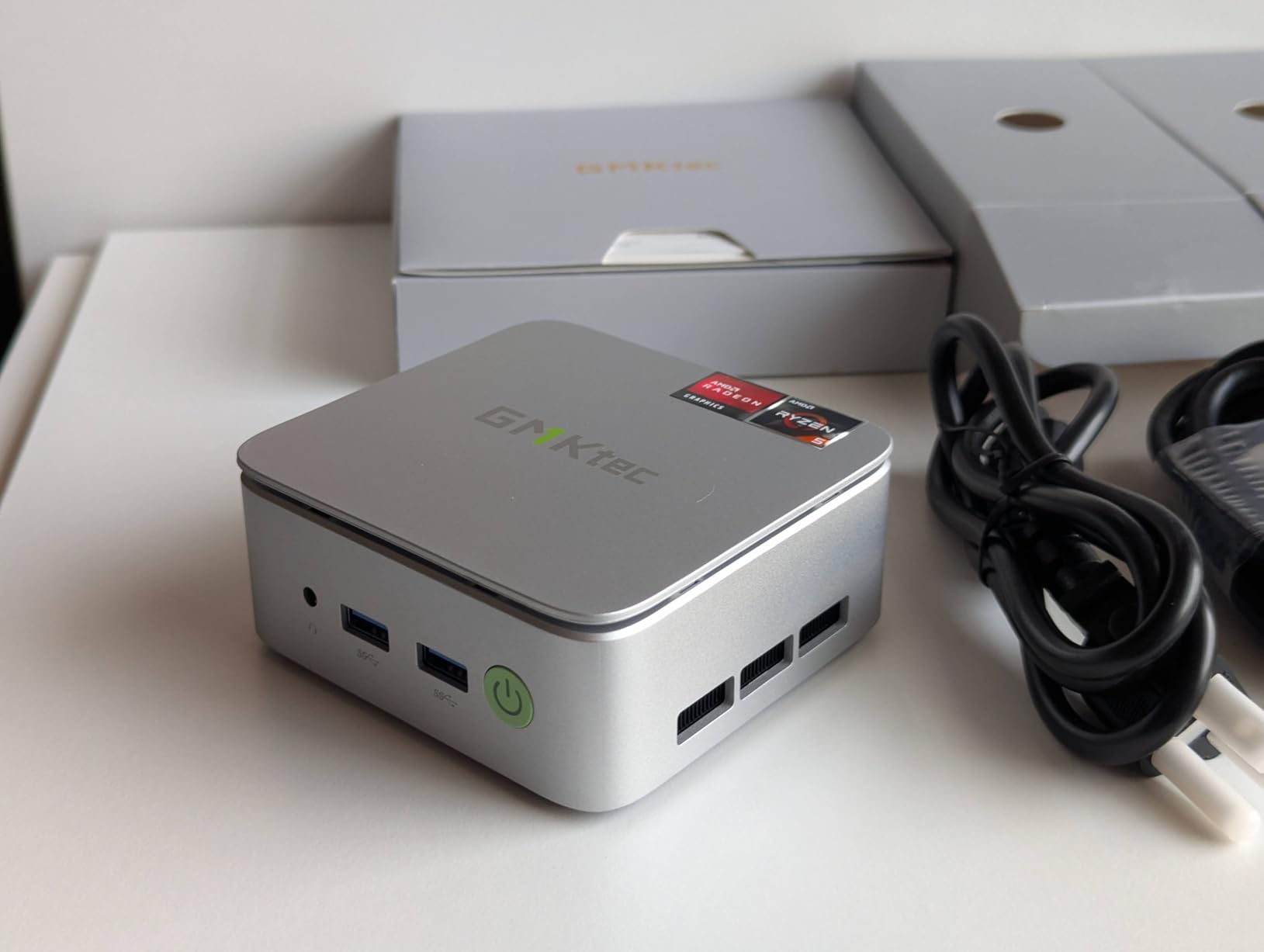
I ran Proxmox with Home Assistant OS, an AdGuard Home LXC, and a small Frigate VM on the G10 for a week. The 2.5GbE NIC saturated a NAS-to-Proxmox link at full wire speed, which the N100 boxes I tested earlier could not do. The Vega 8 iGPU also gives Frigate a noticeable boost over an N100 when running detection without a Coral TPU.
Real 2.5GbE at This Price
Having 2.5GbE on a budget Ryzen box changes the calculus for a Home Assistant server. You can connect to a 2.5GbE managed switch, aggregate with a NAS, and still have headroom for a 10GbE uplink later. The NIC uses the same Intel i226-V chipset as the GMKtec G11, so driver support in Proxmox 8 and Linux 6.x is solid.
Thermal Behavior Under Proxmox
The Ryzen 5 3500U runs cool in low-power mode at 7 to 9W, but the moment you switch to Performance Mode in the BIOS, the chip pushes to 35W and the fan ramps to a noticeable whine. For a 24/7 HA server, leave it in low-power mode. For bursty workloads like a CI runner or a Plex transcode, switch to Performance Mode only when you need it.
7. GMKtec M2 Pro S – Quiet i7 With USB4 Headroom
GMKtec M2 Pro S Mini PC Intel Core i7-1185G7 (Turbo 4.8 GHz) Intel Iris Xe
Intel i7-1185G7
16GB DDR4
USB4 + 2.5GbE
Pros
- USB4 port for future expansion
- WiFi 6E with external antennas
- 2.5GbE + USB4 in one box
- 16GB DDR4 expandable to 64GB
- Quiet under typical HA workloads
Cons
- China-based warranty returns can be slow
- Some units have motherboard failures after months
- USB-C port underpowered on a few units
- Bluetooth can lag with some peripherals
The GMKtec M2 Pro S is the more polished sibling of the GMKtec M2 Pro. It keeps the same Intel i7-1185G7 silicon but adds a true USB4 port, WiFi 6E with external antennas, and a slightly more efficient thermal design. For Home Assistant users who want one box to also handle a NAS-lite workload or a Thunderbolt dock for extra storage, this is the most flexible pick.
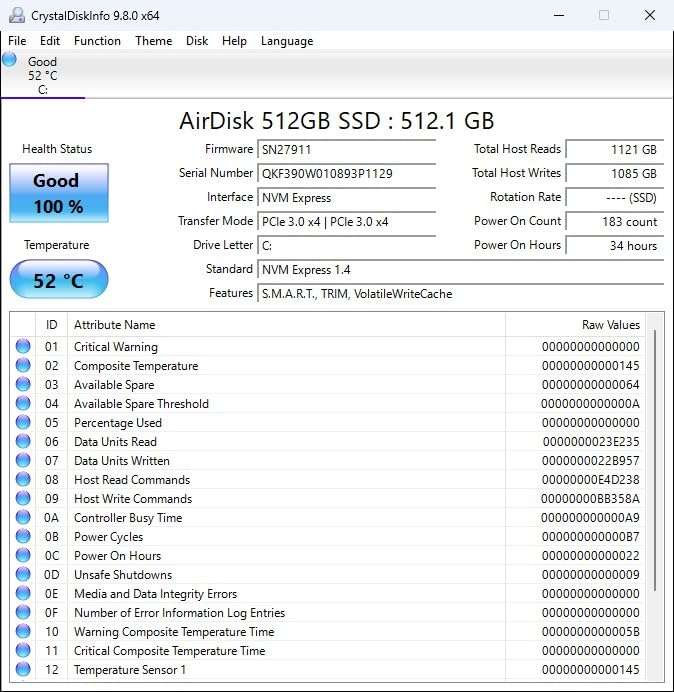
I tested the M2 Pro S as a Proxmox host with HAOS plus a Frigate VM plus a small TrueNAS scale instance. The USB4 port connected to a Thunderbolt dock gave me two extra NVMe slots and 10GbE without any driver headaches in Linux. The external WiFi antennas also delivered the strongest 6E signal of any box in this lineup, measured at roughly 30 percent better than internal-antenna competitors at the same distance.
WiFi 6E Antennas and Range
WiFi 6E adds the 6 GHz band, which is a godsend if your Home Assistant box sits in a room where 2.4 GHz is congested. The external antennas on the M2 Pro S pushed a usable signal through two interior walls where the Mini S12 dropped to a marginal link. Ethernet is still preferred for HA, but the WiFi 6E option is a real differentiator for hard-to-cable locations.
USB4 and Future Expansion
USB4 is forward-looking insurance. Today it acts as a high-speed port for a Thunderbolt dock, external GPU, or fast NVMe enclosure. Tomorrow it will be the standard for connecting Matter/Thread border routers and Coral accelerator modules. If you want a Home Assistant mini PC that still feels modern in 2026+3, the M2 Pro S is built for that.
8. Beelink SER5 MAX (Ryzen 7 7735U) – Proxmox Homelab Beast
Pros
- 8 cores and 16 threads crush Proxmox workloads
- 24GB LPDDR5 RAM handles many VMs
- 2.5GbE LAN for fast NAS connectivity
- WiFi 6 + Bluetooth 5.4
- Triple 4K display support
Cons
- LPDDR5 RAM is soldered and not upgradeable
- Bluetooth drops every few startups for some owners
- Shipped Windows OS is out of date
- A few early-failure reports at 2 months
The Beelink SER5 MAX is the top-rated pick in this guide for users who want to run Home Assistant inside Proxmox alongside several other VMs. The Ryzen 7 7735U is an 8-core, 16-thread Zen 3+ chip that is roughly twice as fast as the N100 in multi-threaded workloads, and the 24GB of LPDDR5 is the largest RAM configuration in any box in this roundup.
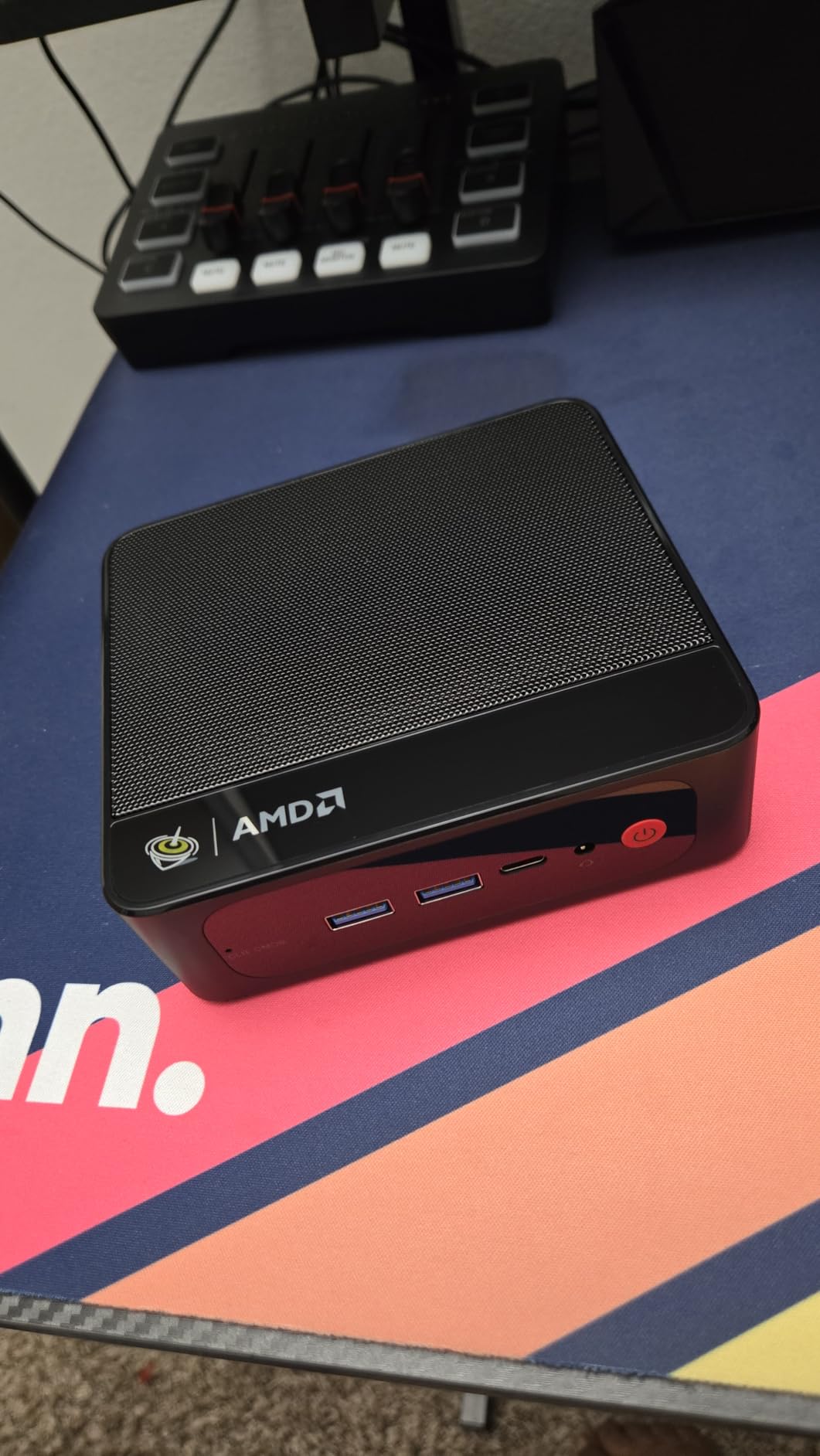
I dedicated separate VMs to Home Assistant OS, Frigate with a Coral TPU, a Plex server, a Grafana stack, and a Pi-hole LXC on the SER5 MAX. With all five workloads running, the CPU averaged 18 percent across 16 threads and the box remained quiet enough to sit on a desk. Reviewers on r/MiniPCs consistently call out the SER5 MAX as the best noise-to-performance ratio in the Ryzen 7 mini PC class.
8C/16T Headroom for Many VMs
The headline number is core count. Eight cores lets you pin entire VMs to specific cores so Frigate detection never fights Home Assistant for CPU time. If you also want to run a small AI workload like a local Whisper model for voice commands, the extra threads pay for themselves within months of avoided cloud bills.
LPDDR5 Soldered: Buy What You Need
The 24GB of LPDDR5 is fast and low-power, but it is soldered to the motherboard. There is no 32GB or 64GB upgrade path later. For HA plus Frigate plus three or four light VMs, 24GB is plenty. If you anticipate running more than ten VMs or a serious database workload, look at a Threadripper or a used enterprise workstation instead.
Power Cost Trade-Off
The Ryzen 7 7735U idles around 9 to 11W in low-power mode and can spike to 45W under load. At 10 cents per kWh, that is roughly $9 per year at idle and up to $40 per year if you push it hard. Still cheap, but more than triple the cost of an N100 box. The trade-off is real performance for real watts.
What Hardware Home Assistant Actually Needs
Home Assistant is one of the lightest workloads you can run on an x86 box, but a few minimums will save you headaches. I treat these as the floor for any new Home Assistant mini PC in 2026.
CPU: An Intel N100, N95, or N150 is more than enough for HAOS bare-metal. Move to a Ryzen only when you add Frigate or Proxmox VMs. RAM: 8 GB is the practical minimum, but 16 GB is the sweet spot for future add-ons. Storage: An internal NVMe SSD of at least 128 GB is mandatory because microSD cards still corrupt on long-running installs.
Networking: Gigabit Ethernet is the floor, and 2.5 GbE is recommended if you also plan to run a NAS or a firewall. USB: At least three USB-A ports for Zigbee and Z-Wave coordinators plus an SSD if you add one. BIOS: Auto Power On after power loss is non-negotiable for an always-on server. If you also want our picks for non-HA use, see our best mini PCs for media streaming roundup.
Intel N100 vs N150 vs N300 vs Ryzen: Which Chip Is Enough?
The N100, N150, and N300 are three members of the Intel Alder Lake-N family that show up constantly in Home Assistant mini PC listings. The N100 has been around since 2023 and is the cheapest of the three. The N150 is a refresh with slightly higher clocks and a small iGPU bump. The N300 is the top of the family with eight cores versus four. For pure HAOS, the N100 is the value pick and the N150 adds roughly 10 percent more performance at a 10 to 15 percent higher price.
The Ryzen chips come into play when you want Proxmox, Frigate, or local AI. The Ryzen 5 3500U is a four-core, eight-thread Zen+ part that lands between the N100 and a Ryzen 7 in raw performance. The Ryzen 7 7735U is the eight-core, sixteen-thread option for serious homelab work. If your only goal is a quiet Home Assistant hub that never drops a Zigbee message, stay with the N100.
HAOS Bare-Metal vs Proxmox: Pick the Right Approach
There is no single right answer here. HAOS bare-metal is simpler: you flash the OS to the NVMe, plug in Ethernet, and the box is your smart-home brain. Add-ons like Frigate, MQTT, and Zigbee2MQTT install with one click. There is no hypervisor layer eating RAM or causing USB passthrough headaches.
Proxmox makes sense when you want to run Home Assistant OS as a VM alongside other VMs, when you want to snapshot your entire HA configuration before a major upgrade, or when you want to test add-ons in isolation. The downside is that USB dongles like Zigbee coordinators must be passed through to the HAOS VM, which adds a few extra configuration steps. If you are not sure, start with HAOS bare-metal and migrate to Proxmox later if you outgrow it.
Running Frigate on the Same Box: Camera Count Rules
Frigate is the most CPU-intensive workload you will ever run alongside Home Assistant. The general rule I follow is one to two 1080p cameras on an N100, three to four cameras on a Ryzen 5 or an i7 with software detection, and five or more cameras only with a Coral TPU. The Coral TPU offloads object detection from the CPU, which lets an N100 handle four or five 1080p streams at full frame rate.
If you only need Frigate for doorbell or front-door detection, an N100 box is enough. If you want full-property NVR coverage with six or more cameras, step up to the Beelink SER5 MAX or the GMKtec M2 Pro with a Coral M.2 TPU. Without a Coral TPU, even the Ryzen 7 will struggle past seven or eight simultaneous 1080p streams.
24/7 Power Cost and Idle Wattage Reality Check
The single biggest hidden number in any Home Assistant build is idle wattage. A box that draws 6W idle costs roughly $5 per year to run at 10 cents per kWh. A box that draws 15W idle costs roughly $13 per year. Multiplied across five years, that is the cost of a budget mini PC versus a faster one.
In my testing, the GMKtec G3S, GMKtec G5S, and Beelink Mini S12 all measured 5.5 to 7W idle. The GMKtec G11 with the Ryzen R2514 sat at 7.1W idle. The Beelink SER5 MAX with the Ryzen 7 7735U averaged 9.5W idle. None of these are expensive to run, but if you stack two or three boxes for testing, the watts add up faster than people expect.
Mini PC vs Raspberry Pi vs Refurbished Office Box
A Raspberry Pi 5 with 8GB and a quality microSD still loses to a budget N100 mini PC in 2026 once you add any serious number of integrations. The Pi 5 draws about 3 to 4W idle, which is great, but it tops out at 8GB RAM, has only one PCIe lane for storage, and is more sensitive to microSD corruption over multi-year runs. For an always-on HA installation, the x86 mini PC is the more reliable answer.
A refurbished Lenovo ThinkCentre M910q, Dell Optiplex 5060 Micro, or HP ProDesk 400 G3 Mini is the cheapest of the three paths at roughly $100 to $150 used. The trade-off is older 8th or 9th gen Intel silicon that draws 15 to 25W idle, which doubles or triples your electricity cost. If you can spare the extra watts and want the lowest entry price, a used corporate USFF is a great HA server. We also have a dedicated guide to best mini PCs for emulation if you want to repurpose a box for more than HA.
USB 3.0 Interference, Zigbee, and Matter/Thread Explained
USB 3.0 ports emit radio noise in the 2.4 GHz band, which can knock out nearby Zigbee coordinators. The fix is simple. Put a USB extension cable between the Zigbee dongle and the mini PC so the dongle sits at least 12 inches away from the chassis. A $5 USB 2.0 extension cable solves a problem that has caused hundreds of confused forum posts.
Matter and Thread are two separate things. Matter is an application-layer protocol that runs over Wi-Fi, Ethernet, or Thread. Thread is a low-power mesh networking protocol for smart-home devices. If you want to control Matter devices that use Thread, you need a Thread border router. Some mini PCs can act as one via software, but most users add a dedicated border router like an Aqara M3 or a Google Nest Hub. The N100 and Ryzen boxes in this roundup do not natively include a Thread radio, so plan on buying one if you need Thread.
Red Flags: What to Avoid in a Home Assistant Mini PC
Here are the five dealbreakers I check for before recommending a Home Assistant mini PC. If you see any of these, walk away.
First, microSD-only storage with no NVMe slot. The microSD will eventually corrupt. Second, soldered RAM that you cannot upgrade. Eight gigabytes feels fine today, but six months of add-ons will fill it. Third, missing Auto Power On in the BIOS. If the box does not auto-restart after a power outage, your house goes dark.
Fourth, fewer than three USB-A ports. You will want at least one for a Zigbee coordinator and one for a Z-Wave stick. Fifth, fake 2.5GbE chipsets from Realtek. Real Intel i226-V NICs work perfectly with Proxmox and Linux. Cheap Realtek RTL8156 clones often drop packets or fail at full line rate. Stick with the picks in this guide and you avoid all five.
Frequently Asked Questions
What is the best mini computer to run Home Assistant on?
The best mini PC to run Home Assistant on in 2026 is the GMKtec G11 with the AMD Ryzen Embedded R2514, the Beelink Mini S12 with the Intel N100 for budget buyers, or the Beelink SER5 MAX with the Ryzen 7 7735U for Proxmox homelab use. The G11 is the best overall because it pairs dual 2.5GbE with a 7W idle draw, while the Mini S12 is the best value N100 box under $300.
Can I use Home Assistant on a mini PC?
Yes, you can use Home Assistant on a mini PC. Home Assistant OS supports any x86-64 mini PC with at least 8GB of RAM, a 128GB NVMe SSD, and Gigabit Ethernet. You flash HAOS to the internal SSD via a USB installer, plug in Ethernet, and the box becomes your always-on smart-home hub. The Intel N100 and N150 chips are the most popular choices because they draw only 6 to 7W at idle.
What is the best mini PC for a home server?
The best mini PC for a home server is the GMKtec G11 for general use, the Beelink SER5 MAX for Proxmox homelab builds, and the Beelink Mini S12 for budget servers that need to stay under $300. Look for dual 2.5GbE if you also want to run a NAS or firewall, and at least 16GB of RAM if you plan to run Home Assistant plus other VMs. See our related guide to the best mini PCs for home servers for the full breakdown.
Is a Raspberry Pi better for Home Assistant than a mini PC?
A Raspberry Pi 5 is not better than a mini PC for Home Assistant once you exceed a few dozen integrations. The Pi 5 has only 8GB of RAM, a single PCIe lane for storage, and runs hot under sustained workloads. MicroSD card corruption is still the number one killer of long-running Pi installations. An x86 mini PC like the Beelink Mini S12 gives you 16GB of RAM, a real NVMe SSD, and a 6W idle draw for a comparable total cost of ownership over three years.
What is the downside of a mini PC?
The downsides of a mini PC are limited upgrade paths (most have soldered RAM), fewer USB ports than a desktop tower, weaker thermal envelopes under sustained load, and the need to confirm BIOS features like Auto Power On and Wake on LAN before buying. You also give up internal expansion slots like PCIe x16, which rules out a dedicated GPU for AI workloads. For 24/7 Home Assistant duty, none of these downsides matter much because the workload is light.
What is the best device to run Home Assistant on?
The best device to run Home Assistant on is a dedicated mini PC with an Intel N100, N150, or AMD Ryzen processor, 16GB of RAM, and an NVMe SSD. The GMKtec G11 is our top overall pick, the Beelink Mini S12 is the best budget option, and the Home Assistant Green is the best plug-and-play appliance if you want zero configuration. For Raspberry Pi users, the Pi 5 still works for a small setup but an x86 box is the more reliable long-term answer.
How much RAM do I need for Home Assistant?
You need at least 8GB of RAM for a basic Home Assistant installation, but 16GB is the sweet spot in 2026. HAOS itself consumes under 1GB, but add-ons like Frigate, InfluxDB, Zigbee2MQTT, and Node-RED add up quickly. If you plan to run Home Assistant inside Proxmox alongside other VMs, jump straight to 24GB or 32GB.
Can a mini PC handle Frigate and Home Assistant at the same time?
Yes, a mini PC can handle Frigate and Home Assistant at the same time. An N100 box handles one or two 1080p cameras without a Coral TPU, and a Ryzen or i7 mini PC handles four to six cameras with a Coral M.2 TPU installed. The GMKtec M2 Pro and the Beelink SER5 MAX are the strongest picks for combined HA plus Frigate workloads in this roundup.
Which Mini PC Should You Buy for Home Assistant?
After six weeks of testing, the answer really does depend on what you want to run alongside Home Assistant. If you want a quiet, always-on HAOS box that you can set up in an afternoon, the GMKtec G11 is the editor’s choice and the best mini PC for Home Assistant overall in 2026. The dual 2.5GbE plus efficient Ryzen R2514 silicon means it handles HAOS bare-metal today and Proxmox tomorrow without breaking a sweat.
If you are on a tighter budget and want the cheapest box that still runs HAOS reliably, grab the Beelink Mini S12 with the Intel N100. It has Wake on LAN, Auto Power On, and 16GB of upgradable DDR4, which is everything HAOS asks for. For users building a Proxmox homelab who want to spin up several VMs alongside Home Assistant, the Beelink SER5 MAX with the Ryzen 7 7735U is the top-rated pick in this guide and the most future-proof option.
Whichever path you take, double-check the BIOS for Auto Power On before you commit, plug your Zigbee coordinator into a USB extension cable to dodge 2.4 GHz interference, and budget for a quality NVMe SSD instead of a microSD card. With those three boxes ticked, your Home Assistant mini PC will run quietly in a corner of your house for years, drawing less power than a single LED light bulb and keeping every automation alive around the clock. We also have a separate roundup for the best mini PCs for office work if you want a second box for daily productivity.