
A cheap pencil iron heats up, melts solder and gets the job done. Then you set it on a board with a fine-pad connector and watch the trace underneath darken while the tip sits there not recovering fast enough. That gap between good enough for a kit and controlled enough for repair is where the best soldering stations for electronics repair earn their place on the bench. I have worked through eight of them side by side over the past few months, on through-hole joints, SMD rework, ground pours and lead-free work, and the Weller WE1010NA came out ahead for repeatable results across the widest range of everyday repairs.
The differences between these units are not subtle once you look at the spec sheets closely. One recovers from a big ground pad in seconds, another needs half a minute. One holds a set temperature through a long session, another drifts a few degrees as the room warms up. One has a tip platform you can buy anywhere, another locks you into a proprietary cartridge. Since the right pick depends entirely on what you repair and how often, this guide covers the eight stations we consider the strongest options in 2026, including the budget kit most beginners should actually start with.
A note on method: I did not rank these on headline wattage. A 110W number on the box tells you very little about how a station behaves when a joint pulls heat out of the tip. What matters is closed-loop temperature control, recovery speed, how the iron feels after an hour, and whether the tips are still available in five years. Forum consensus matters too, and the soldering communities are unusually blunt about which platforms hold up. I leaned on owner reports alongside my own bench time, and flagged the complaints that come up repeatedly rather than the one-off gripes.
If you work away from a bench, you will also want to read our pick of the best portable power stations for powering field equipment away from mains power.
What Is a Soldering Station?
A soldering station is a temperature-controlled unit with a separate base that regulates the iron tip in closed loop. A sensor feeds the actual temperature back to the control unit, which adjusts power continuously to hold your set point. That feedback loop is what separates a station from a fixed-wattage iron.
The distinction matters more than it sounds. An iron runs flat out and cooks whatever it touches. A station holds the tip at the temperature you dialed in, so a heat-sensitive IC and a large ground pad can both get the right amount of heat. Thermal recovery, the speed at which the tip returns to temperature after a joint pulls heat away, is the second thing a station buys you.
Worth clarifying the vocabulary: an iron is the handpiece, a station is the temperature-controlled base it plugs into, and a kit is a station bundled with tips, solder, tweezers and helping hands. A pencil iron needs only a mains outlet. A portable smart iron needs a USB-C power supply and has no base. A hot air rework station adds a heated air gun for removing surface-mount parts.
Our Top 3 Soldering Stations for Electronics Repair in 2026
Three units cover most buyers outright. Here is the short version before the detailed reviews.

Comparing the 8 Stations at a Glance
Every station below, with the specs that actually separate them.
| Product | Specs | Action |
|---|---|---|
| Weller WE1010NA |
|
Check Latest Price |
 YIHUA 926 III YIHUA 926 III |
|
Check Latest Price |
 YIHUA 939D+ YIHUA 939D+ |
|
Check Latest Price |
 TOAUTO DS90 TOAUTO DS90 |
|
Check Latest Price |
 WEP 927-IV WEP 927-IV |
|
Check Latest Price |
 X-Tronic 3020-XTS X-Tronic 3020-XTS |
|
Check Latest Price |
 Hakko FX888DX Hakko FX888DX |
|
Check Latest Price |
 WEP 926LED V3 WEP 926LED V3 |
|
Check Latest Price |
1. Weller WE1010NA – The Repeatable Joints Winner for Everyday Repair
Weller 70 Watt Digital Soldering Station | WE1010NA
70W iron
±4°F stability
Temperature lock
ESD safe station and iron
Pros
- ±4°F stability and temperature lock give repeatable joints
- Heat-resistant silicon cable stays comfortable in long sessions
- Standby mode and password protection preserve settings
- 4.7 stars across 4670 reviews with 84% five-star
- Built-in PH70 safety rest with sponge
Cons
- 400°F upper rating limits very high-temperature joints
- 5.5-pound base takes more bench space
- Only a 1.6mm screwdriver tip is included
Best for: through-hole PCB repair, leaded work, and anyone who wants the same result twice in a row on a repeated job.
This is the station I kept reaching for once a bench got busy. The WE1010NA holds its set point within about 4°F, which sounds like a rounding error until you notice it means the tenth joint on a board looks identical to the first. On a repair where you are reworking the same connector pads, that consistency is the whole job.
Build quality is where it separates from the budget tier. The base is a 5.5-pound metal unit with real feet that do not skate across the bench, and the iron handle is genuinely comfortable. The silicone cable is heat-resistant and stays flexible in a way that cheaper PVC cables do not, which matters when you drape the iron over your wrist for fine work.
Several owners on r/soldering describe a decade or more of service from a Weller at work and would not switch back. That longevity is not a spec, but it is the reason this unit earns the top spot.
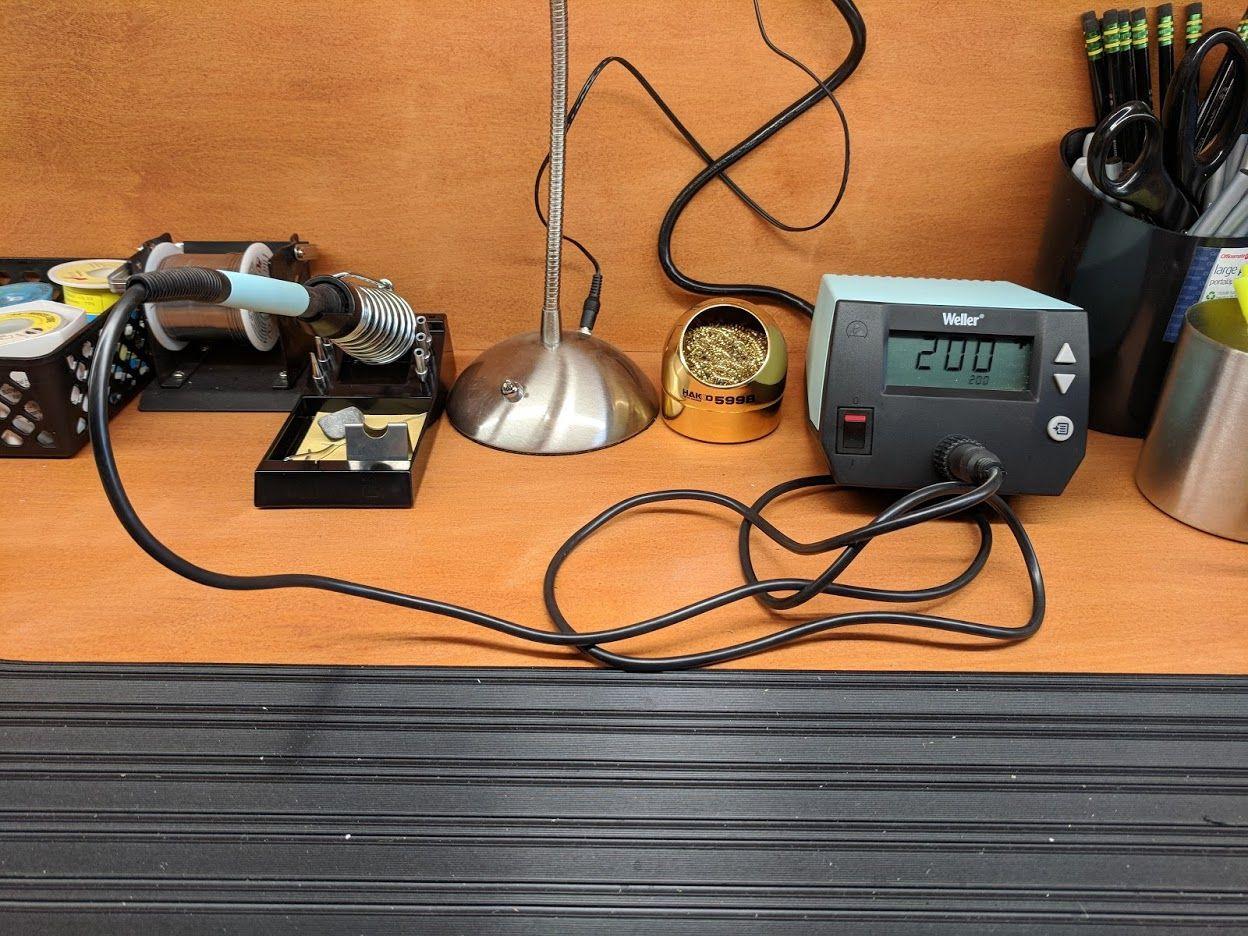
The safety features are practical rather than decorative. Standby mode drops the iron when you park it, auto setback drops the temperature, and password protection stops a shared bench from having your settings changed mid-job. For a classroom or lab where several people share one station, that password is genuinely useful.
It also includes a PH70 safety rest with a sponge, which is the part people often leave out when they buy a station on its own. A sponge and a brass cleaner are what keep a tip tinned and its heat transfer intact between jobs.
Temperature Lock and Stability Under Load
The first thing to understand about this station is that its accuracy comes from holding still, not from raw power. The stated stability is ±4°F, or about ±2°C, and combined with temperature lock that means the unit will not drift upward as the hour goes on.
Temperature lock is the feature more beginners should learn. Set 350°C for leaded through-hole work, lock it, and the knob stops responding to accidental bumps. On a station without lock, a nudged knob mid-solder is how you end up at 420°C and lift a pad.
Where the 400°F Ceiling Shows Up
The WE1010NA is rated to 400°F at the top of its range, well below the 896°F ceiling on several budget units in this list. For fine electronics that ceiling is rarely a problem, and honestly a good thing: 896°F is well past what leaded solder and small components want.
It does matter for large through-hole joints, heavy-gauge connectors, or working with lead-free alloys on big thermal masses. If your repair work involves mounting lugs, big capacitors or aluminum heat sinks, that is where the upper rating becomes a real constraint rather than a number on a spec sheet.
The ETA Tip Ecosystem and Bench Footprint
Weller’s ETA tips are one of the two ecosystems worth committing to, and reviewers frequently note that experienced users prefer them to alternatives they have owned. The 1.6mm screwdriver tip included covers most connector and through-hole work, and a chisel tip is what you want for SMD pads.
At 12.5 by 6 by 9 inches, this is the largest base in the group. It is not a problem on a dedicated bench, but it eats space on a shared kitchen table. The iron holder is part of the footprint rather than a separate accessory, which saves clutter.
2. YIHUA 926 III – The Most Complete Starter Kit on the Bench
YIHUA 926 III 60W Digital Display Soldering Iron Station Kit w 2 Helping Hands, 6 Extra Iron Tips, Lead-Free Solder, Solder Sucker, S/S Tweezers, °C/ºF Conversion, Auto Sleep & Calibration Support
60W element
194°F-896°F range
PID stabilization
Sleep 5/10/30 min
Pros
- PID stabilization across a 194°F to 896°F range with fast heat-up
- Integrated iron holder and rear tip storage slots
- 7182 reviews make it the most proven unit in this group
- 12-piece kit covers solder and desoldering basics
Cons
- 60W output is modest next to 90W to 130W stations
- Included tips are basic stamped rather than fine-ground
- Negative reviews cluster around non-US voltage compatibility
Best for: a first soldering setup, students, and anyone who wants tips, solder and hand tools in a single box rather than assembling a bench piecemeal.
With more than 7,000 reviews averaging 4.4 stars, this is the most battle-tested unit in the roundup, and the #1 listing in its category. That kind of volume means the failure modes are well documented rather than mysterious, which is exactly what you want from a first purchase.
The control side is genuinely good for the tier. You get PID stabilization, a digital display with a Celsius to Fahrenheit toggle, sleep mode settable at 5, 10 or 30 minutes, and digital calibration support through the master knob. Calibration support matters because cheap tips do not always read accurately at the dial setting.
The 896°F upper rating is generous. As with the Weller, you will work at the lower end of that range for nearly everything.
What separates this from other budget kits is the box contents. You get two helping hands, six assorted tips, a 35g roll of lead-free solder, a desoldering pump, ESD-safe tweezers, a solder wire dispenser and a cleaning sponge. A desoldering pump and good tweezers are the two tools people forget to buy and then immediately need.
The station body itself is compact at 7.3 by 4.5 by 2.8 inches, with the iron holder integrated and rear mesh slots for spare tips. Integrated holders are safer than the separate wire stands that ship with cheap irons, because there is no way to knock the hot iron off a balance point.
PID Control at the Entry Tier
Most stations in this price bracket skip closed-loop control entirely and rely on a simple thermostat. The 926 III does not. That is the single technical feature that separates it from a pencil iron dressed up as a station, and it is why we recommend it over the unbranded alternatives.
In practice the tip holds set temperature through a long session rather than creeping upward, which protects both the tip plating and heat-sensitive components.
What the 12-Piece Kit Actually Gets You
The accessories are not filler. Helping hands free up both hands for through-hole work, the solder sucker handles through-hole desoldering without heat, and ESD-safe tweezers keep you from carrying static to a board.
That said, the tips are stamped rather than finely ground, and there is no datasheet on any of them. Expect to buy a proper chisel tip as your first upgrade once you know which shape you actually use.
Where the 60W Ceiling Bites
Sixty watts is enough for headers, through-hole joints and small SMD pads. It is the weakest element rating in this roundup, and it is the reason we would not hand this to someone doing large ground pours all day.
On a big thermal mass the tip sits at the dial temperature while the board climbs above it, and that gap is where lifted pads and heat-damaged parts come from. The reviews that push this station point out that buyers using it for heavy daily production acknowledge it is not in that class. Know which one you are before you buy.
3. YIHUA 939D+ – Steady Heat Through a Ten-Hour Day
YIHUA 939D+ Digital Soldering Station, 75W Equivalent with Precision Heat Control (392°F to 896°F) and Built-in Transformer. ESD Safe, Lead Free with °C/°F display (Black)
120W rated
Built-in transformer
392°F-896°F
20 ms compensation
Pros
- Built-in transformer gives contact-safe output at 75W equivalent
- 20-millisecond compensation holds heat through continuous work
- Detachable iron handle is cheap to replace
- Brushed aluminum panel and solid metal stand
Cons
- Small metal iron holder is tippy on a crowded bench
- Un-flanged tip holes let spare tips fall out
- Base lacks rubber feet and slides on hard surfaces
Best for: makers and repair technicians who put in a full working day and need the tip to hold temperature from the first joint to the last.
This is the station I would call the best value of the group, and it fills the gap between hobby kits and the professional tier. The 4.5-star average across 4,167 reviews comes with a specific claim attached: owners report running it 10 hours or more a day in industrial manufacturing settings.
The technical centerpiece is the built-in transformer. It steps the output down to a contact-safe voltage without giving up the power you need to drive heat into a board. On a station without one, the tip sits at mains potential relative to the ground on the board, and that is exactly the voltage-leak situation that damages CMOS sensors, microcontrollers and RF parts.
Budgets matter here. This is real closed-loop performance without the professional-tier cost.
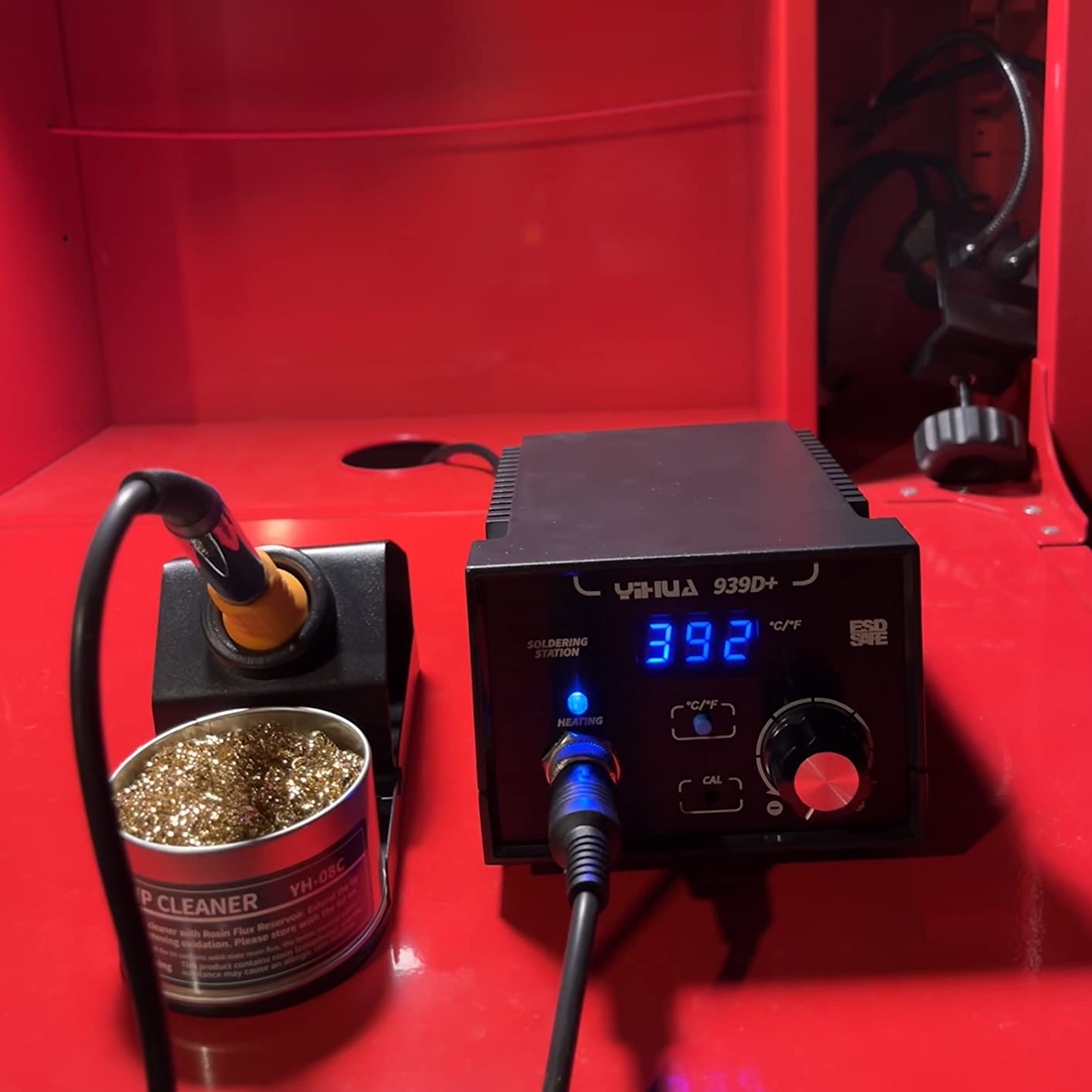
The control loop is unusually quick. Yihua states the temperature control program monitors and compensates within 20 milliseconds, which in plain terms means the unit reacts to heat leaving the tip before you notice the temperature drop on screen.
In practice that shows up on consecutive joints. Where a slower loop lets the temperature sag through a thick pad and then overshoot on the return, this one holds the number steady, so your tenth joint and your first joint land at the same place.
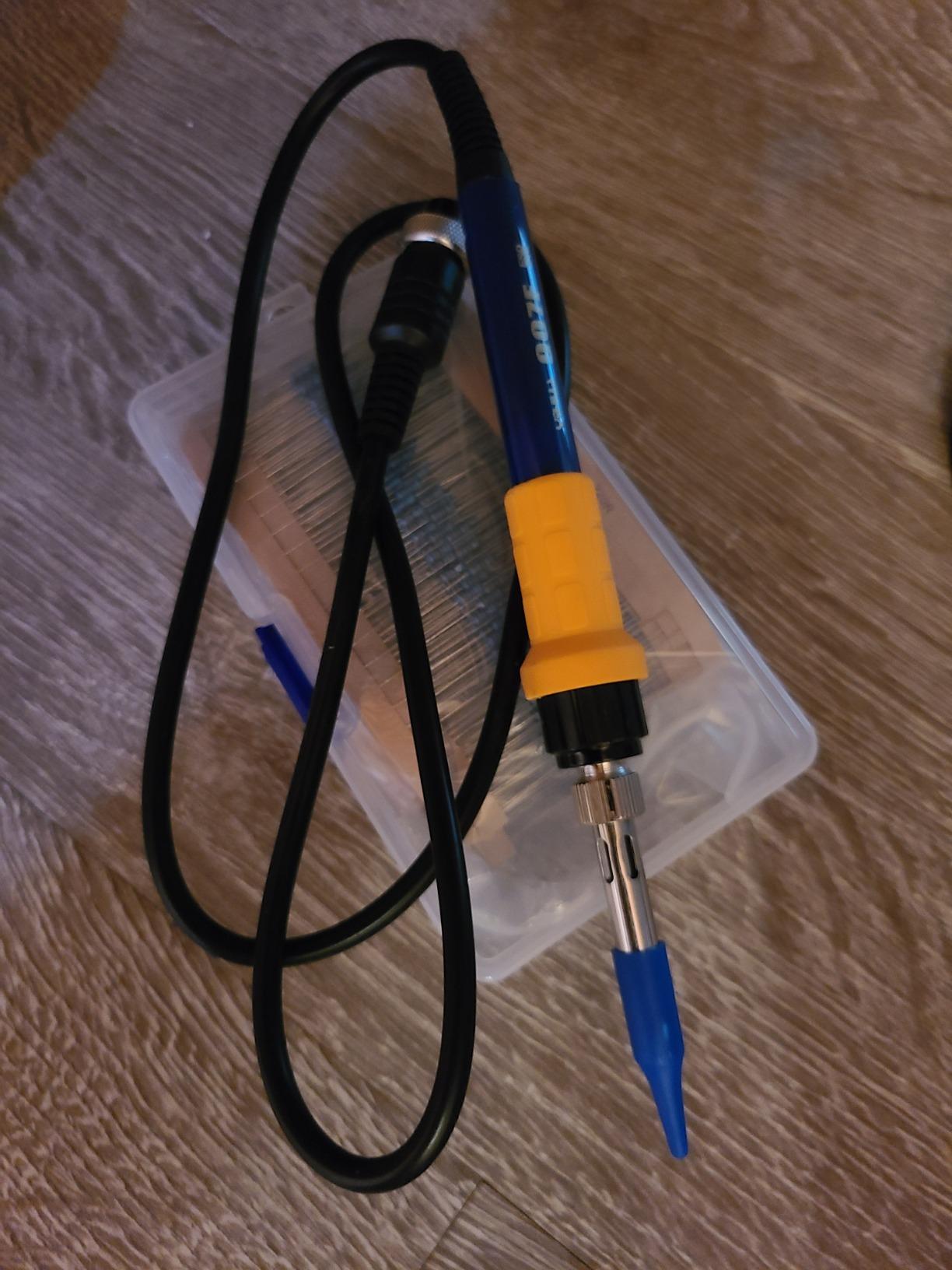
The 907F iron detaches from the base, and replacement handles are inexpensive and widely available. That single design decision matters more than any spec: on stations with a permanently wired iron, a failed element means replacing or rewiring the whole unit.
The Built-In Transformer and Why It Matters
Contact-safe output is not a marketing phrase. It means that if you touch the tip and the board ground at the same time, the current through you stays in the microamp range instead of following the mains supply.
Forum threads on edaboard and allaboutcircuits return to this point constantly, because low-cost stations with two-prong-style irons are a known cause of damaged sensitive parts. If you service phone boards, camera modules or anything with an RF front end, treat the transformer as a requirement rather than a nicety.
Temperature Compensation in Real Work
Set to 350°C with leaded solder, the loop keeps correcting as you drag a tip across a row of pins. On heavier work like a ground pour, the compensation is what lets you keep moving instead of stopping to let the tip catch up.
Reviewers consistently single out recovery speed rather than peak temperature as the difference between this and cheaper units, and the 20-millisecond figure is the engineering behind that.
The Stand Quirks Everyone Mentions
The criticisms on this station are consistent and all physical. The metal iron stand is small and tippy on a crowded bench, the tip storage holes are un-flanged so spare tips drop out, and the base has no grippy rubber feet so it slides on hard surfaces.
None of that touches the electronics. If you work at a small desk, add an anti-static mat under the base and a separate weighted holder, and you have solved all three in a couple of minutes.
4. TOAUTO DS90 – Fastest Heat-Up and the Clearest Dual Readout
TOAUTO DS90 Soldering Station-°F & °C Dual Digital Display Soldering Iron Station Kit,90W Soldering Iron,302℉- 842℉ Temperature, Anti-Static & Grounding Wire, Auto Standby & Sleep,5 Solder Tips, Blue
90W ceramic core
Reaches 590°F in 5 s
302°F-842°F
Dual unit display
Pros
- 90W ceramic core reaches 590°F in about five seconds
- Dual display shows Fahrenheit and Celsius on separate rows
- Auto standby at 10 minutes and sleep at 20 minutes
- Grounding wire and remove-static sheet aid desoldering
Cons
- Lightweight chassis feels less durable than Weller or Hakko
- Cord is thick and stiff and could be longer
- Supplied brass wool is sometimes brass-coated steel
Best for: SMD and SMT rework where you need to get to temperature between every component and you do not want to convert units mid-task.
The DS90 does one thing faster than anything else in this roundup: a 90W ceramic heating core that reaches 590°F in roughly five seconds. For rework jobs that involve dozens of small components, that is not a party trick. It is the difference between a productive session and an hour of waiting.
The second thing it does better than most is display handling. There are two rows on screen, Fahrenheit in red and Celsius in blue, showing both units at once. You stop doing mental conversion entirely, which removes an entire class of avoidable mistakes on heat-sensitive parts.
Temperature range is 302°F to 842°F with a stated stability of 2°C, and the PID program includes a temperature lock mode.
Its safety design is more considered than the price suggests. The unit goes to standby after 10 minutes idle and drops to sleep after 20, which protects tips on an unattended bench and stops the handpiece from sitting at full temperature overnight.
It also includes a grounding wire and a remove-static sheet for desoldering work. Both are directly aimed at the static problem that ruins surface-mount parts, and both are absent from most kits at this level.
The station is certified for ESD, CE, FCC and RoHS, and carries a one-year warranty with lifetime technical support.
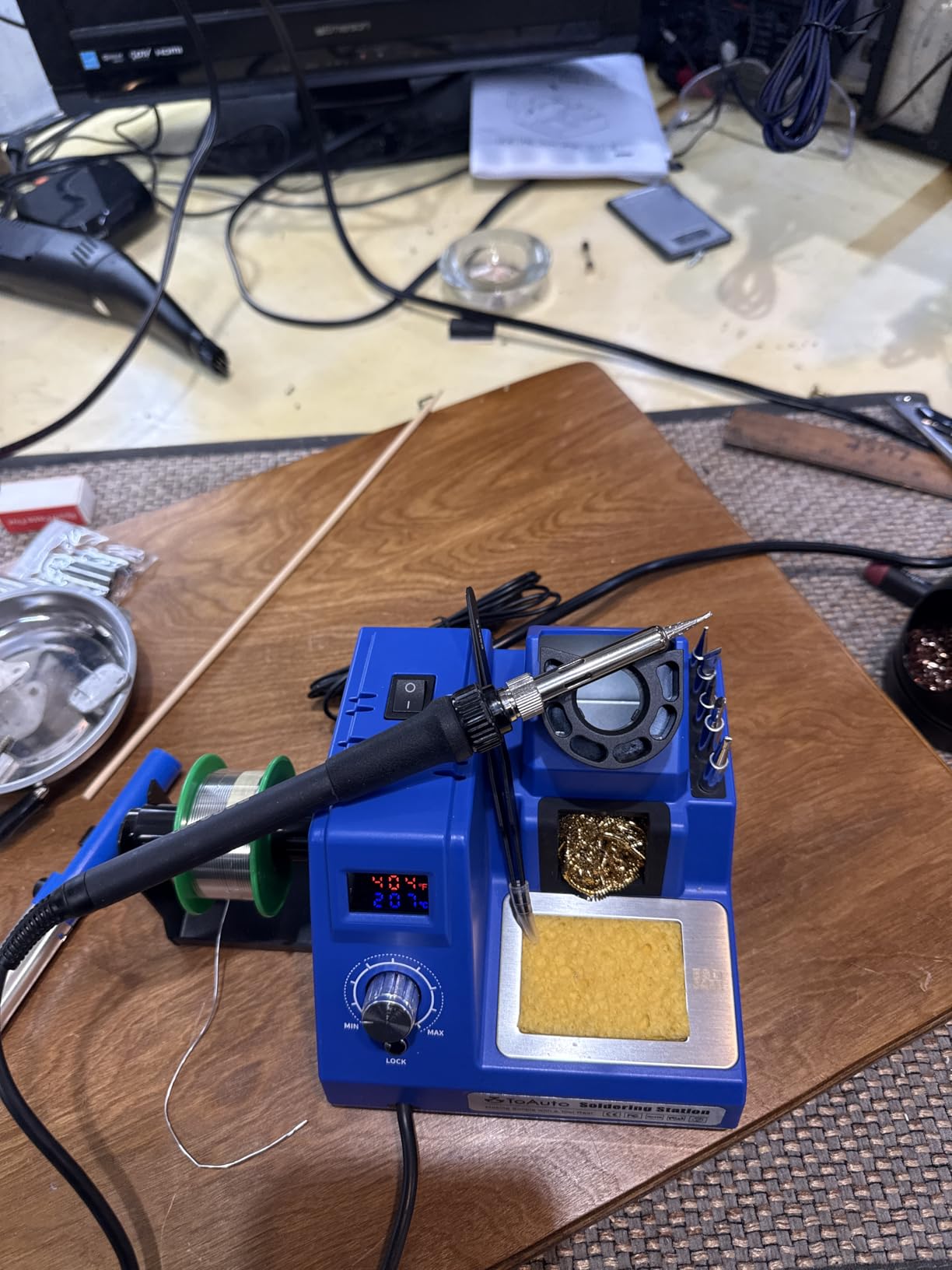
Heat-Up Speed on Surface-Mount Work
Five seconds to 590°F is fast enough that you can switch the iron off between a series of tiny jobs instead of leaving it parked at temperature all morning. That alone cuts tip oxidation on stations where the iron has no idle mode.
The 90W element also gives it enough headroom to keep up with small SMD pads and their neighboring pads, which is where the 60W ceiling on the 926 III starts to drag.
Grounding and Static Protection
The included grounding wire and remove-static sheet address one of the most common causes of failed repairs. Static discharge from your hands or the bench does not need much energy to kill an MCU, and a grounding strap costs almost nothing compared with a replaced board.
One reviewer independently checked the temperature accuracy with a thermal camera and reported the readings held. Independent verification matters more than any printed claim.
Build Weight Versus Long-Term Durability
Buyers doing heavy daily production tend to acknowledge this is not in that class. The chassis and plastics feel light, the cord is stiff, and the brass wool cleaner supplied is sometimes brass-coated steel rather than real brass.
None of that matters for weekend work and light bench use. For a repair business running these all day, choose a unit with a heavier base and a permanently wired handle you are happy to service.
5. WEP 927-IV – Preset Channels and a Magnifier in a Compact Body
WEP 927-IV Soldering Station Kit High-Power 110W with 3 Preset Channels, Sleep Mode, LED Magnifier, 5 Extra Iron Tips, Tip Cleaner, 2 Helping Hands, Tip Storage Slots, Lead-free Solder Wire, Tweezers
110W element
194°F-896°F range
3 preset channels
0-99 min sleep
Pros
- Three preset temperature channels remove repeated knob dialing
- Dual readout shows set point and live temperature at once
- Sleep timer adjustable from 0 to 99 minutes
- Iron holder and magnifier and helping hands in one compact body
Cons
- Single-channel design so only one iron can be driven
- Uses proprietary WEP #1400 tips rather than T12 or T18110V specification only
Best for: someone who juggles several job types in a day and wants to switch between solder temperatures with one button.
The WEP 927-IV does something none of the other budget units do properly: it remembers three temperatures. Store 350°C for leaded through-hole, 380°C for connectors and 300°C for delicate SMD, then switch with the preset buttons instead of turning a knob and guessing.
The second display shows set point and actual temperature simultaneously, so you can watch the tip climb after you switch rather than guessing whether it arrived.
It also holds a 194°F to 896°F range on a 110W element, so you get real power and real range in one compact unit.
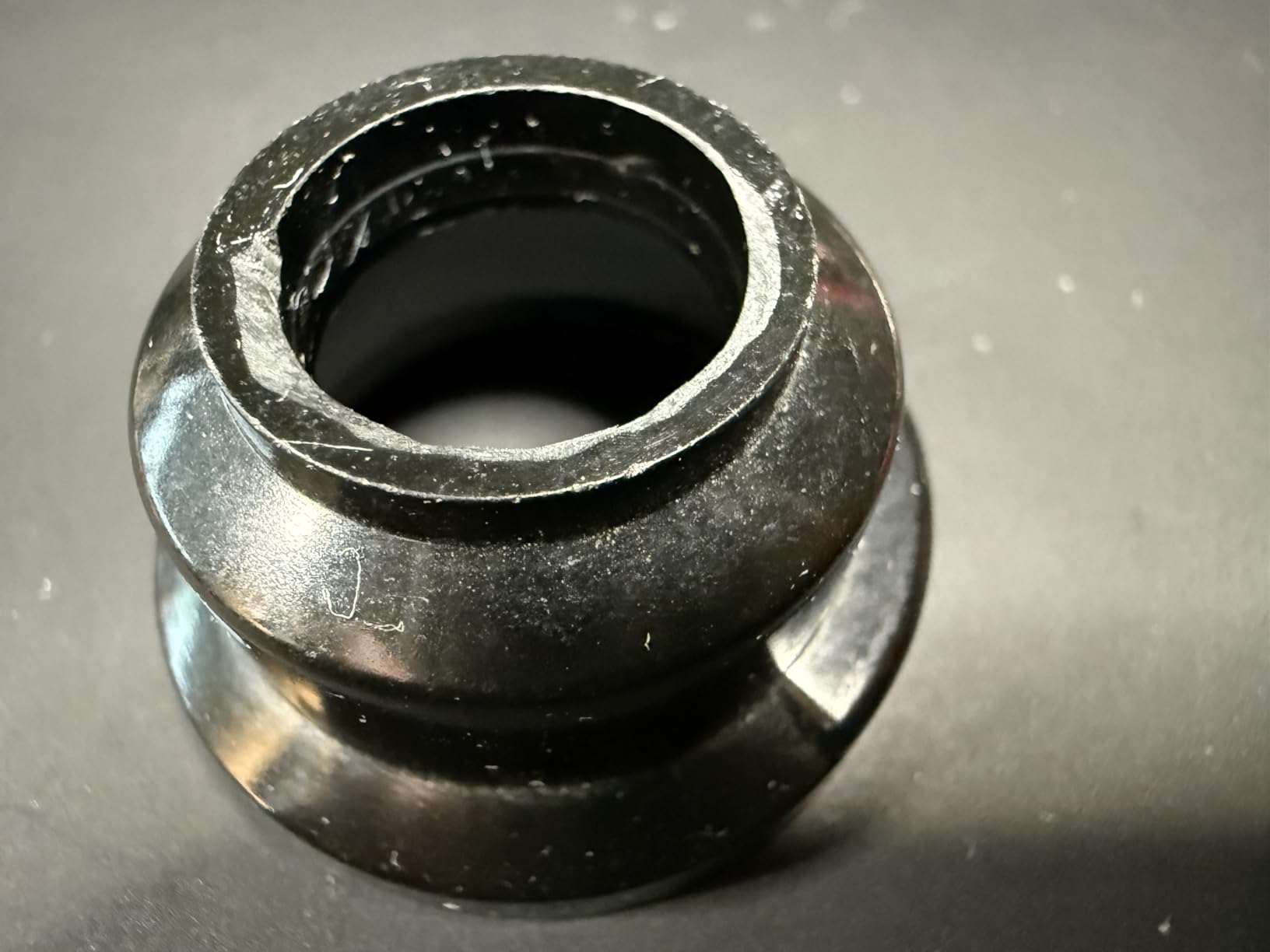
The footprint is where this unit genuinely stands out. At 3.94 by 5.91 by 1.89 inches it folds the iron holder, tip cleaner, solder wire dispenser, helping hands, an LED magnifier and tip storage into the body itself. Nothing sits loose on the desk.
For fine work, the integrated LED magnifier is the detail that earns its place. Under a magnifier at 300°C, pad and tip size behave very differently than they do naked-eye at 350°C, and having the light built in removes a desk accessory.
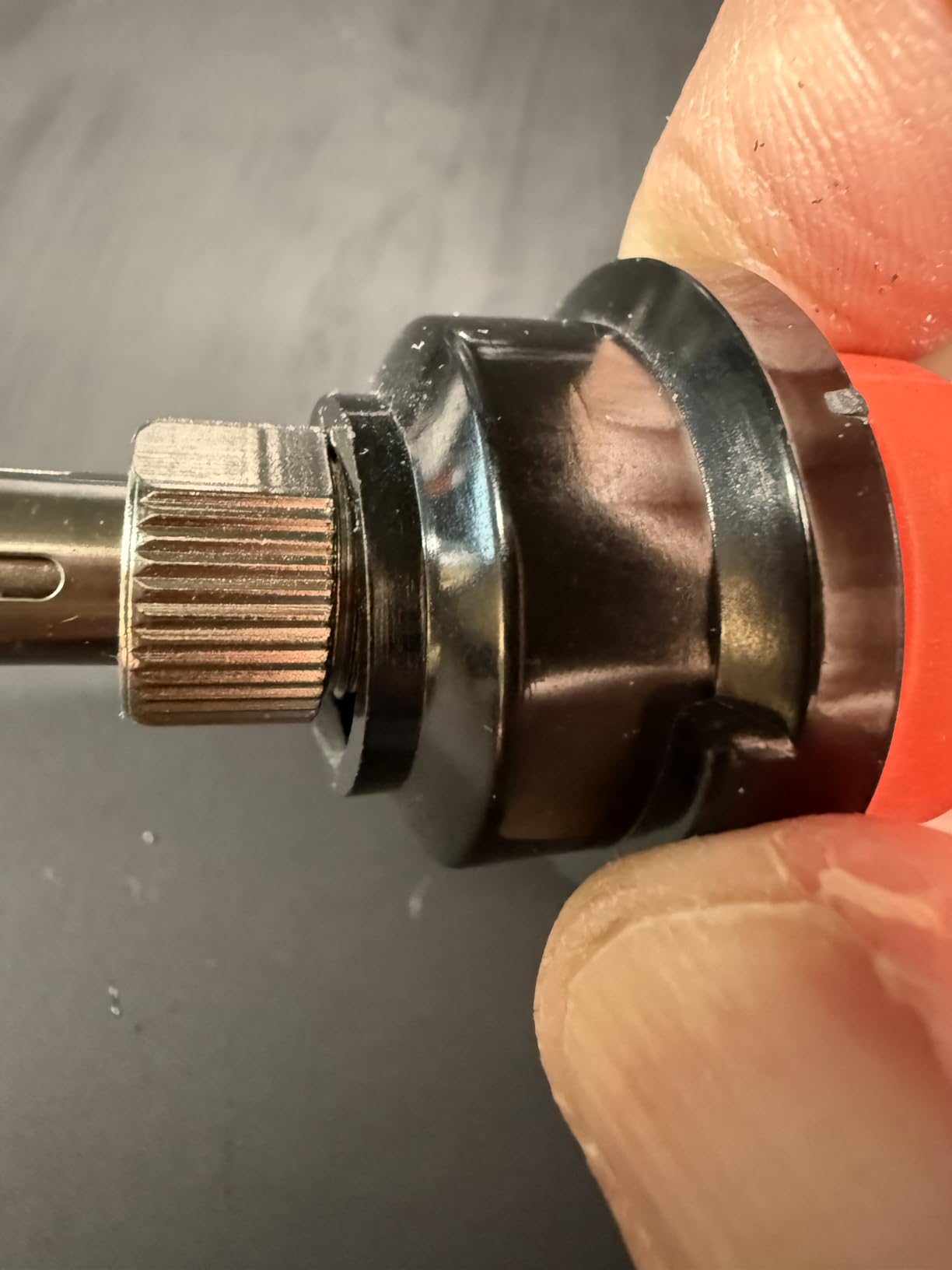
Why Preset Channels Beat Dialing
Every adjustment you make mid-job is a chance to overshoot. Presets remove the adjustment entirely, which matters most when the next step in a rework is removing a small component at 300°C after you were working a connector at 380°C.
Between the three memory channels and the dual readout, this is the least error-prone control layout in the roundup, even though the station itself is only a single-channel device.
The 0 to 99 Minute Sleep Timer
Most budget stations give you a fixed 10 or 20 minute sleep timer. This one lets you set anywhere from 0 to 99 minutes. Set it to zero and the iron never sleeps, which is useful if you want to park it hot between short tasks.
Set it higher if you step away from the bench regularly. A tip left at 700°F for a few hours oxidizes faster than a tip cycled down to idle temperature.
The #1400 Tip Limitation
Here is the real trade-off. This station uses proprietary WEP #1400 tips rather than the standard T12 or T18 platforms. You are locked into one ecosystem, and tips cost more than generic alternatives.
The sleep timer being fully adjustable is also worth noting: the display shows set and actual temperature, which is a genuine improvement over stations with a single number.
6. X-Tronic 3020-XTS – The Station Owners Keep for Years
The Original X-Tronic 3020-XTS • 75W Soldering Iron Station Kit • 2 Helping Hands • Silicone Tool Mat • 5 Extra Tips • 50g Roll of Solder • Brass Sponge • Cleaning Flux • C/F Conversion • Auto Sleep!
75W station
200°C-480°C in under 30 s
2°C PID stability
Sleep 10 min
Pros
- Owners report eight years of continuous daily service
- Reaches 200°C to 480°C in under 30 seconds
- Supple 40-inch cord with virtually no memory
- 3-year warranty with lifetime US technician support
Cons
- Temperature knob is sensitive enough to shift several degrees on a light touch
- Light base slides across the bench
- Iron is permanently wired with no quick disconnect
Best for: buyers who intend to keep one station for a decade, and anyone who hates replacing a working handpiece.
The most striking theme across reviews of the 3020-XTS is longevity. One owner reports eight years of daily service before a heating element finally failed, and bought a second unit. A technician with 30 years of experience calls it the best station he has used.
Experienced reviewers who are otherwise loyal to Weller and Hakko say they prefer its temperature regulation and its cord. That is a meaningful comparison, because those brands set the benchmark.
The 4.6-star average across 1,622 reviews comes with a 78% five-star share and a three-year warranty backed by a company in Lincoln, Nebraska.
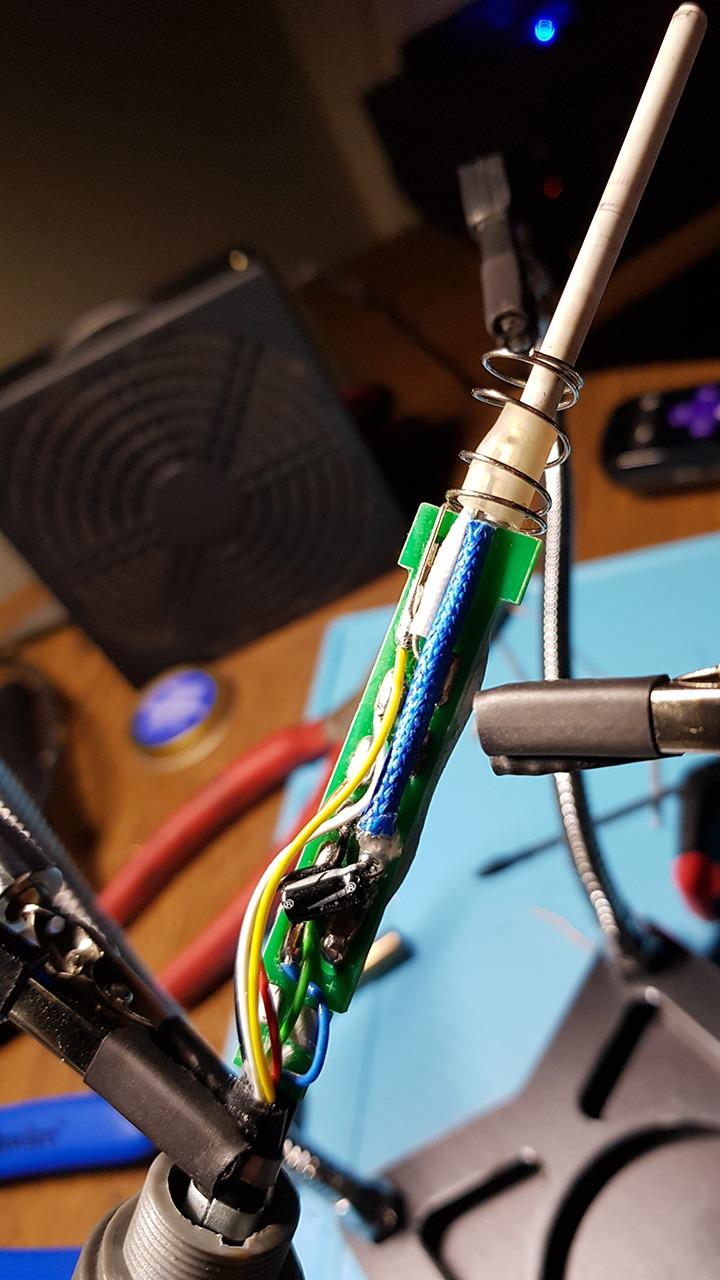
Heat-up is brisk: from 200°C to 480°C in under 30 seconds, with PID temperature compensation holding stability at 2°C. That figure matches or beats stations rated far higher in watts, which is a good reminder of why headline power is a poor comparison.
The cord deserves specific mention because it is the most-cited physical detail in reviews. At 40 inches and highly pliable, it has virtually no memory, meaning it stays where you put it instead of curling back toward the base. On long sessions with a wrist-supported posture, that difference is felt in the wrist.
The spring-style iron holder is also better than the loose wire stands that ship with cheaper units, because the iron cannot slide out of it.
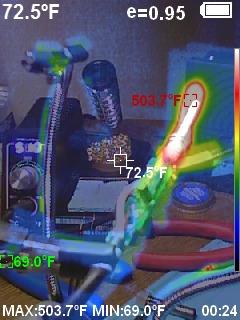
PID Stability in Daily Use
Two degrees of stability across a 392°F to 896°F range is genuinely competitive with stations costing twice as much. The compensation holds the set point rather than letting it sag through a thick joint and recover slowly.
The 10-minute sleep timer includes automatic tip re-heat on movement detection, so picking the iron back up returns it to temperature without you touching a control.
Cord and Holder Design
A pliable cord and a spring holder are unglamorous features that decide whether you are still comfortable after hour three. This station gets both right, and it is why it appears so often in long-service owner reports.
The 55-inch wall-to-station cord also gives you room to put the base on a shelf rather than directly on the desk, which frees working surface.
The Wired Iron Trade-Off
The iron is permanently wired to the base with no quick disconnect. That is the durability argument, because there is no connector to arc, loosen or corrode. It is also the risk: a dead element means replacing or rewiring the unit rather than swapping a handpiece.
Two other recurring complaints: the temperature knob is sensitive enough that a light touch changes the setting by several degrees, and the light base slides across a hard bench when you lift the iron. Both are manageable, neither affects the electronics.
7. Hakko FX888DX – The Highest-Rated Precision Control
Hakko FX888DX-010 – Digital Soldering Station with Rotary Encoder
65W element
Up to 480°C
Rotary encoder dial
T18-D16 tip included
Pros
- Single rotary encoder replaces menu-driven button navigation
- Fast heat-up has users soldering in about 20 seconds
- 3.8-pound body with rubber feet that grip the bench
- Wide T18 replacement tip selection
Cons
- 110V AC only and the listing does not make it obvious
- No dedicated idle or rest mode in the feature set
- Occasional mismatched iron and stand colors reported
Best for: users who want the simplest possible interface and will commit to the Hakko T18 tip platform for years.
The FX888DX carries the highest satisfaction score in this group at 4.8 stars, with 89% five-star ratings. The reason is simple: it does exactly one thing, and it does it with one control.
The rotary encoder dial is the headline change over the older button-driven FX-888D. Instead of pressing a button, holding it and stepping through a menu, you turn a real dial and watch the number move. On a bench where you change temperature constantly, that is a meaningful upgrade in feel.
Owners with 20 to 35 years of soldering experience describe it as the best station they have used precisely because there is nothing to misconfigure.
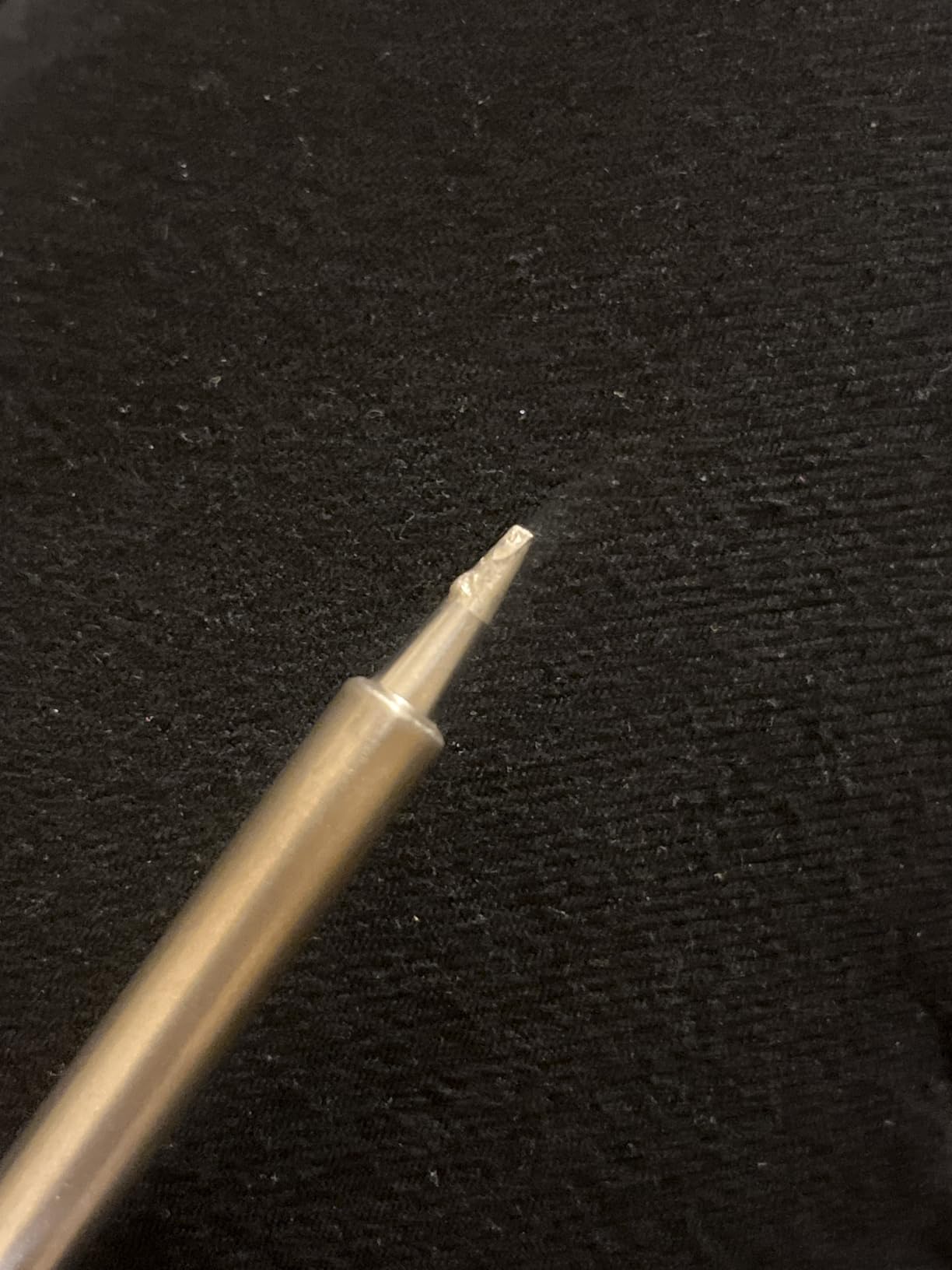
Heat-up is fast enough that users report being ready to solder within about 20 seconds of switching on. The 65W element is modest on paper, and it still moves through through-hole work without hesitation.
The build is solid at 3.8 pounds with rubber feet that genuinely grip the bench. That sounds mundane until you have spent an afternoon chasing a sliding base while a hot iron sits in the holder at an angle.
It arrives with a T18-D16 chisel tip, 1.6mm, which is the right default for connector work and a decent starting point for everything else.
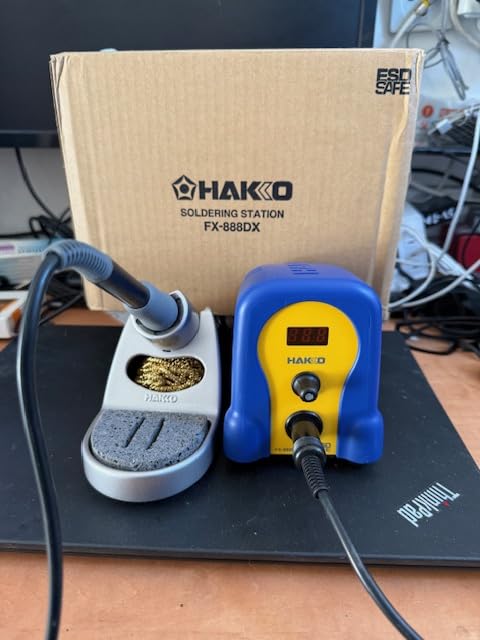
The Rotary Encoder Interface
Temperature adjustment here is one knob and one switch. Turn the encoder to set the value, flip the switch for Fahrenheit or Celsius, and use the save feature to store a preferred setpoint such as 350°C and recall it at power-on.
Menus are where temperature control goes wrong. A station that asks you to navigate before it will hold a temperature is a station someone will leave on a default setting they never adjusted.
The T18 Tip Platform
T18 is one of the two tip ecosystems worth committing to, alongside Weller’s ETA series. The selection covers every shape you will need: chisel for SMD and connectors, fine point for dense boards, knife bevel for dragging.
Forum advice is consistent on this point. Buy genuine branded tips rather than the cheapest compatible copies, because plating thickness determines how well the tip holds solder and how quickly it wears through.
Limitations to Know Before Ordering
There is no dedicated idle or rest mode in the feature set, so an idle iron stays at temperature until you switch it off or reduce the setpoint yourself. If your bench sits unattended often, that is worth planning around.
The unit is 110V AC only, and the listing does not make that obvious enough for international buyers. That accounts for nearly all of the small share of negative reviews, which are about voltage rather than quality. A few buyers also report receiving an iron and stand in mismatched colors.
8. WEP 926LED V3 – The Cheapest PID Station That Does the Job
WEP 926LED V3 Soldering Station 130W MAX Soldering Iron Kit with Solder Wire, 5 Soldering Tips, Tweezers, Solder Sucker, Tip Cleaner, Temperature Control, Sleep Mode, C-F Conversion
392°F-896°F range
PID microcontroller
10-minute sleep
Integrated holder
Pros
- PID temperature control at the entry price tier
- Flashing display dot disappears once setpoint is reached
- Integrated iron holder is safer than a loose stand
- Long cords reach a workpiece away from the desk
Cons
- Light plastic construction gives a low-cost feel
- One owner reported a readout error after about three months of daily use
- 110-127V specification only
Best for: a first station under a tight budget, or a second bench in a classroom or workshop that needs something better than pencil irons.
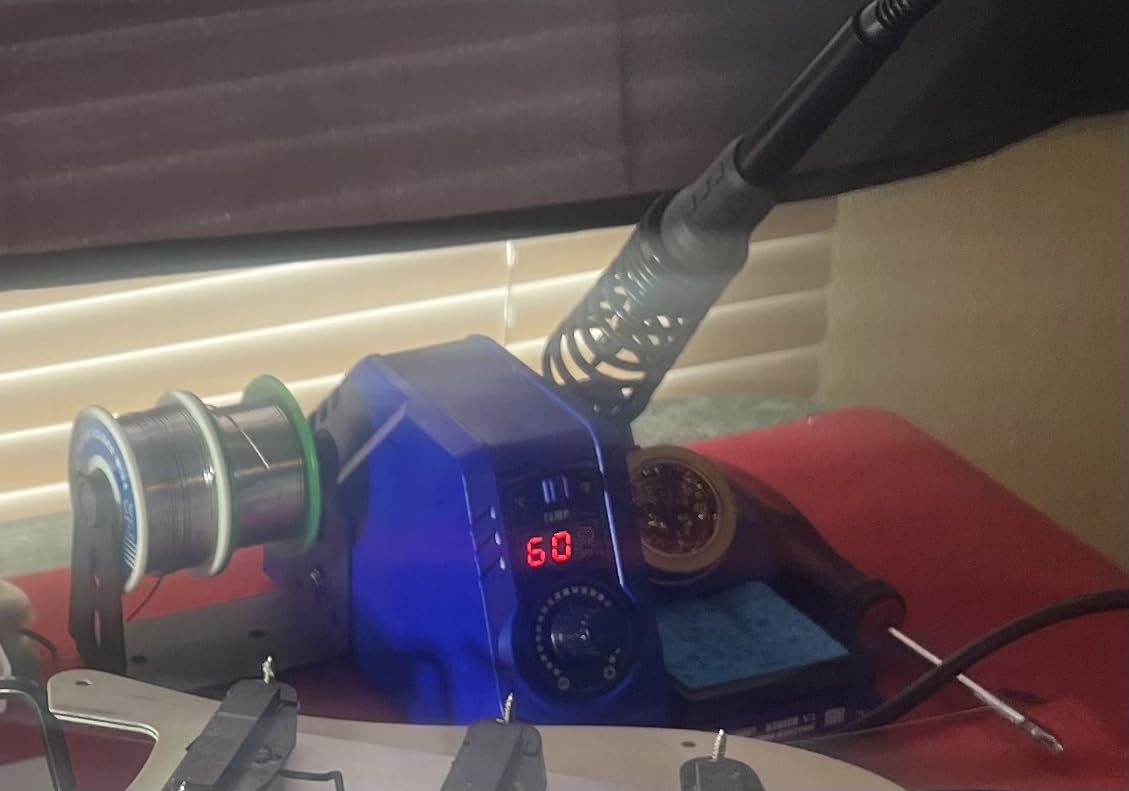
This is the least expensive station in the roundup and the only one at this level with a built-in PID microcontroller performing rapid temperature compensation. That control loop is the whole reason to choose it over a fixed-wattage iron.
The range runs 392°F to 896°F with a real-time digital readout and a Fahrenheit to Celsius toggle. Sleep mode drops the iron to low idling temperature after 10 minutes of inactivity.
At 4.4 stars across 715 reviews with 72% five-star ratings, it lands in the same satisfaction band as stations costing three times as much.
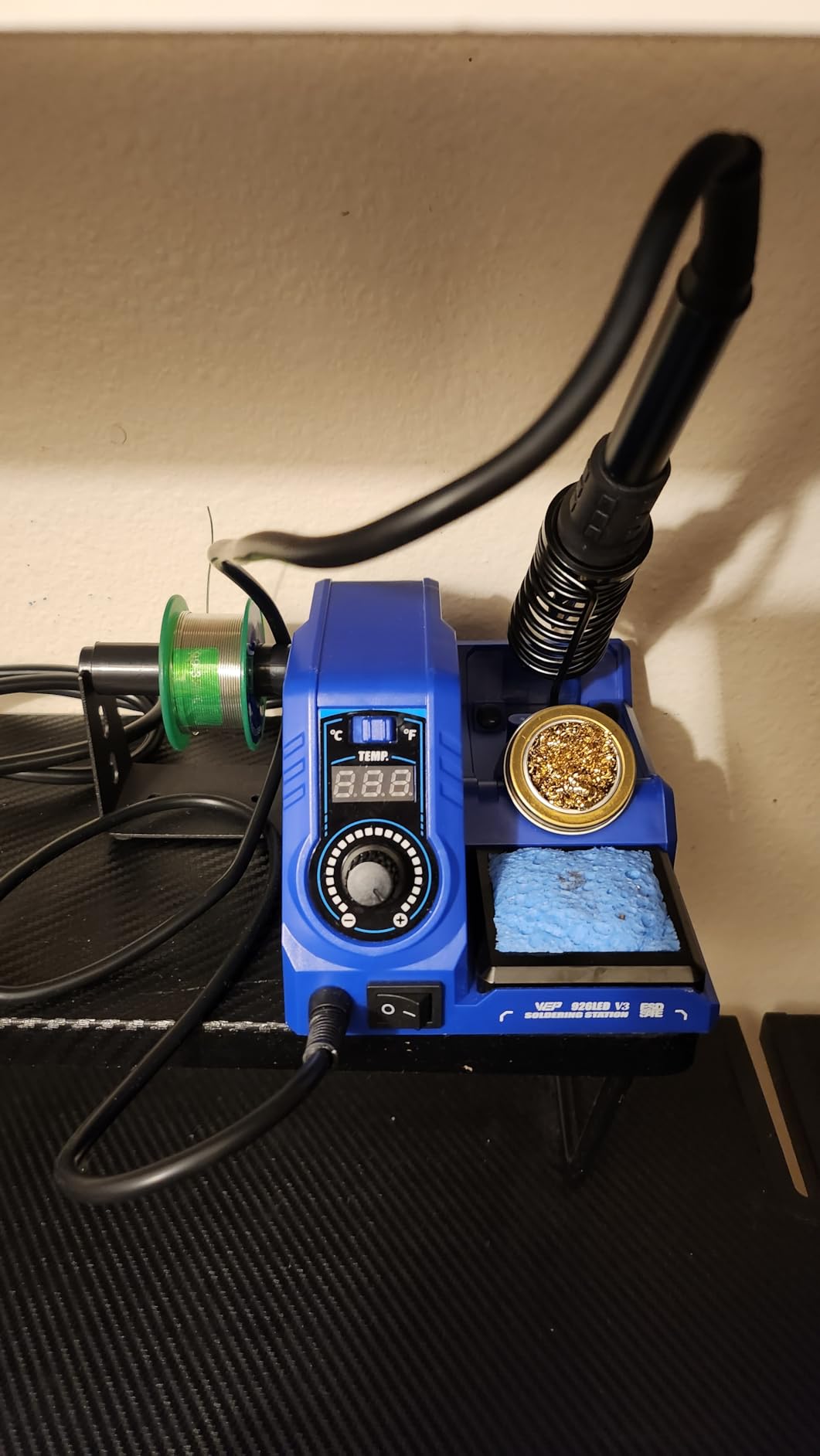
The display has a flashing indicator dot that disappears once the tip reaches setpoint. It is a small thing, but it removes the most common beginner mistake, which is starting to solder before the iron has stabilized.
The iron holder is built into the station body from high-temperature-resistant material, and the iron slides straight in and stays put. There is no separate wire stand to tip over.
Cords are long, which sounds trivial until you are working on a workpiece away from the desk rather than dragging the base toward your lap.
PID Control Where You Least Expect It
A built-in microcontroller performing rapid temperature compensation at the bottom of the price range is unusual. It means the tip returns to setpoint after a joint pulls heat out of it, instead of drifting cooler for several seconds.
On small through-hole joints and basic SMD work that difference is invisible. On a sequence of larger joints it is the difference between a clean connection and one that needs a second pass.
Setup and Accessories
The kit covers the basics: five extra soldering tips, a solder wire spool, a desoldering pump, tweezers, a tip cleaner and a solder wire dispenser. Eleven items in total, and the unit arrives fully assembled apart from screwing in the spool holder.
That matters when you are buying your first setup. There is nothing to assemble incorrectly, and the accessories cover the jobs people discover they need three weeks in.
Where the Savings Show
The build is light plastic and the feel is correspondingly cheap. It is the first thing buyers mention and the only complaint that recurs consistently.
There is also a single owner report of the temperature readout erroring under pressure on the tip after about three months of near-daily use. One report is not a pattern, but it is worth noting that the handle on this unit is the cheaper wired type. The unit runs on 110 to 127V, so it is not usable on other mains standards without a converter.
Best Stations for Mobile and Micro-Soldering Repair
This comes up as a repeated question in search data and almost no competitor roundup answers it, so here is a direct answer drawn only from the units reviewed here.
Mobile repair is not about raw wattage. It is about heat control at small scale and about not destroying the board while trying. For phone and micro-soldering work the useful features are a narrow tip you can park on a single pad, a temperature that stays steady at the low end, and a handpiece you can rotate close to a board without the barrel touching components.
The Weller WE1010NA serves this role well, mainly because temperature lock stops a bumped knob from ruining a board at 420°C. The Hakko FX888DX also suits micro-work for the opposite reason: one knob, one setting, no way to accidentally change it.
For the workspace itself, the WEP 927-IV is the most practical of the budget units for fine work because the LED magnifier is built into the station body rather than sitting on your desk as a separate accessory. The TOAUTO DS90 also helps here with its dual Fahrenheit and Celsius readout, since board-level work happens at the low end of every range where conversion errors do the most damage.
What none of these stations do is hot air rework. SMD component removal under a magnifier with a fine tip is possible on all eight, but anything involving a multi-pin IC is much faster with a separate hot air station.
How to Choose a Soldering Station
Temperature Control and Thermal Recovery
Closed-loop control is the feature that separates a station from an iron, and recovery is the feature that separates a good station from a bad one. Recovery is how fast the tip returns to setpoint after heat is pulled out by a joint or a pad.
Test it this way: set 350°C, solder a large joint, then immediately touch a second joint. If the temperature on screen holds, recovery is good. If it sags and you wait, expect slow work on anything with thermal mass.
Headline wattage is a poor comparison, and reviewers across the forums say so repeatedly. Sixty watts on a station with a good sensor will beat 130 watts on a thermostat.
Temperature Settings for Common Repairs
These are starting points for leaded solder on clean, unoxidized boards. Adjust up if your joints take longer than a couple of seconds to flow, and down if you see the solder smoke before it moves.
Start at 300 to 315°C for 0402 SMD and fine-pad work. Small components and adjacent pads absorb heat fast, and a high setting cooks neighboring parts before the joint flows.
Use 340 to 360°C for general through-hole joints, headers and connectors. This is the range most of these stations sit at and the one they are tuned for.
Move to 370 to 400°C for lead-free alloys. Lead-free melts at a higher temperature and needs more dwell time on the joint, not just a hotter tip.
Use 380 to 450°C for large joints, ground pours and heavy connectors. This is the range where recovery speed matters most, and where a 60W element starts to lag.
Tip Ecosystem and What It Costs Over Time
Two platforms dominate: Hakko’s T18 series and Weller’s ETA series. Both have deep third-party support, which means tips in every shape, in sensible quantities, from sellers you can find years from now. The proprietary platforms in this roundup, such as WEP’s #1400 series, work fine but tie you to one brand.
The other cost is the tips themselves. Budget stations often ship stamped tips that are adequate but not ground or plated to the same standard as branded ones. Expect to buy a proper chisel tip as your first upgrade once you know which shape you use.
Corded Station Versus Portable Smart Iron
A corded station wins on bench work: faster recovery, no power supply to buy, no cable to route. A portable USB-C smart iron wins everywhere else, and it is worth considering alongside a station if you repair on the go.
If you go portable, the crucial detail is that portable irons do not include a power supply. You need a USB-C PD supply of at least 65W for most models, and the forums are full of people puzzled by an iron that will not heat because they used the charger from their phone.
Portable irons run at 60 to 88W against 65 to 110W for the stations here, so for a large ground pad the bench station is still the better tool.
Hakko Versus Weller: Which Brand to Commit To
Both are professional-grade choices and the honest answer is that the difference is smaller than brand loyalty suggests. Hakko’s T18 platform has a broader third-party tip selection and the FX888DX offers the simplest control interface available. Weller’s ETA tips are widely preferred by experienced users for their plating and consistency, and the WE1010NA adds temperature lock and password protection.
Choose Hakko if tip availability and a single-knob interface matter most. Choose Weller if you want the most-reviewed station in this group, a temperature lock for repeatable production work, and a comfort advantage over long sessions.
Whatever you pick, buy from authorized sellers. Forum reports are consistent that marketplace listings for these brands are sometimes grey-market or counterfeit, and that genuine branded tips carry a noticeably higher mark-up from some sellers than others.
Checking Grounding Before You Work on a Board
Voltage leak from a poorly grounded iron is a real cause of damaged CMOS sensors, microcontrollers and RF parts, and it is cheap to check.
First, confirm the station is properly earthed with a three-pin mains plug into a grounded outlet. Second, if your station has a grounding wire or ground terminal, connect it to the board ground or your bench ground point before powering up. Third, if you own a multimeter, set it to the lowest voltage range and measure between the tip and the ground wire. A reading in the millivolt range is correct; anything approaching volts means stop using it on sensitive boards.
Finally, keep an eye on behavior that suggests leakage: parts failing only after the iron has been on the board, or failures that cluster around one station rather than your technique.
Safety, Fumes and What a Station Really Costs Over Three Years
Fume Extraction and Sleep Timers
Solder fumes are the respiratory hazard nobody asks about. Solder itself is largely inert, but flux residues vaporize when heated, and the fenceless bench that feels fine in a small room is concentrating them at face level.
Every station in this roundup has a sleep or standby timer, and those matter for two reasons: they prevent a hot iron sitting unattended, and they reduce the hours your tip spends oxidizing at full temperature. The WEP 927-IV goes furthest with a timer adjustable from 0 to 99 minutes.
A small fan or fume extractor pointed at the work, plus a washable filter, covers the rest.
What You Will Actually Spend After the Purchase
Budget for tips, because the included ones are entry-level. A quality chisel and a fine point in either the T18 or ETA platform is the first sensible purchase, and a spare brass sponge plus tip cleaner is the second.
Then add a desoldering pump, which every kit here includes but which wears out, and a decent solder sucker if you work through-hole regularly. Beyond that, a soldering station is not a recurring cost item. None of the eight needs calibration, and none consumes filters.
Portable irons are the exception. They need a genuine USB-C PD supply rather than the one in the box, which is a cost most first-time buyers do not anticipate.
Where You Buy Matters More Than Expected
Forum advice is consistent on this point. Marketplace listings for premium brands carry a mark-up that can run well above other sellers, and some listings for these station models are grey-market or counterfeit rather than the product they claim to be.
Buying from authorized sellers or established distributors costs less over time than buying two counterfeit stations. It also matters for tips, where genuine branded plating is the difference between a tip that lasts a year and one that wears through in a month.
If you also need to organize a small bench, our guide to the best charging stations for nightstands covers the same cable-management thinking for a different corner of the desk.
Frequently Asked Questions
What is the best soldering station for electronics?
For most people, the Weller WE1010NA is the best soldering station for electronics repair, holding set temperature within about 4°F with a temperature lock that stops accidental changes mid-job. Beginners who want a complete kit should start with the YIHUA 926 III, and buyers working long days should consider the YIHUA 939D+ for its built-in transformer and fast temperature compensation.
What is the best soldering station for beginners?
The YIHUA 926 III is the best starting point for beginners because it bundles everything a first setup needs: PID temperature control, six tips, solder wire, a desoldering pump, ESD-safe tweezers and helping hands. Its 194°F to 896°F range and digital calibration support cover every task a beginner will meet, and its compact integrated holder is safer than a loose wire stand.
Which Hakko soldering station is considered the best?
The Hakko FX888DX is widely considered the best Hakko station because it scores highest on satisfaction in this group at 4.8 stars, with 89% five-star ratings. Its rotary encoder dial replaces button-driven menus, so temperature adjustment is a single control, and it uses the standard T18 tip platform with a wide selection of replacement shapes.
Is Pinecil a good soldering iron?
Pinecil irons are widely recommended in the soldering community, largely because IronOS is open-source firmware and the hardware is repairable and modifiable. The important caveat is power: these irons need a genuine USB-C PD supply of at least 65W, and many people who find one will not heat simply plugged into a phone charger. They also run below the power of a bench station on large ground pads.
What type of solder is best for electronics?
For general electronics repair, 63/37 or 60/40 leaded solder with rosin core is the easiest to work with and melts at a low temperature, so less heat reaches the component. Leaded alloys need around 340 to 360°C, which is kinder to heat-sensitive parts. Lead-free solder melts at a higher temperature and needs 370 to 400°C plus more dwell time on the joint, so it is harder on both the tip and the board.
How do I check a soldering station for a voltage leak?
Confirm the station uses a three-pin mains plug into a genuinely grounded outlet, then connect any grounding wire or ground terminal to the board ground before applying power. With a multimeter on its lowest voltage range, measure between the tip and the ground wire: a reading in the millivolt range is normal, while anything approaching volts means you should not use that station on sensitive boards.
Which Soldering Station Should You Buy?
If you want one station that handles almost any electronics repair with repeatable results, buy the Weller WE1010NA. Its temperature lock, 4°F stability and comfortable iron make it the safest default, and it is the most-reviewed unit in this group at 4,670 ratings.
If you are building your first setup and want everything in one box, the YIHUA 926 III saves you a parts run. If you work long days and value a safe output voltage, the YIHUA 939D+ is the stronger daily driver.
If your priority is heat-up speed and surface-mount rework, the TOAUTO DS90 reaches working temperature in about five seconds and shows two units at once. If you juggle job types, the WEP 927-IV remembers three temperatures and folds a magnifier into the body. If you want the simplest possible control and the highest satisfaction score, the Hakko FX888DX uses one knob and nothing to misconfigure.
Whichever you choose from our best soldering stations for electronics repair picks in 2026, set your temperature before you heat the iron, keep the tip tinned, and spend the first hour learning what your station does when it is recovering from a big joint. That is the habit that separates a person who solders well from a person who solders.