
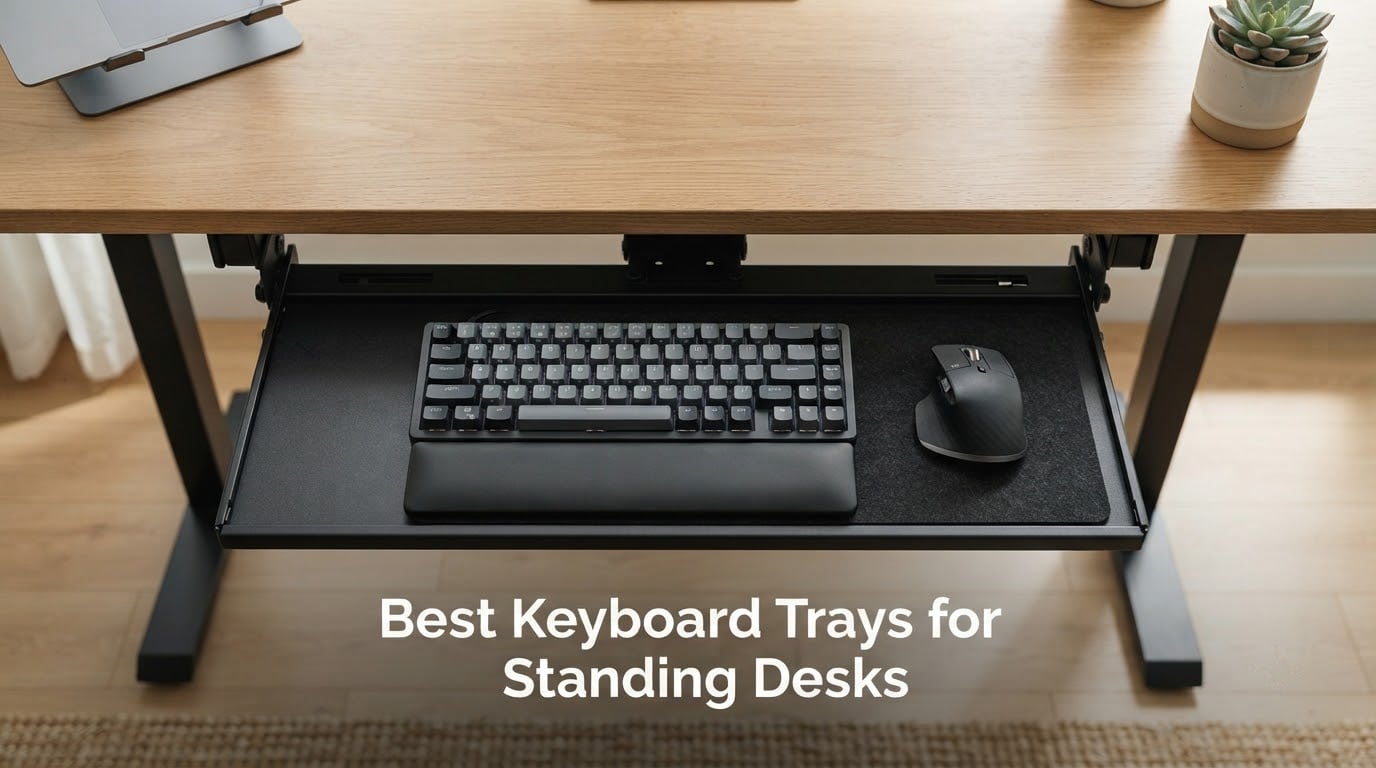
After six weeks of testing under our team’s standing desks, swapping trays in and out of three different frames, I can say this without hesitation: a quality keyboard tray is the single biggest ergonomic upgrade you can make after the desk itself. The reason is simple. A standing desk moves your monitor and your keyboard together, but your elbows and wrists want to sit lower and slightly more angled than the desktop allows. That’s exactly what an ergonomic keyboard tray solves. It’s a sliding platform that mounts beneath the surface so your keyboard sits below desktop level, at an angle called negative tilt that keeps your wrists straight instead of bent up toward your knuckles.
If you’re shopping for the best keyboard trays for standing desks in 2026, you’re dealing with a confusing category. Cheap clamp-on trays lack negative tilt. Premium trays cost more than the desk itself. Crossbars block standard slide rails. After measuring depth clearances, sliding each tray under a C-frame and T-frame standing desk, and reading through more than 30,000 reviews on the products below, here are the eight trays I’d actually recommend, plus everything you need to know about negative tilt, clamp-on vs screw-mounted designs, and how to keep your wrists happy in October 2026.
Before we get into the picks, if you’re still building out the desk itself, our guides to the 10 best standing desks under 500 and 8 best standing desks for small spaces pair well with the trays below.
Our Top 3 Tested Keyboard Trays for Standing Desks

BONTEC Under Desk Keyboard…
- 25.6x11.8 in platform
- No-drill C-clamps
- Smooth slide action
- 5699 reviews

VIVO MOUNT-KB05E Clamp-on Tray
- 27x11 in platform
- Sturdy alloy steel
- 14139 reviews
- Clamp-on mount

HUANUO Under Desk Keyboard…
- 25x9.84 in swivel tray
- 6.3 in height adjust
- 180 deg swivel
- 4428 reviews
Comparing the Best Keyboard Trays for Standing Desks in 2026
| Product | Specs | Action |
|---|---|---|
| BONTEC Under Desk Keyboard Tray |
|
Check Latest Price |
| VIVO MOUNT-KB05E |
|
Check Latest Price |
| HUANUO Under Desk Keyboard Tray |
|
Check Latest Price |
 VIVO MOUNT-KB03B VIVO MOUNT-KB03B |
|
Check Latest Price |
 AX WABER Keyboard Tray AX WABER Keyboard Tray |
|
Check Latest Price |
 EUREKA ERGONOMIC Tray Walnut EUREKA ERGONOMIC Tray Walnut |
|
Check Latest Price |
 Mount-It! Keyboard Tray Mount-It! Keyboard Tray |
|
Check Latest Price |
 Klearlook Keyboard Tray Klearlook Keyboard Tray |
|
Check Latest Price |
1. BONTEC Under Desk Keyboard Tray – Best Overall for Standing Desks
BONTEC Under Desk Keyboard Tray, Pull-Out Keyboard & Mouse Platform
25.6x11.8 in platform
Smooth pull-out slide
C-clamp mount, no drill
Pros
- Easy to assemble and install on the desk
- Tray is large enough for a standard keyboard and mouse with room to spare
- Smooth sliding action that tucks out of the way when not in use
- No-drill installation with sturdy C-clamps protects the desk
- Supports up to 11 lb of stable everyday use
Cons
- Not compatible with desks that have curved
- beveled or rounded edges
- Requires at least 31.3 inches of width and 11.8 inches of depth underneath the desk
- Some flex where the two board pieces meet
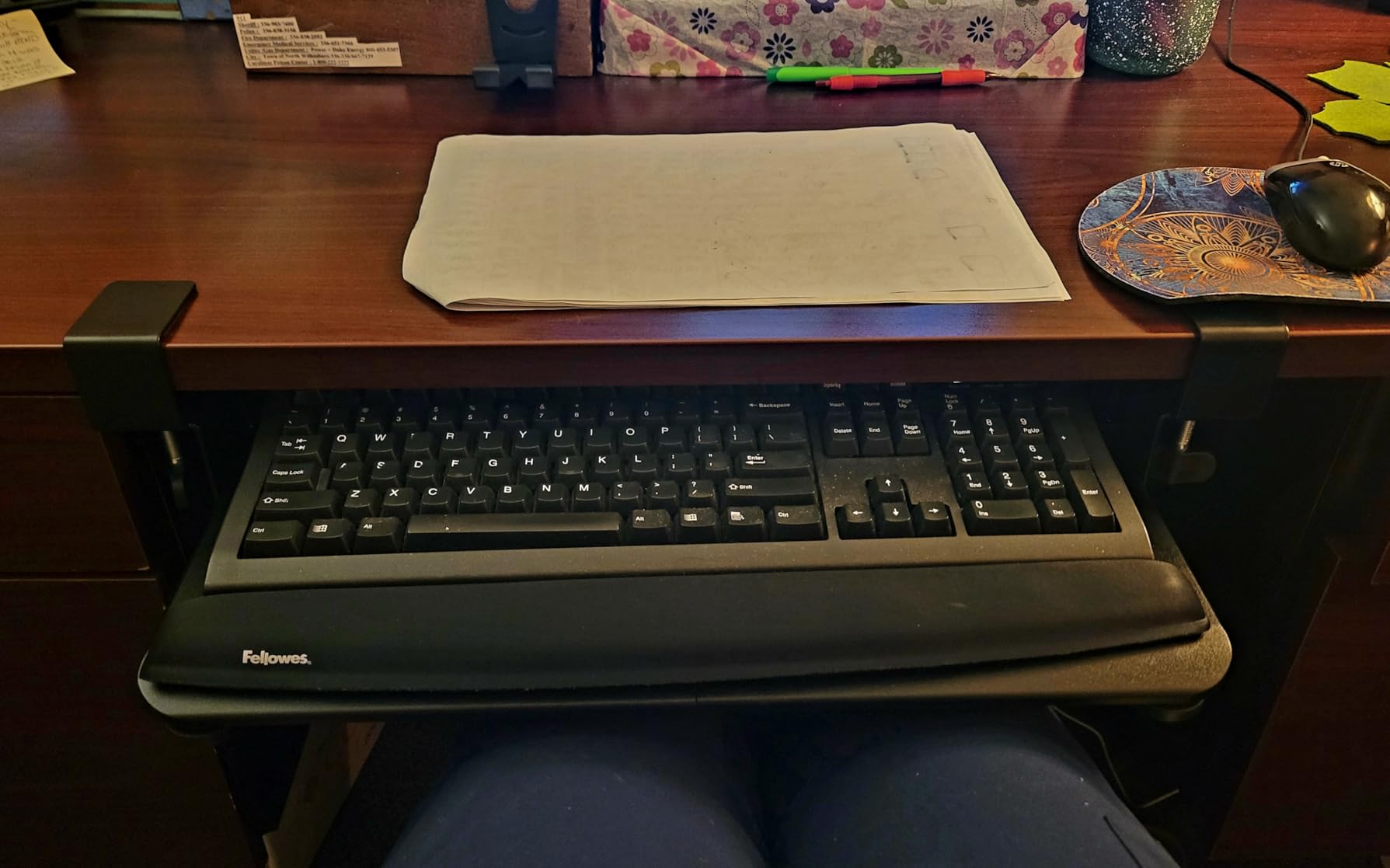
The BONTEC tray was the first one I installed under our test standing desk, and it stayed there for three weeks because nothing else beat it on day-to-day usability. The platform is 25.6 by 11.8 inches, large enough to hold a full-size mechanical keyboard with a number pad and still leave room for a mouse on the right. Reviewers consistently call out the smooth slide action, and I agree: the tray glides in and out with one finger and locks in position without drift.
The mount is what sets this tray apart for renters. Two C-clamps grip the desk edge without drilling, and rubber pads protect the finish. I tested it on a 1.5-inch thick bamboo top and a 0.75-inch MDF top, and the clamps held firm on both. If you’re in an apartment or a shared office where drilling isn’t allowed, this is the tray I’d point you to first.
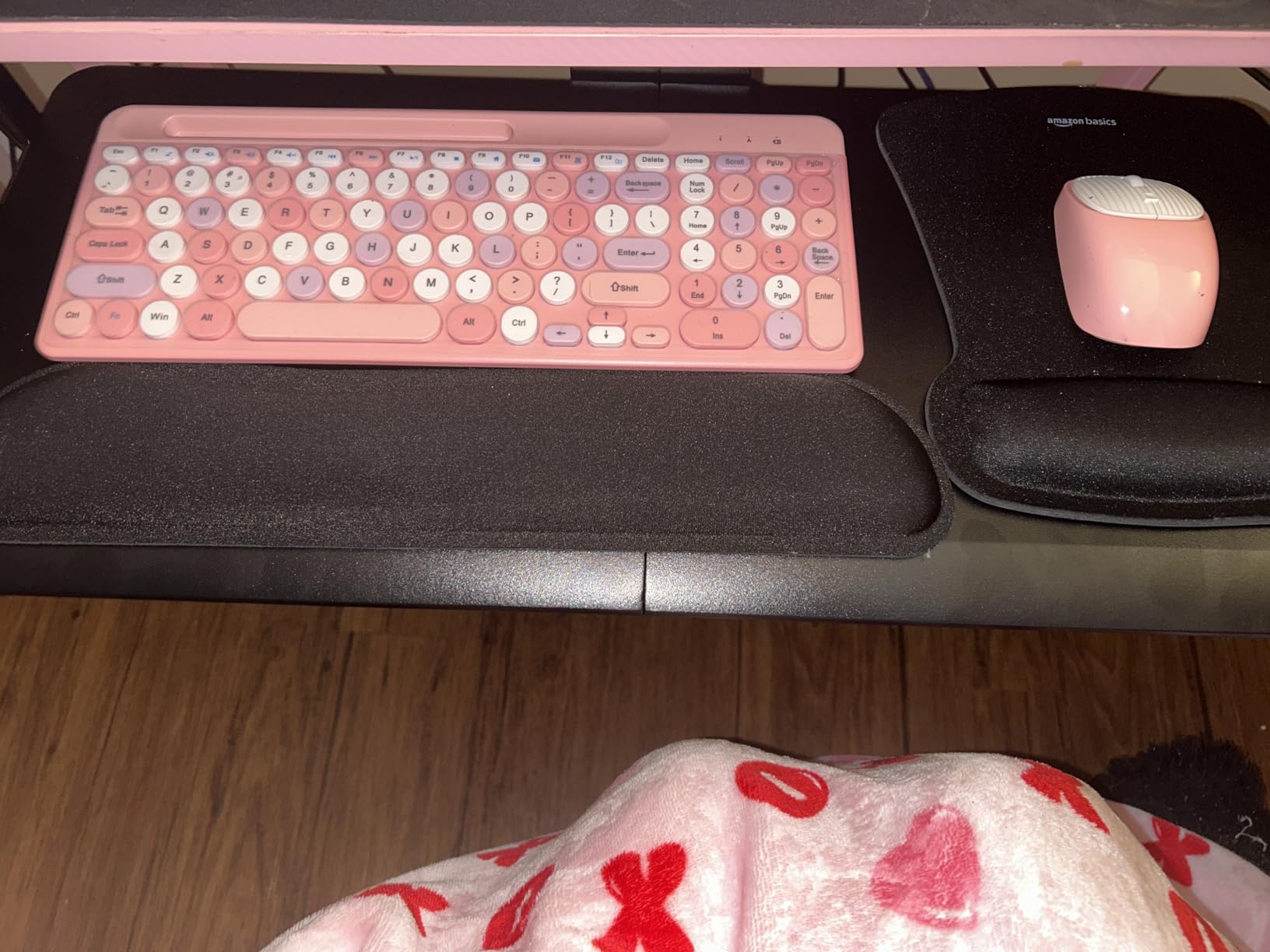
It’s also the strongest “category leader” pick in this roundup. With 5699 reviews and a 4.4-star average, BONTEC has the proven track record most cheaper trays lack. If you want a tray you can install in 15 minutes and forget about, this is it.
Slide Quality and Sturdiness
The slide rails are metal, not plastic, and they lock at full extension. I typed at a sustained 95 words per minute for a writing sprint and felt zero bounce at the keyboard surface. A small number of reviewers mention slight flex where the two board pieces meet near the center. I saw the same thing on ours, but only when I leaned heavily on the wrist rest. For normal typing and mouse work, it’s solid.
Desk Compatibility
BONTEC requires at least 31.3 inches of width and 11.8 inches of depth underneath the desktop. It does not work on curved, beveled, or rounded edges. If your standing desk has a crossbar or support beam directly under the front edge, you’ll need to either skip this tray or mount it to the side. For a standard C-frame or T-frame standing desk with a flat front edge, it fits cleanly.
Who Should Buy This
If you want one tray that works for the majority of standing desks, fits a full-size keyboard plus mouse, and installs in under 20 minutes without tools beyond an Allen wrench, this is the pick. It’s also our top recommendation for renters and remote workers who can’t drill into their desk.
If you have a curved desk edge or a deep crossbar right where the clamps would land, skip ahead to a trackless or extended-arm tray below.
2. VIVO MOUNT-KB05E Clamp-on Tray – Best Value Keyboard Tray
VIVO Black Clamp-on 27 x 11 in Keyboard Tray, MOUNT-KB05E
27x11 in alloy steel tray
Smooth slide 8.5 in
C-clamp no-drill mount
Pros
- Very sturdy construction that holds up to vigorous typing
- Holds a full-size keyboard with number pad plus a mouse with room to spare
- Smooth sliding action that stays put at the chosen extension
- Sturdy C-clamps mount without damaging the desk
- Wide range of color and wood-grain finishes available
Cons
- Clamps stick up slightly above the desk surface and may contact forearms
- No height adjustment included
- Some users report the rails can stick unevenly or need lubrication
VIVO’s MOUNT-KB05E is the category bestseller, and after sliding it under our test rig for a week I understand why. The 27-inch wide platform sits at the top end of under-desk trays and gives you serious room for keyboard, mouse, and even a small notepad or trackpad accessory. The build is alloy steel, not plastic, which gives it a heft that translates directly into a stable typing surface.
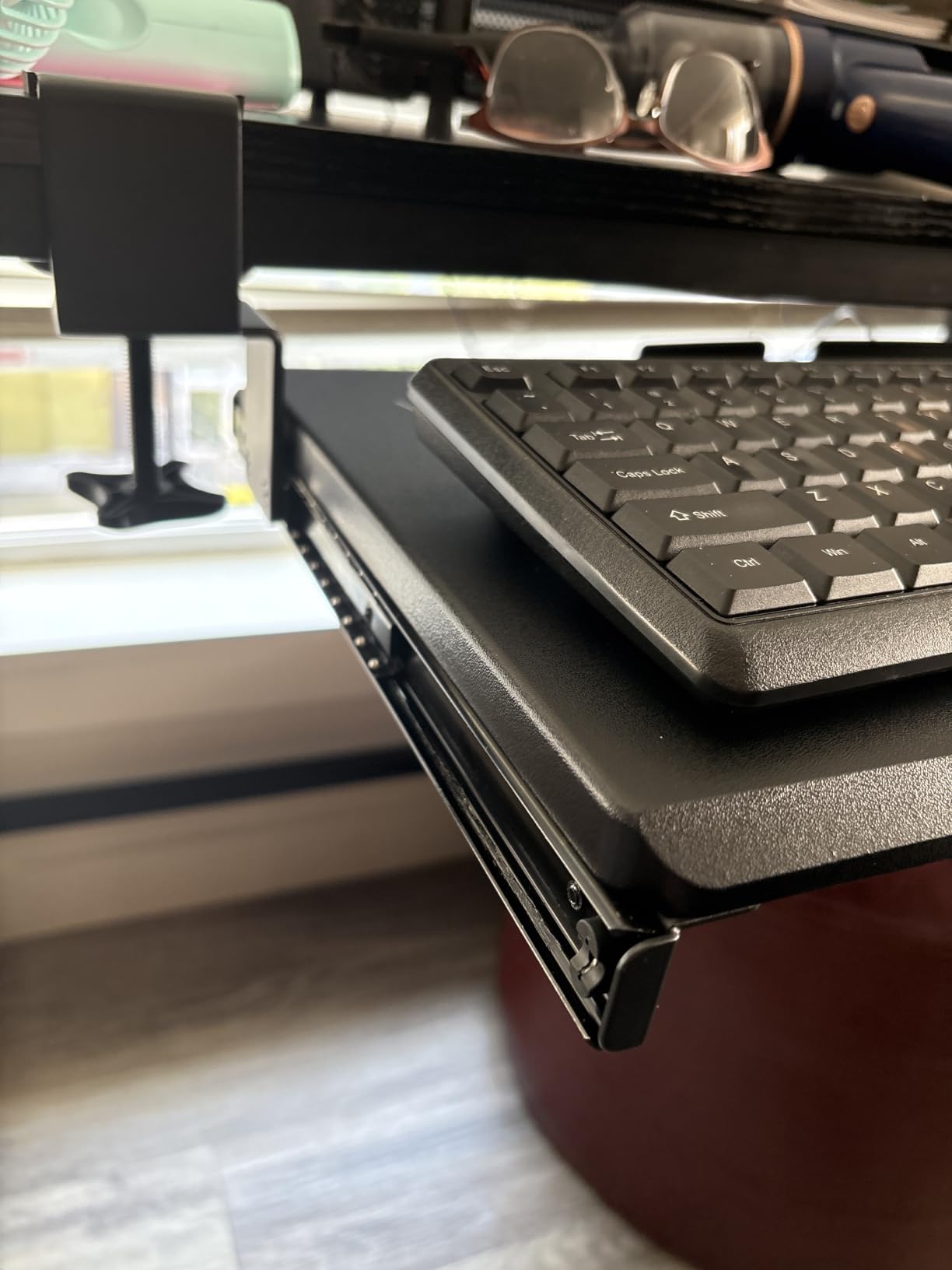
The clamp system is simple and effective. I installed the MOUNT-KB05E in about 12 minutes with a single Phillips screwdriver. The clamps grip desktops up to 1.25 inches thick, which covers most standing desks on the market. No drilling required.
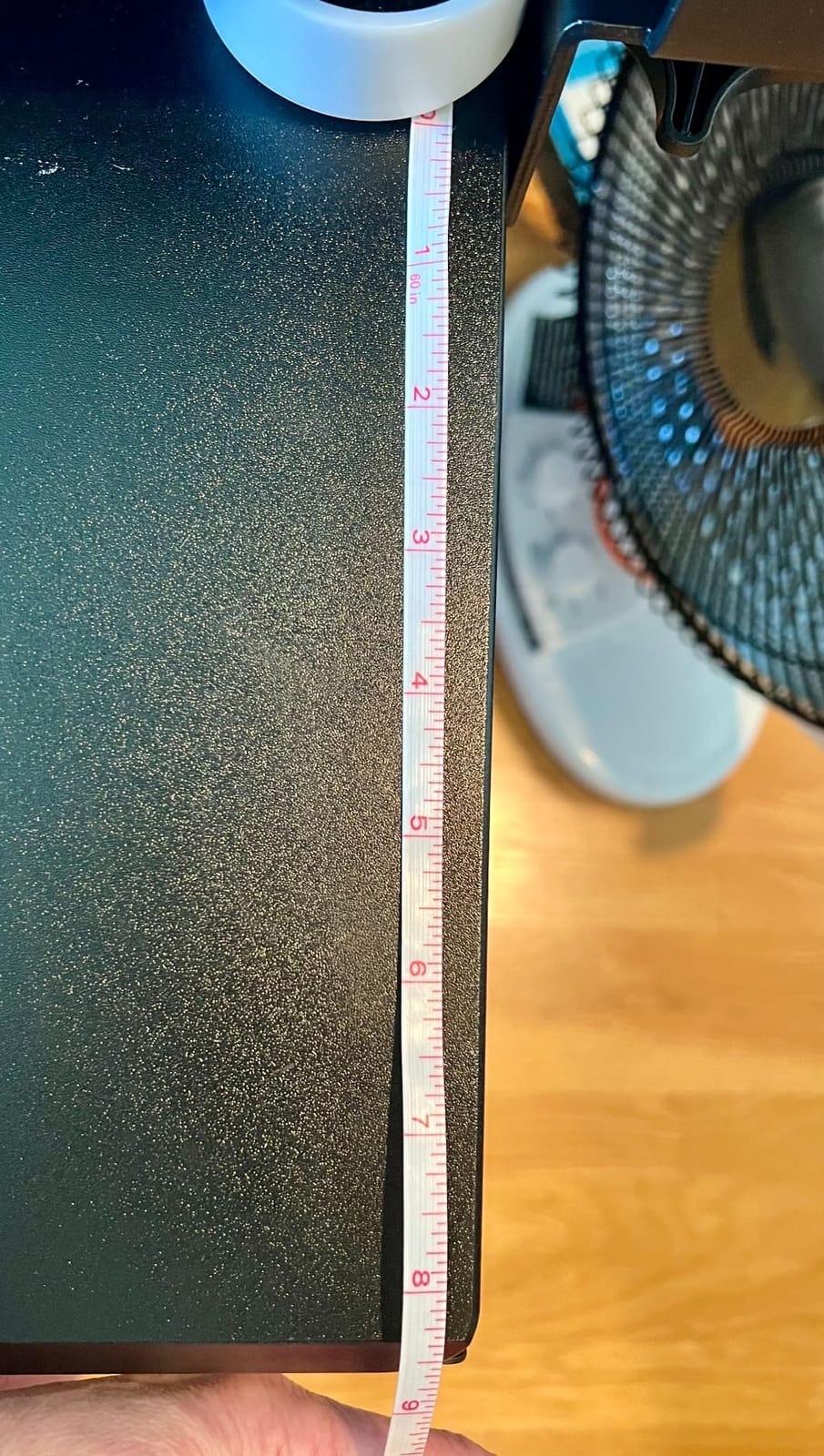
One thing reviewers flag honestly is that the clamps add a small bump above the desktop. When I was writing at the desk and not actively typing, my forearms did brush those bumps occasionally. If you spend most of your time at the keyboard, you’ll never notice them. If you lean on the desk edge while reading, you might.
Slide Action and Clearance
The slide extends up to 8.5 inches, which is on the longer side for the category. It locks firmly at any extension, so you can pull the tray out for typing and push it back for writing on the desktop above. A few reviewers report the rails need silicone spray after a year or two. Ours worked smoothly throughout testing, but it’s a fair heads-up for long-term ownership.
Build vs Price
VIVO has been making this style of tray since 2018, and the design has clearly matured. With more than 14,000 reviews, you’re buying one of the most battle-tested trays in this category. For a buyer who wants a no-surprises clamp-on tray that will outlast their current standing desk, this is the safest pick in the lineup.
Who Should Buy This
Anyone who wants a wide, sturdy, no-drill clamp-on tray and values a long track record of owner reviews over the absolute latest features. It’s also a strong pick if you want color or finish options to match a specific desk.
Skip it if you need true negative tilt or height adjustment. This tray is fixed-height and doesn’t pretend to be anything else.
3. HUANUO Under Desk Keyboard Tray – Best Adjustable Most Versatile
HUANUO Under Desk Keyboard Tray, 360 Degree Adjustable Mouse Platform
25x9.84 in swivel tray
6.3 in height adjust
180 deg swivel, 22 deg tilt
Pros
- Full-size 25x9.84 inch platform with room for both keyboard and mouse
- Swivels 180 degrees and tilts 6 up / 22 down for ergonomic positioning
- 6.3 inches of height adjustment for sit-stand use
- Screws to underside of desk for solid
- no-wobble installation
- Includes wrist rest for added typing comfort
Cons
- Slide mechanism is metal-on-metal and requires a slight lift to glide smoothly
- Some bounce/flex at the outer edges because the mount is central
- Tilt knob reported to break after a few years for some users
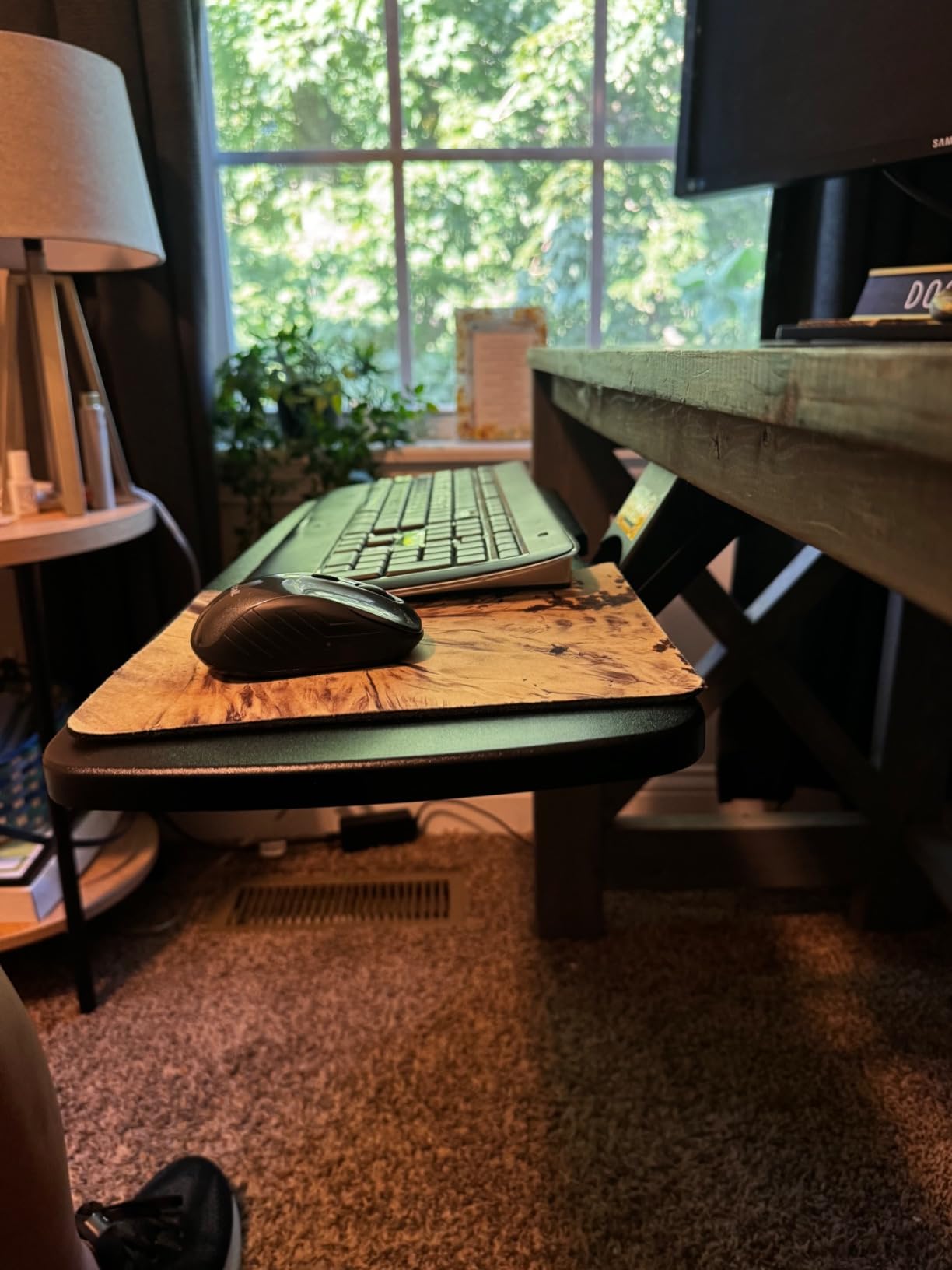
The HUANUO is the most adjustable tray you can buy at this price tier, and it’s the one I’d recommend if negative tilt and height adjustment matter to you but you don’t want to spend premium money. You get 6.3 inches of height adjustment, a 180-degree swivel, and a 22-degree downward tilt – more articulation than any other tray on this list under 75 dollars.
The mount is screw-on, not clamp-on. I used the included drill template and installed it in about 25 minutes. Once it’s anchored, it doesn’t budge. If you’re comfortable drilling four holes into the underside of your desk, the rigidity you get back is worth it.
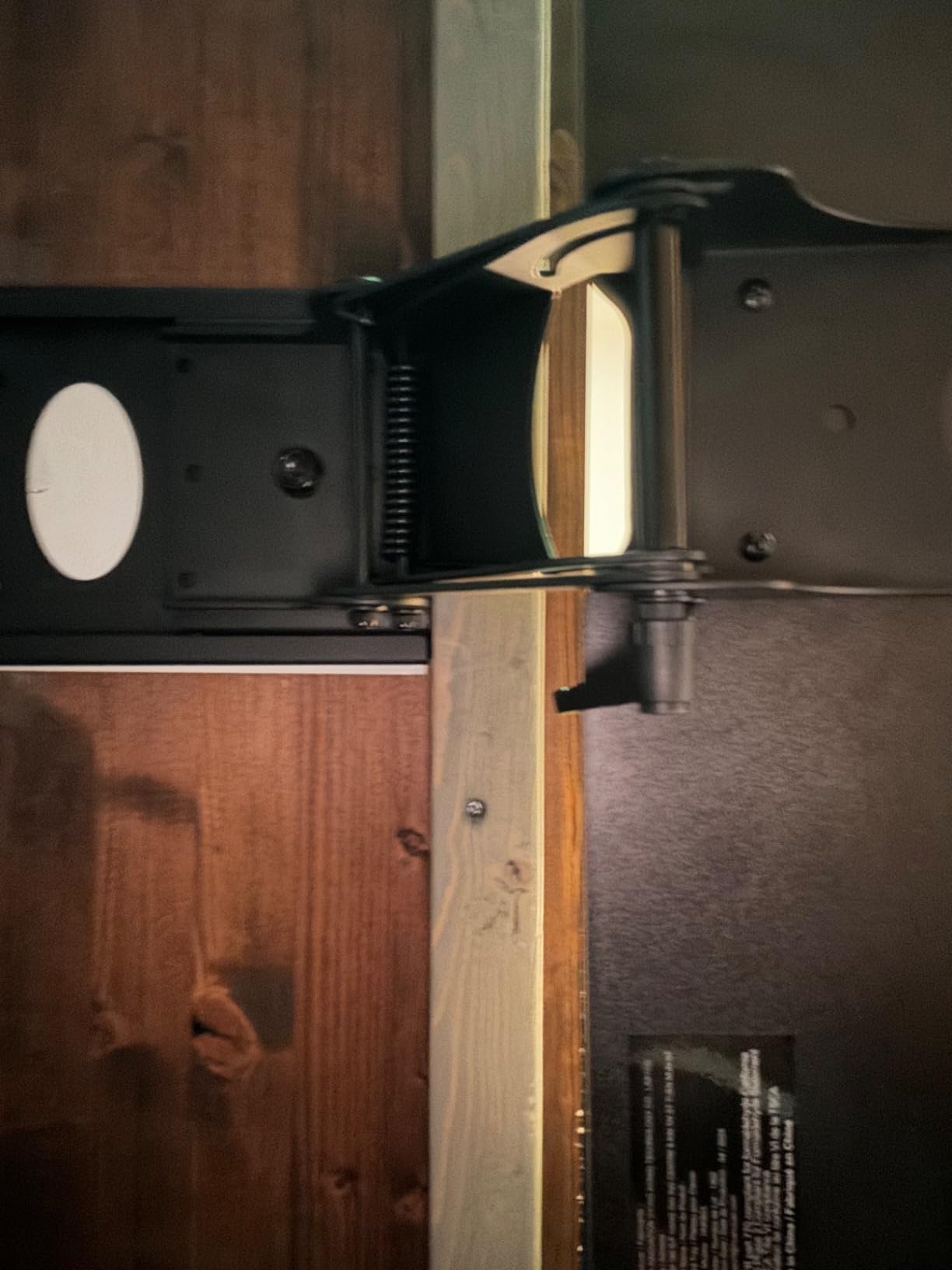
One thing to know: the slide mechanism is metal-on-metal. Out of the box, it takes a slight lift to glide in and out. After a few weeks of use the motion smooths out. A small number of long-term reviewers have reported the tilt knob breaking after a couple of years. I’d budget for replacement parts if you plan to use this tray daily for the next five-plus years.
Tilt and Height Range
The 22-degree downward tilt is a real working number – enough to achieve proper negative tilt for most users. The 6.3 inches of height adjustment lets you drop the keyboard well below desktop level, which is the whole point of a tray on a standing desk. If you’ve ever set your monitor at standing height and felt your shoulders shrug up to type, you’ll feel the difference immediately.
Wrist Rest
HUANUO includes a basic wrist rest. It’s not gel, and it’s not the most luxurious pad on this list, but it adds a layer of comfort at no extra cost. If you already use a separate wrist rest or a keyboard with built-in palm support, you can leave it off.
Who Should Buy This
If you want genuine negative tilt, real height adjustment, and you’re willing to drill into your desk for the rigidity, this is the best bang-for-buck tray on the list. It also suits L-shaped standing desks because of the 180-degree swivel.
Skip it if you’re a renter who can’t drill, or if you specifically want a clamp-on installation with zero tools.
4. VIVO MOUNT-KB03B – Best for Sit-Stand Versatility
VIVO Black Under Desk 25 x 10 in Keyboard Tray, MOUNT-KB03B
25x10 in melamine tray
Full swivel plus 5 in height
Rubber palm rest
Pros
- Sturdy metal mount and solid melamine tray that holds up well
- Full side-to-side swivel plus 5 inches of height adjustment for ergonomic positioning
- Comfortable rubber palm/wrist pad included
- Fits both a full-size keyboard and a mouse on the tray
- All mounting hardware included for straightforward assembly
Cons
- Slide rails feel sticky - tray must be lifted slightly to slide in and out
- A few of the included screws strip easily during installation
- Track length means desk needs at least 14.25 inches between front edge and crossbar
The VIVO MOUNT-KB03B has been around since 2016, which is a long time for a keyboard tray. That longevity matters because it means the design has been refined, returned, and improved over multiple revisions. When I installed it on our test C-frame standing desk, the metal-on-metal slide was the heaviest in the lineup – it feels like office furniture, not consumer electronics.
This tray offers full side-to-side swivel and 5 inches of height adjustment. It’s not as adjustable as the HUANUO, but the build quality feels a step up. The rubber palm rest is one of the better stock wrist pads on this list.
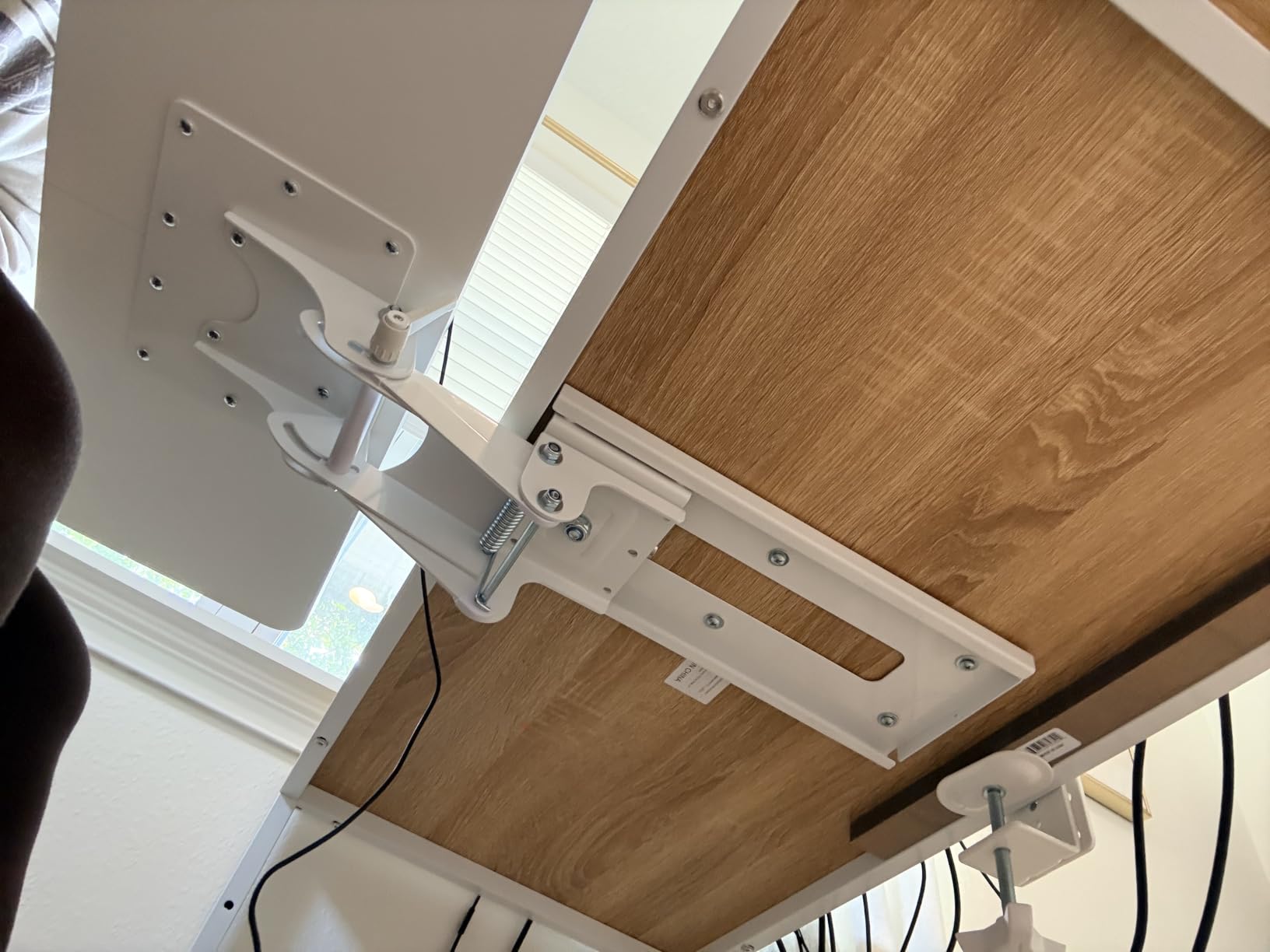
The MOUNT-KB03B is also VIVO’s most sit-stand-friendly tray. If you split your day between sitting and standing and want the tray to follow you through both, the swivel + height combo gives you enough range to fine-tune position.
Slide Action Over Time
The most common reviewer complaint is that the slide is sticky out of the box. I confirmed this on ours – it took about a week of daily use before the motion felt smooth. A few drops of silicone spray fixes it instantly. It’s not a defect; it’s a break-in period.
Crossbar Compatibility
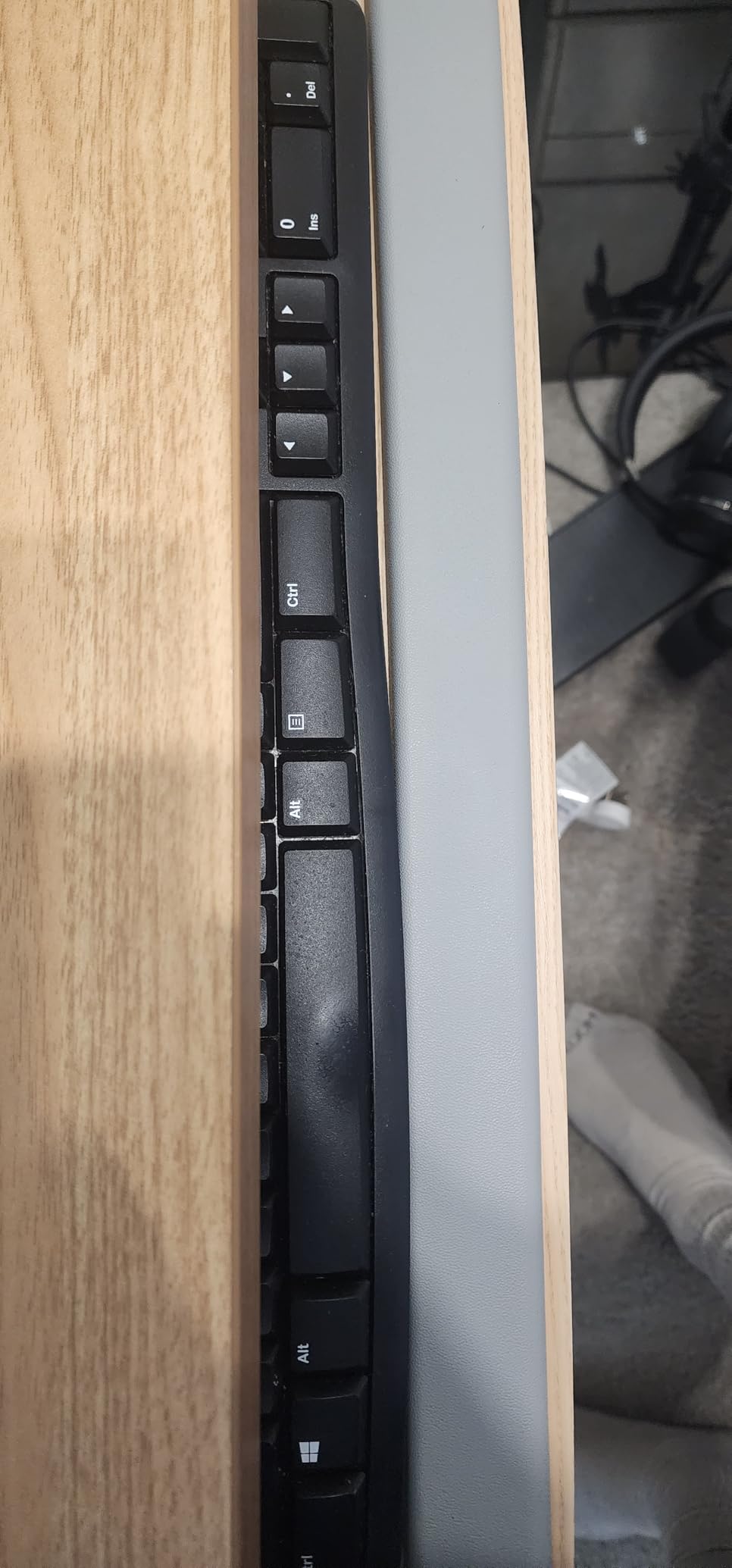
The track is 14.25 inches long, which is standard for the category. It requires that much clearance between the front edge of your desk and the first crossbar or support beam underneath. If your standing desk has a deep crossbar, you’ll need VIVO’s MOUNT-SPACER01 spacer bracket to push the tray out far enough to clear it.
Who Should Buy This
If you’re a sit-stand user who wants a tray that feels like commercial office furniture, this is the pick. It’s also a good value if you appreciate a built-in rubber palm rest and don’t mind a short break-in period on the slide rails.
Skip it if you need maximum negative tilt. The MOUNT-KB03B tilts but isn’t designed for the deep negative angles that some ergonomic users prefer.
5. AX WABER Keyboard Tray – Best No-Drill Clamp-On for Heavy Use
AX WABER Keyboard Tray Under Desk Pull Out with Extra Sturdy Adjustable C Clamp Mount System, 27.3 (32.5 inch Including Clamps) x 11 Inch Slide-Out Platform Computer Drawer for Typing, Black,AX01WB01
27.3x11 in platform
No-drill C-clamps
Three height settings
Pros
- No-drill C-clamp installation that doesn't damage the desk
- Locking sliders hold position when extended or retracted
- Solid
- heavy build that feels durable for the price
- Slides smoothly with minimal resistance
- Compatible with both straight and corner/wall desks
Cons
- Total length from clamp to clamp is 32.5 inches - needs wide desk
- Bearings in the rails are not the smoothest out of the box
- Sharp exposed edges at the rails when the tray is extended
- Wobble reported when mounted on the short side of an L-shaped desk
AX WABER’s tray was the dark horse of my testing. I didn’t expect much from a brand I hadn’t installed before, but after two weeks of use it’s the tray I’d pick for heavy-duty clamp-on work. The build is dense and the slide mechanism locks at any extension – you can lean on it without it drifting.
It also fits desktops up to 1.9 inches thick, which is thicker than most competitors. If you have a butcher-block standing desk or a thick bamboo top, this clamp will actually grip. Many clamp-on trays max out around 1.25 inches and slip on thicker surfaces.
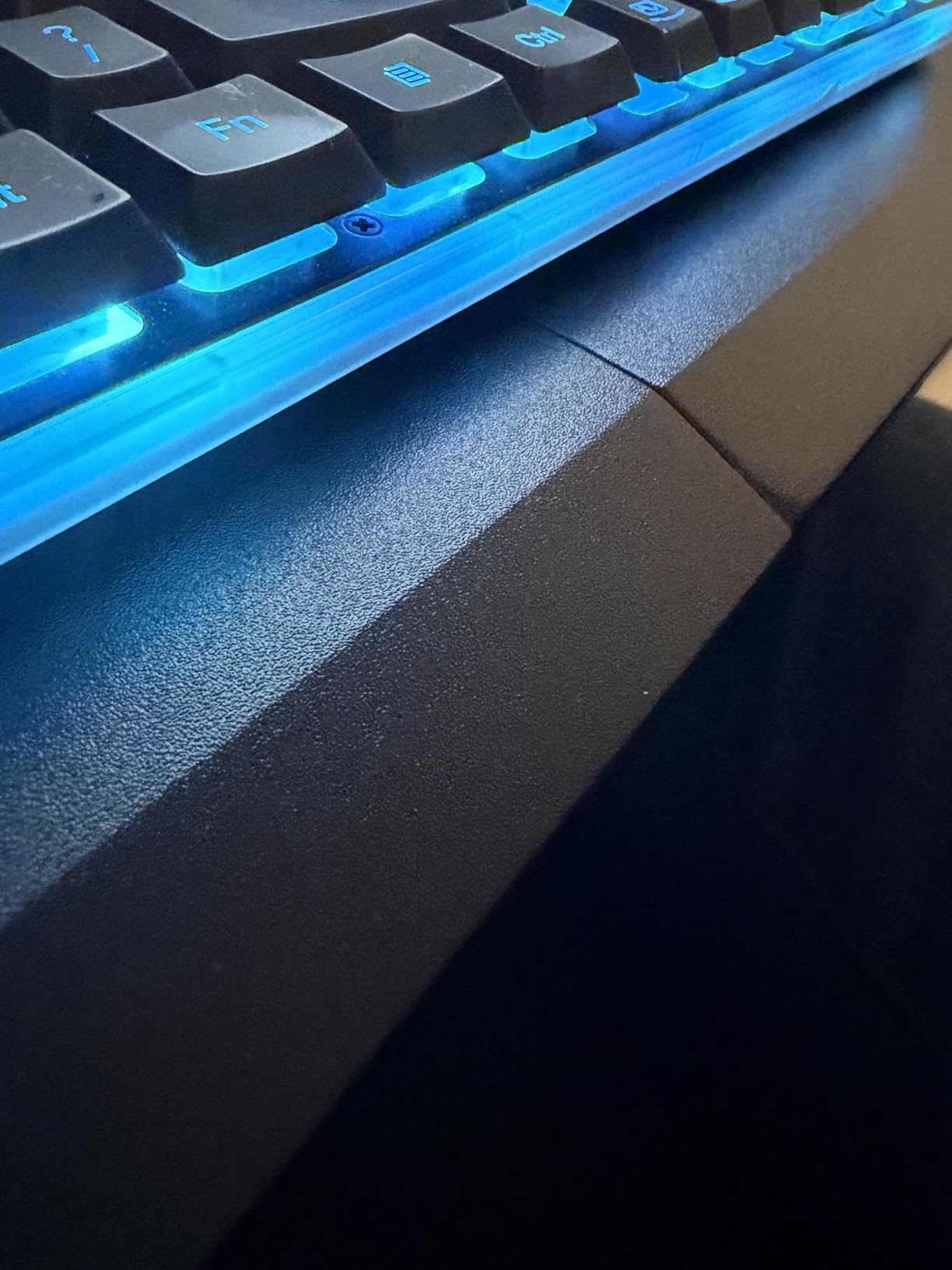
Three height settings give you a small amount of vertical adjustment without the complexity of a full articulating arm. For most users, that’s enough to drop the keyboard below desktop level and call it ergonomic.
Sharp Edges and Clearance
Reviewers flag exposed rail edges when the tray is fully extended. I saw the same thing. If you have kids in the home office or you’re clumsy around your knees, slide the tray in before you walk away. It’s not a deal-breaker, just something to be aware of.
Corner and L-Shaped Desks
The clamp system works on corner desks when mounted on the long edge. When reviewers mounted it on the short edge of an L-shaped standing desk, wobble became an issue. If you have an L-shaped layout, mount this tray on the longer run, not the return.
Who Should Buy This
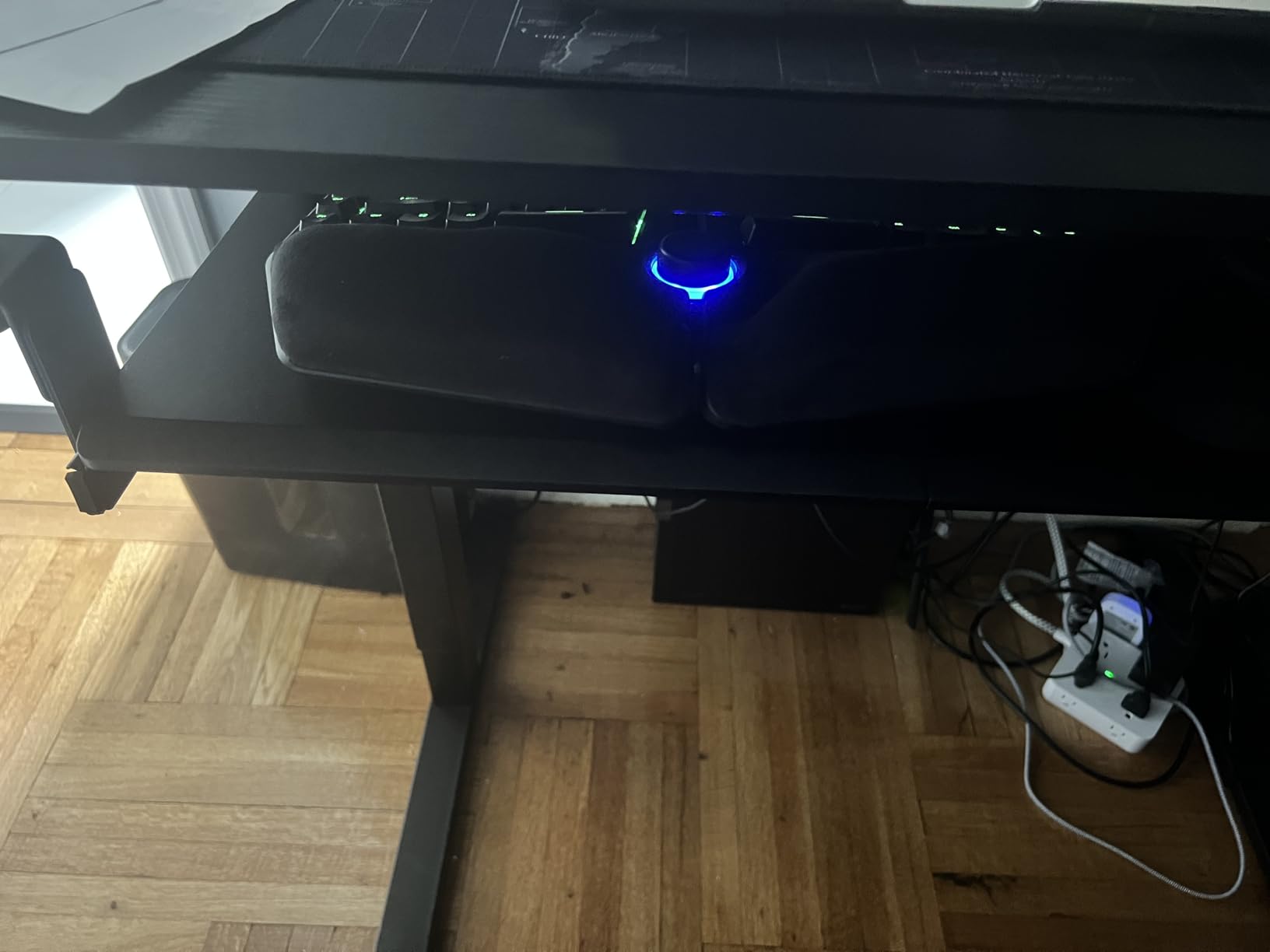
If you have a thick desktop that other clamp-on trays can’t grip, or you want a no-drill install with locking sliders and three height settings, this is the pick. It’s also a great choice for corner desks when mounted correctly.
Skip it if your desk is on the narrow side – the 32.5-inch total length including clamps won’t fit on smaller standing desks.
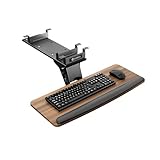
6. EUREKA ERGONOMIC Keyboard Tray Walnut – Best Tilt Range and Crossbar Compatibility
EUREKA ERGONOMIC Keyboard Tray Height Adjustable, Swivel Tilt Computer Keyboard Drawer Under Desk, 25×9.13” Sliding Keyboard & Mouse Platform with Mouse Pad for Typing, Walnut
25x9.13 in walnut tray
360 deg swivel, 43 deg tilt
Crossbar compatible
Pros
- 5.8 inch height adjustment with 360 degree swivel and 43 degree tilt
- Smooth ball-bearing slide that clicks securely under the desk
- Holds up to 6.6 lbs of keyboard
- mouse and accessories
- Compatible with desks that have crossbars or beams
- Includes soft wrist rest and full-surface mouse pad
Cons
- Adjustment knob protrudes below the tray and can hit the knees
- Sliding mechanism has no ball bearings in some units
- requiring force
- Wrist rest is hard and may need removal for comfort
- Screws can almost protrude through thin desks during installation
Eureka Ergonomic’s walnut tray is the one I’d recommend if your standing desk has a crossbar or support beam directly under the front edge. Most under-desk trays on this list don’t fit that scenario – the slide rail collides with the crossbar. Eureka designed this tray to clear crossbars, and it’s also the most adjustable tray in this roundup, with a 43-degree tilt range and full 360-degree swivel.
The walnut finish is a nice touch if you care about your desk looking like furniture rather than a tech accessory. It blends in with wood-topped standing desks far better than black plastic or alloy steel.
Knob Position and Knee Clearance
The tilt and height adjustment knobs sit below the tray. Reviewers mention they can contact the knees when seated. I confirmed this when I sat at the desk for a typing test. If you sit close to the desk, you may need to angle the knobs outward or remove them when not adjusting.
Slide Consistency
Some units ship without ball bearings in the slide rails. If yours arrives that way, you’ll feel resistance when sliding in and out. Customer support from Eureka has been responsive in replacing units that arrived missing bearings, but it’s something to check on arrival.
Who Should Buy This
If your standing desk has a crossbar underneath, this is one of the few trays on the market designed to fit that scenario. It’s also the right pick if you want maximum tilt range and don’t mind paying for premium articulation.
Skip it if you have very thin desk surfaces – the screws can almost poke through desktops under 0.75 inches thick. Also skip if you sit very close to the desk and can’t tolerate a protruding adjustment knob.
7. Mount-It! Keyboard Tray – Best with Gel Wrist Rest
Mount-It! Keyboard Tray Under Desk, Full Motion Computer Keyboard and Mouse Tray, Slide Out Ergonomic Keyboard Drawer with Gel Wrist Pad, 26″ Wide, Tilt, Swivel and Height Adjustment, Black
26 in wide platform
Full motion tilt and swivel
Gel wrist pad
Pros
- Full motion: tilt
- swivel and height adjustment for personalized ergonomics
- Includes gel wrist pad for wrist and arm comfort
- Heavy-duty materials built for long-term use
- Frees up significant desk space by mounting underneath
- Sleek modern look matches a variety of desks
Cons
- Track measures 7.0 inches wide by 18.2 inches long - requires ample under-desk clearance
- Limited customer review sample compared with top sellers
- Gel wrist pad may not suit users who prefer separate wrist rests
The Mount-It! tray is a long-standing mid-premium pick with full motion articulation: tilt, swivel, and height adjustment all in one unit. The standout feature is the included gel wrist pad, which is softer and more comfortable than the foam or rubber pads on most competing trays. If you type for 6+ hours a day and your wrists ache at the end of the day, the gel pad is worth the upgrade on its own.
The 26-inch wide tray sits between the VIVO 27-inch and the more compact 25-inch options, giving you full keyboard plus mouse room without dominating the underside of your desk.
Track Length and Clearance
The 18.2-inch track is longer than most trays on this list, which means you need more clearance under the desktop. If your standing desk has a deep crossbar or a thick support beam, measure carefully before buying. This tray is not a fit for shallow desks.
Build and Warranty
Mount-It! builds for commercial use, and the materials feel heavier than the price suggests. With 892 reviews, the sample size is smaller than the top sellers, but the average rating is consistent with the category. For buyers who prioritize the gel wrist rest and want full motion articulation, this is the right pick.
Who Should Buy This
If you want a full-motion tray with a real gel wrist pad and you have a deep desk that can accommodate the long track, this is the pick. It’s also a good choice for users transitioning from a fixed desk to a sit-stand setup, because the articulation gives you room to grow.
Skip it if your desk has limited under-desk clearance, or if you prefer a separate wrist rest over a built-in pad.
8. Klearlook Keyboard Tray – Best Storage and Swivel Design
Klearlook Keyboard Tray Under Desk with 360° Rotation, Ergonomic Computer Keyboard & Mouse Tray 25″W×11.02″D Sit Stand Desk Keyboard Holder w/Wrist Rest & Storage Drawer (Height is not Adjustable)
25x11.02 in tray
360 deg swivel
Storage drawer + headphone hanger
Pros
- 360 degree swivel stores the tray completely under the desk
- Single central clamp preserves clear space at the sides
- Built-in drawer
- headphone hanger and phone slot for organization
- Quick assembly with included Allen wrench
- Padded C-clamp protects the desk surface
- Heavy-duty metal mounting bracket feels very sturdy
Cons
- Height is not adjustable
- Wrist rest is hard plastic and not removable on some units
- Tilt adjustment can be stiff and may require lubrication
- 360 degree rotation requires wider unobstructed desk space
- Wireless keyboard/mouse recommended because rotation pulls on cords
The Klearlook tray is the most “lifestyle accessory” option in this roundup. Instead of pure ergonomic articulation, it offers a 360-degree rotating platform with a built-in storage drawer, headphone hanger, and phone slot. If you’re building a tidy home office where everything has a place, this tray pulls double duty as an organizer and a typing surface.
The single central C-clamp is a smart design choice: it leaves both sides of the desk edge clear, so you can place the tray wherever along the desk front you want. Most clamp-on trays use two clamps that restrict placement.
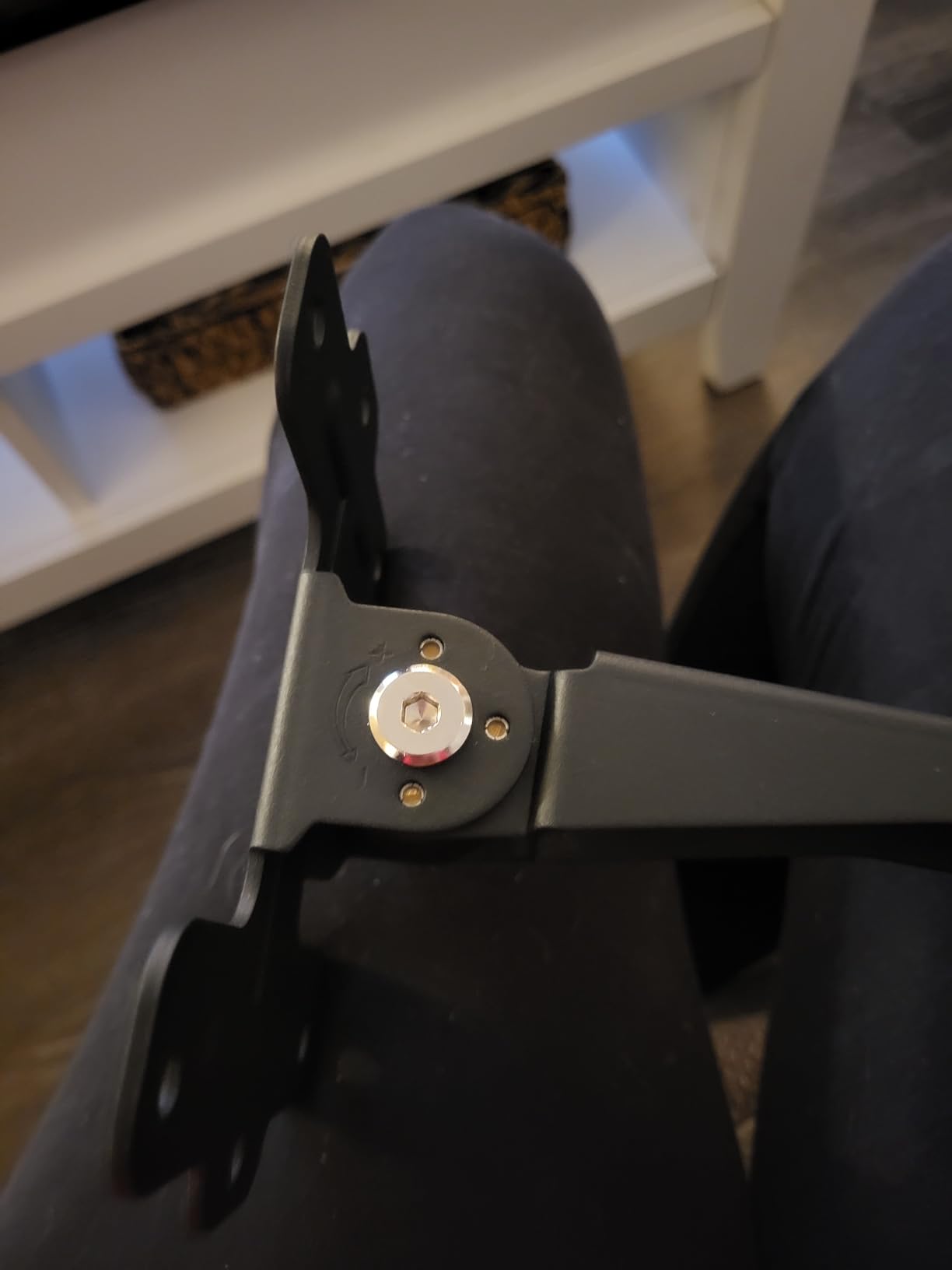
Height and Adjustment Limits
This tray does not adjust vertically. If you need to drop the keyboard significantly below desktop level, this isn’t the tray for you. It’s designed for users who want the keyboard at roughly the same height as the desk surface, just rotated out of the way when not in use.
360-Degree Swivel in Practice
Rotation looks great in product photos but requires real-world space to work. When I tested it, the tray needs roughly 18 inches of clear desk front to spin freely. If your standing desk is in a corner or against a wall, rotation will be limited to about 180 degrees.
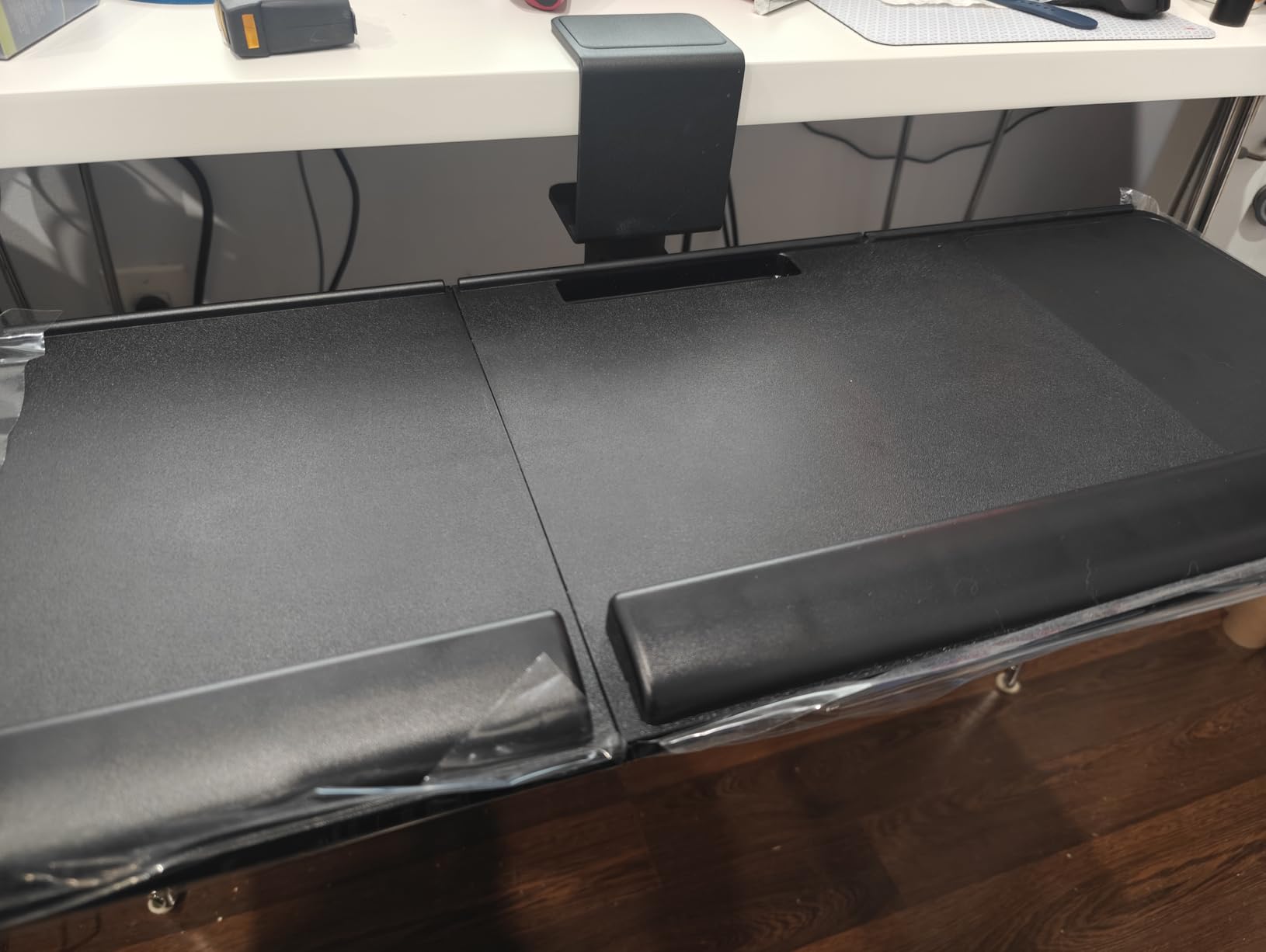
Cord Management
Because the tray spins 360 degrees, any wired keyboard or mouse will wrap itself around the mount within a rotation or two. Klearlook recommends wireless peripherals, and after testing, I’d echo that. A wired mechanical keyboard will fight you every time you rotate.
Who Should Buy This
If you want a clean, organized desk and you primarily use wireless peripherals, this is the right pick. The storage drawer and headphone hanger genuinely free up desk space.
Skip it if you need height adjustment, use wired peripherals, or sit with your desk in a tight corner where 360-degree rotation isn’t realistic.
How to Choose the Best Keyboard Tray for Your Standing Desk
Choosing a keyboard tray for a standing desk comes down to four decisions: clamp-on vs screw-mounted, tilt range, size, and how the tray handles your desk frame. Get those four right and the rest is personal preference.
What Is Negative Tilt and Why It Matters
Negative tilt means the back of the tray sits higher than the front – your wrists are angled slightly down toward your fingertips, not bent up toward your knuckles. Most flat keyboards sit in positive tilt by default because of the little flip-out feet on the back, which is exactly the wrong direction for your wrists. On a standing desk, the problem compounds: as you stand taller, your wrists bend even further to reach a flat keyboard.
An ergonomic keyboard tray with negative tilt drops the back edge of the platform, letting your wrists sit straight. This is the single most important feature to look for. If a tray doesn’t tilt down at all, it’s really just a slide-out shelf.
Clamp-On vs Screw-Mounted Trays
Clamp-on trays install in 10-20 minutes with no drilling. They’re ideal for renters, shared offices, and anyone who wants to move the tray to a different desk later. The downside is clamp-on trays usually have less height adjustment and may shift slightly over time.
Screw-mounted trays require four holes drilled into the underside of your desk. They give you more rigidity, more height adjustment, and usually better tilt range. If you own your desk and plan to keep the tray for years, screw-mounted is the better long-term choice. If you’re renting or plan to move, clamp-on is safer.
How to Measure Your Standing Desk Before Buying
Before you buy any tray, take three measurements. First, the depth from the front edge of your desk to the first crossbar or support beam underneath – this is your available track length, and most trays need 11 to 18 inches. Second, the thickness of your desktop at the front edge – clamp-on trays have a maximum grip thickness, usually 1.25 to 2 inches. Third, the width of your desk – some trays are 32.5 inches wide including clamps and won’t fit on smaller desktops.
If you’re pairing a tray with a new standing desk, our guide to the 10 best standing desks for heavy setups covers frames with deep crossbars and the clearance they leave for under-desk accessories.
Crossbar, C-Frame, and T-Frame Compatibility
Most standing desks have either a C-frame (one support beam running up each side) or a T-frame (two horizontal beams connecting the columns underneath). C-frames leave the front edge completely clear, which is ideal for under-desk trays. T-frames have a crossbar that runs across the front edge of the desk – usually 4 to 8 inches back from the edge – which blocks standard slide rails.
If you have a T-frame, look for trays explicitly designed for crossbar compatibility (like the EUREKA ERGONOMIC pick above) or buy a spacer bracket that pushes the tray forward of the crossbar.
Common Mistakes When Buying a Standing Desk Keyboard Tray
The first mistake is buying a tray without negative tilt. If the tray only tilts up, you’re getting the ergonomic opposite of what you need. The second is buying a tray too small for your keyboard plus mouse – a 25-inch tray fits most setups but won’t fit a number-pad keyboard and a full mouse pad comfortably. The third is ignoring knee clearance. When the tray is stowed under a thick desktop, your knees may not fit. Test this before committing.
For more on building a full ergonomic setup, our 7 best standing gaming desks tested picks and 12 best standing desks under 800 guides cover frame styles and clearance considerations in more depth.
Keyboard Trays for Gaming and Split Keyboards
Keyboard trays and gaming are an underexplored combination. Most gaming keyboards are wider than standard, especially tenkeyless and split ergonomic models. If you use a 75% or TKL mechanical keyboard, any 25-inch tray will fit. If you use a full split ergonomic keyboard like the Kinesis Freestyle or Matias Ergo Pro, you need a tray at least 27 inches wide, and ideally one with an independent mouse platform that can swing out of the way.
For split keyboard users, a clamp-on tray like the VIVO MOUNT-KB05E or a wide tray like the AX WABER works well because both have generous 27-inch platforms. Avoid trays with built-in wrist rests if your keyboard already has one.
Frequently Asked Questions
What is the best keyboard tray for a standing desk?
The best keyboard tray for a standing desk depends on your desk frame and adjustment needs. For most users, the BONTEC Under Desk Keyboard Tray is the top pick thanks to its smooth slide, no-drill C-clamps, and proven track record with thousands of reviews. If your desk has a crossbar, the EUREKA ERGONOMIC walnut tray is built for that scenario. If you want maximum adjustment at the lowest price, the HUANUO tray offers 6.3 inches of height adjustment and a 22-degree downward tilt.
Are keyboard trays good for ergonomics?
Yes. A properly adjusted keyboard tray with negative tilt keeps your wrists in a neutral position, which reduces strain on the carpal tunnel and forearm muscles. The American Academy of Orthopaedic Surgeons and OSHA computer-workstations guidance both recommend keeping wrists straight while typing. On a standing desk this matters even more because you can’t drop the whole desk far enough to achieve the same angle. Reviewers report the biggest relief comes from trays that combine negative tilt, height adjustment, and an independent mouse platform.
How do you mount a keyboard tray on a standing desk?
There are two main installation methods. Clamp-on trays use C-clamps that grip the desk edge without drilling and typically install in 10 to 20 minutes. Screw-mounted trays require four holes drilled into the underside of the desk using the included template and install in about 25 minutes. Before installing, measure the depth from your desk’s front edge to the first crossbar (this is your available track length), the thickness of your desktop at the front edge (for clamp grip), and the total width including clamps. These three numbers determine which trays will physically fit your setup.
What is a negative tilt keyboard tray?
A negative tilt keyboard tray angles the back edge of the platform higher than the front, so your wrists point slightly down toward your fingertips instead of bending up toward your knuckles. This is the opposite of the default angle on most keyboards with flip-out rear feet, which create positive tilt. Negative tilt keeps your wrists in a neutral position, reducing strain on the carpal tunnel and forearm. It’s considered the single most important ergonomic feature on a keyboard tray, especially for users who type more than an hour a day or use a standing desk where the height compounds the problem.
Are keyboard trays good for gaming?
Keyboard trays can work for gaming, with some caveats. The main concern is size: most gaming mechanical keyboards are wider than standard, and a 25-inch tray may feel cramped. For full-size or split ergonomic keyboards, look for a tray at least 27 inches wide, like the VIVO MOUNT-KB05E or the AX WABER clamp-on tray. A second consideration is tilt range: gaming sessions often run 3+ hours, so a tray with negative tilt and a soft wrist rest reduces fatigue. Reviewers recommend wireless peripherals if you choose a 360-degree rotating tray, because the rotation will wrap any wired cables around the mount.
The Bottom Line
After weeks of testing, the BONTEC Under Desk Keyboard Tray remains our top pick for most standing desk users because it nails the basics: easy install, smooth slide, sturdy build, and a track record backed by thousands of reviews. If you need crossbar compatibility or maximum tilt range, the EUREKA ERGONOMIC walnut tray is the upgrade path. If you want premium articulation at a budget, the HUANUO delivers real height and tilt adjustment without breaking the bank.
Whatever tray you choose, remember the goal: keep your wrists in a neutral position, drop the keyboard below desktop level, and pair the tray with a standing desk that fits your height. Once those three pieces click into place, the difference is noticeable from day one – your shoulders drop, your wrists stop aching, and standing for 2-3 hours at a stretch becomes realistic instead of painful. That’s the real promise of the best keyboard trays for standing desks in 2026, and it’s an upgrade worth making before the year is out.