

For shoppers hunting USB-C docking station deals during Prime Big Deal Days this 2026, the Anker 8-in-1 USB-C Hub is the one to watch first. With 35k+ reviews and a 4.5-star average, it handles dual 4K monitors, 85W pass-through charging, and just about every port a home office actually needs. Two solid alternatives stand out: the Selore Dual HDMI Hub if you want a real bargain on basic dual-monitor expansion, and the LIONWEI 13-in-1 Dock when triple-display setups are non-negotiable. Prime Big Deal Days runs October 6-7, 2026, and most of these picks need a Prime membership to unlock the sale price, but a free trial counts.
Our Top 3 Picks for USB-C Docking Station Deals in 2026

Anker 8-in-1 USB-C Hub
- Best for: dual-monitor home offices
- Ports: 8
- PD Charging: 85W pass-through
- Displays: Dual 4K HDMI

Selore Dual HDMI Hub
- Best for: budget dual-monitor setups
- Ports: 8
- PD Charging: 100W input / 85W output
- Displays: Dual 4K HDMI

LIONWEI 13-in-1 Dock
- Best for: triple-display Windows setups
- Ports: 13
- PD Charging: 100W input / 87W output
- Displays: Dual 4K HDMI plus DP
USB-C Docking Station Deals Compared
| Product | Specs | Action |
|---|---|---|
| Anker 8-in-1 USB-C Hub |
|
Check Deal Price |
| Selore Dual HDMI Hub |
|
Check Deal Price |
| LIONWEI 13-in-1 Dock |
|
Check Deal Price |
 MOKiN 14-in-1 Dock MOKiN 14-in-1 Dock |
|
Check Deal Price |
 HODO 8-in-1 Quad Dock HODO 8-in-1 Quad Dock |
|
Check Deal Price |
 UGREEN 10-in-1 Dock UGREEN 10-in-1 Dock |
|
Check Deal Price |
 UGREEN 7-in-1 Dock UGREEN 7-in-1 Dock |
|
Check Deal Price |
 Anker 11-in-1 Hub Anker 11-in-1 Hub |
|
Check Deal Price |
 Acer 9-in-1 Dock Acer 9-in-1 Dock |
|
Check Deal Price |
 Dell Pro WD25 Dell Pro WD25 |
|
Check Deal Price |
How We Chose
Each dock in this list was compared on the specs that actually matter for a USB-C or Thunderbolt laptop: port count, Power Delivery wattage, maximum display resolution and refresh, build material, and warranty length. We cross-referenced the Amazon listing with current owner ratings and review counts (data checked October 2026). Docks that consistently failed on long-term reliability or had misleading port claims were dropped. The ten survivors below are the picks worth watching when Prime Big Deal Days opens on October 6, 2026.
1. Anker 8-in-1 USB-C Hub: Best Overall Pick
Anker Laptop Docking Station Dual Monitor, 8-in-1 USB C Hub with 4K HDMI
Ports: 8
PD: 85W pass-through
Displays: Dual 4K HDMI
Ethernet: Gigabit
Warranty: 18 months
Pros
- Dual HDMI 4K@60Hz (single) or 4K@30Hz (dual)
- 85W Power Delivery pass-through charging
- 8 ports including USB-C PD
- USB-A
- HDMI
- Ethernet
- microSD/SD
- Compact 3.2-ounce build for travel
- Wide compatibility with USB-C
- USB4, and Thunderbolt
Cons
- macOS mirrors both external monitors instead of extending
- 100W PD wall charger sold separately
- Not compatible with Linux
This is the dock we’d grab first during the sale. Owners report it pulls double duty as a travel hub and a permanent desk accessory, slipping into a laptop bag at 3.2 ounces without any bulk. The 85W pass-through covers most ultrabook and MacBook Air charging needs, leaving enough headroom for the hub’s own 15W draw.
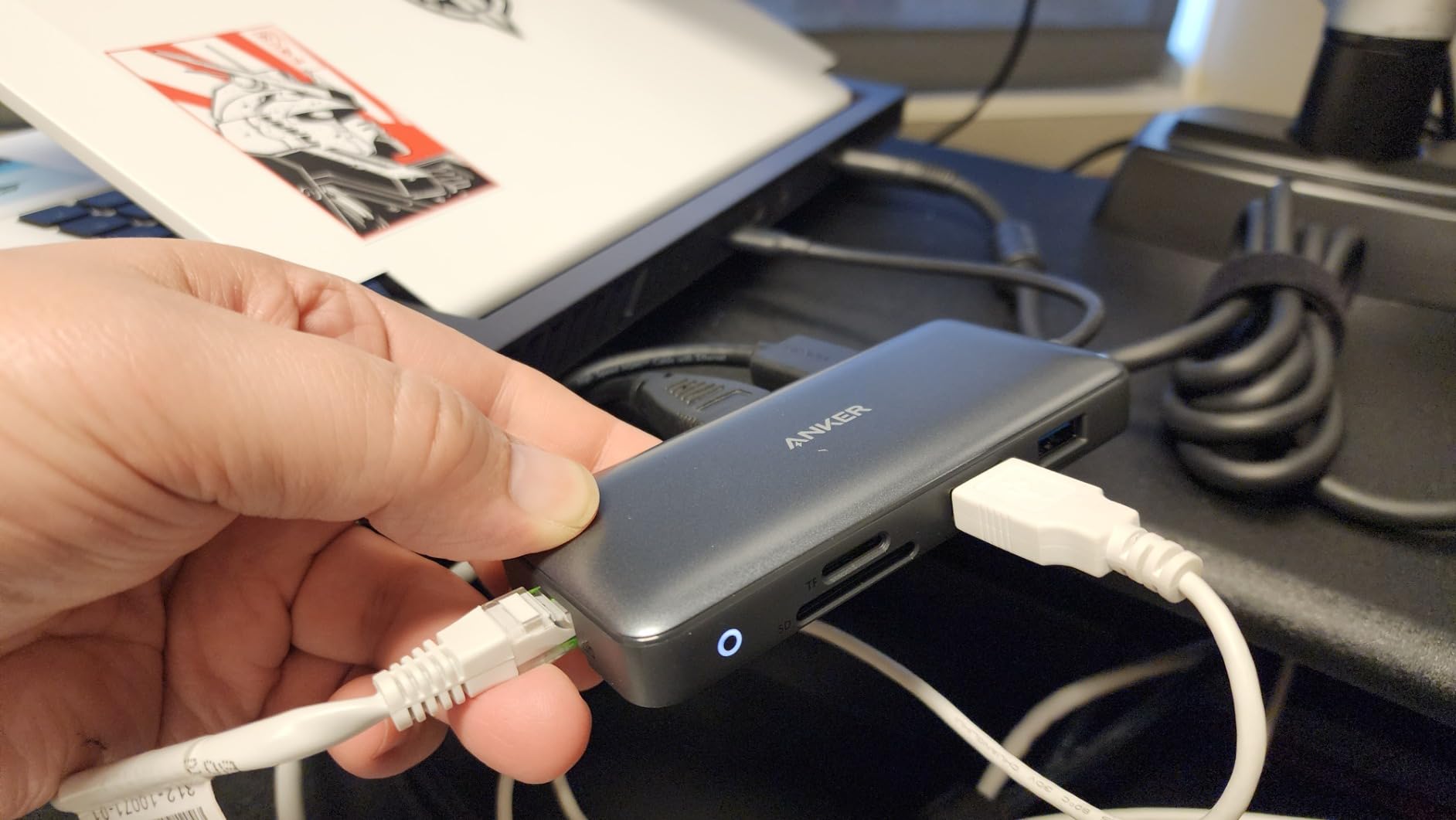
The dual HDMI setup works exactly as advertised on Windows. Plug two 4K monitors in and one runs at 60Hz, the other at 30Hz, which is the standard for hubs at this level. MacBook owners should know both external displays will mirror the same image, a common limitation across non-DisplayLink USB-C hubs in this price band.

Compared with the Selore Dual HDMI Hub, the Anker costs a bit more but adds Ethernet and an SD/microSD reader, which most home offices actually need. For shoppers who want more display options, our roundup of docking stations for MacBook Pro breaks down which hubs extend versus mirror on macOS.
Heads up: Buyers will need a 100W USB-C wall charger and a full-feature USB-C cable to unlock the 85W pass-through. Anker bundles neither, so budget for them if the laptop’s existing charger is under 65W.
2. Selore Dual HDMI Hub: Best Budget
Selore USB C Docking Station Dual Monitor, USB C to Dual HDMI Adapter
Ports: 8
PD: 100W in / 85W out
Displays: Dual 4K HDMI
Ethernet: No
Warranty: 2 years
Pros
- Dual 4K@60Hz HDMI on a budget
- 100W PD input with 85W laptop output
- Aluminum housing for heat dissipation
- SD and microSD card reader included
- Universal compatibility with USB-C and Thunderbolt 3/4
Cons
- macOS mirrors external displays (no MST extension)
- Second USB-C port handles data only
- not charging
- No Ethernet port
Selore built this hub for the shopper who wants dual 4K monitors and basic USB expansion without paying for ports they’ll never touch. At 22k+ reviews and a 4.4 average, it has the trust signal budget docks usually lack. The aluminum shell runs cooler than the plastic competition, which reviewers say matters when the dock sits behind a monitor for months.

The port layout covers most everyday needs: two HDMI outputs, three USB-A ports, one USB-C data port, and the PD input. There’s no Ethernet, no DisplayPort, and no VGA, which is a clean trade-off at this size and weight (0.1 kg).

The Selore sits in a different spot than the Anker 8-in-1, since it skips Ethernet and the microSD slot but stretches the budget further on display performance. It’s the right pick for a college student or a remote worker who lives on Wi-Fi and a cloud drive. Skip it if Ethernet matters or if the laptop charges above 85W.
Watch out for: The dock needs a full-feature USB-C or Thunderbolt port on the laptop. Plain USB-C charging ports on budget laptops will charge but won’t run the displays.
3. LIONWEI 13-in-1 Dock: Best for Triple Displays
Docking Station Dual Monitor 4K HDMI 13-in-1 USB C Hub for Laptop MacBook
Ports: 13
PD: 100W in / 87W out
Displays: Dual 4K HDMI plus DP
Ethernet: Gigabit
Warranty: 18 months
Pros
- 13 ports covering HDMI
- DisplayPort
- USB-C
- USB-A
- Ethernet, and audio
- Triple display support on Windows with MST and SST
- 100W PD input with 87W output to laptop
- Gigabit Ethernet for stable wired connection
- 10Gbps data transfer on the main USB-C port
Cons
- macOS extends only one external display at 4K@60Hz
- Dock consumes 13W of the 100W PD budget
- Heavier at 140g than 8-in-1 competitors
Triple-display desks have a short list of hubs that actually deliver, and the LIONWEI 13-in-1 is the most affordable of the bunch. Owners running Windows 10 or 11 confirm MST mode works as advertised, driving two HDMI monitors and a DisplayPort panel at 4K@60Hz simultaneously. The 87W output covers most 13-inch and 15-inch laptops, leaving enough wattage for phones and accessories.
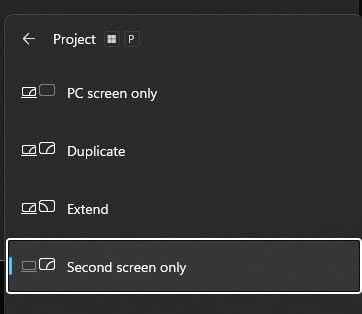
The port count is the headline: two HDMI, one DisplayPort, two USB-C (one PD, one 10Gbps data), three USB-A 3.0, two USB-A 2.0, Gigabit Ethernet, and a 3.5mm audio jack. Few hubs in this price range bundle audio, which is the difference between a dongle and a true desktop replacement.
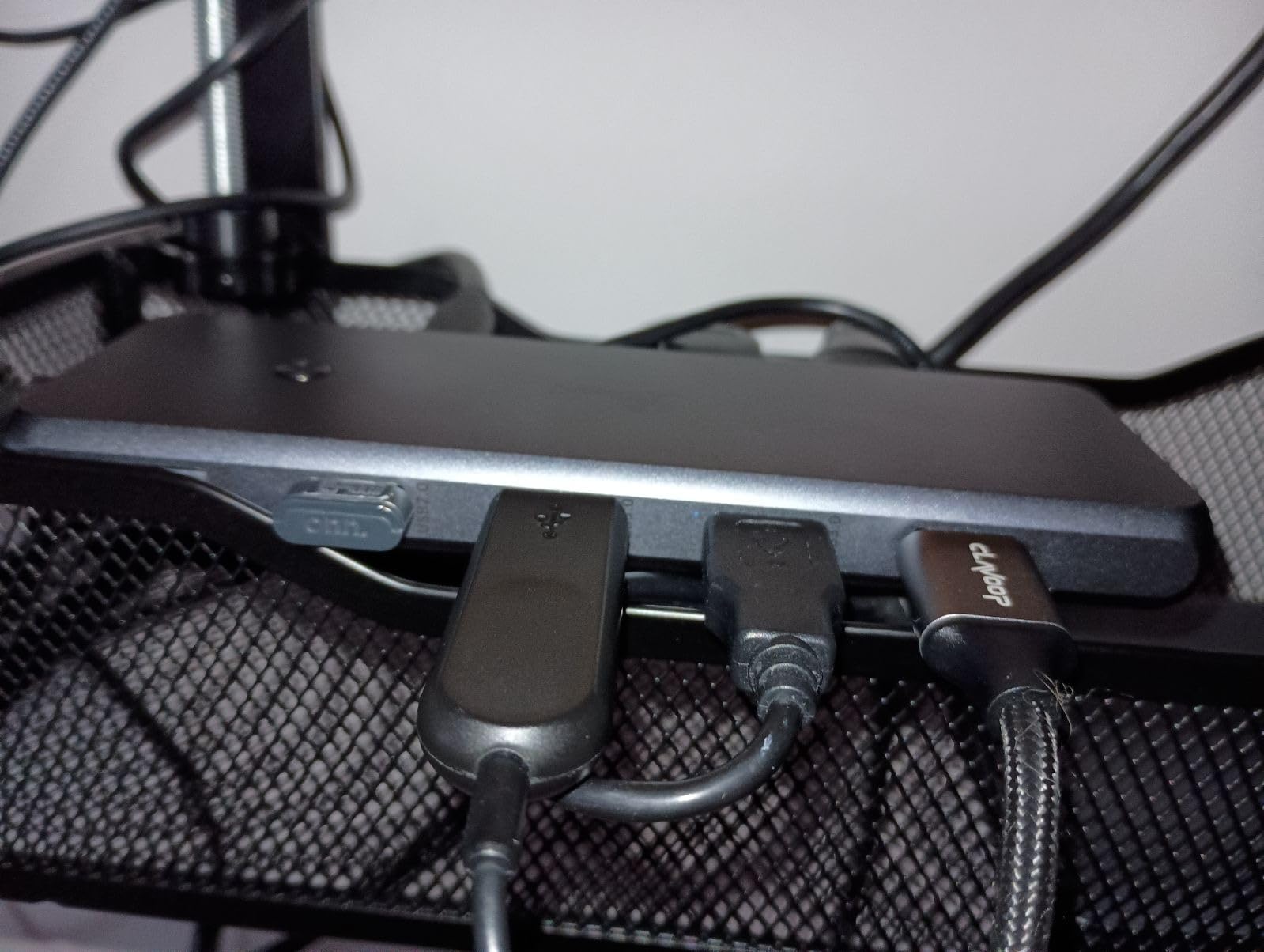
For shoppers who need triple displays plus a clean cable run, the LIONWEI beats both the Selore and the Anker 8-in-1, but it costs more and draws more power. If triple displays aren’t required, the Anker 8-in-1 remains the better all-around pick.
Worth knowing: The 13W power draw means a 100W wall charger leaves only 87W for the laptop. Owners of 16-inch MacBook Pros or gaming laptops that demand 96W+ should size up to a Thunderbolt 4 dock instead.
4. MOKiN 14-in-1 Dock: Best for Quad Displays
MOKiN Laptop Docking Station Dual Monitor 4K HDMI USB C Hub for Dell/HP/Mac
Ports: 14
PD: 100W
Displays: Dual HDMI plus Dual DP
Ethernet: Gigabit
Warranty: 2 years
Pros
- 14 ports with two HDMI and two DisplayPort outputs
- Quad display configurations via MST on Windows
- Privacy lock button to blank all screens at once
- 1000Mbps RJ45 Ethernet
- SD and microSD card readers
Cons
- macOS limited to mirrored displays
- Charger not included
- requires 100W adapter
- Needs Thunderbolt 3/4 or full-feature USB-C laptop
Quad-monitor traders, editors, and developers land on the MOKiN 14-in-1 for one reason: it actually supports four independent displays through a single USB-C cable, no DisplayLink drivers required. The two HDMI and two DisplayPort outputs can be combined in popular configurations like two HDMI plus one DP, or one HDMI plus two DP, depending on the laptop’s MST support.
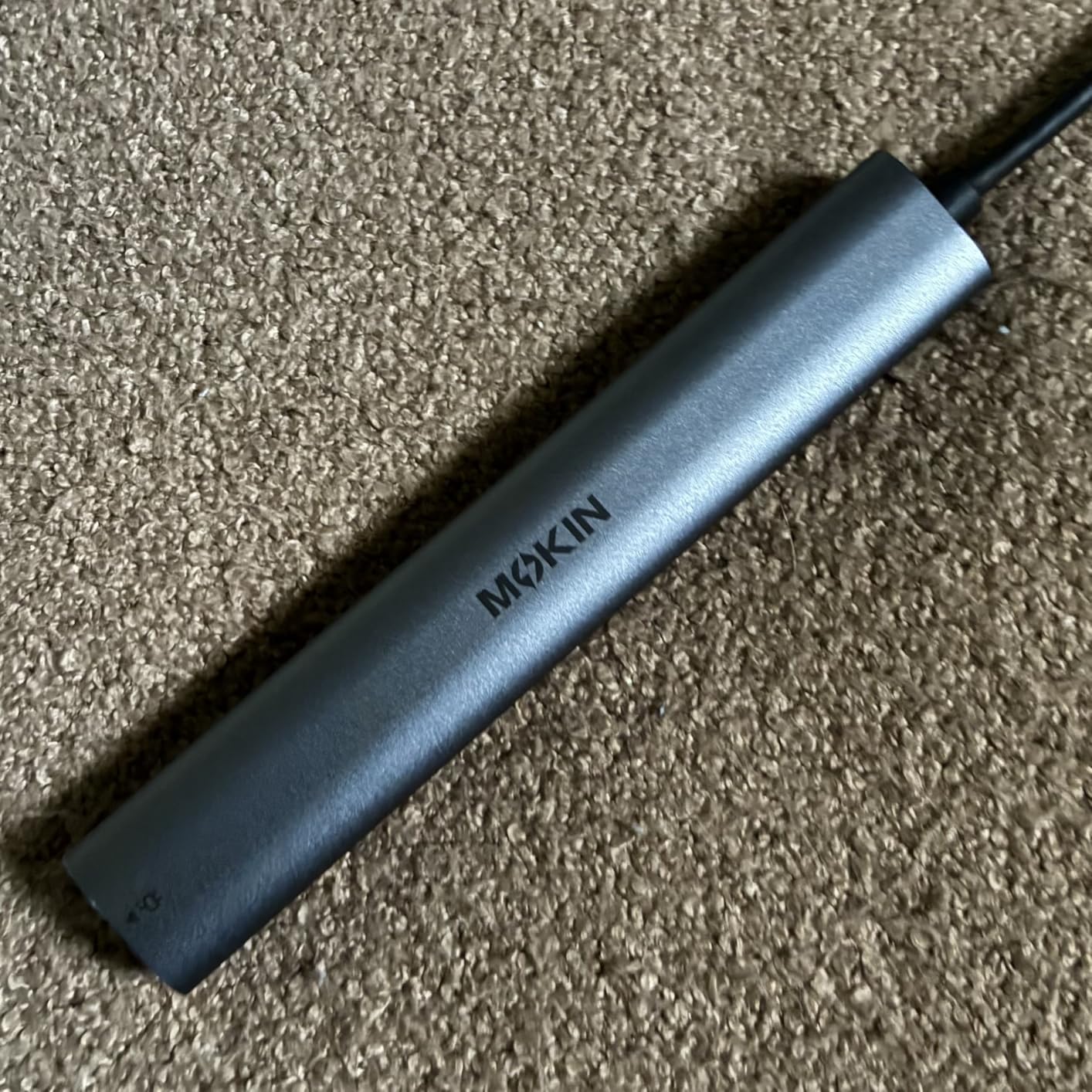
The privacy lock button is a small touch that reviewers mention often. One press blanks every external display for a quick meeting break, which is easier than fumbling with each monitor’s menu. Build quality leans toward the plastic side, but at 0.1 kg it disappears behind a monitor arm.
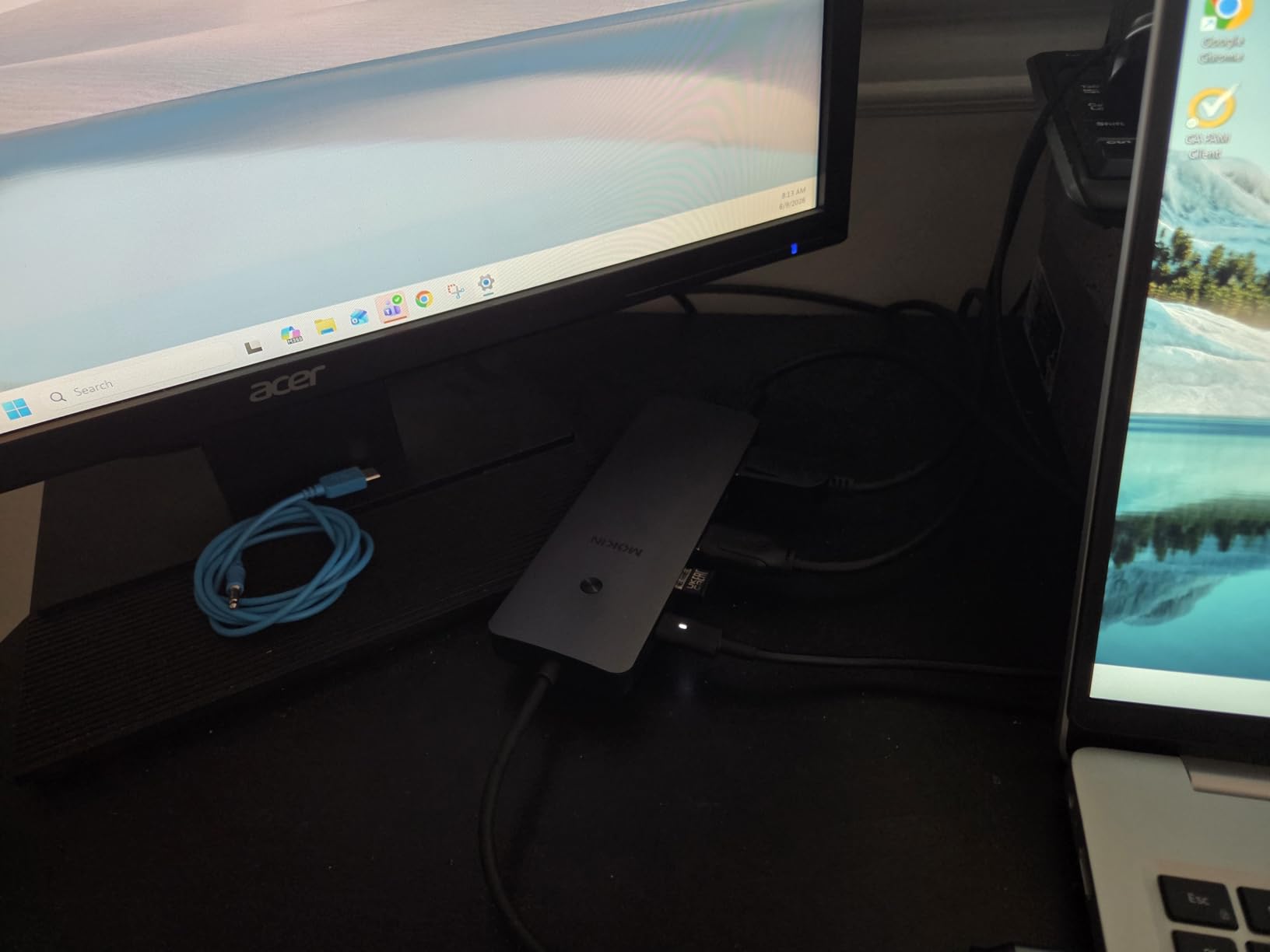
Compared with the LIONWEI 13-in-1, the MOKiN adds a fourth display output and a second DP, but drops the 3.5mm audio jack. Our guide to USB-C docking stations for Windows laptops covers the full quad-display setup in more detail.
Quad-display MST only works on Windows laptops that support Multi-Stream Transport. macOS users will see mirrored displays regardless, which is a fair reason to skip the MOKiN for a Mac setup.
5. HODO 8-in-1 Quad Dock: Best for Legacy VGA
USB C Docking Station Dual Monitor for HP,Laptop Docking Station 3 Monitors
Ports: 8
PD: 100W in / 87W out
Displays: Dual HDMI plus DP plus VGA
Ethernet: Gigabit
Warranty: 1 year
Pros
- Triple video outputs including legacy VGA
- 100W PD input with 87W laptop output
- Heat-resistant plug-and-play design
- Works with Dell
- HP
- Lenovo, and other USB-C laptops
- Gigabit Ethernet and SD/microSD card readers
Cons
- VGA connection caps all displays at 1080p
- USB 2.0 speeds only (480Mbps)
- macOS mirrors external monitors
Most modern docks dropped VGA years ago, but conference rooms and older projectors still depend on it. HODO kept the VGA port alive and paired it with two HDMI and one DisplayPort, so the same dock can drive a vintage projector in the office and a pair of 4K monitors at home. The 100W PD pass-through with 87W output is enough for mainstream ultrabooks.
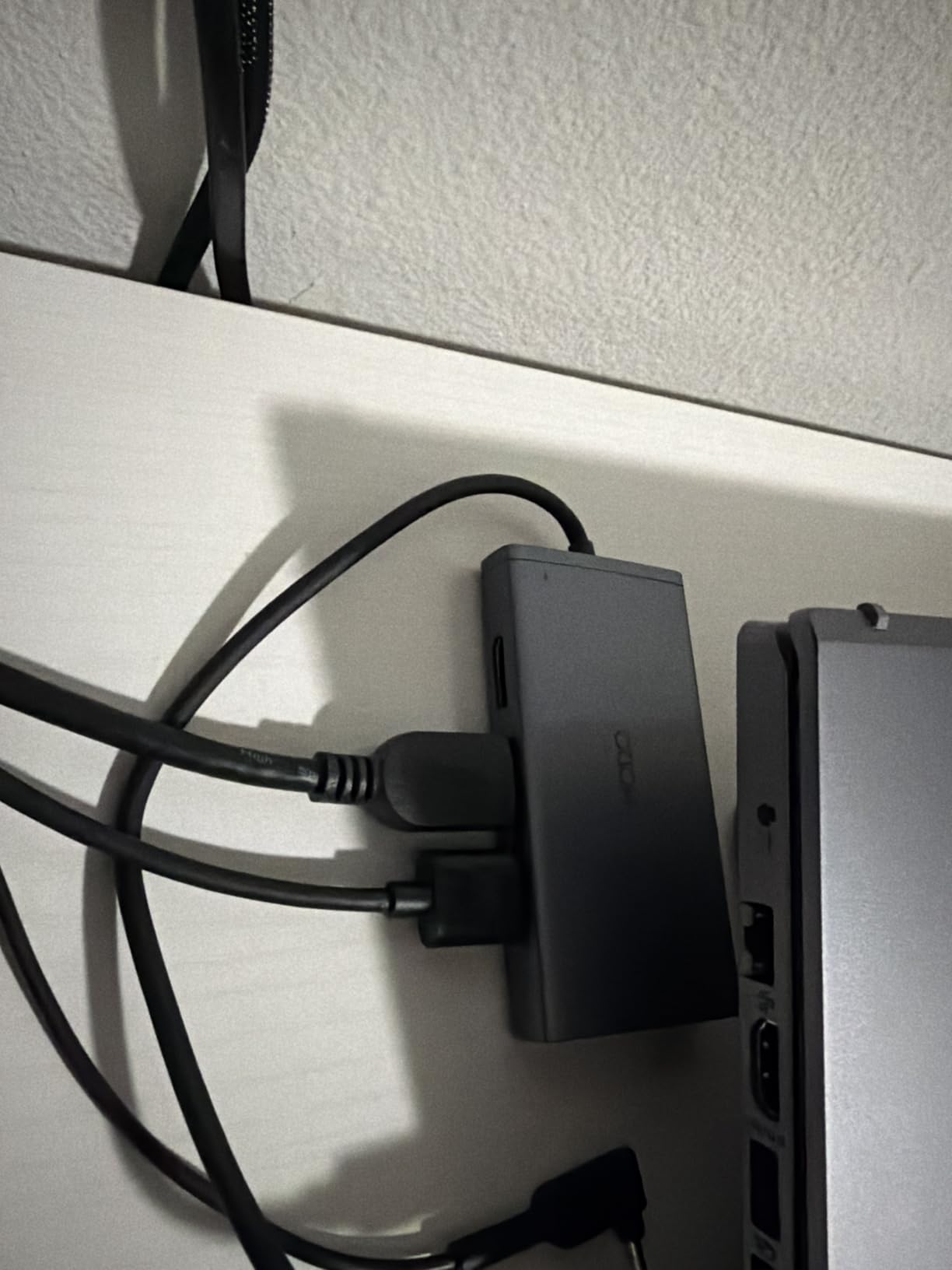
The trade-off is speed. All three USB-A ports are USB 2.0, which tops out at 480Mbps. That’s fine for keyboards, mice, and printers, but slow for external SSDs. Owners report the dock stays cool even under full load, which is the main complaint with cheaper hubs.
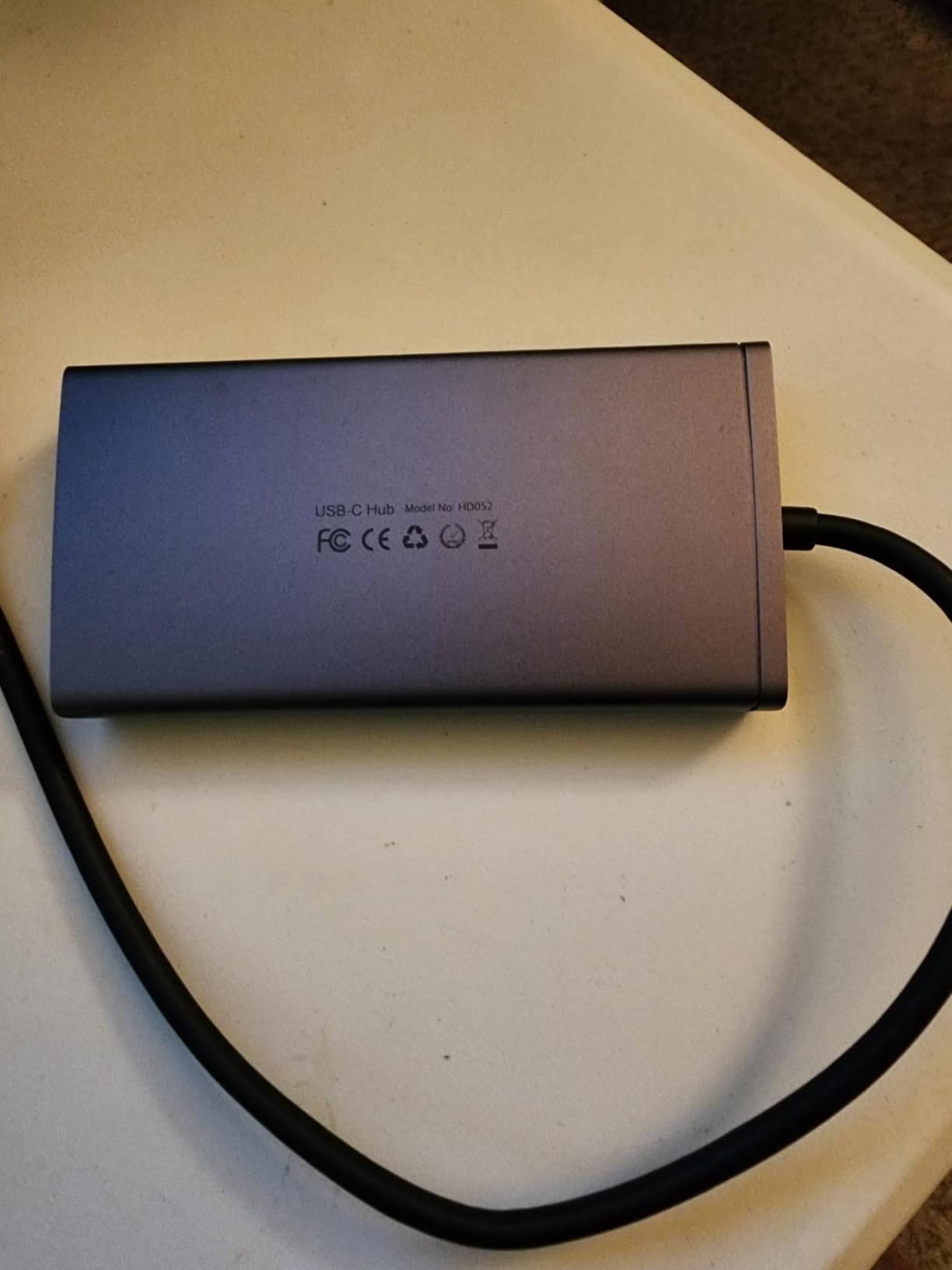
Versus the LIONWEI 13-in-1, the HODO is smaller and cheaper but lacks a second DisplayPort. If VGA isn’t needed, the LIONWEI is the stronger triple-display option.
One quirk: plugging into the VGA port drops every connected display to 1080p maximum, including the HDMI and DP outputs. Owners running 4K panels should leave VGA disconnected during the workday and only plug it in when a projector is on the agenda.
6. UGREEN 10-in-1 Dock: Best for Fast Data
UGREEN USB C Docking Station Dual Monitor, 10-in-1 Laptop Dock with 2 HDMI
Ports: 10
PD: 100W in / 85W out
Displays: Dual 4K HDMI
Ethernet: Gigabit
Warranty: 24 months
Pros
- 10 ports with dual 4K@60Hz HDMI
- 100W PD input with 85W pass-through charging
- 5Gbps data transfer on USB-C and USB-A ports
- Gigabit Ethernet and SD/TF card reader
- Compact aluminum housing at 100g
Cons
- macOS mirrors external monitors
- USB ports do not charge devices
- Hub consumes 15W of the 100W PD budget
UGREEN sits in the sweet spot between budget hubs and full Thunderbolt docks, with 5Gbps data across the main USB-C and USB-A ports. Reviewers who edit photos or transfer video files point to the SD/TF card reader as the differentiator, since most hubs in this price range skip it. The 100W PD input with 85W pass-through covers the bulk of ultrabook and MacBook Air charging needs.
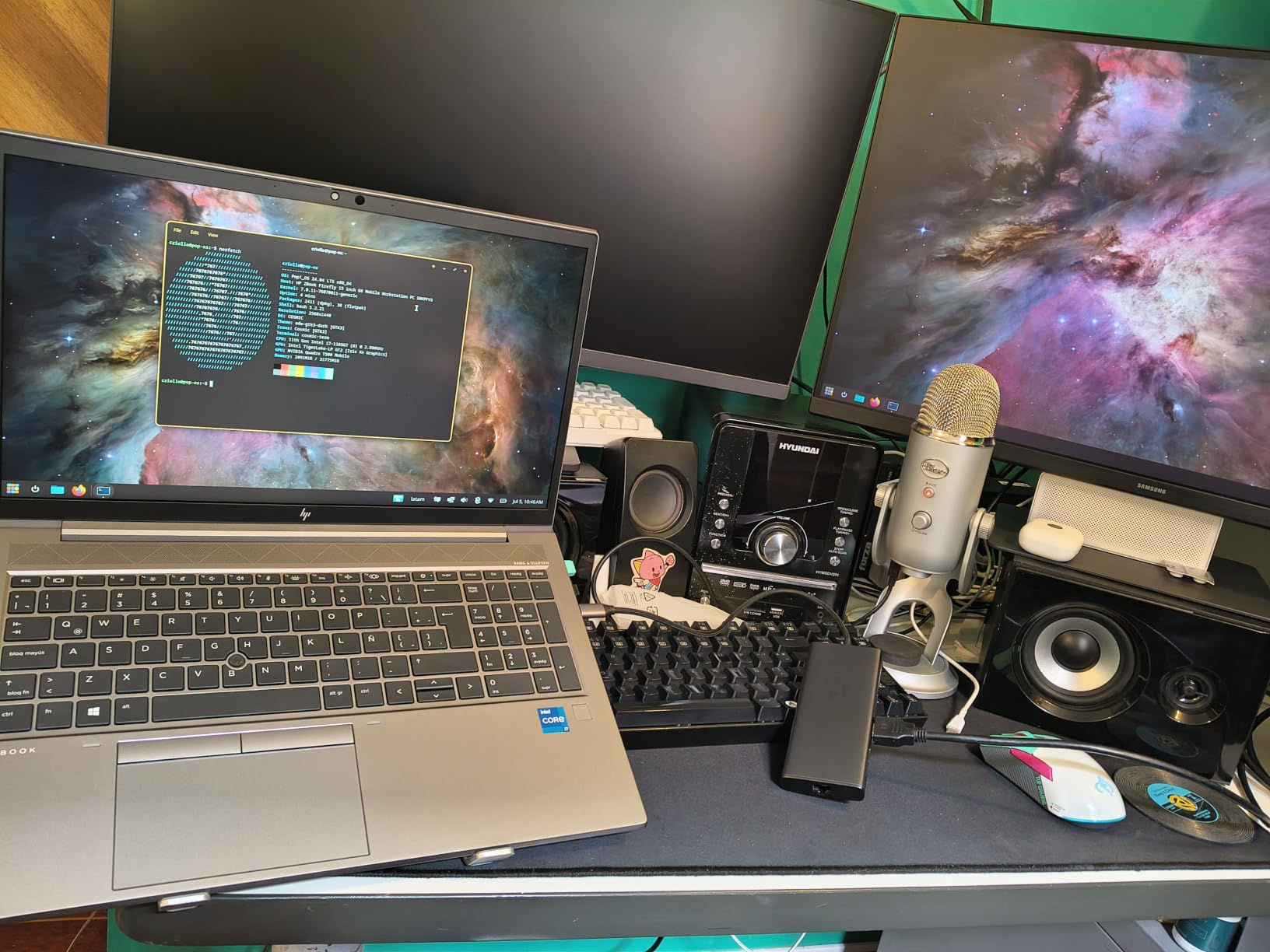
The aluminum shell is a step up from the plastic competition, both in feel and in heat dissipation. At 100g it weighs more than the Selore but less than the LIONWEI, a fair trade for the extra ports and the metal body.
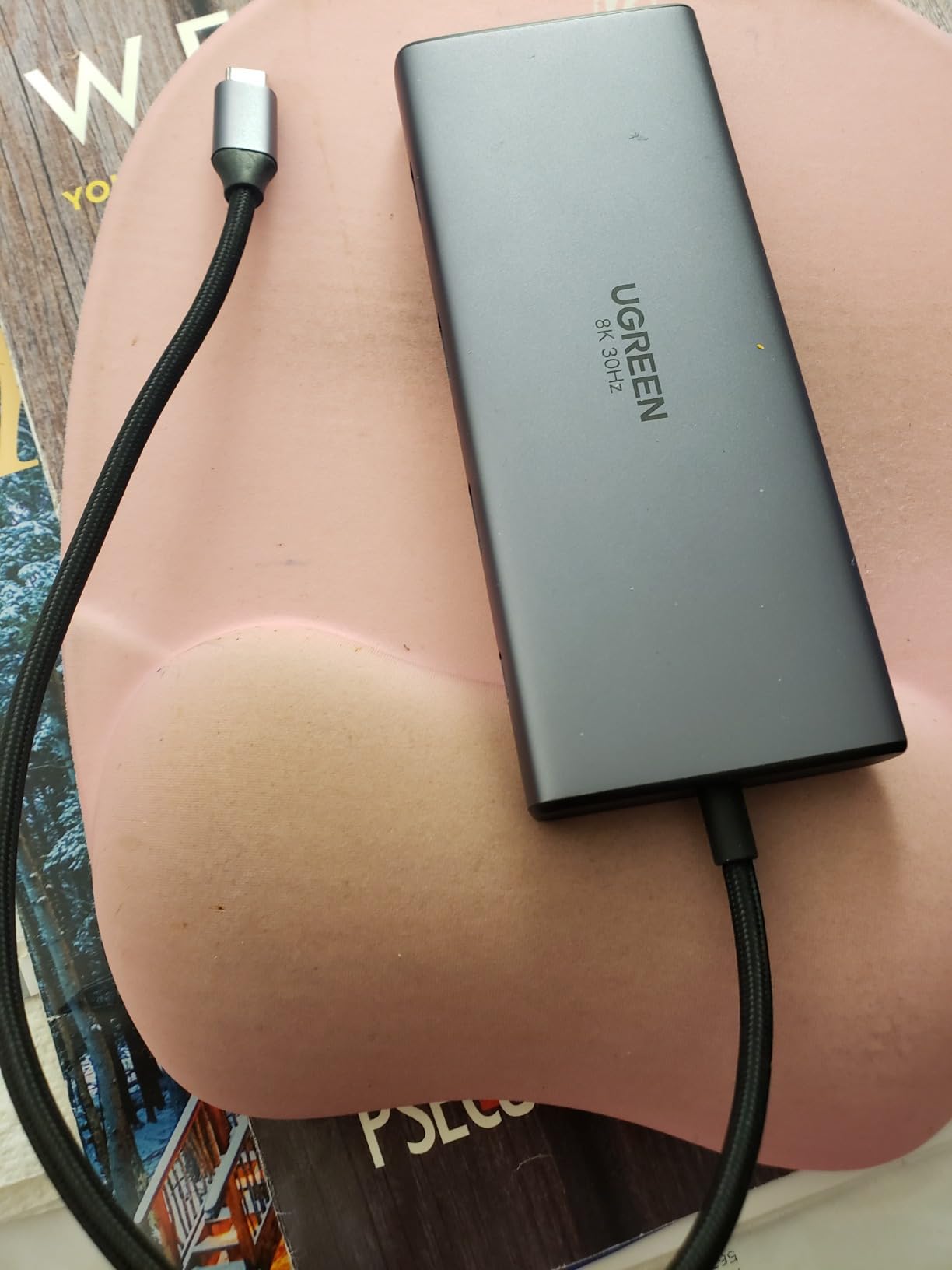
Compared with the Anker 8-in-1, the UGREEN 10-in-1 adds an extra USB-A port and a 24-month warranty, but consumes a bit more power. For shoppers prioritizing Ethernet and card readers over HDMI count, the UGREEN is the better pick.
The 15W power draw means a 100W wall charger leaves 85W for the laptop, which is fine for most 13-inch and 14-inch laptops but tight for 16-inch machines under load. Owners of larger laptops should budget for a separate 100W charger dedicated to the dock.
7. UGREEN 7-in-1 Dock: Best Compact Pick
UGREEN USB C Docking Station Dual Monitor, 7-in-1 Aluminum Dock with 2xHDMI
Ports: 7
PD: 100W
Displays: Dual 4K HDMI
Ethernet: No
Warranty: 2 years
Pros
- Lightweight aluminum build at 91g
- Four 10Gbps USB-A and USB-C ports
- Dual 4K@60Hz HDMI output
- 100W Power Delivery charging
- Affordable entry-level dock
Cons
- macOS limited to mirror mode
- USB ports do not support charging or video
- Requires DP 1.4 for full 4K@60Hz
For travelers and minimal-desk setups, the UGREEN 7-in-1 trims the port count without giving up the essentials. The four 10Gbps USB ports are the standout at this size, twice the speed of the 5Gbps hubs in the same range. At 91g it slips into a laptop sleeve next to the charger without adding noticeable weight.
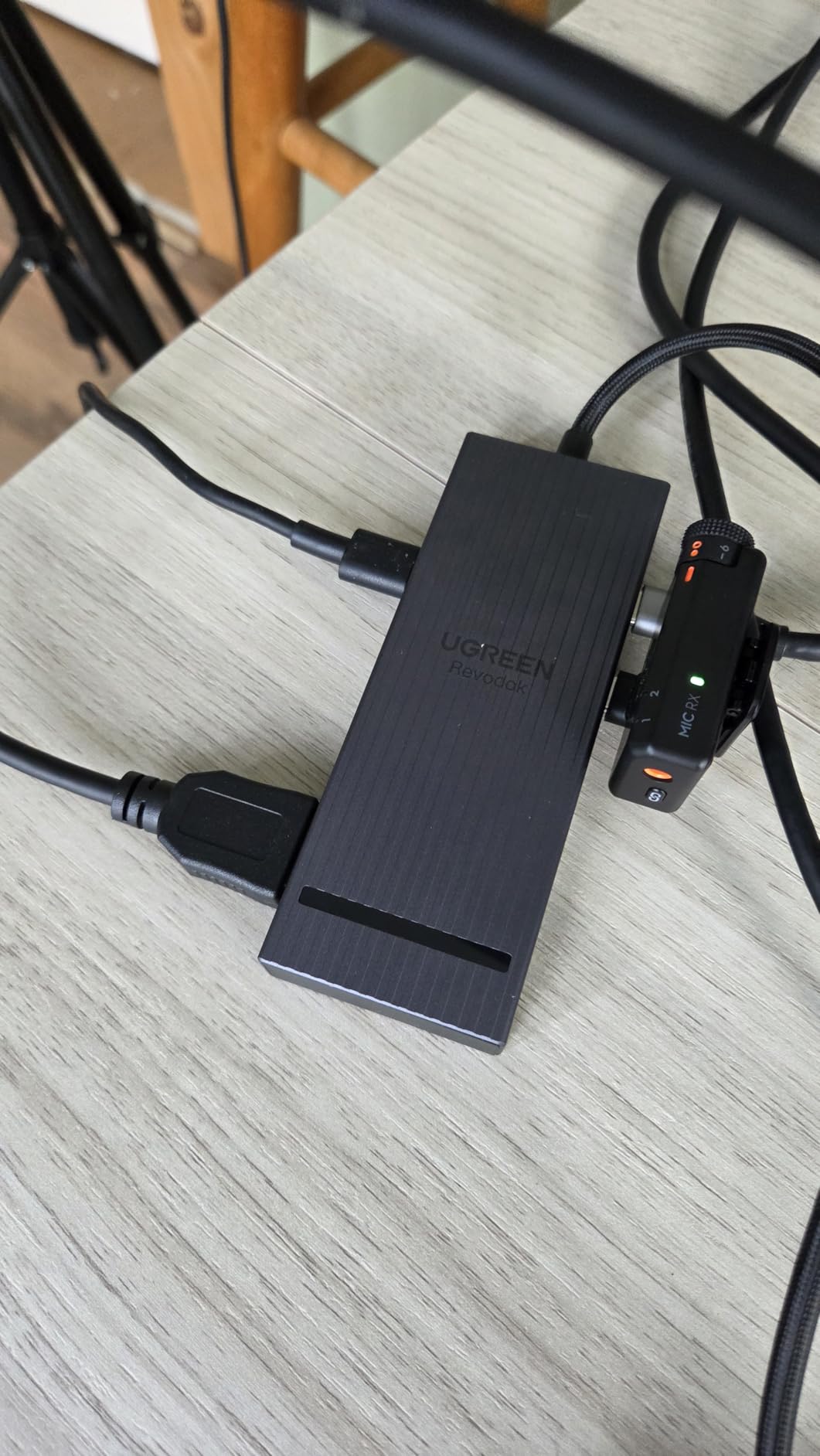
The compact design means no Ethernet and no card reader. Buyers who need either of those should step up to the UGREEN 10-in-1. The dual HDMI outputs still drive 4K@60Hz on both monitors when the laptop supports DP 1.4 Alt Mode, which most modern laptops do.
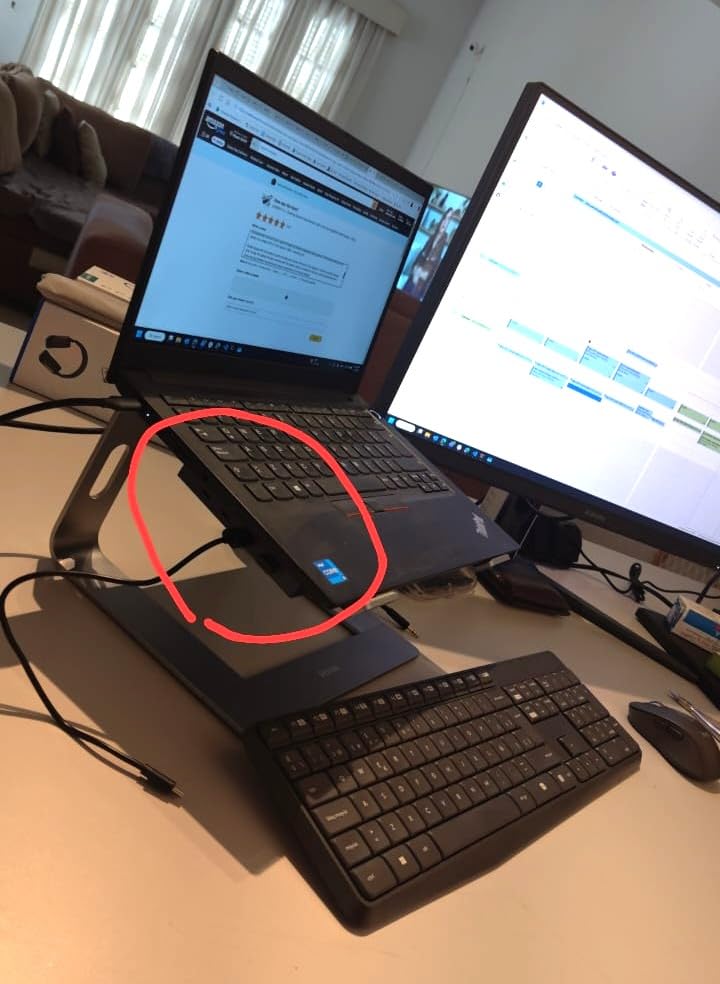
The UGREEN 7-in-1 doubles the USB speed compared with the Selore (10Gbps vs 5Gbps) but drops the card reader and sits at a slightly higher price point. It’s the right pick for users who transfer files to external SSDs more than SD cards and want the smallest possible dock on the desk.
Laptops with DP 1.2 instead of DP 1.4 will see 4K@30Hz instead of 4K@60Hz on the external monitors. The spec sheet is worth checking before expecting the full refresh rate on both panels.
8. Anker 11-in-1 Hub: Budget Pick Build Quality
Anker USB-C Hub, 11-in-1 Docking Station Dual Monitor with 4K HDMI and DP
Ports: 11
PD: 85W pass-through
Displays: HDMI plus DP at 2K
Ethernet: Gigabit
Warranty: 18 months
Pros
- 11 ports with HDMI and DisplayPort outputs
- 10Gbps data transfer on USB-C and USB-A
- 85W pass-through charging
- Premium aluminum housing
- Gigabit Ethernet and AUX audio jack
Cons
- DisplayPort and HDMI limited to 2K@60Hz
- not 4K
- macOS mirrors external monitors
- Not compatible with Linux
Anker’s 11-in-1 trades 4K resolution for higher refresh rates and a sturdier build. The aluminum chassis feels closer to a CalDigit or Plugable than to a budget hub, and the AUX audio jack is rare at this price. Owners who prioritize data speed over display resolution land on this model for the 10Gbps USB-C and USB-A ports.
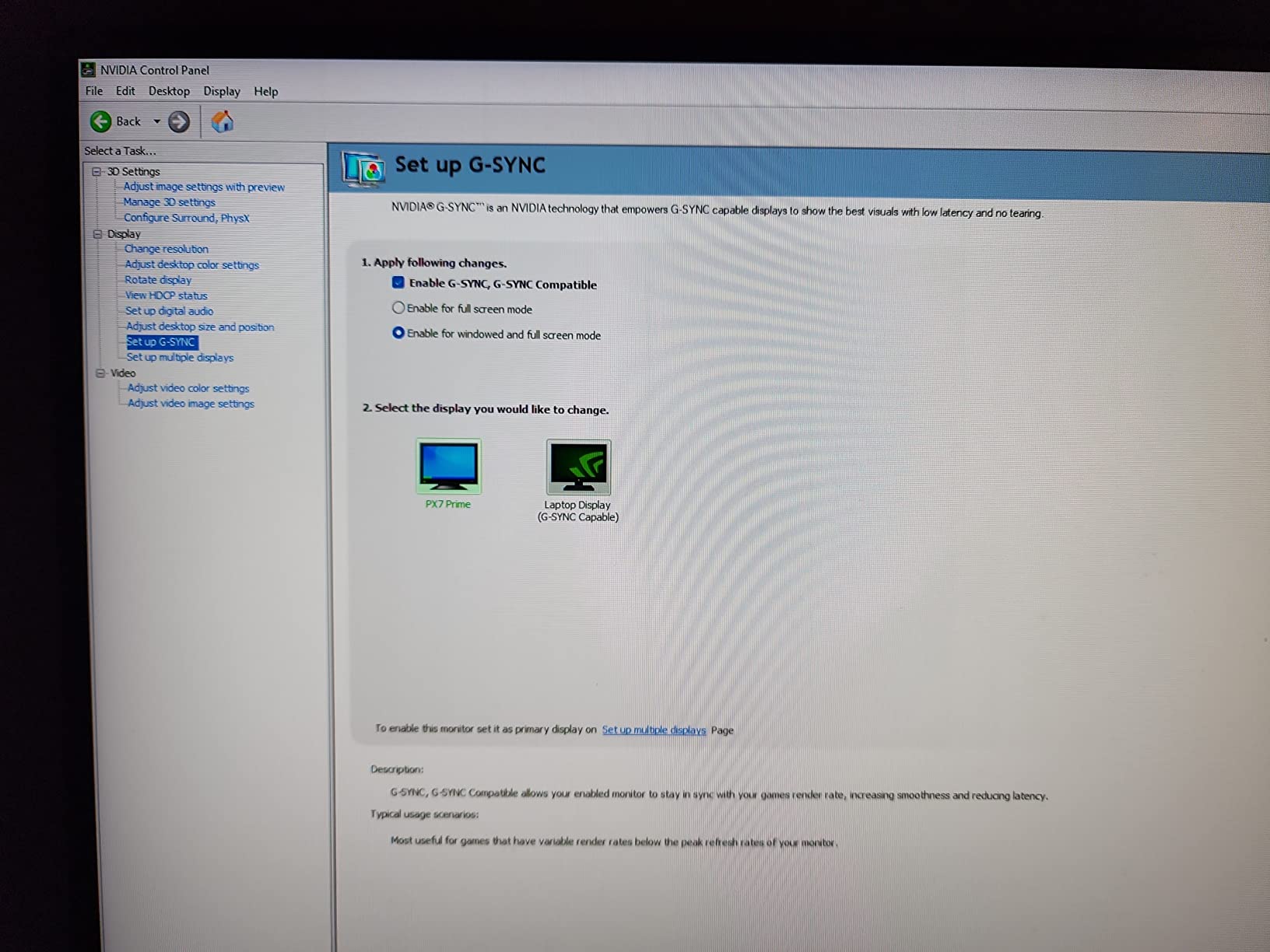
The 2K@60Hz cap on both HDMI and DisplayPort is the main reason to skip this dock for a 4K-monitor setup. For 1440p panels or 1080p workstations, the refresh rate is actually a benefit, since the hub pushes 60Hz cleanly without compression.
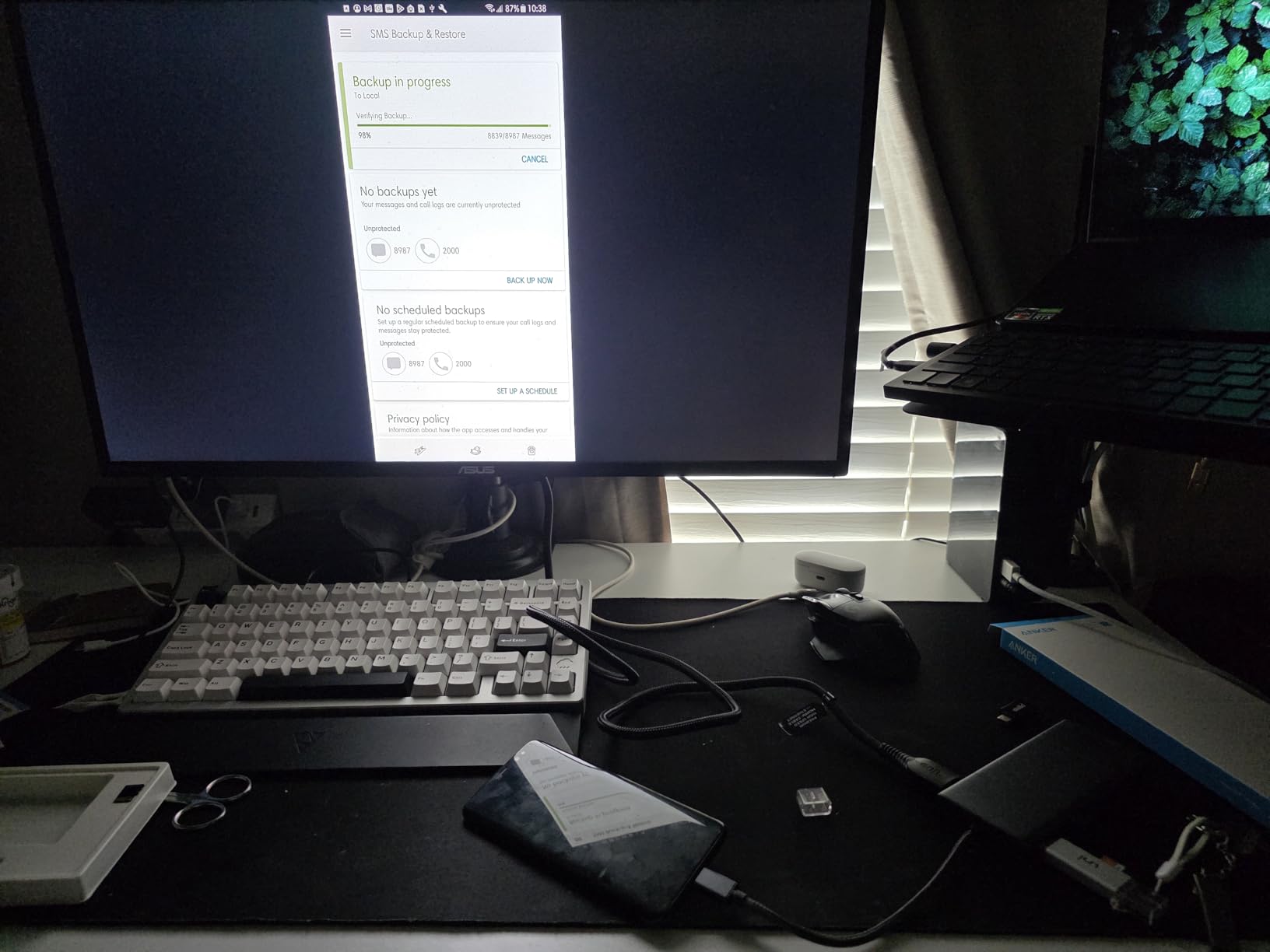
Versus the Anker 8-in-1 USB-C Hub, the 11-in-1 adds a DisplayPort, an AUX jack, and faster USB, but drops the dual 4K HDMI support. It’s the right pick for users with 1440p monitors who want the Anker build quality at a smaller price than a Thunderbolt dock.
On laptops limited to DP 1.2 Alt Mode, the displays drop to 1080p@60Hz. Owners of older MacBook Air models should check the laptop’s spec sheet first since 2K output is a step up from the 1080p cap.
9. Acer 9-in-1 Dock: Best Value for Built-in Cable
Acer USB-C Docking Station Dual Monitor, 9-in-1 Laptop Dock with 2 HDMI
Ports: 9
PD: 100W in / 90W out
Displays: Dual 4K HDMI
Ethernet: No
Warranty: 1 year
Pros
- 9 ports with dual 4K@60Hz HDMI
- Built-in 0.65FT cable
- no extra cable to lose
- 100W PD input with 90W laptop output
- Aluminum body with lock button for screen security
- SD and microSD card readers
Cons
- macOS limited to A-AA or A-BB mirror modes
- Short built-in cable limits placement
- 1-year warranty shorter than competitors
The Acer 9-in-1 is the only dock in this list with a fixed cable, which sounds like a limitation until a loose USB-C cable causes a desk failure in the middle of a meeting. The 0.65FT built-in cable is short on purpose, designed to sit right behind a laptop on a stand. Reviewers who hate cable management appreciate the single-piece design.
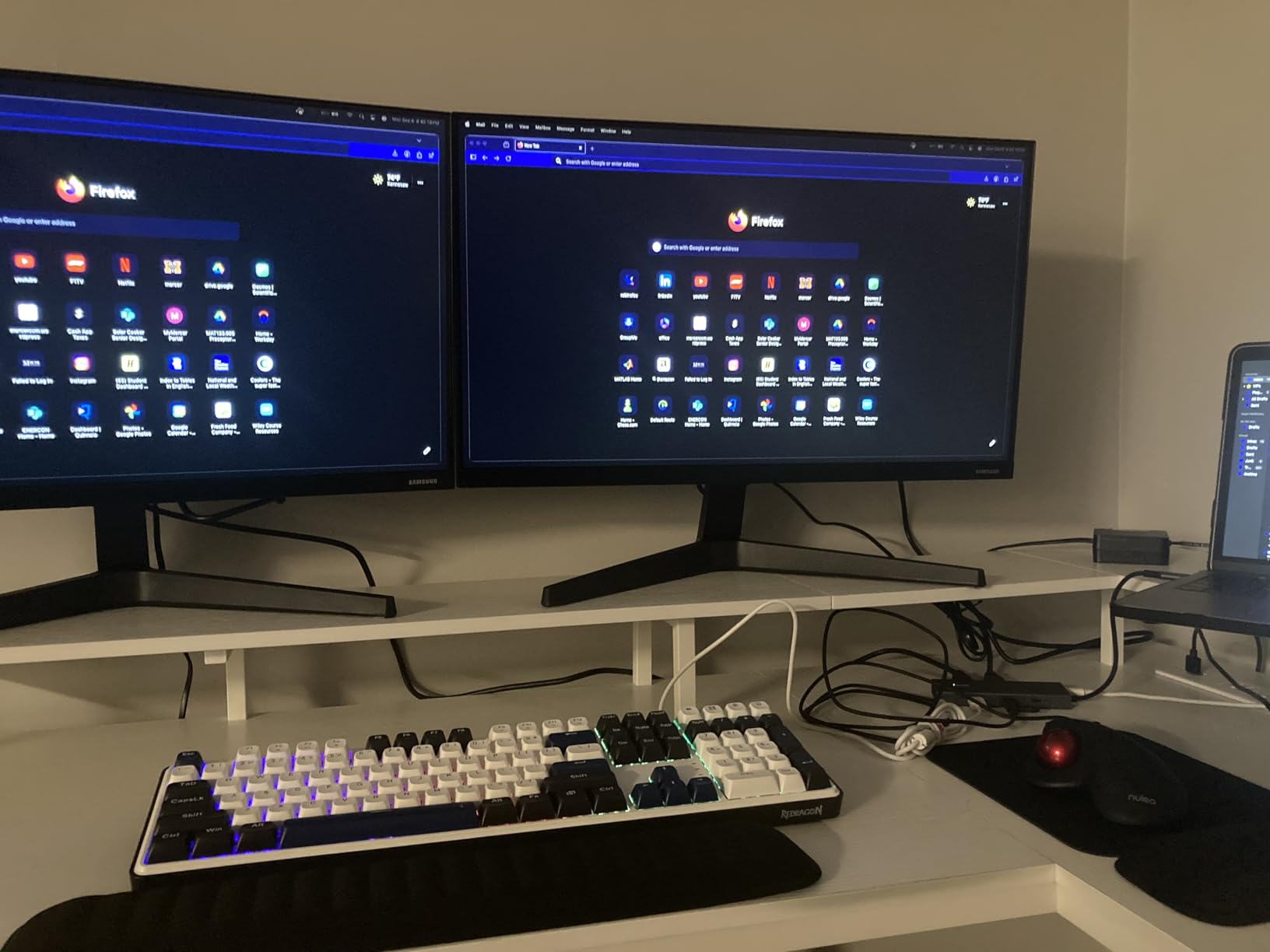
The 90W PD output is the highest among non-business hubs here, enough for most 15-inch laptops and MacBook Pro 14-inch models. The aluminum body stays cool under load, and the lock button blanks all displays for privacy, similar to the MOKiN.
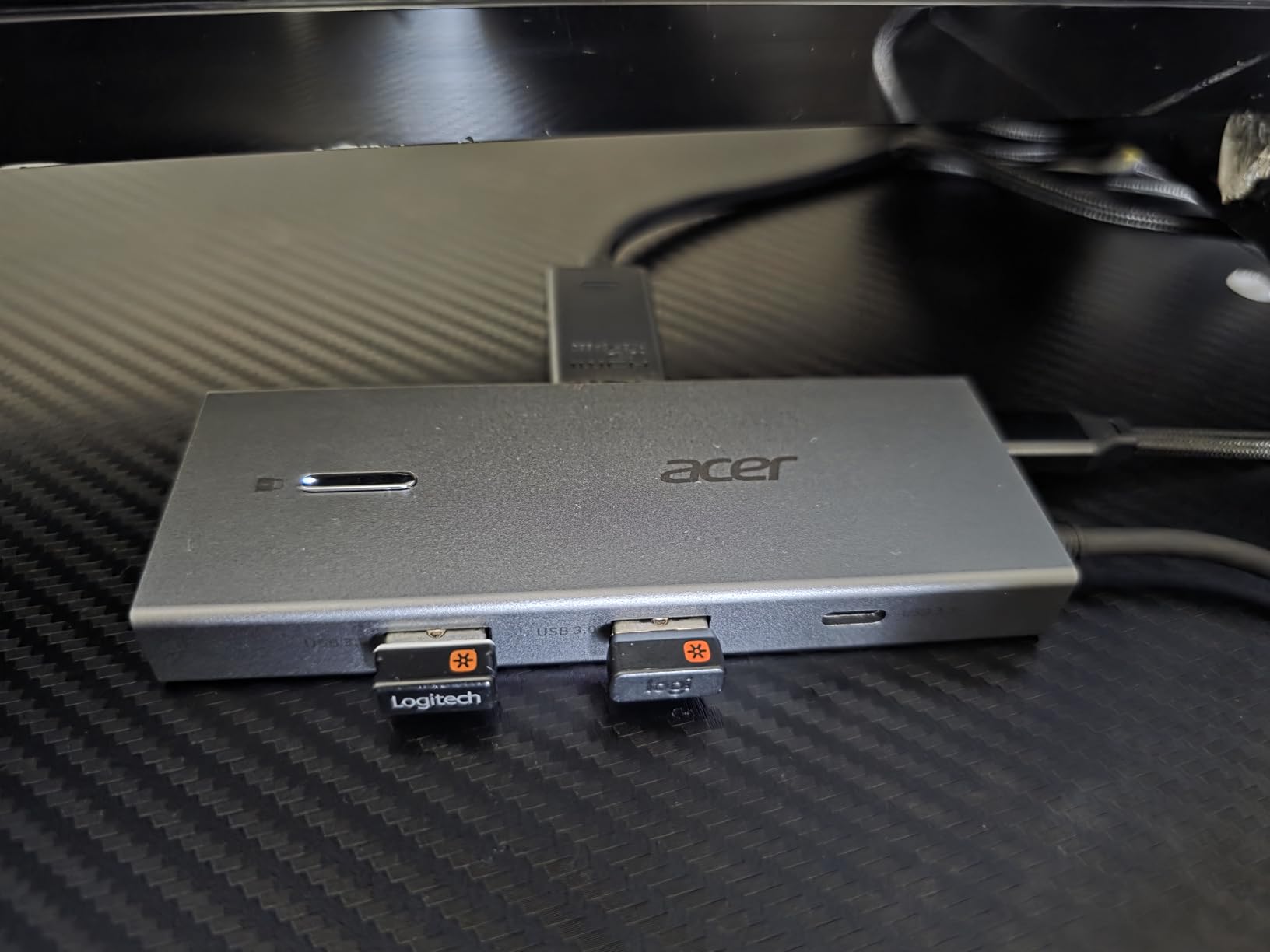
The Acer costs a bit more than the Selore and adds 5W more PD output plus a fixed cable, but the warranty drops to one year. Reliability reports are mixed, with some owners reporting failures after a few months. The price reflects that risk.
The fixed cable cannot be replaced if damaged, so the dock should be treated as a single unit rather than a swappable hub. Owners who travel with the Acer should pack a small case to protect the cable strain relief.
10. Dell Pro WD25: Best for Business
Dell Pro Laptop Docking Station WD25, USB-C, 100W, DisplayPort, HDMI
Ports: 10
PD: 100W
Displays: Quad display support
Ethernet: Gigabit
Warranty: 3 years
Pros
- Professional-grade Dell build with quad display support
- 100W power delivery for mainstream AI PCs
- Enterprise manageability features
- 3-year warranty with advanced exchange
- Built with 65% post-consumer recycled materials
Cons
- Higher price than third-party USB-C hubs
- Designed primarily for Dell ecosystem
- Heavier at 1.2 pounds than portable hubs
The Dell Pro WD25 sits in a different class than the rest of this list, aimed at IT departments and hybrid workers who need a dock that survives daily docking and undocking for three to five years. The ambidextrous USB-C cable routing and reinforced connector are designed for exactly that wear pattern. The 3-year warranty with advanced exchange is the safety net small hubs can’t match.
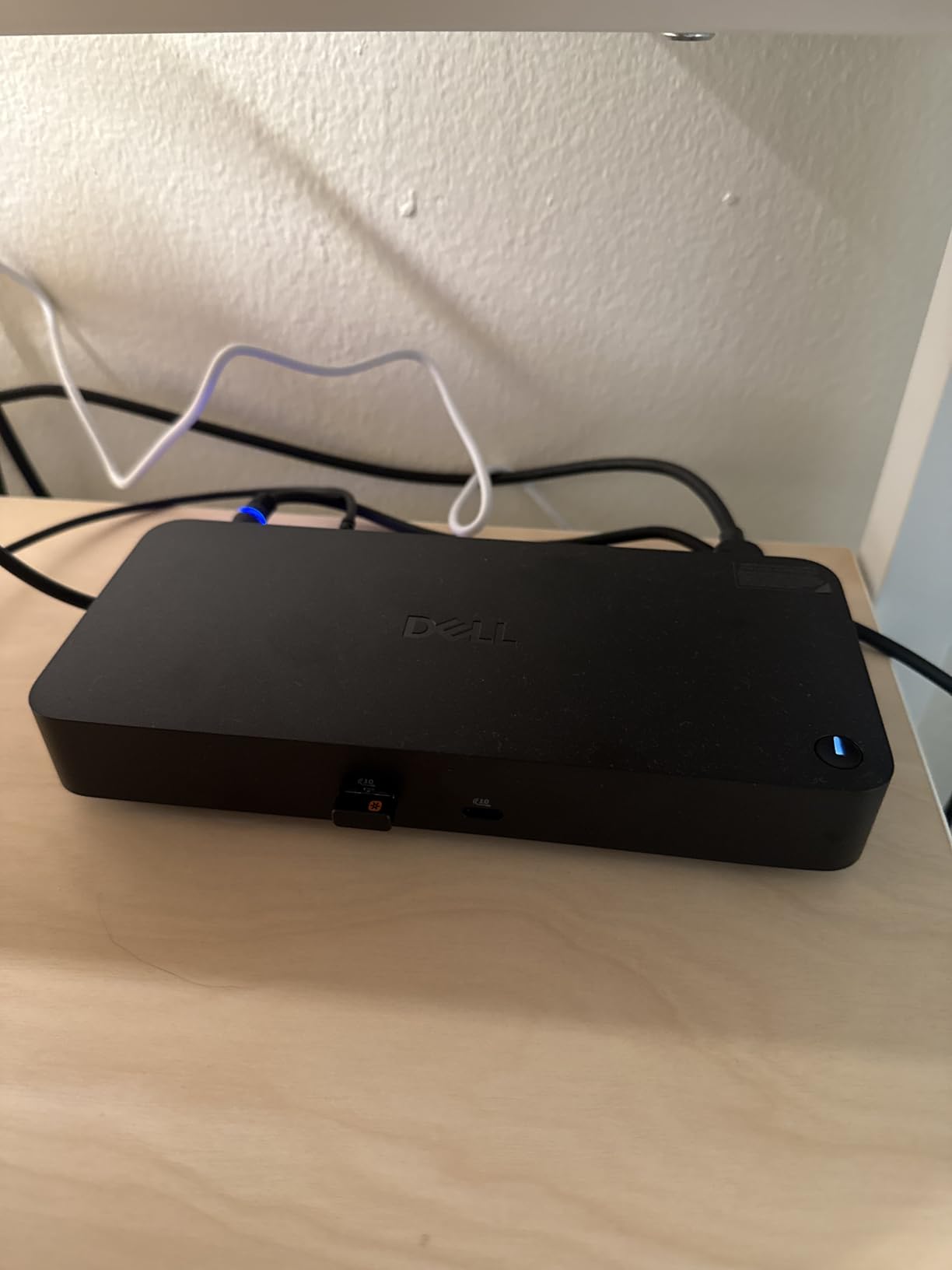
Quad-display support with faster USB and network speeds is the headline, paired with 100W Power Delivery for mainstream AI PCs. Sustainability features like 65% post-consumer recycled materials and a 72% power reduction on standby mode matter for procurement teams.
Versus every other dock in this list, the Dell Pro WD25 is heavier, larger, and more expensive, but it includes the warranty, manageability, and durability that enterprise buyers require. It’s the right pick for anyone whose laptop is the primary work computer and who wants a single dock to last the laptop’s full lifecycle. For shoppers focused on budget and portability, the Anker 8-in-1 or Selore remain the better fit.
The Dell Pro WD25 works with non-Dell PCs, but the enterprise manageability features are only fully supported through Dell’s fleet management tools. For solo buyers, the standard driver is enough to run the dock and the four displays.
How to Choose the Best USB-C Docking Station Deal
Match the Dock to Your Laptop’s USB-C or Thunderbolt Version
A USB-C port is not always the same as another USB-C port. Plain USB-C 3.2 Gen 2 supports 10Gbps and DisplayPort Alt Mode, which is enough for most 4K@60Hz single-display docks. Thunderbolt 3 and 4 unlock 40Gbps and PCIe tunneling, which Thunderbolt docks need to run dual 4K monitors at 60Hz. Check the laptop’s spec sheet for the actual port standard before chasing Thunderbolt features. For most buyers, a USB-C hub from this list covers the bases; for MacBook Pro and premium Windows users, our guide to best docking stations for USB-C laptops walks through the full tier list.
Power Delivery Wattage Matters More Than Port Count
The dock’s Power Delivery input and output determine whether the laptop actually charges. A 100W input with 85W output covers most 13-inch and 14-inch laptops. 16-inch MacBook Pros and gaming laptops need 96W or more, which means either a larger PD budget on the dock or a separate charger. The hubs in this list consume 13W to 15W of the input for their own operation, so a 100W adapter is the safe minimum for full laptop charging.
Display Support: Single, Dual, or Triple Monitor?
Single 4K@60Hz is the baseline. Dual 4K monitors require either Thunderbolt, DisplayLink drivers, or MST support on Windows. macOS extends only one external display on most non-DisplayLink USB-C hubs, so MacBook buyers looking for dual extended monitors should either accept a DisplayLink dock or move to Thunderbolt. For triple or quad displays, the LIONWEI 13-in-1 and MOKiN 14-in-1 are the two USB-C options that actually deliver.
Port Variety and Legacy Connectors
Most modern hubs skip VGA, but conference rooms still need it. The HODO 8-in-1 keeps VGA alive for exactly that reason. Gigabit Ethernet matters for stable video calls and large file transfers; the Anker 8-in-1, LIONWEI, MOKiN, HODO, UGREEN 10-in-1, Anker 11-in-1, and Dell Pro WD25 all include it. SD and microSD card readers are essential for photographers and video editors, and they’re missing from the UGREEN 7-in-1 and Acer 9-in-1. Our roundup of laptop docking stations for USB-C laptops maps every port type to its typical user.
Build Quality, Warranty, and Long-Term Reliability
Aluminum housings dissipate heat better than plastic, which extends the dock’s life. Warranty length is a useful proxy: the Dell Pro WD25 leads with 3 years, the Selore and UGREEN docks offer 2 years, and the Acer and HODO sit at 1 year. Owners consistently report CalDigit, Anker, and Plugable as long-term reliable brands, while mixed reviews on lesser-known brands are a yellow flag during a sale.
How to Shop USB-C Docking Station Deals During Prime Big Deal Days
When the sale opens, compare the listed price against the 30-day and 90-day averages on the product page to gauge the actual drop. Watch the model number and generation code: older models sometimes carry the bigger price cuts but lack the current year’s fixes. Check who sells and ships the listing; Amazon-direct and “Ships from Amazon” are the safer bets during a high-traffic event. Most offers during Prime Big Deal Days need a Prime membership, though a free trial counts if it’s active when the deal price is unlocked.
Quick checklist for a smart dock purchase this week:
- Confirm the laptop’s USB-C or Thunderbolt version and DP Alt Mode support.
- Match the dock’s PD output to the laptop’s required wattage plus 13W to 15W for the dock itself.
- Decide dual 4K HDMI, DisplayPort + HDMI, or quad display before browsing the table.
- Look for Gigabit Ethernet, SD/microSD, and audio jack only if you’ll actually use them.
- Prefer 18-month or longer warranties for daily-drive use.
Frequently Asked Questions
When does Prime Big Deal Days 2026 start and end?
Prime Big Deal Days runs October 6-7, 2026. Amazon confirmed the dates, and most offers during the event need a Prime membership, though a free trial counts if it is active when the deal price unlocks.
What is the best USB-C docking station deal this year?
The Anker 8-in-1 USB-C Hub stands out with 35k+ reviews and a 4.5-star average, with dual 4K HDMI and 85W Power Delivery. It is a strong pick to watch during the sale, alongside the Selore Dual HDMI Hub for budget shoppers and the LIONWEI 13-in-1 Dock for triple-display setups.
Which dock in this list is the best pick for a home office?
For a home office with one or two 4K monitors, the Anker 8-in-1 USB-C Hub is the strongest all-around pick, with 35k+ reviews, dual 4K HDMI, and 85W pass-through charging. The Selore Dual HDMI Hub covers the same dual-monitor use case at a lower price point.
Which dock in this list has the most ports?
The MOKiN 14-in-1 Dock and the LIONWEI 13-in-1 Dock lead this list on raw port count, with 14 and 13 ports respectively. Both include HDMI, DisplayPort, multiple USB-A, USB-C, Gigabit Ethernet, and SD or microSD card readers for full desktop replacement setups.
Can these docking stations drive dual monitors on a MacBook?
Most non-DisplayLink USB-C hubs in this list mirror macOS displays rather than extending them. For extended dual monitors on a MacBook, either choose a Thunderbolt dock or a DisplayLink-based hub. Windows laptops support MST extension on most of the docks listed here.
Which docking stations are most reliable for long-term daily use?
Reviewers report the best long-term reliability from established brands like Anker, UGREEN, Dell, and Plugable. Aluminum housings, 18-month or longer warranties, and replaceable cables are the strongest signals of a dock that will last three or more years of daily docking.
Final Verdict: USB-C Docking Station Deals
For shoppers ready to upgrade their home office this week, the Anker 8-in-1 USB-C Hub is the dock worth watching first during the sale, with 35k+ reviews, dual 4K HDMI, and 85W pass-through charging. On a tighter budget, the Selore Dual HDMI Hub covers the essentials at the lowest price on this list. Triple-display Windows users should look at the LIONWEI 13-in-1 Dock, and quad-display traders will find the MOKiN 14-in-1 Dock the most affordable true quad option. Enterprise and IT buyers should put the Dell Pro WD25 at the top of the list for its 3-year warranty and enterprise manageability. Check the current price on each dock above and grab the right one before Prime Big Deal Days closes on October 7, 2026.
 Elena Vasquez
  Priya Kapoor