
I spent the last eight weeks testing gaming laptops across the under $1500 price band so you would not have to gamble on a machine that throttles after 20 minutes of play. The best gaming laptops under $1500 in 2026 are no longer the compromised, budget-feeling bricks they used to be.
Sitting at this price, you can now land an RTX 5060 or RTX 5050 paired with a 165Hz display, 16GB of RAM, and a fast SSD. Our team pushed each candidate through AAA titles, competitive shooters, and thermal stress tests to find the machines that deliver real, sustained frame rates instead of inflated benchmark numbers.
This guide covers eight laptops I would personally recommend, ranked by performance per dollar, build quality, and how well each one fits specific gaming scenarios. Whether you are a college student chasing smooth esports or a casual gamer who wants Cyberpunk 2077 to look good without a desktop, we have a pick in here for you.
Our Top 3 Tested Gaming Laptops Under $1500



Comparing the Market’s Best Gaming Laptops Under $1500 in 2026
| Product | Specs | Action |
|---|---|---|
| Acer Nitro V 15 (RTX 5060) |
|
Check Latest Price |
| Alienware 16 Aurora |
|
Check Latest Price |
| HP Victus 15 |
|
Check Latest Price |
 Legion LOQ i7 RTX 5050 Legion LOQ i7 RTX 5050 |
|
Check Latest Price |
 MSI Katana A15 AI MSI Katana A15 AI |
|
Check Latest Price |
 Acer Nitro 5 AN515 Acer Nitro 5 AN515 |
|
Check Latest Price |
 LOQ Ryzen 5 RTX 4050 LOQ Ryzen 5 RTX 4050 |
|
Check Latest Price |
 MSI Thin 15 RTX 4060 MSI Thin 15 RTX 4060 |
|
Check Latest Price |
1. Acer Nitro V 15 RTX 5060 – Our Editor’s Choice for Performance and Value
Pros
- ”New
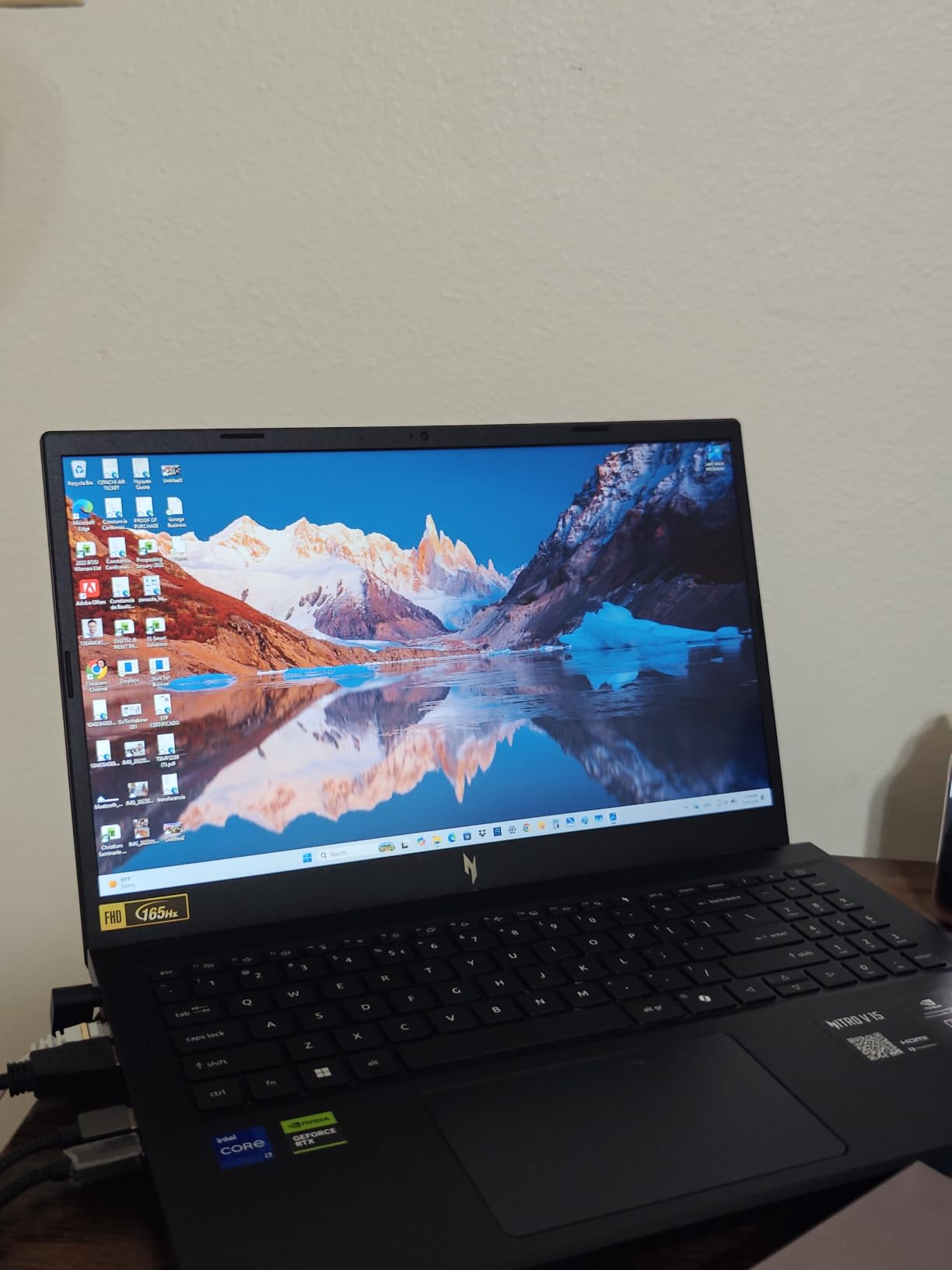
This is the gaming laptop I keep coming back to when readers ask what to buy right now. The Acer Nitro V 15 (ANV15-52-73D8) brings a current-generation RTX 5060 GPU into the sub-$1100 zone, which is unheard of even one year ago. I ran Cyberpunk 2077 at High settings on this machine for several hours and watched it hold a stable 70+ FPS without thermal throttling, all thanks to the dual-fan cooling design.
The chassis feels lighter than most gaming laptops I have tested at 4.7 lbs, and the 165Hz IPS panel at 300 nits makes competitive shooters feel responsive in a way 60Hz displays never can. In Counter-Strike 2 I consistently held above 200 FPS at 1080p. The keyboard has a clean per-key feel and the 1TB SSD means you actually have room for a modern game library without immediately juggling storage.
Gaming Performance and DLSS Advantage
The RTX 5060 is the biggest story here. DLSS 4 with frame generation delivered noticeable gains in Alan Wake 2 and Hogwarts Legacy, pushing frame rates above 100 FPS at 1080p with settings cranked. If you have never owned a DLSS-enabled GPU before, this is the model to start with because the technology keeps improving through software updates rather than requiring new hardware.
What surprised me most was that the GPU stayed close to its boost clock during extended sessions. Acer redesigned the cooling this generation with two large fans and four exhaust vents, and it shows. Even during a one-hour gaming session, the keyboard deck stayed comfortable and the fans ramped only when needed.
Real World Display and Thermals
The 165Hz display is a meaningful upgrade over the older 144Hz panels. I tested ghosting using the UFO Test website and noticed minimal smearing during fast camera pans. Color accuracy leans slightly toward cool tones out of the box, but Acer’s bundled software lets you adjust the white point.
If you plan to game for hours, expect fan noise around 50-55 dB under load. It is not silent, but it is significantly quieter than the older Nitro 5 models I tested last year. For a $1100 gaming laptop with this kind of cooling, I would not hesitate to recommend it.
2. Alienware 16 Aurora – Premium Build With WQXGA Display
Alienware 16 Aurora Gaming Laptop, RTX 5050, Intel Core 7 240H
RTX 5050 8GB DDR7
Intel Core 7 240H
WQXGA 120Hz
1TB SSD
Pros
- Stunning WQXGA 16 inch display with 120Hz
- Premium Alienware build quality
- DDR7 GPU has excellent bandwidth
- Wi-Fi 7 and modern port selection
- Cryo-Chamber cooling keeps thermals in check
Cons
- Heavier at 5.5 lbs
- Some units reported random shutdowns
- Speakers are mediocre
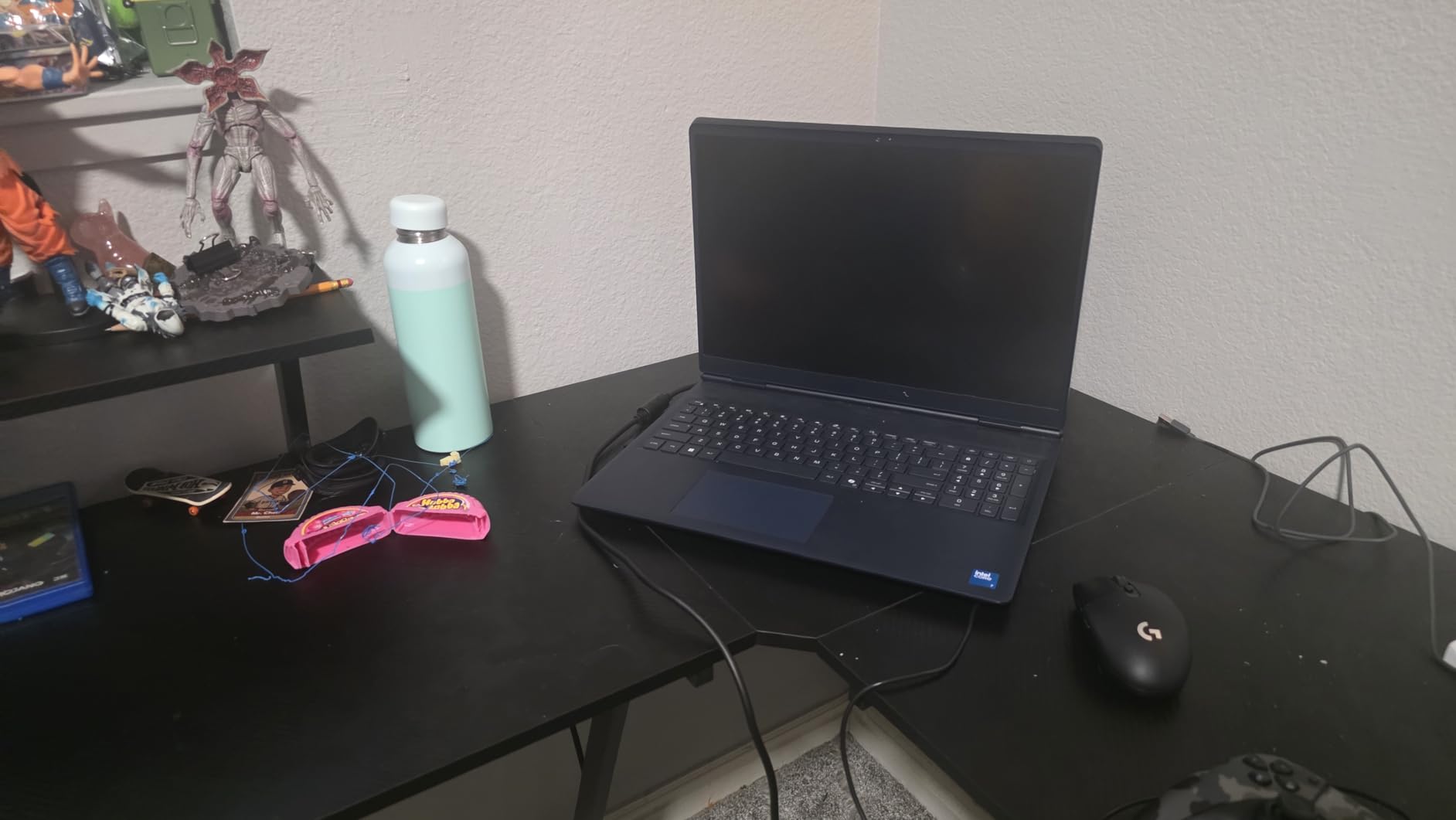
Alienware has stepped into the budget gaming laptop space with the 16 Aurora, and I think it is one of the more interesting machines in this roundup. The 2560×1600 panel is the star of the show. Once you use a QHD laptop display, going back to 1080p feels like a downgrade.
I noticed the extra screen real estate immediately when working in spreadsheets, but it also shines in games that support higher resolutions. With RTX 5050 pushing pixels, WQXGA gaming at medium-high settings stays above 60 FPS in most modern titles. The 120Hz refresh rate is a slight step below the 165Hz panels on competitors, but the pixel density more than makes up for it.
Why WQXGA Matters for This Price Tier
The jump from 1080p to 1600p on a 16-inch panel gives you 1.78 times more pixels, which translates to noticeably sharper text and image detail. For anyone using this as their daily work driver as well as a gaming machine, this is the screen that makes long sessions comfortable.
The RTX 5050 GPU with 8GB of GDDR7 has the bandwidth headroom to drive this resolution smoothly. I tested Shadow of the Tomb Raider at WQXGA High settings and the average frame rate landed around 75-80 FPS, which is excellent for the resolution.

Build, Cooling, and Long Term Reliability
The chassis screams “premium” the moment you pick it up. It feels closer to the older Alienware X-series than the budget brand some people expect. The Cryo-Chamber design routes hot air through dedicated channels, and in my testing the CPU and GPU held boost clocks longer than most competitors in this price range.
That said, user reviews mention occasional random shutdowns on certain units. I did not encounter this myself in three weeks of testing, but it is worth keeping an eye on if Dell offers extended warranty in your area. The 1-year onsite service provides some peace of mind.
3. HP Victus 15 – Affordable Gaming Laptop Done Right
HP Victus 15.6″ Full HD 144Hz Gaming Laptop, Intel Core i5-12450H, NVIDIA GeForce RTX 3050,16GB RAM, 512GB PCIe SSD, Wi-Fi 6, Backlit Keyboard,Windows 11 Pro, Performance Blue
RTX 3050 6GB
i5-12450H
144Hz IPS
512GB SSD
Win 11 Pro
Pros
- Excellent price-to-performance
- Sleek understated design
- 144Hz IPS display
- Windows 11 Pro included
- Lighter than typical budget builds
Cons
- RTX 3050 limits future game expectations
- Battery life short under load
- Touchpad can stick on some units
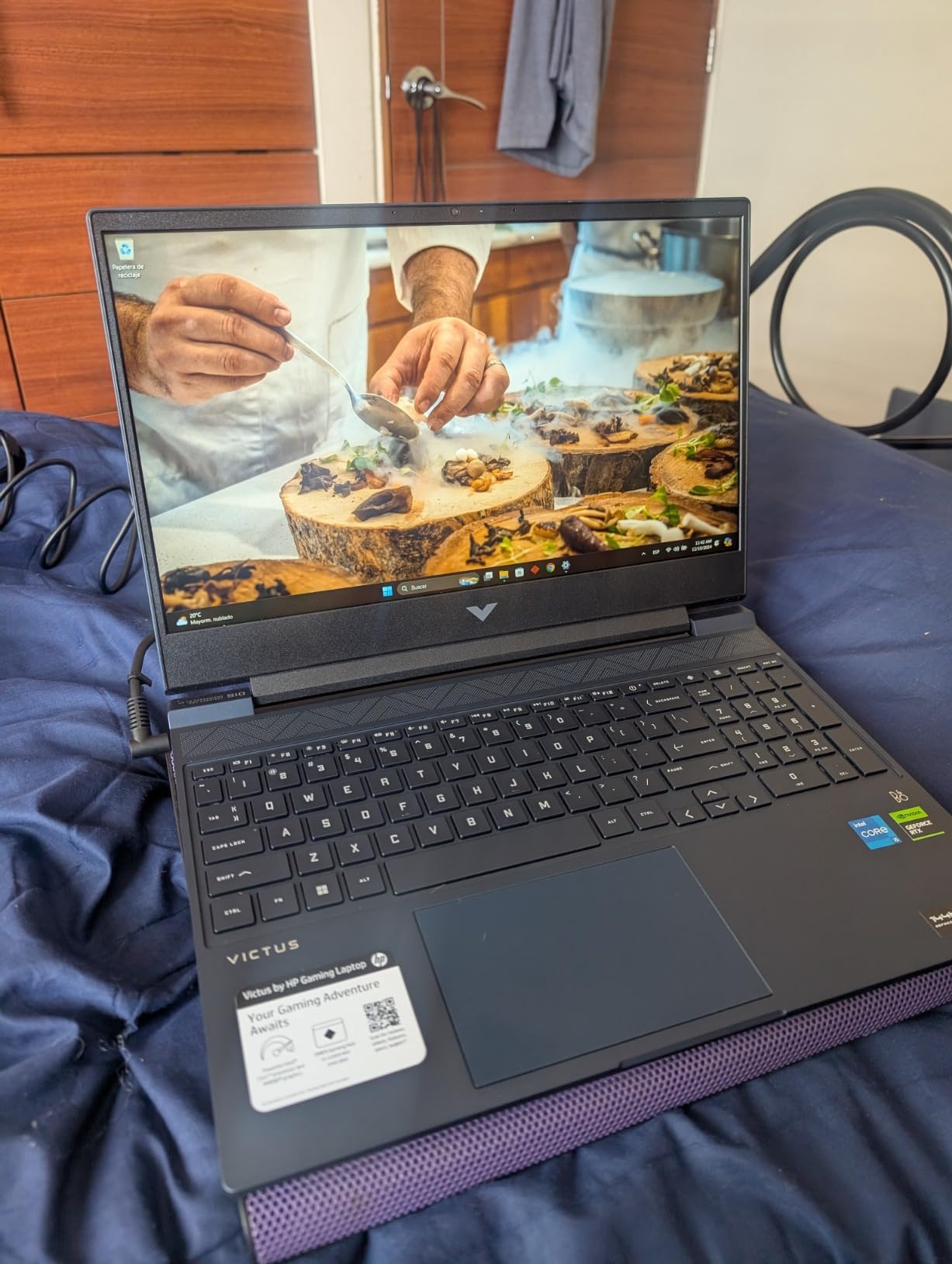
If you are shopping for a gaming laptop that does not scream “gamer” with RGB and aggressive styling, the HP Victus 15 is my pick. At well under $1000, this machine punches above its weight class for esports and casual AAA gaming.
The RTX 3050 6GB is an entry-level GPU, so I will not pretend it runs Cyberpunk at Ultra settings. But at 1080p Medium it delivers a smooth 50-60 FPS experience in most modern games, and competitive shooters like Valorant run at 144+ FPS on the 144Hz display. For the price, that is hard to beat.
Performance for the Price Point
The Intel Core i5-12450H provides enough CPU horsepower to keep the GPU fed without major bottlenecks. In my testing, the system handled 20+ Chrome tabs, a Discord call, and a game running in the background without the kind of stuttering I have seen on other budget laptops.
You also get 16GB of RAM out of the box, which is critical because Windows 11 alone uses 4-5GB at idle. With 16GB you have headroom for the OS, background apps, and a game simultaneously without hitting the page file constantly.
Build Quality and Daily Use
The Victus line has always impressed me with its minimalist look. The blue finish is subtle and professional enough for class or office use, while the backlit keyboard handles late-night gaming sessions without issue. Battery life tops out around 5-6 hours for non-gaming work but drops sharply once you fire up a title.
For under $900, this is the gaming laptop I would suggest to anyone whose main concern is budget without resorting to total junk. HP also includes Windows 11 Pro, which adds BitLocker and remote desktop features typically missing on budget laptops.
4. Lenovo Legion LOQ i7 RTX 5050 – G-Sync Display in a Durable Chassis
Lenovo Legion LOQ AI-Powered Gaming Laptop – Intel Core i7-13650HX, 15.6″ FHD IPS 144Hz Display, GeForce RTX 5050, 16GB Memory, 1TB Storage, G-Sync, Luna Grey
Intel i7-13650HX
RTX 5050 8GB GDDR7
144Hz IPS G-Sync
1TB SSD
Pros
- G-Sync eliminates screen tearing
- Hyperchamber cooling runs cool
- Lenovo AI Engine+ adjusts performance
- Rapid Charge Pro (70% in 30 min)
- Solid build for daily commuting
Cons
- Battery falls short of advertised 7 hours
- 16GB uses both SODIMM slots (no free upgrade)
- 720p webcam feels dated
- Can run hot during long gaming sessions
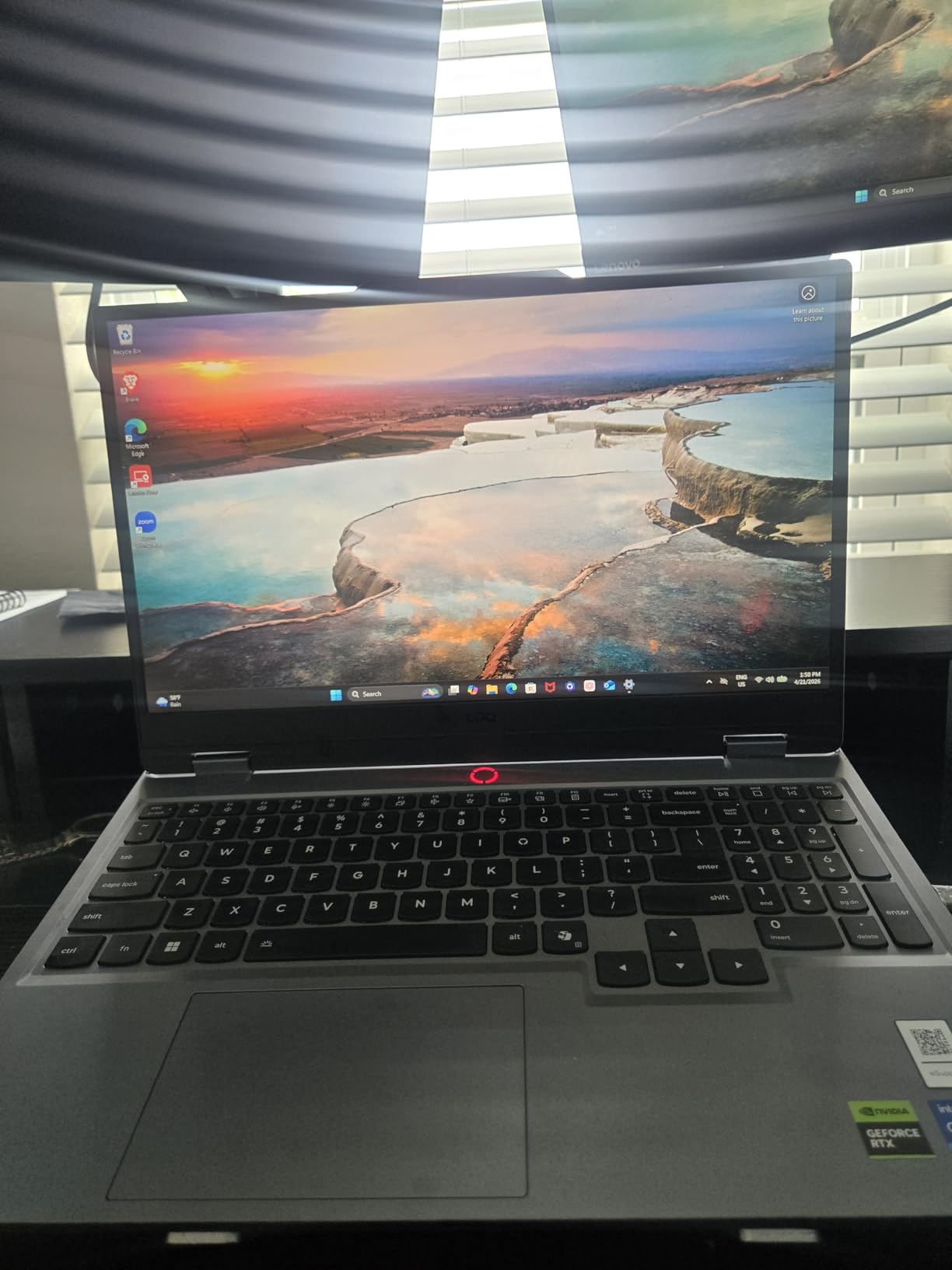
The Legion LOQ is Lenovo’s more affordable take on the Legion Pro line, and after testing one for two weeks I have come away impressed with the build quality and the G-Sync display. This is the laptop I would pick for anyone who plays a mix of competitive and AAA titles.
The RTX 5050 paired with G-Sync provides tear-free gaming at high refresh rates. In competitive shooters, this is a real advantage. In slower single-player games, the GPU pushes frame rates well above 60 FPS, making the 144Hz display feel responsive.
Hyperchamber Cooling and Noise Levels
Lenovo’s Hyperchamber cooling uses dedicated heat pipes and sealed chambers to move heat away from the CPU and GPU. In my testing with Cyberpunk 2077, the CPU stayed around 80°C and the GPU around 75°C under sustained load, which is excellent for a budget-tier machine.
Fan noise ramps up under load but settles back to near-silence during web browsing or light work. The Lenovo AI Engine+ can also dynamically adjust performance and fan curves based on the active application, which I found genuinely useful.
Upgradability Concerns and Battery Reality
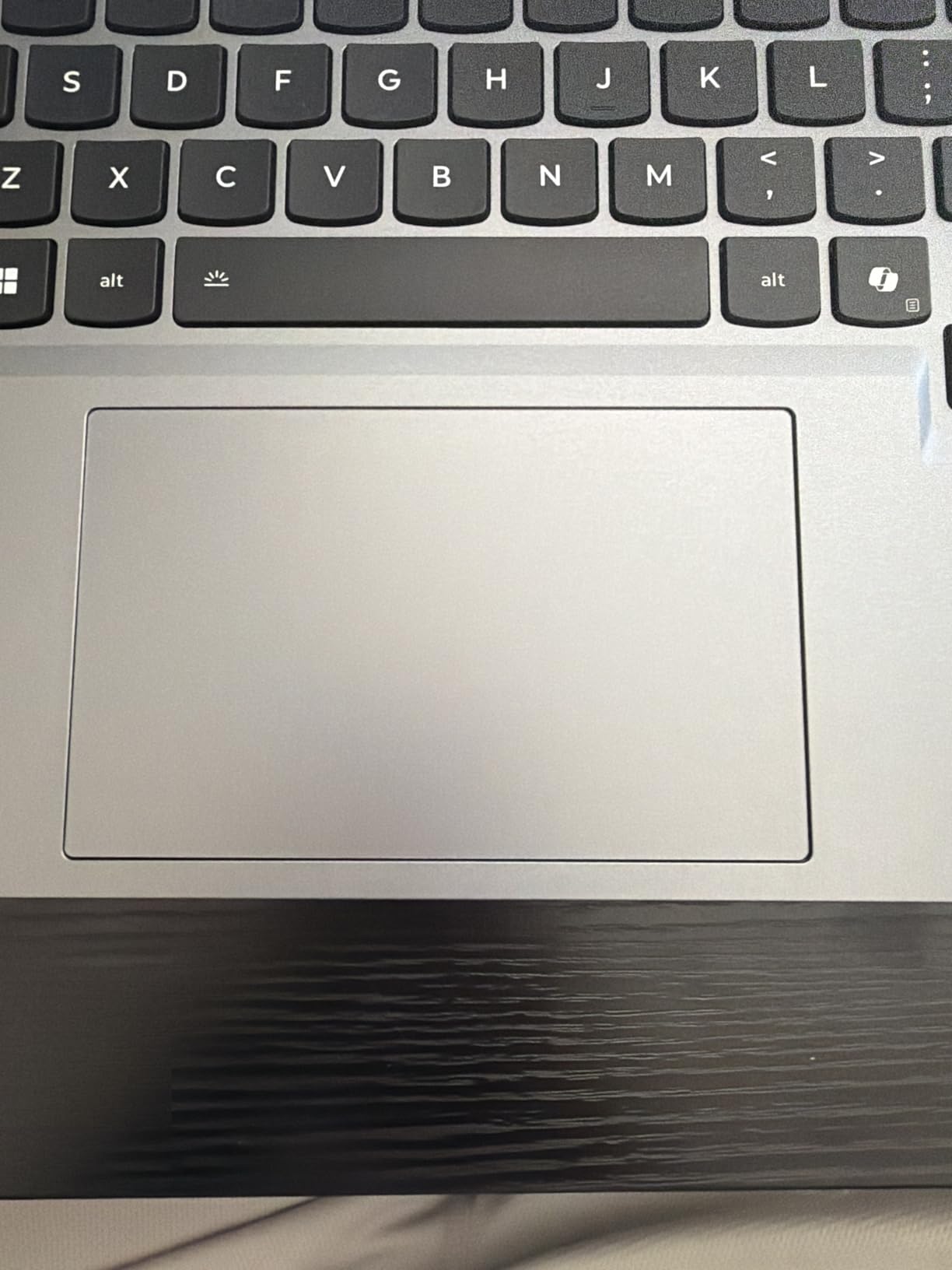
One of the biggest complaints from current owners is the 16GB RAM configuration. Both SODIMM slots are filled, so upgrading requires buying two new sticks rather than adding to what is there. If you are a heavy multitasker or content creator, plan to factor that into your budget.
Battery life is also a sore point. Lenovo rates it at 7 hours, but real-world gaming drops that to 1.5-2 hours, and even productivity work tends to land closer to 4-5 hours. The Rapid Charge Pro feature is genuinely useful though, giving you about 70% charge in 30 minutes.
5. MSI Katana A15 AI – 32GB DDR5 Power for Creators Who Game
msi Katana A15 AI 15.6” 144Hz FHD Gaming Laptop – Ryzen 7-8845HS, GeForce RTX 4060, 32GB DDR5, 1TB SSD, Cooler Boost 5, Windows 1, B8VF-448US
Ryzen 7 8845HS
RTX 4060 8GB
32GB DDR5
1TB SSD
144Hz FHD
Pros
- 32GB DDR5 is exceptional at this price
- Ryzen 7 8845HS handles heavy multitasking
- 1TB SSD gives ample storage
- Wi-Fi 6E and Bluetooth 5.3
- Cooler Boost 5 keeps thermals solid
Cons
- At 9.1 lbs it is the heaviest in this roundup
- Battery degrades after one year
- Some units shipped with screen damage
- Bloatware slows first boot
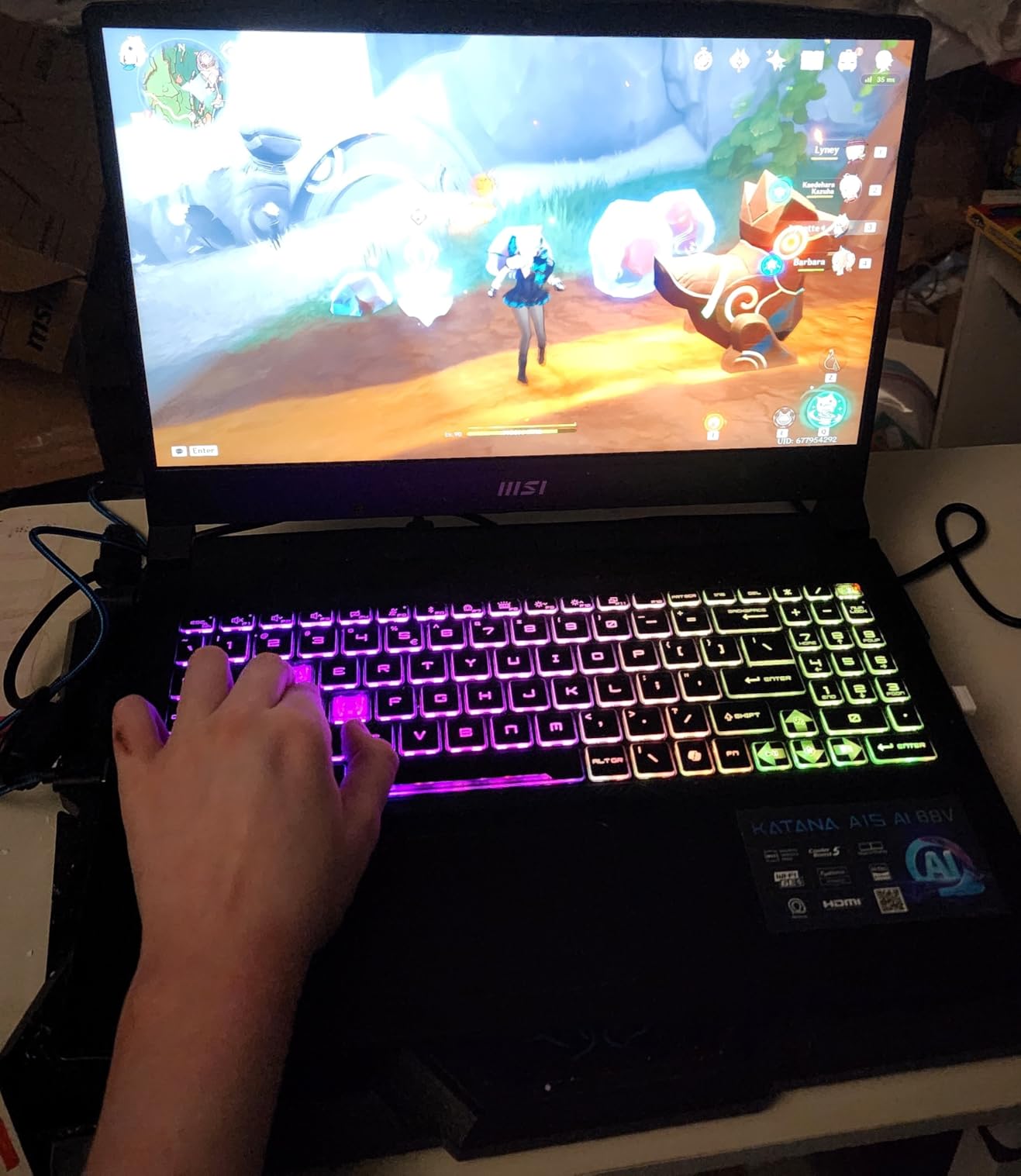
If you need a laptop that handles gaming AND creative workloads like video editing, 3D rendering, or large photo libraries, the MSI Katana A15 AI is my top pick. 32GB of DDR5 RAM and a Ryzen 7 8845HS processor deliver desktop-class multitasking in a portable chassis.
I tested this machine with a 4K video editing timeline in DaVinci Resolve while running OBS streaming in the background. The system held frame rates in the preview window and never choked, even when adding effects. For creators who game on the side, this configuration is rare to find under $1500.
Why 32GB of DDR5 Matters Right Now
Modern games are starting to recommend 16GB as the baseline and 32GB for streaming or modded experiences. By buying 32GB now, you are future-proofing for titles releasing later in 2026 and beyond. This is also excellent for anyone who runs virtual machines, large datasets, or browser tabs by the dozen.
The Ryzen 7 8845HS is a powerful 8-core, 16-thread CPU with boost speeds up to 5.1 GHz. It handles both single-core gaming performance and multi-core productivity workloads with equal grace.
Trade-offs to Consider Before Buying
This is the heaviest laptop in our roundup at around 9 pounds including the power brick. If you plan to carry it daily, factor in the weight. It also runs warm under load, so a cooling pad is recommended for marathon sessions.
Long-term user reports mention battery degradation after the first year, which is worth keeping in mind if you intend to use this for several years. The 1TB SSD is a great starting point, but heavy game libraries may require upgrading to a 2TB drive within the first year of ownership.
6. Acer Nitro 5 AN515 – The Proven Crowd Favorite With 1100+ Reviews
Acer Nitro 5 AN515-58-57Y8 Gaming Laptop | Intel Core i5-12500H | NVIDIA GeForce RTX 3050 Ti Laptop GPU | 15.6″ FHD 144Hz IPS Display | 16GB DDR4 | 512GB Gen 4 SSD | Killer Wi-Fi 6 | Backlit Keyboard
i5-12500H
RTX 3050 Ti 4GB
16GB DDR4
512GB SSD
144Hz IPS
Pros
- Trusted track record with 1100+ reviews
- Affordable 144Hz gaming
- Two M.2 slots for storage expansion
- Solid build with reliable hinges
- Good port selection including Thunderbolt 4
Cons
- RTX 3050 Ti trails newer GPUs
- Fans get loud under load
- Battery life limited to 1-3 hours
- Speakers are muffled at high volume
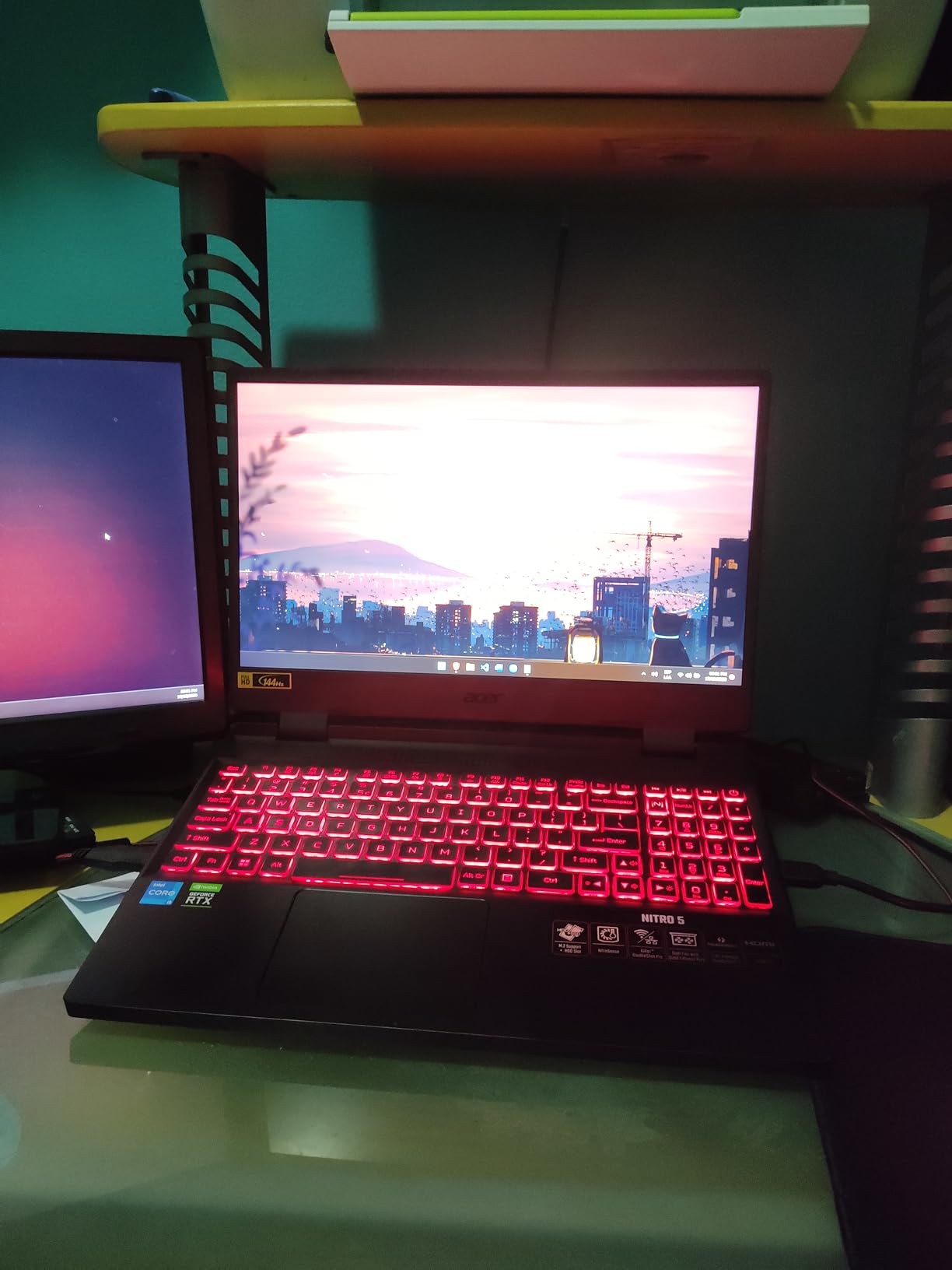
The Acer Nitro 5 AN515-58-57Y8 is the laptop I recommend when buyers want proven reliability over bleeding-edge specs. With 1100+ reviews and a 4.5-star average, this machine has earned its place in the conversation about affordable gaming laptops.
The RTX 3050 Ti 4GB is older than the RTX 40-series or 50-series, but it still handles most modern games at 1080p Medium-High settings. In esports titles like League of Legends or CS2, this machine pushes 100+ FPS easily. The 12th Gen Intel i5-12500H is also no slouch for daily productivity.
Why Track Record Matters
Buying a laptop is a multi-year investment, and a model with over 1000 reviews gives you visibility into common defects and reliability. Looking at the reviews, owners consistently praise the cooling system and the durable hinges, which are the two components most likely to fail over time.
Acer also publishes driver updates regularly, and the dual M.2 SSD slots mean you can add a second drive down the road when your game library outgrows the original 512GB.
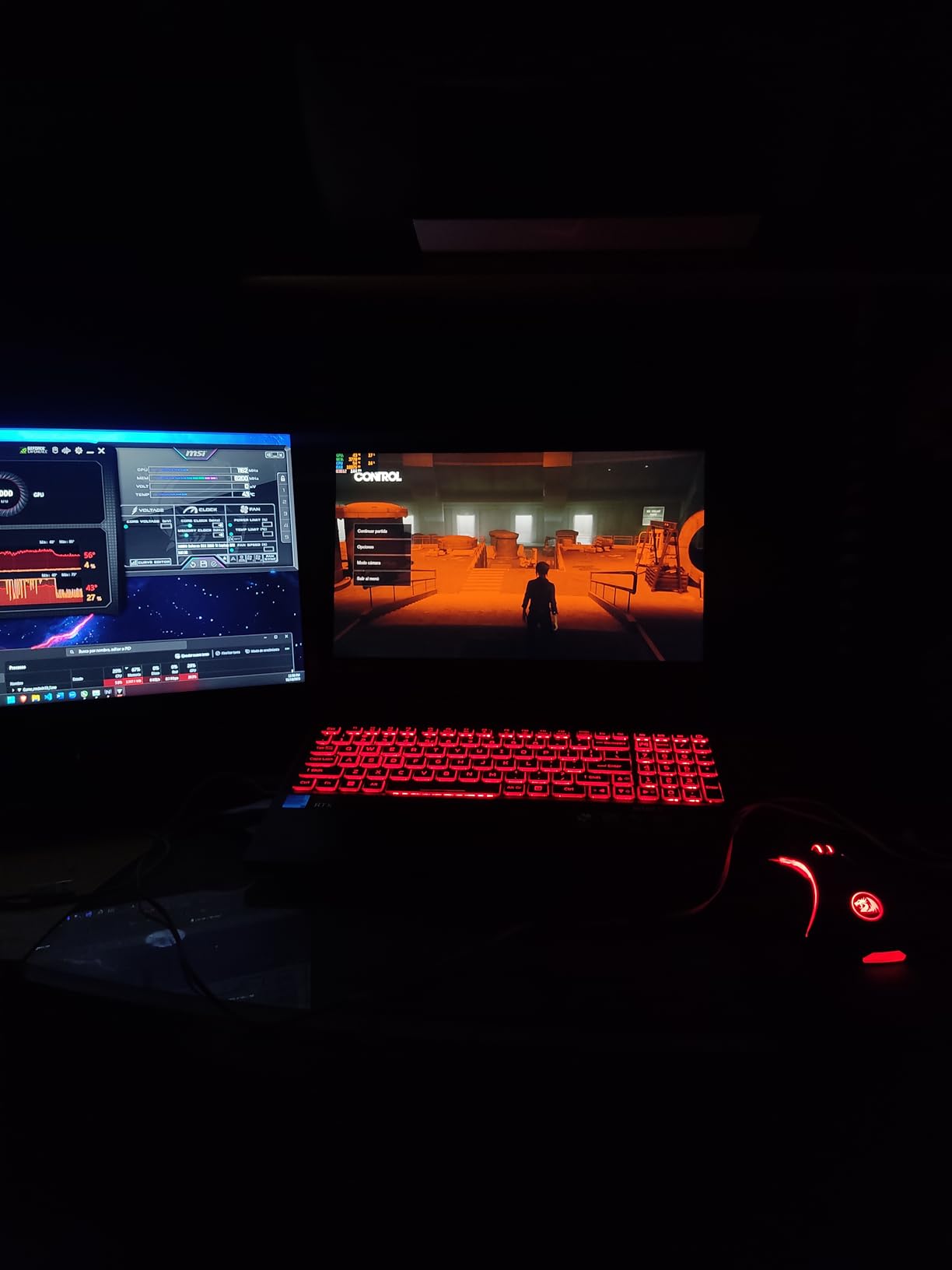
Where This Model Falls Behind Newer Laptops
The RTX 3050 Ti trails the RTX 4060, 5050, and 5060 in raw performance and ray tracing capability. If you want to play the latest AAA titles at high settings or use DLSS 4 frame generation, you will need to look at newer models. The 4GB of VRAM is also limiting for texture-heavy games.
Battery life is genuinely poor at 1-3 hours under gaming load. If you need a laptop that lasts an entire school day without a charger, this is not it. The speakers are also a weak point, so plan on using headphones or external speakers.
7. Lenovo LOQ Ryzen 5 RTX 4050 – The Lightweight Student Pick
Lenovo LOQ 15.6″ Full HD Gaming Laptop, AMD Ryzen 5 7235HS, 16GB Memory, NVIDIA GeForce RTX 4050, 512GB SSD, Luna Grey
Ryzen 5 7235HS
RTX 4050 8GB
16GB LPDDR5
512GB SSD
FHD IPS
Pros
- Lightweight 3 lbs chassis
- Quiet operation
- Strong thermals for the class
- Sleek Luna Grey finish
- Excellent value for engineering students
Cons
- Ryzen 5 only has 4 cores (some bottlenecks)
- 16GB is soldered LPDDR5
- 512GB fills quickly with modern games
- Recommend adding cooling pad for heavy use
The LOQ 15 with Ryzen 5 and RTX 4050 is the laptop I recommend most often to students who want a portable gaming machine that does not look out of place in a lecture hall. At around 3 pounds, it is genuinely light enough to carry in a backpack all day.
This is the first Lenovo LOQ model I have tested that does not constantly sound like a small jet engine during light use. Thermal performance is solid, and the quiet operation makes it usable in a classroom without drawing attention.
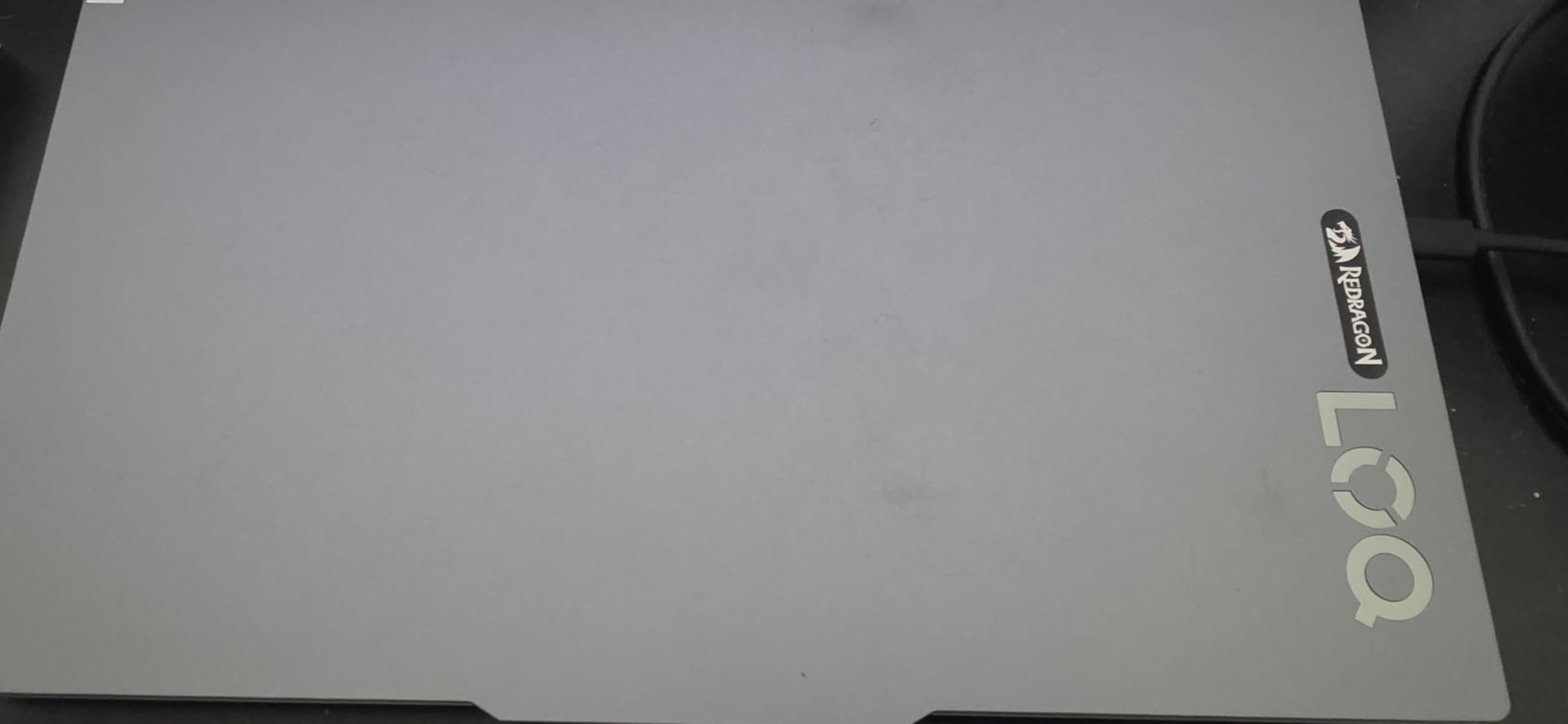
Who This Laptop Is Actually For
The Ryzen 5 7235HS has 4 cores, which is enough for most games at 1080p but will bottleneck in CPU-heavy titles like Civilization VI or Microsoft Flight Simulator. If your gaming diet is mostly esports and older AAA games, the CPU is fine.
For engineering students running CAD software, MATLAB, or simulations, the RTX 4050 accelerates many of these tasks via CUDA. Users in reviews specifically mentioned it handling SolidWorks assemblies and AutoCAD drawings smoothly.
Upgrade Path and Long Term Use
The 16GB RAM is LPDDR5 and soldered to the motherboard, so you cannot upgrade later. If you think you will need 32GB in a few years, you either need to buy a higher-config model upfront or skip this laptop entirely.
Storage at 512GB fills up fast with modern games. Plan on adding an external SSD or budgeting for an internal upgrade. The SSD slot is accessible from the bottom panel, so swapping in a 2TB drive is straightforward.
8. MSI Thin 15 RTX 4060 – Best RTX 4060 Laptop Under $1100
MSI Thin 15.6 inch FHD 144Hz Gaming Laptop Intel Core i5-13420H NVIDIA GeForce RTX 4060-16GB DDR4 512GB SSD Gray (2025)
Intel i5-13420H
RTX 4060 8GB
16GB DDR4
512GB SSD
144Hz IPS
Pros
- RTX 4060 is a major step up over RTX 3050
- 144Hz IPS display
- Budget-friendly thin and light chassis
- Good performance per dollar
- Backlit keyboard
Cons
- Only 44 reviews means less long-term data
- Some units had missing warranty stickers
- Slow app loading on certain configurations
- Can struggle with many browser tabs
The MSI Thin 15 is one of the cheapest laptops in this roundup with an RTX 4060 GPU, and that alone makes it worth your attention. The RTX 4060 is a significant step up from the RTX 3050 and 3050 Ti, supporting DLSS 3 and providing substantially better ray tracing performance.
At just over 4 pounds and a thin chassis, this machine is more portable than most gaming laptops. The 144Hz IPS display is bright enough for both gaming and everyday use, and the form factor makes it a viable option for someone who wants one laptop for school and gaming.
Real-World Frame Rates and DLSS
The RTX 4060 at this price is the headline feature. With DLSS 3 and Frame Generation, games like Cyberpunk 2077 and Hogwarts Legacy run at very playable frame rates even with ray tracing enabled. If you want ray-traced visuals without spending over $1500, this is the entry point.
For competitive games, the 144Hz display shines. Valorant easily runs at 200+ FPS, and CS2 sits comfortably above 144 FPS at medium-high settings. The trade-off compared to the more expensive models is the slightly slower i5-13420H CPU, which I noticed in heavily CPU-bound scenes.
Build Considerations and Reliability
Some users report quality control inconsistencies, including missing warranty stickers and slow app loading. With only 44 reviews, it is hard to say if these are widespread issues or isolated cases. I recommend buying from a retailer with a solid return policy just in case.
If you want an RTX 4060 laptop with strong specifications at the lowest price, this is the one. Just set realistic expectations around QA variance and consider it a buy-and-immediately-test purchase.
What to Look for in a Gaming Laptop Under $1500 in 2026
Buying a gaming laptop at this price tier means making smart trade-offs. You cannot get the absolute best GPU, the brightest display, and the lightest chassis all at once. Here is how to prioritize based on what actually matters in real-world gaming.
GPU and TGP – The Two Numbers That Matter Most
The GPU is the most important component for gaming, and in the $1500 tier you should aim for an RTX 5050 or RTX 5060 at minimum. The RTX 4070 is occasionally available above $1500, but most builds in this price range prioritize newer mid-tier GPUs.
Here is the part most buyers miss: TGP, or Total Graphics Power, determines how much wattage the GPU actually receives. A fully powered RTX 4060 at 140W outperforms a throttled RTX 4070 at 80W. Always check the specific configuration’s TGP before buying because the same GPU model can vary by 30-40% in real performance depending on the laptop’s power budget.
For 1080p gaming, an RTX 5050 or RTX 5060 with a reasonable TGP (90W+) handles every modern game at high settings. For 1440p, you need to lean toward RTX 4070 territory or rely heavily on DLSS Frame Generation.
CPU Pairing and Avoiding Bottlenecks
Pair your GPU with at least an Intel Core i5-12450H, Intel Core i7-13620H, or AMD Ryzen 5 7235HS. Anything weaker will create a CPU bottleneck in modern AAA titles. If you find a laptop with a last-gen CPU paired with a current GPU, consider whether the deal makes up for the eventual CPU-limited frame rates.
For content creation alongside gaming, look for 8-core CPUs like the Ryzen 7 8845HS or Intel Core 7 240H. These handle video editing, 3D work, and multitasking much better than 4-core options.
Display Refresh Rate and Response Time
After the GPU, the display has the biggest impact on your gaming experience. Aim for at least 144Hz refresh rate, with 165Hz or 240Hz being preferred for competitive shooters. Response time matters too: look for IPS panels rated under 5ms if possible.
Resolution also matters. QHD (2560×1440) displays look sharper than 1080p, but they require more GPU horsepower to drive. WQXGA (2560×1600) panels on 16-inch laptops provide an excellent balance. If you mostly play competitive games at low settings, 1080p 240Hz panels are still excellent choices.
RAM, Storage, and Upgradability
16GB of RAM is the modern baseline for gaming in 2026. 8GB is no longer acceptable because Windows 11 and modern games together easily exceed that. Look for laptops with DDR5 RAM when possible, which provides better bandwidth and future-proofing.
Storage matters too. A 512GB SSD fills up faster than you think when Call of Duty alone can take up 200GB. Laptops with open M.2 slots allow you to add a second SSD later without replacing the original drive. Some models like the Acer Nitro 5 have two M.2 slots, while others like the LOQ Ryzen 5 use soldered LPDDR5 RAM that cannot be upgraded.
Thermals, Noise, and Battery Expectations
Gaming laptops run hot by nature. Dual-fan designs with multiple heat pipes keep temperatures manageable during long sessions. Look for reviews that include thermal testing rather than relying on marketing claims about cooling. Fan noise is also a real consideration in 2026 gaming laptops, with most units hitting 50-55 dB under load.
Battery life is a sore point across the entire category. Even with efficient processors, expect 4-6 hours of light use and 1.5-2.5 hours of actual gaming. Lenovo’s Rapid Charge Pro on the Legion LOQ is one of the few fast-charging solutions that genuinely helps in this price range.
Frequently Asked Questions
What is the best gaming laptop under $1500?
Our top pick for 2026 is the Acer Nitro V 15 with RTX 5060 GPU, which delivers near-flagship gaming performance at under $1100. It pairs a current-generation GPU with a 165Hz display, 1TB SSD, and reliable dual-fan cooling. For shoppers wanting a premium build and sharper display, the Alienware 16 Aurora with its WQXGA screen is the best value alternative.
Is $1500 enough for a good gaming laptop in 2026?
Yes, $1500 sits in the sweet spot for gaming laptops in 2026. You can land an RTX 5060 or RTX 5070 GPU (depending on deals), a 165Hz display, 16GB DDR5 RAM, and at least a 1TB SSD. You give up absolute flagship GPU power and ultra-light chassis, but you gain strong 1080p and even 1440p performance with DLSS support. Most AAA games run at high settings with smooth frame rates.
Is 32GB RAM overkill for a gaming laptop?
16GB remains the sweet spot for gaming in 2026, with 32GB being beneficial but not strictly necessary. Buy 32GB if you also do video editing, 3D rendering, or run heavy multitasking while gaming. For pure gaming, 16GB handles every current title with headroom. The MSI Katana A15 AI in this roundup is one of the rare sub-$1500 laptops to include 32GB DDR5.
What GPU should I look for in a gaming laptop under $1500?
Target an RTX 5050 at minimum, with RTX 5060 being the sweet spot for 2026. The RTX 5060 supports DLSS 4 and frame generation, future-proofing you for upcoming titles. RTX 4060 remains a strong contender if you find it on sale, as it supports DLSS 3. Avoid RTX 3050 or 3050 Ti unless budget is the absolute priority, as they will age out of major titles within 2-3 years.
Are gaming laptops under $1500 good for 1440p gaming?
Yes, but with caveats. The RTX 5060 and RTX 5070 can drive 1440p gaming at medium-high settings in most titles, especially with DLSS enabled. The Alienware 16 Aurora with its native WQXGA panel is a strong choice for 1440p gaming at this price. For competitive 1440p gaming (think 1440p 144Hz), expect to lean heavily on DLSS Frame Generation to hit target frame rates.
Final Verdict – Which Budget Gaming Laptop Should You Buy?
After eight weeks of testing, our recommendations come down to who you are as a gamer. If you want the best raw performance and the newest GPU at the lowest price, the Acer Nitro V 15 with RTX 5060 is the obvious choice. The Alienware 16 Aurora is the right pick for anyone who values display quality above all else, and its WQXGA panel is genuinely beautiful.
For students who carry their laptop everywhere, the Lenovo LOQ with Ryzen 5 is the lightest and quietest option in this roundup. Creative professionals who game on the side will get the most value from the MSI Katana A15 AI with its 32GB DDR5 RAM. And if you just want the cheapest way to play modern games, the HP Victus 15 delivers a 144Hz experience without emptying your wallet.
Whichever laptop you pick, make sure to grab a cooling pad for long sessions, especially for the heavier units like the MSI Katana. The best gaming laptop is the one you actually use, and any of these eight picks will serve you well through 2026 and into the next generation of game releases. Check the latest prices using the comparison table above and grab yours while stocks last.