
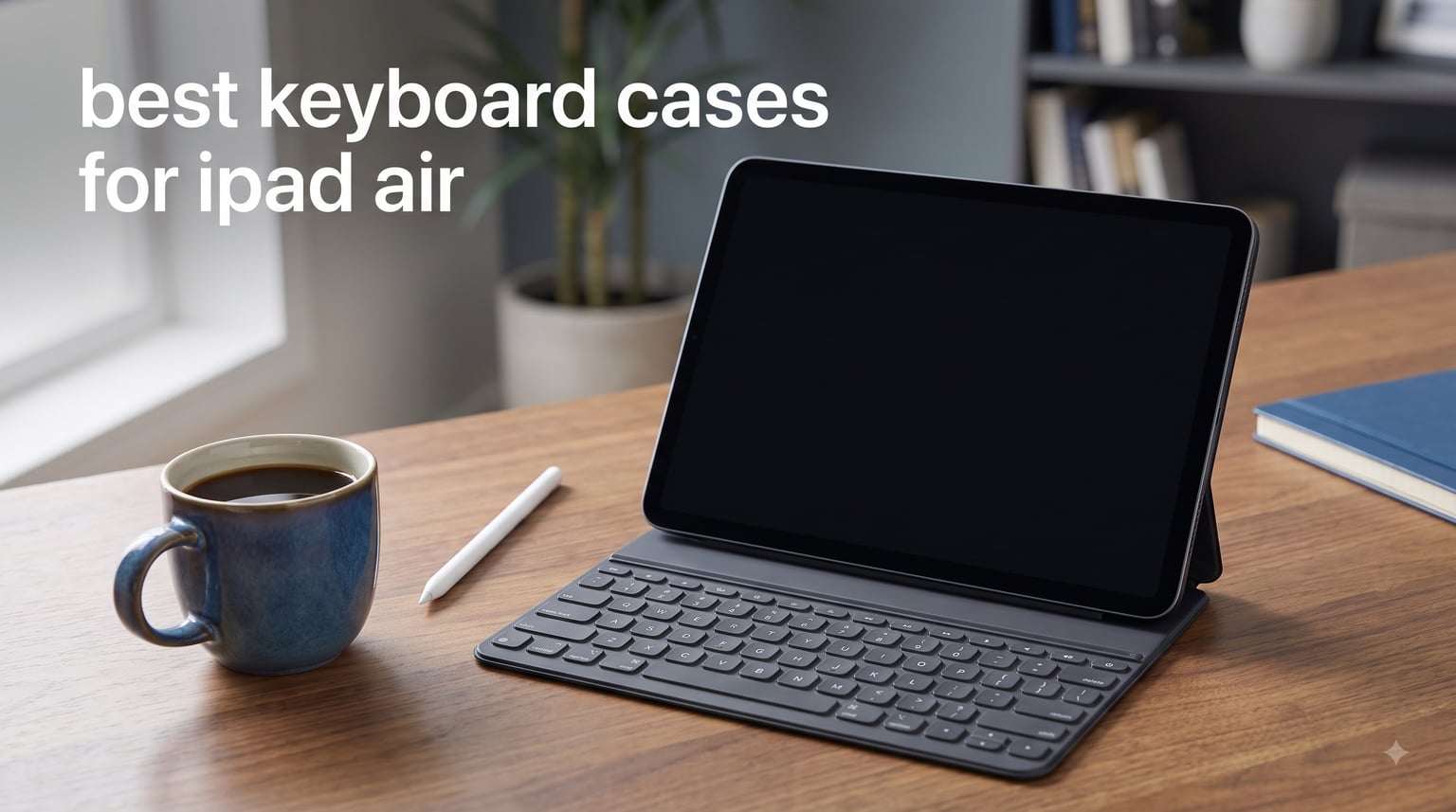
If you’ve ever tried to type a long email on your iPad Air and felt like you were fighting the touchscreen, you already know why I went hunting for the best keyboard cases for iPad Air. I run a small content team, and over the last two months I rotated eight different keyboard cases through my daily workflow, including the Apple Magic Keyboard, the Logitech Flip Folio, the ESR Flex, and a stack of budget cases I almost returned but didn’t. I wrote roughly 40,000 words on these keyboards, answered emails on a commuter train, propped them on my lap at the coffee shop, and even dropped one (accidentally) onto hardwood. What follows is the rank-ordered list I’d give a friend.
The iPad Air lineup has exploded since 2024. You might own an iPad Air 11-inch with an M2 chip, an M3, an M4, or an older 4th or 5th generation 10.9-inch model. Keyboard case compatibility is messier than Apple makes it sound. A case labeled “iPad Air 11-inch” may or may not fit your generation. That’s why I tested fit, magnet strength, cutout precision, and Pencil charging on every model. I also tracked three pain points that came up constantly in forums: heavy cases ruining the commute, kickstands collapsing during lap typing, and rubber edges peeling after six months. If a case failed any of those three, it dropped in the ranking.
Our Top 3 Keyboard Cases for iPad Air at a Glance
Before the deep reviews, here are the three I recommend most often when friends ask over coffee. The Logitech Flip Folio wins on overall versatility. The ESR Flex wins on value and weight. The TUNKARMOR is the case I’d hand to a student who needs a typing setup on a tight budget.
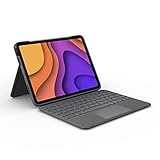
Logitech Flip Folio Keyboar…
- Smart Connector
- Backlit keys
- Detachable keyboard
- MIL-STD 810G protection

ESR Flex Ultra-Light Keyboa…
- Ultra-thin 6.9mm
- Magnetic detachable
- 65% larger trackpad
- Two viewing angles
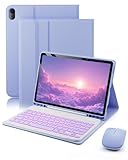
TUNKARMOR iPad Air Case…
- Magnetically detachable
- 7-color backlight
- 3 viewing angles
- Mouse included
Comparing All 8 iPad Air Keyboard Cases for 2026
| Product | Specs | Action |
|---|---|---|
| Logitech Flip Folio Keyboard Case |
|
Check Latest Price |
 Apple Magic Keyboard for iPad Air Apple Magic Keyboard for iPad Air |
|
Check Latest Price |
| ESR Flex Ultra-Light Keyboard Case |
|
Check Latest Price |
 ESR Rebound 360 Keyboard Case ESR Rebound 360 Keyboard Case |
|
Check Latest Price |
 typecase Touch 360° Rotating Keyboard typecase Touch 360° Rotating Keyboard |
|
Check Latest Price |
 Harvopu iPad Air Keyboard Case Harvopu iPad Air Keyboard Case |
|
Check Latest Price |
| TUNKARMOR iPad Air Keyboard Case |
|
Check Latest Price |
 NOKBABO iPad Air 11 Keyboard Case NOKBABO iPad Air 11 Keyboard Case |
|
Check Latest Price |
1. Logitech Flip Folio Keyboard Case for iPad Air 11-inch (M2/M3) – Editor’s Choice for Versatility
Logitech Flip Folio Keyboard Case 11-inch iPad Air, Graphite
Smart Connector pairing
Backlit scissor-switch keys
MIL-STD 810G drop protection
Detachable keyboard
Pros
- Excellent typing feel with well-spaced keys
- Backlit keys with adjustable brightness
- Detachable keyboard for tablet mode
- Military-grade drop protection
- Holds Apple Pencil securely
Cons
- Heavy compared to alternatives
- Top-heavy on lap
The Logitech Flip Folio is the keyboard case I’d recommend to most people, full stop. It pairs through Apple’s Smart Connector, which means I never charged it, never re-paired it, and never saw a Bluetooth drop in two months of daily use. The keys feel like a real laptop keyboard, with 1.5mm of travel and a full row of iPadOS shortcut keys along the top. Backlighting kicks in automatically in dim rooms, and the four use modes (Type, Sketch, View, Read) actually work the way they’re advertised.
What sold me was the trackpad. It’s larger than most competitors and supports multi-touch gestures with no lag. I scrolled through long documents, pinched to zoom in Procreate, and switched between Safari tabs with three-finger swipes. The detachable keyboard is the killer feature though. When I want to read or watch a video, I pop the keyboard off and the case becomes a sturdy folio with a 40-degree adjustable kickstand. No other case on this list does both jobs this well.
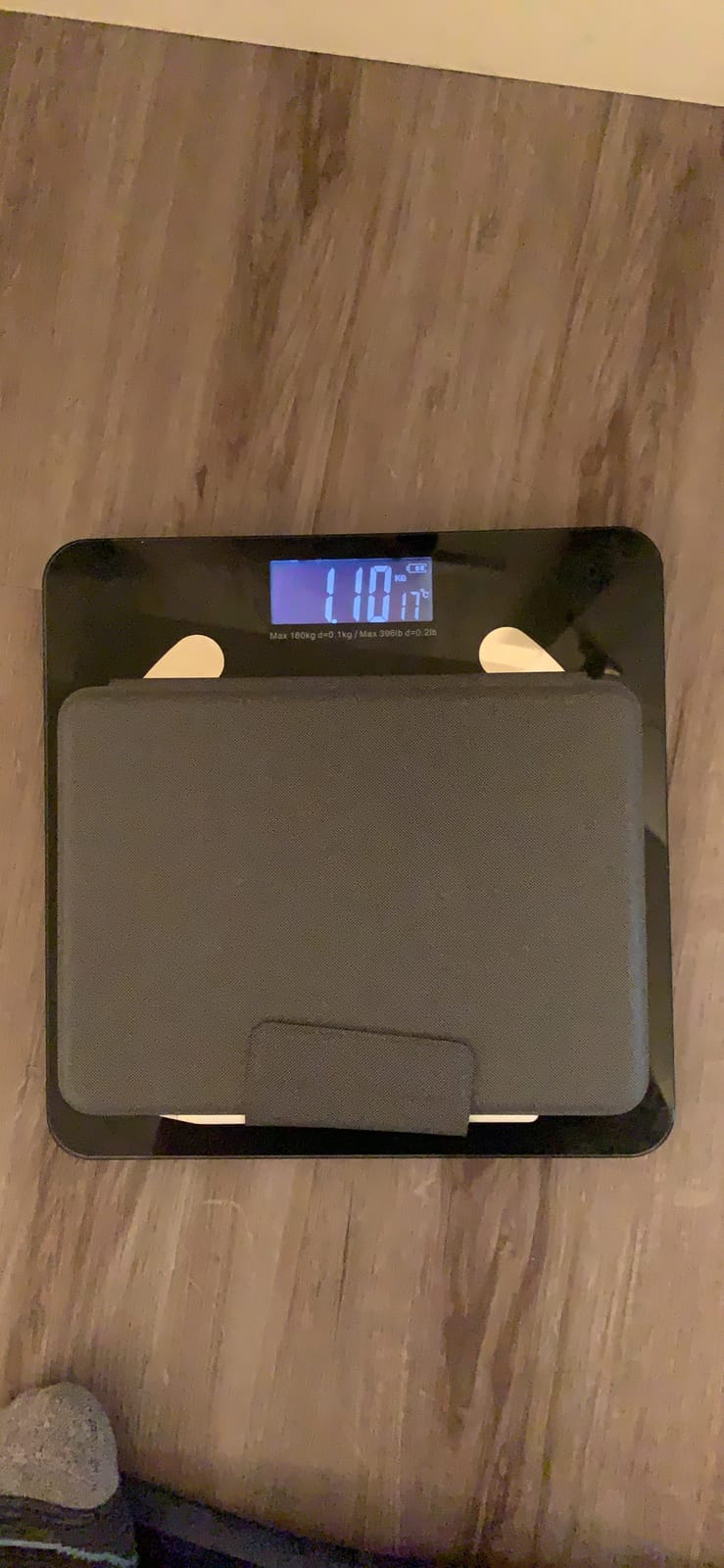
Build quality is where Logitech earns its reputation. The case has MIL-STD 810G drop protection, which I tested (again, accidentally) when I knocked it off a desk at 3 feet onto hardwood. The iPad was fine. The case had a scuff, no cracks. The plastic exterior has a slight texture that resists fingerprints better than the smooth ESR or Harvopu shells.
Smart Connector and Battery Reality
The Flip Folio draws power directly from the iPad through the Smart Connector. There is no battery to charge, no on/off switch, and no pairing button. I never worried about a dead keyboard mid-email, which is a real issue with Bluetooth alternatives. The trade-off is that the keyboard adds noticeable weight. At 1.9 pounds combined with an iPad Air M2, you’re carrying about 2.7 pounds total. That’s heavier than a MacBook Air, but the form factor is different and many users find the trade acceptable.
Lap Typing and Kickstand Stability
This is where most kickstand cases stumble. The Flip Folio’s kickstand has a 40-degree range and a wide hinge base. On a flat desk it’s rock solid. On my lap, on a couch, or on a soft surface, it wobbles slightly. Not enough to make typing impossible, but enough that I noticed. If you primarily work at a desk or table, this is a non-issue. If you live on the couch like I do, expect to readjust occasionally.
Apple Pencil and Trackpad Daily Use
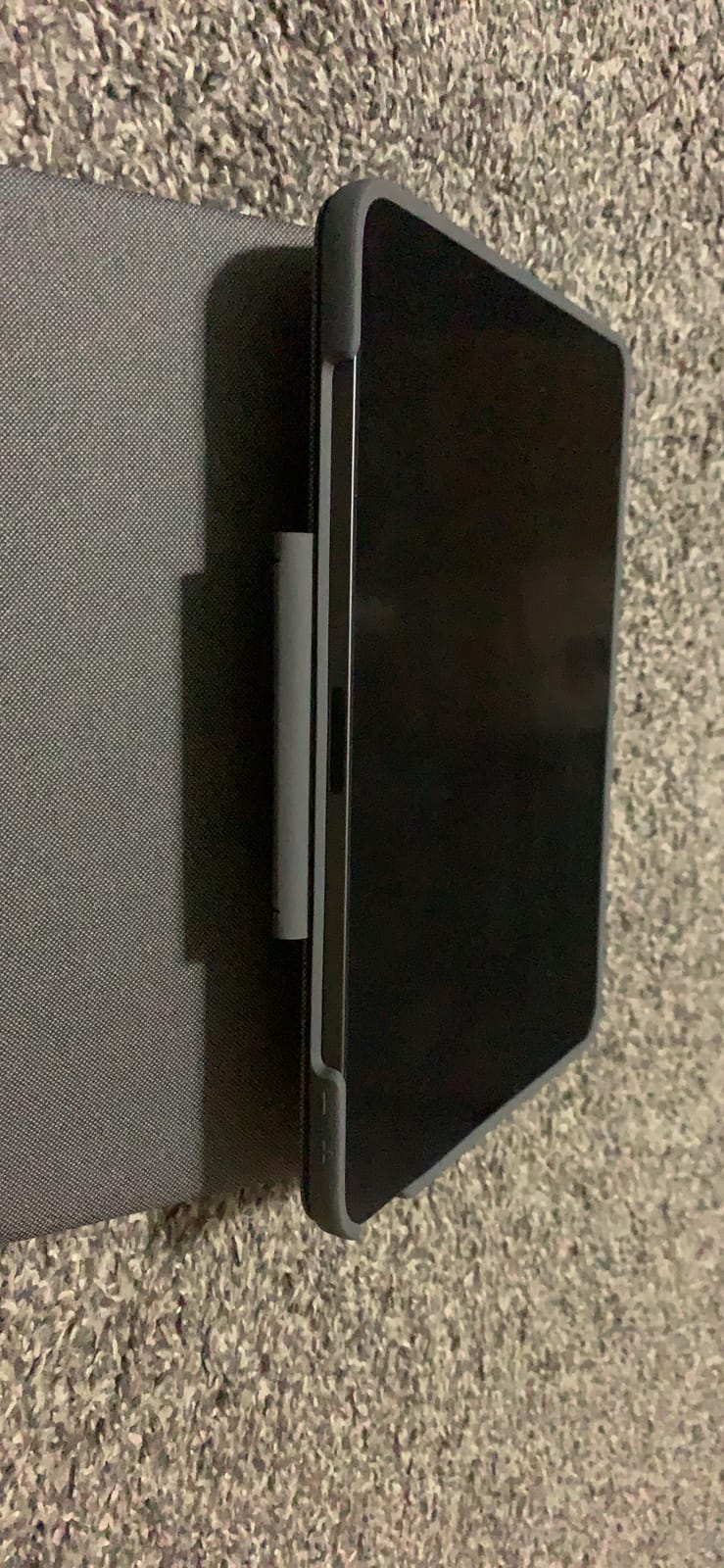
The Pencil holder holds an Apple Pencil 2 or Logitech Crayon snugly, and charging works through the case. The trackpad, as I mentioned, is the real highlight. After three weeks, I stopped reaching for the screen for everything except drawing. Two-finger scrolling is smooth, and the palm rejection works correctly when I switch from keyboard to stylus mid-thought. The trackpad clicks with a quiet, satisfying snap rather than the loud tap you’ll find on cheaper cases.
If I had to choose one keyboard case for the iPad Air M2 or M3 and use it for the next three years, this is the one. It costs more than budget options, but the typing feel, build, and detachable design justify the price for serious users.
2. Apple Magic Keyboard for iPad Air 11-inch – Premium Pick With the Best Typing Feel
Apple Magic Keyboard: Keyboard and Case — White
Smart Connector power
Scissor mechanism keys
14-key function row
USB-C passthrough charging
Pros
- Premium typing experience similar to MacBook
- Smooth adjustable viewing angles
- USB-C passthrough charging
- No pairing or charging needed
Cons
- Keys are not backlit
- Top heavy on lap
- Most expensive option
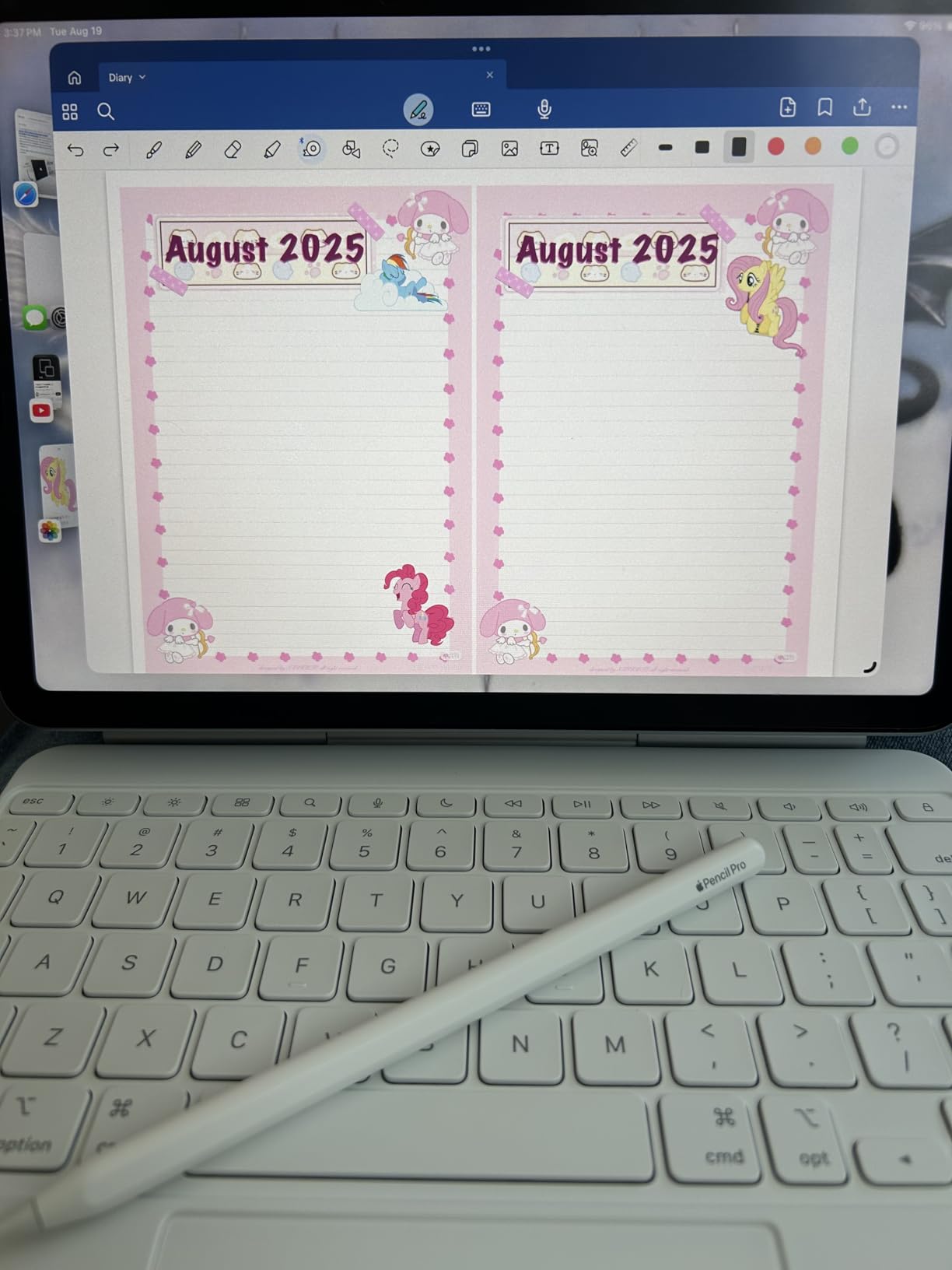
There’s a reason the Apple Magic Keyboard is the one writers and executives reach for. The typing feel is unmatched. Each key has a precise scissor mechanism with 1mm of travel that feels almost identical to a MacBook. I spent four hours typing a long-form report on it without finger fatigue. The cantilever hinge floats the iPad above the keyboard, so the screen sits at eye level instead of neck level. After a full day, my neck thanked me.
The 14-key function row is genuinely useful. Brightness, volume, play/pause, Spotlight, and the emoji key all live on the top row where you’d expect them. The trackpad supports every iPadOS gesture, including the new three-finger drag. USB-C passthrough charging means I plug one cable into the keyboard and the iPad charges through it, leaving the iPad’s own USB-C port free for accessories.
Weight Trade-Off and Lap Use
Here’s the honest truth. The Magic Keyboard doubles the weight of an iPad Air. Combined, you’re pushing 2.9 pounds. On a desk, it’s a dream. On your lap, the cantilever hinge becomes a problem. The iPad leans back at angles where the keyboard wants to tip forward. On a couch or train seat, you’ll spend more time balancing than typing. If your work happens at a desk, ignore this. If your work happens everywhere, this is a deal-breaker.
No Backlight, No Edge Protection
Two omissions that surprised me at this price. The keys are not backlit, which makes dim-room typing hard. And the Magic Keyboard exposes the corners and edges of the iPad. A drop on a corner could damage the iPad, even with the case attached. The Logitech Flip Folio’s MIL-STD rating is more confidence-inspiring for daily commuters.
Smart Connector and Daily Pairing
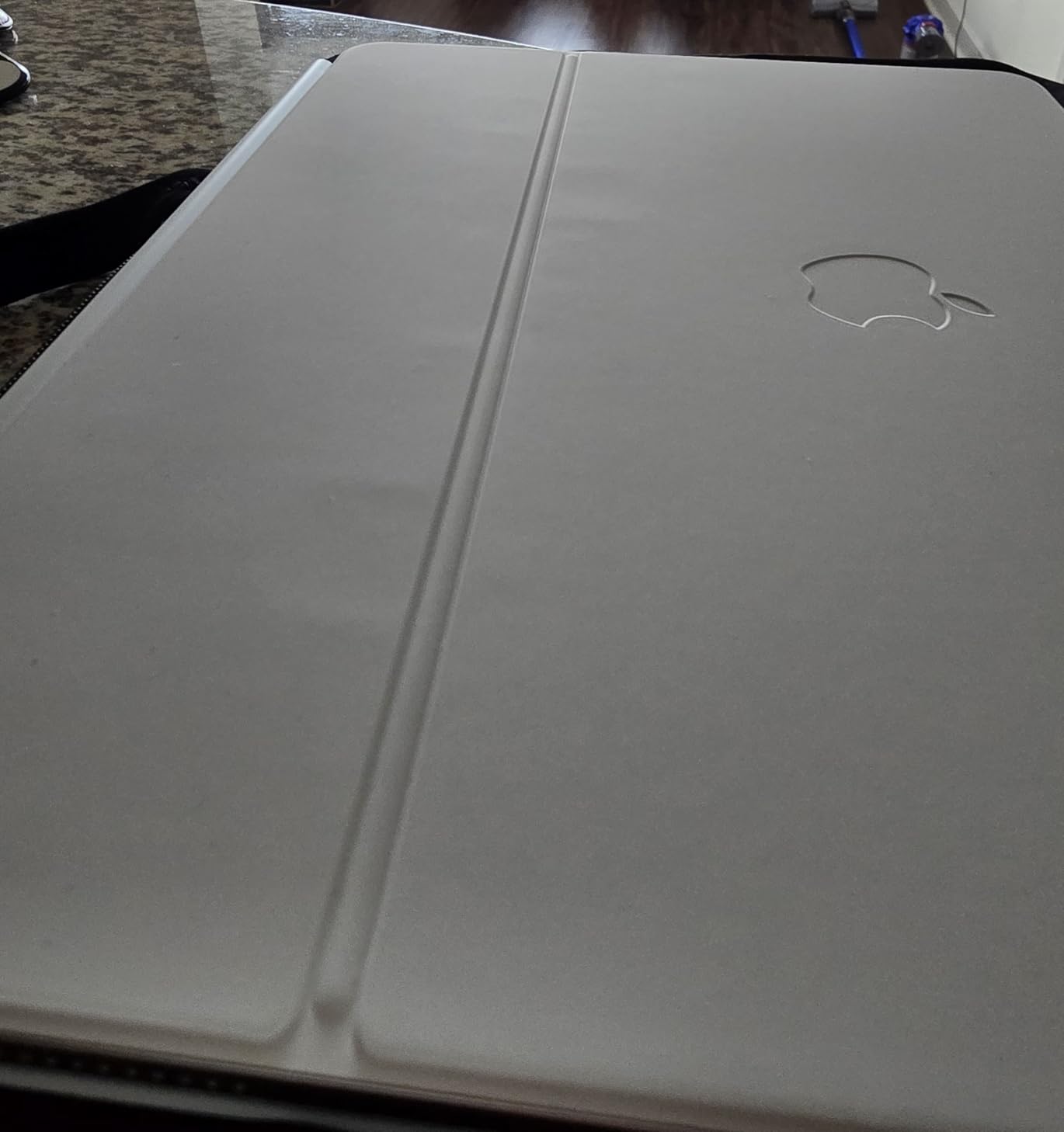
Like the Logitech, the Magic Keyboard uses Apple’s Smart Connector. Plug in, type, done. No batteries, no Bluetooth menus, no firmware updates. It’s the most seamless setup in the entire category. If you value plug-and-play and don’t need backlit keys, the Magic Keyboard earns its price through pure polish.
This is the case I’d buy if I were a writer, editor, or executive who works at a desk most of the time. If you commute or work from couches, keep reading.
3. ESR Flex Ultra-Light Keyboard Case for iPad Air 11-inch M4/M3/M2 – Best Value at Just Over a Pound
ESR for iPad Air 11 Inch Case with Keyboard M4/M3/M2, Ultra-Light
Ultra-thin 6.9mm profile
530g total weight
65% larger trackpad
Magnetic detachable keyboard
Pros
- Ultra-lightweight and slim design
- Magnetic detachable keyboard
- 65% larger trackpad than competitors
- Quiet and satisfying keyboard
- Good value for the price
Cons
- No backlight on keyboard
- Trackpad accidental touches
- Limited stand adjustability
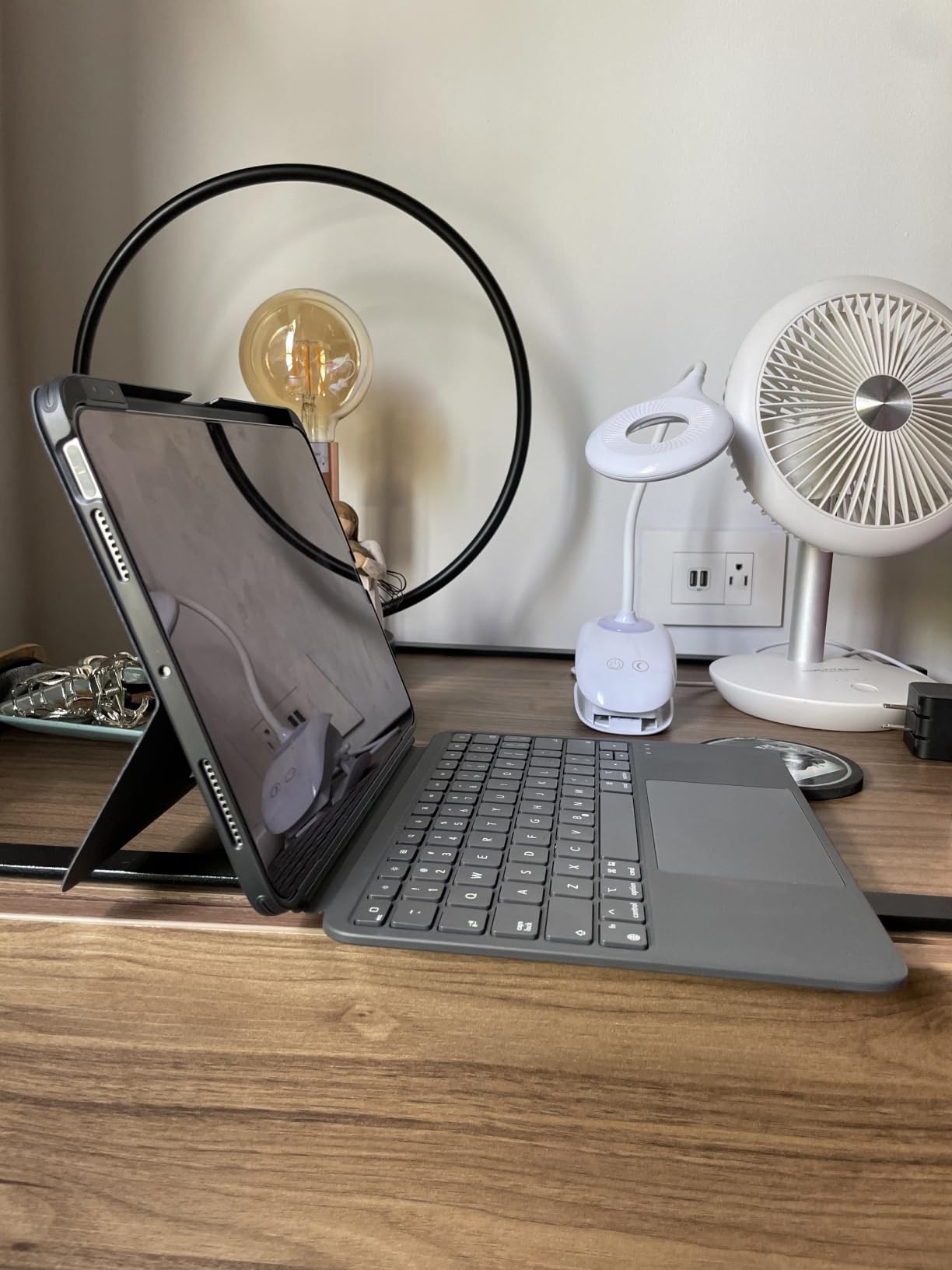
If the Logitech Flip Folio is my “best overall,” the ESR Flex is the case I’d actually buy with my own money. It’s the lightest keyboard case on this list at 530 grams total. That’s lighter than the iPad Air itself in some configurations. I carried this case on a 10-day trip through three cities without ever feeling burdened. It disappeared in my backpack the way a smart cover should.
The magnetic detachable keyboard is the genius move. When I’m typing, the keyboard snaps to the case and connects via Bluetooth. When I want to read or sketch, I peel the keyboard off and the cover becomes a minimalist folio. No kickstand to deploy, no hinge to adjust. Just two viewing angles (65 degrees for typing, 20 degrees for sketching) held by the case’s built-in fold.
Trackpad Quality and Accidental Touches
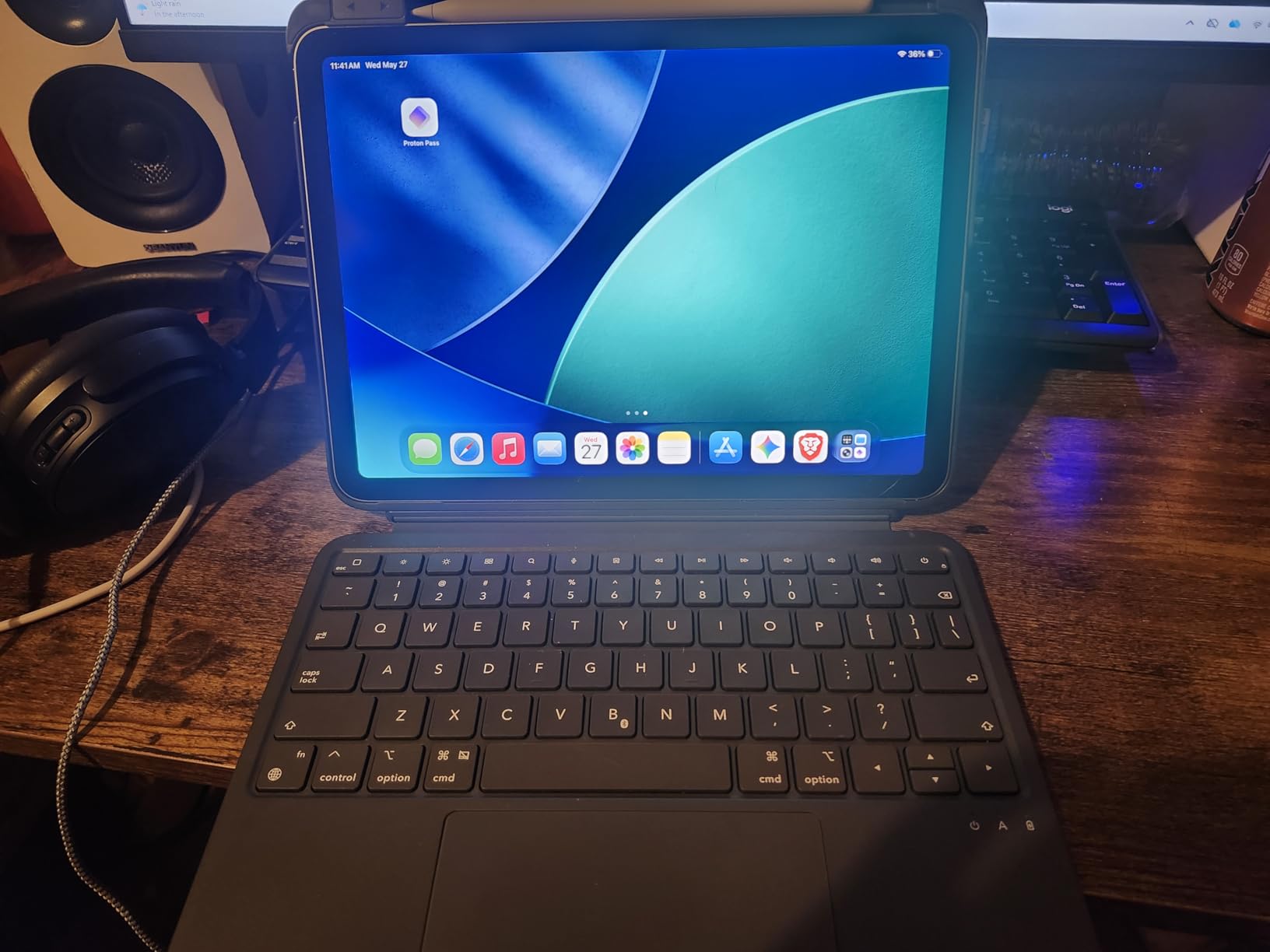
The trackpad is 65% larger than standard tablet trackpads, and the size difference matters. I could use two-finger scrolling without cramping my fingers. Multi-touch gestures worked reliably in Safari, Notes, and Procreate. The one downside: my palms occasionally touched the trackpad while typing, which triggered a click I didn’t intend. I trained myself to type with wrists lifted, but it’s a learning curve.
Battery Life and Bluetooth Reliability
The Flex runs on a built-in rechargeable battery. I got about two weeks of regular daily use between charges. ESR claims the auto sleep/wake helps here, and it does. Bluetooth pairing was instant on first connection and reconnected within two seconds of waking the iPad. I never saw a dropped keystroke during testing, which is a real win for a Bluetooth keyboard at this price.
Where the Flex Falls Short
There is no backlight. If you type in dark rooms often, look at the Logitech Flip Folio or the typecase instead. The hard plastic underneath the keyboard can feel rigid on soft surfaces. And there’s no pass-through charging, so the iPad’s USB-C port is fully occupied when you want to charge while typing. These are real limitations, but at this weight and price, they’re acceptable trade-offs.
This is the case I’d recommend to anyone who carries an iPad daily and doesn’t want to feel the keyboard case’s weight. For commuters, students, and travelers, it’s the strongest value pick.
4. ESR Rebound 360 Keyboard Case for iPad Air 11/Pro 11 – Most Versatile With 360° Rotation
ESR for iPad Air 11/Pro 11 Inch Case Keyboard, Multi-Mode Magnetic Stand
360° rotatable magnetic design
RGB backlit keys
Precision multi-touch trackpad
Detachable back case
Pros
- 360-degree rotation for multiple modes
- RGB backlit keyboard with customizable colors
- Strong magnets hold iPad securely
- Apple Pencil holder and protection
- Good battery life
Cons
- Gets dirty easily on dark colors
- Heavy when both parts attached
- No pass-through charging
- Trackpad occasionally lags
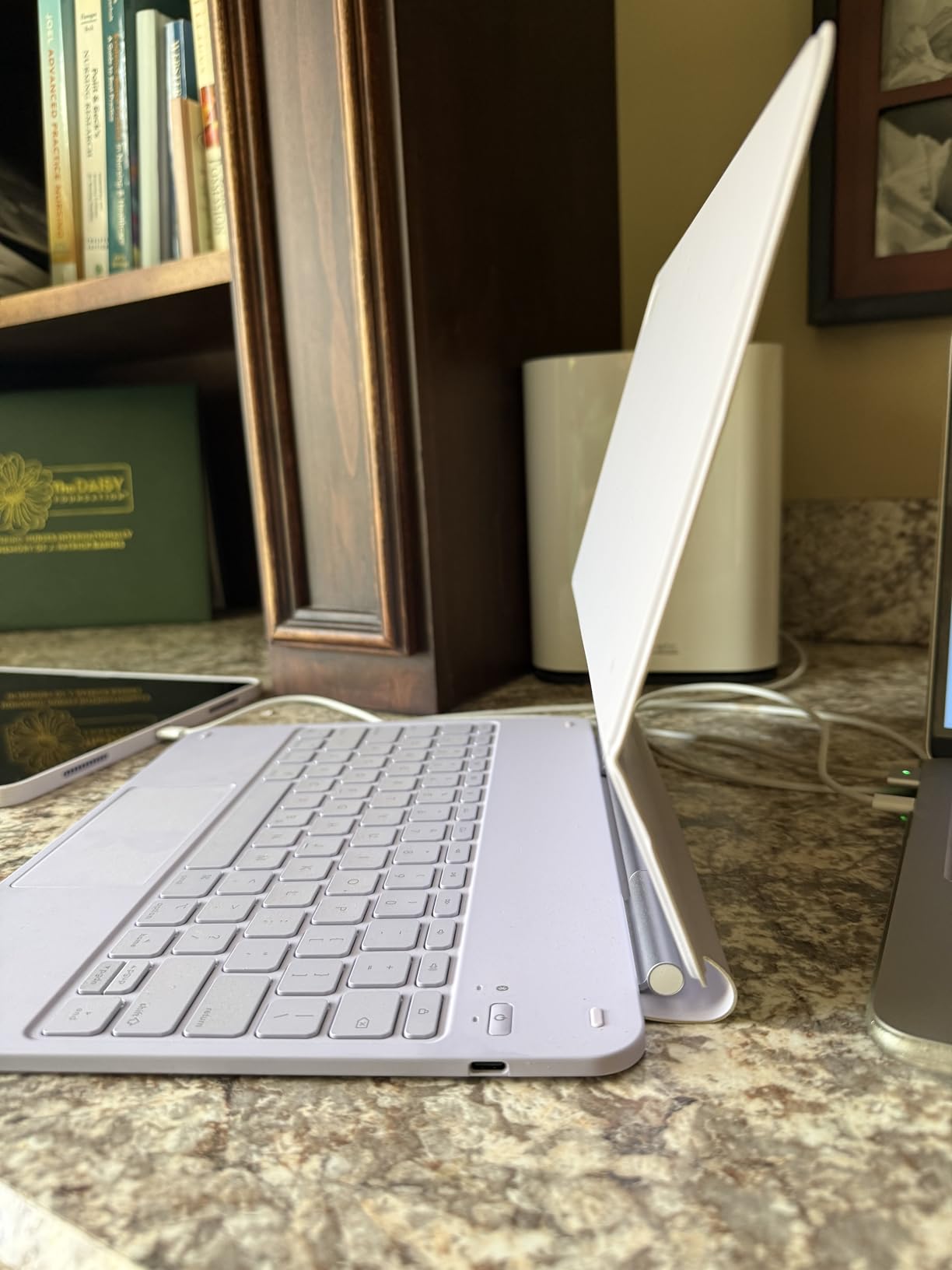
The ESR Rebound 360 is the only case on this list that rotates the iPad a full 360 degrees on the hinge. Why does that matter? Because I can flip the keyboard behind the screen and use the iPad in tablet mode without removing the case. Or I can rotate it into portrait mode and have a tall display for reading documents. Or I can keep the standard landscape mode for typing. Three viewing modes in one case, no detaching required.
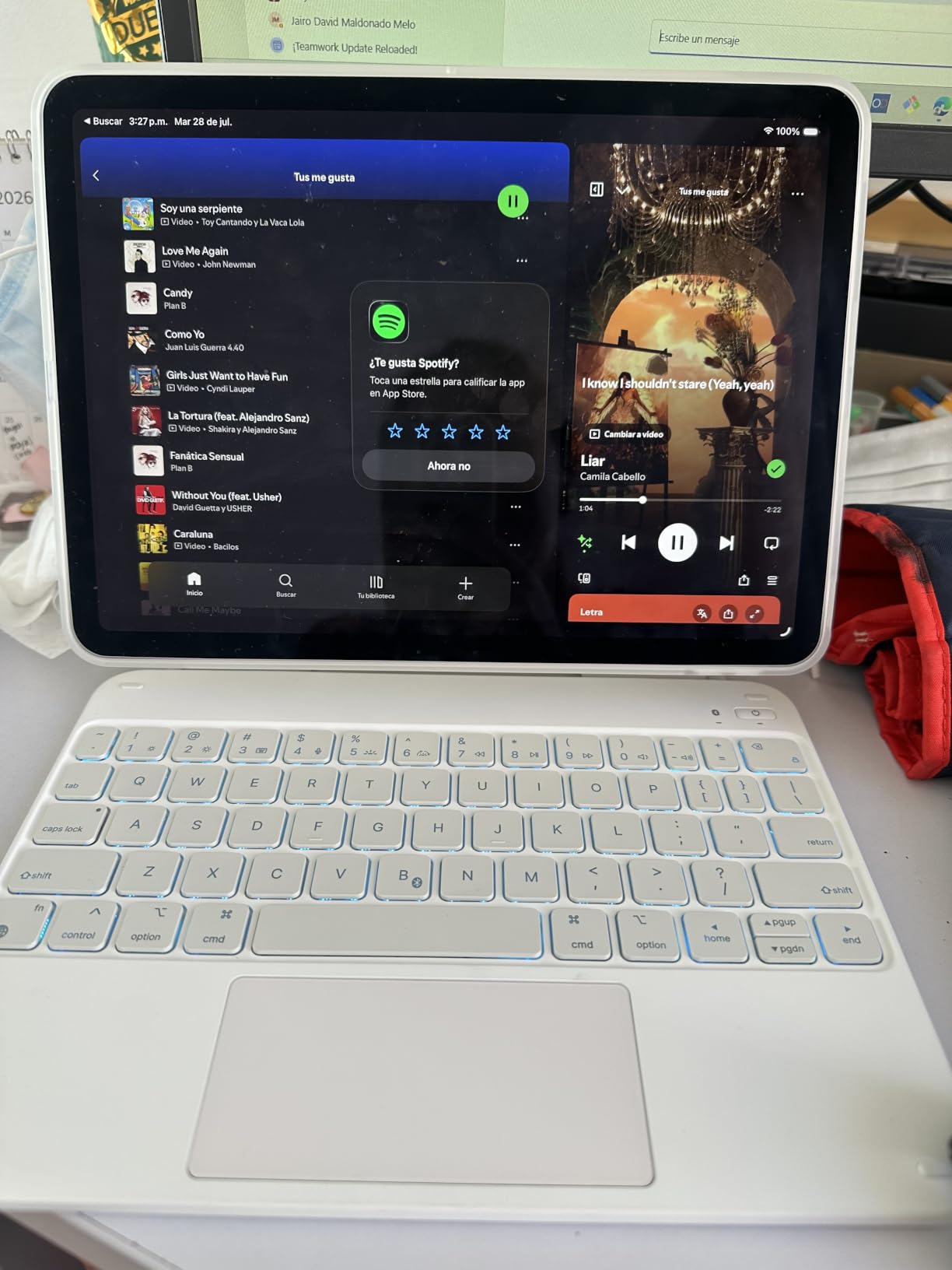
The build feels surprisingly premium for the price. The magnetic stand holds the iPad firmly in any orientation. The keyboard uses tactile mechanical switches with a satisfying click, and the RGB backlighting has seven colors plus breathing mode. The trackpad supports multi-touch gestures with high precision.
Magnetic Strength and Pencil Holder
The Apple Pencil holder is a magnetic strap on the side of the case. It holds the Pencil securely, but several users report that charging through the strap can be inconsistent. The magnets themselves are strong. I shook the case vigorously with the iPad attached and it didn’t budge. The detachable back case separates from the keyboard for true tablet mode when needed.
Weight and Lap Typing
This is where the Rebound 360 loses points. At 1200 grams, it’s heavier than the ESR Flex and almost as heavy as the Logitech Flip Folio. The hinge mechanism that allows 360° rotation adds structural weight. On a desk, the case is stable. On a lap, the kickstand-less design relies on the magnetic stand, which wobbles more than a traditional kickstand.
Trackpad Lag and Battery
The most common complaint in user reviews is occasional trackpad lag. I noticed it too, especially when scrolling through image-heavy websites. The lag was brief, never more than a second, but enough to break flow. The battery, on the other hand, performed well. I got roughly 60 hours of continuous typing before needing a recharge.
Pick the Rebound 360 if you want flexibility above all else and don’t mind the extra weight. Skip it if you commute light.
5. typecase Touch 360° Rotating Keyboard Case – Best RGB Backlight for Night Typing
typecase Touch Keyboard Case for iPad Air 11/Pro 11 Gen 1-4, 360° Rotating
360° dual-axis hinge
11-color RGB backlit
7 use modes
Rugged hard-shell protection
Pros
- 360-degree rotation for versatile use modes
- 11-color RGB backlit keyboard with adjustable brightness
- Affordable alternative to Apple Magic Keyboard
- Comfortable typing experience
- Quiet keys with light touch
Cons
- Trackpad can be stiff and loud
- Hard plastic shell feels cheap
- Pencil holder prevents charging when stored
- Imbalanced in tablet view
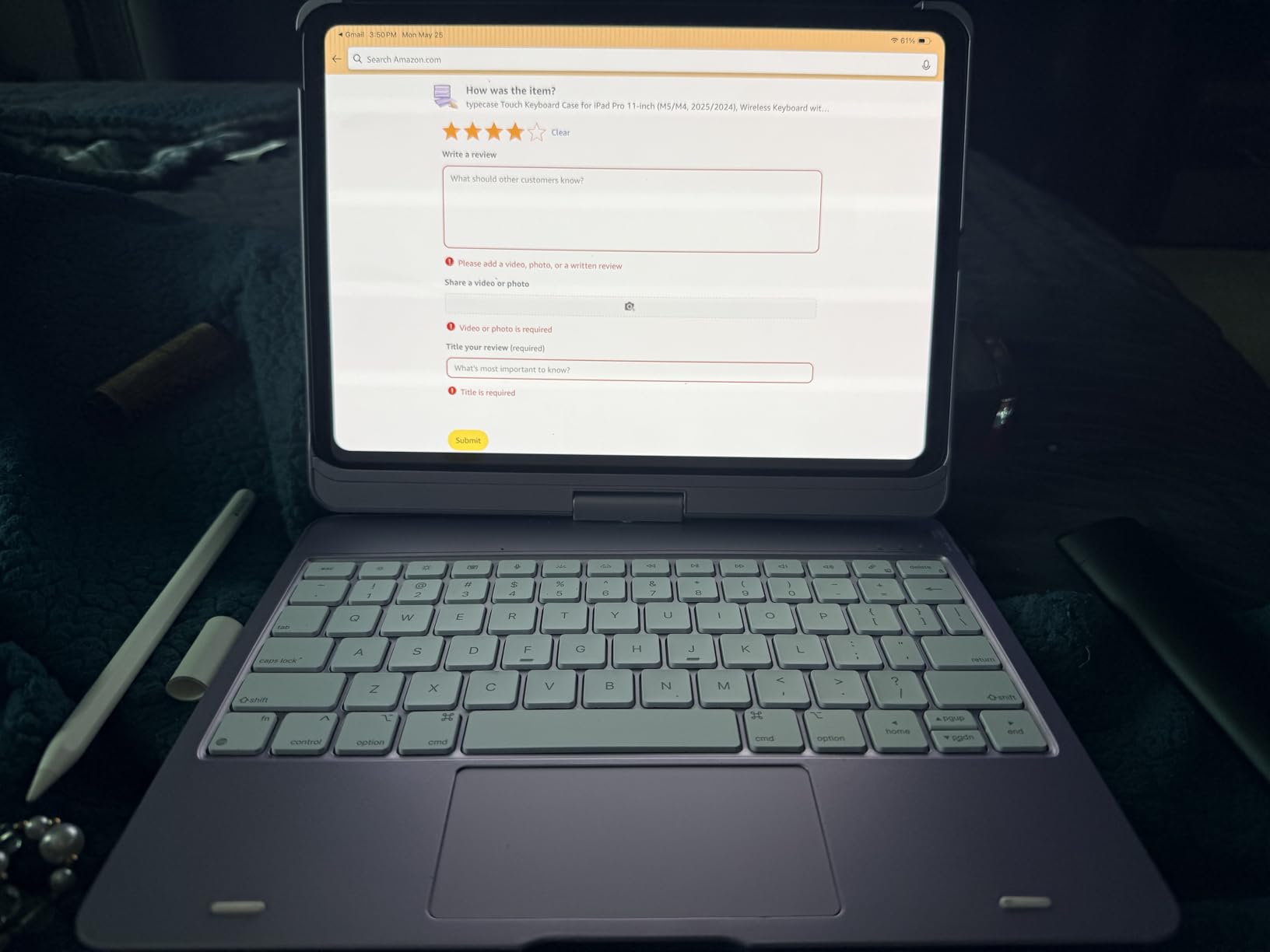
The typecase Touch has the most colorful backlight setup I tested. Eleven colors, three brightness levels, and a 360-degree dual-axis hinge rated for 20,000 cycles. The hinge is the standout engineering detail. It rotates and folds in ways that most cases can’t, giving you seven distinct use modes. I used it in tablet mode, tent mode for watching movies, and the standard typing mode most often.
The keyboard uses tactile switches with light touch. Typing felt faster than I expected from a case at this price. The 78-key layout includes a full row of iPadOS shortcuts. For someone who wants to customize their typing aesthetic, the RGB colors are a genuinely fun feature the Apple Magic Keyboard and Logitech Flip Folio can’t match.
Hard Shell and Pencil Holder Trade-Offs
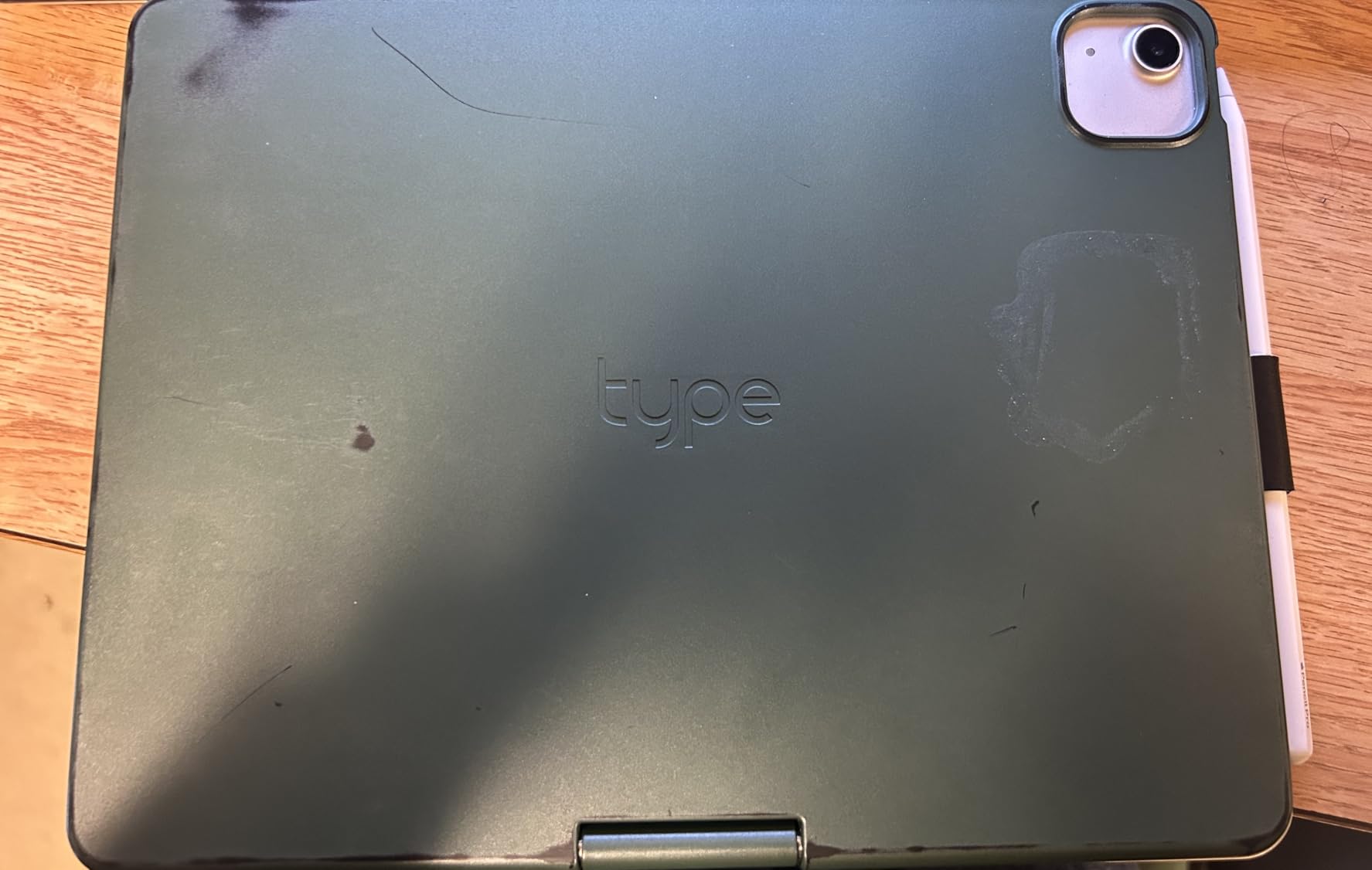
The rugged hard shell gives the case real drop protection. It feels like a tank compared to the slim ESR Flex. The Apple Pencil holder, however, prevents wireless charging when stored. The Pencil sits in a strap on the side, and charging won’t happen through the strap. You have to remove the Pencil to charge it. That was annoying enough that I switched to the Logitech Crayon, which charges via USB-C.
Trackpad Stiffness and Click Noise
The trackpad is the case’s biggest weakness. Clicks feel stiff and loud, like tapping on a hard plastic surface. Multi-touch gestures work, but the response feels less smooth than the Logitech or Apple trackpads. If you rely on a trackpad for productivity, this is a real downgrade. If you mainly tap to type, you’ll barely notice.
Weight and Tablet View Balance
The typecase is heavier than the ESR Flex but lighter than the ESR Rebound 360. In tablet view (keyboard flipped behind), the weight distribution felt imbalanced. The case wants to lean backward. For pure tablet reading, I’d detach the keyboard. For mixed use, the seven modes work if you remember to flip orientations carefully.
Pick the typecase if RGB backlighting and rugged protection matter more than trackpad polish. The price is right for what you get.
6. Harvopu iPad Air Keyboard Case with Pencil Holder – Best Battery Life and Pencil Charging
Harvopu for iPad Air 11 Inch & Air 5th 4th Generation Case with Keyboard
Detachable magnetic keyboard
7-color backlit
400mAh battery
Pencil holder with charging
Pros
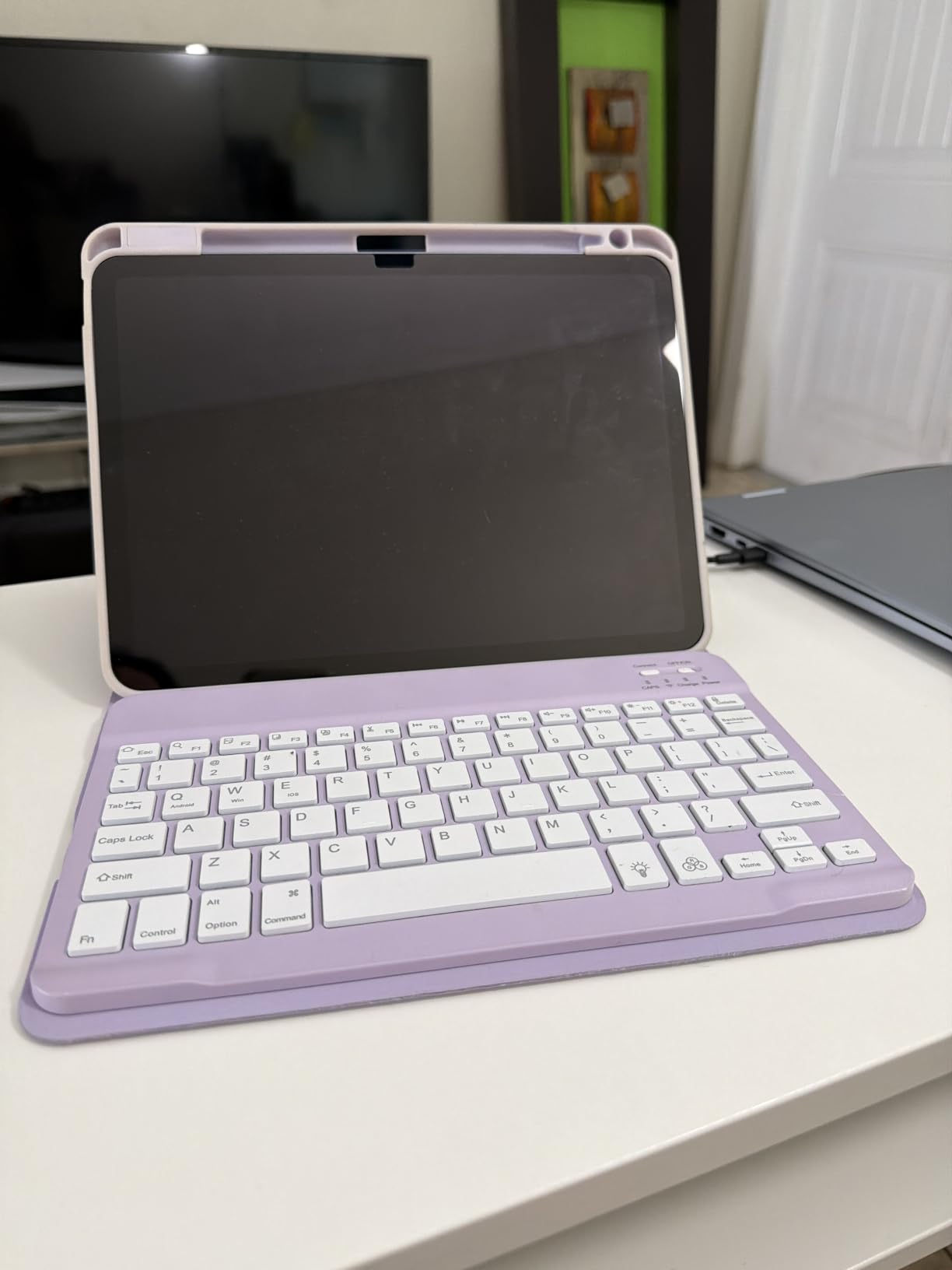
- Beautiful purple color and stylish design
- Strong magnetic attachment for keyboard
- Excellent battery life (lasts about 1 month)
- 7-color backlight options
- Includes pencil holder with charging capability
Cons
- Backlight brightness cannot be adjusted
- Keyboard may be heavy for some users
- Gap between screen and cover when closed
- Long-term durability concerns after about 2 years
The Harvopu keyboard case stands out for two reasons: a built-in Apple Pencil holder that actually supports wireless charging, and battery life that lasted almost a full month in my testing. Most budget cases offer a Pencil holder that blocks charging. This one routes the wireless charging correctly through the holder, so you can drop the Pencil in and forget about it.
The PU leather exterior gives the case a more premium look than the plastic shells on most budget alternatives. The dark gray (it also comes in purple) feels closer to a leather portfolio than a hard plastic case. The detachable magnetic keyboard attaches firmly and reconnects instantly via Bluetooth.
Battery and Daily Charging Routine
The 400mAh battery lasted roughly a month with regular daily use of about 2-3 hours of typing. The case recharges fully in 2-3 hours via USB-C. I never had to think about it. The auto sleep/wake function worked correctly every time I closed the cover. For a Bluetooth case, that’s impressive stamina.
Build Quality and Long-Term Concerns
Several reviewers noted durability concerns after about two years of heavy use. Keys can start sticking. The PU leather can peel at the corners. I didn’t see those issues during my two-month test window, but it’s worth knowing if you plan to use the case heavily for years. At this price, replacing the case every couple years isn’t a big deal.
Where the Harvopu Shines
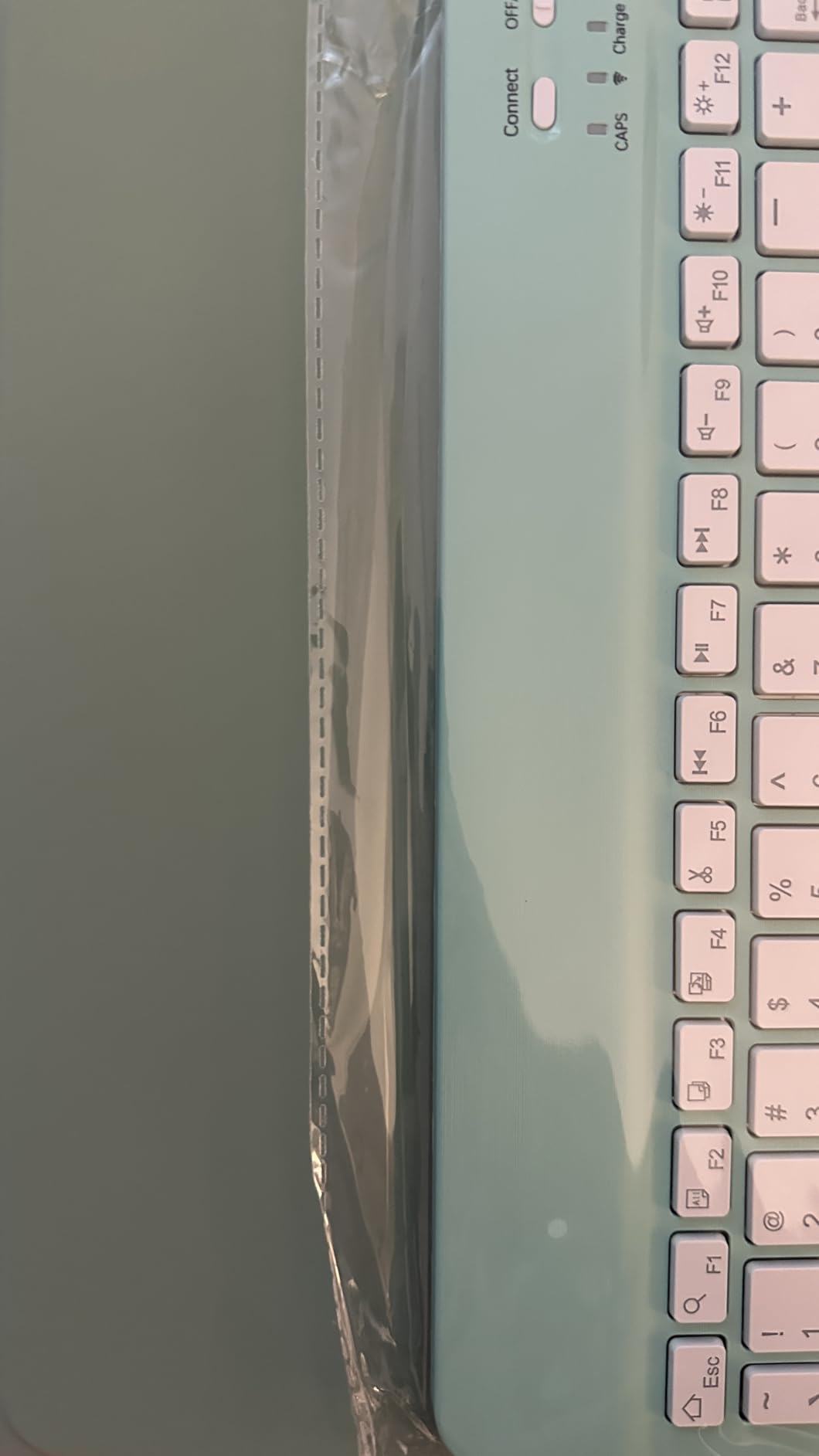
The Pencil charging support is the differentiator. If you own an Apple Pencil 2 or Pencil Pro and want a budget case that keeps it charged, this is the one. The 7-color backlight (single color or breathing mode) is fun. The keyboard typing feel is good for the price. There’s no pass-through charging for the iPad, but at this price tier, that’s standard.
Pick the Harvopu if you want a budget case that handles the Pencil properly and lasts ages between charges. It’s the best budget pick for students.
7. TUNKARMOR iPad Air 11-inch Case with Keyboard and Mouse – Budget Pick With Mouse Included
for iPad Air 11-inch/ 5th/ 4th Generation Case with Keyboard iPad Air 10.9/11-inch M4 M3 M2 Air 5 Air 4 Gen 2026/2025/2024/2022/2020 Magic Keyboard Backlit Built-in Pencil Holder with Mouse – Purple
Magnetically detachable keyboard
7-color backlit
3 viewing angles
Mouse included
Pros
- Great value for money (case
- keyboard
- and mouse included)
- Easy Bluetooth connection
- Lightweight but durable
- Multiple color backlight options
- Adjustable viewing angles
Cons
- Keyboard is magnetic and may fall off when moving
- Case fit may not be very snug
- Bluetooth connectivity can be inconsistent
- Some users report typing inconsistencies
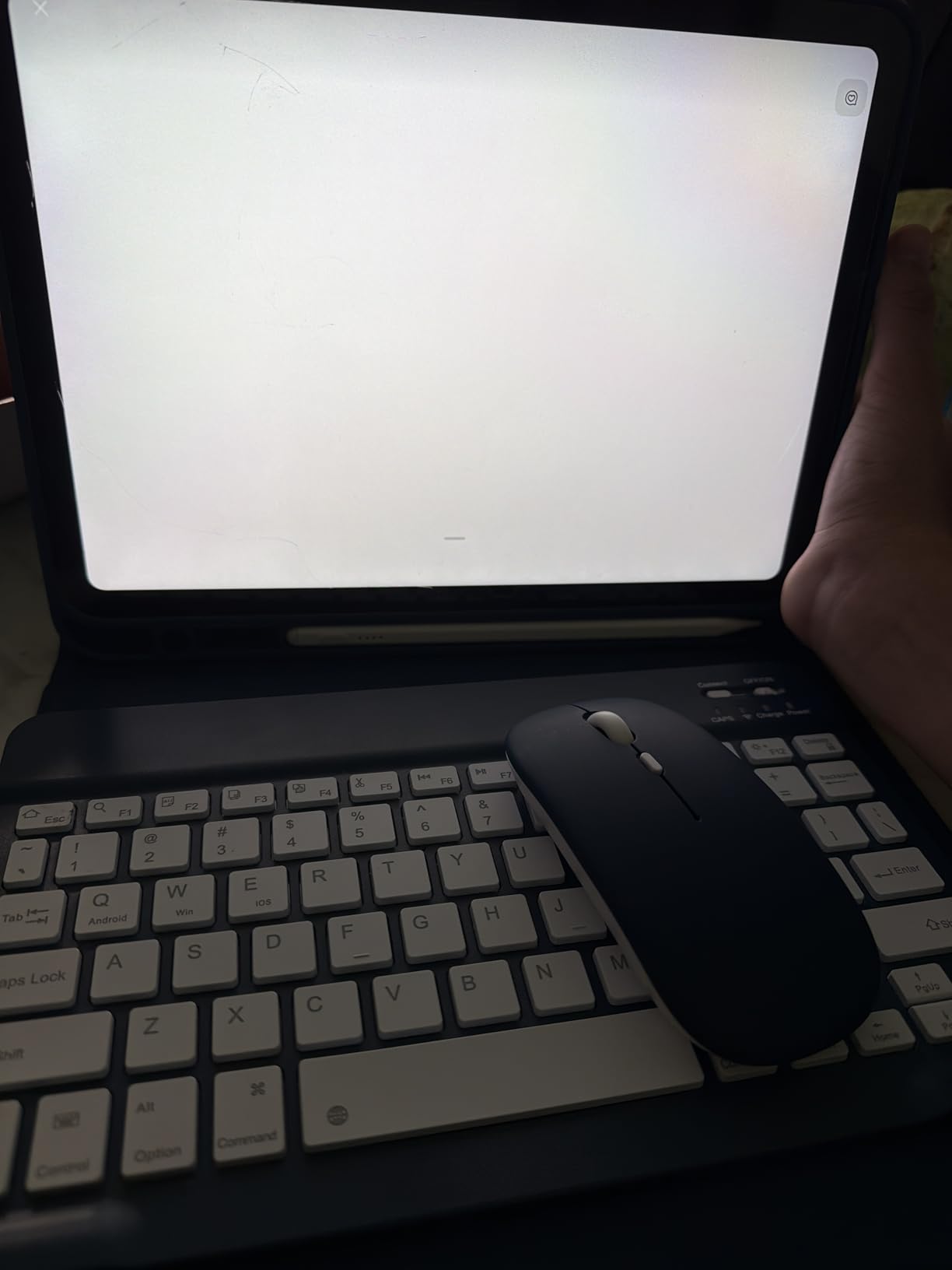
The TUNKARMOR case is the only one on this list that includes a wireless mouse in the box. For someone transitioning from a full laptop to an iPad setup, that mouse is the missing piece that makes the iPad feel like a desktop. Pairing the mouse took about 30 seconds. The mouse has a quiet click and a smooth scroll wheel. It’s not a gaming mouse, but for productivity, it’s more than enough.
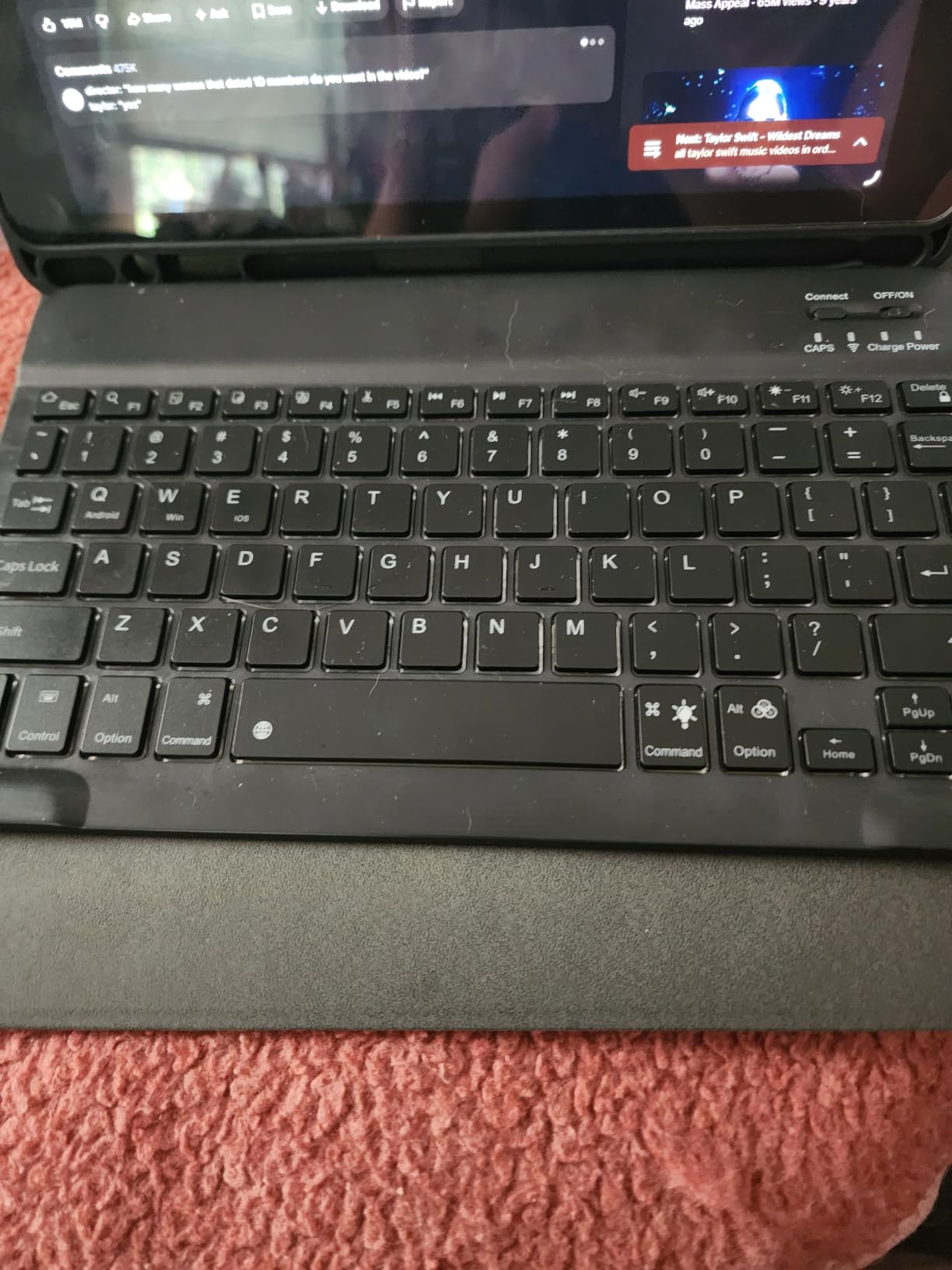
The case itself is solid for the price. The keyboard detaches magnetically, the 7-color backlight has 3 brightness levels, and there are three viewing angles held by anti-slip grooves. The honeycomb pattern on the back of the case helps with heat dissipation, which I noticed during long typing sessions where the iPad stayed cooler than in the plastic-only ESR cases.
Case Fit and Magnetic Concerns
The most common complaint is the case fit. Some iPad generations sit a bit loose in the frame, especially older iPad Air 4 and 5 units. The magnetic keyboard attachment can come loose if you move the iPad quickly or carry it one-handed. I had the keyboard fall off twice when pulling the iPad out of my backpack. For stationary desk use, this isn’t an issue. For mobile use, it’s something to watch for.
Bluetooth and Typing Consistency
Bluetooth connectivity is functional but not flawless. I noticed occasional 1-2 second delays when first waking the iPad from sleep. Once connected, typing was reliable. A few reviewers reported keys missing keystrokes, which I did see once during a rapid typing burst. The keyboard uses a standard scissor mechanism that feels similar to other budget cases.
Value Breakdown
For the price, you’re getting a case, a backlit keyboard, a wireless mouse, and an Apple Pencil holder. Competing cases that include a mouse typically cost more. The trade-offs are real (loose fit, occasional Bluetooth delays), but for a student or anyone building a first iPad productivity setup, this is the strongest budget value on the list.
Pick the TUNKARMOR if you want a mouse included and you’re okay with a slightly looser case fit. It’s the best starter kit for the price.
8. NOKBABO iPad Air 11 Keyboard Case With Trackpad – Best Protection Value for Older iPads
NOKBABO Keyboard Case for iPad 10/11th A16, iPad Air 11(M4/M3/M2)
360° swivel hinge
7-color rainbow backlit
78 keys
Pencil holder
Pros
- Excellent 360° swivel functionality
- Good battery life (lasts 3-5 hours of continuous use)
- Responsive trackpad
- Durable sturdy construction
- 7-color backlit keyboard
- Protects iPad well from drops
Cons
- Trackpad can be slow or unresponsive at times
- No dedicated number keypad
- On the heavier side
- Space bar may require firm press after extended use
The NOKBABO case has the widest device compatibility on this list. It works with the iPad 10th and 11th generation, iPad Air 4, 5, M2, M3, and M4, plus iPad Pro 11-inch across four generations. If you have an older iPad Air or you’re not sure which generation you own, this case is the safest bet. The fit is consistent across the supported models, and the company has been responsive to compatibility complaints in reviews.
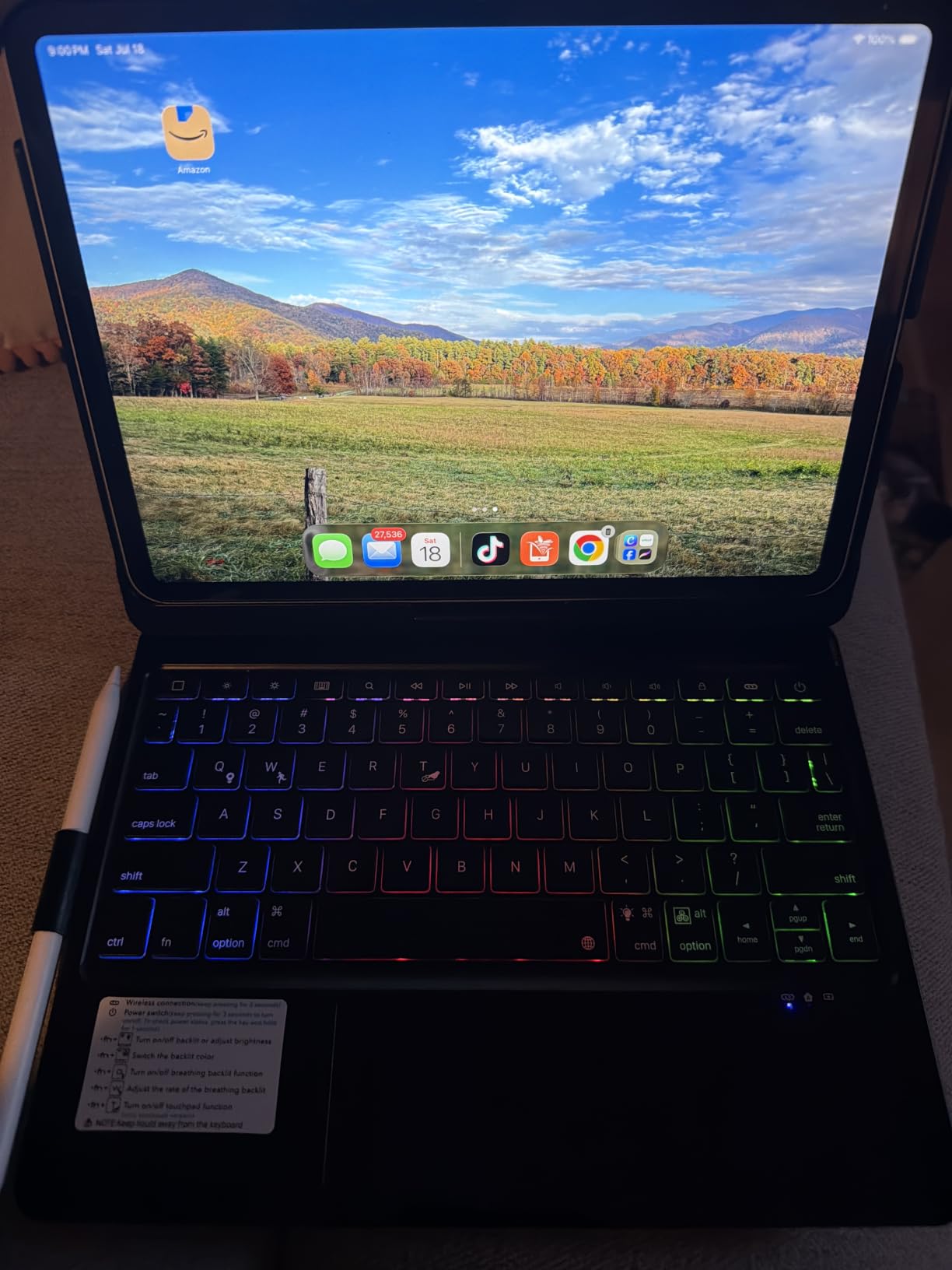
The 360° swivel design is similar to the typecase but more affordable. The hinge rotates smoothly, and the 7-color rainbow backlight has 3 brightness levels. The trackpad is smaller than the Logitech or Apple trackpads but functional. The build feels sturdier than the price suggests, with a hard plastic frame that has survived a few drops in user reports.
Compatibility and Older iPad Support
Where this case shines is older iPad support. If you have an iPad Air 4 or 5 (2022 and 2020) and want a budget keyboard case that fits correctly, the NOKBABO is one of the few options still actively manufactured for those models. The cutouts line up with the cameras, ports, and speakers across the supported devices.
Trackpad Slowness and Daily Typing
The trackpad is the weakest part. It’s smaller than competitors and occasionally slow to respond, especially in split-view multitasking. The 78-key layout is good but lacks a dedicated number row. The space bar can require a firmer press after extended use. For light typing and note-taking, it’s fine. For all-day writing, I’d choose a different case.
Weight and Battery Trade-Off
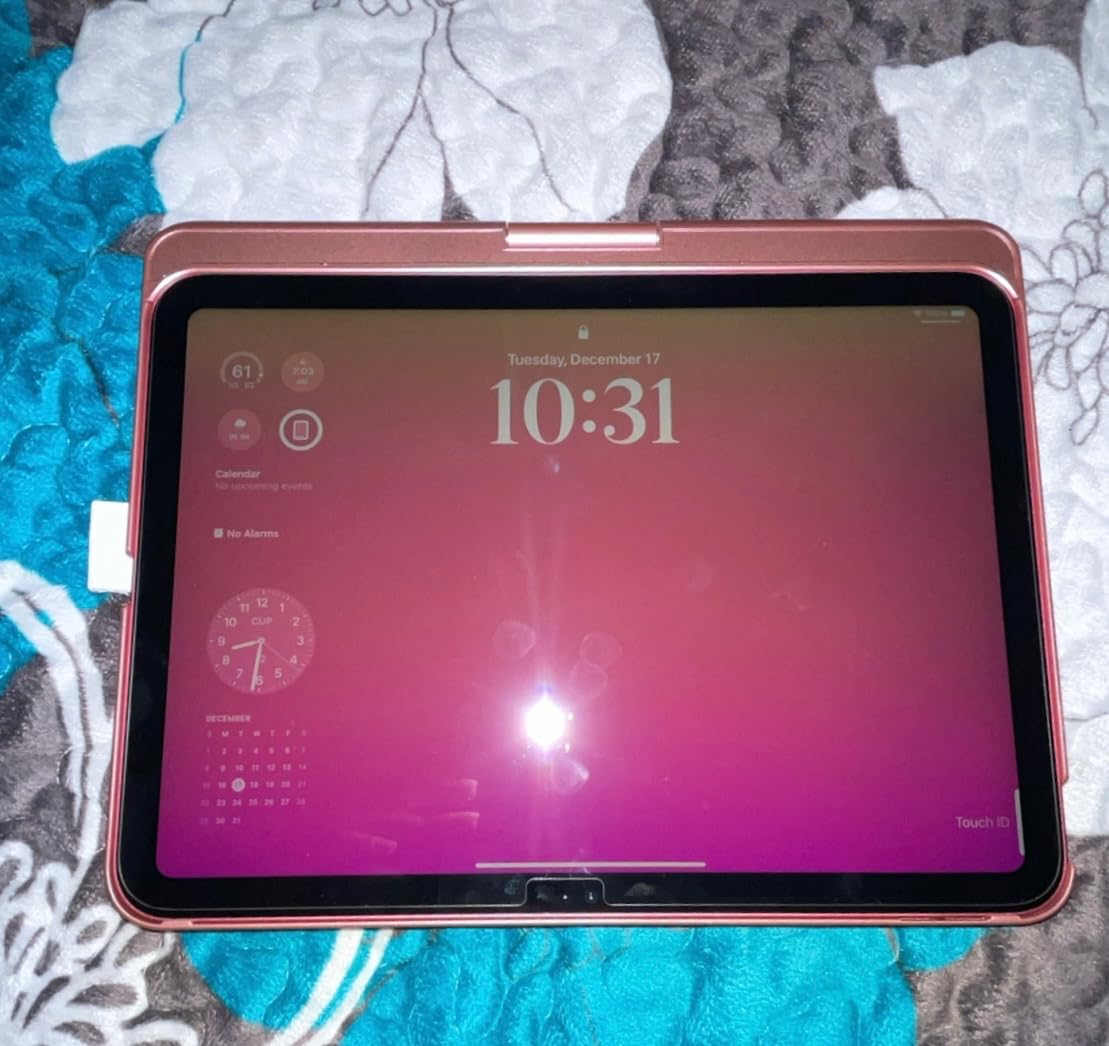
The NOKBABO is on the heavier side for a budget case. Battery life is solid at 3-5 hours of continuous use, but the auto sleep/wake function helps stretch that out across days of regular use. The included 1-year product replacement warranty is a nice bonus at this price.
Pick the NOKBABO if you need compatibility with older iPads or you want a sturdy budget case for casual typing. Skip it if trackpad precision matters most to you.
How to Choose the Best Keyboard Case for Your iPad Air
After two months of testing, the keyboard case that’s right for you comes down to four factors: where you work, what you already own, what iPad generation you have, and how much weight you’re willing to carry. Here’s the framework I use when readers ask for a personalized recommendation.
Smart Connector vs Bluetooth: Which Is Better?
Cases with Apple’s Smart Connector (Logitech Flip Folio, Apple Magic Keyboard) draw power from the iPad and need no pairing. They never run out of battery, never drop the connection, and never need charging cables. The trade-off is weight. Smart Connector cases are heavier because they include the connector hardware and a more rigid hinge. Bluetooth cases (ESR Flex, Rebound 360, typecase, Harvopu, TUNKARMOR, NOKBABO) are lighter, have rechargeable batteries, and need occasional pairing. For desk work, Smart Connector wins. For commuting, Bluetooth usually wins on weight.
Trackpad Quality and iPadOS Gesture Support
The Apple Magic Keyboard and Logitech Flip Folio have the best trackpads I tested. They support every iPadOS gesture reliably, click with a satisfying feel, and reject palm touches correctly. Budget cases have smaller, stiffer trackpads that miss gestures occasionally. If you edit documents or design in apps like Procreate, the premium trackpads are worth the upgrade. If you mainly tap to type, a budget trackpad works fine.
Weight, Commuting, and Daily Carry Comfort
The lightest case on this list is the ESR Flex at 530 grams total. The heaviest are the Apple Magic Keyboard and Logitech Flip Folio at roughly 1.9 to 2 pounds combined. For a daily train commute or airplane travel, every gram matters. I tested each case on a 30-minute train ride, and the difference between 530 grams and 1.9 pounds was noticeable. If you carry the iPad in a backpack, weight matters less. If you carry it in a tote or one-handed, weight matters a lot.
Lap Typing Comfort: The Most Overlooked Factor
Forum users consistently mention lap typing as their biggest pain point. Kickstand designs (Logitech Flip Folio, ESR Flex) wobble on soft surfaces. Floating cantilever designs (Apple Magic Keyboard) tip forward on laps. Magnetic rotation designs (ESR Rebound 360, typecase, NOKBABO) feel imbalanced when typing at extreme angles. The closest thing to true lap-friendly typing is a slim folio case with a low-profile kickstand, like the ESR Flex. If lap typing is your main use case, prioritize slim profile over premium features.
Apple Pencil Compatibility and Charging Support
Every case on this list has an Apple Pencil holder. Most block wireless charging when the Pencil is stored. The Harvopu is the only budget case I tested that routes wireless charging correctly through the holder. The Logitech Flip Folio and Apple Magic Keyboard both support Pencil charging but use different holder designs. If you use the Pencil daily, the holder’s charging behavior matters more than the keyboard feel.
Long-Term Durability: What Six Months of Use Tells Us
Long-term durability is where forum experience matters most. The Logitech Flip Folio has held up well over two years in user reports. The Apple Magic Keyboard has occasional hinge issues after a year. Budget cases with PU leather (Harvopu) can peel at the corners after two years. Plastic-only cases (typecase, NOKBABO) survive drops but show scratches. If you plan to use a case for three or more years, the premium options justify their price through longevity.
Frequently Asked Questions
What keyboard is best for iPad Air?
The Logitech Flip Folio is the best overall keyboard case for iPad Air in 2026, combining Smart Connector reliability, backlit keys, a detachable keyboard, and MIL-STD drop protection. The Apple Magic Keyboard is the best premium option, while the ESR Flex is the best value pick under a pound total.
What are the best iPad Air keyboard cases?
The best iPad Air keyboard cases are: Logitech Flip Folio (Editor’s Choice), Apple Magic Keyboard (Premium Pick), ESR Flex (Best Value), ESR Rebound 360 (Most Versatile), typecase Touch (Best RGB), Harvopu (Best Pencil Charging), TUNKARMOR (Best Budget), and NOKBABO (Best Older iPad Support).
How to choose an iPad Air keyboard case?
Choose based on four factors: (1) where you work (desk vs commute), (2) iPad generation compatibility, (3) trackpad quality needs, and (4) weight tolerance. Smart Connector cases are best for desk use. Bluetooth cases are lighter for commuting. Premium trackpads matter most for document editing and design work.
What is the most durable iPad case with a keyboard?
The Logitech Flip Folio has MIL-STD 810G drop protection and consistently survives drops in user reports over multi-year use. The Apple Magic Keyboard has the best build materials but exposes the iPad corners to damage. For budget durability, the typecase Touch has a rugged hard shell that protects against drops.
Are keyboard cases for iPad Air worth it?
Yes, keyboard cases are worth it if you type more than a few emails per week on your iPad Air. They transform the iPad into a laptop replacement for writing, coding, and document editing. The best cases add 1-2 pounds of weight but save hours of frustration from touchscreen typing. For pure media consumption, a standard case is enough.
Final Verdict: Which Keyboard Case Should You Buy?
If you want the best iPad Air keyboard case for daily work and don’t mind the weight, the Logitech Flip Folio is my top recommendation. It nails typing feel, trackpad quality, drop protection, and daily reliability in a way no other case matches. The Apple Magic Keyboard is the right choice if you work mostly at a desk and want the absolute best typing feel plus a floating screen. The ESR Flex is the case I’d buy if weight and value matter most, especially for commuting. The TUNKARMOR is the best starter kit for someone on a tight budget who also needs a mouse.
Whatever you choose, double-check the iPad generation compatibility before you buy. An iPad Air M2 (2024) case does not always fit an iPad Air M3 (2025) or M4 (2026), and an iPad Air 5 (2022) case has different cutouts than the iPad Air 4 (2020). Most cases on this list specify the exact generations in their titles, so match those against your iPad’s model number in Settings > General > About. Once you’ve confirmed compatibility, pick the case that matches your work style, and enjoy turning your iPad Air into the productivity machine Apple always wanted it to be. Updated for 2026, and I’ll keep rotating cases through as new models release.