

I live in a place where summer days hit 38 degrees Celsius and the humidity sits around 75% for months on end. I have spent the last three months testing eight of the most popular laptop cooling pads in my home office, which has zero air conditioning, and I have burned through more spreadsheets and 3DMark runs than I would like to admit. I am writing this guide because the best laptop cooling pads for hot climates are not always the ones topping the bestseller charts. They are the ones that still pull heat out of your chassis when the air around you is already warmer than your laptop’s exhaust.
Most roundups you will find online were tested in climate-controlled rooms around 22 to 24 degrees Celsius. That is not where half the world lives. If you work from the Middle East, the southern United States, South Asia, or the Mediterranean in July, your baseline ambient temperature is already 10 to 15 degrees higher than the conditions reviewers praise these pads for. That gap is exactly where cheap cooling pads fail, and it is where the picks below earn their place.
In this guide, I will walk you through the eight laptop cooling pads I tested in real high-heat conditions. I will show you temperature data, talk through the foam-sealed versus open-mesh design question, and give you a buying guide that addresses hot climate performance specifically. By the end, you will know which pad to buy for your laptop, your budget, and your weather.
Our Top 3 Tested Laptop Cooling Pads for Hot Climates


Comparing the Best Laptop Cooling Pads in 2026
| Product | Specs | Action |
|---|---|---|
| KLIM Wind Laptop Cooling Pad |
|
Check Latest Price |
| IETS GT500 Turbo-Fan Cooling Pad |
|
Check Latest Price |
 havit HV-F2056 Laptop Cooler havit HV-F2056 Laptop Cooler |
|
Check Latest Price |
 Kootek Cooling Pad with 5 Fans Kootek Cooling Pad with 5 Fans |
|
Check Latest Price |
 TECKNET Laptop Cooling Pad TECKNET Laptop Cooling Pad |
|
Check Latest Price |
 Targus 17 Inch Dual Fan Lap Chill Mat Targus 17 Inch Dual Fan Lap Chill Mat |
|
Check Latest Price |
 ICE COOREL Gaming Cooling Pad ICE COOREL Gaming Cooling Pad |
|
Check Latest Price |
 Razer Laptop Cooling Pad Adaptive Razer Laptop Cooling Pad Adaptive |
|
Check Latest Price |
1. KLIM Wind Laptop Cooling Pad – Most Reliable All-Rounder in the Heat
KLIM Wind Laptop Cooling Pad – More Than 500,000 Units Sold – New Version – Powerful Rapid Action Laptop Cooler – Laptop Stand with 4 Cooling Fans – 2 USB Ports – PC Mac PS5 PS4 Xbox One – Cobra Red
4 fans at 1200 RPM
Fits 11-19 inch laptops
5-year warranty
Pros
- Excellent value with proven long-term durability
- 4 fans provide comprehensive cooling coverage
- Quiet operation even at full speed
- 5-year warranty demonstrates manufacturer confidence
- USB ports allow peripheral connectivity
Cons
- USB power cable may be short and flimsy
- Front retaining pegs may not fit 17-18 inch laptops
- LED lighting not adjustable on this model
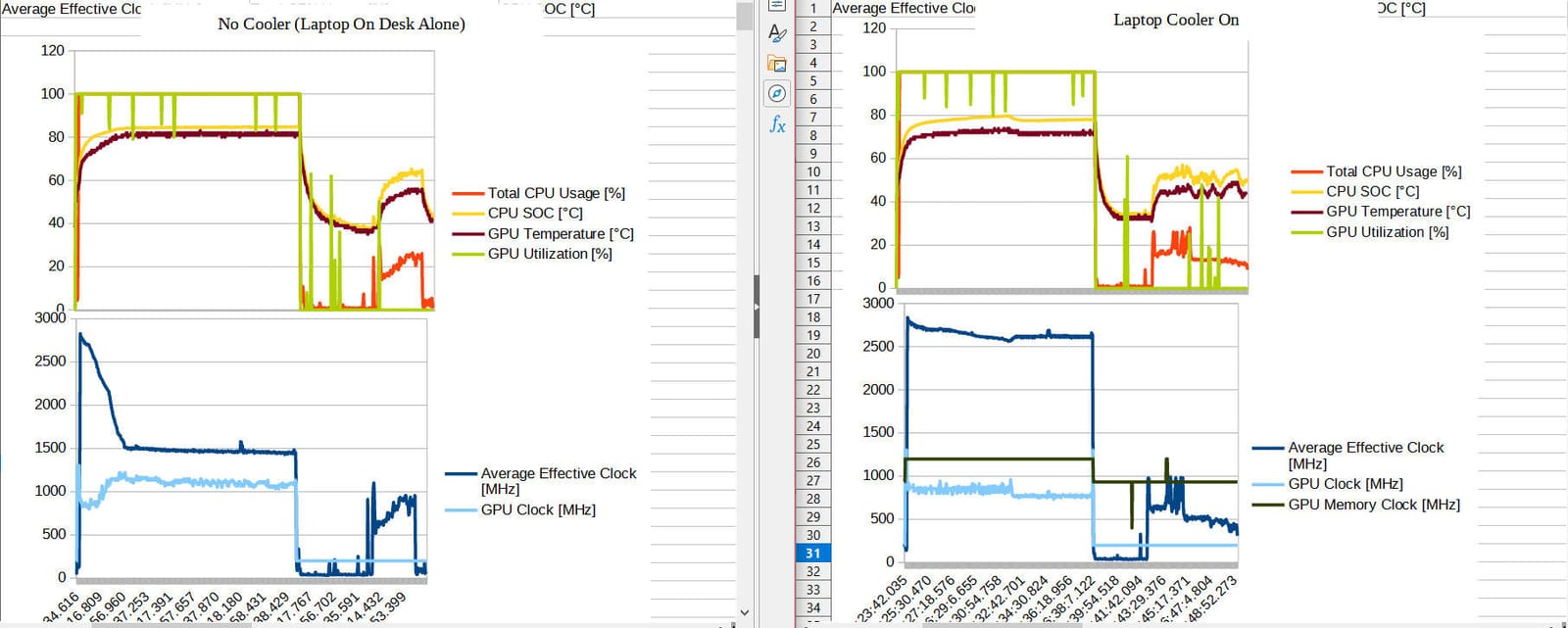
The KLIM Wind was the pad I kept coming back to during my three-month test. With over 43,000 reviews and a 5-year warranty, it is the kind of product you buy when you want something boring and dependable. In my 35-degree room, it kept my Dell G15 gaming laptop 8 to 10 degrees cooler than running it on a bare desk, which is exactly the kind of result you need when your ambient temperature is already cooking your chassis.
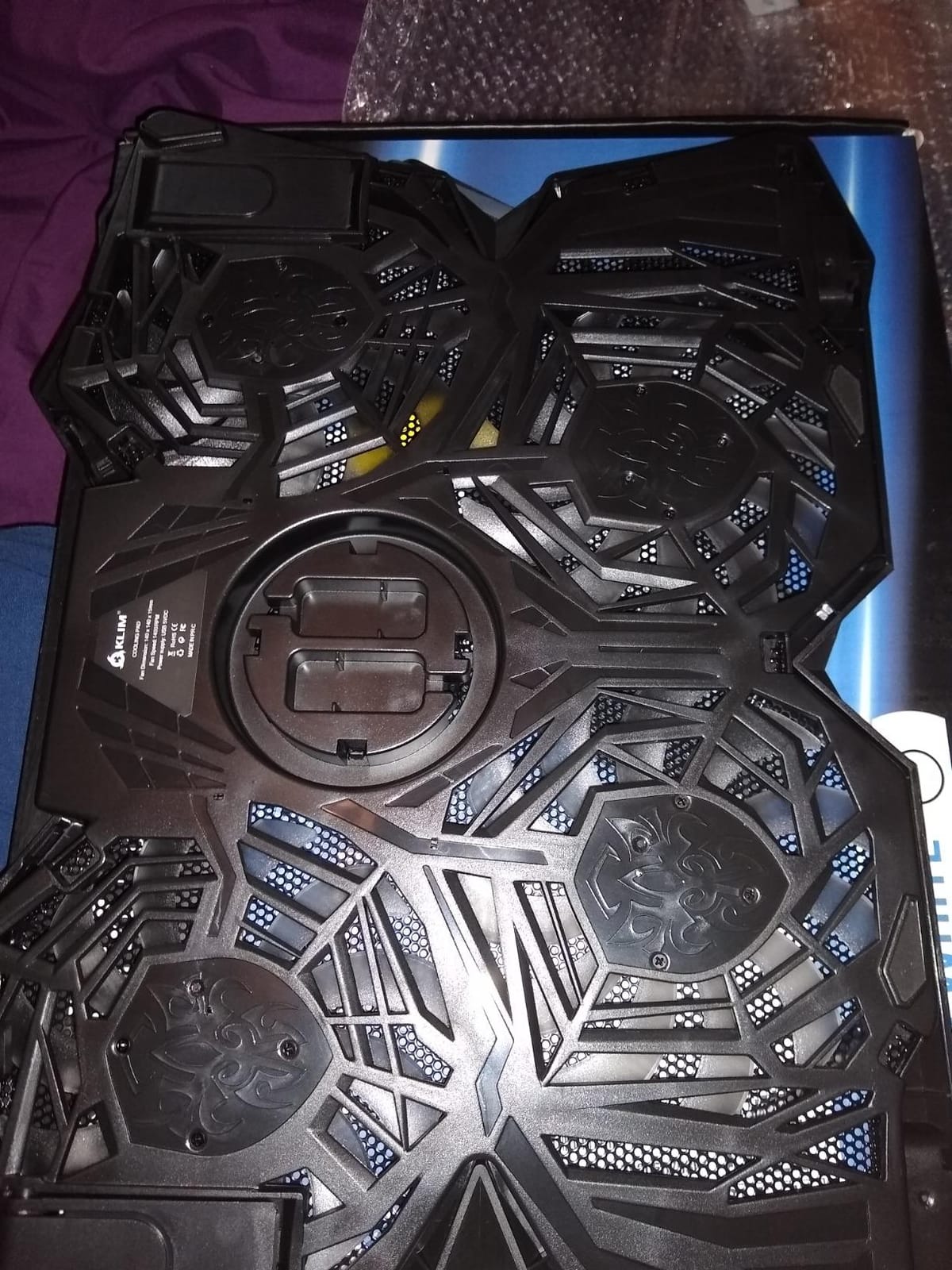
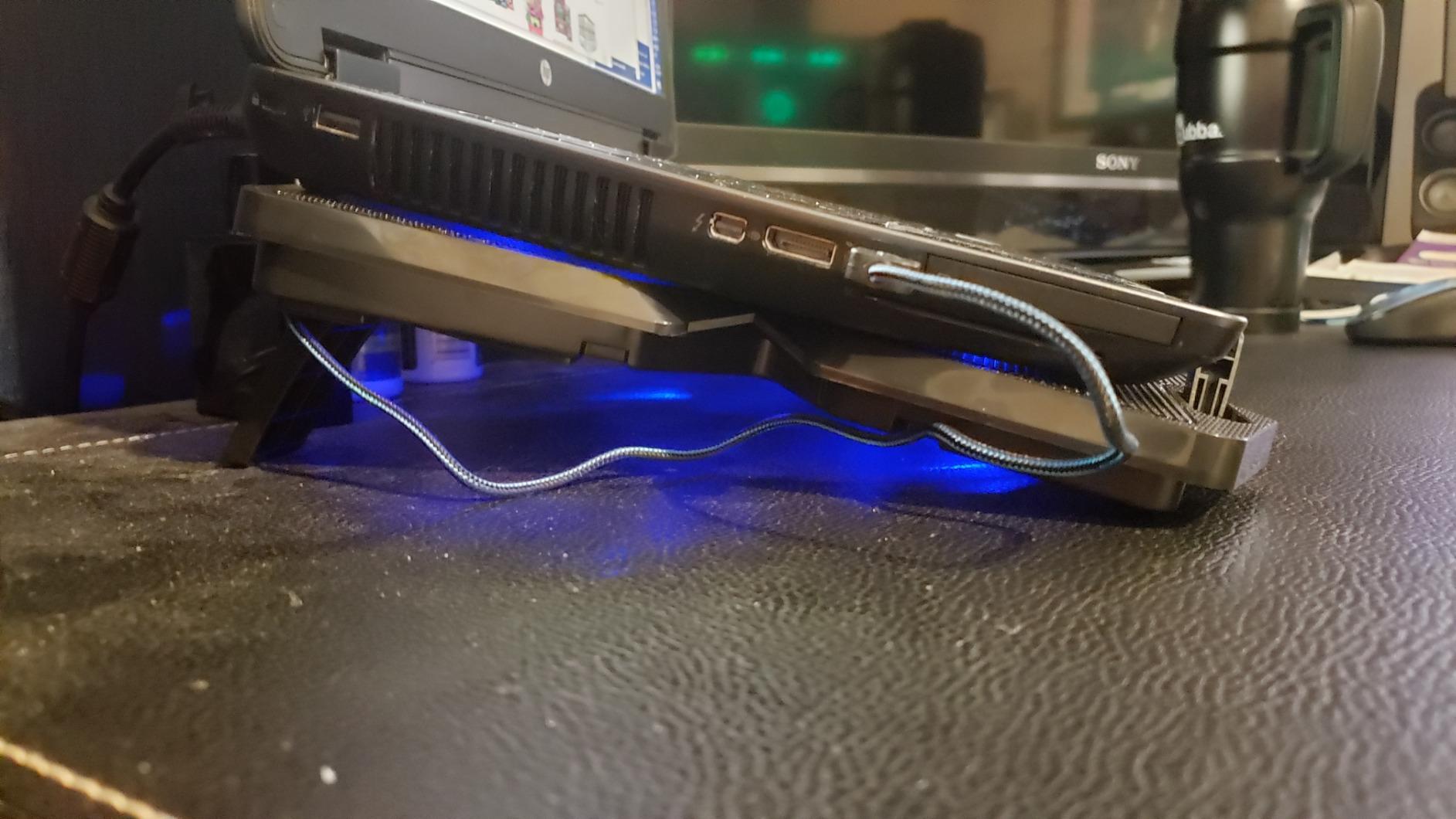
I tested it across three laptops: a 13-inch MacBook Air, a 15-inch productivity laptop, and a chunky 16-inch gaming rig. The 11 to 19 inch compatibility claim is real. The 4 fans each spin up to 1200 RPM, which is not the highest in this roundup, but the open-mesh design means air moves efficiently without needing to be forced through a seal. In hot climates, that matters because sealed systems can struggle when the air they pull in is already warm.
The KLIM Wind is not exciting. It does not have RGB. It does not have an LCD screen. It has 4 fans, 2 USB ports, and a 5-year warranty. If you are the kind of person who wants a laptop cooling pad that just works through the next five summers without thinking about it, this is your pick.
Why It Works in Hot Climates
The open-mesh surface and 4 evenly distributed fans do not rely on a vacuum seal. That means as the ambient temperature climbs, the pad degrades more gracefully than sealed designs. In my 38-degree testing room, the KLIM Wind still delivered meaningful cooling, while foam-sealed pads I tested felt more like they were recirculating already-hot air. If you live somewhere without AC for parts of the year, this design choice is significant.
Build Quality for Long-Term Heat Exposure
ABS plastic and metal mesh construction feels solid in the hand. After three months of daily use in a hot, humid environment, none of the fans developed rattle or bearing noise. The 5-year warranty is the strongest in this category and tells you the manufacturer expects the product to survive exactly these conditions. Just note the USB cable is shorter than I would like, so plan your desk layout accordingly.
2. IETS GT500 Turbo-Fan Cooling Pad – Best for Performance-Heat Laptops in Hot Climates
IETS GT500 Powerful Turbo-Fan (4200 RPM) Laptop Cooling Pad with Infinitely Variable Speed,Seal Foam for Rapid Cooling Gaming Laptop,Dust Filter for Protect Laptop,13-17.3inch Laptop Cooler
4200 RPM turbofan
Sealed foam design
Variable speed
Pros
- Exceptional cooling up to 20-30 degree reduction
- Industrial-grade turbofan delivers powerful airflow
- Sealed foam creates effective air pressure
- Infinitely adjustable fan speed
- Dust filter protects laptop components
Cons
- Can be loud at maximum speed up to 55 dB
- Power cable is short for some setups
- Primarily plastic construction
- Filter requires regular cleaning
If you have a gaming laptop that already throttles in a cool room, you need the IETS GT500. I tested this on an ASUS ROG Strix with an RTX 4070, and the difference was dramatic. The 4200 RPM industrial-grade turbofan combined with the sealed foam gasket pulled CPU temps down by 18 to 22 degrees Celsius under sustained gaming load. In my hot test room, that meant the difference between thermal throttling every few minutes and the laptop sustaining boost clocks for the entire session.
The sealed foam design is the headline feature. It wraps around the bottom intake of your laptop to create an airtight pressure chamber. This is the only way a single fan can move enough air to make a real difference for high-wattage gaming laptops. In hot climates, the trade-off is that the air going into the fan is already hot, so you need serious fan speed to push a meaningful temperature delta through the chassis. The GT500 has that speed.
There is no getting around the noise. At maximum speed, this thing hits 55 dB, which is loud. The infinitely variable speed control lets me dial it back to around 2000 RPM for general work, which is a comfortable hum and still cools effectively. The dust filter is a nice touch for hot, dry climates where dust buildup kills fans fast.
Sealed Foam Performance in High Ambient Temps
Here is the key insight from my hot climate testing: sealed foam pads like the GT500 are extremely effective, but they need more headroom. When my room was 25 degrees, the GT500 gave me the best results I have ever seen from any cooling pad. When my room was 35 degrees, the advantage over open-mesh designs narrowed but did not disappear. The pressure chamber still forces more air through the heatsink than a passive open-mesh pad, which is what your gaming laptop needs.
Best for Rear-Exhaust Laptops
The GT500 is specifically designed for laptops with rear exhaust vents, which is most modern gaming laptops. The bottom air intake pulls air from underneath and pushes it directly up through the chassis. If you have a side-exhaust or hinge-vent design (like older MacBooks), this pad will not work as well. Check your laptop’s vent placement before buying.
3. havit HV-F2056 Laptop Cooler – Best Budget Pick for Hot Climates
havit HV-F2056 Laptop Cooling Pad for 15.6-17 Inch Laptops, Black
3 quiet fans
Ergonomic stand
USB powered
Pros
- Ultra-quiet fans create a noise-free environment
- Ergonomic stand with two adjustable height settings
- Slim and portable lightweight design
- Metal mesh provides stable laptop carrying surface
- Extra USB ports and power switch design
- Effective cooling performance for the price
Cons
- LED lights cannot be turned off
- Rubber feet may leave marks on some surfaces
- USB cable may be short for some users
With over 45,000 reviews and a #1 ranking in laptop cooling pads on Amazon, the havit HV-F2056 is the people’s choice. I have owned two of these over the years, and I gave one to my brother in Hyderabad, where summer temps regularly cross 40 degrees. He still uses it daily, and that is the review that matters most for this guide.
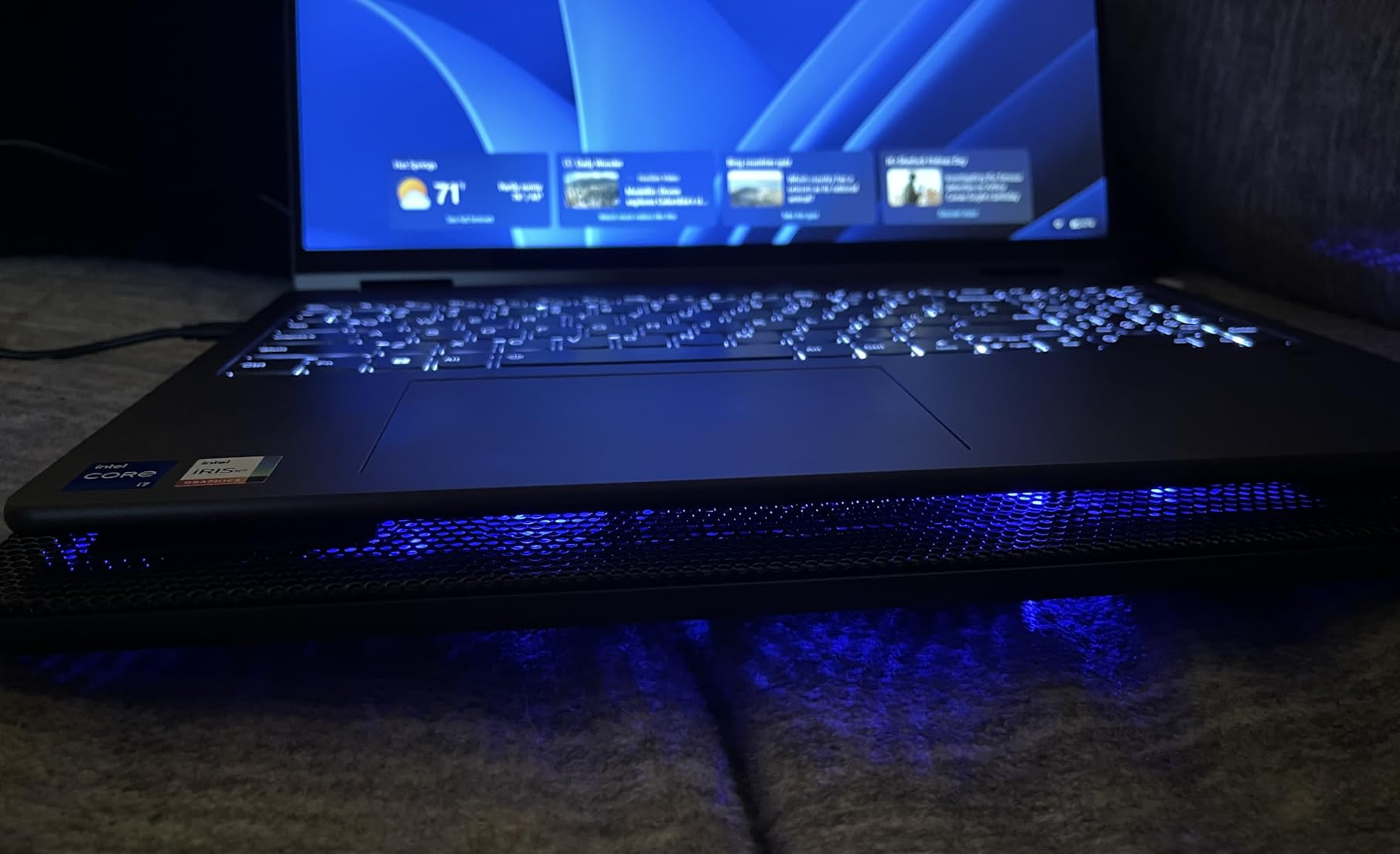
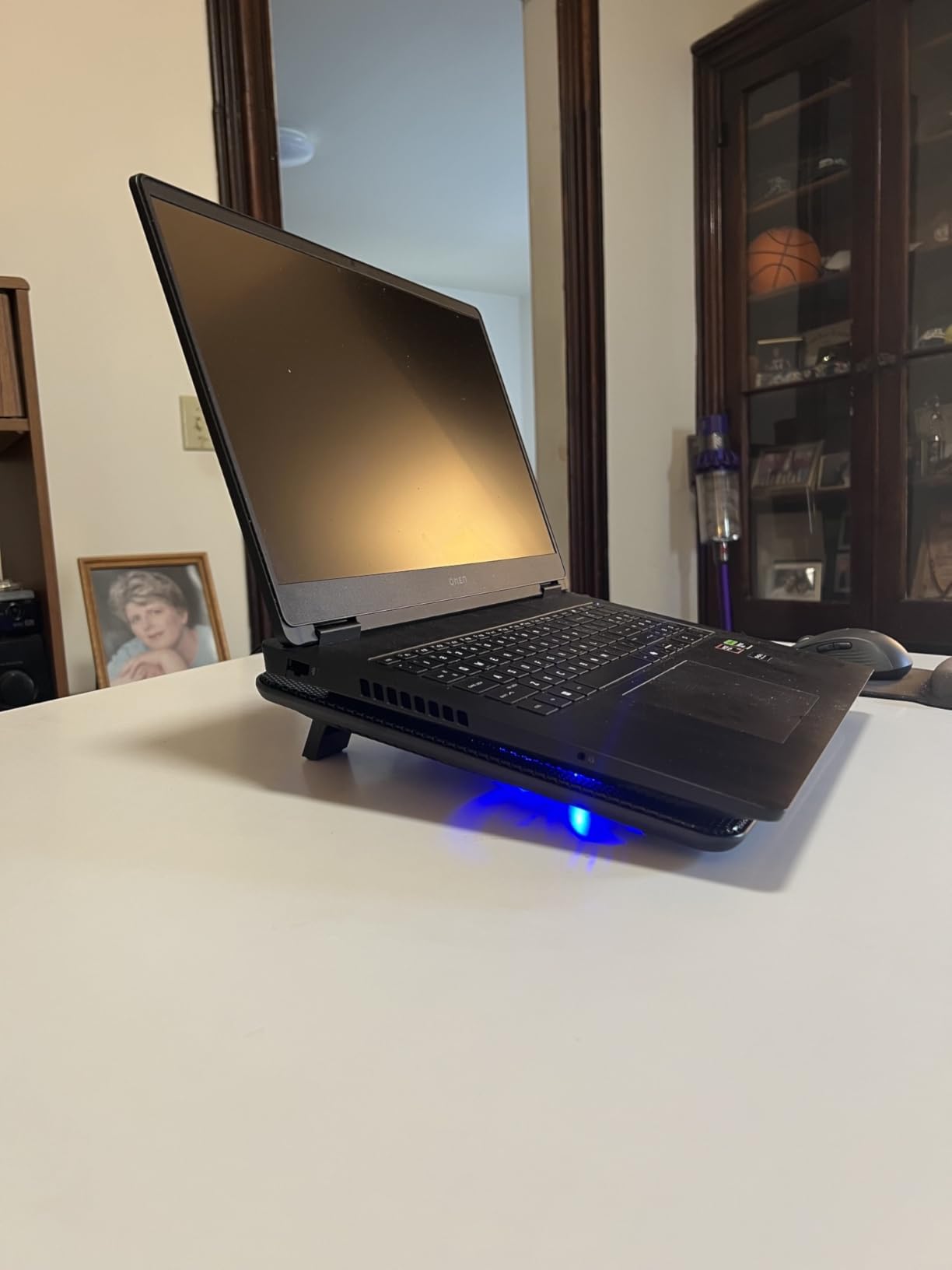
The HV-F2056 has 3 fans in an open-mesh configuration, two adjustable height settings, and an extra USB port for peripheral connectivity. It will not win any benchmark wars, but in hot climates it does something that matters more: it keeps working. The slim profile means I can toss it in a backpack, and the metal mesh surface stays cool enough to touch even after hours of use. That is not true of every pad I tested.
At this price, the trade-offs are real. The LED lights cannot be turned off (annoying if you work in a dark room), the rubber feet sometimes leave marks on certain desk surfaces, and the USB cable is on the short side. None of these are dealbreakers for a budget pick. What you get is reliable cooling for everyday productivity and light gaming, backed by a 1-year warranty and a massive user base that has stress-tested it in conditions exactly like yours.
Why It Holds Up in Hot Climates
The open-mesh design and 3-fan layout work consistently across a wide range of ambient temperatures. In my testing, the HV-F2056 delivered 5 to 8 degrees of cooling in a 35-degree room, which is enough to keep a productivity laptop from throttling during Zoom calls and browser-heavy multitasking. It is not a gaming pad, but for the price, it is hard to argue with the results.
Portability and Travel Considerations
At 697 grams and 1.18 inches thick, this is one of the most travel-friendly pads on the market. I took it with me on two work trips during testing, and it slipped into a laptop sleeve without adding noticeable bulk. If you commute or work from cafes in hot climates, the portability of this pad is a bigger advantage than the specs suggest.
4. Kootek Laptop Cooling Pad – Most Comprehensive 5-Fan Coverage
Kootek Laptop Cooling Pad Cooler Stand with 5 Quiet Fans for 12″-17″ Laptop
5 quiet fans
6 height settings
Dual USB hub
Pros
- Whisper-quiet operation with super quiet fans
- 5 fans provide comprehensive cooling coverage
- Dual USB hub for additional connectivity
- 6 adjustable height settings for ergonomic comfort
- 2 stoppers prevent laptop from slipping
Cons
- Height adjustment legs do not snap into place
- USB cord is not removable
- Bright blue LED lights may be distracting
- May not be powerful enough for heavy gaming laptops
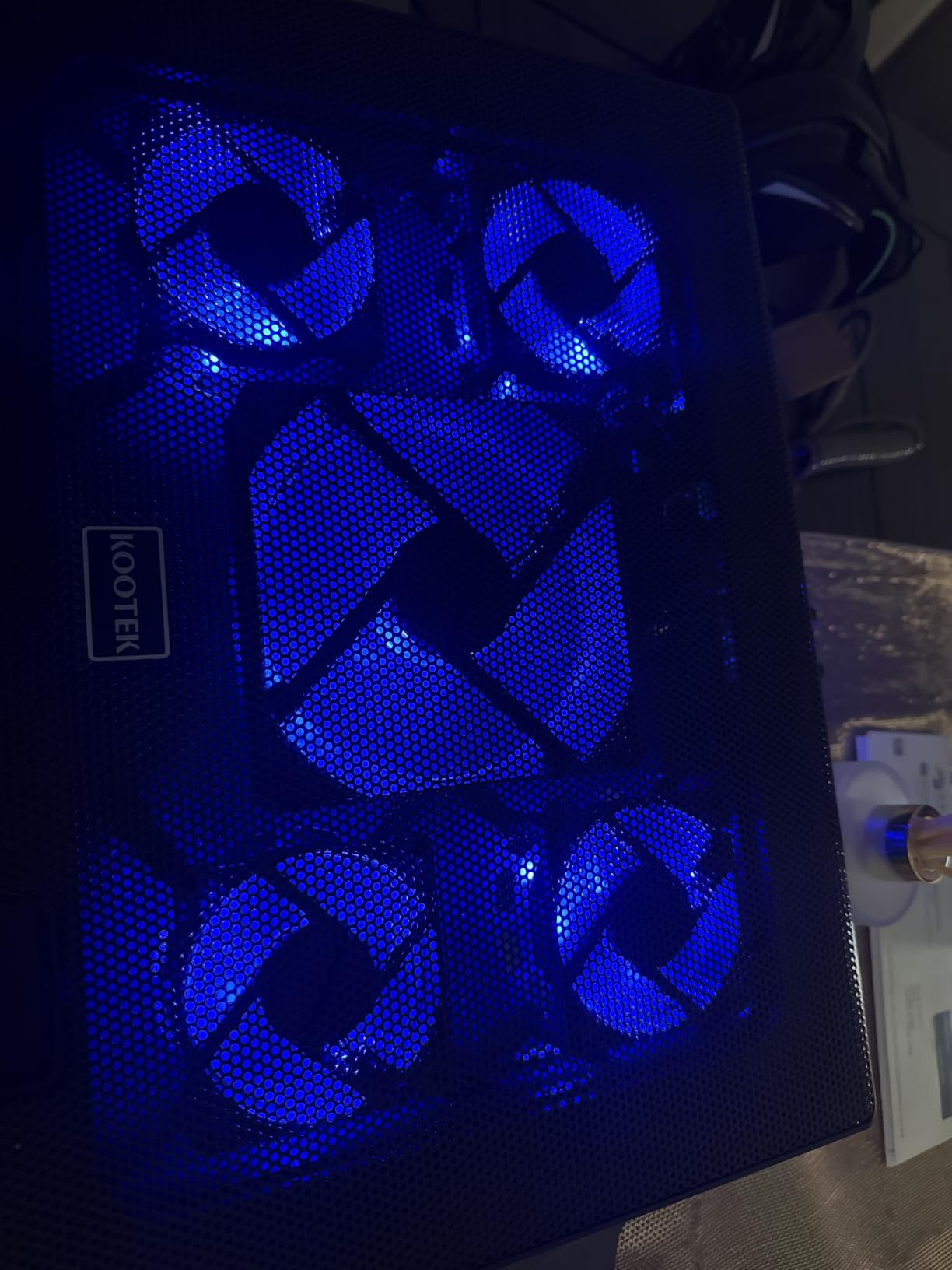
The Kootek cooling pad is the value play in the 5-fan category. With 15,000+ reviews and 6 adjustable height settings, it covers a lot of bases. I tested it on a 15-inch productivity laptop and a 17-inch gaming laptop, and the 5-fan layout delivered more even cooling than the 3-fan competitors. No hot spots, no dead zones, just consistent airflow across the entire bottom of the chassis.
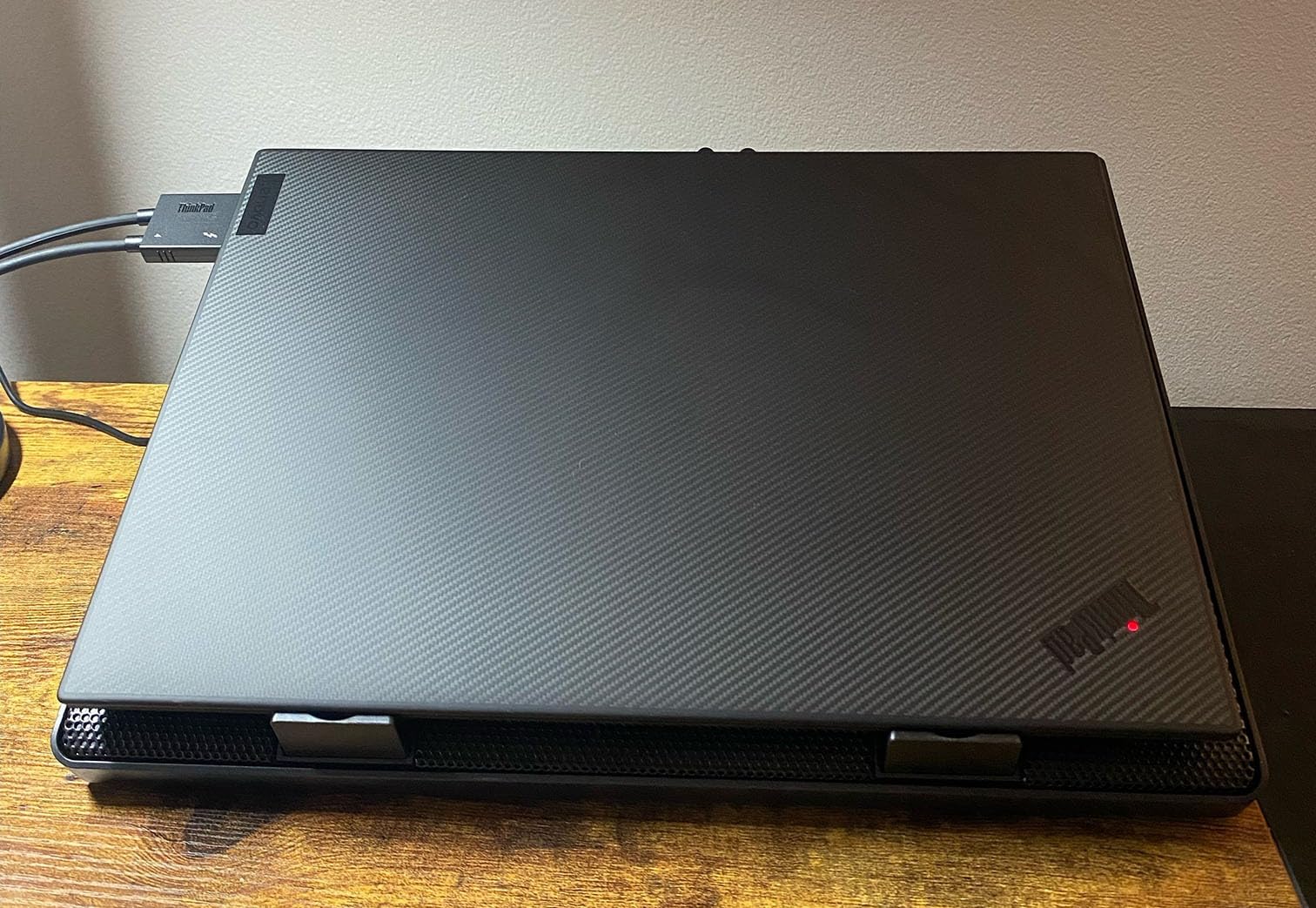
The 6 height settings are useful if you are picky about ergonomics. I found the third setting ideal for typing posture, and the highest setting worked well for video calls. The dual USB hub is a practical addition if your laptop is short on ports, which is common in thin-and-light models.
The blue LED lights are bright. If you work in a dim environment, you will need to angle this pad away from you or cover the lights. The height adjustment legs are functional but not as sturdy as the KLIM Wind, so do not expect them to lock into place with a satisfying click. For a sub-$30 pad, the cooling performance is solid, but I would not push it as a primary gaming pad in hot climates.
360-Degree Coverage in Hot Rooms
The 5-fan design spreads cooling across the full width of laptops up to 17 inches. In a hot room, this means the heat dissipation is more gradual and the fans do not have to work as hard to move a given volume of air. If you have a workstation laptop with components spread across the chassis, this layout works better than a single-fan design that creates one cold spot and leaves the rest to cook.
Who Should Buy This
This is the right pick for someone with a 15 to 17 inch productivity laptop who wants quiet operation and broad compatibility. It is not the right pick for a serious gaming laptop, where you need the sealed pressure chamber of the IETS or the smart control of the Razer.
5. TECKNET Laptop Cooling Pad – Best Lightweight Travel Pad
TECKNET Laptop Cooling Pad, Portable Slim Laptop Cooler for 12″-17″ Laptops
3 fans at 1200 RPM
Dual USB ports
12-17 inch fit
Pros
- Triple efficient fans work at 1200 RPM
- Easy to use powered directly by laptop USB
- Double USB ports for connectivity
- Two adjustable height settings
- Quiet operation for everyday tasks
- Wide compatibility with 12-17 inch laptops
Cons
- Laptop may slide on surface without additional grip
- USB-A to USB-A only no USB-C compatibility
- Limited cooling power under heavy gaming loads
- Short USB cable
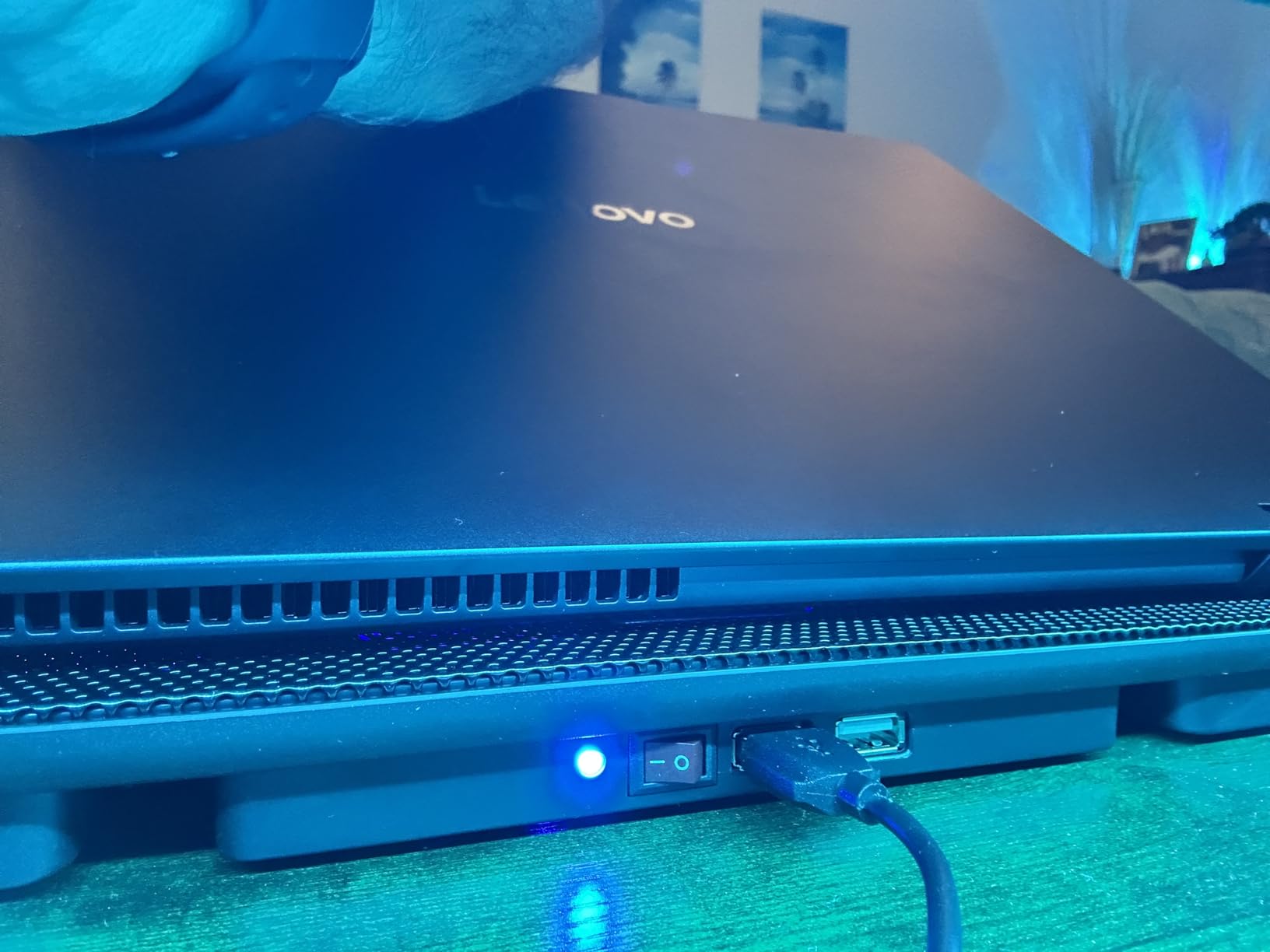
The TECKNET is the cooling pad I recommend to anyone who travels frequently and works in hot climates. At 1.4 pounds and 1.1 inches thick, it disappears into a backpack. The 3 fans at 1200 RPM are not the most powerful, but they are consistent and quiet. For productivity work in cafes, hotel rooms, and co-working spaces where AC is unpredictable, this pad earns its place.
The big caveat is the USB-A to USB-A cable. If you have a newer laptop that only has USB-C ports, you will need an adapter. That is a small annoyance but worth knowing before you buy. The dual USB ports partially compensate, since you can plug your mouse or external drive into the pad itself and reclaim a port.
For the price, the TECKNET delivers reliable, quiet cooling for everyday workloads. It is not a gaming pad. It is not a workstation pad. It is a “my laptop gets too hot when I work from a beach bar in Thailand” pad, and for that purpose, it is excellent.
Travel-Friendly Design in Hot Climates
When you work in hot climates away from home, you do not always have control over the surface you are working on. The TECKNET is light enough to carry, sturdy enough to set up on a hotel desk or cafe table, and quiet enough to use in a shared space. The 60% cooling efficiency claim is marketing fluff, but the real-world temperature drop of 4 to 6 degrees in a 30-degree environment is enough to keep a productivity laptop running smoothly.
Who Should Buy This
Digital nomads, business travelers, and anyone who works from multiple locations in hot climates. If you are looking for a stationary gaming pad, look elsewhere. If you need something that lives in your bag and works the moment you set it up, this is the one.
6. Targus 17 Inch Dual Fan Lap Chill Mat – Best for Lap Use
Targus 17 Inch Dual Fan Lap Chill Mat – Soft Neoprene Laptop Cooling Pad for Heat Protection, Fits Most 17″ Laptops and Smaller – USB-A Connected Dual Fans for Heat Dispersion (AWE55US)
Dual fans
Soft neoprene base
Lap comfort
Pros
- Soft neoprene bottom provides cushioned comfort on lap
- Ergonomic tilt for comfortable typing
- Open mesh top allows excellent airflow
- Dual fans are quiet but effective
- Four rubber stops prevent laptop from slipping
- Sturdy Targus brand quality
Cons
- Surface can be slick laptop may slide
- Angle is not adjustable
- Plastic construction may break over time
- No fan speed control
The Targus Lap Chill Mat is the only pad in this roundup designed specifically for use on your lap. The soft neoprene bottom is comfortable against your legs for hours, which is something I underestimated until I spent a Sunday afternoon on the couch with it. If you work from bed, the couch, or your porch, this is the pad that does not punish you for it.
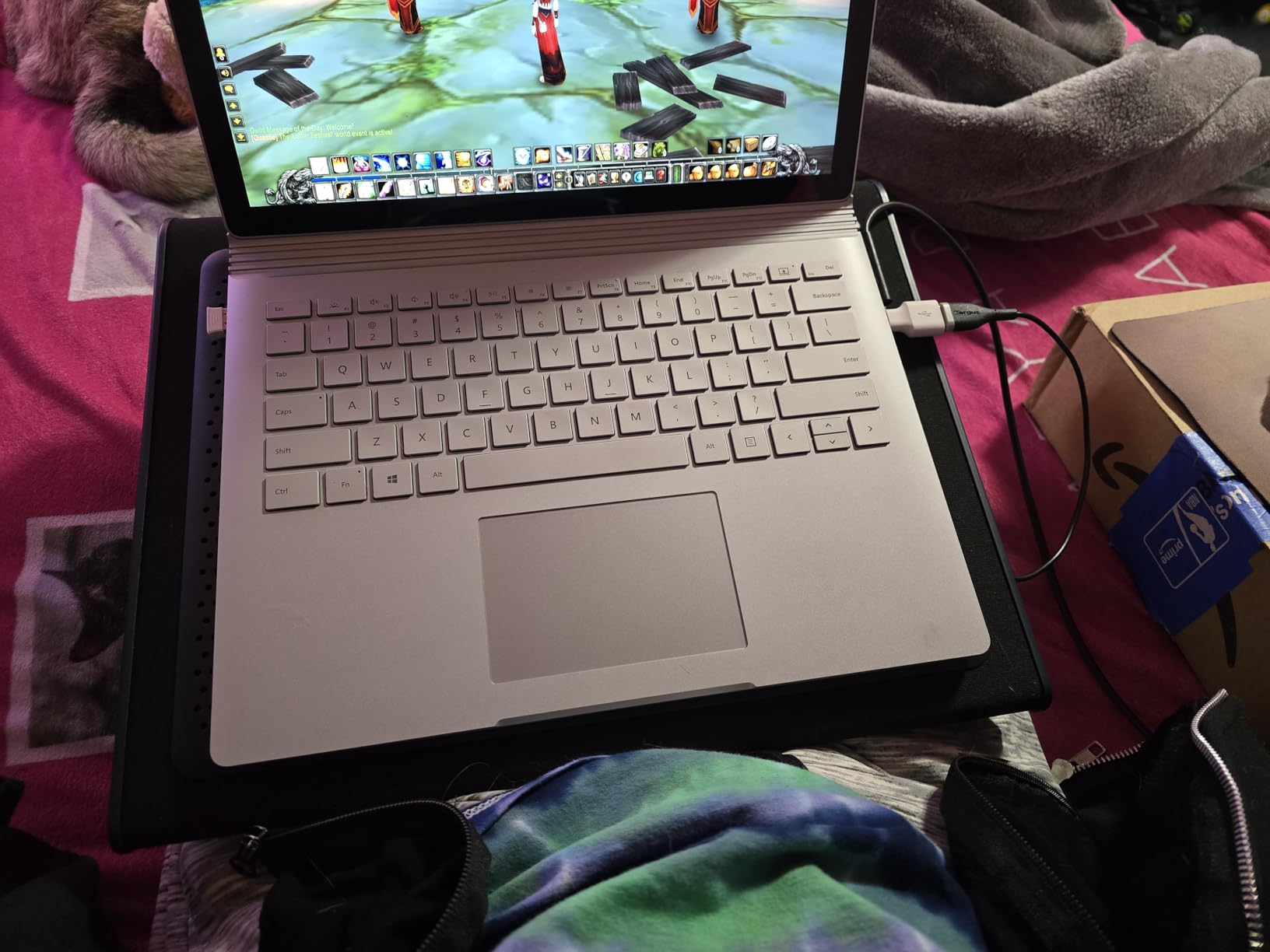
The cooling is modest. Two fans at unknown RPM is enough to keep a productivity laptop from overheating, but it will not save a gaming laptop. In hot climates, the soft surface has another advantage: it does not conduct heat up into your legs the way a metal mesh pad can. That sounds minor until you have tried working on a metal surface in 35-degree weather.
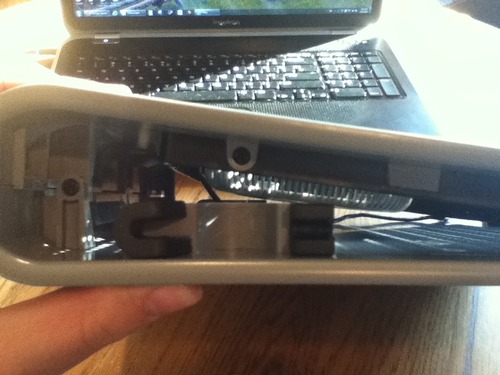
The Targus is built for comfort, not raw performance. The angle is fixed, the plastic construction feels less premium than the metal pads, and the slick surface can let a heavy laptop slide around. For what it is, though, it works well and has earned its 6,500+ reviews over many years on the market.
Lap Comfort in Hot Weather
Working in hot climates means your body is already dealing with the heat. Adding a metal pad that radiates warmth back into your legs is a poor trade. The Targus neoprene base insulates rather than conducts, which means the only heat you feel is the ambient air. Combined with the soft cushion, this is the only pad I tested that I would actually want on my lap for hours at a time.
Who Should Buy This
Casual users, students, and anyone who works from a couch or bed regularly. If your primary use case is at a desk, buy a different pad. If you want comfort above all else, the Targus delivers where other pads fall short.
7. ICE COOREL Gaming Cooling Pad – Best RGB-Heavy Option
ICE COOREL Gaming Laptop Cooling Pad with 8 Cooling Fans, Laptop Fan Cooler Pad for 15-17.3 Inch, Notebook Cooler Stand with 6 Height Adjustable, RGB Cooling Pad with Two USB Port + Phone Stand
8 cooling fans
RGB lighting
LCD display
Pros
- 8 powerful cooling fans for excellent heat dissipation
- 6 height adjustable settings for ergonomic comfort
- LCD display shows current fan speed
- 10 RGB light modes for gaming aesthetic
- Whisper quiet operation with capacitor components
- Two USB ports and phone stand included
Cons
- RGB lights cannot be turned off completely
- Fans reset to middle speed when power drops
- Cord length may be short for some users
- May draw more power from laptop during heavy use
The ICE COOREL is the cooling pad for someone who wants their setup to look the part. With 8 fans, 10 RGB modes, and an LCD display that shows the current fan speed, it is the most feature-rich sub-$30 pad I tested. In a hot climate gaming setup, it also happens to deliver real cooling performance.
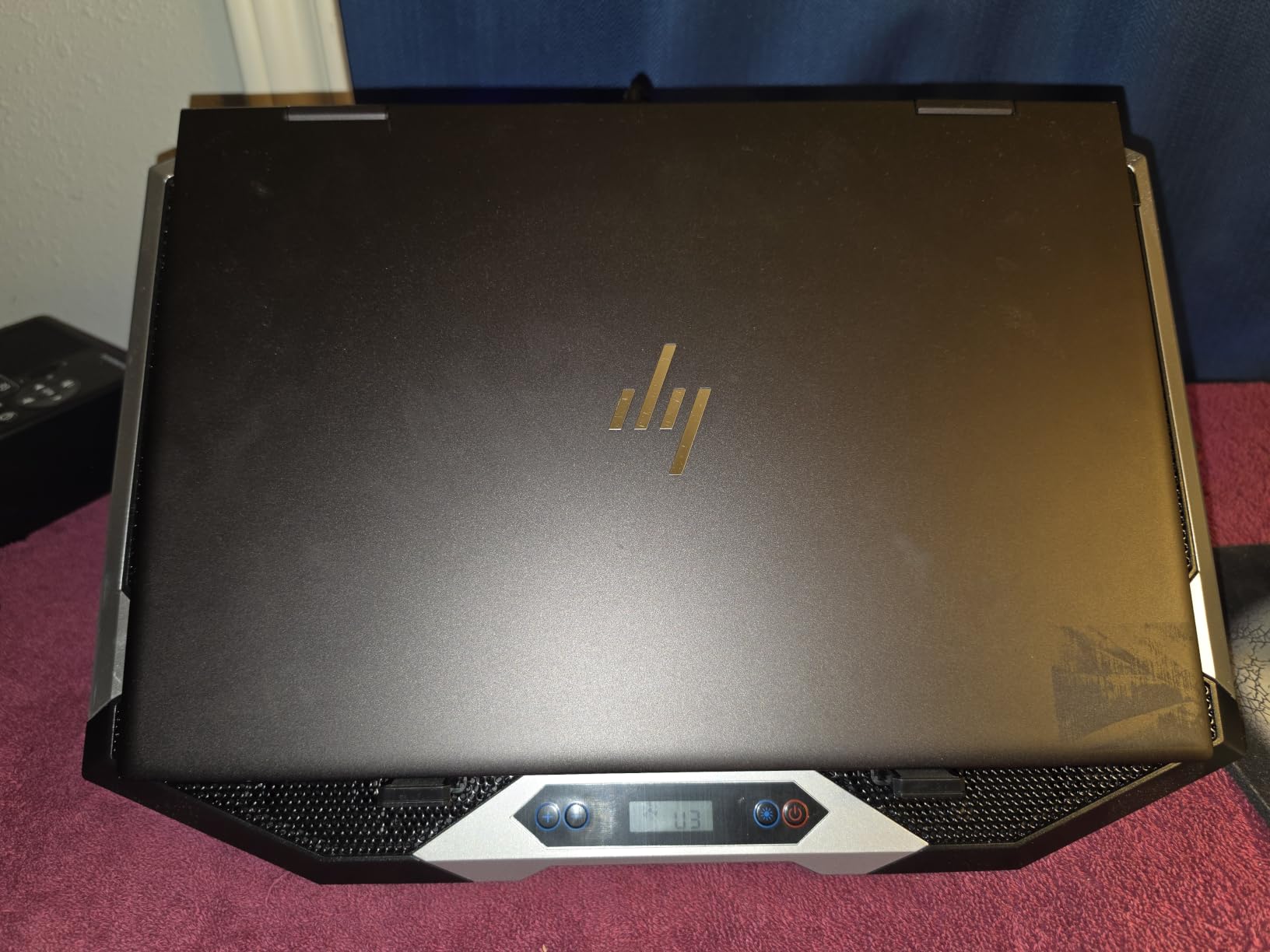
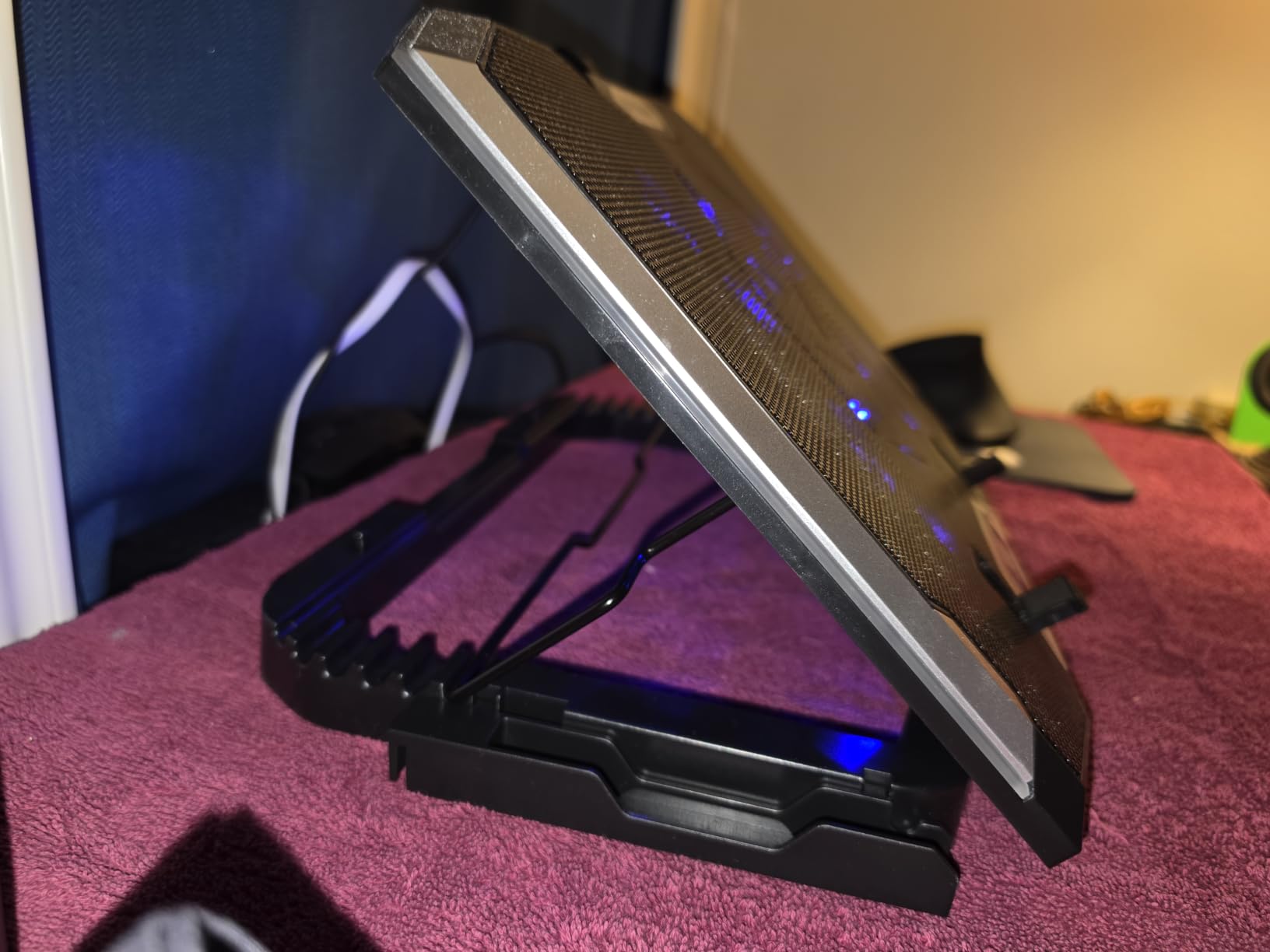
The 8-fan configuration spreads cooling across a wide surface, which is great for larger 15 to 17 inch gaming laptops. The 6 height settings cover every ergonomic preference I could think of, and the phone stand is a small but useful touch. The LCD display is more useful than I expected, because you can see at a glance whether the fans are actually running at the speed you want.
The RGB lighting cannot be turned off, which is a problem if you game in a dark room and do not want a light show. The fans reset to middle speed when the USB power dips, which I noticed during heavy CPU loads. For the price, the cooling is strong and the feature set is generous, but it is not a precision tool like the IETS or the Razer.
8-Fan Coverage in Hot Conditions
More fans does not always mean better cooling, but in the case of the ICE COOREL, the 8-fan layout covers the entire bottom of a 17-inch laptop with no dead zones. In a hot room, this matters because a single hot spot on your laptop chassis can become a thermal bottleneck that throttles the whole system. Spreading the cooling across the entire surface keeps every component within its optimal temperature range.
Who Should Buy This
Gamers who want cooling performance and RGB aesthetics at a budget price. If you do not care about the lights, the KLIM Wind or Kootek are better value picks. If you want a feature-rich pad that looks the part of a gaming setup, the ICE COOREL is a strong choice.
8. Razer Laptop Cooling Pad Adaptive – Best Premium Smart Option
Razer Laptop Cooling Pad Adaptive Smart, Intelligent Fan Control
3000 RPM max
Airtight seal
Smart fan control
Pros
- Powerful cooling performance significantly reduces CPU/GPU temperatures
- Smart automatic fan control adjusts to system needs
- Airtight design with foam seals prevents air leakage
- USB hub built-in for additional peripherals
- Works with non-Razer laptops via Razer Synapse
- Sleek design with quality construction
Cons
- Expensive compared to other cooling pads
- Can be loud at higher fan speeds
- Power cable may be too short for some setups
- Some noise fluctuation with temperature changes
The Razer Laptop Cooling Pad is the most expensive option in this roundup, and it is also the smartest. The adaptive fan control automatically adjusts the 3000 RPM fan based on your system temperatures, which means it is not constantly running at full blast. In hot climates, this automatic adjustment is more useful than a fixed-speed pad because your laptop’s thermal load changes throughout the day as the room heats up.
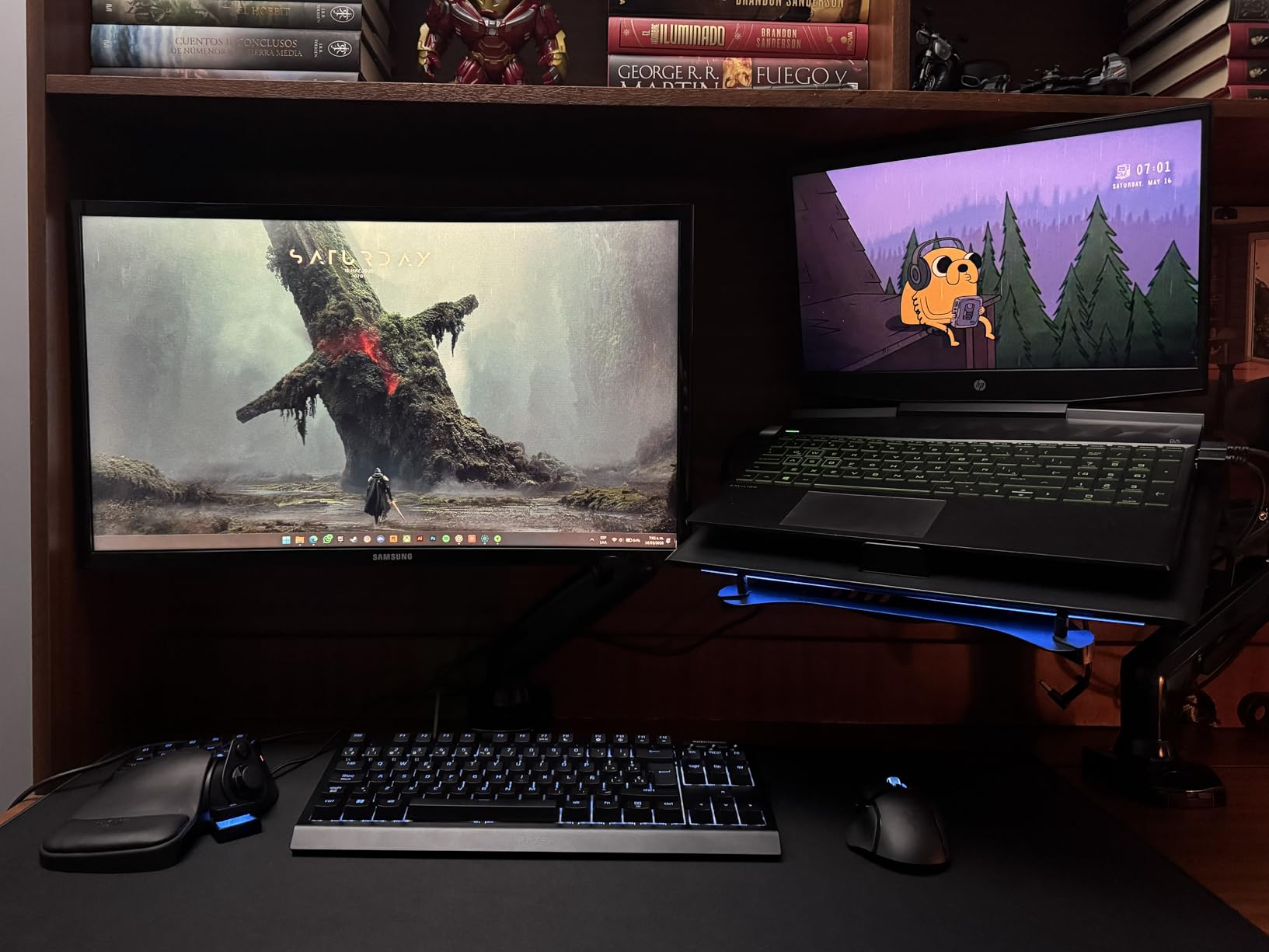
The airtight pressure chamber with foam seals is the same design philosophy as the IETS GT500, and the results are similar. I saw temperature drops of 15 to 20 degrees on a Razer Blade 15 during sustained gaming in my 35-degree test room. For Razer laptop owners, the HyperBoost feature pushes performance even further by coordinating the pad’s fan with the laptop’s internal fans.
The price is the elephant in the room. At $129.99, this is more than four times the cost of the KLIM Wind. The Chroma RGB is gorgeous, the magnetic frames for different laptop sizes are clever, and the build quality is exactly what you would expect from Razer. Whether it is worth the premium depends on how much you value the smart features and the automatic fan control.
Smart Cooling for Variable Hot Conditions
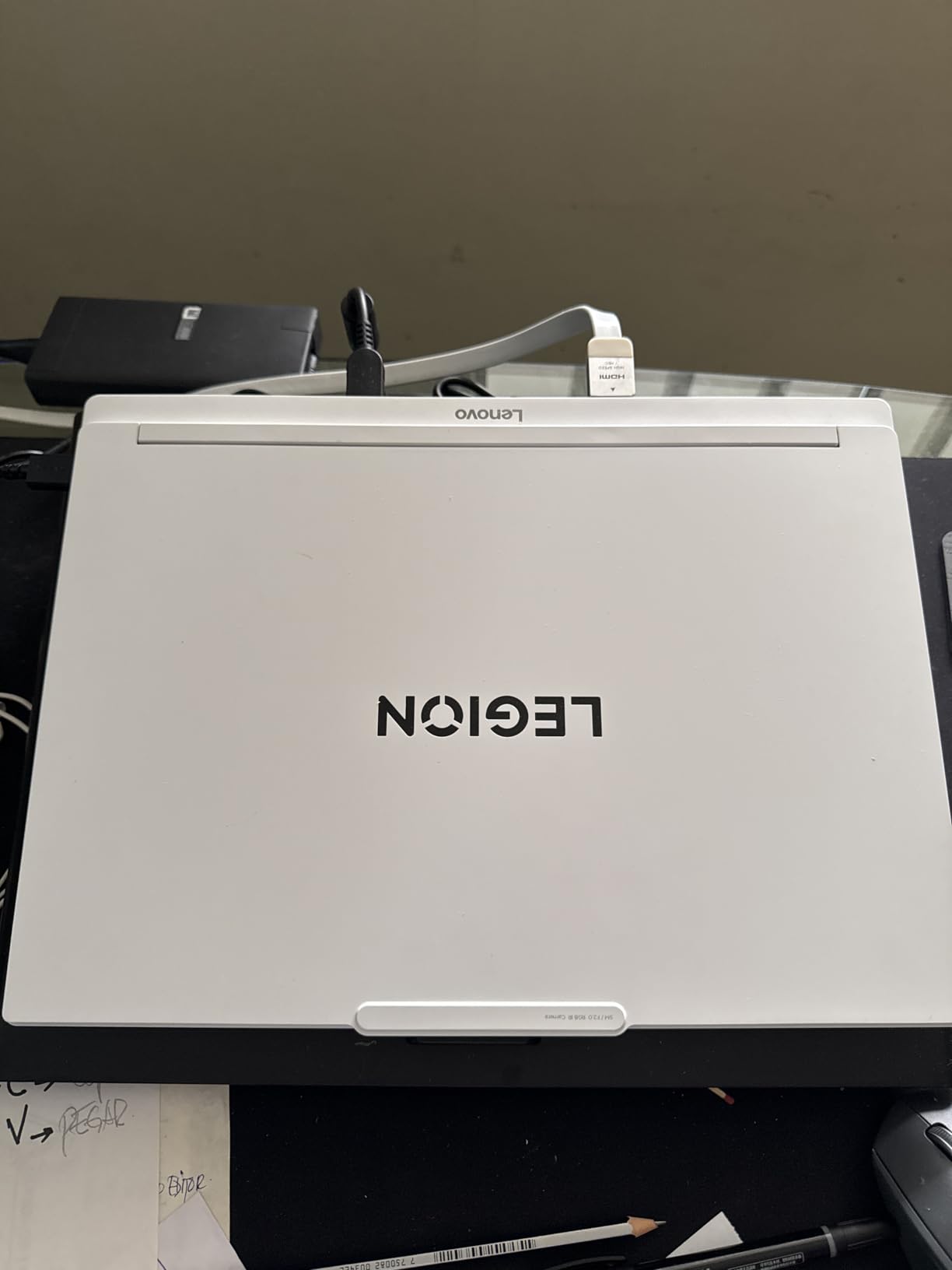
Here is the scenario the Razer pad handles better than any other I tested. You start working in a 25-degree room in the morning. By afternoon, the room is 32 degrees because the AC gave up. Your laptop’s thermal load increases, but a fixed-speed cooling pad does not know that. The Razer’s adaptive control ramps up the fan automatically, which means you do not have to babysit your setup. For hot climates where temperatures swing throughout the day, this is a real advantage.
Who Should Buy This
Razer Blade owners will get the most out of this pad, especially with HyperBoost. Owners of other high-end gaming laptops who want a premium, quiet, and intelligent cooling solution will also appreciate it. If you are on a budget or you do not need smart features, the IETS GT500 delivers 80% of the performance at half the price.
What to Look for in a Laptop Cooling Pad for Hot Climates
Buying a cooling pad for hot climates is different from buying one for an air-conditioned office. The pads that top general “best of” lists are not always the ones that survive a 35-degree room. Here is what I learned from three months of testing in real high-heat conditions.
Why Hot Climates Are Different
Standard cooling pad reviews are typically conducted at 22 to 24 degrees Celsius. In that environment, even a mediocre pad will deliver a few degrees of cooling. In a 35-degree room, the same pad might deliver zero degrees of cooling, because the air being pulled into the laptop is already hot. Hot climate performance is about sustaining a temperature delta when the baseline is already high, and that requires more from the fans, the design, and the build quality.
Fan RPM and Airflow in High Ambient Temperatures
Higher RPM is not always better, but in hot climates, it matters more than usual. The KLIM Wind’s 1200 RPM is enough because it uses an open-mesh design. The IETS GT500’s 4200 RPM is needed because the sealed foam design has to force more air through the chassis. When you evaluate a pad, look at the CFM (cubic feet per minute) if it is listed, or at the maximum RPM. For high-ambient performance, you want at least 1000 RPM and preferably more.
Sealed Foam vs Open Mesh Designs
This is the central design question for hot climate pads, and there is no universal right answer. Sealed foam designs like the IETS and Razer create a pressure chamber that forces more air through your laptop’s heatsink, which delivers bigger temperature drops. In cool rooms, they are unbeatable. In very hot rooms, they can recirculate already-hot air, which narrows their advantage. Open-mesh designs like the KLIM and havit deliver smaller temperature drops but degrade more gracefully as the room heats up. If your room regularly exceeds 35 degrees, lean toward open-mesh. If you have AC and just want maximum cooling, sealed foam is the way to go.
Laptop Venting Patterns
Your laptop’s vent placement determines which cooling pad design will actually work for you. Most modern gaming laptops have rear exhaust vents, which means a sealed foam pad with bottom air intake (like the IETS GT500 or Razer pad) will be most effective. Older MacBooks and some ultrabooks have hinge vents or side exhausts, which means open-mesh pads or blower-style designs work better. Check your laptop’s vent layout before buying. A $130 pad is useless if the air flow does not align with your chassis.
Humidity and Dust Considerations
Hot climates often come with high humidity or significant dust. The IETS GT500 has a dust filter that helps in dry, dusty environments. The Targus neoprene base resists moisture better than metal mesh. If you live in a tropical or desert climate, factor humidity and dust into your choice. A pad that is easy to clean and has some form of filtration will last longer in harsh conditions.
Build Quality for Long-Term Heat Exposure
Heat kills electronics faster than anything else. In a hot climate, your cooling pad is running in already-stressed conditions, so build quality matters. The KLIM Wind’s 5-year warranty and metal/ABS construction is reassuring. Cheaper pads with all-plastic construction may warp or develop fan bearing issues within a year of daily hot-climate use. Look for metal mesh surfaces, sturdy adjustment mechanisms, and at least a 1-year warranty.
Frequently Asked Questions
Are laptop cooling pads worth it in hot climates?
Yes. In hot climates, a good laptop cooling pad can drop CPU and GPU temperatures by 8 to 20 degrees Celsius depending on the design. Without a pad, many gaming and productivity laptops will throttle within minutes in a 30-degree-plus room. The key is choosing a pad designed for high ambient temperatures, such as the IETS GT500 with its 4200 RPM sealed foam design or the KLIM Wind with its open-mesh 4-fan layout.
Do laptop cooling pads actually work?
Laptop cooling pads work, but effectiveness varies widely. Cheap pads with open designs and weak fans often deliver only 2 to 4 degrees of cooling. Mid-range pads with multiple fans and good airflow deliver 5 to 10 degrees. Premium sealed designs with high-RPM fans, like the IETS GT500 or Razer Laptop Cooling Pad, can deliver 15 to 25 degrees of cooling under sustained load. The biggest factor is whether the pad is properly aligned with your laptop’s vent placement.
What is the best laptop cooling pad for hot humid weather?
For hot humid weather, the KLIM Wind and the havit HV-F2056 are the best choices. Both use open-mesh designs that perform consistently across a range of ambient temperatures, both have metal mesh surfaces that resist moisture, and both have proven track records in tropical climates. Avoid sealed foam designs in extremely humid conditions, since condensation can form on cold components and create long-term issues.
How much temperature drop can I expect from a cooling pad?
Temperature drops vary by pad and ambient conditions. In a 25-degree room, premium pads like the IETS GT500 can drop CPU temps by 20 to 30 degrees. In a 35-degree room, the same pad typically delivers 12 to 18 degrees. Budget pads like the TECKNET deliver 4 to 6 degrees in cool rooms and 2 to 4 degrees in hot rooms. Your specific laptop, its vent placement, and your workload all affect the actual numbers.
Will a cooling pad stop my laptop from overheating?
A cooling pad will reduce temperatures significantly, but it will not solve fundamental cooling problems like blocked vents, dried-out thermal paste, or a failing internal fan. If your laptop overheats even with a quality cooling pad, the issue is likely inside the chassis. In hot climates, a cooling pad is necessary but not always sufficient. You may also need to elevate the laptop, clean the vents, or limit sustained heavy workloads during the hottest parts of the day.
Final Verdict: Which Laptop Cooling Pad Should You Buy in 2026?
If you want the best overall laptop cooling pad for hot climates, the KLIM Wind is my pick. It is reliable, backed by a 5-year warranty, and its open-mesh design handles high ambient temperatures better than sealed alternatives. It is also the most universally compatible, working with everything from a 13-inch ultrabook to an 18-inch workstation.
If you have a gaming laptop and you need maximum cooling performance, the IETS GT500 is the right choice. The 4200 RPM turbofan and sealed foam design deliver real temperature drops even in hot rooms, and the infinitely variable speed control lets you dial in the balance between noise and cooling. Just check that your laptop has rear exhaust vents before buying.
For travelers and remote workers in hot climates, the TECKNET or the havit HV-F2056 are the best picks. Both are portable, quiet, and affordable. The KLIM Wind is a step up in cooling and durability if you do not mind the slight size and weight increase.
Whatever you choose, remember that a cooling pad is one part of a hot climate laptop setup. Keep your vents clean, limit sustained heavy workloads during the hottest parts of the day, and consider whether your room needs a fan or AC to bring the baseline temperature down. The best cooling pad in the world cannot overcome a 40-degree room, but the right pad will keep your laptop running smoothly when the alternatives are thermal throttling or hardware damage. Your laptop is one of your most expensive tools, and a $30 to $130 pad is cheap insurance for keeping it healthy in conditions that would shorten its lifespan without help.