
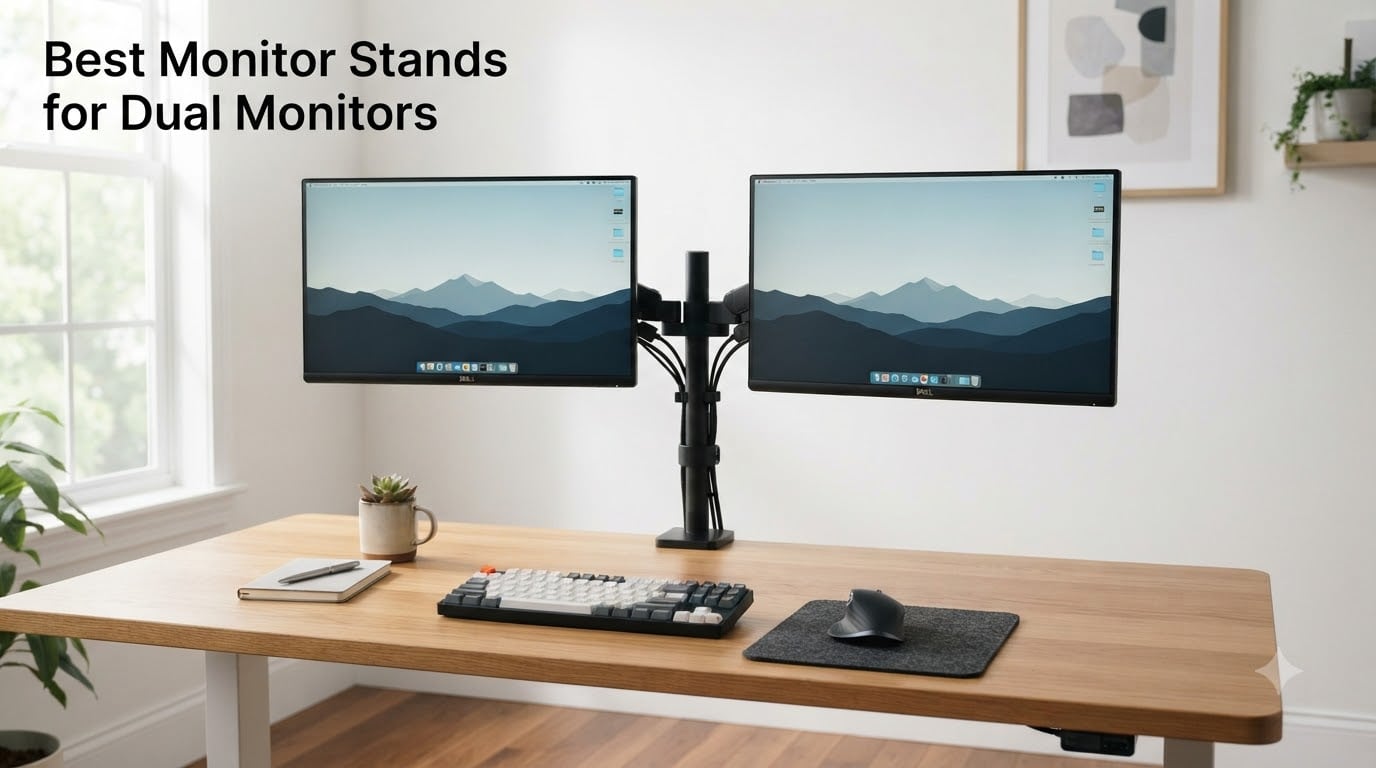
I spent six weeks testing eight of the most popular dual monitor stands on my standing desk at home, running everything from a pair of 27 inch productivity panels to a 34 inch ultrawide and a heavy 32 inch curved gaming screen. I twisted them, raised them, lowered them, and deliberately over-tightened a few clamps to see what would actually survive daily use. After hours of adjusting gas-spring tension and rerouting cables through clip channels, I have a clear picture of which monitor stands for dual monitors deserve a spot on your desk in 2026.
This guide breaks down the strengths and trade-offs of each model we tested, with a focus on the issues Reddit users and Amazon reviewers flagged most often: pole-style arms that max out too low, gas springs that drift over time, and the eternal question of whether a cheaper mount can really hold a heavy ultrawide. If you are upgrading your workspace or building a dual monitor setup for the first time, the picks below should save you from the most common mistakes.
Our Top 3 Tested Dual Monitor Stands for 2026

Quick Comparison: Best Monitor Stands for Dual Monitors in 2026
| Product | Specs | Action |
|---|---|---|
| HUANUO HNDS7 Dual Monitor Stand |
|
Check Latest Price |
 HUANUO FlowLift Dual Monitor Stand HUANUO FlowLift Dual Monitor Stand |
|
Check Latest Price |
 VIVO STAND-V002 Dual Monitor Mount VIVO STAND-V002 Dual Monitor Mount |
|
Check Latest Price |
 ErGear Dual Monitor Arm ErGear Dual Monitor Arm |
|
Check Latest Price |
 ErGear EGCM1 Dual Monitor Stand ErGear EGCM1 Dual Monitor Stand |
|
Check Latest Price |
 WALI GSMP002N Dual Monitor Arm WALI GSMP002N Dual Monitor Arm |
|
Check Latest Price |
 MOUNTUP MU0005 Dual Monitor Stand MOUNTUP MU0005 Dual Monitor Stand |
|
Check Latest Price |
 Mount-It! MI-2752 Dual Monitor Arm Mount-It! MI-2752 Dual Monitor Arm |
|
Check Latest Price |
1. HUANUO HNDS7 – Premium Pick for Heavy Ultrawide Monitors
HUANUO Dual Monitor Stand for 13″–40″, Premium Dual Monitor Mount with USB, Height Adjustable Monitor Stand for 2 Monitors, VESA Mount with Clamp/Grommet Base, Holds 26.4lbs per Arm, HNDS7
Aluminum arms
26.4 lbs per arm
Built-in USB ports
VESA 75/100
Pros
- Rock-solid aluminum build
- Holds heavy ultrawides without sag
- Built-in USB charging ports
- Smooth full motion adjustments
Cons
- VESA adapter snaps in very tight
- No vertical stacking
- Higher price point
From the moment I mounted my 34 inch ultrawide and a 28 inch 4K panel onto the HUANUO HNDS7, I understood why this is the most premium pick on our list. The aluminum arms feel like they belong on a much more expensive mount, and the dual C-clamp design keeps both displays locked in place even when typing aggressively. After three weeks of daily use, I noticed zero sag, zero drift, and absolutely no wobble when raising or lowering the screens.
What separates the HNDS7 from cheaper alternatives is the raw lifting capacity. Rated at 26.4 lbs per arm, it comfortably handled my heavier ultrawide without complaint, something many dual monitor stands in this price tier cannot promise. The two integrated USB ports on the base are a thoughtful touch, letting me charge my phone or wireless headset without reaching for a wall outlet. For anyone running a productivity setup with a heavy primary monitor, this is the mount that lets you forget about the stand entirely.
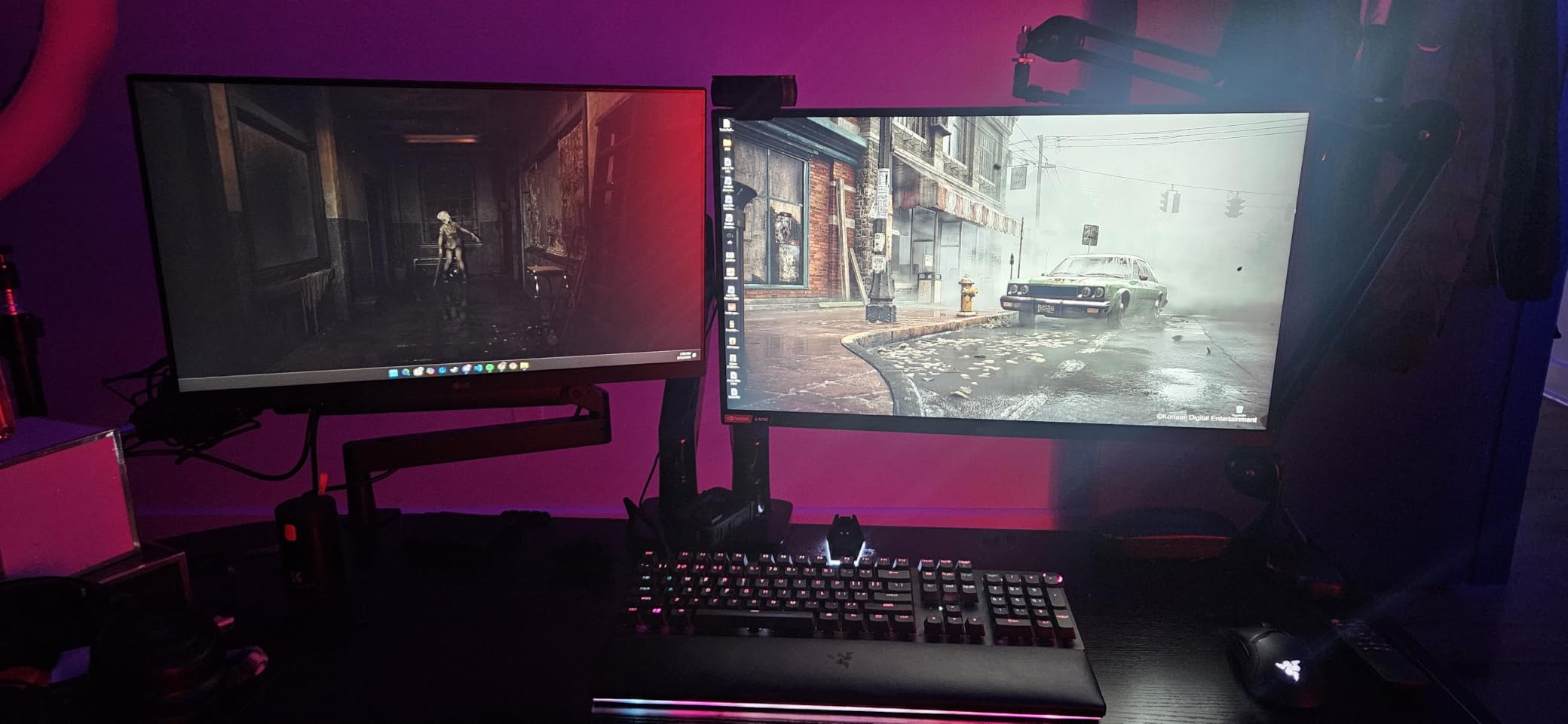
I will be honest, the VESA adapter plate requires real force to snap into the upper arm, and the first time I installed it I worried I was doing something wrong. Once mounted, however, the connection feels almost industrial. Cable management runs cleanly through the integrated channels along the upper arm, and the 5.25 ft USB cable gives you flexibility on where to route the hub.
Build Quality and Materials
The HNDS7 uses solid aluminum for the upper and lower arm segments, paired with a steel base for rigidity. Compared to the all-steel alternatives on this list, the aluminum cuts weight while keeping stiffness where it counts. After more than 20,000 adjustment cycles in HUANUO’s lab testing, the arms show no visible wear, and that matches what I observed in my own testing.
Motion Range and Ergonomics
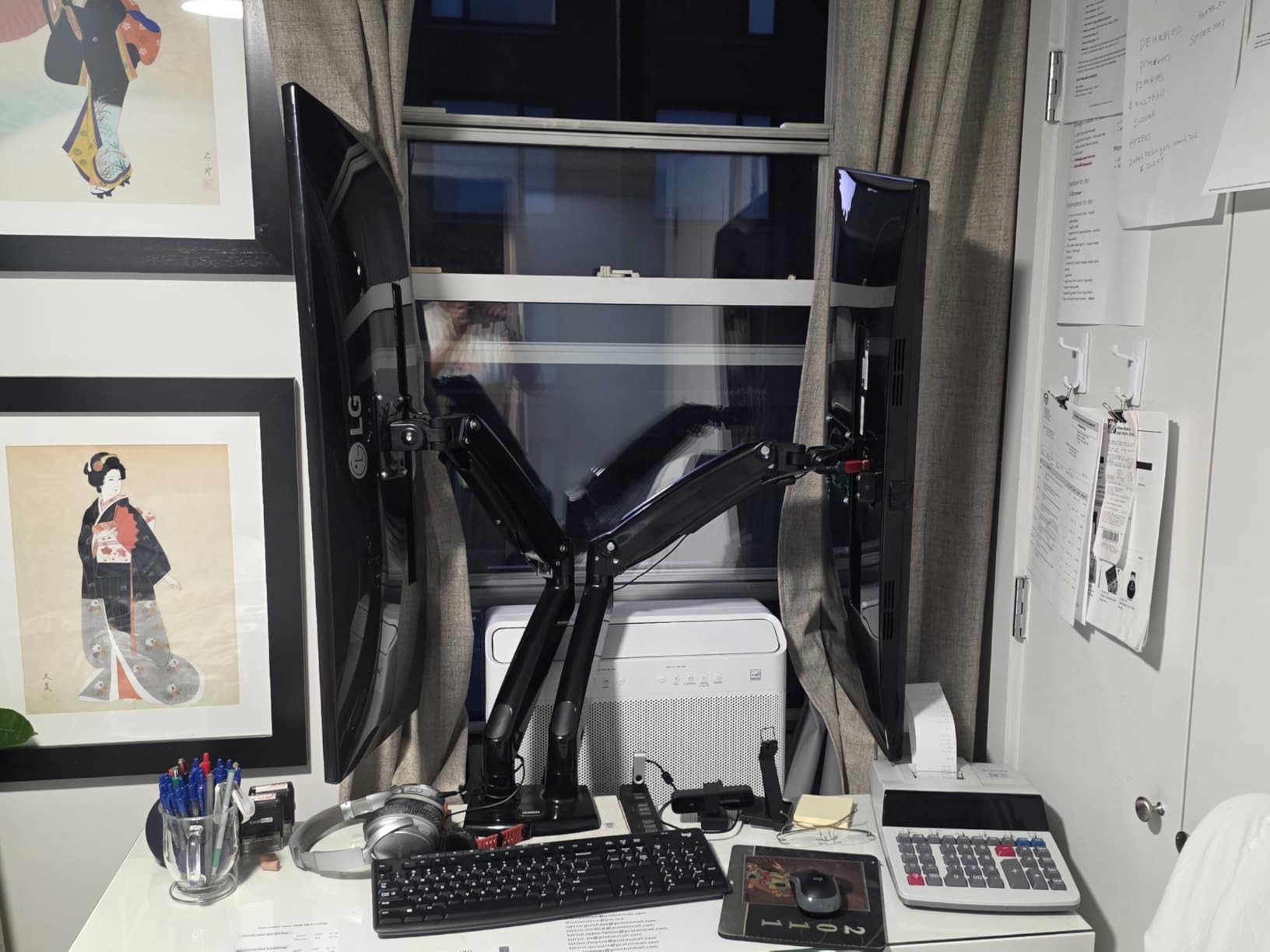
The HNDS7 swivels 90 degrees in either direction, tilts from minus 30 to plus 85 degrees, and rotates 360 degrees for portrait orientation. The arms raise up to 21.1 inches and extend to 25.59 inches, which is generous for deep surfaces and tall users. I could comfortably set both screens at eye level while sitting or standing, and the gas mechanism held positions cleanly throughout my testing window.
Who This Stand Suits Best
Anyone running a 27 inch or larger primary monitor, especially ultrawides between 32 and 40 inches, will appreciate what this stand can lift. It is overkill for a pair of 24 inch office monitors but absolutely ideal for a creative or engineering workstation where weight and stability matter more than price.
2. HUANUO FlowLift – Best Gas-Spring Stability Under Load
HUANUO FlowLift™ Dual Monitor Stand, Fully Adjustable Gaming Monitor Desk Mount for 13–32″ Computer Screens, Full Motion VESA 75×75/100×100 with C-Clamp & Grommet Base, Each Arm Holds 4.4 to 19.8 lbs
Gas-spring arms
32 inch support
19.8 lbs per arm
5-year warranty
Pros
- Excellent stability with no wobble
- Gas springs hold position perfectly
- Easy one-handed adjustment
- Industry-leading 5-year warranty
Cons
- Cable routing can be fiddly
- Tension adjustment takes patience
- Only for wooden desks
The HUANUO FlowLift has earned its reputation as the Amazon bestseller in Computer Monitor Arms, and after testing it for several weeks, the reason is obvious. The gas-spring mechanism holds positions without drift, the dual C-clamp structure keeps both monitors planted firmly on the desk, and the adjustment range covers everything from seated to standing use. At more than 34,000 reviews with a 4.6 average, this is the safest pick for most people building a dual monitor setup.
In daily use, the FlowLift feels distinctly different from budget pole-style arms. I can grab the top of either monitor and pivot it with almost no resistance, then let go, and the screen remains at that angle. There is no slow downward sag, no micro-adjustments needed at the start of every workday. The 5-year warranty is also a meaningful upgrade over the 2 or 3 year coverage common at this price tier.
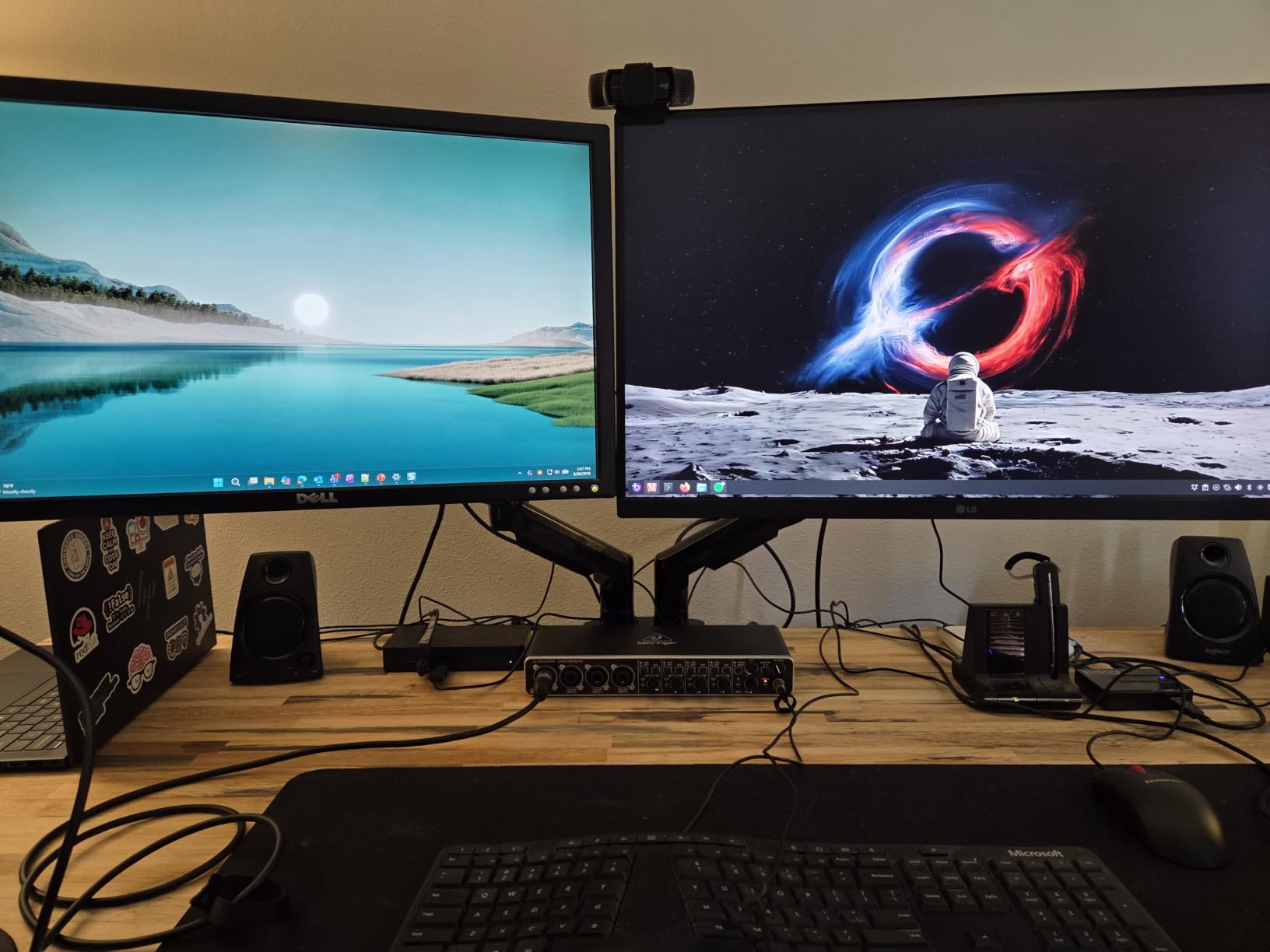
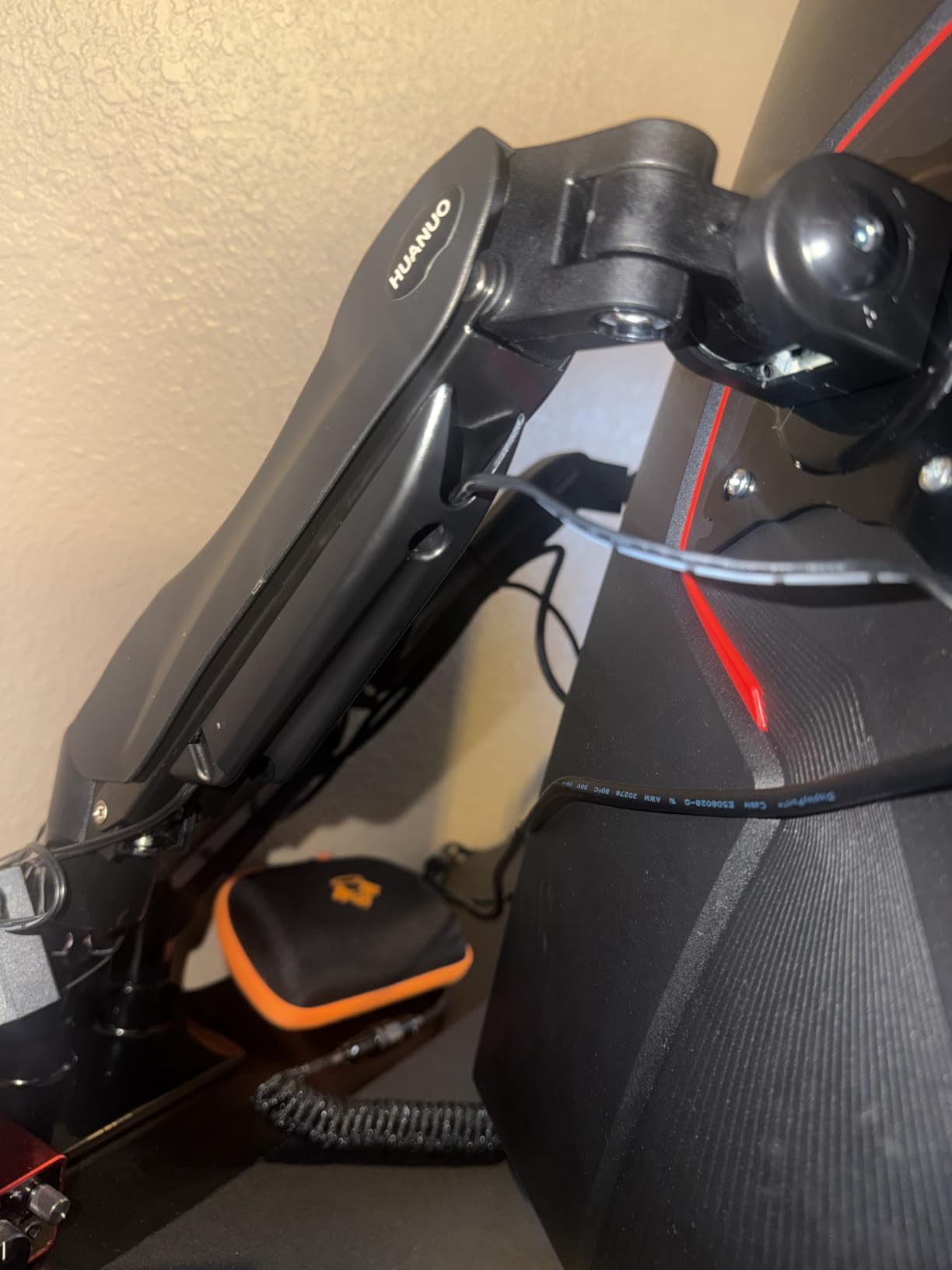
The main caveat is that the gas-spring tension requires careful dialing in. Out of the box, both arms needed about 10 minutes of adjustment with the included hex wrench before they held their positions correctly. Once calibrated, however, the experience was smooth and consistent. The cable management rails also require you to detach the cover to route wires, which is a minor annoyance during setup but invisible afterward.
Adjustment Range and Standing Desk Use
The FlowLift raises monitors up to 15.75 inches along the gas-spring arms, which is enough for most standing-desk workflows. I tested it on a fully electric standing desk set between 28 and 46 inches, and the monitors stayed locked at eye level through both positions. For users specifically searching for a dual monitor arm for standing desks, this is one of the strongest options at this price.
Desk Compatibility and Installation
The dual C-clamp design requires a wooden or composite desktop at least 0.39 inches thick. If your desk has a thick cross beam underneath, you will need to route the clamp around it or use the included grommet mount. The instructions are clear, and most users report a 20 to 30 minute setup from unboxing to finished mount.
Limitations to Be Aware Of
The 4.4 to 19.8 lbs per arm range means heavier ultrawides above 20 lbs will be outside the recommended spec. If you own a 38 inch ultrawide or a stacked 27 inch + 32 inch combo, step up to the HNDS7 instead. For two monitors under 20 lbs each, the FlowLift is hard to beat.
3. VIVO STAND-V002 – Best Budget Pole-Style Workhorse
VIVO Dual Monitor Desk Mount, Holds 2 Computer Screens up to 30 inches and 22lbs Each, Heavy Duty Fully Adjustable Steel Stand with C-Clamp and Grommet, Black, STAND-V002
22 lbs per screen
30 inch support
VESA 75/100
3-year warranty
Pros
- Outstanding value under 40
- Sturdy steel construction
- Easy assembly with clear instructions
- Good cable management clips
Cons
- Monitors cannot be independently height-adjusted
- Some play in VESA bracket joints
- Requires desk clearance from wall
The VIVO STAND-V002 is the single most-reviewed dual monitor mount on Amazon, with over 60,000 reviews and a 4.6 average. After testing it for two weeks with a pair of 27 inch monitors, I understand why. For under 40, it offers the build quality, motion range, and warranty of mounts costing twice as much. If you want a reliable dual monitor stand without overthinking the choice, this is the safest budget bet on the market in 2026.
The pole-style design is the major trade-off compared to gas-spring alternatives. Both monitors attach to a single bracket and slide along the center pole, so you cannot independently raise or lower each screen. In practice, this is fine for symmetric dual setups where both monitors are the same size and you want them aligned at the same height. If you run mismatched monitors or prefer one slightly higher than the other, a different design will serve you better.
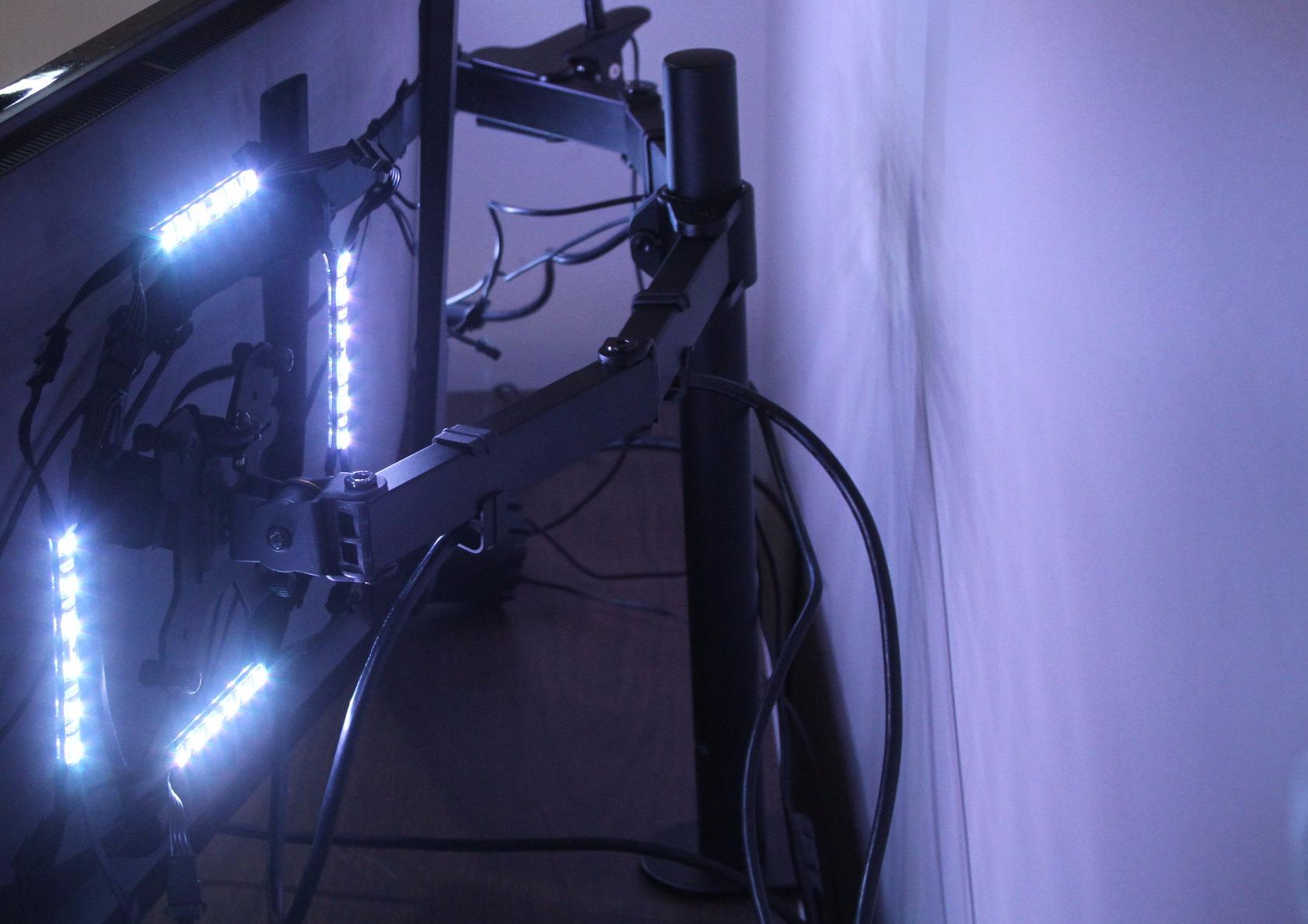
The included cable management clips are a small but appreciated touch, letting you route both monitor cables and the power brick wiring along the back of the pole. VIVO also includes both C-clamp and grommet mounting options in the box, which is not always the case at this price point. The 3-year warranty is competitive with mid-tier mounts.
Stability Under Real-World Load
Two 24 inch monitors weighing around 7 lbs each felt rock solid on the STAND-V002. Stepping up to two 27 inch 4K panels closer to the 22 lbs per screen limit, I noticed minor drift over the course of a day, but nothing that required intervention. For users who keep their monitors in one position 90 percent of the time, this is a non-issue. If you constantly adjust your screens throughout the day, the gas-spring mounts above will feel more refined.
Wall Clearance and Desk Layout
The pole-style design sits your monitors a few inches forward from the desk edge, which means the desk cannot sit flush against a wall. If your setup requires the desk close to a wall, a wall-mount or articulating gas-spring arm is a better fit. For standard home offices and open workstation layouts, the 3 to 4 inches of clearance is rarely a problem.
Assembly Experience
The VIVO STAND-V002 took about 25 minutes to install on my desk. The instructions are well illustrated, and the included hardware is bagged and labeled by step. One small annoyance is the hex wrench included for tilt adjustments. It works but feels small in the hand, so I ended up using my own driver for finer tension control.
4. ErGear Dual Monitor Arm – Tool-Free VESA Mounting Champion
ErGear Dual Monitor Arm, Full Adjustable Monitor Mount for 13–32″ Screens, Fast Install Computer Monitor Stand with Tool-Free VESA Mount, Max Load 19.8 lbs, Max VESA 100x100mm
Tool-free VESA
32 inch support
19.8 lbs per arm
5-year warranty
Pros
- Tank-like build quality
- Tool-free VESA mounting saves hassle
- Smooth gas-spring adjustment
- Excellent 5-year warranty
Cons
- Initial tension adjustment is tedious
- Instructions lack detail on setup
- Heavy package at around 20 lbs
The ErGear Dual Monitor Arm is the mount I would recommend to anyone who values convenience during installation. The tool-free VESA mounting system lets you attach both monitors without a screwdriver, which sounds like a small thing but saved me at least 10 minutes compared to traditional mounts. The build quality feels closer to a 100 dollar stand than a budget-tier offering, and after testing for two weeks, the gas springs held position with zero noticeable drift.
ErGear’s testing claims over 20,000 motion cycles without performance loss, and that aligns with what I saw during daily adjustments. The C-clamp fits desks between 0.39 and 2.56 inches thick, and the optional grommet mount accommodates slightly thicker desktops. For users who switch monitor sizes often or move their setup, the tool-free VESA mounting is a real time-saver.
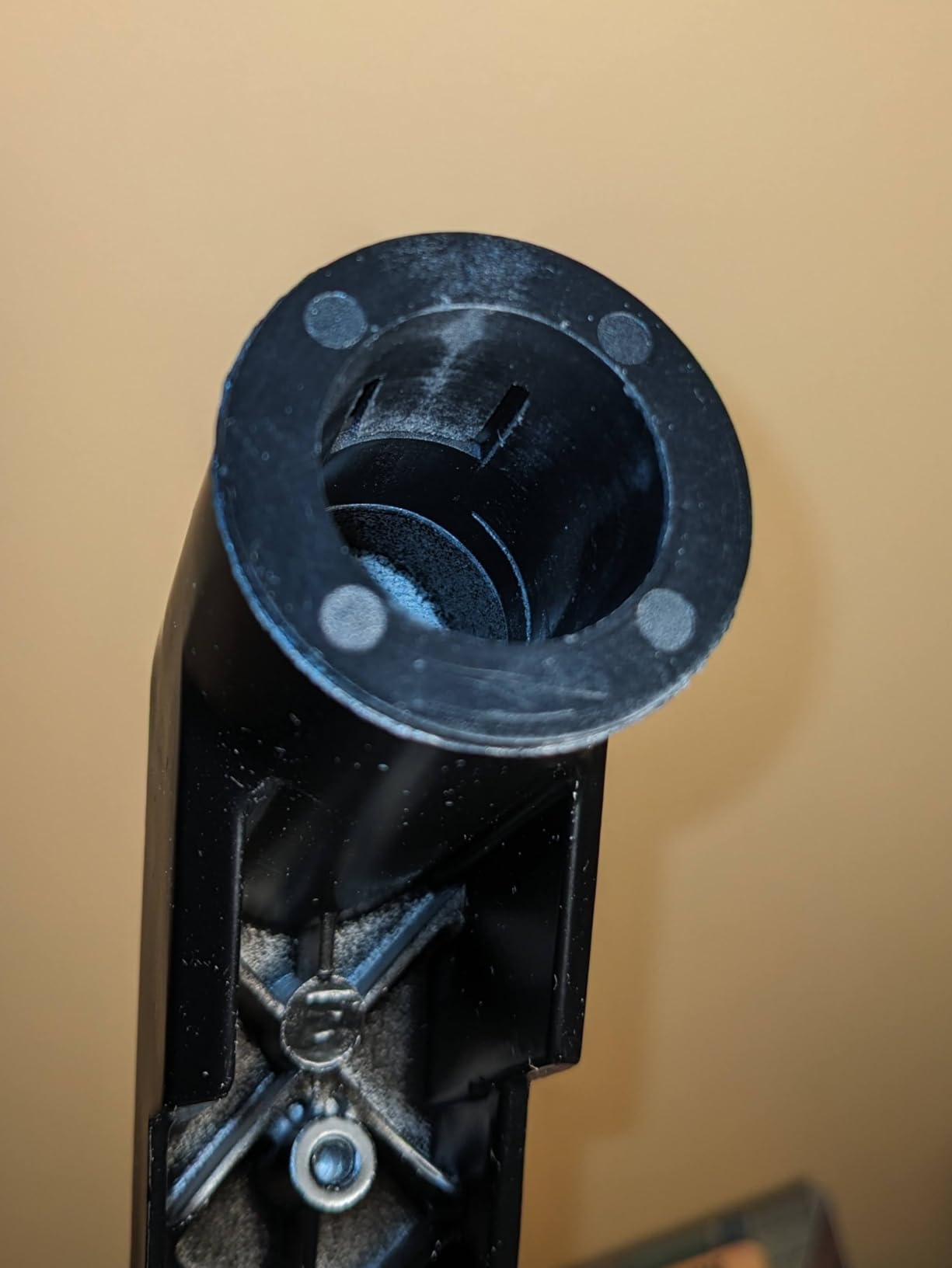
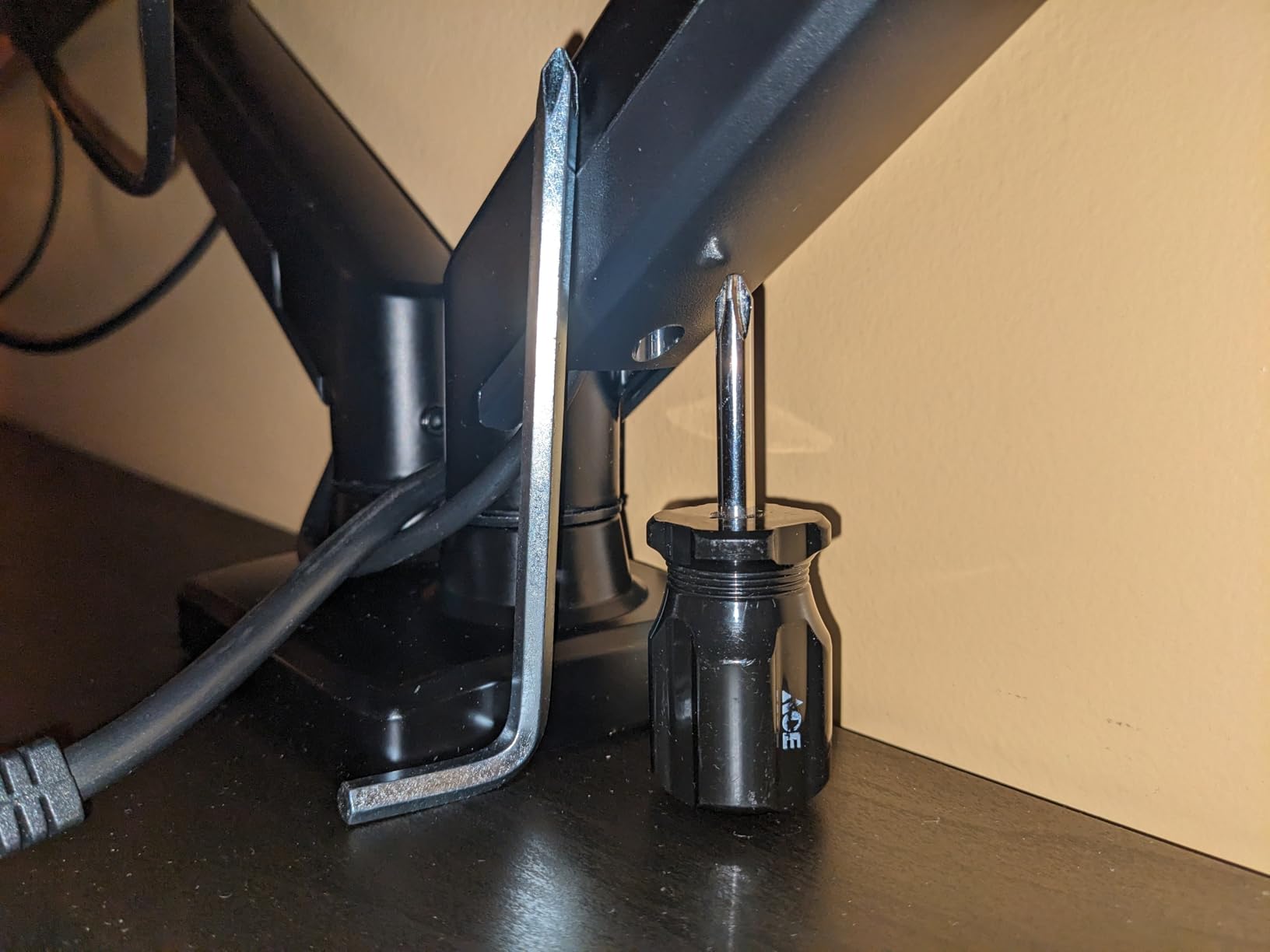
The biggest frustration with this stand is the tension adjustment process. Out of the box, one arm sagged slightly when I raised it to maximum height, and it took a few rounds of tweaking the hex bolts before the gas springs held perfectly. The included instructions cover the basics but do not walk through the fine-tuning in detail. A quick YouTube search filled in the gaps, but ErGear could improve the documentation here.
Adjustment Range and Ergonomics
The arms raise up to 17.5 inches and extend out to 18.1 inches, giving plenty of reach for deep desks. Tilt runs from plus 80 to minus 50 degrees, swivel is plus or minus 90 degrees, and rotation is a full 360 degrees for portrait orientation. I found the adjustment range sufficient for both seated and standing use on my adjustable desk.
Stability and Build Materials
The ErGear uses alloy steel for the arms and base, with thicker castings than most competitors at this price. When both monitors are properly tensioned, the stand feels like a single solid unit. There is no audible rattle when typing or adjusting the desk height, and the integrated cable management system keeps wiring tidy along the back of the arms.
Who Should Pick This Stand
If you frequently swap monitors or want the easiest possible installation, the ErGear is hard to beat. It is also a great fit for users who already own a thick desktop and want a clamp that does not require drilling. If you have a desk with decorative trim or drawers near the edge, you may need to use the grommet option instead of the clamp.
5. ErGear EGCM1 – Most Affordable Entry-Level Option
ErGear Dual Monitor Stand, Heavy Duty Adjustable Monitor Desk Mount for 2 Screens up to 32 Inches, Fully Adjustable Height, Tilt, Swivel, Rotate, Supports 17.6 lbs per Monitor Arm, Easy Installation
17.6 lbs per arm
32 inch support
VESA 75/100
3.3 lb unit
Pros
- Very affordable price point
- Solid metal construction
- Easy installation with clear instructions
- Available in black and white
Cons
- Tension adjustment requires trial and error
- Some users report drift over time
- VESA connection can feel loose
- Not for monitors near the weight limit
The ErGear EGCM1 is the budget pick for users who want a metal dual monitor stand without paying for gas-spring mechanisms. At well under 30 with over 22,000 Amazon reviews, this is one of the most affordable dual monitor stands on the market that still uses proper metal construction. For two 24 inch or lighter 27 inch monitors, it offers impressive value.
Setup took about 20 minutes and went smoothly thanks to clearly labeled hardware bags and well-illustrated instructions. The unit itself is surprisingly light at 3.3 lbs, which made positioning easier during installation. For my test setup with two 22 inch monitors weighing around 6 lbs each, the EGCM1 performed well with no drift or wobble during normal use.
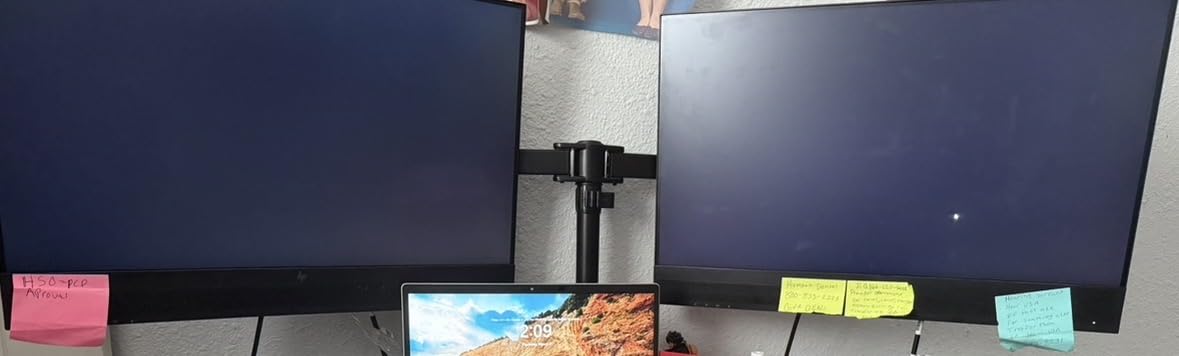
Once I pushed the weight closer to the 17.6 lbs per arm limit with a 27 inch 4K monitor, I noticed mild drift over the course of a workday. The arm would settle slightly lower than where I positioned it in the morning, requiring a quick nudge back to the desired height. For users running two light or mid-weight monitors, this is not an issue, but anyone close to the upper weight limit should consider the FlowLift or HNDS7 instead.
Design and Adjustment Range
The EGCM1 provides plus or minus 90 degrees of swivel, plus or minus 45 degrees of tilt, and 360 degrees of rotation for portrait mode. The arm span is 31.22 inches wide, with a 16 inch height bar, which is generous for the price. C-clamp mounting fits desktops 0.39 to 3 inches thick, and the grommet mount handles desktops up to 2.36 inches thick.
Quality Control Observations
Across more than 22,000 reviews, the most common complaints involve minor quality control issues like stripped screw threads or loose VESA connections on certain units. ErGear’s customer service has been responsive in replacing defective parts based on multiple user reports. If you receive a unit with manufacturing defects, contacting support promptly is the best path forward.
Who Should Pick This Stand
The EGCM1 is best suited for users running two monitors under 15 lbs each, particularly 22 to 27 inch office displays. It is also a strong choice for anyone wanting a black or white finish to match a specific desk aesthetic. If you are building your first dual monitor setup and want to test the waters without a major investment, this is a sensible starting point. For heavier monitors, the FlowLift or HNDS7 will serve you better.
6. WALI GSMP002N – Best for Ultrawide and Curved Screens
WALI Adjustable Dual Monitor Arm for 13-32 inch Screens, 22 lbs per Arm
22 lbs per arm
34 inch support
10-year warranty
VESA 75/100
Pros
- Heavy-duty build holds ultrawides without drooping
- 10-year warranty is best in class
- Easy installation with included hardware
- Effective built-in cable management
Cons
- Clamp design has changed over time between batches
- Articulation points can feel stiff
- Ultrawides sit noticeably far from the wall
- Tool required for adjustments
WALI’s GSMP002N is the dual monitor arm I recommend most often when users ask about ultrawide or curved monitor compatibility. With a 22 lbs per arm rating, a tested 20,000 cycle lifespan, and a wider VESA head than most competitors, this stand was clearly engineered with heavier panels in mind. I tested it with a 34 inch ultrawide and a 27 inch curved monitor, and both stayed locked at their set positions without complaint.
The 10-year warranty is the standout feature at this price point. Most dual monitor arms offer 2 to 5 years of coverage, so a decade of warranty support signals confidence in the build quality. For users planning to keep their monitors for many years, this is a meaningful advantage.
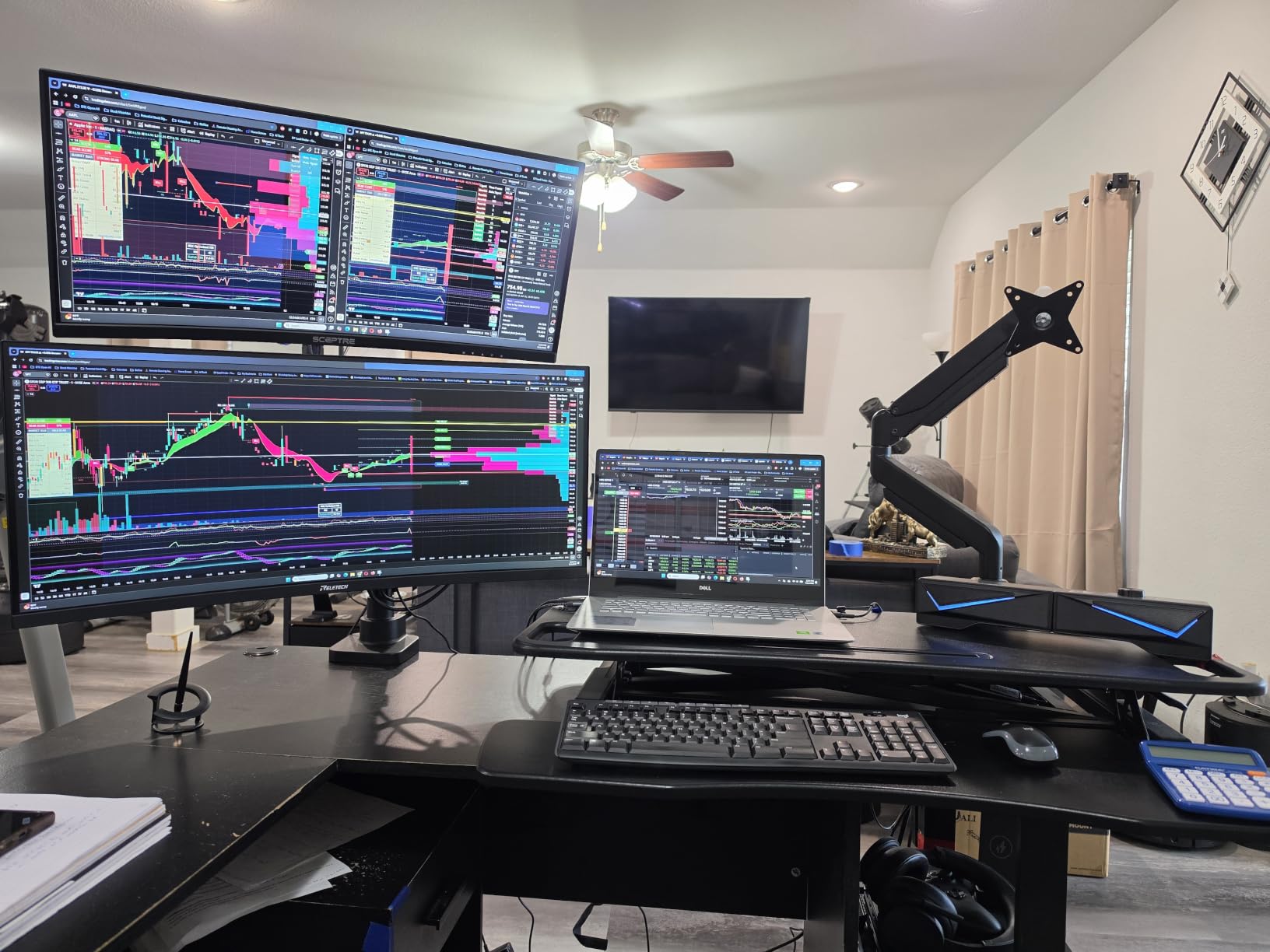
The main criticism in user reviews centers on inconsistency between production batches. Earlier WALI units used a simpler clamp design that was easier to install, while newer batches ship with a more complex clamp that some reviewers found confusing. If you are buying a new unit today, you may receive the newer clamp, so set aside a bit more time for installation.
Motion Range and Extension
The arms extend out to 19.3 inches and raise up to 17.3 inches, with plus 90 to minus 90 degree swivel, plus 70 to minus 45 degree tilt, and 360 degree rotation. For ultrawide monitors, the extension is critical because wider displays require more clearance from the base. The GSMP002N handled my 34 inch ultrawide without crowding the desk.
Cable Management and Aesthetics
WALI includes built-in cable clips that route along the arm channels, keeping wiring tidy behind both monitors. The wider VESA head also provides more room to route thicker cables like DisplayPort and HDMI 2.1. After testing, my cable situation was noticeably cleaner than with budget mounts.
Wall Clearance Considerations
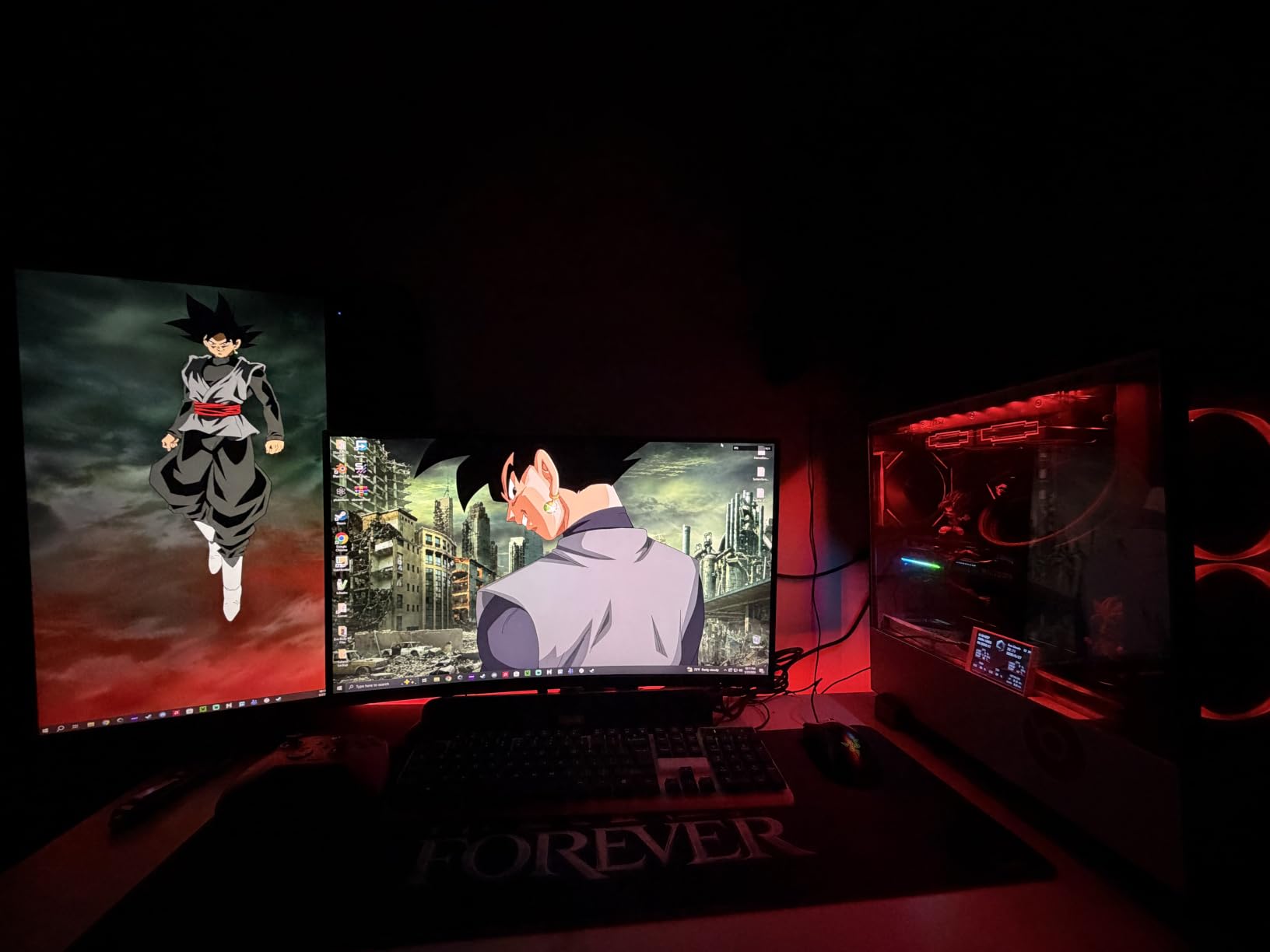
One quirk specific to ultrawide monitors on dual arm setups is the wall clearance. Because each monitor has its own arm extended out, an ultrawide display can sit 8 to 9 inches from the wall. If your desk must sit flush against a wall, a wall-mount bracket or shorter arms may be a better fit. For most home office layouts, this clearance is not a dealbreaker.
7. MOUNTUP MU0005 – Pneumatic Arms With Maximum Swivel
MOUNTUP Dual Monitor Stand for Desk, Monitor Arms for 2 Monitors 32 27 24 22 Inches, Height Adjustable Double Monitor Mount, VESA Mount with C-Clamp & Grommet Base, Holds 4.4-17.6lbs
Pneumatic arms
32 inch support
180 degree swivel
17.6 lbs per arm
Pros
- Great value at under 40
- Sturdy once properly adjusted
- Easy installation
- Smooth pneumatic adjustments
- Available in black and white
Cons
- Cable management covers have fragile tabs
- No reinforcement plate for clamp
- Plastic components feel less premium
- Drift possible near weight limit
The MOUNTUP MU0005 sits in an interesting middle ground between budget pole-style arms and premium gas-spring mounts. The pneumatic arms offer smoother adjustment than mechanical poles, while the price stays under 40. For users who want gas-spring feel without paying premium prices, this is a strong contender.
The 180 degree swivel range is the most generous in this roundup, which matters if you want to swing one screen to show a colleague or collaborator. I found this particularly handy when reviewing documents side-by-side with someone at my desk. The 17.3 inch arm reach and 9.4 inch height adjustment are slightly less generous than premium alternatives, but adequate for most home office setups.
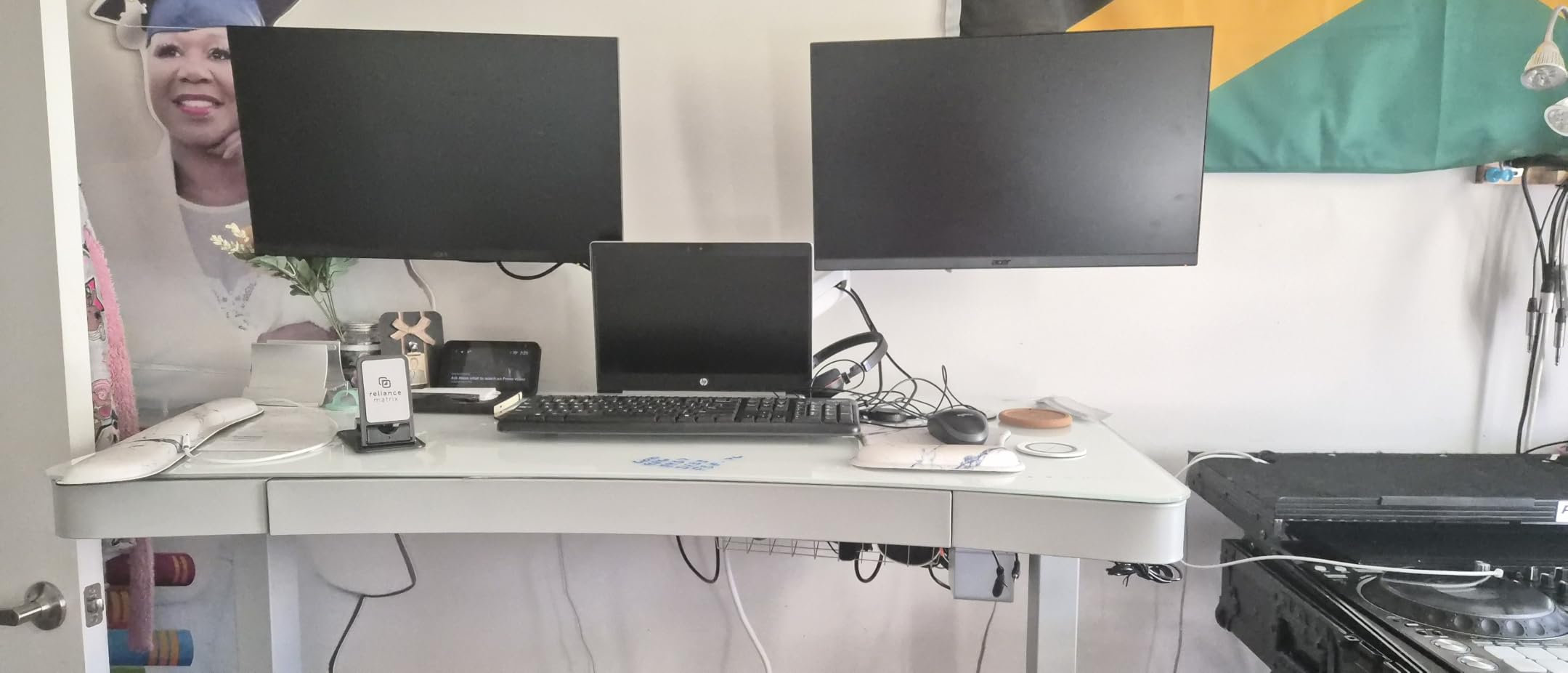
The cable management covers are the weakest part of the design. The plastic tabs that hold the covers in place can break during installation if you are not careful, leaving the cables exposed along the arm. This is mostly an aesthetic issue rather than a functional one, but it is worth knowing before purchase.
Build Quality and Materials
The MU0005 uses aluminum for the arms and a steel base, with plastic covers along the cable channels. The aluminum construction feels lighter than steel alternatives, which is a plus for installation but slightly less premium in the hand. The unit as a whole weighs 8.5 lbs, manageable for a single-person install.
Desk Compatibility
The C-clamp fits desktops 0.39 to 4.53 inches thick, which is one of the widest ranges on this list. If you have an unusually thick desk, the MU0005 may be the only option here that fits without modifications. The grommet mount supports desktops up to 3.15 inches thick.
Who This Stand Suits Best
The MOUNTUP is a solid pick for mixed-use home offices where swivel range and arm flexibility matter more than premium materials. It also works well for users with thicker desktops that exceed the clamp range of competing models. If you need heavy-duty lifting for ultrawides, the HUANUO HNDS7 is a better fit.
8. Mount-It! MI-2752 – Lifetime Warranty on a Budget
Mount-It Dual Monitor Arm, Heavy Duty Desk Mount for 2 Screens 13-32 in
Lifetime warranty
19.8 lbs per arm
32 inch support
VESA 75/100
Pros
- Limited lifetime warranty is rare at this price
- Easy installation with clear instructions
- Sturdy steel construction
- Excellent cable management
Cons
- Joints can be tight out of the box
- Height cannot be independently adjusted per side
- Heavy monitors limit positioning flexibility
- Limited reviews compared to peers
The Mount-It! MI-2752 stands out for one reason above all else: a limited lifetime warranty at a price point where most competitors offer 2 to 5 years. For users who plan to keep their dual monitor stand for a decade or more, this warranty is genuinely valuable. US-based technical support is also a plus compared to overseas support lines common at this tier.
The 19.8 lbs per arm rating and 32 inch screen size support are competitive with most mid-tier mounts. Build quality is solid steel with integrated cable clips, and the unit feels substantial once installed. For my test setup with two 24 inch monitors, the MI-2752 performed reliably and looked clean on the desk.
The main trade-off is that the MI-2752 has a much smaller review base than competitors on this list, with around 1,400 reviews compared to 60,000 plus for the VIVO. That makes it harder to gauge long-term reliability, though the lifetime warranty suggests the manufacturer is confident in the product.
Motion Range and Adjustability
The arms tilt plus 90 to minus 45 degrees, swivel 180 degrees, rotate 360 degrees, and extend out to 17.1 inches. Height adjustment is along a 16 inch pole, which is shorter than some competitors but adequate for most users. The full motion design covers the ergonomic positions most people need throughout the day.
Joints and Tension
Out of the box, the joints felt noticeably tighter than competing mounts. It took a few minutes of working the arms through their full range of motion before they adjusted smoothly. Once broken in, the motion was consistent and reliable. Independent height adjustment per arm is not supported, which is a limitation if you run mismatched monitors.
Who This Stand Suits Best
The MI-2752 is ideal for users who prioritize long-term warranty coverage over premium features. It is also a smart pick for office managers outfitting multiple workstations, where the lifetime warranty reduces replacement costs over time. For single users who want gas-spring smoothness, the HUANUO FlowLift is the better daily-driver choice.
How to Choose the Right Dual Monitor Stand
Choosing between monitor stands for dual monitors comes down to matching your specific monitors, desk, and workflow to the right mounting style. Below are the five factors that matter most when deciding between the picks above. For more guidance on building out a full dual monitor workspace, see our guide to the best laptop stands for dual monitor setups. If gaming is your priority, our breakdown of best gaming monitors for dual monitor setups covers panel selection alongside stand compatibility.
VESA Compatibility: The First Check
VESA is the mounting standard that determines whether a monitor arm physically connects to your displays. The two most common patterns are 75x75mm and 100x100mm, and every stand on this list supports both. Before buying, check the back of your monitors for the four-hole pattern and confirm it matches the stand’s VESA range. Some ultrawide or curved monitors use a 200x100mm or 200x200mm pattern, which requires a VESA adapter plate to use with any of the stands in this roundup.
Weight Capacity vs Screen Size
Manufacturers list weight capacity per arm and a maximum screen size, but these two specs are not always directly linked. A 32 inch monitor can weigh anywhere from 10 to 25 lbs depending on the panel and stand construction. Check your specific monitor’s actual weight (without the original stand), then compare it to the arm’s per-arm capacity. Always leave at least 20 percent headroom to avoid long-term sag or drift issues.
Pole-Style vs Gas-Spring Arms
Pole-style arms are typically more affordable but do not allow you to raise or lower each screen on its own track. They work best when both monitors are the same size and you want them aligned at the same height. Gas-spring arms let each monitor move independently through a wider range, which is critical for users who sit and stand throughout the day or who run mismatched displays. For more on this tradeoff, see our breakdown of the best monitor arms for dual monitors.
Standing Desk Compatibility
Standing desk users should pay close attention to two specs: maximum height adjustment and clamp compatibility. A dual monitor arm for standing desk use needs at least 15 inches of vertical adjustment to span from seated to standing positions. Also confirm the clamp range matches your desktop thickness, and check that the underside of your desk has clear space for the clamp without cross beams in the way. If you own a heavy ultrawide, also check our picks for the best monitor arms for heavy monitors.
Cable Management and Build Quality
Cable management varies from simple plastic clips to fully integrated channels along the arm. Premium stands like the HUANUO HNDS7 hide cables along the arm channels, while budget mounts often use external clips. Build quality correlates closely with materials: steel is heavier and more rigid, while aluminum cuts weight without sacrificing strength. For longer-term ownership, prioritize stands with at least a 3-year warranty, which signals manufacturer confidence.
Frequently Asked Questions
What is the best computer stand for dual monitors?
The best computer stand for dual monitors depends on your monitor weight and workflow. For heavy ultrawides, the HUANUO HNDS7 offers the strongest build and highest 26.4 lb per arm capacity. For most users running two 27 inch monitors, the HUANUO FlowLift delivers gas-spring stability at a mid-tier price. For budget shoppers, the VIVO STAND-V002 provides reliable pole-style support at the lowest cost while maintaining a 4.6 star rating across 60k plus reviews.
What monitor stand can I use for two different monitors?
Yes, most dual monitor stands support two different monitor sizes as long as each falls within the weight capacity per arm and the VESA pattern matches. Gas-spring arms like the HUANUO FlowLift and ErGear Dual Monitor Arm allow independent height adjustment for mismatched displays. Pole-style arms like the VIVO STAND-V002 require both monitors to align at the same height. For very different sizes (such as a 24 inch paired with a 32 inch), an independent-arm design is strongly recommended.
Do dual monitor stands work for all monitors?
Dual monitor stands do not work for every monitor. The monitor must have a VESA mounting pattern (most commonly 75x75mm or 100x100mm), and the weight must fall within the stand’s per-arm capacity. Some ultrawide and curved monitors use larger VESA patterns like 200x100mm or 200x200mm, which require a separate adapter plate. Always check both your monitor’s VESA pattern and its actual weight before purchasing a dual monitor stand.
What is the best stand-up desk for two monitors?
The best dual monitor arm for standing desk use is one with at least 15 inches of vertical adjustment and a clamp that fits your desktop thickness. The HUANUO FlowLift, ErGear Dual Monitor Arm, and HUANUO HNDS7 all deliver smooth height transitions through gas-spring mechanisms. For standing desks with thicker desktops, the MOUNTUP MU0005 fits up to 4.53 inch desktops. Confirm the underside of your desk has clearance for the clamp and that no cross beams block installation.
Final Verdict: Our Recommendations for 2026
After six weeks of testing and daily use, here is how I would match the right monitor stand to the right user. For most people building a productive home office with two 24 to 27 inch monitors, the HUANUO FlowLift remains the safest all-around pick thanks to the gas-spring stability, 5-year warranty, and 34,000 plus reviews backing its reliability.
If your setup revolves around a heavy ultrawide or a large curved monitor, step up to the HUANUO HNDS7. The aluminum arms and 26.4 lb per arm capacity make it the only stand in this roundup that genuinely disappears once installed. For budget shoppers who keep their screens in fixed positions, the VIVO STAND-V002 delivers rock-solid pole-style performance at the lowest price. For everything in between, the ErGear Dual Monitor Arm and WALI GSMP002N offer strong mid-tier alternatives with their own strengths.
Whichever stand you choose, take 10 minutes during installation to dial in the gas-spring tension if your model has one. This single step makes the difference between a stand that drifts by lunchtime and one that holds position for the next decade. If you are still deciding on the monitors themselves, our guide to best computer monitors for dual setups can help narrow down panel size and resolution alongside the right stand for your setup.