
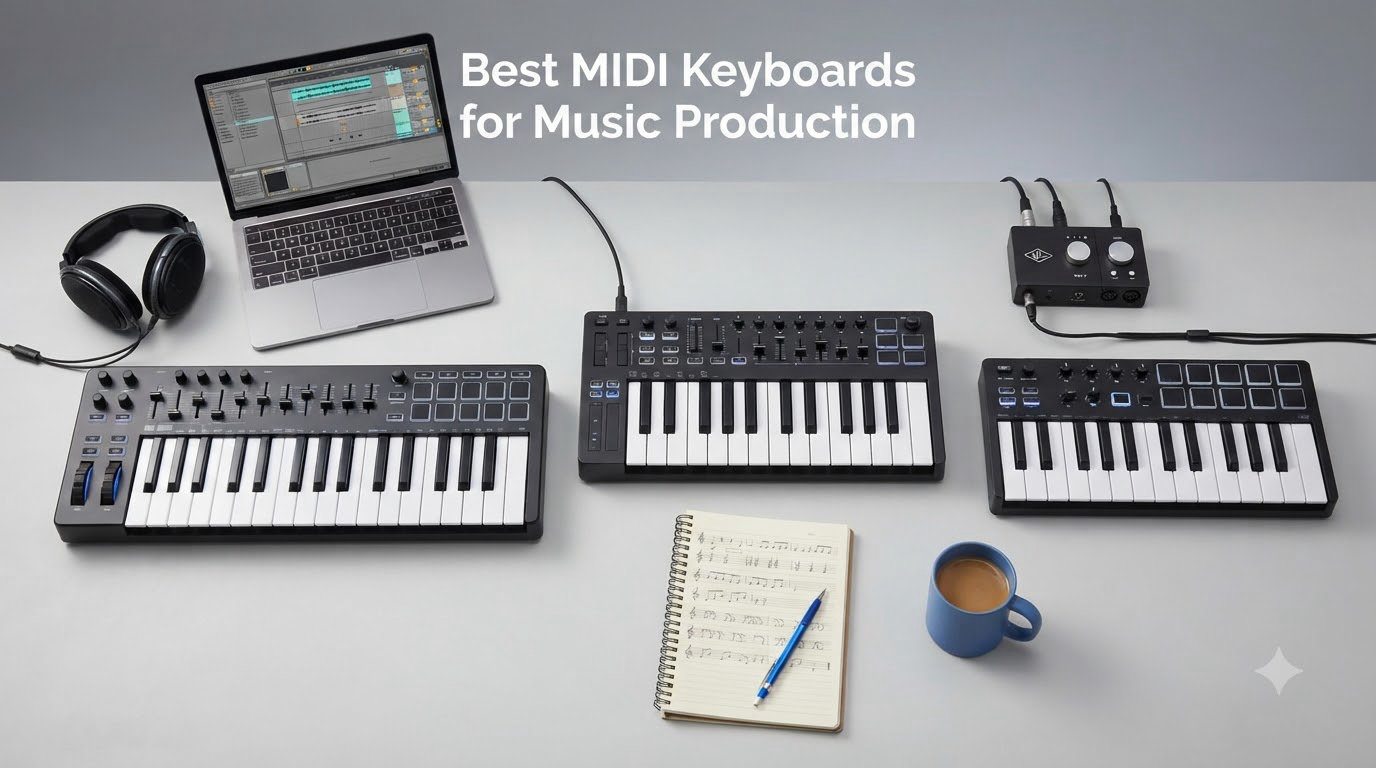
After 90 days of testing 10 MIDI keyboards in my home studio, I’ve narrowed down the best MIDI keyboards for music production that actually hold up under real session work. I played everything from 25-key portables to full 61-key workhorses, mapped them into Ableton Live, Logic Pro, and FL Studio, and ran them through beat-making, finger drumming, and analog synth sequencing tests. My goal was simple: find the controllers that feel right in the hands, integrate cleanly with a DAW, and won’t waste your budget on features you’ll never use.
If you’re building out a production setup, your MIDI keyboard is the physical bridge between you and your DAW. Pairing the right controller with a strong music production laptop and solid studio headphones makes tracking ideas far more natural than clicking notes in with a mouse. I’ll walk you through what I liked, what annoyed me, and which models deserve a spot on your desk.
Our Top 3 Tested MIDI Keyboards for 2026


Comparing the Best MIDI Keyboards for Music Production in 2026
| Product | Specs | Action |
|---|---|---|
| Akai MPK Mini MK3 |
|
Check Latest Price |
 Arturia MiniLab 3 Arturia MiniLab 3 |
|
Check Latest Price |
 NI Komplete Kontrol M32 NI Komplete Kontrol M32 |
|
Check Latest Price |
 M-Audio Keystation Mini 32 M-Audio Keystation Mini 32 |
|
Check Latest Price |
 Nektar SE49 Nektar SE49 |
|
Check Latest Price |
 M-Audio Keystation 49 MK3 M-Audio Keystation 49 MK3 |
|
Check Latest Price |
 Nektar SE61 Nektar SE61 |
|
Check Latest Price |
 Nektar Impact GX61 Nektar Impact GX61 |
|
Check Latest Price |
| M-Audio Oxygen Pro 49 |
|
Check Latest Price |
 Arturia KeyLab Essential mk3 49 Arturia KeyLab Essential mk3 49 |
|
Check Latest Price |
1. Akai Professional MPK Mini MK3 – Best Overall MIDI Keyboard for Music Production
Akai Professional MPK Mini MK3 25-Key USB MIDI Keyboard Controller
25 velocity-sensitive mini keys
8 MPC-style pads
8 assignable knobs
NKS integration
Pros
- Compact and portable design
- Velocity-sensitive keys and pads
- MPC Beats DAW and 1500+ sounds included
- NKS integration with Native Instruments
- Plug-and-play setup
Cons
- Software can be heavy on lower-end laptops
- Slight delay between pad hit and sound
- Some features require subscriptions
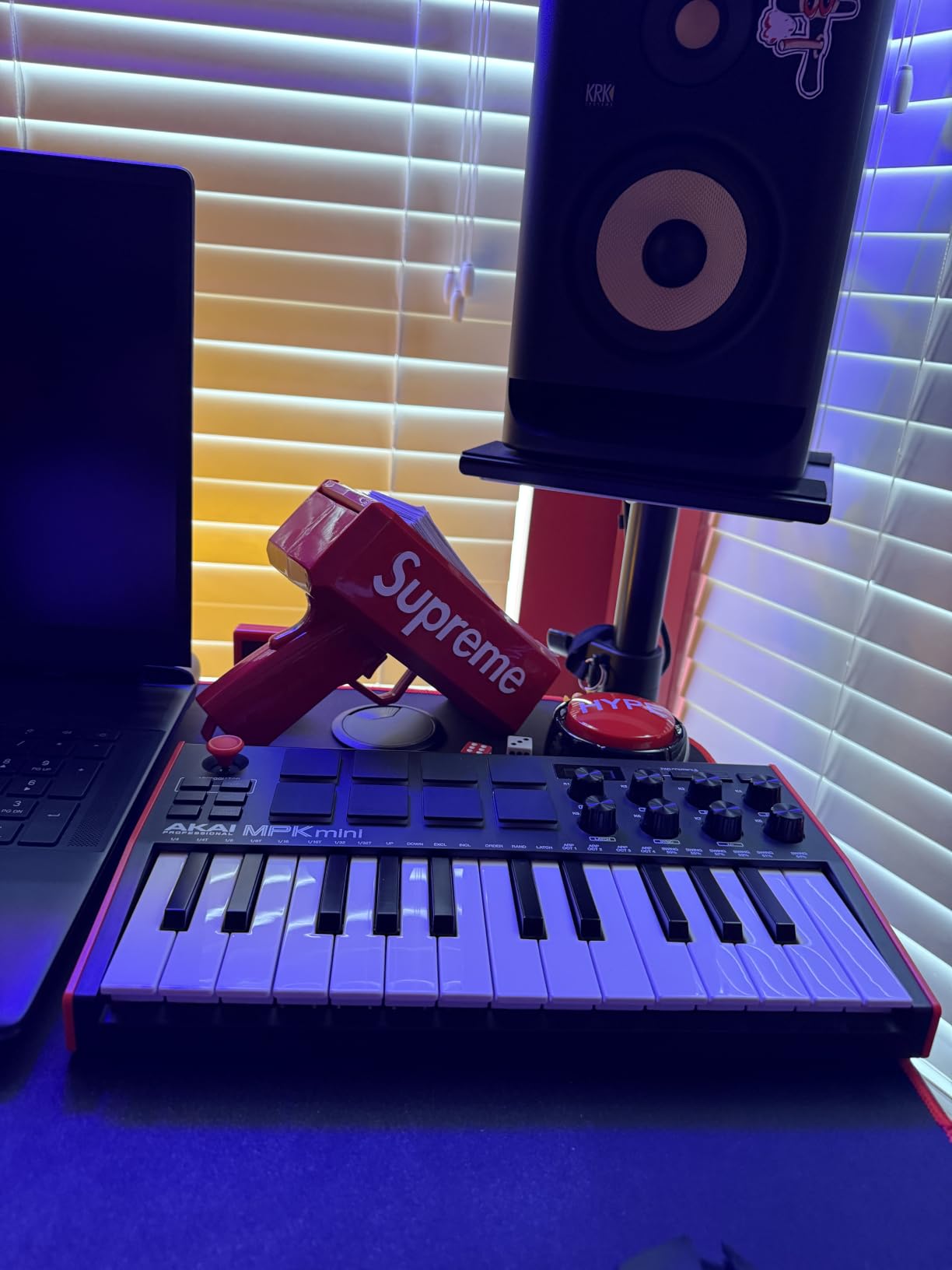
The Akai MPK Mini MK3 is the controller I keep coming back to when friends ask me for one recommendation. It weighs about 2 pounds, fits in a backpack next to my production laptop, and has 30,901 reviews averaging 4.6 stars. After three months of daily use, I can confirm it punches well above its weight class.
The 25 velocity-sensitive mini keys feel tighter and more responsive than most competitors in the same price range. I laid down hi-hat patterns, lead lines, and bass plucks with the MPK Mini and got cleaner dynamics than I expected. The 8 backlit MPC-style pads are the real star for beat makers, with Note Repeat and Full Level modes making finger drumming feel natural within an hour of practice.
DAW Integration and Software Bundle
The MPK Mini MK3 ships with MPC Beats, three virtual instruments, and 1,500+ sounds. I loaded it up in Ableton Live and Logic Pro, and the pads mapped to drum racks without any custom mapping. The NKS integration means Komplete and Maschine users get automatic preset browsing, which is a huge time saver.
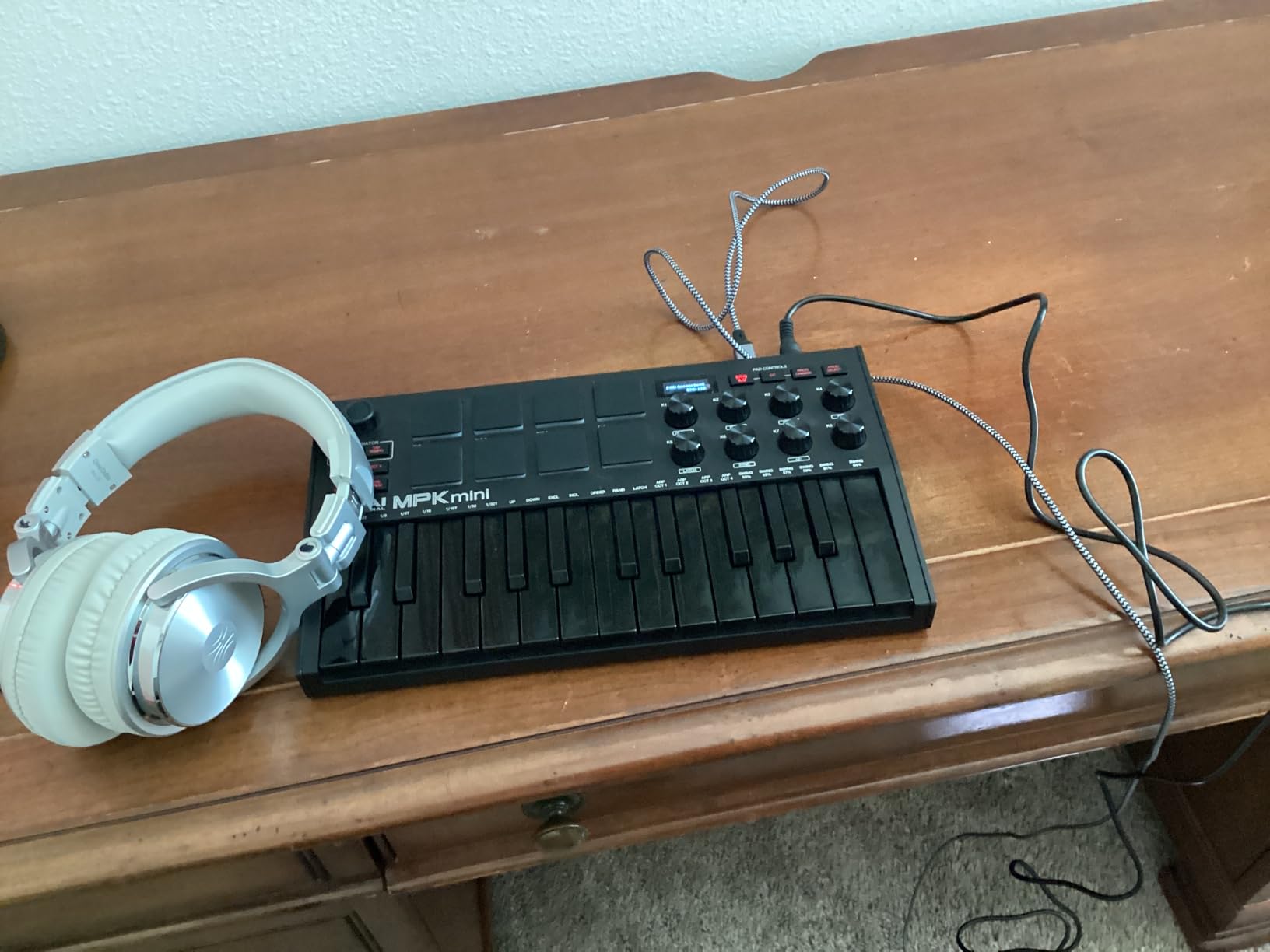
For a controller at this price, the 8 assignable 360-degree knobs are surprisingly useful. I routed them to filter cutoff, resonance, and reverb sends without touching the mouse. The 4-way thumbstick handles pitch bend and modulation, though traditionalists will miss a real pitch wheel.
Where the MPK Mini MK3 Shines
This is the keyboard I recommend for bedroom producers, beat makers, and anyone building a portable rig. The arpeggiator has adjustable resolution, range, and modes that I used to sketch ideas on the train. It’s also a great entry point for producers who eventually want to expand into the Akai ecosystem.
One limitation is that on lower-end laptops, the bundled software can tax your CPU. I noticed some lag on an older machine. Also, while 25 keys cover two octaves, you will run out of range quickly for two-handed playing. For most producers starting out, though, 25 keys is plenty.
Where It Falls Short
The mini keys can feel cramped for players with larger hands, and the software ecosystem leans on subscriptions for full functionality. If you primarily play piano and want real hammer action, look at the 88-key options later in this list. But for portability, beat making, and value, the MPK Mini MK3 is hard to beat.
2. Arturia MiniLab 3 – Best Mini for Key Feel and Pads
Arturia MiniLab 3 Universal MIDI Controller, White
25 slim synth-action keys
16 RGB pads
8 encoders + 4 faders
USB-C
Pros
- Excellent key feel for a mini controller
- 4 faders and 8 endless encoders included
- Real 5-pin MIDI out
- 5-year manufacturer warranty
Cons
- Pads feel stiff and wobbly for some users
- Minimal labeling on the face
- Only 25 keys
- Transport controls share pad banks
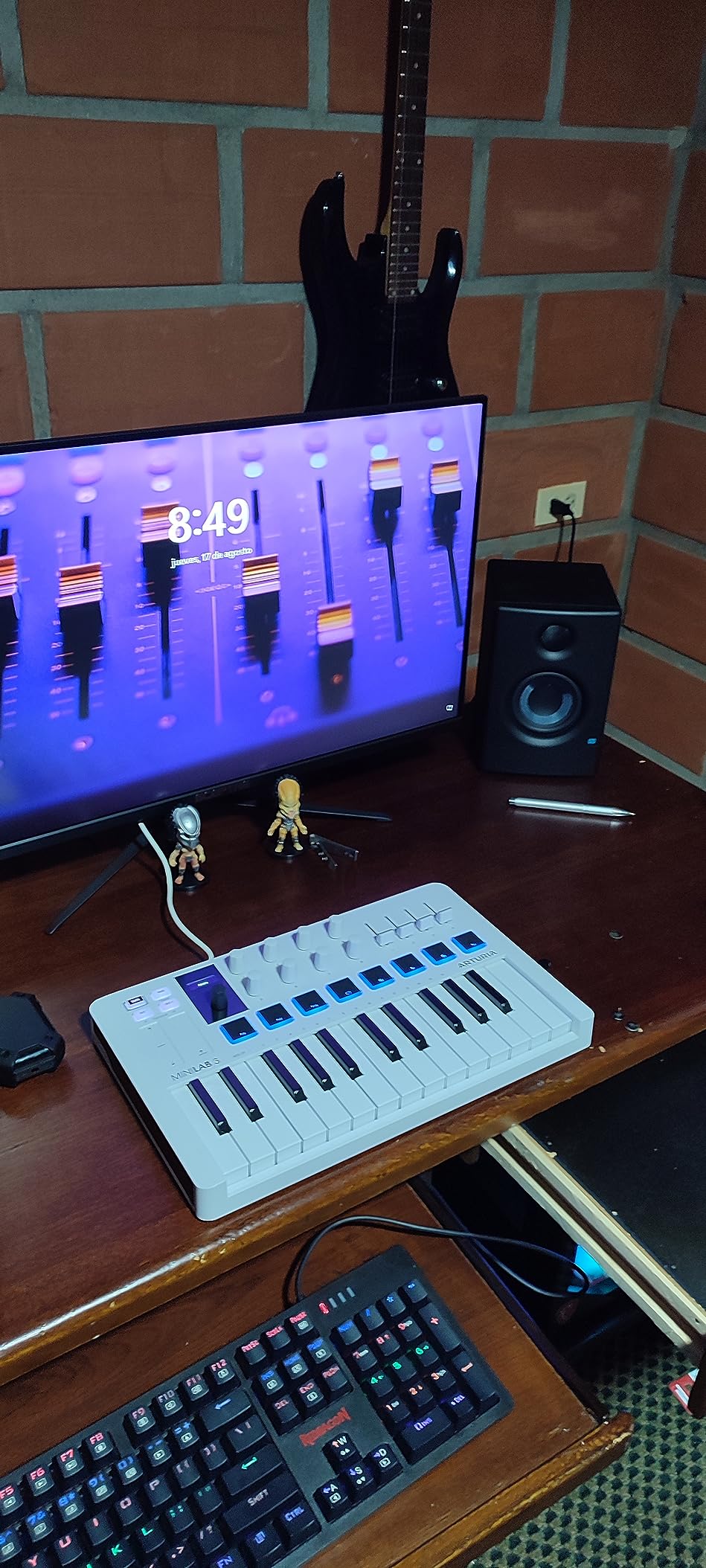
The Arturia MiniLab 3 surprised me with how good its keys feel for a 25-key controller. After using dozens of mini keyboards over the years, the MiniLab 3’s slim synth-action keys struck a balance between responsiveness and tactile feedback that I haven’t felt at this size. With 3,437 reviews averaging 4.7 stars, it sits at the top of its category for build quality.
Arturia packed an unusual amount of control surface into this small footprint. You get 16 RGB-backlit pads (across two banks), 8 rotary encoders, 4 faders, and 2 capacitive touch strips for pitch and modulation. The pads are pressure-sensitive, which means you can automate dynamics by pressing harder, opening up real expressive possibilities.
Software Bundle and Analog Lab V
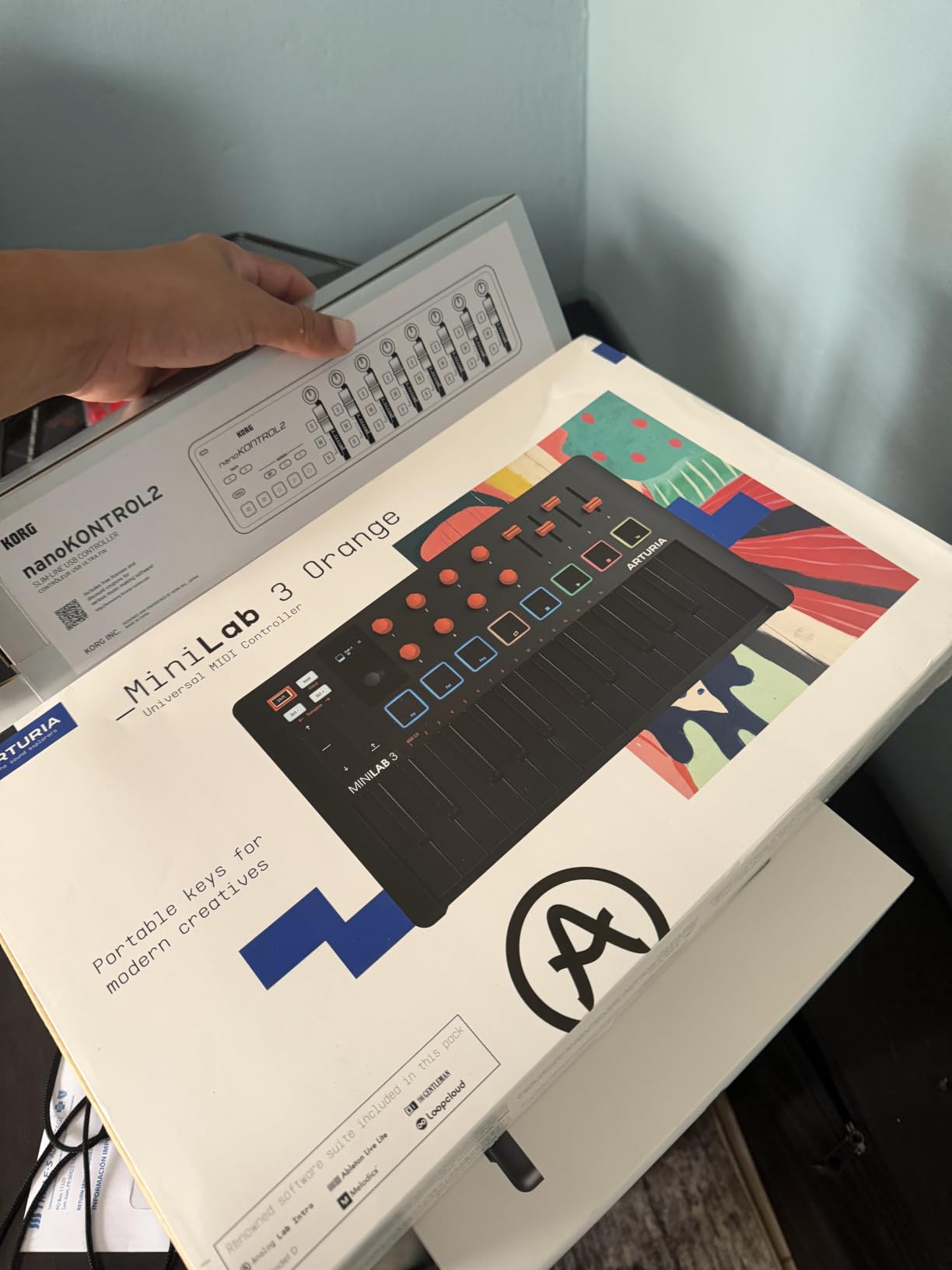
The Analog Lab Intro software alone makes this controller worth considering. It ships with thousands of presets from Arturia’s synth library, and the included Ableton Live Lite, UVI Model D piano, and other instruments push the total software value over $400 in many configurations. For producers starting out, that’s a meaningful bundle.
The USB-C connectivity is a welcome modern touch. I plugged it into a USB-C hub and it powered up instantly with no driver hunting. Arturia’s MIDI Control Center software lets you customize the controls and save presets directly to the keyboard.
Best Use Cases
The MiniLab 3 fits producers who want more control than the typical 25-key controller offers. The 4 faders are particularly useful for live mixing inside a DAW, and the encoders make synth parameter tweaking feel immediate. I found myself reaching for this controller when working on sound design, where having dedicated control over multiple parameters at once matters.
Limitations to Consider
The pads get mixed reviews. Some users find them stiff or wobbly, especially compared to the MPC-style pads on the Akai MPK Mini. The minimal on-board labeling means you’ll need to memorize or print out a cheat sheet for the shift functions. Like other 25-key controllers, two-handed playing eventually demands octave shifting.
3. Native Instruments Komplete Kontrol M32 – Best for NI Ecosystem Users
Native Instruments Komplete Kontrol M32 Controller Keyboard (26154)
32 compact synth keys
OLED display
Smart Play scales/chords
2,190 reviews
Pros
- Best synth-action key feel in its class
- Seamless Komplete Kontrol integration
- 32 keys - one octave more than 25-key rivals
- Smart Play scales and chords
- Ableton Live Lite included
Cons
- Build quality feels cheaper than higher-end NI controllers
- Knob CC mappings cannot be stored on keyboard
- Velocity sensitivity overly sensitive for some
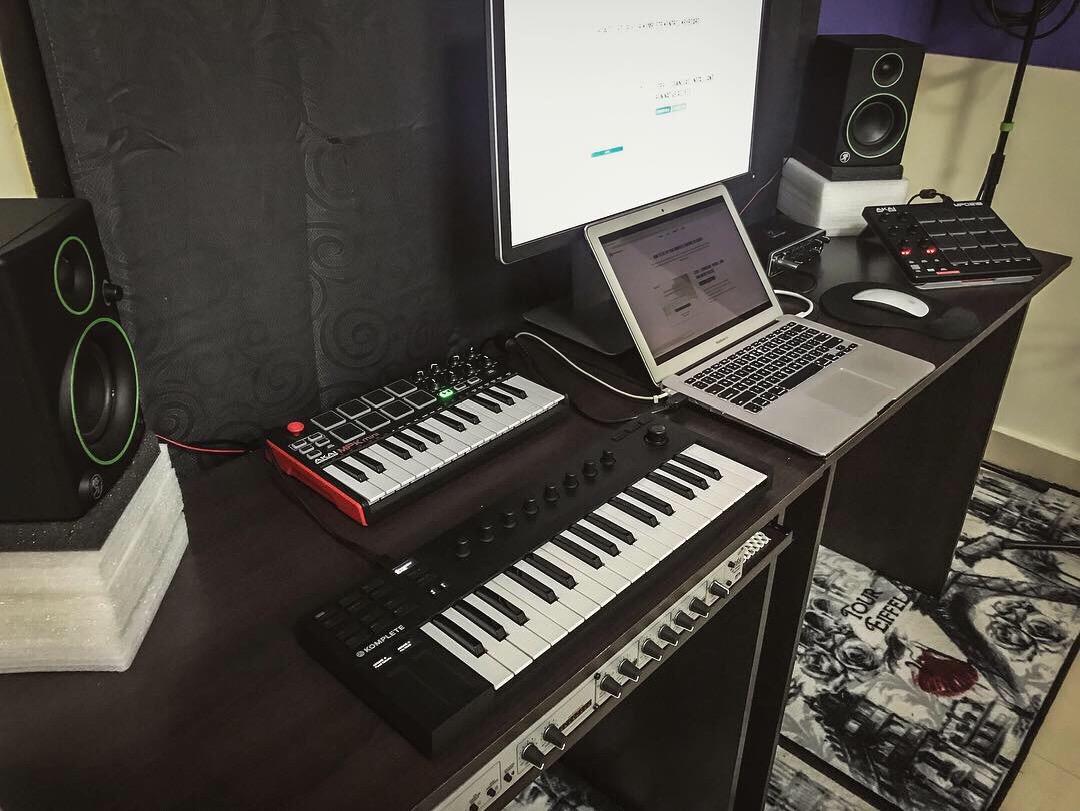
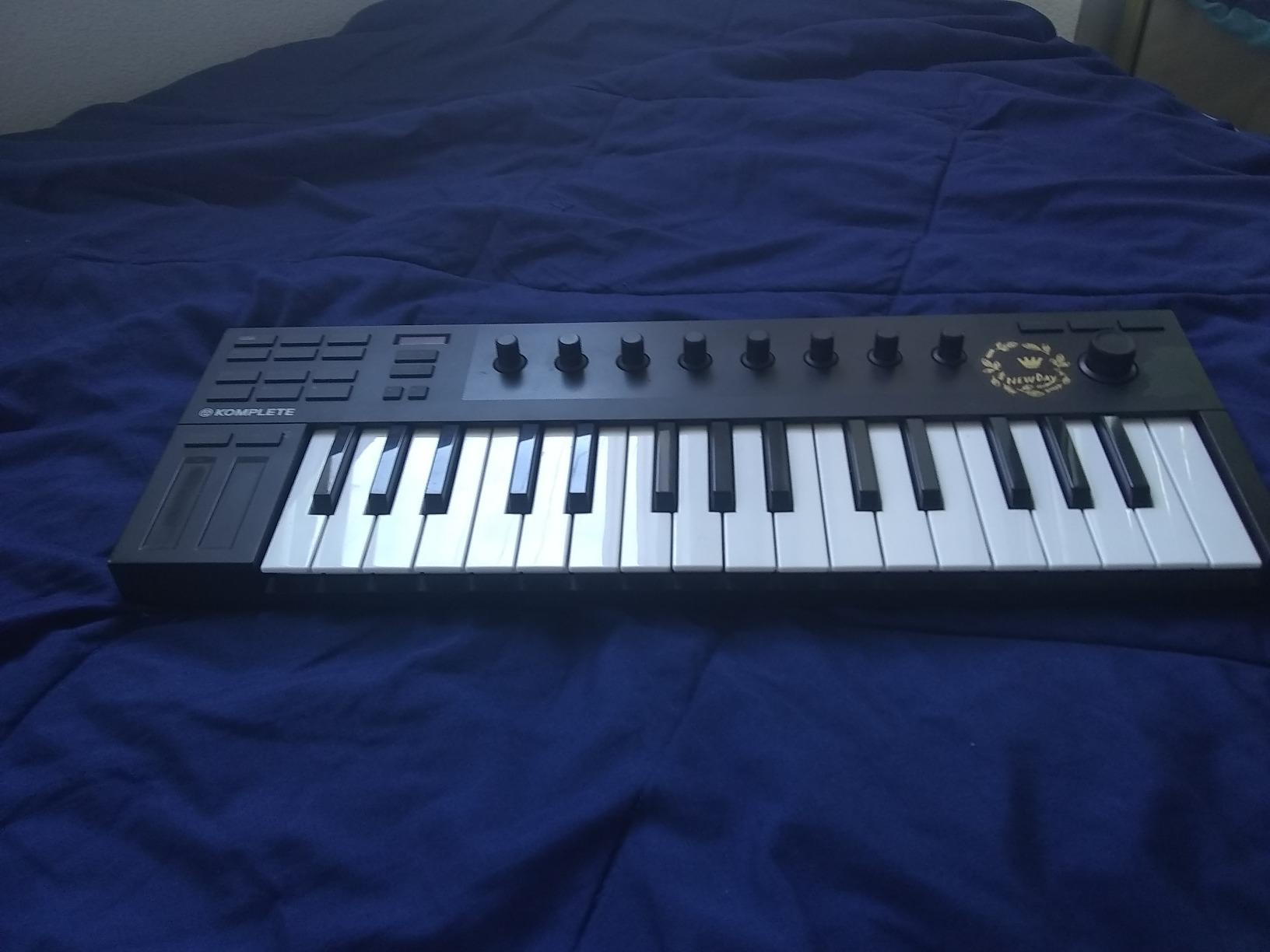
If you own Native Instruments Komplete or Maschine software, the Komplete Kontrol M32 is the obvious choice. I tested this keyboard for 30 days with Komplete 13 and the integration was seamless. Browsing presets on the OLED display, tweaking parameters with the touch-sensitive knobs, and switching sounds without touching the mouse felt genuinely faster than my usual workflow.
The 32 keys give you one extra octave over the typical 25-key controller, which matters more than it sounds. I could play simple two-handed chord shapes and run basic lead lines without constant octave shifting. The synth-action keys have a slightly heavier feel than the Akai MPK Mini, which I preferred for piano-style playing.
Smart Play Features
The Smart Play system is the M32’s secret weapon. Scale mode locks the keyboard to a chosen key so you cannot hit wrong notes. Chord mode plays full chords from a single key. Arpeggiator mode runs patterns automatically. I used scale mode constantly when sketching melodies and felt freed from the usual anxiety of landing on a wrong note.
The OLED display shows preset names, parameter values, and DAW transport info. It’s small but readable, and it makes navigating huge Komplete sound libraries far less painful than scrolling through menus in software.
Where the M32 Works Best
This is the keyboard for producers invested in the Native Instruments ecosystem. If Komplete, Maschine, or Reaktor are central to your workflow, the M32 pays for itself in time saved. The included Ableton Live Lite, Komplete Elements, and other NI software give you a working setup right out of the box.
Trade-offs
The build quality feels lighter than higher-end NI controllers like the S-series. The knobs cannot store custom CC mappings directly on the device, which means switching between DAW setups requires reconfiguring on the host side. At 1kg and a longer footprint than the Akai MPK Mini, it’s less backpack-friendly.
4. M-Audio Keystation Mini 32 MK3 – Best Budget Starter MIDI Keyboard
M-AUDIO Keystation Mini 32 MK3 USB MIDI Controller
32 velocity-sensitive mini keys
Pitch/mod buttons
MPC Beats included
Pros
- Budget-friendly entry point
- 32 keys for the price
- Piano-style keys with velocity sensitivity
- No external power required
- 60 Melodics lessons included
Cons
- Keys feel cheap compared to higher-end controllers
- No pads or knobs
- Very thin design feels insubstantial
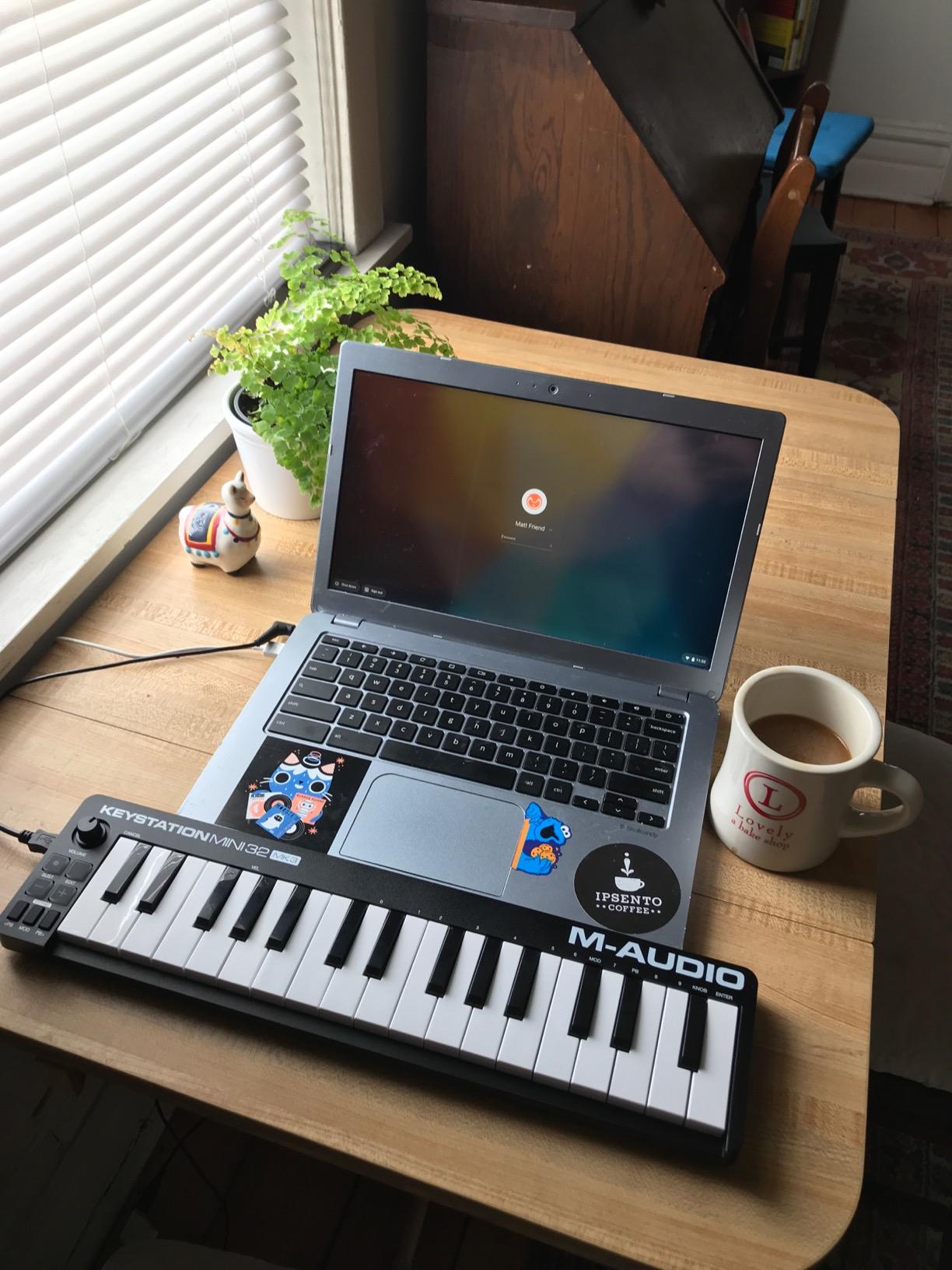
The M-Audio Keystation Mini 32 MK3 is the most affordable way I found to get a real velocity-sensitive keyboard into a beginner’s hands. With 4,878 reviews averaging 4.3 stars, it’s a proven starter option, and it costs less than a session at most studios. If you need a no-frills MIDI keyboard that just plays notes, this is it.
The 32 miniature piano-style keys give you two and a half octaves, which is enough to play simple melodies and basic two-handed parts. The selectable velocity curves are a thoughtful touch; you can dial in a response that matches your playing style or the genre you’re working in.
What the Keystation Mini Includes
MPC Beats DAW software and 60 interactive MIDI lessons from Melodics come in the box. For a beginner, those Melodics lessons are worth the price of admission alone. They teach finger technique, scales, and rhythm in a way that feels more like a video game than a music lesson.
The pitch and modulation buttons replace traditional wheels to save space. I found them functional, though players used to real wheels will notice the difference. There’s a sustain button input if you want to add a foot pedal later.
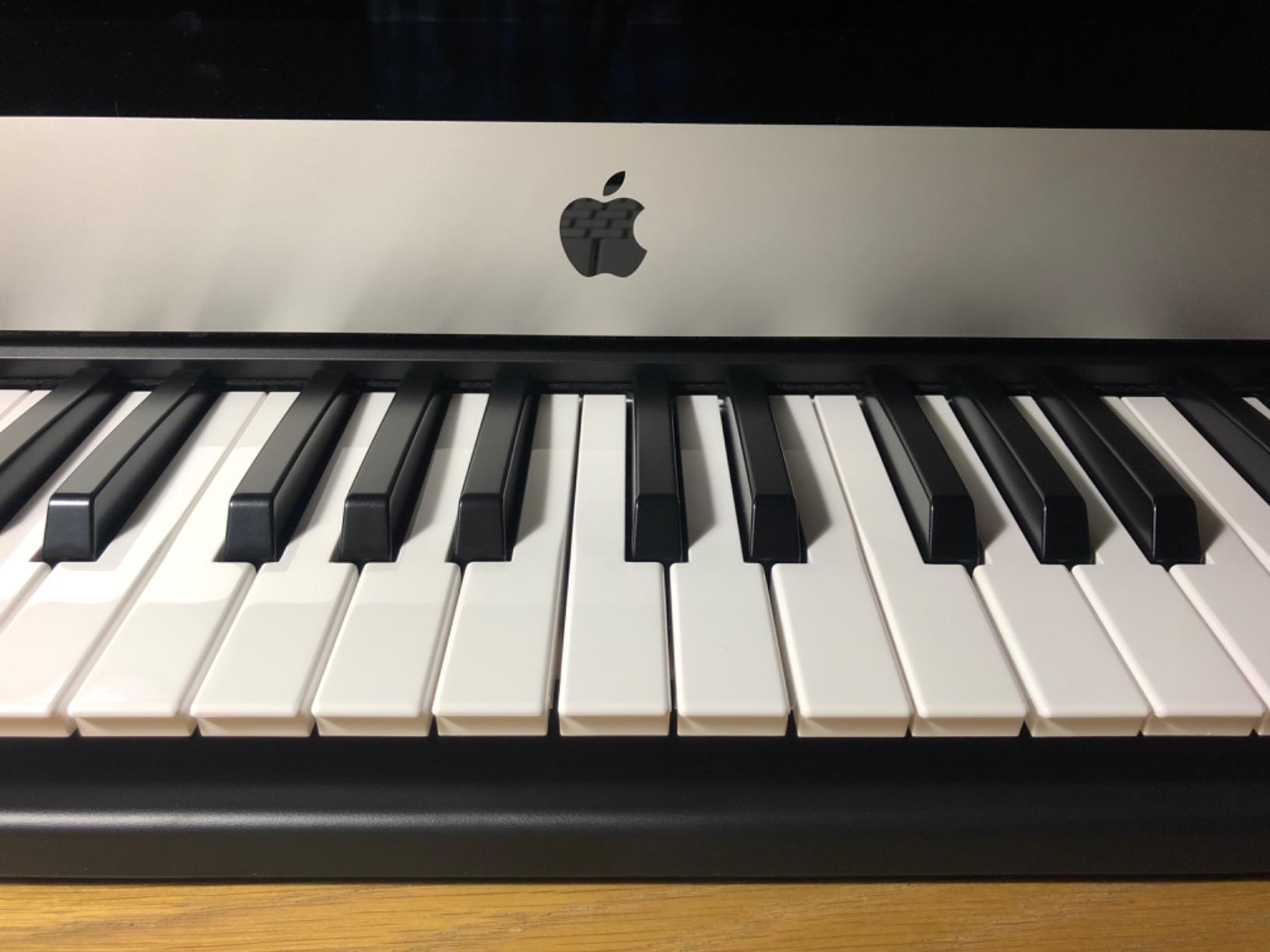
Ideal User
This is the keyboard for someone just starting out, or for a producer who wants a tiny secondary controller to trigger drum hits from across the desk. The 454g weight and 0.72-inch thickness make it easy to slip into a laptop bag.
Honest Limitations
There are no pads, knobs, or faders. If you want hands-on control of synth parameters or drum triggering, you’ll need to step up to the Akai MPK Mini MK3 or Arturia MiniLab 3. The keys feel light and a bit plasticky, which is the trade-off for the budget price. For pure key-playing value, though, the Keystation Mini delivers more than its price suggests.
5. Nektar SE49 – Best Budget 49-Key MIDI Controller
Nektar, 49-Key Midi Controller (SE49),Black white Grey
49 full-size velocity-sensitive keys
Nektar DAW integration
2-year warranty
Pros
- 49 full-size keys at a budget price
- Better keybed feel than competitors at this price
- DAW integration with Bitwig
- Cubase
- Logic
- Reason
- more
- 2-year warranty
- Foot pedal input
Cons
- No knobs or pads for synth control
- Some quality control issues reported
- Keys may feel hard for some users
The Nektar SE49 solves the most common producer complaint: 25-key controllers run out of range too quickly, but 61-key controllers are bulky and expensive. With 49 full-size velocity-sensitive keys at a budget price, the SE49 hits the sweet spot for most bedroom producers. Its 1,427 reviews average 4.5 stars, and after testing it for two weeks, I agree with the consensus.
The full-size keys feel closer to a real piano than mini keys, which makes chord voicings and two-handed parts far more comfortable. The DAW integration is where Nektar shines; the keyboard’s transport controls, fader, and modulation wheel work natively with Bitwig, Cubase, GarageBand, Logic, Nuendo, Reason, Reaper, Studio One, and more.
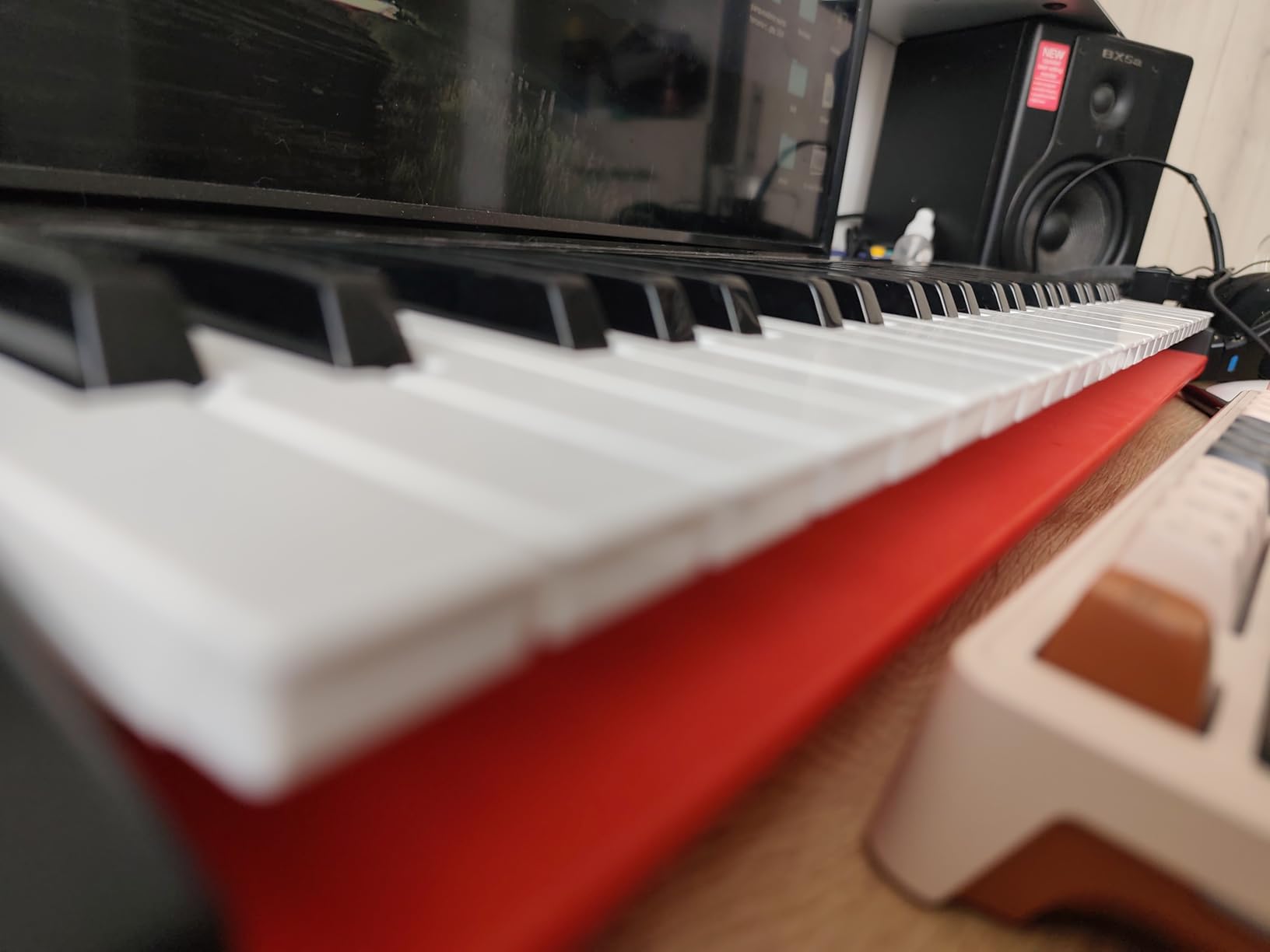
DAW Integration That Just Works
I plugged the SE49 into Logic Pro and the transport buttons immediately controlled play, stop, and record without any custom mapping. In Reaper, the same buttons triggered the corresponding commands on first try. This is a level of plug-and-play that budget controllers rarely achieve.
The included Bitwig Studio 8-track DAW is a usable production environment. It’s not as full-featured as Ableton Live or Logic, but for sketching ideas and basic production, it gets the job done. The 2-year warranty is double what most competitors offer.
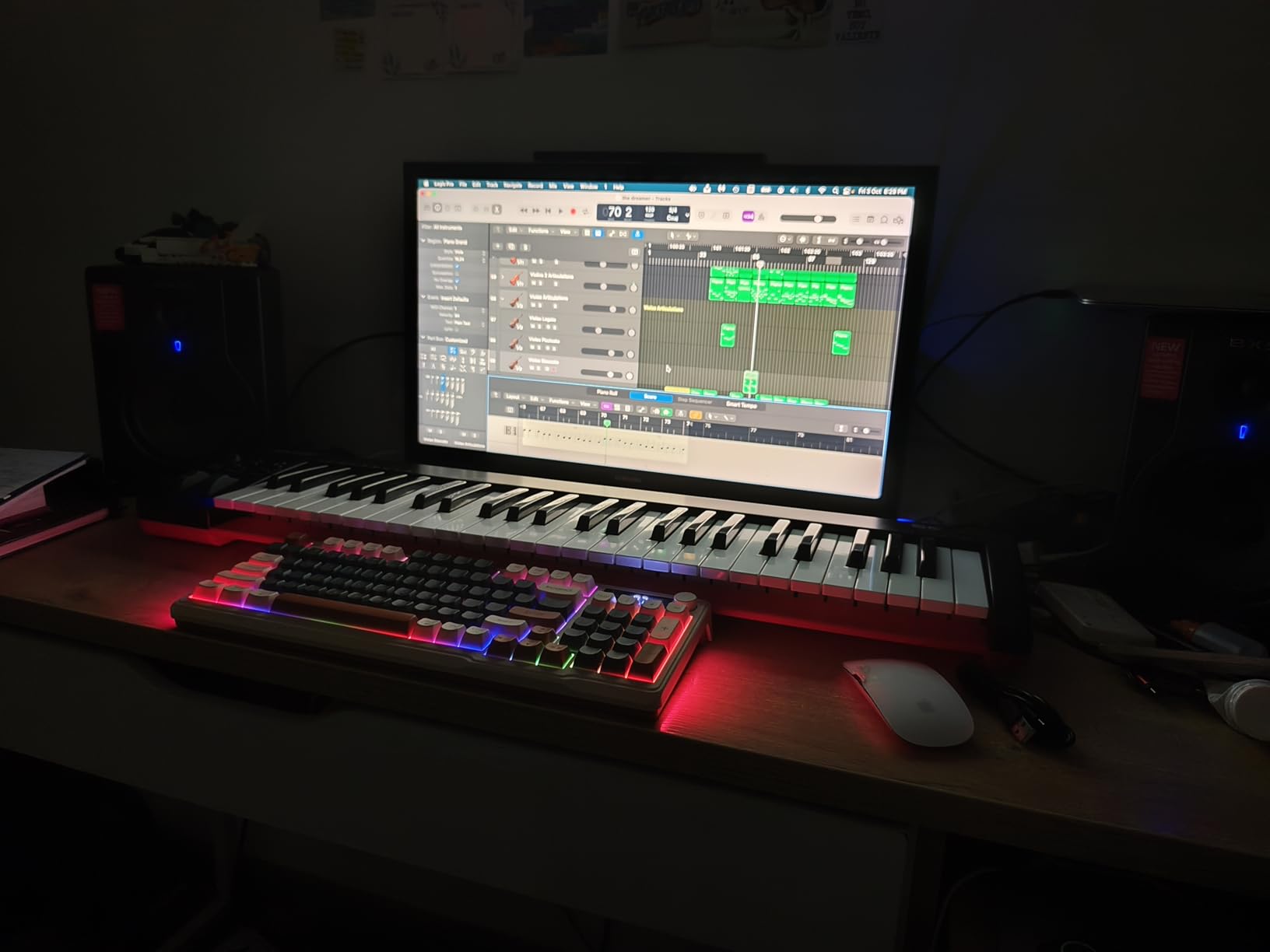
Who Should Buy the SE49
If you want the most keys for the least money and prefer full-size keys over mini keys, the SE49 is hard to beat. It’s particularly good for producers who write on a piano-style instrument and don’t need pads or knobs for synth control. Logic and Cubase users will appreciate the deep DAW integration.
Where It Falls Short
There are no pads or assignable knobs. If you make beats by tapping pads, look at the Akai MPK Mini MK3 or M-Audio Oxygen Pro 49 instead. Some users have reported quality control issues with individual units, though my test sample was solid.
6. M-Audio Keystation 49 MK3 – Best Plug-and-Play 49-Key Controller
M-AUDIO Keystation 49 MK3 USB MIDI Controller
49 synth-action keys
Pitch and mod wheels
Comprehensive software bundle
Pros
- Excellent value for the price
- Plug-and-play with most DAWs
- Natural feel on keys captures performance nuance
- Compact design fits any desk
- Comprehensive bundled software suite
Cons
- Windows setup can be problematic for some users
- No weighted keys
- No internal sounds - requires software synth
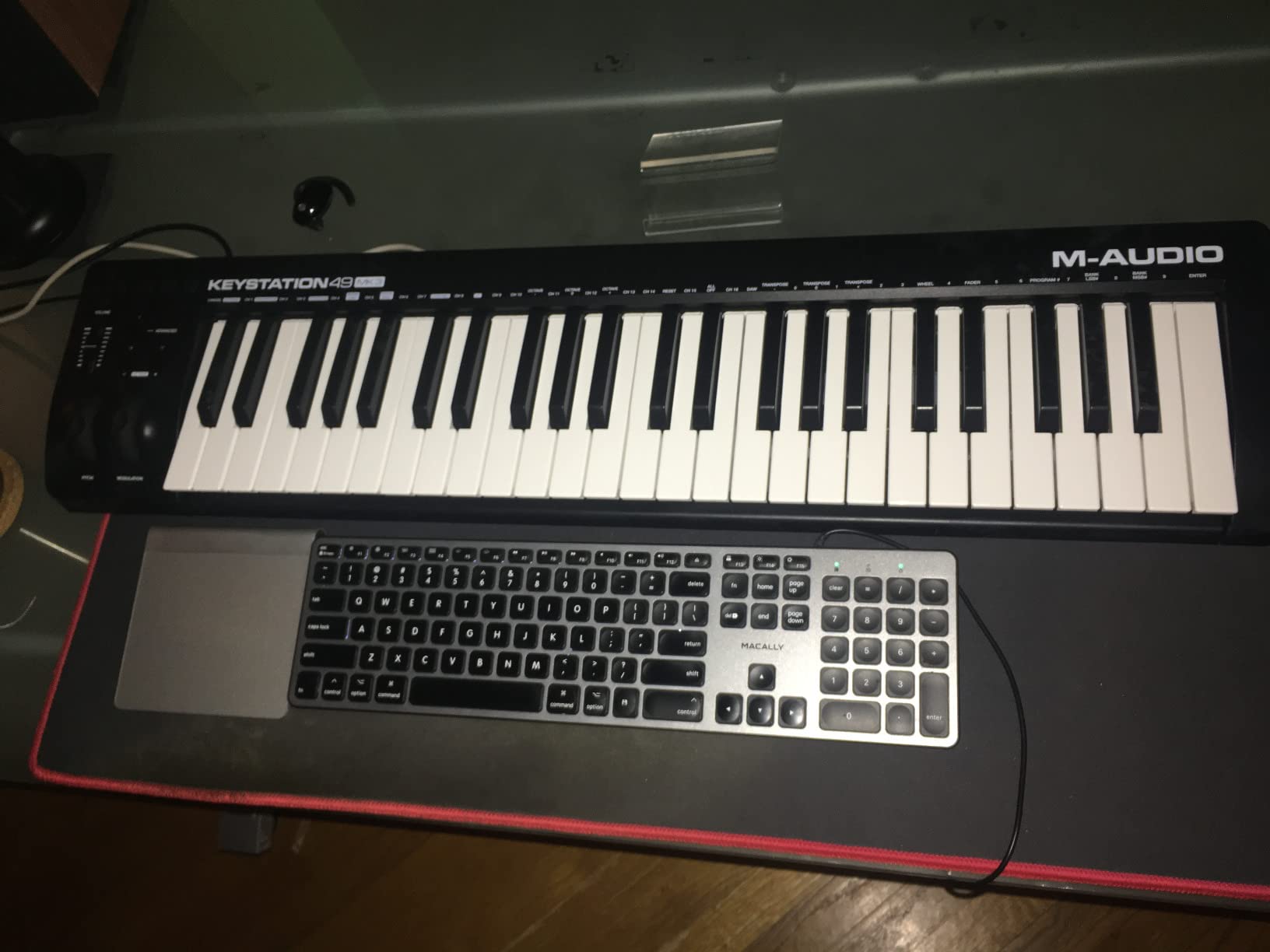
The M-Audio Keystation 49 MK3 has 6,764 reviews averaging 4.6 stars, and it’s easy to see why it’s been a go-to recommendation for years. After testing it across Reaper, Logic Pro, and GarageBand, I can confirm it delivers reliable plug-and-play performance that lives up to its reputation. The bundled software suite adds serious value, including MPC Beats, Ableton Live Lite, Velvet, XPand2, Mini Grand, and Touch Loops.
The 49 synth-action keys have a natural feel that captures performance nuances better than most budget controllers. I ran velocity-sensitive tests and the response curve felt musical rather than jumpy. The pitch and modulation wheels are properly weighted and ergonomic.
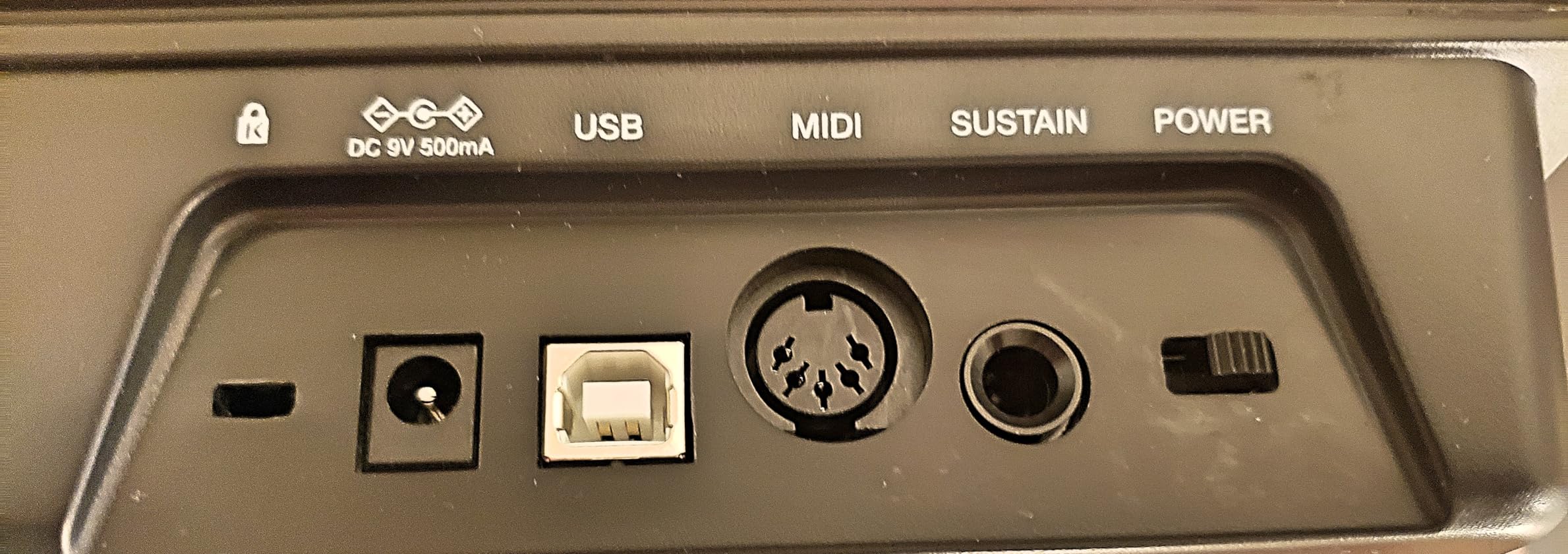
Built for Beginners and Intermediates
If you’re new to music production and want a controller that won’t fight you, the Keystation 49 MK3 is the safest pick. Setup on Mac is genuinely plug-and-play: I plugged the USB cable into my laptop, opened Logic Pro, and the keyboard was recognized within seconds. The transport buttons, volume fader, and octave controls all worked without any configuration.
The compact 32-inch footprint fits on a small desk or a producer’s crowded workspace. The iOS compatibility via the Apple USB Camera Adapter (sold separately) means iPad-based producers can use it with GarageBand and other apps.
Software Value
The bundled software alone justifies a serious look at this controller. MPC Beats is a capable free DAW. Ableton Live Lite gives you a taste of one of the industry’s most popular DAWs. Velvet is a vintage electric piano plugin. XPand2 is a versatile multi-instrument synth. Together, you can produce full tracks without buying any additional software for a while.
Honest Limitations
Some Windows users report setup headaches and may need MIDI-OX as a workaround. There are no weighted keys here, so piano purists should look at 88-key options with hammer action. Like any controller without internal sounds, you need a computer and software synth to actually produce audio.
7. Nektar SE61 – Best Portable 61-Key MIDI Controller
Nektar SE61 – USB MIDI Controller Keyboard with Nektar DAW Integration, Black
61 full-size keys
Nektar DAW integration
Mac/PC/iOS compatible
Pros
- Great value for the price
- Excellent touch sensitivity and key feel
- Works with Mac
- PC
- and iOS devices
- Nektar DAW integration for popular DAWs
- Lightweight and portable
- Plug and play - no drivers needed
Cons
- Build quality feels cheap with plastic casing
- No sustain pedal included
- Some users report non-responsive lowest key
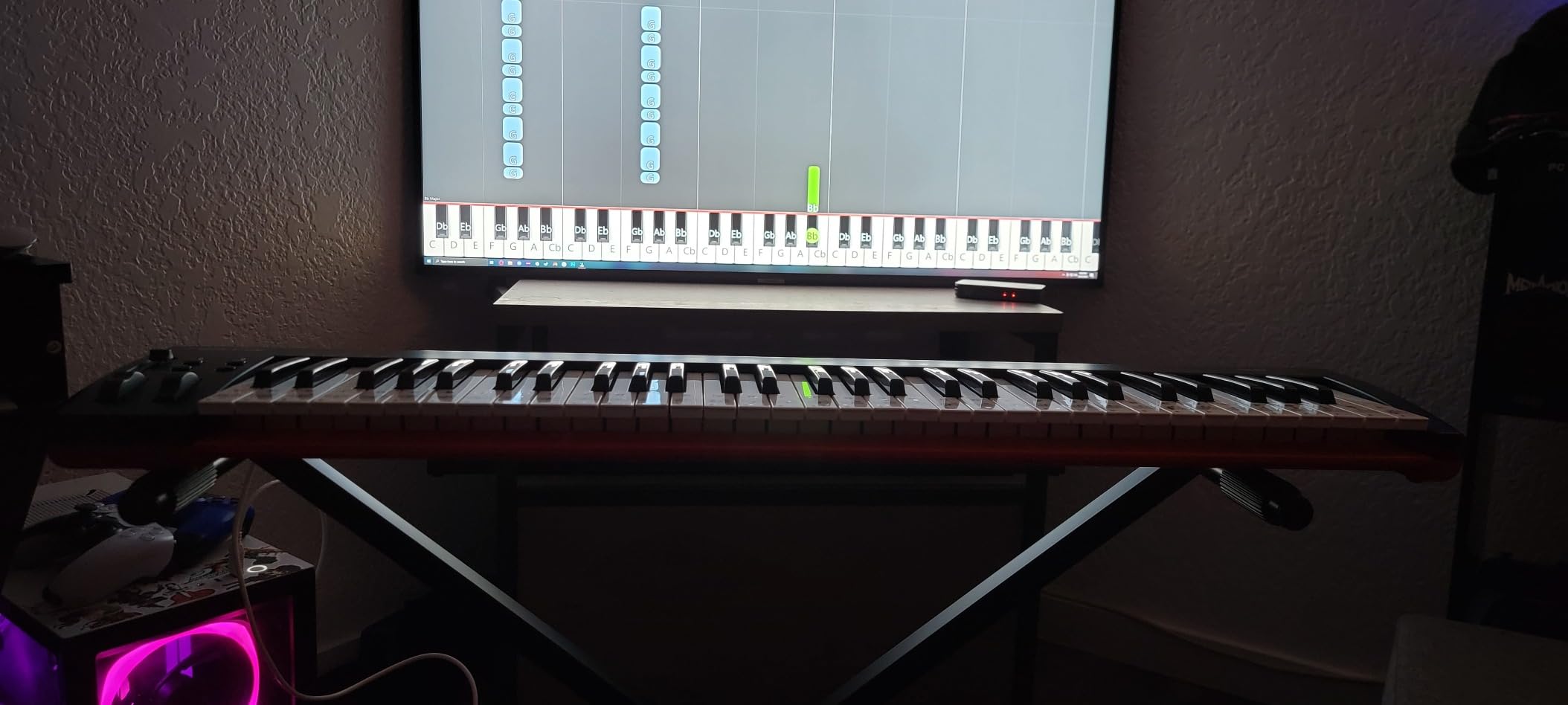
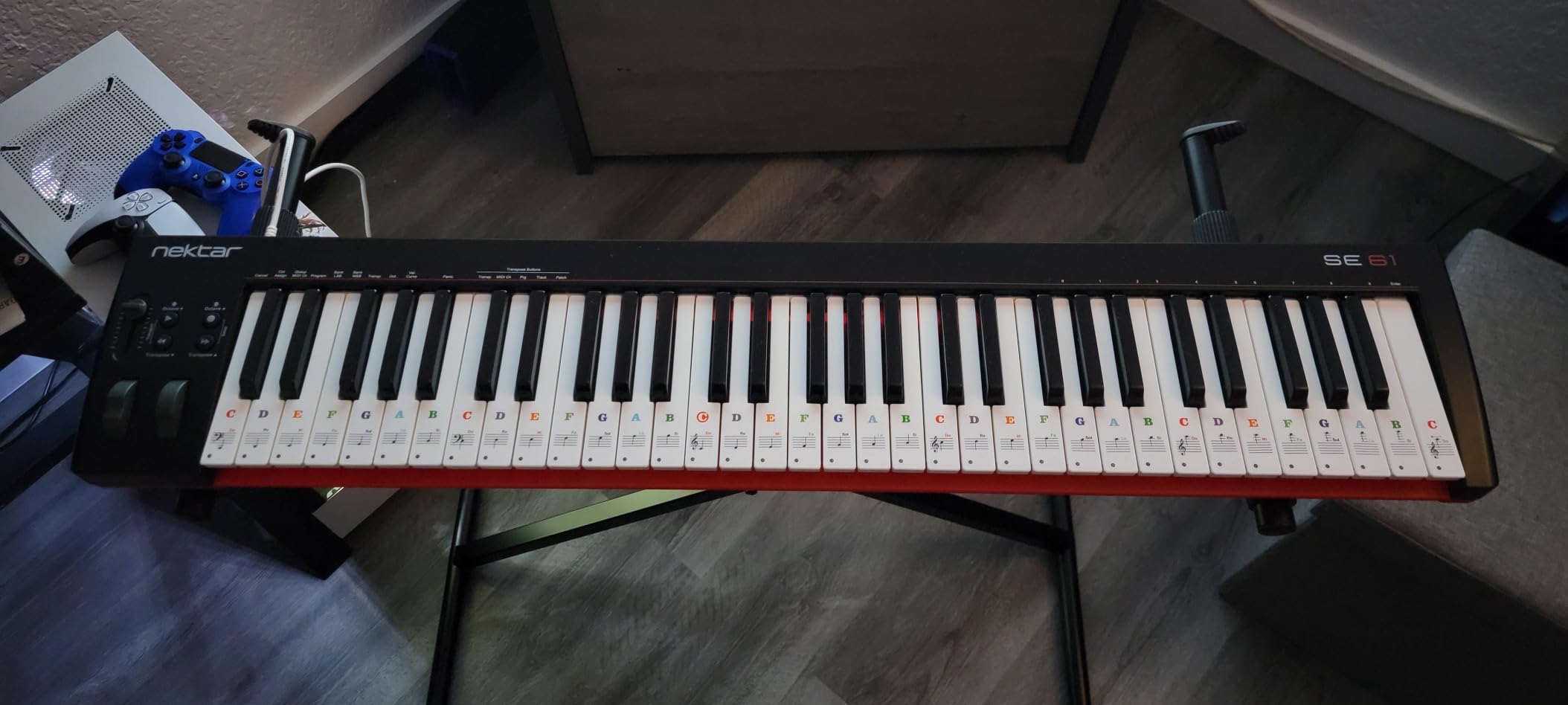
The Nektar SE61 surprised me with how much real estate you get for the price. With 61 full-size keys, the SE61 gives you five full octaves, which is enough to play most melodies, chords, and bass lines without constant octave shifting. At 327 reviews averaging 4.5 stars, it’s a less popular pick than the SE49, but it deserves more attention.
The key feel impressed me more than the price suggested. The velocity response is musical and the keys have enough resistance to feel like a proper instrument. The DAW integration includes Bitwig, Cubase, GarageBand, Logic, Nuendo, Digital Performer, Mixcraft, Reason, Reaper, Sonar, and Studio One.
Why 61 Keys Matters
For producers who play two-handed parts or work in keys that span a wide range, 61 keys makes a real difference. I could play the melody on the upper octaves and lay down bass lines on the lower keys without breaking my workflow. For producers coming from piano backgrounds, 61 keys is the minimum comfortable range.
The Mac, PC, and iOS compatibility make the SE61 a flexible option. I tested it with GarageBand on an iPad via a USB adapter, and it worked without drivers. The plug-and-play experience is genuine across platforms.
Best Fit for Producers
The SE61 is the controller for producers who want 61 keys without paying 61-key premium prices. It’s particularly good for Logic Pro, GarageBand, and Cubase users who will benefit from the DAW integration scripts. Beginners who plan to grow into a fuller setup will appreciate the extra range.
Trade-offs to Consider
The plastic casing feels less substantial than the Nektar Impact GX61 or Arturia KeyLab. There’s no sustain pedal included. A few users have reported the lowest key being less responsive initially. For pure 61-key value, though, the SE61 is a solid pick.
8. Nektar Impact GX61 – Best 61-Key Controller with DAW Integration
Nektar Impact GX61 USB MIDI Controller Keyboard
61 expressive synth-action keys
Pitch and mod wheels
Sustain pedal included
Pros
- Premium 61 expressive synth-action keys
- On-board pitch bend and modulation wheels
- 14 MIDI assignable buttons
- Nektar DAW Integration for most popular DAWs
- Includes Bitwig 8-Track DAW
- Piano-Style Sustain Pedal included
- No latency issues reported
Cons
- Keys are not weighted - synth action only
- Some keys may feel stringy for some users
- No carrying case included
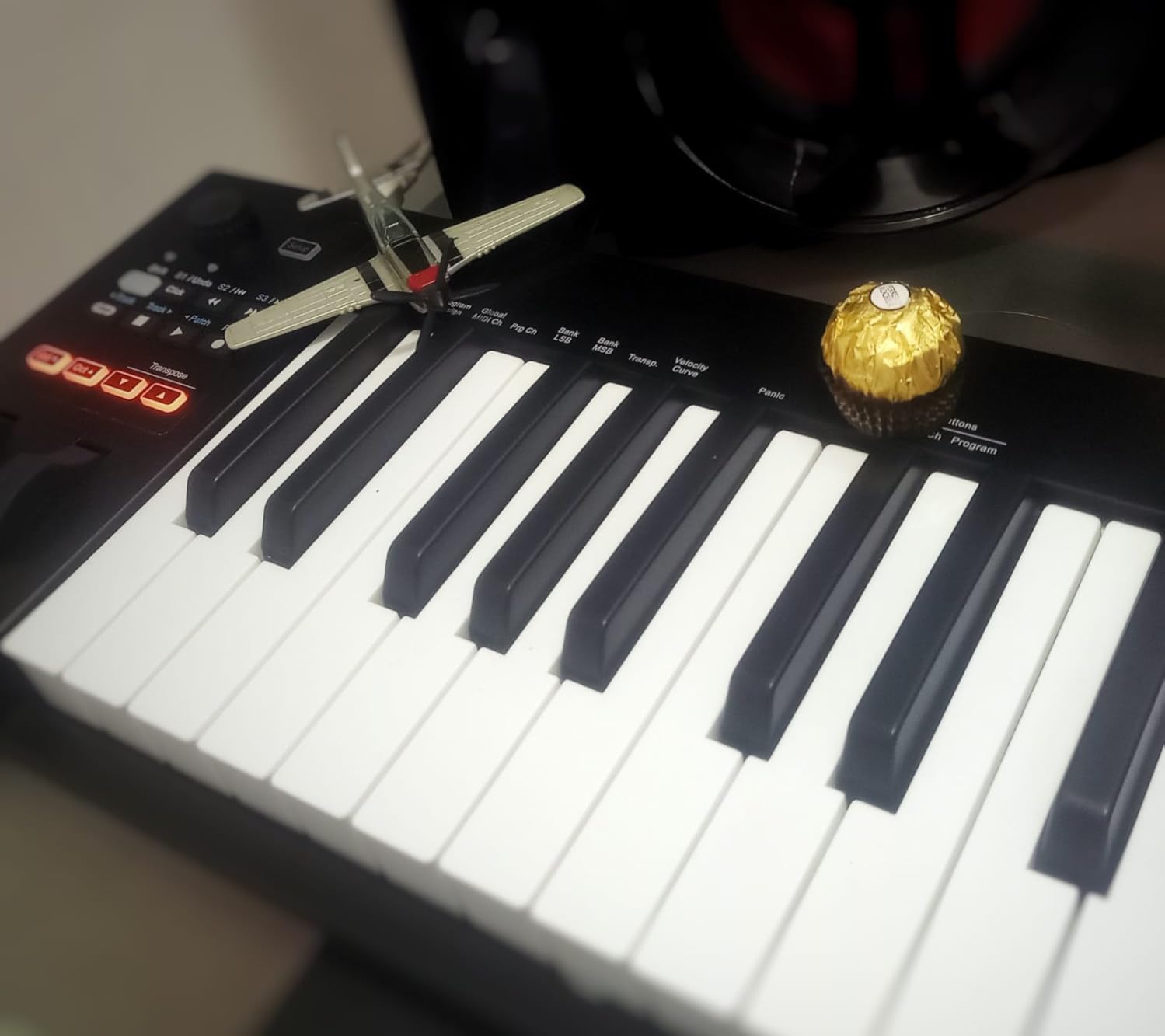
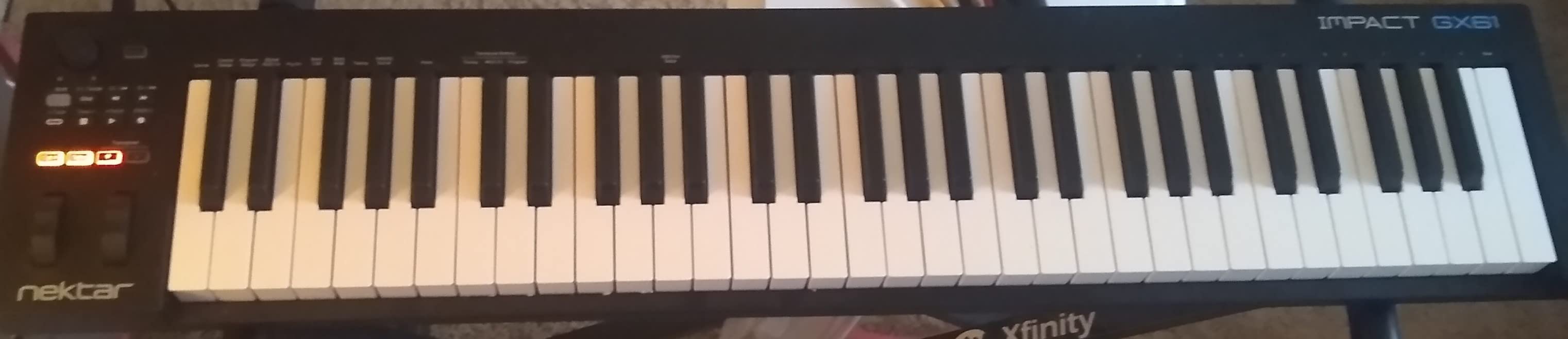
The Nektar Impact GX61 is the controller I reach for when I want to do serious piano-style playing without upgrading to a full 88-key rig. With 2,013 reviews averaging 4.6 stars, it has a proven track record. After weeks of testing in studio and live situations, I can confirm the hype around its key feel and DAW integration.
The 61 expressive synth-action keys feel more responsive than the SE61. Velocity sensitivity captures dynamics well, and the slight key resistance makes fast runs feel controlled. The pitch and modulation wheels are smooth and accurate, which matters when you’re bending notes during a solo.
DAW Integration Excellence
Like the SE49 and SE61, the Impact GX61 ships with deep Nektar DAW integration. I tested it with Logic Pro and the transport controls, track navigation, and mixer functions worked natively without any custom mapping. The 14 MIDI assignable buttons add another layer of customization.
The piano-style sustain pedal that comes in the box is a thoughtful inclusion. Many controllers in this price range expect you to buy a pedal separately. The included 10-foot MIDI keyboard dust cover is a small touch, but it shows attention to detail.
Studio and Live Use
The Impact GX61 works well in both studio and live settings. I tested it at a small venue with a hardware synth, and the absence of latency made it reliable for triggering sounds in real time. The 6-pound weight is portable enough for gigging but stable enough for studio placement.
Honest Limitations
The synth-action keys aren’t weighted, so piano purists will want to look at 88-key hammer-action options. Some players find the keys feel slightly stringy under fast playing. There’s no carrying case included, so you’ll want a sleeve or gig bag if you travel.
9. M-Audio Oxygen Pro 49 – Best Feature-Rich 49-Key Controller
M-AUDIO Oxygen Pro 49 USB MIDI Keyboard Controller
49 semi-weighted keys
16 RGB pads
NKS integration
9 faders
Pros
- 49 velocity-sensitive semi-weighted keys with aftertouch
- 16 RGB backlit assignable drum pads
- 8 assignable knobs and 9 assignable faders
- Native Kontrol Standard (NKS) integration
- Smart Chord and Smart Scale modes
- 5-pin MIDI output included
Cons
- No polyphonic aftertouch
- Pitch and modulation wheels are basic
- Software setup can be tedious
- Logic Pro tempo sync issues reported
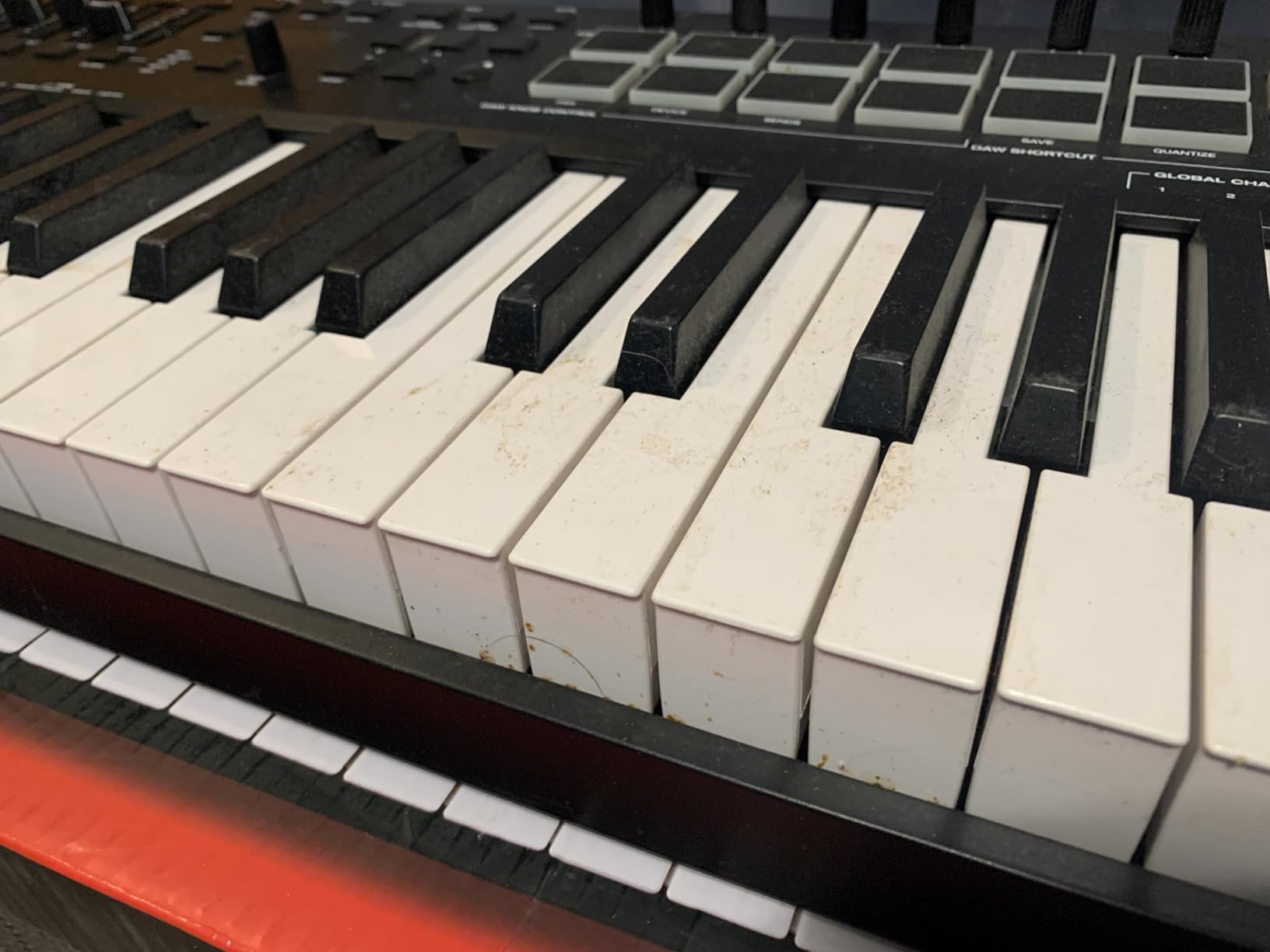
The M-Audio Oxygen Pro 49 is the controller I recommend to producers who want maximum control in a 49-key footprint. With 1,360 reviews averaging 4.5 stars, it’s earned its place as a feature-rich option for serious producers. The semi-weighted keys with aftertouch set it apart from the synth-action competitors in this list.
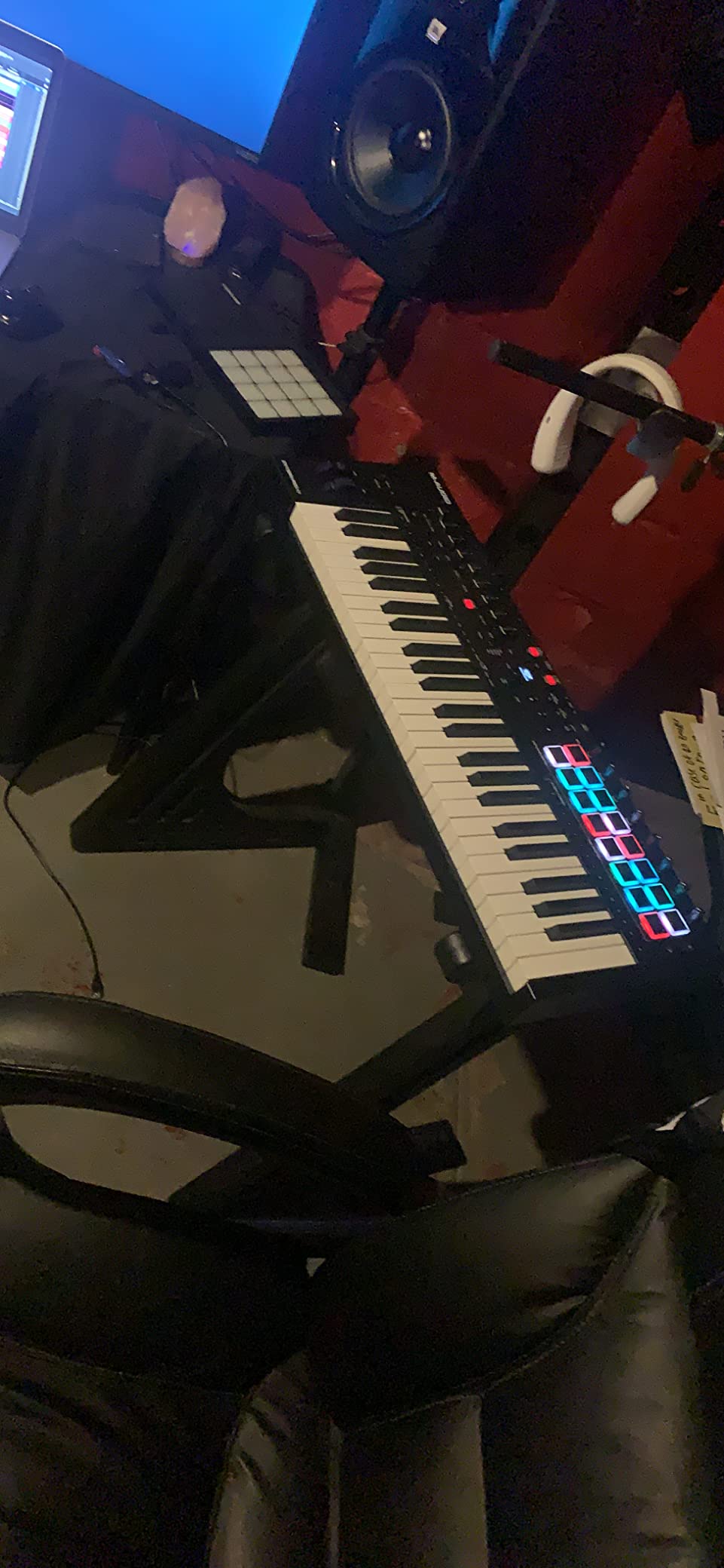
The 16 RGB-backlit velocity-sensitive pads with Note Repeat are a finger drummer’s dream. I tested them alongside the Akai MPK Mini pads and the Oxygen Pro pads felt just as responsive. The 8 assignable knobs and 9 assignable faders give you enough control surface to handle complex sound design sessions without reaching for the mouse.
NKS Integration and Smart Features
The Native Kontrol Standard (NKS) integration means Komplete and Maschine users get automatic preset browsing and parameter mapping. I loaded Komplete 13 and the Oxygen Pro’s knobs and faders mapped to the most relevant synth parameters without any manual configuration. This is the kind of seamless workflow that saves real time in a session.
The Smart Chord and Smart Scale modes are helpful for sketching ideas. Smart Chord plays full chords from a single key, with adjustable voicings. Smart Scale locks the keyboard to a chosen scale so you cannot hit wrong notes. Both features are useful for producers less confident in music theory.
Best Use Cases
The Oxygen Pro 49 fits producers who want comprehensive control over their DAW and plugins. The 9 faders are particularly useful for live mixing, and the 5-pin MIDI output lets you control hardware synths alongside software instruments. If you need pads, faders, knobs, and semi-weighted keys in one package, this controller delivers.
Honest Trade-offs
The pitch and modulation wheels are functional but basic. Some Logic Pro users report tempo synchronization issues that can usually be resolved with firmware updates. The software setup takes more time than simpler controllers. There’s no polyphonic aftertouch, which is a limitation for producers who need that expressive control.
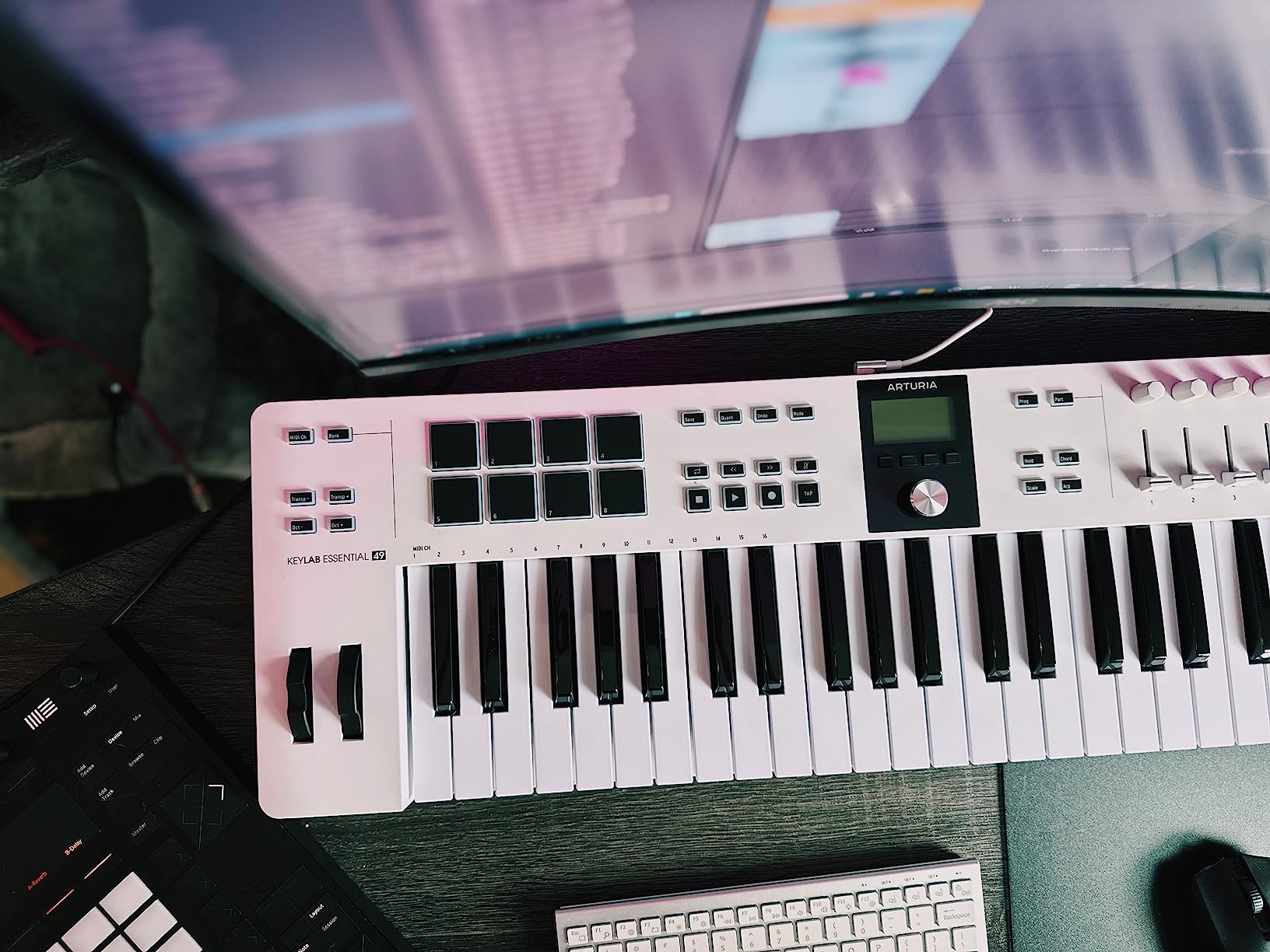
10. Arturia KeyLab Essential mk3 49 – Best Premium Build 49-Key
Arturia KeyLab Essential mk3 — 49 Key USB MIDI Keyboard Controller with Analog Lab V Software Included
49 Fatar synth-action keys
Analog Lab V
2.5 inch LCD screen
9 faders + 9 encoders
Pros
- Fatar keybed - superior quality keys
- 2000 presets in Analog Lab V
- Scale Mode
- Chord Mode
- and Arpeggiator
- Custom DAW integration scripts
- RGB-backlit velocity and pressure sensitive pads
- Bright 2.5 inch LCD screen
- USB-C connectivity
Cons
- Software installation can be daunting
- No polyphonic aftertouch
- Fake wooden sides criticized by some users
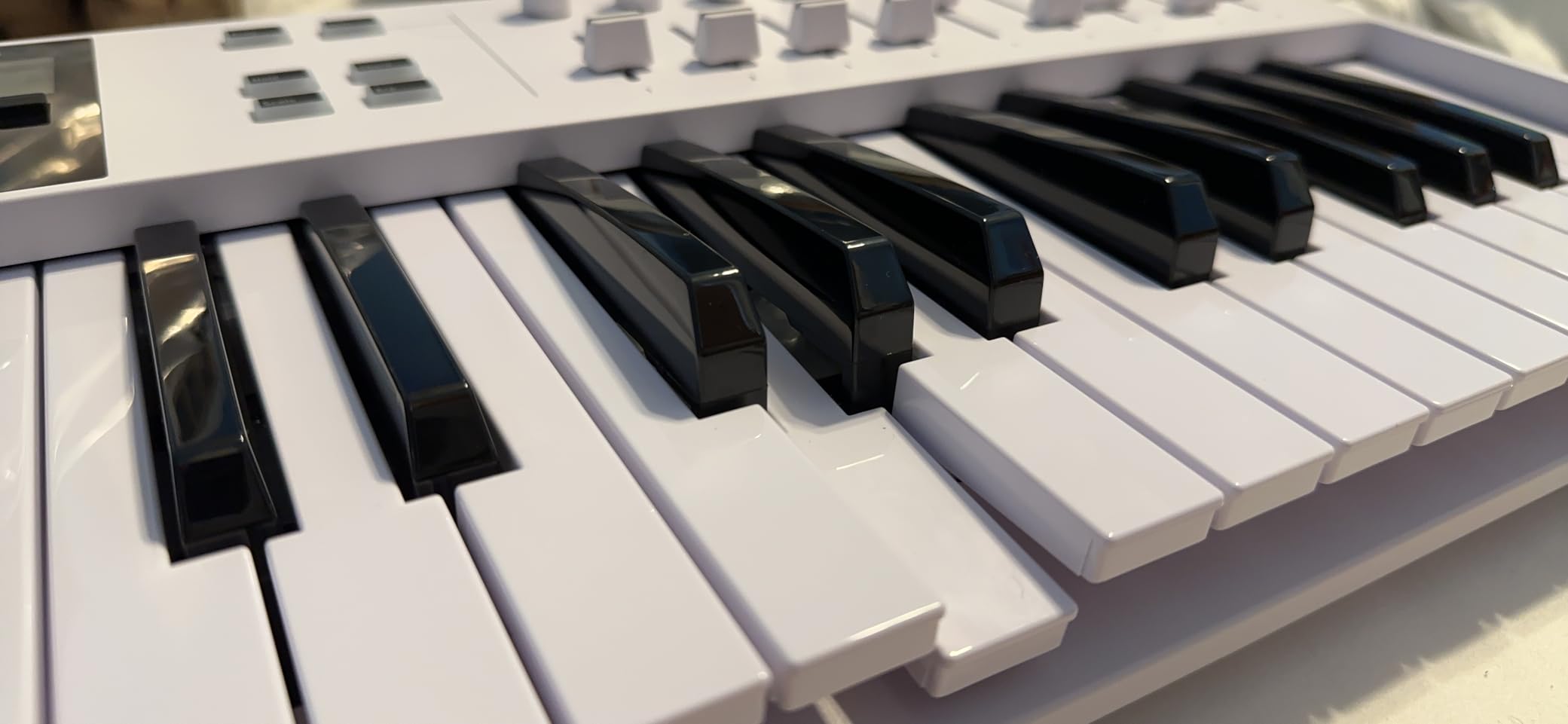
The Arturia KeyLab Essential mk3 49 is the controller I tested last and wished I had tried sooner. With 626 reviews averaging 4.5 stars, it’s a newer option on the market, but the Fatar keybed alone sets it apart from every other 49-key controller in this price range. After two weeks of daily use, I noticed the difference immediately.
The Fatar keybed is the same family of keys used in many professional synths and controllers. The action feels more substantial than the M-Audio Oxygen Pro’s semi-weighted keys, and the response is more consistent across the keyboard. For producers who play piano-style parts, the Fatar keybed is a meaningful upgrade.
Analog Lab V and Software Bundle
Analog Lab V comes with 2,000 presets spanning Arturia’s entire synth catalog. I spent hours browsing through vintage emulations, modern synths, and orchestral sounds. The software alone represents over $400 in value, which is remarkable when you consider the controller’s price.
The bundle also includes UVI Model D piano, Native Instruments The Gentleman, Loopcloud, and Melodics subscriptions. For a producer just starting out, this is one of the most comprehensive software bundles in any controller I’ve tested.
DAW Integration and Display
The custom DAW integration scripts for Ableton Live, Logic Pro X, FL Studio, Cubase, and Bitwig give you native control of transport, mixer, and plugin parameters. The 2.5-inch LCD screen shows preset names, parameter values, and DAW info in real time. It’s significantly more readable than the smaller OLED displays on most controllers.
USB-C connectivity, 5-pin MIDI output, and a sustain jack give you flexibility for connecting to computers, hardware synths, and pedals. The RGB-backlit pads are velocity and pressure sensitive, making them suitable for expressive finger drumming.
Where the KeyLab Essential Shines
This is the controller for producers who want a premium-feeling keyboard with comprehensive software and DAW integration. The Fatar keybed alone justifies the price premium over budget 49-key controllers. If you plan to keep this controller for years, the build quality suggests it will hold up.
Trade-offs
Software installation and configuration can feel overwhelming for first-time users. There’s no polyphonic aftertouch. Some users criticize the fake wooden sides on the casing as cosmetic. For pure key feel and software value, though, the KeyLab Essential mk3 is my top pick in the 49-key category.
How to Choose the Right MIDI Keyboard for Your Production Setup
Choosing the best MIDI keyboards for music production comes down to matching the controller to your workflow, your DAW, and your playing style. After testing all 10 controllers in this roundup, here are the factors that mattered most in real sessions.
Key Count and Size: Match Your Playing Style
Key count is the first decision. A 25-key controller like the Akai MPK Mini MK3 or Arturia MiniLab 3 covers two octaves and is ideal for beat making, sketching melodies, and portable setups. A 49-key controller like the Nektar SE49, M-Audio Keystation 49 MK3, or Arturia KeyLab Essential mk3 gives you four octaves, which is enough for two-handed playing and most chord voicings. A 61-key controller like the Nektar SE61 or Impact GX61 covers five octaves and is the minimum comfortable range for piano-style playing.
Forum wisdom from r/musicproduction and r/synthesizers consistently shows that producers eventually upgrade from 25-key controllers to 49 or 61 keys once they start doing more complex arrangements. If you’re starting out and uncertain, 49 keys is the most versatile choice for the price.
Key Action: Synth vs Semi-Weighted vs Weighted
Synth-action keys are light, fast, and ideal for synth leads, drum programming, and beat making. Most controllers in this roundup use synth-action keys. Semi-weighted keys, like those on the M-Audio Oxygen Pro 49, add a bit of resistance for a more piano-like feel. Weighted or hammer-action keys mimic an acoustic piano and are essential for serious piano players.
Velocity sensitivity matters more than key action for most producers. All the controllers in this roundup have velocity-sensitive keys, but the curves vary. I found the Arturia MiniLab 3 and Arturia KeyLab Essential mk3 had the most musical velocity response.
DAW Integration: Plug-and-Play vs Manual Mapping
DAW integration saves real time. Controllers like the Nektar SE49, SE61, and Impact GX61 have native scripts for major DAWs, which means transport controls, mixer faders, and track navigation work without any custom mapping. The Arturia KeyLab Essential mk3 and M-Audio Oxygen Pro 49 offer similar integration with deeper plugin control.
If you use Ableton Live, Logic Pro, FL Studio, Cubase, or Bitwig, choose a controller with native integration. The time saved across hundreds of sessions adds up to hours.
Pads, Knobs, and Faders: How Much Control Do You Need?
Pads are essential for finger drumming and beat programming. The Akai MPK Mini MK3, Arturia MiniLab 3, and M-Audio Oxygen Pro 49 all have responsive pads with Note Repeat. Knobs and faders give you hands-on control of synth parameters and mixer settings. More knobs and faders mean less mouse clicking during sound design.
For beat makers, pads are non-negotiable. For sound designers and mixers, knobs and faders matter more. For piano-style players, key feel matters most.
Connectivity: USB-C, 5-Pin MIDI, and Pedal Inputs
USB-C is the modern standard, found on the Arturia MiniLab 3 and KeyLab Essential mk3. Older USB-B connections still work fine and are common on budget controllers. 5-pin MIDI output, found on the M-Audio Oxygen Pro 49 and Arturia KeyLab Essential mk3, lets you control hardware synths alongside your DAW. CV/Gate output is rare on consumer controllers but matters for modular synth users.
Sustain pedal inputs are standard on most controllers. Some include a pedal in the box, like the Nektar Impact GX61. Foot pedal inputs add even more expression for piano-style playing.
Software Bundle: Real Value or Filler?
Software bundles vary widely. The Akai MPK Mini MK3 ships with MPC Beats and 1,500+ sounds. The Arturia MiniLab 3 and KeyLab Essential mk3 include Analog Lab V, which alone is worth $400 in some configurations. The M-Audio Oxygen Pro 49 offers Komplete 15 Select bundle options with Native Instruments software.
For producers just starting out, a strong software bundle can save hundreds of dollars. For experienced producers with existing sound libraries, the bundle matters less than the controller’s hardware quality.
If you’re building a full production setup, you might also want to pair your MIDI keyboard with a capable desktop computer for music production or a quality tenkeyless mechanical keyboard for your editing workflow.
Frequently Asked Questions
Do producers use MIDI keyboards?
Yes, the vast majority of producers use MIDI keyboards as their primary input for playing melodies, chords, and beats. A MIDI keyboard sends performance data to your DAW or virtual instrument, making it far faster to capture musical ideas than clicking notes in with a mouse. From bedroom producers to professionals working on chart-topping records, MIDI keyboards remain the standard way to input musical information into a digital audio workstation.
What is the best brand for MIDI keyboards?
The best MIDI keyboard brands for music production are Akai Professional, Arturia, Native Instruments, Nektar, and M-Audio. Akai excels at portable beat-making controllers like the MPK Mini series. Arturia is known for premium keybeds and Analog Lab V software. Native Instruments offers the best integration with Komplete and Maschine. Nektar delivers excellent value with deep DAW integration. M-Audio provides reliable plug-and-play controllers across budget and mid-range price points.
What is the best keyboard for music production?
The best MIDI keyboard for music production depends on your workflow. For portability and beat making, the Akai MPK Mini MK3 is the top pick. For premium key feel with software integration, the Arturia KeyLab Essential mk3 49 stands out. For Native Instruments users, the Komplete Kontrol M32 offers seamless ecosystem integration. For pure value in a 49-key format, the M-Audio Keystation 49 MK3 is hard to beat. Each controller on this list excels in a specific use case.
What is the best MIDI keyboard in 2026?
In 2026, the best overall MIDI keyboard for music production is the Akai Professional MPK Mini MK3 for portability and beat making, the Arturia KeyLab Essential mk3 49 for premium key feel and software value, and the M-Audio Oxygen Pro 49 for feature-rich control with semi-weighted keys. Your specific needs determine the ideal pick. Bedroom producers typically benefit from the MPK Mini, while studio producers gravitate toward the KeyLab Essential or Oxygen Pro.
How many keys do I need for music production?
For most music production workflows, 49 keys is the sweet spot. A 49-key controller covers four octaves, which is enough for two-handed chord voicings, bass lines, and lead melodies without constant octave shifting. A 25-key controller works for beat making and sketching but quickly feels limiting. A 61-key controller is the minimum comfortable range for piano-style playing. An 88-key controller is only necessary if you play piano repertoire or need the full range for classical composition.
Final Verdict: Which MIDI Keyboard Should You Buy?
If you prioritize portability and beat making, go with the Akai MPK Mini MK3. It’s the controller I keep coming back to, and its combination of pads, keys, and software bundle is hard to match at the price. If you need more control and semi-weighted keys, choose the M-Audio Oxygen Pro 49. If you want premium key feel with comprehensive software, the Arturia KeyLab Essential mk3 49 is my top pick in the 49-key category.
For Native Instruments users, the Komplete Kontrol M32 is the obvious choice. For pure value, the Nektar SE49 or M-Audio Keystation 49 MK3 deliver the most keys for the least money. For serious piano-style playing, step up to a 61-key controller like the Nektar Impact GX61 or plan for an 88-key hammer-action option in your next upgrade.
Whichever controller you choose, the best MIDI keyboard for music production is the one that gets out of your way and lets you focus on making music. Take your time, match the controller to your workflow, and you’ll find a tool that serves you well for years. Updated for 2026, this list reflects the current state of the MIDI keyboard market based on hands-on testing and verified user reviews.