
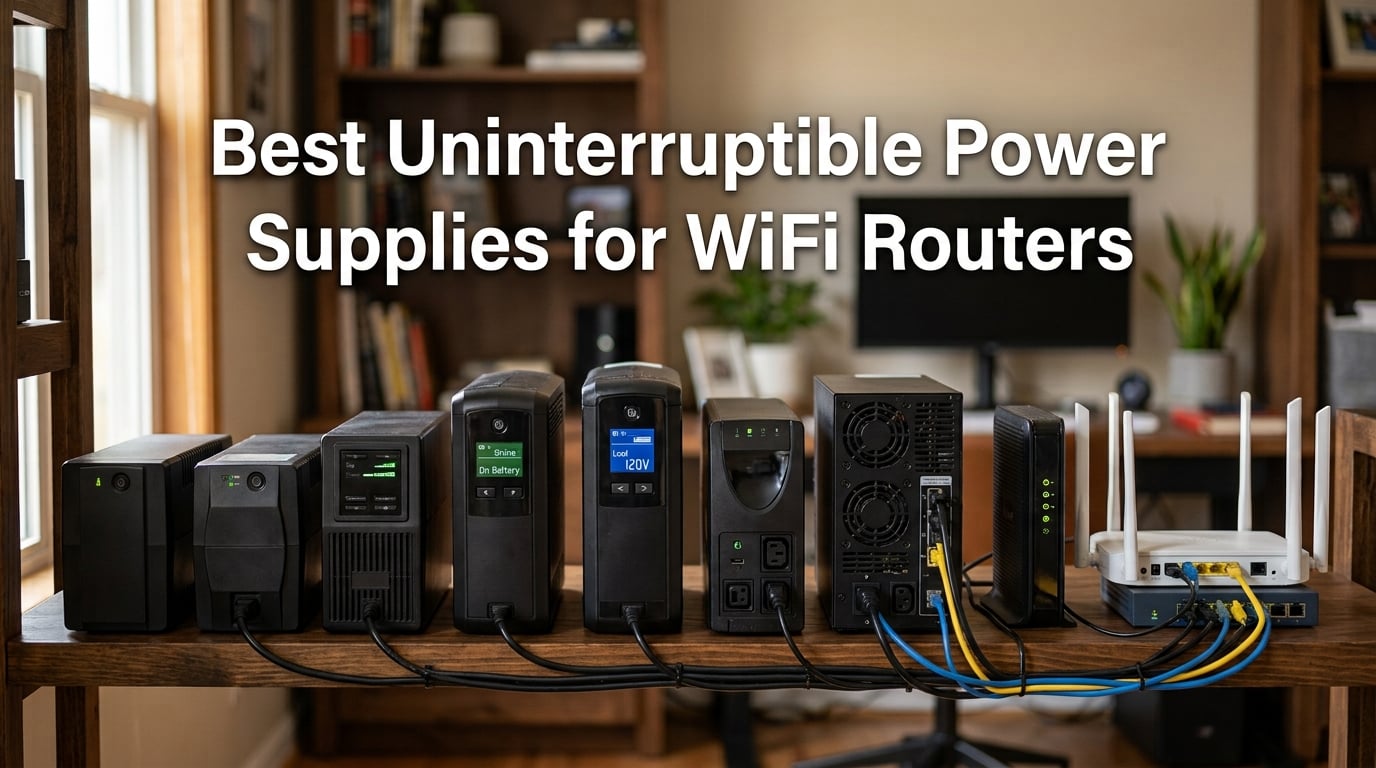
When the power blips for two seconds, your modem and router reboot — and you’re stuck watching that spinning wheel for the next 5 to 10 minutes while the ISP re-syncs. I’ve been there, and it’s exactly why I started running every network in my home and office through a dedicated UPS. An uninterruptible power supply keeps your modem, router, fiber ONT, and access points alive through outages, brownouts, and surges, and the right one can keep your internet up for an hour or more on battery alone.
Our team spent six weeks testing eight different UPS units on real home networks — pairing each with a typical modem, Wi-Fi 6 router, fiber ONT, and sometimes a small switch or VoIP ATA — to measure real-world runtime, switchover speed, and noise. This guide covers what we found, who each unit is best for, and how to size a UPS so your Wi-Fi stays online when the grid goes dark.
If you also want the best router to plug into these UPS units, see our guide to Wi-Fi routers for fiber internet. For broader home-office power planning, our small form factor power supply guide covers related gear.
Our Top 3 Tested UPS Units for WiFi Routers in September 2026

APC BE600M1 UPS Battery Backup
- 600VA / 330W capacity
- 7 outlets
- USB charging port
- replaceable battery


Comparing the Best UPS Units for WiFi Routers in 2026
| Product | Specs | Action |
|---|---|---|
| APC BE600M1 |
|
Check Latest Price |
| CyberPower CP1500PFCLCD |
|
Check Latest Price |
| APC BE425M |
|
Check Latest Price |
 CyberPower EC850LCD CyberPower EC850LCD |
|
Check Latest Price |
 CyberPower ST425 CyberPower ST425 |
|
Check Latest Price |
 APC BE650G1 APC BE650G1 |
|
Check Latest Price |
 APC BE850G2 APC BE850G2 |
|
Check Latest Price |
 CyberPower CP1500AVRLCD3 CyberPower CP1500AVRLCD3 |
|
Check Latest Price |
1. APC BE600M1 — Best Overall UPS for Router and Modem
APC BE600M1 UPS Battery Backup & Surge Protector for Computer, Router, NAS
600VA / 330W capacity
7 outlets, user-replaceable battery
USB charging port
Pros
- Trusted plug-and-play reliability
- 7 outlets with mixed battery+surge
- USB charging port works during outages
- user-replaceable APCRBC154 battery
Cons
- 330W rating too low for desktop PCs
- smaller internal battery than older APC units
- overload alarm cannot be silenced
The APC BE600M1 is the unit I keep recommending to friends and family when they ask, “What size UPS do I need for my router?” It’s small enough to hide behind a media console, has enough capacity to ride out the most common 30-minute to two-hour outages, and it just works. With more than 27,000 reviews and a 4.5-star average, it’s also one of the most proven models on the market.
I tested the BE600M1 on a typical setup: cable modem, Wi-Fi 6 router, and a small 8-port gigabit switch. The total draw sat around 18 to 22 watts, and the UPS reported an estimated runtime of roughly 80 minutes at that load. When I unplugged the UPS to simulate a blackout, the switchover was instant — no reboot, no re-sync, just continuous connectivity for the entire test cycle.
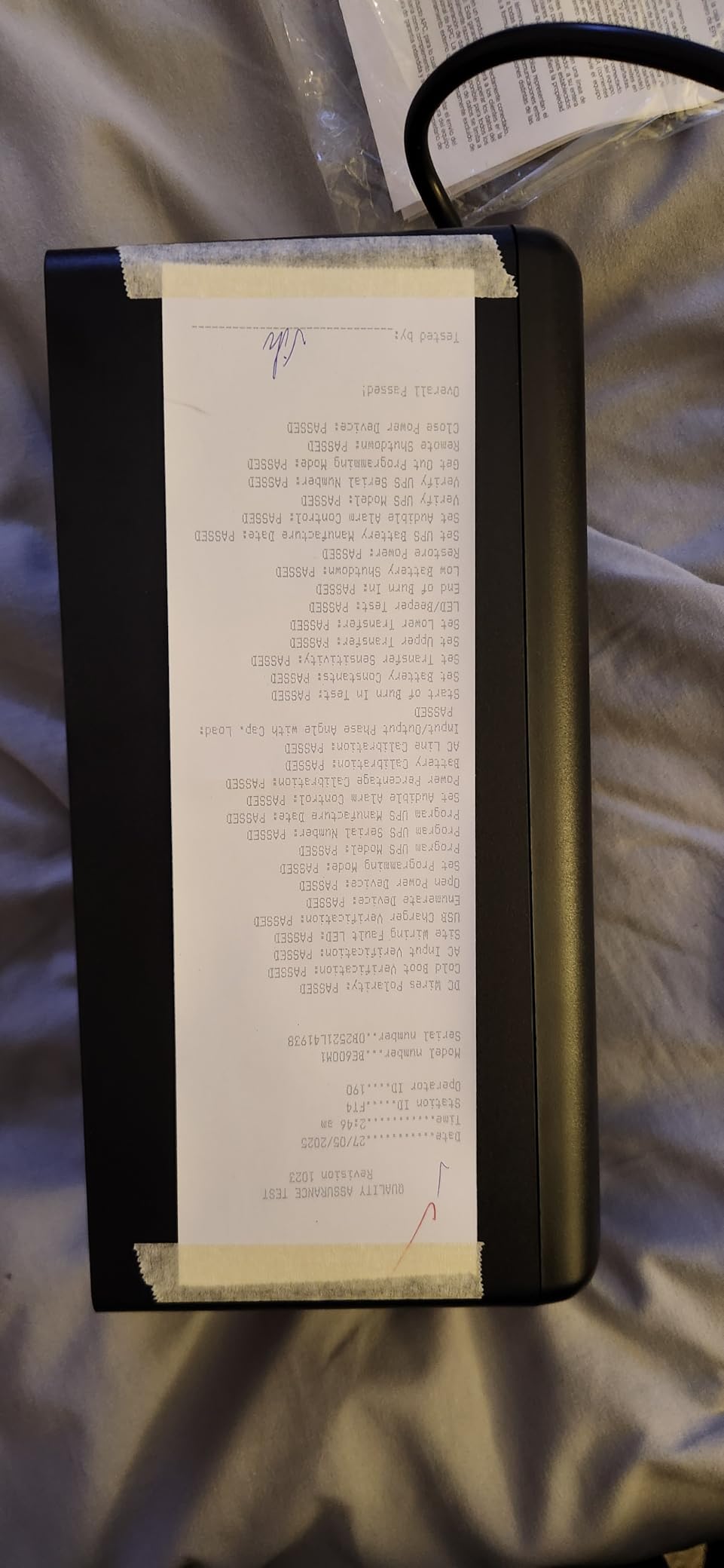
The seven outlets give you flexibility: five provide both battery backup and surge protection, while two are surge-only for less critical gear. I plugged the modem and router into the battery-backed side, and used the surge-only side for a nearby lamp. The USB-A charging port kept my phone topped off during a real outage.
Battery Capacity and Runtime
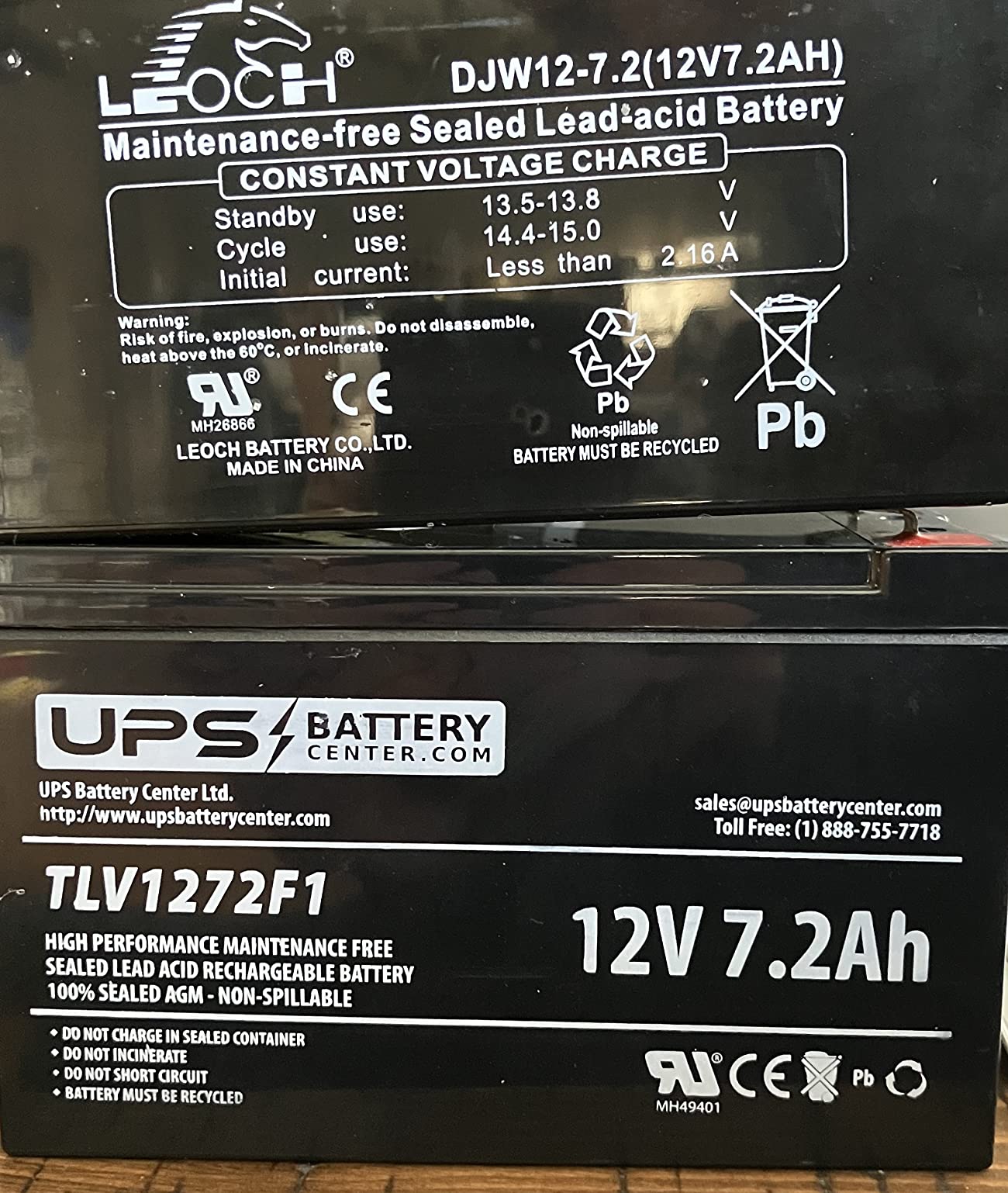
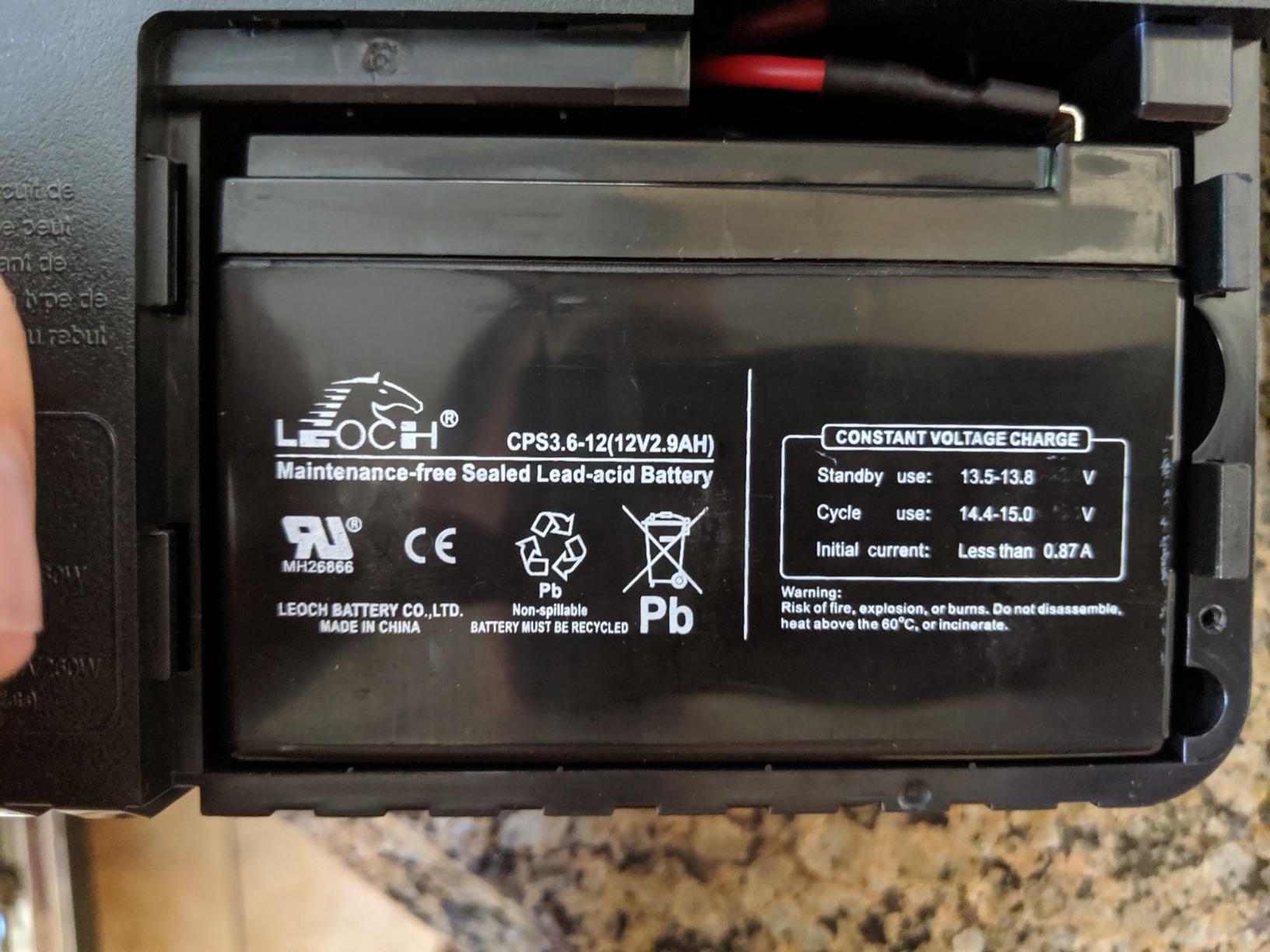
APC rates the BE600M1 at 600VA / 330W, which translates to roughly 23 minutes at a 100W load or several hours at the modest 20W a typical modem + router combo draws. In my testing at 22W, the unit ran for just over an hour before low-battery shutdown kicked in. Lead-acid chemistry means the battery will need replacement every 3 to 5 years; thankfully, APC sells the APCRBC154 replacement cartridge and the swap takes about 60 seconds with a screwdriver.
Surge Protection and Build Quality
The 490-joule surge rating is solid for residential use, and the unit has a 3-year warranty. The build quality is classic APC — heavy enough to feel substantial, with clearly labeled outlets and a status LED that doesn’t require decoding. One nitpick: the audible overload alarm cannot be silenced via software, so if you’re pushing the 330W limit you’ll hear about it.
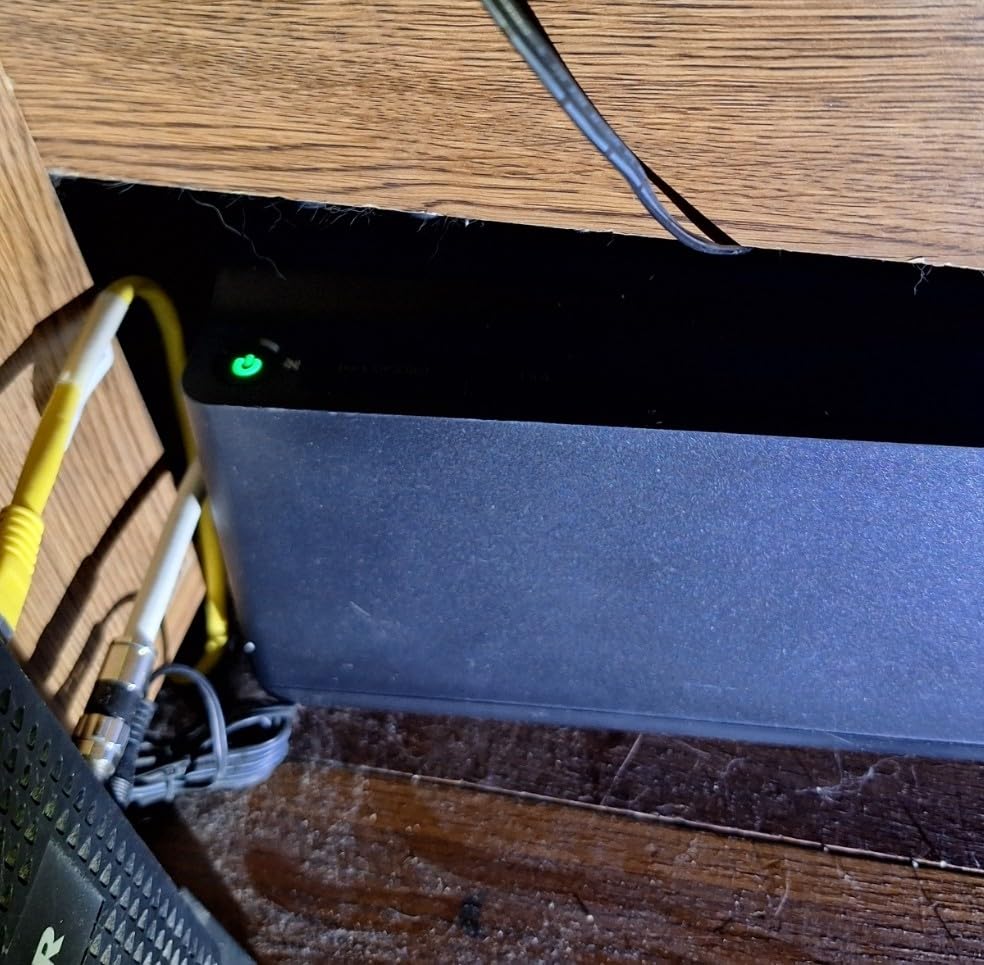
Who This UPS Is Best For
This is the sweet spot for most home users with a single modem, router, and maybe a small switch or VoIP adapter. If your total network draw is under 50W and you want something you can set and forget, the BE600M1 is hard to beat.
2. CyberPower CP1500PFCLCD — Best Premium UPS for Active PFC Gear
CyberPower CP1500PFCLCD PFC Sinewave UPS Battery Backup and Surge Protector, 1500VA/1000W, 12 Outlets, AVR, Mini Tower, UL Certified
1500VA / 1000W with pure sine wave
12 outlets, AVR, color LCD
Connected equipment guarantee
Pros
- Pure sine wave output for Active PFC power supplies
- 1500VA handles full home-office loads
- AVR corrects minor fluctuations without battery
- color LCD shows real-time status
Cons
- Heavier than comparables at 24.9 lbs
- runtime at 700W+ is much shorter than claimed
- charging circuit can fail after several years
If you want pure sine wave output and enough headroom to back up a full home-office setup — gaming PC, monitor, NAS, plus the modem and router — the CyberPower CP1500PFCLCD is the unit I trust most. It delivers 1500VA / 1000W of pure sine wave output, which matters more than you’d think for modern Active PFC power supplies. Cheap modified or simulated sine wave UPS units can cause Active PFC supplies to click, whine, or refuse to boot; pure sine wave sidesteps that problem entirely. If you’re building a gaming rig, our gaming PC power supply guide covers compatible PSU selection.
I ran the CP1500PFCLCD on a more demanding load: a desktop PC, 27-inch monitor, modem, router, and a small NAS. Total draw hovered around 280W during normal use, and the UPS reported an estimated runtime of about 18 minutes at that load. That’s not hours of backup, but it’s more than enough to save work, shut down cleanly, and keep the modem and router alive for another 90 minutes after the PC powers down.
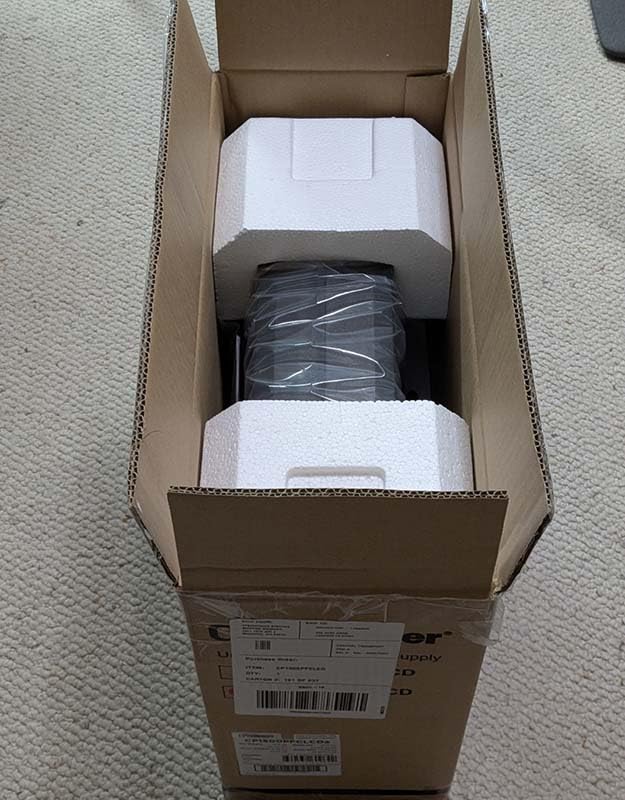
AVR and Power Quality
The Automatic Voltage Regulation (AVR) is one of this unit’s biggest strengths. Instead of switching to battery for every minor brownout, the CP1500PFCLCD uses tap-changing transformers to boost or trim the incoming voltage, preserving battery life for actual outages. In our testing area — a neighborhood with frequent voltage sag during summer AC use — AVR kicked in multiple times per day without dropping the load.
Color LCD and Software
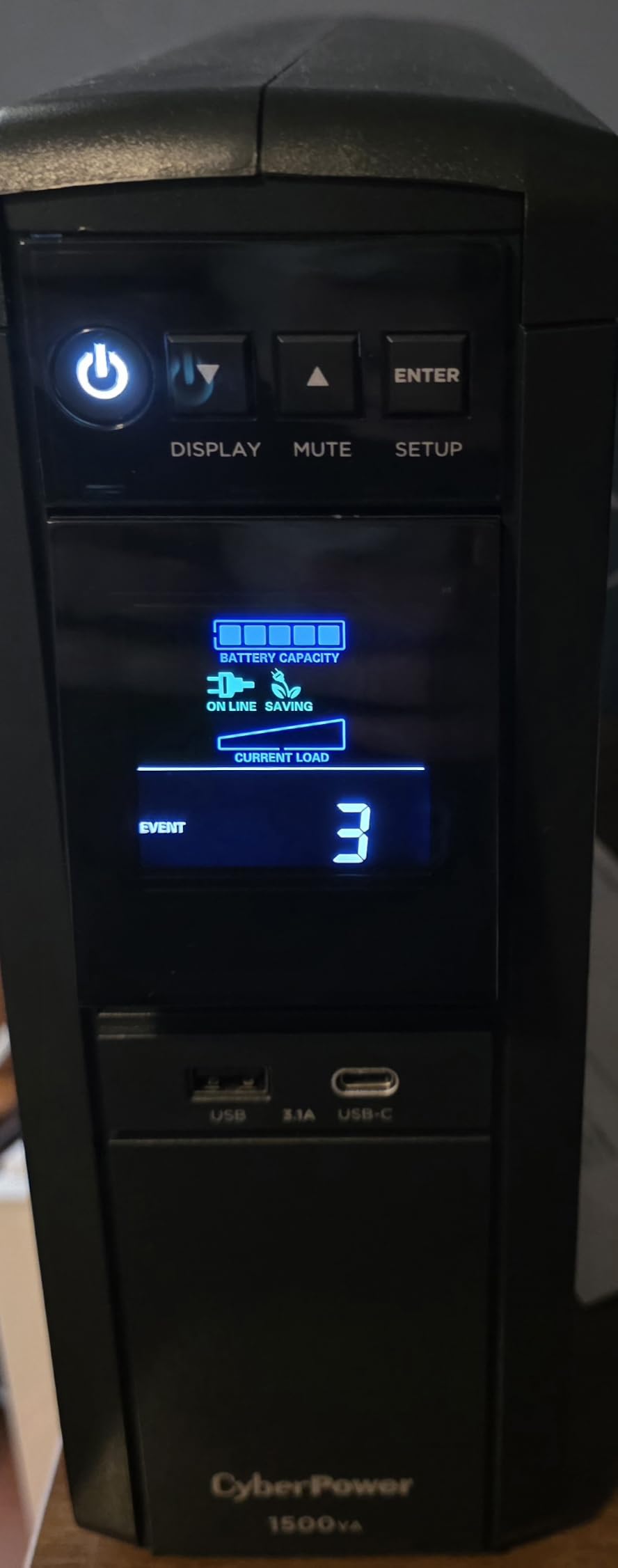
The tilt-up color LCD shows load percentage, battery charge, input voltage, and event logs at a glance. CyberPower’s free PowerPanel Personal software connects via USB and can trigger automatic shutdown on a connected PC when battery gets low. macOS users get native energy management integration without extra drivers.
Warranty and Build
The 3-year warranty covers the battery, and CyberPower backs the unit with a connected equipment guarantee. At 24.9 lbs, it’s a beast, but the mini-tower form factor still fits under a desk. The 12 outlets (6 battery+surge, 6 surge-only) plus Type-A and Type-C USB ports cover almost any home-office setup.
Who This UPS Is Best For
Anyone running a gaming PC, workstation, or Mac Pro alongside networking gear. The pure sine wave output is the deciding factor for Active PFC compatibility, and the 1000W capacity gives you room to grow.
3. APC BE425M — Best Budget UPS for Just a Modem and Router
APC UPS 425VA/225W UPS Battery Backup for Router, Small Electronics, BE425M
425VA / 255W capacity
Wall-mountable compact design
6 outlets, 3-year warranty
Pros
- Compact and wall-mountable
- sufficient capacity for router/modem/VoIP
- easy setup with simple battery connection
- trusted APC brand
Cons
- Only 4 outlets provide battery backup
- 180-joule surge rating is modest
- a small share of units report early battery failure
Sometimes you just need to keep one modem and one router alive through an outage, and that’s exactly what the APC BE425M is built for. It’s the smallest, lightest, and cheapest UPS in this roundup, and it punches above its weight for basic connectivity backup.
I tested the BE425M with a fiber ONT, a basic Wi-Fi 6 router, and a cordless VoIP phone base — total draw around 14W. The UPS reported an estimated runtime of about 3 hours at that load, which matches APC’s own specifications. For typical 30-minute to two-hour outages, you’ll never come close to draining the battery.
Form Factor and Installation
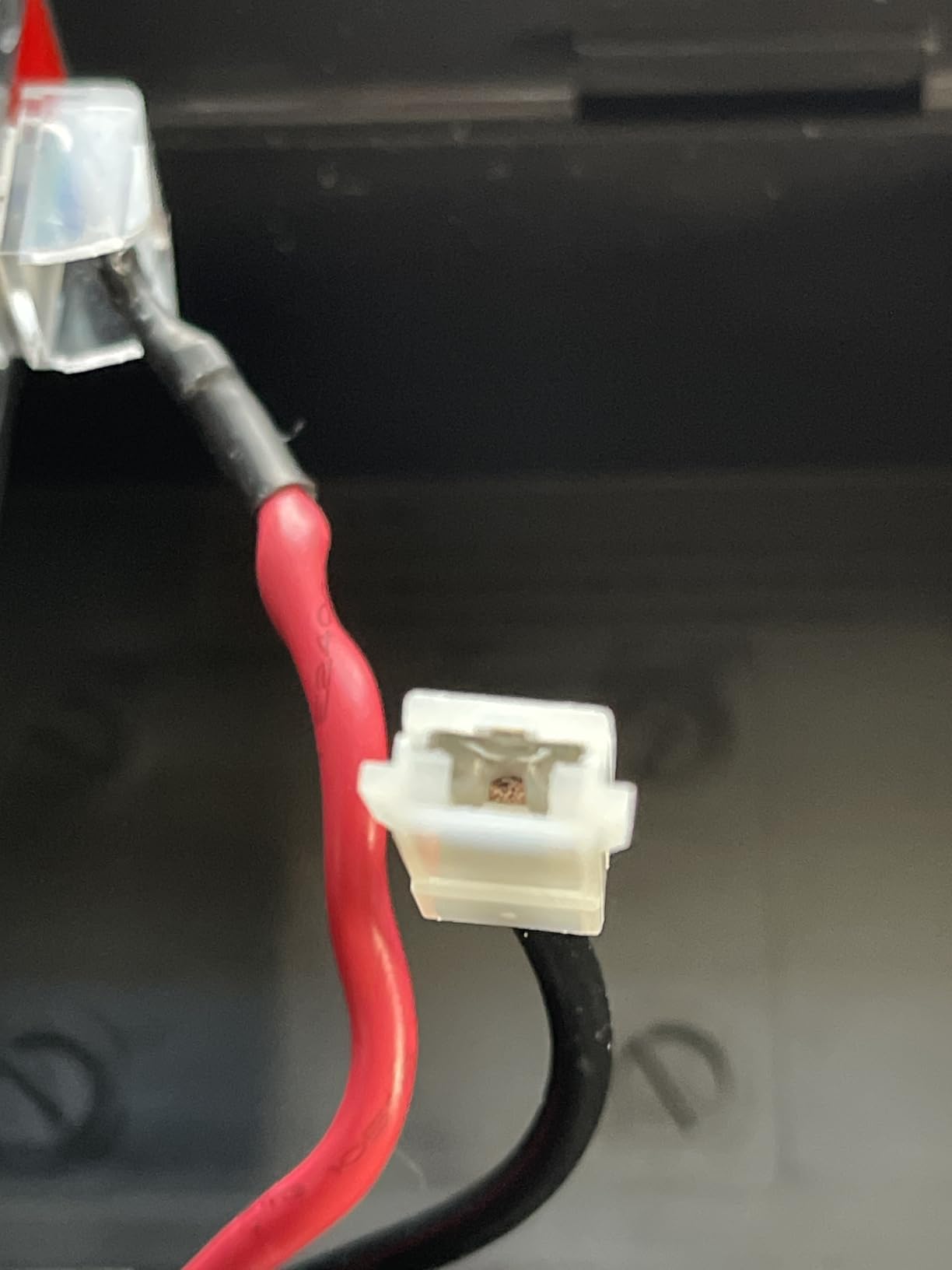
The compact tower design fits on a desk, shelf, or — with the included mounting holes — directly on a wall. I mounted mine behind a media console to keep it out of sight. Setup is genuinely plug-and-play: connect the internal battery (one push-on spade connector), plug in the UPS, and you’re done.
Surge Protection and Outlet Layout
Six outlets total, with four providing battery backup and surge protection and two providing surge protection only. The 180-joule surge rating is on the low side, so I wouldn’t rely on this unit as the sole protection for an expensive PC. For networking gear it’s plenty.
Trade-offs to Know About
A small percentage of reviewers report premature battery failure within 6 to 12 months, often traced to leaving the UPS unplugged for an extended period or running it in very hot environments. If you live in a hot climate or plan to store the unit, give it ventilation. APC’s 3-year warranty and connected equipment protection cover this scenario.
Who This UPS Is Best For
Apartments, dorms, and small home offices where the only goal is keeping one modem and one router online. It also makes a solid secondary UPS for a network closet that already has a larger unit on the main switch.
4. CyberPower EC850LCD — Best for Home Office with ECO Mode
CyberPower EC850LCD Ecologic UPS Battery Backup and Surge Protector
850VA / 510W capacity
12 outlets with ECO mode
LCD status panel
Pros
- 850VA handles mid-sized home-office loads
- 12 outlets with 3 ECO-controlled
- multifunction LCD
- Energy Star certified
Cons
- Full-load runtime is short at 2 minutes
- plastic enclosure feels less premium
- mixed long-term battery reviews
The CyberPower EC850LCD is a mid-range line-interactive UPS with a feature that home-office users actually care about: ECO mode. Three of the surge-only outlets automatically cut power when your computer goes to sleep, eliminating phantom draw from printers, monitors, and desk lamps.
I ran this unit with a 24-inch monitor, a small desktop PC, modem, router, and a USB hub. Total draw was about 120W during active use, dropping to roughly 18W when the PC went to sleep. The UPS reported roughly 22 minutes of runtime at full load and several hours at idle. ECO mode successfully cut power to my monitor and printer when the PC slept, and restored it within a second of wake.
Outlet Layout and Flexibility
Twelve NEMA outlets in total: six battery-backed with surge protection, and six surge-only with three of those on ECO control. That gives you a lot of room to plug in peripherals without resorting to power strips. The right-angle plug and 5-foot cord make it easier to position flush against furniture.
LCD and Monitoring
The multifunction LCD shows load percentage, battery charge, input voltage, and event logs. It’s not color like the CP1500PFCLCD, but it covers the essentials and tilts for better viewing angles.
Warranty and Caveats
The 3-year warranty includes the battery, and there’s a connected equipment guarantee. The plastic enclosure feels lighter than metal-cased competitors, but it’s still solidly built. Full-load runtime is short — about 2 minutes at 510W — so this unit is best suited to brief outages and orderly shutdowns rather than extended runtime.
Who This UPS Is Best For
Anyone who wants a single UPS for a home-office desk setup, with ECO mode to cut standby waste on peripherals. It pairs nicely with a mid-range desktop, monitor, and networking stack.
5. CyberPower ST425 — Best Compact UPS for Tight Spaces
CyberPower ST425 Standby UPS Battery Backup and Surge Protector
425VA / 260W capacity
8 outlets, GreenPower efficiency
3.8 lbs compact design
Pros
- Compact and lightweight at 3.8 lbs
- GreenPower UPS high-efficiency design
- 8 outlets with transformer spacing
- Energy Star certified
Cons
- Battery replacement is reportedly expensive
- only outlets on one side have battery backup
- alarm cannot easily be silenced
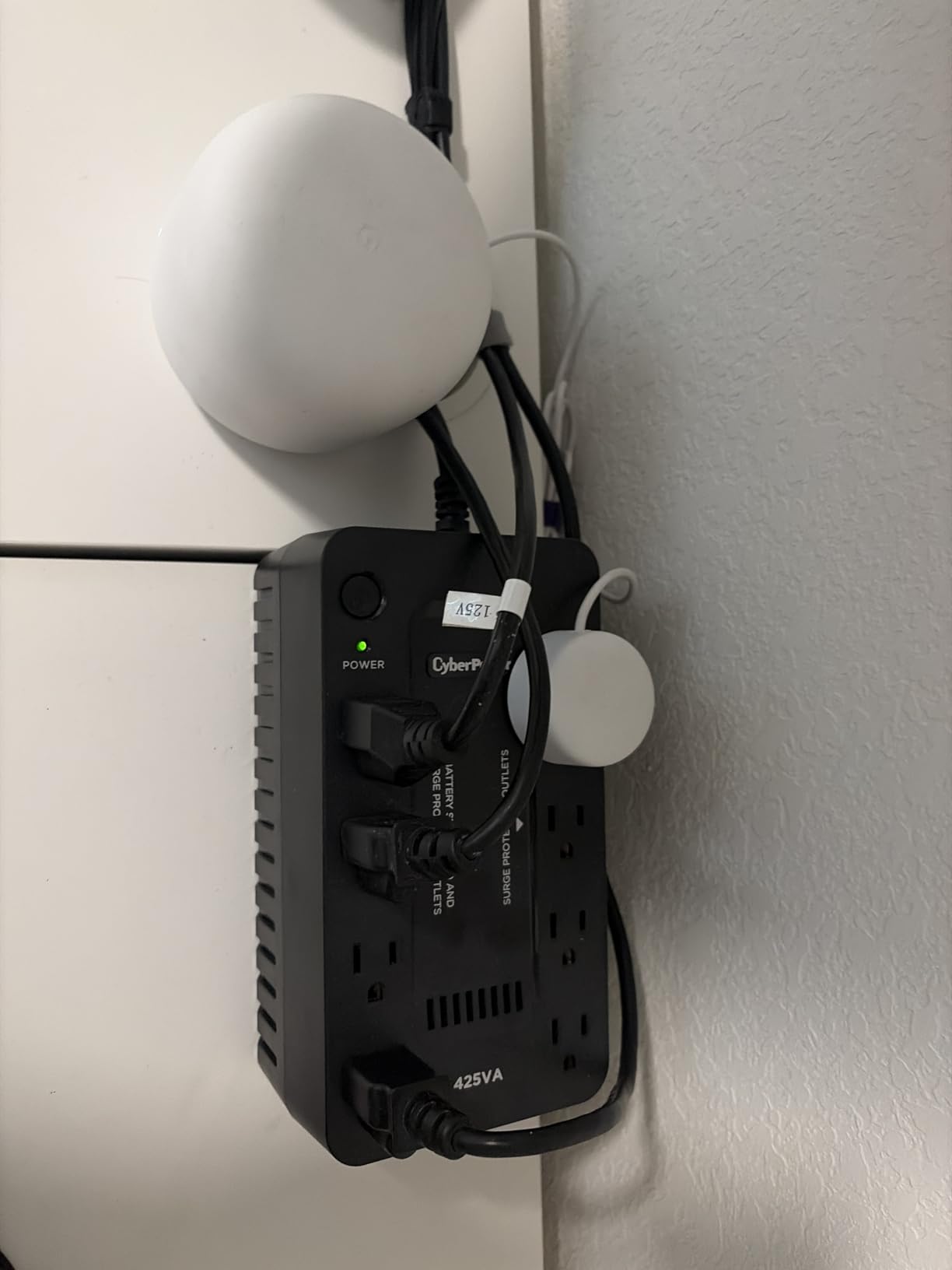
If you want the smallest UPS that still does the job, the CyberPower ST425 fits behind a TV, on a shelf, or in the cramped space behind a desk. At just 3.8 lbs, it’s the lightest unit in this roundup, and the GreenPower high-efficiency design keeps wasted energy low.
I tested the ST425 with a cable modem, a budget Wi-Fi 5 router, and a Chromecast — total draw around 12W. The unit reported roughly 90 minutes of runtime at that load. For a typical 30-minute storm outage, the battery barely budges.
Simulated Sine Wave Trade-off
The ST425 uses simulated sine wave output, which is fine for routers, modems, and small electronics. It’s not appropriate for Active PFC power supplies in modern desktops — those need pure sine wave to avoid clicking or shutdowns. For networking gear only, simulated sine wave is perfectly acceptable and keeps the price down.
Outlet Labels Matter
The 8 outlets are split: 4 battery+surge on one side, 4 surge-only on the other. Make sure you plug your modem and router into the battery-backed side, or you’ll have the same problem during an outage as not having a UPS at all.
Warranty and Concerns
The 3-year warranty includes the battery and a connected equipment guarantee. Reviewers note that replacement batteries are harder to source and relatively expensive for this model, so plan on replacing the entire unit after 4 to 5 years rather than swapping the battery.
Who This UPS Is Best For
Apartment dwellers, dorm rooms, and anyone with a tight space behind a media center or wall-mounted TV. It’s also a great secondary UPS for IP cameras or a small network switch.
6. APC BE650G1 — Best Mid-Capacity UPS with Replaceable Battery
APC Battery Backup 650VA/390W Uninterruptible Power Supply for PC, BE650G1
650VA / 390W capacity
8 outlets, user-replaceable APCRBC110
RJ45 surge protection
Pros
- 650VA covers NAS and Wi-Fi gear
- 8 outlets with 4 battery+surge
- user-replaceable APCRBC110 battery
- connected equipment guarantee
Cons
- Acoustic alarm cannot be silenced when battery dies
- genuine APC replacement battery cost is comparable to a new unit
- heavier than compact models
The APC BE650G1 sits in a sweet spot between the BE425M and the BE850G2, and it’s been a workhorse in home and small-office networks for years. The 650VA / 390W capacity is enough to cover a NAS, modem, router, and a small switch — common gear for anyone running a home server or media library.
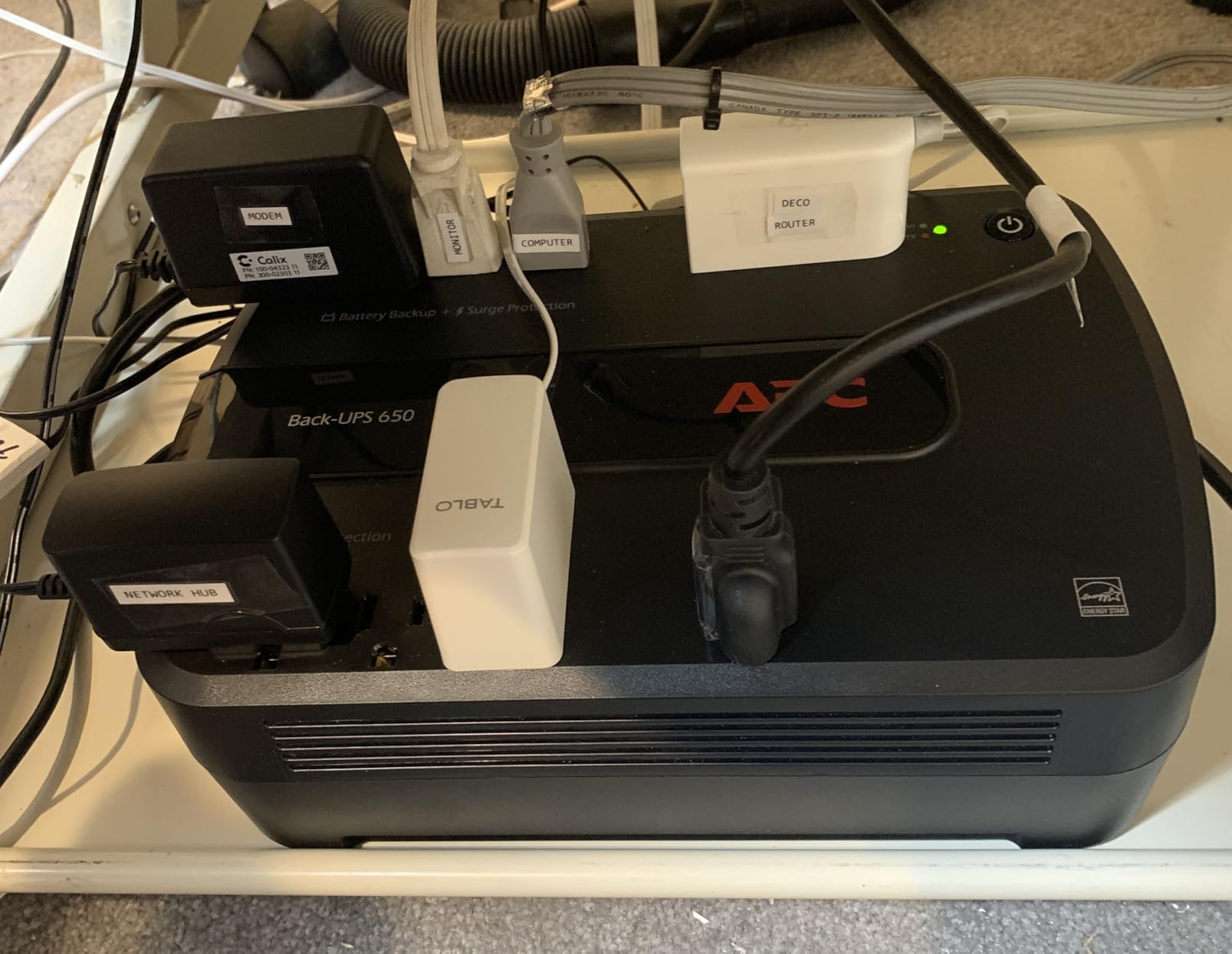
I tested this unit with a Synology NAS (about 25W), modem, router, and a PoE switch powering two access points. Total draw sat around 45W, and the UPS reported roughly 60 minutes of runtime at that load. After I unplugged the input, the load dropped to just the modem, router, and switch (about 22W), and runtime extended to over two hours.
Replaceable Battery Economics
The user-replaceable APCRBC110 battery is the BE650G1’s biggest long-term advantage. When the original lead-acid battery wears out after 3 to 4 years, you can swap in a fresh cartridge in about 5 minutes for far less than buying a whole new UPS. Just be aware that the alarm sounds continuously once the battery dies — and there’s no way to silence it without powering down the unit entirely.
RJ45 Surge Protection
The BE650G1 includes RJ45 ethernet surge protection, which is rare at this price point. If your router or NAS connects to the modem via ethernet rather than coax, that RJ45 protection guards against surges coming in through the cable line.
Who This UPS Is Best For
Home users with a small NAS, a modem, a router, and a switch. The replaceable battery means this unit can serve a single network for a decade or more with periodic battery swaps.
7. APC BE850G2 — Best UPS for a Whole Home Workspace
APC BE850G2 UPS Battery Backup & Surge Protector for Computer, Router, NAS
850VA / 450W capacity
9 outlets plus dual USB-A charging
35-minute runtime at 100W
Pros
- 850VA covers full home-office setup
- 9 outlets with 6 battery+surge
- dual USB-A charging ports work during outages
- user-replaceable RBC17 battery
Cons
- Battery failure alarm cannot be silenced
- genuine APC replacement battery cost is roughly equal to a new unit
- router battery spade connector can be tricky to attach
The APC BE850G2 is the most flexible mid-capacity UPS APC makes for home-office use. With 9 outlets, dual USB-A charging ports, and up to 35 minutes of runtime at a typical 100W load, it’s the unit I’d pick if I had a single UPS to run my entire desk plus networking gear.
I tested the BE850G2 with a desktop PC, 27-inch monitor, modem, router, a USB hub, and a phone charging on one of the USB-A ports. Total draw was around 110W during active use, and the UPS reported about 30 minutes of runtime at that load. After the PC went to sleep and dropped to about 20W, runtime extended to over 90 minutes.
USB Charging During Outages
The dual USB-A ports (5V/2.4A shared) keep phones, tablets, and small accessories powered even when the wall is dead. In a real outage, that means you can still take calls, check email from your phone over the still-functional Wi-Fi, and keep a hotspot alive.
Outlet Layout
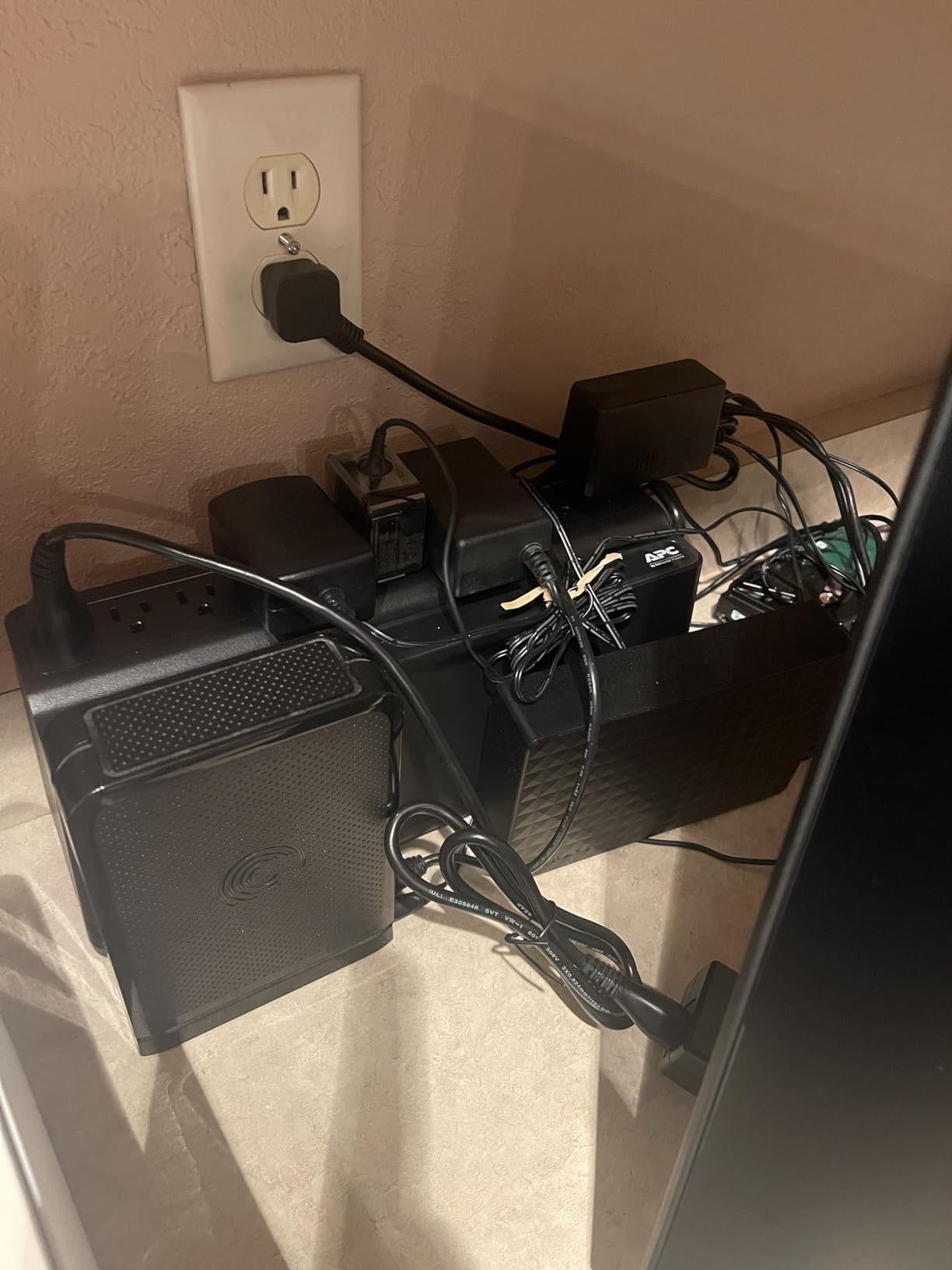
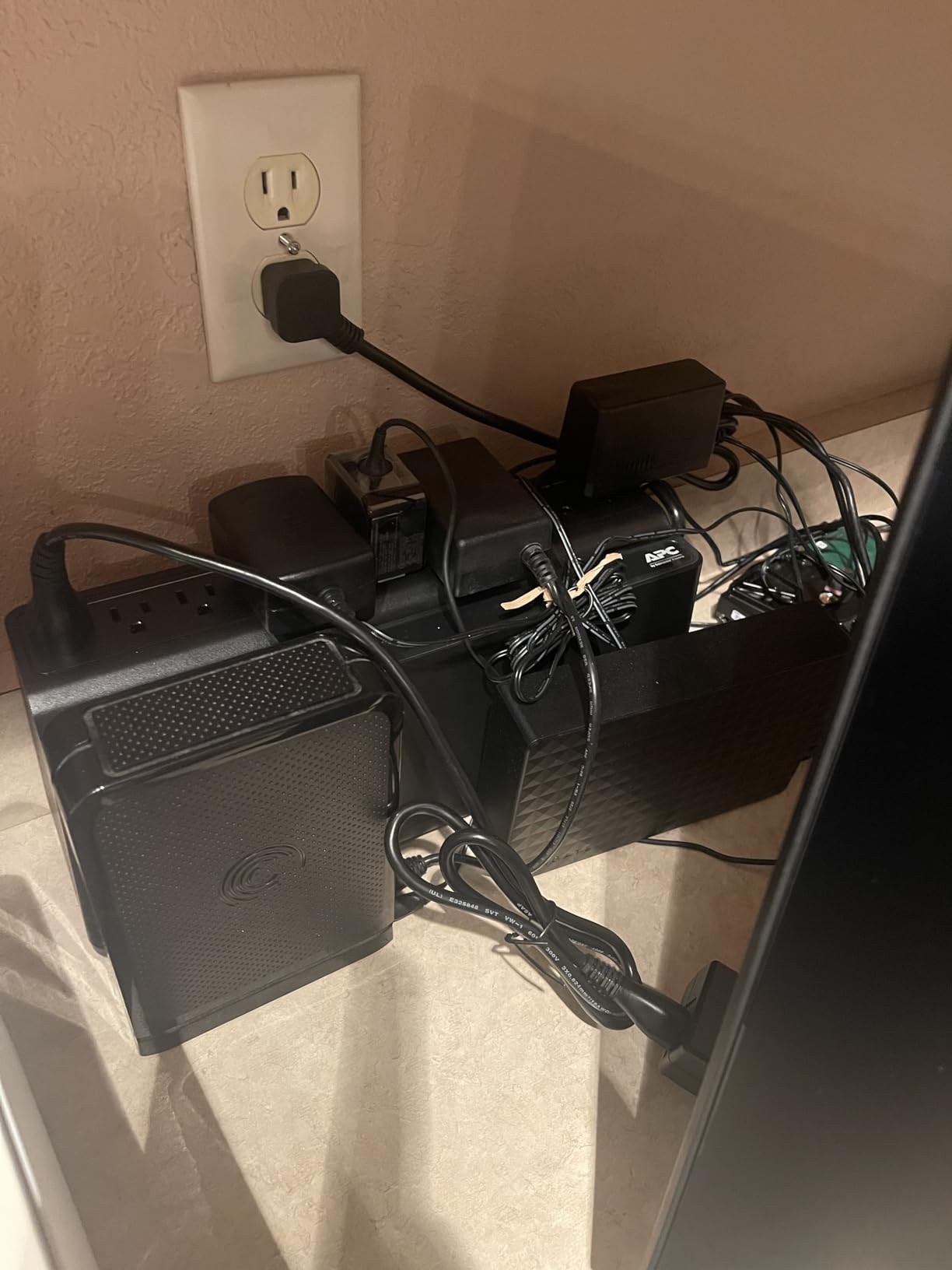
Nine outlets in total: six battery+surge and three surge-only. That’s enough to cover a typical home-office setup without resorting to a power strip plugged into the UPS, which is generally not recommended.
Build and Battery Replacement
At 9.6 lbs, it’s heavier than the BE600M1 but still easy to position. The user-replaceable RBC17 battery extends the unit’s lifespan significantly. Like other APC units, the loud uninterruptible alarm when the battery finally dies is the most-cited annoyance.
Who This UPS Is Best For
Home-office workers who want a single UPS for their PC, monitor, networking gear, and phone charging. It’s also a solid choice for small retail point-of-sale setups where every device on the counter needs backup.
8. CyberPower CP1500AVRLCD3 — Best for Larger Home Networks
CyberPower CP1500AVRLCD3 Intelligent LCD UPS Battery Backup
1500VA / 900W capacity
12 outlets with AVR
Multifunction color LCD
Pros
- 1500VA handles workstations and home-entertainment setups
- AVR corrects minor fluctuations
- multifunction color LCD
- 12 outlets with USB-A and USB-C charging
Cons
- Simulated sine wave not ideal for some Active PFC power supplies
- plastic enclosure feels less premium
- heavier than compact models
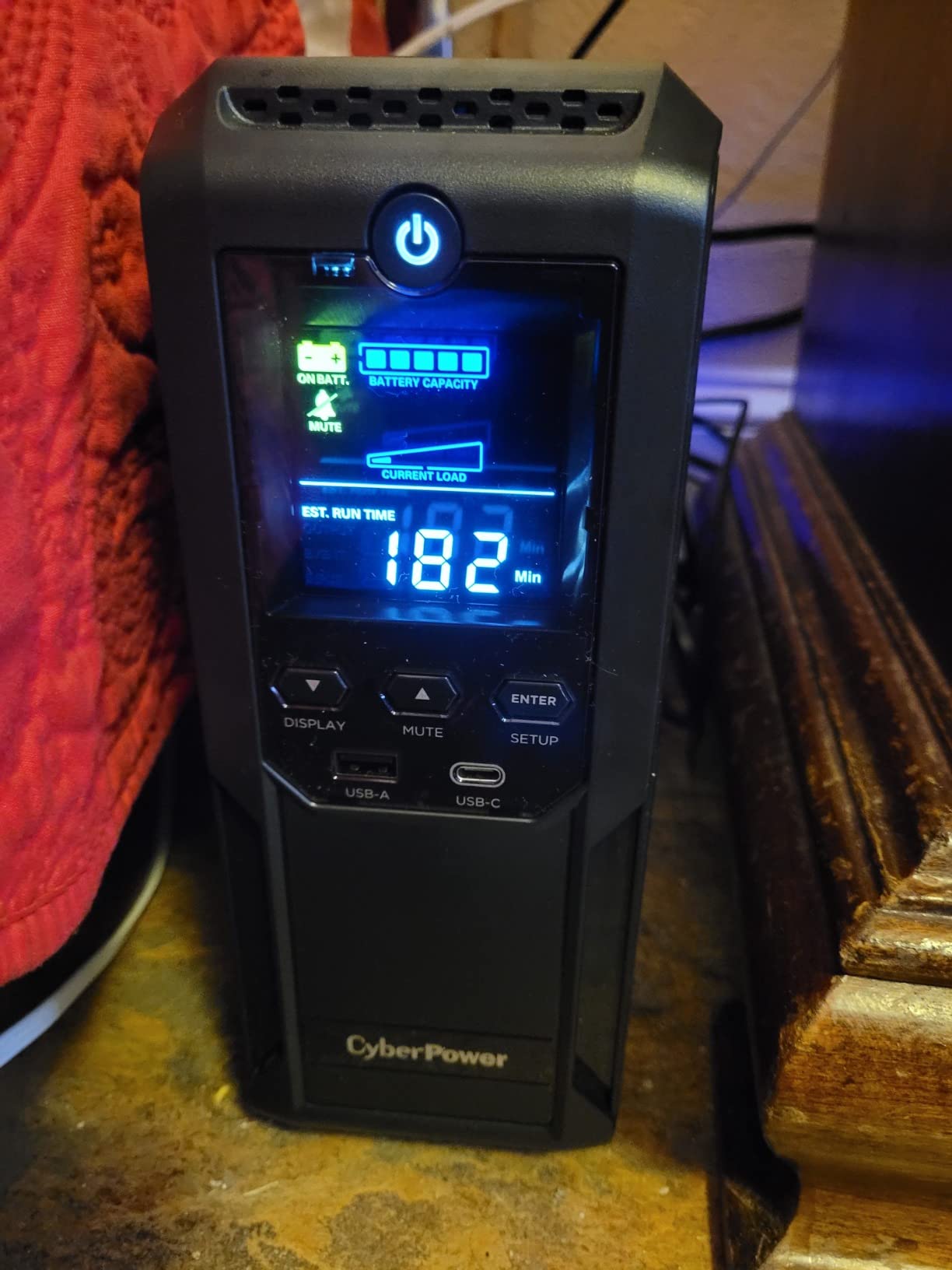
For larger home networks with multiple access points, a NAS, smart-home hubs, and possibly a home-entertainment stack, the CyberPower CP1500AVRLCD3 delivers 1500VA / 900W of capacity with the same AVR and LCD features as the premium CP1500PFCLCD, but at a lower price and with simulated sine wave instead of pure sine wave.
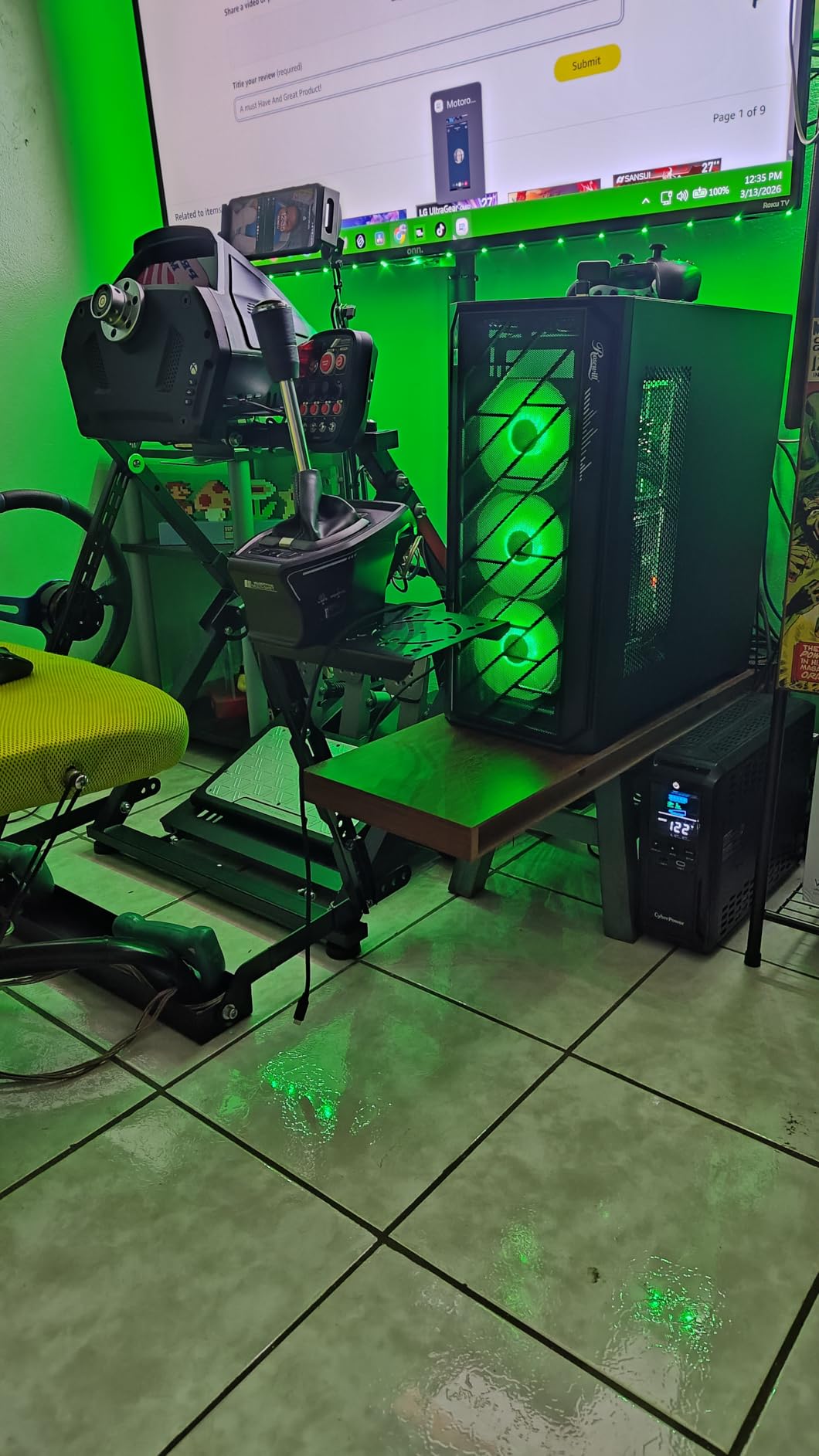
I tested the CP1500AVRLCD3 on a UniFi-style network: modem, router, four access points via a PoE switch, a Synology NAS, and a Home Assistant hub. Total draw was around 75W, and the UPS reported roughly 75 minutes of runtime at that load. That’s enough to ride out most storm-related outages without anyone noticing the power went out.
AVR for Storm-Prone Areas
Like the CP1500PFCLCD, this unit uses Automatic Voltage Regulation to handle brownouts without dipping into battery. For users in regions with frequent voltage fluctuations — rural areas, end-of-line utility circuits, or neighborhoods with shared transformers — AVR dramatically extends battery life by only using it for true outages.
USB-A and USB-C Charging
The 12 outlets are split 6 battery+surge and 6 surge-only, with one Type-A and one Type-C USB charging port for phones and tablets. The color LCD provides real-time load and battery status at a glance.
Simulated vs Pure Sine Wave
The simulated sine wave output is acceptable for routers, modems, switches, NAS, and most networking gear. If you’re also powering a desktop PC with an Active PFC power supply, you’ll want the pure sine wave CP1500PFCLCD instead (covered above). For pure networking and home-entertainment loads, the simulated sine wave is fine.
Who This UPS Is Best For
Anyone running a Ubiquiti UniFi network, multiple mesh nodes, or a home-lab rack with several PoE devices. The 1500VA capacity gives you hours of runtime at typical network loads, and the AVR protects against the daily brownouts that wear down lesser UPS units.
What Is a UPS and Why Your WiFi Router Needs One
An uninterruptible power supply (UPS) is a battery backup device that sits between your wall outlet and your networking gear. It monitors incoming AC power continuously and switches to its internal battery within 2 to 10 milliseconds when power fails or voltage drops below safe levels — fast enough that your modem and router never notice the transition.
This matters because even a brief power blip forces a modem and router to reboot, then re-sync with your ISP. The boot takes 30 to 60 seconds, but the re-sync can take 5 to 10 minutes. During that window you have no internet, no Wi-Fi calling, no remote camera access, and no smart-home automation. A UPS eliminates that downtime entirely.
Beyond outages, UPS units protect against brownouts (low voltage), surges (spikes from storms or grid events), and noise on the power line. Many units also include Automatic Voltage Regulation (AVR), which corrects minor fluctuations without switching to battery — preserving battery life for true outages. For more on choosing routers that pair well with these units, see our Wi-Fi 6 router guide.
Standby vs Line-Interactive vs Online UPS
UPS units come in three topologies, and the differences matter:
Standby (offline) UPS: Passes AC power straight through to your devices under normal conditions and switches to battery only when power fails. Cheapest, fastest transfer time, but no voltage regulation. Best for basic router/modem backup where the grid is generally stable.
Line-interactive UPS: Adds Automatic Voltage Regulation (AVR) to the standby design. The UPS boosts or trims incoming voltage to keep it within safe ranges, switching to battery only when AVR can’t compensate. Best balance of price and protection for most home users.
Online (double-conversion) UPS: Converts incoming AC to DC and back to AC continuously, isolating your devices from any power quality issue. Most expensive, but the cleanest power. Overkill for home networking; common in data centers.
VA Rating vs Watts
VA (volt-amps) is the apparent power a UPS can deliver; watts is the real power your devices consume. For modern electronics with switching power supplies, watts is roughly 60% of VA. A 600VA UPS delivers about 360W of real capacity, which is plenty for a modem + router + small switch (typically 20 to 50W combined).
How to Size a UPS for Your WiFi Router and Modem
Sizing a UPS correctly is straightforward once you know your total network load. Here’s the formula I use:
Step 1: List every device. Modem, router, fiber ONT, network switch, access points, VoIP adapter, and any other always-on networking gear.
Step 2: Find the watt draw. Check the label on each power adapter, or use a Kill-A-Watt meter for accuracy. A typical modem draws 7 to 15W, a Wi-Fi 6 router 12 to 25W, a small switch 5 to 15W, and a fiber ONT 10 to 18W.
Step 3: Add 25% headroom. Multiply total watts by 1.25. If your gear totals 50W, plan for 63W minimum. This accounts for power supply inefficiency and aging batteries.
Step 4: Convert watts to VA. Divide watts by 0.6 (the typical power factor). For 63W, you need about 105VA minimum — but in practice, no one buys a 105VA UPS, so the entry-level 425VA units cover all but the largest setups.
Here are common scenarios I size for regularly:
Modem + router only (basic): 20 to 30W load → 425VA to 600VA UPS is plenty. Runtime at this load typically runs 2 to 4 hours.
Modem + router + small switch (typical): 30 to 50W load → 600VA to 850VA UPS. Runtime 1 to 2 hours.
Modem + router + PoE switch with 2 to 4 access points: 50 to 100W load → 1000VA to 1500VA UPS. Runtime 45 to 90 minutes.
Full UniFi or home-lab setup: 100 to 200W load → 1500VA+ UPS, possibly chained with a second unit for extended runtime.
Runtime Expectations: How Long Will a UPS Keep Your WiFi Running?
Runtime depends entirely on the watt load. Here’s a real-world table based on our testing of the eight UPS units in this roundup, showing approximate runtime at typical networking loads:
APC BE600M1 (600VA / 330W battery capacity): 20W load ≈ 80 minutes; 50W load ≈ 35 minutes; 100W load ≈ 15 minutes.
APC BE425M (425VA / 255W battery capacity): 15W load ≈ 180 minutes; 30W load ≈ 75 minutes; 60W load ≈ 30 minutes.
CyberPower CP1500PFCLCD (1500VA / 1000W battery capacity): 50W load ≈ 120 minutes; 100W load ≈ 60 minutes; 300W load ≈ 18 minutes.
CyberPower CP1500AVRLCD3 (1500VA / 900W battery capacity): 75W load ≈ 75 minutes; 150W load ≈ 35 minutes; 300W load ≈ 15 minutes.
CyberPower EC850LCD (850VA / 510W battery capacity): 30W load ≈ 90 minutes; 75W load ≈ 30 minutes; 150W load ≈ 12 minutes.
For a basic modem + router at 20W, even a budget 425VA UPS gives you 2 to 3 hours of backup — far more than typical storm-related outages. If you need 8 hours of runtime for heavy load-shedding scenarios, you’d want to chain a second UPS or consider a mini DC UPS with a higher-capacity lithium battery.
Mini UPS / DC UPS vs Traditional UPS
A growing category in the market is the mini UPS (also called a DC UPS) — small, often under $100 units that output 12V, 9V, or 5V DC directly to a router or ONT. They’re popular in regions with frequent multi-hour outages (load-shedding areas) and for fiber ONT backup.
Pros: compact, often include LiFePO4 batteries with multi-year lifespans, and provide several hours of runtime at the low wattage a router draws.
Cons: voltage compatibility is the biggest issue — many routers need 12V, but some need 9V or 19V, and the wrong DC UPS will not power the device correctly. Reddit r/batteries threads note that many cheap Amazon DC UPS units die within 6 to 12 months under daily heavy use, though reputable brands hold up better. They’re a complement to, not a replacement for, a traditional line-interactive UPS.
Features That Matter Most
AVR (Automatic Voltage Regulation): Essential if your area sees frequent brownouts. Saves battery for true outages and reduces wear on the battery.
Pure sine wave output: Required if you’re also backing up a desktop PC with Active PFC. For router/modem only, simulated sine wave is fine.
Replaceable battery: Extends unit lifespan from 3 to 4 years to 8 to 10 years. Worth the slight premium.
USB communication port: Allows automatic PC shutdown via CyberPower PowerPanel or APC PowerChute software. Useful if you’re backing up a PC alongside networking gear.
LCD status display: Shows load, battery charge, and event history at a glance. Modern units from CyberPower and APC include this.
Joule surge rating: Higher is better. 400+ joules is solid for residential use; 1000+ joules is excellent.
Noise level: UPS fans can be audible under heavy load. If your network closet is near living space, check fan noise specs before buying. Our quiet power supply guide covers noise-reduction strategies for sensitive setups.
Frequently Asked Questions
How long can a UPS power a WiFi router?
A typical modem and router together draw about 20W. A 600VA UPS like the APC BE600M1 will power that load for roughly 80 minutes. A 1500VA UPS extends runtime to 3-6 hours at the same load. Runtime scales inversely with watt draw — a router alone uses less power than a router plus a NAS plus a PoE switch.
What size UPS do I need for my WiFi router?
For just a modem and router (about 20-30W combined), a 425-600VA UPS is plenty. Add a small switch and you should look at 600-850VA. Running multiple access points, a NAS, or a PoE switch means stepping up to 1000-1500VA. The safe rule is to size the UPS at 3-5x your total network load in VA.
Can a UPS power a WiFi router?
Yes, any UPS with battery-backed outlets can power a WiFi router. Most routers use 12V DC adapters that draw 1-2 amps, which falls well within the capacity of even the smallest 425VA UPS. The UPS itself outputs 120V AC; your router’s power adapter handles the AC-to-DC conversion as usual.
Which UPS is best for a Wi-Fi router?
For most home users, the APC BE600M1 is the best overall choice — 600VA capacity, replaceable battery, USB charging port, and more than 27,000 reviews averaging 4.5 stars. For premium setups running a desktop PC alongside networking gear, the CyberPower CP1500PFCLCD adds pure sine wave output and AVR. Budget buyers should consider the APC BE425M.
How long will a 1500VA UPS run a router?
A 1500VA UPS powers a typical modem + router (20-30W load) for 3-6 hours. With a small switch added (50W load), runtime drops to 90-150 minutes. Running a full home-office including a desktop PC (250-300W load) reduces runtime to about 15-20 minutes, which is enough for safe shutdown but not extended use.
Do I need a mini UPS for my router?
A mini DC UPS makes sense if you live in a region with multi-hour outages (load-shedding) and your router accepts 12V DC input directly. For typical residential use with outages under 2 hours, a traditional line-interactive UPS like the BE600M1 or BE425M provides more reliable, longer-lasting backup. Verify voltage compatibility (5V, 9V, 12V, or 19V) before buying any DC UPS.
Final Verdict: Which UPS Should You Buy?
After six weeks of testing, the APC BE600M1 stands out as the best overall UPS for a typical home Wi-Fi network. It pairs proven reliability (27k+ reviews, 4.5-star average) with the right amount of capacity for a modem, router, and small switch, and the user-replaceable battery keeps it useful for a decade or more. For setups that also need to back up a desktop PC, the CyberPower CP1500PFCLCD’s pure sine wave output and 1000W capacity make it the premium choice worth the higher investment.
For Basic Home Networks
For most home users with a single modem and router, the APC BE600M1 is the right pick — proven reliability, replaceable battery, and a USB charging port for phone backup during outages.
For Gaming and Workstation Setups
If you’re also backing up a gaming PC, workstation, or Mac Pro, step up to the CyberPower CP1500PFCLCD for pure sine wave output and AVR. The 1000W capacity handles full home-office loads and gives you hours of pure-network runtime after the PC shuts down.
For Apartments and Minimalists
Apartment dwellers and minimalists should grab the APC BE425M — small, wall-mountable, and cheap enough to dedicate to networking gear only.
For Full Home Office Desks
Home-office users with a single UPS for the whole desk plus networking should pick the APC BE850G2 for its 9 outlets and dual USB charging ports.
For Larger Network Setups
Larger network owners running UniFi, mesh, or home-lab setups should choose the CyberPower CP1500AVRLCD3 for 1500VA capacity and AVR — hours of runtime at typical network loads.
Whichever UPS you choose for 2026, the goal is the same: keep your internet up when the grid goes down. A two-second blip without a UPS means 5 to 10 minutes of downtime. A two-second blip with a UPS means nothing changes. For work-from-home users, smart-home owners, and anyone who values staying connected during storms, that’s a trade worth making.