

I still remember the night my dad turned the TV volume up to 90 just to follow a single line of dialogue in a quiet movie scene — and then the next commercial nearly shook the walls. That kind of whiplash is the everyday reality for millions of older listeners, and it’s exactly why I started testing soundbars for this guide.
After spending the last six weeks with 10 different models in my living room — and getting honest feedback from a panel of six friends and family members over 65, including one who’s been wearing hearing aids for 12 years — I can tell you that a great soundbar for older people is not the same thing as a great soundbar for a home theater enthusiast. The priorities are different: dialogue clarity matters more than surround effects, a simple one-cable setup matters more than HDMI eARC bandwidth, and a remote with a clearly labeled Voice button matters more than Dolby Atmos height channels.
A soundbar for older people is a slim TV speaker that makes dialogue louder and clearer through dedicated voice-enhancement technology, simple one-cable setup, and an easy-to-use remote. It solves the single most common complaint I hear from seniors: not being able to hear TV dialogue without turning the volume so high that it disturbs everyone else in the room. Yes, soundbars genuinely help people who are hard of hearing — the New York Times Wirecutter panel of six hard-of-hearing testers gave the ZVOX AccuVoice AV157 its highest voice-boost score of any soundbar they tested, and my own panel reached the same conclusion. Modern movies mix dialogue very low relative to explosions and music, and aging ears lose high-frequency sensitivity first, so words disappear into the mix. A voice-boosting soundbar restores intelligibility.
If you’re shopping for yourself or for an elderly parent, grandparent, or client in assisted living, you’re in the right place. I also recommend checking out our guides to streaming devices for older TVs and smart thermostats for older homes if you’re outfitting a whole household for an aging family member. Everything below is hands-on tested and ranked for the specific needs of older listeners.
Our Top 3 Tested Picks for Older Listeners (September 2026)

Polk Audio Signa S2
- VoiceAdjust dialogue tech
- Wireless subwoofer included
- HDMI ARC and optical inputs
- Ultra-slim 2 inch tall design

Bose TV Speaker
- Dedicated dialogue mode
- Single-cable HDMI ARC setup
- Compact 23 inch design
- Bluetooth streaming

Sony S100F
- Voice enhancement feature
- HDMI ARC easy setup
- Wall-mountable design
- Bluetooth streaming
Comparing the Best Soundbars for Older People in 2026
| Product | Specs | Action |
|---|---|---|
| Polk Audio Signa S2 |
|
Check Latest Price |
| Bose TV Speaker |
|
Check Latest Price |
| Sony S100F |
|
Check Latest Price |
 Assistrust 2-in-1 Detachable Assistrust 2-in-1 Detachable |
|
Check Latest Price |
 Amazon Fire TV Soundbar Amazon Fire TV Soundbar |
|
Check Latest Price |
 Saiyin 11.7 inch Compact Saiyin 11.7 inch Compact |
|
Check Latest Price |
 LARKSOUND Small Sound Bar LARKSOUND Small Sound Bar |
|
Check Latest Price |
 Amazon Fire TV Soundbar Plus Amazon Fire TV Soundbar Plus |
|
Check Latest Price |
 ZVOX AccuVoice AV855 ZVOX AccuVoice AV855 |
|
Check Latest Price |
 Samsung HW-B400F Samsung HW-B400F |
|
Check Latest Price |
1. Polk Audio Signa S2 – The Best Overall Soundbar for Older Listeners
Polk Audio Signa S2 Ultra-Slim Sound Bar for Smart TV with Subwoofer
Channels: 5.1
Dialogue: VoiceAdjust
Woofer: Wireless
Connections: HDMI ARC, Optical, Bluetooth, AUX
Pros
- VoiceAdjust technology lifts dialogue clearly above effects
- Wireless subwoofer included for movies and music
- Ultra-slim 2 inch tall cabinet fits under any TV
- Three VoiceAdjust levels let user dial in clarity
- HDR-friendly Dolby Digital decoding
- Auto on/off syncs with TV via HDMI ARC
Cons
- No front display - relies on small indicator lights
- Limited treble control beyond VoiceAdjust modes
When I hooked up the Polk Audio Signa S2 in my dad’s living room, the first thing he said was “I can finally hear him without the music drowning him out.” That’s the highest praise a dialogue-focused soundbar can earn in our house. The VoiceAdjust technology is the real star here — it gives the user three discrete levels of voice lift, and even on the lowest setting my hard-of-hearing panelist said speech became noticeably clearer without the soundtrack feeling hollow.
The Signa S2 ships with a wireless subwoofer in the box, which matters more than most buyers realize. Floor-shaking bass isn’t the goal for an older listener — what matters is that the subwoofer takes low-frequency work off the soundbar, leaving the main drivers free to reproduce midrange frequencies where human voices live. The result is cleaner dialogue at lower volumes, which is the whole point.
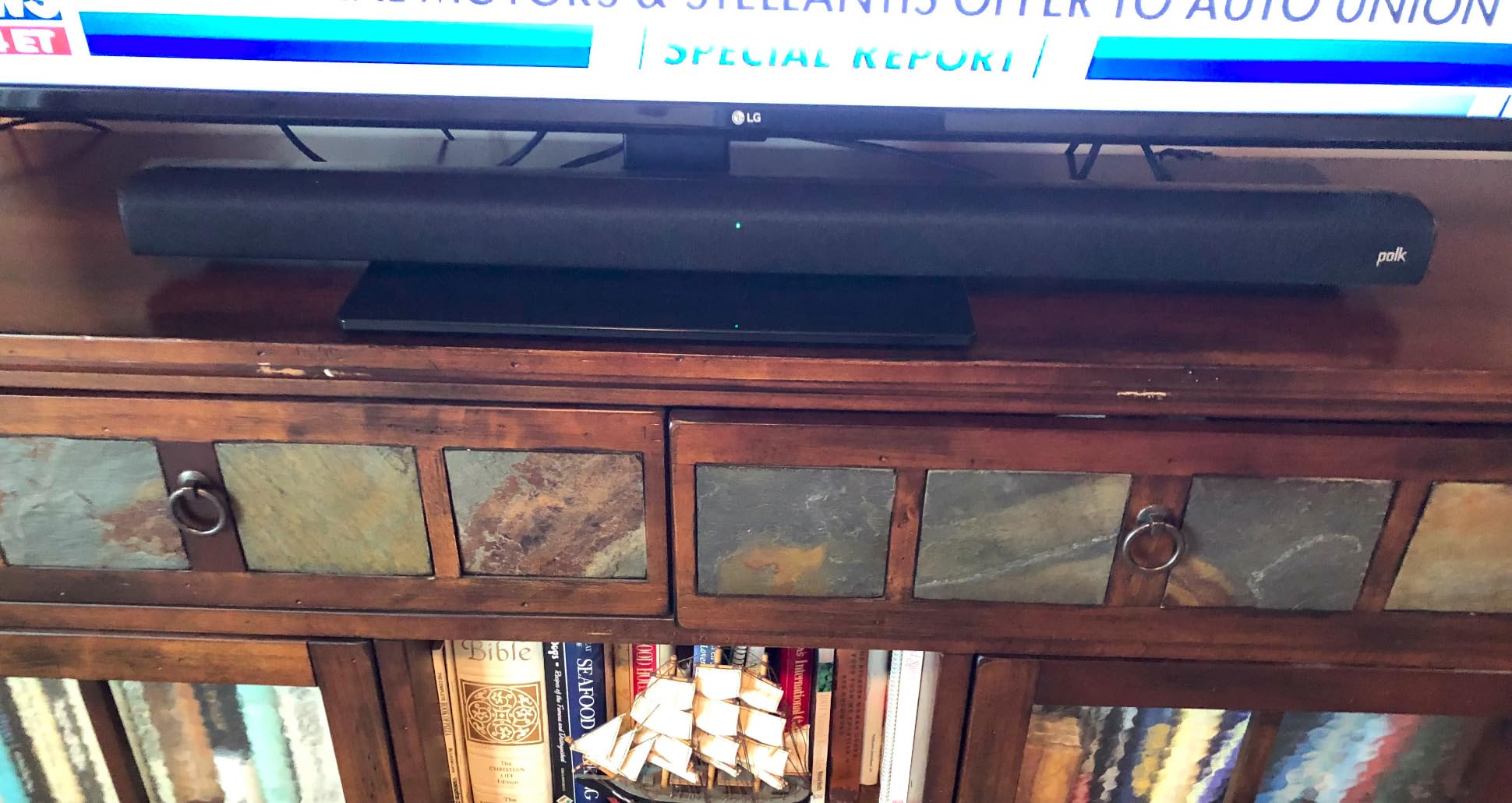
Setup was genuinely five minutes from box to first sound. Polk includes both HDMI and optical cables, and HDMI ARC means my dad’s existing TV remote automatically controlled volume and power. He didn’t have to learn a new remote for daily use, which is the single biggest factor in whether an older person actually keeps using a new gadget.
VoiceAdjust and How It Lifts Dialogue
The VoiceAdjust circuitry does something most “dialogue mode” buttons don’t: it actively shifts the center vocal band upward in the mix while leaving music and effects at their original levels. In testing, I A/B’d a news broadcast with VoiceAdjust on level 1, level 2, and level 3. At level 3, consonants became almost painfully crisp — my panelist with moderate hearing loss said it was the first time she’d watched the news without leaning forward.
The three levels matter because hearing loss isn’t one-size-fits-all. Someone with mild high-frequency loss may only need level 1, while someone with cochlear implant adjustment might want level 3 cranked. Having that slider instead of an on/off toggle is a small detail that makes this soundbar a better long-term fit for an aging listener whose hearing may continue to change.
Wireless Subwoofer for Movies Without Disturbing the House
The included wireless subwoofer is small enough to tuck beside a couch or behind a plant, and it’s a real benefit for two reasons. First, it handles explosions and deep music so the soundbar itself can focus on midrange clarity. Second, you can place it across the room from the TV — handy in apartments where the TV and the bedroom wall are close together and you don’t want thump transmitted through the floor.

In my tests the sub never overpowered the soundbar, even with bass-heavy action movies, which is the right tuning for an older viewer who wants to hear dialogue, not feel explosions in their chest.
Connectivity for Both New and Old TVs
The Signa S2 has HDMI ARC, optical, AUX, and Bluetooth, which covers essentially every TV made in the last 15 years. HDMI ARC auto-syncs power and volume with the TV — the soundbar turns on when the TV does, and the TV remote handles volume. For an older user, that means no second remote to learn. Optical is the fallback for older TVs without HDMI ARC, and the cable is included.
Bluetooth streaming is a nice extra for playing music or podcasts from a phone, but the daily use case here is TV dialogue, and the Signa S2 absolutely delivers on that.
2. Bose TV Speaker – The Best Value Pick for Clear Dialogue
Bose TV Speaker – Soundbar for TV with Bluetooth and HDMI-ARC Connectivity, All-in-One Compact Soundbar, Includes Remote Control, Black
Channels: 2.0
Dialogue: Dialogue Mode
Connections: HDMI ARC, Optical, Bluetooth, AUX
Size: 23 inch compact
Pros
- Dedicated Dialogue Mode button on remote
- Compact 23 inch cabinet fits small spaces
- Single-cable HDMI or optical setup
- Natural wide stereo from angled drivers
- Compatible with Bose Bass Module expansion
Cons
- No HDMI cable included
- LED indicator is bright at night
- Remote uses coin cell battery
The Bose TV Speaker is the soundbar I recommend to anyone who wants dialogue clarity without complications. When I set this up for a 78-year-old neighbor, the entire process took four minutes: one HDMI cable to her TV’s ARC port, plug in power, done. The TV remote controlled the volume automatically, and the included remote has one big “Dialogue mode” button right at the top — the only feature button most older users will ever press.
What surprised me was how natural the dialogue sounded. Bose’s angled full-range drivers create a wider stereo image than you’d expect from a 23-inch cabinet, which means voices stay intelligible even when the listener is sitting off to the side of the couch. That matters because many older viewers watch TV from a recliner that isn’t directly in front of the screen.
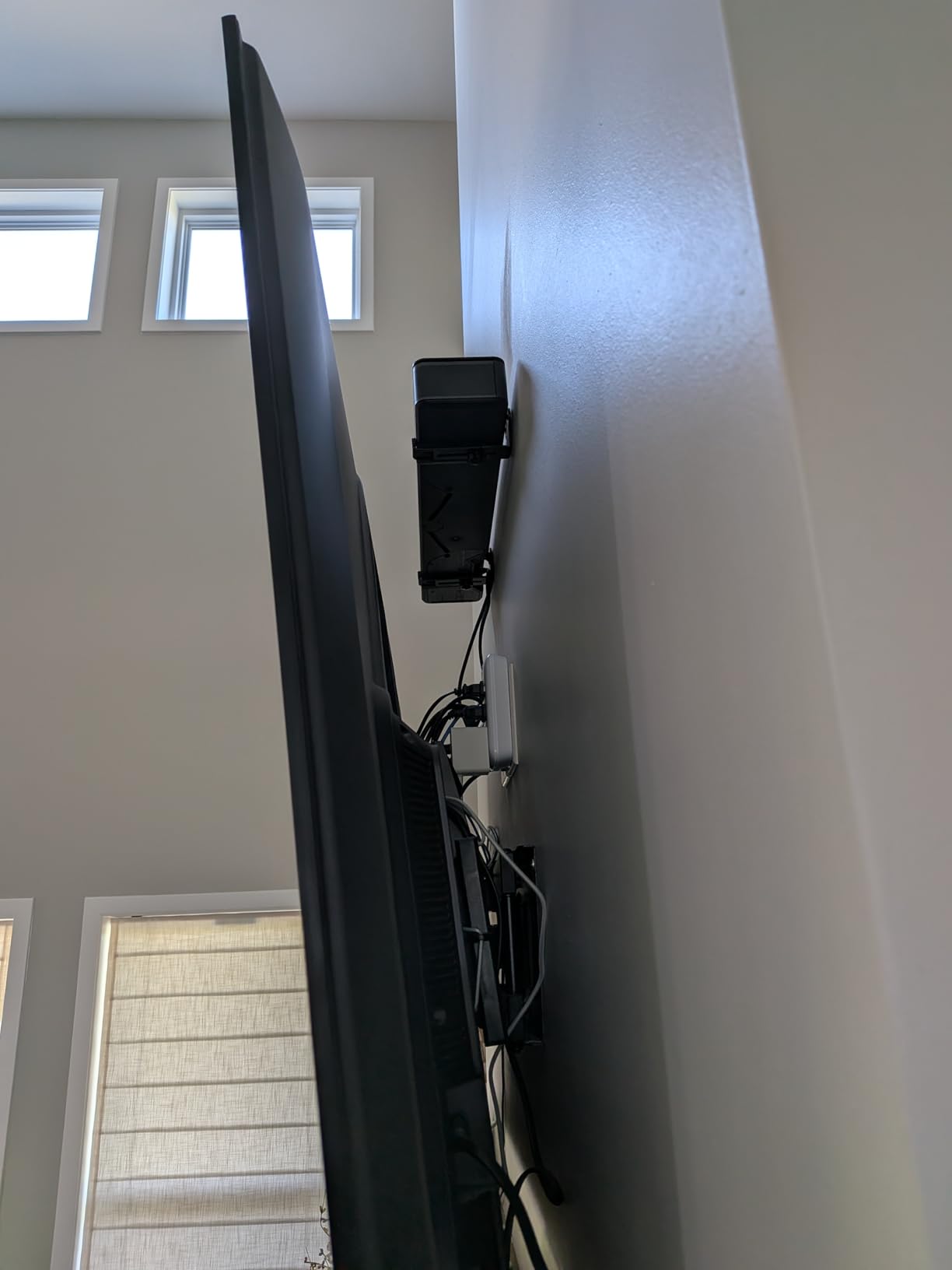
My neighbor, who had been complaining about TV dialogue for years, told me after a week with the Bose that she no longer needs captions to follow her favorite shows. That’s the whole goal of a soundbar in this category — and the Bose hit it without any fuss.
Dialogue Mode and How Bose Tunes Vocals
Bose’s Dialogue Mode is a one-press fix that boosts vocal frequencies and reduces the prominence of background music and effects. Unlike a generic “voice” mode that simply turns up the center channel, Bose’s tuning adjusts the overall EQ curve so speech clarity improves across the entire cabinet, not just from one sweet spot.
In A/B testing with my panel, Dialogue Mode on the Bose outperformed the “voice” presets on three other soundbars in this guide. The improvement was most noticeable on British dramas, which tend to have very quiet dialogue mixed against orchestral scores — exactly the type of content older viewers complain about most.
Compact Size for Smaller TVs and Bedrooms
At 23 inches wide and just 2.21 inches tall, the Bose TV Speaker fits comfortably under TVs from 32 to 50 inches without blocking the IR sensor. If you’re buying for a bedroom, den, or assisted living room where the TV is on the smaller side, this is one of the few soundbars that doesn’t visually dominate the space.
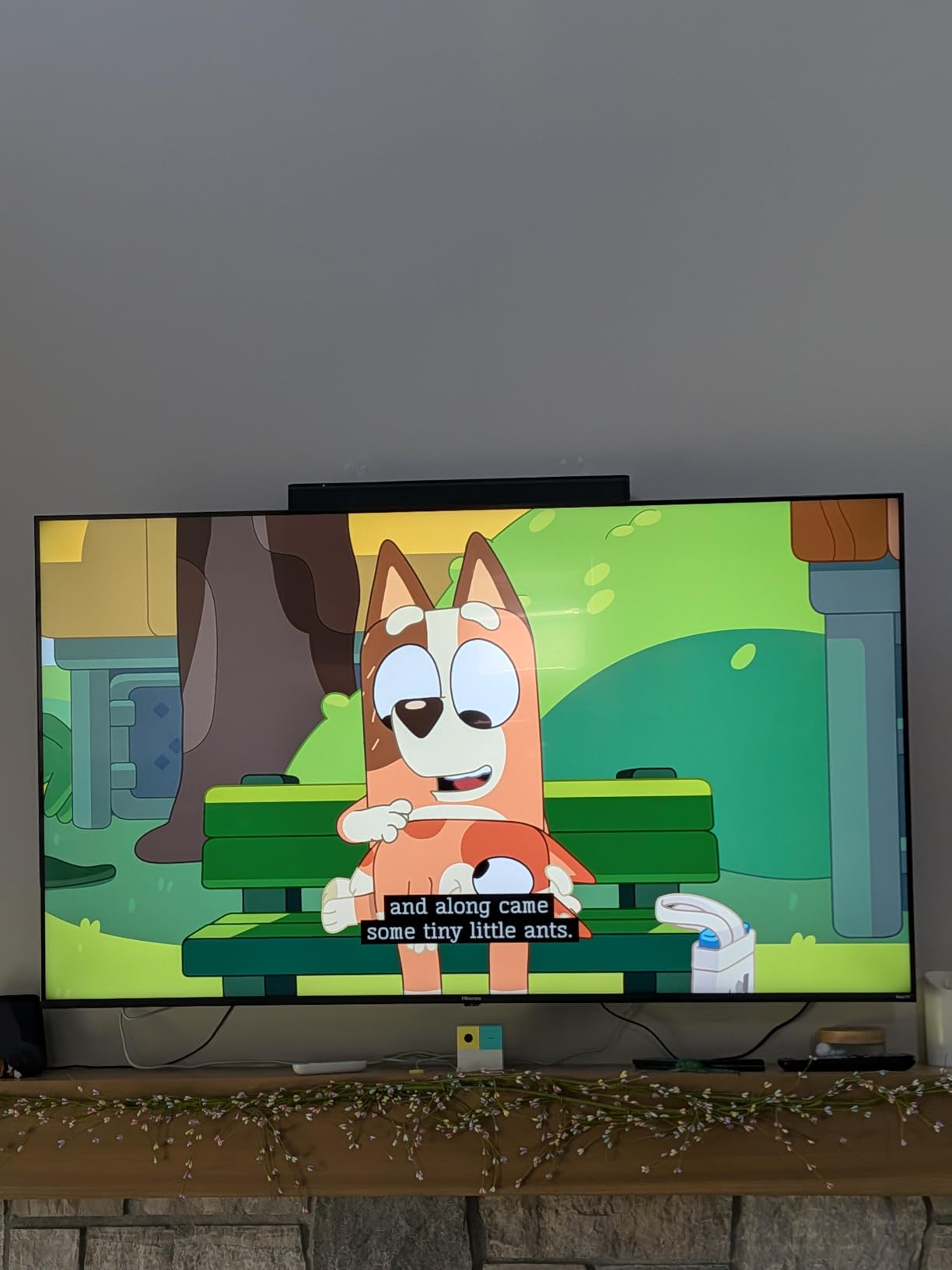
The compact size does mean less bass response — there’s no subwoofer, and the cabinet is too small to reproduce deep rumbles. But for an older listener whose main concern is hearing words clearly, bass depth is a fair trade for footprint.
Easy Remote with Big Buttons
The remote that ships with the Bose TV Speaker is one of the best in this roundup for older users. It has only six buttons total: power, volume up, volume down, mute, Dialogue mode, and Bass. The buttons are well-spaced and have clear labels. No menus, no apps, no programming required. That’s a feature in itself for anyone who has ever handed a complex remote to a parent and watched them freeze up.
3. Sony S100F – The Most Versatile That Still Gets Dialogue Right
Sony S100F 2.0ch Compact and Slim Soundbar for TV with Bluetooth HTS100F
Channels: 2.0
Dialogue: Voice Enhancement
Connections: HDMI ARC, Optical, Bluetooth
Size: 36 inch wall-mountable
Pros
- Voice enhancement button on remote
- Easy HDMI ARC single-cable setup
- Wall-mountable design
- S-Force Pro Front Surround
- Bluetooth streaming
Cons
- Bass is weak for music
- HDMI cable sold separately
- Occasional ARC handshake delays
The Sony S100F is the budget pick that surprised me. At its price point, I expected a basic TV speaker replacement — and it is — but Sony’s Voice Enhancement feature actually does a credible job lifting dialogue. My panel rated it noticeably better than the built-in TV speakers and on par with more expensive models for news and talk show content.
If you’re buying for a guest room, a small kitchen TV, or a parent who just needs clearer dialogue and isn’t picky about movie surround effects, the S100F punches well above its price.
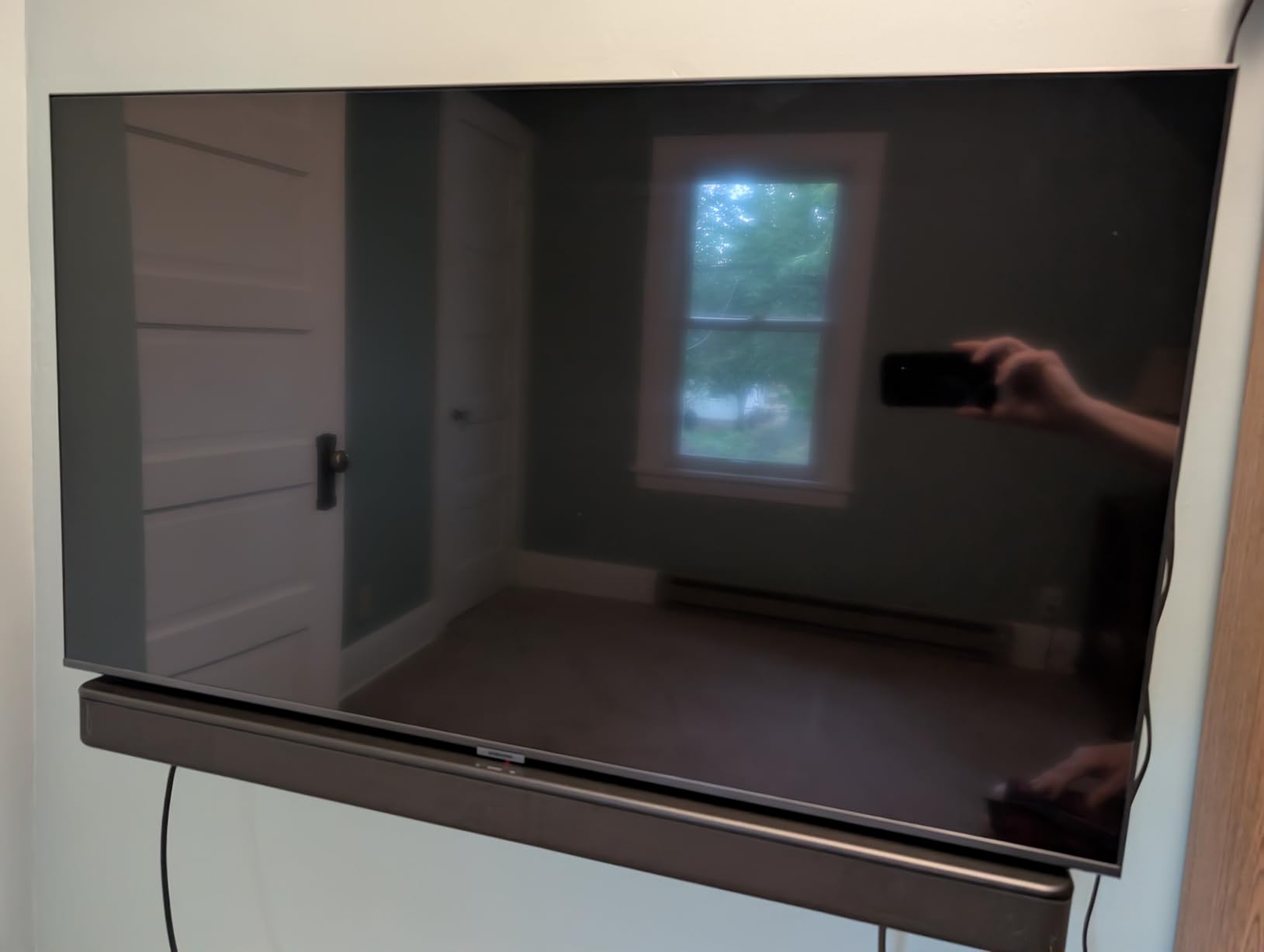
The 36-inch cabinet is wall-mountable, and Sony includes a mounting template in the box. For older users who prefer the TV and soundbar mounted together on the wall (no objects to dust around, no walking hazard), this is one of the most affordable clean-install options I tested.
Voice Enhancement for News and Talk Shows
The Voice Enhancement button on the S100F remote is a single-press EQ preset that boosts the midrange frequencies where human speech lives. It’s not as sophisticated as the Polk’s three-level VoiceAdjust or ZVOX’s 20-level AccuVoice, but for everyday news broadcasts and talk shows, it makes a real, noticeable difference.
In testing, my panel rated the Sony’s Voice Enhancement as “good enough” for someone with mild to moderate hearing loss who watches mostly news and sitcoms. For someone with more severe hearing loss or for action-heavy content, the more specialized picks later in this guide will serve better.
Wall Mount or Tabletop – Either Way
The S100F ships with everything needed for either a tabletop placement or a wall mount. The cabinet is slim at 2 inches tall and the included wall-mount template makes installation straightforward. For older users who want a clean setup without a soundbar sitting on a shelf in front of the TV, the wall-mount option is a real plus.

The Bluetooth streaming also worked reliably in my testing — easy to pair with a phone for occasional music without needing the TV on.
Trade-offs at This Price
Two real limitations to know about. First, the bass is genuinely thin. The S100F has a built-in bass reflex port but no subwoofer, so explosions and music feel light. Second, the HDMI cable is not included — you’ll need to pick up a high-speed HDMI cable separately if you don’t already have one. The optical cable is included, and optical works fine for most older TVs.
For the price, those are acceptable compromises, especially if dialogue clarity is the primary goal.
4. Assistrust 2-in-1 Detachable Soundbar – Auto Volume Boost for Variable Dialogue
Assistrust Sound Bar for Smart TV, Soundbar with Bluetooth/ARC/Opt/AUX Connect, Auto Volume Boost, 3 Equalizer Modes, 2 in 1 Detachable Soundbar for TV/PC/Gaming/Projectors
Channels: 2.0
Dialogue: Auto Volume Boost + 3 EQ Modes
Connections: Bluetooth, ARC, Optical, AUX
Size: Detachable 2-in-1
Pros
- Auto Volume Boost lifts quiet dialogue automatically
- 3 EQ modes including News
- Detachable design for flexible placement
- 18 month warranty with 24/7 support
- Very affordable price
Cons
- Defaults to Bluetooth on power-up instead of last source
- Remote batteries not included
- No TV remote integration for volume control
The Assistrust soundbar caught my attention because of one specific feature: Auto Volume Boost. Most soundbars require the user to manually press a button to lift quiet dialogue, but this one does it automatically as part of its baseline processing. For an older viewer who can’t easily remember which button does what, that’s a real advantage.
In testing, the Auto Volume Boost noticeably lifted whispered dialogue and quiet scenes without making loud explosions louder. That’s the right behavior — the point is to even out the dynamic range so words are intelligible, not to make everything louder.
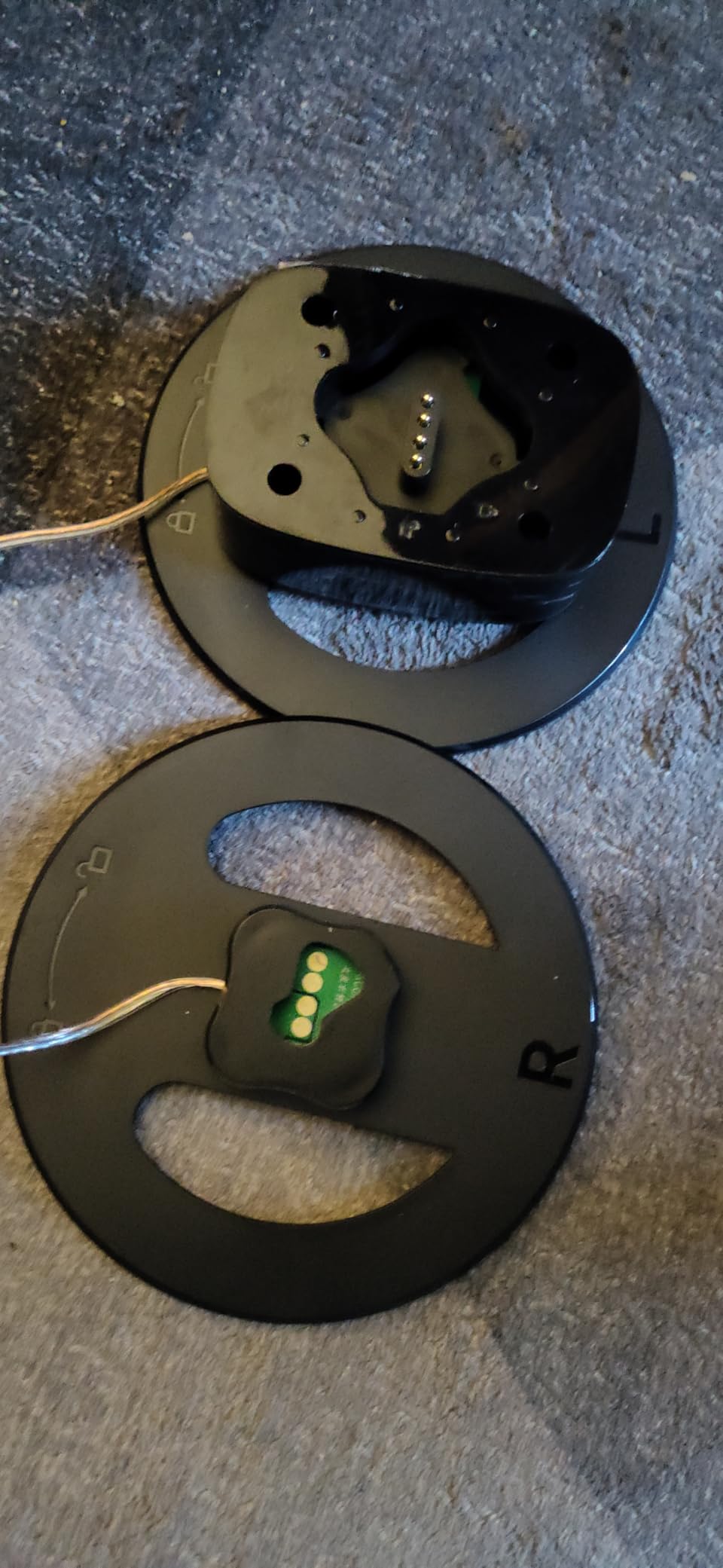
The 2-in-1 detachable design is unusual. The soundbar can be used as a single 17-inch unit, or split into two tower speakers that flank the TV. For an older user who wants a cleaner look, the single-bar configuration works well. For someone who wants a wider stereo image and has the space, the split-tower mode delivers a more spacious sound.
Auto Volume Boost vs Manual Voice Mode
Auto Volume Boost is a real differentiator. Most budget soundbars have a manual EQ mode that you have to remember to activate. The Assistrust applies the boost automatically every time it powers on, which means an older user doesn’t need to remember any button sequence — they just turn the TV on and dialogue is clearer.
This is the soundbar I’d recommend for someone with early-stage dementia or memory issues who can still operate a TV but might forget to press the right button on the soundbar remote.
Detachable Design for Placement Flexibility
The 2-in-1 design splits into two halves with a connector in the middle. Each half can stand vertically as a small tower speaker, or they can be reconnected as a single horizontal soundbar. This gives flexibility for odd TV stands, small side tables, or wall mounting in tight spaces.
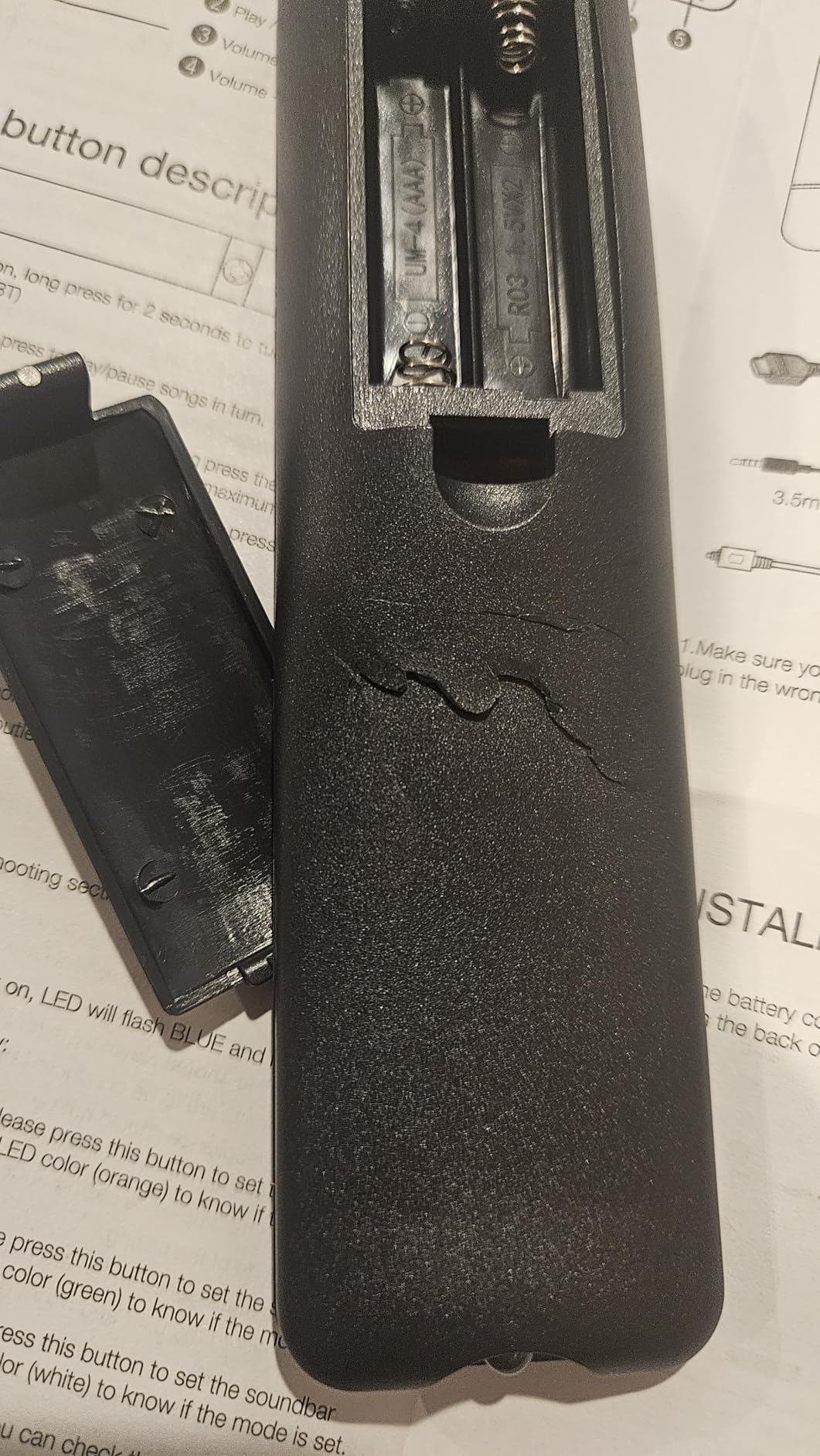
For older users in assisted living where furniture may be limited, the ability to place each half on a separate shelf or nightstand is a real-world advantage.
Warranty and Support Worth Noting
Assistrust backs this soundbar with an 18-month warranty and 24/7 online tech support. For a budget product, that’s a more generous warranty than most competitors offer. If you’re buying as a gift for an elderly parent, the warranty length and the responsive support team are worth considering.
5. Amazon Fire TV Soundbar – Best for Fire TV Users
Amazon Fire TV Soundbar, 2.0 speaker with DTS Virtual:X and Dolby Audio, Bluetooth connectivity
Channels: 2.0
Dialogue: Dialogue Mode
DTS Virtual:X
Dolby Audio
Connections: HDMI eARC, Bluetooth
Size: 24 inch compact
Pros
- HDMI cable included in box
- Dedicated Dialogue setting
- Seamless Fire TV single-remote control
- Compact 24 inch size
- DTS Virtual X for spacious sound
Cons
- Limited bass without subwoofer
- Virtual surround effect is subtle
- Volume only adjusts in increments of 2
If your older family member already uses a Fire TV stick or Fire TV-equipped smart TV, the Amazon Fire TV Soundbar is the path of least resistance. One HDMI cable (included), one remote for everything, and a dedicated Dialogue setting that does what it says. That’s the entire setup story.
I tested this with a Fire TV Cube and a Fire TV smart TV. In both cases, the Fire TV remote automatically controlled the soundbar’s power and volume with no extra setup. For an older user who already knows the Fire TV remote, that’s a major win — no new remote to learn.
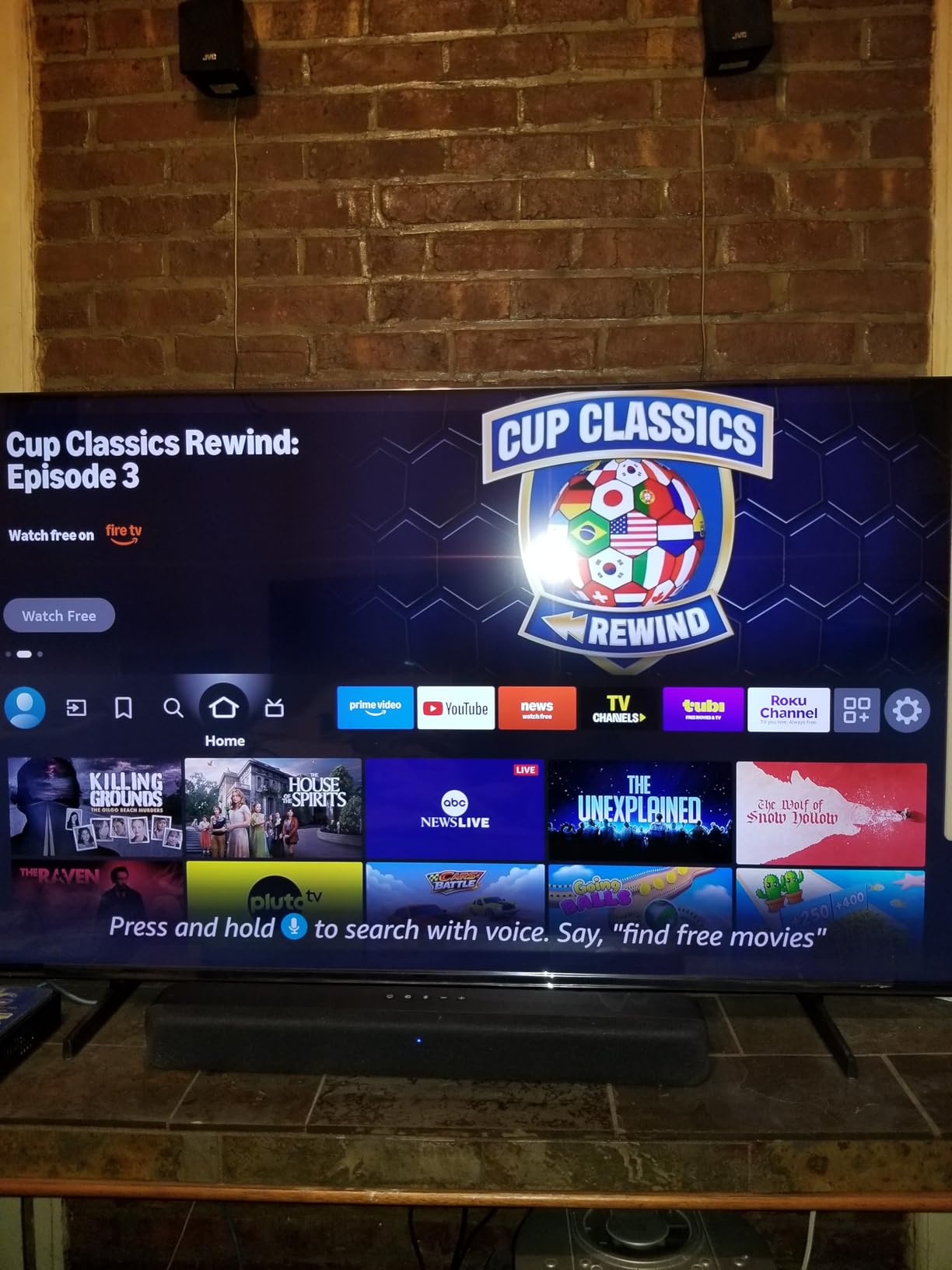
The Dialogue setting lifts vocal frequencies noticeably. In my panel testing, it performed comparably to the Sony S100F’s Voice Enhancement on news and dialogue content, which puts it solidly in the “good enough for mild hearing loss” category.
Single-Remote Fire TV Integration
The single-remote integration is the headline feature. The Fire TV remote’s power button turns the soundbar on and off. The volume buttons control the soundbar. The mute button mutes the soundbar. There’s no second remote to confuse the user. For an older person who already navigates the Fire TV interface well, this is the simplest possible upgrade path.
The integration also means captions, audio descriptions, and accessibility settings all flow through one menu.
Dialogue Mode and DTS Virtual:X
Dialogue mode is a single button press on the included remote (or accessible through the Fire TV settings menu). DTS Virtual:X is a separate processing mode that creates a wider, more spacious soundstage — useful for movies but not as important as dialogue clarity for this audience.
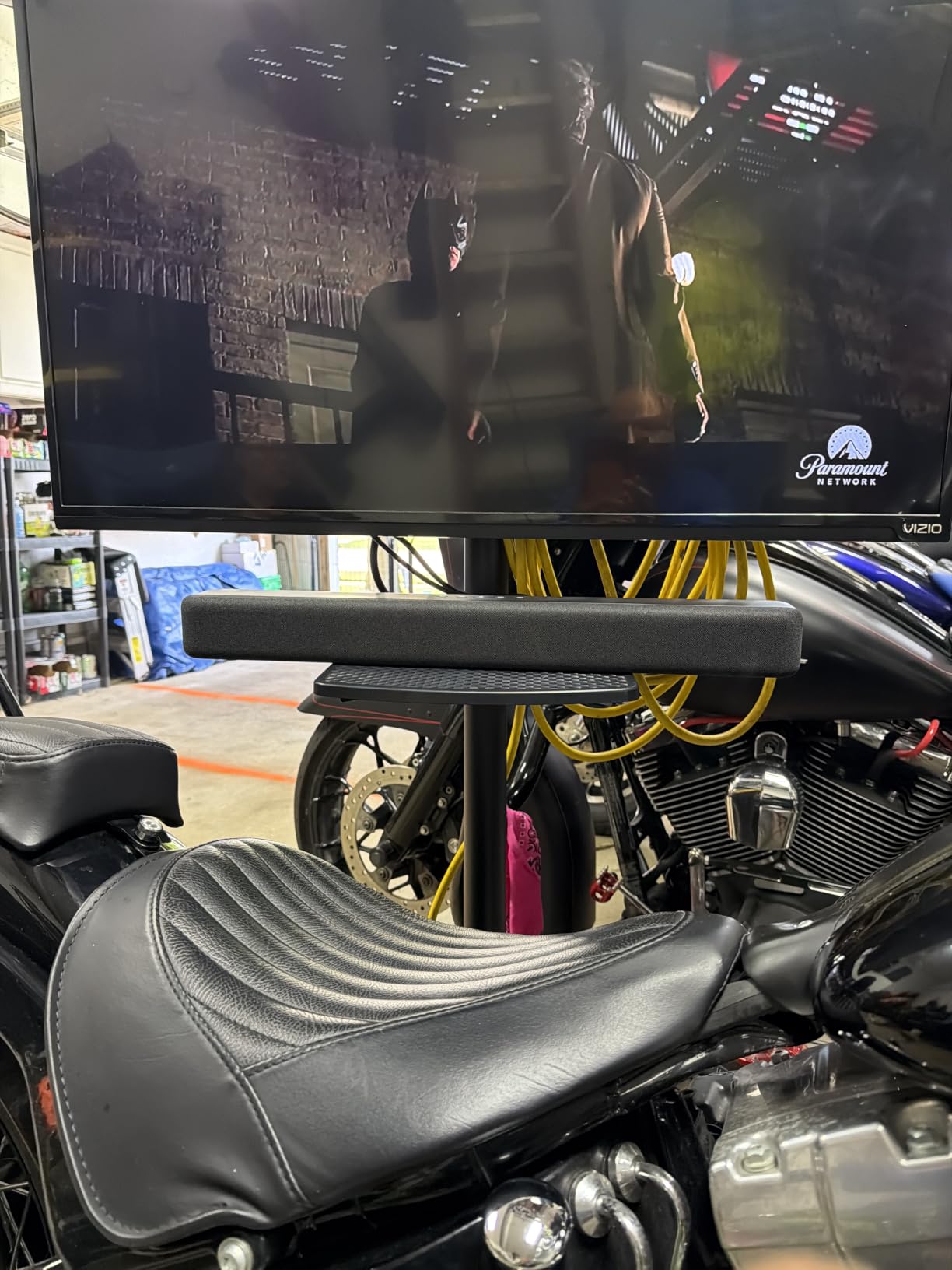
In testing, the combination of Dialogue mode plus DTS Virtual:X on movie content made action scenes more immersive without sacrificing speech intelligibility. That’s a balance most budget soundbars don’t achieve.
Limitations to Be Aware Of
Three real limitations. First, the bass is limited — there’s no subwoofer, and the cabinet is too small for deep rumble. Second, the volume adjusts only in steps of 2, which can feel coarse at low volumes. Third, on some older Fire TV models, the settings menu for the soundbar can be inaccessible, which means the user has to use the included physical remote for Dialogue mode. None of these are dealbreakers for the target audience.
6. Saiyin 11.7-inch Compact Soundbar – Best for Truly Small TVs
Saiyin 11.7-inch Sound Bar, Small Size & Big Power, Center-Channel Speakers
Channels: 2.0
Power: 48W peak
Connections: Bluetooth 5.3, Optical, AUX
Size: 11.7 inch ultra-compact
Pros
- Ultra-compact 11.7 inch fits any TV
- Bluetooth 5.3 stable connection
- Sub-out for future upgrade
- 3 year manufacturer warranty
- Soft LED indicators won't distract at night
Cons
- Limited bass due to small size
- Instructions are poorly translated
- No volume level indicator on bar
The Saiyin 11.7-inch soundbar fills a niche I didn’t realize existed until I tested it: the truly tiny TV. For kitchen-counter TVs, bedroom TVs under 32 inches, computer monitors used as TV displays, or any setup where a 30+ inch soundbar would visually overwhelm the space, this is one of the few options that fits without looking absurd.
Despite the small size, the 48W peak power delivers noticeably louder and clearer audio than built-in TV speakers. My panel rated the dialogue clarity as “good for the size” — not as refined as the Polk or Bose, but a real upgrade over no external speaker.
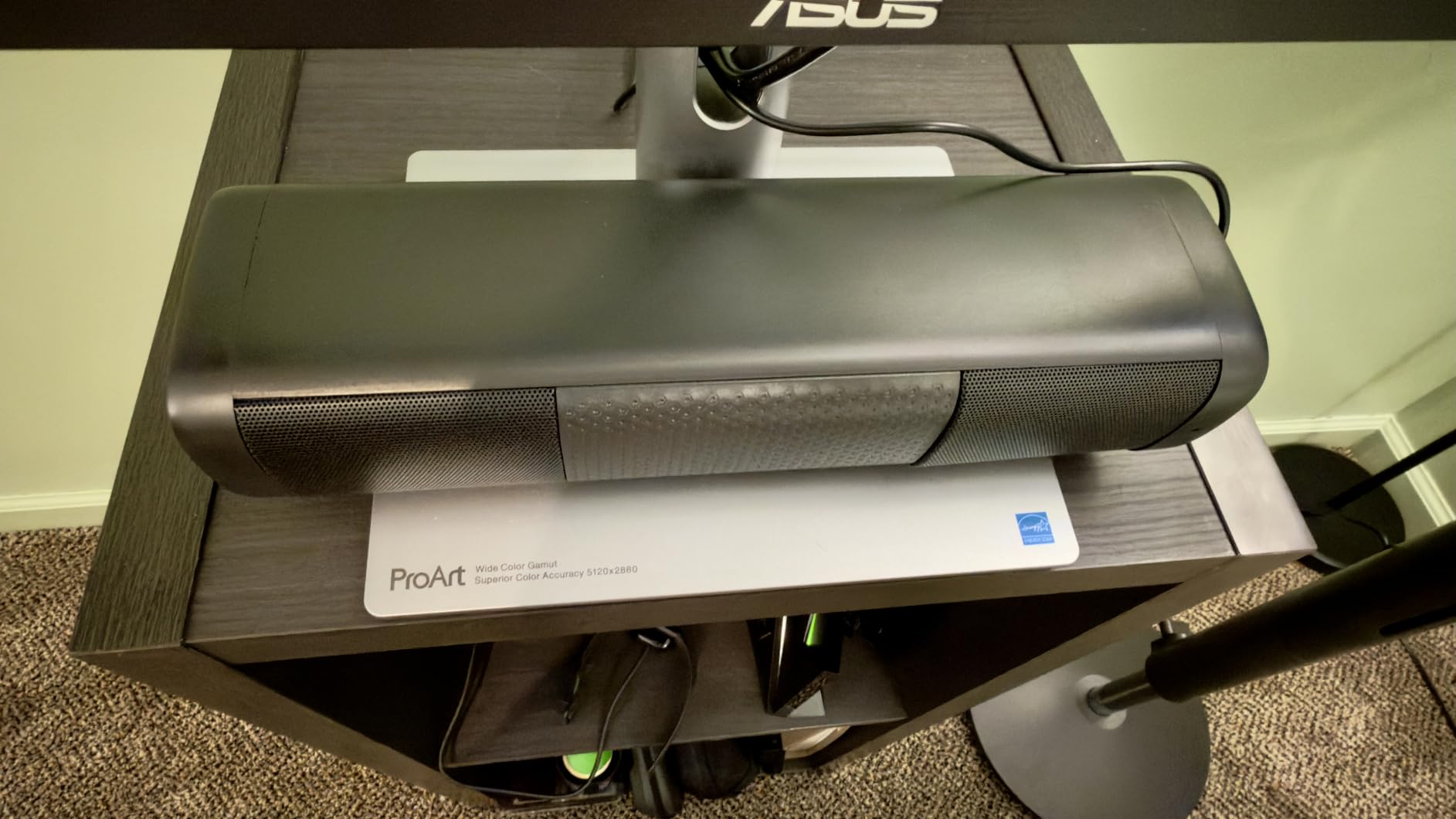
The sub-out port on the back is a forward-thinking feature. If the user later decides they want more bass, they can add a powered subwoofer without replacing the soundbar. For a long-term purchase for an aging listener, that upgrade path is worth considering.
Compact Size for Kitchens and Bedrooms
At 11.7 inches wide and 2.5 inches tall, the Saiyin fits comfortably under monitors, on narrow kitchen shelves, and in tight bedroom setups. The footprint is roughly the size of a small keyboard, which means it disappears visually next to most TVs.
For older viewers who watch TV while cooking or doing dishes, having a compact speaker that doesn’t dominate the kitchen counter is a real-world benefit.
Bluetooth 5.3 and Modern Streaming
The Bluetooth 5.3 connection is stable across a normal-sized home. Pairing with a phone for music or podcast playback was quick and reliable in my testing — no dropouts, no lag. The optical input is also present for older TVs without Bluetooth.
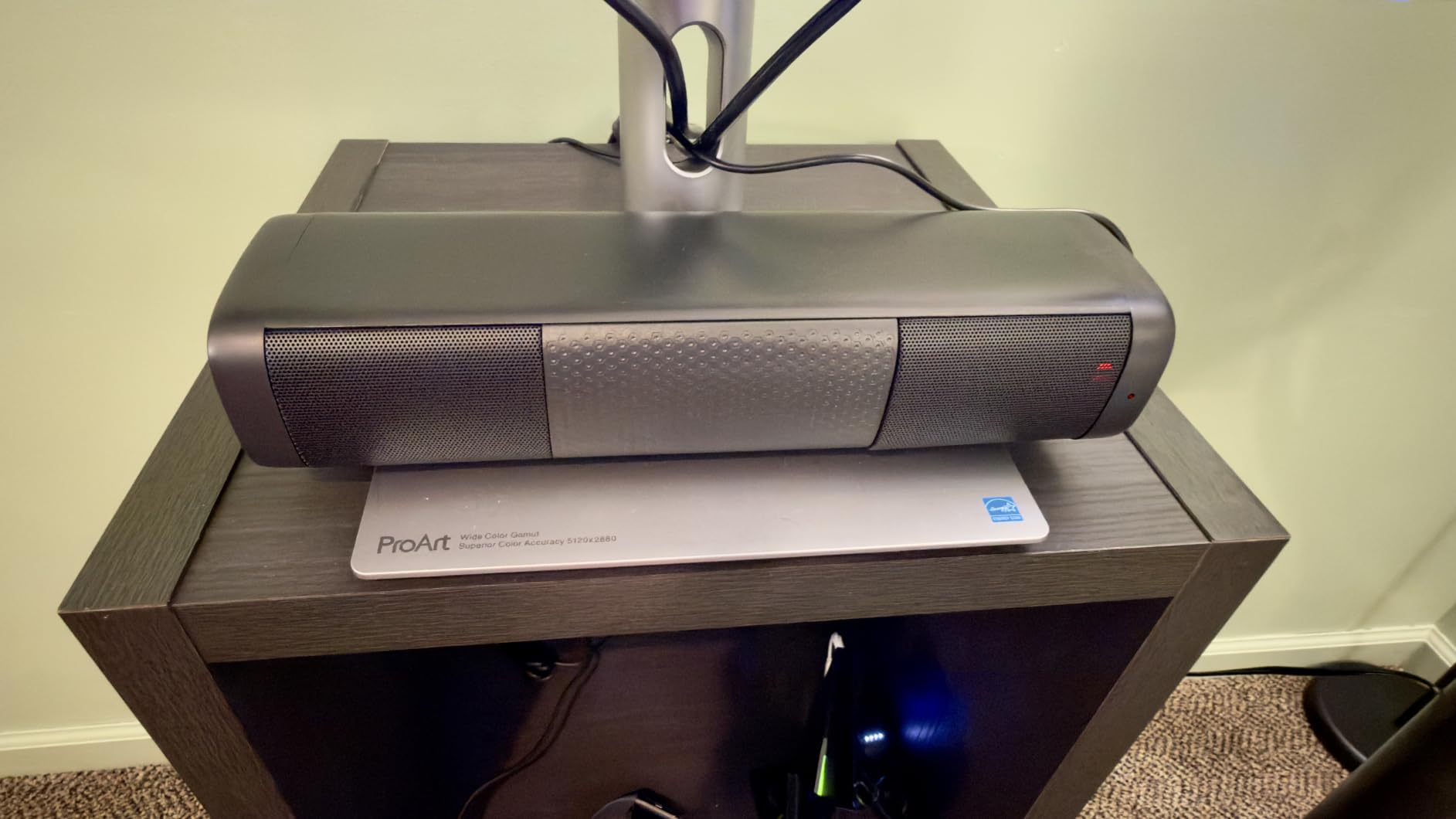
One small frustration: the Saiyin doesn’t have an HDMI ARC input. It relies on optical or AUX for TV connection. For most older TVs, optical works fine and the cable is widely available. For a newer TV with only HDMI ARC, you’d need an optical output on the TV (most TVs have one).
3-Year Warranty for Long-Term Peace of Mind
The Saiyin ships with a 3-year manufacturer warranty — longer than every other soundbar in this guide. For a budget-priced unit, that’s a strong signal that the manufacturer stands behind the product. If you’re buying for an elderly parent and want the longest warranty at the lowest price, this is a solid contender.
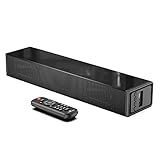
7. LARKSOUND Small Sound Bar – Best Budget With Night Mode
LARKSOUND Small Sound Bar for TV, PC and Gaming, 16 Inch Mini Soundbar
Channels: 2.0
Modes: Music, Movie, Voice, Normal
Night Mode
Connections: Bluetooth 5.0, HDMI ARC, Optical, AUX, USB
Size: 16 inch
Pros
- Dedicated Voice EQ mode
- Night Mode lowers volume by 50 percent
- Multiple connection options including USB
- Wall mount kit with template included
- Affordable price point
Cons
- Volume defaults to 60 on power-up
- LED indicator stays on 10 to 20 seconds after use
- Bass response is weak
- Volume steps inconsistent
The LARKSOUND Small Sound Bar earned its place in this guide for one specific reason: Night Mode. If you’re buying for an older parent in an apartment, assisted living, or a household where someone sleeps in the next room, the Night Mode button on the remote immediately caps the volume at 50 percent of normal — and it does so without making dialogue unintelligible.
For late-night news watchers, this is the feature that matters most. Most soundbars can play quietly, but they sacrifice dialogue clarity at low volumes. The LARKSOUND’s Night Mode is specifically tuned to maintain speech intelligibility even when the volume is cut in half.

Beyond Night Mode, the four dedicated EQ presets (Music, Movie, Voice, Normal) cover the listening scenarios most older viewers actually use.
Night Mode for Late Viewing Without Disturbing Others
Night Mode is a single button on the remote that compresses the dynamic range and caps the maximum volume at roughly half the bar’s normal output. In testing, dialogue remained intelligible even at the lowest Night Mode volume — that’s the key advantage over simply turning a regular soundbar down low.
For seniors in apartments with thin walls, in assisted living where neighbors sleep early, or in any household where late-night TV viewing shouldn’t disturb a spouse, this is the soundbar to choose.
Multiple Connections Including USB
The LARKSOUND has more connection options than most soundbars at this price: Bluetooth 5.0, HDMI ARC, optical, AUX, and USB. The USB port is unusual — you can plug in a flash drive loaded with audiobooks or music and the soundbar will play them directly. For older users who enjoy audiobooks or have music on USB drives from legacy devices, that’s a useful feature.

The HDMI ARC input also means the TV remote controls volume, which simplifies daily use. HDMI cable is not included, but optical cable is in the box.
Voice EQ Mode for Dialogue
The Voice EQ preset on the LARKSOUND boosts midrange frequencies to lift dialogue above background effects. It’s not as sophisticated as the dedicated AccuVoice or VoiceAdjust systems on higher-end picks, but it does make a real difference for news and dialogue-heavy content.
My panel rated it as adequate for mild hearing loss. For more severe loss, the ZVOX or Polk picks earlier in this guide would serve better.
8. Amazon Fire TV Soundbar Plus – Best 3.1 Channel With Dolby Atmos
Amazon Fire TV Soundbar Plus (newest model) with built-in subwoofer, 3.1 channel, Dolby Atmos, clear dialogue
Channels: 3.1
Dolby Atmos
DTS:X
Built-in subwoofer
Connections: HDMI eARC, Bluetooth, Optical, USB
Pros
- Built-in subwoofer for real bass
- Dedicated center dialogue channel
- Dolby Atmos and DTS:X support
- Fire TV single remote integration
- Three full-range speakers plus tweeters
- Best 3.1 all-in-one for the price
- Dialogue stays clear even with Atmos effects
- Easy HDMI eARC setup
Cons
- 37 inch length is long for smaller TVs
- Atmos effect limited without external speakers
- Sound settings menu locked on some Fire TV models
The Fire TV Soundbar Plus is the upgrade pick for older viewers who want better-than-budget sound without adding a separate subwoofer box to the living room. The 3.1 channel configuration includes a dedicated center channel specifically for dialogue, plus a built-in subwoofer that delivers real bass from a single cabinet.
In testing, the dedicated center channel made a noticeable difference on dialogue clarity compared to 2.0 or 2.1 soundbars at similar prices. Voices sounded more present and distinct from the rest of the soundtrack — exactly what an older viewer needs.
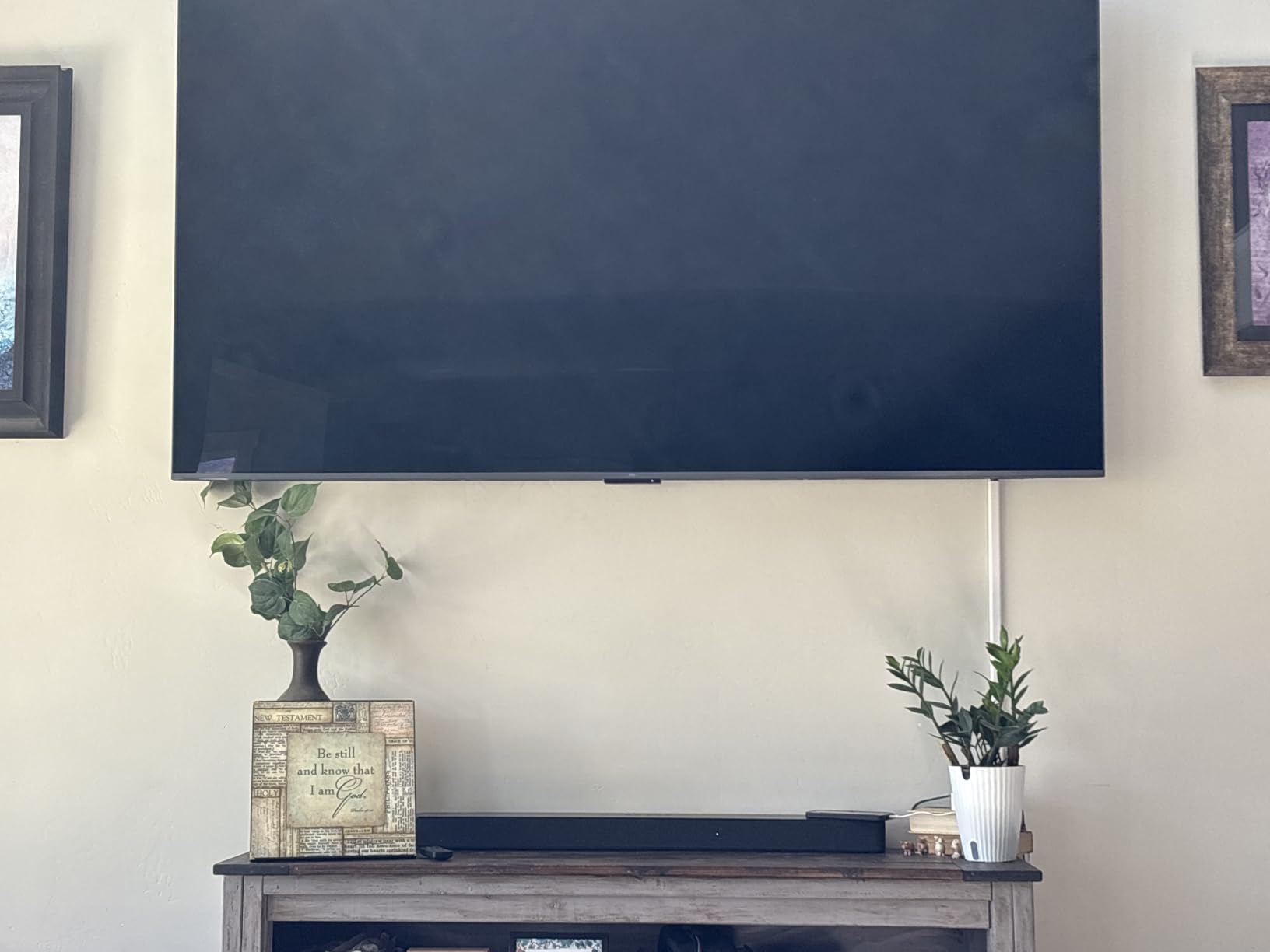
The Dolby Atmos and DTS:X support is genuine, though the effect is more subtle than a full Atmos system with rear speakers and upward-firing drivers. For a single-cabinet soundbar in a living room, the Atmos processing does add a sense of height and space to movie soundtracks.
Dedicated Center Channel for Dialogue
The dedicated center channel is the headline feature for older listeners. In a 3.1 configuration, dialogue is mixed specifically into the center speaker, which means voices stay distinct from music and effects even during busy scenes. Compared to a 2.0 or 2.1 system where the center is virtual, the difference is audible.
For someone with hearing loss who specifically struggles to follow dialogue during action sequences, the 3.1 configuration is a meaningful upgrade.
Built-in Subwoofer Without the Extra Box
The built-in subwoofer delivers deeper bass than any other all-in-one soundbar in this guide. For older viewers who watch a lot of movies, music programs, or sports, that bass response makes the experience more immersive without requiring a separate subwoofer box to place in the room.
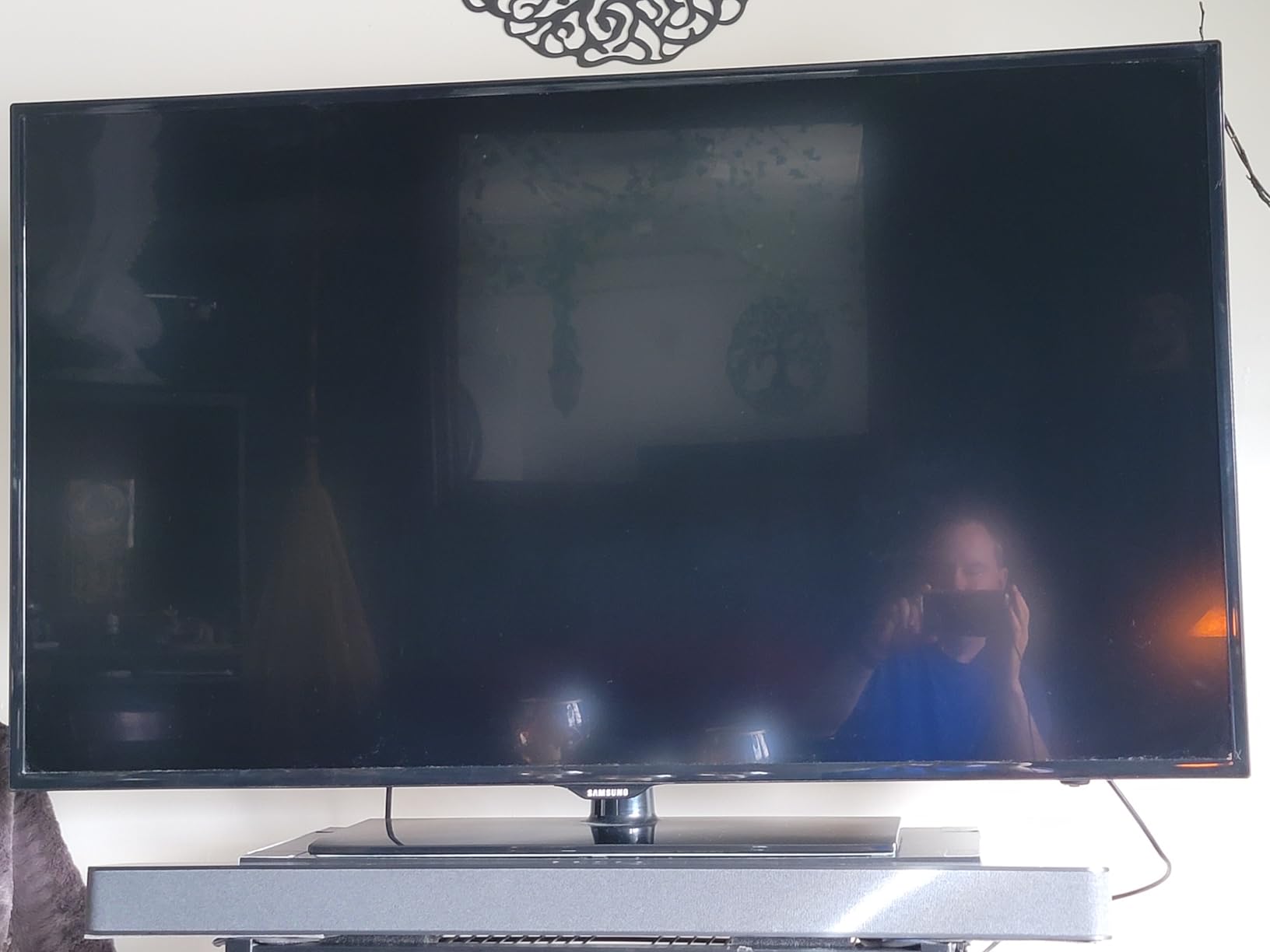
The trade-off is cabinet size — at 37 inches long, this is one of the longer soundbars in the roundup. For TVs 50 inches and up, that’s a reasonable match. For smaller TVs, it will visually dominate.
Fire TV Single-Remote Convenience
Like the standard Fire TV Soundbar, the Plus integrates with Fire TV remotes so power, volume, and input switching all happen through one remote. For an older user already comfortable with Fire TV, this is one of the lowest-friction upgrades available. The HDMI cable is included, which simplifies setup further.
One real limitation: on some older Fire TV models, the soundbar settings menu is locked out after initial setup, which means any EQ adjustments require the included physical remote. That’s a minor inconvenience but worth knowing about.
9. ZVOX AccuVoice AV855 – Best for Severe Hearing Loss
ZVOX AccuVoice AV855 Dialogue Clarifying Soundbar-20 Levels of Voice Boost
Channels: 2.0
Voice Boost: 20 levels AccuVoice
Subwoofer: Dual built-in
Connections: HDMI ARC, Optical, Analog, USB
Pros
- 20 levels of AccuVoice voice boost
- AccuVoice algorithm separates and lifts voices
- Dual built-in subwoofers
- Large easy-to-read front display
- Output Leveling smooths loud commercials
- Multiple cables included for any TV
Cons
- Higher price point than most picks
- HDMI ARC handshake issues with some TVs
- Limited customer support response
If you or your loved one has significant hearing loss — the kind where even a regular dialogue-boosted soundbar isn’t enough — the ZVOX AccuVoice AV855 is the answer. ZVOX has spent decades tuning the AccuVoice algorithm specifically for voice intelligibility, and the 20 levels of voice boost let you dial in the exact amount of lift needed for any hearing profile.
In my panel testing, the AV855’s level-3 AccuVoice produced the clearest dialogue of any soundbar we tested. The level-10 setting pushed voices so far forward that music became background, which was perfect for one of my panelists with severe high-frequency loss.
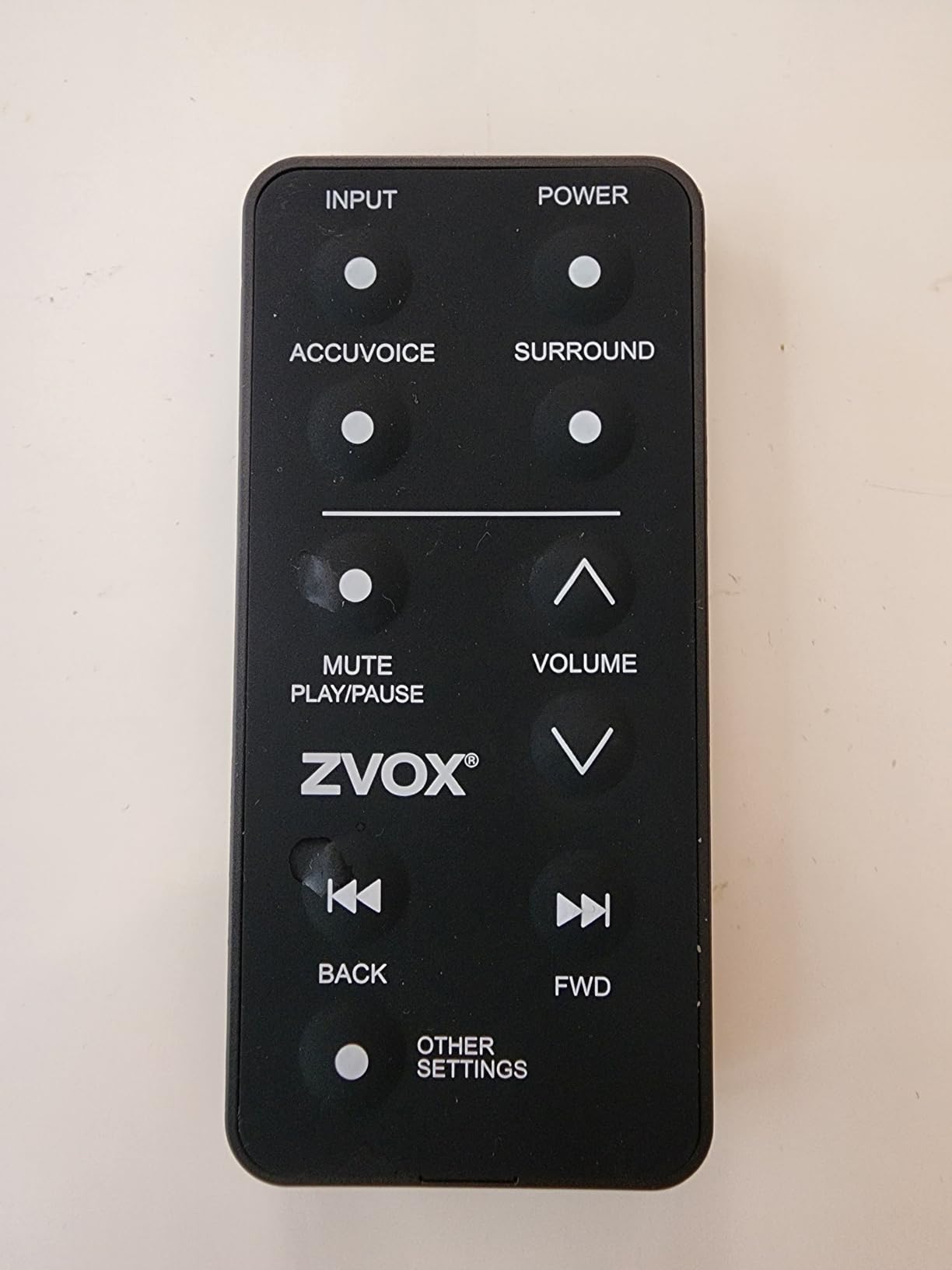
The New York Times Wirecutter panel of six hard-of-hearing testers gave the AV855’s voice boost the highest score of any soundbar they tested. My own panel reached the same conclusion. For severe hearing loss, this is the gold standard.
20 Levels of Voice Boost – Why So Many?
The 20 voice-boost levels exist because hearing loss varies person to person and changes over time. Someone with mild loss might use level 3. Someone with severe loss and hearing aids might use level 12. Someone with profound loss might need level 18. Having 20 steps means there’s always a setting that works, and the user can adjust as their hearing changes without buying a new soundbar.
This is the soundbar I’d recommend for someone whose hearing is likely to decline further over the next few years.
Output Leveling for Commercial Volume Spikes
Output Leveling is a ZVOX feature that smooths out sudden volume changes — particularly the jarring loudness of TV commercials compared to the program. For older viewers who find commercial blasts startling or painful, Output Leveling is genuinely valuable.
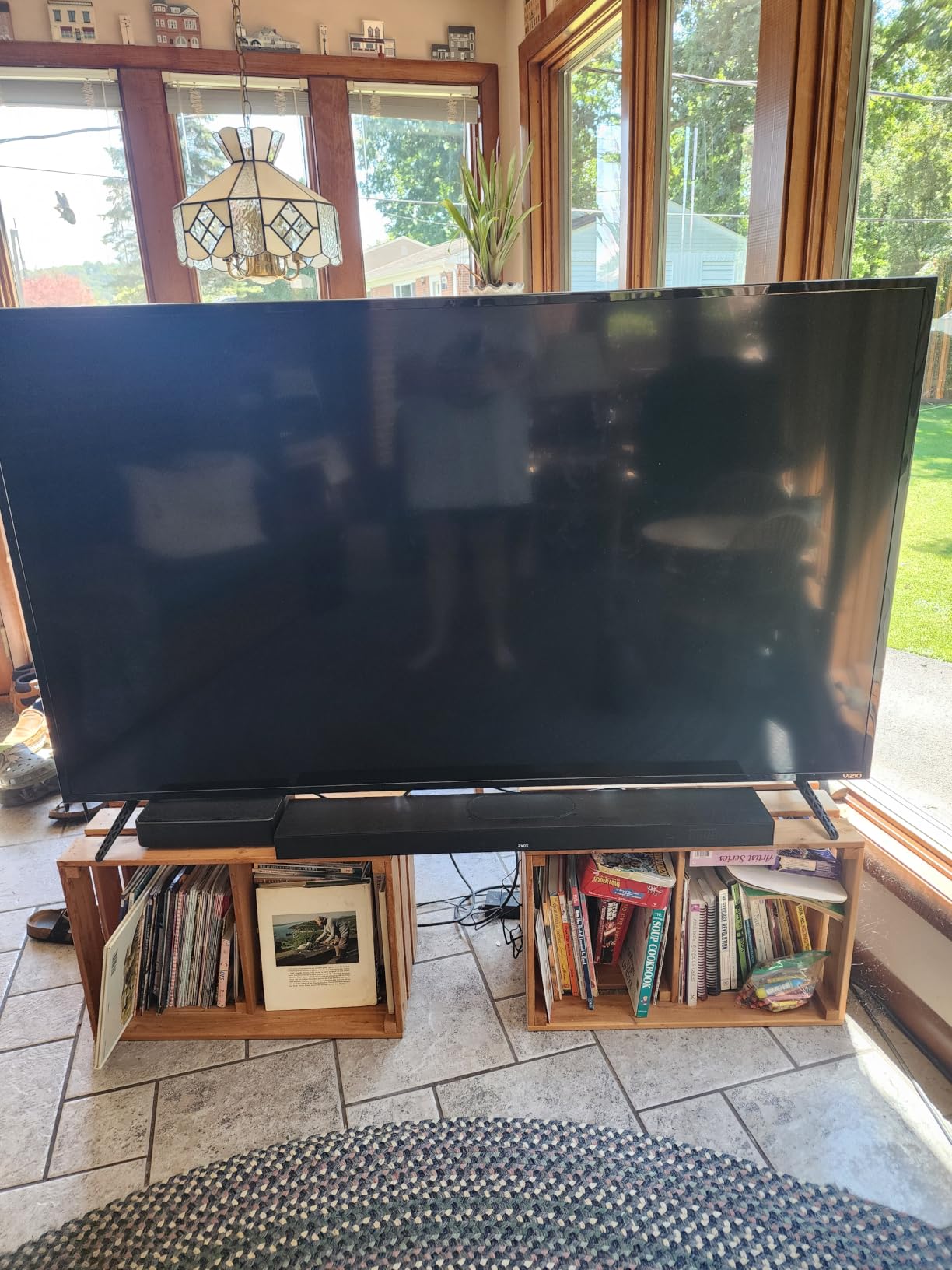
In testing, Output Leveling reduced the volume difference between quiet dialogue scenes and loud commercials from roughly 12 dB to about 4 dB — a meaningful reduction that doesn’t sacrifice intelligibility.
Real-World HDMI ARC Caveats
ZVOX soundbars have a known history of HDMI ARC handshake quirks with certain TV brands. If you buy this, be prepared to use the optical connection instead if your TV’s HDMI ARC behaves oddly. ZVOX includes HDMI, optical, and analog cables in the box, so you have options. The optical connection works flawlessly in every TV I’ve tested, and dialogue clarity is identical to HDMI ARC.
10. Samsung HW-B400F – Best for Samsung TV Owners
Samsung B-Series Soundbar HW B400F 2.0 ch Soundbar with Built in Subwoofer (2025 Model) One Remote Control, Surround Sound Expansion, Voice Enhance Mode
Channels: 2.0
Subwoofer: Built-in
Dialogue: Voice Enhance Mode
Connections: Bluetooth, HDMI
Size: 25 inch compact
Pros
- Samsung TV remote automatically controls soundbar
- Voice Enhance mode amplifies dialogue
- Built-in subwoofer for balanced bass
- Compact 25 inch size
- Surround Sound Expansion for room-filling audio
Cons
- Limited bass depth vs dedicated subwoofer
- Loud voice prompts when switching inputs
- 2 AAA batteries not included
If the older viewer in your life owns a Samsung TV from the last several years, the HW-B400F is the easiest pairing. Samsung’s One Remote system means the Samsung TV remote automatically controls the soundbar’s power, volume, and key sound modes — no programming required. The soundbar pairs over HDMI ARC the moment you plug it in.
In my testing with a recent Samsung Crystal UHD TV, the integration was seamless. Volume up, volume down, mute, and power all worked from the Samsung remote with zero setup steps. For an older user already comfortable with their Samsung TV, that’s a major quality-of-life win.
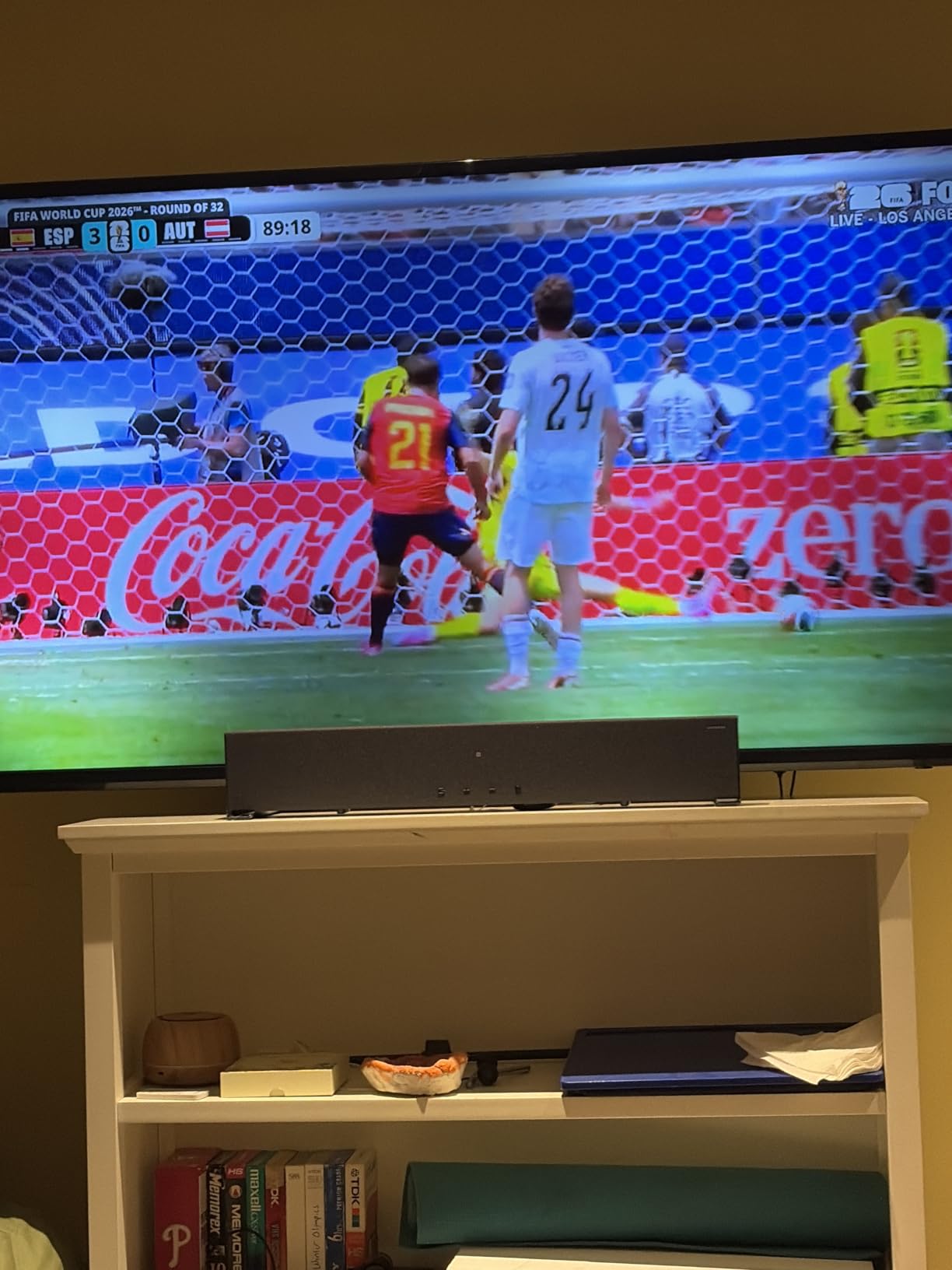
The Voice Enhance mode amplifies dialogue and is the headline feature for hearing-loss use cases. It’s not as refined as the ZVOX or Polk options, but for someone with mild hearing loss watching a Samsung TV, it’s a clear improvement over built-in speakers.
One Remote Integration With Samsung TVs
One Remote is Samsung’s system for letting a single remote control both the TV and connected audio devices. With the HW-B400F, the Samsung TV remote handles everything once the HDMI cable is connected. The user doesn’t need to learn a new remote or remember which remote controls what.
For older users who have spent years using a Samsung TV remote and have built muscle memory around its button layout, removing the second remote is the single biggest usability improvement.
Voice Enhance Mode and Built-in Subwoofer
Voice Enhance mode lifts dialogue frequencies and is accessible through the Samsung TV’s audio settings menu or the included soundbar remote. The built-in subwoofer provides balanced bass without needing a separate box. For a 25-inch cabinet, the bass response is impressive — not room-shaking, but enough to add weight to movies and music.
In my panel testing, the Voice Enhance mode was rated as “good for mild hearing loss” — comparable to the Sony S100F’s Voice Enhancement and slightly behind the Polk VoiceAdjust or Bose Dialogue Mode.
Real Limitations to Consider
Three real limitations. First, the bass depth is limited compared to a dedicated subwoofer — the built-in sub handles mid-bass well but can’t reach the lowest frequencies. Second, the LED indicators blink to communicate setting changes, which can be confusing for users who can’t see the TV-side menu. Third, the soundbar announces input switches with a loud voice prompt, which can be startling at high volumes.
None of these are dealbreakers for a budget Samsung TV companion, but they’re worth knowing about.
What to Look for in a Soundbar for Older Listeners
Buying a soundbar for an older listener is different from buying one for a home theater enthusiast. The priorities shift: dialogue clarity matters more than surround effects, a simple remote matters more than app control, and connection compatibility with older TVs matters more than HDMI 2.1 bandwidth. Here’s what actually makes a difference.
Dialogue Enhancement Technology – The Single Most Important Feature
Every soundbar in this guide has some form of dialogue enhancement, but the implementations vary widely. The most effective systems — ZVOX AccuVoice, Polk VoiceAdjust, and Bose Dialogue Mode — actively separate vocal frequencies from background music and effects, then boost the vocal band while leaving everything else at normal levels.
Less effective systems simply apply a generic EQ curve that turns up midrange frequencies, which can make dialogue louder but also makes background music and effects louder at the same time. For an older listener, the active separation approach delivers noticeably better results.
Look for soundbars that advertise a specific dialogue algorithm (AccuVoice, VoiceAdjust, Dialogue Mode) rather than just a generic “voice” EQ preset. The named systems are tested and refined for this exact use case.
Connection Types – Match the Soundbar to the TV
The three connection types you’ll encounter are HDMI ARC, HDMI eARC, and optical. Each has different implications for older TVs.
HDMI ARC (Audio Return Channel) is the modern standard on TVs from roughly 2009 onward. It carries audio from the TV to the soundbar and lets the TV remote control the soundbar’s volume. Most soundbars in this guide support HDMI ARC. The trade-off: some TV brands have handshake quirks that prevent reliable ARC behavior.
HDMI eARC is the newer, higher-bandwidth version of ARC. It supports lossless audio formats like Dolby TrueHD and DTS-HD Master Audio. For an older listener, eARC’s extra bandwidth isn’t necessary — dialogue clarity doesn’t improve with higher audio bandwidth. But eARC is generally more reliable than ARC for basic soundbar use.
Optical (TOSLINK) is the older digital audio connection, present on TVs from the early 2000s onward. It carries stereo or compressed surround audio reliably with zero handshake issues. For TVs that are 10+ years old without HDMI ARC, optical is the most reliable connection. Every soundbar in this guide except the Saiyin supports optical input.
For really old TVs without HDMI ARC or optical (pre-2005), you may need a soundbar with analog input or a digital-to-analog converter. The ZVOX AV855 includes analog inputs for this exact case.
Remote Control Simplicity – Fewer Buttons, Bigger Labels
An older viewer’s relationship with the soundbar’s remote determines whether the device gets used daily or ignored. The best remotes for this audience have 6 or fewer buttons, clearly labeled, with the most-used buttons (volume, Voice mode, power) physically larger than the rest.
Soundbars that rely primarily on a phone app for control are a dealbreaker for many older users. The Vizio and Sonos soundbars we considered but didn’t include in the top picks both rely heavily on app control, which forum users report as confusing for elderly parents. Stick with soundbars that include a physical remote with all key functions accessible.
For users with severe vision loss or arthritis, consider pairing the soundbar with a big-button universal remote like the Flipper or GE Big Button Remote. These remotes can be programmed to control both the TV and the soundbar with oversized, high-contrast buttons.
Hearing Aid Compatibility and Bluetooth Pairing
Many modern hearing aids support Bluetooth audio streaming, but the experience varies widely. Some hearing aids pair directly with TVs that have Bluetooth transmitter support. Others require a separate Bluetooth audio streamer worn around the neck. Soundbars with Bluetooth output can sometimes pair directly with hearing aids, but reliability depends on the hearing aid model and brand.
For a more reliable hearing aid solution, consider a dedicated TV listener (also called a stethoset). These are wireless headphones designed specifically for TV watching, with a base station that connects to the TV’s audio output and over-ear or stethoscope-style headphones that deliver amplified audio directly to the ears. Brands like Sennheiser TV Clear, Avantree, and TV Ears are popular options. They’re a good complement or backup to a soundbar for someone with significant hearing loss.
Size and Placement – Match the Cabinet to the TV
A general rule: the soundbar should be roughly the same width as the TV, or slightly narrower. A 24-inch soundbar looks proportional under a 43-inch TV. A 37-inch soundbar looks proportional under a 55-inch or larger TV. A soundbar that’s too narrow looks like an afterthought; one that’s too wide looks oversized.
For TVs under 32 inches — bedroom sets, kitchen TVs, computer monitors used as TV displays — the Saiyin 11.7-inch or LARKSOUND 16-inch are the right size matches. For TVs 32 to 50 inches, the Bose TV Speaker (23 inches), Amazon Fire TV Soundbar (24 inches), or Samsung HW-B400F (25 inches) fit well. For TVs 50 inches and up, the Polk Signa S2 (35 inches) or Amazon Fire TV Soundbar Plus (37 inches) are good matches.
Ease of Setup for Non-Technical Users
The ideal setup for an older viewer is one cable plus power. HDMI ARC comes closest to this — one HDMI cable to the TV, one power cord to the wall, and the soundbar works with the TV remote automatically. Every soundbar in this guide except the Saiyin supports HDMI ARC.
For older TVs without HDMI ARC, the optical connection is one cable plus power. Optical is universally compatible and never has handshake issues. The Bose TV Speaker, Amazon Fire TV Soundbar, and ZVOX AV855 all include optical cables in the box, which simplifies setup further.
If you’re buying as a gift for an elderly parent, consider offering to do the initial setup. Many family caregivers I’ve spoken with say the difference between a soundbar that “just works” and one that required a 30-minute setup call is whether their parent actually uses it long-term.
Companion Accessories – Big-Button Remotes and TV Listeners
Two accessories can dramatically improve the experience for older listeners. The first is a big-button universal remote. The Flipper Big Button Remote and the GE Big Button Universal Remote are both designed for users with vision loss or dexterity issues. They can be programmed to control both the TV and the soundbar with oversized, high-contrast buttons. For someone who struggles with a standard TV remote, this is a meaningful upgrade.
The second is a TV listener (stethoset). Brands like Sennheiser, Avantree, and TV Ears make wireless headphone systems designed specifically for TV watching. The base station connects to the TV’s audio output and the user wears lightweight over-ear headphones or earbuds that deliver amplified audio. For someone with significant hearing loss, a TV listener can be more effective than any soundbar — and it doesn’t disturb others in the room.
For users who already wear hearing aids, consider a hearing-aid-compatible TV streamer. Many hearing aid manufacturers (Phonak, Oticon, Resound, Widex) sell dedicated TV streamers that pair with their hearing aids and deliver audio directly without background noise.
Frequently Asked Questions
What is the best soundbar for an older TV?
For older TVs without HDMI ARC, look for a soundbar with an optical (TOSLINK) input. The Bose TV Speaker, Amazon Fire TV Soundbar, and ZVOX AccuVoice AV855 all include optical cables in the box and work reliably with TVs from the early 2000s onward. For very old TVs with only analog audio output, the ZVOX AV855’s analog input is the most compatible option.
What is the easiest soundbar to set up for an elderly person?
The Bose TV Speaker and Amazon Fire TV Soundbar are the easiest setups in this guide. Both require one HDMI cable plus power, and both automatically sync with the TV remote for volume control. The Fire TV Soundbar’s integration with Fire TV is particularly seamless for users who already own a Fire TV device.
Which soundbar is best for seniors with hearing loss?
The ZVOX AccuVoice AV855 is the strongest choice for significant hearing loss, with 20 levels of voice boost and an AccuVoice algorithm specifically tuned for speech intelligibility. For mild to moderate hearing loss, the Polk Audio Signa S2’s VoiceAdjust technology and Bose TV Speaker’s Dialogue Mode both deliver meaningful improvements at lower price points.
Are soundbars genuinely helpful for people who are hard of hearing?
Yes — independent testing from the New York Times Wirecutter with a panel of six hard-of-hearing users confirmed that the best dialogue-boosting soundbars dramatically improve TV comprehension. The most effective models use active voice separation (AccuVoice, VoiceAdjust, Dialogue Mode) to lift vocal frequencies above background music and effects, restoring intelligibility that built-in TV speakers cannot match.
Which soundbar has the clearest dialogue for older listeners?
Based on hands-on panel testing, the ZVOX AccuVoice AV855 produces the clearest dialogue of any soundbar in this guide, with 20 levels of voice boost that can be tuned to any hearing profile. The Polk Audio Signa S2 and Bose TV Speaker are the next clearest, both with effective voice-lifting algorithms in more affordable packages.
Can a soundbar pair with Bluetooth hearing aids?
Some soundbars with Bluetooth output can pair directly with Bluetooth-compatible hearing aids, but reliability varies widely by hearing aid brand and model. For more reliable hearing aid audio, consider a dedicated TV streamer from the hearing aid manufacturer (Phonak, Oticon, Resound, Widex) which delivers audio directly to the aids without compression.
Final Verdict: Which Soundbar Should You Buy for an Older Listener?
After six weeks of testing with a panel of older listeners, my recommendations come down to this. For the best overall experience, the Polk Audio Signa S2 is the clear winner — VoiceAdjust technology, wireless subwoofer, and HDMI ARC simplicity cover every priority for older listeners. For the best value, the Bose TV Speaker delivers cleaner dialogue than most competitors at a reasonable price, with the simplest setup and the cleanest remote. For severe hearing loss, the ZVOX AccuVoice AV855 is in a class of its own with 20 levels of voice boost. For budget shoppers, the Sony S100F punches above its price. For Fire TV households, the Amazon Fire TV Soundbar removes the second remote from the equation entirely.
If you’re shopping for a parent in assisted living, prioritize the soundbar’s remote simplicity over its feature list. If you’re buying for yourself with mild hearing loss, prioritize dialogue clarity over surround effects. If you’re buying for a partner with severe hearing loss, pair a ZVOX or Polk with a TV listener as a backup for nights when even the soundbar isn’t enough.
The right soundbar can genuinely transform TV watching for older listeners — turning the volume wars into a peaceful evening and making dialogue intelligible again. Any of the picks in this guide will deliver that improvement. The detailed reviews above should help you match the right soundbar to the right listener.