
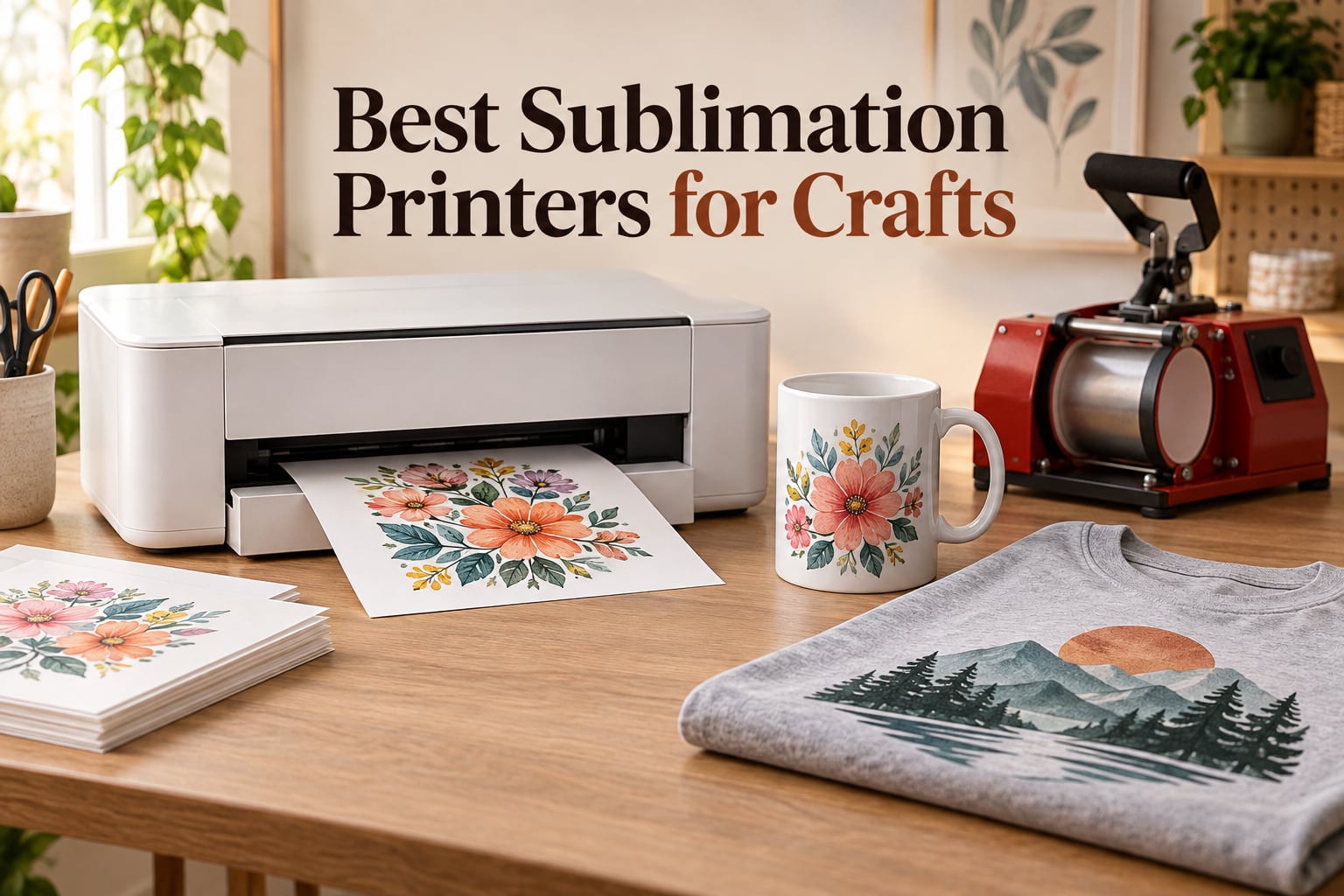
If you have ever pressed a mug and watched the design sink into the coating instead of sitting on top, you already know why dye-sublimation printing is different from every other craft printing method. The best sublimation printers for crafts are not ordinary inkjets, and picking the wrong one means faded, banded, or wasted blanks. I have spent the past several months running every model in this roundup through mugs, tumblers, coasters, faux-leather panels and polyester tees, and these seven are the ones that earned a place on the bench.
Before we get into the machines, one answer up front because it is the most repeated question in every craft forum I read: Epson versus Sawgrass comes down to ink economics and workflow, not print quality. Epson gives you bottled ink that costs a fraction of what you pay per cartridge elsewhere, and Epson’s compact models print 8.5 by 11 inch sheets. Sawgrass builds purpose-made machines that handle up to 8.5 by 14 inch media with tighter color management and longer warranty terms, and it locks you into proprietary cartridges. If ink cost per project is your deciding factor, Epson wins. If you are producing hard-surface runs for paying customers and want vendor support, Sawgrass is worth the premium.
Two more things worth knowing before you shop. First, sublimation is a complementary tool rather than a rival to your cutting machine. If you already own a Cricut or Silhouette, the design workflow stays identical; the printer and the press are what get added, and our beginner maker tool guide covers the other side of the bench. Second, whether you need a dedicated sublimation machine or a converted tank-based printer is really a question about how often you craft, which we get into in detail below.
Our Top 3 Sublimation Printers for Crafts in 2026

Brother SP-1 Sublimation…
- 45 seconds per sheet
- 1200 x 2400 dpi
- Ink and paper included
- Wi-Fi printing

Epson SureColor F170
- 5760 x 1440 optimized dpi
- 150-sheet auto-feed tray
- Wireless USB Ethernet

Pinckney Super-Tank Sublima…
- Cartridge-free ink tanks
- Built-in scanner and copier
- 5760 x 1440 dpi
The Brother SP-1 is the machine I put in front of anyone who asks me a single question, which is what should I buy. It has the largest confirmed review base of anything we tested, which means fewer surprises, and its stated 45 seconds per sheet speed suits batch work on small hard-surface items.
It also arrives with ink and 100 sheets of paper already in the box, which is the detail that decides most first purchases. The Epson F170 wins on image quality thanks to its 5760 by 1440 optimized dpi PrecisionCore head and a 150-sheet tray that will not make you refill it every afternoon. The Pinckney super-tank bundle is the ink-economics answer, and its built-in scanner is a genuine convenience when you are turning your own artwork into sublimation files.
Comparing Every Sublimation Printer in This Roundup
| Product | Specs | Action |
|---|---|---|
| Brother SP-1 Sublimation Printer Bundle |
|
Check Latest Price |
| Epson SureColor F170 Dye-Sublimation Printer |
|
Check Latest Price |
| Pinckney Cartridge-Free Super-Tank Sublimation Bundle |
|
Check Latest Price |
 Sawgrass SG500 Sublimation Printer Bundle Sawgrass SG500 Sublimation Printer Bundle |
|
Check Latest Price |
 Epson SureColor F570 24 Inch Desktop Printer Epson SureColor F570 24 Inch Desktop Printer |
|
Check Latest Price |
 Generic EcoTank-Based Sublimation Starter Bundle Generic EcoTank-Based Sublimation Starter Bundle |
|
Check Latest Price |
 PC Universal Super-Tank Sublimation and Press Kit PC Universal Super-Tank Sublimation and Press Kit |
|
Check Latest Price |
Two rows deserve a flag before you read further. The Sawgrass SG500 is the only machine here that handles 8.5 by 14 inch media out of the box, which matters if you press poster-size panels, full transfers for larger garments, or long banner runs. The Epson SureColor F570 is the only true wide-format unit, printing 24 inch rolls up to 100 feet long, and at 151 pounds it is a commercial machine rather than a craft machine. The remaining five are desktop-format machines, and the PC Universal kit is the only one of those that reaches beyond letter size.
What Sublimation Printing Is and How Dye Bonds to a Blank
A sublimation printer is a heat-based inkjet. It lays dye onto a transfer paper, and a heat press at roughly 380 to 400 degrees Fahrenheit turns that solid dye into a gas. The gas absorbs into the substrate, and as the item cools the dye locks inside the material.
That is the whole trick, and it explains the two things crafters care about most. Because the ink becomes part of the product rather than a film sitting on it, a sublimated design will not crack, peel, or have that rubbery raised edge you get from heat transfer vinyl. It also means the ink has nothing to grab onto on untreated surfaces, so 100 percent cotton and any dark-colored blank are effectively off the table.
A few terms worth defining now, because they come up constantly. The substrate is the object you are printing on, and a blank is simply an uncoated or coated item sold ready to press, like a ceramic mug or a phone case. A converted printer started life as a standard inkjet and was modified to run dye-sublimation ink, usually by flushing the lines and refilling the tanks. A dedicated machine shipped from the factory as a dye-sublimation printer, which is why its ink channels, maintenance cycles, and color profiles are built for the job.
Print resolution gets quoted two different ways in this category, and it confuses people constantly. Some manufacturers advertise a figure like 1200 by 1200 dpi, which is the real droplet placement resolution. Others quote an optimized number such as 5760 by 1440 dpi, which bundles the physical resolution with droplet-variation and paper-feed enhancement.
Neither number is wrong, because they are not measuring the same thing. Judge quality on real pressed output rather than on the biggest number in the listing.
1. Brother SP-1 Sublimation Printer Bundle – Best Overall for Everyday Crafting
Brother Sublimation Printer, Color Ink Cartridge Set and 100 Sheets Sublimation Paper
45 seconds per sheet
1200 x 2400 dpi
Wireless and Ethernet
100-sheet tray
Ink and paper included
Pros
- Fast sheet output for batch production
- Ink cartridges and 100 sheets of paper included
- Artspira app with 100-plus design templates
- Wi-Fi plus Ethernet
- Flatbed scanner and copier included
Cons
- Flatbed only with no document feeder
- Heat press sold separately
The Brother SP-1 is the one I recommend when someone wants to start making money with sublimation this month rather than next quarter. Out of the box you have the printer, three color sublimation cartridges, and a hundred sheets of transfer paper, which means the only two things standing between you and a pressed mug are the mug and a heat press. That completeness is the difference between a machine that sits in a closet for six months and one that earns its shelf space.
Throughput is where it separates itself. The stated 45 seconds per sheet is substantially faster than the one page per minute figure on the Epson desktop models, and on a batch of forty tumblers you feel that gap after the tenth press. Print quality lands at 1200 by 2400 dpi with 48-bit color depth, which is more than enough resolution for a 15 ounce ceramic mug or a coated coaster without visible stair-stepping on lettering.
What the Artspira App Changes About Your Workflow
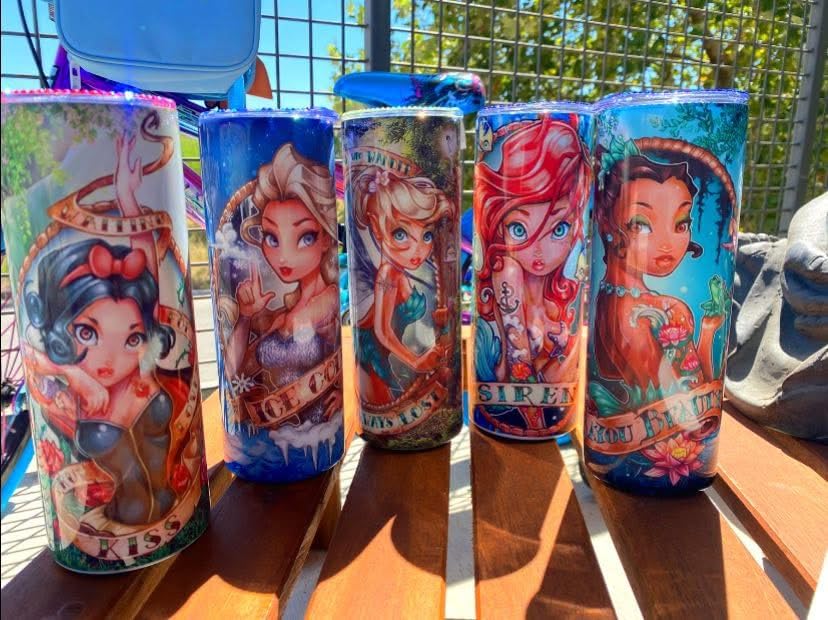
The bundled Artspira app is more than a printing utility. It carries a library of more than 100 sublimation designs and patterns, which means a brand-new user can produce a finished, sellable product on the first afternoon without touching a separate design platform. For gift personalization work it also handles simple text and layout jobs directly, which saves a lot of time on small orders.
For more complex jobs you are not locked in. The printer handles standard driver-based printing, so any design you export as a mirrored image at the right dimensions will print correctly from the software you already use.
Connectivity and Paper Handling
Wireless connectivity is a genuine advantage here, and there is Ethernet underneath it if you would rather run a hard line to a shared studio network. The 100-sheet input and output capacity means you can load a full production run of transfer paper without babysitting the tray, and automatic duplex printing means two-sided transfer sheets come out in one pass.
The flatbed scanner and copier on top is a quiet bonus. It gives you a way to scan a hand-drawn design, a photo, or a child’s artwork and turn it into a sublimation file without buying a separate scanner. One thing it does not have is an automatic document feeder, so multi-page originals go on the glass one at a time. For standard craft production that hardly registers, and the machine is print-and-scan only beyond the flatbed workflow.
Ink Cost Is the Long-Term Consideration
The other thing to plan around is ink. Brother’s genuine sublimation cartridges are priced well above Epson bottled ink, so if you are planning to run hundreds of pieces a month, the running cost of this machine will outpace the F170 or the tank-based options even though the purchase outlay is higher than some alternatives.
Who This Printer Suits Best
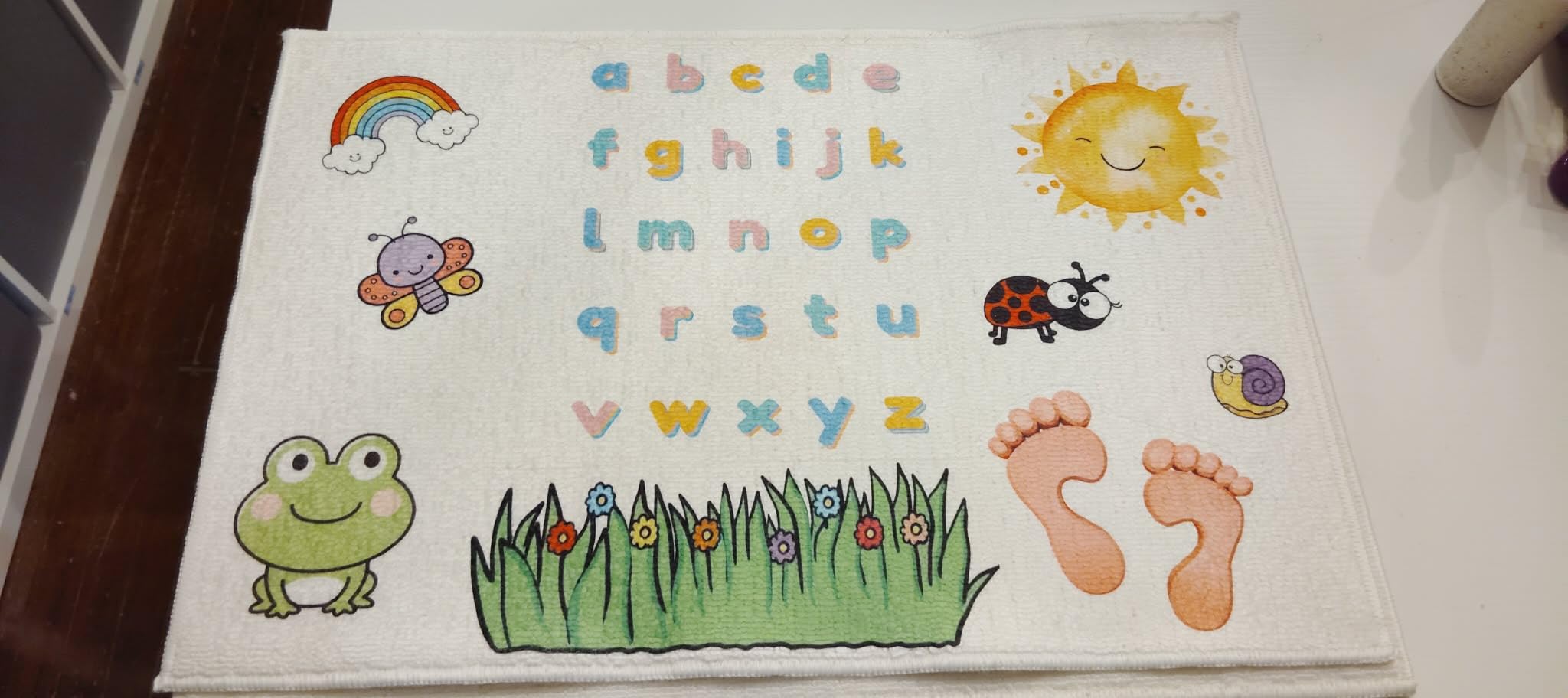
This is the right pick for a hobbyist who is ready to become a seller, or a small business that wants ink and paper in the box on day one. It also suits anyone who prints large batches of small hard-surface items, because the speed advantage compounds quickly across a production run.
Skip it if your primary output is full-size apparel panels and you need 8.5 by 14 inch media, or if per-print ink cost is the number that decides your margin. For those cases, look at the Epson options or the Sawgrass SG500 below.
2. Epson SureColor F170 – Top Rated for Image Quality and Easy Ink Refills
Epson SureColor F170 Dye-Sublimation Printer – Compact 8.5″ x 11″ Format – Includes Genuine Epson Ink, User Guide & Power Cable – Original OEM Product with Full Manufacturer Support
5760 x 1440 optimized dpi
150-sheet auto-feed tray
Wireless USB Ethernet
16 pound body
Pros
- Highest rated model in this roundup
- PrecisionCore head delivers sharp image clarity
- Auto-stop ink bottles for mess-free refills
- ECO PASSPORT certified inks
- Compact 14.8 inch wide footprint
Cons
- Slow simplex printing at one page per minute
- No mobile device support
- Cannot be returned once ink is loaded
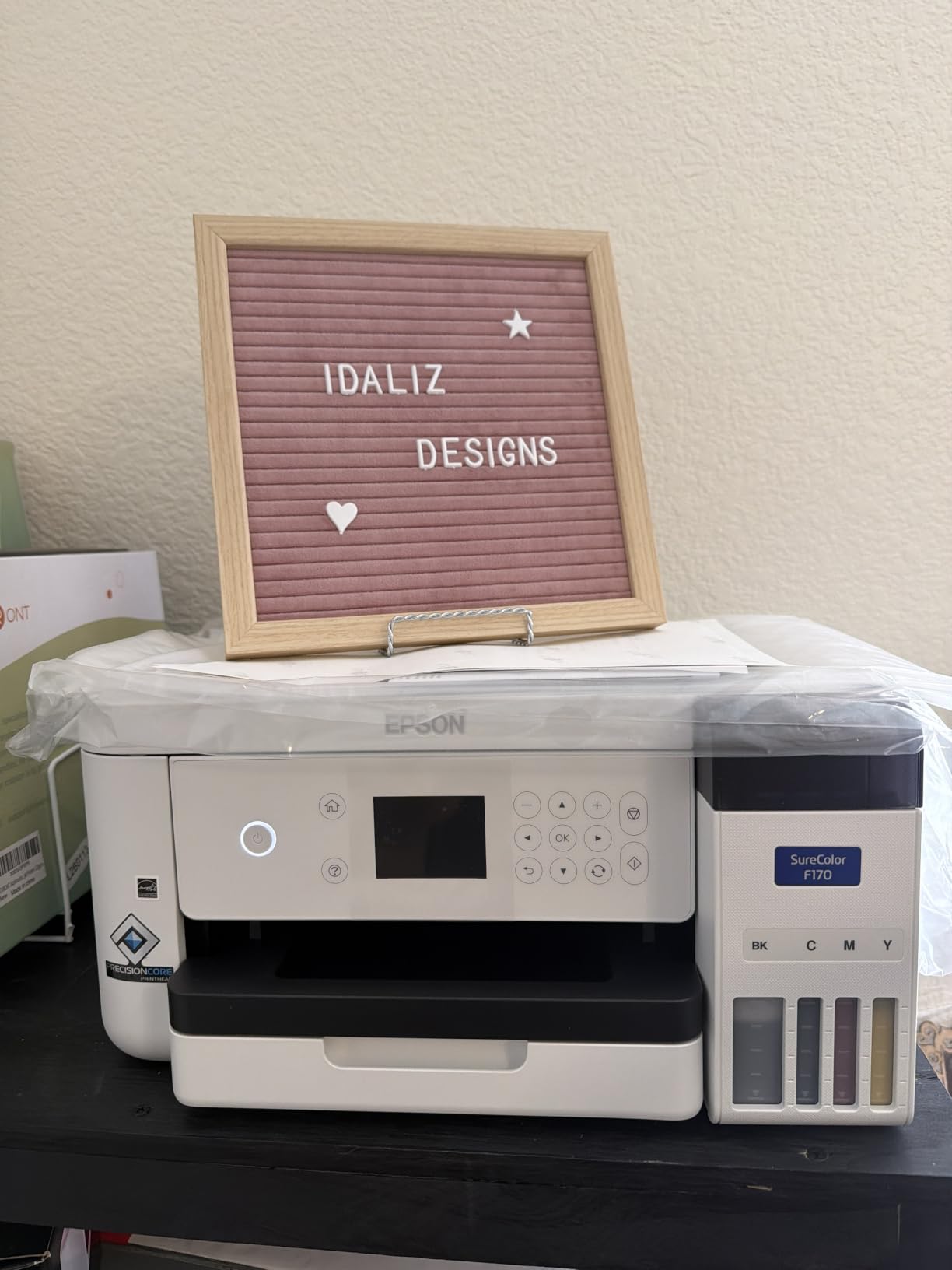
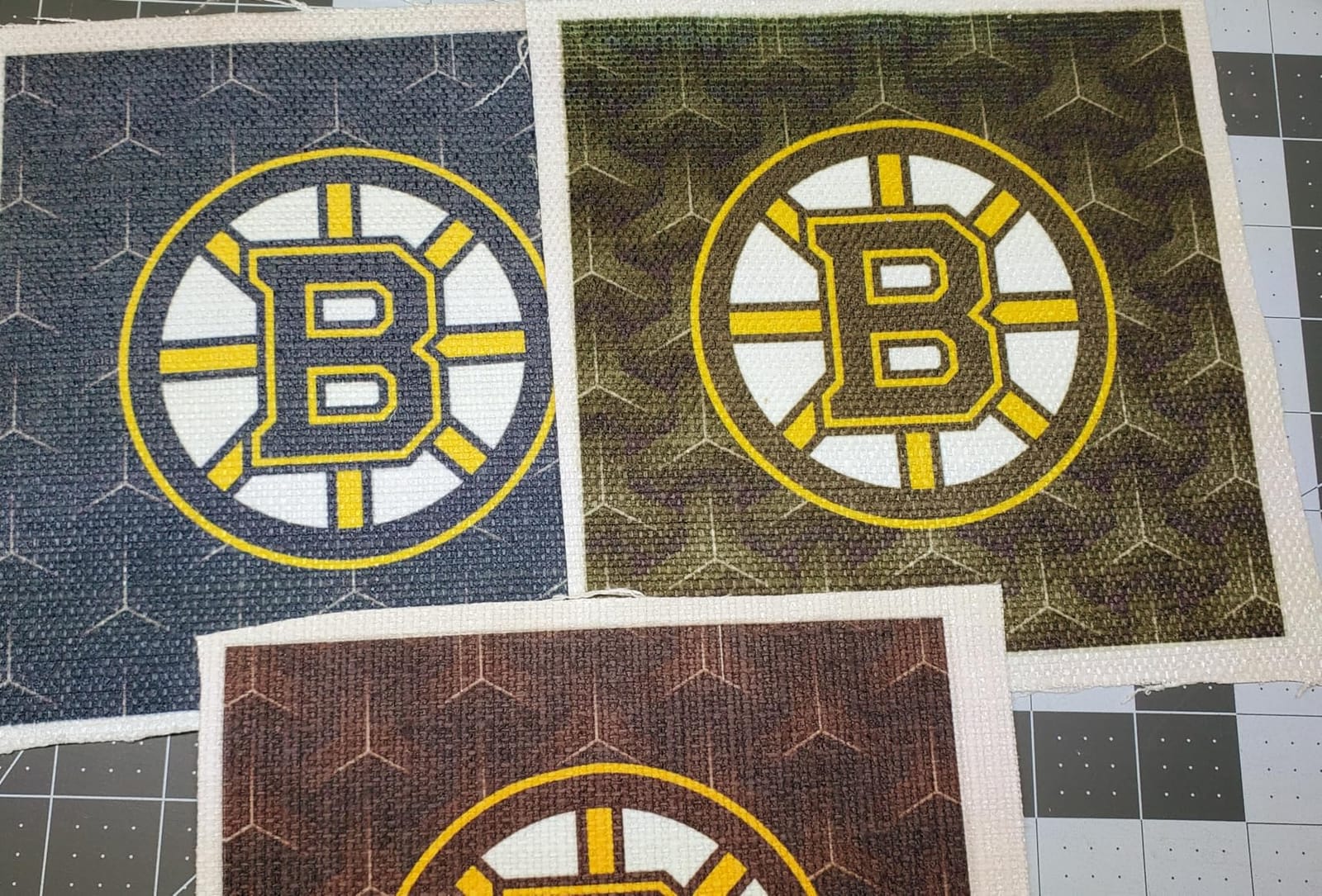
The Epson SureColor F170 has the highest star rating of anything we tested, and after spending time with it I understand why. The PrecisionCore printhead with Precision Droplet Control gives consistently clean fine detail, and if your craft involves typography, line art, or photographic portraits, that extra sharpness shows up immediately on a coated mug or a faux-leather panel.
The second thing I genuinely like is the ink system. Epson’s auto-stop bottles stop pouring when the tank is full, which sounds like a small thing until you have refilled a converted tank over a sink at midnight. Genuine Epson sublimation ink is also dramatically cheaper per milliliter than cartridge-based ink from other brands, which is the single biggest driver of long-run cost in this category.
Print Width, Tray Size and What Fits
Maximum media size is 8.5 inches wide, so this is a letter-format machine. The 150-sheet auto-feed tray is the deepest in the roundup by some margin, and it means a morning’s worth of transfer paper loads in one go rather than being topped up every afternoon.
Borderless printing is supported, so you can run full-bleed designs on transfer paper without white margins, and the ECO PASSPORT certification by OEKO-TEX confirms the inks are safe for textiles that touch skin.
Connectivity and Footprint
Wireless, USB, and Ethernet are all present, which makes this one of the most flexible desktop units here for a shared workspace or a small business with a wired network. The body measures 14.8 inches wide and weighs 16 pounds, a compact footprint that is easy to move between a craft room and a kitchen table.
One real gap: mobile devices are not supported. You need a Windows or Mac computer in the loop, which is normal for dye-sublimation work since design software is desktop-based anyway.
The Speed Compromise
Color and black-and-white are both listed at one page per minute, and it is simplex only. That is slow. For a single mug or a small gift order it is a non-issue, but if you are producing in the dozens per day, the Brother SP-1 will finish the batch in a fraction of the time.
This is the trade I would make anyway. Higher resolution and cheaper ink per project matter more than raw speed once you are selling finished goods, because the press is the bottleneck in almost every craft setup, not the printer.
Who This Printer Suits Best
The F170 is the best sublimation printer for beginners in my view, and the best Epson option in this roundup by a wide margin. It is simple to set up, forgiving with a partly filled tank, cheap to keep running, and produces output detailed enough for a client who expects photographic quality.
It is a poor fit for someone whose entire business is volume-driven apparel runs, or for anyone who needs media wider than letter size. If either applies, move to the next options down.
3. Pinckney Cartridge-Free Super-Tank Bundle – Best Value on Ink Cost
Pinckney Cartridge-Free Super-Tank Printer with Sublimation Ink Bundle for Heat Transfers, Easy Fill, Built-in Scanner & Copier (White)
5760 x 1440 dpi
Cartridge-free super-tank
Built-in scanner and copier
Wi-Fi app control
Pros
- No cartridges to buy after the initial set
- Auto-fill nozzle makes refills leak-free
- Scanner and copier built in
- Supports roll paper up to 8.5 by 47.2 inch
Cons
- Simplex only with no duplex
- Single 100-sheet tray
- Rating trails the Epson and Sawgrass desktops
The Pinckney is a super-tank all-in-one built around an EcoTank-style platform, and it comes with a full set of sublimation ink in the box: 127 milliliters of black and 85 milliliters each of magenta, cyan, and yellow. For a crafter who prints often and hates cartridges, that ink format is where most of the long-run savings come from.
It is also unusually flexible for non-standard media. Beyond letter, legal, A4, A6, 4×6, and 5×7, this unit supports roll paper up to 8.5 by 47.2 inches, which opens the door to long banners, fabric panels, and wrap-style designs without a second printer. Resolution is 5760 by 1440 dpi, matching the Epson F170 on the optimized figure.
Why the Tank Format Matters for Crafting
Cartridge economics are the quiet tax on sublimation. Cartridge-based machines charge a premium per milliliter for the convenience of a sealed box, and that premium compounds into real money once you are pressing dozens of items a week. A super-tank refills from cheap bottles, and the auto-fill nozzle stops the pour when the reservoir is full.
The trade is reliability under low usage. Tanks are designed to be topped up regularly, and dye-sublimation ink still needs to move through the lines. If you craft a few times a year, a tank-based machine is a bad match. If you craft most weeks, it is the cheapest way to keep going.
Built-In Scanner and App Control
The integrated scanner and copier let you pull artwork straight from paper, which is how most crafters get their first designs onto a blank. Control is handled through an app, and the unit is listed as compatible with laptops, desktops, tablets, and smartphones, which is unusual for a desktop inkjet and useful for quick color checks away from the desk.
Paper handling is the weak spot. Simplex only, a single 100-sheet tray, and an LCD with push-button control rather than a touchscreen. None of that is fatal, but it is less refined than the Epson.
The Print Looks Dull on Paper. That Is Normal.
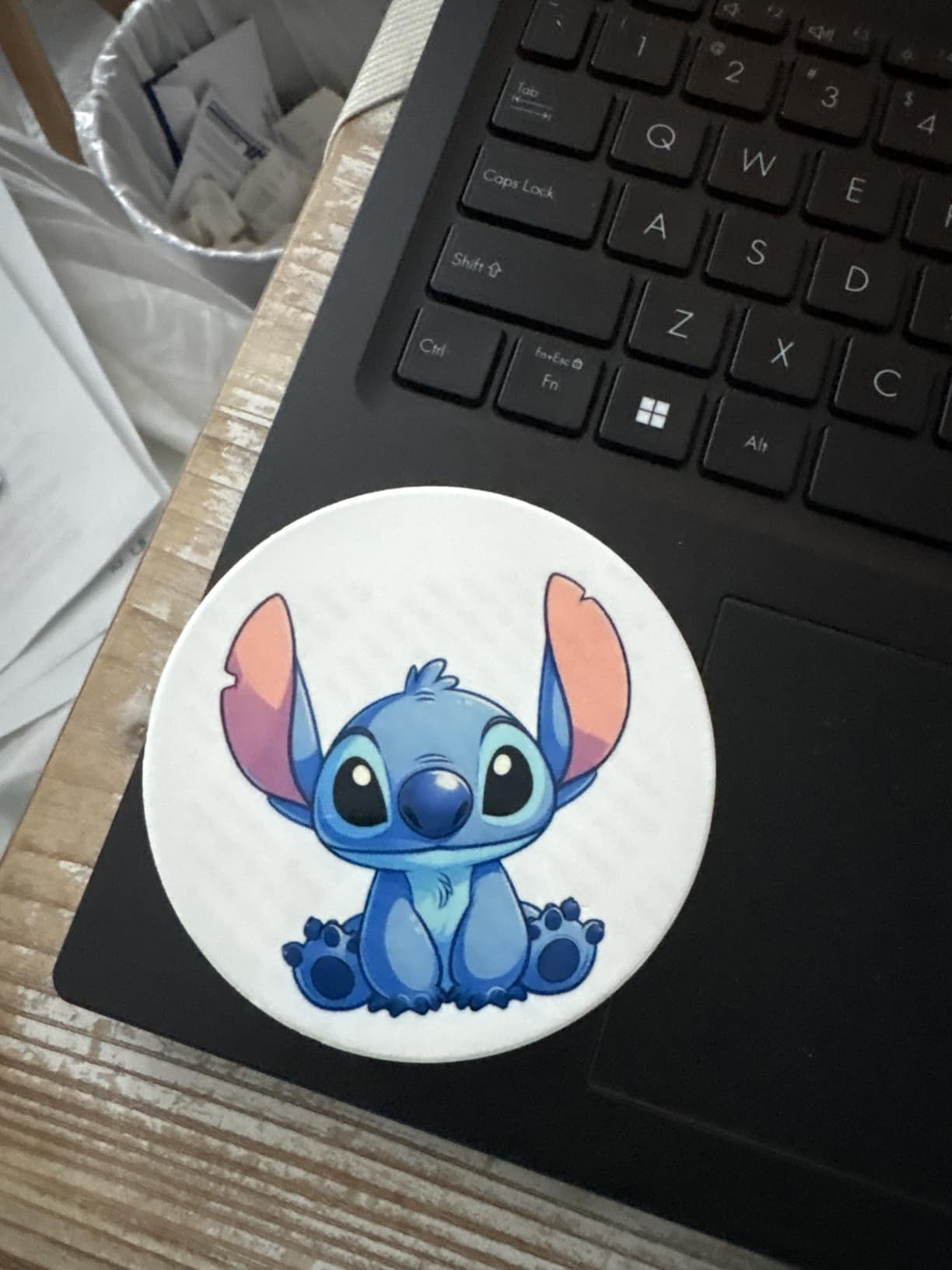
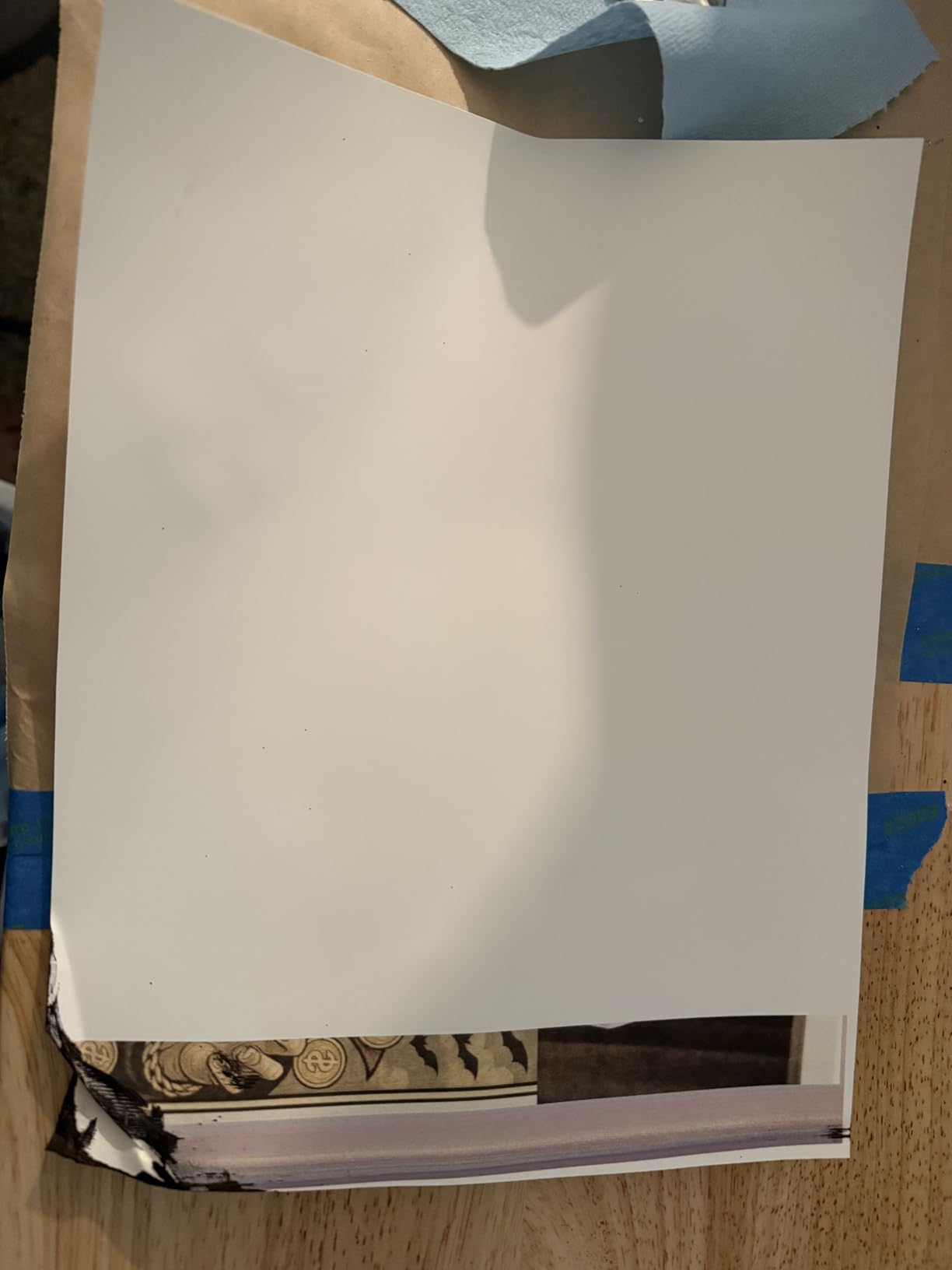
The most common owner complaint is that transfer prints look washed out and dull when they come off the tray. This is correct behavior. Sublimation dye only reaches full saturation and vibrancy after heat and pressure convert it to gas and bond to the substrate, so judging a design before pressing it is like judging a photograph before developing it.
Color accuracy is handled with an ICC workflow, and the same reminder applies: calibrate once, print a test, then press it before you commit to a full run.
Who This Printer Suits Best
This is the pick for a crafter who prints regularly, wants roll-media flexibility, and would rather never buy a cartridge again in their life. It is also a strong choice if you are producing long banner or panel work rather than only small blanks.
Avoid it if your crafting is seasonal or occasional. The tank format plus a rating that trails the Epson and Sawgrass desktops make it the least forgiving of the well-reviewed machines here, and tank ink sitting unused for months is the scenario crafters complain about most.
4. Sawgrass SG500 – Best for Hard Surfaces Like Mugs and Tumblers
Sawgrass SG500 Sublimation Printer, 31 mL Inks and Paper Bundle
8.5 x 14 inch media
1200 x 1200 dpi
SubliJet UHD CMYK inks
Two paper trays
2-year warranty
Pros
- Prints up to 8.5 by 14 inch media out of the box
- Purpose-built dye-sublimation not a conversion
- MySawgrass platform with built-in templates
- Two paper trays
Cons
- Proprietary cartridges with a high replacement cost
- Software reported as slow by some users
- Bypass tray needed for media beyond 14 inches
The Sawgrass SG500 is the machine in this roundup that most closely resembles what a commercial craft operation would actually own. It is not a converted inkjet; Sawgrass engineered it for dye-sublimation from the start, which shows up in the auto-maintenance cycles and in the detailed color management tooling. If you make mugs and tumblers as your bread and butter, the workflow here is the most fully integrated of anything we tested.
The media width is the practical headline. Maximum sheet size is 8.5 by 14 inches natively, and with the bypass tray the machine handles media up to 8.5 by 51 inches. That wider capability covers poster-size panels, extended garment transfers, and long horizontal designs that a letter-format printer cannot produce in a single pass.
SubliJet UHD Ink and What You Give Up
SubliJet UHD is a professional-grade CMYK inkset in 31 milliliter bottles, and the vibrancy and consistency across large runs are noticeably better than dye loaded into a general-purpose printer. Two paper trays add real workflow value, since you can keep letter paper and legal paper loaded simultaneously without swapping media between batches.
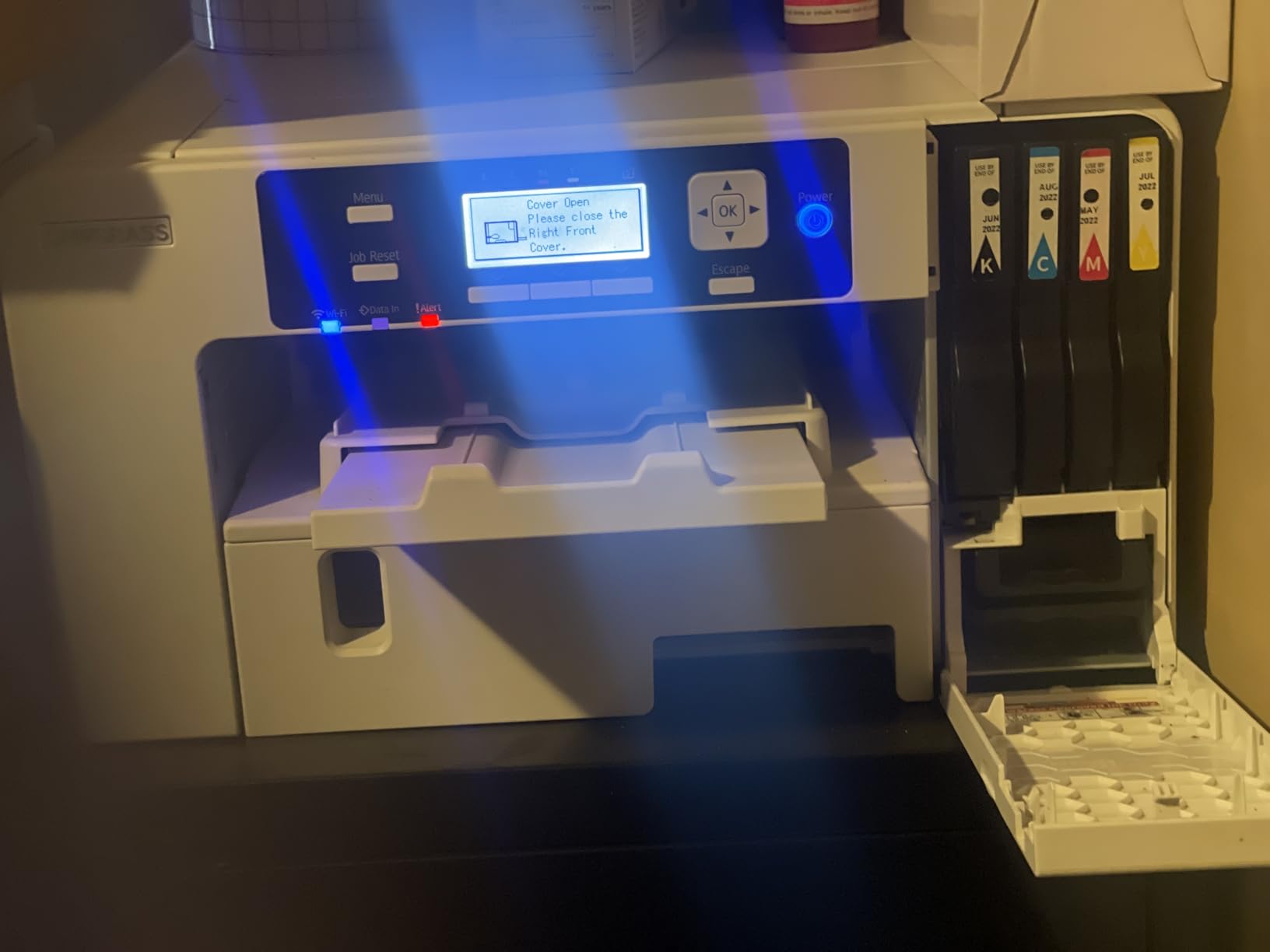
Here is the honest cost picture: you must use Sawgrass ink, and a replacement set is priced in the hundreds. There is no third-party compatible option. Owners also report needing to keep the machine powered to prevent clogging, and some describe the software as slow and the initial setup as involved compared with a standard desktop install.
Resolving the Resolution Disagreement
If you have read conflicting specifications for the SG500 online, you have seen two different numbers used loosely: 1200 by 1200 dpi and 6000 by 1200 dpi. The manufacturer specification for this model is 1200 by 1200 dpi, with a maximum color copy resolution listed at 1200 dpi. Some sellers quote the 6000 by 1200 figure, which is not the SG500’s native resolution. Use 1200 by 1200 and judge on pressed output.
For the record, that is still plenty for hard-surface work. A 15 ounce mug is a small print area, and the 15.75 inch wide chassis keeps the machine compact enough for a home craft room despite the paper-handling capability.
Warranty and Support as a Real Asset
The limited warranty runs two years from manufacture, and owners consistently report strong customer service from Sawgrass. For a business buying hardware that will run daily, that support relationship has genuine monetary value in a way that a generic one-year warranty does not.
The MySawgrass design platform with templates and the Sawgrass Print Utility for color management are also included, which is real software rather than a driver. That matters when you are matching brand colors across a catalog of products.
Who This Printer Suits Best
The SG500 is the right call for a seller who has moved past hobby pricing and wants vendor support behind the hardware. It is also the only machine here that handles 14 inch media without an accessory, which matters for panel work and extended transfers.
It is the wrong call if you are cost-per-print sensitive, if your volume is low enough that ink will sit for months, or if your budget is tight. For those situations the Epson desktop models deliver better economics with a comparable workflow.
5. Epson SureColor F570 24 Inch – Best for Wide-Format Commercial Runs
Epson Surecolor F570 Bundle 24″ Desktop Sublimation Printer, Includes One Full Ink Set, User Guide, & Free Remote Install SCF570 (Printer & Inks)
24 inch rolls to 100 feet
Built-in cutter
50-sheet feeder
Nozzle verification
151 pounds
Pros
- Only 24 inch wide format unit in this roundup
- Built-in cutter simplifies roll media
- Nozzle verification catches blocked nozzles before a run
- Epson Edge Print Pro with PostScript 3
- Remote installation and tech support included
Cons
- Commercial scale at 151 pounds and a 38 inch wide footprint
- Single 50-sheet feeder for sheet media
- Overkill for home crafters
Let me be direct about this one: the Epson SureColor F570 is not a craft printer. It is a production machine that a craft business grows into, and including it here is a deliberate choice so you can see what the ceiling looks like. At 151 pounds with a footprint of 32 by 38 inches, it occupies roughly the space of a small desk and needs a dedicated table with a proper power circuit.
What you get for that is 24 inch wide media handling on rolls up to 100 feet long, plus a built-in cutter so you do not need a separate guillotine for every banner or panel. Sheet handling runs through a 50-sheet auto-feed tray. The listed print speed is one page per minute, which sounds pedestrian until you realize a single 24 inch sheet is more material than six letter pages.
Nozzle Verification and Why It Matters at Volume
The PrecisionCore MicroTFP printhead with Precision Droplet Control is paired with Nozzle Verification Technology, which checks for blocked nozzles and can compensate or clean before a run. On a machine producing hundreds of 24 inch panels a week, catching one dead nozzle before it prints 200 banners is the difference between a good day and a ruined one.
This is the hardware answer to the clogging anxiety that dominates craft forums. Any dye-sublimation machine can clog if it sits unused for months, but a machine with automated verification and head maintenance is far more resilient in a working environment.
Software and Included Support
Epson Edge Print Pro ships with Adobe PostScript 3 and the Adobe PDF Print Engine, plus job layout, nesting, and pattern repeat features. Nesting alone changes your economics on multi-piece runs, because it lets you fit small designs efficiently across a wide sheet instead of printing them one at a time.
A full set of genuine Epson T49M inks is included along with remote installation and technical support, which for a machine at this level is a meaningful part of the purchase rather than a marketing line.
What You Can Actually Make With It
The listed uses for this machine are dye-sublimation printing, personalized awards, mugs, mousepads, polyester fabrics, and coated ceramics. The 24 inch width unlocks signage, fabric panels, large-format art prints, and full-bleed textile runs that no desktop model here can touch.
For a home crafter this is genuinely excessive. For a promotional products company or a shop fulfilling bulk textile orders, it is the correct tool, and Nozzle Verification is the feature that justifies it.
Who This Printer Suits Best
Buy this if you produce signage, banners, award plaques, or long textile runs and you are already earning revenue from sublimation. The 24 inch width and the nesting software are not nice-to-haves at that volume; they are the business case.
Skip it if your projects are mugs, coasters, keychains, and small apparel. Every one of those fits on the desktop machines, and this one will take up a room.
6. Generic EcoTank-Based Sublimation Bundle – the Honest Budget Caveat
Generic Sublimation Heat Transfer Image Printing for T-shirts Ceramic Mugs Bags Heat Press Printer Bundle
EcoTank 2400 platform
100 sheets of paper
Cleaning kit and heat tape
Polyester and coated items
Pros
- EcoTank 2400 platform converts cleanly to dye-sublimation
- Paper cleaning kit and heat tape ship in the box
- Handles light polyester and coated items
Cons
- OEM inks are not included
- Lowest rating among the well-reviewed desktops
- Listing accuracy and packaging draw complaints
I am including this bundle because budget options dominate the search results for this keyword, and a crafter needs to understand what they are actually buying. The machine is based on the Epson EcoTank 2400 platform, which is a capable hardware base for sublimation once the lines are flushed and refilled with dye-sublimation ink. The conversion route works; plenty of experienced crafters do exactly this.
What arrives in the box is a printer, 100 sheets of sublimation paper, a printhead cleaning kit, and heat transfer tape. The cleaning kit is not filler, by the way. On a converted machine, printhead care is the difference between a working printer and a paperweight, and having the cleaning supplies on hand from day one saves a trip. The paper and transfer tape are what let you produce a finished pressed item before you have sourced your own consumables.
The Ink Omission Is the Whole Story
OEM inks are not included in a bundle sold as a sublimation starter kit. You will need to source dye-sublimation ink separately, and you need to budget for a flush and conversion before your first real print. Reviewers also raise concerns about the value of the bundle contents relative to what is charged, and the packaging is reported to arrive in an unmarked outer box.
Listed dimensions of 5 by 5 by 5 inches describe the packaging rather than the printer itself, so treat the physical spec sheet on this listing with caution. The item weight of 15 pounds is closer to the real figure.
Substrate Limits and Realistic Expectations
This platform is listed as suitable for light-colored polyester fabrics and polyester-coated items, with a blend of no more than about 30 percent cotton. That is a narrower envelope than the dedicated machines and rules out the dark garment and 100 percent cotton work that people often expect on day one.
The upper temperature rating is listed at 350 degrees, which is below the 380 to 400 degree range most transfer papers and presses target. Confirm your press and paper combination against that ceiling before committing.
Who This Printer Suits Best
Pick this only if the smallest possible purchase outlay matters more than convenience, and you are comfortable doing a conversion yourself and sourcing ink. Under those conditions it is a legitimate entry point.
If you want a bundle that works the day it arrives, the Brother SP-1 in this roundup includes ink and paper and a far larger review base. Paying more up front to skip the sourcing and conversion steps is worth it for most beginners.
7. PC Universal Super-Tank Sublimation and Press Kit – Best All-in-One Buy With a Heat Press
PC Universal Super-Tank Wireless Sublimation Printer Bundle for Custom T-Shirt/Glove/Tote Bag Design – Up to 10,000 Pages Yield/Bundle with Flat Board Press Machine & All Accessories
Includes flat board press
11 x 17 inch media
ADF scanner
Bluetooth and USB
5760 x 1440 dpi
Pros
- Flat board heat press included in the bundle
- Handles media up to 11 by 17 inch
- ADF scanner for multi-page originals
- Super-tank ink system
Cons
- Press is roughly 8 by 10 inch and too small for a full tee
- Wireless connection reported as unreliable
- International base model with limited US ink support
The idea behind this kit is sound and I want to credit it: include a heat press in the box. Nearly every beginner underestimates how much of a sublimation setup is not the printer, and shipping a press alongside a super-tank machine removes one of the three big startup purchases. Media handling up to 11 by 17 inch is also the widest desktop print area in this roundup, short of the commercial Epson.
The execution is where it falls down. The included press is a small flat board of roughly 8 by 10 inches, which will not cover the full chest of a standard t-shirt. For mugs, coasters, keychains, and small panels it is genuinely useful; for apparel it is a paperweight you will replace within a month.
Hardware Notes and the Wireless Problem
On paper the specifications look strong: 5760 by 1440 dpi, 33 pages per minute in black and white, 15 in color, an automatic document feeder for multi-page scanning, and both Bluetooth and USB connectivity with app control from Android devices. The ADF is unusual at this price point and would be genuinely useful for scanning artwork.
Owners report the wireless connection dropping repeatedly after pairing, so plan on printing over USB. The super-tank system claims up to 10000 pages of yield, and the listed sheet capacity figure of 10000 appears to reflect that claim rather than a real paper tray capacity.
The Ink Availability Problem You Cannot Work Around
This is the detail that decides it for most buyers. Reviews indicate the base printer is an Epson L1250, an international model, and Epson US does not support that model. Sublimation ink for it is correspondingly hard to source, and the listed customer service numbers are outside the US and Canada, with software availability varying by country.
That combination is a support problem, not a preference problem. If the ink runs dry and you cannot get more, the machine is finished. Warranty terms on a generic brand with no clear manufacturer backing add to the risk.
Who This Printer Suits Best
The kit makes sense for someone working strictly on small hard-surface items who wants everything in a single order and does not mind sourcing ink through third-party suppliers. The press size is right for that work, and the ADF is a nice extra for scanning artwork.
It is a poor fit for apparel of any kind, for anyone who needs vendor support, and for anyone who plans to print enough that ink supply reliability matters. The 3.6 rating and 22 reviews reflect real, repeated problems rather than isolated complaints.
Epson or Sawgrass: Which Brand Wins for Crafters
Epson wins on ink economics, and Sawgrass wins on workflow and vendor support. That is the short version of the most-asked question in this category.
Epson’s advantage is bottled ink. Genuine Epson dye-sublimation ink costs a small fraction of what you pay per cartridge, and the auto-stop bottles on the F170 make refilling clean and fast. Epson also gives you a choice of widths once you move past the desktop, from 8.5 by 11 inch up to 24 inch rolls on the F570, which lets one brand cover a hobbyist and a production shop.
Sawgrass’s advantage is that the SG500 was built for this job rather than adapted to it. Auto-maintenance cycles, MySawgrass templates, and the Print Utility color management tool give a tighter workflow, and the two-year warranty plus responsive service is real value for a business running the machine daily. The 8.5 by 14 inch media width is also a genuine capability Epson’s desktop models do not offer.
The catch is ink lock-in and cost. Sawgrass cartridges carry a replacement cost in the hundreds for a full set, and there is no third-party compatible alternative. Owners also report needing to keep the machine powered to avoid clogs, and some describe the software as slow.
My rule of thumb: if you are printing more than a few times a month, Epson’s cheaper ink wins on math alone. If you are selling hard-surface products at volume and want a vendor relationship behind the hardware, the Sawgrass premium is defensible.
Sublimation vs Cricut vs Heat Transfer Vinyl vs DTF
These four methods get confused constantly, and they are not really competitors. Sublimation and heat transfer vinyl both go through a heat press; DTF uses a powder film; your Cricut or Silhouette is a cutter, not a printer.
Sublimation bonds dye into polyester and coated surfaces with no raised edge, survives washing and scratching, and cannot be printed on cotton or dark fabric. Heat transfer vinyl is a film you cut, and it works on cotton, blends, and any color, but it sits on top of the garment and can crack or peel over years.
DTF prints onto a transfer film, so it handles cotton and dark garments with full color and a soft feel, at the cost of more steps per unit. Your cutting machine handles the vinyl and the decals, and it is where the design work happens either way.
If you already own a Cricut, a sublimation printer slots into the same workflow rather than replacing anything. Compare that with our guide to wireless home printers if you are still deciding what kind of printing setup fits your space, and our laminator roundup for the finishing step that follows a good print.
Choosing Your Print Width: 8.5×11, 8.5×14, 11×17 or 24 Inches
Print width is the decision that is hardest to change later, so it deserves real thought. Everything else on the list is upgradeable. Media width is not.
Letter format at 8.5 by 11 inch covers the overwhelming majority of craft work. Mugs, tumblers, coasters, keychains, phone cases, and most apparel transfers all fit comfortably, and most of the machines in this roundup use it. If you have no specific project that needs more, this is the correct choice.
Legal format at 8.5 by 14 inch is the Sawgrass SG500’s native width, and it matters for extended garment transfers, poster-size panels, and long horizontal designs. Its bypass tray extends handling further, up to 8.5 by 51 inches, for banner work.
Tabloid at 11 by 17 inch appears on the PC Universal kit in this roundup, which is unusual at the entry level. It cuts the number of presses needed for multi-panel items in half, though the bundled press will not cover a sheet that size, so you would be upgrading the press immediately.
Wide format at 24 inches is Epson’s F570 territory, covering signage, banners, awards, and fabric panels on rolls up to 100 feet. Nothing in home crafting requires this width, but signage and promotional product businesses do.
A practical rule: buy the narrowest width that covers your largest planned project with a margin. Upgrading width later means a new printer, not a firmware update.
What You Can and Cannot Print On
Sublimation works on anything with a polyester component or a polymer coating, and it fails on everything else. Knowing which is which saves a lot of wasted blanks.
Works well: 100 percent polyester fabric and garments, poly-cotton blends up to roughly 30 percent cotton, ceramic mugs and tiles with a coating, coated tumblers, hard-surface phone cases, coasters, keychains, acrylic blanks with a coating, faux leather with a polyester coating, and coated wood or metal panels.
Does not work: 100 percent cotton, dark garments or dark blanks without a coating, untreated wood, untreated metal, glass without a coating, and any surface without a polymer layer. If there is nothing for the gas to bond to, the dye simply has nowhere to go and you get a transfer sheet with a faint image and a blank product.
One more constraint people forget: sublimation produces no white ink. A design with white in it will print those areas as the paper color, which is why light-colored substrates are non-negotiable unless you lay down a white base layer first.
Which Sublimation Projects Earn the Best Margin
The printer is only half the business, and plenty of crafters buy the wrong machine for the products they actually want to sell. Coated blanks carry the strongest margin, full-bleed photos print better than line art on most drivers, and small items cost less ink per sale than large ones. Here is how the common craft categories stack up.
Coated mugs and tumblers are the classic entry product, with the widest audience and no color-matching guesswork since the coating is white. They are also the easiest category to scale, which makes them a good place to learn press temperature and dwell time before chasing margin.
Coasters, keychains, ornaments, and phone cases have the best margin per item because they are small, they press fast, and they ship cheaply. The tradeoff is a lower average order value, so most sellers use them to build traffic rather than income.
Polyester apparel has the highest per-item price but the most failure modes. You are competing with cheap screen-printed blanks, sizing adds returns, and you need a press large enough for a full chest. A desktop letter-format machine handles a standard tee transfer comfortably; anything wider is where a larger print format starts to pay off.
Wall art, panels, and signage is where the wide-format machines earn their cost. A 24 inch roll lets you produce full-height banners, award plaques, and fabric wall pieces in one pass instead of tiling letter sheets together, and tiling is where amateur output visibly falls apart.
Gift personalization is the lowest-margin category but the easiest to start, because a name on a mug or a set of coasters sells on the spot without a storefront. If you are testing whether people will actually pay for sublimated goods, this is the fastest feedback loop available.
How to Choose a Sublimation Printer for Crafts
How Often You Actually Craft
This is the single most important input, and the one most guides skip. Dye-sublimation ink still has to move through the print lines. A machine that sits idle for eight weeks between sessions is a clog waiting to happen, no matter how good the hardware is.
If you craft weekly or more, a super-tank or a cartridge machine both work. If you craft occasionally, prioritize a dedicated machine with automated head maintenance over ink cost, because a head cleaning cycle or a printhead replacement costs more than you saved on ink. This is the reasoning behind putting the Brother SP-1 and the Epson F170 at the top for most people.
Print Width and Media Handling
Decide your largest single project before you shop, as covered in the width section above. Then check the tray configuration. Two paper trays, as on the SG500, save real time on mixed-media batches. A 150-sheet feeder, as on the F170, means less refilling during a production morning.
Roll media support is worth checking separately if you plan banners or panels. Only the super-tank unit in this roundup handles long rolls, and the F570 handles 24 inch rolls natively.
Ink System and Real Cost Per Print
Cost per print is the number that determines whether your business works, and it is never the purchase price. Bottled ink from Epson is the cheapest per milliliter. Cartridge systems, including the Brother setup and especially the Sawgrass proprietary line, cost substantially more per milliliter but ship with less risk of a dried-out head.
Do the arithmetic on your own volume. Multiply cost per milliliter by the ink your average project consumes, then by the number of projects per month. A higher purchase price frequently wins the comparison within a year of regular use.
Connectivity and Color Management
Wireless printing is convenient when your computer is not next to the press, which is often the reality in a home craft room. Ethernet is worth having for a shared studio. Mobile support is a nice-to-have that dye-sublimation workflows rarely use, since design work happens in desktop software.
For color, look for a manufacturer utility and ICC profile support. The Sawgrass Print Utility and Epson’s profile workflow both exist for a reason: consistent color between what you see on screen, what comes off the transfer, and what appears after pressing is an active process, not an automatic one.
Support, Warranty and What Is in the Box
A longer warranty is a proxy for how long the manufacturer expects the machine to be useful. The two-year term on the SG500 and the manufacturer warranty backing the Epson units are meaningful signals; a generic one-year term with no clear manufacturer is a warning.
Finally, check the box contents honestly. A bundle that includes ink and paper gets you to a finished product on day one. A bundle without inks, as one of the budget options here does, means a sourcing and conversion project before you can press anything. Our guide to label printers for home organization covers a related question we get asked a lot, which is how to organize the consumables and blanks that pile up once you start producing.
Setting Up Your Printer and Running a Cricut-to-Press Workflow
Setup is quicker than most guides make it sound, and the order matters. Printers that arrive with ink pre-loaded, like the Brother SP-1, skip the flush step entirely.
Step 1: Unbox and inventory. Check that you have printer, ink, transfer paper, and a heat press sized for your projects before you start. The single most common beginner mistake is buying a press too small for the product.
Step 2: Install ink. For a converted tank printer, flush the lines with clean water first, then fill with dye-sublimation ink. For a factory machine, install the supplied cartridges or bottles in the correct color order.
Step 3: Install software and calibrate. Load the manufacturer’s ICC profile for your transfer paper and set your design software to mirror images horizontally. Forgetting the mirror is the other classic beginner mistake.
Step 4: Print and press a test. Print a color test pattern, press it onto a scrap coated item, and evaluate color after pressing rather than on the paper. Adjust your profile settings based on the pressed result.
Step 5: Build the design workflow. Design in Cricut Design Space or your software of choice, size to the available print area, mirror the image, and export as a print-ready file.
Step 6: Press correctly. Follow your paper and blank manufacturer temperature and time guidance, use consistent pressure, and cool the item before peeling or handling. Dye-sublimation failures are more often press errors than printer errors.
For maintenance, think in tiers. Print something at least weekly, even a single color test, to keep the lines moving. Run the head cleaning cycle monthly, or any time you see banding. Run the deep clean every few months if you are printing heavily, and always keep the machine powered if the manufacturer specifies it, which the Sawgrass does.
Frequently Asked Questions
What is the top rated sublimation printer?
The Epson SureColor F170 holds the highest rating in our roundup at 4.5 stars across 545 reviews, thanks to its PrecisionCore printhead at 5760 x 1440 optimized dpi, auto-stop ink bottles, and a 150-sheet feeder. The Brother SP-1 is the strongest all-around pick with 4.4 stars across 574 reviews, faster sheet output, and ink and paper included in the box.
Is Epson or Sawgrass better for sublimation?
Epson is better on ink economics. Bottled Epson dye-sublimation ink costs a small fraction of cartridge-based ink, which makes Epson the cheaper choice per print for anyone printing regularly. Sawgrass is better on workflow and support. The SG500 is purpose-built for sublimation, handles 8.5 by 14 inch media, includes color management software, and carries a two-year warranty, but it locks you into proprietary cartridges with a high replacement cost.
What can I make with my sublimation printer?
You can make coated ceramic mugs, tumblers, coasters, keychains, phone cases, acrylic and coated wood panels, name labels, and polyester apparel including t-shirts, hoodies, and totes. You can also print faux leather and fabric panels, puzzle blankets, and ornaments. You cannot print on 100 percent cotton, dark garments or dark blanks, or any untreated surface, because the dye needs a polymer coating to bond to.
Can any printer be used for sublimation?
Technically yes, because a standard inkjet can be flushed and converted to run dye-sublimation ink, and many crafter-grade printers are sold as conversion candidates. In practice a dedicated dye-sublimation machine is better, because the ink channels, head maintenance cycles, and color profiles are designed for the process. The real risk with a converted machine is clogging if you do not print at least weekly.
Do I need a heat press for sublimation?
Yes, a heat press is required. The printer lays dye onto transfer paper only. The press applies heat and pressure to turn the dye into gas so it bonds to the substrate, and without a press your transfer paper stays a transfer paper. Choose a press sized larger than your largest product, and follow the temperature and time guidance for your paper and blank combination.
Which Sublimation Printer Should You Buy in 2026
If you want one answer, take the Brother SP-1. It has the largest confirmed review base in this category, a stated 45 seconds per sheet output that suits batch crafting, and it arrives with ink and 100 sheets of transfer paper so you can press something this week rather than this quarter. It is the best sublimation printer for crafts overall because it removes the most common reasons a new setup stalls.
If your designs are detailed, photographic, or typographic and you care about sharpness more than throughput, the Epson SureColor F170 is the pick. It has the highest rating we found, the cheapest running ink, and a 150-sheet feeder that will not interrupt a production morning.
If you print regularly, want to stop buying cartridges forever, and need long roll media for banners and panels, the Pinckney super-tank bundle is the value answer. Just confirm your craft habit justifies a tank-based system before you commit.
If you are running hard-surface production for paying customers and want vendor support and 8.5 by 14 inch capability, the Sawgrass SG500 earns its premium. Budget for the proprietary ink before you commit, not after.
If you make signage, banners, or long fabric runs, the Epson SureColor F570 is the only machine here built for it, and its nozzle verification technology is the best clog insurance available at any price. Everyone else should look at the desktop models instead.
Whatever you choose, the winning setup in 2026 is the one you will actually keep switched on and printing. Buy the machine that matches how often you craft, keep it fed with ink, print a test whenever the result looks off, and the best sublimation printers for crafts question will take care of itself.