
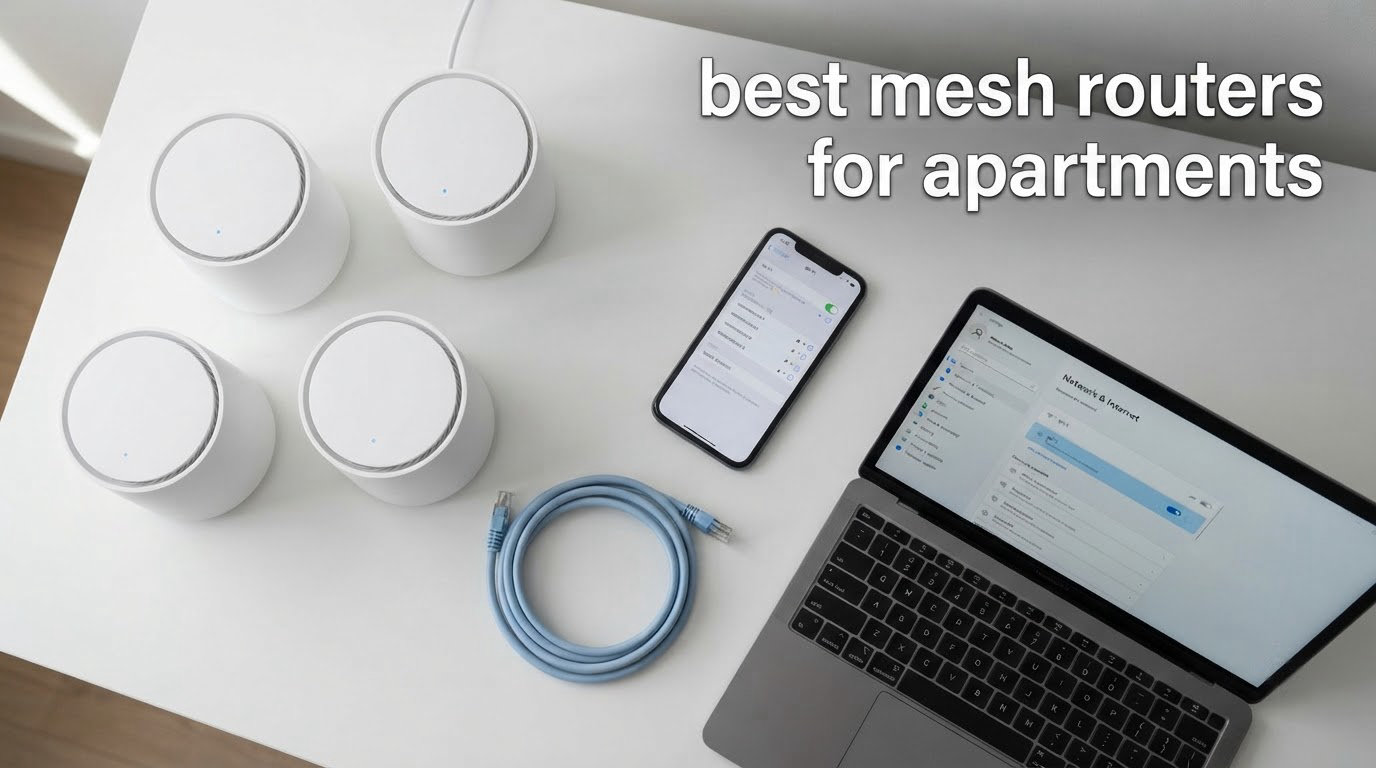
Short answer: for most apartments under about 1,200 square feet, the best mesh routers for apartments are a two-pack dual-band system placed in the two worst spots in your home, not a three-pack. The TP-Link Deco S4 leads our list because it carries the highest review volume of any kit here and two Gigabit Ethernet ports per node. If your space is smaller than 700 square feet, you probably do not need mesh at all.
I have spent years installing, troubleshooting and recommending Wi-Fi hardware, and the question behind this search is almost always the same one that dominates the r/HomeNetworking threads: my apartment is small, everything is close to the ISP box, will a mesh system actually make my internet faster? Usually the honest answer is no. What mesh fixes is coverage and consistency, not line rate.
To build this list I worked through eight systems that are all realistically available to apartment dwellers, cross-checked their specifications, port counts and feature gating against hundreds of owner reviews, and read the recurring renter complaints in forum threads. I did not run lab throughput testing, so manufacturer coverage figures are reported as manufacturer claims and are not comparable across brands.
Before the picks, it helps to know what these articles usually get wrong. Most roundups of best Wi-Fi routers for apartments sort by square footage and ignore the two things that actually decide success: the shape of your floor plan and the walls you have to get through. We covered single-router picks separately in our guide to the best WiFi routers for small apartments, and this page assumes you have already decided mesh is right.
Our Top 3 Mesh Routers for Apartments in 2026
The three systems below are the ones we would put in a real apartment. A two-pack dual-band kit handles the majority of floor plans, a single-unit system wins in a studio, and a three-pack only earns its place when you have levels or stubborn walls.

TP-Link Deco S4 2-Pack
- Dual-band Wi-Fi 5 AC1900
- Up to 3800 sq.ft. with 2 units
- 2 Gigabit Ethernet ports per unit
- Works with every major ISP

Amazon eero 6 1-Pack
- Wi-Fi 6 dual-band
- Up to 1500 sq.ft. per unit
- Supports plans up to 900 Mbps
- Built-in Zigbee smart home hub

TP-Link Deco X55 3-Pack
- AX3000 dual-band Wi-Fi 6
- 3 Gigabit ports per node
- Up to 150 connected devices
- WPA3 personal security
Comparing All 8 Mesh Systems Side by Side
This table carries all eight systems, the apartment situation each one fits, and the drawback you should know before buying. Coverage figures are manufacturer estimates and use different testing methods, so a larger number does not automatically mean a better system in a small space.
| Product | Specs | Action |
|---|---|---|
| TP-Link Deco S4 Whole Home Mesh WiFi System, Deco S4(2-Pack) |
|
Check Latest Price |
| Amazon eero 6 mesh wifi router – Supports internet plans up to 900 Mbps, Coverage up to 1,500 sq. ft., Connect 75+ devices, 1-pack |
|
Check Latest Price |
 Google Nest Wifi – AC2200 – Mesh WiFi System – Wifi Router – 2200 Sq Ft Coverage – 1 pack Google Nest Wifi – AC2200 – Mesh WiFi System – Wifi Router – 2200 Sq Ft Coverage – 1 pack |
|
Check Latest Price |
| TP-Link Deco X55 AX3000 WiFi 6 Mesh System, Deco X55(3-Pack) |
|
Check Latest Price |
 TP-Link Deco x20 Dual-Band WiFi 6 Mesh System, Deco X20 (3-Pack) TP-Link Deco x20 Dual-Band WiFi 6 Mesh System, Deco X20 (3-Pack) |
|
Check Latest Price |
 Tenda Nova Mesh WiFi System MW6 – AC1200 Whole Home WiFi Mesh System – 3-Pack Tenda Nova Mesh WiFi System MW6 – AC1200 Whole Home WiFi Mesh System – 3-Pack |
|
Check Latest Price |
 NETGEAR Orbi Whole Home Mesh WiFi System (RBK13) NETGEAR Orbi Whole Home Mesh WiFi System (RBK13) |
|
Check Latest Price |
 Amazon eero 7 dual-band mesh Wi-Fi 7 router – 2-pack Amazon eero 7 dual-band mesh Wi-Fi 7 router – 2-pack |
|
Check Latest Price |
How Many Mesh Nodes Your Apartment Actually Needs
The most common self-identified mistake in apartment Wi-Fi threads is buying a three-pack for a 750 square foot studio. Three nodes in a small open-plan space means your devices ping-pong between radios that can all hear each other perfectly, and you paid for coverage you already had.
Here is the rule of thumb we use. Match the number of nodes to the number of rooms the ISP box cannot serve, not to the square footage on your listing.
- Studio or one-room under 700 sq. ft. — one node, placed on a shelf or counter away from the ISP gateway. In a space this size a single strong router usually wins, and mesh only earns its place if there is a bathroom or hallway of cinderblock between you and the far wall.
- One bedroom, 700 to 1,000 sq. ft. — two nodes, with the second in or near the bedroom and hallway rather than in the far corner of the living room.
- Two bedrooms, 1,000 to 1,400 sq. ft. — two nodes works if the bedrooms are on one level and the walls are framed wood. A three-pack gives you a spare to place later rather than returning what you bought.
- Loft or split-level with two floors inside the unit — two or three nodes, one per level. This is the layout the top-ranking Reddit thread for this query is about, and it is the clearest case where wireless backhaul earns its compromise.
- L-shaped or long narrow floor plan — two nodes, but place them along the length of the space rather than at opposite ends. A dead zone in the middle of a long apartment is a placement problem, not a node-count problem.
- Concrete, brick, or metal-framed building — two nodes minimum, placed as close together as the dead zone allows, and expect wireless backhaul to eat throughput.
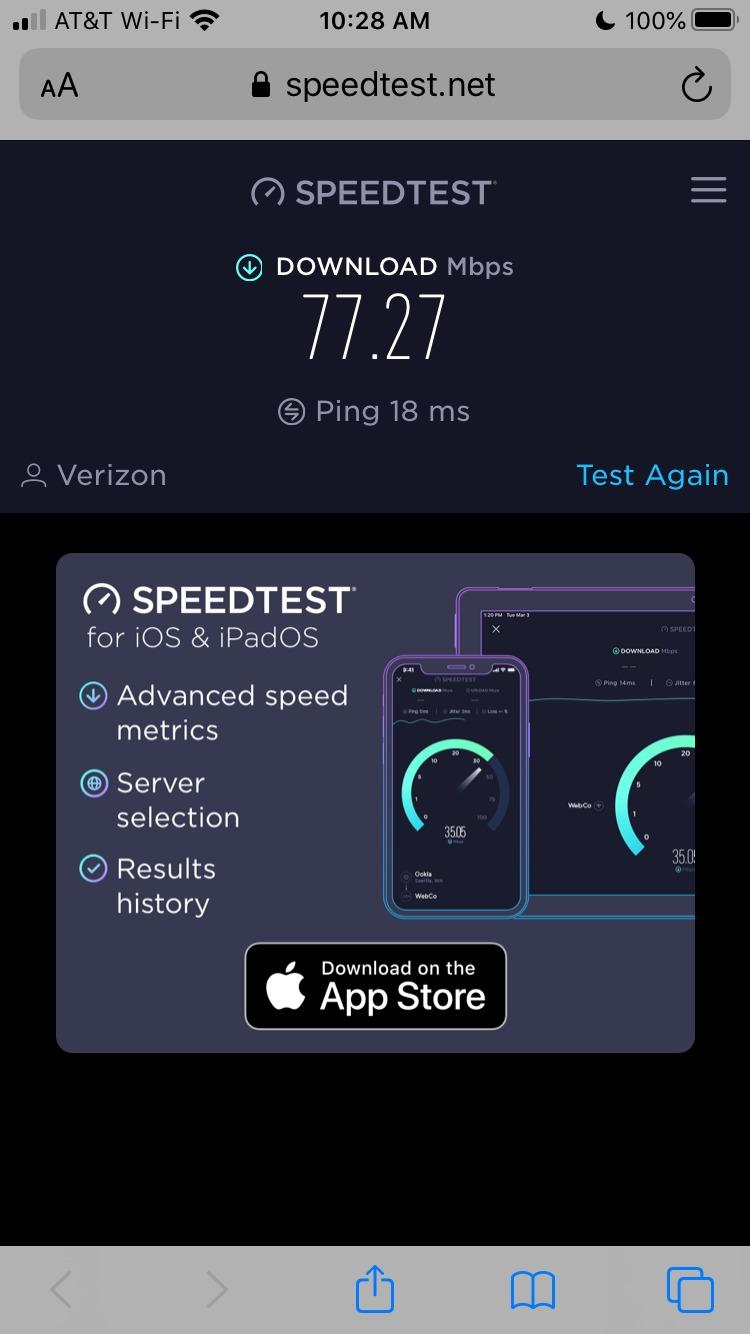
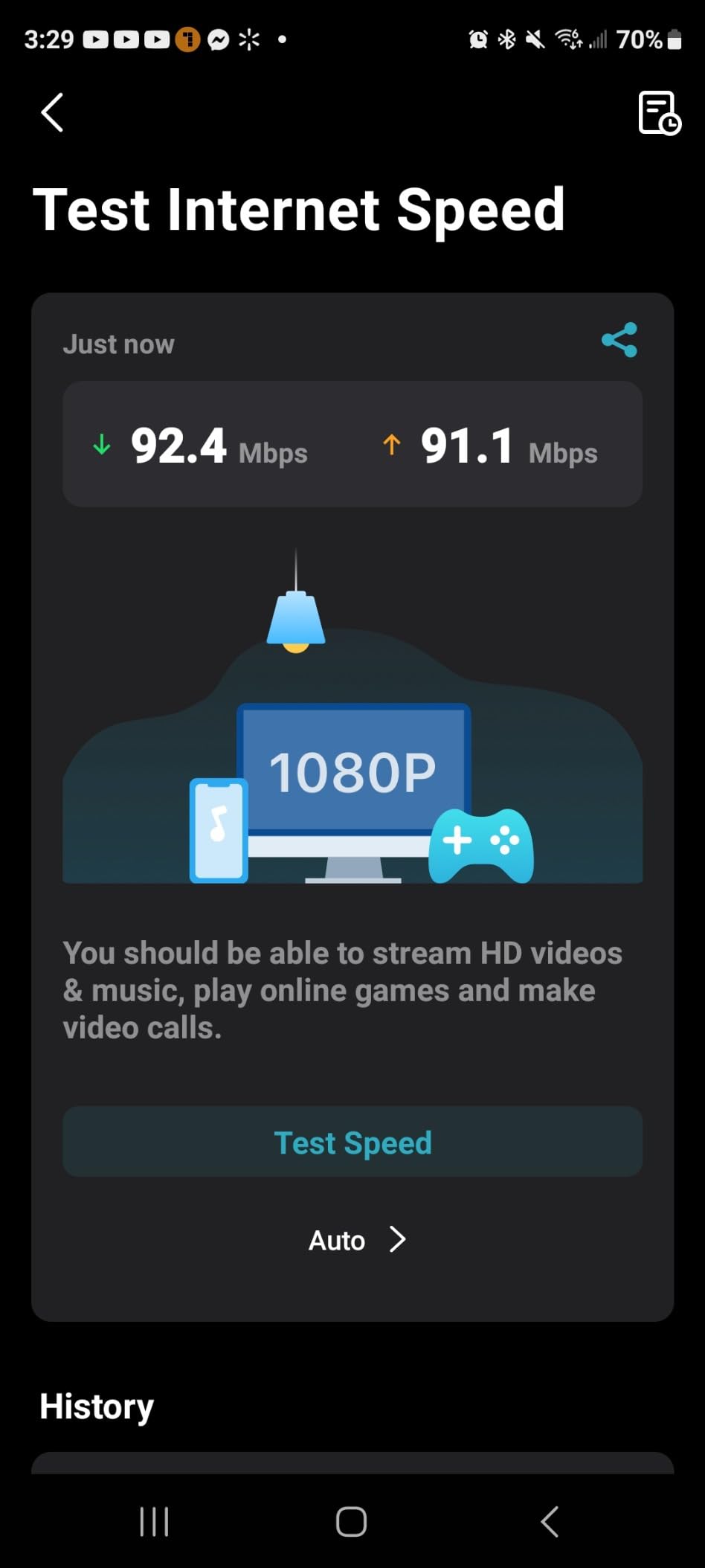
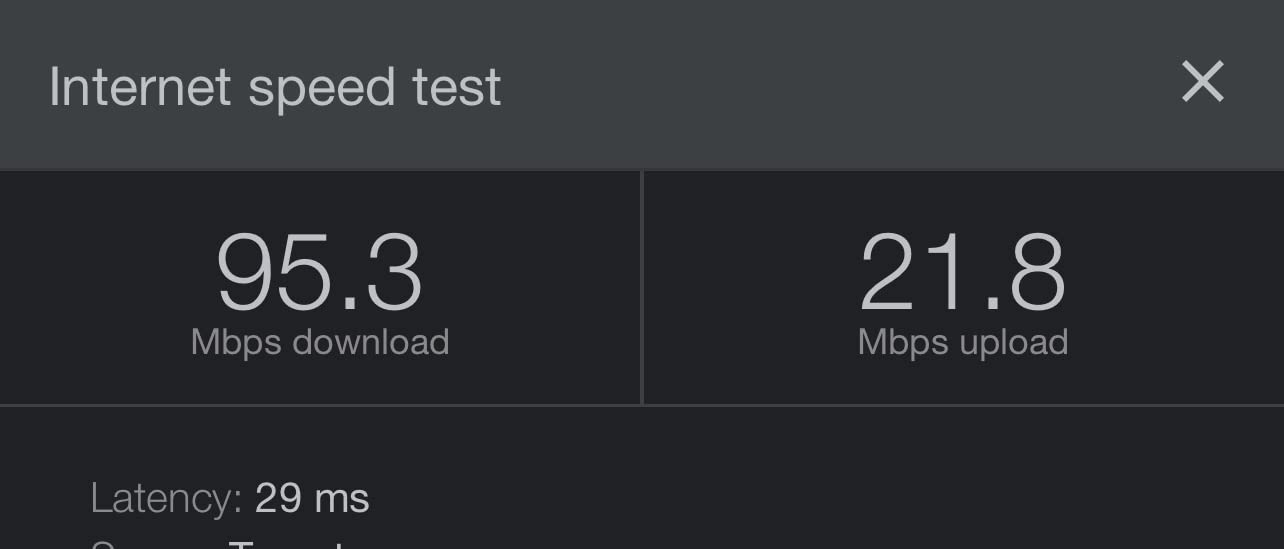
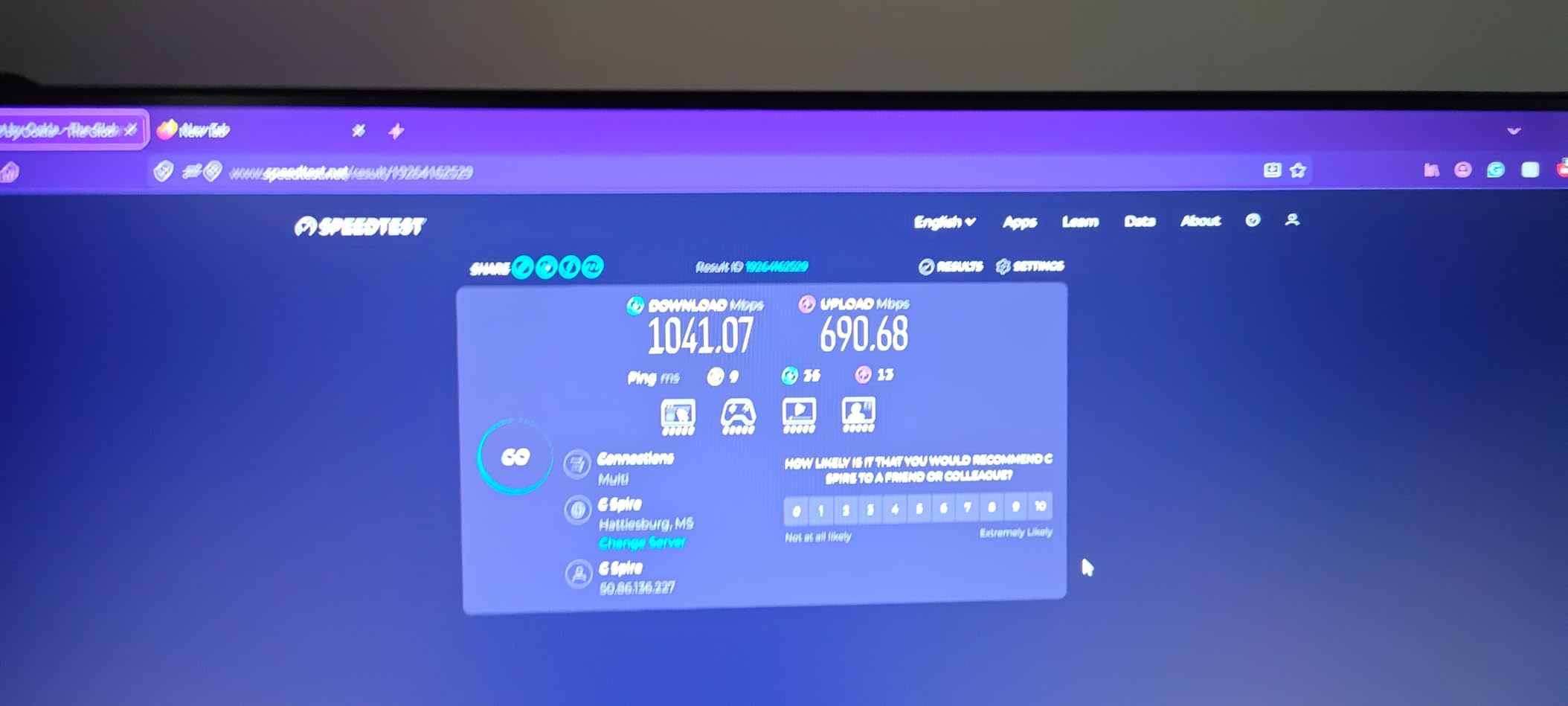
One more rule that saves money. If a speed test taken directly at the ISP gateway already returns close to your plan speed, more nodes will not make the internet faster. On r/HomeNetworking, a renter on a fiber plan reported several hundred Mbps measured at the gateway before touching any mesh hardware, and asked how much faster mesh would get them. The answer was very little, and the money was better spent checking whether the existing cable between the gateway and the apartment was the real bottleneck.
Why Apartment Buildings Change the Wi-Fi Math
A detached house gives you air. An apartment gives you a dozen walls you did not choose, floor slabs you did not pour, and neighbors on both sides running their own routers on the same channels. That is the defining technical condition of this query, and it is why apartment recommendations cannot simply copy house recommendations.
Neighboring routers fill the same channels your neighbors use
In a dense building, the 2.4GHz band is usually the most crowded part of the spectrum, and it is the band most smart-home devices insist on using. A system that handles 90 to 150 devices gracefully matters more here than a faster radio, because the device count in a modern apartment is high and the airtime around it is contested. That is why the multi-device claims in the specs below are worth reading twice.
Band count does not beat a concrete wall
Owners frequently credit a tri-band or 6GHz system for getting through thick walls. It is a common misunderstanding worth naming directly. A dedicated backhaul radio reduces contention between your own units, but it does not change how much energy gets through poured concrete, brick, or foil-backed insulation. In a heavy-wall building, what helps is putting the second node close enough to the main node that the backhaul link is strong, not adding a third band that is too weak to arrive.
The ISP gateway is usually still in your network
Most apartment dwellers keep the router their provider supplied, which creates double NAT when a mesh system is added in front of it. The community consensus on r/HomeNetworking is consistent on the fix: put the provider box into bridge mode, or put the mesh system into access point mode. Pick one. Doing both at once is a common self-inflicted problem. For studio-sized apartments that already have working Ethernet, our guide to the best WiFi routers for apartments covers the single-router approach in more depth.
1. TP-Link Deco S4 2-Pack – Best Overall for Apartments
TP-Link Deco S4 Whole Home Mesh WiFi System, Deco S4(2-Pack)
Dual-band Wi-Fi 5 AC1900
Up to 3800 sq.ft. with 2 units
2 Gigabit Ethernet ports per unit
2-year warranty
Pros
- Two Gigabit Ethernet ports on every node so wired backhaul and wired devices share easily
- Single network name with seamless roaming between units
- Handles 50+ connected devices
- Works in router or access point mode with all major ISPs
Cons
- Wi-Fi 5 only
- so no 6GHz band in a congested building
- Two ports per node means a switch for several wired devices
- Configuration is mobile app only with no web interface
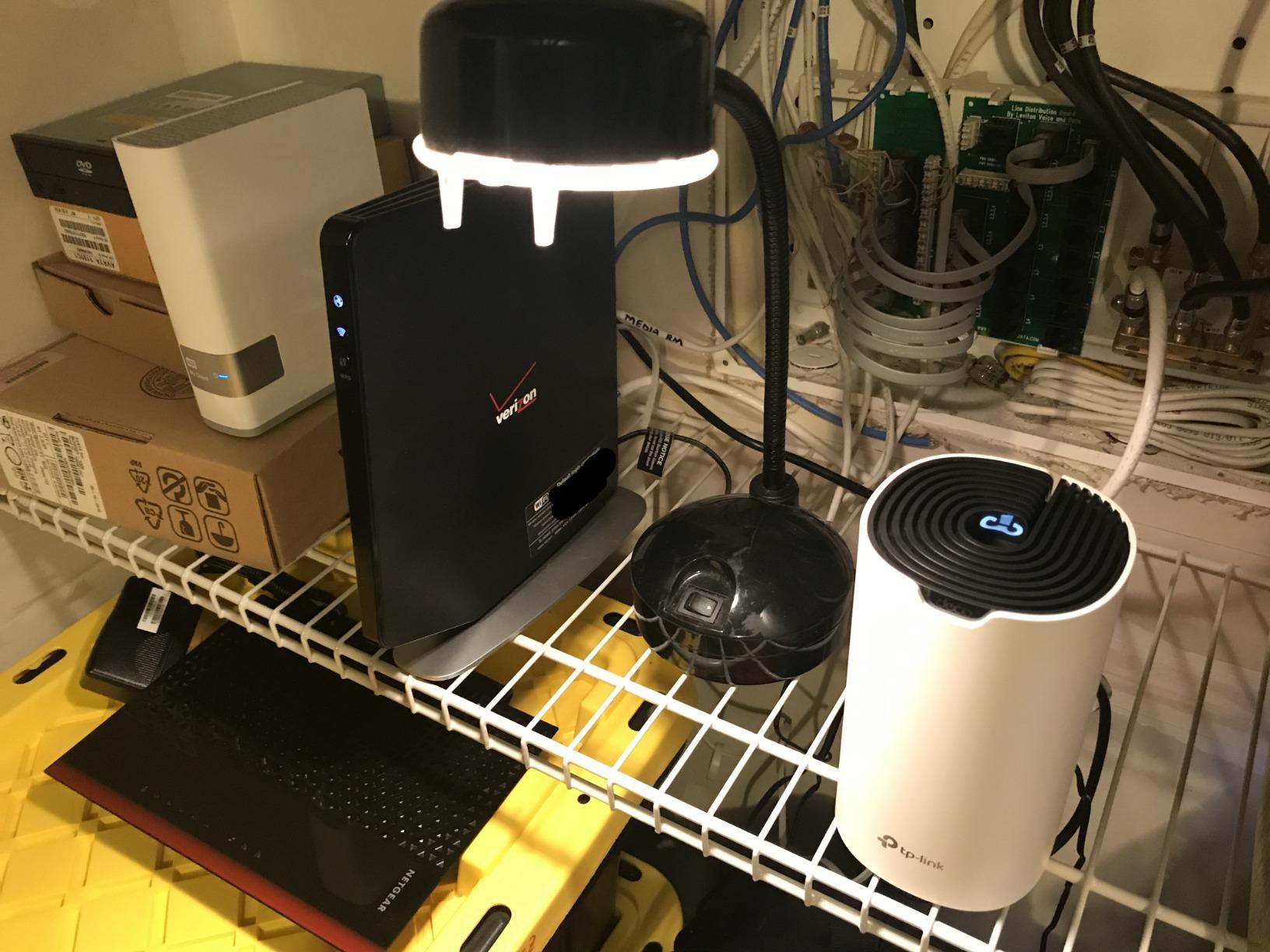
The Deco S4 is the best mesh router for most apartments because it is the rare kit that does the boring things well: a dual-band AC1900 platform, two Gigabit Ethernet ports on each node, WPA2 security, and a price point that does not require a second thought. It carries the largest review base of any system in this guide, and the pattern across those reviews is remarkably consistent — setup takes minutes and roaming works.
For an apartment, the two ports per node are the feature that decides the argument. You can run Ethernet from the main node to the satellite for wired backhaul, and still have a spare port for a TV, a console, or a wired access point, without buying a switch. Owners running wired backhaul report node-to-node speeds above 100 Mbps, which is more than enough for 4K streaming in a one- or two-bedroom layout.
Wi-Fi 5 is old, and that mostly does not matter here
This is Wi-Fi 5 hardware, not Wi-Fi 6, and in a building full of 2.4GHz congestion you might reasonably expect that to hurt. In practice, apartment-sized spaces are rarely limited by Wi-Fi 5 throughput — they are limited by distance, walls, and airtime contention. Most owners with plans under a gigabit report the S4 as the least noticeable step up from a provider box that was already handing out 300 to 500 Mbps.
Where it would hurt is a gigabit-plus fiber plan with heavy multi-gig use. At that point you are limited by the 1 Gbps LAN ports rather than the radio, and a Wi-Fi 6 kit makes more sense.
Port count and the small living space
Each unit measures roughly 3.6 inches square and stands about 6.4 inches tall, which matters in an apartment where a shelf near the entry is the only realistic mounting spot. The units are unobtrusive on a console table or a kitchen counter, and their vertical orientation is fine for a bookshelf.
The limitation owners cite most is exactly two ports per unit. In a wired living room with a TV, a console, and a desktop, you will want a small managed switch. If you run Ethernet backhaul, note that TP-Link’s documentation points to loop prevention on the switch as part of a clean wired setup.
Skip it if your building is brutal and you plan to grow
Skip the S4 if you have poured concrete or metal framing between you and the far room, because dual-band Wi-Fi 5 leaves you without a clean way to reserve airtime for backhaul. Skip it also if you know you will want Wi-Fi 6 or 6GHz within two years, since TP-Link’s older platform has no upgrade path within the same model family.
Do buy it if your apartment is between about 500 and 1,300 square feet on one level, you might want wired backhaul later, and you would rather not think about subscription tiers. The free feature set covers the basics every apartment needs.
2. Amazon eero 6 1-Pack – Best Value for a Studio or One-Bedroom
Amazon eero 6 mesh wifi router – Supports internet plans up to 900 Mbps, Coverage up to 1,500 sq. ft., Connect 75+ devices, 1-pack
Wi-Fi 6 dual-band
Up to 1500 sq.ft. per unit
Supports plans up to 900 Mbps
Built-in Zigbee hub
Pros
- App-guided setup that non-technical owners describe as effortless
- Compact design that disappears on a counter or shelf
- Single unified 2.4GHz/5GHz network with automatic band and node management
- Zigbee smart home hub built in
- Nodes can be added later without disrupting the network
Cons
- A single Gigabit Ethernet port per unit
- Advanced security and parental controls sit behind an optional subscription
- Some owners report occasional freezing during video calls
The eero 6 in single-unit form is the best mesh router for a studio because it is a mesh platform you are deliberately using one node of, which is a different proposition from a mesh system bought as a kit. It supports plans up to 900 Mbps, covers up to 1,500 square feet, and handles 75 or more connected devices, which covers a studio with a TV, a laptop, a few phones, and a handful of smart-home devices.
Its strength is the least technical experience required. Reviewers describe the setup as near-effortless and the app as polished, with a clear list of connected devices you can rename, block, or move to a guest network. If you are in a rental and will be moving out in a year, that simplicity is worth real money: there is almost nothing to configure before you pack it back up.

One Ethernet port is the real constraint
The eero 6 has a single Gigabit Ethernet port on each unit. That is fine for a studio where the plan is mostly over the air, but it becomes awkward the moment you want a wired TV, a wired console, and a wired desktop. Anyone in that situation needs a small switch, and the single port also means the eero cannot be wired backhaul to a second node without a switch in between.
For renters, that is not a dealbreaker so much as a fact of life. Plan the layout around wireless backhaul and keep wired devices to one or two.
The Zigbee hub is a quiet bonus for smart-home apartments
Because the eero 6 includes a built-in Zigbee smart home hub for compatible devices with Alexa, you can pair sensors and bulbs without buying a separate hub. In an apartment where a smart-home stack is already half-installed, that removes a box and a cable from a counter that probably does not have room.
Skip it if you need wired ports or local network control
Skip the eero 6 if you want a wired workstation, a NAS, or a wired connection to a gaming console, because one port will not carry that plan without a switch. Skip it if you want deep local control over VLANs, QoS, and routing, since the app-based model intentionally does not expose much of that.
Also weigh the subscription honestly. Advanced Security, ad blocking, and parental controls are part of the optional eero Plus tier, and subscription fatigue is a genuine theme in renter threads. For a studio where nobody streams illegally and there are no children, the free tier is enough.

One caution from the reviews: a small number of owners report occasional freezing during video calls and rare streaming dropouts. For someone running daily video calls from a home office, read recent reviews on your exact use case before committing.
3. Google Nest Wifi – Best for Compact Studios Where Footprint Matters
Google Nest Wifi – AC2200 – Mesh WiFi System – Wifi Router – 2200 Sq Ft Coverage – 1 pack
AC2200 dual-band Wi-Fi 5
Up to 2200 sq.ft. per router
Single Gigabit Ethernet port
1-year warranty
Pros
- Compact low-profile unit that blends into apartment interiors
- Up to 2200 sq.ft. per router
- Simple Google Home app setup and management
- WPA2-Enterprise and WPA3 support
- Built-in speaker for voice assistant features
Cons
- Only one Ethernet port per router
- Wi-Fi 5 hardware with no Wi-Fi 6 or newer support
- Coverage per unit is modest next to tri-band systems
- 1-year warranty is the shortest here
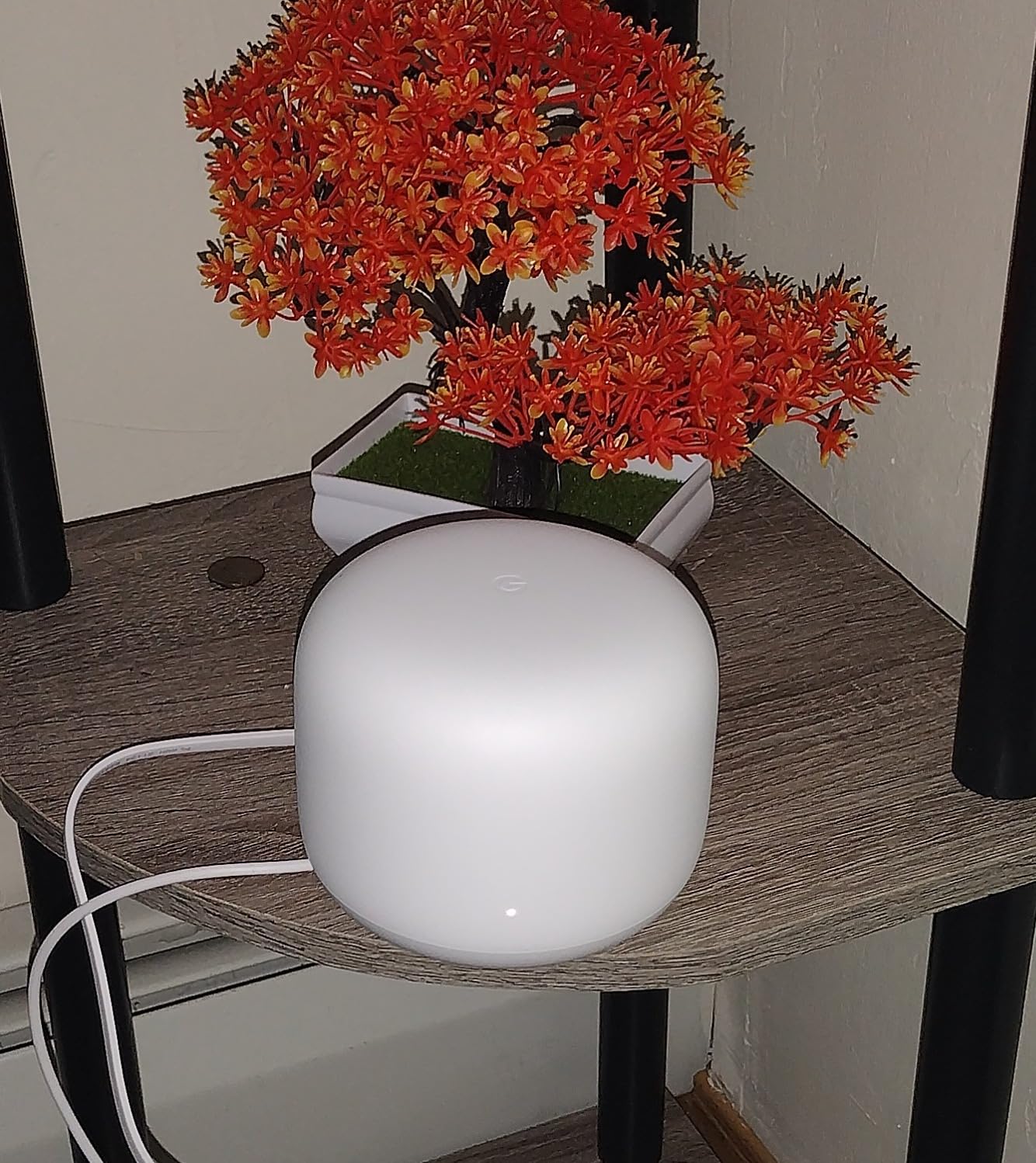
Google Nest Wifi is the best mesh router for a small studio where the hardware has to disappear, and its 2,200 square feet per router is a comfortable match for a one-room apartment or a one-bedroom with an open kitchen. The unit is a 4.3-inch square puck weighing 16 ounces, which is smaller and lighter than anything else on this list, and it is white, so it reads as decor rather than equipment.
The dual-band 2.4GHz and 5GHz radios with WPA2-Enterprise and WPA3 support give you more security headroom than the older Deco S4. For a renter who wants a clean setup they can dismantle in five minutes, the Google Home app handles the whole thing and a second unit can be added later if the space grows.
Wi-Fi 5 and a single port set the ceiling
This is AC2200 Wi-Fi 5 hardware, and it is the oldest platform in the guide alongside the Deco S4 and the Orbi RBK13. The difference is that the Nest has fewer Ethernet ports, one per router, so it is almost entirely an over-the-air device. If your plan is a gigabit fiber line and you want a wired desk, this is the wrong pick.
Coverage per unit is also lower than the current dual-band kits here, and reviewers note it plainly. In a studio that is irrelevant. In a two-bedroom with a bedroom behind a wall, it matters.
The built-in speaker is unusual and occasionally useful
Each unit carries a speaker, which means the network can be used for voice assistant interactions without a separate smart speaker taking up counter space. It is a small thing that matters in a studio, where every surface is contested.
Skip it if you are renting short-term or want a warranty behind you
Skip the Nest if you move often. The one-year warranty is the shortest of the eight systems here, and a mesh platform that is only a year old also ages faster when firmware support eventually thins. For a five-year tenancy it is perfectly reasonable.
Skip it if you have any plan to run more than two televisions, or if you want band steering that behaves predictably in a building crowded with neighbors. Dual-band Wi-Fi 5 with one port per unit is a modest platform, and it is a modest platform in the right places.
4. TP-Link Deco X55 3-Pack – Best for Two-Bedroom and Larger Floor Plans
TP-Link Deco X55 AX3000 WiFi 6 Mesh System, Deco X55(3-Pack)
AX3000 dual-band Wi-Fi 6
3 Gigabit Ethernet ports per node
Up to 150 connected devices
WPA3-Personal security
Pros
- Three Gigabit Ethernet ports on every node for daisy-chained wired backhaul plus wired devices
- AX3000 class Wi-Fi 6 throughput
- Connects up to 150 devices
- HomeShield basic security and parental controls at no extra cost
- Firmware added IP reservations
- an IoT network and VPN support
Cons
- Node placement is critical
- a few feet of movement changes results
- Wi-Fi 6 range is shorter than Wi-Fi 5 so nodes must sit closer
- App has mislabelled device connections for some owners
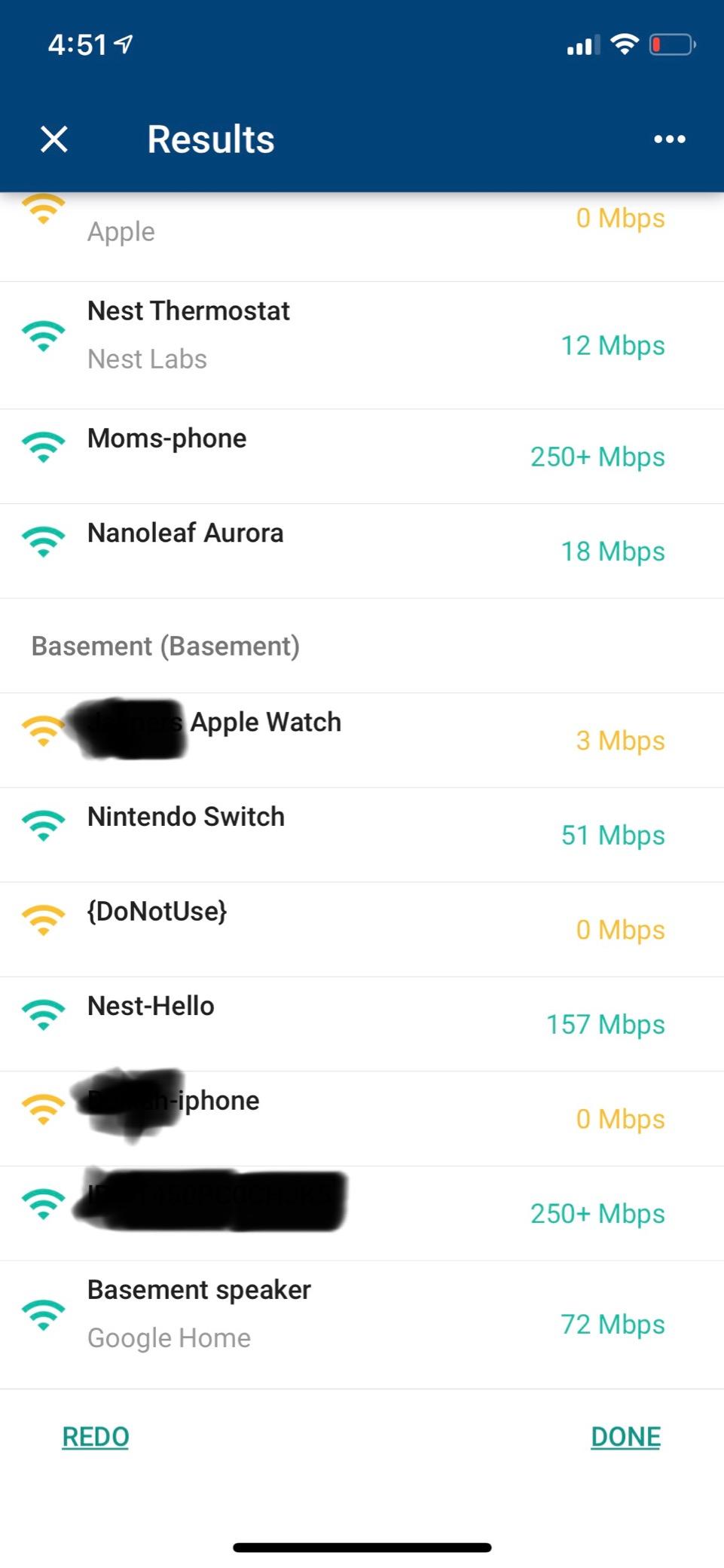
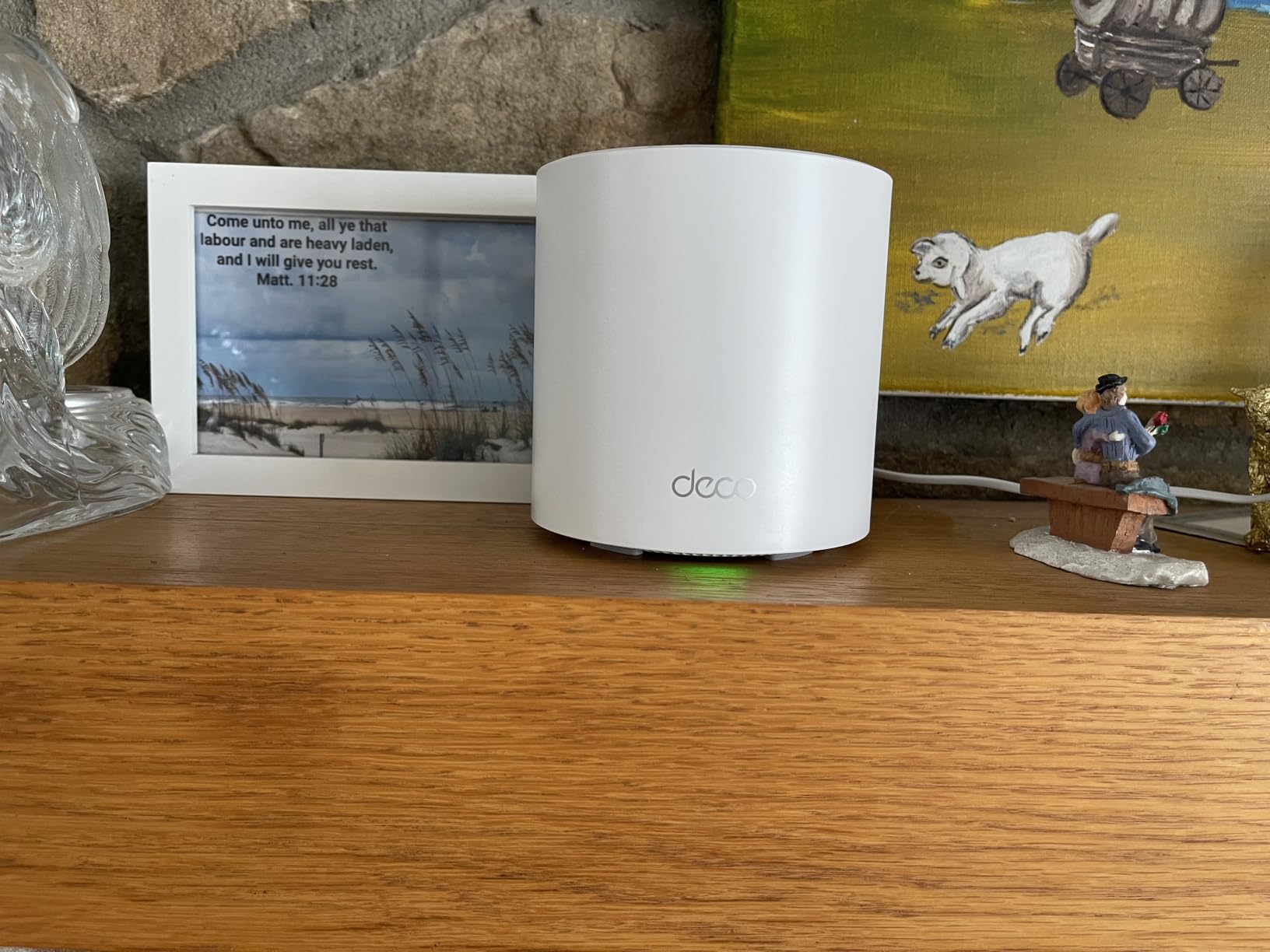
The Deco X55 is the best mesh router for a two-bedroom apartment with a bit of wall to fight, because the AX3000 dual-band platform gives you real throughput headroom while the three Gigabit Ethernet ports on every node solve the wiring problem most renters cannot. It connects up to 150 devices, which matters in an apartment where a console, two TVs, several phones, laptops, and a dozen smart-home accessories all coexist.
The three-pack is not overkill here because the third node earns its place as a spare. If you move into a longer unit or your building turns out to be worse than expected, you already have the hardware. Owners report large speed gains over older routers and strong smart-camera connectivity, which is a specific benefit in a building with thick walls.
Three ports per node changes the renter’s options
Two Gigabit ports would be adequate. Three means you can daisy-chain Ethernet from node to node, feed a wired access point, and still connect a TV directly, all without a switch. Owners running professional installs report the same pattern with the S4 at two ports, and the extra port here removes the bottleneck entirely.
The security configuration is also stronger than the older Deco models. WPA-Personal, WPA2-Personal, and WPA3-Personal are all supported, and TP-Link’s HomeShield basic network security, quality of service, and parental controls are included at no cost, which answers the subscription fatigue that shows up constantly in renter discussions.
Wi-Fi 6 needs closer nodes than Wi-Fi 5
Here is the honest caveat. Wi-Fi 6 is faster but shorter-range than the previous generation, and owners report that multiple walls between nodes reduce throughput noticeably. In a 1,400 square foot two-bedroom with framed walls, two nodes placed well will beat a three-node Wi-Fi 5 kit placed badly. In a concrete building, keep the third node closer than feels necessary.
Skip it if you are sensitive to app-only management
Skip the X55 if you want a web interface or deep local control. Some owners also report the app mislabelling which device is connected to which node, or occasionally dropping smart-home clients, though TP-Link firmware updates resolved several early feature complaints including the missing IP reservation and IoT network options.
For latency-sensitive play, our guide to the best mesh WiFi systems for gaming covers how wired backhaul changes the picture.
5. TP-Link Deco X20 3-Pack – Best for a Loft or Split-Level Apartment
TP-Link Deco WiFi 6 Mesh System (Deco X20) – Covers up to 5800 Sq.Ft, Replaces Wireless Routers and Extenders, 3-Pack, 6 Ethernet Ports in Total, Supports Wired Backhaul, Dual-Band WiFi
AX1800 dual-band Wi-Fi 6
3 nodes, 6 Gigabit ports total
Up to 150 connected devices
2-year warranty
Pros
- Six Gigabit Ethernet ports across the 3-pack with wired backhaul support
- Up to 150 connected devices on AX1800 dual-band Wi-Fi 6
- HomeShield security and parental controls at no extra cost
- Clean square design that is easy to place out of sight
- Sized for internet plans up to 1 Gbps
Cons
- AX1800 is a lower throughput class than AX3000 kits
- Mobile app only with limited advanced configuration
- Needs a separate modem for most cable providers
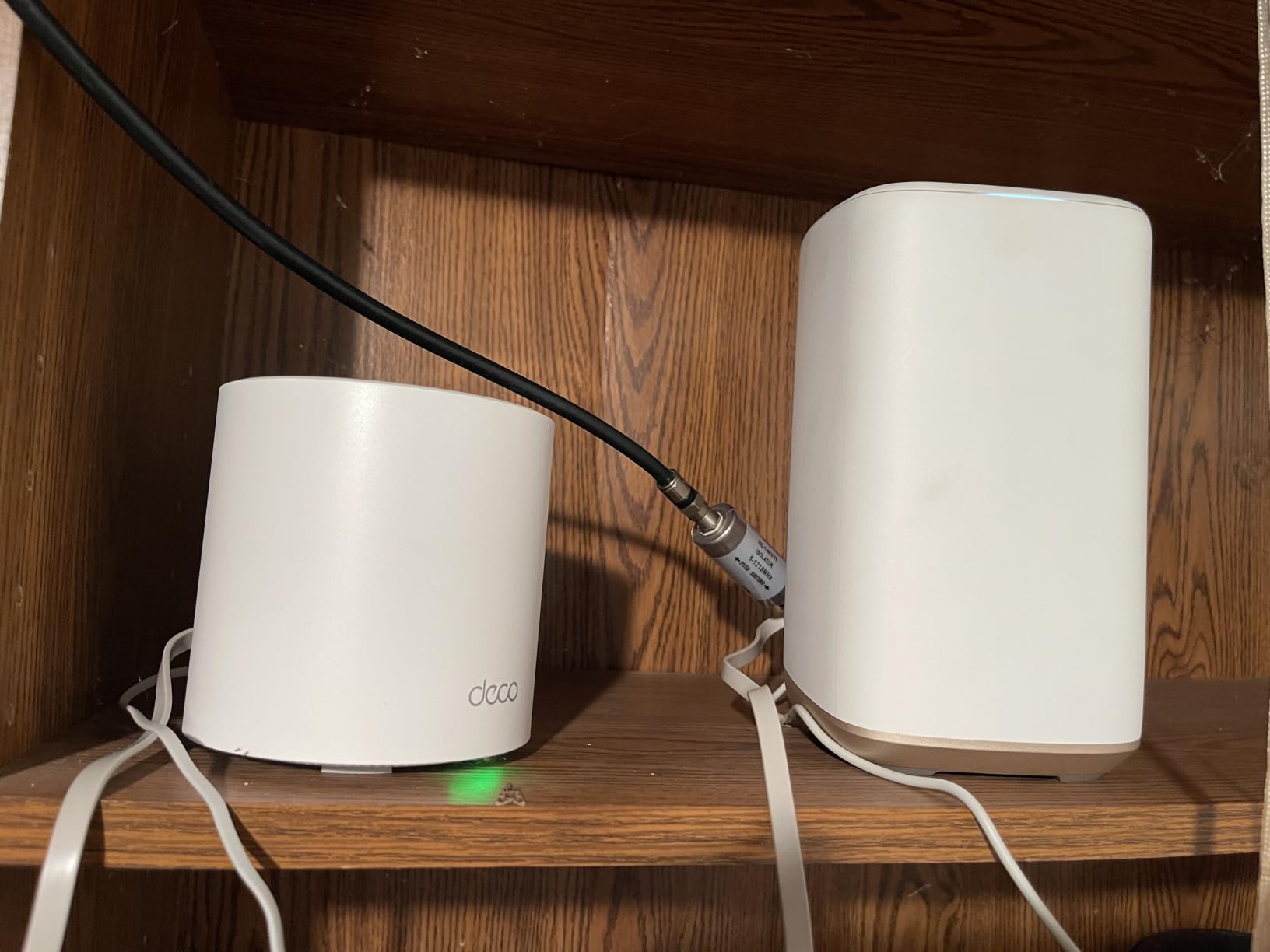
The Deco X20 is the best mesh router for a loft or split-level apartment because it is a three-node kit where each node matters, and every node has two Gigabit Ethernet ports. That is six Gigabit ports across the pack, which is the most flexible wiring arrangement in this guide if you have a level change and a long run between floors.
It covers up to 5,800 square feet by manufacturer estimate, supports 150 connected devices, and is explicitly designed around internet plans up to 1 Gbps. TP-Link’s HomeShield tier here includes basic network security, quality of service, parental controls, and weekly or monthly reports at no extra charge, which is a genuine differentiator against the paid models from other brands on this list.
AX1800 versus AX3000 is the tradeoff
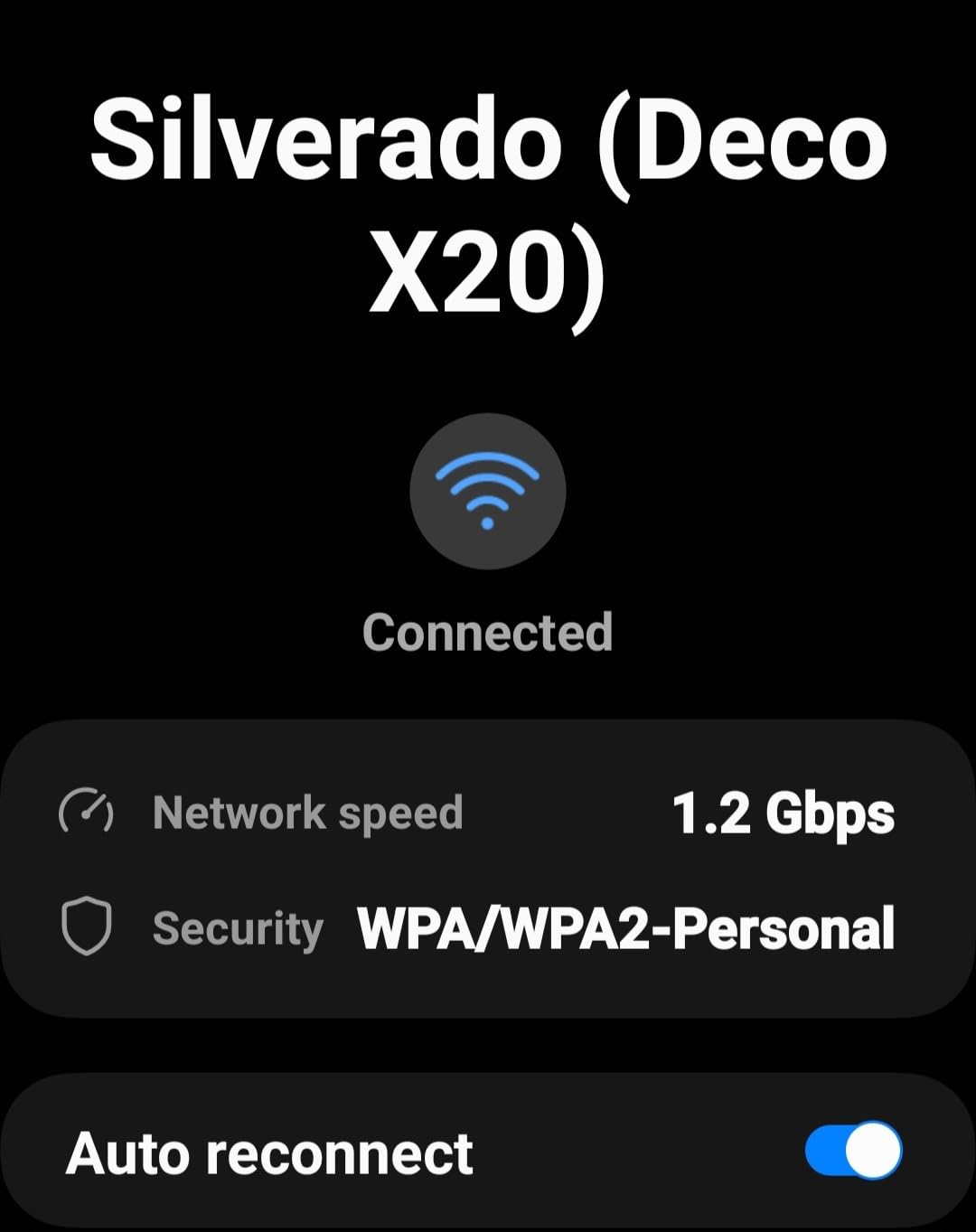
The X20 is AC1800-class, which means the aggregate dual-band rating is lower than the AX3000 in the Deco X55. In practice that difference shows up on very fast plans, multi-gig local transfers, or a home with a wired NAS. On a 500 Mbps to 1 Gbps plan in a 1,200 square foot loft, you are not going to notice it in day-to-day use.
The upside is that AX1800 is efficient, and with three well-spaced nodes the system stays stable in a congested building where a faster, greedier kit might be fighting its own backhaul.
Placement across a level change is the whole game
In a loft, put the main node on the level with your ISP gateway, and put the second node on the other level near the stairs rather than in the far corner. A third node is only useful in a genuinely large footprint. Reviewers across this class repeatedly report that a few feet of movement changes signal quality, so check the app before you commit to a location.
Skip it if you need gigabit-plus local transfers
Skip the X20 if you run a wired NAS or regularly move large files over the LAN and want the AX3000 class headroom. Skip it if your ISP requires a modem you do not have; TP-Link notes the system works with major providers including AT&T, Verizon, Xfinity, and Spectrum, and you may need to add a modem or gateway for cable service.
Skip it if you need a desktop web interface. Configuration is app-only, and advanced options are limited compared with traditional router software.
6. Tenda Nova MW6 3-Pack – Most Versatile for Thick-Wall Buildings
Tenda Nova Mesh WiFi System MW6 – Covers up to 4-6 Bedroom Houses- AC1200 Whole Home WiFi Mesh System – Gigabit Dual-Band Mesh Network – Replaces Wireless Router and WiFi Extender – 3-Pack
AC1200 dual-band Wi-Fi 5
3 nodes with 2 Gigabit ports each
Up to 90 devices
3-year warranty
Pros
- Three true mesh nodes at the lowest cost on this list
- Pre-linked nodes make setup mostly plug in and wait
- Owners report better penetration of concrete and thick walls than a single router or repeater
- MU-MIMO and beamforming support up to 90 devices
- Three-year warranty is the longest here
Cons
- Roaming can leave devices attached to a distant node
- Two ports per unit leaves about one usable LAN port on the main node
- AC1200 speeds trail Wi-Fi 6 kits
- Some ISPs block direct cable modem connection
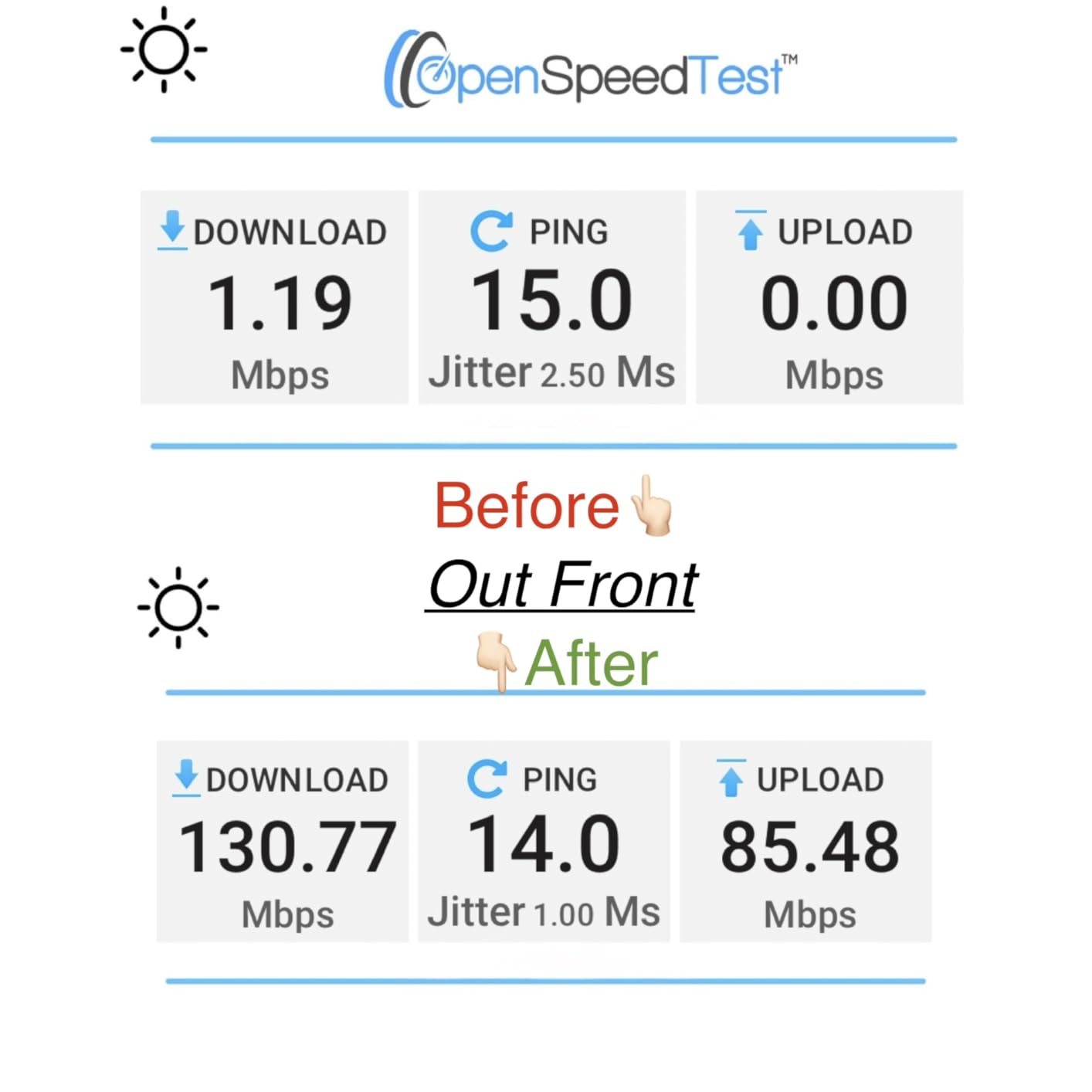
The Tenda Nova MW6 is the best mesh router for a rental in a thick-wall building where the budget is genuinely tight. It is a three-node AC1200 dual-band system with MU-MIMO and beamforming, and the most common owner observation is that it reaches through concrete and thick walls better than a single router or a range extender, which is precisely the failure mode apartment dwellers describe in forum threads.
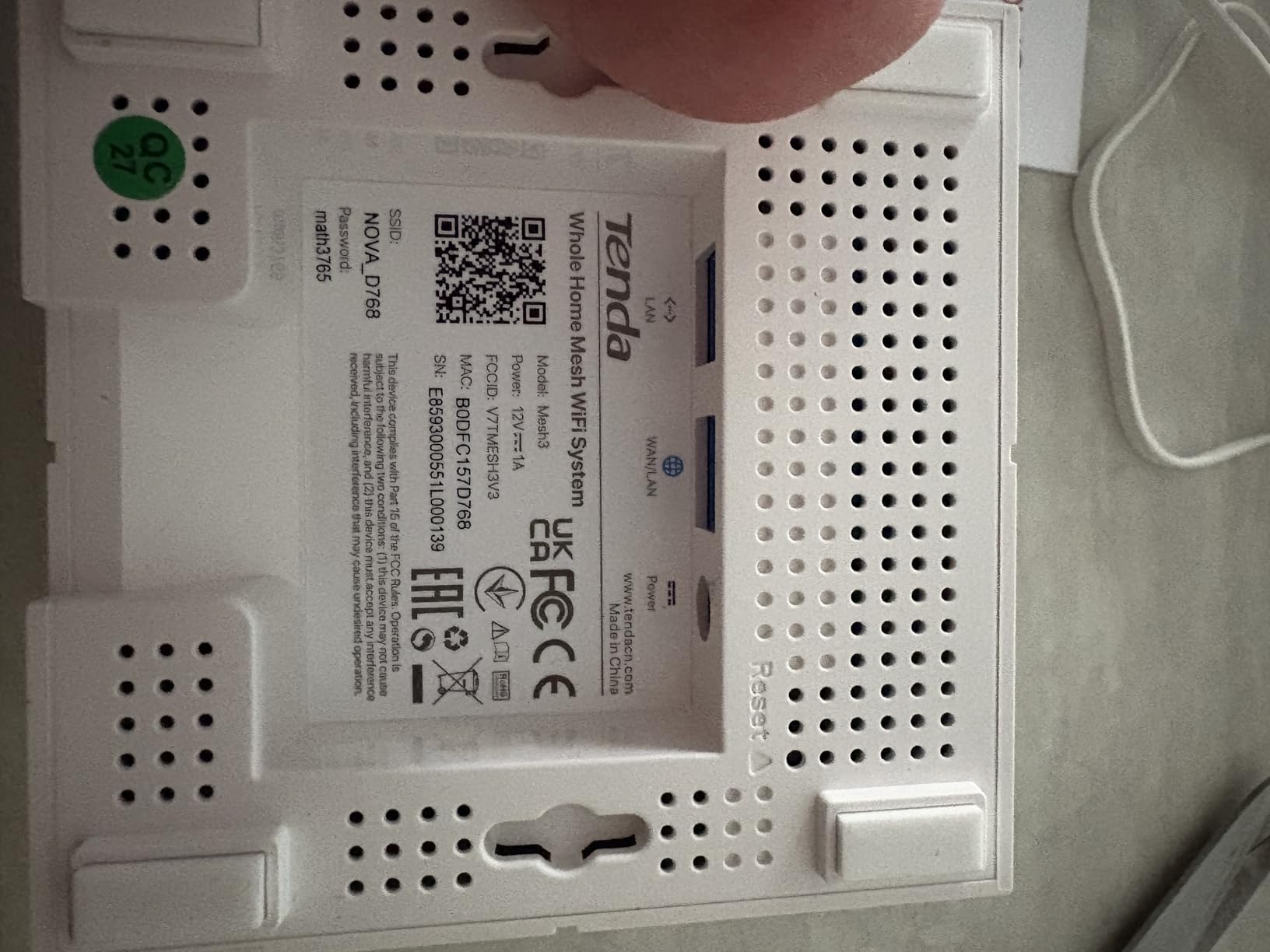
Setup is close to plug-and-wait. The nodes arrive pre-linked, so in most units you plug them in and the Tenda WiFi app does the rest. The app is clean and comparable in feel to the eero app, and the three-year warranty is the longest warranty among the eight systems here.
Roaming is the weakness, and it is the whole product
The most common complaint is that devices stay attached to a distant node even when a closer one has a stronger signal. On a 4G or gigabit plan that produces exactly the disappointment people expect from mesh. In a 200 Mbps to 500 Mbps apartment, the impact is much smaller, and this is why the MW6 suits a specific reader: someone on a mid-tier plan in a hard-walled building who wants three nodes and not much else.
Reviewers also note occasional reports of a single node dropping out of the mesh after months of use, and that some ISPs block direct connection to a cable modem, which forces the system to sit behind an existing router. Both are worth checking against your provider before you commit.
Port planning for a two-port node
Each unit has two Gigabit Ethernet ports, which means the main node effectively has one usable LAN port once the WAN connection takes the other. If you need a wired TV and a wired console, buy a small switch. The Nova does support wired backhaul, but with only two ports you will be multiplexing.
Skip it if you want smart features or a modern app
Skip the MW6 if you want advanced parental controls, modern security features, or a polished device list in the app. It offers a guest mode and basic parental controls, and the security is WPA2-PSK only — no WPA3. For a smart-home-heavy apartment, the X20 or the X55 gives you more headroom for a modest step up.
Do buy it if the concrete walls in your building are the real problem and you plan to run a mid-tier connection. Nothing else here costs this little for three genuine mesh nodes.
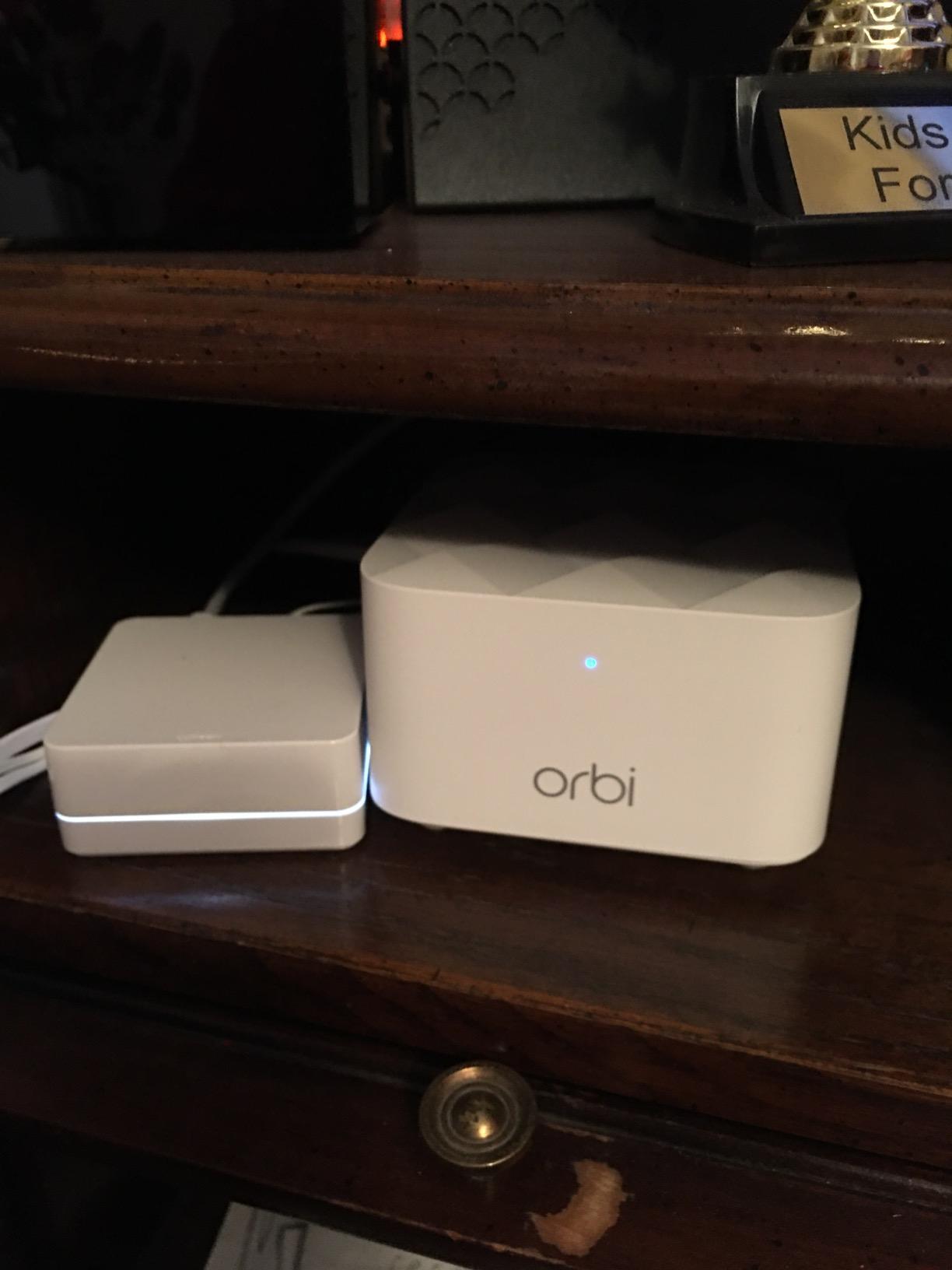
7. NETGEAR Orbi RBK13 – Best for Renters With Existing Coax or Ethernet
NETGEAR Orbi Whole Home Mesh WiFi System (RBK13) – Router Replacement Covers up to 4,500 sq. ft. with 1 Router & 2 Satellites
AC1200 dual-band Wi-Fi 5
1 router plus 2 satellites
1 Gigabit Ethernet port per unit
1-year warranty
Pros
- One router and two satellites in one box
- Works with cable
- satellite
- fiber and DSL providers
- Quad-core 710 MHz processor with beamforming on both bands
- NETGEAR Armor and Smart Parental Controls come with a 30-day free trial
Cons
- Only one Gigabit Ethernet port per unit
- AC1200 dual-band hardware is dated against Wi-Fi 6 kits
- Armor and Smart Parental Controls are subscription-based after the trial
- One-year warranty
The NETGEAR Orbi RBK13 is the best mesh router for an apartment that already has coax or Ethernet, because it is a complete three-piece system that replaces an existing provider router outright. It works with cable, satellite, fiber, and DSL, and the coverage estimate of 4,500 square feet covers a large one-bedroom or a two-bedroom comfortably with two satellites.
Hardware-wise it is a quad-core 710 MHz processor with implicit and explicit beamforming on 2.4GHz and 5GHz, and it drives a single network name with roaming across both bands. Buyers highlight dependable coverage and easy setup through the Orbi app, and the brand is the one most longtime mesh users in the forums actually name, alongside eero and TP-Link.
One port per unit is a genuine limitation
Every unit, including the router and both satellites, has a single Gigabit Ethernet port. That is the weakest wiring provision of any kit here and it is worth planning around: if your node sits near a TV or a console, that one port is spoken for. Apartment renters who want wired backhaul plus several wired devices should look at the Deco X55 or the X20, which have three and two ports per node respectively.
Subscriptions matter more here than anywhere else in the guide
NETGEAR Armor and NETGEAR Smart Parental Controls are included as a 30-day free trial and are subscription-based afterwards. That is a fair model to test, but it means the free tier is thin, and subscription fatigue in apartment communities runs high. If you will not use the paid tier, price the RBK13 against a kit with a fuller free feature set.
Skip it if your apartment has modern devices and no legacy ones
Skip the RBK13 if you want Wi-Fi 6 or newer, WPA3, or modern smart-home features out of the box. This is AC1200 dual-band hardware with a one-year warranty, the shortest alongside the Nest, and it is the least future-proofed system in this guide.
Do buy it if you have coax or Ethernet already in the walls and want the simplest possible path to a full-home network without running new cable, which is the strongest argument for it in a rental.
8. Amazon eero 7 2-Pack – Best for 2.5 Gbps Fiber and Large Device Counts
Amazon eero 7 dual-band mesh Wi-Fi 7 router (newest model) – Supports internet plans up to 2.5 Gbps, Coverage up to 4,000 sq. ft., 2-pack
Wi-Fi 7 dual-band with MLO
2 auto-sensing 2.5 GbE ports per node
Up to 4000 sq.ft. and 120+ devices
3-year warranty
Pros
- Wi-Fi 7 multi-link operation gives real headroom on fast plans
- Two auto-sensing 2.5 GbE ports per node
- Two units cover up to 4000 sq.ft. and 120+ connected devices
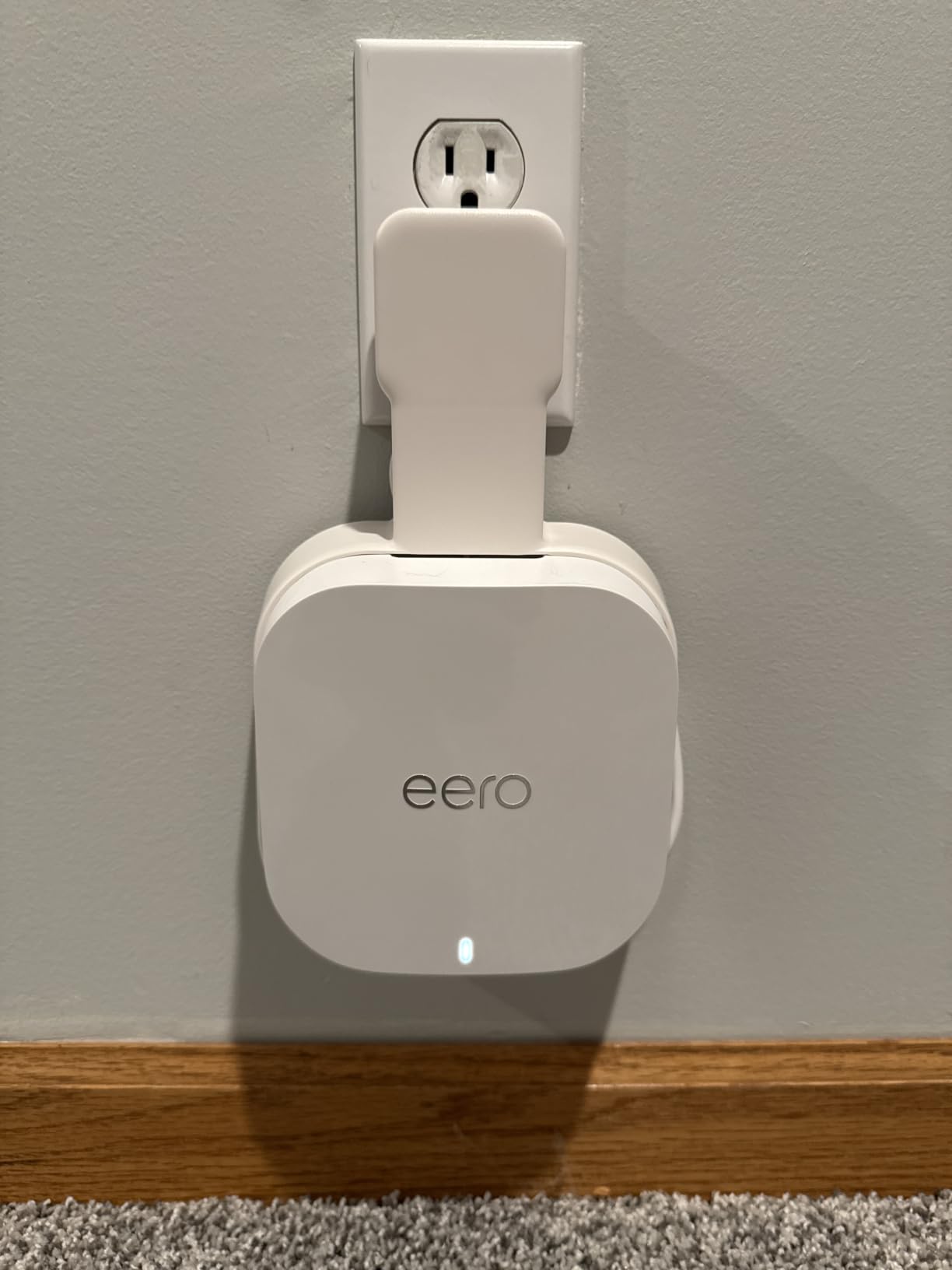
- Backward compatible with earlier eero generations
- Three-year warranty with US-based support
Cons
- Dual-band design means no dedicated tri-band backhaul radio
- Advanced security
- ad blocking and parental controls require eero Plus
- Premium cost relative to dual-band Wi-Fi 6 mesh systems
The eero 7 is the best mesh router for an apartment on a 2.5 Gbps fiber plan, because the two auto-sensing 2.5 GbE ports per node are the first thing on this list that can actually consume a multi-gig connection. It supports internet plans up to 2.5 Gbps, delivers wireless speeds up to 1.8 Gbps, and holds 120 or more connected devices across the two nodes.
This is the one system here with Wi-Fi 7 multi-link operation, and the TrueMesh software layer with TrueRoam and TrueChannel. Owners rate it highly for throughput on fast plans, easy setup, and stable multi-node coverage, with satisfaction closely tied to actually having the 2.5 GbE ports. It is also backward compatible with earlier eero generations, so a studio that starts with an eero 6 can grow into this kit without starting over.
A dual-band Wi-Fi 7 system is still dual-band
This is a genuinely important caveat, and it is the reason we do not hand out the top spot here. Wi-Fi 7 usually arrives as a tri-band or quad-band platform with a dedicated backhaul radio. The eero 7 is dual-band, so in a large home the same units share airtime between client traffic and backhaul. In a 1,200 square foot apartment with two nodes placed close together, that is a non-issue. In a 3,000 square foot space with three floors, it would be.
Reviewers’ criticism of the eero 7 concentrates almost entirely on cost and on the fact that advanced security, ad blocking, and parental controls sit behind the optional eero Plus subscription. The hardware itself draws few complaints.
Match it to the plan, or the plan is wasted
Overbuying on speed class is the single most misunderstood mistake in apartment Wi-Fi. A Wi-Fi 7 system with 2.5 GbE ports cannot make a 1 Gbps fiber connection meaningfully faster, because the ceiling is the line, not the radio. The eero 7 earns its place only if you actually pay for a plan above 1 Gbps, or you have local transfers between wired machines that need the multi-gig ports.
If your plan is 500 Mbps or 1 Gbps, the Deco X55 or the X20 will serve you with three ports per node and no subscription pressure. If your plan is 2.5 Gbps, this is the kit built for it, and the 3-year warranty with US-based support is a real advantage over the shorter warranties on the older systems here.
Skip it if you are on a sub-gigabit plan
Skip the eero 7 if your internet plan is 1 Gbps or below and you have no multi-gig local storage. You are paying for radio headroom you cannot use and a subscription tier most readers will not subscribe to. In that case, take the money and put it into a third node or a better-placed second node, which is where apartment Wi-Fi problems actually come from.
How to Choose a Mesh System for a Rental Apartment
These are the criteria that actually decide the purchase, in the order a renter should weigh them.
1. Match the system to your internet plan, not the other way around
Measure your real throughput at the gateway first. If a speed test right next to the ISP box already returns close to your plan speed, the bottleneck is the connection and no router will change it. If it returns far less, the problem may be the cable between the gateway and your apartment, which renters can verify but not always replace.
A 200 Mbps to 500 Mbps plan is fully served by any AC1200 or AX1800 kit on this list. A 1 Gbps plan is served by anything with Gigabit ports, and AX3000 class or better starts to pay off. Above 1 Gbps, you need 2.5 GbE ports on the main unit, and only the eero 7 here has them.
2. Count the ports on the nodes, not just the router
This is the detail apartment dwellers most often miss. A kit can advertise two ports per node while giving the satellites a single port, and a node sitting beside a television needs a port for that television. The Deco X55 with three Gigabit ports per node gives the most flexibility, the Deco S4 and Tenda Nova with two per node are workable with a small switch, and the eero 6, Google Nest Wifi, and Orbi RBK13 give you one port each.
3. Decide how you will handle backhaul before you buy
Backhaul is the link between the main unit and the satellites, and it is the single biggest determinant of whether a mesh setup feels fast or feels like a disappointment. Wired backhaul is the best option and the easiest to reason about, because the satellite receives traffic at Gigabit speed. Wireless backhaul is what most renters are limited to, and the critical point that gets missed is that the satellite must still receive a strong signal from the main unit. Hybrid backhaul means one satellite wired and one wireless, which is common in split-level apartments where one floor is close to the gateway and the other is not.
If you cannot run new Ethernet, put the second node closer to the main unit than feels necessary, and check the backhaul quality in the app before you move it toward the dead zone. Placement matters more than the box rating, and it costs nothing.
4. Plan for the neighbors, not just for yourself
Every neighbor’s router is on the same channels. In a dense building, 2.4GHz is the contested band, and it is also the band your smart-home devices will insist on using. Systems rated for 90 to 150 devices handle that contention better than a system rated for fewer. A dedicated 6GHz radio would help if you want to avoid the 2.4GHz crowd entirely, though none of these eight systems offers one.
5. Check what the free tier actually gives you
Subscription fatigue is the most common complaint about mesh brands in renter communities, and the split across this list is stark. TP-Link’s HomeShield basic network security, quality of service, and parental controls are included at no extra cost on the X55 and the X20. The Deco S4 covers the basics without a paid tier. eero, NETGEAR, and Google gate their more advanced security and content controls behind a paid plan, with NETGEAR and eero offering trial periods.
Decide whether you will subscribe before you buy. If you will not, do not pay for a system whose best features are locked.
6. Know how you will recover a smart-home device that refuses to join
Legacy 2.4GHz devices occasionally fail to join a newer mesh network after a firmware update, and the fix is almost always a sequence rather than a replacement. Move the device onto the guest or IoT network. Set the security mode to mixed WPA2/WPA3 if the system offers it. Disable multi-link operation on the router. Give the 2.4GHz band its own network name. Update the firmware on both the router and the device. Then reconnect and wait for a full rejoin rather than a partial one.
7. Remember you may have to give it all back
Appointments you will want to skip: no drilling, no in-wall wiring, no ethernet through a party wall you do not own. Every system on this list sits on a counter, a shelf, or a stand, which is a deliberate feature of the category and worth confirming before you buy. When you move out, mesh systems are trivial to pack and reset, but the ISP gateway may need to go back to your provider, so keep the serial number and the original box.
Frequently Asked Questions
What is the best router for an apartment?
For most apartments, the best choice is a two-pack dual-band mesh system with Gigabit Ethernet ports on every node, such as the TP-Link Deco S4. Under about 700 square feet with a working ISP gateway, a single strong router is usually better than mesh. Mesh fixes coverage and consistency, not line rate.
Is mesh WiFi worth it in a small apartment?
Mesh is worth it in a small apartment when there is a specific room the router cannot reach, more than about 800 square feet, more than one level, or thick or metal-framed walls. It is not worth it in an open studio where everything sits within 20 feet of the ISP box, because nodes there can make devices ping-pong between radios that all hear each other perfectly.
How many mesh nodes do I need for my apartment?
Count the rooms the gateway cannot serve, not the square footage. Studios under 700 square feet need one node. One-bedrooms of 700 to 1,000 square feet need two. Two-bedrooms of 1,000 to 1,400 square feet need two, or three if you want a spare. Lofts and split-levels need one node per level. Concrete or brick buildings need two minimum and closer spacing.
What are the downsides of mesh WiFi?
The main downsides are cost, setup time, and dependency on placement. Mesh costs more than a single router, takes longer to configure, and can perform worse than a single well-placed unit in small spaces because devices roam between nearby nodes. Add subscription fatigue from paid security tiers, app-only management on most models, and backhaul throughput loss on wireless setups.
What is a major disadvantage of a mesh network?
Wireless backhaul is the biggest disadvantage. When satellites receive traffic from the main unit over the air, that link shares airtime with your devices, which can cut real throughput roughly in half compared with a wired connection. The second major disadvantage is roaming behaviour: a single network name does not guarantee instant handoff, so a device can stay attached to a distant node.
Does Wi-Fi 7 penetrate walls?
No. Wi-Fi 7 improves speed, capacity, and multi-link operation, but it does not change how much signal passes through a wall. Concrete, brick, and foil-backed insulation block 5GHz and 6GHz far more than framed wood. What actually helps in a heavy-wall apartment is placing the second node close enough to the main node that the backhaul link stays strong.
Can I use mesh WiFi without running Ethernet?
Yes, and most apartment renters do. Every system reviewed here works over wireless backhaul, which needs no new cable. The catch is that the satellite must still receive a strong signal from the main unit, so place the second node closer than feels necessary and check backhaul quality in the app. If your building already has coax or Ethernet, use it. Never run new in-wall cable in a rental without written permission.
Final Verdict: Which Mesh Router Wins for Apartments
The TP-Link Deco S4 is the best mesh router for apartments overall in 2026, because it combines the largest review base in this guide with two Gigabit Ethernet ports per node and a free feature set that does not ask for a subscription. It suits almost any one-level apartment between roughly 500 and 1,300 square feet, and the ports give you a path to wired backhaul when your building allows it.
If you are in a studio under 700 square feet, the single Amazon eero 6 is the smarter buy, and you may not need mesh at all. If you have a two-bedroom with real walls to fight, the Deco X55 gives you three ports per node and Wi-Fi 6 throughput. If you are in a loft or split-level, the Deco X20 covers multiple floors with six Gigabit ports across the pack and free HomeShield controls. If concrete and brick are the problem and the budget is fixed, the Tenda Nova MW6 is the three-node answer. If your building already has coax or Ethernet, the Orbi RBK13 is the simplest swap. And if you genuinely pay for a plan above 1 Gbps, the eero 7 is the only kit here with 2.5 GbE ports to use it.
Before you buy anything, take one speed test next to the ISP gateway. If it already matches your plan, the fastest way to better apartment Wi-Fi is placement, not hardware.