
If you pay for gigabit cable and a speed test never breaks 1,000 Mbps, the modem is almost certainly the reason. I have spent weeks reading owner reviews, provider certification lists and spec sheets on the DOCSIS 3.1 hardware currently shipping for gigabit plans, and this is the guide I wanted before buying my own. It covers the best cable modems for gigabit plans in 2026, explains why most people plateau near 800 Mbps, and tells you exactly which model fits which provider.
Every pick below is a DOCSIS 3.1 unit, because a DOCSIS 3.0 modem physically cannot pass gigabit. I also flag the four models that carry built-in Wi-Fi, the five that require a router you already own, and the two with 2.5 Gbps Ethernet for the next tier up.
My method was simple: I ranked each modem on ISP certification, Ethernet port configuration, DOCSIS channel bonding, and the volume and tone of owner reviews. Last updated for October 2026.
What Modem Do I Need for a Gigabit Plan?
You need a DOCSIS 3.1 cable modem with at least one Gigabit Ethernet port. DOCSIS 3.0 hardware tops out well below gigabit, so it cannot deliver your plan’s full speed no matter how good your Wi-Fi is. For multi-gig tiers later, add a 2.5 Gbps port.
A modem is not a router, though. Unless you buy a combo unit, you still need a separate Wi-Fi router, and that router is usually what limits your actual wireless speeds.
Why Your Gigabit Plan Only Reads About 800 Mbps
This is the number one question in every cable forum for this topic, and the answer is almost always the same. Four causes account for nearly all of it, in this order of likelihood.
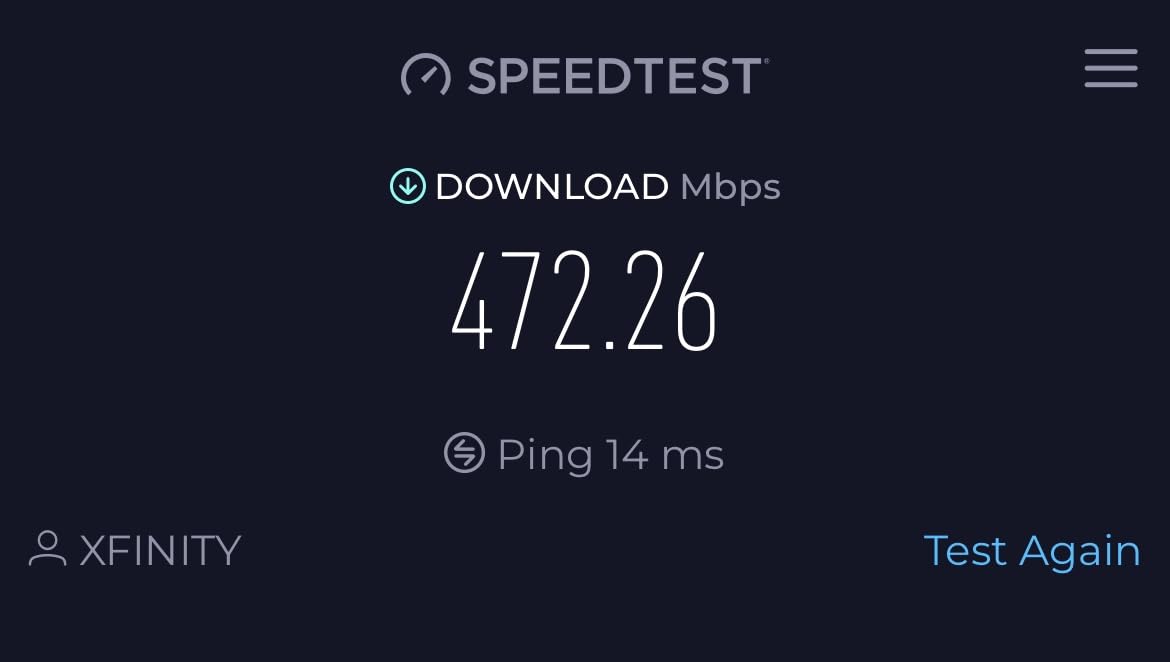
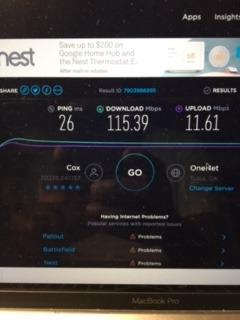
1. Protocol overhead. A gigabit-tier line cannot ever read a full 1,000 Mbps in a speed test. DOCSIS framing, IP and Ethernet overhead consume part of the capacity, so a healthy gigabit connection typically measures somewhere in the high 900s. That gap alone is normal and is not a fault.
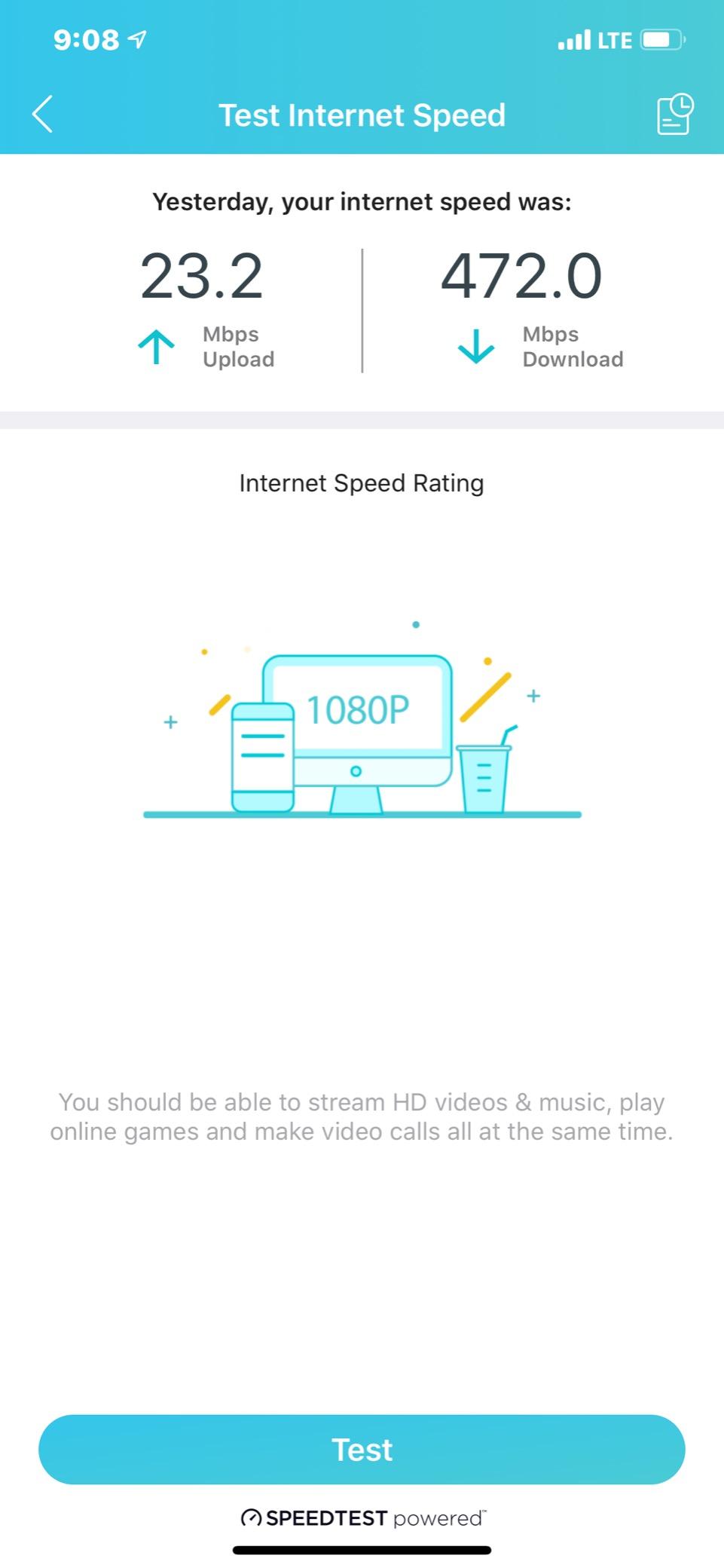
2. A DOCSIS 3.0 modem. This is the big one. Older hardware bonding only legacy QAM channels tops out in the 400 to 900 Mbps range depending on how many channels your line gets provisioned. If your speed jumped after your ISP upgraded your line but not after you upgraded other hardware, the modem is the bottleneck. r/HomeNetworking threads about this exact symptom consistently land on the same fix.
3. Provider provisioning. Some providers cap a customer-owned modem slightly below the tier. The NETGEAR CM1000, for example, is certified up to 1 Gbps on Spectrum and Cox but up to 950 Mbps on Xfinity, so a gigabit Xfinity line will never exceed that ceiling on this hardware.
4. The Wi-Fi ceiling. A gigabit line fed through a mid-range Wi-Fi router often delivers 300 to 500 Mbps to a laptop. No modem on this list fixes that, and no modem causes it.
Our Top 3 Picks for Gigabit Cable Service in 2026

ARRIS SURFboard SB8200
- DOCSIS 3.1 32x8 bonding
- 2 x 1GbE ports
- Plans up to 2 Gbps
- Certified for Xfinity Spectrum Cox

NETGEAR Nighthawk CM1200
- 4 x 1GbE ports
- Link aggregation to 2G
- 32x8 bonding
- Works with any router
NETGEAR CM1000
- Broadcom BCM3390 chipset
- Single 1GbE port
- Certified to 1 Gbps
- Highest rating here
These three are the safest buys for someone on a gigabit tier today. All three are CableLabs-certified for the big three US cable providers, all three are standalone modems that pair with any router or mesh system you already own, and all three have thousands of owner reviews behind them.
Comparing All Nine DOCSIS 3.1 Modems Side by Side
| Product | Specs | Action |
|---|---|---|
| ARRIS SURFboard SB8200 |
|
Check Latest Price |
 NETGEAR Nighthawk CM1100 NETGEAR Nighthawk CM1100 |
|
Check Latest Price |
| NETGEAR Nighthawk CM1200 |
|
Check Latest Price |
| NETGEAR CM1000 |
|
Check Latest Price |
 Hitron CODA56 Hitron CODA56 |
|
Check Latest Price |
 ARRIS SURFboard S34 ARRIS SURFboard S34 |
|
Check Latest Price |
 ARRIS SURFboard SBG8300 ARRIS SURFboard SBG8300 |
|
Check Latest Price |
 Motorola MG8702 Motorola MG8702 |
|
Check Latest Price |
 Motorola B12 Motorola B12 |
|
Check Latest Price |
Seven of the nine are standalone modems with no wireless, which is the right choice if you already own a router or a mesh system. The two combos are worth a look only if you want one box to do everything in a small home.
1. ARRIS SURFboard SB8200 – Best Overall Gigabit Cable Modem
ARRIS SURFboard SB8200 DOCSIS 3.1 Cable Modem | Up to 1 Gbps Plans
DOCSIS 3.1 32x8 bonding
Two 1GbE ports
Plans up to 2 Gbps
Modem only
Pros
- Widest review base of any gigabit modem on this list
- Compact 5.13 inch footprint with clear status LEDs
- Certified for Xfinity Spectrum and Cox
- Two ports allow a dedicated router link
Cons
- No built-in Wi-Fi so a router is required
- Upload bonding is not full OFDMA
- No voice support
The SB8200 is the modem I recommend most often, and the reason is simple evidence rather than spec sheet theatre. It carries 19999 ratings at a 4.4 average, with roughly 73 percent of owners handing over five stars. In a category where most products have a few hundred reviews, that is an unusually deep pool of real-world signal reports.
Owners consistently describe gigabit throughput that holds steady after activation, an activation flow that takes minutes rather than a support call, and a clean cut to the recurring equipment charge once the provider stops billing a gateway. Several reviewers switched from ISP-supplied hardware specifically to fix chronic dropouts, and say the problem went away.
It measures 5.13 by 1.75 by 5.25 inches and weighs 1.5 pounds, which makes it one of the smaller boxes in this group. That matters if your coax outlet is in a tight closet behind furniture.

Channel Bonding and Plan Headroom
The SB8200 is built on DOCSIS 3.1 with 32×8 downstream and 8×4 upstream bonding, and ARRIS rates it for cable plans up to 2 Gbps in both directions. That headroom matters because gigabit tiers are not the ceiling everywhere. Xfinity and Cox both sell tiers above gigabit, and buying a modem that tops out at 1 Gbps means replacing it again later.
One limitation deserves a plain sentence. The SB8200 is a strong downstream performer, but its upstream path does not use the full OFDMA capability that the newest high-upload tiers require. If your provider sells a large asymmetric upload add-on, that is a reason to look at the Hitron CODA56 or ARRIS S34 instead.
Port Layout and Router Pairing
There are two 1 Gigabit Ethernet ports, and both are useful. One goes to your router or mesh system, the other can carry a wired PC, game console or streaming box directly. That direct path is how you actually experience gigabit speeds, because wireless clients rarely see the full number.
Because it is a modem only, you supply the router. That sounds like a downside until you realise it means any router works, including one you already own, and the router half is the part you can upgrade independently. Our router picks guide covers the pairing question in more detail if you need a recommendation.
Provider Certification and Voice Service
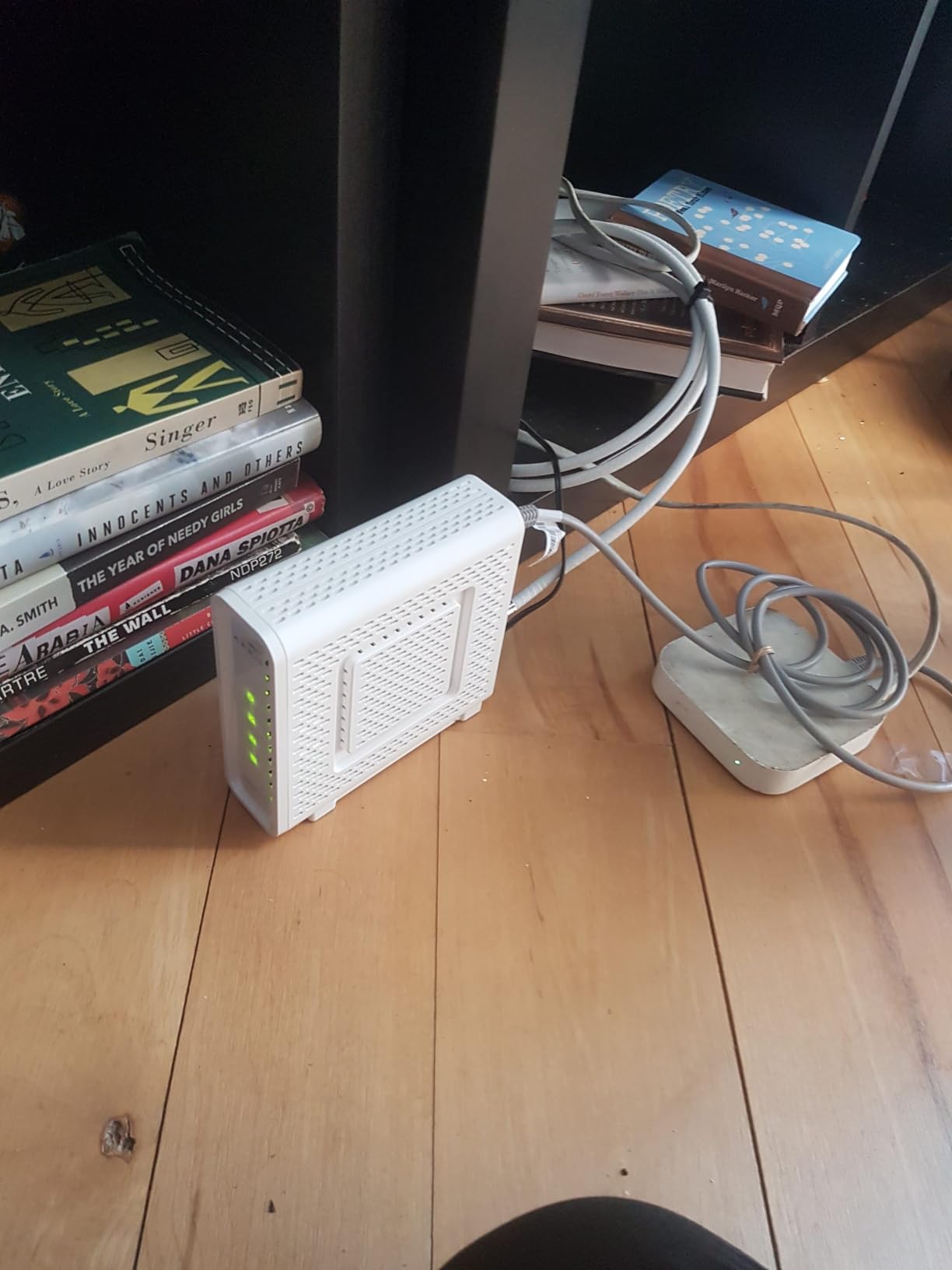
ARRIS lists Cox, Spectrum and Xfinity, and the unit carries CableLabs certification. It comes with a two-year limited warranty, a power supply and a quick-start guide, which is a better warranty than most competing models offer.
It is internet-only, with no voice support. If your plan bundles phone service through the cable company, you need a voice-capable gateway for the phone side. Cable management around the box is minor, but if you have a crowded media shelf you may want our cable organiser guide before the modem arrives.
Who Should Buy the SB8200 and Who Should Not
Buy it if you are on a gigabit tier, you want the most proven modem available, and you already have or plan to buy a router. It is also the safe pick if you want the option to move up to a 2 Gbps tier without buying again.
Skip it if you need heavy upload, since it is not the best option for the newest high-upload tiers, and skip it if you want wireless out of the box. It will not provide any.
2. NETGEAR Nighthawk CM1200 – Four Gigabit Ports and 2G Aggregation
NETGEAR Nighthawk Cable Modem CM1200 – Compatible with All Cable Providers Including Xfinity by Comcast, Spectrum, Cox | for Plans Up to 1 Gbps | 4 x 1G Ethernet Ports | DOCSIS 3.1, Black
DOCSIS 3.1 32x8 bonding
Four 1GbE ports
LACP to a single 2G link
Modem only
Pros
- Four wired ports reduce the need for a switch
- Link aggregation bonds two ports into one 2G connection
- Works with any Wi-Fi router
- Priced below most multi-gig alternatives
Cons
- Tall vertical chassis uses more shelf space
- Modem only with no built-in Wi-Fi
- Internet only with no voice support
The CM1200 is the pick for anyone whose gigabit plan is shared across a lot of wired devices. Four Gigabit Ethernet ports on the modem is unusual at this tier, and it removes the need to buy a switch just to get the ports you want.
Its 6473 ratings average 4.3, with 71 percent five-star. Owners highlight the port count, straightforward provider activation and the freedom to keep their own router. The recurring complaints are physical and practical rather than electrical: the chassis is tall, there is no wireless, and some owners report longer-term reliability or support friction.
Four Ports Versus Two Ports in Daily Use
A typical gigabit household has a router, a desktop, a game console, a streaming stick and a printer competing for wired slots. Two ports means a switch. Four ports means you can wire most of those directly and still keep a clean topology.
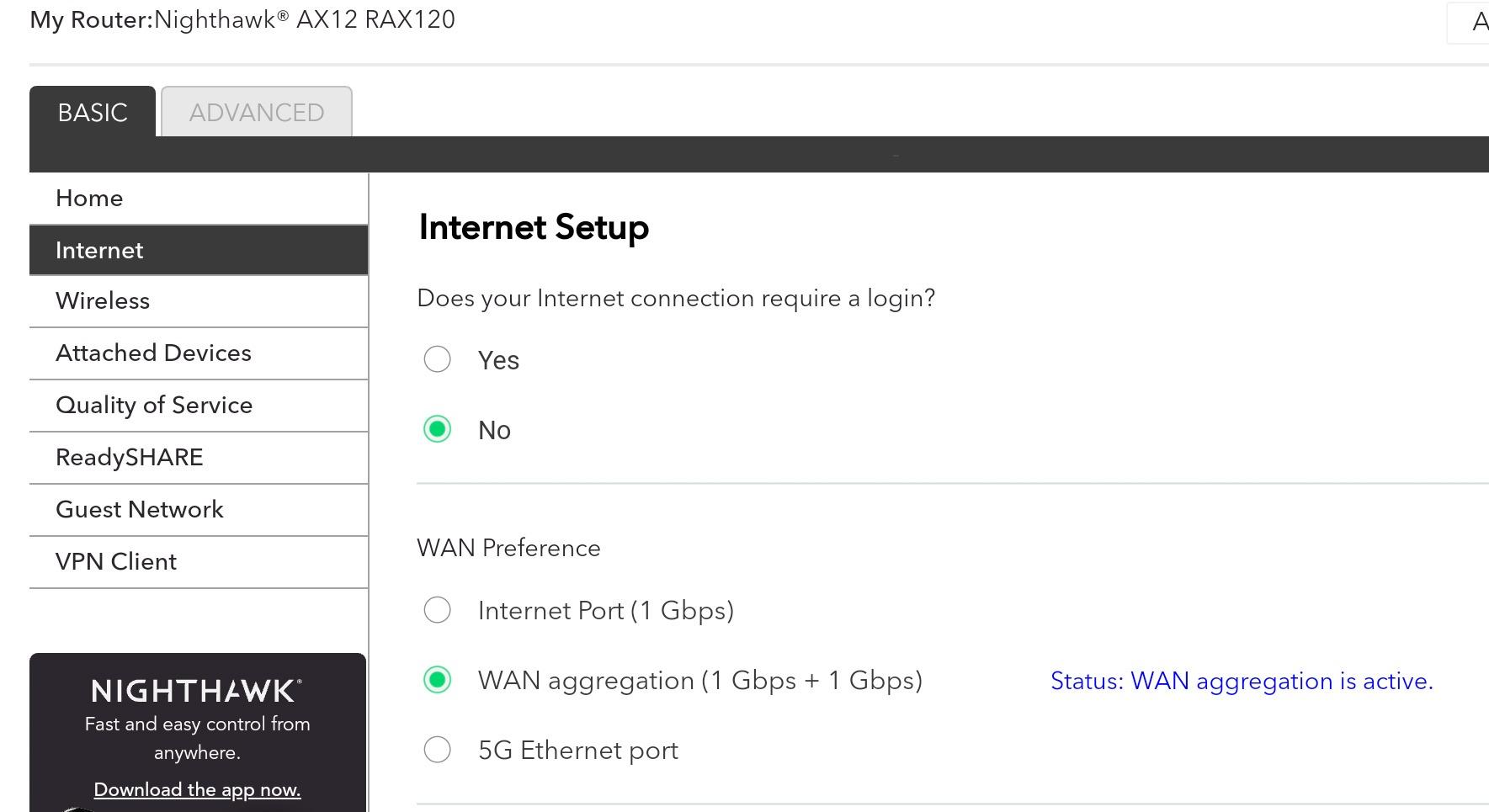
There is a caveat that trips up almost everyone. Multiple Ethernet ports on a cable modem are not automatically usable at the same time, because the provider provisions the connection to a specific port. If your second port stays dark after activation, that is a provisioning setting on the ISP side, not a defective modem.
Link Aggregation and Multi-Gig Readiness
The CM1200 supports LACP link aggregation, combining two 1G ports into a single 2G connection. No US cable provider currently offers a 2 Gbps residential tier to most customers, so this is headroom rather than an immediate benefit.
Be aware of the catch that forum regulars mention constantly: using more than one port usually requires the provider to provision a second IP address on the account, and some will not do it. If you only have one IP, you get one port’s worth of speed no matter what the modem supports.
Form Factor and Shelf Space
At 6.1 by 3.4 by 10.3 inches and 2.2 pounds, this is the tallest modem here. It works fine standing upright, which is how most people set it up, but it will not slide into the low-clearance gap behind a TV stand the way the SB8200 will.
Who Should Buy the CM1200
Pick it if you have several wired devices, you want a gigabit plan today plus multi-gig headroom later, and you can live with a vertical box. It is also a good match for a home office where a PC, console and NAS all want wired connections.
Pass on it if you have a tight shelf, if you need wireless, or if you want the largest review base available and the simplest possible setup.
3. NETGEAR Nighthawk CM1100 – Compact Two-Port Multi-Gig Design
NETGEAR Nighthawk Multi-Gig Cable Modem (CM1100) – Compatible with All Cable Providers Incl. Xfinity, Spectrum, Cox – for Cable Plans Up to 1Gbps – 2 x 1G Ethernet Ports – DOCSIS 3.1
DOCSIS 3.1 32x8 with OFDM 2x2
Two 1GbE ports
LACP aggregation
Modem only
Pros
- Smaller footprint than most vertical modems
- Link aggregation to 2G wired throughput
- Signal quality reported stable above plan rate
- Replaces provider rental hardware
Cons
- Duplicate MAC address reports complicate activation
- Only two Ethernet ports and no 2.5G port
- Support experiences are a recurring complaint
- Modem only with no wireless
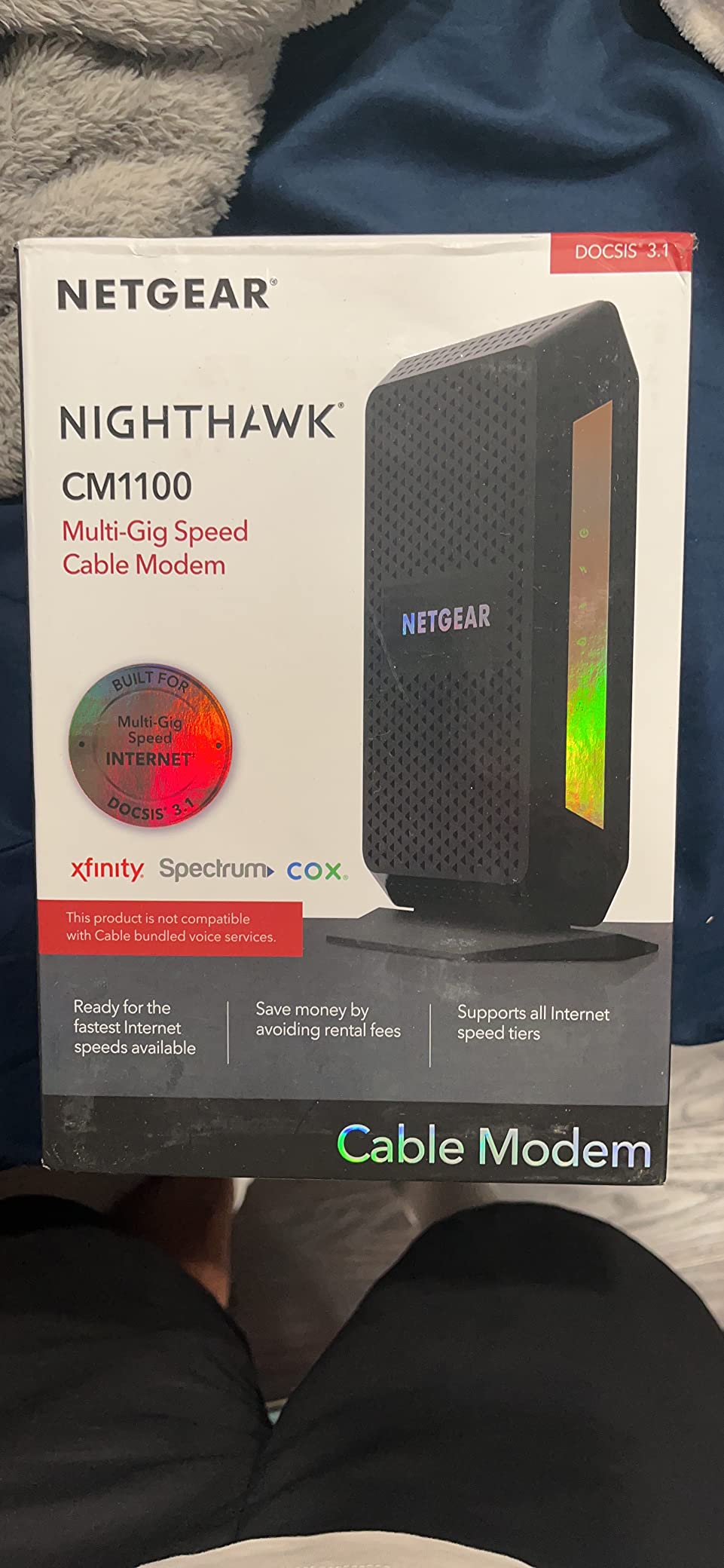
The CM1100 sits between the CM1200 and the CM1000: same DOCSIS 3.1 silicon, same two-port aggregation approach, but in a smaller case. At 5.9 by 3.4 by 8.8 inches and 460 g, it is noticeably lighter and less imposing than most competitors.
Its 1352 ratings average 4.4, with 74 percent at five stars. Reviewers who swapped out ISP hardware report stable signals, higher speeds than their previous modems and lower latency. NETGEAR’s support is the main source of friction in the reviews, including a specific complaint about a unit that arrived with a duplicate MAC address and could not be activated.
Why a Smaller Box Is Worth Choosing
Where a cable modem lives matters more than most buyers expect. If your coax run terminates in a closet, behind a television or inside a media console, a tall vertical chassis is a permanent annoyance. The CM1100 is short enough for most of those spots.
It also reports good signal behaviour in the field. Multiple owners describe downstream and upstream locking cleanly and staying there, which is the single most important indicator of a modem that will not need visiting.
OFDM 2×2 and 32×8 Bonding Explained
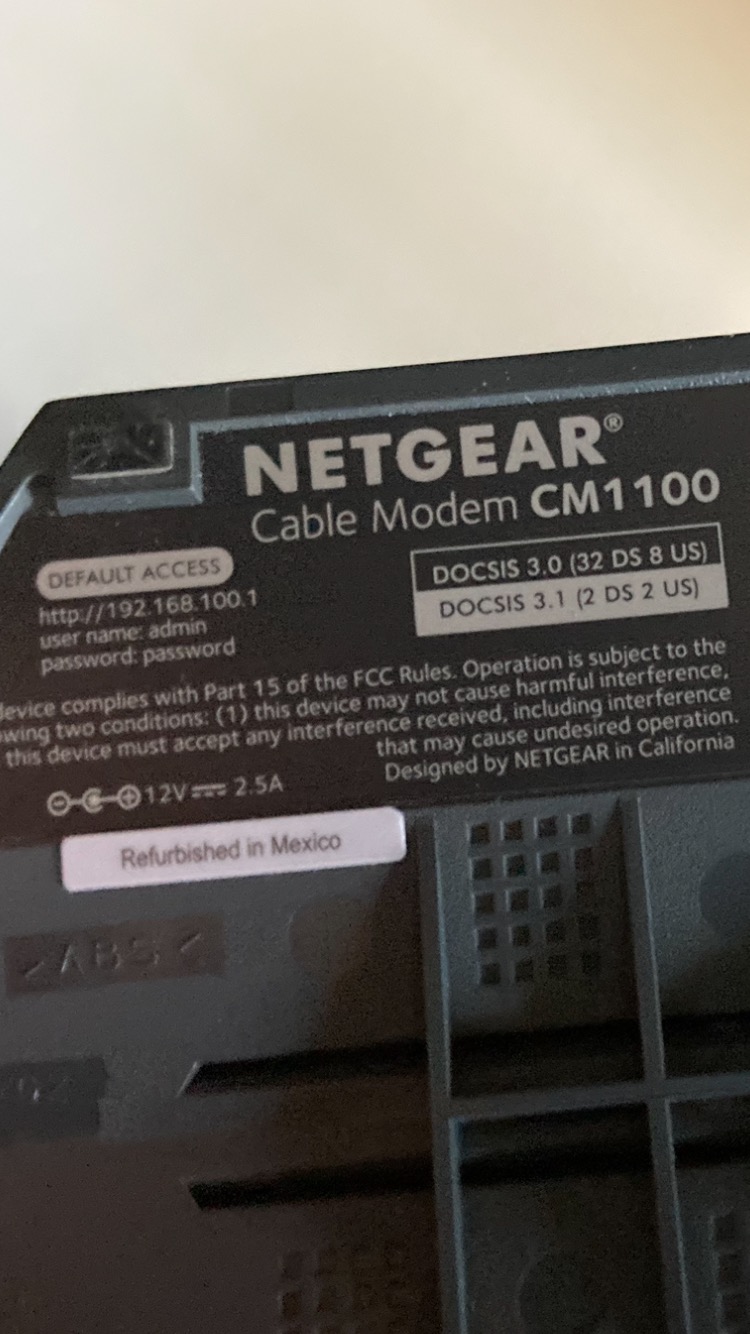
The technical headline is 32×8 channel bonding with OFDM 2×2, the DOCSIS 3.1 combination that makes gigabit over coax possible. NETGEAR rates it for cable plans up to 2 Gbps, and both Ethernet ports can be aggregated for a 2 Gbps wired link.
Upstream is rated at 2 Gbps on paper. As with the SB8200, though, the usable upload ceiling depends on what your provider actually provisions on your line and which upload tier you are signed up for.
Port Count and the Aggregation Caveat
Two ports is enough if you run a router, and the second port is genuinely useful for a wired PC or console. It is not enough if you want several wired devices without a switch, which is the whole argument for the CM1200.
Neither this modem nor the CM1200 has a native 2.5 Gbps port. If your provider is moving toward multi-gig tiers, the Hitron CODA56 and ARRIS S34 are the more relevant choices, while this one remains a solid gigabit-day-one option.
Who Should Buy the CM1100
Choose it if space is tight, you want a proven two-port gigabit modem and you do not plan to jump to multi-gig soon. Level1Techs community recommendations have kept naming the closely related CM1000 for gigabit tiers for years, which says something about how these NETGEAR boxes age.
Skip it if you need many wired ports, or if you want multi-gig Ethernet hardware for the next tier.
4. NETGEAR CM1000 – The Highest-Rated DOCSIS 3.1 Modem Here
NETGEAR Cable Modem DOCSIS 3.1 (CM1000) Gigabit Modem, Compatible with All Major Cable Providers Including Xfinity, Spectrum, Cox, for Cable Plans Up to 1 Gbps
Broadcom BCM3390 chipset
Single 1GbE port
Certified to 1 Gbps
Modem only
Pros
- Highest average rating in this roundup
- Broadcom BCM3390 chipset is well regarded for stability
- Removes the monthly provider equipment charge
- Reported throughput gains over DOCSIS 3.0 hardware
Cons
- Single Gigabit Ethernet port only
- No voice support for bundled phone plans
- Setup is not fully self-serve and runs warmer
- Later reliability and warranty complaints reported
On pure owner satisfaction, the CM1000 wins. It holds a 4.5 average across 8392 ratings, with 76 percent at five stars, the strongest score and the second-deepest review pool in this group. Network-savvy reviewers consistently credit the Broadcom BCM3390 chipset for stability.
Several owners report a measurable throughput improvement of roughly ten percent over previous DOCSIS 3.0 hardware, and a few describe it ending years of random reboots. The setup path is less smooth than rivals, though, because the documentation points new owners toward calling the provider rather than self-activation.
Why the Broadcom BCM3390 Matters
Modem chipsets determine how a unit behaves under a marginal signal and whether it needs restarting months later. The BCM3390 has a long track record in this category, and network-focused reviewers treat it as a known-good silicon choice. That is the single strongest argument for this modem if you intend to keep it for several years.
This is also where the earlier roundup advice about avoiding the Intel Puma 6 generation applies. The specific failure pattern associated with that chipset — sudden loss of downstream bonding that requires a reboot — is the reason experienced buyers steer toward Broadcom-based units.
One Port and What It Costs You
The CM1000 has a single Gigabit Ethernet port. That is fine for a clean setup: modem to router, done. It is a problem if you want to wire a console, a desktop and a printer without adding a switch.
Its maximum upstream rate is listed at 8 Mbps, which is a documentation quirk of how the figure is reported rather than a practical limit, but it is worth knowing that the newest high-upload tiers are not its target.
Provider Certification Tiers
NETGEAR certifies this model up to 1 Gbps with Spectrum and Cox, and up to 950 Mbps with Xfinity. That Xfinity figure is the reason some gigabit subscribers see a number slightly below 1,000 Mbps and assume something is wrong. Nothing is wrong; the modem is at its certified ceiling for that provider.
It is not compatible with Verizon Fios, AT&T, bundled cable voice services or fibre providers, which is normal for every modem on this list.
Who Should Buy the CM1000
Buy it if you want the highest satisfaction score in the category, you will use one router and one port, and your provider certifies it for your exact tier. It is a strong, conservative choice that will not need replacing.
Pass if you need more ports, you want a 2.5 Gbps port for future tiers, or you would rather self-activate than make a phone call during setup.
5. Hitron CODA56 – Best Multi-Gig Upload Headroom
Hitron CODA56 DOCSIS 3.1 Cable Modem ONLY (NOT Fiber) | 2.5 Gbps | NO WiFi/Voice/Router | Single Ethernet Port | Xfinity/Spectrum/Cox Compatible | Requires Separate WiFi Router
Single 2.5GbE port
DOCSIS 3.1 32x8 bonding
Plans up to 2.5 Gbps
Modem only
Pros
- Only 2.5 Gbps port in this group
- Reaches high upload tiers that 1G-only modems cannot
- Quick app-driven activation
- Broad provider compatibility
Cons
- Single port blocks link aggregation
- Data only with no voice support
- On-device interface is limited
- No built-in Wi-Fi
The CODA56 is the one r/HomeNetworking users reach for when they want real gigabit and future headroom rather than a 1 Gbps ceiling. It is the number one best seller in Computer Networking Modems, which tells you how widely it has displaced the older generation.
Its 1406 ratings average 4.2, with 71 percent at five stars but a 13 percent one-star share, the largest negative share in this group. That split is informative: people who bought it for the wrong reason complain, and people who wanted multi-gig are satisfied.
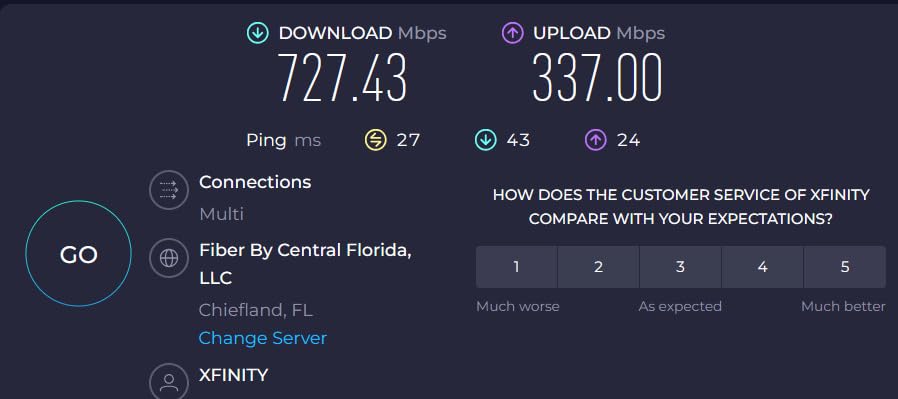
The specific thing owners praise is upload. Several Xfinity and Cox users report moving from uploads in the teens to somewhere between 100 and 180 Mbps. If your household backs up video, hosts calls or runs a home server, that is the difference that matters.
The 2.5 Gbps Port and What It Buys You
The single 2.5 Gigabit Ethernet port is rated for plans up to 2.5 Gbps, and Hitron certifies it for Xfinity up to 2 Gbps, Spectrum at 1 Gbps and Cox at 2 Gbps. Downstream is rated to 2500 Mbps and upstream to 700 Mbps, which is a genuinely different class of hardware from the two-port gigabit units above.
There is a hard limit to that single port. Because there is no second Ethernet port, you cannot aggregate, and a 2.5G router connected to it has no 2.5G LAN port left over for internal traffic. If you need both, step up to a modem with more ports such as the ARRIS S34.
Upstream Capability Compared With the Alternatives
Upstream is where the CODA56 pulls away from the SB8200, the CM1000 and the CM1200. Those units are built around downstream capacity, and the newest high-upload tiers from cable providers are exactly what they cannot reach.
Owners of gigabit Xfinity plans report the modem holding a useful upstream rate where cheaper units stall. If upload is part of your workflow rather than an occasional event, this is the argument that decides it.
Provider Compatibility and Activation
Hitron lists a wide compatibility set including Xfinity, Spectrum, Cox, Astound, Grande, RCN, Wave and Zito Media, and reviewers report quick app-driven activation without a long support call. It ships with a 2.5 Gbps Ethernet cable and a power supply.
Two limitations are worth restating because they are easy to miss. It is data only, with no voice support, and it is cable only, so fibre services are out. At 7 by 1.77 by 8.13 inches it is a tall thin box that needs vertical standing room.
Who Should Buy the CODA56
Buy it if you want a 2.5 Gbps port now, you may move to a multi-gig tier later, or your upload needs have outgrown what a 1 Gbps modem can deliver. It is also the community consensus pick for anyone plateaued near 800 Mbps on older hardware.
Pass if you need several wired ports, you need voice service, or you want to aggregate two links for a single faster connection.
6. ARRIS SURFboard S34 – 2.5GbE Plus 1GbE With Next-Gen Upload
Arris Surfboard S34 DOCSIS 3.1 Multi-Gig Cable Modem | 2.5Gbps + 1Gbps Ethernet Ports | Compatible with Xfinity, Cox, Spectrum | Next Gen Upstream | Modem Only, Router Required
2.5GbE plus 1GbE Ethernet
DOCSIS 3.1 to 2.5 Gbps
OFDMA upstream support
Modem only
Pros
- Only option here with both a 2.5G and a 1G port
- OFDMA upstream handles next-gen upload tiers
- Compact horizontal form factor
- CableLabs certified for the big three
Cons
- Secondary 1G port depends on provider configuration
- Higher cost than most single-port alternatives
- Modem only with no built-in Wi-Fi
- Smaller review pool than the older models
The S34 solves the CODA56’s biggest drawback. Where the Hitron gives you one 2.5 Gbps port and stops, ARRIS pairs a 2.5 Gigabit port with a separate 1 Gigabit port, so a multi-gig router keeps its fast LAN port and a second device can still be wired.
Its 703 ratings average 4.3, with 73 percent at five stars. It is a newer listing, so the review pool is smaller than the SB8200’s, but the owners who did switch specifically cite OFDMA upstream support as the reason their high-upload plans stopped bottlenecking.
What OFDMA Upstream Actually Changes
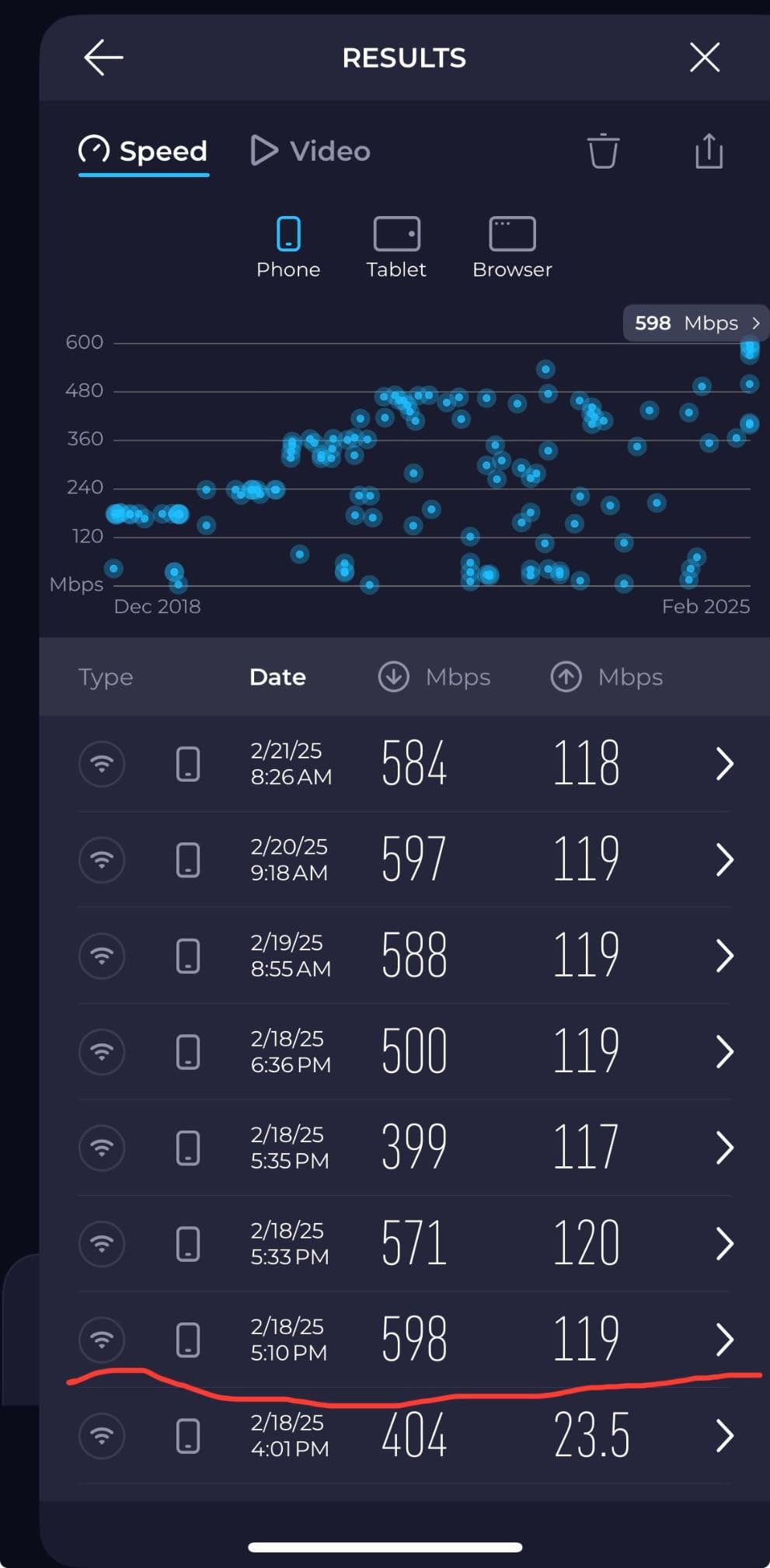
Cable providers are selling higher upload tiers alongside gigabit download, and those tiers are built on OFDMA upstream. A modem without it can still deliver fast downloads but compresses upload into legacy channels, which is where the frustration of paying for a 300 Mbps upload tier and seeing almost nothing comes from.
The S34 is rated to 2500 Mbps downstream and 444 Mbps upstream, and reviewers who moved from a modem without OFDMA upstream report their upload plans working properly again. If upload is your differentiator, this is the pick in this group.
Two Ethernet Ports, One of Them Fast
The port pairing is the structural advantage. A 2.5 Gbps port feeds your router, and the 1 Gigabit port handles a second wired device without stealing your multi-gig LAN capacity. No aggregation is needed and none is possible, but most homes with a gigabit line never need it.
One caveat appears in the reviews: the secondary 1 Gbps port is provider-configuration dependent, so confirm with your ISP that the second port will be provisioned before you plan your topology around it.
Form Factor and Build
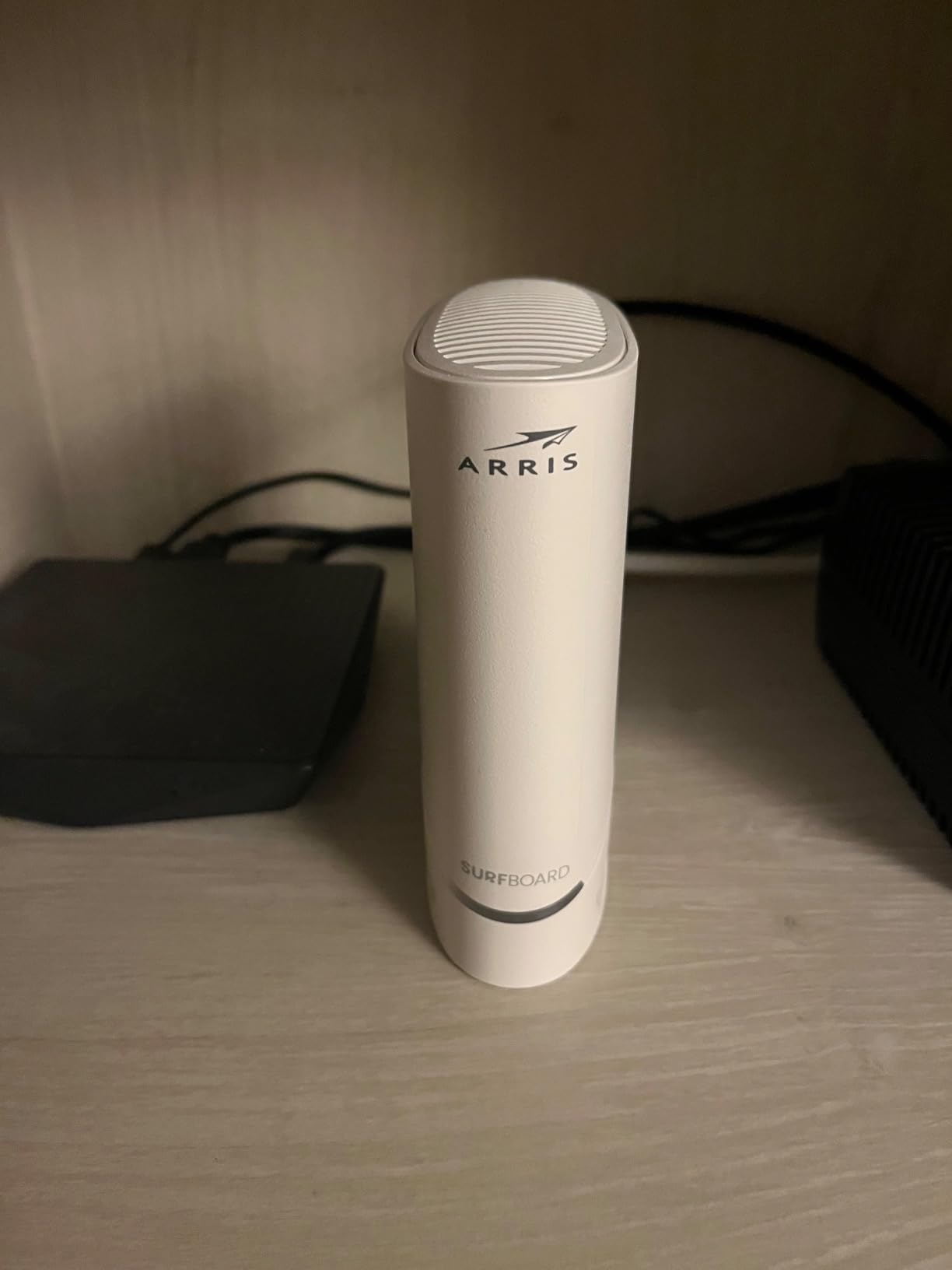
At 10.55 by 6.75 by 2.46 inches it lies flat rather than standing up, which suits a shelf or a media console. Status LEDs for power, upstream, downstream and online are on the front, and the box ships with a power supply and quick-start guide under a two-year manufacturer warranty.
Who Should Buy the S34
Choose it if you want multi-gig downstream and modern upload in one box, you need a second wired port, and you prefer a horizontal form factor. It is the most complete multi-port multi-gig option in this roundup.
Skip it if cost is the primary constraint, if you want a large body of long-term owner history, or if your provider will not provision the second port.
7. ARRIS SURFboard SBG8300 – Best All-in-One Modem Router Combo
ARRIS (SBG8300) – Cable Modem Router Combo – Fast DOCSIS 3.1 Gigabit & AC2350 WiFi ,Comcast Xfinity, Cox, Spectrum & more, 1 Gbps Max Internet Speeds , 4 OFDM Channels
DOCSIS 3.1 32x8 modem
AC2350 dual-band Wi-Fi
Coverage to 2800 sq ft
4 x 1GbE LAN
Pros
- One box replaces modem and router
- Speeds reported above plan tier in several setups
- Runs cool and needs no resets
- Line signal reporting helps self-diagnosis
Cons
- Advertised Wi-Fi 6 is actually 802.11ac hardware
- Router software is weak with broken port forwarding
- Out-of-box configuration changes often needed
- No USB port for storage or printing
The SBG8300 is the option to take seriously if you want one device instead of two. It pairs a DOCSIS 3.1 modem with a built-in AC2350 dual-band gateway rated for coverage up to 2800 square feet, which covers most apartments and many mid-size homes.
Its 5067 ratings average 4.1, with 65 percent at five stars, and the reviews divide sharply. Owners who treat it as a plug-and-forget box praise speed, stability and the fact that it runs cool. People who care about the router half find the software frustrating, with limited app control and a port-forwarding interface that does not work properly.
The Wi-Fi 6 Label Is Misleading
This is the single most important thing to know about this product. The listing markets Wi-Fi 6, but the radio is 802.11ac class hardware, which is Wi-Fi 5. Buyers expecting current-generation wireless react badly to that gap, and it is the most common source of disappointment in the reviews.
Even as Wi-Fi 5, AC2350 across two bands is adequate for a small or medium home. It will not deliver gigabit over the air on its own, because no single consumer router reliably does at gigabit-tier line rates across distance.
Router Software Realities
Several owners report needing to change DNS settings, DHCP lease length and firewall level out of the box to avoid connection drops, and that 2.4 GHz automatic channel selection can be intermittent enough to require a manual channel. The device also lacks a USB port, so no network printing or storage sharing.
Management runs through an app on a Linux-based system with internal antennas. That is workable, but it is not the interface you get from a dedicated router.
Ports, Specs and Physical Design
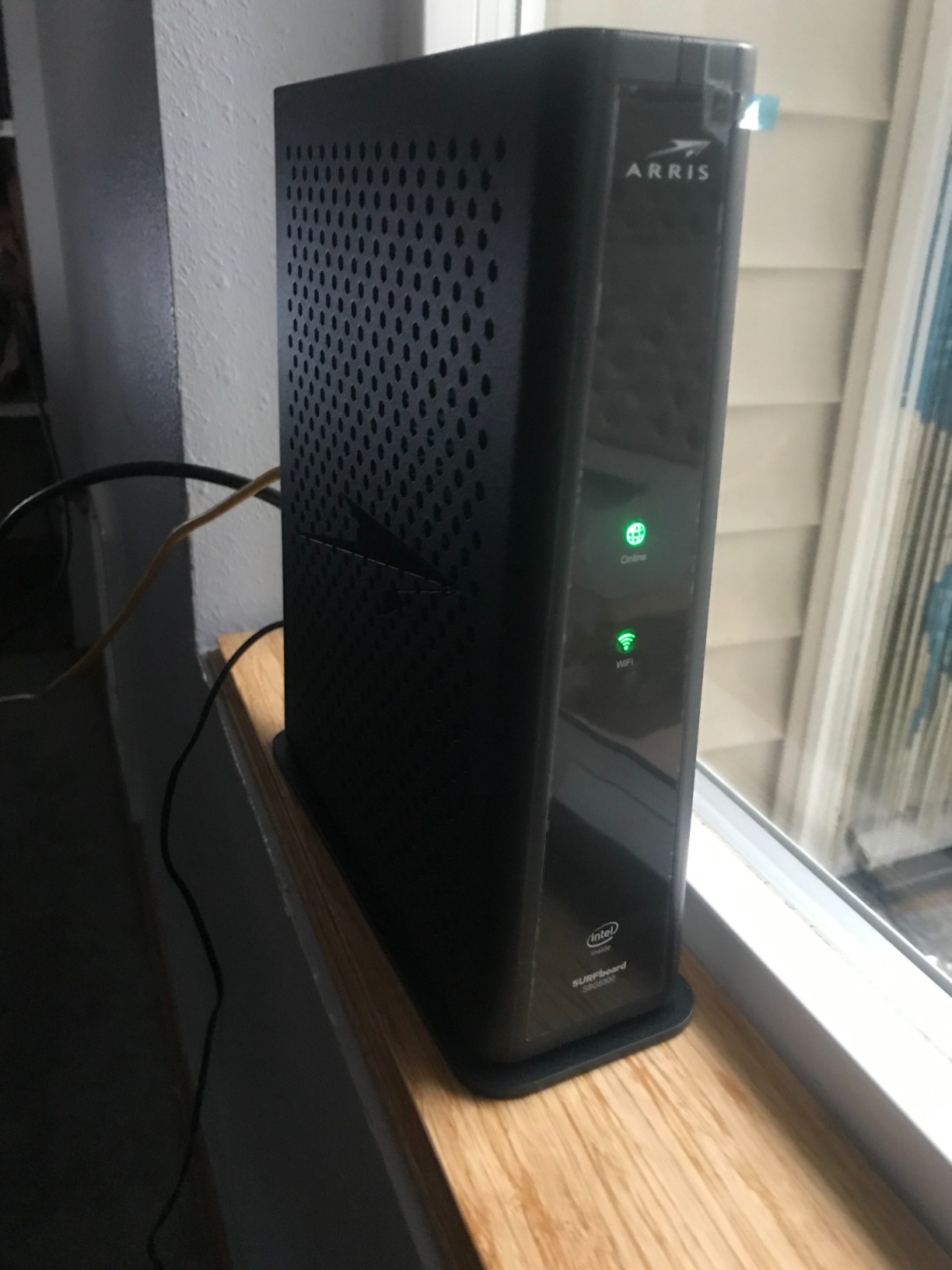
There are four ports with 1000 Mbps LAN bandwidth, DOCSIS 3.1 with 32×8 bonding and 2×2 OFDM channels, and a maximum upstream rate of 1000 Mbps. The unit measures 8 by 2.87 by 9.33 inches with a two-year warranty.
Because the router is integrated, you cannot upgrade the wireless side independently. That is the structural trade-off: one box is simpler and takes one power cord, and it locks you into the Wi-Fi hardware for the life of the modem.
Who Should Buy the SBG8300
Buy it if you are setting up in a small apartment or first home, you do not want to choose or configure a separate router, and 2.5 Gbps Ethernet is not on your roadmap.
Skip it if you already own a mesh system, if you want Wi-Fi 6 or newer, or if you want control over port forwarding and network settings. A standalone modem and a router you chose will serve you better.
8. Motorola MG8702 – Combo With the Strongest Built-In Coverage
Motorola MG8702 | DOCSIS 3.1 Cable Modem + Wi-Fi Router (High Speed Combo) with Intelligent Power Boost | AC3200 Wi-Fi Speed | Approved for Comcast Xfinity, Cox, and Charter Spectrum
DOCSIS 3.1 modem
AC3200 dual-band Wi-Fi
4 network ports
AnyBeam beamforming
Pros
- Strongest built-in Wi-Fi class in this group
- Users report stable signal about 50 feet through walls
- Four ports plus a USB port
- Reliable over months with few restarts
Cons
- App dependence with crashes and login failures
- Some owners report going offline repeatedly
- AC3200 is Wi-Fi 5 not Wi-Fi 6
- Highest cost with a lower average rating
Where the SBG8300 advertises Wi-Fi 6 and delivers Wi-Fi 5, the MG8702 simply is what it says: a DOCSIS 3.1 modem with an AC3200 dual-band router and AnyBeam beamforming, plus Power Boost and Range Boost. For a medium home where wireless range is the priority, that radio class is the strongest in this roundup.
Its 3512 ratings average 4.1, with 65 percent at five stars but 14 percent one-star, tied for the largest negative share here. Early reviewers described genuinely good hardware, including stable connections roughly 50 feet away through multiple walls and four Ethernet ports in a two-by-two layout.
The Software Is the Weak Point, Not the Radio
The dominant recent theme in reviews is the management app. Owners report the Motosync app crashing, login failures and a forced migration to a new version that left some unable to manage the unit at all, describing it as effectively unusable with unresponsive support.
This is the reason to think carefully. The hardware performs well, but a combo device is only as good as the software you use to configure it, and this one carries a clear and recent history of problems there.
Coverage Compared With the Other Combo
AC3200 is a step above AC2350, so this unit should hold a better signal further from the router than the SBG8300 in most homes. If you have medium square footage and weak coverage from a rented gateway, that difference is real rather than marketing.
Neither radio is Wi-Fi 6, though, and neither will saturate a gigabit line over the air. If you expect to need gigabit wireless throughput, buy a separate Wi-Fi 6 router and use a standalone modem instead.
Ports, App Features and Setup
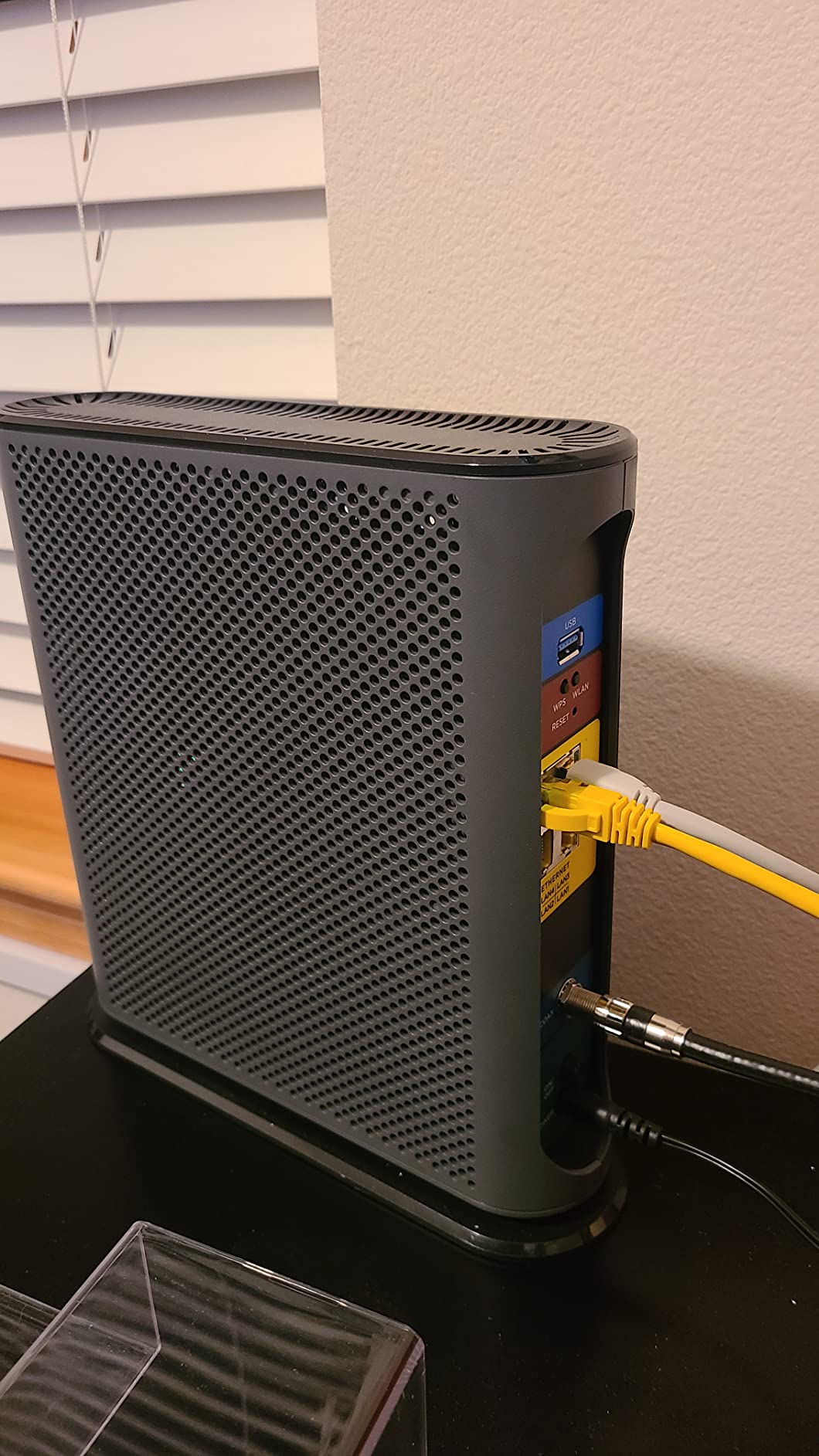
There are four network ports and a USB port for diagnostics or charging, an upstream rate listed to 800 Mbps, and a maximum data rate of 1 Gbps. The Motosync app handles setup, guest networks, usage monitoring, speed testing and parental controls, and it let some owners keep their existing network name and password rather than re-pairing every device.
One setup wrinkle: Xfinity activation can require a support call or an extra voice-activation step, which is friction the app-based units here avoid. The unit measures 9.5 by 2.88 by 9.75 inches with a two-year manufacturer warranty and two years of included expert support.
Who Should Buy the MG8702
Choose it if you want one box with the best built-in wireless class available here, you have a medium home with genuine coverage problems, and you are comfortable troubleshooting the management app.
Skip it if long-term manageability matters most to you, if you already own a mesh system, or if you want Wi-Fi 6. In those cases a standalone modem plus your own router is the better purchase.
9. Motorola B12 – Compact Multi-Gig Pick on a Budget
Motorola B12 – Advanced Compact Cable Modem | Pairs with Any WiFi Router | Supports Comcast Xfinity, Cox, Spectrum | 2500 Mbps Max | DOCSIS 3.1 | 2.5 Gbps Port | Nex Gen MB8611
Single 2.5GbE port
DOCSIS 3.1 32x8 bonding
Active Queue Management
3.5 inch body
Pros
- Lowest cost in this roundup with a 2.5 Gbps port
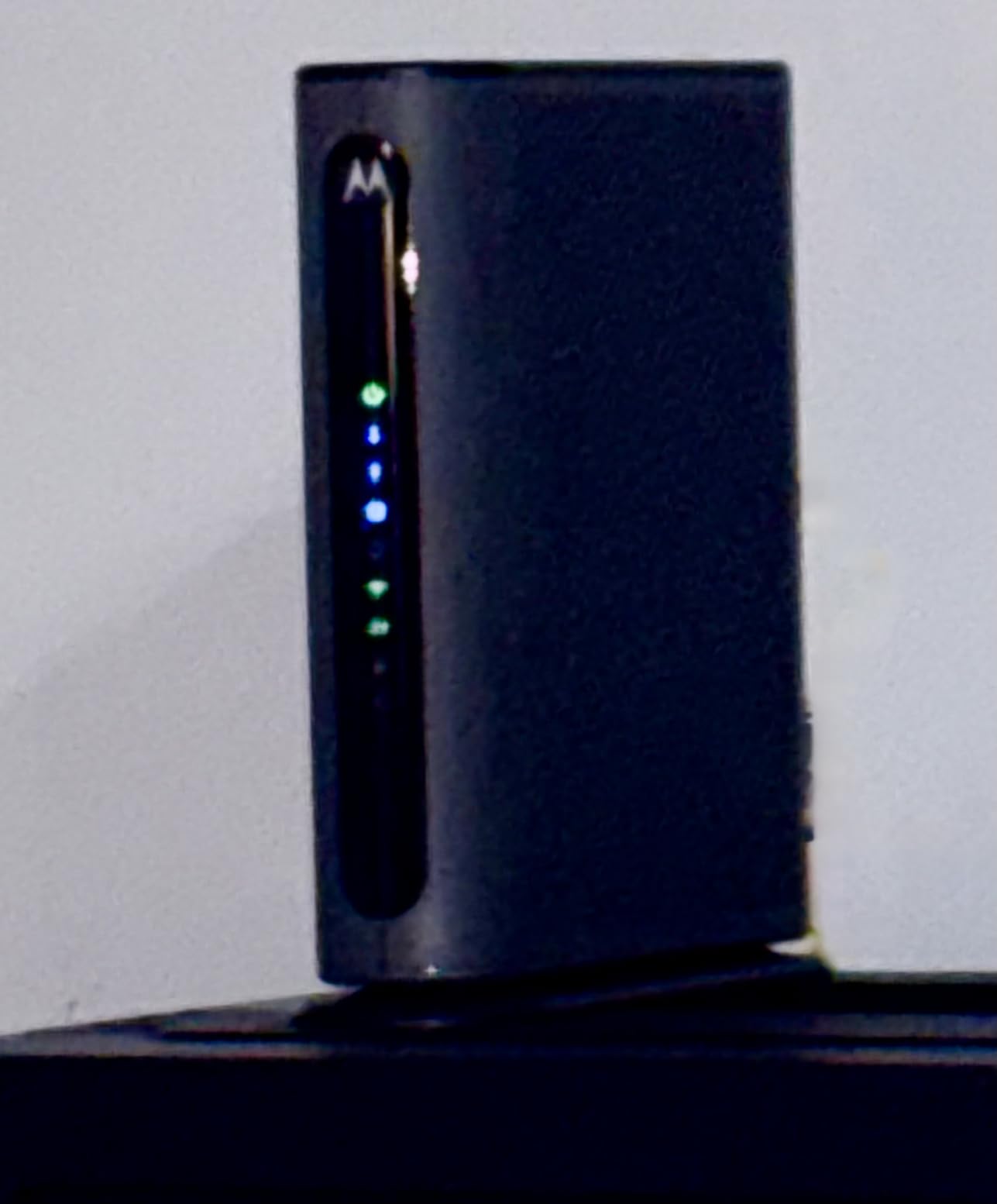
- Tiny 3.5 inch footprint with discreet LEDs
- Reported throughput gains on gigabit plans
- Pairs cleanly with a high-end Wi-Fi router
Cons
- No OFDMA upstream which bottlenecks high upload plans
- No Ethernet link status lights
- Only a Cat 5e cable in the box
- Runs warm and has the lowest average rating
The Motorola B12 is the newest listing here with 192 ratings and the lowest average score at 3.7, with 55 percent at five stars but 22 percent at one star. It is also the cheapest way in this group to a 2.5 Gbps port, and it replaces the older MB8611.
Owners who got what they wanted love the size, the price and the real-world speed gain. One Xfinity gigabit subscriber reports throughput rising from roughly 900 Mbps on a CM1200 to about 1150 Mbps. At 3.5 by 3.5 by 5.5 inches it is the smallest modem we reviewed, and it avoids the bright LED tree that lights up a dark room.
The Missing OFDMA Upstream Is the Real Catch
The B12 has no OFDMA upstream support. A detailed review reports downloads capped near 500 Mbps and uploads around 5 Mbps on a high-tier Xfinity plan, and the reviewer switched to the ARRIS S34 as a result.
This is not a minor specification gap. If you have no interest in upload-heavy plans, it costs you nothing. If your provider sells large upload tiers, the Hitron CODA56 or the ARRIS S34 is the correct choice and this is not.

Active Queue Management and Latency
The B12 applies Active Queue Management, which is genuinely useful on a gigabit line. Bufferbloat is the hidden tax on fast connections: when a download saturates the link, latency under load can jump badly enough to break calls and online games. AQM manages the queue so latency stays far lower when the line is busy.
For a household that games and takes video calls while someone else is streaming, that feature alone can matter more than a higher headline speed.
Build Quality Gaps to Know About
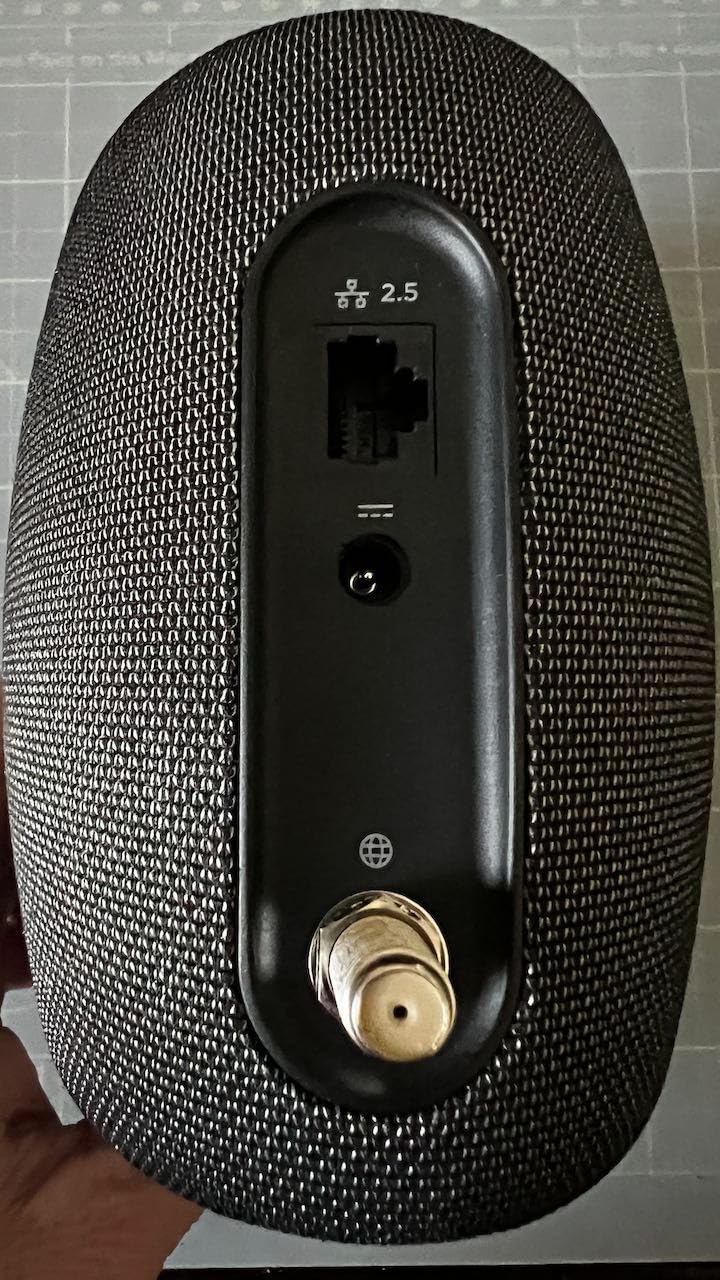
There are no Ethernet connection status lights, which makes troubleshooting noticeably harder, and the admin page is undocumented with an app that offers little device control. Only a Cat 5e cable is included, which is out of step with a 2.5 Gbps port. Several owners report the chassis running warm, one describing it becoming too hot to touch after about a year.
At 3.7, this is the rating profile that warrants the most caution. Approved for Comcast Xfinity, Cox, Spectrum, RCN and Astound for residential use, with a two-year warranty and phone, chat and email support.
Who Should Buy the B12
Buy it if you are on a plain gigabit plan, you want a 2.5 Gbps port at the lowest cost, space is tight and you do not care about upload tiers. It pairs deliberately with a high-end router, including current Wi-Fi 7 models.
Pass if you need high upload, you rely on link status lights for diagnosis, or you want the reassurance that comes with a deep review history. Choose the CODA56 or the S34 instead.
How to Choose a Gigabit Cable Modem
Five decisions account for almost everything. Work through them in order and the model choice makes itself.
1. DOCSIS 3.1 Is Not Optional
DOCSIS 3.0 modems bond legacy QAM channels and physically cannot pass a gigabit tier. DOCSIS 3.1 adds OFDM and OFDMA channel bonding alongside the legacy channels, and that is what makes gigabit over a single coax run possible. If a listing does not say DOCSIS 3.1, it will not deliver what you pay for.
2. Standalone Modem or Modem Router Combo
Choose a standalone modem if you already own a router or a mesh system, and almost everyone should. You get better wireless hardware, independent upgrade paths, and no compromise on either side.
Choose a combo only for a small home where simplicity beats performance. Both combos here ship Wi-Fi 5 class radios despite what the marketing says, and both carry router software complaints. If you need strong wireless, our routing hardware guide is a better place to spend attention.
3. Check ISP Certification for Your Exact Tier
Certification is the number one trust signal in this category, and it is where most buying guides are too vague. Each provider certifies models for specific tiers, and the ceiling is not always your plan’s number. The CM1000 is a good example: certified to 1 Gbps on Spectrum and Cox, but to 950 Mbps on Xfinity.
For a gigabit line, the models certified across the big three providers are the ARRIS SB8200, the NETGEAR CM1000, CM1100 and CM1200, the Hitron CODA56, the ARRIS S34, both combos, and the Motorola B12. Confirm the current list with your provider before buying, because approved-model lists change.
4. Port Count, Multi-Gig and Link Aggregation
Match the ports to how many devices you actually want wired. Two ports suit a router plus one device. Four ports, as on the CM1200, remove the need for a switch.
For future tiers, a native 2.5 Gbps port on the CODA56, S34 or B12 is the straightforward path. Link aggregation, supported on the CM1100 and CM1200, is the alternative and it has two catches: no US provider currently offers a 2 Gbps residential tier, and using a second port usually requires the provider to provision a second IP address on your account.
5. Buy Versus Rent, and the Unlimited Data Catch
Owning your modem removes the recurring provider equipment charge. That charge is the entire financial argument for buying, and it is a meaningful monthly saving that compounds every year the hardware keeps working.
There is a catch no competitor mentions. On some plans and providers, unlimited data is tied to using the provider’s own gateway, and using your own equipment adds a monthly data charge. That surcharge can erase the rental savings entirely. Check the terms on your specific plan before you buy.
Also be clear about what owning hardware does and does not do. It does not raise your speed tier, and it does not improve the line from your street to the house. It removes the rental fee, removes the provider’s hardware from your network, and lets you choose the router. It does not make a gigabit line read a full 1,000 Mbps.
Is DOCSIS 3.1 Going to Become Obsolete?
Not soon, and nothing in the current market suggests a near-term replacement. DOCSIS 3.1 hardware here is already rated for 2 to 2.5 Gbps plans, which means the standard has headroom above the tiers most providers actually sell today. Treat any current DOCSIS 3.1 modem as a five-year-plus purchase rather than something to replace with the next standard.
Should You Buy a Multi-Gig Modem on a Gigabit Plan?
Only if you expect to move up. A 2.5 Gbps port does nothing for a gigabit line, so the case is future-proofing rather than present performance. If your provider has published multi-gig tiers in your area and you expect to upgrade within a couple of years, the CODA56 or S34 costs little extra to insure against that.
If your plan is gigabit and staying gigabit, the SB8200, CM1200 or CM1000 are the sensible choices, and all three are covered earlier in this guide.
Activating a Modem You Bought Yourself
The process is straightforward, but one step decides whether you get billed. Do these in order.
1. Confirm your provider supports customer-owned modems and that your exact model is on their approved list. Most large providers do, but the list is model-specific.
2. Tell your provider you are returning the gateway before you activate anything, and ask them to confirm the rental is cancelled. People report being charged for a gateway they specifically declined, so get it in writing if you can.
3. Connect the coax and power, wait for the modem to finish its boot cycle, and note that the first lock can take several minutes.
4. Activate through your provider’s app or activation page. Some providers require a phone call, and the CM1000 and MG8702 in this list are more likely to send you down that path.
5. Connect your router to the modem’s Ethernet port, then sign into the router and connect to your own Wi-Fi network.
If you later want to manage the modem from a connected device, note that some models, including the CODA56, do not expose their status page through a typical router, which limits do-it-yourself diagnosis. Keeping the area around the unit tidy is easier if you plan cable runs in advance; our cable organiser picks cover the options that keep a media shelf clear.
Frequently Asked Questions
What modem is best for high speed internet?
For a gigabit cable plan, the ARRIS SURFboard SB8200 is the safest general choice: DOCSIS 3.1 with 32×8 bonding, two Gigabit Ethernet ports, certification for Xfinity, Spectrum and Cox, and the deepest owner review base in the category. Choose the Hitron CODA56 or ARRIS S34 if you want a 2.5 Gbps port for future multi-gig tiers.
Do I need DOCSIS 3.1, or is DOCSIS 3.0 fine for gigabit?
You need DOCSIS 3.1. DOCSIS 3.0 hardware bonds only legacy QAM channels and physically cannot pass a gigabit tier, which is why gigabit subscribers on older modems commonly see roughly 800 Mbps. DOCSIS 3.1 adds OFDM and OFDMA channel bonding, and it is the minimum requirement for a gigabit cable plan.
Is a DOCSIS 3.1 modem worth the extra money?
For anyone on a gigabit tier, yes, because a DOCSIS 3.0 modem cannot physically deliver the speed you pay for. The step up is harder to justify only on a much slower plan. Beyond the speed question, owning the hardware also removes the provider’s monthly equipment charge, which is usually the larger financial factor.
Is it better to rent or buy a modem?
Buying usually wins on cost once you subtract the provider’s monthly equipment charge over the life of the hardware. The important exception is unlimited data: on some plans, using your own modem adds a monthly data charge that can erase the rental savings entirely. Check your specific plan terms before you buy anything.
Can I use more than one Ethernet port on a cable modem?
Yes, but only if your provider provisions the additional port, and often only if they assign a second IP address to your account. Multiple Ethernet ports on a cable modem are not automatically usable at the same time. If a second port stays inactive after activation, that is a provisioning setting on the ISP side rather than a faulty modem.
Which Gigabit Cable Modem Should You Buy?
If you want the most proven gigabit cable modem with the broadest provider certification, the ARRIS SURFboard SB8200 is the pick. It is our choice for a plain gigabit plan paired with a router you already own.
If you have several wired devices, the NETGEAR CM1200 gives you four Gigabit ports and 2G link aggregation. If you want the highest satisfaction score in the category and a proven Broadcom chipset, the NETGEAR CM1000 is the most conservative buy.
If you want a 2.5 Gbps port for the next tier, take the Hitron CODA56 for the single fastest port and the best community consensus, or the ARRIS S34 if you also need a second wired port and modern upload tiers. The Motorola B12 does both at the lowest cost, but skip it if you care about upload.
If you want one box instead of two, the Motorola MG8702 has the stronger built-in radio and the ARRIS SBG8300 is the simpler of the pair, though both ship Wi-Fi 5 class hardware.
Whatever you choose, confirm the model is on your provider’s approved list for your exact tier, and cancel the gateway rental before you activate. That is the part that decides whether owning hardware actually pays off. Our best cable modems for gigabit plans picks above are updated for 2026, and ISP certification lists change, so re-verify before you buy.