
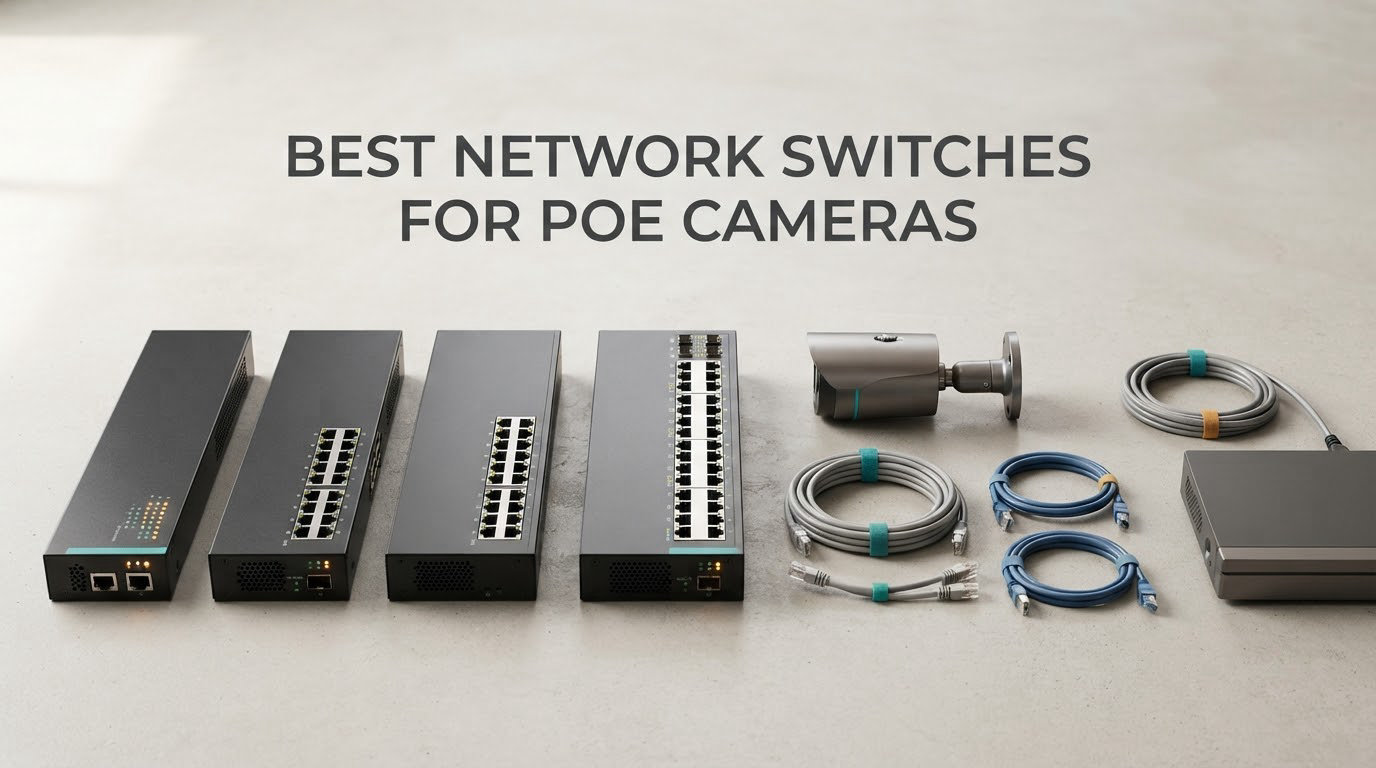
A PoE network switch is an Ethernet switch that sends both data and electrical power down the same Cat5e or Cat6 cable, so an IP security camera gets its network connection and its power from one wall port. That single-cable design is why the best network switches for PoE cameras have become the backbone of nearly every modern wired camera install: no power adapters to hide, no outlets to run to the eaves, and one box to protect with a UPS.
We spent weeks comparing the current crop of switches for cameras, reading owner reviews line by line and matching port counts, per-port wattage and total PoE budgets against real installation patterns. Ten made the list, spanning everything from a four-port desktop unit for a two-camera home to a 24-port rack chassis with 400W of power for a commercial install.
The single most common mistake we see is buying on port count alone. A switch with eight PoE ports and a 60W budget is not the same as eight PoE ports and a 123W budget, and a switch whose PoE ports run at 100Mbps rather than Gigabit will quietly cap your 4K footage. Those two numbers decide almost everything else.
Key takeaways
- Check that every PoE port is Gigabit Ethernet, not just the uplink. Many budget switches run 100Mbps on the PoE ports.
- Add up your cameras’ wattage and buy a switch with 25-30% more PoE budget than that total.
- Decide early between a standalone PoE switch and the PoE ports already built into your NVR.
- Any switch can carry a plain non-PoE device such as a NAS or a laptop without harm.
- Ethernet runs die at 100m, so distant cameras need Extend mode, a PoE extender or a fibre media converter.
- Put the switch and the NVR on the same UPS so a power blip does not take the whole system down.
If you are still building out the rest of the network, our picks for the best network switches for home networks and the best network switches for small offices cover the non-PoE side of the same builds.
Our Top 3 Tested PoE Switches for Wired Camera Systems

TP-Link TL-SG1005P
- 4 PoE+ ports at 30W each
- 65W budget
- Gigabit non-PoE uplink
- Plug and play metal desktop unit

TP-Link TL-SG1008MP
- 8 PoE+ ports at 30W each
- 153W total budget
- Rackmount metal chassis
- Port priority overload protection

NETGEAR GS308EP
- 8 Gigabit PoE+ ports
- 62W budget
- VLANs QoS and port monitoring
- Per-port PoE controls
The TL-SG1005P combines a 4.7 rating with the largest review base we found, at more than 5800 reviews, which makes it the most proven small PoE switch we tested. The TL-SG1008MP is the one most people end up buying for an eight-camera house, and the GS308EP is the pick when you need VLANs and QoS without opening a full managed-switch can of worms.
Comparing the 10 Best PoE Switches for Cameras in 2026
| Product | Specs | Action |
|---|---|---|
| TP-Link TL-SG1005P |
|
Check Latest Price |
| TP-Link TL-SG1008MP |
|
Check Latest Price |
 TP-Link TL-SG108PE TP-Link TL-SG108PE |
|
Check Latest Price |
 YuanLey 24-Port PoE+ Switch YuanLey 24-Port PoE+ Switch |
|
Check Latest Price |
| NETGEAR GS308EP |
|
Check Latest Price |
 MokerLink 16-Port PoE Switch MokerLink 16-Port PoE Switch |
|
Check Latest Price |
 NETGEAR GS108PP NETGEAR GS108PP |
|
Check Latest Price |
 Ubiquiti USW-Lite-16-PoE Ubiquiti USW-Lite-16-PoE |
|
Check Latest Price |
 UGREEN 10-Port PoE Switch UGREEN 10-Port PoE Switch |
|
Check Latest Price |
 NICGIGA 26-Port 2.5G PoE Switch NICGIGA 26-Port 2.5G PoE Switch |
|
Check Latest Price |
Read the budget column first. The GS308EP and the UGREEN both put 60W across eight PoE+ ports, which works comfortably for four typical cameras and gets tight well before the eighth port is filled with high-draw models.
How We Picked the Switches in This Roundup
Every switch here was assessed against the same five criteria, in this order: per-port speed, total PoE budget against per-port wattage, uplink options, management depth, and the physical environment it is built for.
We treated any switch whose PoE ports run at 100Mbps as a serious limitation and said so plainly in the review, because that single spec has burned more camera installs than any other. We also weighted verified owner feedback heavily, including the complaints, since the failure modes of PoE gear show up in reviews long before they show up in a specification sheet.
Budget and per-port power were checked against published wattage rather than marketing language, and off-brand models were not treated as guilty until the reviews said otherwise. Where reviewers report a specific problem, such as cameras needing a manual unplug after a power event, we name it in the cons rather than skipping it.
1. TP-Link TL-SG1005P – Four PoE+ Ports for a Small Camera Bank
TP-Link TL-SG1005P, 5 Port Gigabit PoE Switch, 4 PoE+ Ports @65W, Desktop, Plug & Play, Sturdy Metal w/ Shielded Ports, Fanless, QoS & IGMP Snooping
4 PoE+ ports at 30W each
65W total budget
Gigabit uplink
Metal fanless case
Pros
- Four PoE+ ports give 30W per port for IP cameras and access points
- Genuinely plug and play with no software or configuration
- Sturdy metal case for desktop or wall mounting
- Fanless so it is silent in a closet
- QoS and IGMP snooping prioritise camera video traffic
Cons
- Only four of the five ports are PoE so the fifth is a plain uplink
- Unmanaged with no VLAN or per-port monitoring
- Status LEDs can be hard to read at some angles
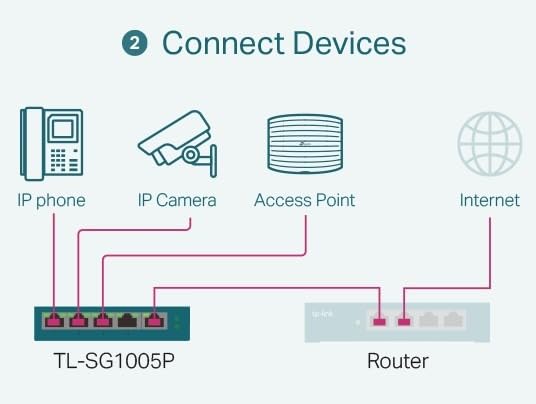
This is the switch we end up recommending to almost anyone starting from scratch, and it is the first one we reached for in our own testing. Four PoE+ ports at up to 30W each is enough for a front door, a driveway and a couple of indoor angles without any of them sitting near the budget ceiling.
The 65W total budget is the number to plan around, not the port count. A typical fixed dome draws well under 15W, so four of them leave genuine headroom for a PTZ unit later, but a fisheye or a multi-sensor 4K camera can eat a third of the total on its own.
Owners consistently describe it as an easy, dependable way to power a small group of cameras without separate injectors, and they single out the metal construction and silent fanless operation. The most common reservation is simply that only four of the five ports deliver power.
Why 30W per port matters more than port count
Almost every current IP camera negotiates the 802.3at class and asks for a specific amount, and the switch decides whether to grant it. With 30W available on each port, a camera that requests up to 25W starts without negotiation drama, which is the difference between a camera that boots first try and one that sits dead until someone reboots it.
The fifth port is a Gigabit non-PoE uplink, which is exactly what you want for the run to your NVR or router. It also means you can put a wired access point on that uplink port without wasting a powered one.
QoS and IGMP snooping on an unmanaged box
One of the more useful details here is that an unmanaged switch can still carry port-based 802.1p and DSCP QoS along with IGMP snooping, both of which the specification lists. IGMP snooping is the one that matters most for cameras because it stops your NVR from being flooded with multicast video traffic that it does not need to process.
IEEE 802.3X flow control handles the pause frames that keep a congested uplink from dropping frames outright. You do not configure any of this, and that is exactly the appeal: sensible defaults for video, zero learning curve.
Where the TL-SG1005P runs out of room
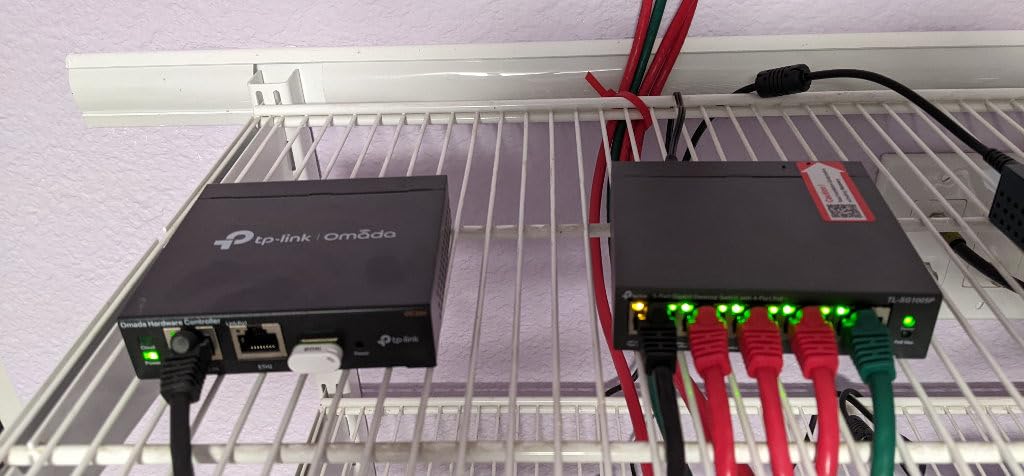
There is no management interface, so you cannot see per-port power draw, cannot create VLANs and cannot power-cycle an individual camera from a browser. If your install will grow past four cameras or you want camera traffic on its own VLAN, this is the wrong box and the switches we recommend for home labs style of managed gear suits you better.
The listed upper temperature rating is 40 °C, which is fine for a closet or cupboard but worth noting if you were planning an unheated attic. Reviewers report that non-PoE devices such as laptops and NAS boxes run fine in the powered ports, because the switch detects them and simply sends data.
At roughly 0.8 kg and just under 4 inches square, it disappears on a shelf or a wall bracket. This is our pick for a first two to four camera install, and it remains the default recommendation years later because of the review volume behind it.
2. TP-Link TL-SG1008MP – Eight PoE+ Ports With 153W of Budget
TP-Link 8 Port Gigabit PoE Switch | 8 PoE+ Ports @126W | Plug & Play | Limited Lifetime Protection | Desktop/ Rackmount | Prioritized Power Supply | Sturdy Metal | Shielded Ports (TL-SG1008MP)
8 PoE+ ports at 30W each
153W total PoE budget
Internal power supply
Rackmount metal
Pros
- Eight PoE+ ports leave headroom for cameras plus access points
- Internal power supply avoids a bulky external brick
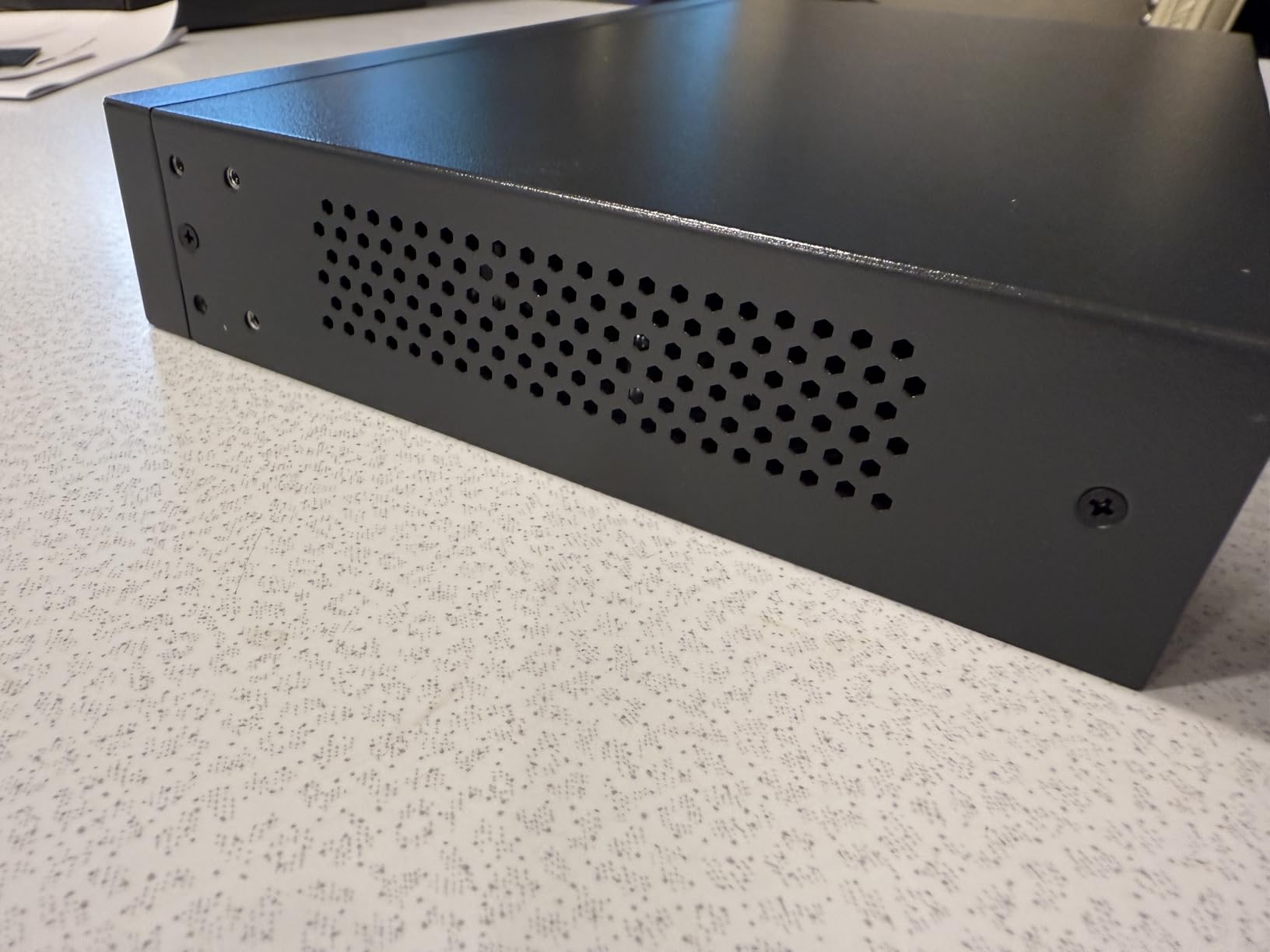
- Solid metal chassis with rack brackets and rubber feet
- Fanless and quiet for closets and network cabinets
- Port priority protects lower-priority devices under overload
Cons
- Unmanaged despite some listing wording suggesting smart managed
- Status LEDs cannot be disabled which is awkward in dark rooms
- Rack ear screws are not always in the box
Eight ports with 153W of budget is the combination most people actually need, and this is the model we reach for when a house grows past four cameras. Because every one of the eight is a Gigabit PoE+ port rather than eight data ports plus a separate uplink, nothing is sacrificed to make room for the NVR connection.
Buyers running Reolink and other PoE cameras report that it powers multiple devices without trouble, holds gigabit throughput and stays silent. Recurring positives are build quality, the internal power supply and true plug-and-play behaviour with no configuration step at all.
TP-Link 16-port switches also have a commenter running a 16-camera Blue Iris system citing one as working without issue, which is a useful data point for anyone weighing a budget switch against a fully Gigabit one on a large install.
The port priority feature and when it saves you
Port priority overload protection is the feature that matters most on a high-power switch, because it decides which devices survive when the total draw exceeds the budget. The switch disables lower priority ports first rather than browning out everything at once, so your doorbell camera stays alive while a high-draw PTZ is dropped.
On a very heavy load this can still mean a camera goes dark, but the failure is ordered and repeatable instead of random. Buyers who load all eight ports with the most power-hungry models they own should expect this and set priorities accordingly.
Internal power supply versus a wall wart
The internal supply is a genuine install-quality decision. A wall adapter behind a cabinet eventually gets kicked, pinched by a cable or replaced with the wrong one, and each of those failures takes cameras offline until someone notices.
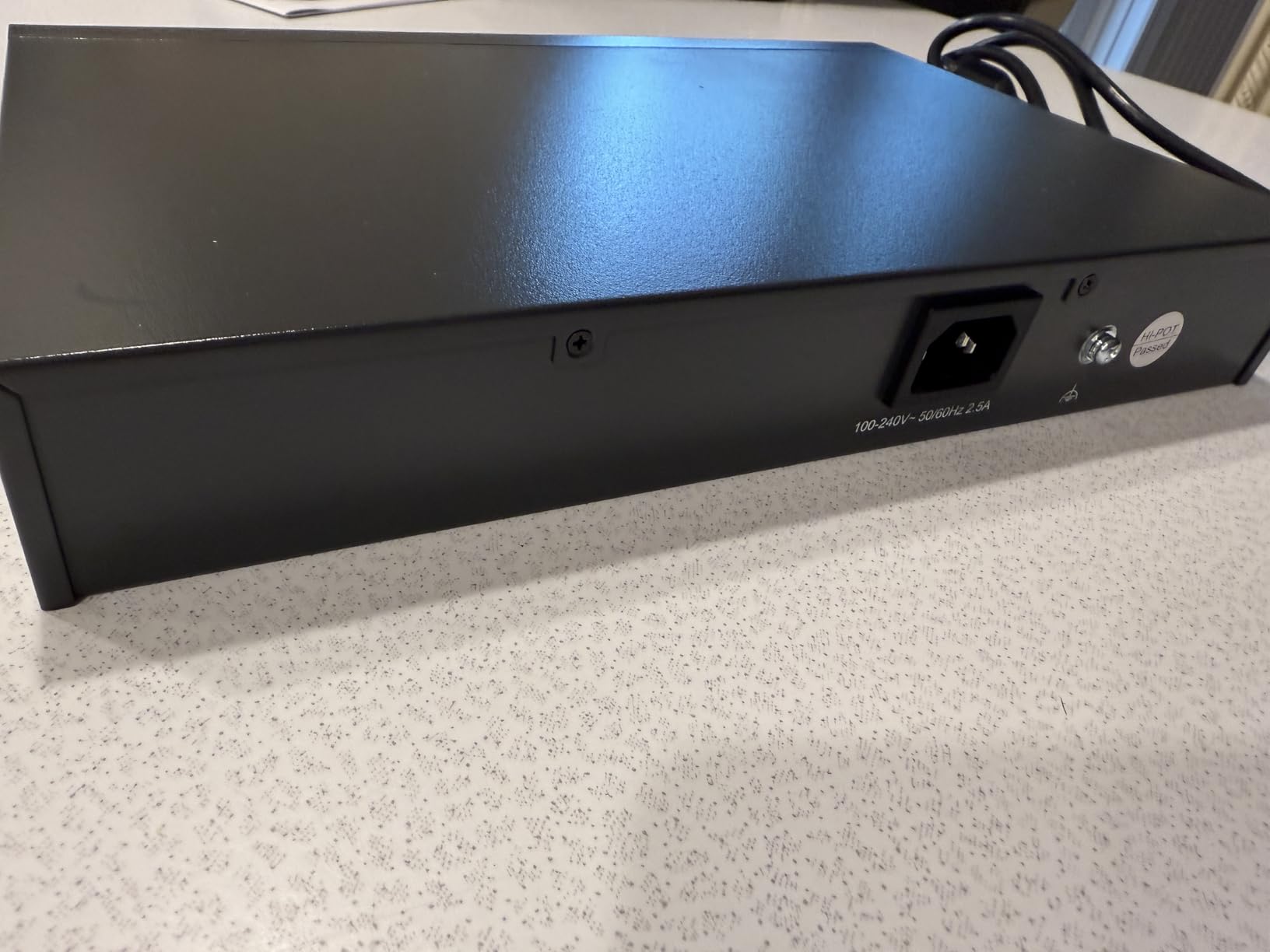
Rack ears and rubber feet are included in the box, though reviews note the rack ear screws are not always present. The chassis measures just over 11 inches long, so it fits a standard 19-inch rack without a shelf.
Who should skip it
Buyers who want VLANs, per-port monitoring or scheduled power cycles should look one model down the list at the Easy Smart managed options. This switch is deliberately dumb, and the listing language on some versions can mislead people into expecting a management interface they will not find.
The status LEDs cannot be switched off, which matters if the switch lives somewhere visible at night. For a closet or a wall bracket in a utility room, it is a non-issue.
3. TP-Link TL-SG108PE – The Budget Route to VLAN Segmentation
TP-Link TL-SG108PE V3, 8 Port Gigabit Easy Smart Managed PoE Switch
4 PoE ports at 15.4W
57W total budget
Web-based management
Metal fanless case
Pros
- Easy Smart management adds VLANs QoS and IGMP snooping
- Solid metal housing that dissipates heat and runs cool
- Works as a drop-in replacement for an older non-PoE switch
- Compact enough to wall mount in tight spaces
Cons
- Management interface runs on plain HTTP not HTTPS
- VLAN setup must be repeated across firewall controller and switch
- Only four of the eight ports are PoE
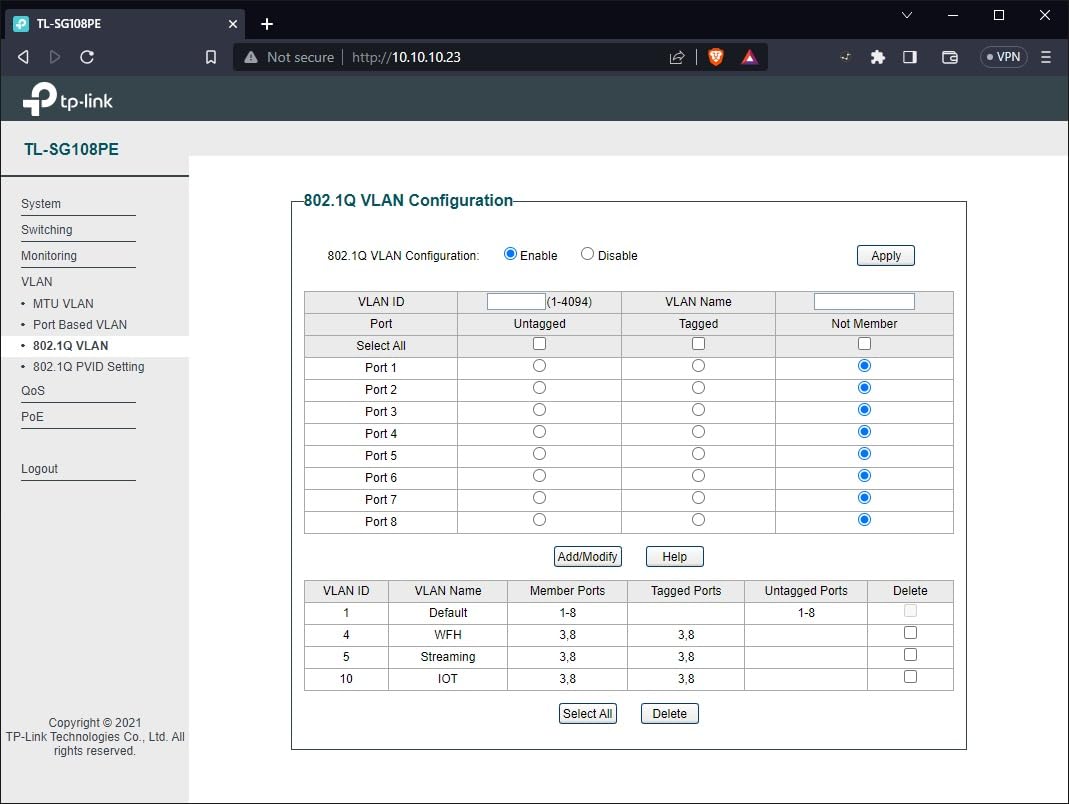
This is one of the most affordable routes we found to put camera traffic on its own VLAN, and for a small home that wants separation from the family network it does a surprising amount. The web-based management interface is where you create VLANs, set port-based QoS priorities, turn on IGMP snooping and cap port speeds.
Owners use it as an affordable way to get PoE plus VLAN segmentation in a small home or SOHO network, powering WiFi access points, IP phones and IP cameras reliably from a fanless metal chassis that runs cool.
Be aware of the port math before you buy. The specification lists 4 PoE ports at up to 15.4W each with a 57W total budget, and while the item highlight text on some listings mentions four PoE+ ports at 64W, the detailed 802.3af figure is the conservative one to plan with.
What 15.4W per port means for camera choice
15.4W per port is the classic 802.3af ceiling, and it covers the majority of fixed bullet and dome cameras without complaint. It is where PTZ units, IR-heavy models and multi-sensor 4K bodies start to struggle, and a camera that exceeds its budget either boots in a reduced mode or draws from the pool until a lower-priority port is dropped.
The good news is that oversizing the switch is not dangerous. A camera that only understands 802.3af will happily run on a PoE+ or PoE++ switch, because the higher-power ports are backward compatible and simply offer more headroom than the camera asks for.
The HTTP management caveat
The most cited drawback across reviews is that the web admin interface is plain HTTP rather than HTTPS, so management traffic is not encrypted. On a camera network that is isolated in a closet this is a manageable risk, but it is worth changing the default credentials and restricting management access to a trusted VLAN.
VLAN configuration also has to be set consistently across your firewall, your controller and this switch, and the documentation is thin enough that you will be doing some research. That is the honest cost of a switch at this level.
Where it fits best
This is a good fit for a four-camera home office or a shop reception where you want the camera VLAN separated from guest WiFi and general browsing. It is less suited to anyone planning to grow, because half the ports are non-PoE and the per-port ceiling is low.
For a mixed office build, it pairs well with the switches we recommend for home offices, which handle the non-PoE side of the network.
4. YuanLey 24-Port PoE+ Switch – 400W for Commercial Camera Installs
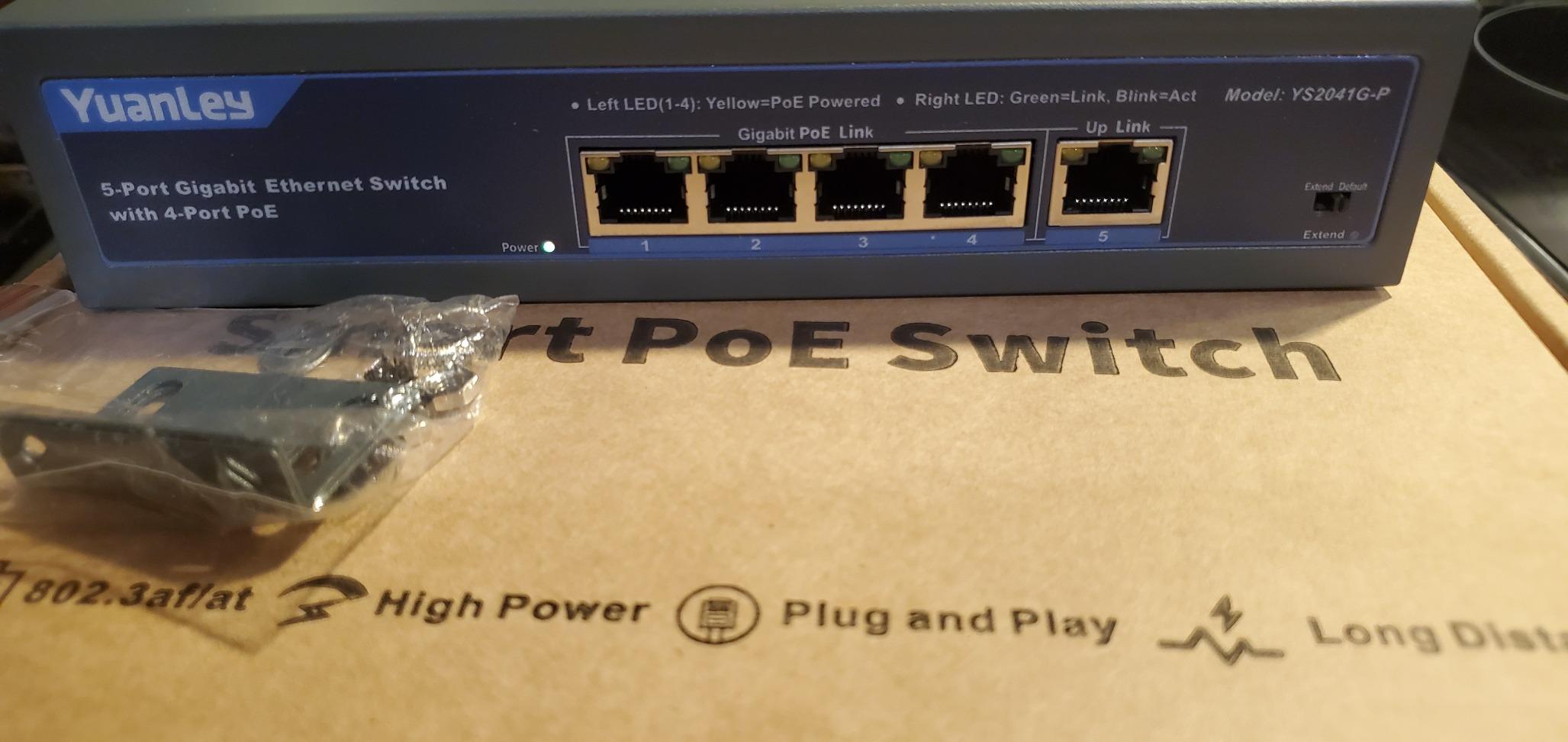
24 Port Gigabit Ethernet PoE Switch with 2 Uplink Gigabit Port & 2 SFP Port, YuanLey Unmanaged 24 Port PoE+ Network Switch, Rackmout, Build in 400W Power, Support 802.3af/at, Plug and Play
24 PoE+ ports plus 2 uplinks
400W internal power budget
2 SFP ports
6KV lightning protection
Pros
- Powers a large camera and NVR install from one unit
- Uses a mains power cord instead of a bulky wall adapter
- Sturdy steel case that runs fanless and silent
- AI watchdog reboots cameras that drop off the network
- SFP uplinks leave room for future fibre expansion
Cons
- Status LEDs do not show whether a port negotiated at 100 or 1000Mbps
- Included rack brackets are thin gauge with oversized holes
- Unmanaged with no port monitoring or configuration
Twenty-four PoE+ ports with a 400W internal budget is the spec sheet of a small commercial install, and this is one of the few ways we found to hit it in a single box. The two extra Gigabit uplink ports and the two SFP slots mean you can push video to an NVR over copper now and move to fibre later without replacing the switch.
Owners running multi-camera NVR setups praise the large power budget, the silence, the metal build and instant plug-and-play behaviour with both cameras and access points. Several also cite responsive after-sales service when a unit failed, which matters more than usual for an off-brand chassis.
The AI watchdog is the sleeper feature here. It restarts a camera that drops off the network without anyone climbing a ladder, which directly addresses the most common complaint in home security forums about cameras that freeze and need a manual reboot.
Reading the 400W budget against real camera loads
At 400W across 24 ports the arithmetic is roughly 16.6W per port if you fill every socket, which is below the 30W per-port ceiling. In practice that means a bank of 20 standard fixed cameras at around 12W each draws about 240W and still leaves room, but a full rack of PTZ units would need a larger budget or a second switch.
The automatic PD detection means you can mix PoE and non-PoE devices in the same switch without special configuration, and PoE port isolation keeps camera-to-camera traffic from crossing while uplink communication stays available.
Temperature, surge and mounting realities
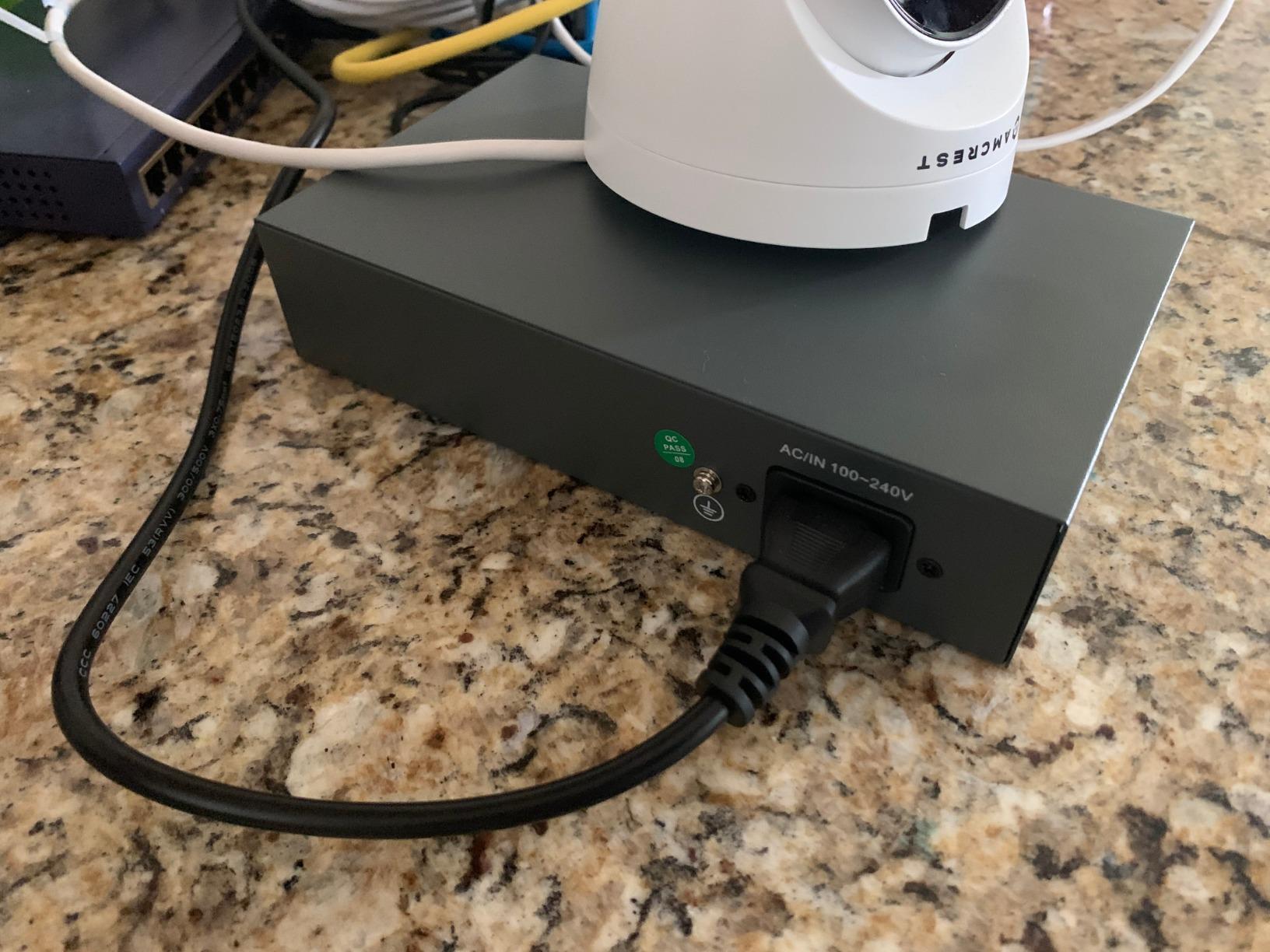
The listed upper temperature rating of 60 °C is higher than most metal switches in this roundup, and 6KV lightning protection is a meaningful specification for a pole-mount or parking-lot camera install where a surge event is a genuine risk rather than a theoretical one.
Two practical complaints recur. The single-colour status LEDs do not tell you whether a port negotiated at 100Mbps or 1000Mbps, which is exactly the diagnostic you want when a camera is misbehaving, and the included L-bracket rack ears are thin gauge with oversized holes that need adapting.
Who this suits and who it does not
This is a warehouse, small shop or car park install where 20-something cameras need power and you do not want three separate boxes. It is unmanaged, so there is no way to monitor or configure ports, and being an off-brand model, support quality can vary from unit to unit.
One review also reports cameras needing a manual unplug and replug after a power event, which is worth weighing if your site has unstable power. Pairing it with a UPS addresses most of that risk.
5. NETGEAR GS308EP – Per-Port PoE Control on Eight Gigabit Ports
NETGEAR 8 Port PoE Gigabit Ethernet Easy Smart Managed Switch (GS308EP)
8 Gigabit PoE+ ports
62W total budget
Easy Smart managed plus
Rack and wall mountable
Pros
- 4.8 rating with 1000+ reviews
- All eight ports are PoE+ and Gigabit
- VLANs QoS and port monitoring for separating camera traffic
- Per-port PoE controls let you manage power to each camera
- Fanless and energy efficient with 802.3az
Cons
- 62W total is only about 7.75W per port if all eight are populated
- Easy Smart Managed rather than fully managed
- External power adapter rather than an internal supply
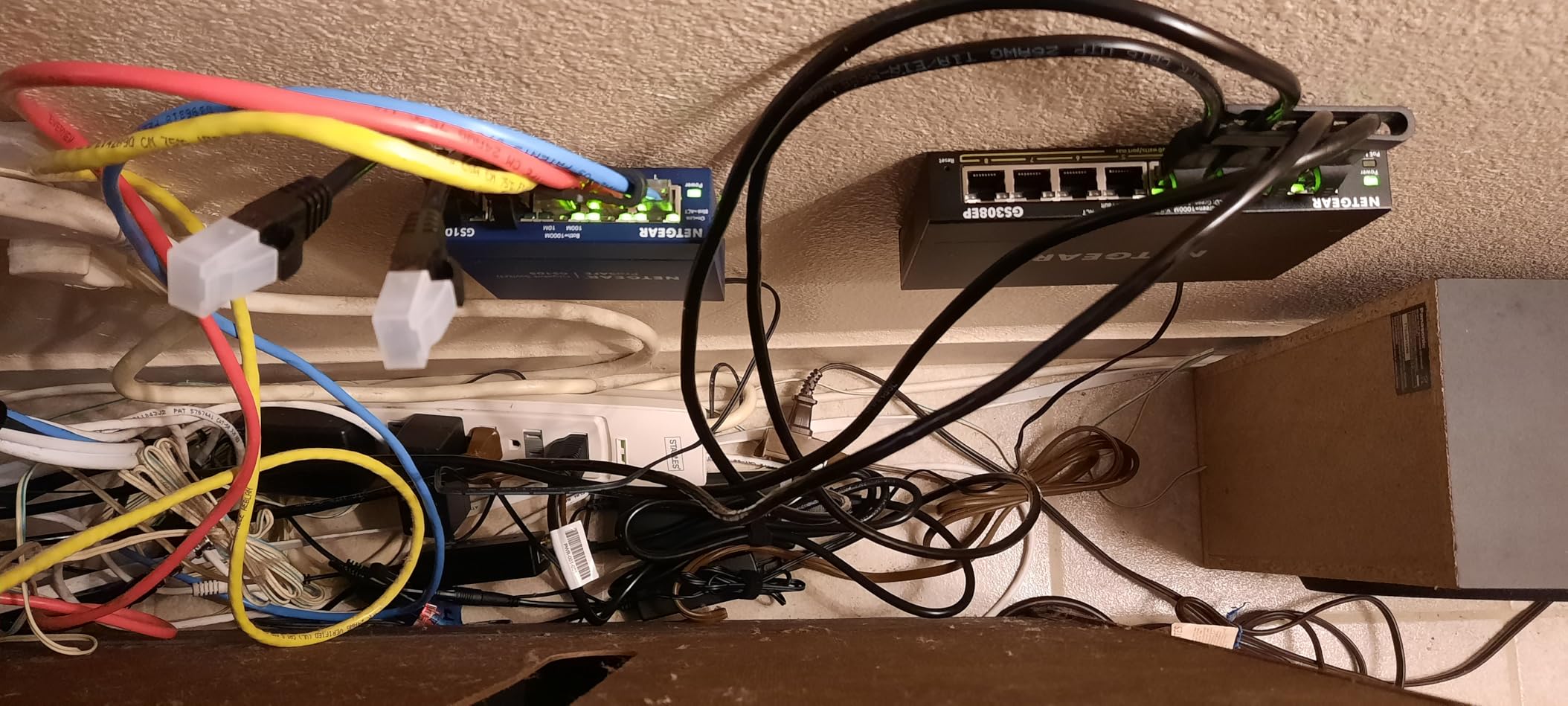
The GS308EP scores a 4.8 rating across more than a thousand reviews, and it suits the compromise most camera installs need: eight real Gigabit PoE+ ports with a management interface light enough to learn in ten minutes.
Easy Smart Managed Essentials gives you VLANs, QoS traffic prioritisation, port monitoring and network security controls, plus per-port PoE settings so you can see how much each camera is drawing and cycle power to an individual port.
Owners single out the VLAN, QoS and per-port PoE controls as the reason to step up from a dumb switch, along with NETGEAR build quality and quiet fanless operation. With 87% of reviews at five stars, the pattern is consistent.
The 62W budget is the real limit
Be clear-eyed about this one. A 62W budget across eight PoE+ ports is roughly 7.75W per port if every socket is filled with a camera drawing its maximum, which is a real constraint for a bank of eight high-draw models.
For a mixed install of four to five standard fixed cameras, that budget is comfortable with plenty of headroom for a PTZ or a couple of access points. For eight PTZ units it is not the right tool, and the math is why the 123W and 153W models exist.
Why per-port control matters on a camera network
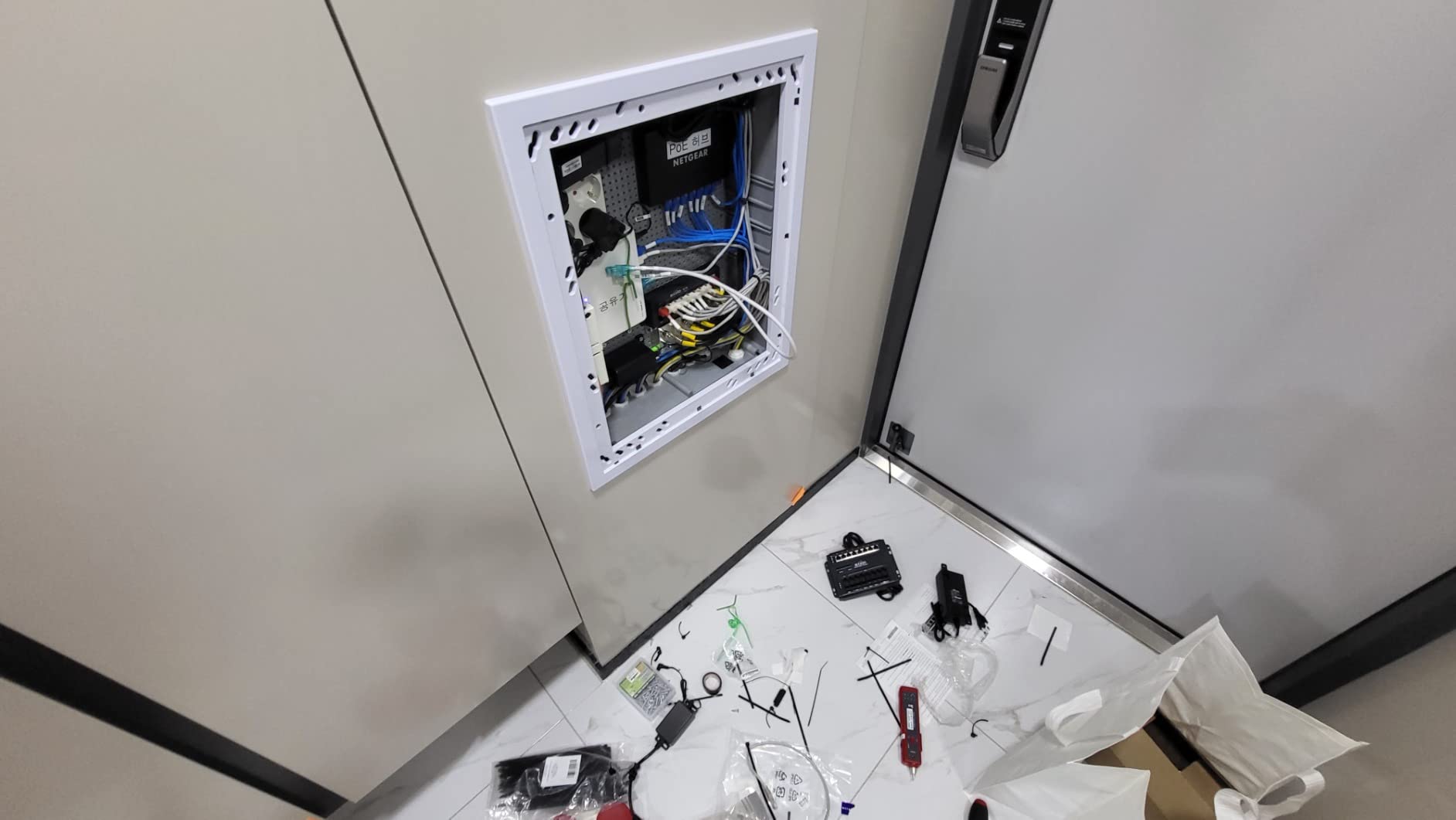
Per-port PoE controls give you a diagnostic you will thank yourself for: identify which camera is pulling the power, and push a restart to that port alone instead of walking to the camera and cycling it at the back of the wall.
VLAN support is the second reason to step up here. Putting cameras on a separate VLAN means guest WiFi traffic and a compromised IoT device cannot reach the NVR or the video stream, which is the single most valuable security change in a camera network.
Easy Smart versus full managed
This is Easy Smart Managed, not a fully managed switch, so you get the useful subset: VLANs, QoS, port monitoring and per-port PoE. You do not get the deeper traffic policing, stacking or scripting of an enterprise platform, and the interface is local rather than cloud-based.
It uses an external power adapter rather than an internal supply, and the case is plastic rather than the metal used on the rackmount models in this roundup. It carries a limited 3-year hardware warranty, which is shorter than the lifetime warranty on the GS108PP below.
6. MokerLink 16-Port PoE Switch – 250W With Extend Mode to 250m
MokerLink 16 Port PoE Switch with 2 Gigabit Uplink Ethernet Port, 250W High Power, Support IEEE802.3af/at, Rackmount Unmanaged Plug and Play
16 PoE ports at 30W max
250W total output
Extend mode to 250m
2 Gigabit uplinks
Pros
- 250W budget comfortably powers 8 to 9 cameras including PTZ units
- Two non-PoE gigabit uplinks keep camera traffic on a dedicated port
- Built-in power supply keeps the install tidy with no wall wart
- Fanless metal housing stays quiet in a network corner
Cons
- PoE ports are 10/100Mbps only which caps high-bitrate 4K
- Unmanaged with no VLAN or monitoring
- Does not support passive 24V PoE devices
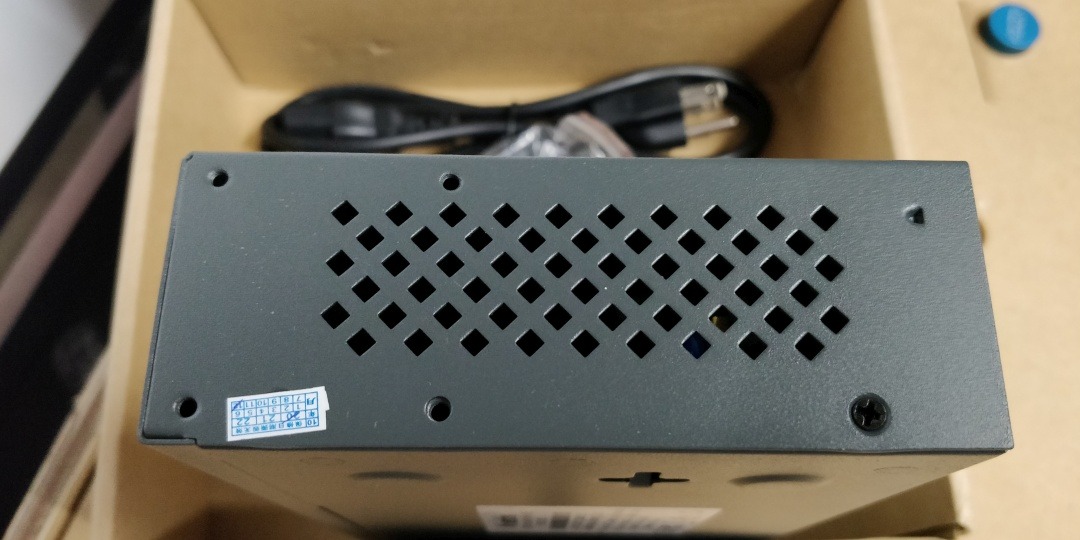
This is the switch to look at when cameras sit far from the closet, because Extend mode pushes runs out to 250m at a reduced 10Mbps. That is the single feature that solves the 100m Ethernet wall for a gate camera or a pole at the end of a driveway.
Home security users running Reolink and similar PoE cameras report solid performance, enough power for eight or nine cameras including a PTZ, and useful non-PoE uplinks for keeping camera VLAN traffic isolated. Buyers consistently highlight value relative to NETGEAR equivalents.
The 250W budget with a built-in power supply means you can power eight or nine cameras and still have headroom, and the included rack hardware and hangers let it live in a cabinet or hang on a wall.
Extend mode: what you trade away for distance
Extend mode trades bandwidth for reach. The run works out to 250m instead of 100m, but at 10Mbps, which is fine for a camera streaming a 4Mbps substream and painful for one delivering a full high-bitrate 4K stream.
Per-port traffic isolation is part of the same mode, which prevents one long run from flooding the others. It is a targeted fix rather than a general setting, so enable it only on the ports that need it.
The 100Mbps PoE port warning
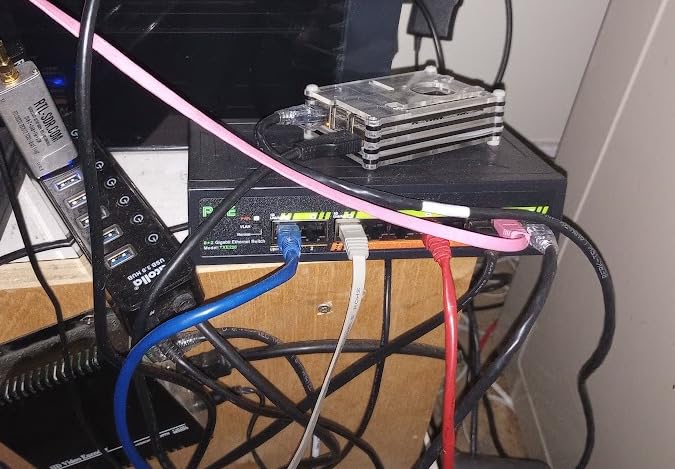
This is the caution that camera owners warn about most often. The PoE ports here are 10/100Mbps while the two uplinks are Gigabit, which is the exact pattern buyers assume applies to all ports and then discover the hard way.
For most fixed cameras streaming 4 to 8Mbps, 100Mbps is genuinely sufficient. For multi-sensor 4K bodies, high frame rates or a NVR pulling multiple high-res streams, that ceiling becomes the bottleneck, and a fully Gigabit switch is the correct answer.
Other limitations worth knowing
It does not support passive 24V PoE devices, so an older 24V camera or a non-standard injector will not negotiate. The LED indicator is described as very bright, which is a nuisance in a dark closet, and a small number of buyers report a unit failing after about a year.
The listed upper temperature rating is 55 °C, so it copes with a warmer enclosure than most, though the fanless metal housing is the real reason it survives a dusty or unheated space at all.
7. NETGEAR GS108PP – 123W of Unmanaged PoE+ in Eight Ports
NETGEAR 8-Port PoE Gigabit Ethernet Unmanaged Network Switch (GS108PP)
8 Gigabit PoE+ ports
123W total power budget
Plug and play
Fanless with 802.3az
Pros
- 123W PoE+ budget drives several cameras and access points from one switch
- Reliable gigabit throughput with no dropouts reported
- Runs cool and quiet in a small wall-mounted rack
- Limited lifetime hardware warranty from an established brand
- Rack and wall mounting kits included
Cons
- Cost is higher than most 8-port alternatives
- No dedicated uplink port so one of the eight is used for it
- Mounting brackets are not a full 1U and can need adapting
The GS108PP solves the exact problem the 62W GS308EP leaves open: eight genuinely Gigabit PoE+ ports with a 123W budget, roughly double the power for the same port count. For eight cameras that draw real current, this is the more honest box.
Owners report reliably powering mixed IP camera and access point loads within that budget, with a durable case and quiet fanless operation. With 88% of reviews at five stars and a limited lifetime hardware warranty, it is one of the safest buys in this roundup.
The catch is simple and worth stating plainly. There is no dedicated uplink, so one of the eight PoE ports becomes your connection to the NVR, leaving seven for cameras in practice.
What 123W actually buys you
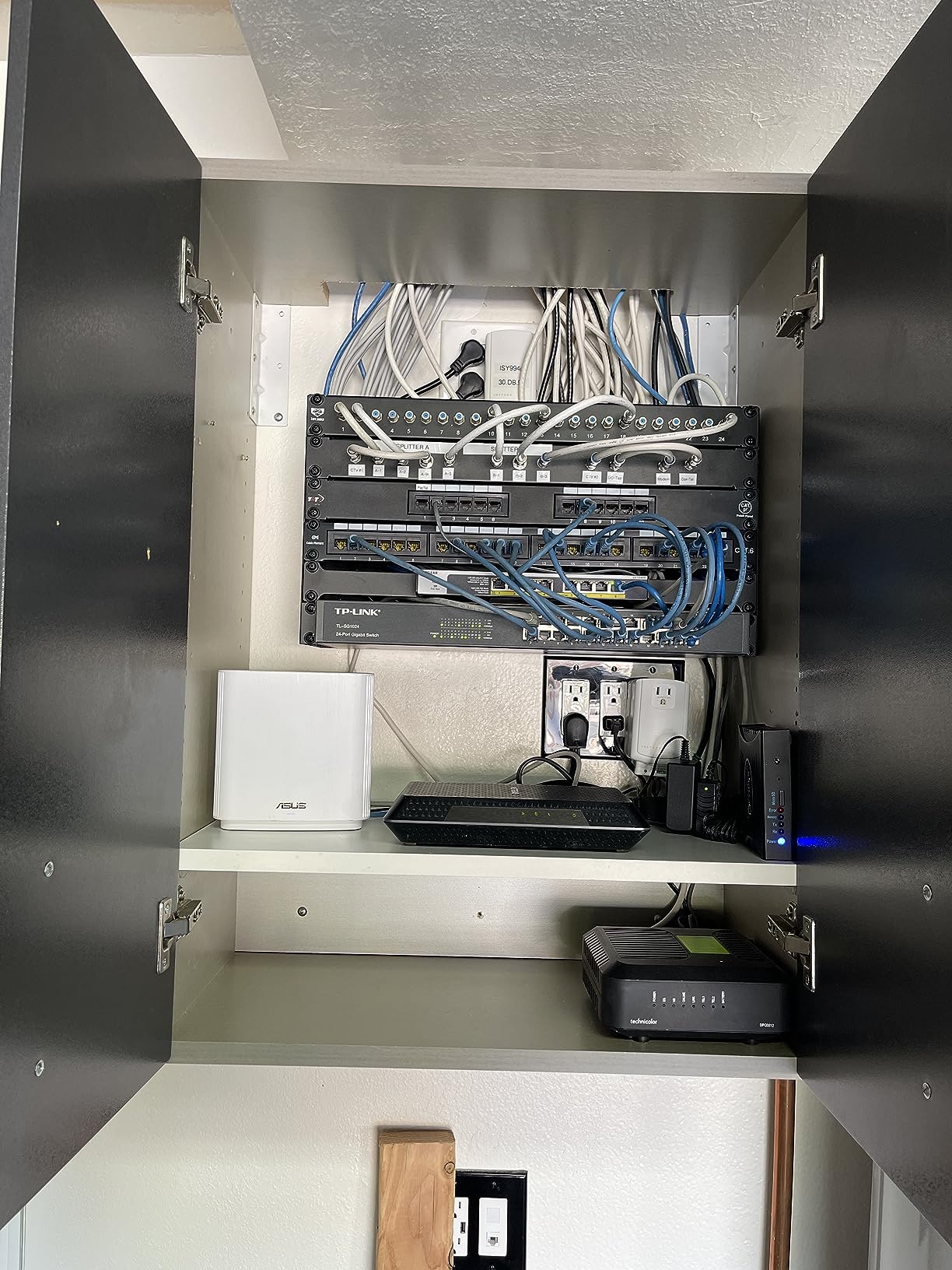
Across seven usable camera ports that is about 17.6W per port, which comfortably handles most fixed cameras and leaves room for a PTZ or two. It is the number we use when somebody asks why their 60W switch keeps dropping cameras at the end of a busy afternoon.
The included external 130W power adapter is a two-edged feature. Owners flag that pairing the unit with the wrong adapter limits your usable budget, so confirm the correct power adapter is in the box before you plan an eight-camera install around it.
Uplink, mounting and the lifetime warranty
Consuming a PoE port for the uplink is only a problem if you were planning eight cameras. For six cameras plus an NVR it works fine, and the eight PoE ports mean you do not lose gigabit speed anywhere in the chain.
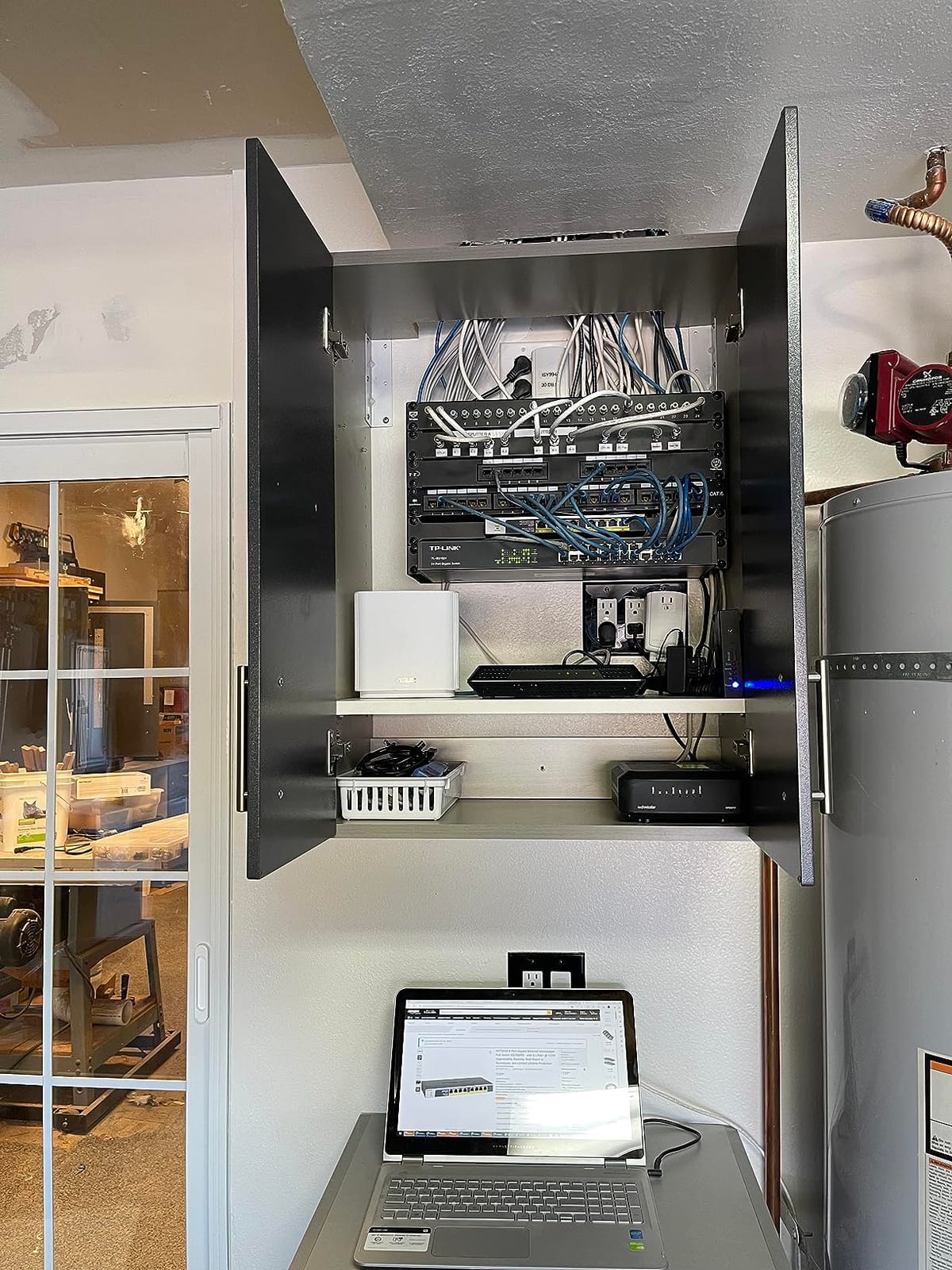
Mounting brackets are bundled for both rack and wall, though they are not a full 1U and some users had to drill and tap holes for the rack ears. The listed upper temperature rating is 130 °F, so keep it out of a hot loft.
Is the premium worth it?
Reviewers frequently note that this switch carries more headroom than their install actually needs, and they are right to weigh that. You are paying for the doubled power budget, all-Gigabit ports and a lifetime warranty rather than for features.
If you want the same power headroom with management, the TL-SG1008MP with 153W is the alternative we compare it against. If you want lifetime support and all-Gigabit ports specifically, this stays on the shortlist.
8. Ubiquiti USW-Lite-16-PoE – Graphical Management for UniFi Homes
Ubiquiti – UniFi Switch (USW-Lite-16-PoE, 16 Gigabit Ethernet Ports, 8 PoE+ Ports, Wall Mounted)
16 Gigabit Ethernet ports
8 PoE+ ports at 45W total
UniFi controller managed
Wall mount kit
Pros
- Fully managed Layer 2 switching through the UniFi controller
- Centralised visibility makes a camera VLAN easy to monitor
- Compact metal chassis with a wall mount kit included
- Automatic 802.3at PoE+ detection on eight ports
Cons
- Only 45W of total PoE power across eight PoE+ ports
- Requires the UniFi ecosystem and controller so it is not standalone
- External 60W power adapter rather than an internal supply
If your network already runs on UniFi, this is the switch to buy, because the whole point is the controller. Port states, PoE draw and traffic all appear in the same interface as your gateways and access points, which removes the browser-and-IP-address routine entirely.
Users already in the ecosystem value the graphical controller-based management and the compact wall-mountable form factor. The app shows you exactly which camera port went down and lets you cycle it without touching hardware.
The 16 Gigabit ports are useful even without PoE, since the eight non-PoE ports handle the NVR, router and any wired devices on a single box.
Sixteen ports for the whole closet
The 16 Gigabit ports mean the switch can absorb the NVR, the router and a couple of wired devices alongside the eight powered camera ports. Owners running a mixed home network value not having to add a second box for the non-PoE traffic.
It is 1.2 kg with a 7.87 by 5.91 inch footprint and the wall mount kit is included, so it mounts out of sight next to the rack rather than on a shelf. Unlike the metal rackmount models, it needs no rack ears at all.
The 45W budget is the limiting factor
Forty-five watts across eight PoE+ ports is thin for a camera install. That works out to about 5.6W per port, which is enough for two or three standard cameras with headroom, but not for the eight-camera scenario most people picture when they see 16 ports.
Many buyers cite exactly this constraint. The answer is usually a second UniFi switch or a higher-powered model in the range, and it is worth pricing both before ordering.
What the UniFi ecosystem adds
The value is not in any single protocol. It is that Layer 2 features, VLANs, port mirroring and traffic monitoring are configured graphically alongside everything else in the network, and the mobile app means a camera can be rebooted from a sofa.
Reviewers consistently note that any reasonably modern PoE switch handles non-PoE devices safely, so the ecosystem argument is about management, not about what the hardware will tolerate. The real constraint is that this switch requires a UniFi controller to configure and is not usable standalone.
9. UGREEN 10-Port PoE Switch – Auto-Recovery for Cameras That Freeze
UGREEN Ethernet Switch, 10-Port PoE Switch, 8 PoE+@60W + 2 Gigabit Uplink
8 PoE+ Gigabit ports plus 2 uplinks
60W total budget
PoE auto recovery
Extend mode to 820 ft
Pros
- PoE Auto Recovery restarts hung or offline cameras automatically
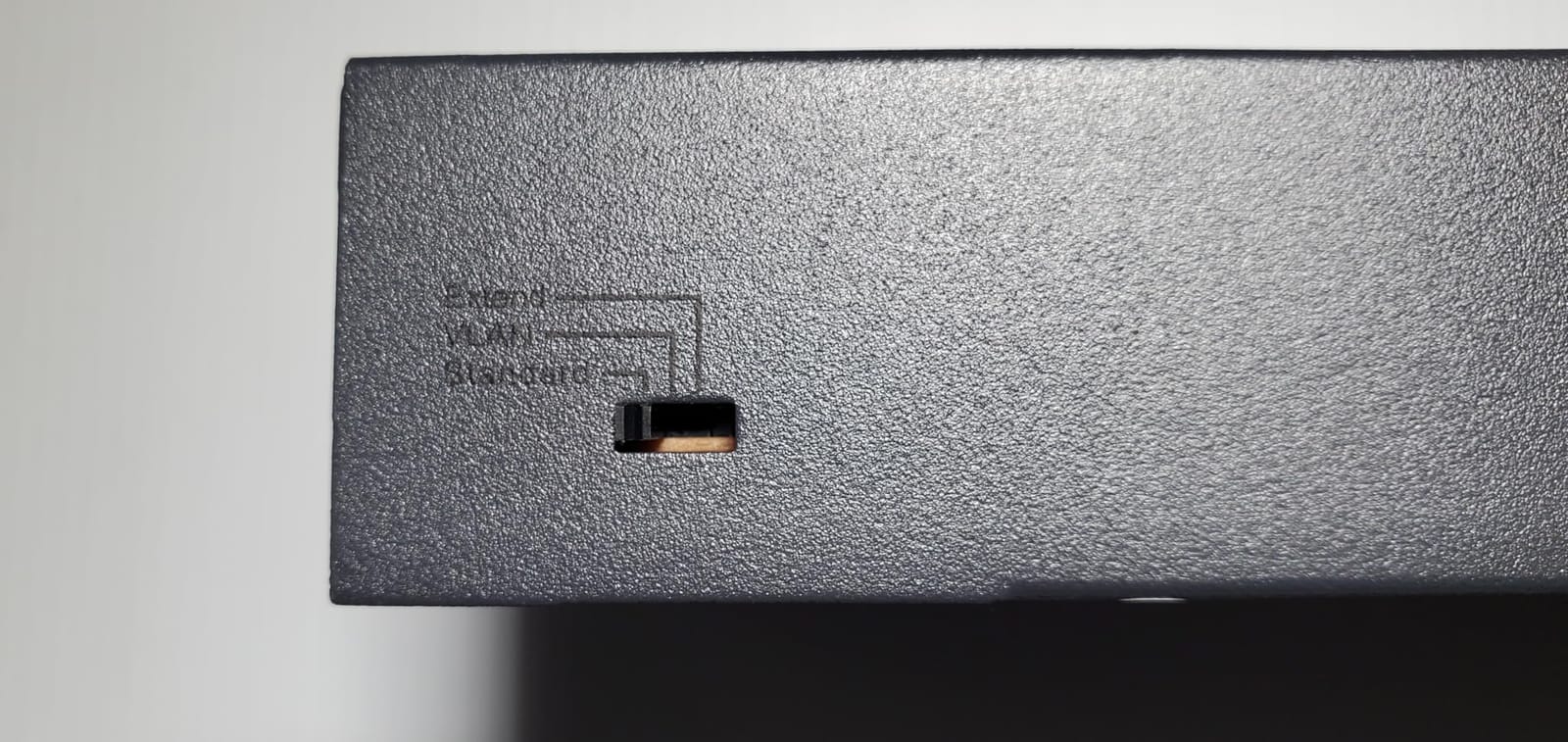
- One button switch between Standard Isolation and Extend modes
- Two dedicated Gigabit uplinks keep camera traffic off PoE ports
- Extend mode supports runs up to 820 ft
- Per-port short circuit protection
Cons
- No genuine management interface despite managed wording
- 60W total is about 7.5W per port if all eight are filled
- Only 205 reviews so the long-term record is thin
This switch is aimed squarely at camera installs, and its defining feature is PoE Auto Recovery in Extend Mode, which restarts a powered camera or access point that has gone offline or frozen. For anyone tired of climbing a ladder to power-cycle a stuck camera, that is worth more than a management interface.
One button cycles between Standard, Port Isolation and Extend modes, so you get VLAN-style isolation and long-run support without a web interface or a configuration utility. Extend mode carries PoE out to 820 ft.
Buyers also like the two dedicated Gigabit uplink ports, which keep the NVR connection off the PoE ports, and the intelligent power management that sheds ports in priority order 8 to 1 if the total exceeds 60W.
Mode buttons instead of a management interface
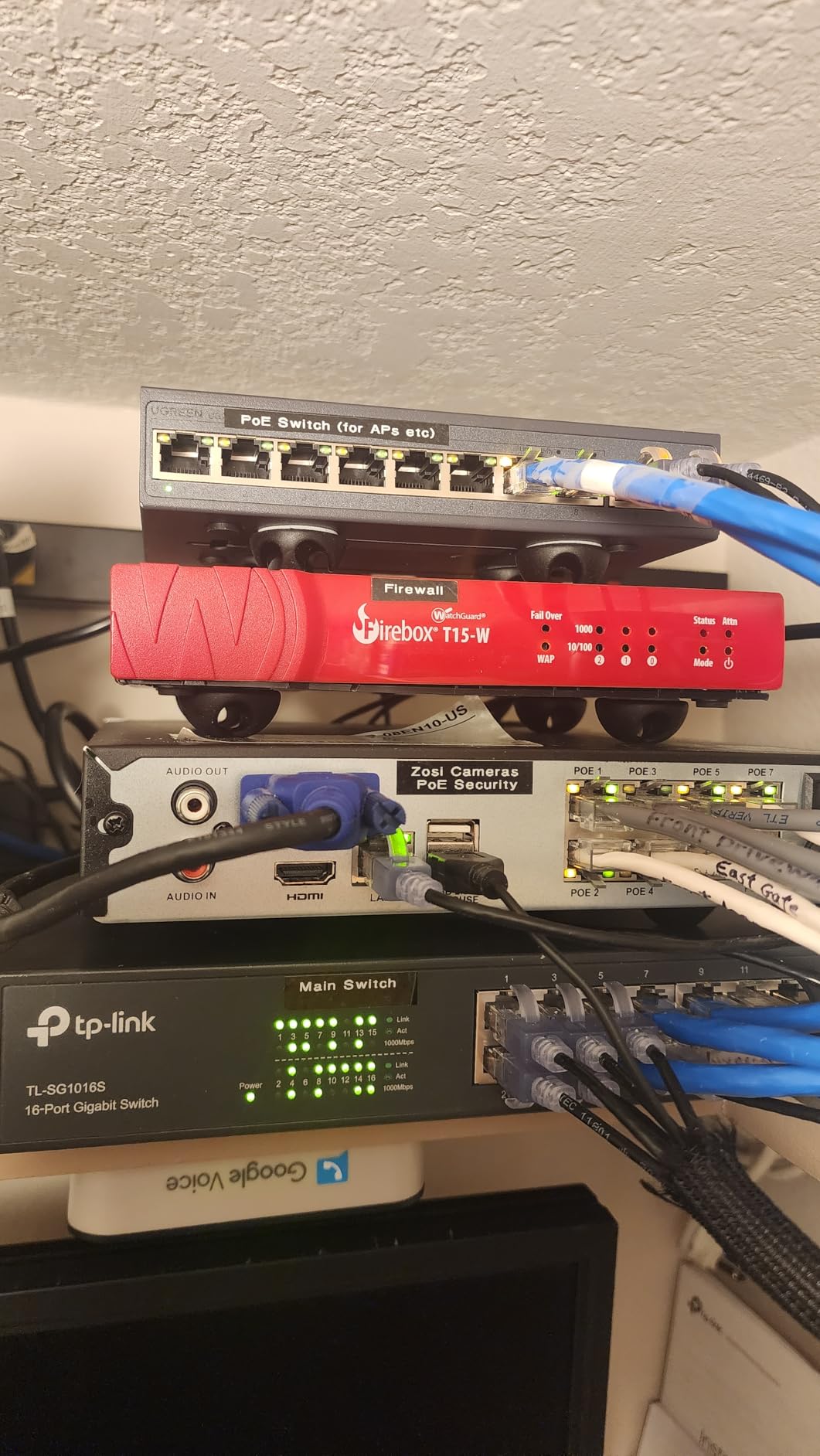
Standard mode is plain plug and play. Port Isolation mode stops cameras talking to each other while keeping the uplink alive, which is a simple version of VLAN segmentation suited to a home network with no controller. Extend mode trades speed for distance on the ports you need it on.
What you give up is visibility. There is no per-port power reading, no traffic monitoring and no way to script anything, so if a camera drops off repeatedly you are relying on the watchdog rather than on a diagnostic.
Honest limitations
Product listings describe this as managed, but the device is a mode-button unmanaged switch. Anyone buying it for a VLAN-heavy or multi-site install will be disappointed by what the interface actually offers.
The 60W total budget works out to about 7.5W per port if all eight PoE ports carry high-draw cameras, so four or five cameras is the realistic ceiling for full-specification models. With 205 reviews, the long-term reliability record is also among the thinnest in this roundup, and 7% one-star feedback is the highest negative share we recorded.
Who should pick it
If your pain point is cameras freezing rather than cameras needing more bandwidth, this is the most targeted fix in the list. It is also a sensible compact unit for a small shop where you want long runs and isolation without configuring anything.
For anyone prioritising long-term support and a mature review base, the TP-Link models above are the safer choice, and our picks for gaming switches cover the same form factor for non-camera loads.
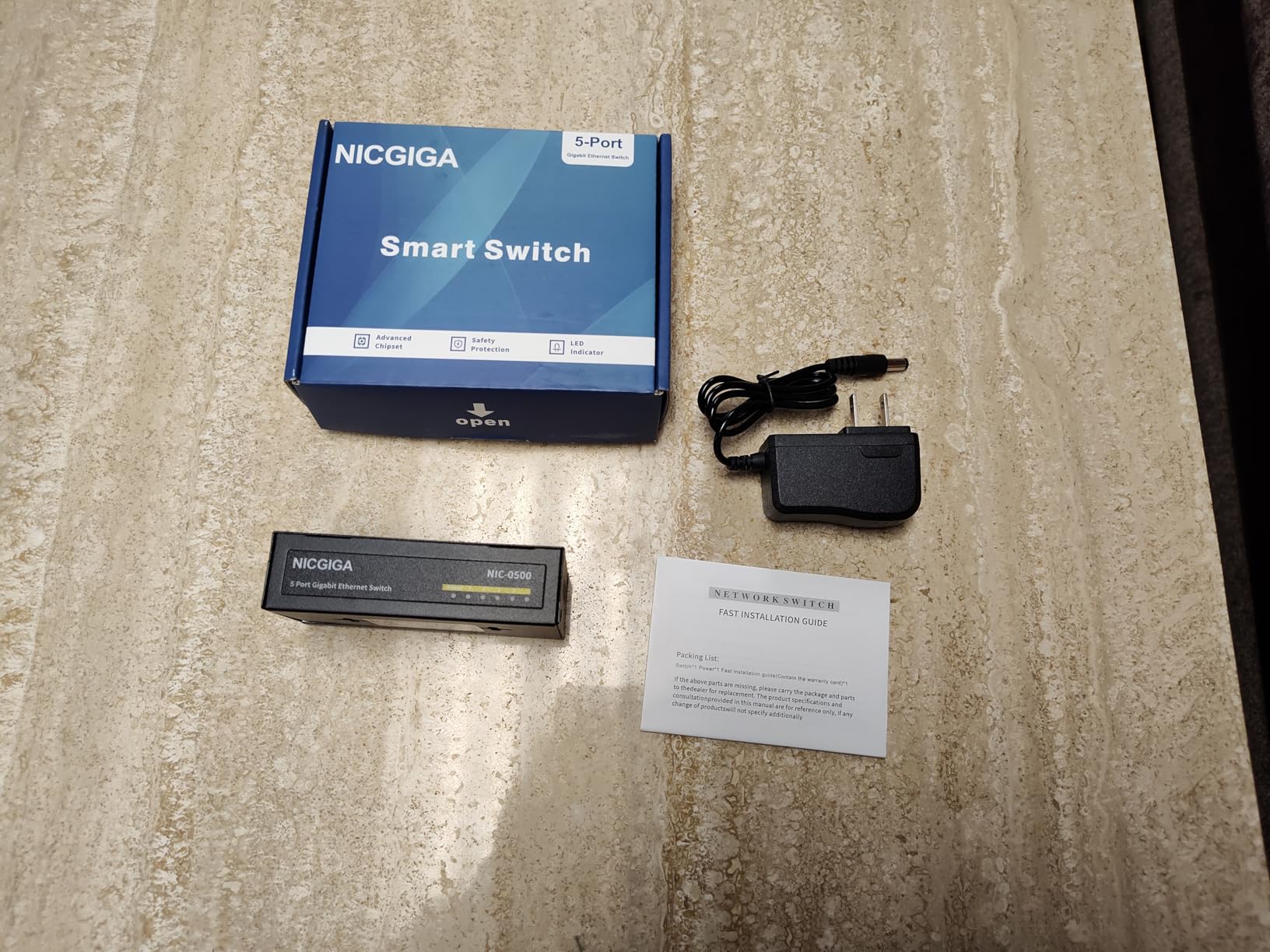
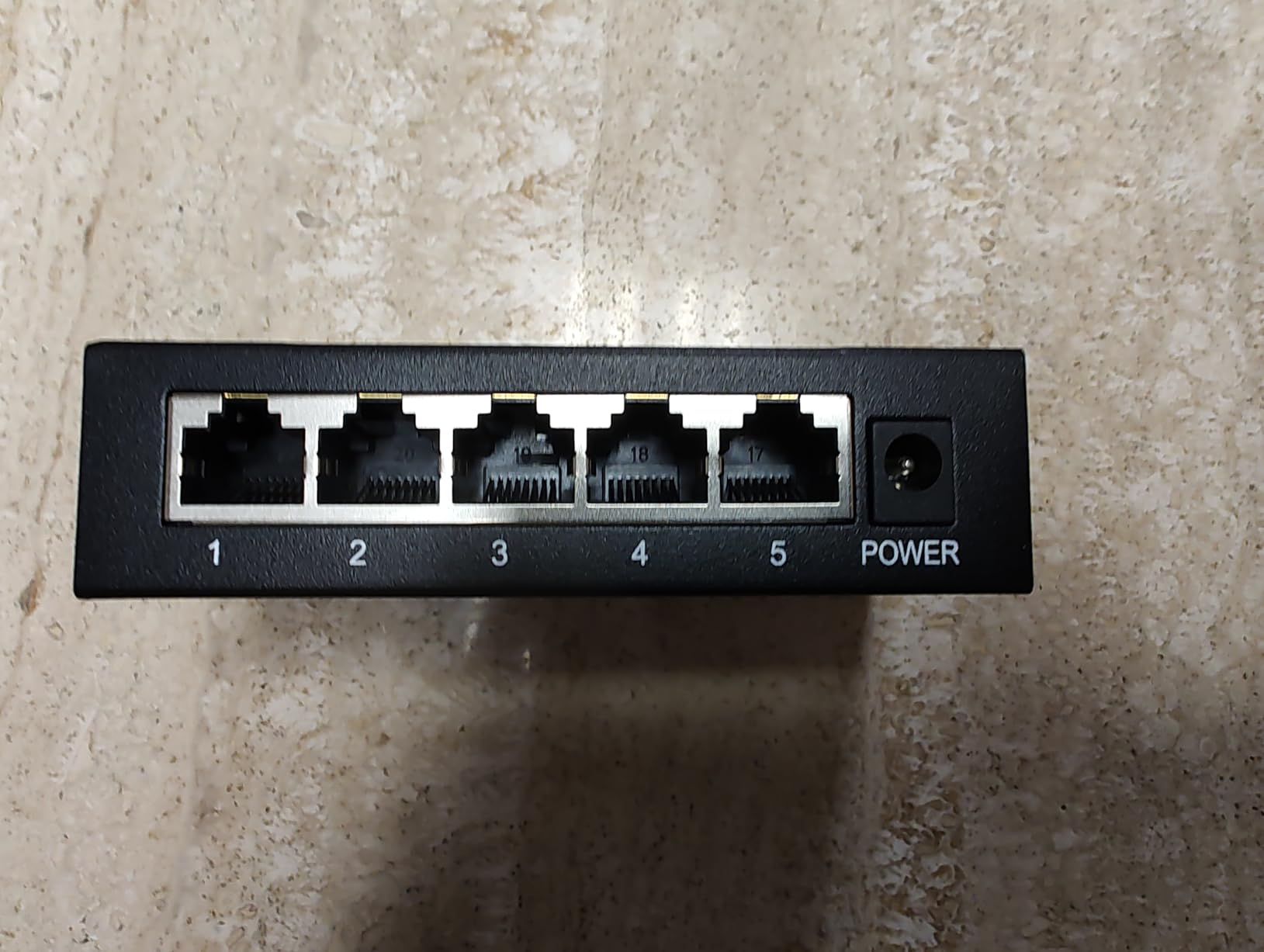
10. NICGIGA 26-Port 2.5G PoE Switch – 400W and 10G Fiber Uplinks
24 Port 2.5G PoE Switch Unmanaged with 24 Port 2.5Gb Base-T PoE+@400W + 2 x 10G SFP+ Uplink, NICGIGA 26 Port 2.5Gbe IEEE802.3af/at Power Over Ethernet Switch, Support WiFi6 AP, NAS, 4K PoE Camera NVR.
24 x 2.5Gb PoE+ ports
400W total PoE budget
2 x 10G SFP+ uplinks
6KV surge protection
Pros
- 2.5GbE on every PoE port future-proofs high-bandwidth 4K camera links
- 400W budget covers a full rack from one unit
- Two 10G SFP+ uplinks for fibre or DAC backbones
- Audible alarm sounds when a camera develops a fault
- Rack brackets and a power cord instead of a large brick
Cons
- The listed 1-year warranty is short
- One buyer reported a camera losing power with no auto-reconnect
- Only 44-57V PoE devices are supported
- Unmanaged with no port monitoring
This is the only switch here with 2.5GbE on every PoE port, plus two 10G SFP+ uplinks. If your NVR supports 2.5GbE or you plan to run WiFi 6 access points alongside cameras, the extra headroom on each port removes a ceiling you would otherwise hit later.
Users moving to 2.5GbE choose it to get one box for a rack full of PoE cameras, with a 400W budget and fibre-ready uplinks. The audible fault alarm is singled out as genuinely useful at remote camera sites, where otherwise nobody notices a dead camera until someone reviews the footage.
It runs fanless and silent with a -10 to 50 °C operating range and 6KV lightning protection, which makes it one of the most physically durable options we tested for an unheated or exposed enclosure.
When 2.5GbE on each port is worth it
A 4K camera at high bitrate can consume 20 to 30Mbps, and a multi-sensor body can exceed that. Four such cameras on a 100Mbps port saturate it; on 2.5GbE they have room to spare and the NVR can pull multiple full-resolution streams without contention.
At 4.29 kg and a 19-inch rack form factor this is a cupboard-scale device, not a desktop one. The 10G SFP+ slots accept fibre or a direct attach cable, which makes it the natural choice when the NVR rack is in a different building from the cameras.
Reliability and support caveats
We are going to be direct about the downsides because they are real. One buyer reported a camera repeatedly losing power with no auto-reconnect on this switch, and the same review disputed the listing’s PoE+ claims for the non-SFP ports. A 1-year warranty is among the shortest in this roundup.
It supports only 44-57V PoE devices, so legacy 24V passive PoE cameras will not negotiate, and it is unmanaged, so there is no port monitoring or configuration. It is also the costliest switch we tested by a wide margin, so it only makes sense when 2.5GbE specifically solves a problem you have.
Who should skip it
A four-camera home with an NVR that has 1GbE ports gains nothing here except an unused spec sheet. Spend the difference on a managed switch with a better warranty unless you have a genuine multi-gigabit device to plug in.
For a commercial site where uptime matters more than interface depth, the YuanLey 24-port covers the same 400W class at a much lower cost, and the audible alarm here is a real advantage worth paying for at unattended locations.
How to Choose a PoE Switch for Security Cameras
PoE standards explained: 802.3af, 802.3at and 802.3bt
Power over Ethernet comes in three tiers, and cameras negotiate the one they need automatically. The version that matters is the ceiling the switch offers per port, since a switch with a higher tier is backward compatible with a camera that only understands the lower one.
- 802.3af (PoE): up to 15.4W per port. Standard fixed bullet and dome cameras; the minimum you can get away with.
- 802.3at (PoE+): up to 30W per port. PTZ units, IR-heavy models and most 4K cameras. This is the sweet spot for a camera install in 2026.
- 802.3bt (PoE++): up to 60W to 100W per port. Multi-sensor and thermal cameras, and some WiFi 6 access points with multiple radios.
Oversizing is safe. A camera that speaks only 802.3af will run on a PoE+ or PoE++ port without complaint, because it simply requests a lower class.
PoE switch or the PoE ports on your NVR?
This is the most repeated question in home security forums and almost nobody answers it on a buying guide. If your NVR already has enough built-in PoE ports for the cameras you plan, use them, because they eliminate a box, a power supply and a failure point, and the camera ports usually sit on a dedicated internal network.
Buy a standalone PoE switch when you need more ports than the NVR offers, when you want to expand without replacing the recorder, when you want cameras on a separate VLAN from the rest of the network, or when you need per-port power control to restart a frozen camera. Beyond roughly eight cameras, a dedicated switch also keeps the NVR’s own throughput free for recording.
Sizing the power budget for your camera count
Multiply your camera count by the watts each one actually draws, then add 25-30% headroom for IR load at night, a PTZ on the move, and future additions. The per-port ceiling and the total budget are separate limits, and it is the total that surprises people.
- 2-4 standard fixed cameras at around 12W: budget 65W or more.
- 6-8 mixed cameras with a PTZ: budget 123W to 153W.
- 16-24 cameras for a commercial install: budget 250W to 400W.
A switch with a large per-port rating but a modest total budget is the trap. A 60W switch will not power eight 30W cameras no matter what the port labels say; it will drop ports in priority order instead.
Port speed: why 100Mbps PoE ports are a trap
Check that every PoE port is Gigabit, not just the uplink. It is the single most repeated warning in camera forums, because budget switches often provide 100Mbps on the PoE ports and full Gigabit on the uplink, and the listing photograph looks identical either way.
For a single 4K camera at 8Mbps, 100Mbps is fine. For four high-bitrate streams converging on one NVR port, or a multi-sensor camera, it is the bottleneck that makes footage stutter and recordings drop.
Uplink bandwidth and the 100m cable limit
One Gigabit uplink handles around 12 to 16 x 4K streams before it saturates, so if you are filling 16 ports, confirm the uplink can carry the sum. The 24-port and 26-port models in this roundup use dedicated uplink and SFP+ ports precisely for that reason.
Ethernet runs die at 100m, or 328 ft, measured from the switch port to the camera. Beyond that, options in ascending order of complexity are: a switch with Extend mode at reduced speed, a dedicated PoE extender at the midpoint, or a fibre media converter pair with single-mode fibre between them.
Managed vs smart managed vs unmanaged
Unmanaged switches are correct for most single-family installs. There is nothing to configure, nothing to break and nothing to maintain, and IGMP snooping plus QoS often work without any setup at all. Smart managed switches add VLANs, per-port monitoring and per-port PoE control through a local web interface, which is the right level for a small business or a camera network you want isolated.
Full managed switches earn their place when you run multiple sites, need port mirroring for troubleshooting, require 802.1X or ACLs, or want configuration backup. If you are unsure, the honest answer is that unmanaged is good enough until something forces you off it, and that something is usually VLAN segmentation.
Outdoor, attic and industrial environments
Temperature is the first thing to check for any install outside a conditioned closet. Look for a listed operating range, not just a marketing claim, and note that the switches here range from 40 °C to 60 °C upper ratings. Dust is the second issue, and a fanless metal housing handles it better than a plastic one with vents.
For pole-mounted and parking-lot cameras, surge protection matters. The 6KV lightning protection on the 24-port and 26-port models is a real specification for those environments, and it should be paired with proper grounding rather than relied on alone.
Power continuity: put the switch on a UPS
The most consistent piece of advice across security and networking forums is to put the NVR and the PoE switch on the same UPS, and it is the recommendation most often ignored. Without it, a brief power blip reboots everything, and cameras that were mid-recording lose their event clips.
Centralised PoE is what makes this practical: one UPS protects a single switch rather than a wall adapter behind every camera. Pair that with a few minutes of runtime and your system survives a cut long enough to finish writing the recording in progress.
Frequently Asked Questions
What is the best network switch with PoE capabilities?
For most camera installs the answer is a switch where every PoE port is Gigabit Ethernet and the total PoE budget exceeds your combined camera draw by at least 25%. Our pick for a small system is the TP-Link TL-SG1005P with four PoE+ ports and a 65W budget, and for eight cameras the TP-Link TL-SG1008MP with 153W.
Should I get PoE or PoE+?
PoE (802.3af) provides up to 15.4W per port and suits standard fixed bullet and dome cameras. PoE+ (802.3at) provides up to 30W per port and is the right choice for PTZ units, IR-heavy models and most 4K cameras. PoE++ (802.3bt) reaches 60W to 100W and is only needed for multi-sensor or thermal cameras. A higher tier switch is always backward compatible.
Which brand is the best for a PoE switch?
TP-Link offers the broadest range of unmanaged and smart managed PoE switches with strong review volume. NETGEAR is the pick if you want per-port PoE control and a lifetime hardware warranty. Ubiquiti is the choice for anyone already running the UniFi controller, and off-brand chassis such as YuanLey, MokerLink and NICGIGA offer the largest port counts and power budgets for commercial installs.
What are the disadvantages of using a PoE switch?
The main drawbacks are a fixed per-port and total power ceiling that can be too small for power-hungry cameras, a single point of failure that takes every camera down at once, the need for a managed interface to diagnose problems, and the 100m limit on each Ethernet run. Port speed is also a common trap, since some budget switches provide only 100Mbps on the PoE ports.
How many cameras can one PoE switch power?
It depends on the total PoE budget and the wattage of each camera rather than the port count. Four standard fixed cameras at around 12W need about 65W, eight mixed cameras with a PTZ need 123W to 153W, and a 16 to 24 camera commercial install needs 250W to 400W. Leave 25-30% headroom for infrared load at night and future cameras.
Can I plug a non-PoE device into a PoE switch?
Yes. Any modern PoE switch auto-detects a non-PoE device and sends data only, so a NAS, laptop or access point can sit in a powered port without harm. Owners on networking forums consistently confirm this. A few budget models, including the MokerLink 16-port and the NICGIGA 26-port, support only 44-57V PoE devices and exclude older passive 24V equipment.
The Right PoE Switch for Your Camera Count
If you are starting with two to four cameras and want the most proven option, the TP-Link TL-SG1005P is the one to buy. It has the largest review base we found, four PoE+ ports at 30W each, and enough budget that adding a fifth camera later is a real option rather than a wish.
For a home that has outgrown four cameras, the TL-SG1008MP at 153W handles eight without a power ceiling problem, and the NETGEAR GS108PP is the all-Gigabit alternative with more headroom and a lifetime warranty. If your cameras live on their own VLAN, the GS308EP adds VLANs, QoS and per-port PoE control in a small desktop box rather than a rack chassis.
For a small shop or warehouse, the YuanLey 24-port gives you 400W, an AI watchdog that reboots frozen cameras, and SFP slots for a fibre uplink. If your NVR and cameras are 2.5GbE, the NICGIGA 26-port is the only model here that removes that ceiling, and its audible alarm earns its place at unattended sites.
Whichever you choose, verify three things before you order: every PoE port is Gigabit, the total budget clears your camera draw by 25-30%, and the switch and NVR sit on a UPS. Those three checks prevent the majority of the problems we read about in 2026, and they take about two minutes.