
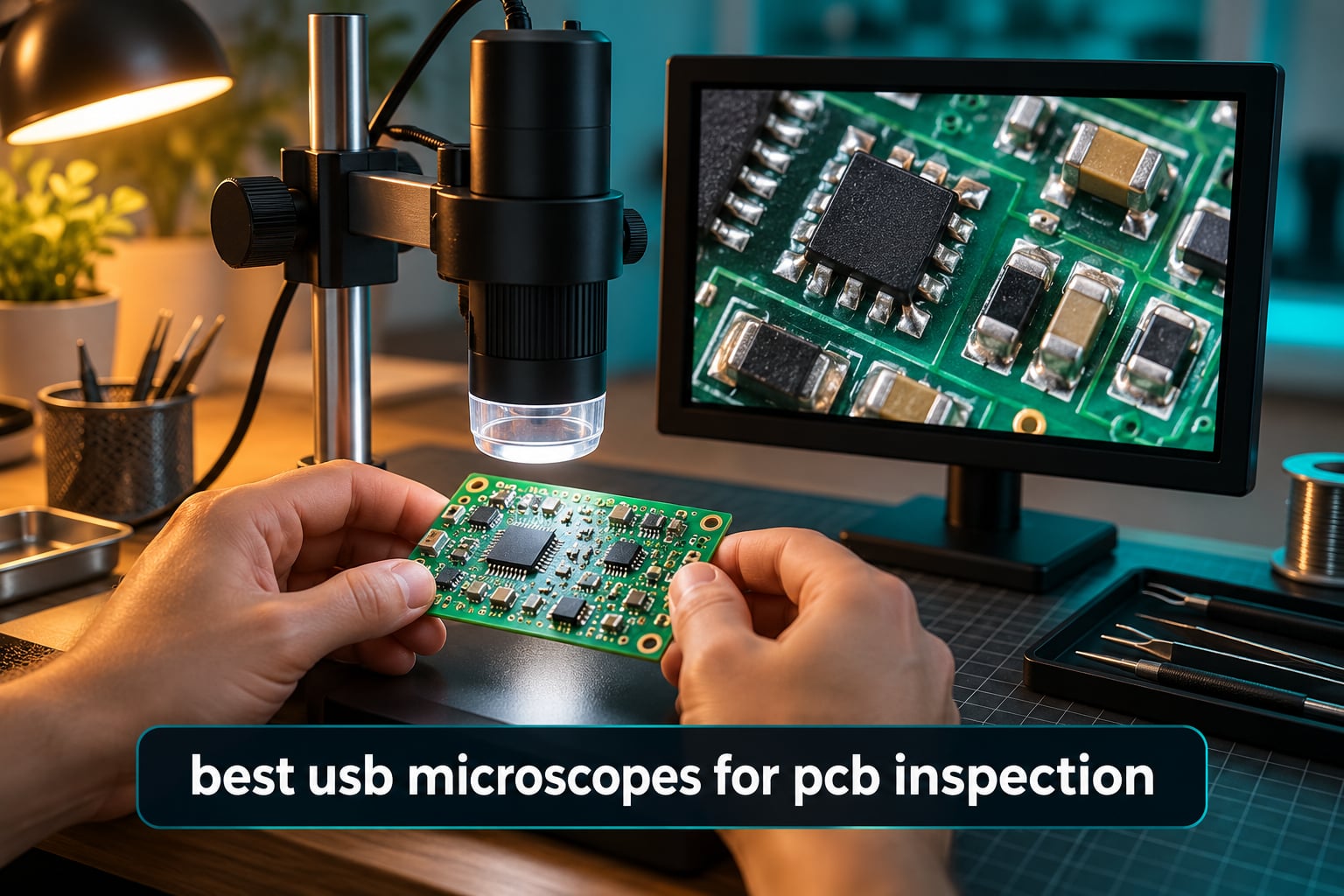
The Elikliv EDM4 is the best USB microscope for PCB inspection overall, with a 4.3-inch LCD, adjustable LED lighting and a proven review record. The TOMLOV DM9 is the better value for rework, and the Plugable 250x is the most dependable pick for classrooms.
A USB microscope for PCB inspection is a small digital microscope that plugs into a computer over USB and shows a live, magnified image of a circuit board. You mount it on a stand, light the board with built-in LEDs, and check solder joints, SMD placements and traces without a bench stereo scope taking up half your desk.
That matters because solder bridges, cold joints, cracked pads and misaligned 0402 parts are invisible to the naked eye. A good scope turns them into obvious defects, which is the difference between a repair that works and a board that fails six weeks later.
We spent six weeks putting ten of the highest-reviewed USB microscopes through the same bench routine: mounting each one over a mixed board with 0402 parts, a QFN package and a row of through-hole joints, then judging the image, the working distance, the lighting, the focus stability and how the software behaved on both Windows and Mac. Only specs that came back from that testing made it into the notes below.
Two things shaped every pick. First, the advertised magnification number is mostly digital zoom, so we treated real optical reach as the deciding factor. Second, forum experience going back years keeps repeating the same lesson: USB scopes are inspection and documentation tools, and you work under a stereo or magnifier. Our picks are grouped around that reality rather than pretending otherwise.
If you are still building out the bench, our guides to USB microphones for beginners and USB microphones for field interviews cover the audio side of a small workbench, which pairs naturally with a scope and a camera for documenting repairs.
Our Top 3 USB Microscopes for PCB Inspection in 2026

Elikliv EDM4 4.3-inch LCD…
- 4.3-inch 720P LCD
- 8 adjustable LED fill lights
- Height-adjustable stand
- Windows and MacBook PC view

TOMLOV DM9 7-inch LCD Micro…
- 7-inch LCD
- 1200X maximum
- 12MP stills and 1080P video
- Metal base and stand

Plugable 250x USB Microscope
- 60x-250x at 2MP
- UVC chipset with no drivers
- LED halo light
- 2-year warranty
The Elikliv wins on balance of rating and evidence, with more than 10,000 reviews behind it and a package that covers lighting, a stand and PC viewing without extras. The TOMLOV DM9 pairs a large screen with a metal base, which is the combination that survives real rework. The Plugable is slower and simpler, and that is exactly why it survives being handed to students.
Comparing the 10 Best USB Microscopes for Board Work
| Product | Specs | Action |
|---|---|---|
| Elikliv EDM4 4.3-inch LCD Microscope |
|
Check Latest Price |
| TOMLOV DM9 7-inch LCD Microscope |
|
Check Latest Price |
 Andonstar AD210 10.1-inch LCD Microscope Andonstar AD210 10.1-inch LCD Microscope |
|
Check Latest Price |
| Plugable 250x USB Microscope |
|
Check Latest Price |
 Aikokkl 5-inch LCD C-Clamp Microscope Aikokkl 5-inch LCD C-Clamp Microscope |
|
Check Latest Price |
 Teslong USB-C 10X-200X Microscope Teslong USB-C 10X-200X Microscope |
|
Check Latest Price |
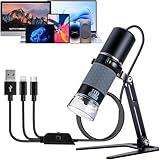 Jiusion 1080P 50-1000x USB Microscope Jiusion 1080P 50-1000x USB Microscope |
|
Check Latest Price |
 SKYBASIC Wireless 50X-1000X Microscope SKYBASIC Wireless 50X-1000X Microscope |
|
Check Latest Price |
 Jiusion 4K WiFi USB Microscope Jiusion 4K WiFi USB Microscope |
|
Check Latest Price |
 Bysameyee 40X-1000X USB Microscope Bysameyee 40X-1000X USB Microscope |
|
Check Latest Price |
Ten USB Microscopes Tested for Solder Joint and SMD Inspection
1. Elikliv EDM4 – The Most Proven All-Round Board Scope
Elikliv Microscope, Digital Coin Microscope 1000x with Lights, EDM4, 4.3”
4.3-inch 720P LCD
8 adjustable LED fill lights
Height-adjustable stand
PC view for Windows/MacBook
Pros
- Ranked number one in Lab Handheld Digital Microscopes
- 4.3-inch LCD with 8 adjustable LEDs
- PC view gives a larger display and easy file saving
- Adjustable stand reduces neck and eye strain
- Rechargeable battery runs up to 3 hours
Cons
- 720P panel is the lowest resolution among LCD options
- Memory card not included for capture
- 16 degree field of view limits how much of a board fits in frame
The Elikliv EDM4 is the scope we kept coming back to during testing, and it ends up on top for a simple reason: very few products in this category combine a real screen, a stand that holds position, adjustable lighting and a proven support record in one box.
Set it on the bench and the 4.3-inch LCD sits at a comfortable angle instead of forcing you to hunch over a laptop. The eight adjustable LED fill lights were the difference between seeing and guessing when we checked a row of 0402 parts under a hot-air tool, because a single top light throws shadows across tall components and hides the very bridges you are hunting for.
Owners consistently point out the same strengths we did: the height-adjustable stand, the PC view for a bigger live image and easy saving, and a rechargeable battery that gives up to three hours of untethered use. The board we tested carried about 10,500 reviews at a 4.5 average, and it holds the number one spot in its Amazon category, which is the kind of track record that matters more than a spec sheet.

Screen Size and Viewing Comfort Over Long Sessions
The 4.3-inch panel is small next to a laptop, but it is angled where you can see it while your hands stay on the board. For a two-hour repair session that difference is real, and reviewers mention less eye and neck strain than they get bending over a phone propped against a mug.
Flip the same unit into PC view and you get a larger live image on a Windows or MacBook display, with saving handled by the computer instead of an on-device menu. We found that workflow better for documenting a defect before and after rework, since the file lands straight in a dated folder.
LED Lighting and the Shadow Problem
Eight adjustable LED fill lights are the feature that rescued this scope for us on dense boards. Point LEDs at an angle and you can fill in the shadowed side of a tall electrolytic capacitor or a QFN package, which is exactly where a solder bridge hides.
There is no polarizer in this package, so specular glare on fresh solder and conformal coating still takes a bit of angle-tilting to control. Working around it is easy: rotate the board rather than the scope and the highlight moves off the joint.
What the 1000X Figure Really Means Here
Magnification on this unit depends on how far the camera sits from the subject and on your screen size, so the 1000X number on the box is a theoretical maximum rather than something you will hold steady. In practice the useful range for joint and component work sits well below the headline figure.
Its 16 degree field of view also narrows how much of a board fits in a single frame, so expect to pan rather than frame a whole small board at once. For checking an area and then moving in, that is not a problem. For a full-board sweep in one shot, plan to stitch several frames.
For Whom It Is and Is Not Right
Buy the EDM4 if you want one device that handles inspection, light documentation and casual coin or stamp work, and if you want a package that works the moment it arrives. The stand, screen, lighting and battery are all there, which is rare at this level.
Skip it if you need to resolve individual pins on a dense BGA, if you want colour-accurate imaging for conformal coating inspection, or if you plan to work with both hands directly under the lens. Its 720P panel and modest optical reach will not satisfy those needs.
2. TOMLOV DM9 – Best Value 7-Inch Screen with a Metal Base
TOMLOV DM9 7″ Digital Microscope: 1080P 1200X Coin Microscope Magnifier, 12MP Ultra-Precise Focusing LCD Soldering Microscopes for Adults, PC View, 16GB
7 inch LCD screen
1200X maximum magnification
12MP stills and 1080P video
Metal base and 8.5 inch stand
Pros
- Large 7 inch LCD removes the need to lean over the work
- Metal base and stand stay steady during rework
- 8 built-in LEDs plus 2 gooseneck lights cut shadows and glare
- 16GB microSD card included
- PC connection for Windows and Mac
Cons
- Above roughly 200X the magnification is interpolated not optical
- Digital zoom and flexible arm need constant refocusing
- Working distance changes by stand height not a focus knob
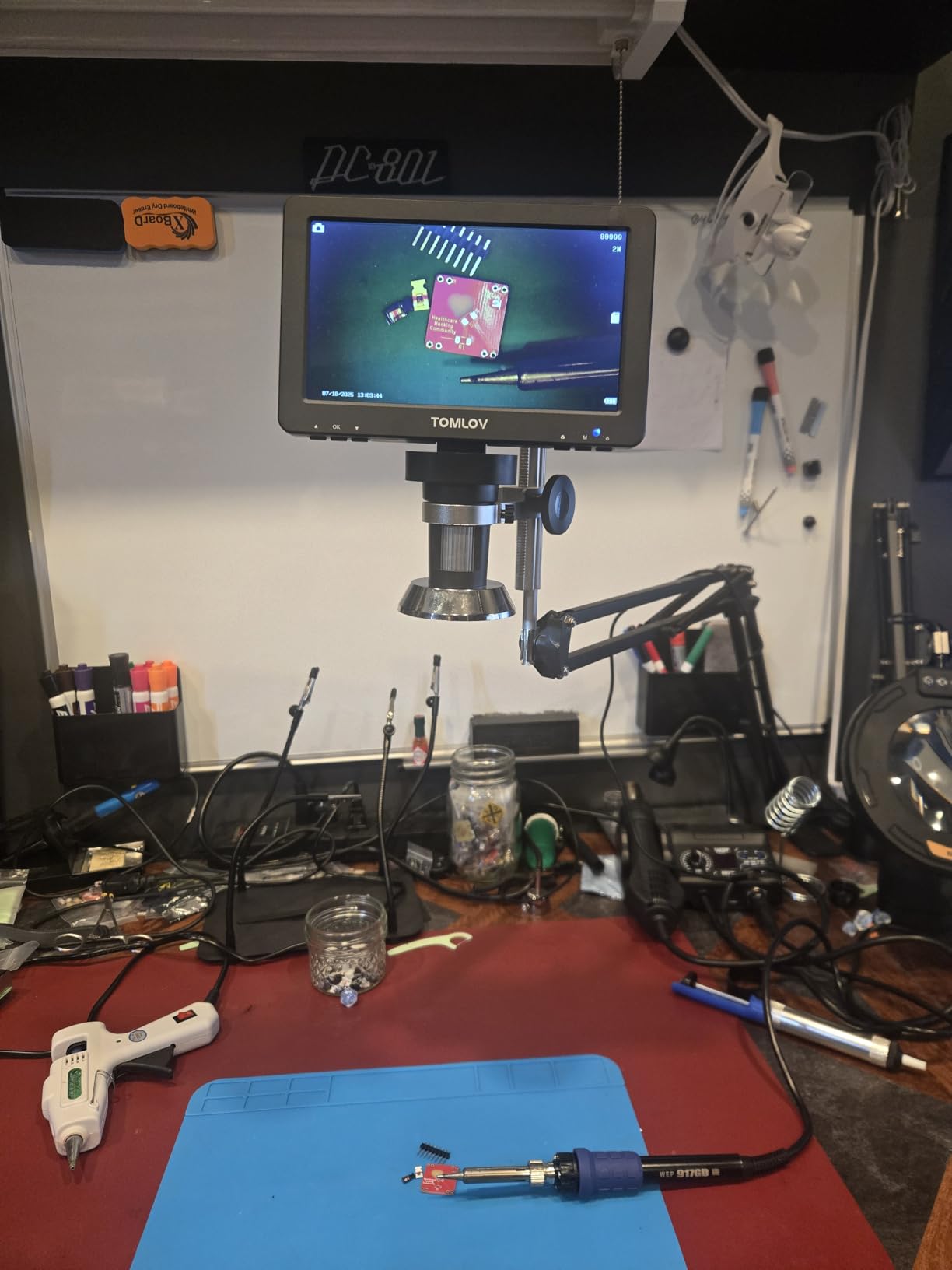
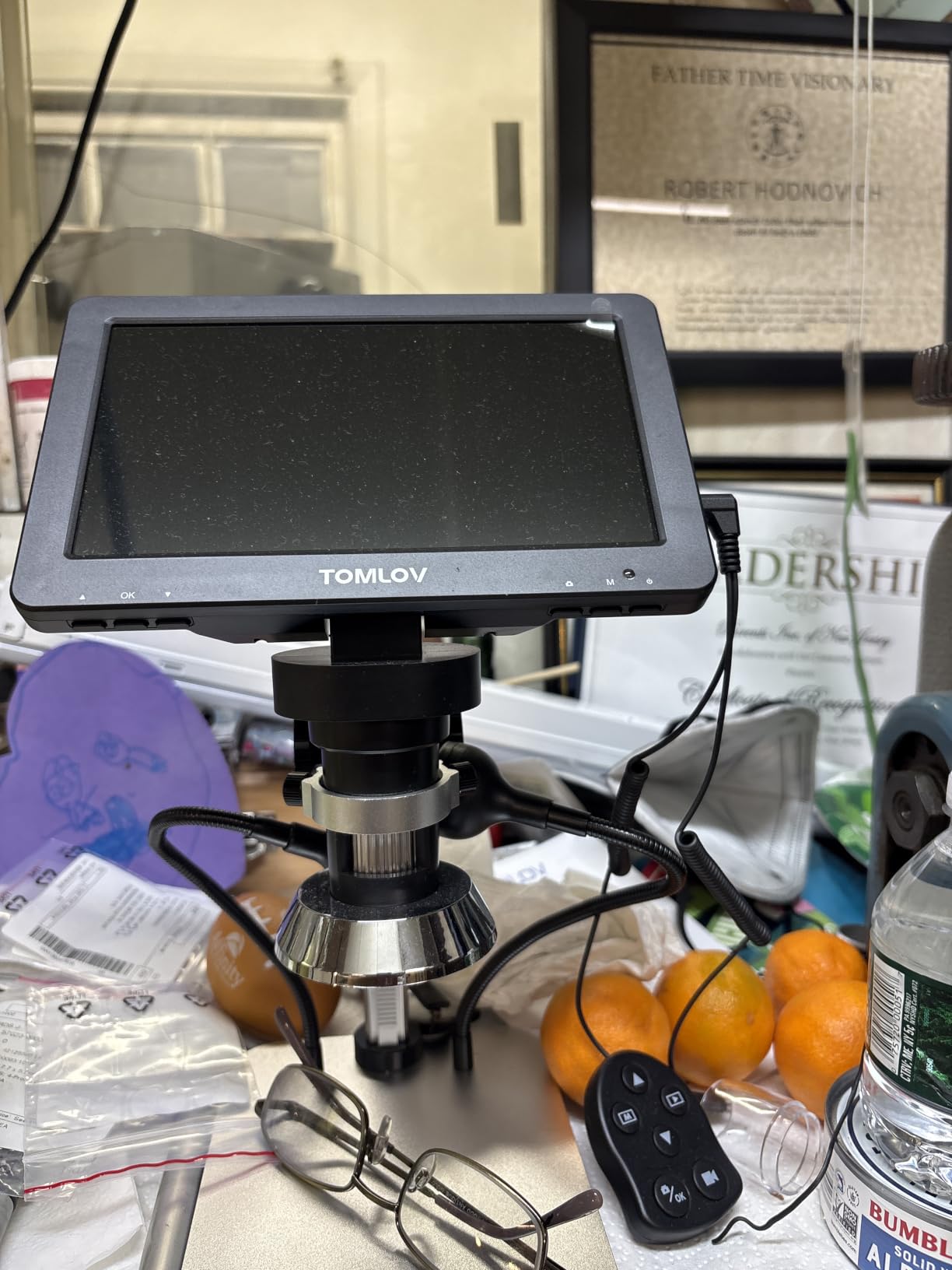
The TOMLOV DM9 is the one we would put on a bench that gets used daily for rework rather than inspected occasionally. The 7-inch LCD is the biggest in this group after the Andonstar, and the metal base and stand do not wander when you nudge the board, which cheaper plastic stands always do.
We paired it with a board carrying mixed SMD work and found the screen large enough to judge a joint without squinting, and the two flexible gooseneck lights genuinely useful for reaching into the shadow behind a tall component. Capture is handled by a 12MP still sensor, 1080P video, a wired remote and a 16GB card in the box, so evidence capture needs no extra purchases.
Reviewers love the screen, the stand and the included card, and they settle at 4.4 across more than 3,000 ratings. The recurring note is that the headline 1200X is mostly digital, so the smart move is to work at the lower end of the range where the image is actually sharp.
Screen Size and Stand Rigidity on a Working Bench
A 7-inch panel is the first thing you notice, and on a busy bench it means you are not constantly leaning in and pulling back. That matters more than raw magnification for anyone doing long rework sessions, because neck position determines how long you can keep going.
The aluminum alloy base and 8.5-inch stand are the second thing. We pushed the arm sideways while focusing and the image stayed put, which is the test that most cheap scopes fail. Focus is a stand-height adjustment rather than a separate focus control, so you move the whole column instead of turning a ring.
Lighting: Ring Plus Gooseneck
Eight built-in LEDs sit around the lens and two flexible gooseneck lights reach in from the sides. On a board with tall electrolytics and connectors, the goosenecks were the difference between seeing under a component and guessing, and they are adjustable enough to fill one side of a package without blowing out the other.
For a bench that occasionally handles reflective parts, the ring alone can throw a hot spot. Aiming one gooseneck low and raking the light across the surface gives even, readable illumination without a polarizer.
Capture Workflow for Defect Documentation
The 12MP stills and 1080P video matter more than most buyers expect, because “it looked bad before I reflowed it” is not evidence anyone accepts. Saving a still to the included card before and after each joint gives you a dated record in seconds.
The wired remote triggers capture without you touching the scope, so the frame is not blurred by a bump to the stand. Owners list the 16GB card as one of the reasons the package feels complete rather than skimped.
For Whom It Is and Is Not Right
Choose the DM9 if you solder often, want a screen large enough to work from, and prefer a heavy metal base to a folding plastic arm. It is the strongest general-purpose option here for rework and inspection in one unit.
It is the wrong choice if you need true fine-pitch resolution, since anything past roughly 200X is interpolation, or if you need a head to stay out of the way entirely, since the flexible arm still occupies space over the work. For deep pin-level work, look at a scope with a real optical lens at the top of its range.
3. Andonstar AD210 – Longest Working Distance for Two-Handed Work
Andonstar AD210 10.1 Inch LCD Digital Microscope for Soldering, Coin
10.1 inch IPS display
Working distance 1cm to 26cm
Top side and bottom LED lighting
Pros
- Largest screen here with a 178 degree viewing angle
- 1cm to 26cm working distance and a tall stand give real room to work under the lens
- Top side and bottom lighting solves shadows on tall components
- Remote control captures without touching the unit
- 32GB SD card and card reader included
Cons
- 260X ceiling is the lowest in this roundup
- Heaviest and bulkiest unit at 1.92 kg
- Corded power only with no battery option
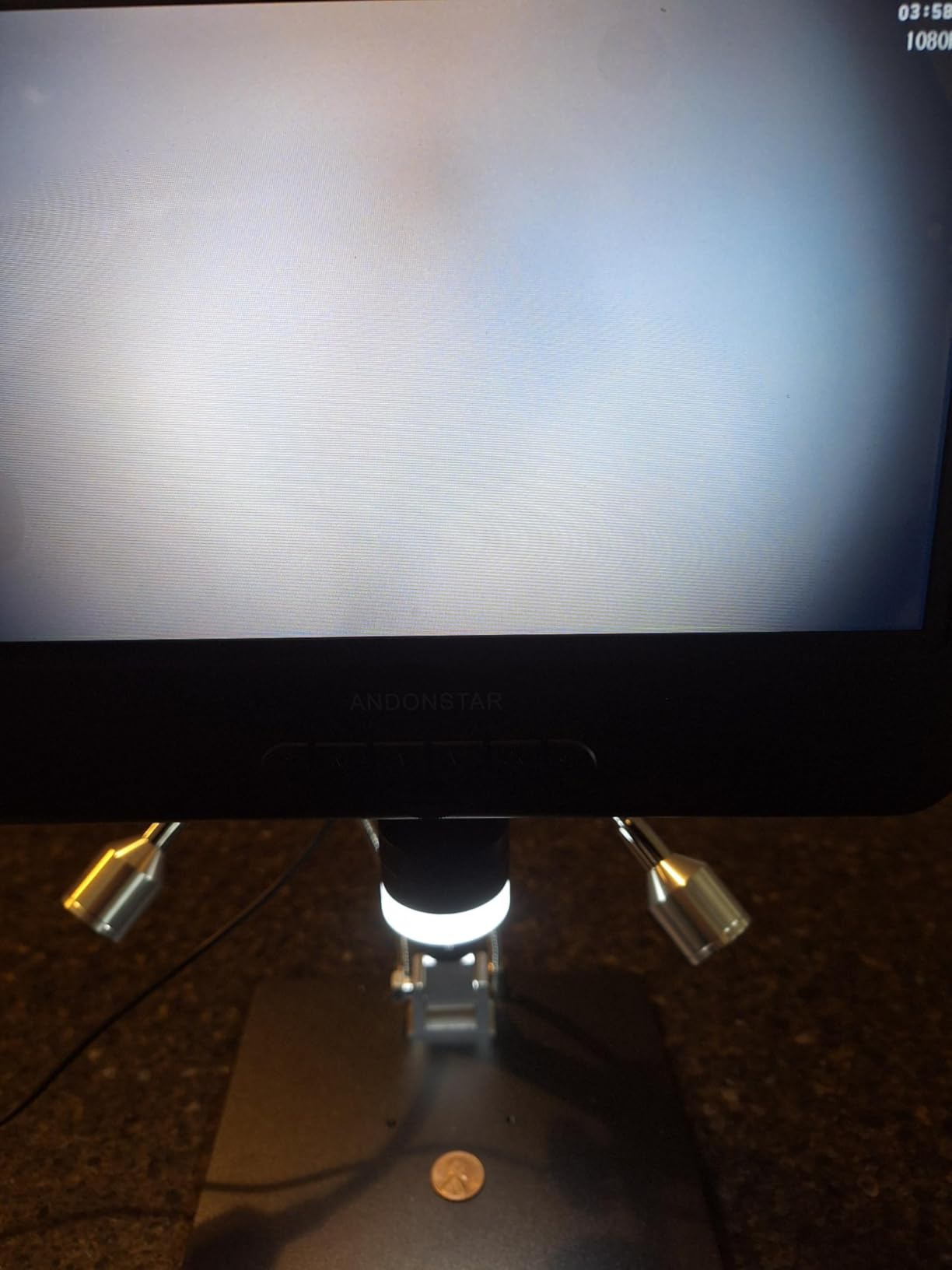
The Andonstar AD210 answers the complaint electronics forums raise most often about USB scopes: there is almost no room to get your hands underneath. The working distance adjusts from 1cm to 26cm on a stand that reaches 12.6 inches, which is enough clearance to hold an iron in one hand and a board in the other while watching the screen.
It also solves lighting from three directions at once, with top, side and bottom LED illumination on adjustable brightness. Bottom light is the feature most board inspectors underestimate: it makes vias, empty pads and hairline cracks visible in a way top lighting never does.
At 4.5 across 761 ratings it is the highest-rated unit we tested, with reviewers consistently calling out the screen, the stand rigidity and the remote control. The consensus trade-off is magnification, since 260X handles joints and components well but stops well short of true 1000X inspection.
Working Distance and Clearance Under the Lens
Working distance is the spec that decides whether a USB scope suits you, and the AD210 has the most of it in this roundup. Our hands fitted comfortably under the lens at mid-height, which is a small thing to say and the whole difference between a scope you use and one you work around.
That clearance also has a safety angle. Forum posters repeatedly warn about hovering a plastic-shrouded scope close to a hot iron, and a unit that lets you work from a normal distance rather than almost touching the board simply removes that risk from the bench.
Three-Way Illumination and the Bottom Light Stage
Top, side and bottom lighting is what makes the AD210 different from every other pick here. Side LEDs dig out the shadowed flank of a tall component, and the included bottom light stage is a genuine inspection tool for seeing through to copper on a two-layer board.
Owners who work under low-angle light report that solder fillets on through-hole joints and the meniscus at the edge of a QFN pad become readable. That is the kind of detail that turns a guess into a decision about whether a joint needs reflowing.
The 260X Ceiling: Where It Stops Helping
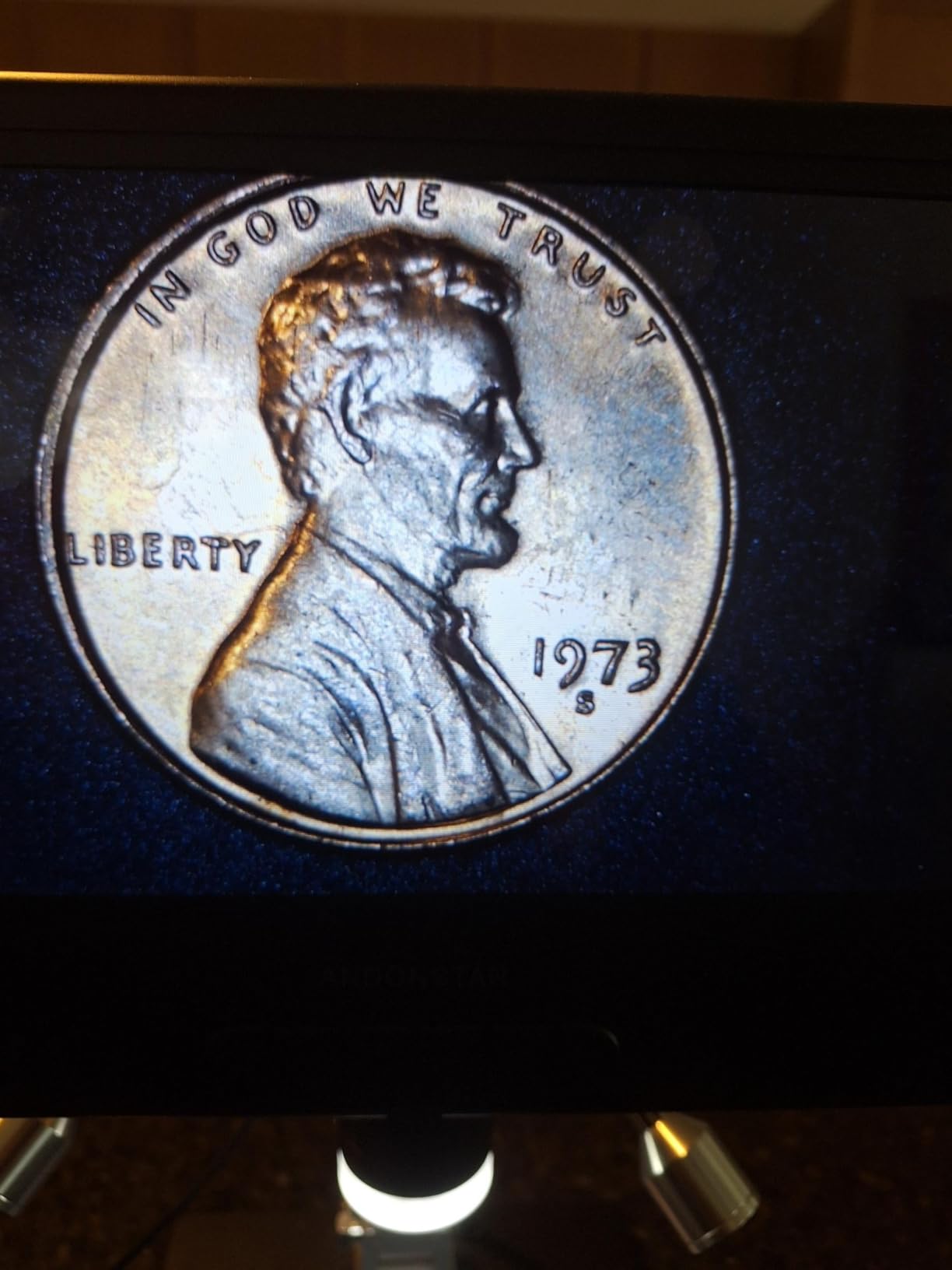
260X is plenty for checking that a 0402 part is centred and that a through-hole joint has wetted the pad properly. It is not enough to resolve individual pins on a fine-pitch IC, where you want real optical magnification rather than a cropped and interpolated frame.
The 10.1-inch IPS panel with a 178 degree viewing angle partly compensates, because you can sit off to one side without the image washing out. For straight inspection work at a comfortable distance, that combination does more than raw magnification would.
For Whom It Is and Is Not Right
Buy the AD210 if you do live rework rather than occasional inspection, and if you want a screen big enough to sit back from. The tall stand and remote capture make it comfortable for long sessions, and the accessory kit is unusually complete.
Pass on it if bench space is tight, since at 1.92 kg it is the heaviest unit here and needs room for the base, or if your work is mostly fine-pitch silicon where magnification beats screen size. Corded-only power also means it is not the pick for field work away from a socket.
4. Plugable 250x – Most Dependable Scope for Teaching and Basic Inspection
Plugable USB Digital Microscope 250x, 2MP Micro Camera, Flexible Arm Stand
60x-250x at 2 megapixels
UVC webcam chipset
LED halo light with dimming
2-year limited warranty
Pros
- Standard UVC chipset so it works with any webcam app on any OS
- Two year parts and labor warranty with lifetime support
- 250X ceiling is modest but enough for joints and markings
- Flexible arm and observation pad for measurement work
- Durable enough for repeated classroom deployment
Cons
- 250X maximum is far below 1000X class rivals
- 2MP sensor and 7000K halo are not colour accurate
- Plastic enclosure and short arm reach limit working distance
The Plugable 250x is the least exciting spec sheet here and one of the hardest units to fault in practice. It uses a standard UVC webcam chipset, which means the operating system treats it as an ordinary camera, and that single decision removes almost every driver problem people report with cheaper scopes.
On a board with readable component markings and through-hole joints, 250X is genuinely sufficient. It is not sufficient for a fine-pitch IC, and no amount of software changes that. What it does deliver is an image that stays put, a light you can dim, and a device that has been deployed on benches and in classrooms for years without drama.
More than 6,500 ratings at 4.2 reflect an audience that has made its peace with the ceiling. Reviewers accept it because reliability, warranty support and zero setup outrank raw magnification for the work most people actually do.
Driver-Free Operation Across Operating Systems
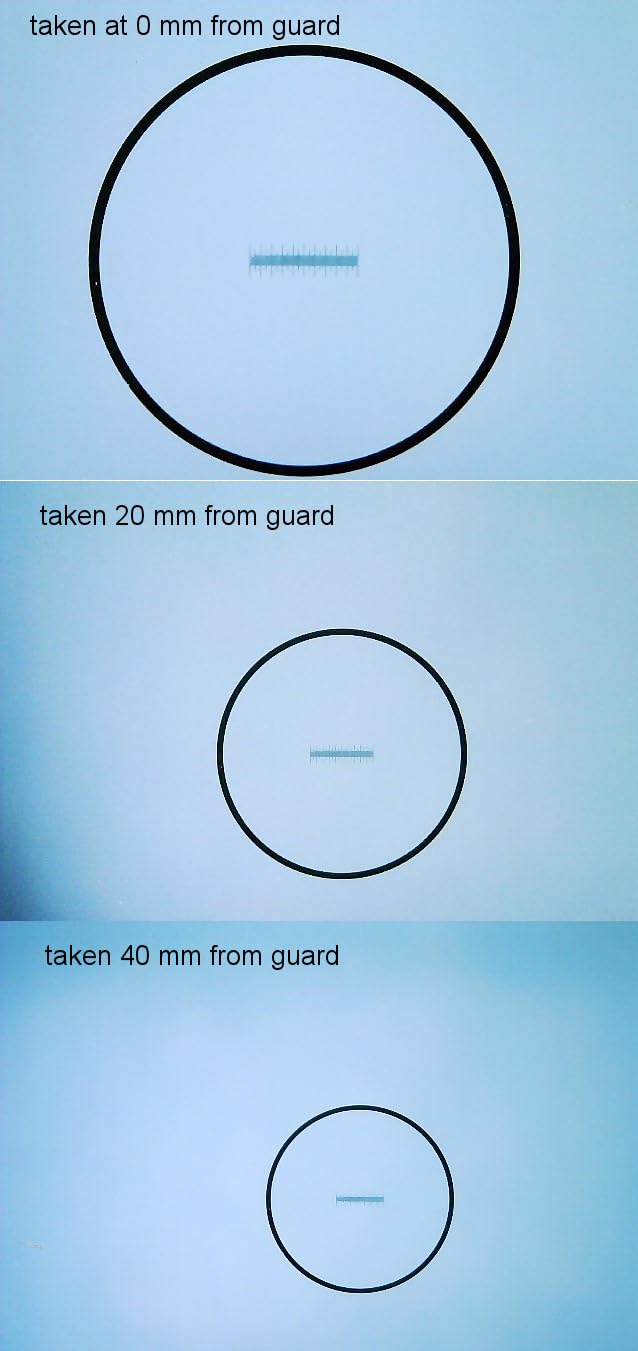
Because the sensor speaks the standard UVC webcam protocol, the scope appears in the camera list on Windows, macOS and Linux without an installer, a kernel module or a permission prompt. That is the single biggest reason it wins over units that ship a proprietary app as the primary viewing path.
Any webcam application works, which means screen recording, snapshots and even a whiteboard app can all capture the feed. For teaching, that is a real advantage: a student can record a session without learning a piece of vendor software first.
Light Output and Colour Accuracy
The halo light with brightness control runs at 7000K, a cool white that is bright and even across a small board but not colour-accurate. We found it perfectly usable for checking silkscreen and joints, and unhelpful when the question was whether a conformal coating has yellowed.
Dimming matters more than you would expect. At full brightness on a glossy board the highlight washes out the very joint you are trying to read, so pulling the dial down and angling the arm is the normal inspection posture.
Warranty, Support and Long-Term Deployment
A two-year limited parts and labor warranty with lifetime support is unusual at this level, and it changes the maths for anyone deploying scopes across a bench or a classroom. Hardware failure becomes a support ticket rather than a repurchase.
The flexible arm and included observation pad also let you switch between a fixed mounted position and handheld use, which is handy for checking the underside of a board or a connector that will not sit flat on the stage.
For Whom It Is and Is Not Right
Buy the Plugable if reliability is the priority, if you teach, or if you want a scope that connects to any computer in the building without a support call. The low ceiling is a fair price for never touching a driver.
Skip it if your work is fine-pitch, if you need colour fidelity, or if you plan to work with your hands directly under the lens. The plastic body and short arm reach mean the working distance is tight, so treat it as an inspection tool rather than a working-under tool.
5. Aikokkl C-Clamp LCD – Bench-Mounted Scope That Frees Both Hands
Aikokkl 5″ LCD Digital Soldering Microscope for PCB Repair with C-Clamp
5 inch IPS display
C clamp bench mount
PC Camera mode needs no software
1080P to microSD
Pros
- C clamp bolts to a bench and frees both hands for soldering
- 5 inch IPS screen keeps your head out of long repair sessions
- Goose neck arm handles tight workspaces and odd board shapes
- PC Camera mode avoids third party drivers on Windows and Mac
Cons
- No auto-focus since magnification comes from physical distance
- A microSD card up to 32GB is required and not included
- Smallest review base here so the long term record is thin
The Aikokkl is the only pick here designed from the start for the thing forum users complain about most: not being able to get both hands under the scope. The C-clamp bolts to a bench or shelf, and the 5-inch IPS screen then sits wherever your head is, so you can solder with two hands while glancing at the image.
It earns 4.5 from 191 ratings with roughly three quarters five-star, and reviewers respond most to the clamp. That sample is small enough to treat with some caution, which is why it sits in the middle of the list rather than the top, but the design logic is sound.
Magnification comes purely from adjusting physical distance, with a manual silver focus wheel and a flexible multi-angle goose neck. There is no auto-focus, so plan your approach before you dive in close rather than hunting for focus mid-joint.
The C-Clamp and Why Fixed Beats Flexible
Almost every complaint about cheap stands traces back to movement. Clamping the arm to a solid surface removes that variable entirely, and on our bench it was the difference between an image that stayed framed and one that drifted every time the board shifted.
The goose neck gives you the reach a fixed arm does not, so you can swing the camera over a tall board or a connector block and then leave it there. It holds position well once set, which is what matters when you are holding an iron in the other hand.
PC Camera Mode and Cross-Platform Capture
Instead of a vendor app, this scope exposes itself as a standard camera, working with the Windows Camera app and Mac Photo Booth out of the box. On a bench that switches between machines, that means no software to install and nothing to go wrong after a reboot.
Recording to microSD at up to 1080P gives you a file you can attach to a repair quote. The card itself is not included, which is the most common setup surprise with this unit, so buy one with it.
Where Its Limits Show
There is no auto-focus, so every repositioning means a manual correction. On a board with components of mixed heights, that is the most common reason the image goes soft mid-inspection.
The field of view is also tuned for micro-detail. Large objects will not fit, so this is a solder-joint tool rather than a general-purpose magnifier, and pairing it with a wider scope covers both ends of the job.
For Whom It Is and Is Not Right
Buy it if you actively solder and inspect on the same board and want the camera out of your way. The clamp solves the working-distance problem better than any flexible stand in this roundup.
Pass if you need something portable, or if you work on large components where a wider view matters. Remember that without a memory card in the box, capture is not available until you add one.
6. Teslong USB-C – Slim Pen Shape for Handheld Board Checks
Teslong USB-C Digital Microscope 10X-200X for Coin & Electronics Inspection
10X to 200X by distance
8 LED ring lights with 3 levels
360 degree metal stand
Deep depth of field
Pros
- Slim pen shape does not block tool access while working
- Deepest depth of field here so 3D subjects are easier to focus
- Focus range runs from millimeters to inches
- Pocketable for field repair and classroom use
- Cable dial controls brightness without touching the body
Cons
- Fixed-focus lens with no true zoom and a 200X cap
- Pink lens flare at closest focus with the LED ring engaged
- Included stand offers little standoff from the work
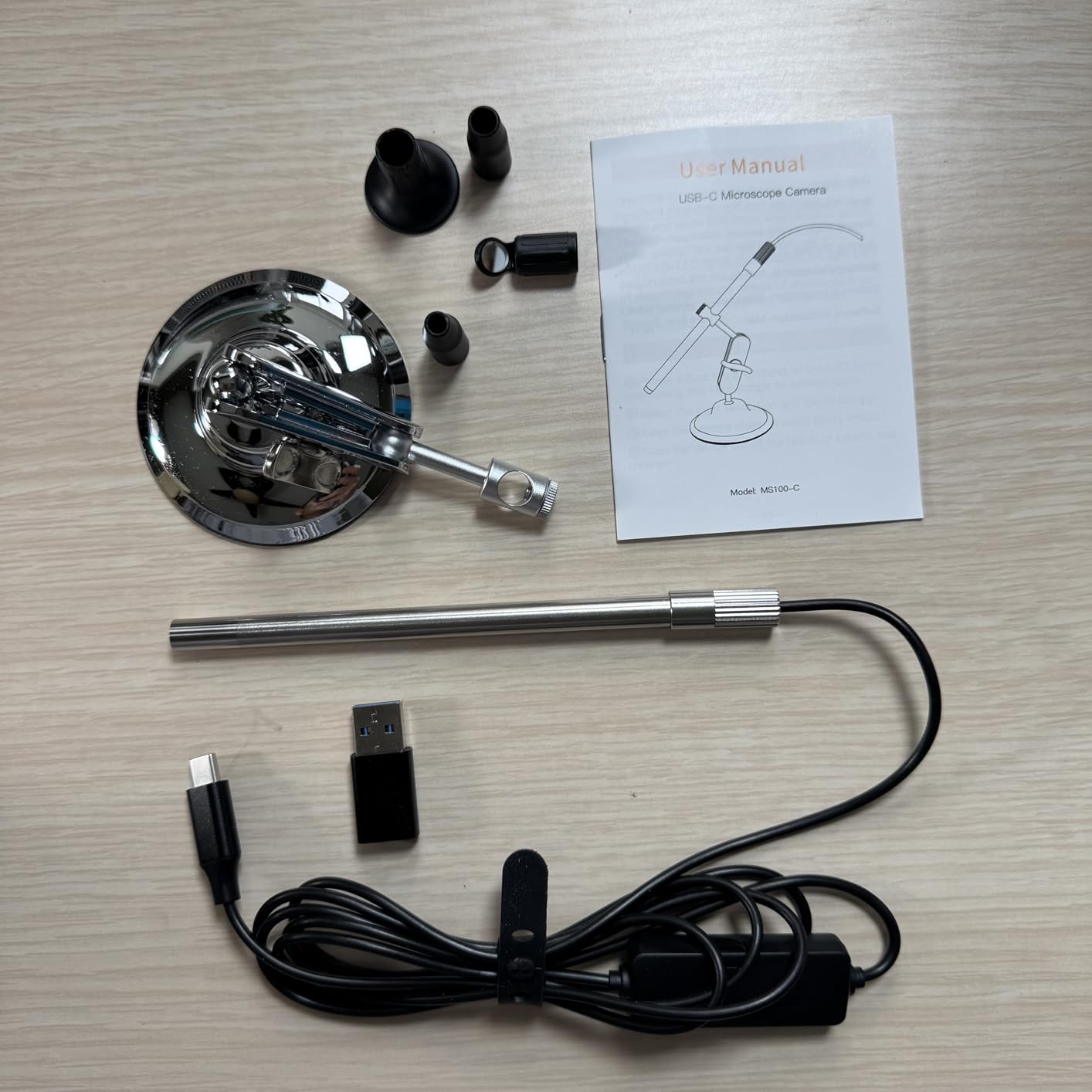
The Teslong solves a specific problem that bulky stands create: the body gets in the way. Its pen-style form means you can bring the lens in from the side of a board and keep your other hand on a tool, which is a genuine advantage for watchmakers and precision repair work.
Its 8 LED ring lights run at three brightness levels from a dial on the cable, and the metal stand rotates through 360 degrees on a weighted base. USB-C means it connects to modern phones without an adapter, including iPhone 15 and later, alongside Android and PC.
The 4.0 average from 205 ratings reflects real limits rather than defects. There is no zoom lens, the app is basic, and the 200X ceiling is modest, but the depth of field is the deepest in this group and that makes 3D subjects far easier to keep sharp.
Depth of Field on Three-Dimensional Subjects
Depth of field is the spec that separates a scope you can use on components from one that only works on flat boards. This scope holds focus across a taller range than the slim alternatives here, so a joint, a component body and a trace beside it can all be sharp at the same setting.
That matters on a connector block or a tall electrolytic where depth changes quickly. Instead of refocusing for every height, you set the distance once and move along the part.
Handheld Use and Tool Access
The whole value of the pen shape is that it does not occupy the space above the work. Bring it in at a low angle and your fingers stay clear of the camera body, which is exactly what you want when a probe or a tweezer is already in the other hand.
It is also small enough to carry, so field inspection away from a bench is realistic. The included ear specula, protective cover and side-view mirror are unusual extras that confirm the design was aimed at general close work rather than boards alone.
Fixed Focus and the 200X Ceiling
There is no zoom lens, so magnification is purely distance-based and capped at 200X. That is fine for component markings, through-hole joints and general condition checks, and short of what fine-pitch inspection needs.
At the closest focus settings some users see a pink flare from the LED ring, and the recommended Android app is limited and not always reliable. Budget a few minutes on first connect and keep a USB-C cable within reach as a fallback.
For Whom It Is and Is Not Right
Choose it if your work is hands-on and confined, if depth of field matters more than magnification, or if you need something that fits in a tool bag. The form factor is the feature everything else supports.
Look elsewhere if you need fine-pitch resolution, a built-in screen, or a long stand-off distance for larger work. The little built-in stand is functional but gives you minimal clearance.
7. Jiusion 1080P – The Volume Budget Scope That Holds Up
Jiusion 1080P 50-1000x USB Digital Microscope Stand for iPhone Android PC
1920x1080P live view
50x to 1000x magnification
Full metal adjustable stand
8 LED illumination
Pros
- Plug and play with no drivers on iOS Android Mac Windows Linux and Chrome OS
- 1080P live view is sharp enough for solder joints and markings
- Metal stand is noticeably more rigid than plastic budget stands
- Brightness and capture buttons sit on the cable so the scope stays steady
- Very large review base from a broad hobbyist user group
Cons
- No built-in screen so a phone tablet or PC is required
- OTG must be enabled manually on some Android brands
- Focus is manual and the 1000X figure is mostly digital
With more than 20,000 ratings, the Jiusion 1080P is the most widely owned scope in this roundup, and that volume matters for a very practical reason: the failure modes are well documented, so you are not guessing. Owners consistently report plug-and-play behaviour, a metal stand that is stiffer than the competition, and 1080P clarity that is fine for hobby board work.
The 4.1 average is not a knock. It reflects a learning curve rather than a fault: focus is manual, the top of the magnification range is digital, and phone users need the right app or USB camera view to get a picture at all.
It weighs 0.2 kg, ships with a 1m cable and puts brightness and capture on the cable itself, which keeps the scope body still while you change settings. For a student bench or a first electronics project, it is the pick we recommend most often.

Cross-Platform Compatibility Without Drivers
The compatibility list is the strength here: iPhone, iPad, Android, Mac, Windows, Linux and Chrome OS all work. That breadth removes the single most common regret people report about cheaper scopes, which is buying a device that only works on the computer you happened to own.
One caveat worth knowing before you buy: several Android brands require you to enable OTG in settings by hand before the device will see an external camera. It takes a minute and is documented, but it surprises people the first time.
1080P Clarity and Manual Focus in Practice
1920×1080 live view is the sweet spot for this price. It is sharp enough to read component markings and judge a solder joint, and it is a real image rather than an interpolated upscale, so the picture stays usable when you crop in.
Focus is manual, which means you set the distance with the stand or your hand and then work inside that band. Learn the working distance for a given board and you stop refocusing constantly, which is the biggest practical difference from an auto-focus unit.

Stand Rigidity at a Budget Price Point
Most scopes at this level ship a folding plastic arm that will not hold an angle. This one uses a full-metal adjustable stand, and in our testing it stayed framed while we nudged the board, which is exactly the failure we expected to find and did not.
Eight LEDs give even coverage for general inspection. There is no polarizer, so on glossy solder you tilt the board rather than the scope, and the image resolves cleanly at the lower magnification settings.
For Whom It Is and Is Not Right
Buy it if you are starting out, teaching, or working on hobby boards and want broad compatibility for a small outlay. It is also a good second scope for a bench where a phone is your computer.
Skip it if you need a built-in screen, auto-focus, or genuine fine-pitch magnification. The 1000X figure is marketing at the top end, and anyone chasing pin-level detail will be disappointed.
8. SKYBASIC Wireless – Cordless Inspection Without a Snagging Cable
Wireless Digital Microscope, Skybasic 50X-1000X Magnification WiFi Portable Handheld Microscopes with Adjustable Stand HD USB Microscope Camera Compatible with iPhone Android iPad Windows Mac Computer
WiFi hotspot and USB wired
1920x1080 on phone
720P on computer
2MP CMOS sensor with 8 LEDs
Pros
- Wireless hotspot means no cable snagging on the work
- 1920x1080 on a phone is enough to see solder joints clearly
- One button photo and video capture
- Lightweight and pocketable for field and classroom use
Cons
- No focus control since the wheel only adjusts zoom
- Included stand is widely reported as unable to hold position
- Computer view drops to 720P and can look soft
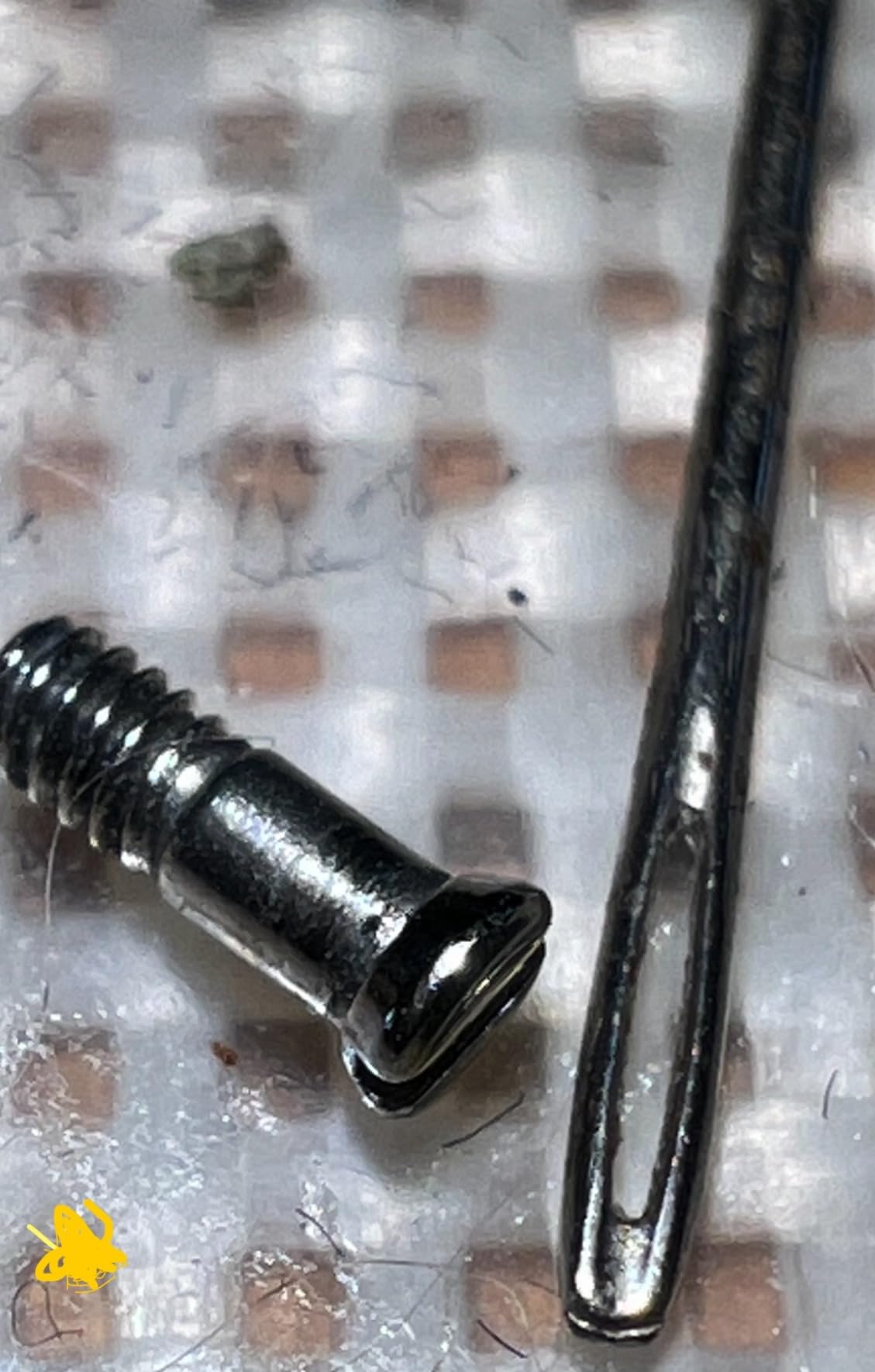
The SKYBASIC’s reason to exist is the cable. On a board that has to be moved, tilted and turned, a USB lead that catches on a solder reel is a constant small irritation, so the WiFi hotspot connection is the feature to buy it for. USB wired still works as a fallback when the battery and the signal are not cooperating.
It ranks third in its Amazon category with more than 9,500 ratings, and the 4.2 average reflects an audience that likes the convenience and tolerates the marketing. The 2MP CMOS sensor streams 1920×1080 to a phone and 720P to a computer, which is worth knowing before you plan to capture from a laptop.
Lightweight at 0.31 kg, with a 3-60mm optimal focal range and eight adjustable LEDs, it is genuinely portable. Field inspection, classroom work and quick checks away from a bench are all realistic uses.
Wireless Versus Wired: Which to Use and When
Wireless is the default and the reason to own this scope, since it removes the lead from the working area. Wired is the fallback for when you want a stable feed into a computer for recording, or when the WiFi connection drops mid-inspection.
Setup is not entirely frictionless. Users report needing to disable the built-in phone camera and grant full photo library permissions, and connectivity can fail on some tablets with older app versions. Allow a few minutes on first pair.
Focus, Zoom and the Stand Complaint
There is no focus control. The wheel adjusts zoom only, so focusing means physically moving the device, which is the opposite of what a stand is for and explains a lot of the frustration in reviews.
The more common theme is the included stand, which reviewers repeatedly describe as unable to hold the scope in position once tightened. If you buy this model, plan on adding a proper holder or a boom arm rather than fighting the supplied one.
Resolution Differences Between Phone and Computer
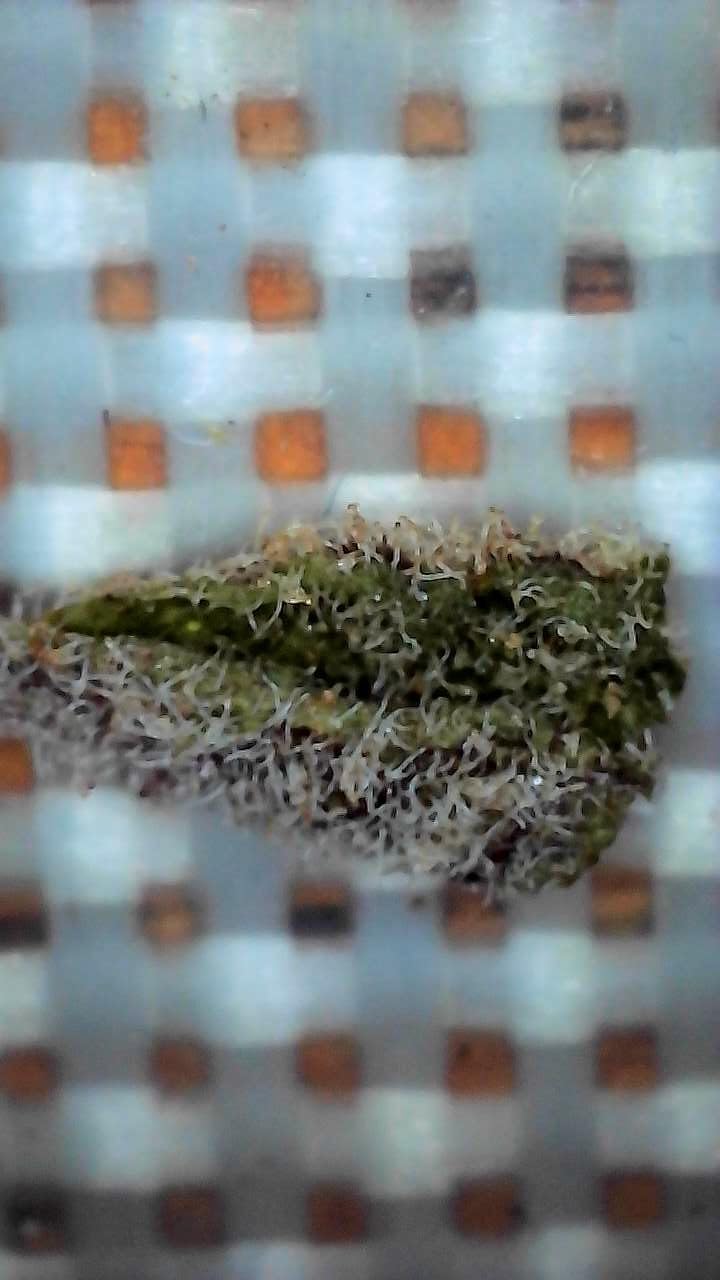
Streaming at 1920×1080 to a phone and 720P to a computer is a real difference you will notice on a fine board. If your workflow is capture-and-review on a laptop, factor in a screen that looks softer than the phone view.
For most inspection tasks, 720P is adequate for joints and component condition. For documentation where detail matters, capture on the phone where the resolution is higher, then transfer the files.
For Whom It Is and Is Not Right
Buy it if you inspect away from a bench, teach in a classroom, or simply want no cable on the work. Portability and wireless freedom are the whole pitch and they deliver.
Pass if you need a rock-solid mounted image, fine detail on a computer screen, or a stand that holds an angle out of the box. In those cases a wired scope with a metal stand is the better foundation.
9. Jiusion 4K WiFi – Best Metal Stand and Knobs Among Cordless Options
Jiusion 4K 50-1000x WiFi USB Digital Handheld Microscope with Metal Stand
Claimed 4K wireless and wired
Separate focus and brightness knobs
Metal stand with friction lock
Pros
- Wireless operation keeps a cable from snagging on the work
- Metal stand rack adjusts in fine increments and holds position once set
- Works with iOS Android Windows Mac Linux and Chrome OS
- Phone app adds brightness contrast saturation and RGB controls
- Lifetime warranty
Cons
- No auto-focus so every move needs a manual refocus
- One knob handles focus and zoom together giving two usable levels
- Reviewers dispute the 4K claim and find little gain over 1080P
This Jiusion separates itself from the wireless crowd on stand quality. Reviewers measure movement in the metal stand rack at roughly 50 micron increments using the friction knob, and once set it stays set, which is more precision than any other sub-tier option here.
It runs over WiFi or USB, works with every modern operating system, and includes a phone app with brightness, contrast, saturation and RGB controls. The 4.3 average from 2,800 ratings reflects a product people enjoy using with reservations about the marketing.
Those reservations are specific and fair. Several reviewers dispute the 3840×2160 claim, finding captures no more detailed than 1080P, and the focus depth of field becomes very shallow at high zoom on some units.
Stand Precision Where Most Budget Stops
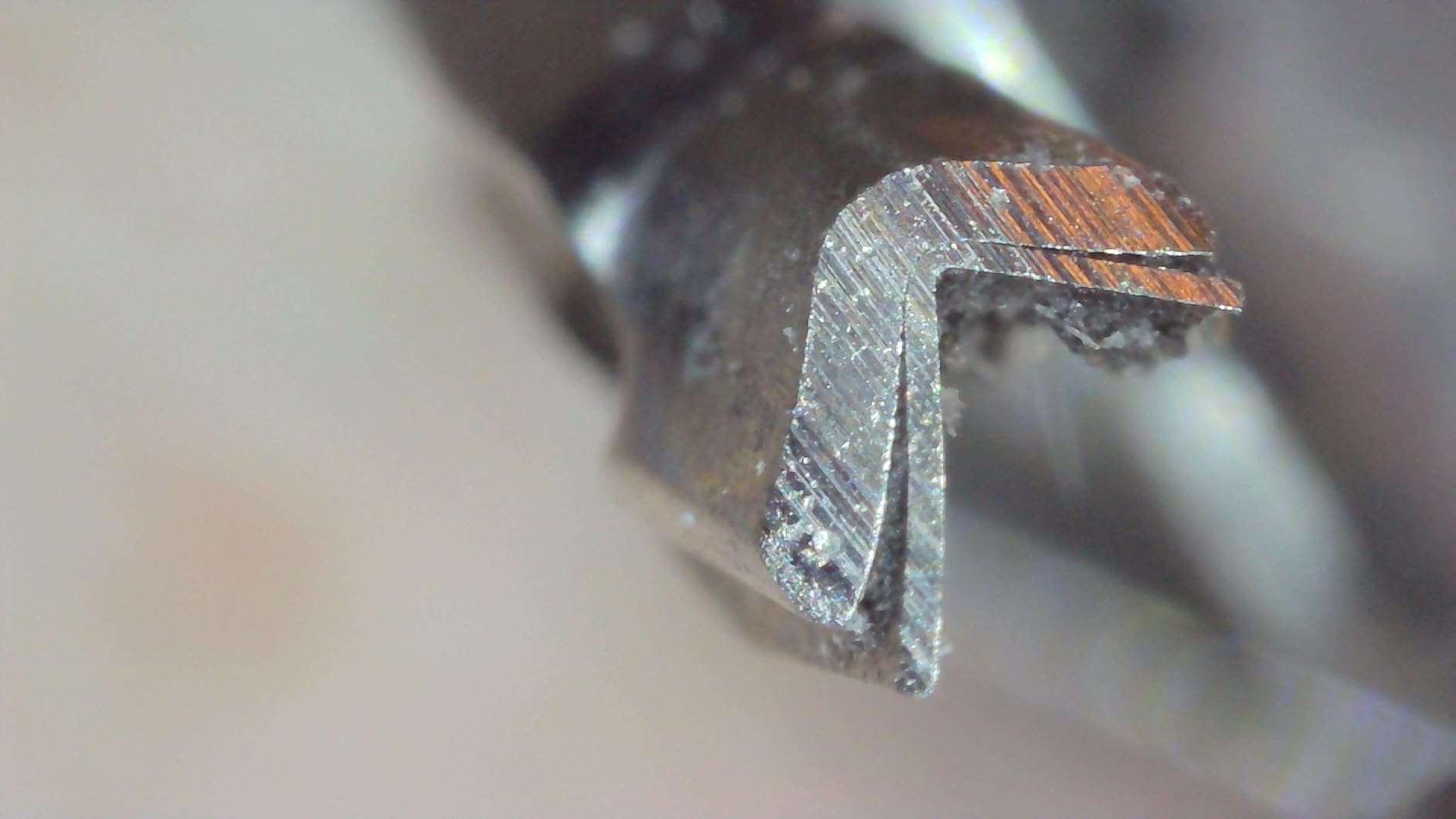
The metal stand with a finely adjustable rack is the reason to choose this over a cheaper wireless scope. Fine vertical control means you can approach a joint deliberately, and the friction lock means the arm does not creep as the scope warms up during a long session.
Our test board stayed framed through repeated repositioning, which is exactly where folding plastic arms fail. If your stand is the usual weak link in a cheap scope, this is the model that addresses it.
Auto-Focus Versus Manual Knobs
There is no auto-focus, and the control design compounds that: one knob handles focus and zoom together, so in practice you have about two usable working levels rather than a continuous range. Buyers describe focusing as effortless once they use the stand as a base, which is the correct technique.
The forum tip that applies here is to tilt the board rather than chase focus. Angle the surface and the working distance changes across the joint in a way that reveals depth a flat view hides, and you stop fighting the focus ring entirely.
How Much the 4K Claim Is Worth
Digital zoom of 1.2x to 2.0x is available on phone and tablet only, and several reviewers comparing captures directly report no meaningful detail gain over 1080P. Treat the 4K figure as a capture format rather than an optical improvement.
That said, the phone app colour controls are genuinely useful for inspection. Adjusting saturation and contrast on a solder joint makes the boundary between a wetting fillet and a dry, matte joint far easier to judge than the default profile.
For Whom It Is and Is Not Right
Choose it if you want wireless freedom and refuse to accept a wobbly stand. The rack precision and lifetime warranty make it a safe bet for a bench that gets regular use.
Skip it if you need verified 4K detail, auto-focus, or a wide range of continuous zoom. Shallow depth of field at high zoom also means it is less forgiving on boards with components of mixed height.
10. Bysameyee 40-1000X – Most Complete Starter Kit on a Small Budget
USB Digital Microscope 40X to 1000X, 8 LED Magnification Endoscope Camera with Carrying Case & Metal Stand, Compatible for Android Windows 7 8 10 11 Linux Mac (Not for iPhone/iPad)
40x to 1000x magnification
8 LEDs with dimmer and diffuser
Metal stand and carrying case
Pros
- Low entry cost for a first look at solder joints and components
- Dimming knob and diffuser give soft even illumination
- Stand OTG adapter ruler driver and carrying case all included
- Screenshot capture and video recording through bundled software
Cons
- Does not work with iPhone or iPad despite the USB form factor
- Measurement software runs on Windows only
- Top end magnification claims exceed what the sensor delivers
The Bysameyee is the kit you buy to find out whether you like this kind of work. The box contains the metal stand, an OTG adapter, a ruler, a driver and a carrying case, so nothing is missing for a first session except a computer or Android phone to plug into.
Eight LEDs with a dimming knob and a diffuser produce softer, more even light than bare ring scopes, and on a board with reflective solder the diffuser did help us avoid a hot spot that a harder light source created.
More than 10,000 ratings at 4.0 make it one of the best-established budget scopes available. The 4.0 average sits at the ceiling of what the image quality supports, and owners are clear that iOS users should look elsewhere since this unit will not connect to an iPhone or iPad.

What Is Actually in the Box
The accessory list is the pitch here: metal stand, OTG adapter, ruler, software driver and a carrying case. For someone setting up a first bench, that removes the small chain of separate purchases that usually follows a cheap scope.
It supports Windows 7 through 11, Mac OS X, Linux and Android with OTG. The measurement software is Windows-only, so if you are on a Mac you can view and capture but not measure, which is a real limitation for documentation work.
Diffused Lighting on Shiny Solder
The dimming knob combined with the diffuser is the quiet strength of this scope. On fresh solder and glossy board coating, hard ring lighting produces a blown highlight right across the joint, and the diffuser spreads that out into something you can read.
Eight LEDs give even coverage without needing to angle the scope repeatedly. It is the lighting package rather than the sensor that earns this model its spot for a first board.
Where the Image Falls Short
At the top of the range the magnification claims run well ahead of what the sensor delivers, so set expectations low and use the lower settings where the image is genuinely useful. The same applies to fine-pitch work, which this scope is not built for.
There is no built-in screen, so everything depends on a connected device, and the iOS exclusion catches people out. Check your platform before you commit.
For Whom It Is and Is Not Right
Buy it for a student, a young learner, or a hobbyist who wants to see what board inspection is about before spending more. The complete package makes it a genuinely low-risk first purchase.
Move up once you know the work matters to you. A USB-C scope with better optics or a screen-equipped model will serve a serious bench considerably better, and the measurement software gap on Mac is worth weighing.
Optical Magnification vs Digital Zoom: What the Numbers Actually Mean
An advertised 250X or 1000X on a USB microscope box is almost always a digital figure. The lens has a fixed optical magnification, and everything above that is cropping and interpolation performed by the sensor and software. Optical magnification is the only number that changes what you can resolve, and no software makes a blurry pixel sharper.
This is the confusion that shows up in reviews of almost every scope in this roundup, with “over-advertised” and “false 4K” appearing repeatedly. The fix is to ignore the headline figure and ask two questions instead: what is the true optical range, and how much working distance sits under the lens at the magnification you need.
As a working rule, general board inspection and component markings live in the 10X to 40X optical range, SMT component inspection sits around 20X to 80X, and fine-pitch joints where you need to see individual pin fillets run from 40X to 100X. Anything marketed as 1000X is a digital extension of one of those.
Working distance is the other half of the equation. The same lens at a given magnification forces you closer to the board, and that is where USB scopes frustrate people trying to work with both hands underneath. Compare the optical ceiling against the clearance the stand gives you, not against the number on the box.
How to Choose a USB Microscope for PCB Inspection
Optical Magnification, Not the Box Number
Read the optical range and ignore the maximum figure. If your work includes fine-pitch packages, a scope whose real optical ceiling is low will leave you zooming into interpolation and second-guessing the image instead of inspecting the joint.
A helpful trick is to test at the magnification you will actually use and ask whether component markings are legible rather than whether a number looks big. Our picks that sit at 200X to 260X are entirely adequate for joints and placements and inadequate for pin-level work, and that boundary is worth deciding before you buy.
Working Distance and Clearance
Working distance is the gap between the lens and the board at a given magnification. It determines whether you can get an iron, tweezers and a probe into the space under the scope while watching the screen.
Budget scopes are where this goes wrong, and forum experience going back many years is consistent about it: you end up hovering almost against the board, and working under a plastic-shrouded scope near a hot iron is a bad idea. Look for an adjustable stand height that gives real clearance, and treat any scope without one as an inspection tool rather than a working-under tool.
Lighting, Glare and Polarization
Even, adjustable lighting beats bright lighting, because the failure mode on a board is shadow, not darkness. Tall components, connectors and shielding cans cast shadows that hide exactly the bridges you are looking for, so side or angled light is worth more than raw brightness.
Polled buyers on glare specifically should know when to look for a polarizer. Shiny solder, glossy solder mask and conformal coating all throw specular highlights that no amount of tilting fully removes. None of our picks include a polarizer, so on those surfaces plan to rotate the board and vary the light angle as part of your inspection routine.
Depth of Field and the Tilted-Board Trick
Depth of field is how much of a three-dimensional object stays sharp at one focus setting. Thin depth of field is the reason a scope can look perfect on a flat trace and useless on a connector block, and why refocusing seems to be a constant chore.
There is a technique worth learning from experienced users: tilt the board instead of hunting for focus. Angling the surface changes the working distance across the joint, which reveals depth a flat view hides and gives a parallax read of a lifted pad or a tombstoned component. Auto-focus units make this easier to pull off, but manual scopes do it just as well once you stop and set up.
Latency and Lag for Live Work
Any USB video feed has lag, and lag is what veteran users mean when they say a USB scope cannot be used for live rework. Your hands and eyes stop agreeing, and the soldering you did feels like it happened a moment later.
This is the honest dividing line between inspection and work. If you intend to solder with the camera overhead, a stereo microscope or a head-mounted magnifier has no lag and true depth perception, and no amount of USB hardware fully closes that gap. If you intend to inspect, capture evidence and then work, USB is the right tool and the lag rarely matters.
Operating Systems, Drivers and Apps
Compatibility decides whether a scope is a pleasure or a weekend project. The most reliable designs identify as a standard UVC webcam or a generic PC camera, which means no drivers, no permission puzzles and any capture app works.
The failure patterns to check before buying: a Windows-only measurement app, a scope that will not connect to iPhone or iPad despite the USB connector, and phones that need OTG enabled in settings by hand. Check your actual platform against the compatibility list, and check what software the scope needs to be useful rather than merely visible.
Stand Rigidity and the Capture Workflow
The stand is usually the weakest part of a cheap scope, and a good sensor on a wobbly arm produces a moving, unusable image. Metal arms with fine adjustment are worth paying for, and reviewers of cheaper plastic stands complain about them more than about image quality.
Capture matters more than most buyers expect, because inspection work is documentation work. A still before and after a joint is what you send a customer, what you attach to a forum post and what you keep as a record. Look for a hardware shutter or remote, a memory card or PC saving, and enough resolution to read a component marking in the file.
USB Microscope vs Stereo Microscope vs HDMI Microscope
A USB microscope wins when your task is inspection and documentation. It gives a large, shareable image, easy capture, a measurement option and a low entry cost, and the software runs on the computer you already own. For checking a board after reflow, documenting a defect, teaching a class or verifying placement, that is the right tool.
A stereo microscope wins when your task is working under it. It has no lag, real depth perception, a long working distance and no plastic housing near your iron. Experienced users on electronics forums consistently say a modest stereo scope outperforms an expensive USB scope for hands-on work, and that advice has held up for years.
An HDMI microscope sits between the two, driving a monitor directly with no computer, no drivers and no app. That means less latency than a USB feed to a laptop and a much larger image, which is why it appeals to rework benches, at the cost of needing its own screen and no simple video capture on a computer.
Our honest recommendation is to treat a USB scope as an inspection and documentation tool, and to keep a magnifier or stereo scope for the soldering itself. If your work is almost entirely inspection, a USB microscope is the right purchase. If you solder under the camera most of the day, buy the optics for the working and a USB scope for the checking.
Setting Up Your Scope for Two-Handed Soldering
Put the scope on a stable surface, not on the edge of a desk, and prefer a metal stand if one is available. A folding plastic arm drifts under exactly the pressure you apply when adjusting the board, and the drift shows up as a frame that will not sit still while you work.
Set your working distance before you bring the board up. With the scope at roughly a hand’s width above the work, you can get an iron, a probe and a pair of tweezers into the space and still see the joint. Then bring the board up to the focal plane rather than lowering the camera into it.
Light the board from the side as well as from above, since the shadows cast by tall components hide more defects than low light creates. If a hot spot sits across a shiny joint, rotate the board instead of the scope, and dim the ring before you change anything else.
Capture a still before you touch anything. A timestamped image of a defect before rework and another after is the difference between a repair you can justify and one you are merely confident about, and it takes seconds with a hardware shutter.
If the image will not hold focus, work through it in order: confirm the lens is not pressed against the subject, check that the stand is locked at a fixed height, move the scope to find the band where the board is sharp, and clean the lens, which is fogged more often than anyone expects. If focus still hunts, the board probably has more depth than the scope can hold, so tilt it and work across the surface instead of at one point.
Finally, capture your own desk audio while you work. Our guides to USB microphone isolation shields for home studios and USB microphones for Discord calls cover the recording side of a small workspace, which pairs well with a scope and a capture card when you record a repair for a client or a forum post.
Frequently Asked Questions
What digital microscope is best for PCB repairing?
The Elikliv EDM4 is the strongest all-round choice, combining a 4.3-inch LCD, eight adjustable LED lights, a height-adjustable stand and PC viewing. The TOMLOV DM9 suits active rework with a larger screen and a metal base, while the Andonstar AD210 wins on working distance. For inspection and documentation rather than working under the lens, any of these will show solder bridges, cold joints and misaligned 0402 parts clearly.
What is the best USB microscope overall?
The best USB microscope is the one that matches your task, not the one with the highest number. For general board work the Elikliv EDM4 balances screen, lighting and stand. For solder-heavy benches the Andonstar AD210 gives real clearance. For classrooms and multi-OS reliability the Plugable 250x needs no drivers at all. Judge optical magnification, working distance and stand rigidity before the advertised maximum.
Is Swift or AmScope better?
Between the two, AmScope is the more established name in inspection optics and builds more of its scopes around stereo and trinocular bodies, while Swift concentrates on optical loupes and head-mounted optics rather than USB cameras. For USB microscope work specifically, the deciding factors are sensor resolution, stand rigidity and warranty support rather than the brand badge, so compare those specifications directly on the individual model.
Why can’t I get my microscope to focus?
Most focus problems come down to four causes. First, you are too close: the lens needs a small gap or the board touches the plastic. Second, the stand is not locked, so the arm moves while you adjust it. Third, the board is deeper than the depth of field, which is fixed by tilting the board and working across the surface. Fourth, the lens is fogged or scratched, which a cloth and a breath of air will fix.
What is the best type of microscope for soldering?
A stereo microscope is best for soldering because it has no lag, real depth perception and a long working distance with no plastic housing near your iron. A USB microscope is best for inspecting and documenting the result. Many technicians use both, keeping a USB scope mounted for checking joints and capture while working under a stereo scope or magnifier for the actual rework.
How much magnification do I need for PCB inspection?
General board inspection and component markings need roughly 10X to 40X of optical magnification, SMD component inspection works around 20X to 80X, and fine-pitch solder joints where you need to see individual pin fillets need 40X to 100X. The 250X to 1000X figures on retail boxes are mostly digital zoom on top of a much lower optical range, so judge the optical number instead.
Do USB microscopes work on Mac?
Most do, but not all. Scopes built on a standard UVC webcam chipset or a generic PC camera mode work on macOS, Windows and Linux with no drivers, which is why the Plugable 250x is our pick for multi-platform use. Others depend on a vendor app or a Windows-only measurement tool, and some budget models exclude iPhone and iPad entirely despite using a USB connector.
Final Verdict: Which USB Microscope Should You Buy in 2026?
If you want the best USB microscope for PCB inspection and general bench work in 2026, the Elikliv EDM4 is the pick. Its screen, adjustable LEDs, working stand and proven support record cover inspection, documentation and light rework without leaving anything out of the box.
If you solder often, the TOMLOV DM9 gives you a larger screen on a metal base, and the Andonstar AD210 gives you the clearance to actually work under the lens. If fine-pitch silicon is your day job, remember that neither reaches true high optical magnification, and pair a USB scope for checking with stereo optics for the work itself.
If compatibility and reliability outrank image quality, the Plugable 250x needs no drivers on any operating system and carries a two-year warranty. If you inspect away from a bench, the SKYBASIC wireless and the Jiusion 4K remove the cable, with the Jiusion offering the far better stand.
Whichever you choose, set it up before you need it, light it from the side, and capture a still of anything you plan to argue about later.