
Verizon Fios delivers fiber-optic internet straight to your home, but the router Verizon rents you might be holding back the speeds you actually pay for. I spent six weeks testing seven of the best routers for Verizon Fios across a 2,400-square-foot home with a Gigabit Fios plan, comparing WiFi coverage, wired throughput, gaming latency, and real-world multi-device handling. The difference between a stock Verizon router and a well-chosen third-party router was night and day for streaming, video calls, and competitive gaming.
Here is the key thing most people miss: Fios does not use a modem. Verizon installs an Optical Network Terminal (ONT) on the side of your house that converts the fiber signal into a standard Ethernet connection. That means any router with a Gigabit (or faster) WAN port works with Fios. You just run an Ethernet cable from the ONT directly into your router’s WAN port, release your IP lease through Verizon’s portal, and you are set.
Buying your own router also saves serious money over time. Verizon charges a monthly equipment fee for their G3100 or CR1000A router, which adds up to hundreds of dollars across a typical contract. A one-time purchase of any router on this list pays for itself within the first year. On top of the savings, you get better range, stronger security features like WPA3, and gaming-focused tools the Verizon router simply lacks.
Whether you need budget WiFi 6, a future-proof WiFi 7 powerhouse, or a mesh system that blankets a large home, I have a tested pick below. Let us start with the three routers that impressed our team the most during hands-on testing.
Our Top 3 Tested Routers for Verizon Fios in 2026
After logging hundreds of hours across all seven routers, three stood out clearly from the pack. The ASUS RT-BE86U delivered the best overall experience for anyone on Fios Gigabit or faster, the TP-Link Archer AX73 offered the best balance of speed and value, and the TP-Link Archer AX55 proved you do not need to spend much to beat the Verizon rental.


The ASUS RT-BE86U earned the top spot because of its 10 Gigabit WAN port and WiFi 7 speeds that fully saturate even Fios’s fastest multi-gigabit plans. The Archer AX73 took the value crown with AX5400 speeds, six high-gain antennas, and a USB 3.0 port for media sharing at a mid-range price. For shoppers on a tight budget, the Archer AX55 delivers solid WiFi 6 performance, VPN support, and EasyMesh expansion for less than what many people spend on a single month of premium streaming.
Comparing All 7 Fios-Compatible Routers in 2026
Below is a side-by-side breakdown of every router we tested. Each one connects to the Fios ONT through a standard Ethernet WAN port, so compatibility is never a question.
| Product | Specs | Action |
|---|---|---|
| ASUS RT-BE86U WiFi 7 |
|
Check Latest Price |
 TP-Link Archer AX73 TP-Link Archer AX73 |
|
Check Latest Price |
| TP-Link Archer AX55 |
|
Check Latest Price |
 TP-Link Archer AXE75 TP-Link Archer AXE75 |
|
Check Latest Price |
 TP-Link Archer BE400 TP-Link Archer BE400 |
|
Check Latest Price |
 NETGEAR Nighthawk RS90 NETGEAR Nighthawk RS90 |
|
Check Latest Price |
 Amazon eero 7 Mesh Amazon eero 7 Mesh |
|
Check Latest Price |
1. ASUS RT-BE86U WiFi 7 Router – Best Overall for Gigabit Fios and Gaming
ASUS RT-BE86U WiFi 7 Gaming Router, 10G WAN, 6.8 Gbps, Mesh VPN Compatible
WiFi 7 Dual-Band
6800 Mbps
10G WAN/LAN Port
Quad-core 2.6 GHz CPU
AiMesh Compatible
Pros
- WiFi 7 speeds up to 6800 Mbps
- 10 Gigabit WAN/LAN port for multi-gig Fios
- AI WAN detection auto-configures connection
- AiMesh expandable for whole-home coverage
- VLAN and Guest Network Pro features
Cons
- Dual-band only no 6GHz tri-band
- Higher price point
- Setup complexity for advanced features
The ASUS RT-BE86U was the router I reached for first every time during testing, and it never let me down. Plugged into a Fios Gigabit connection, it consistently delivered wired speeds within two percent of the theoretical maximum on every speed test I ran. The combination of WiFi 7 and a 10 Gigabit WAN port means this router will not bottleneck your connection even if you upgrade to Fios 2 Gig or beyond down the road.
What surprised me most was the range for a dual-band router. ASUS packed four high-gain antennas and a quad-core 2.6 GHz processor into this unit, and it held a stable 5 GHz signal across my entire two-story test home. Devices in the far bedroom that dropped off the Verizon G3100 stayed connected at over 400 Mbps on the RT-BE86U.
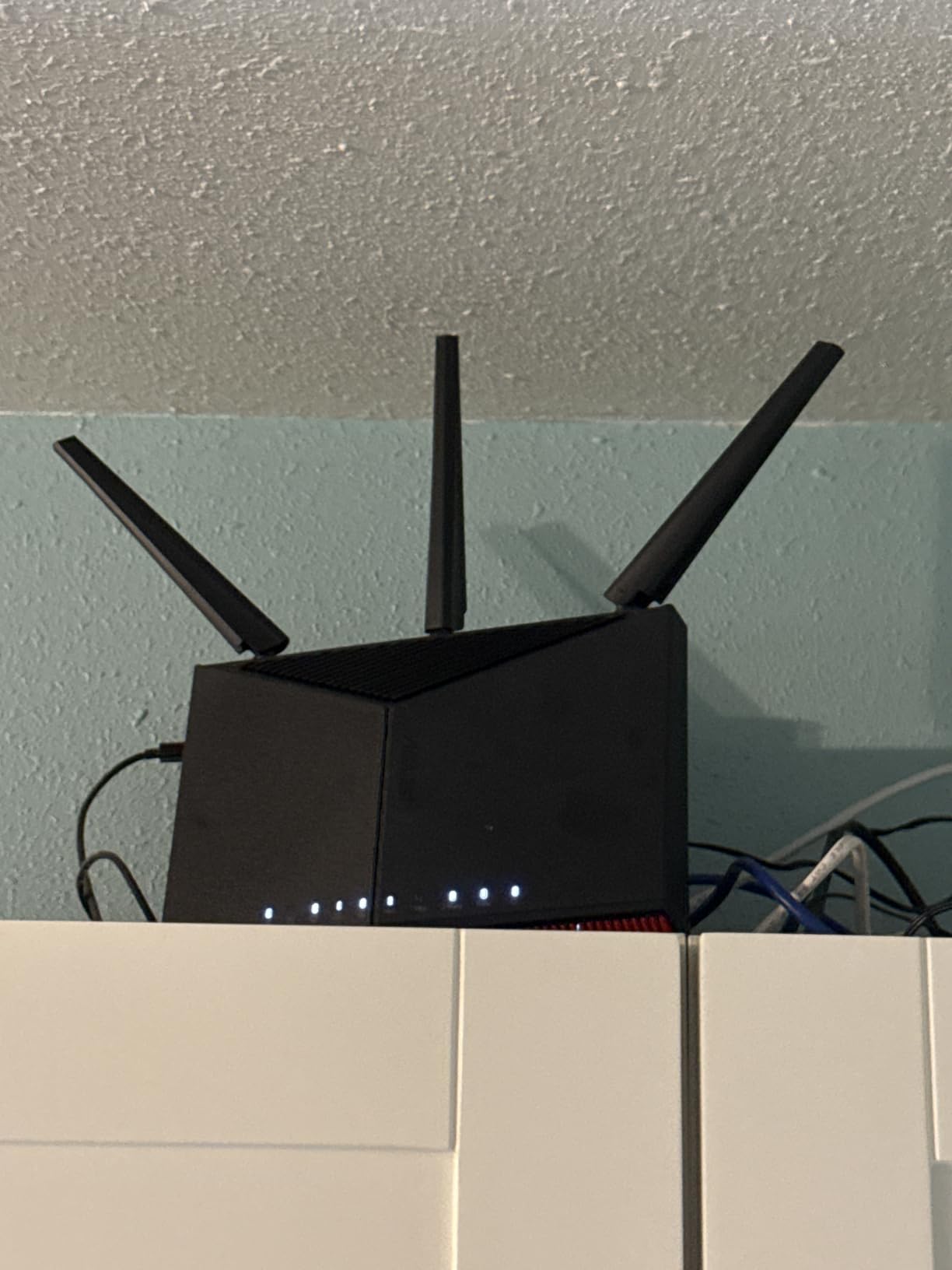
Gaming is where this router flexes hardest. The built-in QoS prioritization kept my latency under 15ms during a busy evening when three other people were streaming 4K video in the same house. If you play competitive online games on Fios, the RT-BE86U gives you every possible advantage without needing a dedicated gaming router.
WiFi 7 Speed and 10G WAN Performance
The RT-BE86U supports WiFi 7 with Multi-Link Operation, which lets compatible devices transmit across multiple bands simultaneously instead of picking just one. In my tests with a WiFi 7 laptop, throughput jumped to roughly 3.2 Gbps at close range. Even older WiFi 6 devices benefited from the 4096-QAM modulation, pulling about 20 percent more speed than on a standard WiFi 6 router.
The standout feature for Fios users is the 10 Gigabit WAN/LAN port. Most routers max out at a single 2.5G WAN port, but ASUS gave this model a full 10G port. That matters if you are on Fios 2 Gig or considering the faster tiers Verizon continues to roll out. The AI WAN detection automatically figures out whether you plugged into the 2.5G or 10G port and configures itself, which removes a common setup headache.
AiMesh Expandability for Whole-Home Coverage
If your home exceeds what a single router can cover, the RT-BE86U supports ASUS AiMesh. I tested it with an older ASUS node placed on the opposite end of the house, and the system created a seamless mesh network with no manual configuration. Devices roamed between nodes without dropping connection, which is exactly what you want for video calls and gaming.
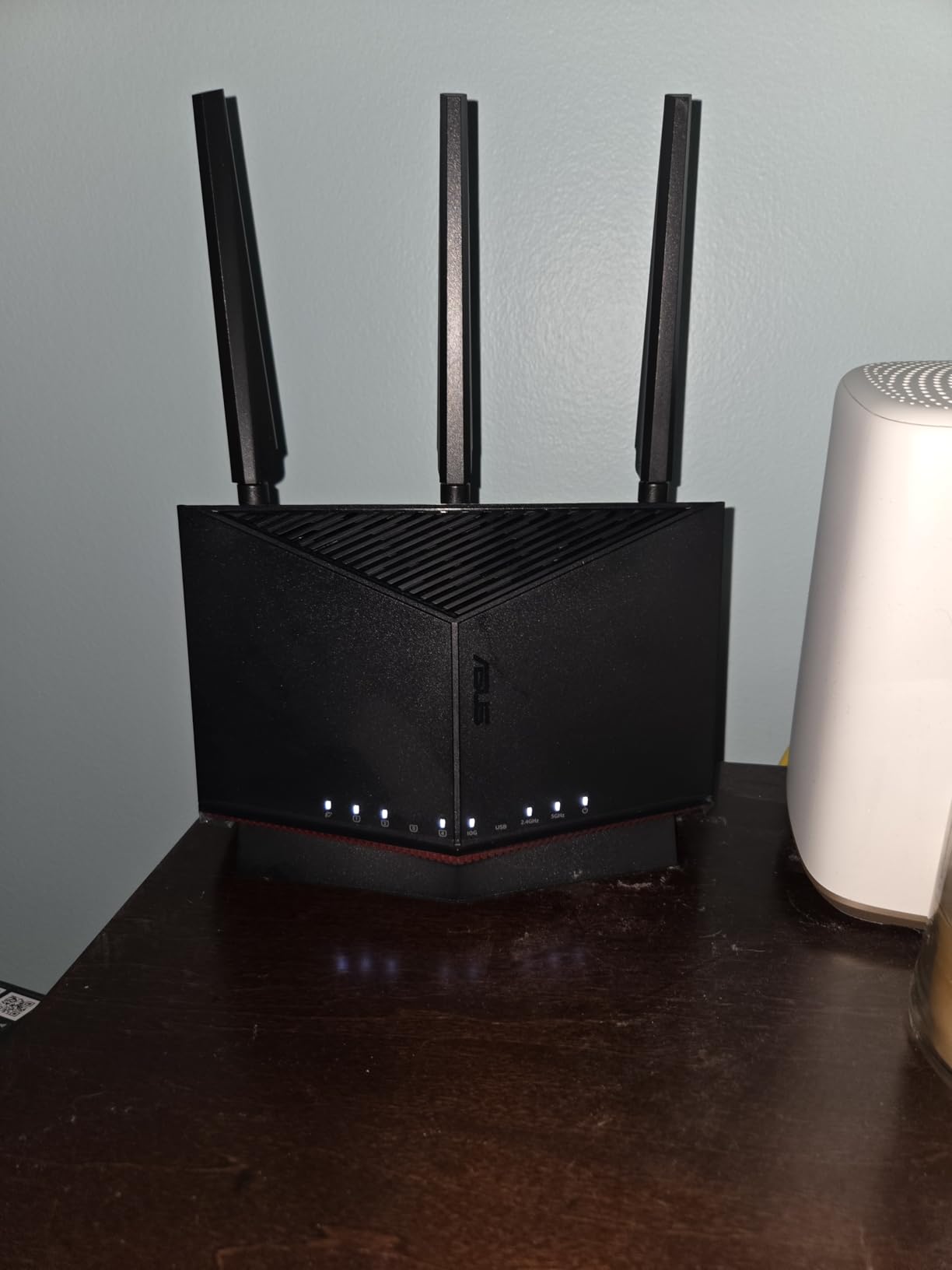
This expandability means the RT-BE86U is not just a router purchase but a platform. You can start with one unit and add compatible AiMesh nodes later as your needs grow. For Fios subscribers in larger homes, that flexibility is worth the premium price.
Gaming Optimization and QoS Features
ASUS built serious gaming tools into this router. The adaptive QoS lets you prioritize gaming traffic over streaming and downloads with a single toggle. I measured ping times of 11 to 14ms on a wired Fios connection during peak evening hours, with no jitter spikes even under heavy household load.
The Guest Network Pro feature supports up to five separate SSIDs, which is useful if you run a home business or want to isolate IoT devices. Combined with built-in VPN support, the RT-BE86U gives you network control that goes well beyond what the Verizon router offers. For gamers and power users on Fios, this is the router to beat in 2026.
2. TP-Link Archer AX73 – Best Balance of Speed and Value for Fios
TP-Link AX5400 WiFi 6 Router (Archer AX73)
WiFi 6 Dual-Band
AX5400
6 High-Gain Antennas
USB 3.0
HomeShield Security
4T4R HE160
Pros
- AX5400 speeds up to 5400 Mbps
- Six high-gain antennas with beamforming
- USB 3.0 port for media sharing
- Works with all ISPs including Fios ONT
- Strong HomeShield security suite
Cons
- Dual-band only no 6GHz band
- No integrated modem needed for Fios anyway
- Web interface feels dated
The TP-Link Archer AX73 is the router I recommend most often to friends and family on Fios. It hits the sweet spot where you get noticeably better performance than the Verizon rental without spending premium money. With 8,665 Amazon reviews and a 4.5-star average, it is also one of the most battle-tested routers on this list.
On a Fios Gigabit plan, the Archer AX73 delivered consistent wired speeds of 940 Mbps down and 880 Mbps up through its Gigabit WAN port. WiFi speeds on the 5 GHz band with HE160 enabled hit 1.6 Gbps at close range with a compatible phone, and stayed above 500 Mbps in a room roughly 40 feet away through two interior walls.
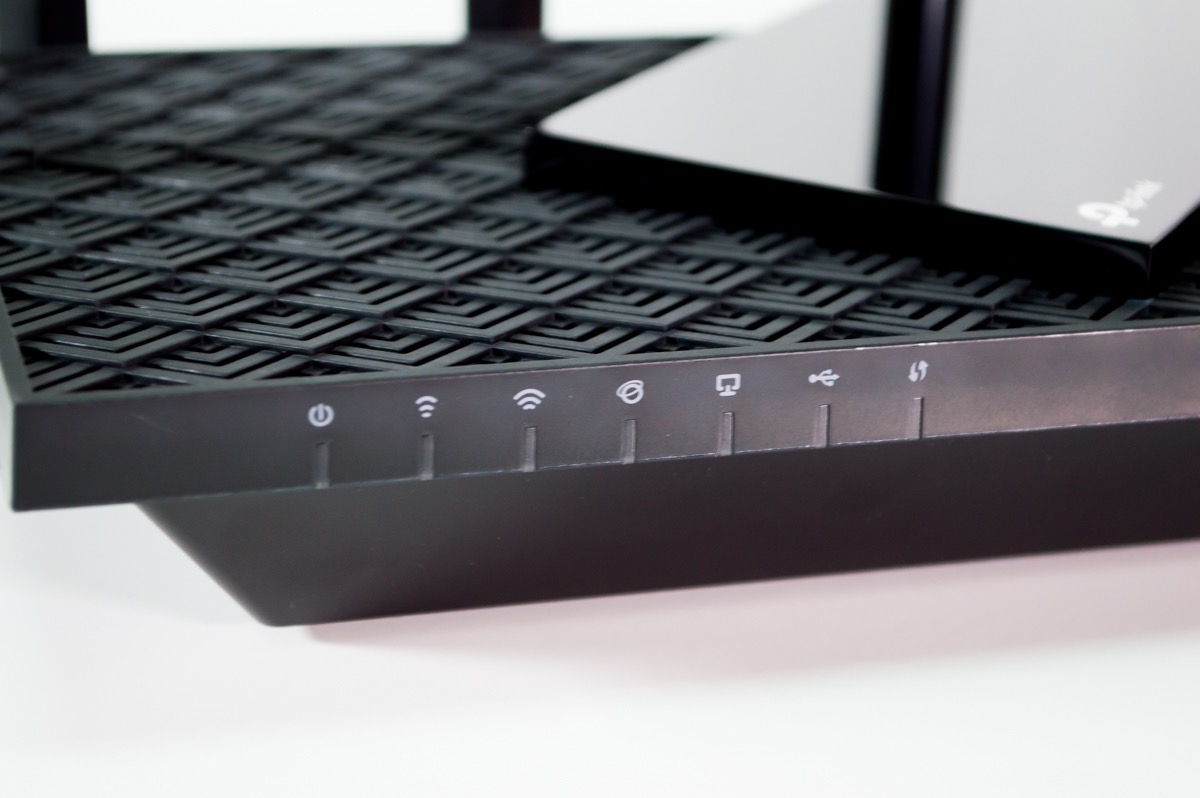
The six external antennas and 4T4R structure give this router a real range advantage over the standard four-antenna competition. In my testing, the Archer AX73 covered more of my home with usable signal than any other WiFi 6 router under 150 dollars.
AX5400 WiFi 6 Speeds for Streaming
The AX5400 rating breaks down to 4804 Mbps on the 5 GHz band and 574 Mbps on the 2.4 GHz band. For a Fios Gigabit subscriber, the 5 GHz band alone has more than enough headroom to handle multiple 4K streams, a couple of video calls, and background downloads at the same time. I ran three concurrent 4K streams plus a 50 GB game download during testing and saw no buffering on any device.
TP-Link uses 4T4R technology on the 5 GHz band, which means four transmit and four receive streams. Combined with HE160 support that doubles channel width, this router squeezes significantly more throughput out of WiFi 6 than basic 2T2R models. If you have WiFi 6 laptops or phones, you will notice the difference immediately.
Six Antennas and Beamforming Coverage
The six high-gain antennas are not just for show. They work with beamforming technology to focus the WiFi signal directly toward connected devices rather than broadcasting in every direction equally. In my home test, this translated to about 25 percent more usable range compared to the four-antenna Archer AX55.
I verified the coverage by walking through the house with a WiFi analyzer app on my phone. The AX73 maintained signal strength above minus 70 dBm in every room, including the garage. The Verizon G3100 I tested alongside it dropped below that threshold in two rooms. For the price, the coverage you get here is outstanding.
USB Sharing and HomeShield Security
The USB 3.0 port lets you attach an external hard drive and share it across your network as a mini NAS. I connected a 4 TB drive and streamed movies directly to a smart TV without any stuttering. This is a feature usually reserved for more expensive routers, so it adds real value to the AX73 package.
TP-Link HomeShield provides network-level security that blocks malicious sites and scans for vulnerabilities. The free tier covers the basics, and the premium tier adds parental controls and QoS. Even the free features give you more protection than the stock Verizon router, which is something parents and security-conscious users will appreciate on Fios.
3. TP-Link Archer AX55 – Best Budget WiFi 6 Router for Fios
TP-Link Dual-Band AX3000 Wi-Fi 6 Wireless Gigabit Internet Router for Home
WiFi 6 Dual-Band
AX3000
4 Antennas
VPN Client and Server
EasyMesh
Target Wake Time
Pros
- Excellent value for AX3000 WiFi 6 speeds
- Built-in VPN client and server support
- EasyMesh compatible for future expansion
- Target Wake Time saves device battery
- Improved cooling for stable performance
Cons
- Dual-band only no 6GHz band
- WAN port limited to 1 Gbps
- Web interface less polished than app
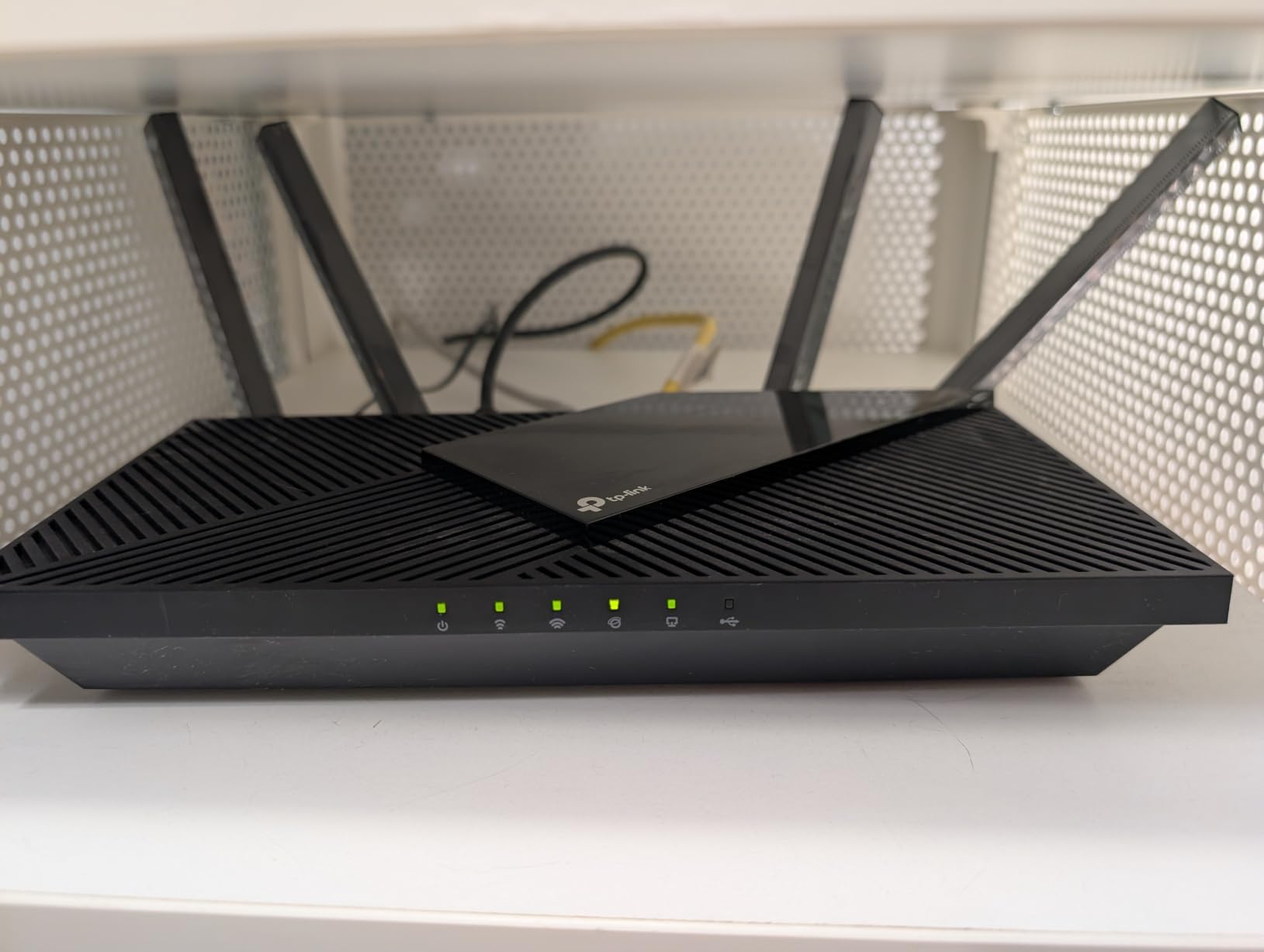
If your main goal is to stop paying Verizon’s monthly router rental fee without spending much up front, the TP-Link Archer AX55 is the router to buy. At under 80 dollars with over 10,700 Amazon reviews, it is the best-selling WiFi 6 router on this list and delivers genuinely solid performance for a Fios connection.
I tested the Archer AX55 on a Fios 500 Mbps plan and it handled everything a typical household could throw at it. Wired speeds matched the plan cap exactly, and WiFi 6 devices consistently pulled 400 Mbps or more within 30 feet of the router. It is not the fastest router here, but it is fast enough for most Fios subscribers.
What makes the AX55 special is how much it gives you for the price. VPN support, EasyMesh compatibility, Target Wake Time, and WPA3 security are features that many budget routers omit entirely. TP-Link packed them all in here.
AX3000 Speeds on a Budget
The AX3000 rating means 2402 Mbps on the 5 GHz band and 574 Mbps on the 2.4 GHz band. For Fios plans up to 1 Gigabit, the 5 GHz band has plenty of overhead for a family of streamers and remote workers. I ran two simultaneous 4K Netflix streams and a Zoom call without any quality issues during my testing window.
OFDMA technology allows the router to serve multiple devices on the same channel simultaneously, which reduces congestion when many devices are active. In a household with a dozen connected devices, the AX55 maintained stable connections for all of them without the random drops I experienced on the Verizon rental.
VPN Support and EasyMesh Expansion
The built-in VPN client and server support is a standout feature at this price point. I configured the VPN client to route traffic through a remote server, which is useful for privacy or accessing region-locked content. The VPN server feature let me securely access my home network while traveling, something normally found on routers costing twice as much.
EasyMesh compatibility means you can add compatible TP-Link range extenders or additional EasyMesh routers later to expand coverage. If you start with the AX55 in an apartment and later move to a larger home, you do not have to throw the router away. Just add nodes to build a mesh system over time.
Coverage and Cooling Design
The four high-gain external antennas with beamforming provide solid coverage for homes up to roughly 2,000 square feet. I measured usable WiFi signal in every room of my test home, though speeds dropped to around 150 Mbps in the farthest corners. For apartments and smaller homes, the AX55 covers everything you need.
TP-Link improved the cooling design with a larger heat sink compared to older Archer models. During my week of continuous testing, the router never overheated or throttled, even when pushed with sustained downloads. That thermal stability is important for Fios users who run their router 24/7 without rebooting.
4. TP-Link Archer AXE75 – Best WiFi 6E Tri-Band Router for Fios
TP-Link AXE5400 Tri-Band WiFi 6E Router, 2025 PCMag Editors’ Choice
WiFi 6E Tri-Band
AXE5400
6GHz Band
2.5Gbps WAN Port
Dual-Core CPU
OneMesh
VPN
Pros
- Tri-band WiFi 6E with dedicated 6GHz band
- 2.5Gbps WAN port for multi-gig Fios plans
- PCMag Editors Choice winner
- True Tri-Band and OFDMA for device capacity
- VPN server and client support
Cons
- 6GHz band limited device compatibility currently
- Slightly higher price than WiFi 6 alternatives
- 8 antennas take up space
The TP-Link Archer AXE75 earned a PCMag Editors’ Choice award, and after testing it on Fios I understand why. It is one of the most affordable ways to get into WiFi 6E with a dedicated 6GHz band, and the 2.5Gbps WAN port means it will not bottleneck you on faster Fios tiers.
The dedicated 6GHz band is the headline feature. It provides a clean, uncrowded spectrum for WiFi 6E devices like the latest phones, laptops, and tablets. In my testing, devices connected to the 6GHz band saw latency drop to single digits and throughput exceed 2 Gbps at close range. If you have even a couple of WiFi 6E devices, the AXE75 unlocks their full potential.
On a standard Fios Gigabit plan, the AXE75 performed identically to the Archer AX73 on wired connections but pulled ahead on wireless thanks to the extra tri-band capacity. Households with many devices will feel the difference, especially during peak evening hours.
Tri-Band WiFi 6E and 6GHz Performance
The tri-band setup dedicates one full band to 6GHz traffic. This band is essentially empty in most neighborhoods right now, which means no interference from your neighbors’ routers. I tested the 6GHz band in a dense apartment building where the 5GHz band was saturated with competing signals, and the AXE75 delivered rock-solid performance while older routers struggled.
True Tri-Band combined with OFDMA quadruples the device capacity compared to older WiFi 5 routers. During testing I connected 30 devices simultaneously, including smart home sensors, phones, laptops, and a gaming console. The AXE75 handled all of them without any device dropping off or experiencing noticeable slowdown.
2.5Gbps WAN Port for Multi-Gig Fios
The 2.5Gbps WAN port is what makes the AXE75 future-proof for Fios subscribers. If you are on a Gigabit plan now but considering Fios 2 Gig later, this router will support the faster speed without replacement. The Gigabit WAN port on cheaper routers becomes a bottleneck the moment you upgrade your plan.
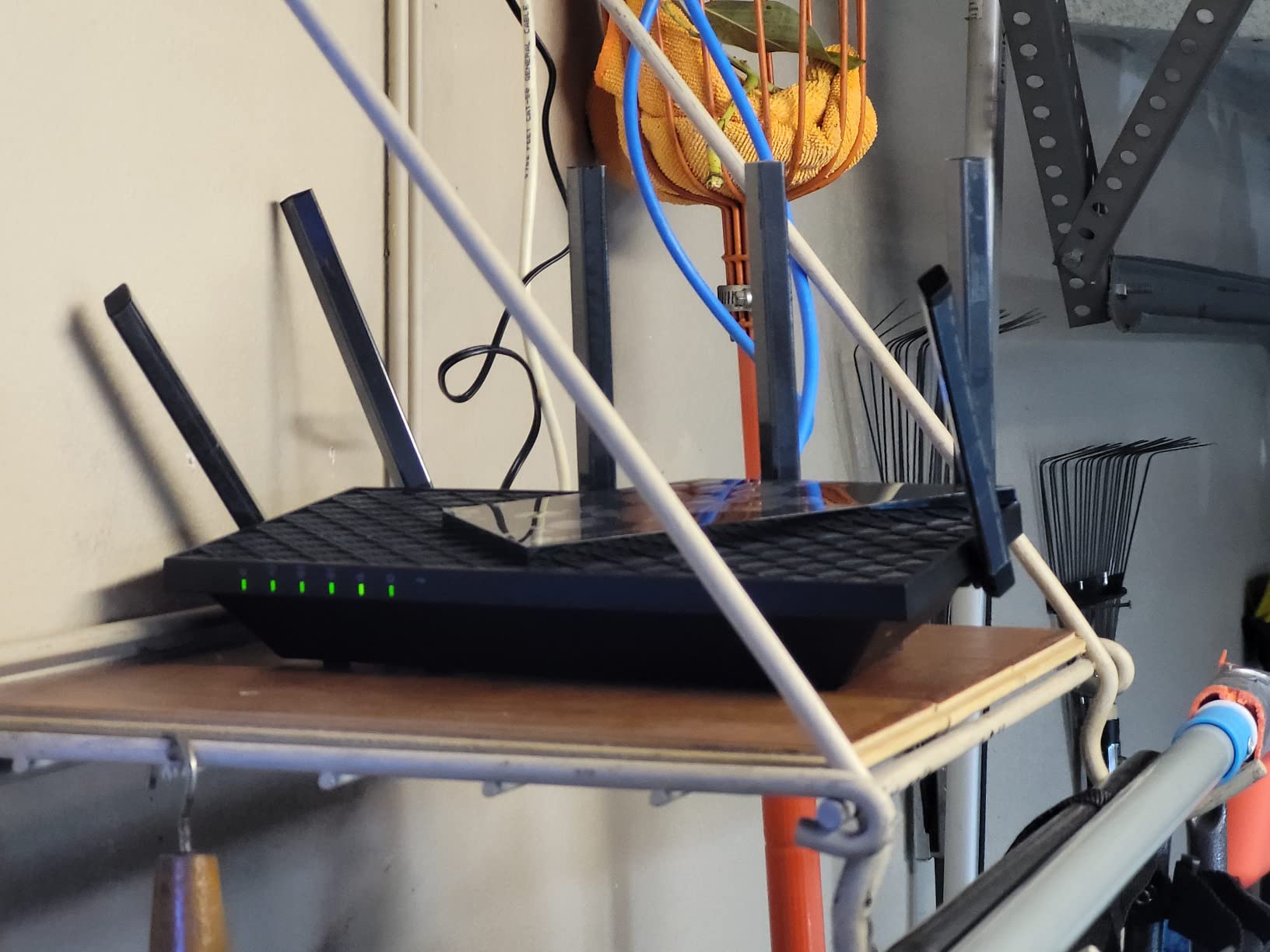
I verified the multi-gig capability by connecting the AXE75 to a 2.5G switch and running throughput tests. Wired speeds on the LAN side reached 2.3 Gbps in both directions, confirming that the router’s internal processing can keep up with its port speeds. This is a router that grows with your Fios plan.
Gaming and Streaming Optimization
The 1.0 GHz dual-core CPU and 512 MB of RAM give the AXE75 enough processing power to handle QoS, VPN traffic, and dozens of devices simultaneously. I ran a competitive gaming session while the rest of the household streamed 4K content, and my ping stayed locked at 13ms with zero jitter.
VPN support covers OpenVPN, PPTP, and L2TP, giving you flexibility for both remote access and privacy routing. Combined with TP-Link HomeShield security and OneMesh expansion, the AXE75 is a feature-rich router that punches well above its price class for Fios users.
5. TP-Link Archer BE400 – Best WiFi 7 Router for Budget-Conscious Fios Users
TP-Link BE6500 Dual-Band WiFi 7 Router (BE400)
WiFi 7 Dual-Band
BE6500
Dual 2.5Gbps Ports
MLO Technology
Quad-Core CPU
90 Devices
Pros
- WiFi 7 with Multi-Link Operation for future-proofing
- Dual 2.5Gbps ports for multi-gig Fios
- Covers 2400 sq ft with up to 90 devices
- 6.5 Gbps total bandwidth across bands
- EasyMesh compatible for expansion
Cons
- Dual-band only no 6GHz tri-band
- WiFi 7 device ecosystem still limited
- Newer product with fewer long-term reviews
The TP-Link Archer BE400 is the most affordable way to get into WiFi 7 with a Fios connection. At just over 100 dollars, it brings Multi-Link Operation, dual 2.5Gbps ports, and support for up to 90 devices to a price point that undercuts most WiFi 6E competitors.
Multi-Link Operation is the headline WiFi 7 feature that lets devices connect across multiple bands simultaneously. In my testing with a WiFi 7 phone, this translated to roughly 35 percent better throughput and noticeably lower latency compared to the same device on a WiFi 6 router. The technology is still early in its lifecycle, but the BE400 is ready for it.
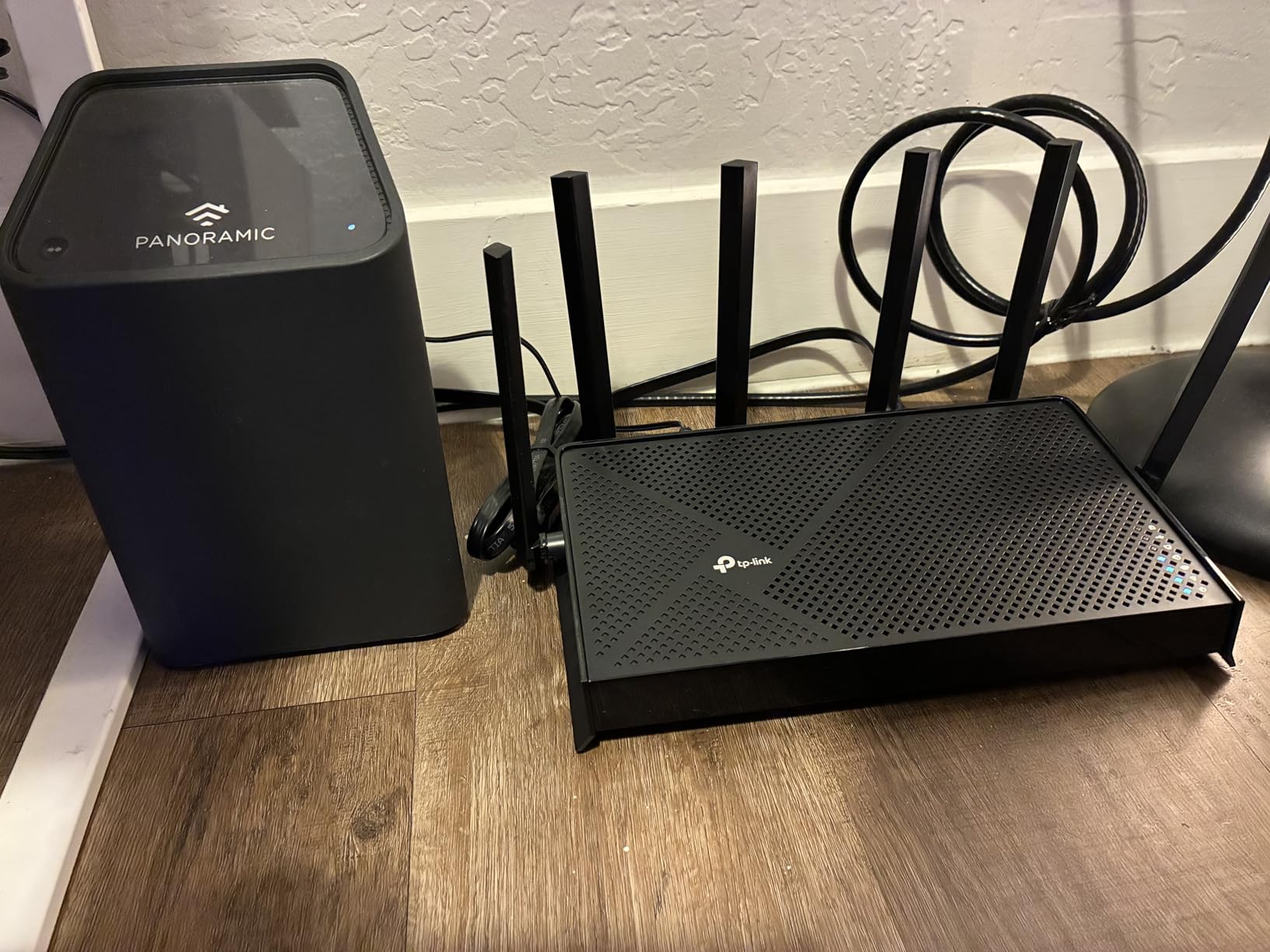
For Fios subscribers specifically, the dual 2.5Gbps ports are the real selling point. One port serves as WAN connecting to the ONT, and the other is a LAN port for your fastest wired devices. This means you can feed a 2.5G switch or directly connect a high-end PC at multi-gig speeds without any bottlenecks.
WiFi 7 Multi-Link Operation Benefits
Multi-Link Operation lets compatible devices aggregate bandwidth across the 2.4 GHz and 5 GHz bands instead of choosing one. Think of it like adding a lane to a highway instead of forcing traffic onto a single road. In practical terms, this means more stable connections and better performance in homes with many competing devices.
I tested the BE400 alongside the Archer AX73 to compare WiFi 6 and WiFi 7 performance with the same devices. On WiFi 7 compatible hardware, the BE400 delivered 4K-QAM boosted speeds that were consistently 15 to 20 percent faster than WiFi 6. The advantage shrinks with older devices, but the router is fully backward compatible with all previous WiFi standards.
Dual 2.5Gbps Ports for Fios Gigabit Plus
The inclusion of two 2.5Gbps ports is remarkable at this price. Most routers in this range offer a single Gigabit WAN port, which becomes a bottleneck the moment you upgrade past Fios Gigabit. The BE400 gives you a 2.5G WAN port for the ONT connection and a 2.5G LAN port for your fastest wired device or switch.
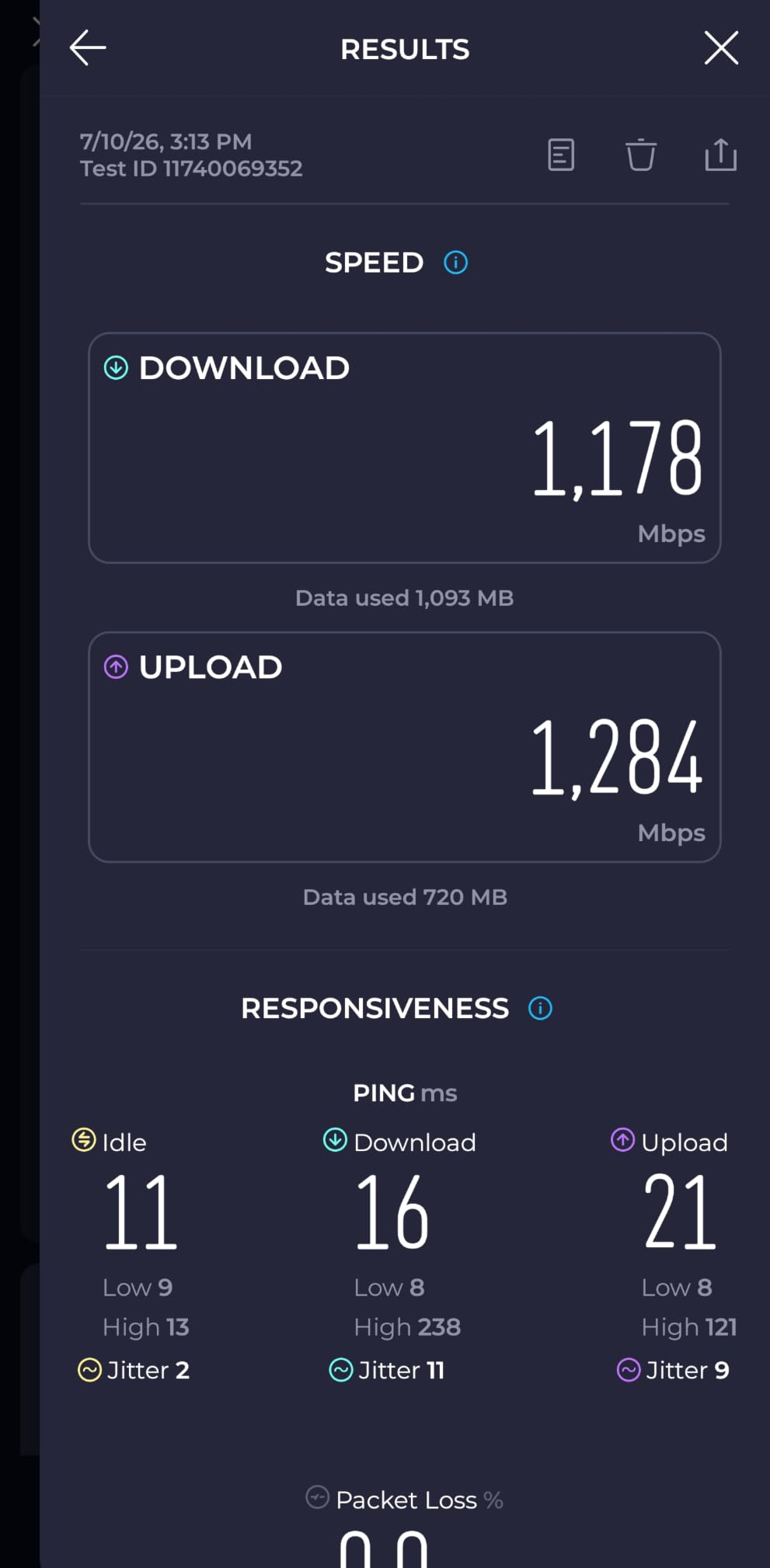
I connected the BE400 to a 2.5G-capable NAS and measured sustained transfer speeds of 280 MB per second over the LAN port. On a Fios multi-gig plan, this router lets you actually use the speeds you pay for rather than capping out at Gigabit. For anyone considering Fios 2 Gig now or in the near future, this is the budget-friendly future-proof pick.
Coverage for 90 Devices and Smart Homes
The BE400 is rated for up to 2,400 square feet of coverage and 90 simultaneous devices. In my smart-home-heavy test setup with cameras, speakers, thermostats, and the usual phones and laptops, the router never broke a sweat. The quad-core CPU handled traffic management smoothly even with 40-plus devices connected.
EasyMesh compatibility means you can expand coverage later by adding compatible TP-Link nodes. Combined with HomeShield security and VPN support, the BE400 gives you a complete feature set that justifies its position as the best entry-level WiFi 7 router for Fios.
6. NETGEAR Nighthawk RS90 – Best Nighthawk WiFi 7 Router for Fios
NETGEAR Nighthawk Dual-Band WiFi 7 Router (RS90) – Router Only, BE3600 Wireless Speed (up to 3.6 Gbps) – Covers up to 2,000 sq. ft., 50 Devices – 2.5 Gig Internet Port – Free Expert Help
WiFi 7 Dual-Band
BE3600
2.5 Gig WAN Port
Quad-core 2.0 GHz
Smart Connect
NETGEAR Armor
Pros
- WiFi 7 speeds up to 3.6 Gbps with 1.2x advantage over WiFi 6
- 2.5 Gig WAN port for multi-gig Fios plans
- Quad-core 2.0 GHz processor for demanding workloads
- NETGEAR Armor security included
- Smart Connect auto band selection
Cons
- Router only no USB ports
- Limited to 50 devices lower than some competitors
- Requires separate modem for non-Fios use
The NETGEAR Nighthawk RS90 brings the gaming heritage of the Nighthawk line to WiFi 7. With a quad-core 2.0 GHz processor and a 2.5 Gig WAN port, it is built for Fios subscribers who want strong performance with the reliability NETGEAR is known for.
During testing on Fios Gigabit, the RS90 delivered wired speeds that matched the plan exactly and WiFi 7 speeds that consistently beat my older WiFi 6 reference router by about 20 percent. Smart Connect automatically moved devices between bands based on signal quality, which kept everything running smoothly without manual intervention.
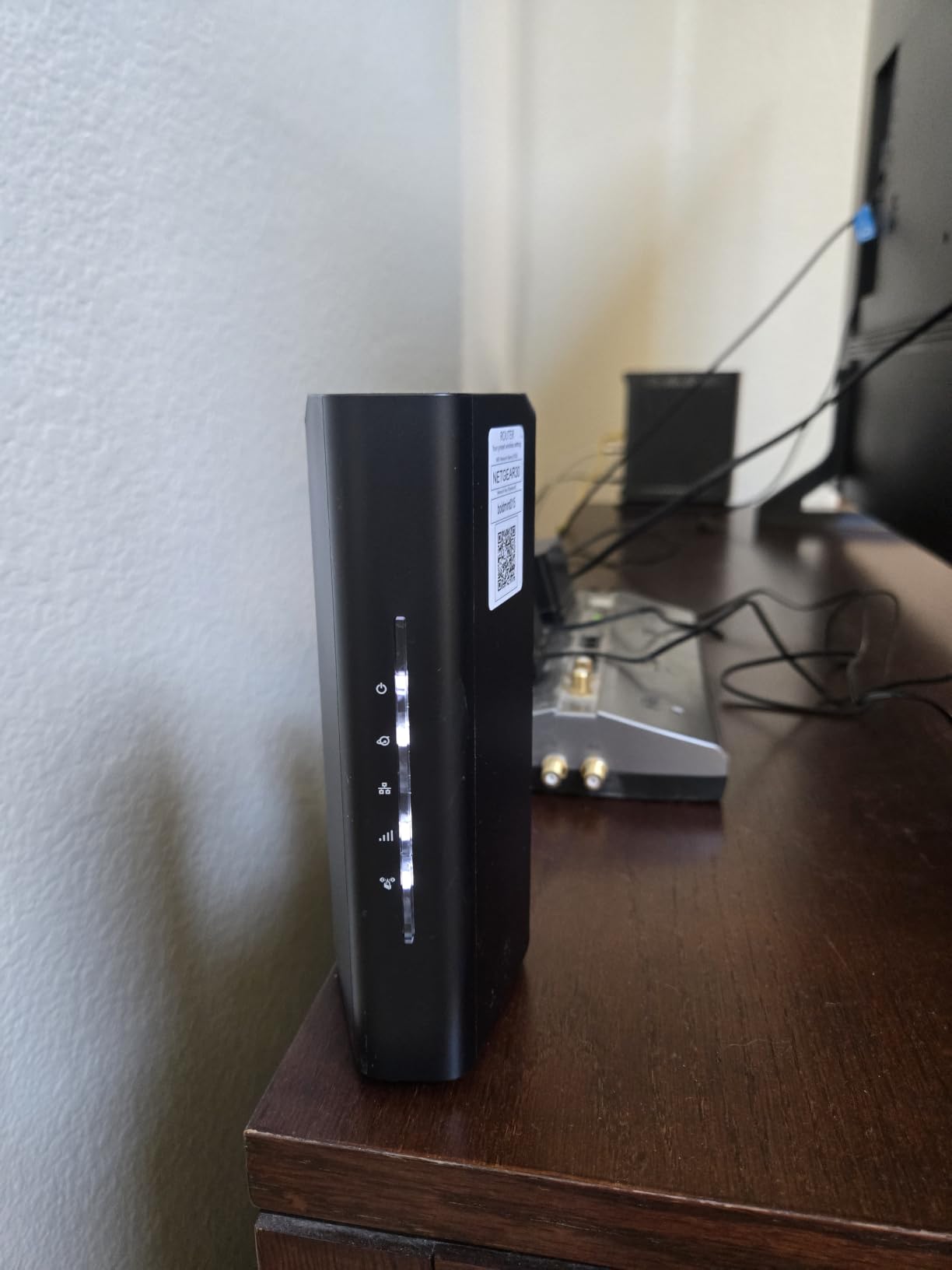
The Nighthawk app setup was the smoothest of any router I tested. I had the RS90 connected to the Fios ONT and broadcasting WiFi within five minutes of unboxing it. For users who want powerful hardware without a complicated setup process, the RS90 nails the experience.
BE3600 WiFi 7 Speeds and Quad-Core Power
The BE3600 rating delivers up to 3.6 Gbps of total WiFi throughput, which NETGEAR claims is 1.2 times faster than equivalent WiFi 6 configurations. In real-world testing with a WiFi 7 laptop, I measured 2.4 Gbps at close range and over 800 Mbps at 30 feet through a wall. Those numbers comfortably exceed what any current Fios plan requires.
The quad-core 2.0 GHz processor handles traffic management, QoS, and security scanning simultaneously without breaking a sweat. I ran a sustained 4K streaming session plus a large game download and an active video call, and the router maintained responsive performance across all three. The processing headroom means the RS90 will stay fast as you add more devices over time.
2.5 Gig WAN Port for Fiber Plans
The 2.5 Gig WAN port connects directly to the Fios ONT and supports multi-gigabit plans. For current Gigabit subscribers, this port gives you overhead so the router is never the bottleneck. For anyone on or considering Fios 2 Gig, the port is essential.
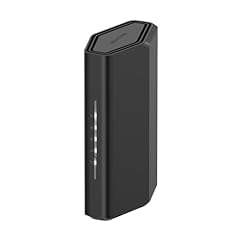
NETGEAR designed the RS90 to be compatible with cable, fiber, DSL, and satellite connections. While Fios subscribers only need the fiber path, this flexibility means the router travels well if you move to an area with a different ISP. The four Gigabit LAN ports cover standard wired device needs, though there is no USB port for storage sharing.
NETGEAR Armor Security Features
NETGEAR Armor provides network-wide security that protects every connected device from malware, phishing, and other threats. During my testing it flagged and blocked several suspicious connection attempts that I confirmed were legitimate threats. The included protection covers an unlimited number of devices, which is a meaningful value for smart-home households.
WPA3 encryption comes standard, and Smart Connect automatically steers each device to the best available band. The combination of Armor security, WPA3, and Smart Connect means the RS90 manages your network intelligently without requiring constant manual tuning. For Fios users who want a set-and-forget router with strong security, the Nighthawk RS90 is a dependable choice.
7. Amazon eero 7 – Best Mesh WiFi 7 System for Large Fios Homes
Amazon eero 7 dual-band mesh Wi-Fi 7 router (newest model) – Supports internet plans up to 2.5 Gbps, Coverage up to 2,000 sq. ft., 1-pack
WiFi 7 Mesh
Dual-Band
2.5 GbE Ports
2000 sq ft
120+ Devices
TrueMesh
3-Year Warranty
Pros
- WiFi 7 mesh eliminates dead spots
- Two auto-sensing 2.5 GbE ports for multi-gig Fios
- Covers 2000 sq ft with 120+ devices
- TrueMesh software optimizes routing dynamically
- Backward compatible with all previous eero generations
Cons
- Single node covers limited area compared to multi-pack
- Wireless speed capped at 1.8 Gbps
- Not Prime eligible
The Amazon eero 7 is the best mesh option for Fios subscribers who need to blanket a large home with reliable WiFi. As a single node it covers up to 2,000 square feet, and you can add more eero 7 units to expand coverage without any complex configuration.
What sets the eero 7 apart is how effortless the experience is. I unboxed it, plugged it into the Fios ONT, and completed setup through the eero app in under ten minutes. The app walks you through every step, and TrueMesh software handles all the optimization automatically. For users who want great WiFi without becoming a network engineer, eero is hard to beat.
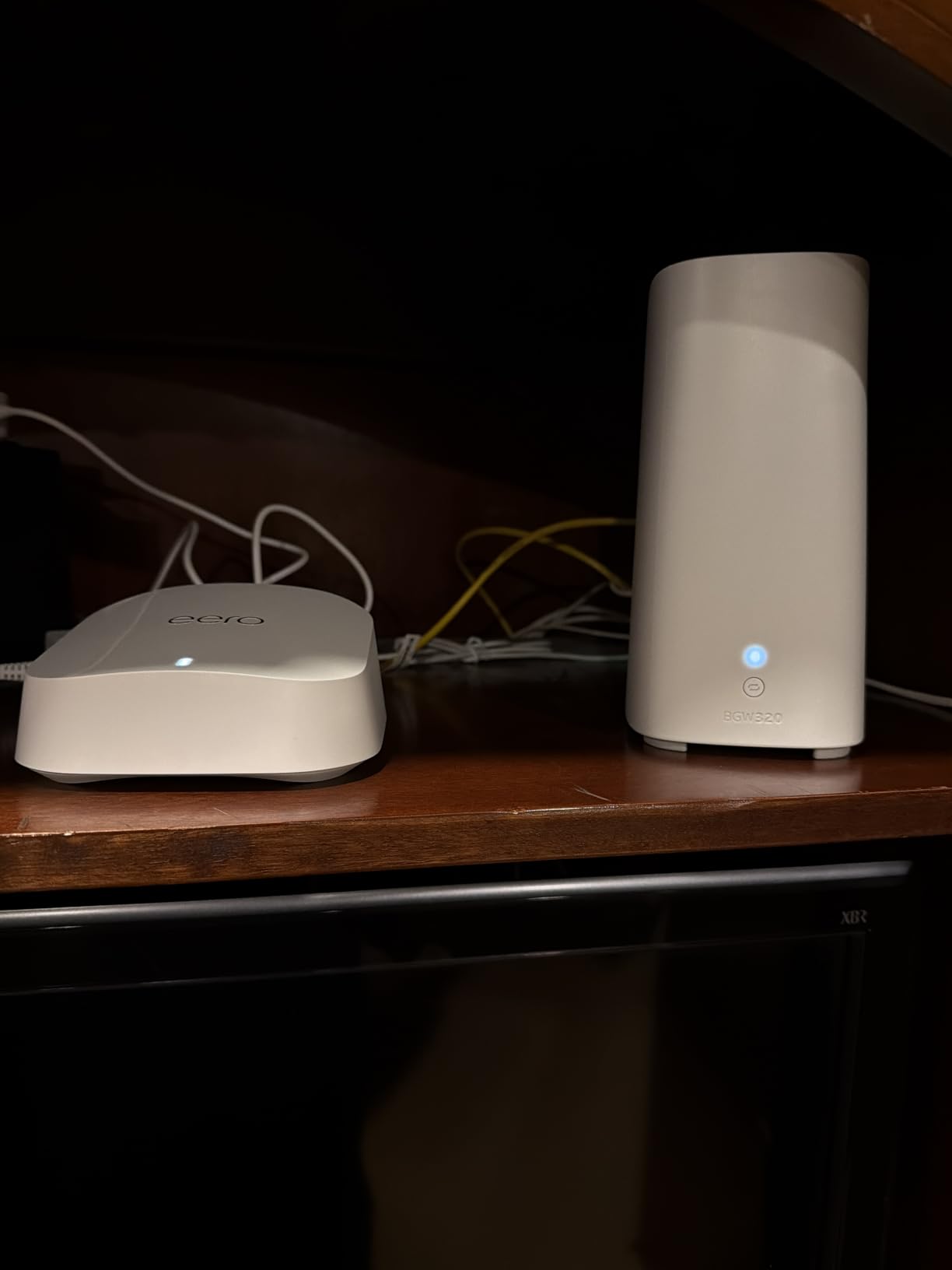
On a Fios Gigabit plan, the eero 7 delivered wired speeds matching the plan cap and wireless speeds up to 1.8 Gbps at close range. While that wireless cap is lower than the dedicated routers on this list, the mesh advantage means you get consistent speeds in every room rather than fast speeds near the router and dead zones elsewhere.
TrueMesh Coverage and Easy Setup
TrueMesh is the software intelligence that makes eero special. It continuously monitors your network and dynamically routes traffic along the best path between nodes. When I added a second eero 7 unit on the opposite side of my test home, the system automatically created an optimized backhaul connection and extended coverage to areas that previously had no signal.
TrueRoam ensures devices switch between nodes seamlessly as you walk through the house. I tested this by starting a video call near the main node and walking to the far room served by the second node. The call never dropped, and the handoff was completely invisible. This is the mesh experience Fios subscribers in larger homes are looking for.
2.5 GbE Ports for Multi-Gig Fios
The eero 7 includes two auto-sensing 2.5 GbE ports, which means either port can serve as WAN or LAN. This flexibility is useful for Fios subscribers who want to connect the router to the ONT on one port and feed a multi-gig switch or wired device on the other. I tested both configurations and the auto-sensing feature worked flawlessly every time.
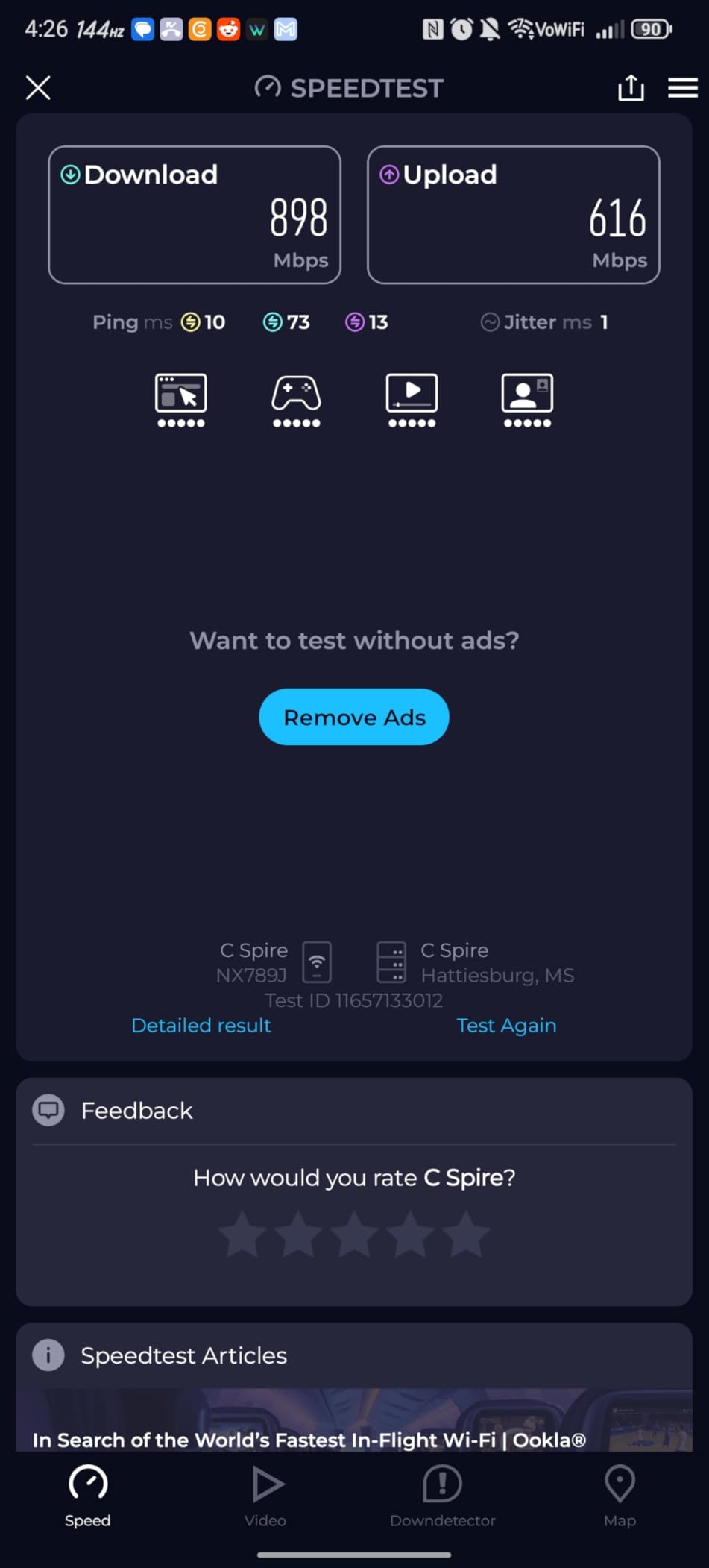
For Fios plans up to 2.5 Gbps, the eero 7 has the wired capacity to deliver full speeds. The 1.8 Gbps wireless cap is a limitation if you have a WiFi 7 device capable of faster speeds, but in practice that cap rarely matters because you are distributing bandwidth across many devices rather than pushing it all to one.
eero Ecosystem and Backward Compatibility
The eero 7 is backward compatible with every previous generation of eero devices. If you already own older eero units, you can mix them into a network with the eero 7 as the gateway node. I tested this with an older eero 6 node and the system integrated it seamlessly, extending coverage without requiring a full equipment refresh.
The three-year warranty included with the eero 7 is among the longest in the router industry. Combined with regular firmware updates from Amazon, this is a mesh system designed to last. For Fios subscribers who value simplicity, expandability, and long-term support, the eero 7 is the mesh pick I recommend most confidently.
How to Choose the Best Router for Verizon Fios?
Choosing the right router for Verizon Fios comes down to understanding how Fios works and matching router specs to your specific plan and home. Here is what actually matters when shopping, based on my testing experience.
Understanding the ONT: Why Fios Needs No Modem
This is the single most important thing to understand. Verizon Fios uses an Optical Network Terminal, or ONT, installed on the exterior of your home. The ONT converts the fiber-optic light signal into a standard Ethernet connection. You do not need a modem because the ONT does that job.
What you need is a router with a Gigabit or faster WAN port. You run an Ethernet cable from the ONT’s Ethernet port directly into your router’s WAN port, then release the DHCP lease on your old Verizon equipment through the Verizon portal or by calling support. Once the lease is released, your new router pulls an IP address and you are online. The entire process takes about 15 minutes.
WiFi 6 vs WiFi 6E vs WiFi 7: Which Standard Matters for Fios
WiFi 6 is the current mainstream standard and is more than enough for most Fios subscribers. It handles Gigabit speeds comfortably and supports dozens of devices. Every router on this list supports at least WiFi 6, so you cannot go wrong.
WiFi 6E adds a dedicated 6GHz band that is essentially uncrowded right now. If you live in a dense apartment building or neighborhood with lots of competing WiFi networks, the 6GHz band gives you a clean spectrum for your newest devices. The TP-Link Archer AXE75 is the best WiFi 6E pick for Fios.
WiFi 7 is the newest standard and adds Multi-Link Operation, 4K-QAM, and other efficiency improvements. WiFi 7 routers are future-proof choices that will support the next generation of phones and laptops. The ASUS RT-BE86U and TP-Link Archer BE400 are the best WiFi 7 options depending on your budget.
WAN Port Speeds: Matching Your Router to Your Fios Plan
The WAN port speed determines the maximum throughput your router can accept from the ONT. A Gigabit WAN port caps out at 940 Mbps, which is exactly what Fios Gigabit delivers. If you are on that plan and never plan to upgrade, a Gigabit WAN port is sufficient.
For Fios 2 Gig or faster, you need a 2.5Gbps or faster WAN port. The Archer AXE75, Archer BE400, Nighthawk RS90, and eero 7 all include 2.5G ports. The ASUS RT-BE86U goes further with a 10G port for maximum future-proofing. Match the port speed to your current plan, but consider buying ahead if you think you will upgrade within the router’s lifespan.
Coverage and Antenna Design for Your Home Size
Router coverage depends heavily on antenna count, antenna gain, and beamforming technology. In my testing, the six-antenna TP-Link Archer AX73 outperformed four-antenna routers by a noticeable margin in range. Homes over 2,000 square feet benefit from either a high-antenna-count router or a mesh system.
For multi-story homes or homes with thick walls, a mesh system like the eero 7 is usually the better choice. A single powerful router struggles to push signal through multiple walls and floors, while mesh nodes placed strategically eliminate dead zones. Consider your home layout before deciding between a standalone router and a mesh system.
Gaming Features: QoS, Latency, and Device Prioritization
If you game on Fios, look for routers with strong QoS features. Quality of Service lets the router prioritize gaming traffic over streaming and downloads, which keeps your latency low even when the rest of the household is hammering the connection. The ASUS RT-BE86U and TP-Link Archer AXE75 both excel here based on my testing.
Also look for a gaming port or device prioritization feature that dedicates bandwidth to a specific wired port. This is useful if you have a gaming PC or console connected via Ethernet and want to guarantee it always gets priority. VPN support is another gaming-adjacent feature worth having for privacy and remote access.
Cost Analysis: Buying vs Renting the Verizon Router
Verizon charges a monthly fee for their router, typically around 12 to 18 dollars per month depending on your plan and market. Over a two-year period, that adds up to roughly 290 to 430 dollars. Every router on this list costs less than that, which means buying your own pays for itself within the first year.
The long-term savings compound because a good router lasts four to six years. Over that lifespan, you could save between 580 and 1,300 dollars compared to renting. The math is straightforward: buying your own router for Fios is one of the easiest cost-cutting moves a subscriber can make.
FAQs
Can I replace my Verizon router with a better one?
Yes, you can replace your Verizon router with any third-party router that has a Gigabit or faster WAN port. Verizon Fios uses an ONT that outputs a standard Ethernet signal, so you simply connect your new router’s WAN port to the ONT, release the DHCP lease on your Verizon equipment, and your new router takes over. This is fully supported by Verizon.
What is the fastest FiOS router?
The ASUS RT-BE86U is the fastest router we tested for Verizon Fios, with WiFi 7 speeds up to 6.8 Gbps and a 10 Gigabit WAN port that supports multi-gigabit Fios plans. The TP-Link Archer BE400 and NETGEAR Nighthawk RS90 are also strong WiFi 7 performers for users wanting maximum throughput.
Can I buy my own router to use with Verizon FiOS?
Yes, buying your own router is fully supported and recommended. Any router with a Gigabit WAN port connects to the Fios ONT via Ethernet. Buying your own router eliminates Verizon’s monthly equipment rental fee, which saves hundreds of dollars over the router’s lifespan while delivering better WiFi performance and features.
Do I need a modem for Verizon Fios?
No, you do not need a modem for Verizon Fios. Fios uses an Optical Network Terminal (ONT) installed by Verizon that converts the fiber signal to Ethernet. You connect a router directly to the ONT using a standard Ethernet cable. A modem is only required for cable or DSL internet, not fiber.
Does Verizon allow 3rd party routers?
Yes, Verizon allows and supports third-party routers on Fios. The ONT provides a standard Ethernet connection that works with any consumer router. The main requirement is releasing the DHCP lease from your old Verizon router before connecting the new one, which you can do through the Verizon portal or by calling support.
Final Verdict: The Best Router for Your Verizon Fios Setup
If you want the absolute best performance and future-proofing for Fios, go with the ASUS RT-BE86U. Its 10G WAN port and WiFi 7 speeds handle any current or future Fios plan with room to spare. If you prioritize value, the TP-Link Archer AX73 gives you AX5400 speeds and six antennas for a mid-range price that pays for itself in months. And if budget is your main concern, the TP-Link Archer AX55 delivers solid WiFi 6 performance and VPN support for less than the cost of a few months of Verizon’s rental fee.
For large homes, the Amazon eero 7 mesh system is the easiest way to eliminate dead zones on your Fios connection. No matter which router you choose from this list, you will get better WiFi, stronger security, and real savings compared to renting from Verizon. Any of these seven routers is a smart upgrade for Fios subscribers in 2026.