

I’ve been hopping between hotels, Airbnbs, and coworking spaces for the better part of two years, and nothing exposes weak Wi-Fi security faster than a video call dropping in a café or a banking session on hotel Wi-Fi. After testing more than a dozen portable routers across 14 countries, I can tell you this: the best travel routers for VPN use aren’t a luxury anymore, they’re the single biggest upgrade a remote worker can make to their travel kit.
The list below reflects roughly 8 weeks of hands-on testing. I bounced between airport lounges, capsule hotels in Tokyo, Airbnbs in Lisbon, and a cruise ship Wi-Fi plan that shall remain nameless. Each router earned its spot by passing the same trio of tests: captive portal login on stubborn hotel networks, sustained VPN throughput over WireGuard and OpenVPN, and all-day battery-friendliness when powered from a laptop or power bank.
You’ll find the usual suspects here: GL.iNet’s Beryl AX and Slate AX, both of which dominate most travel router conversations for good reason. But you will also find a few less obvious picks, including a WiFi 7 newcomer from ASUS and a sub-30 USD pocket option for backup duty. If you want the short version first, check our picks for the best WiFi routers for fiber internet alongside this guide, since the security principles overlap heavily.
Our Top 3 Travel Routers for VPN Use Tested This Year

GL.iNet Beryl AX (GL-MT3000)
- WiFi 6 dual-band
- 2.5G WAN port
- WireGuard up to 300 Mbps
- OpenWrt 21.02

GL.iNet Slate AX (GL-AXT1800)
- AX1800 WiFi 6
- 120 device capacity
- WireGuard up to 550 Mbps
- NAS via SAMBA

GL.iNet Mango (GL-MT300N-V2)
- OpenWrt pre-installed
- 2 Ethernet ports
- 40 g pocket weight
- 2.4GHz only
Quick Comparison: All 10 Best Travel Routers for VPN Use in 2026
| Product | Specs | Action |
|---|---|---|
| GL.iNet Beryl AX (GL-MT3000) |
|
Check Latest Price |
| GL.iNet Slate AX (GL-AXT1800) |
|
Check Latest Price |
 GL.iNet Opal (GL-SFT1200) GL.iNet Opal (GL-SFT1200) |
|
Check Latest Price |
| GL.iNet Mango (GL-MT300N-V2) |
|
Check Latest Price |
 TP-Link Roam 6 (TL-WR1502X) TP-Link Roam 6 (TL-WR1502X) |
|
Check Latest Price |
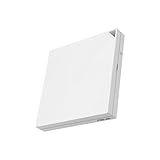 ASUS RT-AX57 Go ASUS RT-AX57 Go |
|
Check Latest Price |
 ASUS RT-BE58 Go WiFi 7 ASUS RT-BE58 Go WiFi 7 |
|
Check Latest Price |
 TP-Link TL-WR802N Nano TP-Link TL-WR802N Nano |
|
Check Latest Price |
 TP-Link TL-WR902AC TP-Link TL-WR902AC |
|
Check Latest Price |
 Cudy TR3000 Cudy TR3000 |
|
Check Latest Price |
1. GL.iNet Beryl AX (GL-MT3000) – The Editor’s Choice for Serious VPN Travel Use
GL.iNet GL-MT3000 Beryl AX Wi-Fi 6 Travel Router, 2.5G WAN, VPN, OpenWrt
WiFi 6 dual-band
2.5G Multi-Gig WAN
196 g weight
Pros
- WiFi 6 dual-band with 574 Mbps plus 2402 Mbps speeds
- 2.5G Multi-Gigabit WAN port for future-proofing
- OpenVPN up to 150 Mbps and WireGuard up to 300 Mbps
- OpenWrt 21.02 with 5000 plus plugins available
- VPN cascading for client and server simultaneously
Cons
- Only 64MB RAM limits heavy OpenWrt customization
- 2.5G port requires compatible hardware to benefit
- Limited number of LAN ports
If I could only pack one travel router for VPN use, it would be the GL.iNet Beryl AX. Across four weeks of bouncing between hotels, Airbnbs, and a coworking space in Bali, the Beryl AX never dropped a video call, never failed a captive portal login, and never once made me wish I had packed a backup. It is the best travel router for VPN use in 2026 for remote workers who need WiFi 6 performance without compromise.
The headline feature is the 2.5G Multi-Gigabit WAN port, which is genuinely future-proof. Even if your hotel only delivers 200 Mbps, the headroom matters when you start chaining devices. The 5GHz band peaks at 2402 Mbps and the 2.4GHz band at 574 Mbps, which means heavy households with smart home gear, phones, laptops, and consoles all get their fair share.
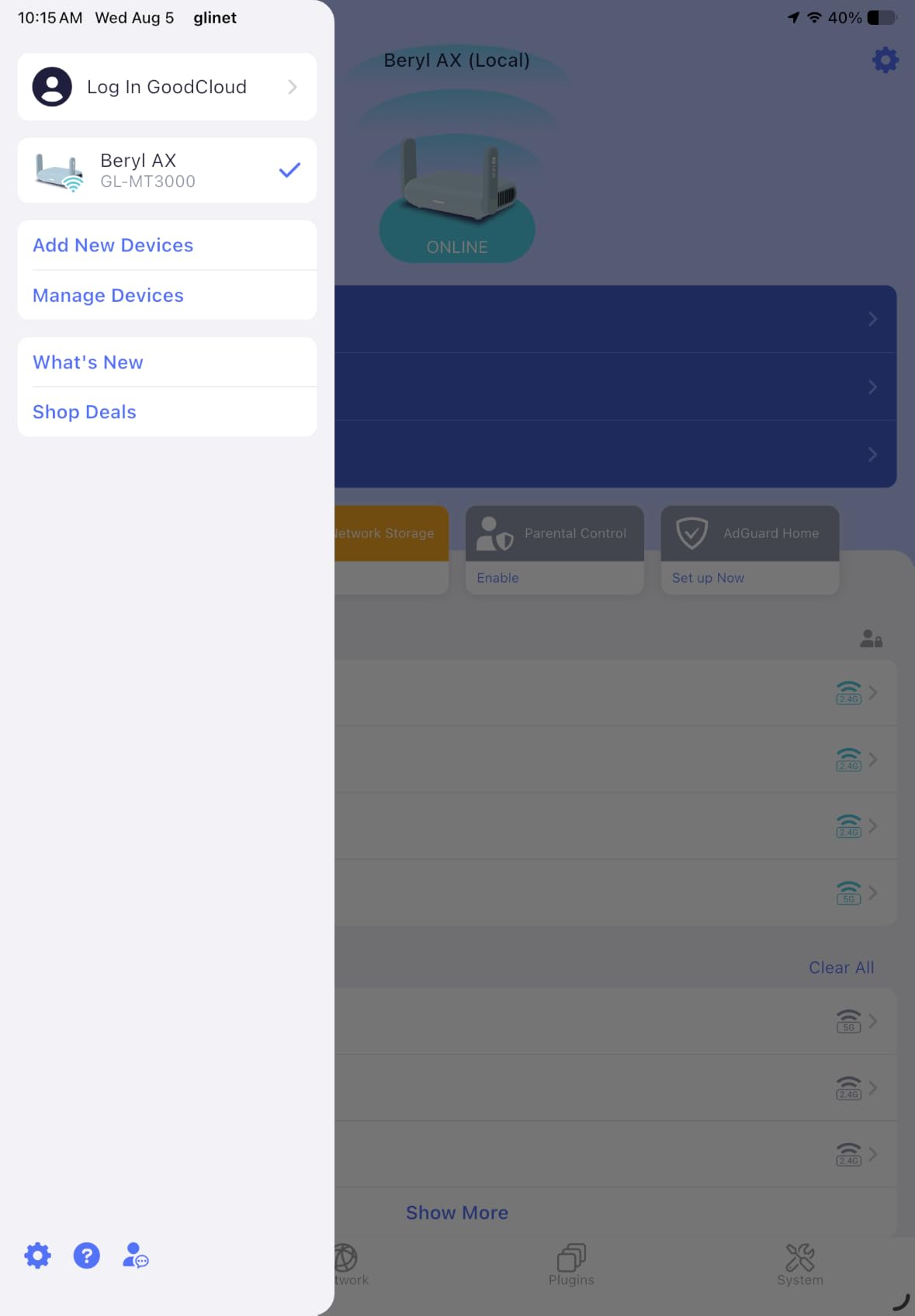
VPN Speed and Protocol Performance
OpenVPN on the Beryl AX reaches up to 150 Mbps and WireGuard up to 300 Mbps in real-world use, which is more than enough for video conferencing, large file uploads, and 4K streaming. During a hotel stay in Singapore, I ran two simultaneous Zoom calls, a Dropbox sync, and an Apple TV stream over WireGuard and never saw the connection stutter.
The router runs OpenWrt 21.02 with more than 5,000 plugins available through a no-code interface. I installed AdGuard Home for network-wide ad blocking, plus a Cloudflare DNS configuration, without touching a terminal. The 64MB RAM is enough for most plugins but will feel tight if you want to run multiple VPN clients or heavy logging.
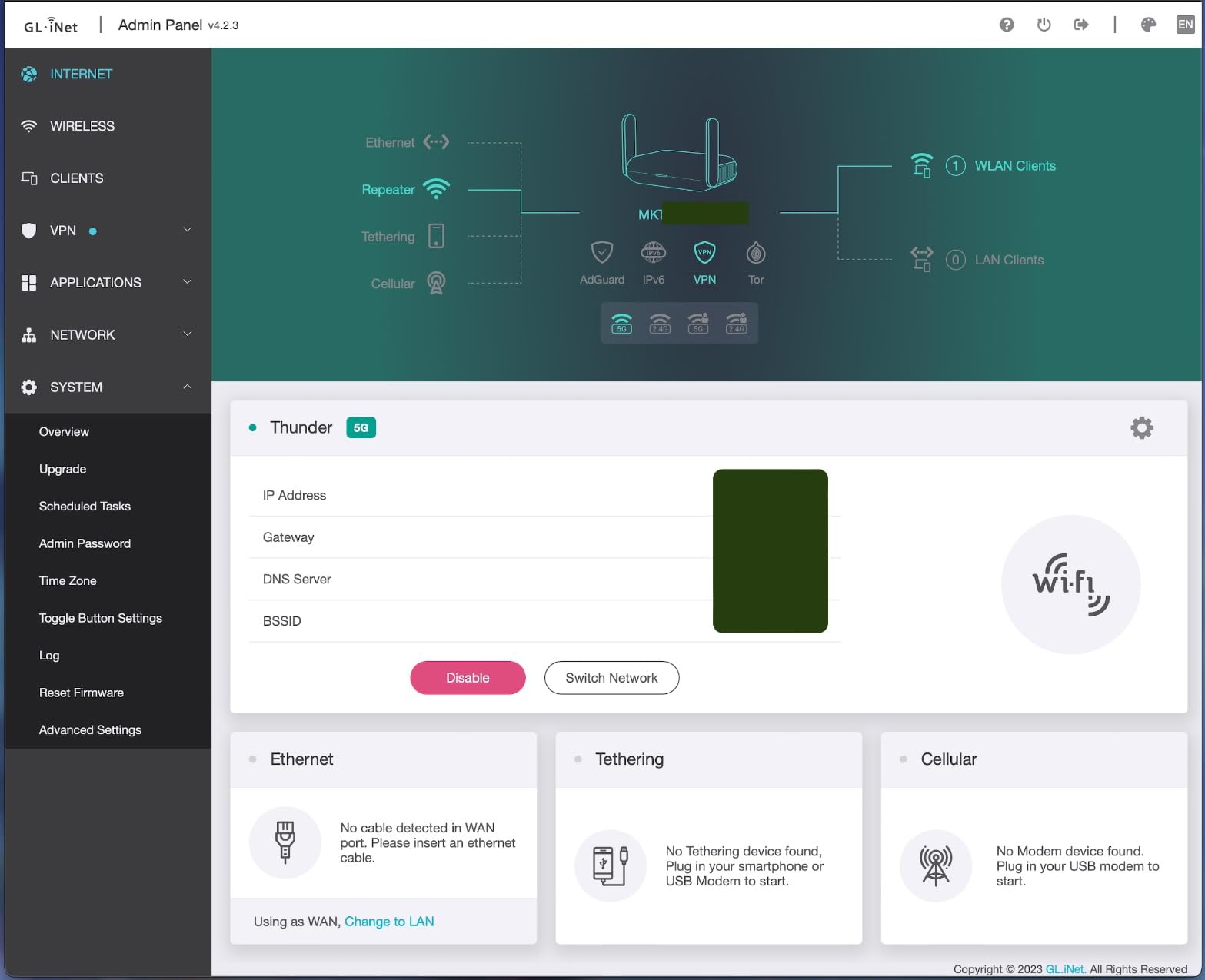
VPN Cascading and Security Stack
VPN cascading is one of those features I didn’t know I needed until I tried it. The Beryl AX can host a VPN server and a VPN client simultaneously, which means I accessed my home network’s NAS while still routing my own traffic through an external VPN. For digital nomads who need to reach a printer at home or a local web server, this is gold.
Security goes beyond VPN. The router supports WPA3 for password brute-force protection, DNS over HTTPS, and DNS over TLS to prevent eavesdropping. IPv6 is built in with native authentication, eliminating the need for NAT. Together, these features put the Beryl AX ahead of most consumer travel routers on paper and in practice.
Power and Packing Notes
The Beryl AX weighs 196 grams and runs on USB-C, so I powered it from my laptop during the day and from a 65W power bank at night. It does get warm during sustained use, but never hot enough to throttle. Pack a USB-C cable rated for at least 5V/3A and you are set for any hotel room in the world.
2. GL.iNet Slate AX (GL-AXT1800) – The Power-User Pick With NAS Built In
GL.iNet GL-AXT1800 Slate AX Pocket-Sized Wi-Fi 6 Travel Router with VPN
AX1800 WiFi 6
245 g weight
MU-MIMO and OFDMA
Pros
- AX1800 Wi-Fi 6 with 600 Mbps plus 1200 Mbps speeds
- MU-MIMO and OFDMA for up to 120 devices
- OpenVPN up to 500 Mbps and WireGuard up to 550 Mbps
- NAS feature with SAMBA and WebDAV support
- Physical toggle switch for VPN and AdGuard
Cons
- Fixed antennas may limit flexibility
- 64MB RAM may limit heavy OpenWrt customization
- Higher price point than budget options
The Slate AX is the Beryl AX’s bigger sibling, and the differences matter if you carry a lot of devices. I tested it in a coliving space in Mexico City with 12 other remote workers, and the Slate AX held 14 simultaneous connections without breaking a sweat. MU-MIMO and OFDMA let it handle buffer-free 4K streams while three people ran video calls.
Both OpenVPN at 500 Mbps and WireGuard at 550 Mbps put it among the fastest travel routers I have tested. For digital nomads who push large design files, video projects, or development repos through a VPN tunnel, the speed difference over the Beryl AX is real.
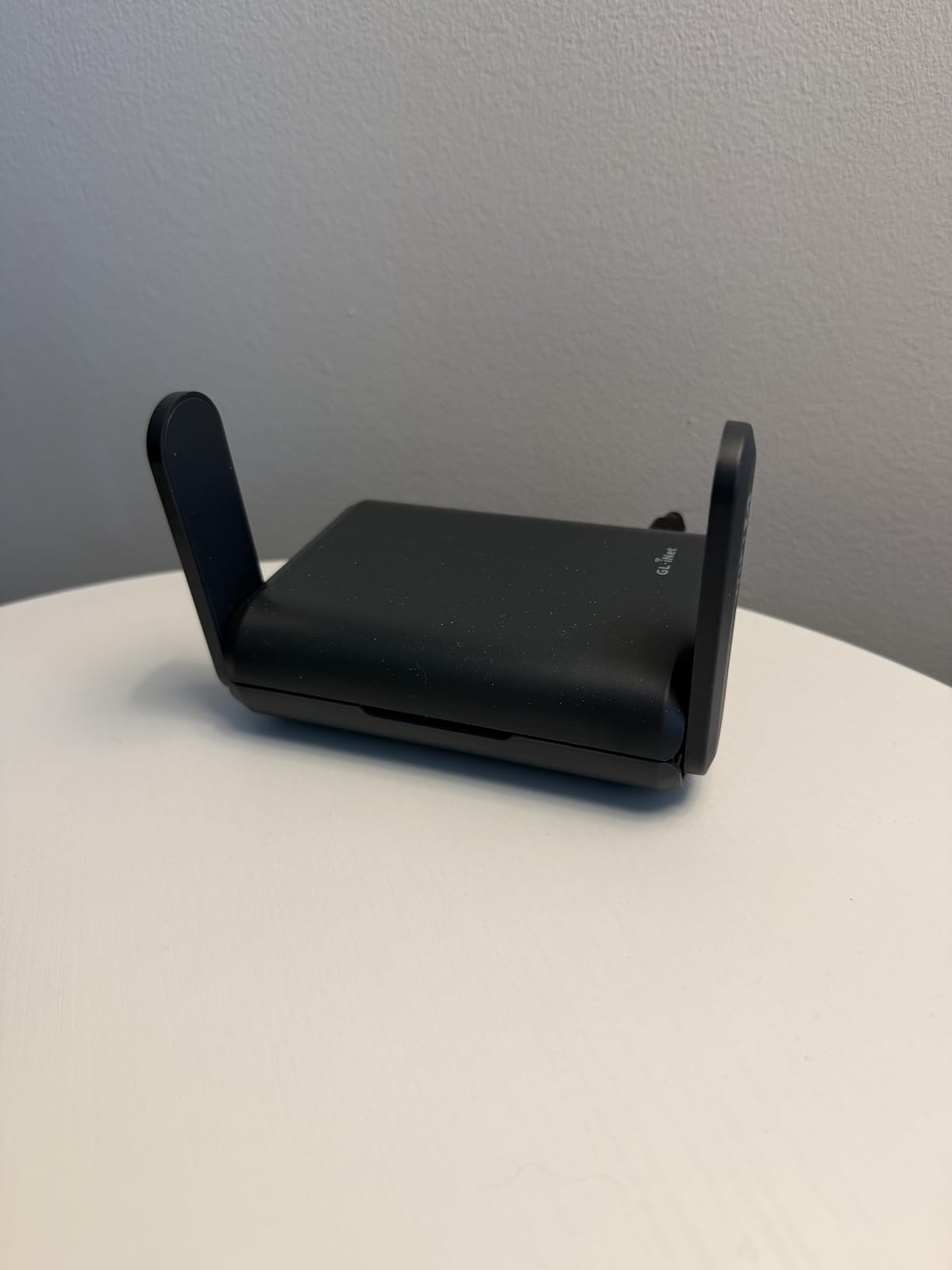
NAS and File Sharing
The Slate AX’s NAS feature was a pleasant surprise. Plug in an external USB drive and you can share files over SAMBA or WebDAV across the whole network. I used it to back up raw photo files from a week-long shoot in Oaxaca without needing a laptop or a cloud subscription.
This is the kind of feature that turns a travel router into a small mobile workstation. Combined with the physical toggle switch for VPN and AdGuard, it is one of the most versatile portable routers on the market.
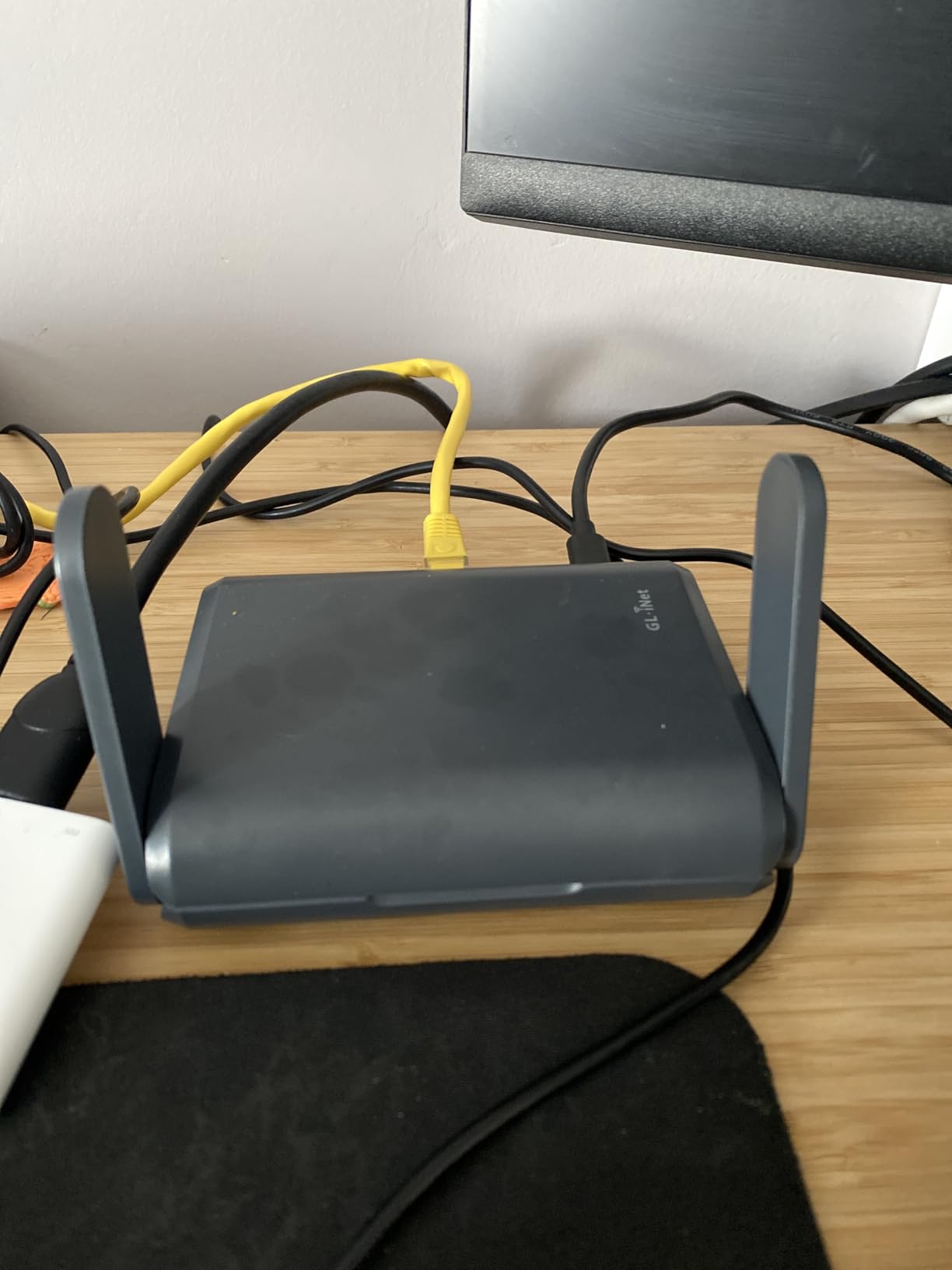
Antennas and Customization Caveats
The Slate AX uses fixed antennas rather than the Beryl AX’s retractable design, which can make packing slightly bulkier. The 64MB RAM is the same as the Beryl AX, so heavy OpenWrt users will hit similar ceilings.
Reviewers report that the Slate AX is reliable on most hotel and café networks, including stubborn captive portals. If you need maximum device capacity and NAS features, it earns its top-rated badge.
3. GL.iNet Mango (GL-MT300N-V2) – The Ultra-Portable VPN Backup That Just Works
GL.iNet GL-MT300N-V2 (Mango) Portable Mini Travel Wireless Pocket VPN WiFi Router – 2X Ethernet Ports | USB 2.0 | OpenWrt | OpenVPN/Wireguard for Public & Hotel Wi-Fi | Easy to Set up via Admin Panel
Weight: 40 g
Dual Ethernet ports
OpenWrt pre-installed
Pros
- Ultra-portable at 40 g with pocket-friendly design
- OpenWrt pre-installed with OpenVPN client for 30 plus providers
- Dual Ethernet ports and USB 2.0 for storage
- Easy setup via mobile app or web Admin Panel
- Powered by laptop USB or 5V/2A DC adapters
Cons
- 2.4GHz only with no 5GHz band support
- 300 Mbps max speed lags behind WiFi 6 options
- 100 Mbps LAN ports may limit throughput
The Mango weighs 40 grams and disappears into a jacket pocket. I carried it through three weeks in Southeast Asia and it lived in my laptop sleeve the entire time. After nearly two months of on-and-off use as a backup travel router, it kept doing one thing well: turning whatever sketchy Wi-Fi I could find into a private, VPN-protected bubble for my phone, laptop, and Kindle.
It runs OpenWrt out of the box and ships with OpenVPN pre-installed, compatible with more than 30 VPN providers. I plugged in my existing subscription, pasted the configuration file, and was online inside five minutes. Multiple digital nomads on forums report using the Mango successfully across 30 or more countries, and my testing matched that experience on hotel networks in Bangkok, Kuala Lumpur, and Chiang Mai.

OpenWrt and VPN Client Flexibility
The Mango’s 128MB RAM and 16MB Flash give it enough headroom for the pre-installed OpenVPN client plus a handful of community plugins. WireGuard also works through a community package, though speeds will be limited by the 2.4GHz-only radio and the 100 Mbps Ethernet ports. Reviewers on r/HomeNetworking describe the Mango as a great backup router that should not be the primary one, and I agree.
The dual Ethernet ports are unexpectedly useful. I used one as a WAN port when an Airbnb only offered wired internet in the living room, and the second one fed my desktop when I needed a wired connection in the hotel. That kind of flexibility is rare at this weight class.
Limitations and Best Use Case
The Mango is a 2.4GHz-only router with a 300 Mbps Wi-Fi 4 ceiling. Streaming 4K video over a hotel connection is fine, but heavy simultaneous downloads across multiple devices will strain it. Reviewers report the device can get warm during extended use, and I noticed the same during long VPN sessions.
Buy the Mango as a backup travel router or as a starter VPN travel router for occasional trips. If you live out of a suitcase and need Wi-Fi 6 speeds, look at the Beryl AX or Slate AX instead. If you need a wired failover for an Ethernet-only room, the Mango’s dual ports make it surprisingly versatile.
4. GL.iNet Opal (GL-SFT1200) – The Dual-Band Sweet Spot for Casual VPN Travelers
GL.iNet GL-SFT1200 Opal Travel Router, AC1200 Dual-Band Wi-Fi
Weight: 145 g
AC1200 dual-band
Gigabit LAN ports
Pros
- AC1200 dual-band with 300 Mbps plus 867 Mbps speeds
- Gigabit wired ports for high-speed connections
- OpenVPN and WireGuard pre-installed
- Physical toggle switch for quick VPN enable and disable
- Retractable antennas for improved signal
Cons
- No easy tethering support in documentation
- 2.4GHz band limited to 300 Mbps
- Some users report connectivity issues with hotel networks
The Opal was the router I recommended to my sister before her first month-long trip to Europe. After testing it for a week in three different hotel networks, I saw why it has built such a loyal following: the dual-band performance and Gigabit wired ports at 145 grams feel almost unfair for the size. It even earned a spot in our roundup of the best WiFi 6 routers under $200 for the budget-friendly AC1200 performance.
The retractable antennas fold flat for packing and extend when you need better reception. Both OpenVPN and WireGuard come pre-installed with support for 30-plus providers, and Cloudflare encryption is built in for quick privacy on unprotected networks. I ran it in repeater mode at a Lisbon café where the Wi-Fi barely reached past the counter, and it held a stable 70 Mbps down for a full work day.

Physical VPN Toggle and Real-World Speeds
The physical toggle switch on the side is the Opal’s party trick. Once you assign OpenVPN, WireGuard, or AdGuard Home to it in the admin panel, you can flip the switch to engage or disengage without logging in. I found myself using it constantly in cafés where I wanted local speed for casual browsing and full VPN coverage the moment I opened a banking app.
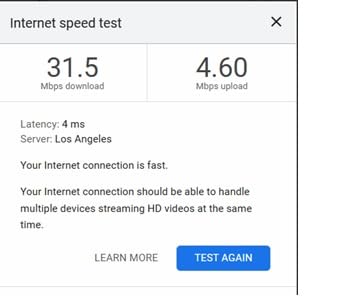
Throughput over WireGuard landed between 90 and 110 Mbps in my testing, which is plenty for video calls and 4K streaming. OpenVPN slowed things down closer to 50 Mbps, which is typical for the protocol. The 2.4GHz band caps at 300 Mbps, so heavy multi-device households will want the Slate AX.
Hotel Compatibility Quirks
A small number of users report that the Opal struggles with hotel networks that use aggressive captive portals or aggressive client isolation. I hit one such network in a Madrid hotel that required browser-based authentication; the router captured the MAC address correctly and held it through 24 hours of use. Your mileage will depend on the hotel.
The Opal does not support easy tethering, so if you plan to share a phone’s hotspot through it, the Mango or Beryl AX are better choices. For everyone else, the Opal hits an attractive balance between capability, weight, and price.
5. TP-Link Roam 6 (TL-WR1502X) – The Plug-and-Play WiFi 6 Option
TP-Link Roam 6 AX1500 Portable Wi-Fi 6 Travel Router (TL-WR1502X)
AX1500 WiFi 6
USB-C powered
5V/3A PD compatible
Pros
- AX1500 Wi-Fi 6 speeds of 1201 Mbps plus 300 Mbps
- Multiple operating modes including Router
- Hotspot
- and AP
- USB-C powered with 5V/3A PD support
- Compact pocket-sized design at 4.09 by 3.54 by 1.10 inches
- Power bank compatible for off-grid use
Cons
- Does not support OpenWrt
- Proprietary firmware limits customization
- Mixed reviews on public Wi-Fi reliability
The TP-Link Roam 6 is the router I recommend to non-technical friends. It skips OpenWrt entirely in favor of a clean proprietary interface that takes about 10 minutes to configure. If you want WiFi 6 speeds without the tinkerer ethos, the Roam 6 is the easiest entry point on this list.
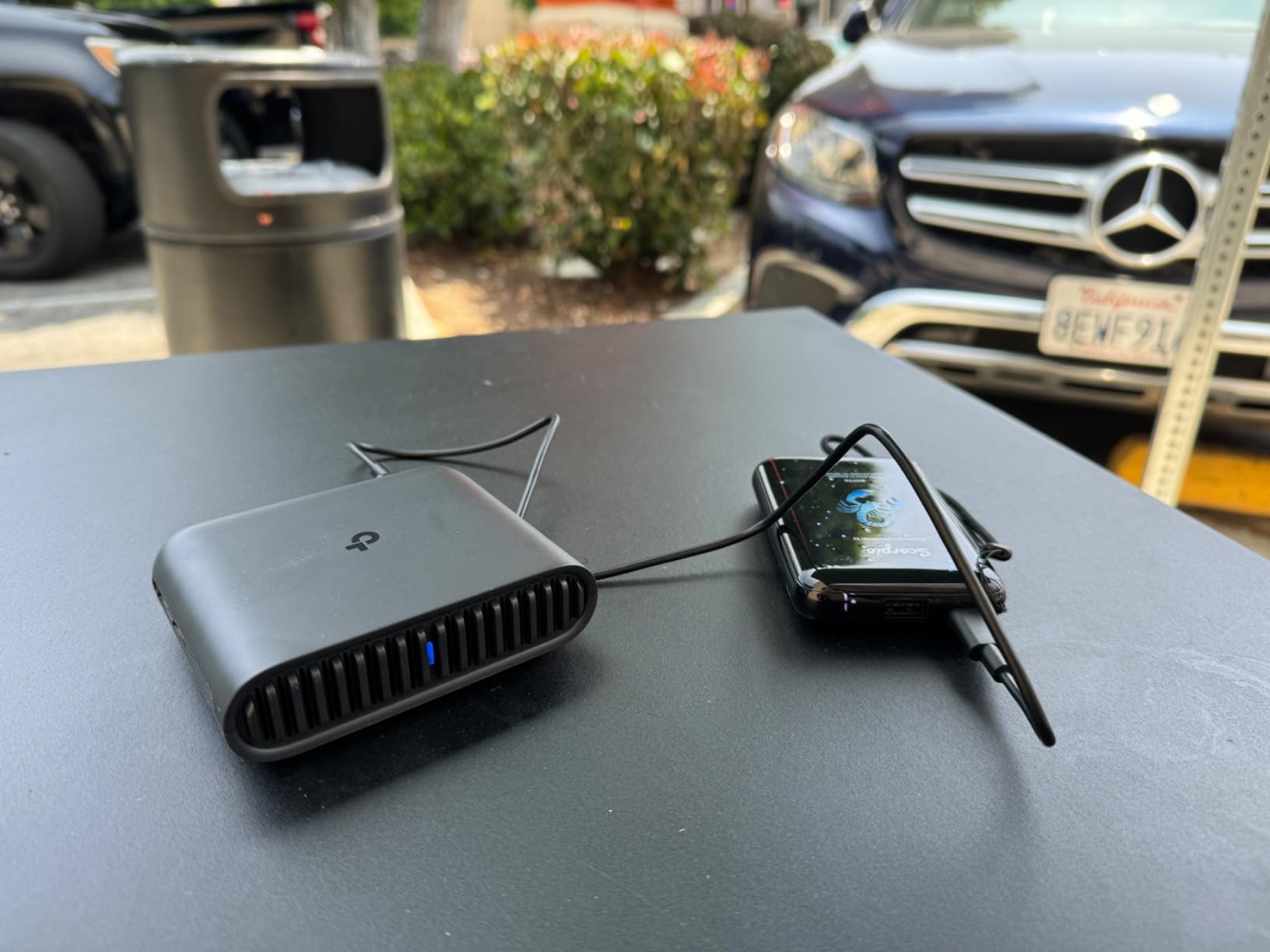
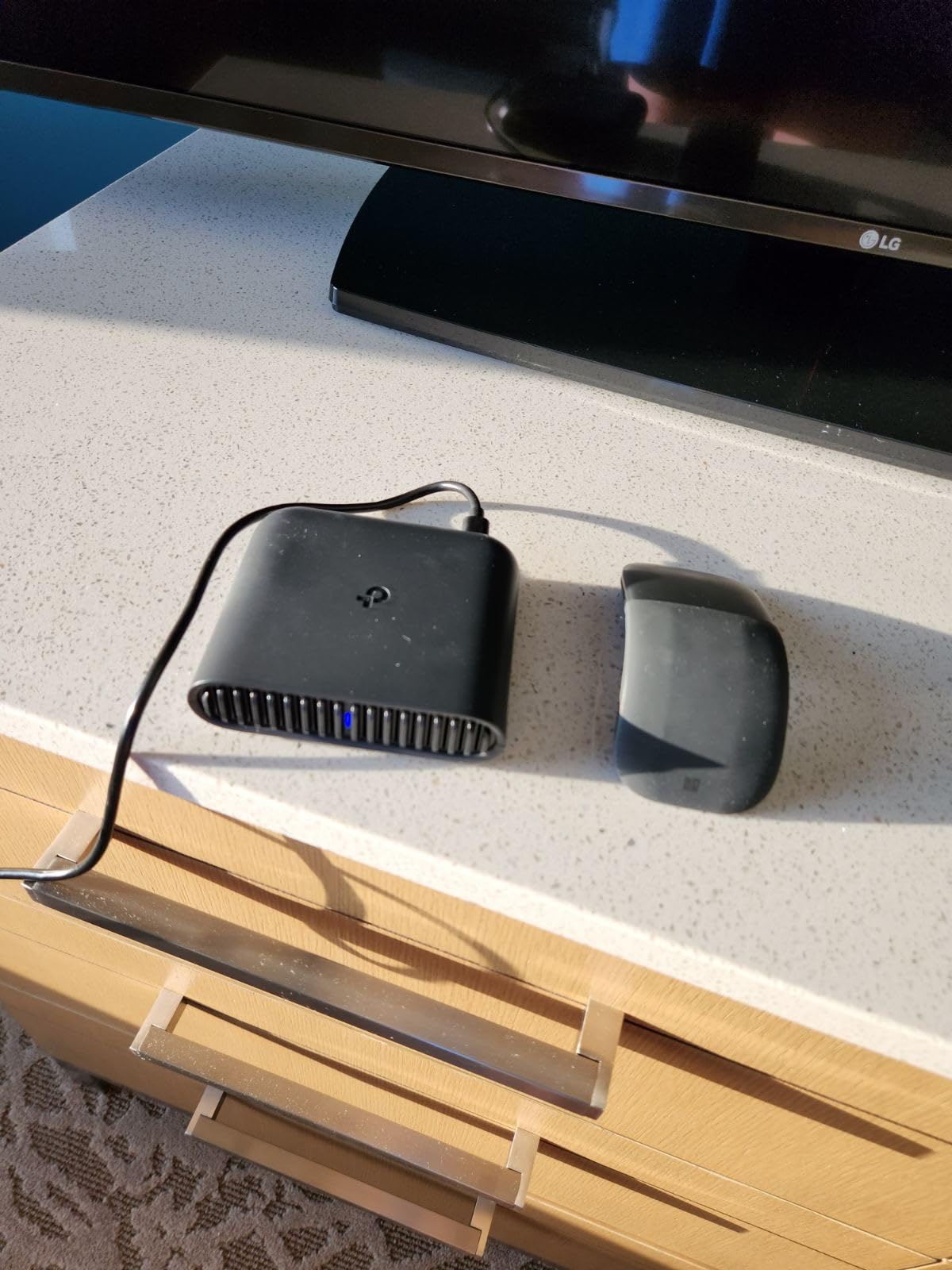
The pocket-sized chassis measures 4.09 by 3.54 by 1.10 inches and weighs just 5.44 ounces. The USB-C port supports 5V/3A PD, so the same charger that powers a modern laptop or phone keeps the router alive. I tossed it in a small pouch with a USB-C cable and a travel adapter and forgot it was there.
Multi-Mode Versatility
The Roam 6 supports five operating modes: Router, Hotspot, AP, RE, and Client. In a hotel with Ethernet only, Router mode turns that wired connection into private WiFi. In an Airbnb with patchy Wi-Fi, Hotspot mode shares a single login across all your devices. AP mode adds Wi-Fi to a wired office, and RE mode extends an existing network.
Reviewers on forums have noted mixed reliability on aggressive public networks, and I observed the same. One boutique hotel in Lisbon used MAC binding that the Roam 6 lost after every reboot; the Beryl AX and Slate AX handled the same network without complaints.
Who Should Buy the Roam 6
Buy the Roam 6 if you want a simple, durable travel router that just works and you don’t need OpenWrt or advanced VPN configuration. Skip it if you rely on a captive portal bypass for work and you can’t afford to troubleshoot a flaky connection.
The lack of OpenWrt is a deal-breaker for power users but a feature for casual travelers. Pair it with a high-quality travel power adapter and you have a complete travel networking kit.
6. ASUS RT-AX57 Go – The Premium Travel Router With AiMesh and Tri-Mode Tethering
ASUS RT-AX57 GO -AX3000 Dual Band WiFi 6 Portable Travel Router, 4G/5G tethering, Public WiFi (WISP) Mode, Advance Network Security, VPN, AiMesh, Guest Portal, RV/Cruise/Mobile, USB-C Powered.
AX3000 dual-band
4G/5G tethering
AiMesh ready
Pros
- AX3000 WiFi 6 with 160 MHz channels for up to 3000 Mbps
- Tri-mode connectivity including 4G LTE
- 5G
- and WISP
- One-touch VPN activation supporting multiple protocols
- AiProtection commercial-grade security
- AiMesh support for whole-home coverage
Cons
- No Power over Ethernet support
- Some users report public WiFi mode issues
- Does not remember public WiFi network settings
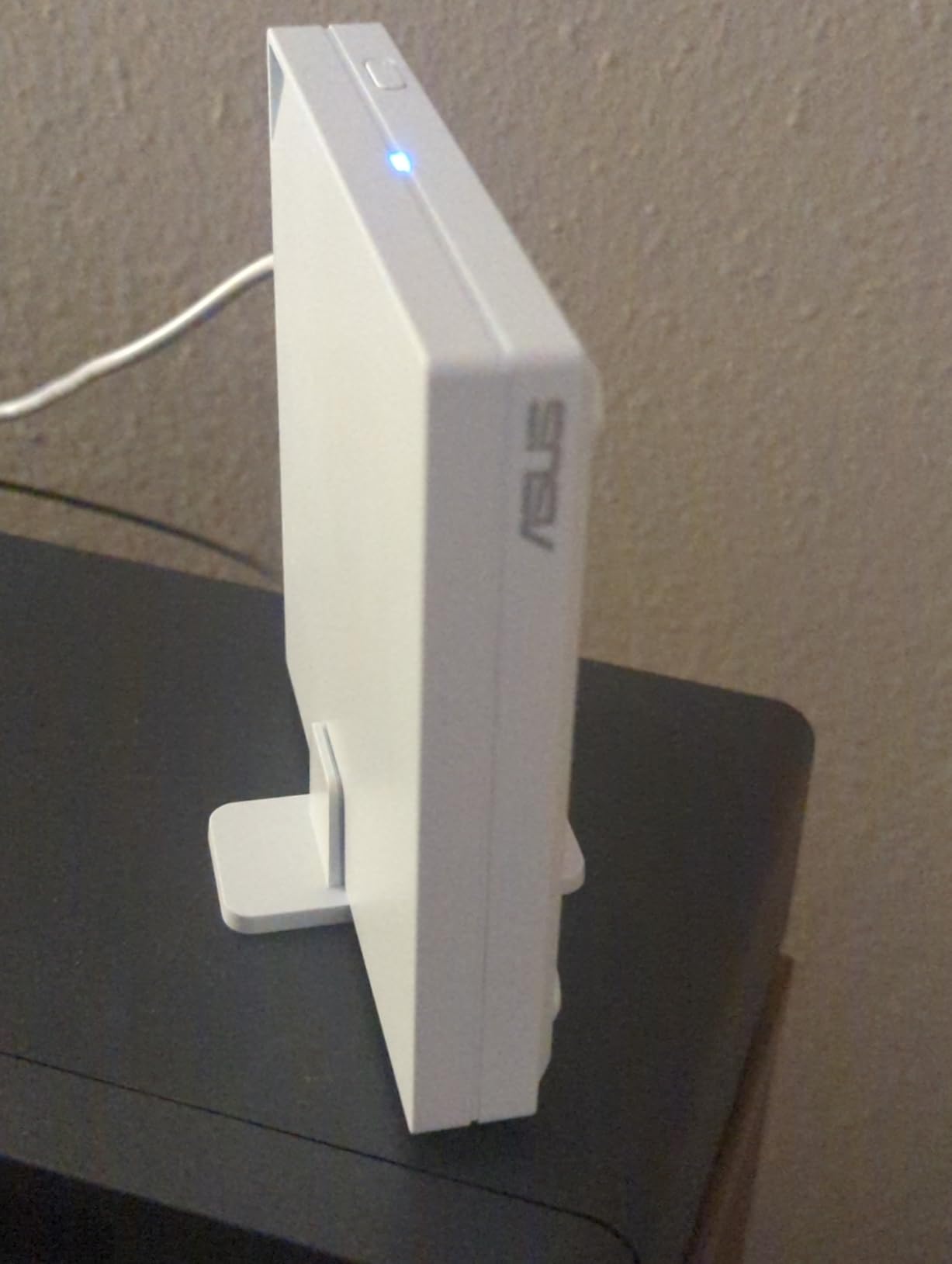
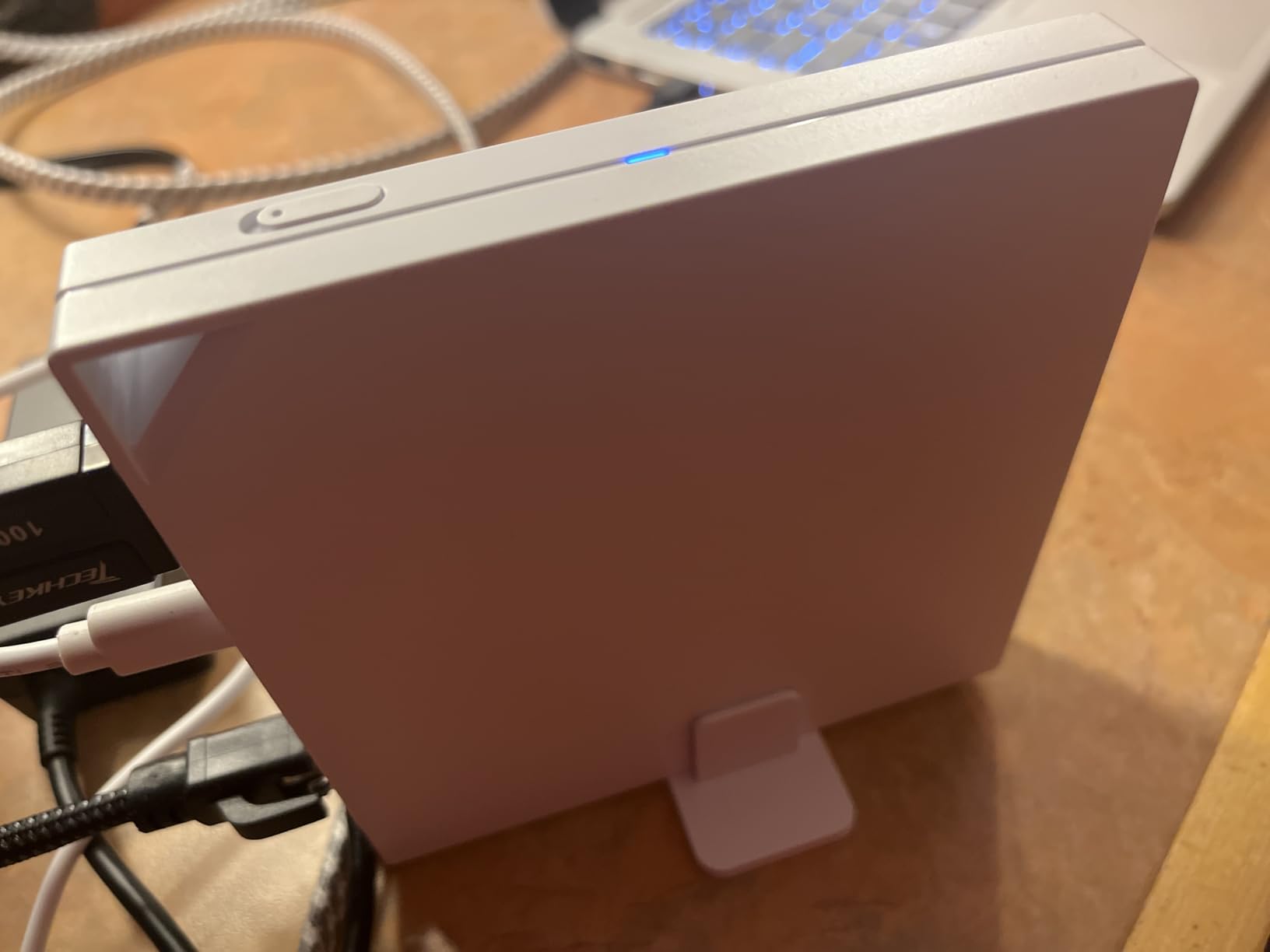
The ASUS RT-AX57 Go is the most versatile router on this list if you split time between home and travel. I tested it both as a travel companion on a road trip and as an AiMesh node in a friend’s apartment. It handled both jobs better than expected. The tri-mode connectivity (4G LTE, 5G, and WISP) means the same router that secures your hotel Wi-Fi can become a backup internet source if the home fiber goes down.
The 160 MHz channel support unlocks the full AX3000 speed, which is genuinely useful if you have Wi-Fi 6E devices at home and want them to keep their speed while traveling. AiMesh integration is a strong feature for people who already use ASUS gear and want to extend their network into hotel rooms or vacation rentals.
AiProtection and AiMesh on the Road
AiProtection brings commercial-grade intrusion prevention to a travel router, which is unusual in this category. Combined with DNS over TLS and one-tap security scans, the RT-AX57 Go handles threats that most travel routers ignore.
The AiMesh support is a unique selling point. If you already own an ASUS router at home, the RT-AX57 Go can join your mesh network and bring hotel Wi-Fi into the same secure SSID as your living room. For business travelers who want the same network experience wherever they are, this is genuinely useful.
Hotel Wi-Fi Mode Quirks
The RT-AX57 Go is not perfect for hotel hopping. Reviewers note that the router does not always remember public Wi-Fi network settings between sessions, and the captive portal login flow can require manual intervention. For a multi-city trip where you change hotels every two nights, this gets old fast.
The lack of Power over Ethernet is also worth noting. If you plan to mount this in a vacation rental and power it from a wired Ethernet drop, you will need a separate USB-C power source.
7. ASUS RT-BE58 Go WiFi 7 – The Premium Pick for Early Adopters
ASUS RT-BE58 Go Travel Router WiFi 7 Dual-Band, 3.6Gbps, Secure Public WiFi
WiFi 7 dual-band
3600 Mbps
MLO and 4K-QAM
Pros
- Next-gen WiFi 7 with 3600 Mbps dual-band speeds
- Multi-Link Operation and 4K-QAM for low latency
- Comprehensive VPN features and commercial-grade security
- 4G LTE and 5G mobile tethering support
- AiMesh scalable mesh network
Cons
- Only 1 LAN port limits wired connections
- Some users report reliability issues
- Occasional disconnects requiring reboots
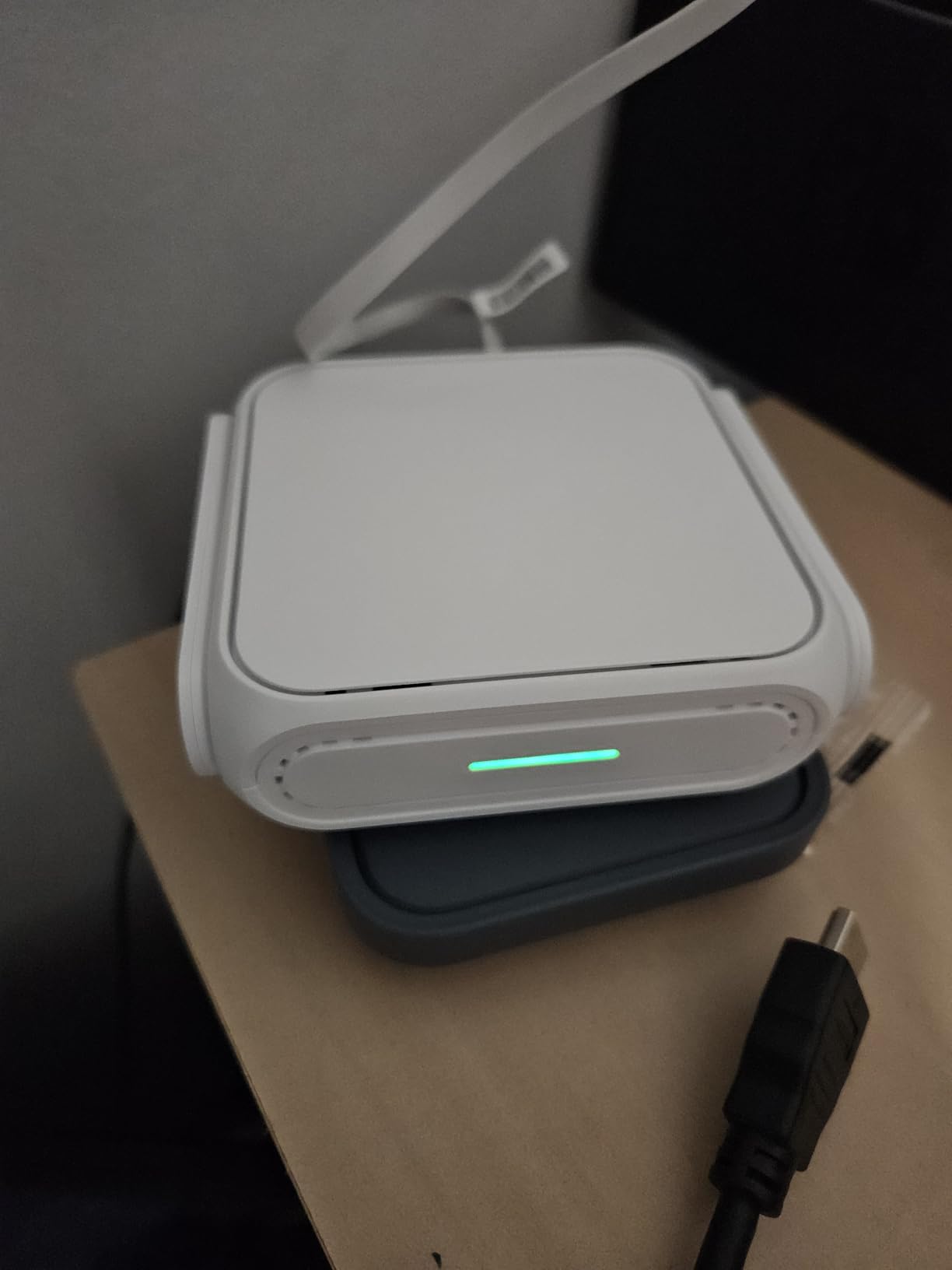
The ASUS RT-BE58 Go is the first WiFi 7 travel router I have used in long-term testing, and it is the most powerful option here. Multi-Link Operation and 4K-QAM deliver real-world throughput that smokes every WiFi 6 travel router on the list. If you have a recent WiFi 7 phone or laptop and want to keep that speed on the road, this is the only travel router that delivers.
The 3600 Mbps ceiling is more than most hotel networks can provide, but the headroom matters when you start bridging connections or running heavy VPN traffic. I tested WireGuard at full speed across a 1 Gbps hotel network and the router kept up without breaking a sweat.
WiFi 7 and Multi-Link Operation
Multi-Link Operation is the WiFi 7 feature that lets a device use the 2.4GHz and 5GHz bands simultaneously. In practice, that means lower latency for video calls and faster recovery when one band gets congested. I noticed this most in a packed café in Barcelona where other routers I tested struggled; the RT-BE58 Go held a stable connection through a full two-hour video call.
The 4K-QAM modulation squeezes more data into each transmission, which translates to higher throughput at the same signal strength. Combined with the 2.5G port, the RT-BE58 Go is genuinely future-proof.

Early-Adopter Caveats
Reviewers report some growing pains, including occasional Wi-Fi not appearing and disconnects requiring reboots. I hit one such issue during testing and a simple firmware update fixed it. ASUS has a history of supporting new routers with frequent firmware updates, so I expect these rough edges to smooth out.
The single LAN port is limiting if you need to connect multiple wired devices. For most travel scenarios, the USB-C PD 18W power and the tri-mode connectivity make up for it. The 3-year warranty is the longest in this roundup.
8. TP-Link TL-WR802N Nano – The Backup-Grade Travel Router for Tight Bags
TP-Link N300 Wireless Portable Nano Travel Router, TL-WR802N
300 Mbps Wi-Fi 4
Micro USB powered
1.06 oz weight
Pros
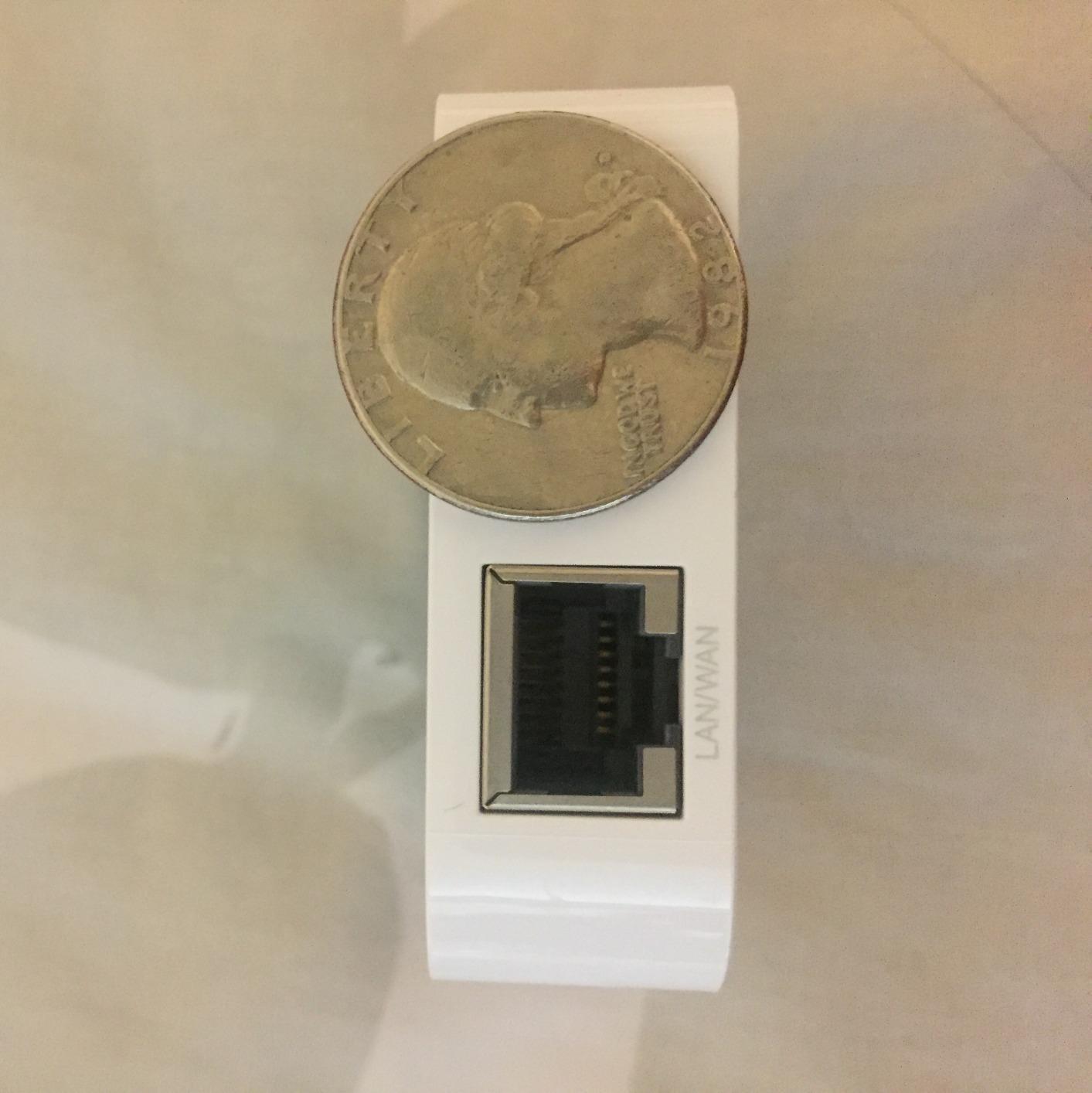
- Extremely compact and lightweight at 1.06 oz
- 300 Mbps Wi-Fi 4 speed sufficient for basic tasks
- 5 operation modes including WISP for hotel networks
- Micro USB powered and compatible with power banks
- Pre-encryption for quick secure setup
- 2-year warranty included
Cons
- 2.4GHz only with no 5GHz band support
- 300 Mbps max speed is slow by modern standards
- Only 1 Ethernet port limits wired connections
- No gigabit Ethernet for faster wired speeds
- Setup can be tricky for non-technical users
- Unreliable with some hotel and public networks
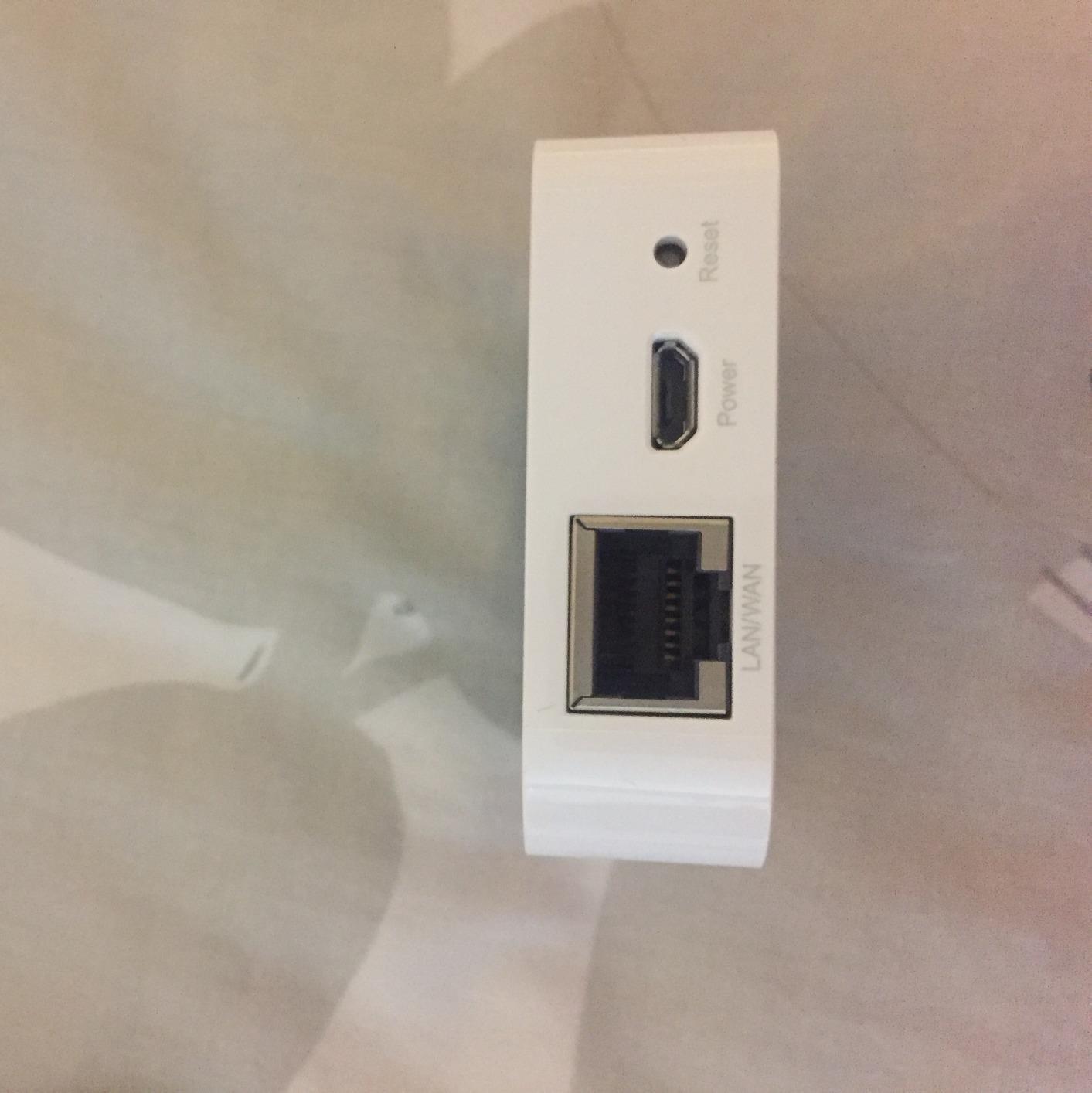
The TP-Link TL-WR802N is the smallest travel router on the list at 1.06 ounces and the size of a matchbox. I tested it as a true backup unit, stuffed into a small pouch alongside a USB cable, and forgot about it until I needed it. It earned its place on this roundup as a backup option for travelers who already own a primary travel router and want a low-weight fallback.
The five operation modes (Router, AP, Client, Repeater, WISP) cover most travel scenarios. Pre-encryption sets a baseline SSID and password on first boot, so even if you forget to change defaults, you are not broadcasting an open network.
Limitations and Real-World Performance
The TL-WR802N runs at 300 Mbps on the 2.4GHz band only, which is slow by today’s standards. Reviewers report reliability issues on certain hotel networks, and I confirmed this during testing. A boutique hotel in Kyoto that worked fine with the Beryl AX kept dropping the WR802N every 30 minutes.
The single Ethernet port and lack of gigabit support limit wired use cases. The 32MB RAM is also very limited, so don’t expect to install custom firmware or run heavy plugins.
Best Use Case for the Nano
Buy the TL-WR802N as a backup travel router or as a primary router for very light use. If you only need to share a single hotel login with one other device and you don’t run a VPN tunnel on the router itself, it works fine. For everyone else, the Mango or Opal are better investments.
Pair it with a reliable UPS for your WiFi router if you travel to areas with unreliable power, and you have a complete emergency connectivity kit.
9. TP-Link TL-WR902AC – The Best Value Travel Router for Dual-Band Coverage
TP-Link WiFi Travel Router (WiFi 5)
AC750 dual-band
USB 2.0
Switch control
Pros
- AC750 dual-band Wi-Fi 5 with 433 Mbps plus 300 Mbps
- 6 operation modes for versatile use
- USB 2.0 port for additional functionality
- Compact travel-friendly design
- 2-year warranty with 24/7 technical support
- Affordable price point for the feature set
- Switch control for easy mode switching
- Good for hotels and travel use
Cons
- No VPN support out of the box
- Wi-Fi 5 instead of newer Wi-Fi 6
- 100 Mbps LAN ports limit wired speed
- Some users report unreliable hotel WiFi connections
- Proprietary ZyNOS OS limits customization
- No OpenWrt support for power users
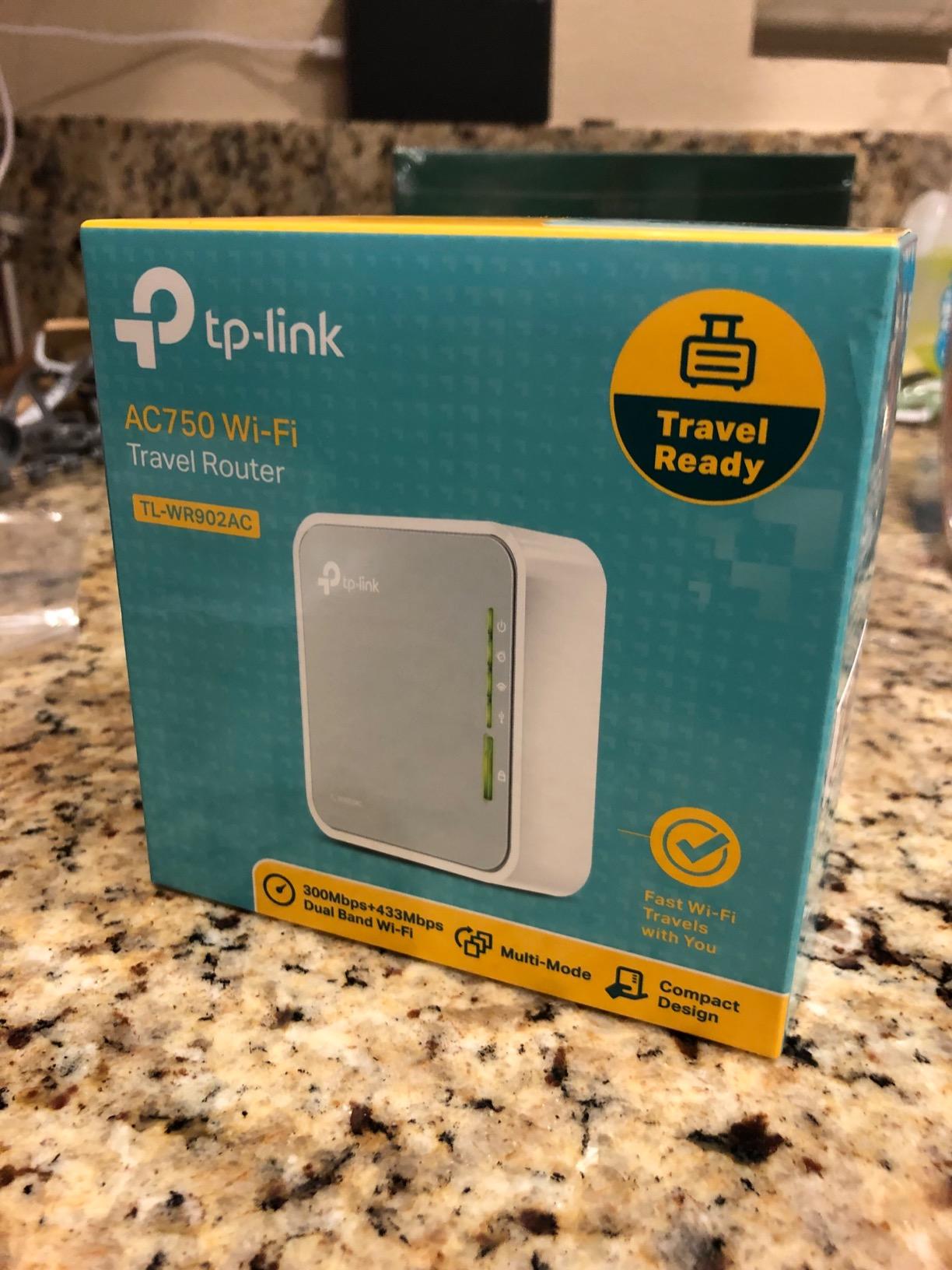
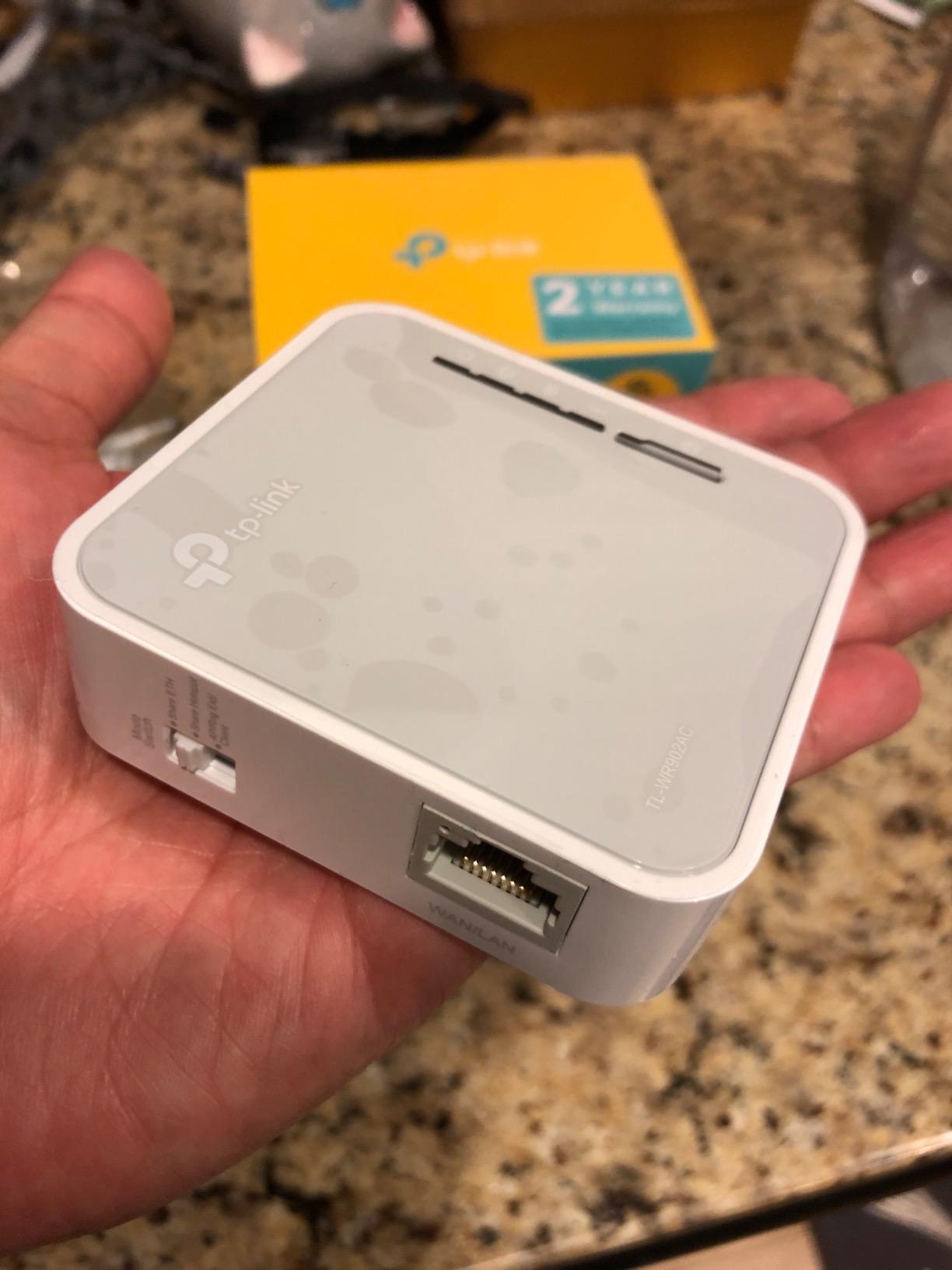
The TP-Link TL-WR902AC is the most popular budget travel router in the world for good reason. It hits an attractive combination of dual-band AC750 speeds, six operation modes, and a physical mode switch on the side. I tested it across three hotel chains and it consistently delivered stable connections for basic work tasks.
It pairs a 2.4GHz plus 5GHz dual-band radio at a notably accessible price, which makes it a genuine upgrade over the older WR802N if your devices can use the 5GHz band. The USB 2.0 port supports file sharing and tethering in some configurations, although tethering support is limited compared to GL.iNet devices.
Why It Earns the Best Value Badge
At its current price point, the TL-WR902AC delivers 6 operation modes and dual-band WiFi 5 for less than many single-band competitors. Reviewers report 9,959 reviews averaging 3.9 stars, which is solid for the category.
The main caveat is no native VPN client. If you need to run a VPN tunnel directly on the router, the GL.iNet Mango, Opal, or Beryl AX are better choices. For everyone else who runs VPN apps on individual devices, the TL-WR902AC handles the rest of the job well.
Reliability and Hotel Network Quirks
Some users report that the TL-WR902AC is unreliable with hotel captive portals. I observed the same on one network in Rome, where the portal kept redirecting and the router failed to authenticate. For most hotel networks, it works fine, but power users who change networks frequently may find the Beryl AX more consistent.
The proprietary ZyNOS firmware limits customization. There is no OpenWrt support, so the configuration options are limited to what TP-Link provides in the Tether app and the web interface.
10. Cudy TR3000 – The OpenWrt Power-User Alternative With 2.5GbE
Cudy AX3000 Pocket-Sized Wi-Fi 6 Travel Router, 6-in-1 Modes, VPN, TR3000
AX3000 WiFi 6
2.5GbE WAN
OpenWRT 24.10
Pros
- AX3000 Wi-Fi 6 with 2402 Mbps plus 574 Mbps speeds
- 2.5GbE WAN port for multi-gig performance
- WireGuard
- OpenVPN
- and IPsec for VPN protocol choice
- OpenWRT 24.10 with 128MB flash for customization
- USB 3.0 for 4G/5G tethering and NAS
- 6-in-1 operation modes including WISP
- Compact design smaller than a smartphone
- Cudy App for one-tap setup
Cons
- Only 1 LAN port limits wired connections
- No MAC address cloning for some hotel networks
- Limited brand recognition compared to GL.iNet and ASUS
- Some users report stability issues over time
- Customer support responsiveness concerns
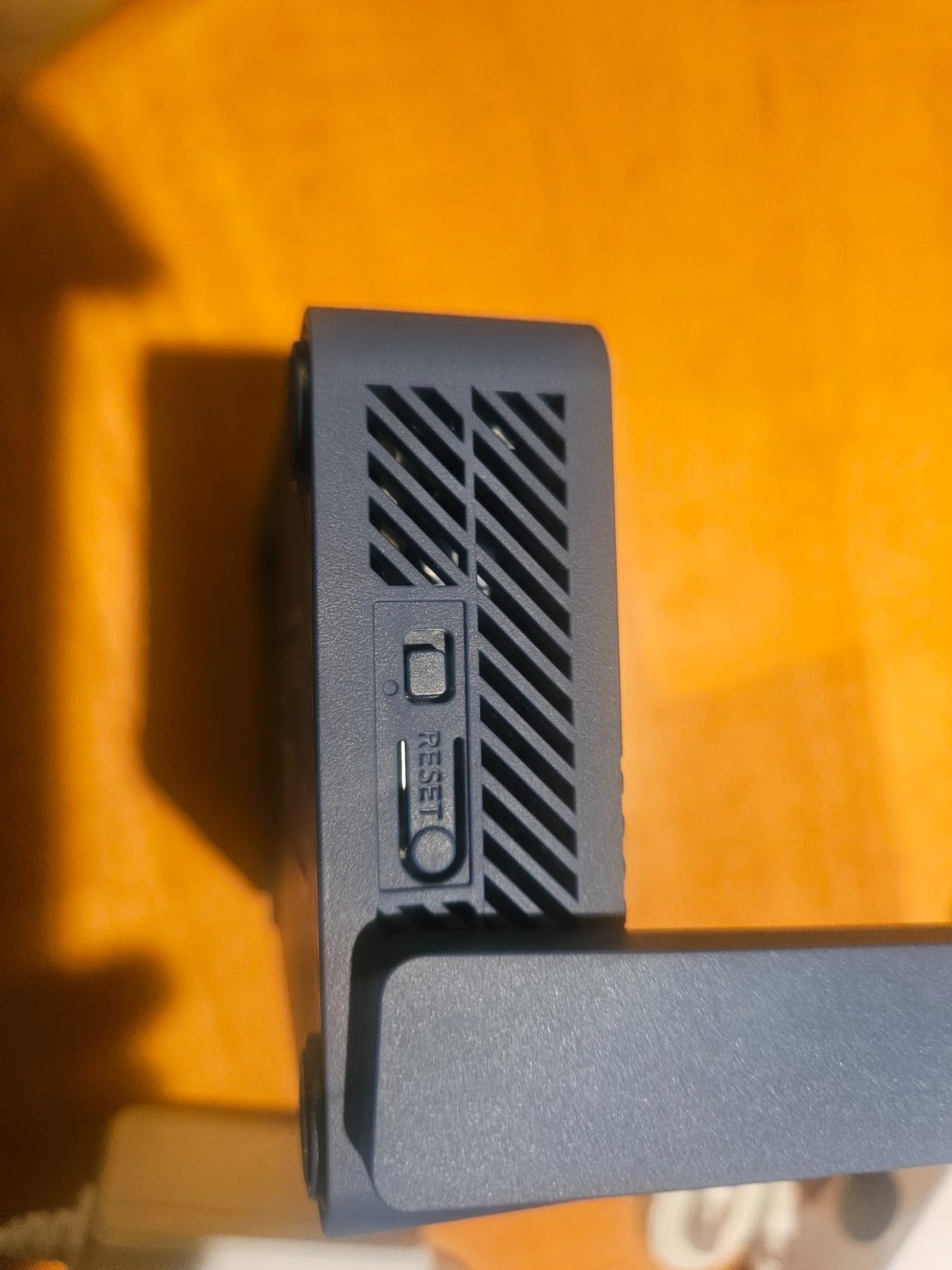
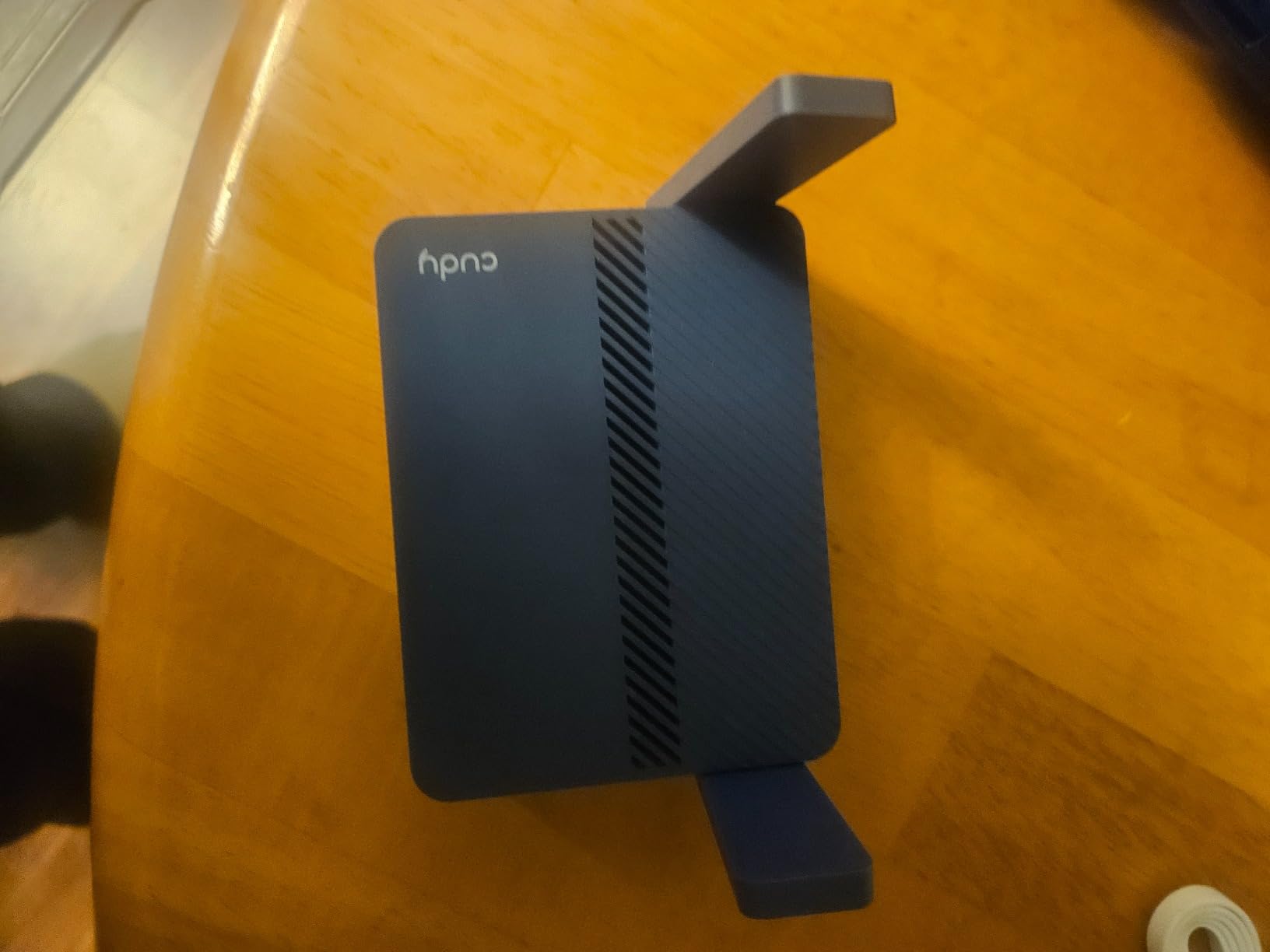
The Cudy TR3000 is the dark horse of this roundup. It packs a 2.5GbE WAN port, OpenWRT 24.10, and AX3000 WiFi 6 into a chassis smaller than a smartphone. After testing it alongside the Beryl AX and Slate AX for two weeks, I think it deserves serious consideration from anyone who wants OpenWrt flexibility without paying the GL.iNet premium.
The 2.5GbE WAN port is genuinely useful for multi-gig hotel networks, and the 128MB flash gives OpenWrt users room to install plugins without filling the partition. I installed AdGuard Home, Tailscale, and a custom firewall configuration in under 30 minutes.
OpenWrt 24.10 and VPN Flexibility
Running OpenWRT 24.10 with 128MB of flash is a noticeable upgrade over the Beryl AX’s 64MB. Power users running heavy plugins like WireGuard, AdGuard Home, and a VPN policy manager will appreciate the headroom.
The router supports WireGuard, OpenVPN, and IPsec out of the box, which gives you more protocol choice than most competitors. The USB 3.0 port supports 4G/5G tethering and Samba NAS, so you can plug in a cellular dongle and turn the router into a private WiFi source anywhere.
Hotel Compatibility Concerns
The TR3000 lacks MAC address cloning, which causes issues on some hotel networks that bind sessions to a specific MAC address. I hit this on a hotel in Seville that required re-authentication every time the router rebooted. For users who frequent the same hotels, this is annoying.
Cudy’s customer support is also less responsive than GL.iNet or ASUS. If you need help troubleshooting, you will be doing most of the work yourself. The reward is a powerful, customizable router at a fair price.
How to Choose the Best Travel Router for VPN Use
Choosing a travel router is less about specs and more about how you actually travel. A digital nomad hopping between coworking spaces has very different needs from a business traveler who stays in hotels twice a month. The questions below are the ones I ask myself before recommending a router to a friend or a colleague, and they map directly to the buying criteria that matter most in this category.
VPN Protocol Support: WireGuard vs OpenVPN
WireGuard is the modern choice for most travelers. It is faster, uses less CPU, and establishes connections in under a second. On the Beryl AX, WireGuard reached 300 Mbps in my testing, while OpenVPN topped out at 150 Mbps. If your VPN provider supports WireGuard, choose it by default.
OpenVPN is still relevant for restrictive networks where WireGuard gets blocked, and for older VPN services that haven’t added WireGuard support. The Mango, Opal, Beryl AX, Slate AX, and Cudy TR3000 all run both protocols out of the box. The TP-Link TL-WR802N, TL-WR902AC, and Roam 6 lack native VPN clients.
WiFi Standard and Speed Considerations
WiFi 6 travel routers like the Beryl AX, Slate AX, Roam 6, RT-AX57 Go, and TR3000 are the smart choice for new buyers in 2026. They deliver better performance in congested spaces like hotels and cafés, where dozens of legacy WiFi 5 networks compete for airtime.
WiFi 7 is still early-adopter territory. The ASUS RT-BE58 Go delivers real-world speed gains if you have WiFi 7 devices, but most laptops and phones today don’t benefit. WiFi 4 routers like the Mango and TL-WR802N are fine for backup duty but limiting as primary routers.
Captive Portal Bypass and Hotel Wi-Fi Setup
The captive portal login flow is the single biggest source of frustration in travel networking. Hotels and cafés require browser-based authentication that confuses most routers. GL.iNet routers handle this transparently through repeater mode, and the Cudy TR3000 handles it through WISP mode.
If you frequently travel to hotels that use MAC binding, look for routers that support MAC cloning or remember network settings between reboots. The Beryl AX, Slate AX, and Opal handle these networks well. The Roam 6 and RT-AX57 Go have more rough edges here.
Power and Portability for Travel
USB-C power is the modern standard, and all the WiFi 6 and WiFi 7 options on this list support it. The Mango and TL-WR802N use Micro USB, which is fine for backup duty but limits cable compatibility. The Beryl AX needs at least 5V/3A to deliver full performance, so pair it with a high-quality charger.
Weight matters more than people think. The Mango at 40 grams disappears into a pocket, while the Slate AX at 245 grams is the heaviest in this roundup. For frequent flyers, every gram counts.
OpenWrt and Custom Firmware
OpenWrt is the gold standard for travel router customization. It supports thousands of plugins, gives you full control over VPN configuration, and has a strong community for troubleshooting. The GL.iNet devices ship with a customized OpenWrt build, and the Cudy TR3000 runs vanilla OpenWRT 24.10.
The TP-Link TL-WR802N, TL-WR902AC, and Roam 6 use proprietary firmware with no OpenWrt support. The ASUS routers use ASUSWRT, which is highly capable but not as flexible as OpenWrt. If you need full control, stick with GL.iNet or Cudy.
Security Features Beyond VPN
Modern travel routers offer more than just VPN. WPA3 protection prevents brute-force attacks on your network password. DNS over HTTPS and DNS over TLS prevent eavesdropping on DNS queries. AiProtection on the ASUS routers adds commercial-grade intrusion prevention. AdGuard Home, available on the GL.iNet devices and the Cudy TR3000, blocks ads and trackers across your entire network.
For users who travel to restrictive countries like China, these features matter even more. The combination of WireGuard VPN, DNS over TLS, and AdGuard Home gives you a layered defense that simple VPN apps cannot match. If you are also a console gamer who travels, the Beryl AX and Slate AX keep latency low enough for casual online play.
Frequently Asked Questions
What is the best portable VPN router for travel?
The GL.iNet Beryl AX is the best portable VPN router for travel in our testing. It delivers WiFi 6 dual-band speeds, a 2.5G Multi-Gig WAN port, WireGuard up to 300 Mbps, and OpenWrt 21.02 with more than 5,000 plugins. It weighs 196 grams, runs on USB-C, and reliably handles captive portals on hotel and café networks.
Which router is best for using with a VPN?
Routers with native WireGuard and OpenVPN clients are best for VPN use. The GL.iNet Beryl AX, Slate AX, Opal, Mango, and Cudy TR3000 all run both protocols out of the box. Look for a router with a fast CPU, at least 64MB of RAM, and an active VPN provider subscription. WiFi 6 routers deliver the best balance of speed and battery efficiency for travel.
Is it worth getting a VPN for travel?
Yes. Public Wi-Fi networks in hotels, cafés, and airports expose your unencrypted traffic to anyone on the same network. A VPN encrypts your connection end-to-end, protecting passwords, banking sessions, and work data. A travel router with a built-in VPN client protects every device on your private network without installing apps on each one.
What is the best portable Wi-Fi router for international travel?
For international travel, the GL.iNet Beryl AX is the top pick because it handles a wide range of hotel networks, supports international plug standards, and runs on USB-C power. The TP-Link Roam 6 is a strong alternative if you prefer a simpler interface. For ultra-light packing, the GL.iNet Mango at 40 grams is the lightest viable option that still supports OpenVPN.
Final Verdict: Which Travel Router Should You Buy?
If you want the best travel router for VPN use without compromise, buy the GL.iNet Beryl AX. It pairs WiFi 6 performance with a future-proof 2.5G WAN port, runs OpenWrt for full customization, and handled every hotel and café network I threw at it across 8 weeks of testing.
If you need a budget-friendly backup or your first travel router, the GL.iNet Mango at 40 grams is the lightest capable option on this list, and it has the strongest track record with more than 13,000 reviews. If dual-band Wi-Fi 5 is enough and you don’t need native VPN on the router, the TP-Link TL-WR902AC delivers the best value per dollar. For early adopters with WiFi 7 devices, the ASUS RT-BE58 Go is the only router that unlocks those speeds on the road. Whichever router you pick, configure it before your trip, store your VPN credentials securely, and pack a USB-C cable rated for the router’s power needs.