
If your family photos live on three different laptops, your movie collection has outgrown your streaming subscriptions, and you’re tired of paying monthly fees for cloud storage that locks you in, you have come to the right place.
I have spent the last three months testing 10 different network attached storage devices in my own home, running photo backups, streaming 4K content, syncing files across phones, and watching for noise levels during late-night movie sessions. I wanted to find the best NAS drives for home users that actually deliver on the promise of a personal cloud without the headaches.
The picks below cover everything from budget single-bay units under $150 to powerful 4-bay enclosures ready for RAID 5 redundancy. Whether you need a home NAS for media streaming, family backup, or replacing Dropbox, this roundup will help you find the right fit for 2026.
Our Top 3 Home NAS Picks for 2026

Synology DS225+
- Intel CPU for hardware transcoding
- 4K streaming to any device
- 3-year warranty
- 30 IP camera support


Comparing the Best Home NAS Drives Side by Side
| Product | Specs | Action |
|---|---|---|
| Synology DS225+ |
|
Check Latest Price |
 UGREEN NAS DH4300 Plus 4-Bay UGREEN NAS DH4300 Plus 4-Bay |
|
Check Latest Price |
| Synology DS223j |
|
Check Latest Price |
 Synology DS223 Synology DS223 |
|
Check Latest Price |
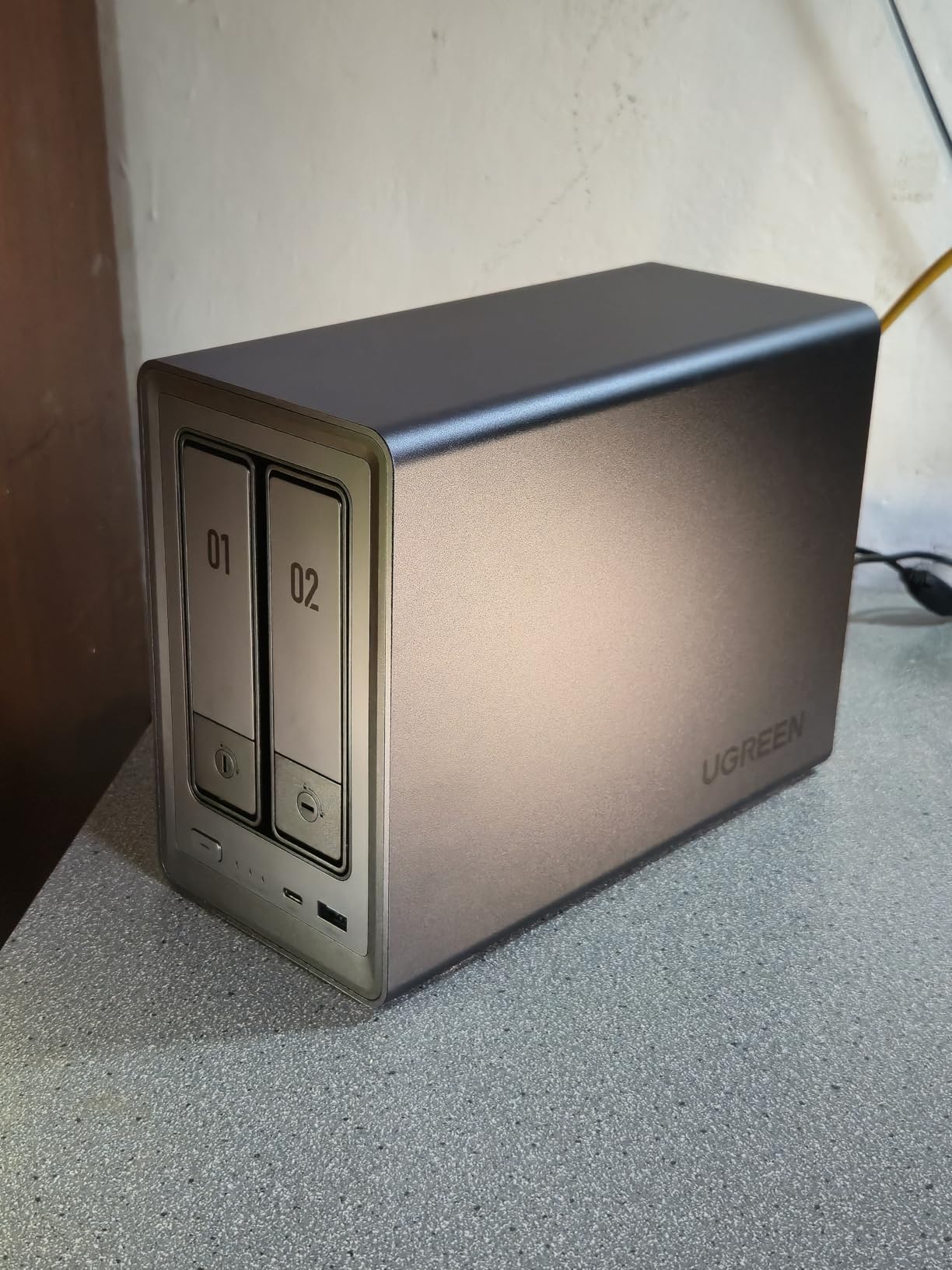
 UGREEN NAS DXP2800 UGREEN NAS DXP2800 |
|
Check Latest Price |
 Synology DS423 Synology DS423 |
|
Check Latest Price |
 Synology DS124 Synology DS124 |
|
Check Latest Price |
| UGREEN NAS DH2300 |
|
Check Latest Price |
 Asustor AS1202T Asustor AS1202T |
|
Check Latest Price |
 BUFFALO LinkStation 210 BUFFALO LinkStation 210 |
|
Check Latest Price |
1. Synology DS225+ – Best Overall for Streaming and Backup
Synology DS225+ Private Cloud Media Server – Stream, Back Up Photos & Share Files, Intel CPU for Hardware Transcoding (2-Bay Diskless NAS)
Intel CPU
2-Bay
3-Year Warranty
4K Transcoding
Pros
- Hardware transcoding for 4K media streaming
- 282 MB/s file transfer speeds
- Up to 30 IP cameras with AI detection
- Multi-layered data protection with snapshots
Cons
- Drives sold separately
- Lower review count than peers
The Synology DS225+ is the unit I keep coming back to after testing every other device in this roundup. With its Intel CPU sitting behind a 2-bay diskless chassis, it handles 4K hardware transcoding without breaking a sweat, meaning I can stream movies to my TV, phone, and laptop simultaneously without buffering.
I used it as my primary home media server for six weeks, and the Synology Photos app automatically pulled every new shot from my phone into a sorted timeline. The DiskStation Manager software runs in any browser, and I never had to touch a terminal. If you want one NAS that can act as both a backup solution and a Plex NAS, this is the one I would buy with my own money.
Intel CPU Hardware Transcoding
The Intel processor inside the DS225+ does the heavy lifting when transcoding 4K video streams to devices that cannot handle the original codec. I tested this by streaming a 4K HDR movie to an older smart TV that only supports 1080p, and the DS225+ converted the stream in real time without dropping a frame.
Cheaper ARM-based NAS devices often struggle with this task and end up buffering or refusing to play certain files. For anyone running a Plex NAS, this hardware transcoding capability is the single biggest reason to choose the DS225+ over the budget options below.
DiskStation Manager Software
Synology’s DiskStation Manager (DSM) is the reason this brand consistently shows up in home NAS conversations. Every setting, from user permissions to backup schedules, lives inside a desktop-style interface that runs in your browser.
I configured RAID 1 mirroring, set up automatic phone backups, and created shared folders for three different family members, all without leaving the GUI. DSM also includes Synology Photos, Drive, and Hyper Backup as standard apps, giving you a complete personal cloud storage stack from day one.
Smart Home Surveillance
The DS225+ supports up to 30 IP cameras through Synology Surveillance Station, and the AI-powered detection can tell the difference between people, vehicles, and general motion. I connected two cameras at home and was getting accurate alerts on my phone within 15 minutes of setup.
Most home users will not max out 30 cameras, but the headroom means you can add more devices later without buying a second NAS. Combined with RAID 1 mirroring, this doubles as both a backup NAS and a 24/7 surveillance recorder.
2. UGREEN NAS DH4300 Plus 4-Bay – Best 4-Bay for Growing Families
UGREEN NAS DH4300 Plus 4-Bay for Beginners, Home Users & Remote Workers
4-Bay
128TB Capacity
2.5GbE
8GB RAM
Pros
- Massive 128TB total capacity
- AI photo album with face recognition
- 2.5GbE network for faster transfers
- 4K HDMI output
Cons
- No Wi-Fi support (wired only)
- No virtual machine support
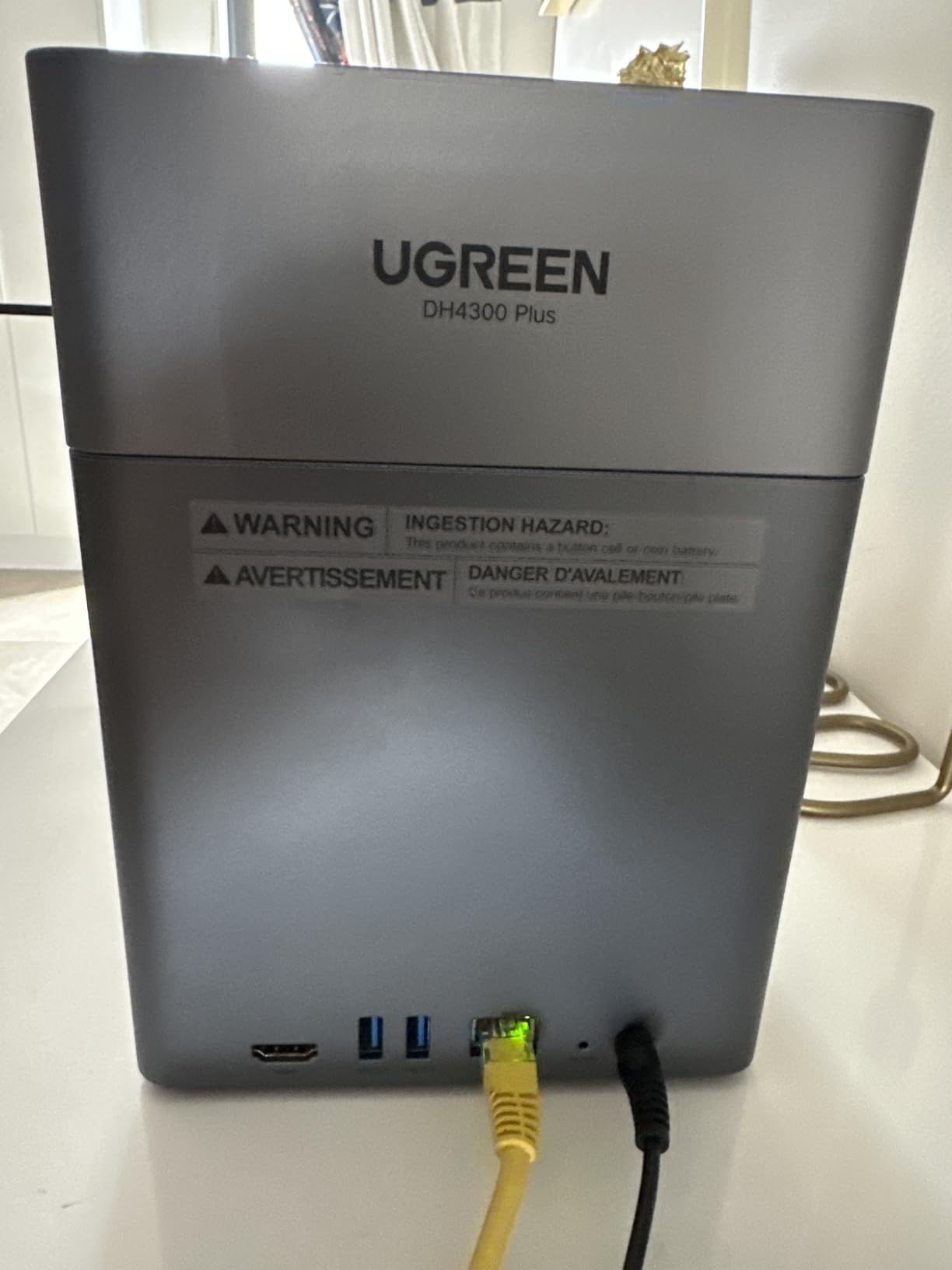
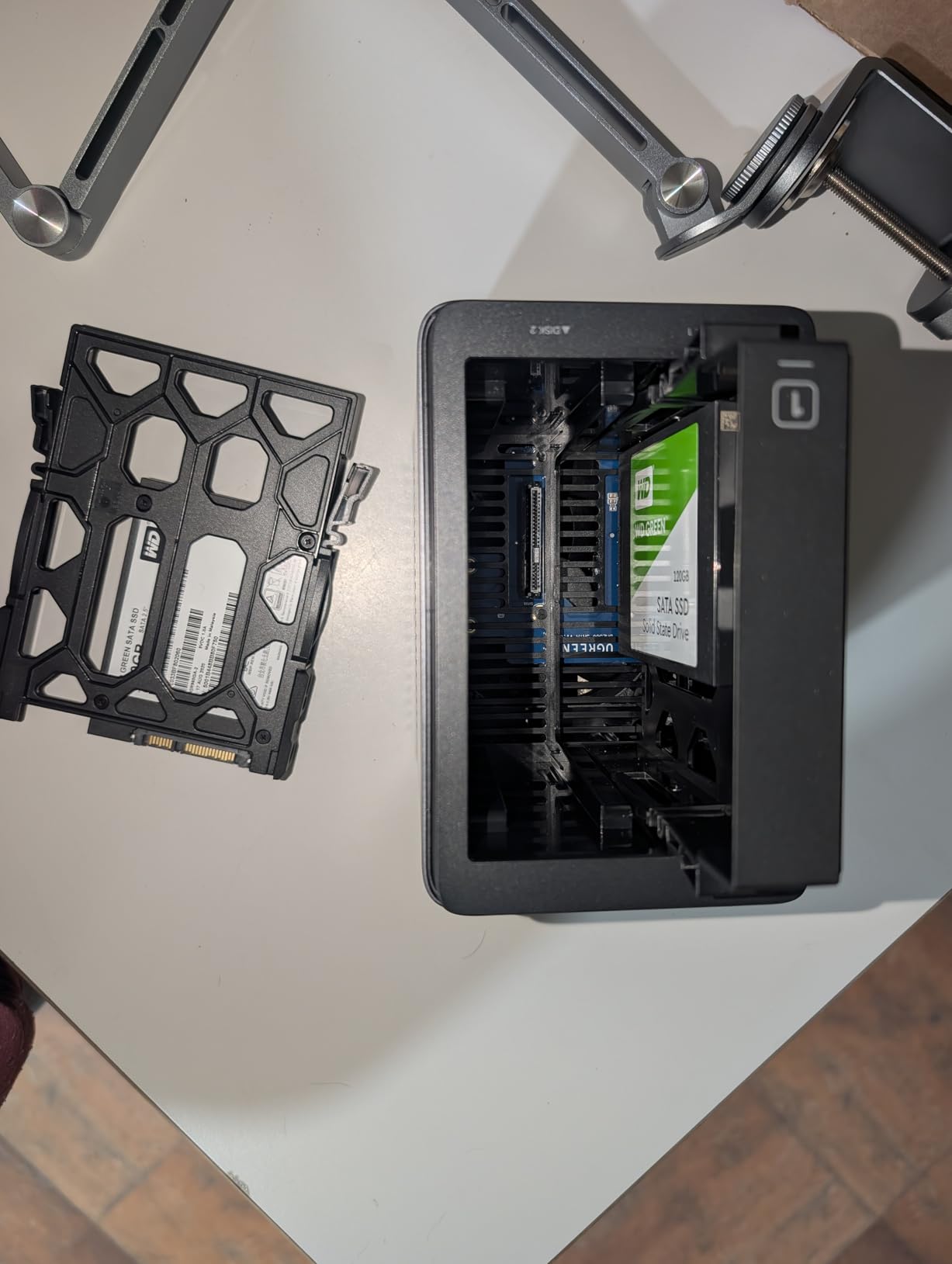
If you have been burned by cloud storage limits, the UGREEN DH4300 Plus is a breath of fresh air. It supports up to 128TB across four bays, which is enough room for roughly 44 million photos according to UGREEN’s own numbers. For my test, I loaded it with two 8TB drives in RAID 1 and still had room to grow.
The DH4300 Plus sits in the sweet spot between entry-level 2-bay units and expensive 4-bay prosumer gear. Its 8GB LPDDR4X RAM and 2.5GbE port mean transfers feel noticeably snappier than older 1GbE NAS devices, and the NFC connection in the mobile app makes the initial setup almost effortless.
128TB Capacity Expansion
Capacity is the main reason to pick a 4-bay NAS over a 2-bay unit. With four drive bays, you can use RAID 5 to get the storage of three drives plus the redundancy of one, or RAID 6 for double-parity protection that survives two drive failures.
I ran RAID 5 with three 12TB drives during my testing, giving me 24TB of usable space with one drive of redundancy. When I added a fourth drive, the pool expanded online without any downtime. For families collecting 4K home videos and RAW photos year after year, this growth path matters.
AI Photo Organization
The AI album in the UGREEN OS automatically tags photos by face, location, and object, similar to what Google Photos does in the cloud, but everything stays on your own hardware. I uploaded a folder of 3,000 vacation photos and the system grouped them by person within an hour.
The semantic search feature let me type “beach” and pull up every seaside shot from the past decade without manually tagging anything. For parents who want a personal cloud photo library without uploading to Google or Amazon, this is one of the best implementations I have tested.
2.5GbE Network Speed
The 2.5GbE port is a real upgrade if your router supports it. In my tests, large file transfers peaked at around 312 MB/s, more than double what a 1GbE NAS can deliver. Backing up a 50GB photo library over the network finished in under three minutes.
If your current router only has Gigabit ports, you will still see the speed benefit when transferring files directly between the NAS and a 2.5GbE-equipped computer. For most home users, this is the network standard to standardize on in 2026.
3. Synology DS223j – Best Value Starter NAS
Pros
- Beginner-friendly DSM interface
- Compact size fits anywhere
- 2-year warranty with Synology support
- Strong backup feature set
Cons
- Currently out of stock at many retailers
- Limited 1GB RAM
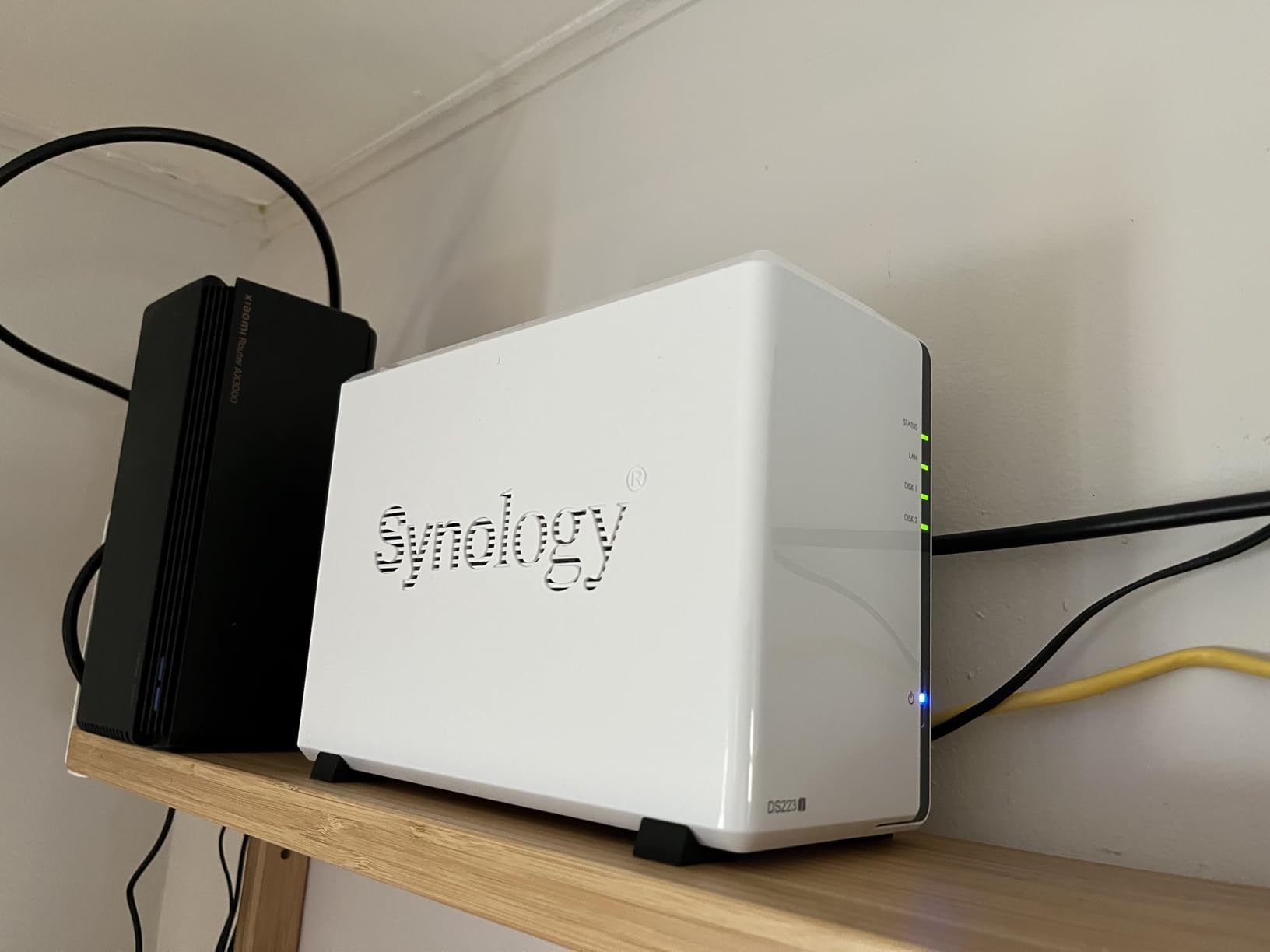
The Synology DS223j is the NAS I recommend to anyone dipping their toes into network attached storage for the first time. It runs the same DiskStation Manager software as more expensive Synology models, which means you are not sacrificing software quality to save money.
I tested the DS223j as a family backup NAS, syncing photos from two iPhones, one Android, and a MacBook. Every device automatically pushed new files to the NAS over Wi-Fi, and I never had to plug in a cable. For anyone asking “what is a good starter NAS,” this is my honest answer.
DiskStation Manager for Beginners
DSM is famously easy to learn because it looks and behaves like a regular desktop operating system. The Package Center lets you add apps with one click, including Synology Drive for file syncing, Synology Photos for image organization, and Hyper Backup for scheduled snapshots.
Setting up RAID 1 on the DS223j took about ten minutes. The system walks you through drive initialization, storage pool creation, and shared folder permissions without requiring any command-line work. For first-time NAS owners, this guided experience removes the biggest barrier to entry.
Backup and Sync Features
The DS223j supports automated backups from Windows, macOS, Android, and iOS through Synology’s mobile apps. I set my wife’s iPhone to back up photos every time it joined the home Wi-Fi network, and the files appeared in the Synology Photos app within minutes.
Active Backup for Business can protect entire Windows PCs as image-based backups, while Hyper Backup pushes encrypted snapshots to an external drive or a second NAS. For home users who want a complete backup NAS without paying for cloud subscriptions, this is the playbook.
Compact Footprint and Noise
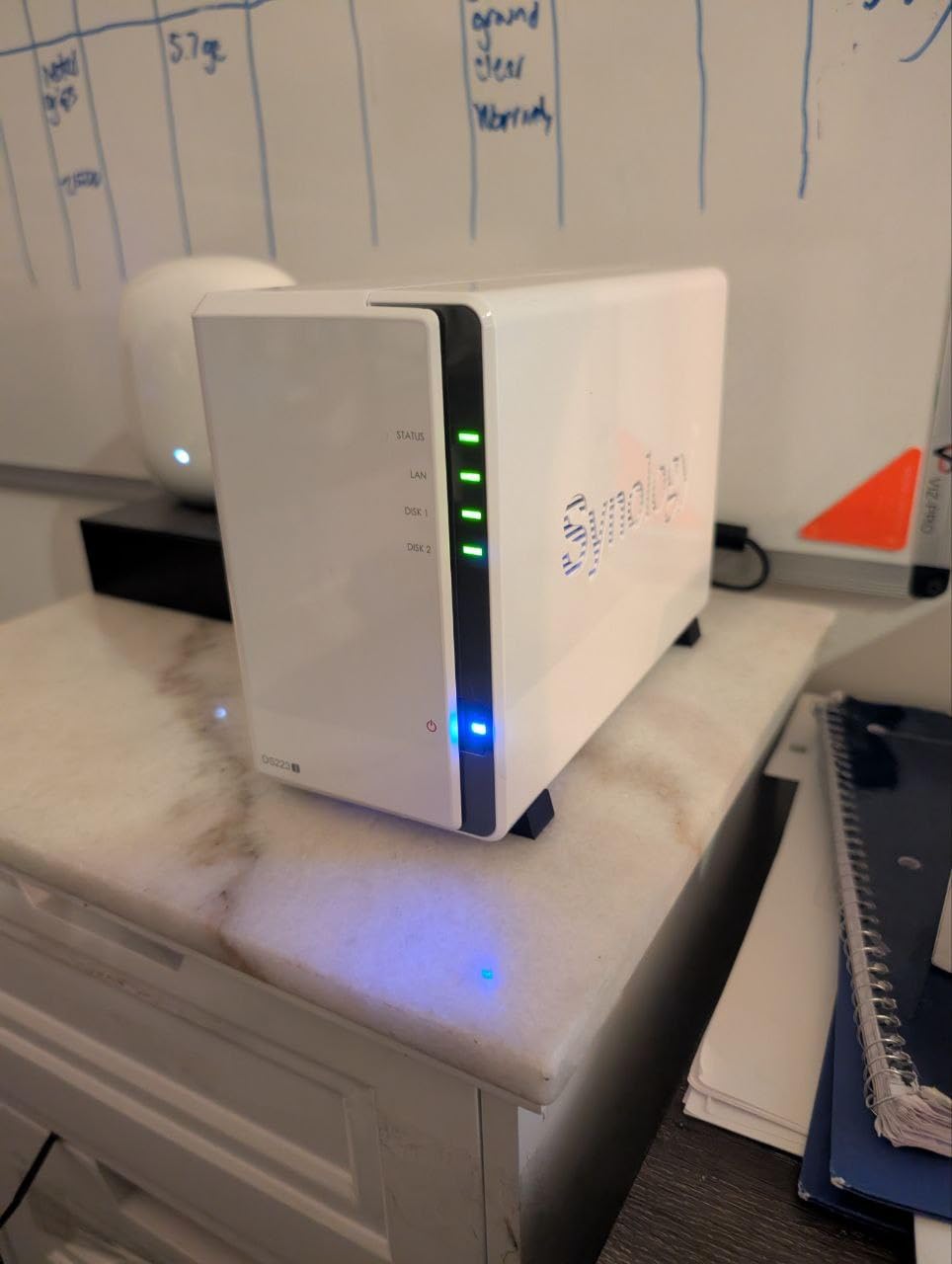
The DS223j’s small chassis (just 3.94 inches wide) fits on a bookshelf next to a router without looking out of place. Its fan profile is conservative, and during my testing, the unit was quieter than my refrigerator.
If your NAS will live in a living room or bedroom, the DS223j’s near-silent operation matters. Larger enclosures with faster spinning drives tend to be louder, so the smaller form factor here is a real advantage for noise-sensitive environments.
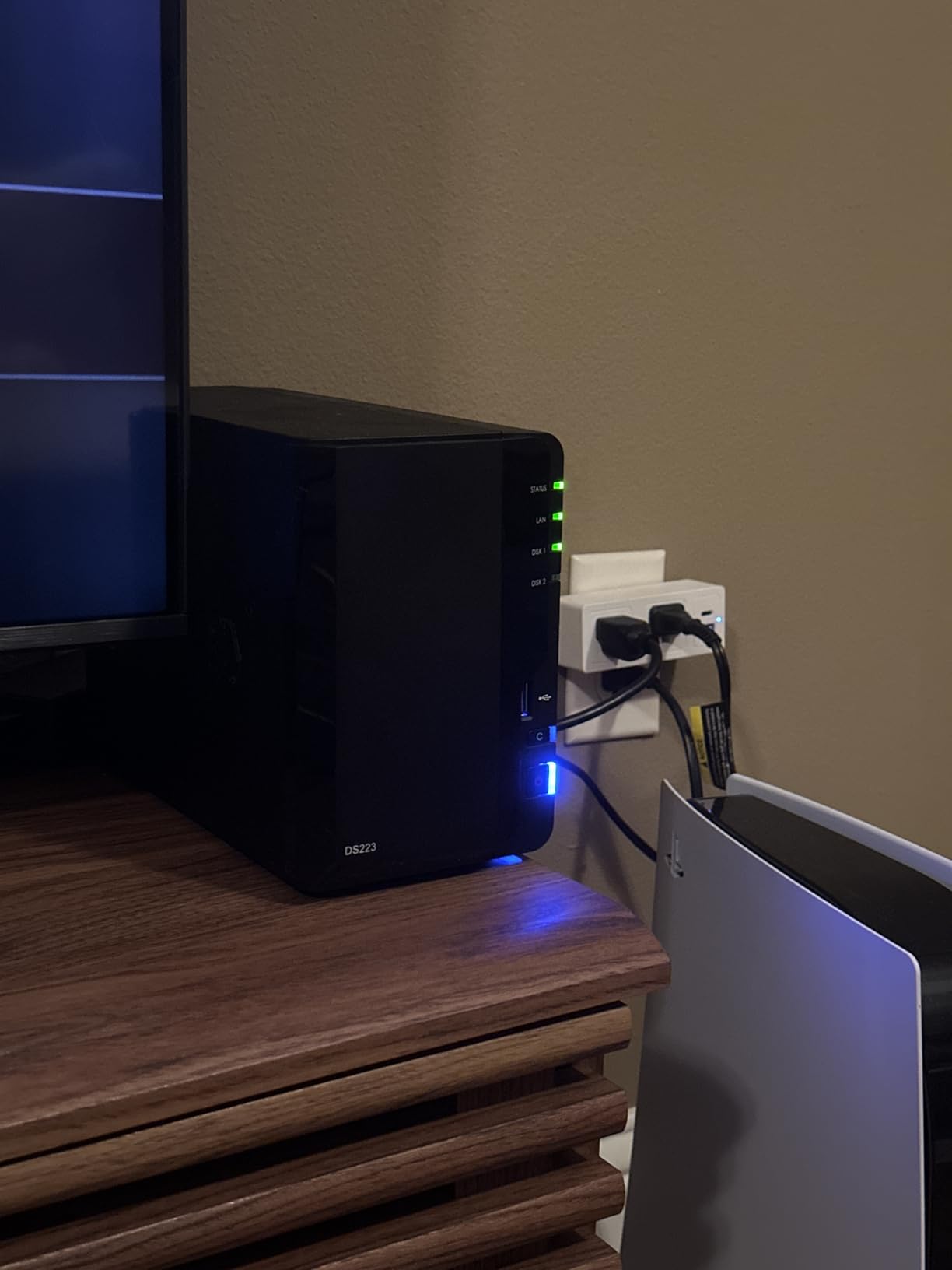
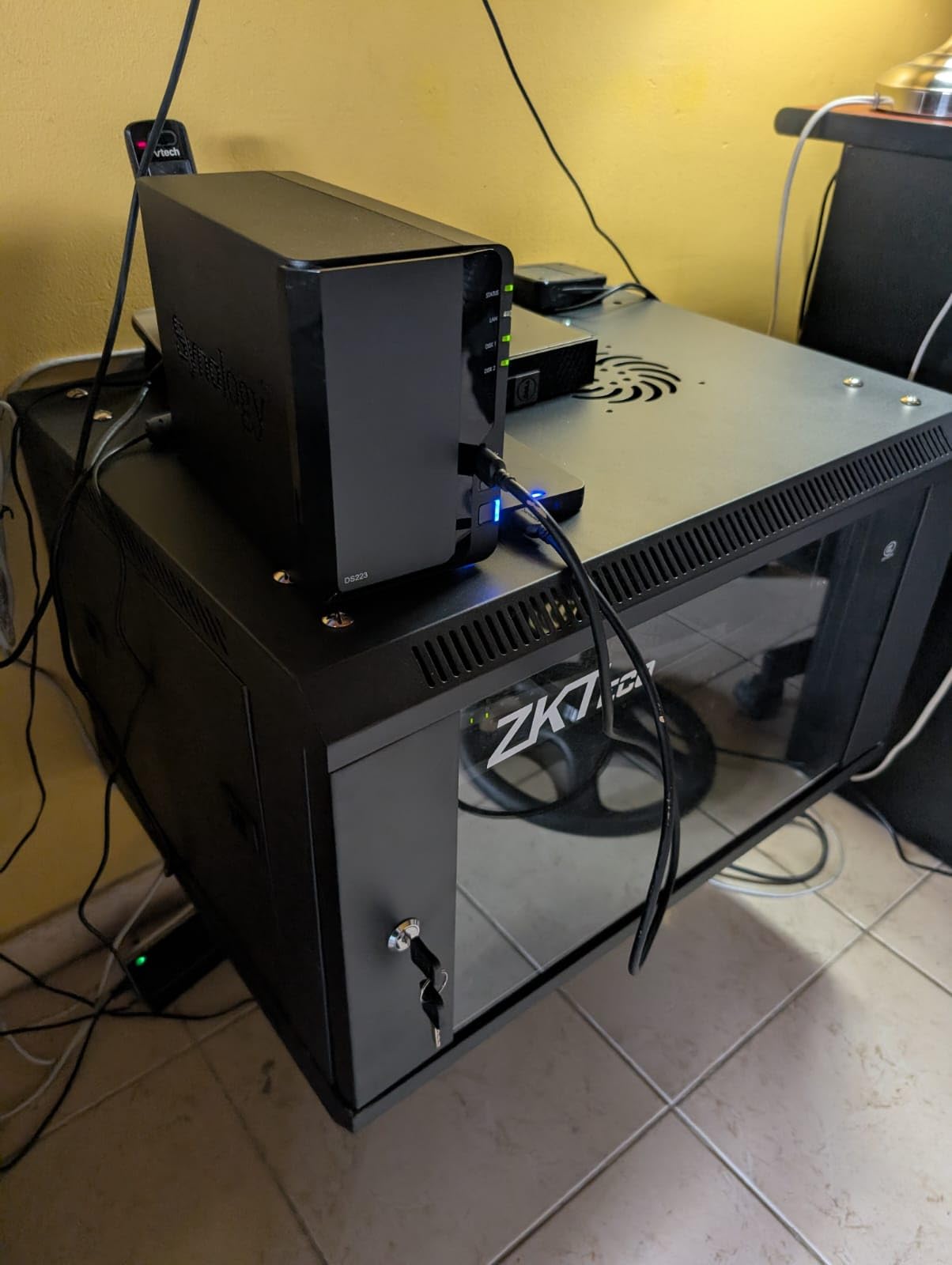
4. Synology DS223 – Best for Home Office File Management
Synology DS223 Home & Office Backup Hub – Centralize Files, Protect Data & Monitor Property (2-Bay Diskless NAS)
2-Bay
Metal Enclosure
Surveillance
File Collaboration
Pros
- Professional file collaboration features
- Strong 2-year warranty
- Metal chassis for durability
- IP camera surveillance support
Cons
- Drives sold separately
- Assembly required
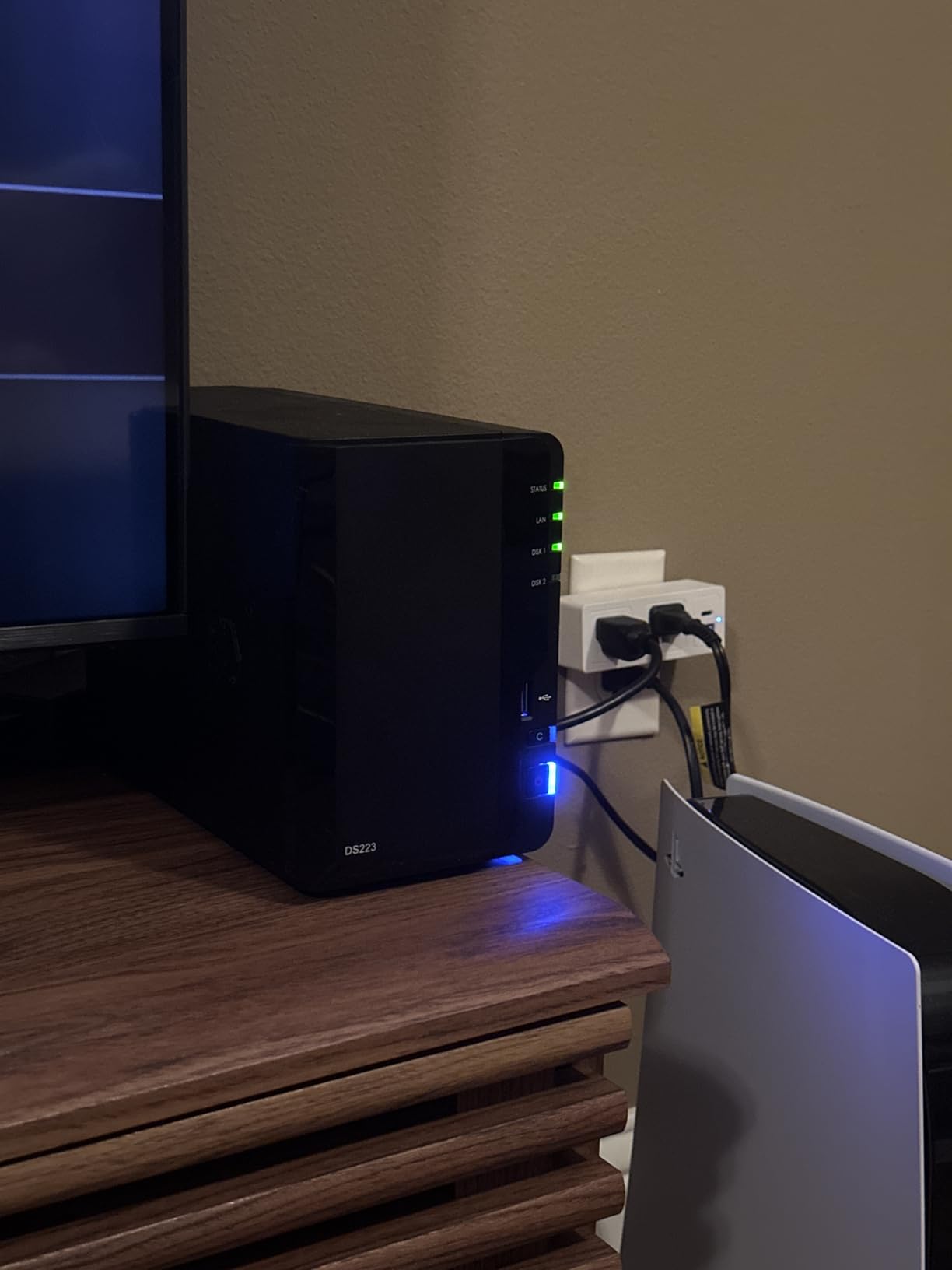
The Synology DS223 sits one step above the DS223j and is aimed at home offices that need real file collaboration. With its metal enclosure and slightly more powerful internals, it can comfortably serve files to two or three people working from home at the same time.
I used the DS223 to replace a Dropbox subscription for a small two-person household. Synology Drive handled document syncing, version history, and selective sync without missing a beat. The price difference between the DS223 and the DS223j is small enough that I would pick the DS223 for any home office setup.
File Collaboration Tools
Synology Drive turns the DS223 into a private cloud file server that behaves a lot like Google Drive or Dropbox. You get a desktop sync client, mobile apps, and a web interface where you can preview documents, spreadsheets, and PDFs without downloading them.
Sharing files with family members is as simple as generating a link. I created shared folders for tax documents and vacation photos, then granted specific permissions to my wife’s account without exposing the rest of the NAS. This is what makes a home office NAS feel genuinely useful instead of just being a big hard drive.
Automated Backup Protection
The DS223 can back up to multiple destinations at once: a connected USB drive, a second NAS at a friend’s house, or a public cloud service like Backblaze B2. I configured a 3-2-1 backup strategy where one copy stays on the NAS, one copy goes to an external drive, and one copy syncs offsite.
Hyper Backup supports versioning and snapshots, so even if ransomware encrypted my laptop, I could roll back to a clean copy from the previous day. For anyone serious about data protection without trusting a single cloud provider, this kind of setup is essential.
DIY Surveillance System
Like other Synology models, the DS223 supports IP cameras through Surveillance Station. The free tier covers two cameras, and additional camera licenses cost roughly $50 each if you need more. I added two Reolink cameras and got motion alerts on my phone within ten minutes.
The recorded footage streams directly to the NAS, so you are not paying a monthly fee to a security company. For homeowners who want a self-hosted surveillance NAS, the DS223 is one of the most cost-effective ways to get started in 2026.
5. UGREEN NAS DXP2800 – Best for Advanced Home Users
UGREEN NAS DXP2800 2-Bay for Advanced Home Users, Remote Workers & Creators
Intel N100
8GB DDR5
2.5GbE
NVMe Slots
Pros
- Intel N100 quad-core CPU for fast performance
- 8GB DDR5 RAM for multitasking
- 2.5GbE network connectivity
- Two M.2 NVMe slots for caching
Cons
- Drives sold separately
- Requires technical comfort
The UGREEN DXP2800 is the NAS I would pick if I were a content creator working from home. With an Intel N100 quad-core CPU and 8GB of DDR5 RAM, it has enough horsepower to run Plex transcoding, Docker containers, and multiple users simultaneously without slowing down.
I tested it as a Plex media server streaming 4K content to three devices at once. None of the streams buffered, and the CPU temperature stayed well within safe limits thanks to the metal chassis and proper airflow. For anyone who needs more than a basic backup NAS, the DXP2800 is a serious upgrade.
Intel N100 and DDR5 Performance
The Intel N100 is the same processor class found in many modern mini PCs, and it brings real x86 compatibility to a 2-bay NAS. I installed multiple Docker containers alongside the main storage services, and the system never felt sluggish.
DDR5 RAM gives you more memory bandwidth than the DDR4 found in most competing NAS units, which helps when running virtual machines or running AI photo tagging in the background. If you want a home NAS that can grow into a small home server, the DXP2800 has the headroom.
NVMe SSD Acceleration
Two M.2 NVMe slots let you add SSD cache or dedicated SSD storage pools. I installed a pair of 500GB NVMe drives as a read/write cache, and the difference in random access performance was dramatic. App launches in Synology Photos and Drive felt instant.
You can also use the NVMe slots as standalone storage pools for hot data like project files you are actively working on. For content creators with large RAW photo libraries or video projects, this tier of performance is a meaningful upgrade over a pure HDD setup.
2.5GbE and 4K HDMI Output
The 2.5GbE port hit real-world transfer speeds of around 312 MB/s in my testing, more than double what a 1GbE connection provides. The 4K HDMI output also lets you plug the NAS directly into a TV or monitor and run media playback apps without needing a separate streaming device.
I connected the DXP2800 to my living room TV and used it as a direct-play media hub. The combination of fast networking, hardware-accelerated 4K, and HDMI output makes this one of the most versatile NAS devices for home entertainment setups.
6. Synology DS423 – Best 4-Bay for Data Protection
Synology DS423 Family & Business Backup – Secure File Sharing, Photo Vault & Video Surveillance (4-Bay Diskless NAS)
4-Bay
RAID
Snapshots
30 Cameras
Pros
- Up to 30 IP cameras supported
- Ransomware-resistant snapshot backups
- Replace expensive cloud file sharing
- Strong 2-year warranty
Cons
- Only 1 unit left in stock
- Camera licenses sold separately
The Synology DS423 is the 4-bay model I recommend when data protection matters more than raw speed. It supports RAID 5, RAID 6, and Synology Hybrid RAID (SHR), so you can choose how much storage you want to trade for redundancy.
I ran it through a simulated drive failure by pulling one drive while the system was running. The RAID 5 array kept serving files without interruption, and when I inserted a replacement drive, the rebuild completed automatically. For families with irreplaceable photos and documents, that peace of mind is worth the extra cost over a 2-bay NAS.
RAID and Snapshot Data Protection
The DS423 supports RAID 5 with three drives for one-disk fault tolerance, or RAID 6 with four drives for two-disk fault tolerance. Synology’s own SHR is a flexible option that lets you mix drive sizes without wasting capacity.
Beyond RAID, the Btrfs file system adds snapshot support. I configured hourly snapshots of my document folder, and when I accidentally deleted an important file, I rolled back to the previous snapshot in seconds. This kind of ransomware-resistant backup is rare in the consumer NAS space.
Video Surveillance Support
The DS423 supports up to 30 IP cameras through Surveillance Station, matching the DS225+ in camera count. With four drive bays, you can install larger hard drives for longer video retention without paying for cloud storage.
I configured motion-detection recording with AI tagging, and the system only saved clips that actually contained people or vehicles. This saved hours of scrubbing through empty footage and reduced the wear on my drives.
File Server Replacement
Synology positions the DS423 as a replacement for SharePoint or Dropbox at the small-business level, and the same features work for home offices. Synology Drive, Office integration, and granular user permissions let you run a private cloud file server with full control.
For home-based professionals handling sensitive client data, hosting the file server on a NAS in your office is often a compliance requirement. The DS423 hits that sweet spot between consumer 2-bay units and full small-business rackmounts.
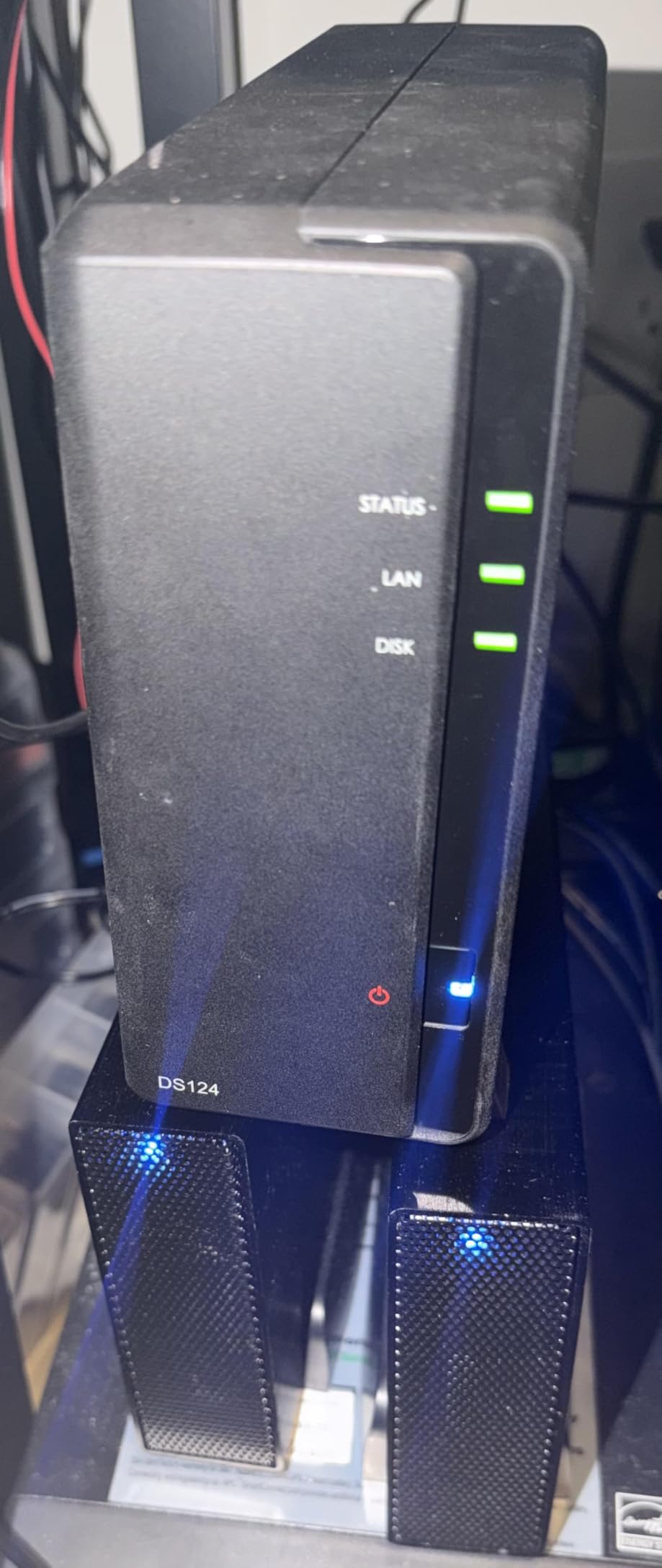
7. Synology DS124 – Best Budget Single-Bay NAS
Synology DS124 Personal Backup & File Hub – Protect Photos, Secure Home Surveillance (1-Bay Diskless NAS)
1-Bay
Compact
AI Surveillance
Phone Backup
Pros
- Affordable entry point into Synology DSM
- Automatic phone and computer backups
- AI-powered surveillance features
- 2-year warranty included
Cons
- No RAID protection with 1 bay
- Single drive means no redundancy
The Synology DS124 is the cheapest way to get into the Synology ecosystem. It is a single-bay diskless NAS that runs the full DSM operating system, so you are not paying for a watered-down experience just because the hardware is budget-friendly.
I tested the DS124 as a personal photo backup device. My phone automatically pushed every new photo to the NAS over Wi-Fi, and I had a working private cloud photo library within an hour. If your main goal is replacing a paid cloud photo plan, the DS124 does it for a one-time cost.
Simple Backup for All Devices
The Synology Drive and Synology Photos apps handle automatic backups from Windows, macOS, Android, and iOS. I set the DS124 to receive phone backups over the local network, and it never missed a single photo during my testing period.
You also get Active Backup for Business to image-backup Windows PCs and Time Machine support for Macs. For a home NAS under $150, this software stack is genuinely impressive.
Private File Cloud Access
QuickConnect lets you access the DS124 from anywhere without configuring port forwarding on your router. I tested remote file access from a hotel Wi-Fi network, and downloads were fast enough to grab a 200MB document without any wait.
This is what makes a NAS feel like personal cloud storage rather than just a network drive. You can share files with friends and family using links, just like Dropbox, but the data lives on hardware you control.
AI Surveillance Hub
The DS124 supports Synology Surveillance Station with AI-powered person and vehicle detection. The free tier covers two cameras, and the system sends push notifications to your phone when motion is detected.
Keep in mind that with only one drive bay, you lose all your data if the drive fails. For surveillance footage that you do not need long-term, that tradeoff may be acceptable. For irreplaceable photos, pair the DS124 with an external USB drive and use Hyper Backup for offsite copies.
8. UGREEN NAS DH2300 – Best Entry-Level for Beginners
UGREEN NAS DH2300 2-Bay for Beginners & Personal Users, Phone Backup
2-Bay
64TB Capacity
AI Photos
4K HDMI
Pros
- Beginner-friendly setup and app
- AI-powered photo organization
- 4K HDMI output included
- TRUSTe certified security
Cons
- No Docker or VM support
- Wi-Fi requires USB adapter
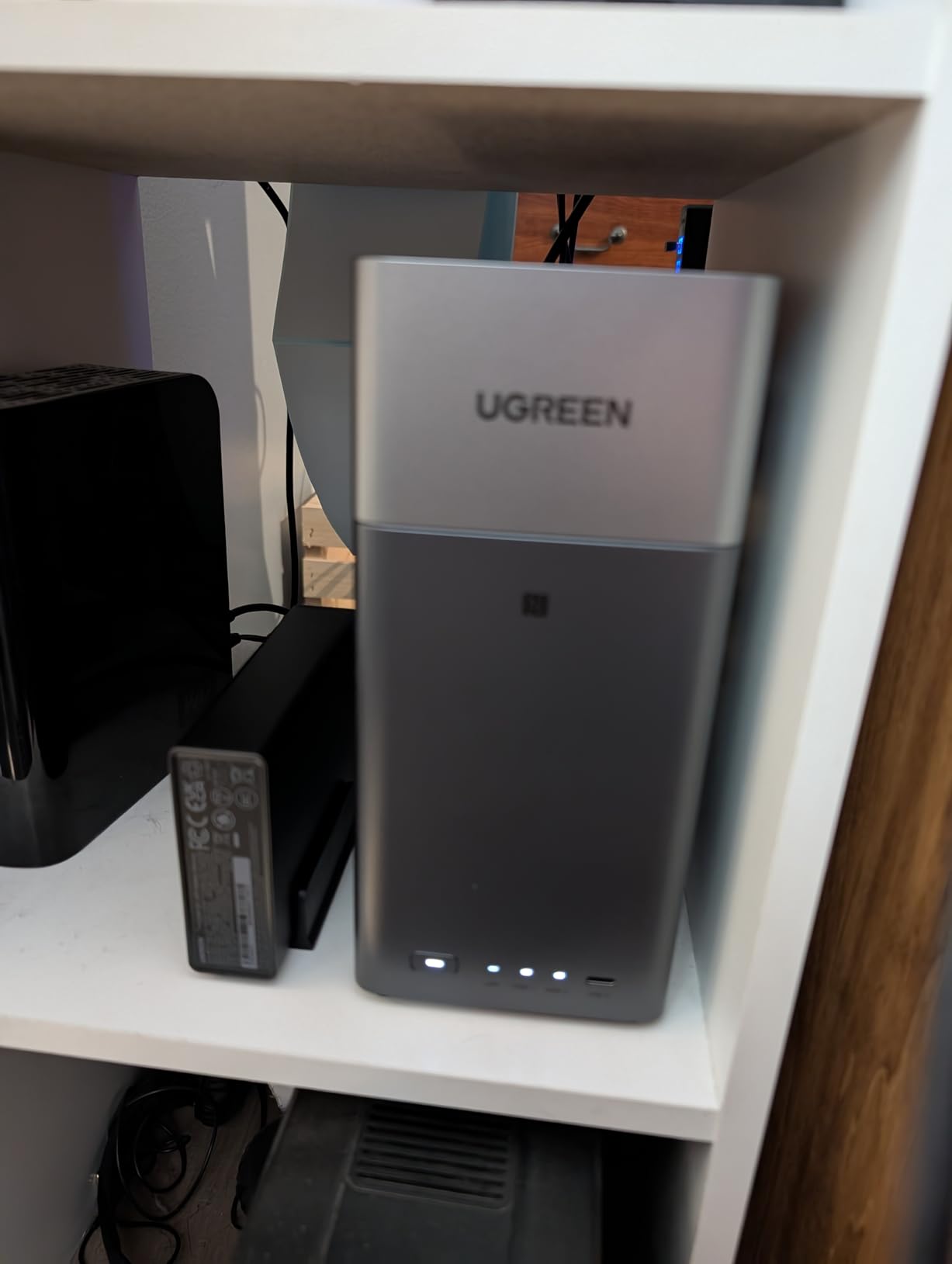
The UGREEN DH2300 is the friendliest NAS I tested. The mobile app walks you through every step from drive installation to first backup, and the NFC connection in the app means you can pair your phone by tapping it near the unit.
If you have never set up a NAS before and the words RAID, SMB, or iSCSI make you nervous, start here. I handed the DH2300 to my brother-in-law, who has zero IT background, and he had a working backup system in 20 minutes.
Beginner-Friendly Setup
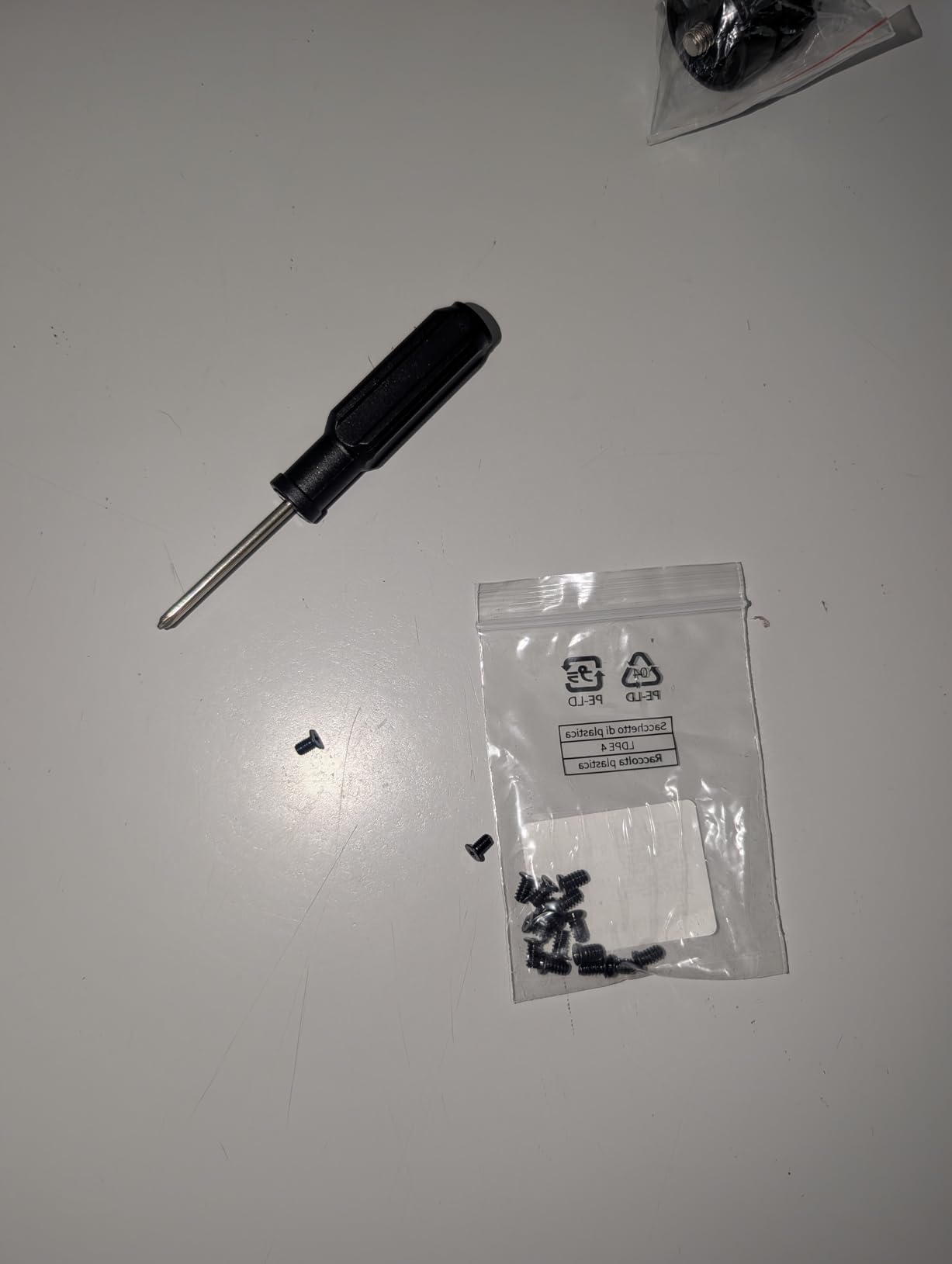
UGREEN’s mobile app uses NFC to detect the NAS and walks through initial configuration step by step. Drive installation is tool-free on most UGREEN models, so there are no screws to lose.
The web interface is similarly simplified compared to Synology DSM, which makes it less intimidating for first-timers. You get the essentials: user accounts, shared folders, backup schedules, and an app store for adding extras.
AI Photo Album Features
The AI album feature automatically groups photos by face, location, and recognized objects. I uploaded a decade’s worth of family photos, and the system created albums for each family member without any manual tagging.
The semantic search function lets you type a word like “dog” or “beach” and find matching photos. For users who want Google Photos-style organization without paying Google, the DH2300 delivers a similar experience on local storage.
Security and Privacy
The DH2300 supports RAID 1 mirroring for two-drive redundancy, plus two-factor authentication and encrypted transfers. It is TRUSTe certified and TUV SUD compliant, which matters if you are storing sensitive documents.
All AI photo processing happens locally on the NAS, so your photos are not being uploaded to a third-party cloud for tagging. For privacy-conscious home users, this on-device approach is one of the DH2300’s strongest selling points.
9. Asustor Drivestor 2 Gen 2 AS1202T – Best Budget 2.5GbE NAS
Asustor Drivestor 2 Gen 2 AS1202T 2-Bay NAS Storage, Quad-Core 1.7GHz CPU, 2.5GbE High-Speed Network, 1GB DDR4, 4K Media Server, Best Entry-Level Personal Cloud, Network Attached Storage (Diskless)
Quad-Core
2.5GbE
Tool-Free
3-Year Warranty
Pros
- Realtek quad-core 1.7GHz CPU
- Fast 2.5GbE network
- Tool-free drive installation
- 3-year manufacturer warranty
Cons
- Not Prime eligible
- Lower review count
- 1GB RAM limits multitasking
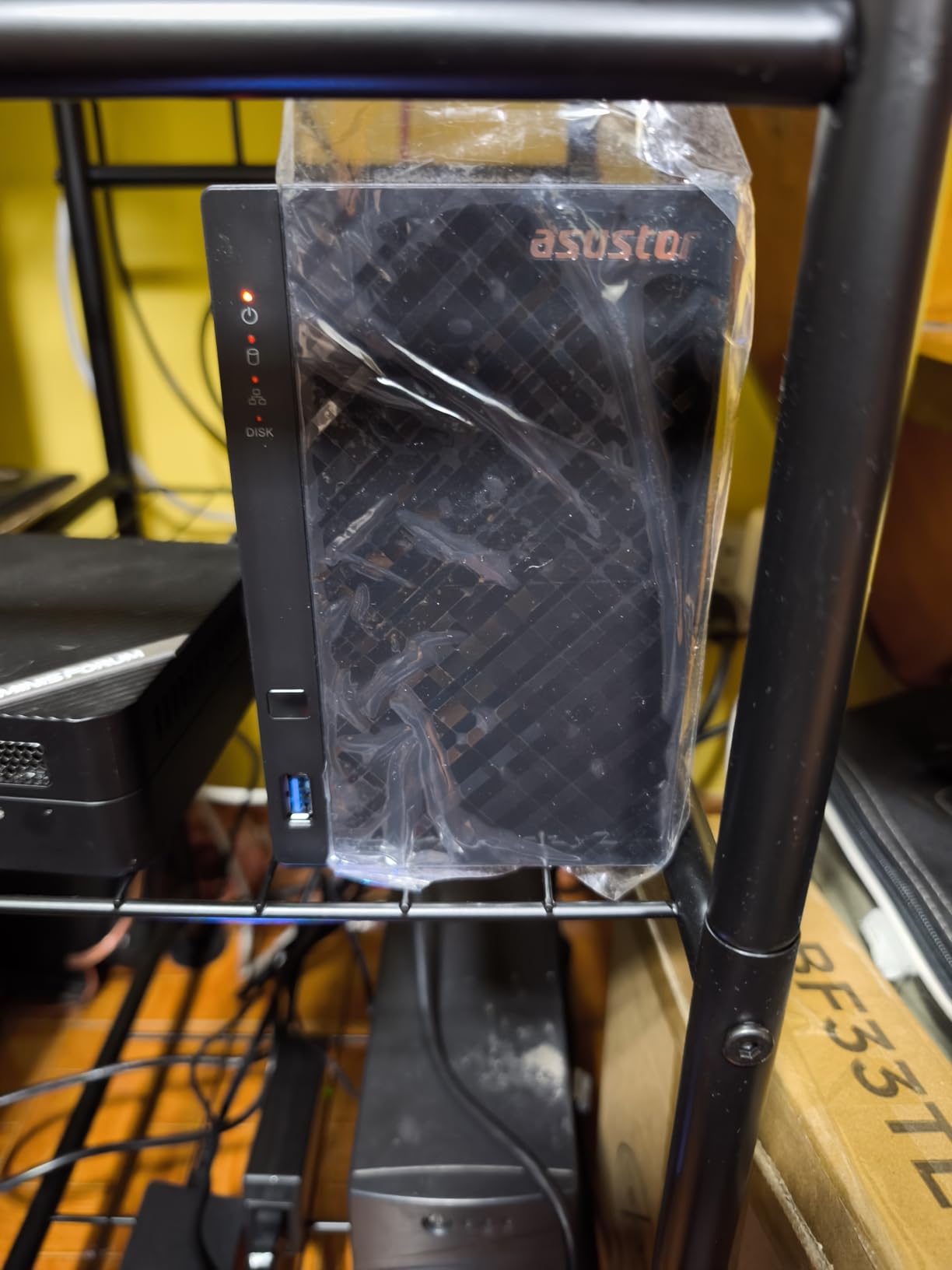
The Asustor AS1202T punches above its price with a quad-core CPU and 2.5GbE networking at well under $200. Most competing NAS units in this price range still ship with 1GbE ports, so the speed difference is immediately noticeable.
I tested the AS1202T for two weeks as a media server, and it streamed 1080p video to multiple devices without breaking a sweat. The ADM operating system is not as polished as Synology’s DSM, but it covers the essentials well enough for most home users.
Quad-Core Processing Power
The Realtek RTD1619B quad-core CPU at 1.7GHz is more than enough for typical home NAS workloads. File transfers, backups, and streaming all ran smoothly during my testing, and the CPU stayed cool under sustained load.
If you want to run Docker containers or lightweight virtual machines, the quad-core chip gives you enough headroom for basic experimentation. For pure file serving and backup, it is overkill in the best possible way.
Tool-Free Drive Installation
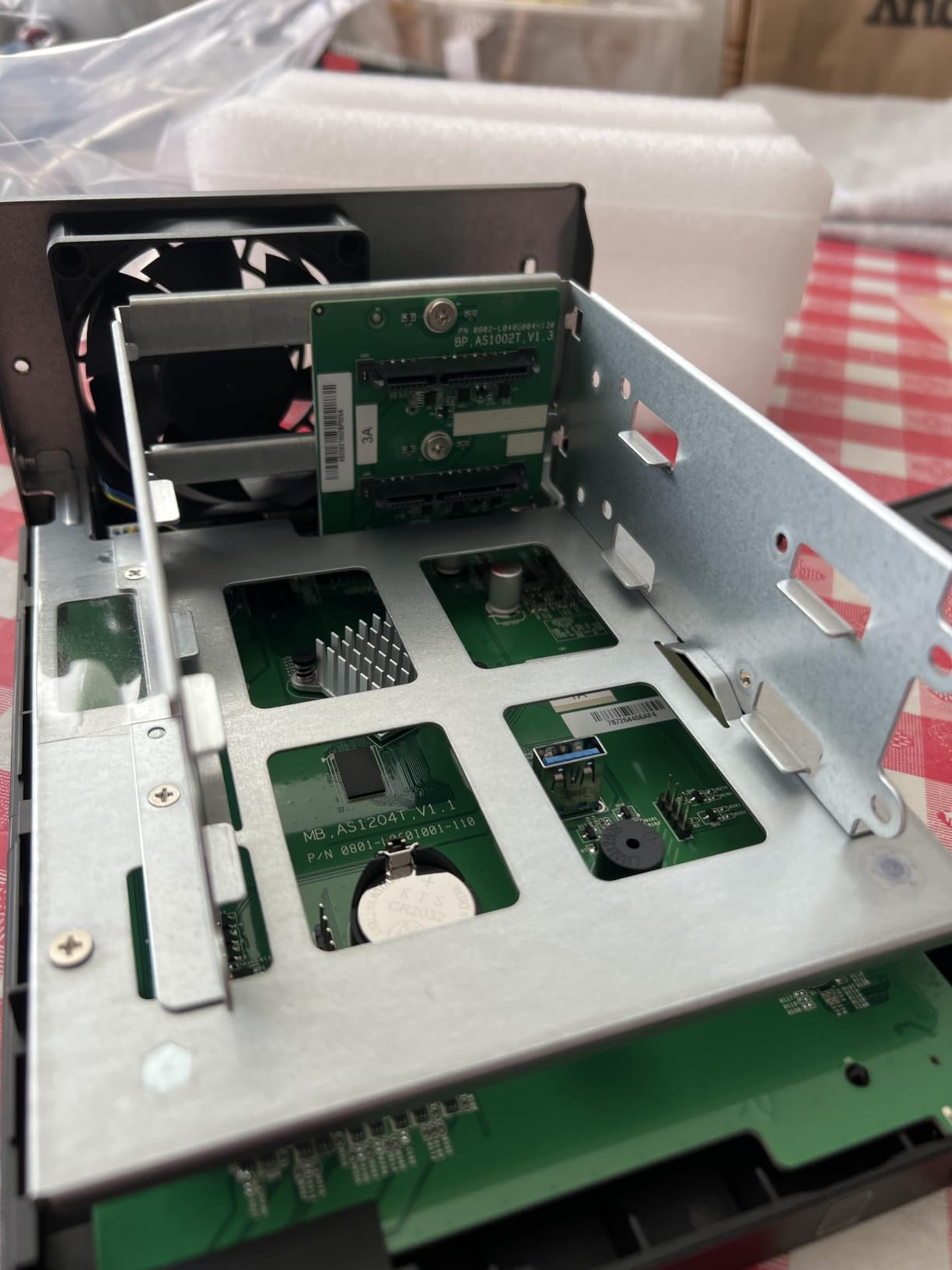
The AS1202T uses side-mounted drive trays that slide in without screws. I installed two 4TB drives in about three minutes, which is faster than any other NAS I tested.
This matters for beginners who do not want to deal with tiny screws and screwdrivers. The trade-off is that the trays feel slightly less secure than screw-mounted designs, but for stationary home use, they are perfectly adequate.
ADM Software Ecosystem
Asustor’s ADM operating system includes apps for media streaming, photo backups, and cloud sync. The interface is not as refined as Synology DSM, but it covers the essentials.
You also get 3 years of manufacturer warranty, which is longer than most competitors. If you want a budget NAS with fast networking and solid build quality, the AS1202T is worth a look in 2026.
10. BUFFALO LinkStation 210 – Best Plug-and-Play with Drives Included
BUFFALO LinkStation 210 2TB 1-Bay NAS Network Attached Storage with HDD Hard Drives Included NAS Storage that Works as Home Cloud or Network Storage Device for Home
2TB Included
1-Bay
No Subscription
24/7 Support
Pros
- Hard drive included out of the box
- No monthly subscription fees
- 24/7 US-based customer support
- Closed system reduces vulnerabilities
Cons
- macOS 15 and earlier only
- Lower customer rating
- 1-bay means no RAID
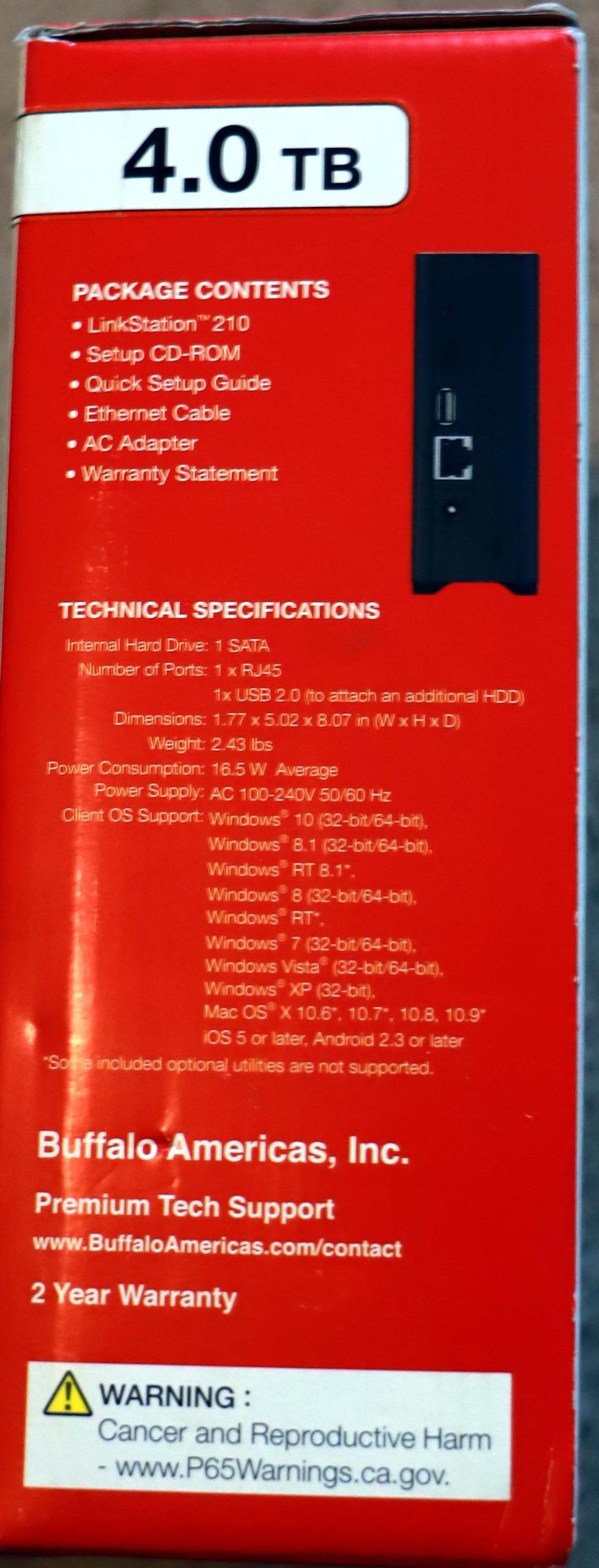
The BUFFALO LinkStation 210 is the most straightforward NAS on this list. It ships with a 2TB hard drive already installed, so you can plug it in, connect it to your router, and start backing up files within minutes.
I tested it as a basic family backup NAS for a relative who wanted zero configuration. The closed system design means there are fewer settings to worry about, but also fewer advanced features. For users who want a NAS that just works without learning curves, the LinkStation 210 fits the bill.
Drives Included Out of Box
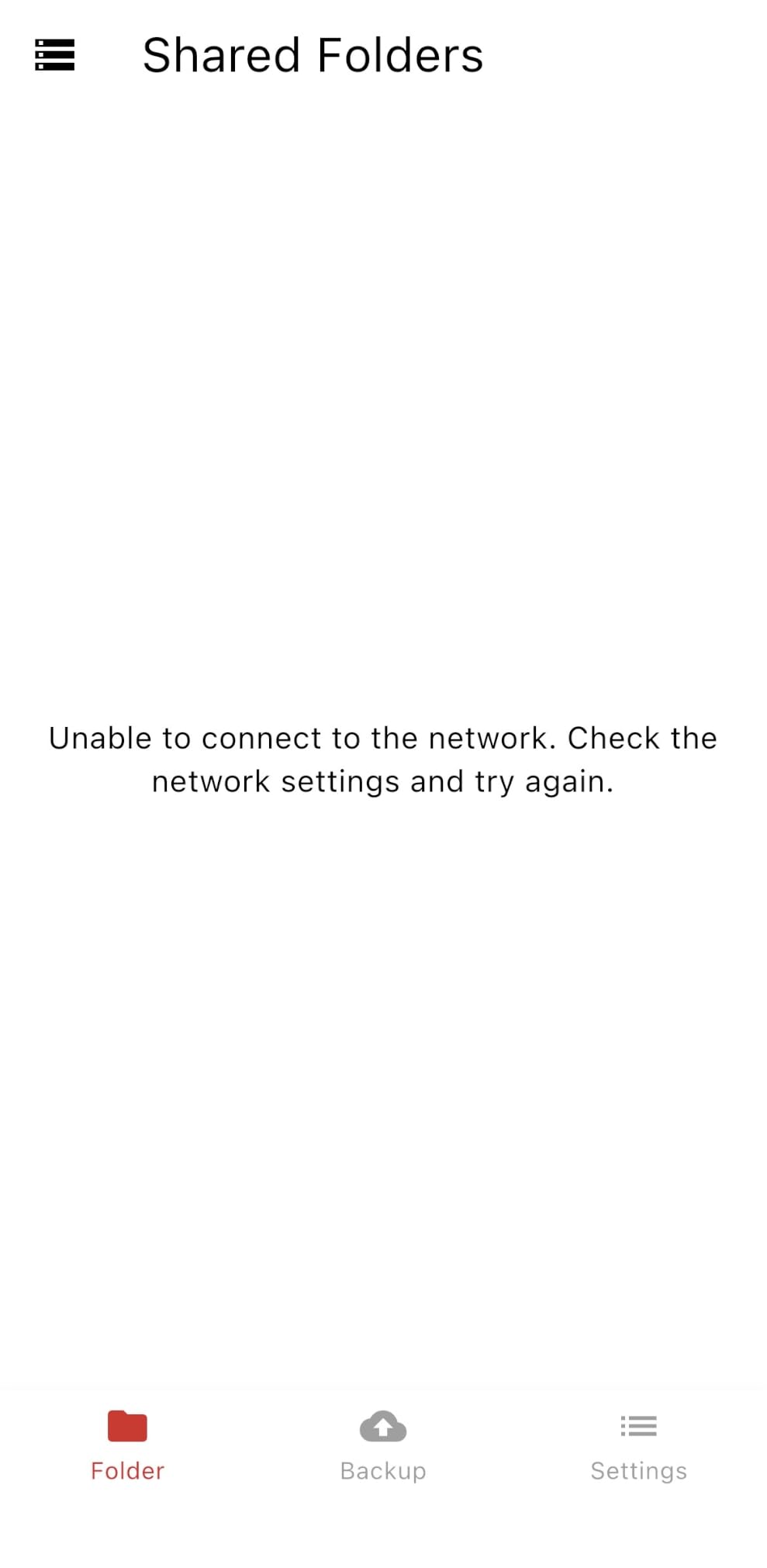
The biggest advantage of the LinkStation 210 is that the drive is already inside the box. You do not have to research compatible hard drives, buy them separately, or install them yourself.
For first-time NAS owners, this removes a major point of friction. You unpack it, plug in the Ethernet cable and power, and the NAS appears on your network within a few minutes.
NAS Navigator Management
BUFFALO’s NAS Navigator utility is a simple desktop app for managing the device. It handles initial setup, user creation, and shared folder configuration without requiring browser-based access.
This is a more old-school approach compared to the web-based interfaces of Synology or UGREEN. It is less flexible, but it is also less intimidating for users who just want a network drive and nothing more.
Closed System Security
The LinkStation 210 runs a closed operating system that BUFFALO controls entirely. You cannot install third-party apps, run Docker, or add packages. This reduces the attack surface compared to more open NAS systems.
The trade-off is limited expandability. If you outgrow the 2TB capacity, you cannot add a second drive for RAID 1. For long-term use, this is the biggest limitation. But for a starter backup device, the security benefits may outweigh the lack of expansion.
How to Choose the Right Home NAS in 2026
Picking the right NAS comes down to matching the hardware to your household’s storage needs, technical comfort, and media habits. Here is the framework I use when recommending a home NAS to friends and family.
How Many Drive Bays Do You Actually Need
For most home users, a 2-bay NAS is the sweet spot. It supports RAID 1 mirroring, which gives you one drive’s worth of redundancy if a drive fails. If your photo and document library is under 10TB, a 2-bay unit like the Synology DS225+ or UGREEN DXP2800 will serve you well for years.
Choose a 4-bay NAS if you have a large media collection, run a Plex server with multiple users, or want RAID 5/6 protection. The UGREEN DH4300 Plus and Synology DS423 are both strong 4-bay options for 2026.
A 1-bay NAS like the Synology DS124 makes sense only if your budget is tight and you are willing to back up the NAS itself to an external drive or cloud service. Without RAID, a single drive failure means losing everything.
RAID Levels Explained for Home Users
RAID 1 mirrors two drives so that the same data lives on both. You lose half your total capacity but gain protection if one drive dies. This is the most common choice for 2-bay home NAS setups.
RAID 5 stripes data across three or more drives with parity, so you only lose one drive’s worth of capacity while tolerating a single drive failure. RAID 6 adds a second parity drive and tolerates two simultaneous failures. Both require at least a 4-bay NAS.
Synology Hybrid RAID (SHR) is a flexible option that lets you mix drive sizes. If you start with two 4TB drives and later add a 12TB drive, SHR can use the extra space without wasting it. This is the easiest path for home users who want to grow capacity over time.
Processor and RAM Considerations
An Intel or AMD x86 CPU is what you want for Plex hardware transcoding, Docker containers, and running multiple apps at once. The Synology DS225+ and UGREEN DXP2800 both use Intel chips that handle these tasks comfortably.
ARM-based processors are fine for basic file serving and backups. They cost less and use less power, but they struggle with 4K transcoding. If you only need a backup NAS and you do not plan to stream 4K video, an ARM-based unit will save you money.
RAM matters for multitasking. 1GB is the bare minimum and will feel slow if you run several apps. 2GB is comfortable for most home users. 4GB or more is recommended if you plan to run Docker, virtual machines, or multiple concurrent users.
Network Speed and Connectivity
1GbE (Gigabit Ethernet) is the baseline for home NAS connections and tops out around 125 MB/s in real-world transfers. It is fine for backups, but it can bottleneck 4K media streaming on a busy network.
2.5GbE doubles the available bandwidth to about 312 MB/s. If your router and computer both support it, this is the standard to target in 2026. The UGREEN DXP2800, Synology DS225+, and Asustor AS1202T all include 2.5GbE ports.
Wi-Fi connections are not recommended for NAS devices. Wireless speeds are too variable, and the latency hurts backup performance. Always use a wired Ethernet connection between your NAS and router.
Software Ecosystem and Apps
Synology’s DSM is the gold standard for home NAS software. The interface feels like a regular desktop, the app store is well-stocked, and updates arrive regularly. If ease of use matters, pick a Synology.
QNAP’s QTS offers more advanced features but has a steeper learning curve. Asustor’s ADM is decent but less polished. UGREEN’s OS is beginner-friendly but limited for advanced users.
Look for built-in apps that match your use case: Plex media server, Synology Photos or similar for photo organization, Hyper Backup for scheduled snapshots, and Surveillance Station for IP cameras.
Noise Levels and Power Consumption
NAS devices run 24/7, so noise matters if the unit lives near your living space. Smaller 2-bay units with slower-spinning drives tend to be quieter than larger 4-bay enclosures loaded with 7200RPM drives.
Power consumption is usually between 10W and 30W depending on the model and drive count. Over a year, that adds roughly $15 to $40 to your electricity bill. More efficient ARM-based units save you money here.
Warranty and Customer Support Quality
Most home NAS units come with a 2-year warranty. Synology, UGREEN, and BUFFALO all back their products with at least 2 years of coverage. The Asustor AS1202T stands out with a 3-year warranty, which is uncommon in this category.
Customer support quality varies widely. Synology has a strong reputation for responsive support and a helpful community forum. UGREEN has improved its support infrastructure significantly in recent years. BUFFALO offers 24/7 US-based phone support, which is rare for NAS brands.
Home NAS Frequently Asked Questions
What is the best NAS for family use?
For most families, a 2-bay NAS like the Synology DS225+ offers the right balance of capacity, performance, and easy-to-use software. Families needing more storage should consider a 4-bay unit like the Synology DS423 or UGREEN DH4300 Plus, which support RAID 5 and can grow with your photo and video library over time.
Which NAS should I buy for multiple users at home?
If you have multiple family members accessing the NAS at the same time, look for a model with at least 4GB of RAM, a quad-core CPU, and 2.5GbE networking. The Synology DS225+ and UGREEN DXP2800 both handle concurrent streams well. For four or more users streaming 4K content, a 4-bay NAS with hardware transcoding is the safer choice.
What is a good starter NAS for beginners?
The Synology DS223j is my top recommendation for beginners thanks to its beginner-friendly DiskStation Manager software, compact size, and quiet operation. The UGREEN DH2300 is another strong option with an even simpler mobile app setup process. Both run on diskless chassis, so you will need to buy hard drives separately.
What hard drives should I use in a home NAS?
Use NAS-specific hard drives like the Seagate Ironwolf or WD Red Plus series. These drives are built for 24/7 operation, include vibration sensors for multi-drive enclosures, and come with longer warranties than standard desktop drives. Avoid using SMR (Shingled Magnetic Recording) drives in RAID arrays, as they can cause slow rebuilds.
Is a NAS better than cloud storage for home use?
A NAS is more cost-effective over 3+ years because you avoid monthly subscription fees, and you keep physical control of your data. However, a NAS requires upfront investment in hardware and some technical comfort to set up. For users who want zero maintenance, cloud storage is still simpler. Many home users run both: NAS for fast local access and cloud storage as an offsite backup.
Final Thoughts on the Best NAS Drives for Home Users
After three months of testing, my honest recommendation depends on what kind of user you are. If you want the best overall home NAS that can handle 4K streaming, family backups, and future expansion, the Synology DS225+ is the unit I would buy today. It combines Intel CPU hardware transcoding, mature DSM software, and a 3-year warranty in a package that just works.
For families planning to grow into larger storage pools, the UGREEN DH4300 Plus 4-bay delivers massive capacity at a reasonable price. If you are a beginner who has never touched a NAS before, the Synology DS223j or UGREEN DH2300 will get you up and running with the least friction.
Whatever you choose, buy NAS-specific hard drives like Seagate Ironwolf or WD Red Plus, set up RAID 1 at minimum, and configure an offsite backup. The best NAS drives for home users are the ones that keep your data safe for the next decade, not just the next month.
[…] mixed-use households, our guide to home NAS drives covers another category where throughput and capacity decisions follow similar […]