
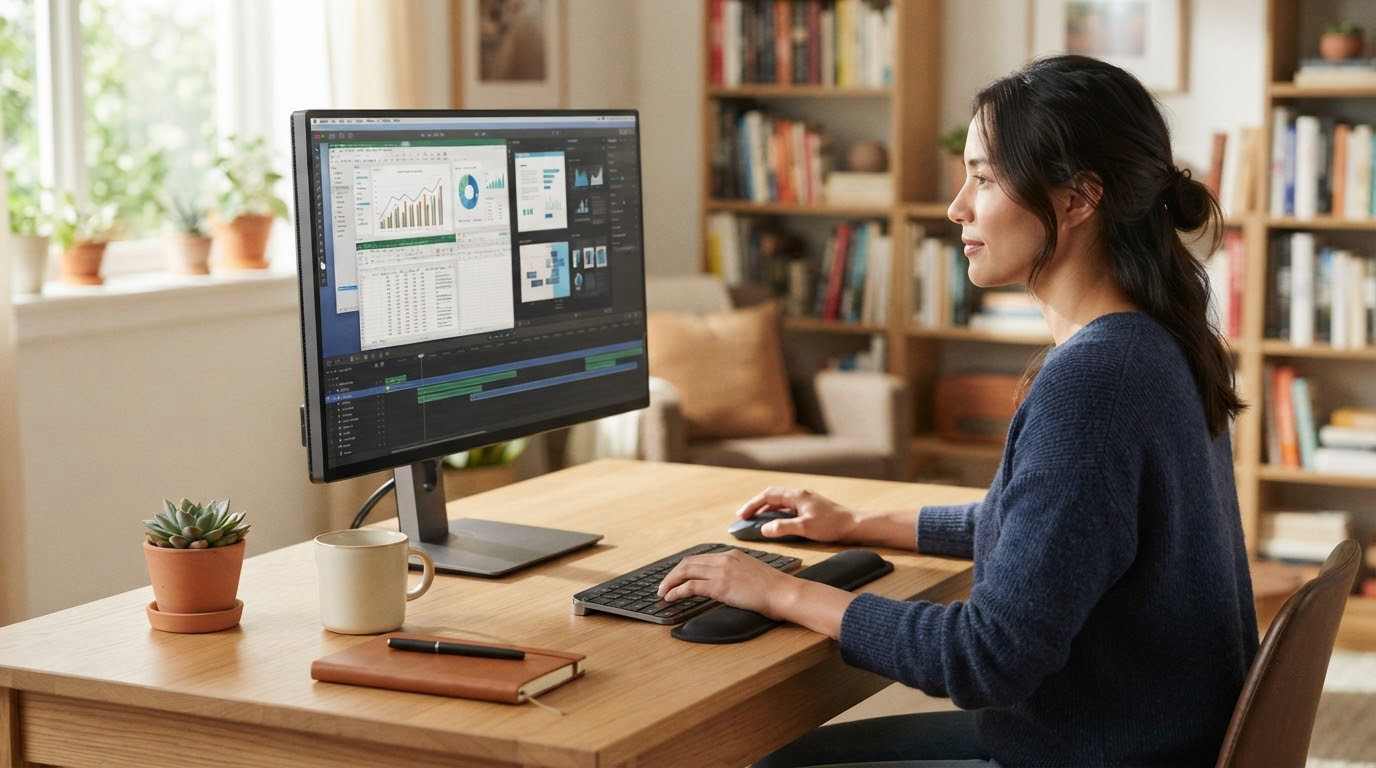
The Dell S2725QS earns the top spot in this roundup because it pairs a sharp 27-inch 4K IPS panel with a smooth 120Hz refresh rate, a fully adjustable stand, and thousands of owner reviews backing it up. The ASUS ProArt PA279CV is the pick for creators who need color precision and USB-C charging, while the LG 27US500-W is the budget entry point that still delivers crisp 4K text. Prime Big Deal Days runs October 6-7, 2026, and these ten 4K work monitors are worth watching from open to close.
Our Top 3 Picks for 4K Work Monitor Deals for Prime Big Deal Days (October 2026)


ASUS ProArt PA279CV
- 27-inch 4K IPS
- USB-C 65W PD
- Factory calibrated Delta E under 2
- 5-year warranty
4K Work Monitor Deals for Prime Big Deal Days Compared
| Product | Specs | Action |
|---|---|---|
| Dell S2725QS |
|
Check Deal Price |
| ASUS ProArt PA279CV |
|
Check Deal Price |
 LG 27US500-W LG 27US500-W |
|
Check Deal Price |
 LG 27UP850K-W LG 27UP850K-W |
|
Check Deal Price |
 INNOCN 27C1U INNOCN 27C1U |
|
Check Deal Price |
 ZZA Z27K ZZA Z27K |
|
Check Deal Price |
 ASUS VP327Q ASUS VP327Q |
|
Check Deal Price |
 LG 32UP83AK-W LG 32UP83AK-W |
|
Check Deal Price |
 msi PRO MP273U msi PRO MP273U |
|
Check Deal Price |
 Samsung ViewFinity S7 Samsung ViewFinity S7 |
|
Check Deal Price |
How We Chose
We compared 4K resolution, panel type, screen size, USB-C and power delivery, stand ergonomics, eye-care features, and owner ratings on Amazon. Every pick here runs the full 3840×2160 pixels, and we weighted reviews and ratings heavily. Pricing data and listings were checked in October 2026.
1. Dell S2725QS: Best Overall 4K Work Monitor
Dell 27 Monitor S2725QS, 4K UHD IPS, 120Hz, 5ms, FreeSync Premium
Size: 27 in IPS
Refresh: 120Hz
Color: 99% sRGB
Stand: Full adjust
Weight: 14.3 lb
Pros
- Sharp 4K text at 120Hz
- 99% sRGB natural colors
- Fully adjustable stand
- Two HDMI 2.1 plus DisplayPort 1.4
Cons
- No USB-C port
- No built-in USB hub
- Speakers lack bass
The Dell S2725QS is the safest pick for someone who wants one 4K monitor to do everything well. Its 27-inch IPS panel renders text sharply at 4K, and the 120Hz refresh rate makes scrolling through long documents and spreadsheets feel noticeably smoother than a 60Hz screen.
Owners report the stand is the real standout. Height, tilt, swivel, and pivot all work without wobble, so the monitor is comfortable across an eight-hour workday without buying a separate arm.
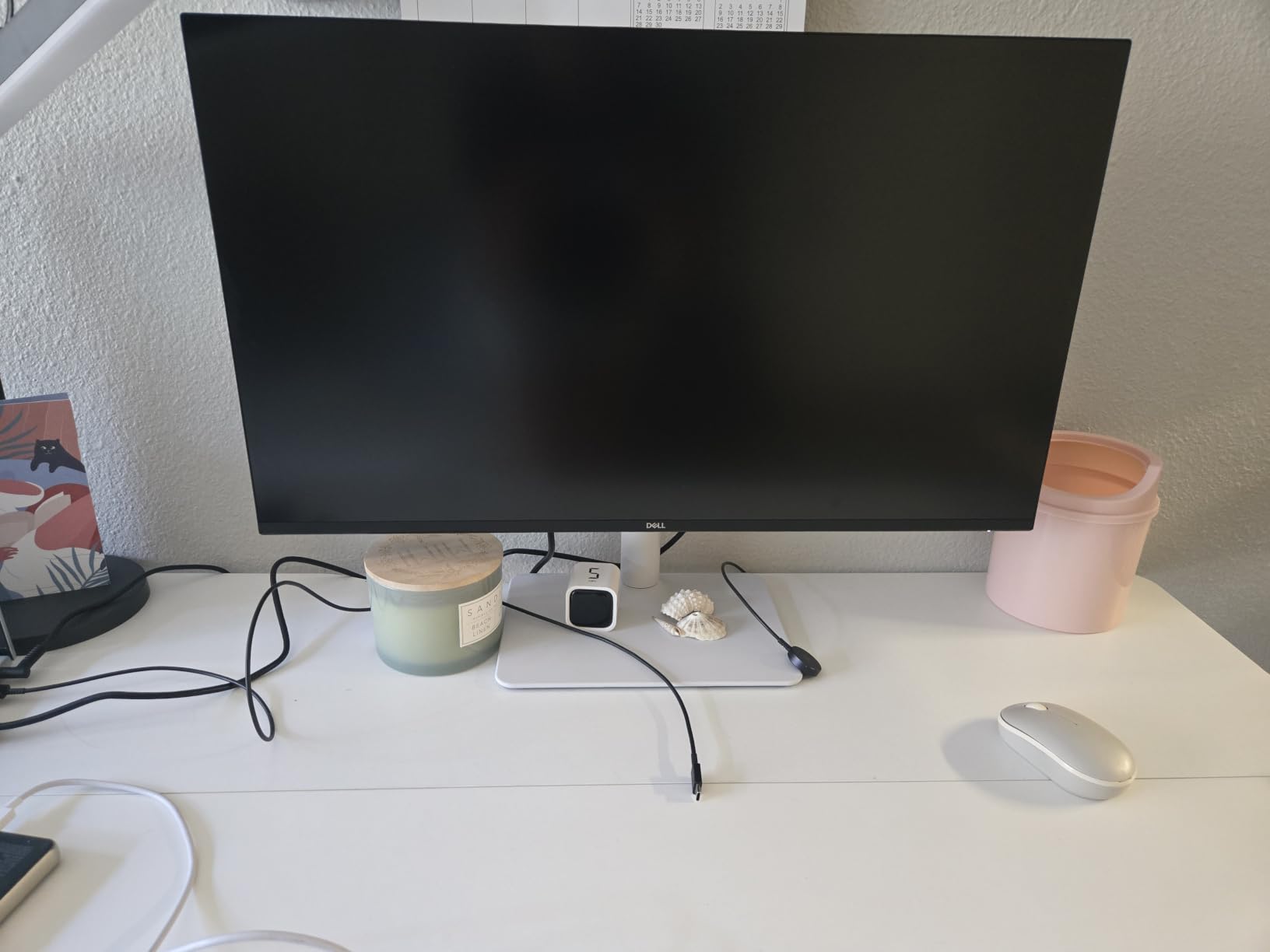
Where it falls short is connectivity. There is no USB-C and no USB hub, so laptop users will still need a dock or dongle. For a desk with a tower and a clean cable setup, the trade-off feels minor.
Skip it if you want a single-cable connection for a laptop. The ASUS ProArt PA279CV next on this list does that job.
2. ASUS ProArt PA279CV: Best for Creators
ASUS ProArt PA279CV 27 Inch 4K UHD USB-C Professional Monitor
Size: 27 in IPS
Refresh: 60Hz
Color: Delta E under 2
USB-C: 65W
Warranty: 5 yr
Pros
- Factory calibrated Delta E under 2
- USB-C with 65W charging
- Four-port USB 3.1 hub
- Five-year warranty
Cons
- 60Hz refresh rate only
- No HDMI 2.1
- Bulkier chassis
The ASUS ProArt PA279CV is built for people who care that what they see on screen matches what gets printed or uploaded. Every unit ships factory calibrated to a Delta E under 2, and ASUS covers it with a five-year warranty. Designers and photo editors tend to keep this one.
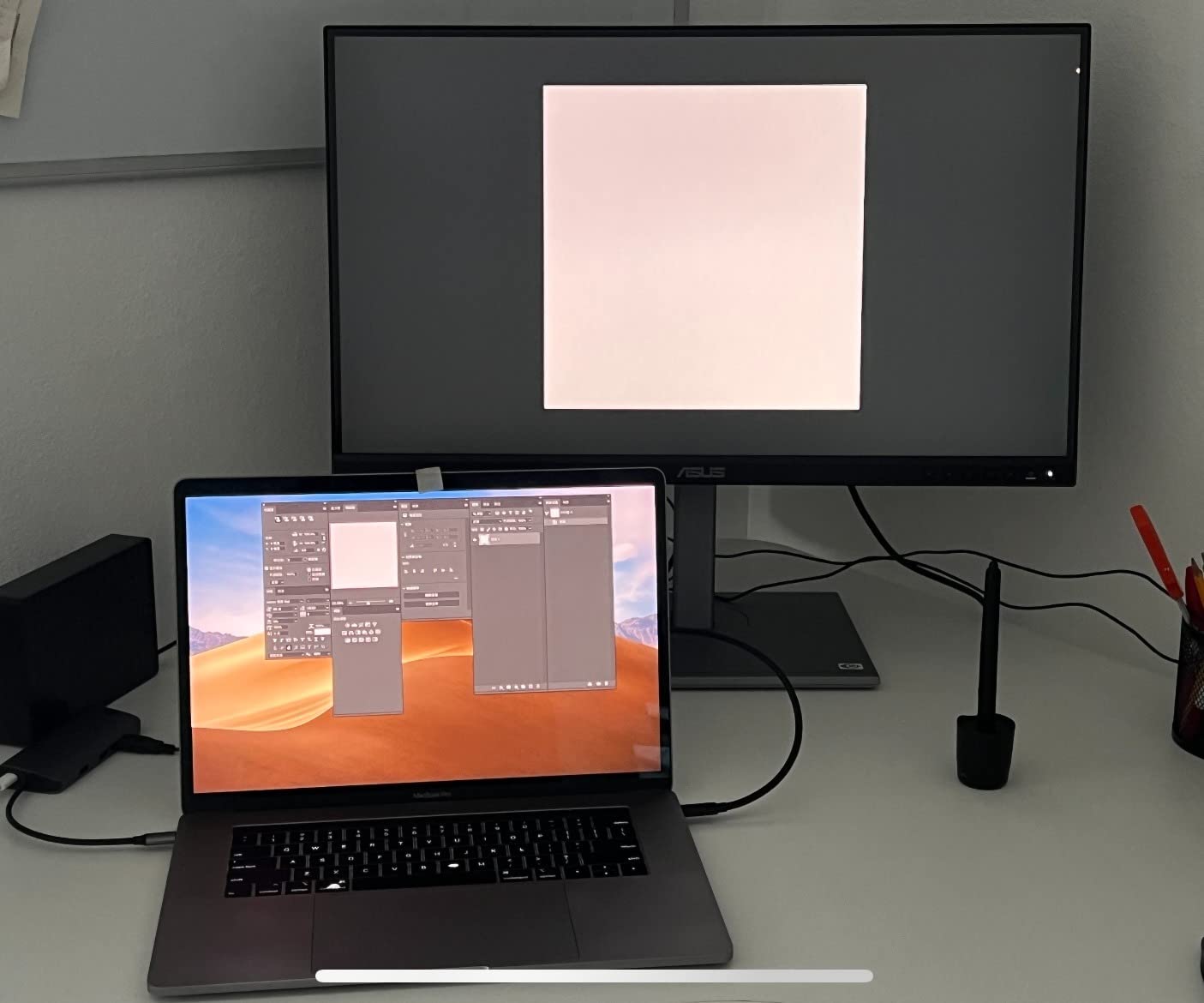
The single-cable USB-C connection delivers 65W of power, enough to run most 13 and 14 inch laptops without a separate charger. The four-port USB 3.1 hub also turns the monitor into a docking station for keyboards, webcams, and external drives.
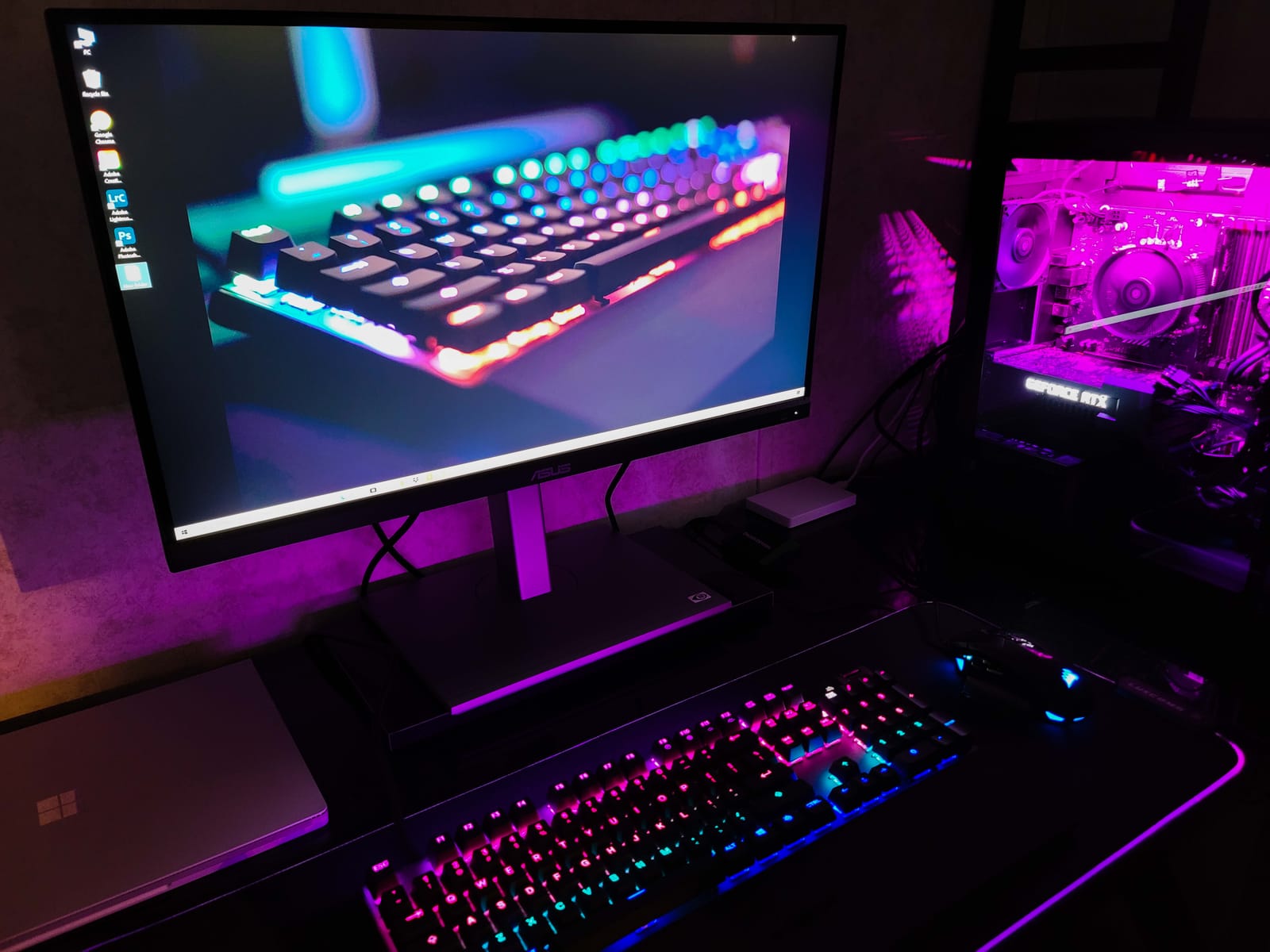
The trade-off is the 60Hz refresh rate, which is fine for design work but rules out serious gaming. Compared with the Dell S2725QS above, this is a slower screen with sharper colors and a much better warranty.
Good to know: buyers report a free three-month Adobe Creative Cloud subscription is often bundled at this price, which softens the cost for freelancers.
3. LG 27US500-W: Best Value for Basic 4K
LG 27US500-W Ultrafine Monitor 27-Inch 4K UHD (3840×2160) HDR10 IPS Borderless Design Reader Mode Flicker Safe Switch App HDMI DisplayPort – White
Size: 27 in IPS
Refresh: 60Hz
Color: 90% DCI-P3
USB-C: No
Weight: 12.1 lb
Pros
- Affordable 4K IPS entry
- HDR10 support
- Reader Mode for long sessions
- Borderless design
Cons
- No height adjustment
- No USB-C
- No built-in speakers
The LG 27US500-W is the cheapest path onto this list and a sensible choice if the goal is sharp 4K text without paying for extras that office work does not need. The IPS panel handles documents and email without fuss, and HDR10 support adds a little punch to photos and video.
Reader Mode cuts blue light for late-day work. Owners say it makes long reading sessions more comfortable.
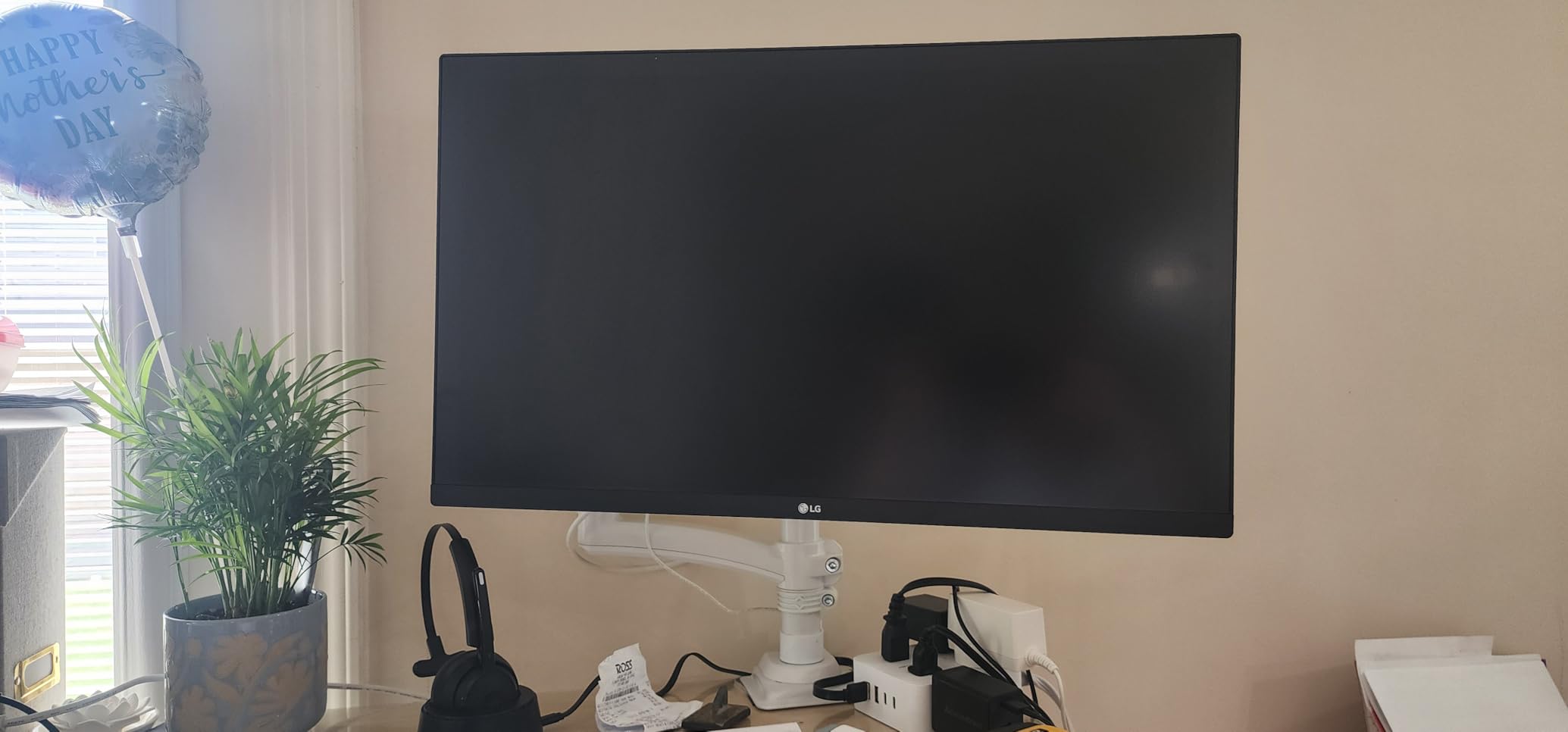
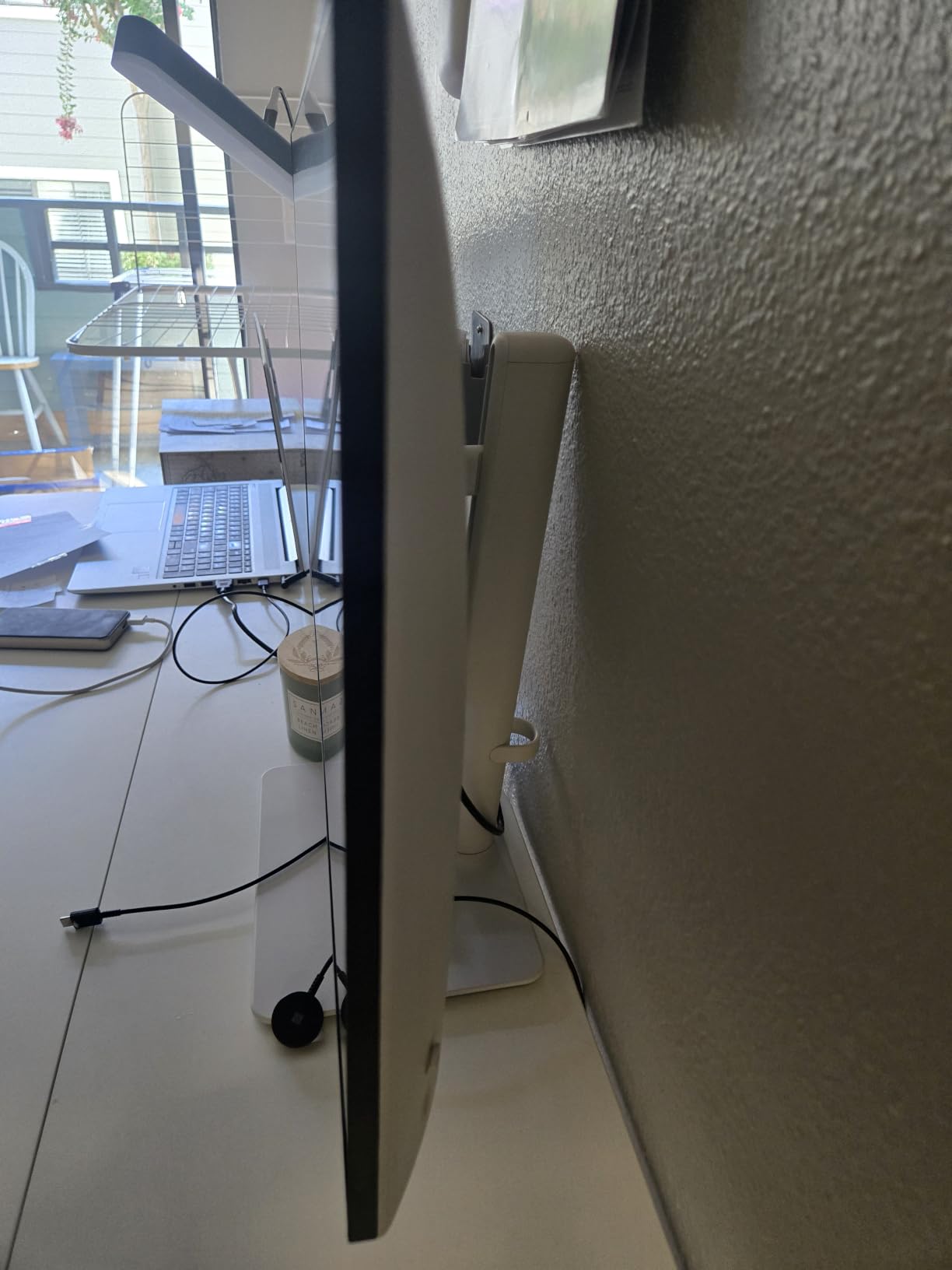
The catch is the stand. It only tilts, with no height or pivot, so most buyers end up pairing it with a VESA arm or stacking it on a riser. Compared with the Dell S2725QS, you give up the ergonomic stand and 120Hz for a noticeably lower price.
If your desk is permanent and you already have an arm, this is a smart buy. If not, the LG 27UP850K-W below adds USB-C and a real stand.
4. LG 27UP850K-W: Most Versatile for MacBook Users
LG 27UP850K-W 27-inch Ultrafine 4K UHD IPS DisplayHDR 400 Computer Monitor
Size: 27 in IPS
Refresh: 60Hz
Color: 95% DCI-P3
USB-C: 90W
HDR: 400
Pros
- USB-C with 90W power delivery
- DisplayHDR 400 certified
- Height and tilt and pivot stand
- Waves MaxxAudio speakers
Cons
- 60Hz refresh rate
- No HDMI 2.1
- Premium pricing
The LG 27UP850K-W is the best 27-inch 4K monitor on this list for anyone running a modern MacBook. The USB-C port delivers 90W, which is enough to charge a 14-inch MacBook Pro and most 16-inch models at full speed, while carrying the display signal and a USB hub at once.
DisplayHDR 400 and 95% DCI-P3 color coverage put this close to creator territory. Waves MaxxAudio speakers are surprisingly loud for built-ins.
The owner rating sits at 4.5 stars, slightly above the rest of the field. Most reviewers are laptop users who replaced a dock with this single cable.
Good to know: the stand adjusts height, tilt, and pivot, so portrait mode is easy for coding or reading long documents.
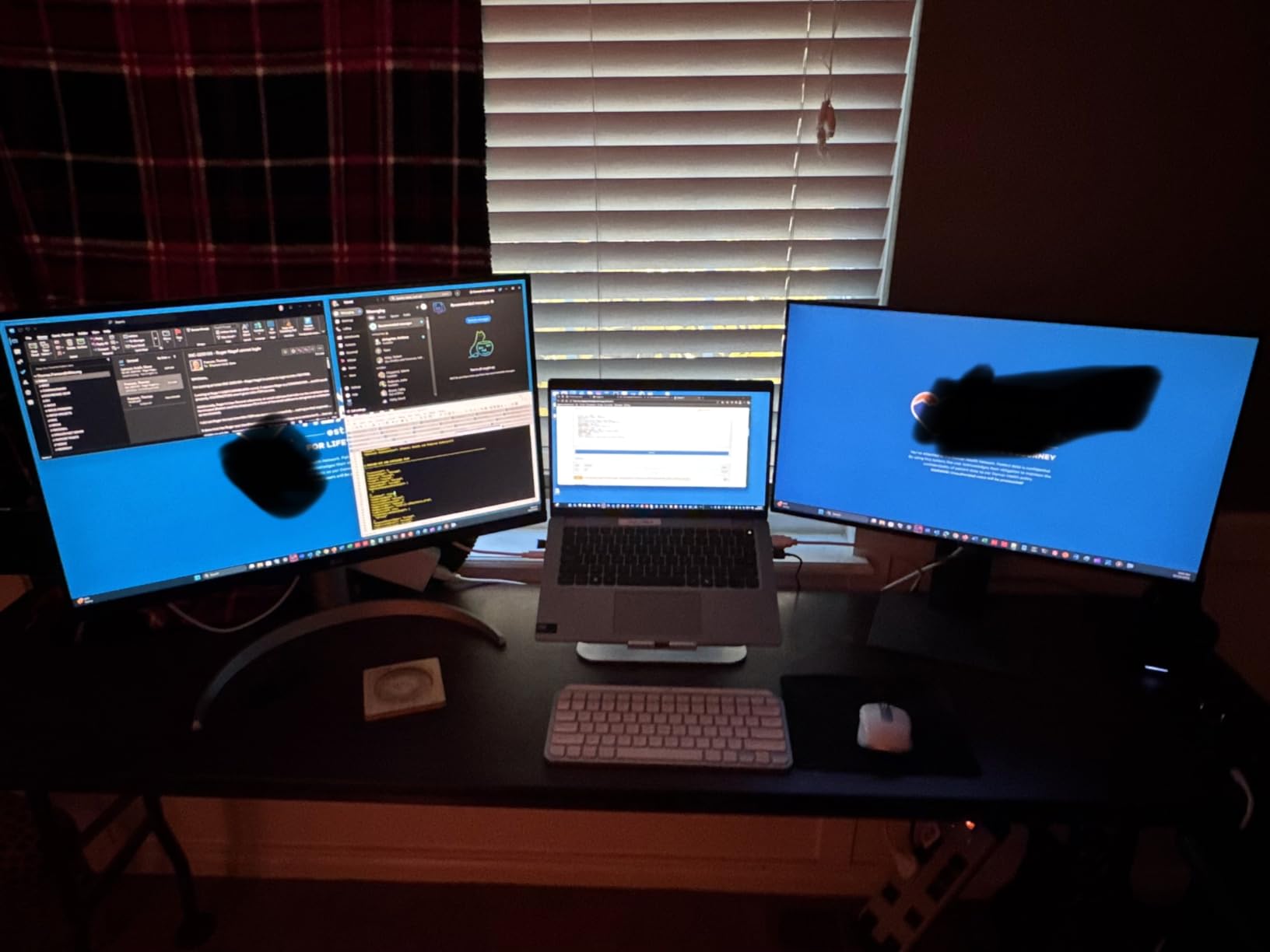
5. INNOCN 27C1U: Best for MacBook on a Smaller Budget
INNOCN 27″ 4K USB-C Monitor for Laptop MacBook/Mac mini – 16:9 IPS 3840 x 2160 Display, HDR400, DeltaE<2, DisplayPort, HDMI PC Monitor, 1.07B+ Colors, Built-in Speakers, Adjustable Stand, Black
Size: 27 in IPS
Refresh: 60Hz
Color: Delta E under 2
USB-C: 65W
HDR: 400
Pros
- USB-C with 65W charging
- Delta E under 2 color accuracy
- Frameless design
- Fully adjustable stand
Cons
- Only 1 HDMI port
- Some build quality complaints
- No USB-A ports
The INNOCN 27C1U is a sensible step down from the LG 27UP850K-W for laptop buyers who want USB-C charging and color accuracy without paying the top of the range. The 27-inch IPS panel ships Delta E under 2, and the USB-C port delivers 65W, enough for most 13 and 14 inch laptops.
Owners report the plug and play setup is genuinely simple. Plug the USB-C cable in and the laptop screen, charging, and hub all light up.
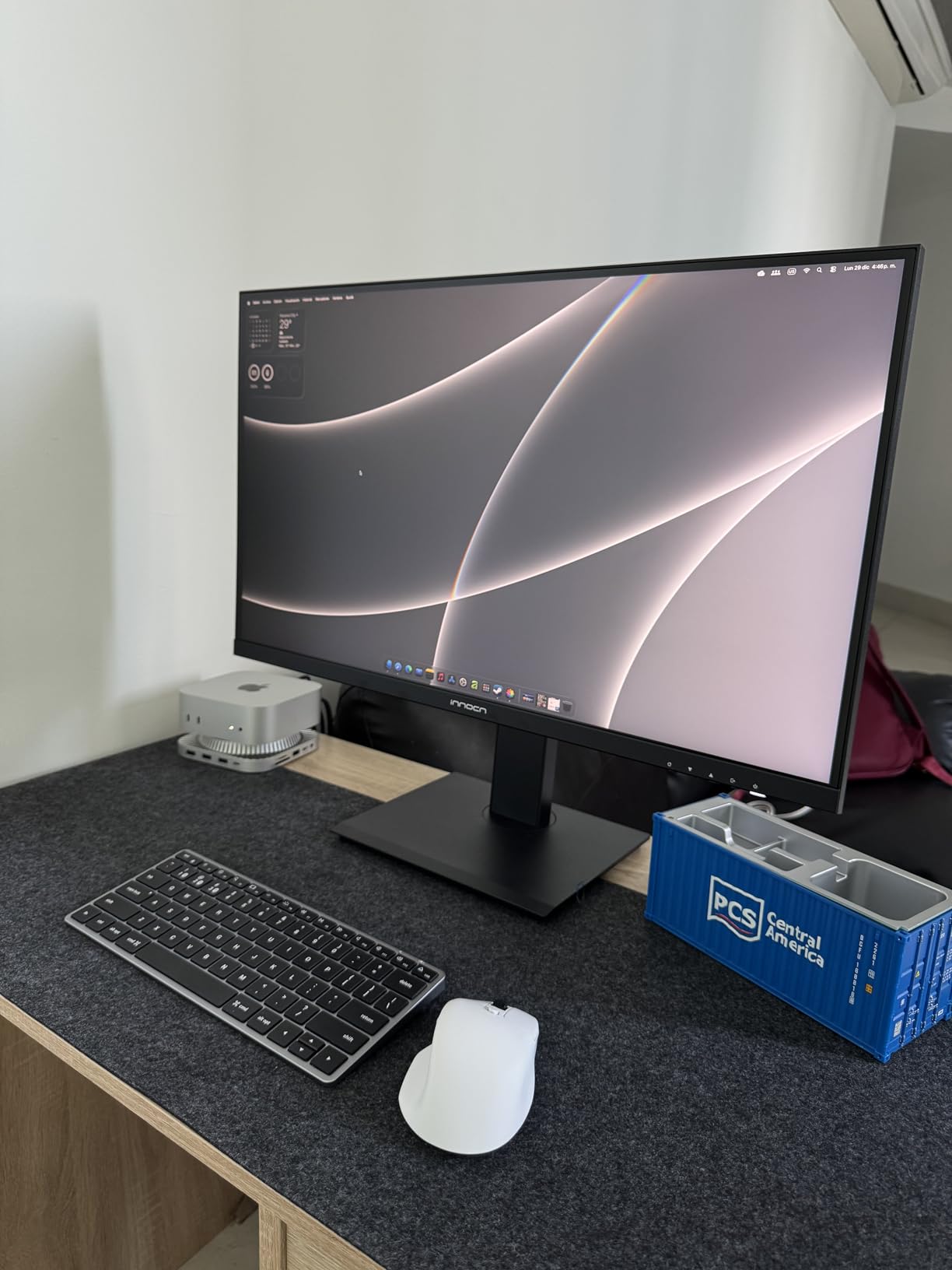
The trade-offs show in the small print. There is only one HDMI port, no USB-A passthrough, and a few reviewers mention quality control inconsistencies. The Dell S2725QS at the top has none of those concerns, just without the cable-based dock.
Pick this if you live on a laptop and want one cable. Pick the Dell if you need a sturdier build and a 120Hz panel.
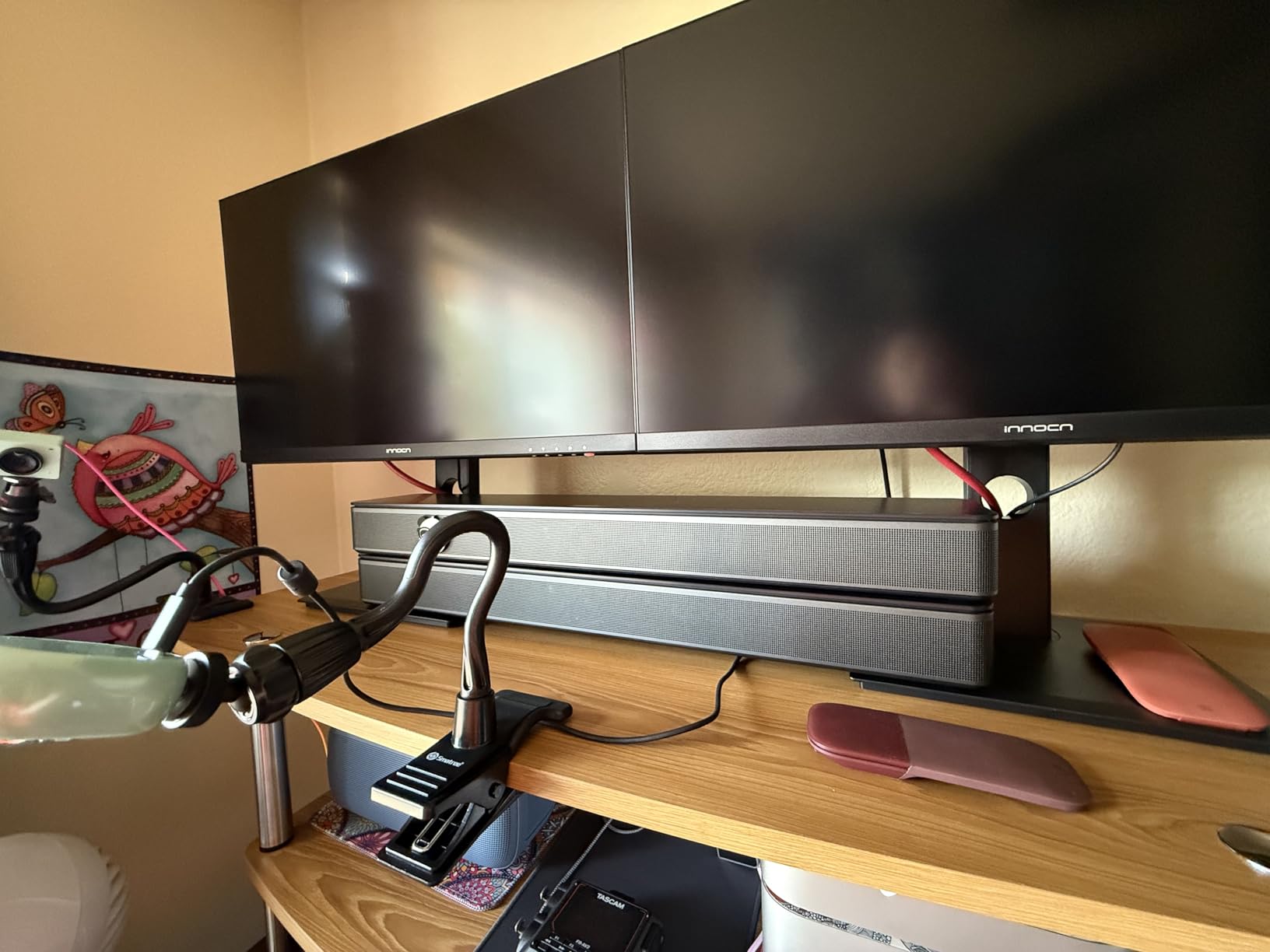
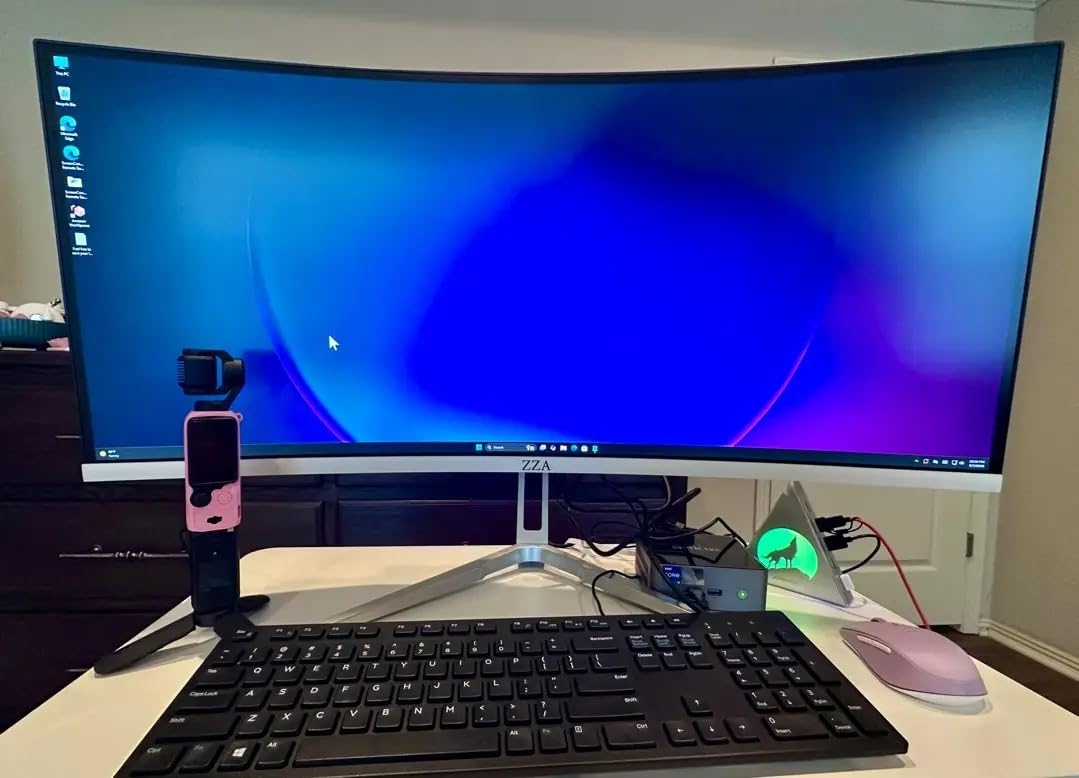
6. ZZA Z27K: Budget Pick at the Bottom
ZZA 27 inch 4K UHD Monitor,75Hz Refresh Rate,HDR10,HDMI 2.0×2/DP 1.2×2,Compatible with Wall Mounting,Ideal for Business & Office Work
Size: 27 in LED
Refresh: 75Hz
Color: sRGB
USB-C: No
Weight: 4.85 kg
Pros
- Lowest priced 4K on this list
- 75Hz smoother than the 60Hz norm
- Two HDMI 2.0 plus two DisplayPort 1.2
- VESA mountable
Cons
- Mixed reliability reviews
- Menu buttons feel clunky
- Some defective units reported
The ZZA Z27K is the cheapest 4K monitor in this roundup, and it does the basics: 27 inches, 4K resolution, 75Hz refresh for slightly smoother scrolling, and a VESA mount for anyone who already owns an arm. For a spare work setup or a first 4K screen, the price is the selling point.
Owners warn that quality control is uneven. Several reviews describe dead pixels or firmware quirks arriving out of the box, so the Amazon return window matters here.
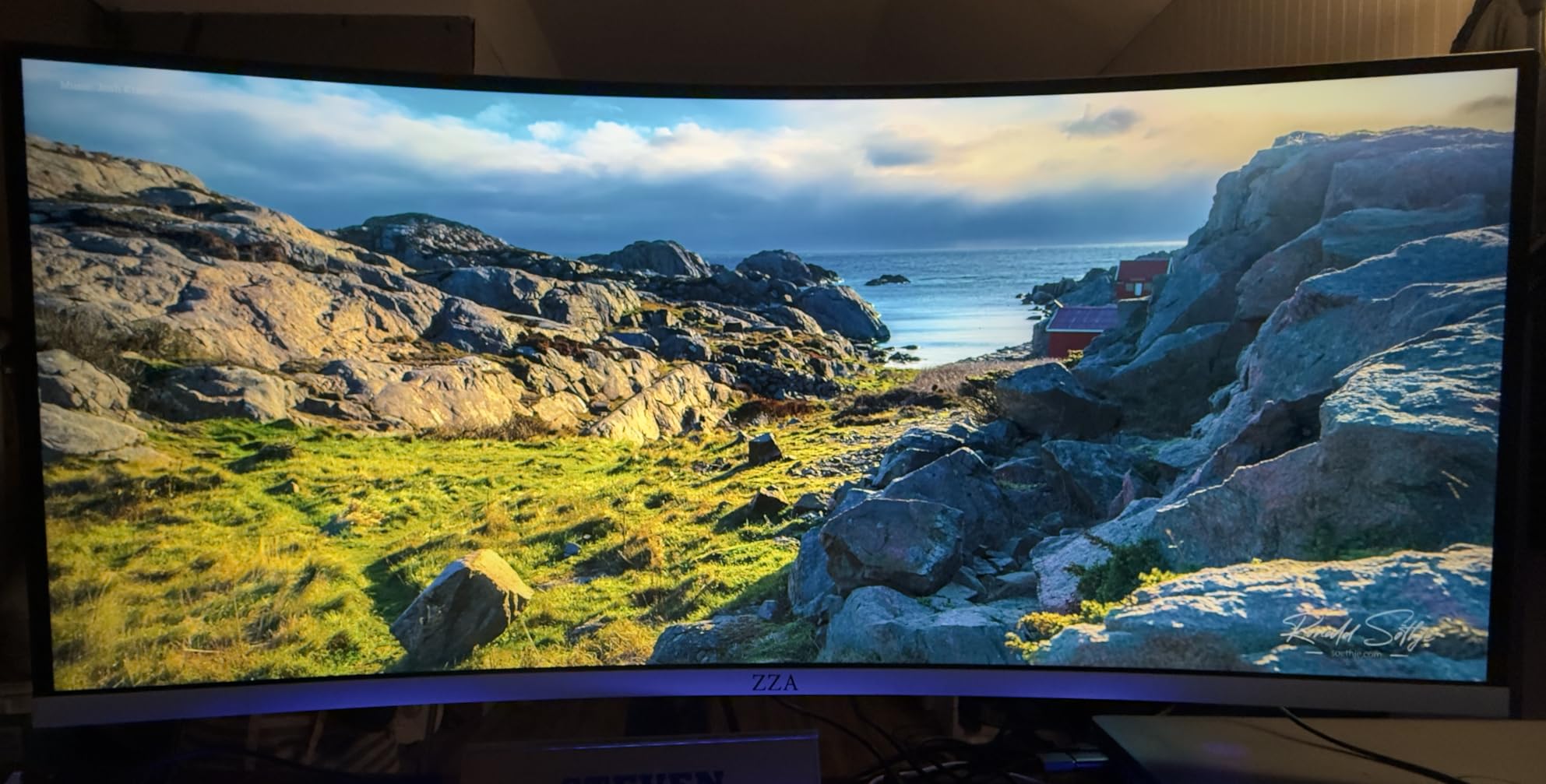
There is no USB-C, no height adjustment, and the on-screen menu is awkward to navigate. Compared with the LG 27US500-W just above, this monitor has the lower price but a noticeably weaker reliability record.
Best for a tight budget or a second workstation, not a daily-driver for years. Skip it if reliability is the priority.
7. ASUS VP327Q: Best for Big Screens on a Budget
ASUS VP327Q 32 Inch 4K UHD Computer Monitor, HDMI, DisplayPort, Speakers
Size: 32 in IPS
Refresh: 60Hz
Color: 99% sRGB
USB-C: No
Warranty: 3 yr
Pros
- 32-inch 4K at a low price
- Built-in speakers
- Three-year warranty
- FreeSync compatible
Cons
- VA panel rather than IPS
- Some reliability issues reported
- Short power cord
The ASUS VP327Q is the cheapest way onto a 32-inch 4K panel in this list. The extra screen real estate is the obvious draw for anyone who lives in spreadsheets, code editors, or long timelines.
Three-year warranty is generous at this price, and built-in speakers save a desk accessory.
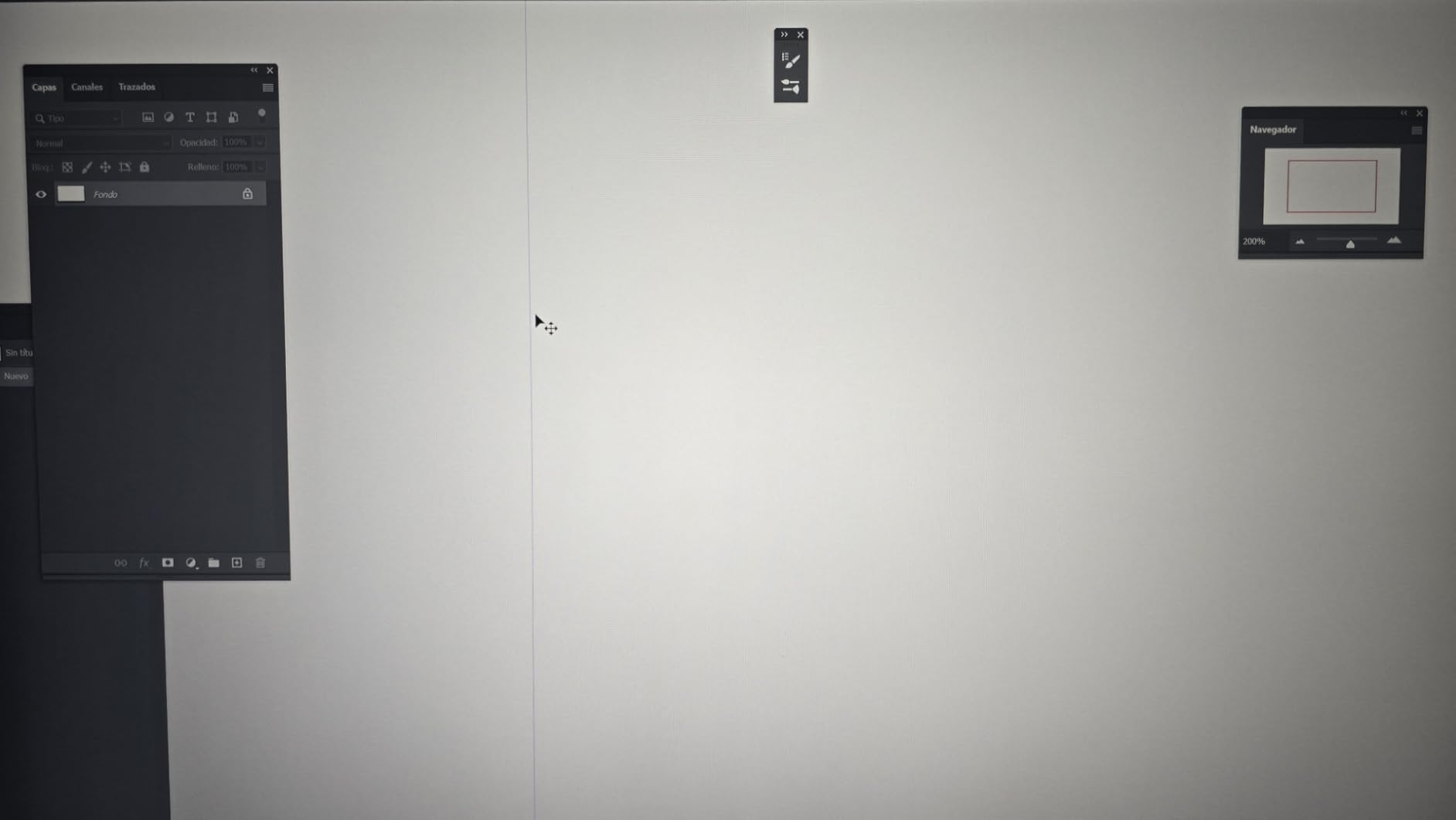
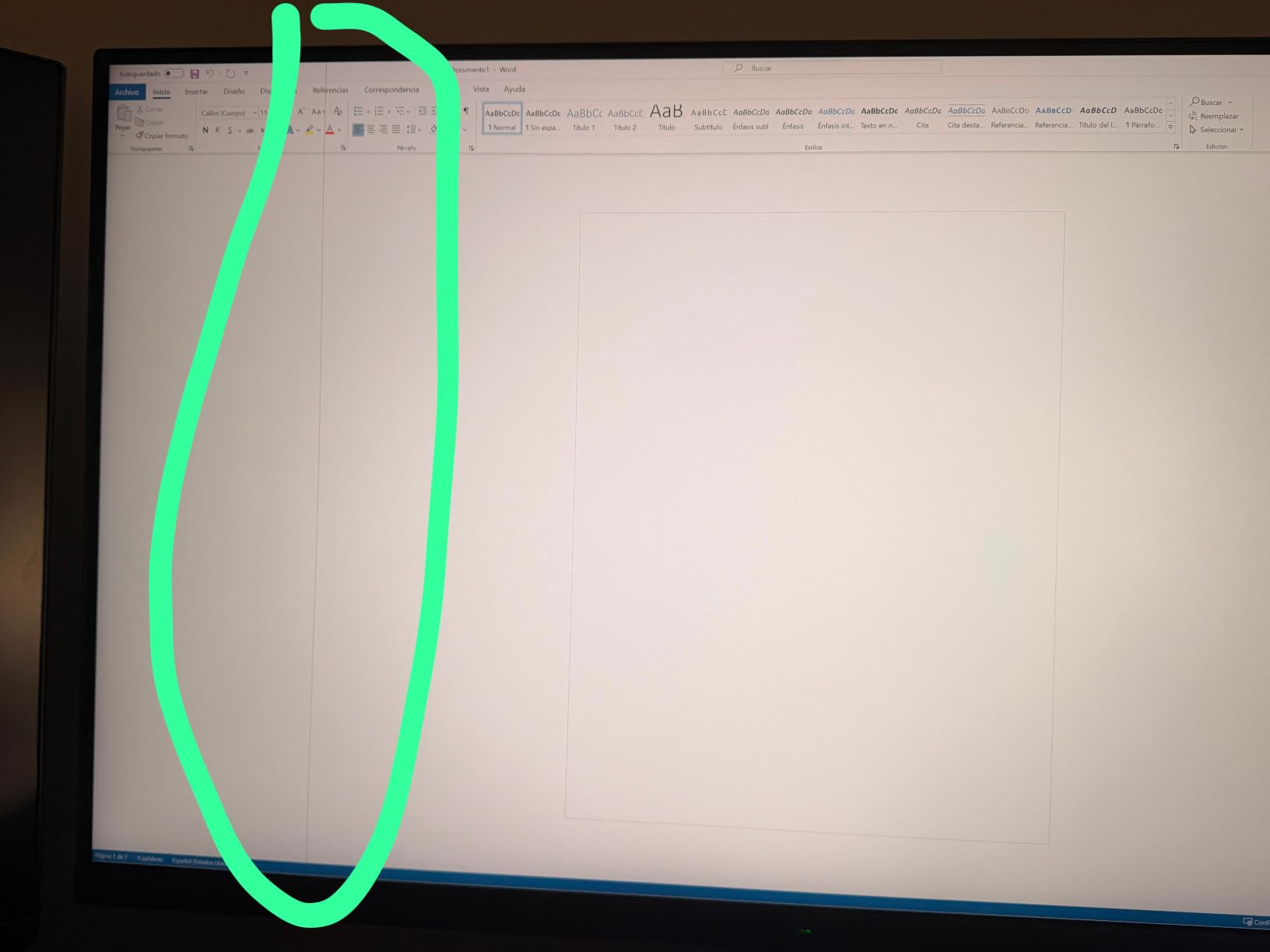
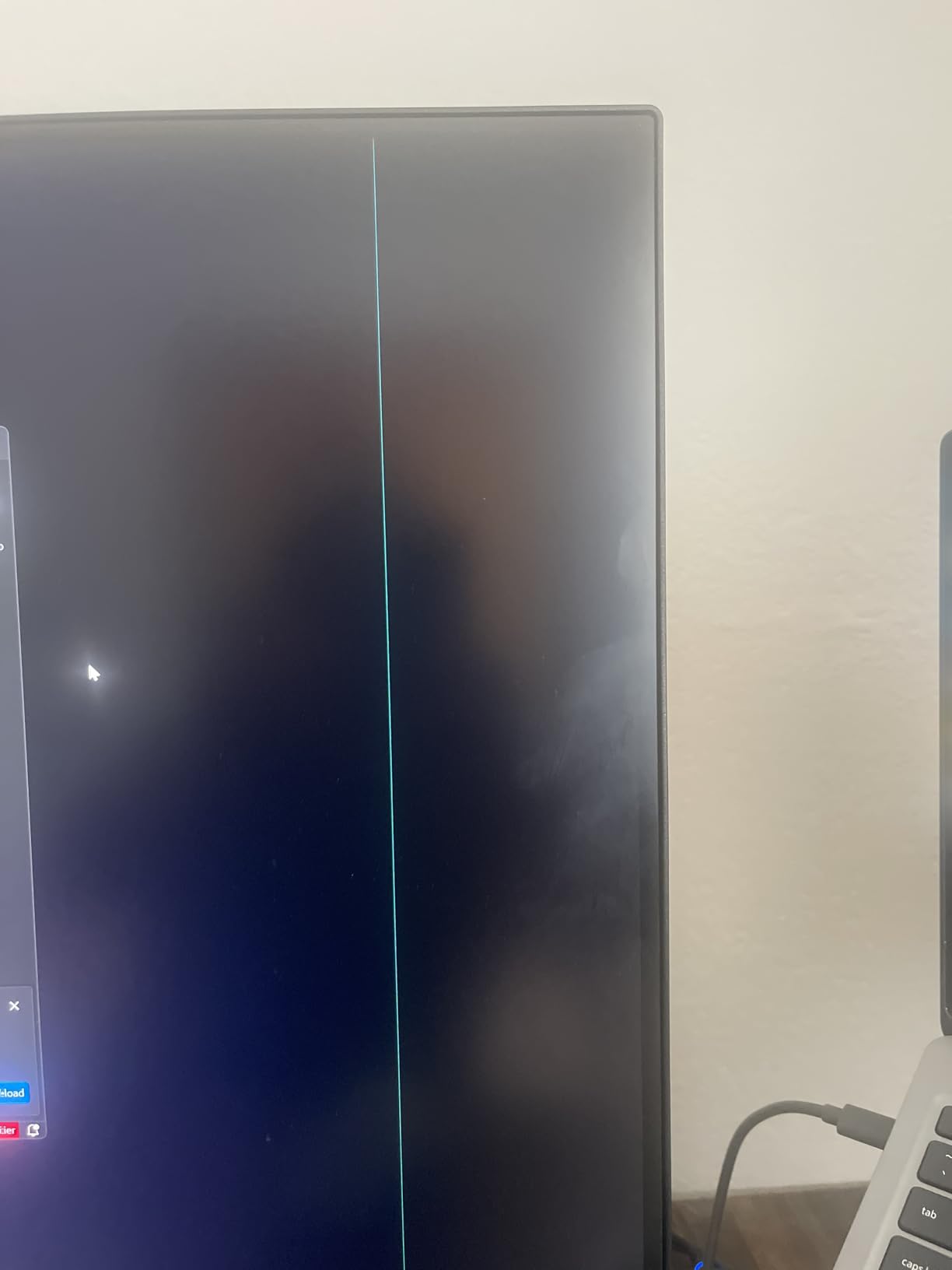
The bigger caveat is the panel type. Reviews describe the actual panel as VA rather than the IPS the marketing copy suggests, which changes viewing angles. Several owners also report reliability issues like dead pixels and finicky firmware.
For a 32-inch work display with USB-C charging, the LG 32UP83AK-W below is the cleaner pick. Pick the ASUS only if the larger screen and lower price outweigh those concerns.
8. LG 32UP83AK-W: Best for Large Desks
LG 32UP83AK-W 32-inch Ultrafine 4K UHD (3840 x 2160) IPS Computer Monitor, 60Hz, HDR10, Built-in Speaker, Reader Mode, HDMI, DisplayPort, USB Type-C 60W PD, Tilt/Height/Pivot Adjustable Stand, White
Size: 32 in IPS
Refresh: 60Hz
Color: 95% DCI-P3
USB-C: 60W
Weight: 8.3 kg
Pros
- 32-inch IPS at 4K
- USB-C with 60W charging
- Height and tilt stand
- FreeSync and Dynamic Action Sync
Cons
- Premium price for 60Hz
- 32 inches may overwhelm small desks
The LG 32UP83AK-W is the 32-inch pick for anyone who needs IPS image quality and a real ergonomic stand. Its USB-C port delivers 60W of charging, which is enough for most 13 and 14 inch laptops but short for a 16-inch MacBook Pro at full speed.
At 32 inches, the screen shows four A4 pages side by side without scrolling. Owners running dashboards and large Excel sheets say it cuts down on alt-tabbing.
Measure your desk first. At 28 inches wide, this monitor crowds smaller workstations. The 27-inch LG 27UP850K-W fits a tighter footprint with the same USB-C ecosystem.
FreeSync and Dynamic Action Sync make the LG a credible casual gaming display after work. Skip it for a desk under 28 inches deep.
9. msi PRO MP273U: Best for Color Work
msi PRO MP273U, IPS 3840 x 2160 (UHD) Computer Monitor, 4K, 60 Hz, Adaptive-Synch, HDMI, DisplayPort, 4ms (GTG), Black
Size: 27 in IPS
Refresh: 60Hz
Color: 95% Adobe RGB
USB-C: No
Weight: 8.7 lb
Pros
- 95% Adobe RGB coverage
- 99% DCI-P3 coverage
- Delta E under 2
- TUV Flicker Free certified
Cons
- Only one HDMI port
- 60Hz refresh rate
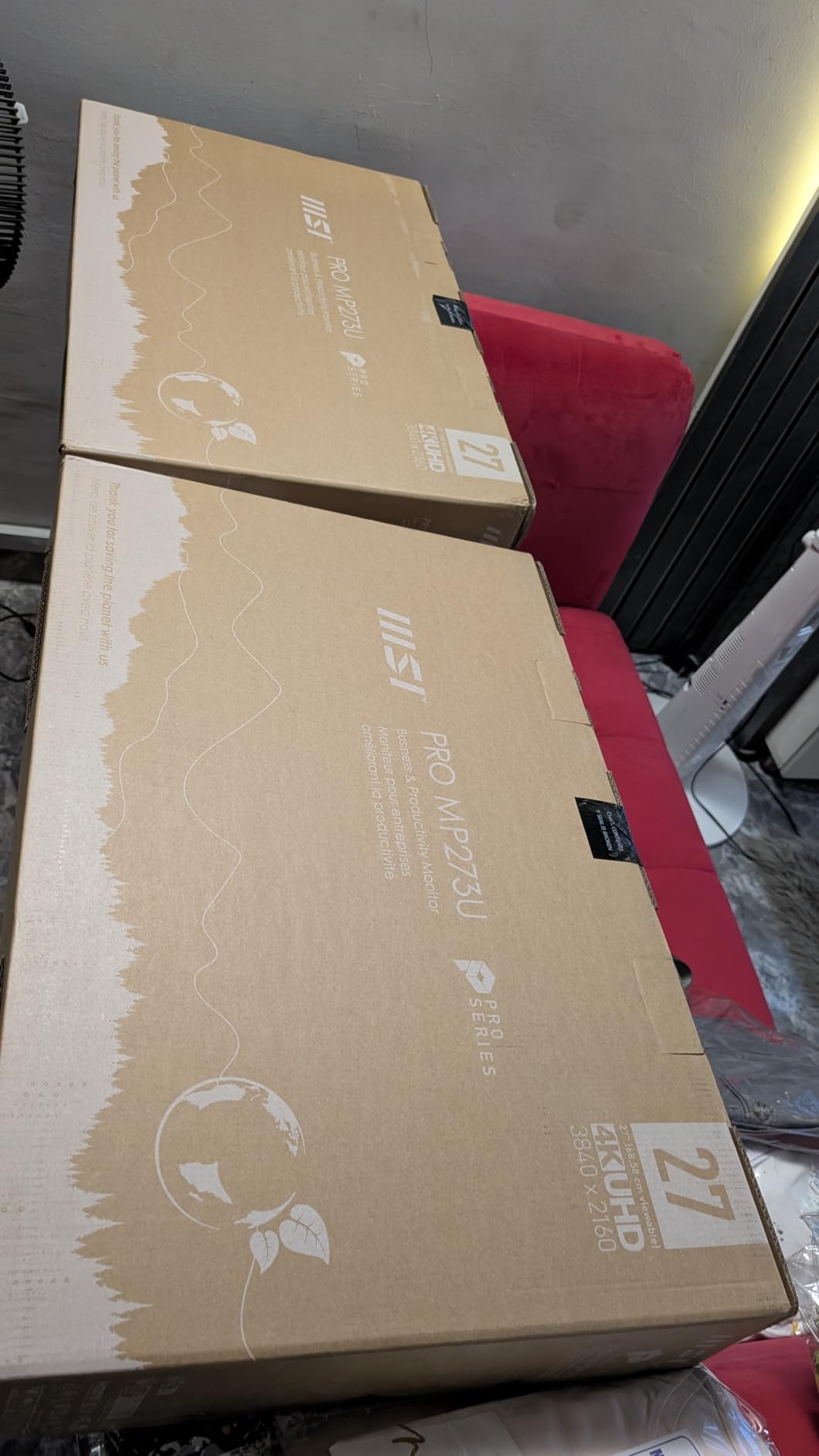
The msi PRO MP273U is the strongest choice on this list for photo and video editors who work in Adobe RGB. Most monitors here lean on sRGB or DCI-P3; this one covers 95% of Adobe RGB and 99% of DCI-P3, so print and web output match more closely.
TUV Flicker Free and Low Blue Light certifications are real eye-comfort wins for an editing day. Eye-Q Check gives a quick on-screen reference for vision fatigue.
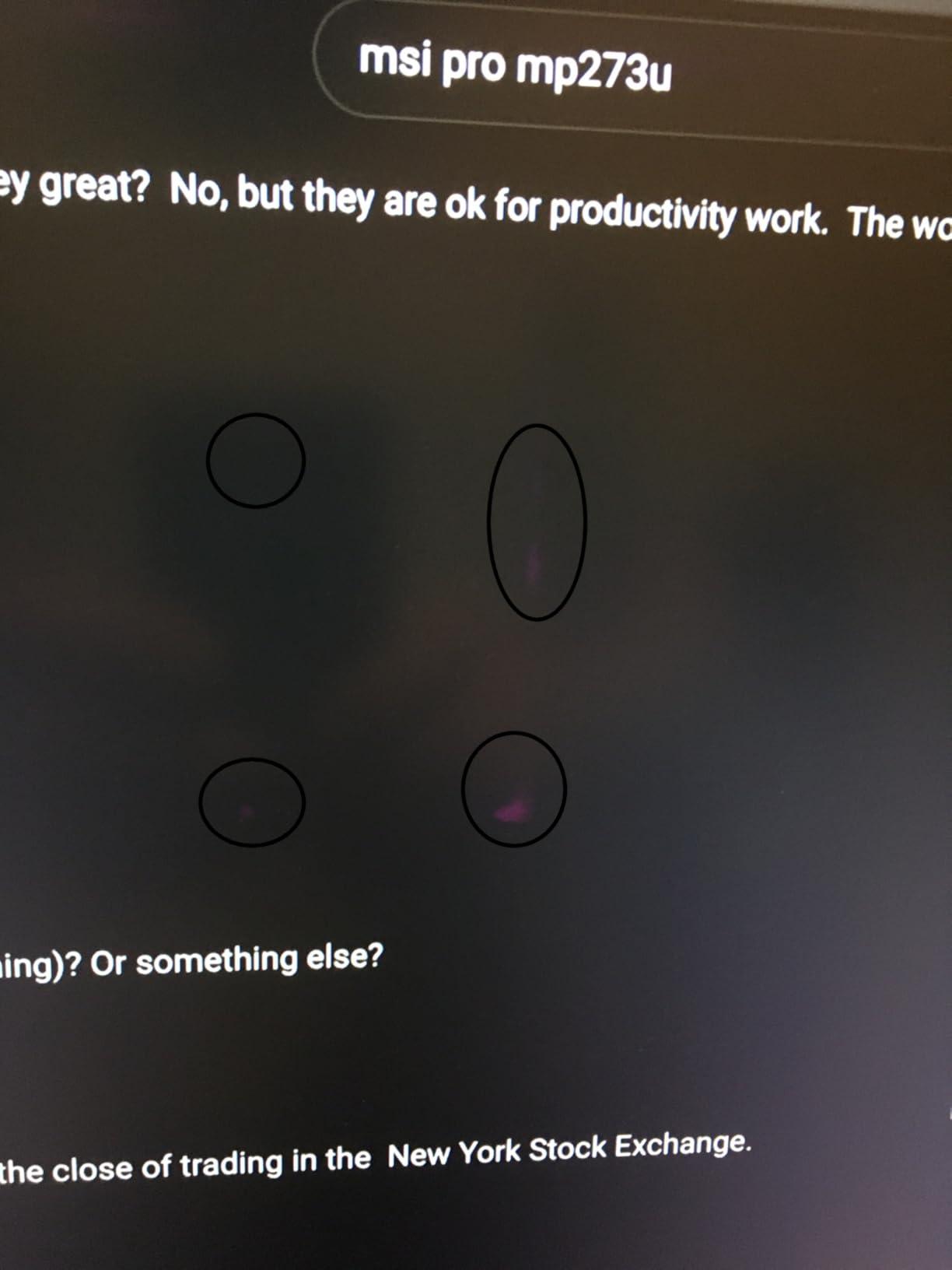
The trade-offs are predictable. One HDMI port, no USB-C, and 60Hz. For color work that is fine, for gaming it is not. Compared with the ASUS ProArt PA279CV above, the msi covers a wider color space at a lower price but skips the factory calibration promise.
Best for designers and retouchers. Pick the ASUS ProArt for guaranteed out-of-box calibration.
10. Samsung ViewFinity S7: Best for Eye Comfort
Samsung 27″ ViewFinity S7 (S71H) 4K UHD IPS HDR10 High Resolution Monitor
Size: 27 in IPS
Refresh: 60Hz
Color: HDR10
USB-C: No
TUV: Yes
Pros
- 4.7 star owner rating
- Eye Saver Mode
- TUV certified
- Easy setup
Cons
- Stand not height adjustable
- 60Hz only
- Limited ports
The Samsung ViewFinity S7 is the highest-rated monitor on this list by owner score, and it is the simplest. A clean 27-inch 4K IPS panel, Eye Saver Mode that cuts blue light, and TUV certification for eye comfort. Owners report the picture is crisp and the anti-glare coating works well in bright rooms.
Setup is genuinely quick. Plug in HDMI or DisplayPort and the monitor is running, no software required.
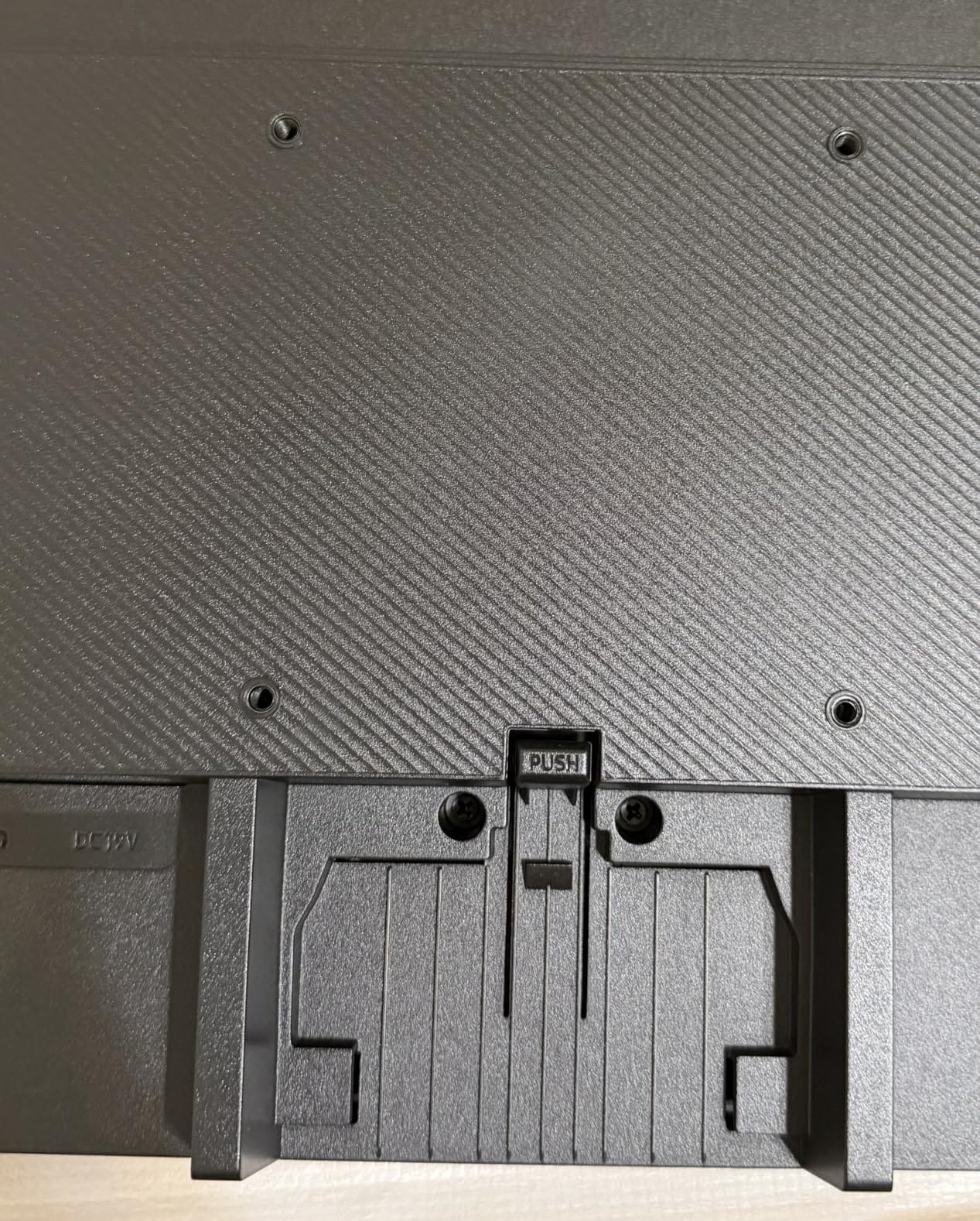
The weaknesses are around ergonomics and ports. The stand does not adjust for height, and there is no USB-C. For a comfortable desk position, plan on a riser or arm.
Best for a clutter-free work setup where eye comfort matters more than USB-C. Skip it for laptops needing one-cable charging.
How to Choose 4K Work Monitors During Prime Big Deal Days
Buying a 4K monitor during a sale is mostly about knowing what to ignore. Price tags change hourly during Prime Big Deal Days, so the question is which screen fits the way you actually work. The picks above fall into a few clear patterns, and the sections below spell out the numbers that matter.
Panel Type and Size for a Work Day
IPS panels are the safe pick for office work because colors stay accurate at off-center angles, which matters when a coworker leans over to look at a spreadsheet. For most desks, a 27-inch 4K monitor hits the sweet spot for text clarity. At 3840×2160, 27-inch panels reach about 163 PPI, sharp enough that text renders without scaling tricks. A 32-inch 4K drops to roughly 140 PPI, which is still sharp but can feel large on a small desk.
Among the picks above, the LG 32UP83AK-W and ASUS VP327Q are the only 32-inch options. The Dell S2725QS, ASUS ProArt PA279CV, LG 27US500-W, LG 27UP850K-W, INNOCN 27C1U, ZZA Z27K, msi PRO MP273U, and Samsung ViewFinity S7 all sit at 27 inches.
USB-C, Power Delivery and a Single-Cable Desk
USB-C with power delivery is the single biggest quality-of-life upgrade for laptop users. A monitor that delivers 65W or more over USB-C can replace a docking station. The LG 27UP850K-W delivers 90W, the highest on this list, enough for a 16-inch MacBook Pro at full speed. The ASUS ProArt PA279CV, INNOCN 27C1U, and LG 32UP83AK-W all sit at 60W to 65W, plenty for 13 and 14 inch laptops.
If you work on a USB-C monitor for a MacBook Air or similar thin laptop, this is the spec to chase. If you run a desktop tower, USB-C matters less and the Dell S2725QS makes more sense.
Ergonomic Stand, VESA and Eye Comfort
Height, tilt, swivel, and pivot adjustments are the difference between a comfortable desk and neck strain. The Dell S2725QS, ASUS ProArt PA279CV, LG 27UP850K-W, INNOCN 27C1U, and LG 32UP83AK-W all ship with full ergonomic stands. The LG 27US500-W, ZZA Z27K, ASUS VP327Q, msi PRO MP273U, and Samsung ViewFinity S7 only adjust for tilt, so plan on a VESA arm or a riser.
Eye comfort features like flicker-free backlights and low blue light modes show up across most picks here. The msi PRO MP273U and Samsung ViewFinity S7 carry TUV certification, which is a stronger third-party signal than a vendor claim. If your workday runs eight hours, these add up.
A good office desk for dual monitors also matters once a stand cannot adjust.
Refresh Rate, Response and Workday Smoothness
For pure office work, 60Hz is enough. The Dell S2725QS is the only pick on this list above 60Hz, running at 120Hz, which makes scrolling and window dragging feel noticeably smoother. The ZZA Z27K runs at 75Hz, a small bump over 60Hz. Everyone else sits at the 60Hz baseline.
If the same monitor pulls light gaming duty after hours, 120Hz helps, but most owners report a 60Hz IPS screen handles casual games and console work fine.
How to Shop 4K Work Monitor Deals During the Sale
Prime Big Deal Days runs October 6-7, 2026, and most of the offers below need a Prime membership. A free trial counts if you do not already have it. A few practical things to check on each 4K monitor listing before adding it to the cart: confirm the panel model and the USB-C wattage (some listings swap versions between generations), confirm what ships in the box (stand, cables, VESA plate), and confirm whether the listing is renewed or new. Most 4K monitors under 500 are available during the sale, but stock shifts through the event.
Quick sale checklist:
- Confirm panel type and size on the listing, not just the marketing copy
- Check USB-C wattage if you plan to charge a laptop
- Verify the stand contents (height adjust versus tilt only)
- Look for renewed versus new in the title
- Make sure your Prime membership is active before the cart closes
Frequently Asked Questions
When do Prime Big Deal Days run, and is a Prime membership required for the 4K work monitor deals?
Prime Big Deal Days runs October 6-7, 2026. Most of the 4K work monitor offers on this list need an active Prime membership to unlock the sale price, and a free trial counts if you are not already a member.
Do 4K work monitors usually see real deals during Amazon’s October Prime event?
Yes. Monitors are a regular category during Amazon’s October sale, and 4K panels tend to drop noticeably more than they do outside major events. Stock varies by hour, so checking early in the event usually helps.
Is a 27-inch or 32-inch 4K monitor better for everyday office work?
A 27-inch 4K monitor is the safer pick for most desks, giving about 163 PPI of text clarity without overwhelming the workspace. A 32-inch 4K panel adds more room for spreadsheets but needs a deeper desk to sit comfortably.
How much USB-C power delivery does a 4K work monitor need to charge a laptop?
For a 13 or 14 inch laptop, 60W to 65W over USB-C is enough. For a 16 inch MacBook Pro or a thicker workstation laptop, look for 90W or higher so the laptop charges at full speed while driving the display.
Should I buy a renewed 4K work monitor during Prime Big Deal Days to save more?
Renewed 4K monitors can save real money, but check the seller rating, the return window, and whether the warranty transfers. For a workhorse display you will use daily, new with a multi-year warranty is usually the safer bet.
Can a 4K work monitor double as a casual gaming display on evenings and weekends?
Yes, with caveats. Most picks here run at 60Hz, which is fine for story games, indie titles, and console play. For fast competitive gaming, the Dell S2725QS at 120Hz is the better fit on this list.
Final Verdict: 4K Work Monitor Deals for Prime Big Deal Days
Buy the Dell S2725QS if you want the safest, most well-rounded 4K work monitor on the list and a 120Hz panel that doubles for off-duty play. Buy the LG 27US500-W if you want a budget 4K entry and you already own a VESA arm. Buy the ASUS ProArt PA279CV for color-accurate creator work with USB-C charging and a five-year warranty. Buy the LG 27UP850K-W for the cleanest single-cable MacBook setup at 90W. Buy the LG 32UP83AK-W if your desk can fit a 32-inch IPS panel with USB-C. Pick whichever fits your desk and your laptop, then add it to the cart before the sale moves on.
 Priya Kapoor