
Prime Big Deal Days is the next big chance to grab a small-form desktop without paying full price, and the GEEKOM IT13 MAX leads this shortlist with an Intel Core Ultra 9 185H, 24GB of LPDDR5 memory, and a dedicated NPU that handles AI workloads without spinning up a workstation tower. For shoppers who care more about frames than specs sheets, the ACEMAGIC M5 Gaming pairs a 16-core i7-14650HX with a 1TB NVMe SSD and stays cool under load thanks to vapor-chamber cooling. If you want a sweet spot between price and modern features, the GMKtec M6 Ultra brings DDR5 memory, dual 2.5GbE networking, and an upgraded Ryzen 5 7640HS to a midrange price tag.
Prime Big Deal Days runs October 6-7, 2026, and most offers require an active Prime membership (a free trial counts). These are the mini PCs worth watching during the sale: prices shift throughout the event, and the buttons below pull up the latest offer at any moment.
Our Top 3 Picks for Mini PC Deals: Prime Big Deal Days (October 2026)

GEEKOM IT13 MAX
- Intel Core Ultra 9 185H with NPU
- 24GB LPDDR5 5600MT/s
- Quad 4K and 8K display output
- Dual 2.5GbE Ethernet and WiFi 7

ACEMAGIC M5 Gaming
- Intel Core i7-14650HX 16C/24T
- 16GB DDR4 expandable to 64GB
- 1TB NVMe PCIe 4.0 SSD
- Triple 4K with vapor-chamber cooling

GMKtec M6 Ultra
- AMD Ryzen 5 7640HS 6C/12T
- 16GB DDR5 expandable to 128GB
- Dual 2.5GbE LAN and WiFi 6E
- 8K display via USB4
Mini PC Deals: Prime Big Deal Days Compared
| Product | Specs | Action |
|---|---|---|
| GEEKOM IT13 MAX |
|
Check Deal Price |
| ACEMAGIC M5 Gaming |
|
Check Deal Price |
| GMKtec M6 Ultra |
|
Check Deal Price |
 ACEMAGIC K1 ACEMAGIC K1 |
|
Check Deal Price |
 KAMRUI Pinova P2 KAMRUI Pinova P2 |
|
Check Deal Price |
 Beelink SER3 Beelink SER3 |
|
Check Deal Price |
 Bmax B1 Plus Bmax B1 Plus |
|
Check Deal Price |
 HP EliteDesk 800 G4 HP EliteDesk 800 G4 |
|
Check Deal Price |
 Dell OptiPlex 7050 Dell OptiPlex 7050 |
|
Check Deal Price |
 HP EliteDesk 800 G2 HP EliteDesk 800 G2 |
|
Check Deal Price |
How We Chose
Every mini PC on this list was checked against the same yardstick in October 2026: real Amazon specifications, owner ratings, and the volume of recent reviews. We focused on systems that pair a current-generation CPU with at least 16GB of RAM, support for modern Wi-Fi, and display output suitable for a productive desk. Renewed business desktops earn a spot when the specs still hold up for everyday use, and we flagged models where the configuration varies between listings.
1. GEEKOM IT13 MAX: Editor’s Choice
GEEKOM IT13 MAX AI Mini PC 2026, Intel Ultra 9 185H, 24GB LPDDR5 500GB SSD
Type: AI mini desktop
CPU: Ultra 9 185H
Display: Quad 4K/8K
Network: 2.5GbE and WiFi 7
Pros
- Intel Core Ultra 9 185H with NPU for AI tasks
- 24GB LPDDR5 memory running at 5600MT/s
- Quad 4K and 8K output through HDMI and USB-C
- Dual 2.5GbE Ethernet and WiFi 7
- 3-year warranty with quiet IceBlast 3.0 cooling
Cons
- Soldered LPDDR5 memory is not user-upgradable
- 500GB SSD feels modest for a creator-class system
Buy the GEEKOM IT13 MAX if you want a single small box that handles creative work, virtualization, and on-device AI without sounding like a hair dryer. The 16-core Core Ultra 9 185H runs up to 5.4GHz, and the dedicated NPU takes background AI jobs off the CPU so Lightroom exports and local LLM experiments keep moving. The 24GB of LPDDR5 is the faster 5600MT/s variety, which makes a real difference when the chassis also drives four 4K displays or an 8K panel through USB-C.
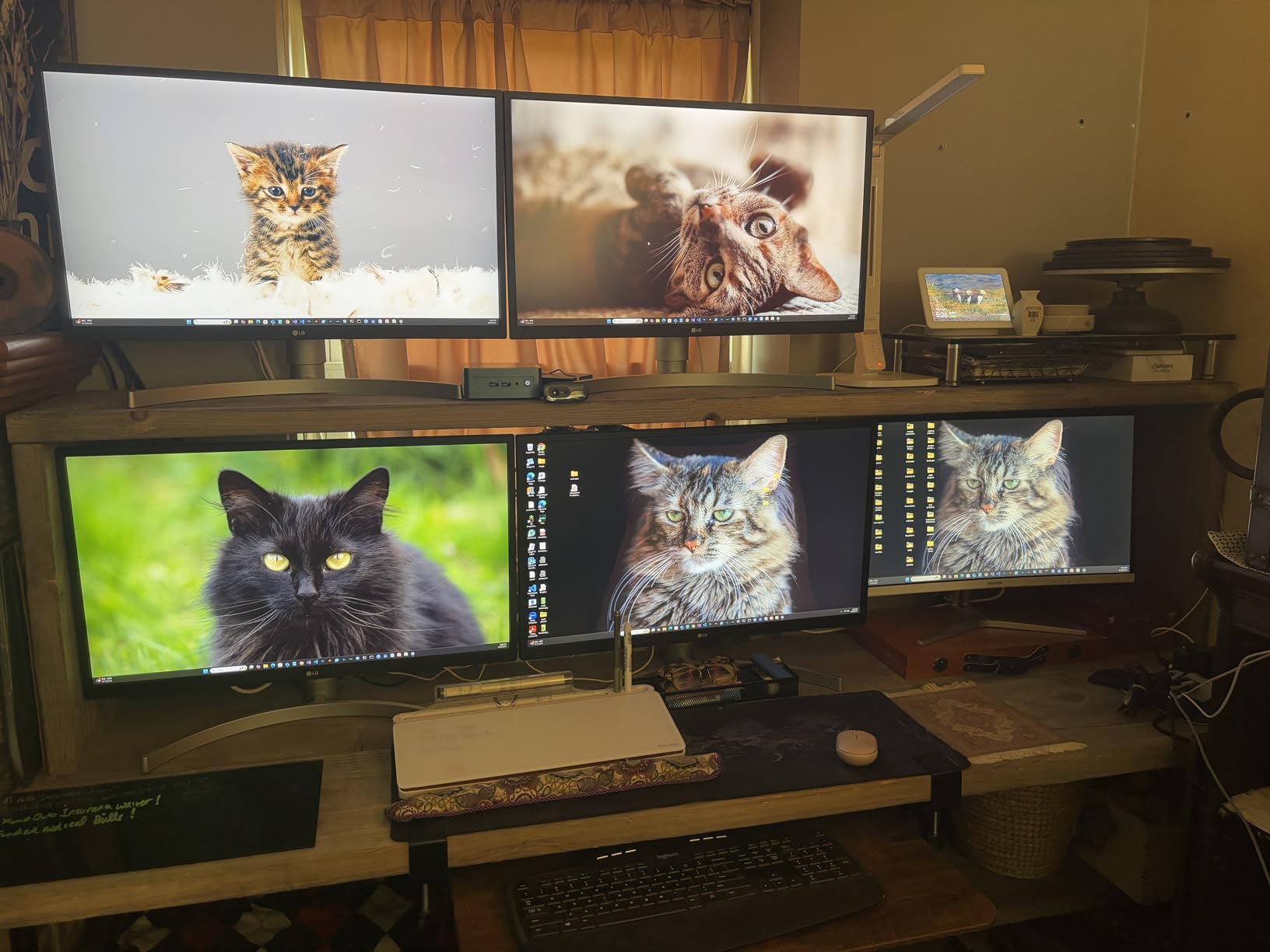
Owners report that the IceBlast 3.0 cooling stays remarkably quiet for a system this dense, even when a Proxmox lab is running several VMs in the background. Wi-Fi 7 and dual 2.5GbE Ethernet mean the IT13 MAX will not bottleneck a fast home network or a NAS-heavy workflow. Windows 11 Pro comes pre-installed without bloatware, and GEEKOM backs the system with a 3-year warranty, which is rare at this size.
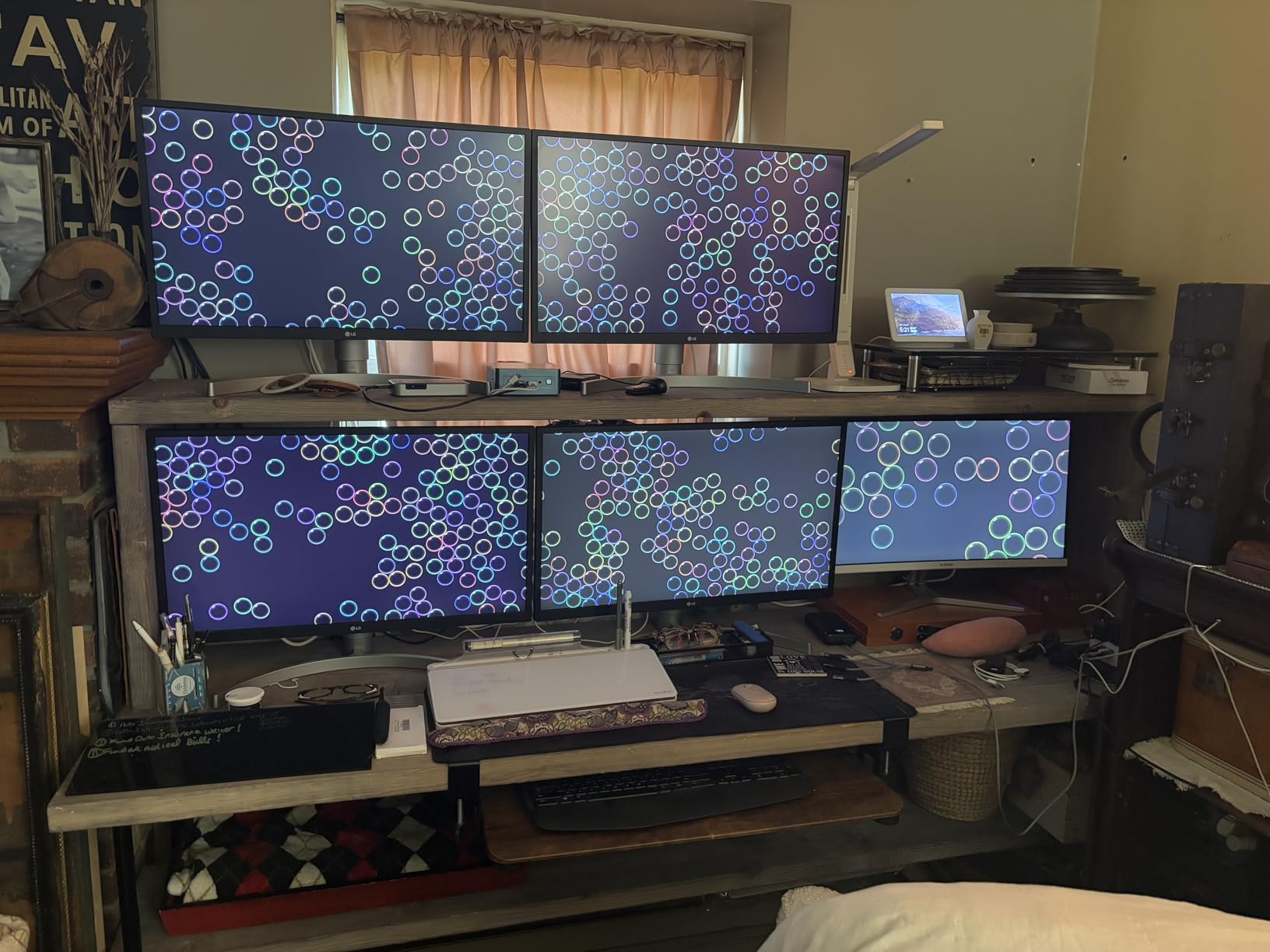
Compared with the ACEMAGIC M5 Gaming further down this list, the IT13 MAX trades a slightly weaker single-core speed for a far more modern platform, a dedicated NPU, and double the memory bandwidth. If you are building a home server, photo editing rig, or a quiet AI workstation and want one machine that does all three, this is the one to watch when the sale opens. Skip it if you only browse the web and watch videos, the ACEMAGIC K1 will save you money.
2. ACEMAGIC M5 Gaming: Best for Gaming
ACEMAGIC Mini Gaming PC i7-14650HX Win 11 Pro 16GB DDR4 1TB NVMe SSD
Type: Gaming mini desktop
CPU: Intel Core i7-14650HX
Display: Triple 4K
Cooling: Vapor chamber
Pros
- Intel Core i7-14650HX with 16 cores and 24 threads
- 1TB NVMe PCIe 4.0 SSD
- Triple 4K output through HDMI DisplayPort and USB-C
- RAM expandable to 64GB
- WiFi 6 and Bluetooth 5.2
Cons
- Uses integrated Intel UHD graphics so a discrete GPU is needed for serious 3D
- 55W TDP requires decent airflow around the chassis
The ACEMAGIC M5 Gaming is the pick to watch if you want a small box that punches above its weight on multi-threaded work and casual gaming. The Core i7-14650HX brings 16 cores and 24 threads to a 1kg chassis, and the vapor-chamber cooler keeps thermals in check even during long sessions. A 1TB NVMe PCIe 4.0 SSD means games and project files load fast, and the 16GB of DDR4 can grow to 64GB down the line for memory-hungry workloads.
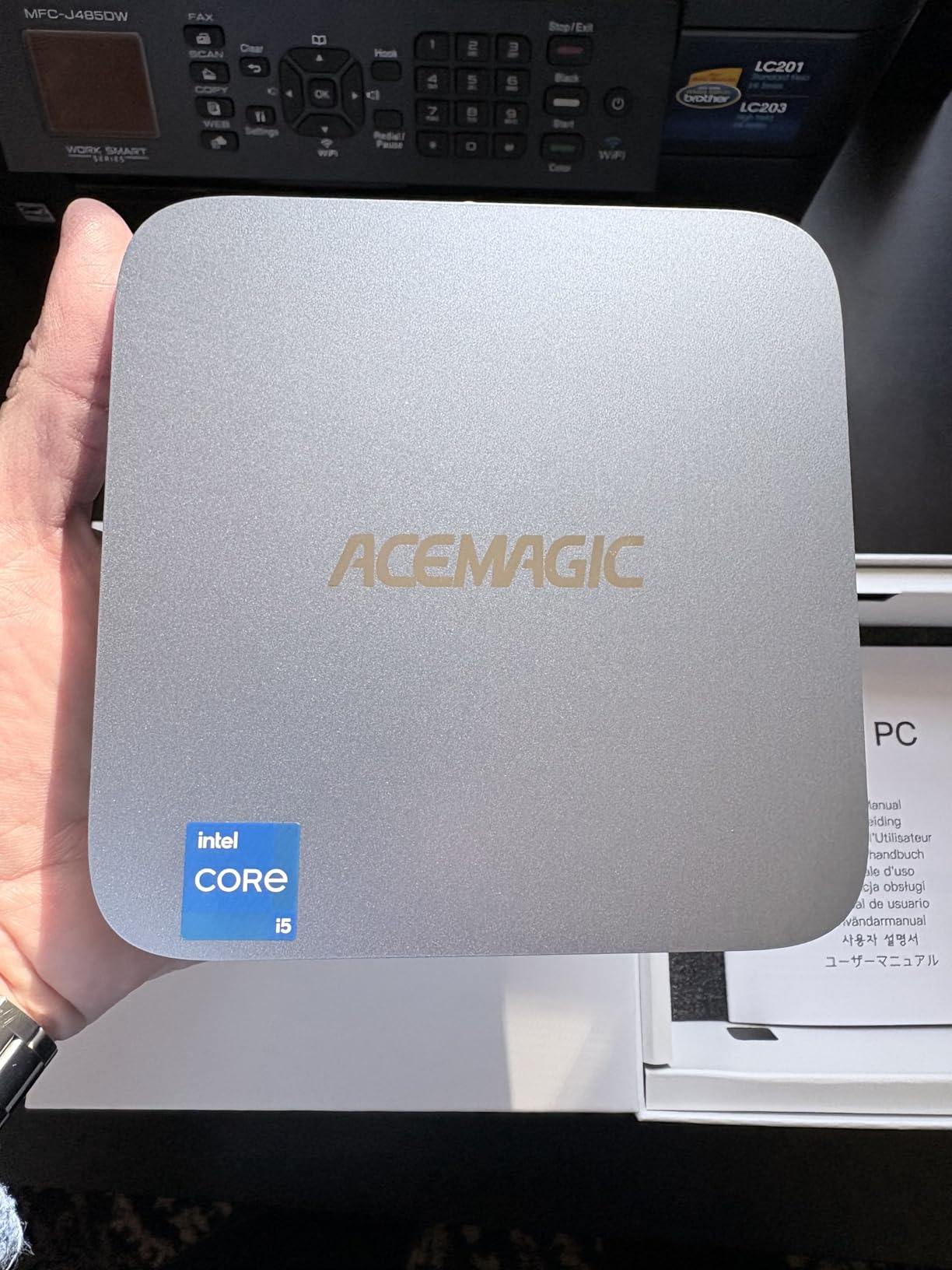
Standout points for shoppers during the sale:
- Triple 4K display support through HDMI, DisplayPort, and USB-C handles a multi-monitor desk setup without an external dock.
- Wi-Fi 6 and Bluetooth 5.2 are a step up from the Wi-Fi 5 modules common in budget mini PCs.
- Seven USB ports including USB-C make it easy to keep a keyboard, mouse, capture card, and external SSD plugged in at once.
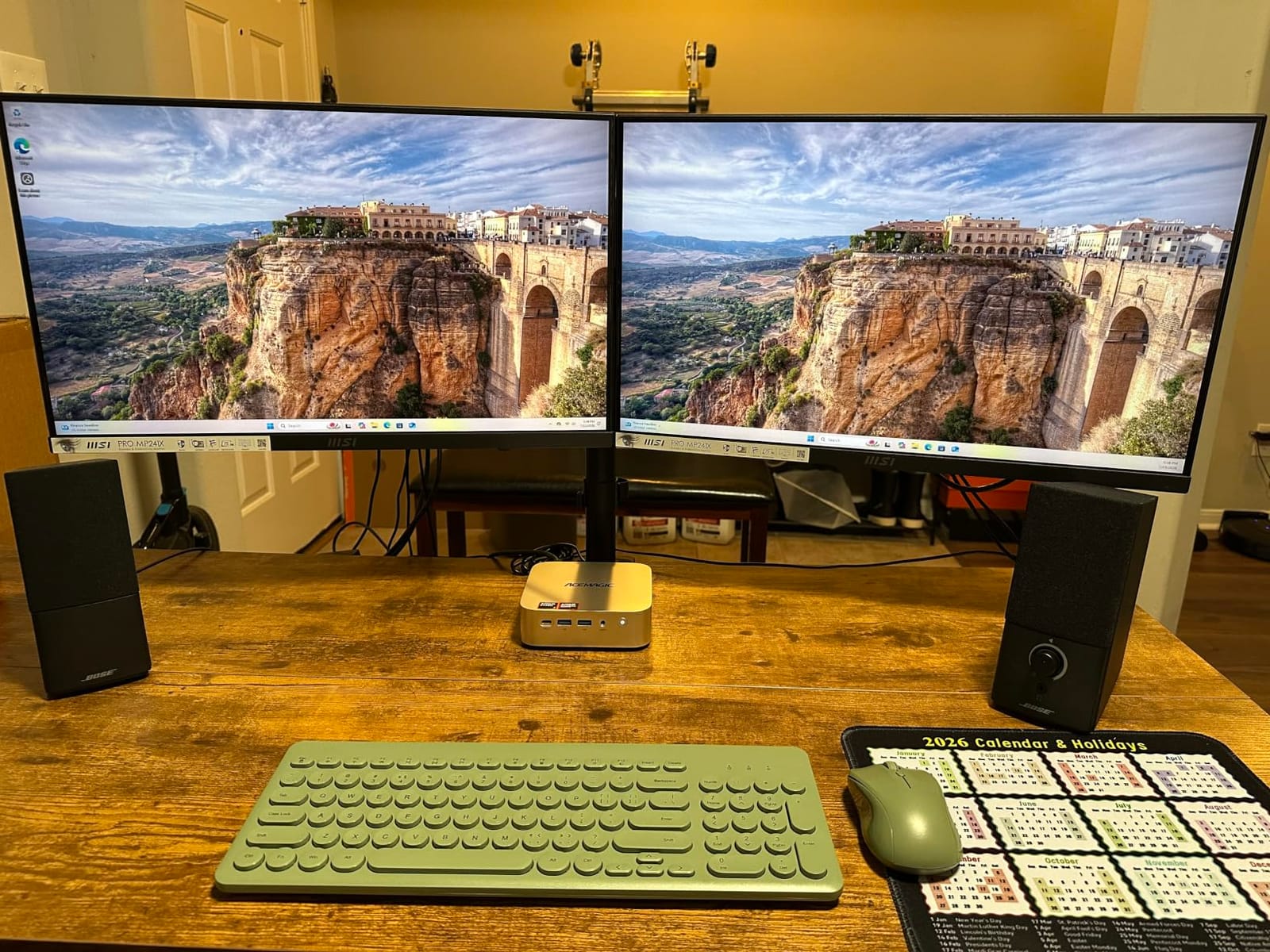
Good to know: the integrated UHD graphics handle 4K video and older esports titles well, but for modern AAA gaming you will want an external GPU over Thunderbolt or to treat this as a streaming and productivity box. Compared with the GMKtec M6 Ultra further down, the M5 Gaming offers more cores and a faster stock SSD, but the M6 Ultra wins on DDR5 memory and dual 2.5GbE networking. Pick this one over the GEEKOM IT13 MAX if you prize multi-threaded CPU speed and a 1TB drive out of the box.
3. GMKtec M6 Ultra: Best Value
GMKtec M6 Ultra Gaming Mini PC Ryzen 7640HS (Upgraded 6800H)
Type: Midrange mini desktop
CPU: AMD Ryzen 5 7640HS
Display: Triple 4K and 8K
Network: Dual 2.5GbE
Pros
- AMD Ryzen 5 7640HS with Radeon 760M graphics
- 16GB DDR5 expandable to 128GB
- Triple 4K plus 8K via USB4
- Dual 2.5GbE Ethernet and WiFi 6E
- Dual M.2 SSD slots supporting up to 8TB each
Cons
- 512GB stock SSD is small for a gaming-leaning system
- 45-60W TDP means the fan ramps up under sustained load
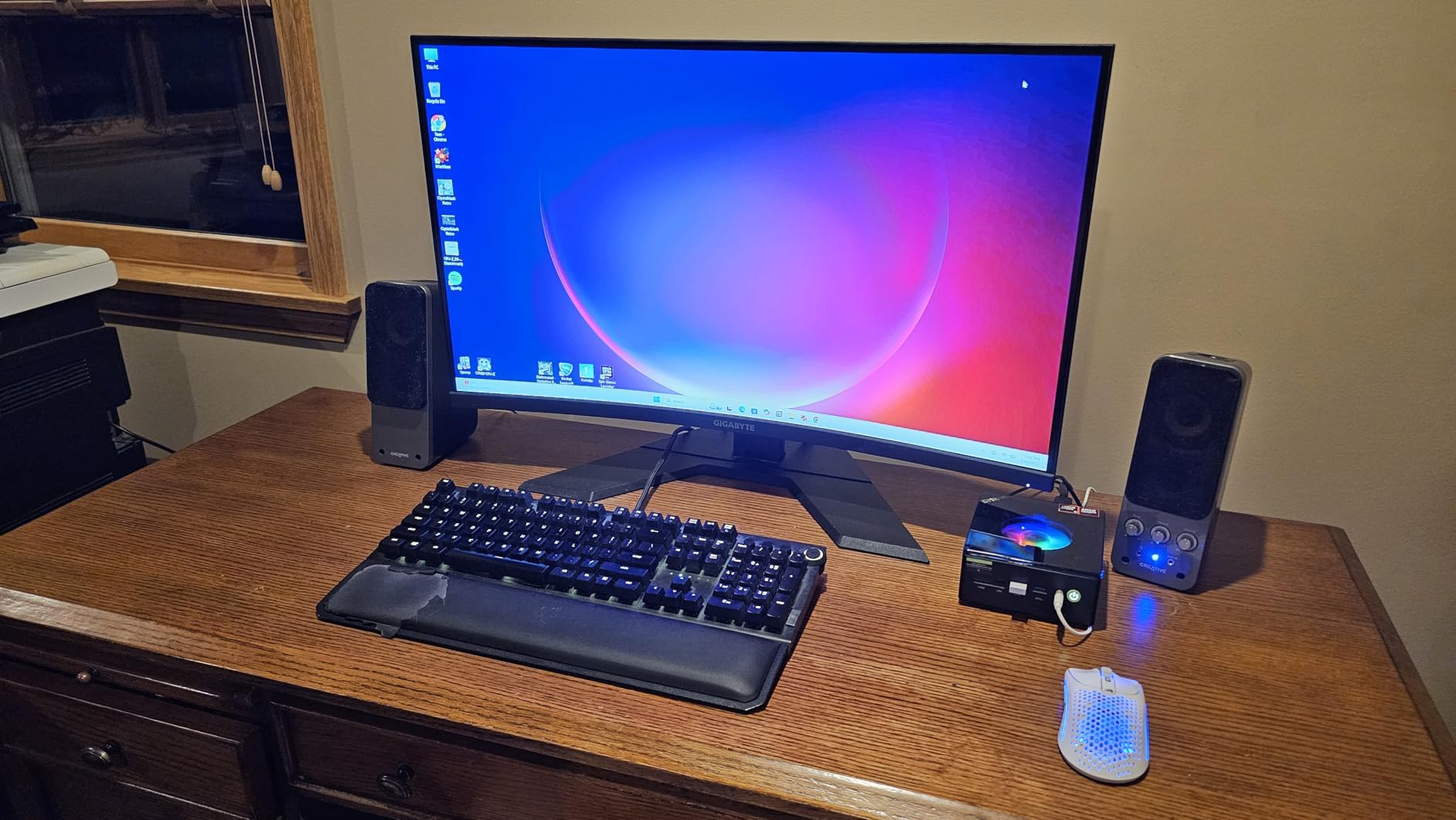
Best for: shoppers who want modern features without flagship pricing. The Ryzen 5 7640HS brings Zen 4 cores and Radeon 760M graphics in one chip, and the GMKtec M6 Ultra lets that CPU stretch its legs with DDR5 memory and a 5.0GHz boost clock. The dual 2.5GbE Ethernet ports are the kind of feature you usually only see on prosumer gear, which makes this little box a favorite among home lab builders.
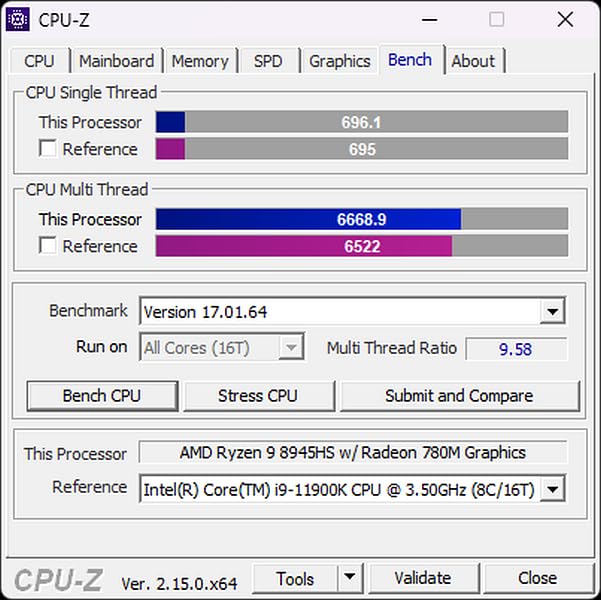
In a home office with a 27-inch 4K monitor and a fast NAS, the M6 Ultra pulls ahead of older Ryzen models by a noticeable margin. Owners report that the Radeon 760M handles light to moderate gaming at 1080p and even some 1440p titles when the settings are tuned, which is rare for a mini PC in this tier. The dual M.2 slots support up to 8TB each, so storage is not a bottleneck when you want a Plex box or a small video library.
Skip it if your workload is mostly spreadsheets and email, the ACEMAGIC K1 covers that for less. Compared with the KAMRUI Pinova P2 also on this list, the M6 Ultra delivers noticeably more CPU and GPU performance and adds DDR5, but the stock SSD is similar. The dual 2.5GbE networking and storage headroom make the M6 Ultra a strong all-around option for a small home server or media library.
4. ACEMAGIC K1: Best for Home Office
ACEMAGIC K1 Mini PC AMD Ryzen 7330U 16GB 256 SSD 4 Cores 8 Threads 4.3GHz
Type: Office mini desktop
CPU: AMD Ryzen 3 7330U
Display: Triple 4K
Power: Built-in PSU
Pros
- AMD Ryzen 3 7330U with Radeon graphics
- 16GB LPDDR4 memory
- Triple 4K output via HDMI USB-C and DisplayPort
- Built-in power supply removes the external brick
- Quiet cooling in a 1.61 inch tall chassis
Cons
- Wi-Fi 5 and Bluetooth 4.2 lag behind newer standards
- RAM is soldered so capacity is fixed
The ACEMAGIC K1 is the cleanest little office box on this list. The Ryzen 3 7330U handles Office apps, dozens of browser tabs, and video calls without a stutter, and the built-in power supply means there is no bulky laptop brick trailing from the wall. A 5.04 inch square footprint fits behind a monitor, on a small shelf, or under a standing desk riser without crowding the workspace.
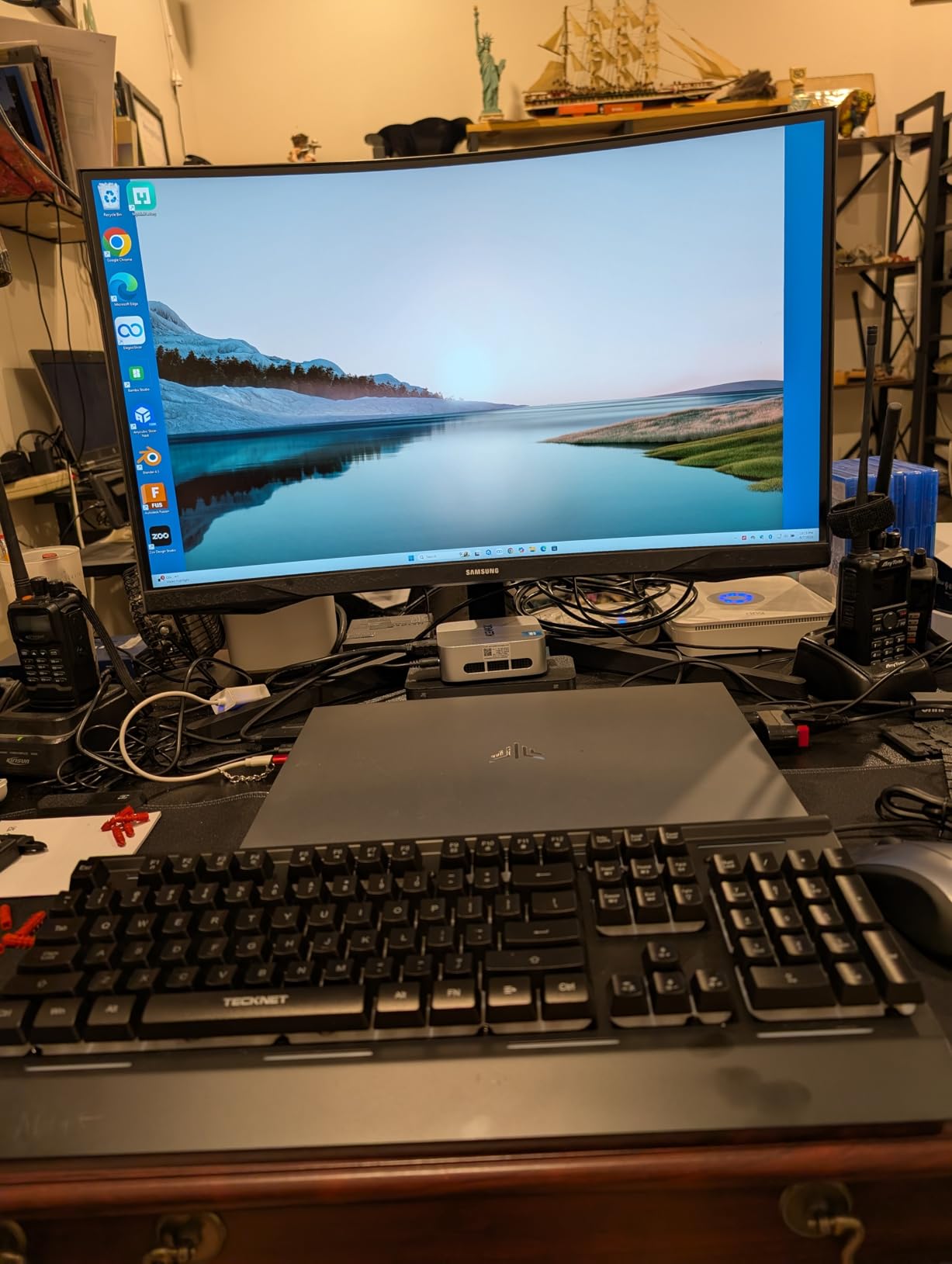
Why owners reach for this one during the sale:
- Triple 4K display output makes a three-monitor desk setup possible from a single box.
- Six USB 3.2 ports keep peripherals, webcams, and external drives all connected at once.
- Windows 11 Pro comes pre-installed, which is friendlier for small business use than Home edition.
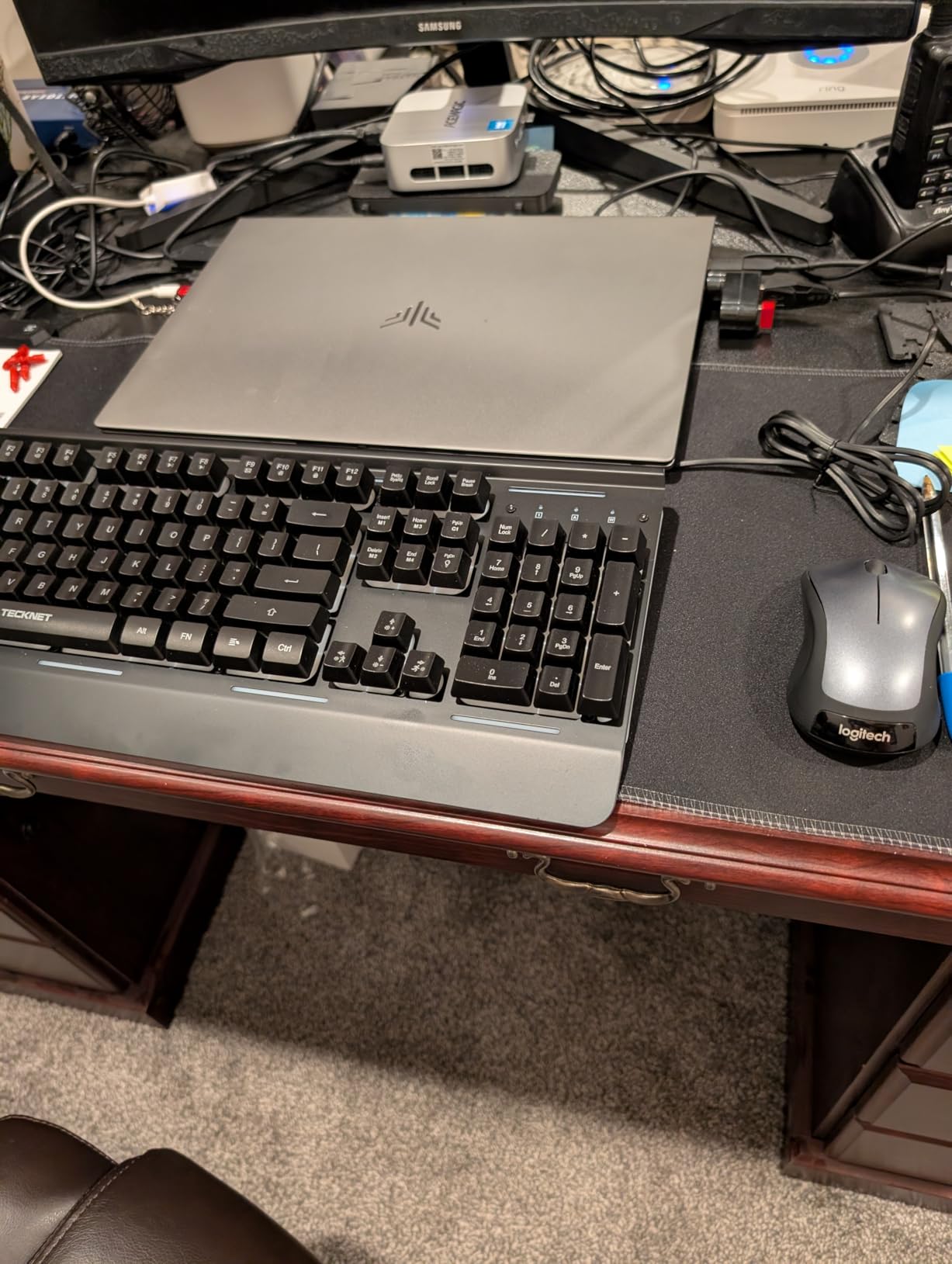
The trade-off is Wi-Fi 5 and Bluetooth 4.2, which is fine for email and Zoom but a step behind newer mini PCs. RAM is soldered, so choose the 16GB configuration at the time of purchase. Compared with the KAMRUI Pinova P2 further down, the K1 has a very similar CPU but adds the built-in power supply and Windows 11 Pro out of the box, and a more compact chassis. If you want a quiet, tidy office PC that disappears behind your monitor, the K1 is the easy call.
5. KAMRUI Pinova P2: Best Compact
KAMRUI Pinova P2 Mini PC, AMD Ryzen 7330U(4 Cores, 8 Threads, Up to 4.3GHz), 16GB RAM 256GB SSD, Zen3 Architecture 7nm Processor, 8MB L3 Smart Cache Mini Computers,Triple 4K Display Home/Business
Type: Compact mini desktop
CPU: AMD Ryzen 3 7330U
Display: Triple 4K
Storage: 4TB expandable
Pros
- AMD Ryzen 3 7330U with Radeon graphics
- 16GB LPDDR4X memory
- Triple 4K at 60Hz through HDMI DisplayPort and USB-C
- Storage expandable up to 4TB
- VESA mount included for behind-monitor mounting
Cons
- 256GB SSD is small for a creator-leaning workflow
- Wi-Fi does not include Wi-Fi 6
The KAMRUI Pinova P2 stands out for the small details that make a compact PC pleasant to live with. It is roughly the size of a paperback book, ships with a VESA mount so you can hide it behind a monitor, and the Ryzen 3 7330U still has enough headroom for 4K video playback, dual monitor work, and most photo editing tasks. Owners praise the quiet cooling and the fact that the system stays cool to the touch even on long workdays.
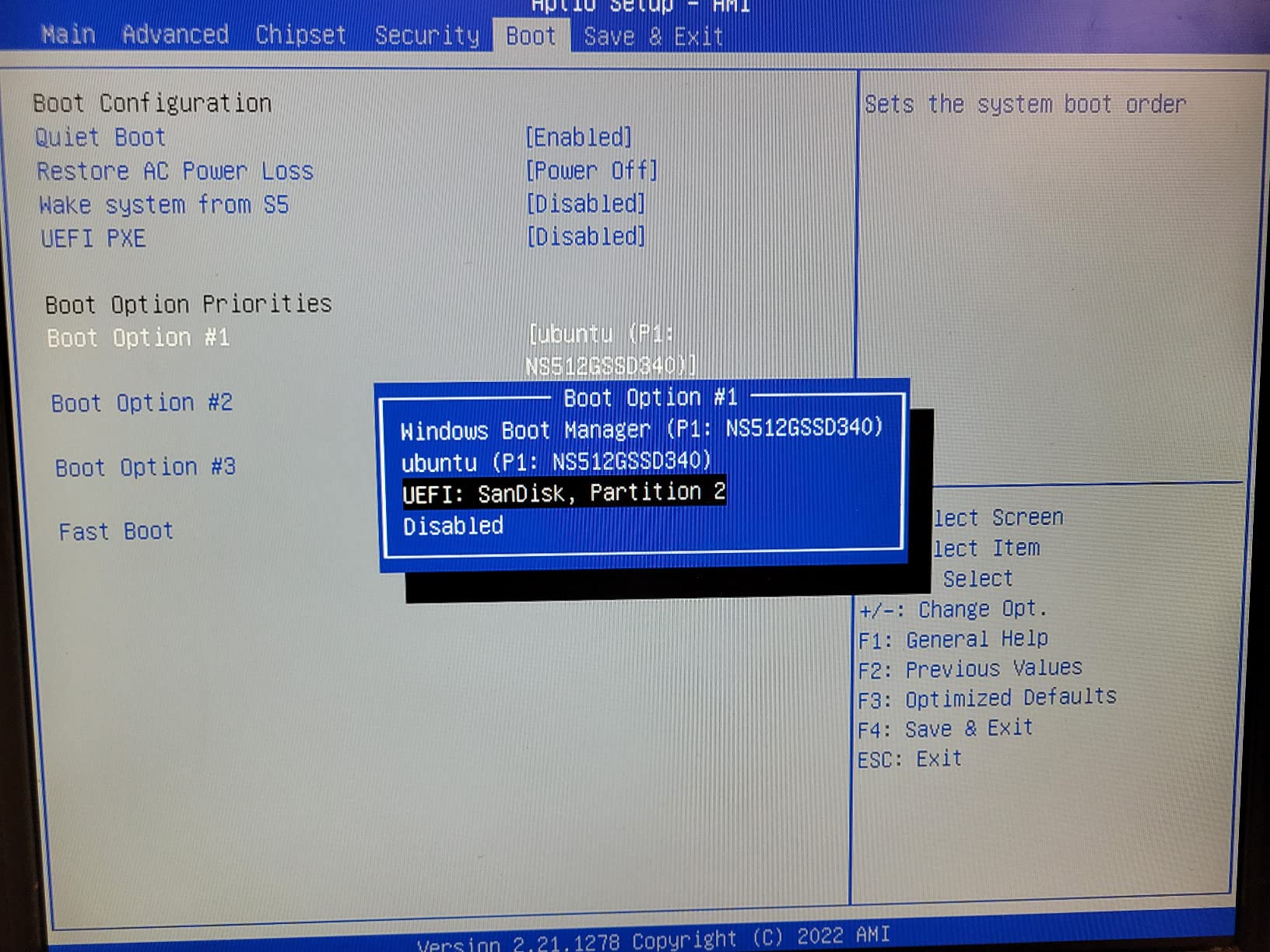
What stands out for shoppers during the sale:
- Triple 4K@60Hz output from a single small box, unusual at this size and price.
- Two M.2 slots for storage expansion up to 4TB, plenty of room for a media library.
- USB 3.2 Gen2 Type-C with 10Gbps transfer speed for fast external SSD access.
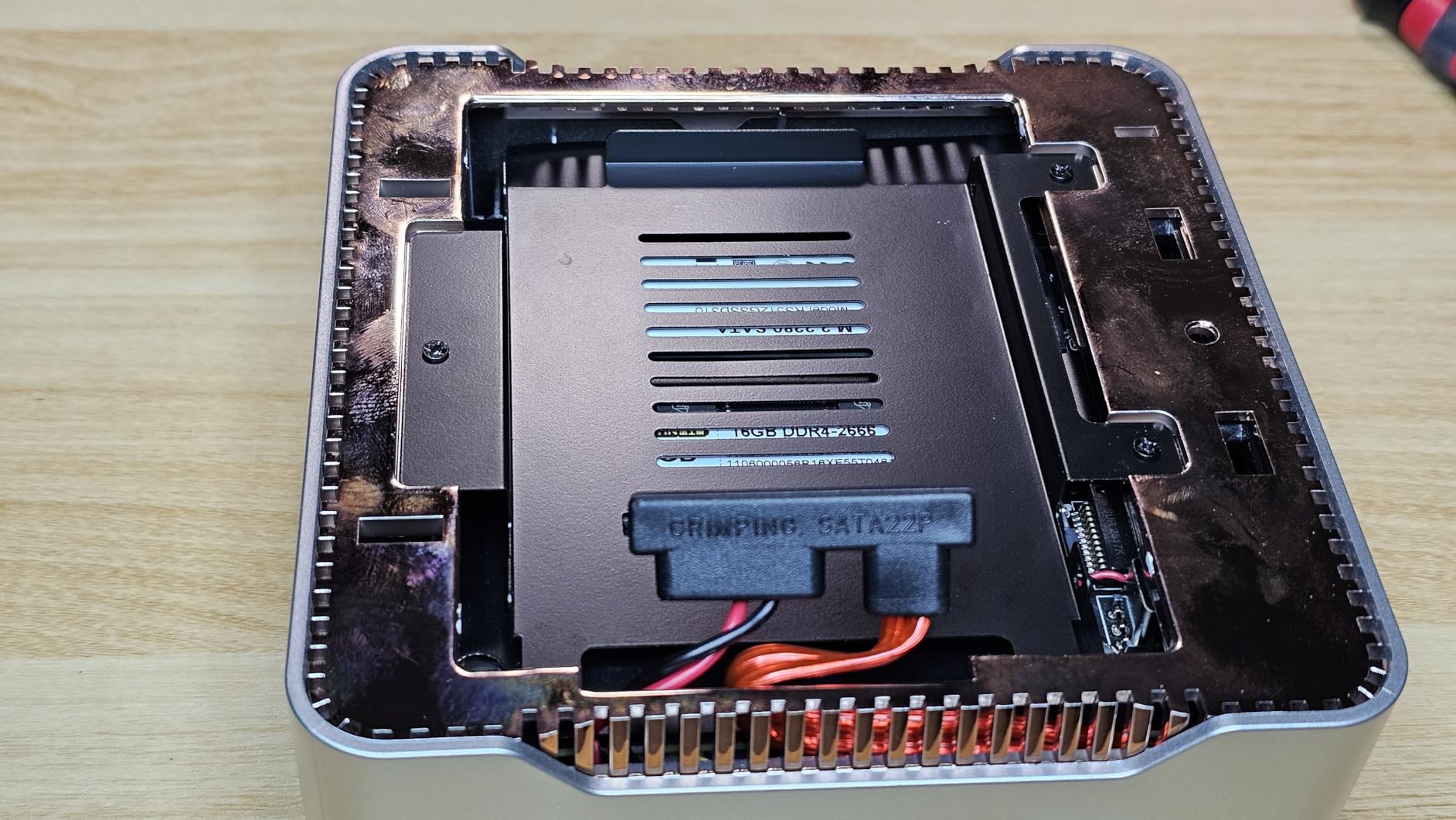
Good to know: the 256GB SSD fills up quickly with Windows updates and project files, so plan to add a second drive through one of the M.2 slots. Compared with the ACEMAGIC K1 above, the Pinova P2 has nearly identical performance but ships with a smaller stock SSD and lacks the built-in power supply. If you want a tidy triple-display setup in a dorm room or a small studio, this is one of the most space-efficient picks on the list. The 16GB RAM is enough for light photo edits but tight for very large RAW files.
6. Beelink SER3: Best Budget Pick
Beelink SER3 Mini PC, AMD Ryzen 3 3200U 2C/4T, 16G DDR4 RAM 500G SSD
Type: Budget mini desktop
CPU: AMD Ryzen 3 3200U
Display: Dual 4K
RAM: Expandable to 32GB
Pros
- AMD Ryzen 3 3200U with Vega 3 graphics
- 16GB DDR4 expandable to 32GB
- 500GB M.2 PCIe 3.0 SSD
- Dual 4K output through two HDMI ports
- Compact and lightweight at 0.93 kg
Cons
- Older Zen generation CPU trails current Ryzen 7000 series
- Ryzen 3 3200U is only a dual-core chip
The Beelink SER3 is the budget corner of this shortlist, and the price is usually the headline. For shoppers on a tight budget who still want a Windows desktop that handles Office, web apps, and dual-monitor work, the Ryzen 3 3200U paired with 16GB of DDR4 still does the job. The 500GB M.2 SSD is generous for a budget box, and you can push RAM to 32GB later for extra breathing room.
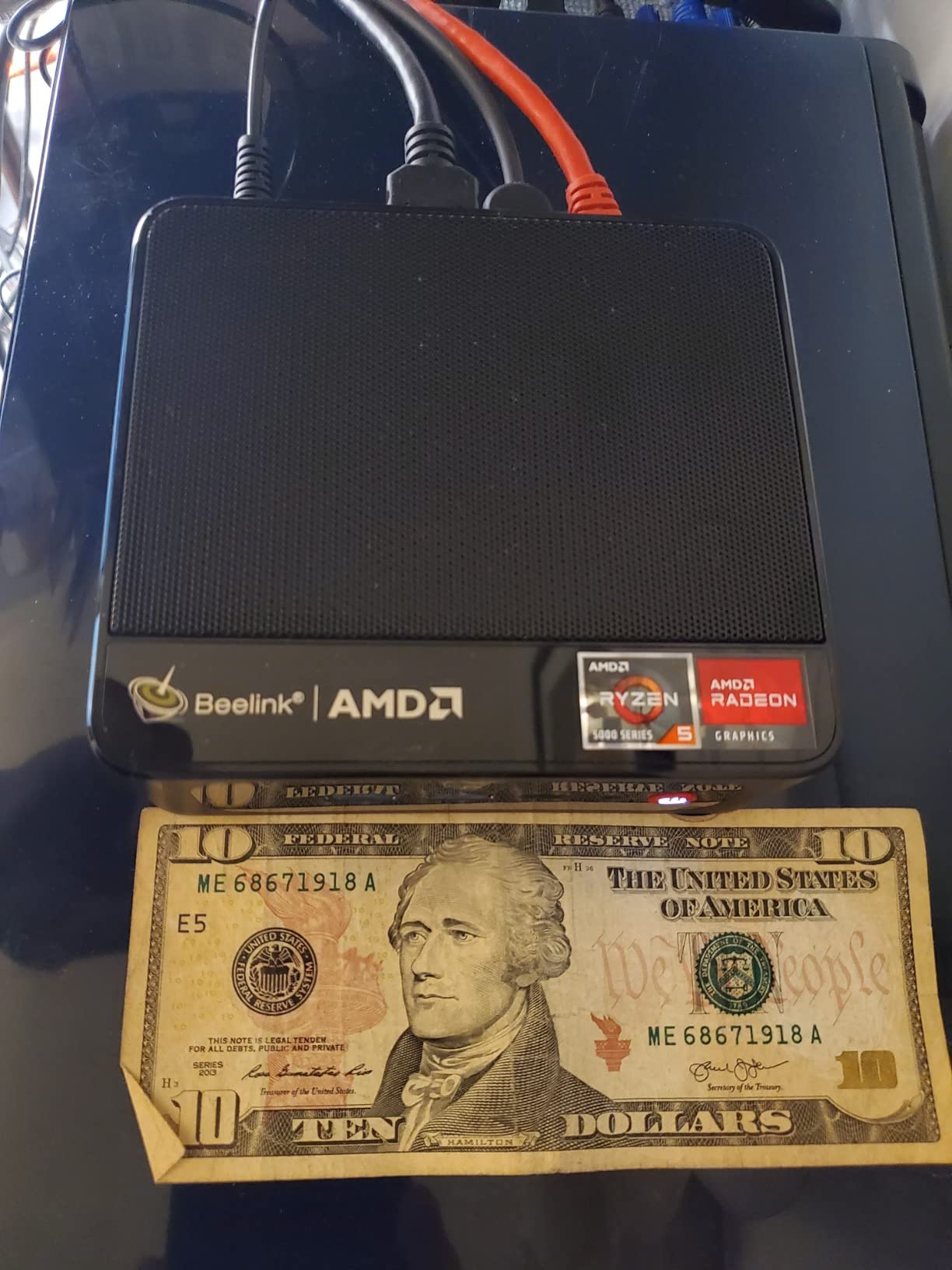
Why this one earns a spot during the sale:
- 2 HDMI ports for a true dual 4K setup without buying a dock.
- Four USB 3.2 ports cover a keyboard, mouse, printer, and external drive simultaneously.
- Wi-Fi and Bluetooth are built in, so no extra adapters to buy.
The trade-off is the CPU generation. The Ryzen 3 3200U is a 2-core, 4-thread chip, so it will feel slow in video editing or anything that taxes many cores at once. Compared with the Bmax B1 Plus below, the SER3 has a more capable processor, more RAM, and a much bigger SSD, and a real M.2 slot. If your work is mostly email, browser tabs, and light Office documents, the SER3 is a sensible Prime Big Deal Days pick.
7. Bmax B1 Plus: Best for Basic Use
Bmax Mini PC Mini Desktop Computer Intel Celeron J3355 (Up to 2.5GHz) Win 11, 6GB RAM 128GB eMMC Support M.2 SSD Expansion (512GB/2TB), 4K Dual Display WiFi5& BT5.0 for Home/Office,Daily Use,B1 Plus
Type: Entry-level mini desktop
CPU: Intel Celeron J3355
Display: Dual 4K
Size: 4.2 inch square
Pros
- Intel Celeron J3355 dual-core processor
- 6GB LPDDR3 memory
- 128GB eMMC with dual M.2 SSD expansion
- Dual HDMI 4K@60Hz output
- Ultra-compact 4.2 x 4.1 x 1.4 inch chassis
Cons
- Celeron J3355 is slow for multitasking or video editing
- 6GB of RAM is the practical ceiling
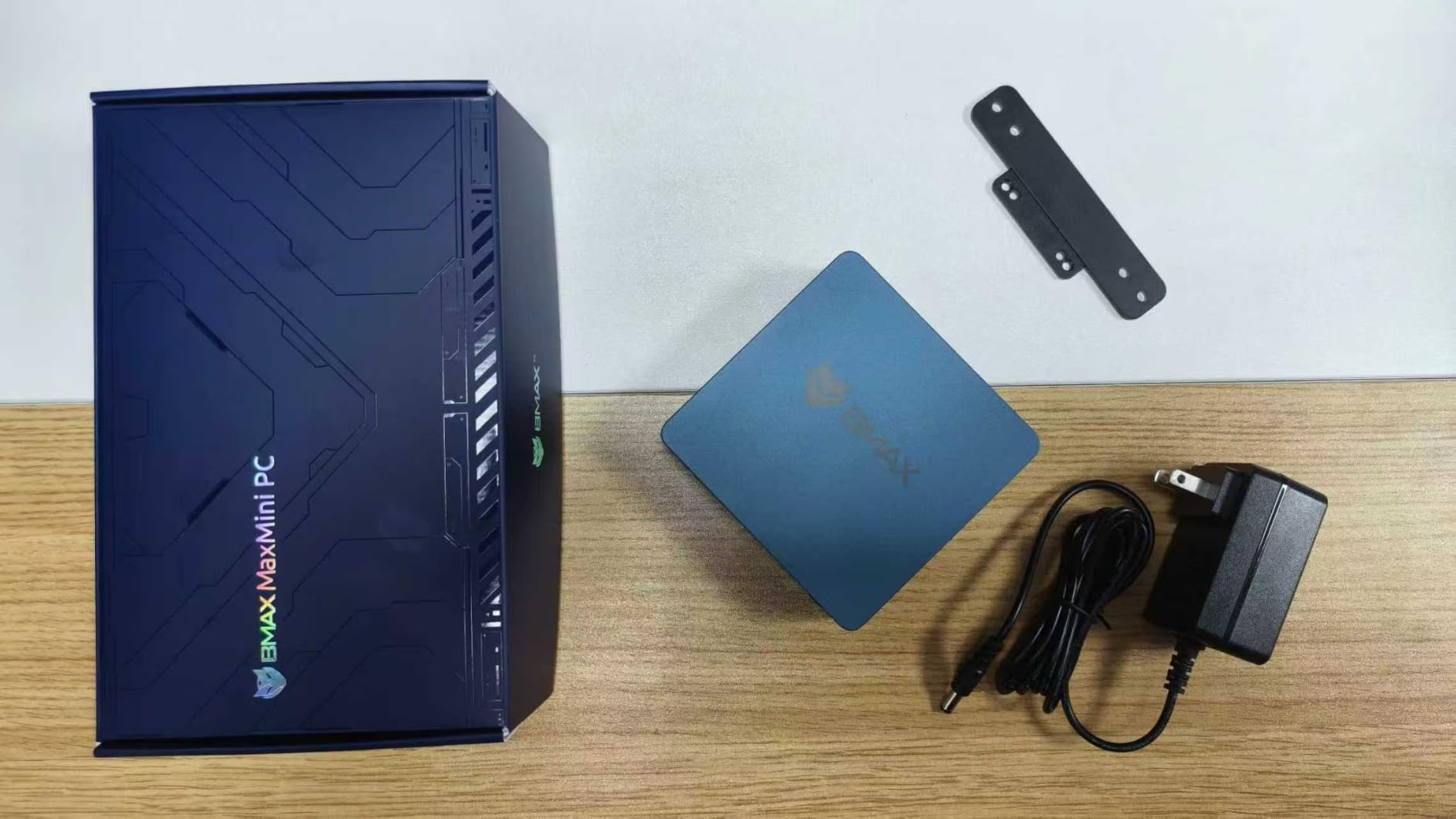
The Bmax B1 Plus is the smallest and lightest mini PC on this list, and that is its main selling point. At 4.2 inches square and under half a pound, it slips behind a monitor or tucks into a small shelf, and the Celeron J3355 handles basic web browsing, document work, and 4K video playback without drama. Owners appreciate the quiet fan and the fact that you can expand storage with two M.2 drives, which is unusual at this tier.
What makes this one a worthwhile sale pick:
- Dual HDMI 4K@60Hz for a two-monitor setup at the lowest end of the budget.
- Wi-Fi 5 and Bluetooth 5.0 for a wireless keyboard, mouse, and headset.
- A one-click restore feature that resets the system without a USB stick.
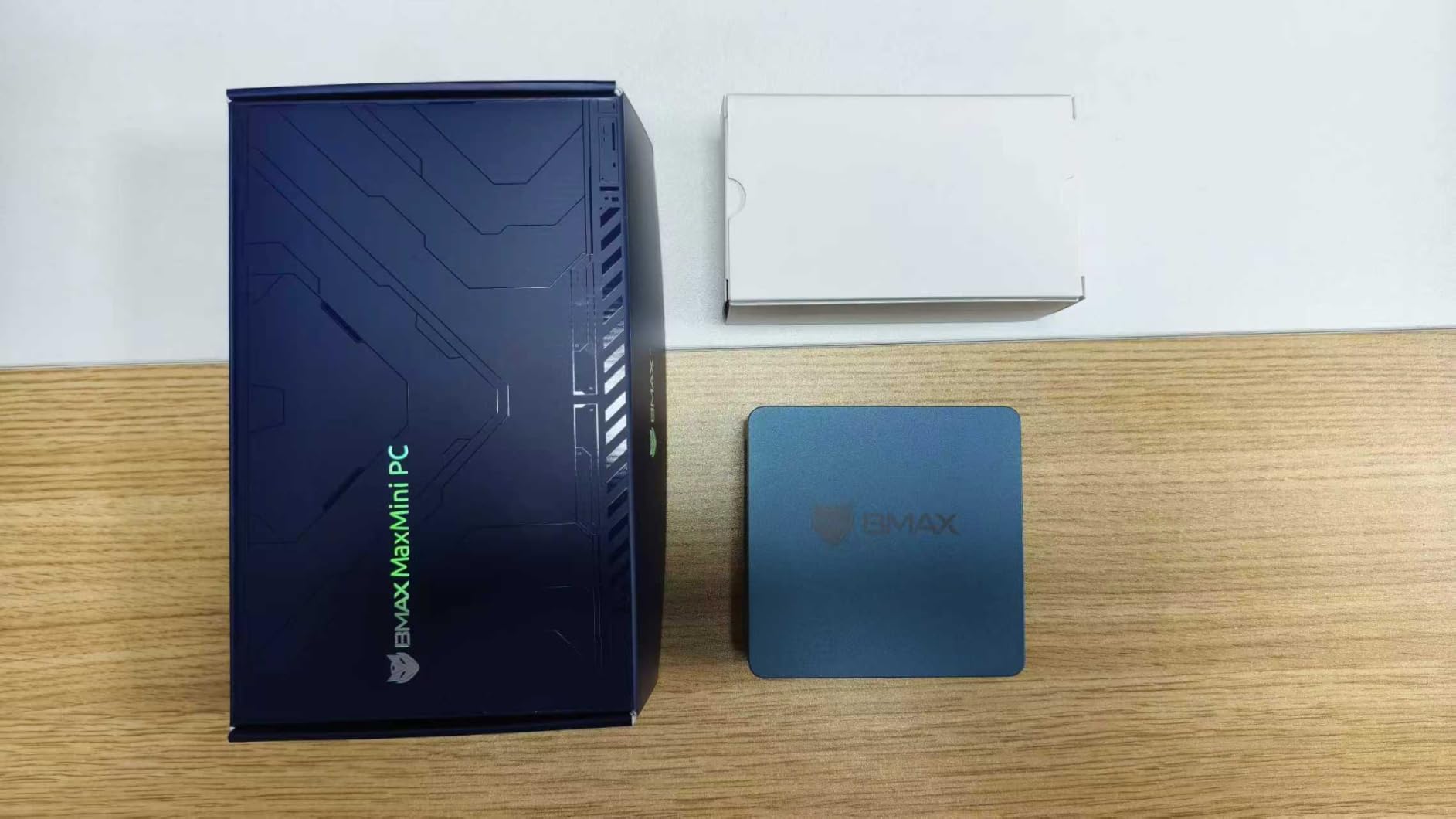
The honest trade-off: the Celeron J3355 only has two cores and runs at up to 2.5GHz, so heavy multitasking and modern web apps will push it. 6GB of RAM is the practical ceiling and is not expandable. Compared with the Beelink SER3 above, the B1 Plus is smaller and lighter, but slower and with less RAM and a smaller SSD. For a kitchen PC, a kid’s homework station, or a small digital signage project, the B1 Plus is a tidy little box.
8. HP EliteDesk 800 G4: Best Renewed
HP EliteDesk 800 G4 Mini Tiny Business PC, Intel Hexa-Core i5-8500T up to 3.5GHz, 16GB DDR4 RAM, 256GB NVMe SSD, Dual Monitor Support, WiFi, Bluetooth, HDMI, DisplayPort, Windows 11 64-bit (Renewed)
Type: Renewed business mini PC
CPU: Intel Core i5-8500T
Display: Dual monitor
RAM: 16GB DDR4
Pros
- Intel Core i5-8500T hexa-core processor
- 16GB DDR4 memory
- 256GB NVMe SSD
- Windows 11 Pro pre-installed
- Hexa-core CPU handles multitasking better than dual-core picks
Cons
- Refurbished condition varies between units
- Wi-Fi 5 only with no Wi-Fi 6 support
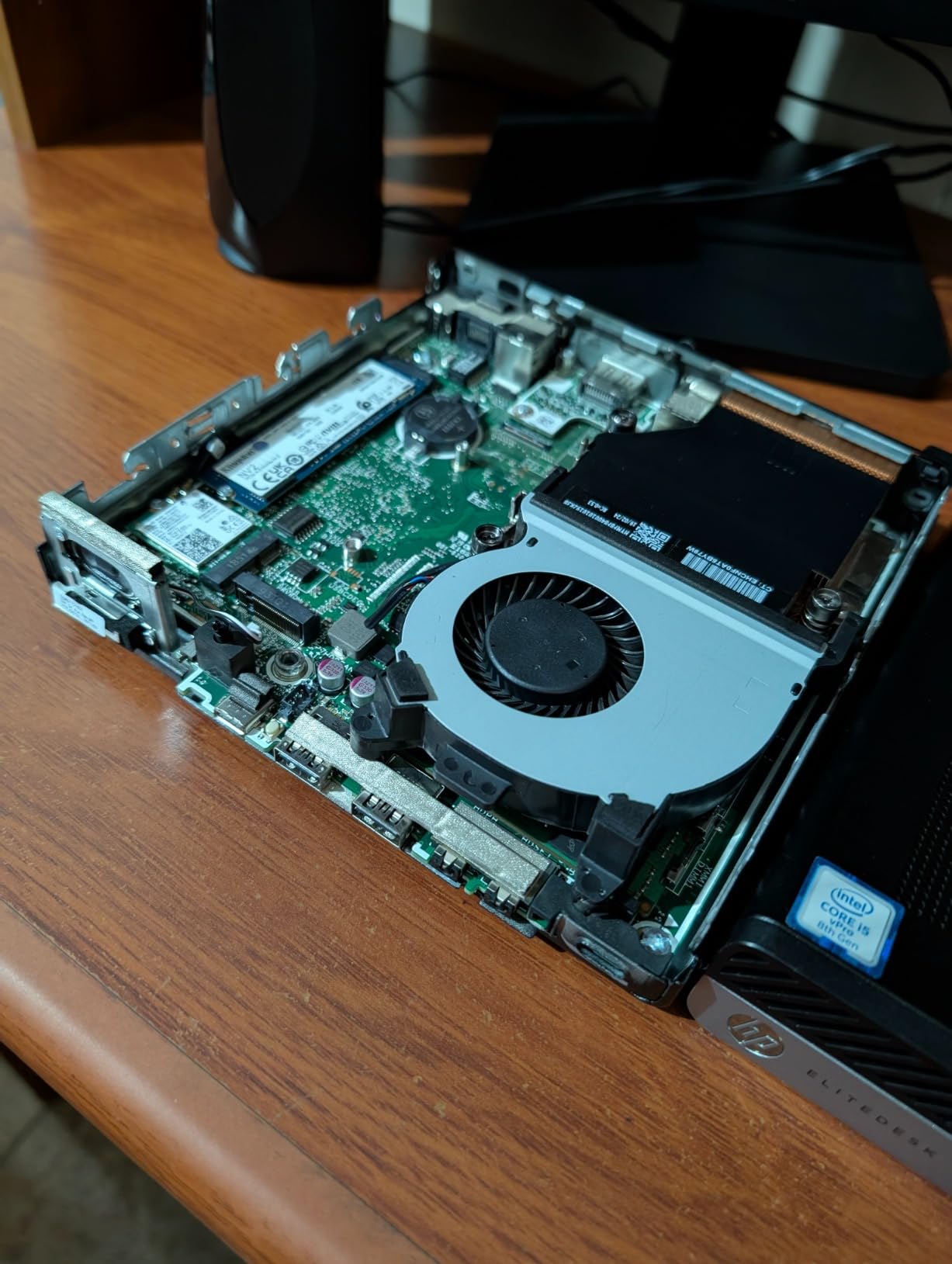
The HP EliteDesk 800 G4 is one of the more interesting renewed options in this sale. A hexa-core i5-8500T and 16GB of DDR4 easily handle Office work, browser-heavy workflows, and dual-monitor setups, and the NVMe SSD keeps boot and load times snappy. The chassis is a 1.25 inch tall square that mounts behind a monitor with a standard VESA plate, which makes it a clean fit for a tidy desk.
Why this one stands out:
- Hexa-core CPU outperforms many of the dual-core budget picks in real multitasking.
- NVMe SSD is faster than the eMMC storage common in cheap mini PCs.
- HP’s business chassis is built for 24/7 operation and runs cool and quiet.
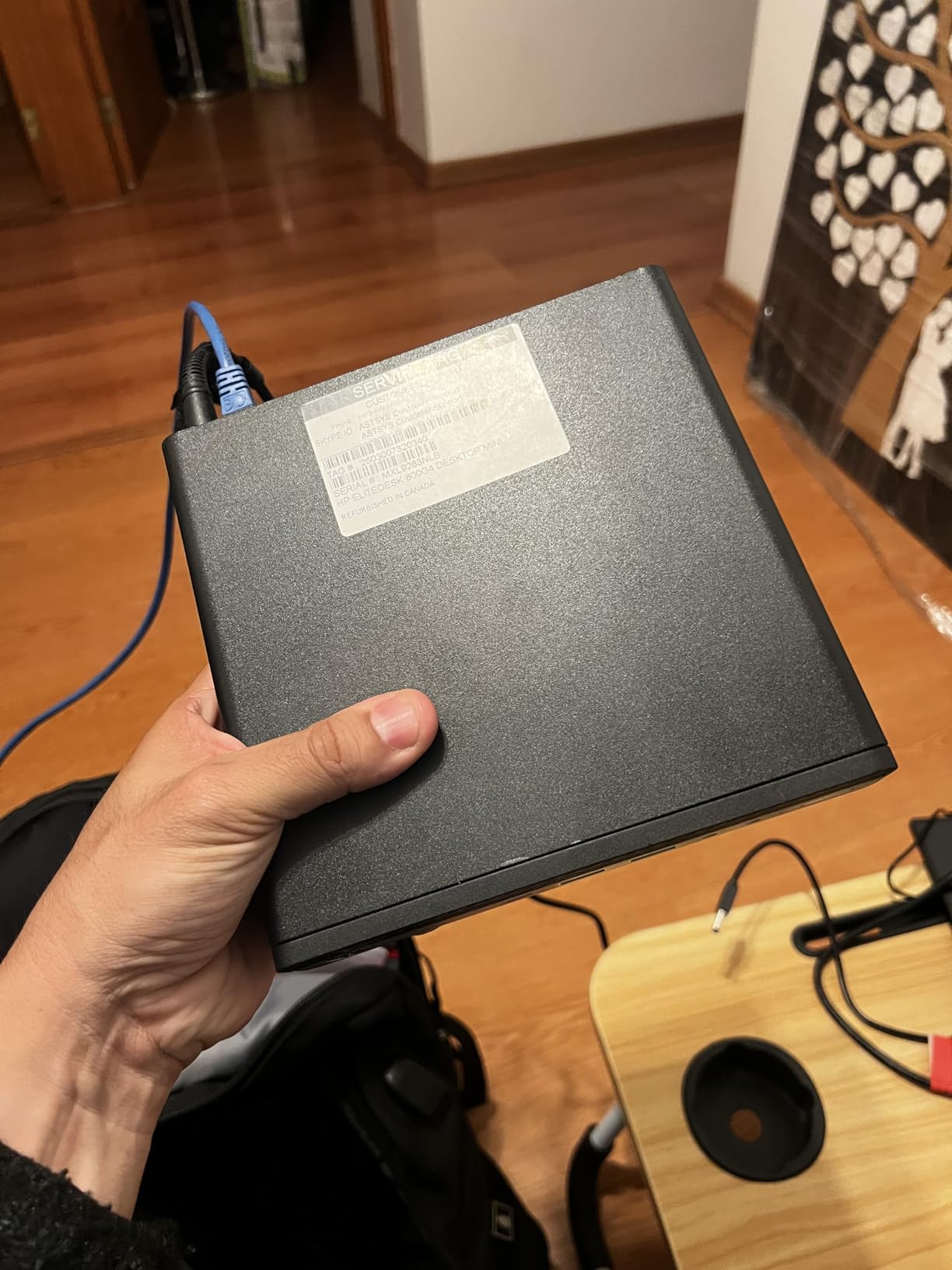
The trade-off is that this is a renewed unit, so cosmetic condition and warranty length vary. Reviewers mention that refurbished business PCs can show light scuffs and that the included 90-day warranty is shorter than the 1-3 year warranties common on new mini PCs. Compared with the Dell OptiPlex 7050 below, the 800 G4 has a faster CPU and NVMe storage, but is similarly renewed. If you want a quiet, capable office PC at a fraction of the cost of a new machine, the EliteDesk 800 G4 is a strong sale pick.
9. Dell OptiPlex 7050: Best for Business
Dell OptiPlex 7050 Micro Computer, Intel Quad Core i5-6500T up to 3.1GHz, 16G DDR4, 256G SSD, Windows 11 Pro 64 Bit (Renewed)
Type: Renewed business mini PC
CPU: Intel Core i5-6500T
Display: Dual 4K
RAM: 16GB DDR4
Pros
- Intel Core i5-6500T quad-core CPU
- 16GB DDR4 memory
- 256GB SSD
- Windows 11 Pro pre-installed
- Dual 4K output through HDMI and DisplayPort
Cons
- Wi-Fi requires a USB dongle
- Older Skylake generation CPU trails newer chips
The Dell OptiPlex 7050 is a compact renewed option for buyers who want a familiar business-class desktop. The i5-6500T is a 4-core, 4-thread chip that runs cool, fits easily into a small office, and is plenty fast for email, web apps, spreadsheets, and dual 4K monitors. The 7.2 inch square chassis is small for a desktop PC and includes HDMI and DisplayPort output, so a clean two-monitor setup is a single cable swap away.
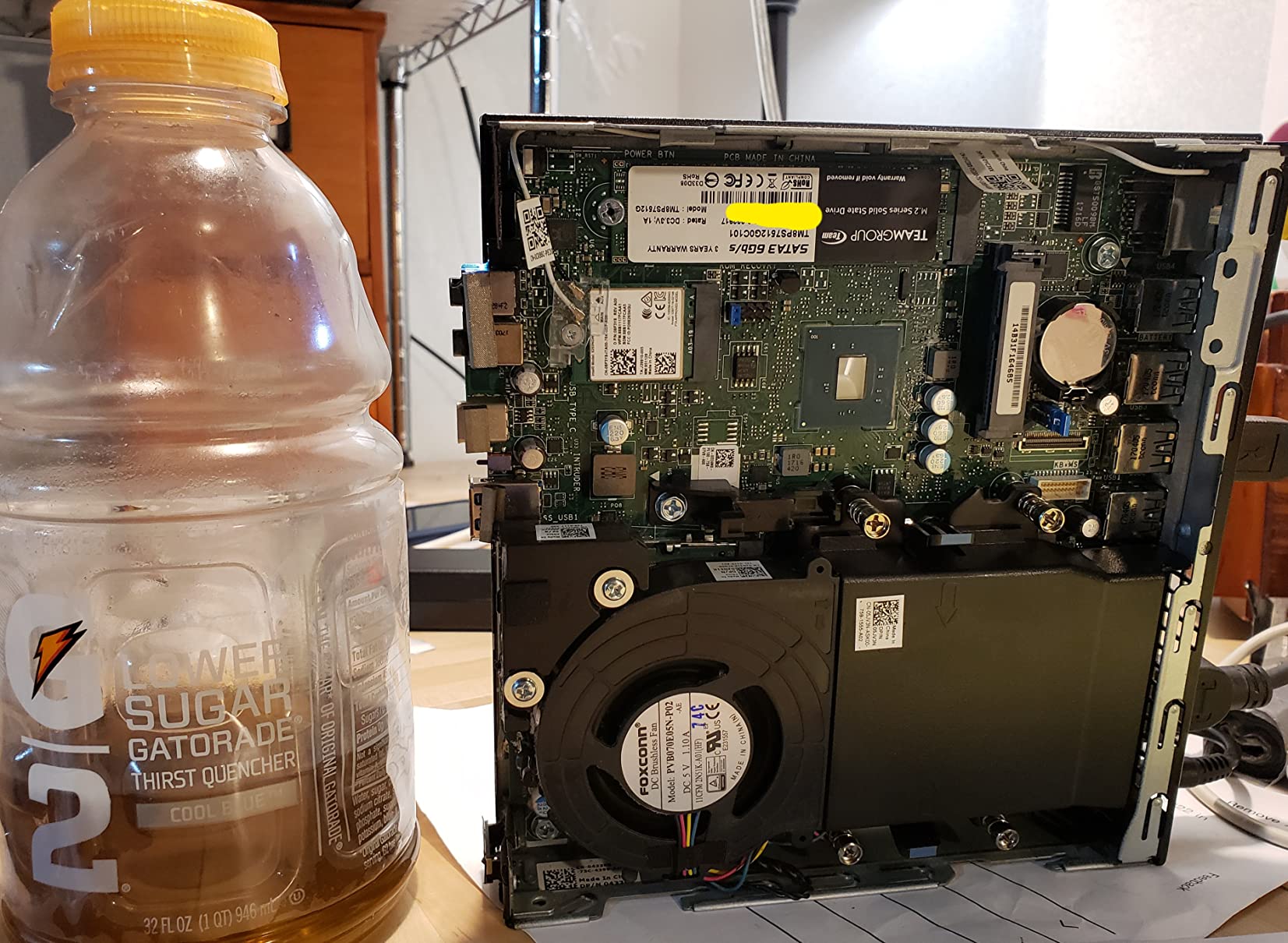
What makes the OptiPlex a sensible buy:
- 4K dual display support through HDMI plus DisplayPort without needing adapters.
- 16GB of RAM is generous for an office desktop at this price.
- Windows 11 Pro is ready for managed business environments out of the box.
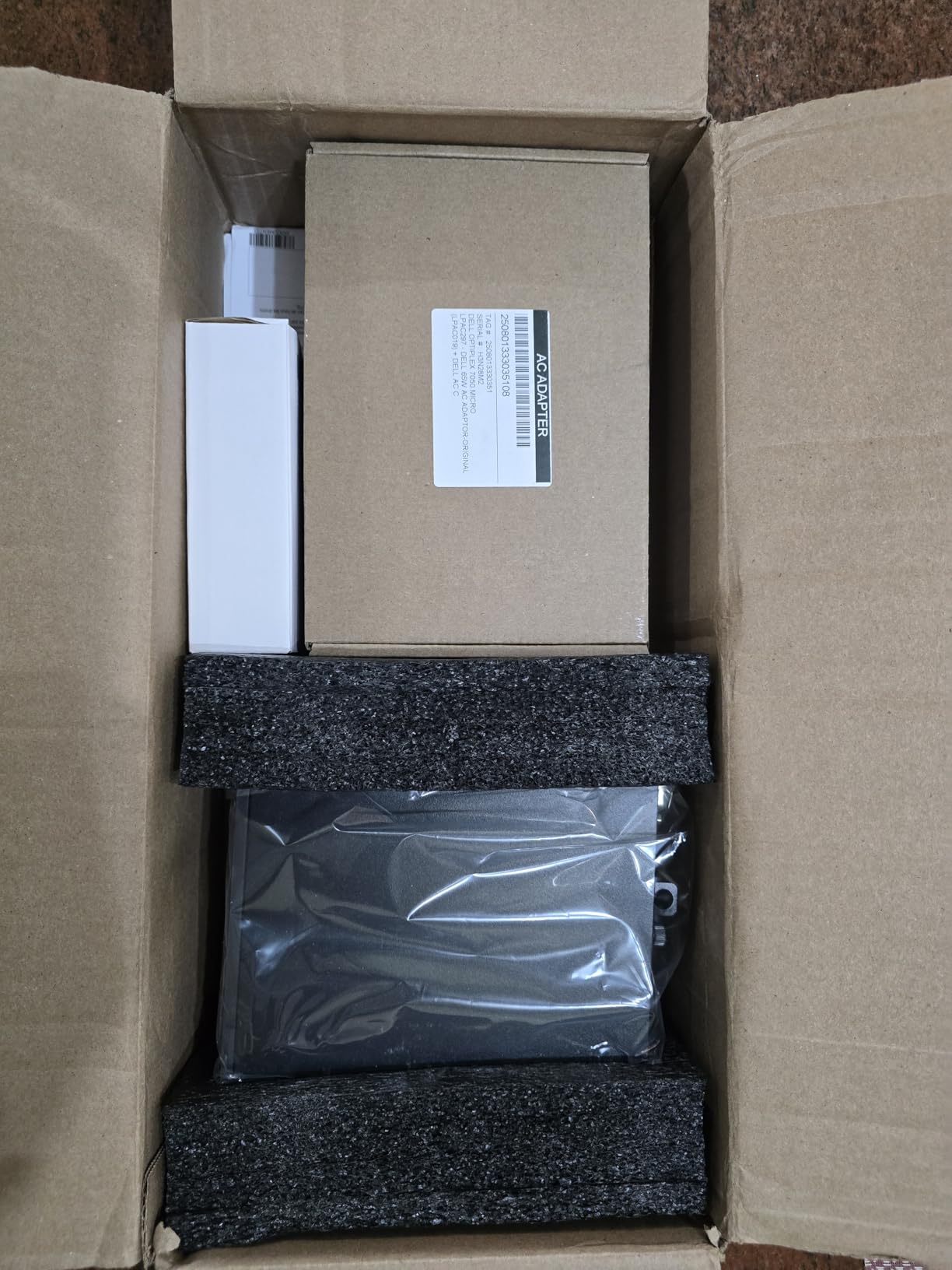
The honest downsides: Wi-Fi is delivered through a USB dongle rather than built into the motherboard, and the Skylake-generation CPU is several years behind current Intel chips. The included 90-day warranty is short. Compared with the HP EliteDesk 800 G4 above, the OptiPlex 7050 is slower but slightly smaller and lighter. For a business on a tight budget replacing older office towers, the 7050 is a clean, dependable choice during the sale.
10. HP EliteDesk 800 G2: Most Versatile
HP EliteDesk 800 G2 Desktop Mini Business PC, Intel Quad-Core i5-6500T up to 3.1G, 16GB DDR4, 240GB SSD, VGA, DP, Win 11 Pro 64 bit (Renewed)
Type: Renewed business mini PC
CPU: Intel Core i5-6500T
Display: VGA plus DisplayPort
RAM: 16GB DDR4
Pros
- Intel Core i5-6500T quad-core CPU
- 16GB DDR4 memory expandable to 32GB
- 240GB SSD
- Windows 11 Pro pre-installed
- Two M.2 expansion slots for storage upgrades
Cons
- VGA output feels dated for a modern monitor setup
- Renewed condition varies between units
The HP EliteDesk 800 G2 is a familiar name in offices everywhere, and this renewed version makes it one of the lowest-cost ways to get a Windows 11 Pro machine with 16GB of RAM. The i5-6500T handles everyday Office work, dual-display setups, and light multitasking, and the chassis is small enough to hide behind a monitor with a VESA mount. For a home office that mostly needs email, browsers, and spreadsheets, the 800 G2 keeps things simple.
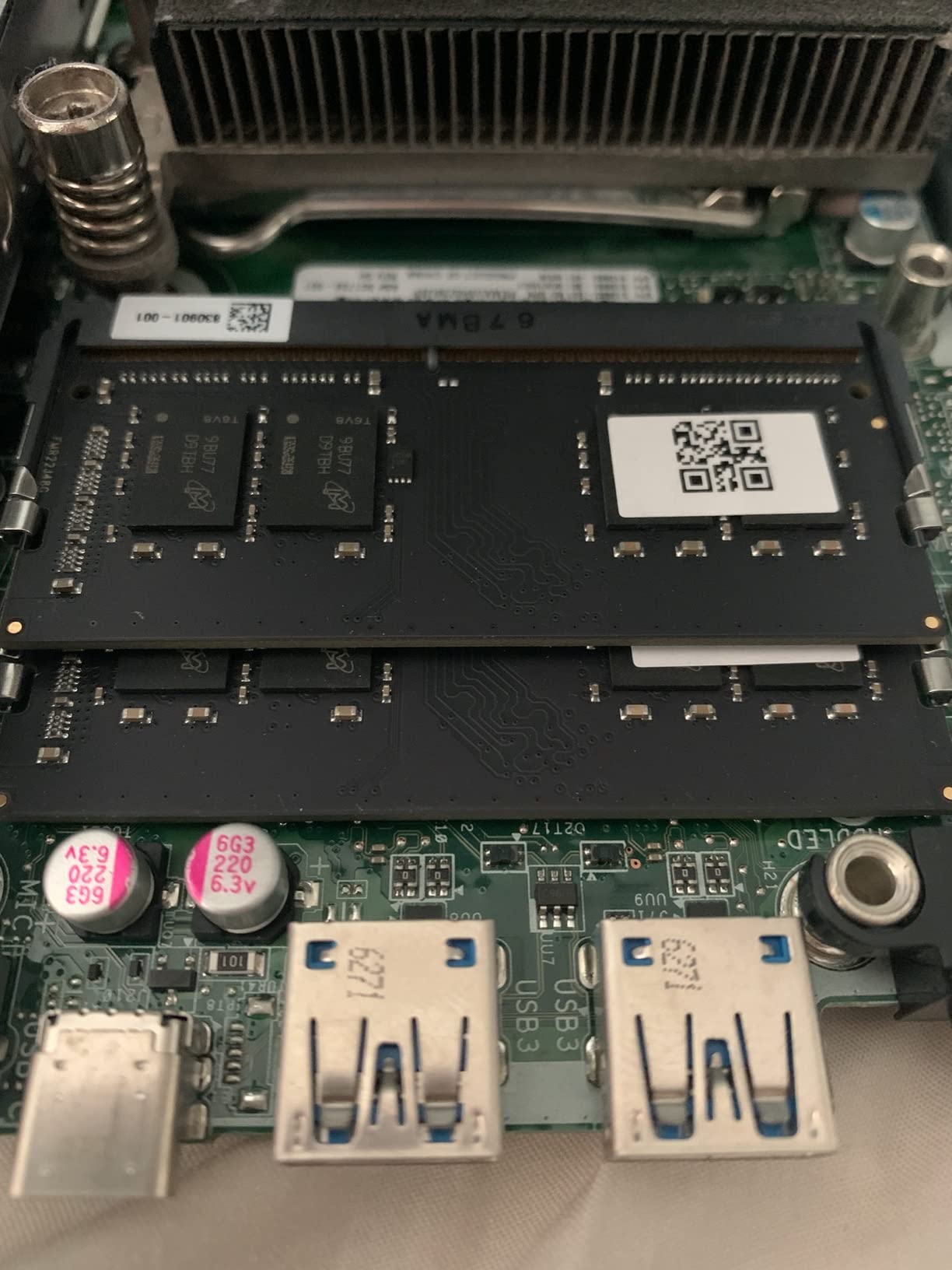
Why this one is on the list:
- 16GB of DDR4 is enough for a modern Windows 11 install with room for browser tabs.
- Two storage expansion slots give you room to grow into a bigger SSD later.
- HP’s business chassis runs cool and quiet, even during long workdays.
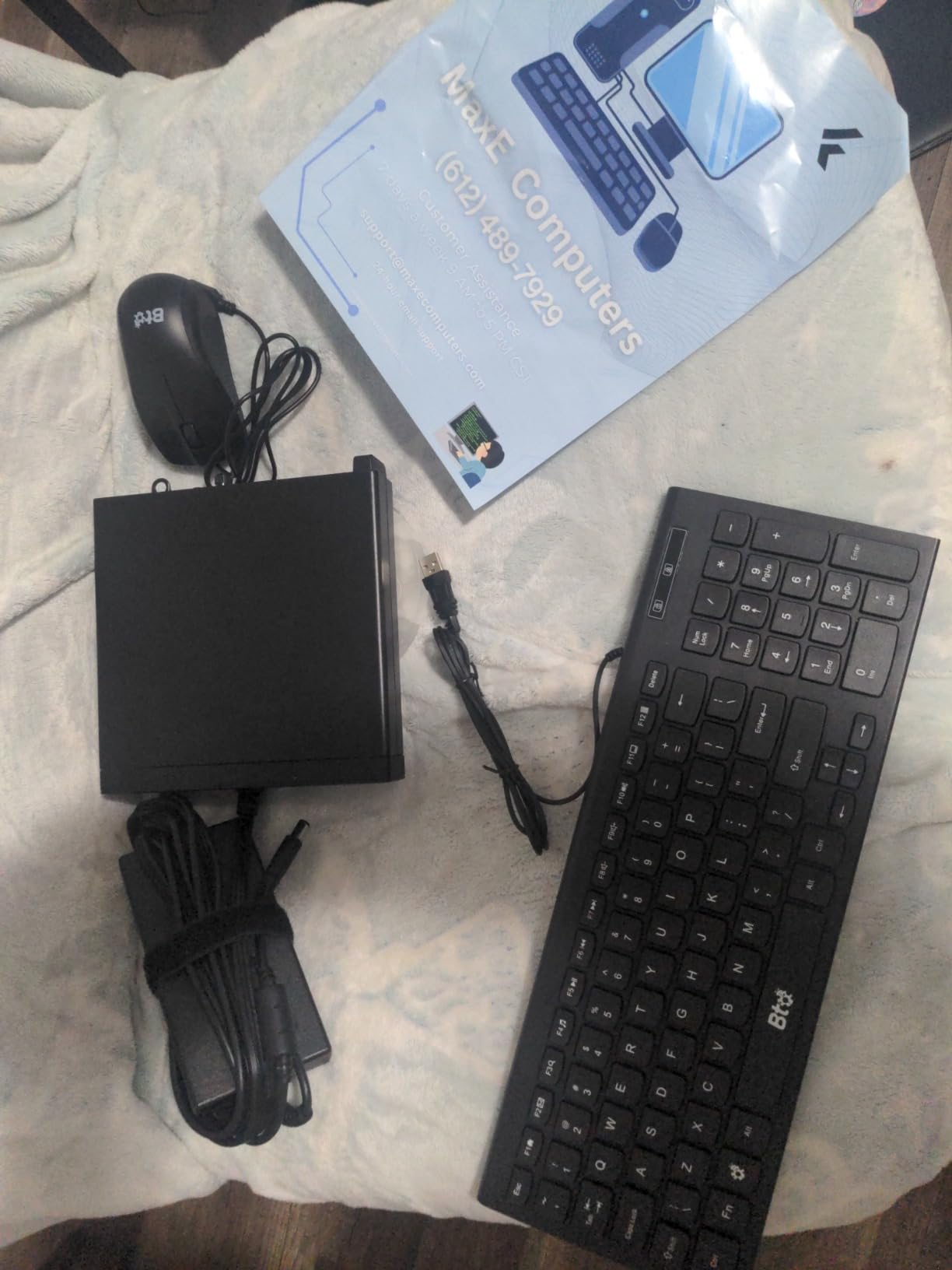
The trade-off is the legacy video output. The 800 G2 has VGA and DisplayPort, not HDMI, so a modern monitor will need an adapter or a DisplayPort cable. The renewed warranty is also short at 90 days. Compared with the Dell OptiPlex 7050 above, the 800 G2 has a slightly smaller stock SSD and similar performance, but it costs less. If you want a basic office machine at the lowest price on this list, the EliteDesk 800 G2 is the pick.
How to Choose Mini PCs During Prime Big Deal Days
CPU and Use Case Match
Match the processor to what you actually run. For office apps, browsers, and 4K video, an AMD Ryzen 3 7330U or Intel Core i5 from the last few generations is more than enough. For content creation, light gaming, or running a few virtual machines, step up to a Ryzen 5 7640HS, a Core i7-14650HX, or an Intel Core Ultra 9 185H. The picks at the top of this list, the GEEKOM IT13 MAX and the ACEMAGIC M5 Gaming, are tuned for those heavier workloads, while the ACEMAGIC K1 and KAMRUI Pinova P2 handle everyday office use without burning power. If you want guidance on a specific workload, our guides to mini PCs for Plex servers and mini PCs for photo editing break down the CPU and RAM thresholds that matter for each.
RAM, Storage, and Upgradability
For a modern Windows desktop in 2026, 16GB of RAM is the practical floor and 32GB is comfortable for multitasking. Storage should start at 256GB, with an M.2 slot for a future SSD upgrade. Some picks, like the GMKtec M6 Ultra and the ACEMAGIC M5 Gaming, accept 64GB or more of RAM, while others like the GEEKOM IT13 MAX and ACEMAGIC K1 use soldered LPDDR5 that cannot be expanded. If you want headroom, look for user-upgradable SODIMM slots and a second M.2 drive bay.
Ports, Connectivity, and Display Support
Count the ports before you buy. A modern home office benefits from at least two HDMI or DisplayPort outputs, USB-C with DisplayPort for a third monitor, and Wi-Fi 6 or newer. The GEEKOM IT13 MAX, GMKtec M6 Ultra, and ACEMAGIC M5 Gaming all drive three or more 4K displays and offer fast wireless. For a digital signage or multi-monitor setup, our mini PCs for digital signage roundup walks through the specific port and display output requirements.
Size, Noise, and Thermals
Smaller chassis mean smaller fans and higher sustained temperatures. The Bmax B1 Plus and the KAMRUI Pinova P2 are extremely small, while the GMKtec M6 Ultra and the ACEMAGIC M5 Gaming use vapor-chamber or larger-fan cooling to stay quiet under load. For a quiet bedroom or home office, prioritize a system with a 15-28W CPU and a well-reviewed cooling solution. If silence matters for a Home Assistant or media server build, see our mini PCs for Home Assistant guide for picks that stay cool and quiet 24/7.
How to Shop Mini PC Deals During the Sale
During Prime Big Deal Days, the listing that shows up first is not always the right one. Check the exact model number and CPU generation on every card, since the same brand can sell last year’s chip under a similar name. Confirm whether the unit is new or renewed, and look for the seller and shipping notes, because third-party offers can shift a Prime-only deal into a different condition. Most mini PC offers during the sale require a Prime membership, and prices change throughout the event, so a deal you see on day one may be lower on day two. Our Mac mini Prime Big Deal Days deals page follows the same rhythm if you are also considering an Apple option.
Quick checklist before you check out:
- CPU generation matches what the listing title claims.
- RAM and storage are at the level you need, with at least one upgrade slot.
- Display outputs and Wi-Fi standard support your monitor and network setup.
- The unit is new unless you are specifically shopping for a renewed business PC.
- Warranty length is at least 90 days, and longer for non-renewed picks.
Frequently Asked Questions
When does Prime Big Deal Days 2026 run?
Prime Big Deal Days runs October 6-7, 2026. Amazon confirmed the dates, and the sale lasts roughly 48 hours with new offers appearing throughout the event. Most mini PC discounts are live only during that window, so it pays to check in early and again on the second day.
Do I need a Prime membership to get these mini PC deals?
Yes, most Prime Big Deal Days mini PC offers require an active Amazon Prime membership. A free 30-day trial counts and works for the sale. Some renewed listings from third-party sellers remain visible without Prime, but the headline discounts on new mini PCs are almost always gated behind membership.
Do mini PCs usually go on sale during Prime Big Deal Days?
Mini PCs are a popular category for Prime Big Deal Days, and most major brands drop prices on at least a few current-generation models during the event. Discounts vary by model and brand, and the best values tend to sell out early in the 48-hour window.
What should I check before buying a mini PC during the sale?
Verify the exact CPU model and generation, the RAM and storage configuration, the warranty length, and whether the unit is new or renewed. Confirm the seller and shipping notes, and check the number of display outputs and the Wi-Fi standard to make sure the mini PC supports your monitor and network setup.
Is a mini PC powerful enough to replace a full desktop?
For most office work, browsing, 4K video, and even light photo or video editing, a current-generation mini PC is a true replacement for a full-size desktop. For serious gaming or 3D rendering, you still want a tower with a discrete GPU, though some mini PCs support external GPU docks through Thunderbolt or Oculink.
Which mini PC is the best budget pick during Prime Big Deal Days?
The Beelink SER3 is our budget pick for most shoppers, with 16GB of RAM, a 500GB SSD, and dual 4K HDMI output. For the very cheapest usable option, the Bmax B1 Plus handles basic Office and web tasks in an even smaller and lighter chassis.
Final Verdict: Mini PC Deals: Prime Big Deal Days
Buy the GEEKOM IT13 MAX if you want one small box that handles creative work, virtualization, and on-device AI, and you care about a quiet system with a 3-year warranty. Buy the ACEMAGIC M5 Gaming if multi-threaded CPU speed and a 1TB NVMe SSD matter more than integrated graphics, especially for streaming, productivity, and casual gaming. Buy the GMKtec M6 Ultra as the best-value pick, since it adds DDR5 memory, dual 2.5GbE networking, and 8K display support to a midrange price. Buy the ACEMAGIC K1 for a tidy home office with triple 4K displays and a built-in power supply, and the Beelink SER3 if you want the lowest sensible entry point. The renewed HP and Dell business mini PCs round out the list for shoppers who only need a dependable Office desktop and want to spend as little as possible during the sale. Open one of the buttons above on October 6 or 7 to lock in the offer before availability moves, and check back during the event since the best prices on these mini PC deals during Prime Big Deal Days often move through both days.