
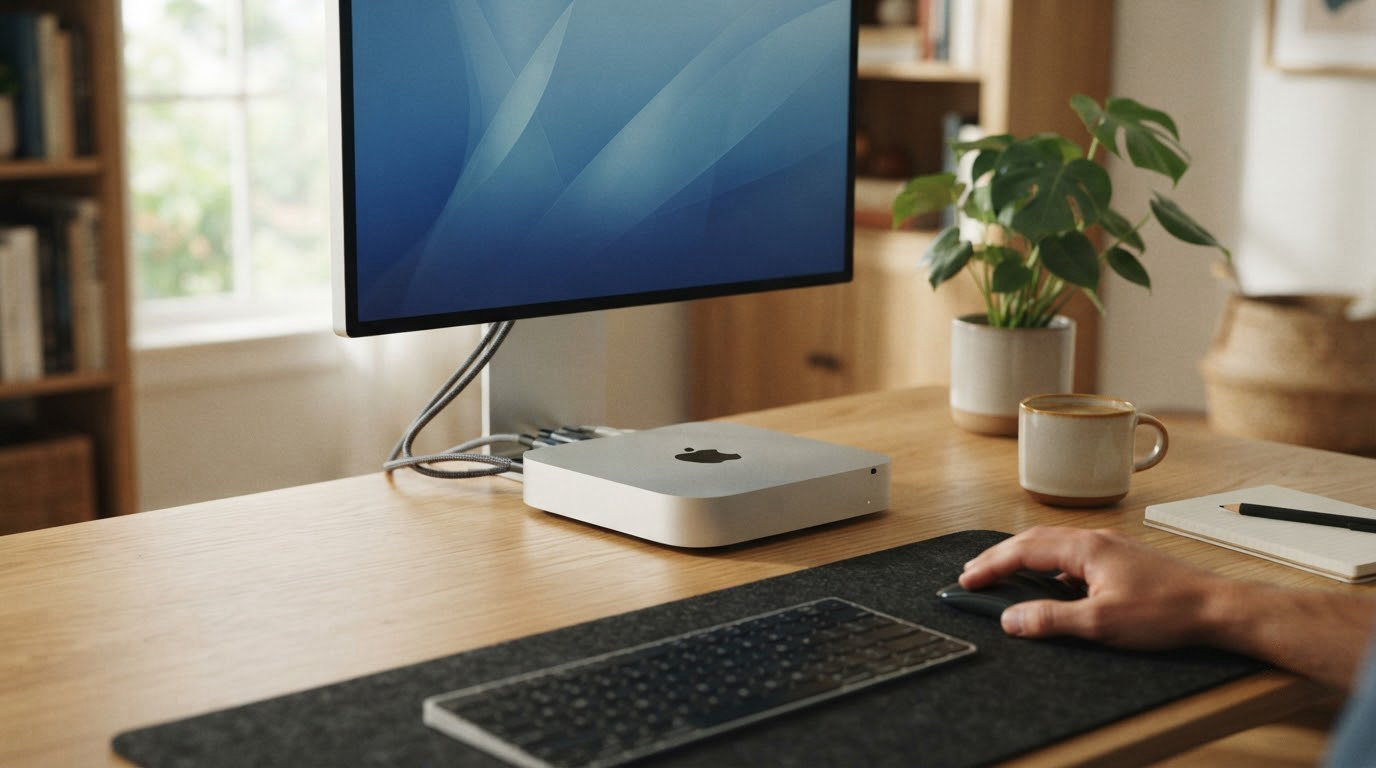
The 2023 Mac mini with M2 chip is the one most worth watching when Amazon’s Prime Big Deal Days runs October 6-7, 2026. It pairs an 8-core CPU and 10-core GPU with 8GB of unified memory and 256GB of storage in a five-inch square, and it carries the strongest review base of any Apple silicon desktop in this lineup. For shoppers who want newer silicon on a tighter budget, the renewed M1 Mac mini is the safer everyday pick, and the 2024 Mac mini with M4 chip is the right choice when Apple Intelligence and the latest macOS features matter.
Prime Big Deal Days is the October Prime event, and most of the picks below need an active Prime membership to land at the price shown. We checked ratings, configuration options and owner themes in October 2026 to figure out which Mac mini configurations are worth watching while the sale runs.
Our Top 3 Picks for Mac mini Deals: Prime Big Deal Days
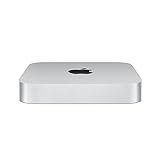
Mac mini M2 (2023)
- Best for: everyday Apple silicon
- M2 chip with 8-core CPU and 10-core GPU
- 8GB unified memory plus 256GB SSD
- Two Thunderbolt 4 and HDMI ports

Mac mini M1 Renewed
- Best for: budget Apple desktop
- Apple M1 8-core CPU plus 16-core Neural Engine
- 8GB unified memory plus 256GB SSD
- Four Thunderbolt 3 ports and HDMI

Mac mini M4 (2024)
- Best for: latest Apple silicon
- M4 chip with 10-core CPU and 10-core GPU
- 16GB unified memory plus 512GB SSD
- Front USB-C ports and Built for Apple Intelligence
Mac mini Deals: Prime Big Deal Days Compared (October 2026)
| Product | Specs | Action |
|---|---|---|
| Mac mini M2 (2023) |
|
Check Deal Price |
| Mac mini M1 Renewed |
|
Check Deal Price |
| Mac mini M4 (2024) |
|
Check Deal Price |
 Mac mini M4 24GB Renewed Mac mini M4 24GB Renewed |
|
Check Deal Price |
 Mac mini Intel i3 Renewed Mac mini Intel i3 Renewed |
|
Check Deal Price |
 Mac mini Intel i5 Renewed Mac mini Intel i5 Renewed |
|
Check Deal Price |
How We Chose
We compared six Mac mini configurations on Apple silicon generation, RAM tier, storage size, port selection and owner ratings on Amazon. Renewed units were weighed against their new counterparts for warranty length and long-term macOS support. Data was checked in October 2026.
1. Mac mini M2 (2023): Editor’s Choice
Apple 2023 Mac mini Desktop Computer with Apple M2 chip with 8‑core CPU and 10‑core GPU, 8GB Unified Memory, 256GB SSD Storage, Gigabit Ethernet. Works with iPhone/iPad
Chip: M2 8-core CPU and 10-core GPU
Memory: 8GB unified
Storage: 256GB SSD
Weight: 2.6 lb
Pros
- M2 chip handles everyday work without breaking a sweat
- Two Thunderbolt 4 ports plus HDMI and USB-A
- Energy efficient unified memory architecture
- macOS Ventura runs fast and stays quiet
Cons
- 8GB RAM cannot be upgraded
- 256GB base storage is tight for large media libraries
The Mac mini M2 from 2023 is the configuration most owners keep for years without touching. With 1454 reviews sitting at a 4.7 average, this is the most battle-tested pick in the roundup and the configuration reviewers come back to when recommending an Apple desktop to a friend.
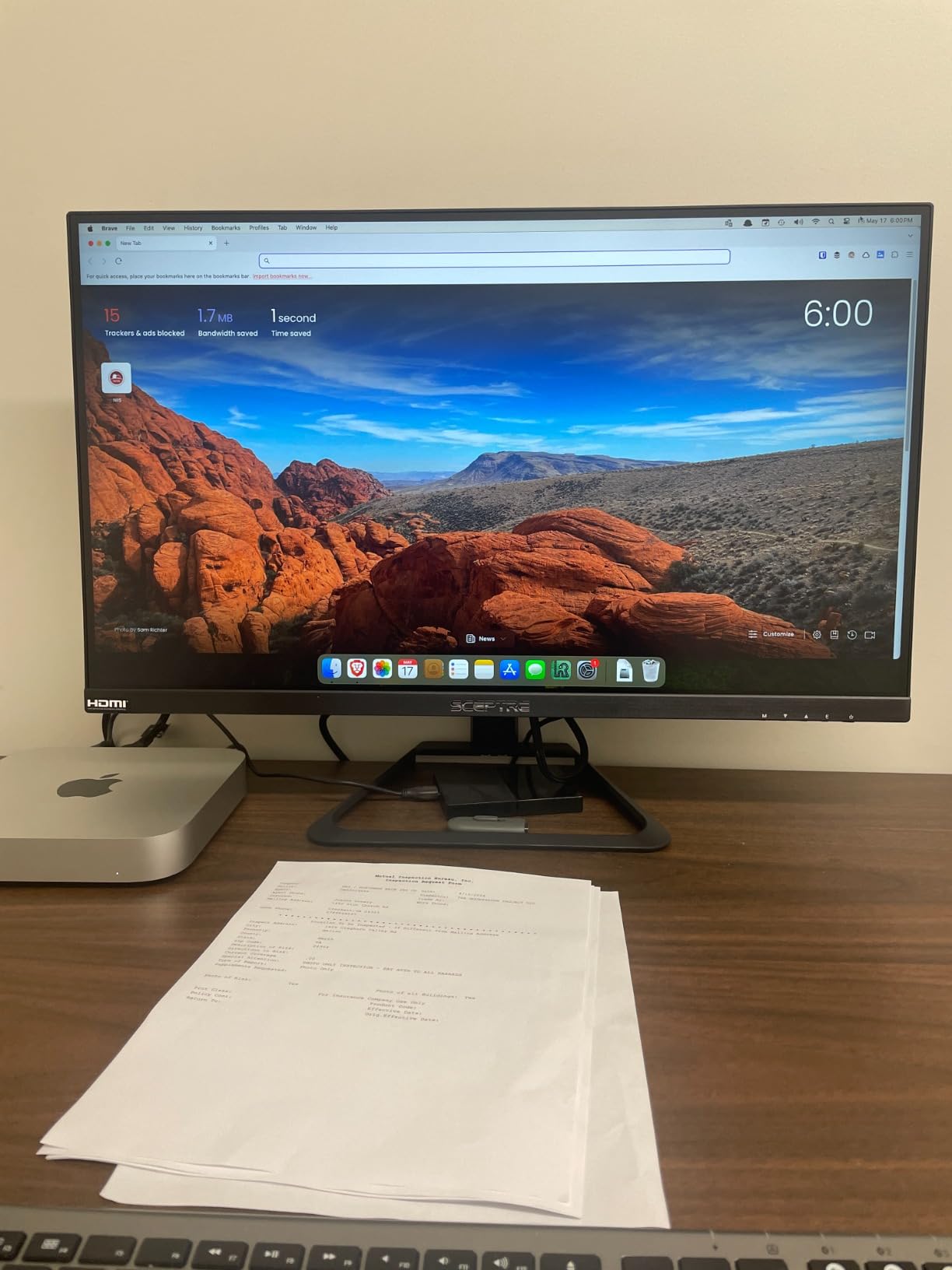
What stands out for Prime Big Deal Days shoppers is the balance. The 8-core CPU and 10-core GPU handle Microsoft 365, Adobe Creative Cloud and Zoom without the fan ever being noticeable in a home office, and the two Thunderbolt 4 ports cover most external drive and display setups.
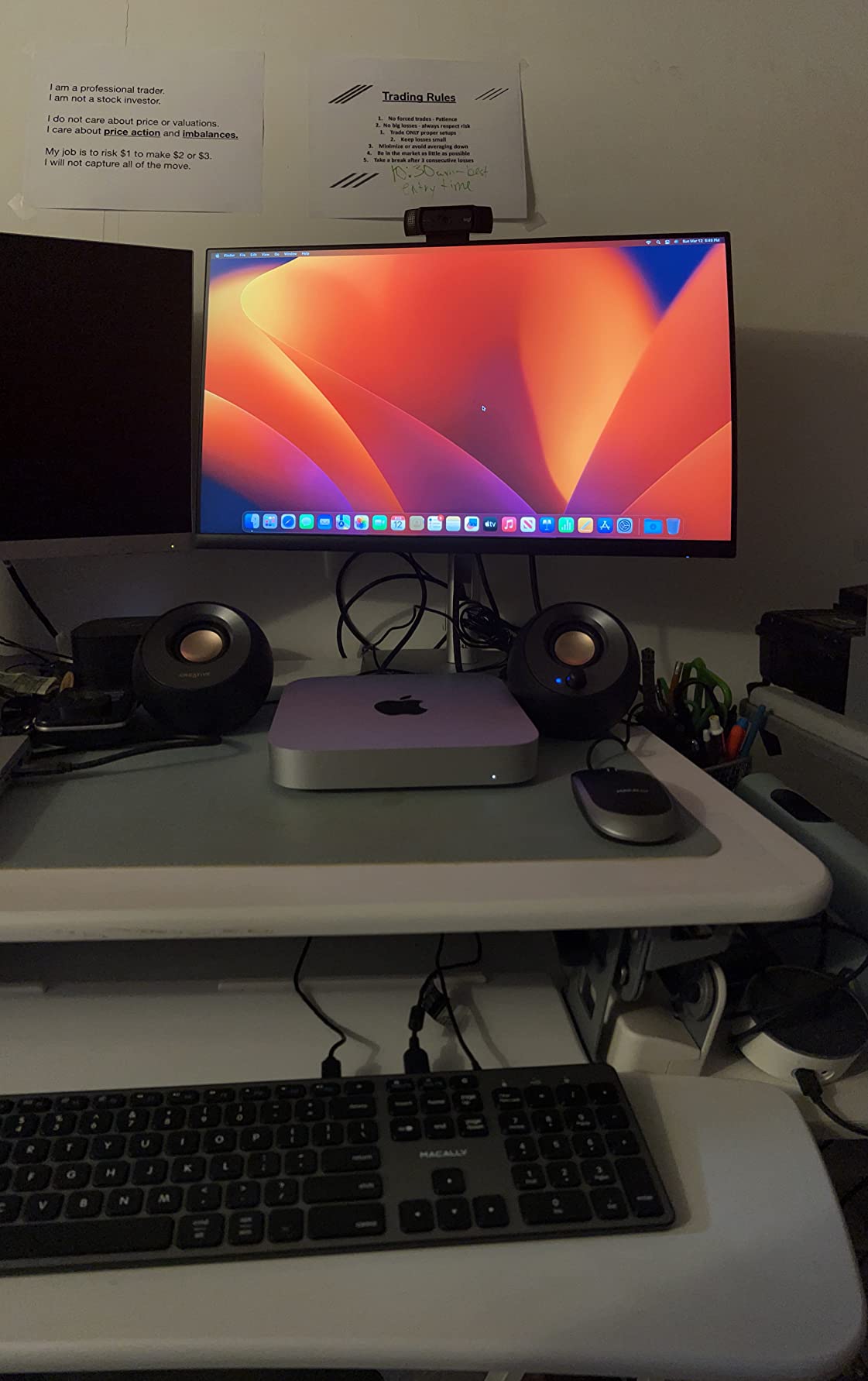
- Compact five-by-five-ish footprint fits beside a monitor
- Unified memory architecture keeps apps responsive under multitasking
- Wi-Fi 6E and Bluetooth 5.3 cover modern wireless accessories
- Owners report smooth macOS migration from older Intel machines
What most owners notice first is how quiet the M2 stays under load. Several buyers say the case barely warms up during a full day of video calls and browser work, which is a real quality-of-life win over the older Intel Mac minis.
The trade-off versus the M4 Mac mini below: no Apple Intelligence, no front-facing USB-C ports, and a smaller 256GB drive. If any of those matter to you, the M4 is the better fit. Skip the M2 if you regularly edit 4K video or run virtualized environments, where the 24GB Mac mini M4 Renewed later in this list is the stronger pick.
2. Mac mini M1 Renewed: Best Value
Apple 2020 Mac Mini with Apple M1 Chip, 8GB RAM, 256GB SSD Storage – Silver (Renewed)
Chip: Apple M1 8-core CPU
Memory: 8GB unified
Storage: 256GB SSD
Weight: 2.6 lb
Pros
- M1 chip is still fast for most daily workflows
- Four Thunderbolt 3 ports plus HDMI
- Renewed pricing beats new M-series minis
- Quiet operation under typical workloads
Cons
- 8GB RAM cannot be upgraded
- Renewed with 90-day limited warranty
The renewed Mac mini with M1 is one of the lower-priced Apple silicon desktops you can buy, and it does not feel low-rent. At 849 reviews and a 4.7 average, owners report the M1 chip handling browsers, Office apps and even light photo editing without trouble.
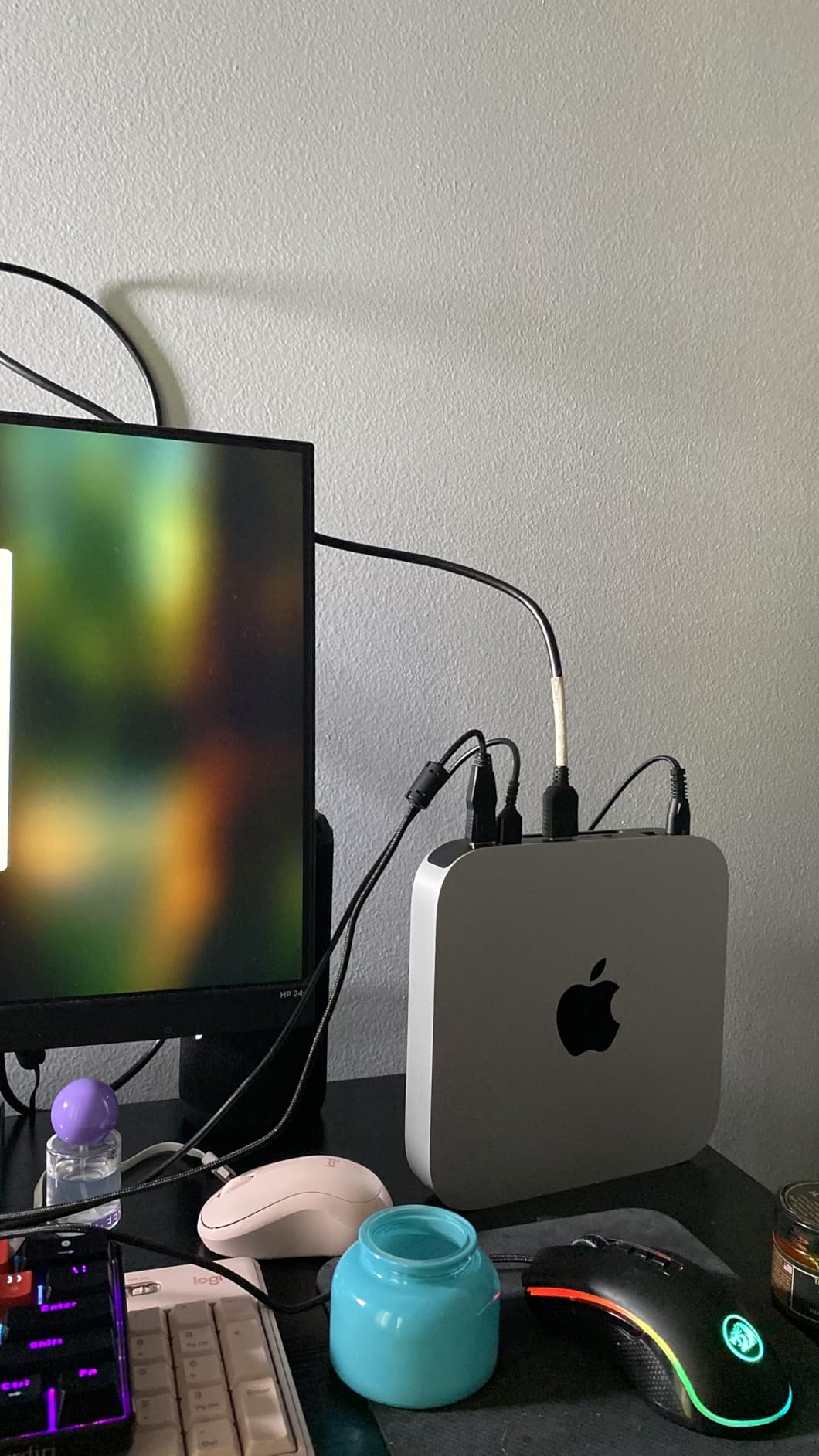
For Prime Big Deal Days, this is the model that makes sense if the goal is “I want macOS, I do not need the newest chip.” The 8-core CPU and 8-core GPU jump ahead of any older Intel Mac mini, and the 16-core Neural Engine keeps machine-learning features snappy.
Good to know: renewed units come with a 90-day limited warranty instead of Apple’s standard one-year coverage. Owners mention checking the seller’s return window and inspecting the unit on arrival, both worth doing during a sale event.
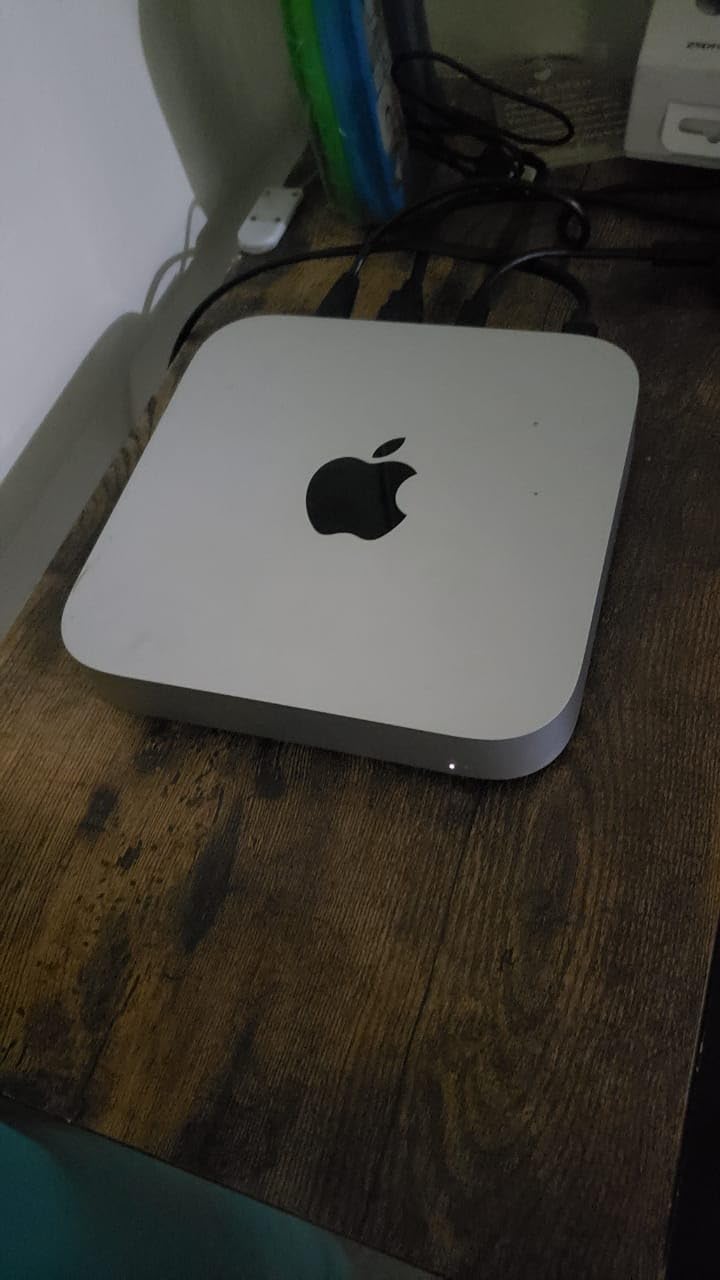
- Four Thunderbolt 3 ports beat newer M2 base models for connectivity
- 8GB unified memory is sufficient for browsing, email and office suites
- 256GB SSD keeps boot times quick
- macOS support extends through several more major releases
Compared with the Intel i3 Mac mini further down, the M1 runs cooler, sips less electricity, and stays compatible with newer macOS versions for longer. If your work is mostly documents and streaming, this is the one to watch.
3. Mac mini M4 (2024): Most Versatile
Apple 2024 Mac mini Desktop Computer with M4 chip with 10‑core CPU and 10‑core GPU: Built for Apple Intelligence, 16GB Unified Memory, 512GB SSD Storage, Gigabit Ethernet. Works with iPhone/iPad
Chip: M4 10-core CPU and 10-core GPU
Memory: 16GB unified
Storage: 512GB SSD
Weight: 1.5 lb
Pros
- M4 chip with 10-core CPU and 10-core GPU
- Five-by-five inch redesign is more compact
- Front USB-C ports plus headphone jack
- Built for Apple Intelligence
Cons
- RAM cannot be upgraded after purchase
- Power button relocated to the bottom of the case
The Mac mini M4 (2024) is the configuration most people mean when they say “the new Mac mini” in 2026. Apple shrank the case to five inches square, moved ports to both the front and the back, and bumped the base configuration to 16GB of unified memory with a 512GB SSD.
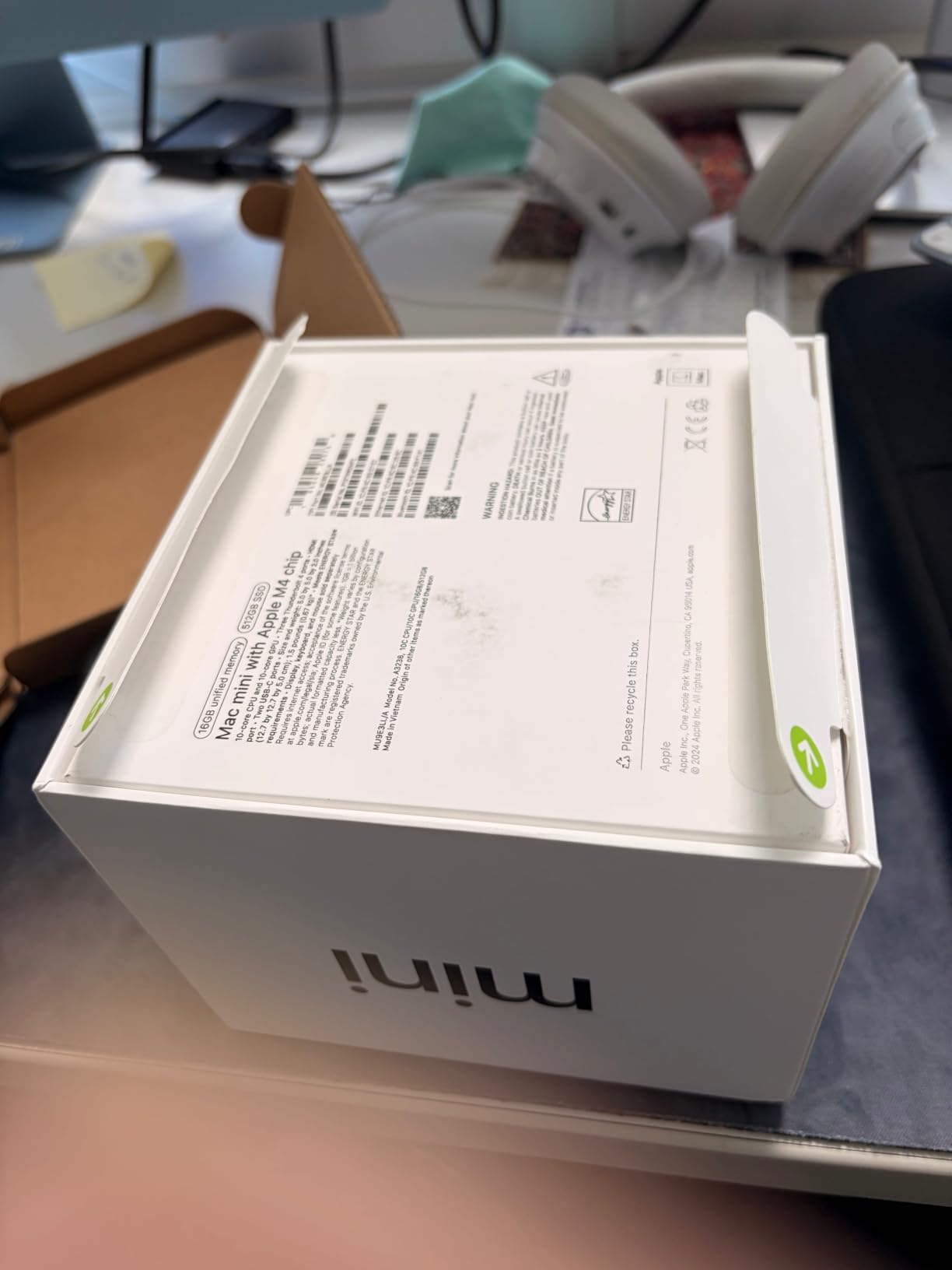
For Prime Big Deal Days, this is the pick if you want Apple Intelligence and you do not want to settle for an older generation. Owners rate it 4.7 across 409 reviews, and reviewers report fast migrations from Windows machines and quiet operation even under heavier multitasking.
Best for: anyone running creative apps, a developer machine, or a small home server where the extra RAM and storage matter. The M4 generation also brings the dedicated Neural Engine needed for on-device Apple Intelligence, which the M2 above does not offer.
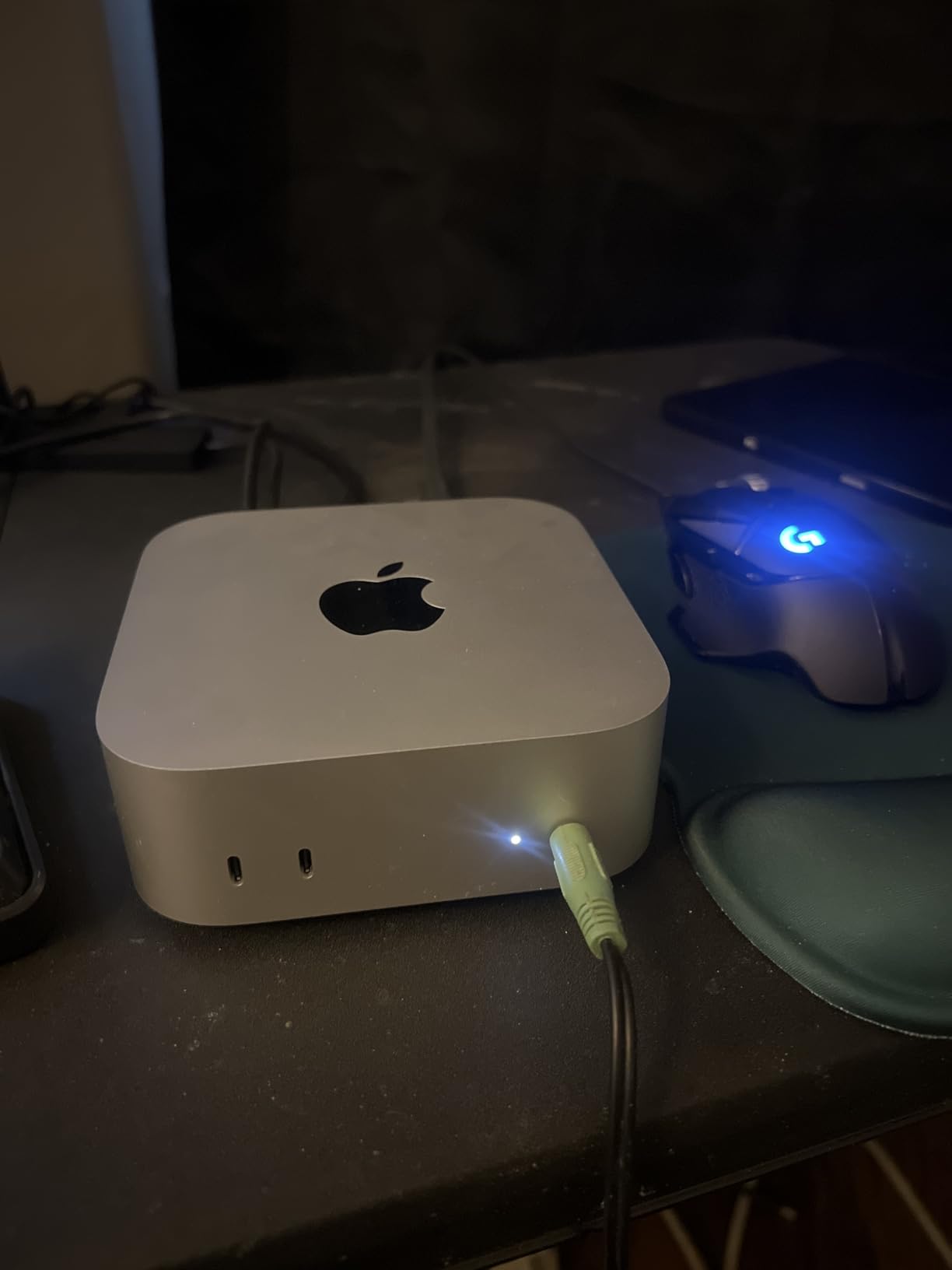
- Front USB-C ports are useful for temporary drives and SD card readers
- Carbon neutral product according to Apple’s environmental reporting
- macOS integration with iPhone and iPad is the smoothest yet
- 512GB base storage removes the most common M2-era frustration
Skip it if you need 24GB or more of memory for video work, where the renewed M4 24GB configuration in this list is a better fit, or if budget is the priority and the M1 Renewed above will do the job.
4. Mac mini M4 24GB Renewed: Best for Multitasking
Apple 2024 Mac Mini with Apple M4 Chip with 10-Core CPU, 24GB RAM, 512GB SSD Storage – Silver (Renewed)
Chip: M4 10-core CPU and 10-core GPU
Memory: 24GB unified
Storage: 512GB SSD
Weight: 1.5 lb
Pros
- 24GB unified memory for heavy multitasking
- Same M4 chip as the newer model
- Compact five-inch design
- Front USB-C ports for quick access
Cons
- Renewed with 90-day limited warranty
- Smaller pool of owner feedback
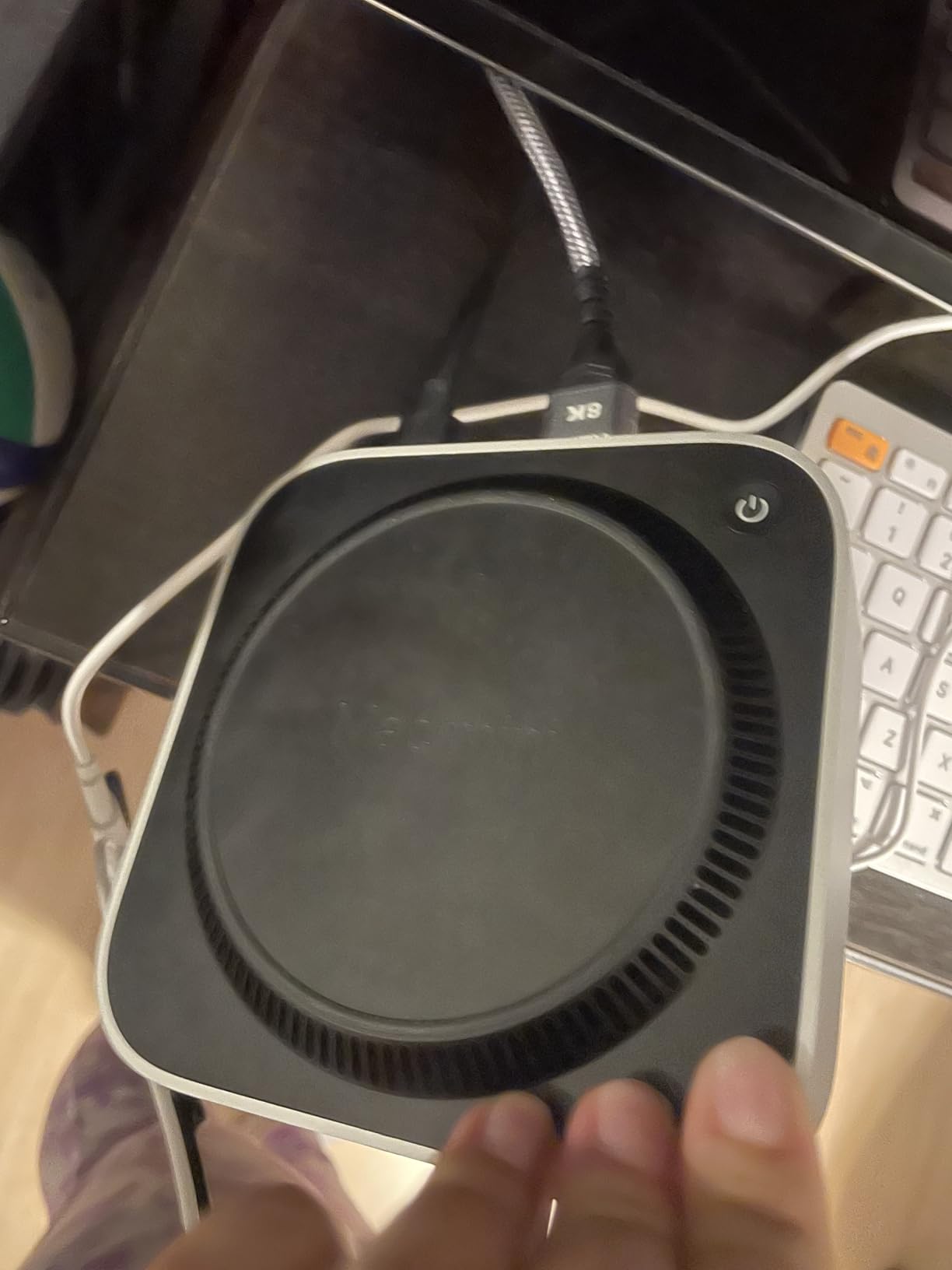
The renewed Mac mini M4 with 24GB of unified memory is the configuration worth watching during Prime Big Deal Days if you regularly push a Mac hard. The extra RAM matters for Photoshop batches, Logic projects with large sample libraries, and running a local development server alongside a browser full of tabs.
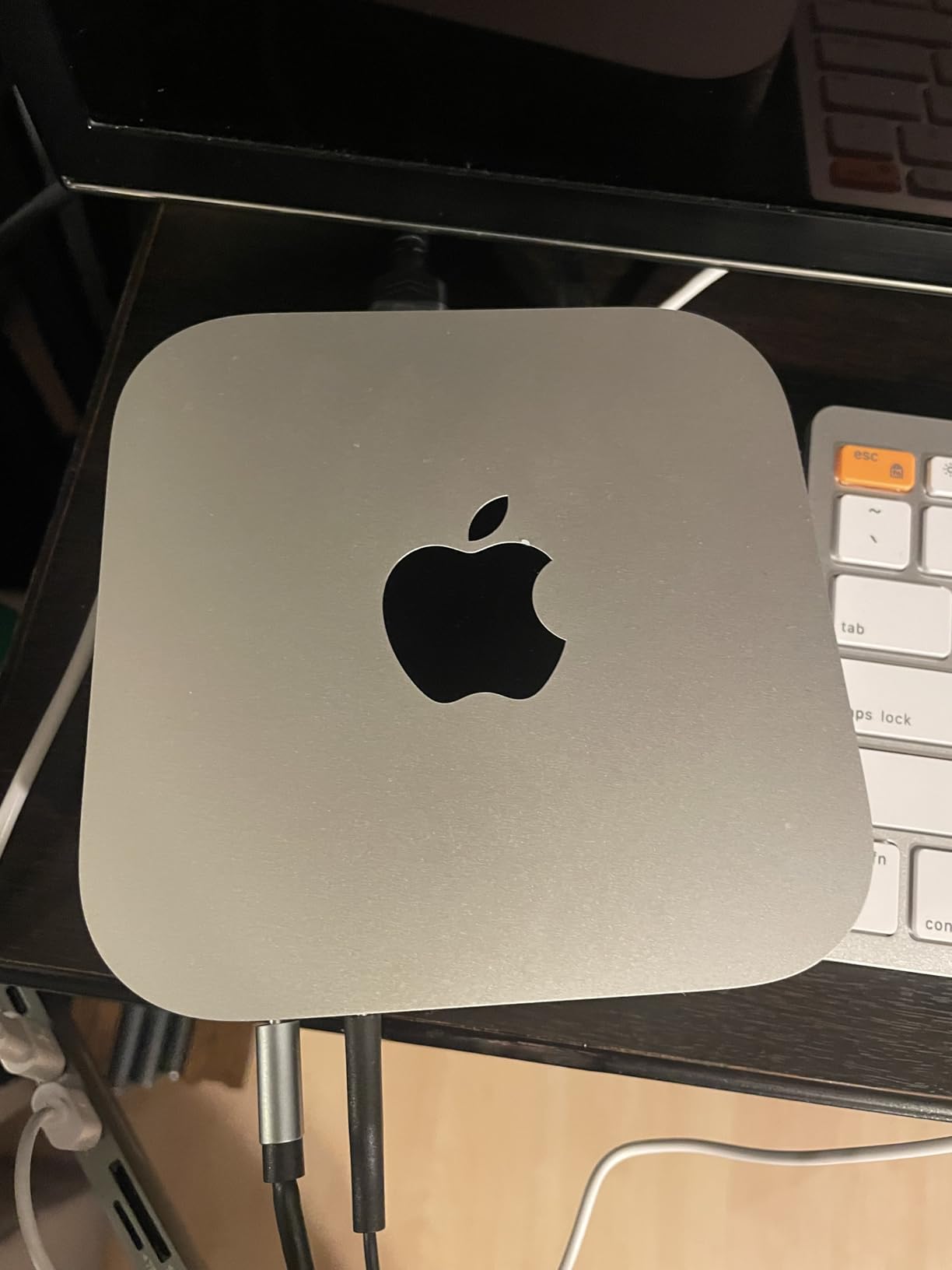
What stands out is the price-to-RAM ratio. A 24GB M4 Mac mini new sits well above the base 16GB model, so a renewed unit at the right moment during the sale is often a more affordable way into that tier.
The extra 8GB over the base M4 above is what makes video editing and virtual machines usable without constant swapping. Against the M2 Mac mini higher in the list, the M4 24GB handles far more at once and unlocks Apple Intelligence.
- 24GB is the practical sweet spot for prosumers
- 512GB SSD keeps media projects on the internal drive
- Front USB-C ports simplify connecting external scratch storage
- Apple silicon keeps idle power draw very low
Good to know: renewed 24GB M4 Mac minis are listed less often than the 16GB version, so it pays to add this one to a list the moment it appears during the sale window.
5. Mac mini Intel i3 Renewed: Budget Pick
Apple Late 2018 Mac Mini with 3.0GHz Intel Core i3, 8GB RAM, 128GB SSD, Space Gray (Renewed)
Chip: Intel Core i3 8th-gen quad-core
Memory: 8GB DDR4
Storage: 128GB SSD
Weight: 3 lb
Pros
- Lowest price Mac mini in the roundup
- Quad-core 8th-gen Intel processor
- Includes Apple T2 Security Chip
- macOS migration from older Macs works smoothly
Cons
- Only 128GB SSD storage
- 8GB RAM cannot be upgraded
- Older Intel architecture vs Apple silicon
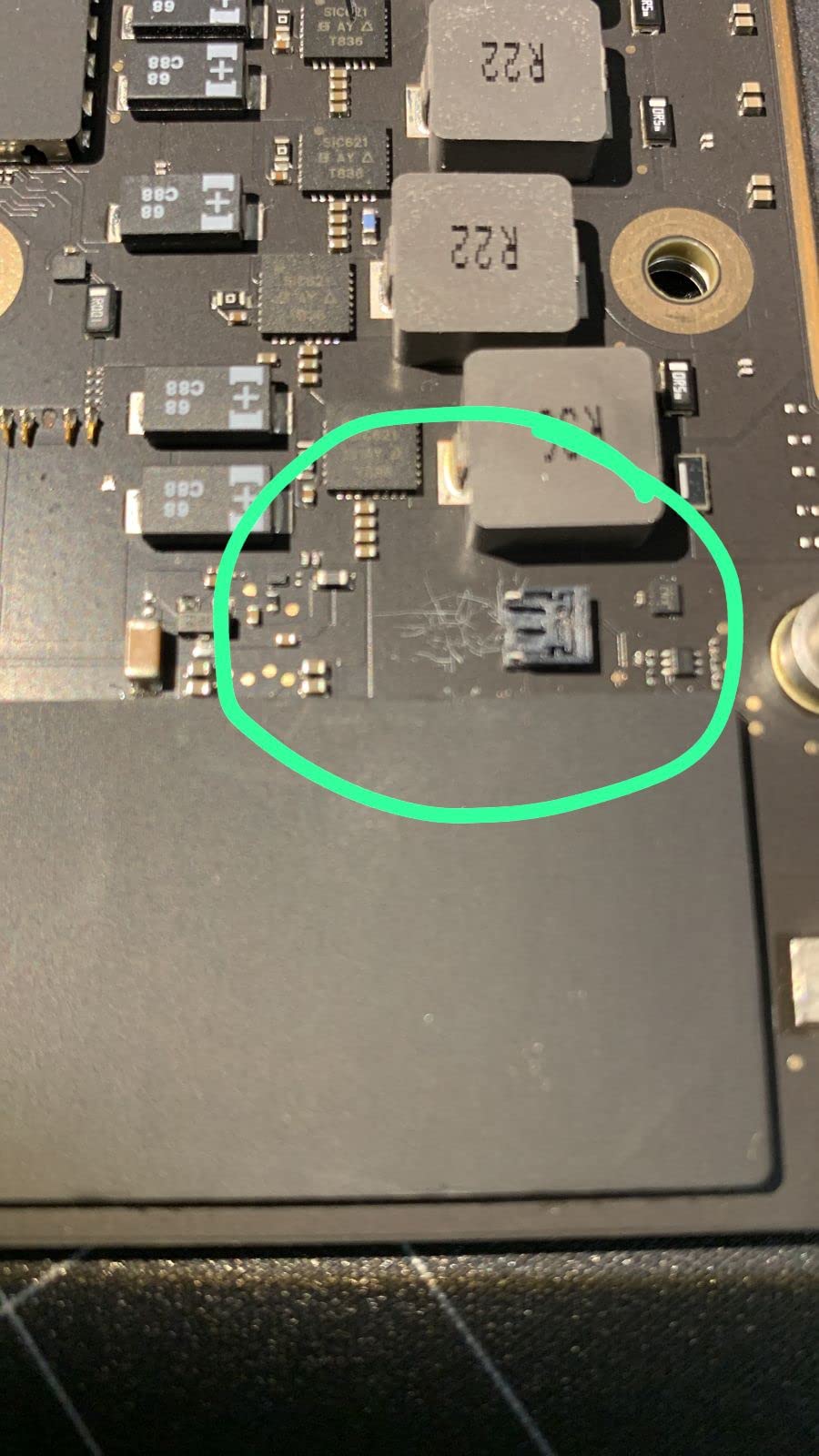
The Late 2018 Mac mini with Intel Core i3 is a budget-friendly entry point into a Mac desktop during Prime Big Deal Days. At 289 reviews and a 4.5 average, owners use it as a Plex box, a kitchen computer, or as a first Mac for a student who does not need Apple silicon.
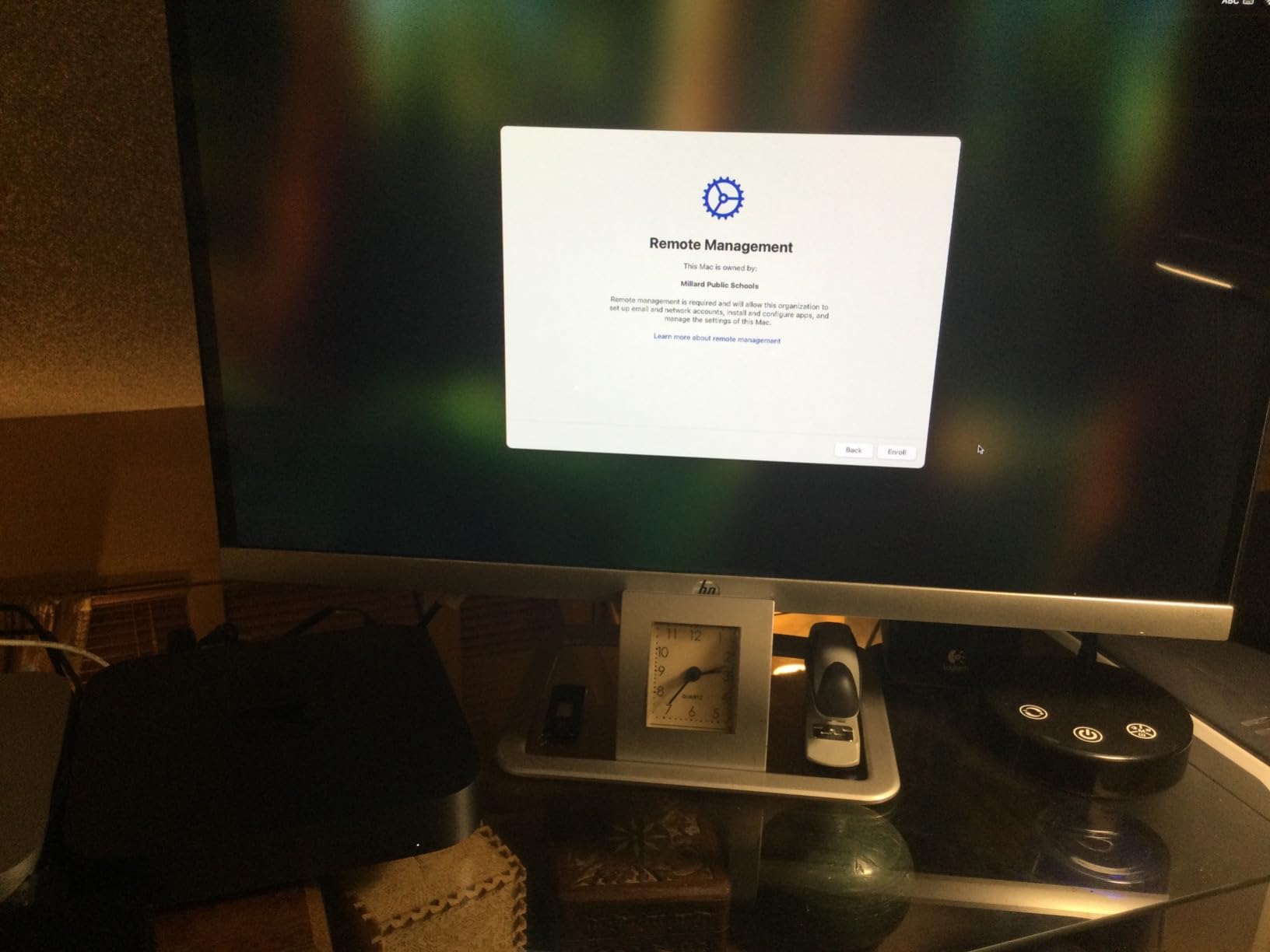
Best for: a second Mac that lives in the kitchen, a homework computer, or anyone who wants macOS on a tight budget. The T2 Security Chip handles encrypted storage and secure boot, which is a small but useful upgrade over older Intel minis.
Compared with the M1 Renewed above, this i3 model uses more power, runs hotter and stops receiving new macOS features sooner. For pure browsing and document work, however, owners report it stays responsive.
- Quad-core 8th-generation Intel Core processor
- Four Thunderbolt 3 ports are generous for the price
- Apple T2 Security Chip included
- Gigabit Ethernet plus HDMI 2.0
Skip it if you plan to run the latest macOS features or anything beyond light creative work. For the price, this is hard to beat as a starter Mac or a dedicated low-power home server, and our guide to the best mini PCs for Home Assistant covers similar always-on roles.
6. Mac mini Intel i5 Renewed: Best for Storage
Apple 2018 Mac Mini with 3.0GHz Intel Core i5, 8GB RAM, 512GB SSD Storage, Gray (Renewed)
Chip: Intel Core i5 8th-gen 6-core
Memory: 8GB DDR4
Storage: 512GB SSD
Weight: 3.5 lb
Pros
- 6-core Intel Core i5 handles multitasking
- 512GB SSD is generous for the price
- Four Thunderbolt 3 ports plus HDMI
- Renewed pricing beats equivalent new models
Cons
- 8GB RAM may be insufficient for heavy workloads
- Older Intel architecture vs Apple silicon
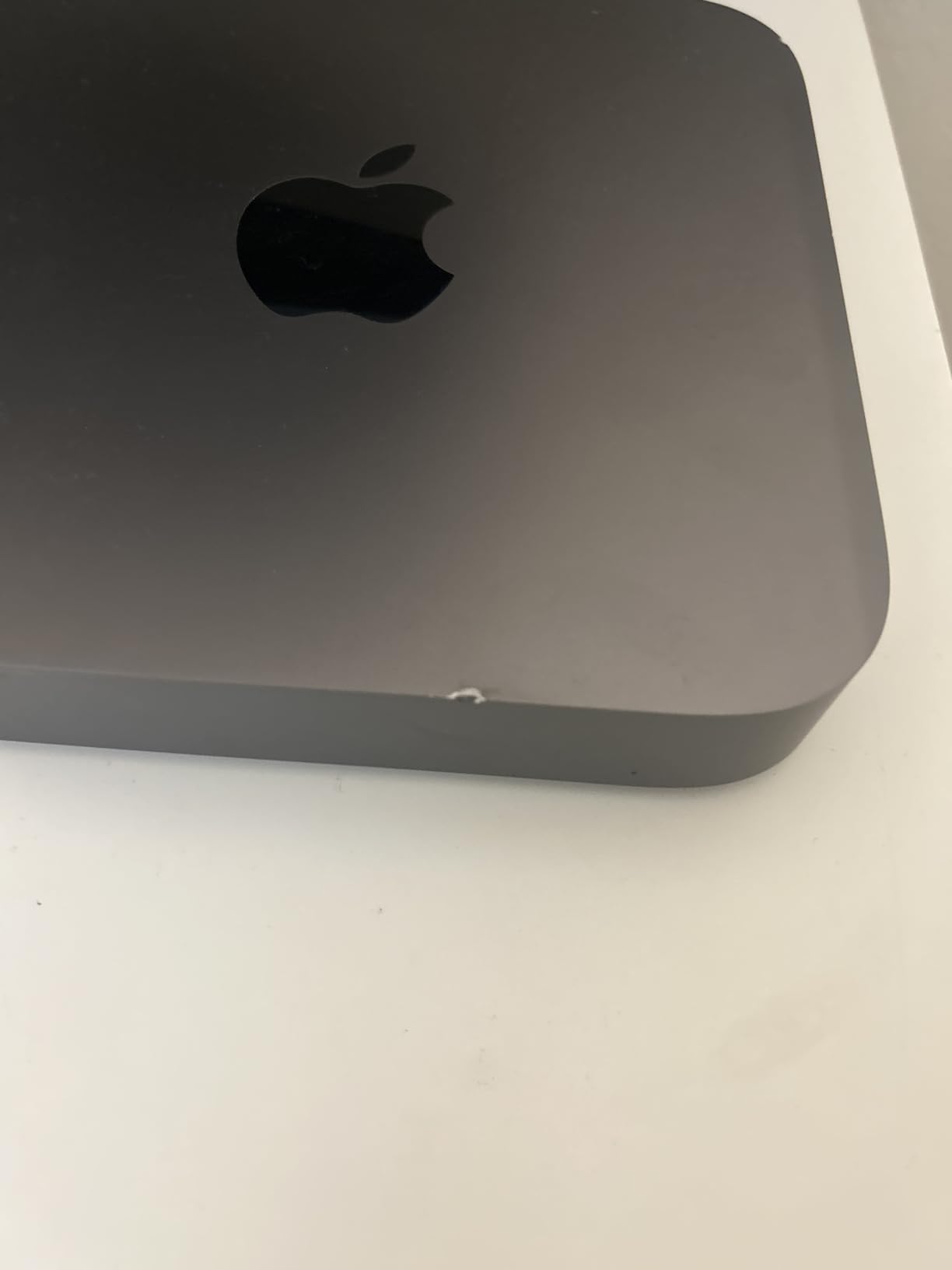
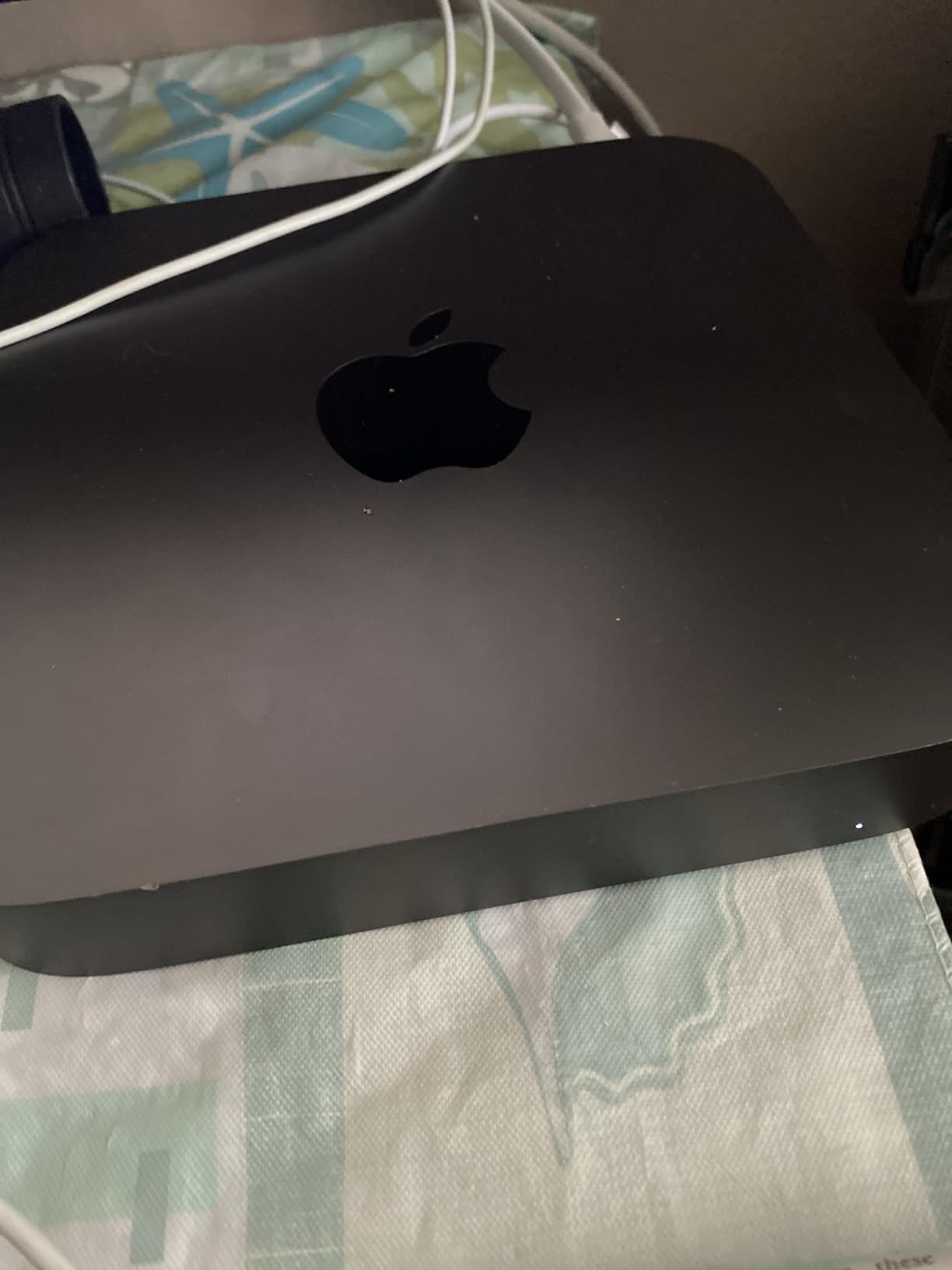
- Some renewed units may have cosmetic issues
The 2018 Mac mini with Intel Core i5 and a 512GB SSD is the configuration worth watching if storage size matters more than chip generation. The 512GB internal drive is double what most base Mac minis ship with, and it makes this a useful Plex media server or a photo-library machine.
Best for: buyers who want 512GB of internal storage without paying for an M-series Mac mini. The 6-core i5 holds up fine for streaming, document work, and even some photo editing, though it runs behind Apple silicon on intensive tasks.
Owners report that some renewed units arrive with higher RAM than the listed spec, which is a pleasant surprise worth mentioning. The 90-day limited warranty applies, and the longer macOS support window for this generation has already closed.
- 6-core 8th-generation Intel Core i5
- 512GB SSD for libraries and project files
- Four Thunderbolt 3 ports plus HDMI 2.0
- Gigabit Ethernet for stable network access
Compared with the i3 Renewed above, this i5 model trades the T2 chip for a faster processor and a much larger SSD. Compared with the M1 Renewed higher in this list, it loses efficiency and future macOS support but gains storage headroom.
How to Choose a Mac mini During Prime Big Deal Days
Match the chip generation to your workload
For everyday office work, browsing and streaming, the M1 and M2 Mac minis in this roundup are still plenty fast. For on-device Apple Intelligence, recent macOS features and heavier creative work, the M4 generation is the practical floor. Older Intel Mac minis handle basic tasks and media libraries but stop receiving the newest macOS features sooner.
Decide RAM and storage needs before you click buy
Apple silicon Macs do not allow RAM upgrades after purchase, so the configuration you order is the configuration you keep. 8GB is workable for everyday tasks, 16GB is the sweet spot for most creative apps, and 24GB makes sense for video editing, large Photoshop files or running multiple virtual machines. Our guide to the best mini PCs for photo editing walks through how much RAM photo and video workflows really need. Storage is easier: if you work with large media files, 512GB or more saves you from juggling external drives.
Check ports and accessories compatibility
The 2024 Mac mini moved USB-C ports to the front, which makes temporary drives and SD readers much easier to plug in. Older Intel and M1/M2 Mac minis keep all ports on the back, including four Thunderbolt 3 ports on the 2018 models, which is a real plus for dock-based setups. If you plan to use a portable monitor for Mac users, check that the Mac mini’s display outputs match the monitor’s USB-C alt-mode or HDMI input.
Consider always-on and home-server use
A Mac mini sipping a few watts at idle makes a quiet, capable home server for Plex, Home Assistant or backups. Renewed Intel Mac minis are especially tempting here because storage can be added externally and the lower cost forgives shorter macOS support. Pick the lowest-watt configuration that still meets your performance needs, and keep it on a wired Ethernet connection.
How to Shop Mac mini Deals During the Sale
Prime Big Deal Days is a 48-hour event and pricing changes throughout, so check the listing early in the window and again near the end. Confirm the seller is Amazon directly or an authorized seller, verify the configuration in the title (chip generation, RAM size, storage size, renewed versus new), and note the warranty terms: renewed units carry a 90-day limited warranty, while new units carry Apple’s standard one-year coverage. Most offers during the sale need an active Prime membership, and a free trial counts if you are not already a member.
- Confirm chip generation (M1, M2, M4, or Intel)
- Verify RAM size in the listing title before checkout
- Check storage size matches what you need
- Note whether the unit is new or renewed
- Confirm the seller is Amazon or an authorized seller
- Save the listing early in the sale and check again near the end
Frequently Asked Questions
When does Prime Big Deal Days run in 2026?
Prime Big Deal Days runs October 6-7, 2026. Amazon confirmed those dates for the October Prime event, and the sale lasts 48 hours from start to finish. Pricing on Mac mini configurations can change throughout that window, so check the listing early and again near the end.
Do I need a Prime membership to buy Mac mini deals during Prime Big Deal Days?
Most Mac mini deals during Prime Big Deal Days require an active Amazon Prime membership. If you are not a member, a free trial works for the duration of the sale and unlocks the same pricing on eligible configurations.
Which Mac mini configuration is best for everyday use?
For everyday browsing, streaming and office work, the Mac mini M2 (2023) with 8GB of unified memory is the safest pick. It is widely reviewed and handles current productivity apps without slowdowns, while costing less than the newer M4 model.
How much RAM do I need in a Mac mini for photo and video editing?
16GB is the practical minimum for photo work in Photoshop and Lightroom, and 24GB is a better fit for 4K video editing in Final Cut Pro or DaVinci Resolve. Apple silicon Macs do not allow RAM upgrades later, so order the configuration you plan to keep.
Are older Mac mini models worth buying during Prime Big Deal Days?
Older Mac mini models are worth buying during the sale if your workload is light and your budget is tight. Renewed Intel and M1 Mac minis handle everyday work and media-server roles well, though they stop receiving new macOS features sooner than the current M4 generation.
What should I check on a Mac mini listing before checking out during the sale?
Before you check out, confirm the chip generation (M1, M2, M4, or Intel), the exact RAM and storage sizes, whether the unit is new or renewed, the warranty length, and that the seller is Amazon directly or an authorized seller. Renewed Mac minis carry a 90-day limited warranty rather than Apple’s standard one-year coverage.
Final Verdict: Mac mini Deals: Prime Big Deal Days
Buy the Mac mini M2 (2023) if you want the most widely reviewed, safe Apple silicon pick that handles everyday work for years. Buy the Mac mini M1 Renewed as the budget-friendly alternative for a starter Mac or a second desktop. Pick the Mac mini M4 (2024) when Apple Intelligence and the newest macOS features matter, and choose the Mac mini M4 24GB Renewed for heavier creative work or local development. Save the Intel i5 Renewed for a media-server role that needs storage headroom. Check the listing early in the sale, confirm the configuration, and lock in the price before the 48-hour window closes.
 Marcus Brennan
  Priya Kapoor