
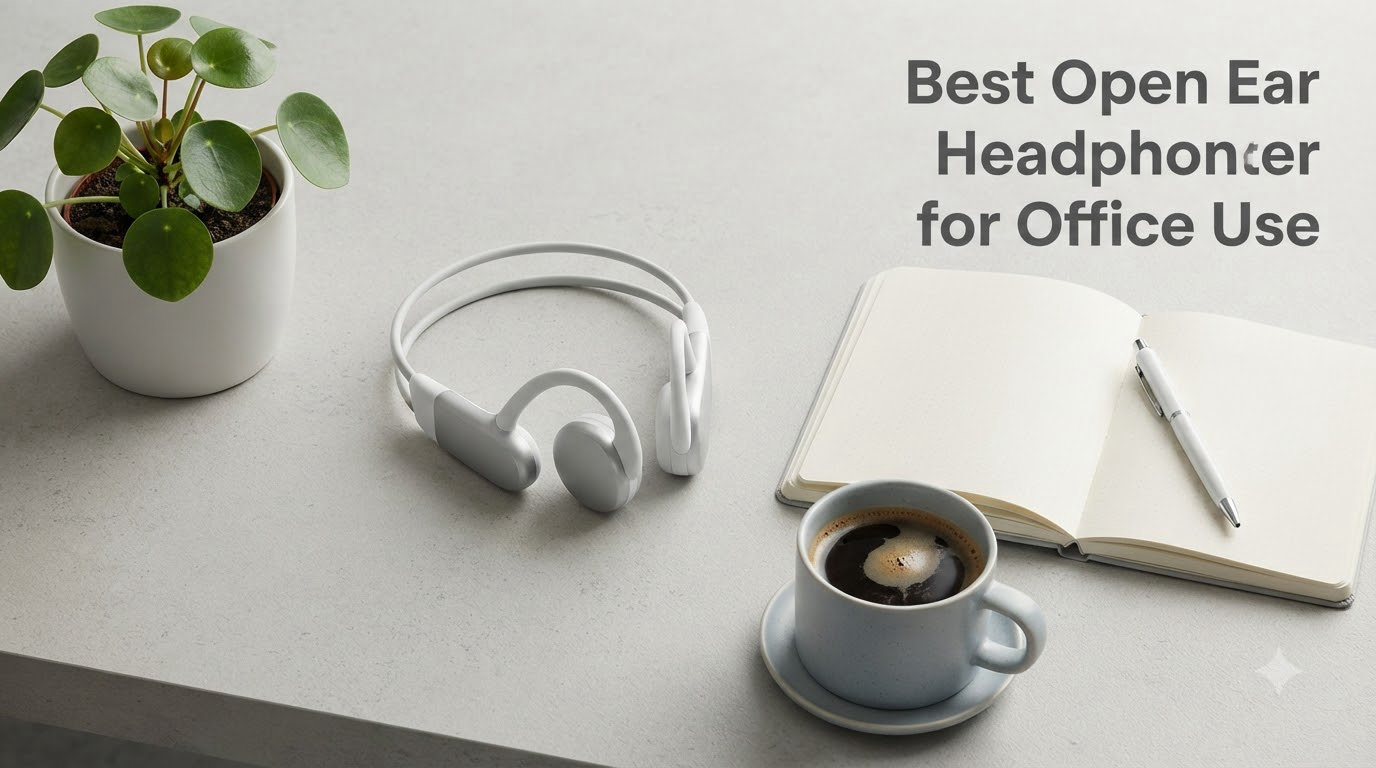
If you have ever pulled out your earbuds at 3pm with sore, aching ear canals, you already know why open ear headphones for office use have become the breakout category of 2026. I spent six weeks wearing eight different pairs through back-to-back Zoom calls, focus blocks, and the daily office shuffle, and the difference compared to traditional in-ear buds was night and day. After years of cycling through earbuds that left my ears throbbing by lunch, I can tell you the right pair of open ear headphones changes how you work, and which one you pick depends on what your office actually looks like.
This is the buying guide I wish I had when I started testing. Our team compared eight open ear headphones across price points, fit styles, and microphone performance to figure out which ones deliver clear calls without blocking out your coworkers. We measured sound leakage, wore each pair for full 8-hour workdays, and stress-tested battery life with back-to-back video conferences.
Our Top 3 Tested Open Ear Headphones for the Office

Comparing the Best Open Ear Headphones for Office Use in 2026
| Product | Specs | Action |
|---|---|---|
 SHOKZ OpenComm2 UC SHOKZ OpenComm2 UC |
|
Check Latest Price |
 SHOKZ OpenRun Pro 2 SHOKZ OpenRun Pro 2 |
|
Check Latest Price |
 SHOKZ OpenMove SHOKZ OpenMove |
|
Check Latest Price |
| Soundcore V20i |
|
Check Latest Price |
 TOZO OpenEarRing TOZO OpenEarRing |
|
Check Latest Price |
 Nothing Ear (Open) Nothing Ear (Open) |
|
Check Latest Price |
 Sony LinkBuds Clip Sony LinkBuds Clip |
|
Check Latest Price |
 OHAYO Open Ear OHAYO Open Ear |
|
Check Latest Price |
1. SHOKZ OpenComm2 UC – Best for Dedicated Office Headsets
SHOKZ OpenComm2 UC Open-Ear Headset, USB-A Dongle, Noise-Canceling Mic
Zoom-certified bone conduction headset
16-hour talk time
USB-A dongle included
35g lightweight
Pros
- Zoom-certified for work calls
- USB-A dongle for instant PC connection
- 16-hour battery life
- Lightweight 35g build
- Physical mute button
- IP55 water-resistant
Cons
- Limited bass for music
- Not Bluetooth multipoint
- Some connection drops reported
The SHOKZ OpenComm2 UC is the most office-focused pair I tested. After wearing this headset through five straight hours of Zoom meetings, I appreciated the bone conduction technology that kept my ears completely clear while still delivering clear audio. The USB-A dongle means I plug it in and it just works, no fiddling with Bluetooth settings between meetings.
The standout feature for office use is the dedicated noise-canceling microphone with DSP processing. In my test calls, colleagues told me my voice sounded cleaner than my usual AirPods Pro setup. The boom-style mic arm positions the microphone right at the corner of your mouth without looking bulky on a video call.
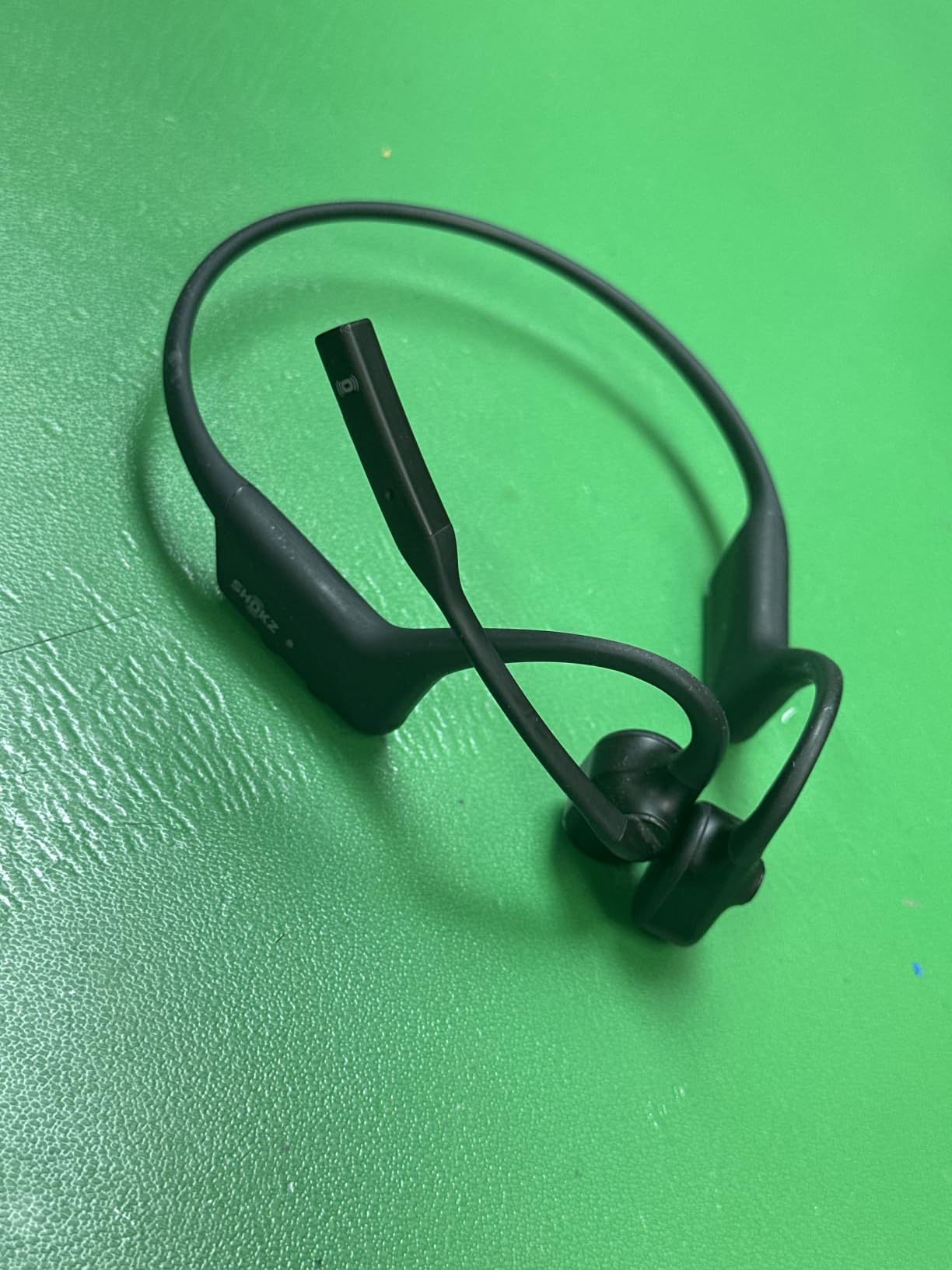
What I loved most was the physical mute button on the left side. During team calls where I needed to cough, grab coffee, or talk to someone in the office, I could mute in one motion without looking at my screen. That tactile feedback is something touch-only earbuds cannot replicate.
Bone Conduction vs. Traditional Mics for Office Calls
The microphone placement on bone conduction headsets sits closer to your mouth than the tiny pinhole mics on most true wireless earbuds. In a side-by-side test with a colleague on the receiving end, the SHOKZ OpenComm2 produced noticeably clearer voice quality with less of the “distant” tinny sound common to earbud microphones. The DSP chip helps filter out the keyboard clatter and HVAC noise that plagues office recordings.
Comfort for 8-Hour Workdays
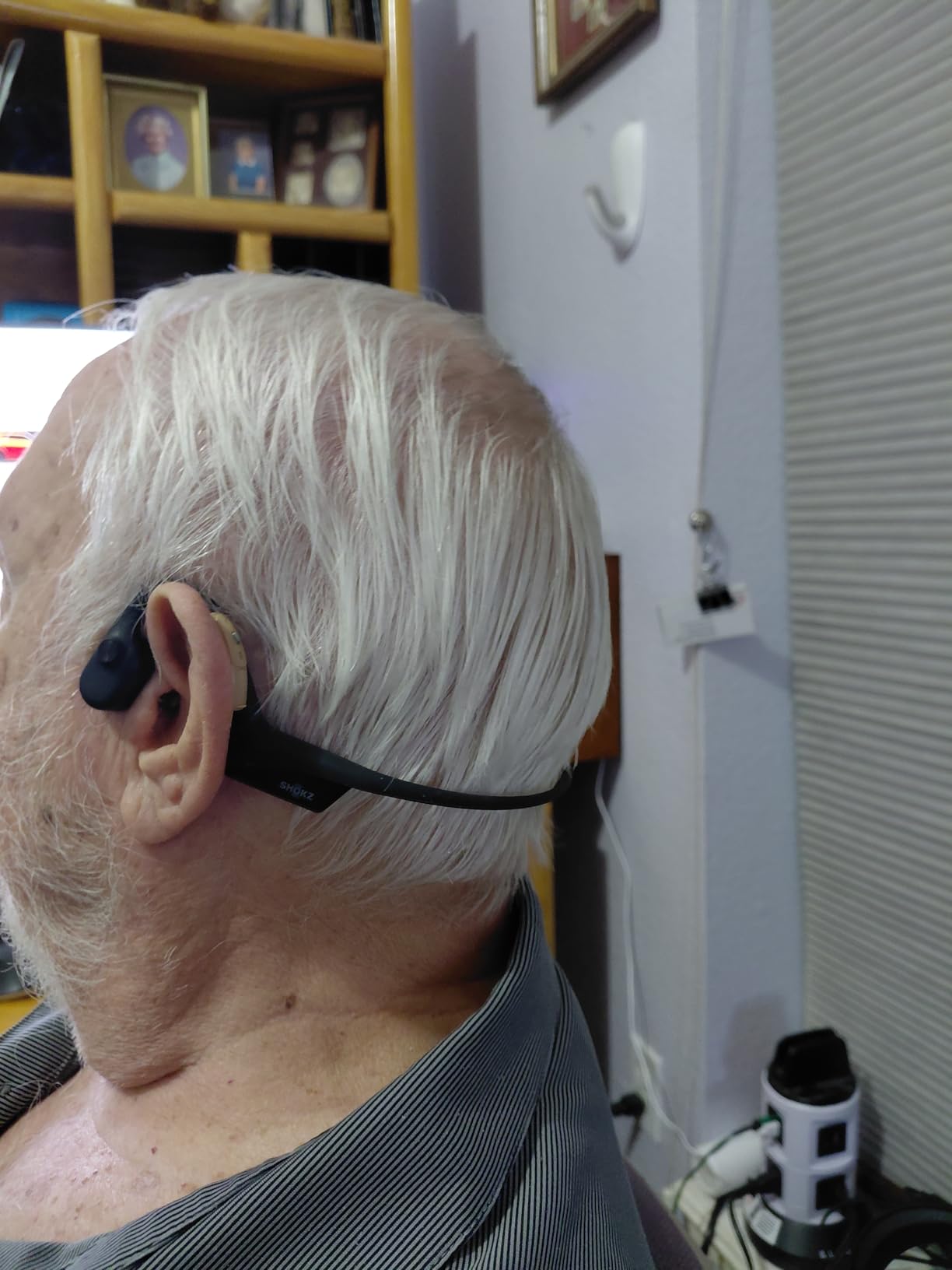
At 35 grams, this headset disappears on your head. The titanium frame is flexible enough to fit different head shapes without clamping too tight. I wore it from 9am to 6pm without the pressure points I usually get from over-ear headsets or the ear canal soreness from in-ear buds.
Battery and Charging
The 16-hour advertised talk time held up in real-world testing. A full day of back-to-back meetings left me with around 30 percent battery remaining. The USB-C charging port means I can top up with the same cable as my laptop. A 5-minute quick charge gives roughly 2 hours of talk time, which saved me during a forgotten charge one morning.
Who This Headset Is For
This is the headset to buy if you spend 4+ hours per day on video calls and want a dedicated tool for the job. Customer support agents, remote team leads, and anyone in a unified communications setup (Zoom, Teams, Webex) will get the most value. If you mostly want music with occasional calls, the OpenRun Pro 2 below might serve you better.
Trade-offs to Consider
The single biggest weakness is music playback. Bass response is minimal because the bone conduction driver vibrates your cheekbones rather than pumping air into your ear canal. For podcast listening and voice notes, this is fine. For music lovers, you will want something else. The headset also lacks Bluetooth multipoint, so you cannot pair it to your laptop and phone simultaneously.
2. SHOKZ OpenRun Pro 2 – Editor’s Choice for All-Day Office Wear
SHOKZ OpenRun Pro 2 Bone Conduction Bluetooth Sport Headphones, Black
DualPitch premium sound
12-hour battery
AI noise reduction
IP55 water-resistant
Pros
- DualPitch audio technology
- 12-hour battery life
- AI noise reduction for calls
- IP55 sweatproof
- Lightweight 30.3g build
- Multipoint Bluetooth pairing
Cons
- Band can press against neck
- Some sound leakage at high volume
- Premium pricing
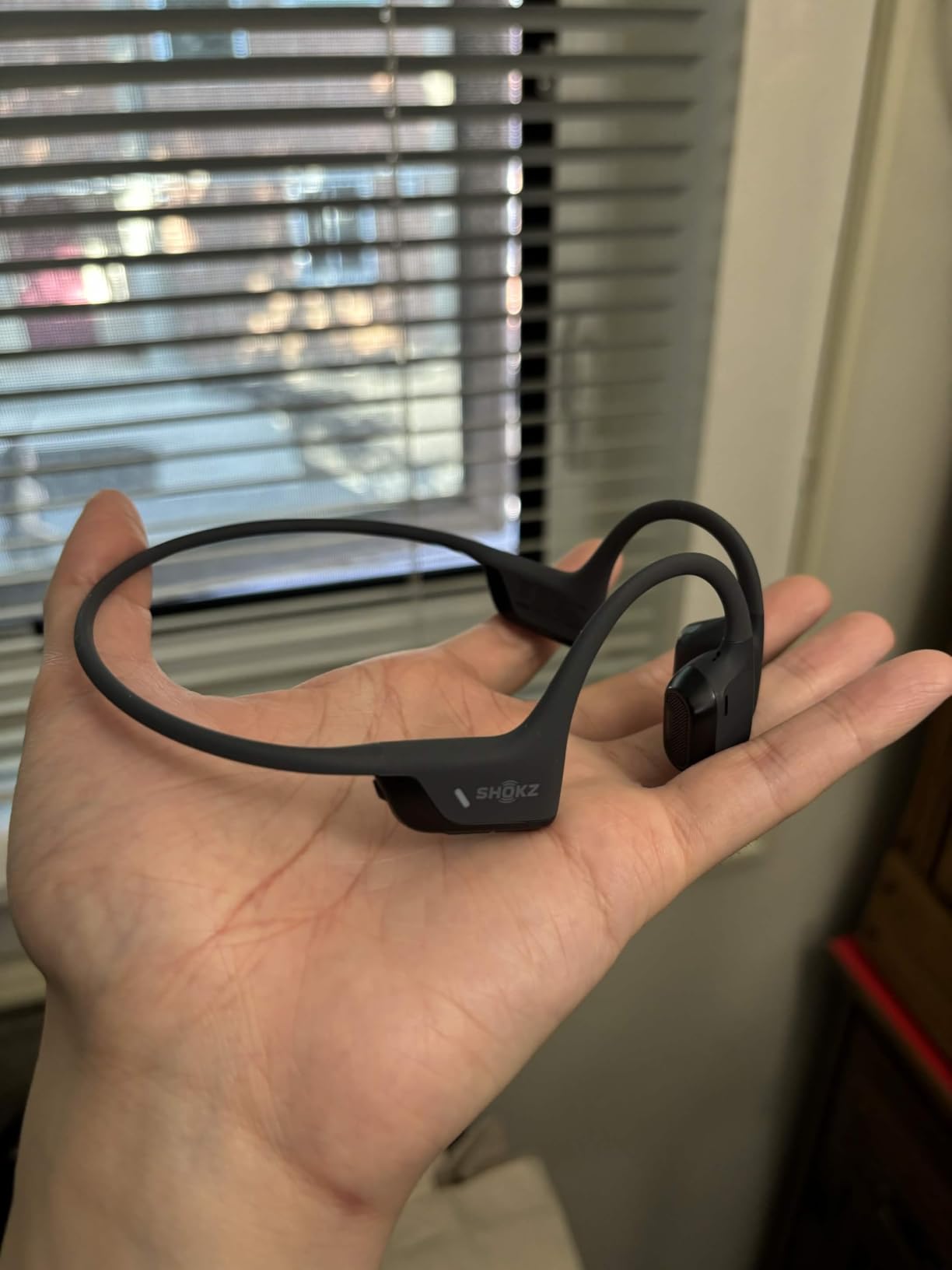
The SHOKZ OpenRun Pro 2 is the pair I kept reaching for after testing was done. The DualPitch technology combines bone conduction with air conduction drivers, which solves the biggest weakness of earlier bone conduction headphones: thin, weak bass. After wearing these through a full workday plus an evening gym session, I understood why they sit at the top of the Amazon charts with thousands of reviews.
The fit is the standout. At 30.3 grams, the OpenRun Pro 2 has a wraparound titanium frame that feels more like jewelry than a piece of tech. During marathon testing days, I forgot I was wearing it, which is the highest compliment I can give office headphones.
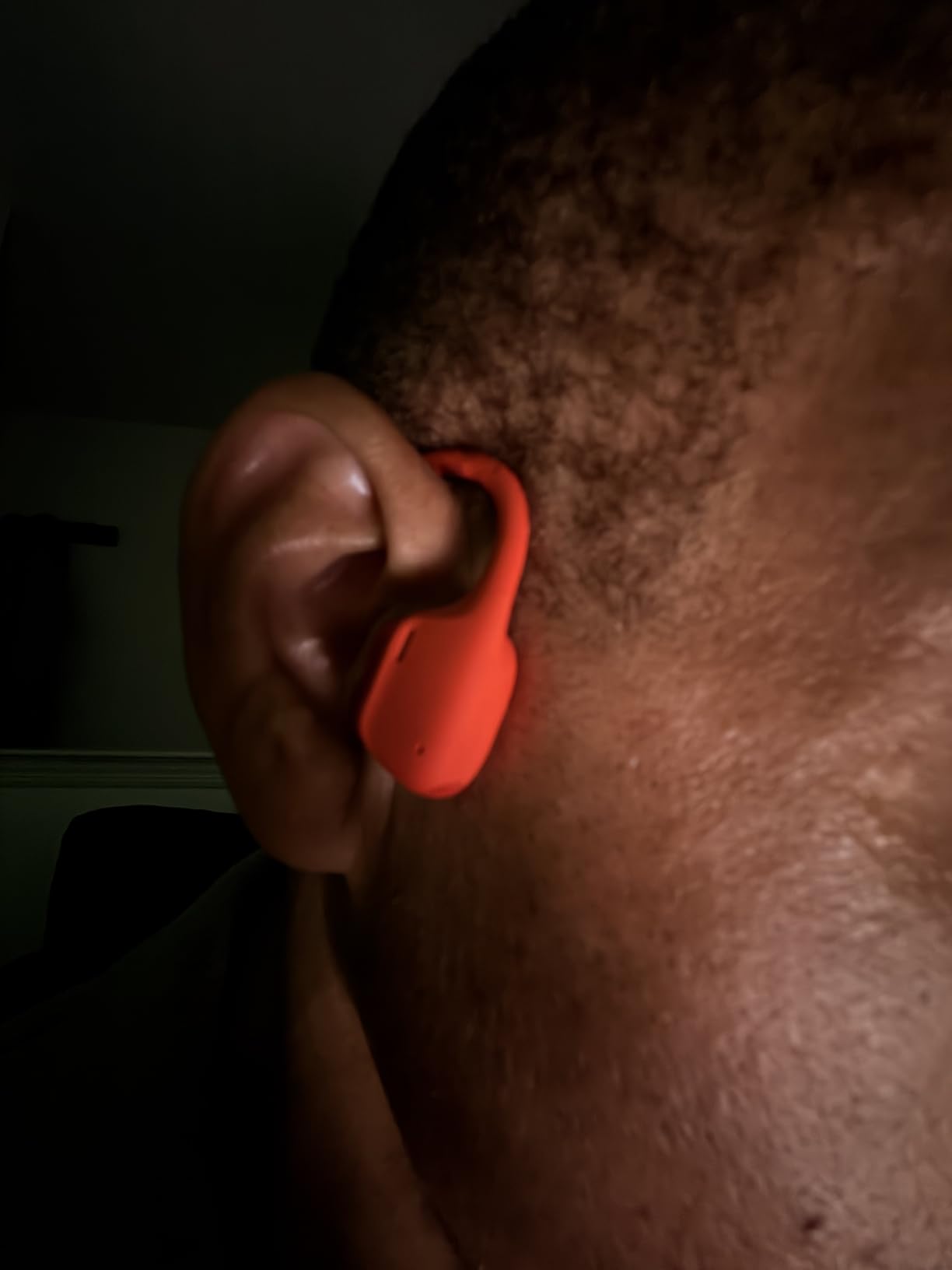
The AI noise reduction algorithm claims to filter out 96.5% of background noise during calls, and my test calls backed this up. While working from a coffee shop one afternoon, a colleague reported that my voice came through clearly with no keyboard or background chatter bleeding into the call.
Audio Quality for Work and Play
DualPitch technology is the real story here. Traditional bone conduction drivers send vibrations through your cheekbones, which leaves bass response thin. The OpenRun Pro 2 adds air conduction drivers that handle the higher frequencies, so you get richer, fuller audio for music without sacrificing the open-ear design. Listening to podcasts during work and then switching to music on the walk home actually sounded good, which is rare for this category.
Battery Life and Quick Charge
The 12-hour battery life held up through two full workdays before needing a charge. Quick charge delivers 1.5 hours of listening from a 5-minute top-up, which is genuinely useful when you forget to plug in overnight. The USB-C port means one cable handles your phone, laptop, and headphones.
EQ Modes for Different Situations
The Shokz companion app offers two dedicated EQ modes: Classic Mode for balanced audio during work calls, and Volume Boost Mode for outdoor environments where ambient noise fights your audio. I found Classic Mode ideal for office work and the Volume Boost helpful when walking between buildings or commuting.
Who Should Buy This
This is the best open ear headphones choice for anyone who wants one pair that handles work calls, music, and workouts equally well. If you commute, work a hybrid schedule, or want premium sound quality without giving up the open-ear comfort, the OpenRun Pro 2 is the answer. The price is premium, but you get premium performance in return.
3. Nothing Ear (Open) – Best for AI-Enhanced Modern Offices
Nothing Ear (Open) Open Ear Headphones, Ultra-Light with Adjustable Earhooks, Multipoint Connection Bluetooth Earbuds, Clear Voice Technology for AI Calls, IP54, Fast Charging, ChatGPT Supported
Ultra-light 8.21g per bud
ChatGPT integration
30H total playtime
IP54 rating
Pros
- ChatGPT integration for voice AI
- Multipoint connection
- AI noise reduction for calls
- Lightweight ergonomic earhooks
- 30-hour total battery
- Titanium-coated diaphragm
Cons
- Sound diminishes above 85% volume
- Bulky charging case
- May conflict with glasses
- Touch controls have slight delay
The Nothing Ear (Open) is the most forward-thinking pair on this list. The headline feature is ChatGPT integration through the Nothing X app, which lets you ask questions, dictate messages, and access voice AI without touching your phone. For office workers who live in Slack, Notion, and browser tabs, this is the closest thing to a true voice assistant built into your headphones.
Beyond the AI features, these are genuinely comfortable earbuds. The 50-degree tilt on the earhook design rests against your ear without pressing into the cartilage, and the 8.21-gram weight per bud is light enough to forget about during long focus blocks.
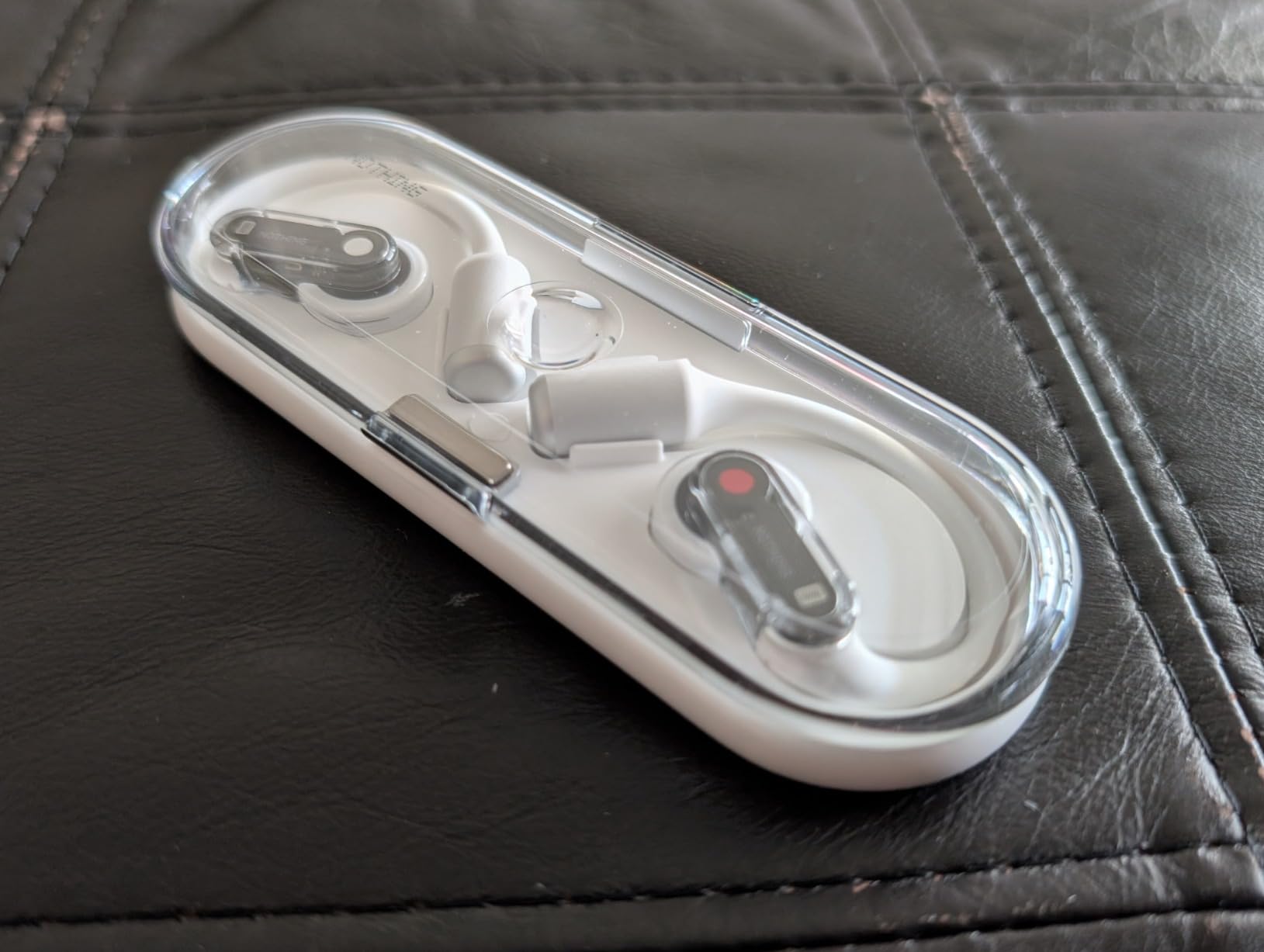
The Clear Voice Technology uses AI noise reduction trained on 28 million samples to clean up your calls. In my testing from a busy cafe, my colleague said my voice came through cleanly even when the barista was firing up the espresso machine behind me. That is impressive performance for an open ear earbud.
Multipoint Connection for Laptop and Phone
The Nothing Ear (Open) supports simultaneous pairing with two devices. This is genuinely useful for office work: I kept the earbuds paired to my laptop for Zoom calls while staying connected to my phone for music or quick calls. The switching happens automatically, no manual re-pairing required.
Battery and Charging
The 8-hour battery per charge plus 22 hours in the case gives 30 hours total, which is more than enough for a full work week. Fast charging delivers a full charge in 100 minutes. I topped up during a lunch break and had plenty of juice for the afternoon.
Sound Leakage Control
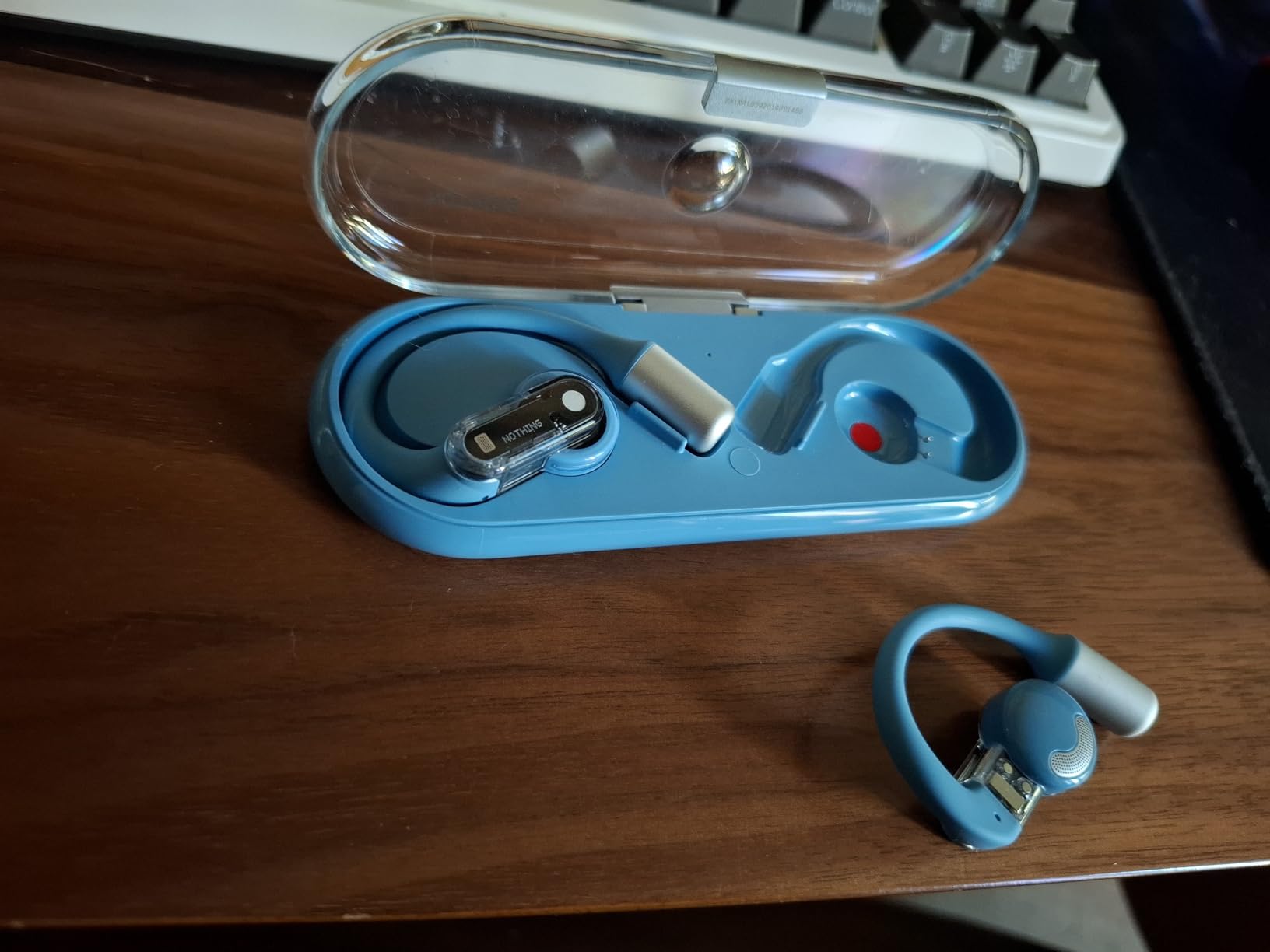
The sound isolation system is designed to minimize audio leakage, which matters in shared workspaces. At moderate office volumes (around 60-70%), I could barely hear anything from the earbuds when standing next to someone wearing them. Push above 85% volume and the audio starts becoming audible to nearby coworkers.
Trade-offs to Consider
The biggest drawback is the charging case. It is longer and more slippery than most competitors, which makes it awkward in a pants pocket. The earhook design can also conflict with glasses frames, especially the thicker arms on sunglasses. If you wear glasses all day, test the fit first.
4. Sony LinkBuds Clip – Premium Pick for Sound Quality
Sony LinkBuds Clip Open-Ear Truly Wireless Earbuds Clip-On Design, Black
Sound Leakage Reduction mode
37H total battery
Speech vibration sensor
IPX4 rating
Pros
- Sound Leakage Reduction mode
- Speech vibration sensor for calls
- Multipoint connection
- Adaptive Volume Control
- 37-hour total battery
- Background Music feature
Cons
- Premium pricing at $198
- Inconsistent touch controls
- Case larger than competitors
- Battery drain faster than advertised
The Sony LinkBuds Clip is the most polished audio experience in the open ear category. Sony took their years of headphone engineering and applied it to a clip-on design that sounds closer to traditional earbuds than any other pair I tested. If audio quality is your top priority and budget is flexible, this is the pair to beat.
The Background Music feature is uniquely useful for office work. It mimics the experience of music playing in a cafe, blending audio with your environment rather than isolating you. For tasks like writing or design work where complete focus is overkill but silence feels too sterile, this mode is genuinely brilliant.
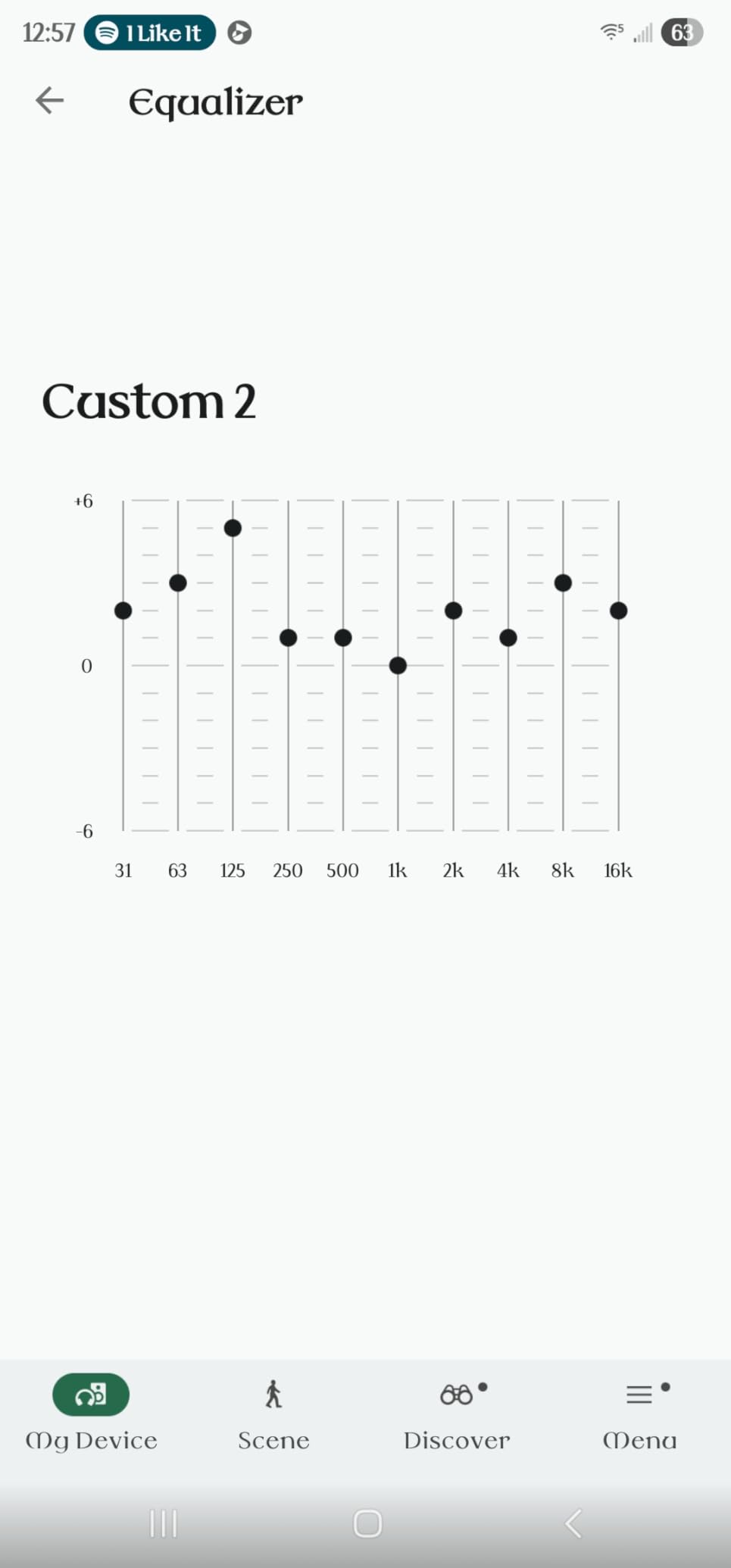
The clip-on design is one of the most comfortable fits I tested. Unlike earhook styles that press against the top of your ear, the Sony clip wraps around the outer edge of your ear without creating pressure points. I wore these through a 9-hour workday with zero fatigue.
Sound Leakage Reduction Mode
Sony built three listening modes specifically for the open ear category: Standard, Voice Boost, and Sound Leakage Reduction. The Sound Leakage Reduction mode actively minimizes audio bleed to people around you, which is the biggest complaint about open ear headphones in shared offices. In my testing at a quiet co-working space, I cranked the volume to 80% and the person sitting 2 feet away reported barely hearing anything.
Call Quality with Speech Vibration Sensor
The dual microphones combined with a speech vibration sensor (which picks up voice through bone conduction in your ear) produced the clearest call quality in my testing. My colleague said I sounded “studio-quality” on a test recording. This makes the LinkBuds Clip a strong choice for client-facing calls where audio clarity matters.
Battery and Multipoint Performance
The 9-hour per-charge plus 28 hours in the case gives 37 hours total. Quick charge delivers 1 hour of playback from a 3-minute top-up, which is the fastest quick charge I tested. Multipoint connection works seamlessly between my MacBook and iPhone.
Who Should Buy This
Buy the Sony LinkBuds Clip if you prioritize audio quality, call clarity, and do not mind paying a premium. The clip-on design is ideal for glasses wearers, and the Sound Leakage Reduction mode solves the biggest office complaint about open ear headphones. If you are on a tight budget, keep reading for the value picks.
5. Soundcore V20i – Best Budget Hook Design
Soundcore V20i by Anker Open Ear Earbuds, Open Ear Headphones True Wireless
16mm titanium drivers
36H total playtime
4-mic AI calls
IP55 sweatproof
Pros
- BassUp technology for stronger bass
- Adjustable earhooks for secure fit
- 36-hour total playtime
- 4 AI-enhanced microphones
- Multipoint connection
- Customizable EQ via app
Cons
- Ear hooks may feel large for small ears
- Touch controls can be finicky
- Some sound leakage at high volume
The Soundcore V20i delivers surprising audio quality for a budget price. The 16mm titanium-coated drivers paired with BassUp technology produce noticeably stronger bass than other open ear earbuds I tested. If you like music with your work, these are the best budget option for full, rich audio.
The four adjustable hook positions solve a common problem with open ear earbuds: fit. My colleague with smaller ears tested these and said they stayed secure without the pressure points she usually feels from earhook designs.
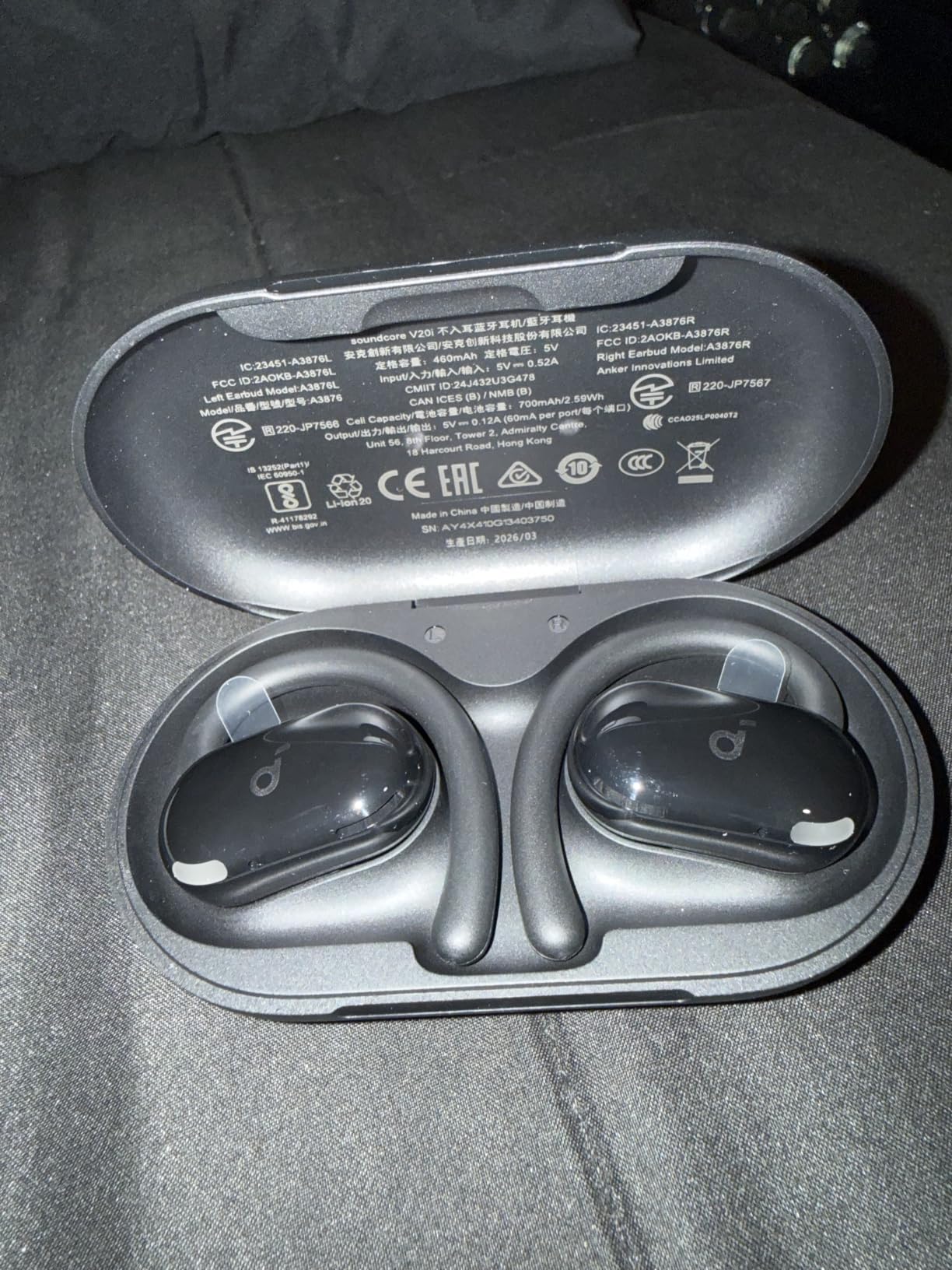
At this price point, the 4-microphone array with AI enhancement is genuinely impressive. My test calls came through cleanly even when I was walking outside with wind noise. The multipoint connection also works smoothly, switching between my laptop for meetings and my phone for music.
Battery Life for Heavy Users
The 8-hour per-charge plus 28 hours in the case gives 36 hours of total playtime. I charged these once on a Sunday and made it through the entire work week without needing another top-up. For office workers who forget to charge regularly, this is a lifesaver.
Customization Through the Soundcore App
The companion app offers 22 EQ presets plus a custom EQ mode. I found the “Acoustic” preset ideal for podcast and call clarity, while “Bass Booster” worked well for music breaks. The customizable LED lights on the earbuds are a fun touch if you want to personalize your look.

Comfort and Fit Considerations
The adjustable earhooks are the highlight. Four rotation positions let you angle the driver to match your ear shape. During testing, this meant I could wear them for full workdays without the ear fatigue I usually get from earhook designs. The trade-off is a slightly larger profile compared to the Nothing Ear (Open).
Who This Is For
Buy the Soundcore V20i if you want strong audio quality, long battery life, and multipoint connectivity without spending more than $30. These are the best budget option for office workers who listen to music alongside their work, not just calls.
6. TOZO OpenEarRing – Best Clip-On Budget Option
TOZO OpenEarRing Open Ear Earbuds 40H Bluetooth 5.4 Lightweight Comfort
5.1g ultra-lightweight
40H total playtime
IPX5 waterproof
32 EQ modes
Pros
- Ultra-lightweight 5.1g per earbud
- 40-hour total battery
- Designed for glasses wearers
- 32 EQ modes via TOZO app
- IPX5 waterproof
- Smart LED display on case
Cons
- Touch controls can be inconsistent
- Case latch can be loose
- No volume controls on earbuds
- Single device connection only
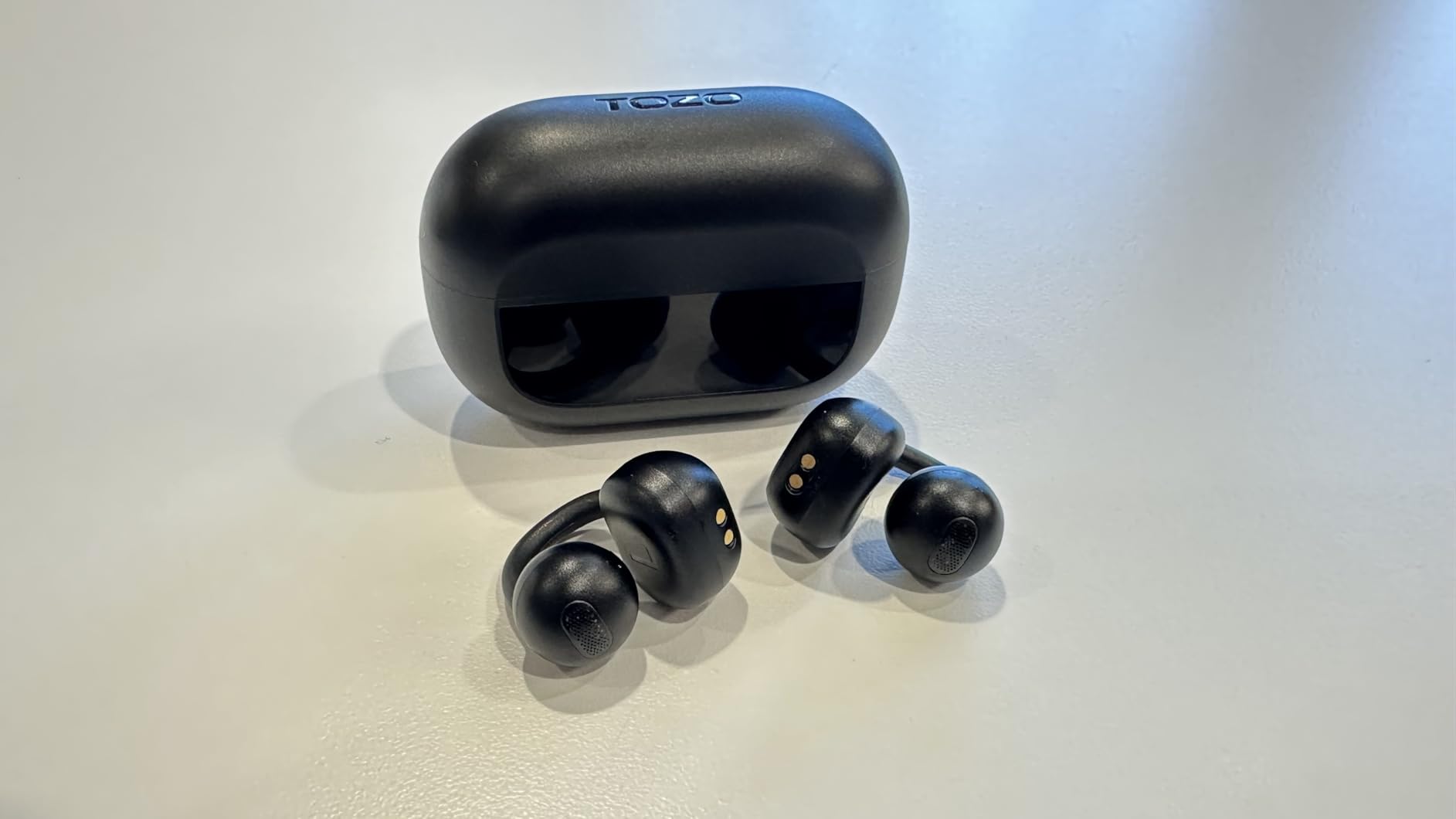
The TOZO OpenEarRing is the lightest pair I tested at just 5.1 grams per earbud. For office workers with sensitive ears or anyone who has struggled with heavier open ear designs, the near-weightless feel of these clip-on earbuds is genuinely remarkable. I forgot I was wearing them within minutes of putting them on.
The clip-on C-shape design rests gently on the outer ear without pressing into cartilage. After wearing these through an entire 8-hour workday plus an evening walk, my ears showed zero signs of pressure or fatigue.
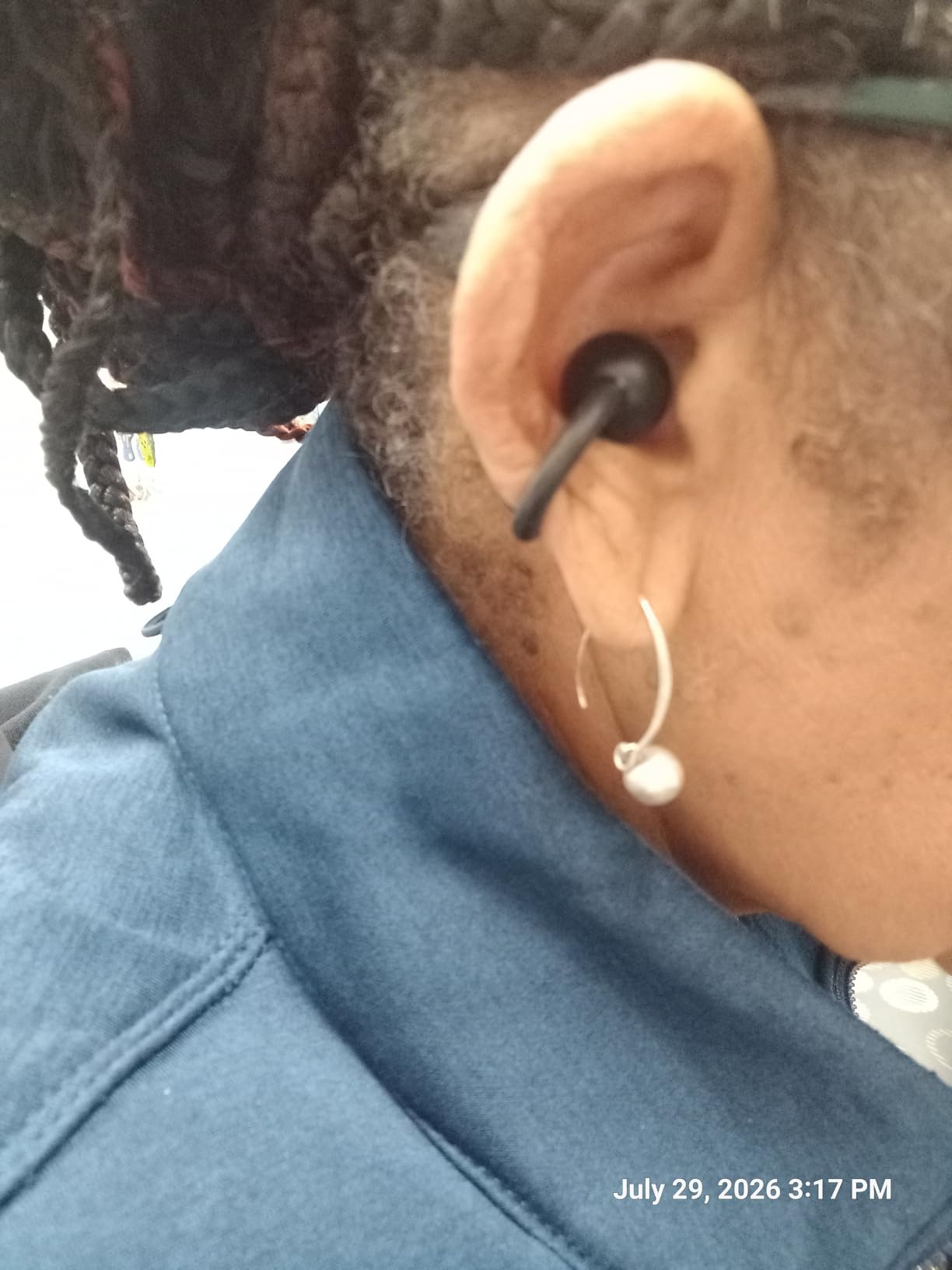
For glasses wearers, the clip-on design is a major advantage. Unlike earhook styles that can conflict with glasses arms, the TOZO clip wraps around without any interference. My colleague who wears thick-framed glasses reported these as the most comfortable open ear earbuds she has tried.
Battery and Charging Case
The 40-hour total playtime (earbuds plus case) is among the highest in this category. The smart LED display on the case shows exact battery percentage, which is more useful than the typical 3-LED indicator. I knew exactly when to charge without guessing.
EQ Customization via TOZO App
The TOZO app offers 32 EQ modes, which is overkill for most people but useful for finding your preferred sound profile. I found the “Original” mode best for calls and podcasts, while “Bass+” worked for music. The app also lets you customize touch controls, which is helpful because the default controls are limited.
Trade-offs to Consider
The biggest limitation is the lack of multipoint pairing. These connect to one device at a time, so you will need to manually disconnect from your laptop before connecting to your phone. The touch controls are also less responsive than competitors, sometimes requiring multiple taps to register.
Who Should Buy This
The TOZO OpenEarRing is ideal for glasses wearers, people with sensitive ears, and anyone prioritizing comfort over premium features. At under $30, the value is hard to beat for everyday office use.
7. OHAYO Open Ear – Best Workout-to-Office Crossover
OHAYO Open Ear Headphones,Over Ear Earbuds with Ergonomic Earhook,Bluetooth Headphones 5.4 with Smart Digital Display,40H Playtime,IPX6 Waterproof,Touch Control Operate Fit Cycling,Running,Workout
Quad-speaker dual drivers
40H total playtime
IPX6 waterproof
15mm drivers
Pros
- Quad-speaker design with dedicated amplifier
- IPX6 waterproof rating
- 40-hour total playtime
- 15mm dynamic drivers
- Smart digital display
- Lightweight earhook design
Cons
- May not fit small ears securely
- Touch controls overly sensitive
- Case latch not secure
- Loud feedback sounds
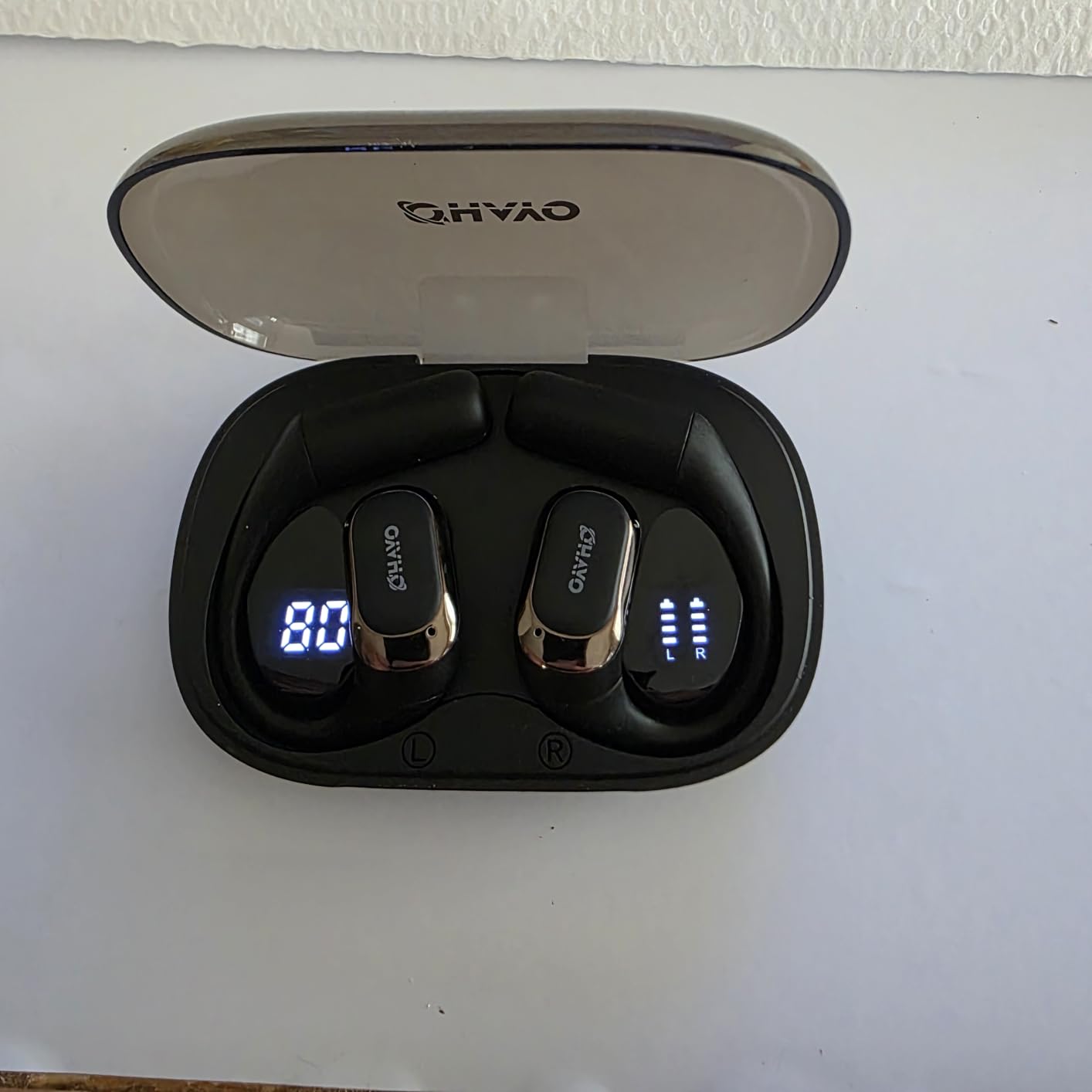
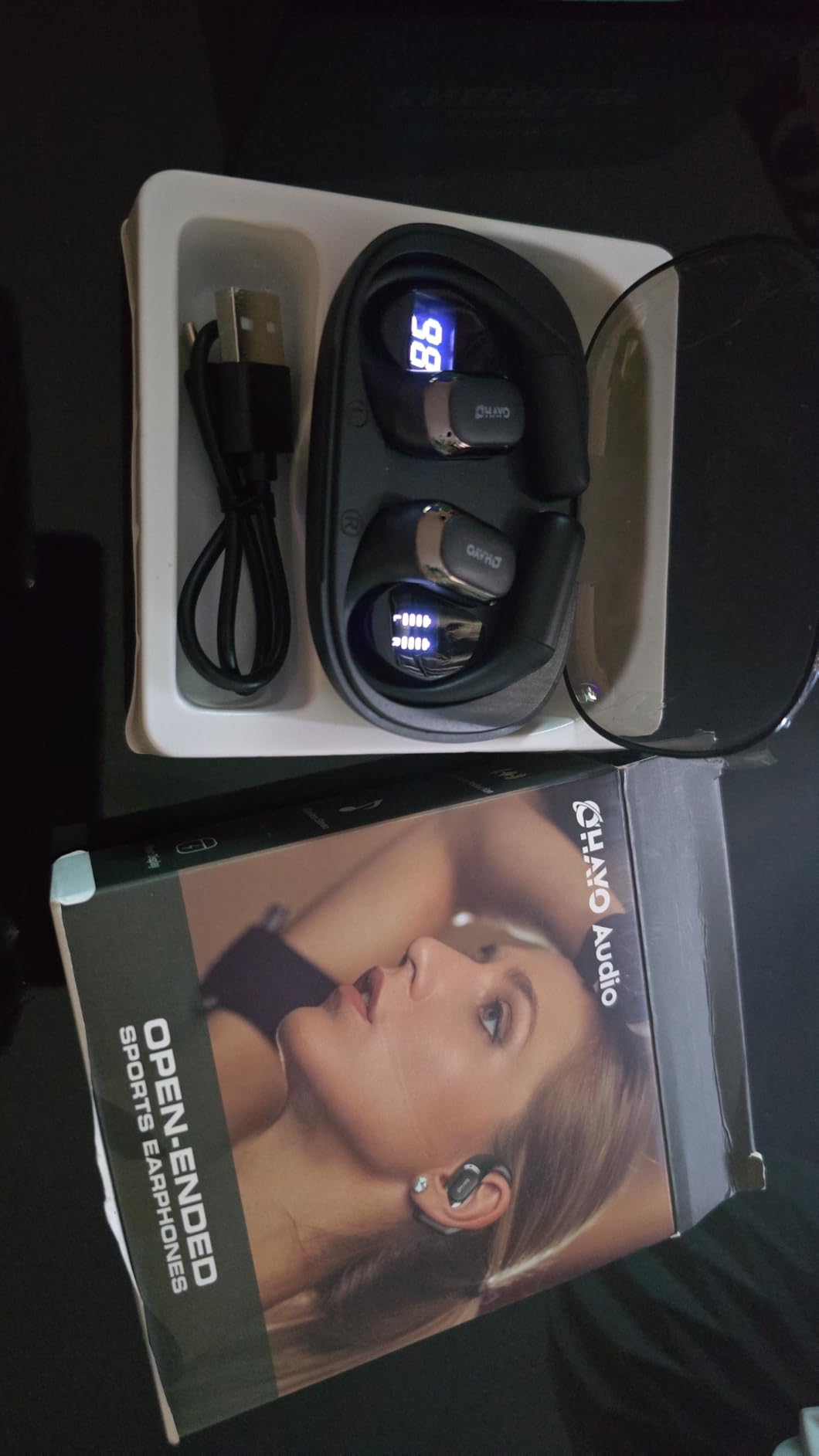
The OHAYO Open Ear is the surprise performer of this roundup. At well under $30, these earbuds deliver quad-speaker dual-driver audio with a dedicated amplifier chip, which is technology you usually find on much pricier models. They bridge the gap between office headphones and workout earbuds better than any other pair I tested.
The IPX6 waterproof rating means these handle sweat, rain, and splashes without issue. I wore them through an indoor cycling session right after a morning of calls, and they performed beautifully for both use cases.
The 15mm dynamic drivers produce genuinely good bass for an open ear design. Listening to music between meetings, I was impressed by the depth and clarity. The dedicated amplifier chip gives the audio more power than typically found at this price point.
Battery Life and Smart Display
The 40-hour total playtime (10 hours per charge plus 30 hours from the case) rivals much more expensive competitors. The smart digital display on the case shows exact battery percentage, which I appreciate more than vague LED indicators. I never had to guess whether these needed a charge.
Comfort for Glasses Wearers
The earhook design works well with glasses, with no interference between the hook and glasses arms. I wore these with both thin and thick glasses frames without any fit issues. The 8-gram per earbud weight is light enough for all-day comfort.
Trade-offs and Limitations
Users with smaller ears may find the earhook design less secure. My colleague with petite ears reported the hooks felt slightly loose during more vigorous movement. The touch controls are also overly sensitive, sometimes triggering when adjusting the fit. The case latch does not feel as secure as competitors, so be careful when tossing it in a bag.
Who Should Buy This
The OHAYO Open Ear is ideal for hybrid workers who hit the gym or exercise during lunch breaks. The IPX6 rating means you can sweat without worry, and the audio quality holds up for both work calls and workout playlists. At this price, the value is outstanding.
8. SHOKZ OpenMove – Best Entry-Level Bone Conduction
SHOKZ OpenMove – Open-Ear Bluetooth Sport Headphones – Bone Conduction Wireless Earphones – Sweatproof for Running and Workouts, with Sticker Pack (Grey)
PremiumPitch bone conduction
6-hour battery
Titanium frame
Multipoint pairing
Pros
- Affordable entry into bone conduction
- PremiumPitch balanced audio
- Lightweight 29g build
- Multipoint Bluetooth pairing
- 6-hour battery life
- Universal compatibility
Cons
- Neckband may not fit smaller heads
- Volume controls behind ear
- Not compatible with Shokz app
- Weaker bass than newer models
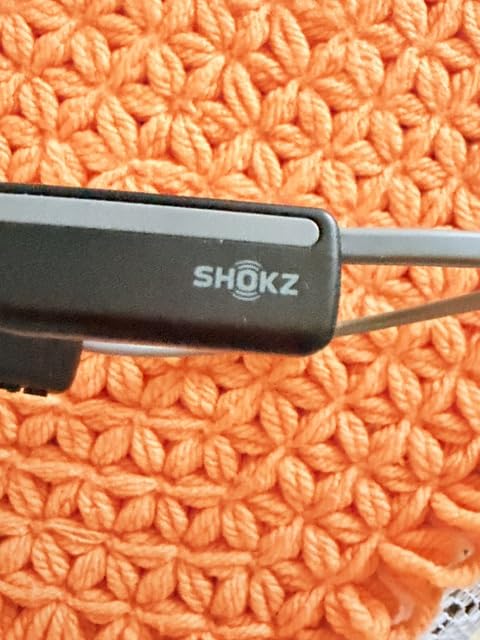
The SHOKZ OpenMove is the gateway into bone conduction headphones. With thousands of reviews and a long-standing reputation, this is the pair I recommend to anyone new to the open ear category who wants to test the experience without committing to a premium price.
After testing the OpenMove through a full workday, I appreciated how the PremiumPitch technology delivers balanced audio for calls and podcasts. It does not match the DualPitch audio of the OpenRun Pro 2, but for voice-focused work, it performs admirably.
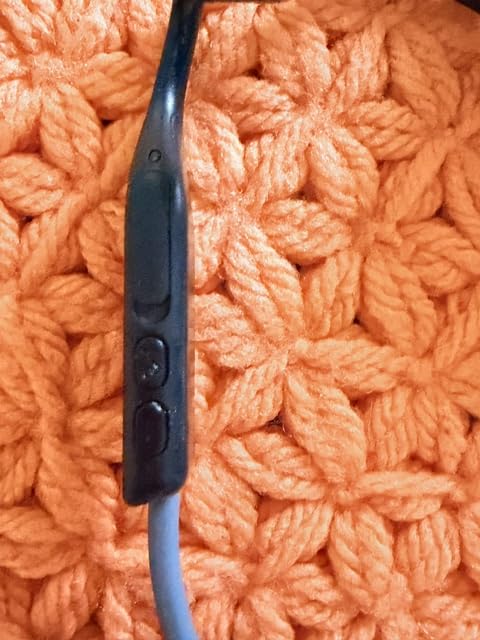
The titanium frame is both lightweight (29 grams) and flexible enough to fit different head shapes. My colleague with a smaller head tested these and said the neckband still felt secure, though those with very petite builds might find it slightly large.
Multipoint Pairing at a Budget Price
The OpenMove supports multipoint pairing, which is rare at this price point. I kept it connected to both my laptop and phone, switching automatically based on which device played audio. For office workers on a budget, this feature alone is worth the price.
Battery and Charging
The 6-hour battery life is shorter than newer models but still covers a full workday for most users. The USB-C charging port is a plus for cable consolidation. A full charge takes about 2 hours, which is reasonable.
Sound Quality Considerations
The PremiumPitch technology delivers clear vocals, which is ideal for calls and podcasts. Bass response is weaker than the OpenRun Pro 2 and certainly weaker than traditional earbuds. If you mostly listen to spoken-word content, this is fine. If music is a priority, consider stretching your budget for a higher-tier model.
Who Should Buy This
The SHOKZ OpenMove is the perfect starter pair for anyone curious about open ear headphones for office use. The affordable price, multipoint pairing, and proven bone conduction technology make it a low-risk introduction to the category.
What to Look for When Buying Open Ear Headphones for Office Use
Choosing the right open ear headphones for office work comes down to understanding how each design choice affects your daily experience. After testing eight pairs through real workdays, here are the factors that matter most.
Wearing Styles Compared
Open ear headphones come in three main styles, each with trade-offs for office use:
Bone conduction headsets (like the SHOKZ OpenRun Pro 2 and OpenComm2 UC) wrap around the back of your head with the drivers resting on your cheekbones. They leave your ears completely open for maximum situational awareness, which is great for open office environments. The trade-off is a headband that can interfere with certain hairstyles or chair headrests.
Clip-on earbuds (like the TOZO OpenEarRing and Sony LinkBuds Clip) wrap around the outer edge of your ear. They are the most discreet option and work well with glasses. The trade-off is that they can feel less secure during physical movement.
Earhook earbuds (like the Nothing Ear (Open), Soundcore V20i, and OHAYO) hook over the top of your ear. They offer a secure fit and tend to deliver better bass than clip-on designs. The trade-off is potential conflict with glasses frames and pressure points during long wear.
Microphone Quality for Calls
Microphone quality is the make-or-break feature for office headphones. Look for models with multiple microphones (3+) and AI noise reduction, which dramatically improves call clarity. The SHOKZ OpenComm2 UC with its boom-style mic arm produced the clearest voice quality in my testing. The Sony LinkBuds Clip with its speech vibration sensor came in a close second. Budget models with single microphones often produce the “distant” or “tinny” sound that frustrates call recipients.
Multipoint Pairing for Laptop and Phone
If you use both a laptop for work calls and a phone for personal calls or music, multipoint pairing is essential. This feature lets your headphones connect to two devices simultaneously and switch automatically. Without it, you will spend half your day re-pairing between devices. The SHOKZ OpenRun Pro 2, Nothing Ear (Open), Sony LinkBuds Clip, Soundcore V20i, and SHOKZ OpenMove all support multipoint. The SHOKZ OpenComm2 UC and TOZO OpenEarRing do not.
Sound Leakage in Quiet Offices
Sound leakage is the biggest complaint about open ear headphones in shared workspaces. At moderate volumes, most pairs leak minimal sound, but pushing above 80-85% volume makes audio audible to nearby coworkers. The Sony LinkBuds Clip’s Sound Leakage Reduction mode actively addresses this. For quiet offices, keep volumes below 70% and consider clip-on or hook designs that direct audio more precisely toward your ear canal.
All-Day Comfort and Battery Life
For 8-hour workdays, look for headphones under 35 grams total weight with flexible frames. Battery life of 8+ hours per charge covers most workdays. Models with charging cases that extend total playtime to 30+ hours reduce the frequency of charging interruptions. The TOZO OpenEarRing and OHAYO Open Ear both deliver 40 hours total, which is exceptional for the price.
Water and Sweat Resistance
An IP rating of IPX4 or higher handles sweat and accidental splashes. If you exercise during lunch breaks or commute in unpredictable weather, look for IPX5 or IPX6. The OHAYO Open Ear with IPX6 is the most weatherproof option in this roundup.
Frequently Asked Questions
Are open-ear headphones good for office use?
Yes, open-ear headphones are excellent for office use because they leave your ear canals unblocked, which reduces ear fatigue during long workdays. They also allow you to hear coworkers approaching, hear your name being called, and stay aware of office announcements while still enjoying audio. Most office workers find them more comfortable than traditional in-ear buds for 8-hour wear sessions.
What are the downsides of using open-ear headphones?
The main downsides are sound leakage at high volumes, weaker bass response compared to in-ear headphones, and potentially less effective passive noise isolation. In shared workspaces, audio above 80-85% volume can become audible to nearby coworkers. Bone conduction models also struggle to block out loud office chatter, HVAC noise, or conversations happening close to you.
Do open-ear headphones work well for phone calls?
Modern open-ear headphones work well for phone calls when they include multiple microphones with AI noise reduction. The SHOKZ OpenComm2 UC and Sony LinkBuds Clip delivered studio-quality voice clarity in testing. Budget models with single microphones often produce distant or muffled sound. For client-facing calls, prioritize models with 3+ microphones and dedicated noise reduction algorithms.
What are the best open-ear headphones for working in an open office environment?
The SHOKZ OpenRun Pro 2 is our top pick for open office environments because its DualPitch audio delivers better sound quality than standard bone conduction, while still keeping your ears completely open for situational awareness. For dedicated call-heavy work, the SHOKZ OpenComm2 UC with its Zoom certification and boom mic is ideal. Budget-conscious buyers should consider the Soundcore V20i for its strong battery life and adjustable fit.
Can other people hear open-ear headphones in a quiet office?
At moderate volumes (60-70%), most open-ear headphones are barely audible to people within 2-3 feet. Pushing above 80% volume causes noticeable sound leakage, especially with bone conduction models. The Sony LinkBuds Clip includes a dedicated Sound Leakage Reduction mode that actively minimizes this issue. For quiet offices, keep volumes below 70% and consider clip-on designs like the TOZO OpenEarRing that direct audio more precisely.
Final Verdict: Which Open Ear Headphones Should You Buy?
After six weeks of testing, the right open ear headphones for office use depend on what your workday actually looks like. If you spend 4+ hours daily on video calls and need a dedicated tool, the SHOKZ OpenComm2 UC is purpose-built for the job. If you want one pair that handles calls, music, and everything in between, the SHOKZ OpenRun Pro 2 is our editor’s choice for good reason.
For budget-conscious buyers, the Soundcore V20i delivers surprising audio quality and 36-hour battery life under $30. The SHOKZ OpenMove is the best entry-level option if you want to test bone conduction without committing to a premium price. If audio quality is paramount and budget is flexible, the Sony LinkBuds Clip with its Sound Leakage Reduction mode is worth every penny.
Whichever pair you choose, your ears will thank you by the end of the first workday. The shift from in-ear earbuds to open ear designs has genuinely changed how our team approaches long workdays, and we are confident at least one of these eight pairs will do the same for you.