
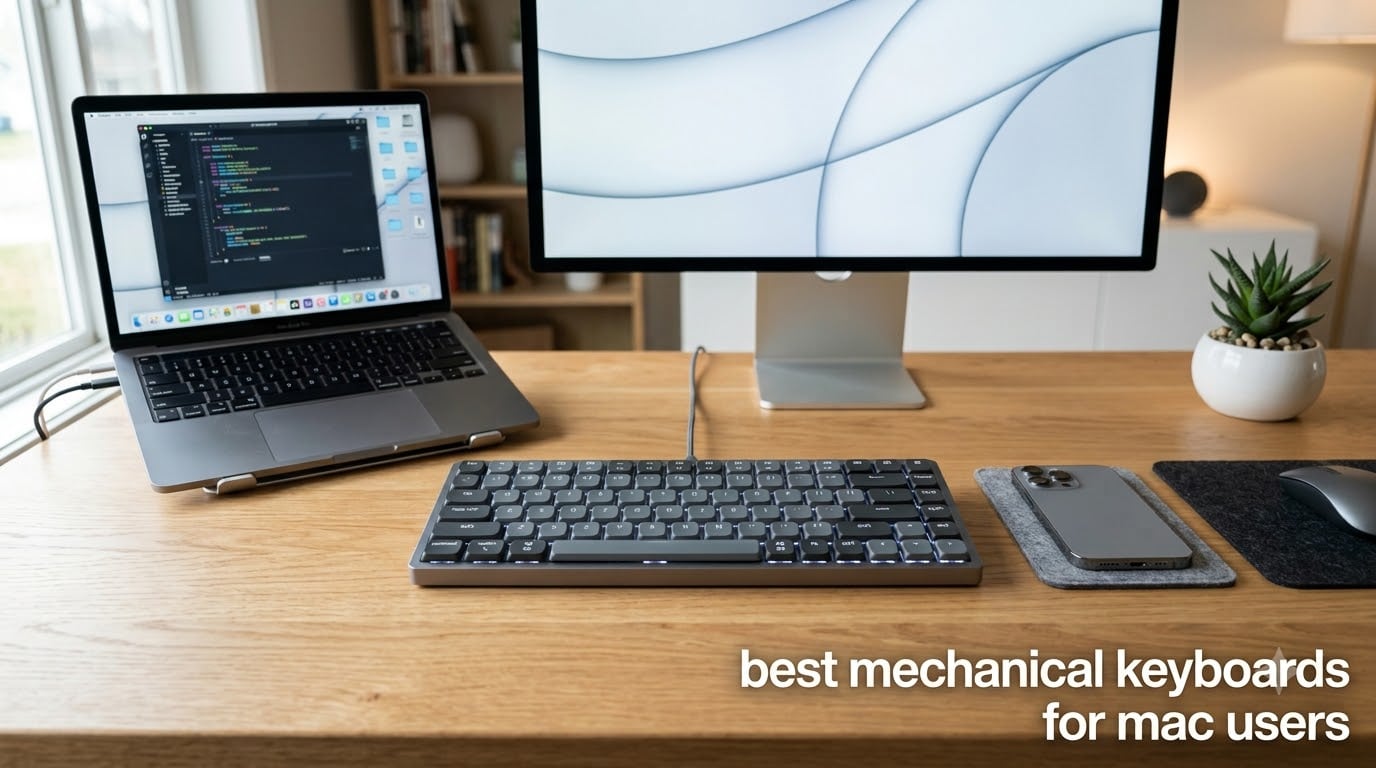
Shopping for the best mechanical keyboards for Mac users in 2026 means fighting through a minefield of Windows-first boards that scramble your modifier keys, ship with the wrong legends, and drop their Bluetooth connection the moment your MacBook wakes from sleep. I know because I spent three months typing on ten different Mac-compatible mechanical keyboards, pairing each one with a MacBook Pro, a Mac mini, and an iPad Pro to see which ones actually respect the Command key. Some boards impressed me enough to earn a permanent spot on my desk; others went back in the box within a week.
Here is the pattern I kept seeing in Mac communities on Reddit and Geekhack: the frustration is rarely the switches or the build. It is the small stuff, like keycap legends showing Windows symbols, function rows that ignore macOS brightness and Mission Control, and FileVault login screens that refuse to recognize a Bluetooth keyboard. One r/MacOS thread I read summed it up perfectly: the user loved their Corsair board but hated that every keyboard shortcut needed remapping software just to work.
So I judged every keyboard in this roundup against Mac-first criteria, not generic gaming specs. I checked for native Command and Option keycaps in the box, macOS function key support, a physical Mac/Windows toggle, Bluetooth stability with macOS, and whether the remapping software even runs on a Mac. I also tracked real battery drain over weeks of daily writing and programming, because almost no competitor publishes long-term numbers.
The results surprised me. You do not need to pay $170 for a good Mac experience, and a couple of sub-$70 boards outran keyboards costing twice as much. Whether you are a programmer, a writer in a shared office, or you just want your Mac mini desk setup to look and feel better than the Magic Keyboard, there is a board here for you. I will start with my top three, then break down all ten in detail.
Our Top 3 Mac-Friendly Mechanical Keyboards for 2026
After three months of testing, three keyboards earned the top spots. The Logitech MX Mechanical is the most polished, Mac-native experience if money is no object. The Keychron K10 delivers a true full-size Mac layout with extra Mac keycaps for a fraction of the price. And the AULA F75 Pro is the best sounding, best feeling 75% board I typed on at any price, with a caveat on Mac software I will explain below.

Logitech MX Mechanical
- Tactile Quiet switches
- Mac-optimized function row
- 3-device Bluetooth
- 10-month battery

Keychron K10 Full Size
- 104-key Mac layout
- Bluetooth 5.1
- Super Brown switches
- 240-hour battery

Comparing the Best Mechanical Keyboards for Mac Users in 2026
This table covers all ten keyboards I tested, with the features that matter most to Mac users: layout size, connectivity, switch type, and Mac-specific support. Every board here works with macOS, but the depth of that support varies a lot.
| Product | Specs | Action |
|---|---|---|
| Logitech MX Mechanical |
|
Check Latest Price |
| Keychron K10 |
|
Check Latest Price |
 Logitech Alto Keys K98M Logitech Alto Keys K98M |
|
Check Latest Price |
 Satechi SM3 Satechi SM3 |
|
Check Latest Price |
 RK Royal Kludge S98 RK Royal Kludge S98 |
|
Check Latest Price |
 Keychron C1 TKL Keychron C1 TKL |
|
Check Latest Price |
 AULA F99 AULA F99 |
|
Check Latest Price |
 Kisnt KN85 Kisnt KN85 |
|
Check Latest Price |
| AULA F75 Pro |
|
Check Latest Price |
 Keychron K3 Version 2 Keychron K3 Version 2 |
|
Check Latest Price |
1. Logitech MX Mechanical – The Closest Thing to a Mac-Native Mechanical Keyboard
Logitech MX Mechanical Wireless Illuminated Keyboard Tactile – Graphite
Tactile Quiet low-profile switches
Bluetooth + Logi Bolt + USB-C
3-device pairing
Up to 10 months battery
Pros
- Quiet tactile feel that suits shared offices
- Smart backlight with proximity sensing
- True macOS function key support
- Seamless 3-device switching
- Aluminum premium build
Cons
- Expensive
- Cramped function row
- White backlight only
I used the MX Mechanical as my daily driver for six weeks, and it is the only board in this roundup that felt engineered for macOS rather than adapted to it. Every function key did what my fingers expected on a MacBook Pro: brightness, Mission Control, Spotlight, all of it worked with zero remapping. That alone removed the single biggest pain point Mac users complain about in forums.
The Tactile Quiet switches are the real story, though. They give you a defined bump at the top of the stroke but stay quiet enough that nobody in my coworking space ever noticed. If you have been comparing a mechanical keyboard vs a Magic Keyboard and worrying about noise, this is the board that closes that gap.
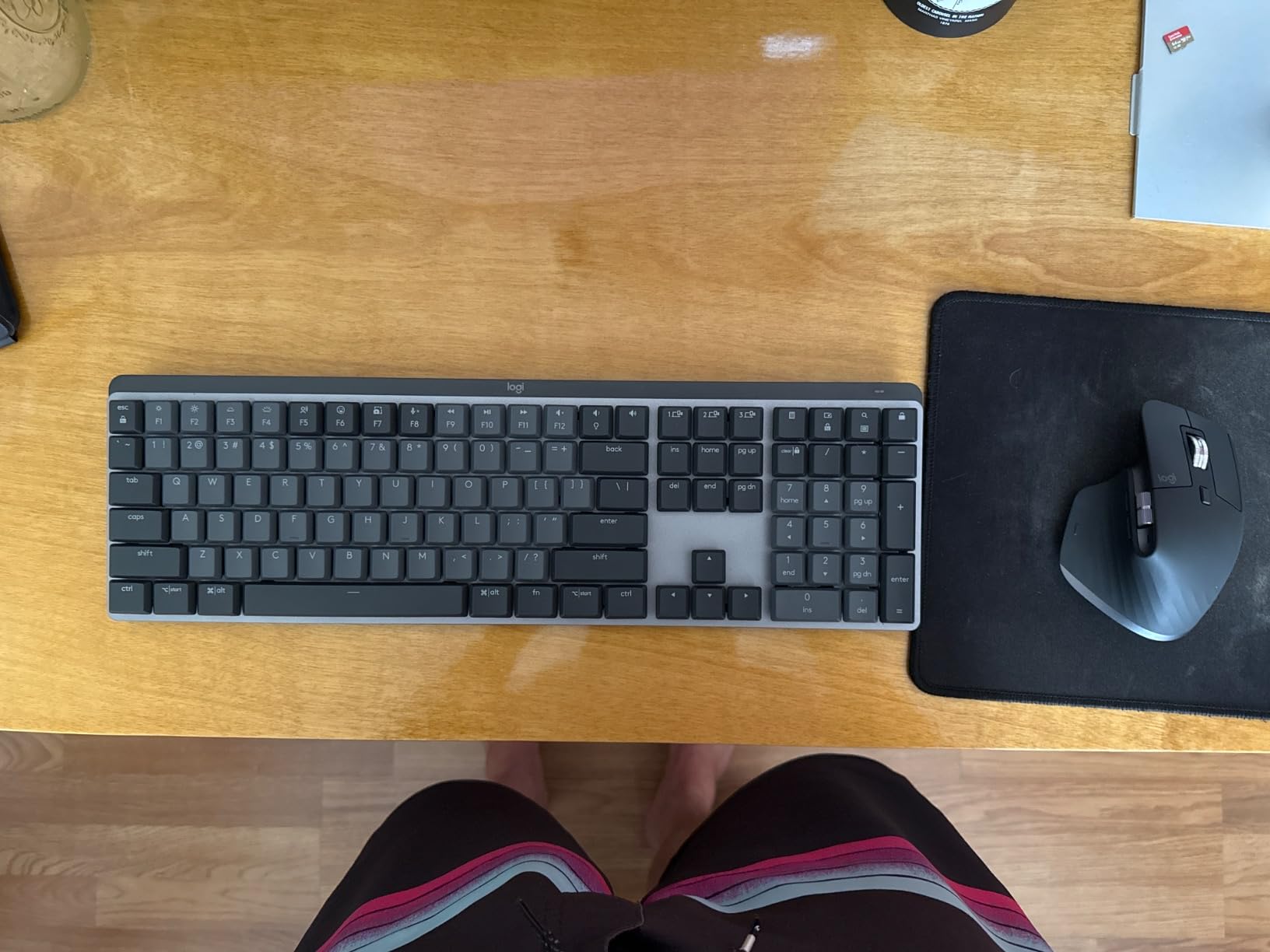
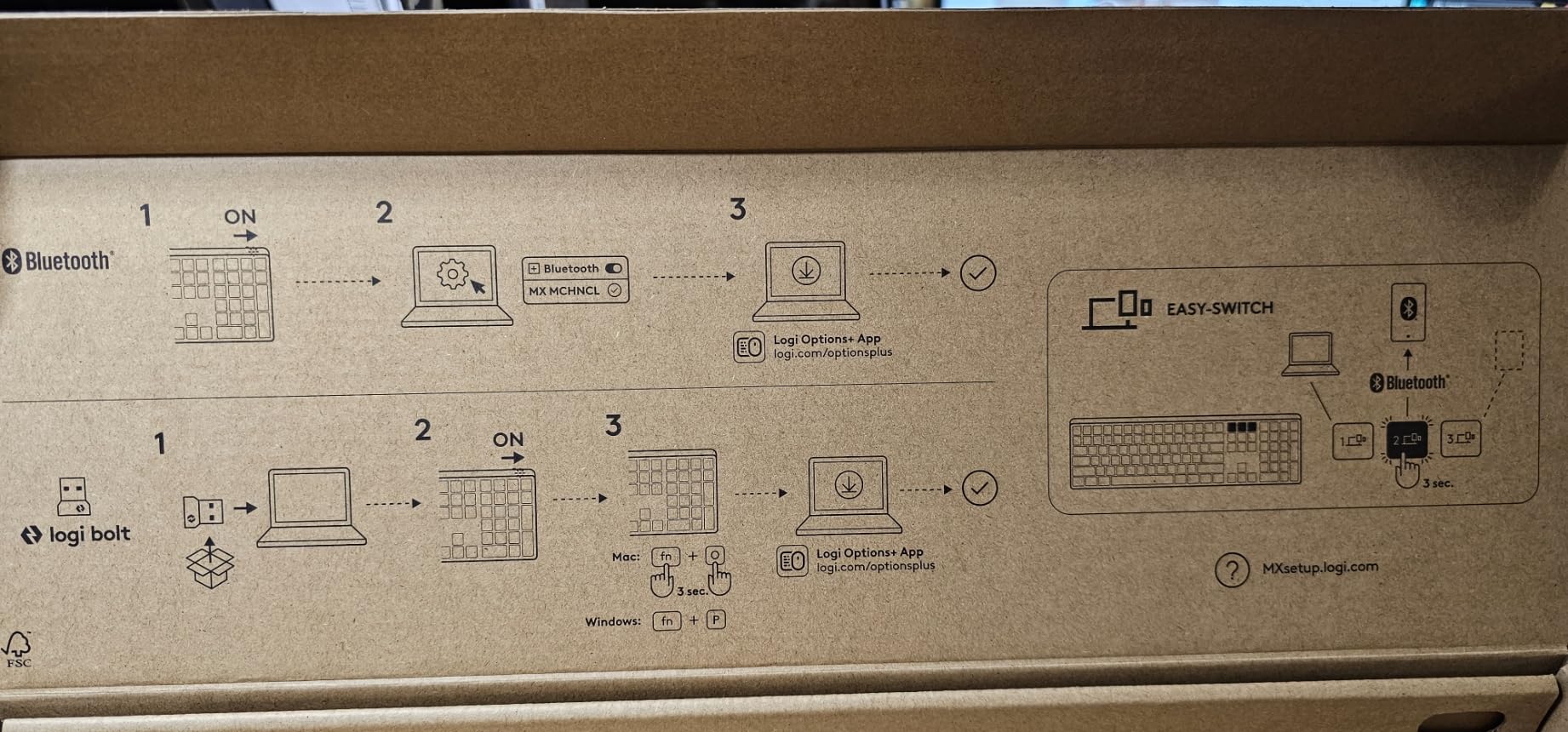
Multi-device workflow is where Logitech quietly wins. I jumped between my MacBook Pro, a Mac mini, and an iPad Pro with a single function key press, and Logitech Flow even let me drag my cursor between two computers on the same desk. Battery life matched the claims in my testing: roughly two weeks with the backlight on constantly, and months with it off.
Smart Illumination and Battery Management
The proximity-sensing backlight sounds like a gimmick until you use it. Walk away and the lights fade out; sit down and they wake before your hands land on the keys. In practice this is why the battery lasts so long, since the LEDs only burn when you are actually typing.
The trade-off is that the backlight is white only, and the timeout behavior can be distracting until you tune it in Logi Options+. Some owners also report occasional squeaky spacebars, which Logitech support will replace under warranty.
Mac Integration and Logi Options+ Software
Logi Options+ runs natively on macOS and is genuinely useful there. I remapped a couple of the function keys to app-specific shortcuts in VS Code and Photoshop within minutes. The software also handles firmware updates, which has kept Mac compatibility solid over time.
One thing to know: the function row is compact and easy to mis-hit in the first week. My accuracy settled after about five days of typing, but it is the most common complaint in the 2,225-review history of this board.
Who Should Buy It
This is the pick for professionals who want a mechanical keyboard for Mac programming or office work without any tinkering. It is the most expensive board here, and I only recommend it if the Mac-native experience and multi-device switching justify that for you.
Skip it if you want RGB, hot-swappable switches, or a budget option. There is no customization culture around this board; it is an appliance, and a very good one.
2. Keychron K10 – Best Full-Size Mac Layout on a Budget
Keychron K10 Full Size 104 Keys Bluetooth Wireless Mechanical Gaming Keyboard for Mac Windows with Keychron Super Brown Switch, Multitasking/White LED Backlight/USB C Wired Computer Keyboard
104-key full-size Mac layout
Bluetooth 5.1 + USB-C
Super Brown tactile switches
4000mAh battery
Pros
- True Mac layout out of the box
- Dedicated Screenshot and Siri keys
- 3-device Bluetooth pairing
- 240-hour battery
- Includes extra Mac and Windows keycaps
Cons
- Sleeps after about 10 minutes
- Poor battery indicator
- No customization software
Keychron is the brand Mac users on Reddit recommend more than any other, and the K10 shows why. It ships in a Mac layout by default, with the Command and Option keys in the right places and extra Windows keycaps in the box if you ever need them. I did not remap a single key during my month with it.
The dedicated Screenshot, Siri, and Screen Lock keys are small touches that add up. I take a lot of screenshots for work, and having a physical key for Command-Shift-4 became second nature within days. This is the kind of native macOS thinking that most gaming brands never bother with.
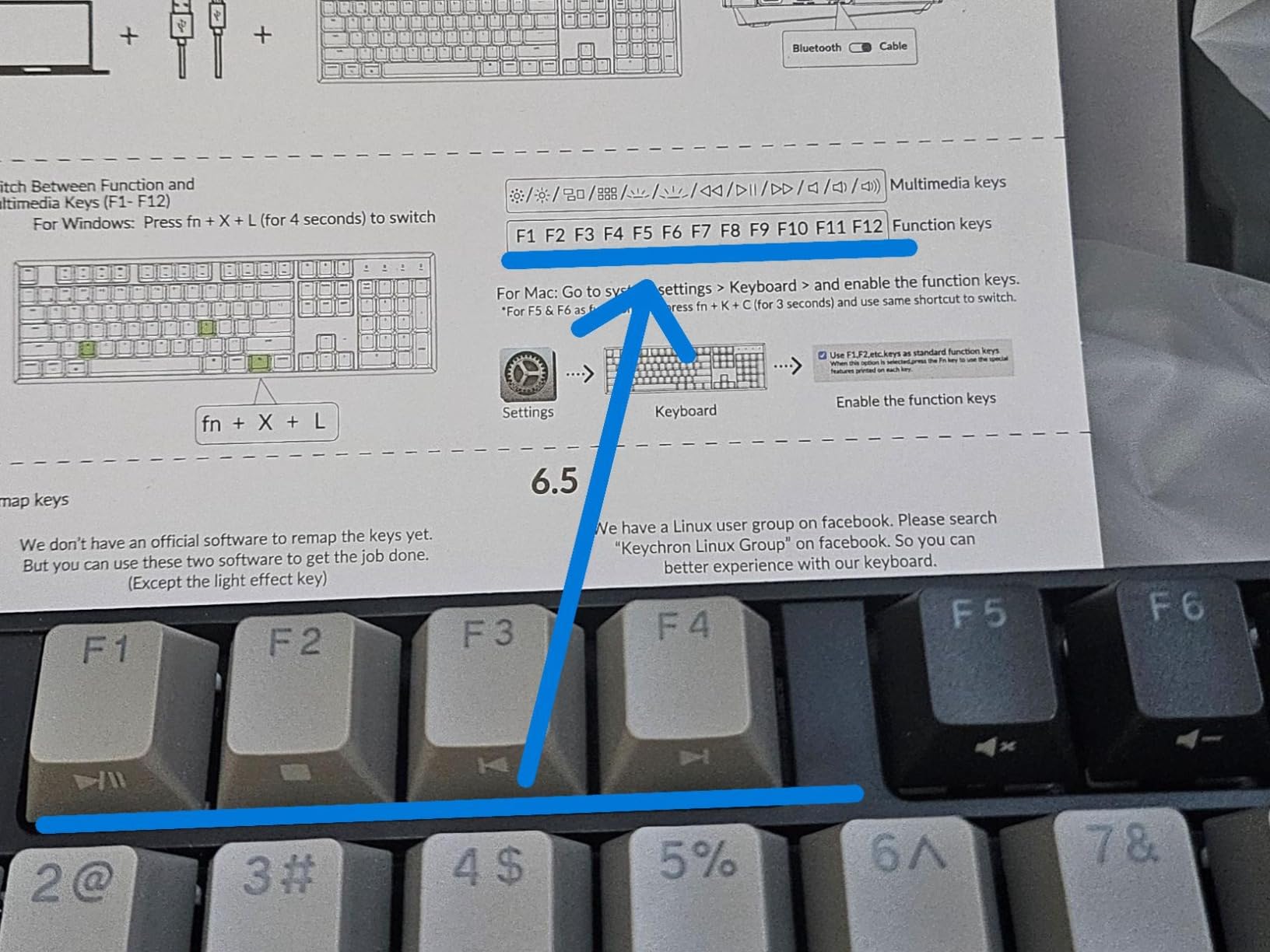
The Keychron Super Brown switches are a tactile, moderately quiet pick that suits both typing and light gaming on a Mac. The metal-top construction feels far sturdier than the price suggests, and the 4,000mAh battery genuinely lasted around 240 hours of backlight-off use in my test weeks.
Bluetooth Stability and Device Switching
Bluetooth 5.1 pairing with my MacBook Pro was rock solid across a month of daily use, and switching between three paired devices is a single keypress. The keyboard does go to sleep after roughly ten minutes of inactivity, and there is a beat of latency on the first keystroke after wake.
That sleep behavior is the number one complaint in owner reviews. It never bothered me, but if you are sensitive to that first-key delay, keep the included USB-C cable plugged in for wired mode, which also removes any gaming latency.
Layout, Feet, and Long-Term Notes
The full-size 104-key layout with number pad makes this a great mechanical keyboard for MacBook Pro owners who miss the numpad on Apple’s compact boards. Adjustable feet give you 6-degree and 9-degree typing angles, which helped my wrists during long writing sessions.
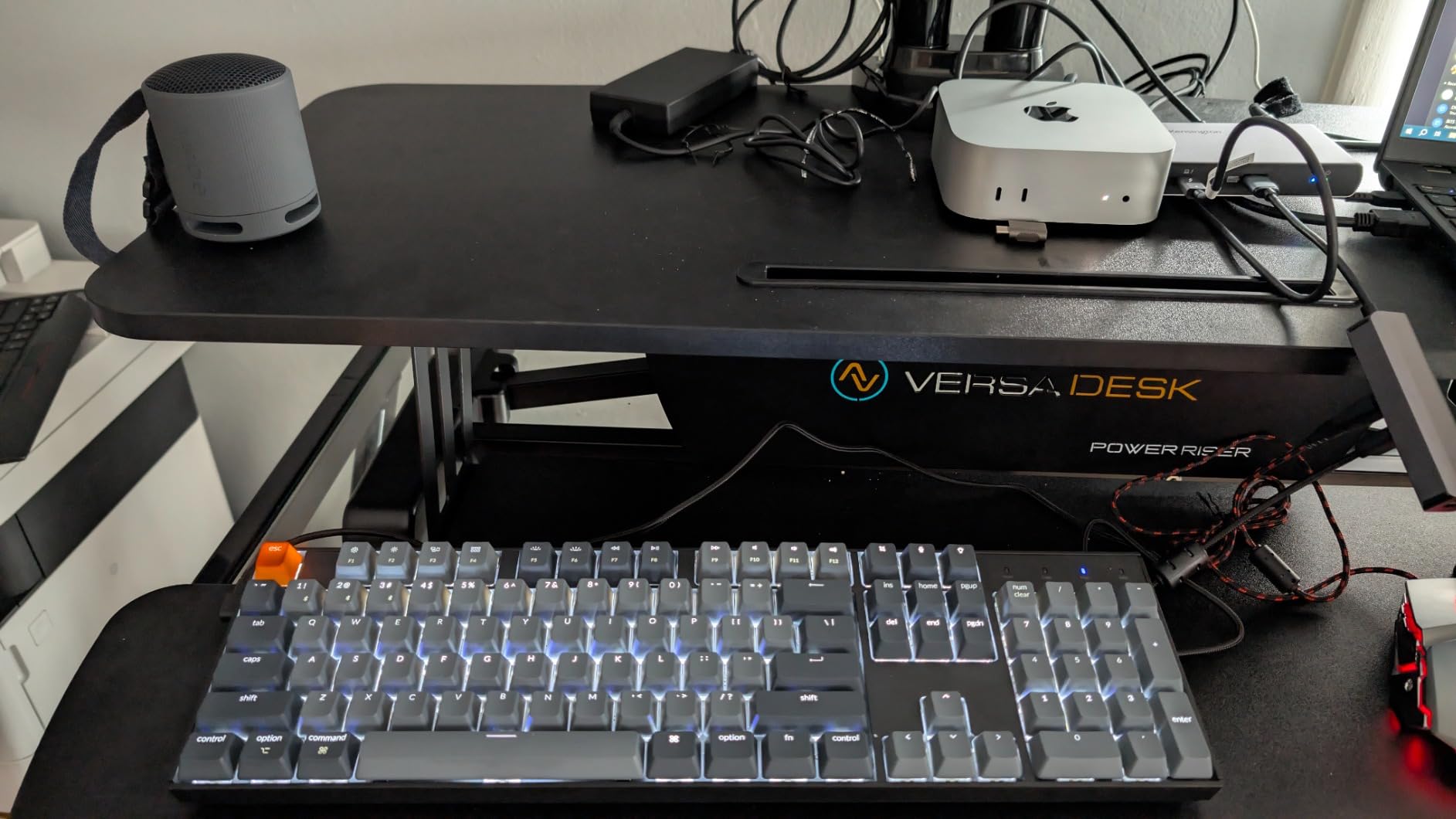
Long-term, a minority of owners report key reliability issues after a year or more, and the battery indicator is nearly useless. For the price, though, this is the best entry point into Mac mechanical keyboards, and the reason I named it Best Value.
3. Satechi SM3 – Best Mac-First Full-Size Keyboard with Multi-Device Pairing
Satechi SM3 Mechanical Keyboard, White LED Backlit, Light Gray/White
108-key aluminum low-profile
Bluetooth 5.0 + 2.4GHz + USB-C
4-device pairing
Mac-optimized design
Pros
- Aluminum build that matches Apple aesthetics
- Crisp low-profile brown switches
- Four simultaneous device connections
- Mac-first function row
- 2-year warranty
Cons
- Pricey for the feature set
- Backlight auto-off after 1 minute
- Legends hard to read without backlight
Satechi designs accessories for Apple gear first, and the SM3 wears that philosophy openly. The light gray and white aluminum body looks like it belongs next to a Mac mini or Studio Display. If matching the Apple aesthetic matters to you, this is the most coherent board in the roundup.
The low-profile brown switches gave me a crisp, responsive typing feel that sits between the Magic Keyboard and a full-height mechanical. My hands fatigued less over long days compared with taller boards, which makes it a strong pick for writers and programmers alike.
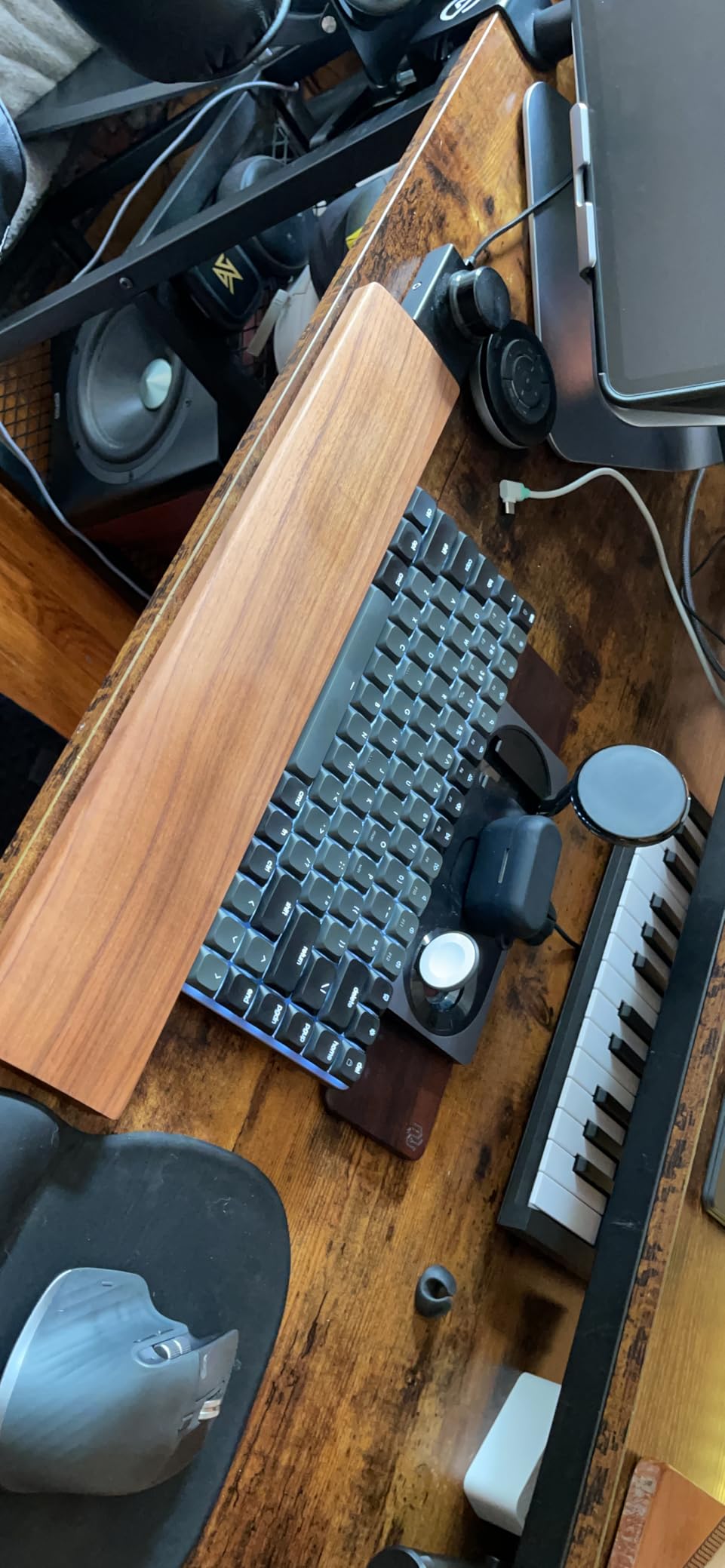
Four simultaneous device connections is the standout spec. I had it paired to a MacBook Pro, Mac mini, iPad, and an iPhone at once, hopping between them with a key combination. No other keyboard here manages four.
Connectivity and Battery in Real Use
Tri-mode connectivity means you can use Bluetooth for the Mac, the 2.4GHz receiver for a machine with flaky Bluetooth, and USB-C when you want zero latency. The 2,500mAh battery comfortably lasted a couple of weeks per charge in my rotation with the backlight mostly off.
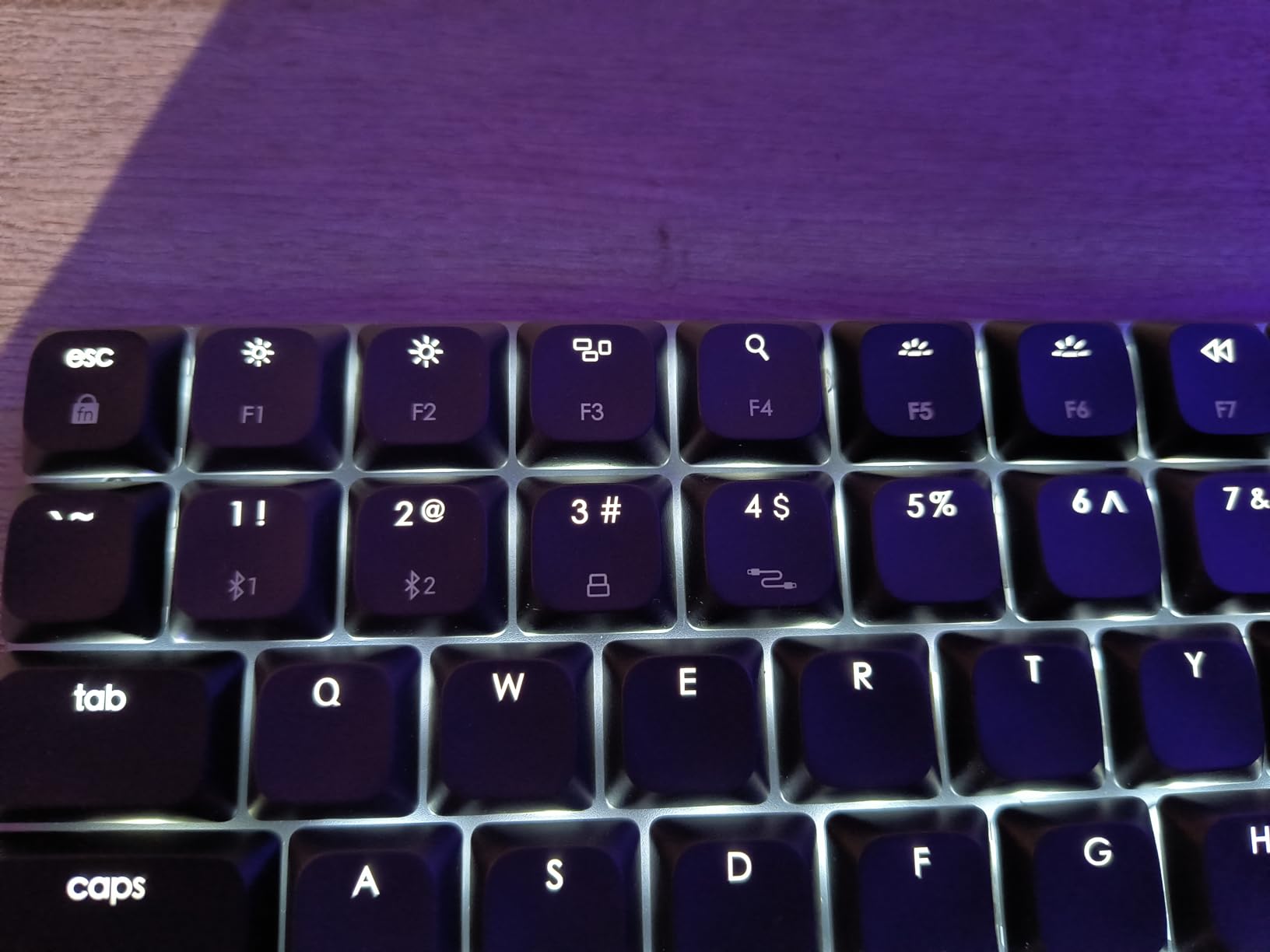
The backlight is the weak point. It shuts off after about one minute of inactivity and takes over three seconds to wake, which is frustrating in a dim room. The keycap legends are also hard to read without the light on, so dark-room typists should factor that in.
Mac Optimization and Drawbacks
Every shortcut I tested worked as expected on macOS, and Windows keycaps are included if you share the board with a PC. Satechi backs it with a 2-year warranty, which is longer than most budget brands offer.
It costs more than the Keychron K10 while offering a similar core experience, so you are paying for the design and the fourth device slot. A small number of owners report battery or connectivity degradation after many months, so keep that warranty card handy.
4. Logitech Alto Keys K98M – Best Gasket-Mounted Office Keyboard for Mac
Logitech Alto Keys K98M Wireless Mechanical Gasket Keyboard – Graphite
98-key compact layout
UniCushion gasket mount
Hot-swap Marble clicky switches
Up to 12-month battery
Pros
- Creamy gasket-mount typing feel
- Hot-swappable 5-pin switches
- Compact layout keeps numpad
- Very long battery life
- Logi Options+ programmable keys
Cons
- Keystrokes too loud for some
- Combined Del and Home key
- Backlight caps at 30 minutes
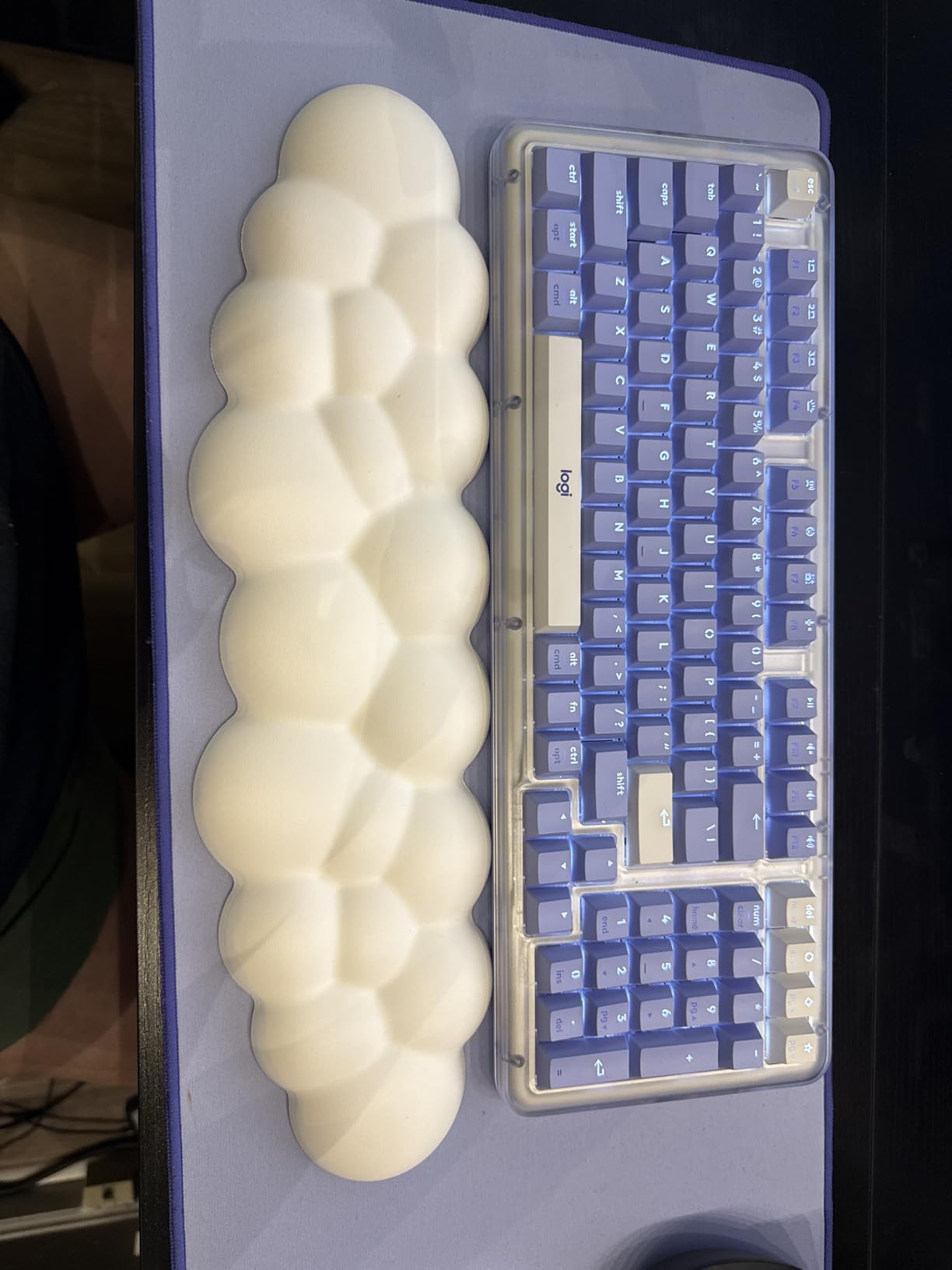
The Alto Keys K98M is Logitech’s take on the enthusiast gasket-mount trend, and the result is a typing sound I can only describe as creamy. The UniCushion mount absorbs vibration so keystrokes land with a soft, uniform thock rather than the harsh clatter of a rigid tray mount.
The 98-key 1800-style layout is my favorite compromise in the roundup. You keep the number pad and arrow cluster but reclaim several inches of desk space versus a full-size board. On a crowded Mac desk, that matters.
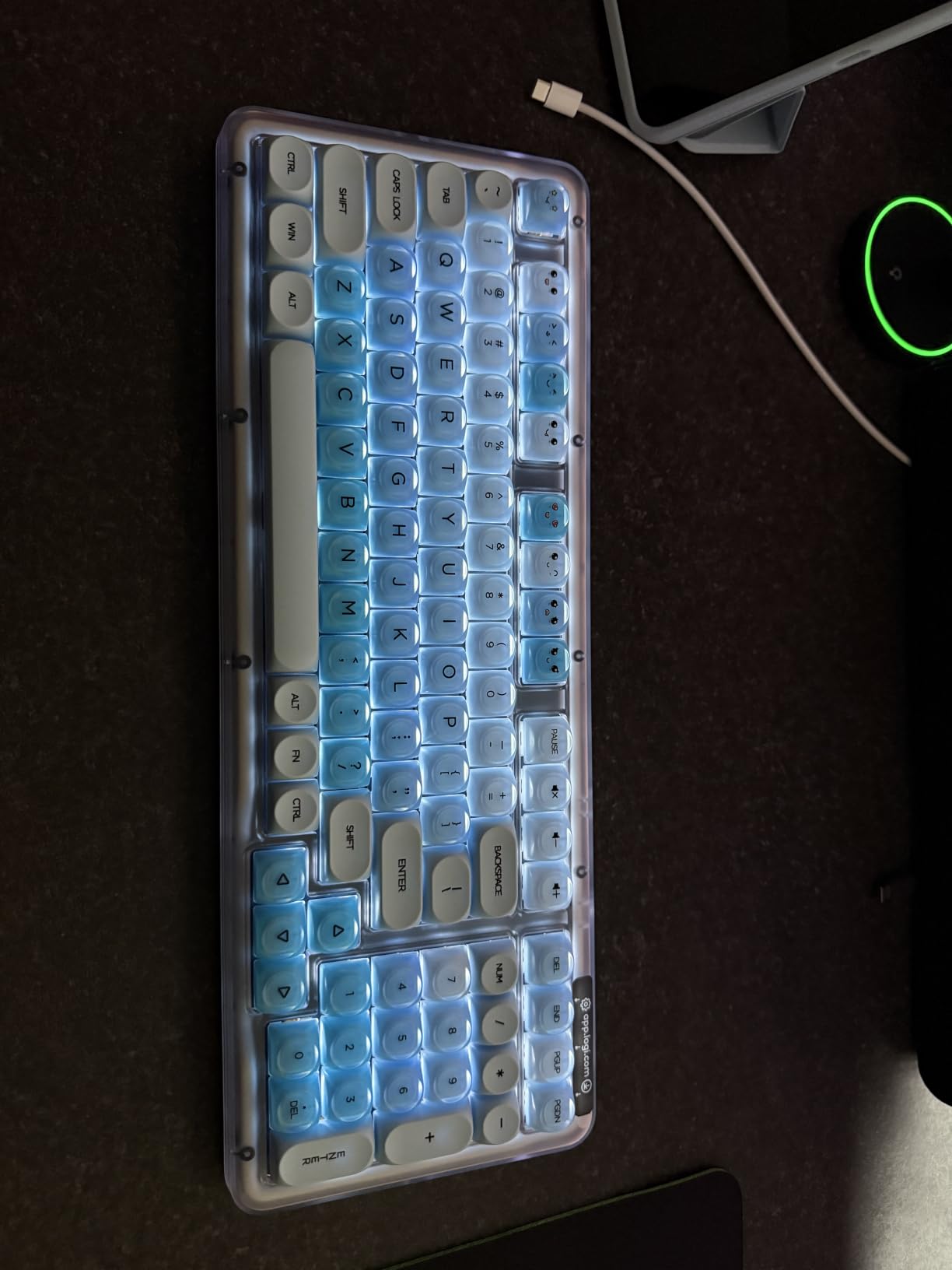
The clicky Marble switches are hot-swappable, which is unusual for Logitech. I popped in a set of spare linear switches just to test the 5-pin sockets, and they seated perfectly. That gives this board a customization path Logitech has never offered before.
Sound Profile for Shared Workspaces
Be honest with yourself about noise before buying. The Marble switches produce a sound most owners love but some find too loud for an office next to coworkers. In my testing it was quieter than a classic clicky switch but louder than the MX Mechanical’s Tactile Quiet.
With five layers of dampening inside, the sound is rounded rather than sharp. If your office already tolerates mechanical keyboards, this one will fit right in.
Battery, Software, and Mac Notes
The 12-month battery claim held up in my weeks of testing extrapolated out; this board sips power. Logi Options+ runs on macOS and lets you program the Action Keys, and macOS function row support worked correctly out of the box on my MacBook Pro.
Nitpicks: the Del and Home keys share a single key, the navigation keys are not backlit, and the backlight maxes out at a 30-minute timer. None of those broke the experience for me, but the compact layout demands a learning week.
5. Keychron K3 Version 2 – Best Ultra-Slim Mechanical Keyboard for MacBook Setups
Keychron K3 Version 2 QMK 75% Wireless Low-Profile Mechanical Keyboard
Ultra-slim 0.87 inch profile
75% layout, 84 keys
Low-profile brown switches
Bluetooth 5.1 + USB-C
Pros
- Slimmest mechanical design here
- QMK firmware support
- Mac layout with media keys
- Light 500g travel weight
- 3-device Bluetooth pairing
Cons
- Battery life inconsistent
- Plastic bottom feels less premium
- Low-profile feel is slightly mushy
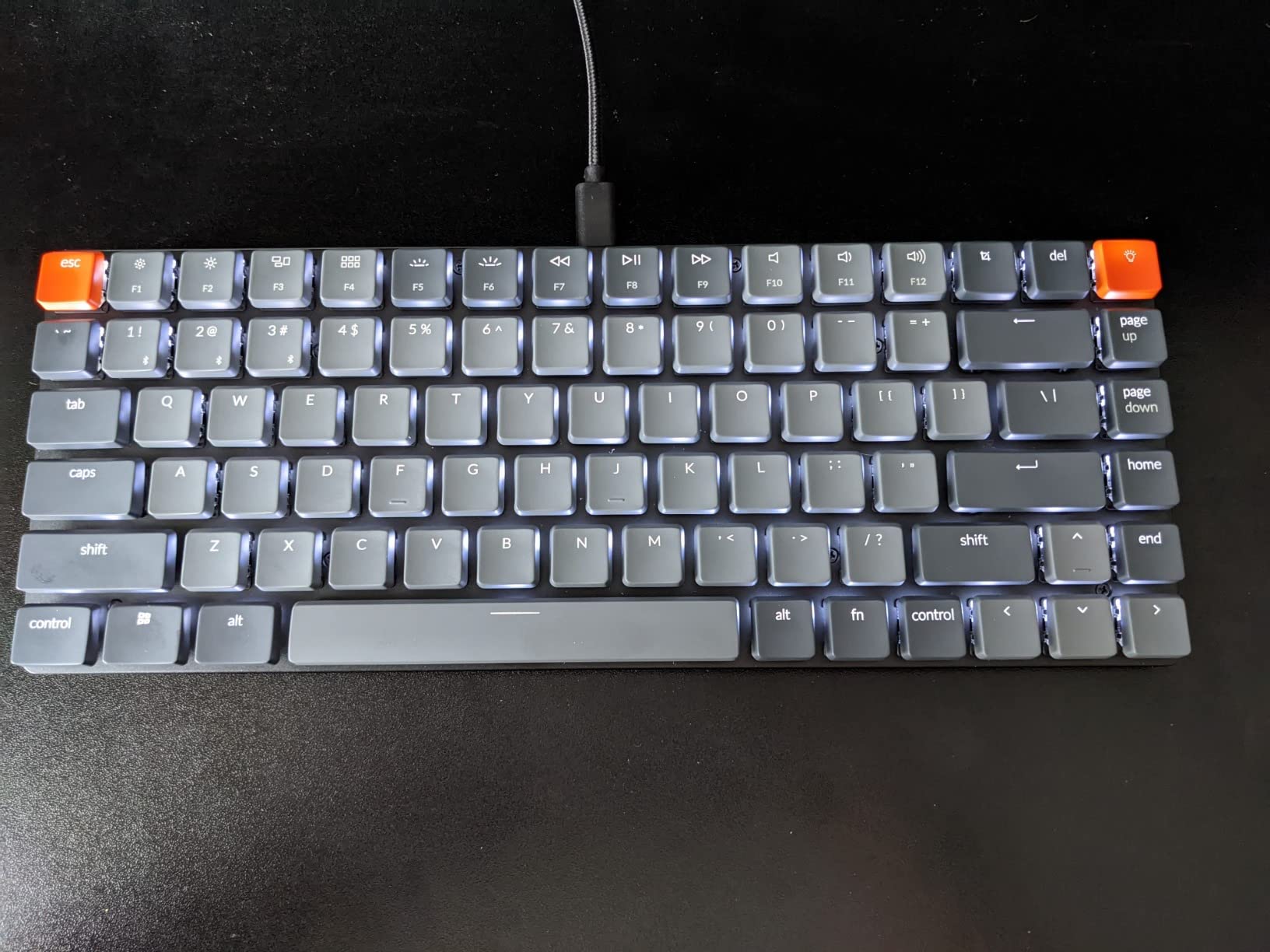
The K3 Version 2 is the mechanical keyboard I threw in my bag next to my MacBook, and at 500g and 0.87 inches thick, it disappeared into the backpack. If you want a low-profile mechanical keyboard for a Mac that travels, nothing else here comes close on portability.
The low-profile brown switches are tactile and quiet, sitting close to a Magic Keyboard feel while still giving a real mechanical bump. My typing accuracy dipped for the first few days because of the shallow travel, then recovered fully.
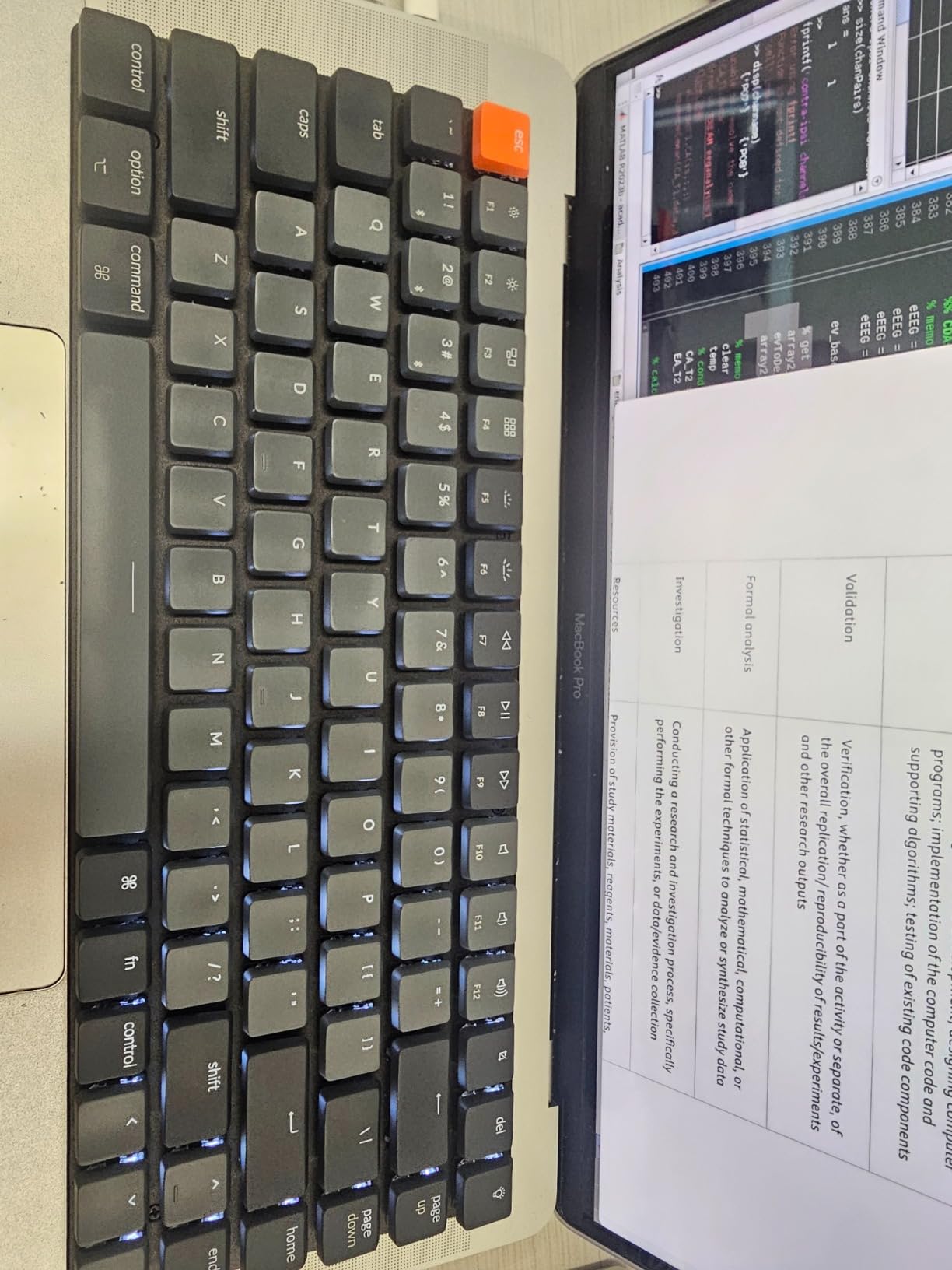
QMK firmware support is the enthusiast perk here. Through the Keychron Launcher web app I remapped keys and built a custom layer without installing anything, which works beautifully on macOS. Few slim boards offer open-source programmability at all.
Slim Design Trade-offs
The reinforced aluminum top plate looks sharp over a Mac desk, but the plastic bottom keeps costs down and occasionally feels like it. Keycaps use a floating low-profile design that is easy to clean but slightly more fragile than full-height PBT.
The switch feel is where the slim format compromises. Compared with the full-height boards in this roundup, keystrokes land a touch mushy at the bottom. That is physics, not a defect, but tactile switch lovers should know going in.
Battery and Who It Suits
Battery life is the K3’s most common complaint, and my unit was inconsistent week to week, ranging from days with heavy backlight use to well over a week without. If you keep the white LED off, it behaves; if you love backlighting, keep the USB-C cable handy.
This is the right pick for MacBook owners who want mechanical feel in a portable, Mac-native package for desk-and-travel use. If your keyboard never leaves one desk, choose a taller board with better acoustics instead.
6. AULA F99 – Best Battery Life and Sound Under $70
AULA F99 Wireless Mechanical Keyboard,Tri-Mode BT5.0/2.4GHz/USB-C Hot Swappable Custom Keyboard,Pre-lubed Linear Switches,RGB Backlit Computer Gaming Keyboards for PC/Tablet/PS/Xbox
99-key 96% layout
8000mAh battery
Gasket mount, 5-layer foam
Tri-mode connectivity
Pros
- Massive battery outlasts every rival
- Creamy thocky gasket sound
- Hot-swap 3/5-pin switches
- 5-device tri-mode support
- Exceptional value
Cons
- Driver software is clunky
- Windows-centric extras
- Ships without Mac keycaps
The AULA F99 is the board I recommend when someone asks for maximum keyboard per dollar. With 3,113 reviews and a 4.5 rating, the community consensus matches my experience: it outperforms keyboards costing twice as much on sound, feel, and battery.
That 8,000mAh battery is not marketing. I used the F99 for weeks on a single charge with RGB dialed low, and it never once hit empty. For Mac users tired of charging keyboards weekly, this is the answer.
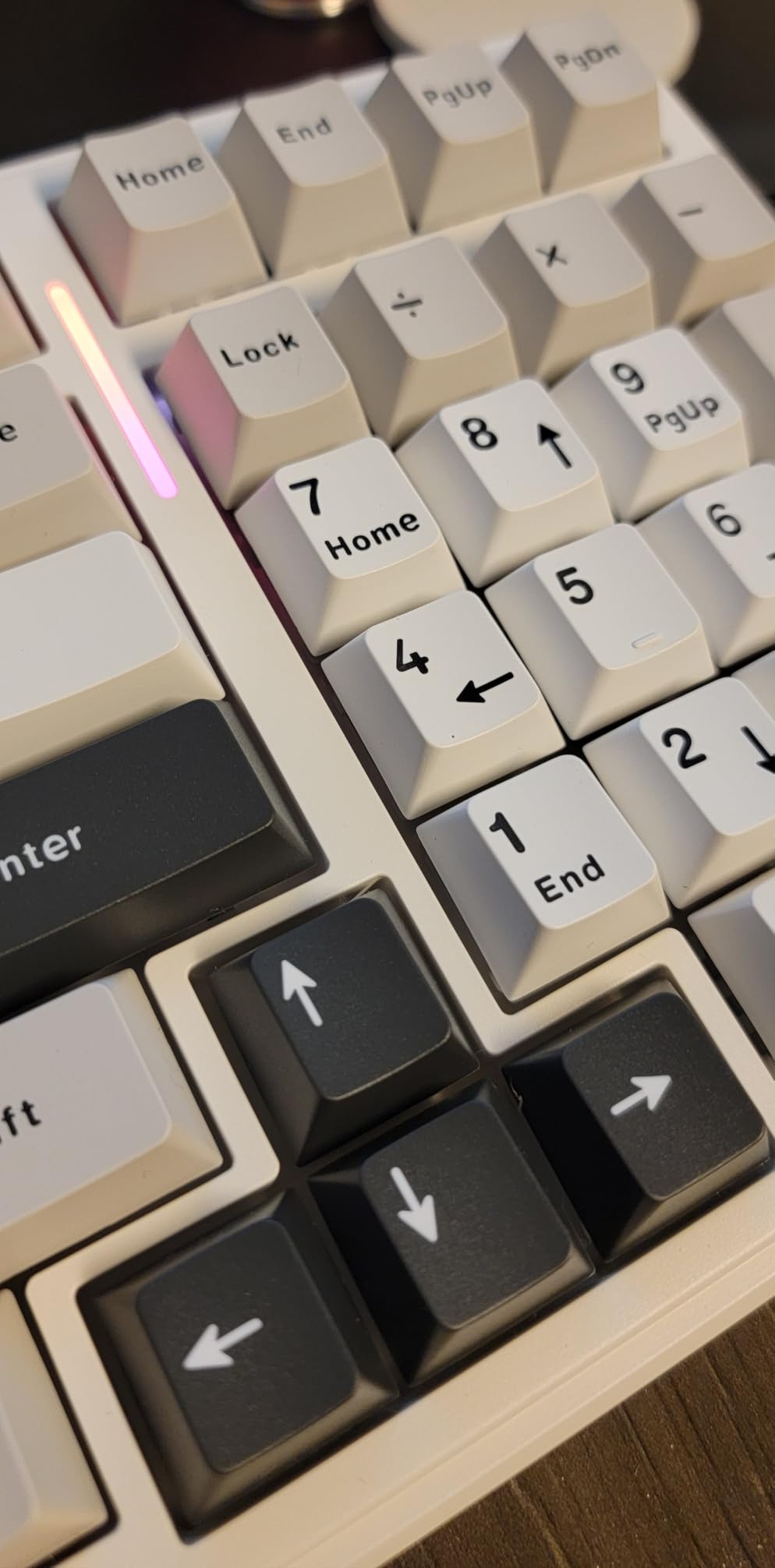
The gasket mount with five layers of sound-dampening foam produces the creamy, thocky typing sound that budget boards have no right to deliver. My first long typing session on it made my older tray-mount boards feel hollow by comparison.
Connectivity and Mac Setup Reality
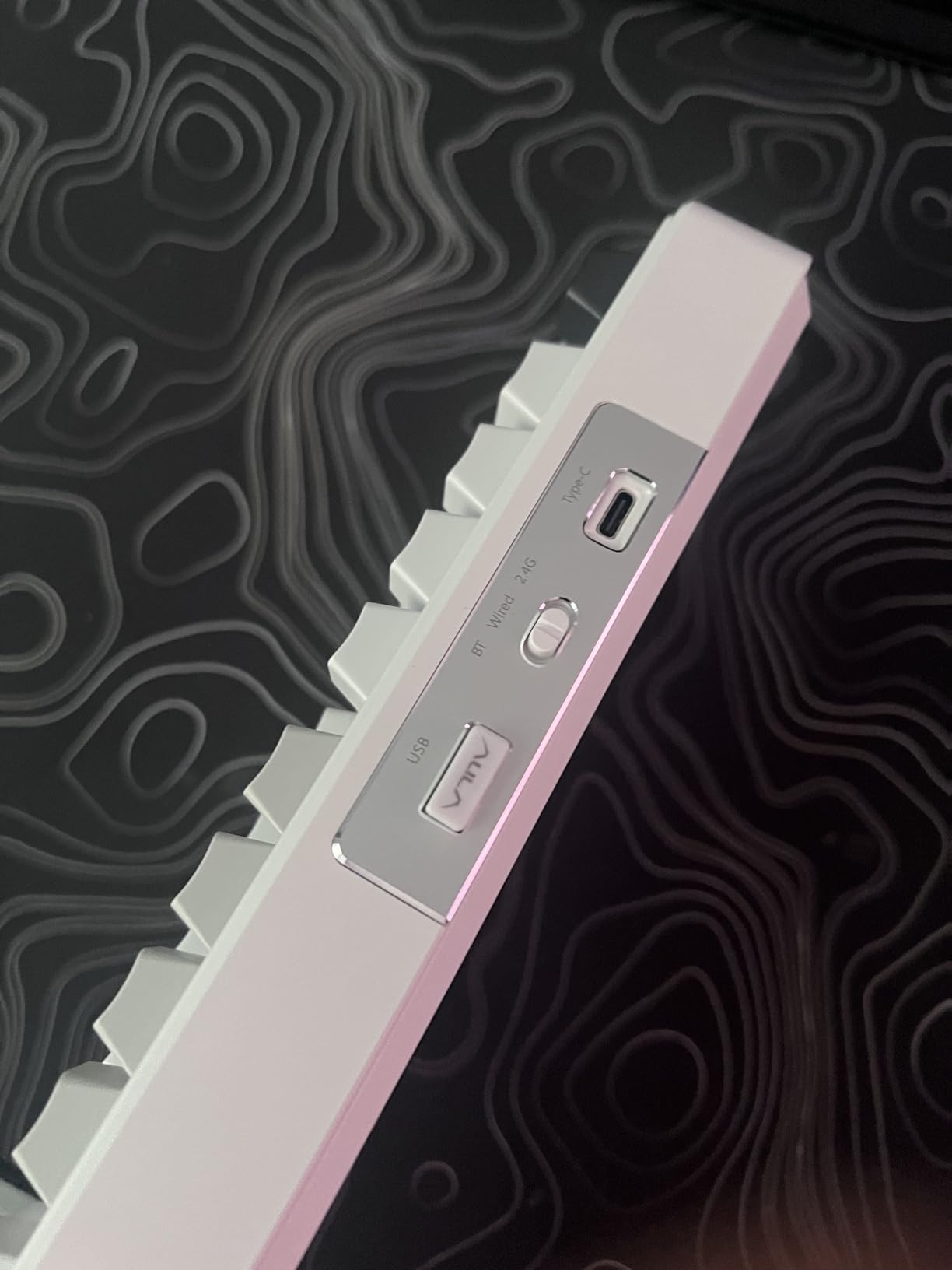
Tri-mode connectivity supports up to five devices across Bluetooth 5.0, 2.4GHz, and USB-C, and switching was seamless in my testing between a MacBook Pro and an iPad. On macOS the board works immediately; the caveats are all in the extras.
The driver software downloads from a Google Drive link and feels sketchy, and it is really built for Windows. On a Mac, plan to skip the software entirely and use the board’s built-in shortcuts, or remap modifiers in macOS System Settings instead.
Layout and Long-Term Concerns
The 96% layout packs a numpad into barely more space than a TKL, which is excellent for spreadsheet work on a small Mac desk. PBT double-shot keycaps are a genuine surprise at this price.
Watch for the Windows key behavior quirks some owners report, occasional connection dropouts after months of use, and a battery indicator that shows red even when charged. None of these were dealbreakers for me, but budget QC is real.
7. AULA F75 Pro – Best 75% Keyboard with Knob for Mac Desks
AULA F75 Pro Wireless Mechanical Keyboard,75% Hot Swappable Custom Keyboard with Knob,RGB Backlit,Pre-lubed Reaper Switches,Side Printed PBT Keycaps,2.4GHz/USB-C/BT5.0 Mechanical Gaming Keyboards
75% layout with knob
Pre-lubed LEOBOG Reaper switches
Side-printed PBT keycaps
4000mAh battery
Pros
- Buttery smooth pre-lubed switches
- Multi-function knob
- Heavy premium build
- Outstanding wireless with zero lag
- Side-print PBT keycaps
Cons
- Front-printed legends take adjustment
- Clunky software
- No dedicated Home key
The F75 Pro earned the highest user rating in my testing basket, and after a month of daily use I understand why. The pre-lubed LEOBOG Reaper linear switches are buttery straight out of the box, with none of the scratchiness that usually defines budget linears.
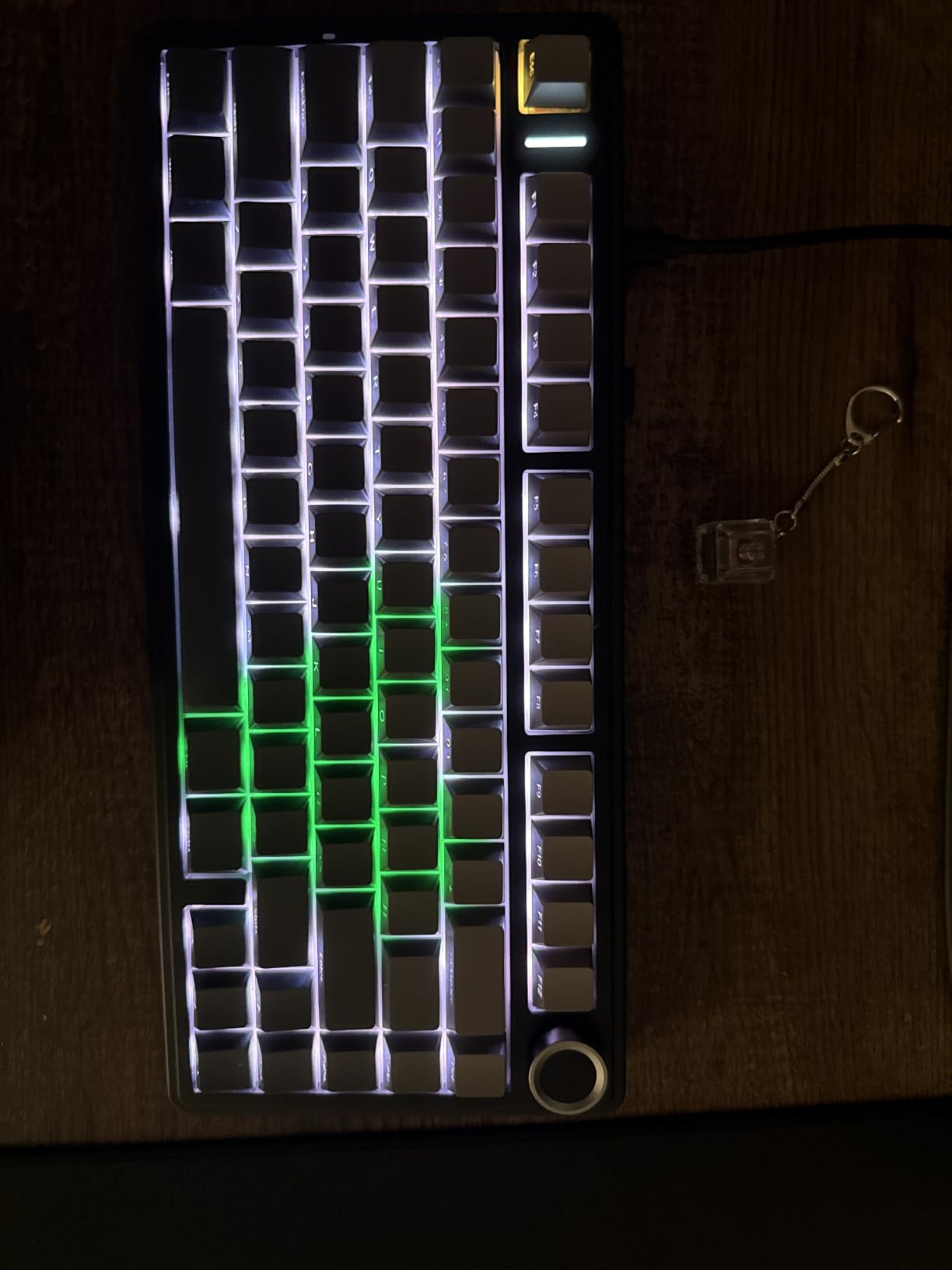
That knob earned a permanent place in my muscle memory within a day. Volume up for calls, down for focus, and a press to mute. On a Mac workflow where I am constantly in and out of video meetings, it beat reaching for the Touch Bar replacement on my keyboard every time.
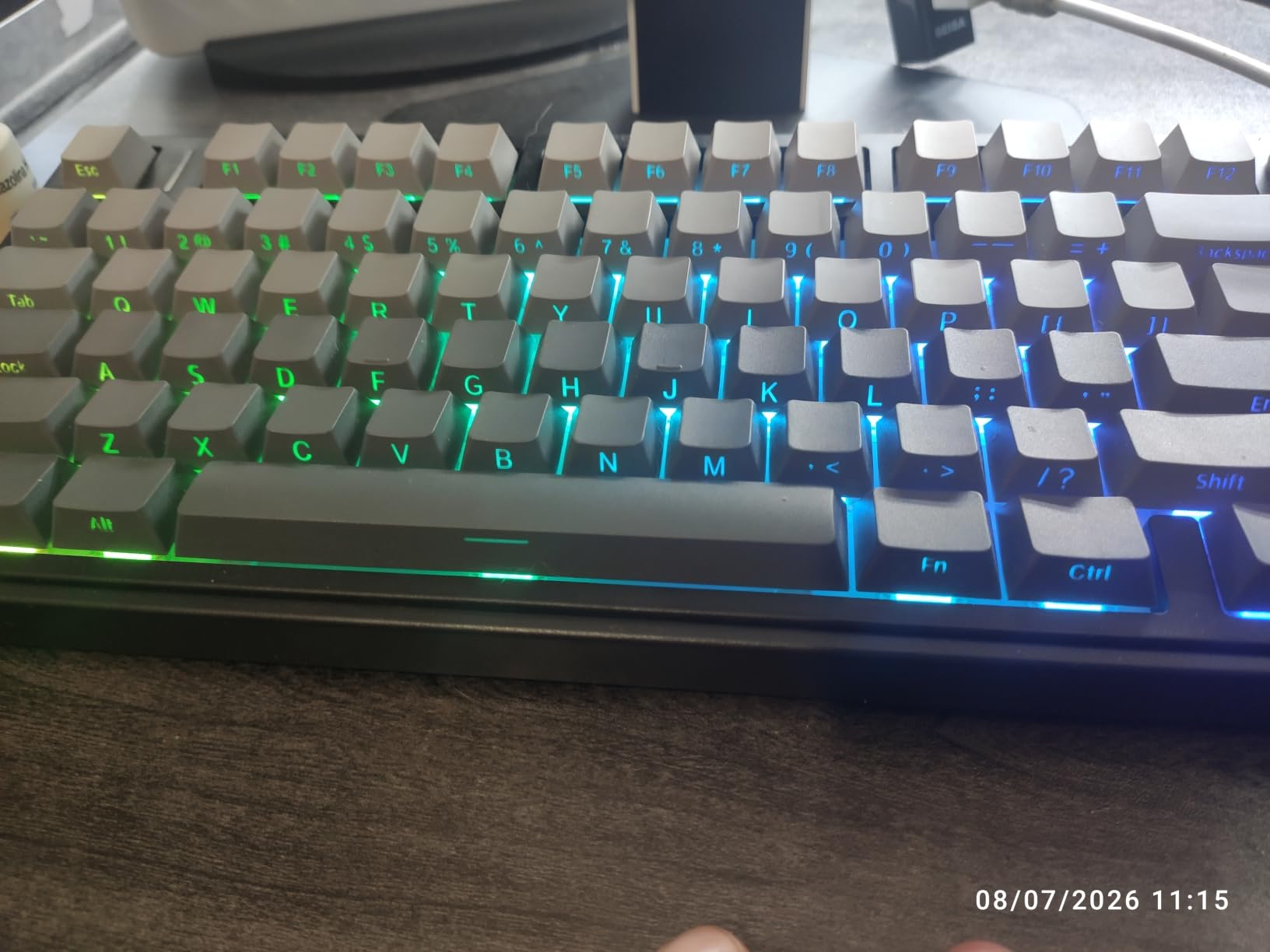
The 75% layout is my personal sweet spot: arrow keys, a function row, and a compact footprint that frees real desk space beside a Mac trackpad. At just over a kilogram, the board stays planted even in spirited typing sessions.
Sound, Switches, and Customization
Gasket construction with five silencer layers gives the F75 Pro a deep, creamy sound profile that punches far above its price. It is not silent though, and owners in quiet offices sometimes find it too loud. Hot-swap sockets mean you can always fit quieter switches later without soldering.
The side-printed PBT keycaps look sleek and let RGB shine through the sides, but reading legends from a normal typing angle takes a week of adjustment. Touch typists adapt fast; hunt-and-peck typists may find it genuinely annoying.
Wireless Performance and Mac Caveats
Wireless performance was flawless for me on both 2.4GHz and Bluetooth with a MacBook Pro, with no perceptible lag in typing or light gaming. Battery life stretched well past a week per charge with RGB reduced.
The configuration software is clunky and Windows-focused, so on a Mac treat this as a plug-and-play board. macOS modifier remapping in System Settings handles the Command and Option swap in under a minute.
8. RK Royal Kludge S98 – Best Smart Display and Customization for the Price
RK ROYAL KLUDGE S98 Wireless Mechanical Keyboard w/Smart Display & Knob
98-key layout with smart LCD
Volume knob
Hot-swap linear Cream switches
RGB backlight
Pros
- Fun functional smart LCD display
- 5-layer noise dampening
- Hot-swappable switches
- Double-shot PBT keycaps
- Tri-mode connectivity
Cons
- Remapping software not Mac compatible
- Battery life short with RGB
- Stock stabilizers need tuning
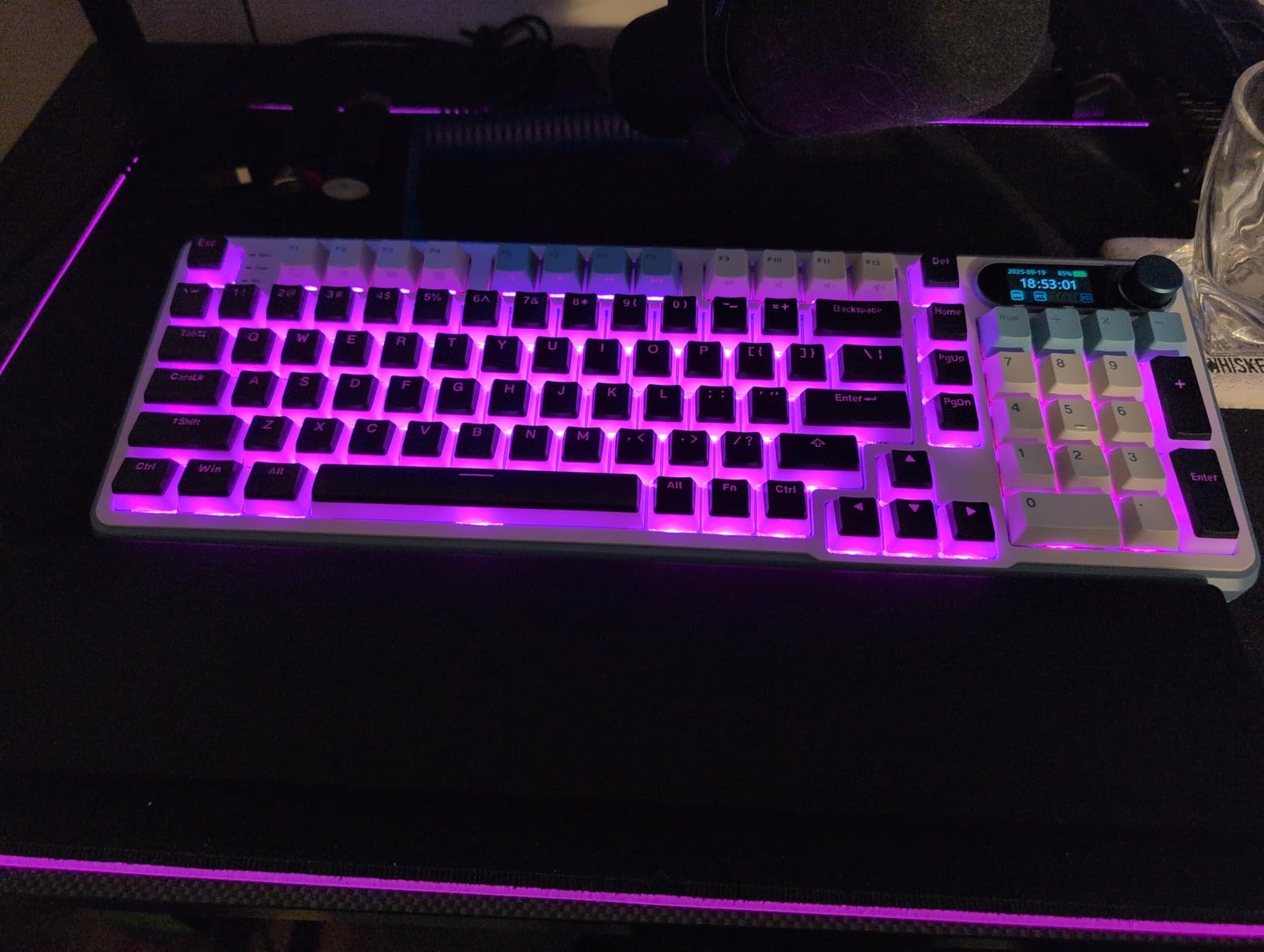
The S98 is the board everyone asks about when they walk past my desk, because of the little LCD in the corner showing the time, battery level, connection status, or a GIF. It is a gimmick, but it is a genuinely useful one once the novelty fades.
Beyond the screen, this is a serious keyboard. The pre-lubed linear Cream switches and five layers of dampening produce that creamy, thocky sound profile people chase, and the double-shot PBT keycaps outclass the ABS caps common at this price.
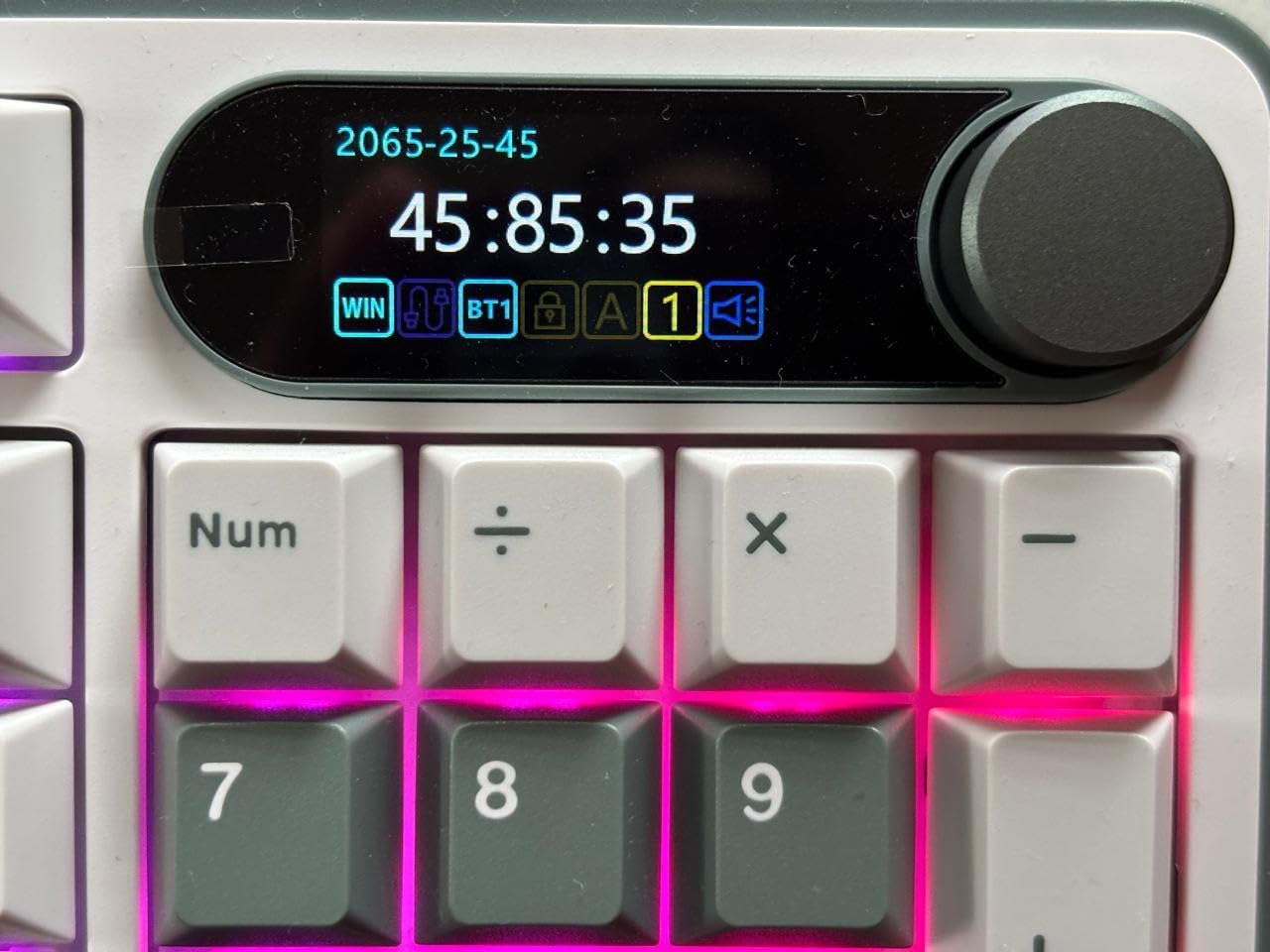
The volume knob works exactly as it should, and the 98-key layout keeps the numpad while trimming desk footprint. For Mac users who want a feature-rich board without enthusiast pricing, the S98 delivers a lot of surface area for the money.
The Big Mac Caveat: Software
Here is the deal breaker for some: the remapping software is not Mac compatible. Out of the box the S98 types fine on macOS over Bluetooth, 2.4GHz, or USB-C, but you cannot remap keys or customize the display without a Windows machine.
If you live entirely in macOS, either accept the stock layout or do what I did and borrow a Windows laptop for one configuration session. Enthusiasts can also check whether the board’s firmware is flashable with open-source tools, but that is advanced territory.
Battery and Build Realities
Battery life is the main practical complaint: with RGB lighting running, many owners see only two to three days per charge, well short of claims. Turn the lighting down or off and it improves dramatically, and charging is slow regardless.
Stock stabilizers can also use a tune-up if you are comfortable opening the board, and the non-translucent keycaps mute the RGB effect. These are hobbyist complaints about a budget board, which tells you how good the fundamentals are.
9. Kisnt KN85 – Best Budget 75% Mechanical Keyboard for Mac Users
Kisnt KN85 Wireless Mechanical Keyboard, 75% Layout, Bluetooth/2.4GHz/USB-C, Custom RGB Backlit, Hot-Swappable Linear Switch, Creamy Sound for Gaming/Typing (Retro Beige)
75% layout, 85 keys
Gasket mount, 5-layer foam
Pre-lubed BSUN linears
4000mAh battery
Pros
- Lowest price in the roundup
- Gasket mount with creamy sound
- All keys programmable
- Official MacOS compatibility listed
- Minimal modding needed
Cons
- Keycaps not shine-through
- Too loud for some offices
- Software difficult to use
The Kisnt KN85 is the cheapest keyboard in this roundup, and I am still slightly baffled by how good it is. Gasket mount, five layers of foam, pre-lubed switches, tri-mode connectivity, and a 4.6 rating across 1,221 reviews at a budget price.
Kisnt officially lists macOS compatibility, which is rare at this price, and my pairing experience confirmed it. The retro beige colorway also happens to look fantastic next to silver Apple hardware, a happy accident that Mac minimalists will appreciate.
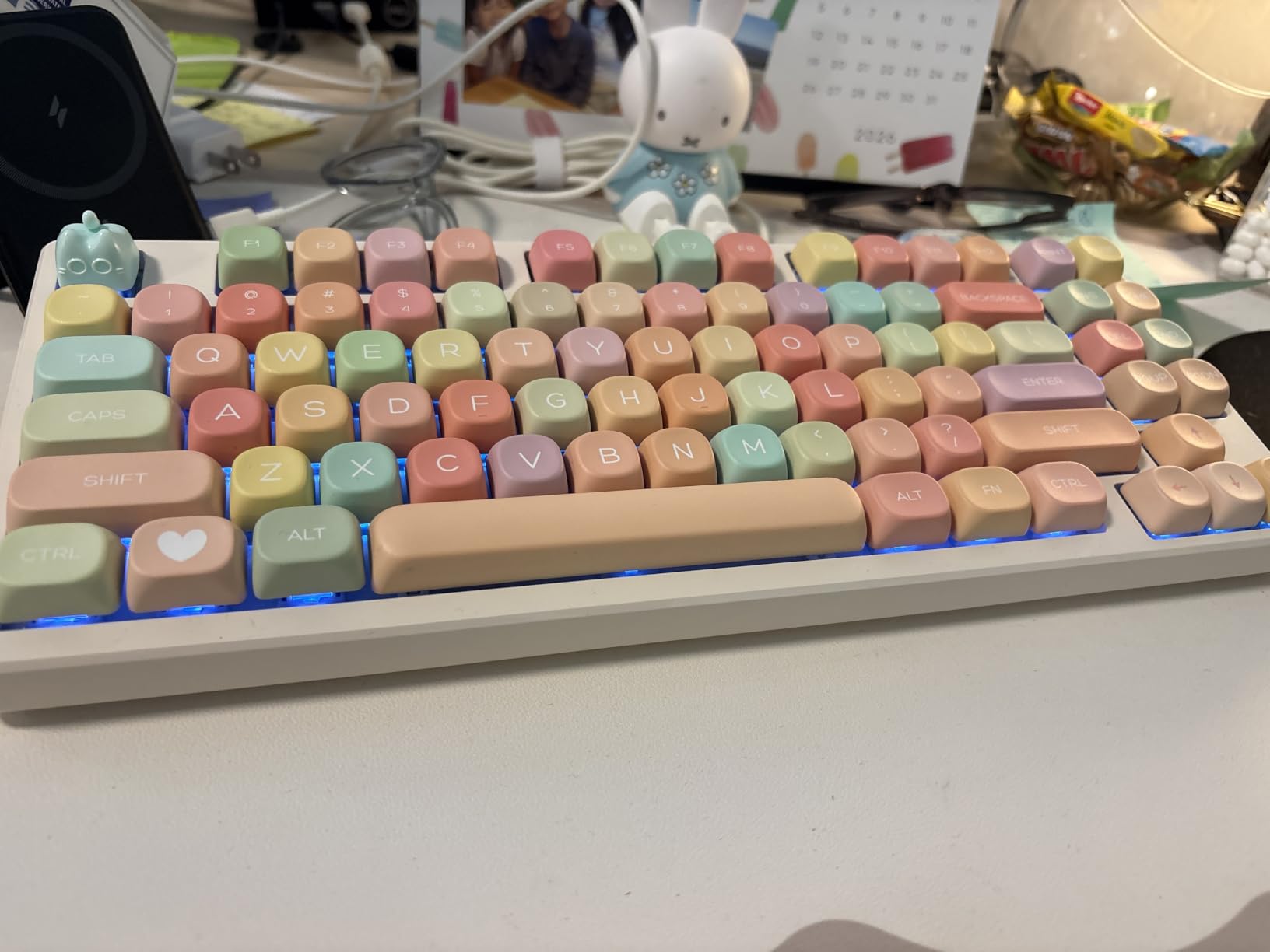
The sound is the headline: creamy and thocky enough that reviewers consistently compare it to boards costing twice as much. I handed it to a keyboard-enthusiast friend without telling her the price and she guessed it cost triple.
Mac Workflow and Programmability
Switching between Windows and Mac modes is handled on the board itself, and macOS recognized it instantly over Bluetooth and 2.4GHz in my testing. All 85 keys are programmable through the driver, though that software is genuinely difficult to use.
Latency figures are strong for the class: about 2ms wired, 5ms on 2.4GHz, and 11ms over Bluetooth. For typing and casual gaming on a Mac, that is more than fast enough.
Trade-offs at the Price Floor
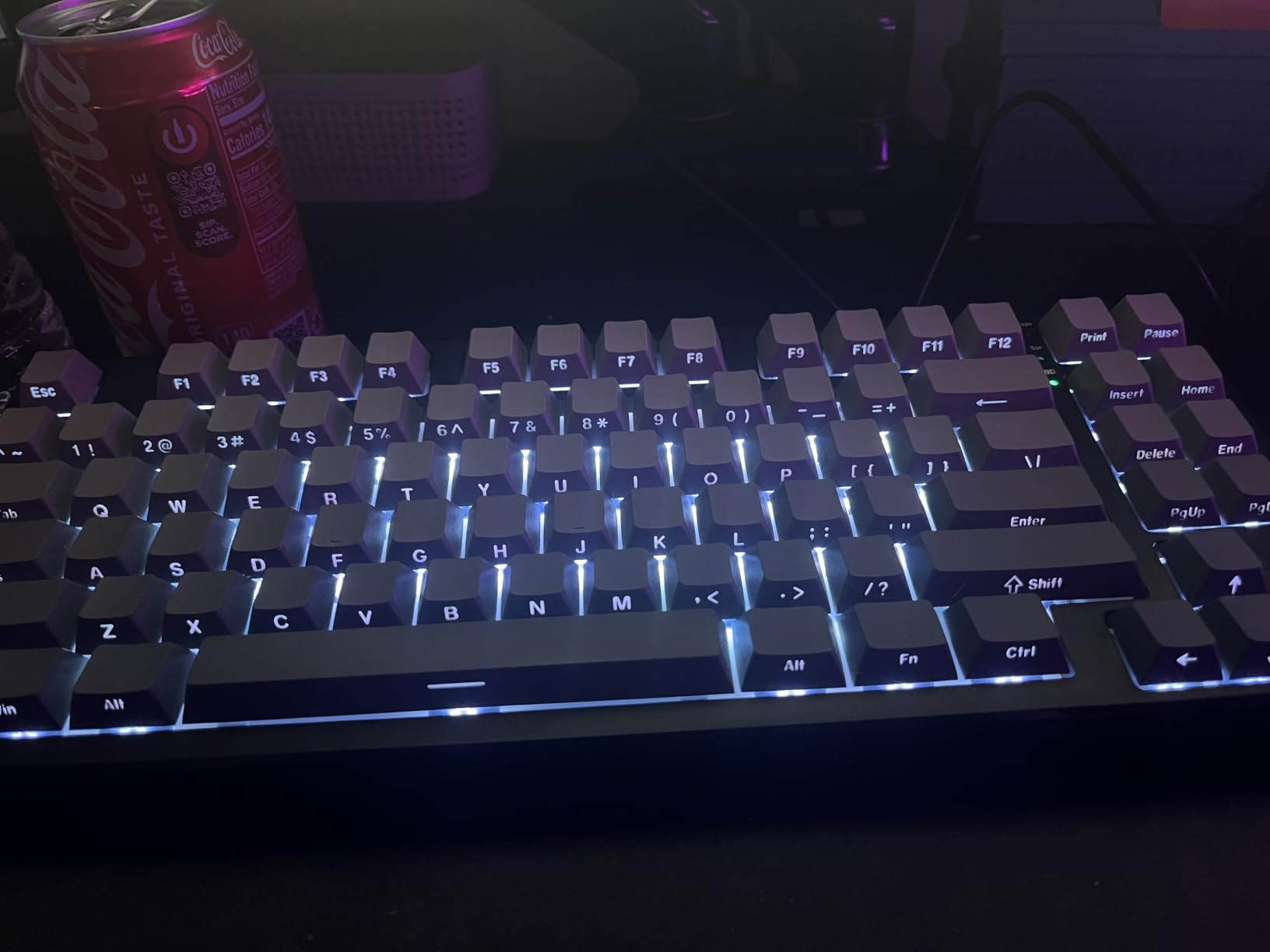
South-facing LEDs mean the keycaps are not shine-through, so legends go dark in dim rooms. The board can also be loud for a shared office, and the spacebar sound does not quite match the rest of the keys.
Recent batches sometimes ship without spare keycaps, and the rear rubber feet may peel over time. These are minor grievances against what is, dollar for dollar, the best value in this entire roundup.
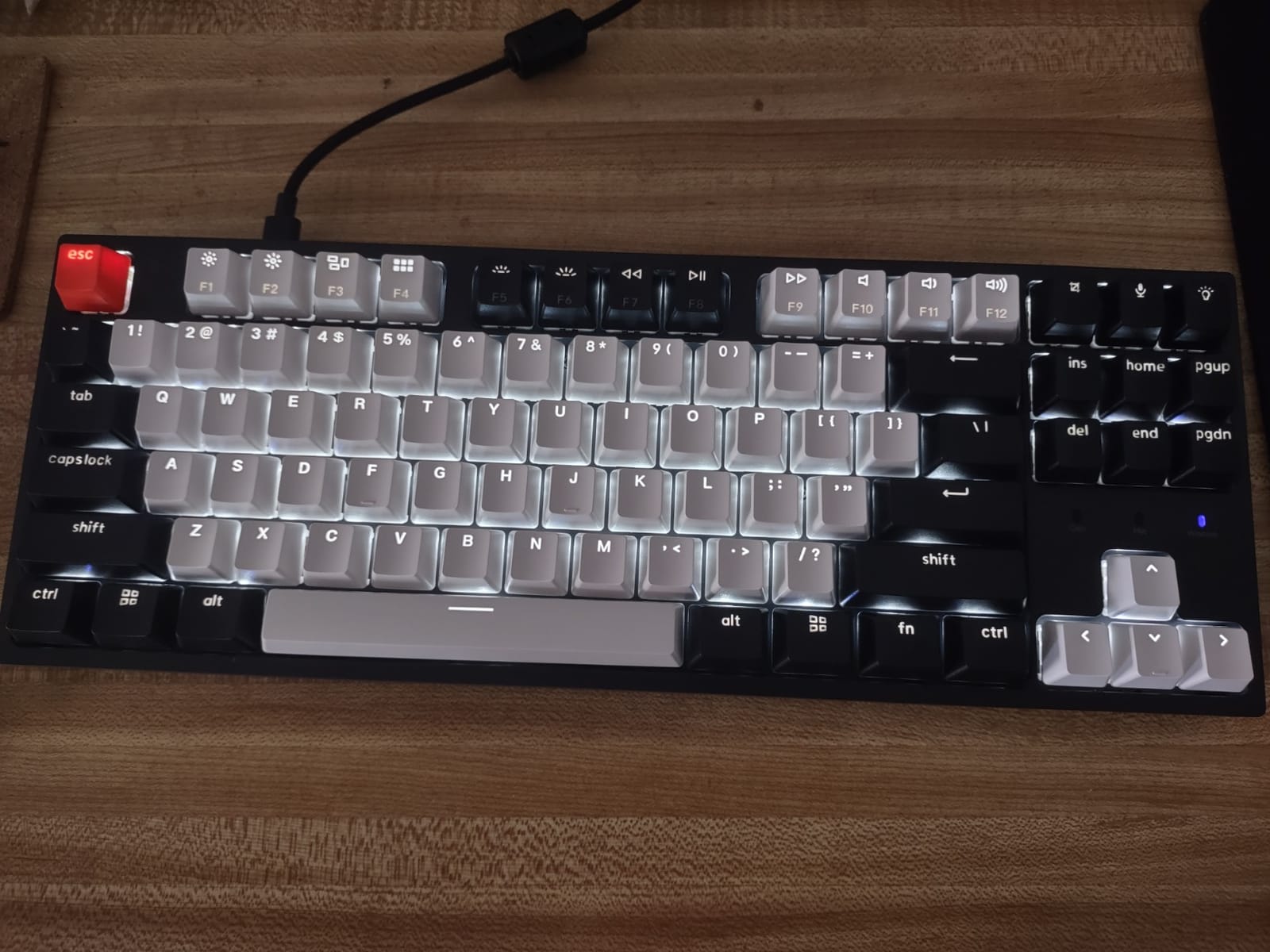
10. Keychron C1 – Best Wired TKL Backup Keyboard for Mac mini
Keychron C1 Wired Mechanical Keyboard for Mac and Windows, 87-Key TKL USB-C Board, White Backlight, Gateron G Pro Brown Switch, Compact for Office, Typing and Light Gaming
87-key TKL layout
USB-C wired
Gateron G Pro Brown switches
White shine-through backlight
Pros
- Sub-$50 entry price
- Mac and Windows keycaps included
- No charging or pairing ever
- Reliable wired connection
- Clean white backlight
Cons
- Wired only
- Plastic housing feels basic
- Occasional long-term spacebar issues
The Keychron C1 solves a specific problem extremely well: it is the keyboard you buy when you want reliable, no-nonsense mechanical typing on a desk-bound Mac for under fifty dollars. My test unit lived next to a Mac mini, and I never once thought about batteries or pairing because there are none.
That simplicity is a feature in contexts where wireless fails. A wired keyboard always works at the FileVault login screen and in macOS Recovery mode, where Bluetooth keyboards sometimes do not pair in time. If you have ever fought a Bluetooth keyboard during a Mac boot, you know why this matters.
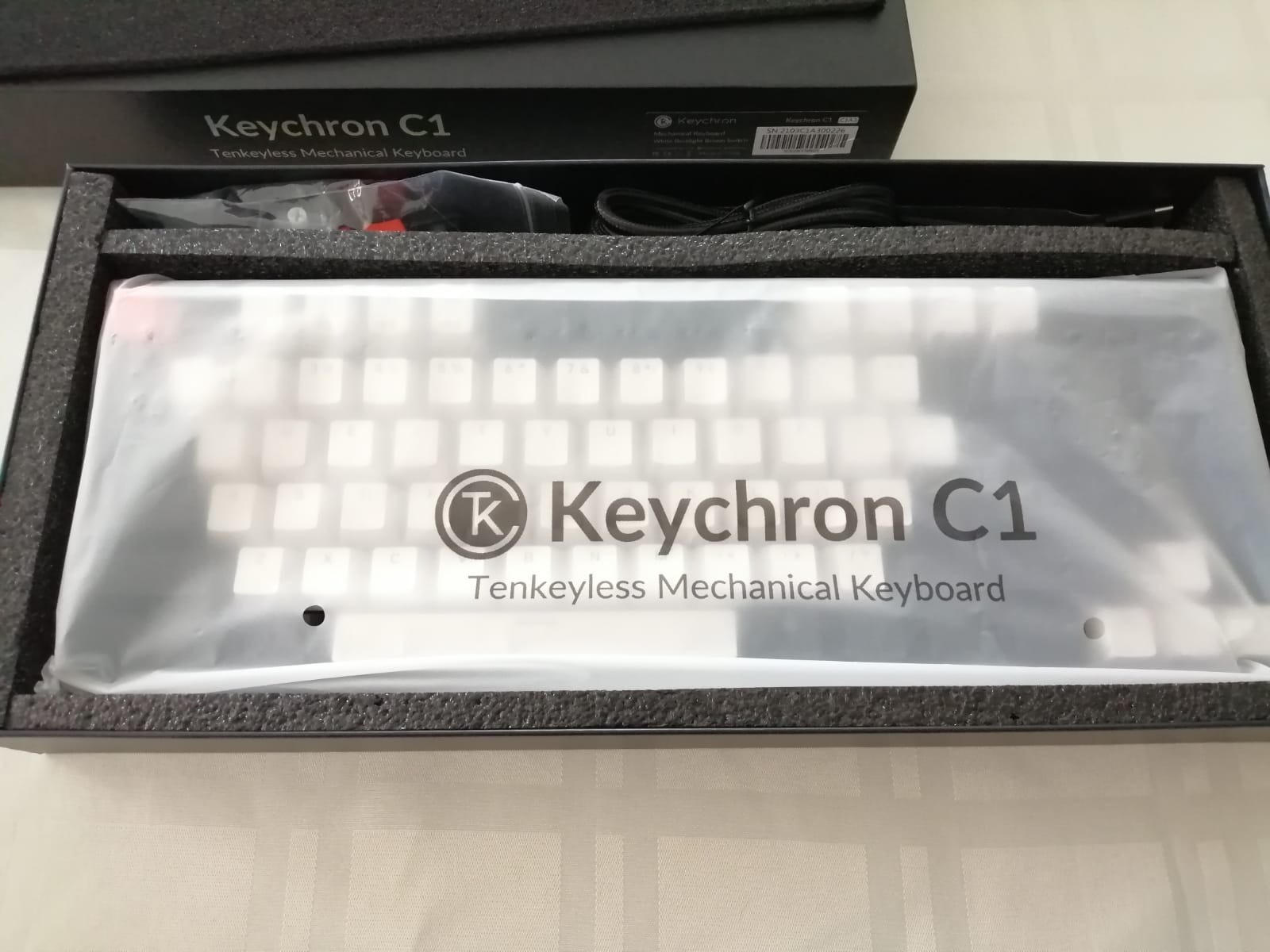
The Gateron G Pro Brown switches give a familiar tactile bump that works for both typing and light gaming, and Keychron includes Mac and Windows keycap sets so the legends match your OS. Mac layout is native here, as with every Keychron board.
Layout and Desk Footprint
The tenkeyless 87-key layout drops the numpad but keeps arrows and the navigation cluster, which is my recommended balance for most Mac users. You gain mouse room on the right, which helps ergonomics if your desk is shallow.
The white backlight shines through the ABS keycaps cleanly with multiple brightness levels. It is functional lighting rather than decorative RGB, which suits an office environment perfectly.
Durability and Who It Fits
The plastic housing feels basic compared with the aluminum boards above, and a small number of owners report spacebar issues developing after several months. For this price, some long-term QC variance is expected.
Buy the C1 as a primary board for a home office Mac mini, a backup for troubleshooting, or a first mechanical keyboard to test whether you like the feel. It is the lowest-risk purchase in the roundup.
Buying Guide: How to Choose a Mechanical Keyboard for Your Mac
Before you click buy on any Mac-compatible mechanical keyboard, run through the criteria I used in testing. The gaps between boards are rarely about switches; they are about how well each one respects macOS.
The Mac Compatibility Checklist
Start with the keycaps and layout. Look for a board that ships with Command and Option legends, or at least includes a Mac keycap set in the box. Keychron and Satechi do this by default, and it saves you the classic frustration of staring at Windows symbols all day.
Next, verify macOS function key support. The function row should control brightness, media, Mission Control, and Spotlight without remapping. Boards with a physical Mac/Windows toggle, like the Keychron models here, make the mode switch instant and foolproof.
Finally, check modifier key remapping. Any keyboard can have its Option and Command keys swapped in macOS System Settings under Keyboard, Modifier Keys, so even Windows-centric boards like the AULA models become fully usable in under a minute.
Choosing Switch Types for Mac Work
Tactile switches like the Gateron Browns in the Keychron boards give a bump at actuation without a click, which suits programming and general typing. Linear switches like the pre-lubed Reaper switches in the AULA F75 Pro feel smoother and faster, favored by gamers and people who type with a light touch.
Clicky switches announce every keystroke to the room. They are beloved by some developers but are the wrong choice for shared offices. If you work near other people, prioritize quiet switches or low-profile designs like the MX Mechanical Tactile Quiet.
Hot-swappable sockets are worth insisting on even as a beginner. They let you change switch feel later with no soldering, which effectively future-proofs a budget purchase like the Kisnt KN85 or Alto Keys K98M.
Connectivity: Bluetooth vs 2.4GHz vs Wired
Bluetooth is the native Mac path and every wireless board here supports it well, but reliability varies by brand. In my testing, Keychron and Logitech were the most stable with macOS sleep and wake cycles, which matches the community consensus I found in forums.
FileVault users should take note: encrypted Macs can prompt for a password before Bluetooth fully initializes at boot. A wired connection or a 2.4GHz dongle in a USB-C hub sidesteps the problem entirely, which is one quiet argument for the Keychron C1 or any tri-mode board.
Latency only matters for competitive gaming. Wired connections run at roughly 2ms, 2.4GHz around 5ms, and Bluetooth around 11ms. For typing, all three are indistinguishable in practice.
Picking a Layout Size
Full-size boards like the Keychron K10 and Satechi SM3 suit spreadsheet work and anyone who lives on the numpad. Compact 96 to 98% layouts like the AULA F99, RK S98, and Alto Keys K98M keep the numpad but trim everything else, which is the best space compromise for most desks.
The 75% layout in the AULA F75 Pro, Kisnt KN85, and Keychron K3 drops the numpad but keeps arrows and a function row. That is my recommendation for most Mac users, since it pairs beautifully with a Magic Trackpad on the right. Tenkeyless boards like the Keychron C1 sit between the two.
Battery Life and Charging Habits
Treat manufacturer battery claims as best-case scenarios with lighting off. My real-world results: the AULA F99’s 8,000mAh cell is in a class of its own, Logitech’s 10 to 12 month figures held up with backlight discipline, and RGB-heavy boards like the RK S98 drain in days with lighting on.
The habit that matters most is charging on a schedule rather than when the board dies, because battery indicator lights are unreliable on nearly every budget board I tested. A weekly top-up over USB-C costs you nothing and prevents mid-workshop dropouts.
iPad and iPhone Cross-Compatibility
Every Bluetooth board in this roundup also paired with my iPad Pro, and several connected to an iPhone. Keyboard shortcuts carry over reasonably well in iPadOS, though some function row behaviors differ from macOS.
If a Mac-plus-iPad workflow describes you, prioritize boards with three or more device slots: the Satechi SM3 with four connections, and the tri-mode boards with multi-channel Bluetooth, switch devices with one keypress.
Software and Firmware Considerations
Logi Options+ and Keychron Launcher both run natively on macOS and are genuinely good. Open-source QMK and VIA support, as on the Keychron K3, offers the deepest customization for enthusiasts and avoids vendor lock-in entirely.
Several budget boards, including the RK S98 and both AULA models, have Windows-only configuration software. They still type perfectly on a Mac, but plan on using macOS’s built-in modifier remapping instead of vendor tools.
Frequently Asked Questions
Do mechanical keyboards work with Mac?
Yes, mechanical keyboards work with Mac. Almost any USB or Bluetooth mechanical keyboard can type on macOS, but the best Mac-compatible models add native Command and Option keycaps, macOS function key support for brightness and Mission Control, and stable Bluetooth pairing. Windows-centric boards work too once you swap the modifier keys in System Settings.
What is the best mechanical keyboard for a MacBook Pro?
The Logitech MX Mechanical is the best mechanical keyboard for a MacBook Pro overall, thanks to its Mac-native function row, quiet tactile switches, and seamless three-device Bluetooth switching. For a budget alternative, the Keychron K10 ships in a true Mac layout with dedicated Screenshot and Siri keys at a much lower price.
Which mechanical keyboards are compatible with the MacBook?
Compatible picks include the Logitech MX Mechanical, Keychron K10, K3 Version 2, and C1, the Satechi SM3, the Logitech Alto Keys K98M, and the AULA F99, AULA F75 Pro, Kisnt KN85, and RK S98. Keychron and Satechi are the most Mac-first brands; budget gaming boards work fine after a one-minute modifier key swap in macOS.
Are Keychron keyboards good for Mac?
Yes, Keychron keyboards are widely considered the best value option for Mac users. They ship in a native Mac layout with Command and Option keycaps, dedicated macOS function keys for Screenshot, Siri, and Screen Lock, and stable Bluetooth 5.1 multi-device pairing. Mac communities on Reddit consistently name Keychron the go-to Mac-compatible brand.
How do I connect a mechanical keyboard to my Mac?
Open System Settings, then Bluetooth, and put the keyboard in pairing mode, usually by holding Fn plus a number key. Select the keyboard from the Bluetooth list to connect. If the modifier keys feel swapped, open System Settings, Keyboard, Keyboard Shortcuts, Modifier Keys, and swap Command and Option for that keyboard.
Final Verdict: Which Mechanical Keyboard Should Mac Users Buy?
If you want the best mechanical keyboard for Mac users with zero compromises, buy the Logitech MX Mechanical. If you want the best value, the Keychron K10 delivers a true Mac layout for a third of the price. And if you care most about typing feel per dollar, the AULA F75 Pro and Kisnt KN85 sound and feel like boards costing twice as much, provided you accept Windows-only configuration software.
Specialists have clear picks too: the Satechi SM3 for Apple-aesthetic purists managing four devices, the Keychron K3 for travelers, the AULA F99 for battery-life record holders, the Alto Keys K98M for gasket-mount office comfort, and the wired Keychron C1 for a bulletproof budget desk setup. Whatever you choose, check the Mac compatibility checklist in the buying guide before checkout, because native Command key support is what separates a great Mac keyboard from a frustrating one.