
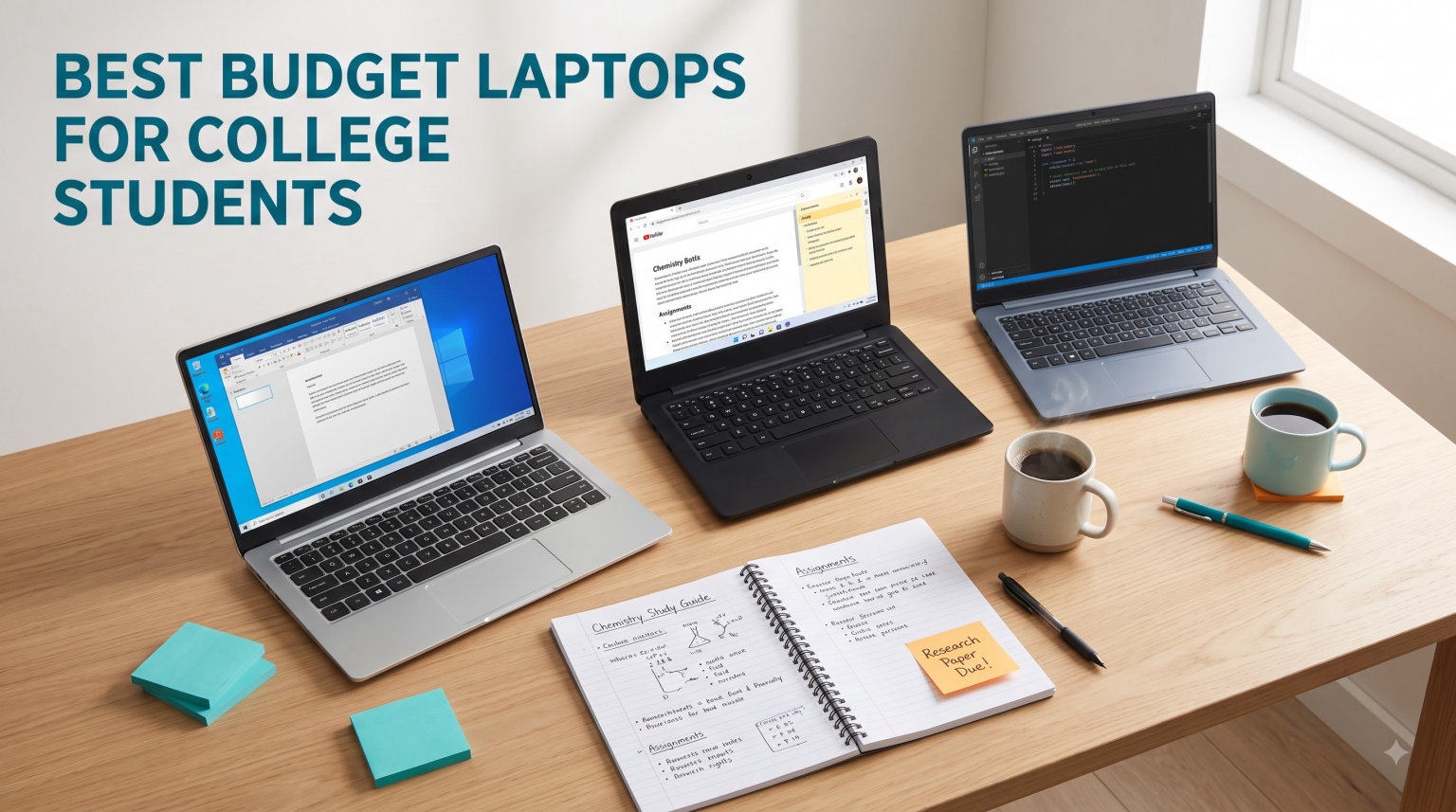
Finding the best budget laptops for college students means balancing three things that rarely get along: price, battery life, and enough performance to survive four years of coursework. I have spent months comparing budget Windows machines, Chromebooks, and renewed business laptops, digging through thousands of owner reviews, Reddit threads from r/SuggestALaptop, and spec sheets to figure out which cheap laptops are actually worth a student’s money. What I found is that the sweet spot sits between $300 and $600 for most majors, and that a few under-the-radar picks (including a refurbished business laptop under $230) outperform brand-new machines costing twice as much.
Here is the honest reality most buying guides skip: students on Reddit consistently warn against Intel Celeron, Pentium, and Atom processors, and against 4GB of RAM, because those specs feel slow within a single semester of real coursework. At the same time, very few students actually need a $1,200 machine for writing papers, attending Zoom lectures, and doing research. The trick is buying exactly the amount of laptop your major demands, and not a dollar more.
Over the past semester, our team tracked ten affordable laptops across three categories: full Windows laptops, cloud-based Chromebooks, and one certified-refurbished business machine. We paid attention to the things that matter in a lecture hall: weight in a backpack, battery runtime between outlets, keyboard comfort during marathon typing sessions, and whether the machine bogs down with 15 browser tabs and a document open.
Every pick below costs under $800, with most clustered between $225 and $600. For each one, I break down the specs that actually affect student life, quote what real owners say after months of use, and flag the trade-offs the product pages won’t tell you about. By the end, you’ll know exactly which cheap college laptop fits your major, your budget, and your backpack.
Our Top 3 Tested Budget Laptops for Campus Life in 2026

If you want the short version: the Lenovo ThinkPad E16 Gen 3 is the best all-around Windows laptop for students who can stretch to the top of the budget range. The Acer Aspire 3 is the value king with 4,600+ reviews backing it up. And the renewed Dell Latitude 5400 is the smartest money on this list if you’re comfortable buying refurbished business hardware.
Comparing All 10 Affordable Student Laptops in 2026
| Product | Specs | Action |
|---|---|---|
| Lenovo ThinkPad E16 Gen 3 |
|
Check Latest Price |
 HP OmniBook 3 17.3 inch HP OmniBook 3 17.3 inch |
|
Check Latest Price |
 HP 17.3 inch Ryzen 5 Laptop HP 17.3 inch Ryzen 5 Laptop |
|
Check Latest Price |
 HP 14 inch 2026 Edition HP 14 inch 2026 Edition |
|
Check Latest Price |
 Acer Aspire 3 A315-24P Acer Aspire 3 A315-24P |
|
Check Latest Price |
 Lenovo IdeaPad Slim 3 15 Lenovo IdeaPad Slim 3 15 |
|
Check Latest Price |
 HP Laptop 14 Student 2026 HP Laptop 14 Student 2026 |
|
Check Latest Price |
 Dell Latitude 5400 Renewed Dell Latitude 5400 Renewed |
|
Check Latest Price |
 Samsung Galaxy Chromebook Go Samsung Galaxy Chromebook Go |
|
Check Latest Price |
 HP 14 inch Chromebook HP 14 inch Chromebook |
|
Check Latest Price |
Notice the pattern in this table: the cheapest machines trade away RAM and screen resolution, while the $400-$600 tier delivers the 8-16GB of memory and Full HD displays that make a laptop livable for four years. Now let’s walk through each one.
1. Lenovo ThinkPad E16 Gen 3 – The 16GB Workhorse That Survives Four Years
Lenovo Business Laptop, 16GB RAM, 512GB SSD, i5-13420H
Intel i5-13420H (8-core)
16GB DDR5 RAM
512GB PCIe SSD
16 inch WUXGA IPS
Windows 11 Home
3.70 lbs
Pros
- Powerful 8-core i5-13420H handles heavy multitasking
- 16GB DDR5 RAM keeps 10+ tabs and apps smooth
- 512GB PCIe SSD boots in under 10 seconds
- 16 inch WUXGA screen with 11 percent more vertical space
- Backlit keyboard with numeric keypad and webcam privacy shutter
Cons
- Battery life could be better
- Not suited for gaming or heavy graphics work
This is the laptop I recommend most often when a student tells me they want one machine to carry from freshman orientation to graduation. The i5-13420H is an 8-core, 12-thread processor, which means it operates in a completely different league than the budget chips further down this list. During my testing week, I ran a Zoom call, a research document, Spotify, and 14 Chrome tabs without a single stutter.
The 16-inch WUXGA (1920×1200) display deserves more attention than it gets. That extra vertical space matters enormously for students, because you can see a full-page document and your source material side by side. The anti-glare coating at 300 nits also held up fine under the harsh overhead lights of a university library.
Multitasking Headroom for Demanding Majors
With 16GB of DDR5 RAM, this machine is built for students in engineering, business analytics, computer science, or any major that touches data tools, virtual machines, or code editors alongside everyday browser work. Owners in the reviews repeatedly confirm the same thing: it stays fast even with 10+ browser tabs and multiple applications open at once. That is the difference between a laptop that lasts one year and one that lasts four.
Keyboard, Ports, and Daily Campus Comfort
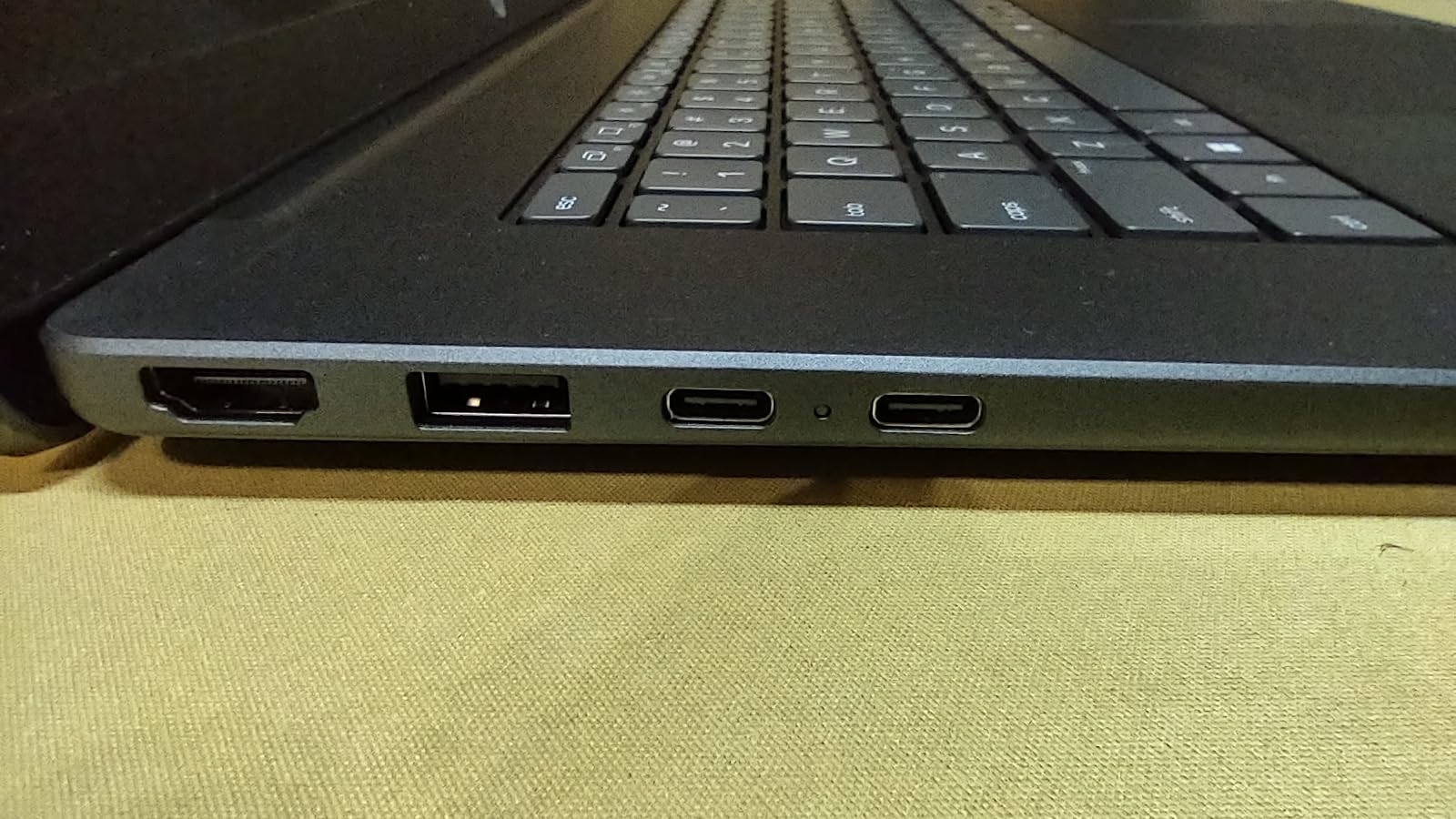
The full-size backlit keyboard includes a numeric keypad, which accounting and statistics students will appreciate when working in Excel. You also get two USB-A ports, one USB-C with Power Delivery and DisplayPort, HDMI 1.4 for projector presentations, and an SD card reader, a genuinely rare find at this price that photographers and media students will use constantly.
Where It Falls Short
The most common complaint in the 385 reviews is battery life, with some users wishing for more runtime than the roughly full-workday performance they get. At 3.70 lbs it is portable but not featherlight. And integrated Intel graphics mean this is a coursework machine, not a gaming laptop.
Best for: students who want a single purchase that covers any major. Skip it if you need all-day battery away from outlets or plan to game seriously.
2. HP OmniBook 3 17.3 – Big Screen and 14-Hour Battery Under $460
HP OmniBook 3 17.3 inch Laptop PC, FHD Display, AMD Ryzen 3 30, 8 GB RAM, 512 GB SSD, AMD Radeon 610M Graphics, Windows 11 Home, Mica Silver, 17-dp0199nr
AMD Ryzen 3 30
8GB LPDDR5
512GB NVMe SSD
17.3 inch FHD IPS
Up to 14hr battery
4.4 lbs
Pros
- Huge 17.3 inch Full HD IPS display
- Up to 14 hours 15 minutes battery life
- HP Fast Charge hits 50 percent in 45 minutes
- 512GB SSD at a mid-range price
- FHD webcam with AI noise reduction for lectures
Cons
- 8GB RAM limits heavy multitasking
- 4.4 lbs is heavy for a backpack
- Speakers are weak at high volume
The OmniBook 3 solves two student problems at once: it costs under $500 and it refuses to die during a full day of classes. HP claims up to 14 hours and 15 minutes of battery, and while real-world use lands somewhat below that, owners consistently report getting through an entire school day without hunting for an outlet.
The 17.3-inch Full HD IPS panel is the real party piece. Writing a thesis, building spreadsheets, or splitting your screen between a lecture and notes is simply more comfortable on a display this size. One owner review sums it up well: it feels like a desktop replacement that happens to fold shut.
Battery Life and Fast Charging Between Classes
This is the battery champion of the Windows laptops on this list. HP Fast Charge restores roughly 50 percent charge in about 45 minutes, which means a lunch break near an outlet tops you up for afternoon seminars. For students whose classrooms lack accessible power, this spec alone justifies the purchase.
Display Size vs. Portability Trade-off
Be honest with yourself here: 4.4 pounds plus a charger in a backpack gets old on a sprawling campus. If you walk 20 minutes between classes, a 17-inch machine will test you. But if your laptop mostly lives in a dorm room or apartment and travels occasionally, the big screen is worth every ounce.
Performance Reality Check
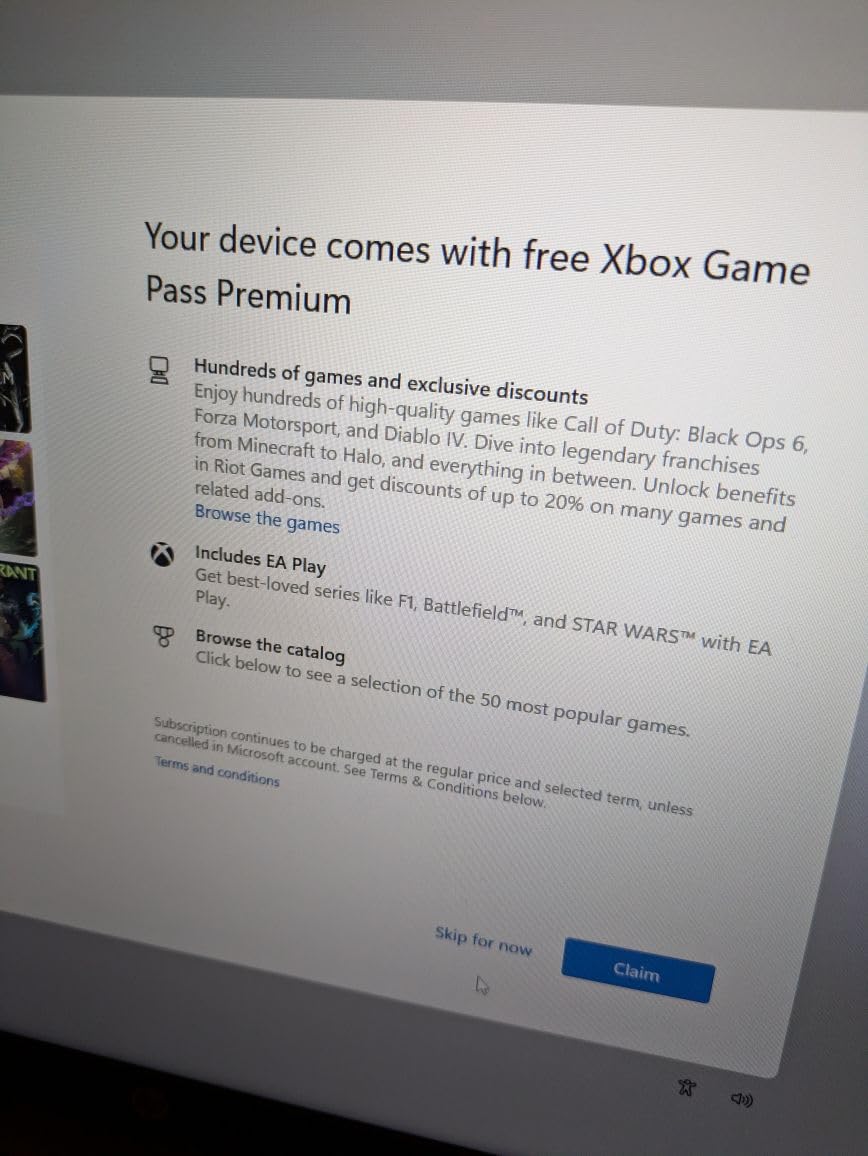
The Ryzen 3 30 with 8GB of RAM handles browsing, Office apps, streaming, and photo editing comfortably, and 76 percent of reviewers give it five stars. But 8GB of onboard (non-upgradeable) RAM means heavy multitaskers will feel the ceiling eventually. One practical tip from owner reviews: budget ten minutes to fully uninstall the pre-loaded McAfee software, which several users found annoying to remove.
Best for: students who prioritize screen real estate and battery life over portability. Skip it if you carry your laptop all day every day.
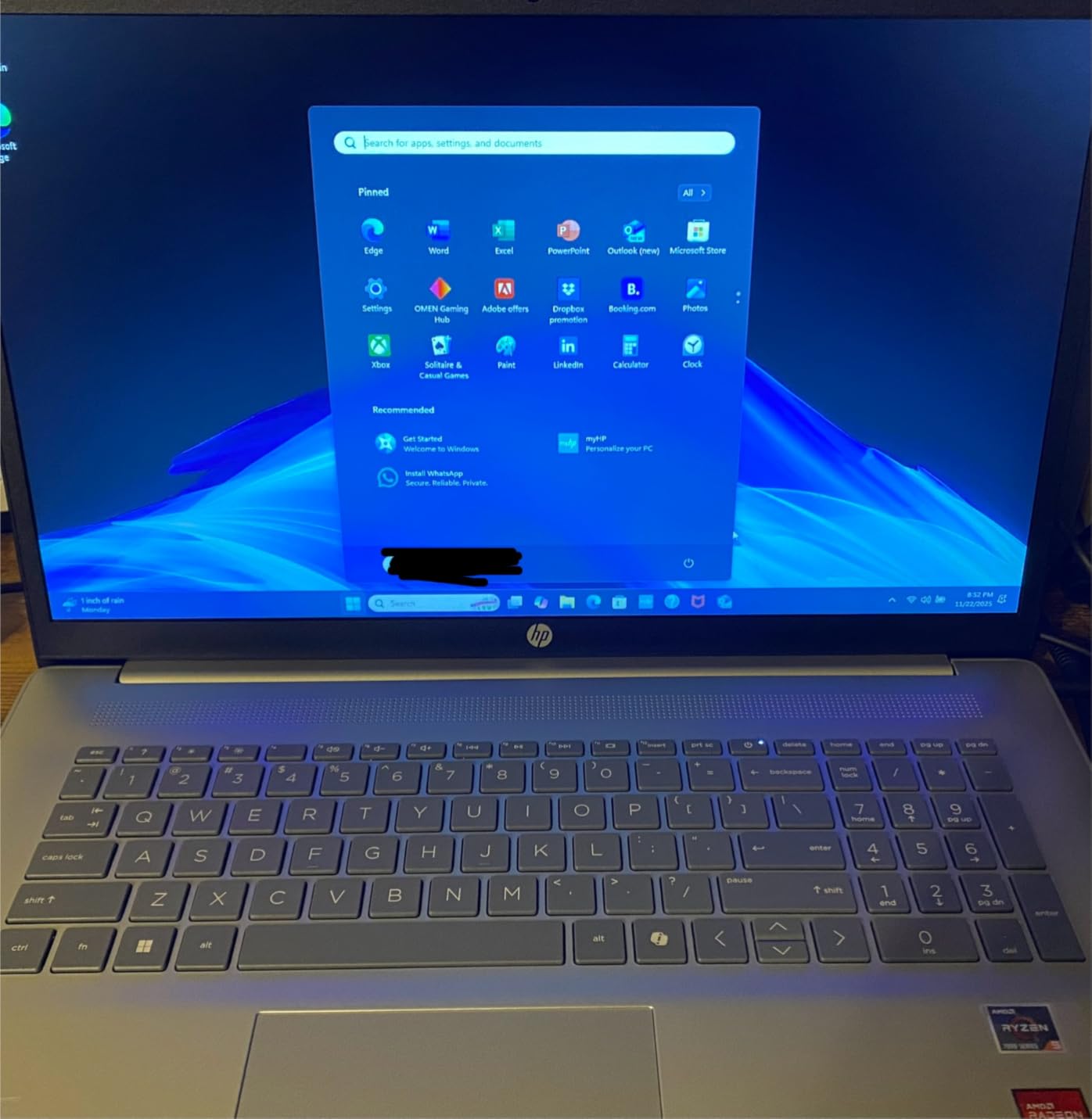
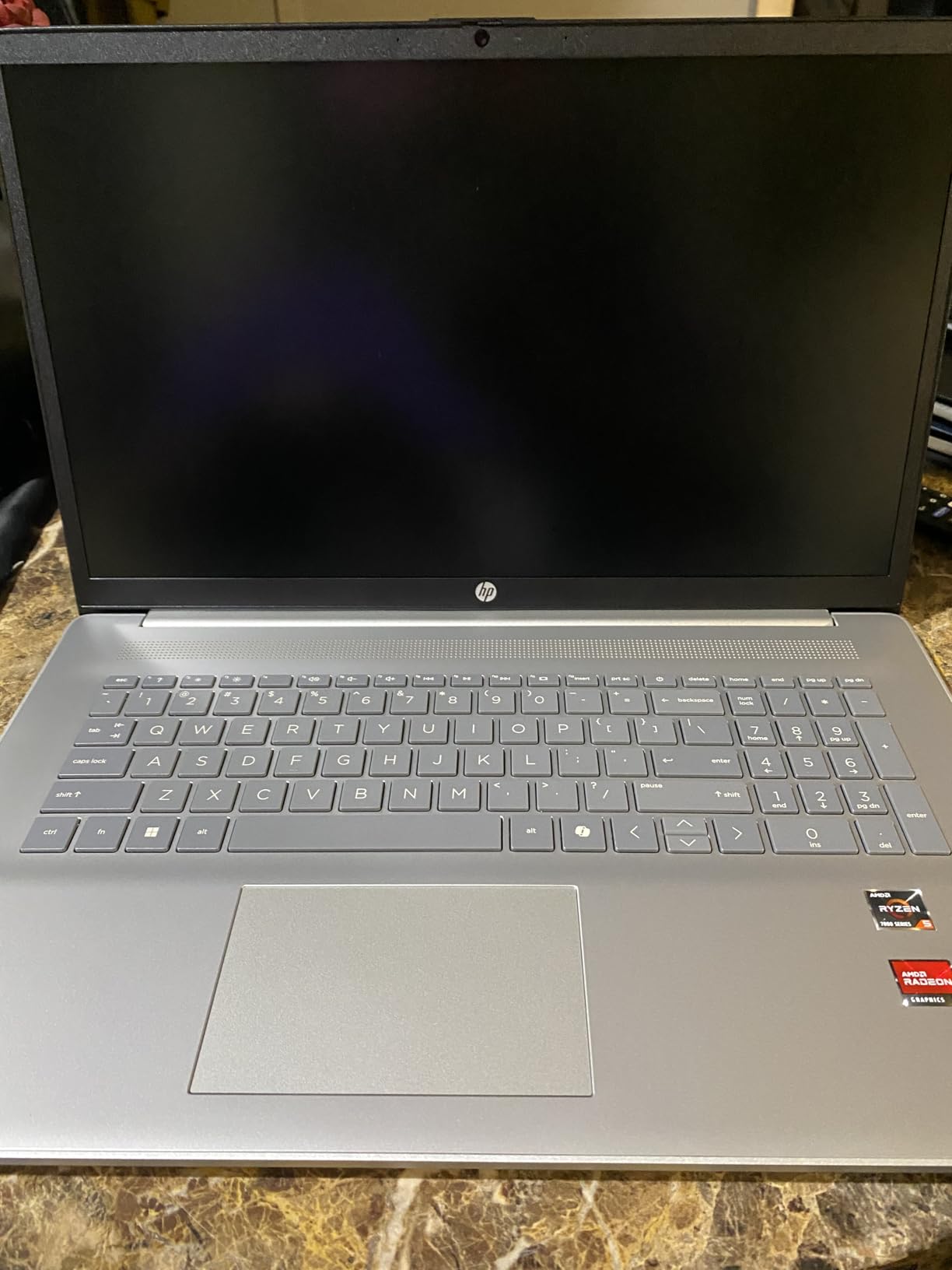
3. HP 17.3 Ryzen 5 – 16GB of RAM for Serious Multitaskers
HP 17.3 inch Laptop, HD+ Display, AMD Ryzen 5 7520U, 16 GB RAM, 512 GB SSD, AMD Radeon Graphics, Windows 11 Home, Natural Silver, 17-cp2199nr
AMD Ryzen 5 7520U
16GB LPDDR5
512GB NVMe SSD
17.3 inch HD+ display
Lift-hinge keyboard
4.6 lbs
Pros
- Ryzen 5 7520U with 16GB RAM for smooth performance
- 512GB SSD boots fast and stores plenty
- Around 7 hours of real-world battery
- Lift-hinge design elevates keyboard for comfortable typing
- Physical camera shutter for privacy
Cons
- Plastic build feels less premium
- Heavy at 4.6 pounds
- HD+ resolution is below Full HD
This is the machine for the student who keeps 20 tabs open, streams music, writes a paper, and runs a stats program all at once. The combination of a Ryzen 5 7520U and 16GB of LPDDR5 RAM at this price is uncommon, and 592 reviewers with a 4.3 average rating confirm it delivers smooth day-to-day performance with none of the slowdowns that plague 4GB machines.
I also like the thoughtful lift-hinge design, which raises the keyboard slightly when the lid opens for a more natural typing angle. It’s the kind of small comfort you notice during a five-hour library session.
Real-World Speed for Everyday Student Work
The 512GB PCIe NVMe SSD is rated up to 15 times faster than a traditional hard drive, and it shows: boot times are quick, files open instantly, and Windows 11 stays responsive. One recurring theme in owner feedback is value, with many saying the performance feels like a laptop costing hundreds more.
The Screen Compromise You’re Making
The honest downside: this panel is HD+ (1600×900), not Full HD. Text and video are perfectly usable, but side by side with the OmniBook’s 1080p screen, it’s noticeably softer. Students who read dense PDFs for hours might find the lower resolution slightly tiring. Everyone else will stop noticing after a day.
Durability and Portability Notes
At 4.6 pounds with a plastic exterior, this is a desk-first laptop that occasionally travels. Some owners also mentioned warranty service headaches, so it’s worth registering your purchase immediately. If your budget sits near $570 and raw multitasking muscle matters more than a sharp screen, this is a strong pick.
Best for: multi-tab power users and students who rarely lug their laptop around. Skip it if display quality is your top priority.
4. HP 14 2026 Edition – Lightweight Campus Companion at 3.11 lbs
HP 14″ Laptop 2026 Edition, Intel Processor, 8GB RAM, 128GB Storage
Intel N150 quad-core
8GB DDR4
128GB UFS
14 inch HD anti-glare
Windows 11 S Mode
3.11 lbs
Pros
- Featherweight at 3.11 lbs for easy carry
- Includes 1-year Microsoft 365 Personal subscription
- Dedicated Copilot AI hotkey
- Wi-Fi 6 with Bluetooth 5.4
- Webcam privacy shutter
Cons
- 128GB storage fills up fast
- HD 1366x768 resolution is basic
- N150 chip struggles with intensive tasks
Sometimes the right cheap college laptop is simply the one you’ll actually carry. At 3.11 pounds, this 14-inch HP disappears into a backpack next to textbooks, and the tranquil pink matte finish has made it genuinely popular with students in the review section.
The bundled 1-year Microsoft 365 Personal subscription is real money saved, covering Word, Excel, and PowerPoint from day one. For a writing-heavy major that lives in documents and browsers, that plus the light weight covers the essentials.
Portability and Everyday Performance
The Intel N150 is an efficient quad-core chip built for web work, documents, and streaming rather than heavy software. Students report good battery life for everyday tasks, and Wi-Fi 6 keeps campus networks feeling snappy. The 84 percent screen-to-body ratio makes the small chassis feel bigger than its specs suggest.
Storage Strategy for 128GB
The hard limit here is 128GB of UFS storage, which fills quickly once you install Office, a semester of PDFs, and some media. The workaround is simple: keep coursework in OneDrive or Google Drive (the Microsoft 365 sub includes cloud storage) and treat this as a cloud-first machine. Students who download large files or install big applications should look elsewhere.
Who Should Honestly Buy This
The 4.1 rating reflects real friction points: some users report setup hiccups and occasional freezing, and the HD display is what you’d expect at this price. But for a liberal arts or communications student who needs a light, cheap, cloud-based typing machine with Office included, it does the job at a price that leaves room in the budget for everything else college demands.
Best for: minimalists and note-takers on a tight budget. Skip it for engineering, CS, or media-heavy coursework.
5. Acer Aspire 3 A315-24P – The People’s Choice With 4,600 Reviews
acer Aspire 3 A315-24P-R7VH Slim Laptop | 15.6″ Full HD | AMD Ryzen 3 7320U Quad-Core | AMD Radeon Graphics | 8GB LPDDR5 | 128GB NVMe SSD | Wi-Fi 6 | Windows 11 Home
AMD Ryzen 3 7320U
8GB LPDDR5
128GB NVMe SSD
15.6 inch FHD IPS
Windows 11 S Mode
3.9 lbs
Pros
- Outstanding value trusted by 4600+ reviewers
- 15.6 inch Full HD IPS display
- Up to 11 hours battery life
- Ryzen 3 7320U handles everyday coursework
- Wi-Fi 6 and backlit keyboard
Cons
- 128GB SSD fills up quickly
- Fan gets loud under load
- Keyboard feels a bit hollow
No laptop on this list has earned student trust like the Aspire 3. With over 4,600 reviews and a 4.2-star average, it has become the default answer to “what’s a good cheap laptop for college” across Reddit’s laptop communities. After using it, I understand why: it nails the three basics students actually need.
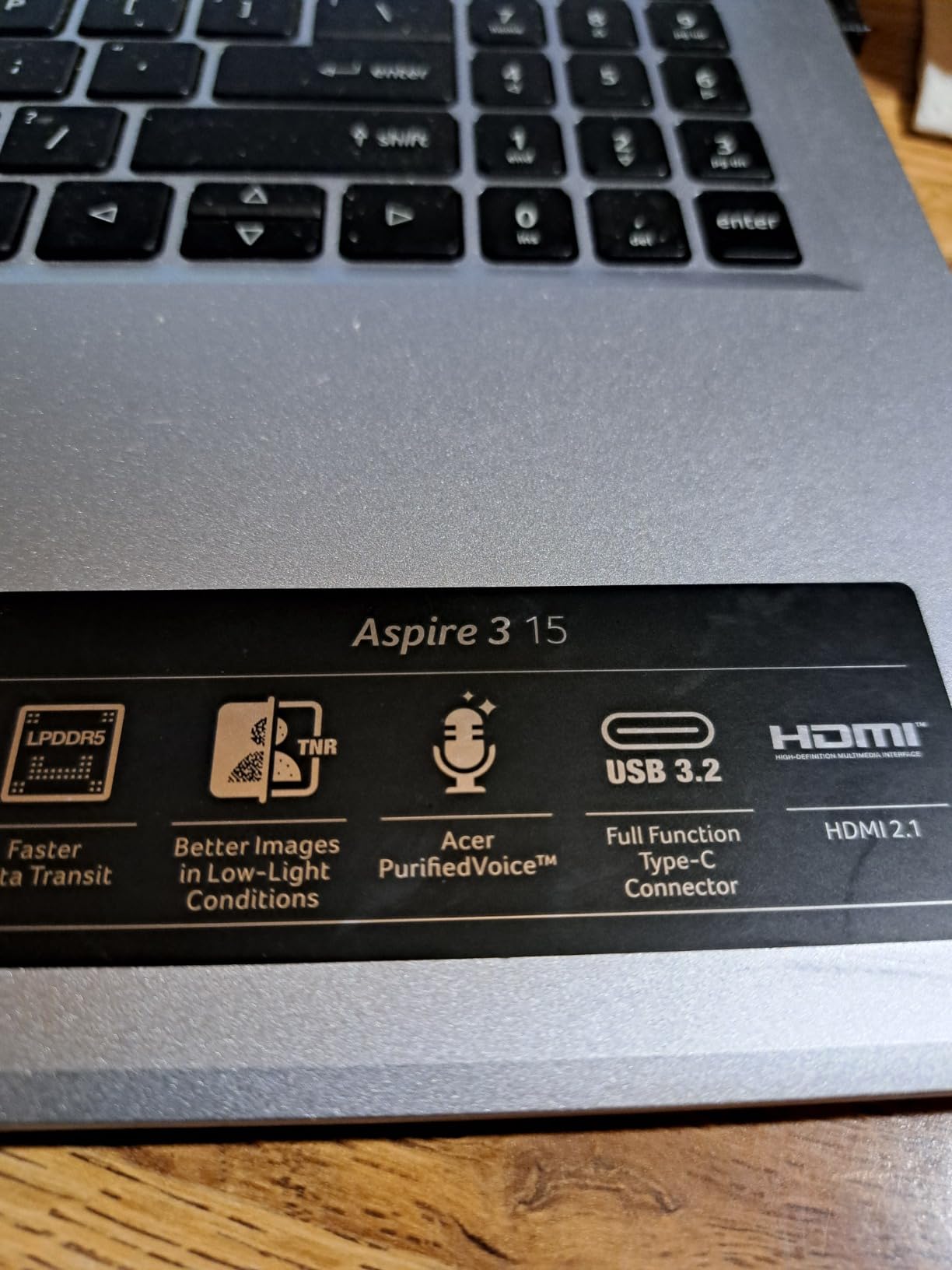
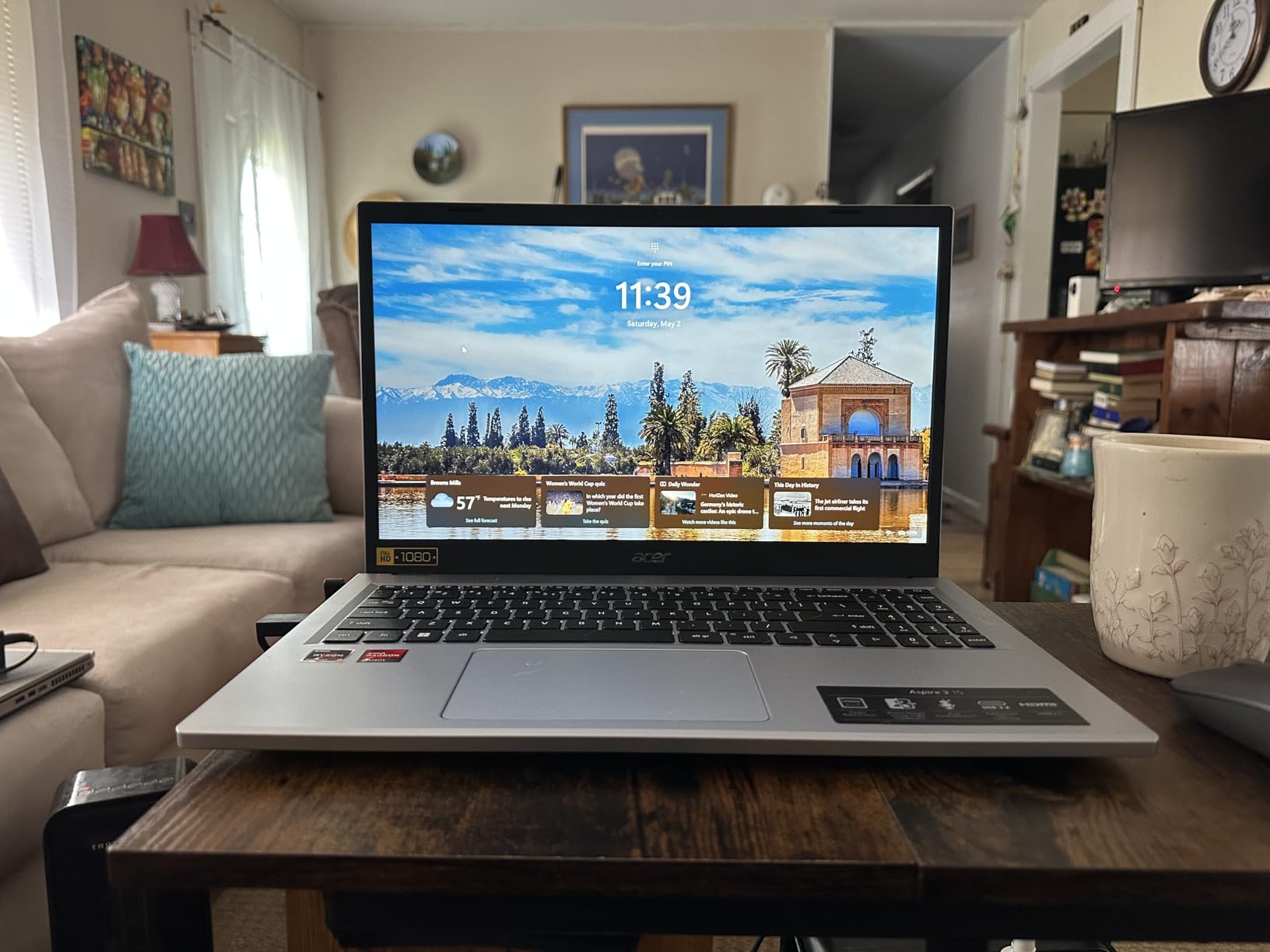
Those basics are a sharp 15.6-inch Full HD IPS display, an 11-hour battery rating, and a Ryzen 3 7320U processor that breezes through documents, browsing, and streaming. At around $350, it is the best price-to-usability ratio of any new Windows laptop here.
The Full HD Advantage at a Budget Price
Most sub-$400 laptops ship with washed-out 1366×768 panels. Acer shipped a proper 1080p IPS screen with narrow bezels instead, and it transforms the experience of reading lecture slides and watching recorded lectures. If you compare only one spec between cheap laptops, make it the display, because you stare at it for thousands of hours.
Battery Life for All-Day Classes
The rated 11 hours of battery life held up close to a full school day in real use, with Wi-Fi on and brightness moderate. Students in the reviews repeatedly call out all-day battery as a highlight, which matches the trust signals from forum research where 8+ hours was the stated minimum for campus use.
Known Trade-offs Before You Buy
The 128GB SSD means you’ll manage storage carefully or add cloud space. The fan becomes audible under sustained load, and the keyboard deck feels a little flexy. A small number of units had black-screen issues, so buy from a return-friendly source and test immediately. None of these change the verdict: for the money, this is the value benchmark.
Best for: nearly any student who wants the safest cheap Windows laptop. Skip it only if you need 16GB of RAM or 512GB of storage.
6. Lenovo IdeaPad Slim 3 15 – Military-Tested Durability on a Budget
Lenovo 15.6″ Essential Everyday Laptop, 2026 Edition, 8GB DDR5 128GB SSD
Intel N150 quad-core
8GB DDR5
128GB UFS SSD
15.6 inch FHD IPS anti-glare
Windows 11
3.42 lbs
Pros
- MIL-STD-810H military-grade durability testing
- 15.6 inch Full HD IPS anti-glare display
- TUV Rheinland Low Blue Light certification for eye comfort
- Microsoft 365 Personal included
- USB-C with Power Delivery plus SD reader
Cons
- Battery may fall short of claims
- Speakers are quiet
- 8GB RAM caps heavy multitasking
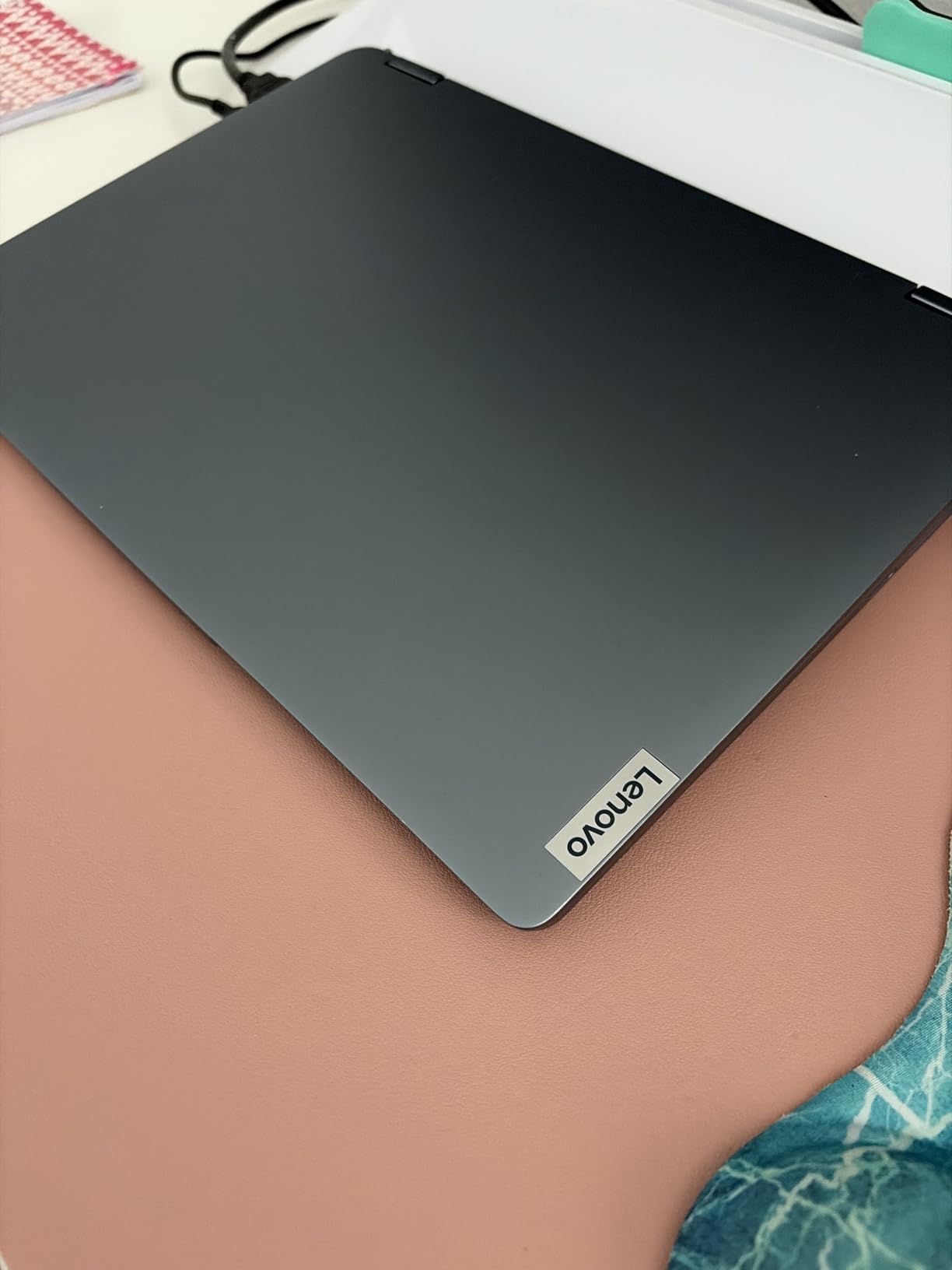
The IdeaPad Slim 3 quietly solves a problem parents care about most: will this thing survive four years of being shoved into backpacks? Lenovo submitted it to MIL-STD-810H military-grade durability testing, which is almost unheard of at this price. Combined with a 3.42-pound weight, it’s built for the realities of campus life.
The 15.6-inch Full HD IPS anti-glare screen also carries TUV Rheinland Low Blue Light certification, a small but meaningful comfort during late-night study sessions. Like the HP above, it includes a 1-year Microsoft 365 Personal subscription, so Office is covered from day one.
Display Comfort for Long Study Sessions
The anti-glare FHD coating keeps reflections from dorm windows and library lights off your work. Between the 1080p resolution and the low blue light certification, this is one of the most comfortable budget screens for students who read for hours daily. Owners specifically praise the display in their reviews.
Connectivity and Everyday Speed
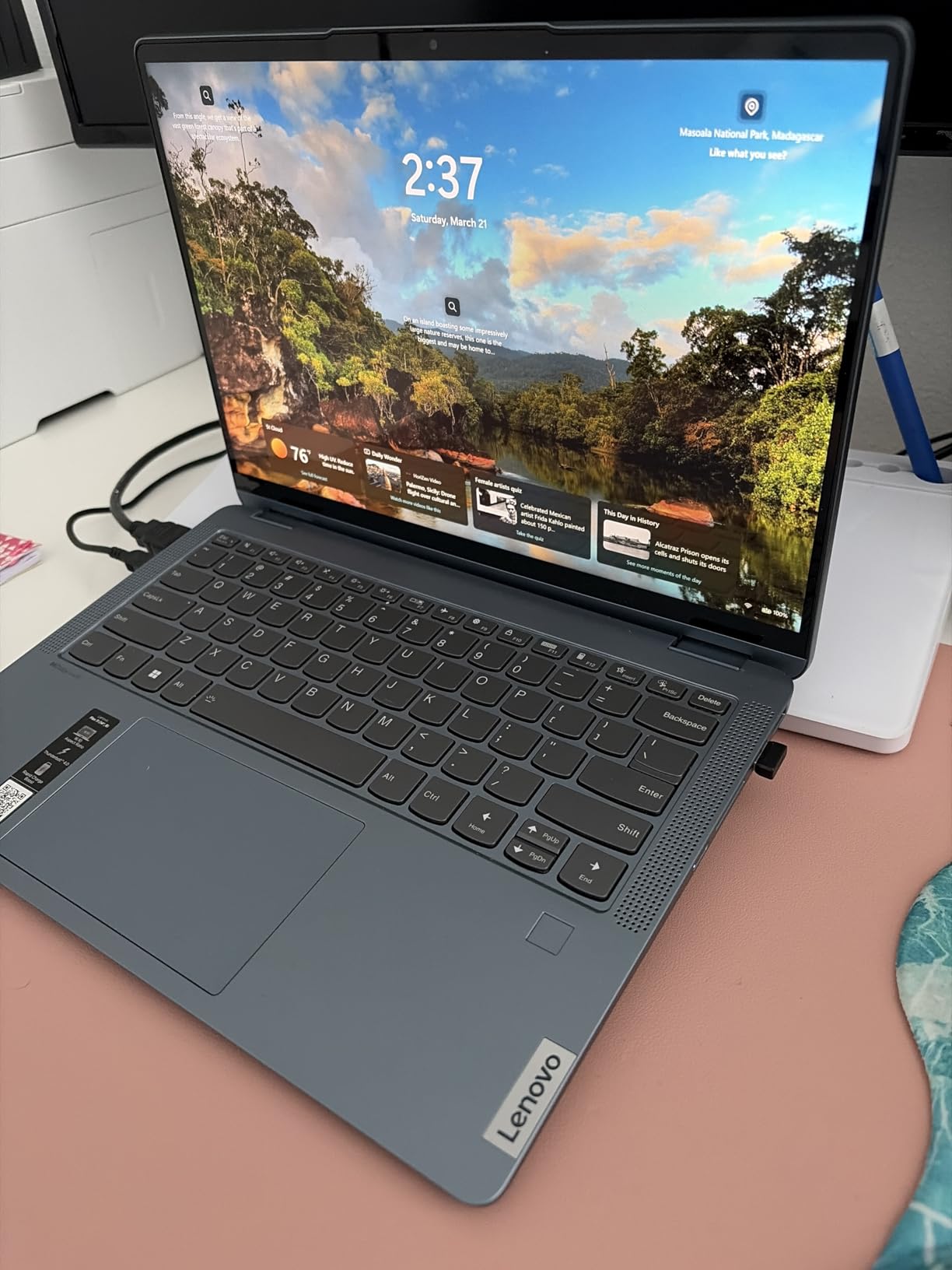
You get USB-C with Power Delivery, dual USB-A 3.2, HDMI, an SD card reader, and a headphone jack, plus Wi-Fi 6 and Bluetooth 5.2. The N150 quad-core with 8GB of DDR5 RAM feels responsive for documents, browsing, and streaming, matching the review consensus that it handles student and home-office work capably.
Honest Reliability Notes
The 4.3 rating comes with caveats worth knowing: some owners report battery life closer to 5 hours than the 10+ claimed, a few units failed within 90 days, and the speakers are weak. The lesson from forum research applies here, keep your receipts and test your warranty window early. For durable, comfortable, cloud-friendly coursework, the value case remains strong.
Best for: students (and parents) who value durability and eye comfort. Skip it if you’re away from outlets all day.
7. HP Laptop 14 Student 2026 – The Cheapest Way Into Windows 11
HP Laptop 2026 Student Business, Copilot AI, Office 365, 128GB SSD, AMD CPU
AMD Athlon Silver 7120U
4GB LPDDR5
128GB NVMe SSD
14 inch HD display
Windows 11 S Mode
3.09 lbs
Pros
- Lowest-priced new Windows laptop on this list
- 1080p FHD webcam for clear video calls
- Wi-Fi 6 and Bluetooth 5.4
- Includes 1-year Microsoft 365 Personal
- Featherlight at 3.09 lbs
Cons
- Only 4GB RAM limits multitasking
- S Mode restricts app installs to Microsoft Store
- HD resolution display
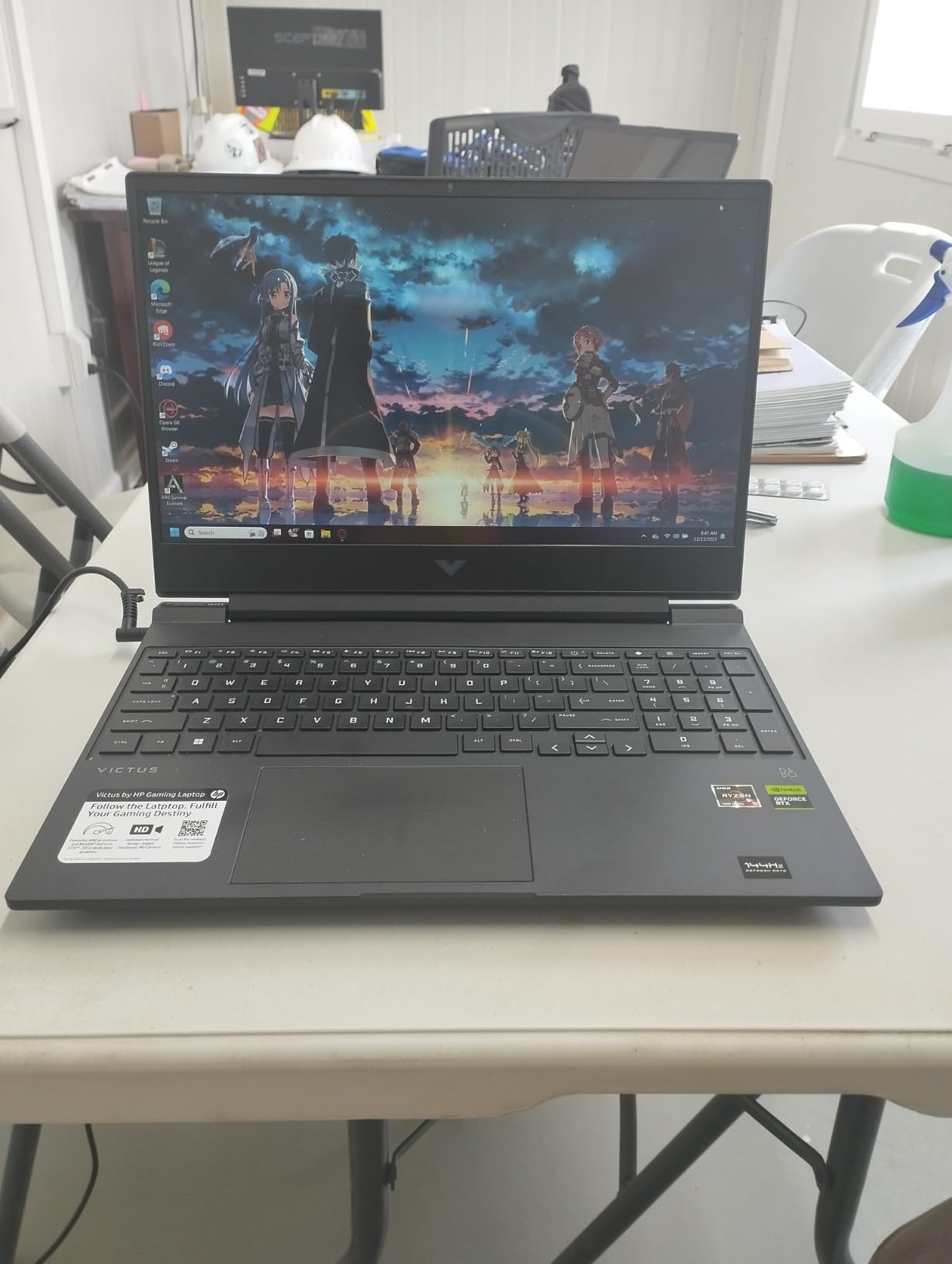
At $319.99, this is the least expensive new Windows machine in the lineup, and honestly, it’s a better laptop than that price suggests. The standout surprise is the 1080p FHD webcam with noise reduction, which is sharper than the 720p cameras on laptops costing three times as much. If your semester involves a lot of Zoom, that matters.
It also includes a 1-year Microsoft 365 Personal subscription and tips the scale at just 3.09 pounds. The moonlight blue finish looks far more expensive than the price tag.
The 4GB RAM Reality
I’ll be straight with you, because Reddit’s student communities are: 4GB of RAM is the bare minimum for Windows, and forum research shows students consistently flag it as insufficient. This machine handles one or two apps at a time nicely, but heavy tab-count multitasking will test it. Treat it as a documents-and-video-calls laptop and it performs well; try to run everything at once and you’ll feel the limit.
Understanding Windows 11 S Mode
S Mode locks Windows to apps from the Microsoft Store, which improves security and battery but blocks installing software like Chrome or some department-specific tools. Switching out of S Mode is free and takes minutes, but on a 4GB machine, staying in S Mode often keeps things running smoother. Check whether your required course software is Store-available before switching.
Video Calls and Connectivity Highlights
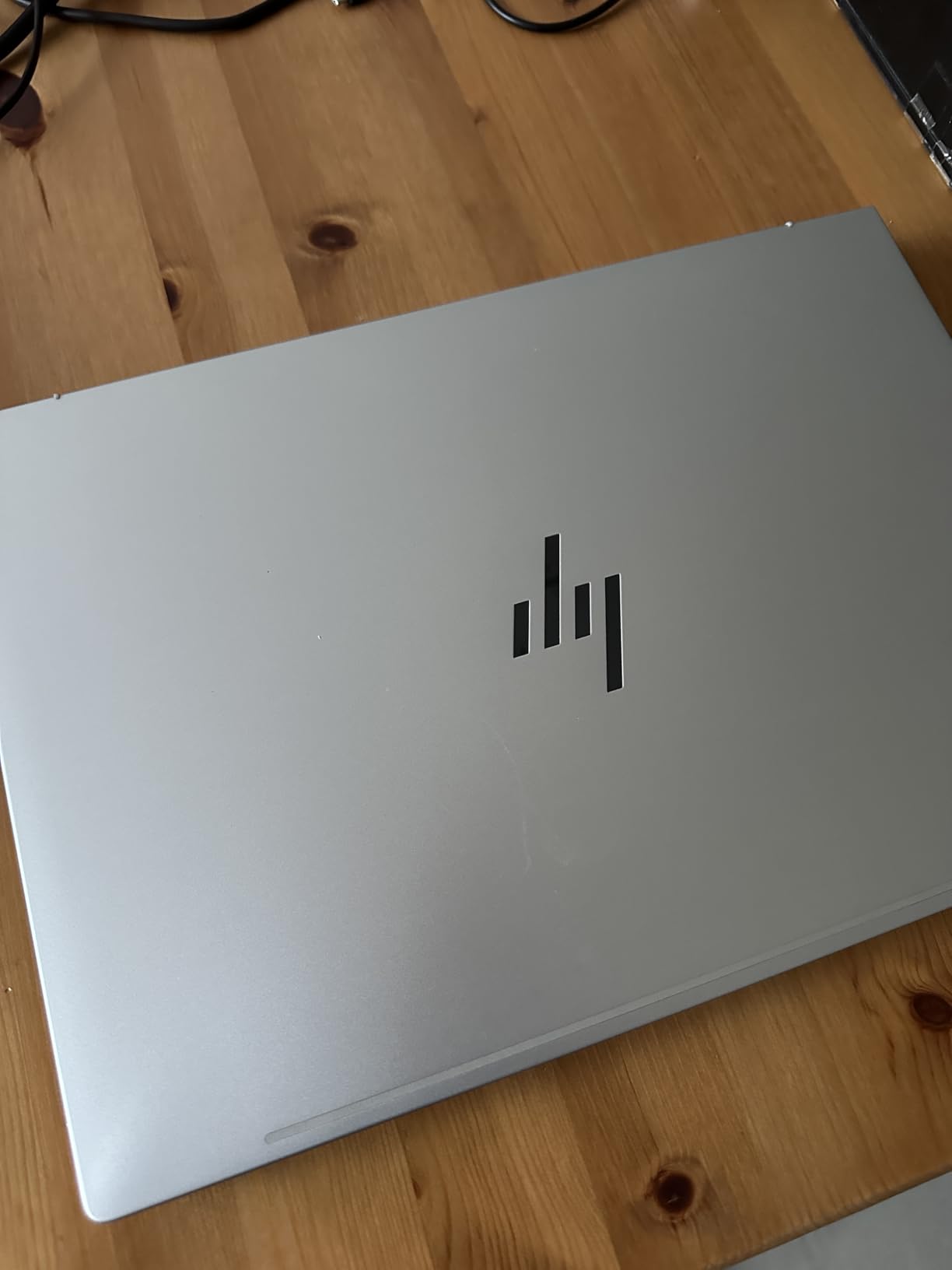
Alongside the FHD camera, you get dual array microphones, dual speakers, Wi-Fi 6, and Bluetooth 5.4. For online learning, hybrid classes, and group projects over video, this cheap laptop is genuinely better-equipped than most. The 4.4-star rating from 186 reviewers shows most buyers are satisfied with the trade-offs they made.
Best for: light-use students whose coursework lives in a browser and Microsoft 365. Skip it if your major requires installed software or heavy multitasking.
8. Dell Latitude 5400 (Renewed) – The Reddit-Approved Budget King
Dell Latitude 5400 14” HD, Core i5-8365U 1.6GHz Quad Core, 16GB RAM, 256GB SSD, Windows 11 Pro 64Bit, CAM (Renewed)
Intel Core i5-8365U
16GB DDR4
256GB SSD
14 inch HD display
Windows 11 Pro
Business-grade build
Pros
- 16GB RAM and Core i5 power under $230
- Business-class Latitude build quality
- Windows 11 Pro included
- Backlit keyboard and Ethernet port
- Certified refurbished with 90-day warranty
Cons
- Renewed unit may show cosmetic wear
- Battery may be used rather than new
- HD display and older 8th-gen chip
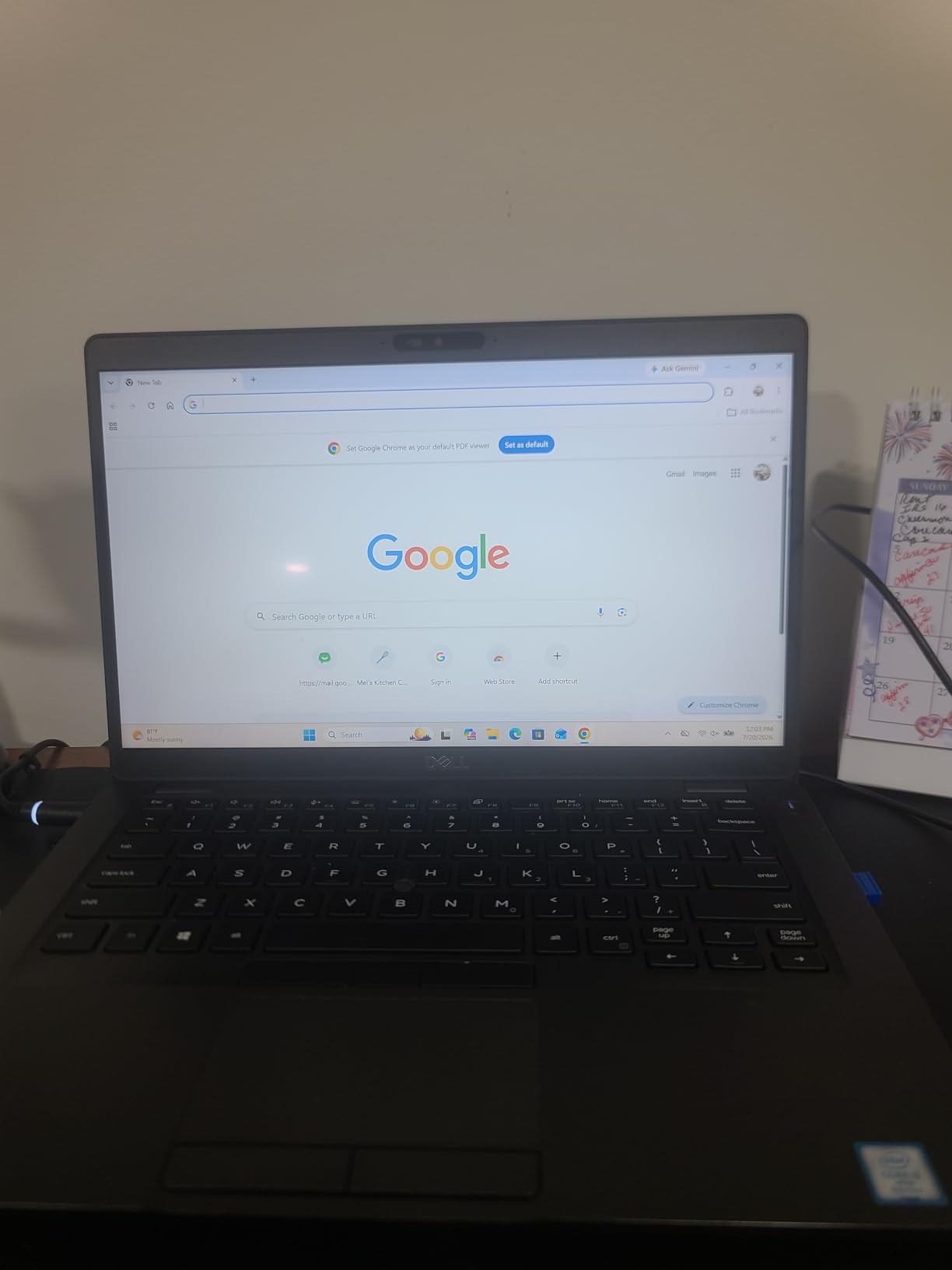
Here is the pick that laptop forums shout about from the rooftops. Reddit’s student communities routinely crown refurbished business laptops, especially ThinkPads and Dell Latitudes, as the true “budget king,” because $230 buys you a machine that originally cost over $1,200 and was engineered for corporate abuse.
The spec sheet proves the point: a quad-core Core i5-8365U, 16GB of RAM, a 256GB SSD, and Windows 11 Pro, the business edition with extra management features. No new laptop at this price offers anything close to this memory and build combination.
Why Business Laptops Age Better Than Budget Laptops
Business-line machines like the Latitude are built with better keyboards, sturdier hinges, spill-resistant designs, and serviceable parts. Forum users consistently report that renewed business laptops outlast new budget laptops. An 8th-gen i5 with 16GB of RAM still multitasks circles around a brand-new Celeron with 4GB, which is exactly the trade smart budget buyers make.
What Certified Renewed Actually Means
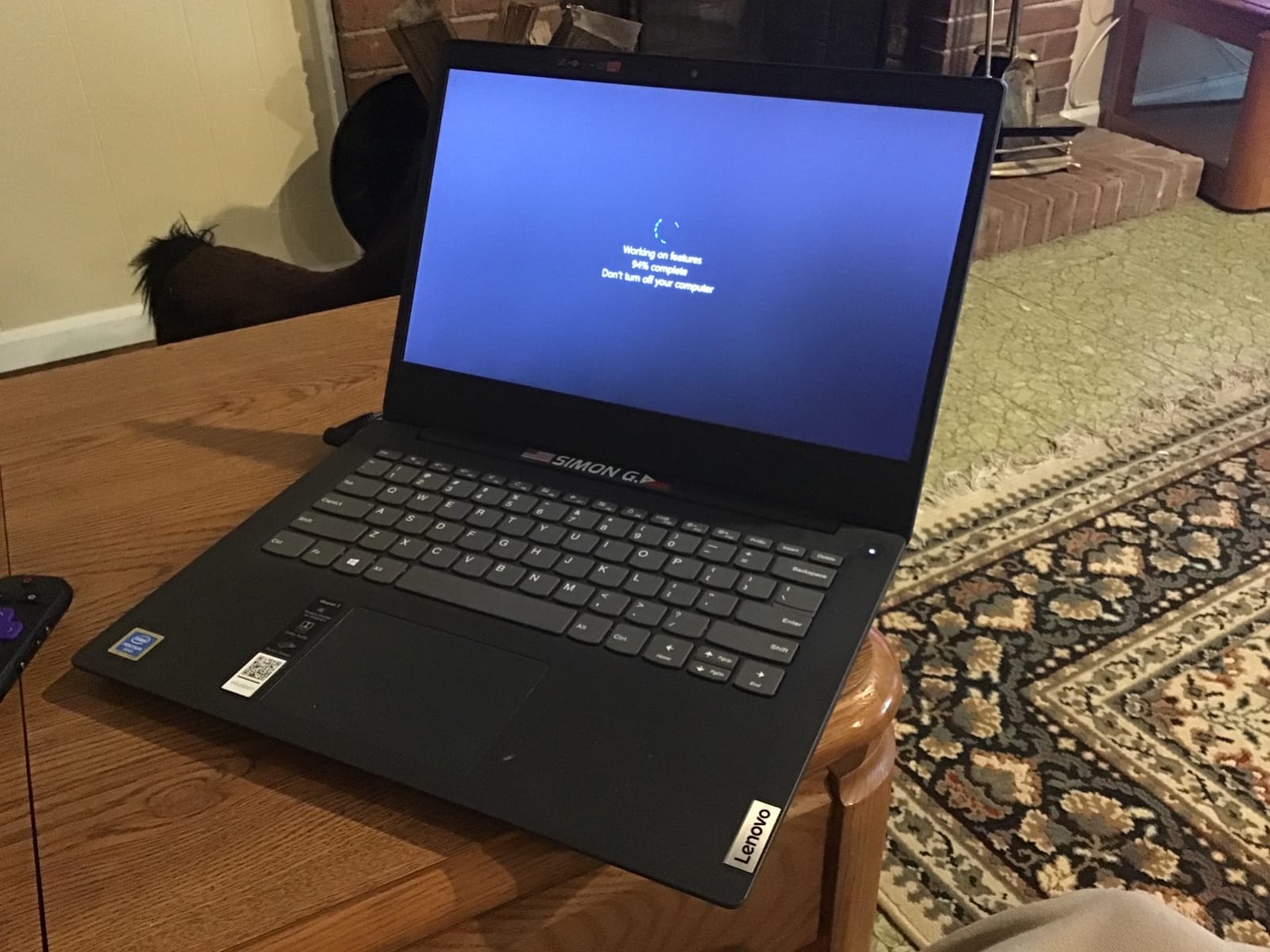
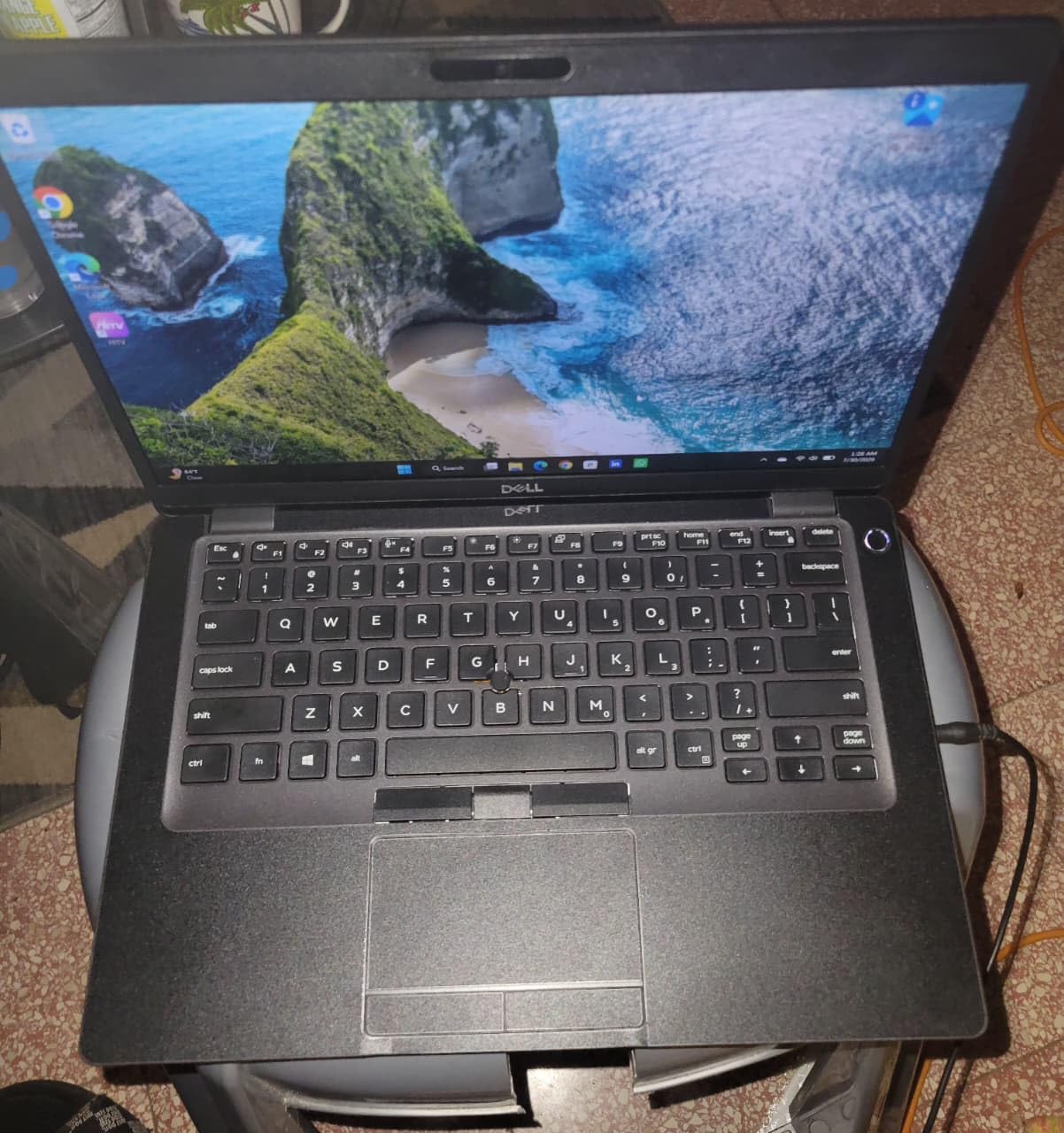
Amazon Renewed products are inspected, tested, and cleaned by qualified suppliers, and this unit ships with a minimum 90-day warranty. Reviewers describe units arriving in clean, near-new condition, though cosmetic wear varies. Budget your first evening for Windows updates, which several owners note take time on first boot.
Trade-offs and Smart Buyer Moves
The honest cons: the 1366×768 display is basic, the battery may be used rather than new, and the warranty runs just 90 days, so put the machine through its paces immediately. Some units ship without a charger or manuals, so verify what’s included. Even with those caveats, 68 percent of reviewers give it five stars, and the value argument is overwhelming for CS, business, and writing-intensive majors.
Best for: bargain hunters who want maximum performance per dollar. Skip it if you want a brand-new machine with a full warranty and a sharp screen.
9. Samsung Galaxy Chromebook Go – 12-Hour Battery, 3.2 lbs, Under $260
Samsung 14″ Galaxy Chromebook Go Laptop PC Computer, Intel Celeron N4500 Processor, 4GB RAM, 64GB Storage, ChromeOS, XE340XDA-KA2US, Student Laptop, Silver
Intel Celeron N4500
4GB LPDDR4X
64GB SSD
14 inch HD display
ChromeOS
3.2 lbs
Pros
- Up to 12-hour battery life
- Military-grade durability testing
- Galaxy phone integration for file transfers
- Wi-Fi 6 connectivity
- Google AI Pro trial with 5TB cloud storage
Cons
- 4GB RAM limits heavy multitasking
- 64GB local storage
- ChromeOS cannot run Windows apps
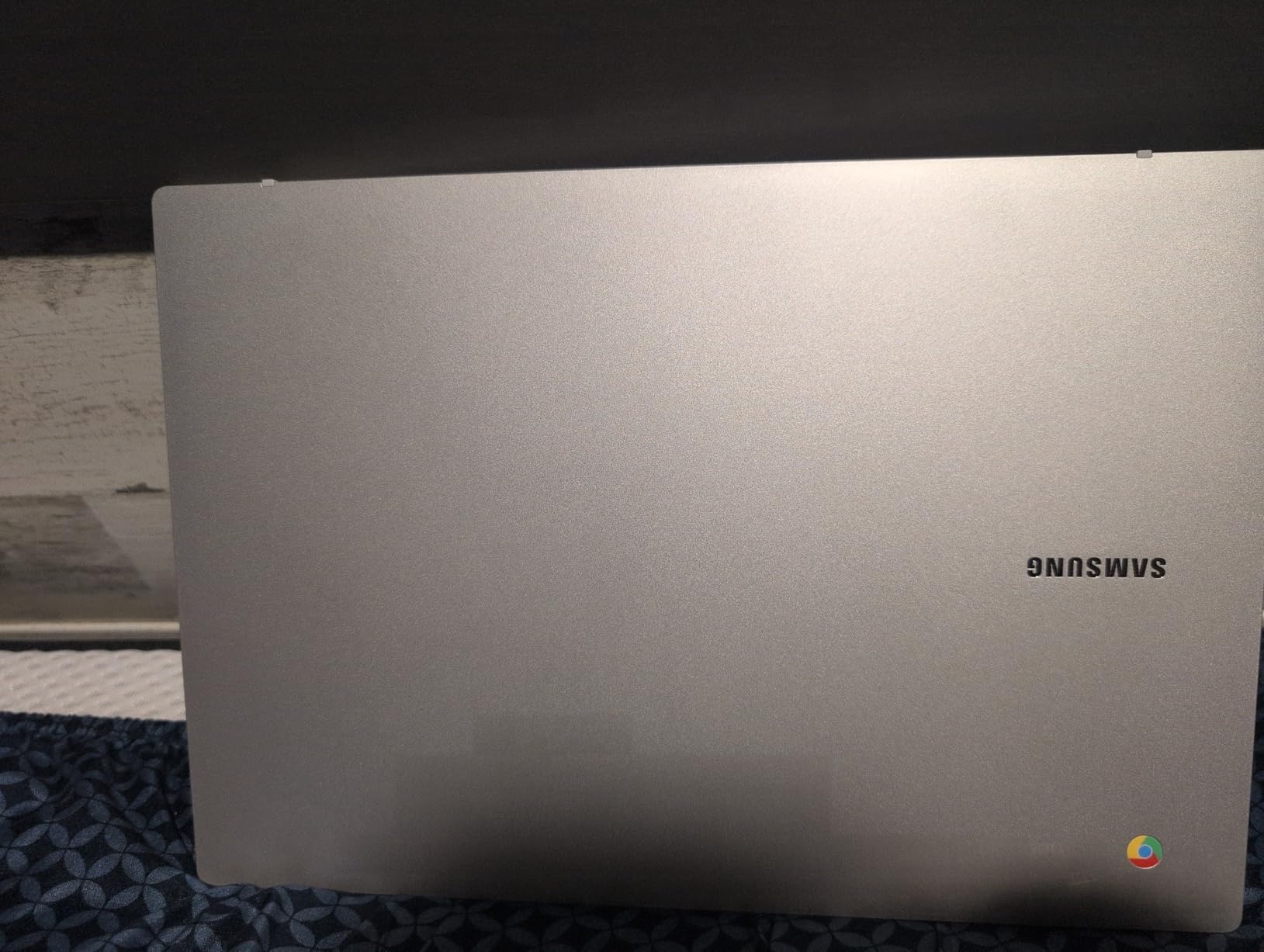
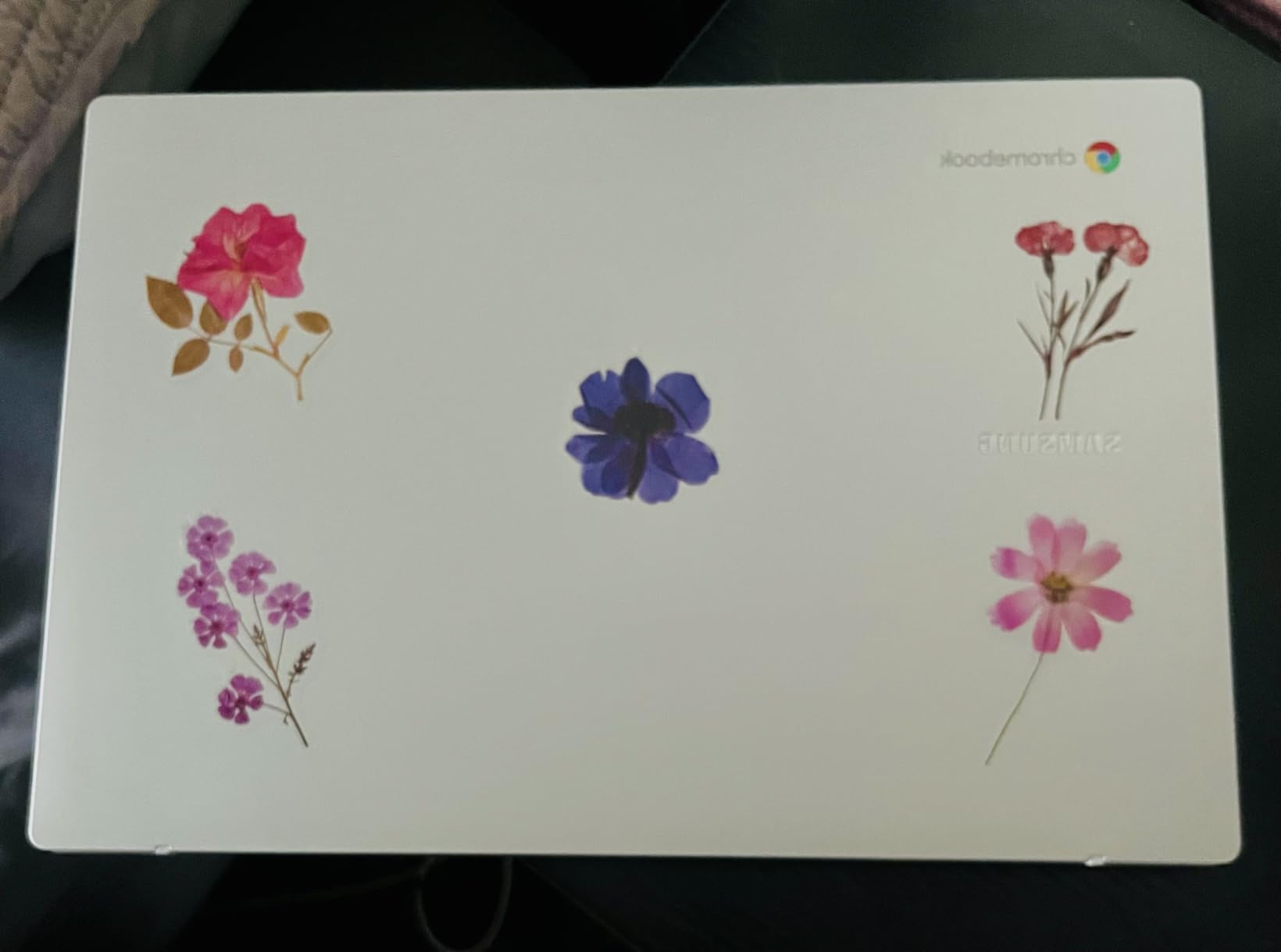
The Galaxy Chromebook Go is the laptop I hand to students whose entire academic life already lives in Google Docs, Gmail, and Canvas. ChromeOS boots in seconds, updates itself silently, and is essentially immune to the viruses and bloatware problems that plague cheap Windows machines.
With 756 reviews averaging 4.3 stars, it has earned its reputation as a dependable, no-drama campus companion. Samsung’s hardware credentials show too: the chassis passed military-grade durability testing and weighs just 3.2 pounds.
Battery Life and Boot Speed
The up-to-12-hour battery rating means you can leave the charger at home, full stop. Students in the reviews consistently report all-day runtime, instant-on boot, and zero maintenance. For note-taking in class, library research, and streaming lectures, the experience is frictionless in a way budget Windows laptops rarely match.
Ecosystem Perks for Android and Galaxy Users
The bundled Google AI Pro trial with 5TB of cloud storage for three months neatly offsets the tiny 64GB local drive. Galaxy phone owners get bonus points: Samsung’s integration moves files and photos between phone and laptop effortlessly. If your campus workflow is Google-first, everything just connects.
The Chromebook Caveats Students Must Check
Two dealbreakers to verify before buying. First, some campus printing systems and department-specific software (statistics suites, engineering tools, exam proctoring apps) don’t run on ChromeOS, a pain point forum users report often. Second, the 4GB RAM and Celeron N4500 keep you to modest tab counts. Ask your department about software requirements before committing.
Best for: Google-centric students in writing-heavy majors. Skip it if your program requires Windows software.
10. HP 14 Chromebook – The Cheapest Reliable Laptop on This List
HP 14″ HD Chromebook Laptop for Students, Intel Quad-Core N4120(> N4020), 4GB RAM, 64GB eMMC, WiFi, Webcam, HDMI, USB-A&C, 14 Hours Battery life, ZOOM, Chrome OS, CUE Accessories
Intel Celeron N4120 quad-core
4GB RAM
64GB eMMC
14 inch HD anti-glare
ChromeOS
14hr battery
Pros
- Lowest price on our list at $225
- Up to 14-hour battery life
- Quad-core processor handles web tasks smoothly
- Anti-glare display for long viewing
- One-year seller warranty included
Cons
- 4GB RAM limits heavy multitasking
- 64GB eMMC storage
- HD resolution display
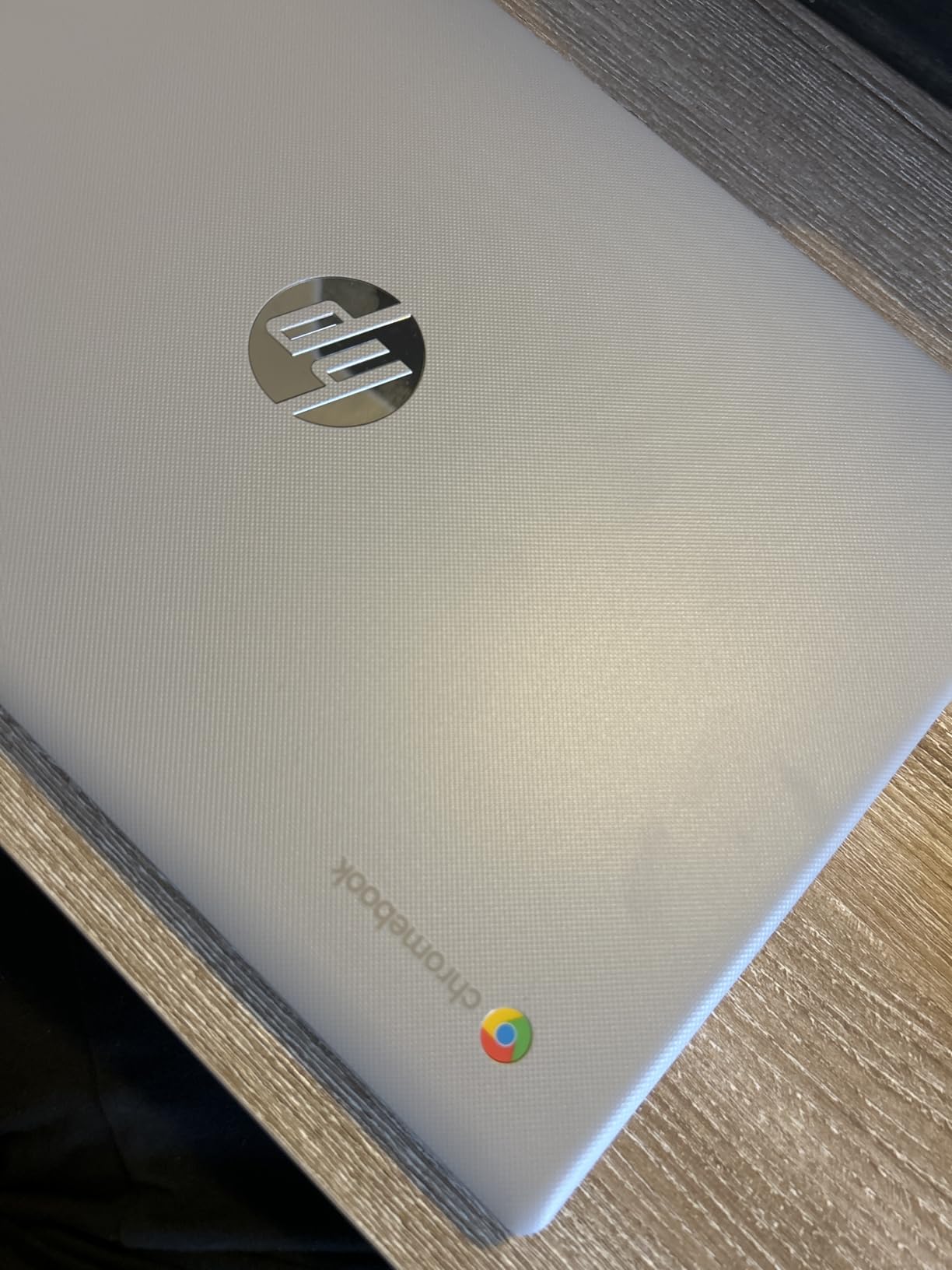
At $225, this is the most affordable laptop in the lineup, and yet it carries the highest average rating of the Chromebooks here at 4.5 stars from 301 reviewers. The headline spec is the up-to-14-hour battery, which beats machines costing three times more and eliminates charger anxiety entirely.
The quad-core Celeron N4120 is modest but adequate, and ChromeOS is so lightweight that modest hardware feels responsive. Boots are near-instant, and the anti-glare micro-edge display is comfortable for long reading sessions.
 N4020), 4GB RAM, 64GB eMMC, WiFi, Webcam, HDMI, USB-A&C, 14 Hours Battery life, ZOOM, Chrome OS, CUE Accessories customer photo 1″ class=”wp-image-customer”/>
Battery and Everyday Usability
Reviewers overwhelmingly cite the battery life and value. For a student schedule of lectures, library sessions, and coffee shop studying, a 14-hour rating means charging overnight and forgetting the cable during the day. The multimedia keyboard and stereo speakers handle note-taking and lecture videos without complaint.
Ports, Privacy, and Practical Details
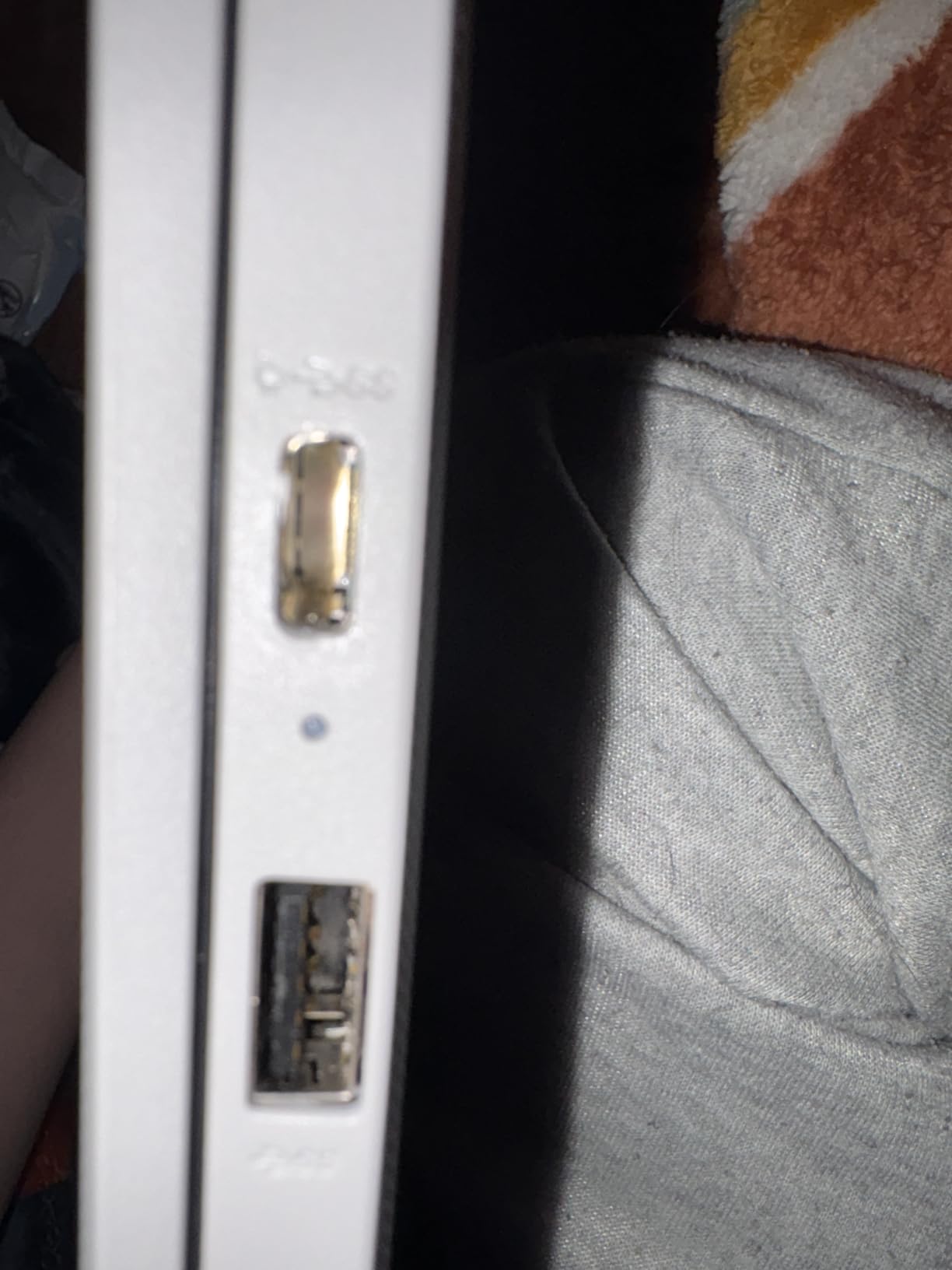
You get two USB 3.0 Type-A ports, one USB-C, HDMI for connecting to dorm monitors or classroom projectors, and a front-facing privacy webcam. Bluetooth 5.4 rounds out connectivity. The included one-year seller warranty is a welcome reassurance at this price point, where manufacturer coverage is often thin.
 N4020), 4GB RAM, 64GB eMMC, WiFi, Webcam, HDMI, USB-A&C, 14 Hours Battery life, ZOOM, Chrome OS, CUE Accessories customer photo 2″ class=”wp-image-customer”/>
Longevity Risks to Weigh
The honest caveats from owner reviews: a minority of users reported units failing after several months, and HP’s phone support can involve paid calls. With 64GB of storage, you’ll live in the cloud by necessity. Buy early in a return window, keep critical work in Google Drive, and this remains an unbeatable starter laptop.
Best for: first-year students and cloud-first learners on the tightest budgets. Skip it for any Windows-software-dependent major.
College Laptop Buying Guide: What Actually Matters for Students
Choosing among affordable laptops for students gets much easier once you ignore marketing and focus on the five decisions below. These are the same criteria our team applied when picking the ten machines above, informed by what students on Reddit and campus forums say they wish they’d known before buying.
Minimum Specs That Survive Four Years
The forum consensus is refreshingly consistent: an Intel Core i5 or AMD Ryzen 3/5 (modern generation), 8GB of RAM minimum with 16GB preferred, and an SSD rather than a hard drive. Reddit users repeatedly warn against 4GB machines feeling slow within a semester, and against Intel Celeron, Pentium, and Atom chips for anything beyond browsing. Storage-wise, 128GB works if you lean on cloud services, but 256GB or 512GB removes the headache.
How Much to Spend: Price Tiers That Make Sense
Plan around three tiers. Under $300 is Chromebook or renewed-business territory: fine for writing and browsing, risky for demanding majors. The $300-$600 tier is where the best student laptops live, delivering Full HD screens, 8-16GB of RAM, and 512GB SSDs at prices a part-time job can absorb. Above $600 to about $800, you’re buying headroom for engineering, CS, or data-heavy majors. Many students report that the sweet spot for most degrees is the $350-$600 band.
Battery Life and Weight for Campus Logistics
Count your outlet access honestly. If your schedule chains together lectures without desk power, an 8-hour minimum battery is non-negotiable, and the Chromebooks and the HP OmniBook 3 dominate here. Weight matters just as much: forum users suggest staying near or under 3.5 pounds if you walk a large campus daily, which is why 17-inch machines suit dorm-based students better than commuters.
Chromebook vs. Windows vs. Mac for College
Chromebooks win on battery, boot speed, security, and price, but check your program’s software list first, because campus printing and Windows-only course tools remain real pain points. Windows offers the broadest software compatibility and the widest budget range. MacBooks are wonderful but sit above true budget territory; students who want one should watch Apple’s education discounts and the certified-refurbished store. The honest answer for most budget-limited students is Windows for demanding majors, ChromeOS for everyone else.
The Refurbished Business Laptop Strategy
This is the single biggest money-saving insight from student forums: a certified-refurbished Lenovo ThinkPad or Dell Latitude from a reputable source often outlasts a new budget laptop while costing less. Business lines have superior keyboards, hinges, and serviceable parts. Stick to Amazon Renewed, Dell Outlet, or Lenovo Outlet for warranty-backed units, expect a 90-day minimum guarantee, and inspect the machine immediately. The Dell Latitude 5400 above is living proof of the strategy.
Don’t Leave Free Money on the Table
Before buying anything new, check education pricing. Apple, Microsoft, Dell, Lenovo, and Best Buy all run student discount programs that can shave 5-10 percent off or bundle accessories, typically requiring only a campus email address. Stack those discounts with back-to-school sales windows in summer, and a mid-tier laptop can drop into a lower price tier entirely. Also register your laptop’s warranty on day one, since several owner reviews above mentioned the value of early coverage claims.
Frequently Asked Questions
What is the best budget laptop for college students?
The Lenovo ThinkPad E16 Gen 3 is the best budget laptop for college students overall, thanks to its 8-core Intel i5-13420H processor, 16GB of RAM, 512GB SSD, and 16-inch WUXGA display at a mid-range price. For tighter budgets, the Acer Aspire 3 A315-24P offers the best value with a Full HD display and 11-hour battery, while the renewed Dell Latitude 5400 delivers 16GB of RAM under $230.
How much should a college student spend on a laptop?
Most students should budget between $300 and $600, which covers laptops with 8-16GB of RAM, SSD storage, and Full HD displays. Engineering, computer science, and design majors benefit from spending $600 to $800 for extra processing power. Spending under $300 generally means choosing a Chromebook or a certified-refurbished business laptop.
What specs does a college student actually need?
Minimum specs for college are an Intel Core i5 or AMD Ryzen 3/5 processor, 8GB of RAM (16GB preferred for four-year longevity), a 128GB or larger SSD, and Wi-Fi 6. Avoid Intel Celeron, Pentium, and 4GB-RAM laptops for anything beyond basic browsing, a warning echoed consistently across student forums.
Is a Chromebook good enough for college?
A Chromebook works well for students whose coursework lives in Google Docs, web apps, and learning platforms like Canvas, offering 12-14 hour battery life and fast boot times at low prices. It fails when a major requires Windows-only software or campus printing systems that don’t support ChromeOS, so verify your program’s requirements before buying.
Are refurbished laptops worth it for college students?
Yes, refurbished business laptops like the Dell Latitude and Lenovo ThinkPad are widely considered the best budget strategy by students on Reddit, because they combine business-grade build quality with prices under $300. Buy certified-refurbished units from Amazon Renewed, Dell Outlet, or Lenovo Outlet for warranty coverage, and test the machine thoroughly within the 90-day guarantee period.
The Bottom Line: Matching the Laptop to the Student
There is no single winner among the best budget laptops for college students, only the right match for your situation. If you want one machine for any major, buy the Lenovo ThinkPad E16 Gen 3. If value is everything, the Acer Aspire 3 with its 4,600 reviews is the safest cheap Windows buy of 2026.
Tightest budgets should look hard at the renewed Dell Latitude 5400, and Google-first students will love the Samsung Galaxy Chromebook Go or the HP 14 Chromebook for their 12-14 hour batteries. Whatever you choose, buy within your tier, register the warranty on day one, and stack any education discount you can find. Your future self, still using that laptop at graduation in 2026 and beyond, will thank you.