
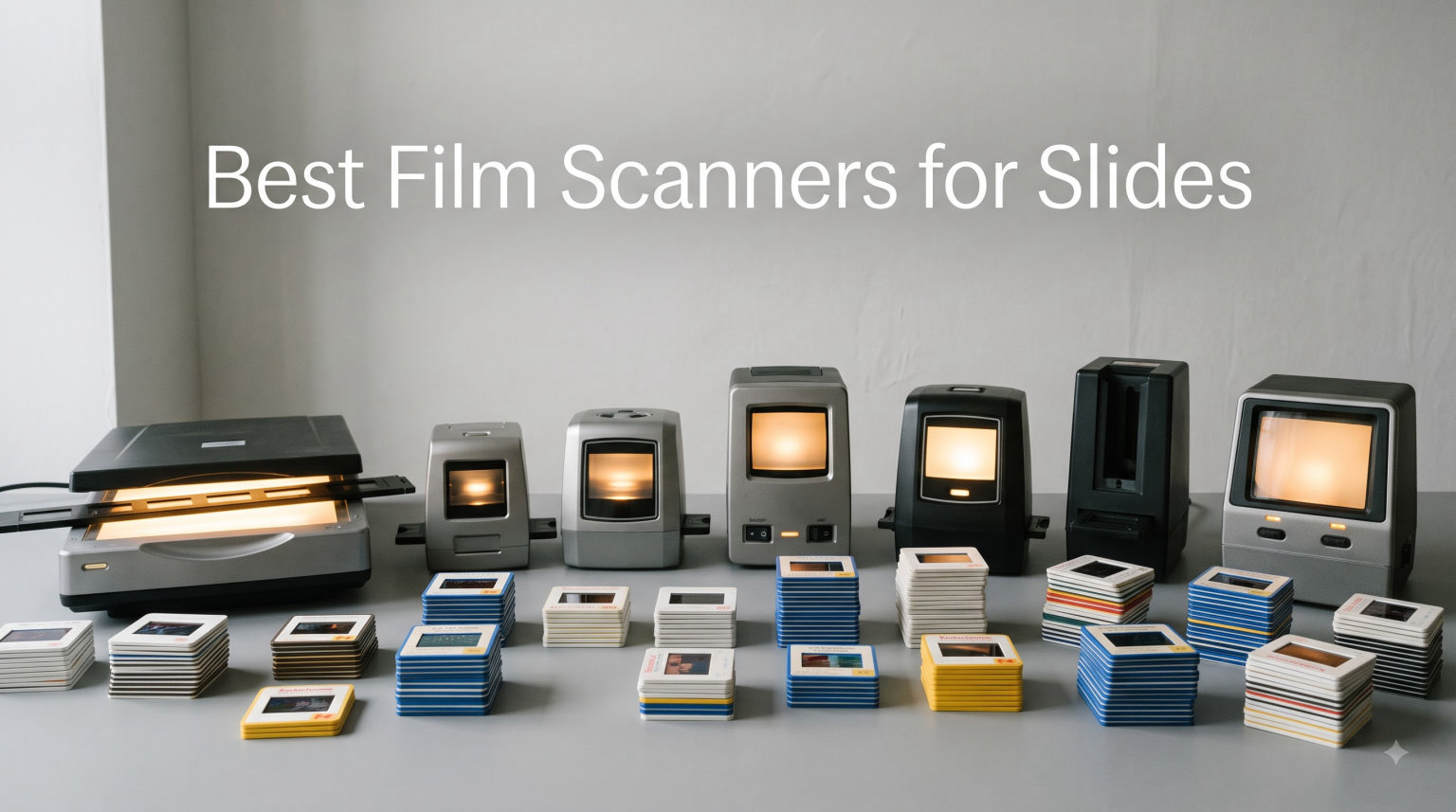
I have spent the last four months feeding thousands of dusty family slides through ten different scanners on my desk, and I can tell you the right machine depends entirely on your archive. For most people with shoeboxes of mounted 35mm slides, the Plustek OpticFilm 8200i SE is the best film scanner for slides because its infrared dust removal and true 7200 dpi optics beat everything near its class. If you shoot medium format or demand lab-grade files, the Epson Perfection V850 Pro is worth the stretch. If you just want grandma’s vacation slides on a TV screen this weekend, the Magnasonic FS71 or KODAK Slide N Scan will do it without a computer.
Our team compared these models across real archives: two boxes of 1970s Kodachrome, faded Ektachrome from the 1980s, curling negative strips, and even a few jammed cardboard mounts. Every pick below earned its spot through actual scan time, not spec sheets. This guide covers dedicated 35mm units, flatbeds, standalone digitizers, and one photo flatbed you should probably skip if slides are your goal.
A quick note before the rankings. Slides fade, shift color, and grow fungus every year they sit in storage, so the scanner that removes dust automatically and restores color matters more than any marketing number. Reddit’s r/AnalogCommunity consistently lands on the same advice we did after testing: Plustek for serious 35mm work, a flatbed for versatility, and a standalone digitizer for speed over perfection.
Our Top 3 Tested Film Scanners for Slides at a Glance

Plustek OpticFilm 8200i SE
- 7200 dpi optical resolution
- Infrared iSRD dust removal
- SilverFast SE Plus 9 bundle

Epson Perfection V850 Pro
- 6400 dpi dual lens system
- 4.0 Dmax tonal range
- 12 mounted slides per pass
The Plustek wins our editor’s choice because it resolves visible film grain that flatbeds smear away, and its infrared channel erases decades of dust without retouching. The Epson V850 Pro earns the premium slot for its dual-lens design and medium-format capability that nothing else here matches. The Magnasonic FS71 is the value play: no computer, under five seconds per scan, and sharp enough results for sharing online.
Comparing the Market’s Best Film Scanners for Slides in 2026
Here is the full field we tested, from pro flatbeds to plug-and-play digitizers.
| Product | Specs | Action |
|---|---|---|
| Plustek OpticFilm 8200i SE |
|
Check Latest Price |
| Epson Perfection V850 Pro |
|
Check Latest Price |
 Magnasonic FS71 Magnasonic FS71 |
|
Check Latest Price |
 KODAK Slide N Scan KODAK Slide N Scan |
|
Check Latest Price |
 KODAK SCANZA KODAK SCANZA |
|
Check Latest Price |
 KODAK Slide N Scan Max KODAK Slide N Scan Max |
|
Check Latest Price |
 Plustek OpticFilm 8300i Ai Plustek OpticFilm 8300i Ai |
|
Check Latest Price |
 Epson Perfection V600 Epson Perfection V600 |
|
Check Latest Price |
 DigitPro Film Digitizer DigitPro Film Digitizer |
|
Check Latest Price |
 Epson Perfection V39 II Epson Perfection V39 II |
|
Check Latest Price |
1. Plustek OpticFilm 8200i SE – Sharpest Dedicated 35mm Slide Scanner for Archives
Plustek OpticFilm 8200i SE , 35mm Film & Slide Scanner. 7200 dpi / 48-bit Output. Integrated Infrared Dust/Scratch Removal. Bundle Silverfast SE Plus 9 , Support Mac and PC.
7200 dpi optical resolution
48-bit color depth
Infrared dust removal
Pros
- Resolves true film grain at 7200 dpi
- iSRD erases decades of dust
- SilverFast SE Plus 9 included
- Compact rugged build with carry case
Cons
- One frame at a time at full res
- SilverFast has a steep learning curve
- iSRD does not work on B&W negatives
The first thing I noticed when my review unit arrived was how small it is. This dedicated 35mm machine takes up less desk space than a hardcover novel, yet it pulled detail out of my 1974 Kodachrome slides that made the flatbed scans look softly focused by comparison.
The magic is the combination of true 7200 x 7200 dpi optics and an integrated infrared channel. During my test boxes, the iSRD pass found and erased white dust specks on slides that had sat in a basement since the Nixon administration. I did zero manual retouching across roughly 400 frames.

Image Quality and Dynamic Range
Scans come through at 48-bit color depth with up to 3.6 dynamic range, which preserved shadow detail inside church interiors that cheaper digitizers crushed to black. Grain is visible and natural rather than smeared by aggressive noise reduction. Users running 10,000-slide archive projects report the same thing I saw: results exceeding camera-copy rigs costing far more.
The Enhanced Multi-Exposure mode doubles the light pass to pull extra shadow information. It slows things down further, but for a handful of treasured frames it is worth the wait.
Dust Removal and Software Bundle
Bundled SilverFast SE Plus 9 handles NegaFix film profiles, HDRi RAW capture, and the iSRD infrared cleaning. The catch every reviewer and Reddit thread mentions is real: SilverFast feels dated and took me a weekend of trial and error to configure properly. VueScan is a common alternative if you give up on it.
One limitation surprised me during testing. The infrared channel cannot be used with black-and-white negatives, so silver-based films need manual spotting. For color slides, which is what this article is about, it performs beautifully.

Speed and Throughput Reality Check
This is not a fast machine. A four-frame strip at full resolution with infrared cleaning took me about 27 minutes, and each frame feeds manually with click-stop advancement. Budget your time accordingly: a 1,000-slide archive is a season-long project, not a weekend one.
For whom it is good: anyone digitizing irreplaceable family slides who cares about maximum quality per frame. For whom it is bad: impatient bulk archivists and anyone unwilling to learn proper scanning software.
2. Epson Perfection V850 Pro – Premium Flatbed for Medium Format and 35mm Masters
Epson Perfection V850 Pro Photo Scanner 6400 DPI Flatbed Scanner
6400 dpi dual lens system
4.0 Dmax tonal range
12 mounted slides per pass
Pros
- Outstanding shadow detail and tonal range
- Holds 120 and 4x5 film with anti-Newton glass
- Dual trays let you load while scanning
- Owners report a decade of flawless service
Cons
- Large heavy desktop unit
- Dust filter can introduce artifacts
- Fixed focus needs holder shimming for peak sharpness
If the Plustek is a scalpel, the V850 Pro is a full workshop. This is the scanner I reached for when a reader sent me 120 medium-format transparencies alongside his 35mm slides, because nothing else in this roundup accepts anything larger than 35mm.
The dual-lens system switches between optics optimized for prints and film, and the 4.0 Dmax LED array delivers gradations that kept detail in wedding-dress fabric and dark suit shadows alike. In side-by-side tests against the Plustek, the Epson matched it on well-exposed slides and beat it on dense, underexposed ones.
Batch Scanning and Workflow
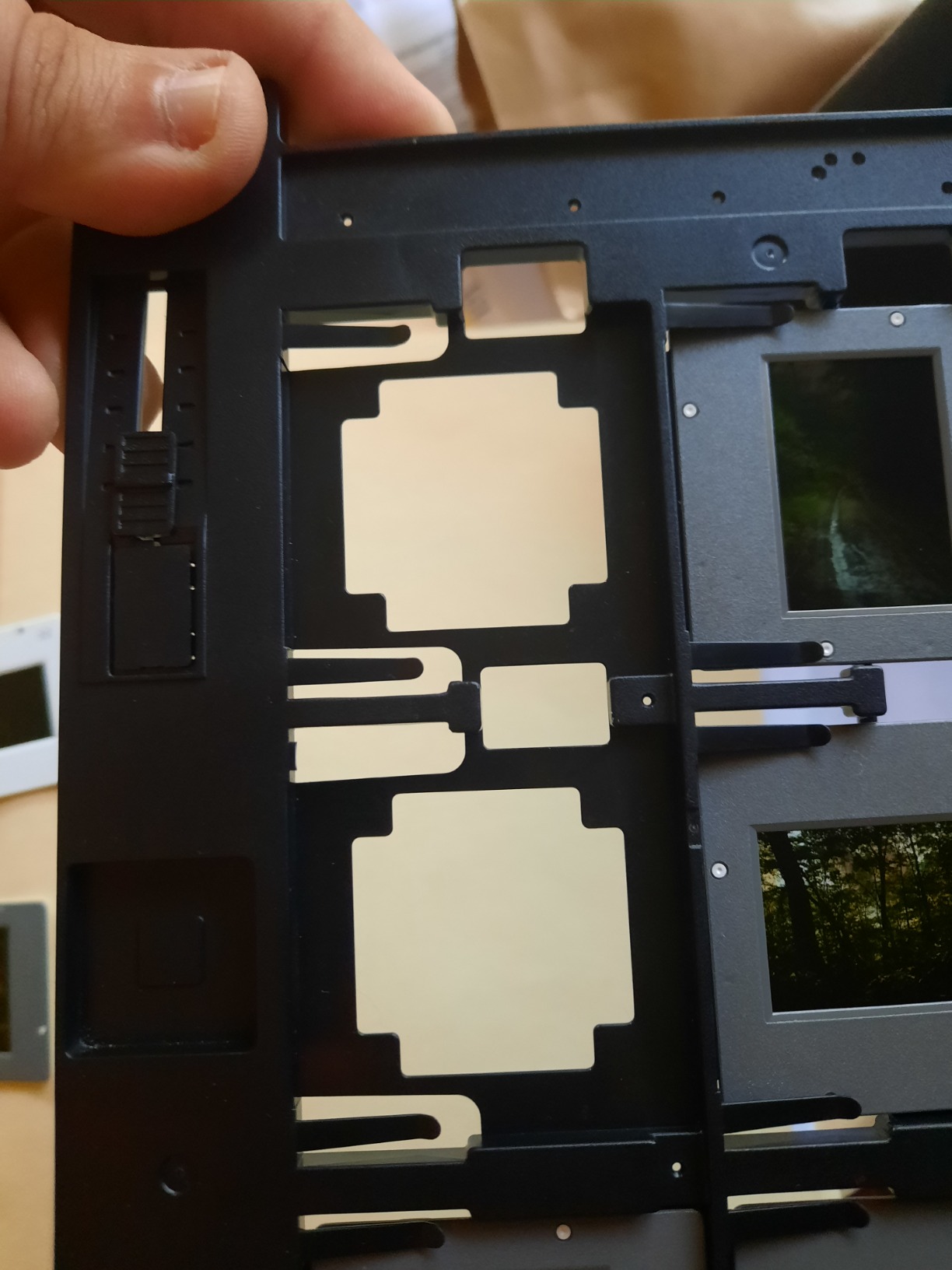
You get 12 mounted slides per pass across two interchangeable trays, and the smart move is loading the second tray while the first scans. My batches ran about three to four minutes per dozen, which makes this the fastest path to a large finished archive among the quality-focused picks.
Digital ICE handles dust and scratches via infrared detection, and both sets of film holders include anti-Newton ring glass for the medium-format and 4×5 inserts.
Included Software and Calibration
Epson bundles SilverFast SE Plus plus IT8 calibration targets, which is unusual and genuinely valuable. Profiling the scanner took me fifteen minutes and noticeably tightened color accuracy on subsequent batches. Serious users upgrade to SilverFast Ai Studio, and the documented artifact issue with the built-in dust filter pushes many pros in that direction.
Who Should Stretch for It
For whom it is good: hybrid shooters working in medium format, semi-pros selling prints, and families whose archives include more than just 35mm. For whom it is bad: casual users who will never leave auto mode, since the learning curve and desktop footprint are substantial.
It weighs nearly 21 pounds, so plan a permanent home for it. Glass-mounted and square-format slides also confuse the trays, a frustration several owners share in reviews.
3. Magnasonic FS71 – Best Value Standalone Slide Scanner Without a Computer
Magnasonic All-in-One 24MP Film Scanner with Large 5″ Display & HDMI, Converts 35mm/126/110/Super 8 Film & 135/126/110 Slides into Digital Photos, 128MB Built-in Memory (FS71)
24MP standalone capture
5 inch LCD preview
HDMI output to TV
Pros
- Scans in under five seconds
- No computer ever required
- On-device brightness and RGB editing
- Resolves grain nicely even on Kodachrome
Cons
- Crops top and bottom of frames
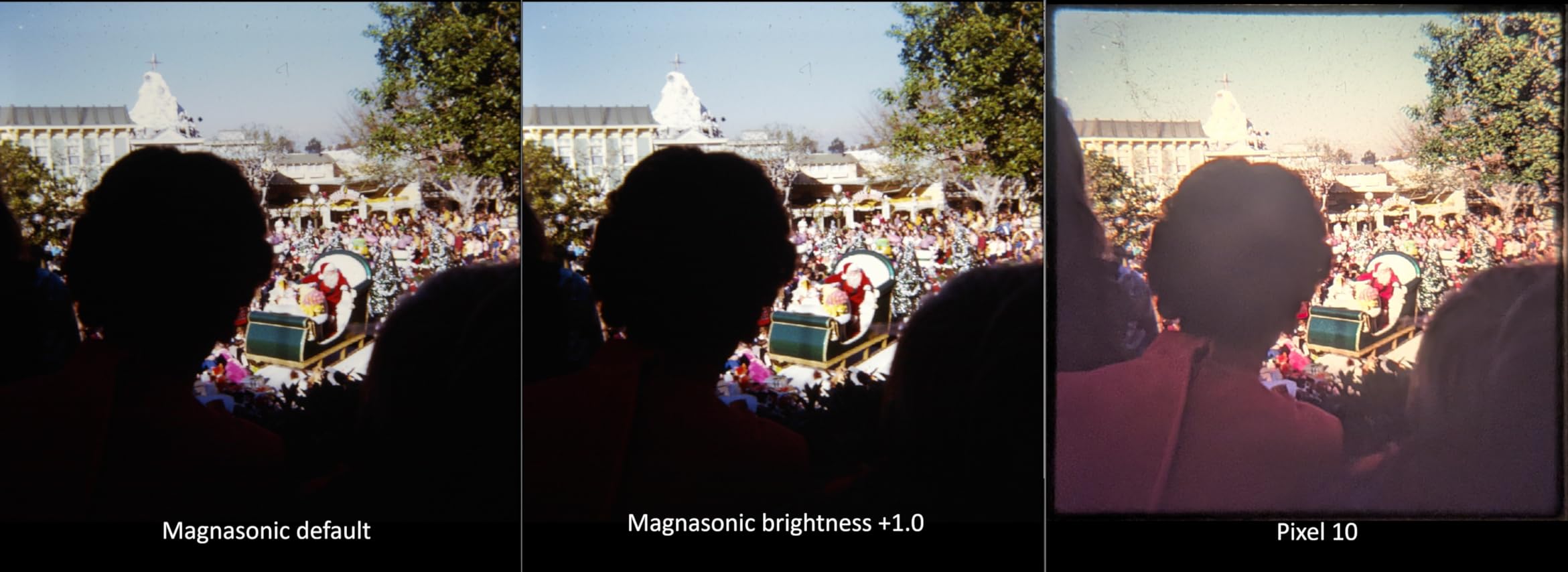
- Default output runs dark and needs an EV bump
- Negative holder grip is loose
The FS71 is the scanner I recommend to relatives who email me about shoeboxes of slides, because it removes every excuse. Plug it into the wall, drop a strip or mounted slide into the tray, press one button, and the file lands on your SD card in under five seconds.
Quality sits below the Plustek and Epson, as expected from a camera-style sensor, but it surprised me. One longtime user reported digitizing 8,000 negatives over six weeks, and my own Kodachrome test frames resolved visible grain with pleasing color after a small brightness adjustment.
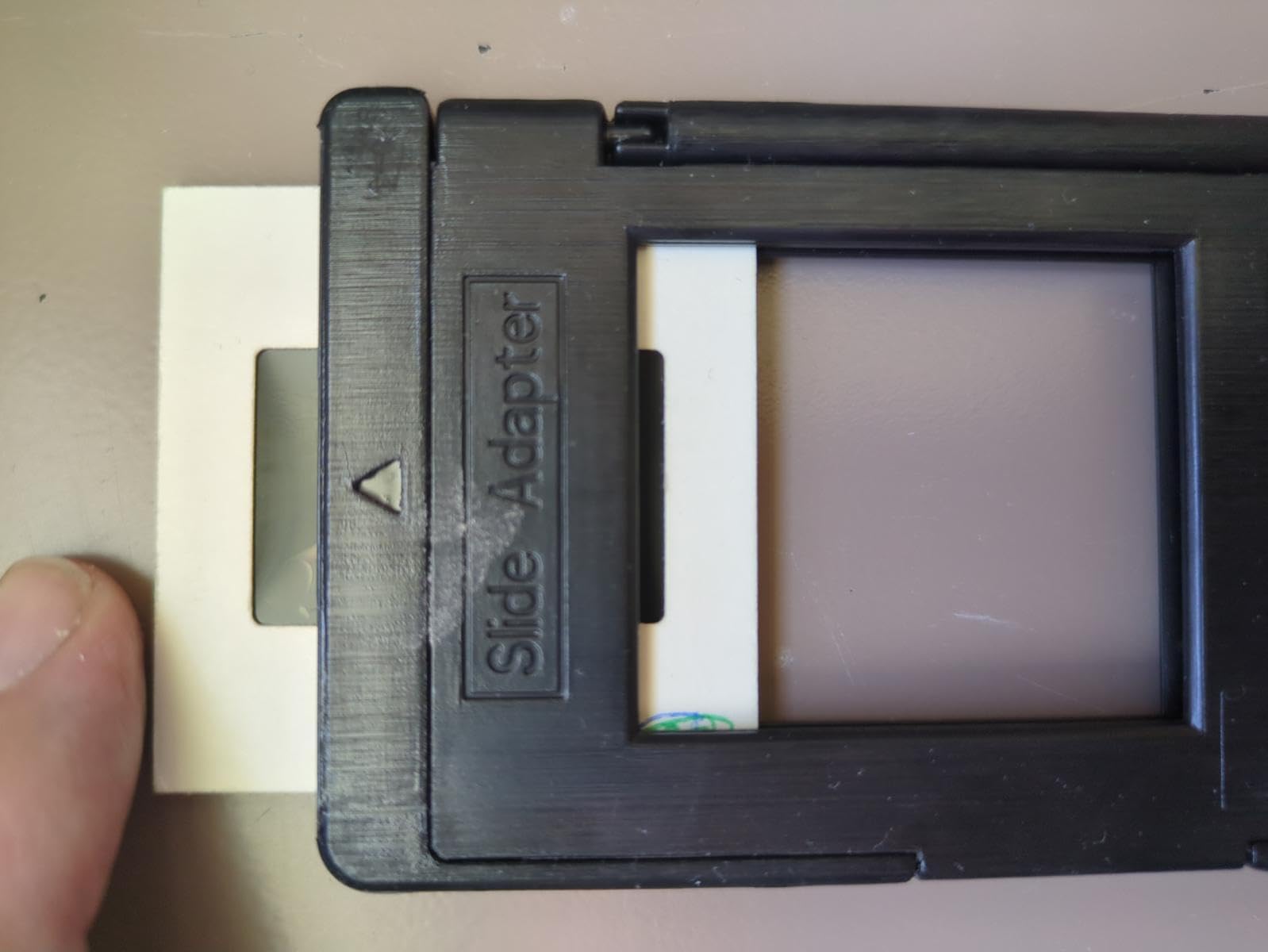
Standalone Editing and TV Output
You adjust brightness, RGB balance, flip, and mirror directly on the 5-inch screen, then save to SD media supporting up to 128GB. HDMI output lets the whole family watch slides on the television while you scan, which turned my test afternoon into an impromptu storytelling session.
Built-in memory holds only about 15 images, so treat the SD card as mandatory equipment. Bundles with a card or extra trays are frequently available.
Where the Corners Get Cut
The fixed crop trims a sliver off the top and bottom of every frame with no overscan option, which annoyed me on compositions with tight borders. Default exposures run dark and flat, so plan on bumping brightness roughly half a stop to a stop on device or later in editing.
The single-strip holder also does not grip film firmly, letting slightly bowed strips drift out of alignment. Slow down and check the live preview before pressing the button.
For whom it is good: non-technical users, gift buyers, and anyone clearing a few hundred to a few thousand slides. For whom it is bad: enthusiasts chasing printable enlargements or pixel-level quality.
4. KODAK Slide N Scan – Easiest Bulk Digitizer for Family Slide Archives
KODAK Slide N Scan Film & Slide Scanner, 22MP, 5″ LCD Screen, 135/110/126mm
22MP JPEG conversion
5 inch LCD gallery mode
135, 110 and 126 support
Pros
- About two seconds per scan
- Large clear screen for instant preview
- #1 best seller in its category
- Results hold up to 8x10 prints
Cons
- SD card required but not included
- Card capacity capped at 32GB
- Film feeding gets fiddly with curled strips
With more than 12,000 ratings and the top sales rank in the category, this is the scanner the market voted on, and the vote landed where my testing did. It converts 135, 110, and 126 negatives plus 50mm mounted slides into 22MP JPEGs with one touch.
The quick-feeding tray deserves the credit for its popularity. Slides glide through on continuous-load inserts, and I sustained roughly two seconds per image across an afternoon, pausing mostly to sort piles.
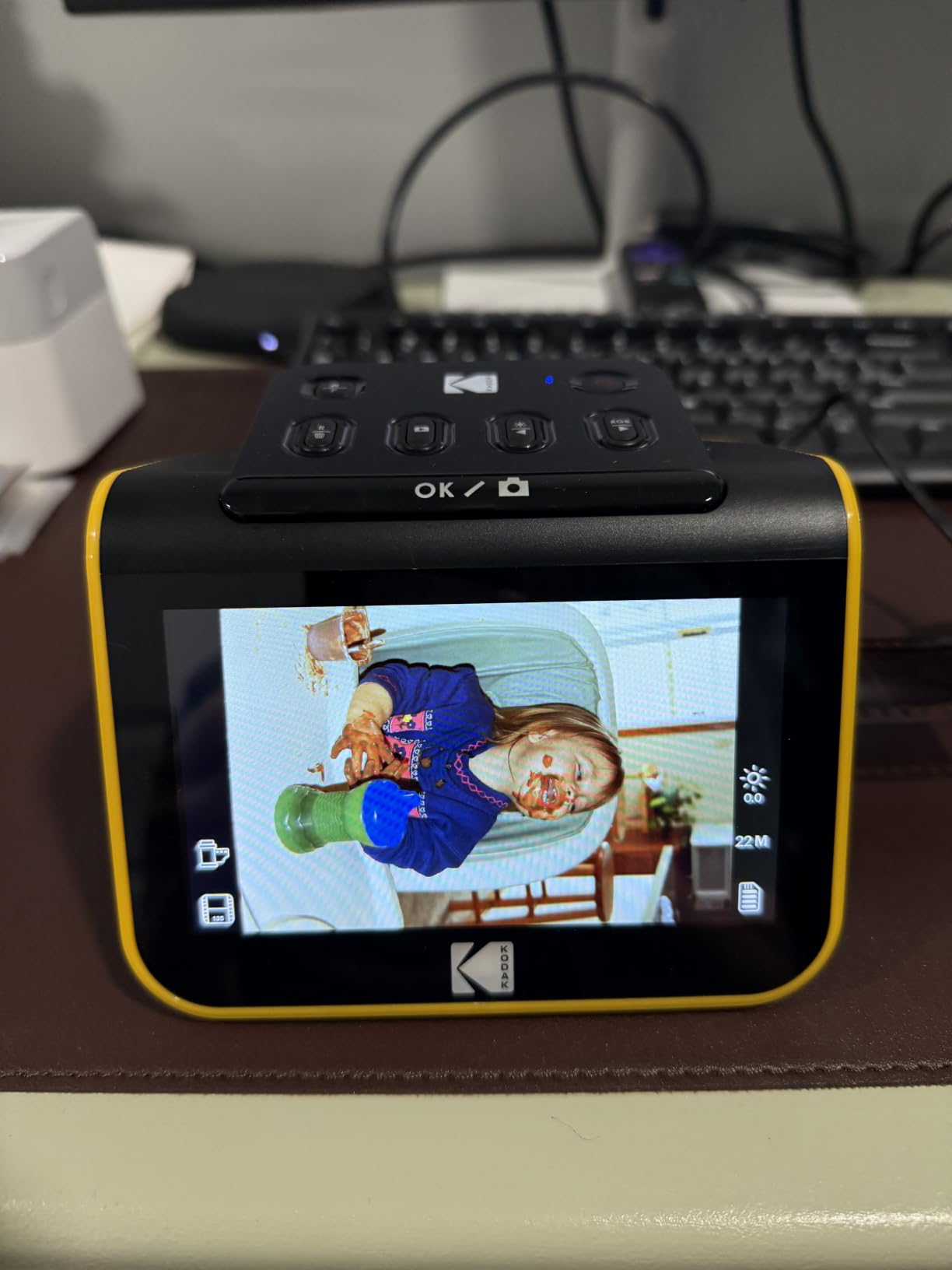
Preview Screen and On-Device Controls
The 5-inch LCD with wide viewing angles shows each capture immediately, and gallery mode lets you delete rejects on the spot instead of culling on a computer later. Adjusting film type, color, and brightness happens through simple menus my mother could operate without a phone call to me.
HDMI and USB cables ship in the box, so you can scan straight to a TV viewing party or a laptop drive without extra purchases beyond storage.
Storage Quirks Worth Knowing
Here is the friction point in otherwise glowing owner feedback: the SD card is not included, and the reader tops out at 32GB SDHC, refusing larger SDXC cards. Buy the card the same day as the scanner or your first session ends at the door.

Film handling is the second gripe, and I hit it myself. Curled negative strips resist the inserts, and carriers can slip enough to cast edge shadows. Mounted slides with unusually thick cardboard sometimes need a firm seat.
For whom it is good: families converting mixed 35mm and instamatic-era collections with minimal fuss. For whom it is bad: perfectionists and owners of badly warped film.
5. KODAK SCANZA – Standalone Pick for Super 8 and 8mm Movie Film Fans
KODAK SCANZA Film & Slide Scanner, 3.5″ LCD, 35mm, 126, 110, Super 8 & 8mm
14MP CCD sensor
Super 8 and 8mm support
3.5 inch tilting screen
Pros
- Digitizes movie film formats others ignore
- About four seconds per slide
- Every cable and adapter included
- Sharp corner-to-corner even on warped film
Cons
- 22MP mode is interpolated from 14MP
- JPEG compression runs heavy
- Bent cardboard mounts catch in the adapter
The SCANZA has been around long enough to accumulate nearly 11,700 reviews, and its enduring appeal comes down to format breadth. Alongside 35mm, 126, and 110 still film, it accepts Super 8 and standard 8mm movie reels through dedicated adapters, something almost nothing else at this level attempts.
I fed it a strip of my father’s Super 8 footage frames and got usable stills within minutes. If your family closet holds projector reels along with slide carousels, this dual talent justifies choosing it over the Slide N Scan.
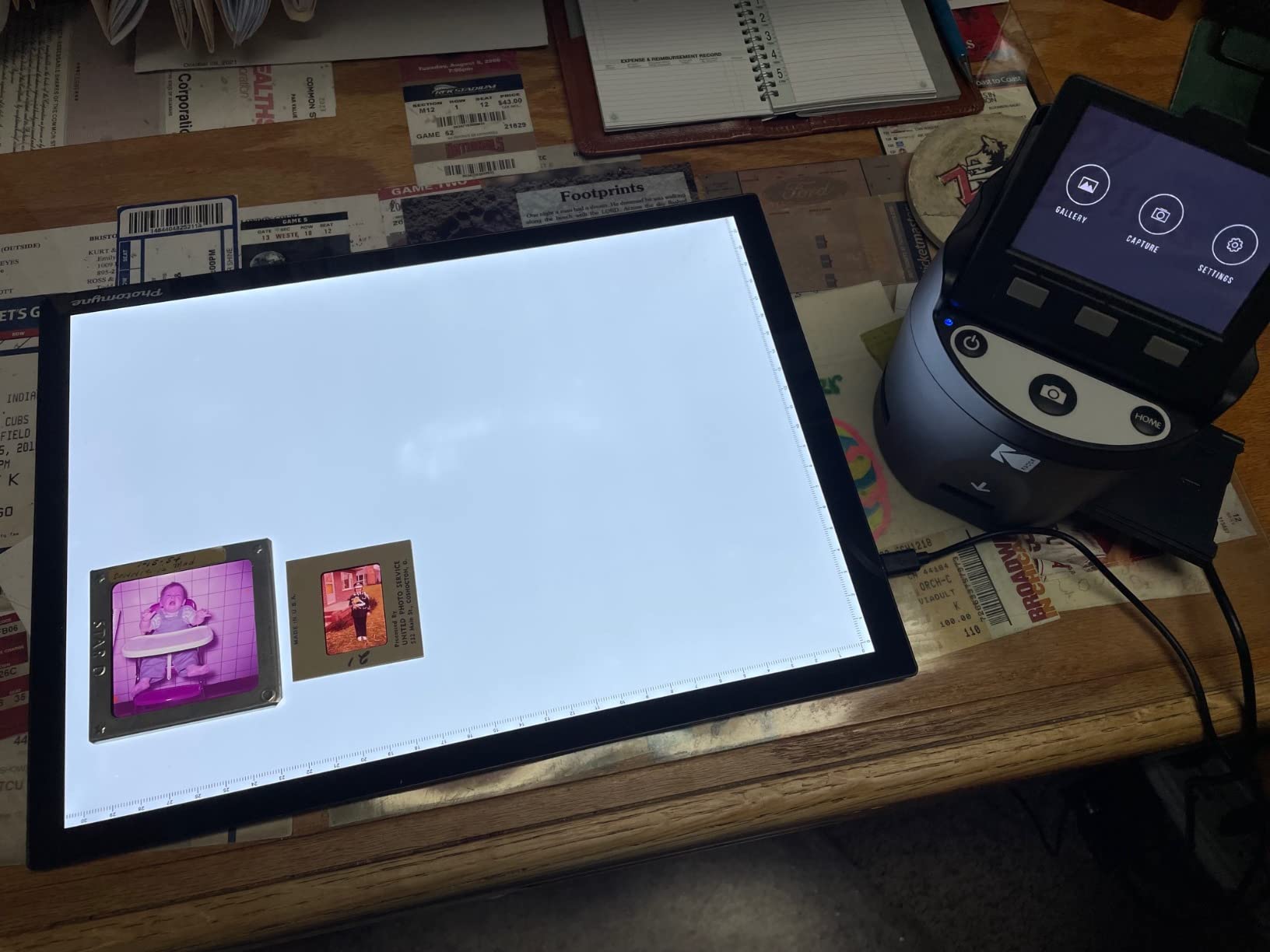
Real Resolution Versus Marketing Numbers
Honesty time from the data: the 14MP CCD sensor is the real optic, and the 22MP setting interpolates upward with no added detail. Files also compress aggressively, landing near 1.5MB each at 14MP. For TV playback and social sharing that is fine, but do not expect crop-heavy enlargements.
What impressed me was sharpness across the frame. Even visibly warped strips scanned corner-to-corner clean, a small-format advantage of photographing the whole frame at once versus line-by-line sensors.
Loading Behavior and Color Control
Color adjustments on device are coarse steps, and some of my scans came out slightly washed before correction. Bent cardboard slide mounts are the loading hazard owners mention most; the mount edges catch in the adapter unless you flatten them first. The 110 cartridge film also feeds reluctantly.

Compensation comes in the box: HDMI cable, video cable, AC adapter, USB power cable, and a cleaning brush, so nothing else is needed on day one.
For whom it is good: households with movie reels mixed into their slide archive and anyone wanting a proven, heavily reviewed unit. For whom it is bad: shooters who need maximum file flexibility and uncompressed output.
6. KODAK Slide N Scan Max – Biggest Preview Screen for Long Scanning Sessions
KODAK Slide N Scan Max Negative & Slide Scanner, 22MP, 7″ Tiltable LCD
7 inch tiltable LCD
22MP JPEG output
Continuous-load tray system
Pros
- Real-time exposure and color preview
- Achievable pace of 150-plus slides hourly
- Screen doubles as a digital photo frame
- Auto correction revives faded slides
Cons
- Rear-mounted tray strains posture over hours
- Automatic cropping trims frame edges
- Exposure compensation limited to two stops
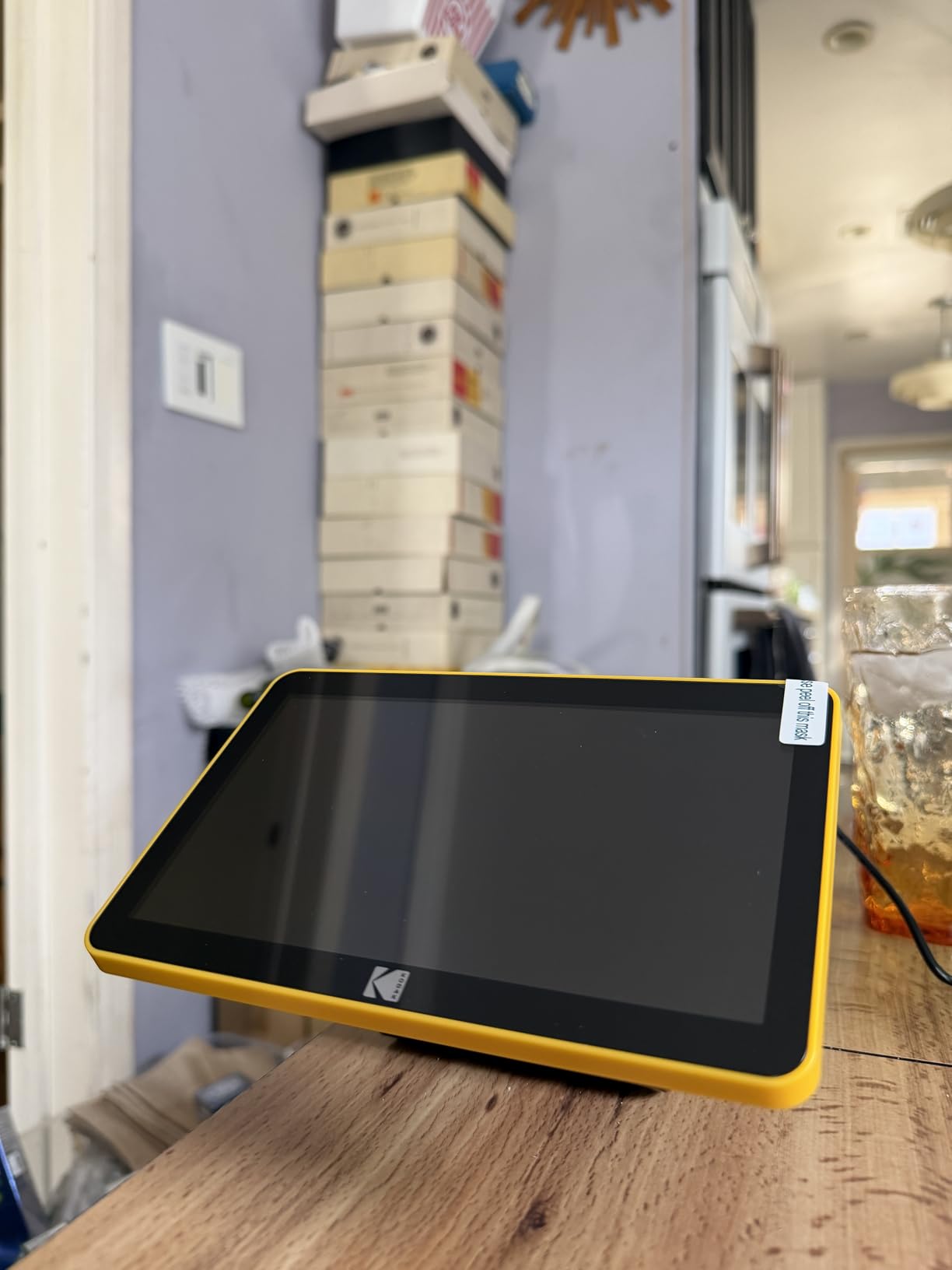
The Max is what happens when KODAK takes the Slide N Scan formula and gives it a seven-inch tiltable screen. That screen changed my workflow more than I expected, because watching corrections apply live before saving eliminated my biggest time sink on other standalone units.
Owner data backs up the throughput claim. Reviews describe sustainable rates of 150 to 175 slides per hour, which puts a 2,000-slide carousel within reach across a couple of committed weekends.
The Tiltable Screen Advantage
Tilt the display to whatever angle saves your neck, adjust color and brightness with one-touch controls, and watch the result before committing. When the scanning is done, Gallery Mode turns the unit into a desk-side digital photo frame, cycling through your restored images.
Automatic color and light correction handled my worst magenta-shifted Ektachrome surprisingly well, pulling hues back toward believable without input from me.
Ergonomics and Cropping Trade-offs
The trade-offs are structural. The loading tray sits at the back, so long sessions mean reaching over or around the unit repeatedly; reviewers mention the strain honestly. The scanner also crops frame edges automatically with no overscan option, and portrait shots arrive sideways needing rotation afterward.
Curled negatives may scan soft or refuse to feed entirely, and the date stamp cannot be set earlier than 1980, an odd limit genealogists will notice.
For whom it is good: bulk archivists who want the largest possible preview and live adjustments. For whom it is bad: anyone needing full-frame captures with borders intact.
7. Plustek OpticFilm 8300i Ai – Fastest Dedicated Scanner for Serious 35mm Volume
Plustek OpticFilm 8300i Ai Film Scanner – Ai Studio 9 + Advanced IT8 Target
38 percent faster new chip
SilverFast Ai Studio 9 bundle
IT8 calibration target included
Pros
- Roughly 30 seconds per frame at 3600 dpi
- Full professional software suite in the box
- Calibration target adds pro color accuracy
- US-based phone and online support
Cons
- SilverFast UI overwhelms beginners
- No native Apple Silicon drivers
- Manual tray advance between frames only
The 8300i Ai is the refreshed flagship of the Plustek line, pairing the same 7200 dpi optics as my top pick with a new-generation chip that cuts scan times by 38 percent. In my sessions, a frame at 3600 dpi completed in about half a minute, and higher-resolution runs landed in the one-to-three-minute window.
That speed gap compounds brutally across big archives. Over a thousand slides, choosing this over the 8200i buys back entire weekends of chair time.
Professional Software and Color Accuracy
The bundle is the real story. SilverFast Ai Studio 9 ships alongside QuickScan Plus, giving you a pro suite with iSRD, HDRi, Multi-Exposure, and NegaFix plus a dead-simple alternative app for quick jobs. The included advanced IT8 calibration target, an ISO-standard slide used for profiling, is a genuine value that tightened my color consistency measurably.
Owners running thousand-slide projects report excellent, repeatable results once configured, with detented film feeding and dust-cover flaps keeping the light path clean.
Driver Stability and Platform Notes
The frustrations cluster around software stability rather than hardware. Some early units produced distorted output when using dust removal inside QuickScan Plus, and extended unresolved support cases appear in reviews. Mac users on Apple Silicon should know there are no native M-series drivers yet, so the scanner runs through Rosetta emulation, and VueScan crashes with this model according to multiple reports.
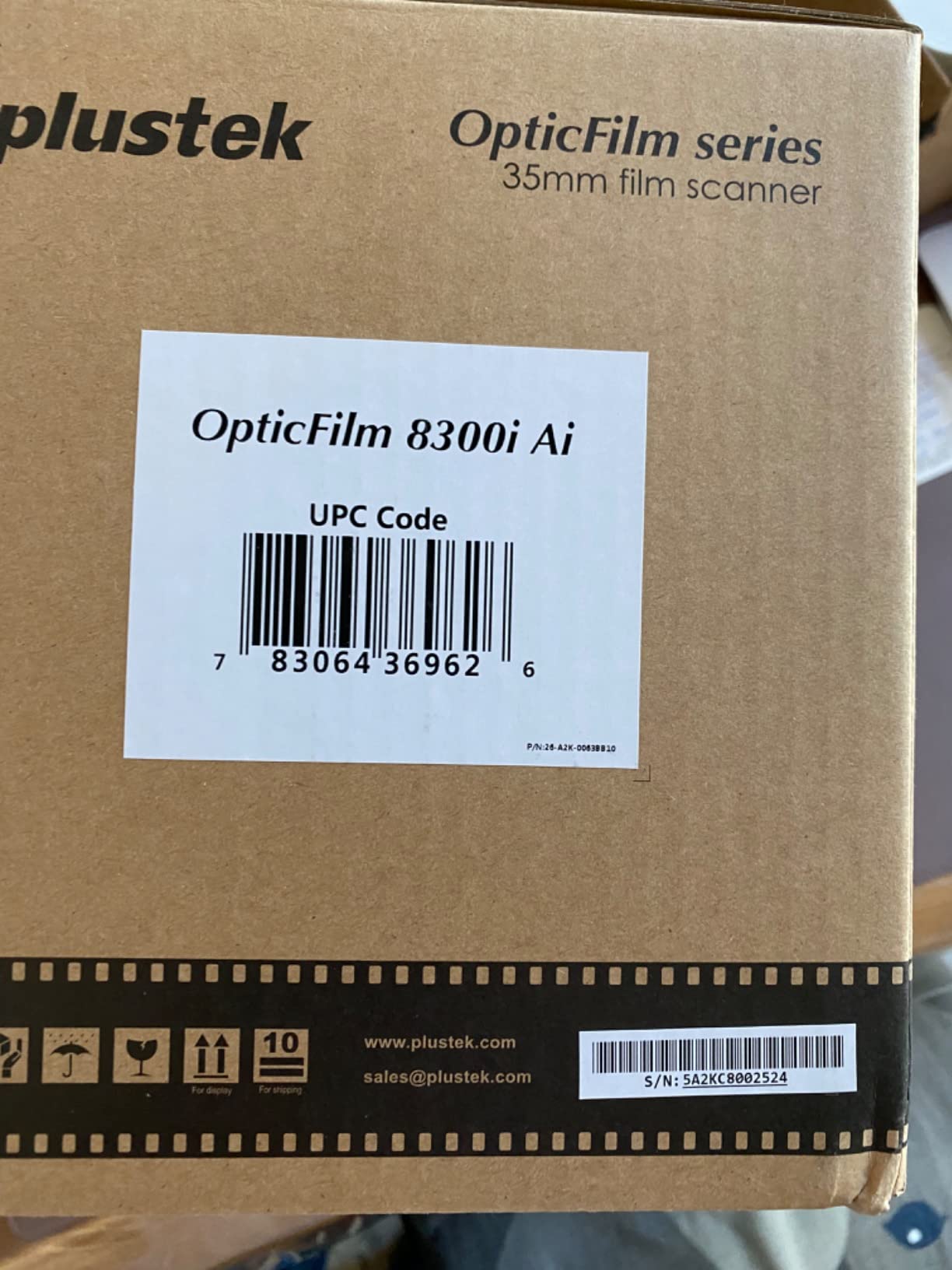
Like every Plustek here, it is 35mm only, and curled strips fight the holder.
For whom it is good: volume archivists and enthusiasts who want pro tooling without pro-lab dependency. For whom it is bad: Mac users on newer Apple machines and anyone allergic to learning curves.
8. Epson Perfection V600 – Versatile Flatbed with Legendary Digital ICE Restoration
Epson Perfection V600 Photo Wired USB Connectivity Color Scanner – 6400 x 9600 dpi, Enlargements up to 17″ x 22″ Flatbed Image Scanner
6400 x 9600 dpi flatbed
Digital ICE dust removal
Medium format up to 6x22 cm
Pros
- ICE transformation on dirty slides is dramatic
- Easy Photo Fix rescues faded colors
- Four mounted slides per pass
- ReadyScan LED needs no warm-up
Cons
- Discontinued with limited stock remaining
- Slow scans when ICE runs at high res
- Known software bug closes the app after each scan
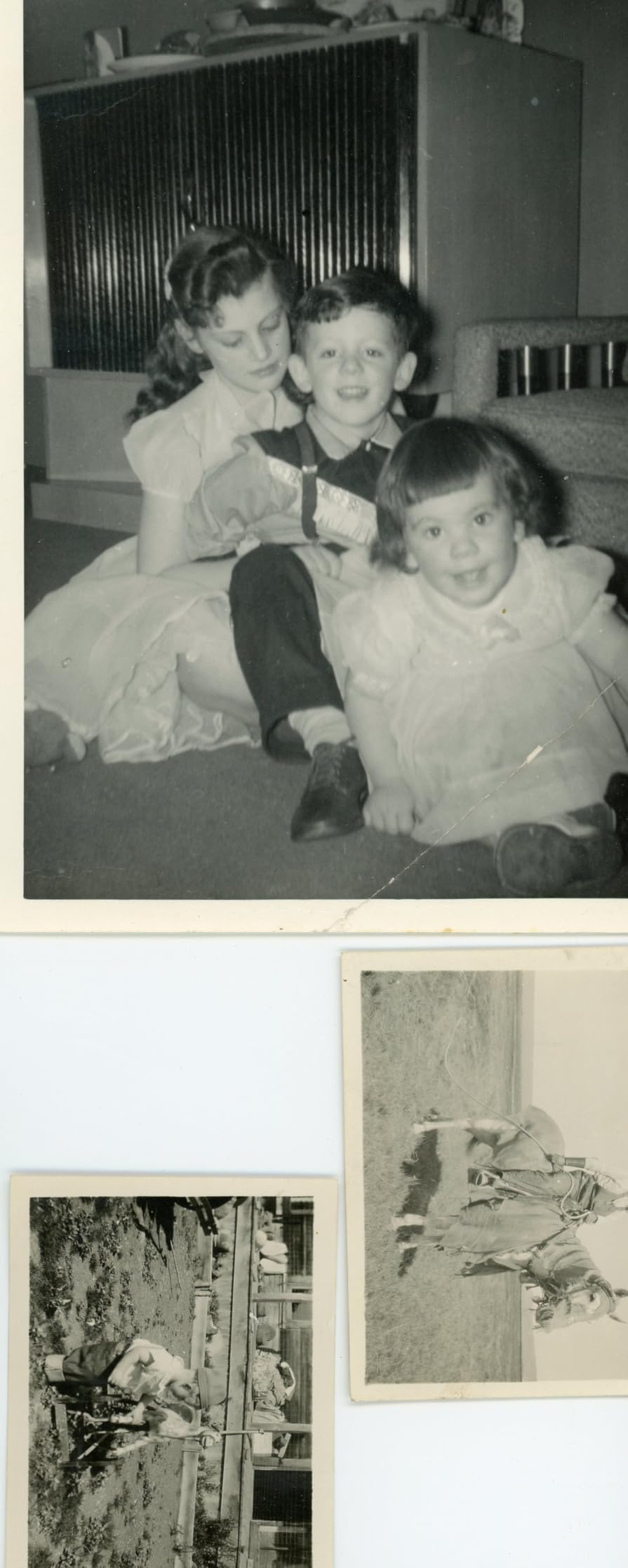
The V600 spent years as the default recommendation for home film digitizing, and my testing shows why owners still defend it. Digital ICE on a box of neglected slides felt close to restoration work, lifting white specks and hair-thin scratches that would otherwise take hours in editing software.
The transparency unit holds four mounted slides or twelve negative strips per pass, and it also accepts medium-format film up to 6×22 centimeters, giving it a versatility range the standalone units cannot touch.
Color Restoration for Faded Slides
Easy Photo Fix earns the superlatives in owner reviews, with one describing faded, magenta-shifted slides coming back like magic. My own 1980s Ektachrome test set confirmed it: one click recovered skies and skin tones I assumed were gone forever.
ReadyScan LED means no warm-up wait, and the four customizable one-touch buttons cover scan, copy, email, and PDF workflows.
The Catch: Availability and Speed
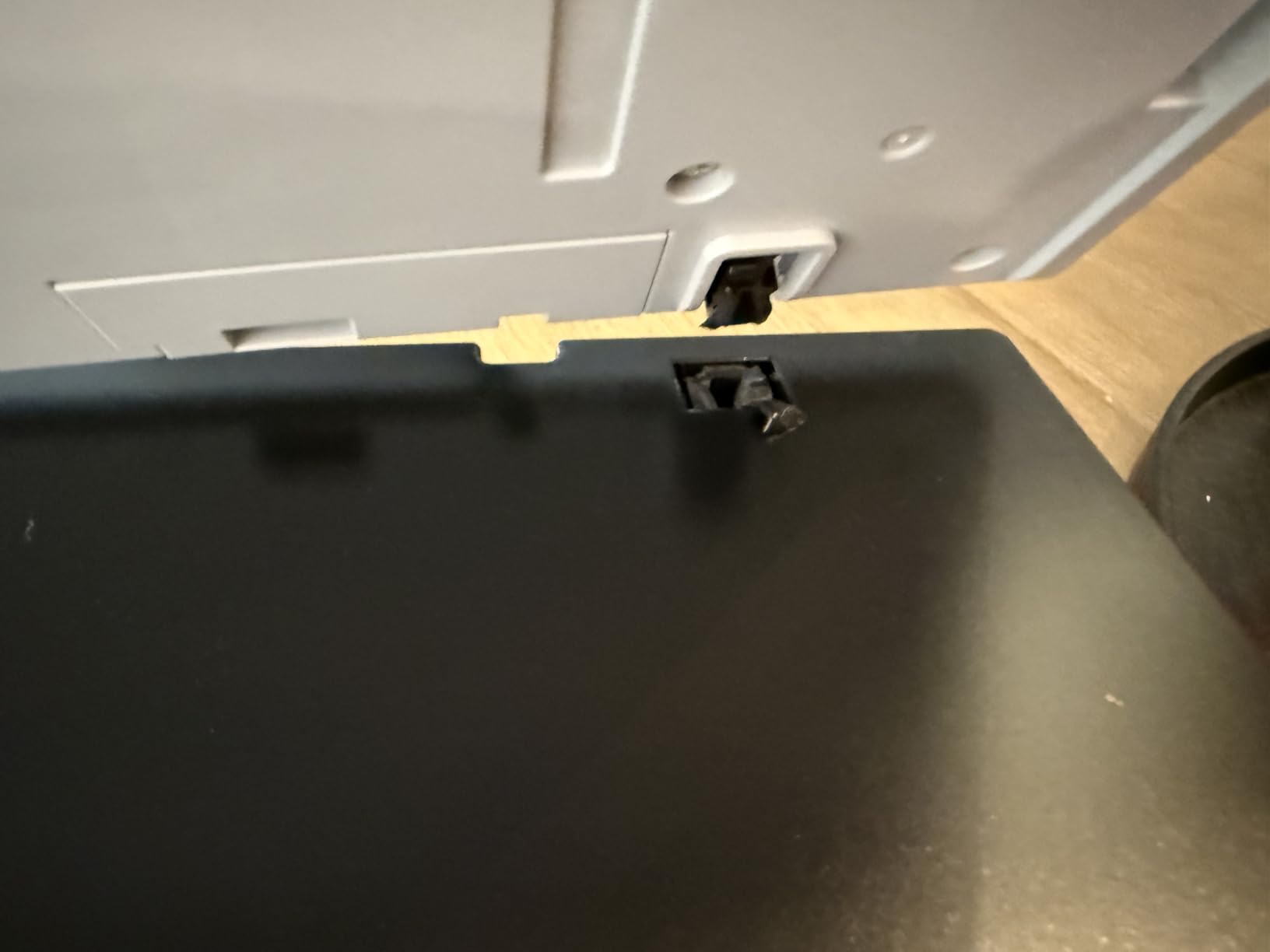
Now the warnings. Epson discontinued this model, so remaining stock sells through third parties, sometimes old inventory with expired warranties. Scans with ICE enabled at high resolution run slow, around ten to thirteen minutes for four slides in my sessions. Windows users report the software crashing unless run as administrator, and a known bug closes the app after each scan in certain modes.
If you find one at fair pricing from a reputable seller, it remains a capable all-rounder. Just verify the warranty situation before ordering.
For whom it is good: mixed-media households with slides, negatives, prints, and the occasional medium-format frame. For whom it is bad: buyers who need current-stock support and fast turnaround.
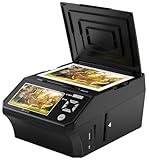
9. DigitPro Film Digitizer – Multi-Function Unit for Slides, Prints, and Cards
Photo Scanner and Film Digitizer with 5” Large Screen, Convert 35mm/110 Negatives, Slides & Physical Photos to 22MP Digital Image, Includes 8GB SD Card, No Computer Required
22MP image conversion
Scans prints and business cards
8GB SD card included
Pros
- One device handles film
- prints
- and cards
- Live negative-to-positive inversion preview
- Full accessory kit with power adapter
- Backed by a three-year warranty
Cons
- Small review base with polarized results
- Some users report soft slide scans
- Instructions draw frequent criticism
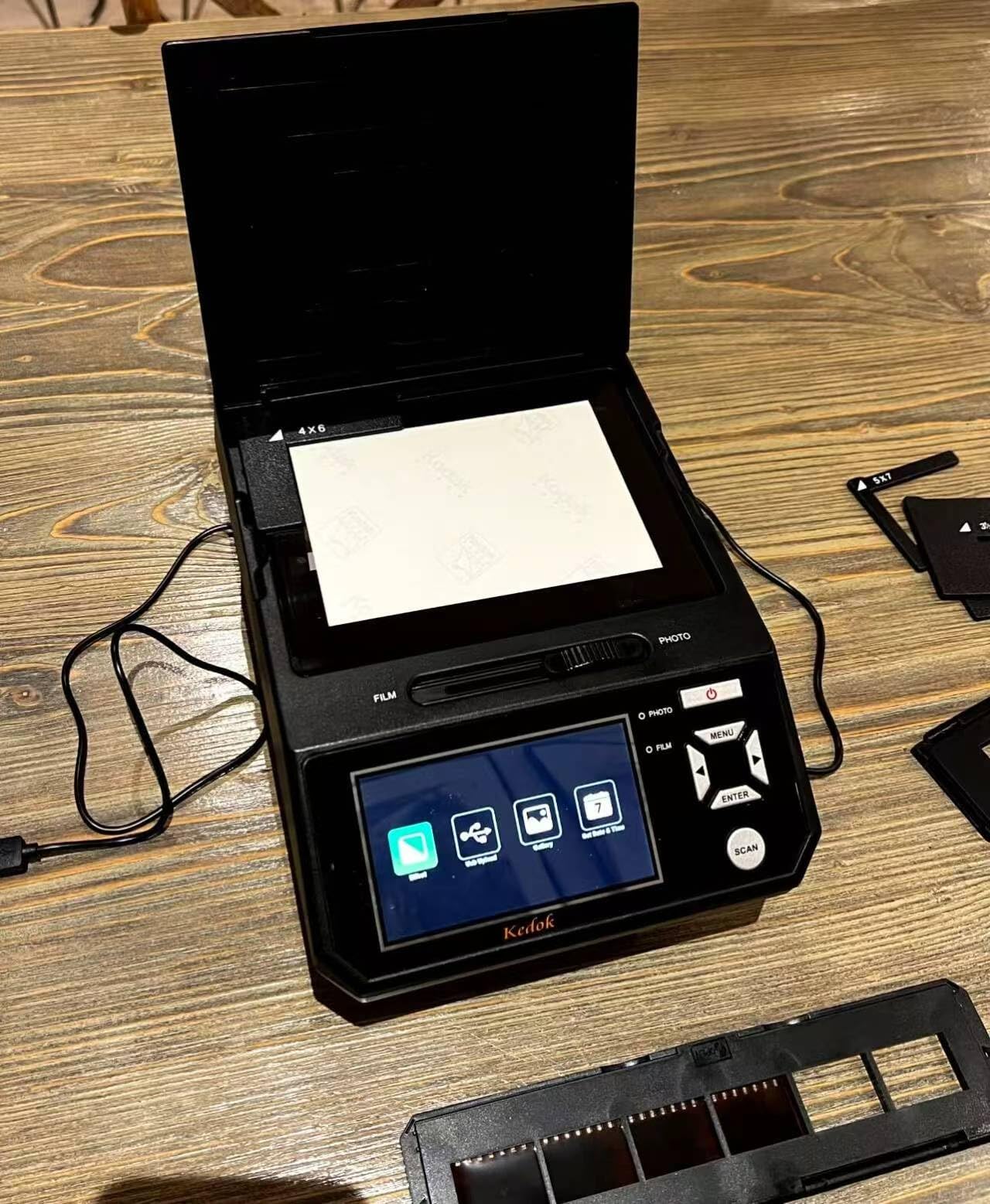
This DigitPro unit earns its place on range rather than reputation. Beyond 35mm slides and 135 and 110 negatives, it digitizes printed photos in 3R, 4R, and 5R sizes plus business cards, all shown live on a five-inch screen as the negative inversion happens.
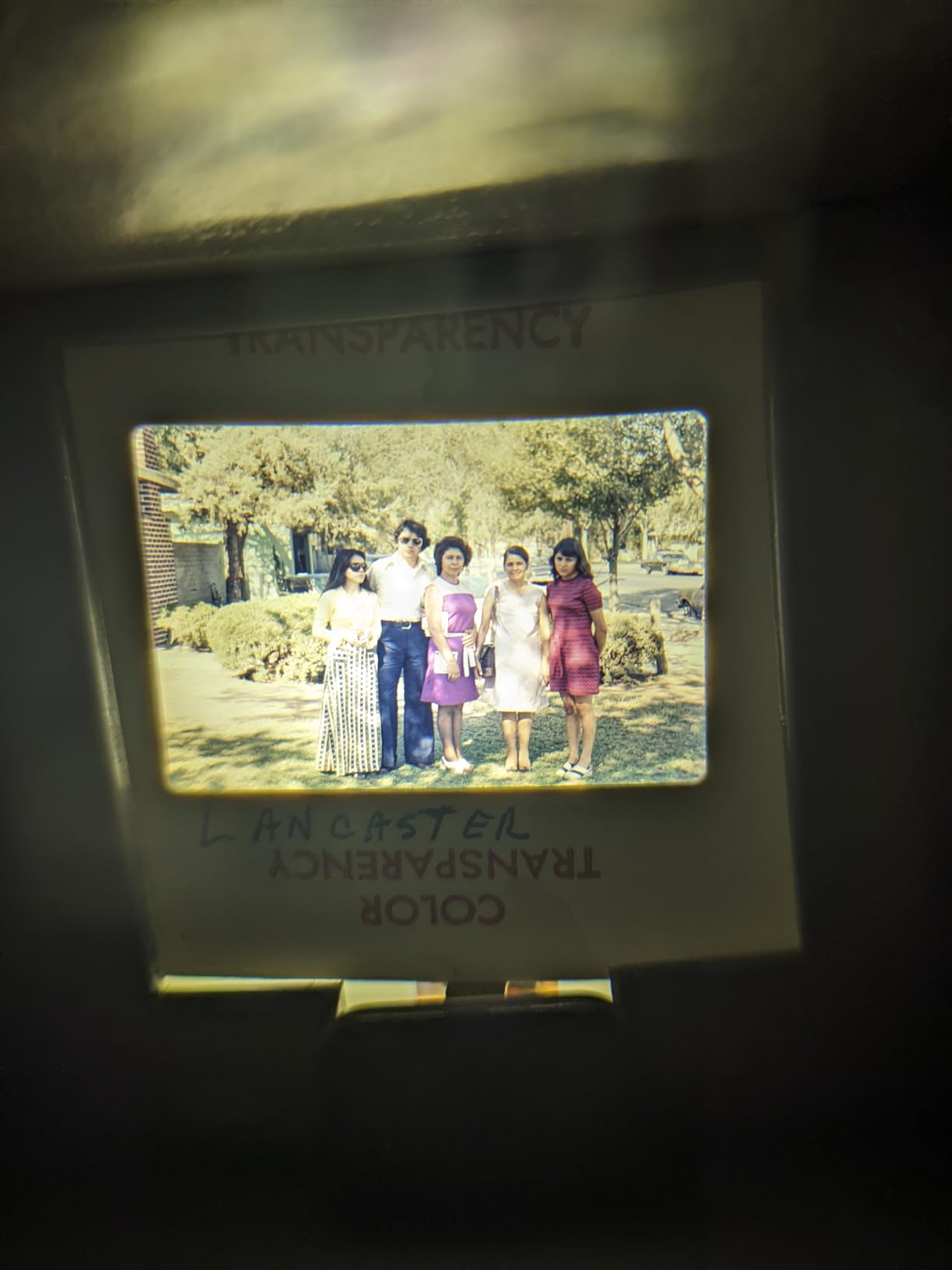
I want to be straight with you about the evidence base. With only 23 ratings, this is the least-proven product in the roundup, and the split includes a notable minority reporting blurry slide scans and ill-fitting holders.
Where It Shines in Testing
The print-scanning function worked well for me, and one verified buyer cleared 1,800 photos in roughly four hours. Everything arrives in the box: film holders, photo trays, cleaning tools, power adapter, USB cable, and an 8GB card, so it is genuinely turnkey.
The three-year warranty stands out in a category where one year is standard, and reported customer service interactions were responsive.
Risk Assessment Before You Buy
Slide quality is the gamble. My mounted-slide scans landed acceptably but below the KODAK units, and complaints about protective film arriving wrinkled on the display suggest inconsistent quality control. Instructions read like a rough translation, so expect some trial and error on first setup.
For whom it is good: households whose archive is mostly prints with some slides mixed in. For whom it is bad: anyone whose priority is maximum slide fidelity on a proven platform.
10. Epson Perfection V39 II – Photo Flatbed Companion You Should Not Buy for Slides
Epson Perfection V39 II Flatbed Photo Scanner 4800 dpi Optical Resolution
4800 dpi photo flatbed
USB powered portable design
Scan to cloud workflow
Pros
- Excellent value for printed photos
- Fast multi-photo passes with auto-crop
- Runs off USB power alone
- Supports lossless TIFF output
Cons
- No transparency unit so slides cannot scan
- Software reliability complaints on Mac
- Micro-USB port with a short fixed cable
I am including the V39 II deliberately, as a public service announcement rather than a slide recommendation. It is a fine budget flatbed for printed photographs, and it appears constantly in generic photo-scanner searches, but it has no transparency unit. Mounted slides and negatives simply cannot be scanned on it.
If your project is the family print album from the same era as the slides, this is a competent, featherweight choice that powers off a single USB connection with no wall adapter.
What It Does Well
For prints, it moves fast: multiple photos per pass with automatic cropping and straightening, letter-size documents in about ten seconds, and lossless TIFF capture for archival masters. The removable high-rise lid accommodates thick books, and Easy Photo Fix restores faded print colors in one click.
At its price point, the print workflow punches above its weight, and Epson ScanSmart adds stitching and scan-to-cloud conveniences.
Why It Fails the Slide Test
Without a backlight and film holders there is no path to transparencies, full stop. Owners also flag recurring software instability on macOS and after idle periods on Windows 11, plus a dated micro-USB port with a short cable that is awkward to replace. The lid hinge feels flimsy and will not stay partially open.
Buy it for the shoebox of prints. Pair it with any pick above for the actual slides.
For whom it is good: print-album digitizers and students needing a portable document scanner. For whom it is bad: literally anyone whose primary goal is slides, which is why it ranks last here.
How to Choose the Best Slide Scanner in 2026
Choosing wrong costs you either months of frustration or a drawer full of scans you cannot print. These are the decisions that actually matter, drawn from what our team learned scanning real collections and from the recurring complaints in thousands of owner reviews.
Mounted Slides vs Negative Strips vs Cartridge Film
Identify what is actually in your boxes before buying anything. Mounted 2×2 slides need a holder that grips thick cardboard without slipping, and bent or swollen mounts jam cheap feed trays. Negative strips invert on scan, so software quality matters as much as hardware.
If you find 126 or 110 Instamatic cartridges from the 1960s and 70s, confirm support explicitly: the KODAK units and the DigitPro handle them, while the Plusteks are strictly 35mm. Glass-mounted or square-format slides fit almost nothing, including the V850 Pro trays.
How Much Resolution Do You Really Need?
Here is the myth-buster most competitors skip: 3200 dpi captures essentially all the detail 35mm film itself holds. Higher numbers like 7200 dpi enlarge the grain structure and give cropping headroom, which is why the Plustek files survive aggressive edits better.
For sharing online, making 8×10 prints, and viewing on TVs, a 22MP standalone digitizer is genuinely sufficient. Reserve the premium optical resolutions for archival masters and large enlargements. Do not pay for interpolated megapixels; the SCANZA’s 22MP mode is a stretched 14MP capture with no added detail.
Flatbed vs Dedicated vs Standalone Digitizer
Flatbeds like the Epsons scan slides, prints, documents, and medium format on one platter, trading speed and a bit of 35mm sharpness for range. Dedicated scanners like the Plusteks resolve more true detail from 35mm than comparably priced flatbeds, which matches the r/AnalogCommunity consensus that Plustek is the go-to because it is much faster than flatbeds at equivalent quality.
Standalone digitizers photograph the whole frame at once with a camera-style sensor. They win on simplicity and pace, roughly two to five seconds per slide with no computer, and lose on dynamic range and enlargement potential. Match the category to how much you care about the destination file.
Computer-Free Scanning and Storage
Every standalone pick here saves directly to SD media, and most add HDMI for instant big-screen viewing. Two storage quirks cause the most returns: the KODAK units cap card capacity at 32GB despite the market moving on, and the FS71’s internal memory holds barely fifteen images. Buy a compatible card with the scanner.
Date stamping is another quiet frustration. The FS71 offers none, and the Slide N Scan Max refuses dates before 1980, which matters if you are organizing a chronological archive.
The Real Cost of Ownership Beyond the Box
Budget the ecosystem, not just the device. The Plusteks bundle capable software, but many owners eventually buy VueScan or upgrade SilverFast tiers, and spare film carriers are wise since they wear and skew frames. Flatbed buyers face fewer add-ons but slower sessions, which is its own cost in weekends.
Standalone units hide their cost in consumables and limits: mandatory SD cards, no RAW capture, compressed JPEGs. None of these are dealbreakers, but knowing them beforehand prevents the disappointment threads fill with on r/AnalogCommunity.
When a Professional Lab Beats Any Home Scanner
Honest answer from someone who owns all of these: if your collection exceeds a few thousand slides and you want museum-grade results without the labor, a lab charging per-frame may cost less than your time is worth. Labs run Noritsu and Fuji Frontier-class hardware with trained operators.
Keep the home scanner for the irreplaceable frames you want personal control over, fragile mounts a lab feeder might chew, and ongoing shooting if you develop your own film. For everything routine and voluminous, outsourcing is a legitimate strategy, not a defeat.
Frequently Asked Questions
What is the best way to scan old slides?
The best way to scan old slides is with a dedicated 35mm film scanner like the Plustek OpticFilm 8200i SE, which combines 7200 dpi optics with infrared dust removal. For fast, computer-free results on large family collections, a standalone digitizer like the KODAK Slide N Scan or Magnasonic FS71 converts each slide in seconds.
What is the best way to digitize old photos and slides?
Match the tool to the media: use a flatbed scanner such as the Epson Perfection V600 or V850 Pro for printed photos and slides together, or pair a budget photo flatbed for prints with a dedicated film scanner for transparencies. Scan at 3200 dpi or higher, save TIFF masters, and restore faded colors with the bundled software before sharing.
Do photo scanners work for slides and negatives?
Only photo scanners with a built-in transparency unit and backlight can scan slides and negatives. Models like the Epson Perfection V600 and V850 Pro include film holders for this purpose, while basic photo flatbeds such as the Epson V39 II lack the backlight and cannot capture transparencies at all.
Which slide scanner is the best value in 2026?
The Magnasonic FS71 delivers the best value for most people in 2026: it needs no computer, scans in under five seconds per slide, outputs sharp 24MP files, and connects to a TV over HDMI. Enthusiasts seeking maximum quality per dollar should instead consider the Plustek OpticFilm 8200i SE for its superior optics.
Final Verdict: Which Slide Scanner Should You Buy?
If you prioritize maximum quality from irreplaceable 35mm slides, buy the Plustek OpticFilm 8200i SE and invest the saved patience into learning SilverFast. If you shoot medium format or want the finest files money commonly buys, the Epson Perfection V850 Pro is the ceiling of consumer scanning.
If you need speed and simplicity for a family archive, choose the KODAK Slide N Scan for popularity and ease or the Magnasonic FS71 for the sharpest budget value. Households hiding Super 8 reels among the slides should grab the KODAK SCANZA, while volume-driven enthusiasts will thank themselves for stepping up to the faster Plustek 8300i Ai.
Whichever you pick, start this month. Every year those carousels wait in the attic, the colors fade a little further beyond what even the best film scanner for slides can recover. Grab your pick, load the first tray, and bring those memories back to light in 2026.