
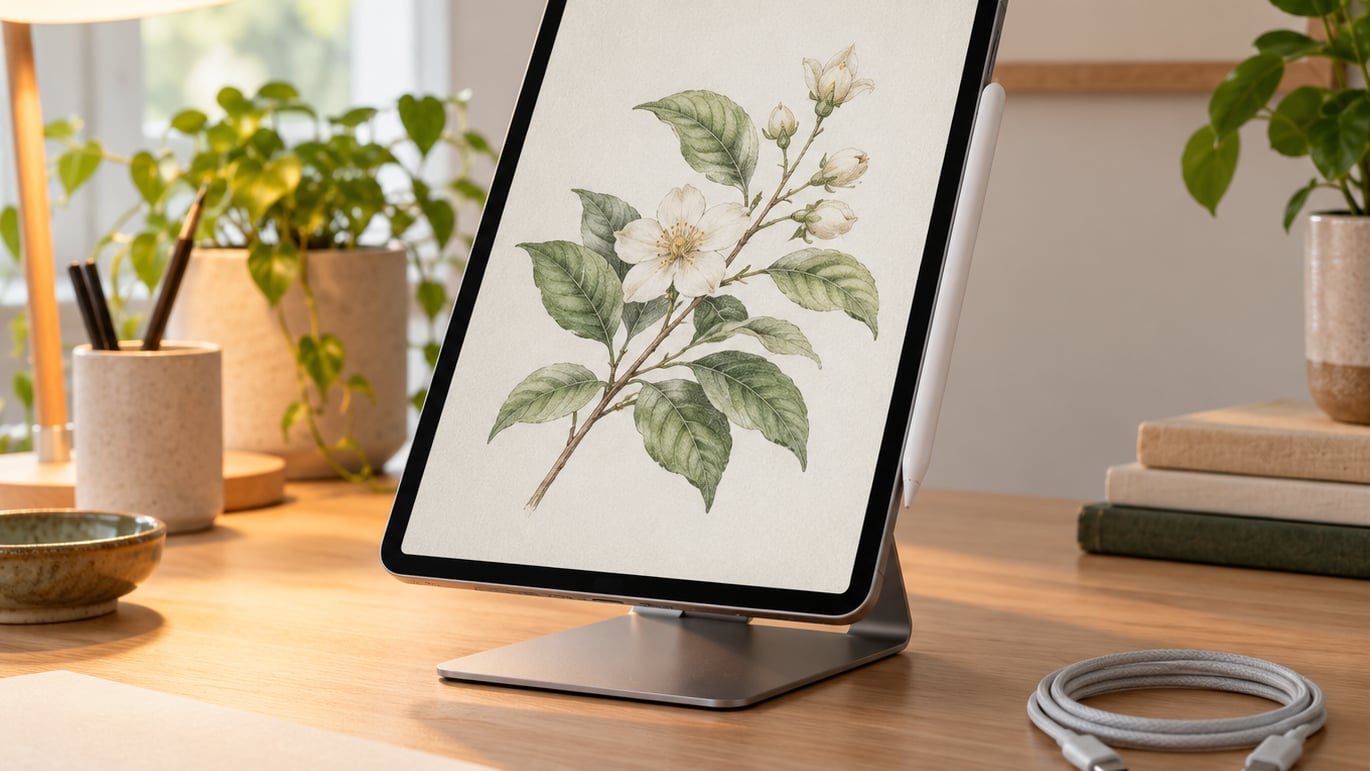
Apple Pencil Pro leads this list of the Apple Pencil deals worth watching during Amazon’s Prime Big Deal Days sale, and for good reason: it is the only Pencil in the lineup with squeeze, barrel roll, haptic feedback, and Find My, which is why creators tend to reach for it the most. The Apple Pencil 2nd Gen is the right call for anyone with an older magnetic iPad who wants the same low-latency feel at a friendlier price, while the Apple Pencil USB-C is the pick for students and note-takers who can live without pressure sensitivity. Amazon’s Prime Big Deal Days runs October 6-7, 2026, and these are the six Apple picks our team flagged before the sale.
Our Top 3 Picks for Apple Pencil Deals: Prime Big Deal Days

Apple Pencil Pro
- Squeeze and barrel roll
- Haptic feedback
- Find My support
- Magnetic charging

Apple Pencil 2nd Gen
- Pressure and tilt sensitivity
- Magnetic charging
- Flat-edge double tap
- Imperceptible lag

Apple Pencil USB-C
- USB-C charging
- Magnetic storage
- Tilt sensitivity
- Affordable everyday pick
Apple Pencil Deals: Prime Big Deal Days Compared (2026)
| Product | Specs | Action |
|---|---|---|
| Apple Pencil Pro |
|
Check Deal Price |
| Apple Pencil 2nd Gen |
|
Check Deal Price |
| Apple Pencil USB-C |
|
Check Deal Price |
 Apple Pencil 1st Gen Apple Pencil 1st Gen |
|
Check Deal Price |
 Apple Pencil 1st Gen Renewed Apple Pencil 1st Gen Renewed |
|
Check Deal Price |
 Apple Pencil 2nd Gen Renewed Apple Pencil 2nd Gen Renewed |
|
Check Deal Price |
How We Chose
Our team compared each Pencil on the specs that matter most for a stylus on iPad: pressure and tilt sensitivity, charging method, hover support, weight, owner ratings, and review count on Amazon. We also cross-checked iPad compatibility ranges from Apple’s published documentation, since a deal on the wrong Pencil is no deal at all. The data was checked in October 2026, and the picks below are the six models most worth watching during Prime Big Deal Days.
1. Apple Pencil Pro: Best for Pros and Creatives
Apple Pencil Pro: Latest Model – Device Compatibility Check Required
Weight: 0.68 oz
Tip: replaceable
Charging: magnetic
Compatibility: M-series iPad
Pros
- Pixel-perfect precision with tilt and pressure sensitivity
- Squeeze and barrel roll for tool switching
- Haptic feedback confirms actions
- Find My helps locate a misplaced Pencil
- Magnetic attachment for wireless charging
Cons
- Only works with M-series iPad Pro and Air and A17 Pro mini
- Costs more than every other Pencil here
The Pencil Pro is the one most owners in creative apps keep reaching for, and it is the one worth watching first when Prime Big Deal Days goes live. It is the only Pencil in Apple’s current lineup with squeeze, barrel roll, haptics, and Find My, which together change how a Procreate or Affinity session actually feels. Apple Pencil hover on the M4 and M5 iPad Pro and the M2 and M3 iPad Air lets you preview a mark before the tip touches the glass, and that single feature is what pushes some illustrators off the 2nd Gen for good.
For most owners, the honest trade-off is compatibility. This Pencil only pairs with iPad Pro M4 and M5 (11-inch and 13-inch), iPad Air M2, M3, and M4 (11-inch and 13-inch), and iPad mini A17 Pro. Anyone on an older iPad should look at the Apple Pencil 2nd Gen instead, because the Pencil Pro simply will not pair. Owners who have switched from the 2nd Gen to the Pro consistently call out the squeeze gesture as the upgrade they did not know they wanted, since it keeps the screen free of UI button mashing mid-stroke.
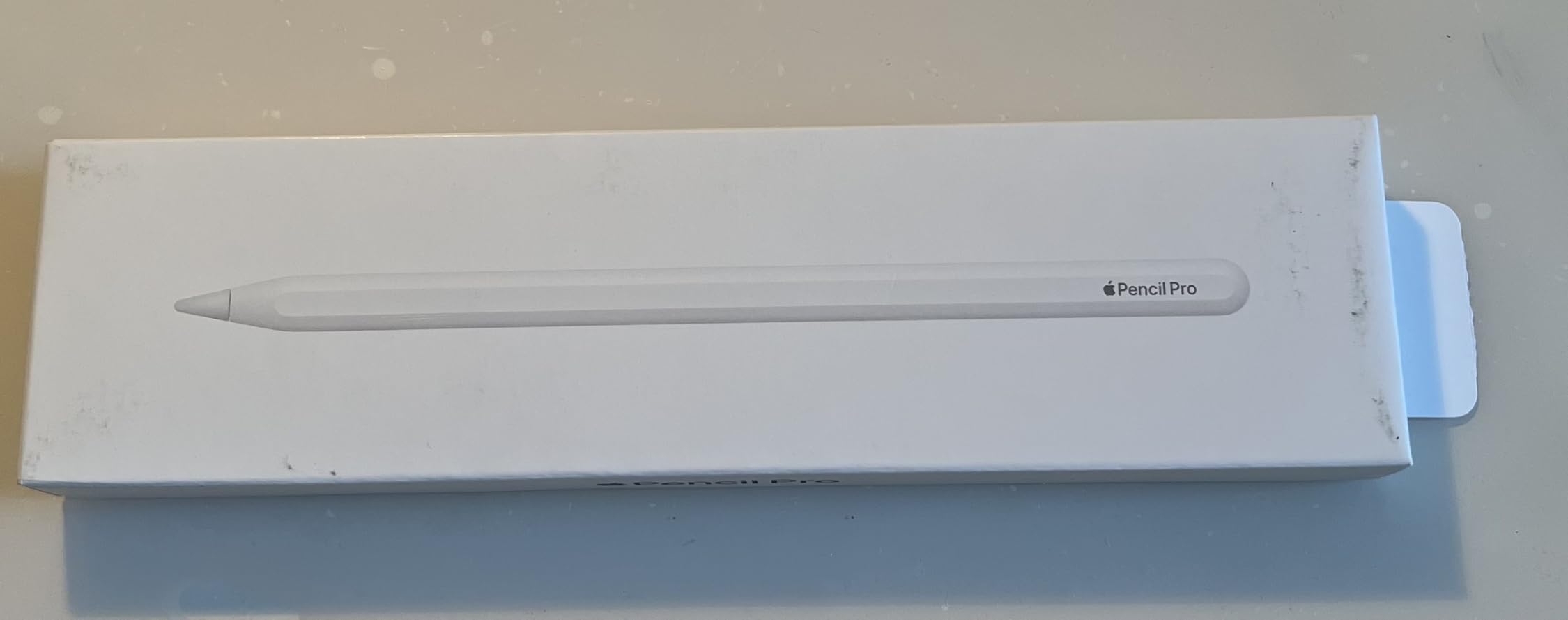
What sets the Pro apart from the rest of this list is the gesture and feedback layer. Squeeze switches tools without a UI button mash, barrel roll spins the brush shape with a twist of the wrist, and haptics confirm actions so a finger does not have to leave the screen. Add Apple Pencil hover on M-series iPads, and the tip knows where it is going before it lands.
The trade-off is the iPad itself. The Pro only pairs with iPad Pro M4 and M5 (11-inch and 13-inch), iPad Air M2, M3, and M4 (11-inch and 13-inch), and iPad mini A17 Pro. Anyone on an older iPad should look at the Apple Pencil 2nd Gen instead, because the Pencil Pro simply will not pair. Pencil Pro tips are replaceable, and owners report a full charge in roughly 30 minutes when attached magnetically, with a quick top-up while sketching enough to finish a session.
2. Apple Pencil 2nd Gen: Best for Older Magnetic iPads
Apple Pencil (2ND Generation) (MU8F2AM/A)
Weight: 0.73 oz
Tip: replaceable
Charging: magnetic
Compatibility: 3rd-6th gen iPad Pro
Pros
- Pixel-perfect precision with pressure and tilt sensitivity
- Imperceptible lag for natural writing
- Easy magnetic charging and pairing
- Flat edge enables quick tool switching
- Massive review base gives real-world confidence
Cons
- Limited to iPad Pro 3rd-6th gen and iPad Air 4th and 5th gen and iPad mini 6th gen
- No hover support
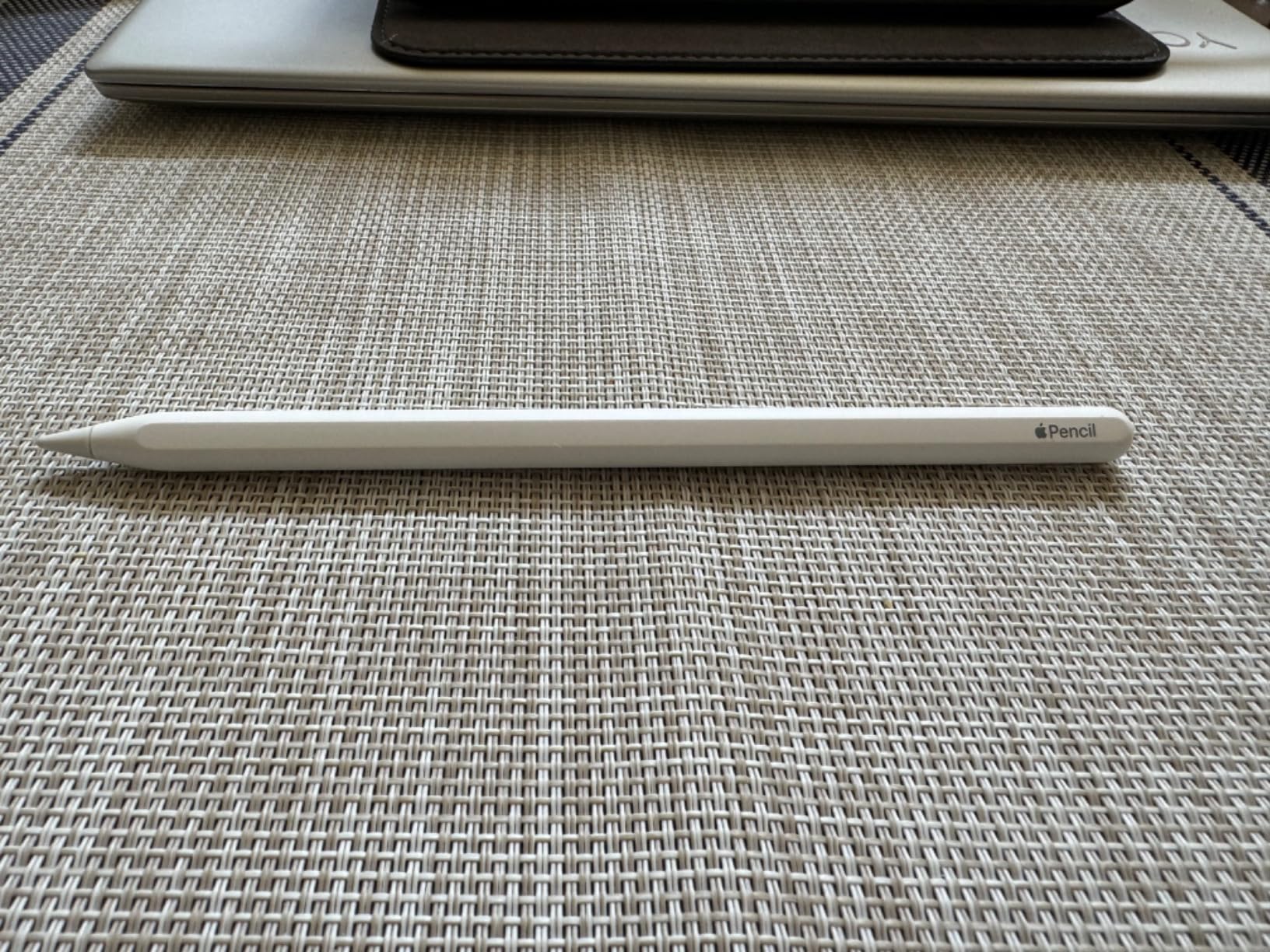
The 2nd Gen has been the most-loved Pencil for years for a reason, and the weight of its 100k-plus reviews shows it. It snaps magnetically to the side of compatible iPads, charges that way, and the flat edge pulls double duty as a capacitive double-tap surface for switching tools. For most older magnetic iPads, this is still the Pencil to beat, and it is the most likely to land at a meaningful cut during Prime Big Deal Days.
What owners praise most is the natural feel. Pressure and tilt sensitivity give variable line weight for shading and brush dynamics, and the lag is genuinely low enough that sketching and handwritten notes feel close to pen on paper. The trade-off against the Pencil Pro is the missing hover, haptics, Find My, and squeeze, but the core drawing and writing experience is the same Apple lineage.
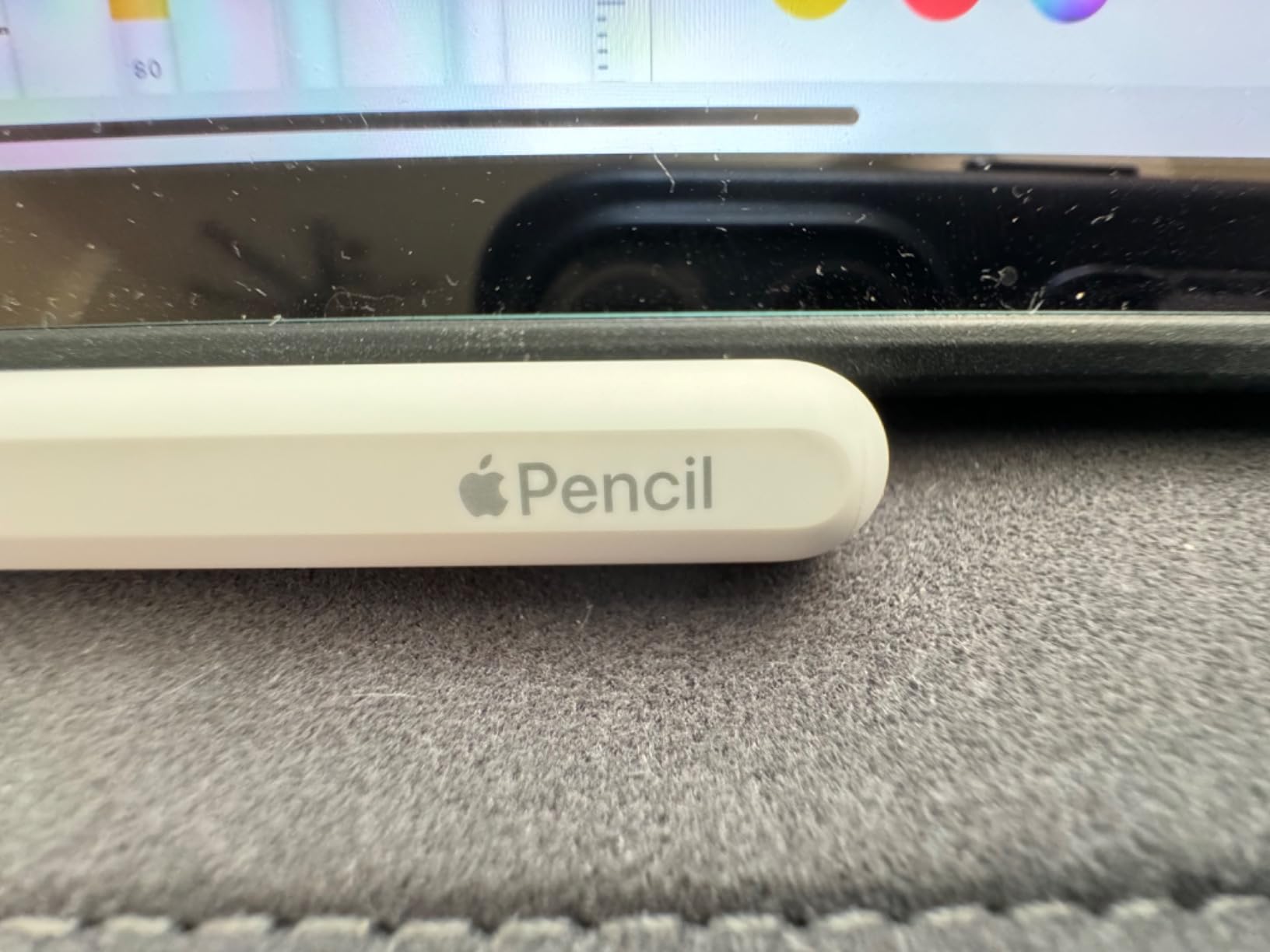
Pressure and tilt sensitivity give variable line weight for shading and brush dynamics, and the lag is genuinely low enough that sketching and handwritten notes feel close to pen on paper. The flat edge pulls double duty as a capacitive double-tap surface for switching tools, and the magnetic attachment means it is always charging when not in use.
The 2nd Gen has no hover, haptics, Find My, or squeeze, so it sits one step below the Pro for creative work. Against the USB-C model, it adds pressure and magnetic charging, which is the difference between a stylus and a real drawing tool. The 2nd Gen does not ship with a charger in the box, but magnetic charging pulls power from the iPad itself, and replacement tips come in four-packs that most heavy users swap once or twice a year.
3. Apple Pencil USB-C: Best for Students and Note-Takers
Apple Pencil (USB-C): Device Compatibility Check Required
Weight: 0.88 oz
Tip: replaceable
Charging: USB-C cable
Compatibility: wide iPad range
Pros
- Lowest Pencil price in the lineup
- Tilt sensitivity for shading
- USB-C cable charges from any C port
- Magnetic attachment for storage
- Pairs with a very wide iPad range
Cons
- No pressure sensitivity unlike 2nd Gen and Pro
- No wireless charging must use the USB-C cable
- No double-tap tool switching
The USB-C Apple Pencil is the workhorse pick for anyone who takes notes, marks up PDFs, or sketches occasionally. It is the least expensive Pencil Apple currently sells, and it pairs with a longer compatibility list than any other Pencil here, including older iPad Pro, iPad Air, iPad mini 6th gen, iPad 10th gen, and the newer M-series models. For a student heading into a new school year, this is the one to watch during Prime Big Deal Days.
What reviewers flag most is what is missing. There is no pressure sensitivity, so variable line weight relies on tilt alone, and brush dynamics in apps like Procreate will feel flatter than on the 2nd Gen or Pro. Charging is also a step back: there is no magnetic charging, so the Pencil pairs via a sliding USB-C connector under a cap at the end. In exchange, the USB-C cable charges from the same brick that powers the iPad itself, which is one fewer cable on a desk.
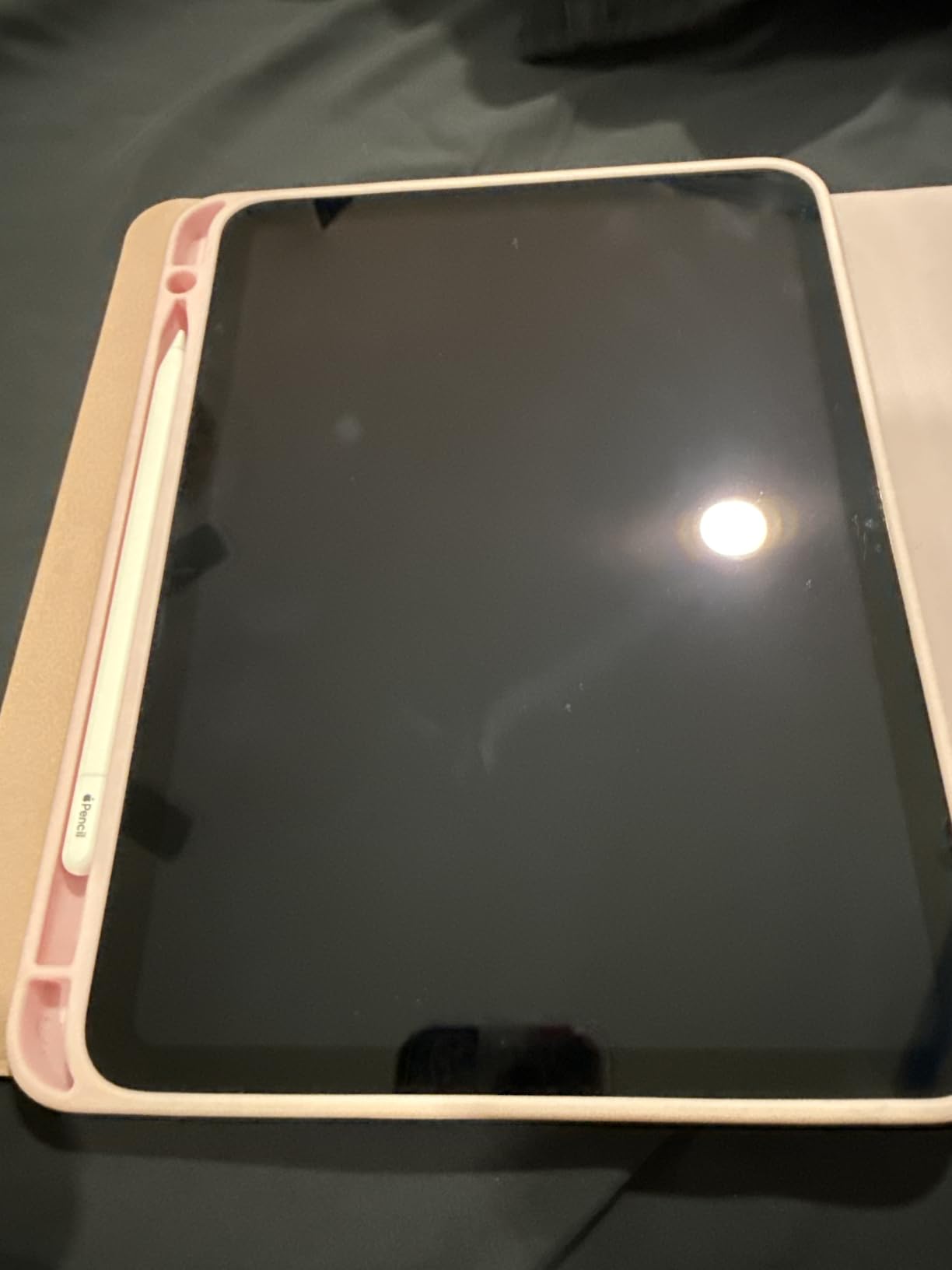
What reviewers flag most is what is missing. There is no pressure sensitivity, so variable line weight relies on tilt alone, and brush dynamics in apps will feel flatter than on the 2nd Gen or Pro. Charging is also a step back: there is no magnetic charging, so the Pencil pairs via a sliding USB-C connector under a cap at the end. In exchange, the USB-C cable charges from the same brick that powers the iPad itself, which is one fewer cable on a desk.
The flat edge still works for resting, just not for double-tap tool switching. The USB-C model can magnetically attach to the side of compatible iPads for storage, but it does not charge there, and replacement tips are the same four-pack accessory as the other Pencils. For a digital artist who needs pressure, the 2nd Gen is the step up, and the Pro is the top pick for M-series iPad owners.
4. Apple Pencil 1st Gen: Best for Legacy iPads
Apple Pencil (1st Generation)
Weight: 0.73 oz
Tip: replaceable
Charging: Lightning plug
Compatibility: legacy iPad
Pros
- Pressure and tilt sensitivity for natural feel
- Massive review base of nearly 120k reviews
- Works with iPad 6th through 9th gen and older Air and Pro
- Simple Bluetooth pairing
Cons
- Lightning connector not USB-C
- Limited to older iPad models
- No magnetic attachment
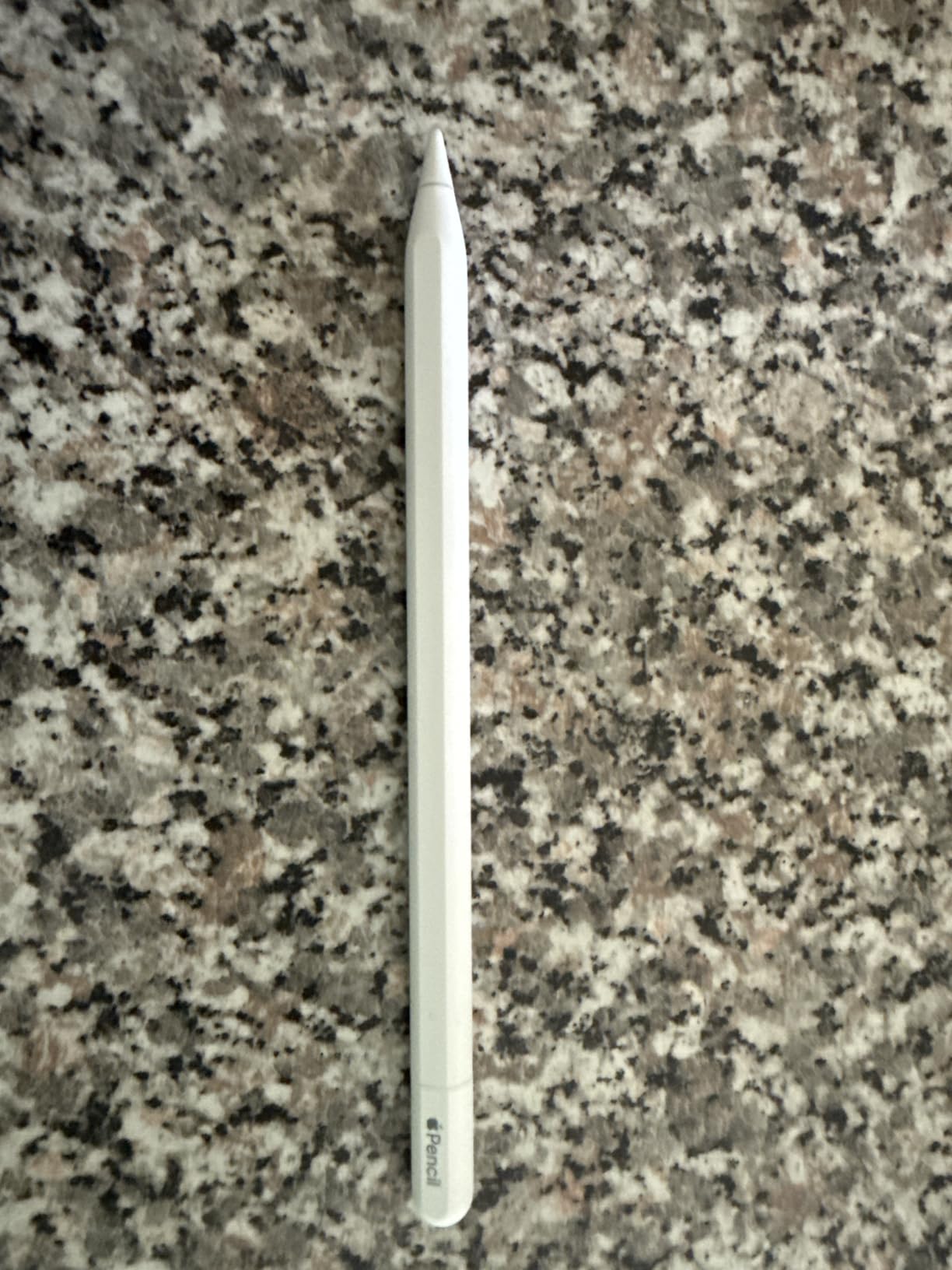
The 1st Gen Pencil is the right pick for a specific reader: anyone with a Lightning iPad who needs pressure sensitivity. Its 4.7 rating across close to 120k reviews is one of the strongest in the category, and most owners describe the writing feel as close to pen on paper. During Prime Big Deal Days, this is also the Pencil where third-party sellers sometimes move older inventory, so it is worth watching the listing even if the price is not headline-grabbing.
The catch is the connector. The 1st Gen charges via a Lightning plug hidden under a magnetic cap, which is the opposite of the cable-free experience on the newer Pencils. It also does not magnetically attach to any iPad, so it lives loose in a bag. For owners of iPad 10th gen and the iPad A16, the Lightning plug will not fit the USB-C port, and a separate USB-C to Apple Pencil adapter is required, which Apple and authorized resellers sell.
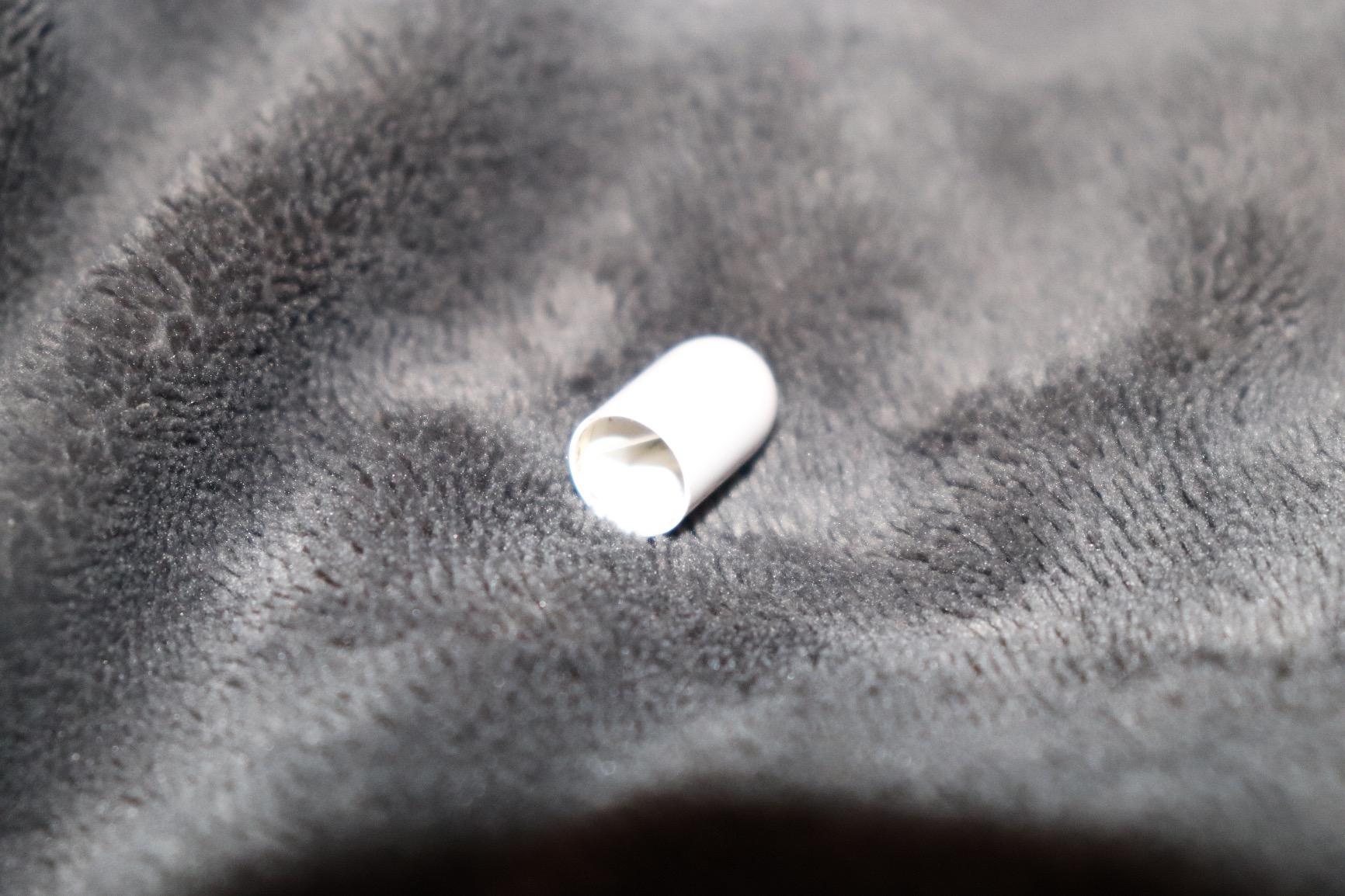
Its 4.7 rating across close to 120k reviews is one of the strongest in the category, and most owners describe the writing feel as close to pen on paper. During Prime Big Deal Days, this is also the Pencil where third-party sellers sometimes move older inventory, so it is worth watching the listing even if the price is not headline-grabbing.
The catch is the connector. The 1st Gen charges via a Lightning plug hidden under a magnetic cap, which is the opposite of the cable-free experience on the newer Pencils, and it does not magnetically attach to any iPad. For owners of iPad 10th gen and the iPad A16, the Lightning plug will not fit the USB-C port, and a separate USB-C to Apple Pencil adapter is required. Replacement tips are interchangeable with newer Pencils, so the same four-pack works across the family.
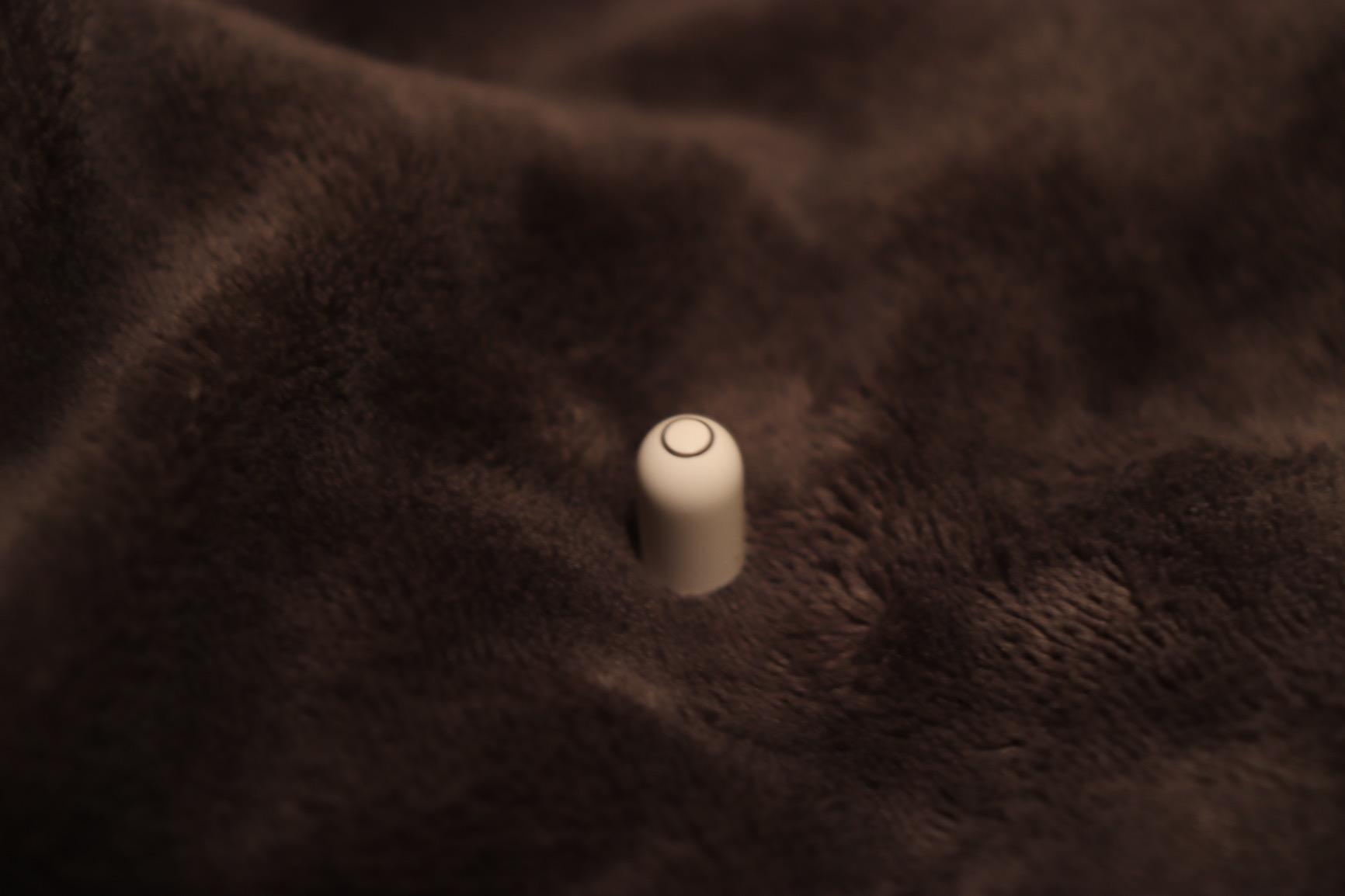
5. Apple Pencil 1st Gen Renewed: Best Renewed First Gen
Apple Pencil for iPad (1st Generation) Bluetooth and Lightning connector -White (Renewed)
Weight: 0.73 oz
Tip: replaceable
Charging: Lightning plus USB-C adapter
Compatibility: legacy iPad
Pros
- Lower price than the new 1st Gen
- Includes USB-C to Apple Pencil adapter for iPad 10th gen
- Pressure and tilt sensitivity preserved
- Renewed units inspected and tested
Cons
- 90-day limited warranty only
- Some owners report battery life variance
- Renewed stock can be inconsistent
The renewed 1st Gen Pencil is the budget entry into the Apple Pencil family, and it is a smart pick for anyone with a Lightning iPad who wants pressure sensitivity without the new-unit price. The Amazon Renewed listing specifically includes a USB-C to Apple Pencil adapter, which means it can pair with iPad 10th gen and the A16 iPad without buying the adapter separately. For a buyer who is stretching a budget, this Pencil during Prime Big Deal Days is the kind of deal worth screenshotting.
The trade-off is the warranty and the quality-control variance that comes with any renewed category. Renewed stock is rated at 4.0 across 365 reviews, with most owners saying it works as expected and a smaller group flagging battery life or pressure sensitivity quirks. The 90-day limited warranty is the floor of the Pencil warranty landscape, so anyone who relies on the Pencil every day should weigh that against the savings.
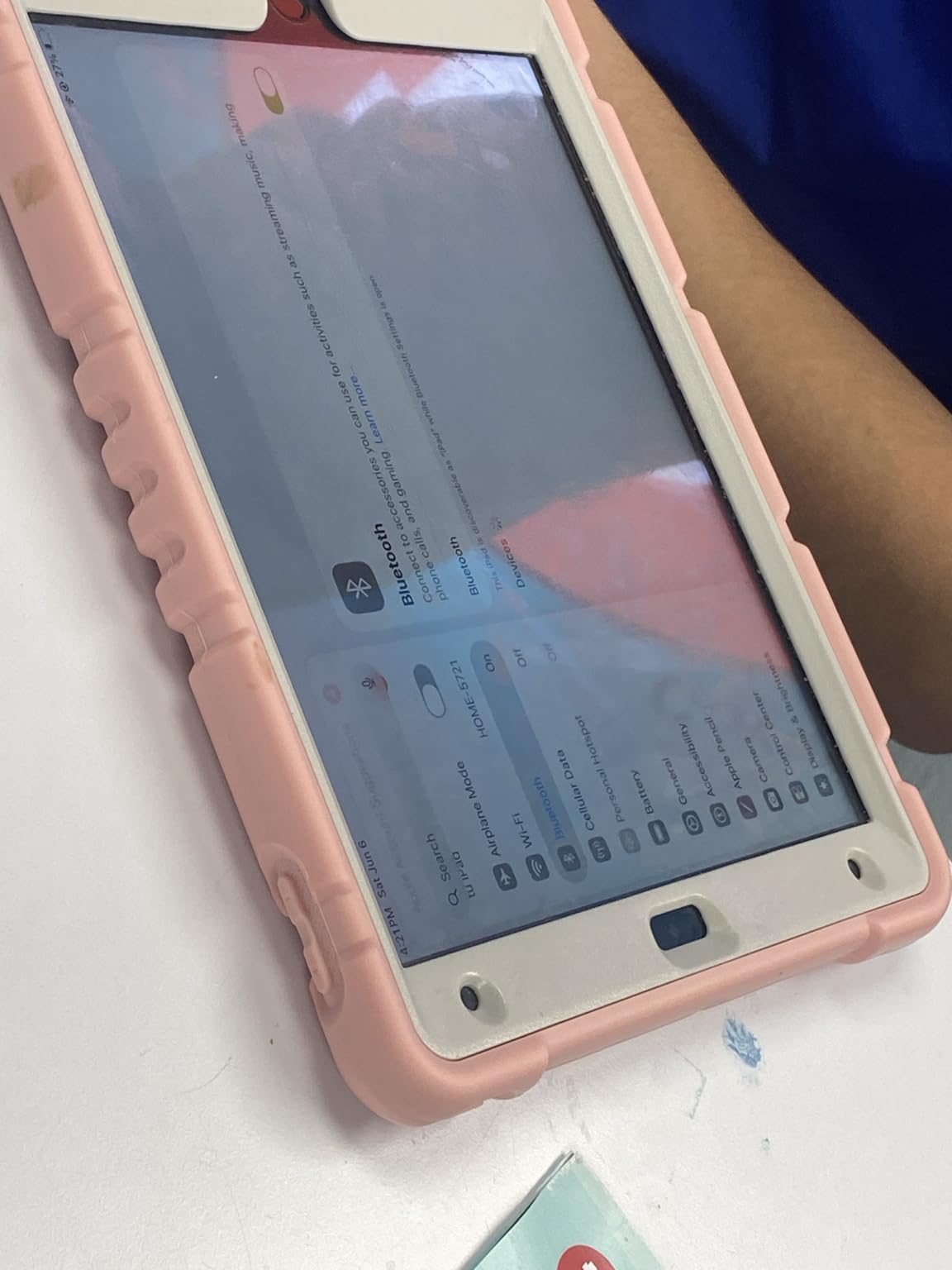
The Amazon Renewed listing specifically includes a USB-C to Apple Pencil adapter, which means it can pair with iPad 10th gen and the A16 iPad without buying the adapter separately. For a buyer who is stretching a budget, this Pencil during Prime Big Deal Days is the kind of deal worth screenshotting.
The trade-off is the warranty and the quality-control variance that comes with any renewed category. Renewed stock is rated at 4.0 across 365 reviews, with most owners saying it works as expected and a smaller group flagging battery life or pressure sensitivity quirks. The 90-day limited warranty is the floor of the Pencil warranty landscape. Renewed units typically ship in non-original packaging, and Amazon Renewed has its own return window that is independent of the 90-day warranty.
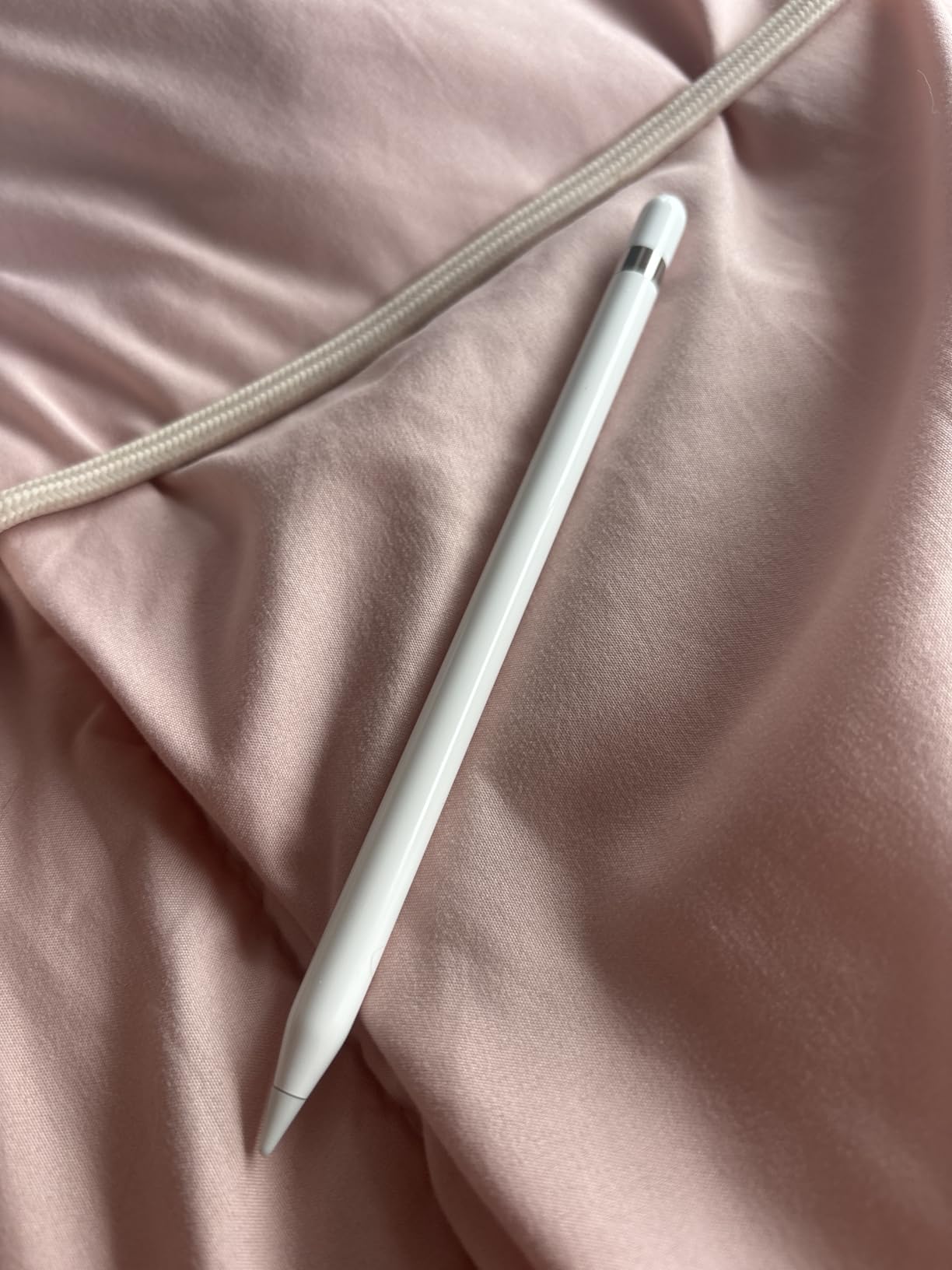
6. Apple Pencil 2nd Gen Renewed: Best Renewed Magnetic Pick
Apple Pencil for iPad (2nd generation) Bluetooth -White (Renewed)
Weight: 0.73 oz
Tip: replaceable
Charging: magnetic
Compatibility: magnetic iPad Pro and Air
Pros
- Same magnetic charging and pairing as the new 2nd Gen
- Pressure and tilt sensitivity for natural feel
- Lower price than buying new
- Compatible with 3rd-6th gen iPad Pro 12.9 and 4th gen iPad Pro 11
Cons
- 90-day limited warranty only
- Some owners report pressure sensitivity quirks
- Renewed availability can be patchy
The renewed 2nd Gen is the most affordable way to get the magnetic charging and pressure sensitivity of the original 2nd Gen without paying the new-unit price. It pairs and charges the same way, snaps to the side of compatible iPads, and behaves like the new model for almost every owner. For anyone with an iPad Pro 3rd-6th gen or a 4th-gen iPad Pro 11 who wants the magnetic experience at a lower cost, this is the one to watch during Prime Big Deal Days.
The same renewed caveats apply here. The 4.0 rating across 862 reviews is lower than the new 2nd Gen, with most of the variance coming from a smaller group of owners who saw pressure sensitivity quirks or Bluetooth pairing issues. The 90-day warranty is shorter than the new-unit coverage, and renewed stock can come and go without warning.
It pairs and charges the same way, snaps to the side of compatible iPads, and behaves like the new model for almost every owner. Against the new Apple Pencil 2nd Gen, the renewed version saves money but trades the full Apple warranty for 90 days. Against the Apple Pencil Pro, the renewed 2nd Gen loses hover, haptics, squeeze, and Find My, which is the honest reason to pay more for the Pro on M-series iPads. Renewed Pencils are tested before they are listed, and Amazon Renewed offers a separate return window for any unit that does not behave as expected.
How to Choose an Apple Pencil During Prime Big Deal Days
A Pencil is a great Prime Big Deal Days pick, but only when the model matches the iPad. The next four factors decide which one belongs in the cart.
iPad Model and Connector Compatibility
Compatibility is the single biggest reason an Apple Pencil deal goes wrong. The Apple Pencil Pro only pairs with iPad Pro M4 and M5, iPad Air M2, M3, and M4, and iPad mini A17 Pro. The Apple Pencil 2nd Gen pairs with iPad Pro 3rd through 6th gen, iPad Pro 11-inch 1st through 4th gen, iPad Air 4th and 5th gen, and iPad mini 6th gen. The Apple Pencil USB-C is the widest of the three and covers most modern iPads including the 10th gen and the A16. The Apple Pencil 1st Gen is the only Pencil for Lightning iPads and older iPad Pros, and a USB-C to Apple Pencil adapter is required for iPad 10th gen and A16.
A quick way to check before adding to cart is to open Settings, then General, then About, and confirm the iPad model name. That name maps directly to the supported Pencil list. If the iPad in the cart is a few years old, the Apple Pencil 2nd Gen or the Apple Pencil USB-C is the safer bet, and the Apple Pencil Pro is a non-starter. Readers shopping for in-car iPad use can also browse our car stereos for Apple CarPlay roundup to keep the same Pencil-charging habits on the road.
Pressure, Tilt, and Latency for Your Workflow
Pressure sensitivity is the difference between a Pencil that feels like a stylus and one that feels like a brush. The Apple Pencil Pro and the Apple Pencil 2nd Gen both have pressure and tilt sensitivity, and both have low enough latency that sketching and handwriting feel immediate. The Apple Pencil USB-C has tilt sensitivity only, which is fine for shading and note-taking but limits brush dynamics in apps like Procreate. The Apple Pencil 1st Gen and the renewed models preserve the same pressure experience as their new counterparts.
For digital art, the Apple Pencil Pro is the strongest pick because hover on M-series iPads, squeeze, and barrel roll all change how a brush session feels. For note-taking and PDF markup, the Apple Pencil USB-C is more than enough. For Procreate on an older magnetic iPad, the Apple Pencil 2nd Gen is the better step up over the USB-C model.
Charging Method and Battery Life
There are three charging approaches across the lineup, and each changes the daily habit. The Apple Pencil Pro and the Apple Pencil 2nd Gen attach magnetically to the side of the iPad and charge wirelessly, which is the most cable-free experience. The Apple Pencil USB-C charges via a sliding USB-C connector under a cap at the end, which is one cable but it is the same USB-C cable that charges the iPad itself. The Apple Pencil 1st Gen charges through a Lightning plug, and the renewed 1st Gen ships with a USB-C adapter so it can charge from a USB-C port as well.
For a desk setup with a single multi-port charger, the magnetic Pencils and the USB-C Pencil both fit cleanly. For travel, magnetic charging means the Pencil tops up while it sits on the iPad, which is convenient on a long flight or commute. Readers building out a full Apple desk can pair their Pencil with our charging stations for Apple devices roundup, and bedside Apple Watch owners can add a wireless charging pad for Apple Watch to keep the whole kit in one place.
Tip Replacements and Long-Term Cost
Apple Pencil tips wear down, and the cost adds up for heavy users. Apple sells replacement tips in four-packs, and the same pack fits every Pencil in this list. For someone who draws for an hour a day, a tip usually lasts a few months, and reviewers note that pressing hard wears tips faster. Budgeting one or two packs per year is a fair estimate for a daily sketcher.
Total cost of ownership is the right way to compare a deal. A new Pencil with a fresh tip costs more up front but ships ready to go, while a renewed Pencil at a lower price plus a fresh tip pack can be close to the same. The decision usually comes down to warranty length rather than tip cost, because both new and renewed Pencils use the same replacement tip.
How to Shop Apple Pencil Deals During the Sale
Before adding a Pencil to the cart during Prime Big Deal Days, run through this list. Confirm the iPad model and Pencil generation match the compatibility list, since a deal on the wrong Pencil is the most common mistake. Check whether the listing is new, renewed, or from a third-party seller, and weigh the warranty accordingly. Look at what is in the box, especially the USB-C to Apple Pencil adapter for any first-gen Pencil sold for a USB-C iPad. Watch who sells and ships the Pencil, because Amazon-fulfilled listings tend to be the safest for returns. Keep in mind that most offers need a Prime membership and that prices change through the event, so adding the picks to a watchlist before October 6-7 is the safest way to catch the right cut at the right moment.
- Confirm iPad model and Pencil compatibility before adding to cart
- Decide between new and renewed based on warranty and budget
- Check what is in the box, especially the USB-C adapter for first-gen picks
- Watch the seller and prefer Amazon-fulfilled listings for easier returns
- Track the listing for a few days so a genuine cut is easier to spot
- Remember that most offers need a Prime membership and prices change through the event
Frequently Asked Questions
When does Prime Big Deal Days run in 2026?
October 6-7, 2026. Amazon confirmed those dates, and most offers are open to anyone with an active Prime membership, including a free trial. Pricing and availability can shift through the two-day window, so adding a watchlist before the event is the safest way to spot a meaningful cut.
Which is the best pick for note-taking on iPad?
The Apple Pencil USB-C is the most affordable pick for handwriting and PDF markup, and it pairs with a wide range of iPads. The Apple Pencil 2nd Gen adds pressure sensitivity and magnetic charging, which makes handwriting feel closer to pen on paper. The Apple Pencil Pro is the strongest note-taker on M-series iPads because of hover and the squeeze gesture.
Are Apple Pencil deals during Prime Big Deal Days usually worth it?
Apple accessories tend to see real cuts during Prime Big Deal Days, with the Apple Pencil Pro and the Apple Pencil USB-C usually at the lower end of their recent range. Renewed listings often dip further, though the warranty is shorter. Adding the picks to a watchlist and comparing with a price tracker is the most reliable way to judge a deal.
Do I need a Prime membership to buy Apple Pencil deals during Prime Big Deal Days?
Most Apple Pencil deals during Prime Big Deal Days need an active Amazon Prime membership, although a free trial counts. A few listings are open to all shoppers, but Prime pricing is usually the headline number. It is worth confirming membership status before the sale window opens on October 6-7, 2026.
How do I know which Pencil in this list works with my iPad?
Start with the iPad model name in Settings under General then About, then match it to the supported Pencil list. The Apple Pencil Pro works with iPad Pro M4 and M5, iPad Air M2 through M4, and iPad mini A17 Pro. The Apple Pencil 2nd Gen works with iPad Pro 3rd through 6th gen, iPad Air 4th and 5th gen, and iPad mini 6th gen. The Apple Pencil USB-C covers the widest range, and the 1st Gen and renewed picks cover older models.
Is a renewed Apple Pencil worth buying during the sale?
For budget buyers, a renewed Apple Pencil can be a smart pick during the sale, especially the renewed 1st Gen which ships with a USB-C adapter for iPad 10th gen. The trade-off is the 90-day warranty and a small chance of quality-control variance. For a daily-driver Pencil, the new 2nd Gen or USB-C model is the safer choice.
Final Verdict: Apple Pencil Deals: Prime Big Deal Days
Buy the Apple Pencil Pro if you have an M-series iPad Pro or Air, or an A17 Pro iPad mini, and you want hover, squeeze, barrel roll, haptics, and Find My, because it is the strongest pick in this lineup for creative work. Buy the Apple Pencil 2nd Gen if your iPad is on the older magnetic list and you want pressure sensitivity and magnetic charging without the Pro price, since the renewed 2nd Gen is the budget entry into the same experience. Buy the Apple Pencil USB-C if you take notes or mark up PDFs and want the most affordable Apple Pencil with the widest iPad coverage, and pair it with the iPad 10 or A16 if that is what you have. Buy the Apple Pencil 1st Gen if your iPad is Lightning-based, and consider the renewed 1st Gen when you want the USB-C adapter included at a lower cost. Add the right pick to a watchlist now so the right cut is easier to catch when Prime Big Deal Days opens on October 6-7, 2026.
 Marcus Brennan