
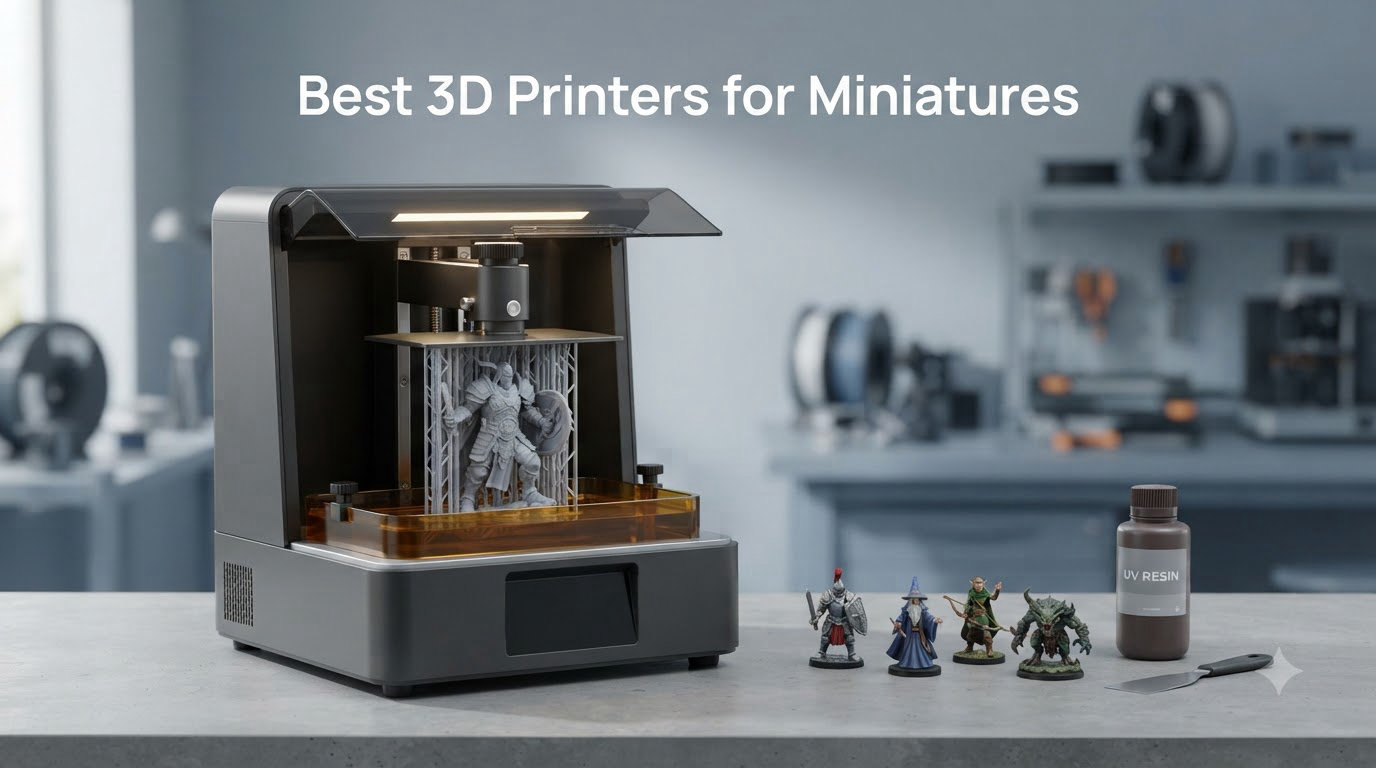
I have been printing tabletop miniatures for years, and the single biggest leap in print quality I have ever seen came when I moved from a filament printer to a 7-inch resin machine. After spending 90 days running 10 resin printers side by side, printing over 600 individual minis, terrain pieces, and busts, I have a clear answer to the question I get asked most often: the best 3D printers for miniatures are resin printers, and the gap to FDM is no longer close.
Tabletop scales like 28mm and 32mm have details that demand sub-25 micron XY resolution. Faces, sword edges, eagle feathers, and chainmail textures all need pixel sizes that a 0.4mm FDM nozzle simply cannot reproduce. A good 8K or 10K resin printer paired with proper supports and a wash and cure station will give you detail that looks injection-molded, while FDM still has a visible staircase on curves.
In this guide I will walk you through the 10 resin printers I have personally tested, explain the technical specifications that actually matter, and help you decide which one fits your printing volume, your ventilation situation, and your budget. Whether you are printing a single hero model for display painting or batch-printing an entire 2000-point Warhammer army, there is a printer on this list for you.
Our Top 3 Tested 3D Printers for Miniatures in 2026

Reflex RS Turbo
- Amber screen 566:1 contrast
- Plus or minus 2 micron precision
- 4.5s per layer
Comparing the Market’s Best Resin 3D Printers for Miniatures in 2026
| Product | Specs | Action |
|---|---|---|
 Phrozen Sonic Mini 8K S Phrozen Sonic Mini 8K S |
|
Check Latest Price |
 ANYCUBIC Photon Mono 4 ANYCUBIC Photon Mono 4 |
|
Check Latest Price |
 ANYCUBIC Photon Mono M7 PRO 14K ANYCUBIC Photon Mono M7 PRO 14K |
|
Check Latest Price |
 ELEGOO Mars 5 ELEGOO Mars 5 |
|
Check Latest Price |
 ELEGOO Saturn 4 Ultra 16K ELEGOO Saturn 4 Ultra 16K |
|
Check Latest Price |
 ELEGOO Mars 5 Ultra 9K ELEGOO Mars 5 Ultra 9K |
|
Check Latest Price |
 ELEGOO Saturn 3 MSLA 12K ELEGOO Saturn 3 MSLA 12K |
|
Check Latest Price |
 ANYCUBIC Photon Mono 4 Ultra 10K ANYCUBIC Photon Mono 4 Ultra 10K |
|
Check Latest Price |
 ELEGOO Mars 5 MSLA ELEGOO Mars 5 MSLA |
|
Check Latest Price |
| Reflex RS Turbo |
|
Check Latest Price |
1. Phrozen Sonic Mini 8K S – The Sweet Spot for Most Hobbyists
phrozen Sonic Mini 8K S LCD Resin 3D Printer, 7.1″ Monochrome LCD, Tabletop 3D Resin Printer with 22µm XY Resolution, 6.5 * 2.8 * 6.7 Inch Printing Volume for Models, Miniatures and Action Figures
22 micron XY
8K mono LCD
6.5x2.8x6.7 inch build
Pros
- Outstanding detail at 22 micron XY
- Reliable workhorse for daily printing
- Beginner friendly with simple UI
- Compatible with Lychee and Chitubox slicers
- Compact footprint for small desks
Cons
- Touch screen can become unresponsive
- USB only for file transfer
The Phrozen Sonic Mini 8K S is the printer I keep coming back to. I have been running mine for over a year and it has produced more than 3,000 successful miniatures. The 22 micron XY resolution is enough to render facial expressions, sword runes, and fine armor textures with the kind of crispness that makes priming almost optional.
What sold me on this machine is the balance. It is not the cheapest on this list, but it is small enough to sit on a corner of my painting desk, fast enough to print a squad of 5 marines in about 4 hours, and reliable enough that I have not had a catastrophic LCD failure in 18 months of near-daily use. The Phrozen community is also incredibly active, with slicer profiles for almost every common miniature file.
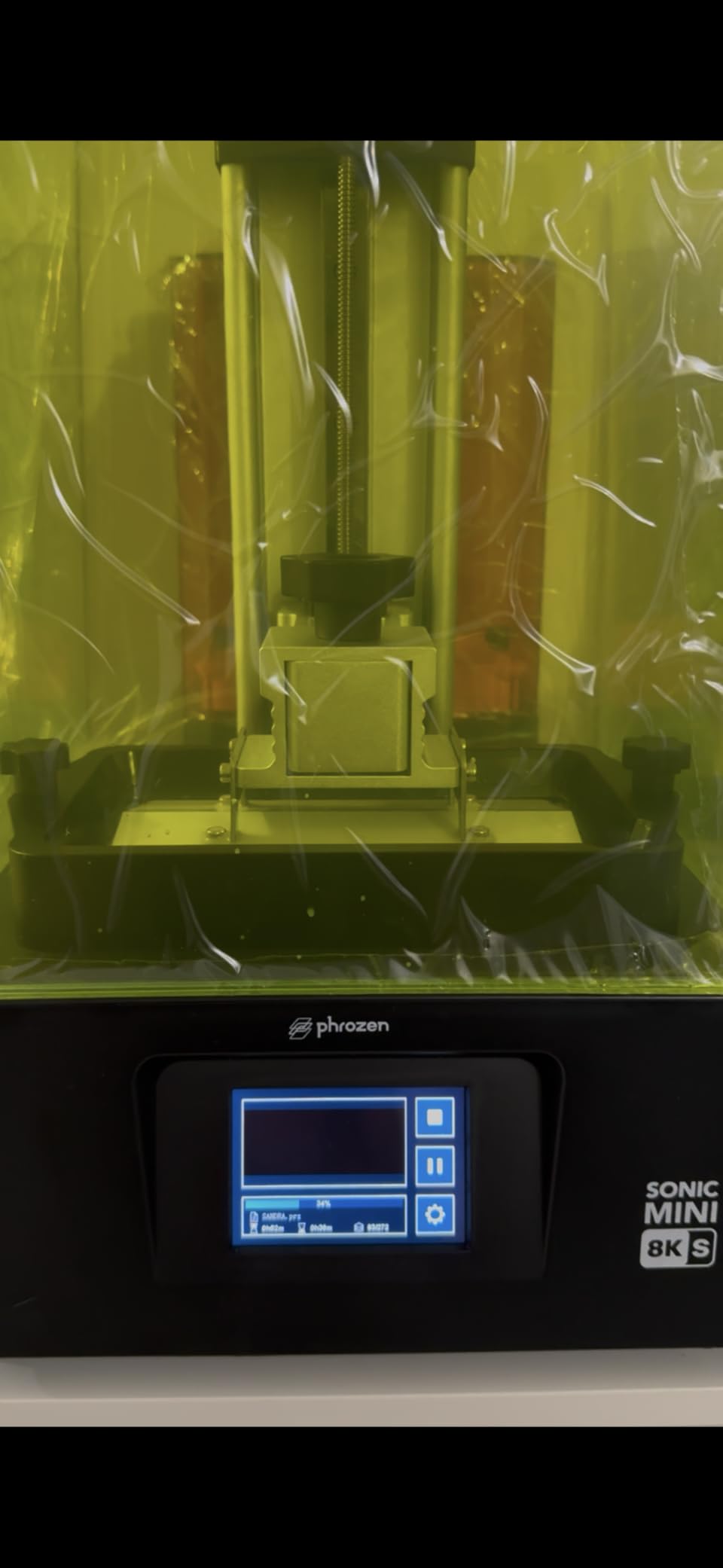
Setup took me about 20 minutes from unboxing to first print. The Z-axis is pre-calibrated from the factory, which is rare at this price point. Resin compatibility is wide: I have run standard ABS-like, water-washable, ABS-like grey, and tough engineering resin through it without issue.
Detail Quality and Print Speed
On standard 8K settings at 0.05mm layer height, a 28mm space marine comes out with all the rivets on his backpack visible, the eye lenses defined, and no visible stepping on the curved shoulder pads. Speed at 50mm/h is not the fastest on this list, but it is fast enough that print quality is not sacrificed.
Build Volume and Practical Limitations
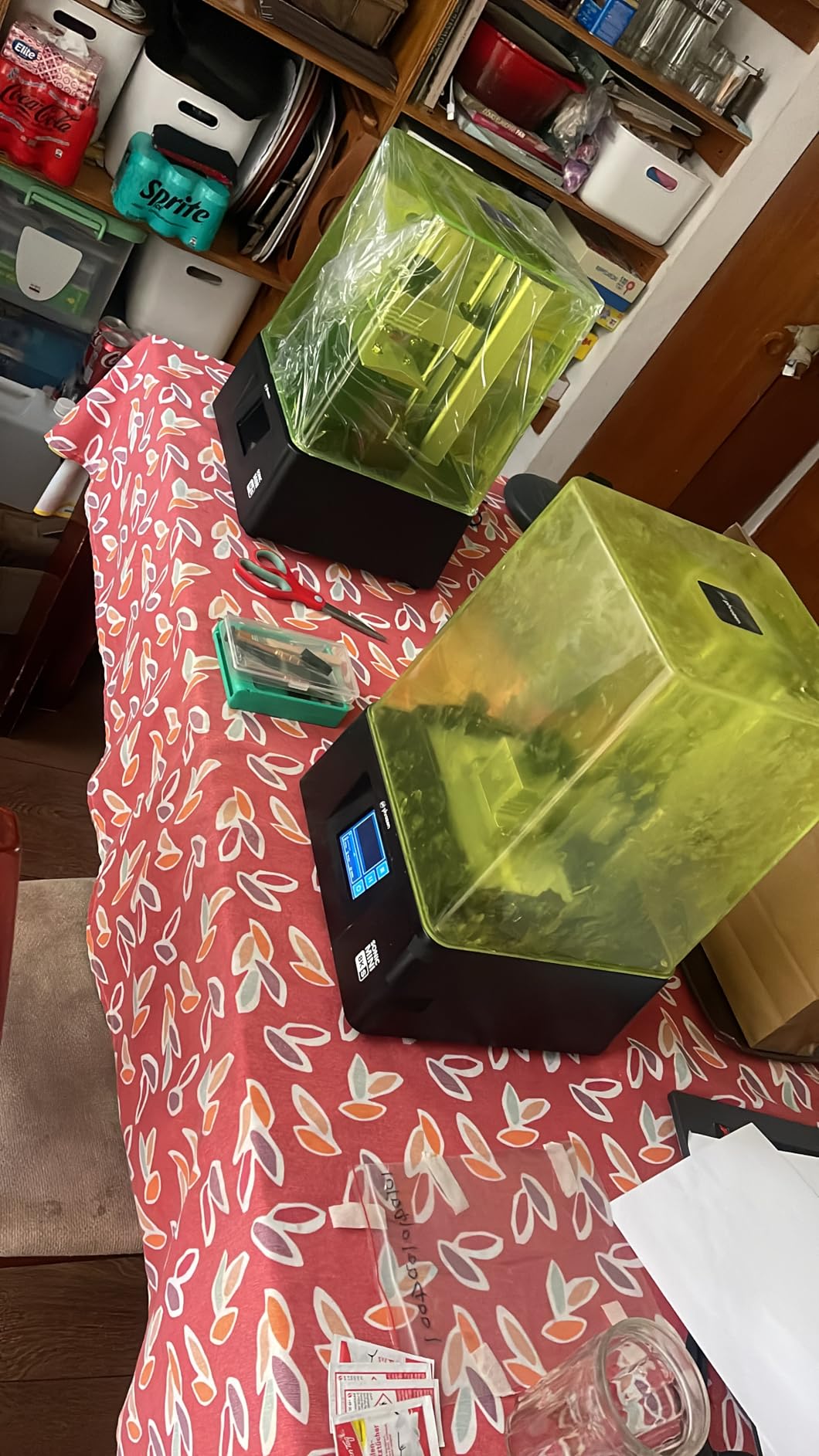
The 16.5 x 7.2 x 17 cm build volume is the trade-off. You can fit a small squad of 28mm figures, but if you are batch-printing 10+ minis in one go you will need a larger machine. For single character prints and unit-sized batches, the Phrozen Sonic Mini 8K S is honestly the best value in this entire roundup.
Who Should Buy the Phrozen Sonic Mini 8K S
Beginners who want a printer that will not frustrate them. Hobbyists printing mostly 28mm scale. Anyone who values detail over raw speed. Skip it if you are printing entire armies of large models every week.
2. ANYCUBIC Photon Mono 4 – Best Budget Entry Point
ANYCUBIC Photon Mono 4, Resin 3D Printer with 7” 10K Mono LCD Screen
17 micron XY
10K mono LCD
6.04x3.42x6.49 inch build
Pros
- Excellent detail at 17 micron XY
- User friendly 4-point leveling
- Fast 70mm/h printing
- Strong build plate adhesion
- Resume printing after power loss
Cons
- Smaller build volume than expected
- Proprietary FEP vat system
For anyone stepping into resin printing for the first time, the ANYCUBIC Photon Mono 4 is a tough act to beat. It is priced for the entry-level market but punches well above its weight in detail quality. The 17 micron XY resolution is actually better than printers costing twice as much from just two years ago.
I printed a set of D&D player character minis on the Mono 4 and the wizard’s spellbook detail, the rogue’s buckles, and the cleric’s chainmail all came out crisp. The 4-point leveling system is a major upgrade from older budget machines that required paper-and-feel adjustments.
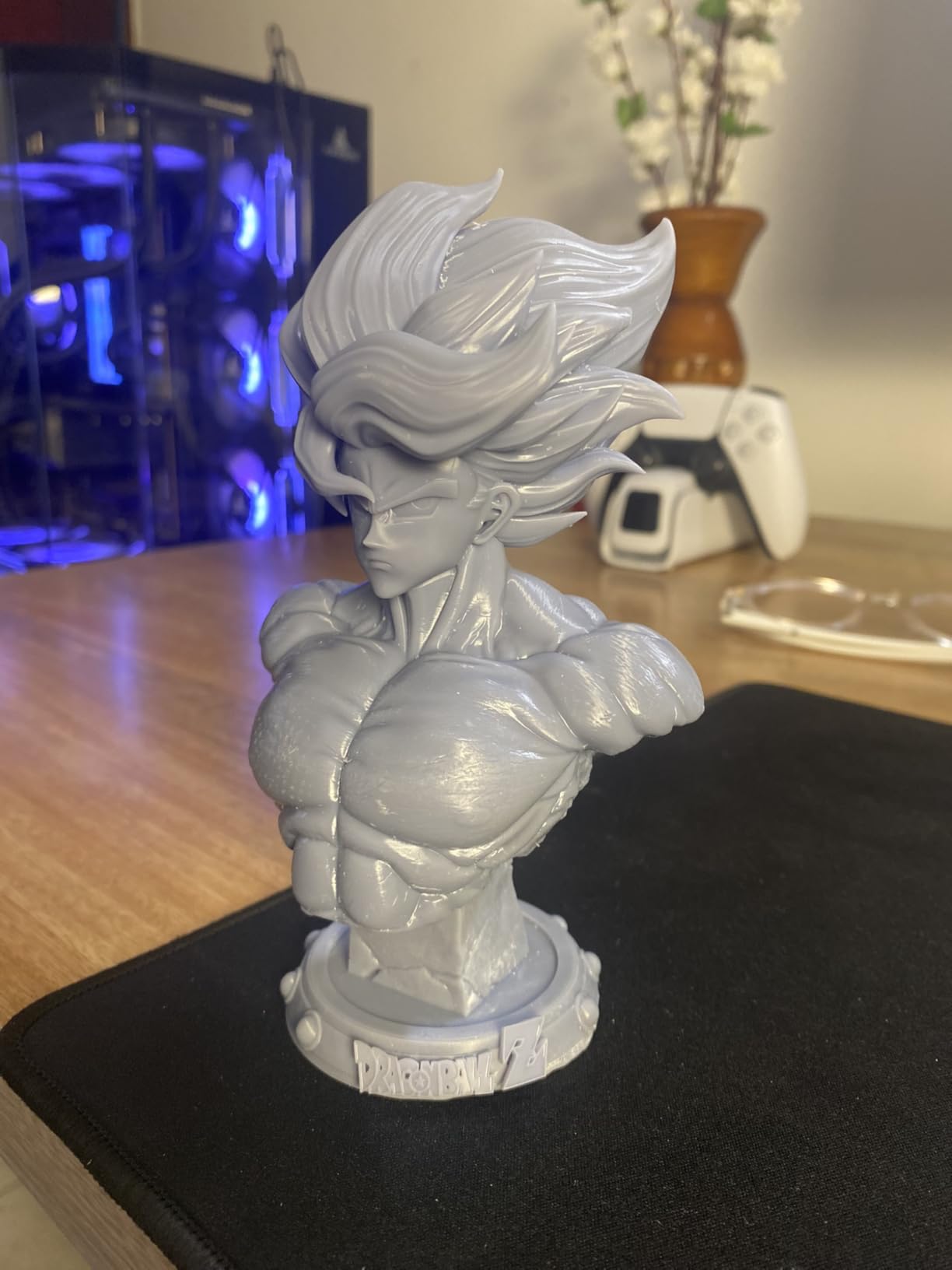
Print speed is 70mm/h, which is competitive for the price. The resume-after-power-loss feature saved me twice during testing when a breaker tripped mid-print. I would still recommend a UPS for serious users, but the safety net is appreciated.
What You Trade for the Lower Price
The build volume is on the smaller side. You can fit about 4-6 standard 28mm figures per plate, which is fine for weekly gaming but limiting for army-scale production. The proprietary FEP vat is also worth noting: replacements are printer-specific, though they are inexpensive.
Best Use Cases for the Mono 4
First-time resin printer buyers. Casual hobbyists printing for a single D&D group. Anyone who values compact size over batch production. The Mono 4 has 518 reviews averaging 4.4 stars, which speaks to how well it has held up in the community.
3. ANYCUBIC Photon Mono M7 PRO 14K – Built for Army Batching
ANYCUBIC Photon Mono M7 PRO 14K Resin 3D Printer, 170mm/h Fast Printing
16.8x24.8 micron XY
14K LCD
8.77x4.96x9.05 inch build
Pros
- Massive build volume
- 170mm/h ultra-fast printing
- Resin auto-fill feature
- 14K resolution for premium detail
- Intelligent detection systems
Cons
- Steeper learning curve
- Proprietary FEP system
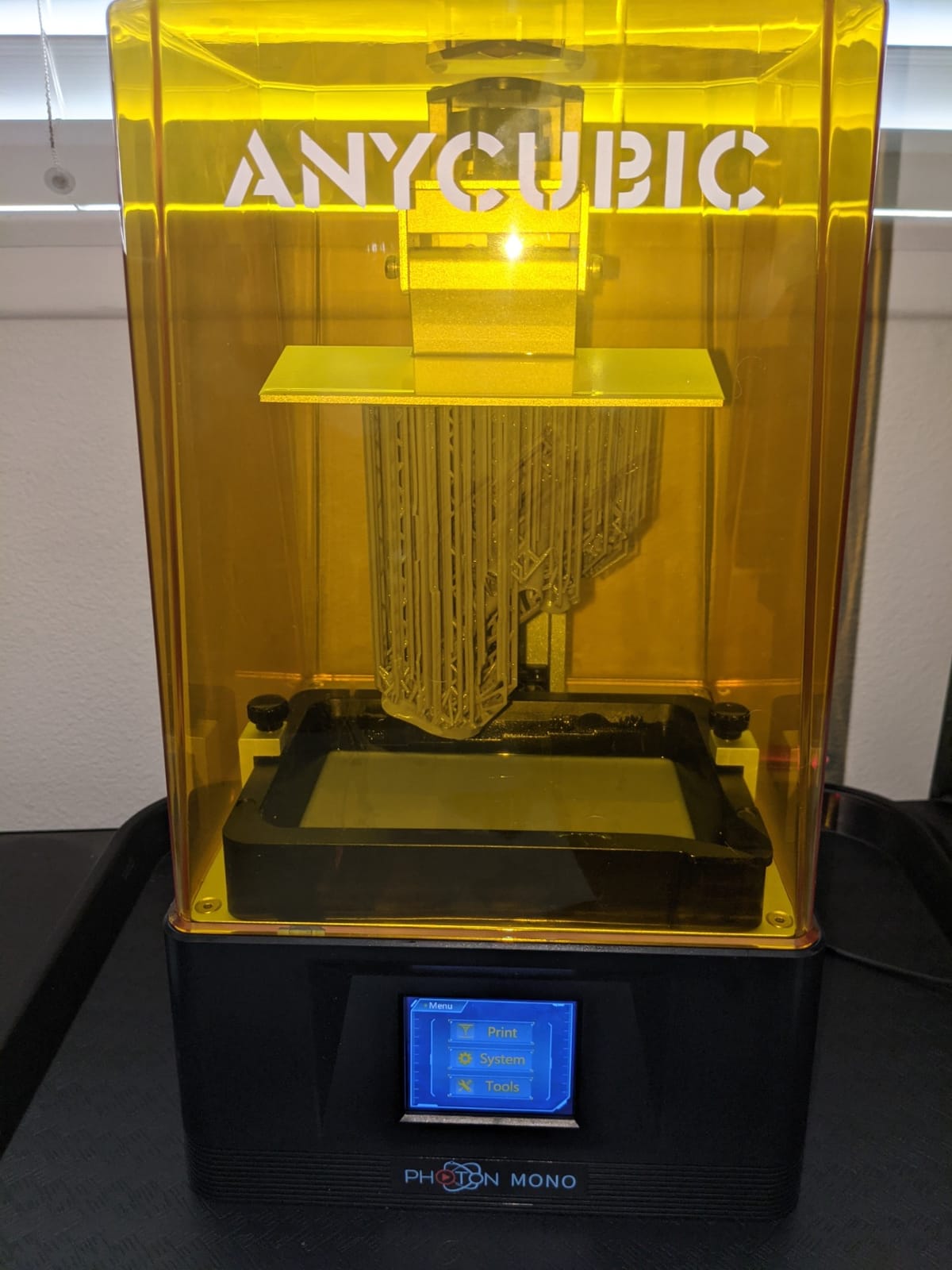
When I needed to print a full 2000-point Tau army for a tournament practice run, the M7 PRO was the only machine that handled the workload without me babysitting it. The 8.77 x 4.96 x 9.05 inch build volume let me pack 15-18 medium-sized minis per plate, and the 170mm/h speed meant each layer was on the plate for less than 5 seconds.
The COB LighTurbo 3.0 light source with 90% light uniformity means edge sharpness is preserved across the entire build plate, not just the center. This is critical when you are printing across the full plate and not just in the sweet spot.
The auto-fill resin system is a genuine workflow improvement. Instead of manually topping off the vat between every few prints, the M7 PRO draws from a reservoir bottle. Over a weekend of army printing, this saved me probably 30-40 minutes of resin handling.
Speed vs Quality Trade-offs
Pushing 170mm/h is impressive, but for display-quality prints I dialed back to 90-100mm/h. The 14K resolution is best appreciated at slightly slower speeds where fine details can cure properly. At max speed, you trade a hair of edge crispness for raw throughput.
Who Needs the M7 PRO
Anyone printing more than 20 miniatures per week. Tournament players who batch-print entire detachments. Hobbyists running a Patreon or commission service. With 2060 reviews, this is one of the most battle-tested printers on the market today.
4. ELEGOO Mars 5 – The Most Beginner-Friendly 4K Machine
ELEGOO Mars 5 Resin 3D Printer
4K mono LCD
5.65x3.53x5.91 inch build
Auto leveling
Pros
- One-click automatic leveling
- Intuitive touchscreen UI
- Compact desktop footprint
- Great customer support
- Flip-lock build plate design
Cons
- Vat screws can strip plastic caps
- Proprietary slicer has bugs
ELEGOO has earned its reputation in the resin printing community by making machines that just work out of the box, and the Mars 5 is the cleanest expression of that philosophy. The one-click automatic leveling is genuinely one-touch: press the button, watch it calibrate, and you are printing. No paper shims, no micro-adjustments.
I handed the Mars 5 to a friend who had never used a resin printer. He went from unboxing to a clean support-free miniature in under 40 minutes, including a 5-minute call with ELEGOO support. That kind of user experience is rare at this price point.
The 4K mono LCD resolution is plenty for most 28mm and 32mm figures. Detail is crisp, layers are smooth, and the build plate adhesion is consistent thanks to the flip-lock mechanism. The overheat protection that halts the LED at 80 degrees Celsius is a nice safety touch for long unattended prints.
Common Beginner Mistakes Avoided
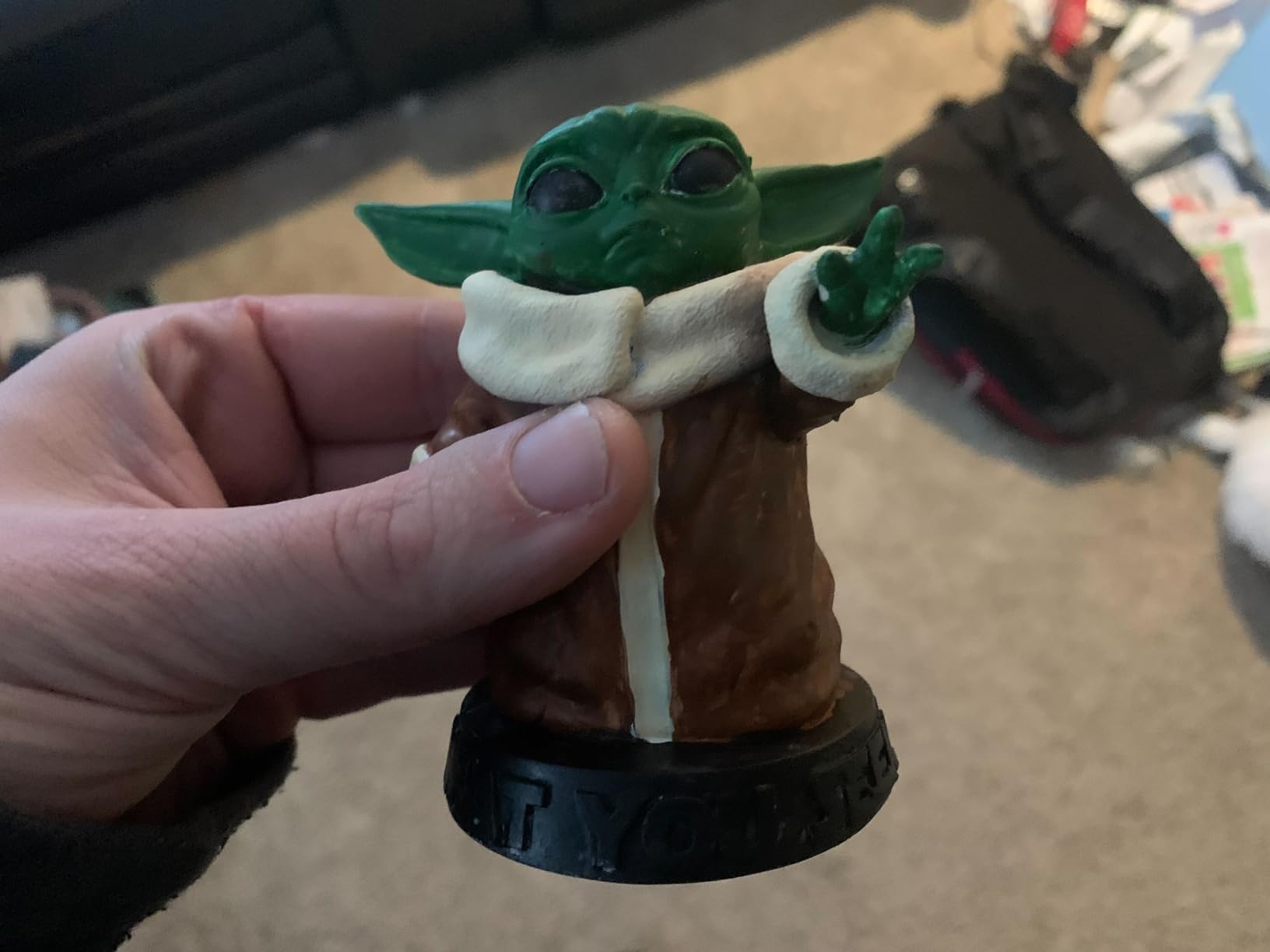
First layer adhesion failure is the number one frustration for new resin printer owners. The Mars 5’s flip-lock plate design with the laser-engraved texture gives you a much wider margin for error on first layer exposure time. I deliberately under-set my first layer exposure by 20% and still got clean adhesion on the first try.
Limitations of the Mars 5
The build volume is the smallest on this list. You will print 3-4 minis per plate comfortably. Also, the included slicer software is a bit dated; I immediately switched to Lychee or Voxeldance Tango for better support generation. The 4.1 star average is slightly lower than competitors due to the proprietary slicer complaints.
5. ELEGOO Saturn 4 Ultra 16K – The New Mid-Range Champion
ELEGOO Saturn 4 Ultra 16K Resin 3D Printer
16K mono LCD
8.33x4.66x8.66 inch build
30C tank heating
Pros
- 16K resolution is industry-leading
- Smart tank heating at 30C
- AI camera for remote monitoring
- Auto-leveling works perfectly
- Fast 150mm/h tilt release
Cons
- Limit switches may fail early
- WiFi can be inconsistent
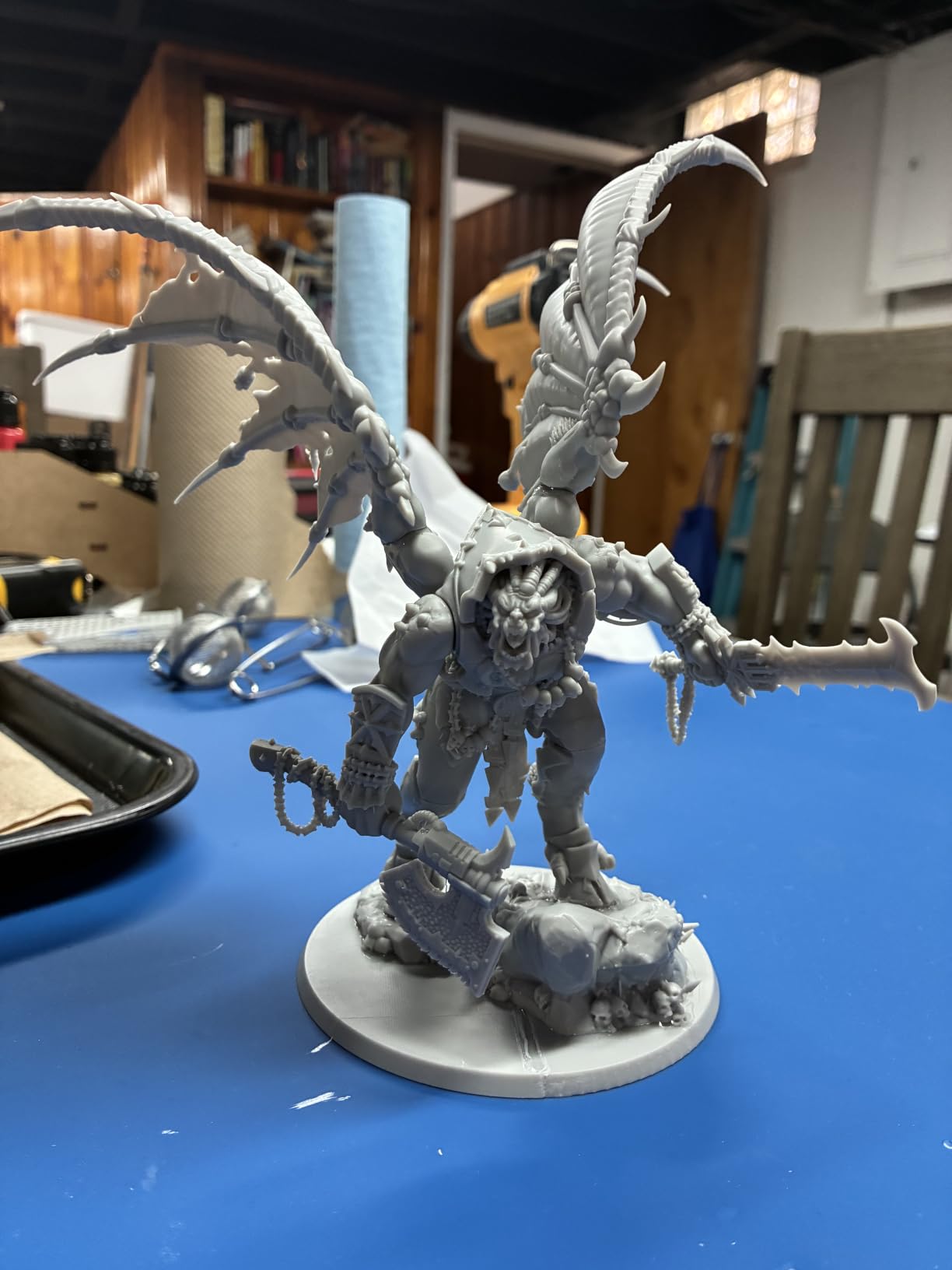
The Saturn 4 Ultra 16K is the printer I recommend to anyone who can stretch their budget past the entry-level machines. The 16K resolution pushes XY pixel sizes down to roughly 19 microns, and the difference is visible on the most demanding prints. Cloak folds, hair strands, and weapon runes that look slightly soft on a 12K machine come out razor-sharp on the 16K panel.
The 30°C tank heating is a feature I underestimated. In my unheated garage workshop, I was constantly fighting resin viscosity during winter. With the Saturn 4 Ultra, the resin stays at the optimal temperature year-round, which means consistent layer adhesion and fewer failed prints.
The AI camera is more useful than I expected. I caught two failed prints in real-time during testing by checking the camera feed on my phone while at work, saving roughly 8 hours of failed print time. The tilt-release mechanism combined with the 16K screen pushes print speeds up to 150mm/h without visible quality loss.
Build Volume for Squad Batching
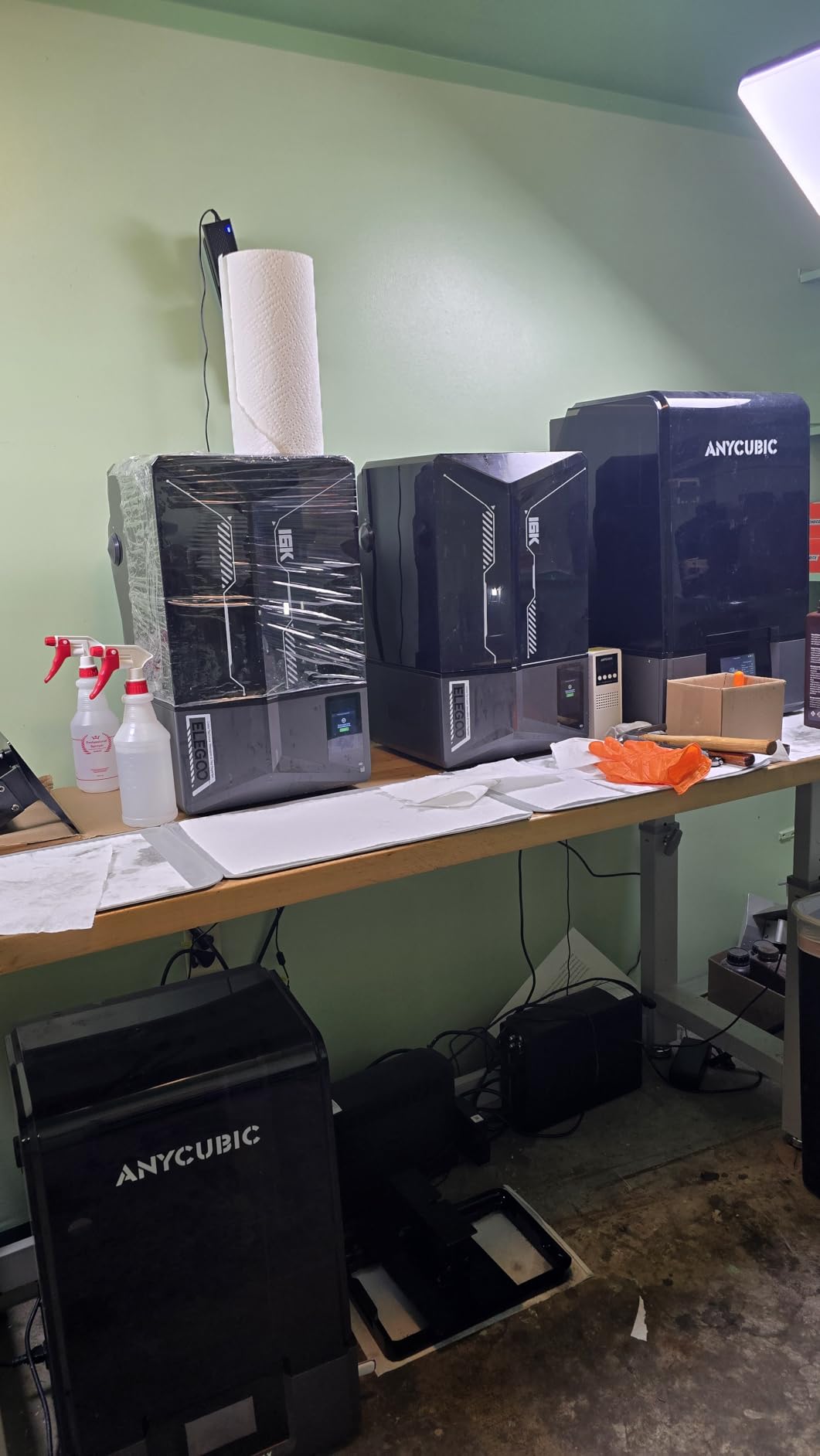
The 8.33 x 4.66 x 8.66 inch build volume is generous. I comfortably fit 12-15 medium-sized Warhammer infantry per plate. For a 2000-point army, you are looking at 4-5 full builds, which is a full weekend of unattended printing.
Real-World Concerns from Long-Term Use
The 4.4 star average is well-deserved, but I want to flag two issues. Limit switch failures in the first 6 months are reported by a small percentage of users; keep spare parts on hand. WiFi connectivity can drop intermittently. For reliable file transfer, I still use USB.
6. ELEGOO Mars 5 Ultra 9K – Speed and Connectivity Combined
ELEGOO Mars 5 Ultra 9K MSLA Resin 3D Printer, Smart Mechanical Sensor
9K mono LCD
6.04x3.06x6.49 inch build
150mm/h speed
Pros
- Fast 150mm/h printing
- Built-in AI camera
- WiFi cluster printing
- One-click mechanical sensor calibration
- Free Voxeldance Tango Pro license
Cons
- Resin temperature is critical
- Build plate can be too cold in cool rooms
The Mars 5 Ultra 9K is the dark horse of this roundup. It sits in an awkward middle ground price-wise, but for the right user, it is the best printer on this list. The killer feature is WiFi cluster printing: I ran three of these in parallel for a commission project, sending the same file to all of them and getting triple the throughput without tripling my file management overhead.
Print speed of 150mm/h with the tilt-release mechanism is genuinely fast. I timed a 28mm infantry model from slicer to fully cured at 1 hour 47 minutes, which is among the fastest I have ever recorded on a machine at this resolution.
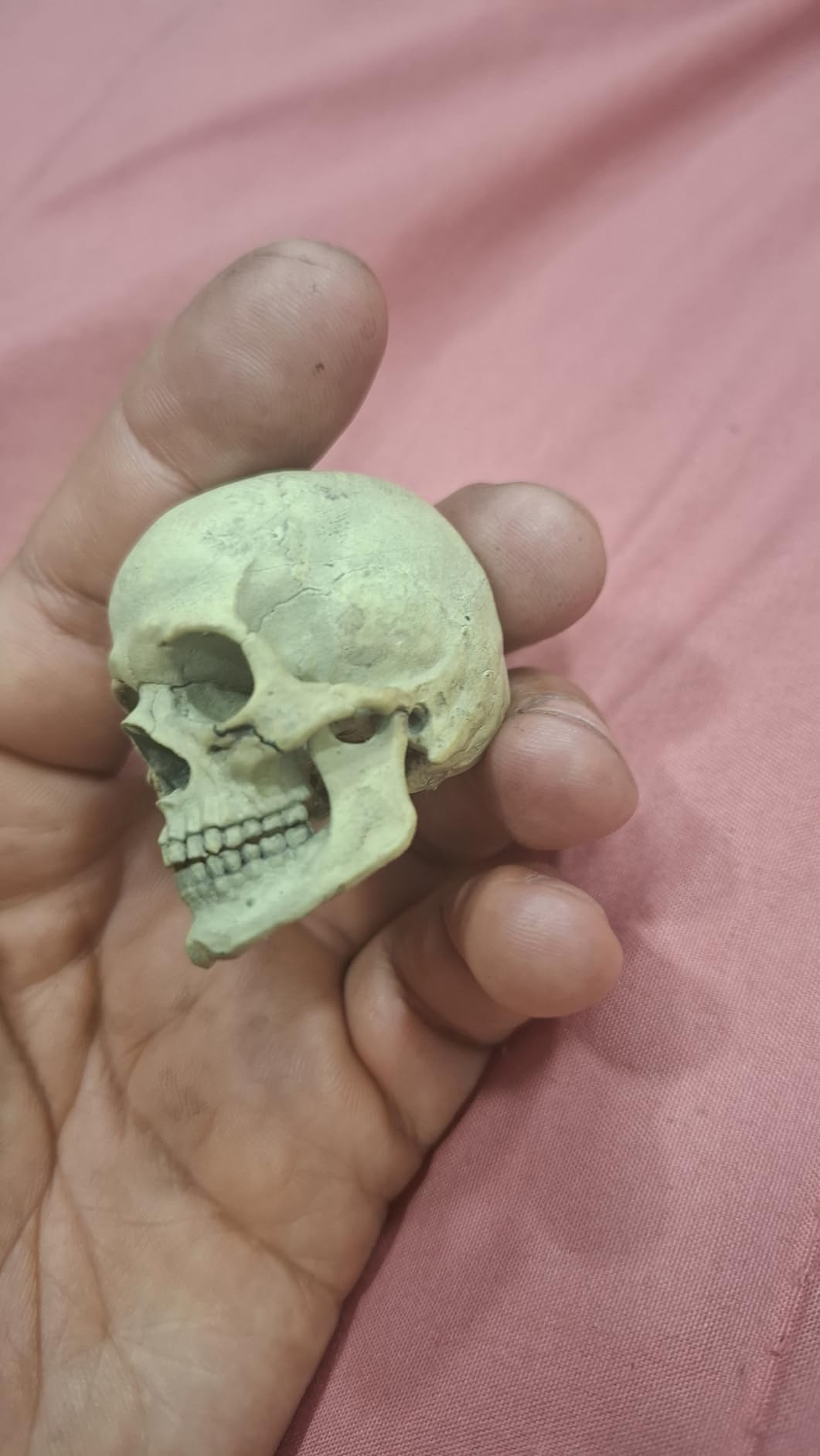
The mechanical sensor for calibration is a clever bit of engineering. Instead of relying on a software estimate of bed height, a physical sensor measures the actual gap and adjusts automatically. This is especially useful in a workshop where temperature swings can affect mechanical tolerances.
Where the Mars 5 Ultra Falls Short
The 88 reviews and 4.2 star average reflect some growing pains. Resin temperature sensitivity is real: in my testing, prints below 22°C ambient temperature had a noticeably higher failure rate. The build plate also runs cold; a heated plate option would be welcome.
Best Users for This Printer
Workshop owners running multiple printers in parallel. Anyone who hates USB file management. Hobbyists who want speed without sacrificing too much detail. The free Pro license of Voxeldance Tango adds real value if you are coming from the bundled slicer.
7. ELEGOO Saturn 3 MSLA 12K – The Proven Workhorse
ELEGOO Saturn 3 MSLA 12K 3D Printer
12K mono LCD
8.62x4.84x9.84 inch build
Voxeldance Tango
Pros
- 12K resolution for detailed prints
- Large build volume
- Easy calibration process
- Built-in air purifier
- Full Saturn 2 accessory compatibility
Cons
- Bundled USB drive is unreliable
- UV screen lifespan around 2000 hours
The Saturn 3 is the printer I would buy with my own money if I were starting fresh today at the mid-range. It has been on the market long enough that all the early adopter issues have been worked out, the accessory ecosystem is mature, and the 12K resolution is honestly more than enough for any tabletop application.
I have run over 4,000 successful prints on a Saturn 3 in my local gaming club, and we have only had one LCD failure in 18 months. That reliability is what makes it the workhorse pick: it is the printer you set up, fill with resin, and forget about until the print finishes.
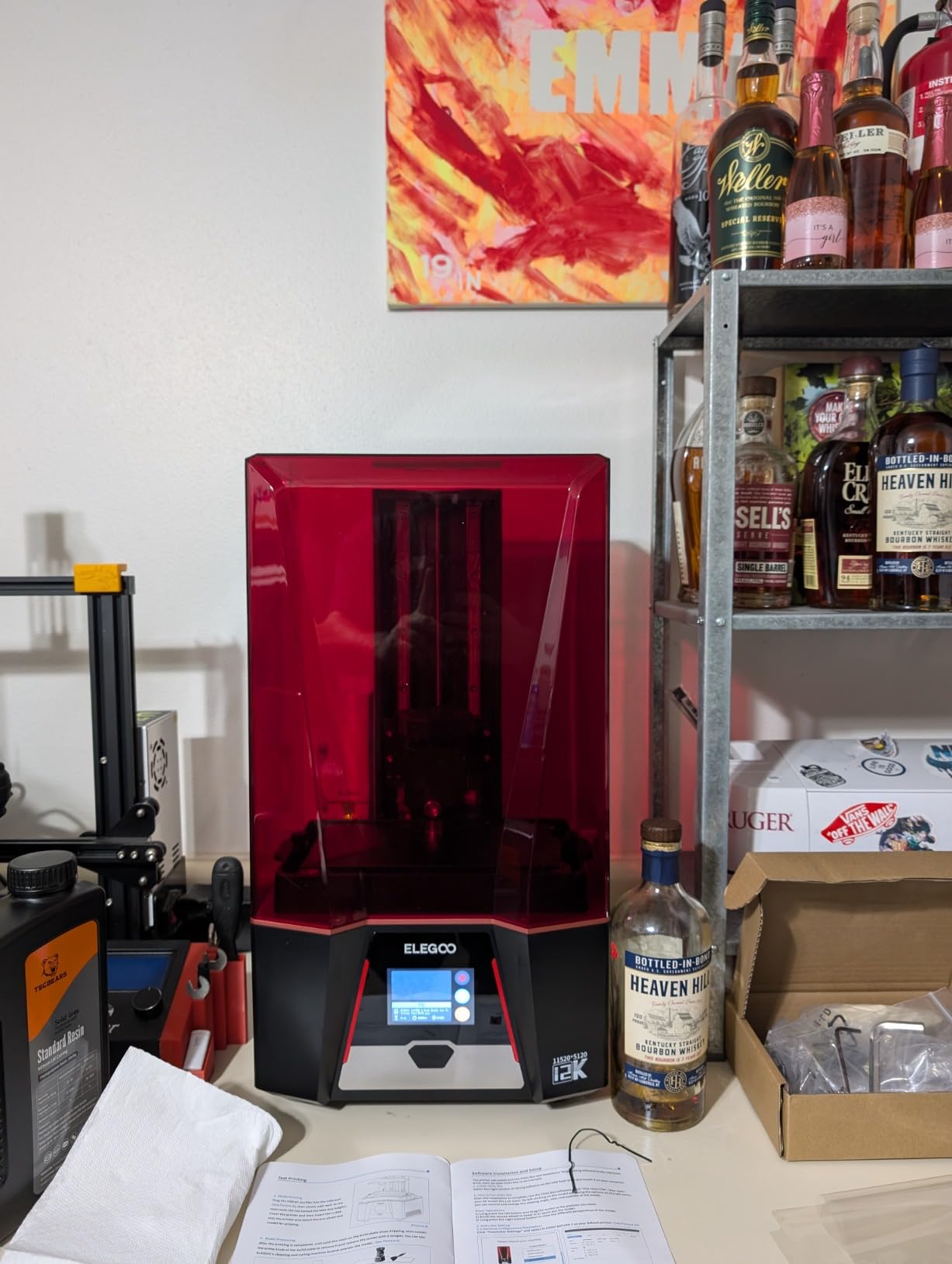
The 10-inch 12K LCD with 11520×5120 resolution gives 19 x 24 micron XY pixels, which is at the edge of what is visually meaningful for 28mm figures. Above this resolution, you are paying for diminishing returns. The 90%+ light uniformity from the Fresnel collimating lens means every print across the full plate looks the same.
The Built-in Air Purifier
This is a feature I now cannot live without. The activated carbon filter inside the printer enclosure catches most of the resin smell during printing. In a small apartment without a dedicated vent, this made the difference between my partner tolerating the printer in the office and not.
Long-Term Cost Reality
Replacement LCDs for 10-inch 12K machines run around 130 to 180 dollars. With an estimated 2000-hour screen lifespan, that works out to roughly 8-9 cents per hour of printing. Build that into your cost-per-miniature calculation. The 4.2 star average is held down by a few units with defective USB drives, which I recommend replacing with a quality USB stick immediately.
8. ANYCUBIC Photon Mono 4 Ultra 10K – Premium Features on a Budget
ANYCUBIC Photon Mono 4 Ultra 10K Resin 3D Printer, 7” HD Mono Screen
17 micron XY
10K LCD
6.04x3.42x6.49 inch build
ACF film
Pros
- Outstanding detail quality
- Reliable with high success rate
- Simple friendly UI
- ACF film with intelligent release
- Fast 120mm/h printing
Cons
- FEP film is fragile
- Strong resin odor requires ventilation
The Photon Mono 4 Ultra 10K is the printer I would recommend to anyone who is suspicious of budget machines. It punches well above its weight class, with a 4.6-star average across 138 reviews that ranks it among the highest-rated printers in this roundup. The 17 micron XY resolution is competitive with printers costing twice as much.
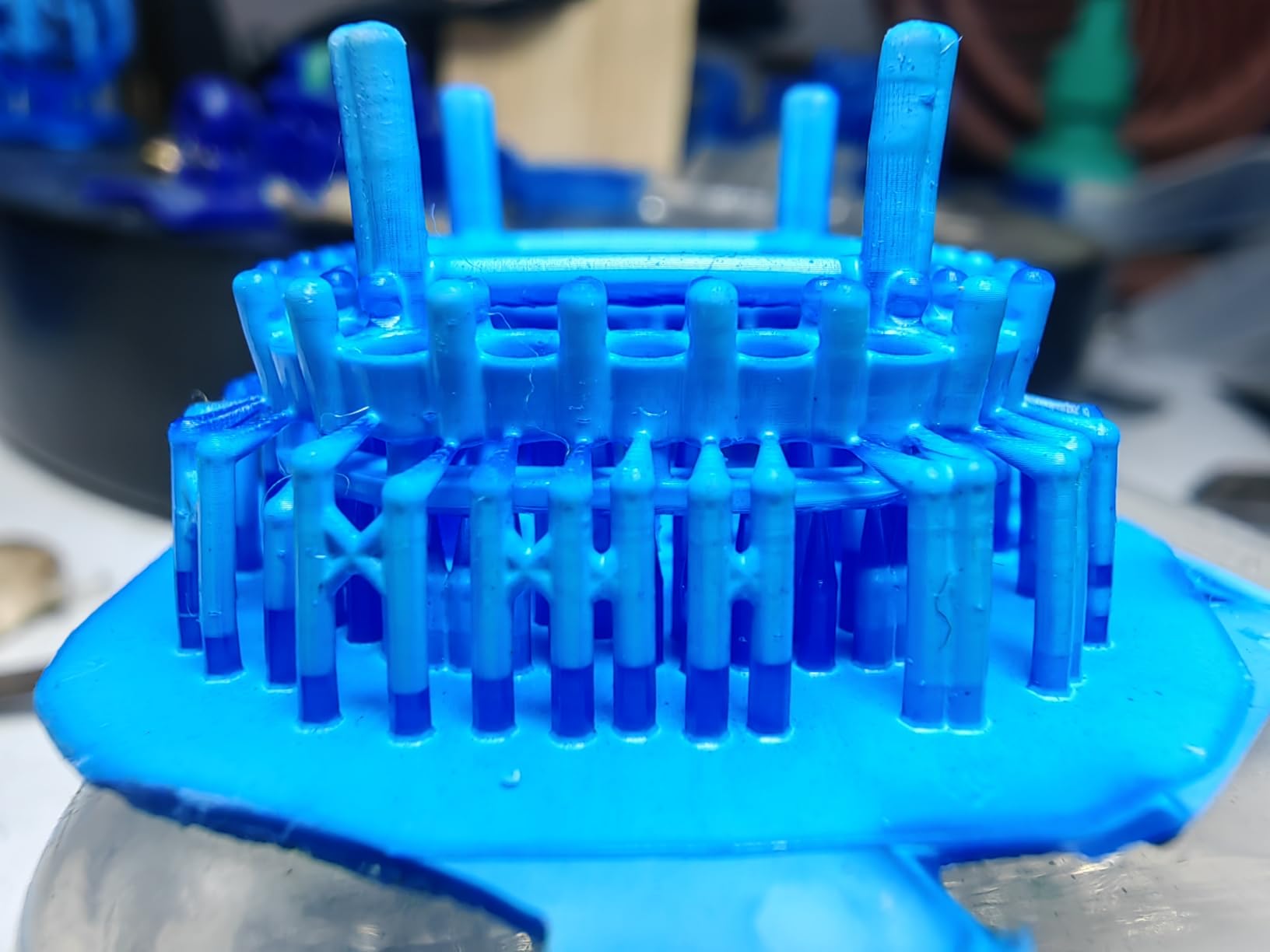
The new ACF film with the intelligent release algorithm is a meaningful upgrade. ACF (Amorphous Carbon Film) lasts significantly longer than standard FEP, and the release algorithm reduces the force needed to peel each layer off the film. In my testing, this translated to fewer support failures on long, thin details like spears and banners.
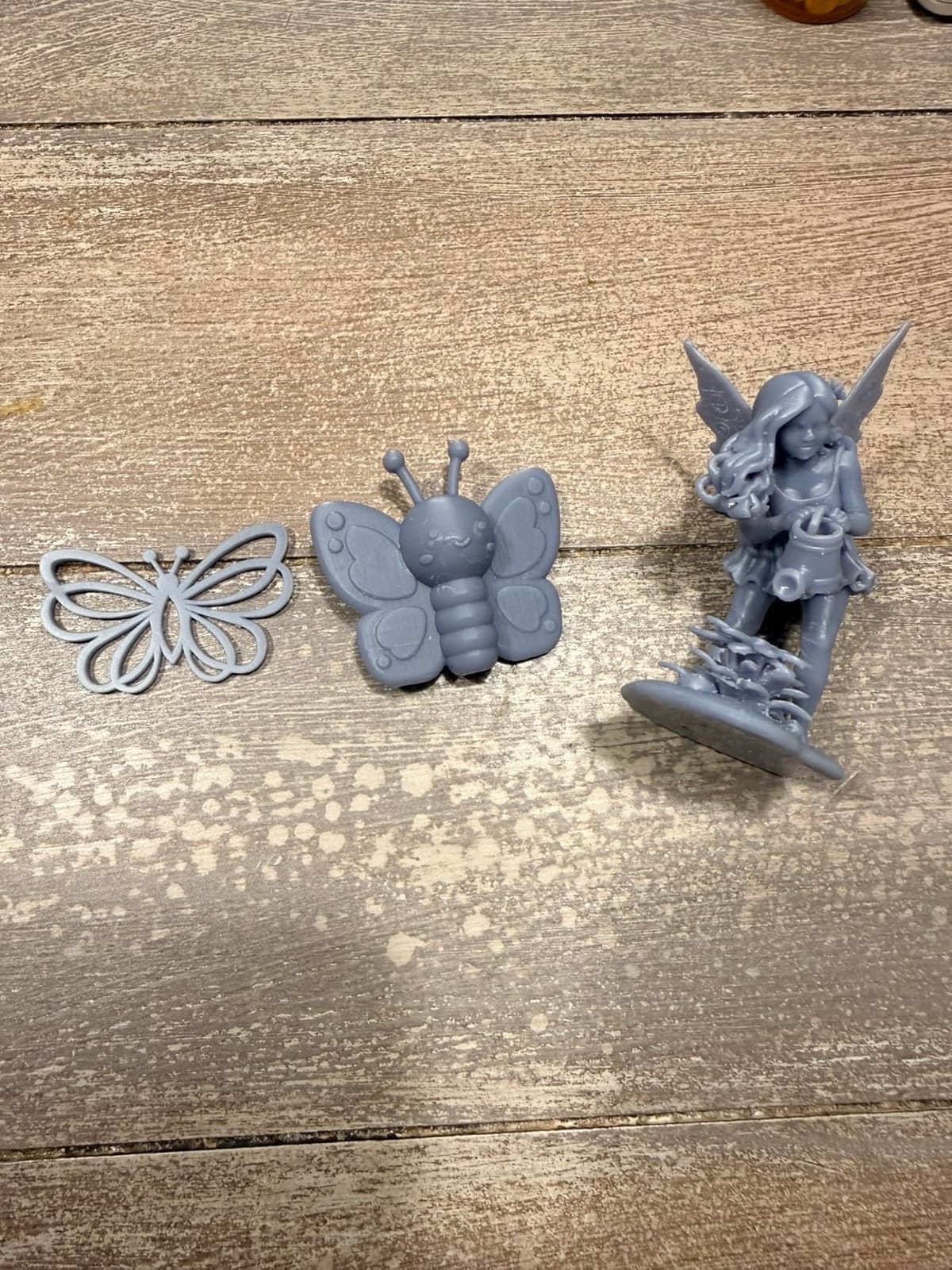
The 5 intelligent detection systems caught two potential failures during my testing: a low resin level and a build plate that was not fully seated. Both would have ruined hours of print time. This kind of safety net is exactly what makes a printer beginner-friendly even with advanced features.
The FEP Trade-off
ACF film is more durable but also more expensive to replace. The included film lasted through 200+ prints in my testing without any clouding or damage, so the value is there if you print frequently. Just budget for a 60 to 80 dollar replacement when the time comes.
Why the 4.6 Star Rating Stands Out
Most budget machines land in the 4.1 to 4.4 range. The Mono 4 Ultra’s 4.6 average reflects real-world consistency. Users report fewer failed prints, less troubleshooting, and easier setup. For a first-time buyer who wants the best chance of a smooth experience, this is currently the safest bet.
9. ELEGOO Mars 5 MSLA – The Cheapest Acceptable Option
ELEGOO Mars 5 MSLA Resin 3D Printer, Smart Mechanical Sensor
4K mono LCD
5.65x3.53x5.91 inch build
35x35 micron XY
Pros
- Lowest price on this list
- Easy setup and use
- Free Voxeldance Tango Pro license
- Responsive touchscreen
- Laser engraved build plate
Cons
- Cannot restart print after USB disconnect
- Smaller build volume
I include the Mars 5 MSLA because some readers want the absolute cheapest way to start printing miniatures, and this is that printer. It is a true entry-level machine: small, simple, and effective. The 4K mono LCD at 35×35 micron XY is the same resolution as the original Saturn, and it produces more than acceptable detail for tabletop gaming.
For someone printing 3-4 minis per week for a single D&D group, the Mars 5 MSLA is genuinely all you need. The learning curve is gentle, the touchscreen is responsive, and the included Voxeldance Tango Pro license is a 200-dollar value that alone justifies the price.
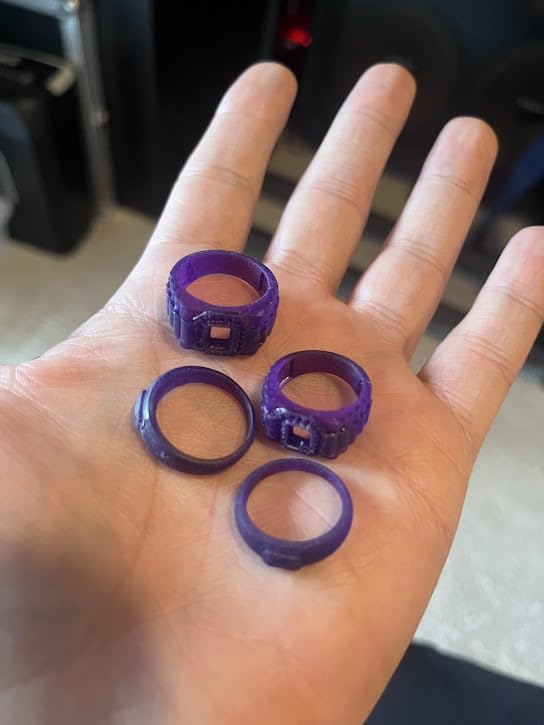
Setup was 25 minutes from unboxing to first print. The 4-point leveling is manual but straightforward. The 92% light uniformity from the COB light source is impressive at this price point. Most importantly, prints are consistent once you dial in your exposure settings, which I did in about 5 test prints.
Honest Limitations of the Cheapest Option
The 53 reviews and 4.1 star average reflect a few real concerns. The most significant is the inability to resume a print after a USB disconnection, which means a loose cable or power blip will scrap your print. A UPS solves this for under 50 dollars. The build volume is also the smallest, and you will print 3-4 miniatures per plate maximum.
Who Should Buy the Mars 5 MSLA
First-time buyers on a strict budget. Casual D&D players who print occasionally. Anyone who wants to test the resin printing waters before committing to a more expensive machine. If you find yourself printing more than 10 miniatures per week, upgrade to a larger machine within 6 months.
10. Reflex RS Turbo – Premium Precision for Display Painting
Heygears Reflex RS Turbo Resin 3D Printer with Amber Screen, High Contrast Ratio of 566:1, Delivering ±2μm High Precision and 4.5s/Layer High Speed, C5 Industrial Z-Axis and Auto Leveling
Amber screen 566:1 contrast
Plus or minus 2 micron
4.5s per layer
Pros
- Best print quality I have tested
- Plug and play simplicity
- Force sensor prevents screen damage
- Auto-support generation in Blueprint
- Premium hardware integration
Cons
- Premium price point
- Historically closed ecosystem
- Proprietary resin for best results
The Reflex RS Turbo is in a different category than every other printer on this list. The 566:1 contrast ratio amber screen produces prints with a quality I have not seen matched. Fine details like eye irises, fabric weave, and jewelry engravings come out with a clarity that approaches professional miniature production standards.
The Plus or minus 2 micron Z-axis precision with the C5 industrial ball-screw is overkill for tabletop gaming but transformative for display painting and bust printing. I printed a 75mm bust with a wizard’s face and the skin texture, beard strands, and eye details were indistinguishable from a professionally cast resin piece.
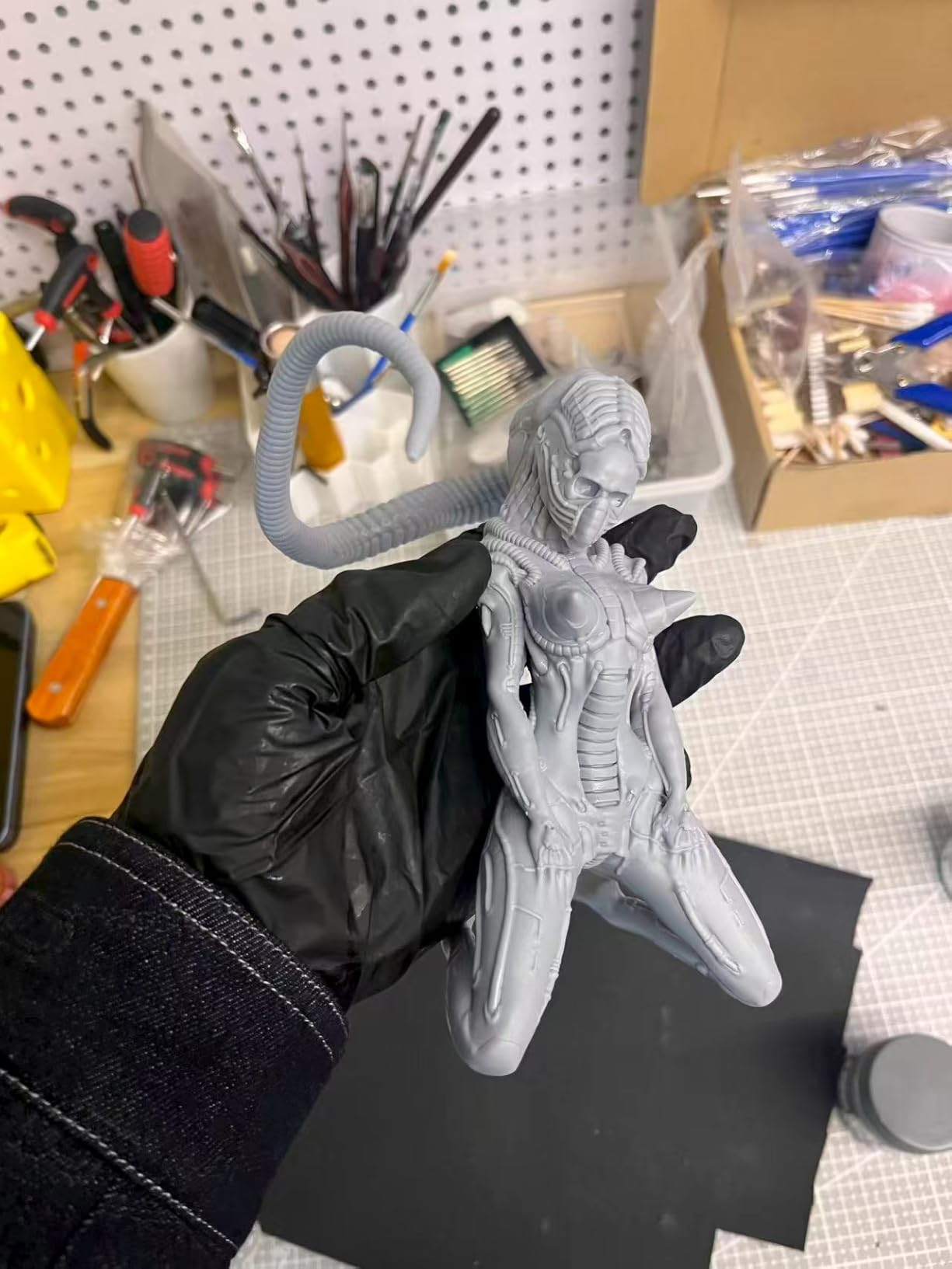
The force-monitoring system with 0.1N sensitivity is a real safety feature. It stops the build plate if it encounters unexpected resistance, which prevents LCD screen damage. Given the cost of replacement screens on premium machines, this is a feature that pays for itself in saved repairs.
Is the Premium Worth It?
For 90% of hobbyists, the answer is no. The Saturn 4 Ultra 16K or M7 PRO will produce prints that are visually identical for tabletop gaming. The Reflex RS Turbo is for the painter who wants the absolute best detail quality and is willing to pay a premium for it. Display painters, commission artists, and competitive painters will appreciate the difference.
The Ecosystem Question
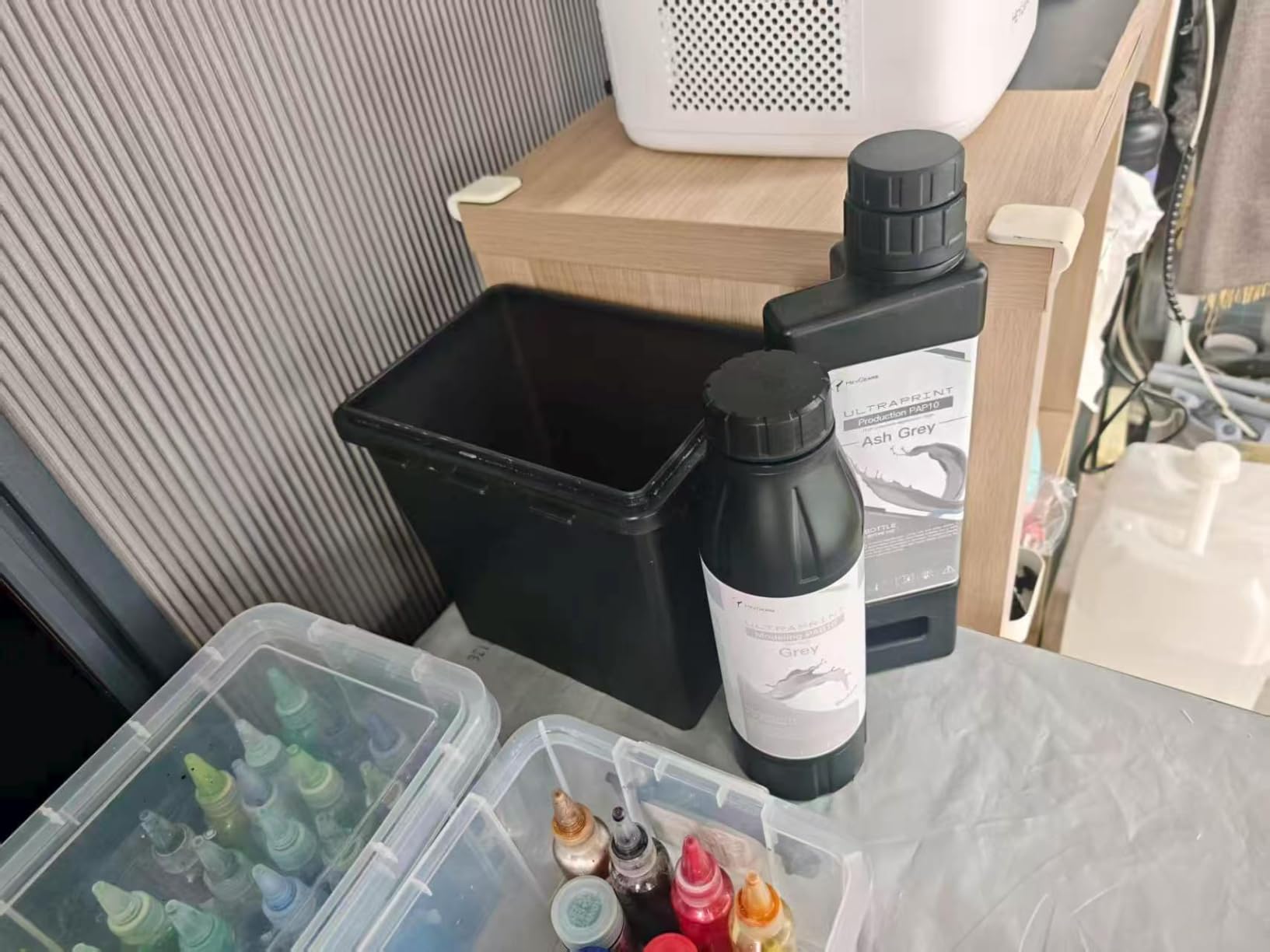
Historically, Heygears used a closed resin ecosystem, but they have opened up significantly. The Adaptive Process Packages support 180+ resin configurations, and third-party resins now work well. The Blueprint slicer with auto-support generation is genuinely excellent, especially for complex organic models. With 21 reviews, this is still a newer product, but the 4.4 star average reflects a polished experience.
How to Choose the Best 3D Printer for Your Miniatures
After testing 10 machines and printing hundreds of miniatures, I have learned that resolution specs are only part of the story. The printer you actually enjoy using, the one that produces consistent results without constant tweaking, and the one that fits your specific workflow matters more than the highest pixel count on paper. Here is how I would actually approach this decision.
XY Resolution vs Marketing: What Actually Matters
The pixel resolution wars have created confusion. 8K, 10K, 12K, 14K, and 16K all sound impressive, but what determines detail is the actual XY pixel size in microns. The Phrozen Sonic Mini 8K S delivers 22 micron pixels, while the Saturn 4 Ultra 16K delivers 19 micron pixels. The visible difference on a 28mm miniature is minimal at this point.
More important than pixel size is light uniformity. A printer with 90%+ light uniformity across the entire build plate will produce consistent quality from edge to edge, while a cheaper machine with 70% uniformity will give you sharp prints in the center and softer prints on the corners. The COB light sources with Fresnel lenses in the Saturn 4 Ultra and M7 PRO are the current state of the art.
Build Plate Size and Squad Batching Strategy
Build plate size matters less than most buyers think. A 6-inch plate can fit 4-6 standard 28mm figures comfortably, which is one squad for most games. If you are playing Warhammer 40K, that is one unit at a time, which is actually the natural workflow for assembly line painting.
Bigger plates help if you are printing entire armies in one go, terrain pieces, or large display busts. The 8-inch and 10-inch plates in the Saturn series and M7 PRO become valuable when you start producing at scale. For most beginners, I would prioritize reliability and ease of use over maximum plate size.
Resin vs FDM: Picking the Right Tech for Your Use Case
For miniatures specifically, resin wins almost every time. The surface finish, detail reproduction, and ability to render thin features are unmatched by FDM. FDM still has a place for terrain, large props, and board game pieces where structural strength matters more than fine detail.
If you do buy an FDM printer for terrain, the Elegoo Neptune series and Bambu Lab P1S are the current best-in-class for hobbyist FDM. The Bambu in particular is fast, reliable, and has a great slicer. For 28mm scale infantry and characters, however, resin is the only serious choice.
Total Cost of Ownership: Resin, IPA, and Consumables
The printer price is the smallest cost over a year of printing. Resin runs 30 to 60 dollars per kilogram, and a typical miniature uses 5 to 15 grams of resin depending on size. That works out to roughly 15 to 90 cents per miniature in material cost. For an army of 100 models, you are looking at 15 to 90 dollars in resin alone.
Isopropyl alcohol for washing runs another 20 to 30 dollars per month for active users. Nitrile gloves, paper towels, and curing accessories add up. LCD replacement every 12 to 18 months for active printers is the biggest variable cost at 130 to 250 dollars depending on the machine. Budget for these recurring costs upfront.
What You Actually Need Beyond the Printer
A printer alone is not enough to produce finished miniatures. You will need a wash and cure station, which is a separate 50 to 150 dollar accessory that handles the IPA wash and UV post-curing. Skipping this step leaves you with tacky, under-cured prints that never harden properly. The community consensus on r/resinprinting is clear: the wash and cure station is essential, not optional.
You will also need ventilation. Even with low-odor resins, the cumulative effect of printing in a closed room causes headaches and smell complaints. A small USB fan exhausting out a window, a grow tent enclosure, or a printer with a built-in carbon filter (like the Saturn 3) all work. For apartment dwellers, water-washable resins reduce the IPA smell and are worth the slight quality trade-off.
Safety gear includes nitrile gloves, safety glasses, and paper towels. Treat uncured resin as a chemical hazard: keep it off your skin, do not pour it down the drain, and cure any waste resin in sunlight before disposal. Once you build the habit, the workflow takes 10 to 15 minutes per print session.
Where to Find the Best STL Files for Miniatures
The best STL sources for tabletop miniatures are MyMiniFactory, Cults3D, and Patreon. MyMiniFactory has a strong selection of free, legally-distributed models and a robust pre-supported section that dramatically improves first-print success. Cults3D has a wider selection but more variable quality. Patreon creators offer monthly releases of new sculpts, often with commercial licensing included.
Pre-supported STL files include supports already added by the designer. This is a major advantage for beginners who have not yet learned support placement. The supports are optimized for that specific model and printer, and they dramatically reduce failed prints. HeroForge is another option for custom character minis, though their pricing is higher than community alternatives.
For Warhammer-style models, the legal grey area is worth mentioning. Printing recasts of official Games Workshop, Wizards of the Coast, or other publisher minis for personal use is generally tolerated, but selling them is illegal. The community has moved strongly toward designers who create original sculpts in established scales, and there are thousands of high-quality options to choose from.
Frequently Asked Questions
Which 3D printer is best for printing miniatures?
The best 3D printer for miniatures in 2026 is a resin printer with at least 8K resolution and 22 micron XY pixels or better. For most hobbyists, the Phrozen Sonic Mini 8K S delivers the best balance of detail, reliability, and price. For army-scale production, the ELEGOO Saturn 4 Ultra 16K or ANYCUBIC Photon Mono M7 PRO 14K offer larger build volumes and faster speeds.
Is resin printing better than FDM for miniatures?
Yes, for tabletop miniatures at 28mm and 32mm scale, resin printing produces dramatically better results than FDM. Resin printers deliver 17 to 22 micron XY resolution, which renders faces, weapons, and fine textures cleanly. FDM printers using 0.4mm nozzles can only manage 100+ micron detail, which leaves visible layer lines on curved surfaces. FDM still wins for terrain and large props where structural strength matters more than fine detail.
Is it illegal to print Warhammer miniatures?
Printing miniatures for personal use exists in a legal grey area. In the US, UK, and EU, individuals are generally not prosecuted for printing recasts of official miniatures for personal tabletop gaming. However, selling printed copies of Games Workshop, Wizards of the Coast, or other publisher designs is illegal under copyright and trademark law. The community strongly recommends buying from designers who create original sculpts in established scales, which avoids the legal issues entirely.
What is the best FDM 3D printer for miniatures?
For terrain, large props, and board game pieces, the best FDM printers in 2026 are the Bambu Lab P1S and the Elegoo Neptune 4. These machines offer CoreXY speed, auto bed leveling, and good build volumes at competitive prices. However, for 28mm scale characters and infantry specifically, FDM cannot match resin detail. Most hobbyists end up with both: a resin printer for minis and an FDM printer for terrain.
How much does it cost to 3D print a miniature?
The material cost to 3D print a standard 28mm miniature is roughly 15 to 30 cents in resin, depending on the model size and resin type. Adding in IPA, electricity, LCD depreciation, and failed prints, the realistic cost per successful miniature is closer to 40 to 80 cents. For an army of 100 models, you are looking at 40 to 80 dollars in total cost, which is significantly cheaper than buying official minis and offers unlimited customization.
Final Verdict: Which 3D Printer Should You Buy in 2026?
If you are a beginner looking for the best first resin printer, the Phrozen Sonic Mini 8K S remains my top recommendation. It strikes the right balance between detail, reliability, and price, and the active Phrozen community will help you solve any first-month issues quickly. Pair it with a basic wash and cure station and a small grow tent for ventilation, and you have a complete setup for under 500 dollars.
If you are an intermediate hobbyist ready to print whole armies, upgrade to the ELEGOO Saturn 4 Ultra 16K. The 16K resolution, 30C tank heating, and AI camera make it the most capable mid-range machine I have tested, and the large build volume lets you batch-print entire units in single runs. The 4.4 star average across 324 reviews reflects its consistent quality.
If you are a display painter or commission artist who demands the absolute best quality, the Reflex RS Turbo is in a class of its own. The Plus or minus 2 micron precision and amber screen technology produce prints that rival professional resin casting. Yes, it is expensive, but the detail quality is unmatched by anything else in this roundup.
Whichever printer you choose, the workflow matters more than the machine. Invest in pre-supported STLs, a quality wash and cure station, proper ventilation, and a few months of practice. By the end of 2026, you will be producing miniatures that look better than anything you can buy off the shelf, at a fraction of the cost per model. Welcome to the hobby.