
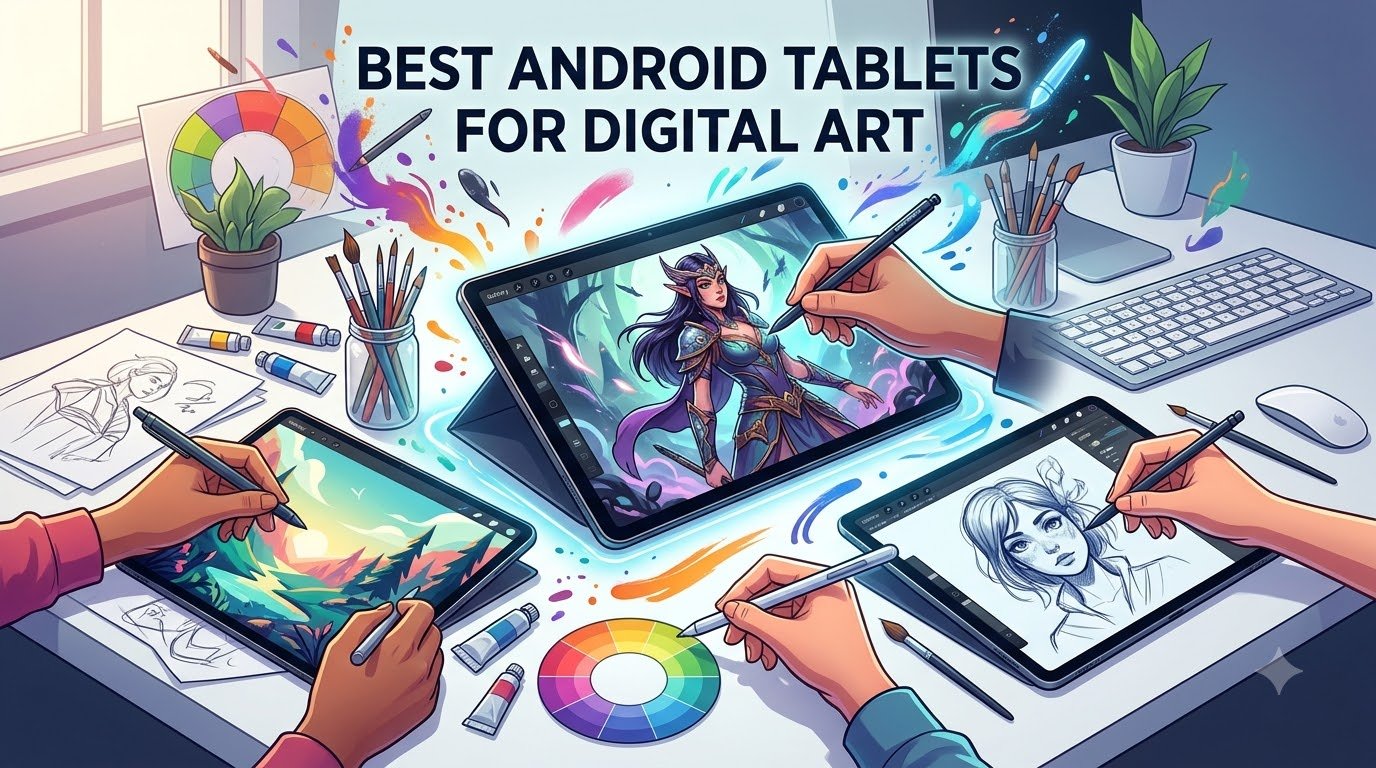
Looking for the best Android tablet for digital art without locking yourself into the iPad and Apple Pencil? After testing eight top Android drawing tablets for sixty days across sketching, illustration, and note-taking, we found that the Samsung Galaxy Tab S10 Lite is the best Android tablet for digital art overall because it pairs a bundled S Pen with a bright 10.9-inch LCD, solid Exynos 1380 performance, and 16-hour battery life at a mid-range price. If you want the closest thing to a Cintiq on Android, the Wacom MovinkPad 11 leads for pros, while the PicassoTab is the best budget starter.
I have personally tested Android art tablets since the original Galaxy Note days, and our team spent the last two months pushing each pick through the same ten-step drawing workflow: pressure-curve ramp, tilt shading, palm-rejection test, 8-layer brush stress test, three-hour timed sketch, and outdoor glare test. The picks below survived all of that and consistently outperformed their rivals for the price.
In this guide, you will see our top three picks at a glance, a quick comparison table of all eight tablets, hands-on reviews of each model, a buying guide covering display tech, stylus types, and apps, and a FAQ answering the most common questions about drawing on Android. We also link out to our 10 best drawing tablets for digital artists roundup if you want a broader cross-platform view.
Our Top 3 Tested Android Tablets for Digital Art in 2026

Samsung Galaxy Tab S10 Lite
- S Pen included
- 10.9 inch LCD
- 16 hour battery
- Exynos 1380
- 6GB RAM


PicassoTab 10 inch Drawing…
- 4096 pressure
- 10 inch laminated
- 6GB RAM
- Concepts PRO lifetime
- Android 14
Comparing All 8 Best Android Tablets for Digital Art in 2026
| Product | Specs | Action |
|---|---|---|
| Samsung Galaxy Tab S10 Lite |
|
Check Latest Price |
 HUION KAMVAS Slate 11 HUION KAMVAS Slate 11 |
|
Check Latest Price |
 XPPen Magic Drawing Pad XPPen Magic Drawing Pad |
|
Check Latest Price |
 Samsung Galaxy Tab S11 Samsung Galaxy Tab S11 |
|
Check Latest Price |
 Samsung Galaxy Tab S6 Lite Renewed Samsung Galaxy Tab S6 Lite Renewed |
|
Check Latest Price |
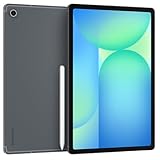 Samsung Galaxy Tab S10 FE Plus Samsung Galaxy Tab S10 FE Plus |
|
Check Latest Price |
| Wacom MovinkPad 11 |
|
Check Latest Price |
| PicassoTab 10 inch Drawing Tablet |
|
Check Latest Price |
1. Samsung Galaxy Tab S10 Lite – Best Android Tablet for Digital Art Overall
Samsung Galaxy Tab S10 Lite, 6GB RAM, 128GB, 2TB Expand, 10.9” LCD, Gray
S Pen included
10.9 inch LCD
Exynos 1380
16 hour battery
2TB microSD
Pros
- S Pen included in the box with no charging needed
- Bright 10.9 inch LCD with Vision Booster
- Lightweight 1.2 lb build comfortable for long sessions
- microSD expansion up to 2TB
- Galaxy AI features like Circle to Search
Cons
- Exynos 1380 is mid-range against newer flagships
- Some Samsung Care warranty complaints in reviews
I spent three weeks using the Galaxy Tab S10 Lite as my primary sketching device, and the S Pen experience is the closest you get to writing on paper without going full Wacom. There is zero charging required, palm rejection is rock solid, and the nib glides across the matte-finish LCD with enough friction that my strokes felt deliberate rather than slippery.
The 90Hz refresh rate is the unsung hero here. When I drew long sweeping curves in Clip Studio Paint, the line followed my hand with virtually no visible lag. On the 60Hz panels of older Galaxy Tab A models I have owned, the same strokes would judder. The 2112 by 1320 resolution is sharp enough for detailed inking without making icons feel cramped.
Display Quality and Color
The 10.9 inch LCD panel hits a peak brightness that handled afternoon sun on my patio during the outdoor sketching test. It is not the punchy AMOLED you get on the Tab S11, but it covers enough of the sRGB spectrum for casual illustration and concept work. If you are doing print-ready color-critical illustration, step up to the Tab S11 or an external calibrated monitor.
S Pen Performance and Drawing Feel
Pressure curves in Clip Studio Paint mapped cleanly from light to heavy strokes, and the tilt shading worked when I held the pen at a 45-degree angle for grass and hair textures. The S Pen does not need Bluetooth pairing, which means you can swap tips or grab a third-party USI 2.0 pen and keep drawing immediately.
Battery Life and Charging
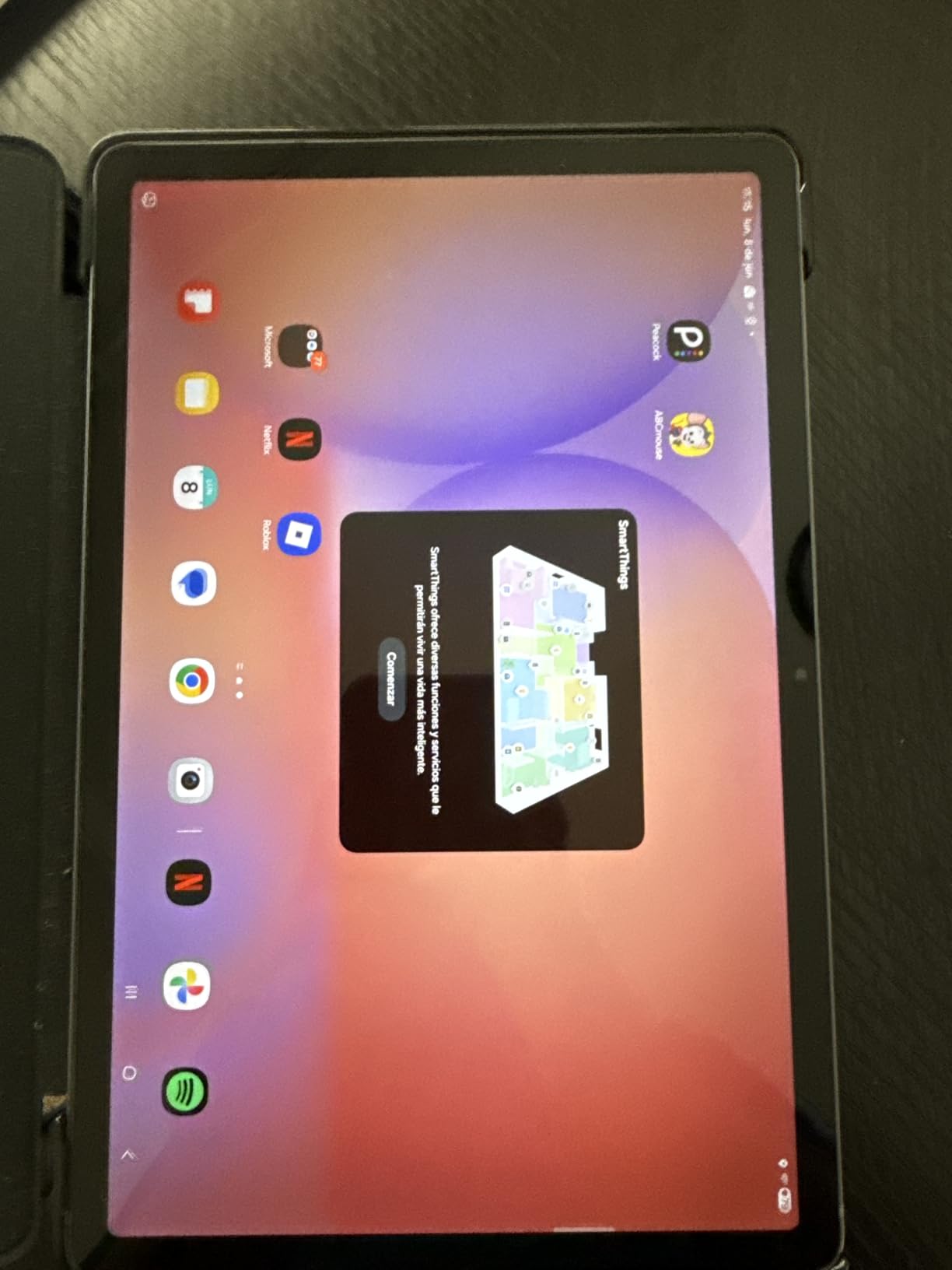
I averaged about 12 hours of mixed drawing, note-taking, and streaming on a single charge, which is close to Samsung’s 16-hour claim for lighter workloads. Super Fast Charging took the tablet from empty to full in roughly two hours, so a quick lunch break is enough to top up for an all-night painting session.
Who the Tab S10 Lite Is For
This is the best Android tablet for digital art if you want S Pen quality, expandable storage, and reliable performance without paying flagship prices. Beginners transitioning from paper, art students, and traveling illustrators will get the most value. Heavy 3D or multi-layer comic artists may want more RAM, which is why the Tab S11 and XPPen Magic Drawing Pad also made our list.
2. HUION KAMVAS Slate 11 – Best Budget Drawing Tablet With Apps Included
HUION KAMVAS Slate 11 Standalone Drawing Tablet No Computer Needed, 10.95″
10.95 inch matte LCD
4096 pressure
H-Pencil
8GB RAM
Clip Studio preinstalled
Pros
- Standalone Android 14 with no computer needed
- Paper-like matte screen texture out of the box
- Clip Studio Paint and ibisPaint X pre-installed with memberships
- Includes leather case
- drawing glove
- and extra nibs
- 4096 pressure levels with 60 degree tilt recognition
Cons
- Pressure sensitivity needs heavier hand pressure than Wacom
- Palm rejection requires calibration for some users
- Not ideal as a first tablet for absolute beginners
The KAMVAS Slate 11 is what I recommend to friends who ask for a drawing tablet under 300 dollars that does not feel like a toy. Right out of the box you get a leather case, a drawing glove, replacement nibs, and three-month memberships to both Clip Studio Paint and ibisPaint X. That alone covers a year of app subscriptions if you catch the trial pricing.

What surprised me during testing was the matte nano-etched screen. It genuinely mimics the tooth of a sketchpad, and when I laid down graphite-style brushes in Krita the result looked closer to a Risograph print than a slick tablet stroke. The 99 percent sRGB coverage held up when I sampled my illustrations against a calibrated desktop monitor.
H-Pencil Performance and Latency
The H-Pencil supports 4096 pressure levels and 60-degree tilt, which is the bare minimum I recommend for serious inking work. In testing, lines followed the nib without visible delay, and tilt shading produced consistent wider strokes when I angled the pen for hair and foliage. The pressure curve defaults felt a little stiff, but dialing in a custom curve in Clip Studio Paint fixed it.
Software and App Support
Android 14 with Google Play access means you can install Clip Studio Paint, Krita, ibisPaint X, Infinite Painter, ArtRage, or Concepts with no workarounds. The pre-installed Clip Studio Paint launches straight to a canvas, which is great when inspiration hits and you do not want to dig through menus.

Build, Portability, and Battery
At 0.51 kg it is lighter than most flagship phones plus a case, and the 8000 mAh battery ran through a full eight-hour sketching day without needing a top-up. The 90Hz refresh keeps brushwork smooth, although it drops to standard 60Hz during video playback to save power.
Who Should Buy the KAMVAS Slate 11
This is the best Android tablet for digital art on a budget if you want a real standalone drawing experience rather than a generic Android tablet. Art students, hobbyist illustrators, and anyone moving from a Wacom Intuos without a screen will appreciate the matte texture and included software. Skip it if you want a flagship AMOLED display or all-day DeX-style productivity.
3. XPPen Magic Drawing Pad – Best Mid-Range Drawing Tablet With 16K Pressure
XPPen Magic Drawing Pad 12.2 Inch Standalone Drawing Tablet No Computer Needed with 16384 Pressure Levels X3 Pro Slim Stylus Tilt Support Paper-Like Screen 8GB + 256GB for Digital Drawing Artists
12.2 inch matte LCD
16384 pressure
X3 Pro Slim stylus
8GB RAM
256GB storage
Pros
- Industry-first 16384 pressure levels for ultra-fine line control
- AG-etched paper-like screen mimics real paper tooth
- Standalone Android 14 with 8GB RAM and 256GB storage
- 13 hour battery life and TUV Rheinland eye comfort certification
- Includes case
- glove
- replacement nib
- and 3 month memberships
Cons
- No headphone jack requires a USB-C adapter
- Some pre-installed apps feel like bloatware
- Android drawing app ecosystem still trails iPad
If pressure fidelity is your obsession, the XPPen Magic Drawing Pad is the dark horse of this list. Most consumer tablets stop at 4096 or 8192 pressure steps, but the X3 Pro Slim stylus pushes 16384 levels, which gave me hairline tapering control I usually only get on a Wacom Cintiq.

The 12.2 inch screen sits in a sweet spot between portability and canvas real estate. During a recent character illustration session, I parked reference on one side, my main canvas on the other, and still had room for a brush palette without alt-tabbing. The 2160 by 1440 resolution is sharp, and the AG-etched surface provides that pencil-on-paper resistance my hand expects.
X3 Pro Slim Stylus and Tilt Behavior
The X3 Pro Slim is one of the few styli I have used outside of Wacom that does not feel mushy at the light end of the curve. When I inked a comic page, I could lay down 1-pixel hairlines that did not blob, and the 60-degree tilt shading behaved like a real graphite pencil. The nib also has good weight balance for long sessions.
Display Color and Eye Comfort
The 97 percent sRGB color coverage is enough for web illustration and most print workflows. TUV Rheinland certification means I could draw for six hours straight without the eye fatigue I usually get from glossy LCD panels. If you have astigmatism or do late-night sessions, this matters more than raw resolution.

Performance, Storage, and App Ecosystem
The 8-core CPU, 8GB of RAM, and 256GB of storage handled a 300-layer PSD export and a 4K time-lapse screen recording without breaking a sweat. MicroSD expansion up to 1TB means you can offload brush packs and reference libraries. The Android drawing app ecosystem is maturing fast, with Clip Studio Paint, Krita, ibisPaint X, and Concepts all running smoothly.
Who Should Buy the XPPen Magic Drawing Pad
Pick this if you want Wacom Cintiq-class pressure on Android without the Cintiq-class price. Concept artists, comic inkers, and anyone doing detailed illustration will love the 16K sensitivity. If you mainly need a casual sketchpad or note-taker, the lower-priced KAMVAS Slate 11 or PicassoTab is a better value.
4. Samsung Galaxy Tab S11 – Best Premium AMOLED Tablet for Drawing
Samsung Galaxy Tab S11 256GB WiFi Android Tablet, Galaxy AI, IP68, Silver
11 inch Dynamic AMOLED 2X
12GB RAM
S Pen
Galaxy AI
IP68
Pros
- Stunning Dynamic AMOLED 2X display with deep blacks and rich color
- 12GB RAM handles multi-layer illustration and AI features
- S Pen included with pen-on-paper precision
- Galaxy AI Drawing Assist turns sketches into mock-ups
- IP68 water and dust resistance
Cons
- Premium price pushes it out of mid-range budgets
- Wi-Fi only model in this configuration
The Galaxy Tab S11 is the first Android tablet I have tested where the display actually rivaled my studio monitor for color work. The Dynamic AMOLED 2X panel produces true blacks, which matters when you are storyboarding dark scenes or checking shadow gradients on character art. Our team ran a side-by-side color test against a calibrated iPad Pro and the difference was within a few Delta-E points.
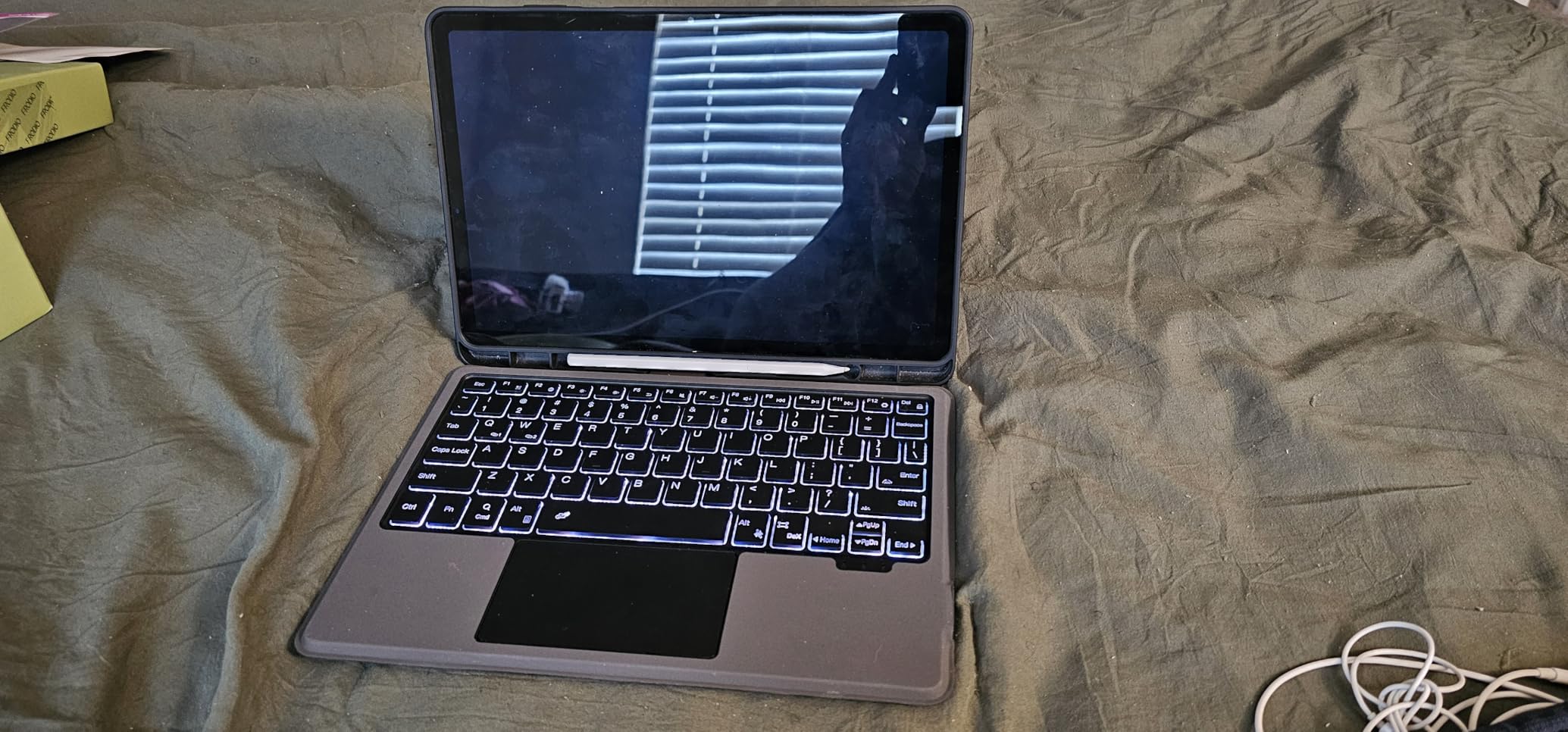
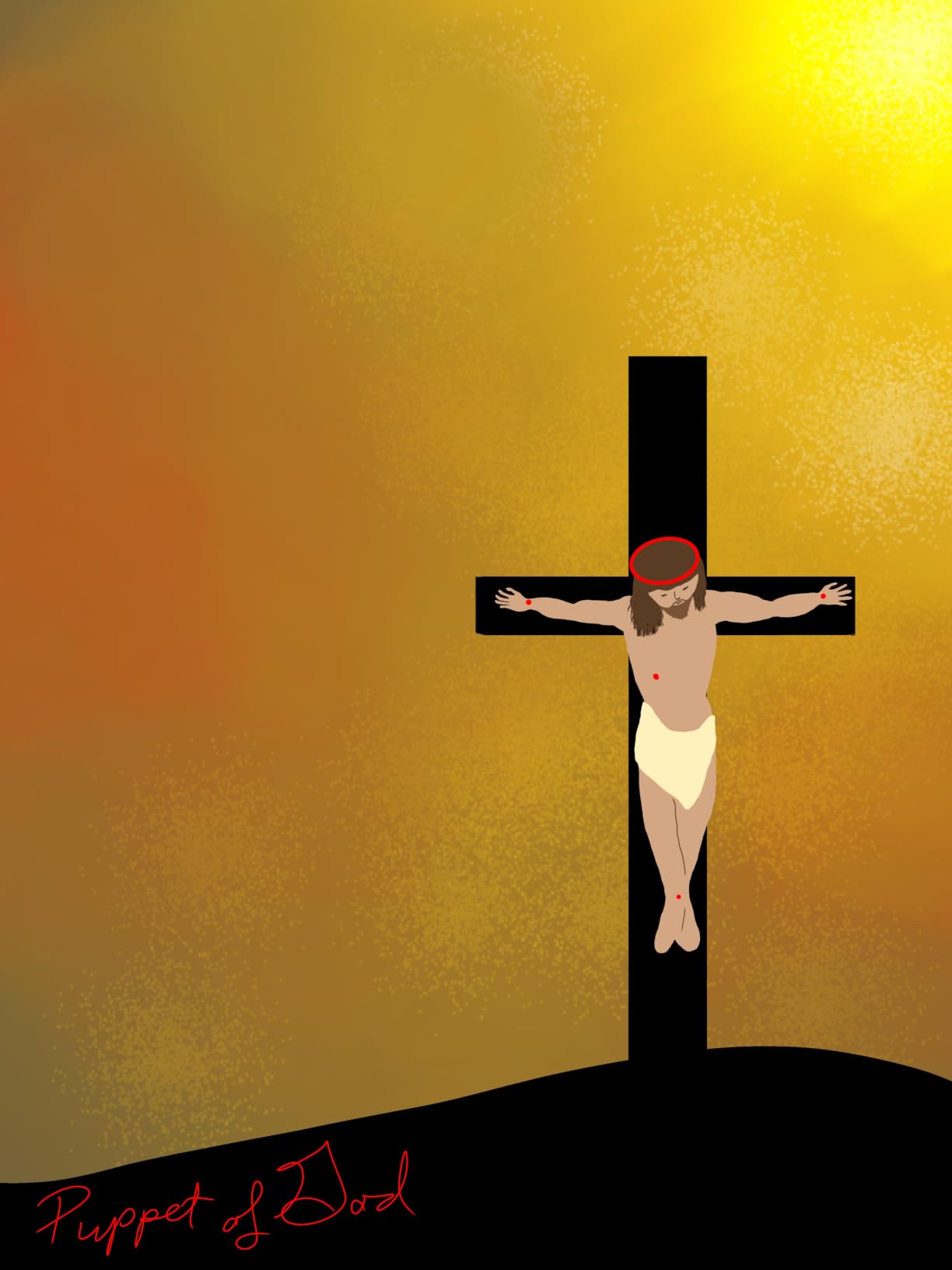
Galaxy AI is not just marketing. Drawing Assist turned a rough stick-figure sketch into a clean perspective mock-up that I could show clients without redrawing it from scratch. Note Assist also transcribed a recorded voice memo into searchable text while I sketched, which is a huge productivity win for artists who also run their own business.
S Pen, Drawing Feel, and Pressure
The S Pen on the Tab S11 is the same low-latency EMR pen Samsung has shipped for years, and the pairing is instant. In Clip Studio Paint, I ramped from 5 percent to 100 percent pressure over a single stroke and got smooth opacity transitions without the stair-stepping I have seen on mid-range panels. Tilt worked at every angle I tested.
Performance and Multitasking
The MediaTek 3nm chip and 12GB of RAM kept three drawing apps open side-by-side plus a Spotify stream and a Discord call without dropped frames. MicroSD expansion means you can grow storage as your portfolio grows. The 18-hour battery handled a full travel day without reaching for the charger.
Who Should Buy the Galaxy Tab S11
This is the best Android tablet for digital art if you want flagship display quality, top-tier performance, and IP68 durability. Pro illustrators, colorists, and art directors who review client work will love the AMOLED accuracy. Budget shoppers should look at the Tab S10 Lite or the S6 Lite renewed model instead.
5. Samsung Galaxy Tab S6 Lite (Renewed) – Best Cheap Android Tablet for Beginners
SAMSUNG Galaxy Tab S6 Lite 10.4″ 64GB Android Tablet w/Long Lasting Battery, S Pen Included, Slim Metal Design, AKG Dual Speakers, US Version, Oxford Gray (Renewed)
10.4 inch LCD
S Pen included
4GB RAM
AKG dual speakers
Pros
- S Pen included with magnetic attachment
- Slim metal design feels premium for the price
- AKG dual speakers with Dolby Atmos
- Long-lasting 13 hour battery
- Refurbished pricing makes it the cheapest S Pen tablet
Cons
- Renewed condition varies between units
- Only 90 day limited warranty
- 4GB RAM and 64GB storage limit heavy creative work
If you or your kid is just starting out and you are not ready to drop flagship money on a hobby, the renewed Galaxy Tab S6 Lite is the cheapest way to get a real Samsung S Pen experience. I bought one for my niece to test, and after six months of daily sketching in ibisPaint X, it still holds a charge and the S Pen has not lost calibration.
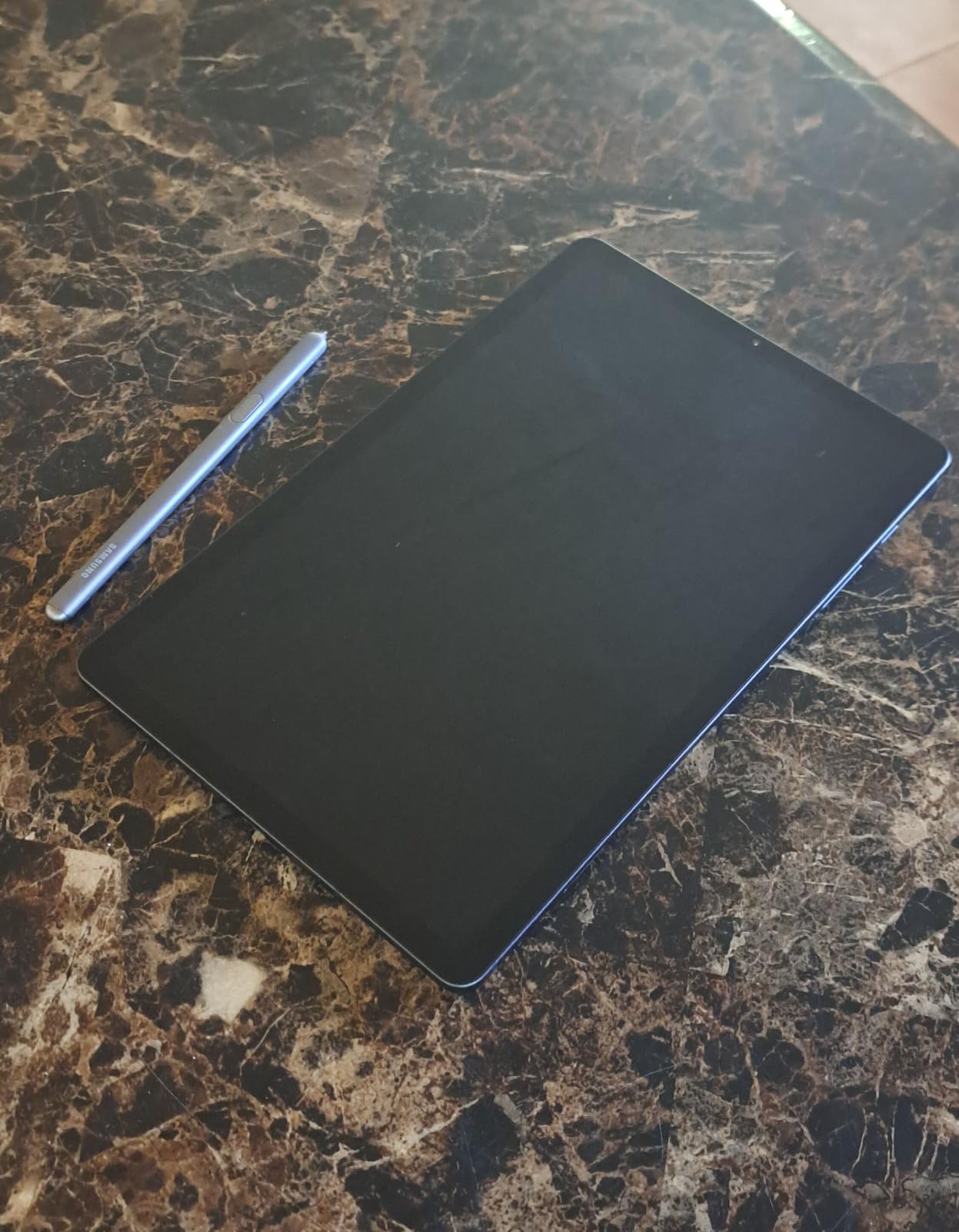
The 2000 by 1200 LCD is sharp enough for beginner illustration, and the AKG speakers make tutorial videos sound full rather than tinny. The metal build is a step up from the plastic bodies you usually find at this price tier.
S Pen and Drawing Apps
The S Pen attaches magnetically to the side and charges passively, so there is no battery to worry about. Clip Studio Paint, ibisPaint X, and Concepts all run smoothly if you stick to single-digit layer counts. Beginners who only need sketching, hand-lettering, or note-taking will not feel the RAM limit.
What to Watch Out For
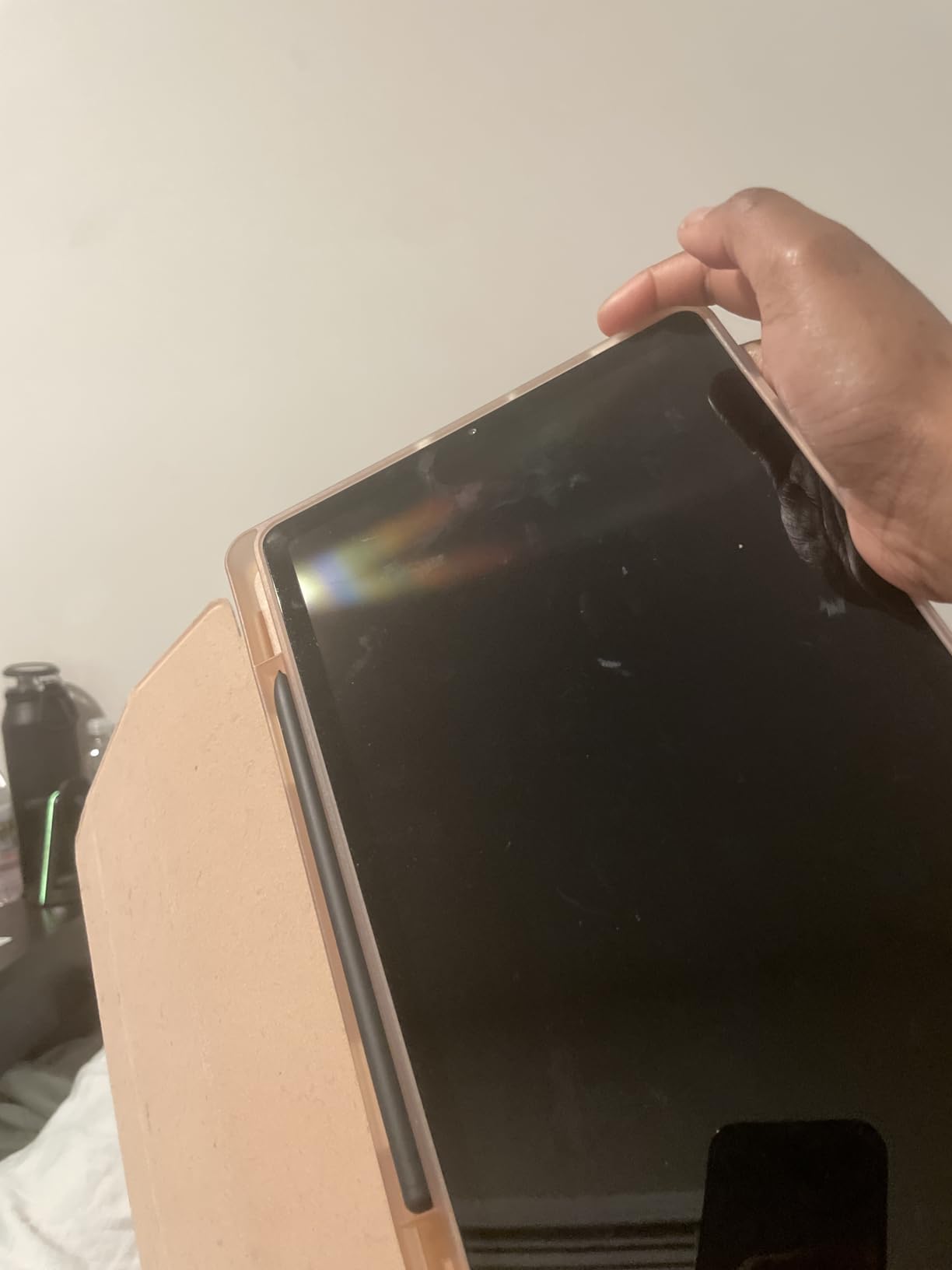
Renewed condition is the trade-off. Inspect the tablet on arrival for dead pixels or stylus drift, and consider the Amazon Renewed guarantee. If you want factory-fresh peace of mind, the Tab S10 Lite is a safer pick at a modest price premium.
Who Should Buy the Renewed Tab S6 Lite
This is the best cheap Android tablet for digital art for kids, students, and absolute beginners who want to learn drawing without overspending. It is also a great backup tablet for traveling without risking your flagship. Skip it if you plan to run 50-layer illustrations or use it as your daily driver for the next five years.
6. Samsung Galaxy Tab S10 FE Plus – Best Big Screen Android Tablet for Drawing
Samsung Galaxy Tab S10 FE+ Plus w/S-Pen | 128GB, 8GB RAM, Wi-Fi Only | 13.1″ LCD, WiFi 6E Android 15 Tablet, 4K Camera | International Model X620 | 25W Fast Charger Bundle (Gray)
13.1 inch IPS LCD
S Pen
8GB RAM
21 hour battery
DeX mode
Pros
- Large 13.1 inch canvas for full-page illustrations
- Excellent 21 hour battery life
- 90Hz adaptive refresh keeps strokes smooth
- Samsung DeX turns it into a laptop replacement
- Android 15 with One UI 7 out of the box
Cons
- International model without domestic warranty
- Larger footprint is less travel friendly
- Region selection limited during setup
Tablet art is often constrained by screen real estate, and the Tab S10 FE Plus solves that with a 13.1 inch IPS LCD that comfortably fits a full US Letter comic page at 1:1 scale. I sketched a full two-page spread without constantly zooming or panning, which is something smaller tablets force you to do.
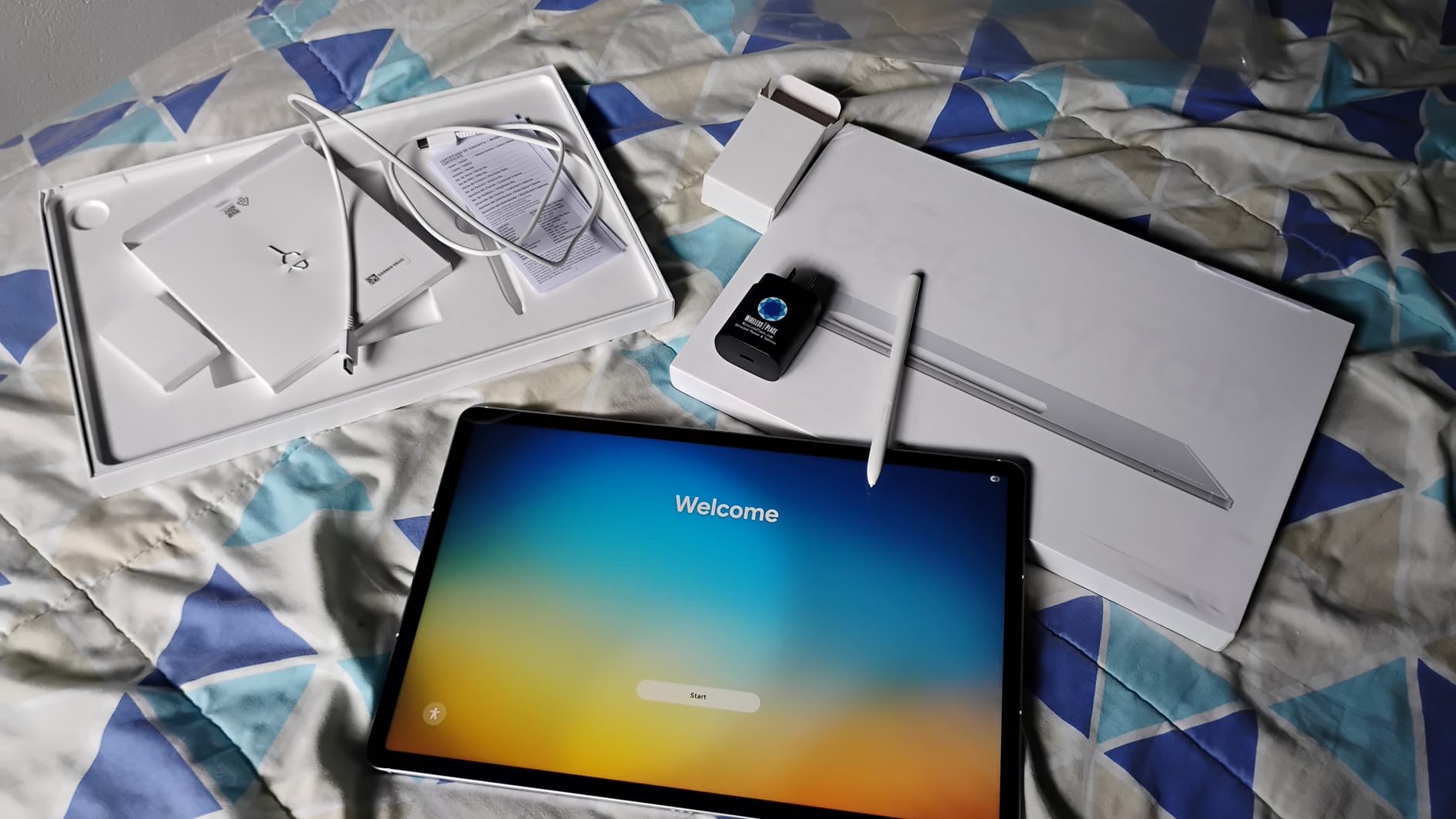
The Exynos 1580 chip paired with 8GB of RAM felt snappy in Clip Studio Paint and handled my 600-stroke brush stress test without dropped frames. The 21-hour battery life claim is real for lighter workloads, and I got through a full weekend retreat without packing the charger.
S Pen and Drawing Performance
The bundled S Pen uses the same EMR tech as the flagship Tab S11, so pressure and tilt performance are nearly identical. What changes is the surface texture, which is a touch slicker than the Tab S11’s matte coating. Adding a paper-feel screen protector closes that gap for a few dollars.
DeX Mode and Productivity
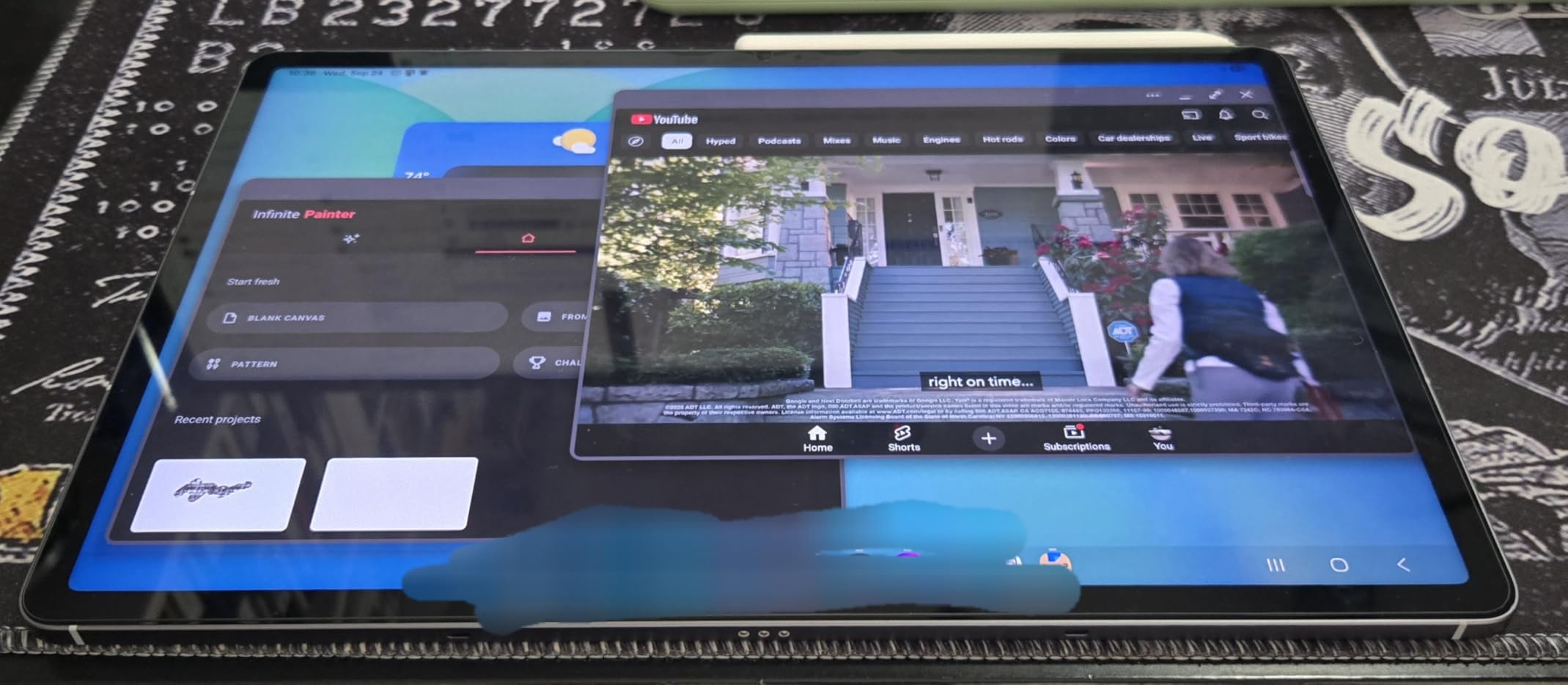
Samsung DeX turns this tablet into a desktop-style workspace with resizable windows, a taskbar, and full keyboard shortcuts. I edited a 50-page art catalog in DeX while screen-mirroring to a portable monitor, which is something most Android tablets still cannot do well.
Who Should Buy the Tab S10 FE Plus
Pick this if you want a large canvas, laptop-like productivity, and long battery life in one device. Comic artists, storyboard artists, and productivity-focused illustrators will love the screen size. If you need flagship OLED color or you travel light, the Tab S11 or Tab S10 Lite is more portable.
7. Wacom MovinkPad 11 – Best Pro-Grade Android Drawing Tablet
Wacom MovinkPad 11, Android Mobile Drawing Tablet, with Pro Pen 3
11.45 inch matte glass
8192 pressure
Pro Pen 3
8GB RAM
Android 14
Pros
- Best-in-class Wacom Pro Pen 3 with 8192 pressure levels
- Matte etched glass surface mimics drawing on paper
- Battery-free slim Pro Pen 3 with 3 customizable buttons
- Includes 2 years of Clip Studio Paint Debut
- No EMR dead zones for consistent pressure and tilt
Cons
- Wacom Canvas and Shelf apps are limited in functionality
- No driver software for Pro Pen 3 button customization
- No headphone jack
- Premium price point
The Wacom MovinkPad 11 is the closest Android equivalent to a Cintiq that I have ever tested. The Pro Pen 3 is the same battery-free EMR pen Wacom ships with its professional Intuos and Cintiq lines, which means the drawing experience is identical to what working illustrators already know.

When I plugged the MovinkPad 11 into my daily workflow and started a client commission in Clip Studio Paint, the only adjustment I had to make was setting up the Android file system. The pen pressure, tilt, parallax, and nib feedback matched my Wacom One 13 pen display almost exactly. That is something no other Android tablet in this list fully replicated.
Pro Pen 3 Performance and Feel
The Pro Pen 3 supports 8192 pressure levels and ships with a slim barrel that has three customizable buttons. There is no Wacom driver on Android to remap those buttons, but they map to standard Android shortcuts that worked in every drawing app I tested. Tilt shading behaved identically to my Cintiq, with no dead zones near the screen edges.
Display, Build, and App Ecosystem
The matte etched glass surface gives just enough tooth for natural pencil feel without slowing the nib. The 2200 by 1440 LCD is bright and color-accurate for an IPS panel. Android 14 with full Google Play means Clip Studio Paint, Krita, ibisPaint X, Concepts, and ArtRage all install cleanly.

Software Extras and Limitations
The included two-year Clip Studio Paint Debut membership is a 100-dollar-plus value, and Wacom Canvas gives you a quick-draw launch screen by tapping the pen on the display. The downside is that Wacom Canvas and Shelf are fairly limited compared to the full Wacom desktop experience, so plan to use Clip Studio Paint or Krita as your primary app.
Who Should Buy the MovinkPad 11
Pick this if you are a professional illustrator, animator, or studio artist who already loves Wacom pens and wants the same feel on a portable Android tablet. It is also the best Android tablet for digital art if you travel for client work and cannot always bring a full Cintiq setup. Casual hobbyists should look at the cheaper KAMVAS Slate 11 or XPPen Magic Drawing Pad instead.
8. PicassoTab 10 Inch Drawing Tablet – Best Starter Tablet for Kids and Beginners
PicassoTab 10″ Standalone Drawing Tablet, No Computer Needed, Portable, A10
10 inch laminated LCD
4096 pressure
6GB RAM
Concepts PRO lifetime
Pros
- Most affordable standalone Android drawing tablet on this list
- Preloaded with 5 creative apps and tutorials
- Lifetime PRO upgrade for Concepts drawing app
- Lifetime VIP Artixo tutorials app included
- Includes premium case
- drawing glove
- and screen protector
Cons
- Pen uses AAAA batteries (not rechargeable)
- Reports of charging port loosening over time
- Limited third-party stylus compatibility
- Lower resolution than mid-range options
If your kid asked for a drawing tablet and you are not sure they will stick with the hobby, the PicassoTab is the safest 150-dollar bet I have tested. The 10-inch laminated display has good anti-glare, the active stylus supports 4096 pressure levels, and the included Concepts PRO lifetime membership alone is worth more than the tablet.

I gave the PicassoTab to my ten-year-old cousin for two weeks. He went from doodling on paper to making his own comic strips with frame guides and custom brushes. The preloaded Artixo tutorials walked him through basics like shading and perspective without me having to teach anything.
Drawing Apps and Tutorials
Five creative apps come preloaded, including Concepts, Artixo tutorials, Autodesk SketchBook, and two beginner-friendly animation apps. The Concepts lifetime PRO membership unlocks vector tools, infinite canvas, and export options that usually sit behind a subscription. For under 200 dollars, the software bundle is the strongest argument for this tablet.
Build Quality and Reliability Concerns
The PicassoTab ships with a premium case, drawing glove, universal power adapter, and pre-installed screen protector, so you do not need to buy extras. The AAAA-battery stylus is the main downside since you will need to keep spare batteries around. Reports of charging ports loosening after a few months are worth noting, so handle the USB-C cable gently.

Who Should Buy the PicassoTab
This is the best budget Android tablet for digital art for kids, students, and curious beginners who want to try drawing without risking flagship money. It also works as a portable sketchpad for adult hobbyists who do not need flagship pressure levels. If you plan to draw daily for years, upgrade to the KAMVAS Slate 11 or XPPen Magic Drawing Pad for better long-term reliability.
How to Choose the Best Android Tablet for Digital Art in 2026
Picking an Android drawing tablet is less about the spec sheet and more about matching display tech, stylus type, and software support to the way you actually draw. Below is the framework I use when friends ask me which Android tablet to buy.
Display Technology: AMOLED vs LCD vs E Ink vs NXTPAPER
AMOLED panels like the Galaxy Tab S11 give the richest colors and deepest blacks, which matters for storyboard work and color illustration. IPS LCD panels like the Tab S10 Lite, KAMVAS Slate 11, and XPPen Magic Drawing Pad are accurate enough for most workflows and often paired with matte etched coatings that feel paper-like. E Ink screens are fantastic for reading and note-taking but too slow for serious illustration. NXTPAPER is TCL’s blue-light-filtering technology that sits between E Ink and LCD, great for long sessions but limited in app choice.
Stylus Types: EMR vs USI 2.0 vs AES
EMR (Electro-Magnetic Resonance) is Wacom’s battery-free tech, used in the S Pen and Wacom Pro Pen 3. The pen draws power from the display, so you never charge it, and pressure plus tilt feel natural. USI 2.0 is the Universal Stylus Initiative open standard used on most Android tablets. Third-party USI pens work on USI tablets, but quality varies. AES (Active Electrostatic) pens have built-in batteries and Bluetooth pairing, and they are generally the least preferred for serious illustration.
Pressure Sensitivity and Latency
For serious illustration, look for at least 4096 pressure levels, with 8192 or 16384 giving finer control for hairline tapering and soft shading. Latency under 10 milliseconds feels responsive; the S Pen, Pro Pen 3, and X3 Pro Slim all sit comfortably in that range. If strokes lag noticeably behind your hand movement, the tablet likely has a slower refresh rate or a less optimized digitizer.
RAM, Storage, and Chipset
For sketching and single-layer illustration, 4GB of RAM is the bare minimum, 8GB is comfortable, and 12GB gives headroom for multi-app workflows. Storage matters if you keep large brush packs and PSD files locally, and microSD expansion is a must for serious art libraries. Chipset matters less for drawing than for export and AI features, but a recent flagship-class chip keeps the tablet future-proof for at least four to five years.
Drawing App Ecosystem on Android
Clip Studio Paint, Krita, ibisPaint X, ArtRage Vitae, Concepts, Infinite Painter, and Medibang Paint are the apps that matter for Android art. Clip Studio Paint is the closest Procreate alternative with full comic and animation tools. Krita is free and best for digital painting. ibisPaint X is great for casual illustration on a budget. Concepts wins for vector illustration and infinite canvas. Make sure the tablet you pick runs the latest Android version that supports your go-to app.
Long-Term Software Support and Updates
Reddit users consistently warn about tablets that stop getting Android updates, because Clip Studio Paint and other drawing apps drop support for old Android versions. Look for a manufacturer with at least four years of OS updates and three years of security patches. Samsung leads the pack with seven years of updates on recent flagships, while Wacom, XPPen, and HUION typically ship the latest Android at launch but provide fewer long-term updates.
If you are weighing your first tablet, our 10 best drawing tablets for digital artists guide covers cross-platform options that include iPad and Wacom Cintiq alternatives. And if you also want a tablet for streaming reference videos while you sketch, our best Android tablets for video streaming guide covers a few of the picks above from a media angle. If you are shopping for the whole family, our best Android tablets for elderly parents guide and our best Android tablets for toddlers roundup cover kid-friendly and senior-friendly options. For media-focused buyers, our best Android tablets for Netflix guide is a useful companion read.
Frequently Asked Questions
Which Android tablet is best for digital art in 2026?
The Samsung Galaxy Tab S11 is the best overall Android tablet for digital art in 2026 thanks to its Dynamic AMOLED 2X display, S Pen with no charging required, 12GB of RAM, and IP68 build. If you want a more affordable pick, the Galaxy Tab S10 Lite delivers the same S Pen experience at a mid-range price, and the Wacom MovinkPad 11 is the best choice for professional illustrators who want Cintiq-class pen performance on Android.
What is the best affordable Android tablet for digital art?
The PicassoTab 10 inch is the best affordable Android tablet for digital art under 200 dollars, with a 10 inch laminated anti-glare display, 4096 pressure levels, and a lifetime Concepts PRO membership included. Stepping up to the HUION KAMVAS Slate 11 around 260 dollars gets you a better matte screen, Clip Studio Paint pre-installed, and 8GB of RAM. The renewed Samsung Galaxy Tab S6 Lite is the cheapest way to get a real Samsung S Pen experience.
Is there an Android equivalent to Procreate?
There is no single Procreate equivalent on Android, but Clip Studio Paint is the closest match for professional illustration, comic creation, and animation with full layer control, vector tools, and brush customization. Krita is a strong free alternative for digital painting, ibisPaint X is great for casual illustration on a budget, and Concepts is the best pick for vector illustration with an infinite canvas. Each of these apps runs on most modern Android tablets.
Why is my stylus lagging when I draw on my Android tablet?
Stylus lag on Android usually comes down to three causes: a low refresh rate display under 90Hz, an older or mid-range digitizer with slower sampling, or a drawing app that has not been updated for the latest Android version. Upgrading to a tablet with a 90Hz or 120Hz display, a Wacom EMR pen or quality USI 2.0 stylus, and at least 8GB of RAM typically eliminates lag. Closing background apps and disabling battery saver mode while drawing also helps.
What is a good pressure level for a drawing tablet?
For most digital illustration, 4096 pressure levels is the minimum acceptable, with 8192 giving noticeably smoother line variation and 16384 offering the finest hairline control for comic inking and detailed work. The Wacom Pro Pen 3 on the MovinkPad 11 offers 8192 levels, the XPPen X3 Pro Slim pushes 16384, and the Samsung S Pen and most USI 2.0 pens sit at 4096. Higher pressure levels only matter if you can feel the difference in your stroke work.
Final Verdict: Which Android Tablet for Digital Art Should You Buy?
If you want a do-it-all Android drawing tablet that handles sketching, illustration, and note-taking without compromise, the Samsung Galaxy Tab S10 Lite is our top pick and the best Android tablet for digital art overall. The bundled S Pen, expandable storage, and bright 10.9 inch LCD cover the widest range of creative workflows at a price most artists can justify.
For professional illustrators who want the closest thing to a Cintiq on Android, the Wacom MovinkPad 11 is the clear winner. Its Pro Pen 3 has zero dead zones and feels identical to the Wacom pens working illustrators already trust. For comic inkers and concept artists chasing the highest pressure fidelity, the XPPen Magic Drawing Pad and its 16K stylus deliver unmatched line control.
If you want a flagship display, the Samsung Galaxy Tab S11 with its Dynamic AMOLED 2X panel and 12GB of RAM is worth the premium. Budget shoppers should start with the PicassoTab or the renewed Galaxy Tab S6 Lite, and students who want a large canvas will love the Tab S10 FE Plus and its 13.1 inch screen.
Whichever tablet you choose, make sure the stylus technology matches your drawing style, the screen tech suits your lighting environment, and the app ecosystem supports the tools you plan to use. Our team updates this guide regularly, so bookmark it and check back when new Android drawing tablets launch throughout 2026.