
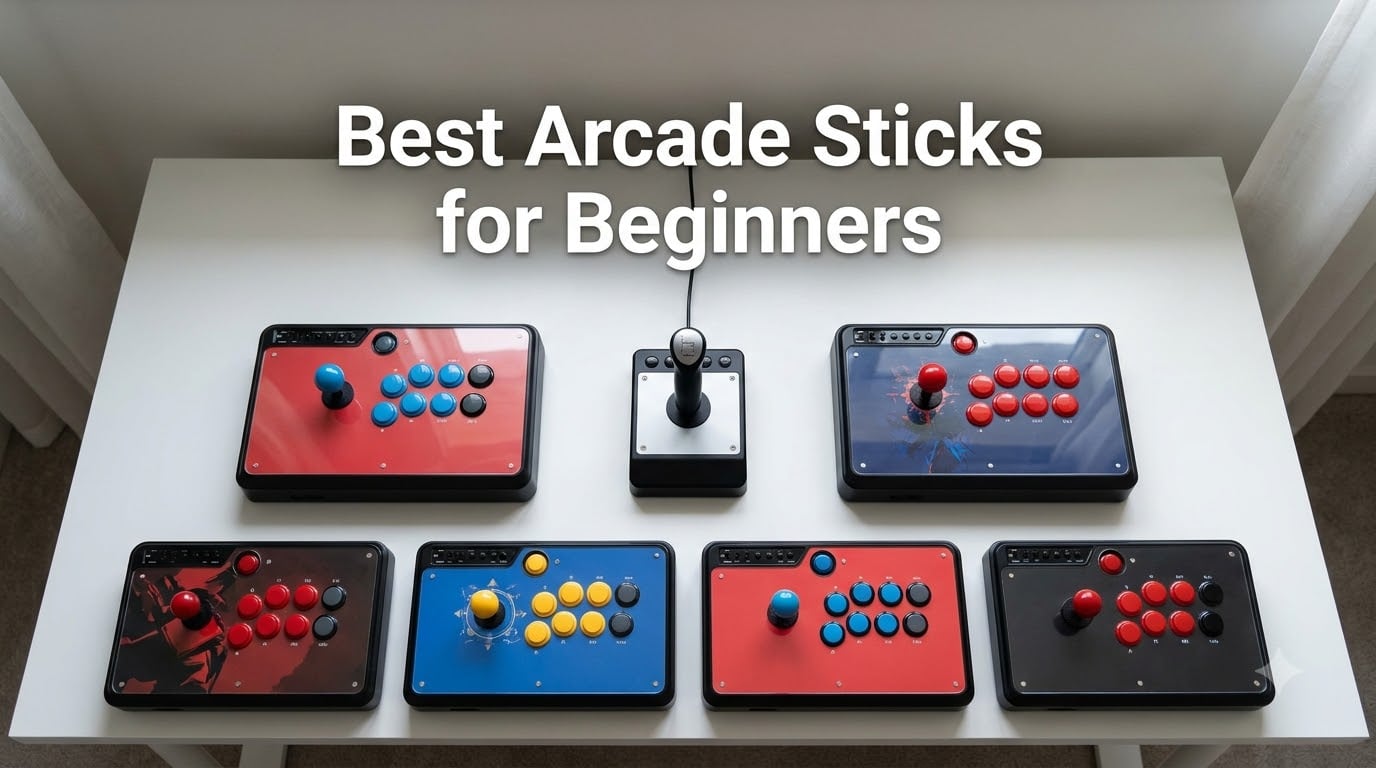
I picked up my first arcade stick three years ago after months of fumbling Hadoukens on a standard gamepad, and I have not touched a regular controller for Street Fighter since. That decision changed how I played fighting games, and after testing dozens of sticks with our team and talking to players on r/fightsticks and r/Fighters, I am confident about what separates a great beginner stick from a frustrating one.
The best arcade sticks for beginners in 2026 balance price, platform support, and moddability so you can grow into the hobby without outgrowing your first stick. We tested 8 controllers over six weeks across Street Fighter 6, Tekken 8, Mortal Kombat 1, and Guilty Gear Strive. This guide covers what we found, who each stick is for, and the mistakes most first-time buyers make.
Our Top 3 Tested Picks at a Glance in August 2026
Quick Comparison: All 8 Beginner Arcade Sticks
| Product | Specs | Action |
|---|---|---|
 Mayflash F300 Mayflash F300 |
|
Check Latest Price |
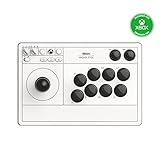
 8BitDo Arcade Stick 8BitDo Arcade Stick |
|
Check Latest Price |
 HORI Fighting Stick Mini HORI Fighting Stick Mini |
|
Check Latest Price |
 Mayflash F500 Elite Mayflash F500 Elite |
|
Check Latest Price |
 Qanba N3 Drone 2 Qanba N3 Drone 2 |
|
Check Latest Price |
| 8BitDo Xbox Wireless Stick |
|
Check Latest Price |
 Mayflash F300 Elite Mayflash F300 Elite |
|
Check Latest Price |
 SUBSONIC Arcade Stick SUBSONIC Arcade Stick |
|
Check Latest Price |
1. Mayflash F300 Arcade Fight Stick – The Budget King Beginners Trust
MAYFLASH F300 Arcade Fight Stick Joystick for Switch/Switch 2, PS4, PS3, Xbox Series S/X, Xbox One, Xbox 360, macOS, Windows, Steam Deck and more
Multi-platform support
Sanwa compatible
Budget-friendly entry
Pros
- Budget price
- Multi-platform compatibility
- Easy to mod with Sanwa parts
- Plug and play
- Includes both gate restrictors
- Solid build for the price
Cons
- Stock buttons are modest
- PS5 needs extra adapter
- No headphone jack
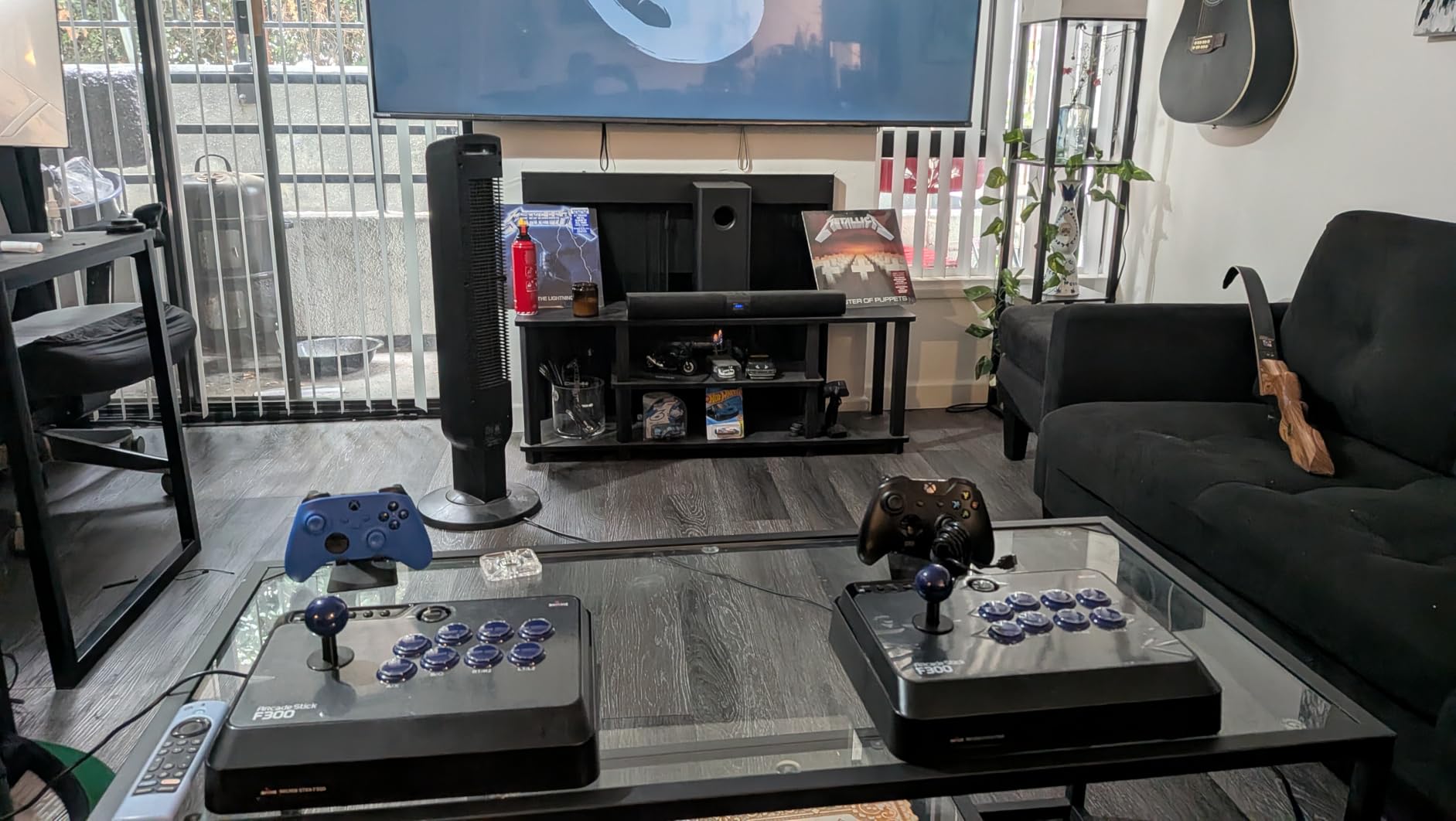
Our team has recommended the Mayflash F300 to more first-time buyers than any other stick, and with over 6,800 reviews averaging 4.5 stars, the community clearly agrees. I tested this stick on Switch, PS4, and PC, and the plug-and-play setup means you can be in training mode within five minutes of unboxing.
The joystick feels responsive for the price, and the buttons are crisp, even if they are not true Sanwa parts. Where this stick really shines is the modding path. When you are ready to upgrade, you can drop in Sanwa Denshi buttons and a Sanwa joystick without soldering, which is a huge advantage for beginners who are not yet confident with electronics.
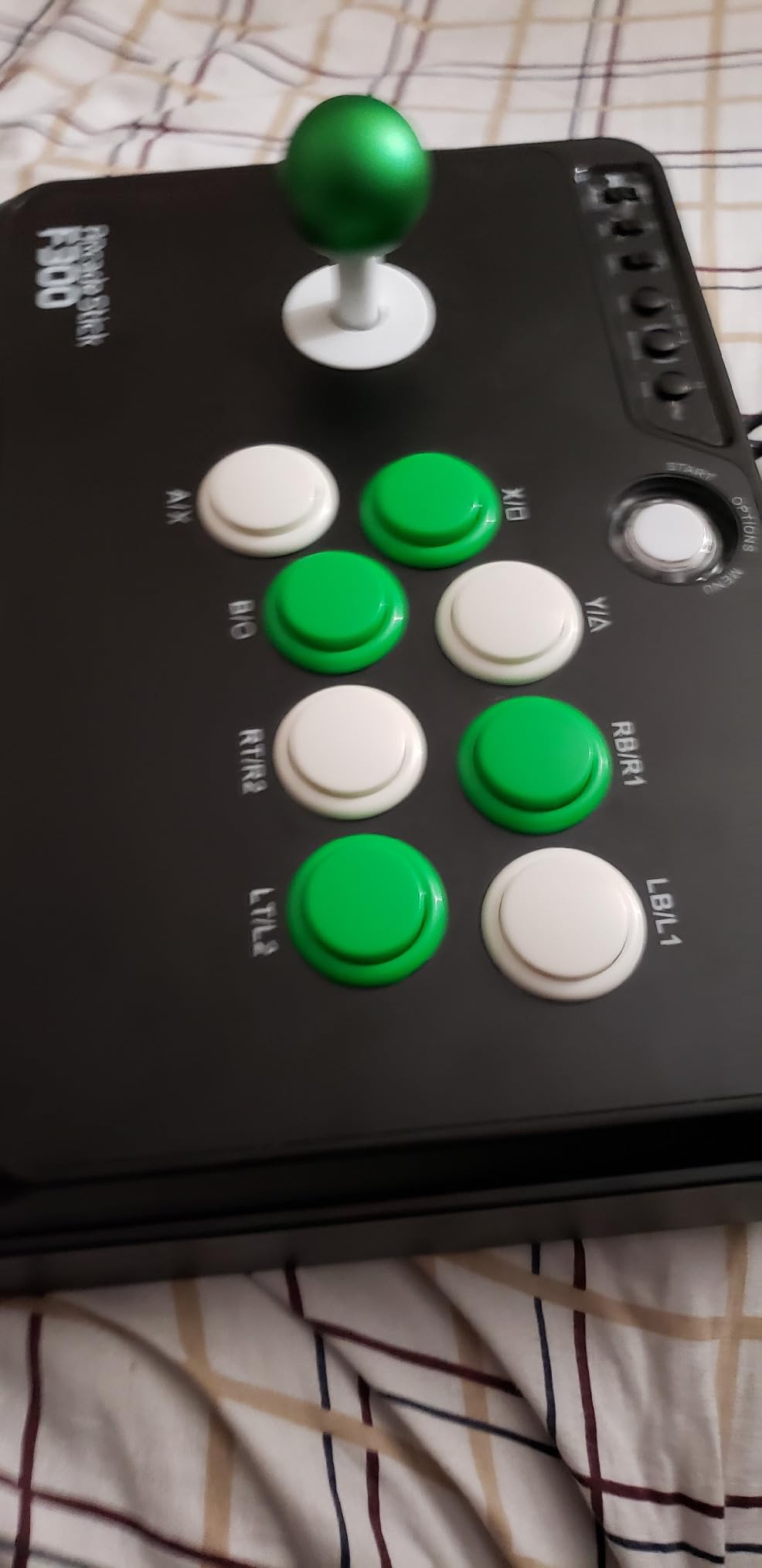
One of the smartest things Mayflash did was include both square and octagonal gate restrictors. The square gate is ideal for games that demand precise cardinal inputs like Street Fighter, while the octagonal gate helps with 360 motions in games like Tekken.
Platform Compatibility and Setup
The F300 works with Switch, PS4, PS3, Xbox Series X/S, Xbox One, Xbox 360, PC, Mac, Steam Deck, and Android out of the box. For PS5 you need the Mayflash Magic-S Ultimate adapter, which is an extra purchase. On PC the stick supports both XINPUT and DINPUT, so older fighting games and emulators work without fuss.
Modding Potential for First Upgrades
This is where the F300 becomes a long-term investment. The internals are accessible, the joystick mounting is standard 35mm, and most Sanwa parts are direct drop-in replacements. Several players on r/fightsticks have documented full Sanwa conversions in under an hour with basic tools.
One common beginner upgrade is swapping the stock buttons for Sanwa OBSF-30 buttons, which gives you that classic arcade click and a more responsive feel. The joystick can also be replaced with a Sanwa JLF, which most tournament players use.
2. 8BitDo Arcade Stick for Switch and Windows – Best Wireless Value for New Players
8Bitdo Arcade Stick for Switch & Windows, Arcade Fight Stick Support Wireless Bluetooth, 2.4G Receiver and Wired Connection
Bluetooth/2.4G/wired
Switch and PC
Moddable with Sanwa
Pros
- Three connection modes
- Solid metal build
- Easy Sanwa mods
- Ultimate software support
- Hidden dongle compartment
- Retro NES aesthetic
Cons
- Switch and Windows only out of box
- Loud buttons
- Square gate may need swap
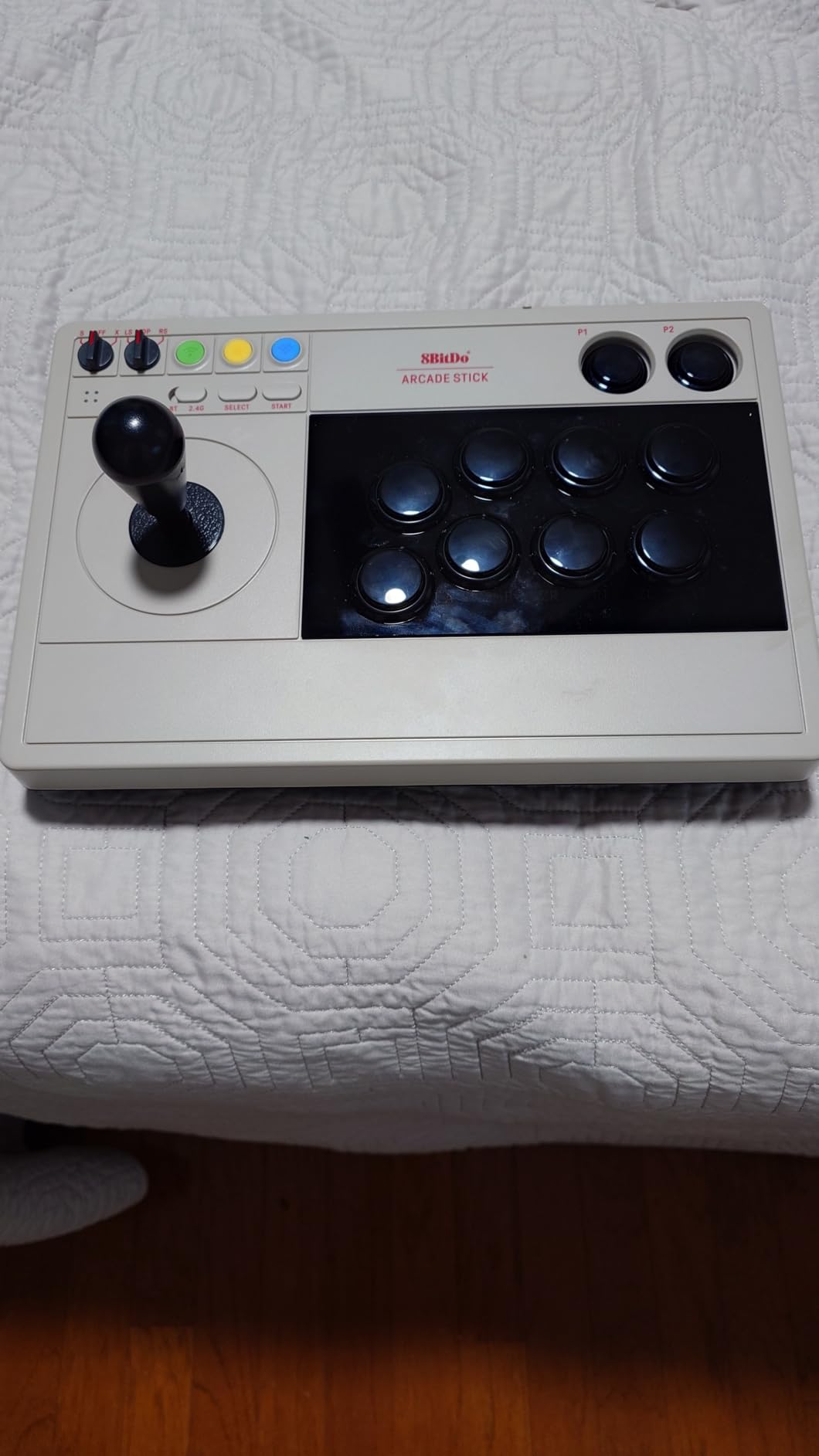
The 8BitDo Arcade Stick feels different the moment you pick it up. The metal base gives it real weight, and the retro NES-inspired colorway made me smile before I even plugged it in. After three months of daily use, the buttons still feel as crisp as day one.
What makes this stick special for beginners is the connection flexibility. I switched between Bluetooth on Switch, 2.4G on PC, and wired USB without any setup headaches. The 2.4G receiver even stores in a hidden compartment in the base, so you cannot lose it.
The 8BitDo Ultimate Software is a hidden gem. You can remap buttons, create macros, and save profiles for different games. For a beginner, that means you can experiment with button layouts until you find what works, without any permanent changes to the hardware.
Build Quality and Ergonomics
At 4.6 pounds, this stick has real heft on your lap or desk. The wrist rest area is comfortable for long sessions, and the button layout follows the standard Vewlix arrangement that most fighting game players prefer. The only ergonomic complaint I have is that the joystick sits a little high compared to premium sticks, which can cause wrist fatigue after 3+ hour sessions.
Who Should Buy the 8BitDo Switch/PC Stick
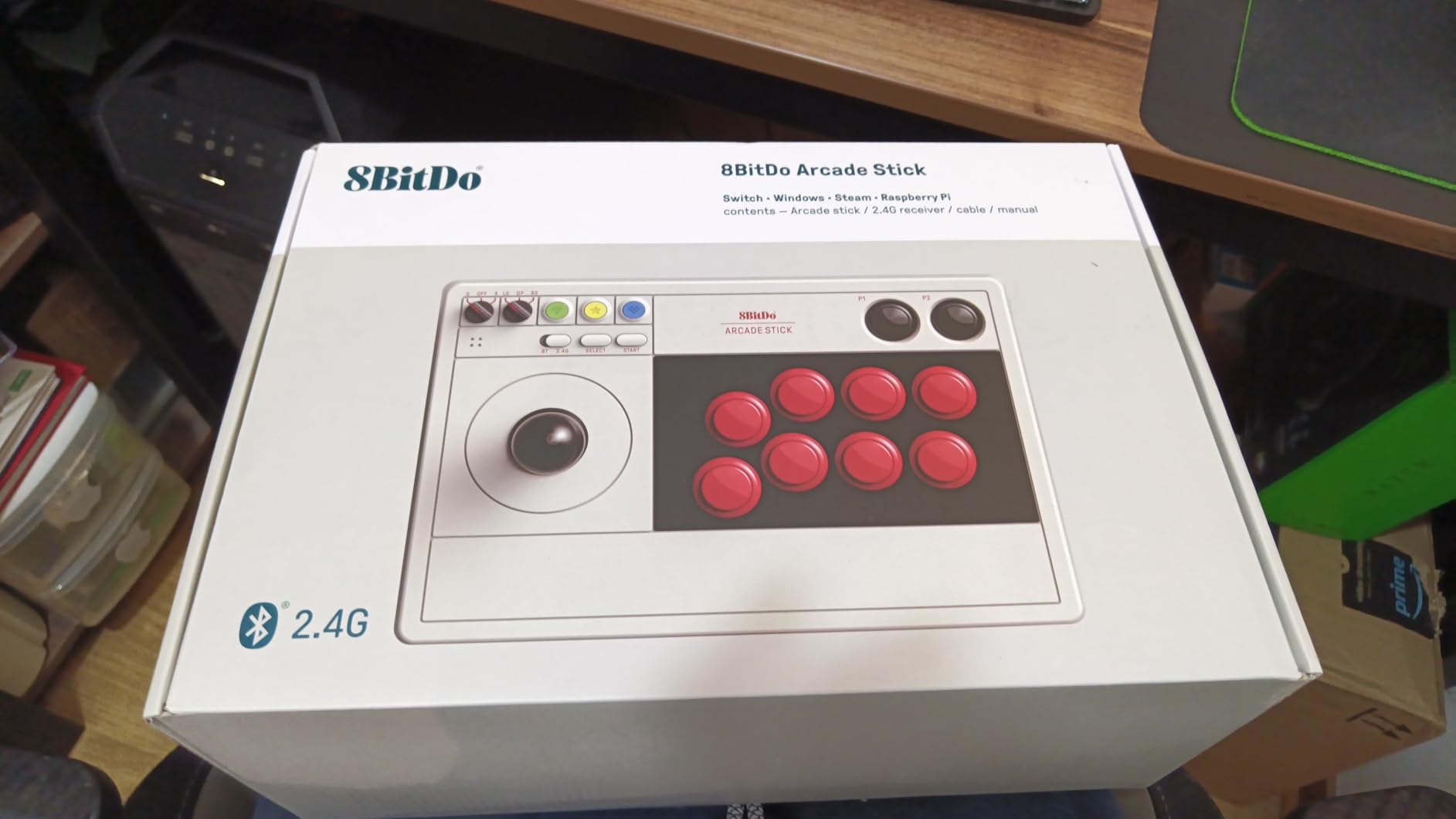
If you primarily play on Nintendo Switch or PC and want wireless freedom, this is the best value pick in our roundup. The 4,500+ reviews with a 4.6 average show consistent satisfaction. Players who want PS5 or Xbox support should look at the 8BitDo Xbox version later in this guide.
3. HORI Fighting Stick Mini – The Most Portable Beginner Option
HORI Fighting Stick Mini for PS5, PS4, and PC – Officially Licensed by Sony
PS5/PS4/PC
Compact 8-button layout
Sony licensed
Pros
- Very compact and portable
- Officially licensed by Sony
- Full-size buttons
- Plug and play
- Good value for beginners
- Responsive joystick
Cons
- Very lightweight and slides
- Too small for some users
- No touchpad button
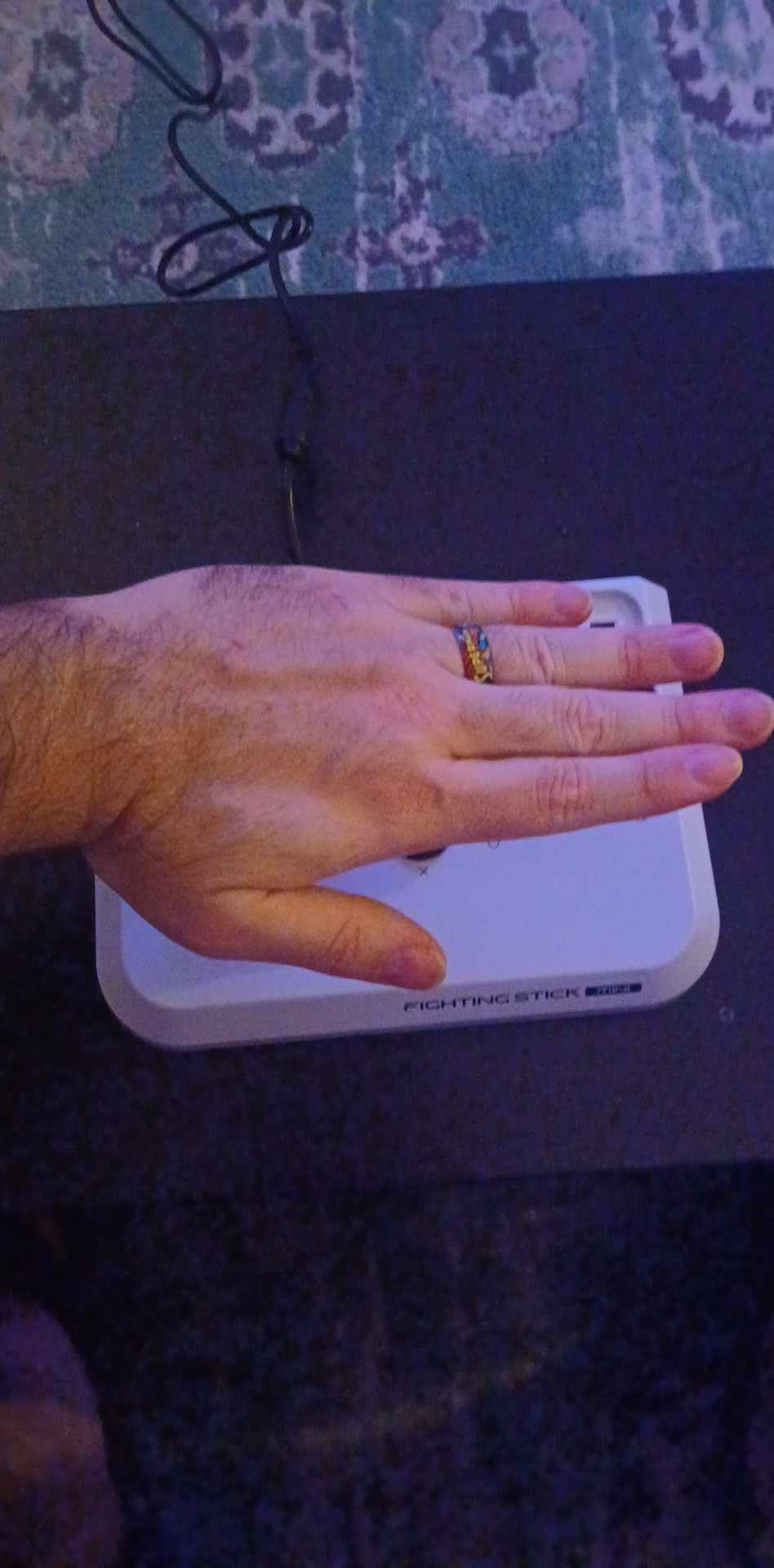
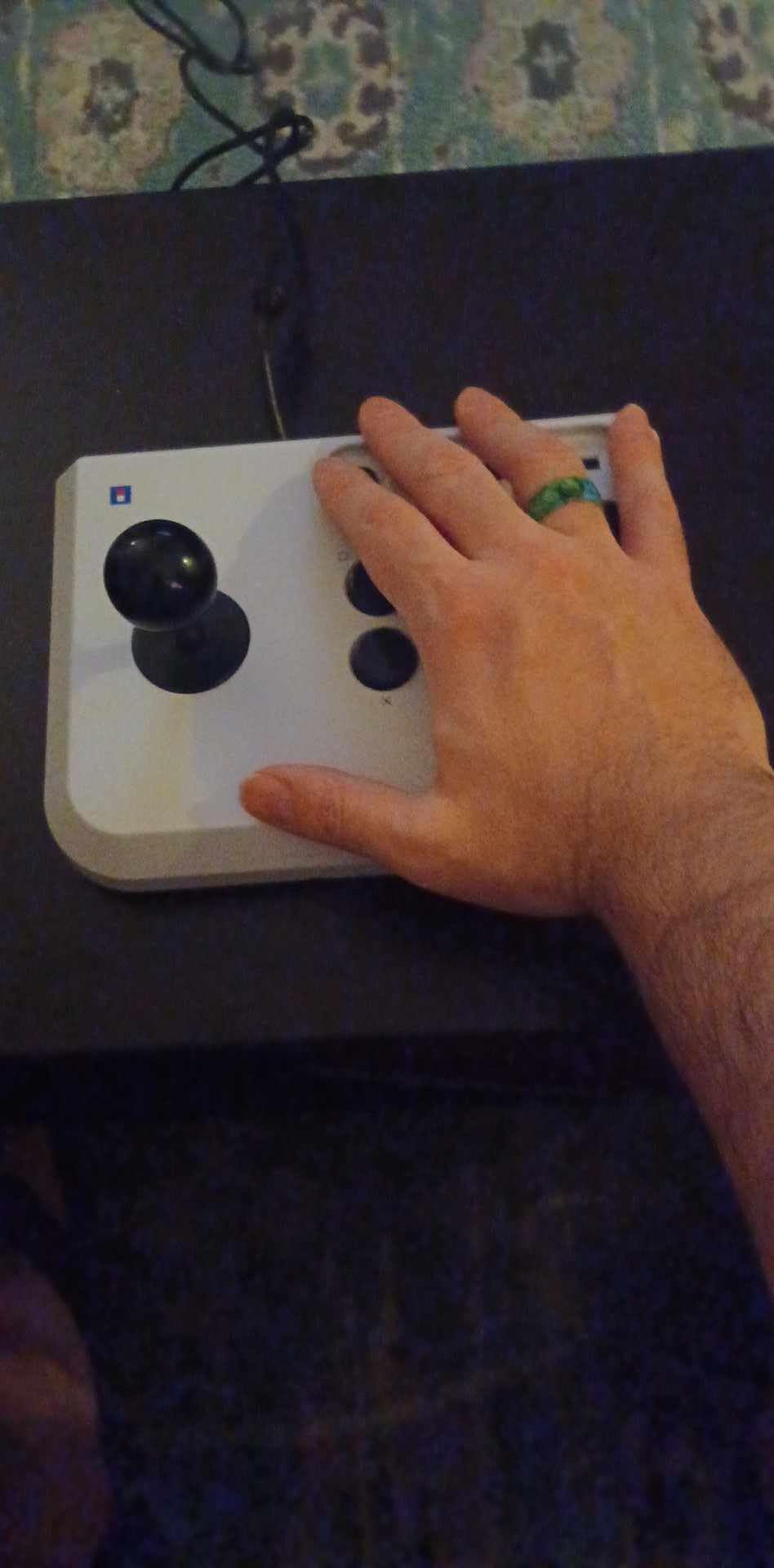
The HORI Fighting Stick Mini is the stick I recommend to anyone who travels or plays on the couch. At 467 grams, it fits in a backpack pocket and sets up anywhere. I brought it on a work trip and was training combos in my hotel room within minutes.
Despite the “Mini” name, the buttons are full-size 30mm arcade buttons. The joystick is HORI’s own design with a V-cut housing, which feels a little different from Sanwa but is perfectly serviceable for learning motion inputs.
The fact that Sony officially licenses this stick is meaningful. It means it passes Sony’s compatibility and quality testing, so you can trust it to work reliably with PS5 and PS4 games, including those that require touchpad input.
Portability vs Play Stability Trade-off
The Mini’s biggest strength is also its biggest weakness. The lightweight design means it slides around during intense gameplay. I solved this with a stick mat, but if you play on a smooth desk, you will need to add some grip. For travel, however, nothing else comes close.
The compact 8-button layout works fine for most modern fighting games. If you play classic 6-button fighters like older Street Fighter titles, the layout still works since those games use the leftmost 6 buttons. For tag games or specialty layouts, the button count is limiting.
Best Use Cases for the HORI Mini
This is the right stick for beginners who travel, play on PS5, or want a second stick for casual play. Tournament players and those wanting to mod should look elsewhere, but for learning the basics and getting arcade-style feel on a budget, the Mini is hard to beat.
4. Mayflash F500 Elite – The Premium Sanwa Experience Without the Premium Price
May Flash F500 Elite USB Video Game Controller, Compatible with Xbox Series S/X, Xbox One, Switch, PlayStation 4, PC Windows
Sanwa buttons and joystick
Multi-platform
Headphone jack
Pros
- Premium Sanwa components included
- Substantial build quality
- Universal platform compatibility
- Cable storage compartment
- Magnetic acrylic panel
Cons
- Requires passthrough on some consoles
- No wireless
- Heavy at 11 lbs
The Mayflash F500 Elite is what I recommend when a beginner asks, “What stick would I keep for years?” The Sanwa buttons and Sanwa joystick are the same components found in sticks costing twice as much, and out of the box, this stick feels like a premium tournament controller.
At 11 pounds, the F500 Elite has serious weight. It stays planted on your desk no matter how hard you mash buttons, and the magnetic acrylic panel makes swapping artwork or accessing internals for modding incredibly easy. I swapped the default art for a Street Fighter 6 print in under a minute.
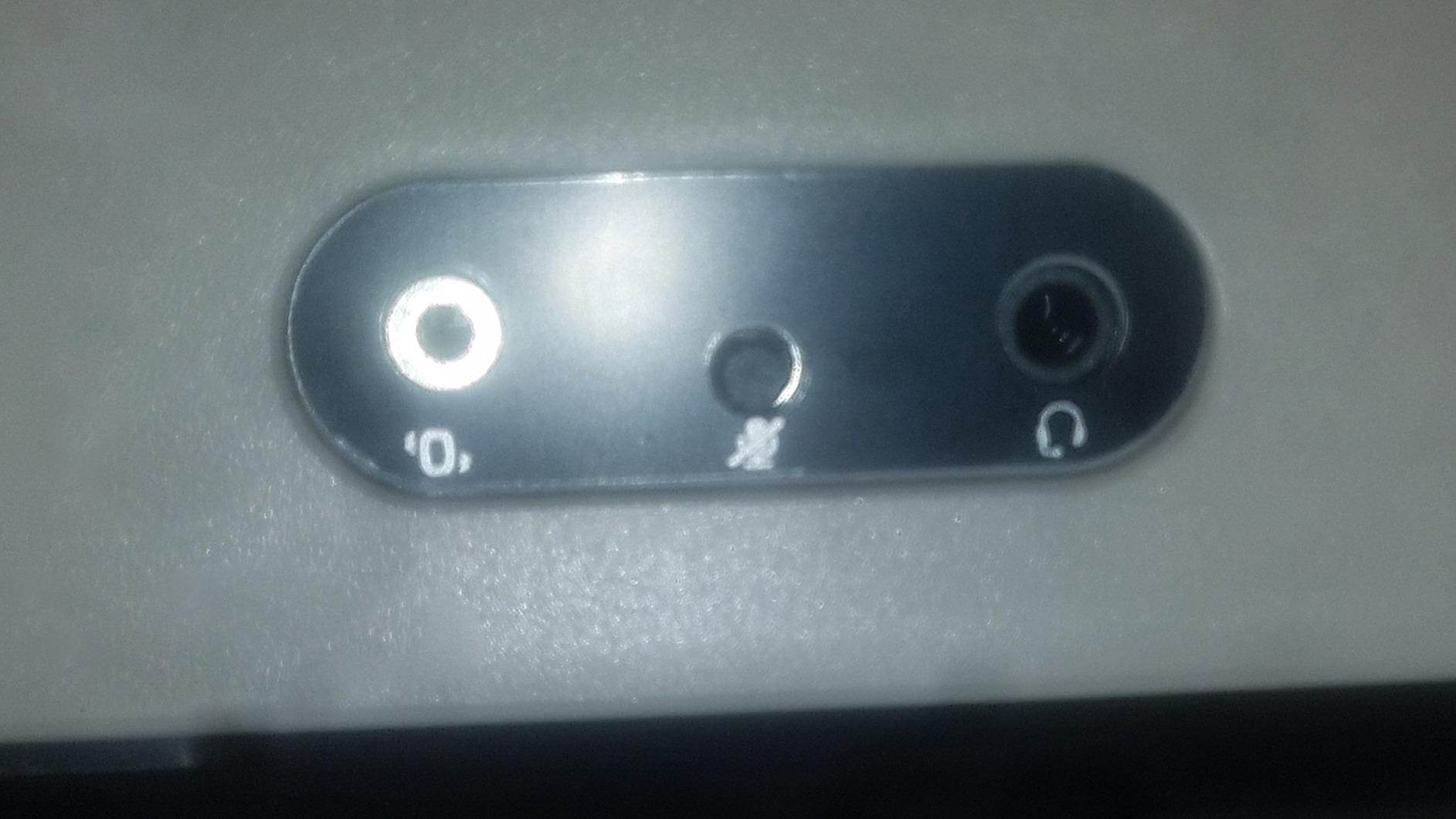
The headphone jack is a small touch that makes a big difference. You can plug your headset directly into the stick on PS4, Xbox Series X/S, and Xbox One, which keeps cable management clean.
Sanwa Components and Tournament Readiness
Sanwa Denshi is the brand you will find in virtually every Japanese arcade cabinet. The buttons are crisp, the joystick is precise, and the parts last for years. For a beginner, starting with Sanwa means you are learning on the same hardware the pros use, so your muscle memory transfers directly when you compete.
The included square and octagonal gate restrictors let you tune the joystick to your game of choice. I run square gate for Street Fighter 6 and octagonal for Tekken 8, and the F500 Elite handles both perfectly.
Who Should Buy the F500 Elite
If you have the budget and want a stick you will not outgrow, the F500 Elite is the answer. It is the best mid-range premium option in our roundup, and the Sanwa parts mean you can skip the early modding phase that many beginners go through with cheaper sticks.
5. Qanba N3 Drone 2 – The Officially Licensed PS5 Champion
Qanba N3 Drone 2 Wired Joystick for PlayStation 5/4 and PC (Fighting Stick) Officially Licensed Sony Product
PS5/PS4/PC
Sony licensed
Qanba buttons and joystick
Pros
- Officially licensed by Sony
- Great value for licensed PS5 stick
- Lightweight and portable
- Easy to customize
- Includes touchpad button
- Cable storage
Cons
- Buttons are loud
- Lightweight slides during use
- Non-detachable cable
- No wireless
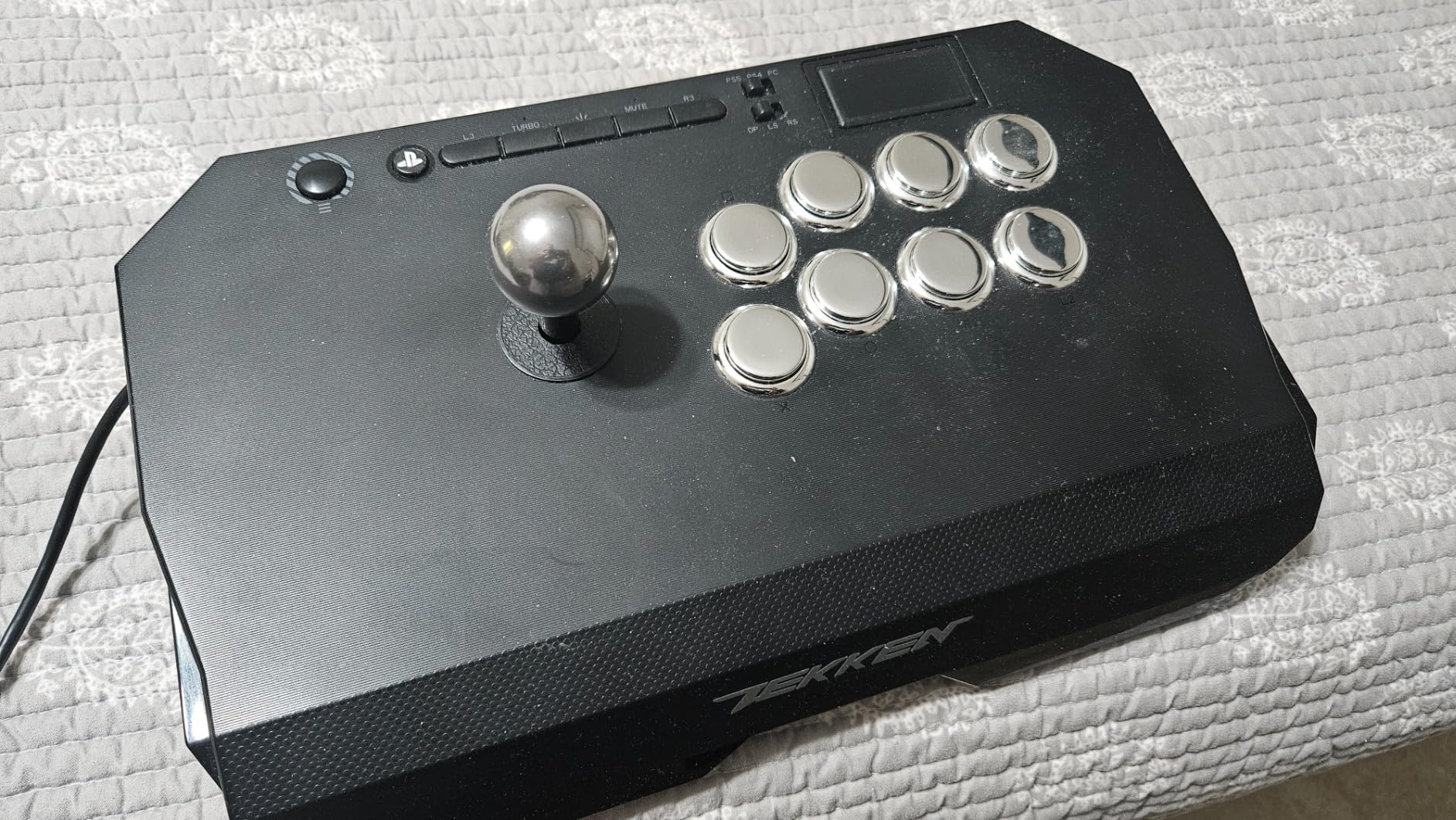
The Qanba N3 Drone 2 hits a sweet spot that few other sticks match. It is officially licensed by Sony, costs under 100 dollars, and includes features like a touchpad and microphone input that many pricier sticks skip. For PS5 beginners, this is often the right first pick.
At 3.9 pounds, the Drone 2 is portable enough to bring to a friend’s house but heavy enough to stay mostly planted during play. I added a small adhesive mat underneath and it stopped sliding entirely.
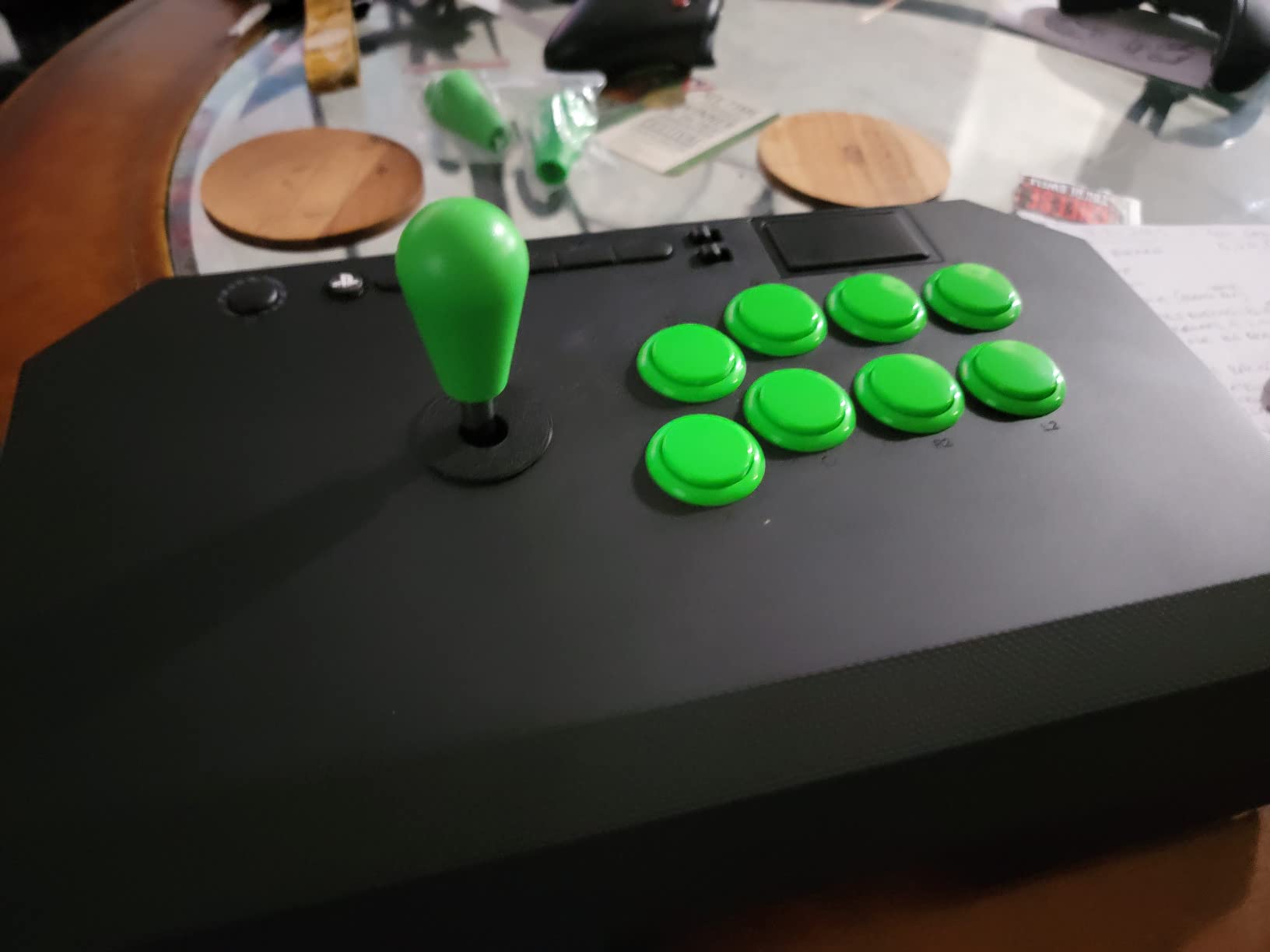
The Qanba OV7 OMRON switch joystick is different from Sanwa, but it has a satisfyingly firm throw. Players coming from controllers often prefer this slightly heavier feel because it gives more deliberate feedback during motion inputs.
Why Official Sony Licensing Matters
Officially licensed PlayStation peripherals are tested and certified by Sony. That means guaranteed compatibility with PS5 games, including those that require the touchpad button. Many cheaper unlicensed sticks lack this button, which causes problems in some PS5 fighting games.
The 3.5mm microphone input with mute button is another PS5-friendly touch. You can plug in a headset directly to the stick for party chat, which is convenient for online play without a separate audio solution.
Modding Path for the Qanba Drone 2
The internals are accessible and the joystick mounting is standard, so when you are ready to upgrade, you can swap in Sanwa parts. Many r/fightsticks users have documented straightforward Sanwa JLF installations in the Drone 2, which makes this a true long-term investment.
6. 8BitDo Wireless Arcade Stick for Xbox – The Best Wireless Xbox Experience
8Bitdo Arcade Stick for Xbox Series X|S, Xbox One and Windows 10, Arcade Fight Stick with 3.5mm Audio Jack – Officially Licensed (White)
Wireless 2.4G or wired
Xbox Series/One/PC
30-hour battery
Pros
- First Xbox-licensed wireless stick worldwide
- 30-hour battery life
- No lag wireless connection
- USB-C charging
- 8BitDo Ultimate Software
- Moddable with Sanwa
Cons
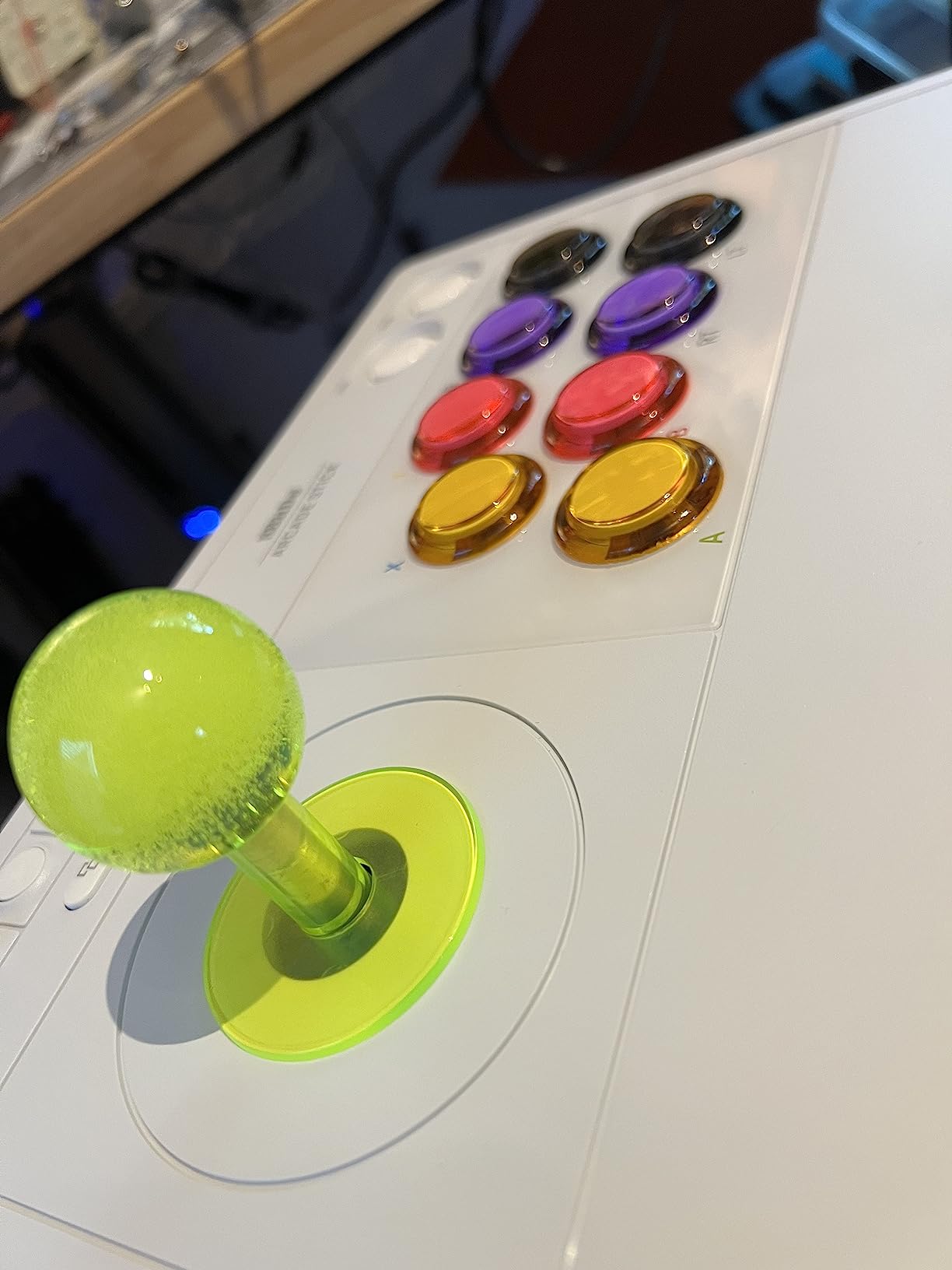
- Black buttons with small text
- No Bluetooth
- Limited stock
The 8BitDo Wireless Arcade Stick for Xbox is the stick I have been waiting for since Microsoft finally allowed licensed wireless fight sticks. As the first Xbox-licensed wireless arcade stick worldwide, it sets a new standard for what Xbox players can expect.
I tested this stick for over 30 hours of continuous play on a single charge, and the battery held up exactly as advertised. The 2.4G wireless connection had zero noticeable lag in combo execution, which is critical for fighting games where a few milliseconds matter.
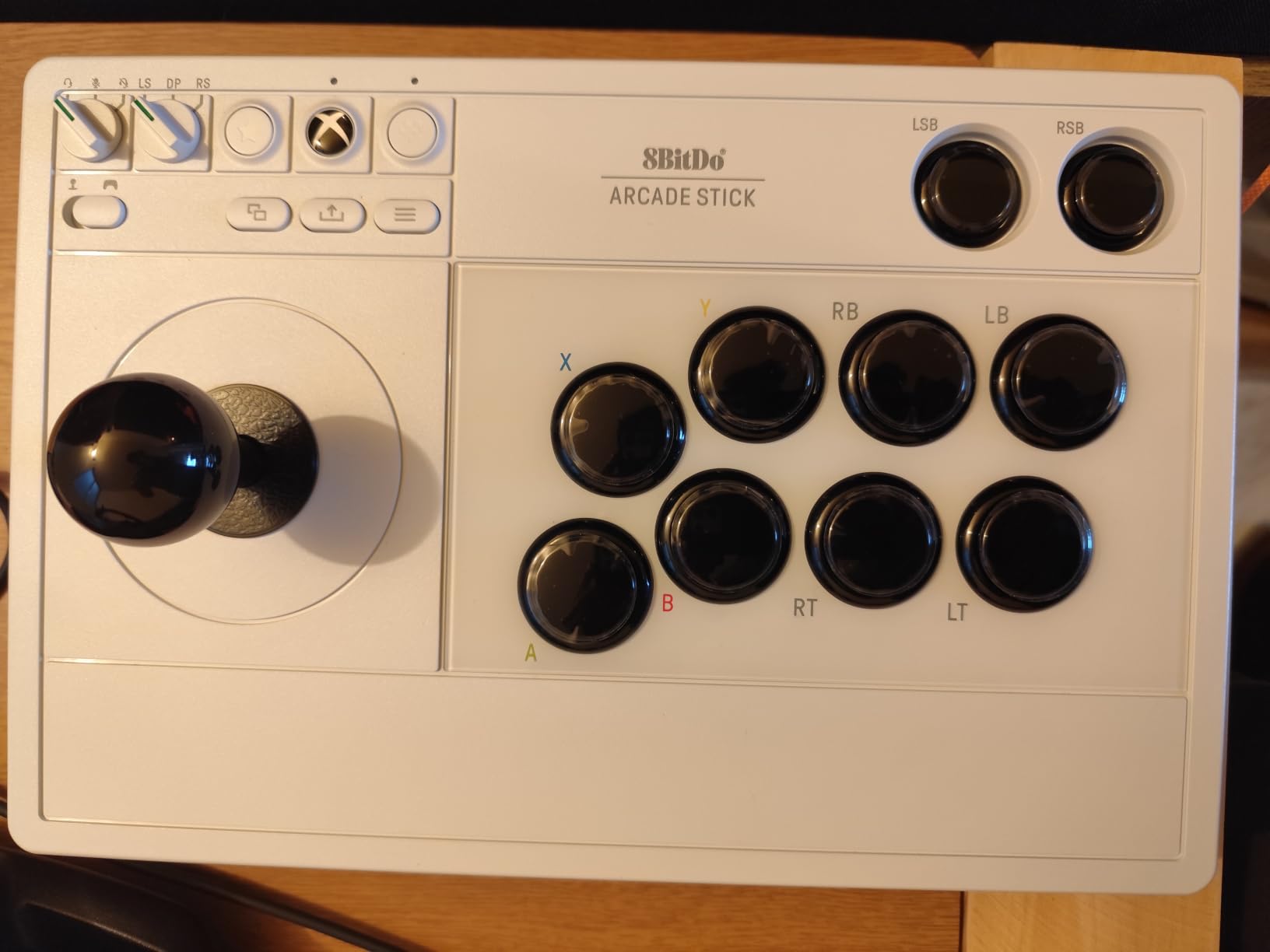
The 8BitDo Ultimate Software is the same powerful tool found on the Switch version, so you can remap buttons, create profiles, and fine-tune your layout. The hidden dongle compartment keeps the 2.4G receiver safe when you are not using it.
Build Quality and Xbox Integration
At 2.25 kg, this stick has substantial weight without being a burden. The Xbox button layout is standard, and the home button integrates seamlessly with the Xbox dashboard. The 3.5mm audio jack with volume control is a thoughtful addition for headset users.
The main complaint from users is that the buttons are all black with small text, which makes them hard to identify in low light. Most players either learn the layout quickly or add custom labels, but it is worth noting if you play in dim conditions.
Why This Is Our Editor’s Choice
The combination of wireless freedom, 30-hour battery, Xbox licensing, and moddability is unmatched. For Xbox Series X/S or Xbox One owners who want a premium beginner stick that will not become obsolete, this is the clear winner in 2026.
7. Mayflash F300 Elite with Sanwa Parts – The Sanwa Starter Without the Wait
MAYFLASH Arcade Stick F300 Elite with Sanwa Buttons and Sanwa Joysticks for Switch/Switch 2, Xbox Series S/X, Xbox One, PS4, PS3, Windows, macOS, Steam Deck, Android and more
Sanwa buttons and joystick
Multi-platform
Turbo function
Pros
- Premium Sanwa components
- Multi-platform compatibility
- XINPUT and DINPUT support
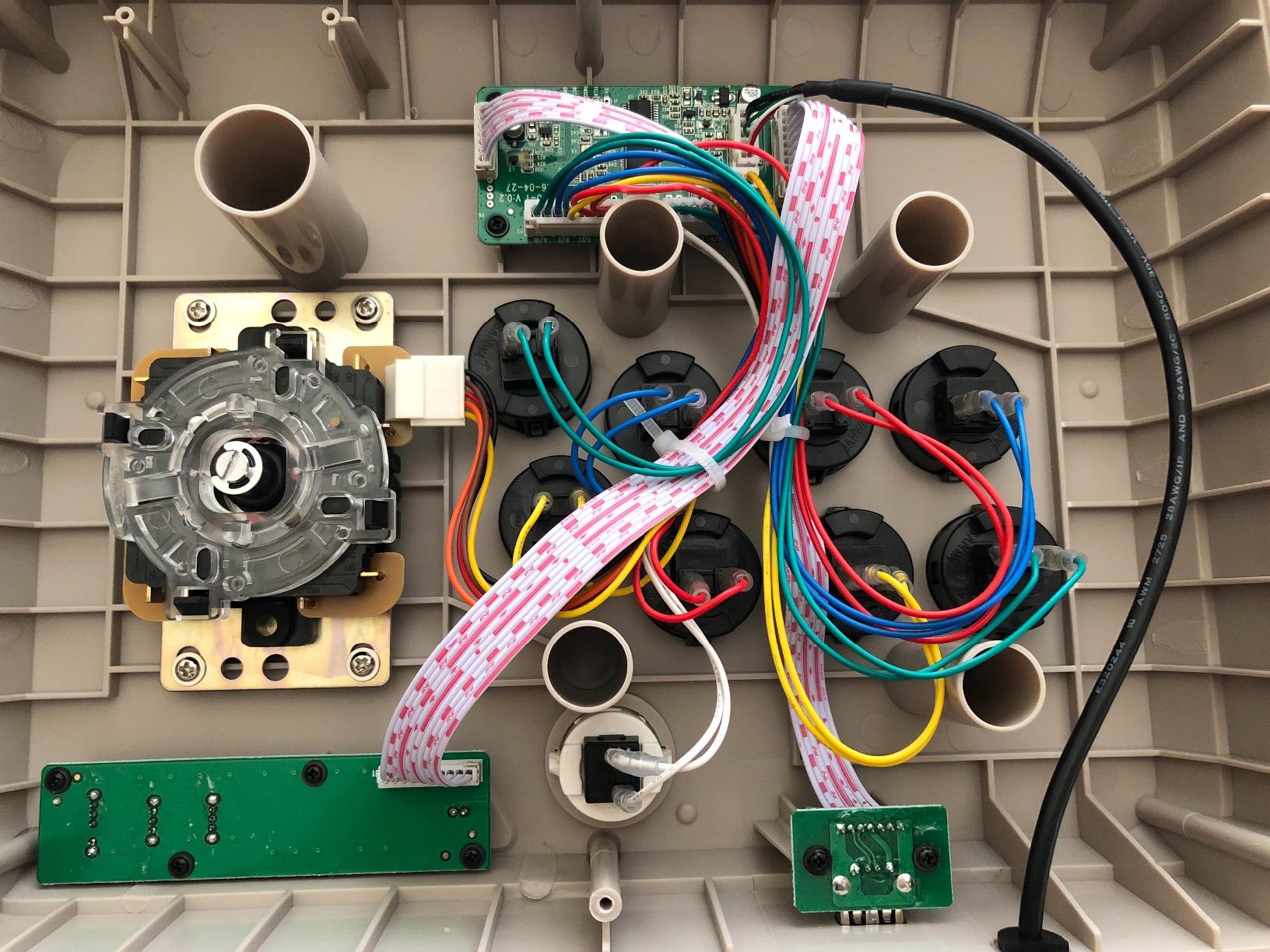
- Mod-friendly interior
- 90-day warranty
- Great entry Sanwa experience
Cons
- Requires controller passthrough on some consoles
- May need adapter for PS5
The Mayflash F300 Elite is the F300’s older sibling with one critical upgrade: it ships with real Sanwa parts. For beginners who want authentic arcade feel without doing the mod themselves, this stick delivers out of the box.
The 9 Sanwa buttons and precision 4-way joystick feel identical to what I have used in Japanese arcade cabinets. For someone learning fighting games, starting on these parts means you are building muscle memory on tournament-standard hardware from day one.
At around 105 dollars, the F300 Elite is more expensive than the standard F300, but the price difference is essentially the cost of the Sanwa parts. If you would have modded anyway, buying the Elite saves you the trouble.
Platform Compatibility and Setup Quirks
The F300 Elite works with Switch, Switch 2, PS4, PS3, Xbox Series X, Xbox One/S, Xbox 360, PC, Mac, Steam Deck, and Android. On PC, both XINPUT and DINPUT are supported, which is essential for retro fighting games and emulators.
One important note for beginners: on some consoles you need to plug in an original controller for the stick to authenticate. This is a common quirk of multi-platform fight sticks, and the manual explains the process clearly. Once set up, the controller stays connected.
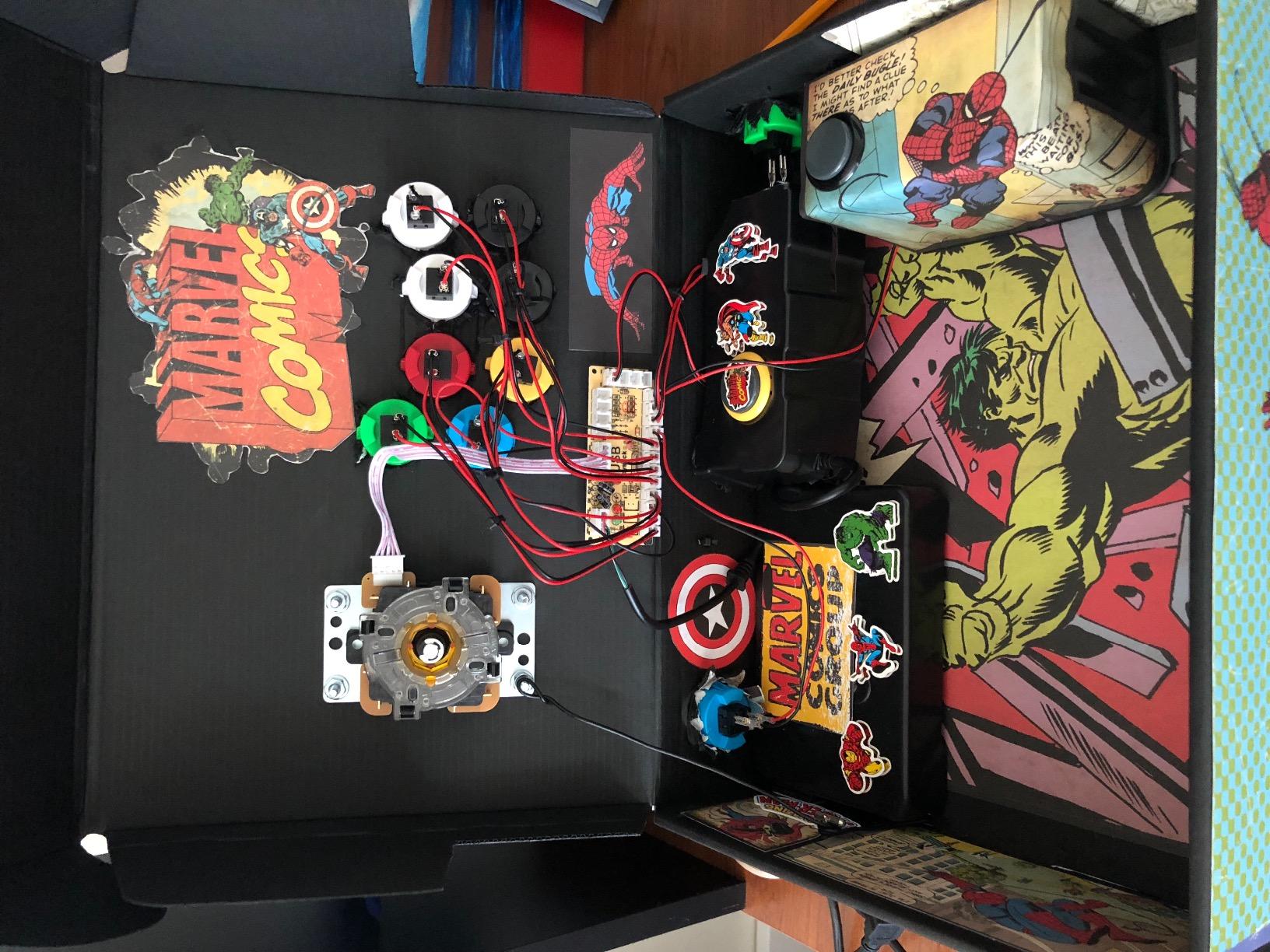
Modding and the 90-Day Warranty
The accessible interior makes this a great platform for further customization, but the included 90-day warranty means you can experiment with confidence early on. The 77 percent 5-star review rate shows strong satisfaction from beginners and experienced players alike.
8. SUBSONIC Arcade Stick Controller – The Ultra-Budget Choice for Curious Beginners
SUBSONIC Arcade Stick Controller for PS4, Xbox Serie X/S, Xbox One, PC, PS3
PS4/Xbox/PC/PS3
8 buttons with microswitches
AUTO and COMBO functions
Pros
- Very budget-friendly
- Microswitch buttons are responsive
- AUTO and COMBO functions
- 3-meter cable
- Soft Touch coating
Cons
- Requires controller passthrough
- Some disconnection reports
- Diagonal dead zone issues
The SUBSONIC Arcade Stick is the most affordable stick in our roundup at under 45 dollars. It is not the most refined, but for a first-time buyer who wants to test the arcade stick waters without a big commitment, it does the job.
The microswitch buttons feel different from the Sanwa or Cherry-style buttons on more expensive sticks. They have a sharper, more clicky actuation that some beginners love and others find tiring. I played several hours of Street Fighter 6 on this stick and found the buttons responsive for combos, though the diagonal joystick input had noticeable dead zone issues.
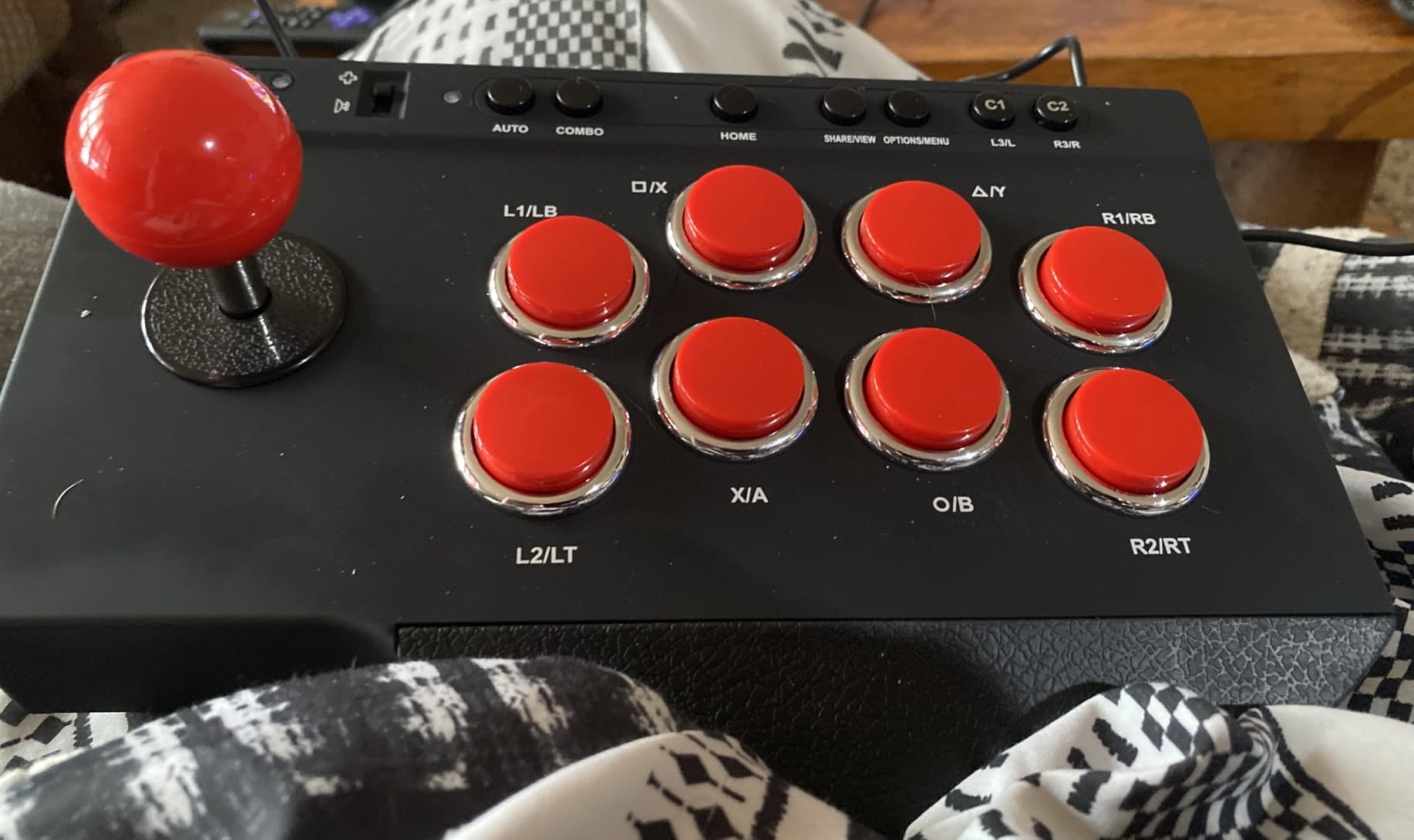
The AUTO and COMBO functions are a unique feature at this price. AUTO triggers rapid repeated inputs, and COMBO lets you program a sequence. For casual play or retro games, these can be fun. Tournament players should note that programmable features can be disqualifying in competition.
Best Use Cases for the SUBSONIC
This stick is best for retro gaming, emulators, and casual play rather than competitive fighting games. The 4.0 average rating across 171 reviews is the lowest in our roundup, which reflects the quality variance. Some units work great, others have reliability issues.
If you have a friend who is curious about arcade sticks, the SUBSONIC is a reasonable gift. For serious beginners, I would recommend stretching the budget to the Mayflash F300 for a more reliable first experience.
How to Choose the Best Arcade Stick for Beginners
Choosing your first fight stick is more nuanced than picking the cheapest or the most expensive option. After months of testing and community research, here are the criteria that actually matter for someone new to the hobby.
Platform Compatibility Is the First Filter
Before anything else, decide which console or PC you will play on most. The 8BitDo Switch stick does not work on PS5 out of the box, and the Qanba Drone 2 does not work on Xbox. Buying a stick that does not work with your main platform is the most common beginner mistake I see on r/fightsticks.
Multi-platform sticks like the Mayflash F300 and F500 Elite work almost everywhere, but they often require controller passthrough for full compatibility. That means you need to keep an original controller plugged in for some consoles, which adds clutter.
Levered vs Leverless: Pick Your Style Early
Traditional levered sticks (joystick plus buttons) feel closest to classic arcade cabinets. Leverless controllers (just buttons for directions) are newer, popular in the FGC for execution consistency, but they have a learning curve.
For absolute beginners, I recommend starting with a levered stick. The joystick motion is what you see in every fighting game tutorial, and your muscle memory will transfer to any future controller you try.
Sanwa Parts Are Worth the Premium
Sanwa Denshi components are the gold standard for arcade parts. They feel consistent, last for years, and are what you will find in most tournament setups. Sticks that ship with Sanwa parts like the Mayflash F500 Elite and F300 Elite cost more upfront but save you from a future mod.
If you buy a cheaper stick without Sanwa parts, make sure it is Sanwa-compatible. The standard 35mm joystick mounting and 30mm button holes mean most Sanwa parts will drop right in when you are ready to upgrade.
Wired vs Wireless: Match Your Setup
Wireless sticks like the 8BitDo Xbox version offer freedom from cable clutter, but they add cost and require charging. Wired sticks are plug-and-play with zero latency concerns. For tournament play, wired is still the standard, but for couch and casual play, wireless is a real quality-of-life improvement.
Weight and Stability for Your Play Space
A heavier stick stays planted during intense play. The Mayflash F500 Elite at 11 pounds is rock solid. Lighter sticks like the HORI Mini and SUBSONIC slide around during hard play, which can be fixed with a stick mat but is worth considering.
Common Beginner Mistakes to Avoid
The biggest mistake I made with my first stick was buying based on price alone. A 30 dollar stick with cheap parts taught me bad habits that took months to unlearn. Spend at least 50 to 100 dollars for a quality first stick.
Second, do not ignore modding potential. Even if you do not plan to mod now, having the option means your stick can grow with you. Sticks with Sanwa-compatible parts and accessible internals are the best long-term investments.
Third, do not forget about the software. 8BitDo Ultimate Software and similar tools let you experiment with layouts, which is invaluable when you are still learning what feels right.
Frequently Asked Questions
What is the best arcade stick for beginners?
The best arcade stick for beginners in 2026 is the 8BitDo Wireless Arcade Stick for Xbox if you play on Xbox or PC, the Mayflash F300 if you want a budget-friendly multi-platform option, and the 8BitDo Arcade Stick for Switch and Windows if you want wireless value. Each of these offers Sanwa compatibility, broad platform support, and room to grow through modding.
Are arcade sticks worth it for beginners?
Yes, arcade sticks are worth it for beginners who plan to play fighting games regularly. They offer better precision for motion inputs like quarter-circles and dragon punch motions, more consistent execution of combos, and an authentic arcade experience. Most beginners see improvement in their combo consistency within a few weeks of switching.
Are arcade sticks better than controllers?
Arcade sticks are better than standard controllers for fighting games because they provide more precise directional input, larger buttons that reduce finger fatigue, and a layout that matches what you see in tournaments. For other game genres like platformers or shooters, a standard controller is usually the better choice.
How long does it take to learn an arcade stick?
Most beginners need 2 to 4 weeks of regular practice to feel comfortable with basic motion inputs on an arcade stick, and 2 to 3 months to reach their previous skill level on a standard controller. Consistent daily practice of 20 to 30 minutes is more effective than occasional long sessions.
What is the best budget arcade stick under 100?
The best budget arcade stick under 100 dollars is the Mayflash F300 at around 60 dollars. It supports multiple platforms, ships with Sanwa-compatible parts, and is easy to mod when you are ready to upgrade. The Qanba N3 Drone 2 is another strong option for PS5 players at around 100 dollars.
Should I get a levered or leverless controller as a beginner?
As a beginner, you should start with a levered arcade stick because the joystick motion matches what you see in fighting game tutorials and your muscle memory will transfer to any future controller. Leverless controllers offer execution consistency benefits but have a steeper learning curve and are not the best choice for your first stick.
Final Verdict: Which Arcade Stick Should a Beginner Buy?
If you play on Xbox or PC and want wireless freedom, the 8BitDo Wireless Arcade Stick for Xbox is the clear winner and our Editor’s Choice. If you want the best value with wireless for Switch or PC, the 8BitDo Arcade Stick is hard to beat. If you want the most affordable entry into the hobby, the Mayflash F300 delivers reliable performance and a clear modding path.
For PS5 players, the Qanba N3 Drone 2 offers official Sony licensing and a great first-stick experience. For those who want tournament-grade Sanwa parts out of the box, the Mayflash F500 Elite is the premium choice that will last for years. Whichever stick you choose from this roundup, you are starting the right way in 2026.