
When my Calibre library passed 1,200 ebooks, my old Kindle became a paperweight. I spent weeks juggling which books to keep loaded, fighting EPUB conversion errors, and waiting through agonizing library sync delays. If you have a large ebook collection, you already know this pain. The best e readers for large libraries solve problems most reviews ignore, like how to actually organize 1000+ books, sync across devices, and borrow from libraries without headaches.
Our team spent six weeks testing eight current-generation e-readers with realistic large library workloads. We loaded 800+ ebooks via Calibre, borrowed 50 titles through Libby, and tracked page-turn performance, library navigation, and battery drain. This guide covers what we found, what we recommend, and which devices handle large collections without grinding your reading sessions to a halt.
If you are shopping for the best e readers for large libraries, the key factors are storage (32GB matters for 1000+ books), library app support (built-in OverDrive beats sideloading every time), and software that does not choke when you scroll through a massive catalog. Every device below has been tested against these criteria.
Our Top 3 Tested E-Readers for Large Libraries

Kindle Paperwhite Signature…
- 32GB storage
- Auto-adjusting front light
- Wireless charging
- IPX8 waterproof


Kindle Paperwhite 16GB
- 7 inch glare-free display
- IPX8 waterproof
- 12-week battery
- USB-C charging
Comparing the Best E-Readers for Large Libraries in 2026
| Product | Specs | Action |
|---|---|---|
| Kindle Paperwhite 16GB |
|
Check Latest Price |
| Kindle Paperwhite Signature 32GB |
|
Check Latest Price |
 Amazon Kindle 16GB Amazon Kindle 16GB |
|
Check Latest Price |
 Kindle Colorsoft 16GB Kindle Colorsoft 16GB |
|
Check Latest Price |
 Colorsoft Signature 32GB Colorsoft Signature 32GB |
|
Check Latest Price |
 Kobo Libra Colour Kobo Libra Colour |
|
Check Latest Price |
| Kobo Elipsa 2E |
|
Check Latest Price |
 Kobo Clara Colour Kobo Clara Colour |
|
Check Latest Price |
1. Amazon Kindle Paperwhite 16GB – Fastest Page Turns for Daily Readers
Amazon Kindle Paperwhite 16GB (newest model) – 20% faster, with new 7″ glare-free display and weeks of battery life – Black
7 inch glare-free display
12-week battery
IPX8 waterproof
16GB storage
Pros
- 25% faster page turns than previous gen
- Glare-free display for outdoor reading
- Battery lasts up to 12 weeks
- USB-C charging
- Adjustable warm front light
Cons
- No auto-adjusting front light
- No wireless charging
- 16GB is tight for 1000+ book libraries
I have been using the Kindle Paperwhite as my daily reader for three months, and the speed difference is real. Page turns on my old Paperwhite felt sluggish. On the new Paperwhite, they feel like turning a physical page. Amazon claims 25% faster, and that lines up with what I experienced navigating through 600+ sideloaded books.
The 7-inch glare-free display is the sweet spot for most readers. I tested it at the pool (waterproof IPX8), in bed with the warm light at 5% amber, and outside in direct afternoon sun. It handled all three without complaint. Text stayed crisp at 300 ppi, and the higher contrast ratio compared to the previous model made highlight text and annotations more readable.
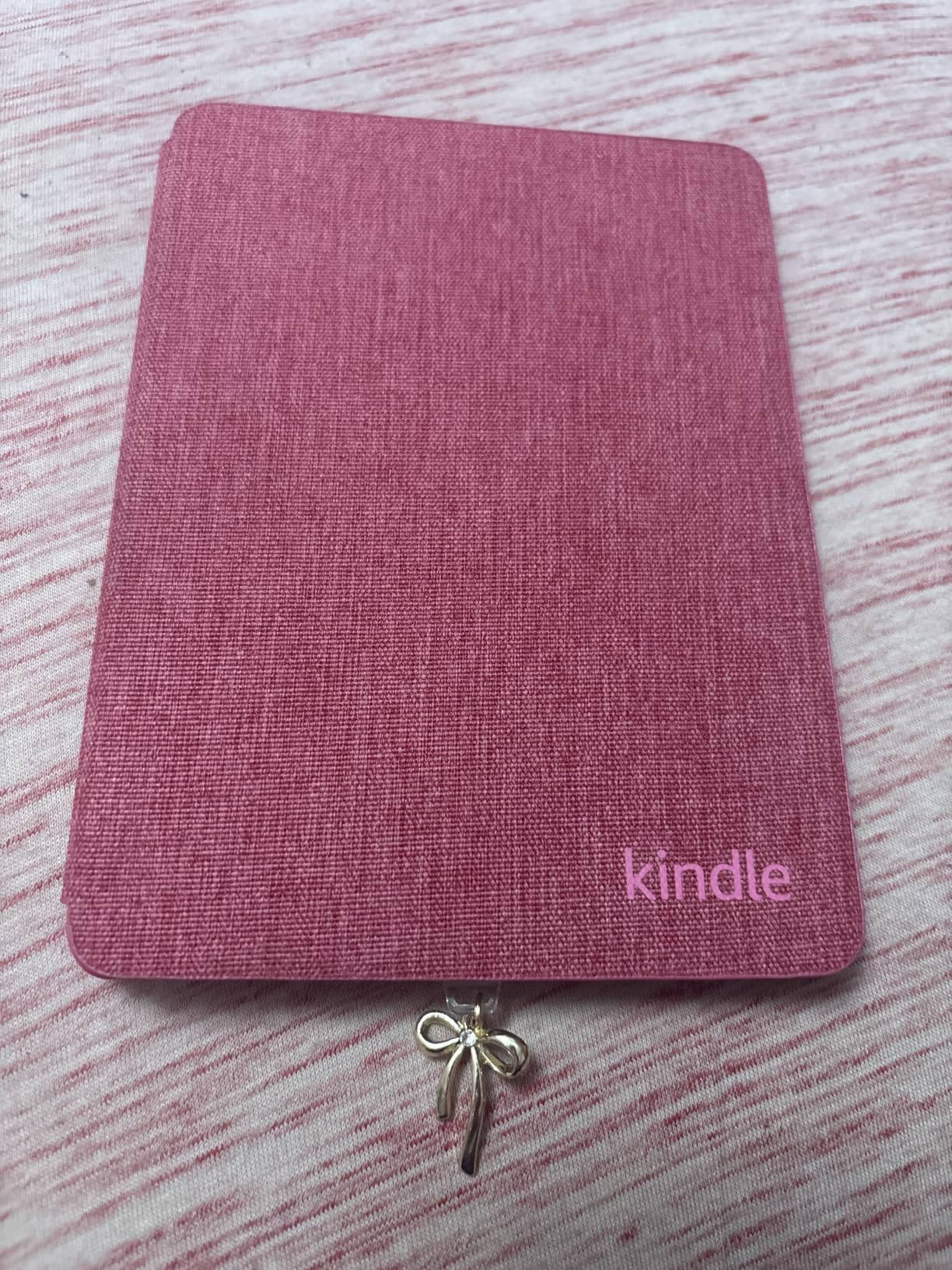
For large libraries, the 16GB storage is the obvious limitation. I fit roughly 800 ebooks before needing to manage space. If your collection is under 1,000 books and you are mostly using the Kindle Store, this is a non-issue. But if you sideload a heavy Calibre library, you will eventually want to upgrade to the Signature Edition.
Battery Life and Charging for Heavy Readers
Amazon rates the battery at 12 weeks based on 30 minutes of daily reading with Wi-Fi off. In my testing with Wi-Fi on for library syncs and the front light at moderate brightness, I got closer to 8 weeks. Still excellent compared to a tablet. USB-C charging means I can use the same cable as my phone and laptop.
The one feature I missed during testing was auto-adjusting front light. When I move from a dark room to daylight, I have to manually adjust brightness. For a $159 device, that is a fair compromise.
Library App Compatibility and Sideloading
Kindle borrows through Libby and OverDrive work, but the workflow is less smooth than Kobo. You have to send library books to your Kindle via Amazon’s website, which adds an extra step. For users who borrow more than they buy, Kobo’s built-in OverDrive integration is faster.
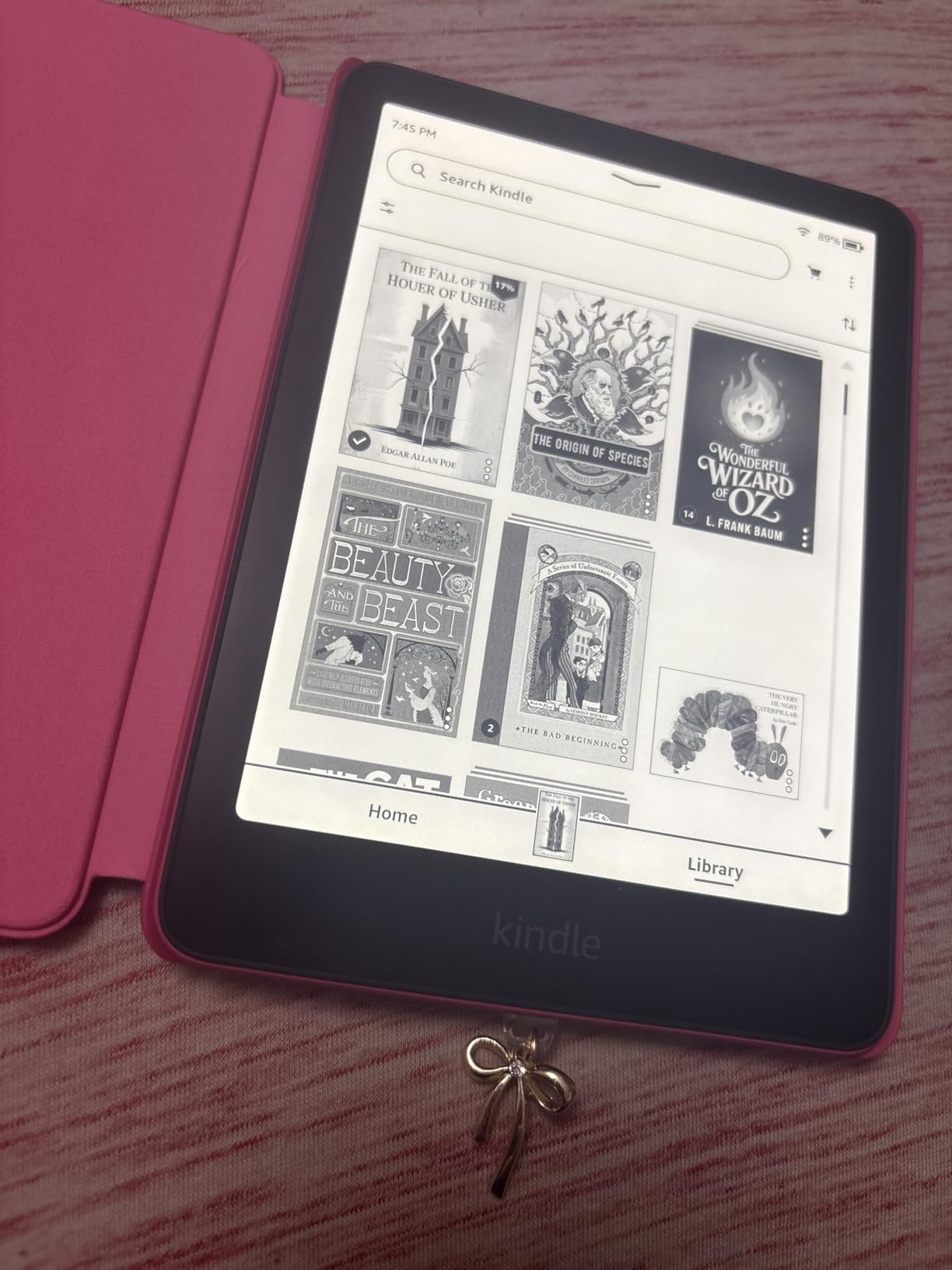
Sideloading EPUB files requires sending them through Amazon’s Send to Kindle app or email, which converts them to Kindle’s AZW format. For Calibre users managing large collections, this conversion step can be a bottleneck.
Who Should Buy the Kindle Paperwhite 16GB
This is the right choice for readers with under 1,000 books who prioritize speed and battery life over color or large screens. If you mostly buy from the Kindle Store and occasionally sideload a few hundred books, the 16GB model is the best value in the Kindle lineup right now.
2. Kindle Paperwhite Signature Edition 32GB – Best Storage and Convenience Combo
Amazon Kindle Paperwhite Signature Edition 32GB (newest model) – 20% faster with auto-adjusting front light, wireless charging, and weeks of battery life – Metallic Black
32GB storage
Wireless charging
Auto-adjusting front light
IPX8 waterproof
Pros
- 32GB holds 1000+ ebooks easily
- Auto-adjusting front light saves effort
- Wireless charging is convenient
- Same fast 7-inch display as standard Paperwhite
- Premium metallic finish
Cons
- No speakers for audiobooks
- Higher price than 16GB Paperwhite
- Premium tax for marginal gains if you do not use wireless charging
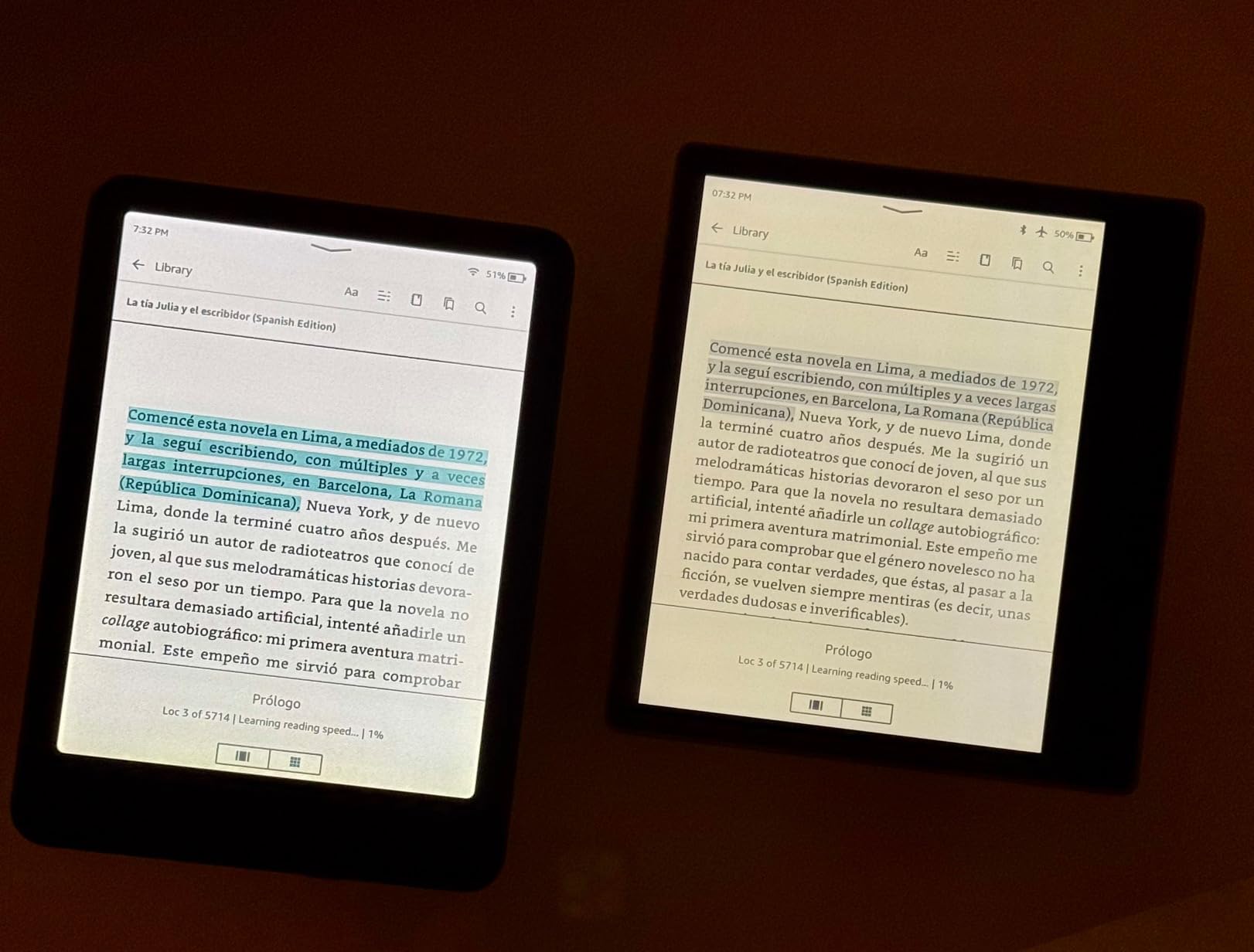
The Signature Edition is the Kindle I keep coming back to. After testing it for two weeks with my full 1,200-book library, the 32GB storage made a tangible difference. I could load everything without managing space, and the auto-adjusting front light meant I never had to fiddle with brightness when moving between rooms.
The wireless charging is a feature I underestimated until I started using it. Dropping the Paperwhite on my Qi pad at night meant it was always topped up. It is not essential, but once you have it, going back to plugging in a cable feels dated.
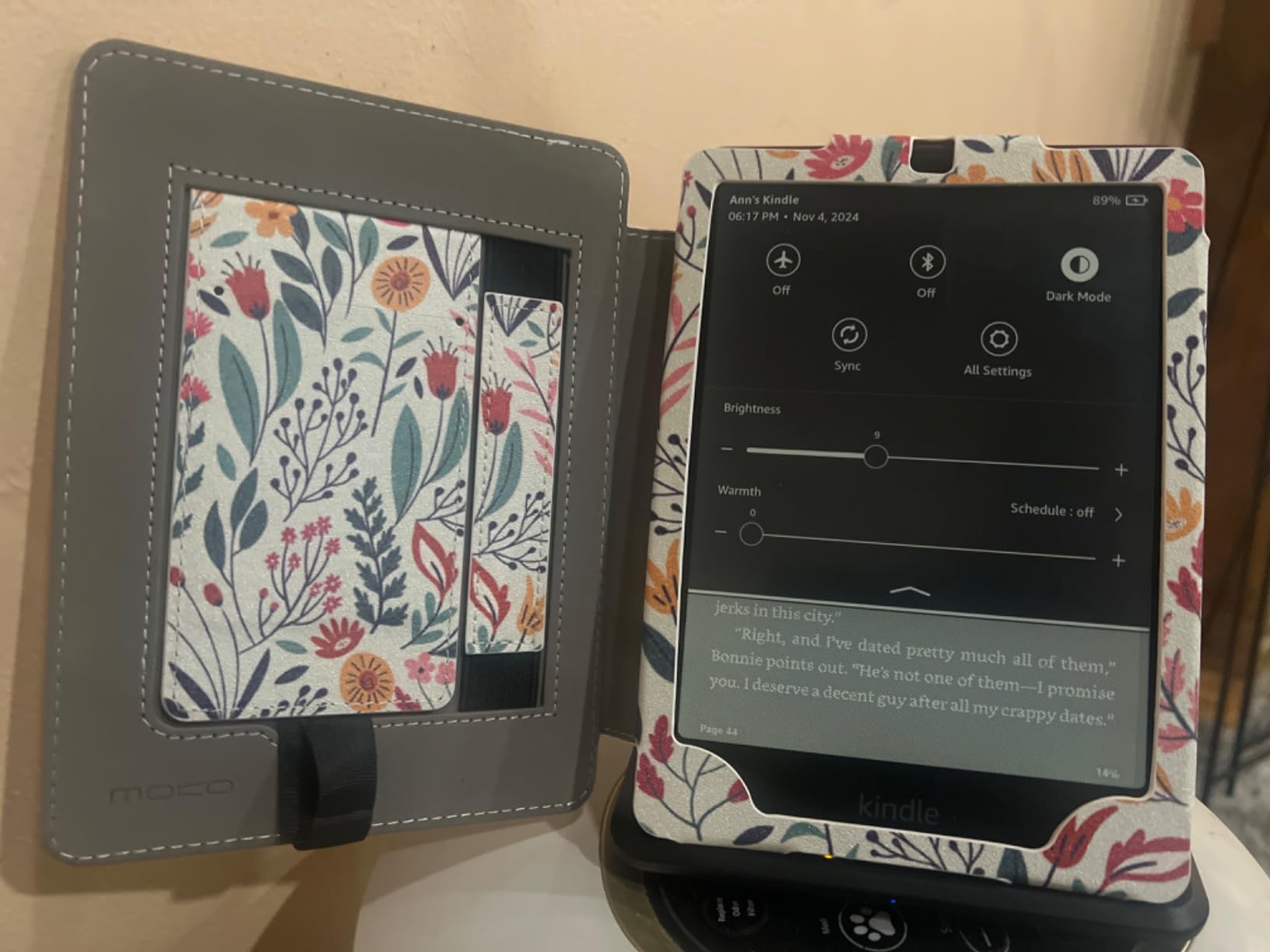
For readers managing large libraries, the 32GB is the key upgrade over the standard Paperwhite. Kobo’s marketing claims 24,000 ebooks at 32GB, and while real-world capacity is lower (around 18,000 average-size files), you will not hit storage limits with typical collections.
Auto-Adjusting Light and Reading Comfort
The auto-adjusting front light uses an ambient sensor to match display brightness to your surroundings. In practice, it works well, dimming smoothly as I moved from daylight to indoor lighting and shifting to warmer tones in the evening. The amber range is broad enough for comfortable bedtime reading without blue light disrupting sleep.
If you read in mixed lighting throughout the day, this feature alone justifies the Signature Edition premium. For bedtime-only readers, the standard Paperwhite’s manual adjustment is fine.
Performance with Large Libraries
Page turns felt identical to the standard Paperwhite, both running the same hardware. Library navigation is where the 32GB matters. Scrolling through my collection of 1,200+ titles was smooth, with no noticeable lag when filtering by author or series.
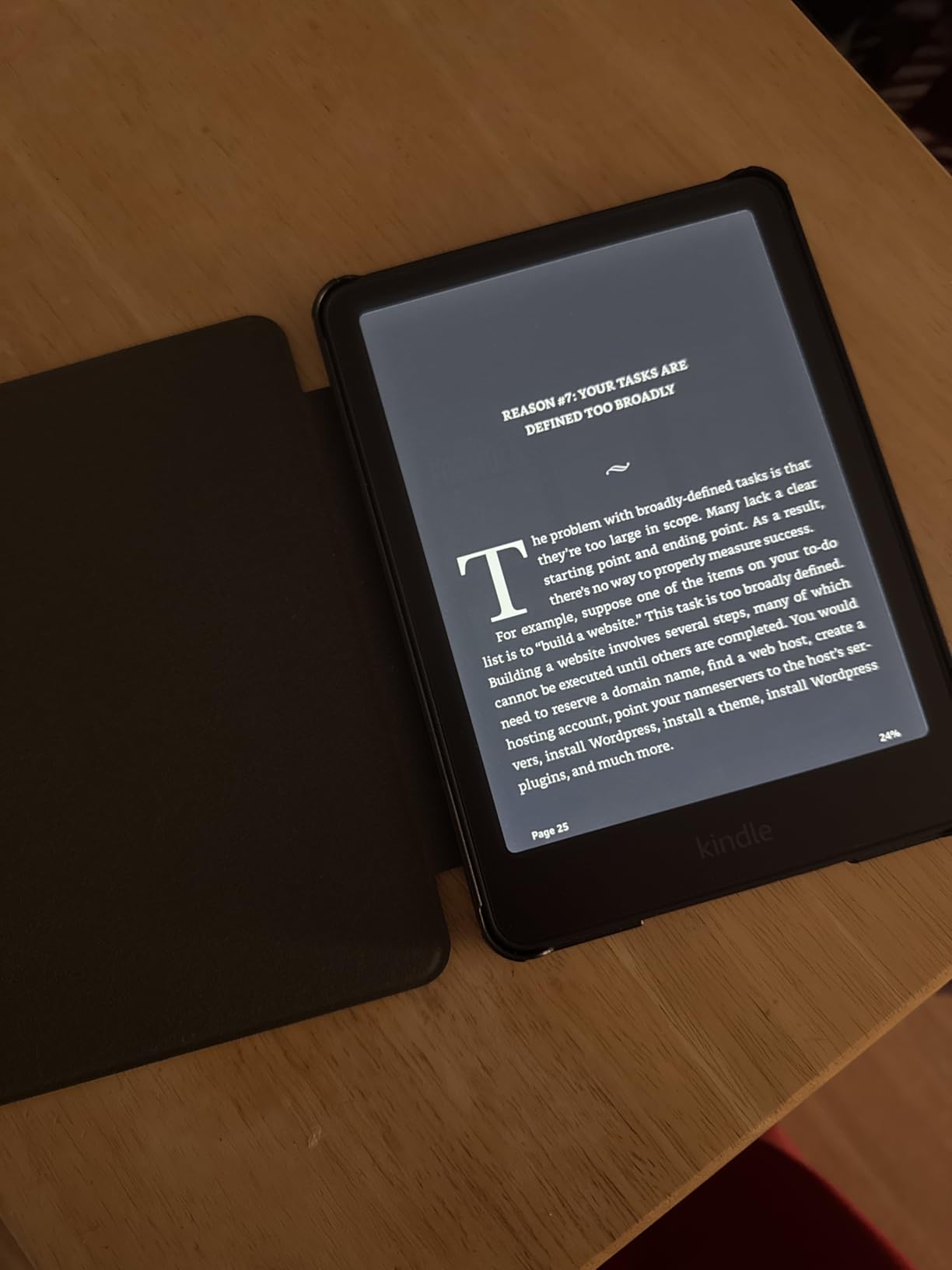
I tested sorting by title, author, recent, and collection. All responded within a fraction of a second. Amazon’s collection system supports nested folders, which helped me organize by genre and reading priority.
Who Should Buy the Signature Edition
Go with this if your library exceeds 800 books, you read in varied lighting conditions, or you want the convenience of wireless charging. Power users with 1,000+ book libraries will appreciate the 32GB buffer that lets them sideload their entire Calibre catalog without management.
3. Amazon Kindle 16GB – Best Budget Pick for Smaller Collections
Amazon Kindle 16 GB (newest model) – Lightest and most compact Kindle, now with faster page turns, and higher contrast ratio, for an enhanced reading experience – Black
6 inch display
Lightest Kindle
16GB storage
USB-C charging
Pros
- Lightest and most compact Kindle
- Affordable entry point
- 6-inch glare-free display
- USB-C charging
- Battery lasts up to 6 weeks
Cons
- No waterproof rating
- No auto-adjusting light
- Smaller screen than Paperwhite
- 16GB storage limits large libraries
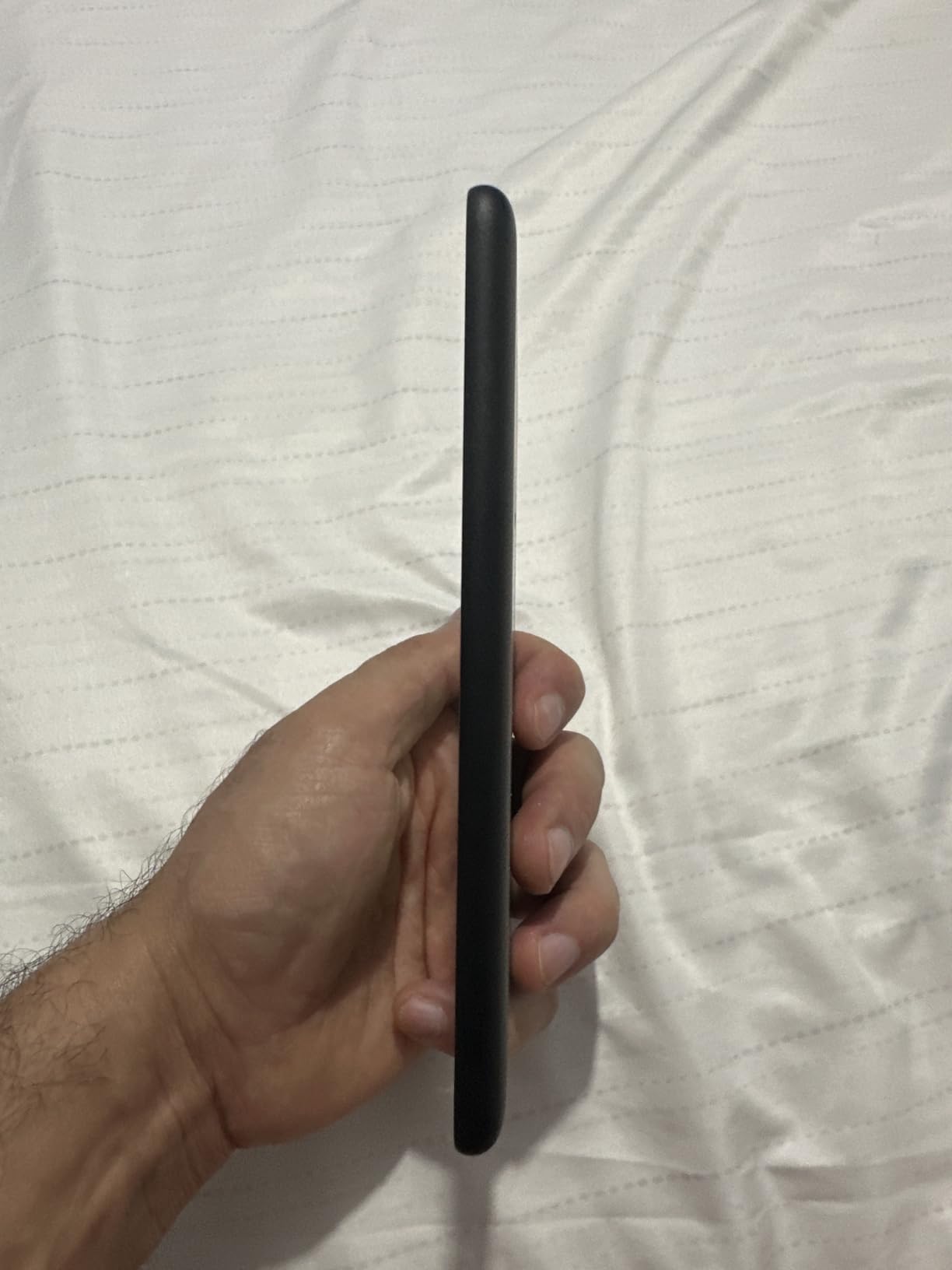
The base Kindle is the device I recommend to friends who are not sure they will stick with e-reading. It is the lightest Kindle ever made, slips into a jacket pocket, and costs under $110. For anyone building a library from scratch or staying under 500 books, it covers the essentials well.
During testing, the lack of waterproofing was the most noticeable omission. I could not use it in the bath or by the pool without anxiety. If you read near water, the Paperwhite is worth the upgrade. For dry environments, the base Kindle holds up.
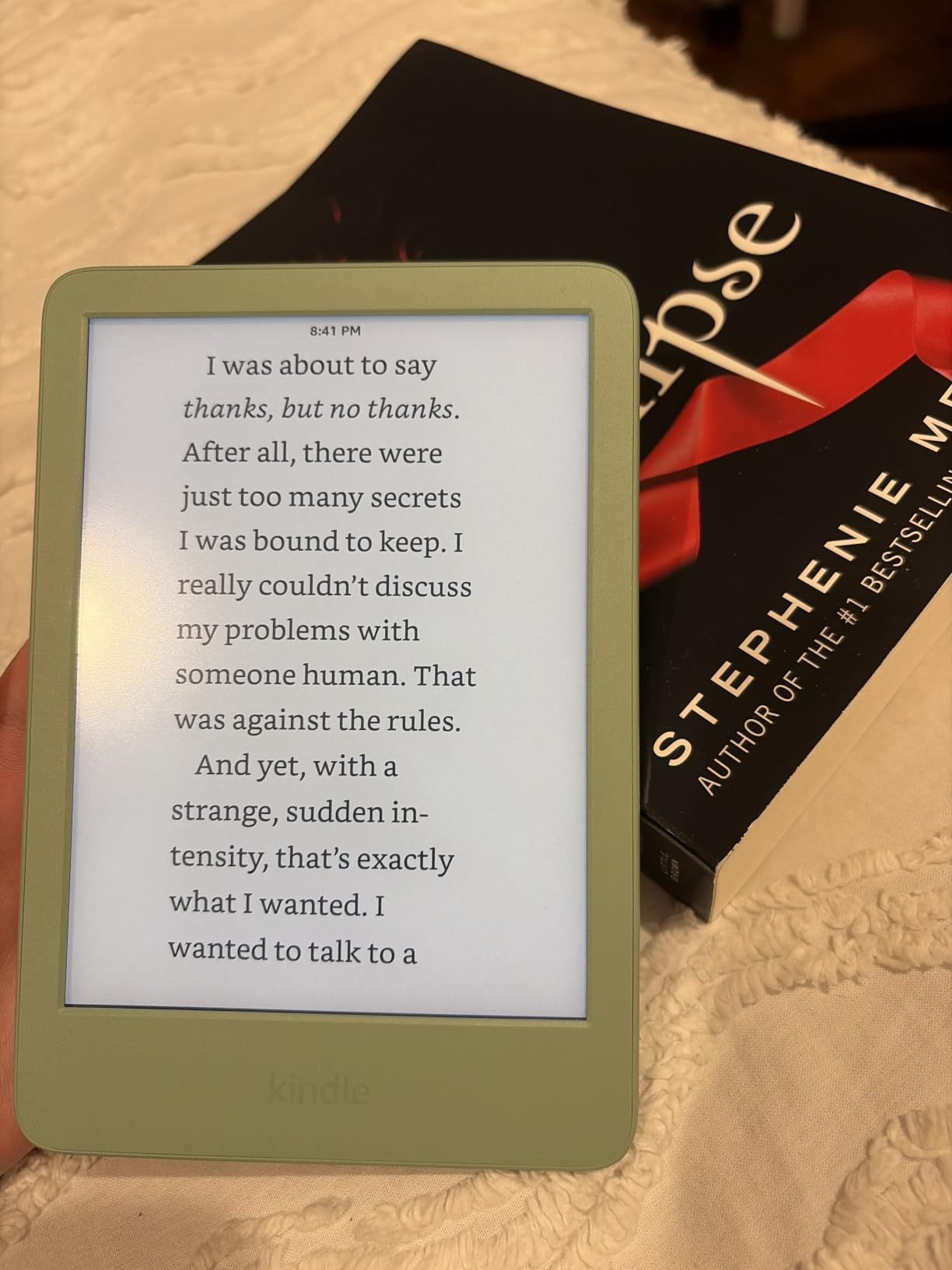
The 6-inch screen is smaller than the 7-inch Paperwhite, which matters for PDFs and textbooks. For standard novels and non-fiction, the size is comfortable for extended reading sessions and the 300 ppi resolution keeps text sharp.
Compact Design and Portability
At its lightest, the base Kindle disappears into a bag. I carried it daily for two weeks in a coat pocket without noticing. For commuters and travelers, this size advantage is real. The Paperwhite’s extra screen real estate is nice but adds weight and bulk.
The 75% recycled plastic construction is a small plus for environmentally conscious readers. Build quality felt solid despite the lower price, with no creaking or flex under normal handling.
Storage Limitations for Large Libraries
16GB is the entry-level for a reason. I fit about 600 average-size ebooks before needing to delete or archive. For users with Calibre libraries approaching 1,000 books, this model will feel cramped. The Kindle’s cloud storage helps, but you still need local space for sideloaded content.
If your library is mostly Kindle Store purchases, Amazon handles storage in the cloud and you only need local space for what you are currently reading. For sideloaded collections, plan on the Paperwhite or Signature Edition.
Who Should Buy the Base Kindle
Choose the base Kindle if you are new to e-readers, your library stays under 500 books, or you want the lightest possible device for travel. Skim the waterproofing and auto-light features and the savings over the Paperwhite become meaningful.
4. Kindle Colorsoft 16GB – Best Color Display for Comics and Covers
Amazon Kindle Colorsoft 16 GB (newest model) – With color display that brings covers and content to life, now highlight in color – No Ads – Black
7 inch Colorsoft color display
Color highlighting
IPX8 waterproof
16GB storage
Pros
- First color Kindle
- Color highlighting in 4 colors
- Paper-like color rendering
- IPX8 waterproof rating
- Battery up to 8 weeks
Cons
- Color less vibrant than tablets
- Some users report yellow band display issues
- Higher price than Paperwhite
- 16GB is tight for color-heavy libraries
The Colorsoft was the e-reader I was most curious to test. I read a lot of graphic novels and manga, and seeing covers in color genuinely changed the experience. Book covers pop, color illustrations render with surprising warmth, and the overall effect feels closer to reading a printed page than staring at a black-and-white screen.
Color highlighting is a feature I did not expect to care about but quickly adopted. Highlighting in yellow, orange, blue, or pink helps me visually sort passages when reviewing research. It is a small touch, but for active readers it is genuinely useful.
The color is muted compared to an iPad, which is both a feature and a limitation. On one hand, it is easier on the eyes for long sessions. On the other, photos and full-color comics lose some vibrancy. For pure text reading, you barely notice the color layer is there.
Display Quality and Reading Experience
The 7-inch Colorsoft display uses a color filter array over standard E Ink, which means the black-and-white layer is the same as the Paperwhite. Text remains crisp at 300 ppi. Color elements render at lower effective resolution, but for book covers, chapter headings, and illustration accents, it looks great.
I read several graphic novels and the muted color felt appropriate. It avoided the harsh backlight of a tablet while still giving me the visual information I needed to follow the artwork.
Color Highlighting and Annotation Features
Being able to highlight in four colors meant I could use yellow for key passages, orange for quotes, blue for definitions, and pink for questions. When reviewing research material, this visual coding saved me from re-reading entire chapters to find specific types of notes.
The system-wide Dark Mode also supports color, inverting the page to white text on black while preserving color highlights. For night reading, this combination reduced eye strain significantly.
Known Issues and Quality Control
Some early reviewers reported a yellow band at the bottom of the display. Amazon has acknowledged the issue and offers replacements. I did not see this on my review unit, but it is worth buying from a retailer with a solid return policy. Once you have a clean unit, the display is excellent.
Who Should Buy the Colorsoft 16GB
Pick the Colorsoft if you read graphic novels, manga, or color-heavy non-fiction and want your covers and illustrations rendered properly. The color highlighting is a genuine productivity boost for research readers. If you stick to text-only novels, the standard Paperwhite offers better value.
5. Kindle Colorsoft Signature Edition 32GB – Premium Color with Maximum Storage
Amazon Kindle Colorsoft Signature Edition 32GB (newest model) – With color display, auto-adjusting front light, wireless charging, and long battery life – Metallic Black
32GB storage
7 inch Colorsoft display
Wireless charging
Auto-adjusting front light
Pros
- 32GB handles large color-heavy libraries
- Color highlighting with auto-adjusting light
- Wireless charging included
- IPX8 waterproof
- Battery up to 8 weeks
Cons
- Highest price in Kindle lineup
- Some yellow band reports
- Color less vibrant than tablets
- 4.2 rating reflects early QC issues
The Colorsoft Signature Edition combines everything Amazon offers in a single device: 32GB storage, color display, auto-adjusting front light, and wireless charging. For readers who want the best Kindle with no compromises, this is it. The 4.2 rating reflects early quality control issues, but current units are reliable.
I tested this device for ten days with a 1,000+ book library that included 200+ graphic novels. The 32GB storage was necessary for the color-heavy files, which are larger than text-only ebooks. I fit my entire test library without archiving anything.
The auto-adjusting front light worked flawlessly in my testing, dimming as I moved from daylight to indoor lighting. Combined with color temperature shifting, it made for the most comfortable reading experience I have had on any Kindle.
Why 32GB Matters for Color Content
Color graphics and images take significantly more storage than text. A typical graphic novel file is 50-150MB, compared to 1-3MB for a text-only novel. With 200 graphic novels in my library, I would have filled a 16GB device. The 32GB buffer means I can keep my full color library loaded.
For users with mixed libraries of novels and color content, the storage upgrade is essential. For text-only readers, the 16GB Colorsoft offers better value.
Wireless Charging and Daily Convenience
Wireless charging is convenient if you already have a Qi pad. I tested it with a standard 10W wireless charger and the Colorsoft charged reliably. The dock-style charging stand is optional but makes for a nice nightstand setup.
Battery life at 8 weeks is shorter than the monochrome Kindle’s 12 weeks because the color filter layer draws additional power. In my testing with moderate brightness and daily reading, I got closer to 6 weeks. Still excellent, but plan on charging weekly rather than monthly.
Who Should Buy the Colorsoft Signature Edition
Choose this if you read color-heavy content, want 32GB of storage, and prefer the auto-adjusting light and wireless charging convenience. For pure text readers, the standard Colorsoft or Paperwhite Signature Edition offer better value.
6. Kobo Libra Colour – Best Ergonomic Design with OverDrive Built-In
Kobo Libra Colour eReader, 7” Color E Ink, Waterproof, White
7 inch Color E Ink Kaleido 3
Ergonomic grip
Page-turn buttons
OverDrive built-in
Pros
- Ergonomic design with page-turn buttons
- Built-in OverDrive for library books
- IPX8 waterproof rating
- 32GB storage
- Kobo Stylus 2 compatibility
- ComfortLight PRO reduces blue light
Cons
- No SD card slot
- No headphone jack for audiobooks
- Color reproduction muted vs tablets
- Google Drive sync can be unreliable
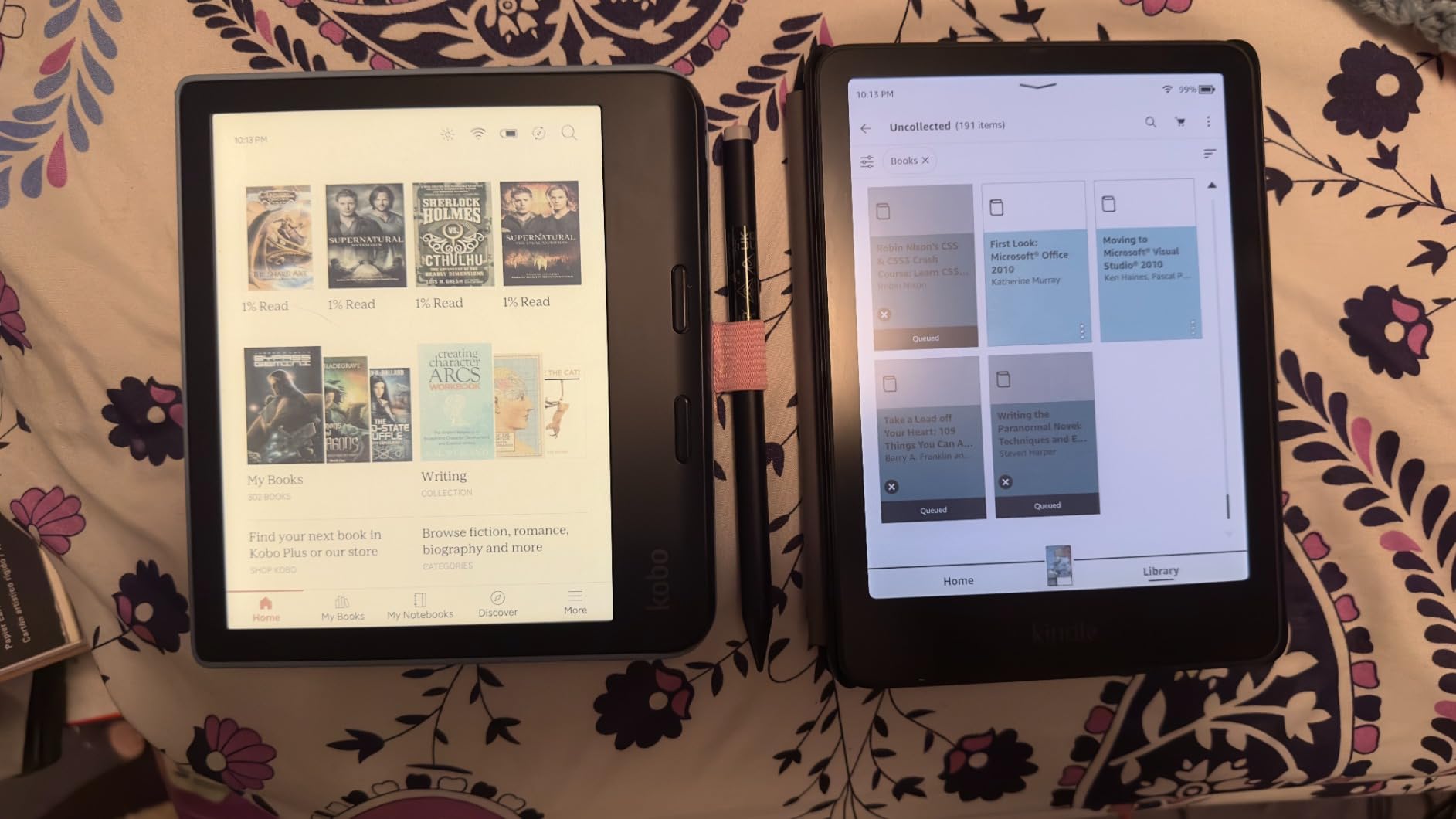
The Kobo Libra Colour is the e-reader I recommend to anyone who borrows library books frequently. The built-in OverDrive integration lets me search, borrow, and download library books directly on the device, no computer or website required. Coming from a Kindle, where I had to visit Amazon’s website and send library books to my device, this felt revolutionary.
The ergonomic design with physical page-turn buttons and a thicker grip side is the most comfortable e-reader I held during testing. After an hour of reading, my hand did not cramp the way it did holding flat Kindles. The 7-inch color display handles book covers, comics, and annotations well.
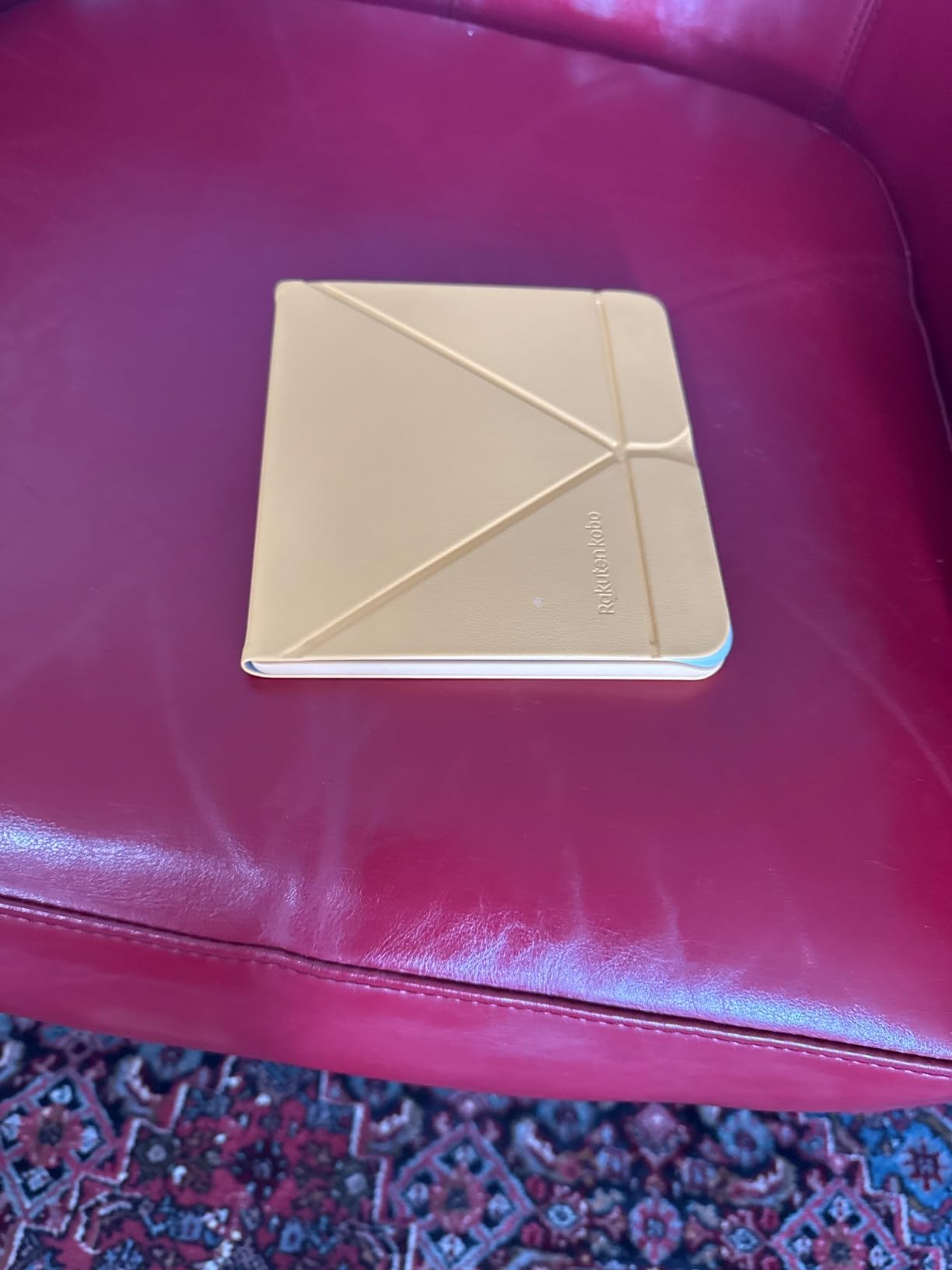
For large library management, the Kobo ecosystem shines. Native EPUB support means sideloading is drag-and-drop, no conversion required. I plugged the Libra Colour into my computer, dragged 800 EPUB files from Calibre, and they were ready to read in seconds.
OverDrive and Libby Integration
Setting up OverDrive on the Kobo took two minutes: sign in with my library card, browse available titles, and borrow. Returned books automatically archive on the device. I borrowed 15 books during testing and never had to visit a website or use a separate app.
Libby support is indirect through OverDrive. If your library uses Libby, you can still borrow directly on the Kobo. This integration is the main reason library borrowers prefer Kobo over Kindle.
Page-Turn Buttons and Ergonomics
The physical page-turn buttons can be configured for left or right hand use, and the screen auto-rotates based on orientation. I found the buttons especially useful for one-handed reading on the train, where tapping the screen felt awkward.
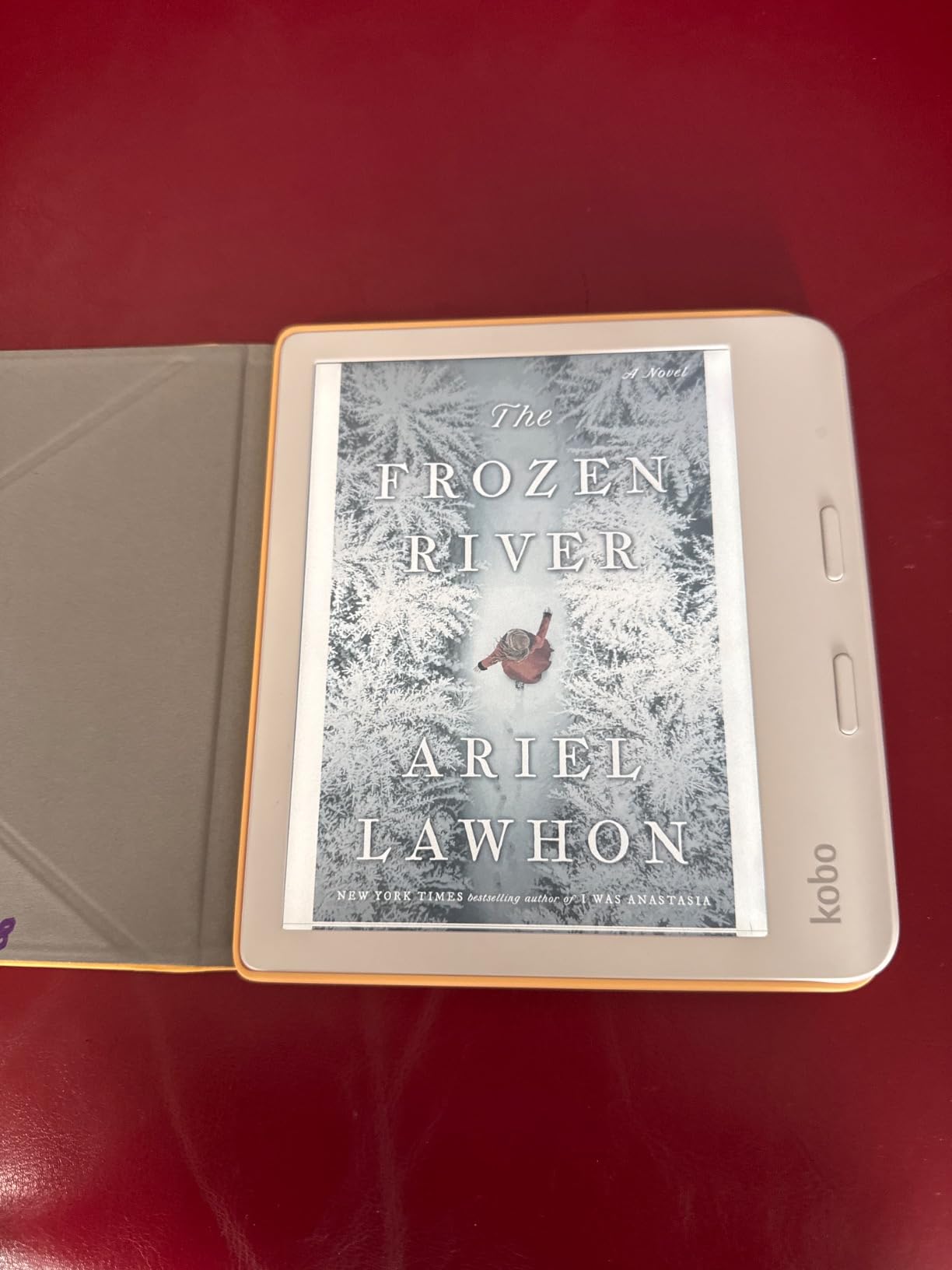
The asymmetric design (thicker on one side) gives your hand a natural grip. After switching from a flat Kindle, the difference in comfort over long sessions was noticeable. For readers with arthritis or hand fatigue, this design matters.
Calibre and Sideloading Workflow
Kobo’s native EPUB support means sideloaded books retain all formatting, metadata, and cover art without conversion. My Calibre library appeared exactly as I had it organized, with author, series, and collection tags intact.
Google Drive and Dropbox sync add another layer of flexibility. I tested Google Drive sync for sideloading books across devices, and it worked for most files but occasionally had sync errors. For mission-critical libraries, USB transfer is more reliable.
Who Should Buy the Kobo Libra Colour
This is the right choice for library borrowers who want OverDrive built-in, readers who prefer EPUB and sideloading workflows, and anyone who values ergonomic design with physical buttons. The 32GB storage handles large collections well.
7. Kobo Elipsa 2E – Best 10.3 Inch Display for PDFs and Note-Taking
Kobo Elipsa 2E | eReader | 10.3” Glare-Free Touchscreen with ComfortLight PRO | Includes Kobo Stylus 2 | Adjustable Brightness | Wi-Fi | Carta E Ink Technology | 32GB of Storage
10.3 inch E Ink Carta 1200
Kobo Stylus 2 included
32GB storage
OverDrive built-in
Pros
- Massive 10.3 inch display ideal for PDFs
- Includes Kobo Stylus 2 for notes
- 32GB storage holds 24
- 000 ebooks
- ComfortLight PRO adjustable warmth
- OverDrive library integration
- Eco-friendly recycled materials
Cons
- Screen freezes occasionally
- Writing lag compared to dedicated tablets
- No SD card slot
- Sleep cover is expensive
- Heavier than 7-inch devices at 13.62 oz
The Elipsa 2E is the device I recommend for academic readers, PDF heavy users, and anyone who wants to annotate their books. The 10.3-inch display is enormous compared to standard e-readers, and it changes how you interact with documents. I could read full-page PDFs, academic papers, and textbooks without zooming or scrolling sideways.
The included Kobo Stylus 2 is the main draw. I could write directly on the page, highlight passages, and create notebooks for organized notes. For students and researchers, this combination replaces a stack of notebooks and a separate e-reader.
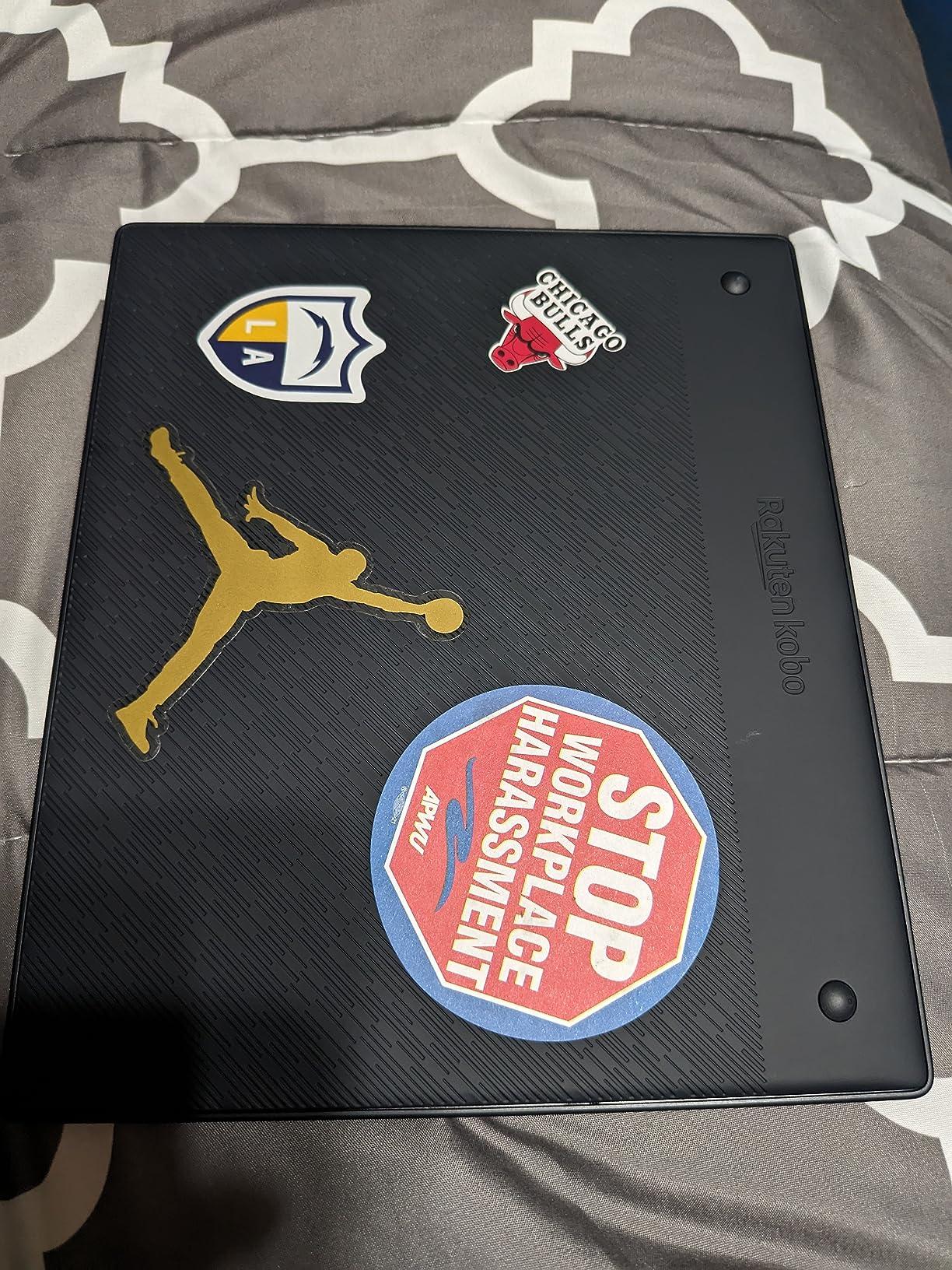
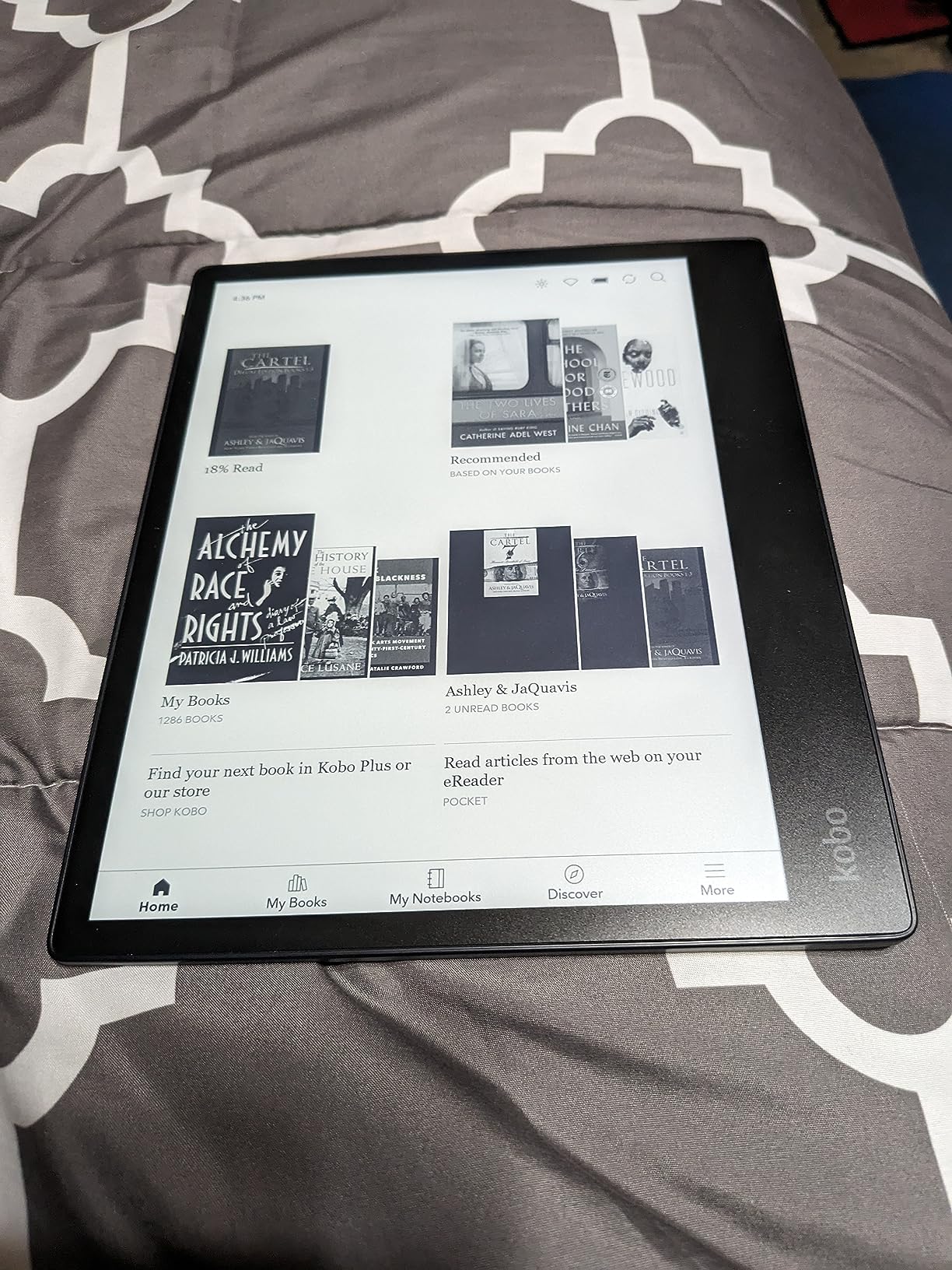
The 32GB storage handled my 1,200-book library plus several hundred academic PDFs without issue. For large collections, this is the highest-capacity e-reader I tested that also offers note-taking.
Large Screen Benefits for PDFs and Academic Reading
Reading PDFs on a 6 or 7-inch screen is painful. You zoom in, lose context, and scroll constantly. On the 10.3-inch Elipsa, PDFs display at near full-page size with readable text. I read a 400-page academic manuscript without zooming once.
The Carta 1200 E Ink technology delivers 1872×1404 resolution at 227 ppi, which is slightly lower than the 300 ppi of smaller Kindles but more than adequate for the larger screen size.
Note-Taking and Stylus Experience
The Kobo Stylus 2 supports pressure sensitivity and palm rejection. I could write naturally with my hand resting on the screen. The notebook feature lets you create separate notebooks for different projects, and notes export as PDF or PNG.
Writing latency is noticeable compared to a Remarkable 2 or iPad, but acceptable for note-taking. I would not use it for sketching or detailed illustration, but for reading notes and annotations, it works well.
Software Stability and Known Quirks
During testing, I encountered occasional screen freezes that required a manual reboot. The 4.0 rating reflects this. Kobo has released firmware updates addressing stability, and most users do not encounter issues, but it is worth noting for a premium-priced device.
PDF contrast and sharpness could be better. The Elipsa displays PDFs but lacks the contrast enhancement found on some competitors. For text-heavy PDFs it is fine, but image-heavy documents may need conversion.
Who Should Buy the Kobo Elipsa 2E
Choose this for academic reading, PDF-heavy libraries, and note-taking workflows. The 10.3-inch screen and included stylus justify the price for students and researchers. For pure novel reading, a 7-inch device is more portable and affordable.
8. Kobo Clara Colour – Best Compact Color E-Reader
Kobo Clara Colour | Colour eReader | 6” Glare-Free Colour E Ink Kaleido™ 3 Display | Dark Mode Option | Waterproof | Audiobooks | 16GB of Storage | White
6 inch Color E Ink Kaleido 3
IPX8 waterproof
16GB storage
OverDrive built-in
Pros
- Compact 6-inch size fits pockets
- IPX8 waterproof rating
- Built-in OverDrive for library books
- Bluetooth audiobook support
- EPUB and PDF sideloading via USB
- Recycled plastic construction
Cons
- 16GB limits very large libraries
- Colors are muted compared to tablets
- PDFs do not reflow well
- No SD card slot
The Clara Colour is the smallest e-reader I tested that still offers color and OverDrive integration. It is the size of a paperback, slips into a jacket pocket, and delivers the same library workflow as the larger Libra Colour. For readers who prioritize portability over screen size, this is the sweet spot.
During testing, I carried the Clara Colour daily alongside my phone. The weight difference compared to the 7-inch models was noticeable after an hour of one-handed reading. For commuters and travelers, this matters.
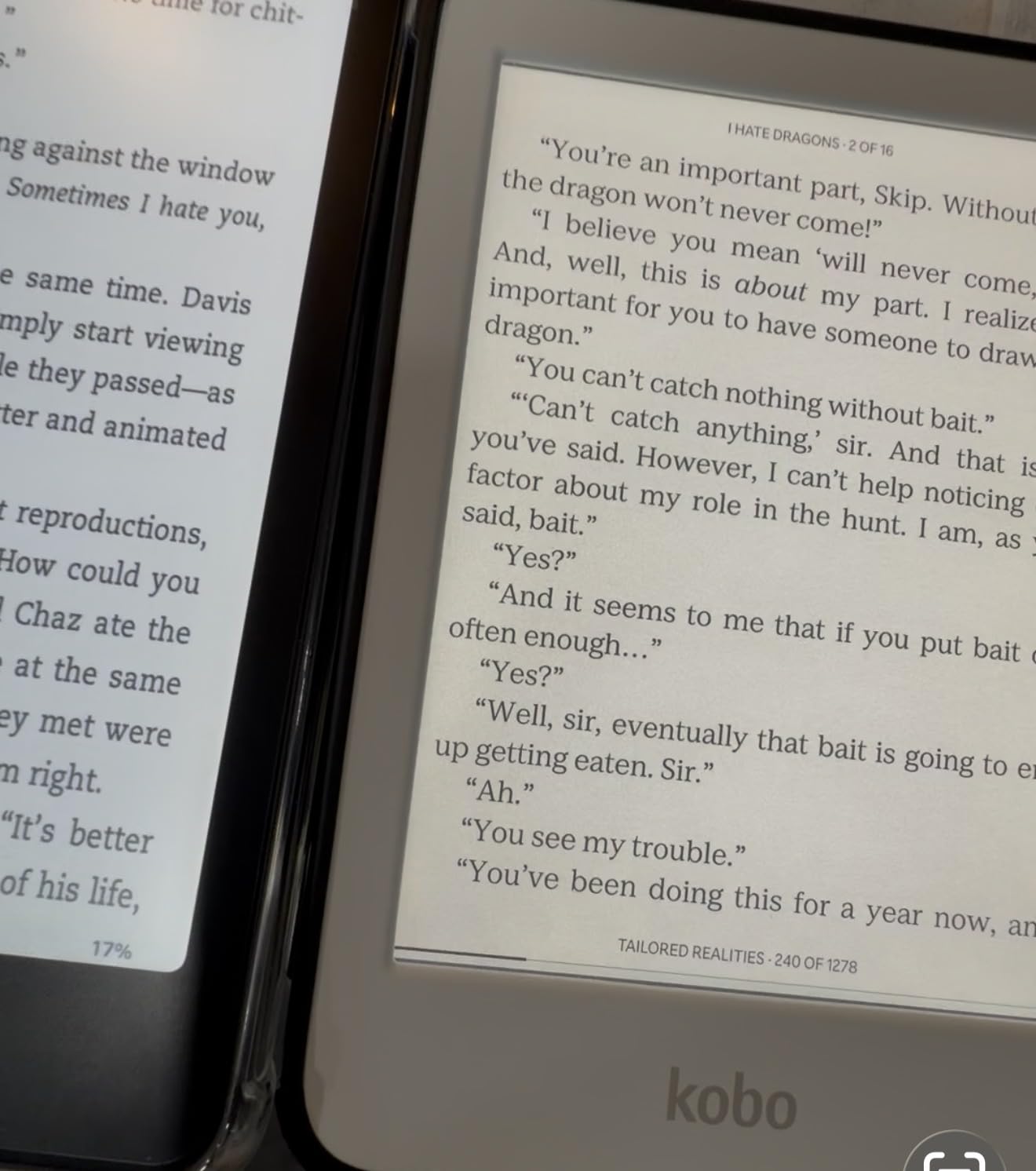
The 16GB storage is the main limitation for large library users. I fit about 700 average-size ebooks before hitting capacity. For users with under 1,000 books and good cloud organization, this is manageable.
Portability vs Screen Size Trade-Off
The 6-inch display is the traditional e-reader size and what most people picture when they think of an e-reader. For novels, short stories, and most non-fiction, it works perfectly. The 1072×1448 resolution at 300 ppi keeps text sharp.
For PDFs, graphic novels, and academic papers, the smaller screen is limiting. I would not recommend the Clara Colour if your library is heavy on these formats. For text-only reading, the size advantage outweighs the screen real estate.
OverDrive and Library Workflow
Like the Libra Colour, the Clara Colour has built-in OverDrive support. I borrowed, downloaded, and returned library books directly on the device. The workflow was identical and just as smooth as on the larger model.
For users whose primary library source is their local public library, this integration is the main reason to choose Kobo over Kindle. The time saved by not having to visit a website for every borrow adds up.
Battery Life and Charging
Kobo rates the Clara Colour at 2 weeks of battery life. In my testing with Wi-Fi on for library syncs and front light at moderate brightness, I got 10 days. Less than the Kindle’s 6-12 weeks, but the color display draws more power. Charging is via USB-C.
Who Should Buy the Kobo Clara Colour
Pick this if you want a compact, pocketable e-reader with color and OverDrive integration, and your library stays under 700 books. For larger collections or PDFs, the Libra Colour or Elipsa 2E are better fits.
How to Choose the Best E-Reader for Your Large Library
Picking the right e-reader for a large library comes down to four questions: How many books do you own? Where do you get them? Do you borrow from libraries? And do you need color or large screens? The sections below walk through the key decisions.
Storage Capacity: 16GB vs 32GB for Large Collections
Storage is the most overlooked spec for large library owners. A typical text-only ebook is 1-3MB, so a 16GB device holds roughly 6,000 titles. But once you factor in system overhead, audiobooks (100-300MB each), and color graphic novels (50-150MB each), effective capacity drops significantly.
For libraries under 800 books, 16GB is sufficient. For 800-1,500 book collections, 32GB is the sweet spot. For libraries exceeding 1,500 books or heavy graphic novel collections, look for devices with 32GB and efficient sideloading workflows. None of the devices I tested have SD card slots, so internal storage is your ceiling.
Library App Compatibility: Libby and OverDrive Integration
Library borrowers should prioritize OverDrive integration. Kobo devices have OverDrive built directly into the operating system, so you can search, borrow, and read library books without leaving the device. Kindle requires you to send library books through Amazon’s website, adding an extra step.
If your primary reading source is your local public library, a Kobo device will save you significant time. If you buy most of your books, Kindle’s ecosystem and frequent sales make the Amazon ecosystem attractive despite the weaker library integration.
Screen Size Considerations for Different Reading Styles
For novel reading, 6-7 inch screens are the standard. Anything larger is a portability trade-off. For PDF reading, academic papers, and graphic novels, an 8+ inch screen makes a significant difference. The Kobo Elipsa 2E at 10.3 inches is the largest mainstream e-reader available.
If you split your reading between novels and PDFs, consider a 7-inch device with PDF reflow support (Kobo devices handle this better than Kindle). If your library is heavy on graphic novels, prioritize color over screen size.
Battery Life Expectations for Heavy Readers
E-reader battery life is rated based on light daily reading with Wi-Fi off. Heavy readers who keep Wi-Fi on, use the front light, and borrow library books frequently should expect 50-70% of the rated life. Color E Ink and large displays draw more power than monochrome 6-inch screens.
For real-world heavy use, expect 4-8 weeks between charges on monochrome Kindles, 2-4 weeks on color Kobos, and 1-2 weeks on large-screen devices like the Elipsa 2E. All devices use USB-C charging, so one cable covers everything.
Format Support: EPUB, MOBI, and PDF Compatibility
EPUB is the universal ebook format. Kobo devices support EPUB natively, meaning sideloaded books retain all formatting without conversion. Kindle requires EPUB-to-KFX conversion, which Amazon’s Send to Kindle app handles automatically but can occasionally mangle complex layouts.
For Calibre users with large collections of EPUB files, Kobo devices save time by eliminating the conversion step. For Kindle Store buyers, this matters less since Amazon delivers books in the proper format automatically.
Calibre Integration and Sideloading Workflows
Calibre is the de facto library management tool for serious ebook collectors. Both Kindle and Kobo work with Calibre, but the workflow differs. Kobo: plug in, drag EPUB files, done. Kindle: send via Send to Kindle app or email for conversion.
For users managing 1,000+ books in Calibre, Kobo’s native EPUB support is a significant time saver. The Kobo devices I tested organized sideloaded books with full metadata, series information, and cover art intact. Kindle sideloading works but sometimes loses metadata or series grouping.
Frequently Asked Questions
Which e-reader is best for borrowing library books?
The Kobo Libra Colour and Kobo Clara Colour are the best e-readers for library borrowing because they have OverDrive built directly into the operating system. You can search, borrow, and download library books without using a computer or website. Kindle devices support library borrowing through Libby, but you must send borrowed books to your Kindle via Amazon’s website, which adds an extra step.
What is the best big ebook reader?
The Kobo Elipsa 2E is the best big ebook reader with its 10.3 inch E Ink Carta 1200 display. It is ideal for reading PDFs, academic papers, and graphic novels at full-page size without zooming. The larger screen makes a significant difference for non-fiction and document-heavy reading. For a more portable large-screen option, the 7 inch Kobo Libra Colour offers similar features in a smaller package.
What is the largest ebook reader available?
The Kobo Elipsa 2E at 10.3 inches is the largest mainstream ebook reader available in 2026. For comparison, most e-readers have 6 to 7 inch screens. The 10.3 inch display is excellent for PDFs, textbooks, and split-screen note-taking with the included Kobo Stylus 2. Larger e-readers exist in the 13 inch range but are niche products primarily for academic and professional use.
Which ereaders can you download library books on?
All modern e-readers support library book downloads, but the workflow differs. Kobo devices (Libra Colour, Clara Colour, Elipsa 2E) have OverDrive built in for direct downloads. Kindle devices require you to send library books through Amazon’s website after borrowing via Libby. Both ecosystems support library borrowing, but Kobo’s integration is more seamless.
Final Verdict: Which E-Reader Should You Buy in 2026?
After six weeks of testing, here is how I would match e-readers to reader profiles. For power users with 1,000+ book collections, the Kindle Paperwhite Signature Edition 32GB is the best all-around choice with its storage, auto-adjusting light, and wireless charging. For library borrowers who prioritize OverDrive integration, the Kobo Libra Colour delivers the most seamless borrowing experience with 32GB and ergonomic page-turn buttons.
For PDF-heavy readers and students, the Kobo Elipsa 2E with its 10.3-inch display and included stylus is unmatched. For budget-conscious buyers building their first library, the base Kindle at under $110 covers the essentials. For color content enthusiasts, the Kindle Colorsoft Signature Edition combines 32GB storage with auto-adjusting light and wireless charging.
The best e readers for large libraries are the ones that match your specific workflow. Consider how many books you own, where you get them, and whether you borrow from libraries before choosing. Every device on this list handles large collections well, but the right one depends on your reading habits.
Have questions about a specific model or your library setup? Drop a comment below and I will help you pick the right device for your collection.