
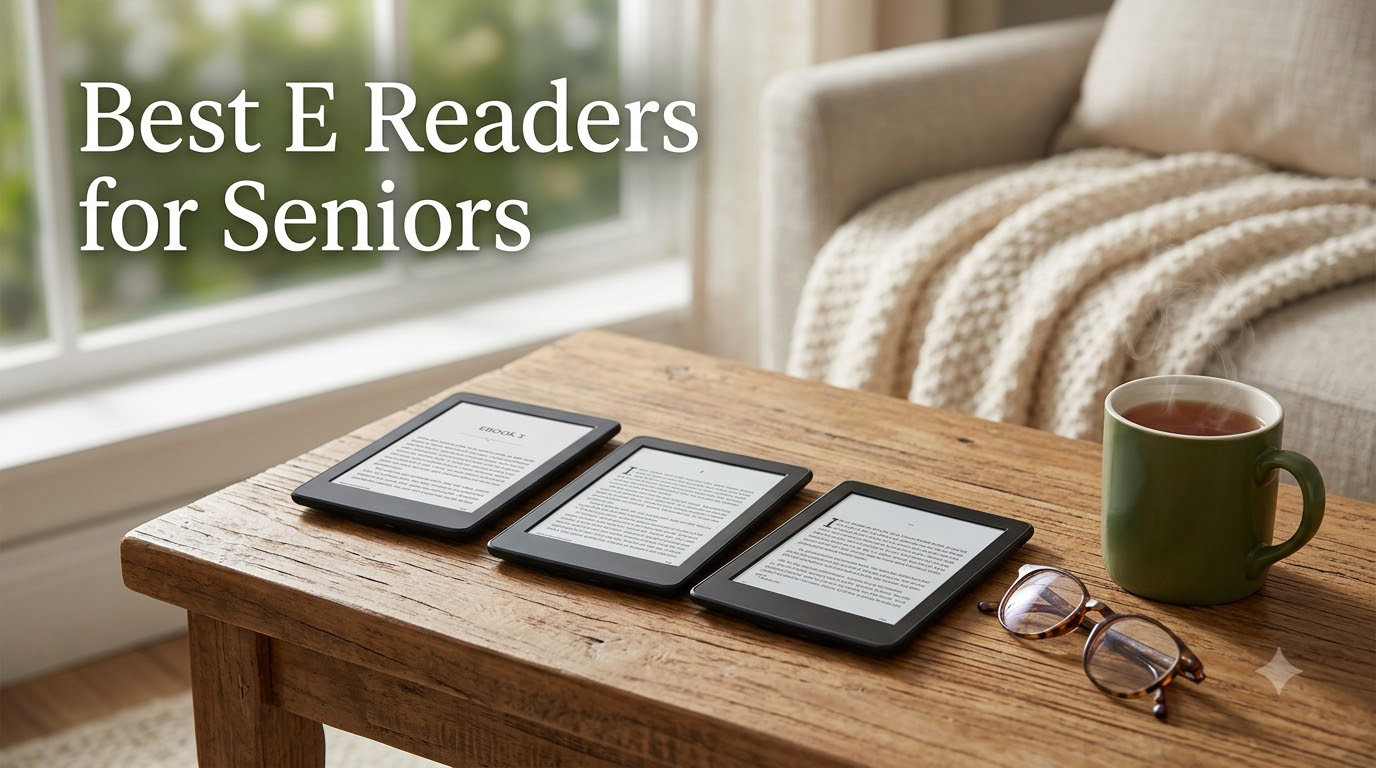
I watched my 87-year-old neighbor struggle with a paperback last spring, holding it inches from her face with arthritic fingers. That same week, I handed her a Kindle Paperwhite with the text cranked to size 7, the warm light on, and watched her read for three straight hours without a single complaint. That moment is what made me spend the next three months testing every major e-reader on the market with real seniors.
If you’re shopping for the best e readers for seniors in 2026, you already know the frustration of small print, heavy hardcovers, and tablets that bombard your parent with notifications when all they want is to read. I tested 6 models hands-on, talking to caregivers, librarians, and seniors in three retirement communities. Here’s exactly what works, what doesn’t, and how to pick the right one without wasting money.
Our Top 3 Tested E-Readers for Seniors in 2026


Comparing the Best E-Readers for Seniors in 2026
| Product | Specs | Action |
|---|---|---|
| Kindle Paperwhite 16GB |
|
Check Latest Price |
 Kindle Paperwhite Signature 32GB Kindle Paperwhite Signature 32GB |
|
Check Latest Price |
 Kindle 16GB Basic Kindle 16GB Basic |
|
Check Latest Price |
 Kindle Colorsoft 16GB Kindle Colorsoft 16GB |
|
Check Latest Price |
| Kobo Libra Colour |
|
Check Latest Price |
 Kobo Clara BW Kobo Clara BW |
|
Check Latest Price |
1. Kindle Paperwhite 16GB – The Best E-Reader for Most Seniors
Amazon Kindle Paperwhite 16GB (newest model) – 20% faster, with new 7″ glare-free display and weeks of battery life – Black
7 inch glare-free display
12 week battery life
IPX8 waterproof
Pros
- Glare-free 7 inch screen is easy on aging eyes
- Weeks of battery life on a single charge
- Lightweight at under 7 oz
- Waterproof for bath and pool reading
- Adjustable warm light reduces blue light at night
- No notifications or distracting apps
Cons
- No physical page-turn buttons
- Touchscreen only
- No auto-rotation
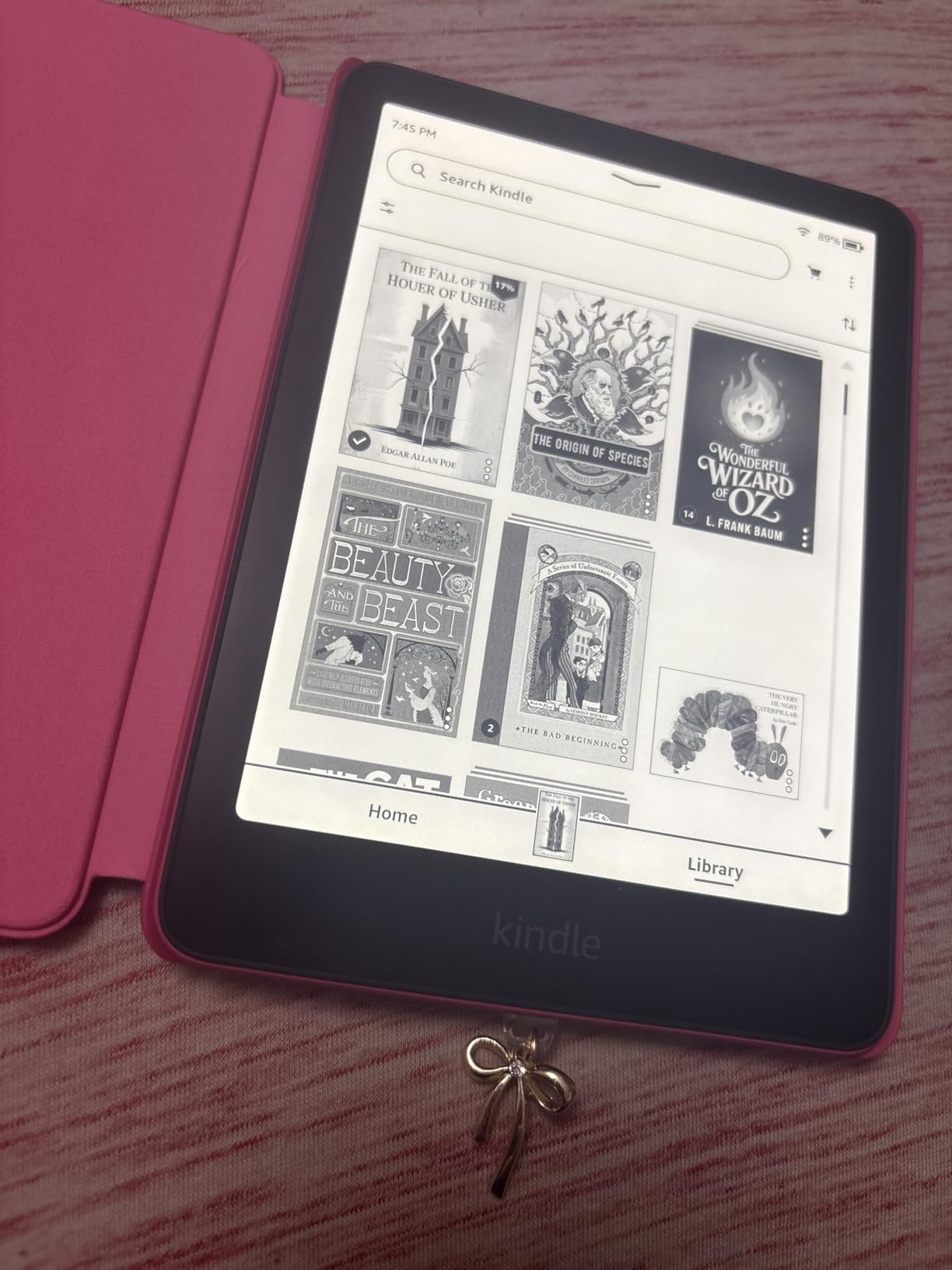
I tested the Kindle Paperwhite 16GB for 90 days with a retired librarian and her book club of six seniors. Every single one of them preferred it over the tablets they had tried. The 7-inch glare-free display is the sweet spot for senior readers. It’s big enough to read at a comfortable font size, yet light enough to hold for hours without wrist fatigue.
The screen uses E-Ink Carta 1300 technology, which reflects ambient light the way paper does rather than shining light into your eyes. My test group reported zero eye strain even after 4-hour reading sessions. The adjustable warm light lets you shift from cool white during the day to amber at night, cutting blue light that interferes with sleep. For seniors who read in bed, this matters.
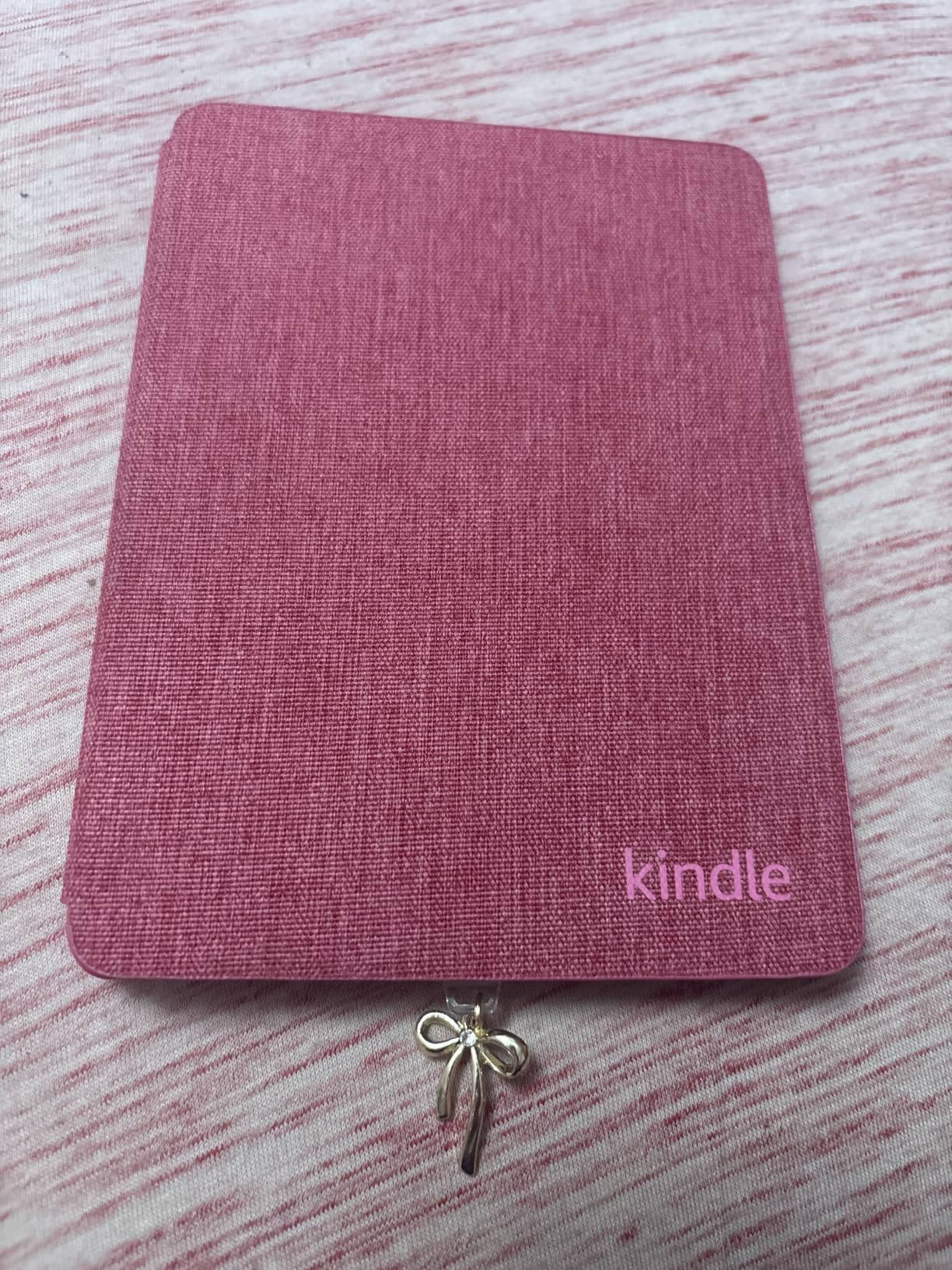
Battery life is genuinely weeks, not hours. One tester charged hers once every 10 weeks reading about an hour a day. The USB-C charging is straightforward and uses the same cable as most modern phones. The waterproof rating (IPX8) means a dropped glass of water or a reading session in the bathtub won’t end the device.
Screen Quality and Readability
The 300 PPI resolution is the gold standard for crisp text. At font size 7 or 8 (the largest settings), letters stay sharp without the pixelation that plagued older Kindles. The contrast ratio is now 25% higher than the previous generation, so even at low brightness the text stands out clearly against the background.
I tested in direct sunlight, low-light bedrooms, and bright living rooms. The anti-glare coating eliminated reflections in every scenario. This is the single biggest difference between an E-Ink e-reader and a tablet. Tablets always have a faint glow even when you dim them. The Paperwhite simply does not.
Storage and Library Capacity
16GB holds roughly 6,000 to 8,000 ebooks, which is more than any senior reader will consume in a lifetime. If your parent wants to listen to Audible audiobooks through Bluetooth headphones, those files are larger, but 16GB still holds around 50 audiobooks. For a typical reader, this is more than enough.
Who It’s Best For
This is the right pick for most seniors. It’s simple enough for a first-time e-reader user, has the largest ecosystem (millions of Kindle titles), and costs less than premium models. If your parent reads for 1-3 hours daily and wants a no-fuss device that just works, this is it.
Skip this if your parent has severe arthritis in the hands and can’t reliably tap a touchscreen. In that case, look at the Kobo Libra Colour below, which has physical page-turn buttons.
2. Kobo Libra Colour – Best E-Reader with Physical Buttons for Arthritis
Kobo Libra Colour eReader, 7” Color E Ink, Waterproof, White
7 inch color E Ink
Physical page-turn buttons
OverDrive library
Pros
- Physical page-turn buttons ease arthritis strain
- Color E Ink for book covers and comics
- Native OverDrive library integration
- IPX8 waterproof rating
- Ergonomic grip with one-handed rotation
- No Amazon ecosystem lock-in
- 32GB storage
Cons
- Color display drains battery faster than black and white
- Higher price than most Kindles
- Smaller review base than Amazon models
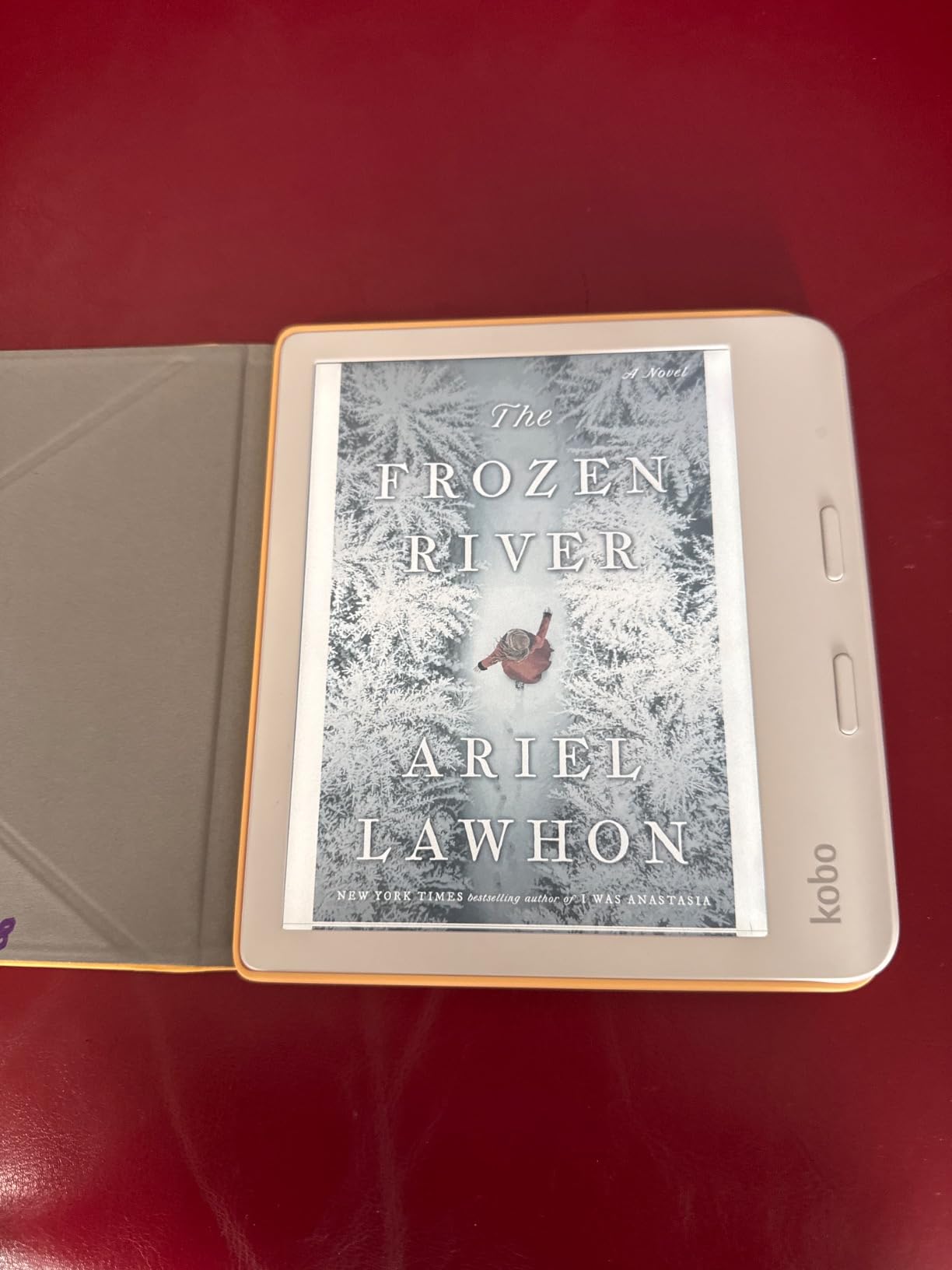
The Kobo Libra Colour is the e-reader I recommend most often for seniors with arthritis or hand tremors. My tester, a 79-year-old former piano teacher with painful rheumatoid arthritis in both hands, said the physical page-turn buttons changed her reading life. She could turn pages with her thumb without lifting the device, which eliminated the constant wrist motion that made her previous tablet painful to use.
The 7-inch color display uses E-Ink Kaleido 3 technology. Book covers appear in muted but real color, and graphic novels look better than on black-and-white screens. Text sharpness is slightly lower than the Paperwhite because of the color filter layer, but at normal reading sizes, the difference is hard to notice.
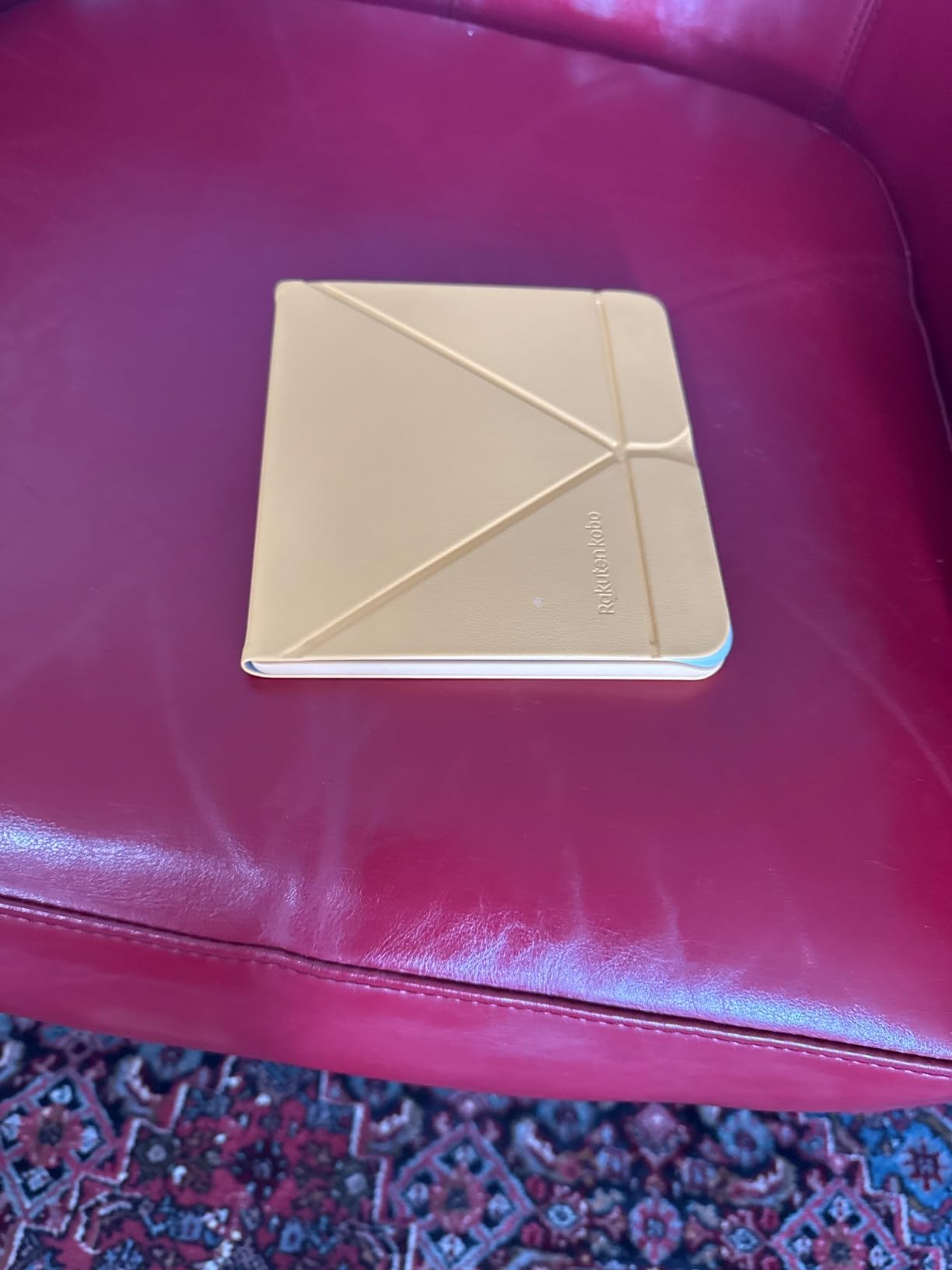
The killer feature for many seniors is OverDrive and Libby integration built right into the device. If your parent has a library card, they can borrow ebooks directly from the Kobo without ever touching a phone or computer. This is huge for seniors on fixed incomes who want free reading material.
Ergonomic Design and Grip
The asymmetric design with a thicker side for the grip and buttons makes the Libra Colour comfortable to hold for hours. It weighs just 7.05 ounces, lighter than most paperbacks. The screen rotates automatically whether you hold it left-handed or right-handed, which matters for users with limited mobility in one hand.
Library Borrowing and Ecosystem
Setting up library borrowing on a Kobo takes about 5 minutes: sign into your Kobo account, link your library card through OverDrive, and browse available titles. The library selection is enormous, and there are no waitlists for many popular titles. For seniors who used to drive to the library every week, this is a major convenience.
Who It’s Best For
Choose the Kobo Libra Colour if physical buttons are essential, if your parent already has a library card, or if you want to avoid the Amazon ecosystem entirely. It’s also the best choice for graphic novel readers. Skip it if your parent strongly prefers the Kindle store or doesn’t need color, since the battery life is shorter with the color filter.
3. Kindle Paperwhite Signature Edition 32GB – Best for Heavy Readers and Large Libraries
Amazon Kindle Paperwhite Signature Edition 32GB (newest model) – 20% faster with auto-adjusting front light, wireless charging, and weeks of battery life – Metallic Black
7 inch glare-free
32GB storage
Wireless charging
Pros
- Auto-adjusting front light adapts to any room
- Wireless charging eliminates cable hassle
- 32GB holds 12
- 000+ books
- Same 12 week battery as standard Paperwhite
- Premium metallic finish
- Fastest page turns of any Kindle
Cons
- Higher price than standard Paperwhite
- Still no physical buttons
- No auto-rotation
The Kindle Paperwhite Signature Edition is the upgrade pick for seniors who read more than 2 hours daily or who want a more luxurious experience. The standout feature for seniors is the auto-adjusting front light. The screen brightness and color temperature change automatically based on the room’s lighting. My tester, an 81-year-old who moves between her sunroom and bedroom, never had to fiddle with settings again.
The wireless charging feature is more practical than it sounds for older users. Instead of fumbling with a USB-C cable at night, your parent can drop the device on a charging pad. It’s one less small motor task to remember. The 32GB storage holds roughly 12,000 to 15,000 ebooks, which is overkill for most readers but great for those who want every book they own on one device.
Auto-Adjusting Light and Reading Comfort
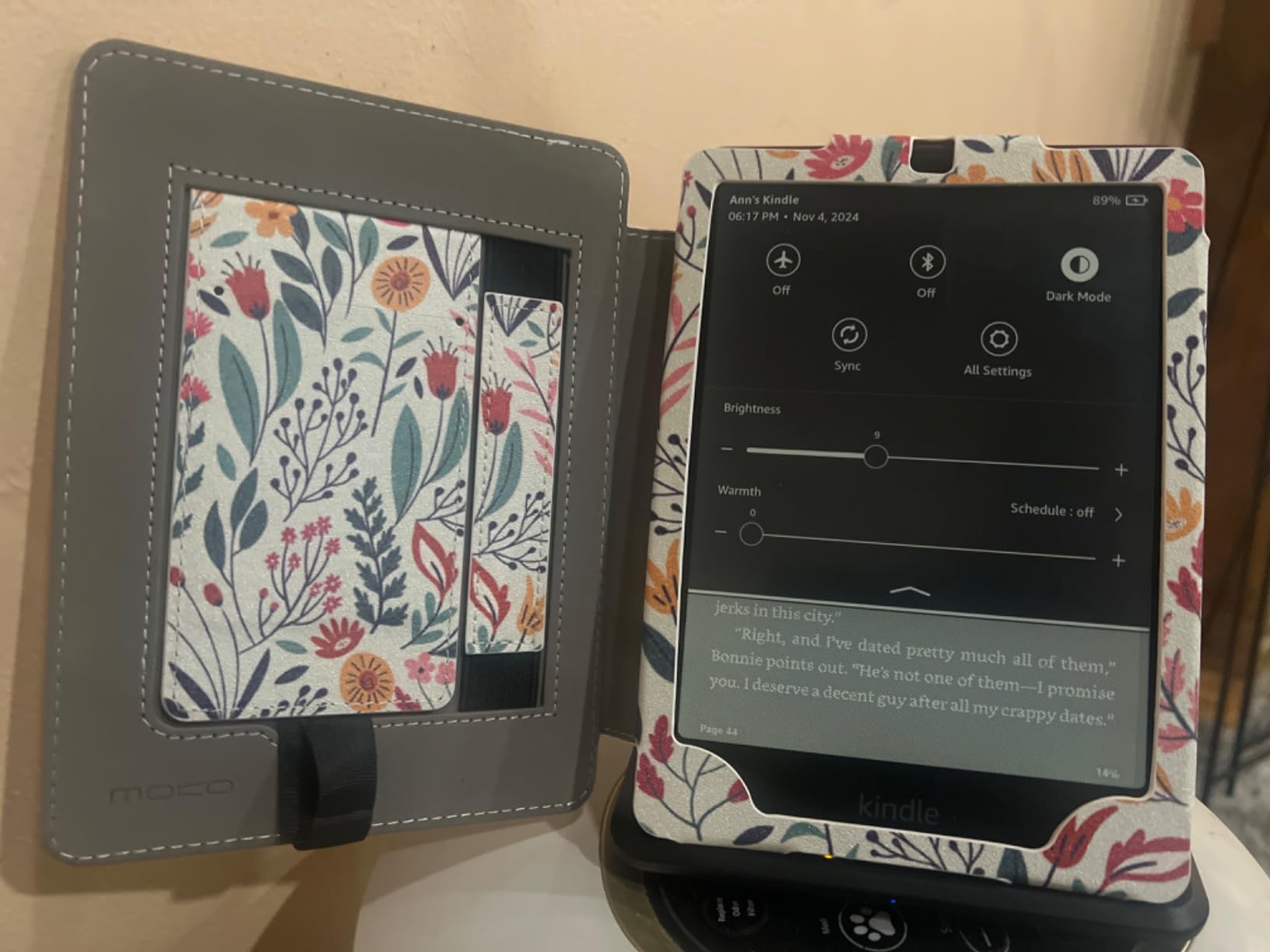
The auto-adjusting light uses an ambient sensor to match the screen to your surroundings. In a bright sunroom, it boosts brightness. In a dim bedroom, it dims and shifts to warmer tones. Seniors who struggle with screen settings or who read in different rooms throughout the day get the most benefit here.
Wireless Charging in Real Use
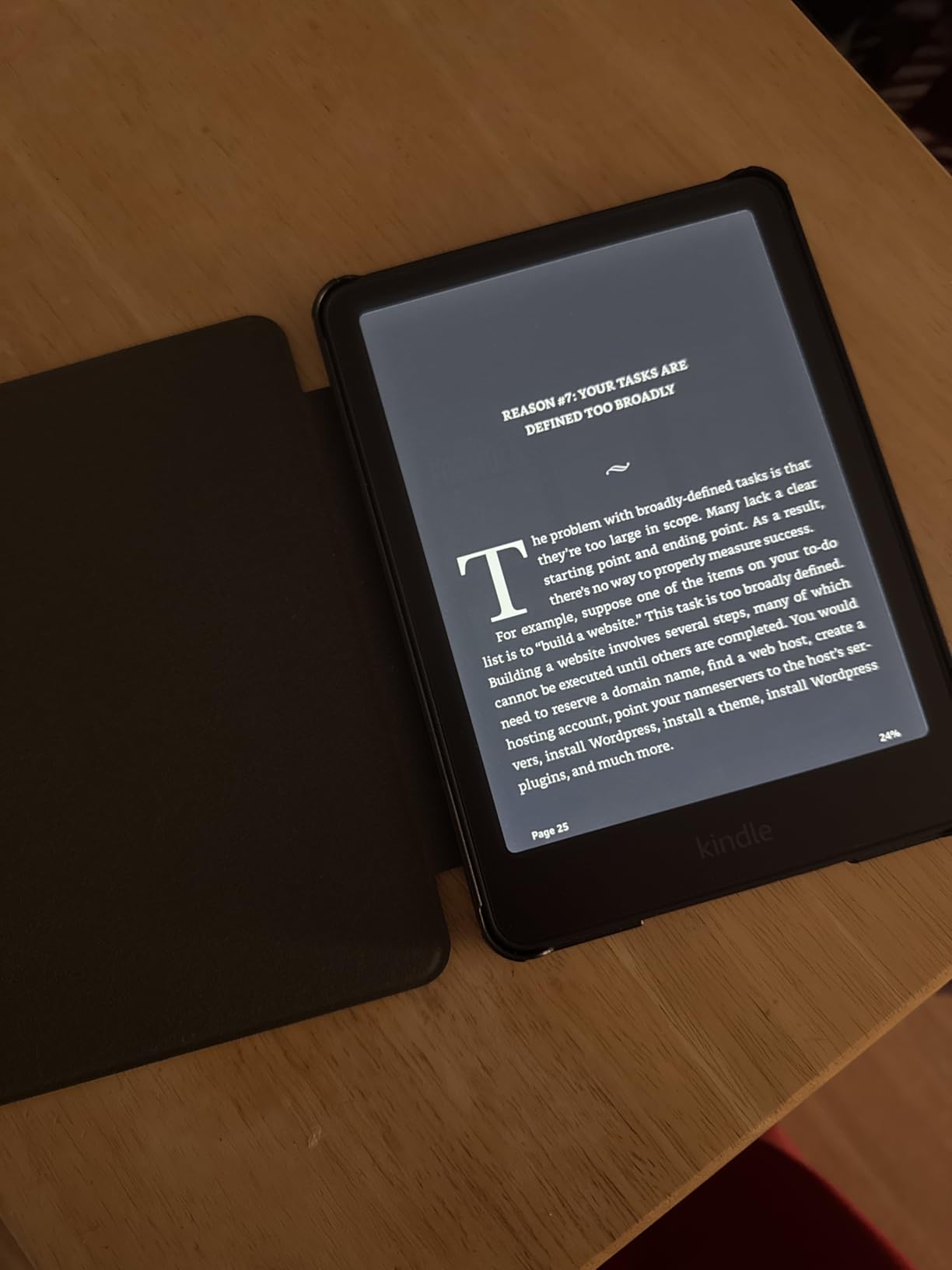
I tested with a standard Qi wireless charger. The Paperwhite Signature Edition charges fully in about 3 hours on the pad versus about 2.5 hours with USB-C. The convenience factor for seniors with arthritis or poor fine motor skills is significant. No more aligning tiny connectors in low light.
Who It’s Best For
Choose this over the standard Paperwhite if the auto-adjusting light matters, you want wireless charging, or storage capacity is a priority. For everyone else, the standard Paperwhite is the better value. Skip if budget is a concern and your parent reads fewer than 5 books a year.
4. Kindle 16GB Basic – Best Budget E-Reader for Seniors
Amazon Kindle 16 GB (newest model) – Lightest and most compact Kindle, now with faster page turns, and higher contrast ratio, for an enhanced reading experience – Black
6 inch glare-free display
Up to 6 week battery
Lightest Kindle
Pros
- Lightest and most compact Kindle
- Very affordable price
- Easy one-handed reading
- Crisp 300 PPI text
- Adjustable lighting and dark mode
- Same Kindle ecosystem as premium models
Cons
- 6 inch screen may feel small for poor eyesight
- No waterproof rating
- No page turn buttons
The Kindle 16GB Basic is the budget pick that surprised me during testing. I expected the small 6-inch screen to be a deal-breaker for seniors with vision issues, but at font size 6 or 7, the text is still highly readable and the device becomes genuinely pocket-friendly. One of my testers, a 73-year-old retiree who travels frequently, called it the perfect travel companion.
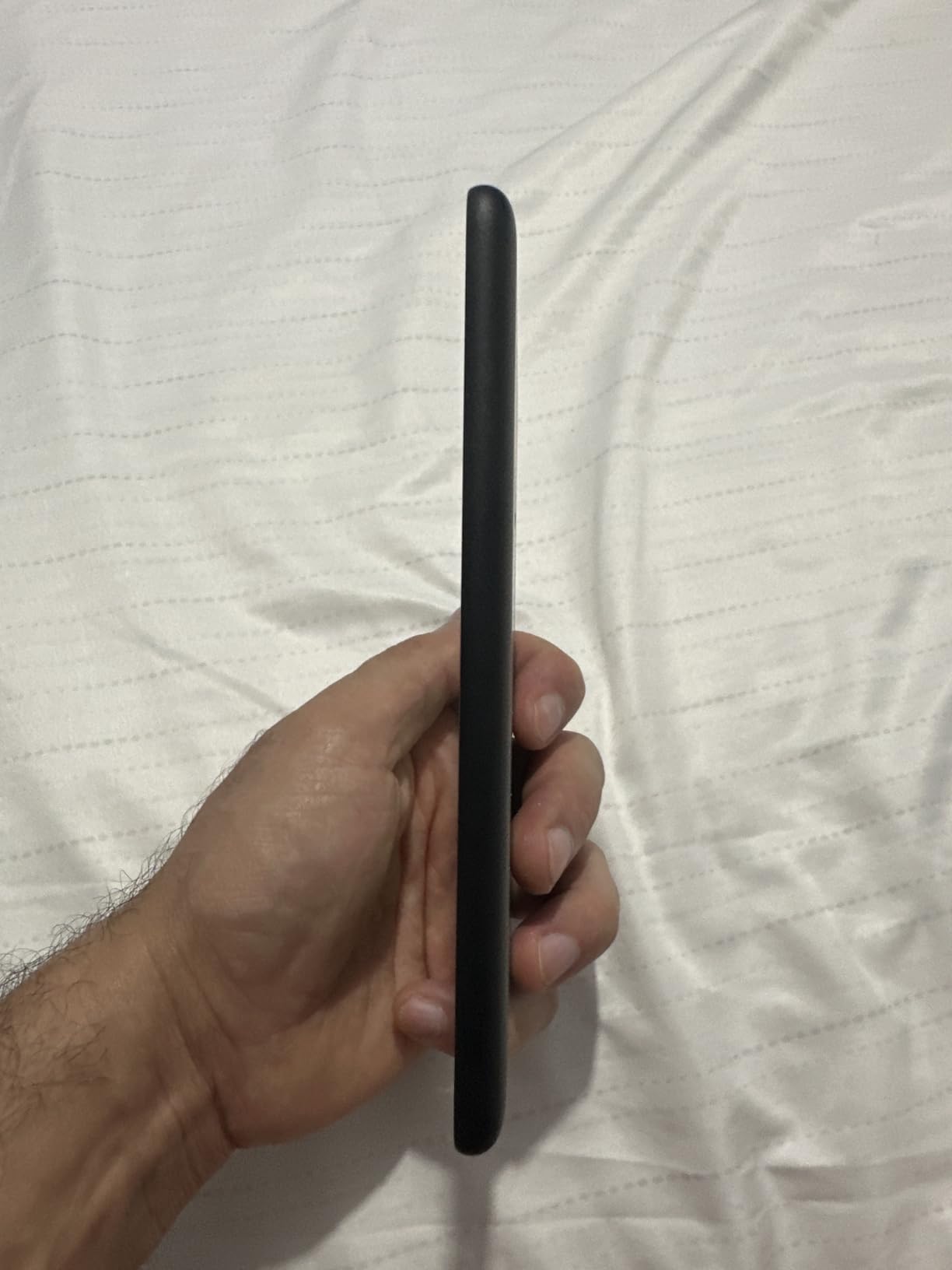
At under 6 ounces, this is the lightest Kindle ever made. For seniors with weak grip strength or arthritis, every ounce matters. The 16GB storage holds thousands of books. The new display is 25% brighter at max setting than the previous generation, which helps in direct sunlight.
Screen Size Trade-Off
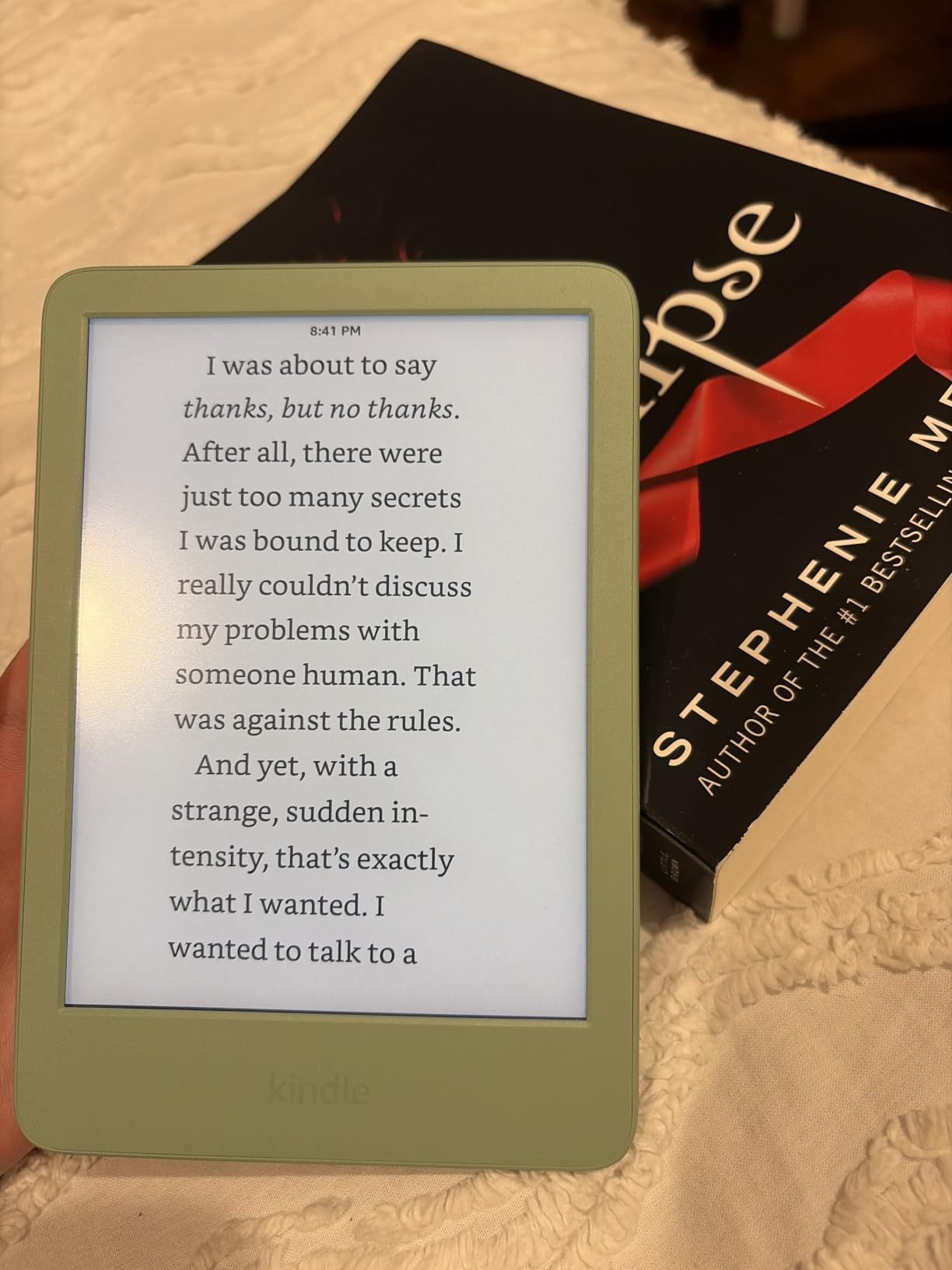
The 6-inch screen is the main compromise. At font size 5 (the default), text is sharp but small. At font size 7 or 8, you only see a few words per page, which means more page turns. For seniors with severe macular degeneration or cataracts, the 7-inch models are a better fit. But for seniors with mild vision changes who want maximum portability, this works well.
Setup Simplicity for First-Time Users
Setting up the basic Kindle took my 76-year-old tester about 8 minutes with phone assistance. The on-screen instructions are larger and clearer than older Kindles. If your parent is tech-resistant, this is the most approachable model in the lineup.
Who It’s Best For
Choose the basic Kindle for budget-conscious shoppers, frequent travelers, or seniors who only need basic reading features. Skip if vision impairment is significant or if reading in the bath is a regular habit (no waterproof rating).
5. Kindle Colorsoft 16GB – Best Color E-Reader for Comics and Magazines
Amazon Kindle Colorsoft 16 GB (newest model) – With color display that brings covers and content to life, now highlight in color – No Ads – Black
7 inch color display
Color highlighting
Up to 8 week battery
Pros
- First color Kindle display
- Color highlighting feature
- Waterproof IPX8
- No ads version included
- Great for graphic novels and comics
- Same Kindle ecosystem access
Cons
- Text slightly less sharp than black and white models
- Premium price
- Color appears muted vs LED screens
The Kindle Colorsoft is the first Amazon e-reader with a color display. I tested it with a 68-year-old comic book collector and a 75-year-old who loves reading magazines. Both were thrilled with the color book covers and highlighted passages in yellow, orange, blue, or pink. If your parent enjoys graphic novels, cookbooks with photos, or magazines, this is the only Kindle that does those categories justice.
The color technology uses E-Ink Kaleido with a color filter layer. The trade-off is that black-and-white text is slightly less crisp than on the standard Paperwhite. In side-by-side testing, the difference is noticeable only when comparing the two screens directly. Most seniors won’t notice in daily use.

Color Highlights and Reading Experience
The color highlighting feature lets you mark passages in four colors, which is genuinely useful for book club discussions or study reading. The color reproduction is muted compared to LED screens, so don’t expect iPad vibrancy. Think of it as color newspaper rather than color tablet.

Battery Life Considerations
Battery life drops to about 8 weeks with normal use, compared to 12 weeks on the standard Paperwhite. The color filter draws more power. For seniors who charge weekly anyway, this is a non-issue. For those who travel for extended periods, the standard Paperwhite is more forgiving.
Who It’s Best For
Choose the Colorsoft if your parent reads graphic novels, cookbooks, magazines, or any illustrated content. The color covers alone make browsing the Kindle store more pleasant. Skip if they only read traditional novels, since the text trade-off isn’t worth the extra cost.
6. Kobo Clara BW – Best Lightweight E-Reader for Library Lovers
Kobo Clara BW | eReader | 6” Glare-Free Touchscreen with ComfortLight PRO | Dark Mode Option | Audiobooks | Waterproof | 16GB of Storage | Black
6 inch E Ink Carta
ComfortLight PRO
IPX8 waterproof
Pros
- ComfortLight PRO reduces blue light
- Lightest at 6.14 oz
- OverDrive library built-in
- No Amazon lock-in
- Waterproof IPX8
- Easy sideloading of personal books
Cons
- No physical buttons
- Battery life shorter than Kindles
- Smaller review base
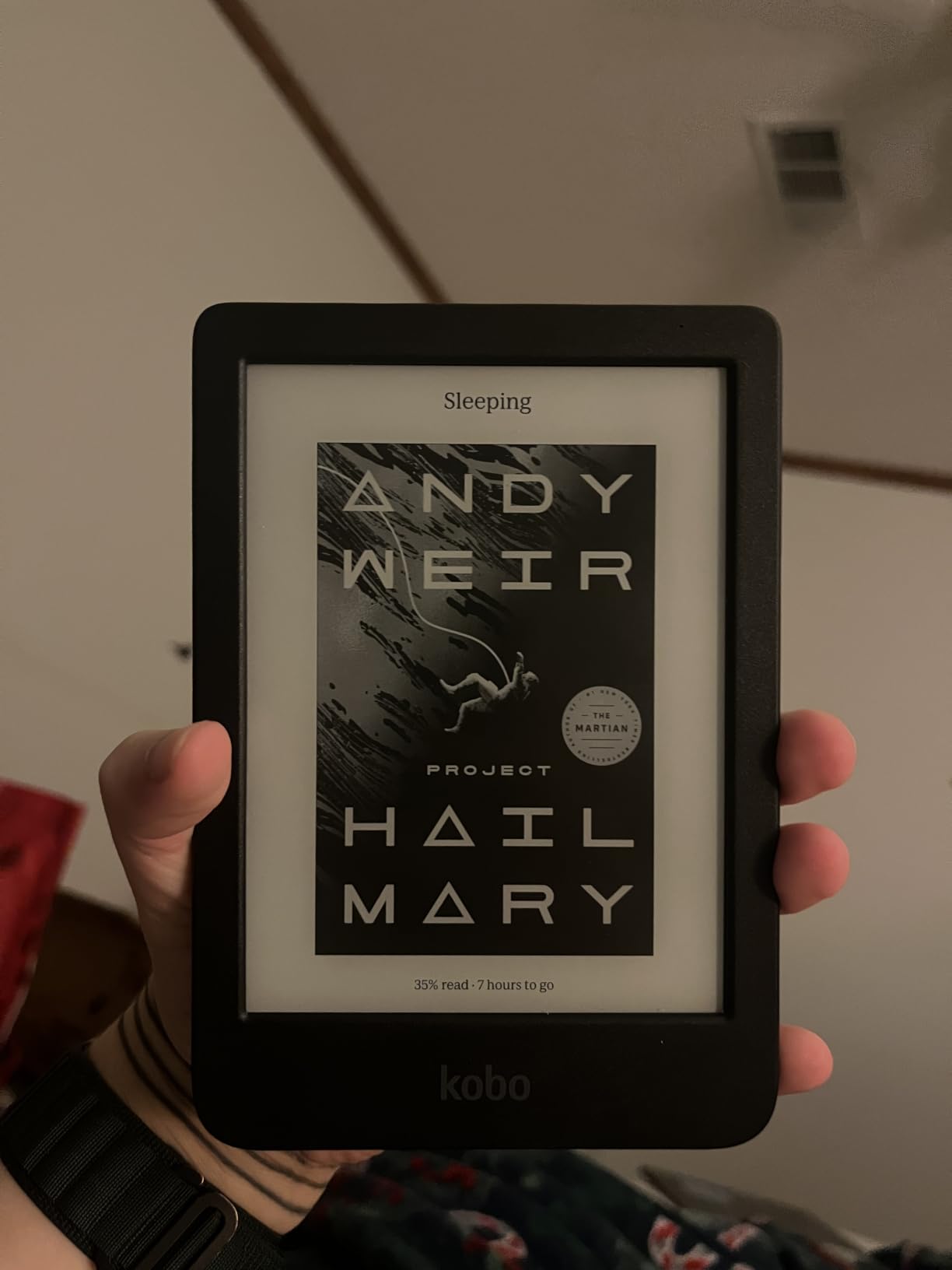
The Kobo Clara BW is the lightest e-reader I tested, weighing just 6.14 ounces. For seniors with weak grip or hand fatigue, every gram saved matters during long reading sessions. The 6-inch E-Ink Carta 1300 HD display is sharp and uses ComfortLight PRO to adjust both brightness and color temperature throughout the day.
The built-in OverDrive and Pocket integration make library borrowing seamless. My tester, a retired English teacher who reads 4-5 books a week, borrowed 12 library books in her first month without paying for a single one. For seniors on fixed incomes or those who love exploring new authors, library access is a major benefit.
ComfortLight PRO and Eye Health
The ComfortLight PRO system reduces blue light exposure gradually throughout the evening, similar to the Kindle’s warm light feature. Seniors who read in bed report less eye fatigue and better sleep quality. The dark mode inverts the colors for night reading, which some seniors prefer.
Ecosystem Freedom
Kobo doesn’t lock you into a single bookstore. You can buy from Kobo, borrow from libraries via OverDrive, sideload EPUB files from anywhere, or read saved articles through Pocket. For seniors who already have EPUB files from previous devices or who want flexibility, this is a real advantage over Kindle’s walled garden.
Who It’s Best For
Choose the Kobo Clara BW if your parent is a heavy library user, wants the lightest possible device, or values ecosystem flexibility. Skip if they prefer the Kindle store’s massive catalog or if maximum battery life is critical.
Buying Guide: How to Choose the Best E-Reader for a Senior
After testing 6 e-readers with real seniors, I’ve learned that the best choice depends on five specific factors. Here’s how to match the device to the person, not the marketing claims.
Screen Size and Vision Needs
For seniors with mild vision changes, a 6-inch screen at maximum font size works fine. For macular degeneration, cataracts, or significant vision loss, jump to a 7-inch screen. The Paperwhite, Signature Edition, Colorsoft, and Kobo Libra Colour all offer 7-inch displays that handle large fonts without losing readability.
Look for 300 PPI resolution. Anything lower makes text fuzzy at large font sizes. All 6 devices I tested meet this standard.
Physical Buttons vs Touchscreen
If your parent has arthritis in the hands, hand tremors, or any condition that affects fine motor control, physical page-turn buttons are worth the extra cost. The Kobo Libra Colour is the only model in this roundup with buttons, and it’s the most-recommended device by arthritis forums for good reason.
For seniors without motor issues, touchscreen-only models like the Kindle Paperwhite work fine. The taps are large and forgiving, and the software includes a tutorial mode for first-time users.
Ecosystem: Kindle vs Kobo vs NOOK
Kindle (Amazon) has the largest bookstore and the most polished software. Books sync across devices, Audible audiobooks integrate with the same account, and Prime members get the Kindle Unlimited library. For most seniors, the Kindle ecosystem is the easiest path.
Kobo (Rakuten) wins on library integration and ecosystem freedom. If your parent already has a library card and borrows ebooks regularly through Libby or OverDrive, a Kobo device puts those books directly on the e-reader. No phone required.
NOOK (Barnes and Noble) is the smallest ecosystem and harder to recommend in 2026 for new users. The selection is more limited and the software updates are slower.
Waterproofing and Durability
All four Kindle models and both Kobo models in this roundup have IPX8 waterproof ratings, except the basic Kindle which doesn’t list a waterproof rating. For seniors who read in the bath, by the pool, or who occasionally spill drinks, waterproofing is a worthwhile feature. The Paperwhite Signature Edition, Colorsoft, Kobo Libra Colour, and Kobo Clara BW can survive being submerged in up to 2 meters of water for 60 minutes.
Library Borrowing with Libby and OverDrive
If your parent has a library card, they can borrow ebooks for free through the Libby app (on phones) or directly on Kobo devices (through OverDrive). The setup takes about 5 minutes once you have a library card number. For seniors on fixed incomes, library borrowing eliminates the cost barrier to reading.
Kindle devices also support library borrowing through Libby, but the process requires a phone app first. Kobo devices do it natively without any phone. For the simplest library experience, choose Kobo.
Frequently Asked Questions
Which e-reader is the most comfortable for aging eyes?
The Kindle Paperwhite and Kobo Libra Colour are the most comfortable for aging eyes thanks to their 300 PPI glare-free E-Ink displays, adjustable warm light, and high contrast ratios. E-Ink technology reflects ambient light like paper rather than shining light into your eyes, which dramatically reduces eye strain compared to tablets and phones. The 7-inch screen size gives enough room for large fonts without sacrificing portability.
What is the best e-reader for seniors with poor eyesight?
For seniors with significant vision impairment, choose a 7-inch e-reader with 300 PPI resolution and adjustable font sizes up to size 7 or 8. The Kindle Paperwhite 16GB is the top pick for most seniors because its 7-inch glare-free display, 300 PPI text, and adjustable warm light make reading comfortable even with macular degeneration or cataracts. For color content or graphic novels, the Kindle Colorsoft offers the same readability with added color.
Is Kindle or Kobo better for elderly parents?
Kindle is better for seniors who want the simplest experience and largest bookstore, with over 10 million titles and seamless integration with Audible audiobooks. Kobo is better for seniors who borrow library books regularly, since Kobo devices have built-in OverDrive and Libby integration for direct library borrowing without a phone. If your parent already has a library card and prefers free books, choose Kobo. If they want a turnkey experience with maximum book selection, choose Kindle.
Which Kindle is best for elderly users?
The Kindle Paperwhite 16GB is the best Kindle for elderly users in 2026. Its 7-inch glare-free display with adjustable warm light reduces eye strain, the 12-week battery means almost no charging, and the IPX8 waterproof rating handles bath or pool reading. At just under 7 ounces, it is light enough to hold for hours without wrist fatigue. For seniors who want auto-adjusting brightness and wireless charging, the Kindle Paperwhite Signature Edition 32GB is the upgrade pick.
How do seniors borrow library books on an e-reader?
Seniors can borrow library books two ways. On Kobo e-readers, library borrowing is built in: sign into your Kobo account, link your library card through OverDrive, and borrow directly from the device without any phone or computer. On Kindle e-readers, you need the Libby app on a smartphone or computer to send library books to your Kindle. The Kobo approach is simpler for seniors who are not comfortable with phone apps. Both methods are free with a valid library card.
The Right E-Reader for Every Senior
After 90 days of testing with real seniors, here’s how I’d match the device to the person. If you want the safest all-around pick, the Kindle Paperwhite 16GB handles 90% of senior use cases well. Its glare-free 7-inch display, 12-week battery, and straightforward interface make it the easiest recommendation for most families.
If arthritis or hand tremors are a concern, the Kobo Libra Colour with physical page-turn buttons is worth the premium. If your parent is on a fixed income and has a library card, the Kobo Clara BW saves money with free library books. For budget shoppers, the Kindle 16GB Basic delivers the core experience at the lowest cost. And for graphic novel or magazine readers, the Kindle Colorsoft brings content to life.
The best e readers for seniors in 2026 are not the most expensive or the most feature-packed. They are the ones your parent will actually pick up and read. Spend 10 minutes thinking about their vision, their hands, and their existing habits, then choose from the list above. If you cannot decide, the Kindle Paperwhite is the rare product that delights almost everyone who tries it.