

An esports gaming laptop is a gaming laptop built around a high-refresh display (240Hz or faster) with a sub-3ms response time, low input lag, and a GPU fast enough to hold a consistently high and stable frame rate in competitive shooters such as Counter-Strike 2 and Valorant.
That is the short answer, and it matters more than any AAA benchmark you will read on a spec sheet. The best gaming laptops for esports players in 2026 are not the machines with the biggest chips; they are the ones that keep their frame rate flat from the first round to the last, react to your inputs without delay, and survive a full tournament day in a bag.
I have spent the last several months living with this category: comparing panels, clocks, thermals and upgrade paths on ten current machines, and reading through several thousand owner reviews to separate what holds up under sustained competitive play from what merely looks good on a product page. Our team deliberately excluded the AAA-first approach that dominates the big roundups. Cyberpunk frame rates tell you nothing about whether your CS2 1% lows will hold up in a best-of-three on stage.
Three filters shaped everything below. First, refresh rate and response time, because in a shoot-em-up the gap between seeing a crosshair move and reacting to it is measured in milliseconds. Second, thermal stability under sustained load, since a laptop that throttles at 30 minutes into a tournament afternoon is a different machine than the one you benchmarked at home. Third, portability and upgradeability, because competitive players carry their rig to LANs and school or team practice rooms.
If you also play at home rather than on stage, our guides to the best gaming laptops for VR gaming and the best gaming laptops for streamers cover the two setups that put very different demands on the same chassis.
Our Top 3 Tested Picks for Competitive Play in 2026

ASUS ROG Strix G16 2024
- 16-inch FHD 165Hz panel
- RTX 4060 at 140W TGP
- Liquid metal CPU cooling
- Upgradeable to 64GB RAM

ASUS ROG Strix G16 Nebula…
- 2.5K 240Hz Nebula panel with 3ms response
- RTX 5070 Ti with DLSS 4
- End-to-end vapor chamber
- 32GB DDR5-5600

Acer Nitro V 15 ANV15-52
- 15.6-inch FHD IPS 165Hz display
- Only 4.7 pounds
- RTX 4050 with DLSS 3.5
- Two DDR5 slots to 32GB
Comparing All 10 Esports Laptops Side by Side in 2026
| Product | Specs | Action |
|---|---|---|
| ASUS ROG Strix G16 2024 |
|
Check Latest Price |
| Acer Nitro V 15 ANV15-52 |
|
Check Latest Price |
 MSI Katana 15 HX MSI Katana 15 HX |
|
Check Latest Price |
| ASUS ROG Strix G16 Nebula 2025 |
|
Check Latest Price |
 Acer Nitro V 15 ANV15-51 Acer Nitro V 15 ANV15-51 |
|
Check Latest Price |
 ASUS TUF Gaming A16 ASUS TUF Gaming A16 |
|
Check Latest Price |
 MSI Thin 15 B12VE MSI Thin 15 B12VE |
|
Check Latest Price |
 Acer Predator Helios 16 Acer Predator Helios 16 |
|
Check Latest Price |
 HP Victus 15.6 144Hz HP Victus 15.6 144Hz |
|
Check Latest Price |
 Lenovo Legion 5 Gen 10 Lenovo Legion 5 Gen 10 |
|
Check Latest Price |
1. ASUS ROG Strix G16 (2024) – Our Top Pick for Consistent Competitive Play
ASUS ROG Strix G16 Gaming Laptop, 165Hz Display, NVIDIA® GeForce RTX™ 4060, Intel Core i7-13650HX, 16GB DDR5, 1TB PCIe Gen4 SSD, Wi-Fi 6E, Windows 11, G614JV-AS74
16-inch FHD 165Hz
RTX 4060 at 140W TGP
i7-13650HX
16GB DDR5 to 64GB
5.5 lb
Pros
- Proven 165Hz competitive performance
- Two SODIMM slots for 64GB and dual M.2 storage
- Liquid metal on the CPU holds temperatures down
- 1TB PCIe Gen4 SSD for fast load times
Cons
- Preinstalled ASUS software can blunt performance until removed
- 16GB of stock RAM is tight for multitaskers
- Clear WASD and QWER keycaps reduce visibility
With more than a thousand reviews behind it, this is the config our team kept coming back to. The Core i7-13650HX pairs with an RTX 4060 running at 140W maximum TGP, which is a deliberate choice: for Counter-Strike 2, Valorant, League of Legends and Overwatch 2 at competitive settings, that GPU tier is comfortably sufficient, and the sustained power ceiling is what keeps the frame rate from dipping when the match heats up.
What makes it our top pick is not the peak numbers. It is the combination of a 165Hz FHD panel, a cooling system that holds its own, and two SODIMM slots plus a spare M.2 slot, which means the machine can grow with you instead of becoming a 16GB paperweight in two years.
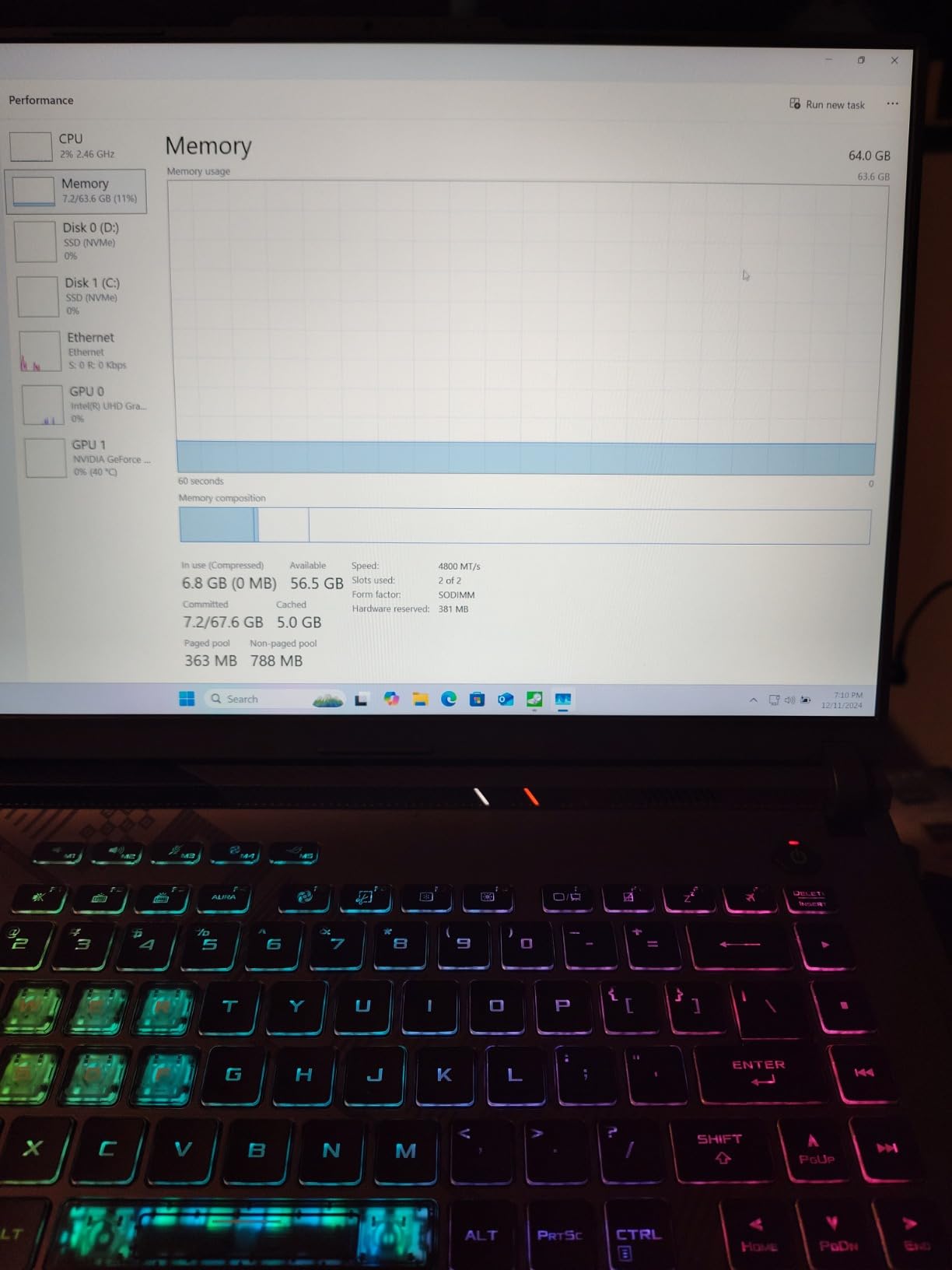
165Hz FHD panel matched to competitive titles
The display is a 16-inch Full HD 165Hz panel with 100% sRGB coverage and Pantone validation. At 1080p, 165Hz means a new frame every 6.06 milliseconds, and in a fast flick or a peeking fight that extra smoothness is genuinely noticeable compared with a 144Hz screen. FHD rather than 1440p is the right call here, because it cuts GPU load and gives you headroom to hold high frame rates instead of chasing pixels.
Owners consistently single out the motion clarity at competitive settings. For a player who watches their own demos, the difference between a smooth 165Hz read of a strafing opponent and a stuttering one is the difference between a correct call and a guessing game.
RTX 4060 at 140W TGP and what it means for frame rate
The 140W cap is the spec that matters here, not the marketing name. Total Graphics Power is the ceiling the GPU is allowed to draw, and a 140W configuration sustains higher clocks for longer than a thin 80W variant of the same chip. In a long best-of-three, that difference shows up as steadier frame times rather than a higher benchmark score.
DLSS 3 with Frame Generation also gets a nod from reviewers for supported titles, though competitive players usually keep it off. In a tournament, deterministic frame pacing is worth more than synthetic frames.
Liquid metal cooling and sustained match-day performance
ROG Intelligent Cooling here uses Thermal Grizzly Conductonaut Extreme liquid metal on the CPU plus a third intake fan. That combination is why reviewers report temperatures staying in check through long sessions without excessive fan noise, which matters if you are playing in a quiet room or co-streaming a match.
Reviewers on r/GamingLaptops and r/HPOmen repeatedly describe thermal throttling as the thing that ruins their 1% lows after 30 to 60 minutes. This is one of the machines in our group that owners consistently report holding up over a full afternoon rather than dropping frames once the ambient temperature rises.
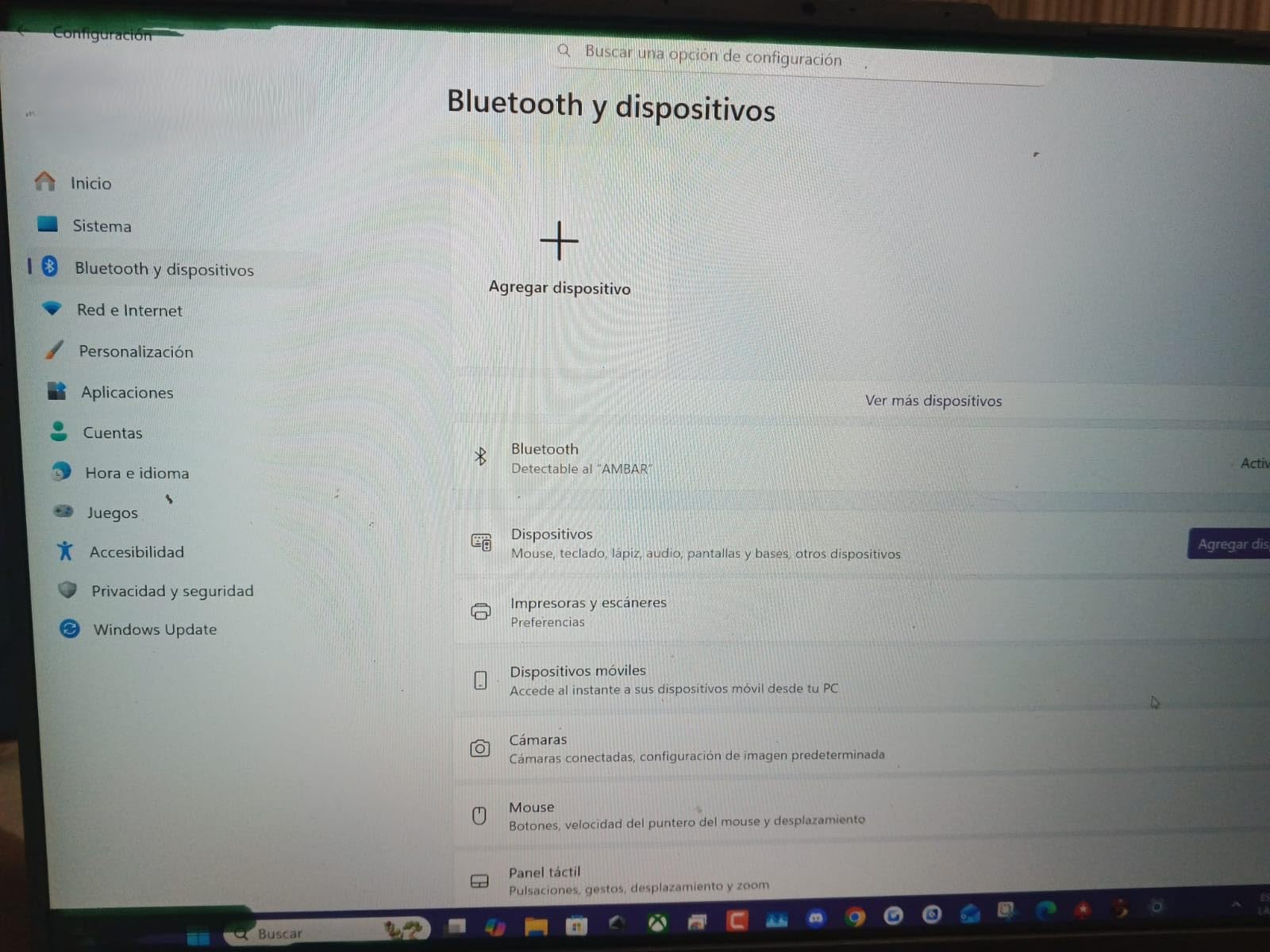
Two SODIMM slots: the upgrade path that keeps this rig alive
This is the single most underrated feature on the machine. Two SODIMM slots support up to 64GB, so you can start with the shipped 16GB and step to 32GB or more later, and the 1TB PCIe Gen4 SSD is replaceable with a larger or faster NVMe drive. Memory prices are the sharpest pain point in the 2026 PC market, which makes a machine that lets you upgrade in six months a genuinely better financial decision than one that forces a whole new purchase.
Ports are solid too: four USB ports, one Thunderbolt, HDMI and Ethernet, so you can run a wired tournament setup without dongles.
For whom it works
This suits a player who grinds a ladder six nights a week, plays CS2 or Valorant at high settings, wants 165Hz smoothness, and intends to keep the machine for several competitive seasons. It is also a strong choice if you need one laptop for coursework and gaming, since 16GB handles a browser, Discord and a lecture stream at the same time.
Reasons to skip it
The bundled ASUS software is the complaint that recurs most often across reviews: owners describe it as bloated and clunky, and some report a measurable performance difference after replacing it. The clear keycaps on Q, W, E, R, A, S, D and F are another recurring gripe, and there is no numeric keypad. Budget an afternoon to clean up the software and swap in a set of standard keycaps.
2. Acer Nitro V 15 (ANV15-52-76NK) – Travel-Friendly 165Hz Build at 4.7 Pounds
Acer Nitro V Gaming Laptop | Intel Core i7-13620H Processor | NVIDIA GeForce RTX 4050 Laptop GPU | 15.6″ FHD IPS 165Hz Display | 16GB DDR5 | 1TB Gen 4 SSD | Wi-Fi 6 | Backlit KB | ANV15-52-76NK
15.6-inch FHD IPS 165Hz
4.7 lb
RTX 4050
16GB DDR5 to 32GB
1TB Gen4
Pros
- Light 4.7-pound chassis
- easy to move between rooms
- 4.6-star rating across 356 reviews
- Two DDR5 slots plus a fast Gen4 drive
- Backlit keyboard with numeric keypad
Cons
- Fans get loud and the chassis runs warm under load
- 300-nit panel is dim beside premium rivals
- 57Wh battery drains fast under gaming load
If your season includes flights, trains and a venue walk from the car park, weight becomes a performance variable. At 4.7 pounds, this Nitro V is one of the lightest machines in our group, and the 15.6-inch footprint is the size competitive players on forums consistently call the sweet spot for travel.
It is also the highest-rated machine here at 4.6 stars across 356 reviews, and the specification is unusually coherent for a value build: an i7-13620H, an RTX 4050, a 165Hz IPS panel and memory you can expand.
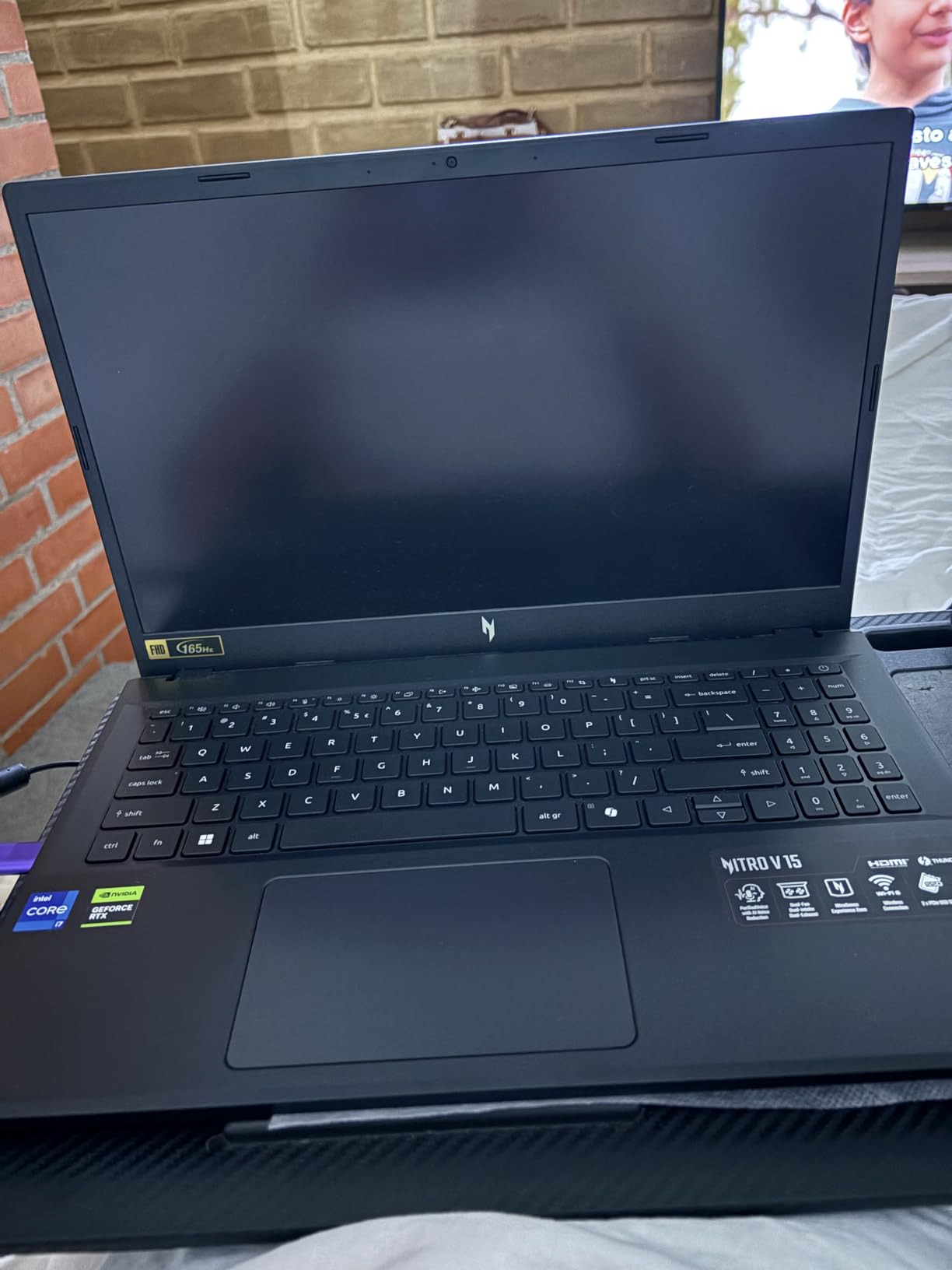
165Hz IPS panel with 300-nit brightness
The 15.6-inch Full HD IPS panel runs at 165Hz with a 16:9 aspect ratio and an 82.64% screen-to-body ratio. IPS is the right panel technology for competitive play in our view: matte finish, predictable colour, no burn-in risk, and viewing angles that do not shift when you lean over a keyboard during a clutch round.
The 300-nit brightness is the compromise. It looks fine indoors under tournament lighting, but reviewers note it is dim next to premium panels, and you will want to avoid direct sunlight on a stage table if the venue has it.
RTX 4050 and DLSS 3.5 for Valorant and CS2
The RTX 4050 Laptop GPU carries 6GB of GDDR6, 194 AI TOPS and DLSS 3.5 support. For the esports titles that dominate competitive play, this tier is more than sufficient at 1080p, and it also has enough headroom for Overwatch 2, Rainbow Six Siege and Rocket League without any compromise settings.
Community consensus on Reddit gaming-laptop threads has been consistent for years: esports titles are not GPU-limited, and a mid-tier card that can hold a stable 240-plus frame rate in CS2 is worth more to a competitive player than a flagship that never gets used for anything else.
4.7-pound chassis and the tournament bag problem
Buyers consistently praise how easy this machine is to carry and move between rooms, and at 4.7 pounds it sits comfortably below the 5 to 7 pound range that buyers on r/GamingLaptops describe as a genuine burden when travelling to events. You still need to account for the 135W power brick in your bag, but the laptop itself is not the problem.
The 15.6-inch size also means it fits into a standard 15-inch sleeve, which is a small thing that matters when you are moving between venues on a Sunday.
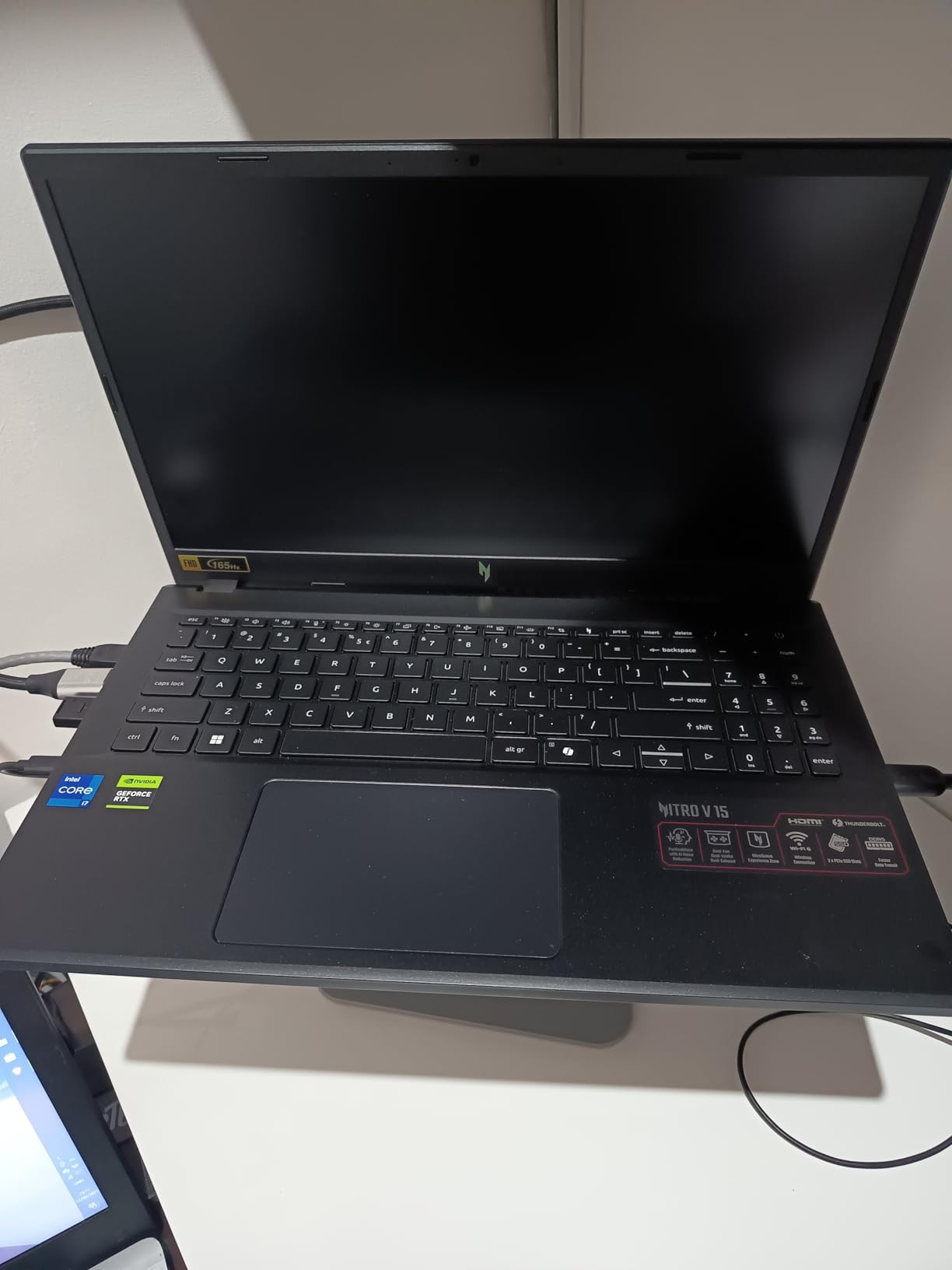
Memory and storage upgrades are straightforward
16GB of DDR5 sits across two slots with a 32GB ceiling, and the 1TB PCIe Gen4 SSD is a good esports-sized drive. Numerous reviewers report upgrading the RAM to 32GB right after purchase and finding it works well, which is exactly the path we would recommend given current memory prices.
Killer E2600 Gigabit Ethernet matters more than it sounds: for a wired tournament station, a hardwired connection removes wireless latency from the equation entirely, and this is one of the value builds that includes a proper gaming NIC.
For whom it works
This is the pick for a player who competes at local and regional events, travels occasionally, and wants a light capable machine without giving up a high-refresh panel. It also suits students who split time between lectures and ranked queues, since the backlit keyboard and numeric keypad are genuinely useful for coursework.
Reasons to skip it
Thermals and acoustics are the honest drawbacks. Owners report the fans ramping up loudly under sustained load and the chassis warming quickly enough that some add an external cooling pad, and the 57Wh battery drains faster than expected under load. NitroSense bloatware is also criticised, and the keyboard layout draws complaints about the Fn-key arrangement and an autolock overlay.
3. MSI Katana 15 HX – QHD 165Hz Colour Accuracy With 32GB as Standard
msi Katana 15 HX 15.6” 165Hz QHD+ Gaming Laptop: Intel Core i9-14900HX, NVIDIA Geforce RTX 5070, 32GB DDR5, 1TB NVMe SSD, RGB Keyboard, Win 11 Home: Black B14WGK-016US
15.6-inch QHD 165Hz
i9-14900HX
RTX 5070 8GB
32GB DDR5
5 lb
Pros
- 32GB DDR5-5600 included as standard
- QHD 165Hz 100% DCI-P3 anti-glare panel
- RTX 5070 with DLSS 4 and ray tracing
- Cooler Boost 5 avoids throttling
Cons
- Fan Boost mode is very loud and the chassis runs hot
- Short battery life of roughly 2 to 3 hours under gaming
- Plastic chassis feels basic for the class
This Katana 15 HX is the only machine in the 15-inch class here with a 2560×1440 high-refresh panel, and that combination makes it the natural choice for a player who also wants sharp visuals in non-competitive titles. Owners report the i9-14900HX and RTX 5070 pushing 100-plus FPS in AAA titles while still handling high-refresh competitive play.
It ships with 32GB of DDR5-5600, a configuration only one other machine in this group matches, and it removes the single most common early upgrade step. For a player running a game, Discord, an overlay and a browser, that headroom is real.
QHD 165Hz DCI-P3 panel and colour accuracy
The 15.6-inch 2560×1440 panel at 165Hz with 100% DCI-P3 coverage is bright, smooth and anti-glare, with colour accuracy reviewers call out positively. At 1440p, 165Hz demands more GPU than the FHD panels elsewhere in this list, and that is exactly where the RTX 5070 earns its place.
The trade-off for competitive players is straightforward: a sharper image and more desktop space for side-by-side VOD review, in exchange for frame rates that sit below what an FHD 165Hz panel can show. If you only play CS2 and Valorant, this resolution is money spent on pixels you will not see in motion. If you play a mixed library, it is a good middle ground.
i9-14900HX plus RTX 5070 for high-refresh play
The i9-14900HX is a 24-core hybrid part boosting to 5.8GHz, and the RTX 5070 runs on Blackwell with 8GB of GDDR7, DLSS 4 ray tracing and AI upscaling. In CS2, Valorant and Overwatch 2 at competitive settings, this machine has far more headroom than it needs, and the surplus goes into AAA titles, creative work or co-streaming.
That headroom is the argument for it. A competitive player who also plays AAA between tournaments gets one machine that handles both, and the 165Hz panel still applies to everything.
32GB DDR5-5600 out of the box
Two slots accept up to 64GB, and the shipped 32GB runs at 5600MHz. The 1TB Gen4 NVMe SSD reads around 7000 MB/s and can be swapped for a Gen5 drive, so the storage path is there if you want it.
Port selection is a genuine strength for a 15-inch body: USB-C Gen 2, HDMI 2.1 with output up to 8K, multiple USB-A, RJ45 and Wi-Fi 6E. It supports up to three external monitors, which matters for the co-streaming setup that more and more players are building.
Cooler Boost 5, fan noise and a cooling pad
Cooler Boost 5 uses a dual-fan, five-heat-pipe shared design, and owners report it holds CPU and GPU temperatures in a safe range without thermal throttling. That is the behaviour a competitive player wants: consistent clocks, no stutter in the third map.
The catch is noise. Fan Boost is described as sounding like an air mattress pump or a jet engine, and the chassis runs hot in performance mode to the point that several reviewers recommend a cooling pad for long sessions. If you play in a shared room, plan for that.

For whom it works
The Katana 15 HX suits a player who wants one laptop for ranked play and AAA titles, streams or records on the side, and already has an external monitor setup. The 32GB and fast storage mean you will not be opening the machine for an upgrade in year one.
Reasons to skip it
At 4.0 stars this is the lowest-rated machine we list, and the reasons are consistent: plastic chassis, a heavy feel for a 15-inch body, loud fans and roughly two to three hours of gaming battery. Several preinstalled MSI apps are criticised, and MSI Center AI mode has been reported to throttle power or disable backlighting on some units. A few owners also report unreliable shutdown and resume from sleep, so treat it as a desk machine with a long cable rather than a travel rig.
4. ASUS ROG Strix G16 (2025) Nebula – The Only 240Hz and 3ms Rig Here
ASUS ROG Strix G16 (2025) Gaming Laptop, 16” ROG Nebula 16:10 2.5K 240Hz/3ms, NVIDIA® GeForce RTX™ 5070 Ti, Intel® Core™ Ultra 9 Processor 275HX, 32GB DDR5, 1TB SSD, Wi-Fi 7, Win11 Home, G615LR-AS96
2.5K 240Hz at 3ms
RTX 5070 Ti
Ultra 9 275HX
32GB DDR5
5.8 lb
Pros
- Only 240Hz 3ms panel in this group
- 500-nit Nebula display with new anti-glare film
- Cool and quiet after an hour of gaming
- 32GB DDR5-5600 and Wi-Fi 7
Cons
- Bloatware including McAfee needs removing on day one
- ASUS software limits manual fan control
- About one hour of battery under load
If you want the shortest possible path between your click and the pixel, this is the machine. The ROG Nebula 16:10 2.5K display runs at 240Hz with a 3ms response time and an anti-glare film, it is one of only two panels in our group that pairs a high refresh rate with a published 3ms response figure, and the only one to combine that with 240Hz.
Underneath it, the Intel Core Ultra 9 275HX and an RTX 5070 Ti give you more headroom than any esports title will use, which owners exploit for VR and professional 3D and CAD work as well as gaming.
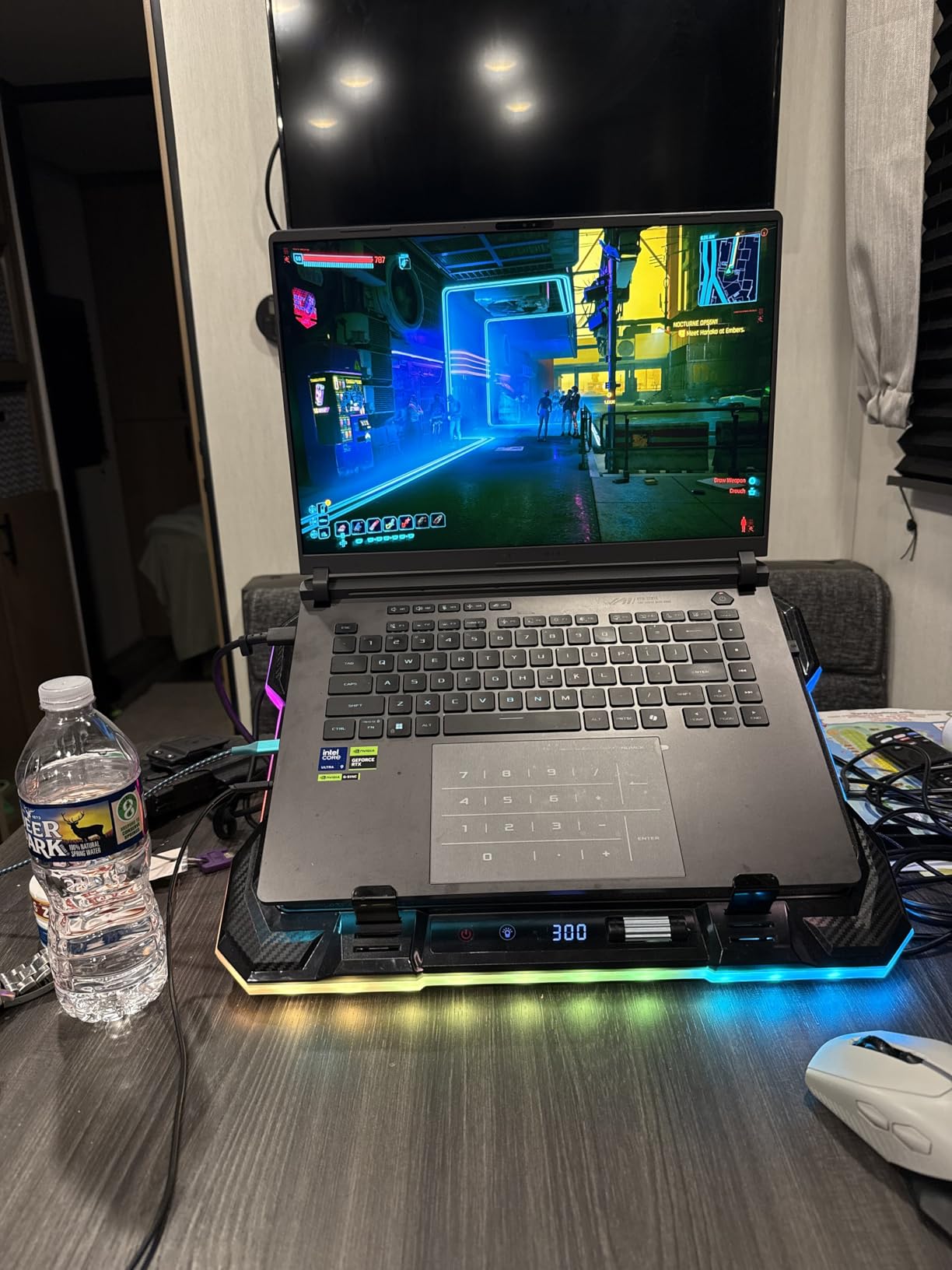
2.5K 240Hz Nebula panel with 3ms response
A 3ms response time means the panel changes state in about three thousandths of a second, and it is the display specification competitive buyers ask about most often after refresh rate. Combined with 240Hz, it produces motion clarity that reviewers describe as class-leading and effective for competitive play.
At 500 nits the screen is bright enough for a well-lit venue, and the new ACR anti-glare film is a sensible choice for tournament tables under stage lighting. The 16:10 aspect ratio also gives more vertical space than a 16:9 panel, which some players use to keep more of the map visible.
RTX 5070 Ti and Ultra 9 275HX headroom
Owners report the Ultra 9 275HX and RTX 5070 Ti running most titles at ultra settings in the 1440p range at 60 to 120-plus FPS, with ray tracing in demanding titles handled easily. For CS2 or Valorant at 240Hz, even the lower end of that range leaves headroom to spare, which is what a bottleneck-free competitive rig looks like.
The 5070 Ti is the Blackwell generation with DLSS 4 and Max-Q. For a competitive player, the sensible setting is to leave frame generation off in tournament play and let the raw GPU deliver deterministic frames.
Vapor chamber, tri-fan and liquid metal
Cooling uses an end-to-end vapor chamber, tri-fan design and Conductonaut Extreme liquid metal on the chipset. Reviewers report the GPU sitting around 65 to 70C after an hour of gaming with a chassis that runs cool and quiet, and that is the thermal result that matters most for anyone playing a full tournament day.
That is worth contrasting with the reports on r/HPOmen and r/GamingLaptops, where players describe frame drops after 30 to 60 minutes as the most common complaint in the category. A machine that is still cool and quiet at the end of hour six solves a problem the software cannot.
32GB DDR5, Wi-Fi 7 and creator workloads
32GB of DDR5-5600 with a 1TB PCIe Gen4 SSD gives plenty of headroom for multitasking, VR and creative applications such as Blender, Lumion and Inventor. Wi-Fi 7 (802.11be) plus two Thunderbolt and USB-C ports round out a well-connected machine, and the full-surround RGB light bar has a Stealth Mode for when you need the laptop to look like a work device.
For a player who studies or works on the same machine, the light bar and Nebula panel in Stealth Mode are a nice touch, though the roughly one hour of battery under load means the charger lives in the bag.
For whom it works
This is for a player who competes seriously, wants the lowest-latency panel available in a laptop, and will also use the machine for VR, streaming or 3D work between tournaments. It is equally attractive to a team or school esports programme buying a small number of high-end machines for competitive players.
Reasons to skip it
Preinstalled bloatware including McAfee and a resource-heavy ASUS monitor utility needs removing on day one, and ASUS software restricts manual fan control, which frustrates owners who want to run the fans flat out. Battery life is roughly an hour under gaming load and about 4.5 hours of light use. There have also been reports of external-monitor handling problems and screen jitter after driver updates on some units, and the front-centre numpad layout is not to everyone’s taste.
5. Acer Nitro V 15 (ANV15-51-99DR) – Desktop Replacement With i9 Muscle
Acer Nitro V Gaming Laptop | Intel Core i9-13900H Processor | NVIDIA GeForce RTX 4060 Laptop GPU | 15.6″ FHD IPS 144Hz Display | 16GB DDR5 | 512GB Gen 4 SSD | WiFi 6 | Backlit KB | ANV15-51-99DR
15.6-inch FHD IPS 144Hz
i9-13900H
RTX 4060
16GB to 32GB
4.7 lb
Pros
- 144Hz IPS panel visibly helps fast competitive titles
- Light 4.7-pound body for the performance class
- Two M.2 slots and two DDR5 slots to 32GB
- Sturdy chassis that avoids the cheap feel
Cons
- Fans are very loud with a quiet mode available for other work
- 512GB drive fills quickly with modern titles
- Performance is uneven until Windows and driver updates finish
This Nitro V is the pick for a player who treats the laptop as a desktop replacement plugged into an external monitor. Reviewers repeatedly describe exactly that use case, which explains both the praise for the i9-13900H and RTX 4060 combination and the recurring comment that the built-in screen and speakers are functional rather than special.
At 4.7 pounds it is still light, the chassis feels solid, and the 144Hz IPS panel makes a noticeable difference in fast competitive shooters. Wi-Fi 6, gigabit Ethernet and a backlit keyboard cover the online-play basics.
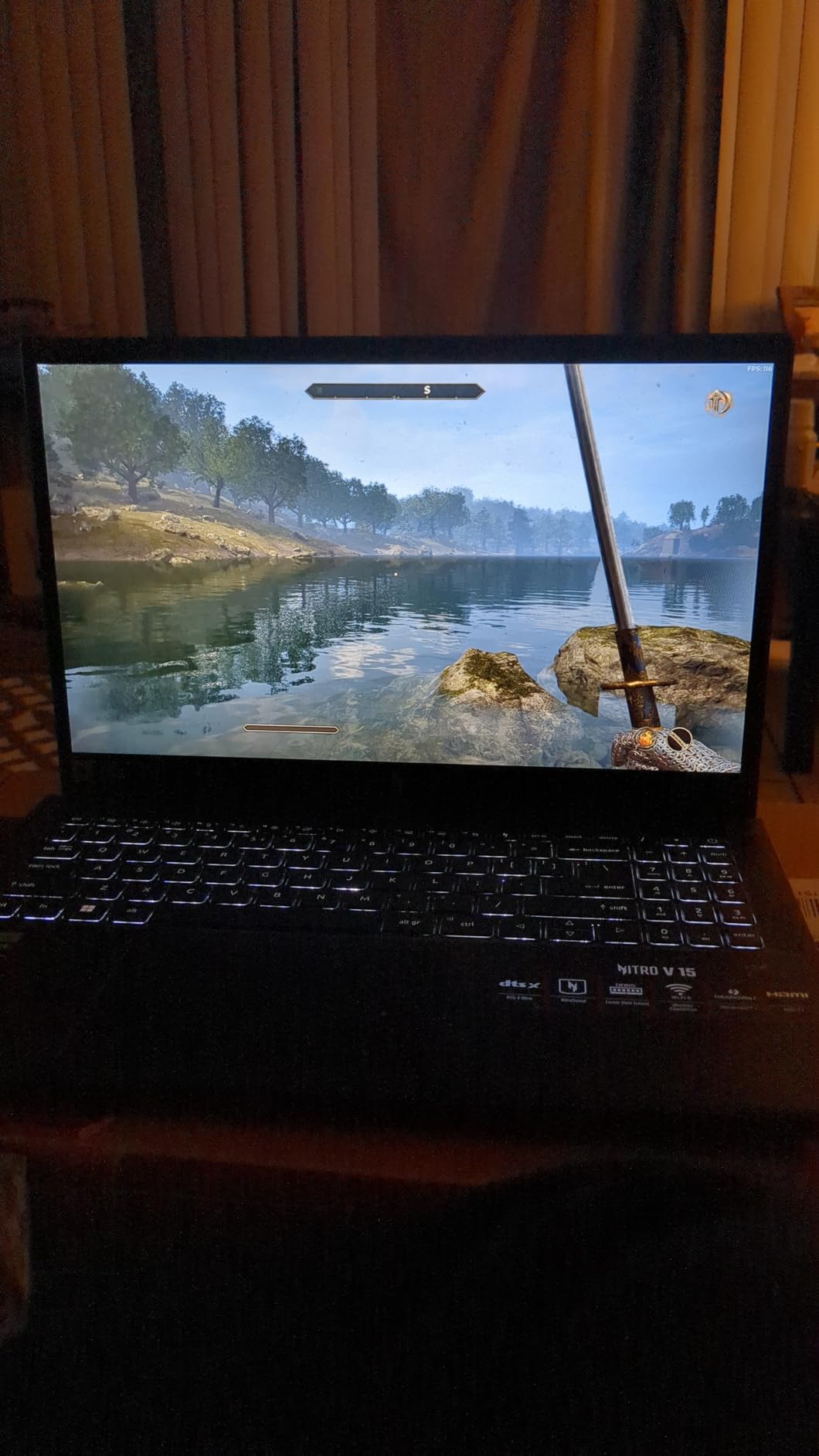
144Hz IPS panel and low-latency online play
The 15.6-inch Full HD IPS panel at 144Hz with a 16:9 aspect ratio is a proven esports panel. It is a step below the 165Hz machines in this list, and in blind side-by-side testing the difference is small. The bigger factor is input lag, and on IPS panels of this class it is comfortably within the range competitive players accept.
Gigabit Ethernet and Wi-Fi 6 give you a hardwired option at a venue, and the AI-powered noise-reduction microphone is a small touch if you are recording practice VODs.
i9-13900H and RTX 4060 for AAA and ranked play
The 14-core i9-13900H boosts to 5.4GHz and pairs with an RTX 4060 offering 233 AI TOPS and DLSS 3 support. Reviewers report it running every modern title they tried with strong AAA performance, which is exactly the headroom profile we want: enough for Valorant and CS2 at high frame rates, with plenty left over.
The Gen 4 SSD gives quick boot and load times, and 16GB of DDR5 is upgradeable to 32GB across two slots. Thunderbolt 4, Wi-Fi 6, gigabit Ethernet, four USB ports and HDMI cover a tournament station without adapters.
Two M.2 slots and a 32GB memory ceiling
Two M.2 slots mean you can run a small boot drive and a large library drive, or add storage later without replacing what shipped. The 32GB memory ceiling is the limitation to plan around, and given how memory prices have moved in 2026 it is worth budgeting for a 32GB kit at purchase if you can.
NitroSense handles temperature monitoring, fan speed and performance tuning, which is useful for finding a fan curve that keeps your 1% lows steady without making the machine unusable in a quiet room.
4.7-pound body, 8-hour battery, desk-bound use
The weight is genuinely light for this class, and the quoted 8-hour battery figure reflects light use rather than gaming. Reviewers describe using it plugged into an external display for most sessions, with the battery covering coursework and travel between venues.
Buyers also report a rough first week: performance is uneven until the Windows and NVIDIA driver updates complete. Finish those before you judge the machine, and set the NitroSense profile manually rather than trusting the default.
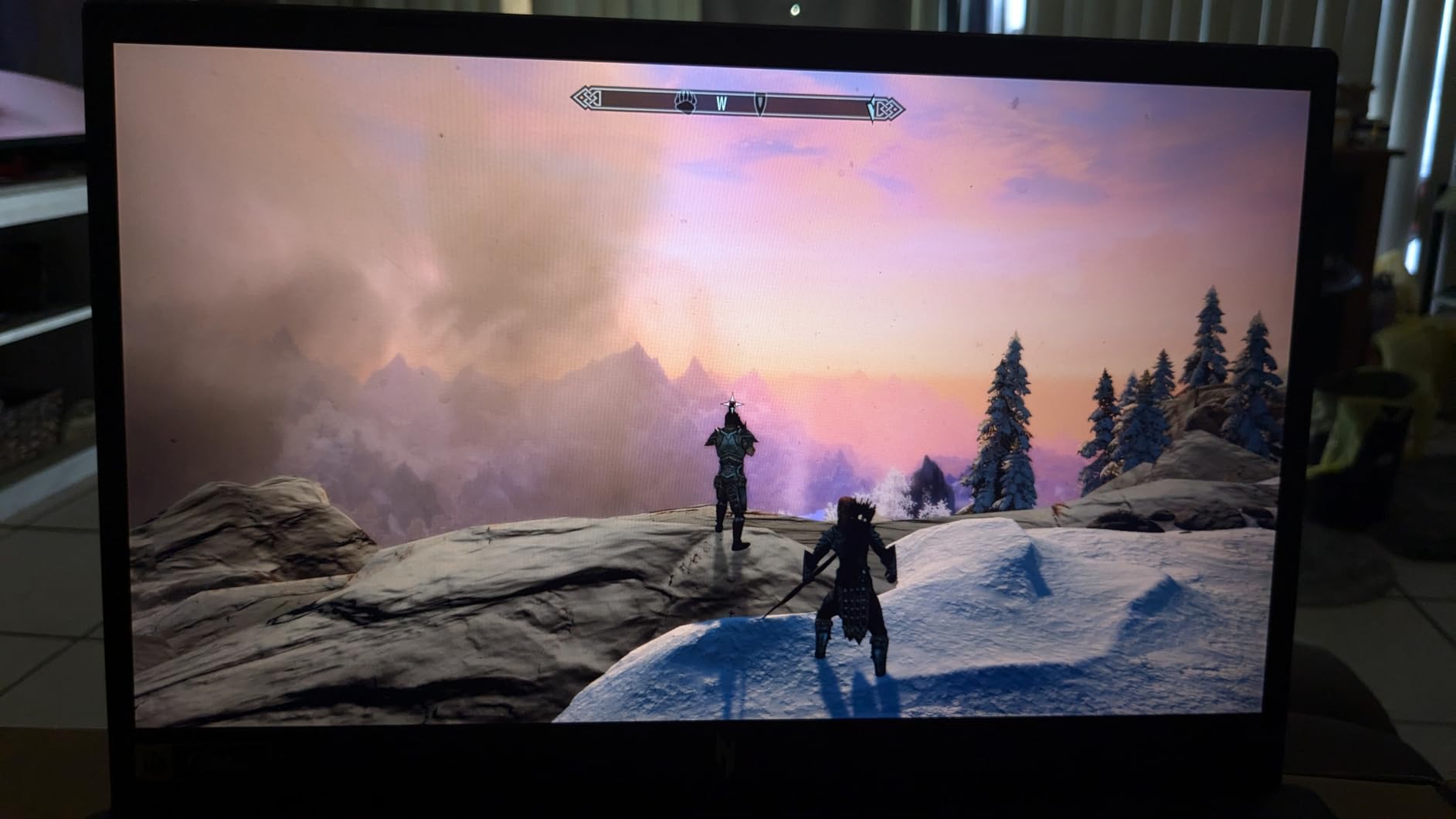
For whom it works
This suits a competitive player with a monitor at home or in a team room, a student balancing degree work and ranked play, and anyone who wants desktop-class performance in a light body. The 144Hz panel and 32GB ceiling are both reasonable for that use.
Reasons to skip it
The fans are the main complaint, with a quiet mode available for non-gaming work. A 512GB drive fills quickly, and the built-in screen and speakers are best treated as secondary. Some owners report performance bottlenecking or degradation over time, and Acer’s BIOS has been reported to hardlock the HyperThreading setting on some units, with unhelpful support on a repair case.
6. ASUS TUF Gaming A16 – Ryzen Value With a 16-Inch Screen
ASUS TUF Gaming A16 Laptop: AMD Ryzen 7 7445HS, 16″ Full HD+ 145Hz Display, NVIDIA GeForce RTX 4050, 16GB DDR5 RAM, 512GB SSD, Backlit Keyboard, Windows 11
16-inch Full HD+ IPS
Ryzen 7 7445HS
RTX 4050
16GB to 64GB
512GB
Pros
- Capable 1080p esports performance from Ryzen 7 7445HS and RTX 4050
- High-refresh 16-inch Full HD+ IPS panel
- 16GB DDR5 expandable all the way to 64GB
- Backlit anti-glare spill-resistant keyboard
Cons
- Listing conflicts on refresh rate with 145Hz against 144Hz
- Only two USB ports and one HDMI port
- 7-pound listed weight is heavy for the class
The TUF Gaming A16 is the middle path: a 16-inch screen for players who find a 15.6-inch panel cramped, at a tier that usually sits below the Intel-based Nitro and ROG equivalents in the same class. Buyers report strong positive sentiment around the Ryzen 7 7445HS and RTX 4050 pairing and the high-refresh Full HD+ display.
It is a straightforward machine with no standout weakness beyond the practical ones, and the memory ceiling of 64GB is among the best upgrade headroom in the value tier.
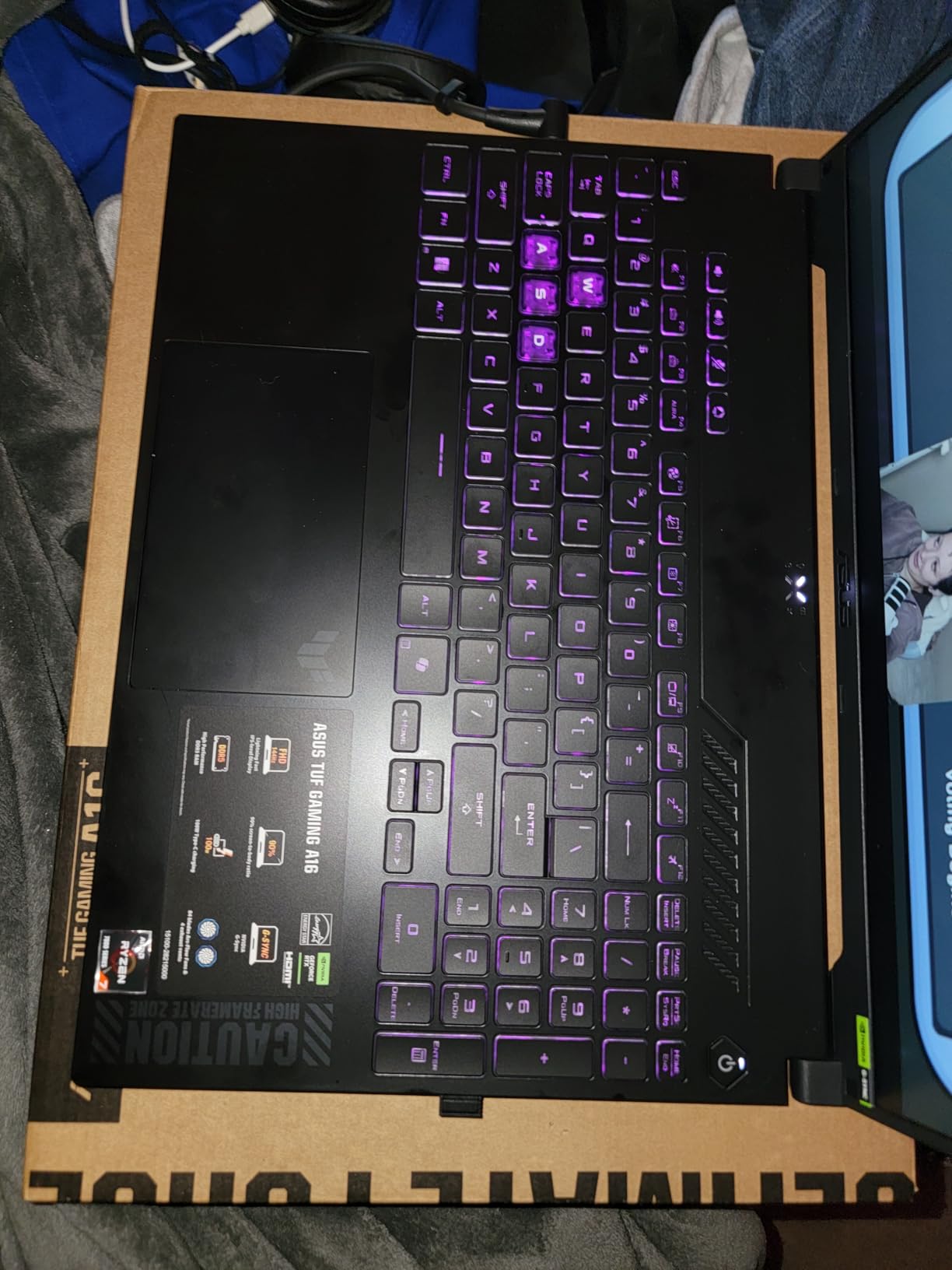
Full HD+ high-refresh IPS panel and the 144/145Hz listing question
The 16-inch Full HD+ 1920×1200 IPS display is high refresh and anti-glare, which is what you want for competitive play at this price. The 16:10 ratio gives more vertical space than 16:9, useful for spotting enemies low on the screen.
One thing to verify before you buy: the listing title advertises 145Hz while the technical specifications state 144Hz. The 1Hz difference is immaterial to play, but the inconsistency is worth confirming with the seller so you know exactly which panel you are receiving.
Ryzen 7 7445HS and RTX 4050 for 1080p esports
The Ryzen 7 7445HS runs at a 3.2GHz base clock, and with an RTX 4050 carrying 6GB it delivers capable 1080p esports performance. For CS2, Valorant, League of Legends, Rocket League and Rainbow Six Siege at competitive settings, that is more than enough, and the eight-core layout handles a browser and Discord alongside the game.
DLSS support on the RTX 4050 gives you headroom in mixed libraries, though as always, competitive settings stay native.
16GB DDR5 expandable to 64GB
16GB of DDR5 is a solid starting configuration, and the memory can be upgraded to 64GB, which is among the widest ceilings among the value machines here. The 512GB SSD is the weaker half of that equation; most owners add storage or accept a smaller game library.
The backlit keyboard with anti-glare coating and spill resistance is a sensible tournament detail, and Windows 11 Home is preinstalled.
Port selection, storage and a 7-pound carry weight
Only two USB ports and one HDMI port are listed, which is limited for a 16-inch machine. At a venue you will likely want to bring a small hub, and that is a real consideration for anyone who uses a wired mouse receiver, a stream deck and a capture card.
The listed 7-pound weight is heavy for the class, and the manufacturer part number is a generic series name rather than a specific SKU, so confirm the exact configuration before ordering.
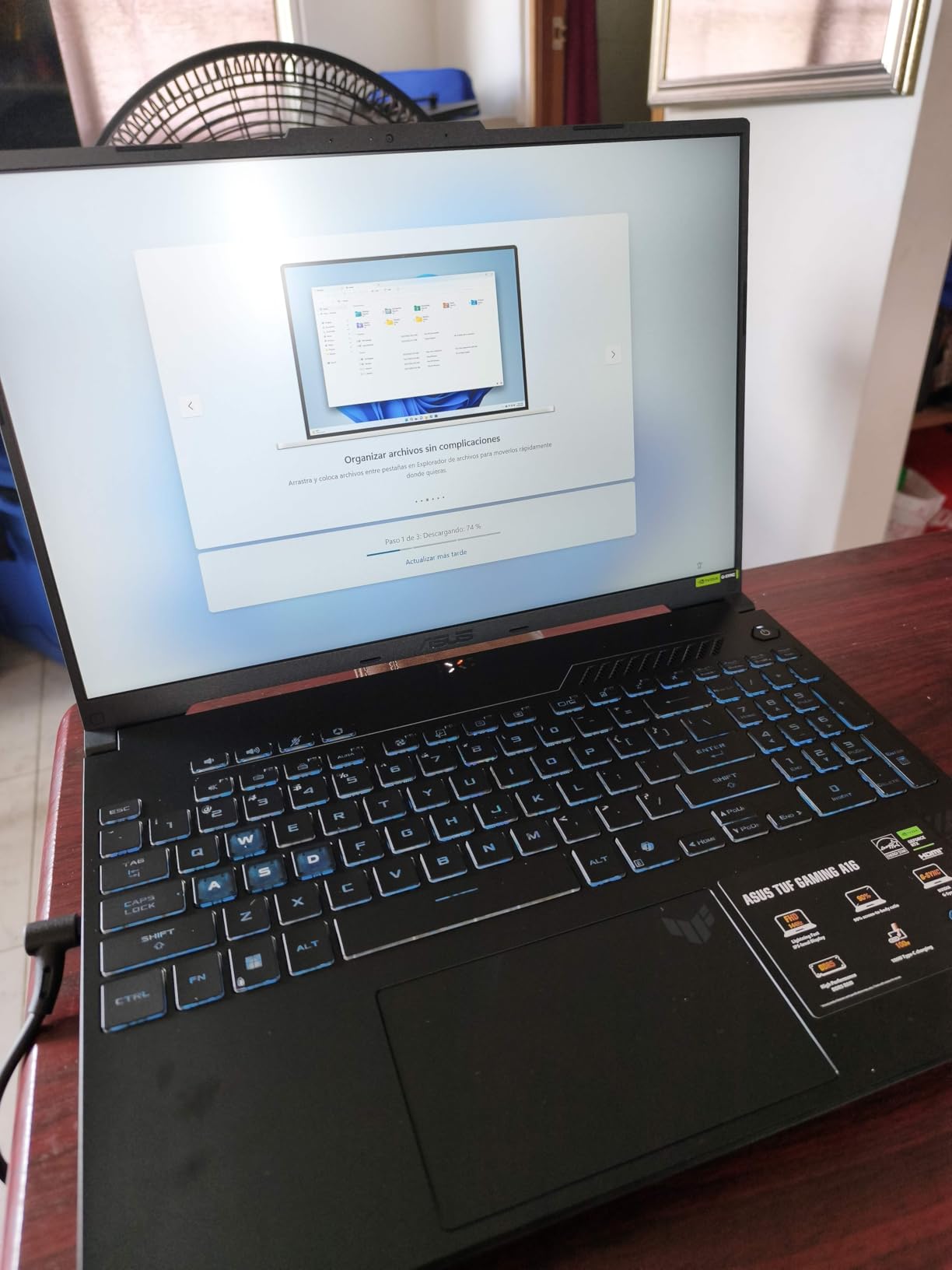
For whom it works
This suits a player who wants a large screen, a Ryzen platform, and the option to grow memory to 64GB without replacing the laptop. It also works well as a school or team machine where a 16-inch screen and a spill-resistant keyboard are more useful than a slim profile.
Reasons to skip it
Port selection is the biggest practical limitation, followed by the 512GB drive and the heavy listed weight. If you play a mix of esports and AAA, the storage will fill quickly. And if you travel to events often, a 7-pound machine with a 16-inch screen is a real load to carry.
7. MSI Thin 15 B12VE – A Light Route Into 144Hz RTX 4050 Play
msi Thin 15 15.6” 144Hz FHD Gaming Laptop: Intel Core i7-12650H, NVIDIA Geforce RTX 4050, 16GB DDR5, 512GB NVMe SSD, Cooler Boost 5, Win 11: Black B12VE-2023US
15.6-inch FHD 144Hz
i7-12650H
RTX 4050
16GB to 64GB
512GB
Pros
- 144Hz panel matched to an RTX 4050 for competitive titles
- 16GB DDR5 in two slots expanding to 64GB
- Ada-architecture ray tracing and Cooler Boost 5
- Backlit keyboard with Wi-Fi 6E and Ethernet
Cons
- Thin chassis has limited thermal headroom
- Only two USB ports listed
- Glossy panel with only 45% sRGB coverage
The Thin 15 is the portable route into 144Hz competitive play. Its 15.6-inch FHD 144Hz display and RTX 4050 are a well-matched pairing for esports titles, and reviewers generally position it as a budget competitive-play machine rather than a high-end AAA or content-creation platform.
Two DDR5 slots taking the memory to 64GB and a 512GB NVMe drive give it a workable starting point, and the feedback is broadly positive about the value on offer.
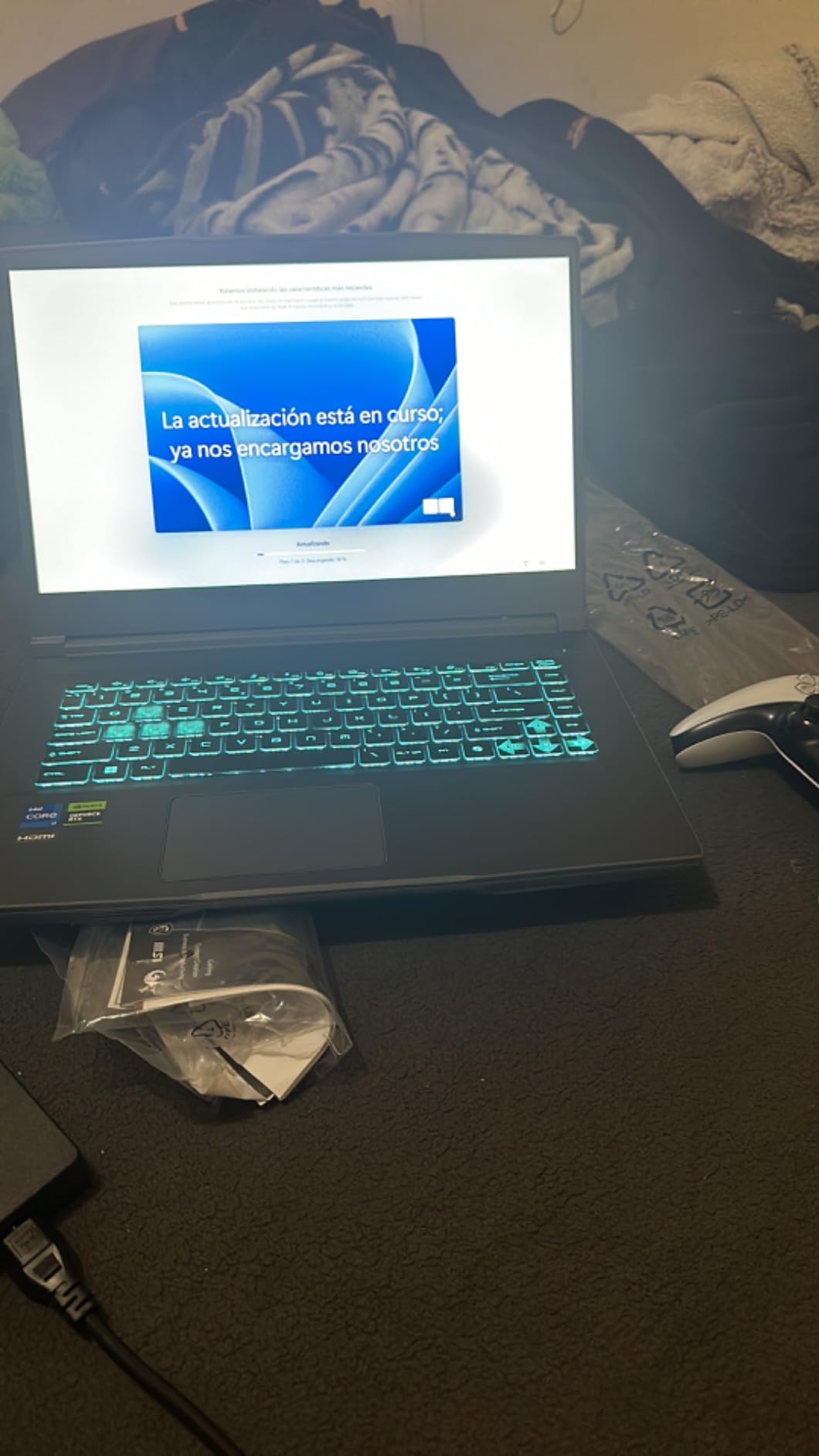
144Hz FHD panel and a glossy finish that catches glare
A 144Hz Full HD panel is a legitimate competitive specification, and at 6.9 milliseconds per frame it is within a frame or two of the 165Hz machines here. Where the Thin 15 is different is the finish: the panel is glossy, and reviewers note it is prone to reflections in bright environments.
That matters more for esports than it does for most genres. If you play in a bright room or on a lit stage, a glossy panel forces a lower brightness setting to stay comfortable, and a washed-out image is harder to read at a glance than a dimmer but matte one.
RTX 4050 with Ada ray tracing on a thin chassis
The 12th Gen i7-12650H tops out at 4.7GHz and pairs with an RTX 4050 on the Ada architecture with hardware ray tracing. For CS2, Valorant and LoL at competitive settings that is more than sufficient, and Cooler Boost 5 with MSI Intelligent auto-tuning handles sustained performance.
Be aware that the 12th Gen part is an older platform next to current-generation alternatives at similar money. Single-core performance still carries esports titles, but you are giving up some headroom for the extra cores a current chip would bring.
16GB DDR5 with two slots for 64GB
Two slots taking the memory to 64GB is a generous upgrade path for an entry machine, and with memory prices where they are in 2026, a 32GB kit later is a sensible plan. The 512GB NVMe SSD is the standard constraint at this tier and will need a second drive sooner rather than later.
Connectivity is reasonable for the price: backlit keyboard, HD Audio speakers, Wi-Fi 6E, Bluetooth 5.3, Ethernet and HDMI, plus face-recognition biometric support and support for up to two external monitors.
Thermals, port count and 45% sRGB coverage
The recurring limitations in the feedback are physical rather than performance-related. The thin chassis prioritises portability over the thermal headroom a thicker gaming laptop offers, and reviewers note the limited cooling headroom directly. If you play four-hour sessions, expect the fans to work harder than on the Nitro V or ROG.
Only two USB ports are listed, and 45% sRGB coverage is narrow next to 100% sRGB rivals. Neither matters much for CS2, but both will show if you watch VODs or play on a bright panel.
For whom it works
The Thin 15 suits a first-season competitive player, a student on a tight budget who wants a 144Hz panel and 16GB of memory, and anyone who prioritises a light, inexpensive machine for CS2 or Valorant over everything else.
Reasons to skip it
Limited thermal headroom, two USB ports, a small drive and a glossy low-gamut panel. If your sessions are long, if you play AAA between tournaments, or if you care about colour accuracy when reviewing demos, the money is better spent on the Acer Nitro V 15 two sections above.
8. Acer Predator Helios 16 – Mini LED Keyboard With MMO Headroom
Acer Predator Helios 16 Gaming Laptop | 13th Gen Intel Core i7-13700HX | NVIDIA GeForce RTX 4060 | 16″ 2560 x 1600 165Hz G-SYNC Display | 16GB DDR5 | 1TB Gen 4 SSD | Killer Wi-Fi 6E | PH16-71-74UU
16-inch WQXGA 165Hz
i7-13700HX
RTX 4060 at 140W
16GB to 32GB
5.7 lb
Pros
- 16:10 WQXGA 165Hz panel with 3ms response and G-SYNC
- RTX 4060 configured for up to 140W graphics power
- Two Thunderbolt 4 ports plus HDMI 2.1 and microSD
- Per-key Mini LED RGB keyboard stays bright and uniform
Cons
- Heavy 5.7-pound body with a very large power brick
- Poor battery life makes it effectively desk-only
- RAM capped at 32GB and some units returned for overheating
MMO players get a specific mention in the reviews for this Helios 16: owners of World of Warcraft describe the machine as never struggling to keep up with combat. That is a frame-pacing problem more than a peak-FPS problem, and this panel and GPU combination handles it.
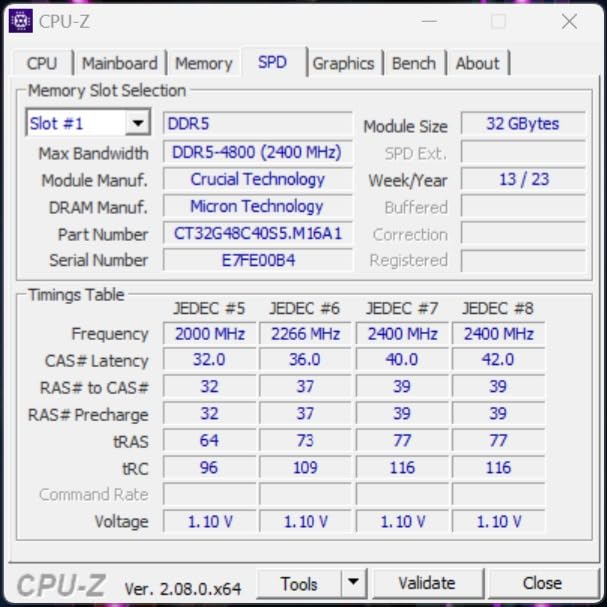
It also carries a port selection built for a fixed competitive setup: two Thunderbolt 4 USB-C ports, HDMI 2.1, USB 3.2 Gen 2 and a microSD reader, alongside Killer Wi-Fi 6E and Killer Ethernet.
16:10 WQXGA 165Hz panel with 3ms overdrive and G-SYNC
The 16-inch 2560×1600 panel runs at 165Hz with 3ms Overdrive response, NVIDIA G-SYNC and Advanced Optimus. Having both a published 3ms response and G-SYNC on the same panel is rare at this end of the market, and it is a genuinely good combination for a competitive player: 165Hz for motion clarity, and VRR to stop tearing when your frame rate dips below the panel ceiling.
The 16:10 ratio is a real advantage in shooters and MMO combat, where more vertical space means more of the scene on screen. Advanced Optimus handles display switching cleanly if you move between the built-in panel and an external monitor.
i7-13700HX plus RTX 4060 at up to 140W MGP
The 13th Gen i7-13700HX is a 16-core part boosting to 5GHz, paired with an RTX 4060 on Ada Lovelace configured for up to 140W maximum graphics power. Owners report it handling almost anything at high to ultra settings with high frame rates, and 140W of GPU power is what keeps those frame rates steady as the session runs on.
For the esports titles, this is more power than you need, and that surplus is exactly what you want for MMO combat, for playing AAA between tournaments, and for keeping 1% lows flat when several players are fighting in the same screen.
Per-key Mini LED RGB keyboard for long sessions
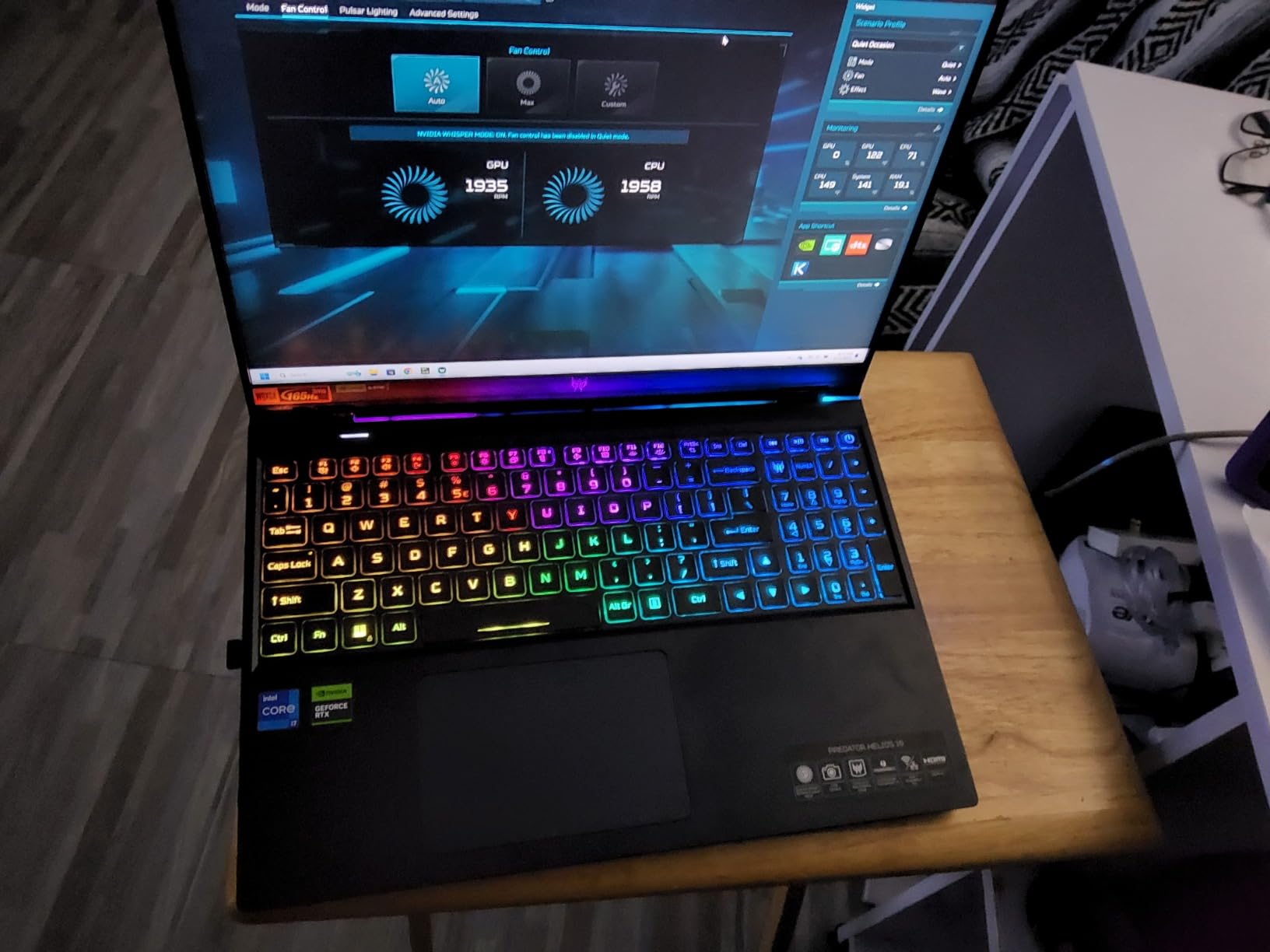
The per-key Mini LED backlit keyboard is described as bright and uniform with PredatorSense customisation, and a 16:10 keyboard is worth having for long practice sessions. A Gorilla Glass precision touchpad and a 1080p front camera round out the input and call-in experience.
For a co-streaming setup, the port selection means you can connect a capture card, a stream deck and a wired mouse without carrying a hub, and colour accuracy is praised by users doing photo and video work on the side.
Weight, power brick size and the 32GB memory cap
At 5.7 pounds with a very large power brick, this is a desk machine. Owners who travel call it impractical for events, and forum consensus repeatedly favours 15.6-inch high-refresh machines for players who move between venues. Poor battery life reinforces that: this is effectively a desktop replacement.
Memory is capped at 32GB, which is restrictive for a machine of this class, and thermal behaviour is polarising. Several owners are happy with fan control through PredatorSense, including reports that fans rarely spin up unless set to maximum manually, while a smaller group returned units that overheated even with an external cooling pad. There have also been charging-cable and charging-port failures within warranty on some units, and the machine cannot wake from a Bluetooth keyboard or mouse even after BIOS changes.
For whom it works
This suits an MMO or multi-title player who plays at a desk, wants a 16:10 high-resolution view, and values a genuinely good keyboard and full port selection. It is also a strong creative-adjacent machine for someone who does photo or video work on the same laptop.
Reasons to skip it
If you travel to tournaments, the 5.7-pound body and oversized power brick rule it out. If you want 32GB or more of memory, the ceiling rules it out. And if you are buying sight unseen, the overheating reports and charging-port failures are reasons to buy with an easy return window.
9. HP Victus 15.6 144Hz – Budget Entry With FreeSync Premium
HP Victus 15.6″ 144Hz Full HD Gaming Laptop | AMD Ryzen 7 7445HS |NVIDIA GeForce RTX 4050|Copilot |Backlit| 16GB RAM DDR5 | 512GB SSD |Mica Silver |Windows 11 Home |Bundle with Mouse Pad
15.6-inch FHD IPS 144Hz
Ryzen 7 7445HS
RTX 4050
16GB DDR5
512GB
Pros
- Ryzen 7 7445HS and RTX 4050 handle 1080p esports well
- 144Hz FHD IPS anti-glare panel with FreeSync Premium
- 16GB DDR5 and 512GB SSD starting point
- Anti-glare sRGB panel stays readable in bright rooms
Cons
- Listing from a third-party bundle seller with no proper HP model number
- Spec listing conflicts on CPU model
- RAM technology and GPU fields
- Only three USB ports and 7-pound listed weight
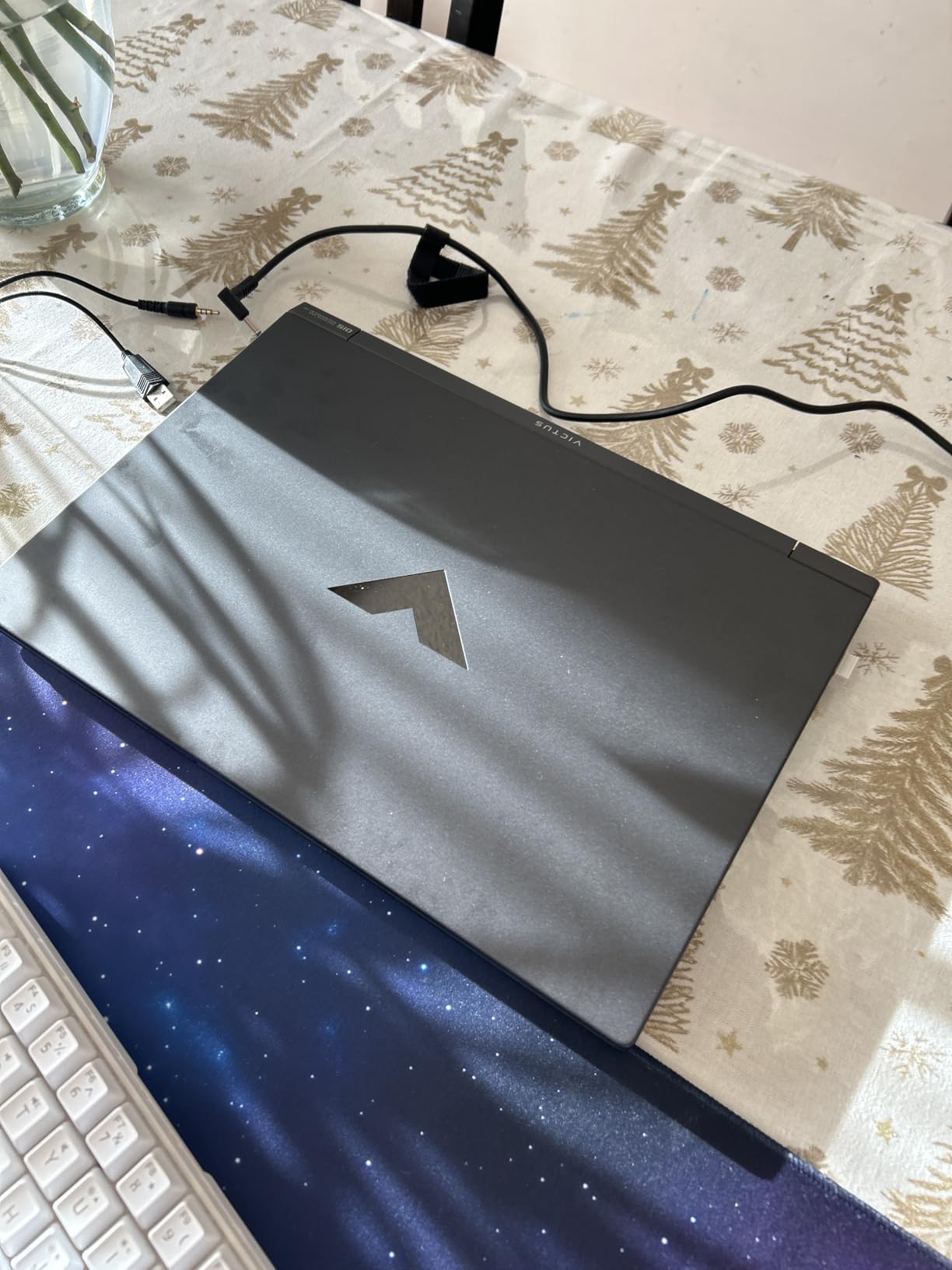
HP’s Victus line is a conventional entry point into competitive play, and this 144Hz bundle pairs a Ryzen 7 7445HS with an RTX 4050 and a 144Hz FreeSync Premium IPS display. For a first season of CS2, Valorant or League of Legends, that is a workable competitive specification.
The 8-core, 16-thread Zen 3+ processor running from 3.1 to 4.5GHz handles the game plus a browser and Discord comfortably, and the anti-glare sRGB panel is a sensible choice for bright rooms.
144Hz IPS anti-glare panel with FreeSync Premium
AMD FreeSync Premium is the useful detail here. It synchronises the panel refresh with the frame rate so you do not get tearing when you fall below 144 FPS, which is exactly the situation competitive players hit in smoke-heavy fights.
The micro-edge anti-glare IPS panel at 144Hz in sRGB is the right technology for competitive work: matte finish, no burn-in, stable viewing angles. DTS:X Ultra audio with AI noise reduction covers comms and playback, and the backlit keyboard, spill resistance and fingerprint reader are sensible touches.
Ryzen 7 7445HS and RTX 4050 at the entry tier
The Rembrandt Refresh Ryzen 7 7445HS gives you 8 Zen 3+ cores and 16 threads, and the RTX 4050 is the standard entry competitive GPU. Reviewers describe it as a capable 1080p esports configuration, and that is the right way to think about it: this machine is tuned for the games competitive players actually queue for.
It is not a machine for streaming while playing at high settings, or for a heavy AAA library, and 16GB of DDR5 with a 512GB SSD is a starting point rather than a final one.
16GB DDR5, 512GB SSD and the bundled mouse pad
16GB of DDR5 and 512GB of storage cover the essentials for an esports title plus a browser and voice chat, and the memory is listed as expandable to 64GB. The bundle includes a mouse pad, which is a small thing that makes the desk ready to play on day one.
Wi-Fi 6 and a front-facing camera and microphone complete the setup, though for a tournament station we would still hardwire.
Verify the configuration before you buy
This listing needs care. It is generated by a third-party bundle seller and lacks a proper HP model or SKU number, and the specifications are internally inconsistent: the bullet text references an AMD Ryzen 7 7435HS while the specs list a Ryzen 7 7445HS, RAM appears as DDR4 in one field and DDR5 in another, and some graphics and processor fields list Intel.
Only three USB ports and one HDMI port are listed, and the 7-pound weight figure appears to include packaging rather than the laptop itself. Confirm the exact configuration with the seller before ordering, and keep the return window in mind.
For whom it works
This suits a first-season player, a student starting an esports programme, or anyone who wants a 144Hz anti-glare competitive panel with a known-good GPU tier at the entry end of this list. The bundled mouse pad and backlit keyboard get you playing immediately.
Reasons to skip it
The listing inconsistencies are the reason to hesitate, not the hardware. If the seller cannot confirm the CPU model, memory type and GPU, walk away and pick a machine with a clear part number, such as the MSI Thin 15 or the Acer Nitro V 15, both of which carry proper model identifiers.
10. Lenovo Legion 5 Gen 10 – RTX 5060 Graphics in a 5.4-Pound Body
Lenovo Legion 5 Gen 10 Gaming Laptop: Ryzen 7 260, NVidia RTX 5060, 16GB DDR5 RAM, 512GB SSD, 15.3″ WUXGA (1920×1200) 165Hz Display
15.3-inch 16:10 165Hz
RTX 5060 at 115W TGP
Ryzen 7 260
16GB DDR5
5.4 lb
Pros
- RTX 5060 8GB GDDR7 at 115W TGP for 1080p competitive play
- 165Hz 16:10 IPS panel with 100% sRGB
- 300 nits
- Dolby Vision and G-SYNC
- Light 5.4-pound body for a 15.3-inch chassis
Cons
- Single 16GB SO-DIMM with a stated 16GB maximum
- 512GB M.2 2242 drive is small
- Only 34 reviews so far and no published response time
The Legion 5 Gen 10 is the current-generation RTX 5060 option, and the specification is genuinely esports-shaped: a 165Hz 16:10 IPS panel with G-SYNC and 100% sRGB, an RTX 5060 running at 115W TGP, and a 5.4-pound body.
That 15.3-inch 16:10 format is the one we would pick for competitive shooters. It sits between a 15.6-inch 16:9 screen and a 16-inch panel, and the taller aspect ratio shows more of the scene without pushing the footprint up a size class.
15.3-inch 16:10 165Hz G-SYNC IPS panel
The WUXGA 1920×1200 IPS display runs at 165Hz with 300 nits, 100% sRGB, Dolby Vision, anti-glare and G-SYNC. Having G-SYNC paired with a 165Hz panel is the right combination for competitive shooters, since it removes tearing when frame rates fall below the refresh ceiling.
100% sRGB coverage is better than several machines in this list, which matters when you review your own VODs. Dolby Vision is largely irrelevant to a 300-nit IPS laptop, but the anti-glare treatment is what you will notice in a bright venue.
RTX 5060 at 115W TGP and Ryzen 7 260
The RTX 5060 carries 8GB of GDDR7 with a 2497MHz boost, 115W TGP and 572 AI TOPS. For 1080p and 1200p competitive play in CS2, Valorant, LoL and Overwatch 2, that is a strong esports-oriented GPU, and the 115W TGP gives it enough power to hold high frame rates on a 165Hz panel.
The Ryzen 7 260 provides 8 cores and 16 threads boosting from 3.8 to 5.1GHz with 8MB L2 and 16MB L3 cache, which leaves headroom for multitasking while a game is running. The pairing is balanced for a player who wants a current-generation GPU without a flagship price.
A single 16GB SO-DIMM and a 512GB drive
The most substantive concern in the data is memory. One 16GB DDR5-5600 SO-DIMM ships, and the maximum is stated as 16GB, which is a restrictive ceiling if you want more later. Confirm the actual maximum with the seller before you settle on this configuration, and plan around 16GB if it cannot be expanded.
The 512GB M.2 2242 PCIe 4.0×4 drive is also on the small side, though 2242 drives are widely available in that capacity.
5.4-pound travel weight and a thin review history
At 5.4 pounds the Legion 5 is light for the class and lighter than most 16-inch gaming laptops, which owners highlight as easier to carry. A backlit keyboard, Wi-Fi 6, Bluetooth 5.2, HDMI and DisplayPort cover the essentials.
With only 34 reviews at the time of writing, this has the shortest owner-feedback history in the group, and no panel response-time figures are published. That does not make it a bad machine, but it does mean you are buying on the specification rather than on a long record of owner feedback.
For whom it works
This suits a current-generation buyer who wants an RTX 5060 and a 165Hz G-SYNC panel in a light 16:10 body, without moving up to a flagship GPU. It also works well for a student who wants 16:10 vertical space for coursework and a competitive screen for evening queues.
Reasons to skip it
A single SO-DIMM with a stated 16GB maximum and 512GB of storage are the two constraints. If you play a heavy AAA library or stream while gaming, neither helps. And with 34 reviews behind it, you have less owner data to lean on than with any other machine here.
How to Choose a Gaming Laptop for Esports in 2026
Most buying guides in this category benchmark AAA titles, where the gap between a good esports laptop and an excellent one is a handful of frames you will never see in a competitive setting. Our approach is the opposite: we filtered for the specifications that decide rounds, then checked whether each machine can hold them for a full session.
That framework is why the list above contains several machines that would never top a general gaming roundup, and why the most expensive 240Hz panel is not automatically the best recommendation for everyone. Players who mostly queue on CS2 and Valorant, players who travel, and players who play MMO or AAA alongside esports have genuinely different answers. The best gaming laptops for portability guide goes deeper on the weight side if you fly often.
Refresh rate and response time are the two numbers that decide rounds
Refresh rate is how many times the panel redraws each second. At 144Hz a new frame appears every 6.9 milliseconds; at 165Hz, 6.06; at 240Hz, 4.17. More frames per second means the picture updates more often, which makes fast movement and flicks read as smoother and easier to track.
Response time is a different measurement: how long the panel takes to move from one pixel state to the next. A 3ms response on the ROG Strix G16 Nebula is a real published figure, and it is the number that tells you whether a fast flick leaves a trail of smearing behind it. Buy a 240Hz panel only if you can see the difference, and only if the GPU can feed it.
Here is the buyer regret that shows up most often across the forums we reviewed: a high-refresh panel paired with an underpowered GPU that cannot feed it. A 165Hz-class GPU on a 240Hz screen wastes the panel. Match the two before you match anything else.
How much GPU do you actually need for CS2, Valorant and LoL?
Less than most buyers assume. Community consensus across gaming-laptop forums is consistent: esports titles are not GPU-limited, and an RTX 4050 or RTX 5060 class machine is widely considered sufficient to hold 240-plus FPS in CS2, Valorant and League of Legends at competitive settings.
That is why the RTX 4050 appears in four of the ten machines here. What you should buy instead depends on the rest of your library: if you play AAA, stream while gaming, or want VR, step up to the RTX 5070 class or above. If you queue almost exclusively for competitive titles, the extra money buys a panel you will use better.
Our own ranking of what a competitive player needs, in order: a high-refresh panel, a GPU that can feed it, thermals that hold the frame rate, then everything else.
CPU: single-core speed matters more than all-core muscle
Competitive shooters are not heavily threaded. What matters is how quickly a single core can execute a frame, and how quickly the machine can process your input. That is why clock speed and per-core performance matter far more here than the core count that dominates AAA titles.
The practical rule: buy a current-generation H, HS or HX part with a boost clock above 4.5GHz. The i9-13900H at 5.4GHz and the Ryzen 7 260 at 5.1GHz both clear that comfortably. A 12th Gen part like the i7-12650H in the MSI Thin 15 still runs the games fine, but you are buying older silicon and less headroom for multitasking.
Memory and storage: 16GB now, 32GB if the slots allow it
16GB of DDR5 is the working minimum in 2026, and 32GB is where you want to land for a competitive machine because a game, Discord, an overlay, a browser and a second monitor add up fast. What you do not want is 16GB soldered in.
Check the slots before you buy. Several machines here expand to 32GB or more: the ROG Strix G16 to 64GB, the TUF A16 to 64GB, the MSI Thin 15 to 64GB and the Katana 15 HX to 64GB, while the two Nitro V 15 models and the Predator Helios 16 top out at 32GB. One is genuinely restrictive: the Legion 5 Gen 10 lists a single SO-DIMM with a 16GB maximum.
Storage matters less for esports titles than for AAA, but 512GB fills quickly once a library grows. Two M.2 slots, as on the Nitro V 15 and Helios 16, make that a five-minute fix later.
TGP, thermals and sustained performance across a tournament day
Total Graphics Power is the wattage ceiling the GPU is allowed to draw, and it is the clearest predictor of how long a laptop holds its frame rate. Two machines with the same GPU name can perform very differently over an hour if one runs at 140W and the other at 80W.
This is why the 140W RTX 4060 in the ROG Strix G16, the 140W maximum graphics power in the Predator Helios 16 and the 115W TGP in the Legion 5 matter. They are the reason your 1% lows hold up in the third map instead of collapsing in the third hour.
Thermals are the most under-discussed variable in esports laptops. Players on r/HPOmen and r/GamingLaptops describe frame drops after 30 to 60 minutes as their most common problem, and thin-and-light designs are the usual cause. Before you buy, check whether reviewers report fan noise and whether a cooling pad is recommended. If you plan to co-stream, assume you will use a pad.
Screen size, weight and the travel kit
Forum consensus repeatedly names 15.6-inch high-refresh machines as the sweet spot for players who travel, and 17 to 18-inch desktop replacements as impractical for events. Two of the lightest machines in this list, the Acer Nitro V 15 and the Nitro V 15 ANV15-51, both sit at 4.7 pounds, right in that window.
Budget for the whole bag, not just the laptop. A 230W-class power brick is a second brick in your hand and roughly another pound in your case, and a cooling pad adds more. Our travel recommendation keeps the machine at 4.7 pounds with a modest 135W charger, which is the combination that survives a season of flights.
Between 15.6-inch 16:9 and 16-inch 16:10 there is a genuine preference question. 16:10 shows more of the scene vertically, which many competitive players prefer; 15.6-inch is easier to carry and easier to find a spot for at an event.
IPS versus OLED for competitive play
For competitive shooters, IPS is usually the safer recommendation. A matte or anti-glare IPS panel has no burn-in risk, stable viewing angles when you lean over the keyboard, and predictable colour that does not shift between rounds. OLED panels offer superb response times and contrast, but their reflective finish, burn-in risk over years of a static HUD and high-refresh power draw are real drawbacks for a machine you will use every day for years.
Every panel in this list is IPS or an unclassified 16:9 LCD; the ROG Nebula and the Predator Helios both pair a high refresh rate with 3ms response and anti-glare, which is the combination we would prioritise over panel technology alone.
Where each tier fits and when to buy
Entry tier covers the HP Victus, MSI Thin 15, TUF A16 and Nitro V 15: 144Hz to 165Hz panels with RTX 4050-class graphics, 16GB of memory and 512GB of storage. For a first competitive season, this tier is sufficient for CS2, Valorant, LoL and Overwatch 2 at competitive settings.
Mid tier brings you QHD high-refresh panels, RTX 5070-class graphics and 32GB of memory as standard, as on the MSI Katana 15 HX. This is the tier for a player who also plays AAA or streams.
Premium and tournament grade is 240Hz with 3ms response, RTX 5070 Ti-class graphics and vapour chamber cooling, as on the ROG Strix G16 Nebula. Worth it when you compete on stage and want the lowest response time available in a laptop.
On timing: memory prices have been the defining pressure on the whole PC market, and they push entry-tier machines well above where they used to sit. That changes buying behaviour more than any product cycle. Rather than chasing a new GPU generation, a refurb or open-box unit is the value route players keep coming back to, and a machine with upgradeable slots lets you spread the cost of a memory upgrade over several months. If a listing has inconsistent specifications, that is a reason to wait for a clearer config, not a reason to hurry.
Esports laptop or desktop: the cost per hour of practice
The most common question on competitive gaming forums is whether a laptop makes sense at all when a desktop performs the same game better. The honest answer is that the laptop is not chosen for performance per unit of money; it is chosen for portability, and it has to justify itself on that basis.
Frame the maths in hours of practice rather than hours of use. A machine that travels to your venue, sits in your dorm room and runs your coursework and your ranked games every night is in use far more hours than a desktop that stays at home. The cost per hour of actual ranked practice favours the laptop, even when the desktop is faster. If you play at one fixed location and never travel, the desktop wins on frame rate per pound, and no amount of panel quality changes that.
Our other guide to the best RTX gaming laptops covers the GPU side in more detail if you want to see how the 40 and 50 series stack up for mixed libraries.
Frequently Asked Questions
What is the best 240Hz gaming laptop for esports?
The ASUS ROG Strix G16 Nebula 240Hz is the only machine in our group with a 240Hz panel and a published 3ms response time, paired with an RTX 5070 Ti and 32GB of DDR5. For competitive titles you will not need the GPU, but the panel is the part you feel every single match, and its vapour chamber cooling holds up over a full tournament day.
Is a 240Hz laptop good for competitive gaming?
Yes, provided your GPU can feed it. A 240Hz panel redraws every 4.17 milliseconds, so a machine that cannot hold roughly 240 FPS in your target title leaves the panel sitting idle. In CS2 and Valorant an RTX 4050 or 5060 class GPU is widely considered sufficient, so check the GPU and panel together rather than buying the fastest panel in isolation.
What gaming laptop can run games at 240 fps?
Any of the 165Hz and 144Hz machines in this list will hold well over 240 FPS in CS2, Valorant and League of Legends at competitive settings, because those titles are not GPU-limited. The constraint is the panel, not the frames. If you want 240 FPS to be visible rather than merely achievable, you need a 240Hz display, and no machine here above 165Hz delivers that except the ROG Strix G16 Nebula.
Do I need 32GB of RAM for a gaming laptop?
16GB is the working minimum in 2026, and 32GB is the better target for a competitive machine because a game, Discord, an overlay, a browser and a second monitor add up fast. Prefer a laptop with two SODIMM slots over one with soldered memory, since 32GB of memory has become a significant cost and upgrading later spreads that expense.
Which is better, TUF or ROG?
For esports, TUF is the value route: the A16 pairs a Ryzen 7 7445HS with an RTX 4050 and high-refresh Full HD+ screen, with memory expandable to 64GB. ROG is the performance route, with the Strix G16 Nebula offering a 240Hz 3ms panel, RTX 5070 Ti graphics and vapour chamber cooling. Pick TUF for a first or second season and ROG for stage-level competition.
What is the best gaming processor for a laptop?
For competitive play, single-core speed matters far more than core count, because titles like CS2 and Valorant are not heavily threaded. Look for a current H, HS or HX part with a boost clock above 4.5GHz. The Ryzen 7 260 at 5.1GHz and the i9-13900H at 5.4GHz in this list both clear that bar comfortably.
Is a 1000 dollar gaming laptop worth it for esports?
At that level you are buying an RTX 4050-class GPU with a 144Hz or 165Hz panel, which is genuinely sufficient for CS2, Valorant, LoL and Overwatch 2 at competitive settings. The value depends on memory: a machine with two SODIMM slots and a 512GB drive you can add to is a much better buy than one with soldered 16GB, especially with memory prices elevated across the market.
Is the RTX 5090 laptop worth it for esports?
Almost certainly not for competitive titles alone. CS2, Valorant and League of Legends are not GPU-limited, so a 5090 buys you headroom you will not use in a tournament. It only makes sense if you also play demanding AAA games, do VR or heavy 3D work on the same machine, and want to carry one laptop for everything. Otherwise a mid-tier GPU and a 165Hz panel serve you better.
Which Esports Laptop Should You Buy in 2026?
The best gaming laptops for esports players are not the fastest machines, they are the ones whose panel, thermals and upgrade path match how you actually compete. Here is how we would match a machine to a player profile.
If you want the safest all-round competitive rig: the ASUS ROG Strix G16 (2024) with its 165Hz FHD panel, 140W RTX 4060, liquid-metal CPU cooling and upgradeable memory. More than a thousand reviews back it up, and it is the machine we would hand a player who grinds six nights a week.
If you compete on stage and want the lowest response time available: the ASUS ROG Strix G16 (2025) Nebula with its 2.5K 240Hz panel, 3ms response and vapour chamber cooling. It is the only machine here that answers the 240Hz question with a real panel.
If you travel to LANs and want a light carry: the Acer Nitro V 15 ANV15-52 at 4.7 pounds, with the highest rating in the group at 4.6 stars and a 165Hz IPS panel that suits CS2 and Valorant directly.
If you play a mixed library and want one laptop for everything: the MSI Katana 15 HX, with 32GB of DDR5 included, a QHD 165Hz DCI-P3 panel and an RTX 5070. Budget for a cooling pad because of the fan noise.
If you are on a first competitive season: the TUF Gaming A16 or the HP Victus 15.6 for the lowest entry, and the Acer Nitro V 15 ANV15-51 if you want a lighter body and more headroom. Verify the configuration on any listing with inconsistent specifications before you order.
Whichever you choose, buy the panel and the cooling, check the memory slots, and finish your software updates before you judge the frame rates.
Our wider buying guides cover the best gaming laptops for esports in more detail across every price tier, you can use the buttons above to check each machine we tested.