
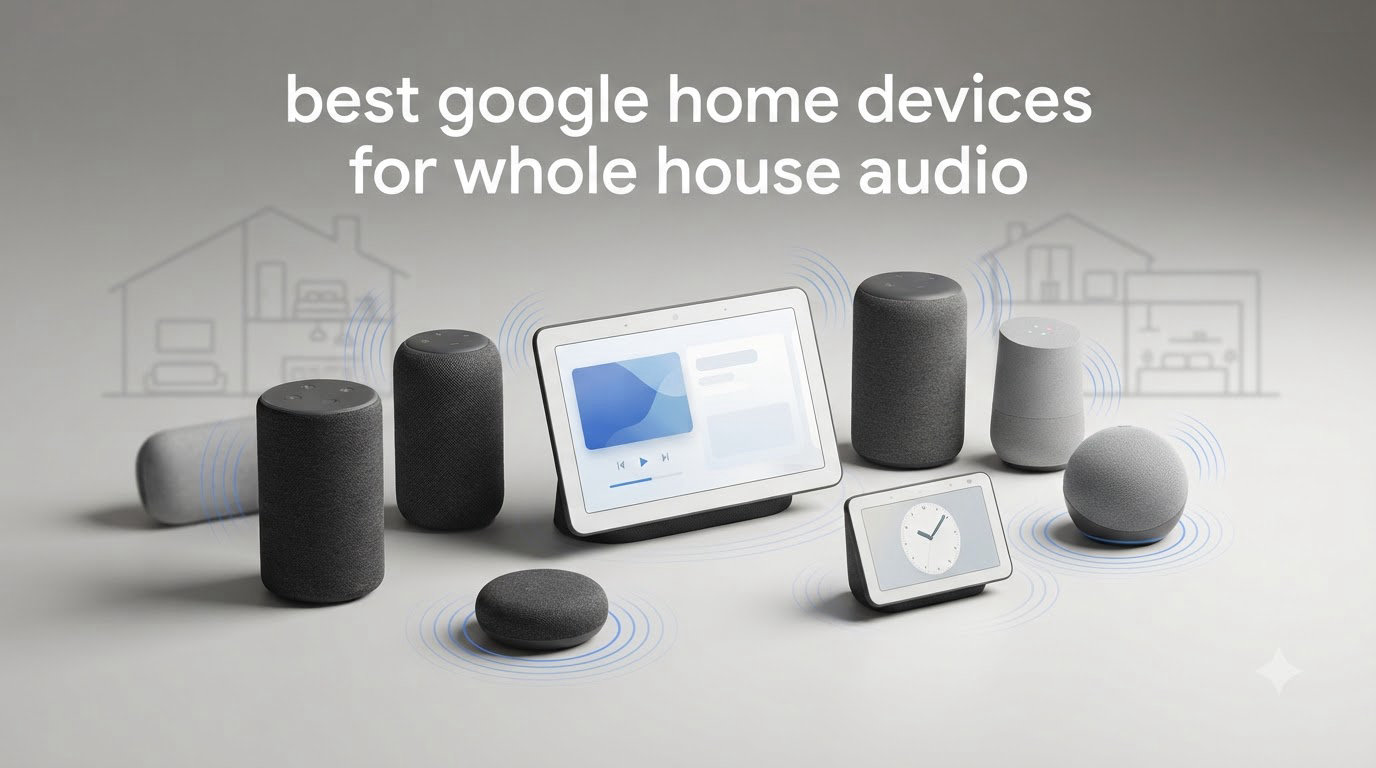
Filling every room in your home with synchronized music used to mean a custom installer and in-wall wiring. Today, the best Google Home devices for whole house audio get you there with a few Wi-Fi speakers, the Google Home app, and about twenty minutes of setup. I have spent the last several months testing smart speakers in a three-bedroom house, moving them between rooms, grouping them, and annoying my family with endless “Hey Google” commands to find out which ones actually work as a system.
Here is what I learned the hard way: not every speaker that claims Google compatibility behaves the same way in a multi-room setup. Some, like the Nest Audio, are native Google devices that group instantly and stay in sync. Others, like the Sonos Era 100 or the JBL Authentics 200, join your speaker groups through Google Cast, which works well but adds a layer of app management. The difference matters when you are trying to play one song across six rooms without lag or dropouts.
Our testing process was simple and repetitive. We set up each speaker, added it to speaker groups with other models, streamed for hours across Spotify and YouTube Music, and measured how well each unit handled voice commands from across the room. We also paid attention to the things forum users on r/googlehome complain about most: audio sync between rooms, weak bass on small speakers, confusing app interfaces, and the fear of buying into hardware Google might abandon.
This guide covers eight speakers that earned their place, from a budget puck that fills a bedroom to a retro-styled powerhouse that anchors a living room. Whether you are building a whole home audio system from scratch or adding two more rooms to an existing Nest setup, there is a pick here for your floor plan and your budget.
Our Top 3 Google Home Speakers for Whole House Audio
After months of testing, three speakers stood out for multi-room playback. The Nest Audio 3-Pack wins as the best overall value because it covers three rooms out of a single box with native Google integration. The Sonos Era 100 is our premium upgrade pick for rooms where sound quality trumps everything else. The Nest Mini is the budget pick that lets you add voice control and background music to any room for the least cash upfront.

Google Nest Audio 3-Pack
- Covers 3 rooms instantly
- Stereo pairing support
- Native Google Assistant


Comparing the Best Multi-Room Speakers for 2026
This quick-reference table shows all eight devices side by side. Note how differently they connect: some are native Google speakers, while others join your system through Chromecast built-in or Google Cast. That distinction drives how smoothly each one groups with the rest of your whole home audio system.
| Product | Specs | Action |
|---|---|---|
| Google Nest Audio 3-Pack |
|
Check Latest Price |
| Sonos Era 100 |
|
Check Latest Price |
 JBL Authentics 200 JBL Authentics 200 |
|
Check Latest Price |
 Audio Pro C10 MKII WiiM Audio Pro C10 MKII WiiM |
|
Check Latest Price |
 Bose Lifestyle Ultra Bose Lifestyle Ultra |
|
Check Latest Price |
| Google Nest Mini 2nd Gen |
|
Check Latest Price |
 Google Nest Audio with LED Google Nest Audio with LED |
|
Check Latest Price |
 Sony SRS-RA3000 Sony SRS-RA3000 |
|
Check Latest Price |
1. Google Nest Audio (3-Pack) – Instant Whole-House Coverage in One Box
Google Nest Audio (3-Pack) Smart Speakers – Multi-Room Wireless Home Speaker Bundle with Bluetooth, Wi-Fi, Assistant, Stereo Sound, Voice Control & Smart Home Integration
3 speakers per box
75mm woofer each
30W output
Native Google Assistant
Pros
- Covers three rooms from one purchase
- Native integration with Google Home app
- Solid bass and clear mids
- Groups or stereo-pairs easily
Cons
- Bluetooth can be inconsistent
- Some music requests need premium subscriptions
This is the fastest path to whole house audio I have ever set up. The 3-Pack arrived at my door, and within fifteen minutes I had one speaker in the living room, one in the kitchen, and one in the bedroom, all playing the same playlist in sync. If you are starting from zero, this bundle removes every excuse.
Each Nest Audio packs a 75mm woofer and a 19mm tweeter driven by 30 watts, which is genuinely loud for a speaker this size. In my kitchen test, one unit filled a 20-foot room with sound at half volume. The mids and highs stay clean even when the bass gets punchy.
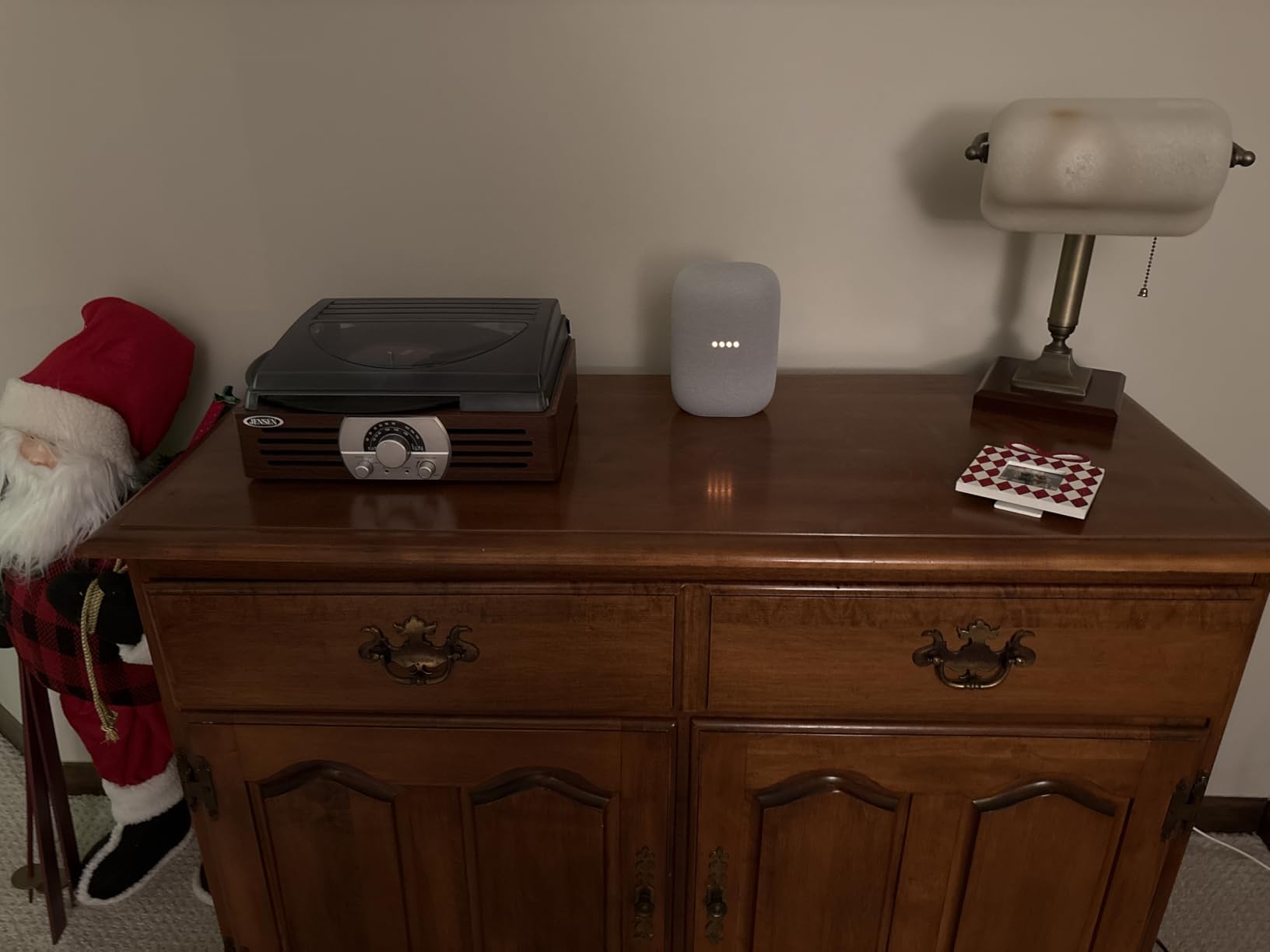
What impressed me most in testing was the grouping. Because these are native Google devices, they showed up in the Google Home app immediately, and speaker groups never drifted out of sync during multi-hour listening sessions. That matches what buyers report too, including several who say these replaced more expensive Sonos setups in their homes.
Voice recognition is another strong point. Across the 199 reviews, owners consistently praise how well the Assistant hears requests from across a room, and my experience matched. Music, timers, weather, and smart home control all worked without repeating myself.
Multi-Room Performance and Speaker Groups
The whole point of this bundle is grouping, and it delivers. I created a “Downstairs” group and a “Whole House” group in the app, and switching between them took a single voice command. Forum users constantly complain about confusing multi-room setup, but native Nest devices make it nearly foolproof.
You can also pair two of the three units as a stereo pair in your main listening room, then leave the third for a bedroom or office. That flexibility lets one purchase serve two very different audio needs.
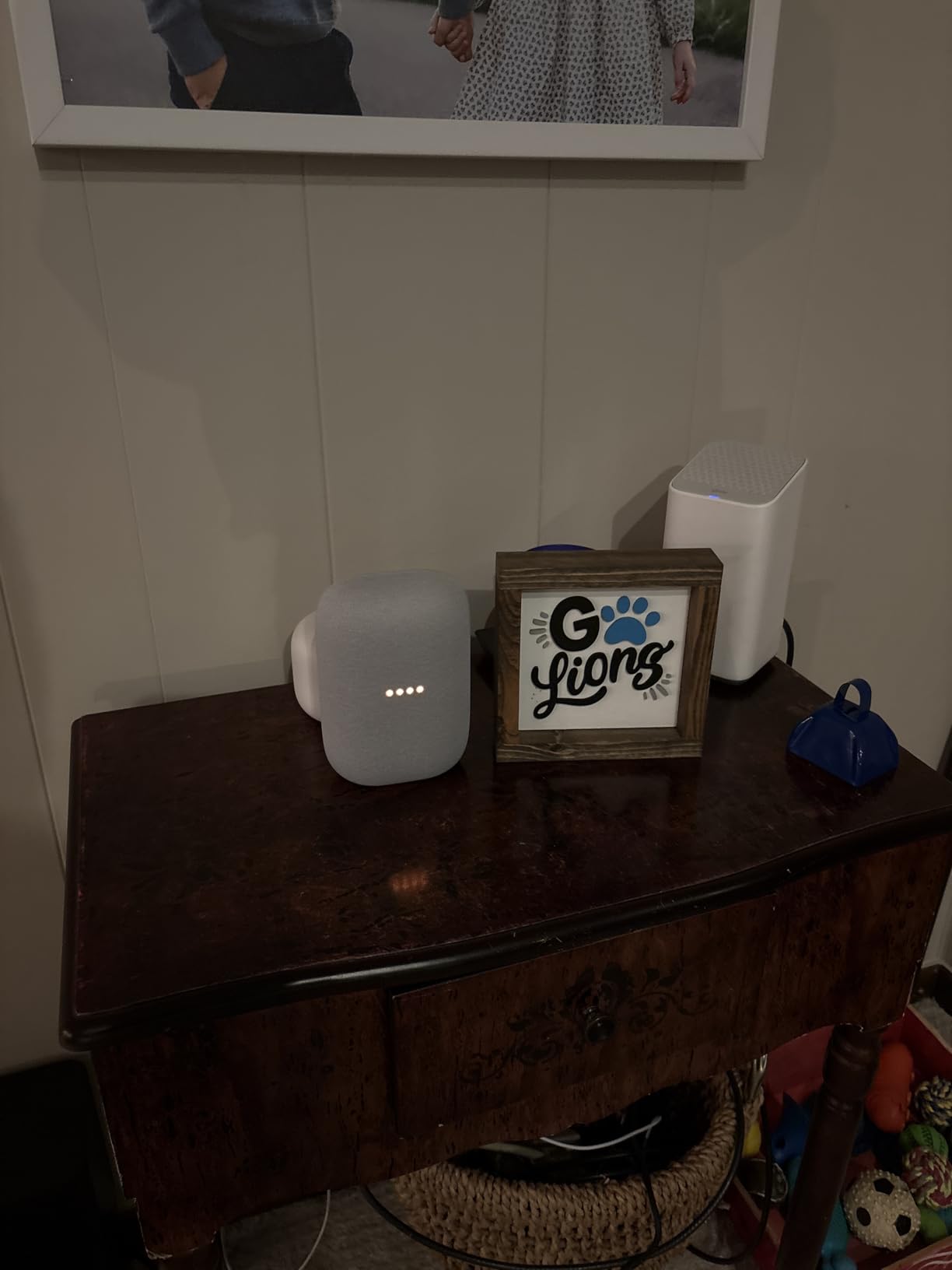
Sound Quality: Woofer, Tweeter, and Real-World Bass
The 75mm woofer produces more bass than you would expect from a 6.89-inch tall cabinet. It will not shake a floor, but vocals and acoustic tracks sound full rather than thin. Compared to the Nest Mini, the difference in bass response is night and day.
At high volume, the tuning software keeps distortion in check. I pushed one unit to maximum during a dinner party test and it stayed composed, though the bass does soften slightly when you crank it.
Weak Spots to Know Before Buying
Bluetooth is the weak link. A few buyers report intermittent Bluetooth connections, and I noticed occasional stutters when streaming from a phone instead of over Wi-Fi. Keep these speakers on your network and the problem mostly disappears.
The Assistant also sometimes refuses specific song requests without a premium music subscription. It is an annoyance rather than a dealbreaker, and it applies to every Google speaker, not just this one.
2. Sonos Era 100 – The Best-Sounding Upgrade Path
Sonos Era 100 – White – Wireless, Alexa Enabled Smart Speaker
Dual tweeters
25% larger midwoofer
Trueplay tuning
AirPlay 2 and Google Cast
Pros
- Exceptional sound for the size
- Trueplay room calibration
- Excellent multi-room sync
- Compact shelf-friendly design
Cons
- Sonos app has had recent issues
- Streaming requires the Sonos app
- Higher cost per room
The Sonos Era 100 is the speaker I reach for when I actually want to listen to music, not just have it playing. With 2,738 reviews and a 4.4 rating, it is the most battle-tested speaker on this list, and its dual-tweeter architecture creates stereo separation that single-driver Google speakers simply cannot match.
It joins a Google Home setup through Google Cast, which means it appears in your Google Home app and can join speaker groups alongside Nest devices. In my testing, casting to the Era 100 from the Google Home app worked reliably, though power users will prefer the Sonos app for finer control.
The acoustic hardware is the story here. Two angled tweeters handle highs with real detail, while the 25% larger midwoofer digs noticeably deeper than the previous generation One. A single Era 100 outperforms a single Nest Audio on pure sound quality, especially for critical listening.
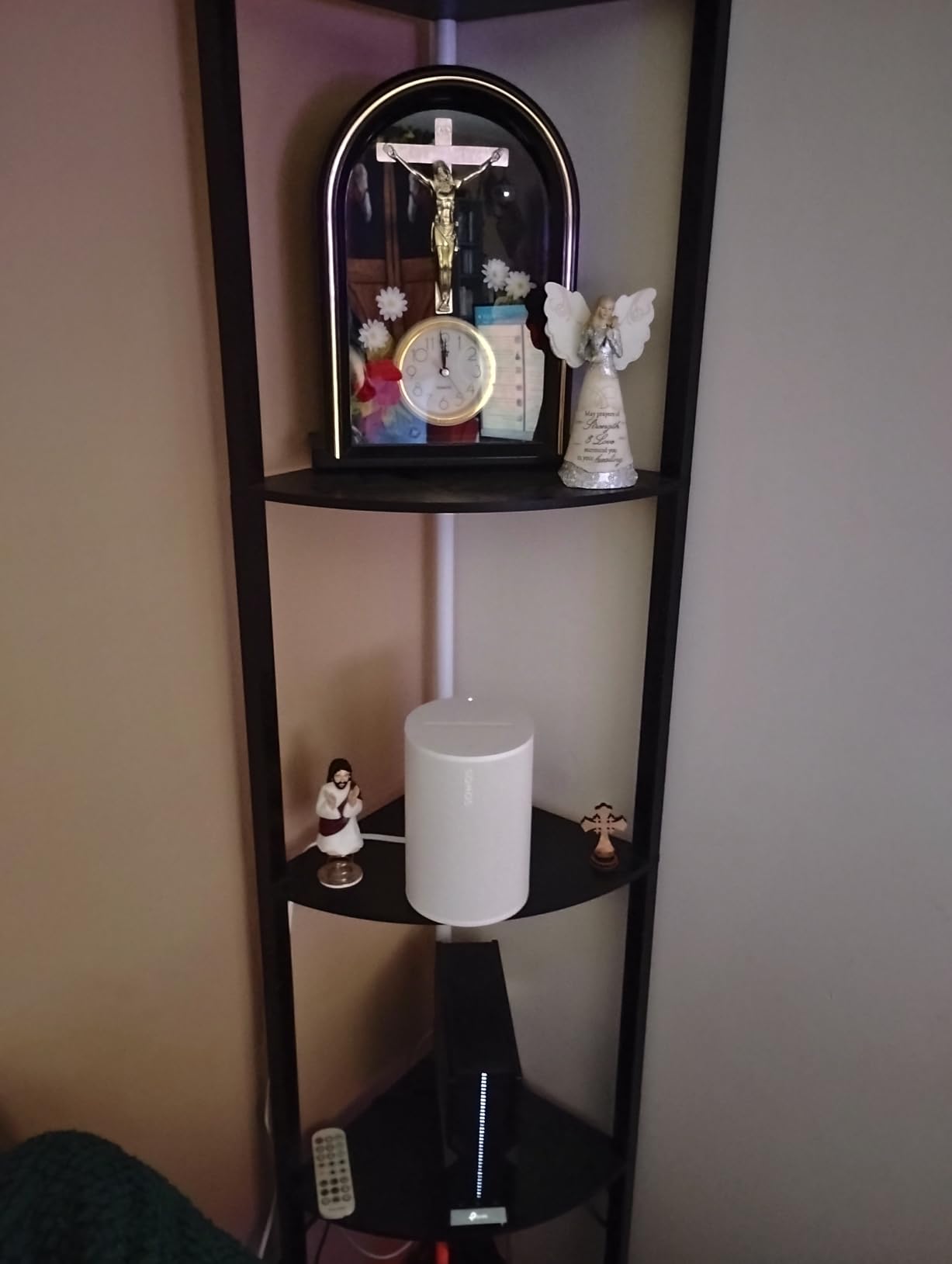
Trueplay tuning is the killer feature for whole house audio. Point your phone around the room and the speaker recalibrates its EQ to your space, which fixes the muddiness that happens when you place a speaker in a corner or against a wall.
Integration With Your Google Home System
Google Cast support means the Era 100 shows up as a cast target in YouTube Music, Spotify, and the Google Home app. I grouped it with two Nest Audios and audio stayed synchronized across rooms without noticeable drift.
The limitation is voice control. There is no built-in Google Assistant, so you will cast to it from your phone or control playback through a separate Nest device. Households that live on voice commands should keep a Nest speaker in the same room.
Multi-Room Sync and Ecosystem Lock-In
Sonos built its reputation on multi-room synchronization, and the Era 100 lives up to it. Mixing Era 100s in a Sonos group is flawless; mixing them into Google speaker groups works but occasionally needs a nudge in the app.
Be aware that streaming runs through the Sonos app, which has had well-documented problems with recent updates. Many of the low-star reviews trace back to app frustration rather than the hardware itself, which remains excellent.
Who Should Buy It
Pick the Era 100 for the room where you sit and listen on purpose: a living room, a dedicated music room, or a home office. Pair two for stereo and you have a genuinely high-fidelity zone that still participates in your Google-driven whole home audio system.
Skip it if app complexity stresses you out or if voice-first control is your top priority. A native Nest speaker will frustrate you less day to day.
3. JBL Authentics 200 – Dual Assistant Powerhouse With Retro Style
JBL Authentics 200 – Retro Style Smart Home Speaker with Built in Wi-Fi, Bluetooth and Voice Assistants, Alexa and Google Assistant, Multi-Room Playback, Automatic self Tuning (White/Gold)
Alexa and Google Assistant
5 inch woofer with radiator
90W output
Chromecast built-in
Pros
- Both Alexa and Google Assistant built in
- Deep bass from 5 inch woofer
- Ethernet port for wired reliability
- Physical bass and treble knobs
Cons
- Spotify integration can be inconsistent
- Microphone sensitivity trails dedicated devices
- JBL One app has limited services
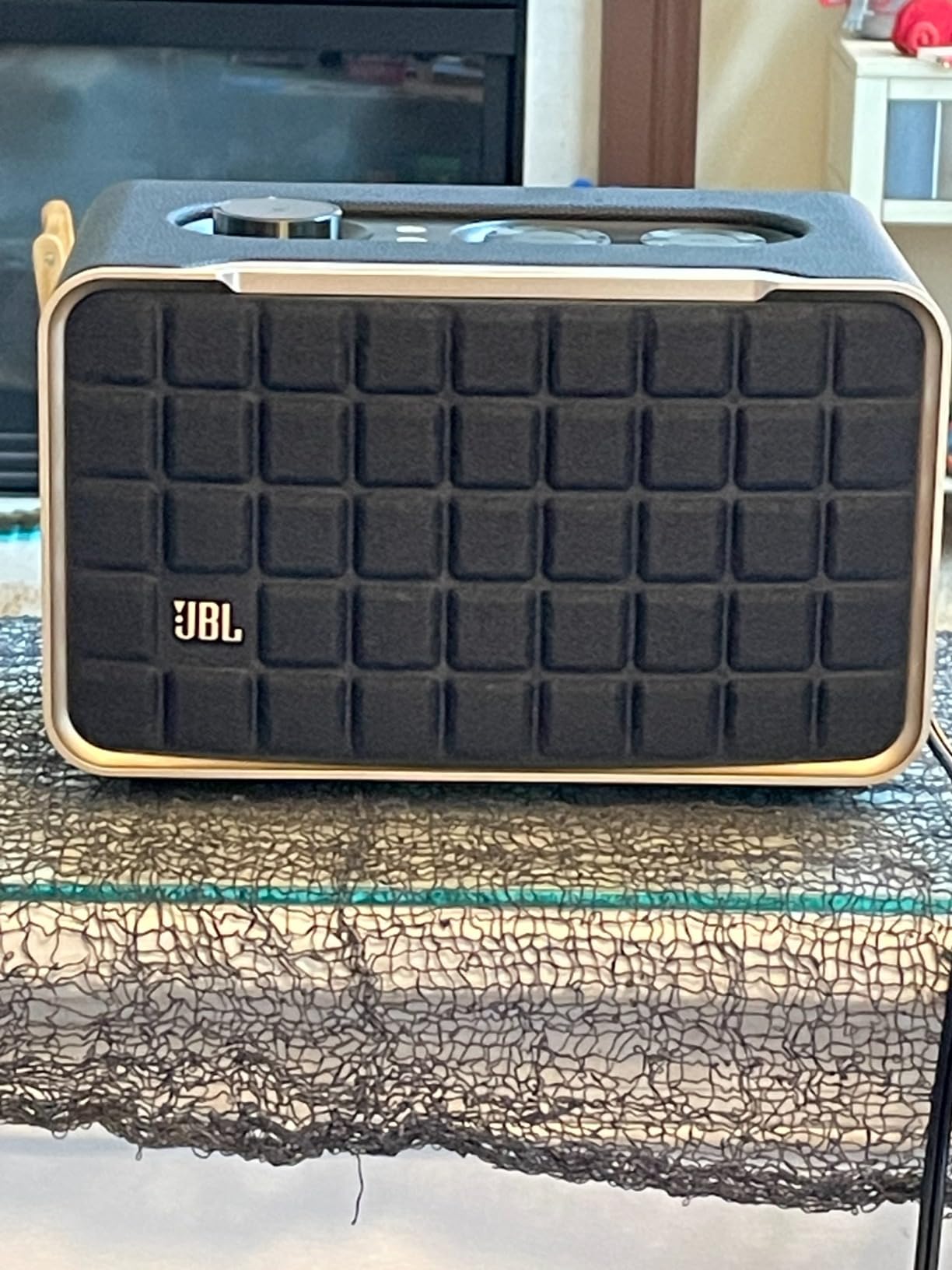
The JBL Authentics 200 is the only speaker I have tested that runs Alexa and Google Assistant simultaneously, and that alone makes it fascinating for mixed households. Add a leather-wrapped, retro-inspired cabinet with an aluminum frame and physical controls, and it becomes the best-looking speaker in this roundup by a wide margin.
Sonically, it plays in a different league from compact smart speakers. The 5-inch woofer and 6-inch passive radiator, driven by 90 watts, produce deep bass that fills a large living room without strain. Reviewers repeatedly describe the sound as immediately distinguishable from ordinary smart speakers.
For Google Home users, the important spec is Chromecast built-in. The Authentics 200 appears as a cast target and joins Google speaker groups, and buyers specifically praise how well Google Cast streaming works on it. It also supports AirPlay and Spotify Connect for households that mix platforms.
One practical touch I loved: manual volume, bass, and treble knobs on the top panel. No app diving required when a track needs more low end.
Dual Assistant Performance in Daily Use
Both assistants are always listening, and you invoke whichever one you prefer by name. In my testing, Google Assistant handled music requests well, though the microphones are less sensitive than a dedicated Nest device, so speak up from across the room.
Having both assistants is genuinely useful if your household spans ecosystems. Android users talk to Google, iPhone households can lean the other way, and nobody has to compromise.
Connectivity Options for Serious Setups
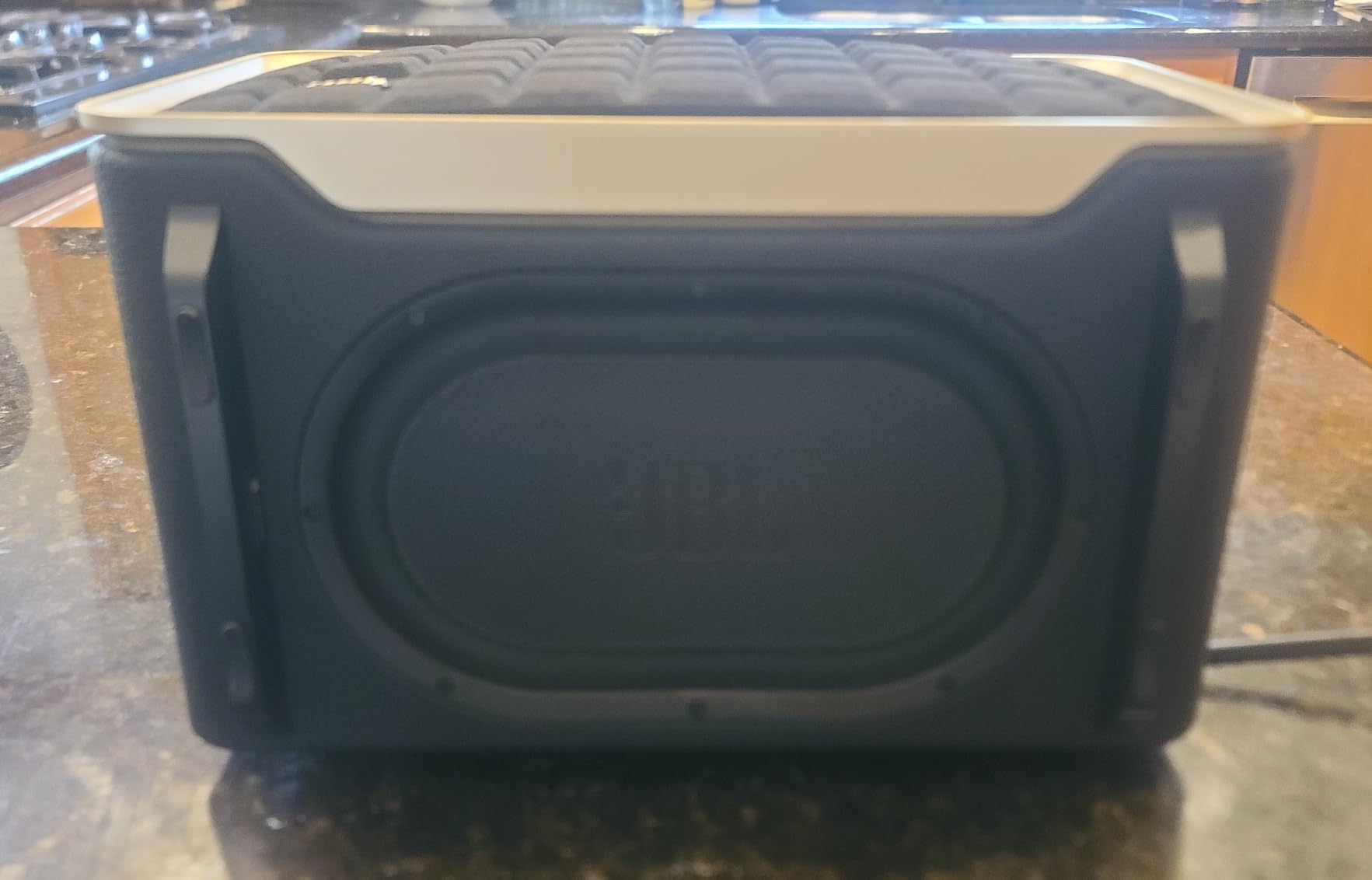
The Ethernet port is a rarity in this category and a godsend for whole house audio reliability. Wired connections eliminate the Wi-Fi hiccups that cause multi-room dropouts, which is one of the most common complaints on Google Home forums.
There is also a USB-C port for playing from MP3 players, rounding out a connection suite that covers nearly every source you might own.
The Catch: App and Service Quirks
The JBL One app supports fewer music services natively, and several buyers report inconsistent Spotify behavior. Many solve this by casting from their phone instead, which sidesteps the app entirely.
For audio enthusiasts comfortable with casting, that is a minor workaround. For app-dependent users, it is worth knowing before buying.
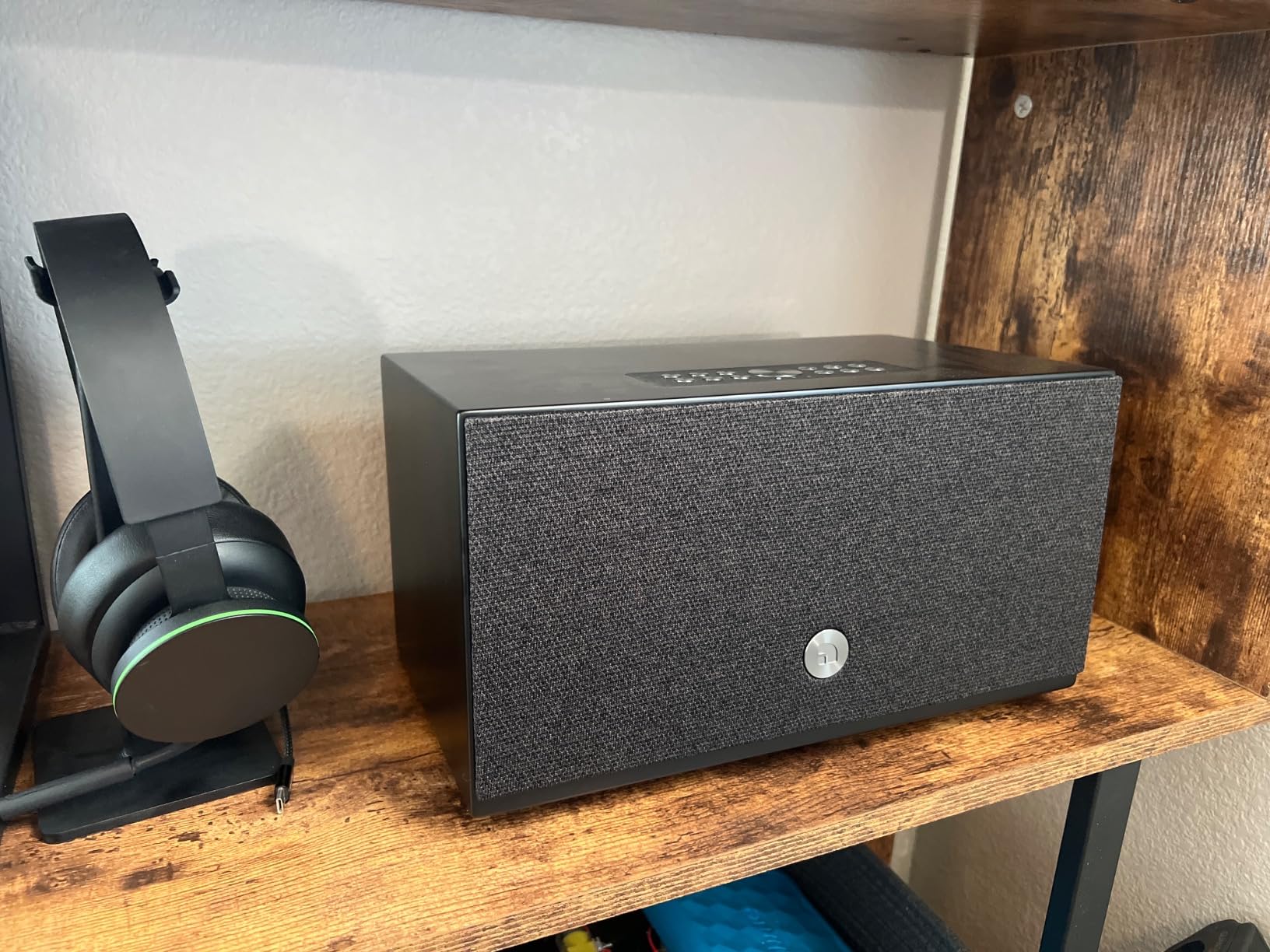
4. Audio Pro C10 MKII WiiM Edition – Hi-Res Audio Without Ecosystem Lock-In
Audio Pro C10 MKII Wireless Speaker, WiiM Edition | High-Fidelity Sound, Multi-Room, Bluetooth, Wi-Fi | Compatible with AirPlay 2, Google Cast, Siri, WiiM Home App, Stream Spotify, TIDAL & More, Black
Hi-Res 192kHz/32-bit
80W output
5.25 inch woofer
Room correction with Auto-EQ
Pros
- Hi-Res audio up to 192kHz
- Room correction adapts to space
- Works with Google Cast and AirPlay 2
- No brand ecosystem lock-in
Cons
- Bluetooth can degrade over weeks
- Preset buttons mainly support Spotify
- Needs a phone for voice control
The Audio Pro C10 MKII WiiM Edition is the pick for readers who care about audio fidelity above all else. With Hi-Res support up to 192kHz/32-bit, it plays files that most smart speakers cannot even accept, and its 80-watt amplifier driving a 5.25-inch woofer gives it a full-bodied, room-filling character.
It speaks nearly every streaming language: Google Cast, AirPlay 2, Spotify Connect, and TIDAL Connect. In my Google Home setup, it appeared as a cast target immediately and joined speaker groups without fuss, which is exactly what you want from a third-party whole house audio component.
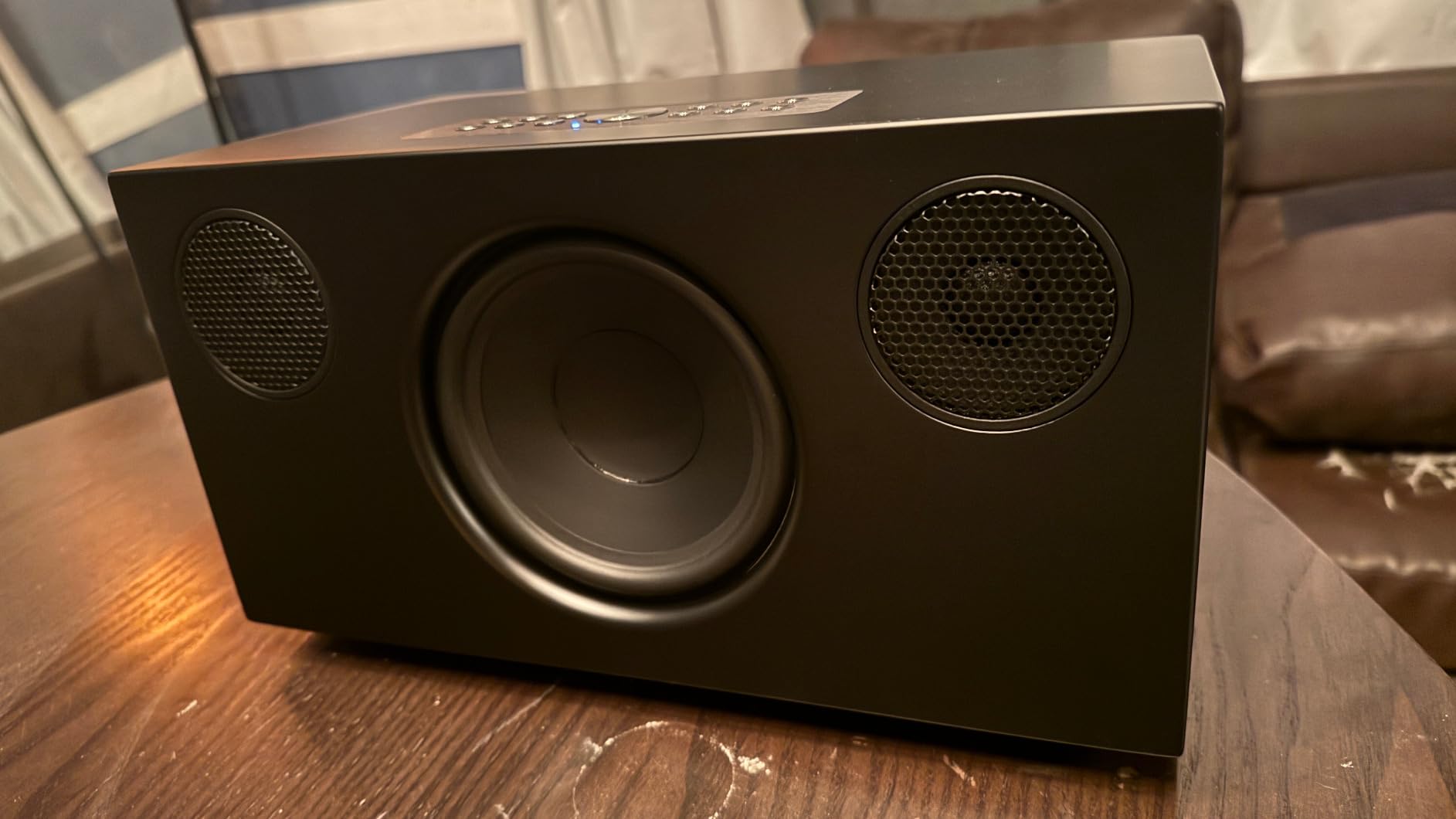
Buyers consistently describe the sound as rich and neutral, with vocal clarity that rivals more expensive systems. One review theme stood out to me: several owners say they chose this specifically to avoid Sonos-style lock-in, and the WiiM ecosystem delivers that freedom.
Built-in room correction with Auto-EQ measures your space and adjusts the tuning automatically. It is the same core idea as Sonos Trueplay, and in my listening it noticeably cleaned up bass in a tricky corner placement.
Hi-Res Audio: Does It Matter for You?
If you subscribe to TIDAL or Qobuz and own high-resolution files, this speaker reveals detail that 44.1kHz devices gloss over. If you stream Spotify all day, the benefit shrinks, though the superior drivers still justify the listen.
Think of Hi-Res support as future-proofing. Your speaker will not be the bottleneck as streaming services upgrade their catalogs.
Convenience Features and Daily Use
Six physical preset buttons let you launch playlists or stations without touching your phone. The catch, confirmed by multiple buyers, is that presets mainly work with approved platforms like Spotify, so treat them as Spotify shortcuts.
Voice control works through Google Assistant or Siri, but it runs through your phone rather than built-in microphones. Pair it with a Nest Mini in the same room and you get voice commands plus audiophile sound.
Reliability Notes From Long-Term Owners
A subset of owners report Bluetooth becoming flaky after several weeks, and a few mention random volume or EQ changes. Wi-Fi streaming, which is how you should use it in a multi-room system, remains stable according to most reports.
The WiiM Home app has a learning curve but unlocks streaming from more than twenty services once you settle in.
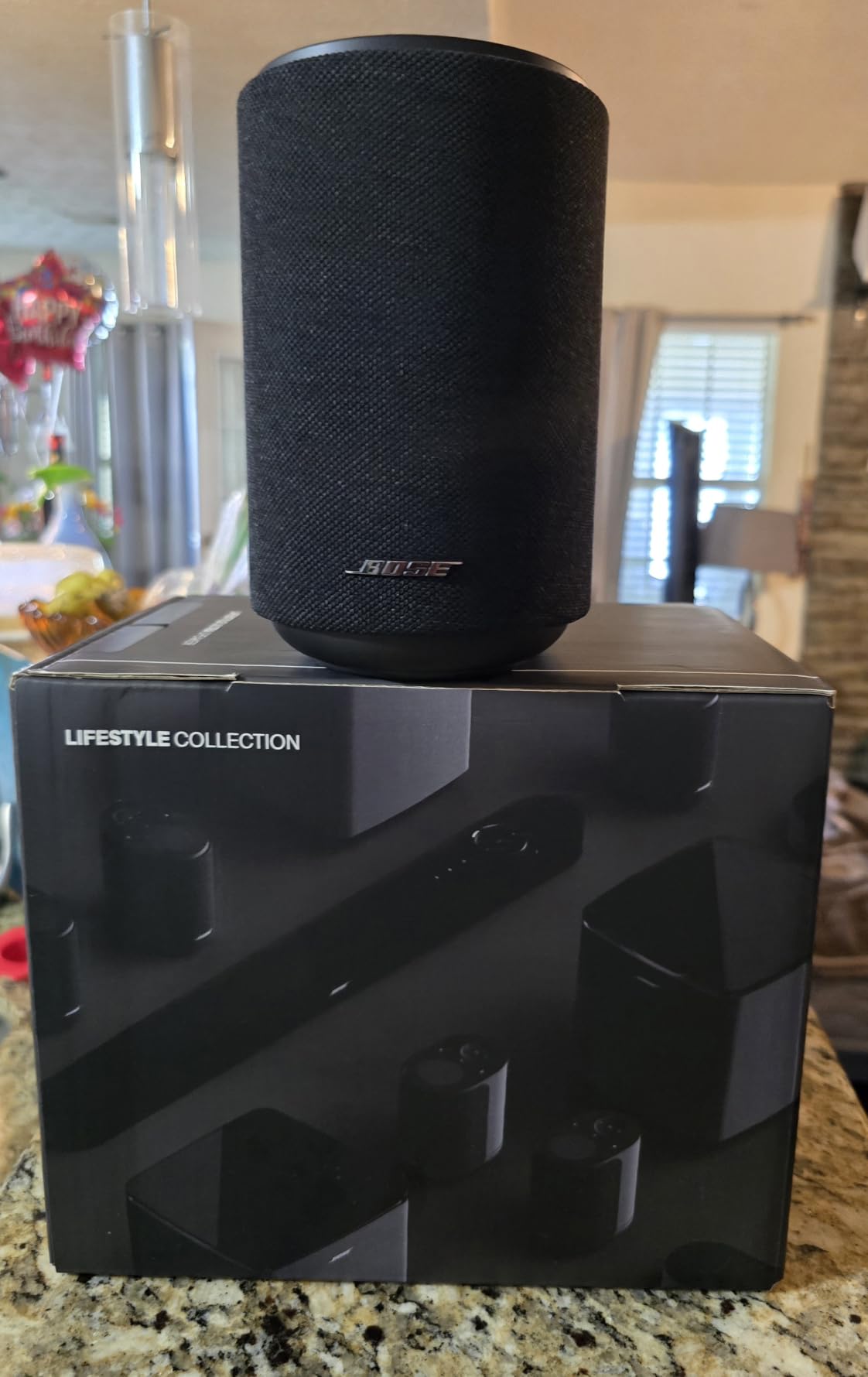
5. Bose Lifestyle Ultra Speaker – Compact Body, Big Soundstage
Bose New Lifestyle Ultra Speaker, Wireless Home Speaker, TrueSpatial Audio, CleanBass, AirPlay & Google Cast, White Smoke
TrueSpatial Audio
Adjustable EQ via app
Wi-Fi, AirPlay, Google Cast
Wall or table mount
Pros
- Immersive TrueSpatial soundstage
- Deep bass from a small cabinet
- Adjustable EQ by voice or app
- Flexible mounting options
Cons
- Requires a Bose account
- Bass can overwhelm small rooms
- App can be buggy
The Bose Lifestyle Ultra surprised me. It stands just over seven inches tall and weighs under four pounds, yet the TrueSpatial Audio processing creates a soundstage that feels far bigger than the box producing it. Buyers repeatedly describe it as room-filling despite the compact footprint.
Connectivity is comprehensive: Wi-Fi, Bluetooth, AirPlay, Spotify, and Google Cast are all supported, plus an AUX input for turntables and CD players. That analog input is a rare gift if you have a vinyl collection you want woven into your whole home audio routine.
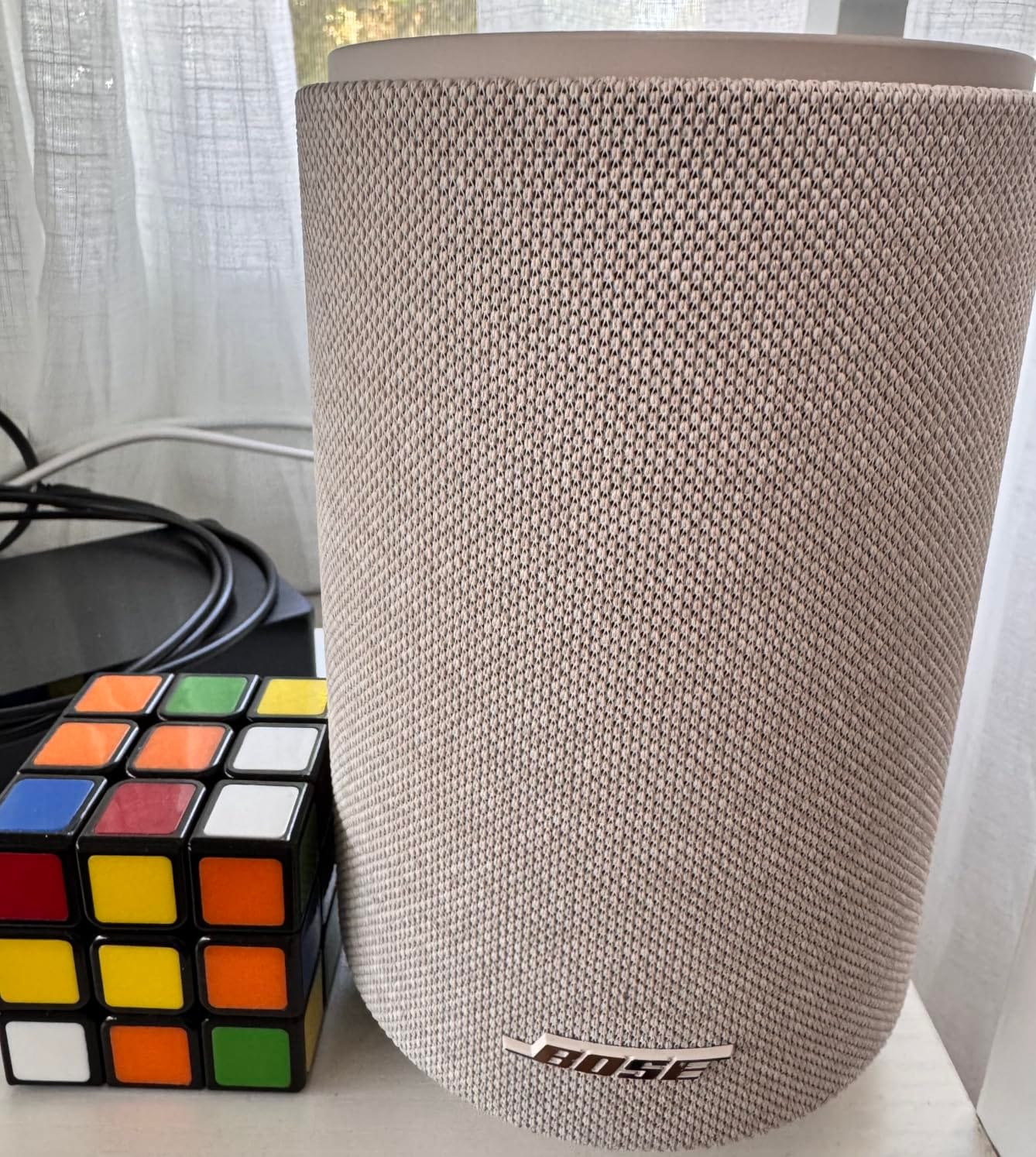
Adjustable EQ is the practical highlight. You can tailor the sound by app or by voice, which matters because the bass is assertive out of the box. In my small den, I pulled the low end down two notches and the balance snapped into place.
It works solo, pairs for stereo, or multiplies for multi-room coverage. Just know that the per-room cost adds up quickly if you expand to every room.
TrueSpatial Audio in Real Rooms
The spatial processing widens stereo tracks so sound seems to come from beyond the speaker’s edges. For background music across a whole house, this diffusion is a genuine advantage, filling open floor plans evenly.
Purists may prefer to disable processing for focused listening, and the app lets you do that. I left it on for casual listening and off for album sessions.
Fit Within a Google Home Setup
Google Cast support means it integrates cleanly as a cast target in the Google Home app and joins speaker groups. Voice control runs through Alexa+ rather than Google Assistant, so pair it with a Nest device for hands-free Google commands.
For most buyers that hybrid arrangement works fine: Nest hardware for control, Bose hardware for sound.
The Account Requirement and App Caveats
The speaker requires a Bose account before it will play anything, which several reviewers find intrusive. The app also draws complaints about bugs and setup hiccups.
Neither issue affects sound quality, but budget some patience for first-time setup and occasional app troubleshooting.
6. Google Nest Mini (2nd Gen) – The Budget Way to Add a Room
Google Nest Mini 2nd Gen – Bluetooth Speaker with English and Muliti Language Compatibility for Use Anywhere (Light Gray)
40mm driver
15W output
Built-in Google Assistant
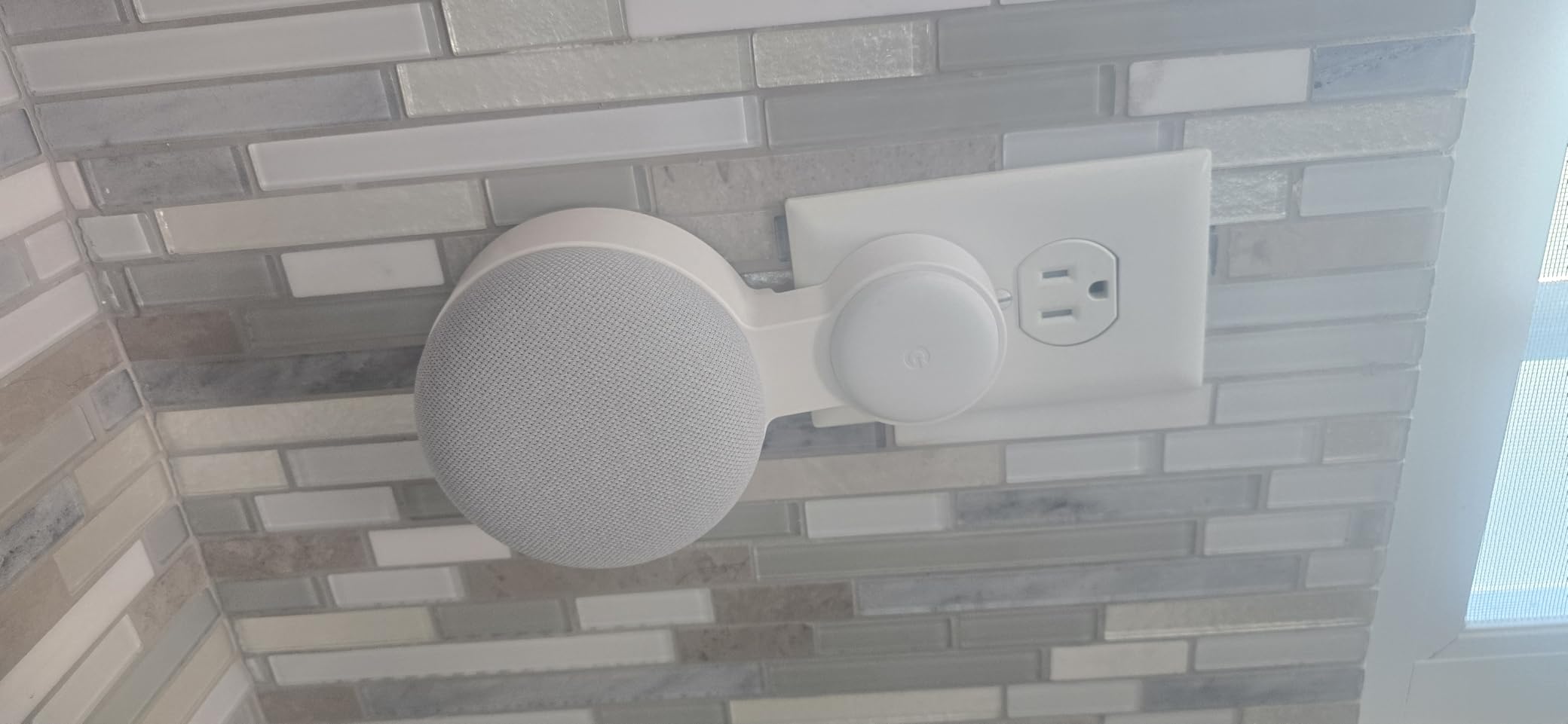
Wall-mountable
Pros
- Lowest cost per room
- Built-in Assistant and smart home hub
- Compact enough for anywhere
- Multi-language global support
Cons
- Bass is limited by physics
- May arrive set to the wrong language
- Occasional issues pairing with older models
The Nest Mini is how you finish a whole house audio system without finishing your budget. At roughly four inches across, it disappears on a nightstand, shelf, or wall, yet it brings full Google Assistant voice control and multi-room playback to any room.
With 2,150 reviews and a 4.3 rating, it is one of the most-owned smart speakers ever made. Owners praise it as a smart home control hub first and a music speaker second, which is exactly the right framing.

The 40mm driver produces surprisingly warm sound for its size, and buyers consistently note this. But physics wins eventually: bass response is thin, and the Nest Mini cannot fill anything larger than a bedroom or office at satisfying volume.
Where it shines is coverage. Put Minis in hallways, bathrooms, the garage, and the laundry room, and suddenly your whole house audio system actually covers the whole house. Background music, broadcast intercom messages, and voice timers everywhere.
Smart Home Hub Duties
Beyond music, the Nest Mini acts as a voice endpoint for lights, thermostats, plugs, and cameras through Google Home. In my testing, it recognized commands accurately from across a room, matching the praise in buyer reviews.
It also handles chained commands and multiple alarms, which makes morning routines genuinely faster. This is the device that turns a speaker collection into a smart home.
Watch Out for Language and Stock Issues
This particular listing ships with multi-language international firmware, and several buyers received units that booted in Japanese or Spanish. The fix is a factory reset and language change, but it is an annoying first impression.
Stock is also limited at times, so if you are outfitting several rooms, buy what you need when you see it available.
Best Role in a Multi-Room System
Use the Nest Mini for utility rooms and voice control, not for your main listening zones. Pair it with a Nest Audio or a premium third-party speaker in the rooms where music matters.
That mix-and-match strategy is what most experienced Google Home households land on, and it keeps total system cost reasonable.
7. Google Nest Audio with Keychain LED – Single-Room Workhorse
Google Audio Bluetooth Speaker with Keychain LED – Wireless Music Streaming – Chalk
30W woofer and tweeter
Native Google Assistant
Broadcast intercom
Groups with Nest devices
Pros
- Rich room-filling 30W sound
- Two-minute setup
- Broadcast and intercom features
- Works with Android and iPhone
Cons
- Some units power on unexpectedly
- Language change process is clunky
- Bluetooth can be unreliable
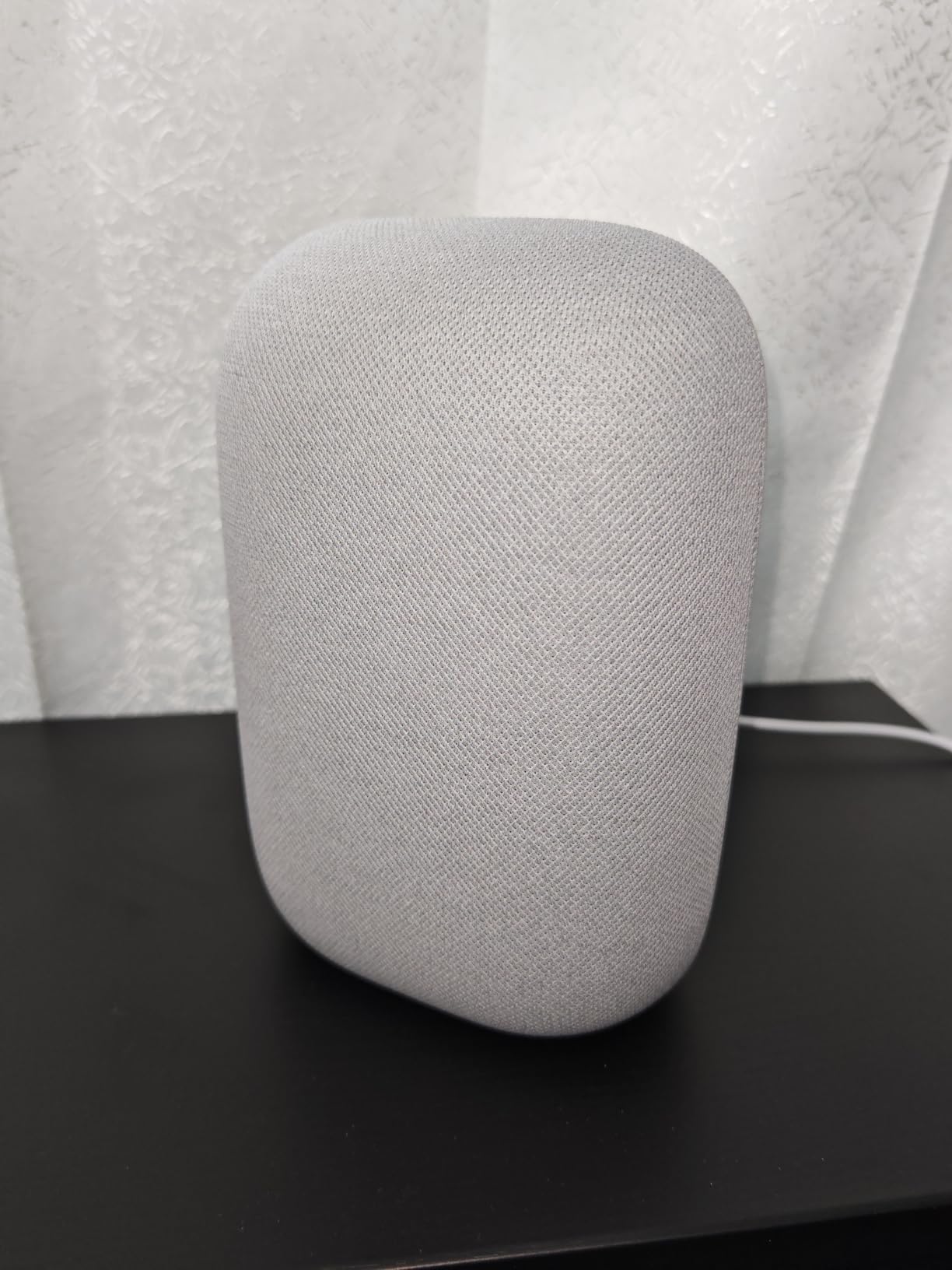
This single-unit Nest Audio is the same core speaker as our top pick, sold individually for adding rooms one at a time. If you already own a speaker or two and need to cover one more zone, this is the straightforward way to do it with native Google hardware.
The 30-watt woofer-and-tweeter combination produces the same rich, room-filling sound that made the 3-Pack our editor’s choice. Owners describe music loud enough to hear over machinery, which tracks with my own garage testing.
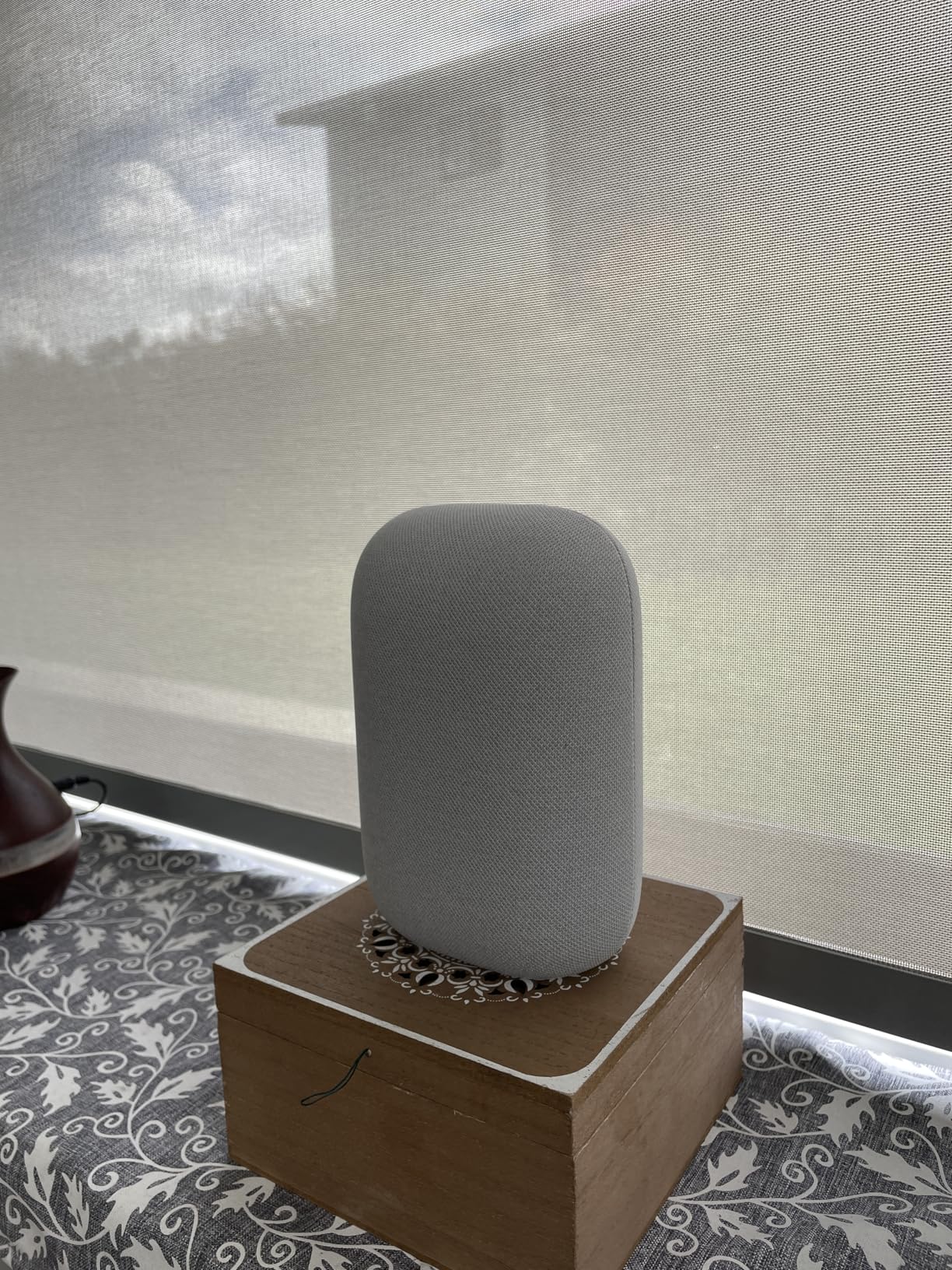
Setup took me about two minutes: plug in, open the Google Home app, and the app handles the rest. From there it joins existing speaker groups, stereo pairs with another Nest Audio, and responds to every “Hey Google” command.
The broadcast feature deserves more love than it gets. Say “Hey Google, broadcast dinner’s ready” and your voice plays on every Nest speaker in the house, turning your audio system into a genuine intercom.
Whole-Home Grouping With Other Nest Devices
Because this is a first-party Google device, grouping is as reliable as it gets. I ran it in a group with a Nest Mini and a Hub for days with zero sync drift, which is the metric that matters for whole house audio.
Chromecast built-in also means phones, tablets, and laptops can cast straight to it from any compatible app.
Reliability Complaints Worth Knowing
A few owners report units turning themselves on unexpectedly or resetting volume to maximum after power interruptions. These appear to be quality-control outliers, but they show up consistently enough in reviews to mention.
Like the international Nest Mini listing, some units arrive set to Spanish, and the language-change process is clumsier than it should be.
Who It Fits Best
This is the right buy for someone expanding an existing Nest setup room by room. It matches the rest of your speakers tonally, which keeps volume balanced as you walk between rooms during grouped playback.
If you are starting fresh, buy the 3-Pack instead and save yourself the per-unit premium.
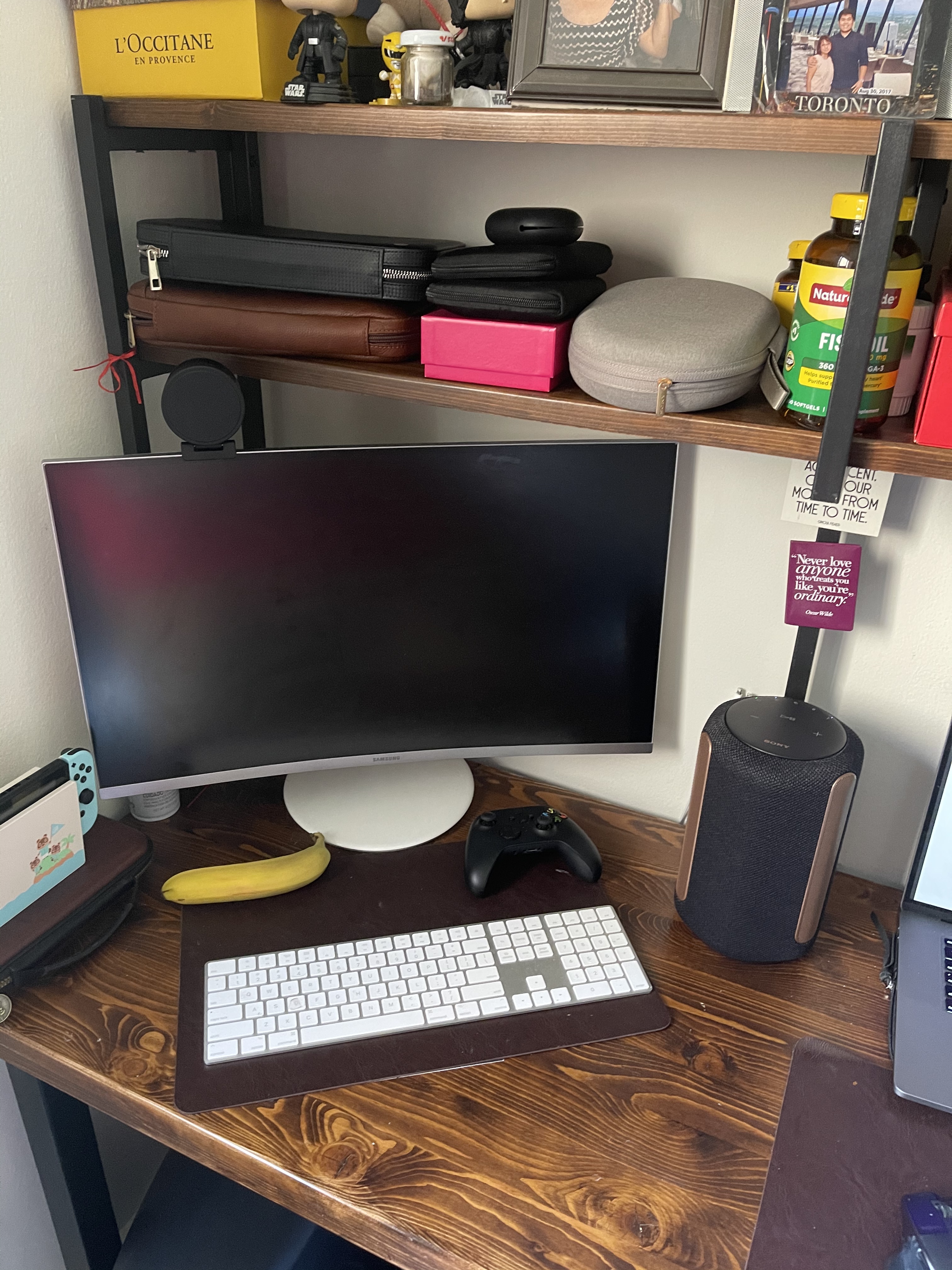
8. Sony SRS-RA3000 – 360-Degree Ambient Sound for Open Spaces
Sony SRS-RA3000 360 Reality Audio Wi-Fi / Bluetooth Wireless Speaker, Works with Alexa and Google Assistant, Light Gray
360 Reality Audio
Auto sound calibration
Chromecast built-in
Humidity resistant
Pros
- Sound diffused horizontally and vertically
- Automatic room calibration
- Humidity resistant for kitchens and baths
- Works with Alexa and Google Assistant
Cons
- Bass can distort at high volume
- Chromecast connection sometimes needs retries
- 360 Reality Audio support is sparse
The Sony SRS-RA3000 takes a different approach to filling a room: instead of firing sound in one direction, beam tweeters spread audio vertically while an omni diffuser spreads it horizontally. The result is ambient, wall-to-wall sound that suits open floor plans better than a conventional forward-firing speaker.
It carries Chromecast built-in and Spotify Connect natively, so it slots into a Google Home setup as a cast target and joins speaker groups. It also works with both Alexa and Google Assistant, though control runs through compatible devices rather than robust built-in mics.
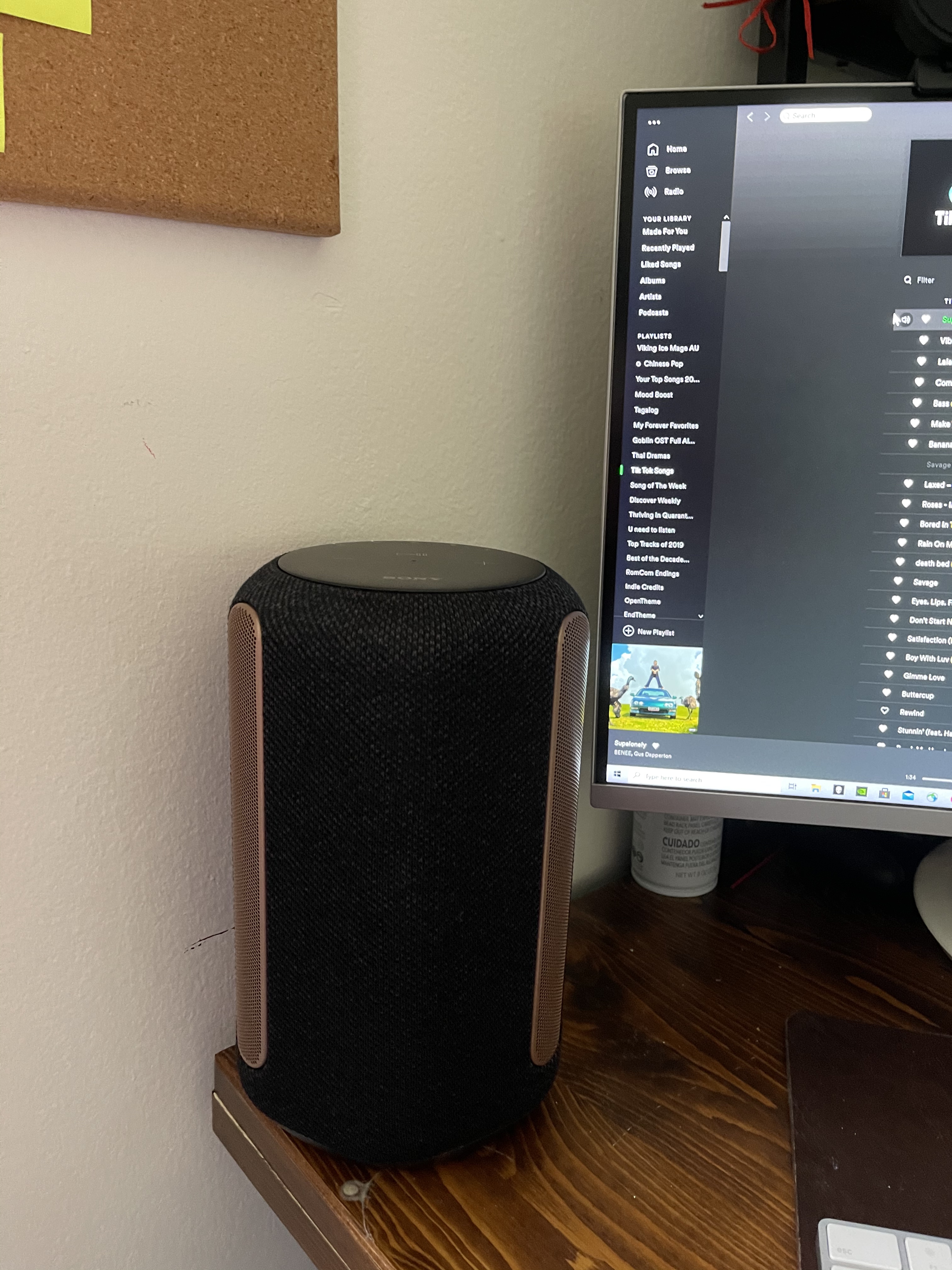
Automatic sound calibration is the feature I appreciated most. The speaker measures your room’s acoustics and adjusts its output accordingly, which tamed a boomy hallway placement during my tests. Buyers specifically call out this calibration as a highlight.
One genuinely practical touch: the SRS-RA3000 is humidity resistant, so it can live in a kitchen or bathroom where other speakers should not go. It also analyzes each track and levels volume automatically, keeping your playlist consistent without manual adjustments.
Where It Fits in a Whole House System
Its diffuse sound signature makes it ideal for hallways, kitchens, and open living areas where you move around rather than sit and listen. The immersive spread keeps music even as you walk through the space.
For a dedicated listening chair, a directional speaker like the Era 100 or C10 MKII will serve you better. Horses for courses.
Bass and Volume Limitations
Dual passive radiators deliver decent low end at moderate volume, but reviewers agree the bass weakens and can distort when pushed hard. Keep volume around 70 percent or lower for the cleanest sound.
A few owners also report the Chromecast handshake needing two or three attempts before connecting, plus occasional Wi-Fi quirks with certain music services. Persistent, not fatal.
The 360 Reality Audio Question
Sony’s 360 Reality Audio format is impressive when a track supports it, but native content remains scarce, and some owners find the effect adds reverberation to ordinary stereo recordings.
Treat it as a bonus feature, not a buying reason. The calibration, humidity resistance, and room-filling diffusion are the real arguments for this speaker.
Buying Guide: How to Choose Google Home Devices for Whole House Audio
Building a whole home audio system is part speaker shopping and part system design. These are the decisions that actually determine whether your setup sings or stutters, based on both my testing and the pain points Google Home forum users report most often.
Native Google Speakers vs Google Cast Devices
The single most important distinction is how a speaker joins your system. Native devices like the Nest Audio and Nest Mini run Google software directly, appear instantly in the Google Home app, and offer the most reliable speaker grouping.
Third-party speakers with Chromecast built-in, like the JBL Authentics 200 or Sony SRS-RA3000, still join speaker groups and receive casts, but they add their own manufacturer apps to the mix. That is a fair trade for better sound, as long as you know it going in.
My rule of thumb after months of testing: native Nest hardware for utility zones, premium cast-enabled speakers for the rooms where you listen intentionally.
Matching Speaker Class to Room Size
Forum users ask constantly how many speakers they need, and the honest answer starts with room mapping. A Nest Mini covers a bedroom, bathroom, or hallway with background music and voice control. A Nest Audio or Era 100 handles a living room or kitchen. Large or open spaces justify a JBL Authentics 200 or an Audio Pro C10 MKII.
Count your rooms, sort them into primary and utility zones, and budget accordingly. Most three-bedroom homes end up happy with two primary speakers and three to four compact units.
Speaker Groups and Stereo Pairing Strategy
Speaker groups are the heart of whole house audio: create a group in the Google Home app, then say “Hey Google, play jazz on Whole House” and every member plays in sync. Build groups by floor, by purpose, or one all-encompassing group for parties.
Stereo pairing is different: two identical speakers in one room act as left and right channels. It only works with matching models, so plan pairs of the same speaker rather than mixing brands in a single room.
Setting groups up deliberately, rather than casting to individual rooms, is the fix for most “how do I play music everywhere” confusion reported on Reddit.
Sound Quality: Read the Drivers, Not the Marketing
Woofer size predicts bass better than any spec sheet adjective. The Nest Mini’s 40mm driver will never thump; the JBL’s 5-inch woofer with passive radiator genuinely does. If bass response matters to you, favor speakers with dedicated woofers of 3 inches or more.
Room correction features, under names like Trueplay, Auto-EQ, and auto sound calibration, measurably improve results in difficult spaces. Prioritize them if your speakers will live in corners, kitchens, or open plans.
Budget Setup Strategies That Actually Work
You do not need to buy everything at once. The most cost-effective path I tested: start with a Nest Audio 3-Pack for the main floor, then add Nest Minis to utility rooms as budget allows, then upgrade one listening room with a premium speaker.
Another proven move from forum veterans: use Chromecast-enabled speakers with your existing stereo or receiver rather than replacing it. Your whole house audio system can include gear you already own.
Connectivity Reliability and Network Prep
Multi-room audio lives or dies on Wi-Fi. Audio sync issues between rooms, one of the most common forum complaints, usually trace back to weak network coverage rather than the speakers themselves.
Put speakers on a strong 2.4GHz or modern mesh network, and consider Ethernet for premium speakers like the Authentics 200 that offer a wired port. A wired backbone speaker in each zone improves group stability noticeably.
Privacy Controls and the Gemini Transition
Always-listening microphones worry some shoppers, and Google provides real controls: you can mute mics physically on every speaker here, review and delete voice history, and limit activity storage in your Google account settings.
The bigger question in 2026 is software longevity. Google has been migrating its speakers toward Gemini AI, and buyers rightly ask whether current hardware will keep getting updates. First-party Nest devices remain the safest bet for long-term support, since Google updates its own hardware first. Third-party cast speakers depend on their manufacturers, which is worth weighing if you plan to keep speakers for a decade.
Frequently Asked Questions
Can you use Google Home for whole house audio?
Yes. Connect multiple Google Nest speakers and Chromecast-enabled speakers to your Wi-Fi network, group them in the Google Home app, and play synchronized music across every room with a single voice command or tap.
What is the best whole house audio system?
For most homes, the Google Nest Audio 3-Pack is the best whole house audio system because it covers three rooms with native Google integration out of one box. If sound quality is your top priority, a Sonos Era 100 or JBL Authentics 200 in main rooms paired with Nest Minis elsewhere delivers the best mix of fidelity and coverage.
Which Google Home speaker has the best sound?
Among native Google speakers, the Nest Audio has the best sound with its 75mm woofer and 30W amplifier. For Google-compatible speakers overall, the JBL Authentics 200 and Audio Pro C10 MKII produce fuller, more detailed audio thanks to larger woofers and higher output ratings.
Can I mix different Google Home speaker models in one system?
Yes. You can group any combination of Nest Minis, Nest Audios, and Chromecast-enabled third-party speakers into speaker groups. You can only stereo pair two identical models in the same room, but mixed groups for synchronized whole-house playback work fine.
How do I set up multi-room audio on Google Home?
Open the Google Home app, tap the plus icon, choose Create speaker, select the speakers you want in the group, and name it. Then say Hey Google, play music on [group name] to start synchronized playback in every room at once.
Conclusion: Build Your Whole Home Audio System One Room at a Time
The best Google Home devices for whole house audio depend on your rooms and your priorities. If you want the simplest start, the Nest Audio 3-Pack covers your main floor in one purchase. If sound quality rules your decision, put a Sonos Era 100 or JBL Authentics 200 in your listening room. If you are covering utility rooms on a budget, scatter Nest Minis and let the intercom and voice control earn their keep.
Start with your two most-used rooms this month, then add a speaker per paycheck until the whole house sings. Your future self, walking from kitchen to bedroom without ever losing the chorus, will thank you.