
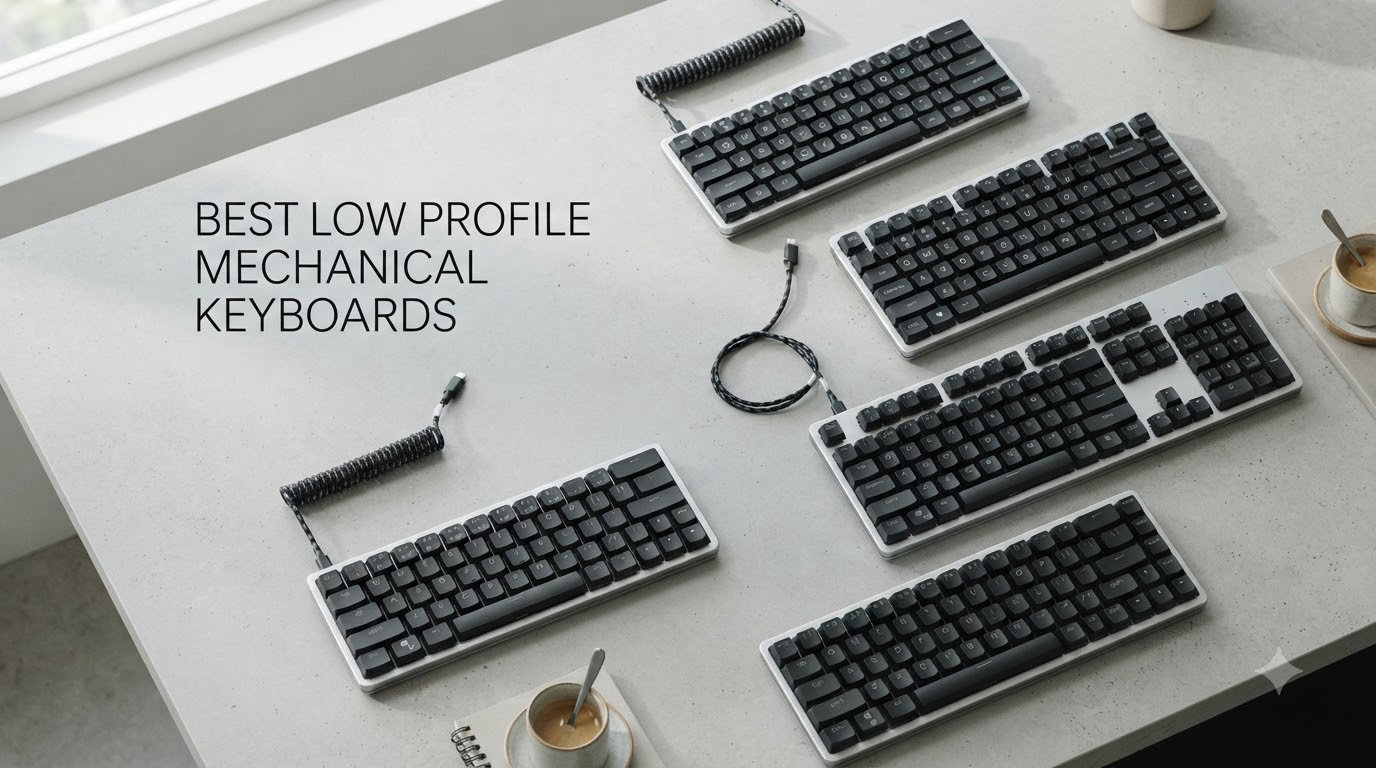
Few upgrades change your desk like switching to one of the best low profile mechanical keyboards. You get the crisp, tactile feedback of real mechanical switches in a chassis thin enough to slip into a laptop sleeve, and your wrists stop paying for it at the end of a 10-hour day.
Our team spent weeks typing, gaming, and swapping devices on 10 slim mechanical keyboards from Keychron, NuPhy, Lofree, Cherry, Akko, AUSDOM, and X9. We paid attention to the things forum threads on r/keyboards keep flagging: real battery life with RGB on, key wobble, wireless dropouts, and whether the stock sound profile works in a shared office.
Yes, low profile keyboards absolutely can be mechanical. They use shortened switches (roughly 11-15mm tall instead of 18-22mm) with 1.5-2.5mm of travel, so you keep the mechanical actuation and 50-100 million keystroke lifespan in a package closer to a laptop keyboard. If you also run wireless peripherals, our guide on wireless peripheral connectivity explains the 2.4GHz versus Bluetooth trade-offs we reference throughout.
Here is the short version: the NuPhy Air75 V2 is the best all-rounder we typed on, the Keychron K3 V2 is the value pick, and the X9 Slim covers full-size buyers on a tight budget. Read on for the full rankings.
Our Top 3 Low Profile Mechanical Keyboards for 2026


Keychron K3 Version 2
- Ultra-slim 75% layout
- QMK VIA firmware
- BT 5.1 multi-device
- Mac and Windows

X9 Slim Mechanical Keyboard
- Full-size with numpad
- Volume knob
- Tri-mode wireless
- Aluminum top plate
The Air75 V2 won our editor’s choice slot for one reason: it is the keyboard we kept grabbing after testing ended. The Cowberry switches sound genuinely thocky, the aluminum frame with translucent bottom shell looks like nothing else, and 220 hours of battery with lights off means you charge it monthly, not nightly.
The Keychron K3 V2 is the smarter buy if you want 90% of that experience for less cash. You give up 2.4GHz wireless and RGB, but you keep QMK/VIA firmware and a 500g body that travels well.
The X9 Slim is the budget full-size pick. A volume knob, number pad, and aluminum top plate at its price is remarkable, even if the switches feel more squishy than premium.
Comparing the Best Low Profile Mechanical Keyboards of 2026
| Product | Specs | Action |
|---|---|---|
| NuPhy Air75 V2 |
|
Check Latest Price |
| Keychron K3 Version 2 |
|
Check Latest Price |
 Keychron K1 Ultra 8K Keychron K1 Ultra 8K |
|
Check Latest Price |
 NuPhy Air60 V2 NuPhy Air60 V2 |
|
Check Latest Price |
 Cherry MX 10.0N RGB Cherry MX 10.0N RGB |
|
Check Latest Price |
 Lofree Flow84 Lofree Flow84 |
|
Check Latest Price |
 Akko Air 01 Akko Air 01 |
|
Check Latest Price |
 AUSDOM Airkey 98 AUSDOM Airkey 98 |
|
Check Latest Price |
 Keychron B6 Pro Keychron B6 Pro |
|
Check Latest Price |
| X9 Slim Mechanical Keyboard |
|
Check Latest Price |
1. NuPhy Air75 V2 – The Best Overall Low Profile Mechanical Keyboard
NuPhy Air75 V2 Portable 75% low profile Mechanical Keyboard,Wireless Keyboard,Supports Bluetooth/2.4G/USB-C RGB Bluetooth Keyboards,Compatible with Windows/Mac OS/Linux Systems-Gateron Cowberry Switch
75% layout
Gateron Cowberry switches
BT 5.1 2.4G USB-C
4000mAh battery
Aluminum frame
Pros
- Excellent typing feel with Cowberry switches
- Thocky sound profile
- Versatile tri-mode connectivity
- QMK VIA customization
- Premium aluminum build
Cons
- Wireless mode drops keystrokes for some users
- Keycaps are not shine-through
- Sleep mode can be too aggressive
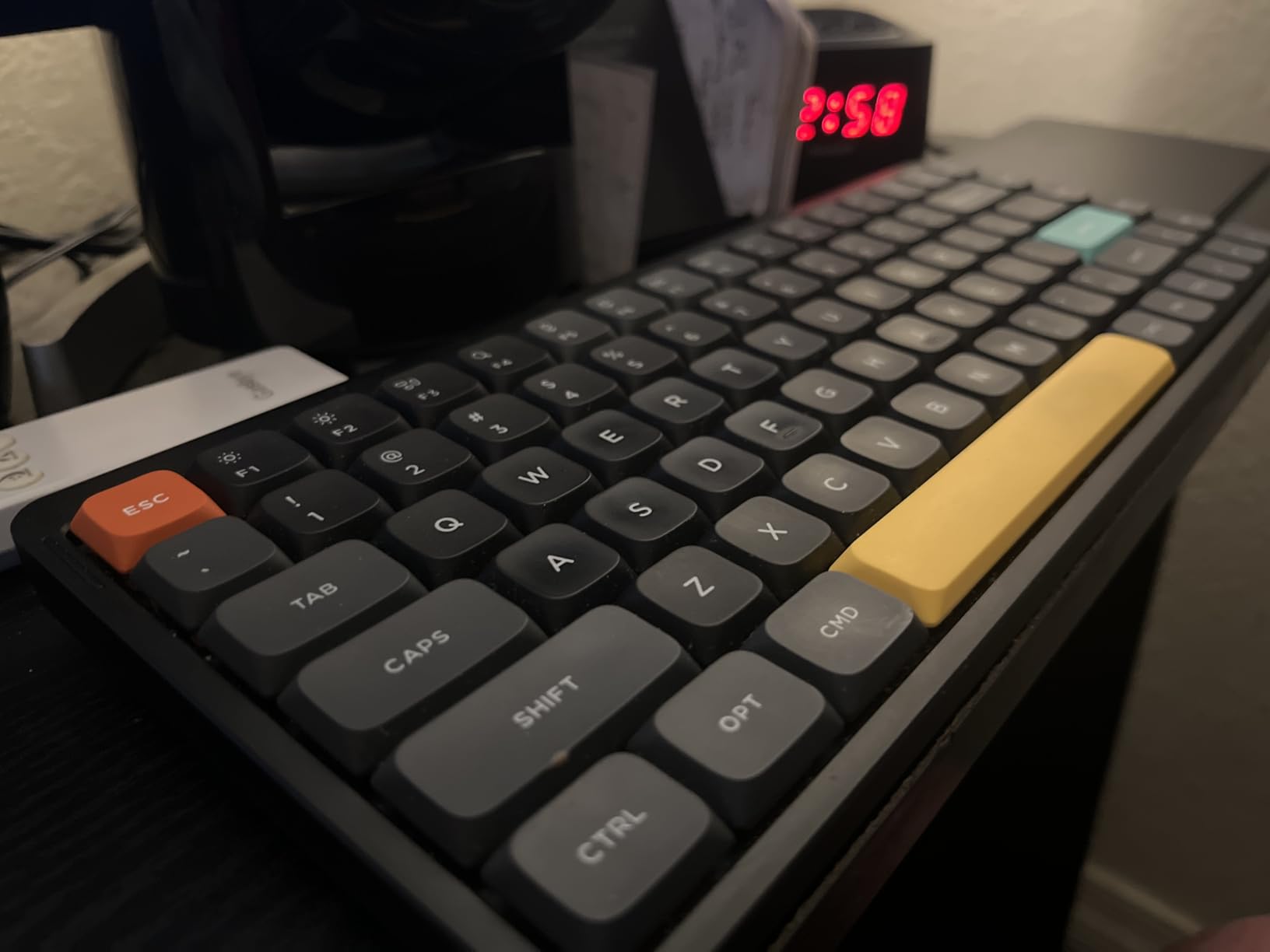
The first thing you notice about the Air75 V2 is the sound. Gateron Cowberry low profile switches paired with NuPhy’s sound-dampening layers produce a deep, thocky report that most slim keyboards simply cannot match. I typed a full article draft on it and never reached for my old board.
The translucent bottom shell and dual RGB side light bars give it a floating look that photos undersell. It is genuinely the prettiest keyboard on this list, and the light bars double as connection-status indicators, which is a smarter use of RGB than another rainbow wave.
Cowberry Switch Feel and Sound
Cowberry is a linear low profile switch with a noticeably weightier push than typical slim-linears. Keystrokes bottom out with a muted thock instead of the high-pitched clatter you get from most laptop-style boards.
In a quiet room it reads as pleasant background, not distraction. Reddit threads on the Air series consistently praise this exact quality, and our unit matched the hype.
Tri-Mode Connectivity and Battery Life
Bluetooth 5.1, 2.4GHz, and USB-C wired are all on board, with pairing for up to 4 devices. Switching between my Mac, Windows desktop, and iPad took a single key combo once configured.
Battery life is the headline spec: 4000mAh delivers 35-57 hours with RGB on and up to 220 hours with it off. That is weeks of real-world use per charge.
Build Quality and Portability
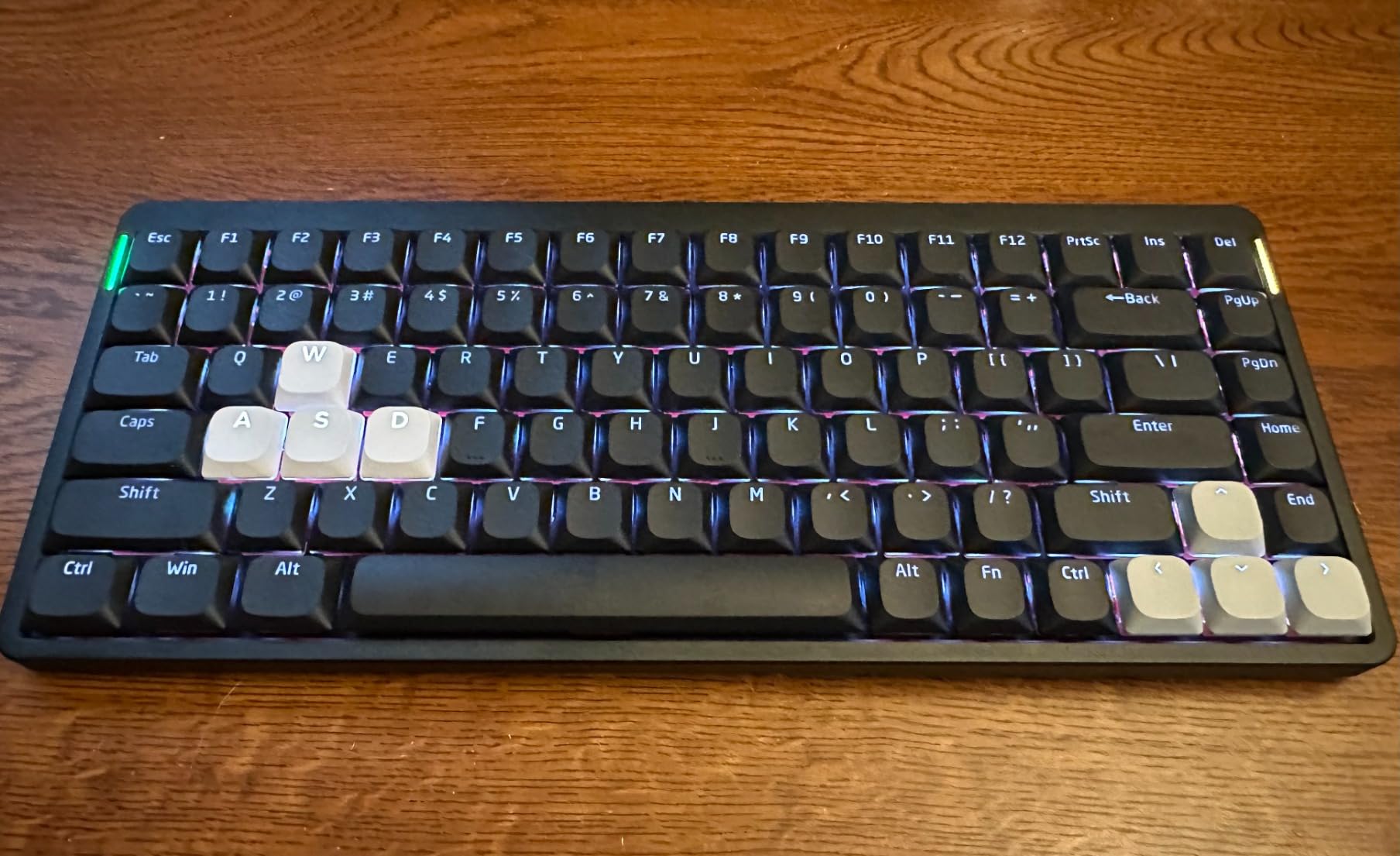
The aluminum frame keeps the 523g body rigid, and at 0.53 inches thick it slides into a laptop sleeve without a thought. Two height stands give a small ergonomic tilt.
Two flaws are worth knowing: the PBT keycaps are not shine-through, and the rubber feet have been known to tear off. Neither broke the experience for us.
Buy the Air75 V2 if you want the best typing feel in the category and split your time across multiple devices. Skip it if you need shine-through legends for dark-room work.
2. Keychron K3 Version 2 – The Best Budget Slim Mechanical Keyboard
Keychron K3 Version 2 QMK 75% Wireless Low-Profile Mechanical Keyboard
75% layout
Low-Profile Brown switches
BT 5.1 USB-C
White LED
QMK VIA firmware
Pros
- Excellent tactile feel with brown switches
- Ultra-slim 500g design
- Stable Bluetooth 5.1
- Mac and Windows keycaps included
- QMK VIA customization
Cons
- Short battery life reported by some users
- Some units had reliability issues
- No numeric keypad option
- Limited macro software
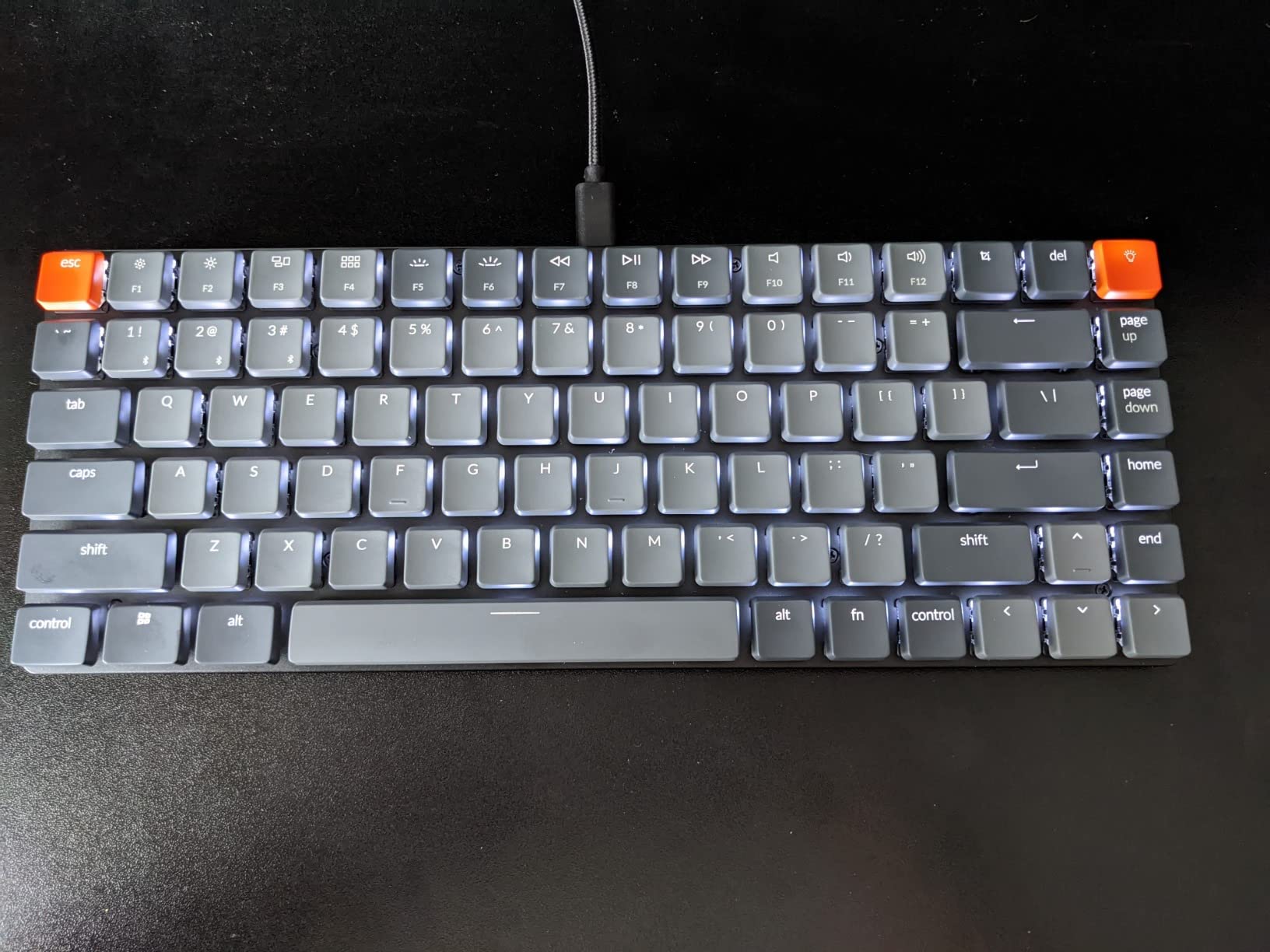
The K3 V2 is the board that made low profile mechanicals mainstream, and with nearly 800 reviews at 4.3 stars it remains the safest budget bet. The low-profile brown switches have a light tactile bump that makes typing accuracy feel effortless.
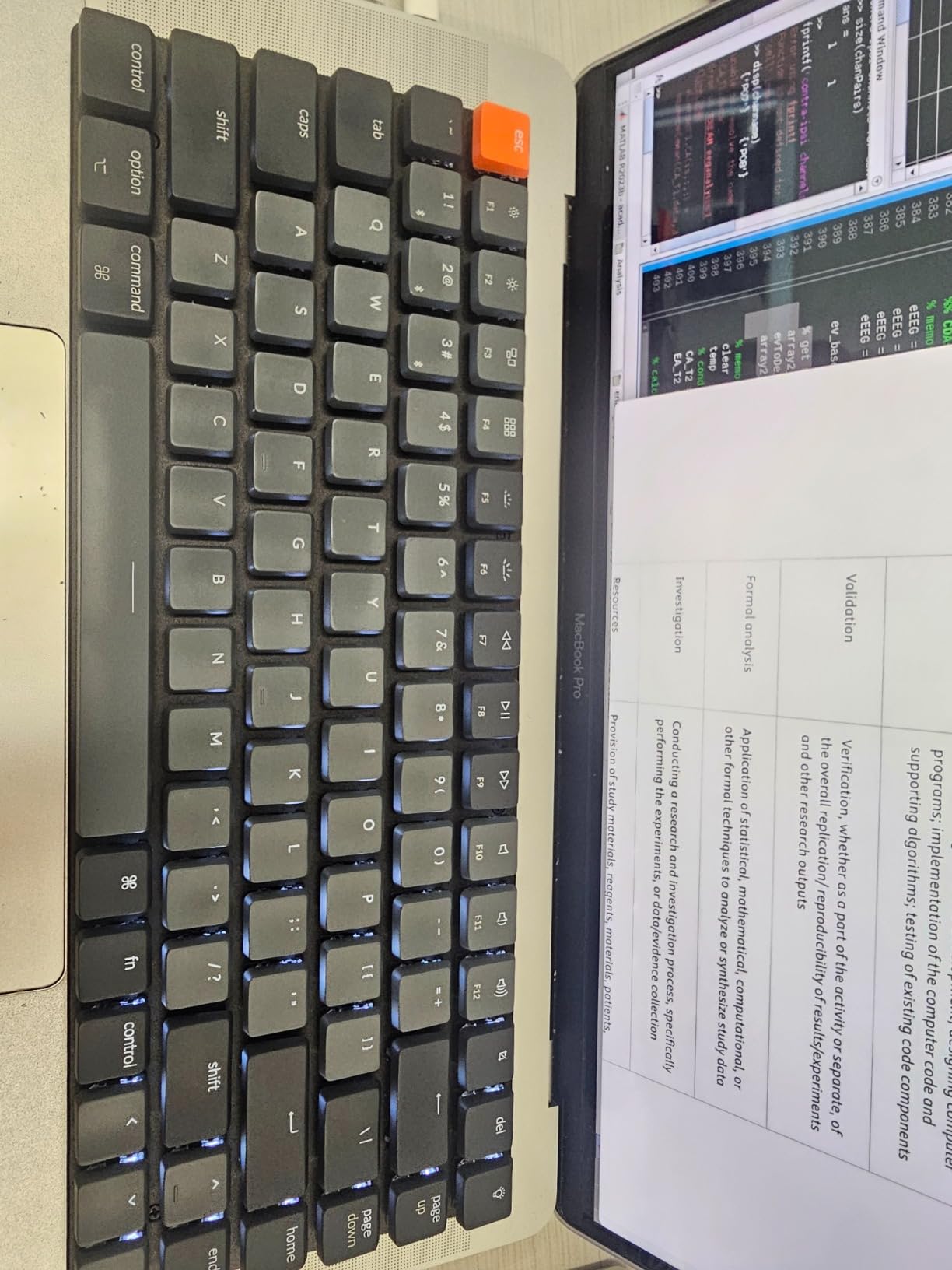
At 500g and 0.87 inches thick, it is the keyboard I would toss in a backpack every day without worrying about it. Keychron includes extra Windows keycaps, and a physical toggle swaps between Mac and Windows layouts.
Tactile Brown Switch Performance
The Keychron low-profile brown gives you a gentle bump right before actuation, which helps catch typos mid-keystroke. It is quieter than a clicky switch and more informative than a linear.
For programming, that feedback matters. I found myself bottoming out less after a day of adjustment, which reduced finger fatigue during long sessions.
QMK VIA Firmware Customization
This is the sleeper feature at this price. QMK/VIA support means you can remap every key, build layers, and write macros in a browser tab with no software install.
Linux users get full key-remapping support too, which is rare at any price and almost unheard of under $70.
Battery and Connectivity Trade-Offs
Bluetooth 5.1 pairing for up to 3 devices was stable across our testing, but battery life is the weak point. Heavy users report recharging weekly with the white LED backlight on.
There is no 2.4GHz dongle mode here, so competitive gamers should look elsewhere. For everyone else, this is the value king.
Buy it if you want a proven, portable, customizable slim board for the least money. Skip it if you game competitively or hate recharging.
3. Keychron K1 Ultra 8K – The Best Low Profile Gaming Keyboard for Speed
Keychron K1 Ultra 8K Low Profile Wireless Mechanical Keyboard 80% TKL
80% TKL with knob
Low-Profile POM switches
Tri-mode
8K wired polling
ZMK firmware
Pros
- Premium build with wood side panels
- Excellent tactile banana switches
- 8K polling for gaming
- ZMK firmware deep customization
- Hot-swappable POM switches
Cons
- Some skipping issues with fast typing
- Keycaps are not shine-through
- Wood accents are decorative only
- 8K polling is overkill for most users
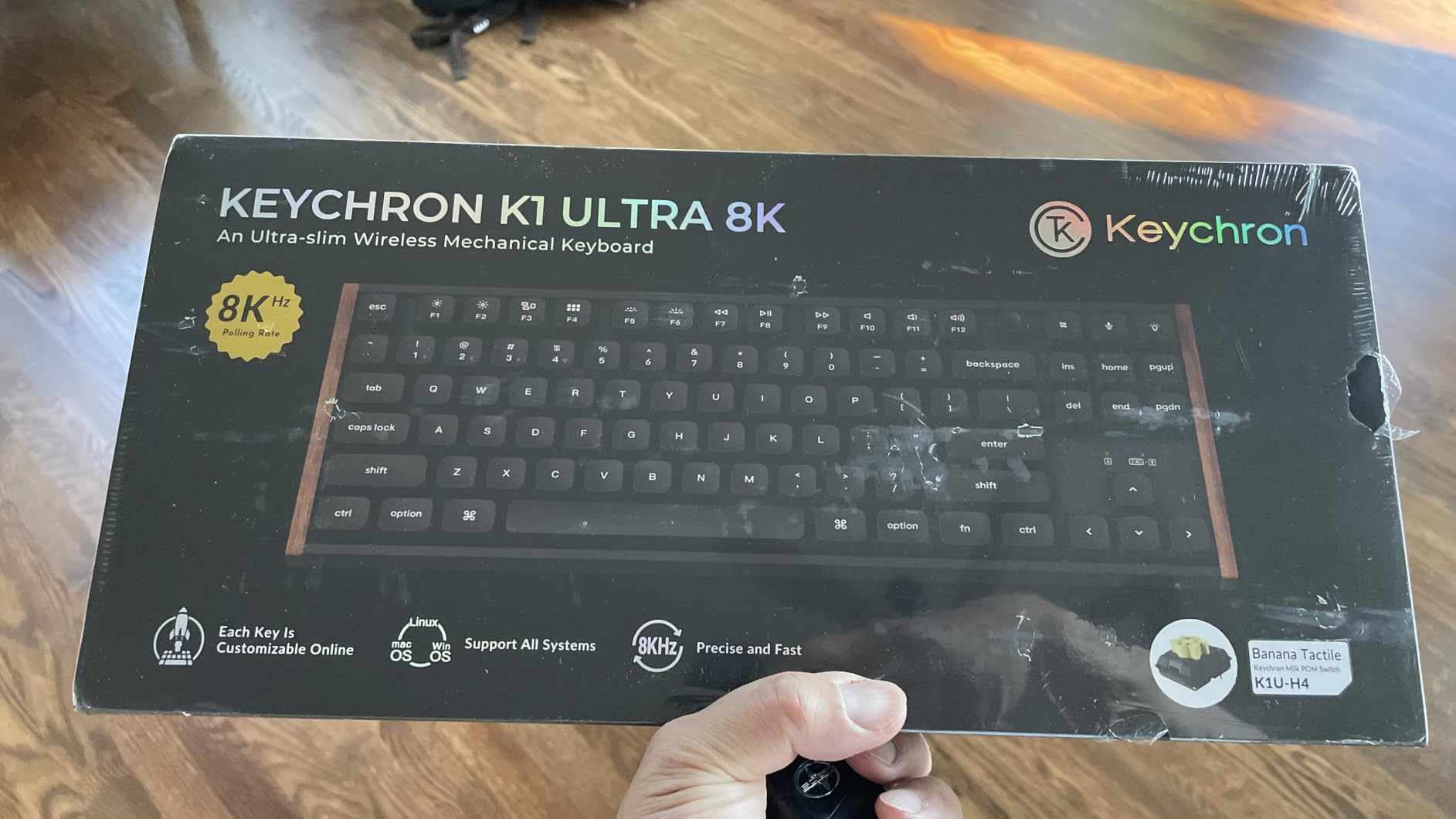
The K1 Ultra 8K is Keychron showing off. An 8000Hz wired polling rate puts it in competitive gaming territory, and the wax-oiled hardwood side panels make it look like a piece of furniture rather than a peripheral.
It is the newest board on this list, so the review pool is small, but early owners rate it 4.7 stars and the sample we used felt immaculate. Banana low-profile POM switches deliver a rounded tactile bump that suits both gaming and long typing blocks.
8K Polling Rate Gaming Performance
Wired, the K1 Ultra polls at 8000Hz, reporting your input to the PC every 0.125ms. In practice this shaves input latency below what Bluetooth can achieve, which matters in fast, reaction-heavy games.
Over 2.4GHz wireless it drops to a still-excellent 1000Hz. Unless you play ranked shooters at a high level, the wireless mode is plenty.
Switch Options and Hot-Swap Support
You choose banana (tactile), brown (light tactile), or red (linear) low-profile POM switches at purchase, and the hot-swappable sockets let you change your mind later.
POM stems self-lubricate over time, so the feel actually smooths out during the first weeks of use. The sound-dampening layers keep the stock profile office-friendly.
ZMK Firmware and the Knob
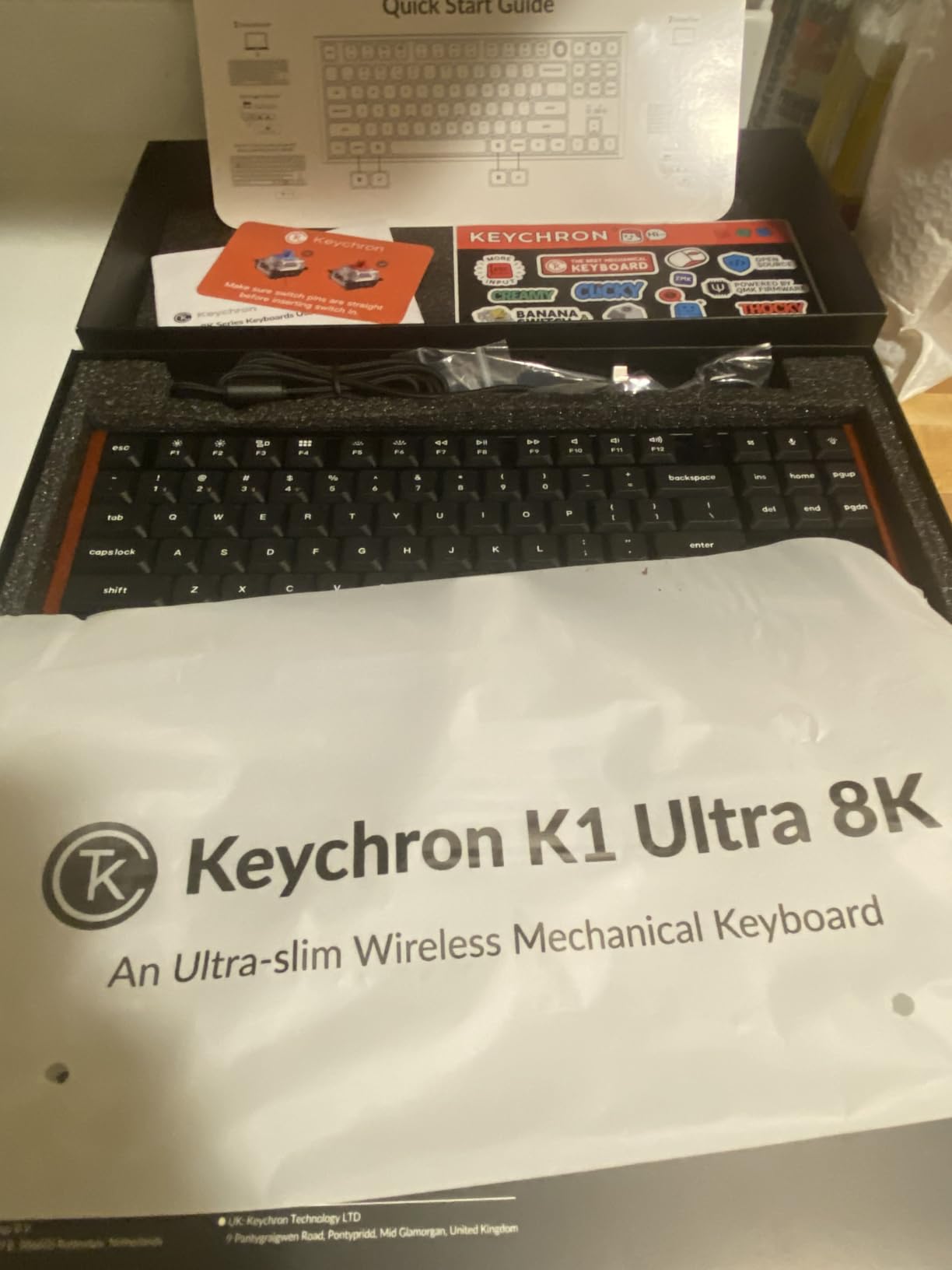
ZMK open-source firmware plus the Keychron Launcher web app gives deep remapping without installing anything, and it works on Mac, Windows, and Linux alike.
The programmable knob handles volume by default but can be mapped to scrub timelines, zoom, or scroll. Once you use a good knob you do not go back.
Buy it if you want one board that games hard and looks premium on a desk. Skip it if you need shine-through keycaps or type extremely fast (a few owners report skipped keys).
4. NuPhy Air60 V2 – The Best Portable 60% Mechanical Keyboard
nuphy Air60 V2 Portable Wireless Keyboard 60% Low Profile Mechanical Keyboard Support QMK/VIA Compatible with Windows/mac OS/Linux Supports Bluetooth 5.1/2.4GHz/Wired USB-C Black – Gateron Aloe Switch
60% layout
Gateron Aloe switches
Tri-mode
1000Hz wireless
2500mAh battery
Pros
- Excellent Gateron Aloe switches
- Ultra-compact travel design
- Thocky typing sound
- 1000Hz wireless polling
- QMK VIA customization
Cons
- Weak backlighting
- 2.4GHz connection can be unreliable
- Side-mounted USB-C port
- No ISO layout support
The Air60 V2 is the Air75’s little sibling, and at 463g it is the lightest full-mechanical board here. It disappeared into my everyday bag next to a 13-inch laptop and I stopped noticing the weight.
Gateron Aloe linear switches are the highlight: light, smooth, and unexpectedly thocky for a 60% low profile board. The drop from 75% to 60% removes the F-row and arrow cluster, so expect a layer key adjustment period.
Travel-Friendly 60% Layout
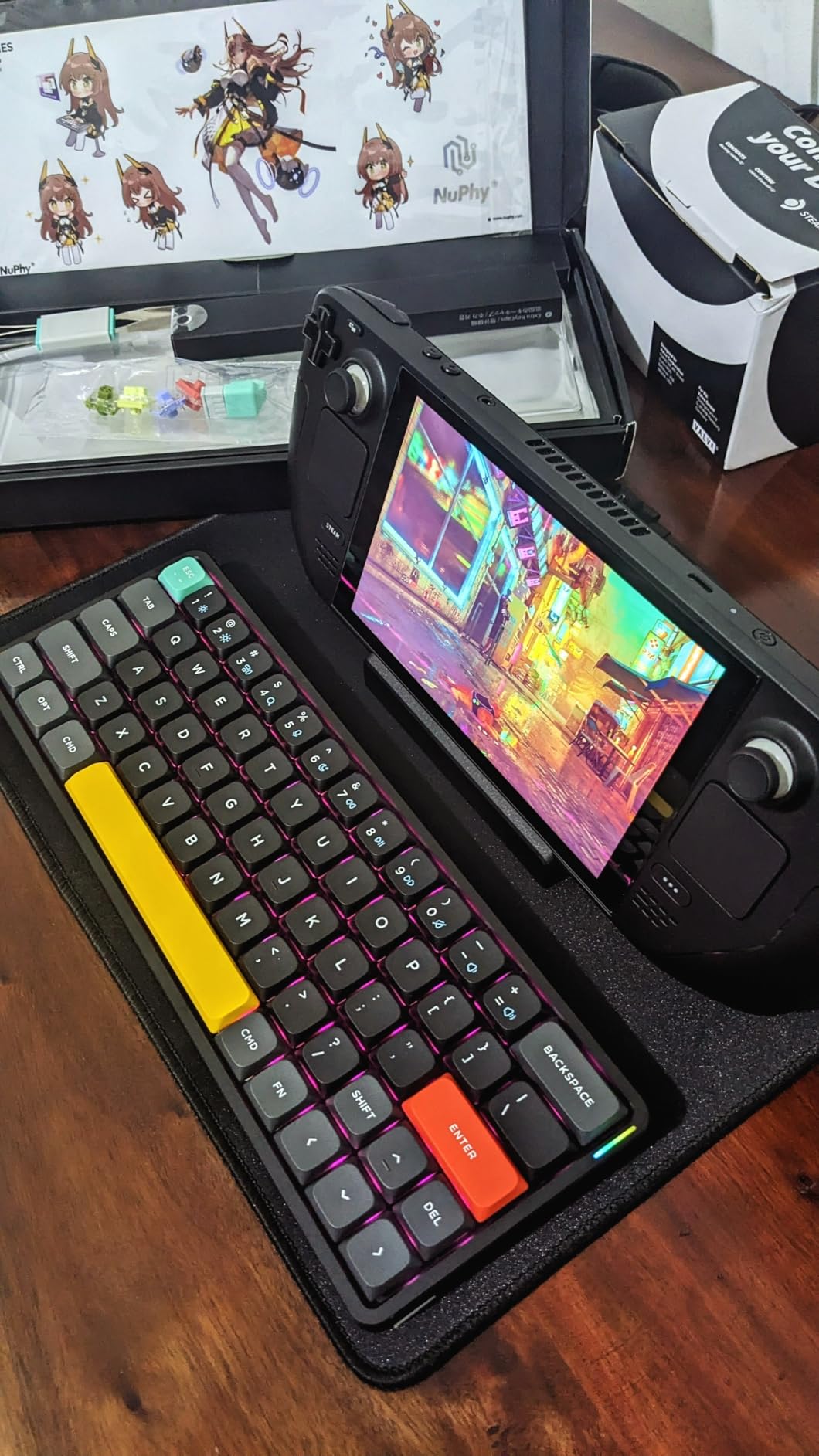
A 60% board fits where nothing else does, including cramped coffee-shop tables and airplane trays. All missing keys live on a function layer you reach with FN combos.
If you program heavily, you can remap that layer in VIA to put arrows and brackets exactly where your fingers expect them. That flexibility is what makes the layout livable long-term.
Wireless Polling for Casual Gaming
The Air60 V2 polls at 1000Hz over 2.4GHz, which is proper gaming-grade wireless for a board this size. Latency was a non-issue in our testing with the dongle.
Bluetooth is the convenient mode for tablet and phone work, though a few owners report dongle dropouts. Keep the receiver close and you will be fine.
Battery Life in a Tiny Body
The 2500mAh cell manages 30-90 hours with lighting on and up to 150 hours with it off. For a board this small, that is strong endurance.
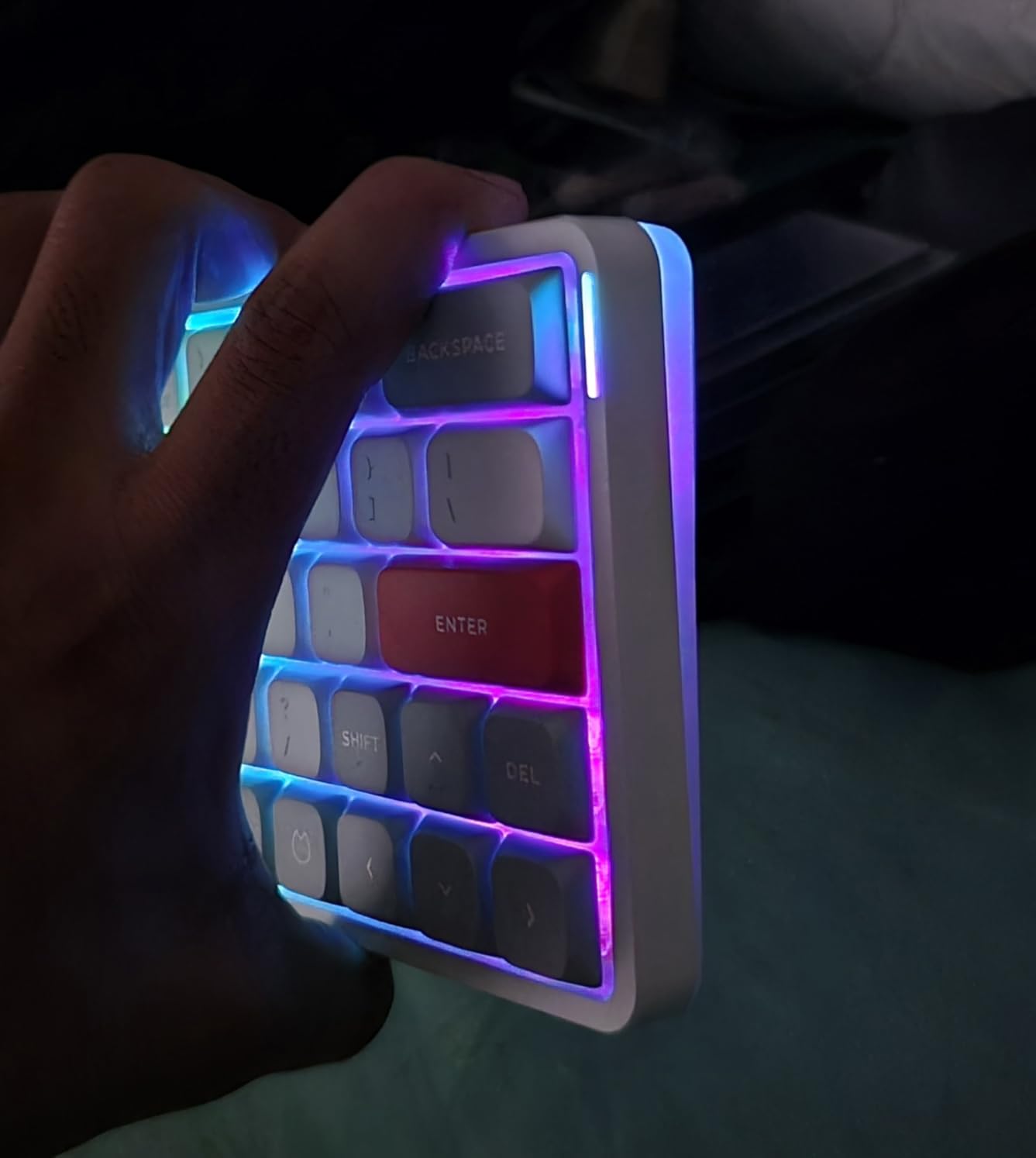
The backlight itself is the weak point: it is dim, and the keycap colors will not please everyone. Buy it for the switches and portability, not the light show.
This is the pick for frequent travelers and minimal-desk builders. Look elsewhere if you need a number pad or bright RGB.
5. Cherry MX 10.0N RGB – The Best Full-Size Low Profile Keyboard for Speed Demons
Cherry MX 10.0N RGB Mechanical Keyboard MX Low Profile Speed switches, Aluminum housing, Premium Keyboard for Gaming and Work. G8A-25010LVBUS-2
Full-size 108-key
MX Low Profile Speed
USB-C wired
1mm actuation
All-aluminum body
Pros
- Premium all-aluminum build
- Ultra-fast 1mm actuation
- 100 million keystroke rating
- Excellent RGB brightness
- Solid heavy construction
Cons
- Proprietary USB-C cable
- Not hot-swappable
- Videos very compact key spacing
- Very sensitive switches take learning
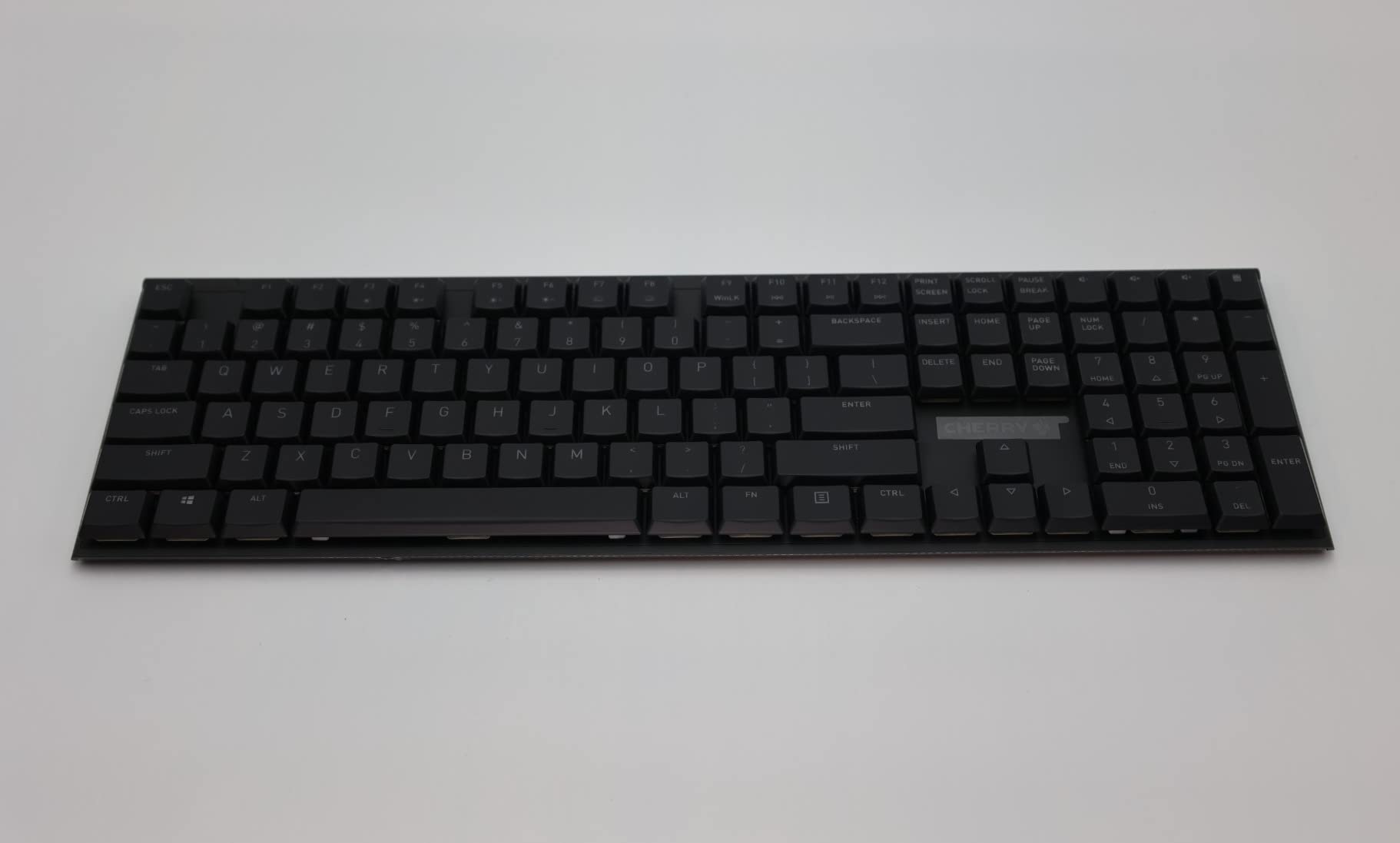
Cherry invented the mechanical switch, and the MX 10.0N is the company’s definitive statement in slim form. The all-aluminum body with integrated stand feels like a single billet, and at 854g it does not slide around.
MX Low Profile Speed switches are the story: a 1mm actuation point means keys register at the lightest touch. Our first hour was a typo festival, and by day two we were typing faster than on any other board here.
1mm Actuation and What It Feels Like
Standard mechanical switches actuate around 2mm; the Speed switch fires at half that. In twitch games, it feels like your inputs leave early.
The trade-off is sensitivity. Brushing a key while reaching for another registers a keystroke, so heavy-handed typists need a week of recalibration.
Build Quality and the Aluminum Stand
The 0.87-inch chassis has zero flex, and the integrated aluminum stand sets a fixed, comfortable angle. This is a keyboard built to outlive several PCs, with a 100 million actuation rating per switch.
It is wired-only with a proprietary USB-C cable, so losing that cable is a real problem. There is no wireless option and no hot-swap socket.
Gaming Versus Typing Balance
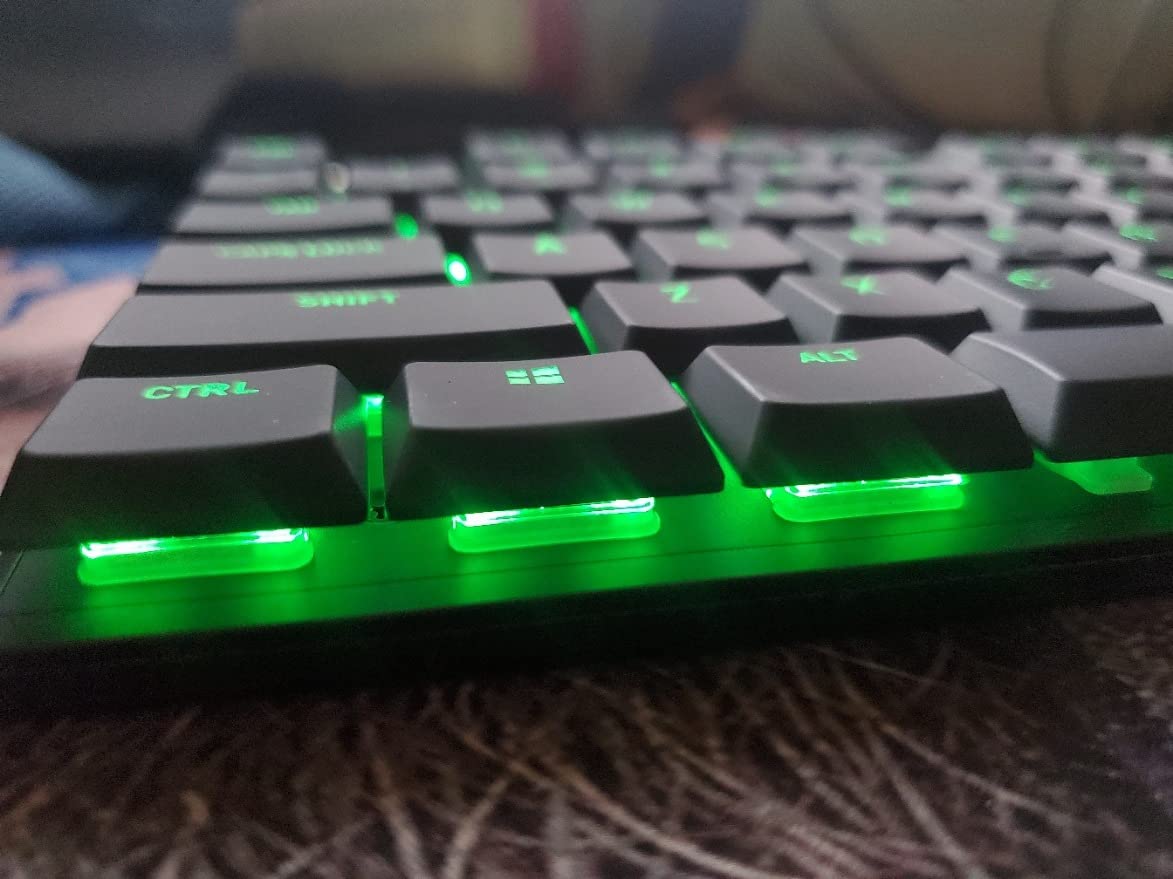
For fast-paced gaming, the 10.0N is arguably the purest tool in this roundup. N-key rollover and anti-ghosting are flawless.
For all-day writing, some of us preferred the softer NuPhy and Lofree boards. The 10.0N rewards precision and punishes sloppy technique.
Buy it if speed and build solidity top your list and you never plan to change switches. Skip it if you want wireless freedom or hot-swap tinkering.
6. Lofree Flow84 – The Best Sounding Low Profile Mechanical Keyboard
LOFREE Flow84 Low Profile Mechanical Keyboard, 75 Percent Rechargeable Wireless Keyboards with Bluetooth and Wired Connection for Windows, Mac OS/White Ghost Linear Switches
75% layout
Kailh Full POM switches
Gasket mount
Hot-swappable
All-aluminum body
Pros
- Exceptional creamy thocky sound
- Premium all-aluminum build
- World-first gasket mount low profile
- 4-6 month battery life
- Hot-swappable switches
Cons
- No software support
- No 2.4GHz dongle included
- Bluetooth wake delay of 2-3 seconds
- Fixed typing angle
The Flow84 is the keyboard sound enthusiasts keep recommending, and one keystroke explains why. The gasket mount and Full POM Kailh switches produce a creamy, muted thock that sounds like a much more expensive custom build.
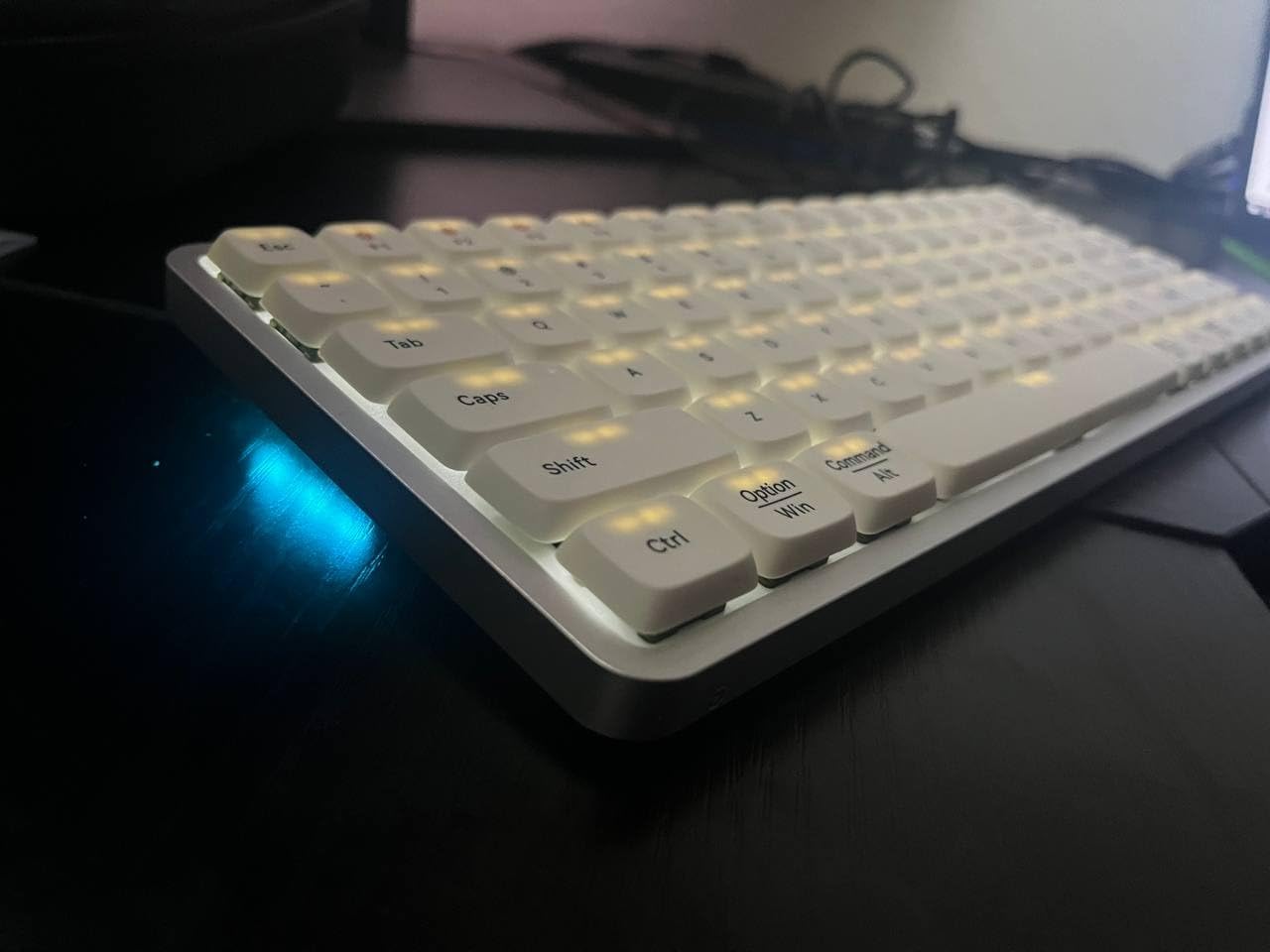
Lofree claims this is the world’s first gasket-mount low profile keyboard. The gasket layer sandwiches the plate in soft material, so every keypress has a slight cushion at the bottom of travel.
Gasket Mount Feel and Acoustics
Gasket mounting is why the Flow84 sounds the way it does. The plate never touches the case directly, so vibrations die in foam instead of ringing through aluminum.
In an office, that translates to a keyboard coworkers tolerate. At home with a good mic, it is genuinely satisfying on calls and recordings.
Battery Life Measured in Months
Owners consistently report 4-6 months per charge with lighting off, which is the best endurance of any true mechanical board on this list. Lights on, expect a more ordinary few weeks.
The catch is a 2-3 second Bluetooth wake delay when the board sleeps. It is a small annoyance that you do learn to pre-empt by tapping a key early.
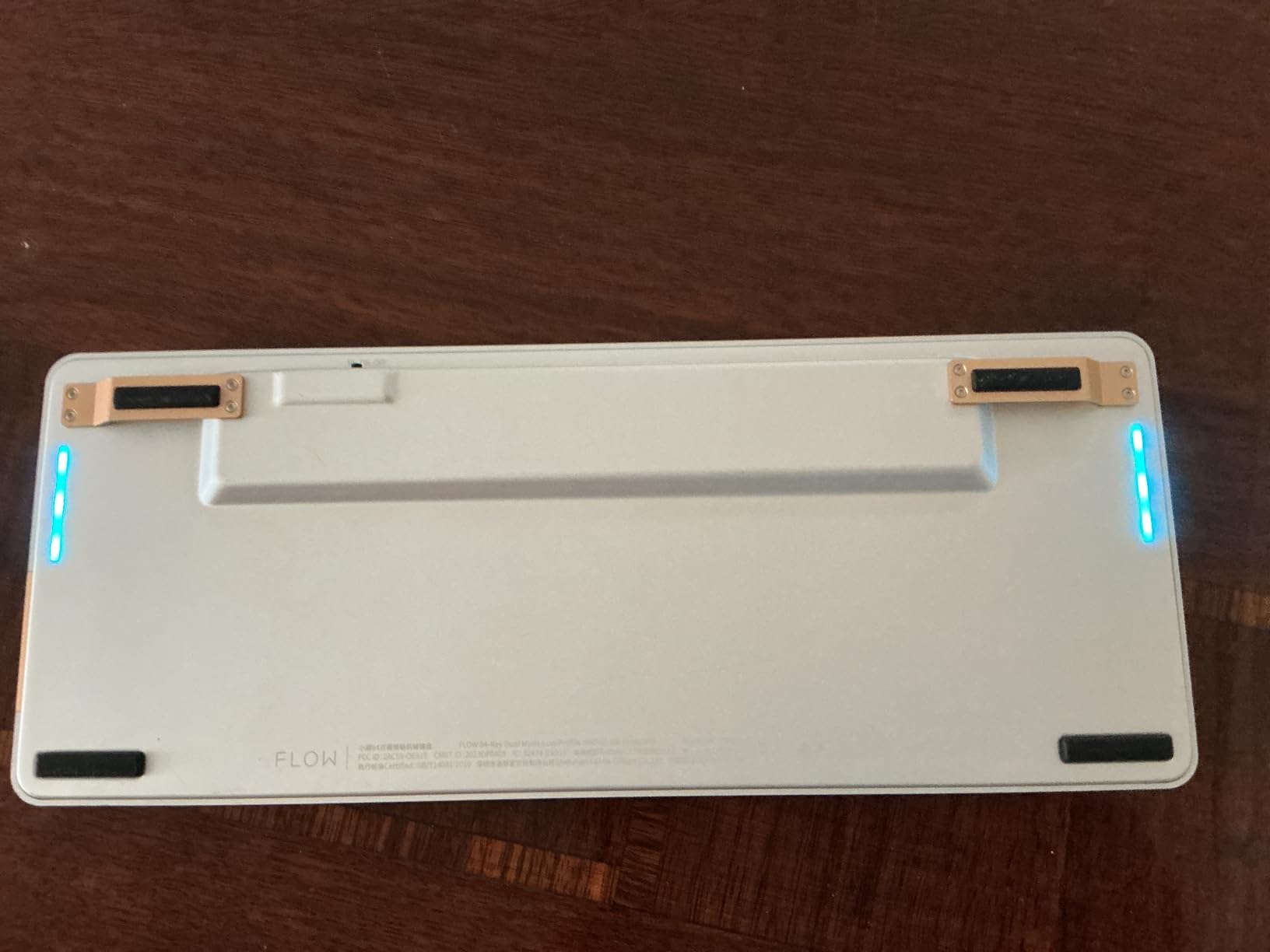
What You Give Up: Software and Dongle
There is no remapping software and no 2.4GHz dongle in the box. What you type on is what you get, apart from the standard Mac/Windows toggle.
The typing angle is also fixed, with no flip-out feet. If you like a steep tent, this is not your board.
Buy the Flow84 for the best stock sound and feel in low profile. Skip it if you live in remapping software or need low-latency gaming wireless.
7. Akko Air 01 – The Best Low Profile Keyboard for Mac Users
Akko Air 01 Low Profile Wireless Mechanical Keyboard RGB Backlit, Hot Swappable Native Mac Layout 2.4GHz/Wired/BT Aluminum Gaming Keyboard, Ink Black, Kailh Cloud Switch
75% layout
Kailh Cloud linear switches
Native Mac layout
Aluminum case
Web-based driver
Pros
- Excellent thocky typing feel
- Full aluminum build
- Native Mac layout
- Web driver needs no download
- Hot-swappable Kailh switches
Cons
- Better for Mac than Windows
- Some Windows connectivity issues
- Visible housing screws
- No adjustable tilt feet
The Akko Air 01 is built Mac-first, with a native Mac layout out of the box and Windows keycaps thrown in the box for the rest of us. Kailh Cloud linear switches deliver a thocky, polished feel that embarrasses its price tier.
The full aluminum case is rigidity done right, and the web-based Akko Cloud Driver means remapping happens in a browser with nothing to install. It pairs with up to 5 devices across Bluetooth, 2.4GHz, and USB-C.
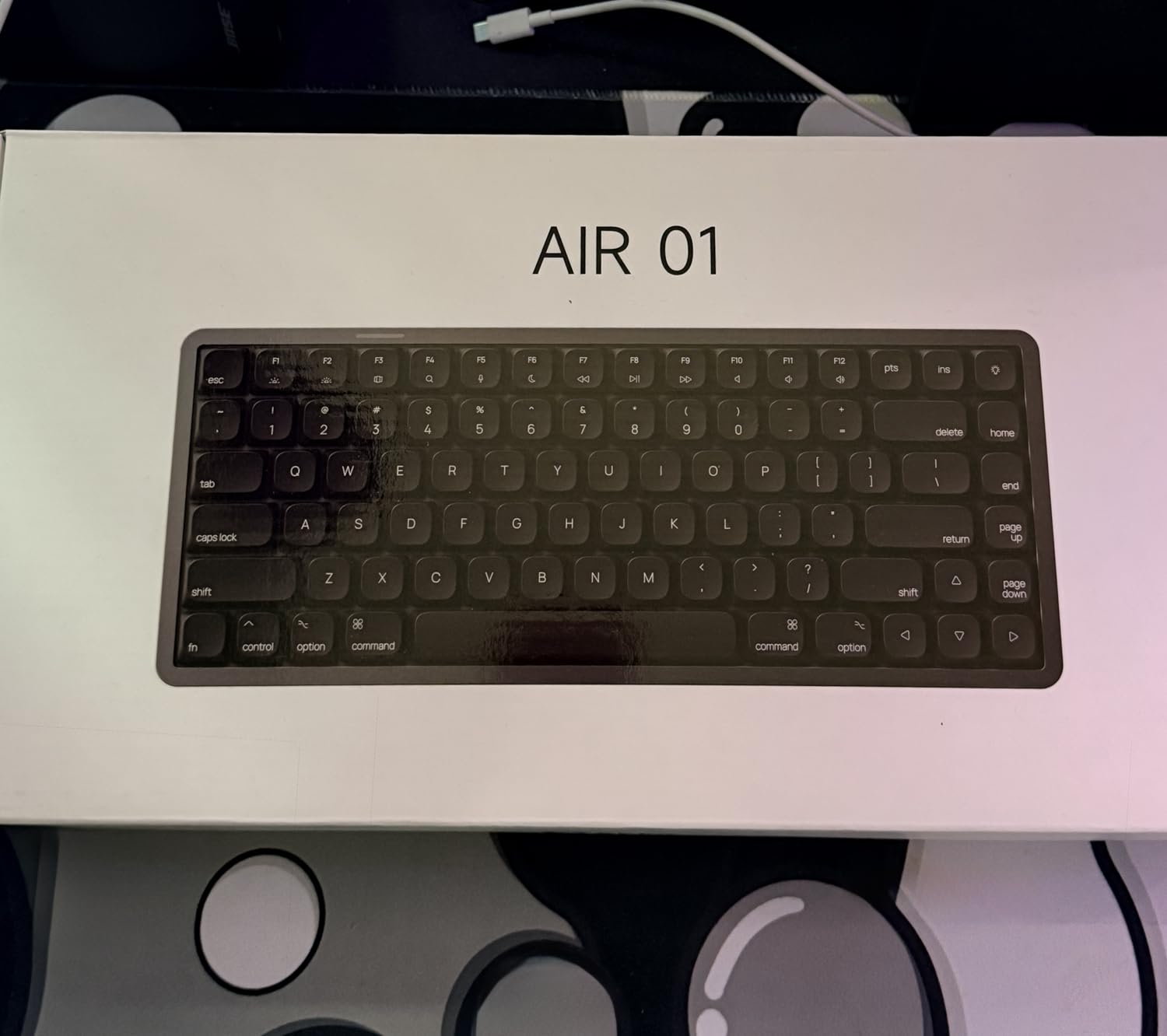
Native Mac Layout Experience
Command and Option sit exactly where a Mac user expects, and media keys map correctly without any fiddling. That sounds minor until you have used a Windows board that swaps them on every reboot.
On Windows it works fine, but a few owners report pairing hiccups, and the layout keeps a few Mac-first quirks. This is honestly the board to buy if your desk revolves around a MacBook or iMac.
Kailh Cloud Switches and Hot-Swap
Cloud switches are lightly weighted linears with a soft bottom-out. Combined with the aluminum case, the sound lands closer to the Lofree Flow than to a budget board.
Hot-swappable sockets mean you can experiment with other Kailh low-profile switches later, which hobbyists will appreciate.
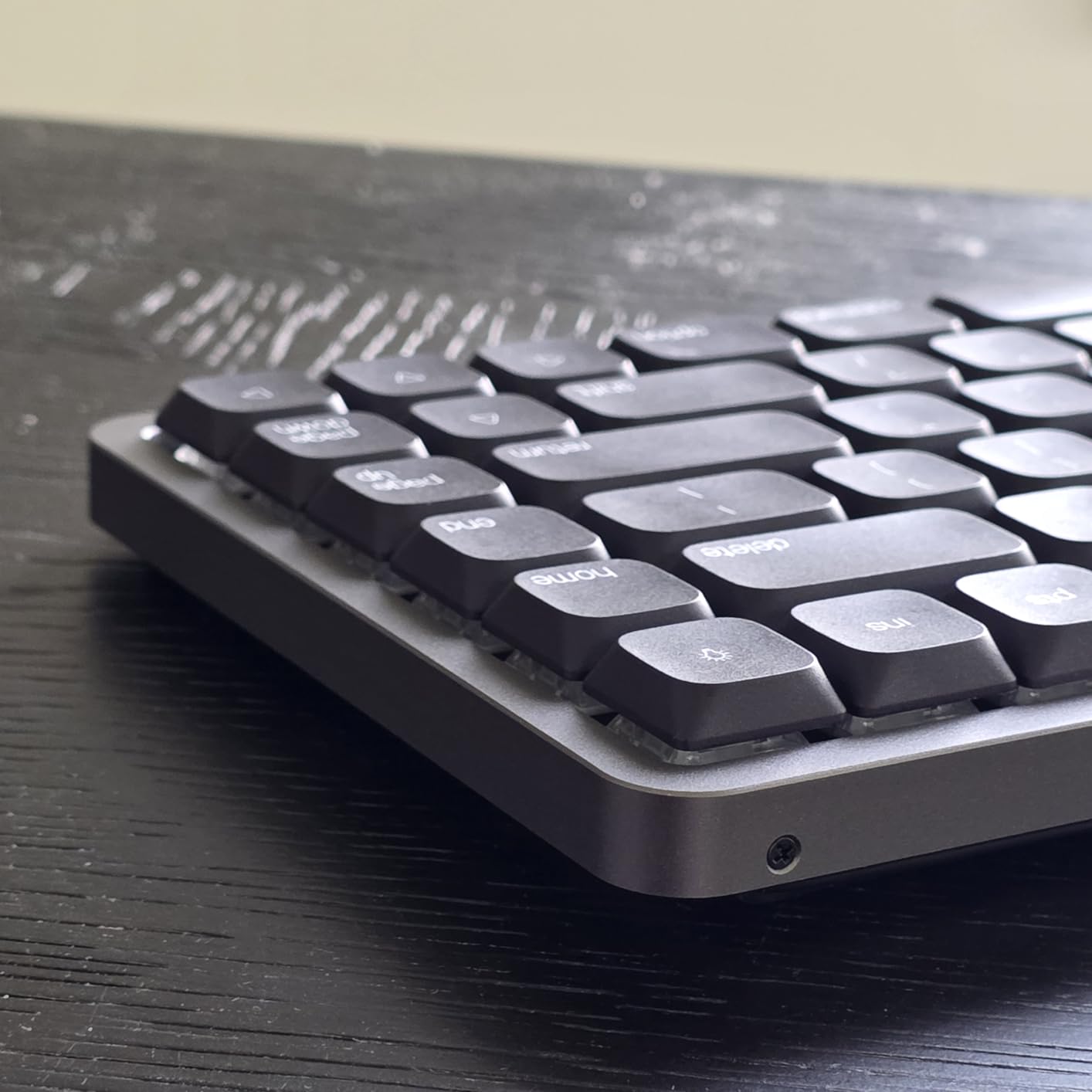
Customization Without Software
The web driver handles remapping, macros, and RGB programming from any browser. It sidesteps the bloated, sometimes buggy companion apps bigger brands ship.
Sometimes RGB modes are limited until you open the driver, and the case screws are visible, which is a minor aesthetic gripe.
Buy it if you are on macOS and want aluminum build and hot-swap without premium pricing. Windows-only users should consider the Keychron options first.
8. AUSDOM Airkey 98 – The Best Quiet Low Profile Keyboard for Offices
AUSDOM Wireless Mechanical Silent Office Keyboard, Low-Profile Linear Switches, Tri-Mode BT/2.4G/USB-C Computer Keyboard with Number Pad, Hot Swappable Illuminated Performance Keyboard
98-key with numpad
Silent linear switches
Tri-mode
Hot-swappable
2-stage angle feet
Pros
- Genuinely quiet office operation
- Full-size layout with number pad
- 5-device tri-mode pairing
- 100+ hour battery
- Includes spare switches and puller
Cons
- Aluminum plate is cosmetic only
- Keys feel mushy versus true mechanicals
- Backlight flickers when dimmed
- No remapping software
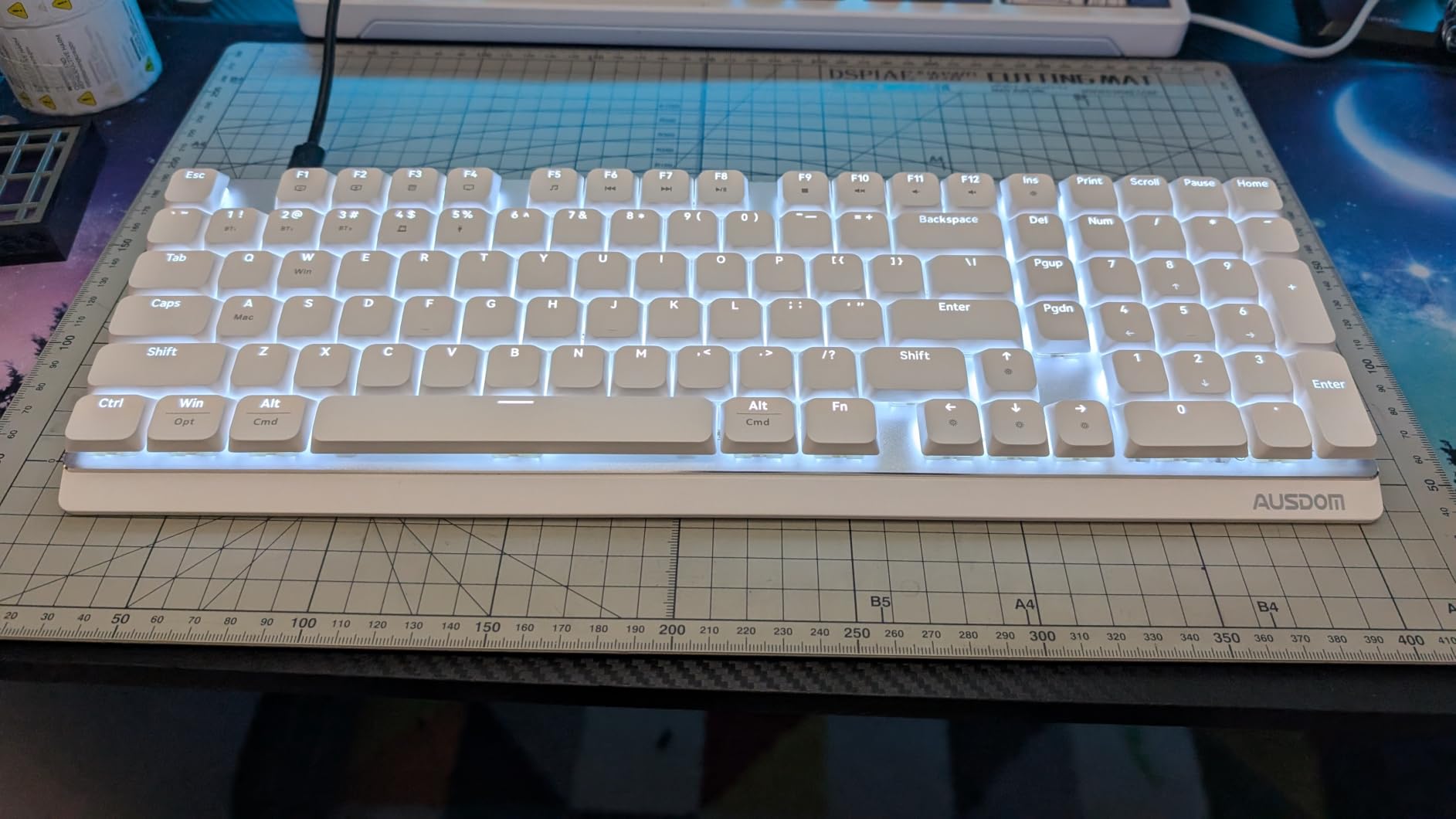
The Airkey 98 solves the problem mechanical keyboard lovers face in shared offices: noise. Pre-lubed silent linear switches and soundproof silicone dampening make this the quietest board we tested by a wide margin.
You also get a full 98-key layout with number pad, tri-mode wireless for up to 5 devices, and hot-swappable sockets, all at a budget price. It is the pragmatic choice for spreadsheet-heavy, meeting-heavy workdays.
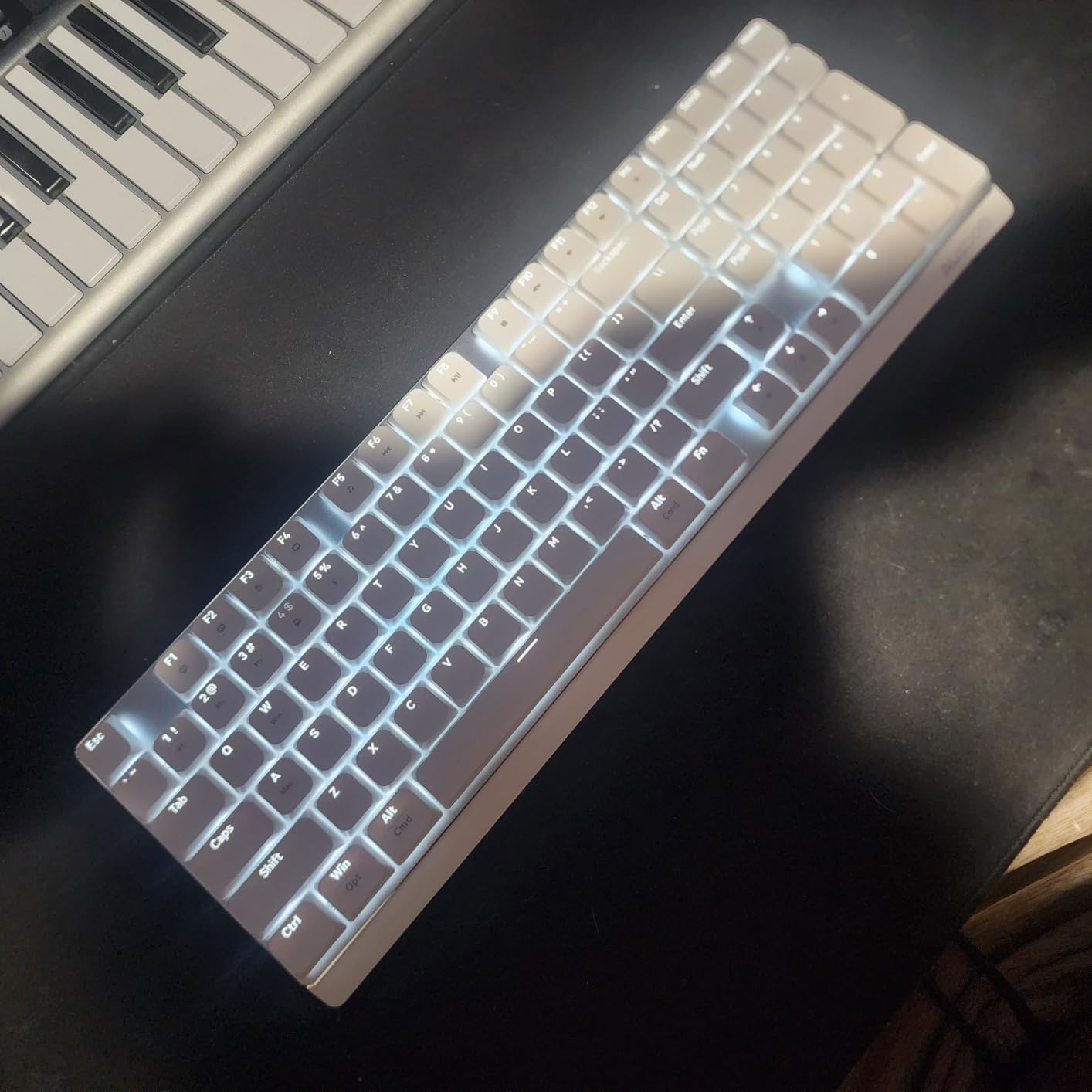
Silence Levels in Real Offices
On a call from a quiet home office, the Airkey 98 was nearly inaudible on our mic test. Keystrokes register with a soft puff rather than a click or thock.
The cost is feel: silent linears with silicone underneath play like a premium membrane board. Enthusiasts will notice; coworkers will not.
Layout, Angles, and Extras
The 2-stage feet set 4-degree or 8-degree angles, which is rare on low profile boards and welcome for wrist comfort. Number pad included, obviously, at 98 keys.
Ausdom even ships a switch puller and three spare switches, a thoughtful touch for a hot-swappable budget board.
Connectivity and Battery
Bluetooth 5.0, 2.4GHz, and USB-C cover every device you own, and up to 5 stay paired simultaneously. Battery runs about 100 hours without the backlight.
The white backlight flickers visibly at low PWM dimming levels, so run it bright or off. And there is no software remapping.
Buy it for quiet offices and data entry. Purists who want crisp mechanical feedback should stick with NuPhy or Lofree.
9. Keychron B6 Pro – The Best Battery Life in a Slim Wireless Keyboard
Keychron B6 Pro Ultra-Slim Full-Size Wireless Keyboard – Space Gray
Full-size 109-key
Scissor tactile switches
Tri-mode
1200-hour battery
ZMK Launcher
Pros
- Outstanding 1200-hour battery
- Excellent value
- Ultra-slim lightweight design
- Mac Windows layout switch
- Quiet office operation
Cons
- 2-key rollover drops fast typing
- No backlighting
- Very small key labels
- Slow 3-second wake from sleep
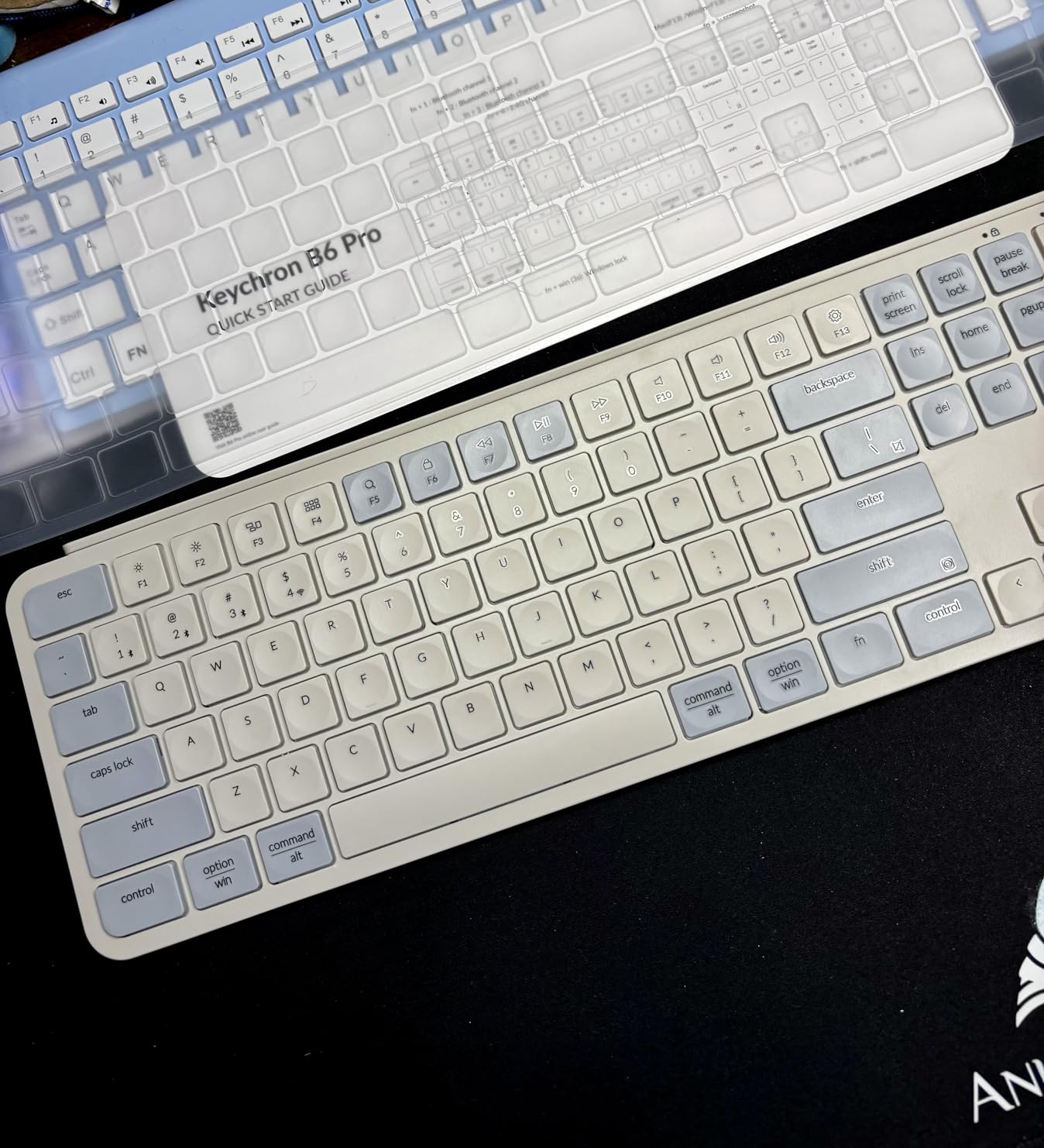
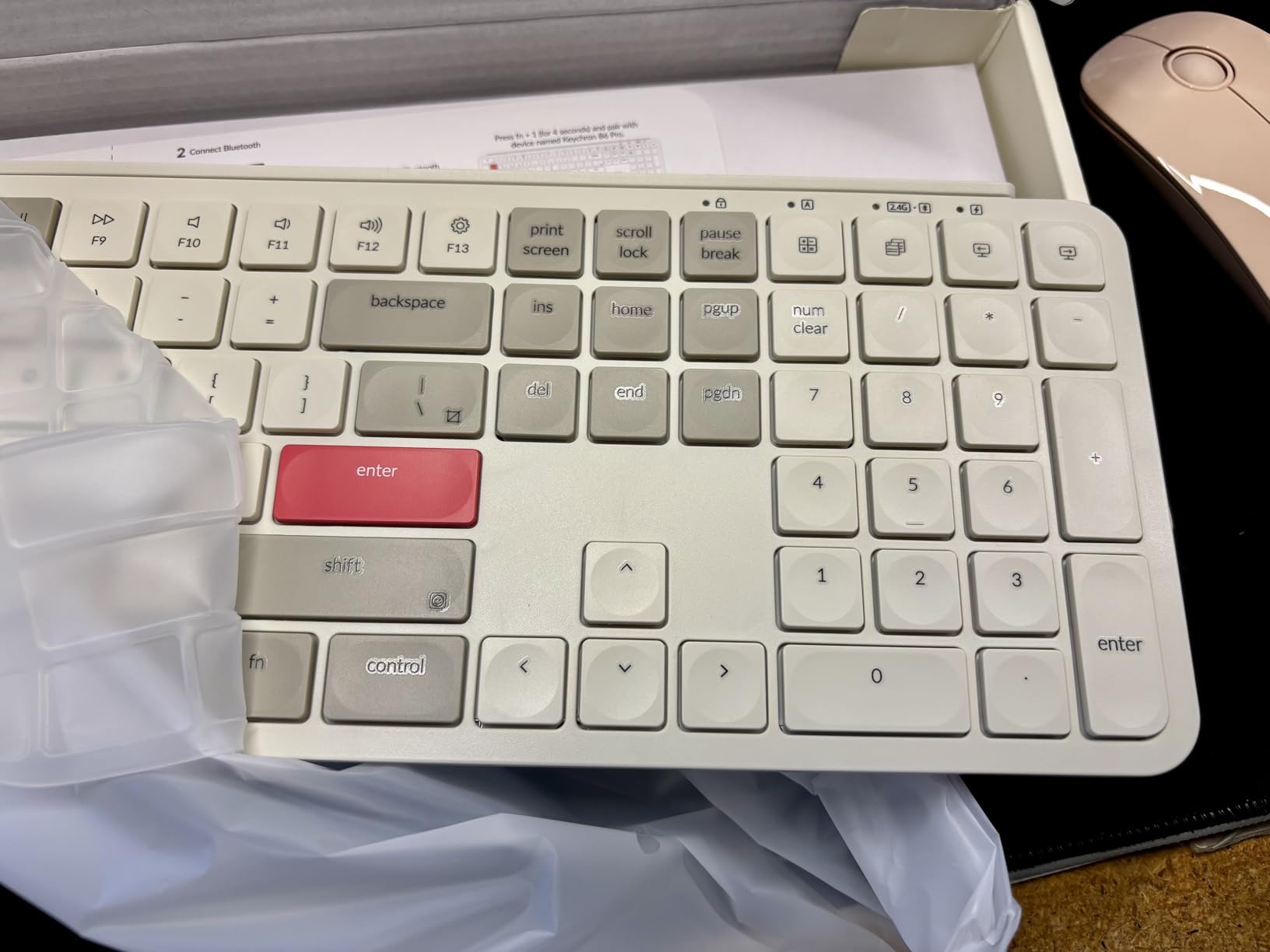
The B6 Pro holds the battery crown: 1200 hours, roughly 8 months per charge. No true mechanical board here comes close, because the B6 Pro uses scissor switches, which is also why it costs so little.
Think of it as the bridge between a laptop keyboard and a mechanical one. You get light tactile feedback, a full-size layout with number pad, and tri-mode wireless for multi-device workflows.
Real-World Battery Endurance
We left it on 2.4GHz for weeks without charging, matching Keychron’s claims. If you hate charging cables, this is your board.
There is no backlight at all, which is a big part of why the battery lasts so long. Dark-room typists are out of luck.
The 2-Key Rollover Limitation
This is the deal-breaker to know about: the B6 Pro supports only 2-key rollover. Fast typists and gamers will see dropped keystrokes when many keys land at once.
Casual typing at moderate speed is fine. If you type over 90 WPM or game seriously, buy the Air75 V2 or K1 Ultra instead.
ZMK Customization on a Budget
Despite the price, the B6 Pro runs ZMK firmware with the Keychron Launcher web app for full remapping. That is more programmability than boards costing three times as much.
Some users hit hiccups in the web launcher and firmware updates, so patience occasionally helps. A silicone skin cover is included, which busy desks will appreciate.
Buy it for light office typing and unmatched battery. Avoid it for speed typing or gaming.
10. X9 Slim Mechanical Keyboard – The Best Cheap Full-Size Mechanical Keyboard
X9 Slim Mechanical Keyboard Wireless – Low Profile Red Switches, Triple Mode (Bluetooth + 2.4GHz + USB), Full Size 107-Key with Number Pad, Backlit, Rechargeable – Quiet Typing for Mac and PC
107-key with numpad
Red linear switches
Tri-mode
Volume knob
2-year warranty
Pros
- Incredible value
- Aluminum top plate prevents flex
- Full-size layout with number pad
- Convenient volume knob
- No noticeable input lag
Cons
- Keys feel hollow and plasticky
- Overly sensitive switches
- Battery lasts about a day with backlight
- No RGB lighting
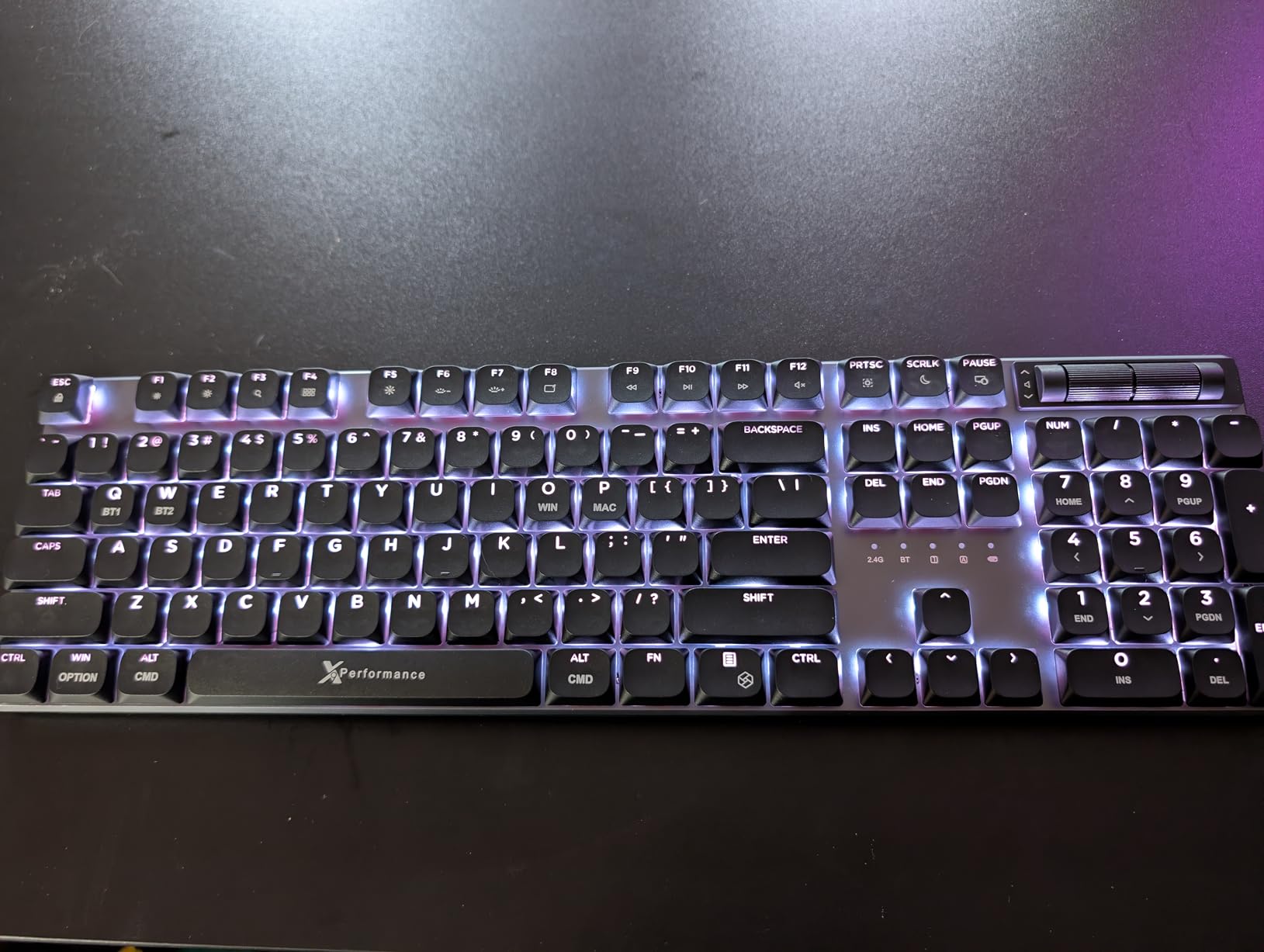
The X9 Slim asks very little money and delivers a full 107-key layout, an aluminum top plate with zero flex, a volume knob, and tri-mode wireless. As a pure features-per-dollar play, nothing else here competes.
The compromises are exactly where you would expect at this price. The red linear switches feel hollow and a little squishy rather than crisp, and they are sensitive enough to register accidental presses.
What the Aluminum Plate Actually Delivers
Many cheap boards flex like a cookie sheet; the X9’s top plate does not. Typing feel stays consistent across the whole deck, including the number pad.
The rest of the chassis is lightweight plastic, so do not confuse this with the Cherry or Lofree aluminum builds. The plate is doing the structural work alone.
Typing Feel and Sensitivity
Resting your hands lightly led to accidental bottom-row presses for our faster testers. Heavier typists who float their wrists will not notice.
The white backlight has three brightness levels but no RGB, and battery life with it on is roughly a day. Charge it overnight like a phone and move on.
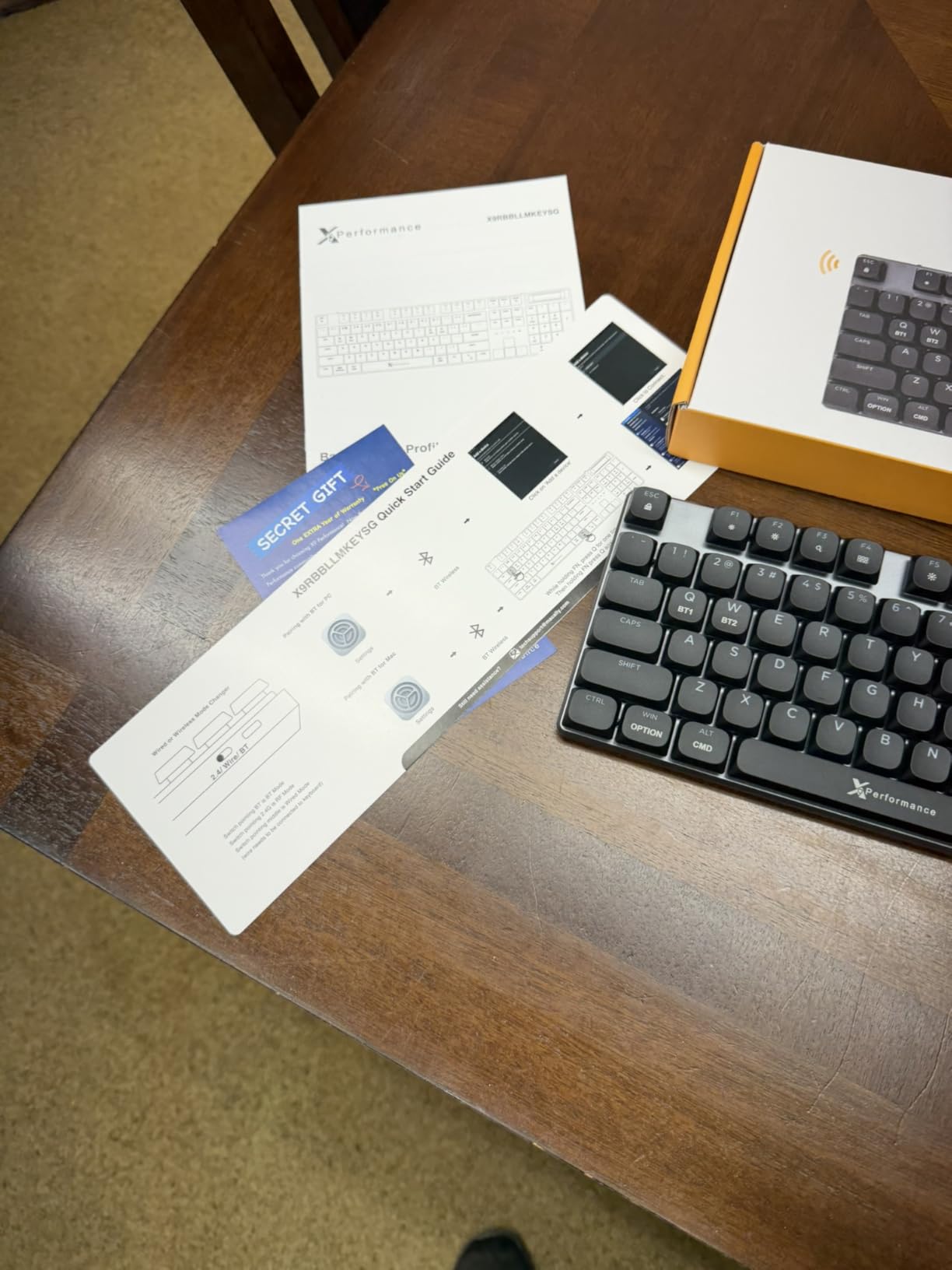
Why the 2-Year Warranty Matters
A 2-year warranty at this price is unusual and takes the risk out of the quality-control lottery that budget boards sometimes lose. A few owners did report dud units, and the warranty covers exactly that scenario.
The volume knob and Copilot shortcut key are nice extras that make it feel current.
Buy it if you need a full-size low profile keyboard for minimal money. Skip it if typing feel is your top priority.
How to Choose a Low Profile Mechanical Keyboard
Every board above is slim, but they differ in ways that will decide whether you love or return yours. Here is what actually matters when choosing a low profile mechanical keyboard, informed by the recurring complaints in keyboard communities.
Switch Type: Linear, Tactile, or Silent
Linears (NuPhy Cowberry and Aloe, Akko Cloud, X9 Red) are smooth and great for gaming and fast typing. Tactiles (Keychron Brown and Banana) give a bump that improves typing accuracy. Silent linears (AUSDOM) trade crispness for office peace.
Cherry’s Low Profile Speed switch is a special case with 1mm actuation for competitive players. It is fast but unforgiving for beginners.
Travel Distance and Actuation Force
Low profile switches travel 1.5-2.5mm versus 3.5-4mm on standard switches. Shorter travel means faster inputs and less finger extension, but less physical information about where actuation happens.
Programmers who type all day often prefer a slightly heavier tactile for that reason. Gamers usually want the shortest, lightest action available.
Connectivity: Bluetooth, 2.4GHz, or Wired
Bluetooth is convenient and handles multi-device pairing well, but it adds latency and occasionally drops keystrokes. A 2.4GHz dongle is the gaming-friendly wireless option, and USB-C wired is unbeatable for zero-lag consistency.
If wireless dropouts are already annoying you on other peripherals, our article on why wireless mice lag and stutter covers the same interference culprits that affect keyboards.
Battery Life With Lights On and Off
Trust the lights-off number least and the lights-on number most, because you will use the backlight. Our picks range from roughly a day (X9 with backlight) to months (Lofree Flow84, Keychron B6 Pro).
RGB is the single biggest battery drain on any wireless board. If endurance matters, a white or no backlight is the honest answer.
Layout: 60%, 75%, TKL, or Full-Size
60% (Air60 V2) maximizes portability but demands layer use. 75% (Air75 V2, K3, Flow84, Air 01) keeps arrows and F-row in a compact footprint. TKL (K1 Ultra) adds a knob and breathing room. Full-size (Cherry, AUSDOM, B6 Pro, X9) keeps the number pad for data work.
Most people are happiest at 75%. It is the sweet spot of size and function.
Hot-Swap, QMK VIA, and Linux Compatibility
Hot-swappable sockets let you change switches without soldering, which matters more in low profile where switch options are already limited. QMK/VIA or ZMK firmware support means remapping works on any OS, including Linux, where proprietary Windows-only software fails.
Keychron and NuPhy lead here. Cherry and Lofree lock you into the stock experience.
Sound Profile for Your Environment
Lofree’s gasket-mounted Flow84 sounds creamy and muted; Cherry’s Speed switch is quiet but sharp; the AUSDOM is near-silent. If you share space with anyone, factor this in before falling for a clicky demo video.
And if your late-night setup includes audio gear, our pieces on fixing headset static and a gaming headset working in one ear may save you an unnecessary replacement.
Frequently Asked Questions
What is the best 100% low-profile mechanical keyboard?
The Cherry MX 10.0N RGB is the best full-size (100%) low-profile mechanical keyboard, with a 108-key layout, all-aluminum body, and Cherry MX Low Profile Speed switches featuring 1mm actuation. For a full-size wireless option, the AUSDOM Airkey 98 and Keychron B6 Pro are excellent alternatives.
Are low-profile mechanical keyboards better?
Low-profile mechanical keyboards are better for wrist comfort, portability, and fast actuation because they use shortened switches with 1.5-2.5mm of travel instead of 3.5-4mm. Standard mechanical keyboards offer more switch variety, deeper typing feedback, and easier keycap customization, so the better choice depends on your priorities.
What is a good low-profile mechanical gaming keyboard?
The Keychron K1 Ultra 8K is the best low-profile gaming keyboard with 8000Hz wired polling, while the Cherry MX 10.0N RGB offers 1mm actuation for fast inputs. For wireless gaming, the NuPhy Air60 V2 and Air75 V2 both poll at 1000Hz over 2.4GHz.
Can low-profile keyboards be mechanical?
Yes, low-profile keyboards can be fully mechanical. They use shortened mechanical switches such as Gateron low-profile, Kailh Choc, and Cherry MX Low Profile that measure 11-15mm versus 18-22mm for standard switches, keeping true mechanical actuation and 50-100 million keystroke lifespans in a slim chassis.
How long do low-profile switches last?
Quality low-profile switches are rated for 50 to 100 million keystrokes. Cherry MX Low Profile Speed switches carry a 100 million actuation rating, while Gateron and Kailh low-profile switches are typically rated around 50-80 million, meaning years of daily use.
Final Verdict: Which Slim Mechanical Keyboard Should You Buy?
After typing on all ten boards, our 2026 recommendations come down to archetypes. If you want the best overall low profile mechanical keyboard, buy the NuPhy Air75 V2; it sounds, feels, and looks superb. If you want value and portability, the Keychron K3 V2 is proven by nearly 800 reviewers. For gaming speed, the Keychron K1 Ultra 8K and Cherry MX 10.0N lead; the Lofree Flow84 wins on sound; and the AUSDOM Airkey 98 or X9 Slim cover quiet and full-size budget needs.
Pick the one that matches how you actually work, and your wrists will thank you by Friday.