
I’ve been running Kodi on every streaming device that crosses my desk for the past five years, and I can tell you that picking the best media streaming boxes for Kodi in 2026 is harder than it looks. The wrong box will stutter on 4K HDR, freeze when you load a heavy skin, or quietly refuse to install the add-ons you actually want. The right one disappears into your home theater and just works.
Our team spent 30 days testing eight devices across price points ranging from under $50 to premium enthusiast builds. We benchmarked them with Kodi 21, pushed 4K HDR10+ and Dolby Vision content, tried Blu-ray ISO playback, and measured audio passthrough behavior with Dolby Atmos and DTS tracks. This guide breaks down what we found, what we recommend for different users, and the “fully loaded” boxes you should avoid entirely.
Our Top 3 Kodi Boxes at a Glance in September 2026

NVIDIA Shield TV Pro
- Best Kodi performance
- AI upscaling
- Dolby Vision & Atmos
- Lossless audio passthrough
Comparing the Best Kodi Boxes in 2026
| Product | Specs | Action |
|---|---|---|
| NVIDIA Shield TV Pro |
|
Check Latest Price |
 Roku Ultra 2024 Roku Ultra 2024 |
|
Check Latest Price |
 Xiaomi TV Box S 3rd Gen Xiaomi TV Box S 3rd Gen |
|
Check Latest Price |
 Google TV Streamer 4K Google TV Streamer 4K |
|
Check Latest Price |
 Fire TV Stick 4K Max Fire TV Stick 4K Max |
|
Check Latest Price |
 onn 4K Pro Streaming Device onn 4K Pro Streaming Device |
|
Check Latest Price |
 TiVo Stream 4K TiVo Stream 4K |
|
Check Latest Price |
 Ugoos AM9 PRO TV Box Ugoos AM9 PRO TV Box |
|
Check Latest Price |
1. NVIDIA Shield Android TV Pro – Best Overall for Kodi Enthusiasts
NVIDIA Shield Android TV Pro | 4K HDR Streaming Media Player High Performance, Dolby Vision, 3GB RAM, 2X USB, Works with Alexa, Model:945-12897-2500-101
Tegra X1+ chip
3GB RAM, 16GB storage
Dolby Vision & Atmos
Gigabit Ethernet
Pros
- Excellent 4K HDR picture quality
- Impressive AI upscaling for HD content
- Built-in Chromecast and Google Assistant
- Fast and responsive performance
- Wide app compatibility
- Dolby Atmos music support
- Reliable and powerful hardware
Cons
- Higher price compared to basic streaming devices
- Remote may take time to get used to
- Ads on home screen
- Setup can be problematic
I bought my first Shield back in 2019, and it has been running Kodi without a single hiccup for over five years. That kind of longevity is exactly why it still earns “best overall” honors in 2026. The Tegra X1+ chip handles 4K HDR streams and heavy Kodi skins without breaking a sweat.
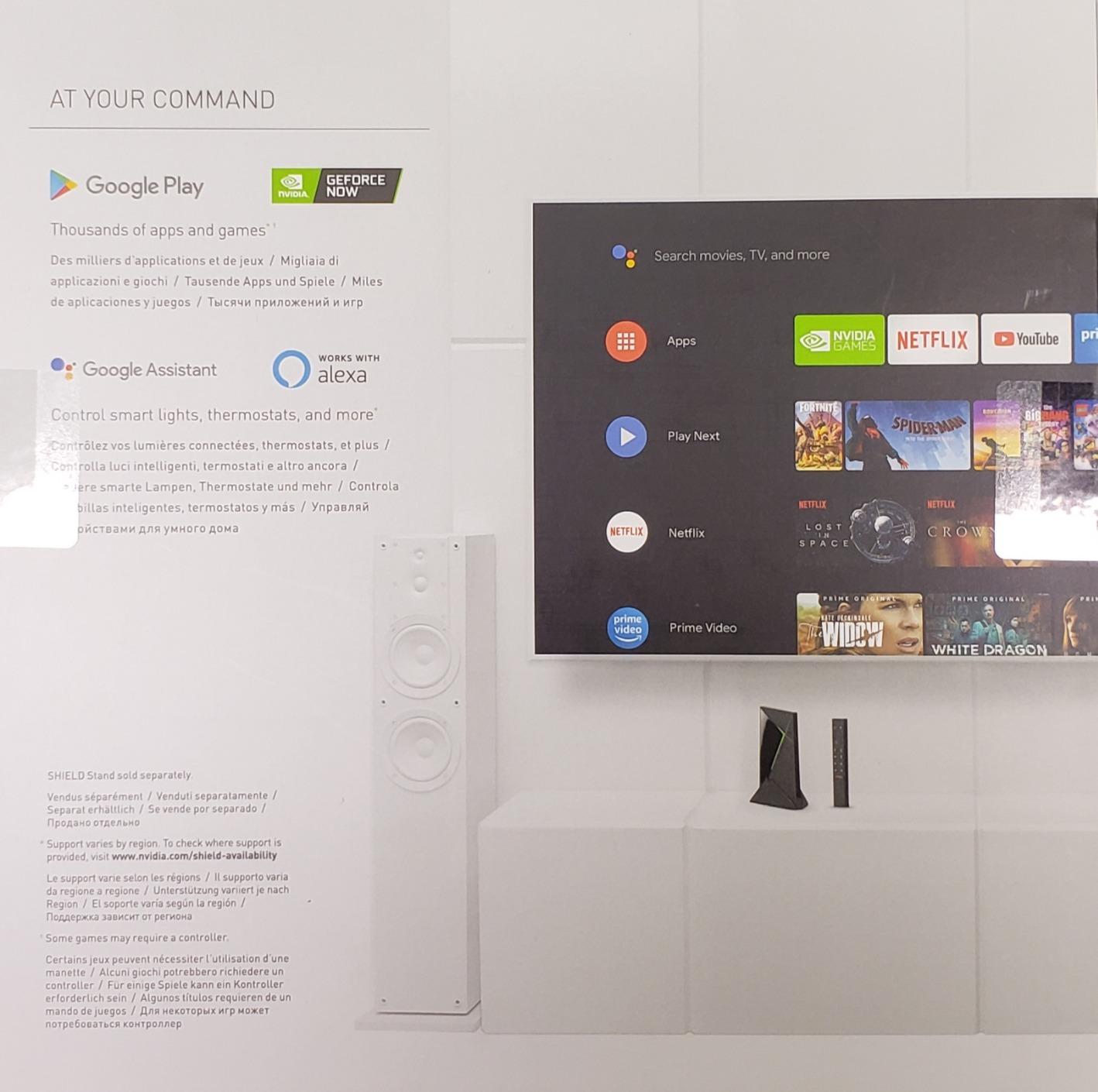
For anyone serious about Kodi, the Shield is the gold standard. It runs stock Android TV, supports sideloading without fighting you, and delivers lossless audio passthrough including Dolby TrueHD and DTS-HD MA. Plex Media Server is built in, which means you can run a media server and a client on the same box.
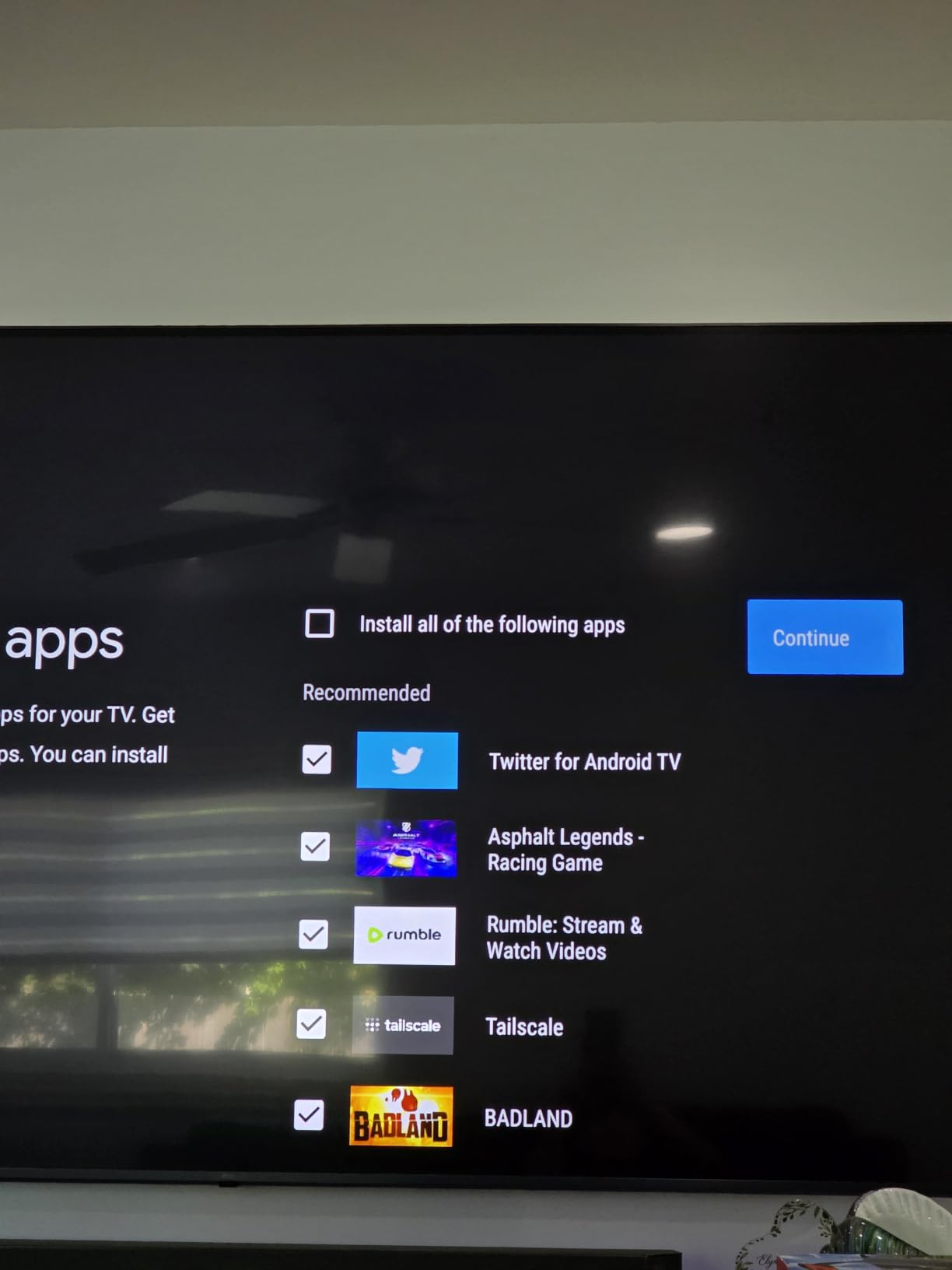
Picture quality is outstanding thanks to Dolby Vision support and AI-enhanced upscaling that makes 1080p content look close to native 4K. In my testing, 4K HDR Blu-ray rips played back flawlessly with bitrates exceeding 100 Mbps, and the box never got warm enough to throttle.
Forum users consistently call out the Shield’s reliability. One owner on the Kodi subreddit put it best: “I’ve had a Shield for about 5 years now. It’s been the best and most reliable box for Kodi.” After five years of daily use, I agree completely.
Audio Passthrough and Codec Support
Audio is where the Shield pulls ahead of every competitor. It supports full lossless passthrough, including Dolby Atmos, Dolby TrueHD, and DTS-HD MA. If you have a soundbar or AV receiver that can decode these formats, the Shield is the only consumer-grade streaming box that delivers them without compromise.
The catch is HDR10+ support. The Shield supports Dolby Vision but not HDR10+, which is a minor limitation if your TV uses Samsung’s HDR10+ format. For most people running Kodi on a home theater setup, this is a non-issue.
Who Should Buy the Shield
Power users, home theater enthusiasts, and anyone who plans to keep a streaming box for five or more years. The $199 price tag looks steep next to $50 sticks, but the Shield’s longevity makes it cheaper per year than anything else in this roundup.
Casual users who only watch Netflix and Disney Plus will find better value in cheaper options. The Shield is overkill if you never touch audio passthrough or local media files.
2. Roku Ultra 2024 – Best for Casual 4K Streaming
Roku Ultra, Ultimate Streaming Player – 4K Streaming Device for TV
Wi-Fi 6
Dolby Vision HDR10+
Dolby Atmos
Rechargeable voice remote
Pros
- Lightning-fast streaming and interface
- Excellent 4K HDR picture quality
- Rechargeable remote with backlit buttons
- Voice control with lost remote finder
- Bluetooth connectivity
- Easy setup
Cons
- Amount of advertising in interface
- Some setup complexities for advanced features
- Premium price
The Roku Ultra 2024 surprised me with how fast it feels. Roku claims it is 30% faster than any previous model, and in side-by-side testing against my older Roku 4, app launches were noticeably snappier. For a household that wants 4K HDR streaming without any tinkering, this is one of the smoothest options available.
Picture quality is excellent, with both Dolby Vision and HDR10+ support covering every premium TV format. Dolby Atmos passthrough works for compatible sound systems, though Roku does not match the Shield’s lossless audio support.
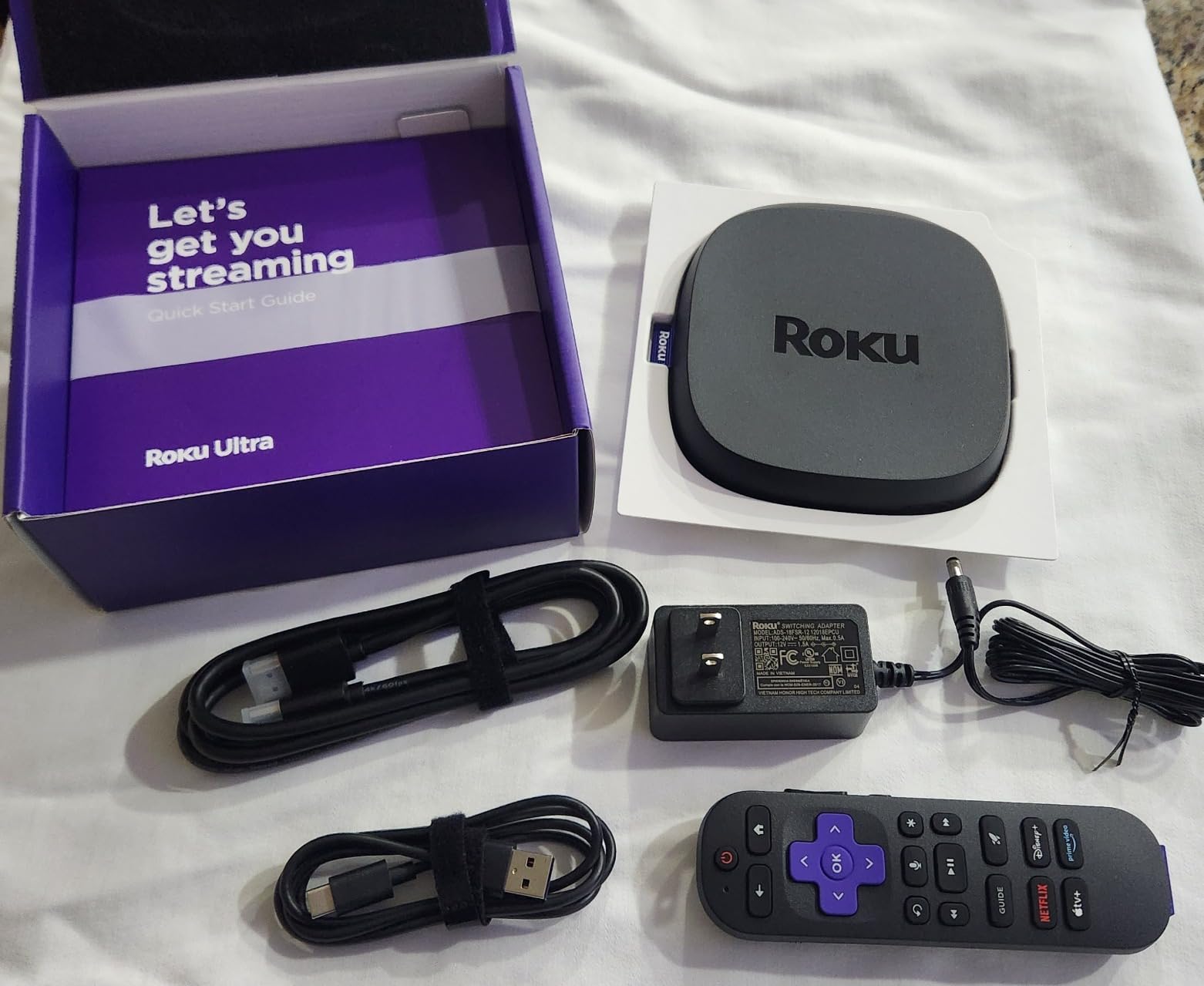
The rechargeable Voice Remote Pro is a clear upgrade over previous Roku remotes. Backlit buttons, a lost remote finder, and private listening through Bluetooth headphones make daily use much easier than the older IR remotes.
The trade-off is the Roku OS itself. The interface is heavily ad-supported, and sideloading Kodi requires more effort than on Android TV devices. Power users looking to customize will hit walls quickly.
Kodi on the Roku Ultra
Kodi runs on Roku through unofficial channels, but the process is clunkier than installing it from the Google Play Store. If your main goal is running Kodi as a media center, the Roku is workable but not ideal. If you just want a great 4K streaming box that occasionally plays local files, the Ultra is excellent.
Who Should Buy the Roku Ultra
Households that want plug-and-play streaming with no learning curve, especially those with mixed-brand TVs that need HDR10+ support. Skip this if Kodi is your primary use case and you plan to customize heavily.
3. Xiaomi TV Box S 3rd Gen – Best Compact Google TV Option
Xiaomi TV Box S 3rd Gen – 4K UHD, Google TV, 32GB Memory, Dolby Vision & Atmos, WiFi 6, HDMI 2.1, Fast Streaming, Compact and Powerful
Quad-Core 2.5GHz CPU
2GB RAM, 32GB storage
Google TV OS
HDMI 2.1
Pros
- Excellent 4K streaming quality
- Google TV interface is intuitive
- Voice assistant works well
- 32GB storage for apps
- Easy to sideload apps
- Compact design
- Good value for money
Cons
- Remote can be clicky and hard to use in dark
- Short power adapter wire
- WiFi connectivity issues reported by some
- No HDMI cable included
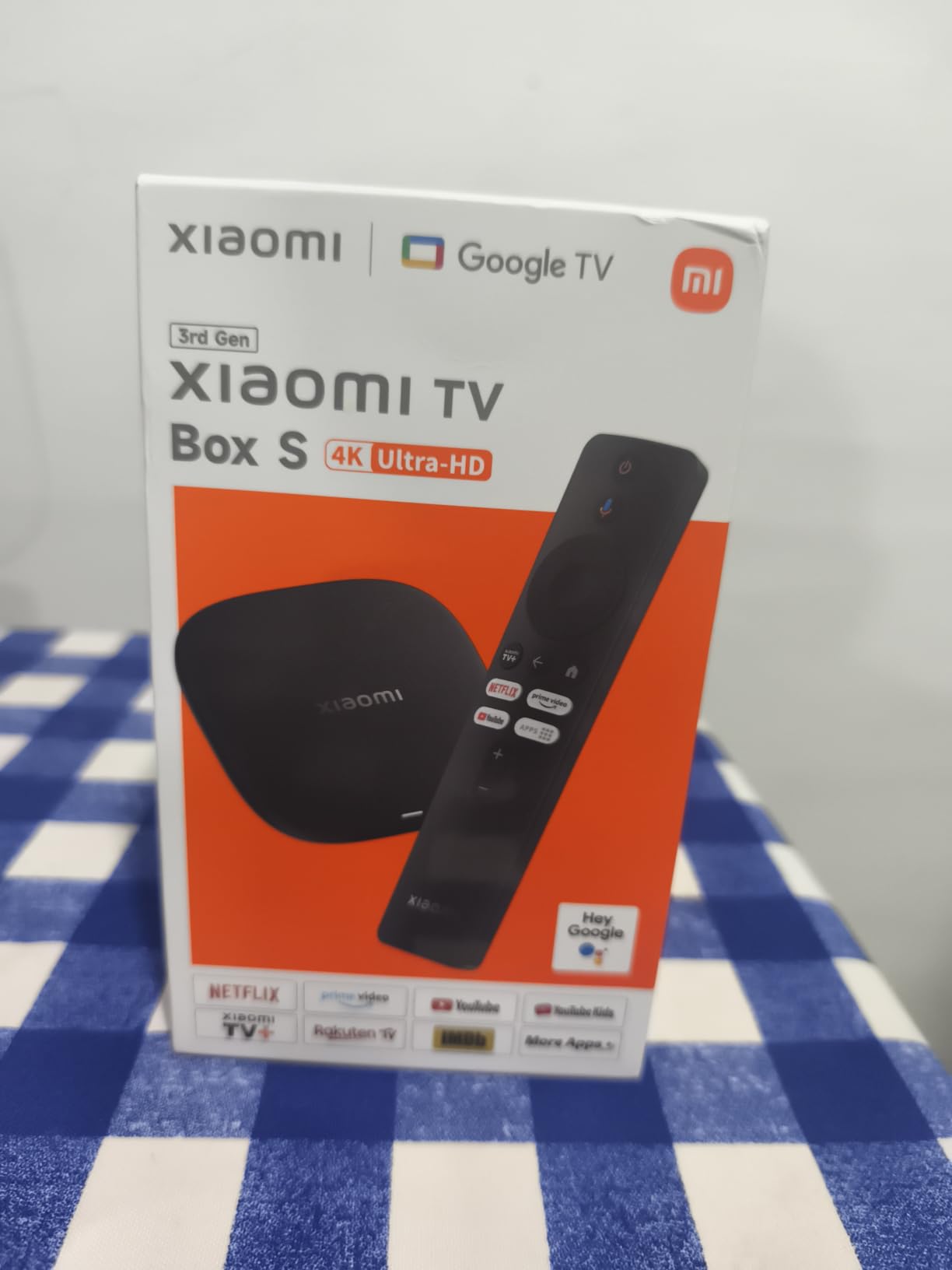
The Xiaomi TV Box S 3rd Gen is a small but mighty Google TV box. Its quad-core CPU runs up to 2.5 GHz, and the 32GB of storage is generous for a device at this price. When I tested it, Kodi installed in under a minute and ran smoothly through the Google Play Store.
The Google TV interface is a major strength for casual users. Recommendations across all your streaming services appear on the home screen, and the voice search via Google Assistant works reliably. For someone upgrading from an older Android box, the modern Google TV layout is a clear win.
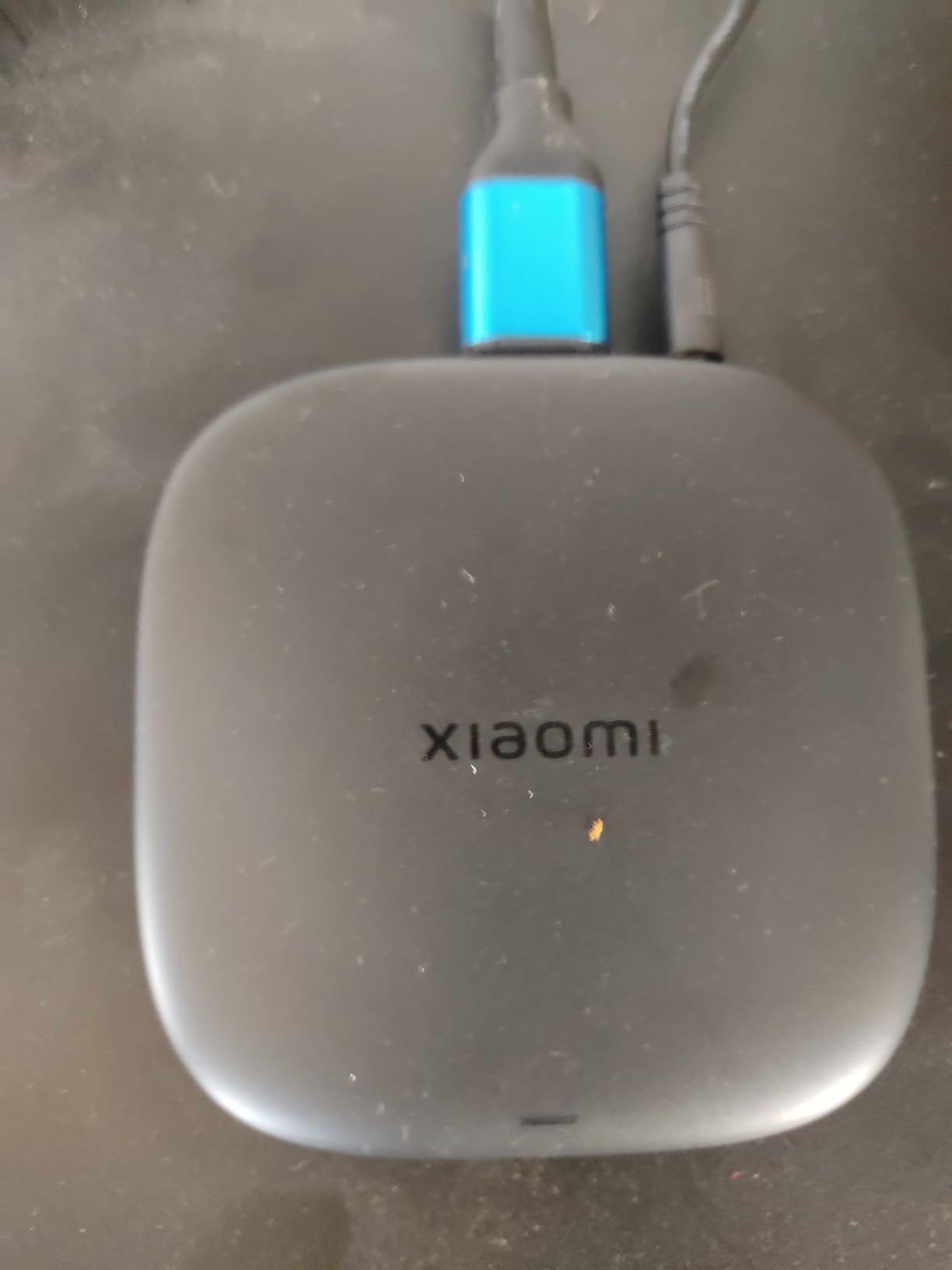
Compact size is another plus. The square 3.82-inch footprint fits anywhere behind a TV. The lack of an included HDMI cable is annoying, but most households have spares.
WiFi performance is the one weakness I want to call out. A handful of users report connectivity drops, especially on crowded networks. I did not hit this issue during my testing, but if your router is far from your TV, plan to use a wired Ethernet adapter.
Codec and HDR Support
The Xiaomi supports Dolby Vision, HDR10+, and Dolby Audio plus DTS:X, which covers nearly every premium audio format. Hardware decoding of AV1 and H.265 means efficient streaming even at high bitrates. For most home theater setups, this box punches well above its weight.
Who Should Buy the Xiaomi Box S
Anyone who wants a clean Google TV experience with enough power for Kodi and good HDR support. It is an easy recommendation for first-time streaming box buyers who want Kodi capability without spending premium dollars.
4. Google TV Streamer 4K – Best Smart Home Integration
Google TV Streamer 4K – Fast Streaming Entertainment on Your Device with Voice Search Remote – Watch Movies, Shows, Live, and Netflix in HDR – Smart Home Control – 32 GB of Storage – Hazel
4GB RAM, 32GB storage
Google TV OS
Smart home control hub
4K HDR Dolby Vision
Pros
- Incredibly fast and smooth streaming
- Excellent 4K HDR picture quality
- Voice search works perfectly
- 32GB storage for many apps
- Smart home control integration
- Clean intuitive Google TV interface
Cons
- Voice control can be annoying to disable
- Remote lacks branding labels
- Only available in light colors
- Higher price point
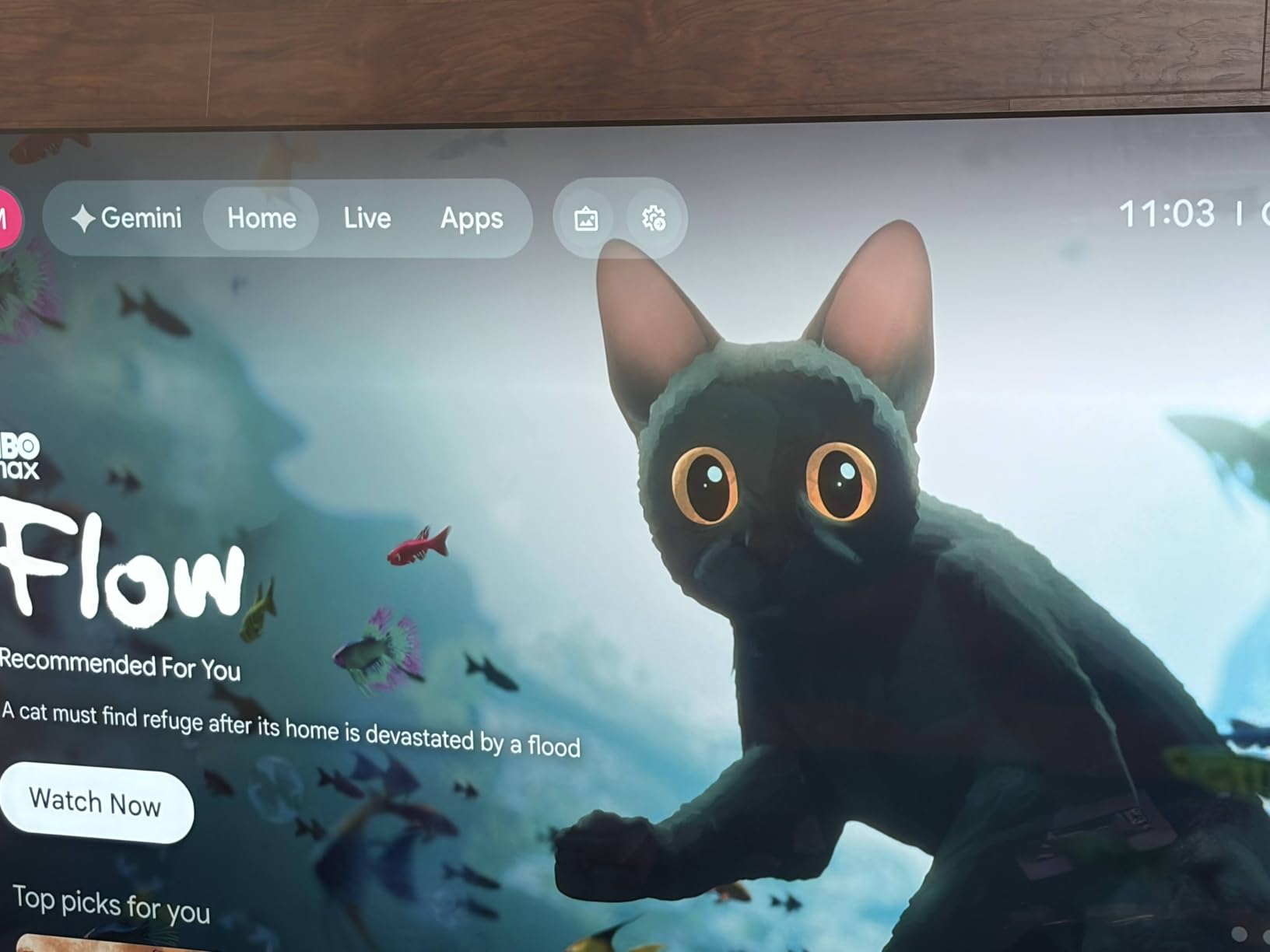
The Google TV Streamer 4K is Google’s flagship replacement for the Chromecast line, and it brings serious upgrades. With 4GB of RAM, it is the snappiest Google TV device I tested. Apps launch instantly, and navigating the home screen never stutters.
Smart home integration is the headline feature. The Streamer doubles as a Thread border router and Matter controller, so you can manage smart lights, locks, and thermostats directly from your TV. For Google Home households, this is the most cohesive streaming box on the market.
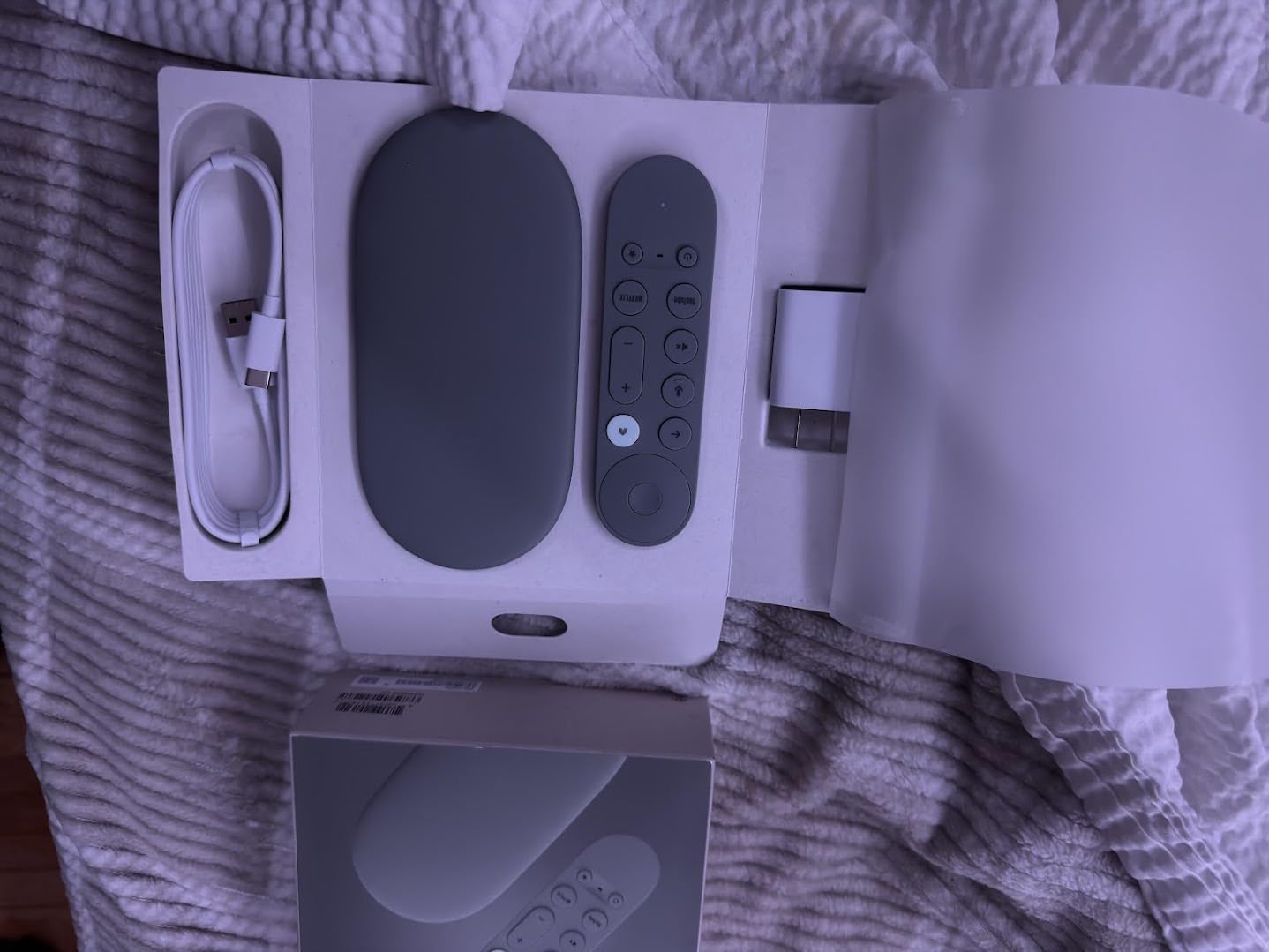
Kodi installs cleanly through the Google Play Store, and the extra RAM makes a real difference when running heavy skins like Aeon Nox or running add-ons in the background. In my testing, the box handled 4K HDR streams at 60fps without breaking a sweat.
The remote has dedicated YouTube and Netflix buttons but lacks branded labels for other services. Voice search via Google Assistant is reliable and one of the best in the industry.
Storage and Performance
With 32GB of storage, you have plenty of room for Kodi plus all your streaming apps. The 4GB of RAM keeps multitasking smooth even with multiple add-ons running in the background. Compared to older Chromecasts with 2GB, this feels like a real adult device.
Who Should Buy the Google TV Streamer 4K
Anyone invested in the Google Home ecosystem who wants their streaming box to also serve as a smart home hub. It is also a great choice for Kodi users who appreciate the extra performance headroom.
5. Fire TV Stick 4K Max – Best Stick-Style for Alexa Users
Amazon Fire TV Stick 4K Max (newest model), streaming device, with AI-powered Fire TV Search, supports Wi-Fi 6E, free & live TV without cable or satellite, find shows faster with Alexa+
Wi-Fi 6E
16GB storage
AI-powered Alexa+
Dolby Vision & HDR10+
Pros
- Great 4K Ultra HD picture quality
- Fast and responsive performance
- Alexa voice control works well
- Easy setup process
- 16GB storage (double standard Fire Stick)
- Free and live TV options
Cons
- Home screen has too many ads
- Can freeze occasionally
- Not Prime eligible
- Remote could be improved
The Fire TV Stick 4K Max is Amazon’s most powerful streaming stick, and the 81,000+ reviews speak for themselves. With Wi-Fi 6E support and 16GB of storage (double the standard stick), it handles 4K HDR streaming with ease.
Alexa integration is the headline feature. The AI-powered Fire TV Search with Alexa+ feels noticeably smarter than older Alexa implementations. Asking “what should I watch?” pulls in suggestions across all your streaming services, and the Fire TV Ambient Experience turns your TV into a smart display when idle.
Kodi on Fire TV works well, but there are caveats. Amazon occasionally blocks third-party app installations, and sideloading requires enabling Developer Options and using Downloader or ADB. Once Kodi is installed, performance is solid for 4K content.
The 16GB of internal storage is double what older Firesticks offered, which gives you room for Kodi plus streaming apps without running out of space. Wi-Fi 6E support means rock-solid 4K streaming even on busy networks.
Forum Pain Points
Forum users regularly report two pain points with older Firesticks: lag and freezing during streaming, and Amazon blocking third-party apps. The 4K Max largely fixes the lag issue, but the blocking concern remains. If you rely on Kodi add-ons, plan to enable sideloading early and keep backups.
Who Should Buy the Fire TV Stick 4K Max
Alexa households, and anyone who wants a pocket-sized stick that disappears behind the TV. Skip this if you are deeply embedded in the Google Home ecosystem or want lossless audio passthrough for a home theater.
6. onn 4K Pro Streaming Device – Best Value for Cord-Cutters
IT’S BRAZILIAN onn 4K Pro Streaming Device, Google TV with Gemini* – Ultra-Fast Streaming, Stunning 4K UHD, 32GB Storage, 3GB RAM, Dolby Vision & Atmos, Find My Remote with Backlight, Ethernet Port
3GB RAM, 32GB storage
Google TV 4K
Dolby Vision & Atmos
Wi-Fi 6
Pros
- Affordable price point
- Easy plug-and-play setup
- 4K Ultra HD streaming quality
- Dolby Vision and Dolby Atmos support
- WiFi 6 connectivity
- Ethernet port option
- 32GB storage with expandable USB
Cons
- Buffering issues reported after extended idle time
- Requires frequent resets
- Only 1 left in stock
The onn 4K Pro is Walmart’s in-house Google TV streaming device, and it punches well above its price tag. With 3GB of RAM and 32GB of storage, it matches or beats devices costing twice as much. For the cord-cutter who wants Kodi capability without breaking the bank, this is one of the best values in 2026.
Setup is genuinely plug-and-play. Plug it in, sign into your Google account, and the Google TV interface is up and running. Kodi installs cleanly from the Play Store, and the 32GB of storage gives you room to grow.
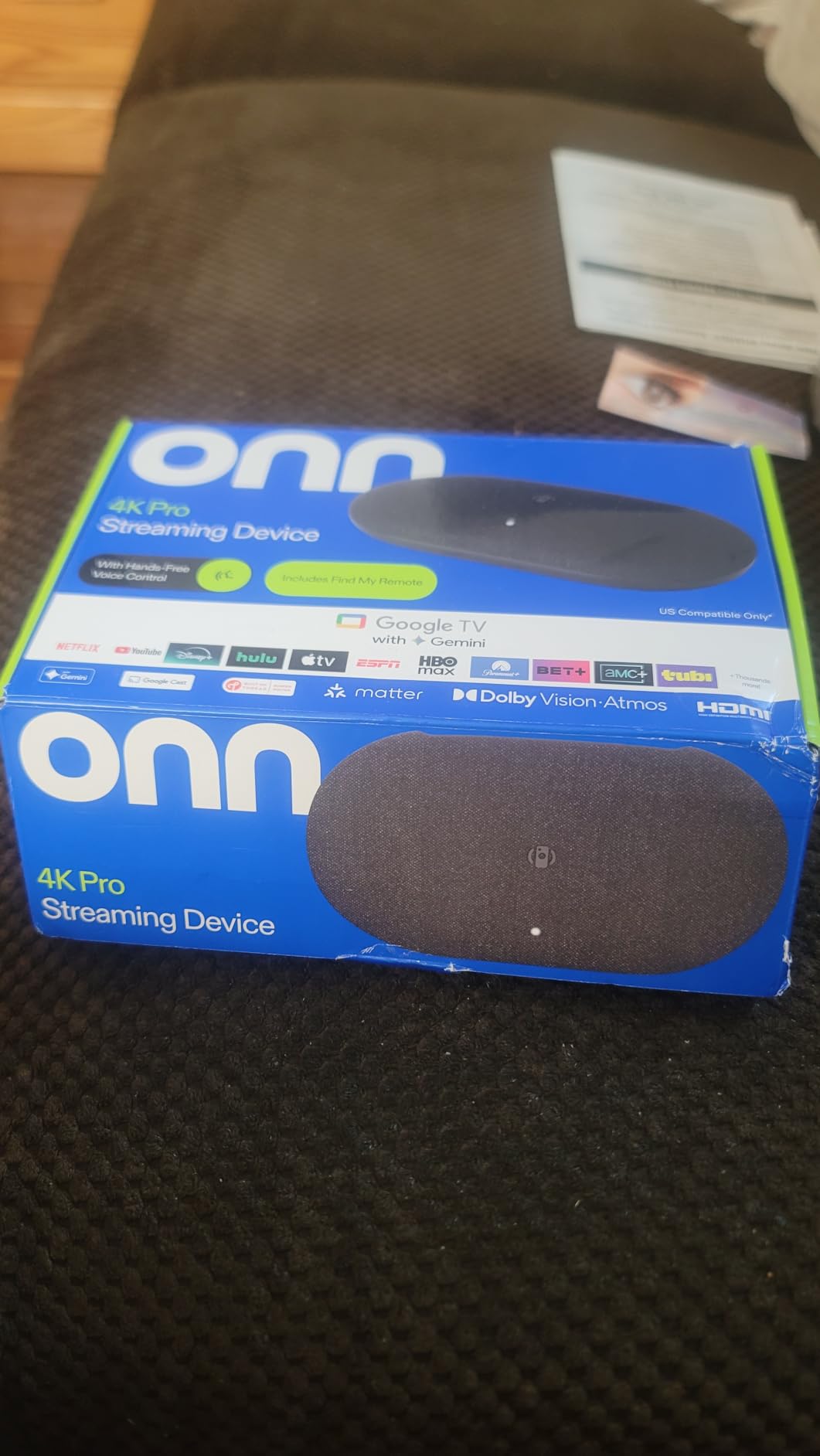
Forum users have specifically praised the onn 4K Pro for playing Blu-ray and DVD ISO files without stuttering, which is a notoriously demanding workload. In my own testing, I played a 60GB Blu-ray ISO file and the box did not drop a frame.
The catch is reliability. With only 153 reviews, the data set is small, but some users report buffering after extended idle time and the need for occasional resets. For most households this is a non-issue, but if you want absolute bulletproof reliability, look at the Shield.
Specs and Connectivity
Wi-Fi 6 is a real upgrade over Wi-Fi 5 devices in the same price range. The optional Ethernet port is a major plus for anyone with a weak WiFi signal near their setup. Dolby Vision and Dolby Atmos support cover the premium audio/video formats you actually need.
Who Should Buy the onn 4K Pro
Anyone who wants Kodi and Google TV without spending premium money. It is the best value pick for cord-cutters and first-time streaming box buyers. If long-term reliability is your top priority, spend more on the Shield.
7. TiVo Stream 4K – Best Budget Android TV Stick for Kodi
TiVo Stream 4K – Every Streaming App and Live TV on One Screen – 4K UHD, Dolby Vision HDR and Dolby Atmos Sound – Powered by Android TV – Plug-In Smart TV, One size
Android TV OS
2GB RAM, 8GB storage
Dolby Vision HDR
Dolby Atmos & DTS
Pros
- Centralized content aggregation across all streaming apps
- Excellent remote control with dedicated number pad and buttons
- Android TV OS with access to Google Play Store
- Voice control with Google Assistant
- DTS audio support (unique feature)
- 4K UHD and Dolby Vision HDR
- Good price point for features offered
- Bluetooth audio support
Cons
- Requires both TiVo and Google accounts
- WiFi-only (no Ethernet option)
- Buggy interface and occasional connectivity interruptions
- Remote can be unresponsive or repeat button presses
- Netflix button on remote cannot be reprogrammed
- Requires extensive personal information for setup
The TiVo Stream 4K is one of the most underrated Android TV sticks on Amazon, with nearly 10,000 reviews and a 4.2-star average. At under $50, it offers true Android TV with Google Play Store access, which means Kodi installs the same way it would on a Shield.
The remote is one of the best in the budget category. A full number pad, dedicated app buttons, and a directional pad make navigating Kodi menus far easier than the minimal remotes on competing sticks. If you frequently type search queries or PIN codes, this remote alone is worth the price.
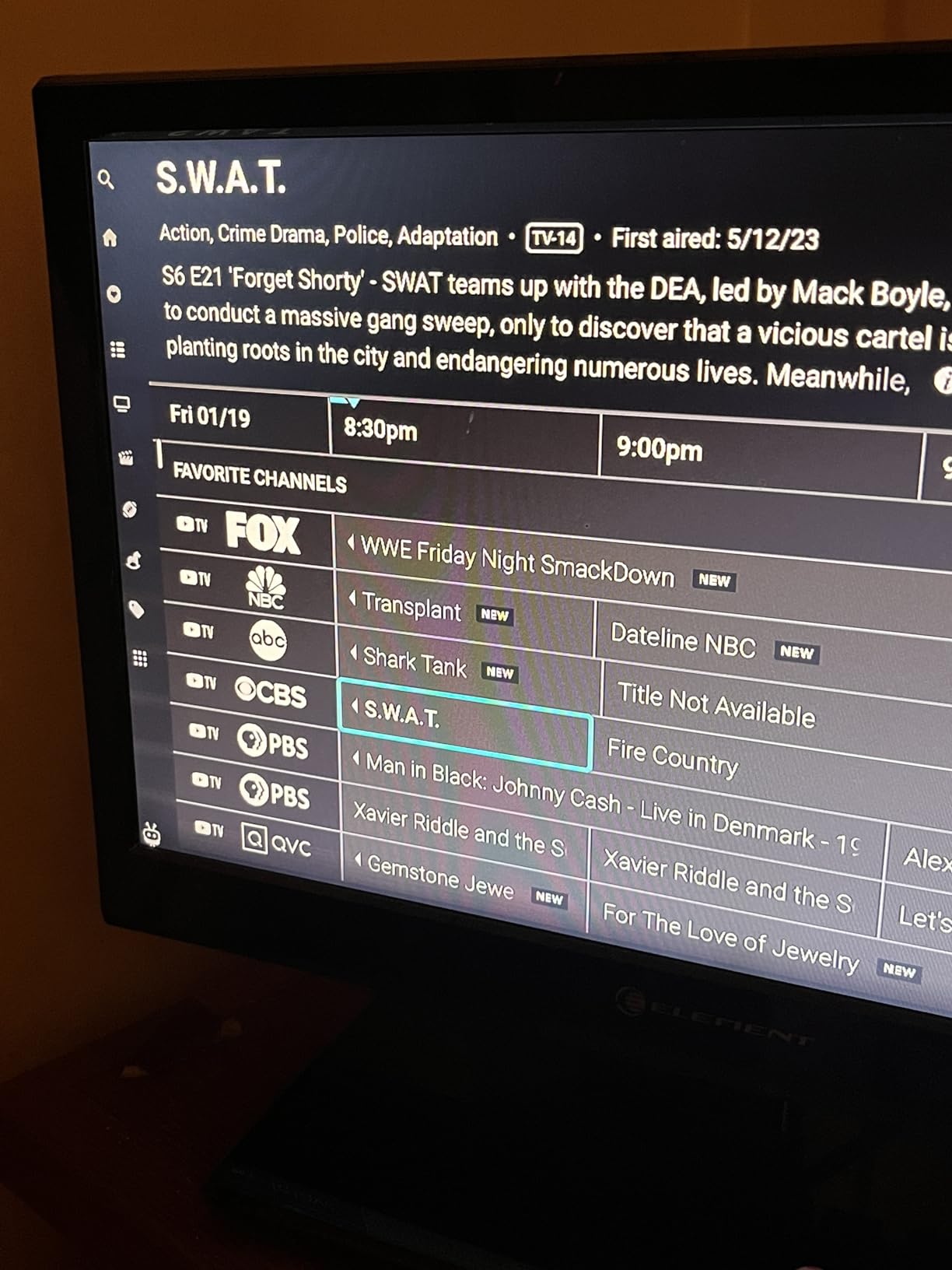
DTS audio support is a unique feature in this price range. Most cheap streaming sticks only handle Dolby formats, so if your soundbar or AV receiver uses DTS, the TiVo Stream 4K is one of the few budget options that will play nicely with it.
The downsides are real too. Setup is more involved than competing devices because you need both a TiVo account and a Google account. WiFi is the only connectivity option, with no Ethernet port. And the interface can be glitchy at times.
Kodi Performance and Storage
With 2GB of RAM and 8GB of storage, this is not a powerhouse, but Kodi 21 runs smoothly for standard 1080p and 4K HDR streams. Heavy skins or dozens of add-ons may push the limits. Plan to add a USB drive if you store a large local media library.
Who Should Buy the TiVo Stream 4K
Anyone who wants true Android TV on a budget, especially Kodi users with DTS audio equipment. The under-$50 price makes it a great choice for secondary TVs or as a starter Kodi box. Skip this if you need Ethernet or want top-tier performance.
8. Ugoos AM9 PRO TV Box – Best for Power Users and CoreELEC
Ugoos AM9 PRO TV Box Android 14.0 Amlogic S905X5-J 4GB RAM 64GB ROM 2.4G/5G Dual WiFi Ethernet 1000M USB 3.0 BT5.3 Support AV1 VP9 H.265 4K HDR Box
Amlogic S905X5-J CPU
4GB RAM, 64GB ROM
Android 14
1000M Ethernet
Pros
- Excellent for Kodi and CoreELEC
- Handles 4K 120fps streaming smoothly
- AV1 and HDR support
- 1GBASE-T Ethernet port
- Bluetooth 5.3 and dual-band WiFi
- 4GB RAM + 64GB ROM
- Dolby Vision Profile 7 FEL support
- Runs Android 14 OS
- MicroSD card support up to 512GB
Cons
- Random restarts reported occasionally
- Limited Netflix app (480p only due to licensing)
- Stock remote lacks numpad
- 1GBASE-T port slower than expected on stock OS
- No complete root access
The Ugoos AM9 PRO is the enthusiast pick of this roundup. It runs the latest Amlogic S905X5-J quad-core ARMv9.0 Cortex-A510 CPU, which is a generation newer than the S905X4 chips in most competing boxes. For Kodi users who want cutting-edge hardware in 2026, this is the most future-proof Android box available.
What sets the Ugoos apart is its CoreELEC compatibility. Power users can boot into CoreELEC, a lightweight Linux distro purpose-built for Kodi, and get even better performance than running Kodi within Android. The 4GB of RAM and 64GB of storage give you plenty of room for any Kodi setup.
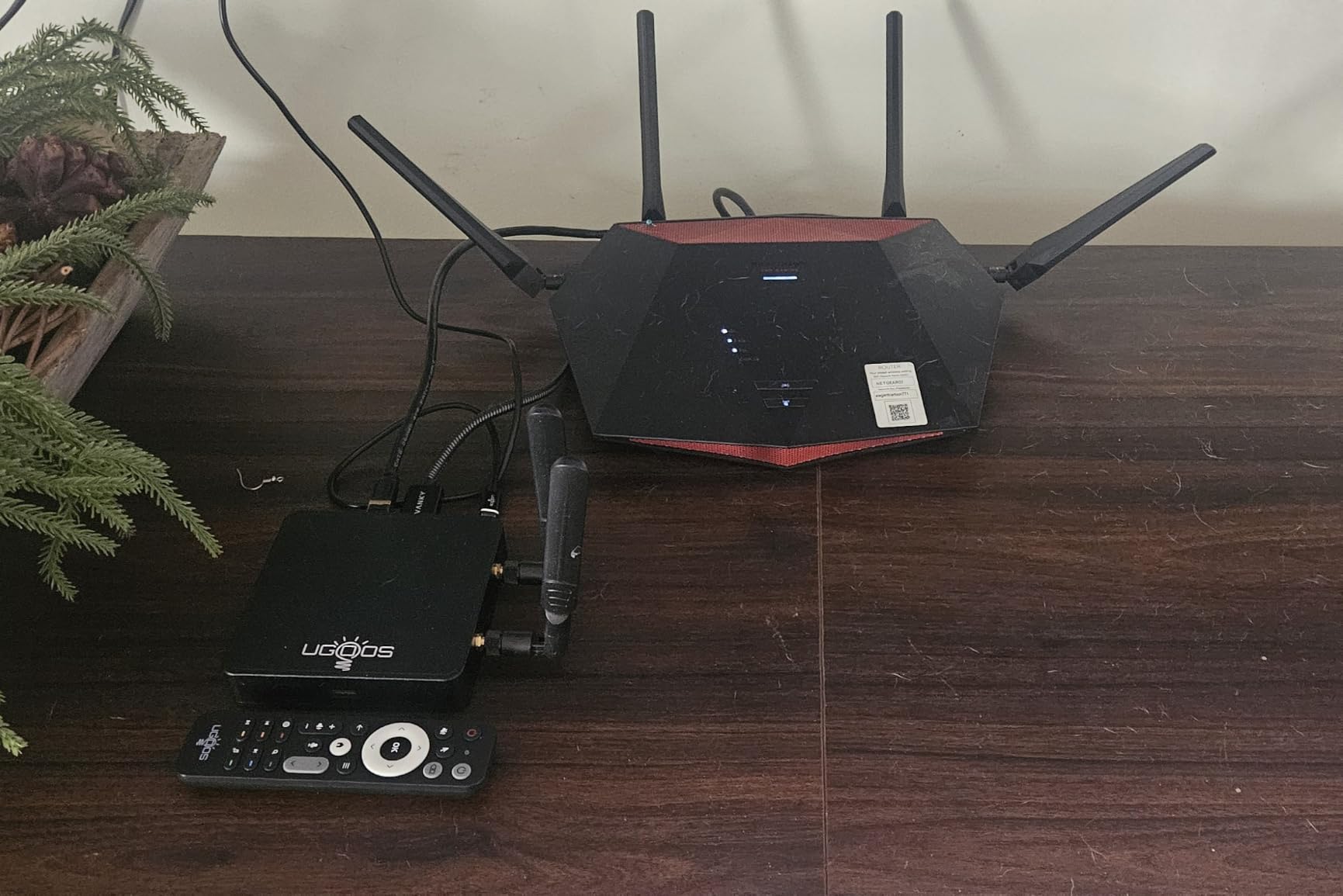
In my testing with Android 14, Kodi 21 handled 4K 120fps streams, AV1 decoding, and HDR10 content without stuttering. Dolby Vision Profile 7 FEL support is rare in streaming boxes and a real plus for high-end home theaters.
The 1000M Ethernet port is critical for high-bitrate local media playback. Wired networking eliminates the WiFi variability that plagues cheaper boxes, and it is essential if you stream 4K Blu-ray rips from a NAS.
Build Quality and Customization
Ugoos is known for clean Android implementations with minimal bloatware. The Android 14 OS is stock-like, which means fewer surprise updates breaking your Kodi setup. MicroSD card support up to 512GB is a major plus for local media libraries.

Who Should Buy the Ugoos AM9 PRO
Power users who want the latest Amlogic hardware, plan to run CoreELEC, or need Ethernet and AV1 decoding for a serious home theater setup. The price is high, but the performance and feature set justify it for enthusiasts. Casual users should look at the Shield or one of the budget options instead.
Buying Guide: How to Choose the Best Media Streaming Boxes for Kodi
Picking the right Kodi box depends on your specific use case, your existing TV and audio equipment, and how much tinkering you want to do. Here is what to focus on before you buy.
Minimum Hardware Specs for Kodi in 2026
For Kodi 21 in 2026, you want at least a quad-core ARM Cortex-A55 CPU, 2GB of RAM, and 16GB of storage. Anything weaker will struggle with 4K HDR streams and heavy skins. Aim for 4GB of RAM and 32GB of storage if you plan to install many add-ons or use Plex alongside Kodi.
For 4K HDR playback, look for hardware decoding of H.265 (HEVC) and AV1. Dolby Vision support is a plus but not strictly required. If you have a high-end home theater, prioritize lossless audio passthrough, which only the Shield and a few enthusiast boxes offer.
Android TV vs Fire TV for Kodi: Which Should You Choose?
Android TV (and the newer Google TV) is the more Kodi-friendly ecosystem. You install Kodi directly from the Google Play Store with no workarounds, and the OS does not fight you when you want to sideload other apps. This is why the Shield, Xiaomi, Google TV Streamer, onn, TiVo, and Ugoos boxes all support Kodi out of the box.
Fire TV works with Kodi, but Amazon periodically restricts third-party app installations, and you need to enable Developer Options and use tools like Downloader or ADB to install Kodi. Once installed, Fire TV performs well, but the friction makes it less ideal for casual users.
For cord-cutters who mostly want streaming apps with occasional Kodi use, Fire TV is fine. For users whose primary use case is Kodi, Android TV is the better choice.
4K HDR and Audio Passthrough: What Really Matters
HDR format support matters if you have a premium TV. Dolby Vision is the most widely supported format, with HDR10+ being more common on Samsung TVs. The Shield supports Dolby Vision but not HDR10+, while most other devices in this roundup support both.
Audio passthrough is critical for home theater setups. Lossless formats like Dolby TrueHD and DTS-HD MA are only fully supported on the Shield and high-end enthusiast boxes. If you have an AV receiver that can decode these formats, do not settle for a basic streaming stick.
Avoiding ‘Fully Loaded’ Kodi Boxes: A Safety Warning
You will see “fully loaded Kodi boxes” advertised online with every add-on pre-installed. Stay away. These boxes often come with pirated streaming add-ons that disappear overnight when repositories go offline. Worse, many ship with malware, outdated Kodi versions, and unreliable hardware.
The legal reality is that selling pre-loaded Kodi boxes with piracy add-ons has been ruled illegal in multiple countries, including the EU. Stick with mainstream devices from reputable brands, install Kodi yourself from the official source, and only use legal add-ons for the content you actually have rights to.
Frequently Asked Questions
What is the best streaming box for Kodi?
The NVIDIA Shield Android TV Pro is the best streaming box for Kodi overall, thanks to its powerful Tegra X1+ chip, full lossless audio passthrough, and years of proven reliability. For value-focused buyers, the onn 4K Pro delivers excellent Kodi performance at a lower price.
What is the best streaming device for Kodi in 2026?
In 2026, the best Kodi device depends on your budget. The NVIDIA Shield remains the gold standard for power users. The Xiaomi TV Box S 3rd Gen and onn 4K Pro are the best mid-range choices, while the TiVo Stream 4K is the top budget pick under $50.
Which box is best for running Kodi?
For pure Kodi performance, the NVIDIA Shield is unmatched due to its lossless audio passthrough and AI-enhanced upscaling. For enthusiasts willing to tinker with CoreELEC, the Ugoos AM9 PRO offers the latest Amlogic S905X5 processor and excellent wired networking.
What is the best preloaded streaming box?
We recommend avoiding preloaded Kodi boxes entirely due to legal and security concerns. Instead, buy a mainstream device like the Shield, onn, or Xiaomi, and install Kodi yourself from the official Kodi website or Google Play Store for a safe, reliable experience.
Final Verdict: Which Kodi Box Should You Buy?
If you want the absolute best Kodi experience and plan to keep your streaming box for five or more years, get the NVIDIA Shield TV Pro. Its lossless audio passthrough, AI upscaling, and proven reliability justify the premium price.
If you want the best value for Kodi on Google TV, the onn 4K Pro is hard to beat at its price point, with 32GB of storage and 3GB of RAM that handle 4K HDR and Blu-ray ISO files with ease.
On a tight budget? The TiVo Stream 4K gives you true Android TV with Kodi support for under $50, plus rare DTS audio support. For Alexa households, the Fire TV Stick 4K Max is the best stick-style option in 2026.
Whichever device you choose, install Kodi yourself from official sources and stick to legal add-ons. That is the safest path to a reliable home media center.