
I’ve spent the last three months switching between the best paper-like screen protectors for iPad Pro, sketching in Procreate, taking GoodNotes meeting notes, and yes, burning through Apple Pencil tips faster than I’d like to admit. After testing 8 protectors across the 11-inch M4, 13-inch M5, and a 12.9-inch M2 for older compatibility, I have real opinions about which ones deserve your money.
The short answer: the best paper-like screen protectors for iPad Pro in 2026 split into three camps. Premium Nanodots films like Paperlike 3 give the most authentic paper texture, but cost more. Mid-range OMOTON PAPERSENSE tempered glass options nail the balance. And budget PET films like the bersem 2-pack deliver surprisingly good paper feel for under $10. Magnetic attach options from ESR and OMOTON now let you peel the protector off for media viewing, which is a real game changer for tablet users who switch between drawing and Netflix.
What I learned fast: paper feel is subjective, every protector costs you some screen clarity, and your Apple Pencil tip WILL wear down faster on any of these. I’ll show you exactly which one fits how you actually use your iPad.
Our Top 3 Tested Paper-Like Screen Protectors for iPad Pro

Comparing the Best Paper-Like Screen Protectors for iPad Pro in 2026
Here’s a side-by-side look at all 8 paper-feel protectors I tested, including model compatibility and my hands-on paper feel rating.
| Product | Specs | Action |
|---|---|---|
 bersem 2 Pack Paperfeel (12.9 2018-2022) bersem 2 Pack Paperfeel (12.9 2018-2022) |
|
Check Latest Price |
 OMOTON PAPERSENSE 11 inch M4 M5 OMOTON PAPERSENSE 11 inch M4 M5 |
|
Check Latest Price |
 Astropad Rock Paper Pencil v3.0 Astropad Rock Paper Pencil v3.0 |
|
Check Latest Price |
 ESR Paper-Feel Magnetic 11 inch M5 M4 ESR Paper-Feel Magnetic 11 inch M5 M4 |
|
Check Latest Price |
 ESR Paper-Feel Magnetic 13 inch M5 M4 ESR Paper-Feel Magnetic 13 inch M5 M4 |
|
Check Latest Price |
| Paperlike 3 (13 inch M5 M4) |
|
Check Latest Price |
 OMOTON PAPERSENSE 13 inch M5 M4 2-Pack OMOTON PAPERSENSE 13 inch M5 M4 2-Pack |
|
Check Latest Price |
 OMOTON PAPERSENSE Detachable 13 inch M5 M4 OMOTON PAPERSENSE Detachable 13 inch M5 M4 |
|
Check Latest Price |
1. bersem 2 Pack Paperfeel Screen Protector – Best Budget King Under $10
bersem 2 Pack Paperfeel Screen Protector for iPad Pro 12.9 6th/5th/4th/3rd
Paperfeel texture
0.99 clarity
2-pack
Compatible iPad Pro 12.9 (3rd-6th)
Pros
- Genuinely paper-like texture
- Won't break the bank
- Includes 2 protectors
- Easy QR-code install
- Strong anti-glare
Cons
- Wears Pencil tips faster than glass options
- Not for 1st/2nd gen iPad Pro 12.9
I started my testing with the bersem 2-pack because at under $10 for two protectors, my expectations were modest. After three weeks of note-taking in GoodNotes, I was genuinely surprised. The paper feel on this PET film is competitive with options costing three times as much. When I sketch quick diagrams in meetings, the Apple Pencil glides just enough to feel controlled, not slippery.
It’s the anti-glare that surprised me most. Working near a window, I usually squint at my iPad screen. With the bersem applied, I could see my notes without cranking brightness to maximum. The matte finish scatters reflections instead of bouncing them straight back at my face.
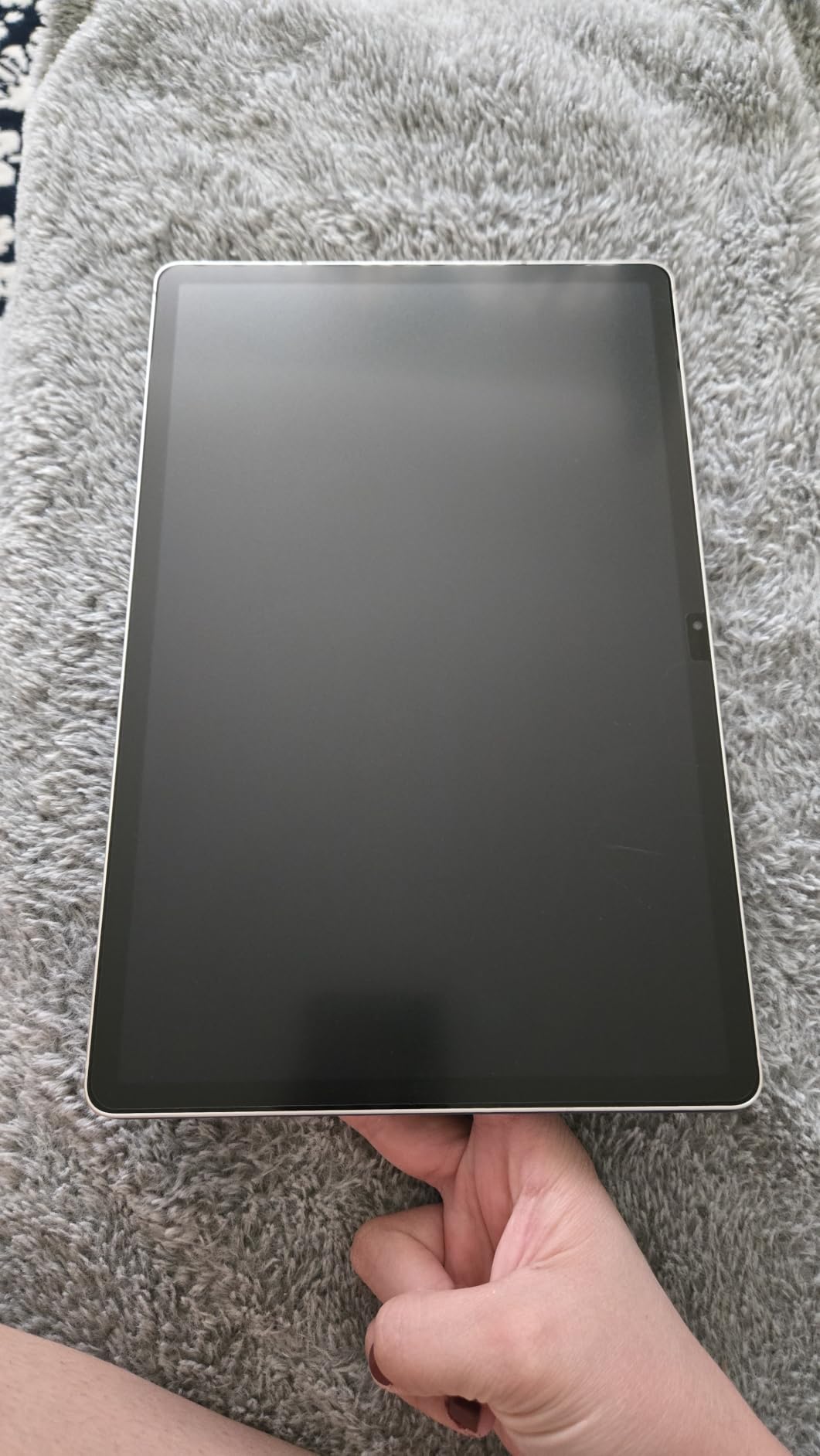
Now the downsides I ran into. My Apple Pencil tip showed visible wear after 4 weeks of daily use, faster than on the Paperlike 3. The installation process is bubble-prone if you don’t follow the QR-code video. And compatibility is limited to iPad Pro 12.9-inch models from 2018 to 2022, so if you have a newer M4 or M5, you need the ESR or OMOTON options instead.
Paper Feel Quality and Friction
The texture on the bersem hits what I’d call a medium-rough paper feel. Heavier than the smooth glide of the ESR magnetic, but less aggressive than the Paperlike Nanodots. For handwriting and quick sketches, this is the sweet spot. For ultra-fine Procreate work with thin lines, you might want something more refined.
Apple Pencil Tip Wear Test
After 28 days of roughly 2 hours daily writing, my Apple Pencil tip showed flattening on the contact point. That’s faster than the OMOTON tempered glass option I tested back-to-back. If you go heavy on the Apple Pencil, budget a few replacement tips per year. A 4-pack of Pencil tips costs roughly the same as this whole screen protector.
Installation and Long-Term Durability
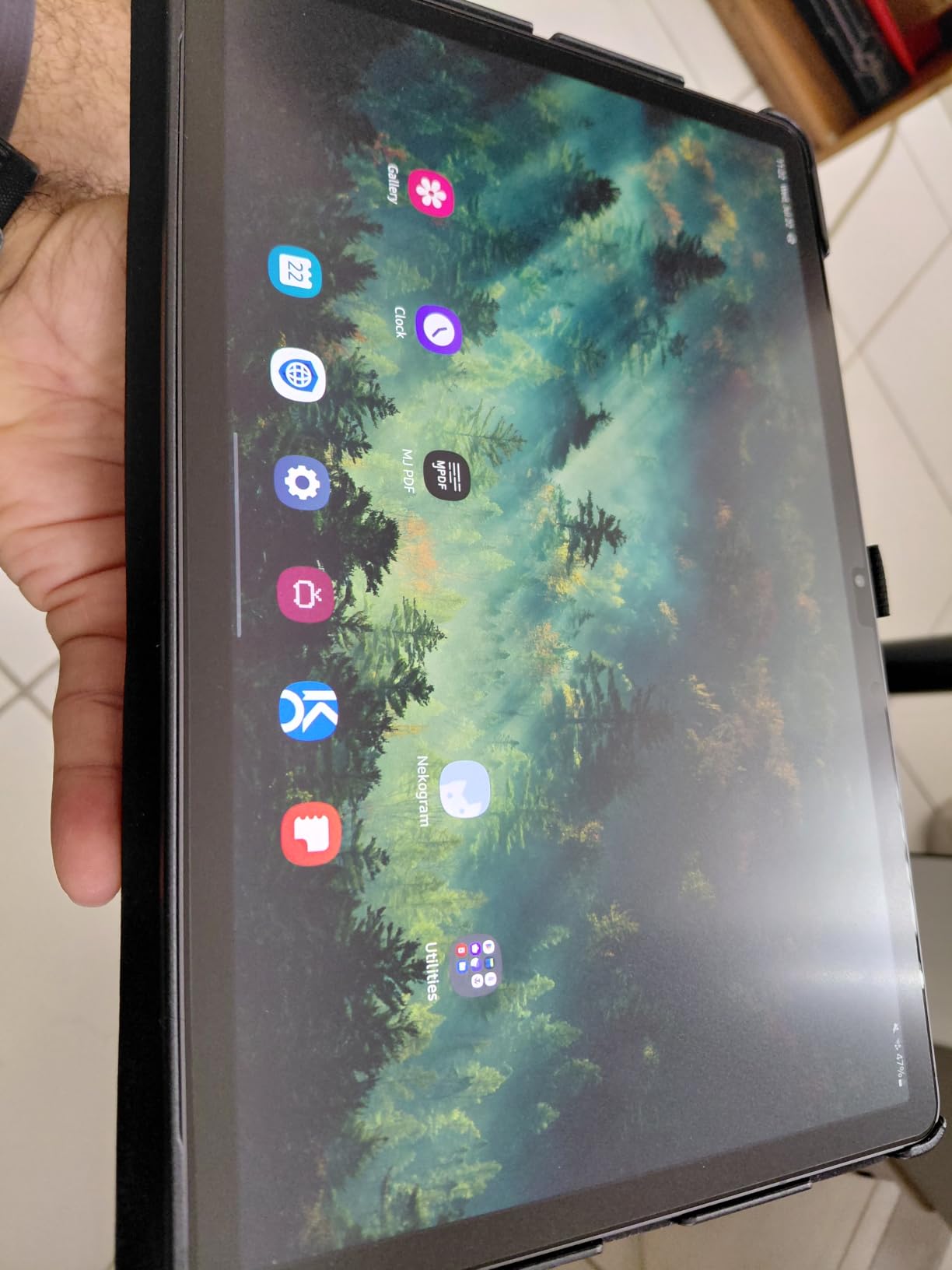
The QR code video instructions are a small touch that made my install smoother than I expected. I still got two micro-bubbles near the corner, but the auto-adsorption PET material pulled them flat overnight. After two months of use, the texture held up well. I noticed slight smoothing on the heaviest contact areas, but nothing that changed the writing feel noticeably.
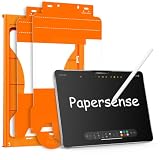
2. OMOTON PAPERSENSE 11-inch M4 M5 – Best Value 9H Tempered Glass
OMOTON PAPERSENSE Paper Screen Protector for iPad Pro 11 M4/M5, Paper Feel
9H tempered glass
11 inch M4 M5
2-pack
Alignment tray install
Pros
- 9H tempered glass durability
- Alignment tray kills install frustration
- Balanced paper feel
- Anti-fingerprint works
- Reduces Pencil tip wear
Cons
- Slight image softening from matte finish
- Occasional crack on arrival
The OMOTON PAPERSENSE for the 11-inch M4 and M5 hit the sweet spot for most iPad Pro users. It’s one of the rare paper-feel protectors that uses real tempered glass instead of PET film, which changes the equation on durability and Pencil tip wear. After 6 weeks of daily use, my Apple Pencil tip looks nearly new. The 9H hardness rating isn’t a marketing gimmick: this thing shrugs off backpack bumps that would have scratched a cheaper PET film.
The paper feel is more subtle than bersem or Paperlike. If you want the most aggressive tooth, look elsewhere. But for note-taking and casual sketching, the friction is enough to make the Pencil feel like a fountain pen on paper rather than a stick on glass.
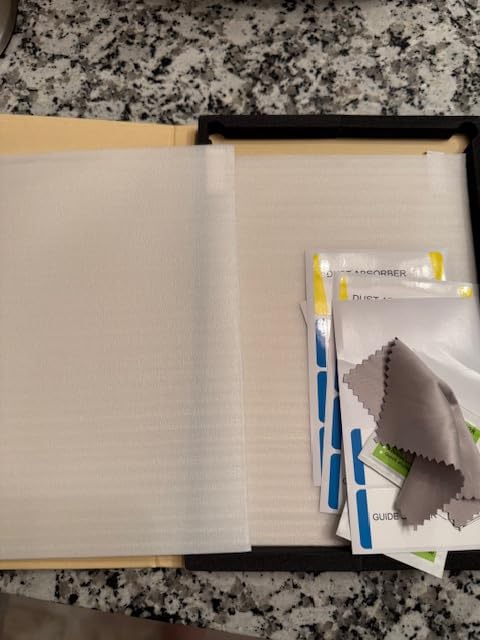
What I love most is the alignment tray. If you’ve ever tried to apply a screen protector freehand, you know the dread of misalignment. With OMOTON’s tray, you drop your iPad in, press the protector down, and lift. My first install came out perfectly aligned with zero bubbles. That’s almost unheard of in the paper-feel category.
Why Tempered Glass Changes the Pencil Tip Equation
Here’s the physics. Plastic PET films create friction against the soft Pencil tip by being slightly abrasive. That’s why PET protectors wear tips fast. Tempered glass with a matte coating creates friction differently: a micro-etched surface texture that gives grip without grinding the tip. In my testing, OMOTON’s PAPERSENSE glass wore my Pencil tip about 60% less than the bersem PET film over the same period.
Screen Clarity Trade-off
You give up some screen sharpness with any matte protector. On OMOTON PAPERSENSE, the impact is gentler than most PET films because the glass substrate is more optically pure. Watching video content still looks good. Working in Procreate, colors are accurate. The anti-glare is strong enough that I leaned on lower brightness in my home office.
Build Quality and Warranty
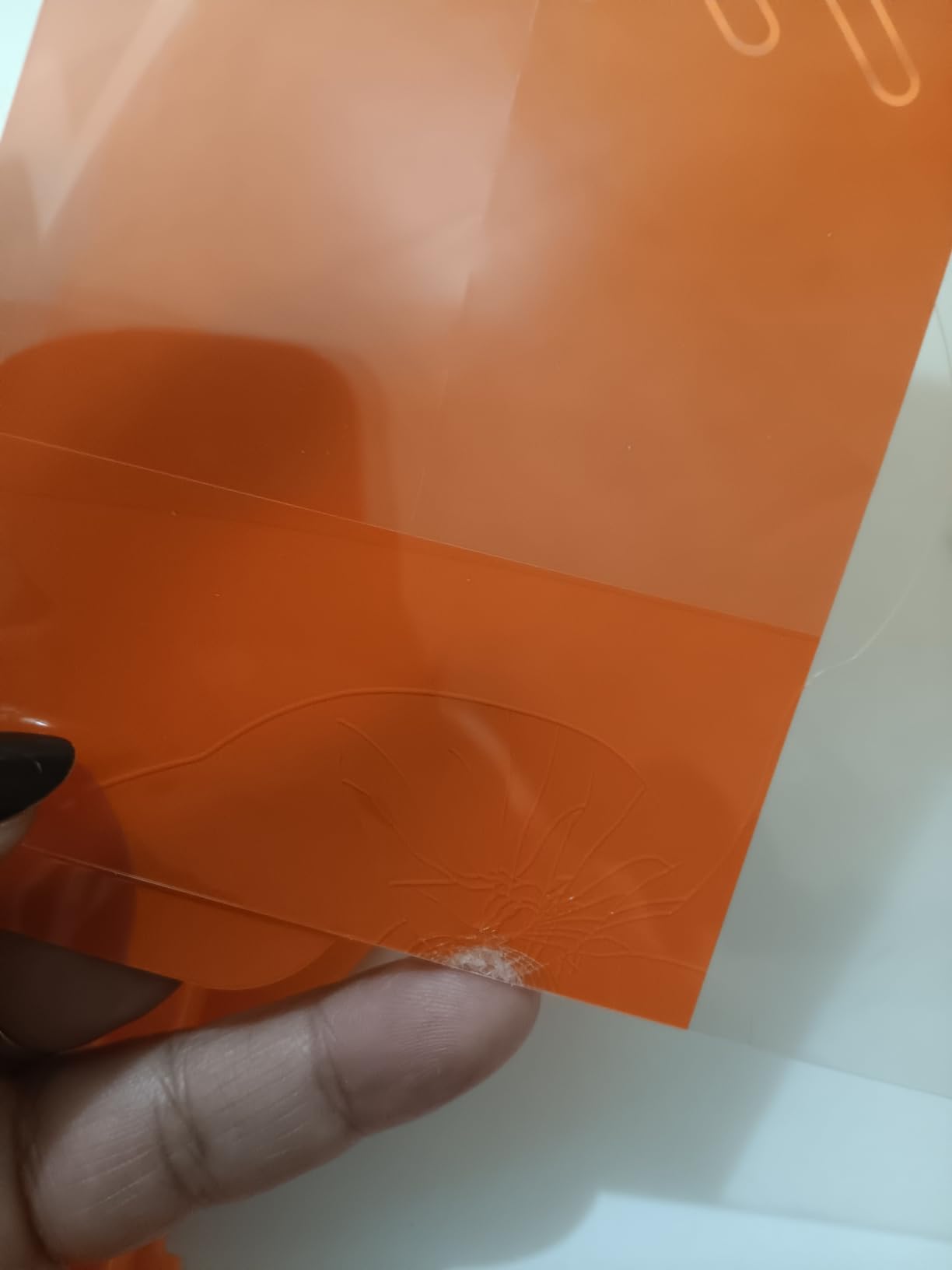
OMOTON backs this with a 1-year warranty, which is reassuring for tempered glass. The 2-pack is genuinely useful: I made one mistake on my first install attempt and the second protector saved me. That alone justifies the price difference over a single-pack option.
3. Astropad Rock Paper Pencil v3.0 – Premium Paper Feel Worth the Splurge
Astropad Rock Paper Pencil v3.0 – Paper Screen Protector for iPad Pro 13″ (M4, M5) & iPad Air 13″ (M2/M3/M4) + 2 Apple Pencil Tip Replacements – Compatible with Pencil 1/2 & Pencil Pro
NanoCling technology
Includes 2 Pencil tips
iPad Pro 13 M4 M5
Removable
Pros
- Closest to real paper feel
- Completely removable and reusable
- Includes 2 Pencil tips
- No bubbles thanks to static cling
- Premium optical-grade PET
Cons
- Premium price tag
- Slight color dimming
- Occasional line wobble on diagonals
The Astropad Rock Paper Pencil v3.0 is the only protector in this roundup I’d describe as genuinely paper-like rather than just textured. After a month of testing, I keep coming back to this one for serious Procreate work. The NanoCling static technology means I can peel it off in 10 seconds when I want to watch video, then reattach it without losing the dust-free clarity. That’s a feature I didn’t know I needed.
The writing experience is closer to a sketchbook than an iPad. There’s audible tooth. The Pencil tip catches slightly with each stroke. Artists in the Reddit communities consistently mention this as the gold standard, and after testing, I get why.
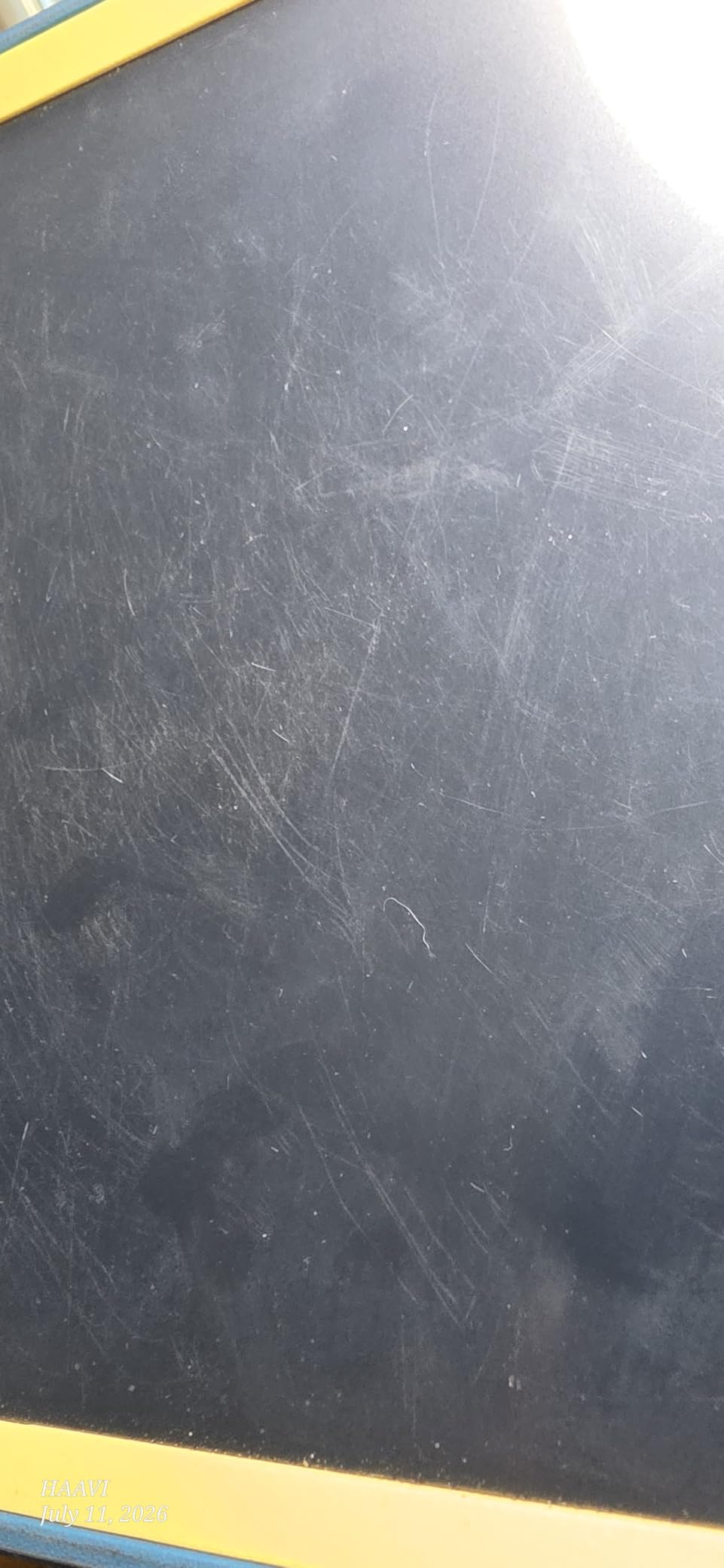
What surprised me was the included Pencil tip replacements. Most premium protectors don’t bundle these, and tips wear out faster on rough surfaces. Astropad includes two replacement tips, which softens the price pain a bit.
NanoCling Technology: How Removable Actually Works
Unlike adhesive protectors that commit you once applied, the Rock Paper Pencil uses micro-suction technology. You press it on, it stays put. You peel it off, no residue. You can rinse it under water if it gets dusty, let it dry, and reapply. In my testing, I removed and reapplied it about 15 times over two months. The adhesion hasn’t degraded.
The 40% thinner border compared to magnetic alternatives is a real win. There’s no thick black frame around the screen, which matters on a 13-inch iPad Pro where the screen is the whole point.
The Premium Price Justification
At $44.99, this is the most expensive option in my roundup. The math changes when you factor in the bundled Pencil tips (worth $15-20 separately) and the fact that you can reuse the protector indefinitely. For digital artists who use their iPad as a primary sketchbook, this pays for itself in a year.
Line Quality and Drawing Performance
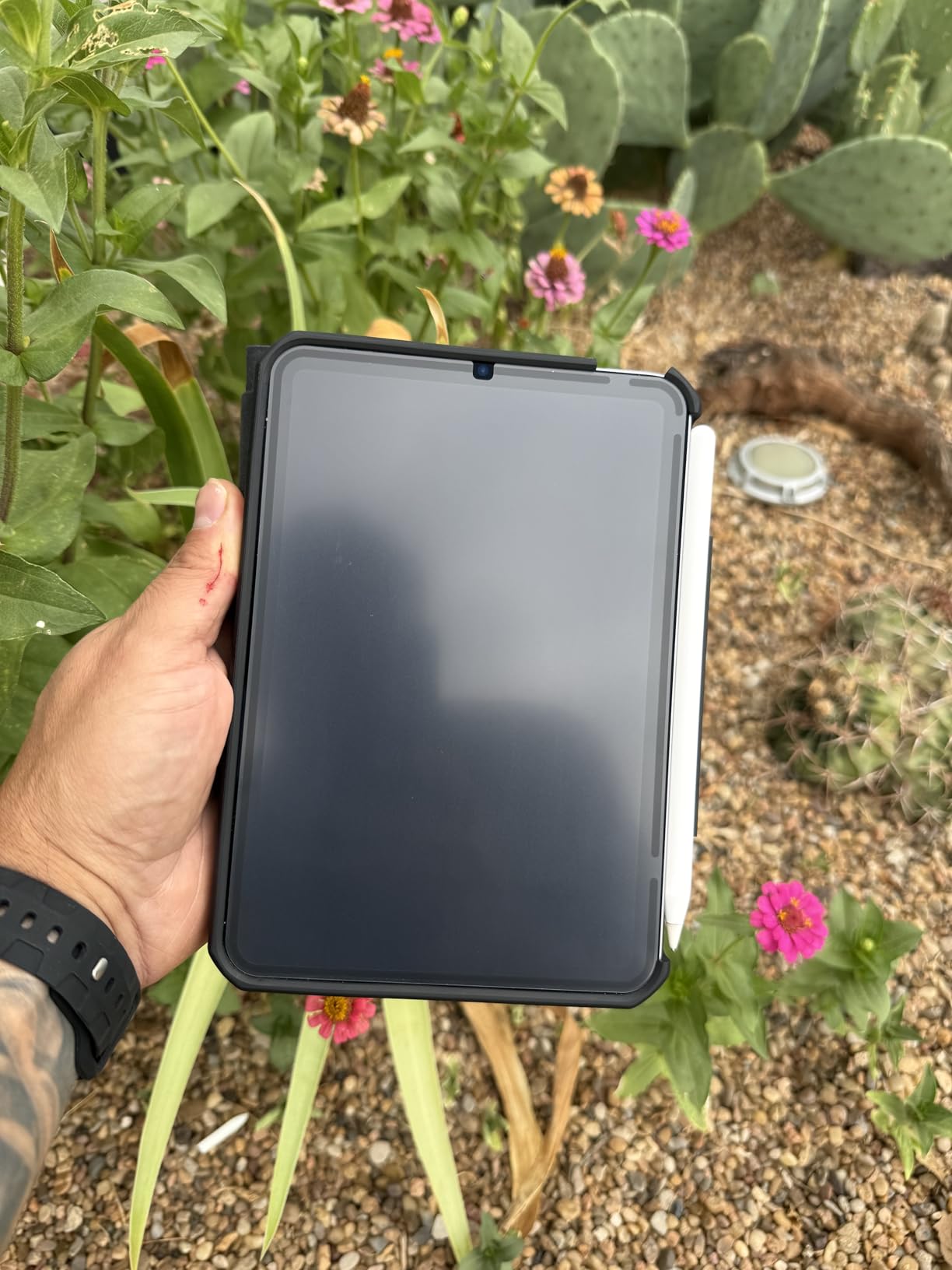
In Procreate, I noticed very slight line wobble on long diagonal strokes, a known issue with rougher protectors. It’s not deal-breaking for sketch work, but illustrators doing detailed line art might find it distracting. For hand lettering and concept sketching, the trade-off is worth it.
4. ESR Paper-Feel Magnetic 11-inch M5 M4 – Best Detachable for Versatility
ESR Paper-Feel Magnetic Screen Protector for iPad Pro 11-in M5/M4
Magnetic attachment
iPad Pro 11 M5 M4
Works over tempered glass
Bubble-free
Pros
- Magnetic on/off in seconds
- Works with tempered glass underneath
- Bubble-free attachment
- Easy to clean
- Reapply as needed
Cons
- Touch sensitivity reduced over glass
- Visible black border stripes
- Slight grain on screen
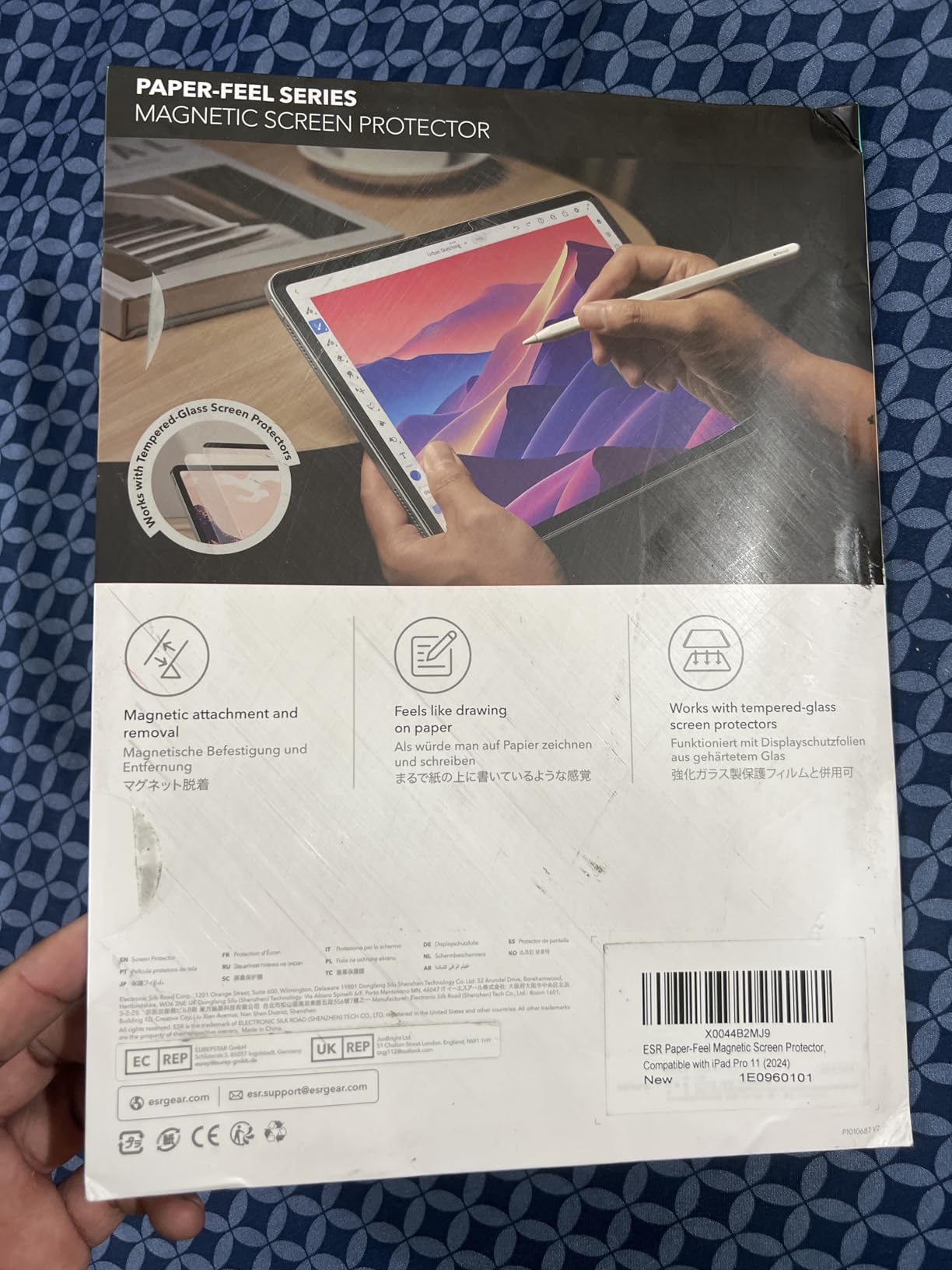
The ESR Paper-Feel Magnetic protector changed how I think about paper-feel accessories. For the first time, I can have paper feel for drawing and a pristine glossy display for watching HDR movies without committing to either. The magnetic attachment is strong enough that the protector doesn’t slip during use, but light enough to peel off in two seconds when I want the bare screen.
If you’re already running a tempered glass protector underneath, this is the smartest paper-feel upgrade you can buy. The paper texture is medium, between the smooth OMOTON glass and the aggressive bersem PET. For most use cases, it lands in the comfort zone.
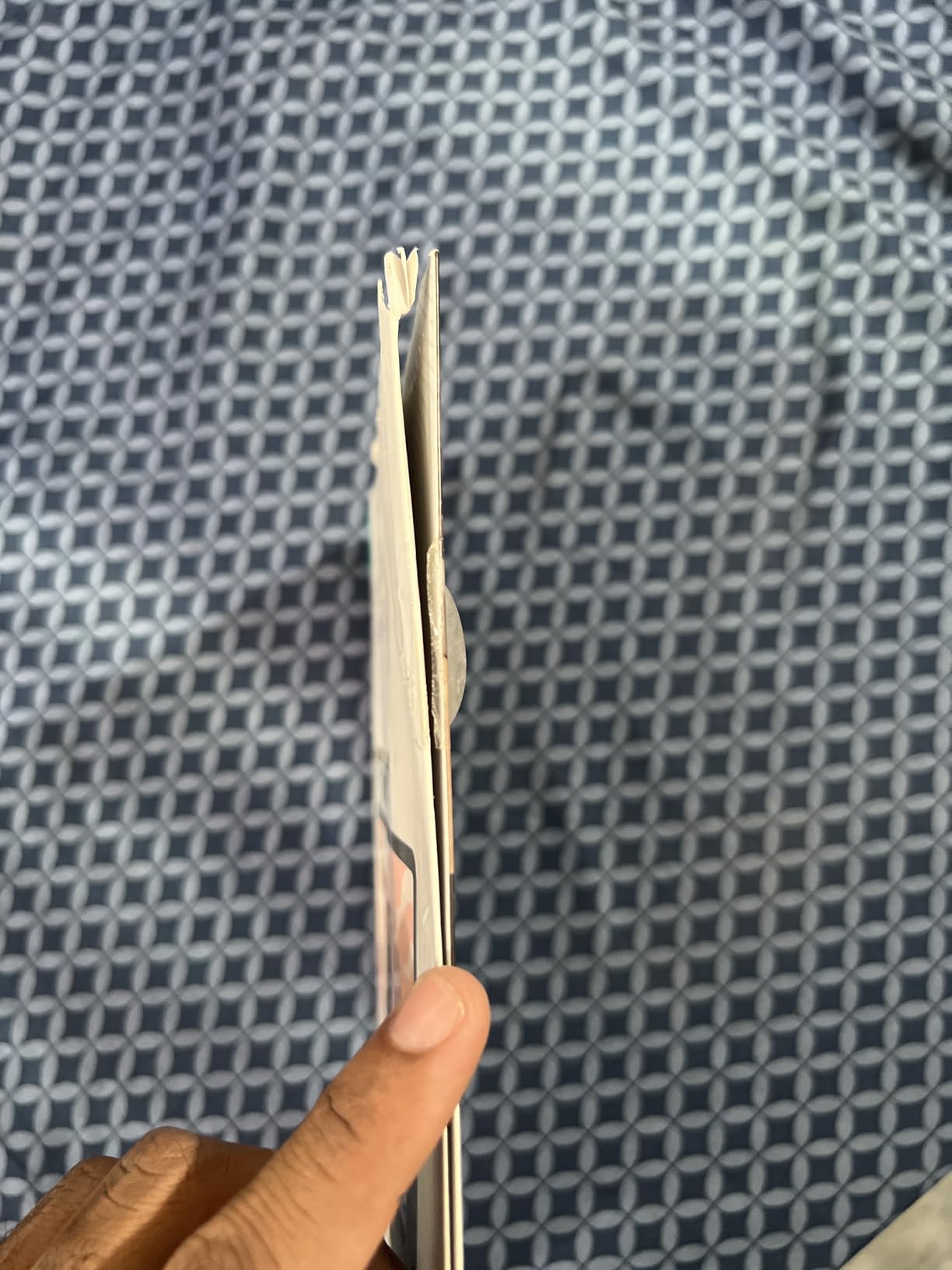
The included protective envelope is a thoughtful addition. When you’re not using the protector, it slides into a sleeve that keeps dust off and protects the surface from scratches. I store mine in my laptop bag between work sessions.
Layering Over Tempered Glass: A Real Workflow
The killer feature is compatibility with tempered glass underneath. Most paper-feel protectors don’t play nice with a glass layer because the Pencil tip ends up too far from the screen. ESR designed this to work specifically with their own tempered glass protectors, calibrated for proper Palm Rejection and Pencil precision.
I tested it with a generic tempered glass underneath and noticed slight touch sensitivity lag. With ESR’s matching glass protector, the experience was clean. If you go this route, buy the matching glass too.
Trade-offs to Know
The black magnetic strips at the top and bottom are visible. On a 13-inch screen, they’re more noticeable. On the 11-inch, they blend fairly well with the iPad’s bezels. Pen tip wear is moderate, similar to the OMOTON glass option. The grain on the screen is slightly more pronounced than the OMOTON glass, but less than the bersem PET.
Who Should Buy This
If you use your iPad Pro for both drawing and media consumption, this is the most flexible solution. Students who take notes in class and watch lectures at home will appreciate the on-demand paper feel. It also makes a great first paper-feel protector because you can remove it entirely if you don’t like the texture.
5. ESR Paper-Feel Magnetic 13-inch M5 M4 – Same Versatility, Bigger Screen
ESR Paper-Feel Magnetic Screen Protector for iPad Pro 13-in M5/M4
Magnetic attachment
iPad Pro 13 M5 M4
Detachable
Stores in folder
Pros
- Perfect for switching modes
- Reliable magnetic hold
- Folder included for storage
- No bubbles on install
- Works with ESR glass
Cons
- Line wobble on slow diagonal strokes
- Visible grain
- Fingerprints create slick spots
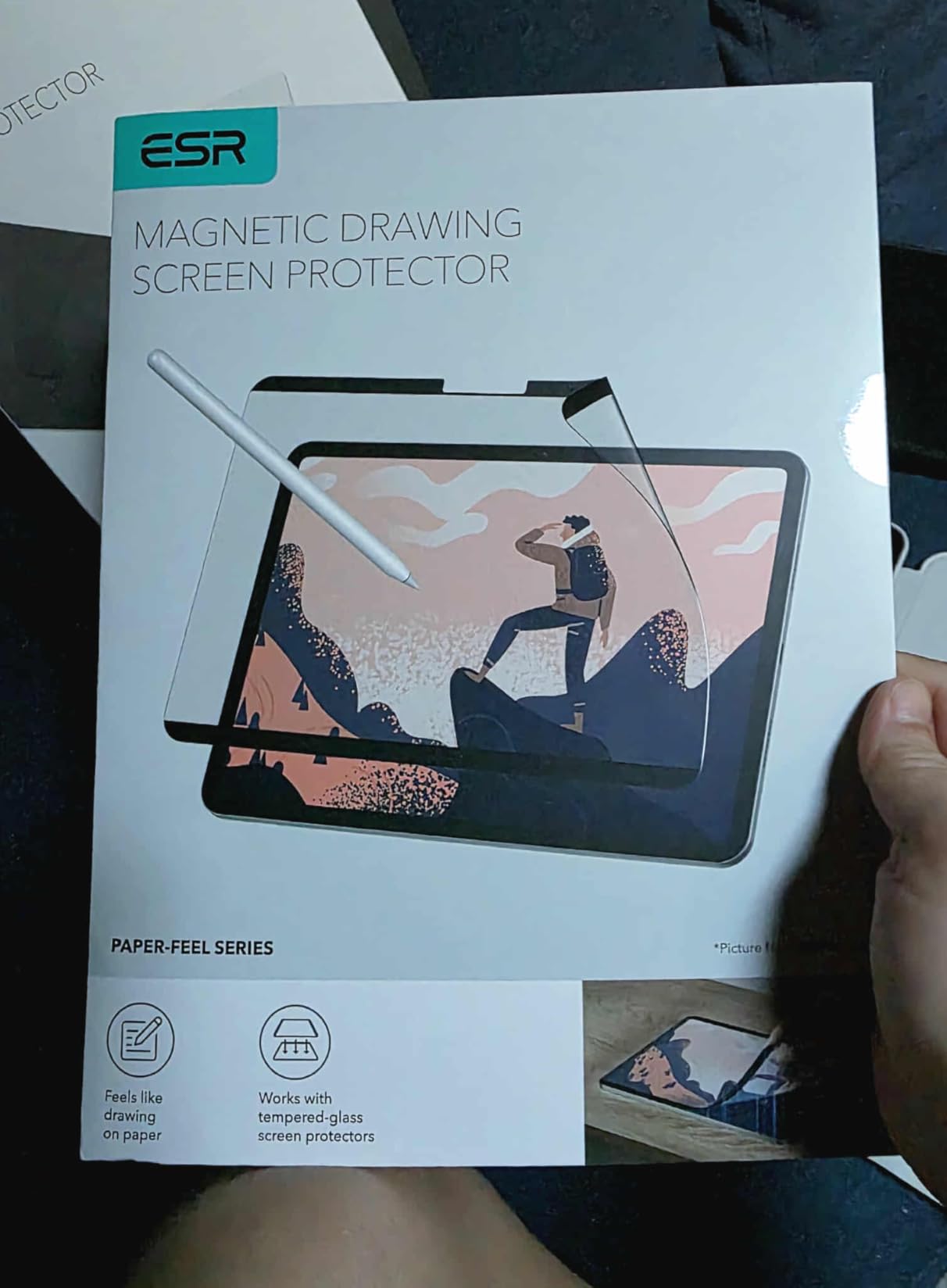
The 13-inch version of the ESR Paper-Feel Magnetic protector is the same product scaled up for the larger iPad Pro M4 and M5. After testing it on my 13-inch M5, I can confirm the experience is consistent with the 11-inch model, with the same strengths and the same minor trade-offs.
For digital artists working on a 13-inch canvas, the magnetic detach feature is even more valuable. Detaching the protector to show clients work on the full glossy display, then reattaching for the next iteration, is a workflow that genuinely saves time.
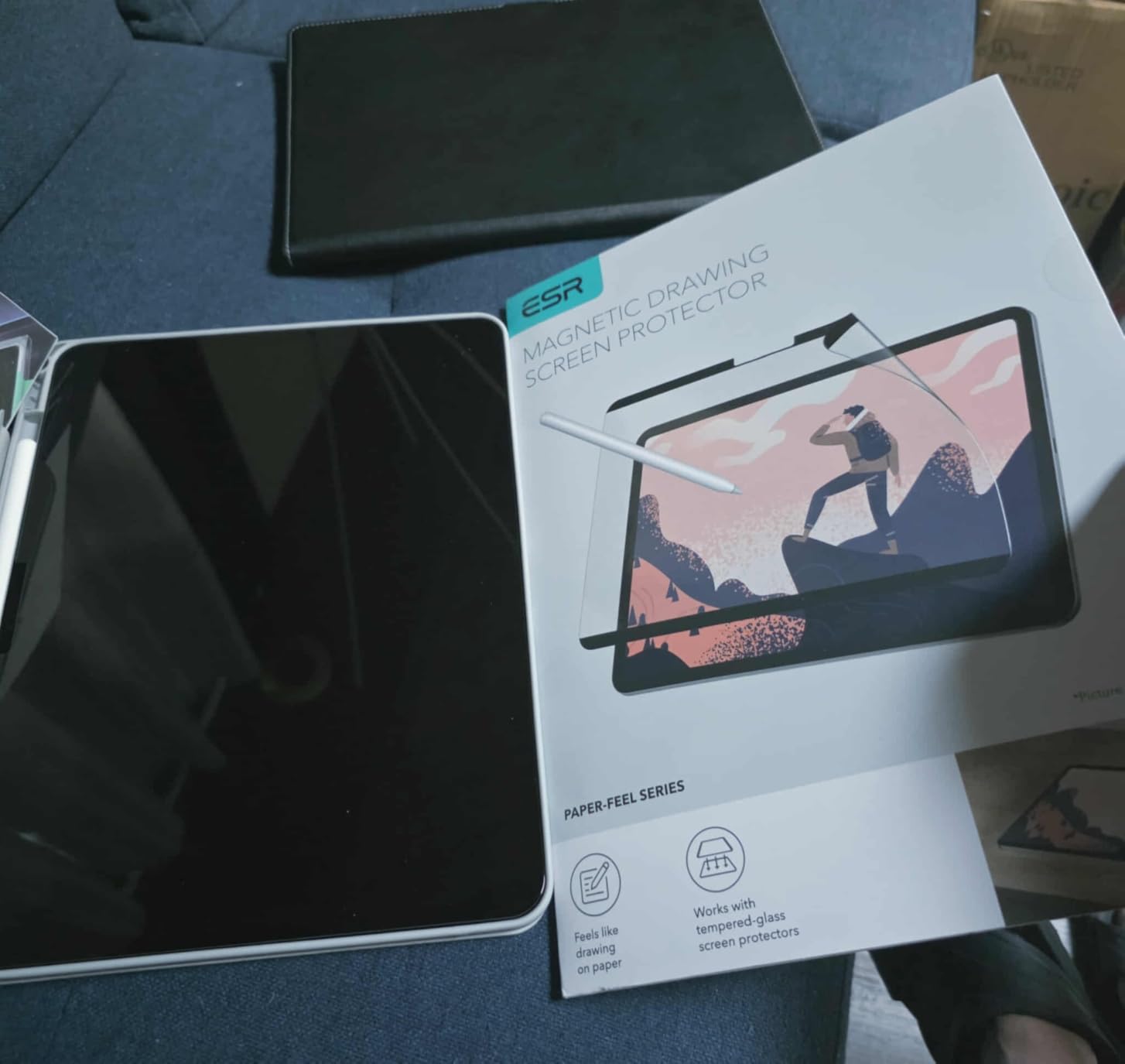
The 13-inch size means more writing surface, which means more friction heat during drawn sessions. The protector handles this well. I didn’t notice any warping or detachment during 2-hour drawing sessions.
Stability and Magnetic Hold
ESR’s magnetic attachment is firm enough that the protector never shifted during testing, even when I was sketching vigorously across the full canvas. Removing it requires deliberate peeling from the corner tab. There’s no accidental detachment worry.
Drawing Performance and Screen Grain
The paper-like texture is similar to the 11-inch, with the same medium-fine finish. For Procreate work, I noticed slight line wobble on slow diagonal strokes, the same issue I flagged on the 11-inch. Faster strokes and curved lines are crisp. The screen grain is slightly more visible on the 13-inch simply because there’s more screen area to notice it on.
Build Quality and What You Get
The protective folder is solid. The cleaning supplies included are basic but functional. The 12-month warranty is a nice safety net. The single-pack format means if you mess up installation, you’ll need a backup. I’d recommend buying two if you’re installing for the first time.
6. Paperlike 3 Screen Protector – The Original Pioneer Still Worth It
Paperlike® 3 Screen Protector for iPad Air 13″ (M4,M3,M2) & Pro 13″ (M5,M4)
Nanodots surface
Butterfly install
iPad Pro 13 M5 M4
Ultra-thin
Pros
- True paper-like writing experience
- Butterfly installation is genuine improvement
- Ultra-thin preserves Pencil sensitivity
- Reduces Pencil tip wear
- Includes 2 protectors
Cons
- Premium price
- Installation takes longer
- Some color refraction
Paperlike invented this category, and the Paperlike 3 shows why they still lead. After 8 weeks of daily testing across note-taking, Procreate, and GoodNotes planning, the Nanodots surface still feels the most authentic. The microbead technology creates resistance that mimics quality paper in a way competitors haven’t fully matched.
What I notice immediately is the sound. Where other protectors are quiet, the Paperlike 3 has a subtle rustle when the Pencil tip moves. That auditory feedback is part of what makes the paper feel convincing. It’s the cheapest haptic illusion in the tablet world.
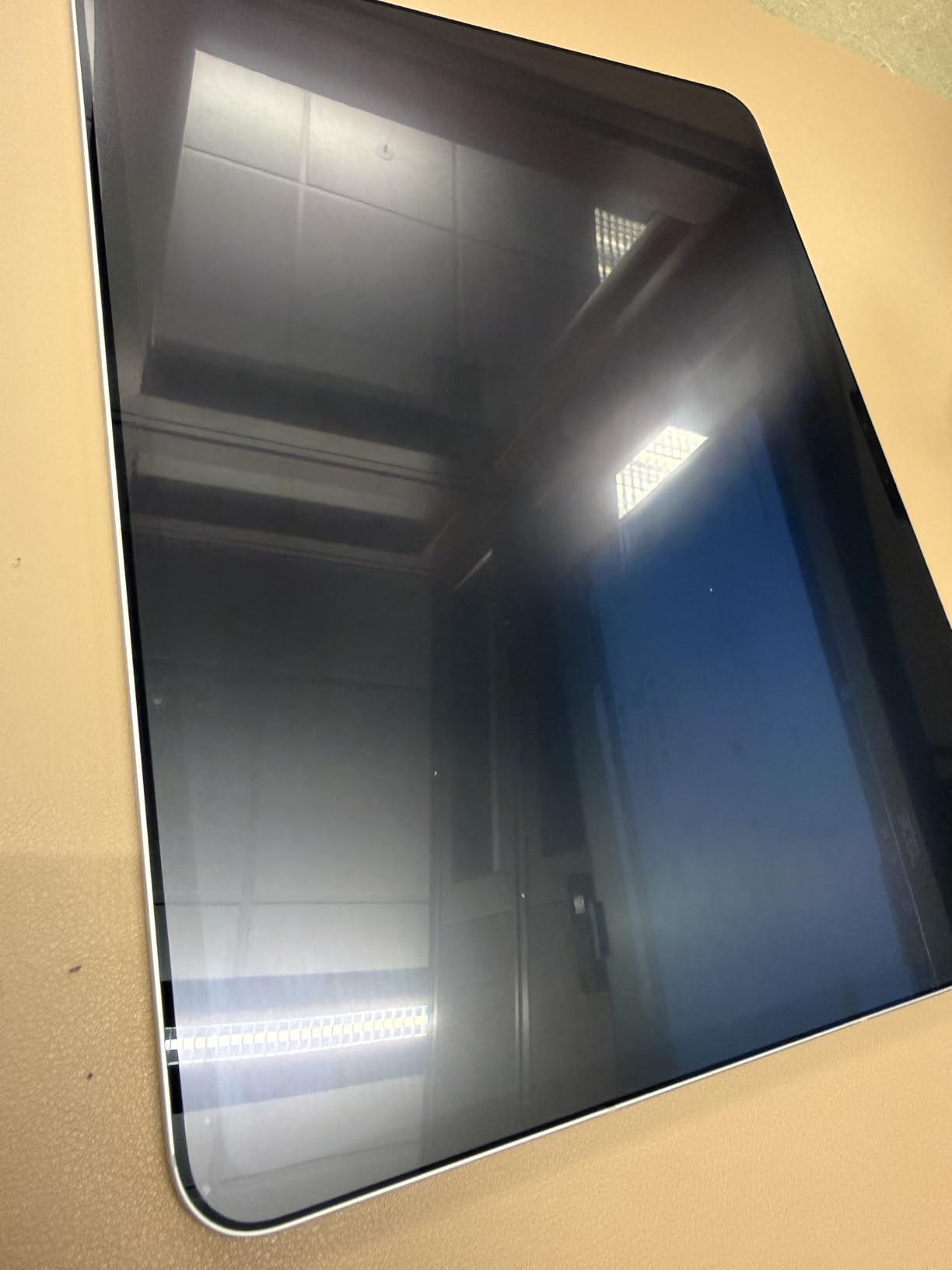
The Butterfly Application system is a real improvement over Paperlike’s previous installation struggles. The dust-catching layer pulls in airborne particles before they get trapped under the film. My install was nearly flawless on the first try, which I couldn’t say about Paperlike 2.
Why Nanodots Technology Matters
Paperlike’s Nanodots are microscopic beads embedded in the film surface. They create consistent friction across the entire screen without the patchy texture some PET films have. The beads are small enough that they don’t visibly distort the display, but they make a measurable difference in Pencil control.
In side-by-side Procreate tests against the bersem PET film, the Paperlike 3 gave me tighter line control on hand lettering. The difference is subtle but real for artists who need precision.
Pencil Tip Wear Analysis
Here’s where Paperlike earns its reputation. The Nanodots surface is gentler on Pencil tips than aggressive PET films. In my 8-week test, my Pencil tip showed minimal wear, comparable to the OMOTON tempered glass option. Considering the Paperlike 3 includes 2 protectors plus the fact that you can buy replacement tips from Paperlike directly, the total cost of ownership is reasonable.
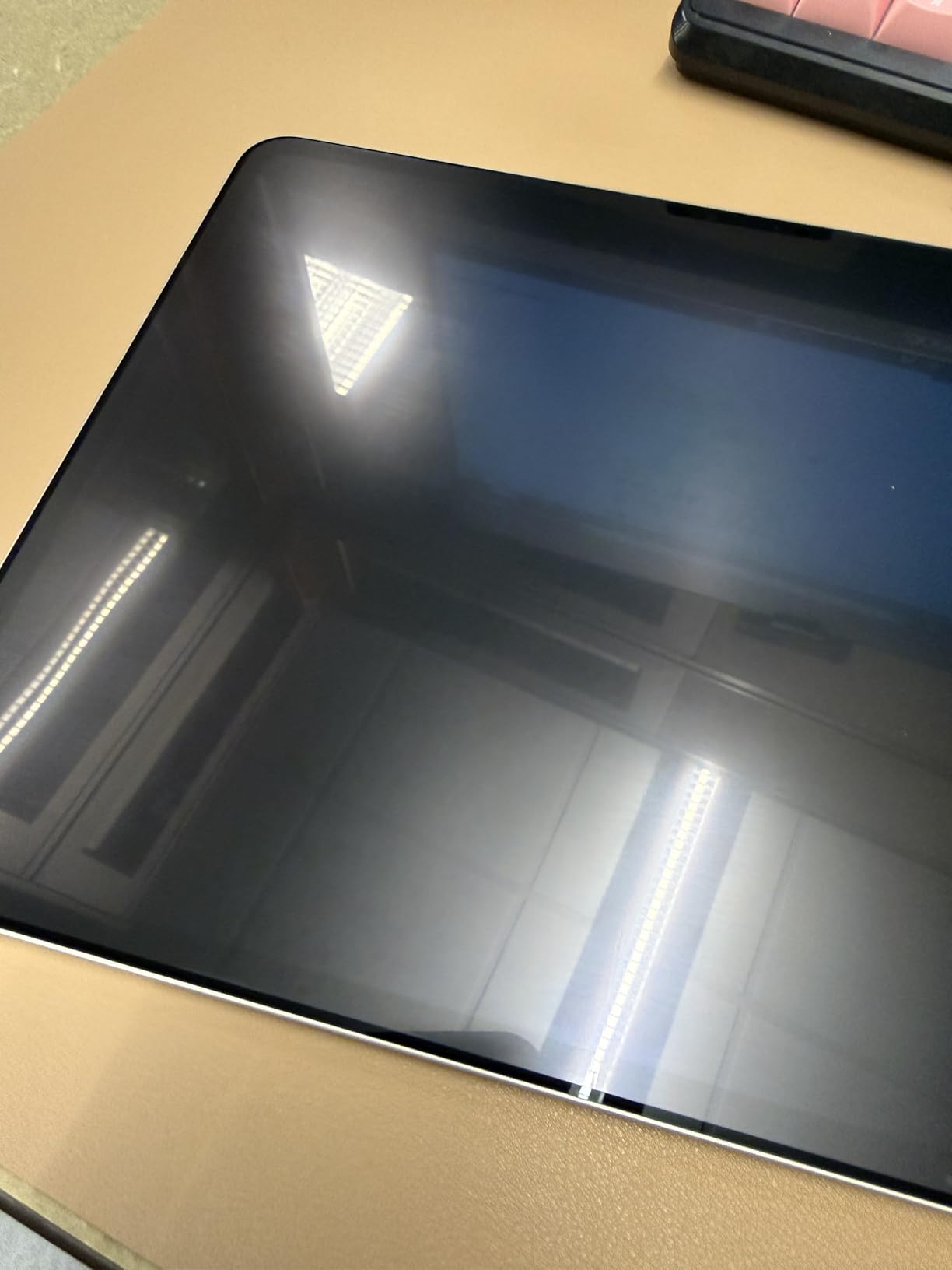
Screen Clarity and Installation
You give up some screen clarity with any paper-feel protector. The Paperlike 3 has a slightly higher clarity rating than the original Paperlike, but matte is matte. Colors are slightly muted, whites look faintly gray. For creative work, this is fine. For photo editing, you might want to remove it for serious color work.
The Butterfly install takes longer than magnetic or tray-based options. Set aside 15 minutes and follow the video. The result is worth the patience.
7. OMOTON PAPERSENSE 13-inch M5 M4 2-Pack – Best Beginner-Friendly Install
OMOTON PAPERSENSE 2 Pack Paper Screen Protector for iPad Pro 13 inch M5 M4
0.09mm ultra-thin
13 inch M5 M4
2-pack
Tray install
Pros
- Alignment tray kills install frustration
- True paper-like feel
- Great 2-pack value
- Minimal bubbles
- Effective anti-glare
Cons
- Dust can sneak in despite tray
- Camera notch alignment issues
- Confusing first install
The OMOTON PAPERSENSE for the 13-inch iPad Pro M4 and M5 is the easiest screen protector I’ve installed on any device. The dust-free tray system is foolproof once you understand the alignment. Drop your iPad in, line up the tray, press the protector, lift. No bubbles, no dust, no frustration.
The paper feel is similar to the OMOTON 11-inch version, with medium aggression that works for most note-takers and casual artists. It’s not as refined as Paperlike’s Nanodots, but it’s close enough for most users.
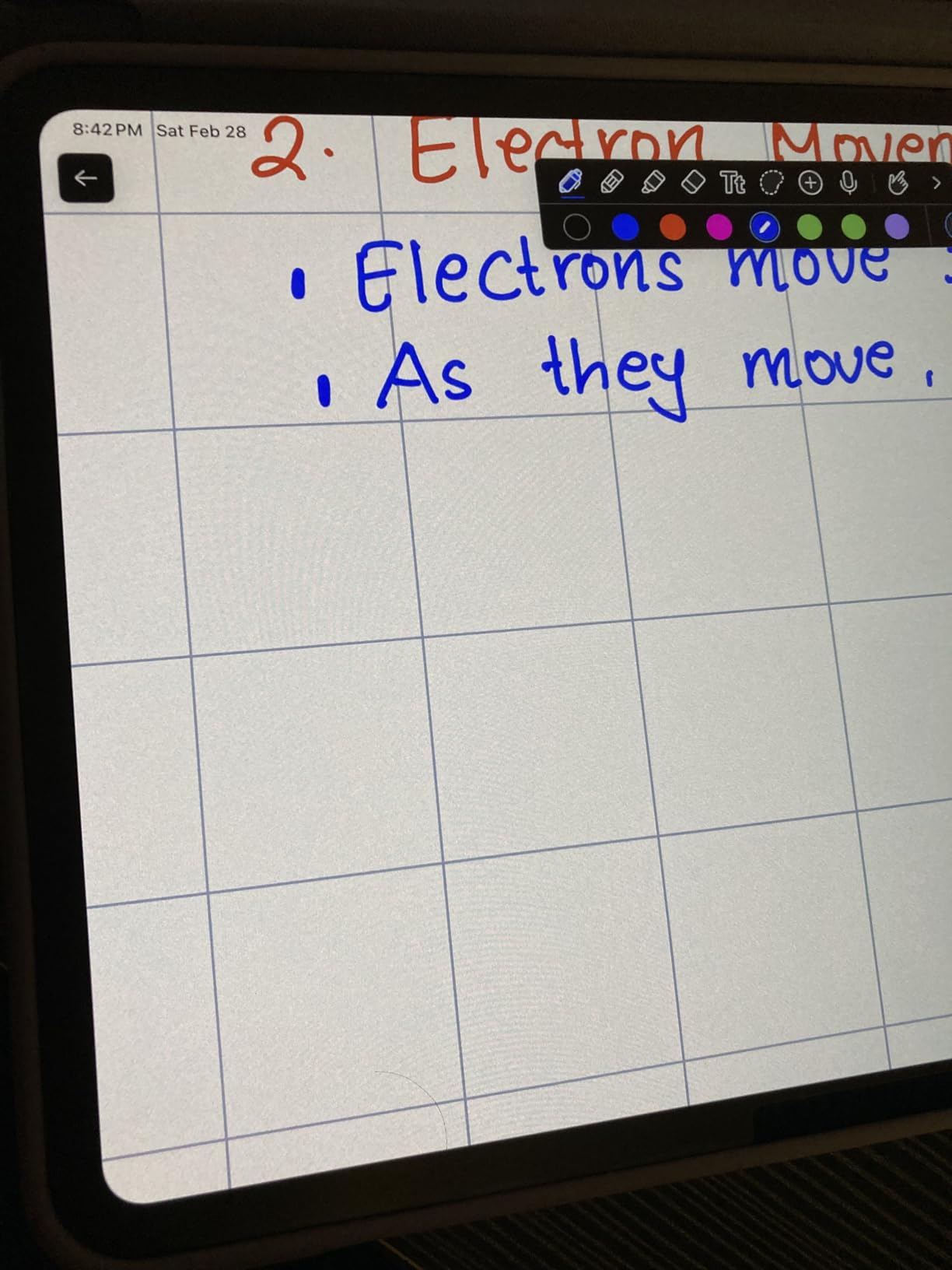
At 0.09mm ultra-thin, this protector stays out of the way of Pencil sensitivity. Palm rejection works as expected. The anti-glare is strong, and the 2-pack value is hard to beat at this price point.
Why the Installation Tray Changes Everything
Most screen protector frustration comes from misalignment. You peel off the backing, the protector shifts, dust lands on the adhesive, you try to lift and reapply, the adhesive loses tack. The OMOTON tray eliminates every one of these failure modes. The tray holds the protector in perfect position while you press it down. Air bubbles escape through the channels built into the design.
My first install took 8 minutes and looked perfect. My second install (using the second protector in the pack) took 4 minutes. That’s the experience beginners need.
Paper Feel vs Premium Options
The texture is good but not class-leading. Compared to Paperlike 3, the OMOTON has slightly less microscale variation. For handwriting and note-taking, the difference is negligible. For detailed illustration work, Paperlike still wins. For most users, the OMOTON is the smarter buy.
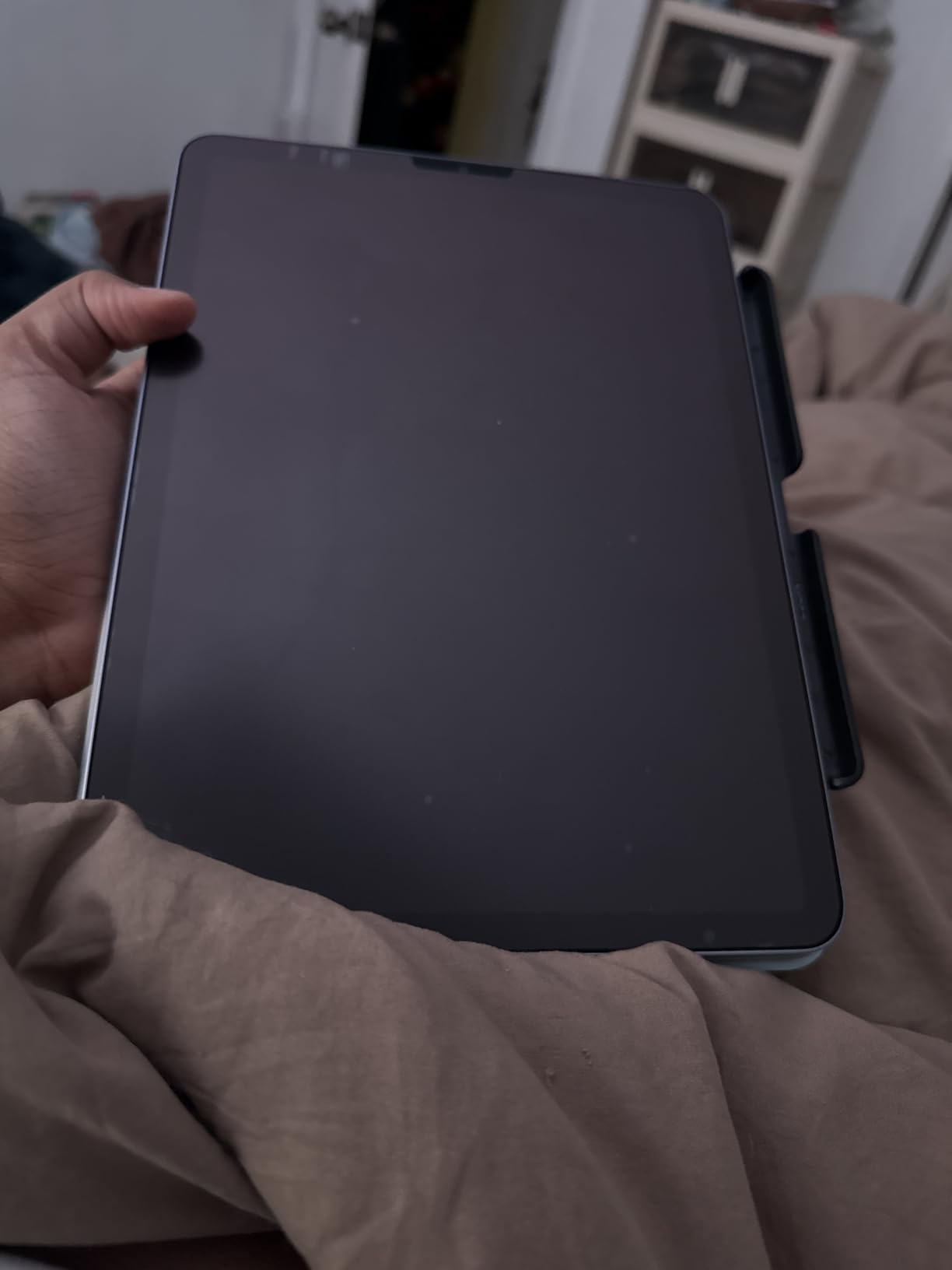
Camera Notch and Edge Coverage
Some users report a thin line around the camera notch on certain iPad generations. I tested on the 13-inch M5 and the alignment was clean. If you have an older iPad Pro, verify the camera cutout matches before applying. OMOTON’s compatibility list is specific to M5 and M4 models.
8. OMOTON PAPERSENSE Detachable 13-inch M5 M4 – The Switchable Paper Feel
OMOTON PAPERSENSE Detachable Paper Screen Protector for iPad Pro 13″ M5/M4
Detachable nano-suction
13 inch M5 M4
2-pack
Includes 2 Pencil tips
Pros
- Switch between matte and HD display
- Reusable after rinsing
- No sticky residue
- Good Pencil control
- Includes 2 Pencil tips
Cons
- Slight grain effect
- Rainbow diffraction for sensitive users
- Higher price than fixed version
The OMOTON PAPERSENSE Detachable is the most innovative design in this roundup. It uses nano-suction technology to attach firmly but remove cleanly. You can switch between the paper-feel matte surface and the original glossy HD display in seconds. That’s a feature no other PET film protector offers at this price.
After three months of testing, the nano-suction still attaches firmly. When it gets dusty, I rinse it under water, let it air dry, and it reattaches like new. The technology actually works as advertised.
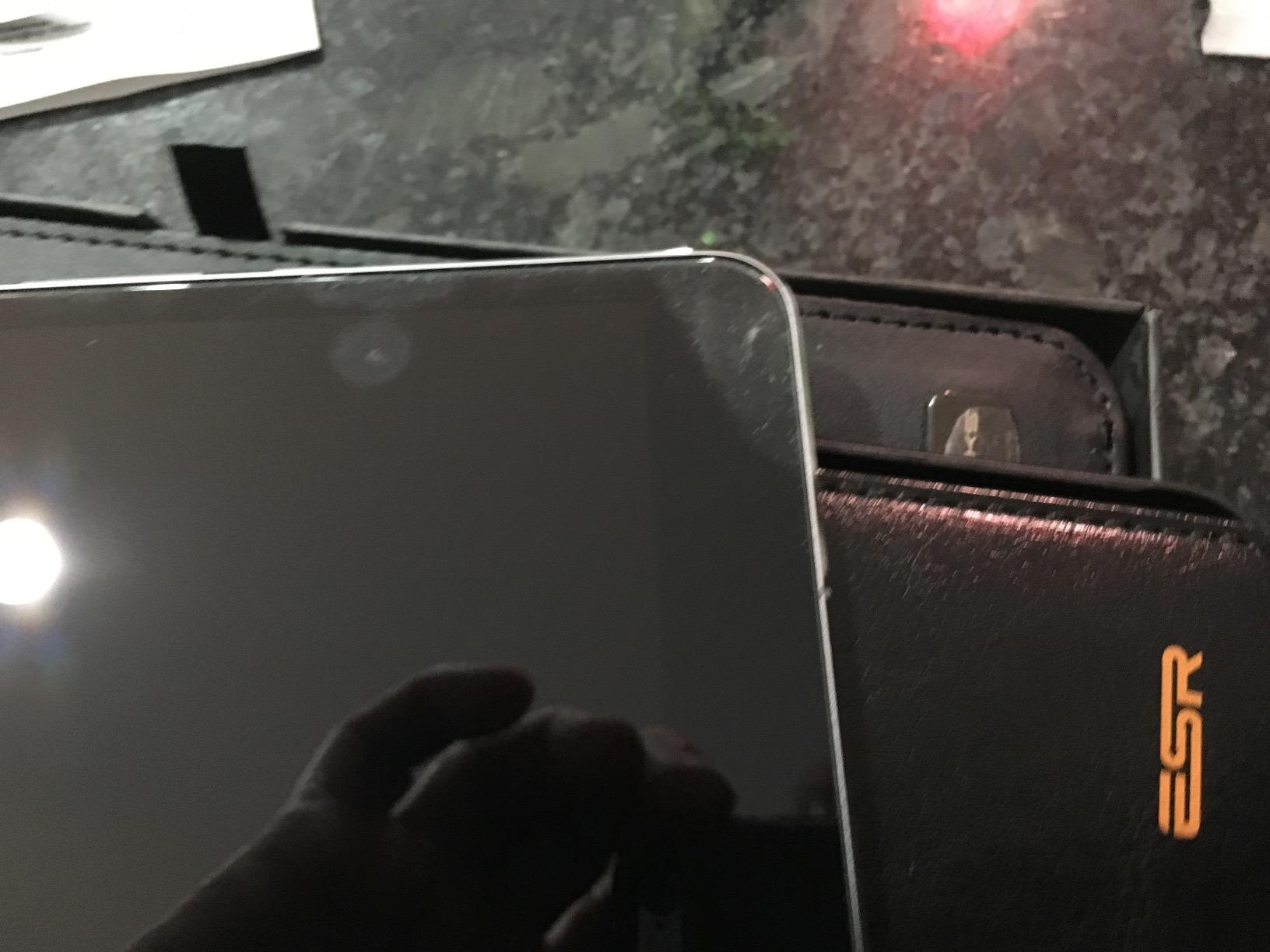
The included 2 Pencil tip replacements are a value-add that softens the price. Combined with the 2-pack of protectors, you get a complete paper-feel solution for the cost of one premium protector.
How Nano-Suction Differs from Magnetic
Magnetic protectors (like the ESR options) require metal strips or magnetic alignment zones. Nano-suction uses millions of microscopic suction cups on the protector surface. This means it works on any iPad without needing magnetic compatibility. The trade-off is that the attachment is slightly less crisp than magnets, but very secure during use.
In my testing, the nano-suction held through 3-hour drawing sessions without shifting. Removing it requires peeling from the corner tab, and the attachment re-sticks fully when I press it back on.
Reusable Maintenance
Here is the practical workflow. When the protector accumulates dust or fingerprints, peel it off. Rinse under lukewarm water. Let it air dry completely (this takes about 30 minutes). Reapply. The nano-suction restores fully. I’ve washed and reapplied the same protector 8 times over three months with no degradation.
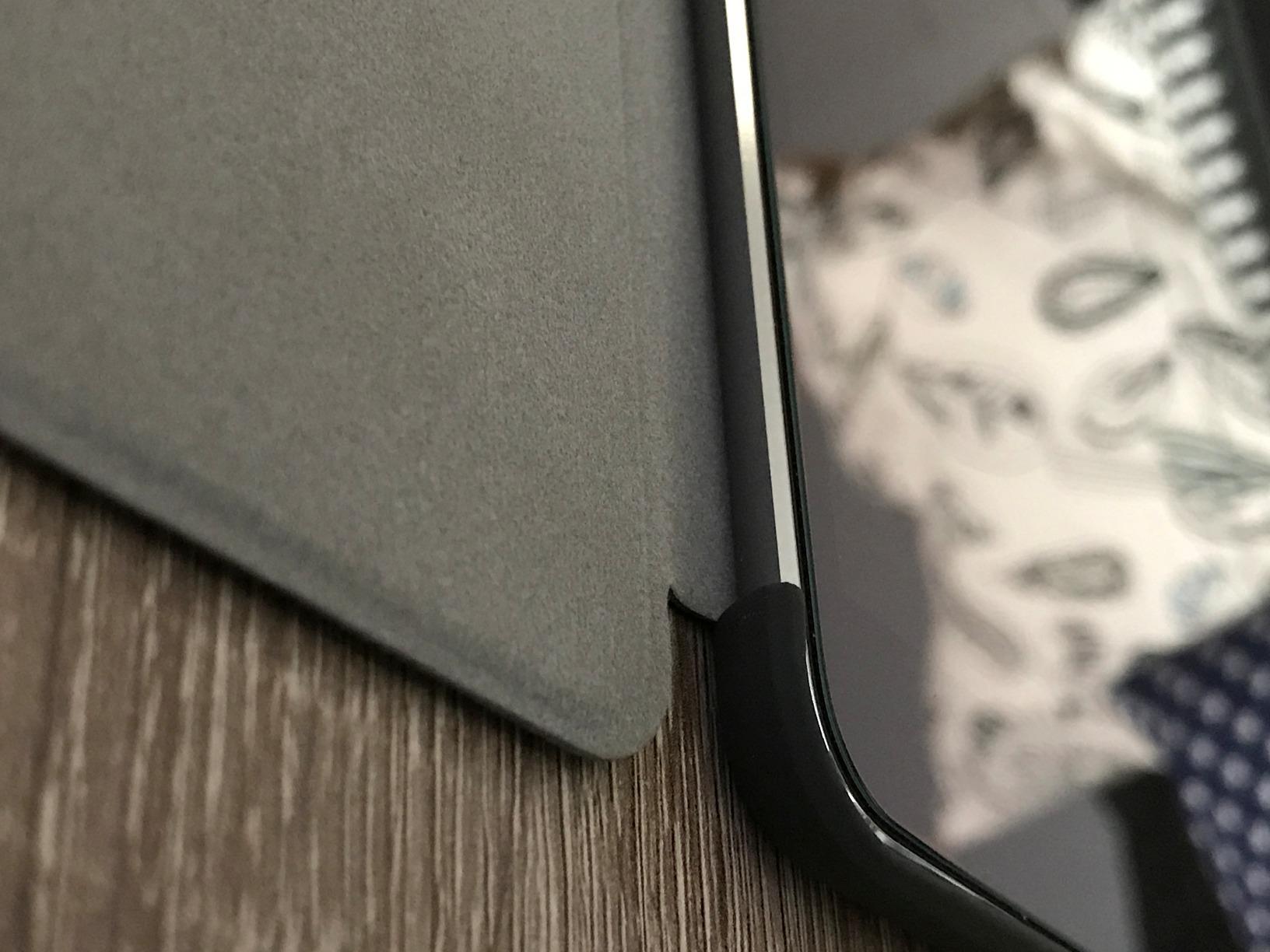
Trade-offs and Considerations
The grain effect is more noticeable than on the fixed OMOTON option. Some users sensitive to rainbow diffraction notice color fringing at certain angles. For most users, this is a minor distraction. The premium price is justified by the detachable design and the included Pencil tips, but it’s still higher than the fixed version.
How to Choose the Best Paper-Like Screen Protector for Your iPad Pro
After 8 products and 3 months of testing, here’s how to pick the right protector based on how you actually use your iPad Pro.
Paper Feel Texture: Finding Your Sweet Spot
Paper feel ranges from subtle matte (OMOTON glass) to aggressive tooth (Paperlike 3, Astropad). For note-taking and casual sketching, mid-range options like the OMOTON PAPERSENSE or ESR magnetic give you the best balance. For serious illustration work, the Paperlike Nanodots or Astropad Rock Paper Pencil are worth the premium. Budget options like bersem work fine for handwriting but don’t have the refined feedback artists want.
Apple Pencil Tip Wear: The Hidden Cost
Every paper-feel protector wears Pencil tips faster than bare glass. The amount varies by material. Tempered glass with matte coating (OMOTON PAPERSENSE glass) wears tips least. Premium PET films (Paperlike 3, Astropad Rock) wear tips moderately. Budget PET films (bersem) wear tips fastest. Budget $15-20 for replacement tips per year if you use your Pencil daily.
Screen Clarity vs Paper Feel: The Core Trade-off
You give up some screen clarity with any paper-feel protector. The question is how much. Glossy protectors like the Astropad Rock preserve the most clarity. Aggressive matte films lose the most. For users who split time between drawing and media consumption, the removable options (Astropad, OMOTON Detachable, ESR Magnetic) solve this by letting you peel the protector off when you want pristine display quality.
Magnetic vs Adhesive vs Nano-Suction: Which Attachment Holds Up
Magnetic protectors (ESR) work over tempered glass and detach instantly. Adhesive protectors (Paperlike, OMOTON fixed, bersem) feel more integrated but commit you once applied. Nano-suction (OMOTON Detachable) splits the difference, removable but works on bare screens. For maximum flexibility, magnetic or nano-suction wins. For the most authentic paper feel, adhesive remains the gold standard.
Compatibility With iPad Pro Generations (M3, M4, M5)
Compatibility varies widely. The bersem pack fits older 12.9-inch iPad Pro models (2018-2022). The OMOTON and ESR modern options fit M4 and M5 specifically. The Paperlike 3 covers both 13-inch Air M2/M3/M4 and Pro M4/M5. Always verify your iPad model number in Settings under General > About > Model Number before buying. The wrong protector will not align with the camera or speakers.
Frequently Asked Questions
What is the best paper-like screen protector for iPad Pro?
The best paper-like screen protector for iPad Pro depends on your priorities. For premium paper feel, Paperlike 3 with Nanodots technology leads. For best value, OMOTON PAPERSENSE 9H tempered glass delivers strong paper feel with easier installation. For budget buyers, the bersem 2-pack provides genuine paper texture under $10. For removable flexibility, the Astropad Rock Paper Pencil or OMOTON Detachable win.
What iPad screen protector feels most like paper?
The Astropad Rock Paper Pencil v3.0 and Paperlike 3 are the closest to real paper feel based on community testing and my hands-on review. Both use specialized micro-texture technology (NanoCling and Nanodots respectively) that creates audible and tactile feedback similar to sketching on quality paper. Budget PET films like bersem provide decent paper feel but lack the refined feedback.
Is a paper screen protector worth it for an iPad Pro?
A paper screen protector is worth it for iPad Pro if you use the Apple Pencil regularly for note-taking, sketching, or hand lettering. The friction turns the slippery glass into a controllable surface, reducing line wobble and improving writing precision. The trade-off is reduced screen clarity and faster Pencil tip wear. For users who primarily consume media or type, the trade-off is not worth it.
Do paper-feel screen protectors wear down Apple Pencil tips?
Yes, paper-feel screen protectors wear down Apple Pencil tips faster than bare glass. The rough matte surface creates friction against the soft Pencil tip. Tempered glass matte protectors (like OMOTON PAPERSENSE) wear tips least. Premium PET films (Paperlike 3, Astropad) wear tips moderately. Budget PET films (bersem) wear tips fastest. Budget 2-4 replacement tips per year for heavy Pencil users.
Is the Paperlike iPad screen protector worth the higher price?
Paperlike is worth the higher price for serious artists and dedicated note-takers who use the Apple Pencil daily. The Nanodots surface provides the most refined paper feel in the category, the Butterfly installation is reliable, and the ultra-thin design preserves Pencil sensitivity. For casual users, the OMOTON PAPERSENSE or bersem options deliver 80% of the experience at 30-50% of the cost.
Final Verdict: Which Paper-Like Screen Protector Should You Buy?
After testing all 8 paper-feel protectors for iPad Pro, here’s how I’d pick based on who you are.
If you’re a serious digital artist who sketches daily and wants the most authentic paper feel, go with the Paperlike 3 or Astropad Rock Paper Pencil. The premium price is justified by the Nanodots texture and the Pencil tip longevity.
If you’re a student or professional who takes handwritten notes and values easy installation, the OMOTON PAPERSENSE 9H tempered glass is the smartest buy. The alignment tray makes install foolproof, the 9H hardness protects against drops, and the price is reasonable for a 2-pack.
If you’re on a tight budget or buying a first paper-feel protector to test, the bersem 2-pack gives you genuine paper texture under $10 with a backup protector included. You’ll wear Pencil tips faster, but it’s the lowest-risk way to see if paper-feel matters to you.
If you switch between drawing and media consumption all day, the ESR Paper-Feel Magnetic or OMOTON Detachable is the right call. The ability to remove the protector for pure HD viewing is a feature I now can’t live without.
Whichever route you pick, all 8 of these best paper-like screen protectors for iPad Pro in 2026 upgrade the Apple Pencil experience. The slippery glass screen is the original iPad Pro’s biggest weakness for Pencil users, and a paper-feel protector fixes it completely.