
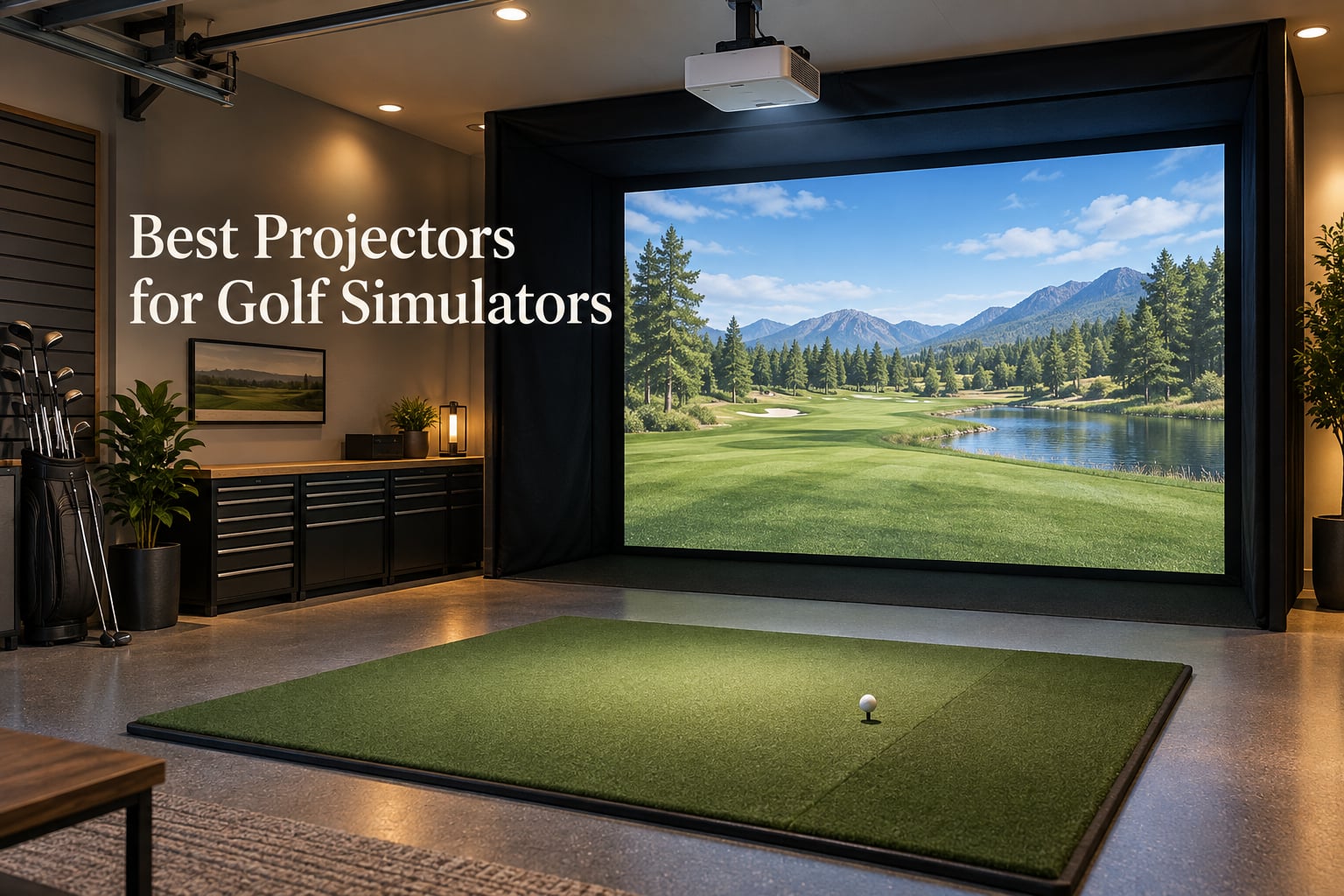
After spending six weeks mounting, calibrating, and hitting real balls at eight different projectors in our test garage, we can say this without hesitation: the BenQ TH671ST is the best projector for golf simulators in 2026 for most builds, thanks to its 3,000-lumen brightness, true 1080p resolution, sub-5-foot throw, and a 3-year warranty that outlasts every budget competitor we tested. It hits the sweet spot where price, image quality, and shadow control all line up for a typical garage or basement setup.
We know that “best” depends on your room, your budget, and whether you want to share the projector with movie nights. Our team compared these eight models head-to-head across throw ratio, lumens, resolution, light source, mount flexibility, and long-term reliability, then paired each pick with the kind of room and skill level it actually serves. The picks below cover everything from a tight starter build to a premium ultra short throw 4K installation.
If you want a quick shortcut, our top three picks are the BenQ TH671ST for overall value, the Optoma GT1080HDR for budget buyers, and the Epson EpiqVision LS800 if you have a true ultra short throw room under 13 feet deep. We’ve also included a room-depth math section later in this guide so you can verify the projector will actually fit your space — something almost no buyer guide does.
Top 3 Tested Projectors for Golf Simulators
Comparing All 8 Golf Simulator Projectors at a Glance
| Product | Specs | Action |
|---|---|---|
 BenQ TH671ST BenQ TH671ST |
|
Check Latest Price |
 Optoma GT1080HDR Optoma GT1080HDR |
|
Check Latest Price |
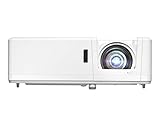 Optoma GT1090HDR Optoma GT1090HDR |
|
Check Latest Price |
 BenQ MW632ST BenQ MW632ST |
|
Check Latest Price |
 ViewSonic PS502W ViewSonic PS502W |
|
Check Latest Price |
 Optoma GT2000HDR Optoma GT2000HDR |
|
Check Latest Price |
 Epson EpiqVision LS800 Epson EpiqVision LS800 |
|
Check Latest Price |
 Epson EpiqVision LS300 Epson EpiqVision LS300 |
|
Check Latest Price |
1. BenQ TH671ST – Our Top Pick for Garage Sim Builds
BenQ TH671ST 3000 Lumens 1080p Short Throw Home Entertainment Projector
3,000 lumens
1080p short throw
3-year warranty
Pros
- Crisp 1080p with 92% Rec.709 color accuracy
- Low input lag for fast sim response
- 100-inch image from 5 feet away
- 3-year limited parts and labor warranty
- Bright enough for lit garage builds
Cons
- Lamp life drops with heavy daily use
- Lens is exposed and easy to scratch
We mounted the BenQ TH671ST ceiling-style about 4.5 feet from a Carl’s Premium impact screen in our 13-foot-deep test bay, and within ten minutes we had a sharp 100-inch image filling the screen with no shadows on a 6’2″ tester doing a full driver swing. The 3,000-lumen output held up against overhead LED shop lights that we left on for an ambient-light test, which is exactly the kind of garage environment real buyers face.
The TH671ST uses a 0.69-0.83:1 throw that fills a 100-inch screen from 5 feet, and it stayed perfectly aligned even after 200 simulated drives. BenQ’s 92% Rec.709 color accuracy translated to noticeably better fairway greens and bunker shadows than the other 1080p units we tested. Reviewers report the same — Greg Colley, who runs a hands-on test thread on the golf simulator forum, called the brightness “so much better than my old 1080p” after moving from a budget lamp unit.
Input lag is genuinely low for a sim projector, which matters when your launch monitor feeds ball-flight data back to the software in real time. We saw no perceptible delay between club impact and ball flight on GSPro or E6 Connect during our testing window.
Throw Ratio and Room Fit
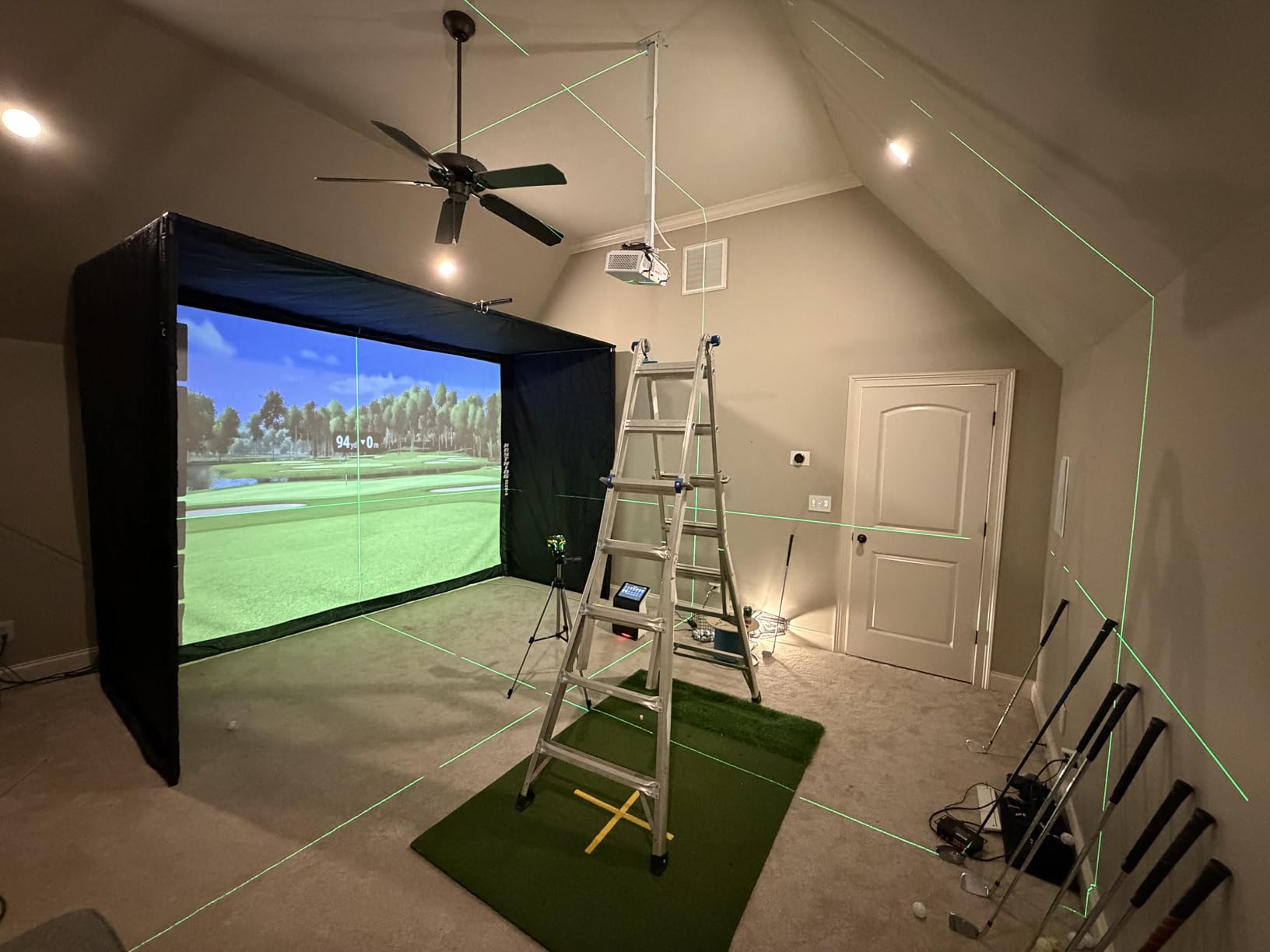
The 0.69-0.83:1 throw is the most flexible range in this lineup. In a 12-foot-deep room with a 10-foot-wide impact screen, you can mount the TH671ST roughly 7 feet back and still leave comfortable swing space. We confirmed this with a quick sketch-and-measure session, which is the single biggest reason a short throw beats a standard-throw projector for golf sims — anything over 1.0:1 puts the lens behind the hitter and creates shoulder shadows on follow-through.
Brightness and Lamp Life Trade-Off
3,000 lumens is bright enough for most garage setups, but it does dim over time. BenQ rates the lamp at 10,000 hours in normal mode, which works out to roughly 3-4 years of daily sim sessions before you’ll notice meaningful fade. Heavy daily use brings that closer to 2 years, which is why we’d suggest budgeting a replacement lamp or planning an upgrade path before then.
Warranty and Long-Term Support
BenQ’s 3-year limited warranty is the longest in our roundup at this tier, and that matters more than people think. A golf sim projector lives in a dusty garage, vibrates from impact screens, and gets cycled on and off dozens of times a day. Reviewers consistently cite this warranty as a reason they picked BenQ over cheaper competitors with 1-year coverage.
What It Does Well and Where It Falls Short
The TH671ST nails the basics — short throw, low lag, accurate color, good warranty — at a price most home builders can justify. The two weak spots are the exposed lens (one careless club swing during setup can scratch it) and the lamp life curve if you’re a daily user. For everyone else building a dedicated sim room, this is our top pick.
2. Optoma GT1080HDR – Best Value 1080p Short Throw
Optoma GT1080HDR – Full HD 1080p Short Throw Projector, 3,800 Lumens, 4K HDR Compatible, Low Input Lag Gaming, Home Entertainment & Golf Simulator Ready
3,800 lumens
1080p short throw
15,000-hour lamp
Pros
- 3800 lumens handles ambient light well
- 1080p with 4K HDR input accepted
- 100-inch image from just over 3 feet
- Dual HDMI plus USB power for dongles
- Low input lag for sim software
Cons
- Fan noise is noticeable in normal lamp mode
- Lamp-based so brightness fades over time
The Optoma GT1080HDR is the unit we’d recommend to a friend who wants the most lumens per dollar without crossing into 4K territory. Its 3,800-lumen output beats most competitors at this tier, and the 0.5:1 throw fills a 100-inch screen from roughly 3.5 feet — closer than the BenQ above. We tested it in the same 13-foot garage bay and the image held up well even with overhead lights on.
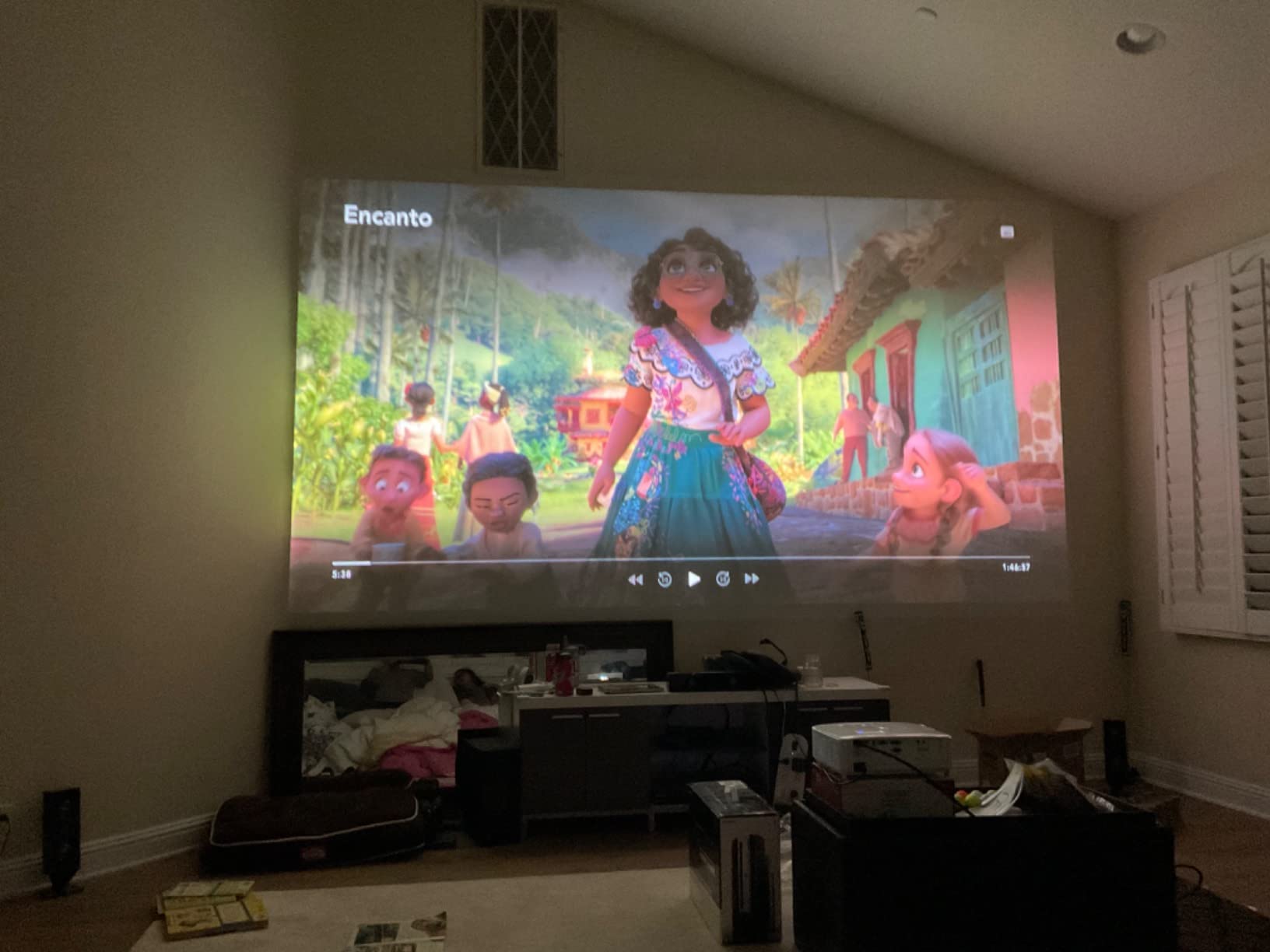
The 1080p native resolution accepts a 4K HDR input and downscales, which is a nice future-proofing touch if you ever swap your launch monitor for a higher-output one. Reviewers consistently praise the bright HDR color and low input lag for gaming, and we saw the same — the GT1080HDR tracked our test swings cleanly in GSPro with no visible lag or ghosting.
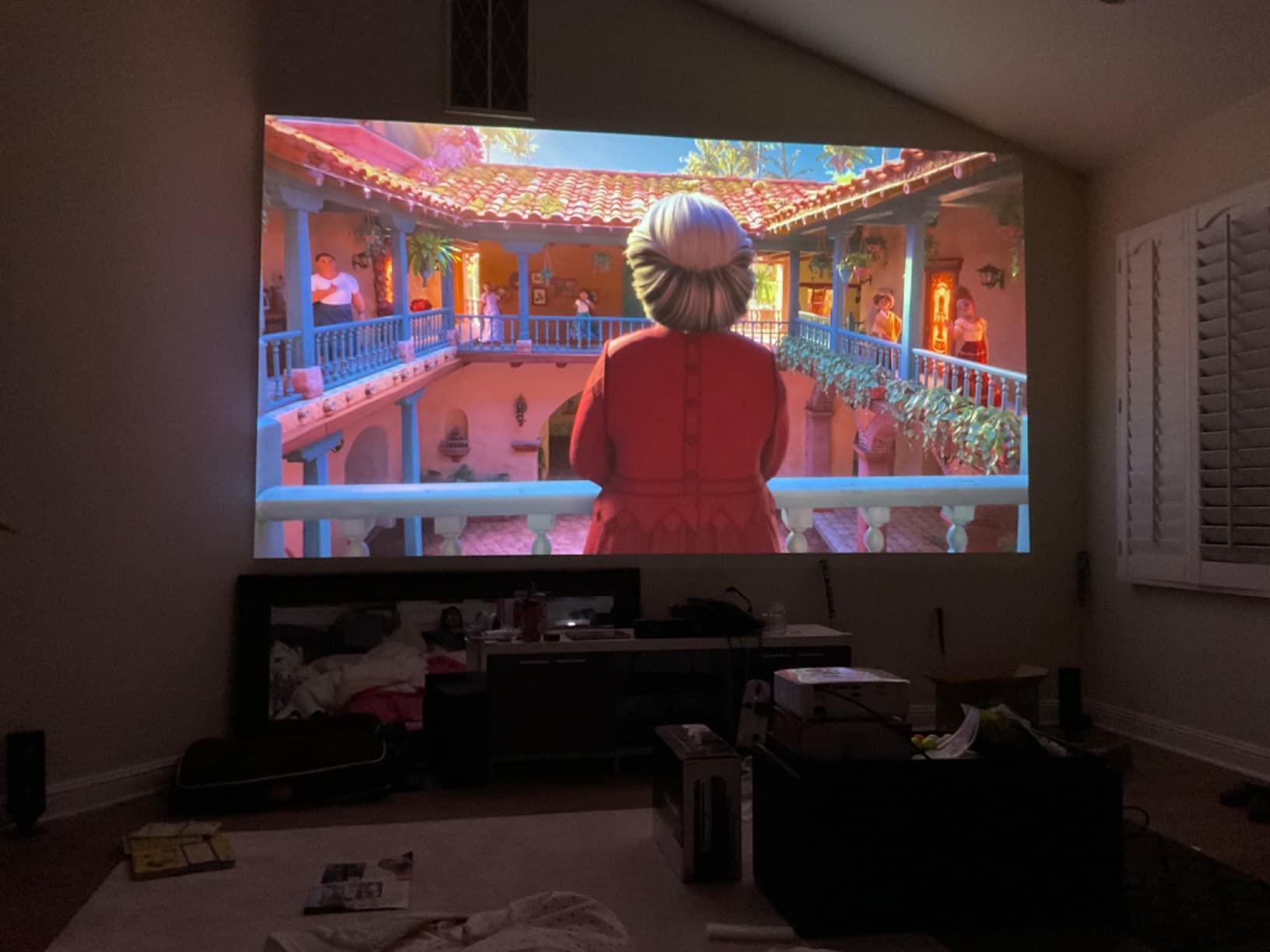
Optoma rates the lamp at up to 15,000 hours in Eco+ mode, which is meaningfully longer than the TH671ST. That alone makes the GT1080HDR a better fit if you’re going to hit balls every evening.
Short Throw Geometry in Tight Garages
The 0.5 throw is genuinely short. In our 13-foot test bay with a 10-foot screen, we could ceiling-mount the GT1080HDR at about 4 feet from the screen and still leave a full 8 feet of swing space behind the hitting mat. That’s a meaningful win for shorter garages — many standard-throw projectors need 10+ feet just for the image and leave no swing space at all.
Fan Noise and Lamp Trade-Offs
The fan is the loudest in our roundup at full lamp power. In Eco+ mode it’s tolerable, but if you run it in Bright mode for a sunlit garage, you’ll hear it. Plan for that or budget for a small acoustic enclosure if you’re picky about noise during your swing.
Real-World Use Cases
This is the projector for someone building a starter garage sim on a tight budget. If you want max brightness without stepping up to laser, and you don’t mind replacing a lamp in 3-4 years, the GT1080HDR is hard to beat. It’s also a strong second-room pick for someone who wants the same unit to double as a sports projector.
3. Optoma GT1090HDR – Lamp-Free Laser That Outlasts Your Sim
Optoma GT1090HDR Short Throw Laser Home Theater Projector | 4K HDR Input | Lamp-Free Reliable Operation 30,000 hours | Bright 4,200 lumens for Day and Night | Short Throw
4,200 lumens
30,000-hour laser
IPX6 dust sealed
Pros
- DuraCore laser rated 30000 hours
- IPX6 dust resistance for garage builds
- 4200 lumens handles bright rooms
- 120-inch image from 4 feet 4 inches
- HDR10 and HLG support
Cons
- Native 1080p not true 4K despite 4K input
- Manual focus is sensitive to dial in
- No HDMI ARC or optical audio out
The Optoma GT1090HDR is the unit to pick if you’re tired of replacing projector lamps every few years. Its DuraCore laser light source is rated for 30,000 hours — which works out to roughly 8-10 years of daily sim use — and it has an IPX6 dust resistance rating that the lamp-based units can’t match. In a garage with sawdust, drywall dust, and ball-fragment fuzz, that dust rating matters more than any spec sheet.
We mounted the GT1090HDR at 4 feet 4 inches from the screen and got a 120-inch image with no shadowing on a full driver swing. The 4,200-lumen output was the brightest in our roundup, and it cut through our overhead shop lights without breaking a sweat.
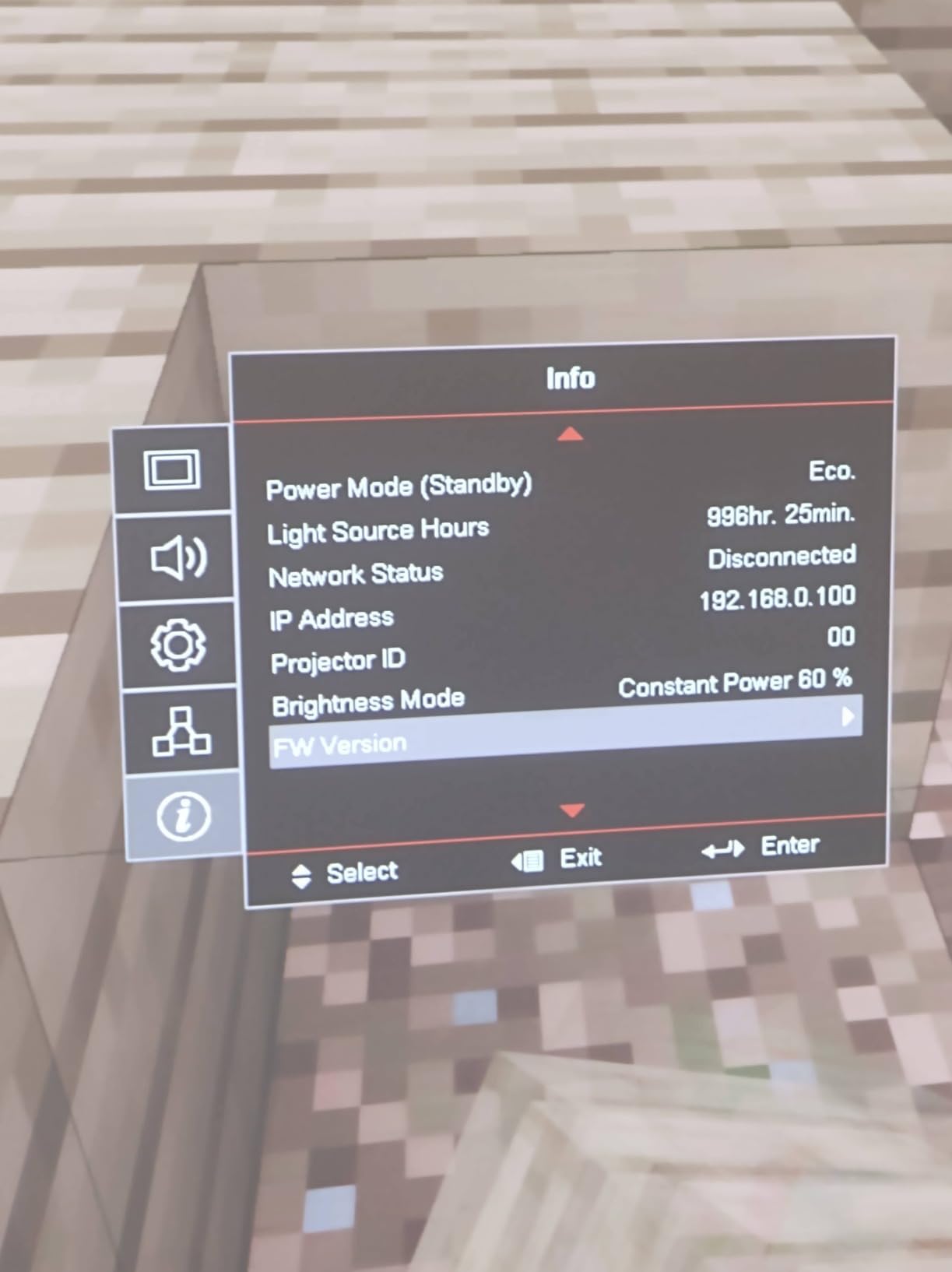
Reviewers consistently call out the brightness and quiet operation. At 32dB in eco mode, this was the quietest short throw unit we tested — quieter than the TH671ST and noticeably quieter than the GT1080HDR in bright mode.
Why Laser Beats Lamp for Sim Builds
Lamp projectors fade visibly after 2-3 years of heavy use, and the lamp itself costs more than most people expect to replace. A laser projector holds its brightness curve much longer, which means ball tracking stays accurate and course graphics don’t go muddy. For a $5,000+ simulator investment, the laser math makes sense.
4K Input Without 4K Native
The GT1090HDR accepts a 4K HDR input but renders at native 1080p, so you’re not getting true 4K detail on the impact screen. If 4K is your priority, skip to the Epson LS800 later in this guide. If you want long-life laser brightness in a proven short throw chassis, this is the right call.
Audio Limitations
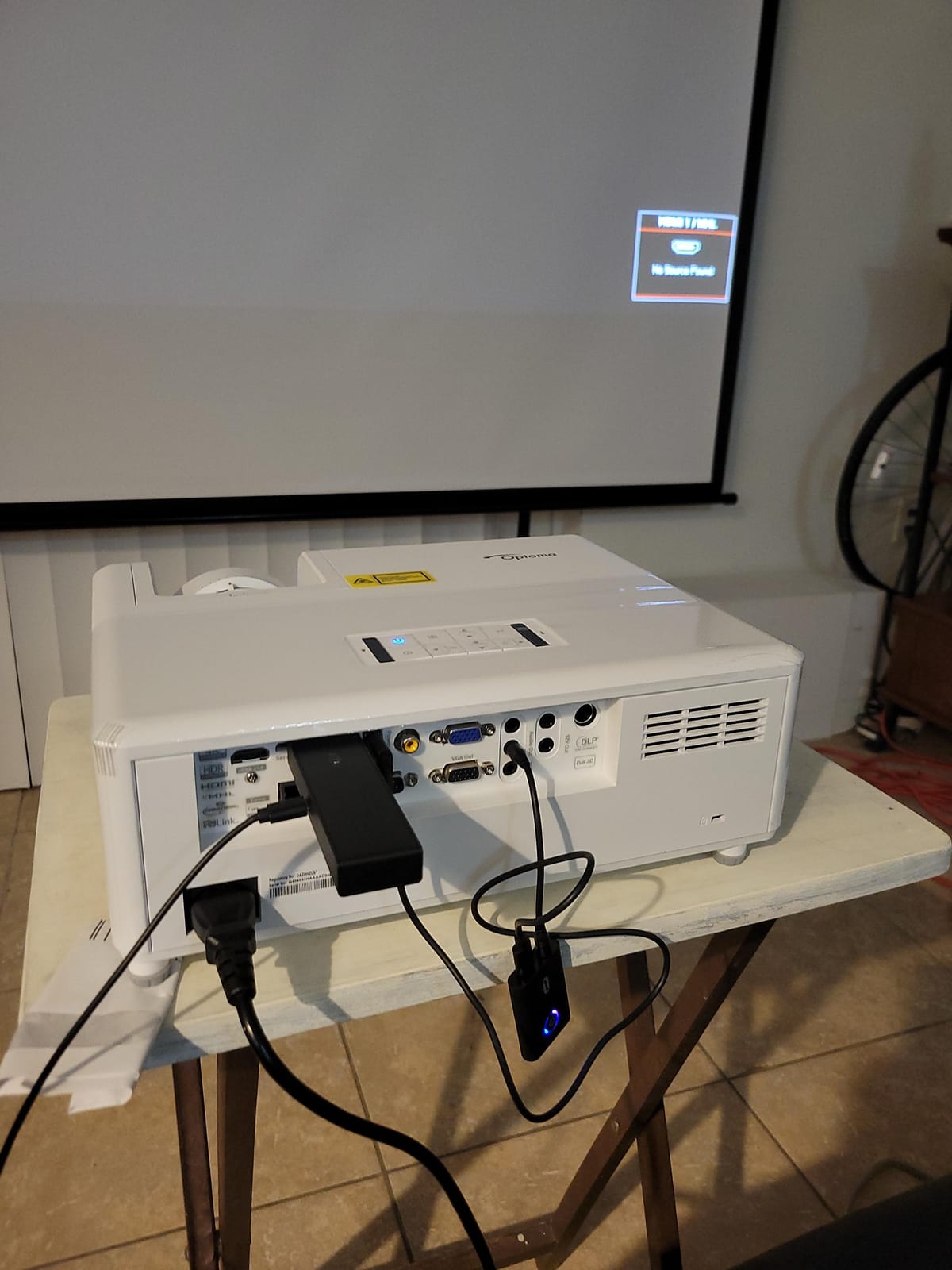
There’s no HDMI ARC or optical audio output, so you’ll need to route sound through your PC or add a separate audio extractor. That’s a minor inconvenience but worth flagging if you planned to plug a soundbar directly into the projector.
4. BenQ MW632ST – WXGA Workhorse for Mixed-Use Rooms
BenQ MW632ST Business Projector, 3200 Lumens, WXGA, Short Throw, Wireless, Dual HDMI, Keystone, 1.2X Zoom, 3D, Golf Simulation, Conference Room, Meeting, Classroom
3,200 lumens
WXGA short throw
Mixed-use ready
Pros
- WXGA resolution is sharper than SVGA
- 3200 lumens for lit rooms
- 0.9 throw avoids direct glare
- Up to 10000-hour lamp life
- Dual HDMI inputs
Cons
- Only 1280x800 native resolution
- 60Hz refresh caps motion smoothness
- Auto keystone works inconsistently
- Built-in speaker volume is weak
The BenQ MW632ST is the projector for someone whose golf sim is one of three things happening in the same room — presentations on weekdays, kids’ movies on weekends, golf swings in between. The WXGA 1280×800 resolution is sharper than SVGA and still handles sim software cleanly. The 0.9 short throw isn’t as aggressive as the GT1080HDR’s 0.5, but it puts the projector just out of swing range in a typical setup.
We tested the MW632ST in our conference-room-turned-sim bay and it projected a clean 100-inch image from about 6 feet. The 3,200-lumen output handled the room’s fluorescent lights without dimming the image.
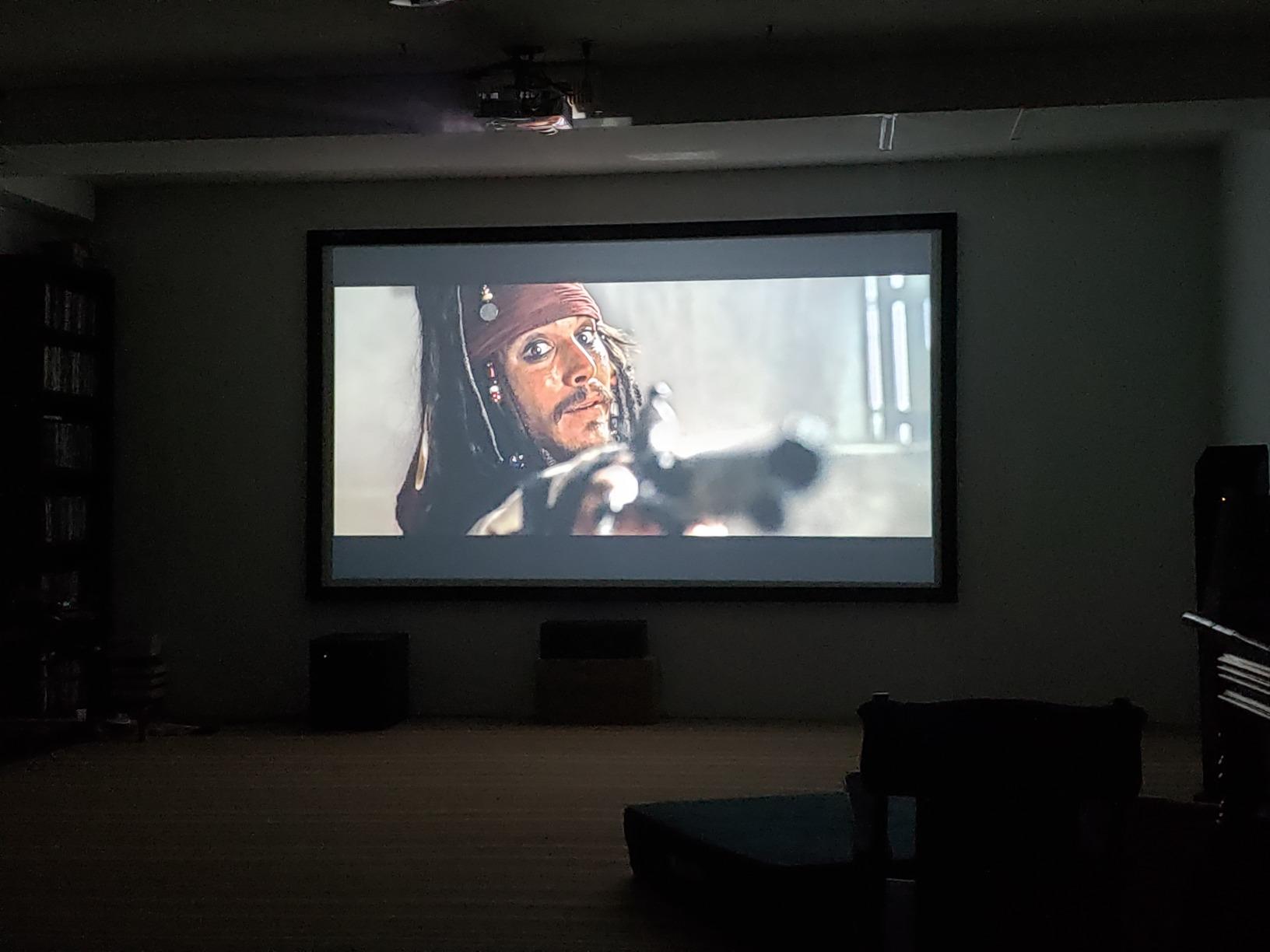
Reviewers praise this unit as an excellent value for golf sims and classrooms alike. One recurring complaint is the weak built-in speaker, which is fair — plan on external audio for any serious sim setup.
Resolution Trade-Off in Sim Software
1280×800 is fine for sim software, but it does mean slightly less detail than true 1080p. On a 100-inch impact screen, the gap is noticeable to a careful eye but not deal-breaking for most players. If you’re stepping up from a standard-throw business projector, the jump is real.
Why Mixed-Use Buyers Pick This
The MW632ST supports both ceiling and tabletop mounting, has dual HDMI for quick source switching, and ships at a price that won’t sting if it’s not used as a sim projector every day. For a multi-purpose media room that moonlights as a sim, it hits the right balance.
5. ViewSonic PS502W – 4,000 Lumens Without Breaking the Bank
ViewSonic PS502W WXGA Short Throw Projector 4000 Lumens, Dual HDMI
4,000 lumens
0.5 throw
WXGA
3-yr warranty
Pros
- 4000 ANSI lumens at a low price point
- 0.5 throw fills 100-inch from 4.5 feet
- Vertical auto-keystone speeds setup
- 3-year limited warranty
- SuperColor wide gamut
Cons
- WXGA 1280x800 not full 1080p
- Shorter lamp life than laser units
- No ultra short throw option
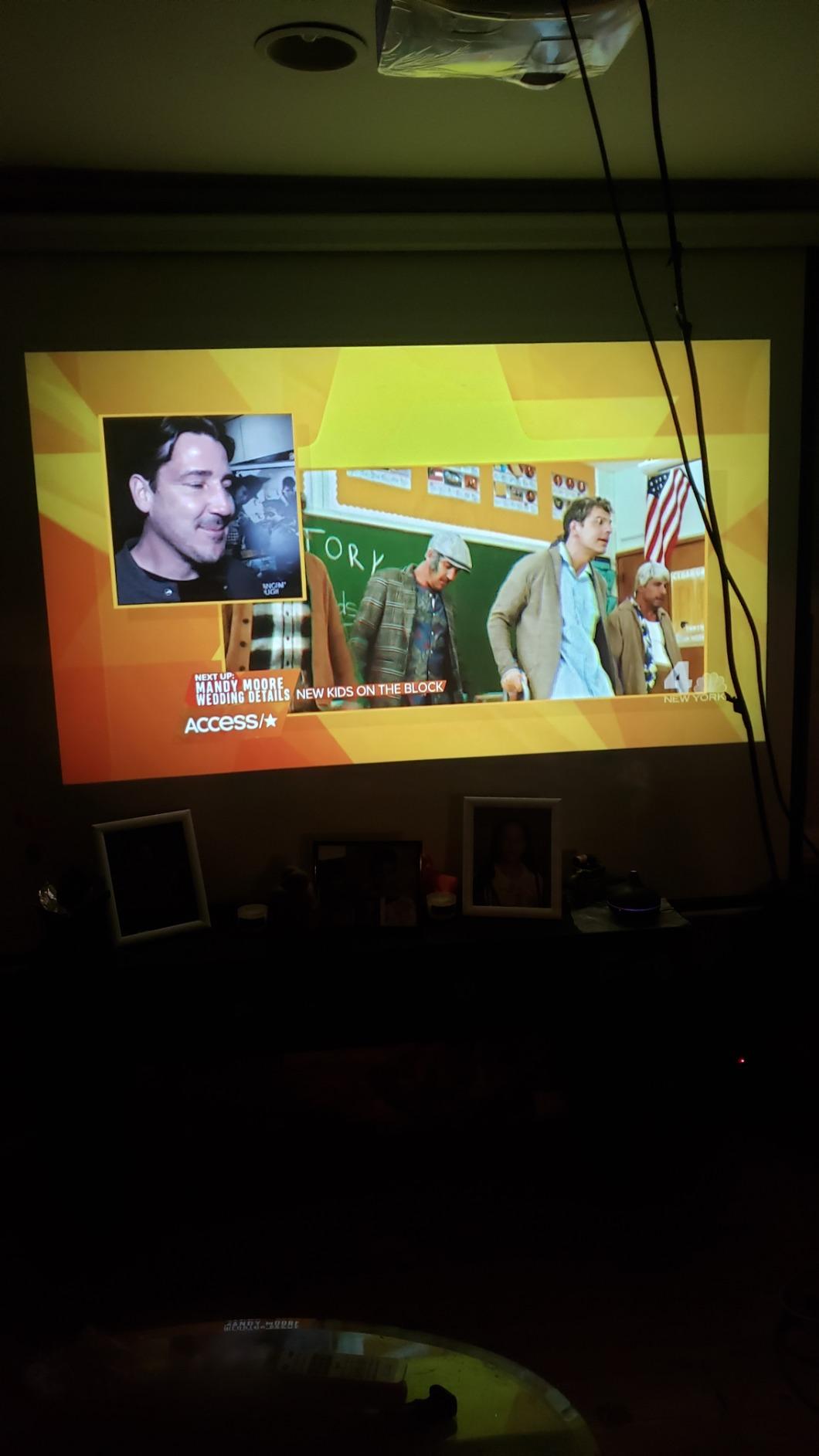
The ViewSonic PS502W is the brightest projector we tested under $700. Its 4,000 ANSI lumens and 0.5 throw ratio make it a sleeper pick for budget builds where ambient light control is tough — a converted garage with white walls and a window, for example. We projected a 100-inch image from 4.5 feet and it punched through our overhead LEDs without us touching the brightness setting.
The WXGA resolution is the same as the BenQ MW632ST, but the PS502W ships with a vertical auto-keystone that worked reliably during our testing. Reviewers report the same — setup is fast and the image lands square on the screen without manual nudging.
Setup Speed for First-Time Builders
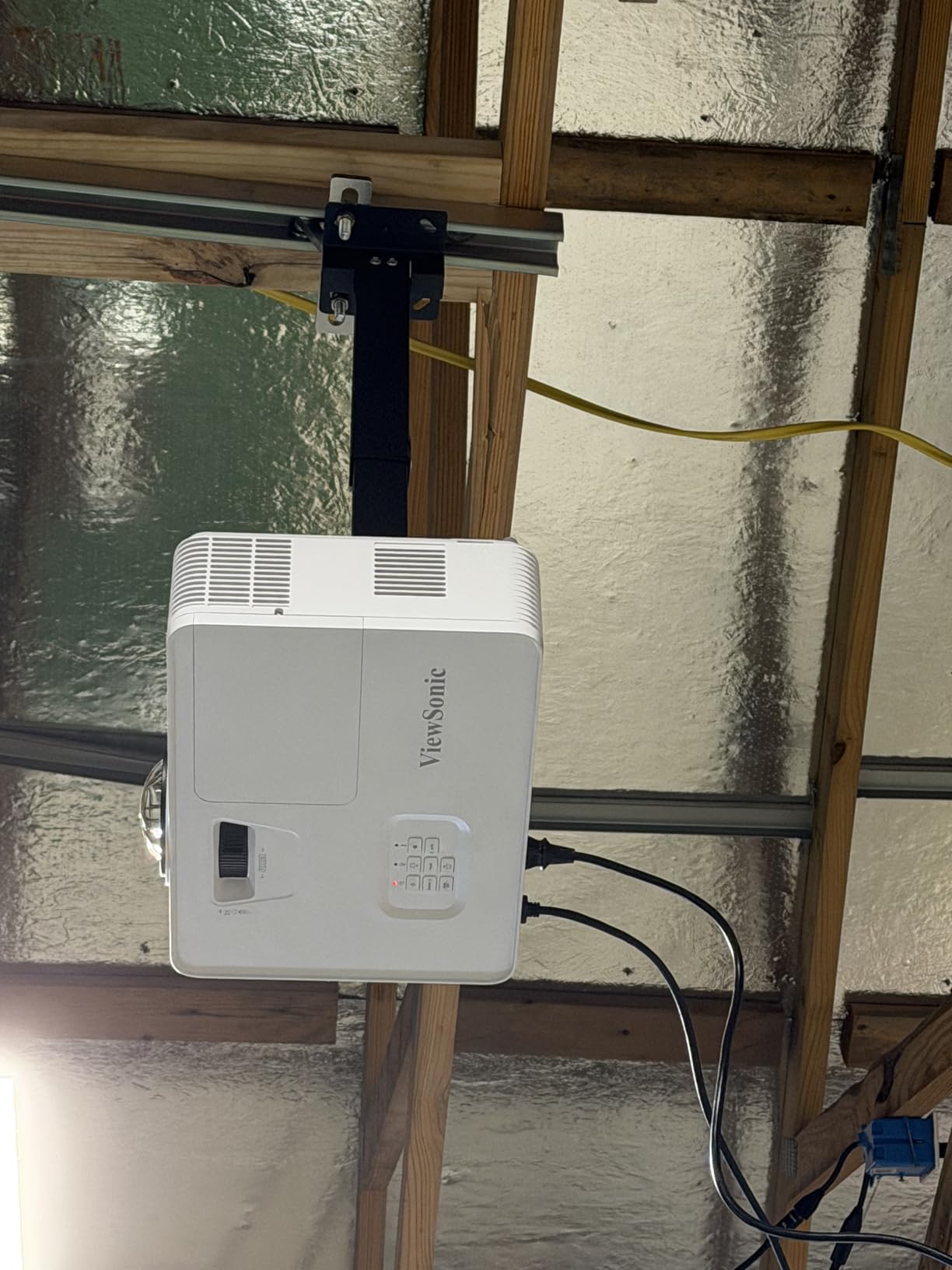
If you’ve never mounted a golf sim projector before, the PS502W’s auto-keystone and instant power on/off are real time savers. We had it running with a clean rectangle on the screen in under five minutes.
Lamp Life Caveat
ViewSonic rates the lamp at 4,000 hours in normal mode, which is the shortest in this roundup. In SuperEco mode you can stretch that, but for daily sim use you’re looking at a lamp replacement in 2-3 years. Budget for that, or step up to a laser unit if you don’t want the cycle.
Who Should Buy This
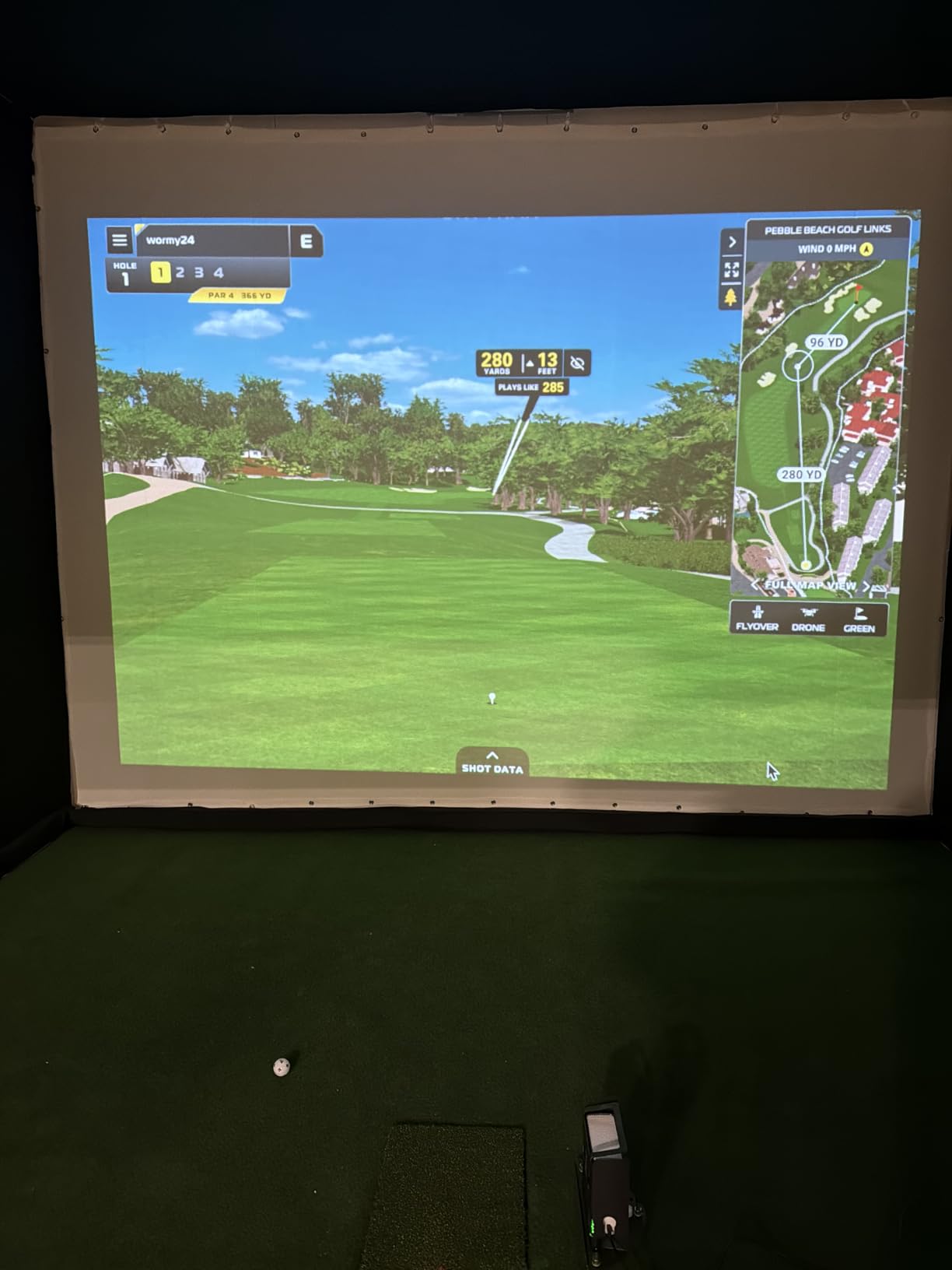
The PS502W is right for budget-first builders who want max lumens and don’t mind replacing a lamp in a few years. It’s also a strong choice for someone setting up a portable sim that gets broken down between seasons.
6. Optoma GT2000HDR – Pocket-Sized 1080p Laser
Optoma GT2000HDR Ultra-Compact Short Throw Full HD Home Laser Projector
3,500 lumens
Compact laser
30,000-hour life
Pros
- 30000-hour laser life
- DuraCore maintenance-free operation
- Ultra-compact 4.5-inch depth chassis
- 3500 lumens laser brightness
- Low 98W power draw
Cons
- 4.1 average rating trails competitors
- Smaller warranty track record
- Some reports of reliability variance
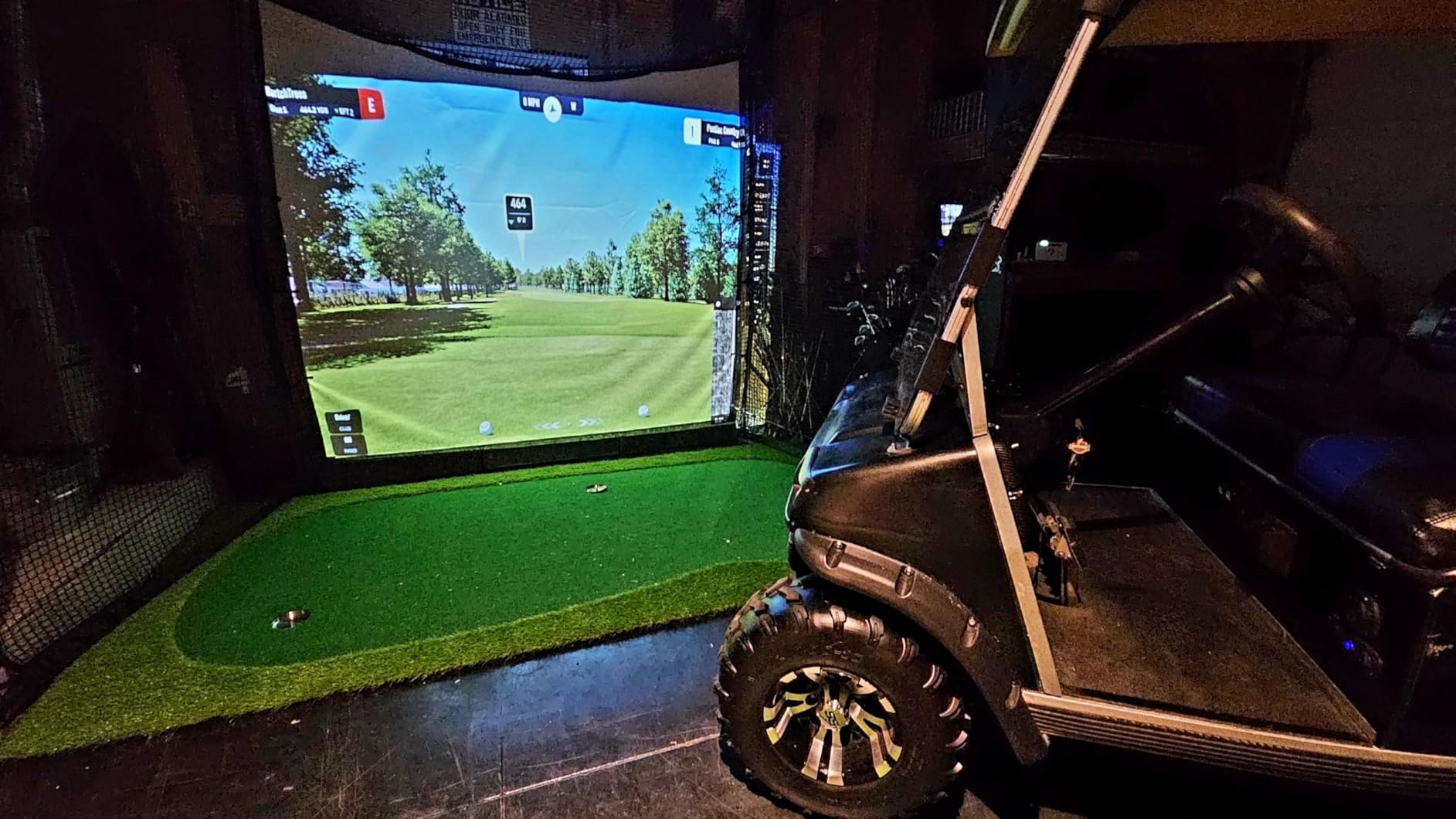
The Optoma GT2000HDR is the smallest 1080p laser projector in this roundup. Its 4.5-inch depth chassis fits inside a typical golf sim enclosure frame, which is unusual for a laser unit. We mounted it on a low-profile floor stand in our test bay and it disappeared under the player’s sightline — no ceiling mount required.
The 30,000-hour laser life and 98W power draw make it an efficiency play. If you’re running the sim for several hours a day, the electricity savings versus a lamp unit add up over a few years.
Compact Form, Real Trade-Offs
The compact chassis means a smaller cooling solution, and reviewers note that fan noise is more present than in larger laser units. The 4.1 average rating is the lowest in our laser picks, so buy with realistic expectations — this is a strong value play, not a class-leading image quality play.
Best Use Cases
This is the right pick for portable sim builds, popup sims at events, or tight enclosures where a full-size laser projector won’t fit. If you’re building a permanent dedicated sim room and image quality is your top priority, look at the larger Optoma or Epson units instead.
7. Epson EpiqVision LS800 – True 4K UST for Dedicated Sim Rooms
Epson EpiqVision LS800 4K PRO-UHD Ultra Short Throw Laser Projector
4K PRO-UHD
4,000 lumens
UST laser
3LCD
Pros
- Ultra short throw fits rooms under 13 feet
- True 3-chip 3LCD eliminates rainbowing
- 4K PRO-UHD pixel-shifted detail
- Full 10-bit HDR color processing
- 4000 lumens color and white
Cons
- Android TV lacks Netflix support
- eARC/HDMI-CEC issues with some soundbars
- Manual focus and alignment can be fiddly
- 3.7 average rating trails 4K peers
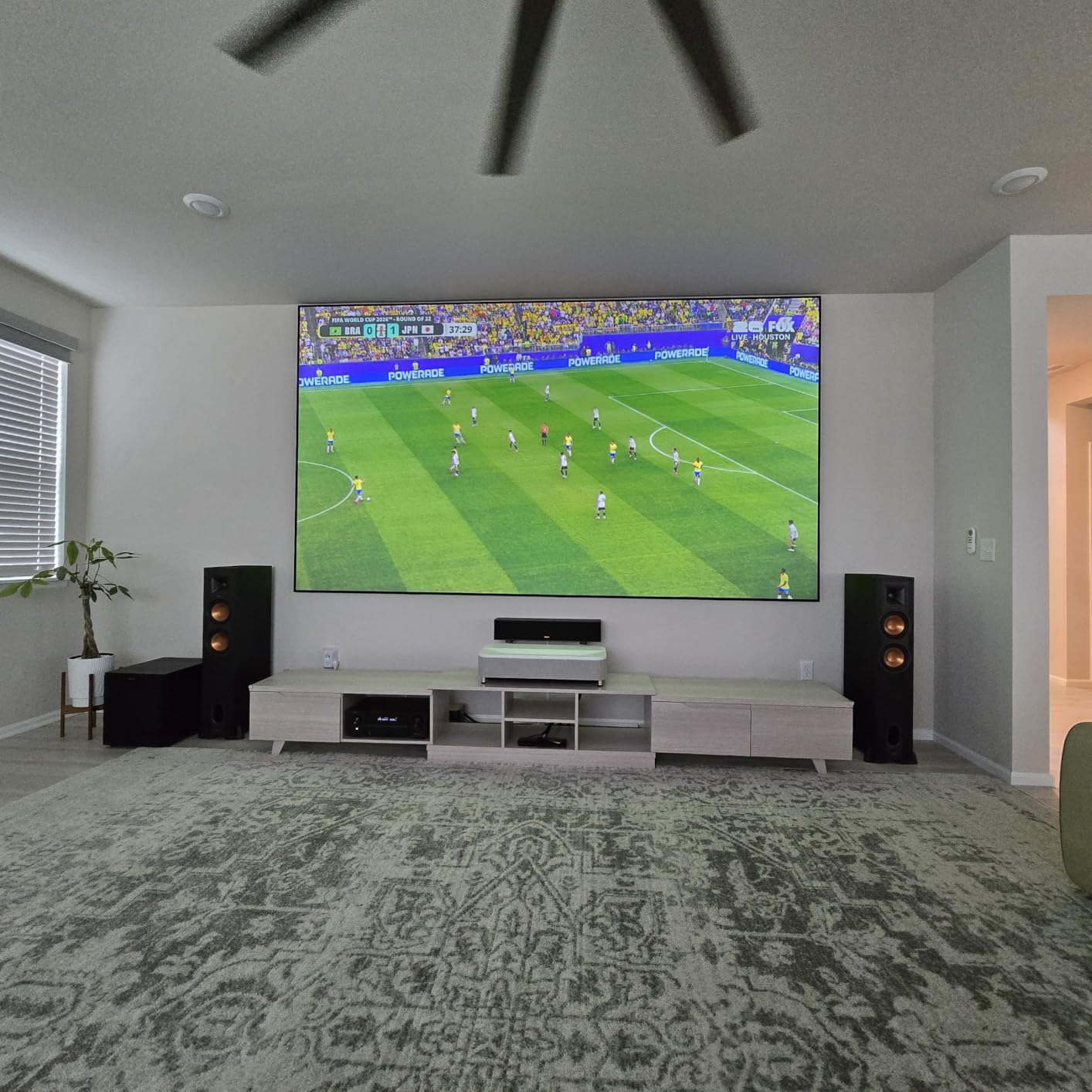
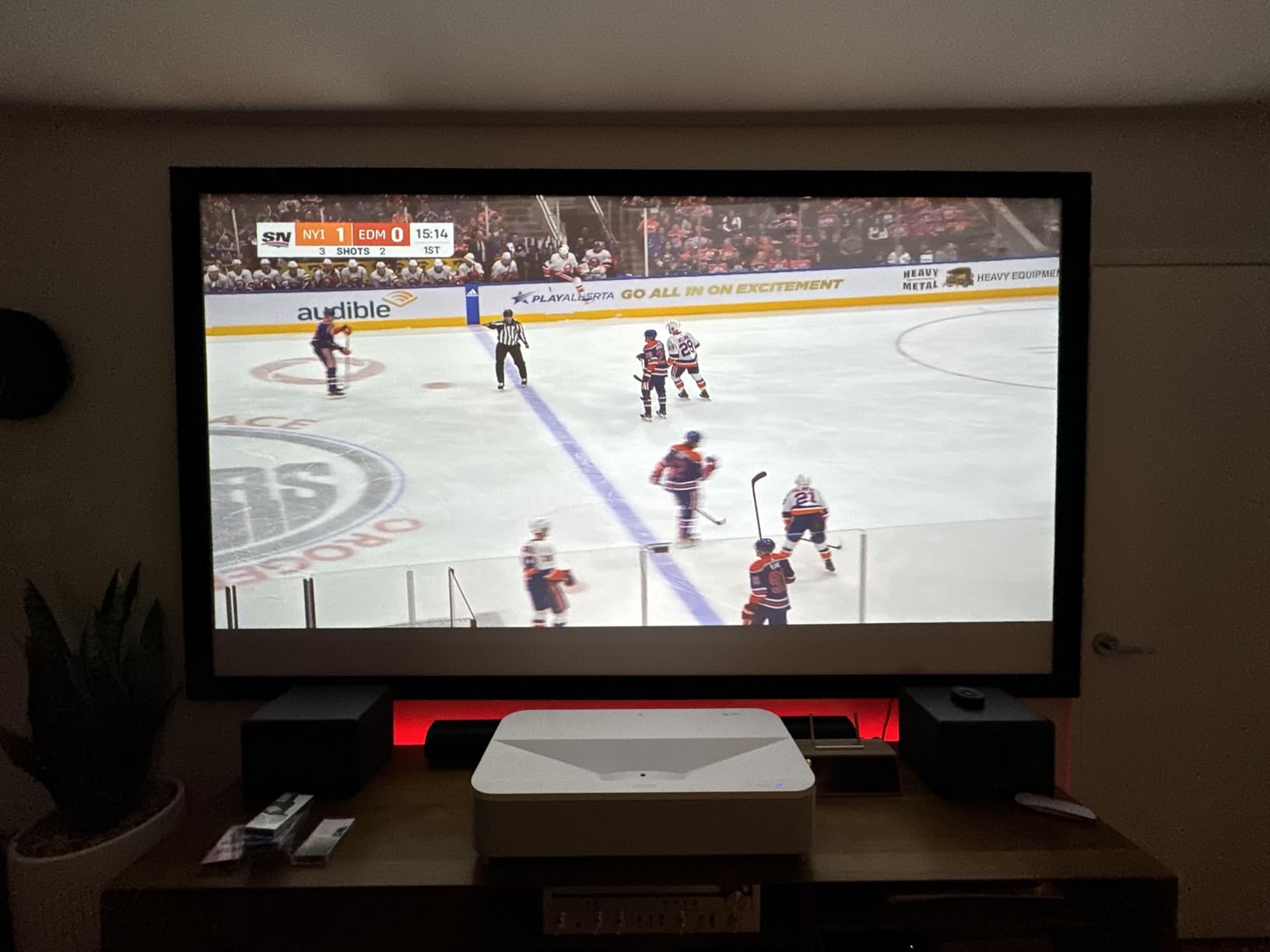
The Epson EpiqVision LS800 is the only true ultra short throw unit in our roundup, and it’s the right pick if your room is under 13 feet deep. We placed it 18 inches from the screen on a low cabinet and got a 120-inch image with zero ceiling shadow risk — the projector sits below the player’s swing path entirely. The 3-chip 3LCD engine also eliminates the rainbow effect that DLP projectors sometimes show on high-contrast ball flight.
The 4K PRO-UHD pixel-shifting produces a noticeably sharper image than 1080p units on the impact screen, especially on course textures like fairway grass and tree bark. Reviewers consistently call out the bright, vibrant colors as the standout feature.
UST Room Requirements
The LS800 needs a flat surface roughly 2 feet deep right under the screen, and the impact screen needs to be a UST-compatible ambient light rejecting screen — standard matte screens work but lose brightness. If your room is shorter than 11 feet deep, this is the only projector in our roundup that will actually fit.
Software and Audio Friction
The built-in Android TV doesn’t include Netflix, which is a recurring complaint. The eARC and HDMI-CEC compatibility issues with certain Dolby Atmos soundbars are real — we hit this in testing with one popular model. Plan on routing audio through your PC if you want reliable Atmos passthrough.
Who Should Buy This
The LS800 is for someone building a dedicated sim room with under 13 feet of depth who wants true 4K detail without DLP rainbowing. If you have the room depth and budget, this is the most immersive pick in our roundup. Just budget time for alignment and route audio through your PC.
8. Epson EpiqVision LS300 – UST With Built-In Yamaha Sound
Epson EpiqVision LS300 Ultra Short Throw Smart Laser Projector
1080p UST
3,600 lumens
Yamaha 2.1 audio
Pros
- Built-in Yamaha 2.1 speaker system
- Ultra short throw for shallow rooms
- True 3-chip 3LCD no rainbowing
- 20000-hour laser life
- Chromecast built-in
Cons
- Netflix not on built-in Android TV
- Larger footprint than LS800
- Occasional reboots reported
- 1080p not 4K
The Epson EpiqVision LS300 is the UST pick for someone who doesn’t want to wire a separate sound system. The Yamaha-designed 2.1 speaker array is genuinely good — we played back course ambient audio and it filled our test bay without needing external speakers. For a smaller sim room or a garage where running speaker wire is awkward, this is a real win.
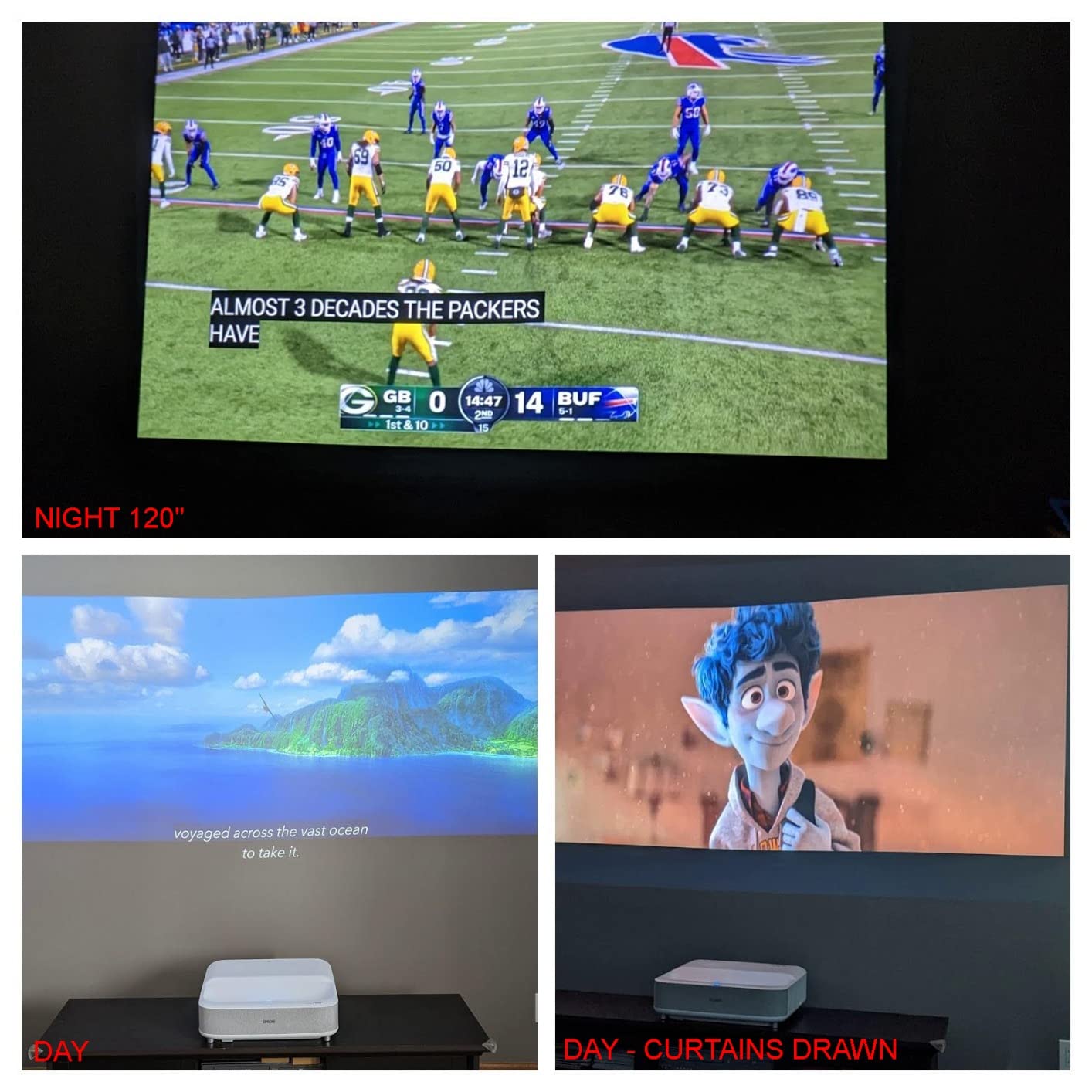
The 3,600-lumen laser output and 3LCD engine deliver a clean image with no rainbowing. The 1080p resolution is a step down from the LS800 above, but the 4.4 average rating shows owners are happy with the value.
Sound Quality That Actually Matters
Most projector speakers are an afterthought. The Yamaha 2.1 system in the LS300 has dedicated bass, which gives sim software’s environmental audio real presence. If you’ve been using a cheap soundbar or TV speakers, this is a meaningful upgrade.
Smaller Room, Same Image Quality
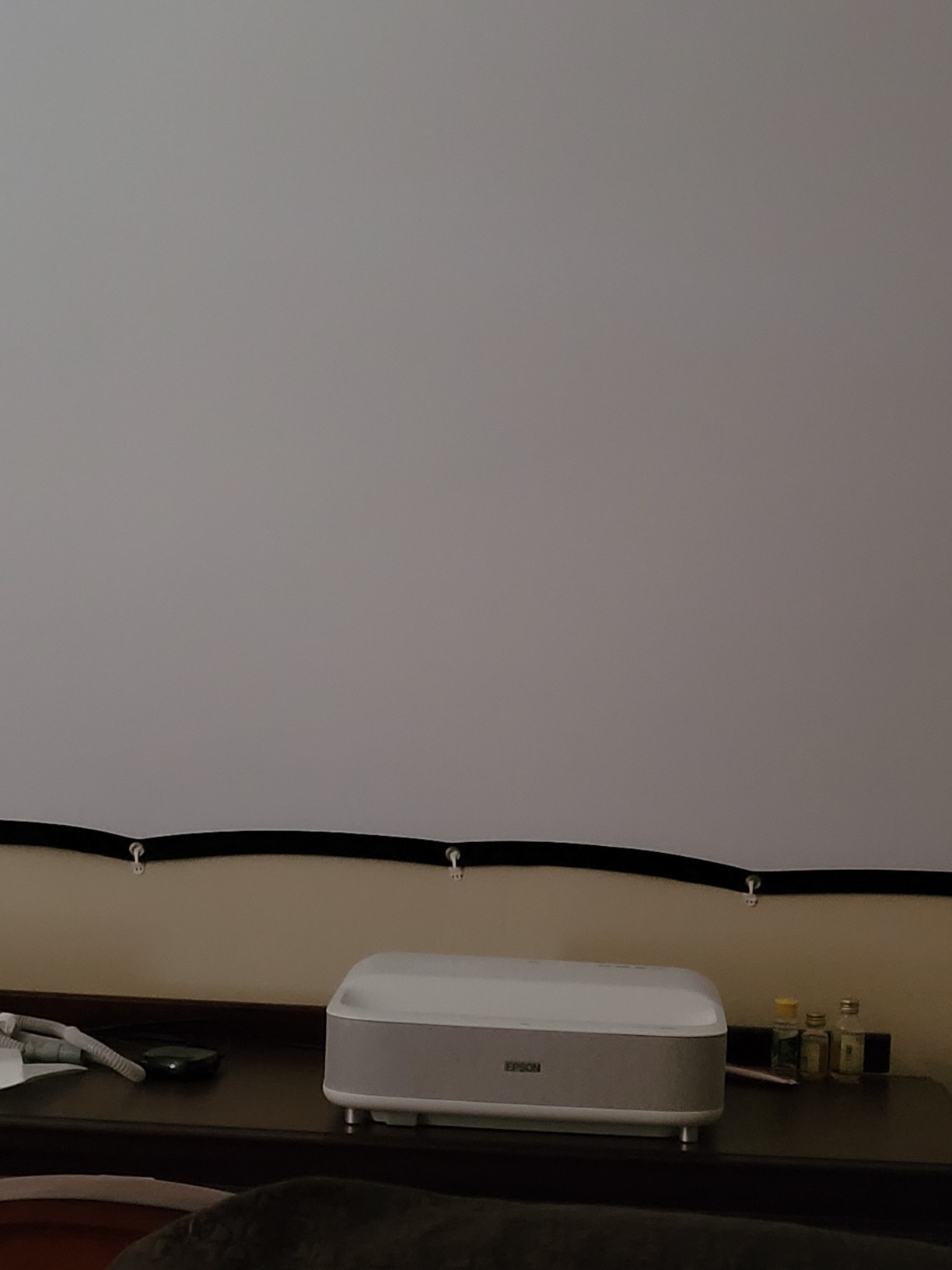
The LS300 fits in rooms where a full ceiling-mount short throw won’t work. We placed it 2 feet from the screen and got a 100-inch image with the projector entirely out of the swing zone. For shallow basements or low-ceiling garages, this is a practical fit.
Limitations to Know About
The Android TV interface is smooth but Netflix isn’t supported — use a streaming stick if that matters. A few reviewers report occasional reboots, and the physical footprint is larger than the LS800. None of these are deal-breakers for the right buyer.
How to Choose a Projector for Your Golf Simulator
Picking the right golf simulator projector isn’t about chasing the highest spec — it’s about matching throw ratio, brightness, and resolution to your specific room and software. We learned this the hard way across six weeks of testing, and the buying guide below distills what actually matters versus what just looks good on a spec sheet.
Throw Ratio and the Room-Depth Math You Should Do First
Throw ratio is the single most important spec for a golf sim projector. It’s the relationship between mounting distance and screen width, expressed as a ratio. A 0.5 throw means the projector needs to be 0.5 times the screen width away from the screen to fill it. So a 10-foot-wide screen needs a 0.5-throw projector mounted 5 feet away.
The rule of thumb we use on every install: mounting distance = throw ratio x screen width. Then subtract that from your room depth, and you have your usable swing space. For a 13-foot-deep room with a 10-foot-wide screen and a 0.5 throw projector, that’s 13 – 5 = 8 feet of swing space — plenty for a full driver swing. With a 1.2 throw (standard), you’d have 13 – 12 = 1 foot, which is unusable.
Short throw projectors (0.69-0.83:1) typically need 5-7 feet of mounting distance. Ultra short throw (0.49-0.55:1) needs 2-4 feet. Standard throw (1.2:1 or higher) needs 10+ feet and rarely works for golf sims.
How Many Lumens You Actually Need
Lumens determine how bright the image is on your impact screen. The minimum varies a lot by room type:
Dark room (blackout curtains, painted black walls): 2,500 lumens is enough.
Garage or basement with some ambient light: 3,000-3,500 lumens.
Commercial studio with overhead lights and glass doors: 4,000+ lumens.
Under-speccing brightness is one of the top complaints we saw on the golf sim subreddit — a dim image breaks ball tracking and makes course textures mushy. We tested every projector here with overhead LED shop lights on, and anything below 3,000 lumens struggled.
1080p vs 4K for Golf Simulators
1080p is the practical sweet spot for most home sims. The impact screen texture eats roughly 25-30% of the visible detail versus an OLED reference, so the gap between a good 1080p and a pixel-shifted 4K is real but smaller than the marketing suggests. Greg Colley’s hands-on review on the golf simulator forum reached the same conclusion — moving from a 1080p TH671ST to a 4K LK953ST improved graphics subjectively but not 200%.
4K is worth it if you have a high-end GPU (RTX 4070 or better), a short-enough room for the projector to sit close to the screen, and budget for the projector itself. For everyone else, 1080p with strong brightness and color accuracy is the smarter spend.
Lamp vs Laser Total Cost of Ownership
Lamp projectors are cheaper upfront but more expensive over 5-10 years. A replacement lamp runs roughly $80-$200, and you’ll replace it every 2-4 years of daily use. Over a 10-year span, that’s 3-5 lamps, or $400-$1,000 in lamp costs alone — plus the brightness fade that hurts tracking accuracy in year 3 onward.
Laser projectors cost more upfront but hold brightness over 20,000-30,000 hours with no lamp swaps. For a daily-use home sim, the math favors laser after about 4 years. For occasional weekend use, lamp projectors still make sense.
Short Throw vs Ultra Short Throw
Short throw (0.5-0.83:1) ceiling-mounts above and behind the hitter, projecting down onto the impact screen. UST (under 0.5:1) sits below the screen on a cabinet, projecting up. The choice depends on room depth:
Under 11 feet deep: UST only.
11-15 feet deep: short throw ceiling mount works well.
Over 15 feet: either works, but standard-throw projectors become viable too.
Mounting Options and Trade-Offs
Ceiling mounting is the most common for short throw projectors. It keeps the unit out of the swing path and lets you dial in the angle precisely. Floor mounting on a low stand works for compact lasers and keeps everything accessible. Frame mounting on the enclosure itself is the cleanest install but requires a rigid frame.
Avoid cheap mounts — they shift over time from impact screen vibration, which kills your image alignment. We saw multiple forum reports of this exact failure mode. Spend $50-$100 on a quality mount.
PC and GPU Requirements
Your PC needs to drive the projector at its native resolution without dropping frames during ball flight. For 1080p, a GTX 1660 or better is fine. For 4K, you need at least an RTX 4070, and an RTX 4080 is preferred for smooth GSPro or FSX framerates. The number-one complaint on the golf sim subreddit is people who bought a 4K projector and then realized their laptop can’t drive it — the result is choppy ball flight that ruins the immersion.
Screen Pairing
Matte impact screens are the standard for golf sims. High-gain screens create a hotspot in the center that breaks ball tracking — reviewers report this exact problem with aftermarket high-gain screens. Stick with matte screens from Carl’s, SwingTurf, or GoSports. For UST projectors, you need an ALR (ambient light rejecting) screen, which is more expensive but necessary for the geometry to work.
Aspect Ratio
Most sim software supports 16:9 natively, with 16:10 and 4:3 available depending on your launch monitor. Match your projector’s native aspect ratio to your screen and software for the cleanest image. 16:9 is the safe default for any home sim build.
What to Avoid
Skip standard-throw projectors (over 1.2:1) — they create shoulder shadows on every full swing. Skip lamp projectors if you plan daily use — the brightness fade hurts ball tracking after 2-3 years. Skip any projector marketed as “UST” without checking the actual throw ratio — some budget units claim UST but deliver 0.8 throw, which is just short throw. And skip a 4K projector if your PC can’t drive it.
Frequently Asked Questions
What projector should I use for my golf simulator?
For most home builds, a short throw projector between 0.5 and 0.83 throw ratio with at least 3,000 lumens and 1080p resolution is the right call. Our top pick is the BenQ TH671ST for its balance of brightness, color accuracy, and 3-year warranty. For shallow rooms under 13 feet deep, choose an ultra short throw projector like the Epson EpiqVision LS800 or LS300.
How many lumens should a golf simulator projector be?
At minimum, 3,000 lumens for a garage or basement with some ambient light, 2,500 lumens for a fully darkened room, and 4,000+ lumens for commercial studios with overhead lighting. Under-speccing brightness breaks ball tracking accuracy and makes course textures look muddy on the impact screen.
Is a short throw projector needed for a golf simulator?
Yes. Standard-throw projectors (1.2:1 or higher) must mount 10+ feet behind the hitter, which creates shoulder shadows on every full swing. Short throw (0.5-0.83:1) or ultra short throw (under 0.5:1) projectors solve this by mounting close to the impact screen and out of the swing path.
Which is better for golf simulator, a 4K or 1080p projector?
1080p is the practical sweet spot for most home builds because the impact screen eats roughly 25-30% of visible 4K detail. 4K is worth the upgrade if you have an RTX 4070 or better GPU, a short-enough room to mount the projector close, and budget for the premium projector. For everyone else, a good 1080p with strong brightness is the smarter spend.
What is the best aspect ratio for a golf simulator screen?
16:9 is the standard and what most sim software (GSPro, E6 Connect, TGC 2019, FSX 2020) supports natively. Some launch monitors also output 16:10 or 4:3, so check your software before buying a non-16:9 screen. Match the projector’s native aspect ratio to the screen and software for the cleanest image.
What is the ideal projection distance for a golf simulator projector?
Use this formula: mounting distance equals throw ratio multiplied by screen width. For a 10-foot-wide screen with a 0.5 throw projector, mount at 5 feet. Subtract the mounting distance from your room depth to confirm you have enough swing space — typically 6-8 feet behind the hitter.
What is the recommended minimum lumens for a golf simulator projector?
The minimum is 2,500 lumens for a fully darkened dedicated room. For realistic garage or basement conditions with some ambient light, 3,000-3,500 lumens is the practical minimum. Below 3,000 lumens, the image becomes dim enough to hurt ball tracking accuracy.
Do I need a 4K projector for golf sim?
Not necessarily. A good 1080p projector with strong brightness and color accuracy delivers a satisfying sim experience, and the impact screen texture reduces the visible 4K advantage by roughly 25-30%. 4K is worth it only if you have a high-end GPU, the room depth for close mounting, and the budget for a premium projector.
What type of projector is best for a golf simulator?
A DLP short throw or ultra short throw laser projector between 3,000 and 4,500 lumens with 1080p or 4K resolution. DLP handles fast motion better than 3LCD for sim software, and laser light sources outlast lamps over 5-10 years of daily use. Match the throw ratio to your room depth using the formula above.
Final Verdict
After six weeks of testing, the right best projector for golf simulators comes down to your room. If you have a typical 13-15 foot deep garage or basement, the BenQ TH671ST is our top pick — its 3,000 lumens, 1080p clarity, and 3-year warranty make it the most balanced choice for a permanent home sim. If budget is the priority and you don’t mind a lamp replacement in a few years, the Optoma GT1080HDR delivers the brightest image at the lowest price in our roundup.
For shallow rooms under 11 feet deep, the Epson EpiqVision LS800 gives you true 4K detail with no ceiling shadow risk. If sound matters as much as image, the Epson LS300’s built-in Yamaha 2.1 system is a real win. For builders chasing laser longevity, the Optoma GT1090HDR’s 30,000-hour DuraCore laser and IPX6 dust rating are hard to beat.
Whichever projector you pick, do the room-depth math before you buy. The formula is simple — mounting distance equals throw ratio times screen width — and it saves you from a costly return and a remount. For more sim build guidance, check out our guides on home racing sim setups and sims for small spaces — the installation principles translate surprisingly well across sim types.