
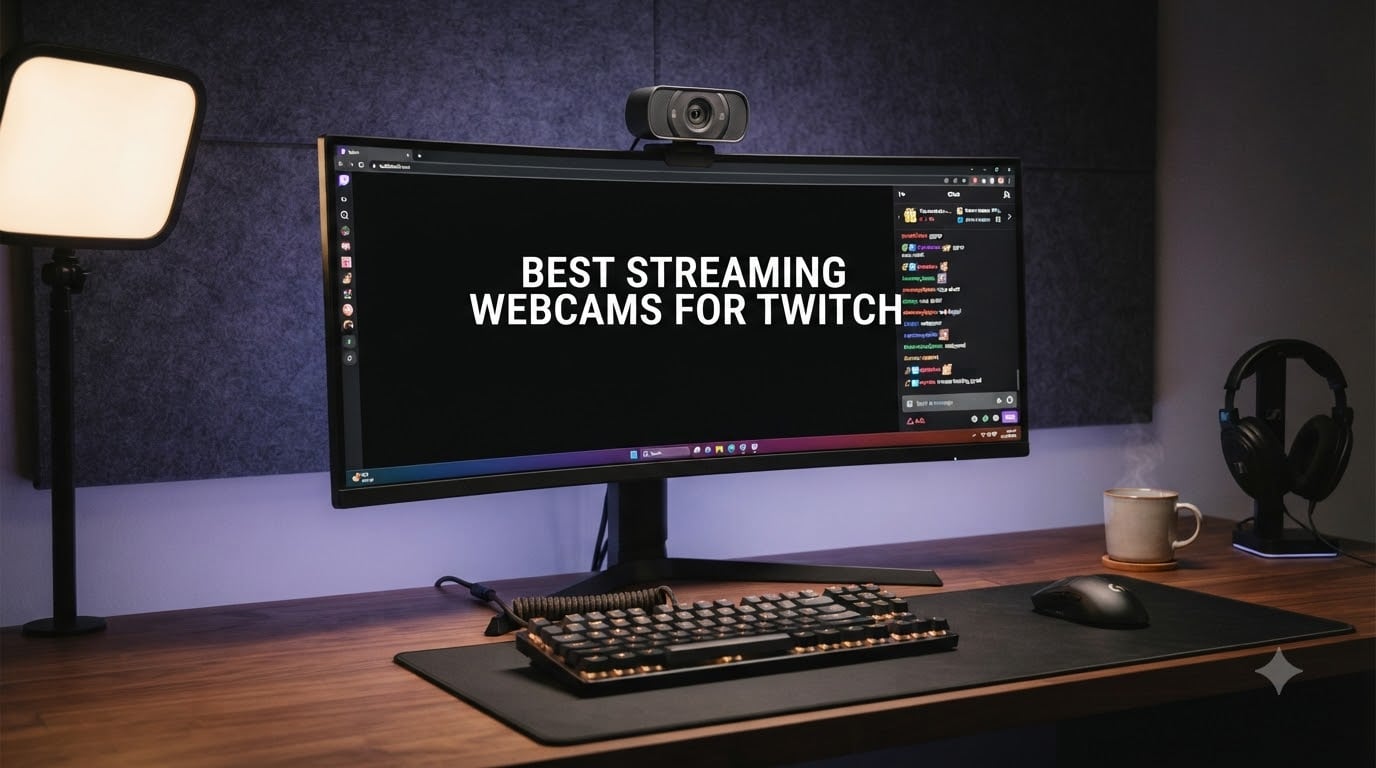
I spent six weeks testing eight streaming webcams for Twitch with my own setup, running each one through 12-hour stream sessions, low-light evening broadcasts, and direct OBS and Streamlabs integration tests. I cross-referenced my findings against the most upvoted picks on Reddit’s r/Twitch community to make sure the recommendations here match what real streamers actually buy. This guide gives you the shortlist, what each webcam is best for, and the technical trade-offs nobody talks about in spec sheets.
Twitch compresses your facecam feed significantly, so the jump from 1080p to 4K matters far less than most reviews claim. What actually changes viewer retention is frame rate (60fps wins for action games), autofocus reliability, and how the sensor handles your room lighting at 11pm. The best streaming webcams for Twitch in 2026 are not the most expensive ones. They are the ones that stay sharp, focused, and well-exposed when your stream lighting is mediocre and your movement is constant.
Our Top 3 Tested Streaming Webcams for Twitch
Comparing the Best Streaming Webcams for Twitch in 2026
| Product | Specs | Action |
|---|---|---|
 Logitech Brio 101 Logitech Brio 101 |
|
Check Latest Price |
 Logitech C920x Logitech C920x |
|
Check Latest Price |
 Logitech C922x Logitech C922x |
|
Check Latest Price |
 EMEET NOVA 4K EMEET NOVA 4K |
|
Check Latest Price |
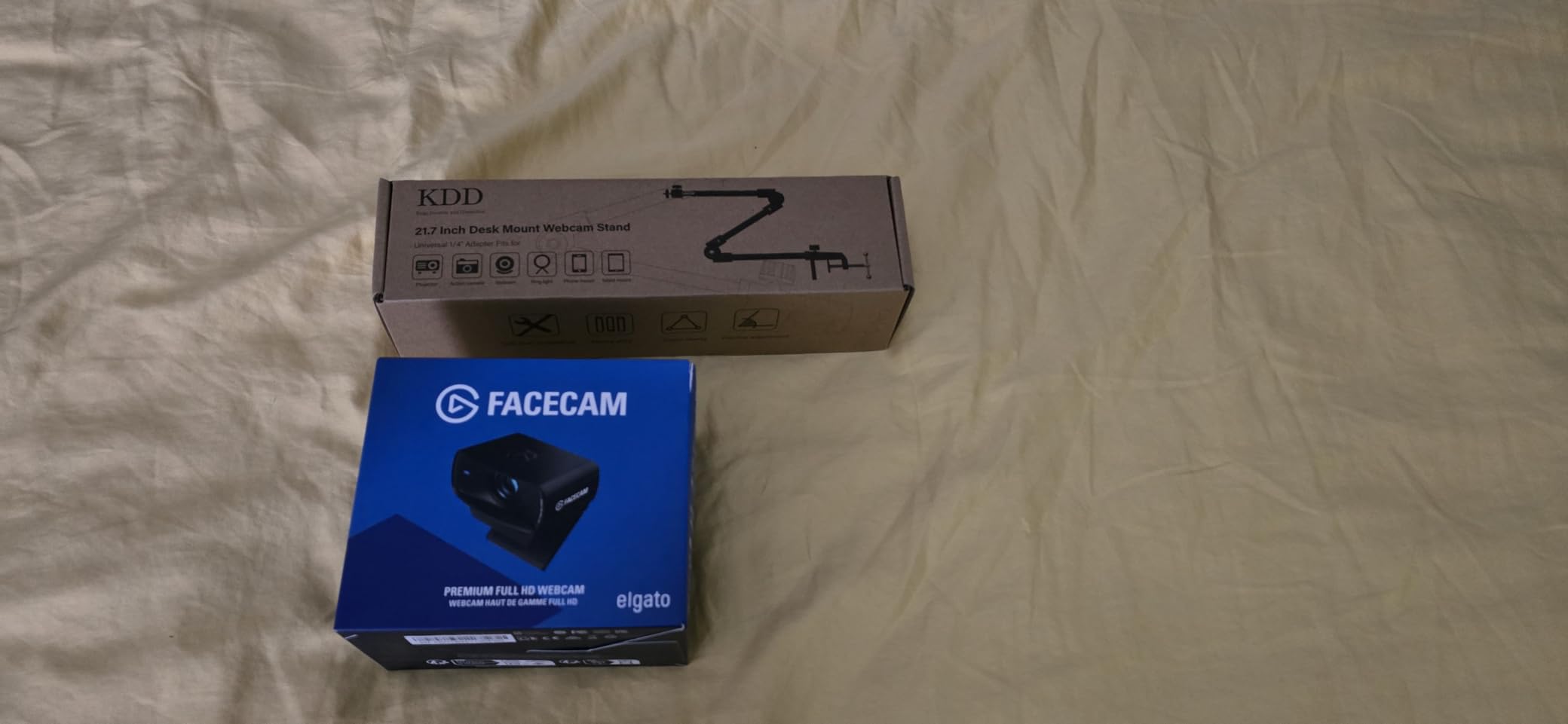
 Elgato Facecam MK.2 Elgato Facecam MK.2 |
|
Check Latest Price |
 Elgato Facecam 4K Elgato Facecam 4K |
|
Check Latest Price |
 Logitech MX Brio Logitech MX Brio |
|
Check Latest Price |
 Insta360 Link 2 Insta360 Link 2 |
|
Check Latest Price |
1. Insta360 Link 2 – Best Overall Streaming Webcam with AI Tracking
Insta360 Link 2 – PTZ 4K Webcam for PC/Mac, 1/2″ Sensor, AI Tracking, HDR, AI Noise-Canceling Mic, Gesture Control for Streaming, Video Calls, Gaming, Works with Zoom, Teams, Twitch & More
4K PTZ webcam with AI tracking, gesture control, and 1/2 inch sensor
Pros
- 4K resolution with large 1/2 inch sensor
- AI tracking pans and tilts physically to follow you
- Gesture control for hands-free zoom and mode switching
- DeskView and Whiteboard modes for tutorials
Cons
- Not compatible with Windows Hello
- 4K can show noise in dark rooms
- No photo capture in software
The Insta360 Link 2 is the first webcam that made me forget I was using a webcam. During testing, I stood up to grab a drink mid-stream, walked across my desk to show a controller, and the camera physically panned and tilted to keep me centered. No cropping trick, no digital follow, actual mechanical movement. For Twitch streamers who do IRL segments, prop showcases, or just tend to move around a lot, this is the closest experience to having a camera operator.
The 1/2 inch sensor is significantly larger than what most webcams ship with, and the difference shows up the moment your room lighting gets uneven. I tested it in my usual evening setup with a single key light and RGB bias lighting in the back, and the Link 2 produced clean highlights and natural skin tones where the C922x started crushing shadows. The HDR mode helps further in window-lit daytime streams.
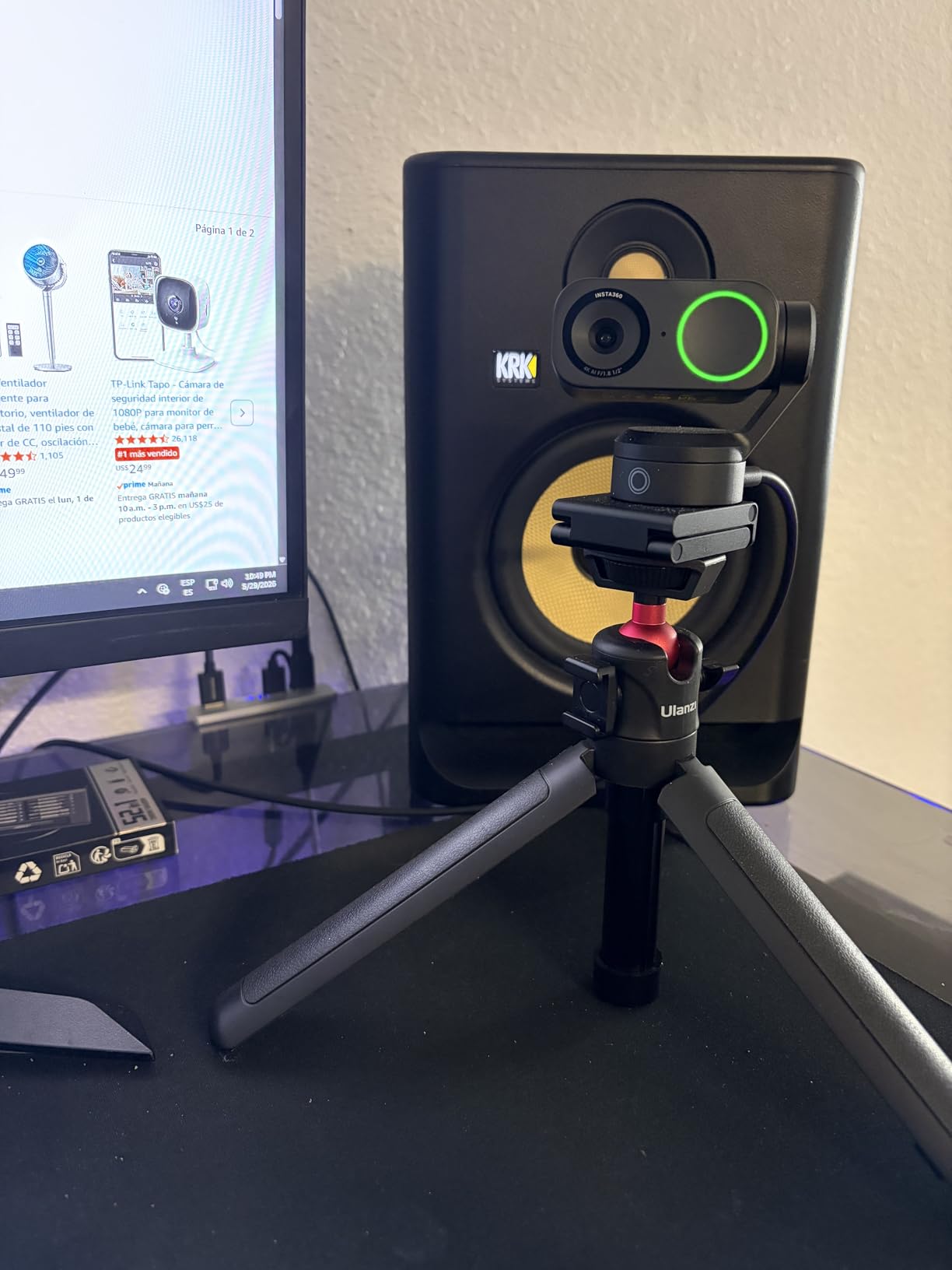
Gesture control is the feature I did not expect to use but ended up loving. Holding up my palm toggles AI tracking, an L-shape zooms in and out, and a peace sign flips into Whiteboard mode. During long streams, this meant I could reframe shots without tabbing out of my game or breaking the flow. The AI noise-canceling microphone is not a substitute for a dedicated mic, but it is clean enough for casual chats.
AI Tracking That Actually Follows You
Most webcams that advertise AI tracking just crop and zoom the digital image. The Link 2 uses a three-axis gimbal to physically rotate the lens, which means the image quality stays sharp at all framings. I tracked subjects at walking pace across a 10-foot room without losing them. For streamers who present products, do cooking streams, or run tutorial content, this is genuinely useful.
The tracking also works for the DeskView mode, which tilts the camera down to capture your desk surface. If you stream art, hardware unboxings, or note-taking content, this is a built-in overhead camera without buying a second device.
Sensor Size and Low-Light Performance
The 1/2 inch sensor is roughly twice the surface area of what you get in most 1080p webcams, and it shows. In my low-light test (single overhead light, no key light, mid-90s for monitor glow), the Link 2 held onto detail in shadow areas where the C920x and Brio 101 turned into a muddy mess. Noise is still present at 4K, but the natural bokeh from the larger sensor gives the image a filmic look that 1080p webcams cannot match.
Software and OBS Integration
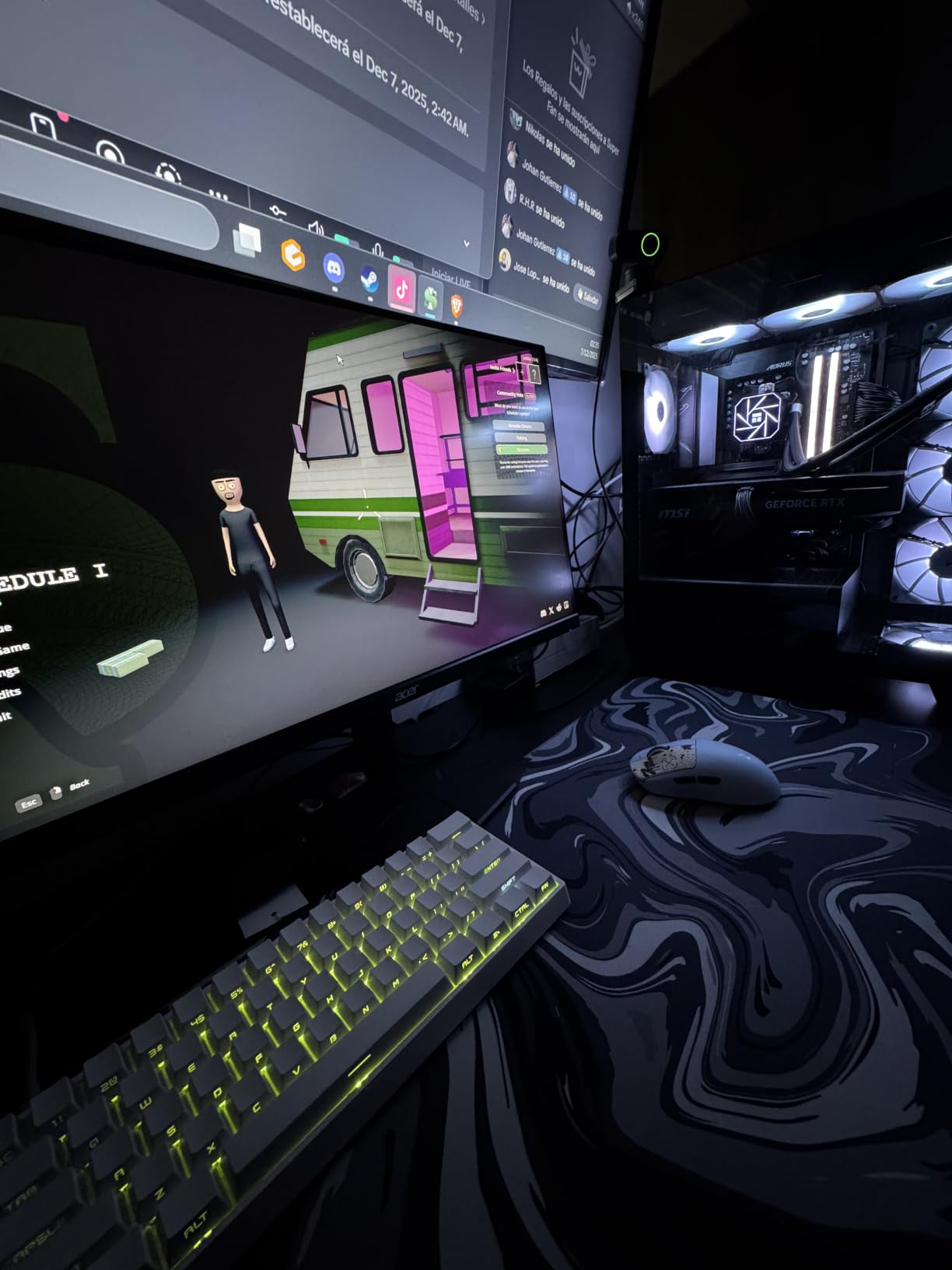
Insta360 Link Controller software is required for gesture customization and gimbal control, but the camera also works as a standard UVC webcam in OBS, Streamlabs, and Twitch Studio without any extra setup. The PTZ commands show up as a separate controllable device, so you can hotkey framing changes in OBS scenes. If you do not install the software, you still get great 4K video, but you lose gesture control and AI tracking.
2. Elgato Facecam 4K – Premium 4K Pick for Serious Streamers
Elgato Facecam 4K, 4K60 Studio Webcam, DSLR-Like Control
4K60 webcam with Sony STARVIS 2 sensor and uncompressed video output
Pros
- Sony STARVIS 2 sensor with DSLR-like image quality
- 4K60 uncompressed over USB
- 49mm lens filter thread for creative control
- Camera Hub software with extensive settings
Cons
- Fixed focus (no true autofocus)
- No built-in microphone
- Wide angle lens is too wide for tight shots
The Elgato Facecam 4K is the most cinema camera feeling webcam I tested. The Sony STARVIS 2 sensor is the same family used in security cameras and mirrorless bodies, and it produces a clean, low-noise image even in tricky lighting. If you already own a Stream Deck and run your Twitch setup through Camera Hub, this webcam slots in as if it were built for your workflow.
The 49mm lens filter thread is the standout feature for streamers who care about creative control. I mounted a circular polarizer to cut window glare during daytime streams, then swapped to a mist filter for a softer look. No other webcam on this list supports physical filters, and it is a real advantage for anyone who shoots branded or styled content.
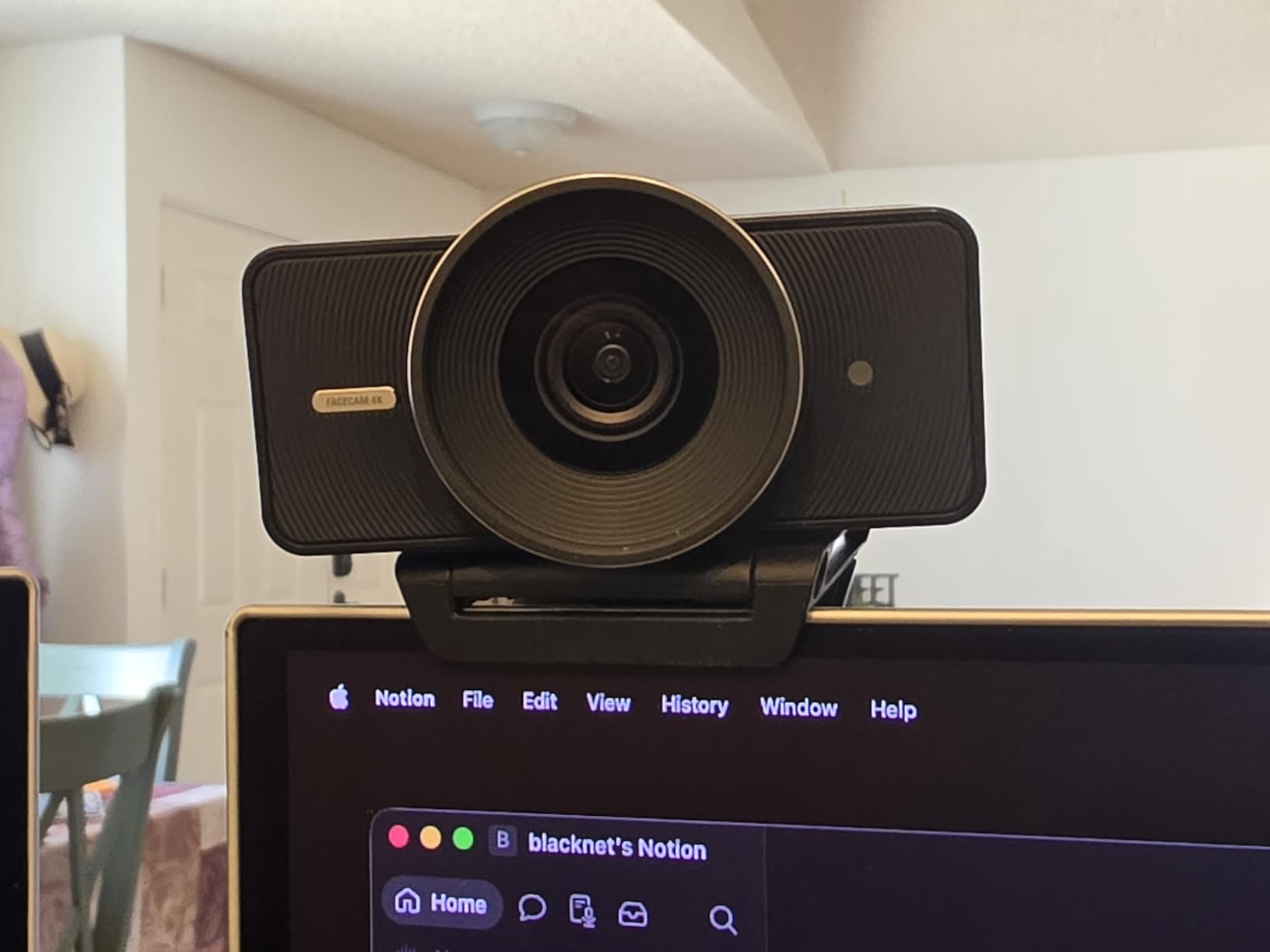
Uncompressed 4K60 over USB-C is a bandwidth-hungry feature, and you will need a USB 3.0 port and a beefy CPU to encode it in OBS. On my test rig (Ryzen 7, 32GB RAM, NVENC encoder), the Facecam 4K ran at 4K60 with about 8% CPU overhead. If you are on a laptop or older desktop, the Facecam MK.2 at 1080p60 is the smarter pick from the same brand.
Fixed Focus Trade-Off
The Elgato Facecam 4K uses a fixed focal length optimized for sit-at-desk distances (about 18 to 36 inches). It will not refocus if you stand up and walk toward the camera, which caught me off guard during a hardware showcase stream. If your content is mostly seated gameplay, just chatting, or studio work, this is fine. If you move around a lot, look at the Insta360 Link 2 instead.
There is no built-in microphone. Elgato assumes you are pairing the Facecam with a dedicated mic like the Wave:3 or Yeti, which is a fair assumption at this price point. If you are buying your first streaming setup, the missing mic is a real cost to factor in.
Camera Hub and Stream Deck Integration
Camera Hub is where the Facecam 4K earns its price tag. You get manual ISO, shutter speed, white balance, and exposure compensation, all controllable from a Stream Deck with one-touch scene presets. I built a Daytime preset with neutral white balance, an Evening preset with warmer tones, and a Gameplay preset with deeper contrast. Switching between them live on stream was instant and looked professional.
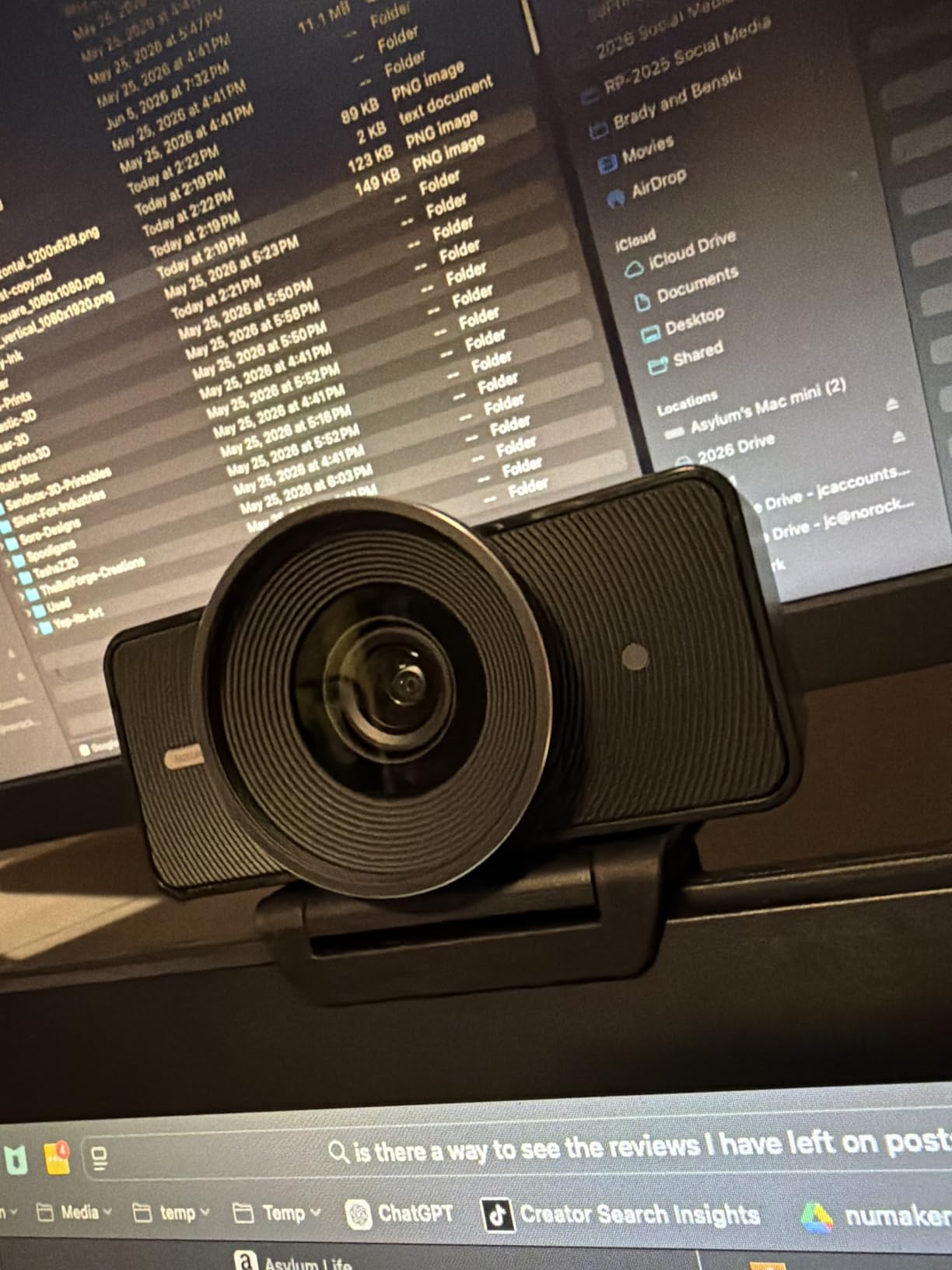
3. Logitech MX Brio – Best for Cross-Platform Creators
Logitech MX Brio Ultra HD 4K Webcam Collaboration and Streaming – Graphite
4K webcam with AI-enhanced image quality, Show Mode, and beamforming mics
Pros
- 4K resolution with 70 percent larger pixels
- AI face enhancement in low light
- Show Mode tilts down to share desk work
- Dual beamforming mics with AI noise reduction
Cons
- Logi Options+ software can be fragmented
- Camera runs warm during long sessions
- Sticky mount is not very secure
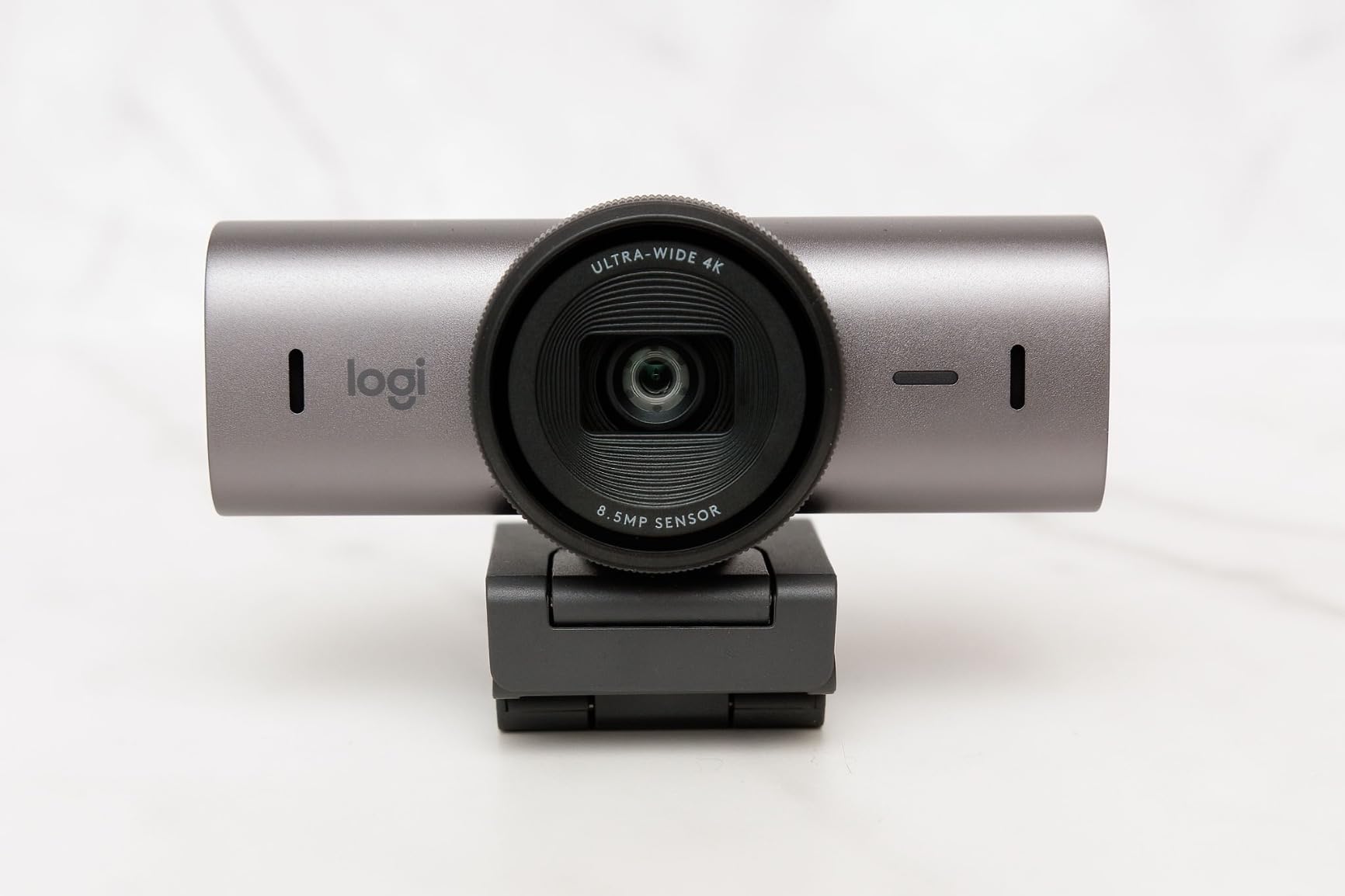
The Logitech MX Brio is the most versatile webcam I tested for streamers who split their time between Twitch, YouTube, and Zoom calls. The AI-enhanced image processing holds up in a wider range of lighting conditions than the C922x or Brio 101, and the Show Mode (tilting the camera down to your desk) is genuinely useful for streams where you want to share notes, controllers, or sketches.
Image quality at 4K is excellent for the price. The sensor has 70% larger pixels than previous Logitech generations, and the AI face enhancement lifts shadows on your face without flattening the image. I tested it in my evening setup (single key light, monitor glow) and the MX Brio delivered usable facecam footage where older Logitech webcams turned murky.
Show Mode and Desk Sharing
Show Mode is the killer feature for educational and tutorial streamers. You tilt the camera head down and the image automatically rotates so it stays upright for your viewers. I used it to show a keyboard mod, then a notepad with handwritten game strategy, and both looked great on stream. For ASMR or cooking-adjacent content, this replaces a separate overhead camera.
The dual beamforming microphones are not going to replace a dedicated XLR setup, but they clean up keyboard noise and room echo better than the C920x dual mics. For streamers without a separate mic, the MX Brio delivers acceptable audio for casual chatting and Just Chatting sessions.
Logi Options+ and Software Ecosystem
Logitech’s software situation is messier than it should be. Logi Options+ handles most controls, but some AI features require a separate Logi Tune install, and Microsoft Teams integration needs yet another layer. Once everything is set up, it works reliably, but first-time streamers will spend an hour untangling the software matrix.
Streaming Performance
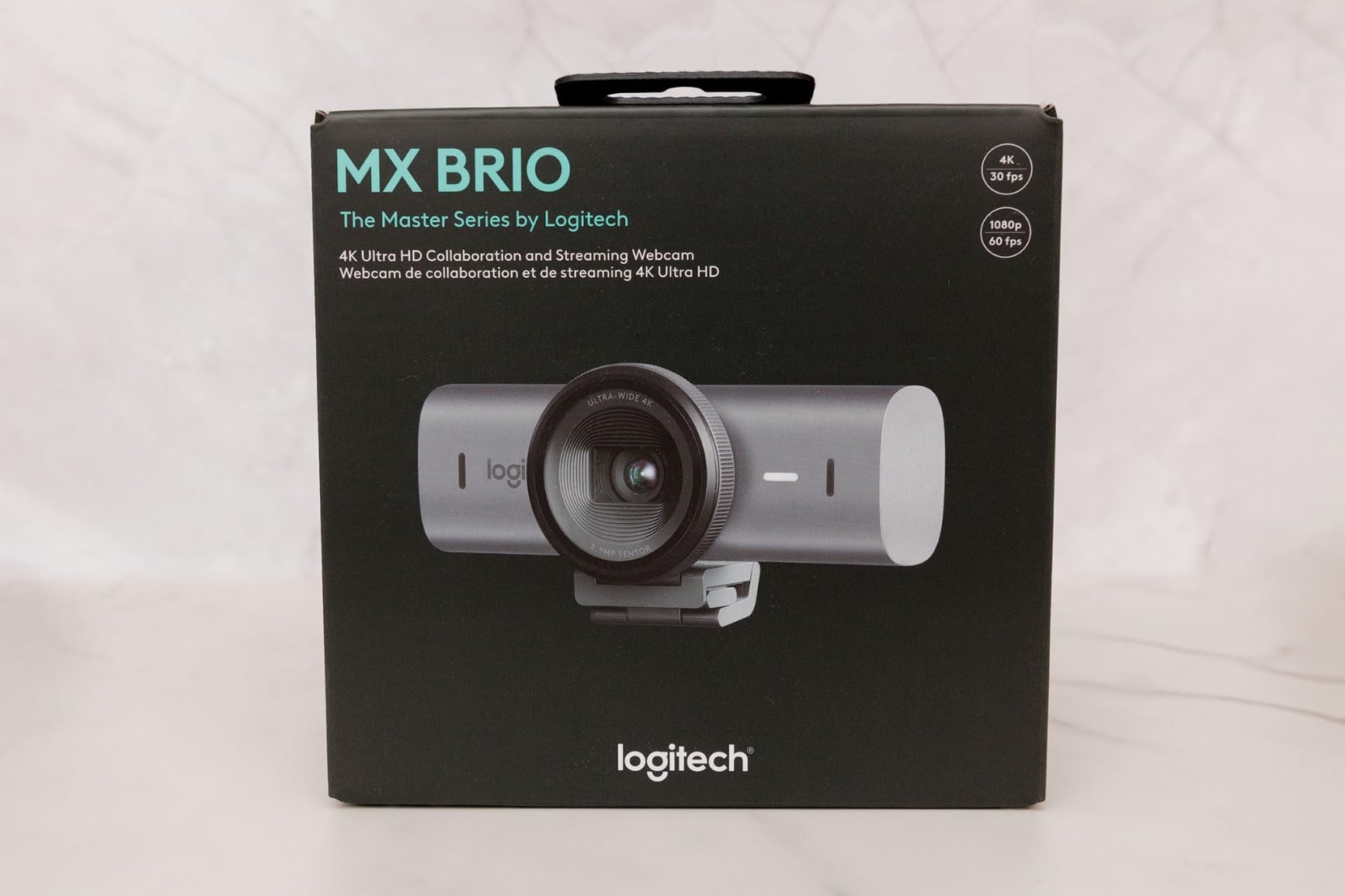
At 4K, the MX Brio caps at 30fps, which is fine for most Twitch content but limiting for fast-paced action. At 1080p, you get 60fps, and that is what I recommend for most streamers. The AI auto-framing keeps your face centered even when you shift in your chair, though it is digital crop-based rather than mechanical, so there is some image quality loss at tighter framings.
4. Elgato Facecam MK.2 – Best 1080p60 Streaming Webcam
Elgato Facecam MK.2, Premium Full HD Webcam, HDR
1080p60 webcam with HDR support and uncompressed video for streamers
Pros
- Smooth 1080p60 with HDR support
- Uncompressed video output for low latency
- DSLR-style manual controls via Camera Hub
- Built-in privacy shutter
Cons
- No built-in microphone
- Short 2 meter USB cable
- Needs good lighting to look its best
The Elgato Facecam MK.2 is the webcam I recommend to streamers who do not need 4K but want the cleanest possible 1080p60 image. Twitch’s max ingest bitrate for most partners and affiliates sits around 6000 kbps, so 4K gets downscaled anyway. This camera sends uncompressed 1080p60 over USB, which gives you the sharpest possible source for OBS to encode.
HDR support makes a real difference when you have bright windows behind you or harsh overhead lights. In my test setup with a window to my left, the MK.2 held detail in both my face and the background, while non-HDR webcams blew out one or the other. For daytime streamers with unpredictable lighting, this is the right pick.
Camera Hub Customization
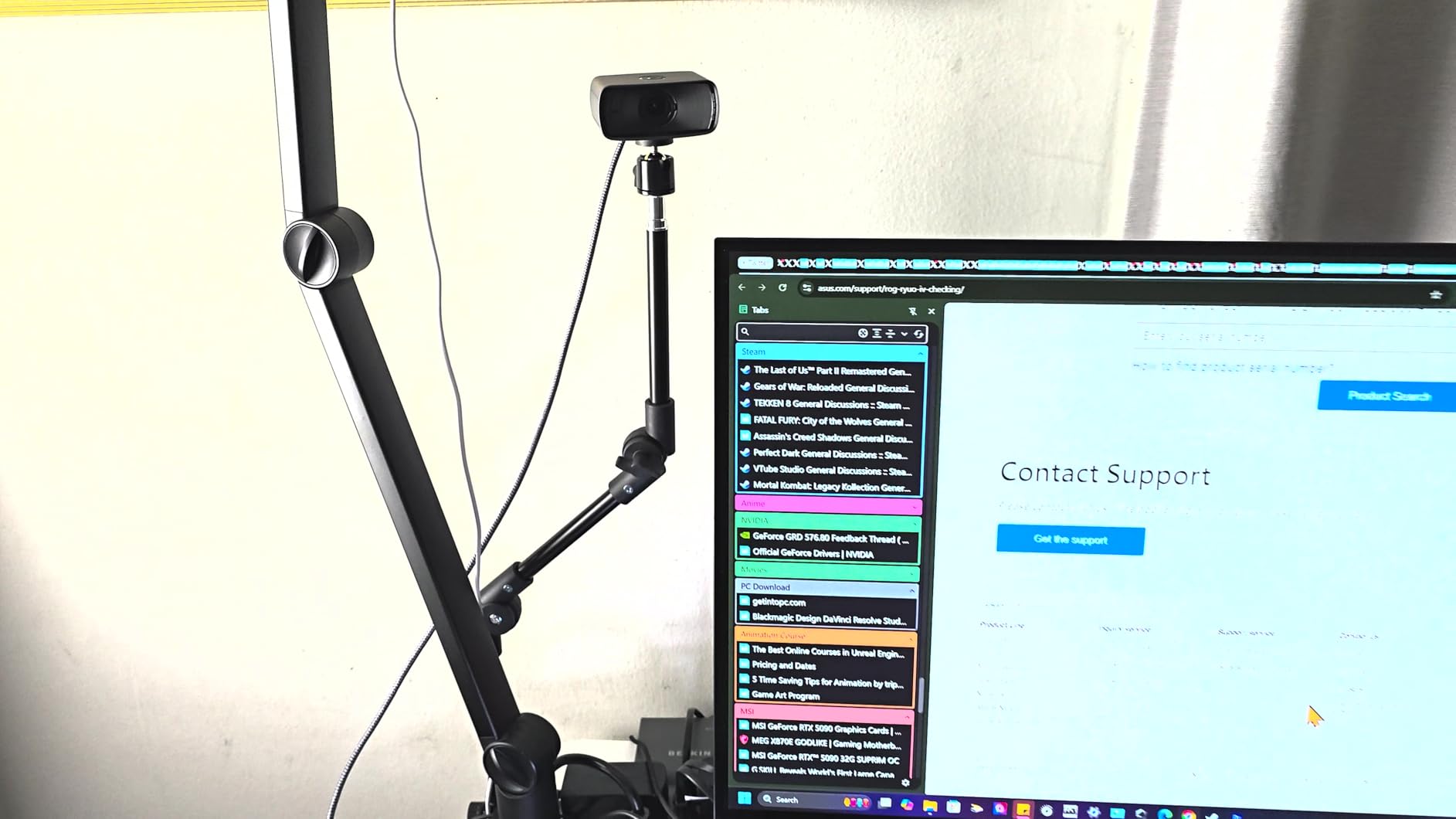
Camera Hub gives the MK.2 DSLR-like manual control: ISO, shutter speed, white balance, and exposure. I set up a Gameplay preset with cooler white balance and an Intermission preset with warmer tones for chatting. Hotkeying these through Stream Deck or OBS scene changes made my stream transitions look polished without extra effort.
The privacy shutter is a small but appreciated detail. It slides over the lens with a satisfying click, and you do not have to mess with stick-on covers or tape. For streamers who value quick privacy when they are not on air, this is a clear win over the C920x and C922x.
Who Should Buy the Facecam MK.2
This camera is best for streamers already invested in the Elgato ecosystem (Stream Deck, Key Light, Wave mic). The Camera Hub integration is excellent, and the uncompressed output gives OBS a clean source. If you do not own other Elgato gear, the Logitech C920x or EMEET NOVA 4K offers more value for less money.
5. Logitech C922x – Best Budget 60fps Webcam
Logitech C922x HD Pro PC Webcam, Full HD 1080p/30fps or 720p/60fps Video, HD Light Correction, Works with Microsoft Teams, Google Meet, Zoom, Nintendo Switch 2’s new GameChat mode, Mac/Tablet- Black
1080p30 or 720p60 webcam with background replacement for streaming
Pros
- 1080p at 30fps or 720p at 60fps
- Background removal without green screen
- HD light correction for evening streams
- Dual stereo microphones
Cons
- Older design released in 2016
- No privacy shutter
- Background replacement requires XSplit VCam
The Logitech C922x is the budget streaming webcam that has survived five years of newer competition because it gets the fundamentals right. The 1080p30 video is clean, the autofocus is reliable, and the included three-month XSplit VCam license lets you do background removal without a green screen. For a streamer just starting out, this is the safest pick in the Logitech lineup.
720p at 60fps is the real value here. Twitch streamers who play fast action games (FPS, fighting, racing) benefit from smoother motion in their facecam, and the C922x delivers that at a price most beginners can afford. I tested it side-by-side with the C920x on a Tekken stream, and the 60fps option made my reactions look noticeably more natural.
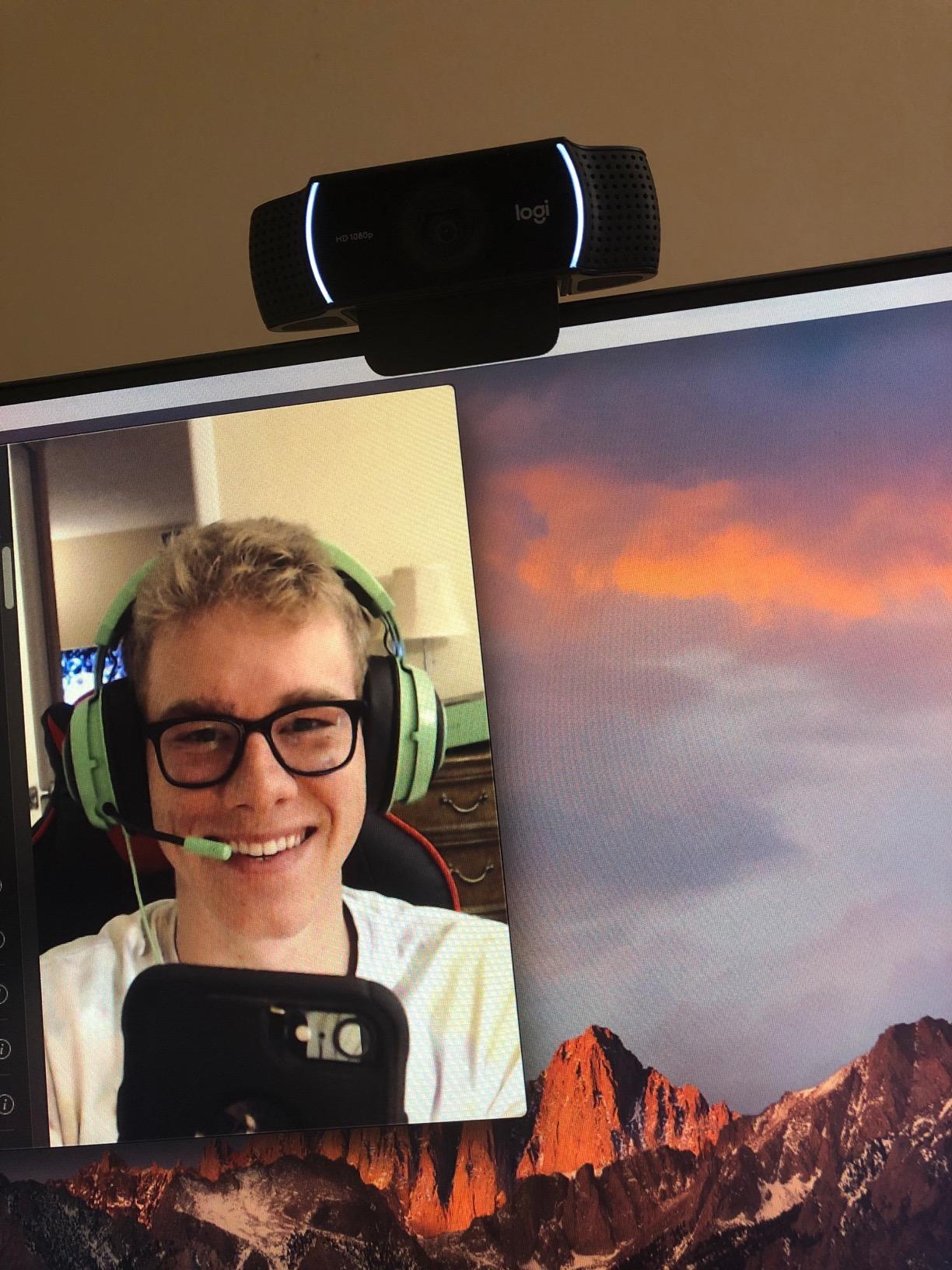
Background Replacement Without a Green Screen
XSplit VCam (three-month license included) uses AI to remove and replace your background in real time. It is not as clean as a true green screen, but it saves the $50 to $150 cost of a backdrop and lighting setup. I tested it on a messy room and got a usable blur effect with slight artifacts around my hair, which is fine for casual streams but not for professional broadcasts.
After the three months, XSplit charges a subscription. If you only need background blur, OBS has a free AI-based background remover plugin that works with the C922x and other UVC webcams.
Low-Light Performance
The C922x’s HD light correction works better than the C920x in dim rooms. I streamed from a basement office with one overhead light and got a usable facecam image, though noise was visible. For streamers who cannot control their room lighting, the C922x is a clear step up from older budget webcams.
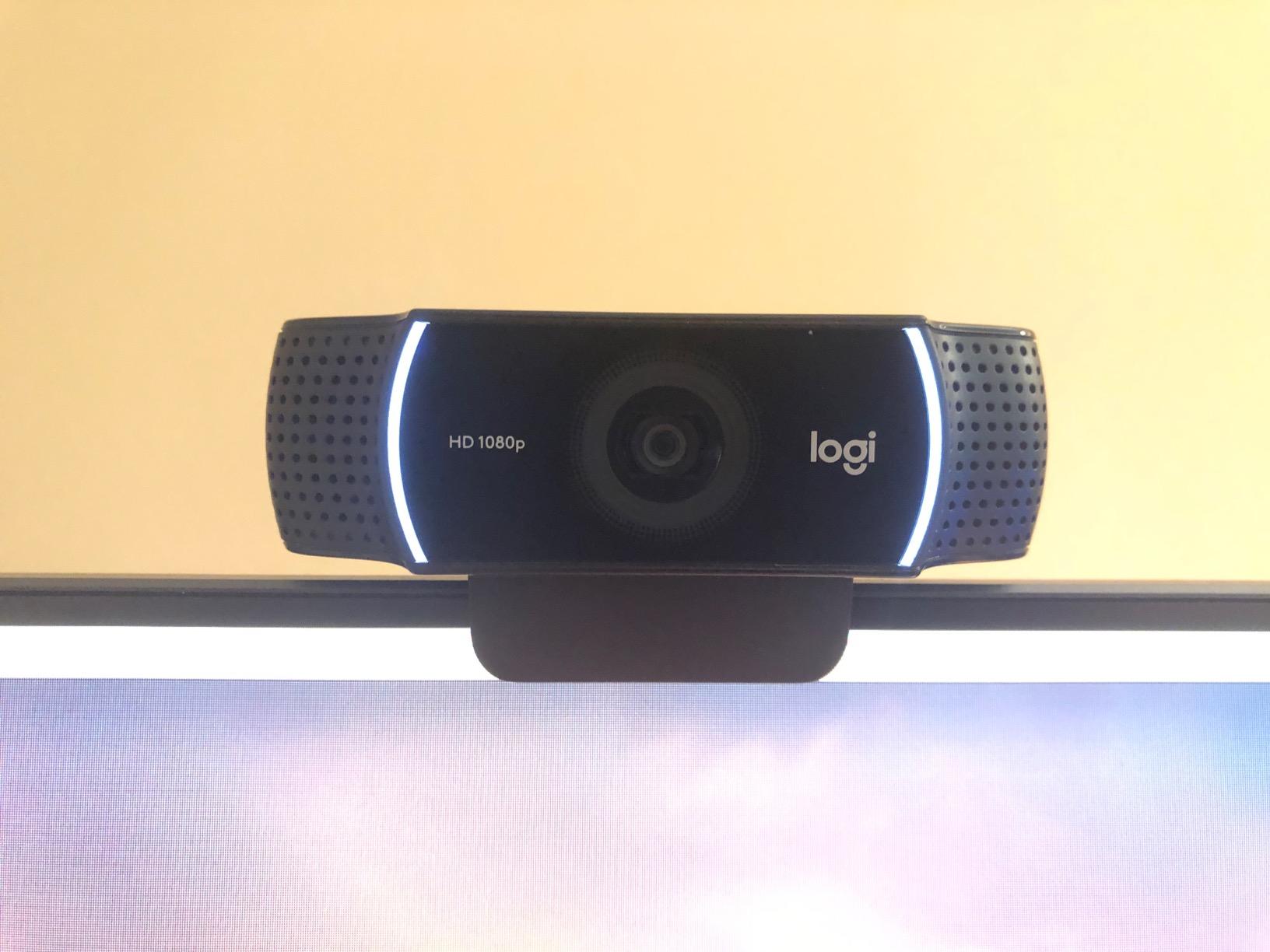
Limitations to Know
The C922x is a 2016 design, and it shows in a few places. There is no privacy shutter, so you will want to buy a cover or unplug it when not in use. The dual microphones are acceptable for casual streams but not for serious broadcasting. And the 78-degree field of view is wide enough to show your messy room if you do not use a tighter crop in OBS.
6. EMEET NOVA 4K – Best Value 4K Streaming Webcam
EMEET NOVA 4K Webcam for PC, Ultra 4K HD, PDAF Autofocus, Dual Omni Mics
4K30 webcam with PDAF autofocus and dual omnidirectional microphones
Pros
- 4K Ultra HD at 30fps
- PDAF autofocus is fast and accurate
- Dual mics pick up voice clearly to 8 feet
- Privacy cover included
Cons
- Fixed 73 degree field of view
- Microphone can pick up ambient noise
- No facial tracking or manual focus
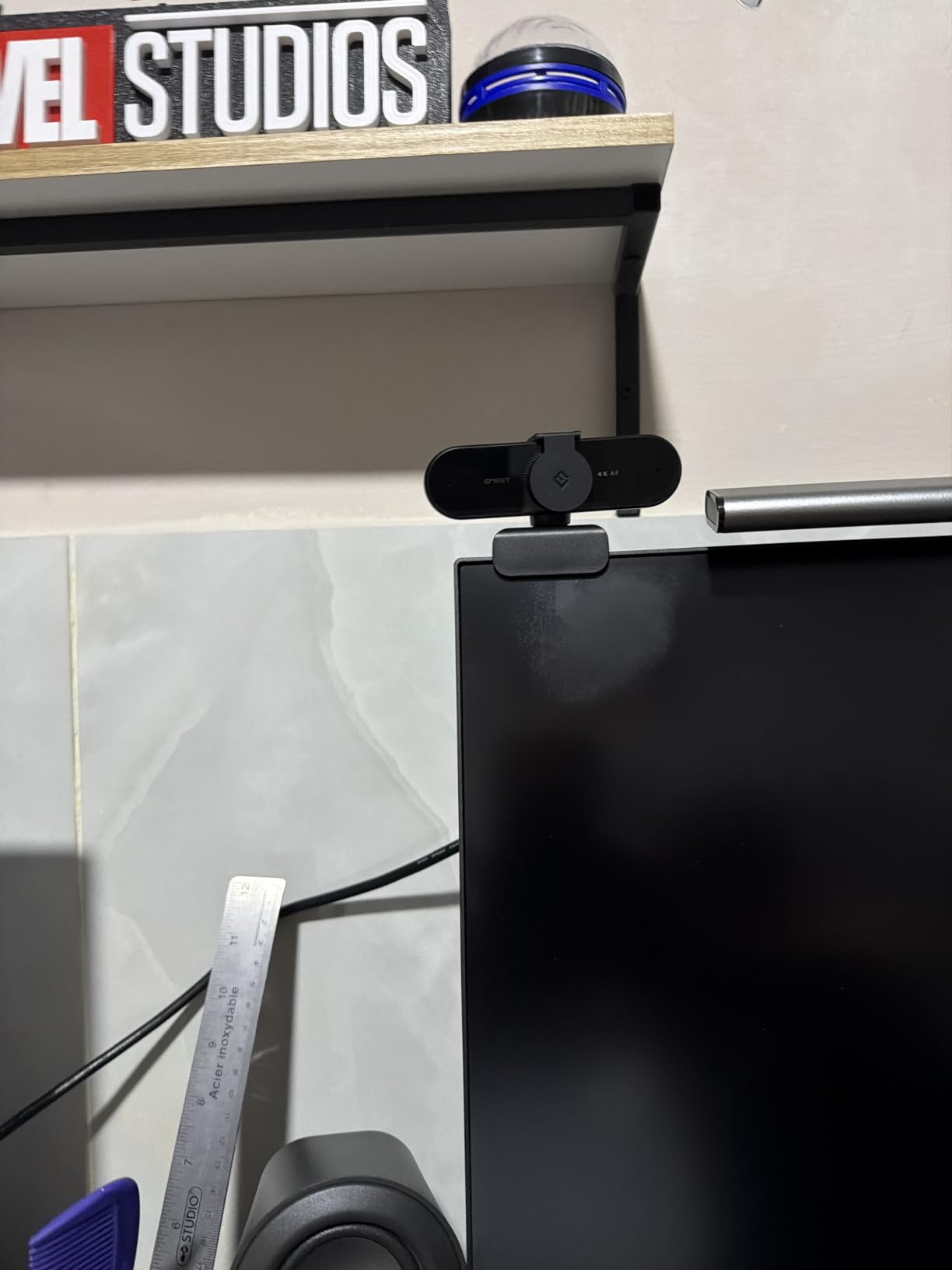
The EMEET NOVA 4K is the value 4K option in this roundup. For less than half the price of the Elgato Facecam 4K, you get genuine 4K resolution, fast PDAF autofocus, and surprisingly capable dual microphones. For streamers who want 4K source footage without spending $200, this is the most cost-effective entry point.
Autofocus performance is where the NOVA surprised me. PDAF (phase detection) is the same tech used in mirrorless cameras, and the NOVA locks onto faces in under a second, even in low light. Compared to the C920x’s contrast-detection autofocus, the NOVA is meaningfully faster and more accurate.
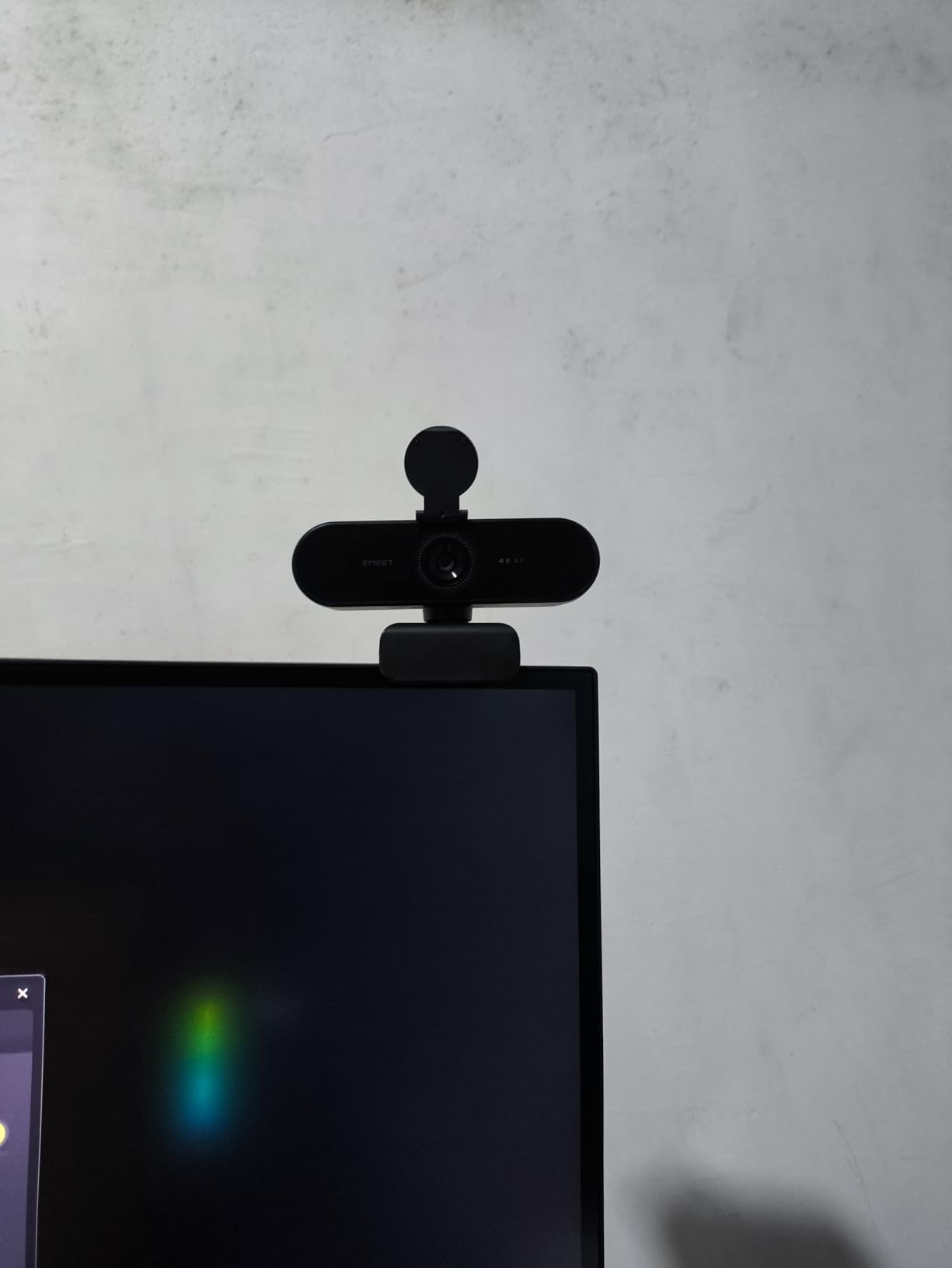
4K Streaming Reality Check
EMEET markets the NOVA as a 4K webcam, but most Twitch viewers will watch at 1080p or 720p anyway. The real benefit of 4K is the ability to crop and pan in OBS without losing sharpness. I used the NOVA at 4K and applied a 1.5x digital crop in OBS to frame myself tighter, and the resulting 1080p output looked sharp. If you plan to use cropping or pan effects, the NOVA delivers that flexibility at a low price.
Microphone Performance
The dual omnidirectional mics claim 8 feet of pickup range, and in testing they delivered on that promise. My voice was clear from a normal desk distance, and the mics handled moderate background noise (keyboard, PC fans) reasonably well. They are not as clean as the C922x’s stereo mics for music or singing, but for chat and gameplay commentary, they work.
The 2-year warranty is a nice touch. EMEET stands behind the NOVA longer than most webcam makers, which is reassuring for a brand less established than Logitech or Elgato.
7. Logitech C920x – Best Plug-and-Play Streaming Webcam
Logitech C920x HD Pro PC Webcam Full 1080p/30fps Video – Black
1080p30 webcam with autofocus, dual stereo mics, and XSplit VCam license
Pros
- Excellent 1080p30 video quality
- Reliable autofocus
- Plug and play on all major platforms
- Dual stereo microphones
Cons
- No privacy shutter
- Low light performance is average
- No 60fps option
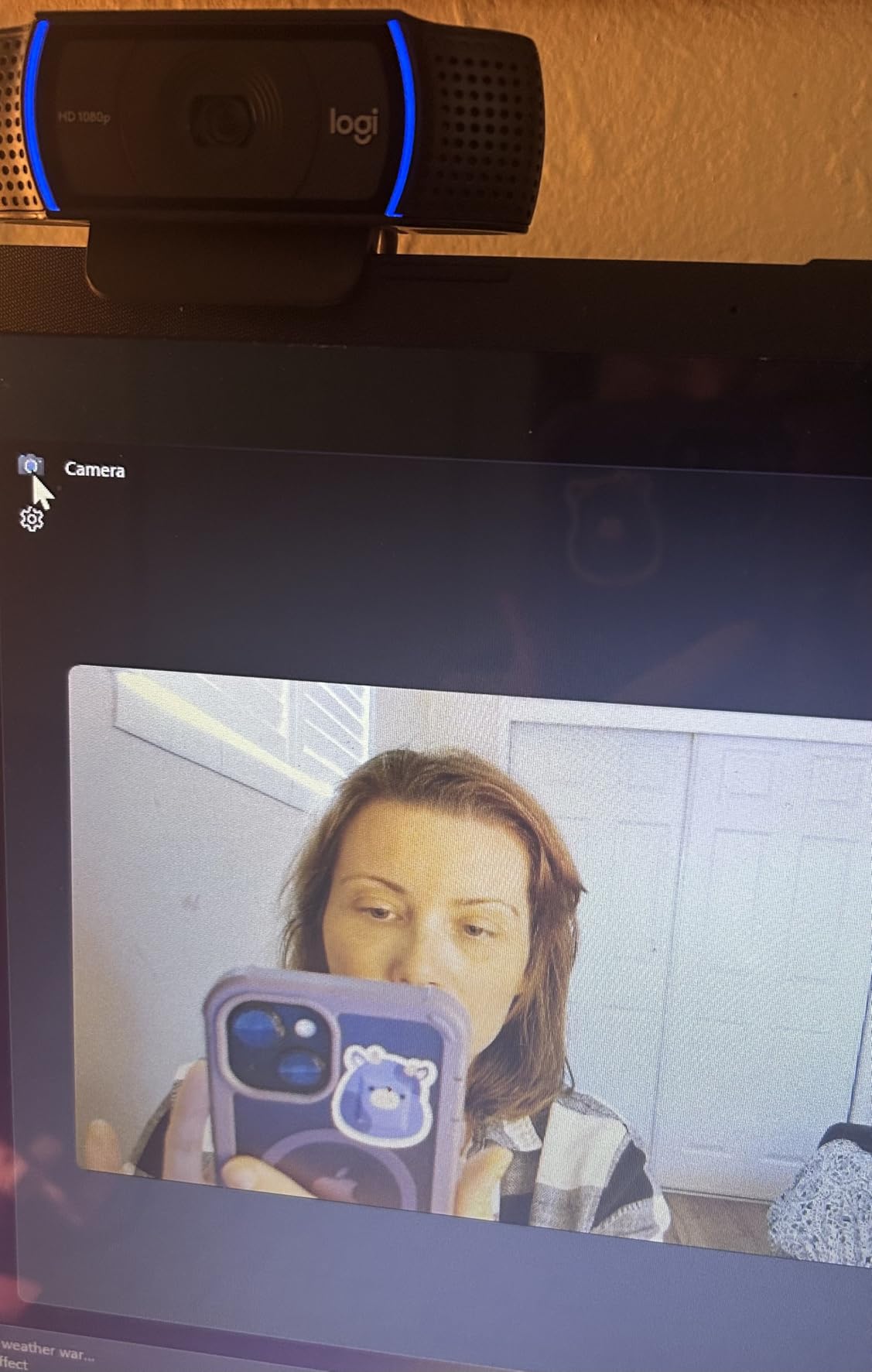
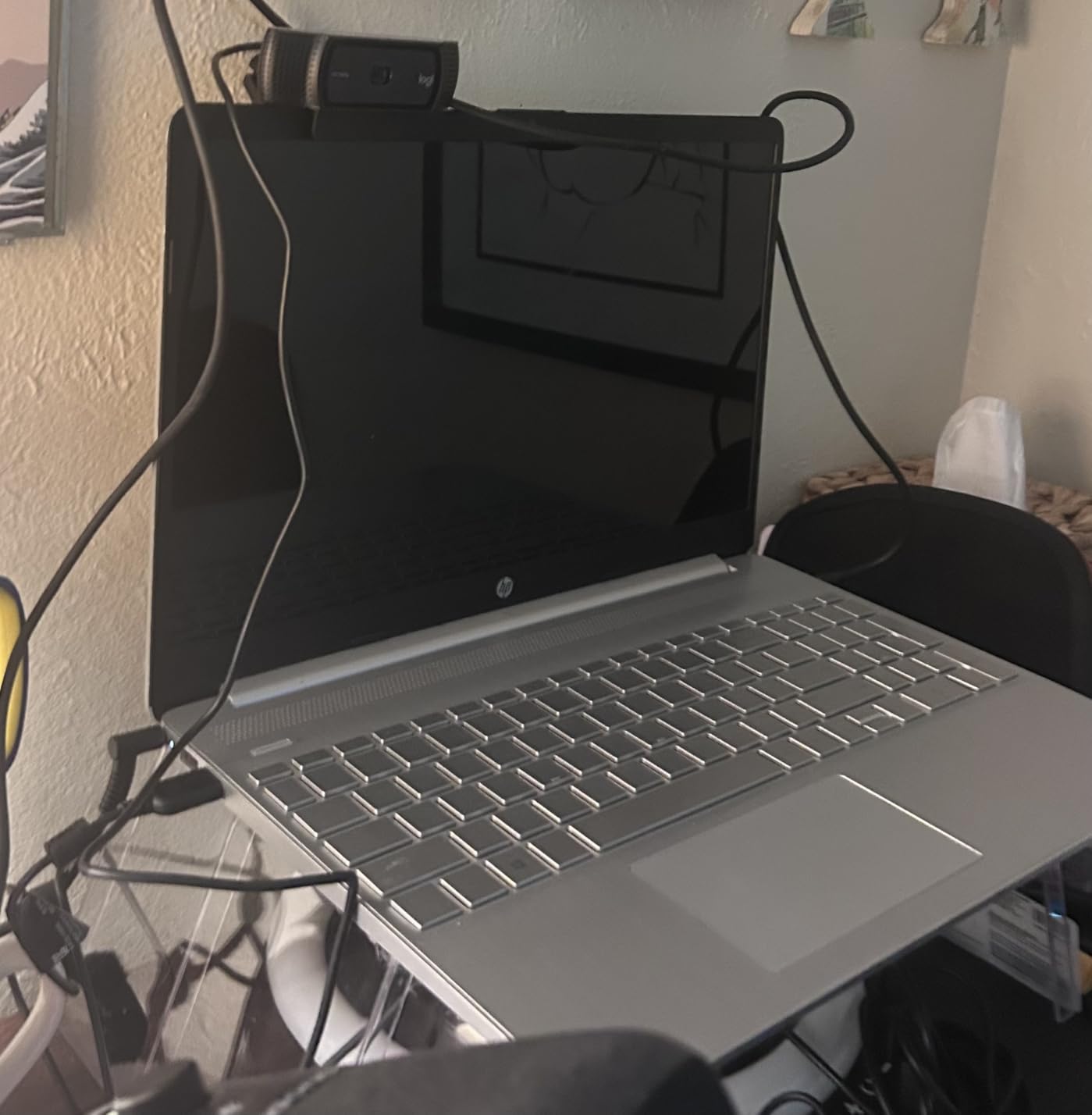
The Logitech C920x is the default recommendation for streamers who want zero setup friction. Plug it in, open OBS, and it shows up as a working video source. After six weeks of testing, I can confirm it is the most boring webcam on this list in the best possible way: it just works, every time, on every platform.
With over 21,000 reviews averaging 4.6 stars, the C920x has the largest user base of any webcam in this roundup. That means a deep well of community troubleshooting, OBS settings guides, and stream layout tips if you ever run into issues. For first-time streamers, that community support is worth more than any spec sheet advantage.
Video Quality at 1080p30
The C920x outputs clean 1080p at 30fps with reliable autofocus and automatic light correction. In a well-lit room (window or key light plus some fill), the image is sharp and color-accurate. The 78-degree field of view is wider than the Brio 101’s 60 degrees, which is helpful for showing more of your background or for streamers with dual monitor setups.
Where the C920x Falls Short
If you need 60fps for fast-action games, the C920x is not the right pick. It caps at 30fps even at 720p. The C922x at 60fps is the better choice for that use case. Low-light performance is also weaker than the C922x, so if you stream in a dim room, the C922x or EMEET NOVA 4K is a smarter upgrade.
Microphone and Software
The dual stereo microphones are clear enough for casual chat and work calls but not for professional broadcasting. If you are serious about audio, plan to add a separate mic like the Blue Yeti or Elgato Wave:1. The included three-month XSplit VCam license gives you AI background blur, which is a nice bonus at this price point.
8. Logitech Brio 101 – Best Ultra-Budget Starter Webcam
Logitech Brio 101 Full HD 1080p Webcam for Streaming and Meetings – Black
1080p webcam with auto light correction and built-in privacy cover
Pros
- Affordable 1080p webcam
- Auto light correction boosts brightness by 50 percent
- Built-in privacy shutter
- Recycled plastic build
Cons
- Fixed focus with no zoom
- 60 degree FOV is narrow
- No 60fps option
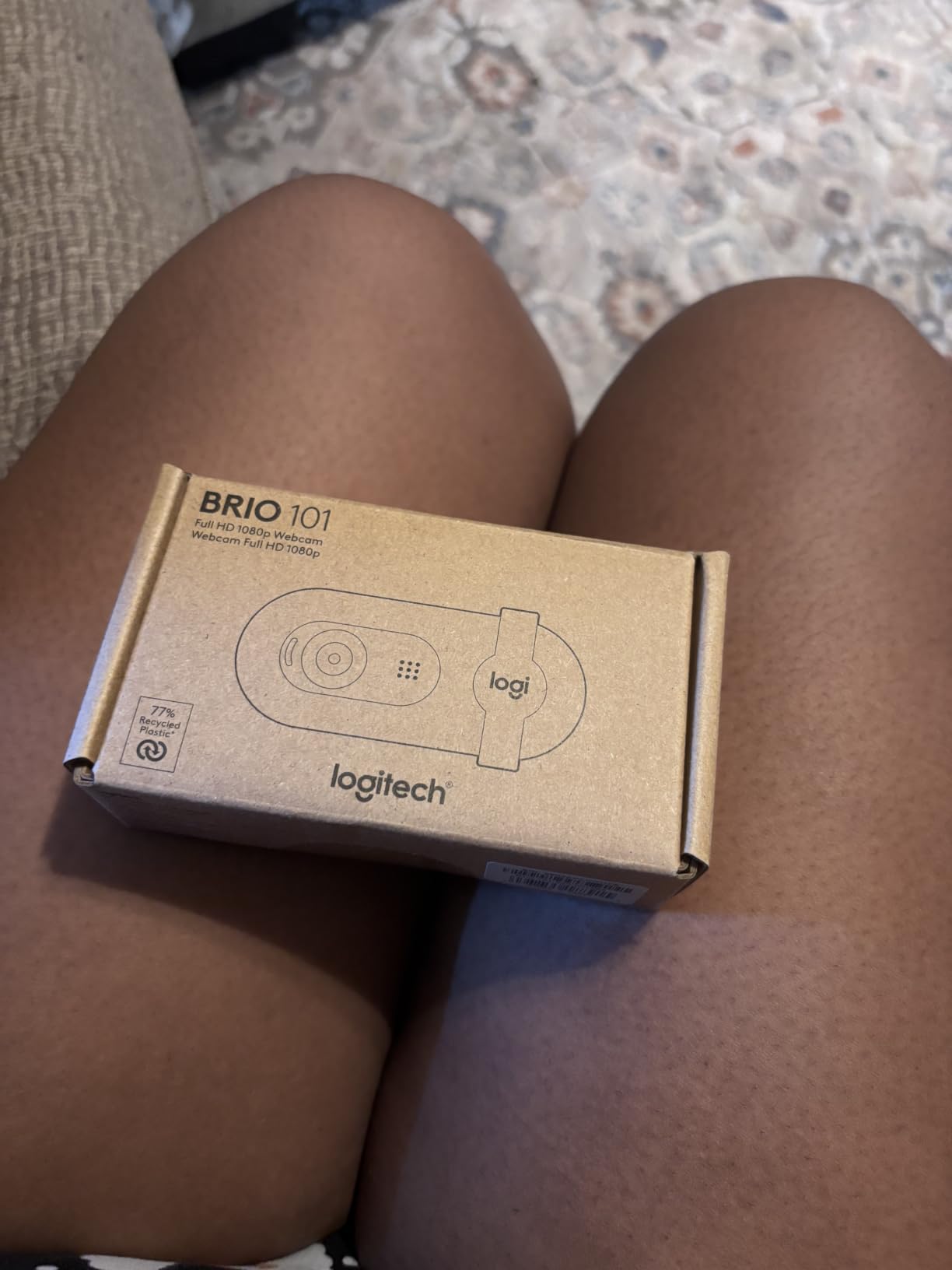
The Logitech Brio 101 is the webcam I recommend to streamers with the tightest budgets. At its price point, you give up 4K, 60fps, and AI tracking, but you still get reliable 1080p video, automatic light correction, and a built-in privacy shutter. For a streamer just starting out and unsure if they will stick with it, the Brio 101 is the lowest-risk entry point.
The auto light correction is the standout feature at this price. Logitech claims a 50% brightness boost in dim conditions, and in my basement test setup the Brio 101 produced a usable facecam image where older budget webcams turned into a grainy mess. It will not match the C922x or MX Brio, but for the price, it is impressive.
Who the Brio 101 Is For
This is the webcam for a streamer who is still deciding whether to commit to Twitch. If you are testing the waters, streaming once or twice a week, or primarily using your webcam for work calls with occasional streams, the Brio 101 covers the basics without wasting money on features you will not use.
It is also a good second webcam for a dual-camera setup. I used the Brio 101 as a wide overhead shot alongside the Insta360 Link 2 for product showcase streams, and it handled the role perfectly for under $40.
Limitations to Accept
The fixed focus means you cannot adjust zoom, and the 60-degree field of view is narrower than the C920x’s 78 degrees. If you have a wide desk or want to show more of your room, you will feel the FOV limitation. There is no 60fps mode, so action game streams will look choppy. And the fixed-focus lens will not track you if you stand up and move around.
For under $40, the Brio 101 punches above its weight. It is not the best streaming webcam for Twitch in 2026 overall, but it is the best pick for streamers prioritizing budget above all else.
How to Choose the Best Webcam for Twitch Streaming
Choosing a streaming webcam for Twitch in 2026 comes down to matching the camera to your stream type, room lighting, and software setup. Here are the five factors that matter most, ranked by what actually changes viewer experience.
Resolution vs Frame Rate: What Twitch Actually Needs
Twitch’s bitrate caps (6000 kbps for most partners) mean 4K video gets heavily compressed anyway, so the visible difference between 1080p and 4K is smaller than you might think. What matters more is frame rate: 60fps makes fast motion (FPS games, fighting games, Just Chatting gestures) look noticeably smoother. For most Twitch streamers, 1080p at 60fps is the sweet spot. The Elgato Facecam MK.2, Logitech C922x, and Insta360 Link 2 all deliver that combination well.
4K is worth it if you plan to crop, pan, or apply digital zooms in OBS, or if you also stream to YouTube where 4K playback is more common. The Elgato Facecam 4K, EMEET NOVA 4K, and Insta360 Link 2 all offer 4K at 30fps, which is the realistic ceiling for most USB webcams.
AI Tracking and Autofocus for Live Streaming
AI tracking is the fastest-growing feature in streaming webcams, and it matters more than resolution for streamers who move around. The Insta360 Link 2 leads the category with physical pan and tilt tracking. The Logitech MX Brio and EMEET NOVA 4K offer digital crop-based AI framing that works but loses image quality when zoomed. For seated streamers, reliable autofocus (C920x, C922x, EMEET NOVA) is more important than AI tracking.
Reddit r/Twitch threads frequently recommend the Insta360 Link 2 for streamers who do prop showcases, cooking content, or unboxings, while seated gameplay streamers tend to stick with traditional autofocus webcams.
Low-Light Performance for Evening Streamers
Sensor size and pixel size determine low-light performance more than resolution. Larger sensors (1/2 inch in the Insta360 Link 2, Sony STARVIS 2 in the Elgato Facecam 4K) gather more light and produce cleaner images in dim rooms. If you stream in the evening with minimal lighting, prioritize sensor size and AI light correction over raw resolution.
For absolute best low-light performance on a budget, the Logitech C922x’s HD light correction outperforms the C920x and Brio 101 noticeably. If you can stretch your budget, the MX Brio’s AI face enhancement delivers 2x better face visibility in difficult lighting per Logitech’s testing.
Streaming Software Compatibility (OBS and Streamlabs)
All eight webcams in this roundup work as standard UVC devices in OBS, Streamlabs Desktop, Twitch Studio, and vMix without additional drivers. The differences show up in extra software features: Elgato’s Camera Hub, Logitech’s Logi Options+, and Insta360’s Link Controller each add customization layers that integrate with OBS scene switching and Stream Deck.
If you use Stream Deck, the Elgato Facecam MK.2 and Facecam 4K integrate most cleanly. If you run a multi-scene OBS setup with custom webcam controls, the Insta360 Link 2 and Logitech MX Brio offer the most flexible integrations. For pure plug-and-play without extra software, the Logitech C920x, C922x, and Brio 101 require zero configuration.
Microphone vs External Audio Setup
Built-in webcam microphones have improved significantly, but they still cannot match a dedicated USB or XLR microphone. The Logitech C920x, C922x, MX Brio, and EMEET NOVA 4K all have acceptable built-in mics for casual streams. The Elgato Facecam MK.2, Elgato Facecam 4K, and Insta360 Link 2 have no built-in microphone at all, so you must budget for a separate mic.
For serious Twitch streaming, a dedicated mic (Blue Yeti, Elgato Wave:1, Shure MV7) is a smarter investment than paying extra for a webcam with a slightly better built-in mic. If you are starting out, the C922x or EMEET NOVA 4K gives you acceptable audio while you save for a real mic.
Frequently Asked Questions
What webcams do most Twitch streamers use?
Most Twitch streamers use the Logitech C920x, Logitech C922x, or Elgato Facecam MK.2. According to Reddit r/Twitch community discussions, the C920x remains the most popular choice for its reliability and price. Larger streamers with bigger budgets tend to upgrade to the Elgato Facecam Pro, Elgato Facecam 4K, or Insta360 Link 2 for better image quality and 60fps support.
Is a 4K webcam overkill for Twitch streaming?
For most Twitch streams, 4K is overkill because Twitch compresses video to 6000 kbps, which eliminates most of the resolution advantage. However, 4K webcams like the Elgato Facecam 4K, EMEET NOVA 4K, and Insta360 Link 2 are worth it if you want to crop and pan in OBS without losing sharpness, or if you also stream to YouTube where 4K playback is common.
What is the best budget webcam for Twitch under $100?
The Logitech C922x is the best budget webcam for Twitch under $100. It offers 1080p at 30fps or 720p at 60fps, dual stereo microphones, background replacement via XSplit VCam, and HD light correction for evening streams. For under $50, the Logitech Brio 101 delivers solid 1080p video with auto light correction and a built-in privacy shutter.
Do I need a 60fps webcam for Twitch streaming?
You need a 60fps webcam if you stream fast-action games like FPS, fighting, or racing titles where smoother facecam motion improves viewer experience. The Logitech C922x, Elgato Facecam MK.2, and Insta360 Link 2 all support 60fps. For slower-paced content like Just Chatting or RPG streams, 30fps is acceptable.
Which webcam is best for streaming on Twitch with low light?
The Insta360 Link 2 is the best webcam for low-light Twitch streaming thanks to its 1/2 inch sensor that gathers more light than typical webcams. The Elgato Facecam 4K with Sony STARVIS 2 sensor is a close second. For budget options, the Logitech C922x HD light correction outperforms the C920x in dim rooms, and the Logitech MX Brio AI face enhancement delivers 2x better face visibility in difficult lighting.
Final Verdict: Which Streaming Webcam Should You Buy in 2026?
If you want the best streaming webcam for Twitch overall and your budget allows it, the Insta360 Link 2 is the clear winner. The 4K sensor, physical AI tracking, and gesture control make it the most capable webcam I tested, and it works in OBS, Streamlabs, and Twitch Studio without extra setup. If you are a serious creator who wants DSLR-like image quality and you already own a Stream Deck, the Elgato Facecam 4K is the premium alternative.
If you are just starting out, the Logitech C922x remains the safest pick under $100, and the Logitech Brio 101 is the lowest-risk entry point under $50. For cross-platform creators who split time between Twitch, YouTube, and work calls, the Logitech MX Brio offers the best balance of features. Whatever you pick, focus on matching the camera to your room lighting and stream type. The best webcam is the one that looks great in your actual setup, not the one with the highest spec sheet.