
Hotel Wi-Fi has one job and it still cannot do it consistently. The best travel routers for hotels fix the parts that actually break: the browser login page that reappears every time you reconnect, the per-room device cap, the shared unencrypted network, and the fee you pay per connection. I have carried travel routers through enough business trips to know that the box matters far less than the captive portal workflow it supports.
Here is the short answer. The GL.iNet GL-MT3000 Beryl AX is the best travel router for hotels overall, because it holds the upstream session, shares one private SSID to every device you own, and runs a VPN client on the router itself. The GL.iNet Slate AX handles more devices, the ASUS RT-BE58 Go leads on Wi-Fi 7 speed, and the GL.iNet GL-A1300 is the value pick for a first trip.
One expectation to set before you read further. A travel router cannot make a slow hotel connection fast. If the property gives you 6 Mbps, that is what every device behind the router gets. What the router does change is privacy, the number of logins you make, and whether your traffic can run through a VPN without installing an app on every phone.
For the wider picture on home networking, our guides to routers built for VPN use and routers that handle many devices cover the same hardware from a permanent-installation angle.
Our Top 3 Travel Routers for Hotels in 2026


GL.iNet Slate AX GL-AXT1800
- Up to 120 devices
- Faster WireGuard throughput
- Repeater mode for hotel WiFi
Comparing All 9 Travel Routers for Hotel Use in 2026
| Product | Specs | Action |
|---|---|---|
| GL.iNet Beryl AX GL-MT3000 |
|
Check Latest Price |
| GL.iNet Slate AX GL-AXT1800 |
|
Check Latest Price |
 GL.iNet GL-A1300 GL.iNet GL-A1300 |
|
Check Latest Price |
 TP-Link Roam 6 AX3000 TP-Link Roam 6 AX3000 |
|
Check Latest Price |
 TP-Link Roam 7 BE3600 TP-Link Roam 7 BE3600 |
|
Check Latest Price |
 Cudy AX3000 TR3000 Cudy AX3000 TR3000 |
|
Check Latest Price |
 TP-Link Roam 6 AX1500 TP-Link Roam 6 AX1500 |
|
Check Latest Price |
 ASUS RT-AX57 Go ASUS RT-AX57 Go |
|
Check Latest Price |
 ASUS RT-BE58 Go ASUS RT-BE58 Go |
|
Check Latest Price |
How Hotel Captive Portals Actually Work
A captive portal is the login page a hotel shows before it lets any traffic through. Your laptop appears to be online, but pages hang until you open a browser, hit the hotel’s page, and click through terms before a session is created. The network itself carries no encryption past that point, and every device you own has to authenticate separately.
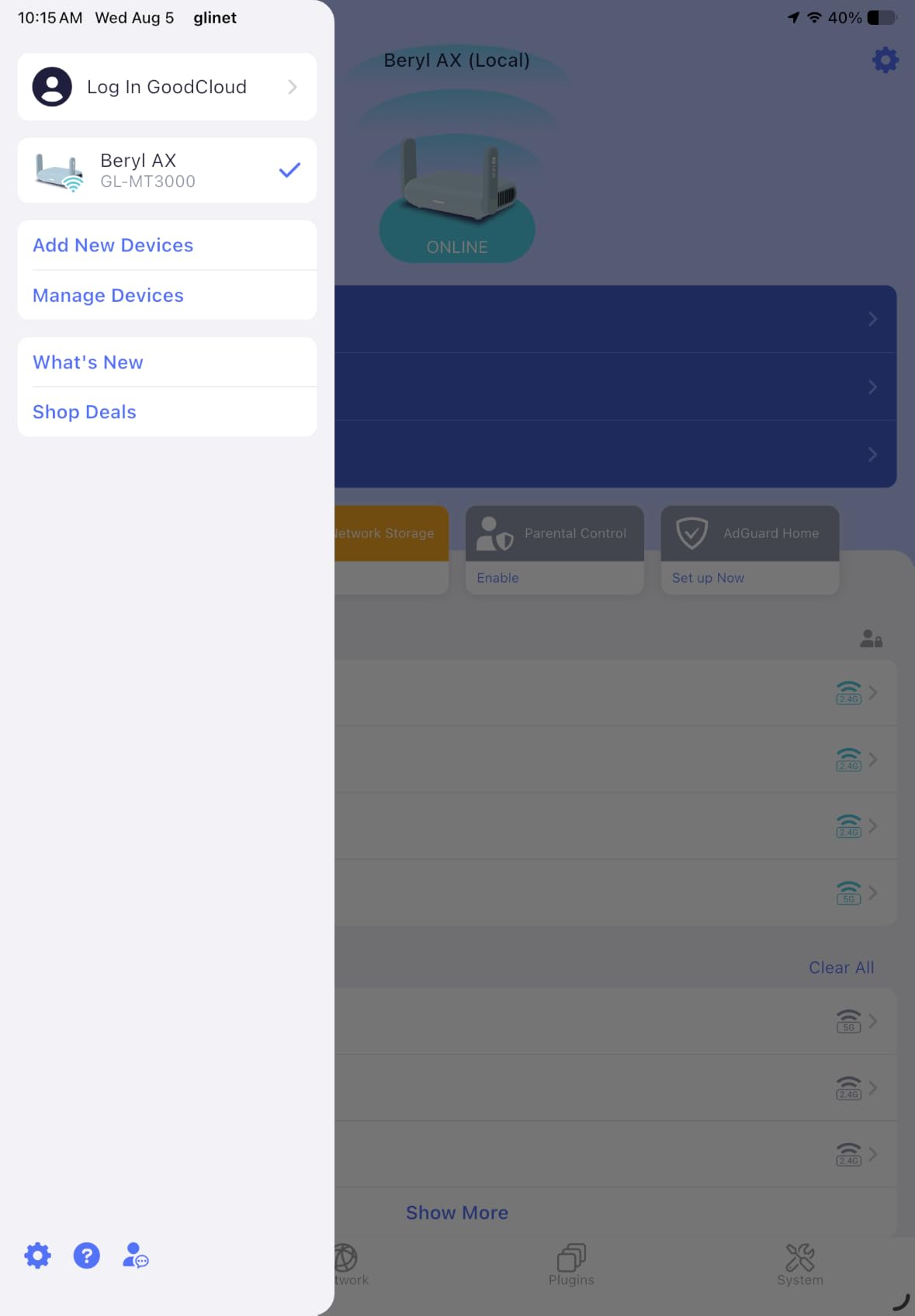
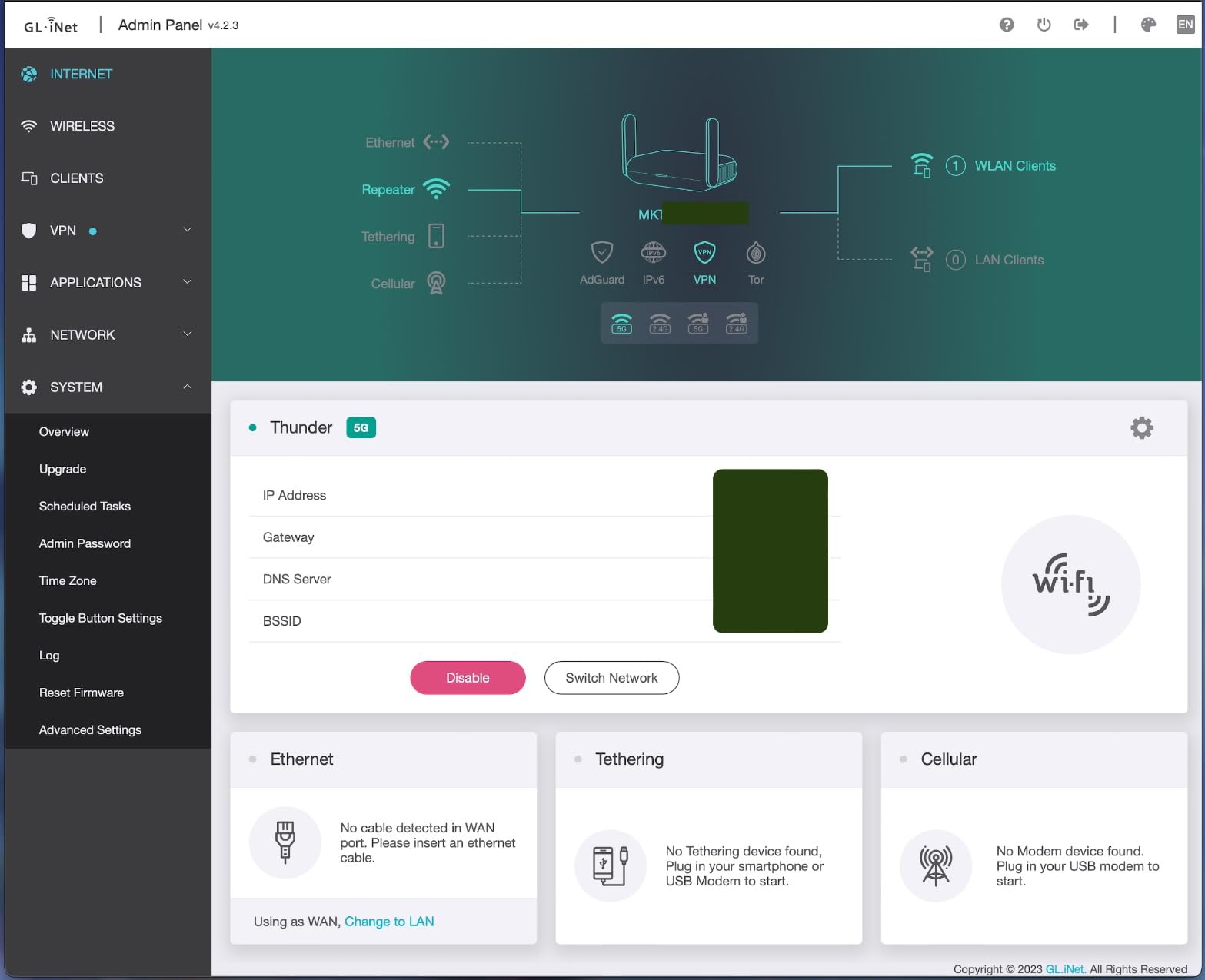
WISP mode, also called repeater or client mode, is the feature that solves this. The router joins the hotel SSID as a client, and the router itself completes the portal login. Once it holds that session, it broadcasts its own network name and password. You log into the hotel captive portal once and share that single connection across all your devices.
The sequence in practice is four steps. First, connect a laptop directly to the hotel network and complete the portal login so your room details and credentials are registered. Second, set the travel router to repeater or WISP mode and point it at the hotel SSID. Third, open the router’s own admin interface, where most travel routers in this list offer a captive portal detection or one-step authentication button that copies the browser login into the router. Fourth, connect your devices to the new private SSID, and enable the VPN client if you want every device protected at once.
Two hotel realities worth planning around. Some properties re-prompt for re-authentication every 24 hours or whenever you move rooms, which means step three is a two-minute job rather than a lost evening. Others charge a connection fee or cap how many devices can register per room. Routing everything through one travel router usually means you trigger that charge once instead of once per phone, laptop and tablet.
1. GL.iNet Beryl AX GL-MT3000 – The Best Travel Router for Hotels Overall
GL.iNet GL-MT3000 Beryl AX Wi-Fi 6 Travel Router, 2.5G WAN, VPN, OpenWrt
Wi-Fi 6 AX3000
2.5G WAN plus gigabit LAN
USB 3.0
196 g
2 year warranty
Pros
- Holds the hotel session so one login covers every device
- 2.5G multi-gig WAN handles gigabit wall jacks
- OpenWrt 21.02 with 5000+ packages
- Physical toggle for VPN or AdGuard Home
- Lightest full-featured unit at 196 g
Cons
- Only 64 MB RAM limits heavy plugin workloads
- OpenVPN throughput tops out around 150 Mbps
- 64 MB RAM is tight for large software installs
This is the unit I recommend to almost anyone who asks. It weighs 196 g, runs full OpenWrt 21.02, and has a 2.5 Gbps multi-gig WAN port next to a gigabit LAN port, which is the combination you want when a hotel room gives you a fast wall jack. The physical switch on top flips the VPN on and off, so you are not digging through menus at 11pm before a client call.
The captive portal workflow is where it earns the top spot. Because the router holds the upstream session, you authenticate once through the router and every device behind it is simply on your own network. A Reddit r/openwrt user runs a GL-MT3000 with WireGuard and ProtonVPN specifically because it lets them authenticate through the hotel captive portal once and leave everything else alone.
Performance headroom is adequate rather than generous. Wireless throughput is 574 Mbps on 2.4 GHz and 2402 Mbps on 5 GHz, coverage is rated at 100 meters, and VPN numbers are 150 Mbps on OpenVPN and 300 Mbps on WireGuard. That ceiling is fine for a hotel room, and WireGuard is the protocol you should actually use.
The limitation to know about is memory. 64 MB of RAM is the smallest figure in this group, and owners who try to stack large software packages onto OpenWrt notice the ceiling. Buy it for the network features, not as a platform for experimenting with every plugin.
Where It Earns Its Place
It is the only pick here that pairs the smallest footprint with a 2.5 Gbps WAN port, open firmware and a hardware VPN toggle. For one or two devices on a business trip, that combination removes every decision. Plug into the wall jack, log in once, turn on the VPN, work.
What to Watch For
VPN throughput is the trade. If you plan to run large file transfers through WireGuard all evening, the Slate AX below is meaningfully faster. Otherwise the Beryl AX leaves more room in the bag and the budget, and 5347 owner reviews describe very few regrets.
2. GL.iNet Slate AX GL-AXT1800 – Most Versatile Sharing One Room
GL.iNet GL-AXT1800 Slate AX Pocket-Sized Wi-Fi 6 Travel Router with VPN
Wi-Fi 6 AX1800
Up to 120 devices
3 ports
245 g
2 year warranty
Pros
- Handles up to 120 connected devices
- Fastest VPN throughput in this group at 550 Mbps WireGuard
- Purpose-built repeater mode for public and hotel WiFi
- OpenWrt 21.02 with SAMBA and WebDav NAS
- Physical VPN toggle switch
Cons
- Heavier and larger than the Beryl AX at 245 g
- Single gigabit LAN port limits wired devices
- No multi-gig port for fast wall jacks
Take the Slate AX when the room holds more than your laptop. It is rated for up to 120 connected devices using MU-MIMO, OFDMA and BSS coloring, which is the difference between a smooth evening and a fight over bandwidth when four people are on video calls at once. Combined throughput is 1800 Mbps, split as 600 Mbps on 2.4 GHz and 1200 Mbps on 5 GHz.
Its repeater mode is described by the manufacturer for public and hotel WiFi, and it works with captive portal networks as a first-class case rather than an afterthought. The VPN numbers are the strongest here, up to 550 Mbps on WireGuard and 500 Mbps on OpenVPN, so a family that streams and calls at the same time is well covered.
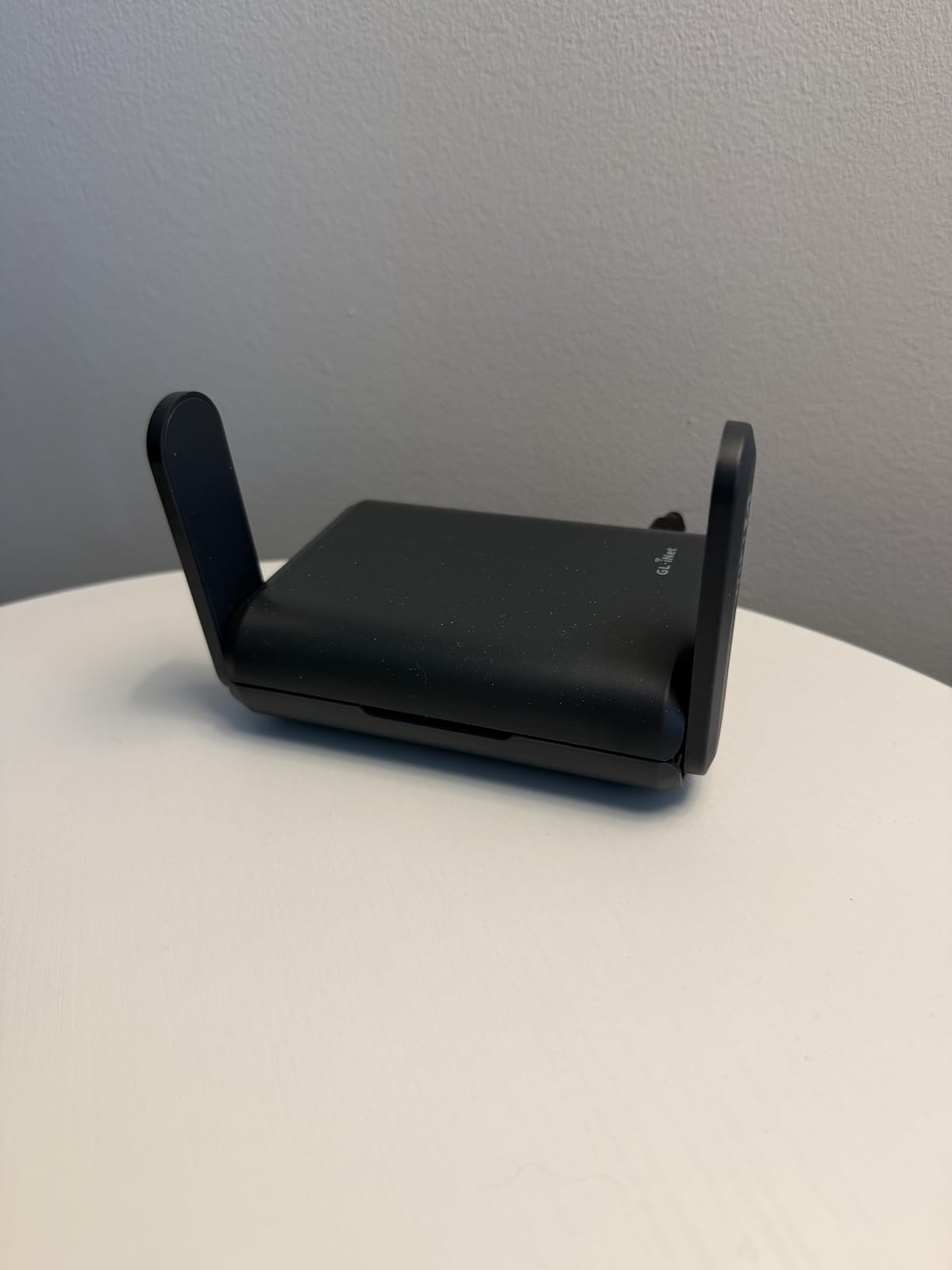
There is a storage angle too. Plug a USB drive into the port and the router serves it over SAMBA or WebDav, which turns the room into a small file share you can back your laptop up to. It is not a NAS, but it removes one more reason to reach for a hotel business centre.
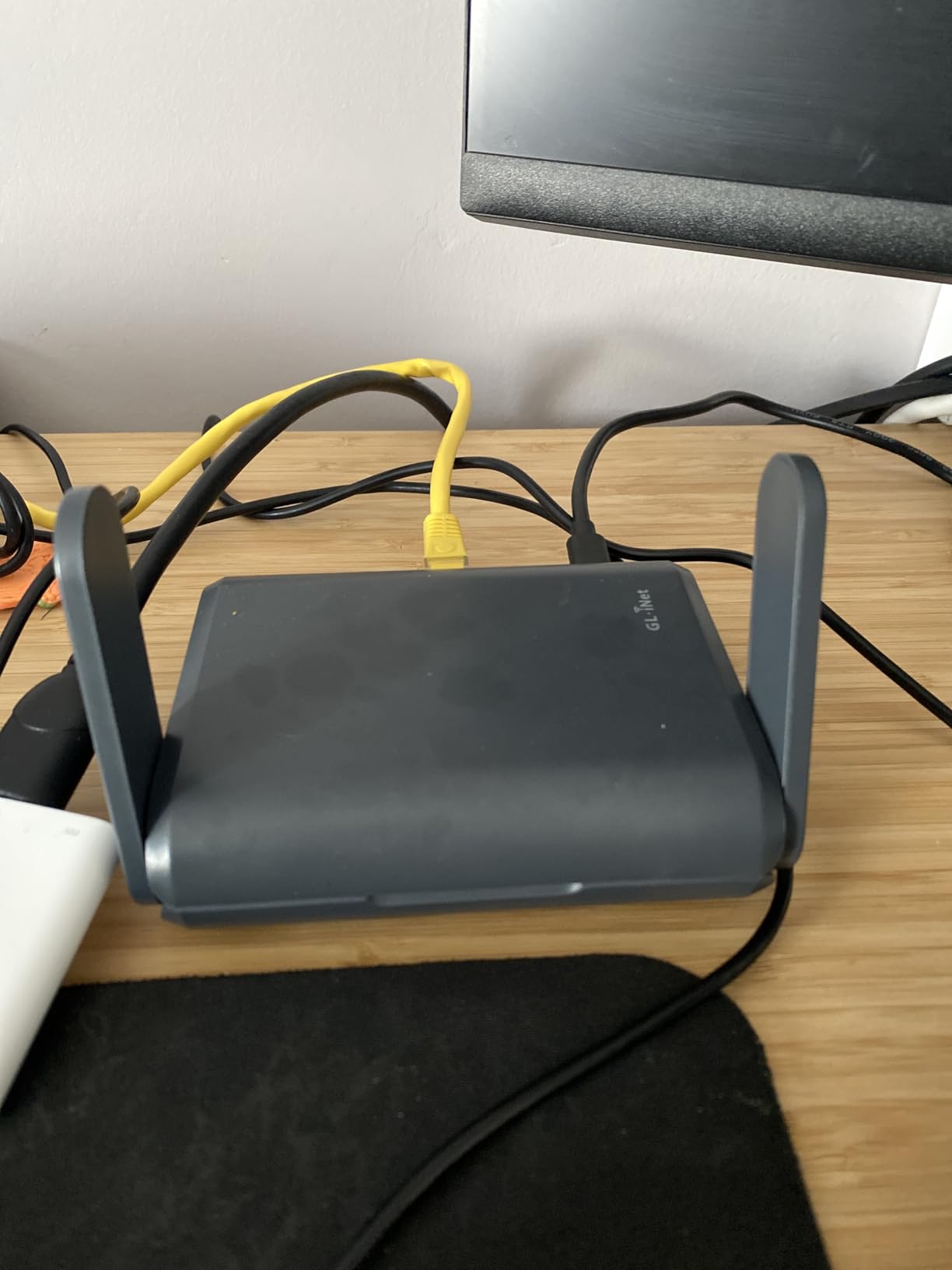
The honest drawback is the port layout. You get one gigabit LAN port, so a family with several wired devices will want a small switch. And at 245 g in a body measuring 4.92 by 3.23 by 1.42 inches, it no longer disappears into a jacket pocket the way the Beryl AX does.
Where It Earns Its Place
Device headroom and VPN speed are the two reasons to step up. When a whole property or a family group shares one connection, the 120-device ceiling and faster tunnel throughput stop being spec-sheet details and start being the reason the evening works.
What to Watch For
Solo travelers are overbuying here. If it is one laptop, one phone and a wall jack, the faster tunnel and extra capacity go unused while the extra weight stays in your bag every single day.
3. GL.iNet GL-A1300 – The Best Value Pick With a VPN Kill Switch
GL.iNet GL-A1300 Pocket VPN Travel Router – Portable Wi-Fi Router for Travel, Easy to Set up, Connect to Public & Hotel Wi-Fi login Page
Wi-Fi 5 dual band
256 MB RAM
VPN kill switch
429 g
2 year warranty
Pros
- VPN internet kill switch is rare at this level
- Per-device VPN routing policies
- AdGuard Home blocking for the whole network
- 256 MB RAM for more open firmware headroom
- Explicitly designed for hotel and public login pages
Cons
- Wi-Fi 5 hardware only at 400 Mbps and 867 Mbps
- OpenVPN throughput of 28 Mbps is very slow
- Heaviest unit in the lineup at 429 g
This is the one I point people toward when the trip is real but the budget is not unlimited. The GL-A1300 runs OpenWrt 21.02 with 256 MB of RAM, which is four times the memory of the Beryl AX, and it ships with a VPN internet kill switch that most competing travel routers at this tier simply do not have. If the tunnel drops, traffic stops rather than leaking back onto the hotel network unencrypted.
It also adds per-device VPN routing policies, so you can send only the laptop through WireGuard and leave a streaming stick on the direct path. AdGuard Home is built in for network-wide ad blocking, and separate private and guest WiFi networks let you share access without handing over your main password.
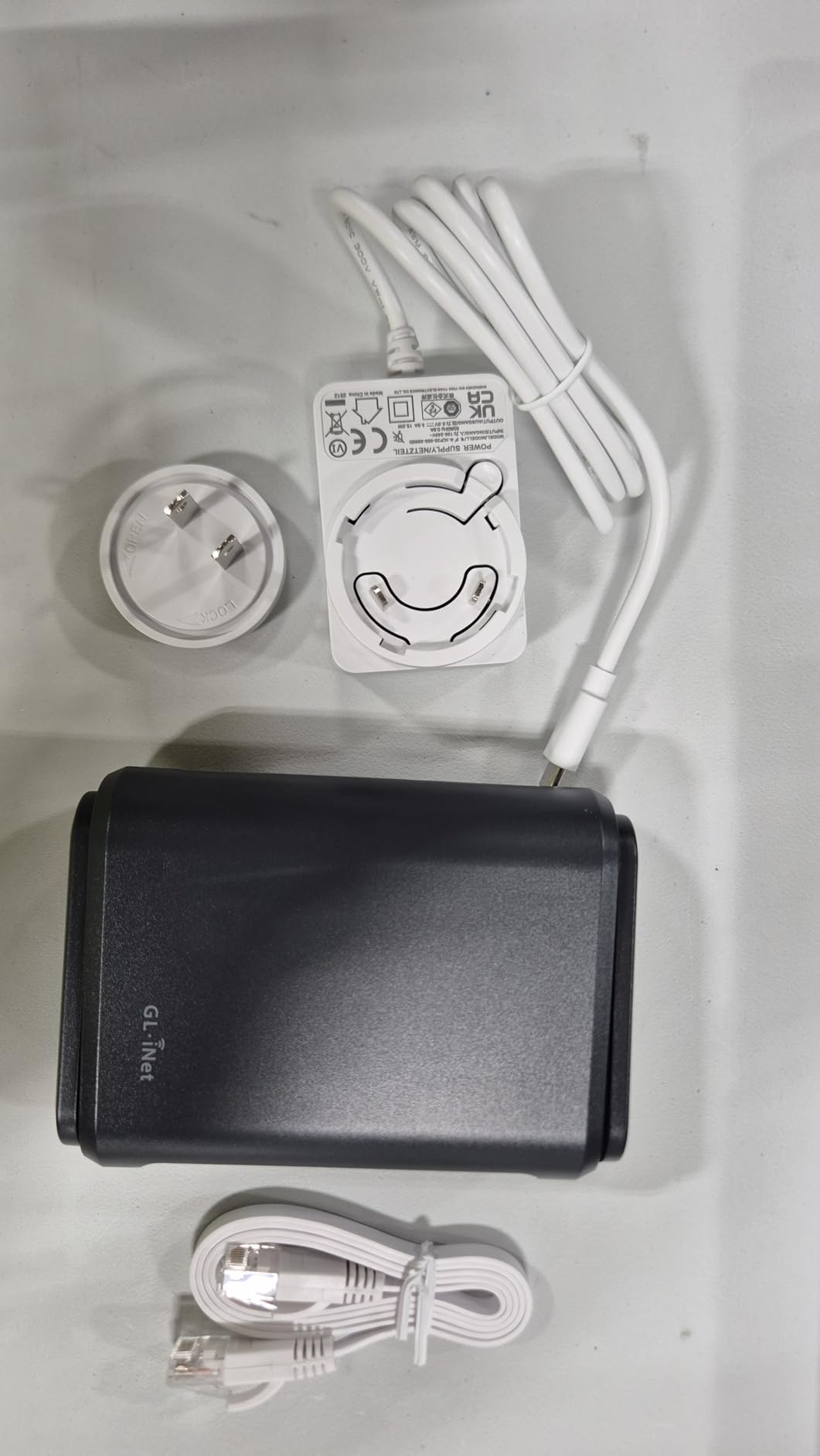
The listing is explicit that this unit is built to connect to hotel and public WiFi login pages, and the routing tools reinforce that intent. DNS over TLS with Cloudflare is supported, along with SAMBA and WebDav storage over USB.
Two real compromises. This is Wi-Fi 5 hardware, 400 Mbps on 2.4 GHz plus 867 Mbps on 5 GHz, so throughput in a crowded hotel is well below the Wi-Fi 6 units. And OpenVPN tops out at 28 Mbps here. WireGuard reaches 170 Mbps and is the protocol to use, but the OpenVPN figure will disappoint anyone who picks the wrong one.
Where It Earns Its Place
The kill switch and the routing policies are the differentiators. For a security-conscious traveler who wants a hard stop when the tunnel fails, this delivers a feature most models in the list do not offer at all, and the larger RAM makes open firmware far more pleasant to use.
What to Watch For
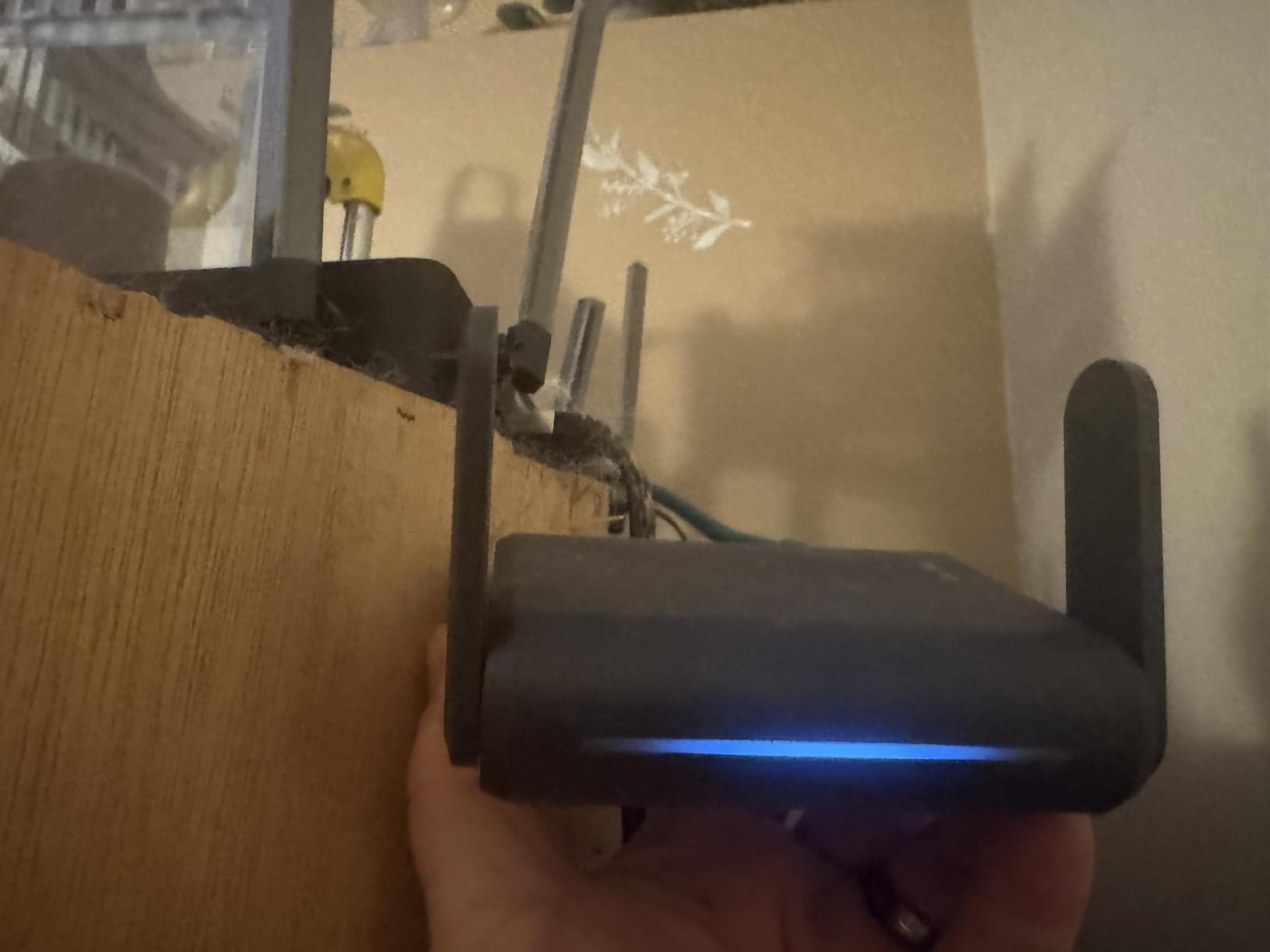
At 429 g it is the heaviest unit here, and the body is 4.65 by 3.31 by 1.3 inches, so it is a small brick rather than a pocket device. The Wi-Fi 5 radio also means you are giving up real throughput in exactly the crowded-air conditions a hotel creates.
4. TP-Link Roam 6 AX3000 TL-WR3002X – Easiest Setup for First-Time Users
TP-Link Roam 6 AX3000 Dual-Band Wi-Fi 6 Travel Router (TL-WR3002X)
Wi-Fi 6 AX3000
2.5G WAN or LAN plus gigabit LAN
USB 3.0 and microSD
2 year warranty
Pros
- Roughly 190 Mbps through WireGuard in owner reports
- 2.5 Gbps multi-gig port in a pocket body
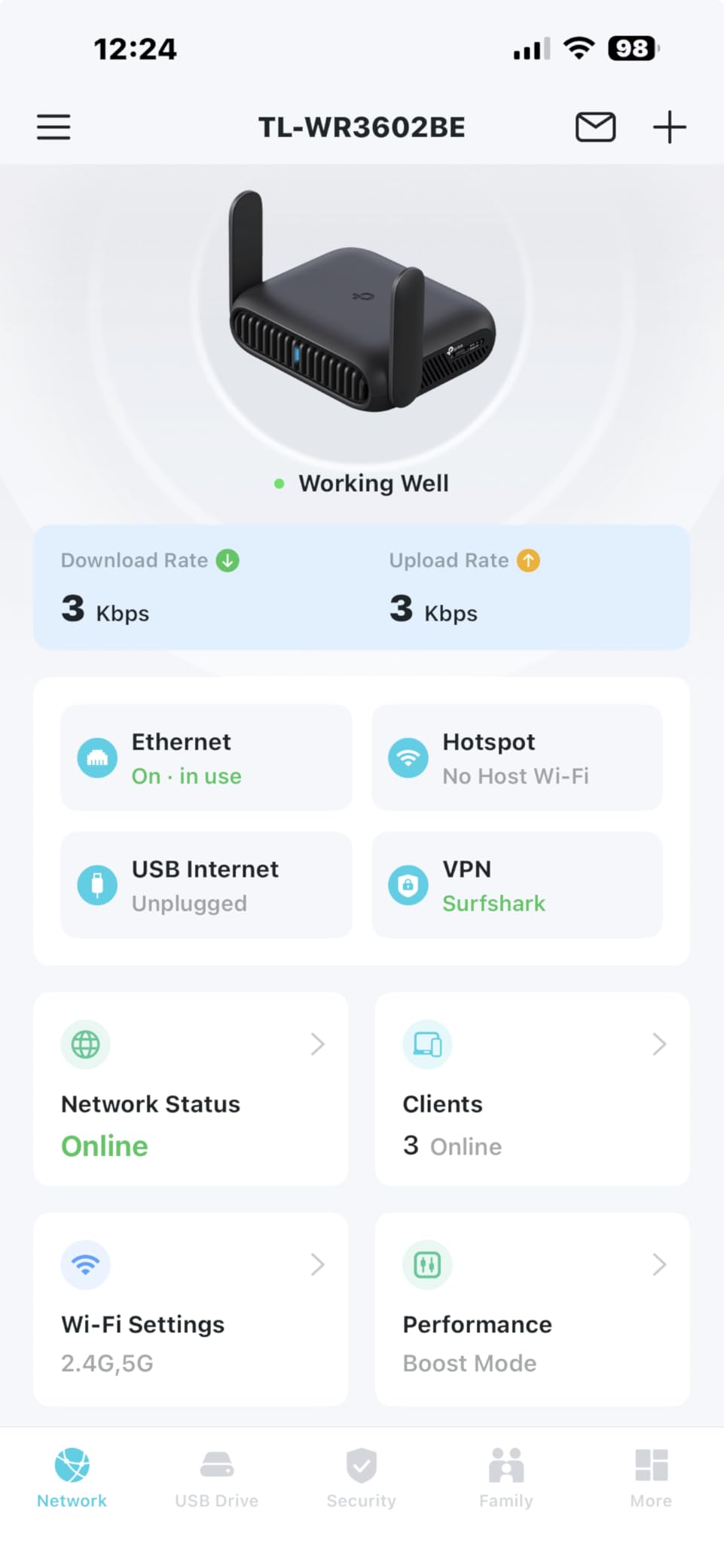
- One-step captive portal authentication in the Tether app
- USB-C power from a power bank
- microSD and USB 3.0 file sharing
Cons
- No VPN kill switch
- Does not remember saved public or hotel network passwords
- Tether app and web portal cannot be used at the same time
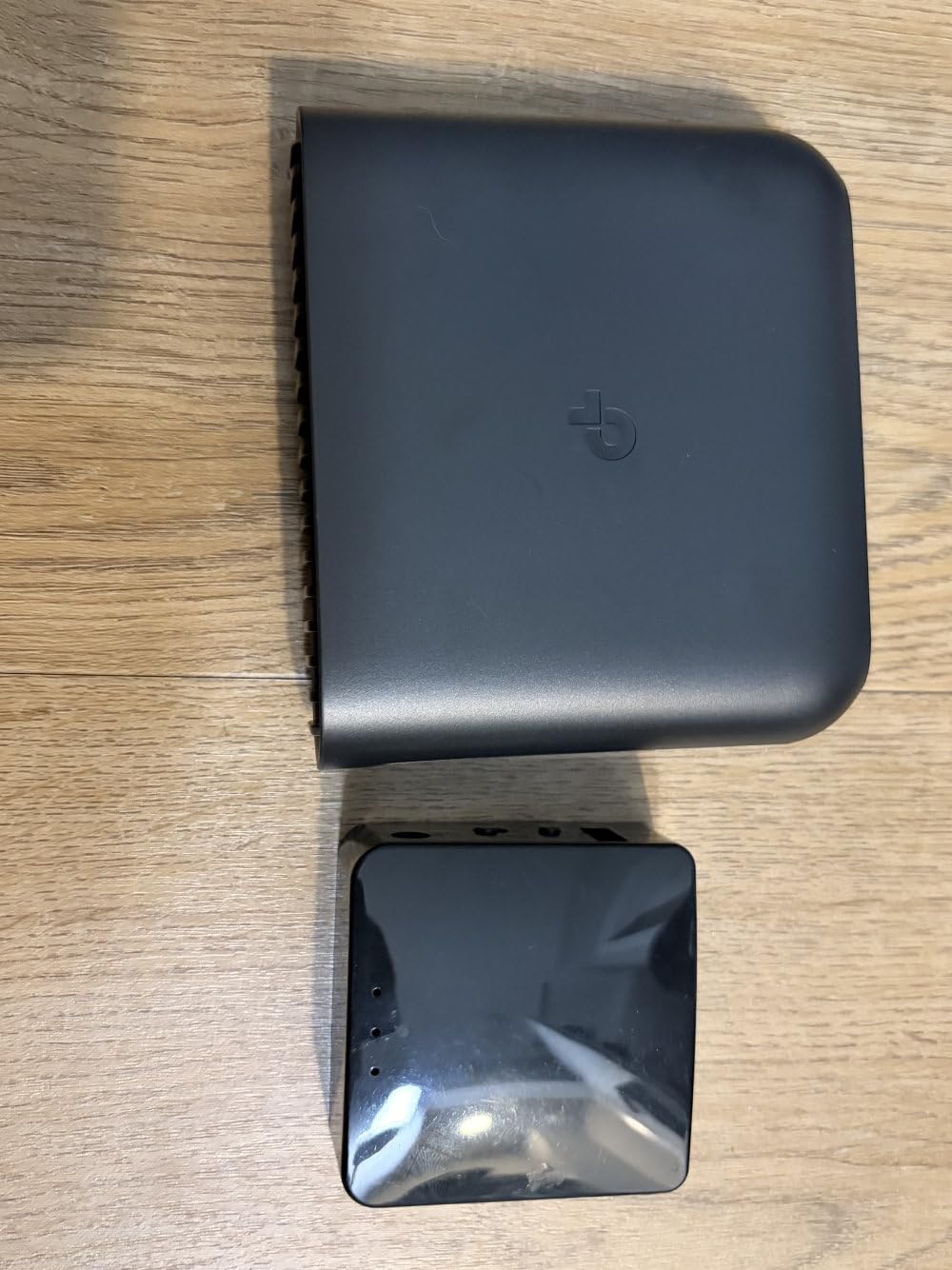
The Roam 6 AX3000 is the most approachable router here for anyone who does not want to learn OpenWrt. The Tether app handles setup, mode switching happens in software with no physical toggle to hunt for, and captive portal authentication is a one-step action inside the app rather than a manual browser dance on the router’s own interface.
Specs are competitive with the GL.iNet units. You get a 2.5 Gbps WAN or LAN port alongside a gigabit LAN port, 2402 Mbps on 5 GHz and 574 Mbps on 2.4 GHz, and Router, Hotspot WISP and AP or RE modes. Owners report roughly 190 Mbps through WireGuard, several times what older travel routers delivered.
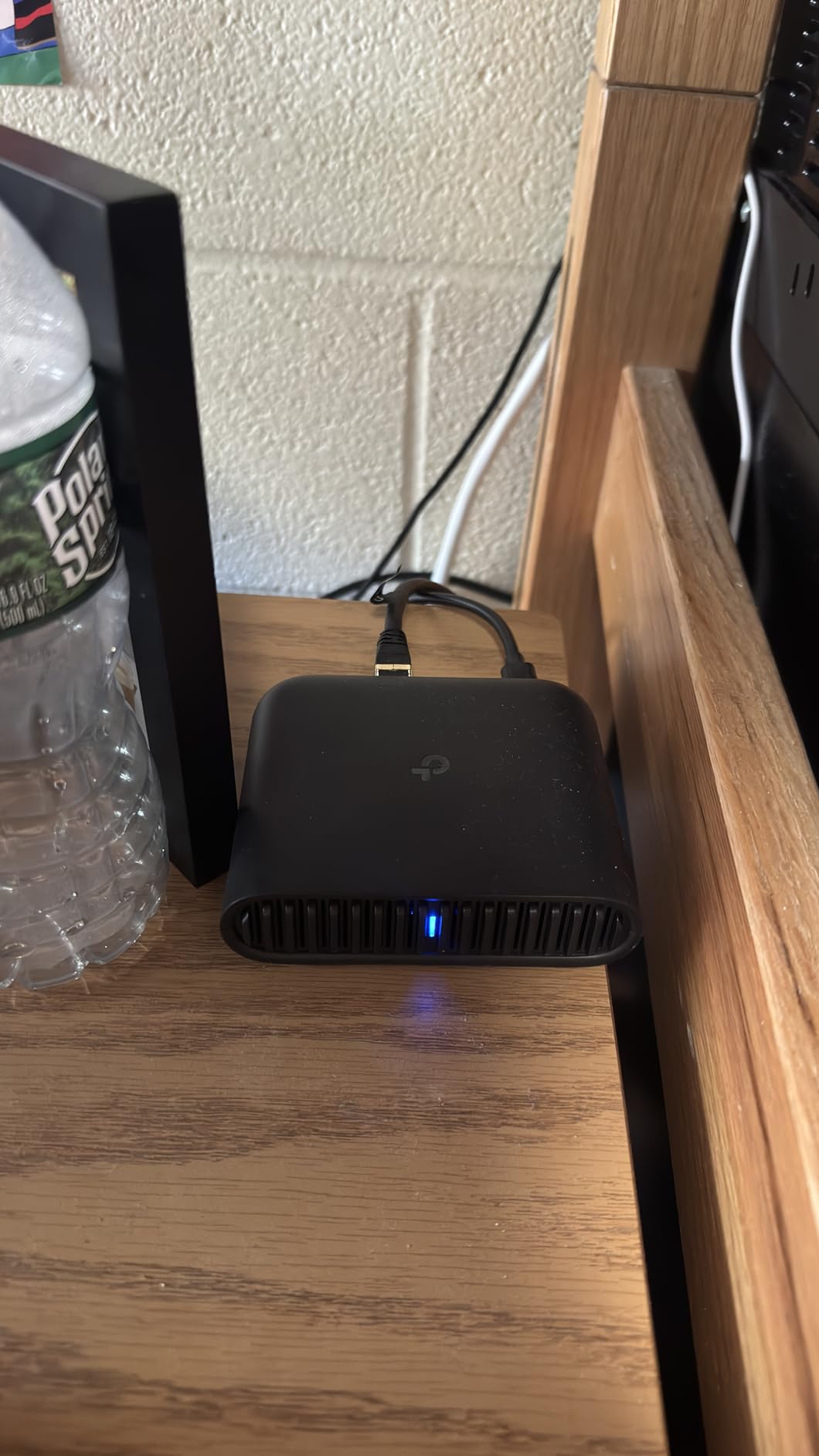
Storage is unusually generous at this size. The USB 3.0 port and a microSD slot accepting cards up to 512 GB both support file sharing, and USB-C power means the router runs from a wall adapter or a power bank for a full working day off one cable.
Two complaints come up repeatedly and they matter specifically for hotels. There is no VPN kill switch, and the router does not remember saved public or hotel WiFi credentials, so a new property means re-entering the password every time. The Tether app and the web management portal also cannot be used simultaneously, and importing some VPN configurations is awkward.
Where It Earns Its Place
It wins on onboarding. If this is your first travel router and the idea of SSH sessions and package installs is a turnoff, the app-driven flow gets you onto the hotel network in minutes, with a 2.5 Gbps port waiting when the room offers one.
What to Watch For
Multi-property travelers should note the credential memory gap. A weekly traveler who changes hotels every few days re-types the network password more often than anyone else. It also does not support OpenWrt, so there is no route past the stock firmware.
5. TP-Link Roam 7 BE3600 – Best on Weak and Congested Hotel Wi-Fi
Roam 7 BE3600 Wi-Fi 7 Portable Travel Router Dual-Band, 2.5G Port, USB 3.0
Wi-Fi 7 BE3600
Multi-Link Operation
2.5G WAN plus gigabit LAN
1800 sq ft
2 year warranty
Pros
- Wi-Fi 7 with Multi-Link Operation for stability on weak networks
- 2.5 Gbps WAN port in a portable body
- Handles up to 90 devices
- One-step captive portal setup through Tether
- USB-C power from an adapter or 5V PD power bank
Cons
- No 6 GHz band despite the Wi-Fi 7 label
- Near 5 inches wide and the heaviest Roam model
- Does not support OpenWrt and has no VPN kill switch
Multi-Link Operation is the reason to care about this model in a hotel. Instead of sticking to a single band, the radio can combine 2.4 GHz and 5 GHz to hold throughput and stability when the signal is poor, which is precisely the condition of a room at the end of a corridor. Rated figures are 2882 Mbps on 5 GHz and 688 Mbps on 2.4 GHz, with coverage listed at 1800 square feet.
It supports up to 90 devices and keeps the same practical features that work well on the Roam 6: a 2.5 Gbps WAN port, a gigabit LAN port, Router, Hotspot WISP and AP or RE modes, OpenVPN and WireGuard in both client and server roles, and one-step captive portal authentication through the Tether app.
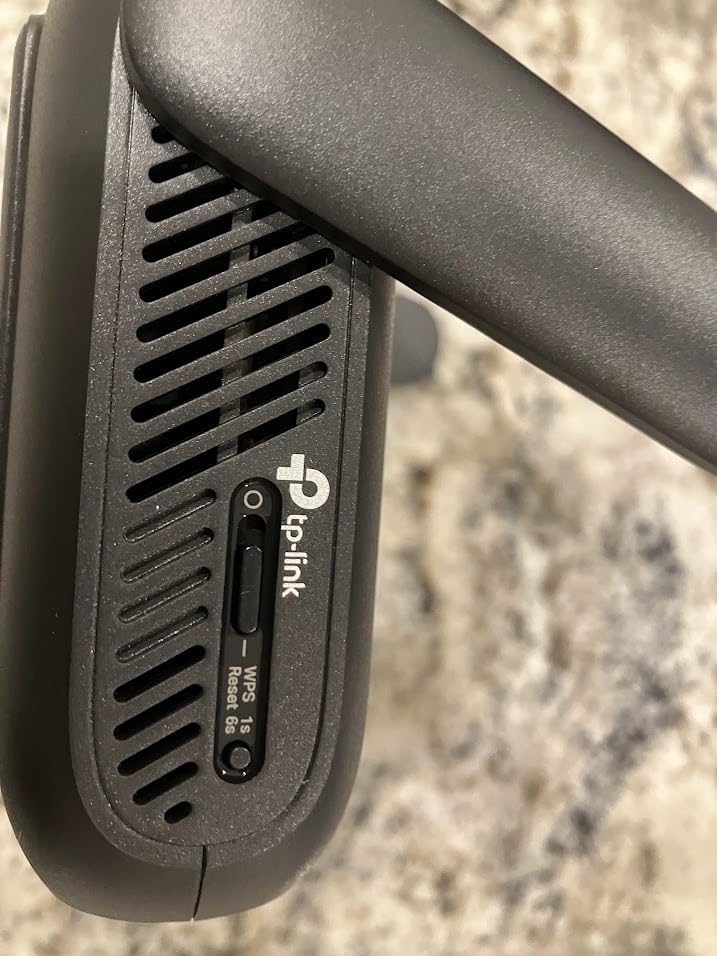
USB-C power draws from the included adapter or a 5V PD power bank, so the laptop charger and the router can share one cable. The marketing badge says Wi-Fi 7, but this is dual-band only with no 6 GHz support, so the label describes the standard rather than a 6 GHz radio in your hand.
Size is the practical issue. At 4.96 by 3.68 by 1.5 inches and 8.8 ounces, it is the largest and heaviest of the Roam models and does not compress into a small tech pouch. It also carries no OpenWrt path and no VPN kill switch, and with 361 reviews its long-term reliability record is shorter than the picks above it.
Where It Earns Its Place
Weak, crowded hotel radio is the scenario it was built for. If your properties tend to sit at the end of a hallway or share a channel with dozens of guests, the band-combining behaviour is worth more than the raw speed number on a specification list.
What to Watch For
Do not buy it for the 6 GHz band, because there is not one. If your trips are light and you value a small bag more than radio headroom, the Roam 6 AX3000 gives you the same port layout and portal workflow in a smaller body.
6. Cudy AX3000 TR3000 – Six Modes and OpenWrt 24.10
Cudy AX3000 Pocket-Sized Wi-Fi 6 Travel Router, 6-in-1 Modes, VPN, TR3000
Wi-Fi 6 AX3000
2.5GbE WAN plus gigabit LAN
OpenWrt 24.10
220 g
2 year warranty
Pros
- Pairs 2.5GbE with USB-C power in a pocket body
- OpenWrt 24.10 with VLANs and policy-based routing
- Six operating modes including WISP for captive portals
- USB 3.0 supports 4G and 5G dongles plus Samba NAS
- Body is smaller than a smartphone
Cons
- Smallest review base in the group at 334 reviews
- Only 128 MB flash limits package installs
- Brand support ecosystem trails the larger router makers
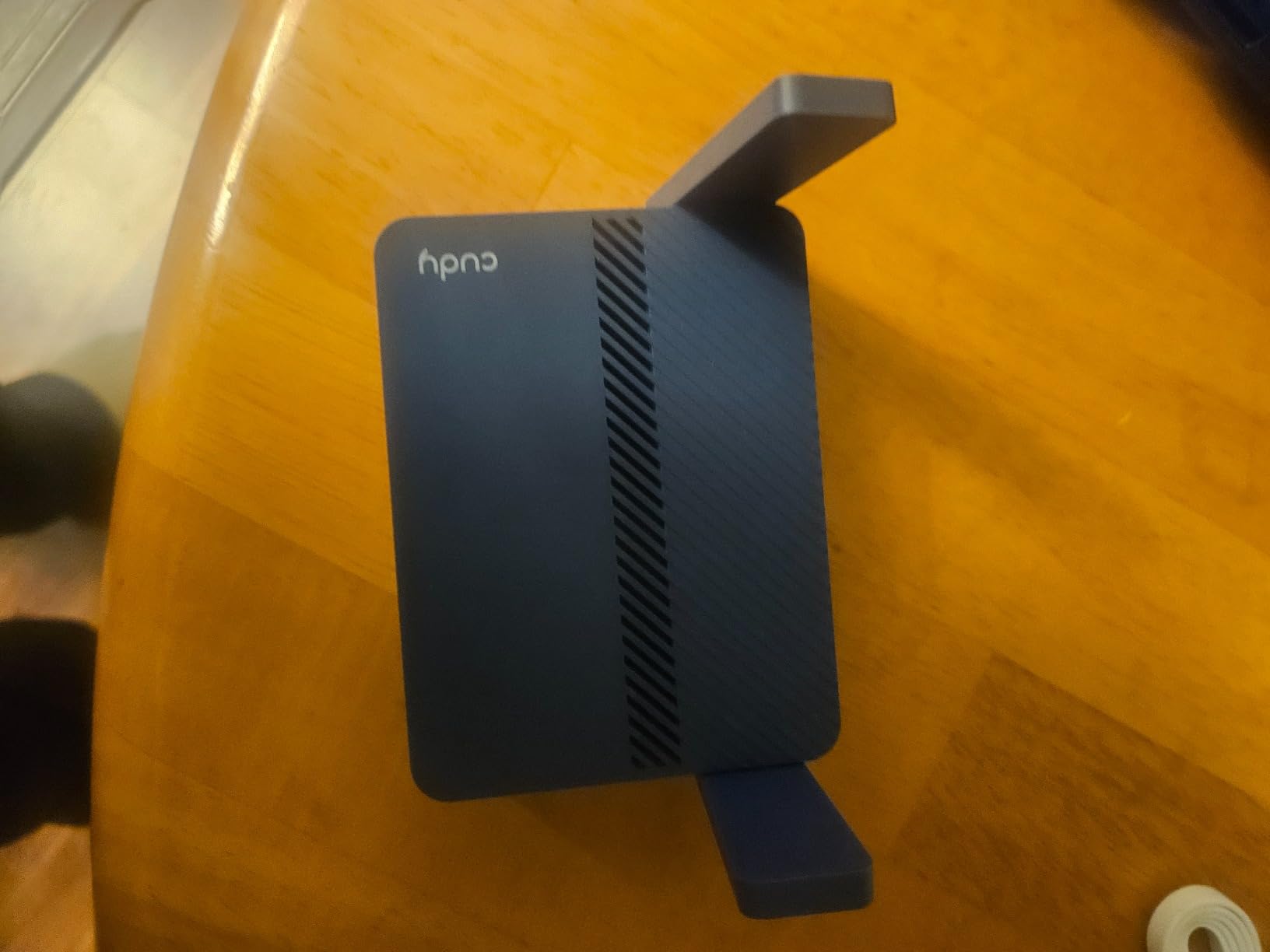
The TR3000 is the most flexible unit in the lineup for people who move between connection types. It runs six modes, WISP and captive portal, Router, AP, Extender, Client and Repeater, which covers a hotel room, a rental car, a shared office and a wired apartment without buying different hardware for each.
It also runs a current OpenWrt release at 24.10, ahead of the 21.02 build on the GL.iNet units here, with VLANs, policy-based routing and DNS over TLS available. Wireless is Wi-Fi 6 on 160 MHz channels at 2402 Mbps plus 574 Mbps, and OFDMA with MU-MIMO helps in the crowded conditions hotels create.
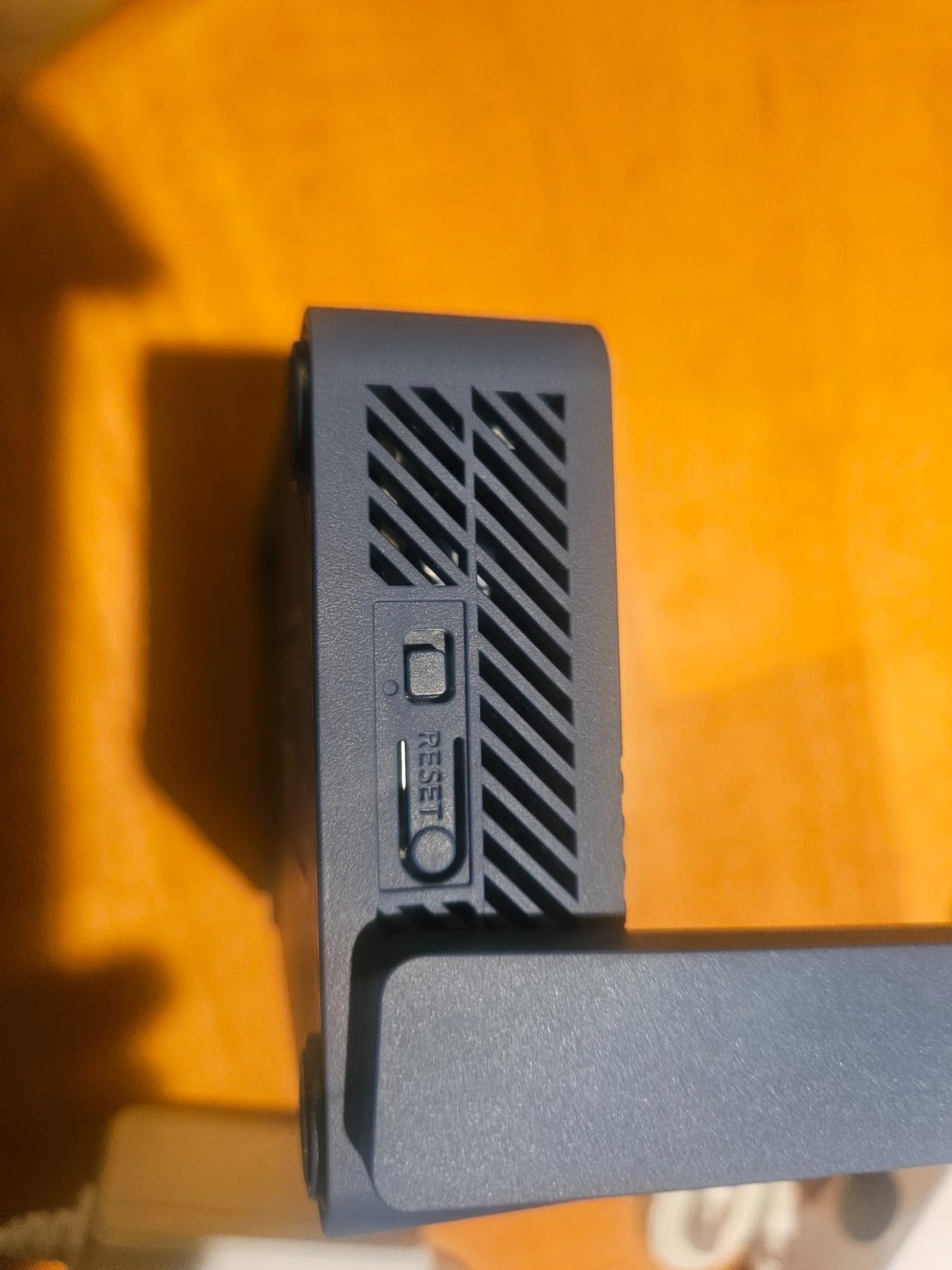
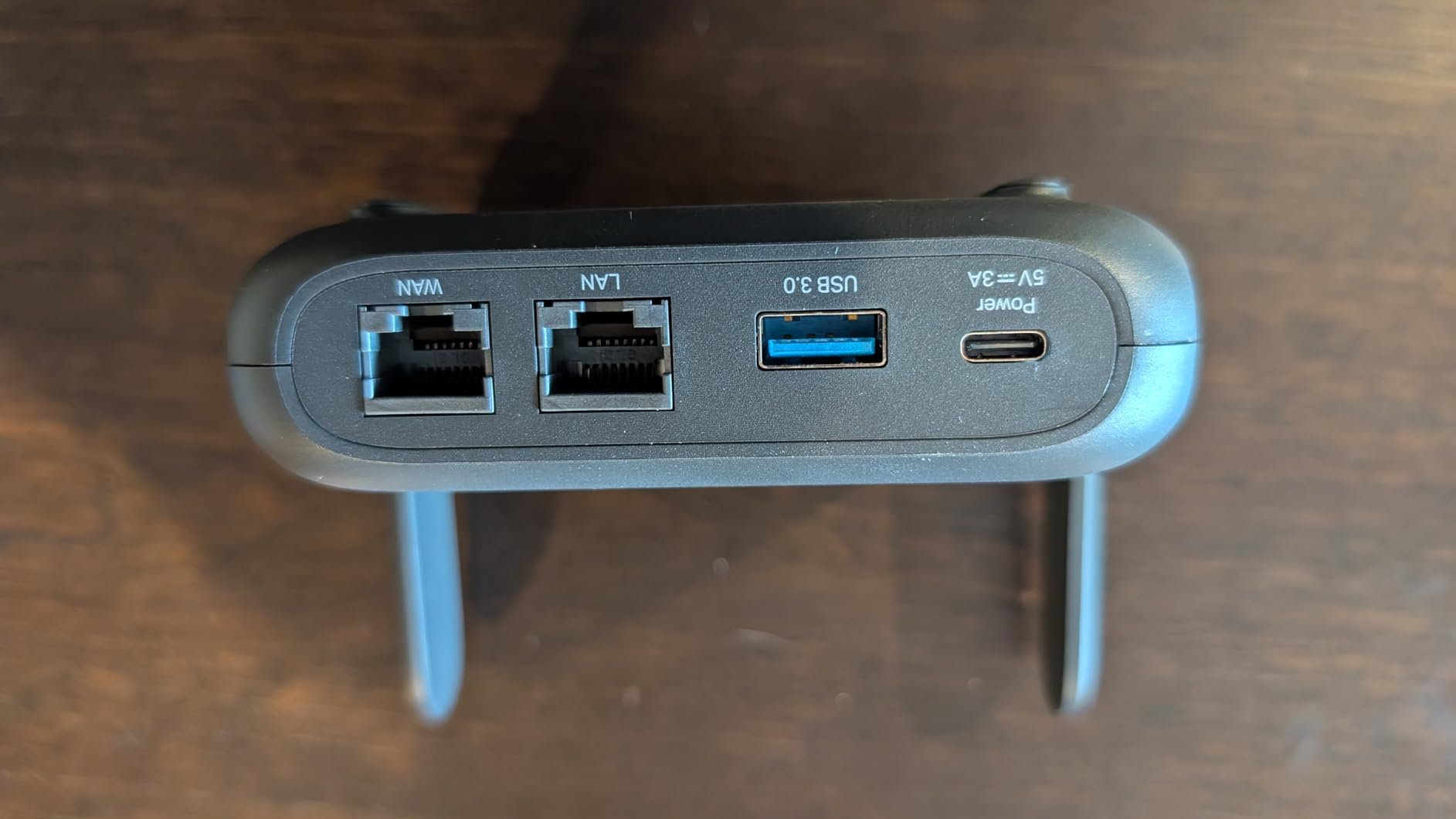
The USB 3.0 port does more than file sharing here. It accepts a 4G or 5G dongle for cellular tethering and can run a Samba share, which turns one device into both a travel router and a mobile router for trips with no usable property WiFi. Body dimensions are 4.65 by 3.15 by 1.08 inches at 220 g, and a 2.5GbE WAN port sits next to a gigabit LAN.
Honest limits. At 334 reviews this is the thinnest evidence base in the group, and 128 MB of flash constrains how many packages you can install on OpenWrt. The vendor is also far smaller than the names above, so support and firmware continuity carry more risk.
Where It Earns Its Place
Mixed-connection travelers. Anyone alternating between a hotel wall jack, a rental WiFi network and a 5G dongle in a rural area gets all three from one body, with the newest open firmware of any unit here and a 2.5GbE port to match.
What to Watch For
Buying the least-reviewed product in a roundup carries its own risk. If you depend on the hardware for daily work, the long record behind the GL.iNet and TP-Link models is worth more than the extra operating mode.
7. TP-Link Roam 6 AX1500 TL-WR1512X – Lightest Budget Entry
Roam 6 AX1500 Portable Wi-Fi 6 Travel Router Dual-Band USB C 3.0
Wi-Fi 6 AX1500
Gigabit WAN or LAN plus gigabit LAN
6.72 oz
1500 sq ft
2 year warranty
Pros
- Lowest cost entry in this lineup
- Compact and light at 6.72 ounces
- One-step captive portal authentication in the Tether app
- USB-C power from the adapter or a 5V 3A power bank
Cons
- Gigabit ports only with no 2.5G multi-gig
- Capped at 60 devices and 1500 Mbps combined
- No kill switch and no open firmware path
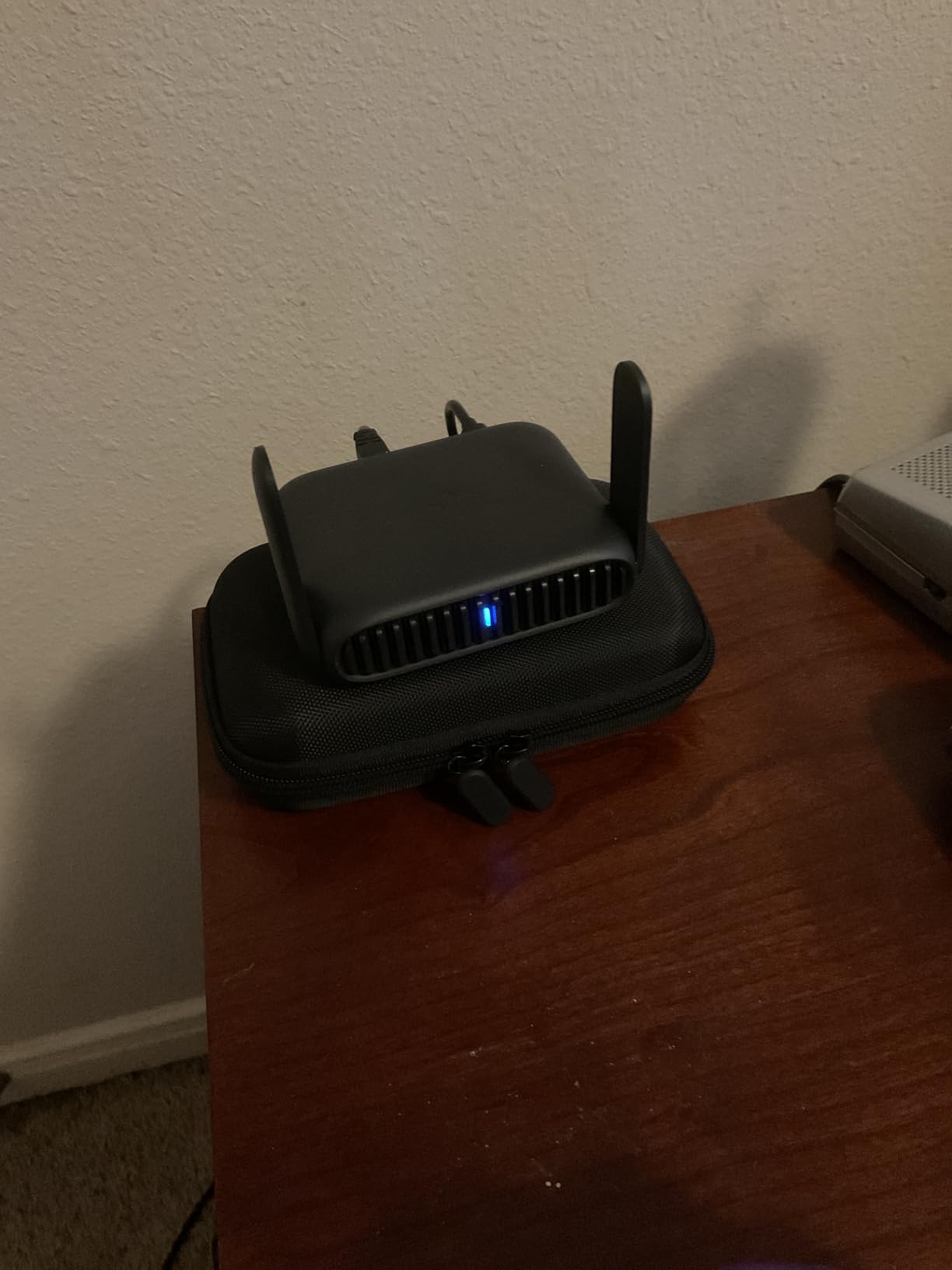
This is the smallest financial commitment that still gets the job done. The Roam 6 AX1500 offers Wi-Fi 6 at 1201 Mbps on 5 GHz and 300 Mbps on 2.4 GHz, up to 60 devices, and the same one-step captive portal authentication through the Tether app that the larger Roam 6 provides.
At 6.72 ounces and 4.09 by 1.1 by 3.54 inches, it is the easiest unit here to keep in a laptop sleeve permanently. It runs from USB-C, either the included adapter or a 5V 3A power bank, so one cable covers the router and the laptop on a long travel day.
For a single traveler with a laptop, a phone and a tablet, 60 devices is more than enough. Coverage is listed at 1500 square feet, which comfortably covers a hotel room and the corridor outside it.
The ceiling is the port layout. You get a gigabit WAN or LAN port and a gigabit LAN port, so a room with a fast wall jack will not feed it at full speed. There is also no VPN kill switch, no USB storage sharing and no OpenWrt path, and the four modes are Router plus AP, RE and Client.
Where It Earns Its Place
It covers the core job, which is holding one hotel login and sharing it privately across a few devices with a VPN client available. For occasional business travel it removes the decision entirely.
What to Watch For
If your work involves large file transfers over the tunnel, a gigabit-only uplink is the bottleneck. A Tom’s Hardware forum user weighing GL.iNet against TP-Link for travel settled on GL.iNet for software, and the same gap shows up here: there is no kill switch and no open firmware to recover with.
8. ASUS RT-AX57 Go – Best When You Need Cellular Backup
ASUS RT-AX57 GO -AX3000 Dual Band WiFi 6 Portable Travel Router, 4G/5G tethering, Public WiFi (WISP) Mode, Advance Network Security, VPN, AiMesh, Guest Portal, RV/Cruise/Mobile, USB-C Powered.
Wi-Fi 6 AX3000
4G and 5G tethering
AiMesh and AiProtection
USB-C powered
2 year warranty
Pros
- Full ASUSWRT set with AiProtection AiMesh and a guest portal
- WISP mode creates a private hotspot over hotel WiFi
- 4G LTE and 5G mobile tethering as a fallback
- About an inch thick and it runs cool
- One-touch VPN with 30 plus providers
Cons
- Does not save public WiFi credentials between networks
- Setup and management are more involved than simpler rivals
- Gigabit Ethernet only with no multi-gig port
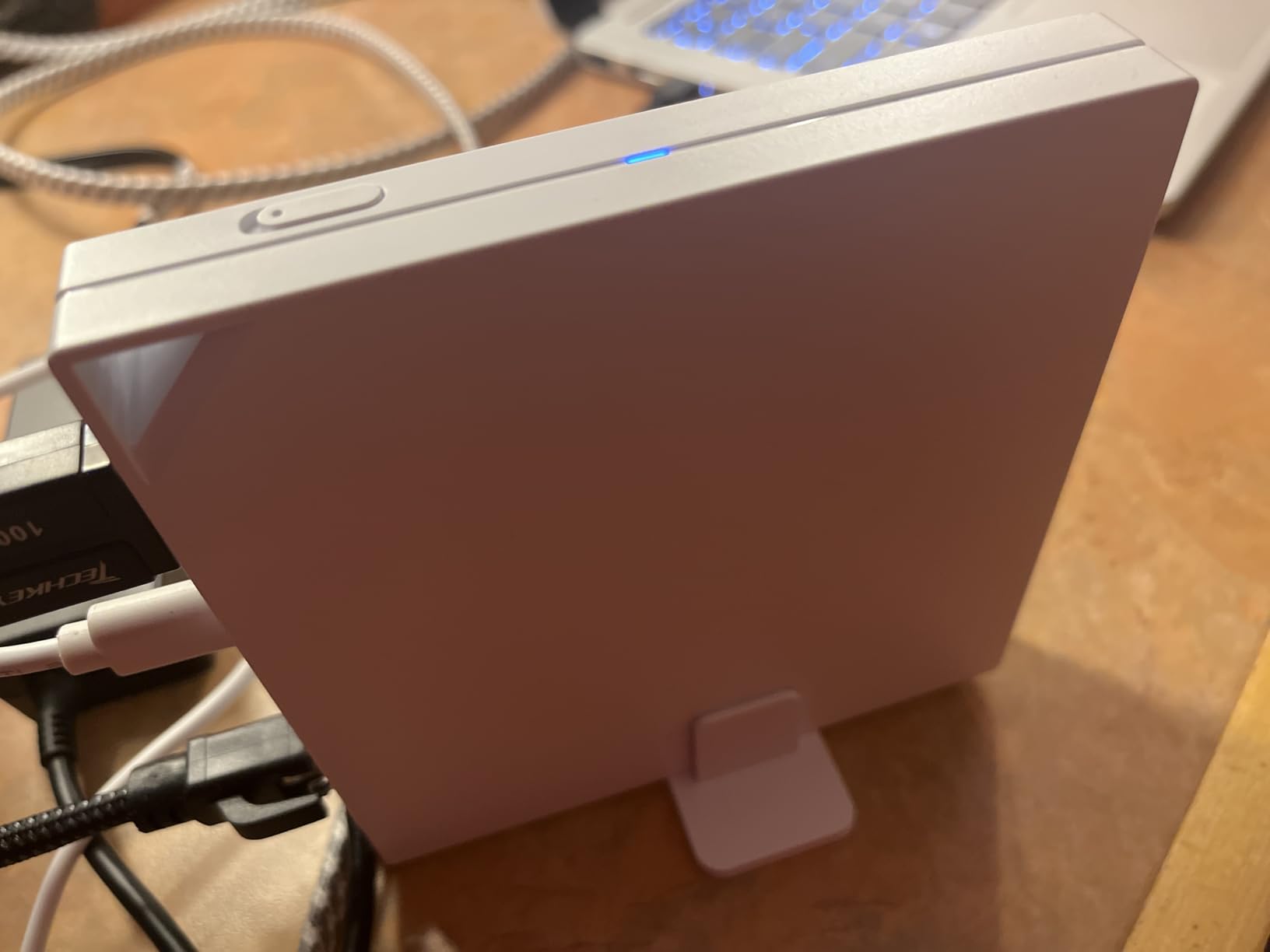
The RT-AX57 Go is the most complete consumer firmware package in the list, and its differentiator is a physical WISP switch. Flip it and the router creates a private hotspot over hotel WiFi without a menu walk, which is the fastest captive portal relief in this roundup when you are unpacking in a dark room.
It supports 4G LTE and 5G mobile tethering alongside the WISP mode, so a property with unusable WiFi is not a dead end if you carry a dongle. Wi-Fi 6 on a 160 MHz channel gives 2402 Mbps plus 574 Mbps for up to 70 devices, which comfortably covers a family sharing one room.
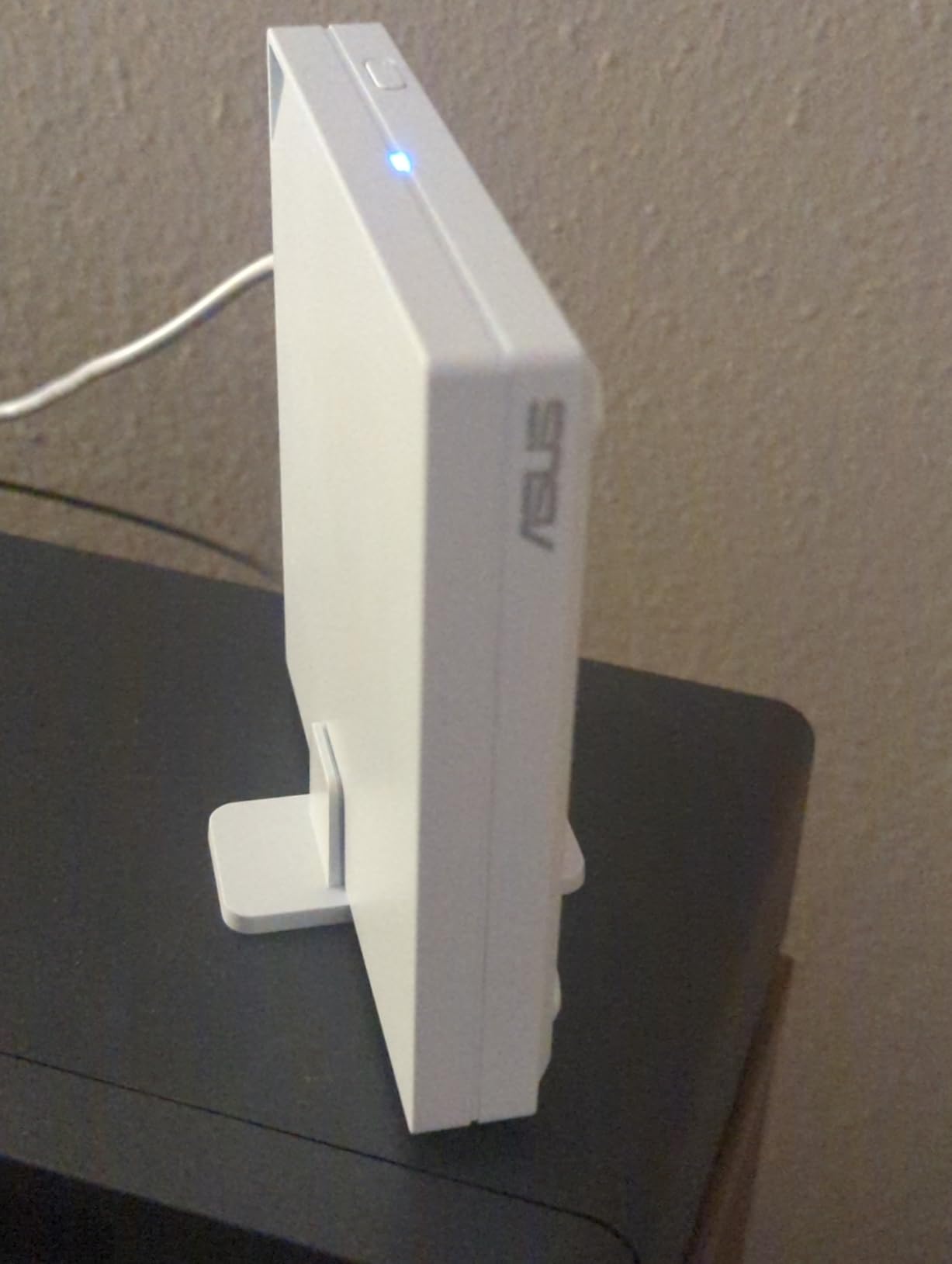
Security tooling is the ASUS strength. AiProtection, DNS over TLS, one-tap security scan, a customizable guest portal, AiMesh node compatibility and wall mounting with the included stand all come standard, and one-touch VPN covers 30 plus providers with site-to-site support. It runs cool, and the flannel carrying bag is included.
The recurring complaint is credential memory. Like the TP-Link units, it does not save public WiFi network settings, so every new hotel means full reconfiguration. A group of critical reviews also reports difficulty connecting to some valid networks, trouble with phone tethering, and occasional disconnects. Setup is more involved than the app-driven rivals.
Where It Earns Its Place
Travelers who move between hotels and RV, boat or cruise connectivity. The combination of a hardware WISP toggle, 4G and 5G tethering, AiMesh and the most complete consumer firmware here suits a setup that changes shape every few days rather than a fixed room.
What to Watch For
This is not a plug-and-play device. If you want something that connects while you unpack, the GL.iNet and TP-Link apps are a shorter path, and the missing credential memory hurts most on the multi-property trips this router is otherwise well suited to.
9. ASUS RT-BE58 Go – Fastest Wi-Fi 7 in a Pocketable Body
ASUS RT-BE58 Go Travel Router WiFi 7 Dual-Band, 3.6Gbps, Secure Public WiFi
Wi-Fi 7 up to 3600 Mbps
One 2.5G port
USB-C PD 18W
8 oz
3 year warranty
Pros
- Wi-Fi 7 speed with Multi-Link Operation in a pocketable body
- USB-C Power Delivery 18W shares one charger with laptop and phone
- WISP toggle for hotel and cruise ship captive portals
- ASUS security with Guest Network Pro and VLAN-capable subnets
- Three-year warranty which is the longest in this lineup
Cons
- Only one Ethernet port and it is 2.5G rather than a second LAN
- Some units arrived with radios disabled or lost settings
- Dual-band only with no 6 GHz
The RT-BE58 Go is the fastest wireless performance in this group, rated up to 3600 Mbps combined with Multi-Link Operation and 4K-QAM, split as 2882 Mbps on 5 GHz and 688 Mbps on 2.4 GHz. The WISP mode has a physical toggle switch, and the manufacturer positions it specifically for hotel and cruise ship networks.
USB-C Power Delivery at 18W is genuinely useful. One charger can run your laptop, your phone and the router, which removes a wall plug from every hotel room. Three-step setup runs through the ASUS Router app, and Guest Network Pro with VLAN-capable subnets lets you isolate work devices from everything else.
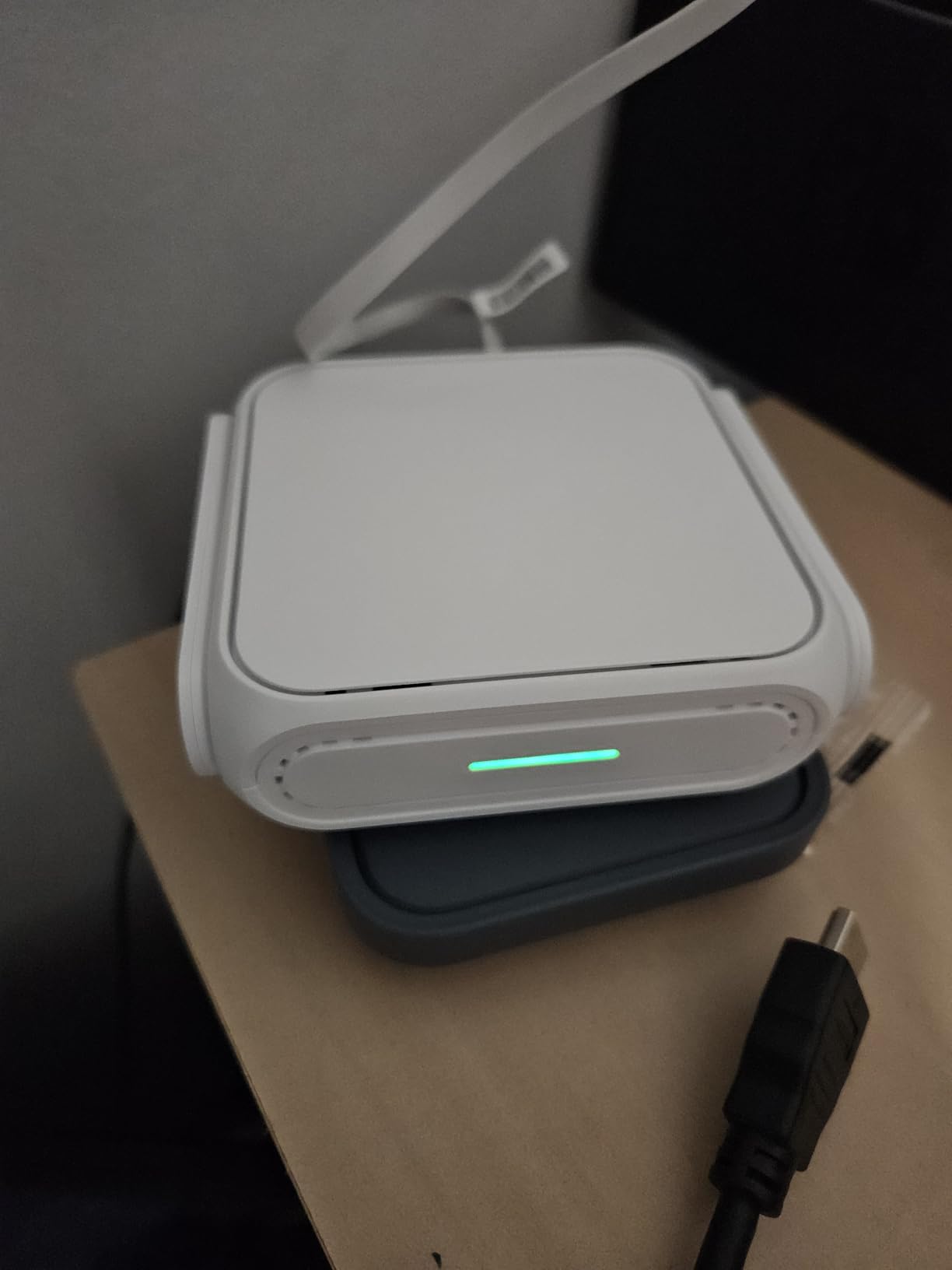
It also carries a three-year warranty, the longest coverage of any unit in this roundup, and 4G LTE and 5G tethering through USB for trips where the property network is unusable. Body size is 4.4 by 3.9 by 1.4 inches at 8 ounces.
The port situation is the catch. There is exactly one Ethernet port, and it is the 2.5G one, so a wired laptop takes the connection and everything else needs Wi-Fi. A minority of owners also report units arriving with radios disabled or settings lost, requiring factory resets, plus occasional restart needs. And despite the Wi-Fi 7 badge, it is dual-band with no 6 GHz.

Where It Earns Its Place
Wireless-only trips on a fast connection, and anyone who wants one USB-C charger for the whole desk. If your hotel room has no usable Ethernet jack and you are moving large files, the Wi-Fi 7 radio and the 2.5G port give you the most headroom per device here.
What to Watch For
One port is one port. If your work depends on a wired connection, or you want a wired fallback in case the hotel network degrades, the multi-port models earlier in this list serve that better. The early hardware complaints are also worth weighing against the three-year warranty that offsets them.
Do You Even Need a Travel Router?
The most common question in travel router forums is whether the hardware is needed at all, and the honest answer depends on how many devices you carry. A traveler with one laptop and a phone hotspot already in their pocket can get through a trip with the hotspot alone. That is the cheapest and simplest path, and no router improves on it. If the real problem is what a permanent install costs you, our guide to the best WiFi routers for budget buyers covers the same trade from a home angle.
Free software is a legitimate substitute in a narrower case. Members of the One Mile at a Time community point out that the free tier of Connectify on macOS and Windows can turn a laptop into a shareable network without buying hardware. It works well when the trip is light and the laptop is the only device that needs the connection.
A travel router earns its place for three reasons. Multiple devices, which is where per-connection fees and per-room device caps start to bite. Security, since a router can run the VPN client once for every device instead of installing an app and remembering to switch it on each time. And convenience, because a private SSID with a password you choose survives switching rooms and properties.
What it does not solve is bandwidth. Users on Reddit and Hacker News describe properties offering 6 Mbps and burning through a phone hotspot trying to work around it. No travel router changes the upstream connection, and a router with a 2.5G WAN port cannot outrun a hotel fiber uplink capped at the desk.
What to Look For in a Travel Router for Hotels
The WAN Port Determines Whether You Leave Speed Behind
Check what the room gives you first. Many hotel rooms now offer a gigabit wall jack, and a router with only a gigabit port will still be fine, but a 2.5 Gbps WAN removes the ceiling entirely. The Beryl AX, Roam 6 AX3000, Roam 7, Cudy TR3000 and RT-BE58 Go all carry a multi-gig port, which is the single most useful spec in this whole category for hotel rooms.
Count your wired devices too. Two Ethernet ports with one dedicated to WAN is the minimum sensible layout. The ASUS RT-BE58 Go carries a single 2.5G port, so it is built for a wireless room rather than a room where a wired laptop is the priority.
The VPN Client Decides What Happens on an Untrusted Network
WireGuard is the protocol to look for. It runs faster than OpenVPN on the same hardware, which matters when the hotel uplink is already the bottleneck. Every unit in this list supports both, with the notable difference that the GL.iNet GL-A1300 manages 170 Mbps on WireGuard against just 28 Mbps on OpenVPN.
A VPN kill switch is the second tier of protection. If the tunnel drops, a kill switch stops traffic rather than letting it fall back to the open hotel network. In this list only the GL.iNet GL-A1300 includes one, and the GL.iNet units add a physical toggle that switches the tunnel on without a menu walk.
Remote workers who need a fixed home IP can also install Tailscale on an OpenWrt-based unit, which keeps a stable address while away. One forum-reported pitfall is worth knowing: when the connection falls back to a DERP TCP relay instead of a direct UDP path, tunnel throughput can collapse, so test the tunnel before a call rather than during one.
Firmware Decides How Much You Can Fix Yourself
OpenWrt is the difference between a device that works and a device you can adapt. The GL.iNet Beryl AX, Slate AX and GL-A1300 run OpenWrt 21.02, and the Cudy TR3000 runs the newer 24.10 with VLANs and policy-based routing. Users consistently prefer the GL.iNet software to stock firmware for travel, and a Tom’s Hardware forum user weighing GL.iNet against TP-Link settled on the same conclusion.
The trade is memory. The Beryl AX offers 64 MB of RAM, the GL-A1300 offers 256 MB, and the Cudy TR3000 has 128 MB of flash for packages. Where memory is not the question, the ASUS RT-AX57 Go trades open firmware for the full ASUSWRT feature set. If you plan to install software rather than just change SSIDs, memory matters more than the Wi-Fi generation.
Hotel Problems Decide the Rest
Four hotel behaviours shape the buying decision more than any spec. Connection fees mean you want one upstream session, which a router gives you. Per-room device caps mean you want the router to present one device to the hotel rather than five, which it also does. Forced re-authentication every 24 hours means you want a fast portal login path, and one-step captive portal authentication in the Tether app handles it in seconds. And credential memory decides whether moving rooms costs you a password or a full reconfiguration.
Power and size finish the list. USB-C power lets the router run from a laptop charger or power bank, which every unit in this list supports directly. Our advice is to pick the smallest one that meets your device count, because a router you leave at home is not a travel router. If you also need a fixed setup at home for a small space, our picks for the best WiFi routers for small apartments run through the size-versus-throughput trade in more detail.
Pre-Trip Setup Checklist
Eight steps turn hotel setup into a two-minute job. Update the firmware, so you are not debugging old bugs on a business trip. Change the admin password from the factory default, because anyone on the hotel network can reach a device with a stock password. Set your own SSID and a strong WPA3 password. Import your VPN profile and enable WireGuard, then test that the tunnel actually connects before you leave.
Next, set the router to reconnect automatically to the VPN after a reboot, so the 24-hour portal re-auth does not silently drop your protection. Plug in a hotel wall jack or the nearest equivalent and confirm the WAN port negotiates at the speed you expected. Rehearse the repeater or WISP flow once at home on any public-style network so the browser steps are familiar.
Finally, label the kit. A sticker with the admin URL and the default step-one procedure saves you from a hotel-room browser hunt at midnight. If you use more than one router, label each with its own credentials.
Frequently Asked Questions
What is the best travel router for connecting to hotel Wi-Fi?
The GL.iNet Beryl AX GL-MT3000 is the best overall for hotel Wi-Fi. It accepts the hotel connection through a 2.5G WAN port or by joining the hotel network in repeater mode, then rebroadcasts it as your own private SSID. Because the router holds the upstream session, you log into the hotel captive portal once and share that single connection across all your devices, with a VPN client running on the router itself.
What is the best travel router for hotel Wi-Fi captive portals?
Any router with WISP or repeater mode handles a captive portal, because the router completes the browser login instead of each device doing it. The GL.iNet Beryl AX, Slate AX and GL-A1300 are the strongest choices here, with OpenWrt firmware and a physical VPN toggle. The TP-Link Roam 6 and Roam 7 add one-step captive portal authentication in the Tether app, which shortens the process to a few seconds.
What router is best for a captive portal?
Four steps: connect one laptop to the hotel network and complete the portal login, set the travel router to WISP or repeater mode, use the router’s captive portal detection or one-step authentication button to copy that login into the router, then connect your devices to the router’s own SSID. A GL.iNet or TP-Link model with one-step portal authentication makes step three close to automatic.
Is GL.iNet better than TP-Link for travel routers?
For most travelers, yes on software and no on hardware. GL.iNet runs OpenWrt, so you get WireGuard, a VPN toggle, per-device routing policies and AdGuard Home, and the GL-A1300 adds a kill switch. TP-Link is faster in specific areas, with a 2.5G port on the Roam 6 AX3000 and Wi-Fi 7 on the Roam 7, plus a simpler app-driven setup, but it has no kill switch and does not save hotel network passwords.
Do I need a travel router for hotel Wi-Fi?
You need one if you carry three or more devices, work from the room on client calls, or want every device behind a VPN without installing apps individually. You probably do not if it is one laptop and a phone hotspot is already in your pocket. Free software such as Connectify can cover a light trip, though it only protects the machine it runs on.
Why is my hotel Wi-Fi slow even with a travel router?
Because the router does not change the upstream connection. If the property caps your session at a few Mbps, every device behind the router shares that ceiling, and a multi-gig WAN port cannot outrun a slow uplink. A travel router makes the connection private, single-login and VPN-capable. If you need real bandwidth, a 5G dongle, a cellular router or a phone hotspot is the only path to it.
The Final Call for Hotel Wi-Fi in 2026
If you work from hotel rooms and carry two or three devices, the GL.iNet Beryl AX GL-MT3000 is the best travel router for hotels in 2026. It holds the session, shares one private network, gives you a 2.5 Gbps WAN and a hardware VPN toggle in a 196 g body. That is the combination we have relied on most often.
Whole-room or family travel points to the GL.iNet Slate AX, with capacity for up to 120 devices and the fastest tunnel throughput here. Security-focused buyers who want a hard stop when the VPN drops should look at the GL.iNet GL-A1300, the only model in this list with a kill switch. First-time users who want the shortest path from bag to working laptop will find the TP-Link Roam 6 AX3000 the smoothest, while the Roam 7 handles weak hotel radio. The ASUS RT-BE58 Go fits wireless-only rooms that need Wi-Fi 7 speed and a single USB-C charger, and the Cudy AX3000 covers trips that mix a wall jack, hotel WiFi and a 5G dongle.
Whatever you choose, set it up before you leave. Once the router has held one hotel login for you, the rest of your devices simply connect to a network you control. Check current pricing on the models above and pack it with the charger you already carry.